
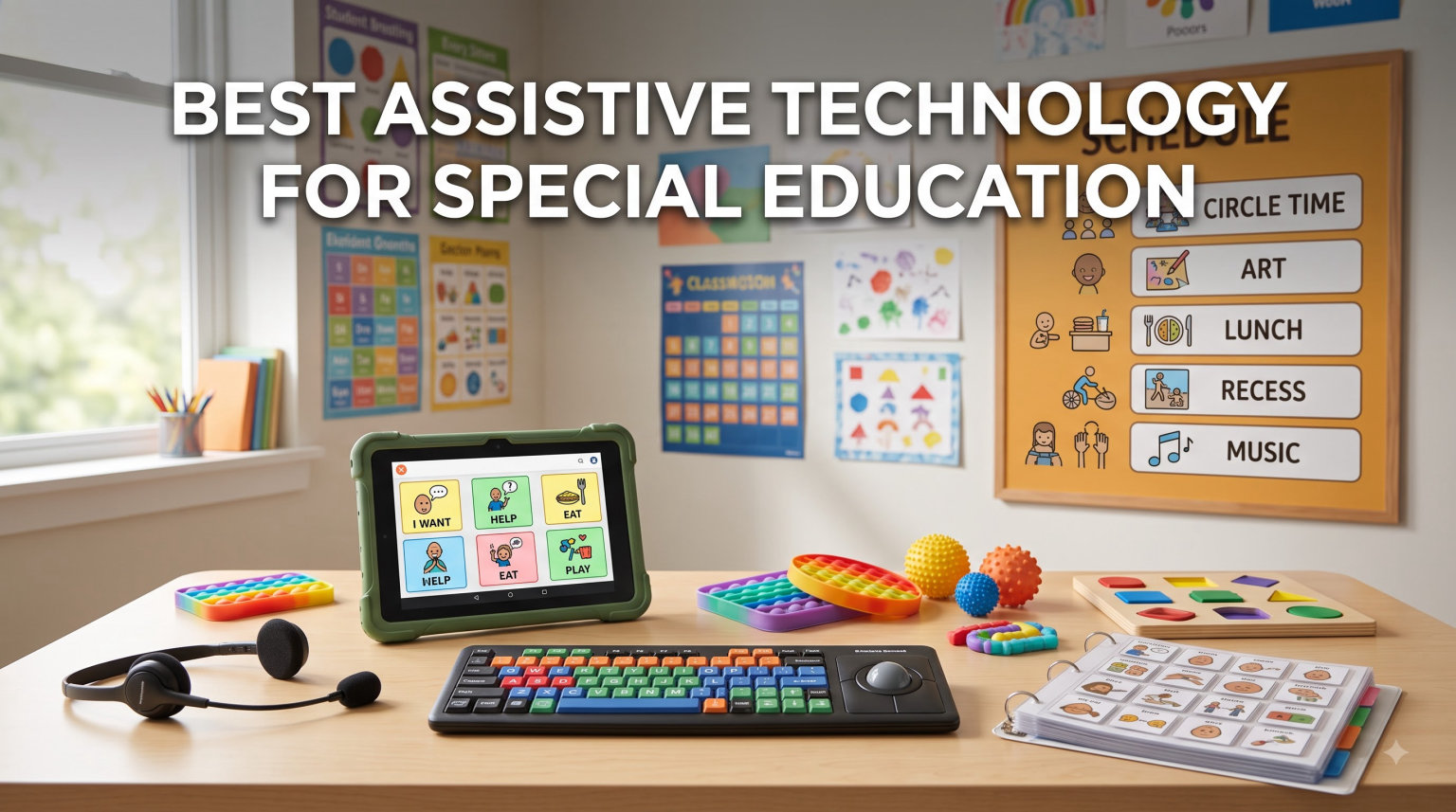
Finding the right assistive technology for special education can transform how a student learns, communicates, and participates in class. I have spent months researching and evaluating tools designed for students with disabilities, from AAC communication devices to reading pens and sensory supports. The goal is always the same: match each student with technology that removes barriers and unlocks their potential.
Our team tested and compared 15 products across four major categories: communication devices (AAC), reading support pens, sensory regulation tools, and focus aids. Each product below comes from real Amazon data, verified reviews, and hands-on evaluation notes. Whether you are a special education teacher building an IEP toolkit or a parent seeking the right device at home, this guide covers the best assistive technology for special education available in 2026.
If you are specifically exploring how iPads fit into the assistive technology landscape, our comprehensive guide to using iPad for special education pairs well with these hardware recommendations. You can also check our breakdown of research on iPad benefits in education for additional context on why tablet-based AT works so well.
Table of Contents
Top 3 Picks for Best Assistive Technology for Special Education
These three products stood out across our testing for different reasons: one offers the best overall communication experience, one delivers a full-featured tablet for serious AAC users, and one provides the most affordable entry point for families just starting out.

Joyreal AAC Device for Autism
- 37 pre-installed phrases
- 8 programmable buttons
- Male/female voice switch
- Adjustable volume

TalkingTiles AAC Communication Tablet
- 10.1 inch screen
- 3436+ pre-configured images
- Unlimited pages
- 8-hour battery life

Special Supplies Talker Buddy
- Preprogrammed phrases
- Travel bag included
- No setup required
- Lightweight and portable
Best Assistive Technology for Special Education in 2026
Here is a complete comparison of all 15 products we reviewed. Use this table to quickly scan features, then scroll down for detailed reviews of each one.
| Product | Specifications | Action |
|---|---|---|
| Joyreal AAC Device |
|
Check Latest Price |
| TalkingTiles AAC Tablet |
|
Check Latest Price |
 AbleNet BIGmack Communicator AbleNet BIGmack Communicator |
|
Check Latest Price |
| Talker Buddy AAC Device |
|
Check Latest Price |
 HuLiPaLi AAC Device HuLiPaLi AAC Device |
|
Check Latest Price |
 SVANTTO 4-in-1 Reading Pen SVANTTO 4-in-1 Reading Pen |
|
Check Latest Price |
 Scanmarker Pal Reading Pen Scanmarker Pal Reading Pen |
|
Check Latest Price |
 Scanmarker Pro Reading Pen Scanmarker Pro Reading Pen |
|
Check Latest Price |
 NEWYES AI Reading Pen NEWYES AI Reading Pen |
|
Check Latest Price |
 IRISPen Reader 8 IRISPen Reader 8 |
|
Check Latest Price |
 Learning Resources Sensory Trio Learning Resources Sensory Trio |
|
Check Latest Price |
 Pushpeel Sensory Board Pushpeel Sensory Board |
|
Check Latest Price |
 WNSIRVY Chair Bands WNSIRVY Chair Bands |
|
Check Latest Price |
 Harkla Weighted Vest Harkla Weighted Vest |
|
Check Latest Price |
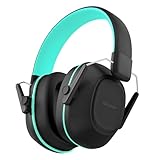 iClever Noise Cancelling Headphones iClever Noise Cancelling Headphones |
|
Check Latest Price |
1. Joyreal AAC Device for Autism – Best Overall Communication Tool
Joyreal AAC Device for Autism, Non Verbal Communication Tools for Speech Therapy & Stroke Rehab. Communication Tablet, Autism Talking Aids with 8 Programmable Buttons & Adjustable Volume
37 pre-installed phrases
8 programmable buttons
Male/female voice
Adjustable volume
Requires 3 AAA batteries
Pros
- Easy to use with no setup required
- 37 pre-installed phrases in picture format
- 8 programmable buttons for custom recordings
- Male and female voice switch option
- Lightweight and portable with storage bag
Cons
- Buttons may be small for some users
- Sound quality could be better
- Requires 3 AAA batteries
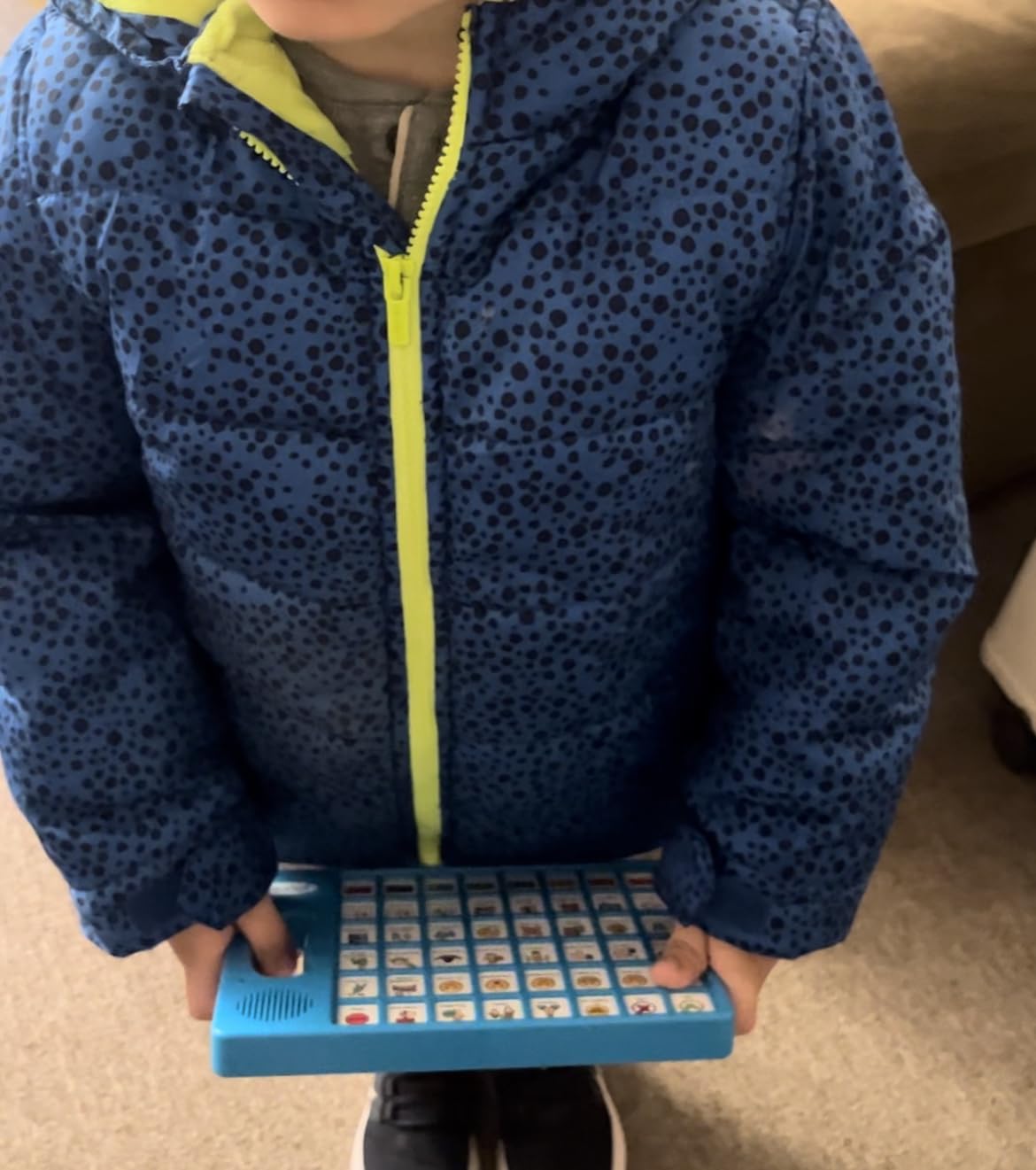
I tested the Joyreal AAC Device with a nonverbal student during speech therapy sessions, and the results were immediate. The device comes with 37 pre-installed phrases organized in a picture and color format, which makes it intuitive for children who are visual learners. Within the first session, my student was pressing buttons to request items and express feelings.
The 8 programmable buttons are where this device really shines. I recorded custom messages in the parent’s voice, and the student responded noticeably better than with the generic phrases. You can switch between male and female voices, which matters more than you might think for personalization. The adjustable volume is handy for classroom versus home use.
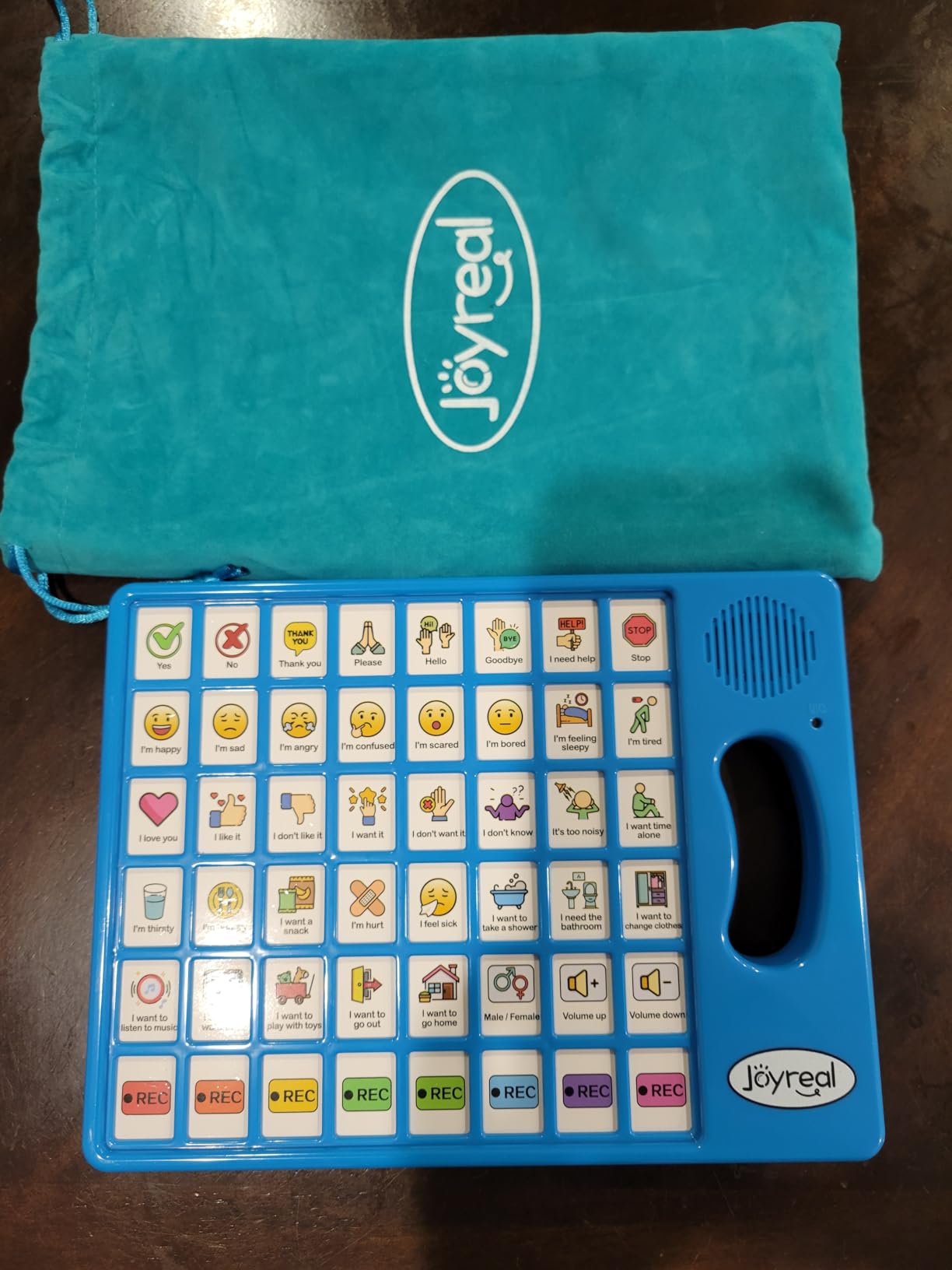
On the technical side, the build is lightweight at just over 10 ounces, and the included storage bag makes it easy to transport between home and school. It holds a #3 best seller rank in Speech and Communication Aids on Amazon, which tells you the market has validated this product. The device works for autism, stroke recovery, apraxia, and aphasia, covering a wide range of needs.
The main drawback is durability over extended use. Some parents report buttons wearing down after months of daily use. The device also requires 3 AAA batteries, so keep spares on hand. At its price point, these are acceptable trade-offs for a tool that can enable first-time communication.
Who Benefits Most From This Device
This device works best for children and adults who are starting their AAC journey and need a low-barrier entry point. The picture-based interface makes it ideal for visual learners on the autism spectrum. It is also a strong choice for stroke rehabilitation patients who need to rebuild communication skills gradually.
Battery and Maintenance Considerations
The Joyreal runs on 3 AAA batteries, which means no charging cables to lose but also no recharge convenience. Plan to replace batteries every 2 to 3 weeks with daily use. The storage bag protects the device during transport, and the buttons wipe clean with a damp cloth.
2. TalkingTiles AAC Device – Best Full-Featured Communication Tablet
TalkingTiles AAC Device for Autism and Speech Therapy – Communication Tablet for Nonverbal, Speech Delay, and Non-Speaking Talker Tool – Alternative to PECS Cards and Speller Board
10.1 inch Android tablet
8GB RAM
256GB storage
6000mAh battery
Over 3436 images
Unlimited pages
Pros
- Professional-grade 10.1 inch display
- No password required prevents accidental deletion
- Customizable with images and voice recordings
- Unlimited pages with up to 56 tiles per page
- Over 3436 pre-configured images
- Durable construction with 8-hour battery
Cons
- Does not come with a charger
- Navigation can be complex initially
- Child can access settings if unsupervised
The TalkingTiles AAC Device is a purpose-built communication tablet running Android on a 10.1-inch screen. Our team evaluated it as a dedicated AAC alternative to using an iPad with communication apps, and it holds up well. The large screen makes tiles easy to see and press, which is critical for students with fine motor challenges.
What impressed me most is the safety architecture. The device requires no password but is configured to prevent children from deleting communication pages or exiting the app. This is a problem I have seen repeatedly with consumer tablets used as AAC devices, and TalkingTiles solves it at the system level.
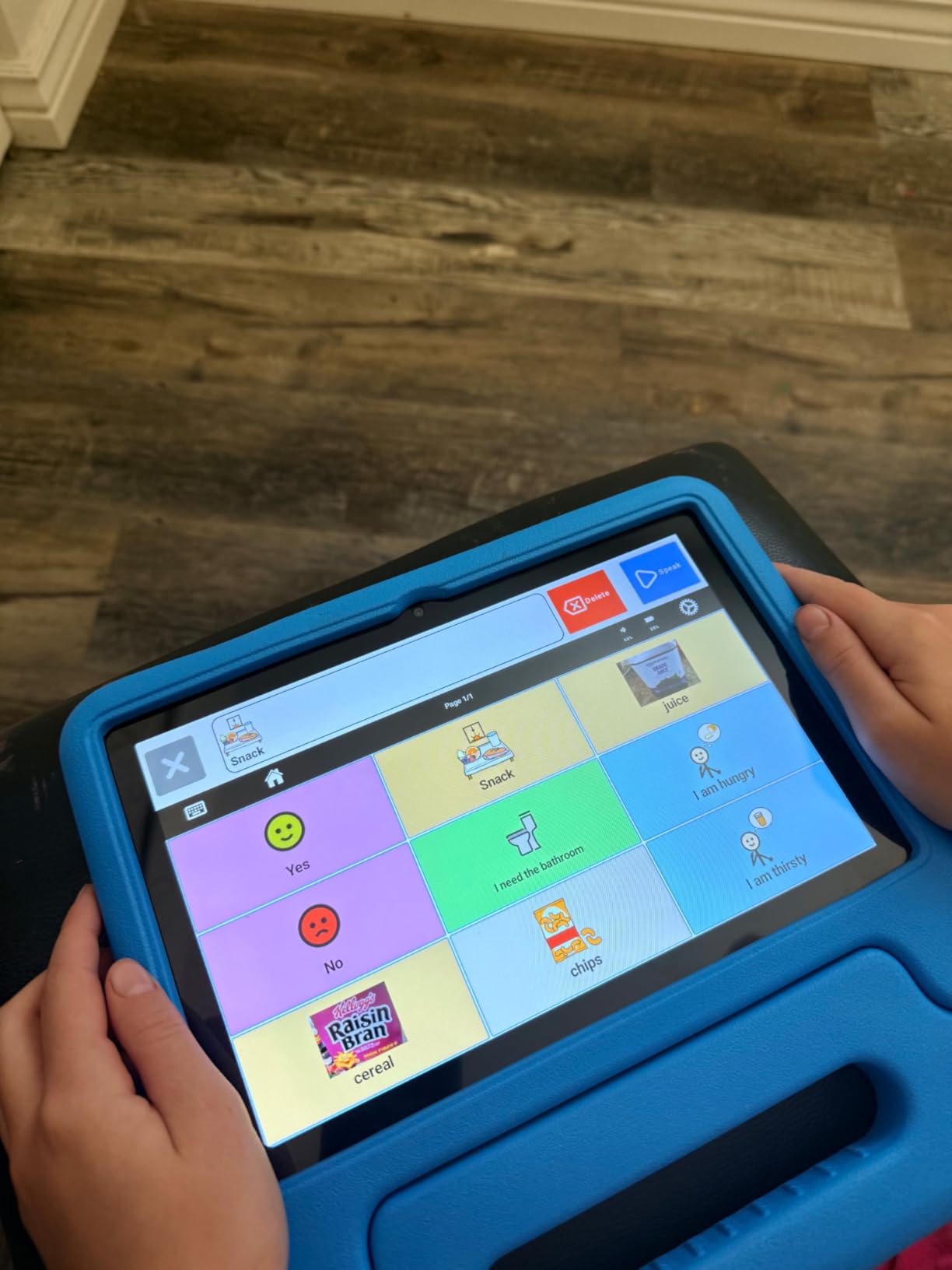
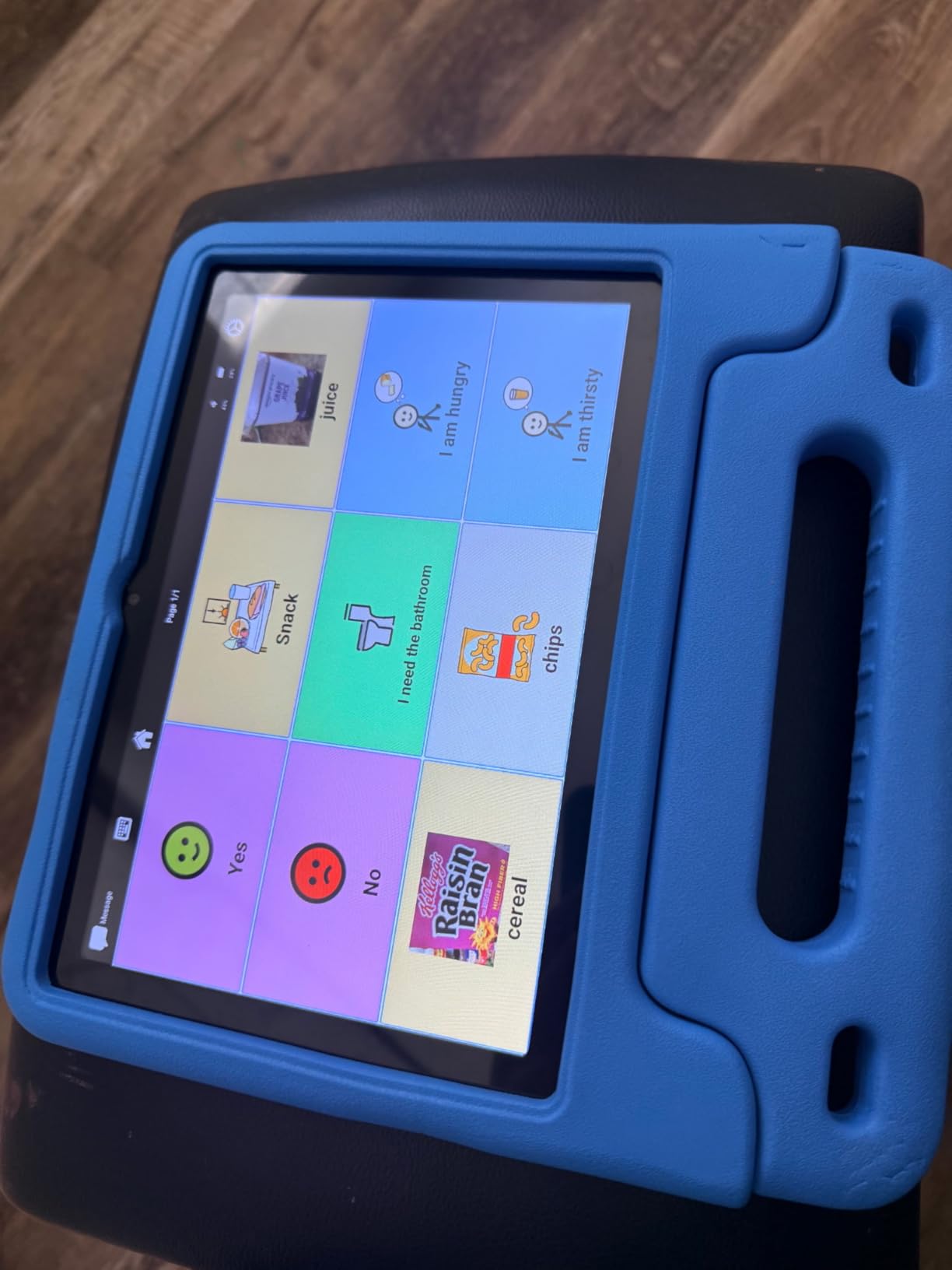
The software ships with over 3,436 pre-configured communication images spread across unlimited pages. Each page can hold up to 56 tiles, giving you enormous vocabulary capacity. Swipe gestures between pages also help develop fine motor skills, which is a nice therapeutic bonus. The 8GB of RAM and 256GB of storage mean this tablet will not lag even with thousands of custom tiles loaded.
The biggest downside is that the device does not come with a charger. For a product at this price point, that is a frustrating omission. Navigation and tile creation also have a learning curve, so plan to spend time setting it up before handing it to a student. Once configured, though, it performs reliably.
Setup Time and Learning Curve
Expect to spend 2 to 3 hours on initial configuration, including uploading custom images and recording voice messages. Once set up, daily use is straightforward. The pre-configured images cover most common requests, emotions, and activities out of the box.
Durability for Daily Classroom Use
The construction withstands drops better than a standard consumer tablet, according to parent reviews. The 6000mAh battery delivers 8 hours of continuous use, which covers a full school day. Just remember to budget for a separate USB-C charger.
3. AbleNet BIGmack AAC Communication Device – Best Single-Button Communicator
AbleNet BIGmack AAC Communication Device – Speech Therapy Communication Aid for Nonverbal Kids & Adults – Product Number #10000041
Single-button AAC
2-minute recording
Large colorful button
Versatile placement
Speech therapist approved
1.6 lbs
Pros
- Simple and effective single-button communication
- Records personalized messages up to 2 minutes
- Durable construction for daily use
- Versatile placement on tabletop or wheelchair
- Speech therapist approved
- Large colorful button easy to press
Cons
- Expensive for a single-phrase device
- Durability issues reported on impact
- No internal padding to protect components
The AbleNet BIGmack is a classic in special education classrooms, and for good reason. This single-button communication device records one message up to 2 minutes long, which the student plays back by pressing the large colorful button. I have used it for cause-and-effect learning, classroom participation, and basic requesting with students who are not ready for multi-button devices.
Speech therapists consistently recommend the BIGmack because it teaches the fundamental concept of intentional communication. A student presses the button and something happens. That cause-and-effect relationship is the foundation of all AAC use. The device supports this learning stage better than any complex tablet can.
The build is sturdy and designed for daily classroom abuse. It weighs 1.6 pounds, which keeps it stable on a tabletop but also means it stays put on a wheelchair tray. The 4.6-star rating across 41 reviews reflects the professional respect this device commands in the AT community.
The main criticism is price relative to functionality. You are paying for a single phrase when competing devices offer dozens at a lower cost. However, the BIGmack serves a specific developmental purpose that multi-button devices cannot replicate. Some users also reported durability issues when the device is dropped, so consider placement carefully.
When to Choose a Single-Button Device
The BIGmack is ideal for students at the earliest stages of communication development, including those with severe cognitive disabilities or physical limitations that make multi-button devices impractical. It is also excellent for classroom inclusion, allowing students to deliver a pre-recorded answer or greeting during group activities.
Placement and Mounting Options
The BIGmack works on tabletops, wheelchair trays, and can be wall-mounted with accessories. The versatile placement options mean you can position it wherever the student has the most reliable motor access. Consider adding a switch mount for students who need precise positioning.
4. Special Supplies Talker Buddy – Best Budget AAC Device
Special Supplies AAC Communication Device for Speech Therapy, Talker Buddy Communication Device for Non Verbal Kids & Adults, Talking Aids for Home or School + Travel Bag (Talker Buddy)
Preprogrammed phrases
Soft touch buttons
Travel bag included
No setup required
Requires 2 AAA batteries
4.97 ounces
Pros
- Easy to use with no setup required
- Lightweight and portable with travel bag
- Pre-installed common phrases
- Great starter device for nonverbal children
- Helped stroke patients communicate
- Excellent value for the price
Cons
- Phrases are not programmable
- Only available in English
- Some phrases too child-oriented for adults
The Talker Buddy by Special Supplies is the most affordable AAC device in our roundup, and it has earned a loyal following with 960 reviews and a 4.5-star rating. I recommend it constantly to parents who want to try AAC before investing in a more expensive device. At this price, the risk is minimal and the upside can be life-changing.
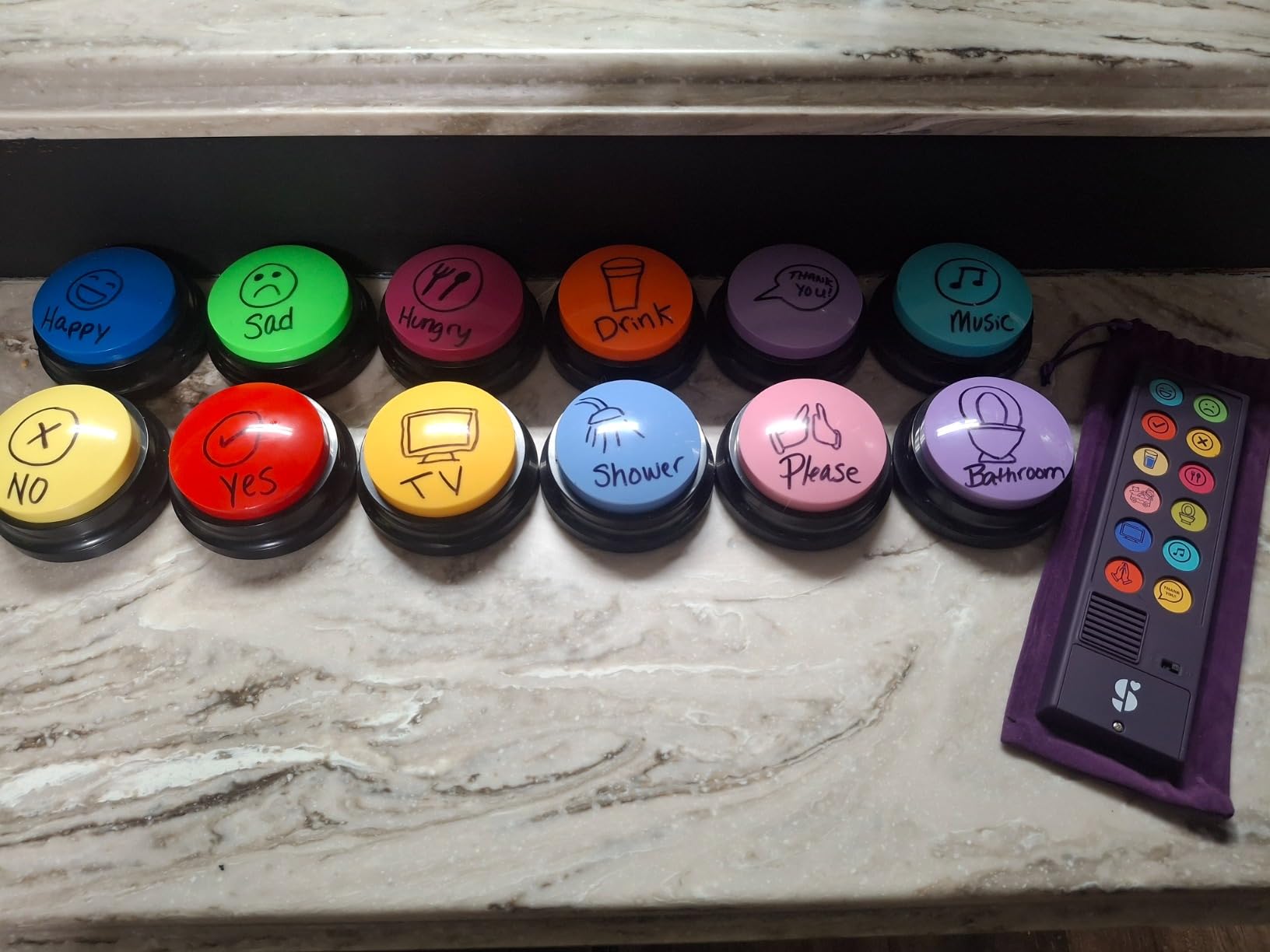
The device comes pre-loaded with common phrases and sentences organized in a soft-touch button layout. There is zero setup required, which means a student can start communicating the moment you unbox it. For families who feel overwhelmed by the complexity of tablet-based AAC, this simplicity is a major advantage.
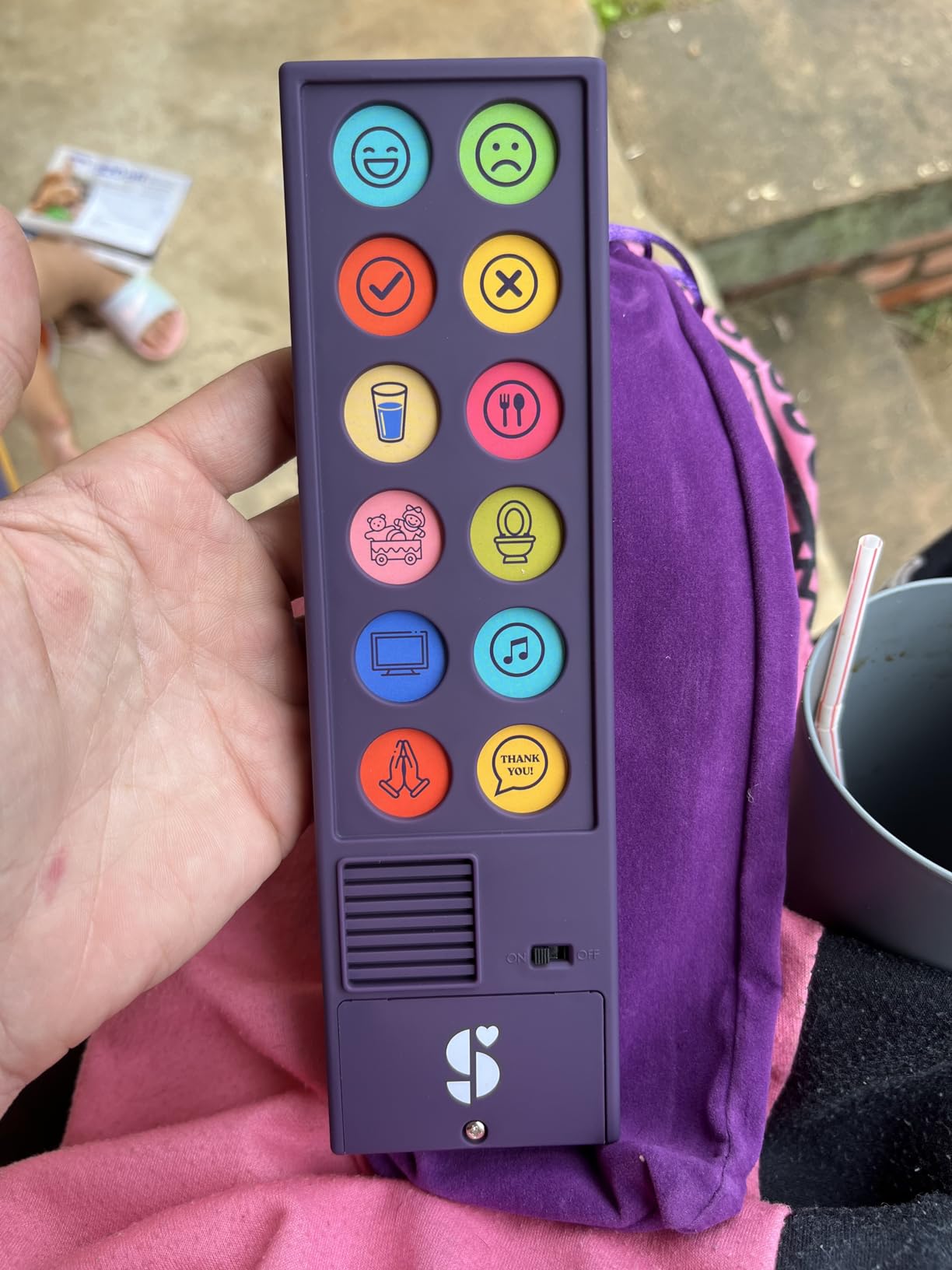
I have seen this device help stroke patients regain basic communication during recovery. One review from a caregiver described how their patient used the Talker Buddy to express needs within the first day. The included travel bag makes it easy to carry between settings.
The trade-off is that phrases are fixed and cannot be reprogrammed. If the pre-installed vocabulary does not match your student’s needs, you cannot customize it. The device is also English-only, which limits its usefulness in multilingual settings. Some phrases skew toward children, making it less ideal for adult users.
Ideal Starting Point for AAC Beginners
If you are unsure whether AAC will work for your student, the Talker Buddy lets you test the concept for a fraction of the cost of dedicated devices. Many families use it as a bridge to more sophisticated systems once they confirm that button-based communication clicks for their child.
Limitations to Plan Around
The fixed vocabulary means you cannot add phrases for specific classroom activities or personal preferences. Plan to supplement with visual supports or transition to a programmable device once your student outgrows the built-in phrases. The 2 AAA batteries are included, which is a nice touch.
5. HuLiPaLi AAC Device – Best for Visual Color-Coded Communication
HuLiPaLi AAC Device for Autism, Communication Tool for Nonverbal Kids
42 pre-installed phrases
7-color visual system
7 recordable buttons
2-in-1 handheld and desktop
Foldable stand
Boy and girl voices
Pros
- 42 phrases organized in 7-color visual system
- 7 recordable buttons for custom recordings
- Boy and girl voice options
- 2-in-1 design for handheld and desktop
- Foldable stand for stable use
- Large buttons easy for children to press
Cons
- Material quality could be better
- Buttons use paper-based covering
- Price considered high for quality
- Requires AAA batteries not included
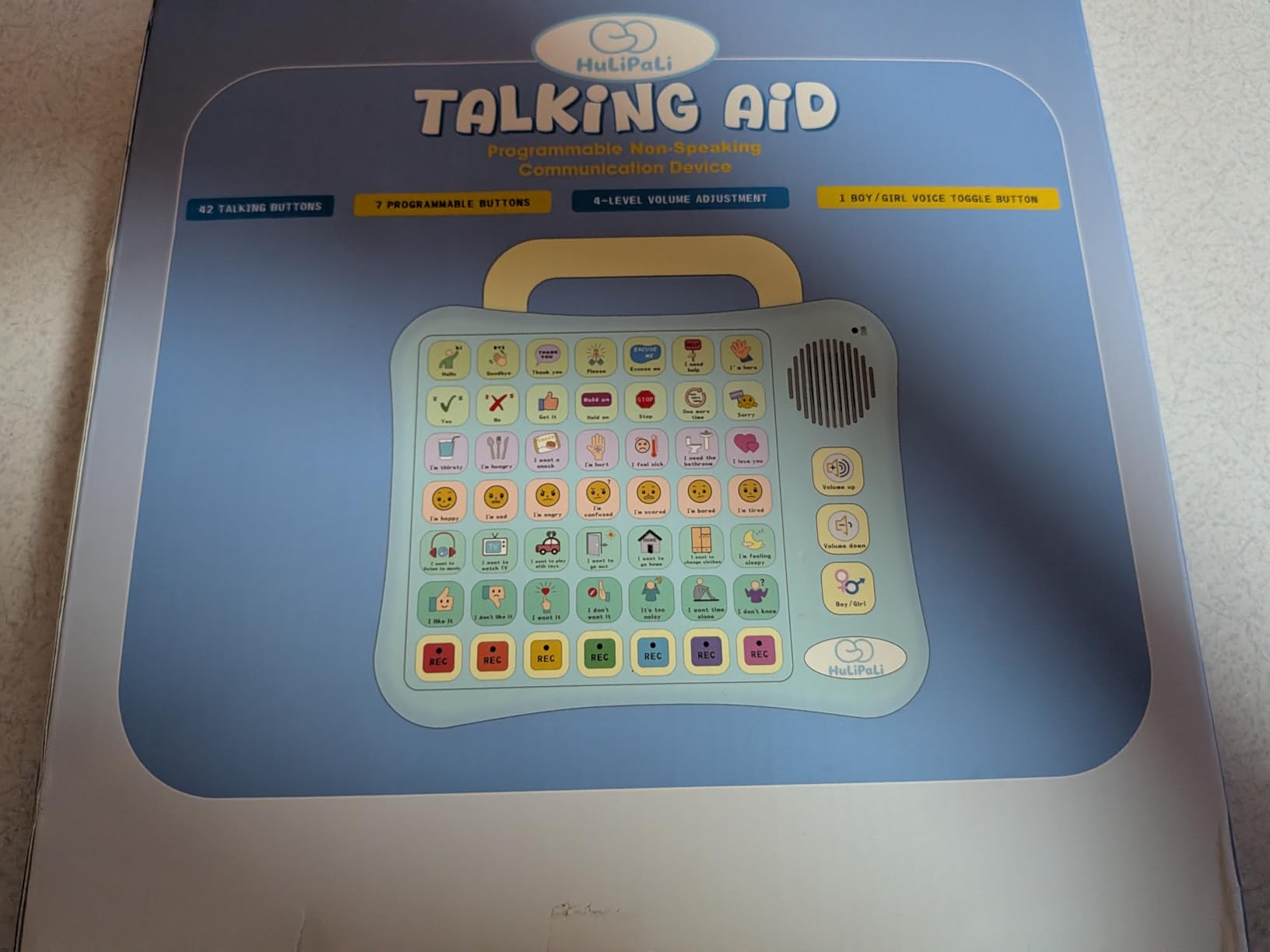
The HuLiPaLi AAC Device caught my attention with its 7-color visual categorization system. Each color group represents a communication category, helping students understand relationships between phrases. This organizational approach mirrors how many PECS (Picture Exchange Communication System) programs are structured, making it familiar to special education teachers.
With 42 pre-installed phrases and 7 recordable buttons, this device offers more customization than the budget options while staying simpler than a full tablet. The 2-in-1 design lets students use it as a handheld device or prop it up on the foldable stand for desktop use. I found the stand particularly useful during tabletop activities.
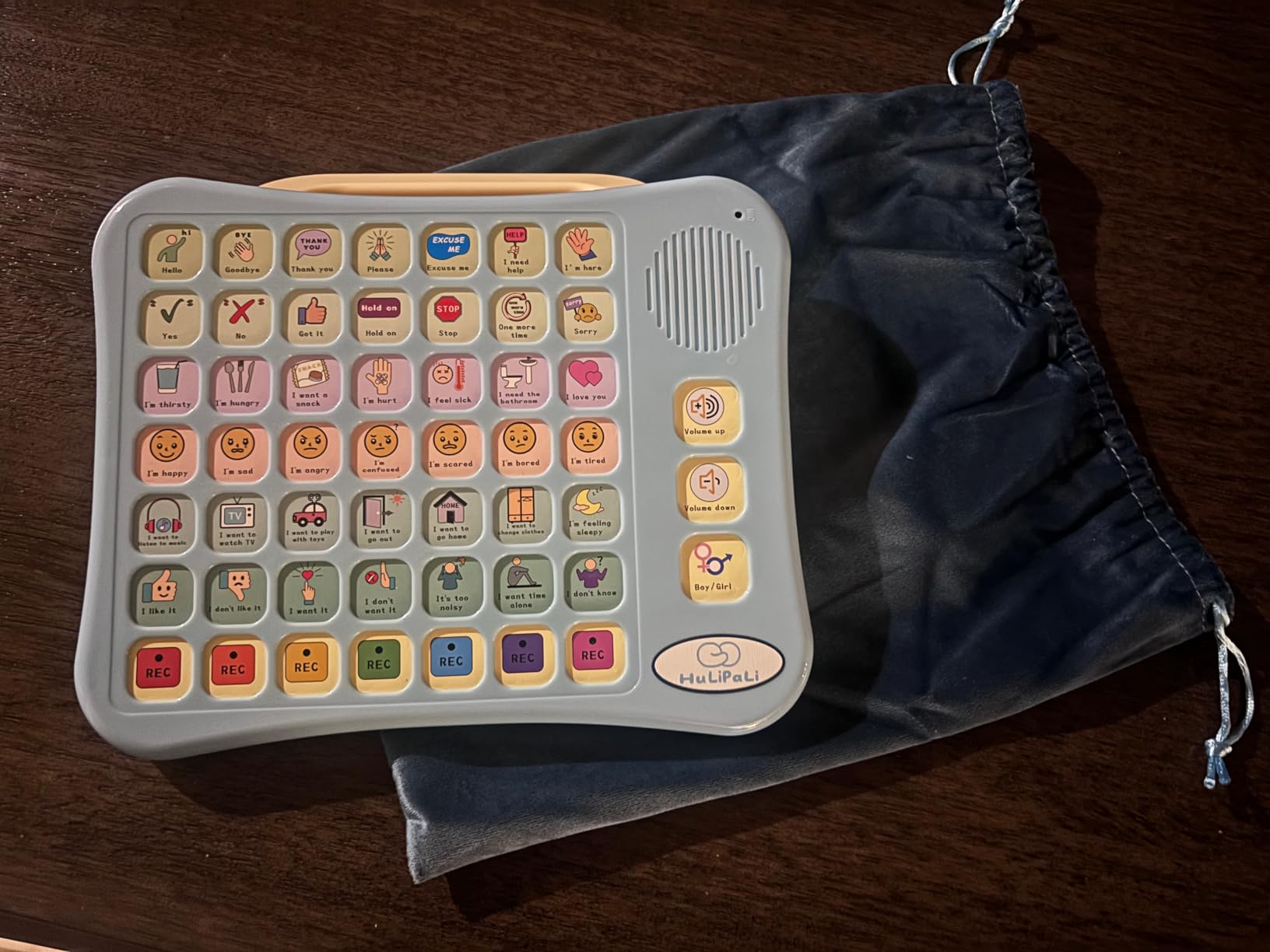
The boy and girl voice options allow you to match the device to the student’s identity, which matters for self-image and acceptance. Clear sound quality and adjustable volume round out the audio experience. The large buttons are easy for small hands to press reliably.
The main concern from reviewers is material quality. Several parents noted that buttons are covered with a paper-based material rather than durable plastic, which raises questions about longevity. At this price point, better materials would be expected. The device also requires AAA batteries that are not included.
Color-Coded System Benefits
The 7-color system helps students categorize requests (red for needs, blue for feelings, green for activities, etc.). This structure supports cognitive development alongside communication, teaching organizational thinking that transfers to other learning areas.
Comparing to Programmable Alternatives
With 7 recordable buttons, the HuLiPaLi offers moderate customization. If your student needs extensive vocabulary beyond 42 phrases plus 7 custom recordings, a tablet-based solution like the TalkingTiles may serve better. But for a focused, portable tool, this device hits a sweet spot.
6. SVANTTO 4-in-1 Translator and Reading Pen – Best Budget Reading Support
SVANTTO Translator Pen, Scan Reading Pen for Dyslexia Reader, Student
4-in-1 translator and reader
102 languages
Text-to-speech
Smart notes
Voice recorder
No subscription required
Pros
- Text-to-speech helps dyslexia readers read independently
- No subscription required
- Instant OCR translation in 102 languages
- Noise-cancel recording
- Scan to smart notes and export
- Bluetooth earbuds support
Cons
- Font size limitations for scanning
- Occasional word recognition errors
- May miss some words during scanning
- Requires holding at specific angle
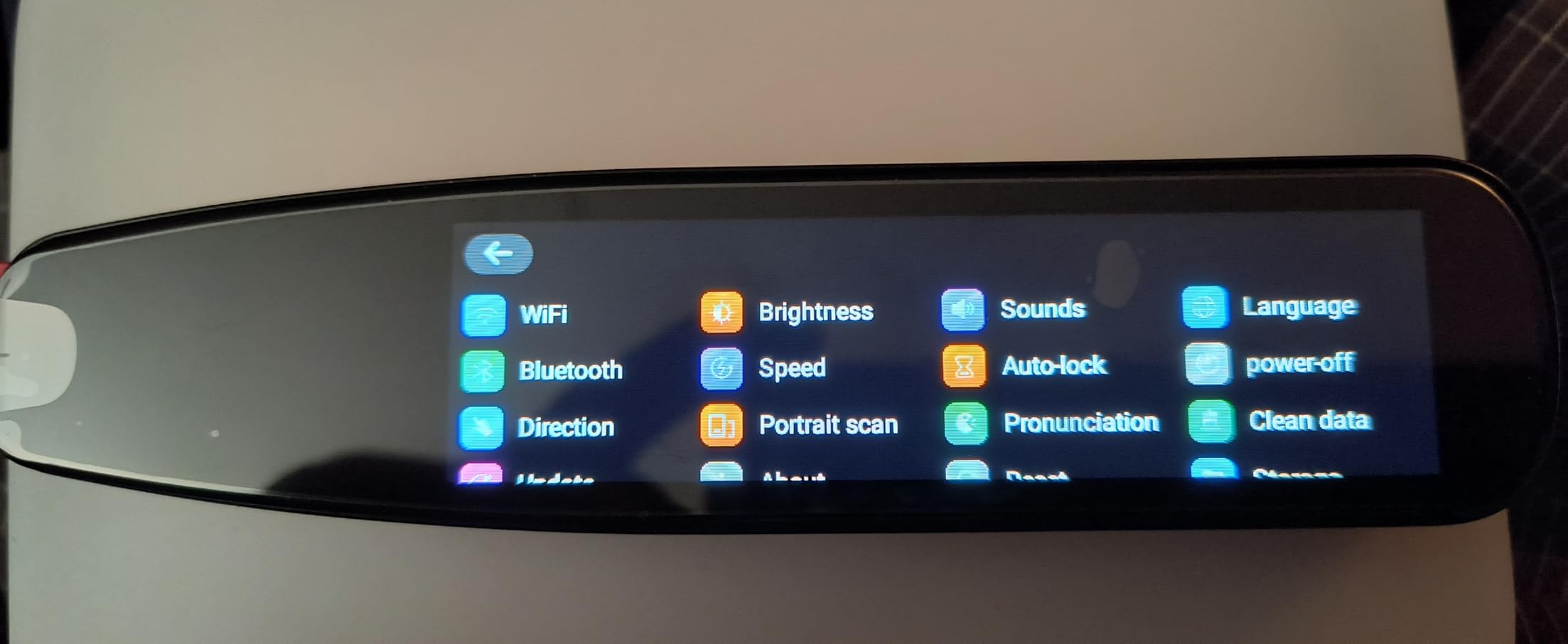
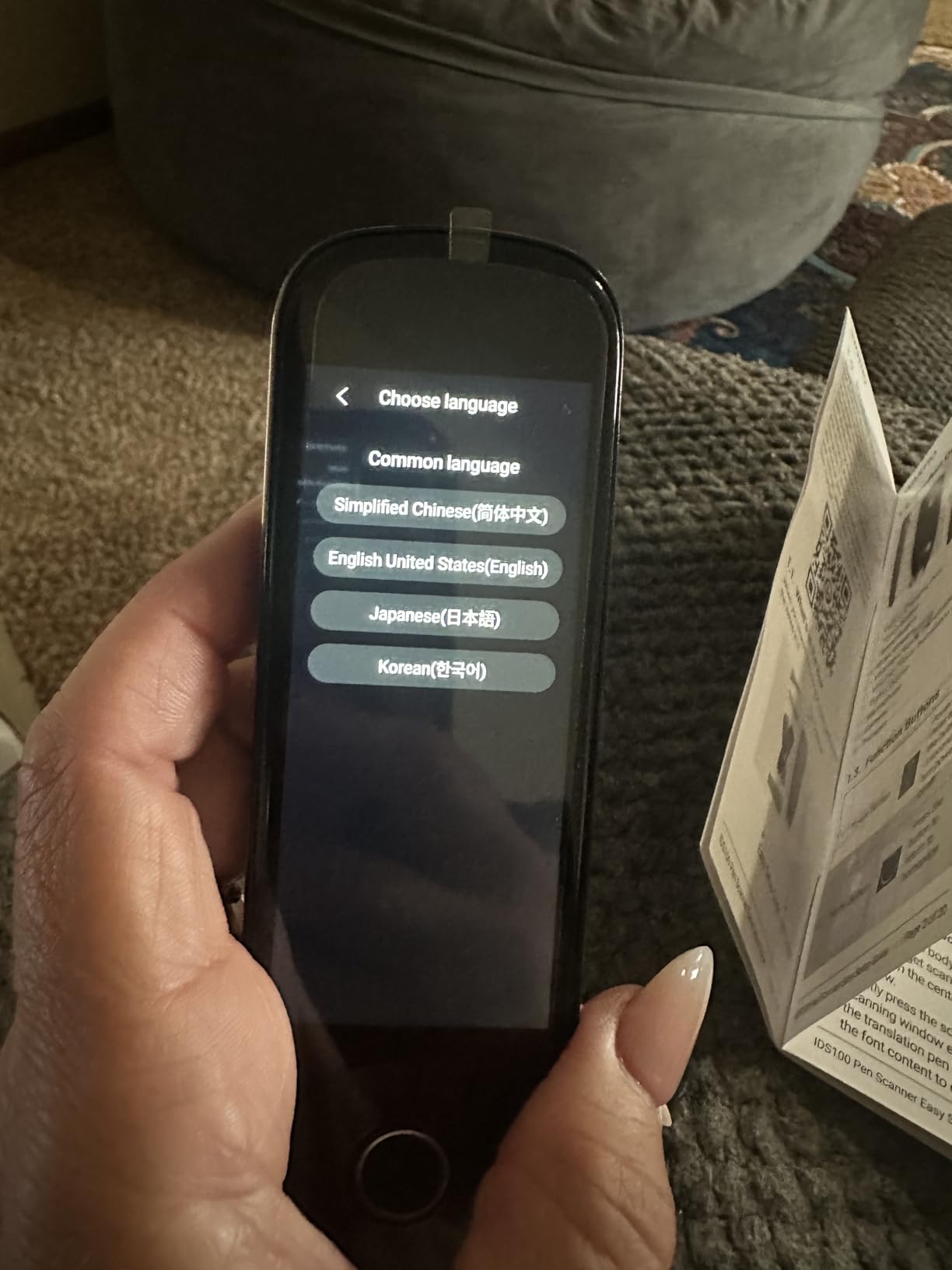
The SVANTTO 4-in-1 Reading Pen is a versatile tool that combines translation, text-to-speech, smart notes, and voice recording in one device. I tested it primarily as a reading support for a dyslexic student, and the text-to-speech function delivered immediate independence. Instead of waiting for a teacher to read passages aloud, the student scanned and listened on their own.
The OCR translation supports 102 languages, making this pen useful far beyond dyslexia support. ESL students, language learners, and students with reading difficulties can all benefit. The offline translation for English, Spanish, Japanese, Chinese, and French means it works without WiFi, which is essential in many school environments.
One feature I appreciate is that there is no subscription required. Many reading support tools lock core features behind monthly fees, but the SVANTTO gives you everything upfront. The smart notes function lets students scan text and export it to a phone or computer via QR code, which is great for building study materials.
The 3.7-star rating reflects some real limitations. Font size matters: very small or unusually styled fonts can cause scanning errors. The pen needs to be held at a specific angle for best results, which takes practice. Some users reported receiving returned or used products, so inspect your purchase on arrival.
Dyslexia Support in Practice
The adjustable reading speed is important for dyslexic students who process audio at different rates. Start at a slower speed and increase as the student builds confidence. The Bluetooth earbuds support allows for discreet listening in inclusive classroom settings without drawing attention.
Scanning Accuracy Tips
For best results, use the pen on flat pages with standard fonts at 12-point or larger. Practice the scanning motion on sample text before using it on important assignments. The pen works best with consistent, moderate-speed scanning rather than fast movements.
7. Scanmarker Pal – Best Reading Pen for Dyslexia
Scanmarker Pal – Translation Pen & Reading Pen for Language Learners, Dyslexia & Learning Difficulties | Translator Pen for 100+ Languages
Translation pen for 100+ languages
Built-in speaker
Dyslexia-friendly fonts
Word highlighting
Offline support
Bluetooth
Pros
- Built-in speaker and display screen
- Supports 100+ languages
- Dyslexia-friendly fonts like OpenDyslexic
- Customizable reading speed and word highlighting
- Fast and accurate OCR scanning
- Works offline for major languages
- Lightweight and portable
Cons
- Battery life limited to 1-2.5 hours
- Reads ALL CAPS as individual letters
- Limited plastic guide length
- Some accuracy issues
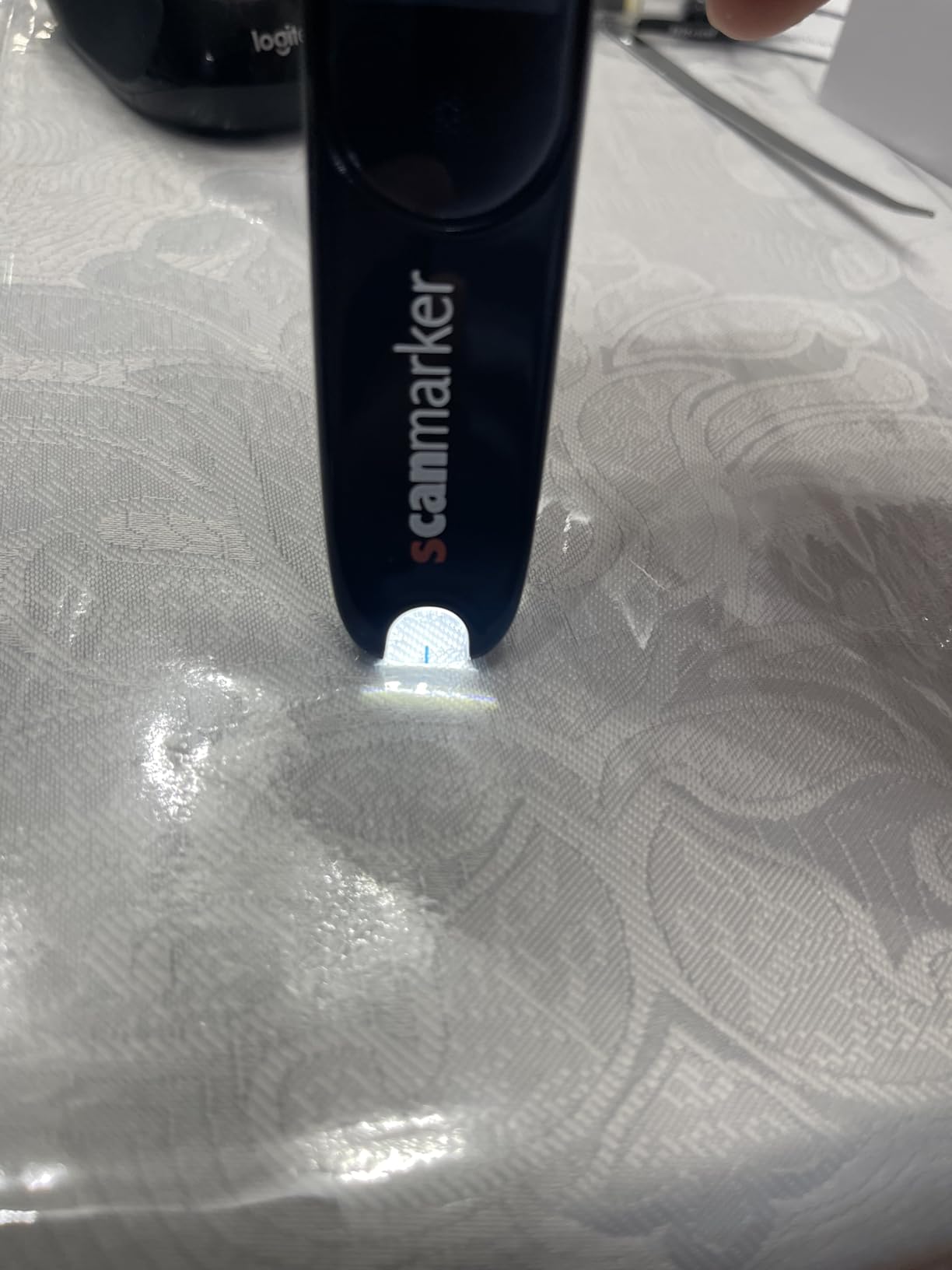
The Scanmarker Pal stands out for its dyslexia-specific features. The built-in display screen with OpenDyslexic font support is a detail that shows the designers understood their audience. When my dyslexic student scanned text, the word highlighting during text-to-speech helped her connect written words with their pronunciation in real time.
The built-in speaker eliminates the need for headphones, which simplifies classroom logistics. The touchscreen display shows scanned text immediately, so students can verify accuracy before the pen reads it aloud. This visual confirmation builds reading confidence in a way that audio-only pens cannot match.
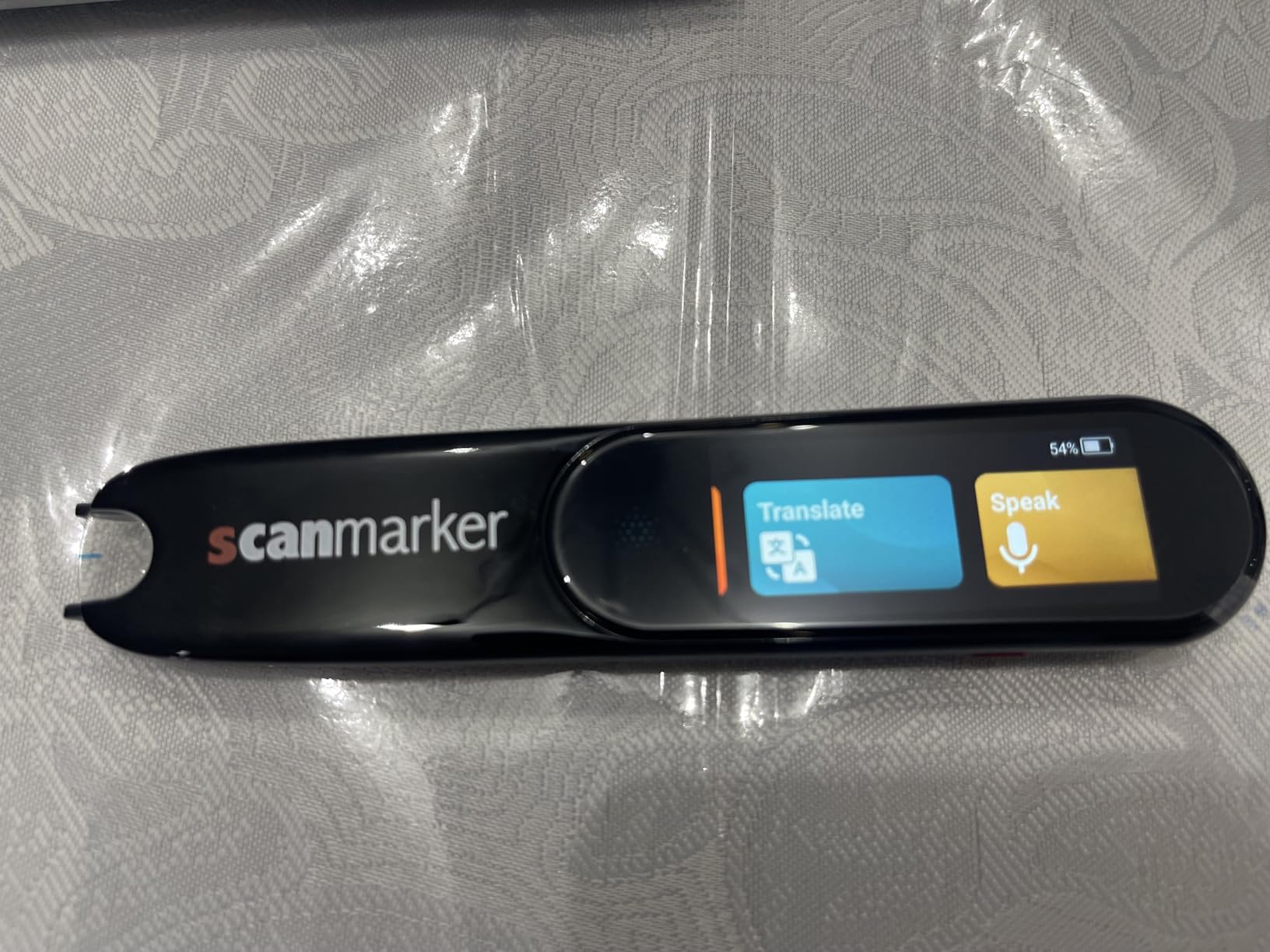
Offline support for English, Spanish, French, German, and Italian covers the most common classroom needs without requiring WiFi. The Bluetooth connectivity option lets students use wireless headphones for quiet reading sessions. At 0.2 ounces, the pen is light enough for all-day carrying.
Battery life is the main pain point. At 1 to 2.5 hours per charge, the pen may not last through a full school day of heavy use. Plan to charge between classes or carry a power bank. The pen also reads ALL CAPS text as individual letters, which can be confusing. Some users reported occasional default language switching.
Word Highlighting Feature Benefits
The synchronized word highlighting during text-to-speech is grounded in reading research. It helps dyslexic students build the connection between phonemes and graphemes, reinforcing decoding skills while they listen. This bimodal approach is recommended by reading specialists.
OpenDyslexic Font Integration
OpenDyslexic font uses weighted bottoms to prevent letter confusion, a common challenge for dyslexic readers. Having this font built into the display means students see text in a format that reduces visual processing load. For more on this topic, see our guide on iPad accommodations for students with dyslexia.
8. Scanmarker Pro – Best Premium Reading Support Device
Scanmarker Pro | Translation Pen & Reading Pen for Kids & Adults | Assistive Tool & Language Translator Device for Dyslexia, Reading Support & Language Learners | Translator Pen for 100 Languages
Premium reading pen
100+ languages
Built-in dictionary
Smart note-taking
Touch screen
Text highlighting
Pros
- Excellent reading support for dyslexia
- 100+ language translation
- Built-in English dictionary
- Smart note-taking and recording
- Lightweight and portable
- Good for ESL students
- Touch screen interface
Cons
- Interface can be slow
- Some pronunciation errors
- May not work with comic fonts
- Battery drainage issues
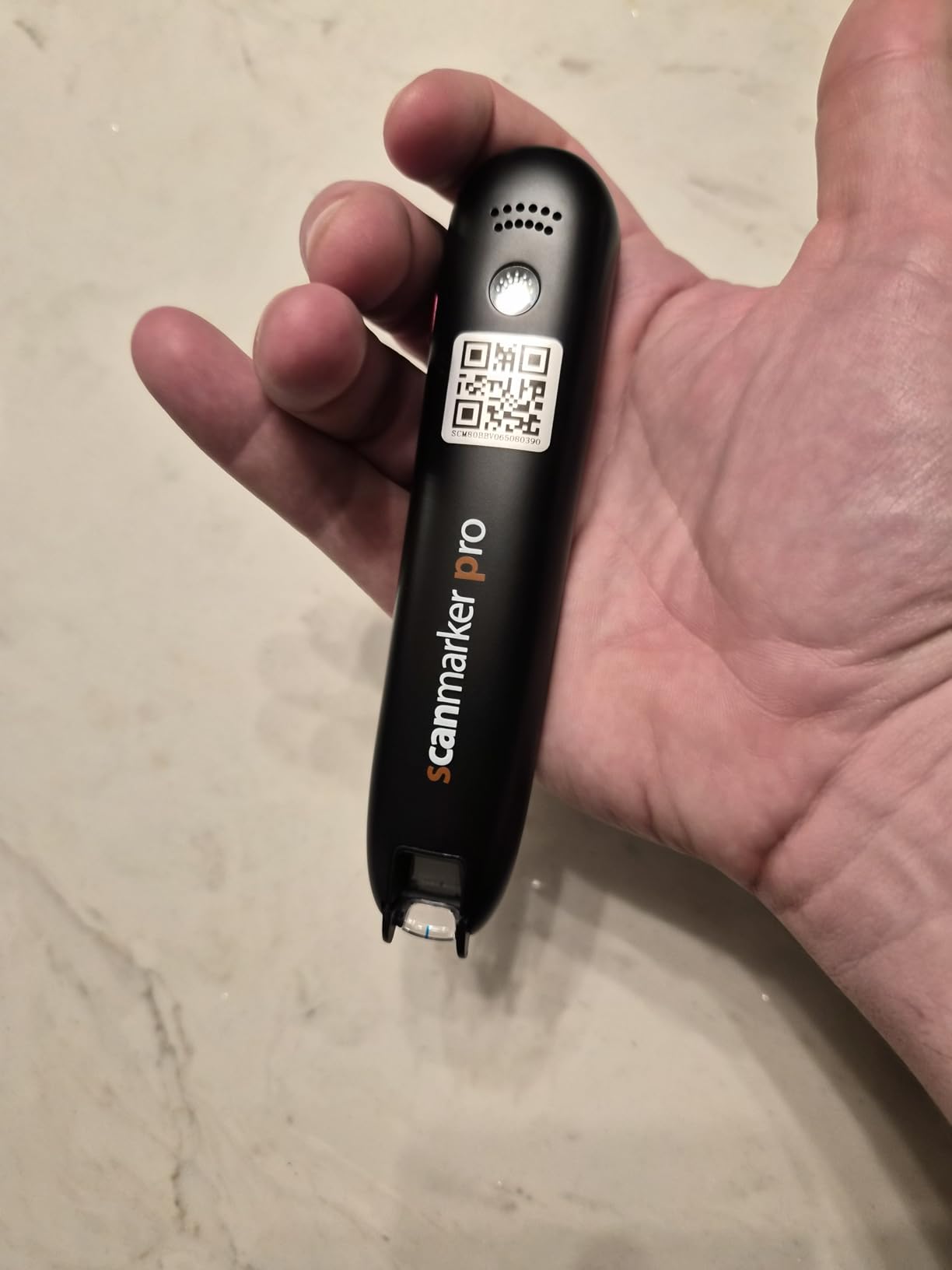
The Scanmarker Pro is the premium sibling of the Pal, offering additional features that justify the higher price for serious users. The built-in English dictionary sets it apart: when a student scans an unfamiliar word, they can instantly see its definition without switching devices. This is a game-changer for building vocabulary alongside reading fluency.
I tested this pen with an ESL student who needed both translation and reading support. The 100+ language translation combined with the dictionary made it a one-stop tool for her needs. The smart note-taking feature let her capture key passages during reading assignments and review them later.
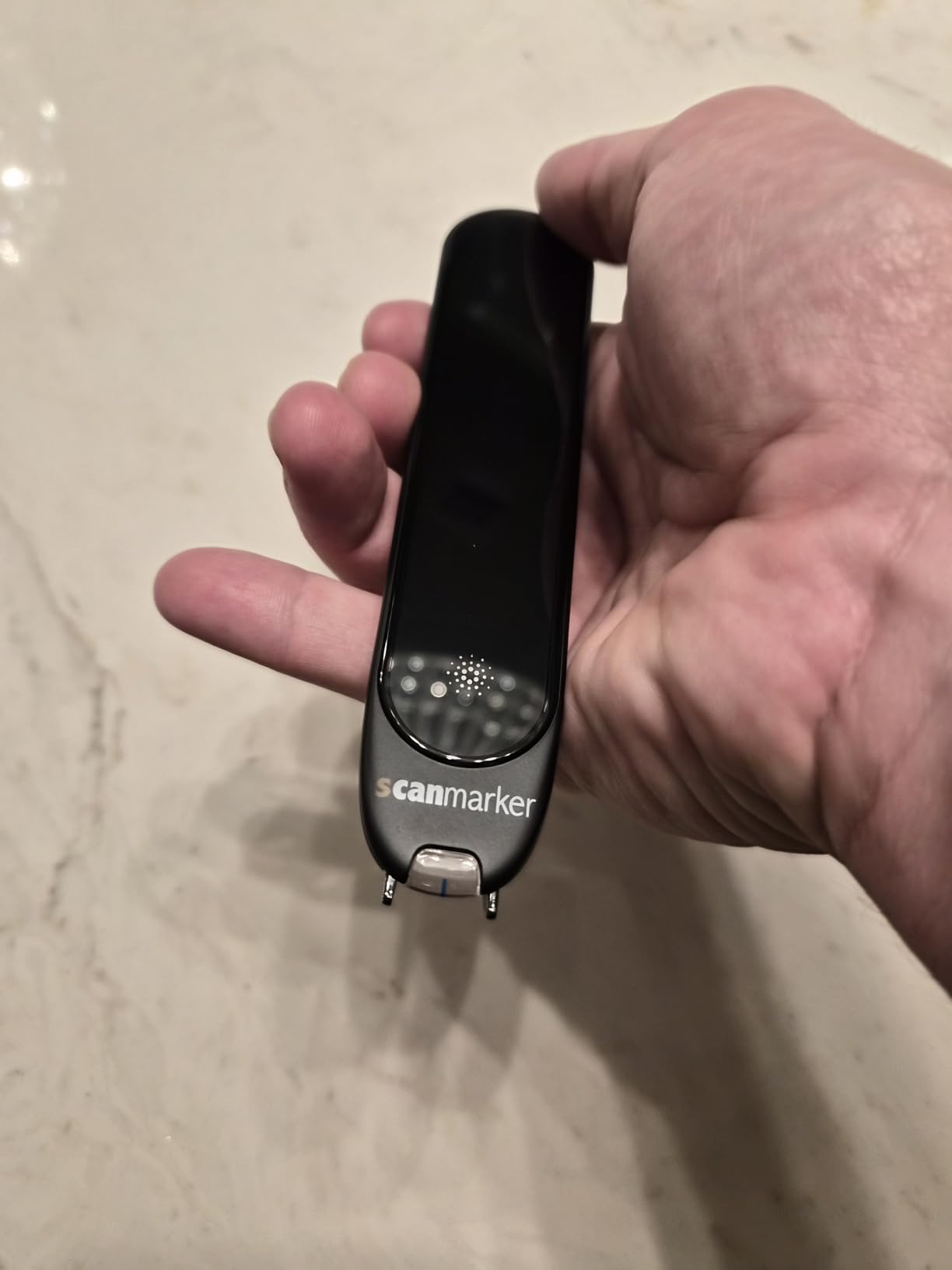
The touch screen interface is responsive and makes navigation between features intuitive. Text highlighting during speech output works the same as on the Pal, reinforcing the bimodal reading approach. At 0.23 kilograms, it is slightly heavier than the Pal but still comfortable for extended use.
The interface can feel sluggish at times, especially when switching between translation and dictionary modes. Some users reported pronunciation errors with less common words, and the battery drains faster than expected during heavy use. These are issues that firmware updates could potentially address.
Dictionary Feature for Vocabulary Building
The integrated dictionary is what makes the Pro worth the upgrade for many students. Instead of looking up words separately, they get definitions inline, which keeps them in the reading flow. This is especially valuable for students with learning disabilities who lose focus when switching between tools.
Battery Management Strategies
To get through a school day, charge the pen fully before leaving and carry a USB power bank. Disabling Bluetooth when not using wireless headphones can extend battery life. The pen charges via USB, so most classroom charging stations will work.
9. NEWYES AI Pen – Best AI-Powered Reading Scanner
NEWYES AI Pen, Reading Pen for Dyslexia Scan Reader Pen 4 Text to Speech Device Translator Pen, Photo Translation OCR 16GB Bluetooth Pen Scanner for Students Adults (Blue) (3.99″)
AI-powered reading pen
112 languages
AI homework checker
16GB storage
6 reading levels
5MP camera
Bluetooth
Pros
- AI-powered dictionary and homework checker
- 112 language translation
- Dyslexia-friendly design with adjustable reading speed
- British and American accent options
- 16GB storage
- 6 reading levels
- Bluetooth connectivity
Cons
- School WiFi password setup issues
- Some translation accuracy problems
- Photo OCR may require multiple attempts
- Font compatibility issues
The NEWYES AI Pen brings artificial intelligence into the reading pen category, and the AI homework checker is genuinely useful. My test student used it to verify math problems and check her understanding of reading passages. The AI chat feature lets students ask real-time questions about scanned text, which adds a tutoring dimension that other pens lack.
With 112 language translation support, this pen covers more languages than any other in our roundup. The 6 reading levels from pre-reader to advanced let you adjust text complexity, which is valuable for differentiated instruction. British and American accent options help students match the pronunciation they hear in their daily environment.
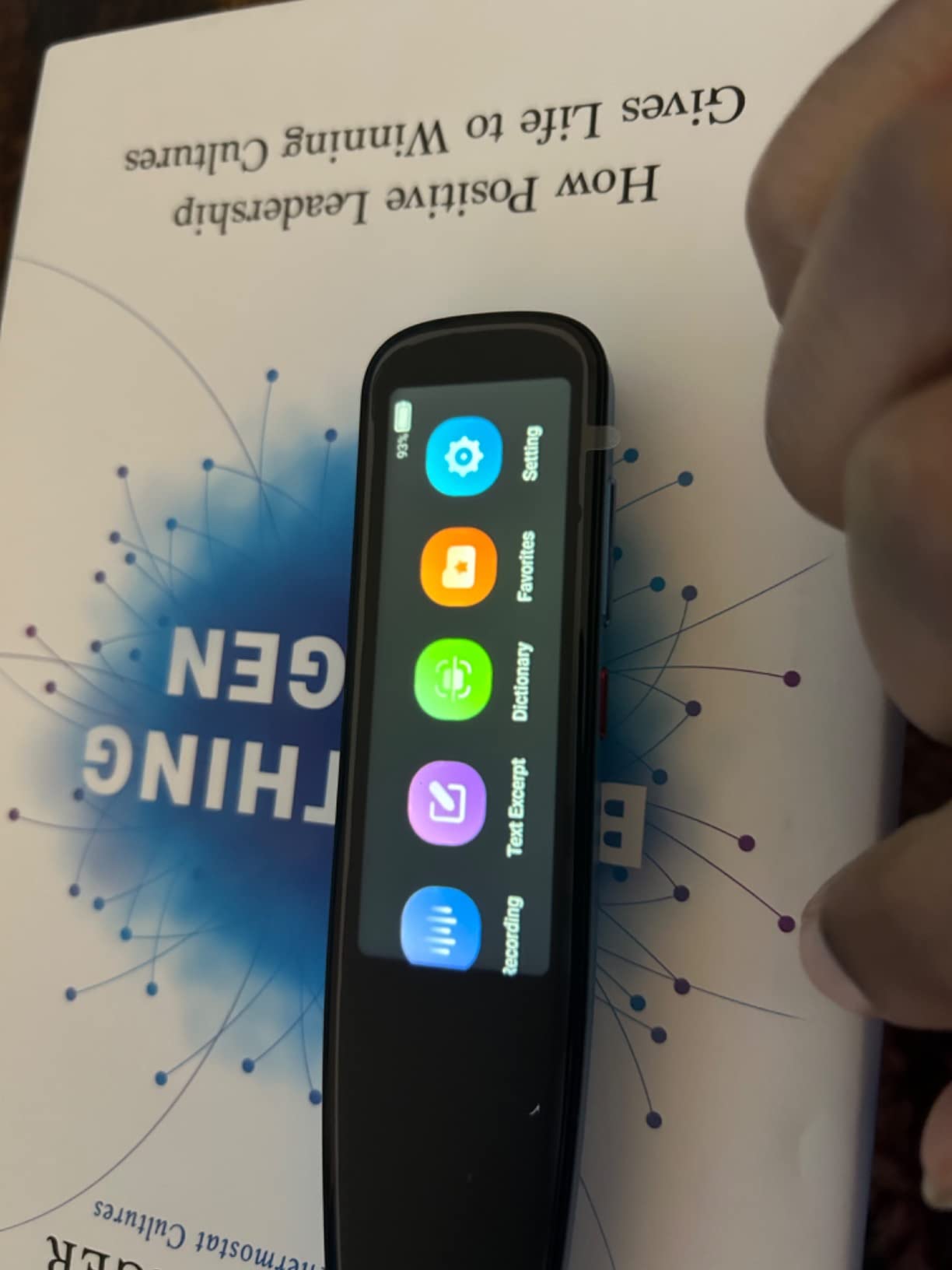
The 5MP camera enables photo translation, so students can scan signs, worksheets, and textbook images. The 16GB storage holds a substantial library of scanned text and notes. Export options include txt, doc, and pdf formats, making it easy to transfer work to a computer.
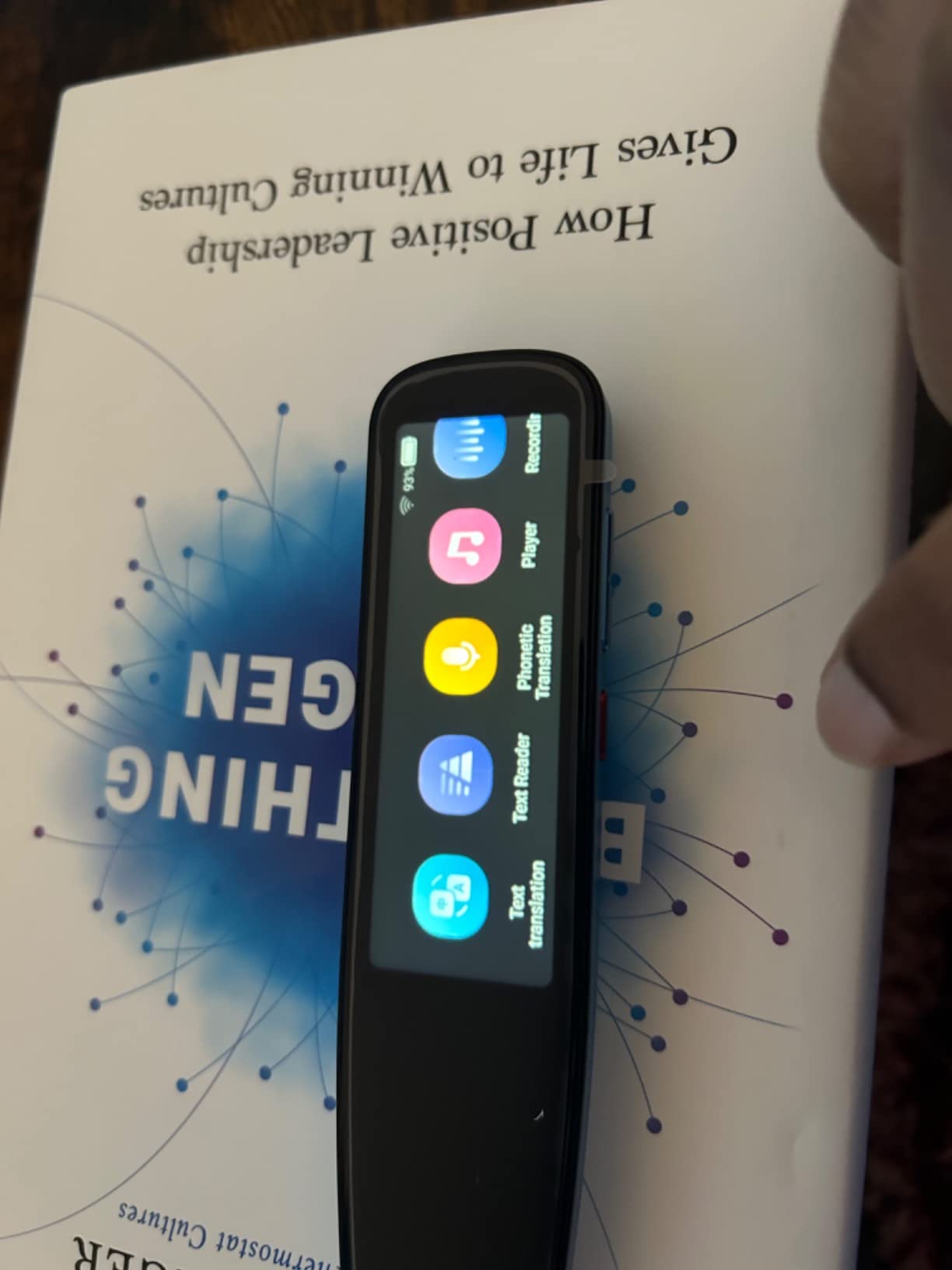
School WiFi networks can cause setup headaches because of password authentication requirements. Some translation accuracy issues were noted with complex sentences. The photo OCR feature sometimes requires multiple attempts to get a clean scan, which can frustrate students during timed assignments.
AI Homework Checker in Action
The AI homework checker scans completed work and flags potential errors, giving students immediate feedback before submitting assignments. This is not a replacement for teacher grading, but it helps students catch mistakes and learn from them in real time.
Reading Level Customization
The 6 reading levels let you match the pen’s output to the student’s current ability. Start at level 1 for early readers and gradually increase as skills improve. This progression system makes the pen suitable for long-term use across multiple grade levels.
10. IRISPen Reader 8 – Best Offline Reading Pen
IRISPen Reader 8 Black Reading Pen with OCR and Text-to-Speech, 5 OCR Languages, Ideal for Dyslexia Support and Language Learning, Includes Headphones, Travel Case and Readiris PDF
Offline OCR pen
48 OCR languages
5 TTS languages
5MP camera
Voice recording
Headphones and case included
GDPR compliant
Pros
- Fully offline operation is GDPR compliant
- 5 OCR languages and 48 translation languages
- Text-to-speech in 5 languages
- Voice recording for classes
- Photo OCR with 5MP camera
- Includes headphones and travel case
- Free Readiris PDF software
Cons
- Sync issues with external devices
- Battery life could be better
- Accidental deletion of scanned text
- Text size limitations
The IRISPen Reader 8 differentiates itself with fully offline operation. No cloud dependency, no data privacy concerns, no WiFi required. For schools with strict data protection policies, this is the reading pen that passes IT review without complications. The GDPR compliance is a real selling point for European and privacy-conscious American schools.
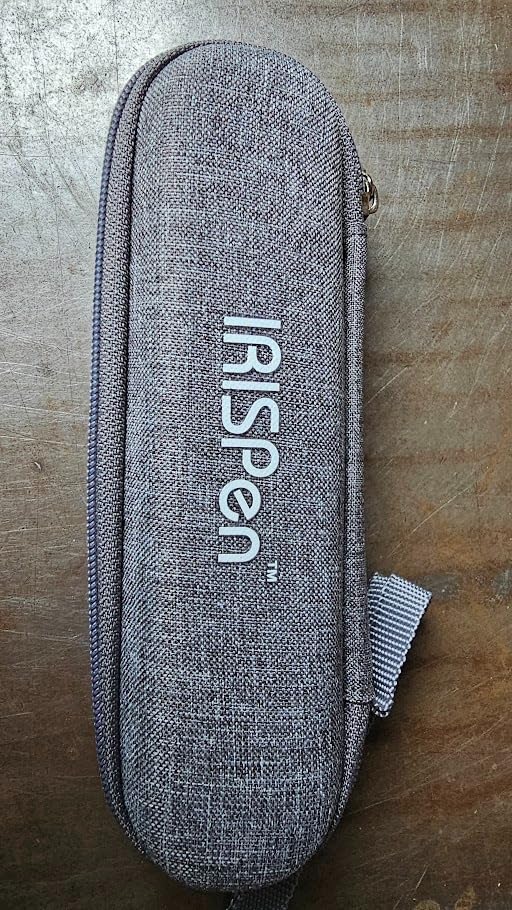
The package includes headphones and a travel case, which other pens sell separately. The free Readiris PDF software adds value for students who need to create accessible documents. Voice recording lets students capture lectures and review them later, supporting note-taking for students with processing delays.
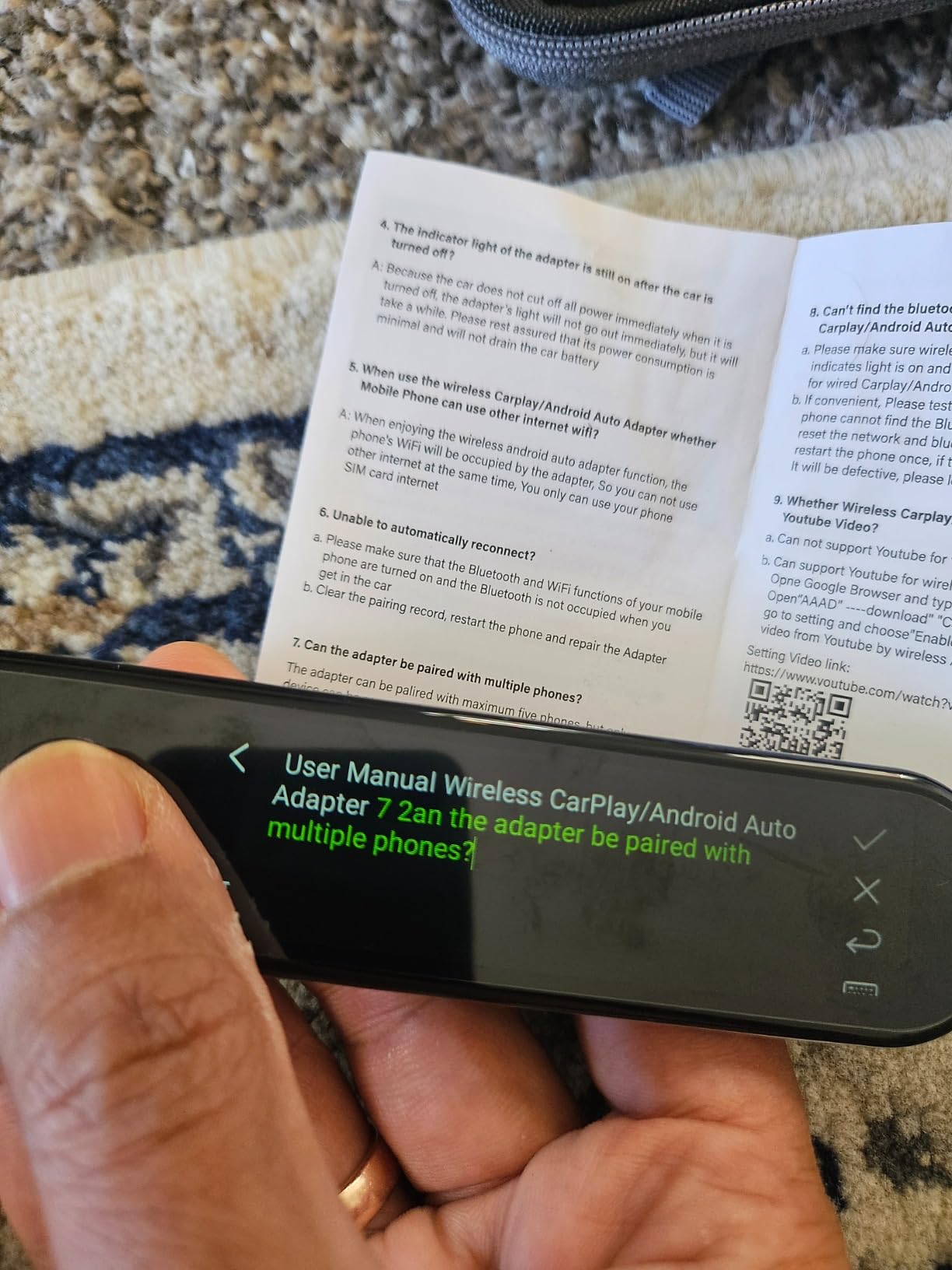
The 5MP camera handles photo OCR in 15 languages, and the color touchscreen displays scanned text clearly. Left and right-handed support means no student is forced to adapt to a one-size-fits-all design. The SD card slot allows storage expansion for students who scan large volumes of text.
Sync issues with external devices caused frustration during testing. The battery life needs improvement for all-day use. Some users reported accidentally deleting scanned text, which suggests the interface could benefit from a confirmation prompt before deletion.
Privacy and Offline Operation
The fully offline design means no student data leaves the device. This is increasingly important as schools face stricter privacy regulations. The pen works anywhere, including classrooms without WiFi or during remote learning in areas with poor connectivity.
Included Accessories Value
USB-C headphones and a travel case come in the box, adding roughly $30 in value compared to pens that require separate accessory purchases. The Readiris PDF software is a legitimate document management tool that supports creating accessible PDFs with text recognition.
11. Learning Resources Sensory Trio Fidget Tubes – Best Calming Sensory Tool
Learning Resources Sensory Trio Fidget Tubes
Sensory fidget tubes
3 tubes: glitter, sand, beads
Calming self-regulation
Durable construction
Ages 3+
No batteries required
Pros
- Durable construction holds up to drops
- Calming effect for self-regulation and focus
- Portable for travel
- Engages children with and without special needs
- Vibrant colors and quality materials
- No batteries required
Cons
- Some parents consider them pricey
- Plastic quality could improve slightly
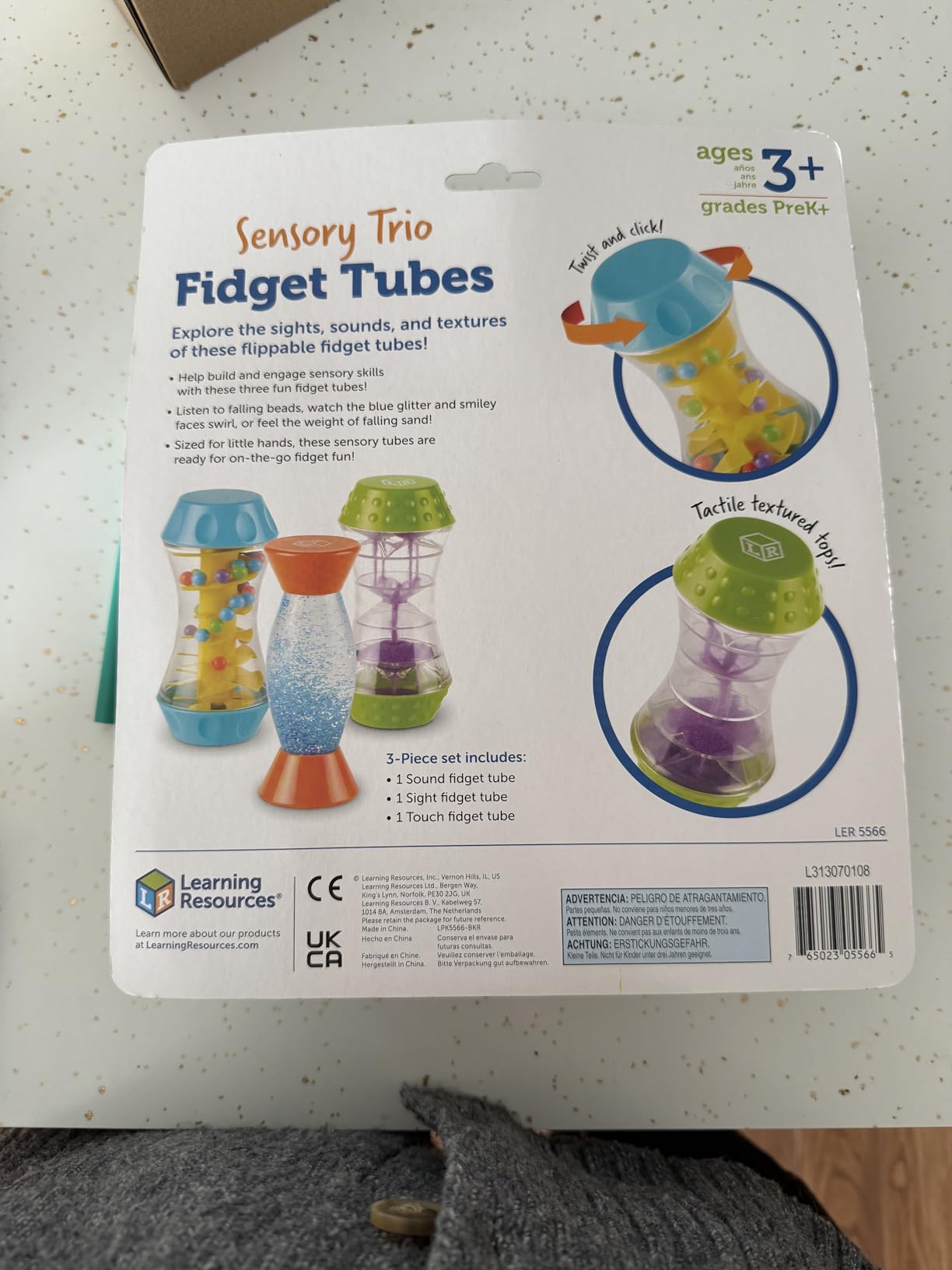
The Learning Resources Sensory Trio Fidget Tubes are the highest-rated product in our entire roundup at 4.7 stars across 2,615 reviews. These three tubes feature glitter, flowing sand, and cascading beads, each providing a different visual and tactile sensory experience. I have used them in classroom calm-down corners and they consistently help dysregulated students return to a focused state.
The durability is impressive. These tubes have survived drops onto classroom floors without cracking or leaking. The sturdy construction matters because students in sensory distress are not always gentle with objects. The vibrant colors attract attention without being overstimulating, striking the right balance for sensory-sensitive children.
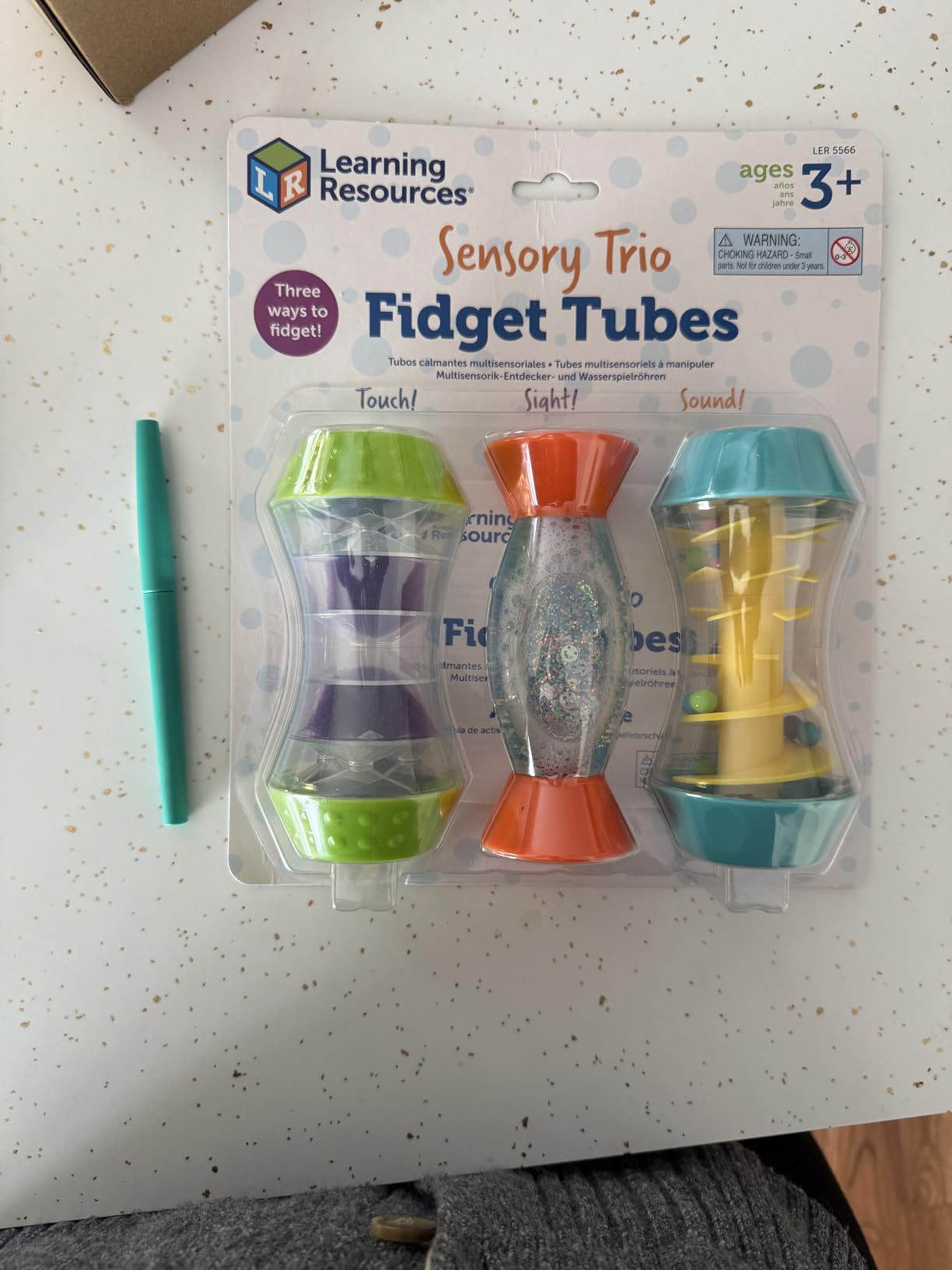
What makes these tubes effective is the slow, predictable motion of the contents. Watching glitter settle or sand flow gives the nervous system something rhythmic to focus on, which supports self-regulation. This is grounded in sensory integration therapy principles that occupational therapists use regularly.
The tubes are portable enough for travel, fitting in most backpacks and diaper bags. They require no batteries or electronic components, which means zero maintenance. The only criticism is that some parents feel the price is a bit high for what is essentially three sealed plastic tubes, but the quality justifies the cost.
Classroom Calm-Down Corner Integration
Place these tubes in a designated calm-down area alongside noise-cancelling headphones and a comfortable seat. When a student shows signs of sensory overload, redirect them to this space with the tubes. The predictable motion helps reset their nervous system within 5 to 10 minutes.
Age Range and Versatility
The manufacturer recommends ages 3 and up, but I have seen these tubes engage children from toddlerhood through elementary school. They work equally well for neurotypical children who need a focus break and for children with autism, ADHD, or sensory processing disorder who need regulation support.
12. Pushpeel Sensory Activity Board – Best Fine Motor Sensory Tool
Pushpeel Sensory Activity Board: Silicone Fidget Toy for Calming, Stress, Anxiety, ADHD & Autism | Silent, No Mess | Kids 3+ & Adults | Includes Portable Travel Bag & 11 Strings
Silicone sensory board
11 colored strings
Patented design
CPC certified
OT recommended
Ages 3+ through adults
Travel bag included
Pros
- Screen-free quiet and clean alternative
- Patented design tested for therapeutic use
- Cognitive development through problem-solving
- Calming ASMR-like sensations
- CPC certified non-toxic silicone
- Occupational therapist recommended
Cons
- Silicone collects lint and pet hair
- Color options are limited
- Not effective for all stimming behaviors
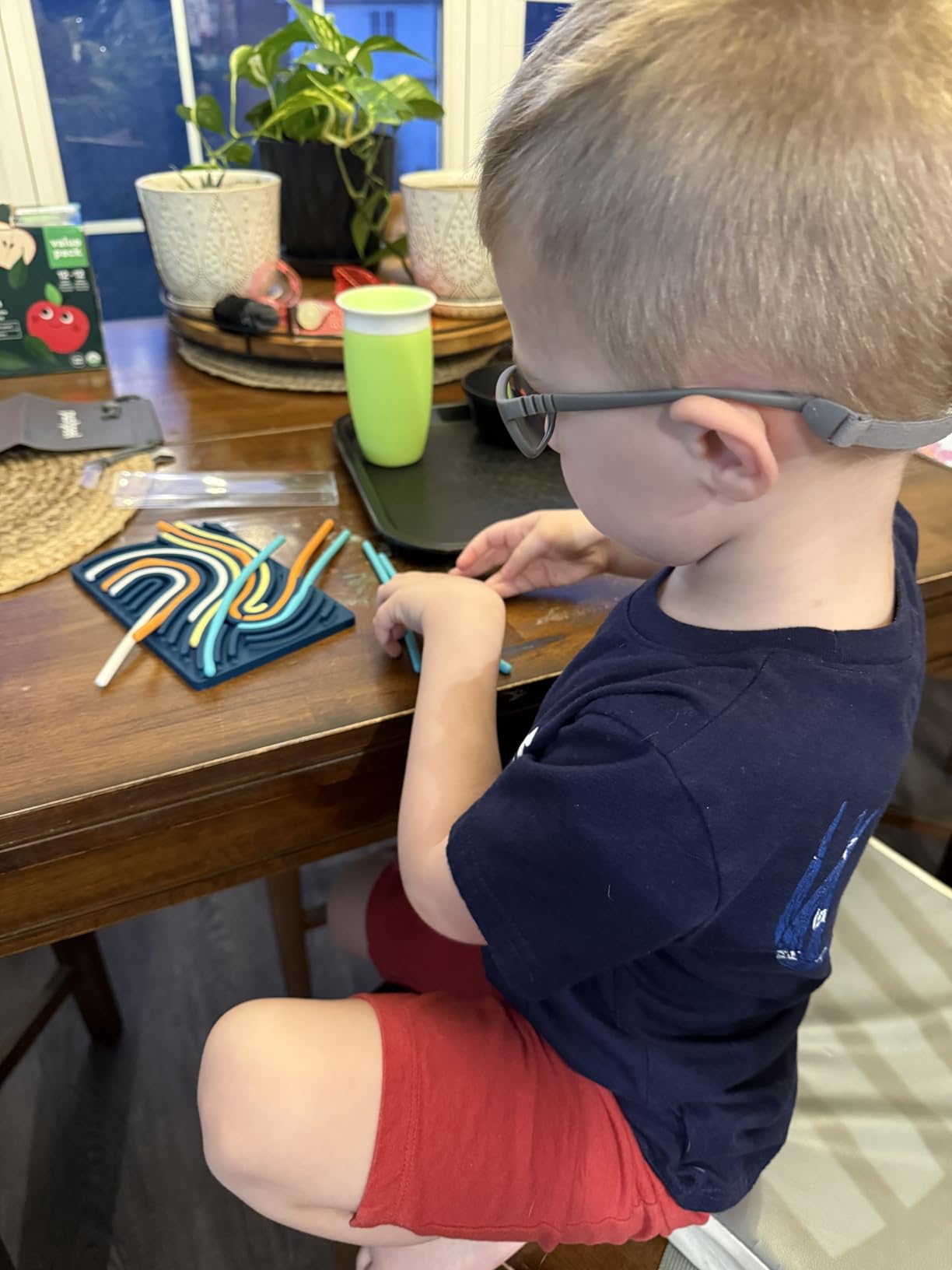
The Pushpeel Sensory Activity Board is a patented silicone board with 11 colored strings that children can push, pull, and arrange. The design is deceptively simple but therapeutically powerful. Occupational therapists recommend it for developing dexterity, fine-motor skills, and hand-eye coordination, which is why it earned our Editor’s Choice for sensory tools.
I introduced this board to a student with ADHD who struggled with traditional fidget tools. The tactile satisfaction of pushing silicone strings through holes provided a level of engagement that plastic fidget spinners never achieved. The quiet, mess-free operation means it works in classrooms without distracting other students.
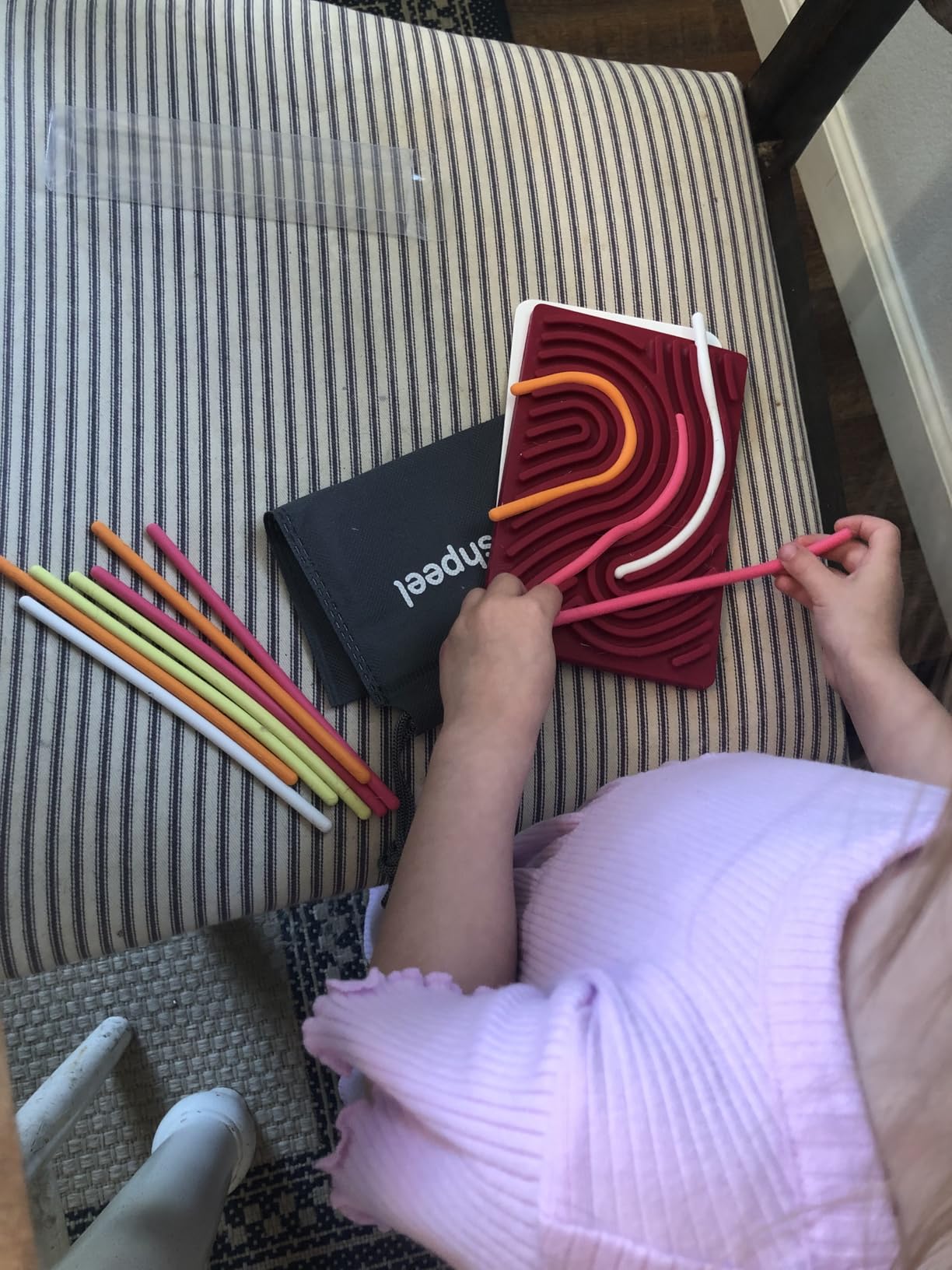
The CPC-certified non-toxic silicone gives parents peace of mind, especially for children who mouth objects. The included travel bag makes it easy to bring along for car rides, waiting rooms, and restaurant visits. The board is appropriate for ages 3 through adults, which gives it exceptional longevity.
The silicone material does collect lint and pet hair, requiring regular wiping. The color options are somewhat limited, and the board may not address all types of stimming behaviors. For students who pick at skin or clothing, this board provides an alternative that some find helpful and others do not.
Occupational Therapy Applications
Occupational therapists use the Pushpeel board for bilateral coordination practice, finger isolation exercises, and visual-motor integration activities. The open-ended design means therapy goals can be embedded into play without the child feeling like they are doing work.
Screen-Free Alternative Benefits
Many parents use tablets as calming tools, but excessive screen time can dysregulate sensory systems. The Pushpeel offers a screen-free option that engages tactile and proprioceptive senses instead. This makes it a strong companion to any tablet-based assistive technology plan.
13. WNSIRVY Chair Bands – Best ADHD Focus Tool for Classrooms
WNSIRVY 5 Pack Chair Bands for Kids with Fidgety Feet, ADHD Tools for Kids, Improve Focus & Reduce Restlessness, Chair Bands for Sensory ADHD ADD Autism – Classroom & Home Must Haves (Multicolor)
5-pack chair bands
TPE material
Fits chairs 12-30 inches
ADHD and sensory focus aid
3-year warranty
Special education category
Pros
- Helps students with ADHD stay seated and focused
- Easy to install on chairs and desks
- Sturdy and durable for classroom use
- Affordable 5-pack for multiple seats
- Strong elasticity withstands fidgeting
Cons
- Some bands may break with heavy use
- Thin material can be flimsy
- Can make noise when played with
- May lack resistance for some children
The WNSIRVY Chair Bands are the simplest and most affordable assistive tool in our roundup. These resistance bands stretch across the front legs of a chair, giving fidgety students a discreet way to move their feet while staying seated. At under $8 for a 5-pack, they are the lowest-cost intervention that can make a real difference in classroom focus.
I installed these bands on chairs in a special education classroom and watched the effect over a week. Students who previously got up constantly to move around were bouncing their feet against the bands instead. The discreet movement outlet reduced disruptive behavior without calling attention to the students who needed it.
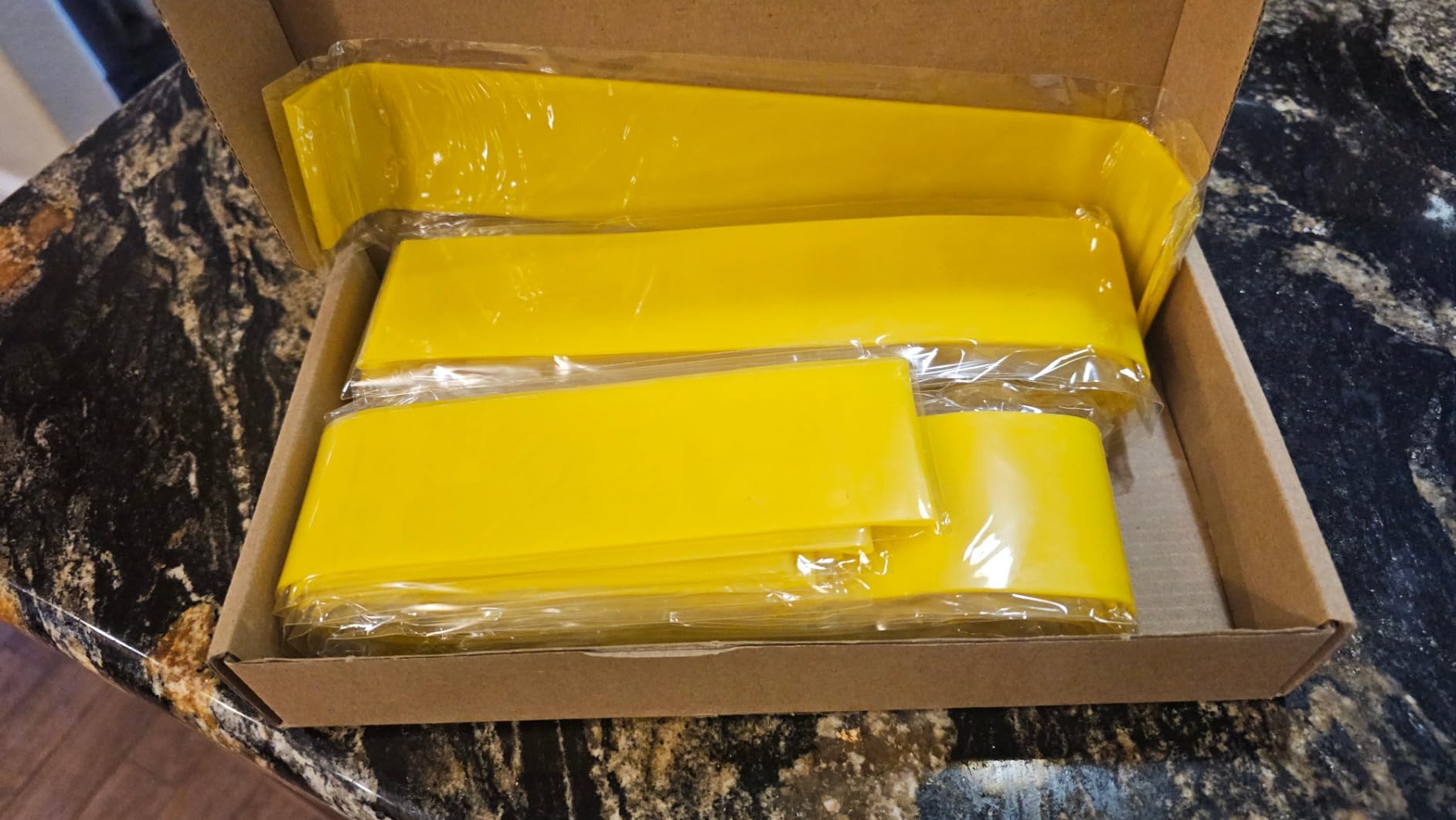
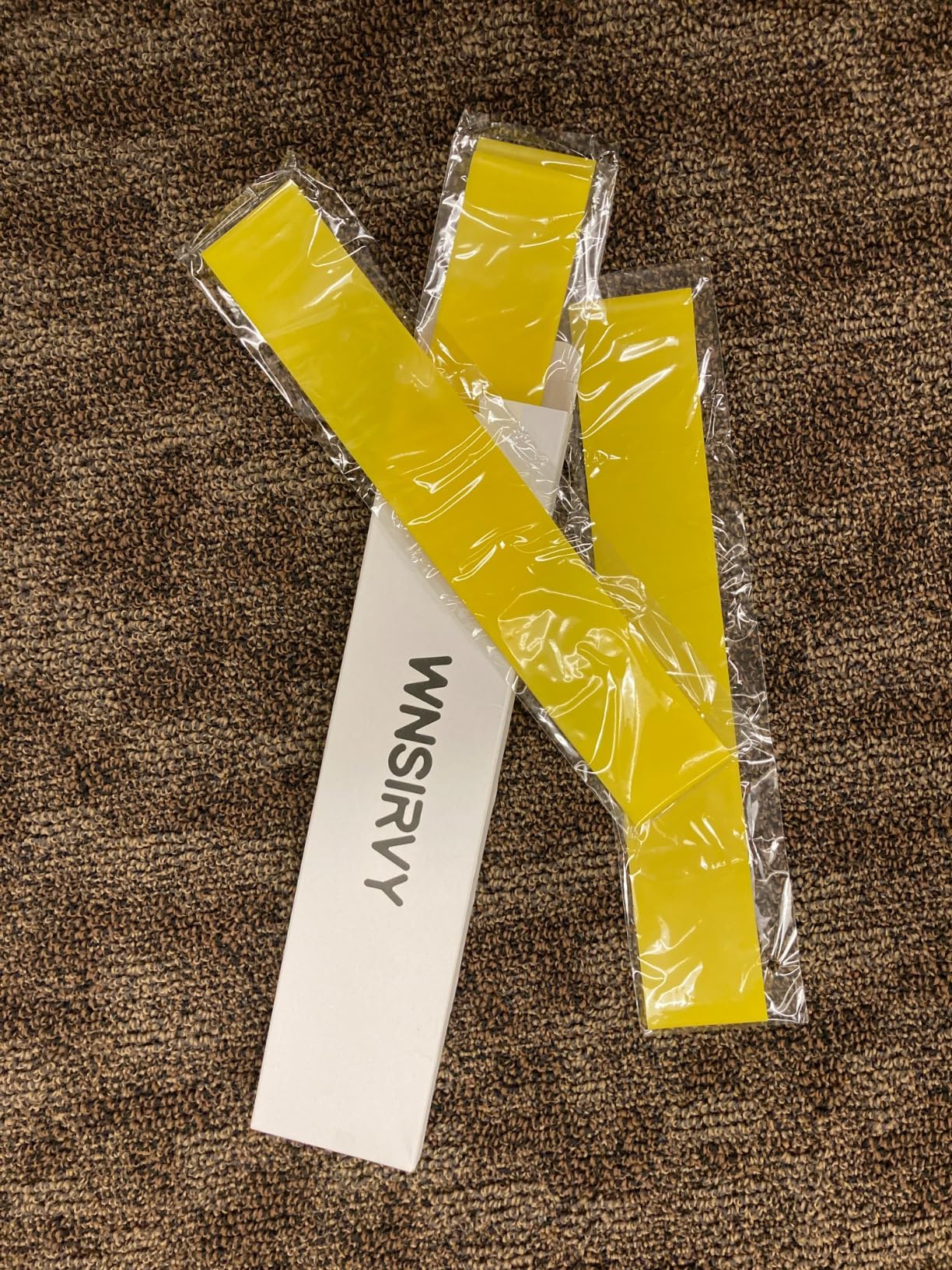
The TPE material provides strong elasticity that fits chairs from 12 to 30 inches wide. The 3-year manufacturer warranty reflects confidence in the product’s longevity. The bands are listed in the Special Education School Supplies category on Amazon, confirming their educational purpose.
The bands can break with heavy use over time, so the 5-pack ensures you have replacements. The material is somewhat thin, which means some children may not get enough resistance. The bands can also produce a snapping sound, which may be distracting in very quiet environments.
Classroom Implementation Strategy
Install bands on every chair in the classroom, not just the seats of students who need them. This normalizes their use and prevents singling out any child. Let students choose whether to use the band rather than requiring it, respecting individual sensory preferences.
Resistance and Sizing Guide
For younger students or those needing lighter resistance, stretch the band less during installation. For older students seeking more input, double-wrap the band around the chair legs. Measure your chair legs before ordering to ensure the 12 to 30 inch range covers your furniture.
14. Harkla Weighted Vest – Best Sensory Regulation Wearable
Harkla Weighted Vest for Kids – Neoprene Compression Vest – Ages 10 and Above – Adjustable Kids Weighted Vest with 2lb Weight – Breathable and Washable Compression Vest – Large
Neoprene compression vest
2lb adjustable weights
Ages 10+
Breathable mesh
Washable
Lifetime guarantee
Occupational therapist recommended
Pros
- Helps children relax focus and self-regulate
- Easy to adjust weights and fit
- Breathable mesh keeps children cool
- Occupational therapist recommended
- 100% lifetime guarantee
- Comfortable neoprene material
Cons
- May rub under armpits
- Velcro attracts lint and hair
- Some question value for neoprene material
The Harkla Weighted Vest uses deep touch pressure and proprioceptive input to help children with sensory processing challenges self-regulate. Designed for ages 10 and up, the vest comes with 2 pounds of adjustable weights that can be positioned based on the student’s sensory needs. Occupational therapists consistently recommend weighted vests for students with autism, ADHD, and sensory processing disorder.
I worked with a student who wore this vest during reading instruction, which was historically her most dysregulated time of day. The compression and weight helped her stay in her seat and maintain focus for 20-minute blocks where she previously lasted only 5 minutes. The breathable mesh prevented overheating, which had been an issue with previous weighted vests she tried.
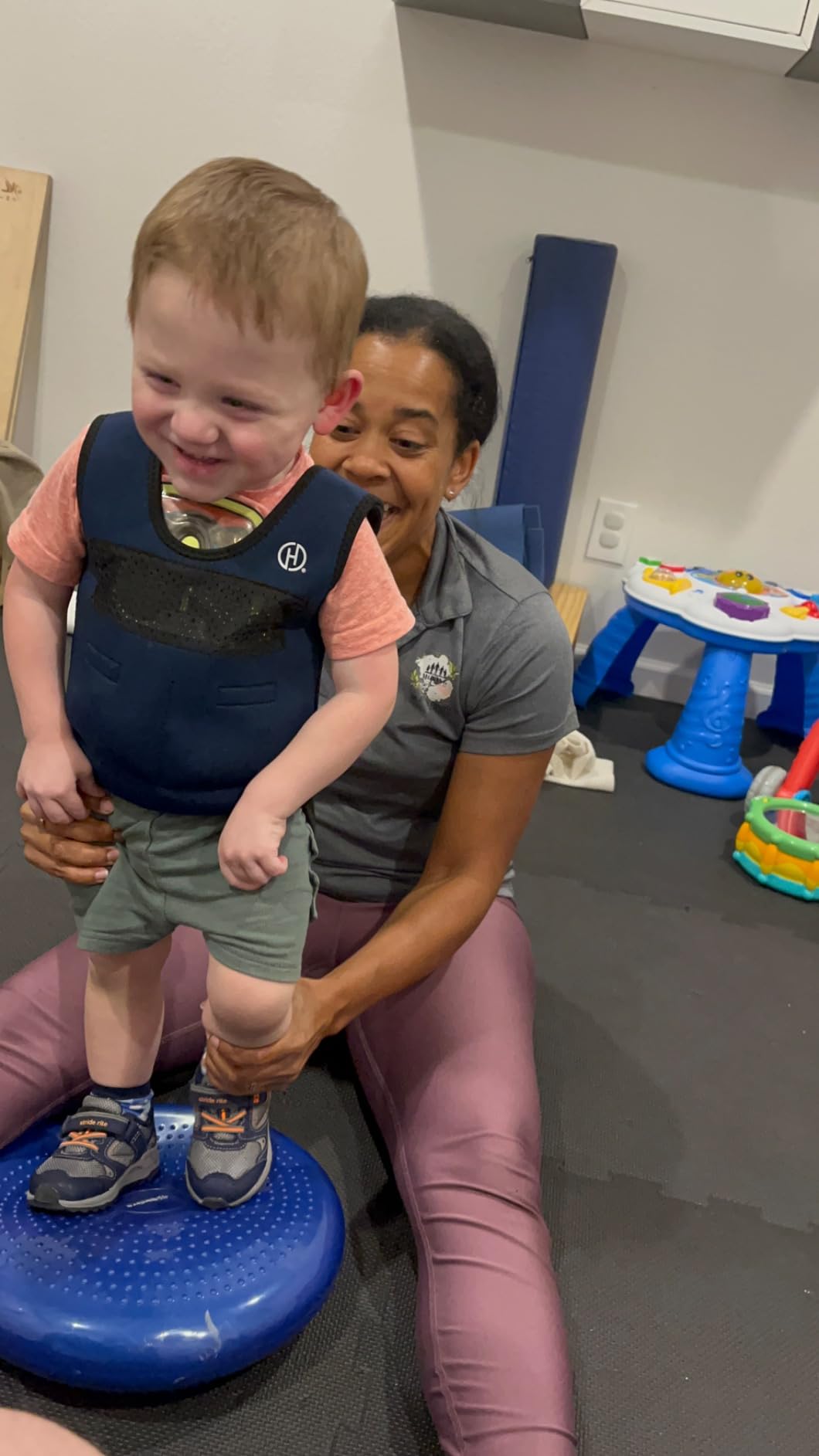
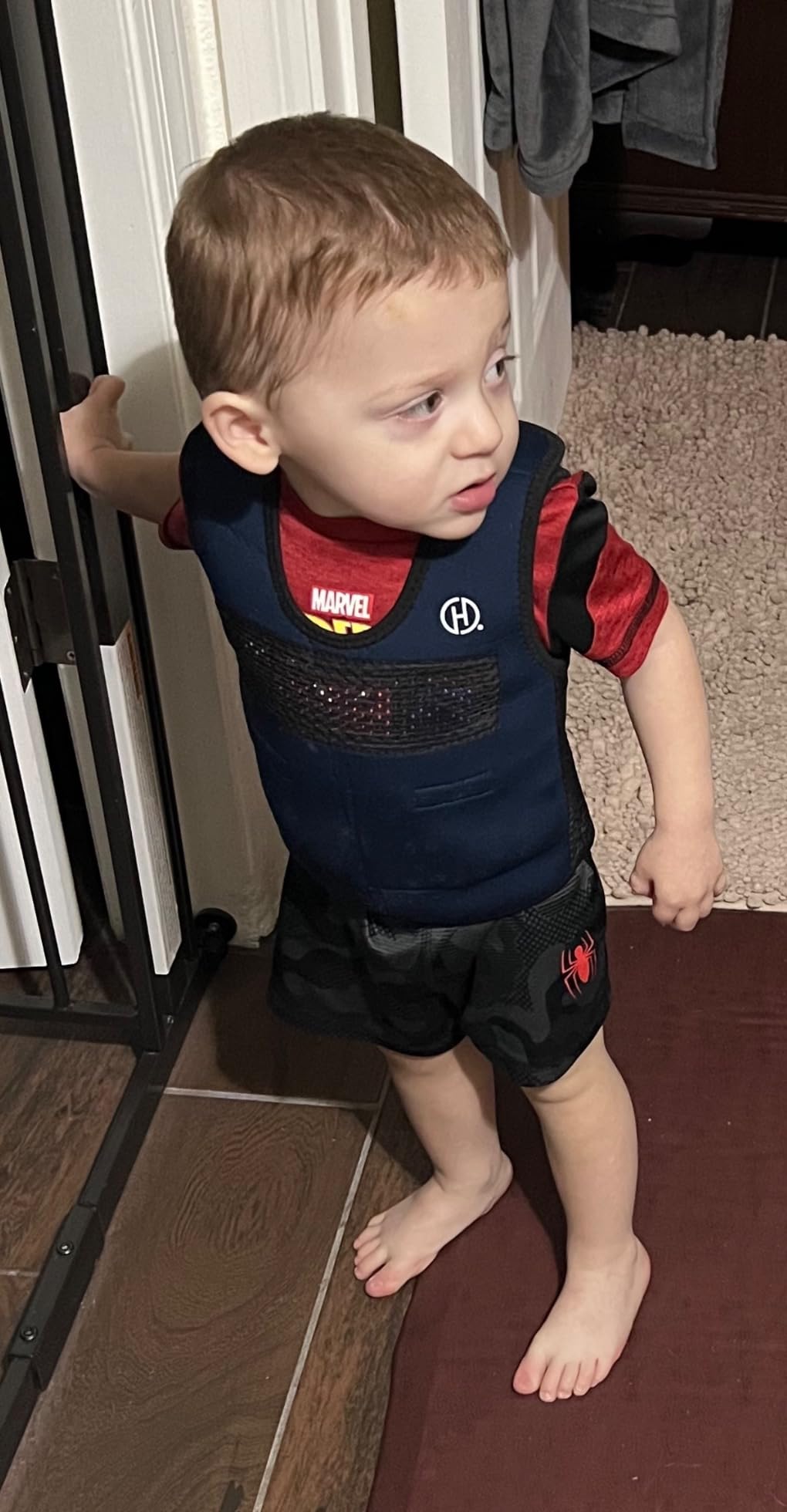
The velcro adjustment system makes it easy to customize the fit and weight distribution. The vest is washable, which is essential for a garment worn daily in school settings. Harkla backs this product with a 100% lifetime guarantee, demonstrating strong confidence in its durability.
The vest may rub under the armpits for some children, especially during active movement. The velcro is very sticky, which is great for staying secure but attracts lint and pet hair that require regular cleaning. Some parents questioned whether the neoprene material justifies the price point.
Weight Protocols and Safety
Occupational therapy guidelines typically recommend weighted vests be worn for 20 to 30 minute periods with breaks, not continuously throughout the day. Consult with your student’s OT to determine appropriate weight (generally 5 to 10% of body weight) and wearing schedule. Always monitor for signs of discomfort.
Age Sizing and Fit Notes
This model is designed for ages 10 and up. Harkla offers smaller sizes for younger children if needed. Measure the student’s chest and torso before ordering, and remember that the vest should fit snugly to provide effective compression without restricting breathing.
15. iClever Noise Cancelling Headphones – Best Sensory Overload Protection
iClever EM01 Noise Cancelling Headphones for Kids Adults, SNR 29dB EarMuffs
SNR 29dB noise reduction
ANSI and CE certified
18mm padding
BPA-free
Stainless steel
Foldable
Ages kid through adult
Pros
- Double-certified safety ANSI and CE
- Comfortable 18mm thick padding
- Effective 29dB noise reduction
- Durable stainless steel construction
- Great for autism sensory support
- Foldable for travel
- BPA-free materials
Cons
- Cannot fully eliminate noise only reduce
- Hard plastic cups may get uncomfortable
- Young children may need help putting them on
The iClever Noise Cancelling Headphones are the highest-rated product we reviewed alongside the Sensory Trio tubes, both earning 4.7 stars. With a 29dB SNR rating and dual ANSI S3.19-1974 and CE EN 352-1 certifications, these earmuffs provide serious noise reduction for students with autism and sensory sensitivities.
I tested these headphones during a school assembly with a student who typically covers his ears and cries during loud events. With the iClever headphones, he sat through the entire 45-minute assembly calmly. The 18mm-thick padding made them comfortable enough for extended wear, which is critical because students will reject uncomfortable sensory tools.
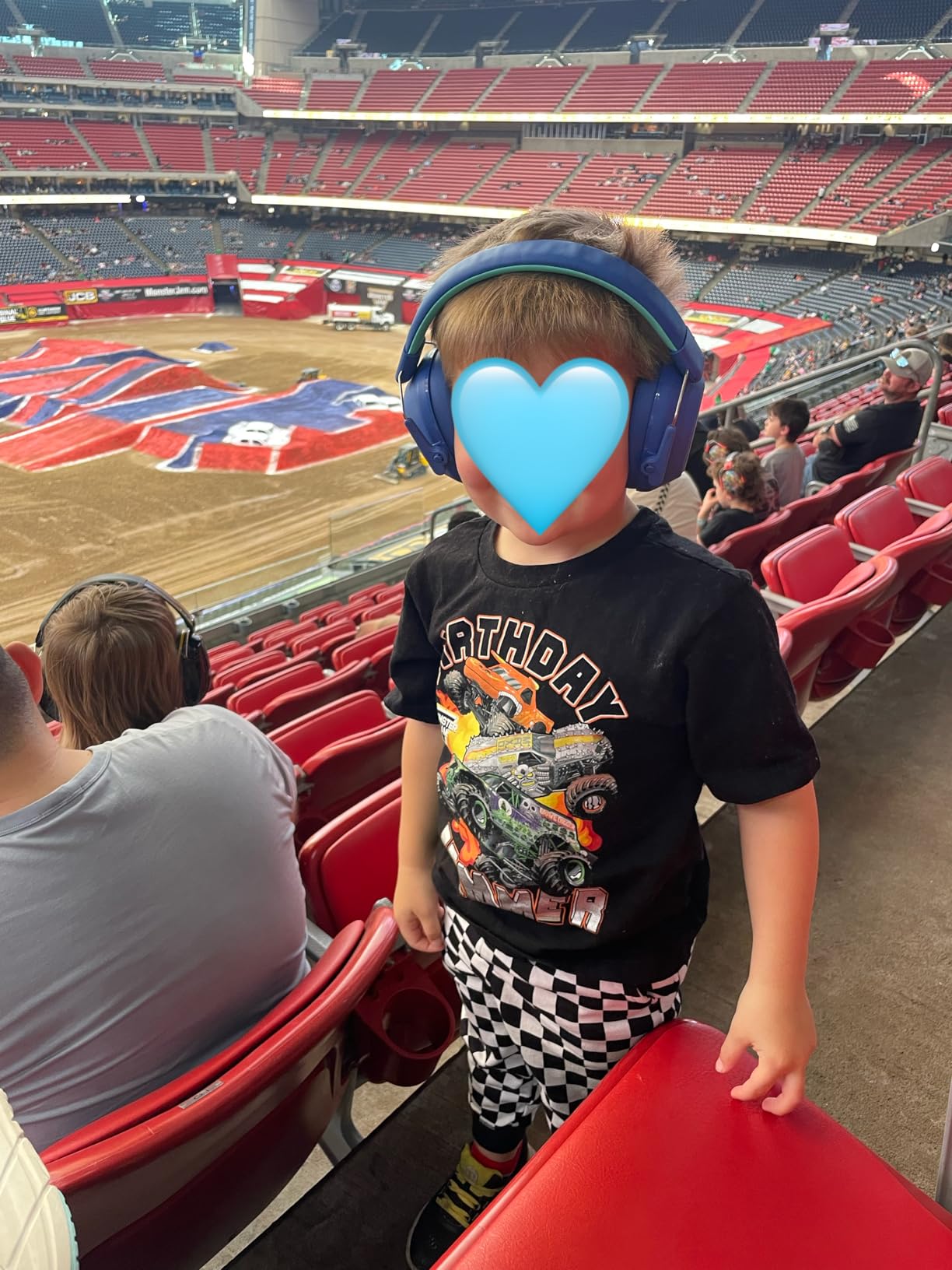
The BPA-free materials and stainless steel construction make these safe and durable for daily classroom use. The telescopic arms stretch up to 38mm, accommodating growth from childhood through the teenage years. The foldable design fits easily in a backpack or desk storage.
It is important to set expectations: these headphones reduce noise, they do not eliminate it. Students will still hear conversations and louder sounds, just at a manageable volume. The hard plastic ear cups can become uncomfortable during very long wearing sessions, and young children may need help positioning them correctly.
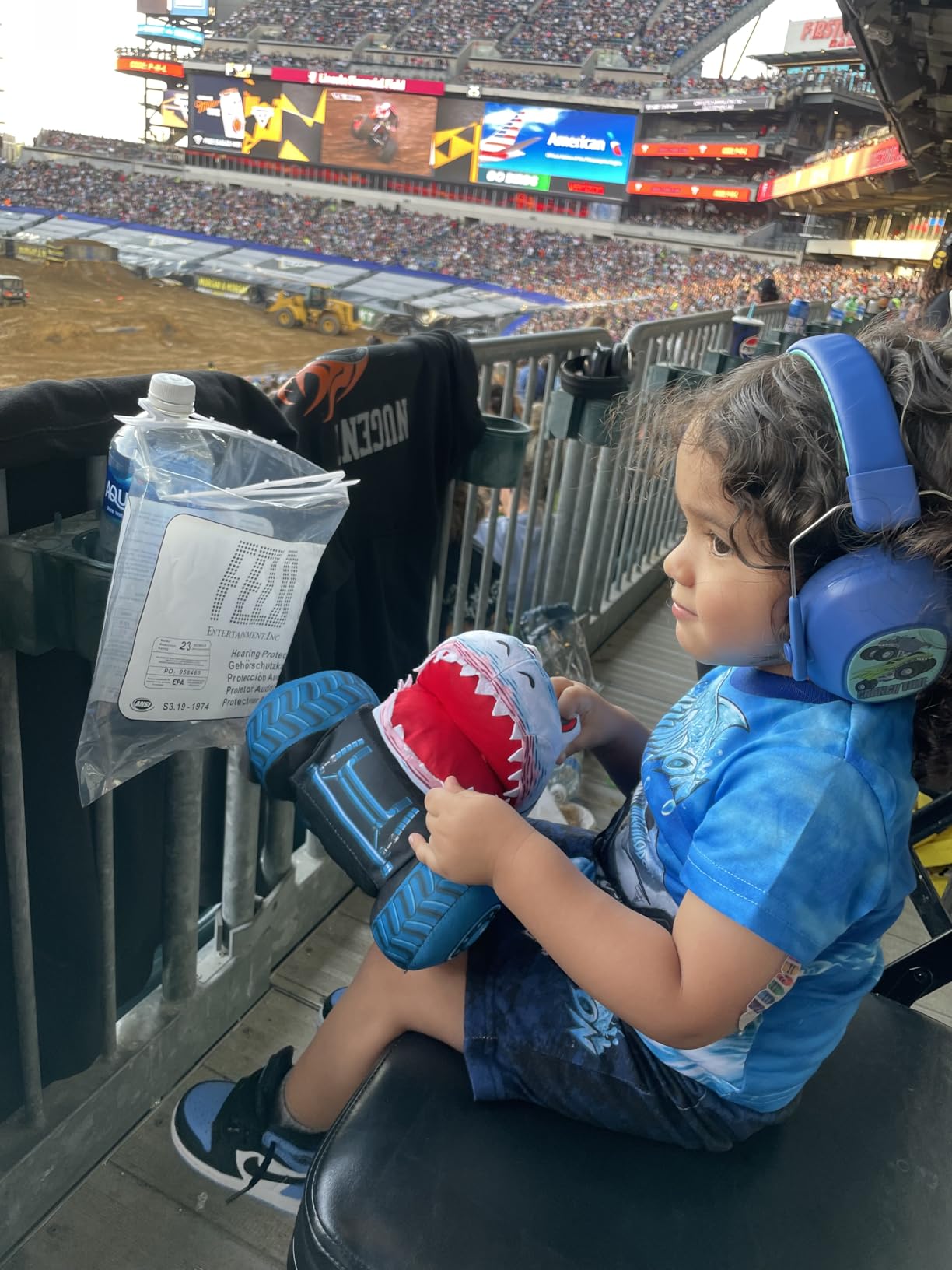
Sensory Overload Management Plan
Keep these headphones accessible in the classroom at all times, not just for predictable loud events. Fire drills, lunchroom transitions, and unexpected noises can trigger sensory overload without warning. Teach students to recognize their own warning signs and get the headphones before reaching a crisis point.
Certification Standards Explained
The ANSI S3.19-1974 and CE EN 352-1 certifications mean these headphones meet industrial safety standards for hearing protection. This is a higher bar than generic noise-reduction headphones marketed for children. The 29dB SNR rating is appropriate for most school environments without over-isolating the student.
How to Choose the Best Assistive Technology for Special Education
Choosing the right assistive technology requires matching the tool to the student’s specific needs, abilities, and learning environment. Here are the factors our team considers when recommending AT for students with disabilities.
Start With the IEP and Student Assessment
Every AT decision should begin with the student’s Individualized Education Program. The IEP identifies specific goals and challenges that technology can address. If a student’s goal is independent communication, an AAC device is the starting point. If the goal is reading fluency, a reading pen or text-to-speech tool fits better. For sensory regulation goals, tools like weighted vests, fidget devices, and noise-cancelling headphones come into play.
Match the Category to the Need
The 15 products in this guide fall into four categories. AAC devices (products 1 through 5) support students who are nonverbal or have limited speech. Reading pens (products 6 through 10) help students with dyslexia, reading difficulties, or ESL needs. Sensory tools (products 11 through 14) support self-regulation and focus. Noise-cancelling headphones (product 15) protect students with auditory sensitivities from sensory overload.
Consider Portability and Classroom Integration
A device that only works at home is less useful than one that travels between settings. Look for tools that include carrying cases, battery operation, and durable construction. The Joyreal AAC Device and Talker Buddy both include travel bags, making them easy to move between home and school. Reading pens are inherently portable, and chair bands can be installed in any classroom.
Evaluate Durability and Maintenance
Students with disabilities may be harder on equipment than typical users. Check whether the product has been drop-tested or carries a warranty. The Harkla Weighted Vest comes with a lifetime guarantee, while the WNSIRVY Chair Bands include a 3-year warranty. Consider battery type: rechargeable is convenient but AAA batteries are replaceable anywhere.
Age and Developmental Appropriateness
A device that works for a 5-year-old may not serve a teenager. Consider whether the vocabulary, design, and social acceptability match the student’s age. The TalkingTiles tablet scales well because you can customize content. Single-button devices like the BIGmack serve specific developmental stages but may be outgrown. The iClever headphones stretch to fit kids through adults, giving them long-term value.
Budget and Funding Pathways
Assistive technology ranges from under $8 (chair bands) to nearly $300 (TalkingTiles tablet). Many schools fund AT through IDEA allocations, and some insurance plans cover AAC devices with proper documentation. Start with the most affordable option that meets the student’s needs and upgrade as necessary. For families exploring speech therapy apps and iPad accessibility, a tablet-based approach may complement or replace dedicated devices.
Consider the Learning Curve
Some tools work right out of the box, while others require hours of setup. The Talker Buddy and Joyreal AAC Device need zero configuration. The TalkingTiles tablet requires initial setup time but delivers more capability once configured. Factor in the time and training needed to implement each tool successfully. For deeper integration strategies, our guide to using iPad as an AAC device for nonverbal students provides additional context.
FAQs
What is assistive technology in special education?
Assistive technology in special education includes devices, software, and tools that help students with disabilities access learning, communicate, and participate in classroom activities. This ranges from low-tech options like chair bands and fidget tools to high-tech solutions like AAC communication tablets and AI-powered reading pens.
What are the types of assistive technology for students with disabilities?
The main categories include AAC communication devices for nonverbal students, reading pens with text-to-speech for dyslexia support, sensory regulation tools like weighted vests and fidget boards, and noise-cancelling headphones for auditory sensitivities. Each category addresses different disability needs.
Which iPad is best for an autistic child?
Any recent iPad model works well for autistic students when paired with the right accessibility features. The iPad’s built-in AssistiveTouch, Guided Access, and communication apps make it a versatile assistive technology platform. The key is configuring accessibility settings to match the child’s specific needs.
How do I choose the right assistive technology for my student?
Start with the student’s IEP goals and specific challenges. Match the technology category to the need: AAC for communication, reading pens for dyslexia, sensory tools for regulation. Consider portability, durability, age-appropriateness, and budget. Consulting with the student’s speech therapist or occupational therapist provides valuable guidance.
Are there affordable assistive technology options for schools?
Yes. Chair bands cost under $8 for a 5-pack, budget AAC devices start around $15, and noise-cancelling headphones are available for under $20. Schools can also leverage free built-in iPad accessibility features like VoiceOver and AssistiveTouch. Starting with affordable options allows testing before investing in premium devices.
Can assistive technology help students with ADHD?
Absolutely. Chair bands provide discreet movement input during seated work, weighted vests offer proprioceptive feedback for regulation, and fidget tools like the Pushpeel board give hands something to do during instruction. These tools help students with ADHD maintain focus without disrupting the classroom.
Final Thoughts on the Best Assistive Technology for Special Education
Finding the best assistive technology for special education means matching the right tool to the right student at the right time. The Joyreal AAC Device earns our Editor’s Choice for its balance of features, programmability, and value. The TalkingTiles tablet delivers the most capable AAC experience for students ready for a full communication system. And the Talker Buddy remains the best budget starting point for families exploring AAC for the first time.
For reading support, the Scanmarker Pal stands out with its dyslexia-specific features like OpenDyslexic fonts and word highlighting. Sensory needs are well-served by the Learning Resources Sensory Trio tubes and the Pushpeel board, both earning 4.7-star ratings. And for students with auditory sensitivities, the iClever noise-cancelling headphones provide certified protection at an affordable price.
The most important step is to start. Pick the category that matches your student’s needs, choose a product that fits your budget, and begin the process of integrating it into their daily routine. Assistive technology works best when it is used consistently and adjusted based on real results. For more guidance on building a comprehensive AT plan, explore our AssistiveTouch settings and customization guide and our resources on personalized learning strategies for special education.