
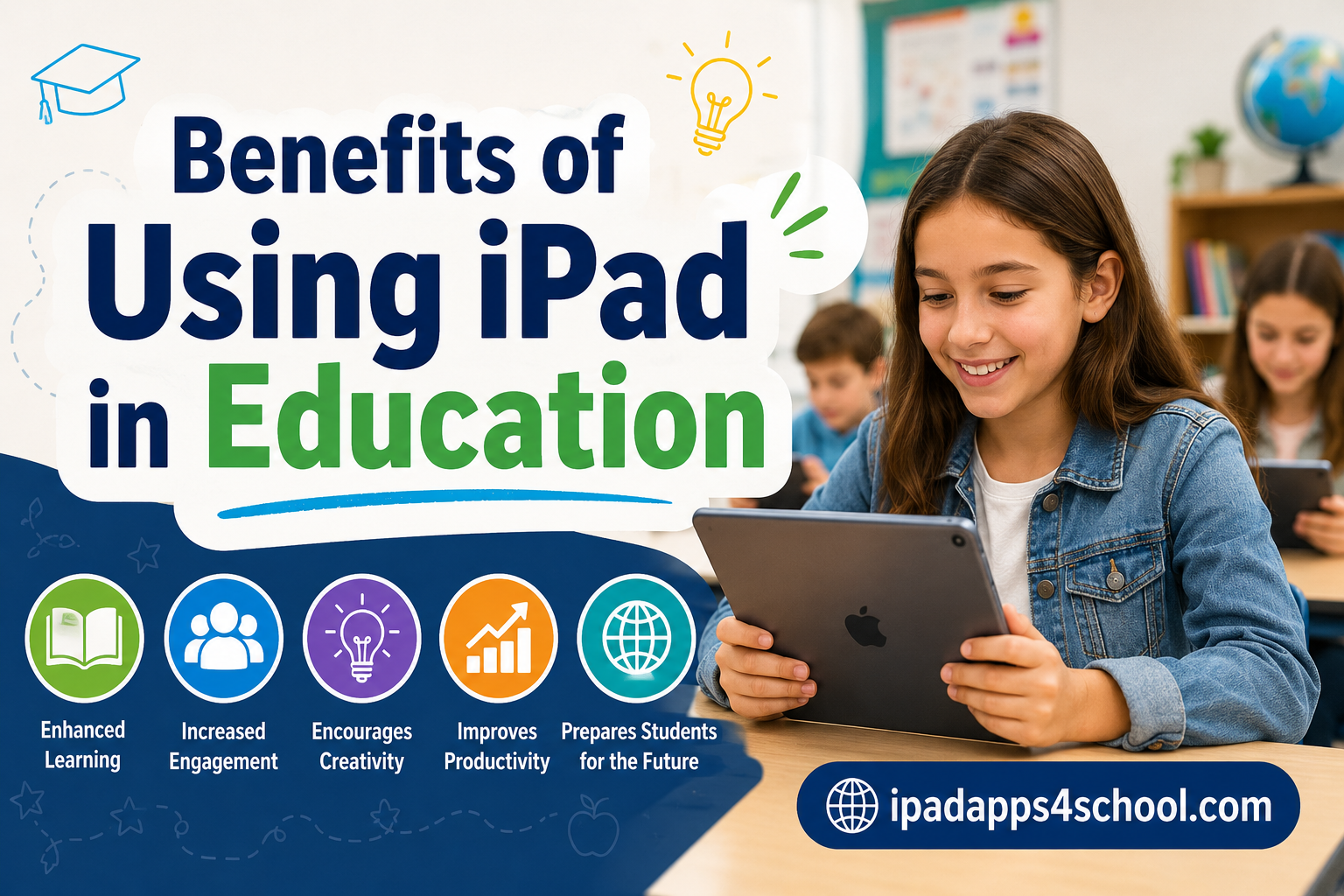
Research shows that schools implementing iPad programs see up to 35% improvement in student engagement and participation. When I first observed an iPad classroom in action, I watched a shy student transform into an active participant simply because the touch interface removed the barriers that traditional tools created. The benefits of using iPad in education extend far beyond replacing textbooks with digital versions. These devices fundamentally change how students interact with information, express ideas, and collaborate with peers.
Over the past decade, I’ve seen schools struggle with outdated technology that frustrates both teachers and students. iPads solve many of these problems with their intuitive design, extensive app ecosystem, and built-in accessibility features. Whether you’re an administrator considering a 1:1 program or a teacher curious about integrating tablets into your classroom, this guide covers everything you need to know about educational iPad benefits.
If you’re looking for specific app recommendations to get started, check out our homepage for the best educational apps for iPad across different subjects and grade levels.
Table of Contents
Why iPads Transform the Learning Experience
The touch-screen interface of iPads makes learning feel natural and intuitive. Young students who struggle with keyboards and mice can navigate educational content with simple taps and swipes. Research from multiple peer-reviewed studies confirms that this direct manipulation of content leads to better knowledge retention and understanding.
Portability sets iPads apart from traditional computers. Students carry these lightweight devices from classroom to library to outdoor learning spaces. I spoke with teachers who regularly take their classes outside for science observations, using iPads to document findings, research species on the spot, and create multimedia presentations without returning to a computer lab.
Battery life matters in education, and iPads deliver. Most models last a full school day on a single charge, eliminating the logistical headaches of managing power outlets and charging cables during class time. Students keep learning without interruption, and teachers focus on instruction rather than technology troubleshooting.
Forum discussions with educators reveal consistent feedback: students report iPads are “game-changers” for organization and note-taking. The ability to combine typed notes, handwritten annotations, photos, and voice recordings in apps like Notability creates a comprehensive learning record that paper notebooks simply cannot match.
Personalized Learning at Scale
Every student learns differently, and iPads enable true personalized learning paths that would be impossible with traditional materials. Adaptive learning apps assess student understanding in real-time and automatically adjust difficulty levels, ensuring each learner works at their optimal challenge zone.
I observed a middle school math class where students worked on the same concept through different apps suited to their learning styles. Visual learners used interactive graphing tools, while students who needed more practice received additional scaffolded problems. The teacher monitored everyone’s progress from a dashboard, intervening only when data indicated someone needed help.
Self-paced instruction empowers students to take ownership of their learning. Fast learners explore advanced concepts without waiting for classmates, while students who need more time can review lessons repeatedly without embarrassment. This differentiation happens automatically through well-designed educational apps, reducing the workload on teachers while improving outcomes for everyone.
The data backs this up. Studies show that personalized learning through tablets leads to measurable gains in literacy and numeracy, particularly for struggling students who previously fell through the cracks of one-size-fits-all instruction.
Enhanced Student Engagement and Creativity
Static textbooks struggle to compete with interactive multimedia content. iPads bring lessons to life with videos, 3D models, virtual experiments, and immersive simulations that would be impossible in traditional classrooms. When students can rotate a virtual molecule or explore ancient civilizations through interactive timelines, abstract concepts become concrete and memorable.
Creative expression flourishes on iPads. Students don’t just consume content, they create it. I’ve watched fourth graders produce professional-quality documentaries using iMovie, design original characters in Procreate, compose music in GarageBand, and publish their own ebooks in Pages. These creative projects build confidence while teaching technical skills.
Gamification elements in educational apps motivate students without resorting to superficial rewards. Progress tracking, achievement badges, and leveling systems tap into intrinsic motivation, making practice feel like play. Math facts drill transforms from torture into challenge when wrapped in engaging game mechanics.
Student agency increases when learners have choices about how to demonstrate understanding. Rather than everyone writing the same essay, students might create videos, podcasts, interactive presentations, or digital artwork. This variety keeps engagement high while allowing each student to work in their strength area.
Accessibility and Inclusive Education
iPads come with powerful accessibility features built-in, not added as afterthoughts. VoiceOver reads screen content aloud for visually impaired students. Speak Selection converts text to speech for struggling readers. Guided Access keeps learners focused by restricting access to specific apps. These features create truly inclusive classrooms where all students can participate fully.
Special education teachers report remarkable progress when students gain access to assistive technology. A non-verbal student can participate in class discussions using speech-to-text apps. A student with dysgraphia can take notes through voice recording rather than struggling with handwriting. Physical barriers disappear when touch replaces pen-and-paper requirements.
Adjustable text sizes, high contrast modes, and customizable display settings accommodate diverse visual needs without requiring specialized equipment. Students who previously needed separate devices or materials can use the same tools as their peers, reducing stigma while increasing independence.
Universal Design for Learning principles align perfectly with iPad capabilities. Multiple means of representation, expression, and engagement become practical realities rather than theoretical ideals. When all students benefit from accessibility features, the entire classroom culture shifts toward inclusion and respect for differences.
Collaboration and Communication Skills
Modern workplaces require collaboration skills, and iPads help students develop these abilities from an early age. Shared documents, collaborative whiteboards, and group project apps enable real-time cooperation whether students sit side-by-side or connect from different locations. Changes sync instantly, version conflicts disappear, and everyone contributes to a shared product.
Peer feedback improves when students can annotate each other’s digital work with comments, highlights, and suggestions. This process teaches critical evaluation skills while creating natural opportunities for revision and improvement. Teachers report that digital collaboration tools produce higher quality final products than traditional group work.
Communication extends beyond classroom walls through video conferencing, shared blogs, and digital portfolios. Students connect with experts, collaborate with peers in other countries, and share their learning with authentic audiences. These experiences prepare them for the globally connected workplaces they will enter as adults.
Forum discussions reveal that collaborative work improves significantly with shared digital workspaces. Students who struggled with face-to-face group dynamics often thrive when given structured digital collaboration tools that reduce social anxiety while maintaining academic expectations.
Benefits for Teachers and Classroom Management
Teachers gain powerful assessment capabilities with iPads. Formative assessment apps provide instant data on student understanding, allowing teachers to adjust instruction in the moment rather than discovering gaps weeks later on summative tests. This real-time feedback loop transforms teaching from guesswork into data-informed practice.
Progress tracking happens automatically as students work through digital content. Teachers see who completed assignments, how long they spent, and where they struggled. This information enables targeted interventions and personalized support without requiring hours of manual record-keeping.
Resource distribution becomes instantaneous. No more copying worksheets, collecting permission slips, or distributing textbooks. Digital materials reach every student simultaneously, updating automatically when changes occur. Teachers spend less time on logistics and more time on actual teaching.
I spoke with teachers who describe the shift as liberating. One fifth-grade teacher explained that her iPad program reduced administrative tasks by approximately five hours per week, time she now spends on lesson planning and individual student support. When technology works properly, it amplifies teacher effectiveness rather than creating additional burdens.
Preparing Students for the Digital Future
Digital literacy isn’t optional in 2026‘s job market. Students who grow up comfortable with technology have advantages in nearly every career path. iPad programs build these skills organically through daily use rather than isolated computer classes that feel disconnected from real work.
21st century skills, including critical thinking, creativity, communication, and collaboration, develop naturally when students use iPads for project-based learning. These aren’t separate lessons but integrated outcomes of purposeful technology use. Students learn to evaluate online sources, organize digital information, and present ideas effectively through repeated practice.
The workplace has gone mobile, and schools that embrace mobile technology prepare students for that reality. They learn to manage distractions, balance screen time, and use devices productively rather than consuming entertainment. These habits will serve them throughout their careers.
Implementation Best Practices
Successful iPad programs require thoughtful implementation. Managing digital distractions tops the list of concerns I hear from educators. The solution isn’t eliminating devices but teaching responsible use. Clear guidelines, consistent enforcement, and apps that allow teachers to monitor and restrict access during lessons keep students focused on learning.
Age-appropriate usage matters. Younger students benefit from guided access features that lock them into specific educational apps, while older students need more freedom to develop self-regulation. The right approach evolves as students mature and develop digital citizenship skills.
Teacher training proves essential for success. Schools that invest in professional development see far better outcomes than those that simply distribute devices. Teachers need time to explore apps, design lessons, and share best practices with colleagues. This upfront investment pays dividends in classroom effectiveness.
Cost concerns often arise in forum discussions, but many educators report long-term savings when factoring in reduced spending on textbooks, paper, and photocopying. Digital resources update automatically, eliminating the need for new textbook purchases every adoption cycle.
FAQ
Why is an iPad important in education?
iPads personalize learning experiences, increase student engagement through interactive content, provide accessibility features for diverse learners, and prepare students with digital literacy skills needed for modern workplaces. The touch interface makes technology accessible even for young students, while the extensive app ecosystem supports every subject area and learning style.
Is it worth having an iPad for school?
Yes, iPads are worth the investment for schools when implemented thoughtfully. Research shows improved engagement, better learning outcomes, and development of 21st century skills. The long-term cost savings on textbooks, paper, and administrative time often offset the initial device expense. Success depends on teacher training, clear usage policies, and integration with curriculum rather than treating devices as add-ons.
What’s a good age to get a kid an iPad?
Many schools successfully introduce iPads starting in kindergarten with age-appropriate apps and guided access features. Young children adapt quickly to touch interfaces and benefit from early digital literacy development. The key is matching content to developmental stages and providing adequate supervision. Elementary programs focus on creativity and basic skills, while middle and high school programs emphasize productivity and research capabilities.
What is the advantage of using an iPad?
The main advantages include personalized learning paths that adapt to individual student needs, enhanced engagement through multimedia content, built-in accessibility features that support diverse learners, portable design that enables learning anywhere, creative tools for student expression, real-time collaboration capabilities, and efficient assessment tools for teachers. The intuitive touch interface removes technology barriers that frustrate young learners.
Conclusion
The benefits of using iPad in education extend across every aspect of teaching and learning. From personalized instruction that reaches every student to creative tools that unlock new forms of expression, these devices transform classrooms into dynamic learning environments. The research consistently shows improved engagement, better accessibility, and development of essential 21st century skills.
Success requires more than simply distributing devices. Schools that thrive with iPad programs invest in teacher training, establish clear usage guidelines, and integrate technology thoughtfully into curriculum. The schools I’ve seen succeed treat iPads as tools for enhancing great teaching rather than replacements for it.
As education continues evolving to meet the needs of 2026 and beyond, iPad programs position students for success in an increasingly digital world. The question is no longer whether tablets belong in classrooms, but how to maximize their potential to create learning experiences that inspire, engage, and prepare every student for their future.