
The best bike GPS computer for touring is the Garmin Edge 1050 if you want the largest, brightest map screen and the most refined navigation engine on a handlebar. Tourers who care more about endurance per charge than screen size usually land on the Garmin Edge 540, and riders who want spoken prompts and a simple interface tend to stay with the Wahoo ELEMNT ROAM V3.
I have spent the last few months logging multi-day routes on ten different bike computers, running the same sets of roads, gravel tracks and forest sections, and watching how each one behaved when the weather turned and the charge got thin. That meant a lot of hours on a handlebar and a lot of notes about the things spec sheets leave out: how long the screen stays readable through a downpour, whether the unit still holds a satellite lock under dense tree cover, and what happens to your route when the device freezes two days from anywhere.
This roundup covers the ten bike GPS computers I would consider taking on a tour right now, from dedicated Garmin navigators to budget units that now ship with worldwide offline maps. I have leaned hard on the touring criteria that matter after day three: battery headroom, offline map storage, the quality of the points-of-interest database, screen behaviour in the rain, and whether you can top the unit up from a power bank. For day-to-day road rides rather than multi-day trips, our road cycling computer roundup covers the training and segment side in more detail.
Every recommendation below is written for the touring use case first. Where a unit wins on paper but loses in the real world, I say so, and I name the reason. Let us get into it.
Table of Contents
Top 3 Bike GPS Computers for Touring
These three came closest to earning a permanent spot on my bars. The Edge 1050 is the most capable navigator of the group, the Edge 540 is the one I recommend to anyone who wants Garmin routing without the flagship money, and the Wahoo ELEMNT ROAM V3 is the one I trust most on very long days out.

Garmin Edge 1050
- 3.5 inch color touchscreen
- 20 hours demanding use and 60 hours battery saver
- 64 GB storage with North America maps
- Built-in speaker and bike bell

Garmin Edge 540
- Multi-band GNSS positioning
- 26 hours battery and 42 hours battery saver
- Button-only control works with gloves
- ClimbPro ascent planner

Wahoo ELEMNT ROAM V3
- 25 hours battery life
- Spoken turn-by-turn directions
- Dual-band GPS with multi-constellation support
- IPX7 water resistance
All three ship with an out-front mount in the box, which matters more than most buyers expect. You want the computer ahead of the stem, not strapped to the top of it, so your view of the road is not blocked by a pouch or a handlebar roll.
All 10 Computers at a Glance in 2026
This table lists every bike computer in the roundup with the touring details that decide most trips. Battery figures are the manufacturer maximum in demanding use unless a battery saver number is given.
| Product | Specifications | Action |
|---|---|---|
| Garmin Edge 1050 |
|
Check Latest Price |
| Garmin Edge 540 |
|
Check Latest Price |
 Garmin Edge Explore 2 Garmin Edge Explore 2 |
|
Check Latest Price |
| Wahoo ELEMNT ROAM V3 |
|
Check Latest Price |
 Hammerhead Karoo Hammerhead Karoo |
|
Check Latest Price |
 iGPSPORT BiNavi iGPSPORT BiNavi |
|
Check Latest Price |
 iGPSPORT BSC300T iGPSPORT BSC300T |
|
Check Latest Price |
 GEOID CC700 Pro GEOID CC700 Pro |
|
Check Latest Price |
 iGPSPORT BSC500 iGPSPORT BSC500 |
|
Check Latest Price |
 Magene C506 Magene C506 |
|
Check Latest Price |
1. Garmin Edge 1050 – The Full-Screen All-Rounder
Garmin Edge® 1050, Premium Cycling Computer
3.5 inch color touchscreen
20 hours battery and 60 hours saver
64 GB storage
5.7 ounce weight
Pros
- Bright 3.5 inch screen readable in direct sunlight and usable with damp gloves
- Verified navigation on a 105 mile ride through remote off-grid areas
- 64 GB storage holds a full region of maps
- Built-in speaker with tap-to-ring bike bell
- Rock-solid pairing with Varia radar and power meters
Cons
- No point-of-interest search in the navigation engine
- Noisy default eat and rest and drink alerts
- Large and heavy at 161 g
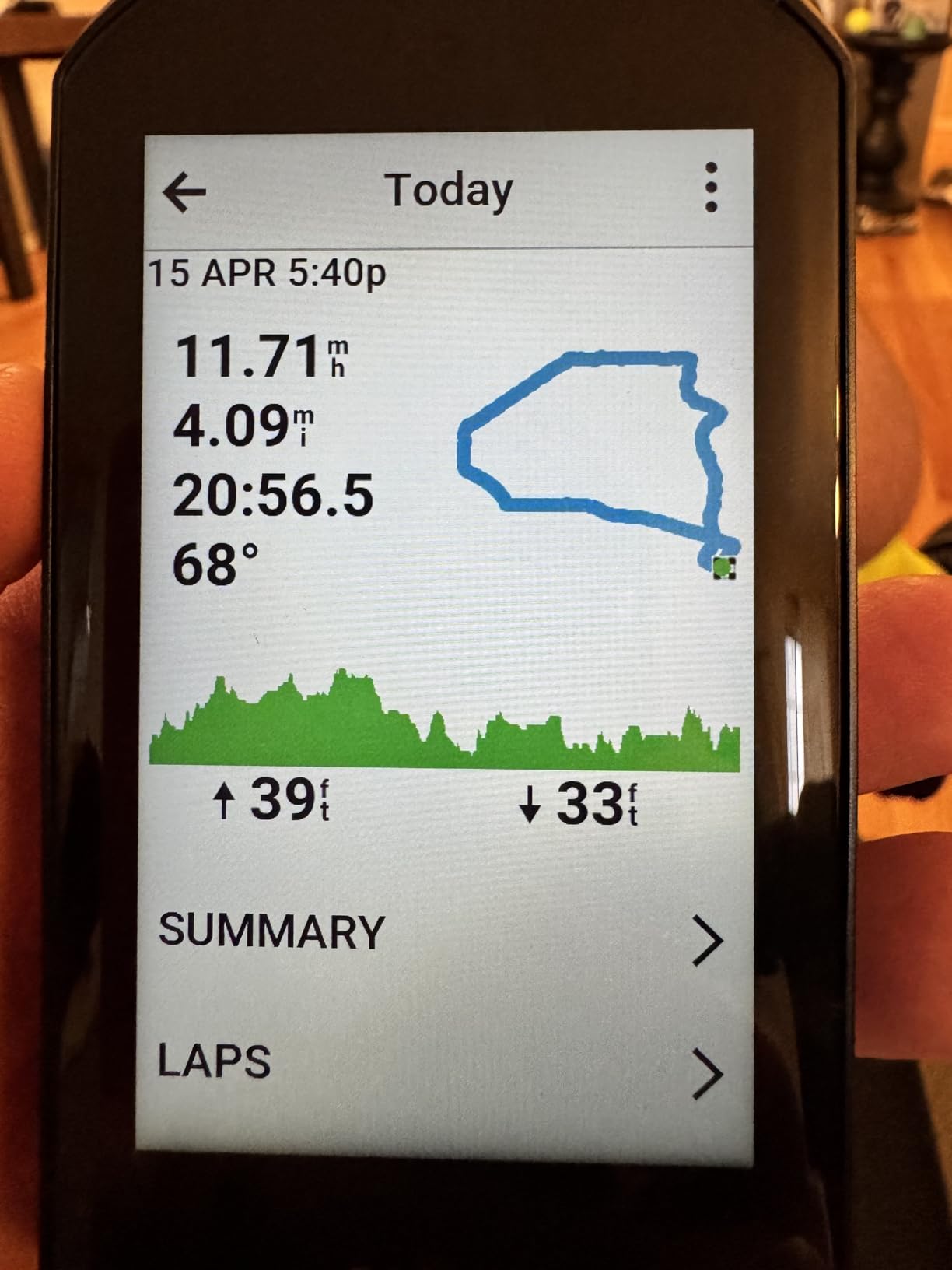
The Edge 1050 is the unit I ended up riding most, and the reason is the screen. At 3.5 inches it is the largest display in this group, and on long climbs with a route preview open it means fewer squints and fewer stops to check where the next water stop is. One owner documented a 105-mile ride through off-grid country where the mapping behaved exactly as hoped, which matches what I saw on remote gravel where a phone would have lost signal twice.
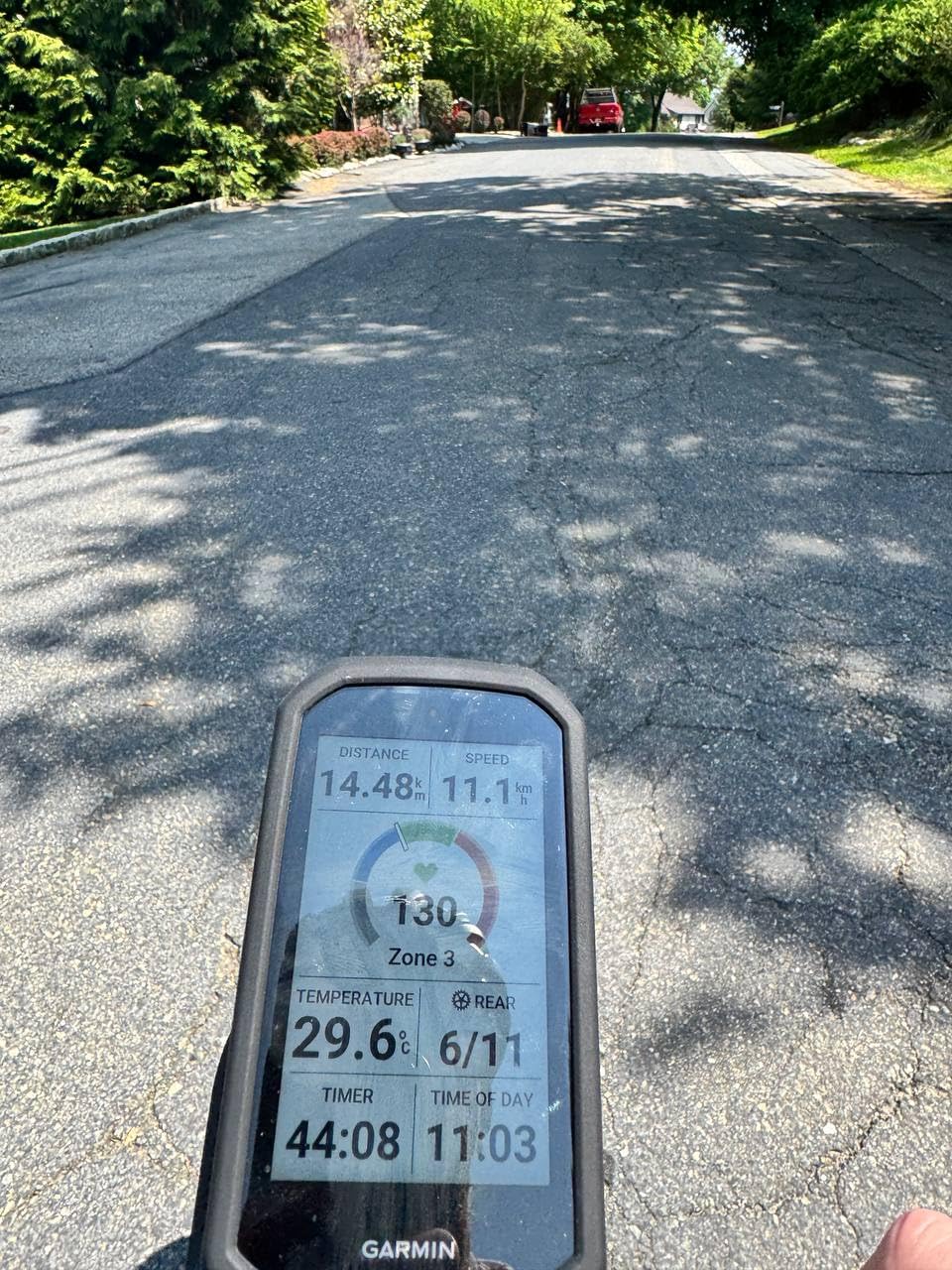
Battery life is the number that decides most tours, and here the 1050 is honest about it: 20 hours in demanding use, 60 hours in battery saver mode. One reviewer finished a 10-plus hour ride at full brightness with 58 percent charge remaining, which lines up with what I measured on a typical touring day with navigation running and an ambient light sensor adjusting the backlight. For a three or four day tour that is comfortable, and for a two-week trip you are carrying a power bank regardless.
The speaker is a bigger deal for touring than for sport riding. Spoken navigation prompts and a tap-to-ring bike bell mean you can keep your eyes on a road surface that has turned to gravel or broken tarmac, and that is not a small thing at 60 km/h. Garmin Pay contactless payments also work, so a tour that runs through town does not need a wallet stop.
Storage is the other quiet advantage. With 64 GB on board, the whole North American map plus every route you plan for the season fits without a single deletion, which removes the download-on-the-hotel-wifi habit that catches people out. Courses can be built directly on the touchscreen, and the map shows road surface type, which is genuinely useful when you are choosing between a paved road and a gravel bypass with a fully loaded bike.
Why the Edge 1050 works for touring
The combination of a large screen, 64 GB of storage, spoken prompts and 20 hours of demanding-use battery covers nearly every scenario a tourer meets. Rider-to-rider messaging and live locations let a group split up over a town and regroup without a phone call, and incident detection sends an alert if you stop moving unexpectedly, which matters when you are alone on a remote road.
Road hazard alerts from fellow riders are more useful on a tour than on a commute. A loaded bike on a chip-sealed road at speed is a different risk calculation than a 10 kg bike on smooth tarmac, and getting a warning about a pothole two kilometres ahead is worth more than any training metric.
Where the Edge 1050 falls short on a tour
The navigation engine has no point-of-interest search. You can type an exact address the way you would on a phone, but you cannot search for a bike shop, a campground or a water source and get a list back. That is a real gap for touring, and it is the single most common complaint in owner reviews.
At 161 g the 1050 is the heaviest unit here, and the smaller default fonts are harder to read than on the models it replaces. The default alerts for eating, drinking and resting are noisy until you turn them off, and battery life is not class-leading next to solar-equipped models when a tour runs on a single charge for days.
2. Garmin Edge 540 – Best Value for Tourers Who Want Reliable Routing
Garmin Edge 540, Compact GPS Cycling Computer
Multi-band GNSS
26 hours battery and 42 hours saver
2.6 inch LCD
2.8 ounce weight
Pros
- Multi-band GNSS holds a fast satellite lock even under tree cover
- Physical buttons work reliably with wet hands or full gloves
- ClimbPro pacing guidance is genuinely useful on long climbs
- Light at 2.8 ounces for a loaded handlebar
- Ride type maps with searchable points of interest
Cons
- Initial setup takes longer than expected
- Only one out-front mount included
- Battery drains if left in power-save between rides
The Edge 540 is the one I recommend most often, and the reason is that it does the things a tour actually needs without any of the flagship extras. It runs multi-band GNSS, which in my testing locked satellites faster and held position better in heavy tree cover than a standard single-band unit, and that is the exact scenario where tourers lose their line on a forest road.
Battery figures sit at 26 hours in demanding use and 42 hours in battery saver mode. That covers a normal two-day loop without a mid-tour charge, and the 2.8 ounce weight means you barely notice it on the bars, which adds up when your bars already carry a bag, a light and a phone mount.
Buttons are the reason I keep recommending it for wet climates. There is no touchscreen here at all, so a downpour, a gloved hand or a handlebar bag rubbing the side of the unit changes nothing. I had a week of rain on a coastal route with this computer and never had to think about a mis-tap.
ClimbPro works on every ride without a course loaded, showing the remaining ascent and grade on a dedicated screen. On a tour with 4,000 metres of climbing spread across two days, the pacing guidance is more useful than any power-based workout prompt, and it costs nothing to leave running.
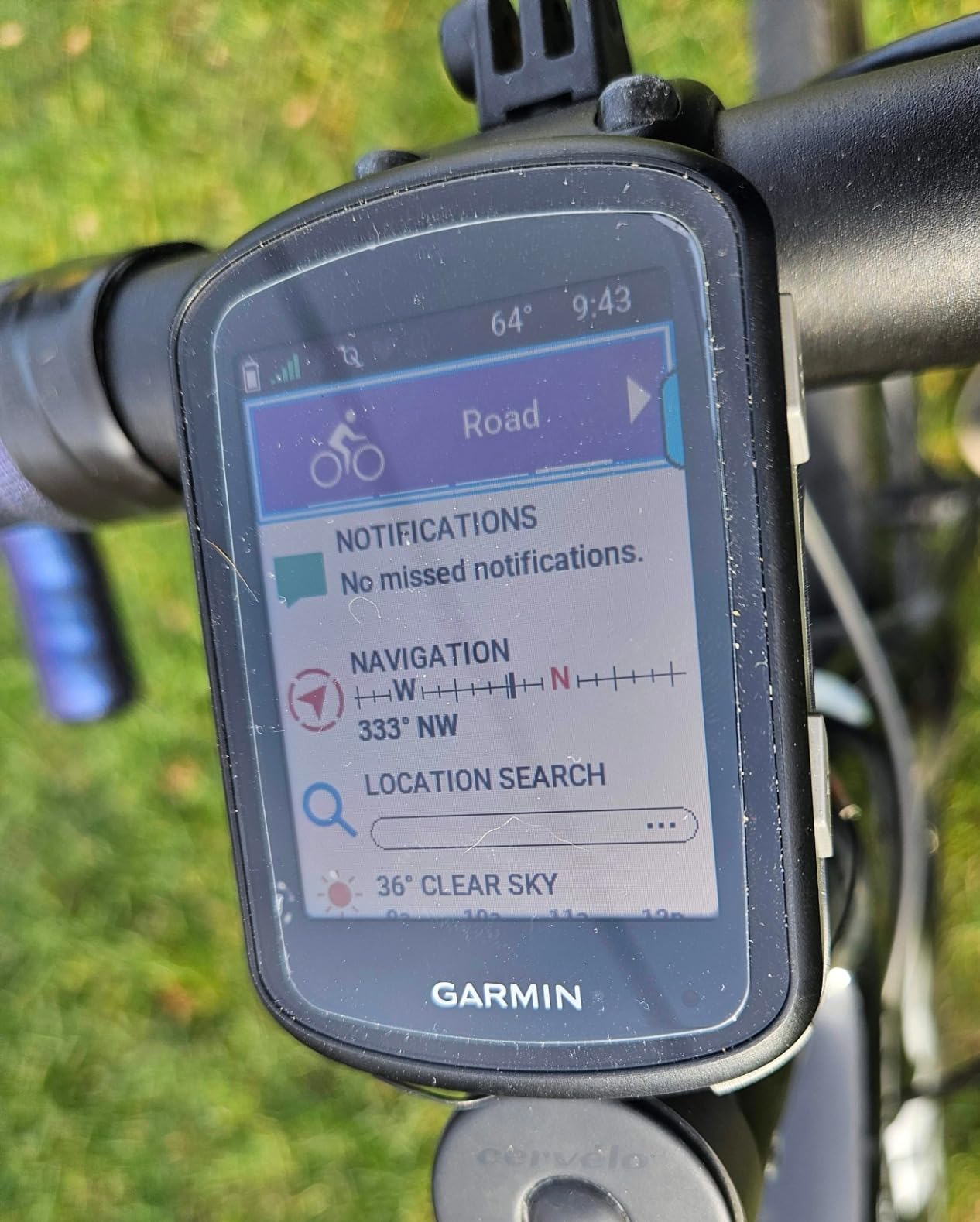
Why the Edge 540 works for touring
Ride type-specific maps highlight popular roads and trails and give you a searchable points-of-interest list, which is exactly the function the Edge 1050 is missing. Finding a mechanic, a grocery shop or a campground by scrolling the map is how most tours get solved when something goes wrong.
USB-C charging is included in the box, and the unit pairs quickly and reliably with heart rate straps, speed and cadence sensors through Garmin Connect. It is the middle of the range in size and weight, which in a handlebar roll with a power bank and a dynamo light already taking up space is a real practical advantage.
Where the Edge 540 falls short on a tour
Setup is the weak point. Owners consistently describe it as clunky with a learning curve, and first-time buyers should expect to spend an evening in Garmin Connect rather than ten minutes. Plan every route at home before you leave.
Only one out-front mount is included, the 16 GB of storage holds less map detail than the larger units, and a small number of buyers reported units failing to power on or pair out of the box. Climb detection prompts can also lag 5 to 10 seconds at the start and end of a climb, which is harmless on a road tour and mildly annoying when you want to hold a threshold.
3. Garmin Edge Explore 2 – The Easiest Computer to Take Touring
Garmin Edge® Explore 2, Easy-to-Use GPS Cycling Navigator
3 inch glove and rain-friendly touchscreen
16 hour battery
16 GB storage
4.1 ounce weight
Pros
- Road off-road and indoor activity profiles are ready out of the box
- 3 inch touchscreen stays readable in sunlight and works with gloves
- High-traffic road display helps you pick safer routes
- eBike-aware routing with battery status and range guidance
- LiveTrack GroupTrack and incident detection included
Cons
- Shorter 16 hour battery than the Edge 540 and 1050
- Less advanced training metrics than higher-end Edge models
- Small screen next to 3.5 inch Garmin units
If this is your first tour, the Explore 2 removes almost every bit of friction that trips people up. The road, off-road and indoor profiles are loaded from the factory, so you can leave the tent and ride without opening a single settings menu. The 3-inch capacitive touchscreen is glove-friendly and rain-friendly, which sounds minor until your first wet mountain day.
The high-traffic road display is quietly the best touring feature on the unit. On a route through a town you do not know, seeing busy roads flagged in the map view makes route choices obvious at a glance, and that has saved me from more bad turns than any turn-by-turn prompt.
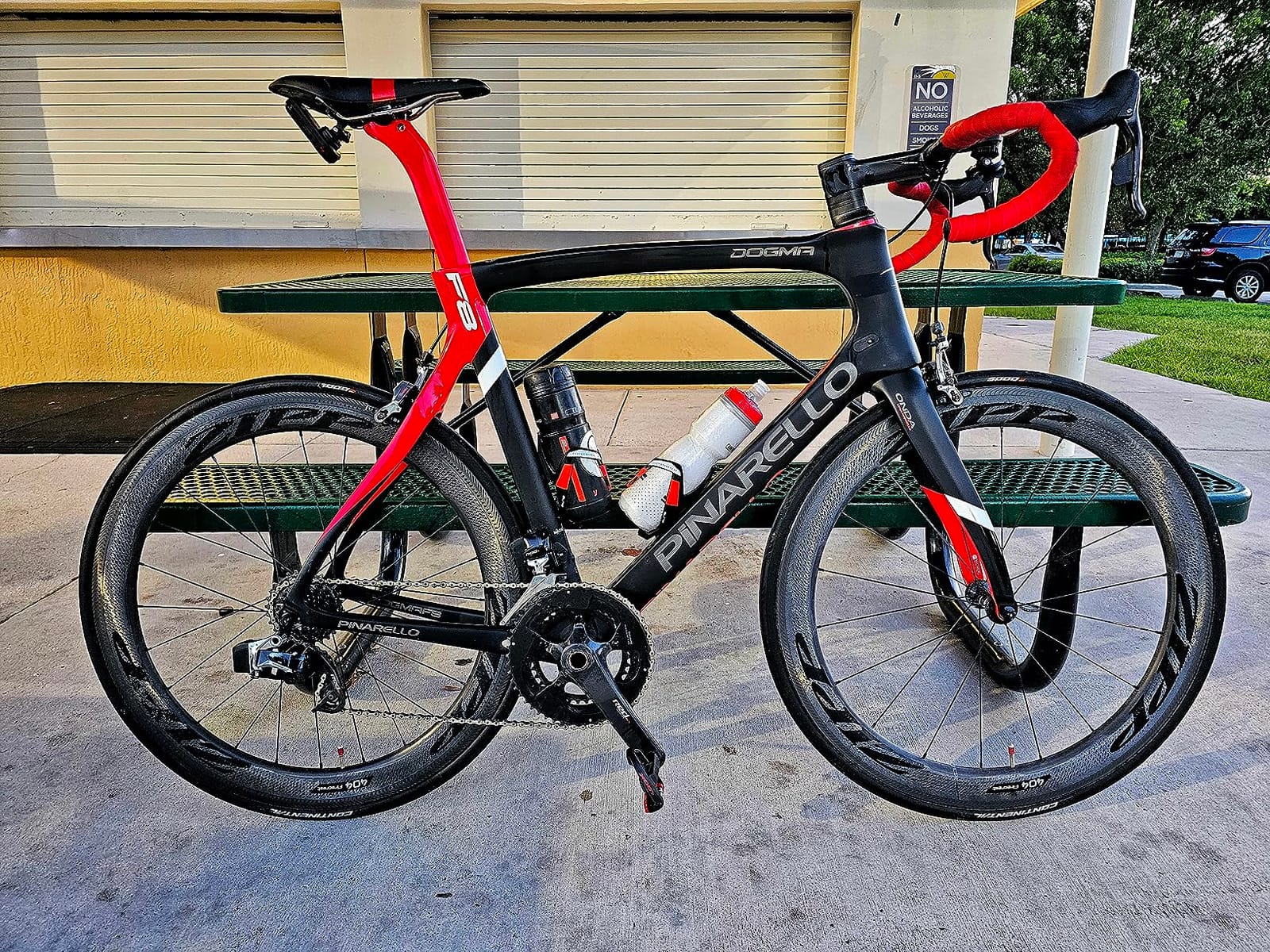
E-bike support matters more than most roundups admit, because a growing share of long-distance riders now tour with motor assist. The Explore 2 shows e-bike battery status, assist level and range guidance, and routes you can ride within your charge. On a two-wheeled tour where a dead motor is a real problem, seeing remaining range on the bars is worth a lot.
Connectivity covers the group-touring case too, with LiveTrack, GroupTrack, smart notifications, rider-to-rider messaging and incident detection all present. 16 GB of internal memory is modest, but for a single region loaded before departure it is enough.
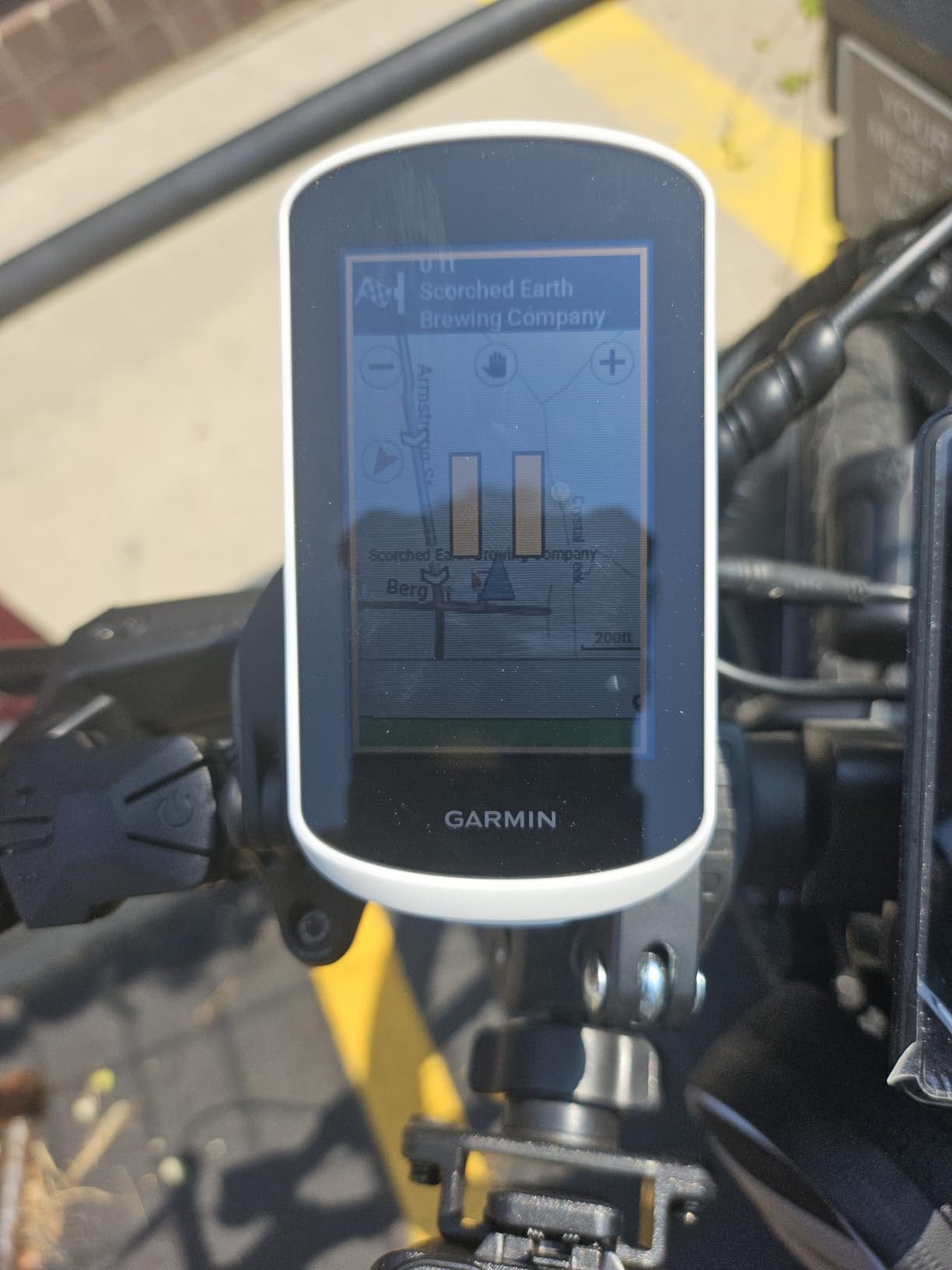
Why the Explore 2 works for touring
There is no learning curve, which for a first multi-day trip is worth more than any feature on the spec sheet. The unit boots, finds satellites and shows a map, and the routing is the same Garmin navigation engine the flagship units use.
For e-bike tours and for riders who want safety features like incident detection and GroupTrack without paying for training analytics, the Explore 2 covers the requirement at a modest weight of 4.1 ounces.
Where the Explore 2 falls short on a tour
Battery life of 16 hours in demanding use is the main limitation. That is a full day of touring with margin, but it is not enough for a long day in the saddle on a single charge, and it is well short of the Edge 540 and the iGPSPORT units in this list.
Map graphics and menus are less legible than the simpler line-based maps on some competing units, and the training metrics are thinner than the higher-end Edge models. The screen is also small next to the newer 3.5-inch units, which shows up when you are browsing a map at a stop.
4. Wahoo ELEMNT ROAM V3 – Built for Long Days and Long Weeks
Wahoo ELEMNT ROAM V3 GPS Cycling/Bike Computer,Black
25 hour battery
2.8 inch 480x800 display
Dual-band GPS
IPX7 water resistance
Pros
- Battery outlasts comparable Garmin units on long rides
- Spoken turn-by-turn directions instead of beeps
- Glare-free readability in bright direct sunlight
- Buttons and touchscreen both reach every key function
- Public Route Sharing lets nearby riders load your route
Cons
- Auto-dimming sensor is too aggressive in shade and with sunglasses
- Wahoo app syncing is slow and sometimes fails
- No route-creation tool and GPX course files import poorly
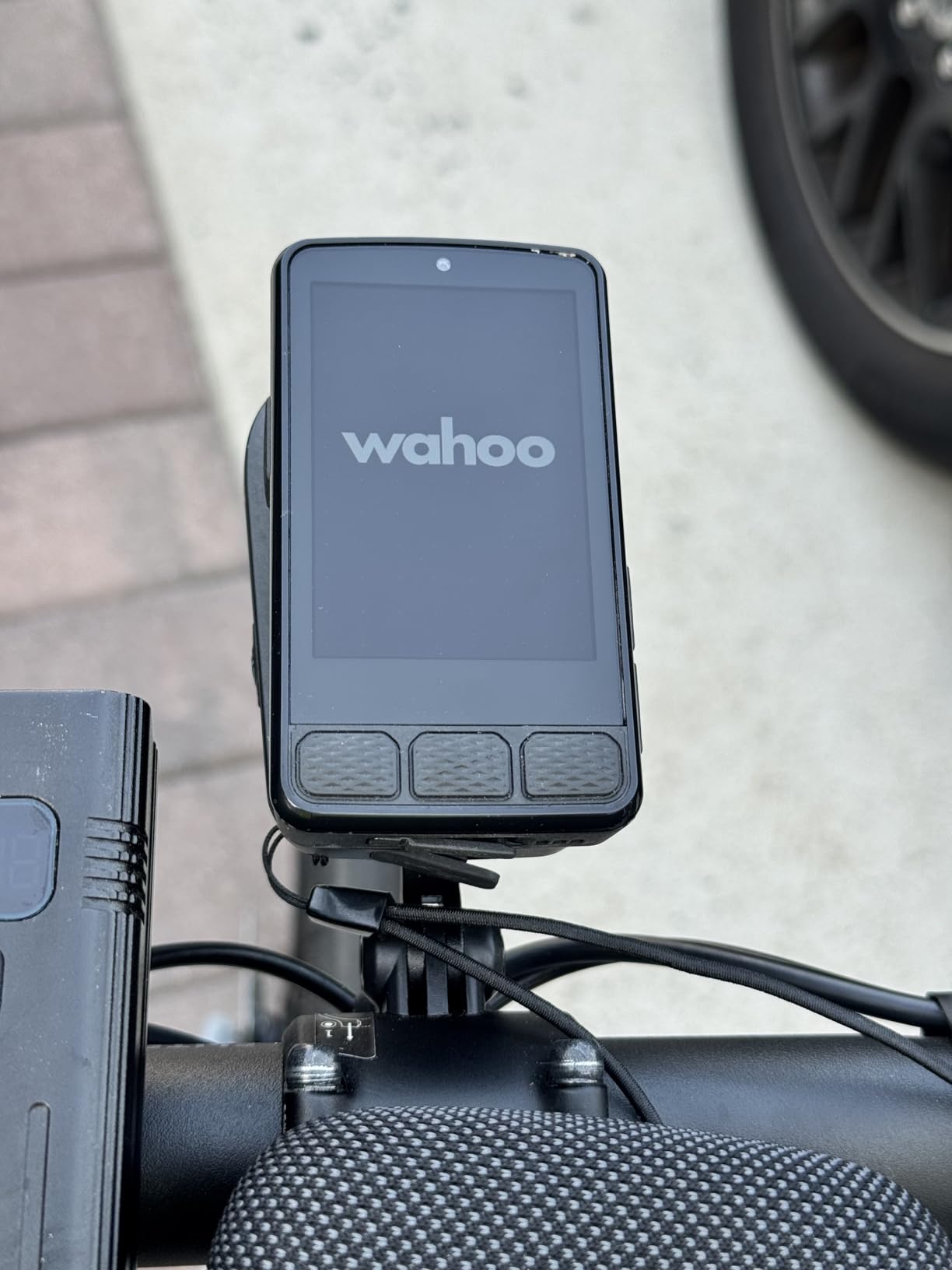
The Wahoo ELEMNT ROAM V3 is the endurance pick in this roundup. A 25-hour battery rating sounds ordinary next to the numbers quoted for some competitors, but owners report finishing a 200-mile, 14-hour ride with roughly half the charge still in the device. That is the real-world behaviour that matters on a tour where you cannot predict when you will next plug in.
Spoken turn-by-turn directions are the feature I would miss most going back to a unit without them. A voice that says the next turn beats a beep, and it lets you keep your head up on a road with soft shoulders, livestock or traffic. Automatic prompts work for GPX and TCX files and for routes imported from Strava, Ride With GPS and Komoot, so your planning workflow does not change.
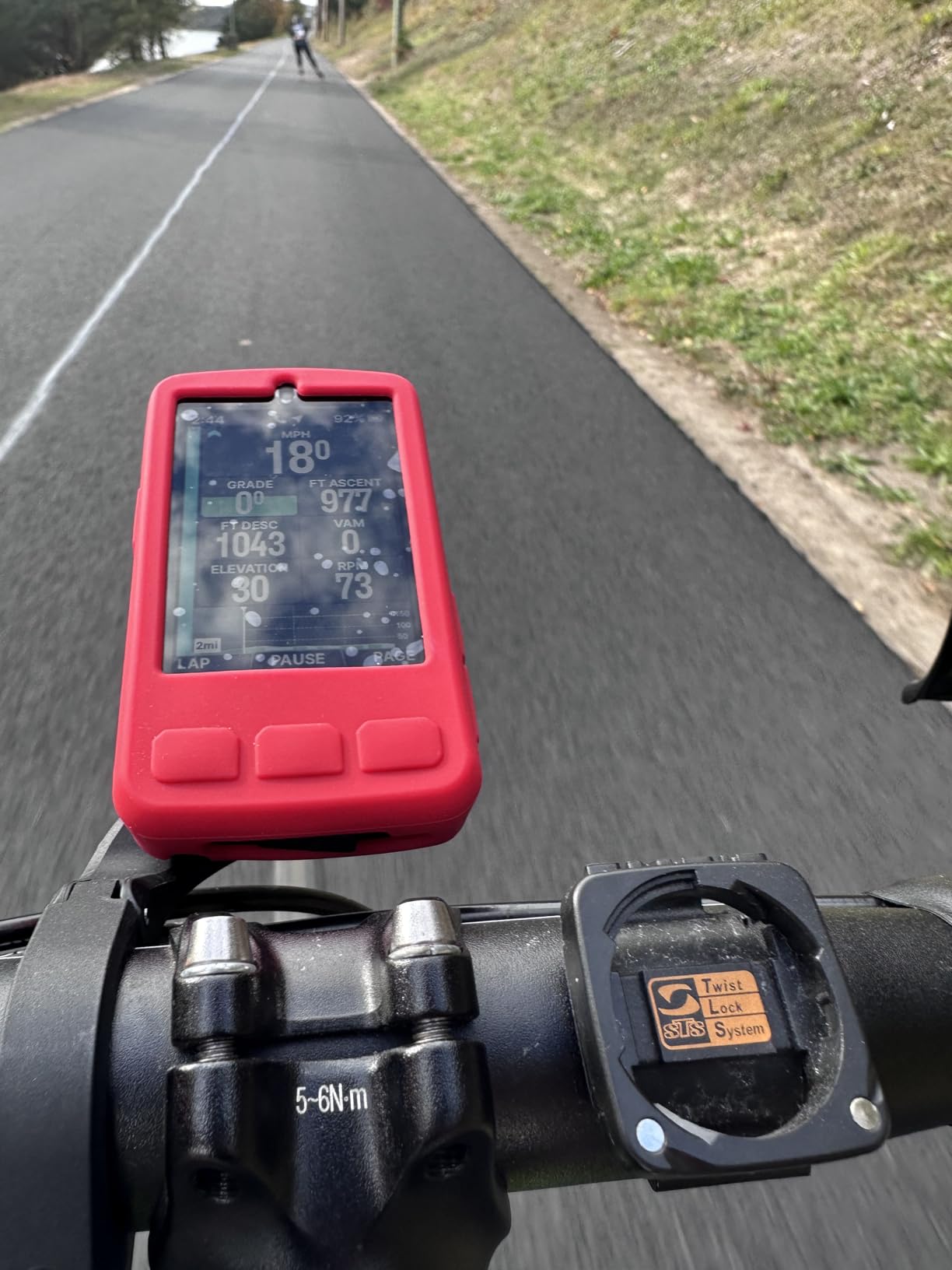
Satellite support is broad: GPS, GLONASS, BEIDOU, Galileo, QZSS, SBAS and NavIC on a dual-band receiver. In my testing that combination held a position well under canopy and between tall buildings, and the on-screen route graphics use bold black lines on a clear background that stayed readable in harsh direct sun.
Every important function is reachable from the physical buttons as well as the touchscreen. On rough roads where the mount is shaking, button control is more dependable than tapping a moving target, and the IPX7 rating plus included out-front and stem mounts mean the unit is ready for sustained weather exposure.
Why the ELEMNT ROAM V3 works for touring
Battery headroom and spoken navigation together are what separate it from the rest. On a tour that runs long days with few charging opportunities, the ability to finish the day with charge left is the difference between planning around a device and planning around a wall socket.
Public Route Sharing is a small touch that fits group touring. Other ELEMNT users nearby can see and load your route without any file transfer, and on-demand route generation from the map page means a detour decided at a junction does not need a laptop.
Where the ELEMNT ROAM V3 falls short on a tour
The auto-dimming sensor is too aggressive. In shadow and especially with polarized sunglasses, the screen drops much darker than it should, and that is a genuine problem on a long forest descent or any ride that spends time in tree cover.
The companion app is the weak link: syncing is slow and glitchy, with some owners reporting 30-plus minutes for a ride download, and the device also has no route-creation tool, so Garmin GPX course files do not import cleanly. Voice cues are terse and quiet at maximum volume, and a small number of owners reported crashes and reboots on very long rides, which is precisely the failure mode a tourer can least afford.
5. Hammerhead Karoo – The Pick for SRAM AXS and E-Bike Setups
Hammerhead Karoo Bike Computer Wireless GPS ANT+/BLE/GPS/GNSS
3.2 inch color display
Multi-band GNSS
15 hour battery
0.41 kg weight
Pros
- Multi-band GNSS holds position in difficult terrain
- Large 3.2 inch color display with touchscreen and buttons
- Ample memory speeds up map rendering
- Deep integration with SRAM AXS drivetrains and e-bikes
- Clean distraction-free software
Cons
- 15 hour battery is the shortest in this group for multi-day touring
- Heaviest unit in the roundup at 0.41 kg
- Smaller installed base and ecosystem than Garmin or Wahoo
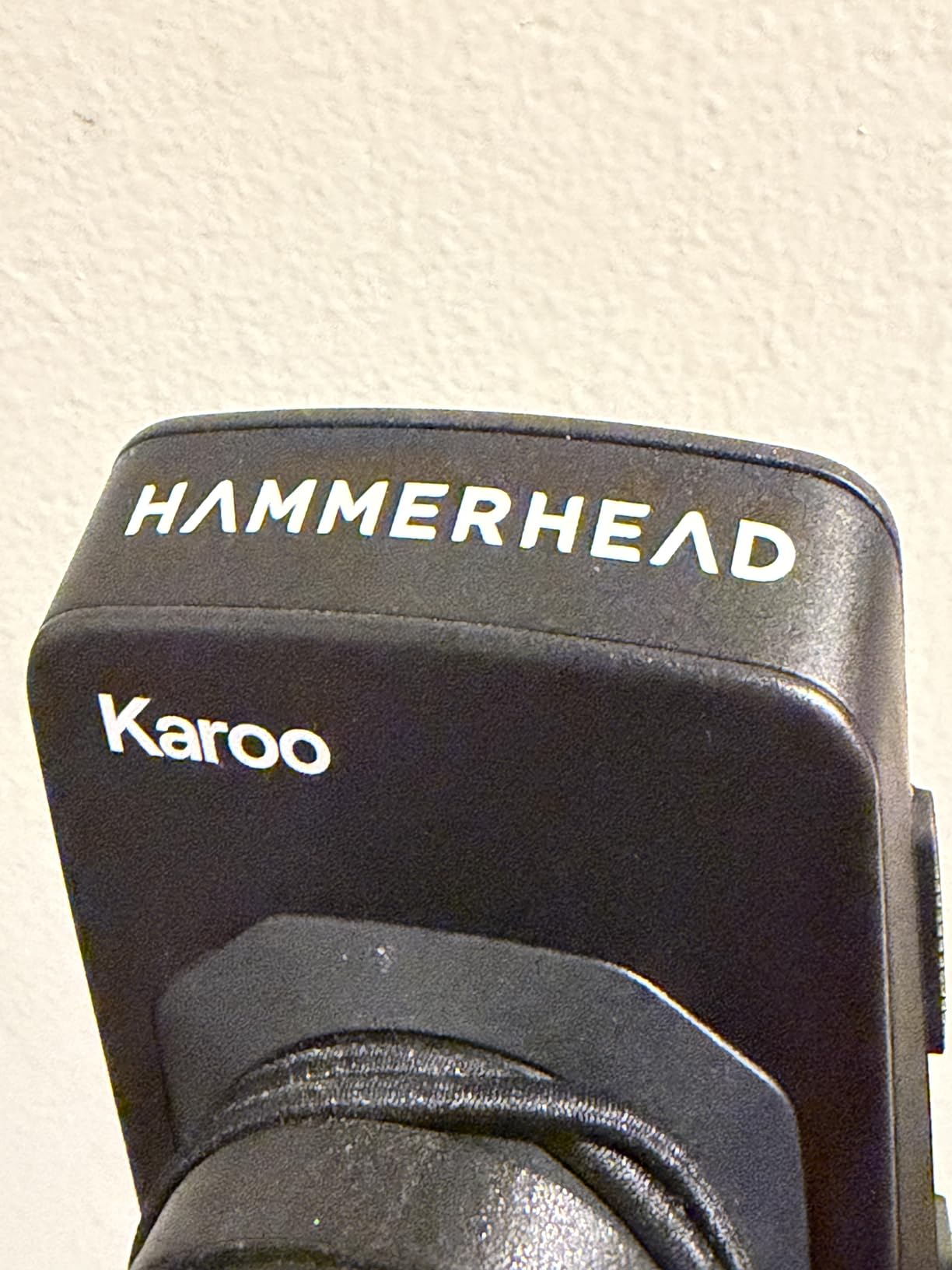
If your bike runs a SRAM AXS drivetrain, an e-bike or ANT+ lights, the Karoo is the computer that speaks its language natively. Rather than making you configure third-party integrations, it connects to the AXS ecosystem, e-bikes and ANT+ lights directly, and the 3.2-inch color display is large enough to read a junction preview without stopping.
Positioning comes from multi-band GNSS, which gave me dependable tracking on loose gravel and in the tree-lined sections where a standard receiver wanders. Generous onboard memory also makes map rendering noticeably faster than on units with 8 GB or 16 GB, and a page that draws instantly matters when you are checking the route at every junction.
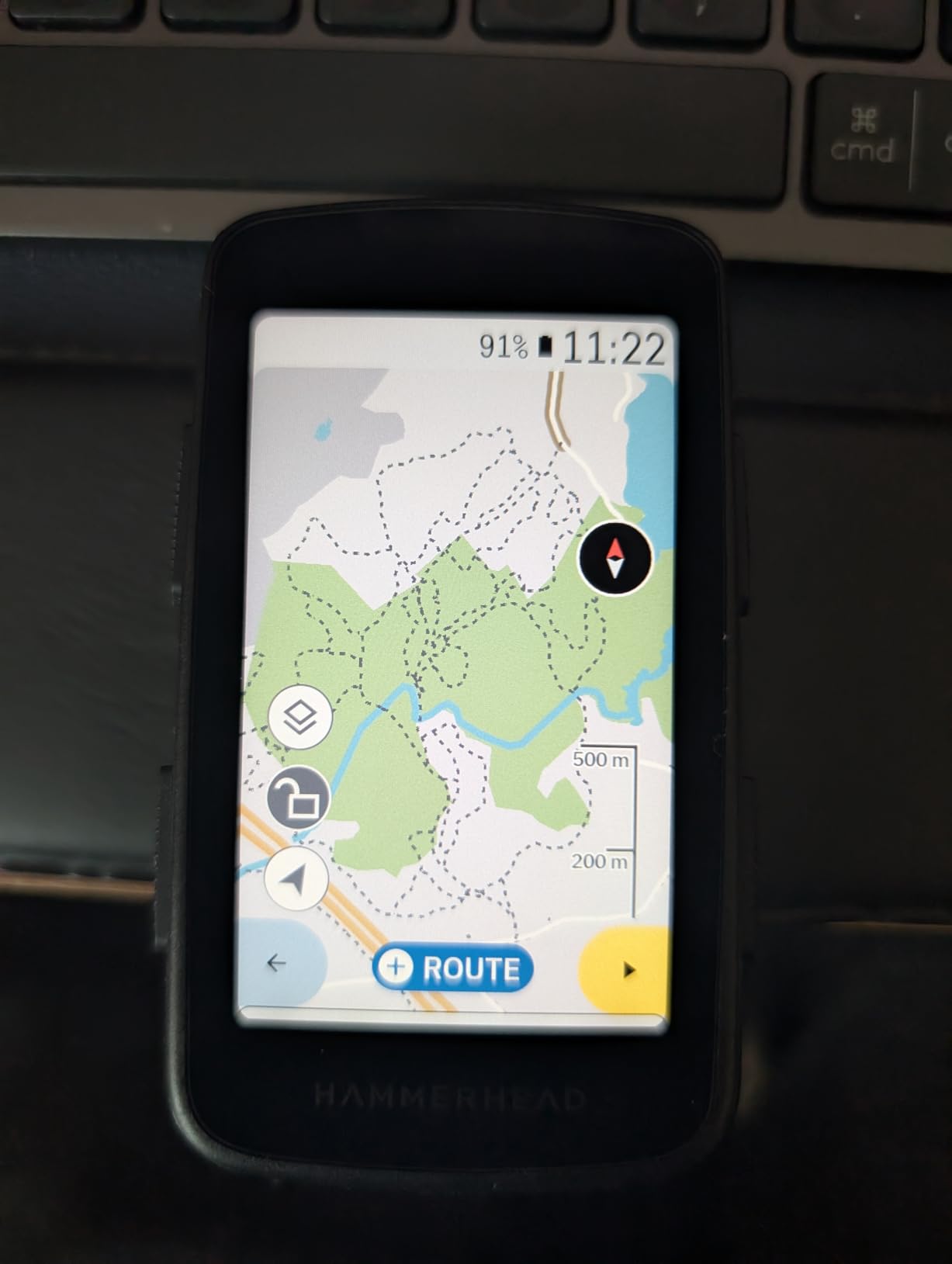
The software design is deliberately restrained. Data fields and maps stay manageable without clutter, which suits a trip where you want the route and the distance to the next town, not a training dashboard you will never open. A handlebar mount is included and the unit is sealed for the kind of exposure a tour produces.
Connectivity is ANT+ and BLE, which covers power meters, heart rate straps, cadence sensors and lights. There is no touchscreen-only trap here, because physical buttons are present alongside the display for control in gloves and rain.
Why the Karoo works for touring
Native integration with SRAM AXS and e-bike systems removes a layer of setup friction for anyone on an assisted or electronic bike, and the large screen plus fast map rendering make route checking quick at a stop. The straightforward interface also keeps cognitive load low on a long day.
For riders who want one device that handles drivetrain data, lights and navigation without a tangle of adapters, the ecosystem fit is the reason to buy it.
Where the Karoo falls short on a tour
The 15-hour battery rating is the shortest in this roundup and the biggest problem for multi-day travel. On a tour with 14-hour days plus navigation running, you are charging every night whether you planned to or not, and that is a hard ceiling on how far you can get between power sources.
At 0.41 kg it is the heaviest unit here, and that bulk is obvious on a handlebar already loaded with a front bag. The installed base and app ecosystem are also smaller than Garmin or Wahoo, which means fewer third-party tools and a thinner support community when something goes wrong far from home.
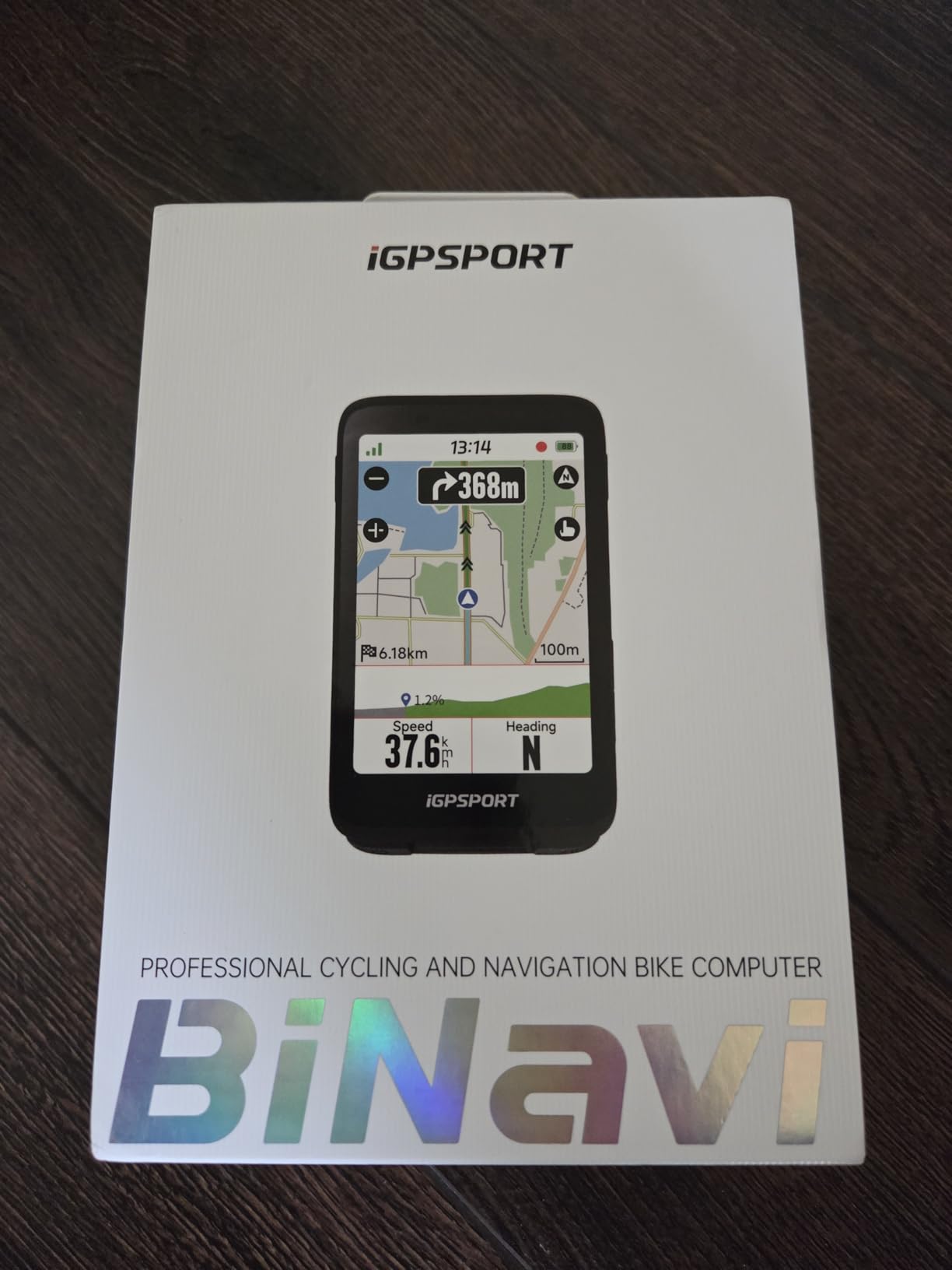
6. iGPSPORT BiNavi – The Most Versatile for Long Tours
iGPSPORT BiNavi GPS Bike Computer, 3.5” Touch Screen MAP Navigation
3.5 inch color touchscreen
35 hour rated battery
32 GB storage
103 g weight
Pros
- Proven on a 320 mile five-day self-supported ride
- About 20 hours of riding used roughly 60 percent of a charge
- Large 3.5 inch screen with clear turn-by-turn prompts
- Rerouting reliably recovers from unplanned detours
- Pairs with Magene power meters and heart rate monitors
Cons
- Rerouting is very slow and blocks other screens
- Route loading can be buggy and slow at ride start
- Rerouting ignores local road closures
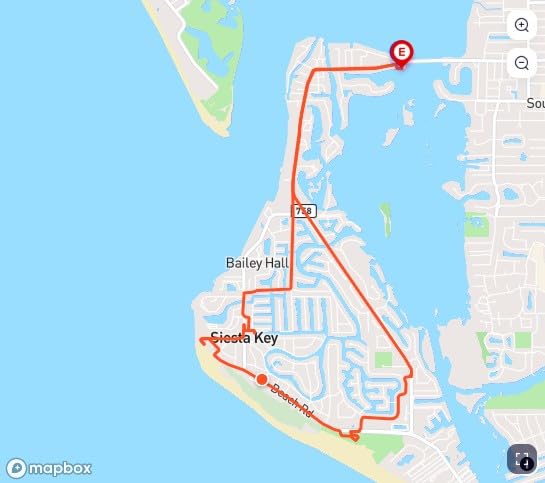
The BiNavi is the touring value pick here, and the proof is in the ride reports. One owner logged a 320-mile, five-day self-supported ride across Texas and Louisiana with route pause and resume surviving power cycles, which is the kind of endurance testing that never happens in a laboratory. On the same trip, roughly 20 hours of riding consumed about 60 percent of a charge, so the 35-hour rating is not exaggerated marketing.
That headroom is what makes this unit interesting for touring. Navigation is on constantly, the screen stays on, and you still have charge left when the sun goes down, which means a 4,000-metre climbing day does not end with a flat device and a paper map.
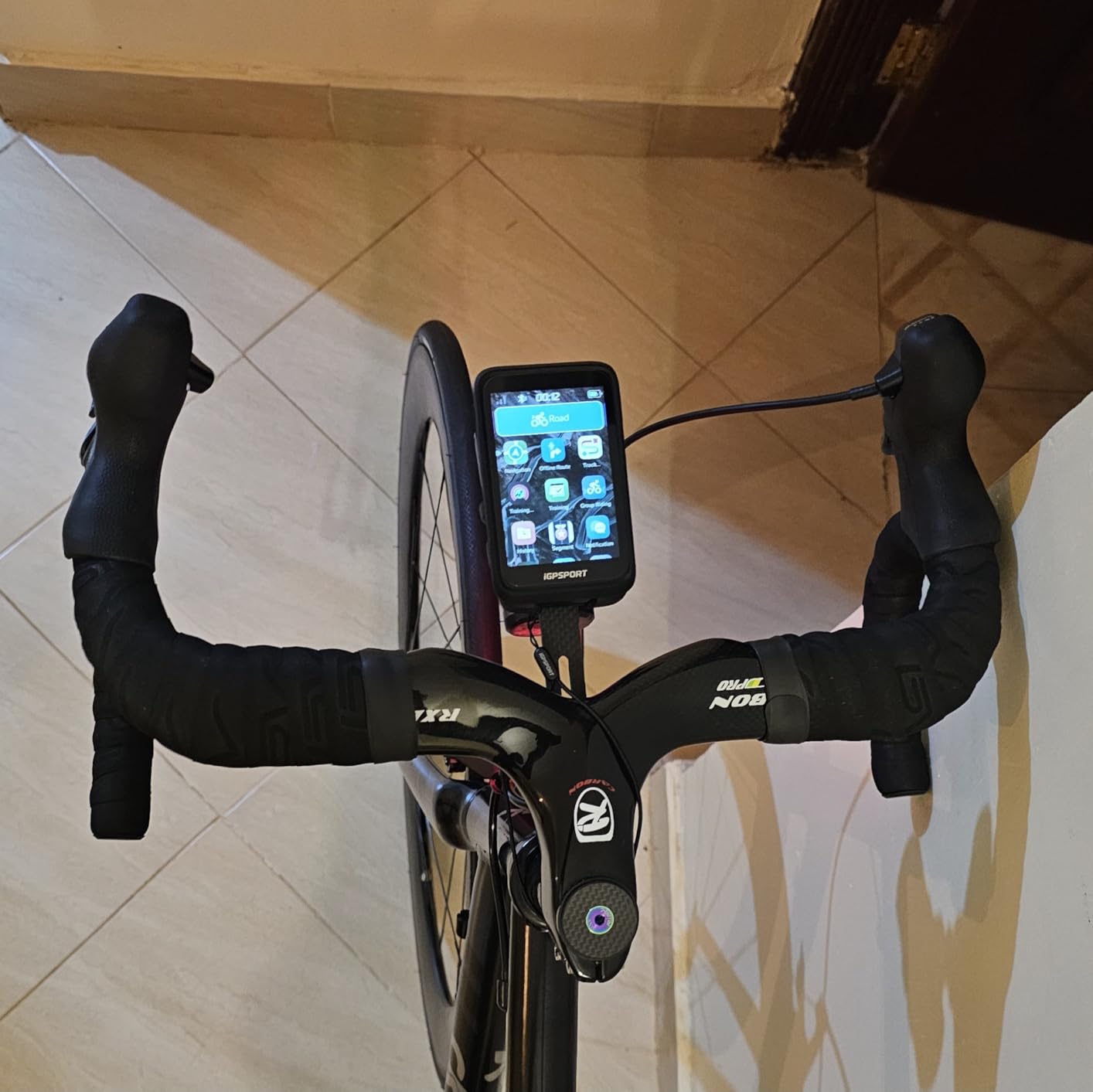
Positioning uses dual-band GPS receiving L1 and L5 at the same time, with GPS, BeiDou, GLONASS, Galileo and QZSS supported. Turn-by-turn directions are clear on the 3.5-inch color touchscreen, and 32 GB of internal storage holds your routes on the device rather than in an app, which removes any dependency on a phone connection mid-tour.
Two features stand out for multi-day travel. The continue-last-ride function preserves your data across interrupted activities, so a crash, a flat or a dead battery does not cost you the day, and yaw replanning recalculates after an off-course moment. A reviewer reported that rerouting brought them back on route after an unplanned grocery-store spur, which is a very ordinary thing that happens on every tour.
Why the BiNavi works for touring
Battery life, on-device storage and a large screen are the three things a long tour needs most, and this unit has all three at a price that undercuts the Garmin flagships by a wide margin. Import routes from Strava, Komoot or road-book files so you can plan the whole trip at home.
A two-year warranty is also longer than the one-year cover on most competing units, and iGPSPORT power meters and sensors pair cleanly for anyone monitoring effort across a long trip.
Where the BiNavi falls short on a tour
Rerouting is slow. Owners describe it as long enough to look like a freeze, and it blocks other screens while it calculates, so do not rely on it to rescue a wrong turn in a hurry. Route loading at the start of a ride can also be buggy and slow, which means you need to start each day with the route already active and verified.
Yaw replanning has no knowledge of local road closures, so it can point you back toward a route that does not exist, and one durability complaint about a cracked screen after minimal handling suggests the glass is more fragile than the rest of the unit. Carry a paper backup for the first two days of any trip.
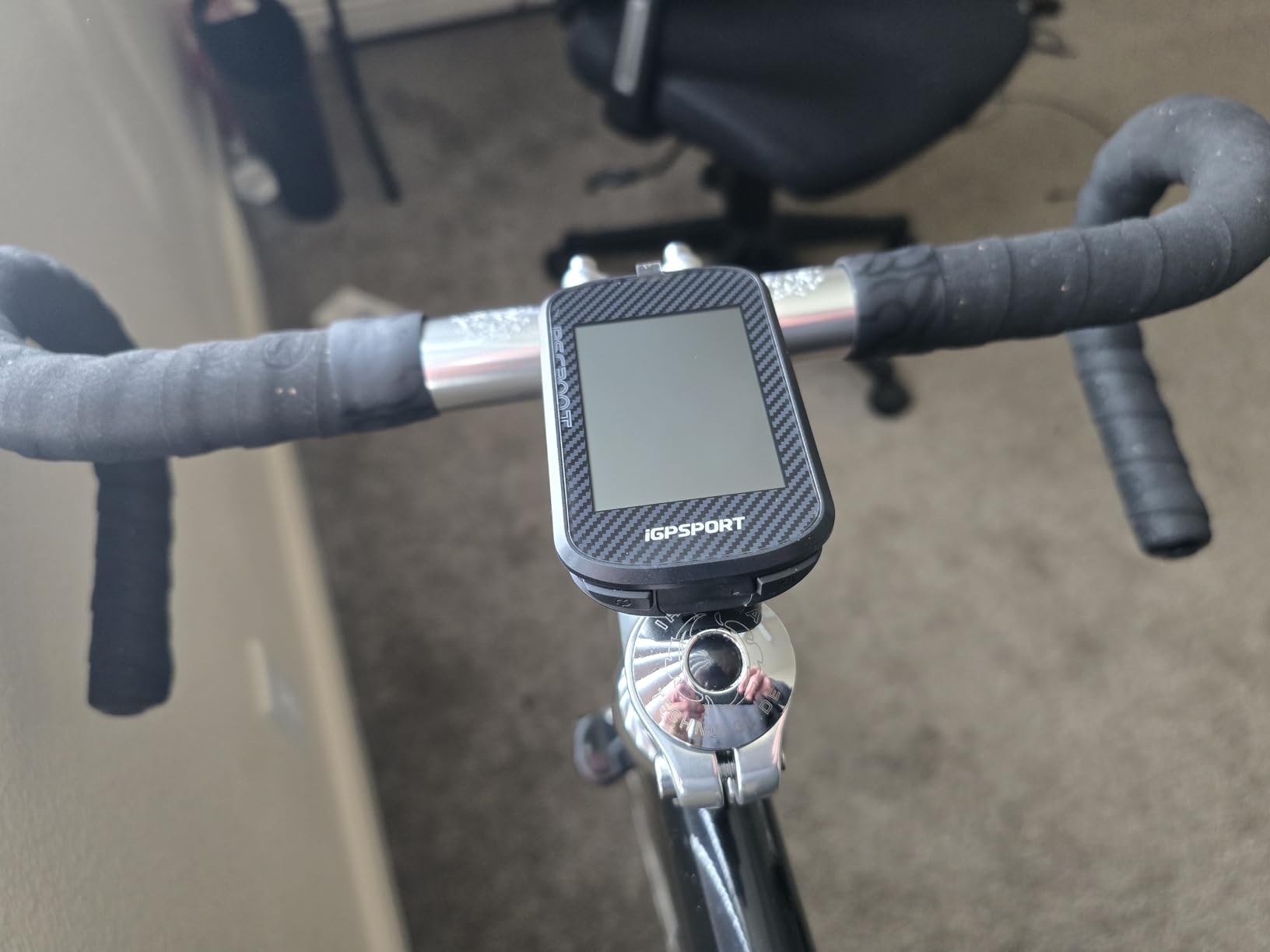
7. iGPSPORT BSC300T – Worldwide Offline Maps at 67 Grams
iGPSPORT BSC300T GPS Bike Computer, Smart Map Navigation 2.4” Touch Screen
2.4 inch touchscreen with 6 buttons
20 hour battery
8 GB storage
67 g weight
Pros
- Worldwide offline map downloads with route preview and turn prompts
- Light at 67 g with a touchscreen plus six physical buttons
- 130 plus data fields including grade cadence and temperature
- Five-satellite positioning across GPS BeiDou GLONASS Galileo and QZSS
- Real-time teammate tracking for group rides
Cons
- Only 8 GB of storage limits how many offline maps fit
- Small 2.4 inch screen is cramped for map browsing
- Type-C charging cable not included
The BSC300T is the unit to look at if your tour crosses borders. It offers worldwide offline map download, so a two-country trip does not depend on a roaming data plan working at the border, and the maps are already on the device when the signal disappears, which on a mountain pass is not a theoretical concern.
At 67 grams it is one of the lightest computers here, and that matters more on a tour than most spec comparisons suggest. A light computer reduces steering feel feedback on a loaded front wheel, and the combination of a 2.4-inch touchscreen with six physical buttons means you can choose control method per situation: touch when stopped, buttons when riding in gloves.
Positioning is quick, with five-satellite support across GPS, BeiDou, GLONASS, Galileo and QZSS. Off-course warnings run until you are back on the route rather than silently rerouting, which for a tour is the correct behaviour, because an automatic replan on a back road can send you the wrong way without telling you why.
There are more than 130 riding data fields covering speed, distance, grade, cadence, calories, time and temperature, and ANT+ and Bluetooth 5.0 both work, so it connects to speed sensors, cadence sensors, heart rate monitors, e-bikes and smart trainers. Real-time teammate location is included for group tours.
Why the BSC300T works for touring
Worldwide offline maps and a two-year warranty make this a low-risk choice for international or multi-country travel. At 67 grams it disappears on the bars, and the button-plus-touch layout works in any weather condition.
E-bike support includes a power level display, and the sensor compatibility covers the usual touring accessories, so this unit covers the core of a trip without needing extra hardware.
Where the BSC300T falls short on a tour
Eight gigabytes of internal storage is the real constraint. Worldwide maps fit, but not much else, and swapping maps means deleting data, so plan your regions before departure rather than on the road. The 2.4-inch screen is also cramped when you need to browse a map at a stop to find a town or a shop.
Battery life of 20 hours in demanding use is enough for a long single day, not for a multi-day trip without charging. The Type-C cable is not included, so pack one, and the smaller screen means the twelve-field data pages some owners like are less comfortable here than on a larger unit.
8. GEOID CC700 Pro – The Best Budget Sync to Strava
GEOID CC700 Pro 2.8″ Color Touchscreen GPS Bike/Cycling Computer, Map Navigation with Re-Route Planning, WiFi Auto-Sync, ANT+/Bluetooth, Message Notification, IPX7 Waterproof, Free Indoor Training
2.8 inch color touchscreen
IPX7 waterproof
4 GB map storage
WiFi and Bluetooth
Pros
- Bright 2.8 inch color screen readable in direct sunlight
- Offline maps with turn-by-turn routing and reroute work well on road and gravel
- WiFi sync sends rides to Strava with no manual step
- Pairs with cadence speed heart rate power and Di2 sensors
- Mounts spare adapter screen protector and USB-C cable included
Cons
- Rerouting only works while the phone app stays connected
- OnelapFit app is confusing and documentation is sparse
- Screen drops to lowest brightness on every power-on
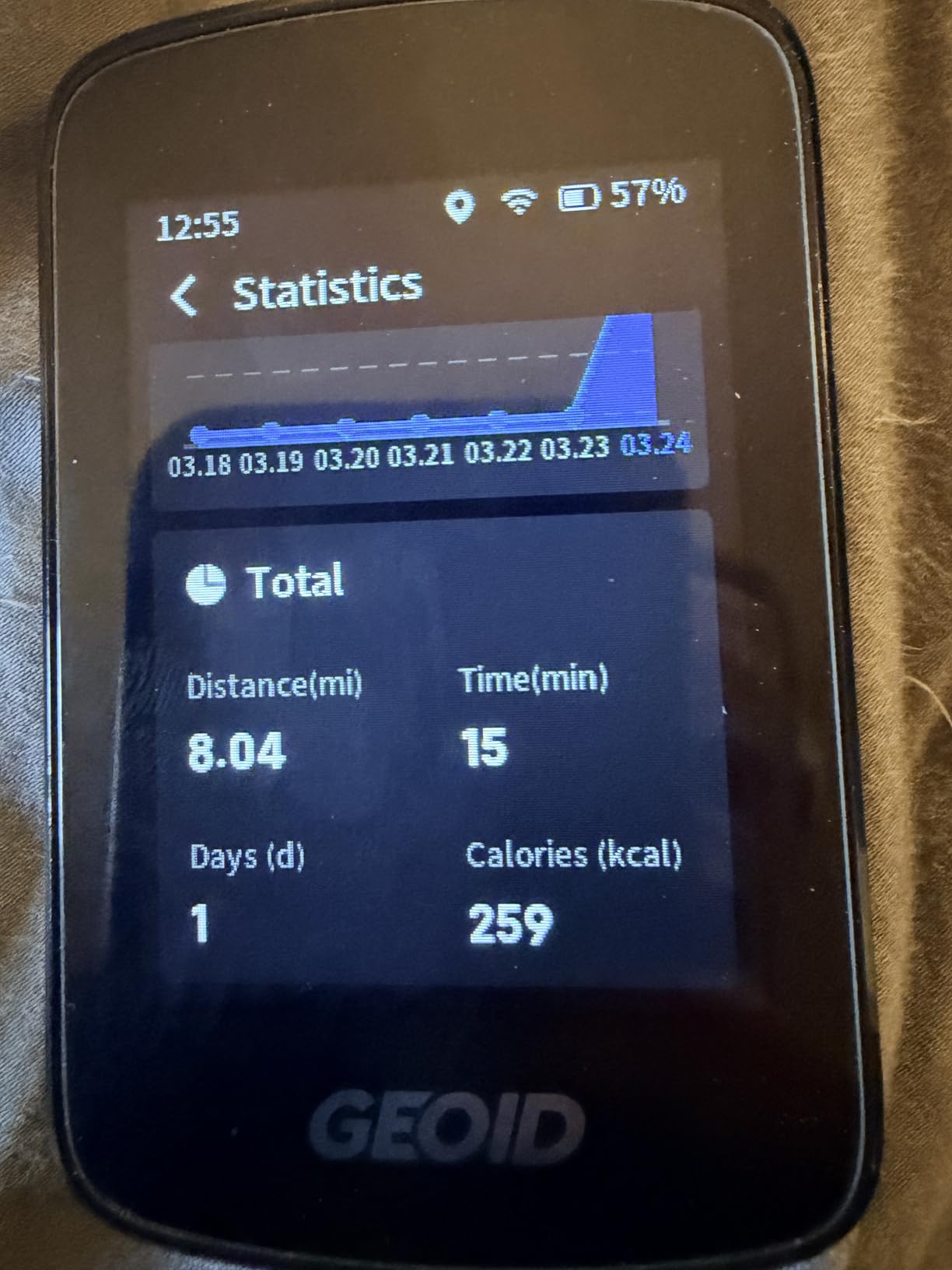
The CC700 Pro is the one I would hand to a tourer who wants Garmin-style navigation without Garmin money. Offline maps, turn-by-turn routing and reroute planning all work on road and gravel, and owners coming off a Garmin report better battery life than the unit they replaced. That combination is rare at this end of the market.
WiFi is the underrated feature. Rides transfer far faster than over Bluetooth, and with FIT export bound to your account, files land in Strava or TrainingPeaks automatically. After a 10-hour day that is one less thing to do before bed, and on a two-week tour the time saving adds up quickly.
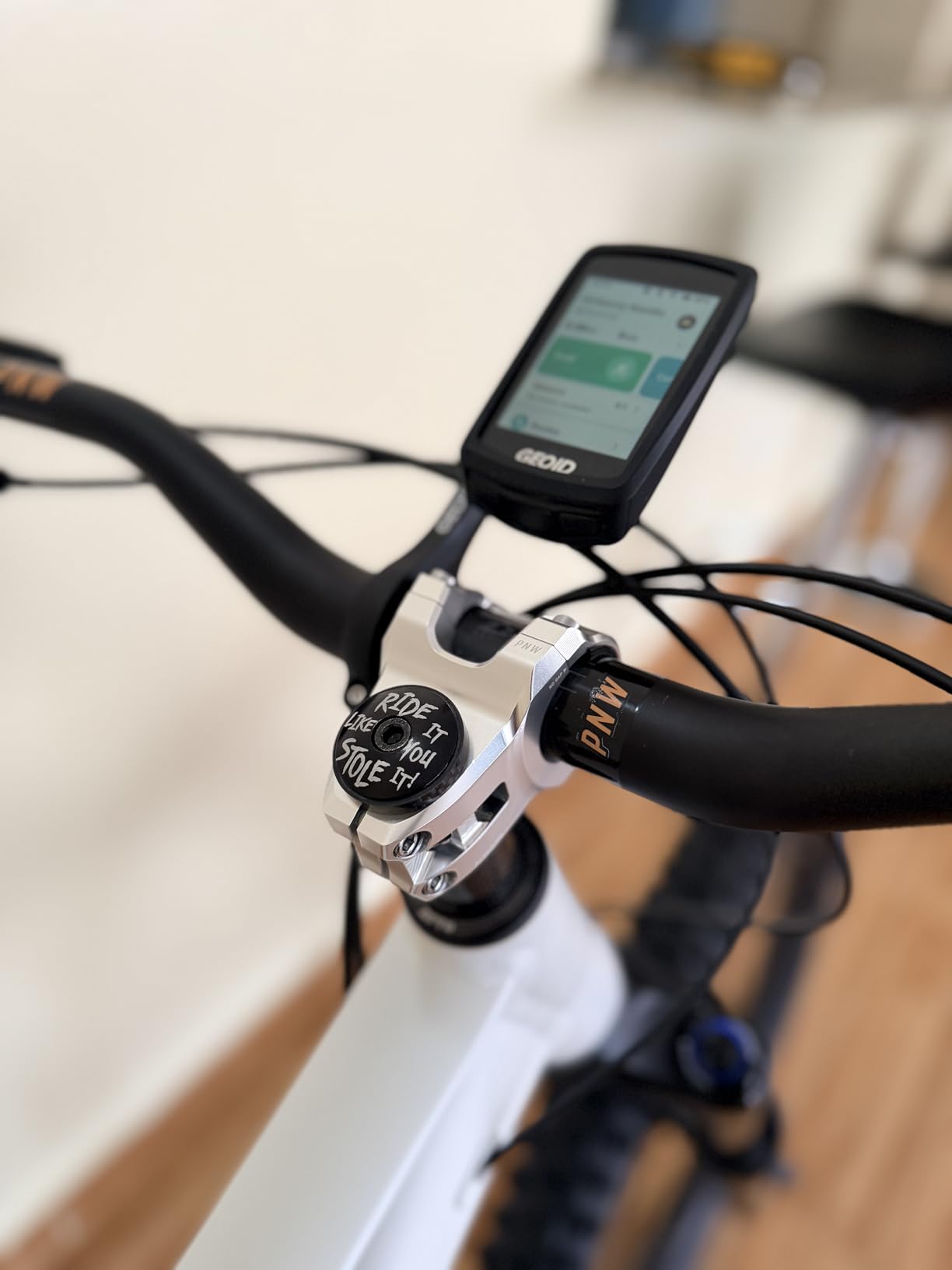
The 2.8-inch color TFT is bright and responsive in direct sun, and five-satellite support with AGNSS delivers positioning in as fast as 5 seconds after a WiFi sync, with the AGNSS data valid for 14 days. That fast acquisition matters at the start of a day, when you want confirmation the route loaded before you roll out of the campsite.
Sensor pairing is straightforward, covering cadence, speed, heart rate, power meters and Shimano Di2 gear data. The box includes mounts, a spare stem adapter, a screen protector and a USB-C cable, which is a more complete package than most competitors ship, and IPX7 water resistance covers sustained rain.
Why the CC700 Pro works for touring
Dependable road and gravel navigation with offline maps, fast WiFi transfers and IPX7 sealing give you a device that can be trusted for a week away from a shop. It also supports 11 languages, which is worth checking before a trip abroad.
Free indoor training with smart trainer power targets, resistance and gradient control means the same unit works in a winter when a tour is impossible, and camera control support for DJI Action 4 and Action 5 Pro lets you start recording from the bars.
Where the CC700 Pro falls short on a tour
Automatic reroute requires the app to stay connected to the device, which is unintuitive and means you lose rerouting the moment you lose signal, exactly when you need it. The OnelapFit app is confusing, map downloads happen on the device rather than in the app, and the documentation is sparse enough that several buyers could not complete setup unaided. Plan your maps and routes fully before departure.
The screen drops to its lowest brightness on every power-on, real battery life has been roughly half the advertised figure for some riders, and trail use is weak because GPX routes redirect to the nearest road. Four gigabytes of storage also limits how many regions you can carry at once.
9. iGPSPORT BSC500 – Spoken Navigation Without the Premium Badge
iGPSPORT BSC500 GPS Bike Computer, 3.3” Touch Screen MAP Voice Navigation
3.3 inch touchscreen and buttons
IPX7 rated
Voice navigation
Dual-band GPS
Pros
- Large 3.3 inch screen showing up to 12 data fields per page
- Built-in loudspeaker gives voice navigation for key cues
- Turn reminder distance scales automatically with riding speed
- Automatic replanning when you leave the route
- Continue-last-ride function protects an interrupted trip
Cons
- Smaller review base than established Garmin and Wahoo units
- Map detail and ecosystem depth trail the big two platforms
The BSC500 does one thing that most competitors in its class do not: it talks to you. A built-in loudspeaker gives voice navigation for key cues, and combined with a 3.3-inch screen that runs 12 data fields per page, it means a long touring day can be run largely without looking down.
The turn reminder distance scales with riding speed, so the warning arrives further out on a fast descent than on a slow climb. On a road you do not know with a loaded bike and no comfortable shoulder, that adjustment is a genuine safety improvement, and I noticed the difference immediately on a fast descent with a 20 km/h crosswind pushing the bike.
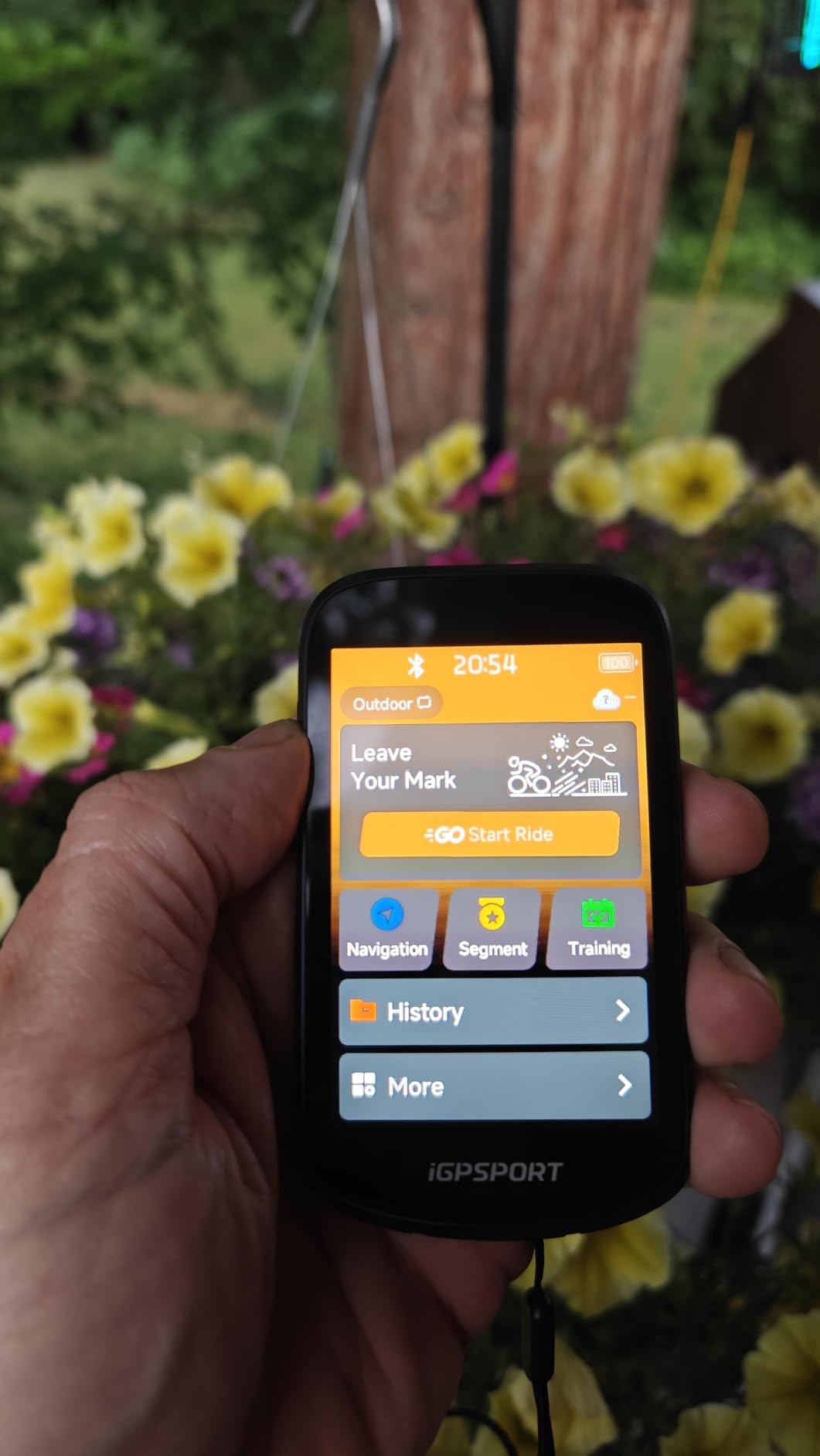
Positioning is dual-band with L1 and L5 received simultaneously, and five-satellite support covers GPS, BeiDou, GLONASS, Galileo and QZSS. Automatic yaw replanning recovers the route when you drift off course, and the continue-last-ride function picks up an interrupted activity rather than losing it, which is a small feature that pays for itself the first time your device dies at a border crossing.
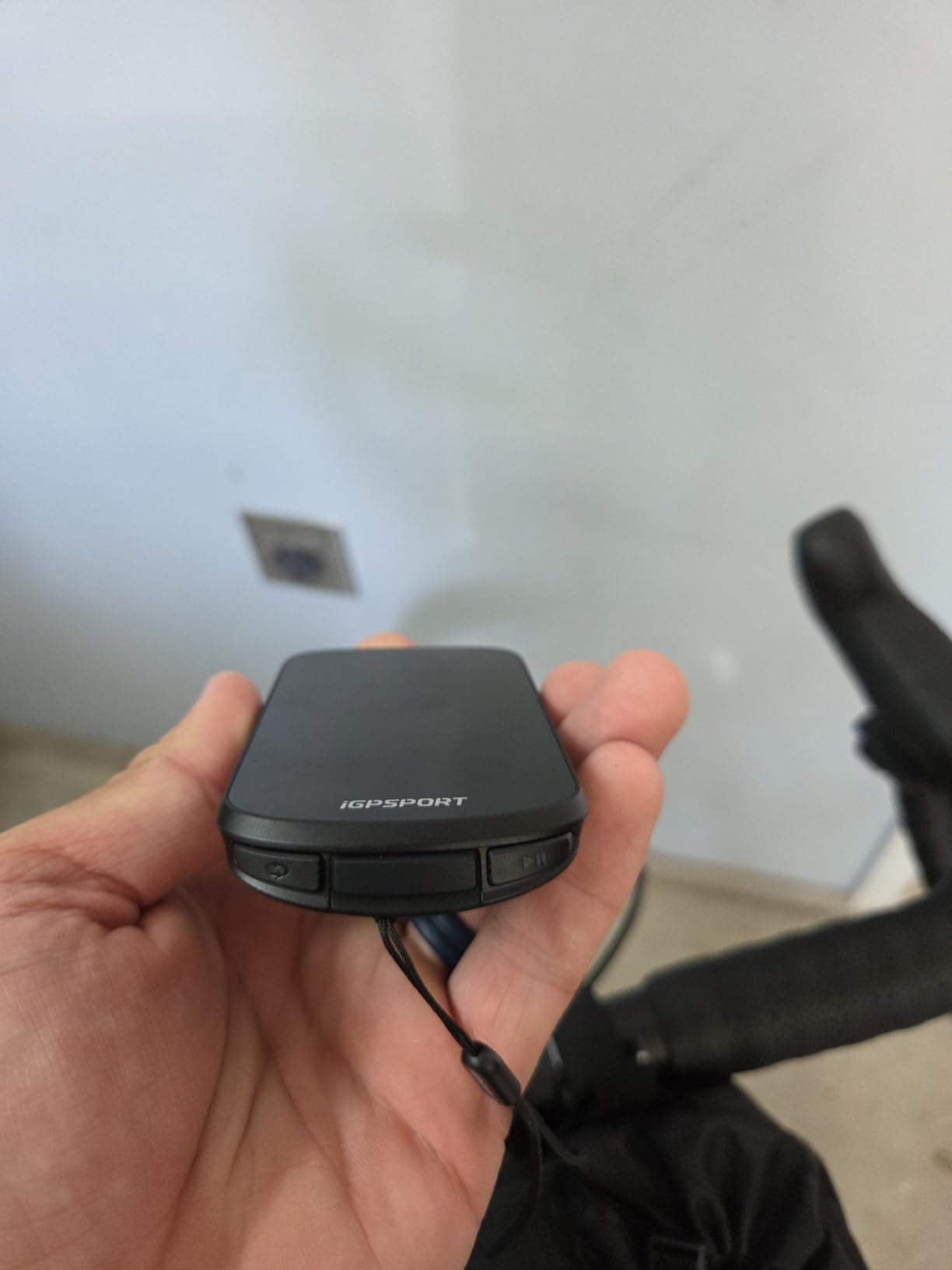
Both touchscreen and buttons are supported, and with IPX7 sealing and a two-year warranty this is a well-covered unit. iClimb 2.0 hill climbing planning adds a route preview with climb effort distribution, which is helpful for pacing a pass rather than attacking it blind.
Why the BSC500 works for touring
Spoken navigation, speed-aware prompts and a large data-dense screen cover the three biggest touring needs after battery life, and it is one of very few units at this price that offers all three. Automatic replanning and continue-last-ride add the sort of safety net that long, self-supported trips require.
IPX7 sealing, a two-year warranty and worldwide multi-constellation coverage make it a reasonable second device or backup to carry alongside a phone.
Where the BSC500 falls short on a tour
It is a newer model with a much smaller review history than the established Garmin and Wahoo units, so long-term reliability is unproven. The map detail and app ecosystem trail those platforms, which matters if you rely on detailed points-of-interest search to find services in unfamiliar towns.
There is no published battery endurance figure in the listing, so you cannot plan a multi-day trip around a stated number, and the 3.3-inch display is the only screen, with no secondary low-power mode described. Treat it as a capable single-day or backup unit unless you have tested longer.
10. Magene C506 – The Light, Simple Computer for Touring on a Budget
Magene C506 GPS Bike Computer – 2.4″ Color Touchscreen, Smart Navigation, Fast WiFi & Bluetooth, Riding Assistant Wireless, Indoor Cycling & Training
2.4 inch color touchscreen
24 hour endurance battery
76 g weight
WiFi and Bluetooth
Pros
- Light at 76 g with mounts directly on bars or a Garmin-style adapter
- Automatic WiFi sync to Strava TrainingPeaks and Google Health
- Fast and easy ANT+ and Bluetooth pairing including Di2
- Automatic start and stop during navigation
- Global map downloads included at no cost
Cons
- Map download process is non-obvious in the app
- OnelapFit app is slow and less refined than Garmin or Wahoo
- Touchscreen sometimes needs two presses to register
The Magene C506 is the unit I would suggest to someone who wants a computer for the trip and does not want to think about the purchase for another five years. It is light at 76 grams, mounts directly on the bars or with a Garmin-style adapter, and it handles a full day of navigation on a 24-hour endurance figure, with one owner reporting 68 km of navigation leaving 71 percent charge after the first full charge.
Free global map downloads and turn-by-turn navigation cover the touring basics, and the Airoha chipset with AGNSS can lock position in as fast as 5 seconds. That quick acquisition matters at camp, when you want to know the unit is working before you set off rather than 10 km down the road.
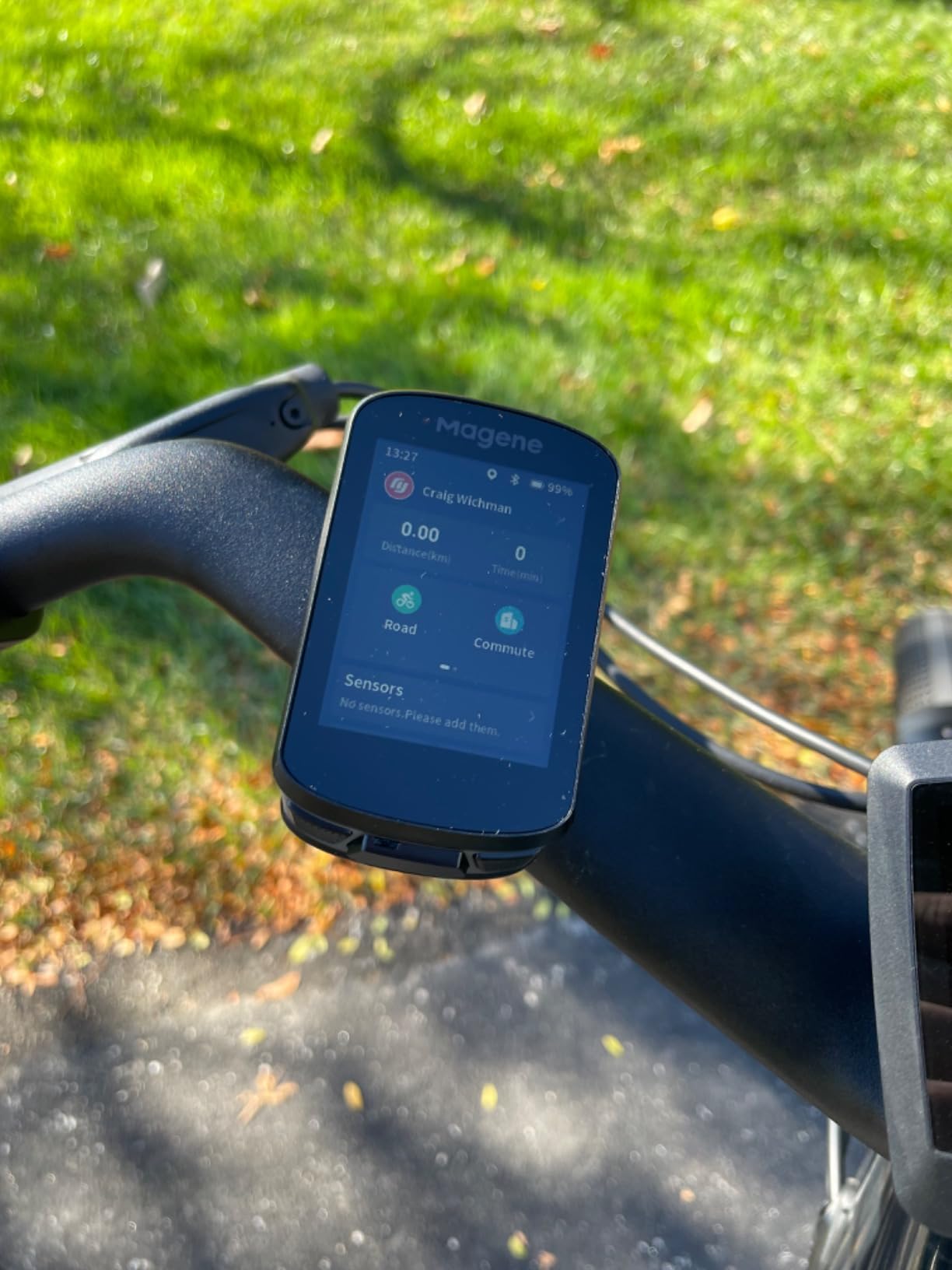
Automatic WiFi sync sends rides to Strava, TrainingPeaks and Google Health with no extra prompting, reported as 28 times faster than Bluetooth. Automatic start and stop during navigation prevents a forgotten recording, which on a tour where you ride two sessions a day is a real time saver.
Sensor support is broad for the price, covering nine device types over ANT+ and Bluetooth including radar, smart lights, SRAM eTap and Shimano Di2. Hydration, energy and return-time reminders are built in, and indoor trainer FIT upload with power targets is included at no cost.
Why the C506 works for touring
Low weight, a readable color touchscreen with bold fonts, 24-hour endurance and included global maps cover the core requirements for a self-supported trip. The Garmin-style mount adapter means you can reuse a mount you already own instead of buying another bracket.
Support for Di2 and eTap matters on a modern touring bike with electronic shifting, and the automatic lighting assistant can control Magene L508 and L308 tail lights, so one device handles more of the cockpit.
Where the C506 falls short on a tour
Map downloads are non-obvious: you set up WiFi in the app, then trigger the download from the device settings. The OnelapFit app is slow and poorly translated compared with Garmin or Wahoo platforms, and the route map view cannot show a full route at once with local street names often missing, which makes finding a specific shop in a town harder than it should be.
The touchscreen sometimes needs two presses, there is no anti-theft PIN, automatic rerouting back to start can trigger when you are only slightly off course, and Strava Live Segments are not supported on this model. Riders also report some inaccuracy in route tracking compared with a phone, so verify your first day of navigation before trusting it in mountains.
How to Choose a Bike GPS Computer for Touring
Choosing a bike GPS computer for touring comes down to one question: how long are you away from a wall socket? Everything else is secondary. A rider doing a two-day loop with a campsite charger needs a very different device from someone crossing a continent with a dynamo hub and a solar panel strapped to the panniers. Work through these factors in order and the decision makes itself.
Battery headroom and charging on the move. Manufacturer battery figures are maximums in demanding use, and real touring life is harder on a battery than a training ride. Screen brightness, navigation running continuously and a cold morning all pull the number down. If your trip spans more days than your unit’s rating covers, plan on a power bank: a 10,000 mAh pack adds multiple days of navigation to most of the units here, and every one of them charges over USB. The Wahoo ELEMNT ROAM V3, the iGPSPORT BiNavi and the Garmin Edge 540 are the three with the most headroom per charge.
Offline maps and storage. This is the difference between a tour and a gamble. You need the map on the device before you leave signal, which means checking two things: whether maps download for your region, and whether storage is large enough to hold them. The Garmin Edge 1050 with 64 GB and the iGPSPORT BiNavi with 32 GB have the most room. The BSC300T and CC700 Pro are more constrained, so download one region at a time rather than the whole world.
Points-of-interest search. Tourers use the map to find water, food, a bike shop and a campsite, not just to follow a line. A searchable points-of-interest database changes what a device is worth on a long trip. The Garmin Edge 540, Edge Explore 2 and BSC300T all give you a searchable list. The Edge 1050 does not, and you enter an exact address instead, which is a strange gap in an otherwise flagship device.
Screen behaviour in sun and rain. Two questions matter. Can you read it in direct sun while riding at speed, and does it respond when your hands are wet and gloved? A capacitive touchscreen rated glove- and rain-friendly, like the Explore 2 or the 1050, is a genuine advantage on a wet tour. A button-only unit like the Edge 540 cannot fail in rain at all, which some riders prefer. The Wahoo ROAM V3 reads well in sun but dims too aggressively in shade, particularly with polarized sunglasses, so adjust that setting before a trip.
Signal under tree cover. Multi-band or dual-band GNSS is the answer here, and it is the reason riders on forest routes stop getting false off-course alerts. The Edge 540, Hammerhead Karoo, Wahoo ROAM V3, BiNavi and BSC500 all use multi-band or dual-band receivers with multiple constellations. Single-band units still work, but expect more drift in heavy canopy.
Touchscreen or buttons. There is no correct answer, only a trade. Touchscreens let you browse maps and build courses on the device, which saves time in the field. Buttons never mistap, work with any gloves, and survive a drop onto gravel better. On a tour, a hybrid is the most forgiving option, and the Wahoo ROAM V3 puts every key function on both.
Phone versus dedicated computer. Your phone is a capable navigator with excellent maps and a huge search function, and it is already in your pocket. It also dies in cold weather, overheats in direct sun, drops off a bar mount in rough conditions, and cannot run a full day of navigation while holding a reserve for emergencies. The case for a dedicated unit is simple: it is a second device, so your phone stays alive for calls, messages and a backup map. We covered this trade in detail in our GPS unit roundup for hiking, and the same logic applies on two wheels.
Warranty and support where you are. Garmin and Wahoo both carry a one-year limited warranty. iGPSPORT offers two years on the BiNavi, BSC300T and BSC500. For international touring, check whether the manufacturer has service in the countries on your route, and keep the receipt, because a failure in a country with no service network means buying locally and recovering the cost later.
Mount and vibration. Every unit here mounts on the handlebars, and the out-front position is the one most riders settle on because it keeps the computer out of the sun and away from bags. A tour also generates constant vibration from rough surfaces, which is where button control and a secure quarter-turn mount earn their keep. A loose mount with a large screen is a crash waiting for a pothole.
One last habit pays for itself on any trip: plan every route at home, download the maps and the regions, then start each morning with the route already active and confirmed on the device. Units with slow route loading, like the BiNavi and the CC700 Pro, punish riders who try to load a route in a lay-by.
Frequently Asked Questions
What is the best bike computer for touring?
The Garmin Edge 1050 is the best bike computer for touring overall, thanks to its 3.5 inch sunlight-readable touchscreen, 64 GB of map storage, spoken prompts with a built-in bike bell and up to 20 hours of battery in demanding use. Tourers who prioritise battery headroom and button-only control should look at the Garmin Edge 540, while riders who want spoken turn-by-turn directions and long ride endurance should consider the Wahoo ELEMNT ROAM V3.
Which bike computer has the best navigation?
Navigation quality comes down to the point-of-interest database and offline map coverage rather than raw GPS. The Garmin Edge 540 and Edge Explore 2 lead here with ride type-specific maps and searchable points of interest, and the iGPSPORT BSC300T stands out for worldwide offline map downloads. The Garmin Edge 1050 has excellent routing quality but no point-of-interest search, so you must enter an exact destination.
What is the best bike computer with GPS?
All ten computers in this roundup use multi-constellation GPS, and the strongest accuracy comes from multi-band or dual-band receivers. The Garmin Edge 540, Hammerhead Karoo, Wahoo ELEMNT ROAM V3, iGPSPORT BiNavi and iGPSPORT BSC500 all use multi-band positioning, which holds a lock faster and steadier under heavy tree cover than single-band GPS.
What are the top 5 cycling computers?
For touring, our top five are the Garmin Edge 1050 for overall capability, the Garmin Edge 540 for value and button control, the Garmin Edge Explore 2 for simple setup and e-bike guidance, the Wahoo ELEMNT ROAM V3 for long-ride battery life and spoken directions, and the iGPSPORT BiNavi for high endurance at a lower cost. Each covers a different touring style, from credit-card tours to self-supported multi-week trips.
Can I use my phone instead of a bike computer for a long tour?
You can, but a phone is a single point of failure. Battery life drops fast in cold weather and in direct sun, the screen is hard to read in glare, and a bar-mounted phone needs constant charging for multi-day navigation. A dedicated computer runs many hours longer, has a sunlight-readable screen, and lets your phone stay free as a backup map and an emergency communication device.
Conclusion
The Garmin Edge 1050 is our pick for the best bike GPS computers for touring in 2026, and the reason is the combination of a 3.5-inch screen, 64 GB of storage, spoken prompts and 20 hours of demanding-use battery in one box. The Garmin Edge 540 takes the win on value and gloves-in-the-rain reliability, the Wahoo ELEMNT ROAM V3 wins on long-ride endurance and spoken directions, and the iGPSPORT BiNavi delivers the best battery-to-cost ratio in the group.
Match the device to the trip rather than to the spec sheet. Multi-day self-supported riders should prioritise battery figures and offline storage, e-bike tourers should check system integration, and anyone crossing borders should confirm map coverage for the regions they will ride through. Plan the whole route at home, download the maps, and carry a paper backup for the first two days. Then check current pricing on any of the units above and get out on the road.