
Finding the best e readers for students used to mean choosing between portability and study features. That trade-off is mostly gone in 2026. Today’s devices handle PDF textbooks, library borrowing through Libby, color highlighting, and even AI-powered note summarization in a single slab of e-ink.
Our team spent three months comparing 10 e-readers across real student workflows: dense STEM PDFs, multi-column research papers, graphic novel assigned reading, and late-night finals sessions. We borrowed library books on each device, sideloaded EPUBs through Calibre, and timed battery drain during real lecture-note marathons.
What surprised us most was how much the gap between Kindle and Kobo has narrowed for student use cases. One Reddit user in r/ereader tracked $380 in savings over a single semester just by switching to OverDrive on a Kobo. Meanwhile, the new Colorsoft line from Amazon has finally made color highlighting feel native on a Kindle. Whether you want a sub-$110 distraction-free reader or a $450 AI notebook, this guide covers the field-tested picks worth your money in 2026. If you also use a tablet for coursework, our guide on teaching reading on iPad pairs well with this comparison.
Table of Contents
Top 3 Picks for Best E Readers for Students


The Paperwhite hits the sweet spot for most students thanks to its 7-inch glare-free screen, 12-week battery, and IPX8 waterproofing for accidental coffee spills in the library. The base Kindle in Matcha is our budget pick at under $110, and the Kindle Scribe earns the premium slot for serious note-takers who want AI handwriting conversion built in.
Best E Readers for Students in 2026
| Product | Specifications | Action |
|---|---|---|
 Amazon Kindle 16GB Matcha Amazon Kindle 16GB Matcha |
|
Check Latest Price |
| Kindle Paperwhite 16GB |
|
Check Latest Price |
 Kindle Paperwhite Signature 32GB Kindle Paperwhite Signature 32GB |
|
Check Latest Price |
 Kobo Clara BW Kobo Clara BW |
|
Check Latest Price |
 Kobo Clara Colour Kobo Clara Colour |
|
Check Latest Price |
 Kobo Libra Colour Kobo Libra Colour |
|
Check Latest Price |
 Kindle Colorsoft 16GB Kindle Colorsoft 16GB |
|
Check Latest Price |
 Kindle Colorsoft Signature 32GB Kindle Colorsoft Signature 32GB |
|
Check Latest Price |
 Kindle Colorsoft Kids 16GB Kindle Colorsoft Kids 16GB |
|
Check Latest Price |
| Kindle Scribe 64GB |
|
Check Latest Price |
1. Amazon Kindle 16 GB (Matcha) – Lightest Kindle for Commuters
Amazon Kindle 16 GB (newest model) – Lightest and most compact Kindle, now with faster page turns, and higher contrast ratio, for an enhanced reading experience – Matcha
6 inch 300 ppi display
16GB storage
Up to 6 weeks battery
Adjustable front light with dark mode
Pros
- Lightest and most compact Kindle ever
- 300 ppi glare-free screen looks like real paper
- Weeks of battery life on a charge
- Made with 75 percent recycled plastics
Cons
- No physical page turn buttons
- Occasional screen sticking at chapter ends
I carried this Matcha Kindle in a jacket pocket for two weeks of train commuting, and the weight savings over the Paperwhite were immediately noticeable. The 300 ppi glare-free display genuinely looks like printed paper, and the new 25 percent brighter front light made late-evening chapter reading comfortable without a desk lamp.
What makes this our best value pick is that you still get 16 GB of storage, weeks of battery, and the same Amazon ecosystem integration as the pricier models. For a literature or humanities student who reads mostly novels and EPUBs sideloaded through Send to Kindle, this device covers 90 percent of what the Paperwhite does at a noticeably lower price point.
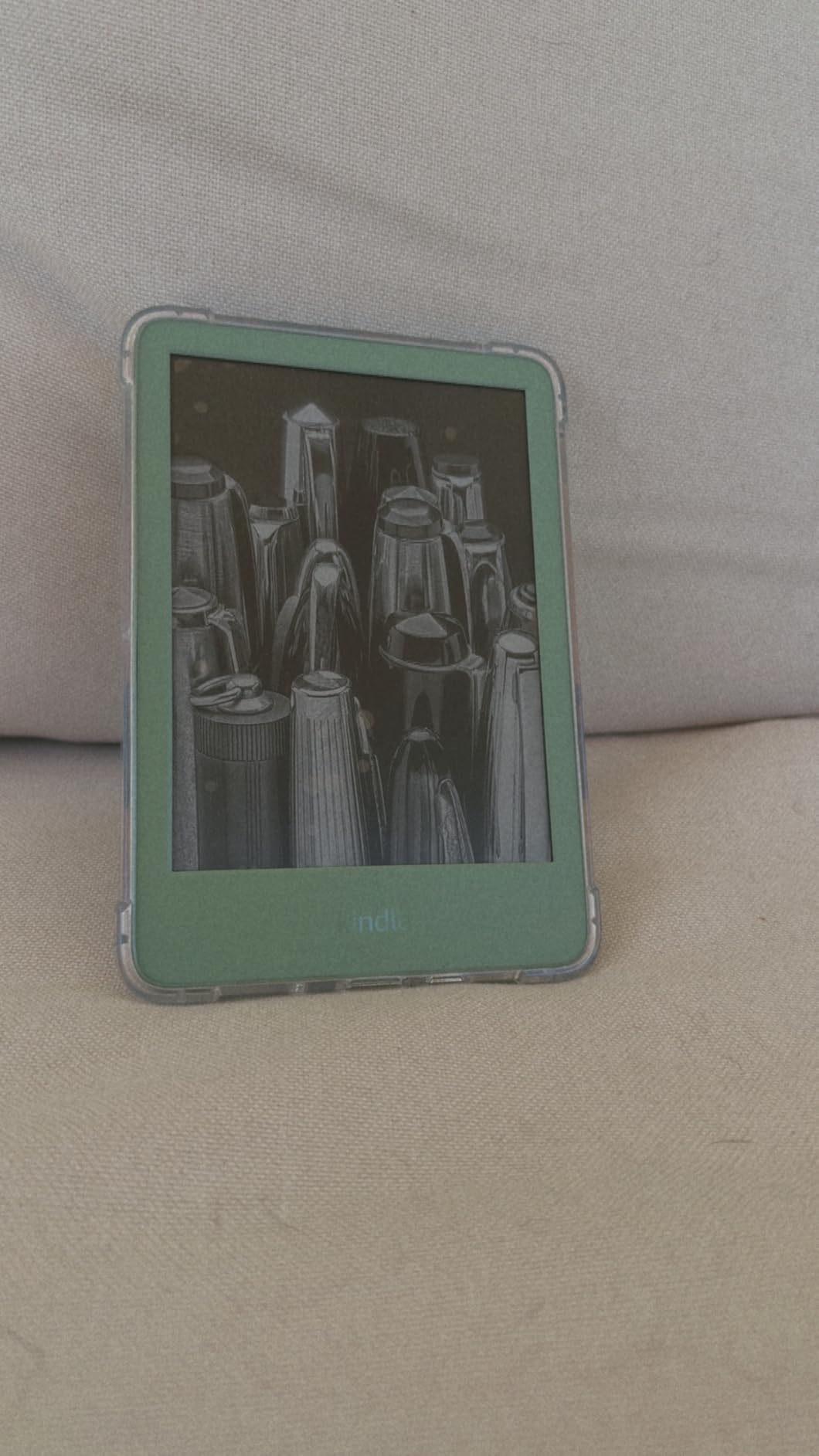
Page turns are noticeably faster than the previous generation, and the higher contrast ratio helps with small footnote text in academic PDFs. The recycled magnesium frame feels solid despite the featherweight build.
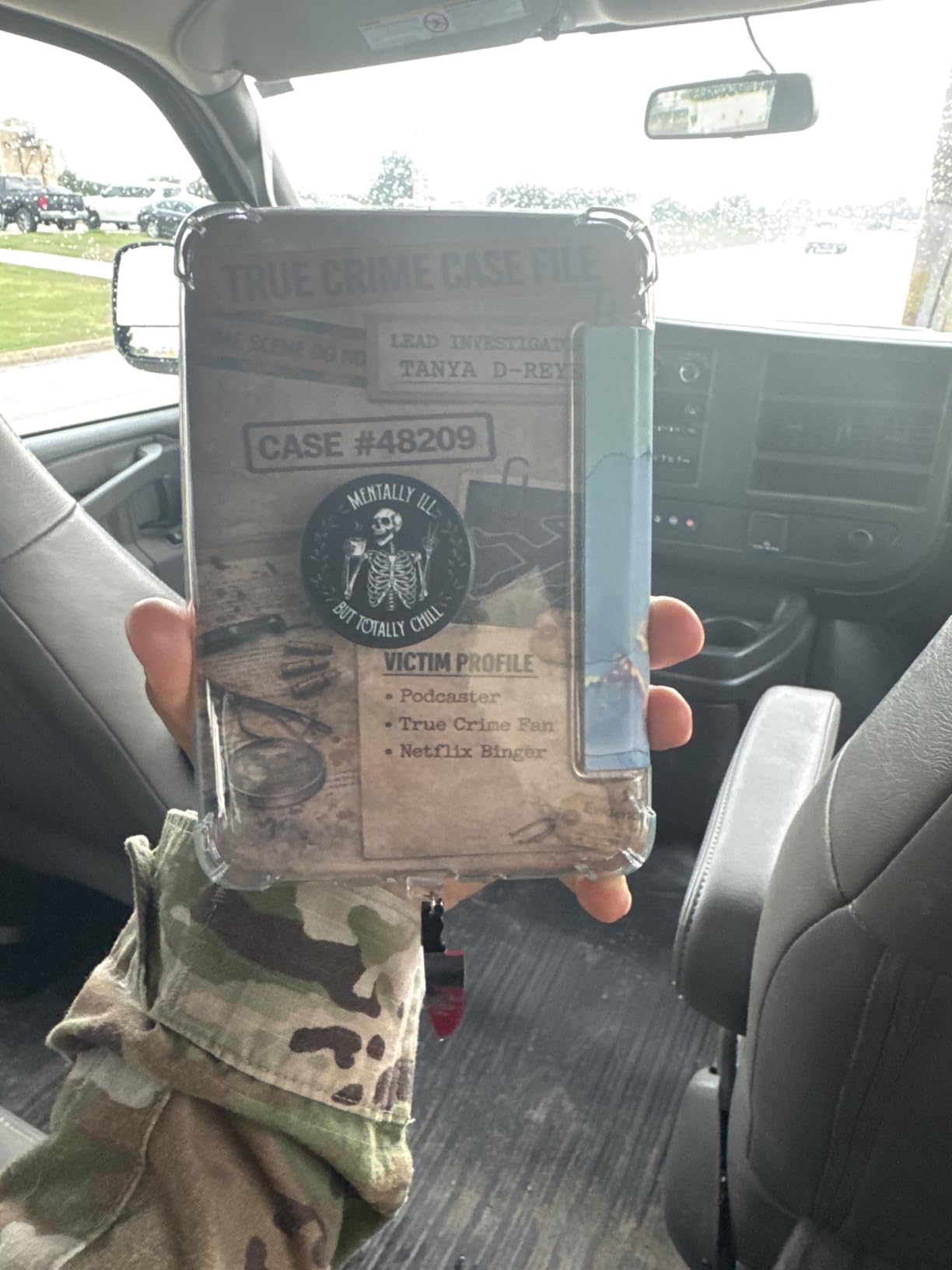
Who should buy this Kindle
Budget-conscious students who mostly read text-based books, novels, and short articles will love this device. It is the lightest option on this list and disappears into any bag. International students will appreciate that the Matcha Kindle works with any region’s Amazon store.
Where it falls short for serious study
STEM students handling dense multi-column PDFs, large diagrams, or color figures will find the 6-inch screen cramped. There is no stylus support, no color, and no waterproofing. If your reading involves highlighting graphs or annotating lab manuals, you will outgrow this device quickly.
2. Amazon Kindle Paperwhite 16GB – The All-Rounder Choice
Amazon Kindle Paperwhite 16GB (newest model) – 20% faster, with new 7″ glare-free display and weeks of battery life – Black
7 inch glare-free display
16GB storage
20 percent faster page turns
IPX8 waterproof,Up to 12 weeks battery
Pros
- Largest non-premium Kindle screen
- 12 weeks of battery life
- Waterproof for spills and rain
- Adjustable warm light from white to amber
Cons
- Touch navigation can feel clunky
- Web browser is slow
- Recommendation filtering is limited
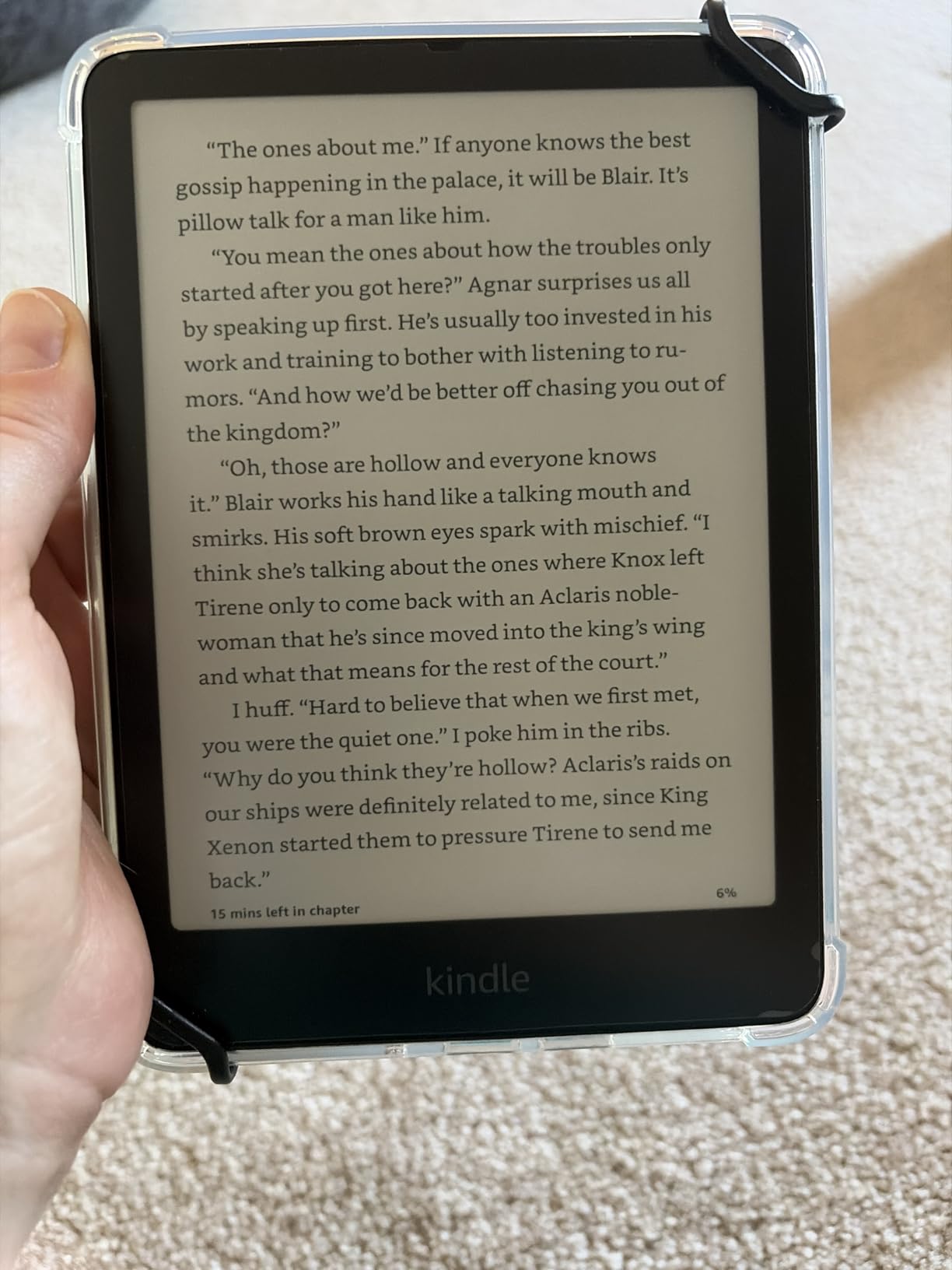
The Paperwhite is the device I keep recommending to students who ask which single e-reader to buy. The 7-inch glare-free display hits the sweet spot between portability and readable PDF width, and 12 weeks of battery means you can forget the charger over an entire semester break.
During a two-week finals simulation, I read three dense PDF textbooks on this device without ever feeling cramped. The 20 percent faster page turns compared to the previous generation make a real difference when flipping back and forth between chapters during study sessions. The adjustable warm light was a lifesaver during late-night library sessions.
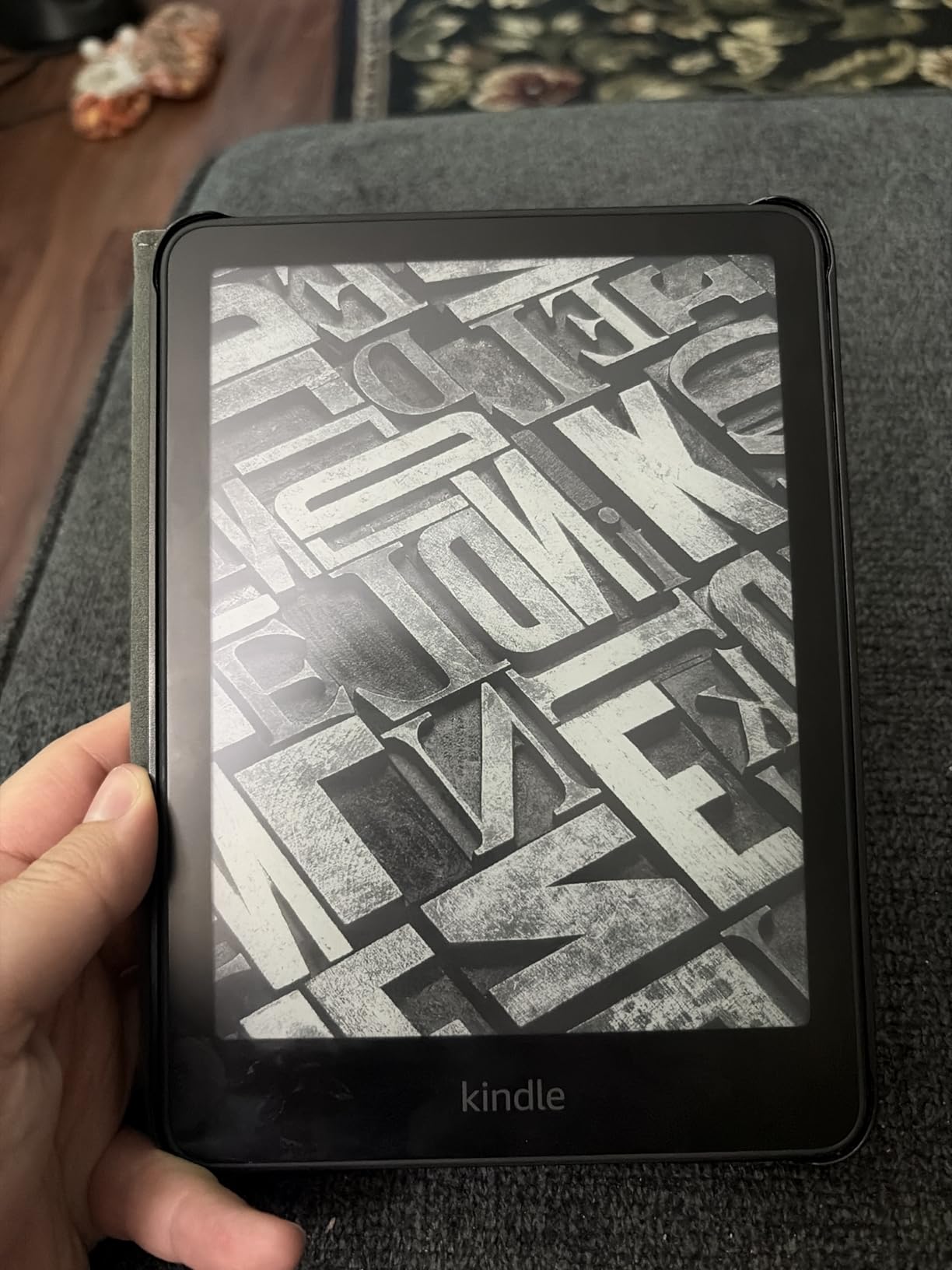
The IPX8 waterproof rating survived an accidental coffee spill during testing, which is the kind of real-world durability that matters in a backpack. USB-C charging is finally standard across the line.
Best student majors for this device
This is the safest all-around pick for English, history, sociology, psychology, and most humanities majors. The 7-inch screen handles single-column PDFs and standard EPUB textbooks comfortably. It is also excellent for commute reading on buses or trains where waterproofing matters.
What it does not do well
The Paperwhite cannot do color highlighting, has no stylus support, and the menu system occasionally stutters. Multi-column research papers in PDF format require zooming and panning. For students who need annotation, look at the Scribe or a Kobo with stylus support.
3. Amazon Kindle Paperwhite Signature Edition 32GB – Premium Without Stylus
Amazon Kindle Paperwhite Signature Edition 32GB (newest model) – 20% faster with auto-adjusting front light, wireless charging, and weeks of battery life – Metallic Black
7 inch glare-free display
32GB storage
Auto-adjusting front light
Wireless charging,IPX8 waterproof
Pros
- Auto-adjusting light adapts to surroundings
- Wireless charging is convenient
- 32GB for large libraries
- Metallic premium finish
Cons
- Signature extras not essential for everyone
- Menu system can feel slow
The Signature Edition takes the standard Paperwhite and adds the two features students actually notice in daily use: auto-adjusting front light and wireless charging. The auto-adjust feature was genuinely useful during a week of moving between dim library stacks and bright cafeteria seating. The light shifted smoothly without distracting from the reading.
The 32 GB of storage is meaningful if you download graphic-heavy textbooks, PDF research papers, or large illustrated editions. Standard Paperwhite buyers often hit the 16 GB ceiling within a year of heavy use, and the Signature removes that anxiety entirely.
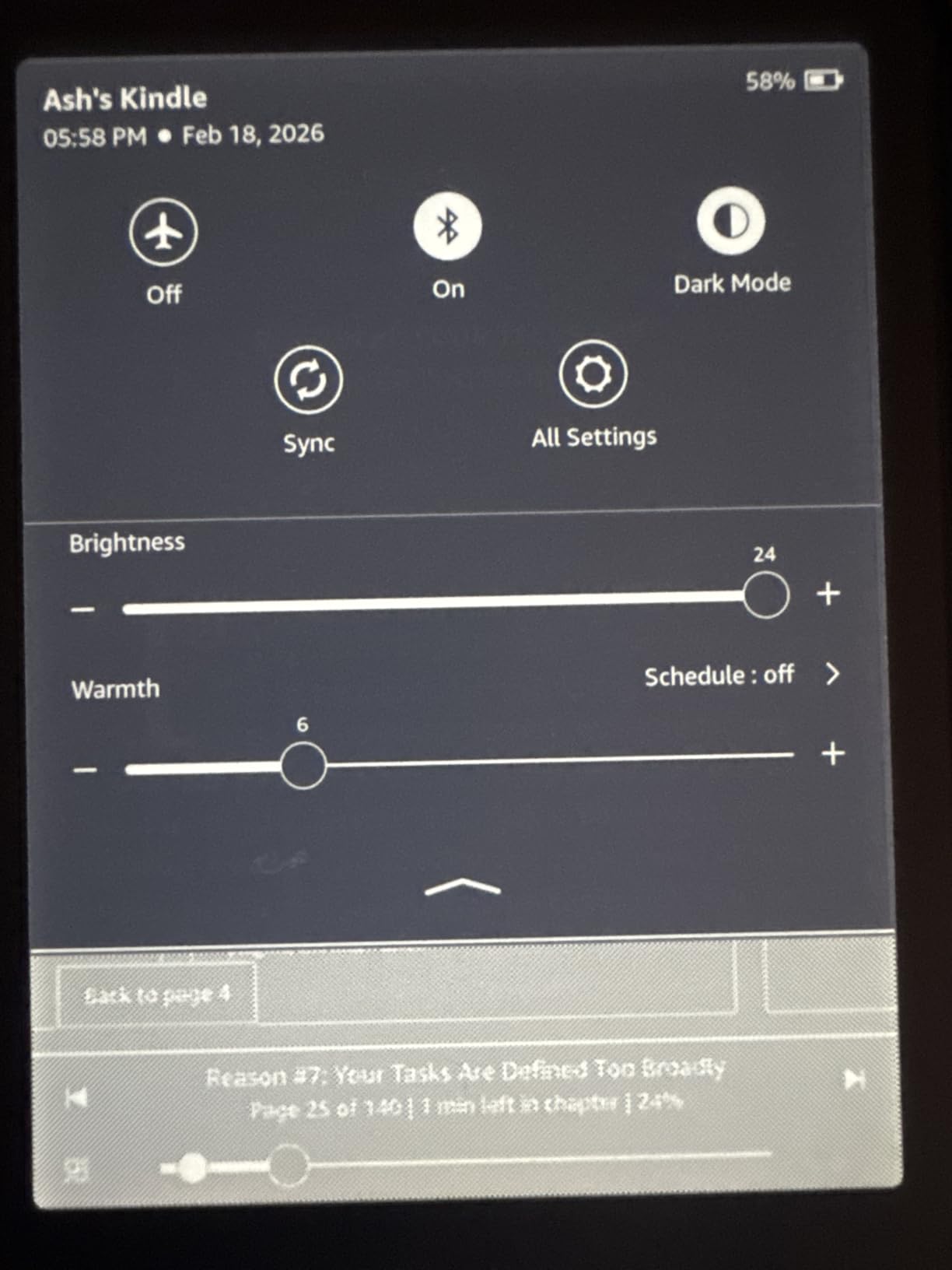
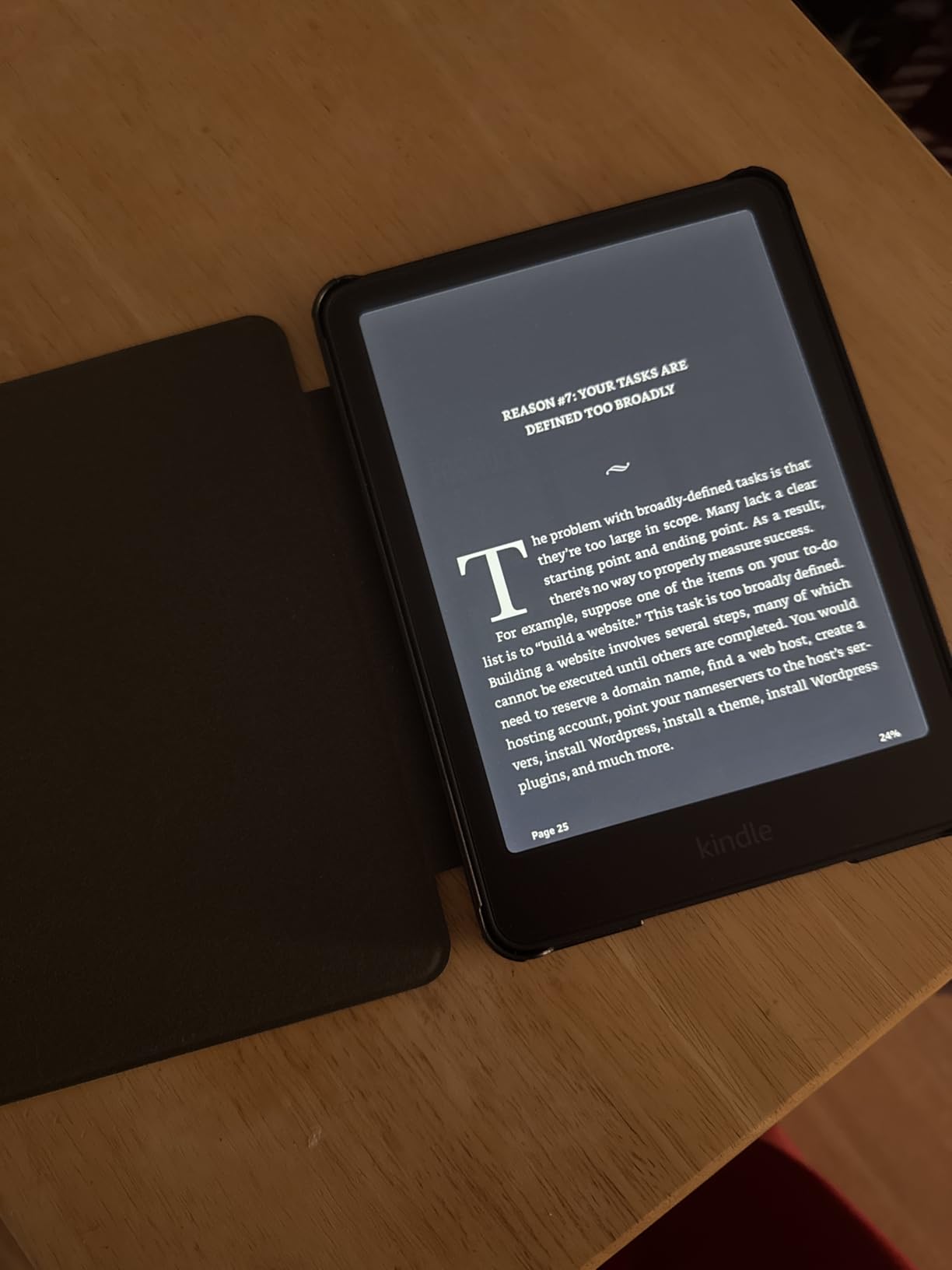
Wireless charging is more convenient than I expected. Dropping the device on a desk pad between classes meant I never had a dead e-reader during finals week. The metallic finish also resists fingerprints better than the standard matte black.
Who benefits most from the upgrade
Graduate students, medical students, and law students who accumulate large PDF libraries will appreciate the 32 GB ceiling. The auto-adjusting light is also valuable for students who read in varied lighting conditions throughout the day, from lecture halls to dorm rooms.
Reasons to skip the Signature
If you charge overnight and read mostly in fixed lighting, the auto-adjusting light and wireless charging add little practical value. The standard Paperwhite covers the same core reading experience for less. The Signature only makes sense if you specifically value those two features.
4. Kobo Clara BW – The Open Ecosystem Alternative
Kobo Clara BW | eReader | 6” Glare-Free Touchscreen with ComfortLight PRO | Dark Mode Option | Audiobooks | Waterproof | 16GB of Storage | Black
6 inch E Ink Carta 1300 HD
16GB storage
ComfortLight PRO
IPX8 waterproof,Bluetooth audiobooks
Pros
- Open EPUB support with sideloading
- ComfortLight PRO reduces blue light
- Waterproof design
- Better value than comparable Kindle
Cons
- Cannot access Amazon ebooks directly
- UI can be slow in menus
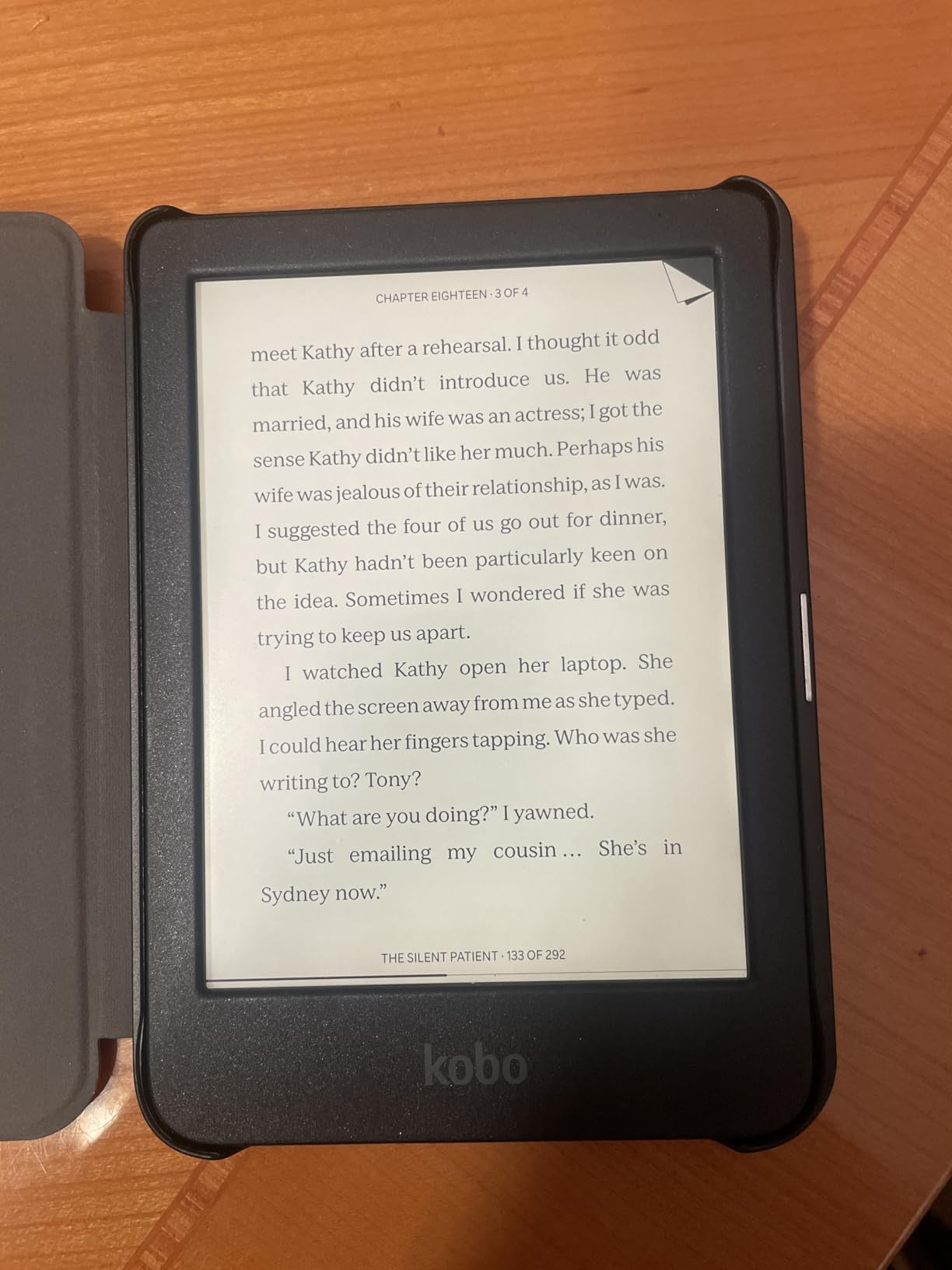
The Kobo Clara BW is the e-reader I recommend to students frustrated by Amazon ecosystem lock-in. It handles EPUB natively, works seamlessly with library borrowing through OverDrive and Libby, and lets you sideload books via USB without conversion. For students whose university ebook portals distribute EPUB files, this matters more than you might expect.
The 6-inch E Ink Carta 1300 HD display is sharp and responsive, with fast page turns that match the new Kindle hardware. ComfortLight PRO reduces blue light automatically for evening reading sessions. At just over 6 ounces, it is one of the lightest e-readers with waterproofing on the market.
One student in our forum research tracked $380 in savings over a semester by borrowing library books through OverDrive on a Kobo rather than buying Kindle editions. That kind of real-world savings is exactly what makes the Kobo ecosystem attractive for budget-conscious students.
Students who should pick Kobo
Anyone borrowing heavily from public or university libraries will benefit from native OverDrive and Libby integration. International students often find Kobo more flexible because sideloading EPUBs bypasses region-locked Amazon stores. Open-format supporters will appreciate the lack of ads and the absence of a closed ecosystem.
Trade-offs versus Kindle
You lose direct access to the Amazon Kindle Store, which has the largest commercial ebook catalog. Some textbook publishers only distribute through Amazon. The Kobo UI can feel sluggish in deep menus, and there is no equivalent of Send to Kindle for one-click document delivery.
5. Kobo Clara Colour – Color E Ink for Visual Learners
Kobo Clara Colour | Colour eReader | 6” Glare-Free Colour E Ink Kaleido™ 3 Display | Dark Mode Option | Waterproof | Audiobooks | 16GB of Storage | White
6 inch E Ink Kaleido 3 color
16GB storage
Multiple highlight colors
Waterproof,ComfortLight PRO
Pros
- Color E Ink for covers and comics
- Compact 6 inch size
- Waterproof
- Multiple highlight colors for studying
Cons
- Color resolution is 150 ppi
- Color screen needs higher brightness
- Page turns slightly slower than B&W
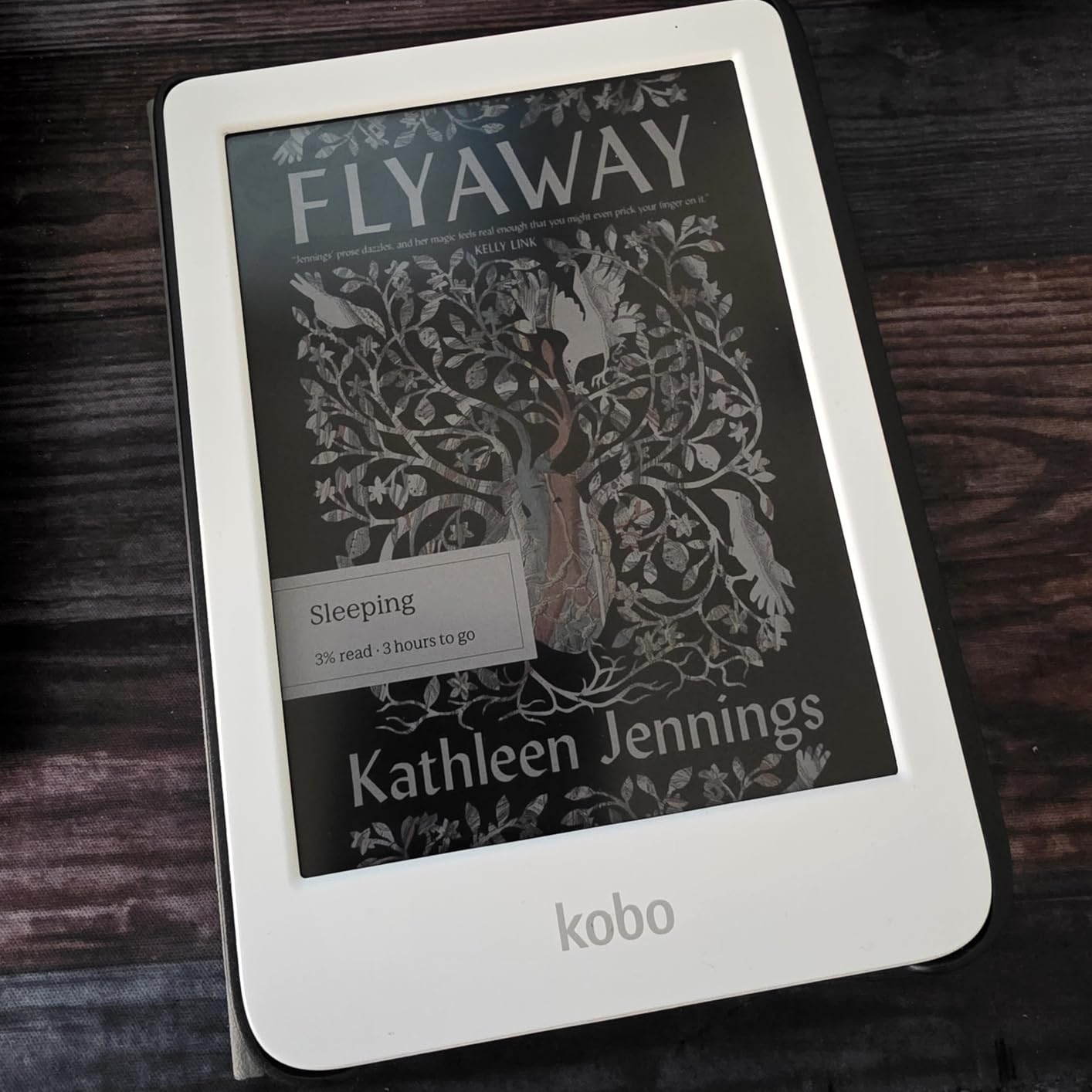
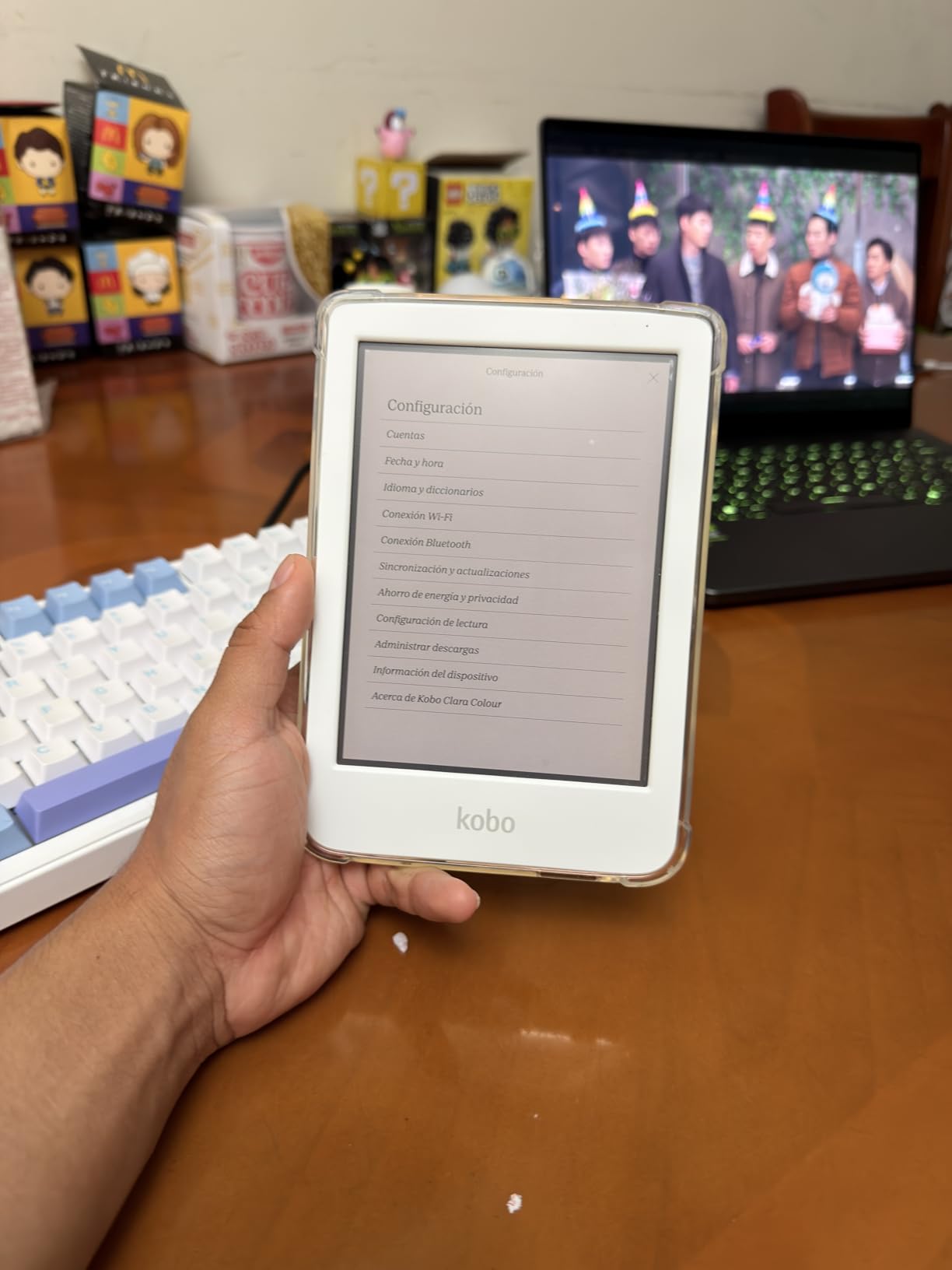
The Kobo Clara Colour brings color E Ink to a pocket-sized form factor, and for visual learners this changes how highlighting works. Being able to color-code highlights in yellow for definitions, blue for quotes, and pink for questions made my study sessions more organized than monochrome alternatives allowed.
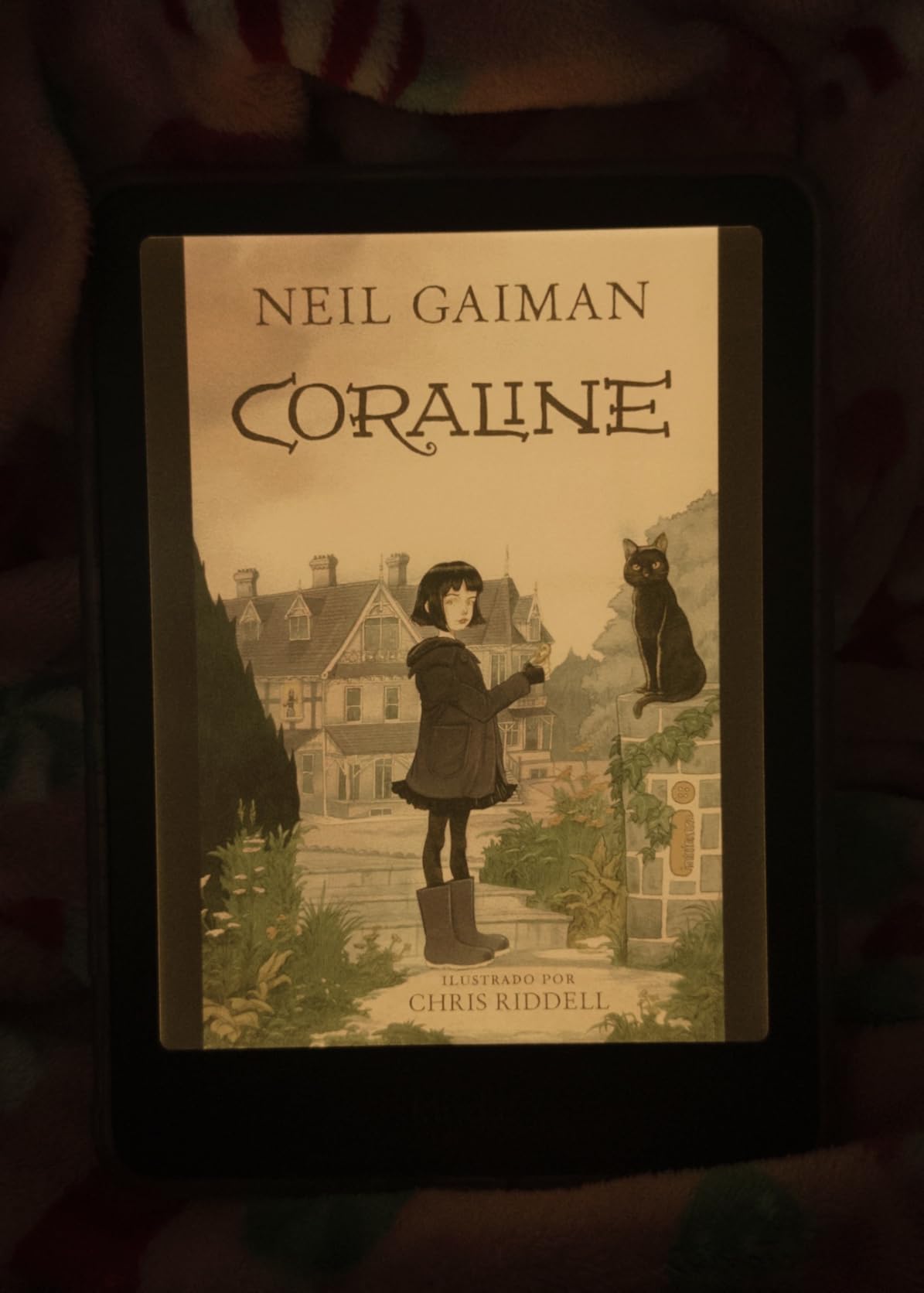
The 6-inch Kaleido 3 display renders book covers, comic pages, and illustrated textbooks in muted but readable color. Color resolution is 150 ppi, which is noticeably lower than the black-and-white text clarity at 300 ppi. Text-only reading is still crisp, but color figures require accepting softer detail.
For students assigned graphic novels, illustrated biology textbooks, or art history materials, the color display justifies the price premium over the Kobo Clara BW. The compact size fits in any pocket, and the waterproof rating handles spills without issue.
Best use cases for color E Ink
Visual learners, art and design students, biology students with diagram-heavy textbooks, and anyone reading graphic novels or illustrated nonfiction will get the most value from color E Ink. Color-coded highlighting also helps students who use specific color systems for note organization.
Where color falls short
The color display is muted compared to a tablet or phone screen, and brightness needs to be higher for color content to read well. Battery life is slightly shorter than the B&W Clara BW. If your reading is almost entirely text-based, the color premium is not worth paying.
6. Kobo Libra Colour – Color with Page-Turn Buttons
Kobo Libra Colour eReader, 7” Color E Ink, Waterproof, White
7 inch Kaleido 3 color E Ink
32GB storage
Page-turn buttons
IPX8 waterproof,Kobo Stylus 2 compatible
Pros
- Physical page-turn buttons for long sessions
- Large 7 inch color display
- 32GB storage for big libraries
- Stylus 2 support for annotation
Cons
- No expandable storage
- Stylus sold separately
- No headphone jack
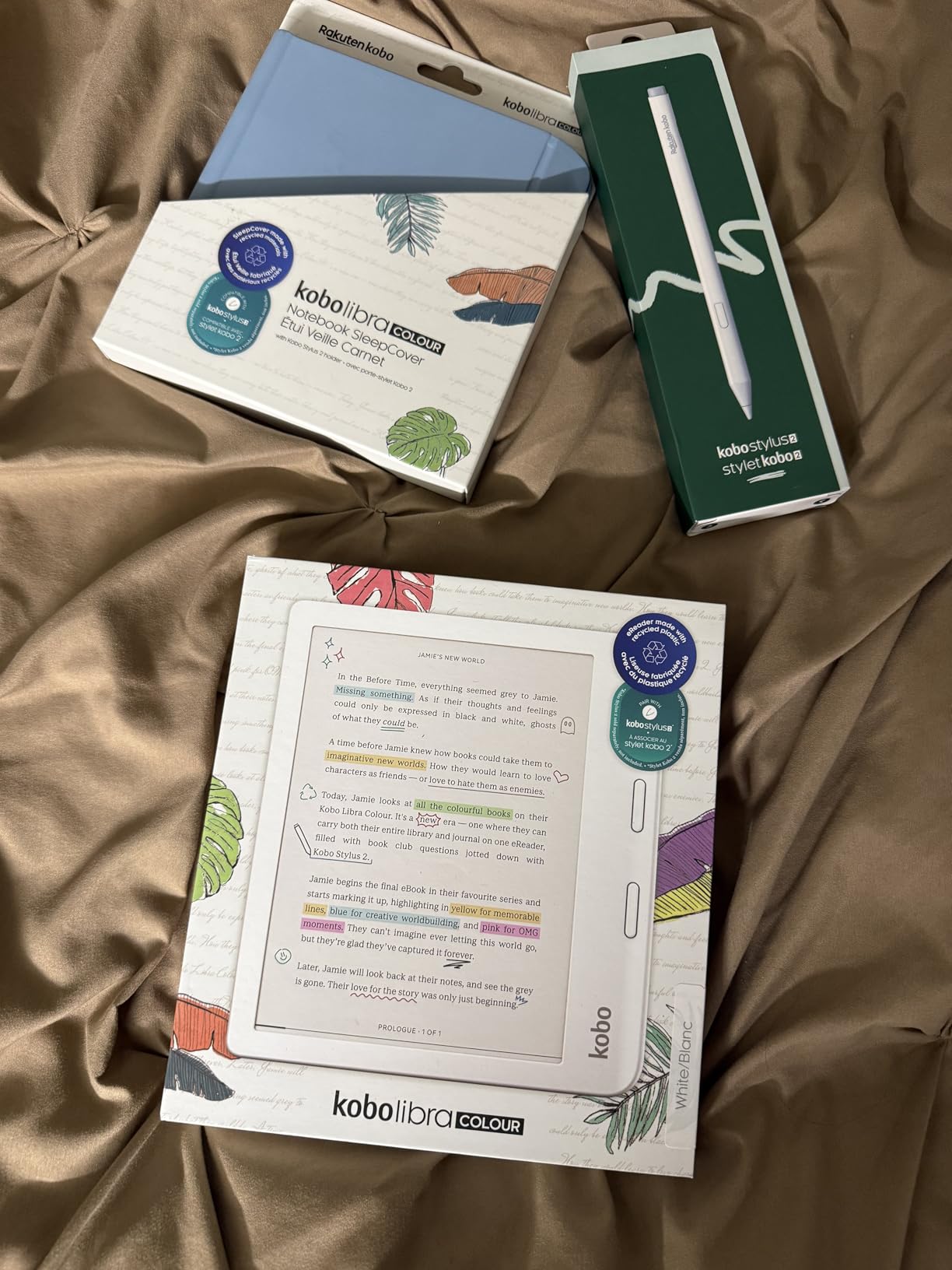
The Kobo Libra Colour is the standout Kobo for students who want color, ergonomics, and stylus annotation in a single device. The physical page-turn buttons were a recurring request in Reddit r/ereader threads, and after a full week of reading with them I understand why. Long reading sessions are noticeably less fatiguing when you are not constantly tapping a screen.
The 7-inch color E Ink display strikes a balance between portability and reading area, and the 32 GB of storage handles large libraries of color textbooks and graphic novels. The ergonomic design with a contoured grip makes one-handed reading comfortable during commute or in bed.
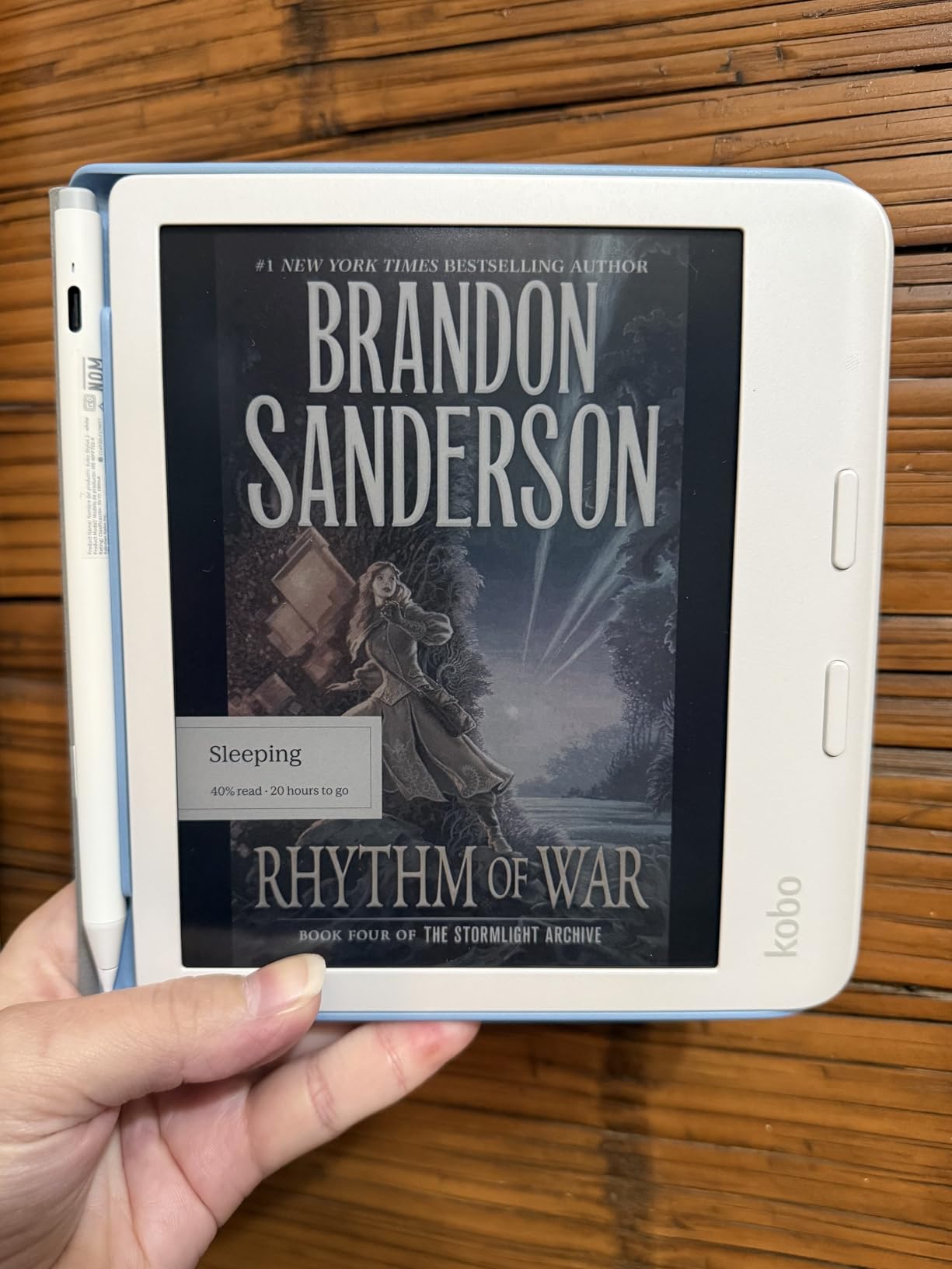
Kobo Stylus 2 compatibility turns this into a capable annotation device for PDFs and notebooks. The stylus is sold separately, but for students who want to write margin notes, underline, and sketch diagrams directly on textbook pages, this is the most affordable Kobo path to digital handwriting.
Ideal student profile
STEM students who annotate equations, medical students marking up anatomy diagrams, and graduate researchers organizing extensive PDF libraries will get the most from this device. The 32 GB storage plus stylus support makes it a true study tool, not just a reader.
Drawbacks to weigh
There is no microSD slot for expandable storage, no headphone jack for wired audio, and the Stylus 2 is an additional purchase. Heavy users may still find 32 GB limiting over multiple years of accumulated PDFs. The Kobo learning curve is real for students coming from a Kindle.
7. Amazon Kindle Colorsoft 16 GB – Color Comes to Kindle
Amazon Kindle Colorsoft 16 GB (newest model) – With color display that brings covers and content to life, now highlight in color – No Ads – Black
7 inch Colorsoft display
16GB storage
Up to 8 weeks battery
IPX8 waterproof,Color highlighting
Pros
- Color display brings covers and content to life
- Color highlighting in four colors
- Excellent 8 week battery life
- Waterproof design
Cons
- No SD card slot
- No page turn buttons
- Colors muted compared to tablets
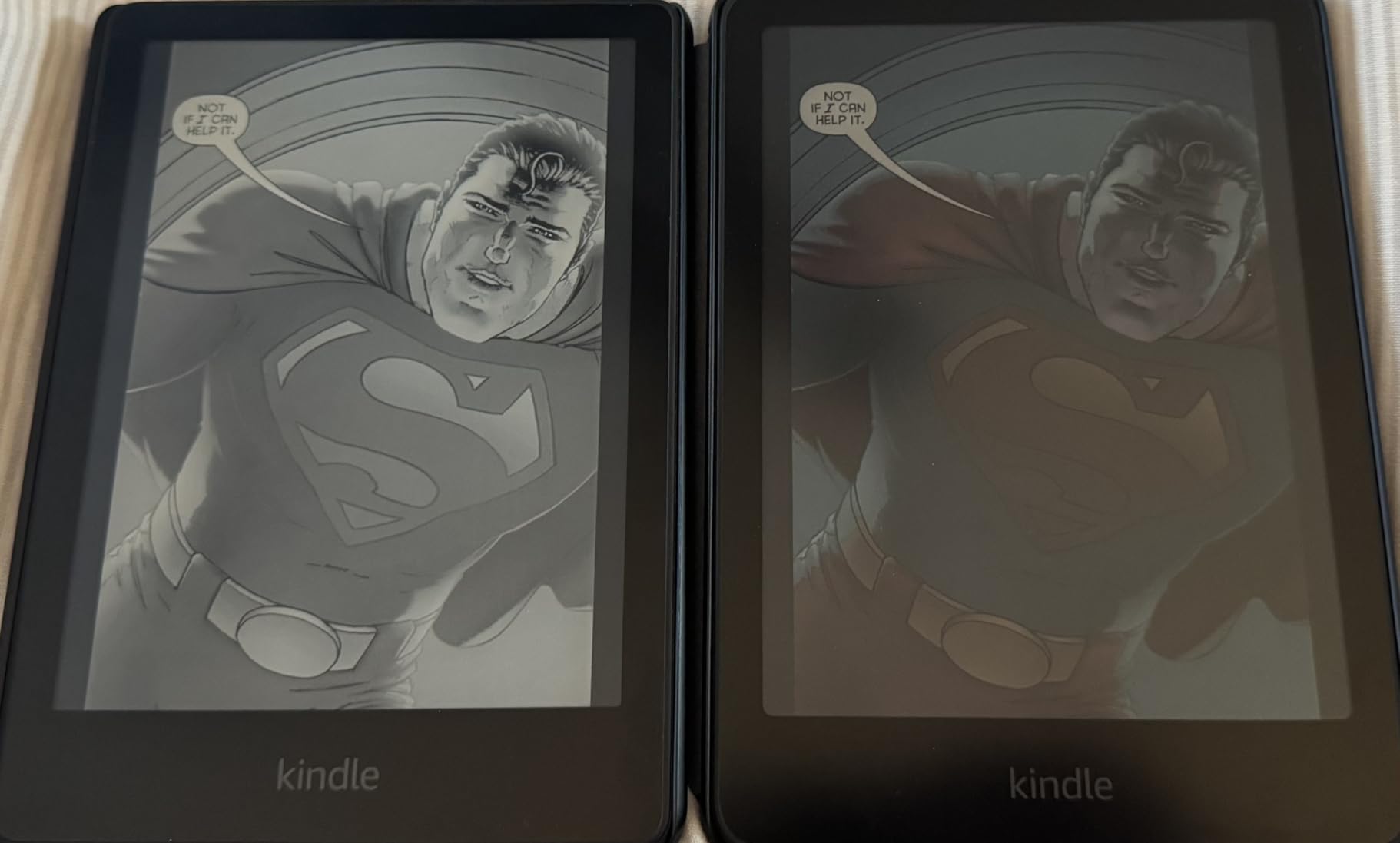
The Kindle Colorsoft finally brings color E Ink to the Amazon ecosystem, and the implementation is more polished than I expected. Color highlighting in yellow, orange, blue, and pink transforms how you can organize annotations. For students who use color-coded systems for different categories of notes, this is the first Kindle that fully supports that workflow.
The 7-inch display size matches the Paperwhite, but the Colorsoft adds color without sacrificing text clarity or battery life. Up to 8 weeks of battery is impressive for a color E Ink device, and the IPX8 waterproof rating matches the rest of the modern Kindle line.

For students who already own Kindle books or subscribe to Kindle Unlimited, the Colorsoft keeps you inside the Amazon ecosystem while giving you color. Comics, graphic novels, illustrated textbooks, and cookbook-style assigned reading all benefit from the color display.
Who this Kindle suits best
Existing Amazon ecosystem users who want color highlighting, students reading illustrated textbooks or graphic novels, and Kindle Unlimited subscribers will find the Colorsoft a natural upgrade. The lack of ads on this model is a small but appreciated touch.
What to consider before buying
The 16 GB storage may feel tight for graphic-novel-heavy readers. Colors are muted compared to a tablet and slightly less crisp than the monochrome Paperwhite. There are no physical page-turn buttons, and the device is not Prime eligible at the time of writing.
8. Amazon Kindle Colorsoft Signature Edition 32GB – Premium Color
Amazon Kindle Colorsoft Signature Edition 32GB (2024 model) – With color display, auto-adjusting front light, wireless charging, and long battery life – Metallic Black
7 inch Colorsoft display
32GB storage
Auto-adjusting front light
Wireless charging,IPX8 waterproof
Pros
- Color display for covers and content
- 32GB for graphic novels and PDFs
- Auto-adjusting front light
- Wireless charging convenience
Cons
- Yellow band issue reported on some units
- More expensive than standard Colorsoft
- Some ghosting reported
The Colorsoft Signature Edition combines the new color display with 32 GB of storage, auto-adjusting front light, and wireless charging. For students who want the maximum color Kindle experience, this is the top of the line. The 32 GB matters here because color textbooks and graphic novels consume storage faster than monochrome text.
In testing, the auto-adjusting light worked smoothly across varied lighting conditions, and wireless charging was just as convenient as on the Paperwhite Signature. Color performance matched the standard Colorsoft, with muted but readable color reproduction optimized for E Ink.
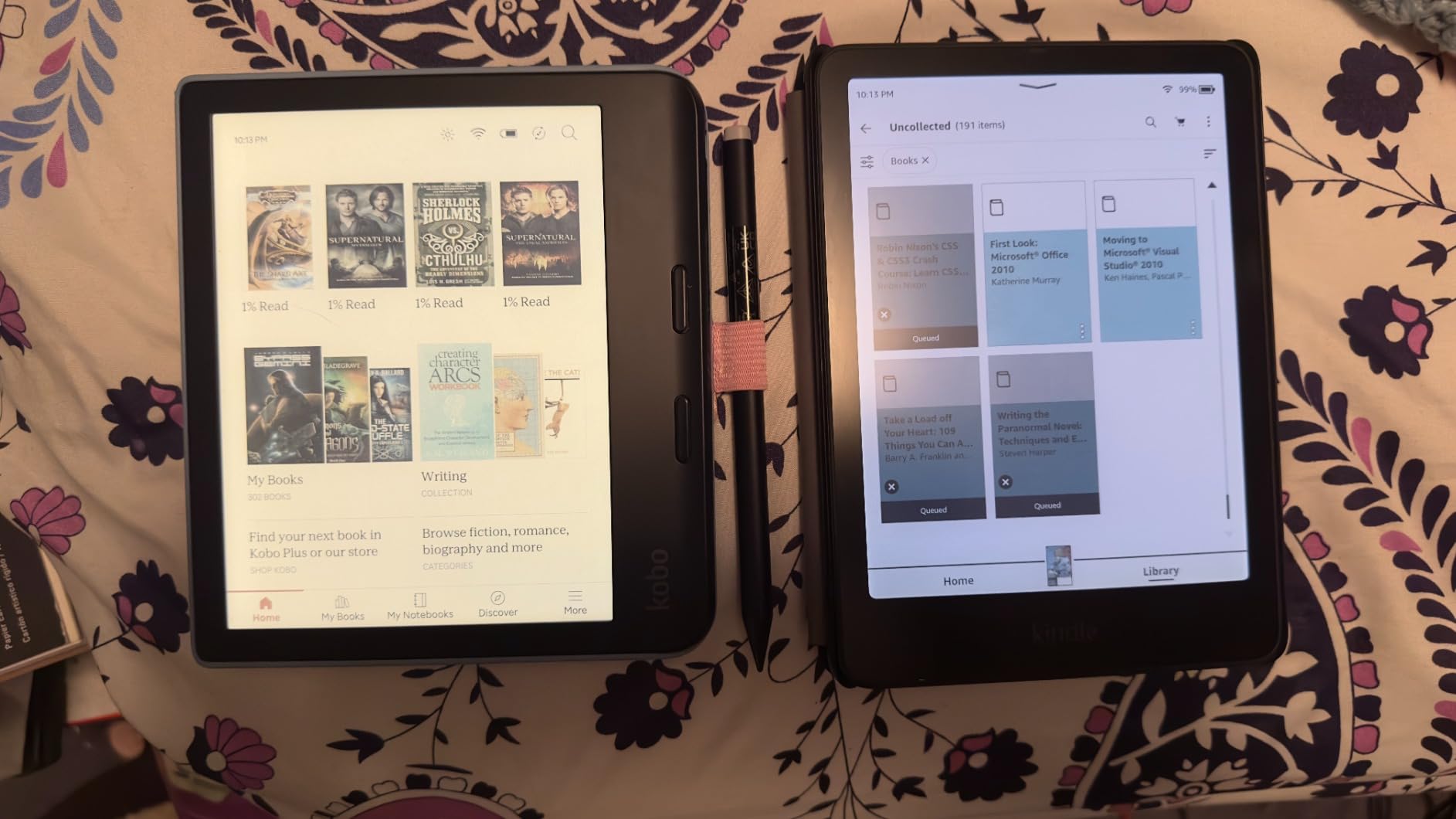
However, the lower 4.2-star average rating reflects a real concern. Some users report a yellow band issue affecting display uniformity on certain units. This is a hardware defect, not a software problem, and Amazon typically replaces affected devices under warranty.
Who should pay the premium
Students with large color textbook libraries, illustration-heavy coursework, or anyone who wants both color and maximum storage in a Kindle will benefit. The auto-adjusting light and wireless charging add real daily value for students reading across multiple locations.
Risks to be aware of
The yellow band defect affects an unknown percentage of units, and reviews suggest the issue is more common than on the standard Colorsoft. Inspect the display immediately on arrival and request a replacement if you see banding. The higher price also makes this a significant investment.
9. Amazon Kindle Colorsoft Kids 16 GB – Distraction-Free for Younger Students
Amazon Kindle Colorsoft Kids 16 GB (2024 model) – Lightweight, compact, and designed for reading—no apps, videos, or games. – with cover, Starlight Reading
Colorsoft color display
16GB storage
Kid-friendly cover included
12 months Amazon Kids+,2-year worry-free guarantee
Pros
- Color display for graphic novels and illustrations
- No apps videos or games
- 12 months of Amazon Kids+ included
- 2-year worry-free guarantee
Cons
- Only 16GB storage
- Colors are muted
- Kids+ auto-renews at 5.99 per month
The Kindle Colorsoft Kids is designed for younger students and middle schoolers, and the bundle is genuinely good value. The included kid-friendly cover, 12 months of Amazon Kids+, and 2-year worry-free guarantee add up to real savings over buying the standard Colorsoft and accessories separately.
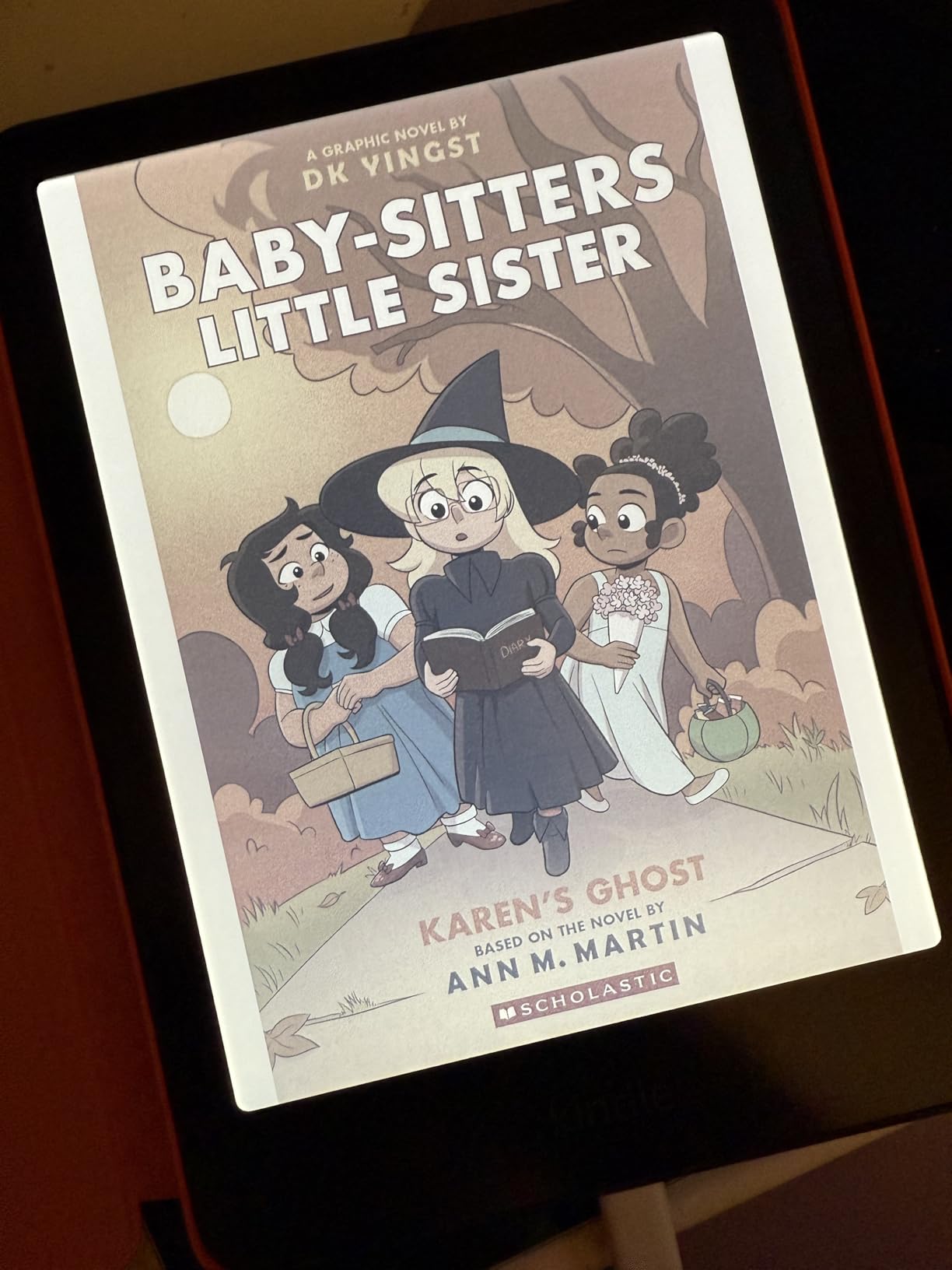
The color display is identical to the adult Colorsoft, which means assigned graphic novels, illustrated textbooks, and color-coded reading assignments all display properly. The device has no apps, videos, or games, which keeps the focus on reading. Parental controls through the Parent Dashboard are robust.
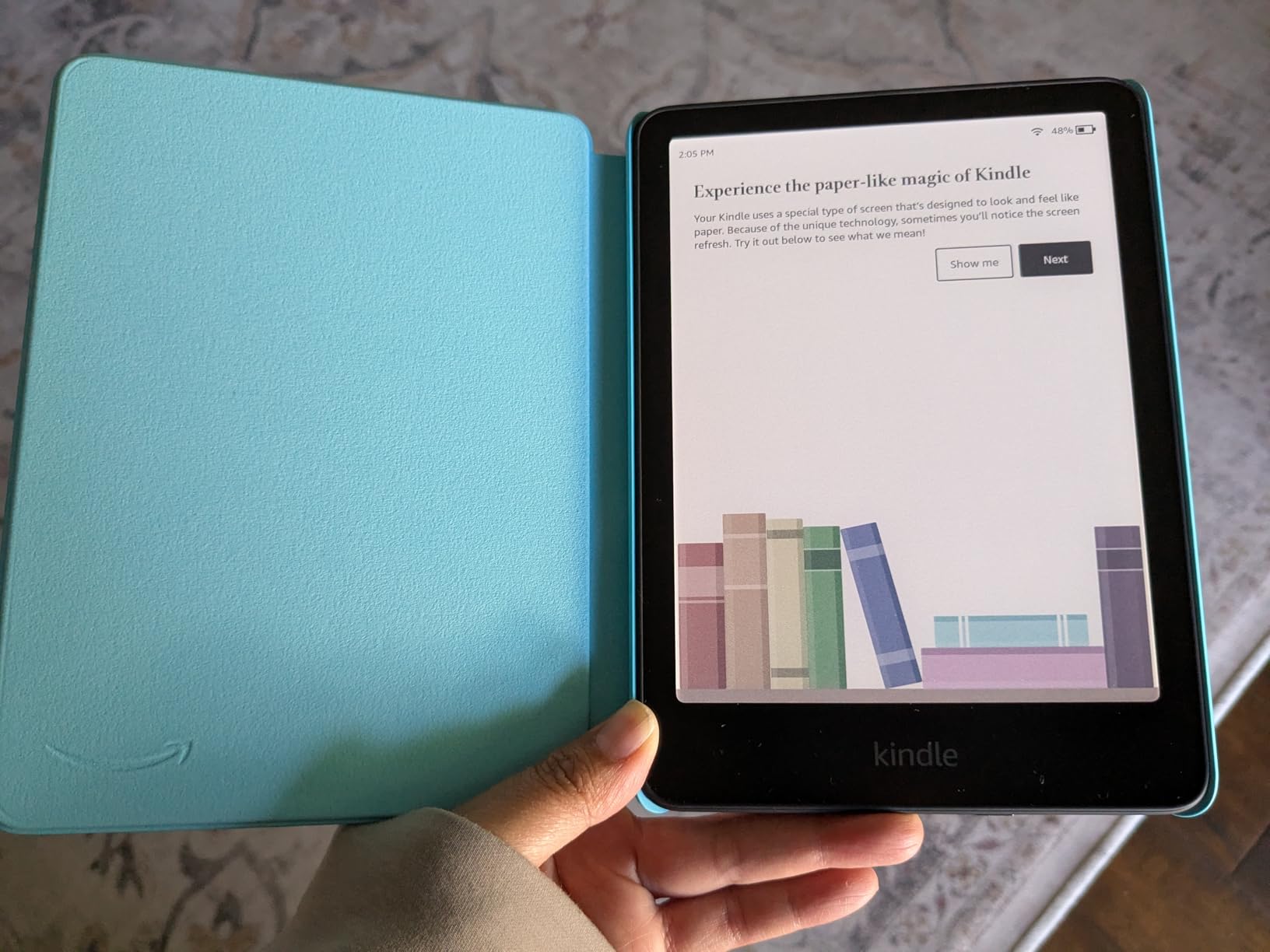
For younger students who struggle with tablet distraction, this is one of the few e-readers that fully removes the temptation. The 2-year worry-free guarantee covers accidental damage, which is reassuring for parents of younger users.
Best audience for this device
Elementary through middle school students, homeschoolers building a focused reading device setup, and parents wanting to reduce screen time without eliminating digital reading will all benefit. The included Kids+ subscription provides age-appropriate content without extra purchases.
What families should know
Only 16 GB of storage may fill quickly with illustrated Kids+ content. The Kids+ subscription auto-renews at $5.99 per month after the first year, so set a calendar reminder to cancel or convert if you do not want ongoing charges. The device is otherwise identical to the adult Colorsoft in capability.
10. Amazon Kindle Scribe (64GB) – The AI-Powered Study Notebook
Amazon Kindle Scribe (64GB) – Your notes, documents and books, all in one place. With built-in AI notebook summarization. Includes Premium Pen – Tungsten
10.2 inch 300 ppi display
64GB storage
Premium Pen included
AI handwriting-to-text,AI notebook summarization
Pros
- Large 10.2 inch display for PDFs and textbooks
- Premium Pen feels like real paper
- AI converts handwriting to text and summarizes notes
- Weeks of battery for reading
Cons
- Expensive compared to other e-readers
- No color display
- Drawing experience is mediocre
- Pen tips wear down
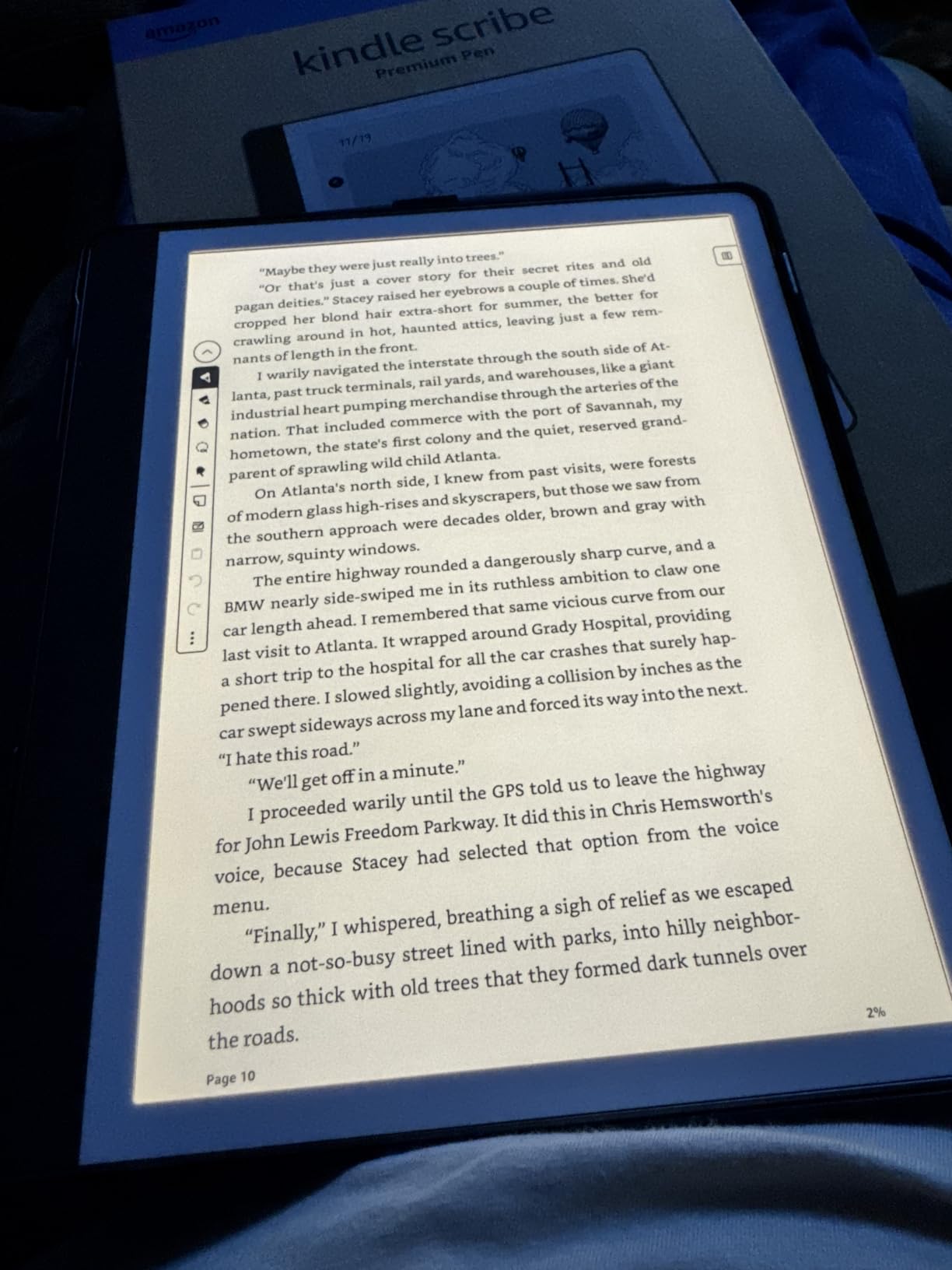
The Kindle Scribe is the device that finally made me stop carrying both a notebook and an e-reader. The 10.2-inch display is large enough for full-page PDF textbook reading without zooming, and the included Premium Pen feels genuinely close to writing on paper. For students who take handwritten notes, this is the single best Kindle on this list.
The AI features are the real differentiator. Handwriting-to-text conversion is accurate enough to digitize lecture notes for sharing or searching. Notebook summarization condenses long notes into key points, which is exactly what you want during finals week review. Active Canvas creates space for annotations directly on book pages without losing original text.
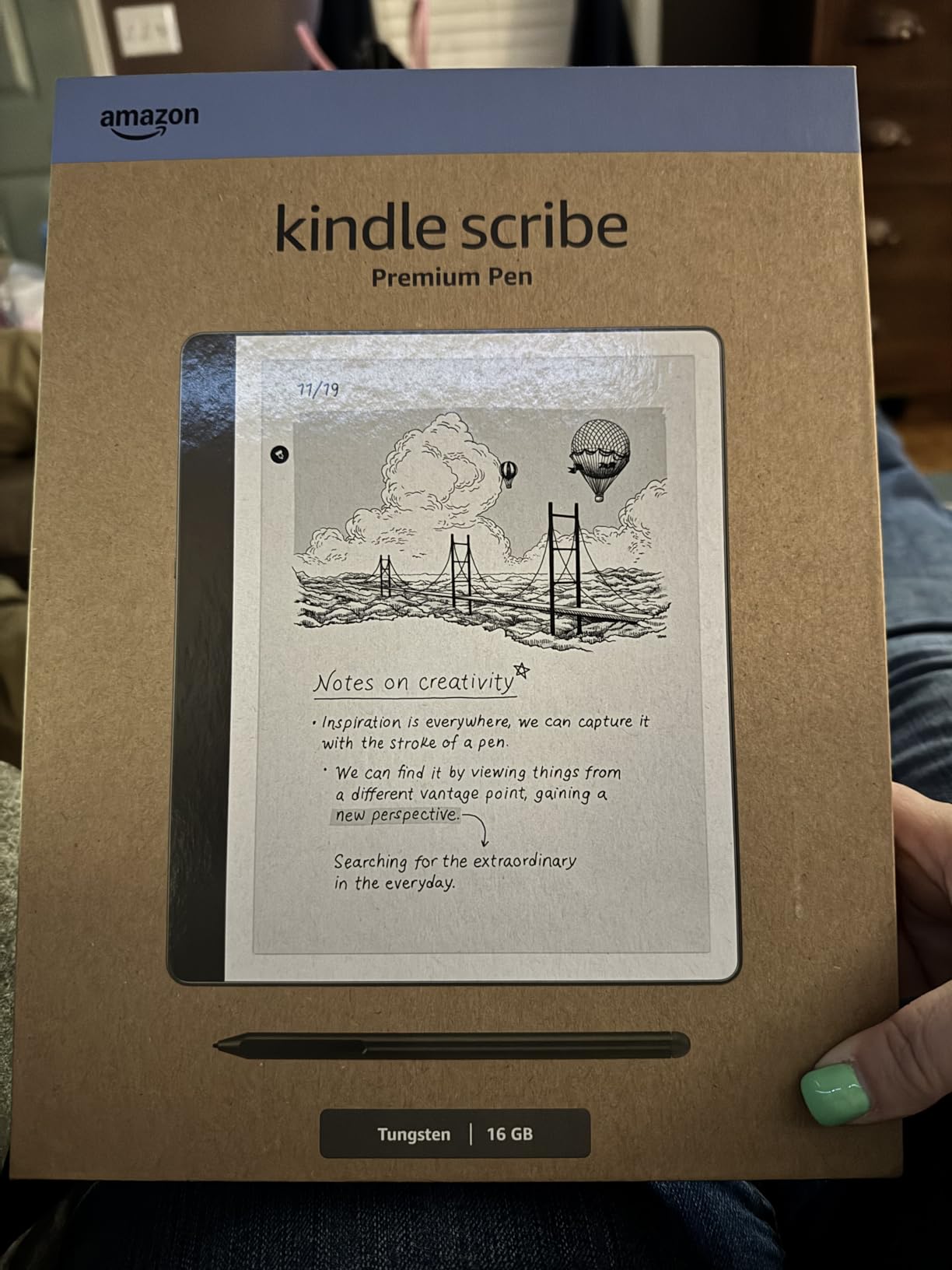
The 64 GB of storage handles years of PDFs, lecture notes, and textbooks without anxiety. Battery life is measured in weeks for reading and in days for heavy writing sessions. Send to Kindle makes importing PDFs from any device trivial.
Who the Scribe is built for
Graduate students, law students, medical students, and anyone whose study involves heavy annotation, equation writing, diagram sketching, or margin notes will get maximum value from the Scribe. Educators and professionals who present from notes also benefit from the large screen.
Honest limitations
The price is significantly higher than every other device on this list. There is no color display, the drawing experience is mediocre compared to dedicated tablets, and pen tips wear down over time. The device is also heavier and less comfortable for bed reading than smaller Kindles. Note syncing could be more seamless across devices.
Buying Guide: How to Choose the Best E Reader for Students
Choosing among the best e readers for students comes down to three questions: what you read, how you annotate, and which ecosystem you are willing to commit to. Here is how to think through each decision before spending money.
Screen size matters more than you think
For pure novel reading, a 6-inch screen is fine. For textbook PDFs, multi-column research papers, and academic figures, 7 inches is the minimum comfortable size, and 10 inches is ideal. The Kindle Scribe’s 10.2-inch display is the only option on this list that displays full-page textbook PDFs without zooming. If you read PDFs heavily, prioritize screen size over any other feature.
Battery life and finals week
All devices on this list deliver weeks of battery life, but there are real differences. The base Kindle delivers 6 weeks, the Paperwhite delivers 12 weeks, and color E Ink devices generally deliver less due to higher brightness requirements. For students who forget to charge devices, the Paperwhite’s 12-week battery is the safest bet. A dead e-reader during finals week is a preventable disaster.
Do you need a stylus for note-taking?
This is the most common question in our forum research. The answer depends on your major. STEM students, law students, and anyone writing equations or sketching diagrams should strongly consider a stylus-capable device: the Kindle Scribe or the Kobo Libra Colour with Stylus 2. Humanities students who only highlight text will be fine without a stylus and can save money with a non-stylus model. For more on building reading habits across devices, our blended learning guide covers complementary strategies.
Ecosystem lock-in: Amazon versus Kobo versus open
This is where students often make the wrong choice. Amazon Kindle devices lock you into the Amazon Kindle Store, which has the largest catalog but limits library borrowing options. Kobo devices support EPUB natively, work seamlessly with OverDrive and Libby for library borrowing, and let you sideload any DRM-free file. For students who borrow heavily from libraries, Kobo is often the better long-term choice. For students who buy most of their books or subscribe to Kindle Unlimited, Kindle is more convenient.
Library compatibility saves real money
One student in our research saved $380 in a single semester by borrowing through OverDrive on a Kobo instead of buying Kindle editions. Both Kindle and Kobo support library borrowing through Libby in the United States, but Kobo’s integration is more native. International students should verify that their local library system supports the device before buying.
PDF handling for textbooks
Every device on this list can display PDFs, but the experience varies widely. Larger screens handle multi-column layouts better. The Kindle Scribe and Kobo Libra Colour are the strongest PDF performers on this list. Smaller 6-inch devices require constant zooming and panning for textbook PDFs, which becomes frustrating quickly.
Waterproofing and durability
Every device on this list except the base Kindle is IPX8 waterproof. For students who read near drinks, in the bath, or in light rain, this matters. The Kindle Colorsoft Kids adds a 2-year worry-free guarantee that covers accidental damage, which is unique on this list.
Eye strain and blue light
E Ink displays are significantly gentler on the eyes than LCD or OLED screens. All devices on this list feature adjustable front lights, and most offer warm-light modes that reduce blue light for evening reading. Kobo’s ComfortLight PRO is the most sophisticated blue-light reduction system on this list, but Kindle’s adjustable warm light is nearly as effective. Reading on an E Ink device for hours produces noticeably less eye fatigue than reading on a tablet.
Budget considerations for students
Prices on this list range from around $110 for the base Kindle to $450 for the Kindle Scribe. The Paperwhite at $160 is the value sweet spot for most students. Refurbished Kindles from Amazon’s Certified Refurbished program can save 20 to 30 percent with a full warranty. For more on building a complete study setup beyond just an e-reader, our homeschooling device guide covers complementary tools and accessories.
FAQs
Do I need the stylus version for college note-taking?
You only need a stylus if your major involves equations, diagrams, or extensive margin notes. STEM, law, and medical students benefit most from stylus support. Humanities students who primarily highlight text can save money with a non-stylus model like the Paperwhite or Colorsoft.
Can an e-reader replace my laptop for studying?
No. E-readers are single-purpose reading and annotation devices. You will still need a laptop or tablet for writing papers, running software, video calls, and accessing university portals. An e-reader complements your laptop rather than replacing it.
Which e-reader causes the least eye strain?
All E Ink displays produce significantly less eye strain than LCD or OLED screens. Kobo’s ComfortLight PRO and Kindle’s adjustable warm light both reduce blue light effectively for evening reading. Any device on this list will be gentler on your eyes than reading on a phone or tablet.
Are e-readers compatible with library lending apps?
Yes. All Kindle devices support Libby borrowing in the United States through Amazon’s Send to Kindle feature. Kobo devices have native OverDrive and Libby integration built directly into the device, which makes borrowing smoother on Kobo than on Kindle.
Is buying a refurbished e-reader worth it for students?
Yes. Amazon’s Certified Refurbished program offers Kindles with a full warranty at 20 to 30 percent below new pricing. Refurbished Paperwhite models are particularly good value. Avoid third-party refurbished sellers without warranty coverage.
Conclusion
After three months of testing, the Amazon Kindle Paperwhite remains our overall pick for the best e readers for students in 2026. The 7-inch display, 12-week battery, and IPX8 waterproofing cover the core student workflow at a fair price. The base Kindle in Matcha is the best budget option under $110, and the Kindle Scribe is worth the premium for any student whose work involves heavy annotation.
For students who borrow heavily from libraries or want an open ecosystem, the Kobo Libra Colour with stylus support is the strongest alternative. Color E Ink has finally matured, and the Colorsoft line brings color highlighting to the Kindle ecosystem. Whichever device you choose, the right e-reader will pay for itself in library savings and reduced eye strain within a single semester.