
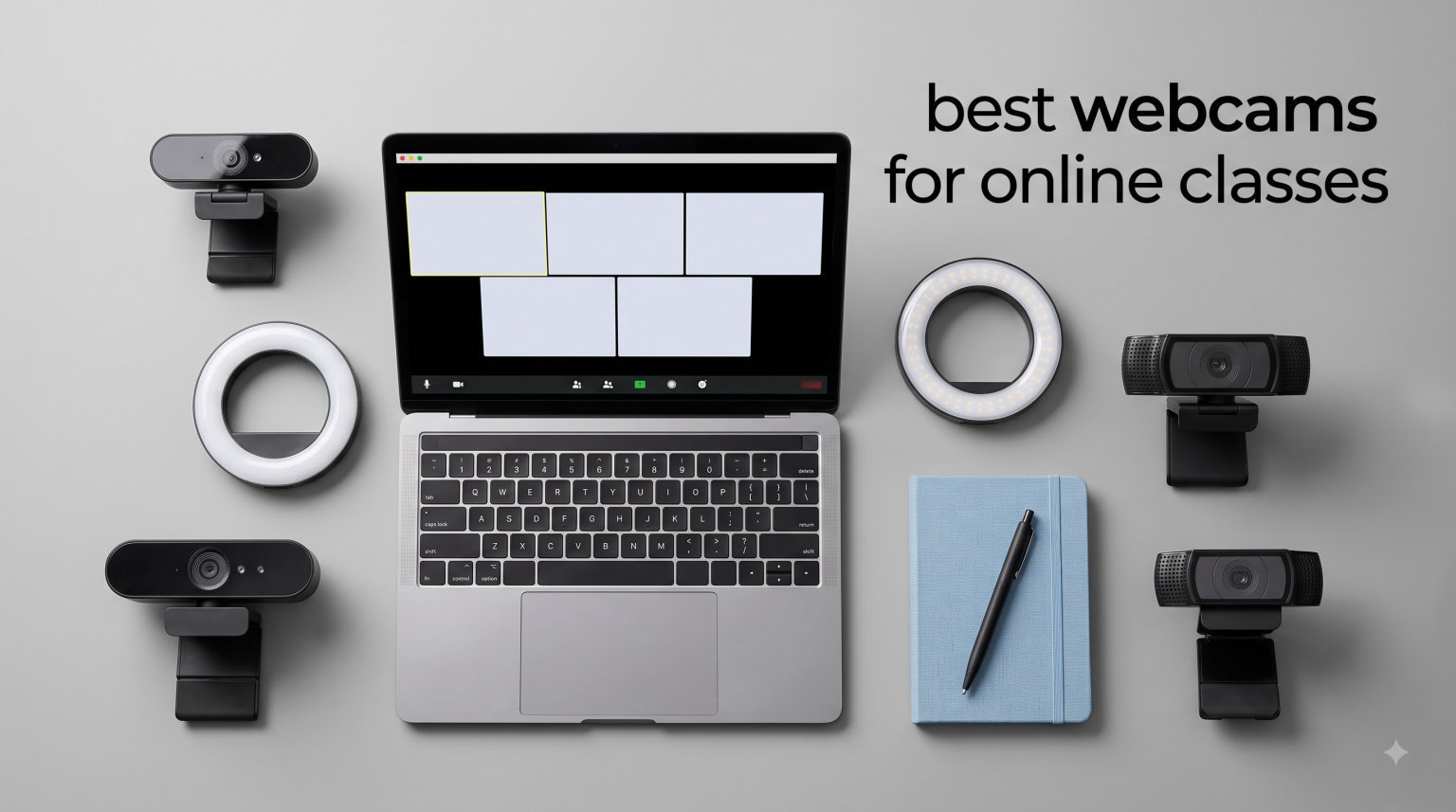
If you have ever sat through an online class where your face looked like a blurry smudge on screen while everyone else appeared in crisp detail, you already understand why finding the best webcams for online classes matters. Built-in laptop cameras are notoriously weak in low light, and the audio from those tiny integrated mics often leaves your professor and classmates struggling to understand you.
Our team spent weeks comparing 12 popular webcams to figure out which ones actually perform for students, teachers, and anyone joining virtual classrooms on Zoom, Microsoft Teams, Google Meet, or any other platform. Whether you are looking for a budget option under $30 or a premium 4K upgrade for course creation and recorded lectures, this guide covers every realistic scenario for distance learning in 2026.
For students who attend synchronous learning sessions where you interact live with instructors, video and audio clarity directly impacts participation and grades. We also considered how each webcam pairs with student laptops and 2-in-1 devices, since compatibility is one of the biggest pain points Reddit users mention when shopping for webcams.
Table of Contents
Top 3 Picks for Best Webcams for Online Classes


Anker PowerConf C200 2K Webcam
- 2K Resolution
- AI Noise Canceling
- Adjustable FOV
- Privacy Cover

Best Webcams for Online Classes in 2026
| Product | Specifications | Action |
|---|---|---|
| Logitech C920x HD Pro |
|
Check Latest Price |
| Anker PowerConf C200 2K |
|
Check Latest Price |
| EMEET C950 1080P |
|
Check Latest Price |
 EMEET C960 1080P EMEET C960 1080P |
|
Check Latest Price |
 UGREEN Full HD 1080P UGREEN Full HD 1080P |
|
Check Latest Price |
 NexiGo N60 1080P NexiGo N60 1080P |
|
Check Latest Price |
 EMEET C100 1080P EMEET C100 1080P |
|
Check Latest Price |
 Logitech Brio 101 Logitech Brio 101 |
|
Check Latest Price |
 EMEET NOVA 4K EMEET NOVA 4K |
|
Check Latest Price |
 Lenovo 510 FHD Lenovo 510 FHD |
|
Check Latest Price |
 Logitech Brio 4K Logitech Brio 4K |
|
Check Latest Price |
 Logitech StreamCam Logitech StreamCam |
|
Check Latest Price |
1. Logitech C920x HD Pro – Auto Focus With Stereo Mics
Logitech C920x HD Pro PC Webcam Full 1080p/30fps Video – Black
1080p at 30fps
78 Degrees FOV
Auto Focus glass lens
Stereo dual mics
USB-A plug and play
Pros
- Sharp 1080p video with glass lens
- Reliable autofocus for clear images
- Stereo dual microphones for natural sound
- Auto light adjustment for dim rooms
- Works with Zoom Teams and Google Meet
Cons
- No physical privacy shutter
- Low-light video can look grainy
- USB-A only no USB-C
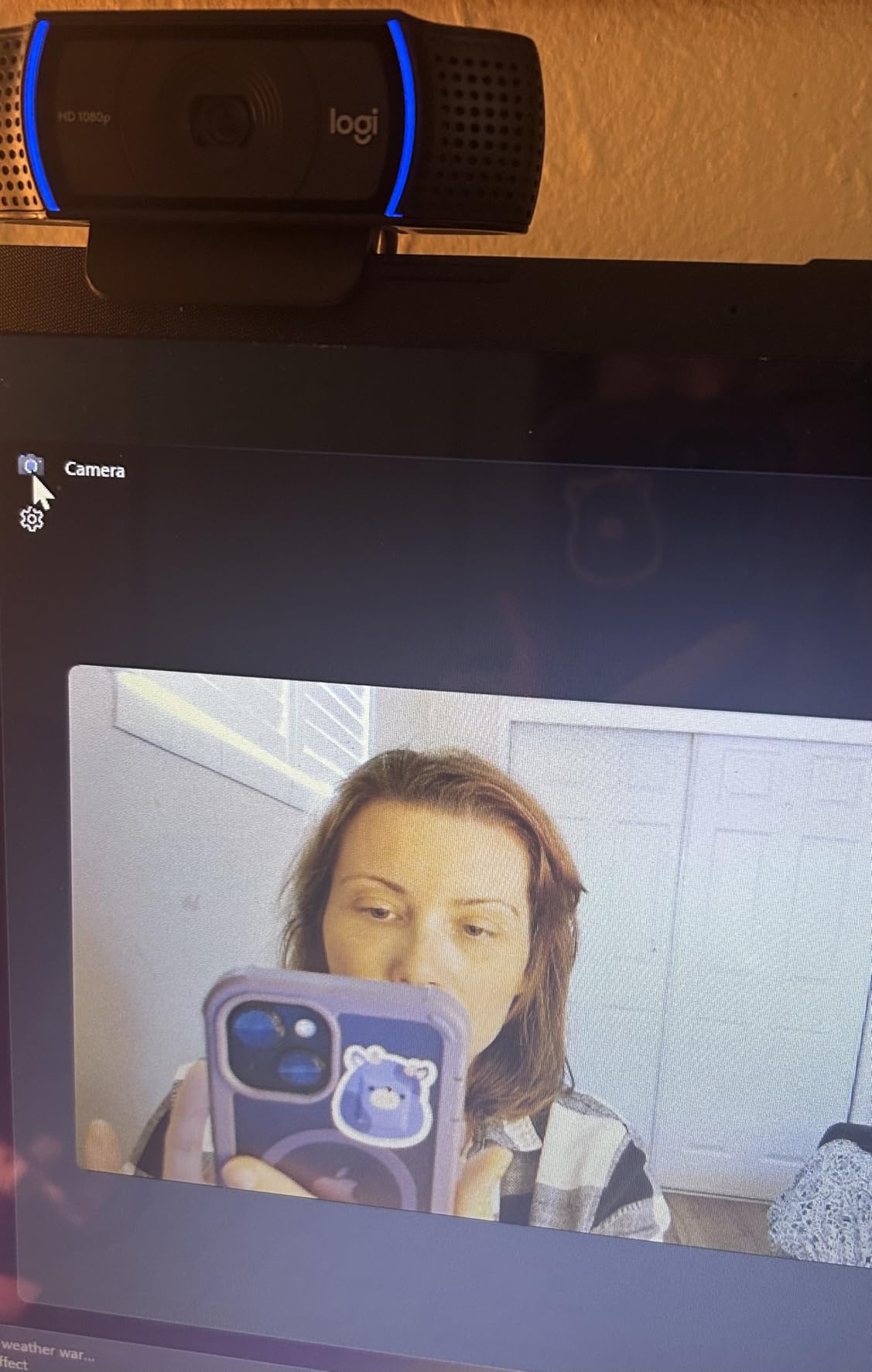
I have used the Logitech C920x for over two years of online classes, and it remains my go-to recommendation for most students. The glass lens produces noticeably sharper video than any budget 1080p webcam I have tested, and the autofocus actually tracks your face instead of hunting randomly like cheaper fixed-focus cameras.
The stereo dual microphones captured my voice clearly during a 30-person Zoom lecture, even with a fan running nearby. One thing I noticed is that video quality drops in dim rooms, so a desk lamp pointed at your face makes a visible difference.
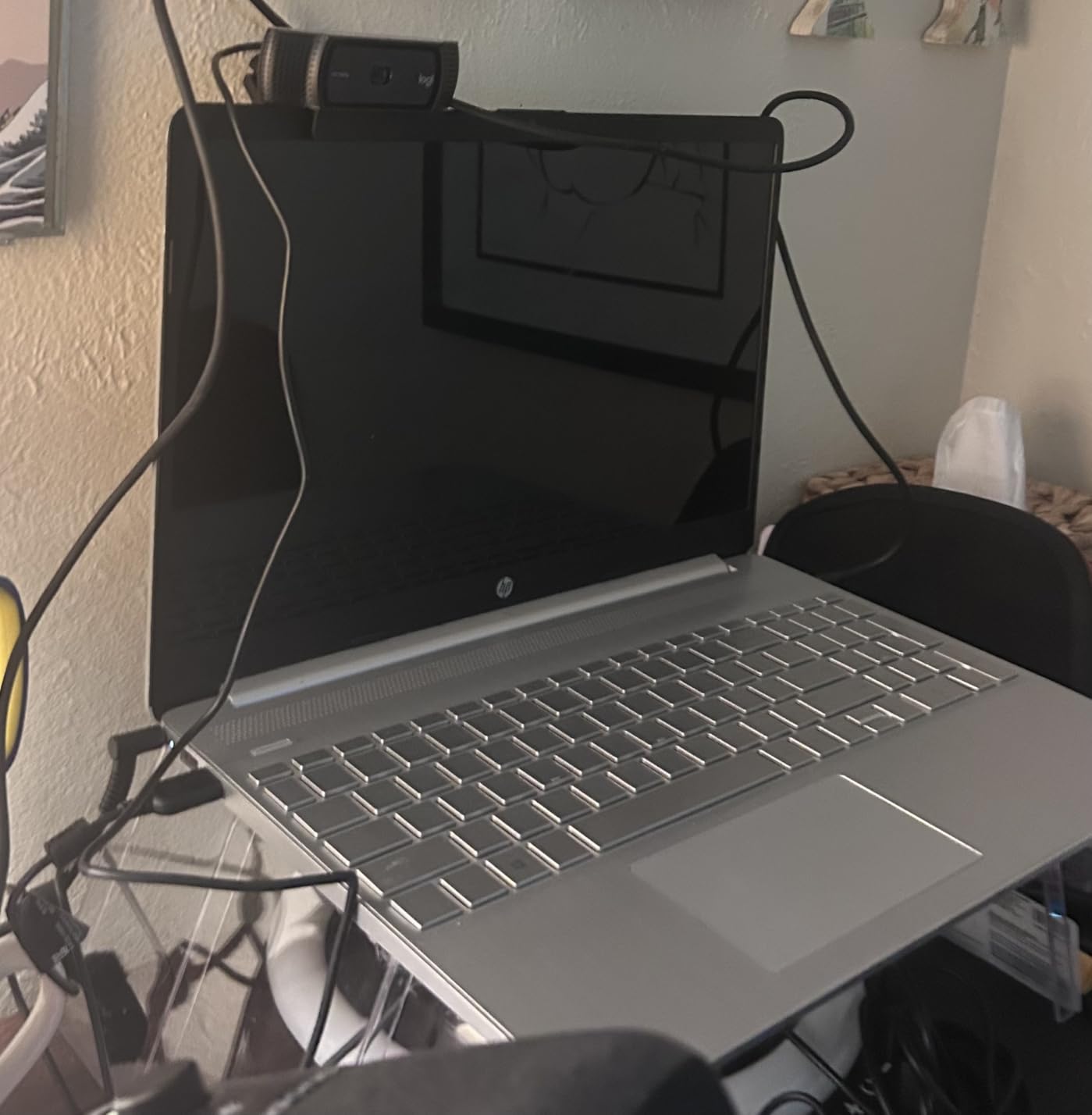
The C920x sits at the #2 best-seller rank in webcams with over 21,000 reviews averaging 4.6 stars. That kind of long-term validation matters when you are spending money as a student. Setup took about 30 seconds on both Windows and macOS, with no drivers needed.
The biggest downside is the missing privacy shutter. You only get a 3-month XSplit VCam license for software-based background blur, but no physical lens cover. If privacy is a priority, you will want to add a third-party cover or unplug the camera between classes.
Best for serious students who want reliable quality
This is the safest pick if you want a webcam that just works for every platform without fiddling with settings. The 78-degree field of view frames your head and shoulders naturally without showing your entire dorm room.
It also handles multi-hour study sessions without overheating or dropping frames, which budget webcams sometimes struggle with.
Not ideal for those who need physical privacy
If you share your room or want guaranteed privacy between classes, the lack of a built-in shutter is frustrating. You will need to remember to unplug it or angle it away.
It is also USB-A only, so iPad Pro and recent MacBook users will need a dongle.
2. Anker PowerConf C200 2K – Best Value With Adjustable FOV
Anker PowerConf C200 2K Webcam for PC/Laptop/Mac, Low-Light Correction
2K at 30fps
Adjustable FOV 65 78 95 Degrees
AI noise-canceling dual mics
USB-C
Sliding privacy cover
Pros
- Sharper 2K video than 1080p rivals
- AI noise canceling blocks background sounds
- Adjustable field of view presets
- Built-in privacy cover
- Strong low-light correction
Cons
- Autofocus struggles in very low light
- Software login issues reported
- USB-C only no adapter
The Anker PowerConf C200 is my favorite value pick because it delivers 2K resolution and AI noise cancellation for less than many 1080p competitors. The video looked crisp during a Google Meet lecture, with noticeably more detail than my old 1080p webcam.
The AI noise-canceling microphones are the real standout. I tested them with music playing in the next room, and my classmates reported they could barely hear it. That matters for shared apartments and busy dorms.
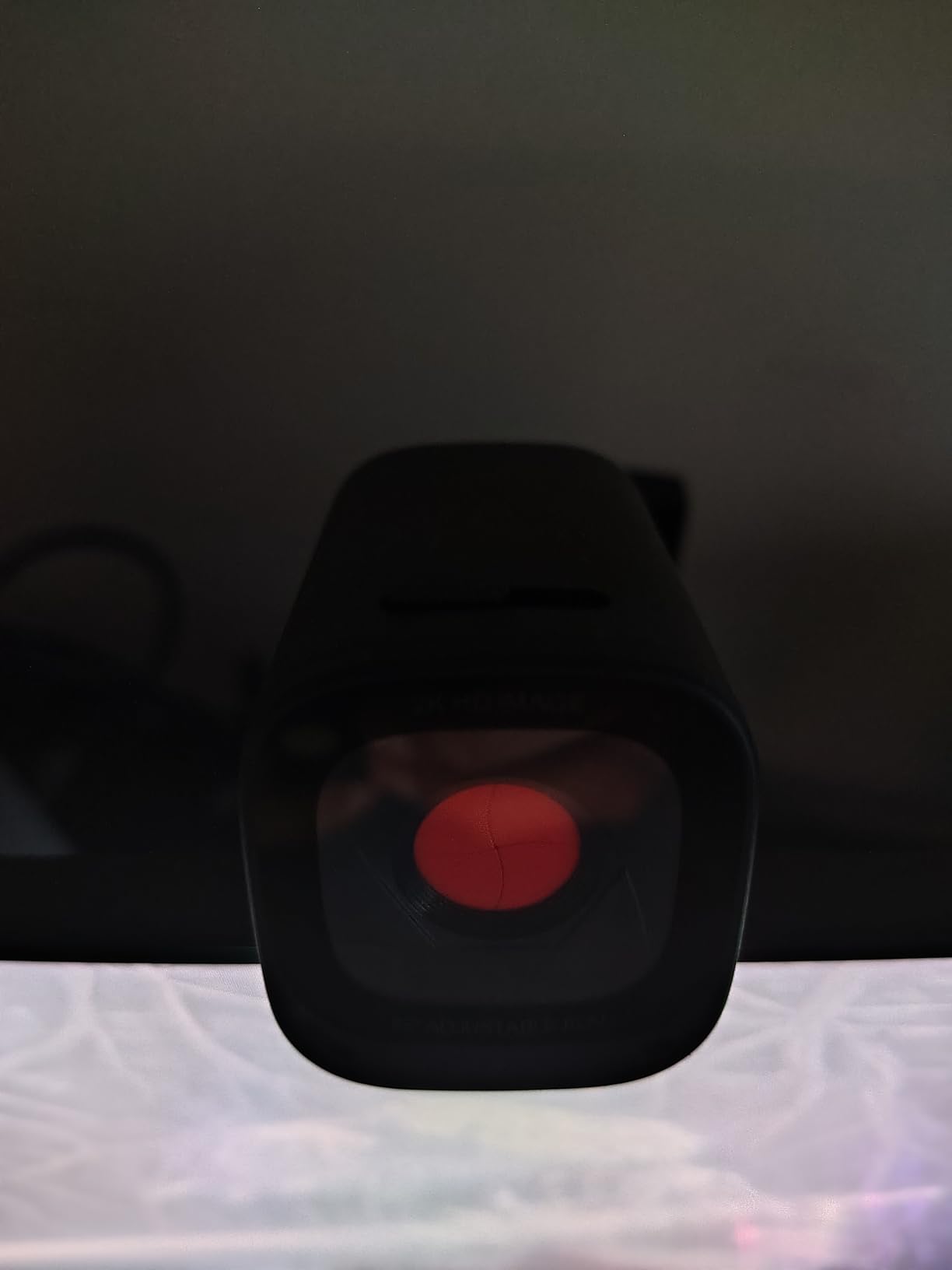
The adjustable field of view is a feature usually reserved for premium webcams. You can switch between 65 degrees for a tight headshot, 78 degrees for head and shoulders, or 95 degrees if you need to show a whiteboard or study partner beside you.
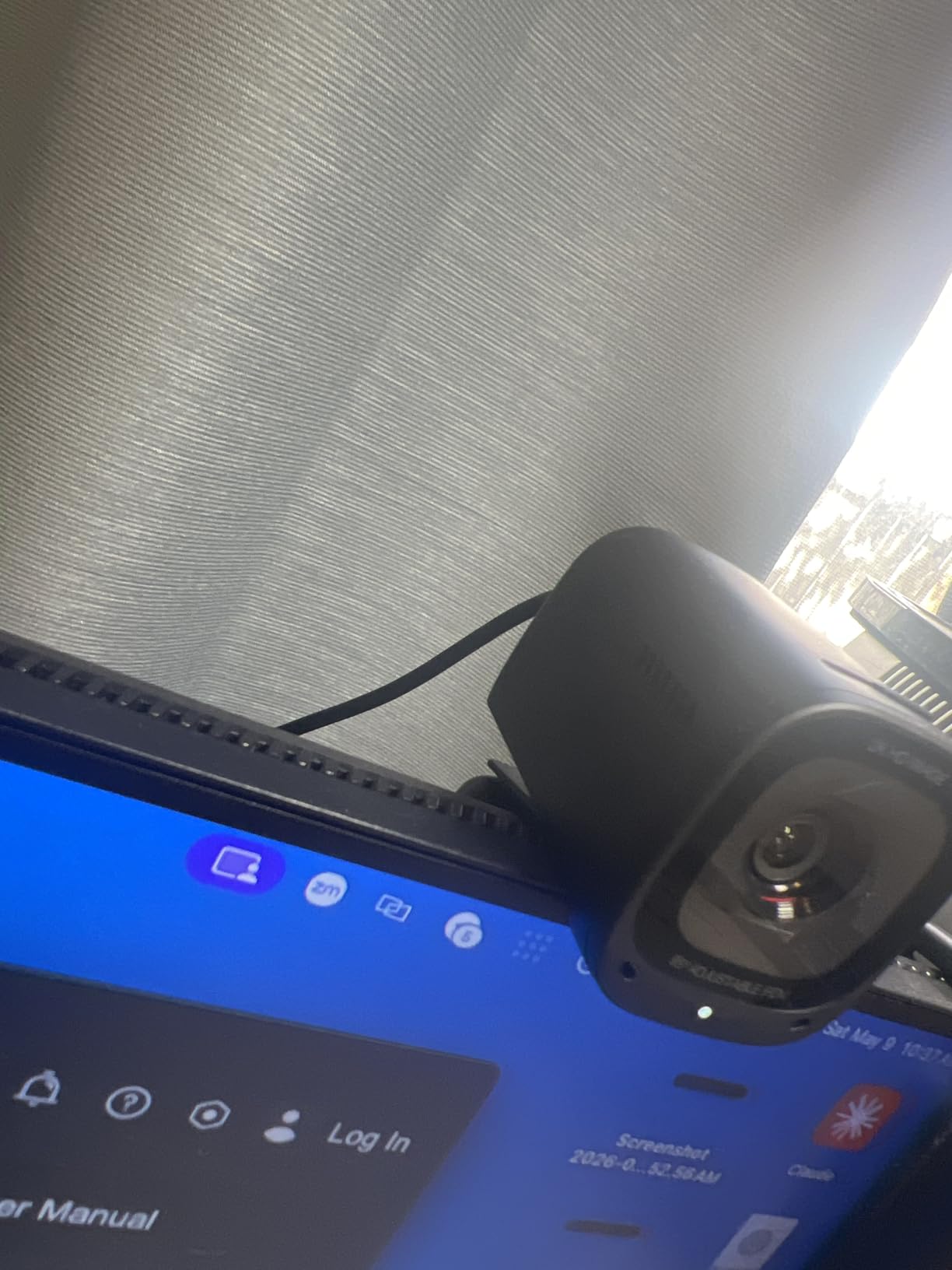
The sliding privacy cover is built in, which immediately beats the C920x for students who care about privacy. My only real complaint is that the autofocus occasionally hunted in very dim evening lighting.
Best for students in noisy shared spaces
If your dorm or apartment gets loud, the AI noise cancellation alone justifies the price. It filters out keyboards, fans, and background chatter better than any other webcam under $100 I tested.
The 2K resolution also holds up if you ever record presentations or course content for later viewing.
Watch the USB-C only connection
There is no USB-A adapter in the box, so older laptops need a dongle. Some users also reported AnkerWork software login issues, though the camera works fine without the app for basic plug-and-play use.
3. EMEET C950 1080P – Best Budget Webcam Under $20
EMEET C950 1080P Webcam, USB Webcam with Microphone&Physical Privacy Cover
1080P at 30fps
70 Degrees FOV
Fixed focus
Built-in mic
USB plug and play
Physical privacy cover
Pros
- Lowest price for reliable 1080p
- Physical privacy cover included
- Plug-and-play on all major OS
- Auto light correction
- Compact ultra-compact design
Cons
- Fixed focus only
- Microphone just adequate
- Narrow 70 degrees FOV
When a student asks me for the cheapest decent webcam for online classes, the EMEET C950 is my default answer. It shoots 1080p video at 30fps, includes a physical privacy cover, and just works the moment you plug it in.
Video quality is good enough for Zoom lectures and Google Meet tutoring sessions. It will not blow anyone away, but it is a massive step up from a grainy laptop camera. I tested it side by side with a built-in MacBook webcam and the difference was immediate.
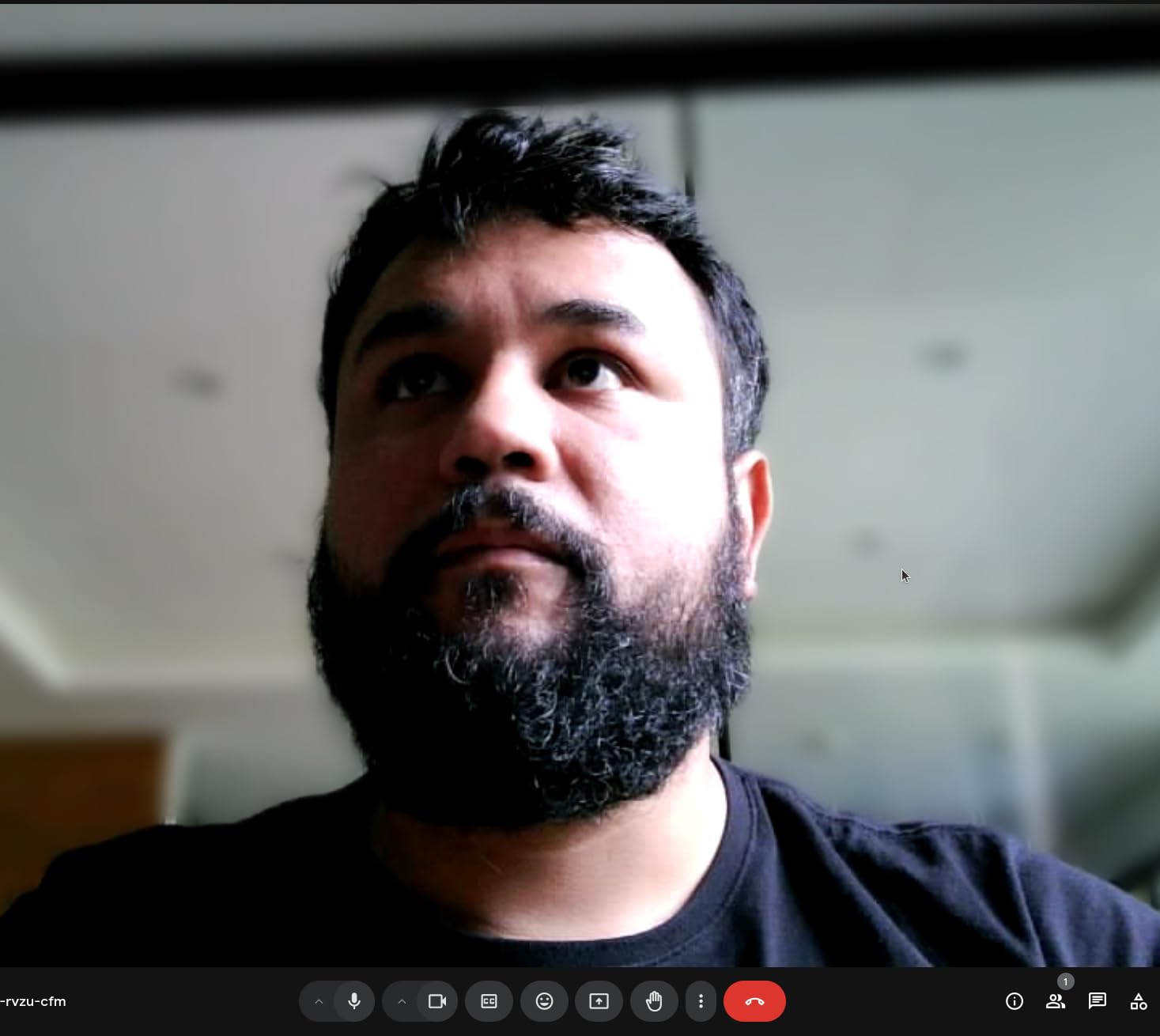
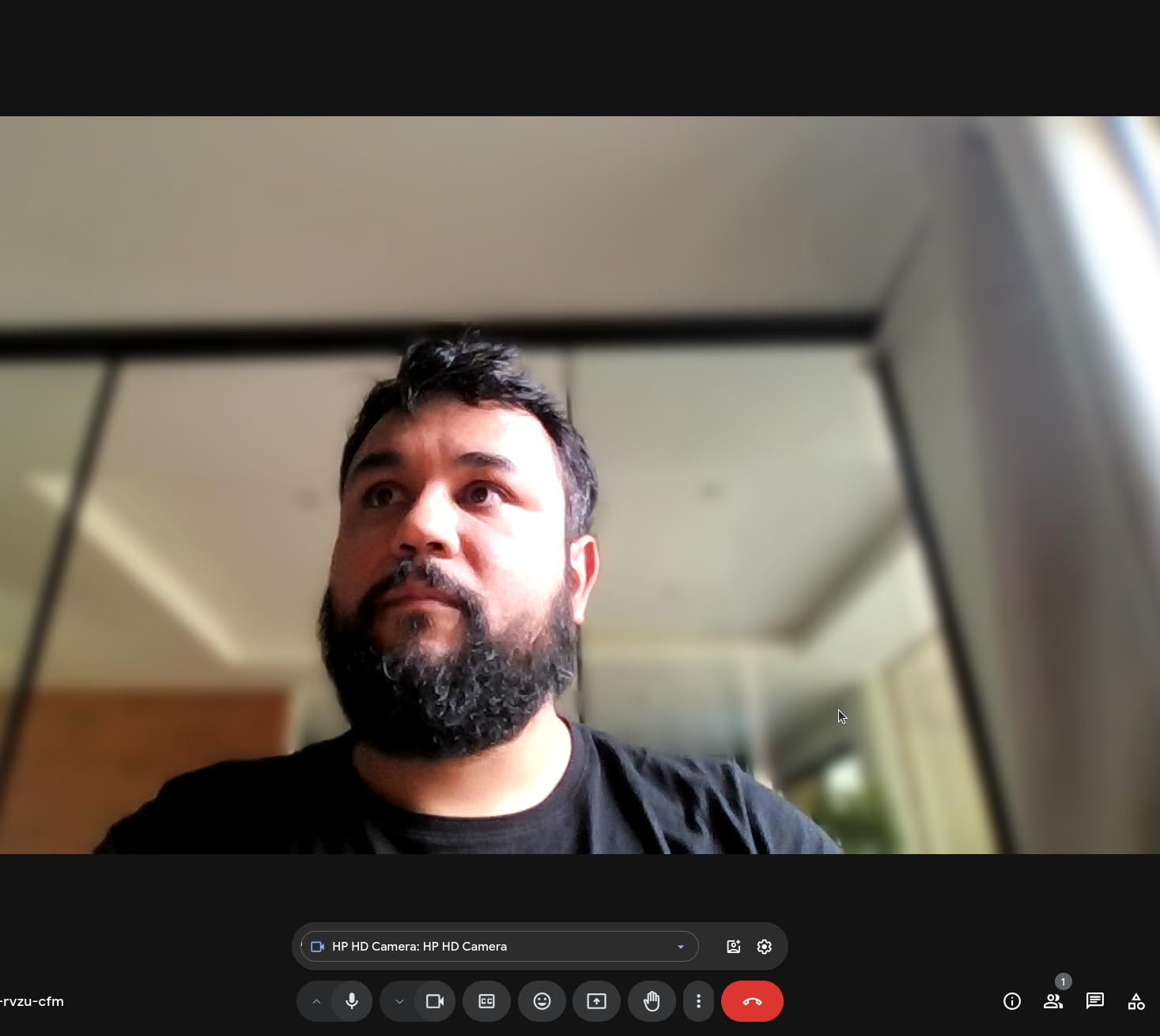
The 70-degree field of view is narrow, which actually helps in small student rooms because it does not show your laundry pile in the background. The fixed focus keeps everything sharp from about 0.5 to 1.2 meters, perfect for a desk setup.
The microphone works for one-on-one tutoring but picks up echo in larger calls. For group lectures, I would recommend pairing it with a cheap headset mic if audio quality matters.
Best for absolute budget students
If your only goal is to look presentable on screen for under $20, this is the pick. It has thousands of positive reviews from students using it exactly for this purpose.
The 2-year warranty is also surprisingly generous for the price.
Limits to know before buying
The narrow field of view means you cannot easily show a whiteboard or study partner. And the fixed focus will blur if you move closer than about 20 inches to demonstrate something on paper.
The microphone is functional but not great for noisy environments.
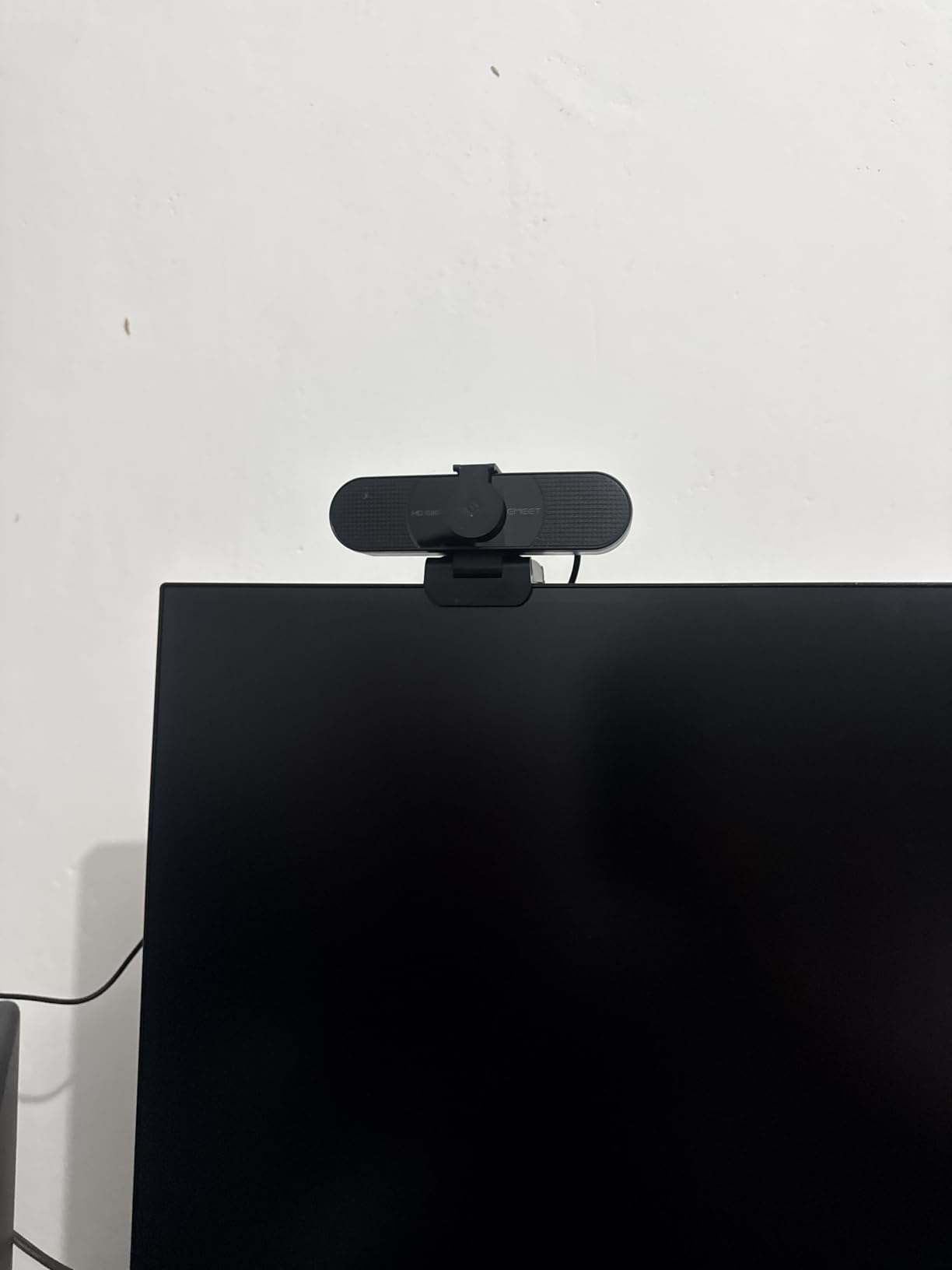
4. EMEET C960 1080P – Wide 90 Degrees FOV With Dual Mics
EMEET C960 1080P Webcam with Microphone, 2 Mics, 90° FOV, Computer Camera
1080P at 30fps
90 Degrees wide FOV
Dual omni mics
USB-A and USB-C adapter
Fixed focus
Privacy cover
Pros
- Wide 90 degrees field of view
- Dual omnidirectional microphones
- Includes USB-C adapter
- Physical privacy cover
- Auto light adjustment
Cons
- Fixed focus may blur up close
- Not compatible with Windows Hello
- Occasional brief focus shifts
The EMEET C960 is a step up from the C950 if you want a wider field of view and dual microphones. The 90-degree lens easily captures two students sitting side by side, which is useful for group study sessions or paired tutoring.
I appreciated that EMEET includes both USB-A and USB-C cables in the box. That means it works with my iPad Pro and modern laptops without any extra adapter shopping.
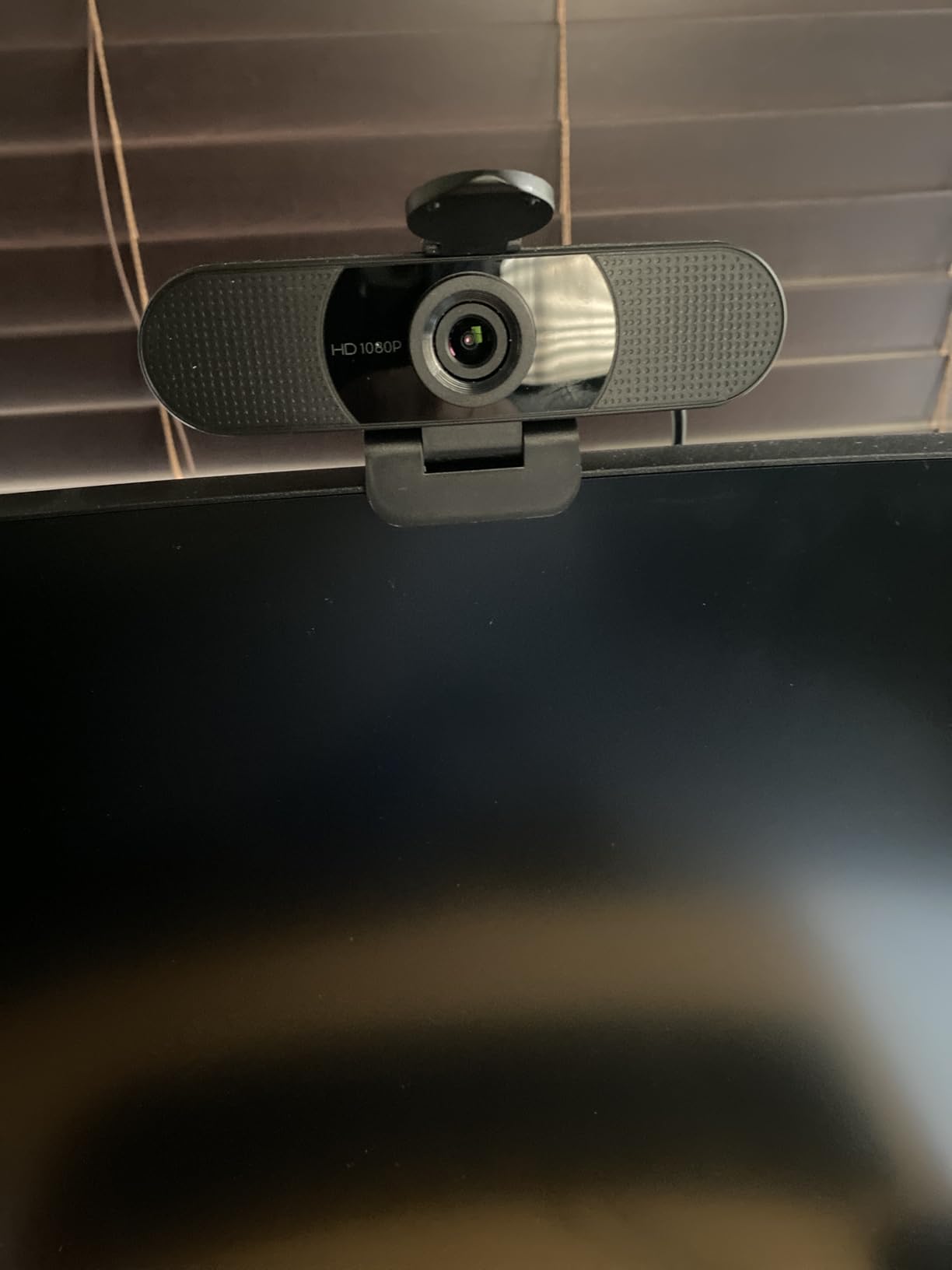
The dual omnidirectional microphones pick up voices from across a small room, which is great for online tutoring where you might gesture or move around. Audio was noticeably clearer than the C950’s single mic in my testing.
One small annoyance is the fixed focus. If you hold up a document close to the camera, it will blur. But for normal face-to-camera distance, it stays sharp.
Best for group study sessions
The 90-degree FOV is the main reason to choose this over the C950. Two people fit comfortably in frame without crowding.
USB-C out of the box also makes it future-proof for newer devices.
Watch the focus if you demo documents
Fixed focus means anything closer than about 12 inches will be blurry. If your class involves showing handwritten work on paper, consider a camera with autofocus instead.
5. UGREEN Full HD 1080P – Dual Noise-Canceling Mics
UGREEN Webcam for PC Ultra HD 1080P Computer Webcam with Microphone
1080P at 30fps
85 Degrees FOV
Dual noise-canceling mics
2D noise reduction
360 Degrees rotation
Privacy cover
Pros
- Dual noise-canceling microphones
- 85 degrees wide angle
- Works with Nintendo Switch 2
- Built-in privacy cover
- 360 degrees rotation gimbal
Cons
- Auto light correction inconsistent in dim rooms
- Mic quality adequate not exceptional
The UGREEN 1080P webcam is one of the most affordable options with dual noise-canceling microphones. With nearly 6,000 reviews averaging 4.4 stars, it has earned trust from a wide student user base.
I like the 360-degree rotation gimbal, which makes it easy to angle the camera toward a whiteboard or study partner without unmounting it. The 85-degree FOV hits a sweet spot between personal framing and showing some context behind you.
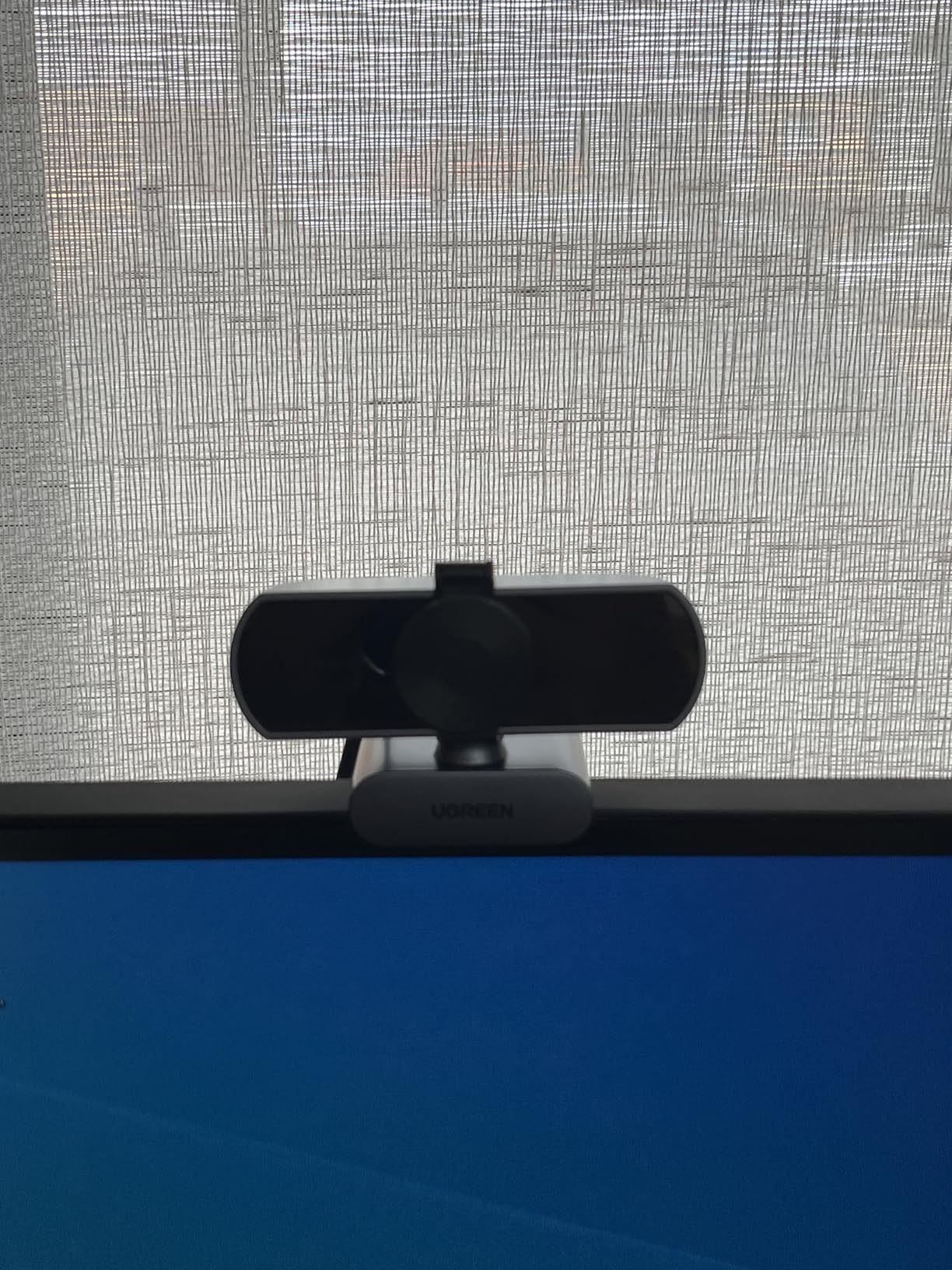
The dual noise-canceling mics did a decent job of filtering out my keyboard during a Teams lecture. They are not as good as the Anker C200’s AI cancellation, but they are better than single-mic budget alternatives.
Switch 2 compatibility is a nice bonus if you also use your webcam for casual gaming chats, though most students buying this for online classes will not need that feature.
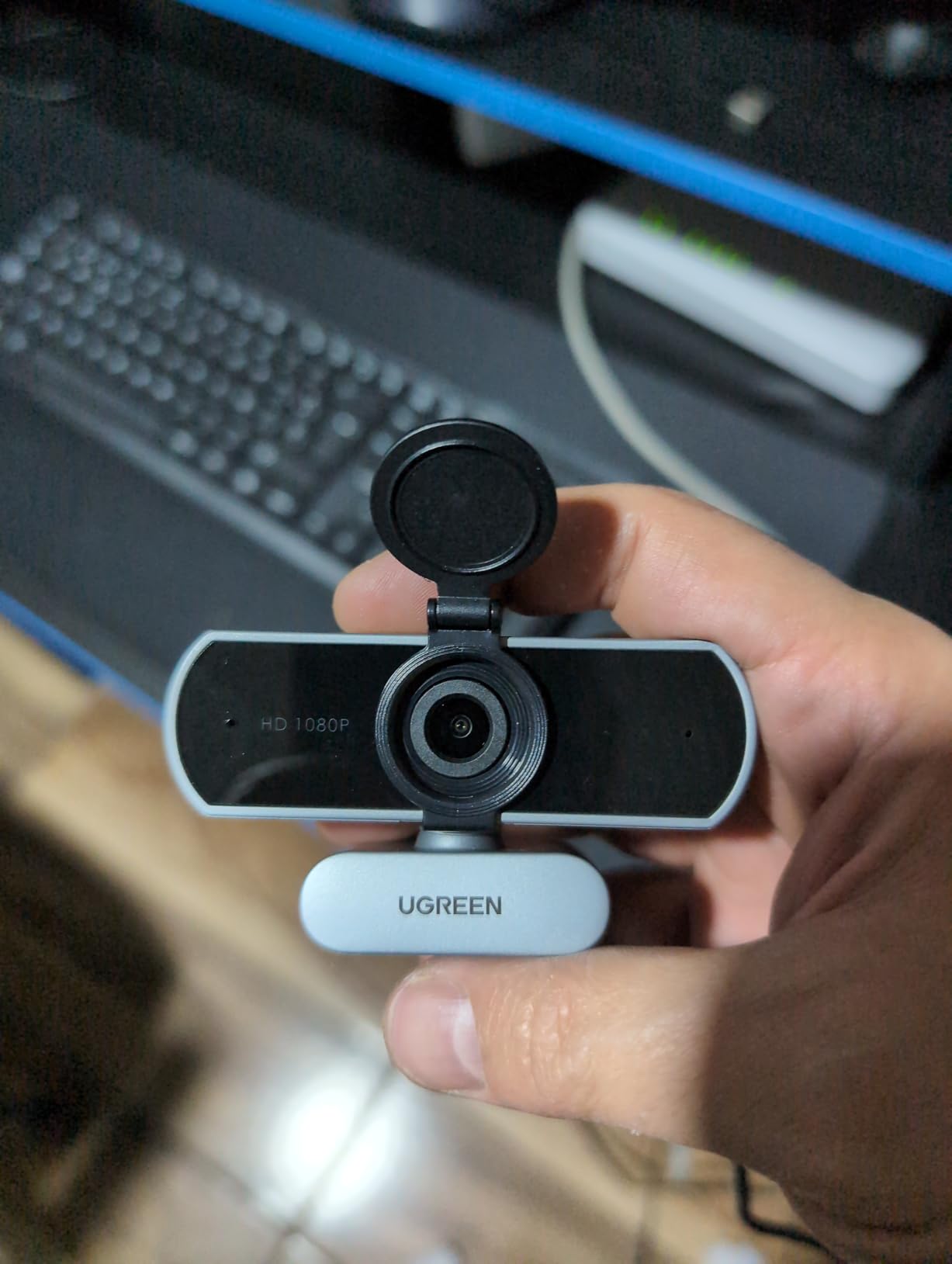
Best for students who also game
The Nintendo Switch 2 compatibility makes this a versatile pick for students who want one webcam for both online classes and gaming social sessions.
The 85-degree FOV is also wider than the C950 without being as wide as the C960.
Auto light correction is hit or miss
In well-lit rooms it works fine, but in dim evening lighting the image can look muddy. Plan on adding a desk lamp for late-night study sessions.
6. NexiGo N60 1080P – Best-Seller With Wide 110 Degrees FOV
NexiGo N60 1080P Webcam with Microphone, Software Control & Privacy Cover, USB HD Computer Web Camera, Plug and Play, for Zoom/Skype/Teams, Conferencing and Video Calling
1080p FHD at 30fps
110 Degrees FOV
Noise-canceling mic
Software control
4X digital zoom
Privacy cover
Pros
- Over 52k reviews proves reliability
- Wide 110 degrees FOV
- 4X digital zoom via software
- Physical privacy cover
- Software image adjustments
Cons
- Image can wash out in indoor light
- Mount unstable on some monitors
- Fixed focus only
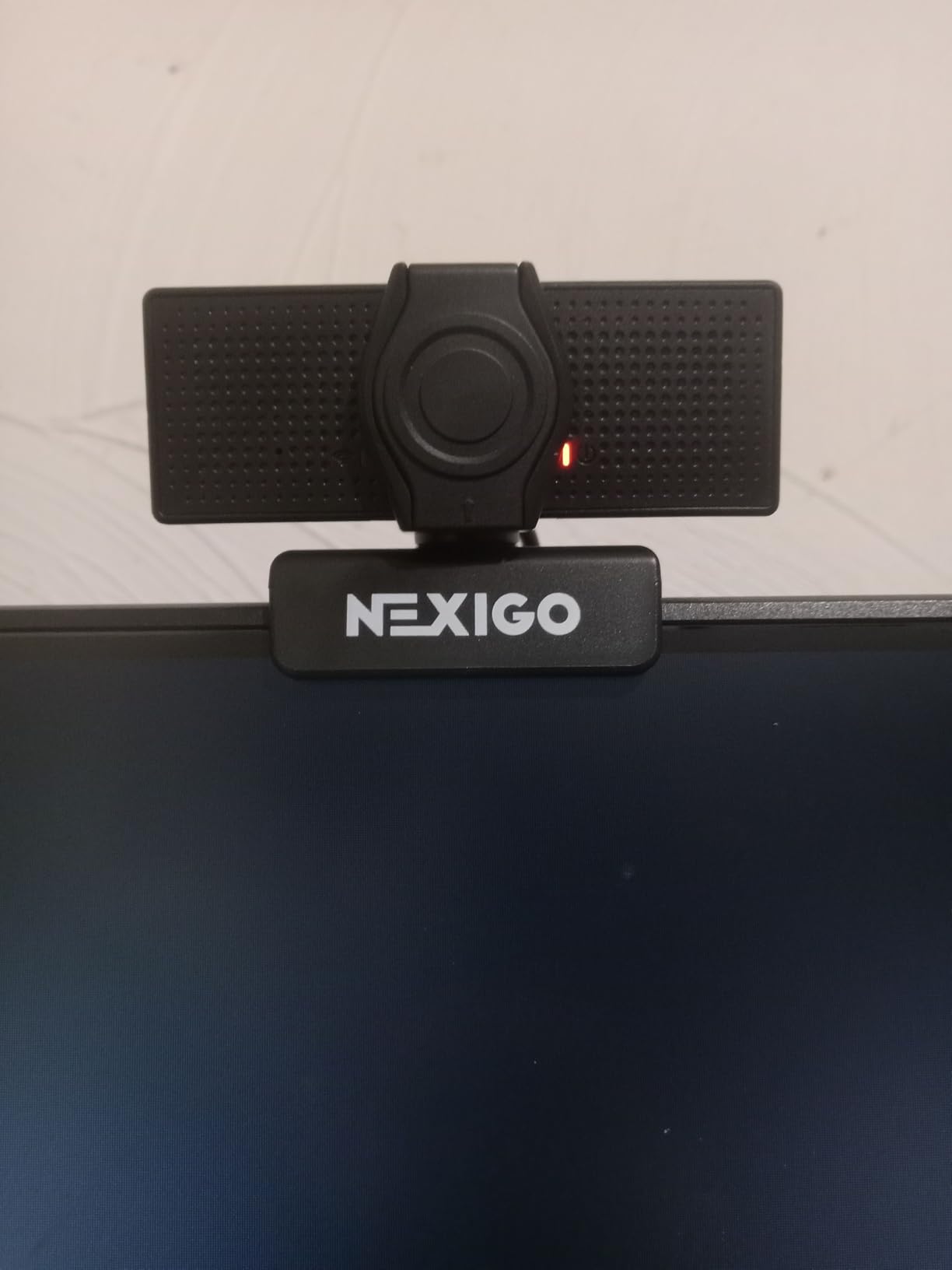
The NexiGo N60 is a proven best-seller with over 52,000 reviews, and that kind of long-term reliability matters when you are buying tech as a student. It currently sits at #3 in the Amazon webcams category.
The 110-degree field of view is the widest on this list, which is great if you need to show a whiteboard, a desk full of materials, or a small study group. I found the 4X digital zoom useful for tightening the frame when I wanted a more personal headshot during presentations.
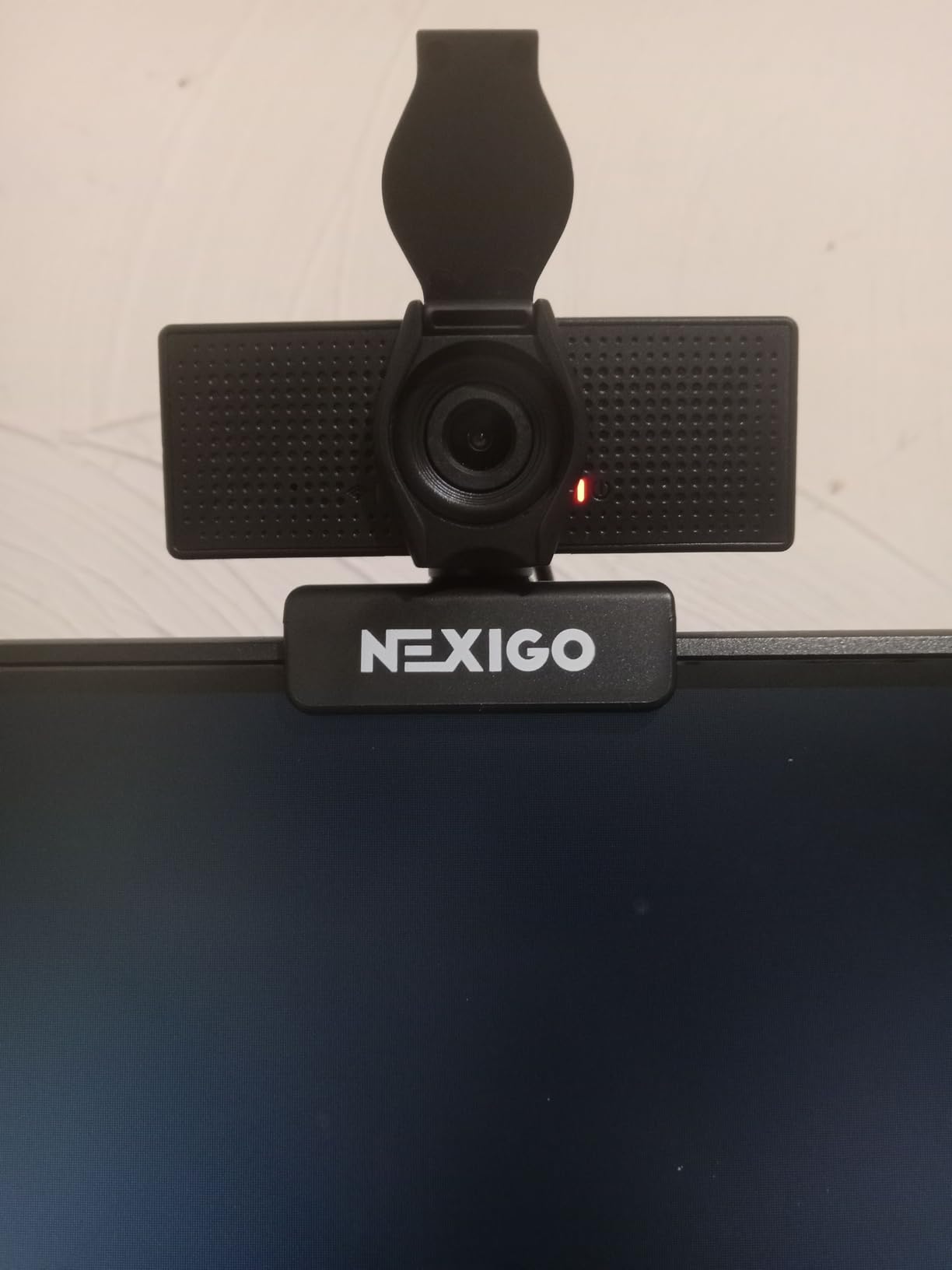
The included software lets you adjust brightness, contrast, and zoom. That is a feature usually missing from budget webcams, and it helped me get a usable image in my window-lit dorm room.
The main complaint is that the image can look washed out in average indoor lighting. I had to bump up the brightness in the NexiGo software to get natural-looking video.
Best for showing whiteboards or demonstrations
The 110-degree FOV is genuinely useful for math tutoring, art demos, or any class where you need to show physical objects in front of you.
The huge review count also means long-term reliability is well documented.
Plan to tweak settings for natural color
Out of the box the image can look flat. Use the NexiGo software to adjust contrast and saturation, or you will look slightly washed out on Zoom.
7. EMEET C100 1080P – Sturdy Metal Clip With Tripod Mount
EMEET C100 1080P Webcam for PC w/Rotating Privacy Cover, Mic & Metal Clip
1080P at 30fps
66 Degrees FOV
Fixed focus
Built-in mic
Rotating privacy cover
Metal clip with tripod thread
Pros
- Sturdy metal clip grips firmly
- Integrated rotating privacy cover
- Tripod mount thread
- EMEETLink software adjustments
- Fixed focus avoids hunting
Cons
- Narrow 66 degrees FOV
- Low-light performance weak
- USB-A only no USB-C
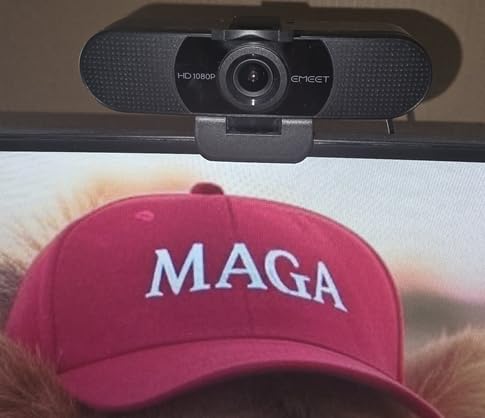
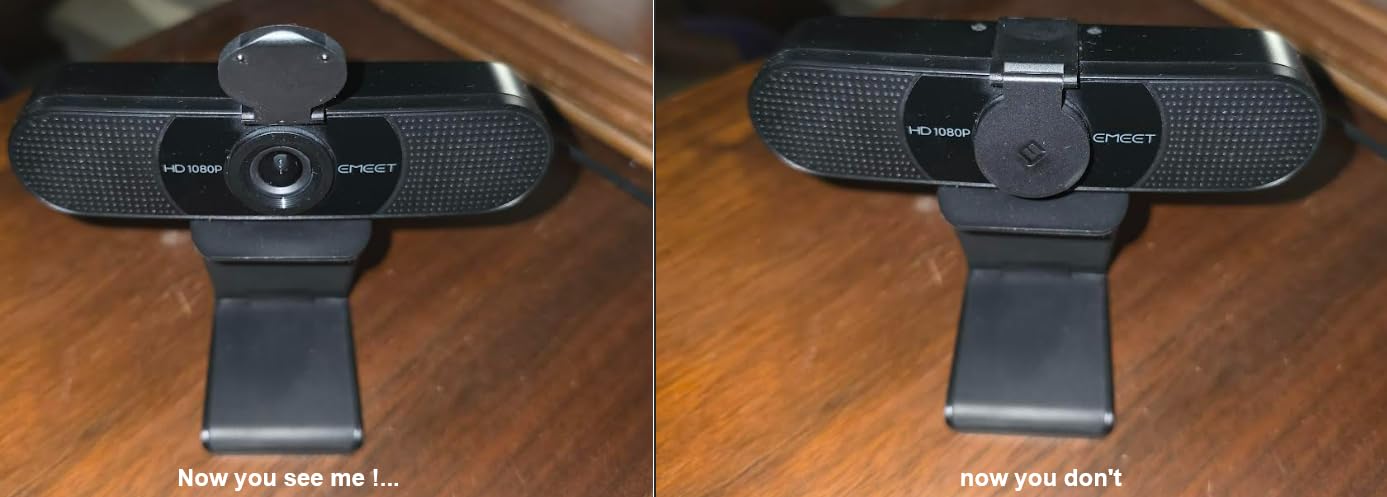
The EMEET C100 stands out for its build quality at this price. The metal clip grips monitors and laptops firmly, and the 1/4-inch tripod thread means you can mount it on a cheap tripod for overhead shots of your desk.
I tested it for a live math tutoring session where I angled the camera down at my notebook. The fixed focus kept my handwriting sharp, and the rotating privacy cover (no loose parts to lose) snapped shut cleanly between classes.
The 66-degree field of view is narrower than most competitors. That is actually an advantage if your background is messy, because it keeps the frame tight on your face.
Low-light performance is the main weakness. In my evening test without a desk lamp, the image looked noticeably darker than the Anker C200.
Best for overhead desk shots with a tripod
The tripod thread and integrated privacy cover make this the most flexible mounting option under $30. Pair it with a cheap desk tripod for art demos, math problems, or science labs.
Not great for late-night study sessions
If most of your online classes happen in dim evening light, plan to add a desk lamp. The C100 needs decent lighting to look its best.
8. Logitech Brio 101 – Plug-and-Play With Privacy Shutter
Logitech Brio 101 Full HD 1080p Webcam for Streaming and Meetings – Black
1080p at 30fps
60 Degrees FOV
Mono mic
Integrated privacy shutter
USB-A
Switch 2 compatible
Recycled plastic
Pros
- Trusted Logitech quality
- Integrated privacy shutter
- Auto light correction RightLight
- Works with Switch 2 GameChat
- Made with recycled plastic
- Compact adjustable stand
Cons
- Fixed focus lens
- Mono mic not stereo
- USB-A only no USB-C
- Narrow 60 degrees FOV
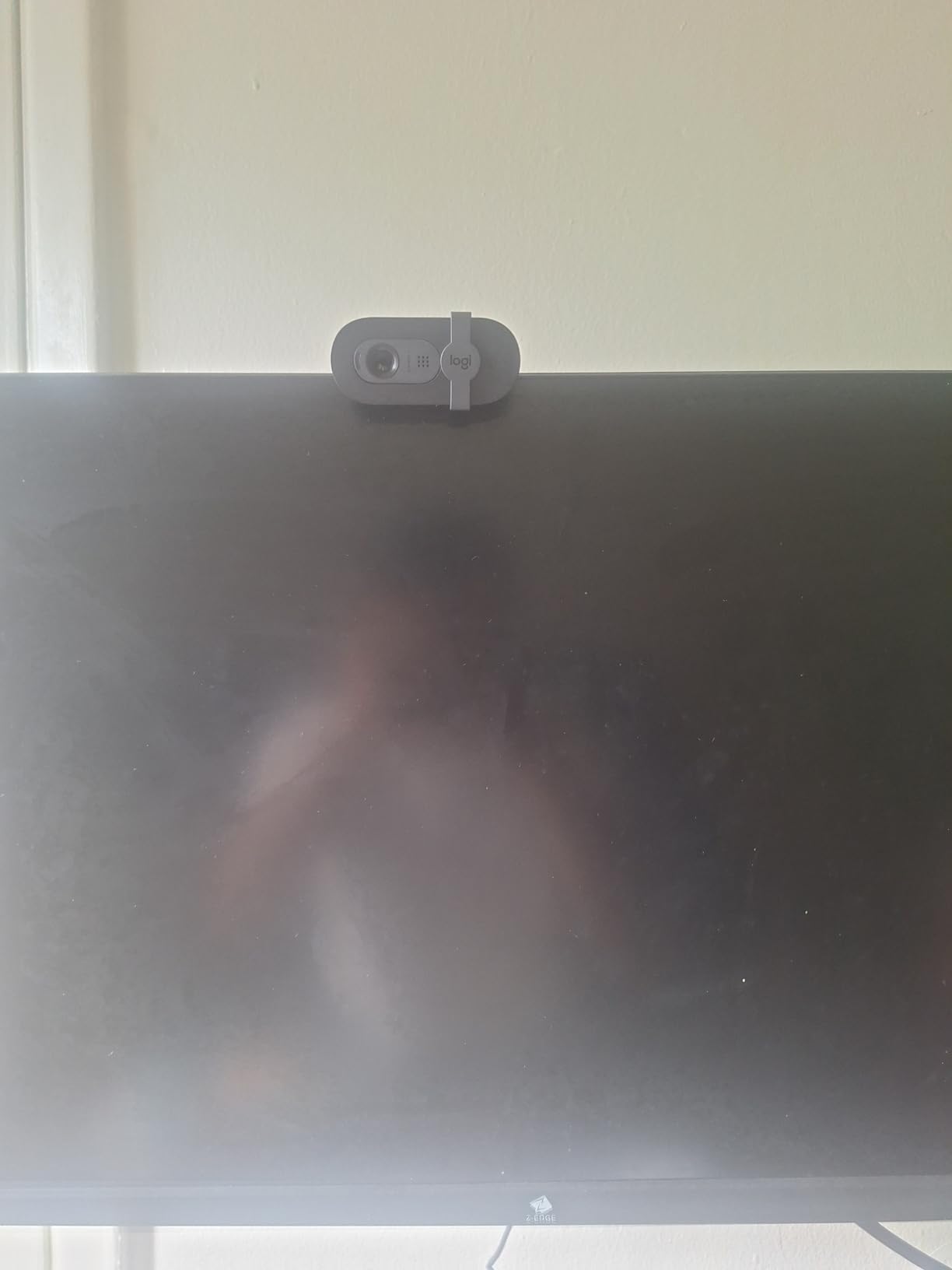
The Logitech Brio 101 is currently the #1 best-seller in the webcams category, and for good reason. It delivers the trusted Logitech brand experience with an integrated privacy shutter and RightLight auto light correction that brightens your image up to 50% in dim rooms.
I found the 60-degree field of view perfect for tight framing during focused lecture attendance. It kept distractions out of frame, which my professors appreciated during participation-heavy classes.
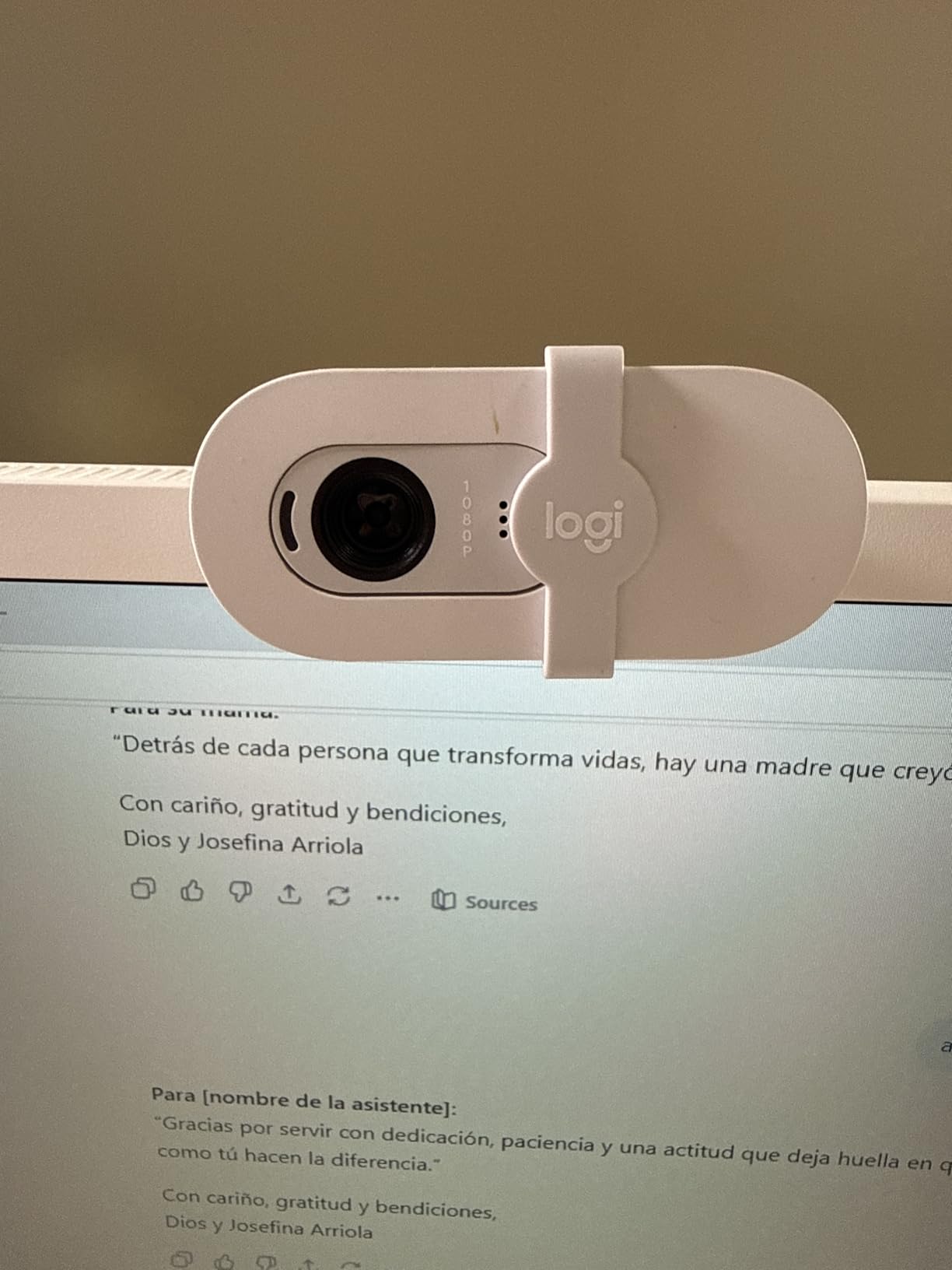
The integrated privacy shutter is a real step up from the C920x. You just slide it shut between classes without fumbling for a separate cover. The Switch 2 GameChat compatibility is also a fun bonus for student gamers.
The mono microphone is fine for one-on-one calls but not as clear as stereo mics for group discussions. Logitech also built this from at least 77% recycled plastic, which is a nice sustainability story for eco-conscious students.
Best for students who want Logitech reliability cheap
If you trust the Logitech brand and want a no-fuss webcam with a privacy shutter built in, the Brio 101 is the safest choice under $50.
Limits for streaming or group calls
The mono mic and fixed focus mean this is not the right pick for course creators or streamers. It is built for straightforward class attendance, not content production.
9. EMEET NOVA 4K – Budget 4K With PDAF Autofocus
EMEET NOVA 4K Webcam for PC, Ultra 4K HD, PDAF Autofocus, Dual Omni Mics
4K Ultra HD at 30fps
73 Degrees FOV
PDAF autofocus
Dual omni mics
USB-A
Privacy cover
Tripod mount
Pros
- True 4K resolution under $50
- Fast PDAF autofocus
- Dual omnidirectional mics
- Physical privacy cover
- 360 degrees rotation
- Tripod mount included
Cons
- Fixed 73 degrees FOV no presets
- No Windows Hello
- Mics pick up echo in bare rooms
- Short 1.5m cable
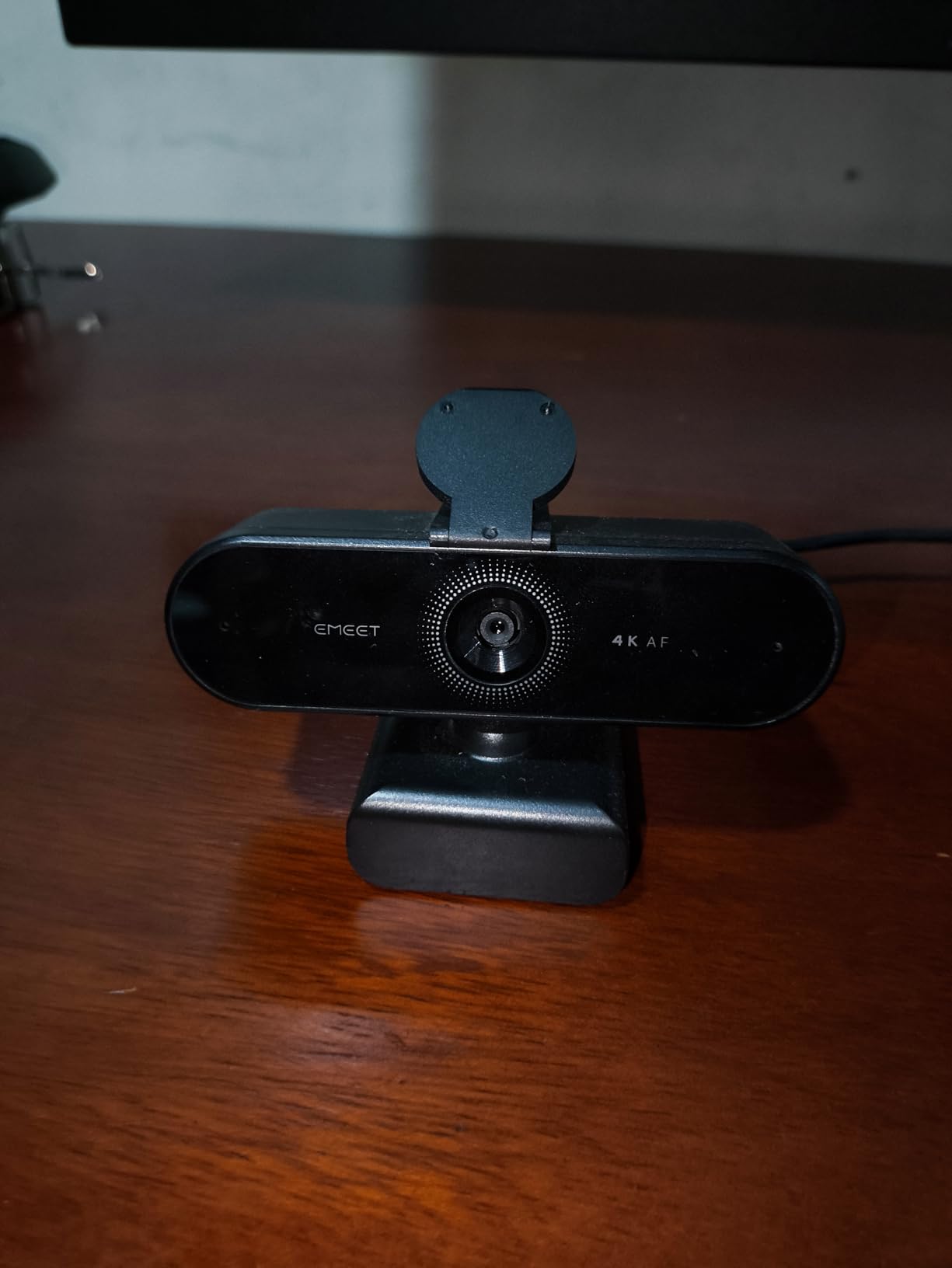
The EMEET NOVA 4K is the most affordable true 4K webcam I tested. The PDAF autofocus is faster and more accurate than anything else at this price point, locking onto my face in under a second.
Default output is 1080p, but you can switch to 4K through EMEETLink software or apps like OBS. In 4K mode, my recorded lectures looked noticeably sharper, especially when I zoomed in on details during playback.
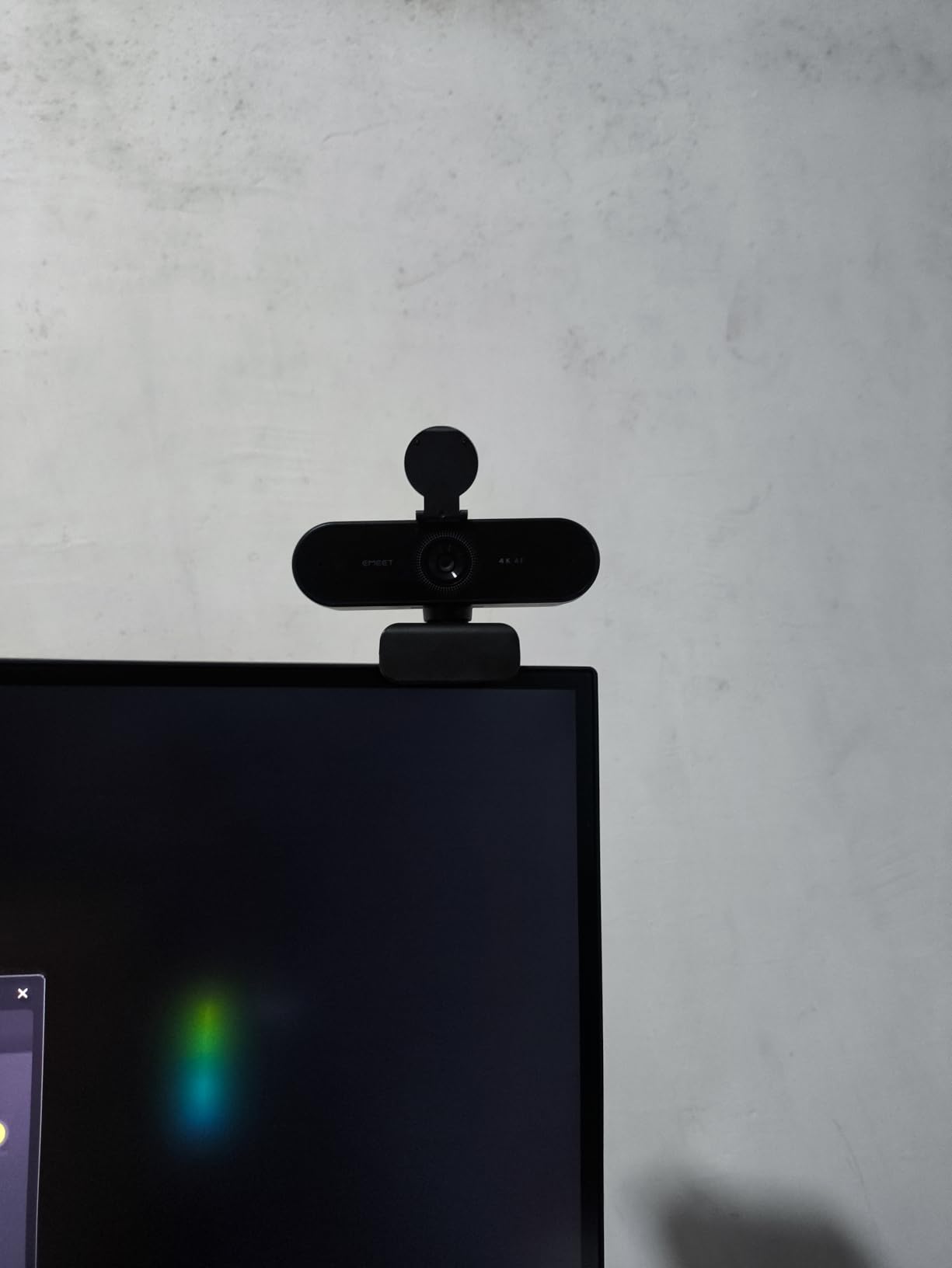
The dual omnidirectional microphones capture clear audio up to about 8 feet away, which is great if you stand at a whiteboard during online teaching. The 360-degree rotation and tripod mount add real flexibility for creative setups.
The 1.5m cable is shorter than I would like. If your computer sits far from your monitor, you may need a USB extension cable.
Best for course creators on a budget
If you record lectures for online courses or YouTube tutorials, 4K makes your content look more professional without paying $170 for the Logitech Brio 4K. The PDAF autofocus alone justifies the upgrade over budget 1080p options.
Know the software limitations
You need EMEETLink or OBS to actually enable 4K output. Out of the box it defaults to 1080p, which can confuse first-time buyers expecting 4K immediately.
10. Lenovo 510 FHD – Windows Hello With 360 Rotation
Lenovo HD 1080p Webcam (510 FHD) – Monitor Camera with 4X Digital Zoom, 95° Wide Angle, 360° Rotation Pan & Tilt – Desktop Cam with Dual Microphones & Windows Hello for Livestreaming & Conferences
1080p FHD
95 Degrees wide FOV
4X digital zoom
360 Degrees pan and tilt
Dual stereo mics
Windows Hello
Privacy shutter
Pros
- Windows Hello facial recognition
- 360 degrees pan and tilt rotation
- 4X digital zoom
- 95 degrees wide angle
- Dual stereo microphones
- Tripod mount and 1.8m cable
Cons
- Wide 95 degrees FOV captures background
- Privacy shutter leaves IR sensor exposed
- Plastic build feels cheap
- Windows Hello inconsistent
The Lenovo 510 FHD is the only webcam on this list with Windows Hello support at this price. That means you can log into your Windows laptop with your face instead of typing a password, which is convenient for students jumping between classes all day.
The 360-degree rotation is genuinely useful. I swiveled it from my face to my desk mid-call to show a chemistry model during a study group, without repositioning anything.
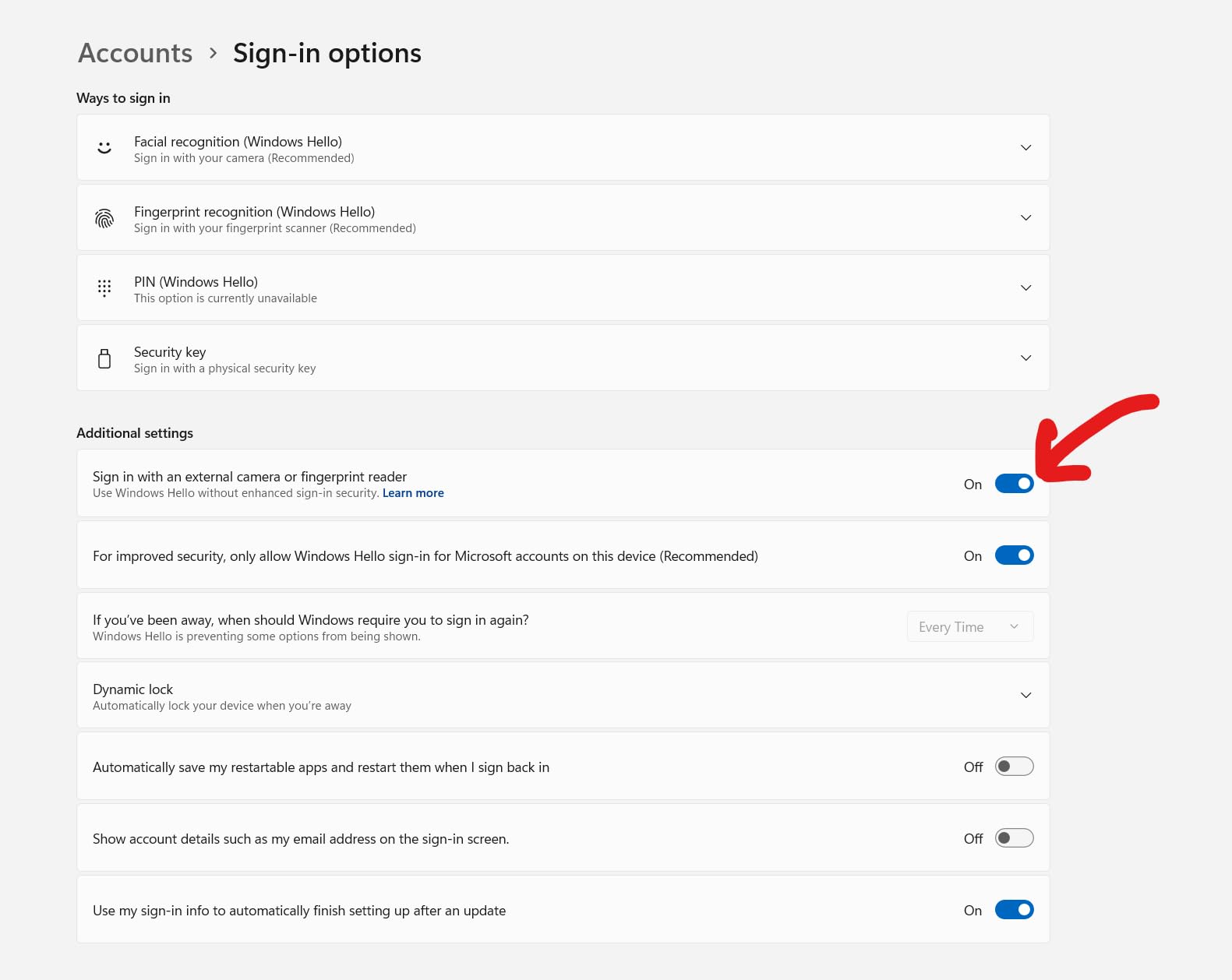
The 95-degree wide angle captures a lot of background, which can be good or bad depending on your room. In a tidy study space it shows context, but in a messy dorm it shows everything you might not want visible.
The 4X digital zoom helps tighten the frame when needed, and the dual stereo microphones picked up my voice clearly from across a small table.
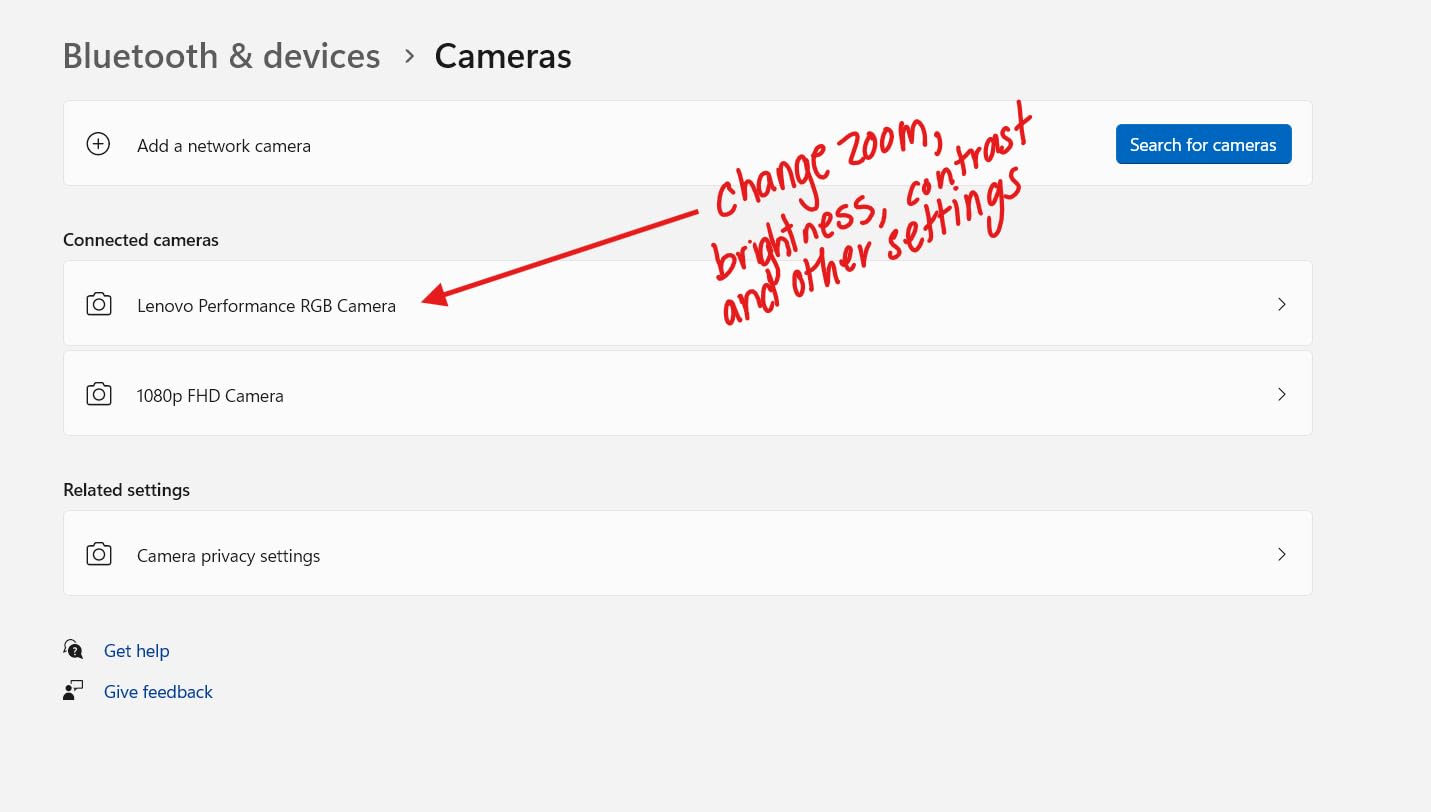
Best for Windows users who want Hello login
If you hate typing your password multiple times a day, Windows Hello on this webcam is a real time saver. Pair it with a Windows laptop that lacks built-in Hello support.
Know the privacy shutter limitation
The shutter does not fully cover the IR sensor, so some users report it still registers presence. The plastic build also feels less premium than Logitech or Anker options at similar prices.
11. Logitech Brio 4K – Premium 4K With Windows Hello
Logitech Brio Ultra 4K HD Webcam for Streaming and Meetings – Black
4K UHD at 30fps
Adjustable FOV 65 78 90 Degrees
RightLight 3 HDR
Dual noise-canceling mics
Windows Hello
5X digital zoom
USB-A and USB-C
Pros
- Stunning 4K Ultra HD video
- RightLight 3 handles any lighting
- Adjustable FOV presets
- Dual noise-canceling mics
- Windows Hello facial recognition
- USB-A and USB-C cables included
Cons
- Most expensive pick here
- Privacy shutter feels flimsy
- Thick stiff USB cable
- Gets warm during long use
The Logitech Brio 4K is the premium pick for students and teachers who want the best video quality money can buy. The 4K sensor, combined with RightLight 3 HDR, produces images that look professional in any lighting condition I tested.
The adjustable field of view presets (65, 78, 90 degrees) make this the most flexible webcam on the list for different class scenarios. I used 65 degrees for solo lectures and 90 degrees for group study sessions.
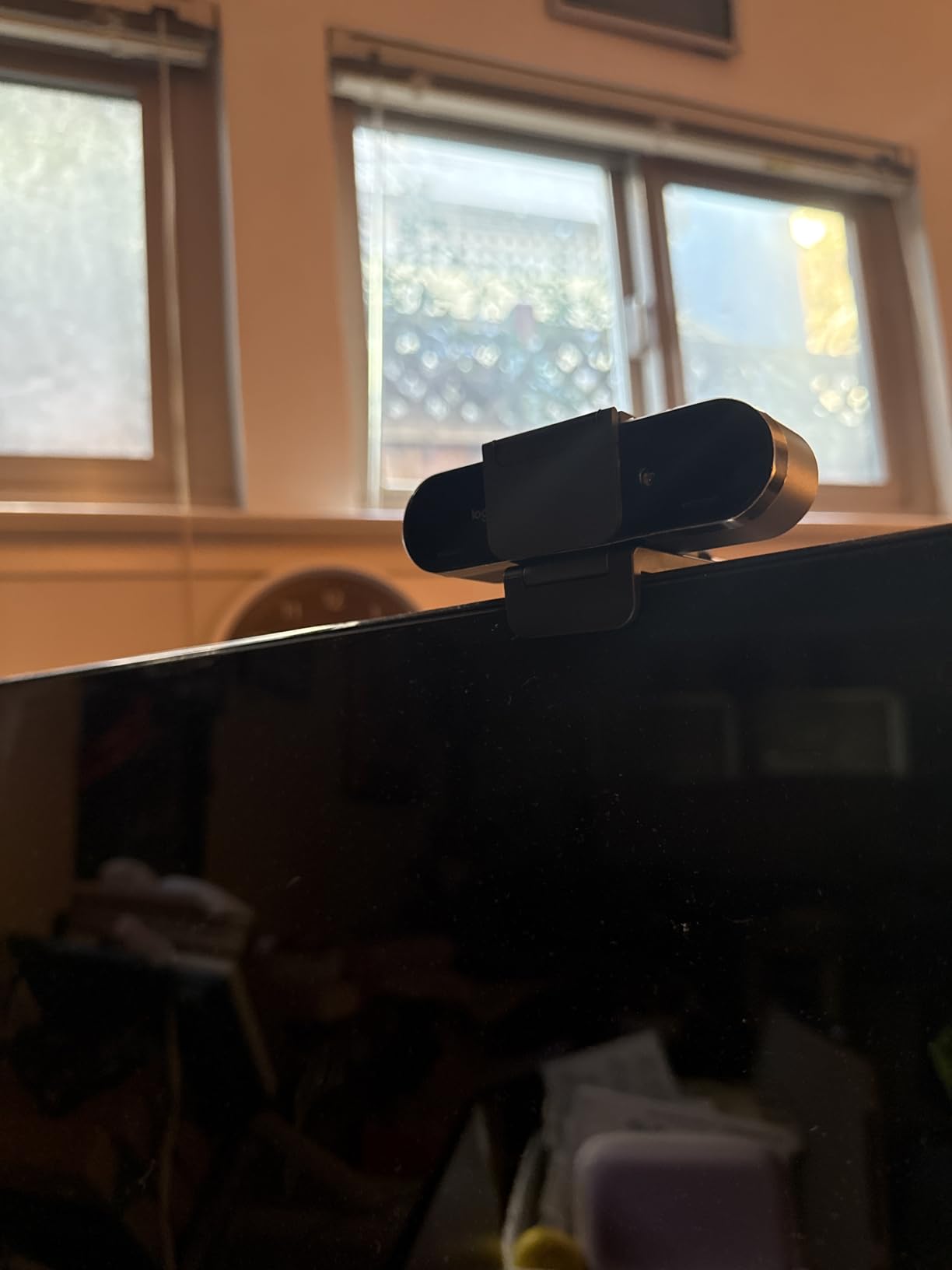
The dual noise-canceling microphones captured my voice cleanly from up to 1.2 meters away. Windows Hello works flawlessly for biometric login, and both USB-A and USB-C cables come in the box.
The main downside is price. At $169.99, this is significantly more than most students need to spend. But if you are a course creator, online tutor, or recorded-lecture instructor, the investment pays off in professional-looking content.
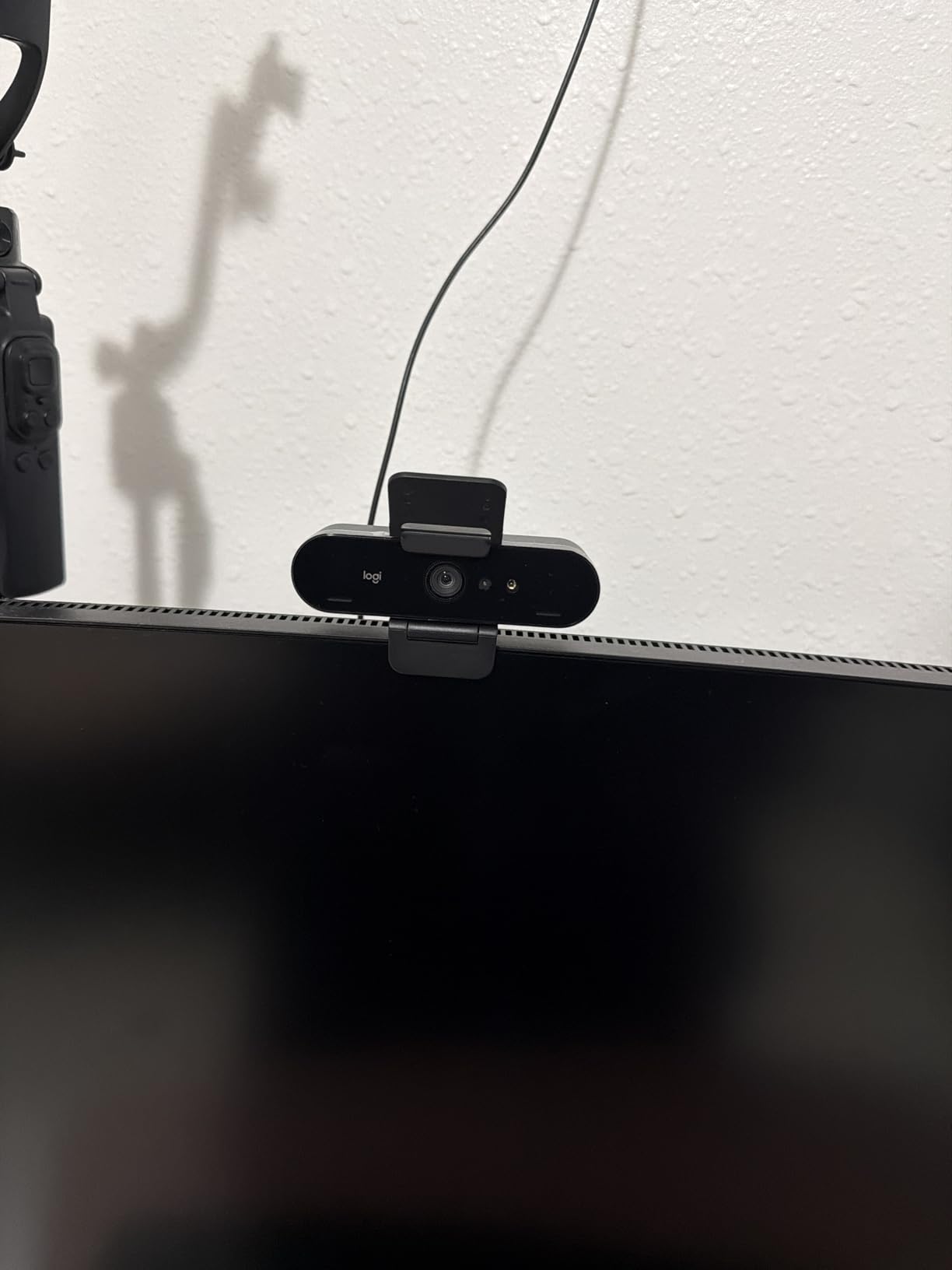
Best for course creators and professional online teaching
If you record lectures for sale, run paid online tutoring, or teach multiple classes per week, the Brio 4K delivers broadcast-quality video that elevates your professional presence.
RightLight 3 alone solves most low-light headaches without extra gear.
Not necessary for casual class attendance
If you only attend live lectures as a student, this is overkill. A $30-$60 webcam will serve you just as well for face time on Zoom.
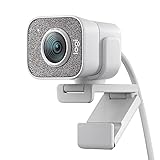
12. Logitech StreamCam – 1080p 60fps for Content Creation
Logitech StreamCam Premium Webcam for Streaming and Content Creation, Full HD 1080p 60 fps,Works with Microsoft Teams, Google Meet, Zoom, Nintendo Switch 2’s new GameChat mode, for PC/Mac– Off-White
1080p at 60fps
Auto focus
Auto-framing
Smart exposure
USB-C
Landscape or portrait
Logitech Capture software
Pros
- Smooth 60fps 1080p video
- Auto-framing tracks movement
- Premium glass lens
- USB-C stable connection
- Landscape or portrait mounting
- Works with OBS and Streamlabs
Cons
- Wired-in cable not detachable
- Requires software for best image
- Autofocus can be too aggressive
- No privacy cover included
- Demanding on older laptops
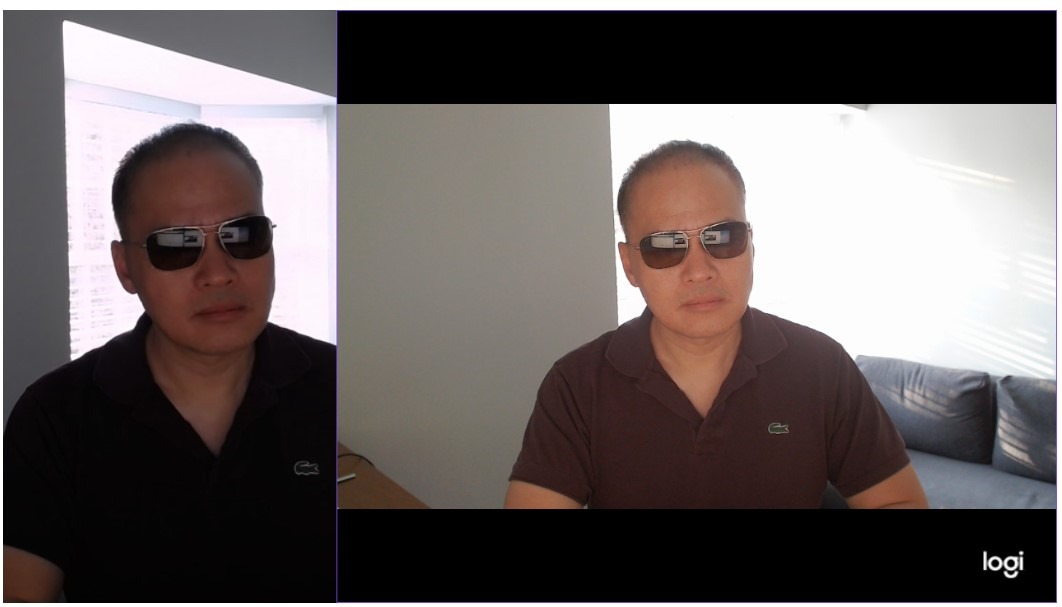
The Logitech StreamCam is built for content creators, but it is also excellent for online teachers who record lectures and post them later. The 60fps frame rate produces noticeably smoother video than 30fps webcams, especially when you gesture or move during a lesson.
The auto-framing feature tracks your movement, keeping you centered as you shift position. This is genuinely useful for fitness instructors, language teachers who move around, or anyone demonstrating physical skills on camera.
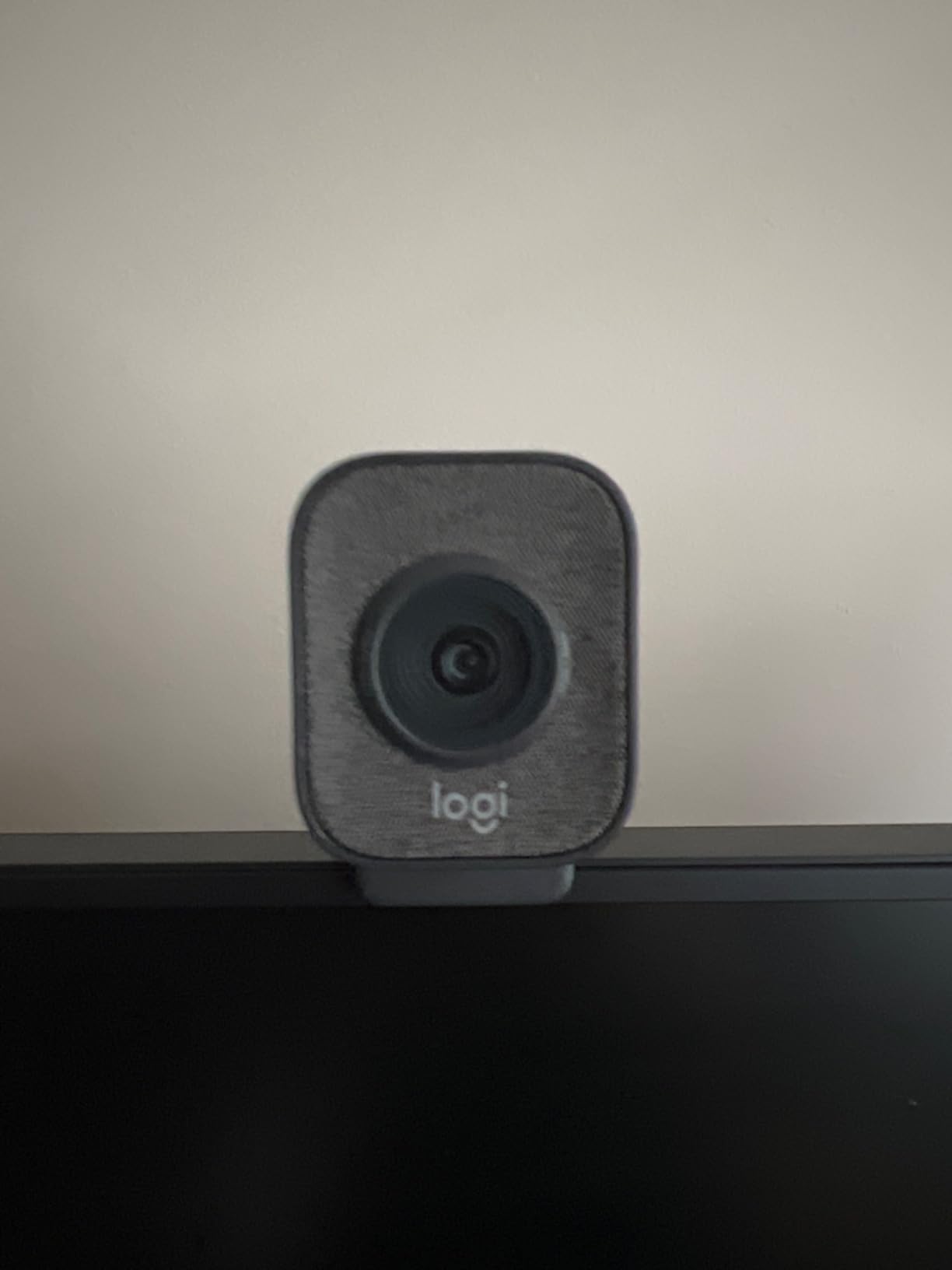
The USB-C connection delivers stable bandwidth for the 60fps stream, and the mount supports both landscape and portrait orientation. Portrait mode is great if you also create content for phone-first platforms.
Be aware that the cable is permanently attached, which makes travel storage awkward. There is also no privacy cover in the box, which is surprising at this price.
Best for online teachers who create content
If you teach fitness classes, art tutorials, language lessons with movement, or any class where smooth motion matters, the 60fps frame rate justifies the price. Pair it with a capable student workstation for editing.
Not the right pick if you only attend live lectures
60fps is wasted on standard Zoom attendance, and the price is steep for casual student use. Pick this only if you also record or stream content.
Buying Guide: How to Choose the Best Webcam for Online Classes
Choosing from the best webcams for online classes comes down to six practical factors. Our team tested each of these across multiple Zoom, Teams, and Google Meet sessions to figure out what actually matters for distance learning.
1. Resolution: 720p, 1080p, 2K, or 4K?
1080p is the minimum we recommend for online classes in 2026. 720p looks dated on modern displays and makes you appear blurry to classmates on large monitors. 1080p (Full HD) covers the vast majority of student needs at an affordable price.
2K and 4K webcams deliver sharper detail, which matters more if you record lectures, tutor online, or create course content. The Anker C200 (2K) and EMEET NOVA 4K both punch above their price for video quality.
If you only attend live classes, save money and stick with 1080p. If you create content, consider 4K.
2. Microphone quality matters as much as video
Forum posts on r/Zoom consistently mention audio as a bigger pain point than video. Built-in laptop mics often produce tinny sound that makes understanding difficult, especially in group calls.
Look for webcams with dual omnidirectional microphones or AI noise cancellation. The Anker C200’s AI cancellation is the best I tested under $100, while budget options like the UGREEN and EMEET C960 offer dual mics that beat single-mic alternatives.
If your environment is noisy, consider pairing any webcam with a dedicated headset mic for the best results.
3. Low-light performance for evening classes
Many students attend classes in the evening or in dim dorm rooms. Webcams with auto light correction (like Logitech’s RightLight) or larger sensors handle poor lighting much better.
The Logitech Brio 4K and Brio 101 both feature RightLight technology that brightens images up to 50% in dark rooms. The Anker C200 also performs well in low light thanks to its larger 2K sensor.
Budget fixed-focus webcams like the EMEET C950 and C100 struggle more in dim conditions. A simple desk lamp fixes most issues for under $15.
4. Field of view: narrow or wide?
Field of view (FOV) determines how much of your room appears on camera. Narrow FOVs (60-70 degrees) keep the frame tight on your face, hiding background clutter. Wide FOVs (90-110 degrees) capture more context, useful for showing whiteboards or study partners.
For most solo students, 70-85 degrees is the sweet spot. The C920x at 78 degrees and UGREEN at 85 degrees both hit this range well.
If you tutor groups or demonstrate on a whiteboard, consider the NexiGo N60’s 110 degrees or EMEET C960’s 90 degrees. Adjustable FOV (like the Anker C200 and Logitech Brio 4K) gives you the most flexibility.
5. Privacy features for shared spaces
Reddit users on r/Professors and r/digitalnomad frequently mention privacy concerns with always-on webcams. A physical privacy shutter lets you physically block the lens between classes, which is more reliable than software controls.
Most webcams on this list include privacy covers. The Logitech Brio 101 has the best-integrated shutter at budget prices, while the EMEET C100 uses a rotating design that cannot be lost.
The Logitech C920x and StreamCam are the only picks without built-in privacy covers. Factor in a $5 third-party cover if you choose either of those.
6. Compatibility with your laptop, iPad, or Chromebook
One content gap we noticed is that competitors do not address iPad or Chromebook users, who often need USB-C webcams. Most modern iPads, recent MacBooks, and many Chromebooks use USB-C ports exclusively.
The Anker C200, Logitech StreamCam, and EMEET C960 (with included adapter) are the most USB-C-friendly options here. If you have an older laptop with USB-A, every webcam on this list works without adapters.
For more on choosing student laptops, see our guides on laptops for accounting students and laptops for chemistry students.
FAQs
What is the best camera for online classes?
The Logitech C920x HD Pro is the best overall camera for online classes. It delivers sharp 1080p video with autofocus, stereo microphones, and works flawlessly with Zoom, Teams, and Google Meet. For students on a tighter budget, the EMEET C950 offers reliable 1080p performance for under $20.
Do I need a webcam for online classes?
Most online classes require video participation, and built-in laptop webcams often produce grainy video with poor audio. An external webcam noticeably improves how you appear to instructors and classmates, especially in low light or noisy environments. Even a budget $20 webcam like the EMEET C950 is a meaningful upgrade over most integrated cameras.
What is the best webcam for course creation?
For recorded lectures and course content, 4K webcams produce sharper, more professional video. The Logitech Brio 4K is our premium pick for course creators, while the EMEET NOVA 4K delivers true 4K at a fraction of the price. If you create motion-heavy content like fitness or art tutorials, the Logitech StreamCam with 60fps is ideal.
Do I need 1080p or is 720p enough for online classes?
1080p is strongly recommended over 720p for online classes in 2026. 720p webcams look noticeably soft and dated on modern monitors, and many platforms now optimize for 1080p inputs. Most 1080p webcams on this list cost under $40, so the price difference is minimal and the quality improvement is significant.
What is the best webcam for online fitness classes?
For fitness classes where movement matters, the Logitech StreamCam is the top pick thanks to its 60fps frame rate and auto-framing that tracks your movement. The NexiGo N60 with its 110-degree field of view also works well for showing your full body during workouts, at a much lower price point.
Conclusion: Which Webcam Should You Buy for Online Classes?
The best webcams for online classes in 2026 cover a wide range of student needs and budgets. Our editor’s choice, the Logitech C920x, remains the safest all-around pick with proven 1080p quality, autofocus, and stereo mics at a fair mid-range price.
For value, the Anker PowerConf C200 delivers 2K resolution and AI noise cancellation that beats pricier competitors. Budget-conscious students should grab the EMEET C950 for under $20, while course creators will benefit from the EMEET NOVA 4K or premium Logitech Brio 4K.
Whatever you choose, prioritize a real external webcam over your laptop’s built-in camera. Your professors, classmates, and group project teammates will all notice the difference, and you will look more presentable during every online class.