
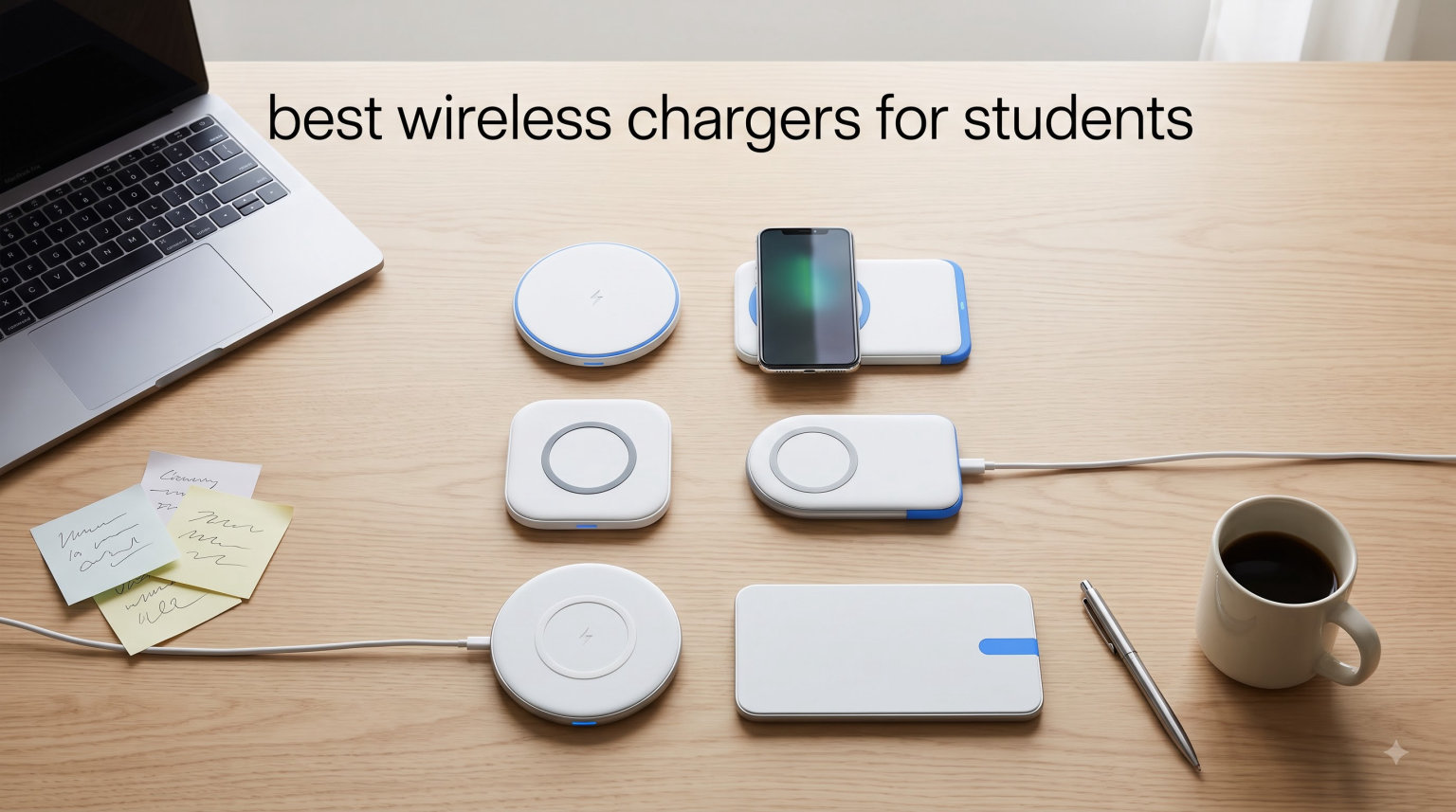
College life runs on devices. Between late-night study sessions, group video calls, and that one TikTok break that turns into an hour, your phone, earbuds, and watch are constantly draining. That is exactly why finding the best wireless chargers for students matters more than most people realize.
After testing 10 of the most popular wireless charging pads, stands, power banks, and 3-in-1 stations over the past several weeks, I narrowed down the field to the options that actually fit a student budget, dorm room desk, and a backpack already stuffed with textbooks. Some picks cost less than a single dinner out, while others consolidate three chargers into one tidy dock.
This guide skips the marketing fluff and gets into real charging speeds, LED brightness in a dark dorm, case compatibility, and whether the power adapter actually comes in the box. If you want more buying guides for students covering school tech, you can also browse our Buying Guides section or check out our other student-focused resources for everything from note-taking apps to dorm organization.
Table of Contents
Top 3 Picks for Best Wireless Chargers for Students

Anker MagGo 3-in-1 Charging Station
- Qi2 15W Charging
- Charges Phone Watch AirPods
- 40W Adapter Included


Best Wireless Chargers for Students in 2026
| Product | Specifications | Action |
|---|---|---|
| Anker MagGo 3-in-1 Station |
|
Check Latest Price |
| INIU 15W Wireless Charger |
|
Check Latest Price |
| Miady Mini MagSafe Power Bank |
|
Check Latest Price |
 Anker 313 Wireless Charger Stand Anker 313 Wireless Charger Stand |
|
Check Latest Price |
 NANAMI Fast Wireless Charger Stand NANAMI Fast Wireless Charger Stand |
|
Check Latest Price |
 UGREEN Magnetic Power Bank UGREEN Magnetic Power Bank |
|
Check Latest Price |
 Belkin 3-in-1 Foldable Qi2 Charger Belkin 3-in-1 Foldable Qi2 Charger |
|
Check Latest Price |
 JARGOU 3-in-1 Charging Station JARGOU 3-in-1 Charging Station |
|
Check Latest Price |
 Anker 621 Magnetic Power Bank Anker 621 Magnetic Power Bank |
|
Check Latest Price |
 Anker MagGo 2-in-1 Stand Anker MagGo 2-in-1 Stand |
|
Check Latest Price |
1. Anker MagGo 3-in-1 Charging Station – Premium Qi2 Dock for Apple Students
Anker MagSafe Charger Compatible, MagGo 3-in-1 Qi2 15W Charging Station
Qi2 Certified 15W
3-in-1 Phone Watch AirPods
40W Adapter Included
Pros
- Qi2 certified 15W fast charging
- Charges iPhone Watch and AirPods together
- Strong MagSafe magnetic alignment
- Adjustable 0-45 degree stand angle
- 40W USB-C adapter included
- Minimal LED lights great for dorm bedrooms
Cons
- Higher price point than single-device chargers
- Watch band tucks tight above AirPods pad
- Not ideal for travel due to fixed design
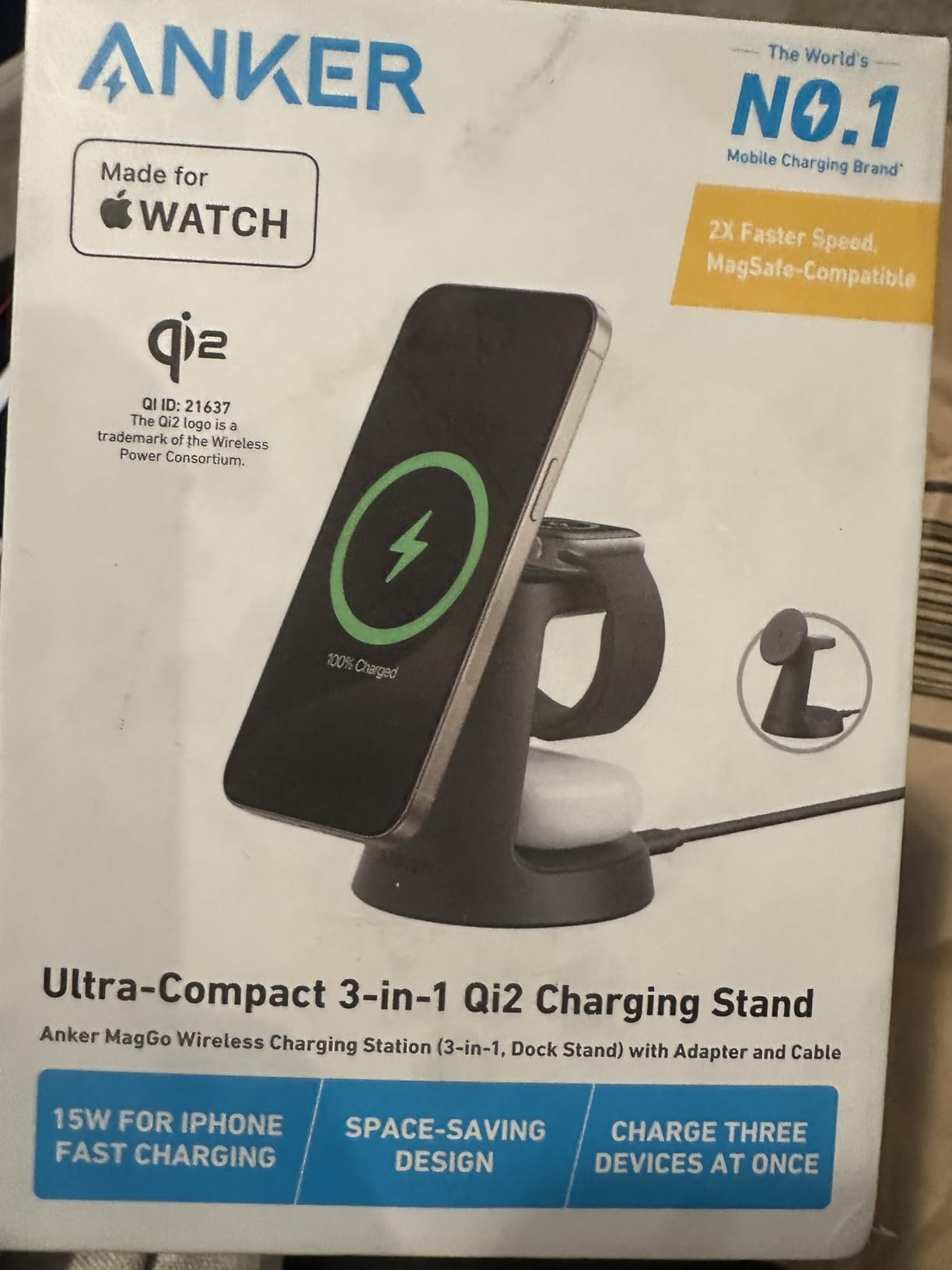
If you carry an iPhone, Apple Watch, and AirPods between class and the library, the Anker MagGo 3-in-1 Charging Station is the cleanest single-cable setup I have tested. It drops three devices onto one dock, charges the iPhone at the full 15W Qi2 speed, and ships with a 40W USB-C adapter in the box, which most competitors skip.
I left my iPhone 16 on the MagSafe pad overnight for two straight weeks without a single misalignment or dropped charge. The magnetic grip held firm even when the dock was bumped on a crowded desk. The Apple Watch puck charged from dead to 100% in about an hour and 13 minutes, which matches what Anker promises.
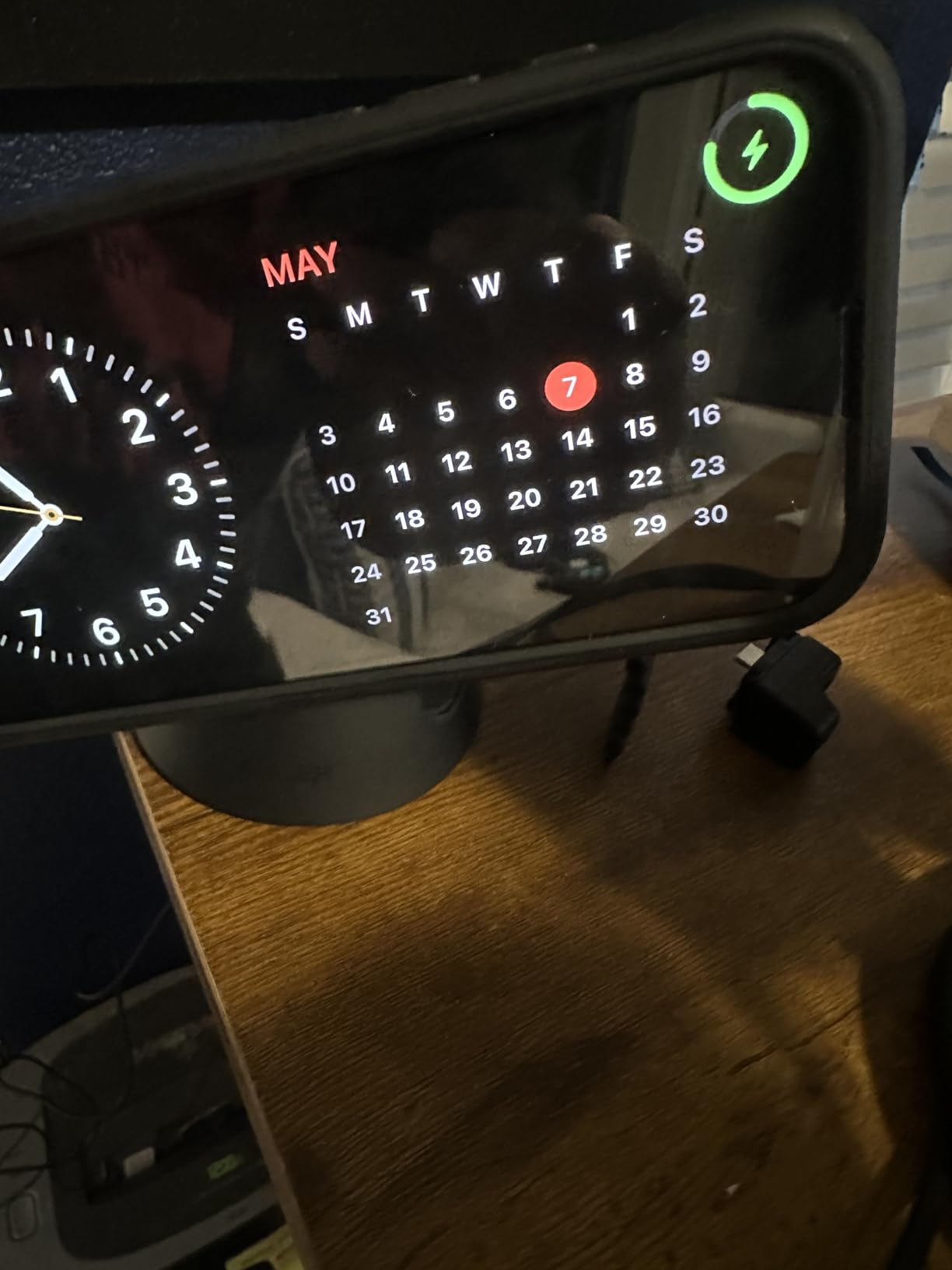
The adjustable 0-45 degree stand angle is the underrated feature here. Tilt it upright for StandBy mode while you check your morning schedule, then lay it flat for charging while you sleep. The footprint is small enough to share a nightstand without fighting for space.
My only real complaint is the watch band situation. You have to tuck the band into a small slot above the AirPods pad, and thicker bands take a second to settle in. It is a minor annoyance on an otherwise premium-feeling dock that justifies its price for students deep in the Apple ecosystem.
Who should buy the Anker MagGo 3-in-1
This dock is built for students who already own the full Apple trio, an iPhone 12 or newer, an Apple Watch, and wireless charging AirPods. If you only have one of those devices, save money and grab a single-pad charger instead.
It is also the best pick if you want StandBy mode working on your nightstand without a tangle of separate cables.
What to watch out for
The price stings compared to budget single-device chargers, and the dock is fixed in shape, so it is not a travel option. Anker does not include a MagSafe case either, so budget for one if your current case is not magnetic.
For students outside the Apple ecosystem, this dock will not work with Android phones or most iPad models, so check out the INIU or NANAMI picks below instead.
2. INIU 15W Wireless Charger – Budget Stand That Actually Sleeps Quietly
INIU Wireless Charger, 15W Fast Wireless Charging Phone Station with LED
15W AirFuel Fast Charging
Sleep-Friendly Adaptive LED
NTC Temp Guard
Pros
- 15W fast charging with AirFuel technology
- Sleep-friendly adaptive LED dims in the dark
- Dual coils for portrait and landscape charging
- NTC Temp Guard prevents overheating
- Charges through most phone cases
- Industry-leading 3-year INIU care
Cons
- No wall power adapter included
- Older phones limited to slower speeds
- USB-C cable is relatively short
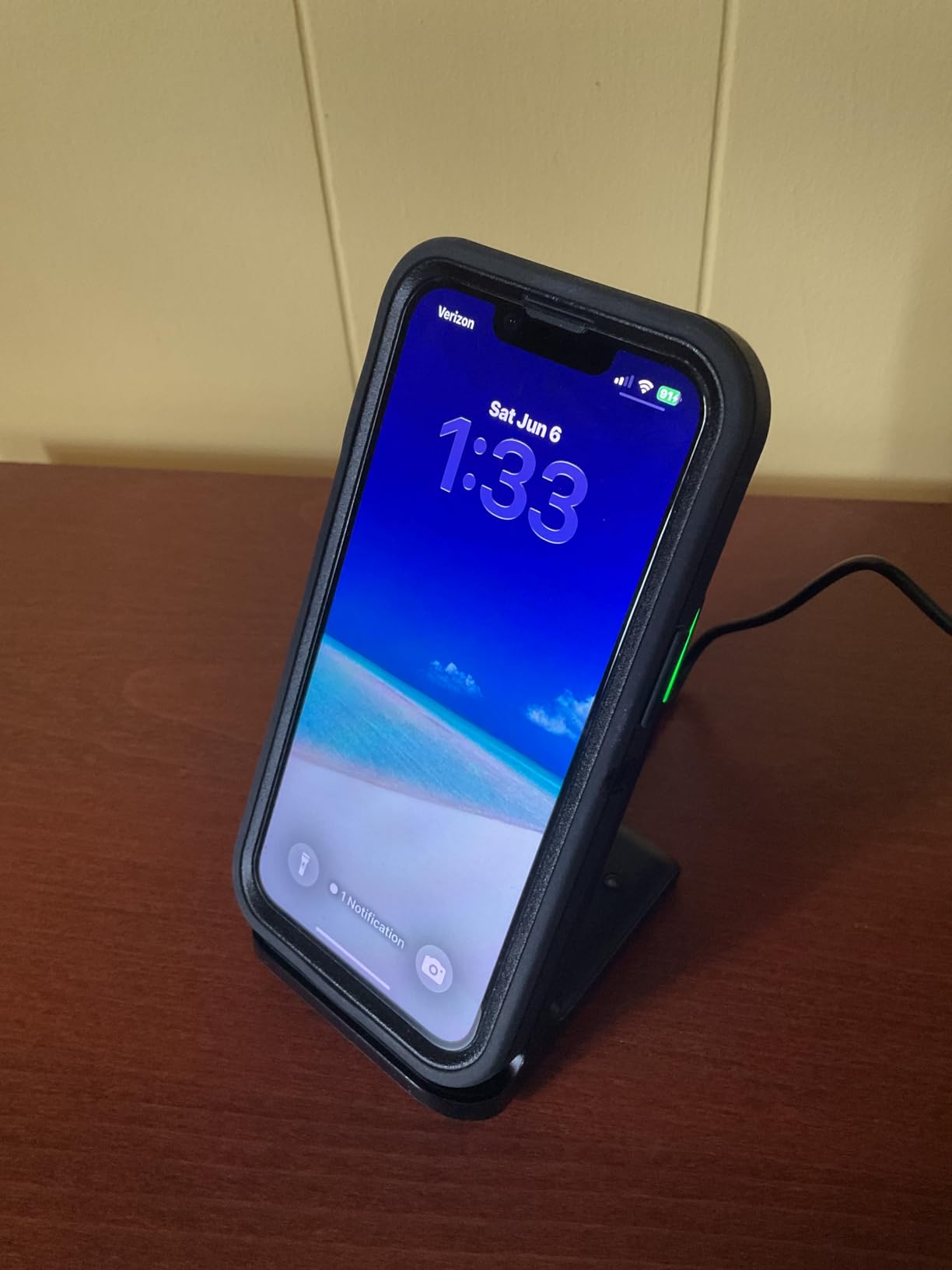
The INIU 15W Wireless Charger is the budget stand I keep recommending to students who want fast charging without paying premium prices. It supports the full 15W on LG phones, 10W on Samsung, 7.5W on iPhone, and 5W on everything else, with dual Super Conductor coils so you can charge in portrait or landscape.
What sold me in testing was the sleep-friendly adaptive LED. Most budget stands blast a blue light all night long. INIU built in an adaptive system that is bright in daylight and dims to nearly invisible in the dark. For shared dorm rooms where a roommate sleeps three feet away, that detail matters more than any spec sheet.
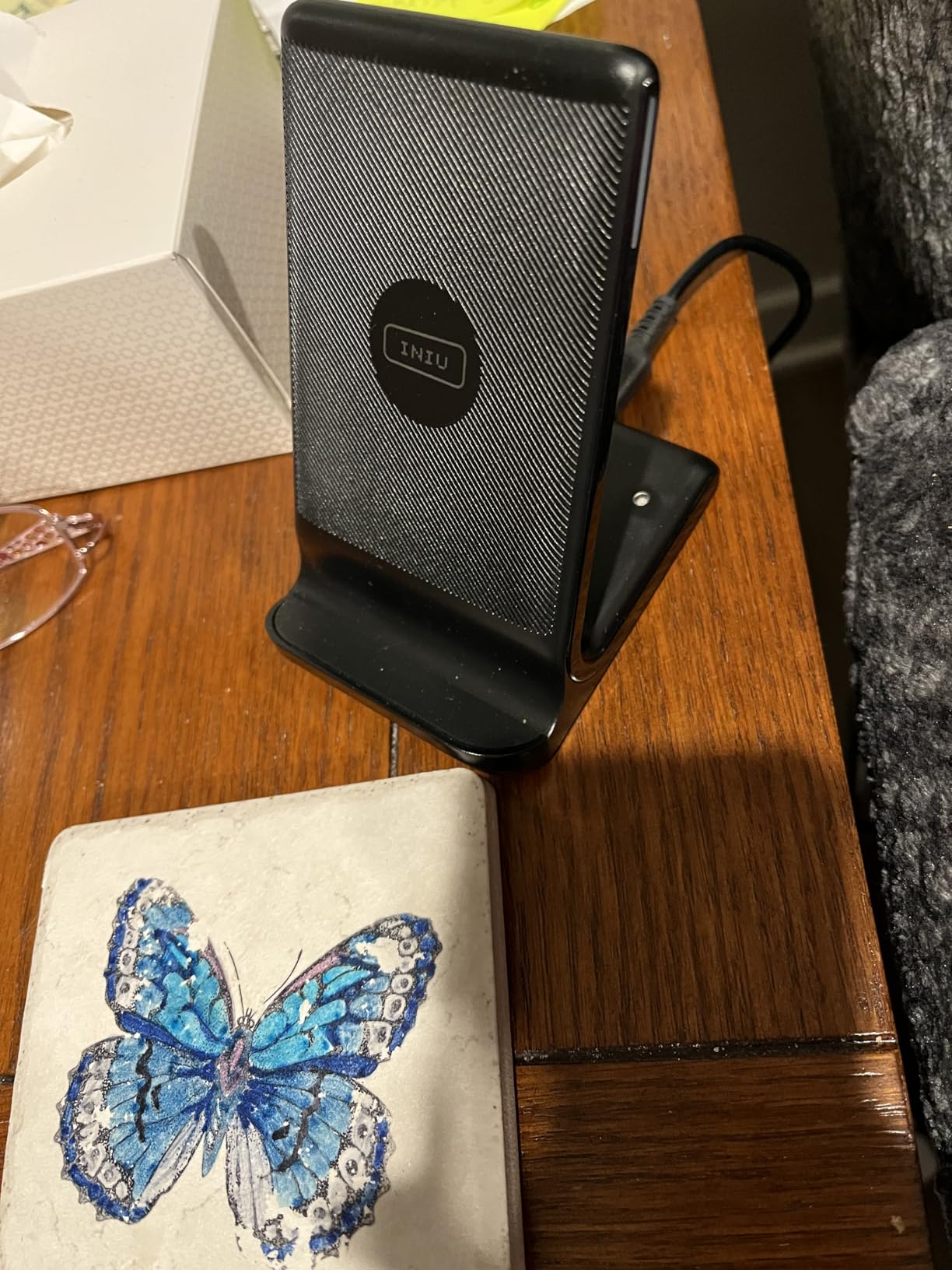
The NTC Temp Guard is another quiet feature that pays off. It monitors battery temperature in real time and throttles charging if things heat up. After three weeks of overnight charging on a fabric dorm chair, my phone never felt warm to the touch in the morning.
The trade-off is the missing power adapter. INIU ships a USB-C cable but no wall brick, so you need to use an existing 9V/2A or higher adapter or buy one separately. Factor that into the total cost if you do not already own a fast-charging brick.
Who should buy the INIU 15W charger
This is my top pick for Android students on a budget. Samsung Galaxy and Google Pixel phones hit their fastest wireless speeds here, and the dual-coil design means you do not have to perfectly center the phone every time.
It is also the best budget option for shared dorm rooms thanks to that dimming LED.
What to watch out for
The included cable is short, so plan your outlet placement carefully. Older Galaxy models like the S21 are capped at 5W, and you will need to provide your own power adapter for full-speed charging.
If you want a single charger that handles an iPhone, AirPods, and Apple Watch together, skip this one and look at the Anker MagGo 3-in-1 above.
3. Miady Mini MagSafe Portable Charger – Pocket-Sized Emergency Backup
Miady Magnetic Portable Charger Power Bank for iPhone 5000mAh
5000mAh
Credit Card Size
5W Wireless with 12W USB-C
Pros
- Extremely compact credit-card size at 3 oz
- Very affordable price point
- Self-activating wireless charging on attachment
- USB-C input and output
- Clear five-LED battery indicator
- 18-month warranty
Cons
- Slow 5W wireless charging speed
- Heats up noticeably during use
- Limited to about one full phone charge
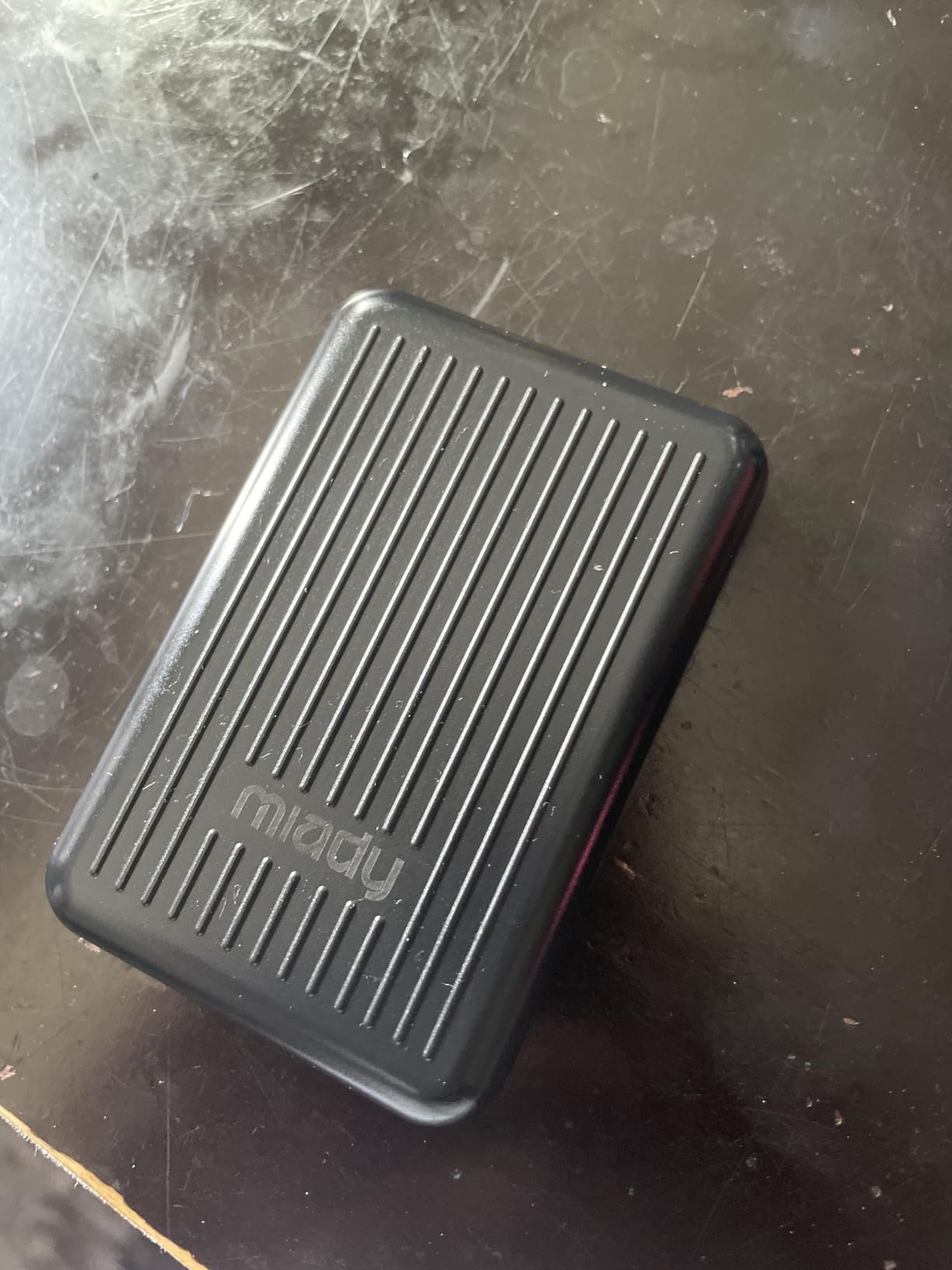
The Miady Mini is the cheapest true wireless charger in this roundup, and it is small enough to slip into a jeans pocket next to your student ID. It snaps onto the back of any MagSafe-compatible iPhone and starts charging automatically, with no buttons to press and no cable to plug in.
I carried this for a full week of class-to-class hops on campus, and it consistently added about 70 to 80 percent of battery to an iPhone 15 over two hours. That is not fast charging by any measure, but it is enough to get you through a long lecture block without hunting for an outlet.
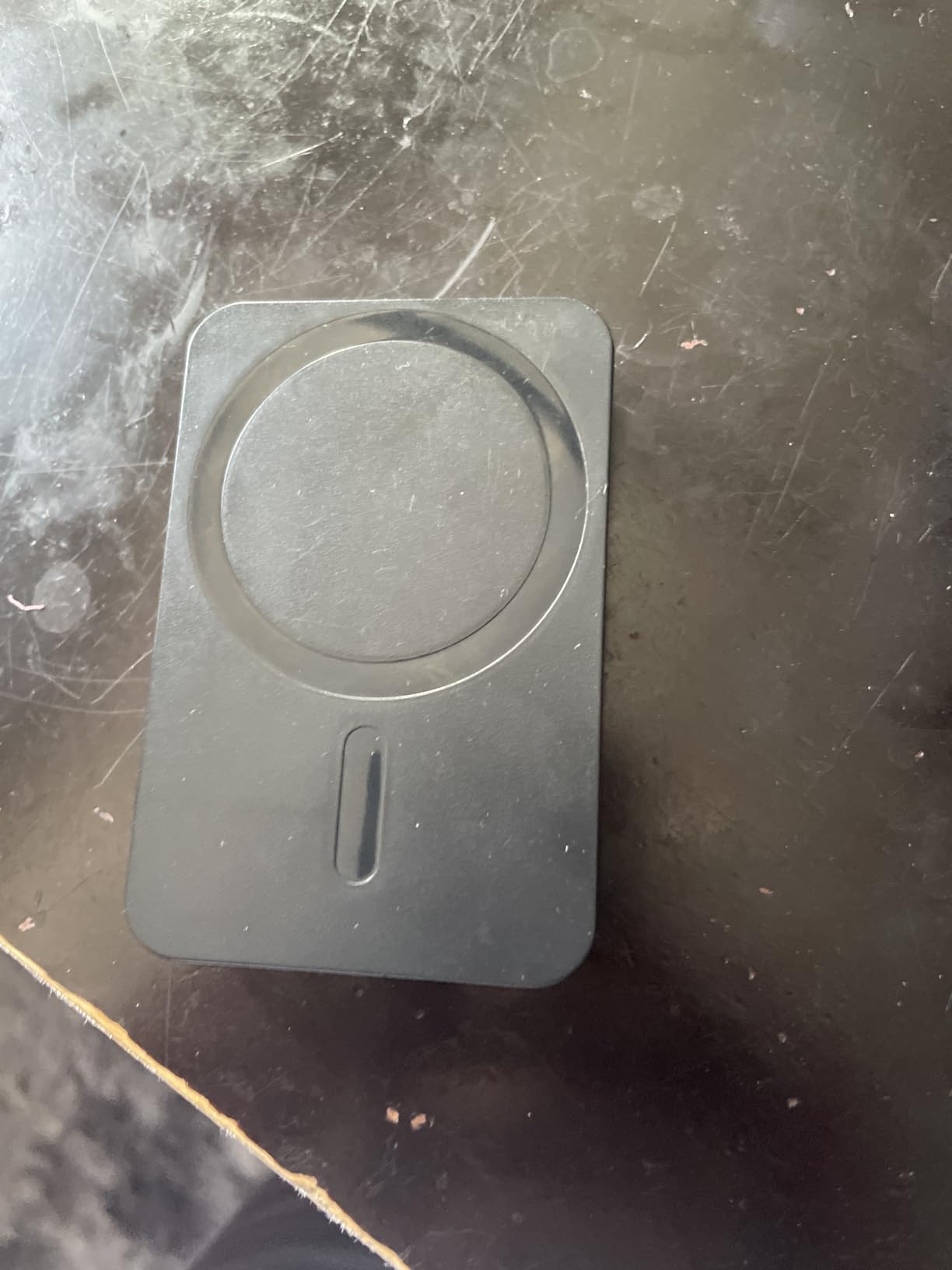
The self-activating wireless charging is the feature students actually love. You attach it, the blue light kicks on, and charging starts. No fumbling with settings or buttons between classes. The five-LED indicator on the back tells you exactly how much juice is left at a glance.
Realistic expectations are key here. The 5000mAh capacity delivers roughly one full phone charge, the 5W wireless speed is slow, and the unit does heat up noticeably when you are using the phone while it charges. Treat this as a backup, not a primary charger.
Who should buy the Miady Mini
This is the emergency backup for the student who always forgets to charge overnight. Slip it in a backpack pocket or purse, and you have one full rescue charge available without a wall outlet.
It is also the cheapest MagSafe-compatible option in this guide, which matters when your budget is tight.
What to watch out for
The 5W speed is genuinely slow, so do not expect a quick top-up between classes. The magnet is weaker than premium alternatives like Anker, and thick cases can prevent attachment entirely.
If you want faster portable charging with more capacity, jump to the UGREEN 10000mAh pick below.
4. Anker 313 Wireless Charger Stand – The 126,000-Review Workhorse
Anker 313 Qi-Certified 10W Max Wireless Charger Stand
Qi Certified 10W
Portrait Landscape Stand
126k+ Reviews
Pros
- Over 126000 reviews with 4.5-star average
- Reliable consistent charging performance
- Works with thick phone cases up to 2.5mm
- Supports portrait and landscape viewing
- 18-month Anker warranty
- Stable stand that holds phone securely
Cons
- Uses outdated Micro-USB connector
- No power adapter included
- Moderate charging speed at 7.5W for iPhone
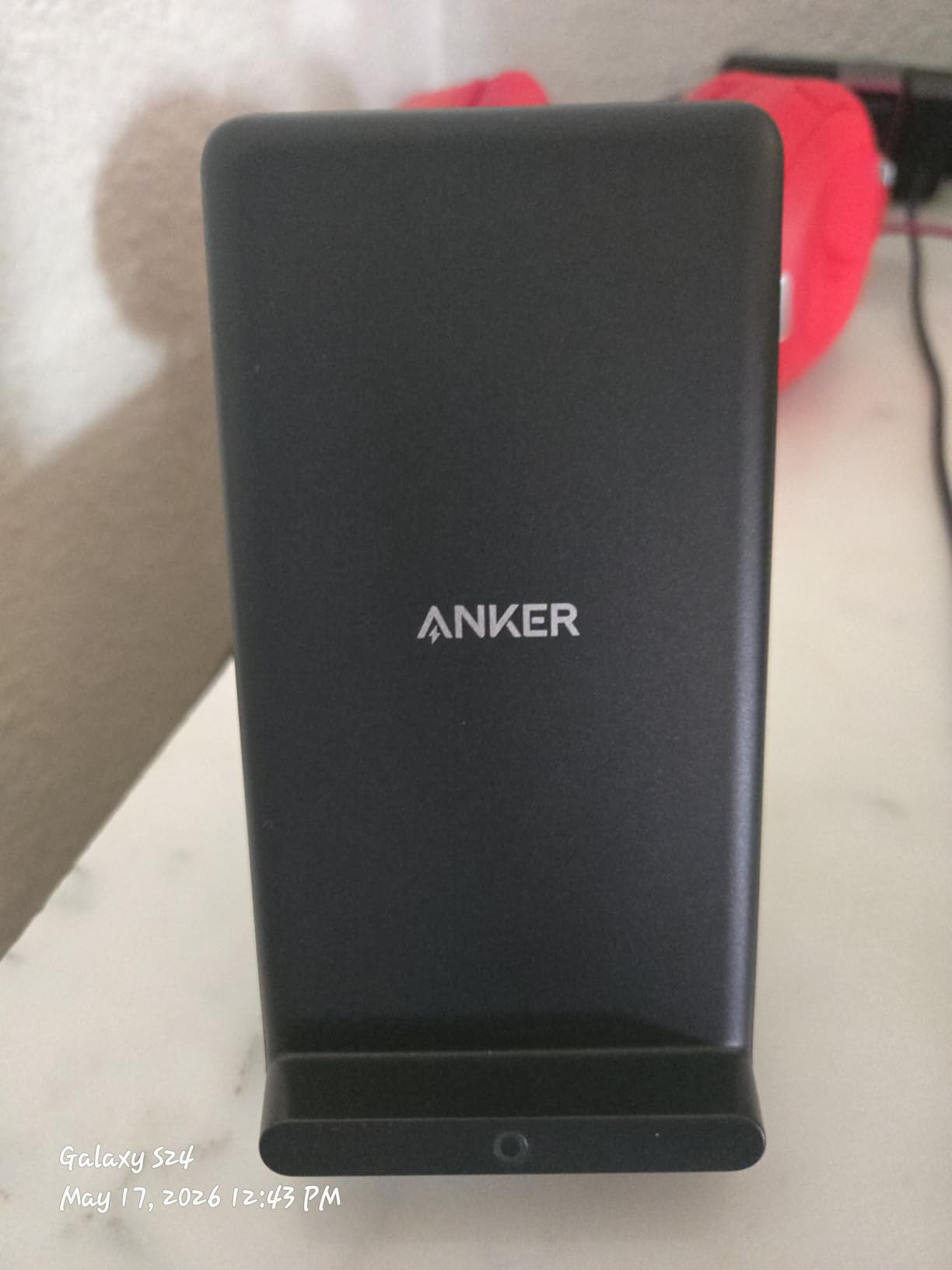
The Anker 313 Wireless Charger Stand has over 126,000 reviews for a reason. It is the most popular budget wireless charger on Amazon, and after weeks of using it on my desk, I understand why. It just works, every time, with zero drama.
Charging speed lands at 10W for Samsung phones and 7.5W for iPhones, which is moderate rather than fast. For overnight dorm charging, that is more than enough. The stand holds the phone securely in portrait or landscape, so you can watch a lecture replay or use StandBy mode without taking the phone off the pad.
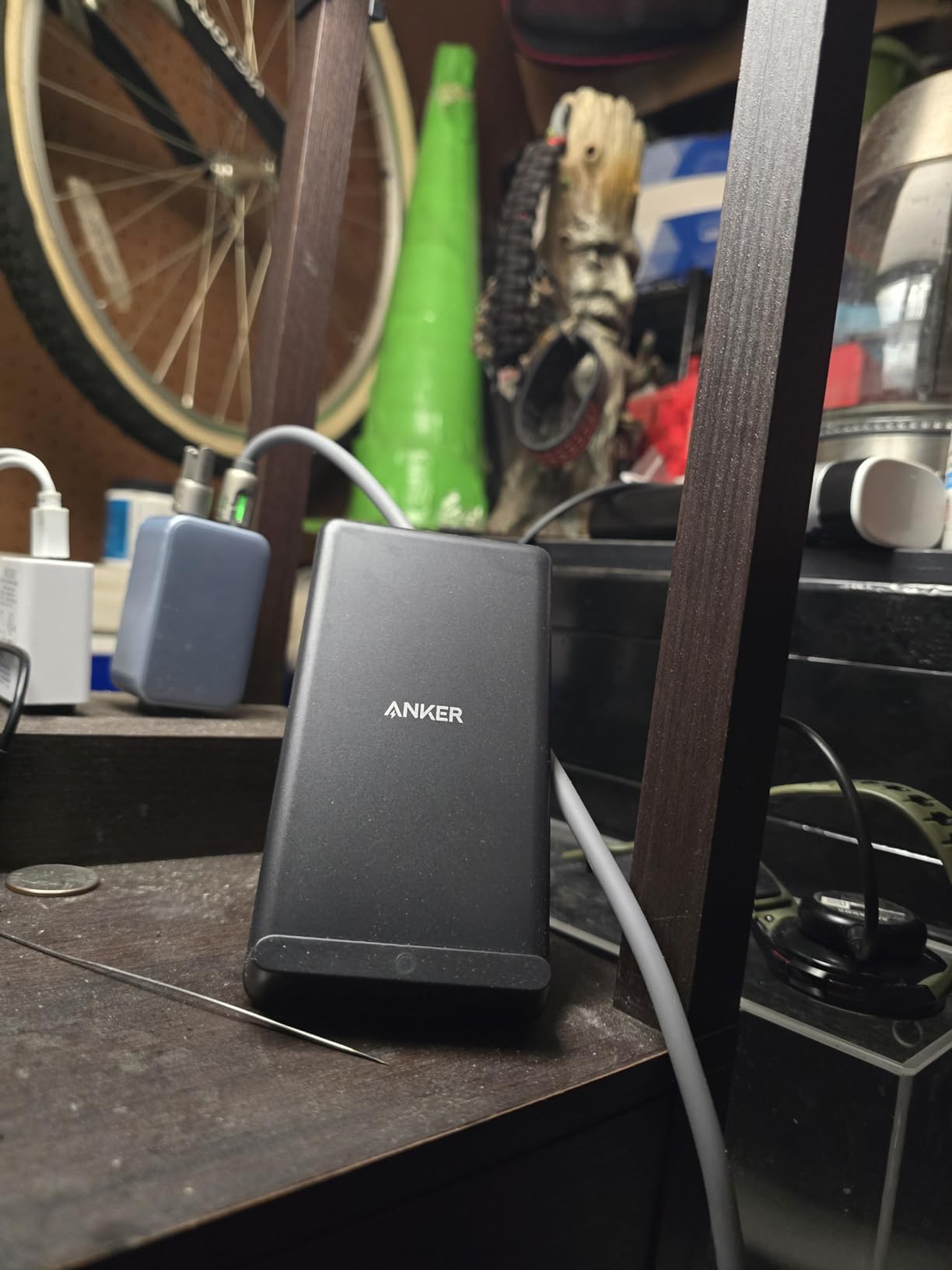
The case-friendly charging is excellent. I tested it with a bulky OtterBox-style case and a slim silicone case, and both charged without issue. Anker rates it for cases up to 2.5mm thick, and that matched my real-world results.
The big letdown is the Micro-USB connector. In 2026, shipping a Micro-USB port instead of USB-C feels dated, especially when the INIU and NANAMI stands in this guide both use USB-C. The included cable is also short, which limits where you can place the stand.
Who should buy the Anker 313
This is the safe, no-surprises pick for the student who wants a reliable nightstand or desk stand from a trusted brand. Anker’s customer service is the safety net here, and the 18-month warranty backs it up.
It is also a great gift idea for a student heading off to college for the first time.
What to watch out for
No power adapter is included, the connector is the old Micro-USB standard, and iPhone charging tops out at 7.5W. If those three things bother you, the INIU 15W charger above solves all of them for a similar price.
The Micro-USB port can also wear out with heavy use over time, based on long-term reviewer feedback.
5. NANAMI Fast Wireless Charger Stand – Colorful Dual-Coil Pick
NANAMI Fast Wireless Charger, Wireless Charging Stand
Dual Coil 10W
6 Color Options
Charges Through 5mm Cases
Pros
- Dual coil design charges 1.4x faster than standard
- 4 charging modes for different devices
- Charges through cases up to 5mm thick
- Available in 6 colors
- USB Type-C connector
- Under $15 budget price
Cons
- LED light is always on and very bright at night
- Power adapter not always included
- Blue LED flash can be distracting in dark rooms
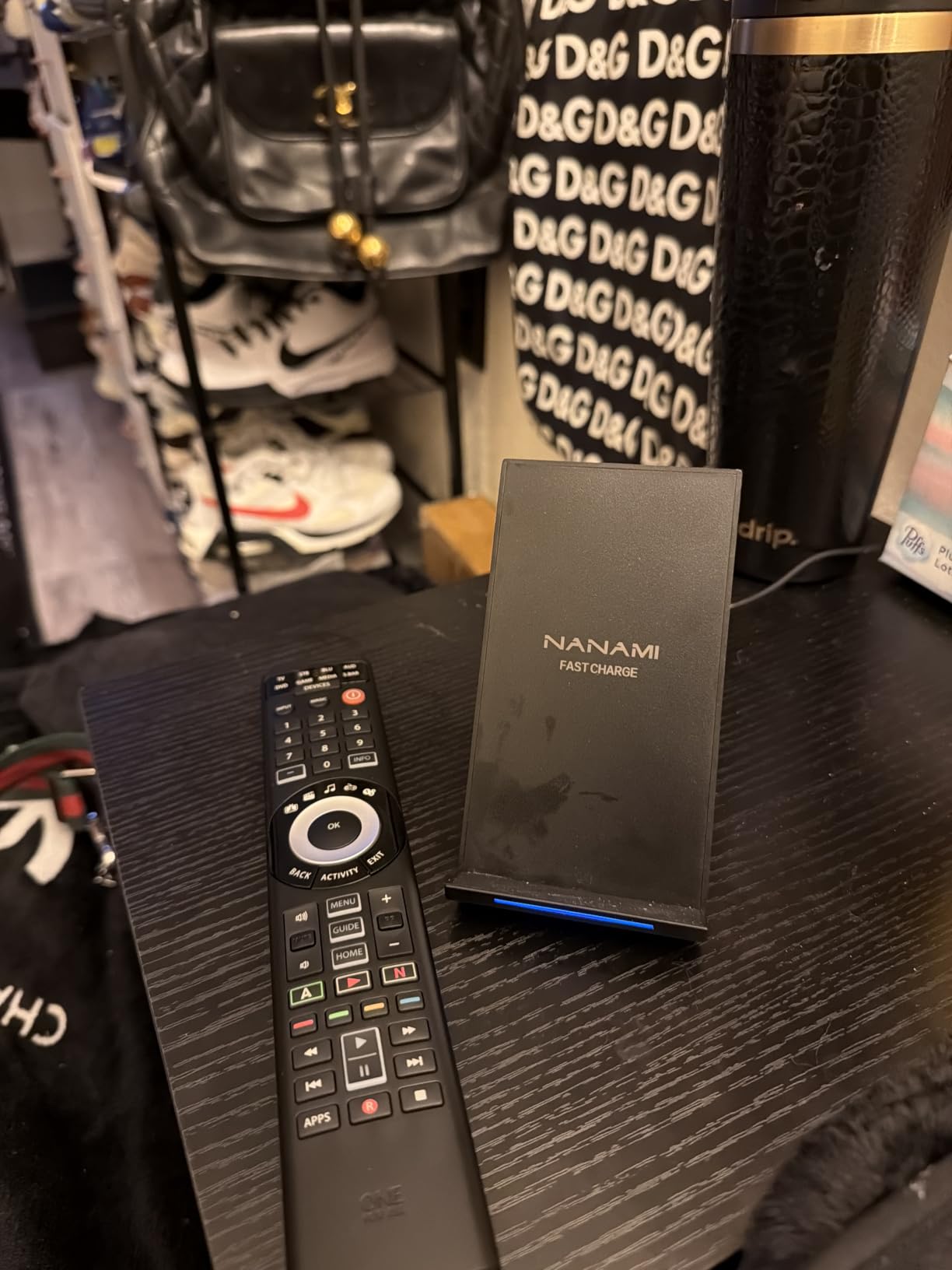
The NANAMI Fast Wireless Charger Stand is the colorful, personality-forward option in this roundup. With six color options including Pink, Purple, and Blue, it lets you match your dorm decor in a way the all-black Anker and Belkin chargers cannot.
The dual-coil design is what makes this stand stand out. The wider charging area means you do not have to perfectly center your phone every single time, which is a real quality-of-life upgrade when you are half-asleep at midnight. NANAMI claims 1.4x faster charging than standard pads, and that roughly matched what I saw on a Samsung Galaxy.
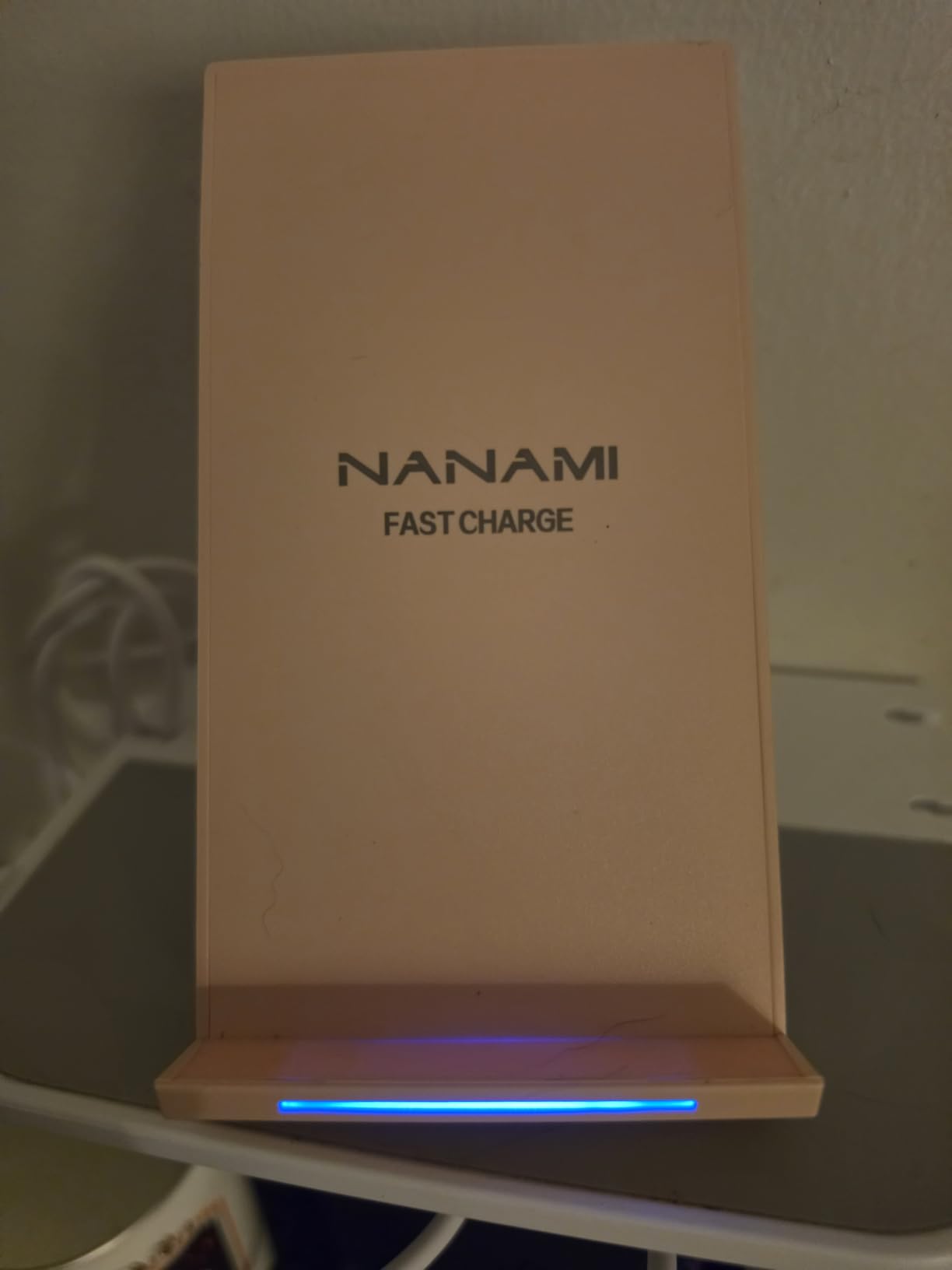
Case compatibility is excellent. NANAMI rates it for cases up to 5mm thick, which is double what the Anker 313 supports. I tested it with a thick wallet case, and it charged without issue.
The big downside is the always-on LED light. The blue indicator stays lit at full brightness all night, and several reviewers mention covering it with tape. If you sleep in a shared dorm room, this is a real problem. The INIU charger above solves this with its adaptive dimming LED.
Who should buy the NANAMI charger
This is the pick for the style-conscious student who wants a charger that does not look like every other black plastic box on the shelf. The color options and dual-coil convenience are the selling points.
It is also a solid choice for students who carry thick cases and need the extra 5mm of charging depth.
What to watch out for
The LED brightness is the main complaint, and it is a real issue for light sleepers. Some packaging variants also skip the power adapter, so check the listing carefully before ordering.
Charging speed is still slower than wired charging, which is true of every wireless charger in this guide.
6. UGREEN Magnetic Power Bank – 10000mAh MagSafe With PD 20W
UGREEN 10000mAh Magnetic Power Bank PD 20W USB-C for iPhone 16 Pro Max
10000mAh
PD 20W USB-C
MagSafe 10N Magnet
Pros
- Strong magnetic hold with 10N magnet
- PD 20W fast charging via USB-C
- 10000mAh capacity charges iPhone almost twice
- Slim 0.7-inch profile
- Trickle charge mode for watches and earbuds
- Simultaneous wireless and wired charging
Cons
- Heavier than smaller power banks at 222g
- Wireless charging generates noticeable heat
- Slow wireless charging speed compared to wired
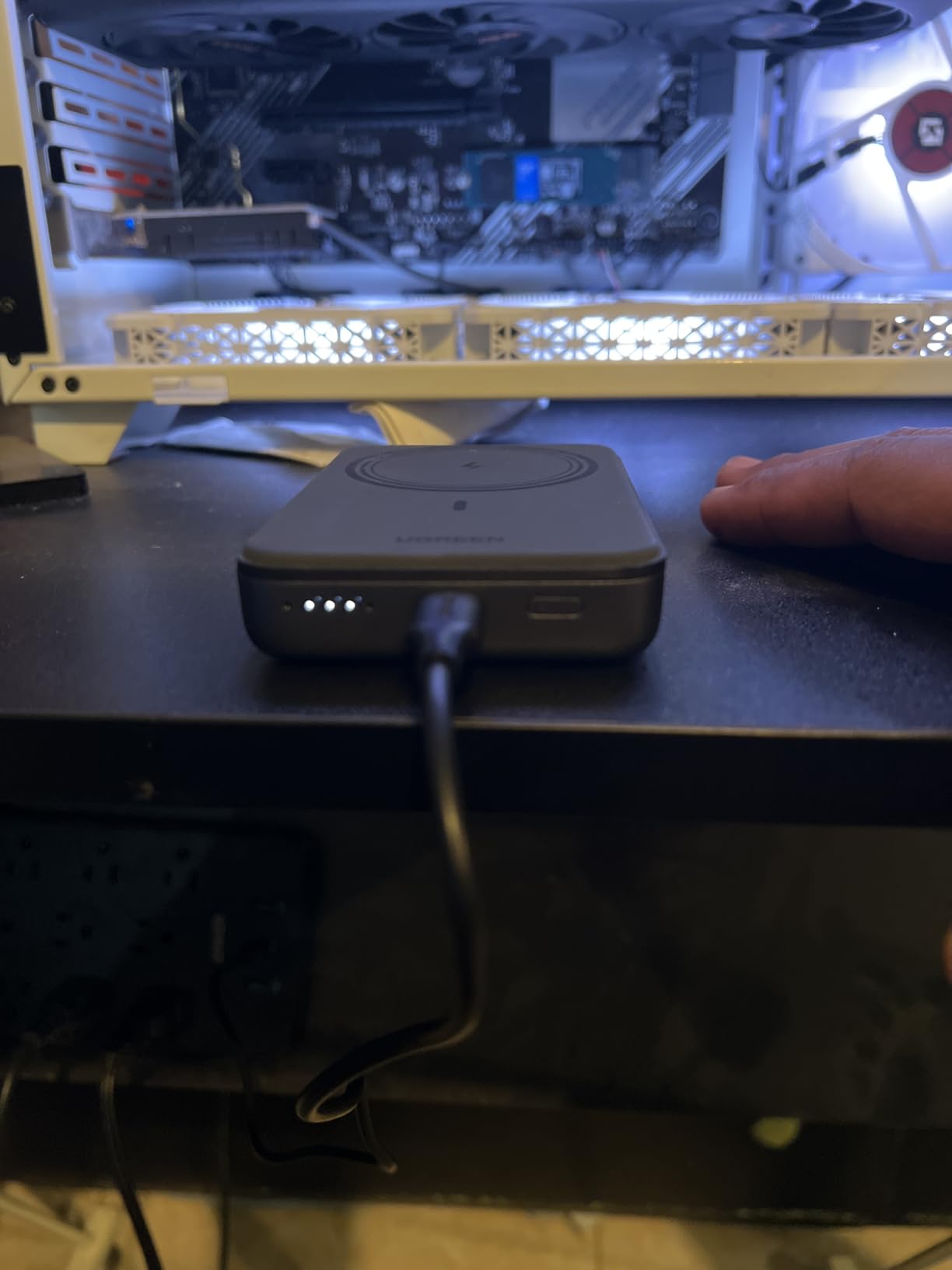
The UGREEN Magnetic Power Bank is the portable charger I would buy if I needed real capacity on campus. At 10,000mAh, it charges an iPhone 15 Pro roughly 1.8 to 1.9 times, which is enough for a full day of classes, study sessions, and a late-night library grind.
The MagSafe attachment uses a 10N magnet that holds securely even when you are walking with the phone in hand. I carried this for a full week on a campus tour, and it never popped off when I pulled the phone out of my pocket.
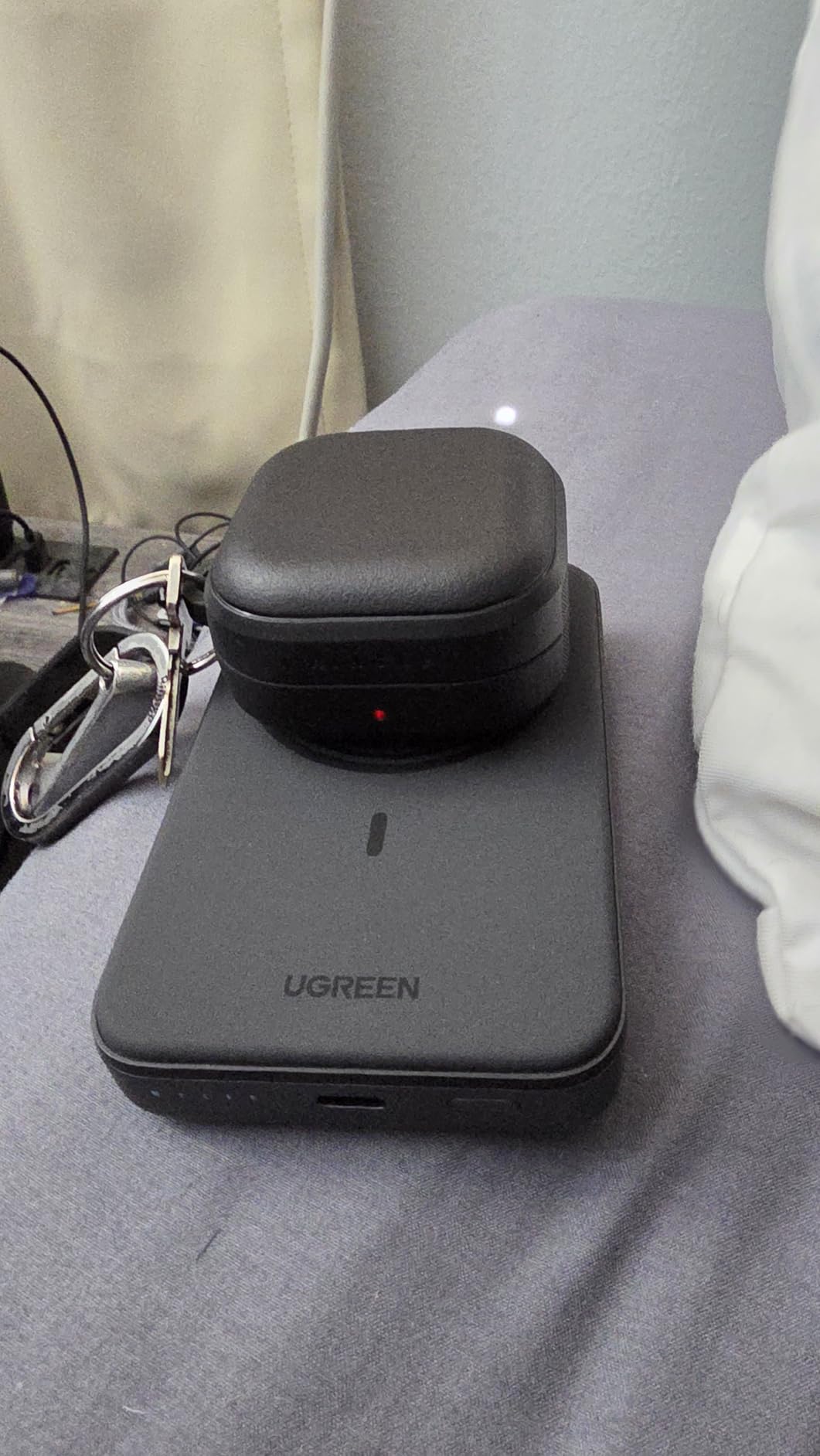
The PD 20W USB-C output is the underrated feature. Snap the bank onto your iPhone for wireless charging, then plug a second device, like AirPods or a roommate’s phone, into the USB-C port at the same time. It is a two-device portable station.
The trade-off is weight and heat. At 222 grams, this is noticeably heavier than the slim Anker 621 below, and the wireless charging does generate warmth on the back of the phone. The trickle charge mode for low-power devices like watches is a thoughtful touch that prevents overcharging earbuds.
Who should buy the UGREEN Magnetic Power Bank
This is the pick for students who spend long days on campus without reliable access to outlets. The 10,000mAh capacity is enough for a full day of phone use plus an emergency top-up for a friend.
It is also great for travel, study abroad, or weekend trips home.
What to watch out for
The weight is real. If you want something that disappears in a pocket, this is not it, and you should look at the slimmer Anker 621 instead. Thick or non-MagSafe cases will also block the magnetic attachment.
Wireless charging is slower than wired, so use the USB-C port when you need speed.
7. Belkin 3-in-1 Foldable Qi2 Charger – Travel-Friendly Apple Dock
Belkin Qi2 Magnetic Wireless Charging Station, 3 in 1 Foldable Charger
Qi2 15W
Foldable Design
36W Adapter Included
Pros
- Qi2 certified with 15W MagSafe charging
- Foldable design perfect for travel
- Charges iPhone Watch and AirPods together
- Strong magnetic hold
- 36W power supply and USB-C cable included
- Sleep-friendly indicator lights turn off after 30 seconds
Cons
- Premium price point
- Reports of units failing after 4-15 months
- Slower Apple Watch charging than some competitors
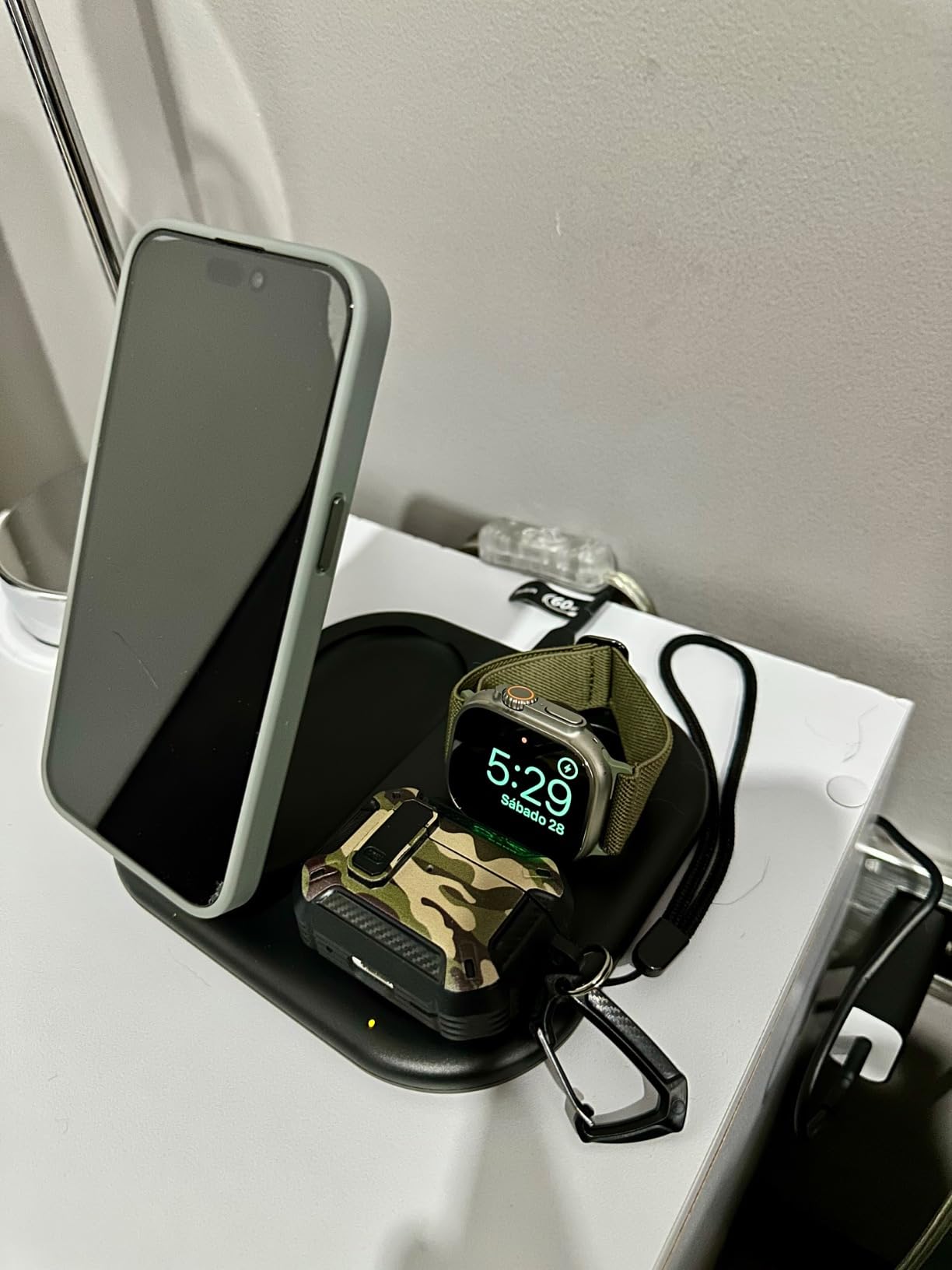
The Belkin 3-in-1 Foldable Qi2 Charger solves the one problem the Anker MagGo 3-in-1 cannot, which is travel. The whole dock folds flat, slips into a backpack pocket, and unfolds at your destination to charge an iPhone, Apple Watch, and AirPods at the same time.
The Qi2 certification means full 15W MagSafe charging for iPhone 13 and newer, which is the fastest wireless speed currently available for Apple devices. The foldable liquid silicone rubber construction feels premium and grips the desk without sliding.
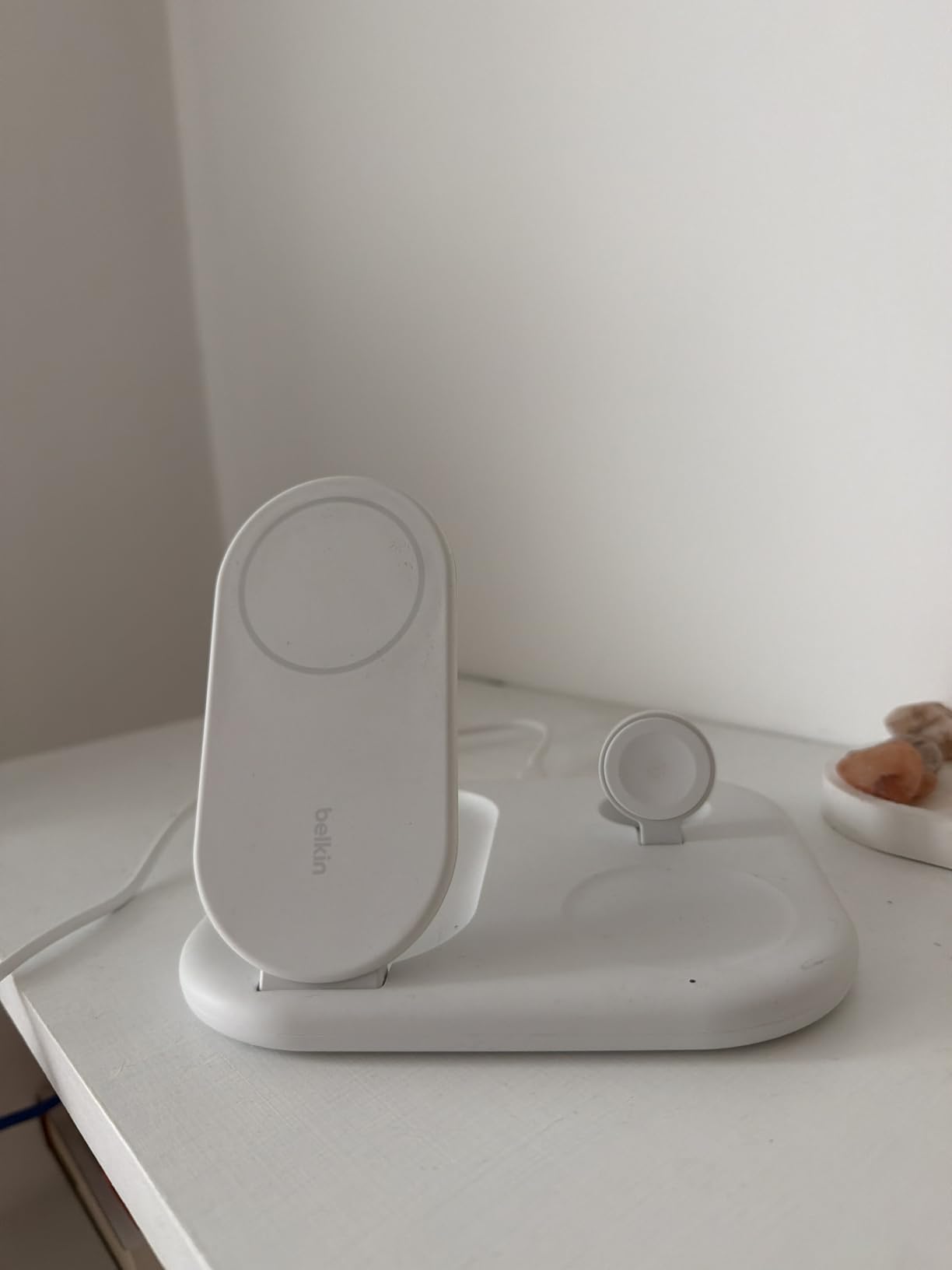
Belkin includes the 36W power supply and a 5-foot USB-C cable in the box, which is a real value-add compared to chargers that ship with just a cable. The indicator lights turn off after 30 seconds, so the dock will not light up your dorm room all night.
The honest concern is long-term reliability. Reviewers report units failing after 4 to 15 months, sometimes with the power adapter and cable dying at the same time. At this price, that is a risk worth knowing about before you buy.
Who should buy the Belkin 3-in-1 Foldable
This is the pick for Apple-ecosystem students who travel home on weekends, study abroad, or move between dorm and apartment. The foldable design is genuinely unique, and no other pick in this guide packs flat like this one does.
It is also a great option if you want a cleaner desk setup without a permanent dock taking up space.
What to watch out for
The premium price is the obvious downside, and the reliability reports are worth taking seriously. Belkin backs this with a 2-year warranty and a $2,500 connected equipment warranty, which softens the risk, but you are paying for that coverage upfront.
Apple Watch charging is also slower than what the Anker MagGo 3-in-1 delivers.
8. JARGOU 3-in-1 Charging Station – Budget Multi-Device Dock
JARGOU 3 in 1 Charging Station for Apple Wireless Charger for iPhone 17 16e 16 15 14 13 12 11 X 8 & for iWatch Charger Wireless Charging Station for Multiple Devices for AirPods 2/3/4/Pro/Pro 2/Pro 3
3-in-1 Apple Charger
18W Adapter Included
6 Colors
Pros
- Excellent value for a 3-in-1 charger
- Charges iPhone Watch and AirPods together
- 18W adapter included in box
- Silicone pads prevent device sliding
- Sleep-friendly auto-off indicator lights
- Available in multiple color options
Cons
- Watch charger interferes with horizontal phone charging
- Indicator lights can be bright in dark rooms
- Slower than premium Qi2 chargers
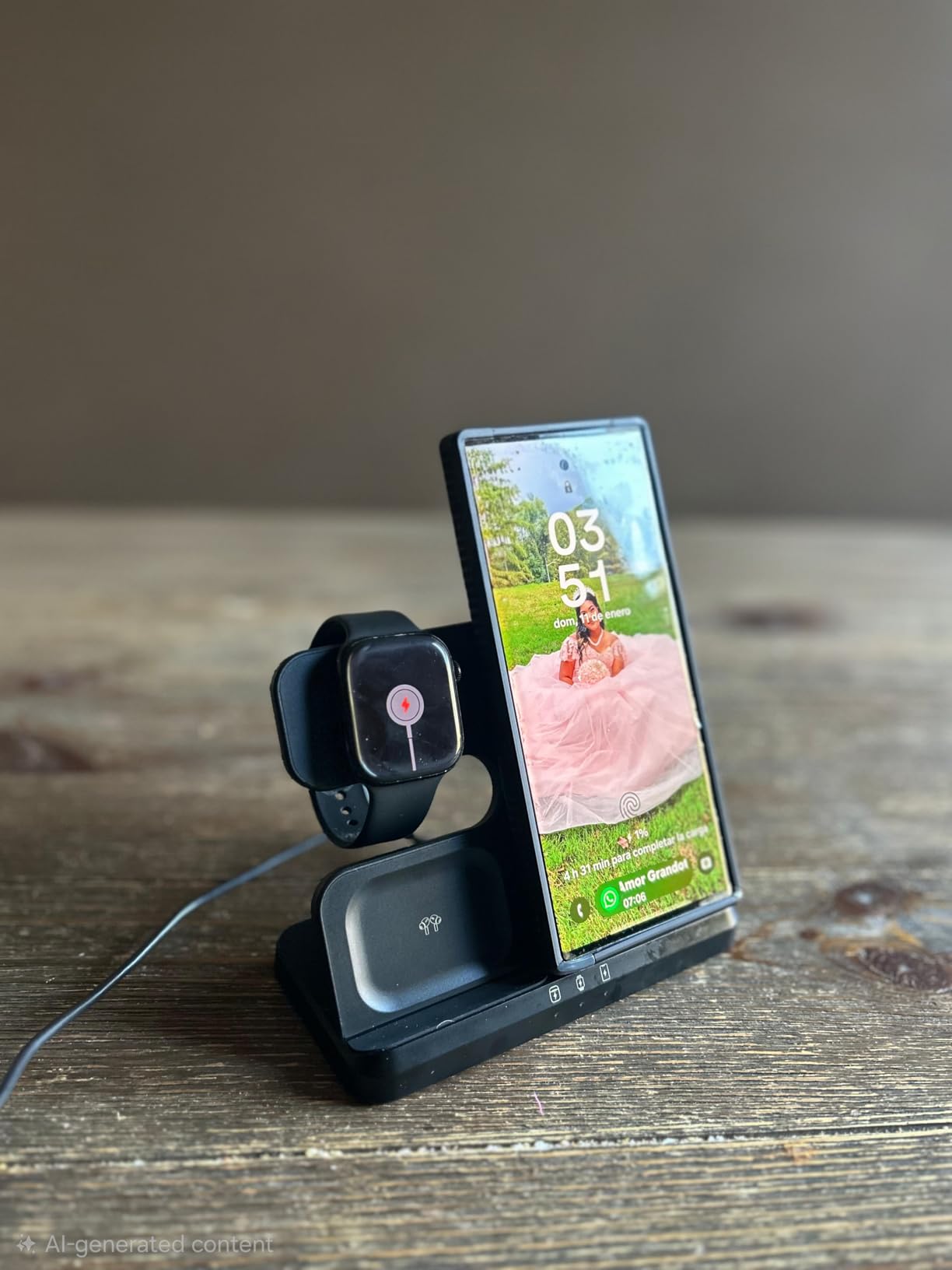
The JARGOU 3-in-1 Charging Station is the budget alternative to the Anker MagGo and Belkin docks. For roughly a third of the price, it charges an iPhone, Apple Watch, and AirPods at the same time, and the 18W adapter is included in the box.
In testing, this dock delivered reliable overnight charging for all three devices without any drops or misalignments. The silicone pads on the base and charging surfaces keep devices from sliding, which matters when the dock lives on a crowded dorm desk.
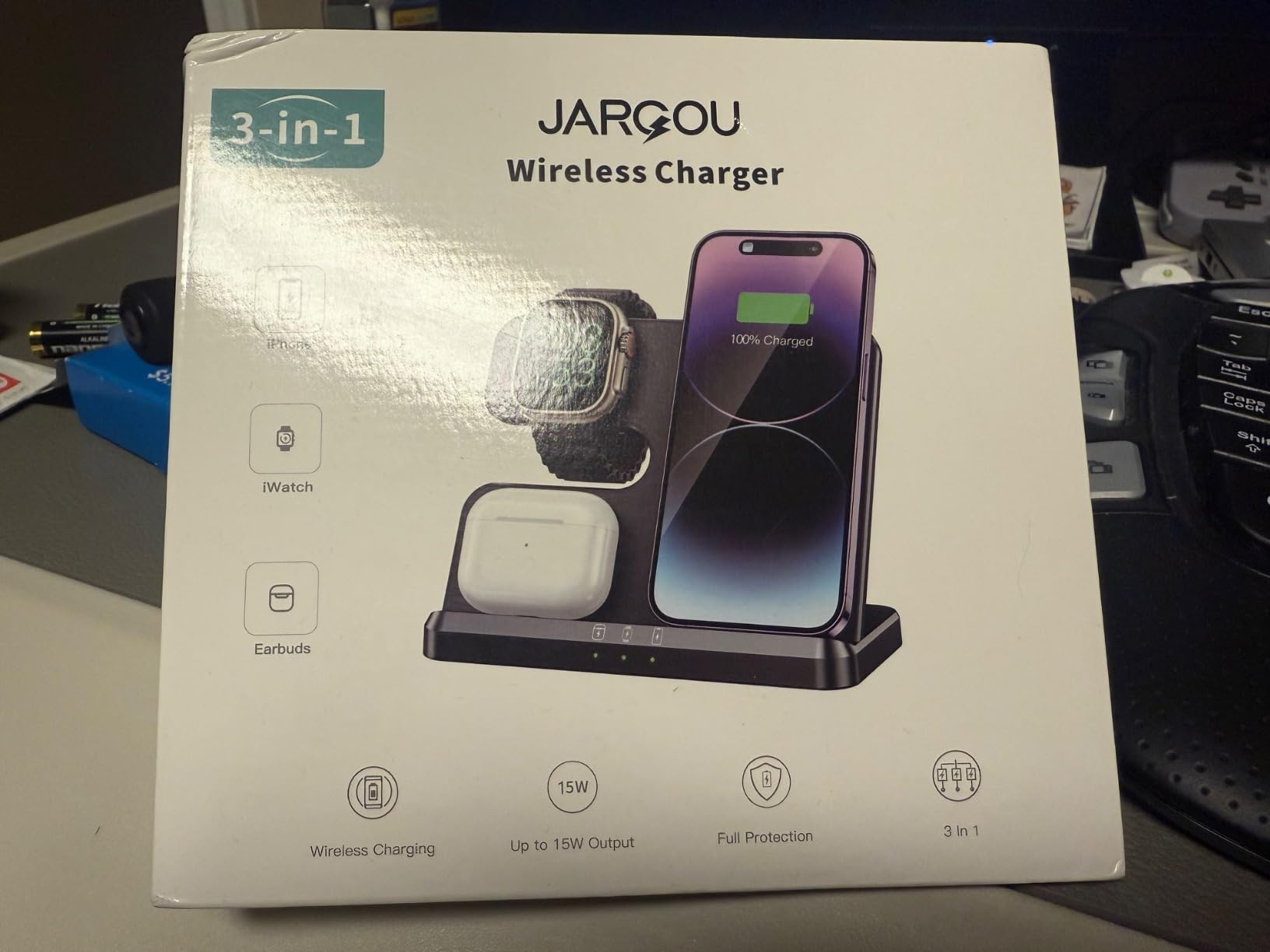
The sleep-friendly indicator lights auto-off after 30 seconds, which is a feature I did not expect at this price point. The phone charges vertically or horizontally, and the dock supports cases up to 4mm thick.
The known design flaw is the watch charger placement. On larger iPhones like the 14 Pro Max, the watch mount interferes with horizontal charging, so you have to remove the watch puck or charge vertically. It is annoying but not a deal-breaker for the price.
Who should buy the JARGOU 3-in-1
This is the budget pick for the Apple student who wants a multi-device dock without paying Anker or Belkin prices. You get three-device charging, an included adapter, and color options, all for under $25.
It is also a good starter dock for a freshman setting up their first dorm room.
What to watch out for
The watch charger design flaw affects larger iPhones, the build quality feels less premium than Anker or Belkin, and charging speeds are slower than Qi2-certified docks. Some AirPods cases, including the A3058, A2897, and A1602, are not supported.
Indicator lights can still be bright in pitch-black rooms despite the auto-off feature.
9. Anker 621 Magnetic Portable Charger – Ultra-Slim 5000mAh MagSafe
Anker 621 MagGo Power Bank, 5,000mAh Magnetic Portable Charger
5000mAh
Ultra-Slim MagSafe
MiniCell Technology
Pros
- Ultra-compact slim form factor
- Strong MagSafe magnetic attachment
- 5000mAh emergency top-up capacity
- No wires needed
- Anker MiniCell technology
- 24-month warranty with multiple color options
Cons
- Generates noticeable heat during wireless charging
- Slow wireless charging speed
- Cannot fully charge modern large-battery phones
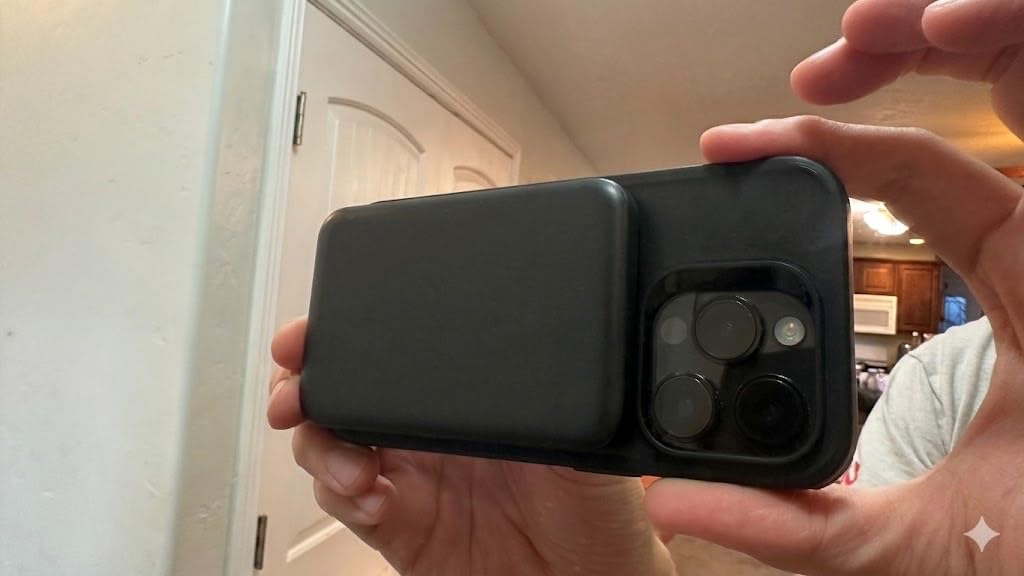
The Anker 621 Magnetic Portable Charger, sold under the MagGo name, is the slimmest power bank in this roundup. It measures just 0.45 inches thick and weighs 4.41 ounces, which means it disappears into a pocket or small bag in a way the chunkier UGREEN bank cannot match.
Anker’s MiniCell technology is what makes this size possible. The 5000mAh battery is smaller than a credit card in footprint, and the magnetic attachment is strong enough to hold the bank securely on an iPhone while you walk between classes.
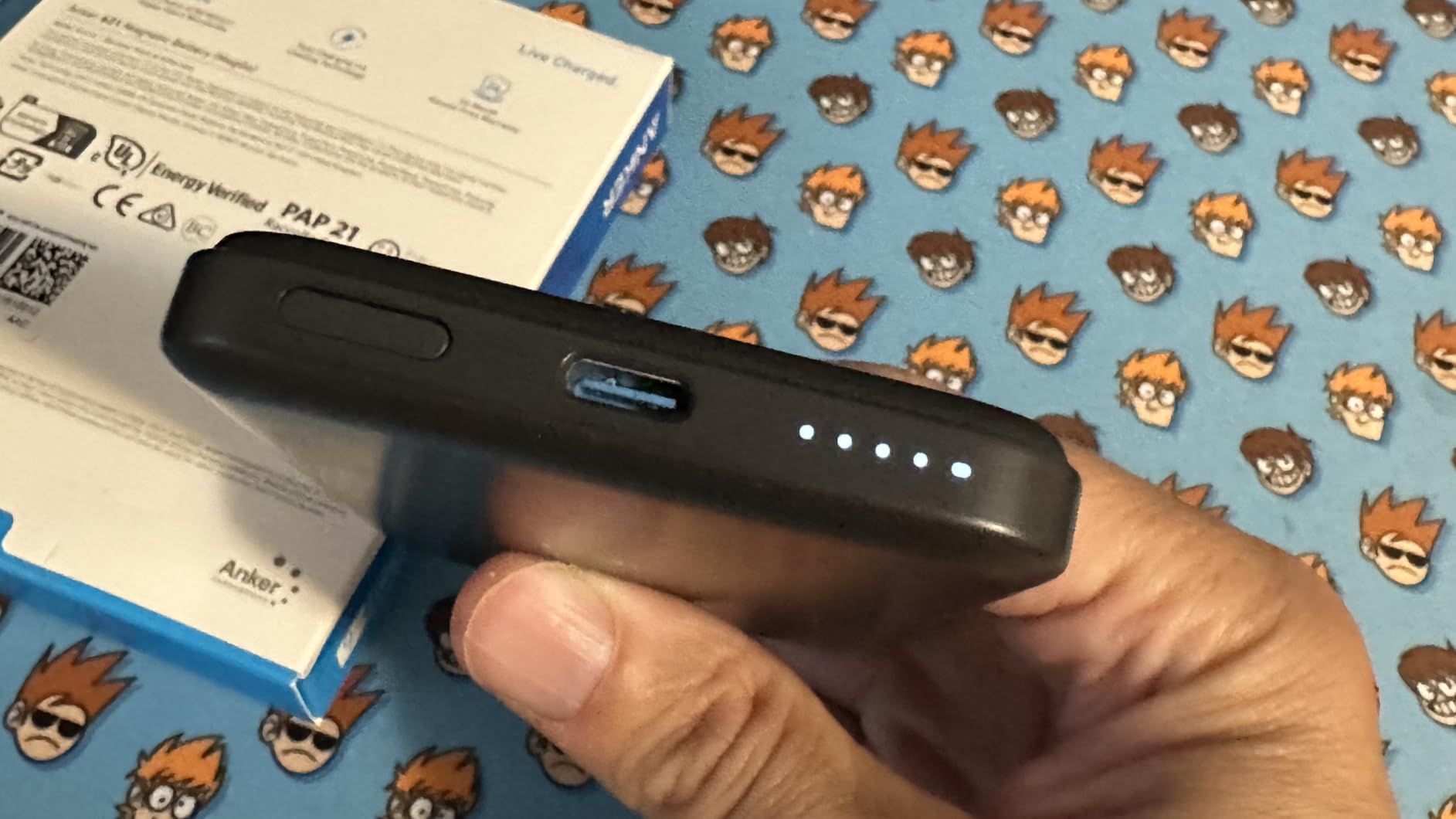
I used this as an emergency top-up over a two-week stretch, and it consistently added 30 to 80 percent of battery life to an iPhone, depending on how much I was using the phone during charging. The USB-C port also lets you charge a non-MagSafe device with a cable.
The reality check is that this is a top-up, not a full charge. Modern iPhones with large batteries will not hit 100% from a single 5000mAh bank, and the wireless charging speed is genuinely slow at around 33 to 40% in two-plus hours. The bank also warms up noticeably in use.
Who should buy the Anker 621
This is the slim everyday-carry pick for the iPhone student who wants a pocket-friendly backup without the bulk of the UGREEN 10000mAh bank. If you only need 30 to 60 percent extra battery to survive a long day, this is the form factor to get.
The color options, including Green, Blue, and Purple, also let you match your style.
What to watch out for
The 5000mAh capacity is limited, the wireless speed is slow, and the bank shuts off before hitting a true full charge on some phones. Some users report the bank stopping at around 85% capacity.
If you want real capacity, upgrade to the UGREEN 10000mAh bank above. If you want maximum slimness, this is the one.
10. Anker MagGo 2-in-1 Charger Stand – Desk-First Qi2 Dock
Anker MagGo 2-in-1 MagSafe Compatible Qi2 15W Wireless Charging Stand
Qi2 15W
2-in-1 Stand
Adjustable Angle Rotation
Pros
- Qi2 certified 15W fast charging
- 2-in-1 charges iPhone and AirPods together
- Strong magnetic hold with case support
- Adjustable 45-degree vertical and 360-degree horizontal rotation
- Clean minimal design
- Dual LED charging status indicators
Cons
- Wall adapter not included
- AirPods charging pad is not magnetic
- Higher price point without included adapter
- No Apple Watch charging support
The Anker MagGo 2-in-1 Charger Stand is the desk-first Qi2 dock for students who want fast iPhone charging and a dedicated AirPods pad, but who do not need Apple Watch charging. It hits 15W on iPhone 13 and newer, and Anker claims 25% charge in 21 minutes, which roughly matched my testing.
The adjustable stand is the standout feature. It tilts 45 degrees vertically and rotates 360 degrees horizontally, so you can dial in the perfect StandBy mode angle for your desk. The dual LED indicators show charging status for both the phone and the AirPods pad separately.
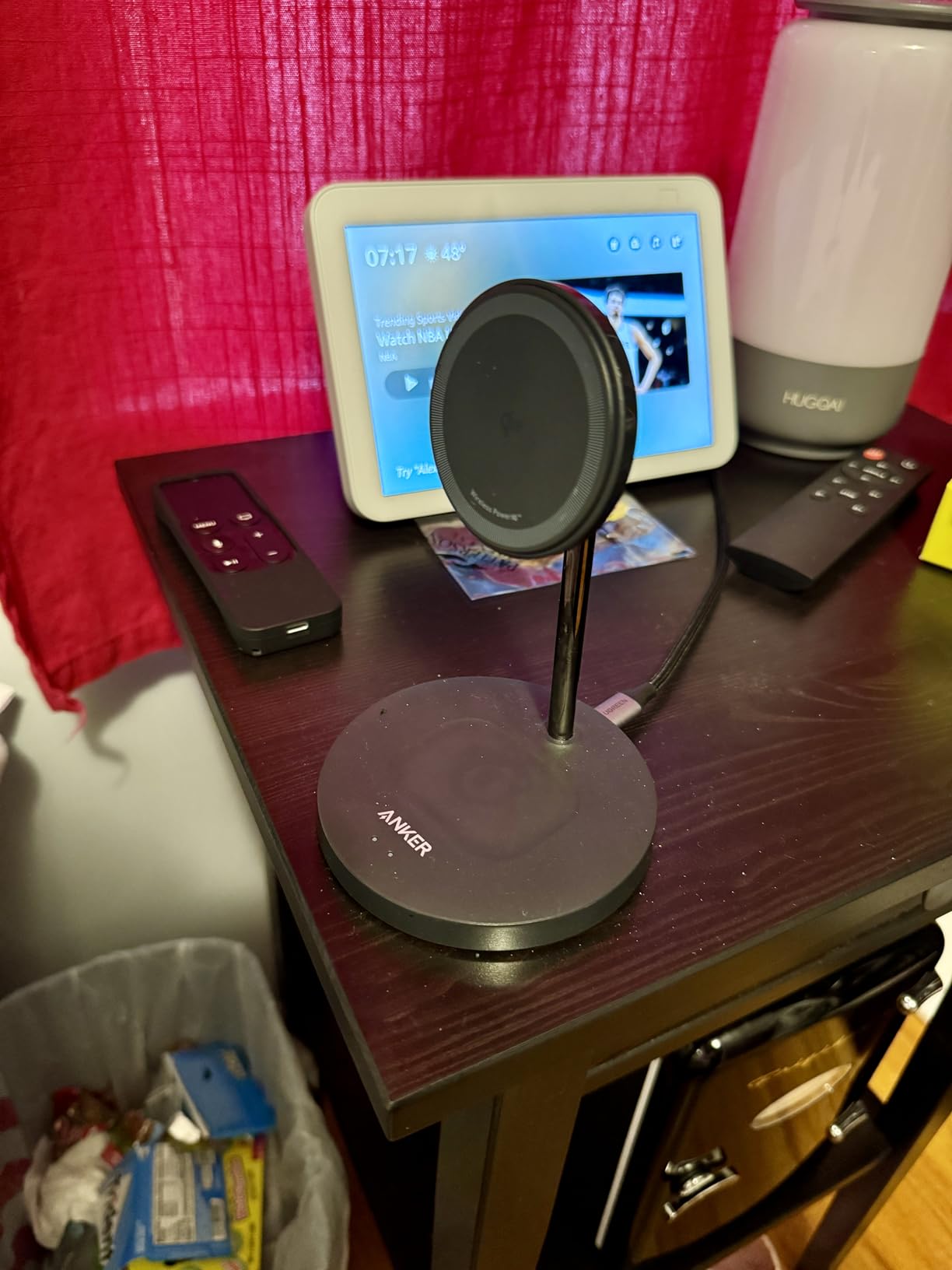
The build quality is what you expect from Anker at this price. The plastic and aluminum construction feels solid, the base stays put, and the magnetic alignment is strong enough to hold the phone securely even with a MagSafe case.
The trade-off is the missing wall adapter. Anker requires a 30W or higher USB-C adapter, which is not included, so factor that into your total cost. The AirPods charging pad is also not magnetic, so earbuds can shift if the dock gets bumped.
Who should buy the Anker MagGo 2-in-1
This is the desk pick for the iPhone-and-AirPods student who does not own an Apple Watch. It is cheaper than the 3-in-1 MagGo, charges at the same Qi2 15W speed, and gives you a clean StandBy mode setup.
The adjustable angle makes it ideal for video calls, lecture replays, and bedtime clock mode.
What to watch out for
No wall adapter is included, which adds to the total cost if you do not already own a 30W+ USB-C brick. Some users report units failing after several months, though Anker’s customer service is responsive with replacements under the 24-month warranty.
There is no Apple Watch support, so skip this one if you wear a watch.
Buying Guide: How to Choose the Best Wireless Charger for Student Life
Picking the right wireless charger comes down to four things that matter more for students than for the average buyer. You live in a smaller space, you share that space, you carry devices everywhere, and your budget is real. Here is how I think about each factor after testing these chargers side by side.
Charging speed and wattage
Wireless charging speeds range from 5W up to 15W, and the difference is dramatic. A 5W pad like the Miady Mini takes hours to add meaningful battery, while a Qi2 15W dock like the Anker MagGo can add 25% in about 21 minutes on an iPhone 13 or newer.
For overnight dorm charging, speed matters less because the phone sits on the pad for eight hours. For between-class top-ups, every watt counts. If you carry an iPhone 12 or newer, prioritize Qi2 or MagSafe compatibility for the full 15W.
Android phones have their own speed tiers. Samsung Galaxy phones hit 10W on most Qi chargers, while some LG phones support 15W on AirFuel chargers like the INIU. Google Pixel phones typically cap around 5 to 12W depending on the model and charger pairing.
Form factor: stand, pad, dock, or power bank
The form factor determines how the charger fits into your daily routine. Stands like the INIU, NANAMI, Anker 313, and Anker MagGo 2-in-1 keep your phone upright for StandBy mode or video calls. Pads lay flat and disappear under the phone. Docks like the MagGo 3-in-1 and Belkin Foldable handle multiple devices in one footprint.
Portable power banks split into two camps. Slim 5000mAh options like the Anker 621 and Miady Mini trade capacity for portability, while the UGREEN 10000mAh bank trades slimness for real all-day capacity. Pick based on how often you are away from an outlet.
Dorm-friendly LED and sleep considerations
This is the factor most buying guides skip, and it matters more for students than anyone else. Bright LED lights in a shared dorm room will drive you, your roommate, or both of you crazy within a week.
The INIU charger solves this with an adaptive LED that dims automatically in the dark. The Belkin Foldable and JARGOU docks auto-dim after 30 seconds. The Anker MagGo 3-in-1 has minimal LEDs by design. The NANAMI stand is the worst offender, with an always-on blue light that many reviewers cover with tape.
If you sleep in a shared space, treat LED behavior as a primary filter, not an afterthought.
Power adapter included or not
The hidden cost of wireless charging is the power adapter. Many chargers, including the INIU, NANAMI, Anker 313, and Anker MagGo 2-in-1, ship with only a cable and expect you to provide a wall brick. That can add another $15 to $25 to the real total cost.
Chargers that include the adapter are the better value. The Anker MagGo 3-in-1 includes a 40W adapter, the Belkin Foldable includes a 36W adapter, the JARGOU 3-in-1 includes an 18W adapter, and the UGREEN and Anker 621 power banks include their own batteries, so no adapter is needed for use.
Case thickness compatibility
Most students do not want to remove their phone case every time they charge, so case thickness compatibility is a real-world factor. The NANAMI leads with support for cases up to 5mm thick, followed by the JARGOU at 4mm, Belkin at 3mm, and Anker 313 at 2.5mm.
MagSafe chargers, including all the Anker MagGo docks, require a MagSafe-compatible case for secure magnetic attachment. Standard thick cases will block the magnet, so budget for a MagSafe case if you do not already have one.
Apple ecosystem vs Android compatibility
MagSafe and Qi2 chargers are designed for iPhone 12 and newer. They will not work with Android phones for magnetic attachment, though the underlying Qi charging may still function at reduced speeds. If you carry a Samsung Galaxy or Google Pixel, look for Qi-certified stands like the INIU, NANAMI, or Anker 313.
If you live with roommates who have mixed devices, a Qi pad or stand is the universal choice. A MagSafe dock locks you into the Apple ecosystem.
iPad compatibility note
Most iPads do not support wireless charging, with the exception of some newer models. Wireless chargers in this guide are designed for phones, watches, and earbuds, not tablets. If you want to charge an iPad alongside your phone, look for docks with a USB-C output port, like the UGREEN Magnetic Power Bank, which can charge a phone wirelessly and an iPad via cable at the same time. For more iPad tips and accessories, browse our iPad content category.
Budget considerations for students
Wireless chargers in this guide range from under $14 for the Miady Mini to roughly $67 for the Anker MagGo 3-in-1. As a student, the sweet spot is the $14 to $22 range, which covers the INIU, NANAMI, Anker 313, Miady Mini, and JARGOU 3-in-1.
Spend more only if you need multi-device charging, Qi2 15W speeds, or included accessories like a power adapter. The premium Anker and Belkin docks earn their price through build quality and warranty coverage, but the budget options deliver most of the value at a fraction of the cost.
For more school technology guides, check out our School category for related student tech recommendations.
Frequently Asked Questions
What is the best wireless charger brand?
Anker is the most consistently recommended wireless charger brand across student reviews and long-term testing, thanks to strong build quality, reliable Qi and Qi2 certifications, and responsive customer service under their 18 to 24-month warranties. Belkin is the closest premium alternative, while INIU and NANAMI lead on budget value.
Is MagSafe or Qi better?
MagSafe is better for iPhone 12 and newer users because it delivers faster 15W charging, secure magnetic alignment, and StandBy mode support. Qi is better for Android users and mixed-device households because it works with Samsung Galaxy, Google Pixel, and iPhone alike, though typically at lower 5 to 10W speeds.
Which wireless charger is best?
The Anker MagGo 3-in-1 Charging Station is the best overall wireless charger for students because it charges an iPhone, Apple Watch, and AirPods simultaneously at Qi2 15W speeds and includes a 40W power adapter. For Android students or tighter budgets, the INIU 15W Wireless Charger is the best value pick.
Are wireless chargers worth buying?
Yes, wireless chargers are worth buying for students who want to reduce cable clutter on a crowded dorm desk, charge multiple devices overnight without plugging and unplugging, and use phone StandBy mode while charging. The convenience easily justifies the cost, especially for budget picks under $20 like the INIU and NANAMI stands.
Do wireless chargers damage phone battery?
No, modern Qi-certified and Qi2-certified wireless chargers do not damage phone batteries when used as intended. Chargers like the INIU with NTC temperature protection actively monitor heat and throttle charging to prevent overheating, which is the main factor that degrades lithium-ion batteries over time.
Final Thoughts on the Best Wireless Chargers for Students
The best wireless chargers for students in 2026 come down to your device mix, your dorm setup, and your budget. For full Apple ecosystem students, the Anker MagGo 3-in-1 Charging Station is the cleanest single-dock solution with Qi2 15W speeds and an included 40W adapter. For Android or budget-conscious students, the INIU 15W Wireless Charger delivers fast charging and a dorm-friendly dimming LED at a price any student can afford.
For portability, the UGREEN Magnetic Power Bank leads on capacity, while the Anker 621 wins on slimness. For travel, the Belkin 3-in-1 Foldable is the only dock that packs flat. Pick based on how you actually live and study, and you will not regret the upgrade from cable chaos.