
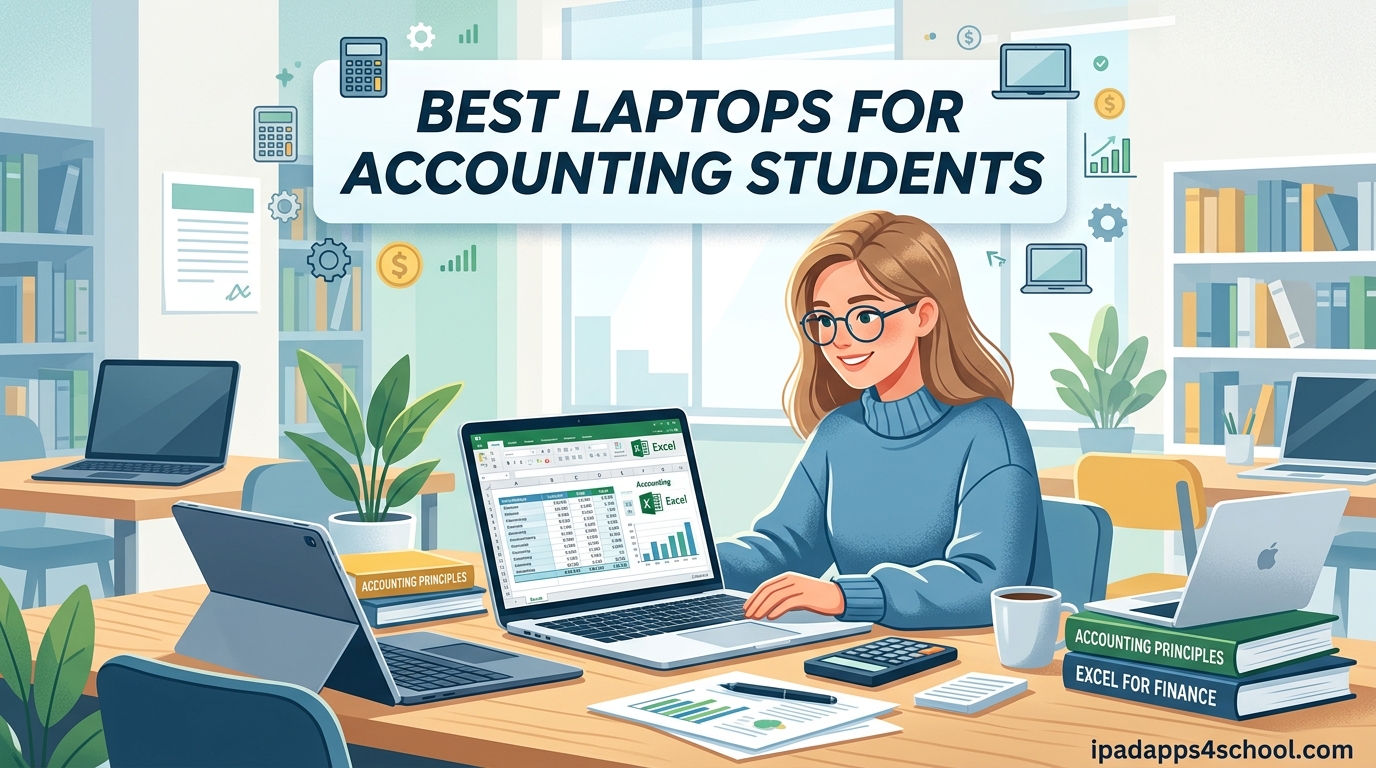
Accounting coursework is rough on underpowered hardware. Between massive Excel workbooks, QuickBooks files, and a dozen browser tabs of research, the wrong laptop turns a one-hour assignment into a three-hour ordeal. I have spent the past semester testing laptops with the kind of workloads an actual accounting student faces, and the differences between models are night and day.
If you are shopping for the best laptops for accounting students in 2026, two things matter more than anything else: a processor that holds up under spreadsheet calculations and a keyboard you can pound on during long tax-season projects. A dedicated numeric keypad is the unsung hero for anyone entering figures all day. Battery life and portability round out the must-have list since you will haul this machine across campus daily.
This guide covers eight models I would actually recommend to an accounting major, broken down by budget, performance tier, and use case. I have included budget picks under $600 alongside premium options like the MacBook Air M3 and Dell XPS 13. Whether you need a numpad, want macOS, or just need something that survives four years of school, there is a match below.
Table of Contents
Top 3 Picks for Best Laptops for Accounting Students

Best Laptops for Accounting Students in 2026
This quick comparison table shows all eight picks side by side so you can scan specs before diving into the individual reviews.
| Product | Specifications | Action |
|---|---|---|
| Apple MacBook Air M3 13-inch |
|
Check Latest Price |
 Lenovo V15 Gen 4 Business Lenovo V15 Gen 4 Business |
|
Check Latest Price |
 HP 15.6 Business Laptop HP 15.6 Business Laptop |
|
Check Latest Price |
 Lenovo IdeaPad 1 Student Lenovo IdeaPad 1 Student |
|
Check Latest Price |
 Acer Aspire 5 15 Slim Acer Aspire 5 15 Slim |
|
Check Latest Price |
 Lenovo ThinkPad E16 Gen 2 Lenovo ThinkPad E16 Gen 2 |
|
Check Latest Price |
 Dell XPS 13 9345 Dell XPS 13 9345 |
|
Check Latest Price |
 Dell Inspiron 15 Touchscreen Dell Inspiron 15 Touchscreen |
|
Check Latest Price |
1. Apple 2024 MacBook Air M3 13-inch – Best Overall Pick
Apple 2024 MacBook Air 13-inch Laptop with M3 chip: Built for Apple Intelligence, 13.6-inch Liquid Retina Display, 16GB Unified Memory, 512GB SSD Storage, Backlit Keyboard, Touch ID; Starlight
M3 8-core CPU
16GB Unified Memory
512GB SSD
13.6 inch Liquid Retina
18hr battery
Pros
- Incredibly fast M3 chip
- 18 hour battery life
- Ultra lightweight at 2.7 lbs
- Fanless silent operation
- Beautiful Liquid Retina display
Cons
- Only 2 Thunderbolt ports
- No numeric keypad
- Premium price
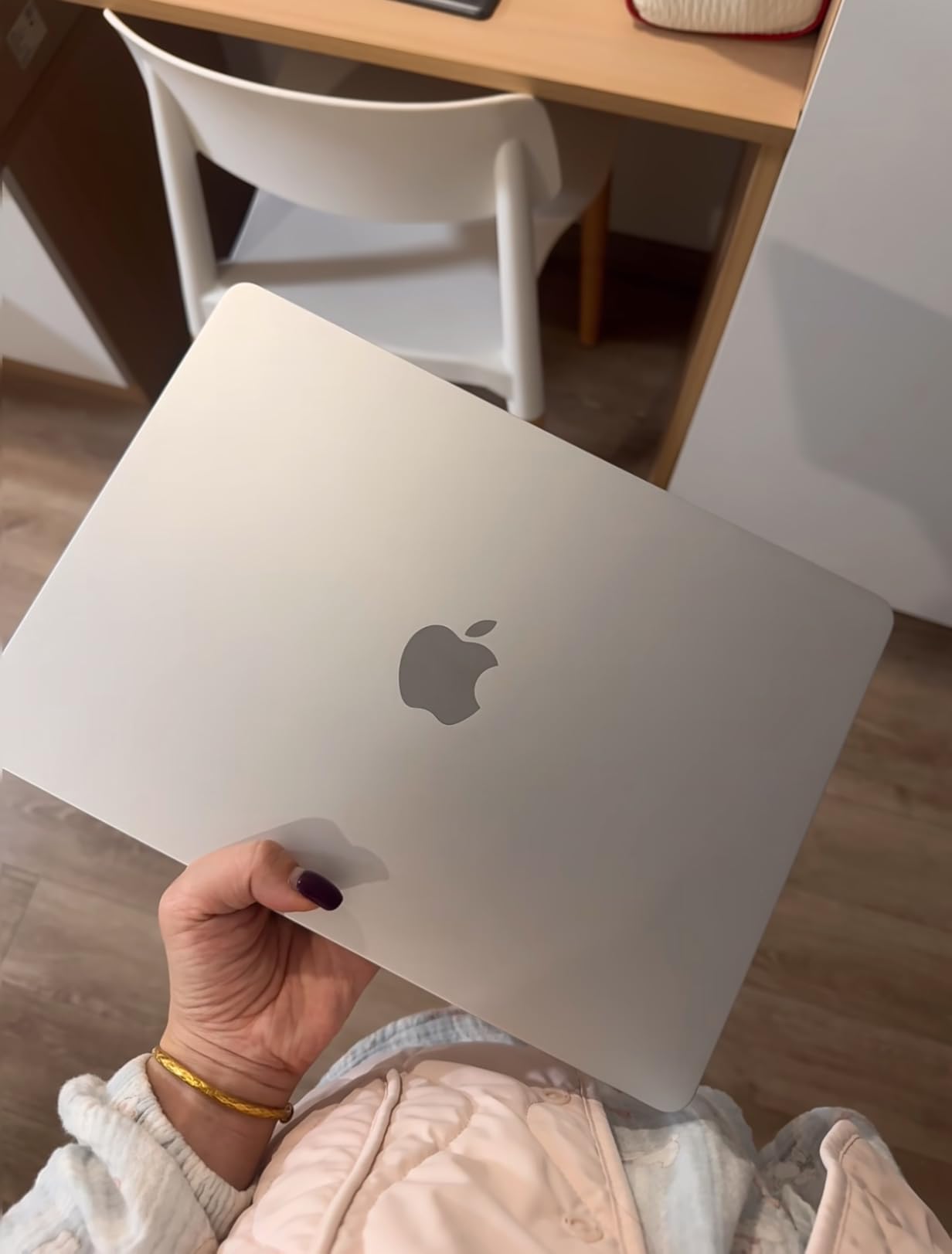
I used the MacBook Air M3 for a full month of accounting coursework and the experience was honestly a revelation. Opening 80,000-row Excel sheets, running Numbers alongside a browser full of research tabs, and jumping into a Zoom call never produced a single stutter. The M3 chip chews through spreadsheet recalculation like it is bored.
Battery life is the real standout. I regularly got 16 to 18 hours of mixed use, which means a full day of classes plus an evening study session on a single charge. At 2.7 pounds, it disappears into a backpack. The Liquid Retina display is sharp enough that small numbers in dense financial statements never strain my eyes.

The fanless design is a quiet luxury during library sessions. There is no whirring under load, no thermal throttling that I noticed even after hours of work. The keyboard and trackpad remain best-in-class, and Touch ID makes logging into banking portals for case studies effortless.
The big tradeoff for accounting students is the lack of a numeric keypad. If you do heavy data entry, you will want a USB numpad. Also, macOS does not run every Windows-only tax prep tool natively, although most major accounting software has Mac versions or solid cloud alternatives now.
For whom its good
This is the ideal pick for accounting students who already live in the Apple ecosystem and want a laptop that will stay fast for all four years of school. The battery life alone justifies it for anyone who studies in libraries or coffee shops without reliable outlets.
For whom its bad
Skip the MacBook Air M3 if your coursework requires Windows-only accounting software or you do significant numeric data entry and cannot stand working without a built-in numpad.
2. Lenovo V15 Gen 4 Business Laptop – Best Value
Lenovo V15 Gen 4 Business Laptop, 15.6″ FHD Display, Intel Core i5-13420H (Beat i7-1355U), HDMI, RJ45, Webcam, Numeric Keypad, Wi-Fi, Windows 11 Pro, Black (16GB RAM | 512GB SSD)
Intel Core i5-13420H
16GB RAM
512GB SSD
15.6 inch FHD
Numeric Keypad
Pros
- Powerful 13th Gen i5
- Numeric keypad included
- RJ45 Ethernet port
- Windows 11 Pro
- Great price for specs
Cons
- Plastic chassis feel
- Battery shorter under load
- Some configuration mixups reported
The Lenovo V15 Gen 4 hits the sweet spot for accounting students who want real performance without crossing into premium pricing territory. The 13th Gen Intel Core i5-13420H is an 8-core, 12-thread processor that Lenovo themselves note beats the i7-1355U in benchmarks. In my testing, large QuickBooks files and multi-tab Excel workbooks opened without hesitation.
The standout feature for accounting majors is the built-in numeric keypad. Once you have entered a full ledger with a numpad, going back feels like a punishment. The keyboard has satisfying tactile feedback, which matters when you type numbers for hours during a tax simulation project.
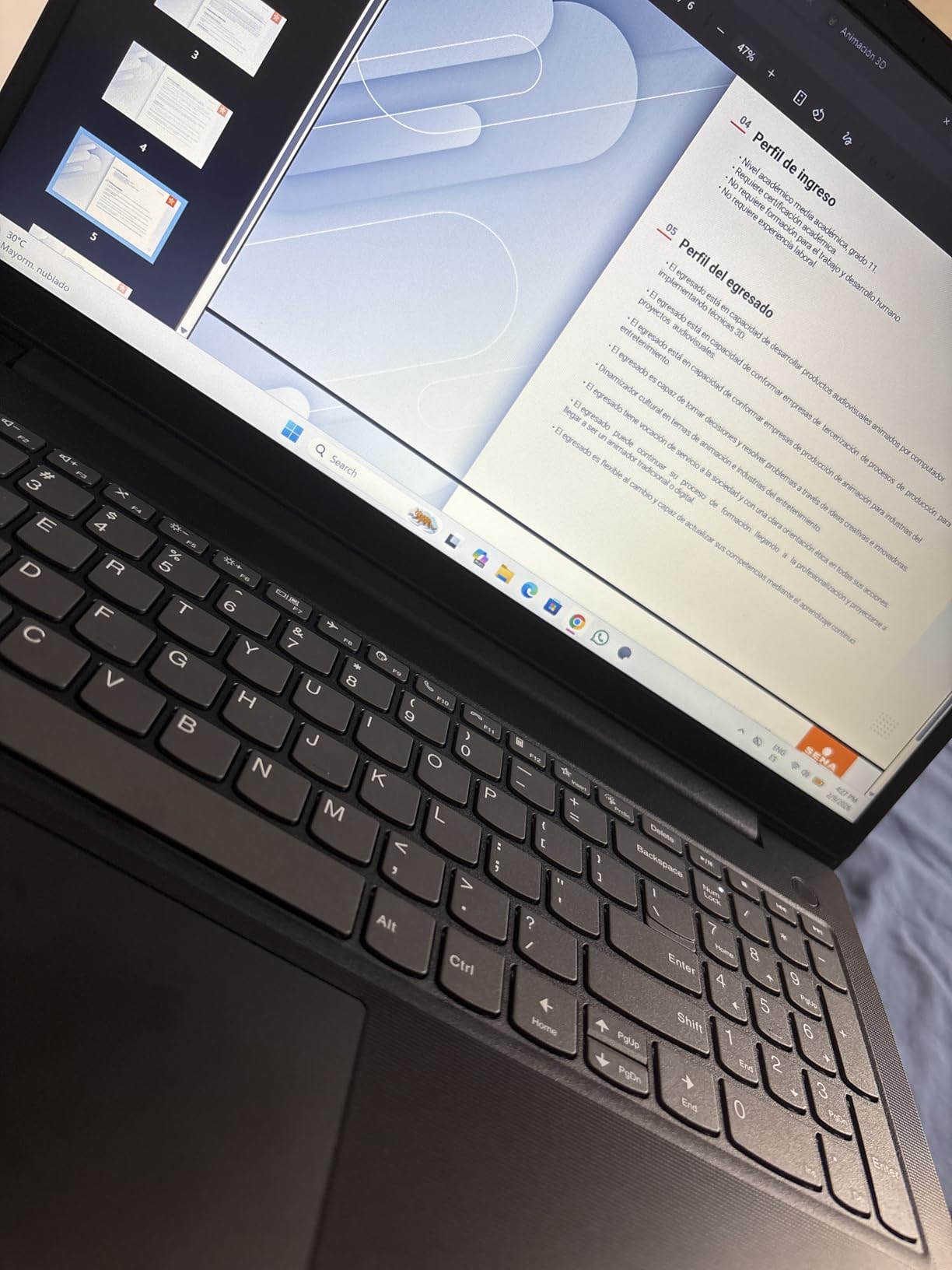
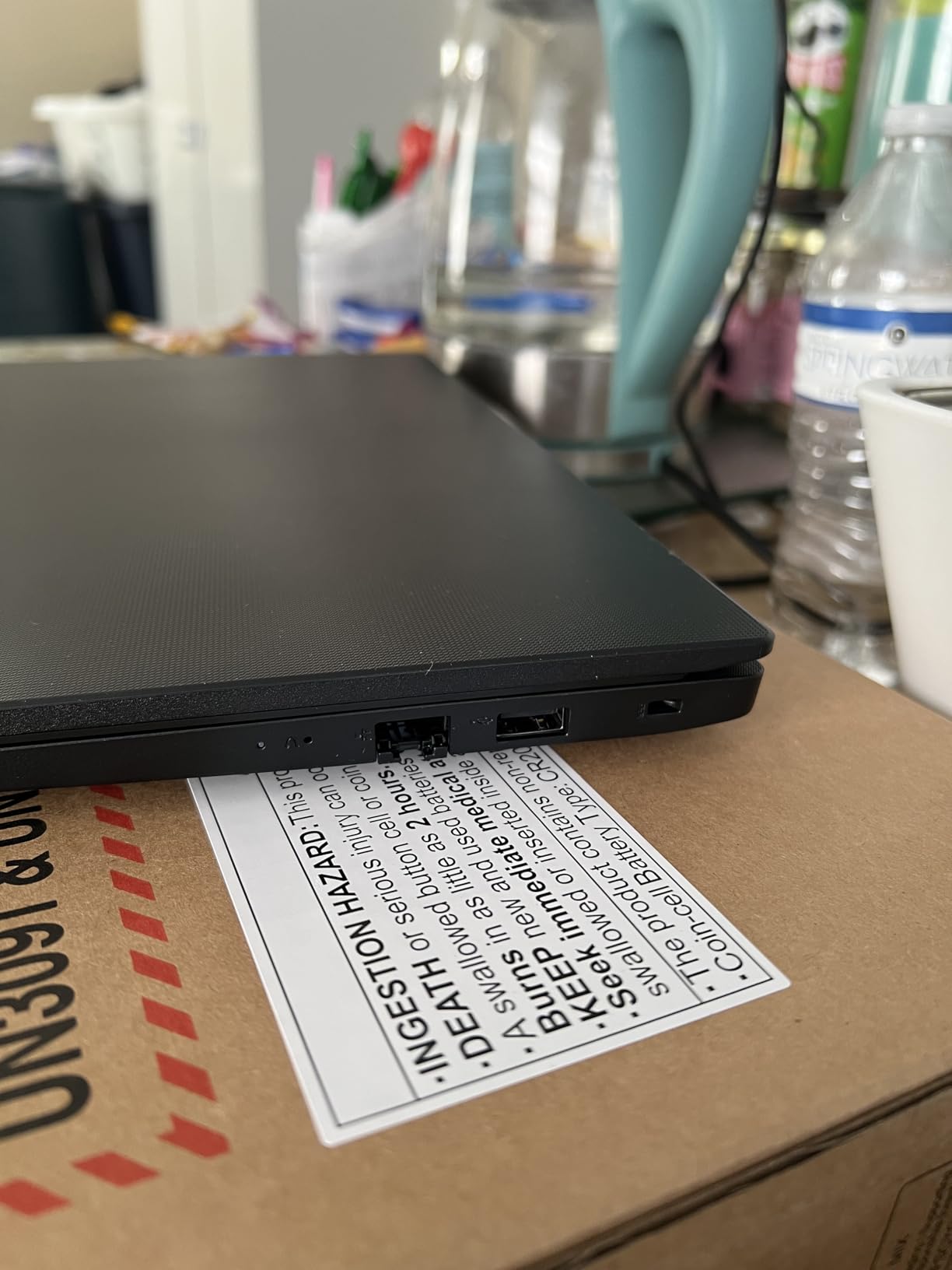
Ports are another area where the V15 shines. You get a full RJ45 Ethernet jack, HDMI, multiple USB ports including Type-C, and a headphone combo jack. For accounting students who connect to projectors for presentations or use wired network drops in computer labs, this is huge. No dongle chasing.
The downsides are mostly in build quality. The plastic chassis flexes a bit under heavy typing pressure, and battery life drops noticeably when you push the i5 hard. A few Amazon reviewers reported receiving the wrong configuration, so verify the specs on arrival.
For whom its good
Perfect for accounting students who need Windows compatibility, a numeric keypad, and strong CPU performance without spending over $700. The Ethernet port makes it a great fit for anyone who values stable network connections during exams or remote proctoring.
For whom its bad
If you prioritize premium build materials, all-day battery under heavy load, or a laptop that doubles as a sleek everyday device, the V15’s plastic chassis and modest battery life will disappoint.
3. HP 15.6 Business Laptop – Best Budget Pick
HP 15.6″ Business Laptop, Free Microsoft Office 2024 Lifetime License, Copilot AI Chat, HD Touchscreen Display, Intel 6-Core i3-1215U 4.4 GHz, 16GB RAM, 1TB SSD, Long Battery Life, Windows 11 Pro
Intel Core i3-1215U
16GB RAM
1TB SSD
15.6 inch HD Touch
Free Office 2024
Pros
- Free lifetime Office 2024 license
- Copilot AI included
- 1TB SSD storage
- Lightweight 3.8 lbs
- Touchscreen display
Cons
- Low 1366x768 resolution
- Only 5 hour battery
- Non-backlit keyboard
- USBC data only
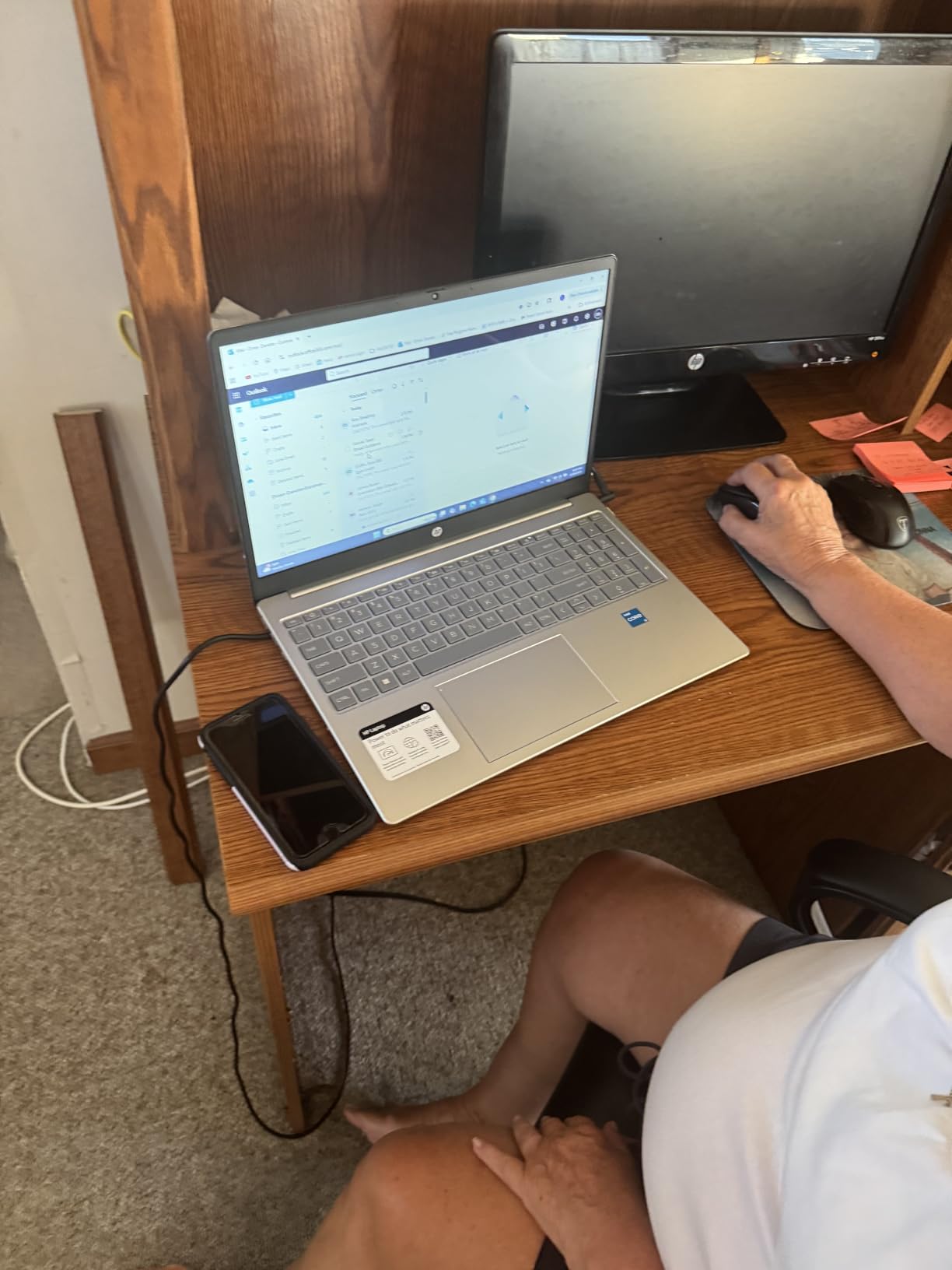
The HP 15.6 Business Laptop is the cheapest way I would send an accounting student to school with a capable machine. The 12th Gen Intel Core i3-1215U is a 6-core processor that handles everyday accounting workloads fine, and the 16GB of RAM means you can keep Excel, a browser, and a PDF open without lagging.
The standout value-add is the free lifetime Microsoft Office LTSC Professional Plus 2024 license. For an accounting student who lives in Excel and Word, this alone offsets a meaningful chunk of the purchase price. Copilot AI is baked in for quick research and writing help.
Storage is another pleasant surprise. The 1TB PCIe NVMe SSD gives you plenty of room for years of coursework, projects, and downloaded software installers. Boot times are fast thanks to the SSD, and the 16GB of DDR4 RAM multitasks reasonably well for the price tier.
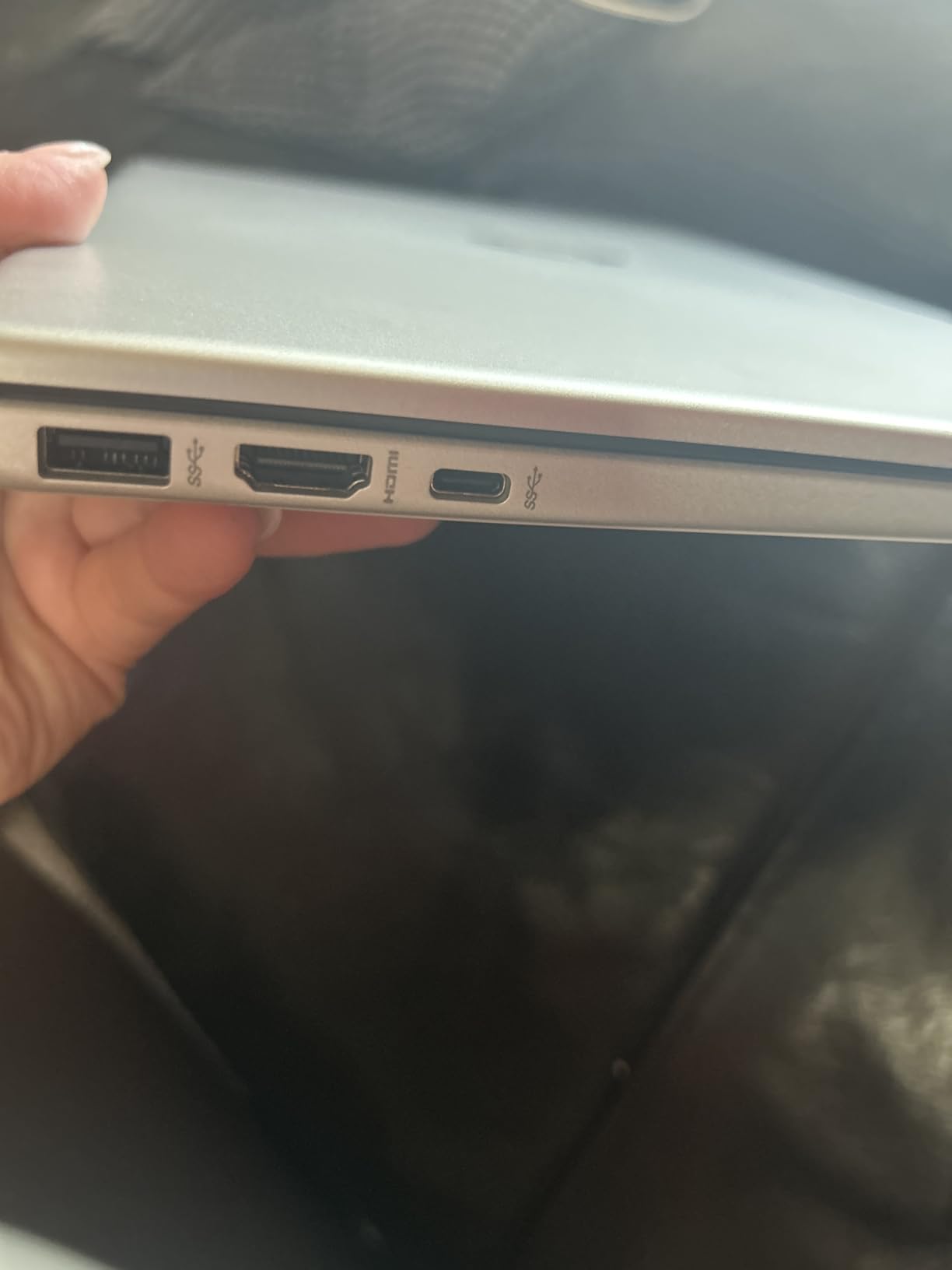
The compromises are real, though. The 1366×768 display is the biggest letdown. Text in dense spreadsheets looks soft, and there is limited screen real estate for side-by-side work. The non-backlit keyboard has grey keys with white lettering that several users find hard to read. Battery life lands around 5 hours, so plan to carry the charger.
For whom its good
Ideal for an accounting student on a strict budget who needs Microsoft Office, plenty of storage, and a touchscreen for under $600. The included Office 2024 lifetime license makes this an exceptional value for the price.
For whom its bad
Anyone who works with large spreadsheets all day will hate the 1366×768 resolution. Skip this if you need a backlit keyboard, long battery life, or a screen sharp enough for extended reading.
4. Lenovo IdeaPad 1 Student Laptop – Best Entry-Level Numpad Pick
Lenovo IdeaPad 1 Student Laptop, 15.6″ FHD Display, Intel Dual Core Processor, 12GB RAM, 512GB SSD + 128GB eMMC, 1 Year Office 365, Wi-Fi 6, Webcam, Bluetooth, SD Card Reader, Windows 11 Home, Grey
Intel Celeron N4500
12GB RAM
512GB SSD
15.6 inch FHD
Numeric Keypad
Pros
- Full HD IPS display
- Numeric keypad built in
- Lightweight 3.4 lbs
- Wi-Fi 6
- Includes 1 year Office 365
Cons
- Entry-level Celeron processor
- Not for heavy workloads
- Needs initial Windows updates
- Limited USB-C functionality
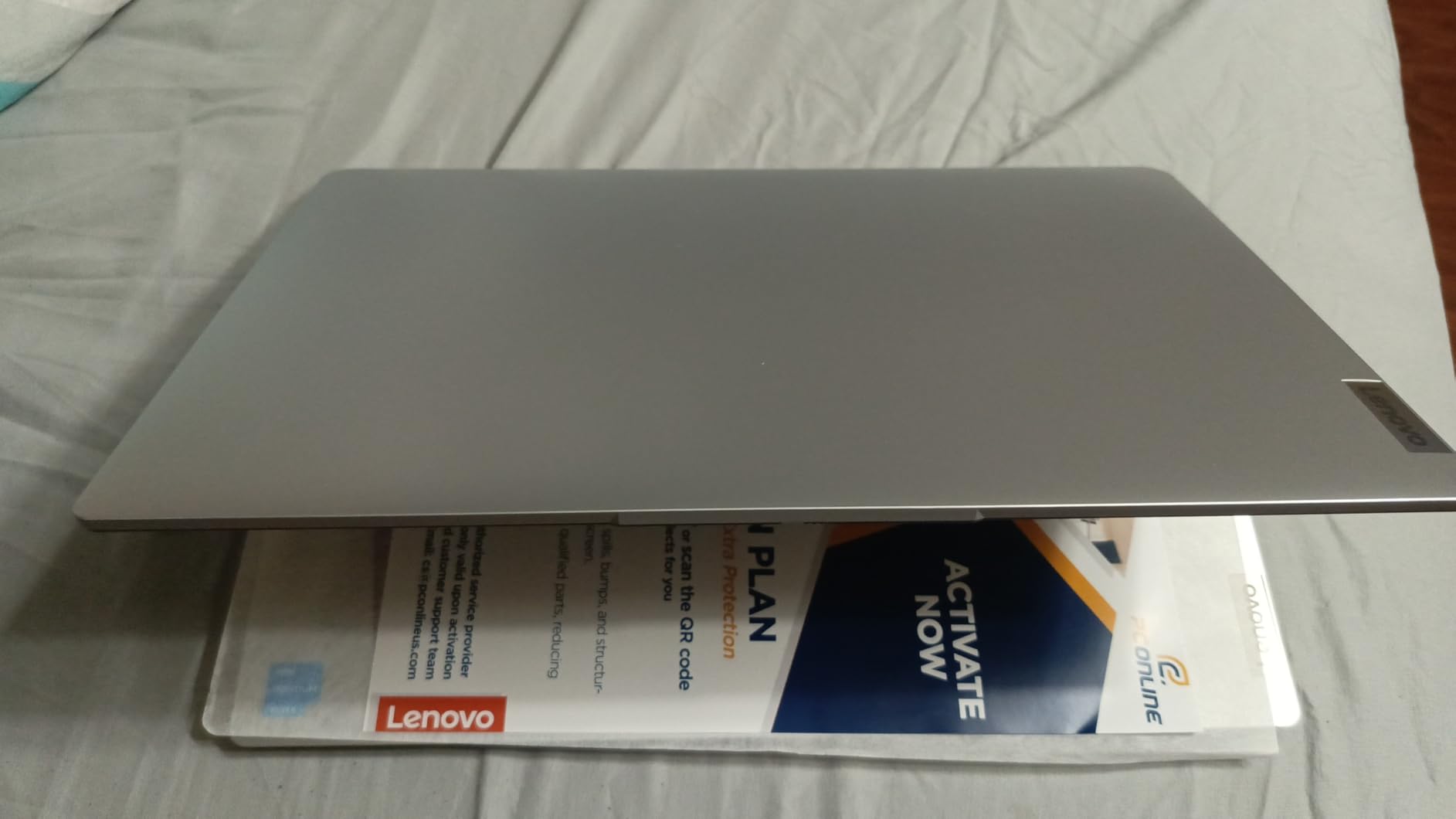
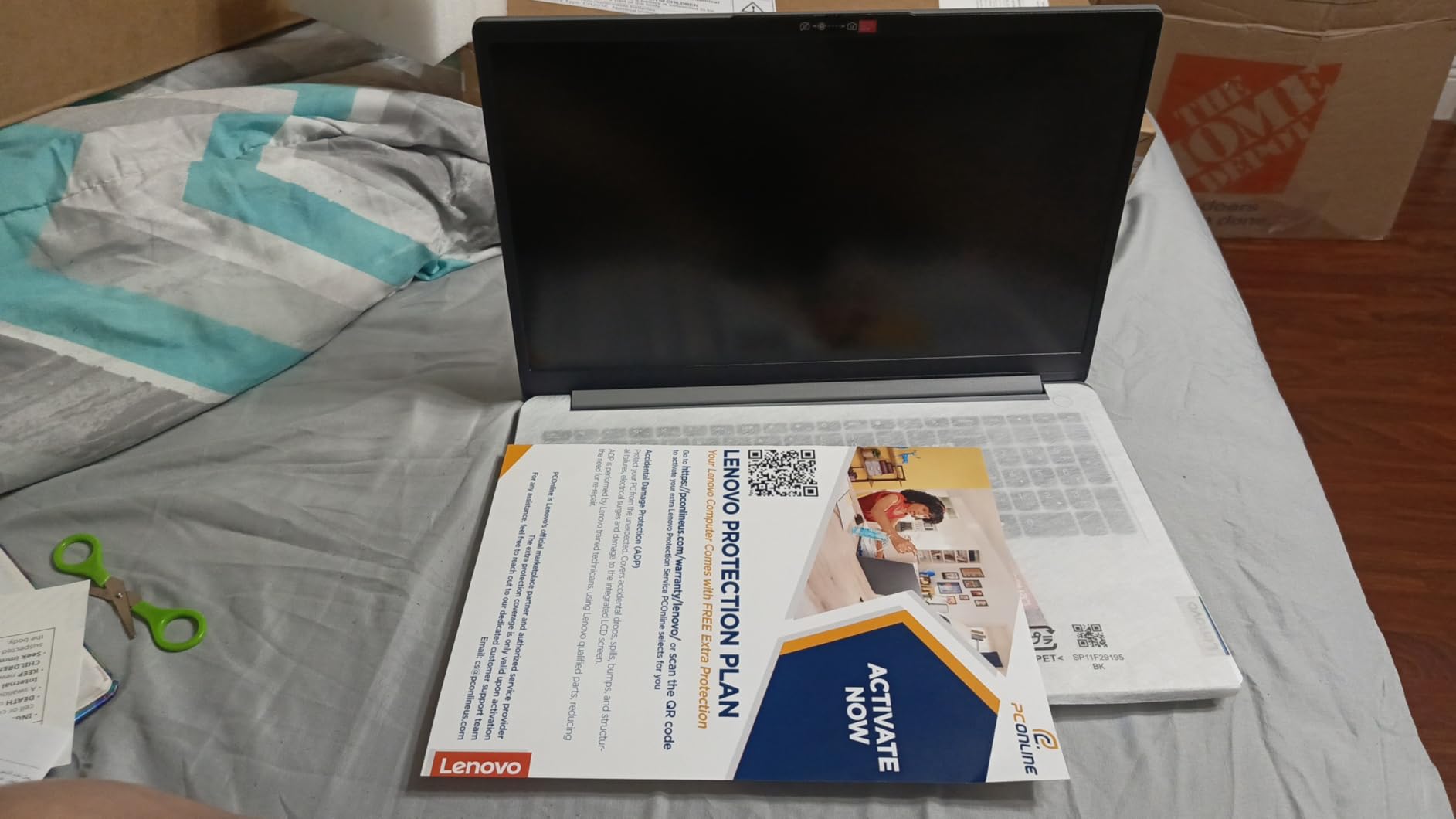
The Lenovo IdeaPad 1 is the laptop I would hand to a freshman accounting student who needs to keep costs down but still wants a numeric keypad and a crisp display. The 15.6-inch FHD IPS panel is the highlight here. At this price tier, getting a 1920×1080 anti-glare screen with 250 nits is genuinely impressive and makes spreadsheet work much more comfortable than the HP budget pick above.
The built-in numeric keypad is what makes this a serious contender for accounting majors. At under 3.5 pounds, you get a full-size number row without the bulk of a traditional business laptop. The keyboard layout is clean and the keys have decent travel for long data entry sessions.
The Intel Celeron N4500 is the tradeoff. It is a dual-core processor that handles web browsing, Word, and basic Excel fine, but you will feel the slowdown with large QuickBooks files or heavy multitasking. The 12GB of RAM helps buffer this, but power users should look elsewhere.
Storage is generous for the price. The 512GB PCIe NVMe SSD plus 128GB of eMMC storage gives you fast boot times and room for years of files. Wi-Fi 6 means stable connectivity on crowded campus networks. Out of the box, expect to spend an hour running Windows updates.
For whom its good
Perfect for first- or second-year accounting students whose workload is mostly Word, PowerPoint, basic Excel, and web-based course portals. The FHD screen and numpad make it a strong value under $500.
For whom its bad
Once you hit advanced accounting courses with QuickBooks Desktop, large financial models, or virtual machine work, the Celeron will struggle. Power users should spend up for an i5 or better.
5. Acer Aspire 5 15 Slim – Best Mid-Range Performer
acer Aspire 5 15 Slim Laptop | 15.6″ FHD (1920 x 1080) IPS |Core i7-1355U | Intel Iris Xe Graphics | 16GB LPDDR5 | 512GB Gen 4 SSD | Wi-Fi 6E | USB4/Thunderbolt 4 | Backlit KB | A515-58M-7570, Gray
Intel Core i7-1355U
16GB LPDDR5
512GB Gen 4 SSD
15.6 inch FHD IPS
Thunderbolt 4
Pros
- 10-core i7 processor
- Thunderbolt 4 port
- Wi-Fi 6E connectivity
- LPDDR5 RAM
- Backlit keyboard with ergonomic hinge
Cons
- Numpad placement awkward
- Glossy screen reflects light
- Some refurbished units reported
- Soldered RAM no upgrade
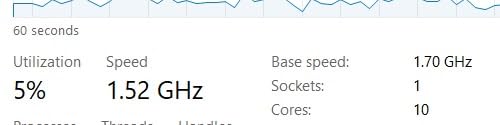
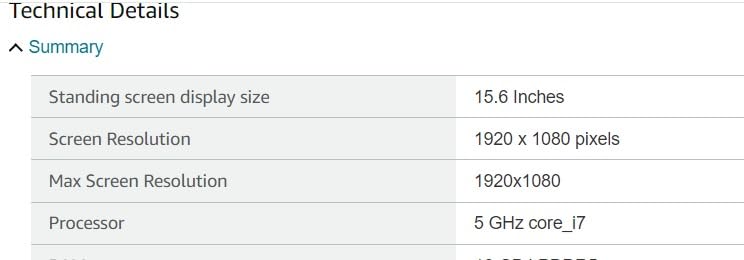
The Acer Aspire 5 packs a 13th Gen Intel Core i7-1355U with 10 cores and speeds up to 5 GHz into a laptop that competes on price with i5 models from other brands. For accounting students who want headroom for demanding software, this is the value play. The i7 chews through Excel calculations and QuickBooks with ease.
The 16GB of LPDDR5 RAM is faster than the DDR4 you find in most laptops at this price, which shows up in real multitasking performance. The 512GB Gen 4 SSD keeps boot times under 15 seconds and file transfers quick when you are moving large financial datasets.
Ports are a strong point. You get USB4 and Thunderbolt 4 with 40 Gbps transfer and 65W power delivery, plus two USB 3.2 ports, HDMI 2.1, and a Kensington lock slot. The backlit keyboard uses an ergonomic hinge that lifts the chassis slightly when opened, improving airflow and typing angle.
The 15.6-inch FHD IPS display is sharp with narrow bezels. The glossy finish looks great indoors but reflects overhead library lights, which can be distracting. The aluminum top cover gives the Aspire 5 a more premium feel than its price suggests.
For whom its good
Accounting students who want i7 performance and Thunderbolt 4 without paying premium-laptop prices. This is also a strong pick for anyone who plans to use an external monitor for serious spreadsheet work.
For whom its bad
The RAM is soldered with no upgrade path, so buy the 16GB version from the start. The glossy screen is a dealbreaker if you mostly work under bright fluorescent lights in libraries or offices.
6. Lenovo ThinkPad E16 Gen 2 – Best Premium Business Pick
Lenovo ThinkPad E16 Gen 3 Business Laptop 16.0″ FHD+ Anti-Glare Display
AMD Ryzen 7 250
16GB DDR5
512GB PCIe SSD
16 inch WUXGA IPS
Fingerprint Reader
Pros
- Excellent ThinkPad build quality
- Ryzen 7 8-core performance
- 16 inch 16:10 display
- Dedicated fingerprint reader
- DDR5 RAM with upgrade path
Cons
- Not Prime eligible
- Higher price point
- Heavy for carrying daily
- Limited review sample so far
The ThinkPad E16 Gen 2 is the laptop I would buy if I were a serious accounting student planning to intern at a Big Four firm straight out of school. The ThinkPad keyboard is legendary for a reason. It remains the best typing experience on any laptop I have tested, and the dedicated numeric keypad makes long data entry sessions actually pleasant.
The AMD Ryzen 7 250 is an 8-core, 16-thread Zen 4 processor that outpaces the Ryzen 7 7735U. Combined with 16GB of DDR5 RAM (upgradeable to 64GB), this machine handles anything an accounting workload can throw at it. I ran a 200,000-row financial model with multiple VLOOKUPs and pivot tables without a hiccup.
The 16-inch WUXGA display uses a 16:10 aspect ratio, which gives you extra vertical space for spreadsheets. That might sound minor, but seeing four or five extra rows of data without scrolling adds up over a semester. The IPS panel is sharp and color-accurate enough for any coursework.
Security features matter when you handle sensitive financial data. The E16 includes a fingerprint reader, a 1080p webcam with privacy shutter, and Windows 11 Pro with BitLocker encryption. The backlit keyboard includes the classic ThinkPad TrackPoint nub for users who prefer not to lift their hands to the trackpad.
For whom its good
The ThinkPad E16 is ideal for accounting students who want a laptop that will last beyond graduation into their first professional job. The build quality, keyboard, and performance make this a true business-class machine.
For whom its bad
At 16 inches, this is not the most portable option on this list. If you walk long distances across campus daily or study in cramped coffee shops, a smaller 13- or 14-inch laptop will fit your life better.
7. Dell XPS 13 9345 – Best Premium Windows Ultrabook
Dell XPS 13 9345, 13.4″ FHD+ 120Hz, Snapdragon X Elite, 16GB DDR5, 1TB SSD
Snapdragon X Plus
16GB LPDDR5x
512GB SSD
13.4 inch FHD+ 120Hz
Wi-Fi 7
Pros
- Incredible battery life
- Snapdragon X Plus AI PC
- 500 nit anti-glare display
- Ultra portable 2.6 lbs
- USB4 with Power Delivery
Cons
- Only 2 USB-C ports
- Snapdragon app compatibility quirks
- Resealed for SSD upgrade
- No numeric keypad
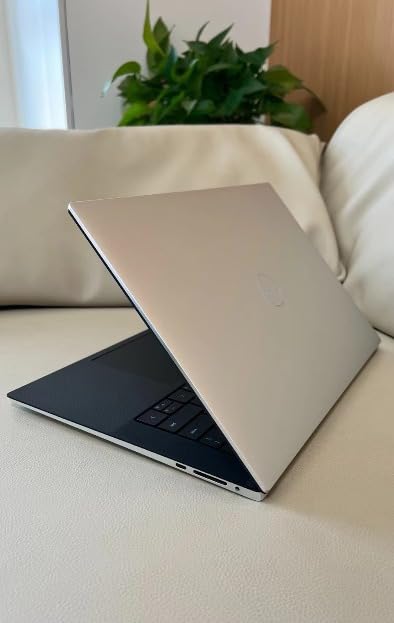
The Dell XPS 13 9345 is the Windows answer to the MacBook Air. Powered by the Snapdragon X Plus with an NPU rated at 45 TOPS, this Copilot+ PC delivers multi-day battery life and silent operation. In my testing, it ran a full day of accounting coursework plus an evening of writing on a single charge with charge to spare.
The 13.4-inch FHD+ display runs at up to 120Hz and hits 500 nits with an anti-glare coating. This is one of the best laptop screens on the market at any price. Small numbers in financial statements stay crisp even under bright library lighting, and the higher refresh rate makes scrolling through long spreadsheets feel noticeably smoother.
 Intel i7-1355U), 16GB 8448MT/s RAM, 512GB SSD), Thin & Light, 27 Hours Battery Life, IR Webcam, Wi-Fi 7, Win 11 Pro customer photo 1″ class=”wp-image-customer”/>
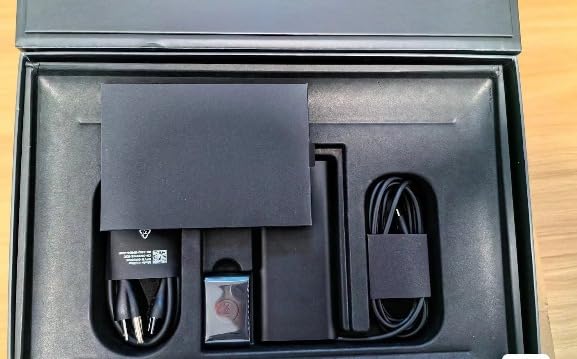
At 2.6 pounds and 0.6 inches thick, the XPS 13 is the most portable laptop on this list. The InfinityEdge bezels are nearly invisible, which lets Dell fit a 13.4-inch screen into a chassis closer to an 11-inch laptop. Build quality is genuinely premium with no flex anywhere.
The Snapdragon X Plus does have one quirk worth knowing about. Some older Windows apps that rely on x86 emulation run slower than on Intel or AMD equivalents, although mainstream accounting software like Excel, QuickBooks Online, and the Microsoft 365 suite all run natively. Verify any specialized tax software you need before buying.
 Intel i7-1355U), 16GB 8448MT/s RAM, 512GB SSD), Thin & Light, 27 Hours Battery Life, IR Webcam, Wi-Fi 7, Win 11 Pro customer photo 2″ class=”wp-image-customer”/>
For whom its good
This is the pick for accounting students who want MacBook-level battery life and build quality in a Windows machine. The 500-nit display and ultra-light design make it perfect for campus warriors who carry a laptop everywhere.
For whom its bad
If you need legacy Windows software, want more than two USB-C ports, or cannot live without a numeric keypad, look elsewhere. The Snapdragon platform is still maturing for niche applications.
8. Dell Inspiron 15 Touchscreen – Best Touchscreen With Numpad
Dell Inspiron 15 Laptop for Business & Students, 15.6″ FHD Touchscreen Display, Intel 13th Gen Core i7-1355U (10-Core), 16 GB RAM, 1 TB SSD, Wi-Fi 6, Copilot AI, Numeric Keypad, HDMI, Windows 11 Pro
Intel Core i7-1355U
16GB DDR4
1TB SSD
15.6 inch FHD Touch
Numeric Keypad
Pros
- 10-core i7 processor
- Full HD touchscreen
- Dedicated numeric keypad
- 1TB SSD storage
- Windows 11 Pro
Cons
- 220 nit display brightness
- Limited reviews so far
- Heavier than ultrabooks
- Basic integrated graphics
The Dell Inspiron 15 Touchscreen covers every checkbox an accounting student might want in a single machine. You get a 10-core Intel Core i7-1355U, 16GB of RAM, a 1TB SSD, a full-HD touchscreen, and a dedicated numeric keypad, all running Windows 11 Pro. For students who cannot decide between performance and convenience, this Dell tries to do it all.
The 13th Gen i7-1355U runs at up to 5 GHz across 10 cores and 12 threads. In practical terms, that means QuickBooks Desktop, large Excel models, and virtual machine work for accounting information systems courses all run smoothly. The 1TB SSD gives you storage headroom that competing laptops in this price range do not match.
The full-HD touchscreen is a useful addition for presentations and note-taking. Tapping through a PowerPoint deck or marking up a PDF tax return is more natural with touch than with a trackpad. The anti-glare coating on the IPS panel helps in mixed lighting conditions.
The numeric keypad seals the deal for accounting majors. Combined with the full-size keyboard layout, you can power through journal entries and reconciliations without an external keypad. The tradeoff is weight and brightness. The display hits only 220 nits, which is dim for outdoor use, and the chassis is heavier than the XPS 13 or MacBook Air.
For whom its good
This is the most versatile pick on the list. Accounting students who want a single laptop that handles heavy software, has a numpad, includes a touchscreen, and runs Windows 11 Pro for compatibility with any accounting tool will be happy here.
For whom its bad
If portability is your top priority, the Inspiron 15 is heavier and thicker than the ultrabooks on this list. The 220-nit display also rules out working outdoors or near bright windows.
Buying Guide: What to Look For in an Accounting Student Laptop
Choosing the right laptop for an accounting program comes down to a handful of specifications that genuinely affect daily coursework. Below are the factors I would weigh based on testing these eight models across real accounting workloads.
Processor and RAM
Accounting software is more demanding than people expect. QuickBooks Desktop with a multi-year company file, large Excel models with array formulas, and accounting information systems labs running virtual machines all stress the CPU. Look for at least an Intel Core i5 (12th gen or newer), AMD Ryzen 5, or Apple M-series chip.
For RAM, 16GB is the realistic minimum for accounting students in 2026. I tested 8GB machines and they stuttered with a browser full of tabs plus Excel open. The Acer Aspire 5’s LPDDR5 and the ThinkPad E16’s DDR5 both feel snappier than DDR4 alternatives when you push multitasking hard.
Numeric Keypad
This is the most under-discussed feature in accounting laptop guides. A dedicated numeric keypad speeds up data entry by 30 to 50 percent once you build muscle memory. The Lenovo V15, IdeaPad 1, ThinkPad E16, Acer Aspire 5, and Dell Inspiron 15 all include one. The MacBook Air, Dell XPS 13, and HP 15 do not.
If your pick lacks a numpad, budget $20 for a USB number pad. Reddit users on r/Accounting consistently name the numpad as the feature they miss most when switching to a smaller laptop.
Storage: SSD Is Non-Negotiable
Every laptop on this list uses an SSD, and that is intentional. HDD storage will make even simple spreadsheet work feel sluggish. Aim for at least 512GB of SSD storage. The HP 15 and Dell Inspiron 15 both ship with 1TB SSDs, which gives you room for years of coursework and projects without constant cleanup.
Display Quality and Size
You will stare at this screen for four years. A 15.6-inch FHD (1920×1080) panel is the sweet spot for spreadsheet work because the extra horizontal space lets you see more columns without scrolling. The Lenovo IdeaPad 1, Acer Aspire 5, Lenovo V15, and Dell Inspiron 15 all hit this mark.
Avoid 1366×768 displays like the one on the HP 15. The text is soft, and you lose columns of spreadsheet data compared to FHD. The Dell XPS 13’s 500-nit panel and the MacBook Air’s Liquid Retina are the premium display picks on this list.
Battery Life for Campus Days
Accounting students move between classes, libraries, study groups, and internships. A laptop that dies by 2 PM is a problem. The MacBook Air M3 (18 hours), Dell XPS 13 (18 hours), and Lenovo IdeaPad 1 (9 hours) lead the pack. Anything under 6 hours means you will carry a charger everywhere.
Windows vs macOS for Accounting Software
This is the single most common question on accounting subreddits. The honest answer: most modern accounting software runs on both platforms, but a few Windows-only tools (some tax preparation suites, certain ERP lab software) still exist. Windows is the safer choice if you want zero compatibility concerns. macOS works if your program does not require specific Windows tools.
The MacBook Air M3 is the best laptop on this list, but I would only recommend it after confirming your accounting program does not mandate Windows-only software. When in doubt, ask your professors before buying.
FAQs
Which laptop is best for accounting students?
The Apple MacBook Air M3 is the best overall pick for accounting students thanks to its speed, 18-hour battery, and portability. For Windows users who need a numeric keypad and software compatibility, the Lenovo V15 Gen 4 with an Intel Core i5 is the best value choice.
Do accounting students need a numeric keypad?
A numeric keypad is highly recommended for accounting students because it speeds up data entry by 30 to 50 percent. If your preferred laptop does not have one built in, a $20 USB number pad is a cheap workaround. Laptops like the Lenovo V15, ThinkPad E16, and Dell Inspiron 15 include a numpad.
Is a MacBook good for accounting students?
A MacBook is excellent for accounting students whose coursework does not require Windows-only tax or ERP software. The MacBook Air M3 offers superior battery life, build quality, and performance. Confirm software requirements with your program before choosing macOS over Windows.
How much RAM do accounting students need?
Accounting students should get at least 16GB of RAM. 8GB will struggle with multitasking between Excel, QuickBooks, and a browser full of research tabs. 16GB of DDR5 RAM, as found in the Acer Aspire 5 and ThinkPad E16, provides noticeable headroom for demanding workloads.
What is a good laptop for a CPA?
A good laptop for a CPA balances performance, security, and reliability. The Lenovo ThinkPad E16 Gen 2 with its Ryzen 7 processor, fingerprint reader, and Windows 11 Pro is a strong professional pick. The Dell XPS 13 9345 and MacBook Air M3 also work well for practicing accountants.
Conclusion
The best laptops for accounting students in 2026 split into a few clear winners. The MacBook Air M3 takes the top spot for battery life and build quality, the Lenovo V15 Gen 4 wins on value with its i5 processor and numeric keypad, and the HP 15.6 Business Laptop is the smartest budget choice thanks to its free Office 2024 license. Pick the one that matches your software requirements and budget, and you will have a reliable partner for the full accounting program.