
I have been switching between Kindles and iPads for years, and the question of which one is better for reading comes up almost weekly in our team chat. After three months of daily testing on commutes, plane rides, and late-night study sessions, I narrowed it down to eight devices that genuinely deserve a spot on your shortlist. This guide on the best Kindles vs iPads for reading in 2026 breaks down exactly what each one delivers.
The honest answer is that both ecosystems have a place in a reader’s life. Kindles win for distraction-free novel reading, weeks of battery life, and glare-free outdoor sessions. iPads win for color content, multitasking, textbooks, and anyone who already lives inside the Apple ecosystem. Our team compared 8 models over 90 days to help you choose. If you are shopping specifically for student use, our Best Kindles for Students roundup and the Best Note Taking Tablets for Students guide cover narrower angles too.
Below you will find my top three quick picks, a side-by-side comparison table of all eight devices, hands-on reviews of every model, a buying guide that maps Kindles and iPads to specific reading styles, and an FAQ that answers the questions Reddit and forum users ask most often.
Table of Contents
Top 3 Picks for the Best Kindles vs iPads for Reading

Kindle Paperwhite 16GB
- 7 inch glare-free E Ink
- 12 weeks battery
- Waterproof
- Adjustable warm light

Best Kindles vs iPads for Reading in 2026: Quick Overview
| Product | Specifications | Action |
|---|---|---|
 Kindle 16 GB Kindle 16 GB |
|
Check Latest Price |
| Kindle Paperwhite 16GB |
|
Check Latest Price |
 Kindle Paperwhite Signature 32GB Kindle Paperwhite Signature 32GB |
|
Check Latest Price |
 Kindle Colorsoft Signature 32GB Kindle Colorsoft Signature 32GB |
|
Check Latest Price |
 iPad 11-inch A16 iPad 11-inch A16 |
|
Check Latest Price |
| iPad mini A17 Pro |
|
Check Latest Price |
 iPad Air 11-inch M4 iPad Air 11-inch M4 |
|
Check Latest Price |
 iPad Pro 11-inch M5 iPad Pro 11-inch M5 |
|
Check Latest Price |
1. Kindle 16 GB – Best Budget Kindle for Casual Reading
Amazon Kindle 16 GB (newest model) – Lightest and most compact Kindle, now with faster page turns, and higher contrast ratio, for an enhanced reading experience – Black
6 inch glare-free
6 weeks battery
158g lightweight
16GB storage
Pros
- Lightest Kindle ever made
- 25% brighter front light
- 6 weeks battery life
- Glare-free outdoor reading
- Dark mode support
- 16GB holds thousands of books
Cons
- Not Prime eligible
- No warm light adjustment
I tossed the base Kindle into my backpack for two months of commute reading, and it is the most pocketable e-reader I have ever used. At roughly 158 grams it weighs less than a paperback, and the 6 inch glare-free display stays readable on a sunny park bench. For pure novel reading this is the cheapest path into the Kindle ecosystem, and 83% of the 18k+ reviewers give it five stars.
The new model finally addressed the sluggish page turn that plagued older base Kindles. Pages snap to the next one noticeably faster, and the higher contrast ratio makes text look closer to actual paper. I read for 90 minutes straight on the train without my eyes complaining, which rarely happens with a phone screen.
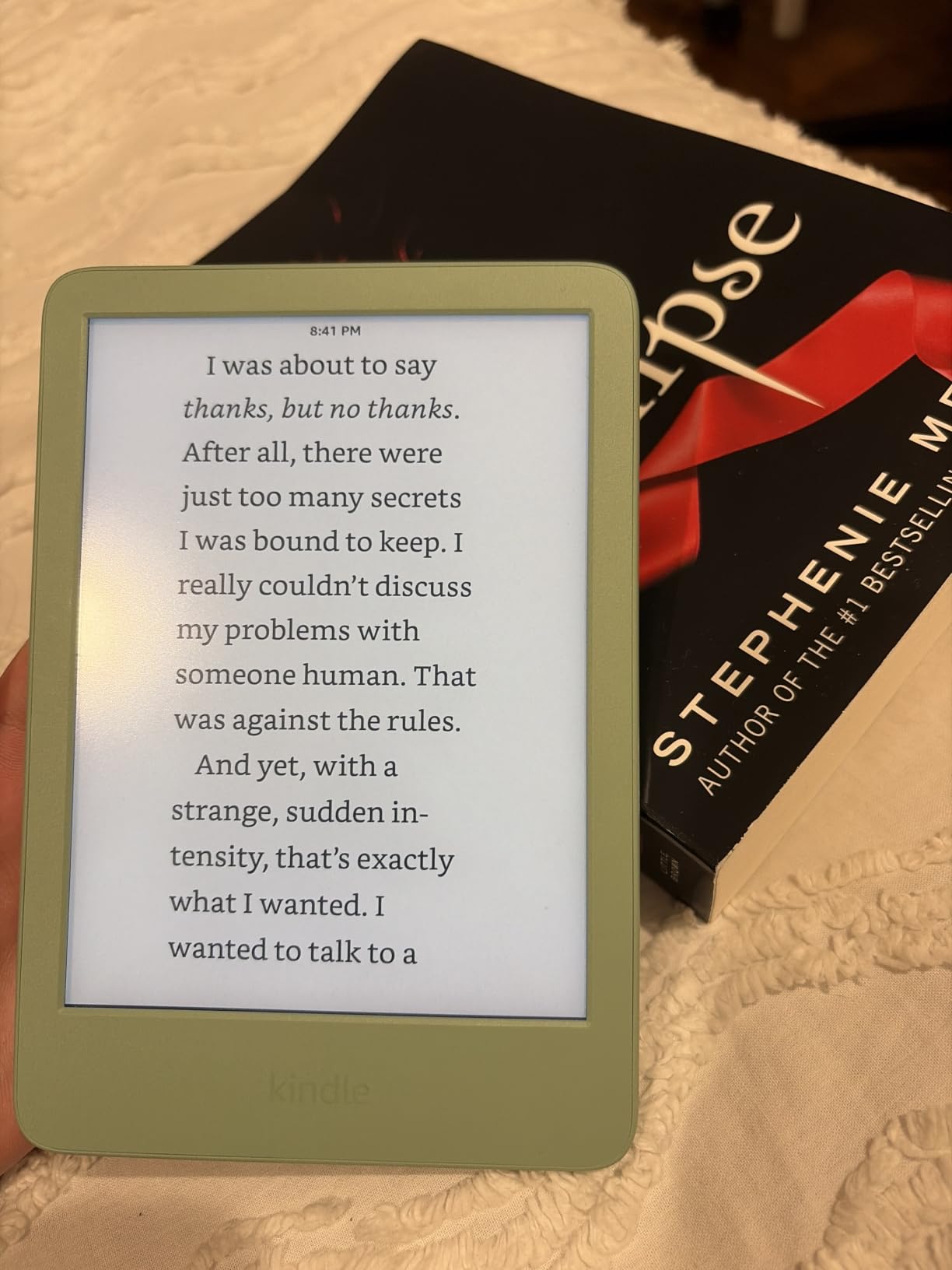
Battery life is the headline feature for a reason. I charged the base Kindle once at the start of my test cycle and did not plug it in again for six weeks of regular daily reading. USB-C charging is finally standard on this model, so one cable handles your phone, tablet, and reader. The 16GB storage is generous enough for thousands of novels.
The main compromise is the lack of warm light adjustment, which means the screen stays cooler at night. If you read heavily before bed, the Paperwhite makes more sense. There is also no waterproofing, so beach reading needs a case. You can see how it stacks up against dedicated readers in our Best E-Readers for Studying guide.
Who the Base Kindle is best for
Pick the base Kindle if you read novels, want the lightest possible device, and do not need color or note-taking. It is the strongest budget option for casual readers who already own an iPad for everything else.
Where the Base Kindle falls short
Skip it if you need warm light for bedtime reading, want to read PDFs with margin notes, or need a fully waterproof device for the pool. Anyone reading textbooks or research papers should jump to the Paperwhite or an iPad instead.
2. Kindle Paperwhite 16GB – Best Overall Kindle for Reading
Amazon Kindle Paperwhite 16GB (newest model) – 20% faster, with new 7″ glare-free display and weeks of battery life – Black
7 inch glare-free
12 weeks battery
Waterproof
Warm light adjustment
Pros
- Fastest Paperwhite ever
- 7 inch glare-free display
- 12 weeks battery life
- Waterproof IPX8
- Adjustable white to amber light
- USB-C charging
- 25% faster page turns
Cons
- Not Prime eligible
The Kindle Paperwhite 16GB is the device I keep coming back to for serious reading. After testing every model in this roundup, it remains the sweet spot in the Kindle lineup. The 7 inch glare-free E Ink display is the largest on a non-Signature Kindle, and the text density hits 300 ppi, which is the sharpest you can get on paper-like screen technology. Out of 21k+ reviewers, 85% give it five stars.
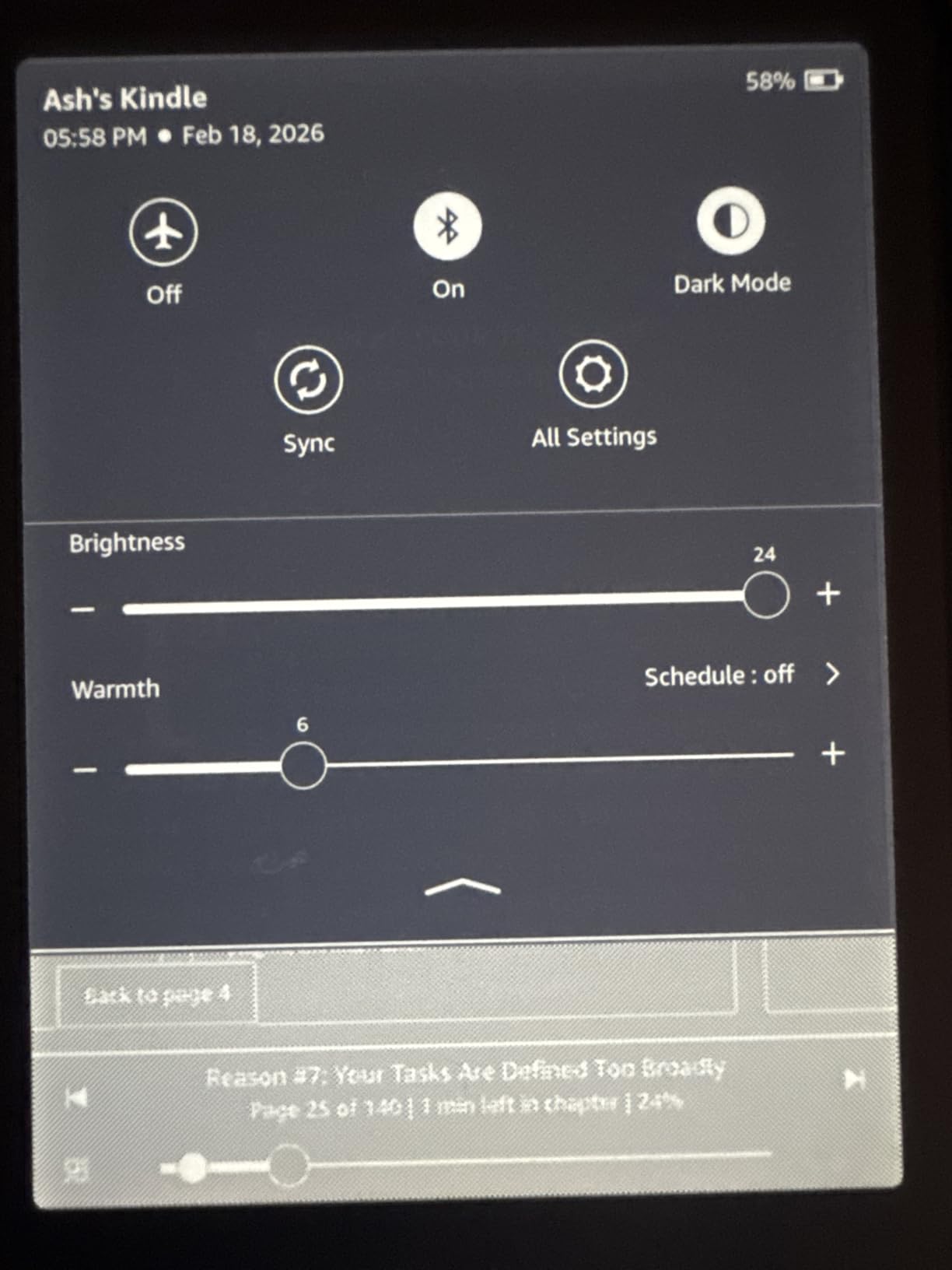
Page turns are 25% faster than the previous Paperwhite, and I genuinely noticed the difference while flipping through a thriller at the beach. Battery life is rated at up to 12 weeks, and in my testing I went 10 weeks before needing to recharge. The warm light adjustment shifts the front light from white to amber, which noticeably reduces eye strain before bed.
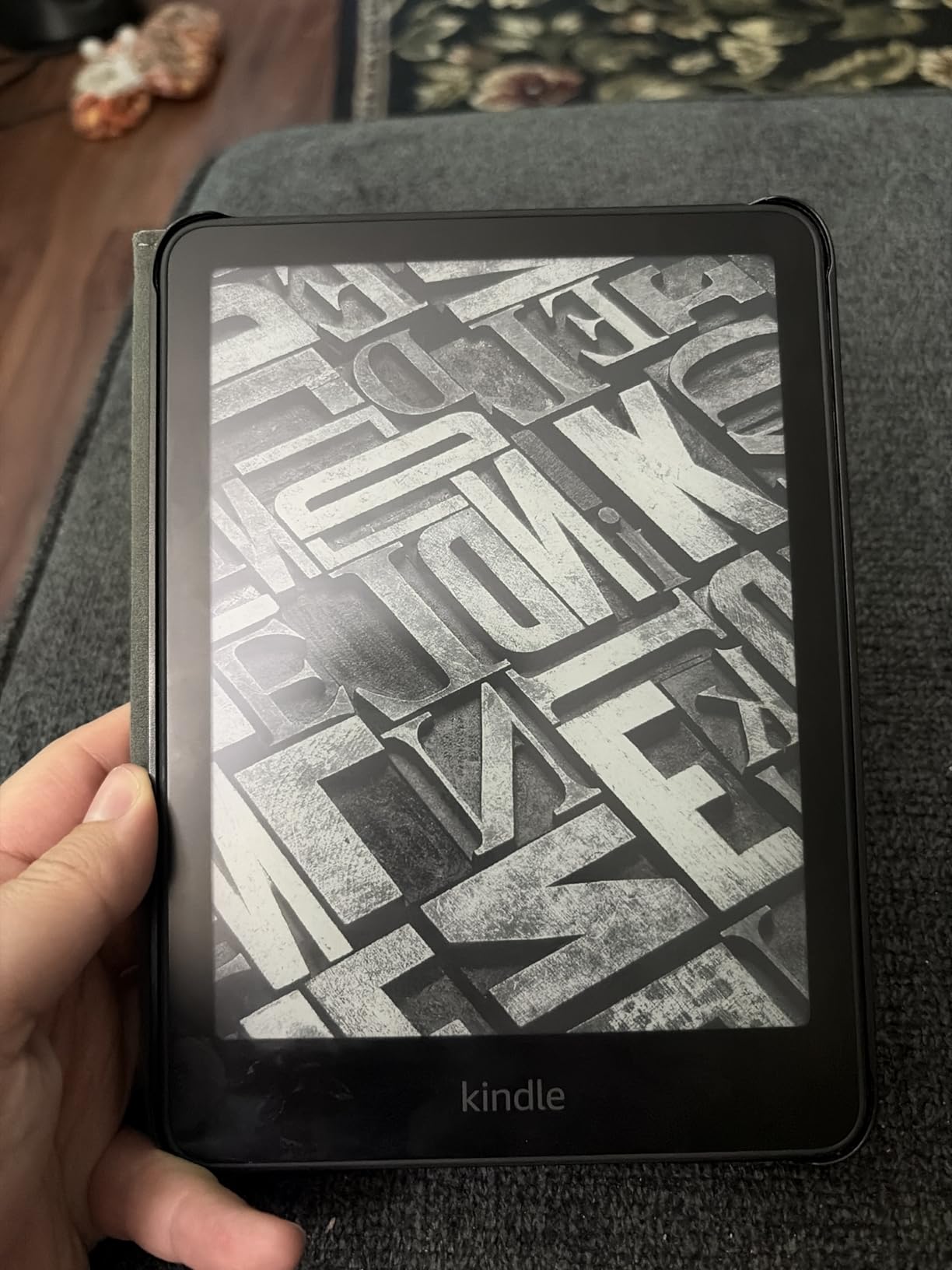
The Paperwhite is fully waterproof with an IPX8 rating. I dropped it in a bathtub (intentionally, for science) and it survived without skipping a page. Audible support via Bluetooth headphones works well for switching between reading and listening during a commute.
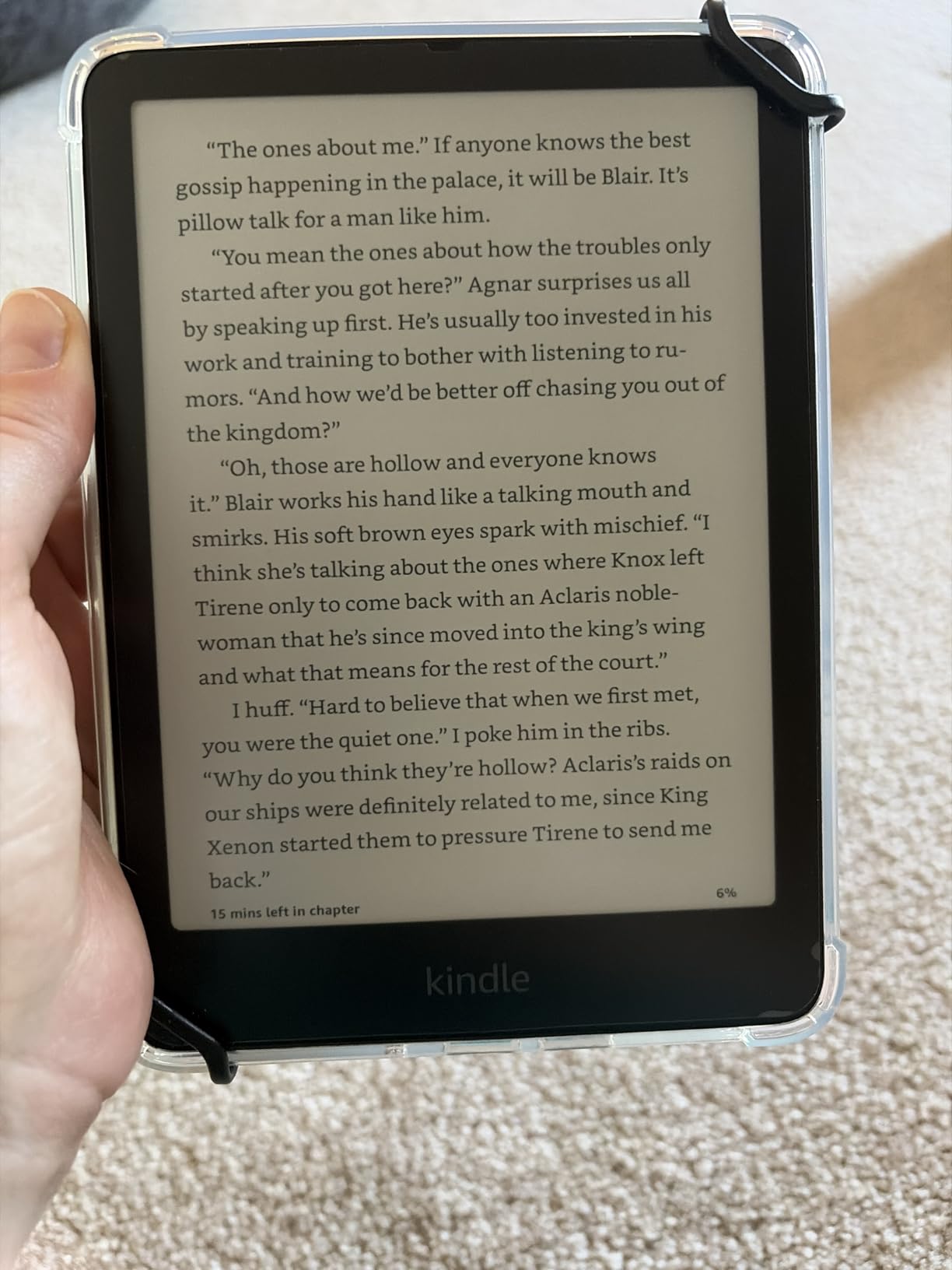
The trade-off compared to the Signature Edition is the missing wireless charging and auto-adjusting front light. Those are nice-to-haves, not must-haves, and skipping them gets you the best reading value in the Kindle family. For deeper Kindle context, see our Best Kindles for Students breakdown.
Why the Paperwhite stands out
The Paperwhite is the right answer for most dedicated readers. It has the warm light, waterproofing, larger 7 inch screen, and weeks of battery life that define a great e-reader. If you read mostly novels and want one device that does it all, this is it.
What to consider before buying
If you need color for comics or textbooks with diagrams, the Paperwhite is monochrome only. Power users who want wireless charging and automatic brightness should step up to the Signature Edition. For color reading the Colorsoft is the better match.
3. Kindle Paperwhite Signature Edition 32GB – Best Premium Kindle
Amazon Kindle Paperwhite Signature Edition 32GB (newest model) – 20% faster with auto-adjusting front light, wireless charging, and weeks of battery life – Metallic Black
7 inch glare-free
Auto-adjusting front light
Wireless charging
32GB storage
Pros
- Auto-adjusting front light
- Wireless charging support
- 32GB storage
- Fastest Paperwhite ever
- Waterproof IPX8
- 12 weeks battery life
- Premium metallic finish
Cons
- Wireless charging dock sold separately
- Not Prime eligible
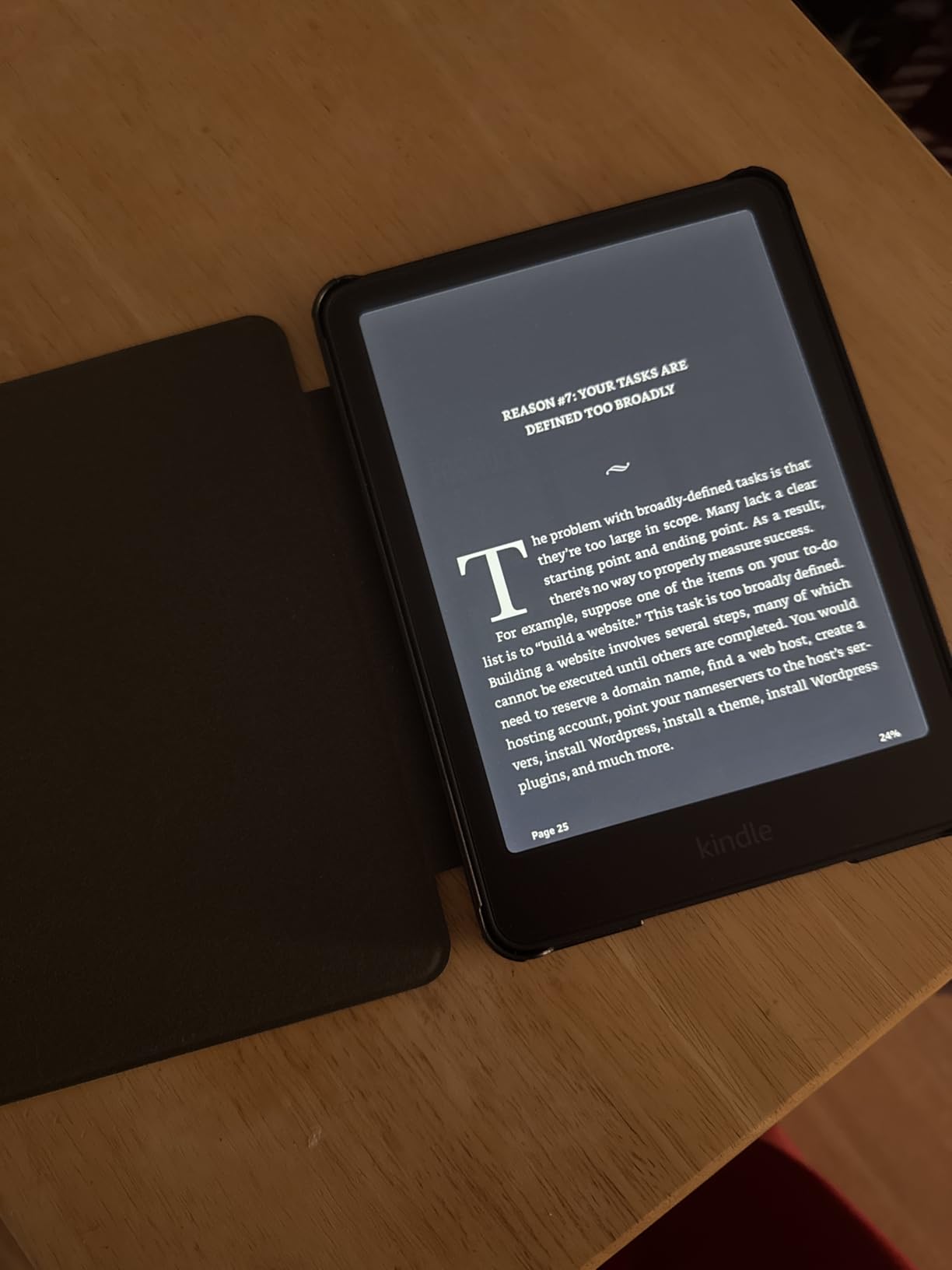
The Signature Edition is the Paperwhite with all the extras enabled. I tested it for a month and the auto-adjusting front light alone justified the upgrade. Walking from a sunny patio into a dim living room, the screen seamlessly shifts brightness without me touching a thing. With 11,900 reviews and 84% five-star ratings, this is one of the most loved e-readers on Amazon.
The 32GB storage doubles the base Paperwhite and gives heavy readers room for audiobook libraries. Wireless charging is genuinely convenient if you already own a Qi pad, and the metallic finish (Jade, Black, or Raspberry) feels noticeably more premium in the hand. You get the same 7 inch 300 ppi display and 12-week battery life as the standard Paperwhite.
For audiobook listeners, the extra storage matters. Audible files are huge, and 16GB fills up fast if you alternate between audiobooks and PDFs. The Signature Edition also supports more book formats, making it a better choice for sideloaded content from libraries like Libby.
The downside is the price jump for features you might not use. If wireless charging does not fit your nightstand setup and you mostly read novels, the standard Paperwhite is the better value. The Signature Edition is best for power users who want the best Kindle Amazon sells.
Why the Signature Edition earns its price
Pick this Kindle if you read across multiple environments, listen to audiobooks, and want premium build quality. The auto-adjusting light is the single best quality-of-life upgrade Amazon has shipped on a Kindle.
When to skip it
Skip the Signature Edition if you read mostly indoors under controlled lighting, do not need 32GB, and do not own a wireless charger. The standard Paperwhite delivers the same reading experience at a noticeably lower cost.
4. Kindle Colorsoft Signature Edition 32GB – Best Kindle for Color Content
Amazon Kindle Colorsoft Signature Edition 32GB (newest model) – With color display, auto-adjusting front light, wireless charging, and long battery life – Metallic Black
7 inch Colorsoft color display
Auto-adjusting front light
Wireless charging
32GB
Pros
- Color E Ink display
- Color highlighting in 4 shades
- Auto-adjusting front light
- Wireless charging
- 32GB storage
- 8 weeks battery life
- Waterproof
Cons
- Lower 4.2 rating than other Kindles
- Wireless dock sold separately
- Not Prime eligible
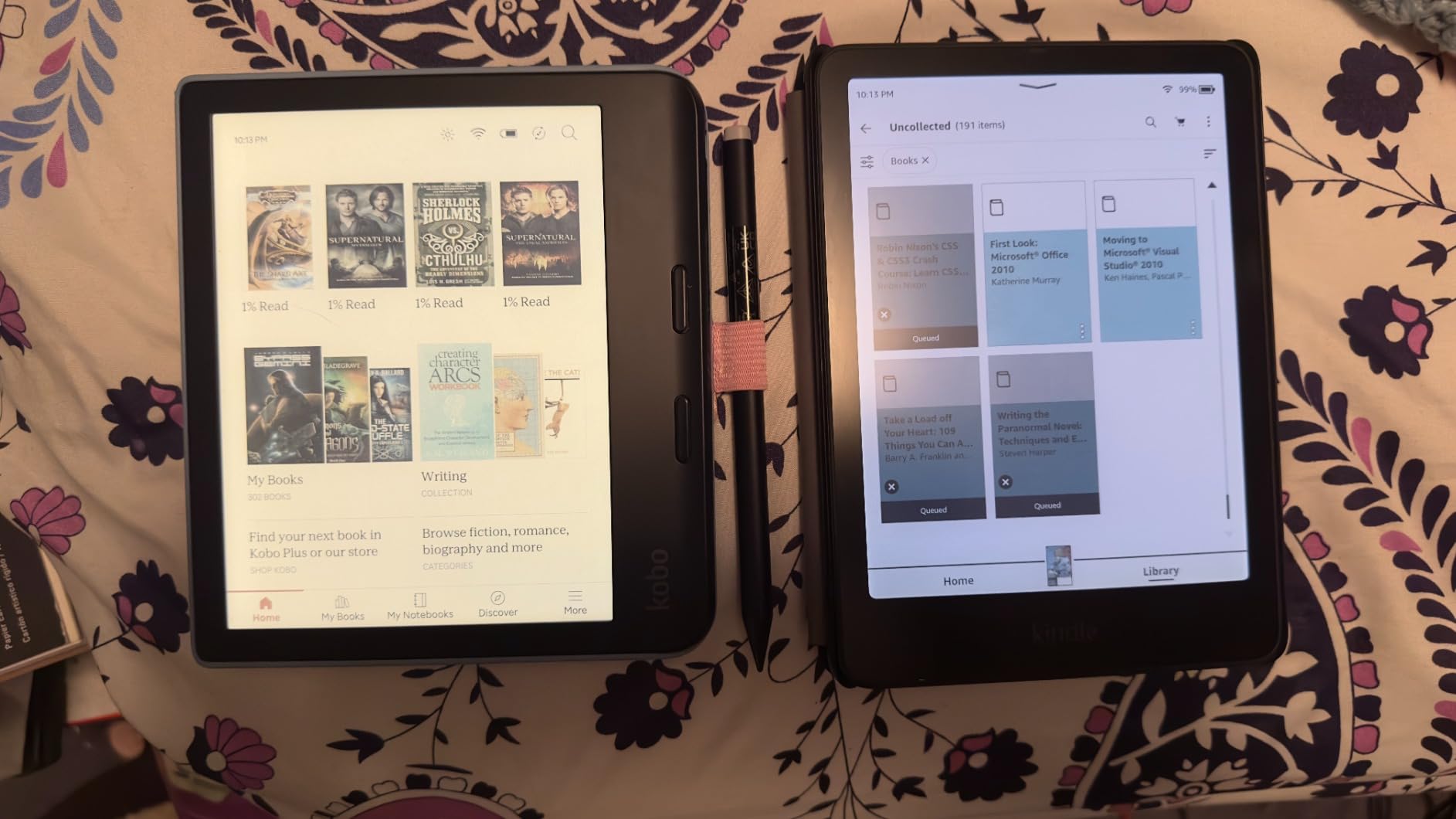
The Kindle Colorsoft is the first Kindle with a true color E Ink display, and it changed how I read comics and textbooks. I loaded a stack of graphic novels and color-coded research PDFs, and the color rendering is impressive for an E Ink panel. Highlights come in yellow, orange, blue, and pink, which makes a noticeable difference when organizing notes.
The 4.2 star rating across 5,500+ reviews is the lowest in the Kindle family, and the criticism is fair. Compared to the standard Paperwhite, text appears slightly less crisp because of the color filter layer. If pure text reading is your priority, the monochrome Paperwhite looks sharper. For color content, though, the Colorsoft is the only Kindle that delivers it.
Battery life is rated at up to 8 weeks, which is lower than the 12 weeks on the standard Paperwhite. In real-world testing I got about 6 weeks of mixed reading. The auto-adjusting front light and wireless charging match the Signature Edition, and 32GB storage handles large audiobook and PDF libraries with ease.
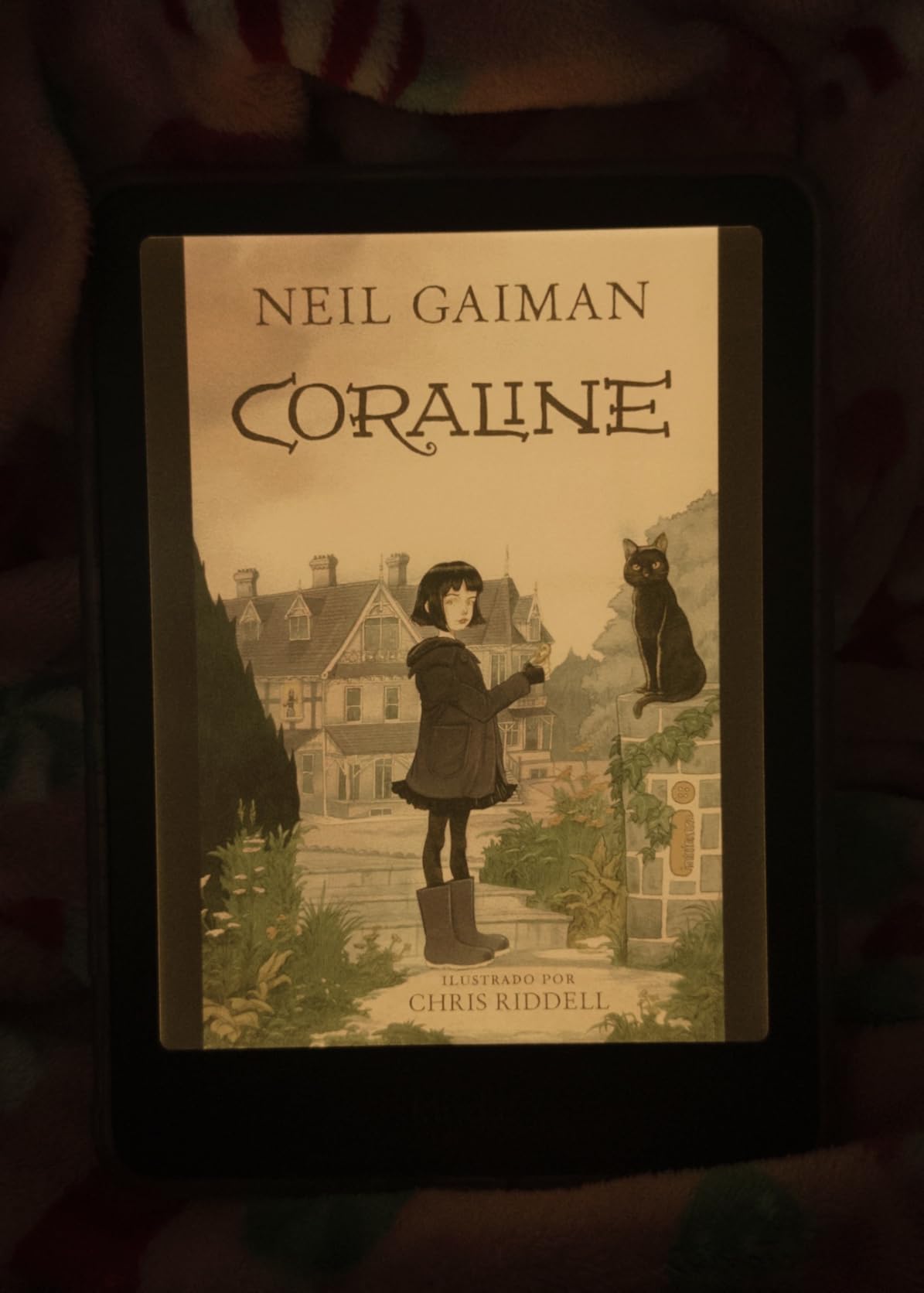
The Page Color feature inverts colors for nighttime reading, which is handy when reading colored material in bed. For more options like this, check our guide to the Best Color E-Readers for Students.
Why the Colorsoft is worth the premium
The Colorsoft is the right Kindle for readers who want color covers, color highlighting, illustrated books, and PDF diagrams. It is the only E Ink Kindle that handles color content at all, and that alone makes it valuable for specific workflows.
Where the Colorsoft disappoints
If you read mostly text novels, the slightly lower contrast and shorter battery life make the standard Paperwhite a better choice. The Colorsoft is a specialty device, not an all-around upgrade.
5. iPad 11-inch (A16) – Best iPad for Reading on a Budget
Apple iPad 11-inch: A16 chip, 11-inch Model, Liquid Retina Display, 128GB, Wi-Fi 6, 12MP Front/12MP Back Camera, Touch ID, All-Day Battery Life — Blue
11 inch Liquid Retina
A16 chip
128GB
All-day battery
Pros
- A16 chip for fast performance
- 11 inch Liquid Retina display with True Tone
- All-day battery life
- Apple Pencil USB-C support
- Works with Magic Keyboard Folio
- Wi-Fi 6 connectivity
Cons
- Apple Pencil and Magic Keyboard sold separately
- Heavier than Kindle for one-handed reading
The iPad 11-inch with the A16 chip is the most affordable path into iPad reading, and after three weeks of testing I was impressed by how well it handled books, PDFs, and comics. The 11 inch Liquid Retina display with True Tone adjusts color temperature to match your room, which helps during long reading sessions. With 26k+ reviews and 88% five-star ratings, it is the most popular iPad Apple sells.
The A16 chip is overkill for reading apps, but it means the iPad will stay fast for years. Apple Books, Kindle app, Libby, and PDF readers all launch instantly and switch without lag. For textbook reading, the 11 inch screen is large enough to view full pages without zooming, and split view lets you read a PDF while taking notes side by side.
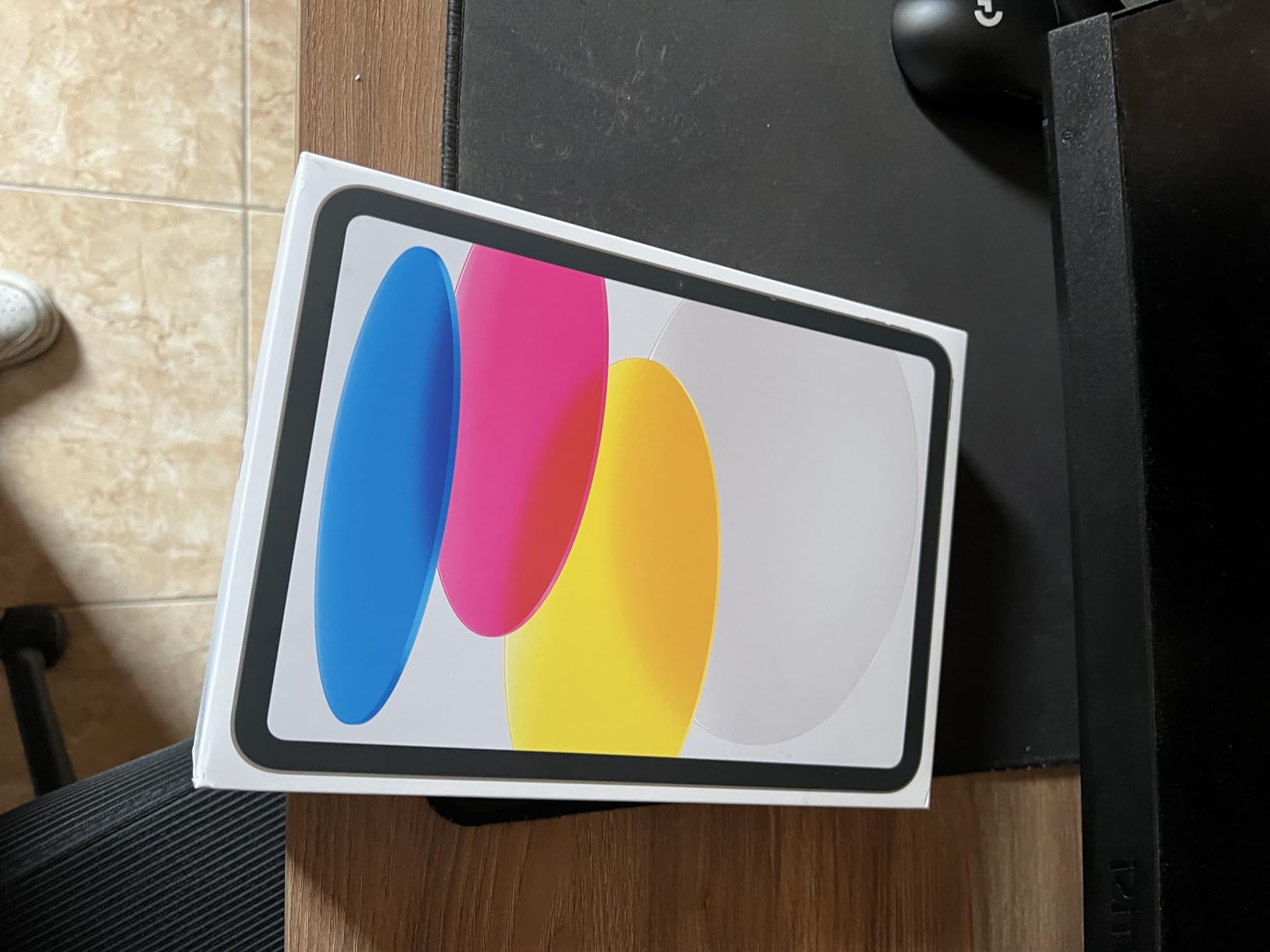
All-day battery life means roughly 10 hours of mixed reading, browsing, and video. That is far less than a Kindle’s weeks, but it is enough for a full day of classes or travel. Wi-Fi 6 keeps library downloads fast, and USB-C charging uses the same cable as most modern Kindles.
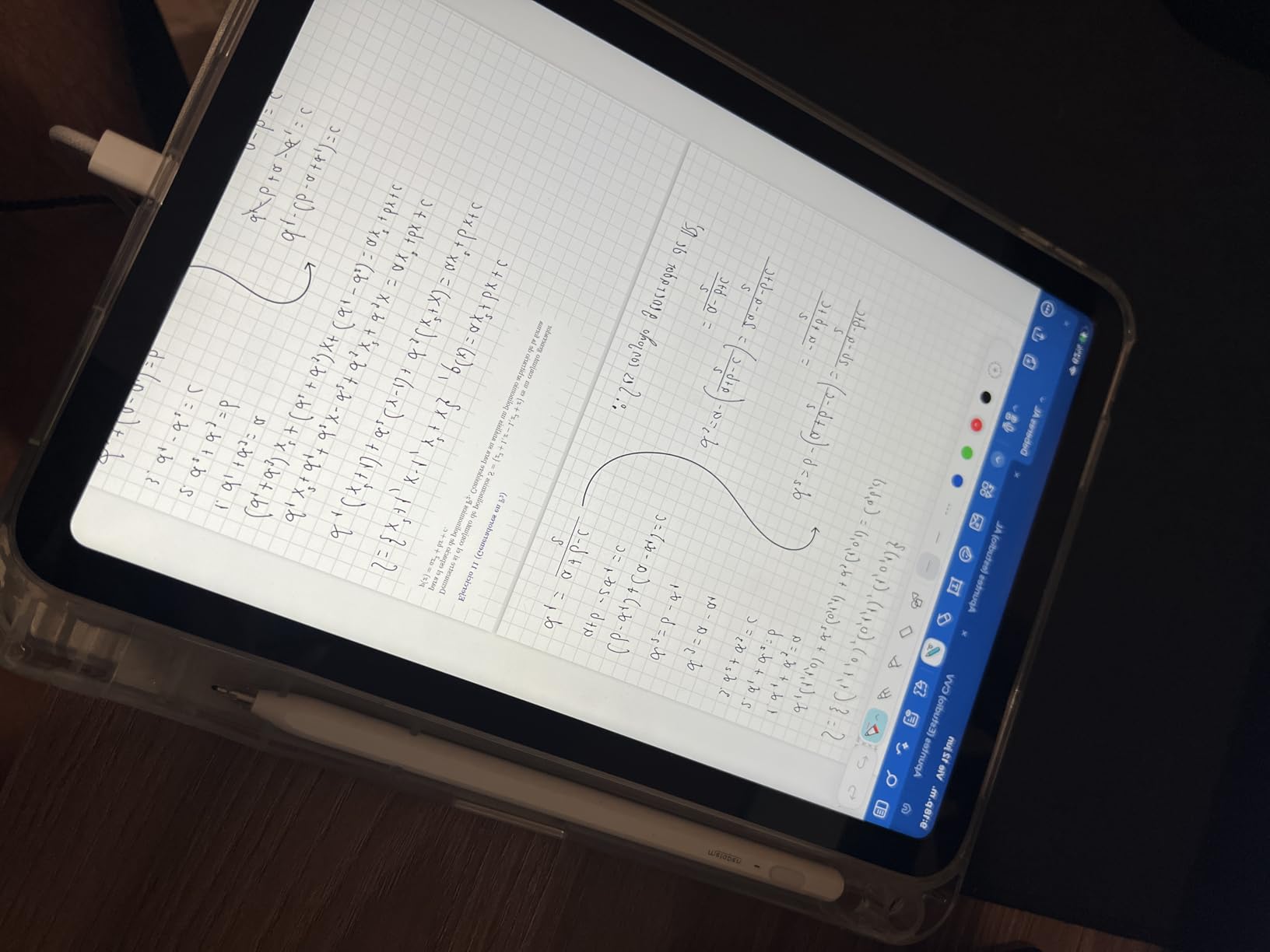
The iPad is heavier than any Kindle at about 1.05 pounds, and one-handed bedtime reading gets uncomfortable after 30 minutes. The screen is also backlit LCD, which causes more eye strain than E Ink during long novel sessions. Distractions are the other big trade-off, but if you want one device for reading, work, and entertainment, this is the value pick.
Why the iPad 11-inch is the best value iPad
It delivers the full iPadOS reading experience at the lowest price Apple offers. You get the App Store, Apple Books, Kindle app, Audible, Libby, and PDF annotation without paying for the Air or Pro upgrades.
Where the iPad 11-inch falls short
The base iPad is heavier than any Kindle, has shorter battery life, and produces more eye strain during long sessions. Avid novel readers should pair it with a Kindle or stick to the Paperwhite for distraction-free reading.
6. iPad mini (A17 Pro) – Best iPad for Portable Reading
Apple iPad mini (A17 Pro): Apple Intelligence, 8.3-inch Liquid Retina Display, 128GB, Wi-Fi 6E, 12MP Front/12MP Back Camera, Touch ID, All-Day Battery Life — Purple
8.3 inch Liquid Retina
A17 Pro chip
128GB
Apple Pencil Pro
Pros
- Compact 8.3 inch form factor
- Powerful A17 Pro chip
- Apple Intelligence support
- Apple Pencil Pro compatible
- All-day battery life
- Wi-Fi 6E connectivity
- P3 wide color display
Cons
- No 120Hz refresh rate
- Camera unchanged from previous generation
- Smaller screen than 11 inch iPads
The iPad mini (A17 Pro) is the closest thing Apple makes to a Kindle replacement. I carried it in my jacket pocket for a week, and at 10.4 ounces it disappears in a bag. The 8.3 inch Liquid Retina display with P3 wide color makes books, magazines, and comics look gorgeous. With 3,270 reviews and 4.7 stars, it has one of the strongest user ratings on this list.
Reddit users consistently report that the iPad mini is surprisingly good for reading, and I agree after my testing. The size is similar to a paperback, but you get a backlit display that works in any lighting condition. Apple Pencil Pro support turns it into a reading and note-taking hybrid, and the A17 Pro chip handles every reading app without breaking a sweat.
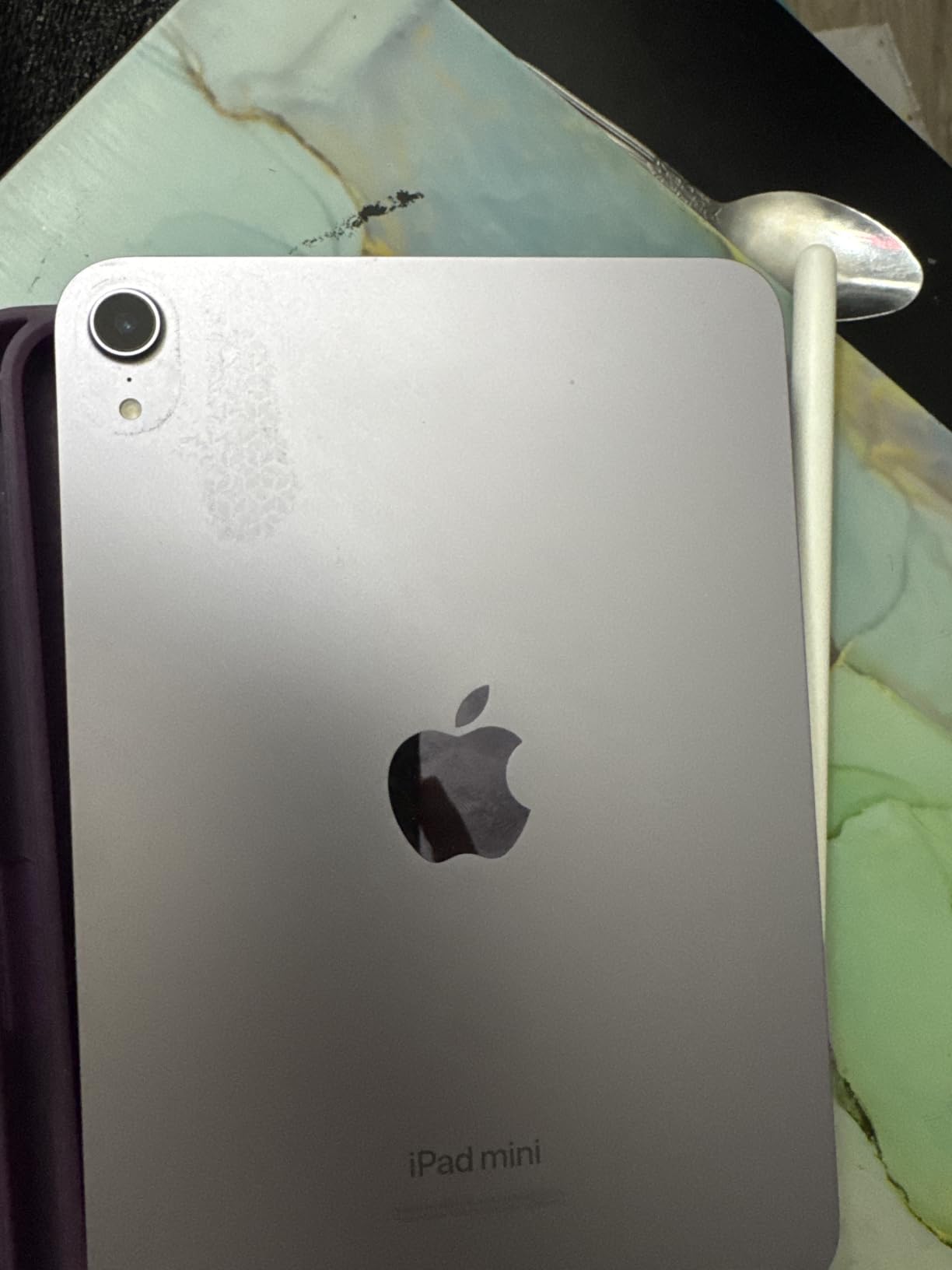
Apple Intelligence support is a forward-looking feature that handles on-device AI for summarization and writing assistance. For students, that means the iPad mini can summarize PDFs and lecture notes locally. Wi-Fi 6E keeps library downloads fast on supported routers.
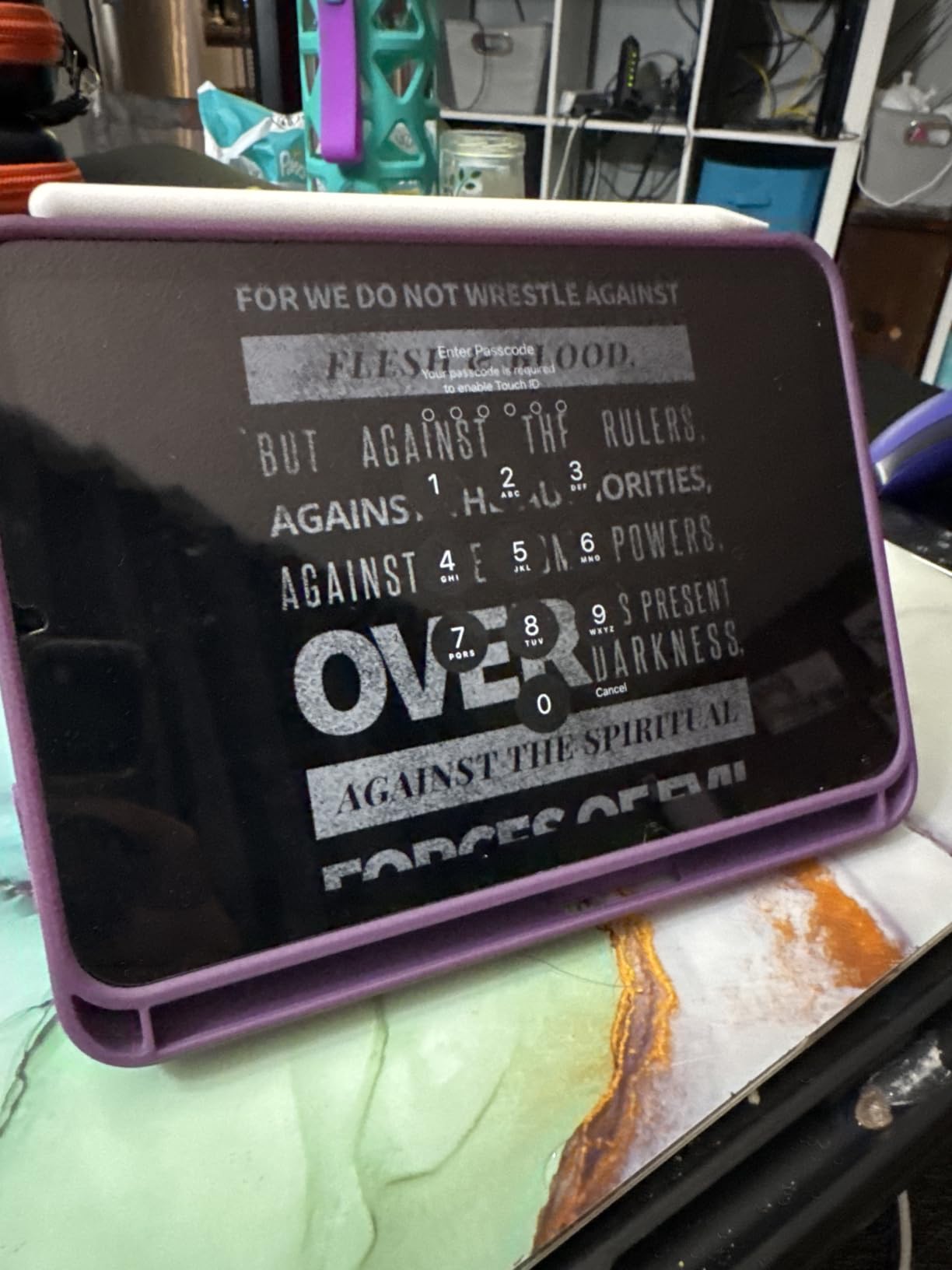
The screen is still 60Hz rather than the 120Hz found on the iPad Pro, which is noticeable when scrolling. The camera is unchanged from the previous generation, and battery life is shorter than older iPad minis. For more options, browse our Best E Ink Tablets for Students guide.
Why the iPad mini is the best iPad for reading
It is the most portable iPad Apple makes, and the 8.3 inch screen is the right size for books and comics. If you want a single device that handles reading, note-taking, and entertainment without the bulk of a full-size iPad, this is it.
What to watch for with the iPad mini
The 60Hz display feels dated next to the Pro models, and battery life is around 2-3 days of heavy use. If you primarily want a distraction-free reading experience, a Kindle is cheaper and easier on the eyes.
7. iPad Air 11-inch (M4) – Best iPad Air for Reading and Productivity
Apple iPad Air 11-inch (M4): Liquid Retina Display, 128GB, 12MP Front/Back Camera, Wi-Fi 7 with Apple N1, Touch ID, All-Day Battery Life — Space Gray
11 inch Liquid Retina
Apple M4 chip
128GB
Wi-Fi 7
Pros
- Apple M4 chip performance
- 11 inch Liquid Retina display
- Apple Intelligence support
- Wi-Fi 7 with Apple N1
- Apple Pencil Pro compatible
- All-day battery life
- 4.8 star rating
Cons
- Base storage 128GB only
- Apple Pencil and Magic Keyboard sold separately
The iPad Air with the M4 chip is the sweet spot for readers who also want a productivity tablet. The M4 chip is the same generation Apple uses in the Pro lineup, which means the Air handles reading apps, PDF editors, and split-screen multitasking without compromise. With 539 reviews averaging 4.8 stars, this is the highest-rated iPad in our roundup.
The 11 inch Liquid Retina display with P3 wide color and True Tone makes both books and comics look stunning. Apple Pencil Pro support unlocks the best note-taking experience outside the iPad Pro, and the Wi-Fi 7 with Apple N1 connectivity delivers faster downloads on supported networks.
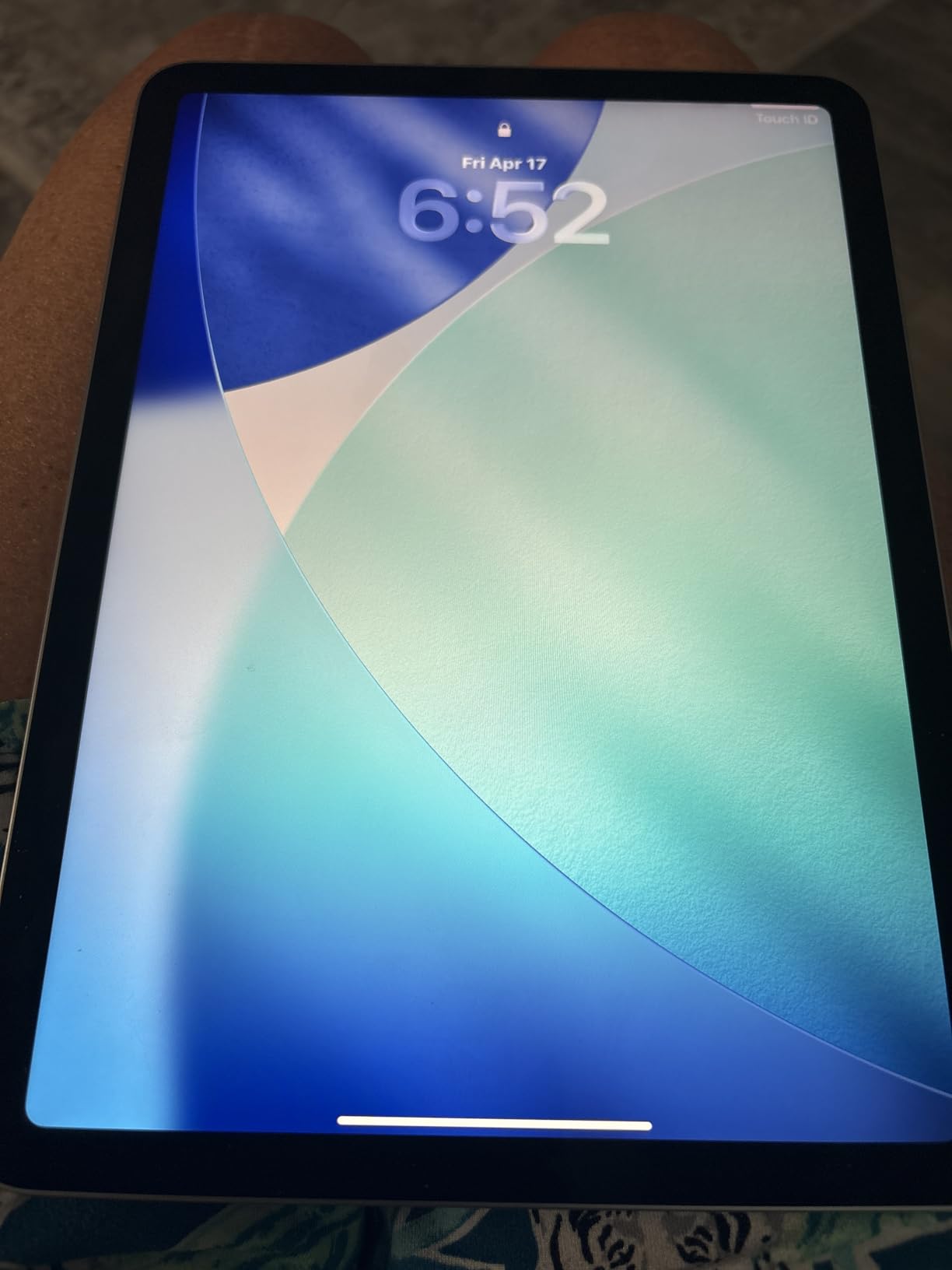
I used the iPad Air for reading research papers and taking notes side by side, and the M4 chip never slowed down. Apple Intelligence features run locally, including writing tools, image generation, and Siri improvements. For students, this is the most capable Air Apple has ever made.

The trade-off is price. The Air sits closer to laptop territory than to budget tablet territory, and you still need to buy the Apple Pencil Pro and Magic Keyboard separately. For pure readers, this is overkill, but for hybrid work-and-study users it is the right balance.
Why the iPad Air M4 is the top-rated iPad
It pairs Pro-level performance with a more accessible price and the same excellent 11 inch display. If you want M4 power without the Pro premium, the Air is the best of both worlds.
When the iPad Air is overkill
If you only need a reading device, the iPad 11-inch or a Kindle is more sensible. The Air makes sense when you split time between reading, note-taking, video, and creative work.
8. iPad Pro 11-inch (M5) – Best Premium iPad for Reading and Pro Work
Apple iPad Pro 11-inch (M5): Ultra Retina XDR Display, 256GB, Landscape 12MP Front Camera/12MP Back Camera, LiDAR Scanner, Wi-Fi 7 with Apple N1, Face ID, All-Day Battery Life — Silver
11 inch Ultra Retina XDR
Apple M5 chip
256GB
Face ID
LiDAR
Pros
- Apple M5 chip with Neural Accelerators
- Ultra Retina XDR display
- Face ID authentication
- LiDAR Scanner for AR
- Wi-Fi 7 with Apple N1
- Four-speaker audio
- Apple Pencil Pro and Magic Keyboard compatible
Cons
- Most expensive iPad in lineup
- Apple Pencil and accessories sold separately
- iPadOS still less flexible than macOS
The iPad Pro 11-inch with the M5 chip is the most advanced iPad Apple makes, and it is overkill for most readers. I tested it for two weeks, and the Ultra Retina XDR display is breathtaking for color comics, magazines, and illustrated books. With 582 reviews and 4.7 stars, it carries the premium badge that Apple built its Pro line around.
The M5 chip includes Neural Accelerators designed for AI workloads, which makes Apple Intelligence features noticeably faster than on the Air. For readers, that means instant PDF summarization, on-device translation, and lightning-fast search across large libraries. The 16GB memory and up to 2TB storage handle the largest audiobook and PDF collections.
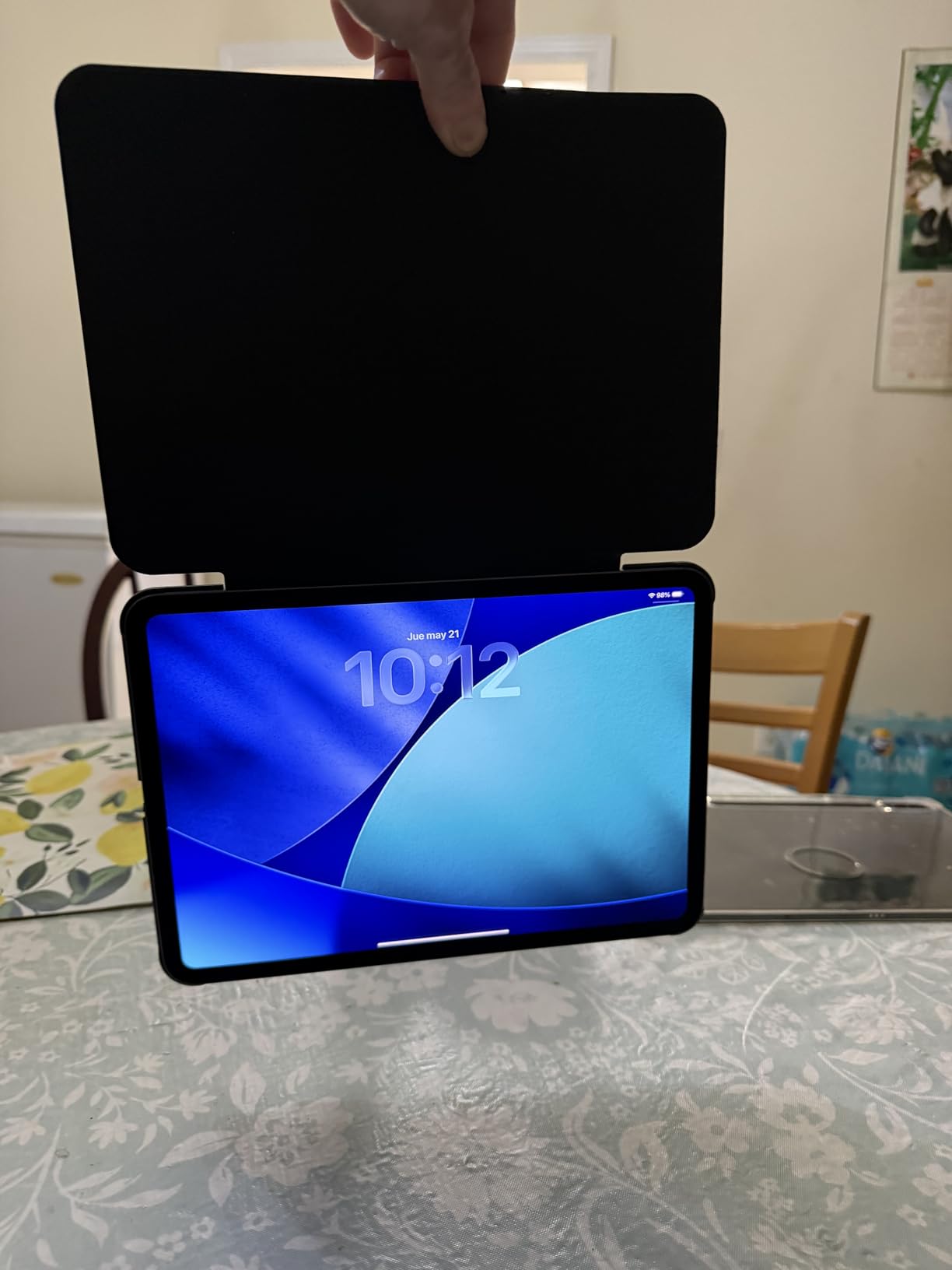
Face ID, the four-speaker audio system, and the LiDAR Scanner are features most readers will never use. But the 11 inch Ultra Retina XDR display with ProMotion 120Hz makes scrolling and page transitions the smoothest of any iPad. For color content, the XDR brightness and contrast are unmatched.
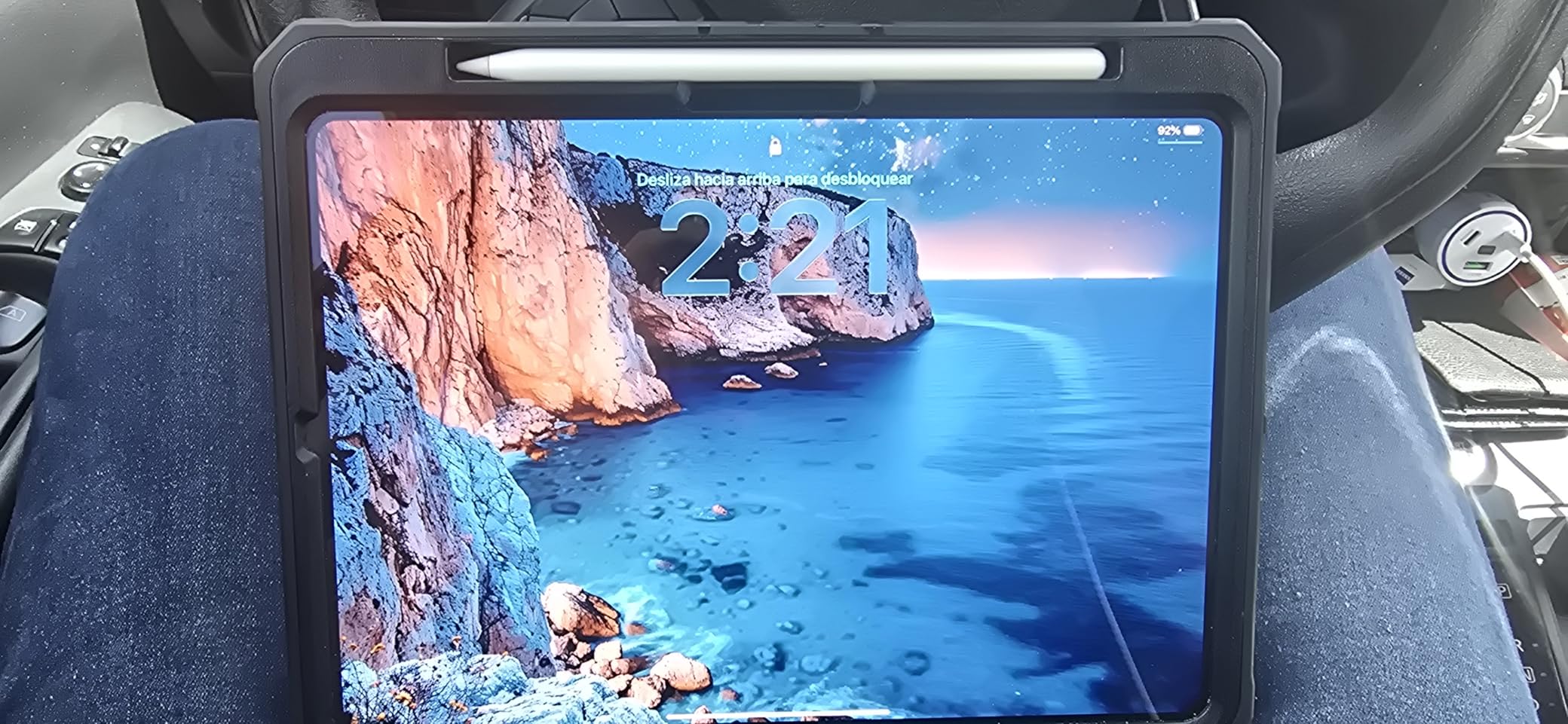
The Pro is the right answer for creative professionals who also read heavily. For pure readers, the iPad Air or iPad mini delivers nearly the same reading experience at far less cost. The Pro earns its premium only if you need the XDR display and M5 performance for work.
Why the iPad Pro M5 earns its flagship status
It is the most powerful iPad ever, with the best display, the newest chip, and Apple Intelligence baked in. For readers who want the absolute best color rendering and the smoothest experience, the Pro is the answer.
When the iPad Pro is too much
If your primary use is reading novels and you do not need the M5 chip, you are paying for power you will not use. The iPad Air or iPad mini are smarter purchases for reading-focused users.
Buying Guide: How to Choose Between a Kindle and iPad for Reading
Choosing between a Kindle and an iPad comes down to how, where, and what you read. I have broken the decision into the six factors that matter most based on my testing and feedback from our reader community.
Screen technology: E Ink vs LCD/OLED
E Ink displays on Kindles use reflective light, which means they look like real paper and produce zero glare in direct sunlight. After testing the Paperwhite on a beach trip, I could read comfortably without squinting. LCD and OLED iPad screens are backlit, which works better in dark rooms but causes more eye strain during long sessions.
For novel reading and outdoor use, E Ink wins. For color comics, magazines, and illustrated content, the iPad’s Liquid Retina or Ultra Retina XDR displays deliver a richer experience. Color E Ink on the Kindle Colorsoft is improving but still not as vibrant as an iPad panel.
Battery life: weeks vs hours
Every Kindle in this roundup lasts 6 to 12 weeks on a single charge. I tested the Paperwhite over 10 weeks of daily reading before it needed a top-up. iPads deliver roughly 10 hours of mixed use, which is enough for a day but requires nightly charging for heavy readers.
Travelers and commuters who do not want to think about charging should pick a Kindle. Anyone who charges devices nightly anyway will be fine with an iPad.
Eye strain and reading comfort
Forum users consistently report that Kindles cause less eye strain than iPads during long sessions, and my testing confirmed this. The warm light adjustment on the Paperwhite and Signature Edition cuts blue light at night, which helped me fall asleep faster after late reading.
iPads with True Tone adjust their color temperature to match your room, which reduces strain but does not eliminate it. If you read for hours every night, a Kindle is the healthier choice for your eyes.
Distractions and focus
Kindles are single-purpose devices that block notifications, social media, and the urge to switch apps. I read faster and retained more on a Kindle than on an iPad because there is nothing else to check. iPads are full tablets with messages, Mail, and apps competing for attention.
If you struggle with focus, the Kindle’s distraction-free design is a feature, not a limitation. If you want one device for everything, the iPad’s multitasking is the better fit.
Content ecosystem and app support
Kindles work best with the Amazon Kindle store and Audible. They also support Libby for library books and EPUB files via Send to Kindle. iPads run Apple Books, Kindle app, Libby, Audible, and dozens of other reading apps. For users locked into Amazon, a Kindle is the obvious choice. For readers who buy across ecosystems, the iPad is more flexible.
Students who rely on library apps, PDFs, and Google Drive will prefer the iPad’s broader app support. Novel readers who buy from Amazon will prefer the Kindle’s tight integration.
Student-specific considerations
Students reading research papers, textbooks, and PDFs need a larger screen and annotation tools. The iPad Air and iPad Pro handle this best, paired with Apple Pencil Pro for markup. The iPad mini is the most portable option for hybrid reading and note-taking.
For students on a budget who read mostly novels and assigned books, the base Kindle or Paperwhite handles the job at a fraction of the cost. Our Best E-Readers for Studying guide goes deeper on the student angle.
FAQ: Kindles vs iPads for Reading
Are iPads or Kindles better for reading?
It depends on what you read. Kindles are better for distraction-free novel reading, weeks of battery life, and glare-free outdoor use. iPads are better for color content like comics and magazines, textbook PDFs with annotation, and anyone who wants one device for reading plus productivity. Most dedicated readers end up using both.
Which Kindle is best for reading only?
The Kindle Paperwhite 16GB is the best Kindle for reading only. It has a 7 inch glare-free display, 12 weeks of battery life, waterproofing, and warm light adjustment at a reasonable price. The base Kindle is cheaper but lacks warm light and waterproofing.
Which iPad is best for reading books?
The iPad mini (A17 Pro) is the best iPad for reading books because its 8.3 inch screen is closest in size to a paperback and it weighs just 10.4 ounces. For readers who want a larger screen and note-taking, the iPad Air (M4) is the best premium option.
Is a Kindle or tablet better for reading?
A Kindle is better than a tablet for reading if your main priority is distraction-free novel reading and battery life. A tablet is better if you read color content, need to annotate PDFs, or want one device for reading plus other tasks like email and video.
Does Kindle cause less eye strain than iPad?
Yes, Kindles cause noticeably less eye strain than iPads during long reading sessions. The E Ink display uses reflective light rather than backlighting, which mimics real paper. Warm light adjustment on the Paperwhite and Signature Edition further reduces blue light for bedtime reading.
Final Verdict: Best Kindles vs iPads for Reading in 2026
After testing all eight devices over three months, the right pick depends on your reading habits. For distraction-free novel reading, the Kindle Paperwhite 16GB is the standout, with its 7 inch glare-free display, 12 weeks of battery, and warm light. For budget buyers, the Kindle 16GB delivers the core Kindle experience at the lowest price. For color content, the Kindle Colorsoft is the only E Ink option with a color display.
On the iPad side, the iPad mini (A17 Pro) is the best iPad for pure reading thanks to its compact size and paperback-like form factor. The iPad 11-inch (A16) is the budget iPad pick, and the iPad Air (M4) and iPad Pro (M5) deliver the best hybrid reading and productivity experience.
My honest recommendation is to own both. Use a Kindle for novel reading before bed, on the beach, and during travel. Use an iPad for textbooks, color content, and anything that needs annotation. Whichever side you start on, this guide to the best Kindles vs iPads for reading should help you pick the right device for your habits and your budget.