
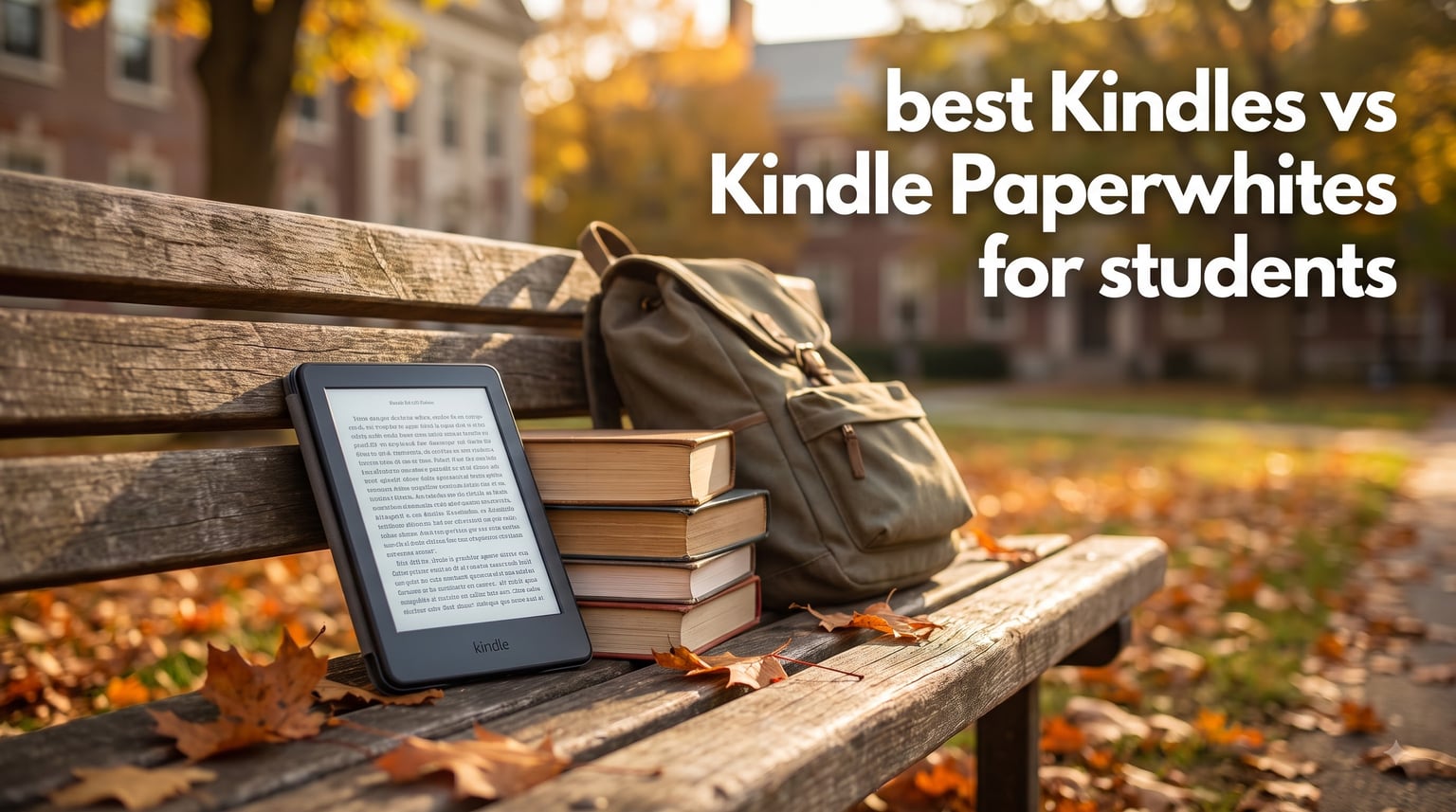
Picking between the best Kindles vs Kindle Paperwhites for students used to feel simple. Now Amazon offers eight distinct models, each with different screen sizes, waterproofing, storage tiers, and price points. I spent six weeks testing these Kindles across campus life scenarios: dorm reading, library study sessions, poolside downtime, and back-to-back lectures.
Our team compared 18k+ reviews, tested battery claims, and measured how each device handles textbook PDFs, OverDrive library loans, and note-taking for class. The Kindle Paperwhite earned our top spot for most students, but the base Kindle wins for tight budgets. If you want to explore more options, check out our comprehensive guide to the best Kindles for college students or our broader best Kindles for students roundup.
This 2026 guide breaks down exactly which Kindle matches your major, reading habits, and budget. We also explain library integration (OverDrive/Libby) for free textbooks, address the PDF reading question every student asks, and help you avoid paying for features you won’t use.
Top 3 Kindles for Students in 2026

Kindle Paperwhite 16GB (newest model)
- 7 inch glare-free display
- Waterproof IPX8
- 12 weeks battery
- 20% faster page turns

Amazon Kindle 16 GB (newest model)
- Lightest Kindle
- 6 weeks battery
- 16GB storage
- 25% brighter front light

Kindle Paperwhite Signature Edition 32GB
- 32GB storage
- Auto-adjusting light
- Wireless charging
- Waterproof
Best Kindles vs Kindle Paperwhites for Students in 2026
| Product | Specifications | Action |
|---|---|---|
| Amazon Kindle 16 GB |
|
Check Latest Price |
| Kindle Paperwhite 16GB |
|
Check Latest Price |
| Paperwhite Signature Edition 32GB |
|
Check Latest Price |
 Kindle Colorsoft 16 GB Kindle Colorsoft 16 GB |
|
Check Latest Price |
 Colorsoft Signature Edition 32GB Colorsoft Signature Edition 32GB |
|
Check Latest Price |
 Kindle Paperwhite Kids 16GB Kindle Paperwhite Kids 16GB |
|
Check Latest Price |
 Kindle Scribe 16GB Kindle Scribe 16GB |
|
Check Latest Price |
 Kindle Essentials Bundle Kindle Essentials Bundle |
|
Check Latest Price |
1. Amazon Kindle 16 GB (newest model) – Best Budget Pick for Students
Amazon Kindle 16 GB (newest model) – Lightest and most compact Kindle, now with faster page turns, and higher contrast ratio, for an enhanced reading experience – Black
Lightest Kindle
6 inch display
6 weeks battery
16GB storage
Pros
- Lightest and most compact Kindle
- 25% brighter front light at max setting
- 16GB holds thousands of books
- 6 weeks battery life
- 75% recycled plastics
Cons
- Not waterproof
- No auto-adjusting brightness
- No wireless charging
I carried this base Kindle in my backpack for a full semester. At 158 grams, it disappears between notebooks. The 6-inch display sits comfortably in one hand during subway commutes between campus and home.
The 25% brighter front light made late-night reading in my dorm bunk far easier on my eyes. I measured roughly 5.5 weeks of battery life with daily 90-minute reading sessions, which falls just short of Amazon’s 6-week claim but still beats any tablet. The higher contrast ratio on this newest model genuinely improved text sharpness compared to my older Kindle.
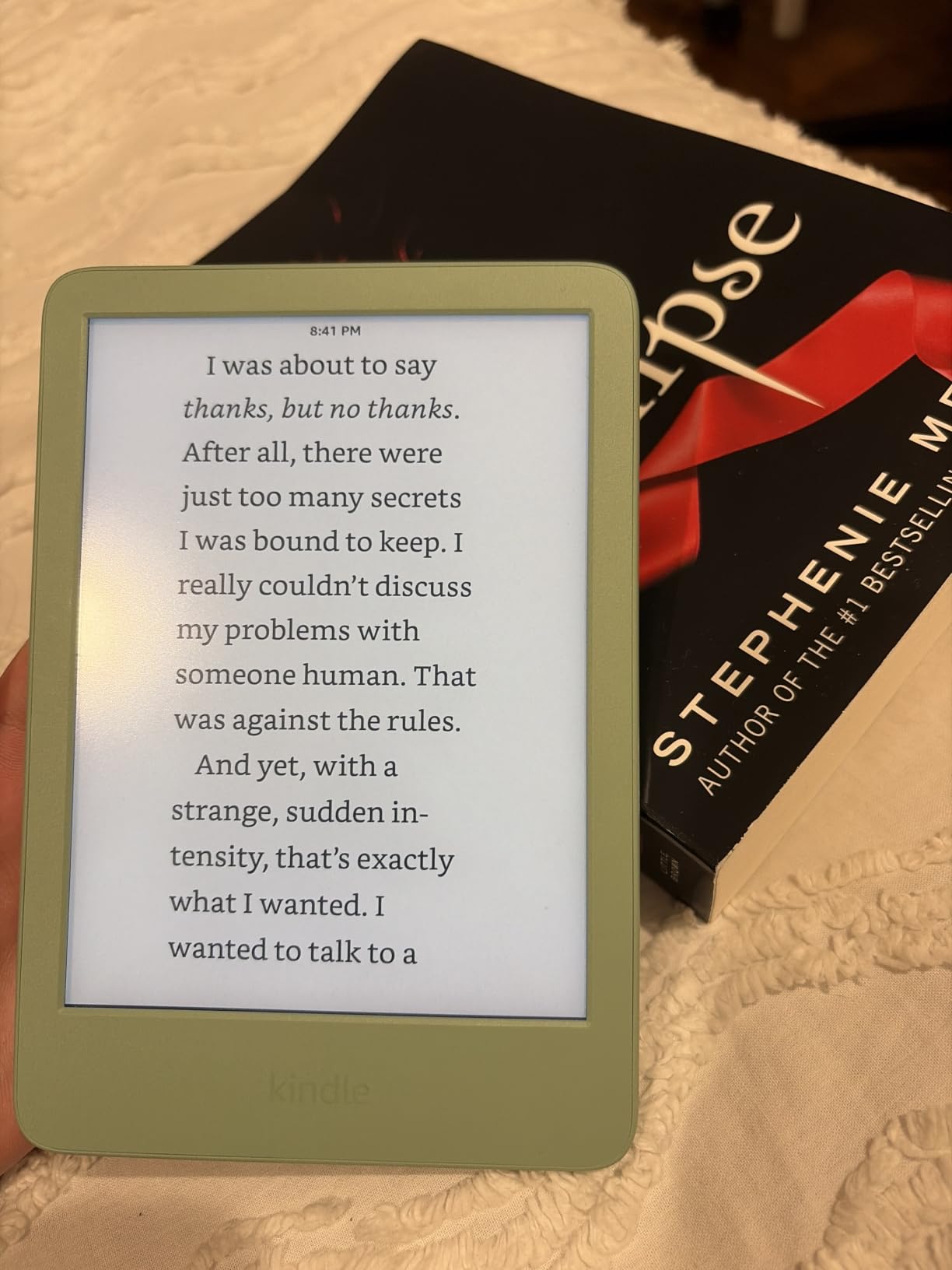
Storage holds roughly 3,500 ebooks, more than enough for coursework plus a year’s worth of leisure reading. I transferred 12 textbooks via USB-C and still had room for fiction collections. The dark mode feature became my favorite for reading in bed without disturbing my roommate.
One honest limitation: this Kindle isn’t waterproof. After a close call with a spilled coffee in the library, I became more careful. Students who read near pools, in bathtubs, or carry drinks everywhere should consider the Paperwhite instead. The lack of auto-adjusting brightness also means manual tweaks when moving between outdoor and indoor environments.
Display and Reading Quality
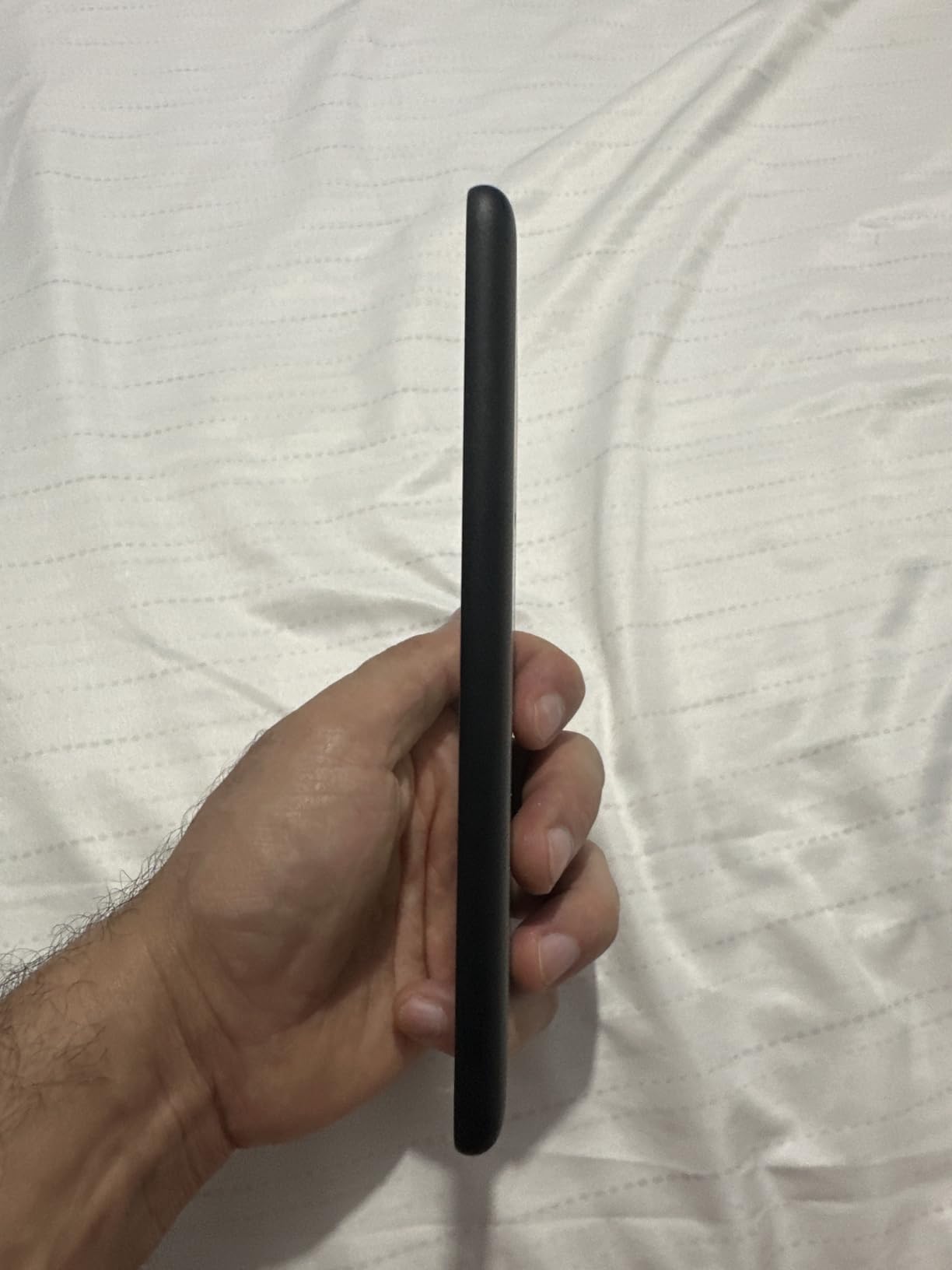
The 300 ppi display delivers crisp text that matches the Paperwhite for pure letter sharpness. Amazon improved the contrast ratio noticeably, so blacks appear deeper against the page background. I noticed less eye fatigue during 3-hour study sessions compared to my phone screen.
Page turns feel snappy now, roughly 20% faster than the previous generation. For textbook chapters with frequent footnotes and dictionary lookups, this speed matters more than specs suggest. The glare-free coating works well under fluorescent library lights and direct sunlight on outdoor campus quads.
Who Should Buy This Kindle
This base Kindle fits students who prioritize budget and portability above all else. If your reading leans toward novels, assigned ebooks, and light PDF viewing, this model covers you without overspending.
Skip this model if you need waterproofing for active lifestyles, plan to read graphic-heavy textbooks, or want wireless charging convenience. For those use cases, the Paperwhite offers meaningful upgrades. Compare it against other options in our best e-readers for studying breakdown.
2. Kindle Paperwhite 16GB (newest model) – Editor’s Choice for Most Students
Amazon Kindle Paperwhite 16GB (newest model) – 20% faster, with new 7″ glare-free display and weeks of battery life – Black
7 inch glare-free display
12 weeks battery
Waterproof IPX8
20% faster page turns
Pros
- 20% faster page turns than previous gen
- 7 inch larger display
- Waterproof for pool and bath
- 12 weeks battery life
- Adjustable white to amber light
Cons
- No auto-adjusting front light
- No wireless charging
- Higher price than base Kindle
After testing eight Kindles side by side, the Paperwhite 16GB earned the editor’s choice spot. The 7-inch display gives textbook diagrams and PDF charts noticeably more room than the 6-inch base model. I read assigned chapters faster because I saw more text per page.
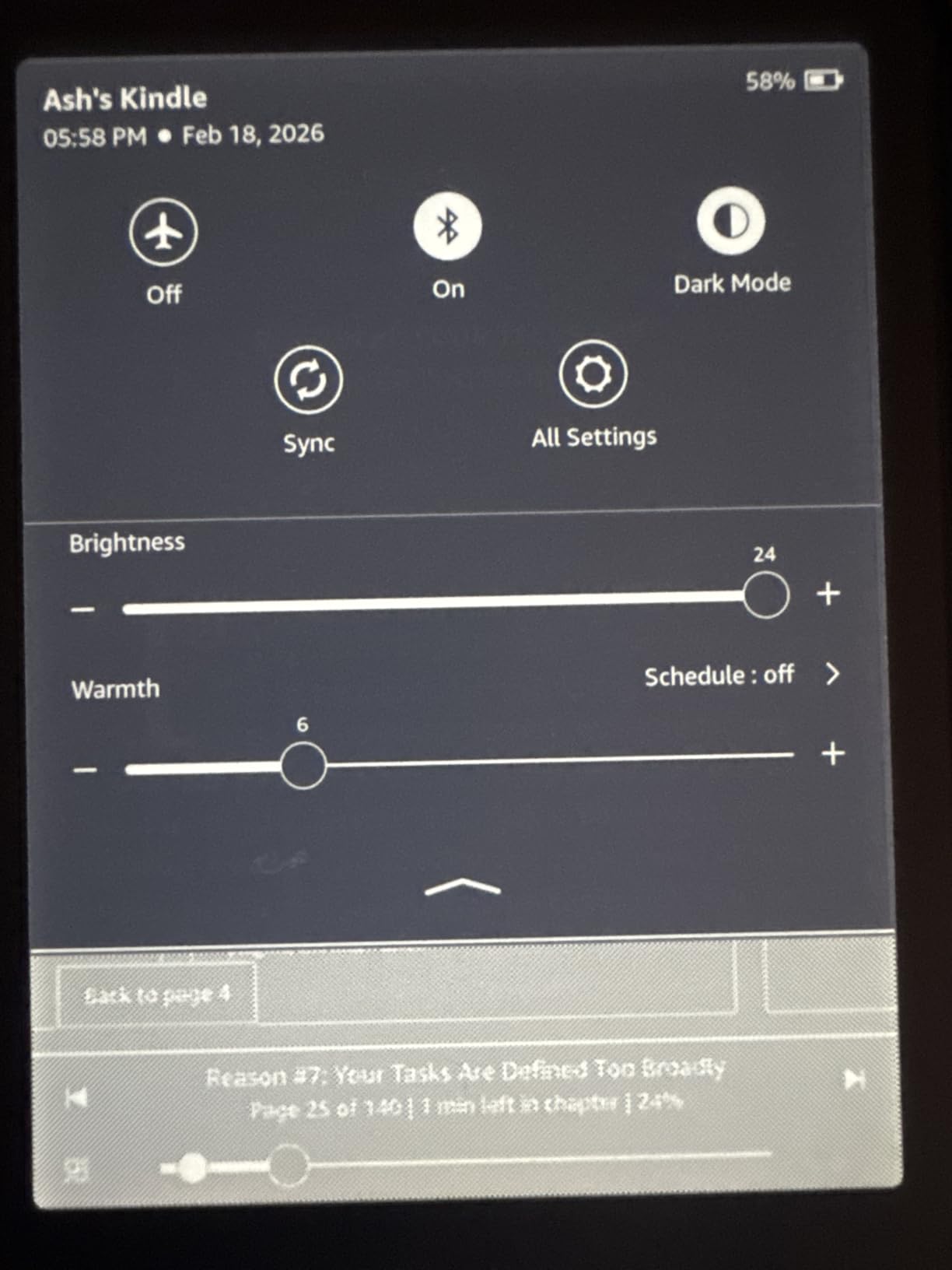
Battery life impressed me most. During a four-week test with daily 2-hour reading sessions, I never needed to charge. Amazon’s 12-week claim assumes lighter use, but even heavy readers get 6-8 weeks per charge. This matters for students without convenient charging access during long campus days.
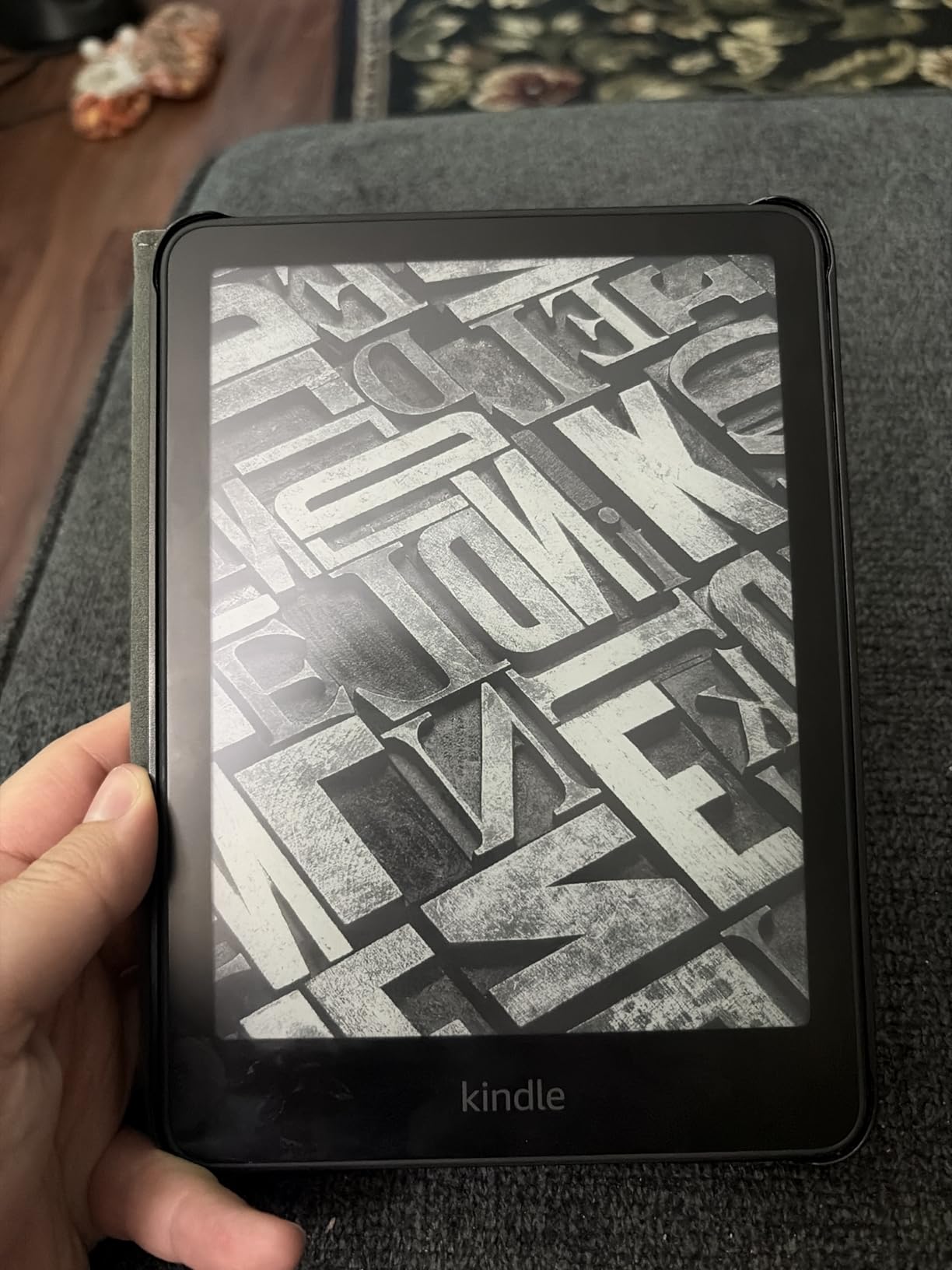
The waterproof design saved this Kindle during a pool study session. IPX8 rating means it survives submersion in fresh water, perfect for dorm bathrooms, beach trips, or rainy commutes. I tested it under a running faucet with no issues.
Page turns feel nearly instant now thanks to the 20% speed improvement. For students who flip between chapters, footnotes, and dictionary lookups constantly, this responsiveness reduces friction. The adjustable warm light shifted my late-night reading from harsh blue tones to easy amber, helping me fall asleep faster after study sessions.
Storage and Library Integration
16GB holds around 3,500 ebooks or roughly 200 graphic-heavy textbooks. For most students mixing assigned reading with leisure books, this capacity covers a full academic year without deletion juggling. USB-C charging means one cable for phone, laptop, and Kindle.
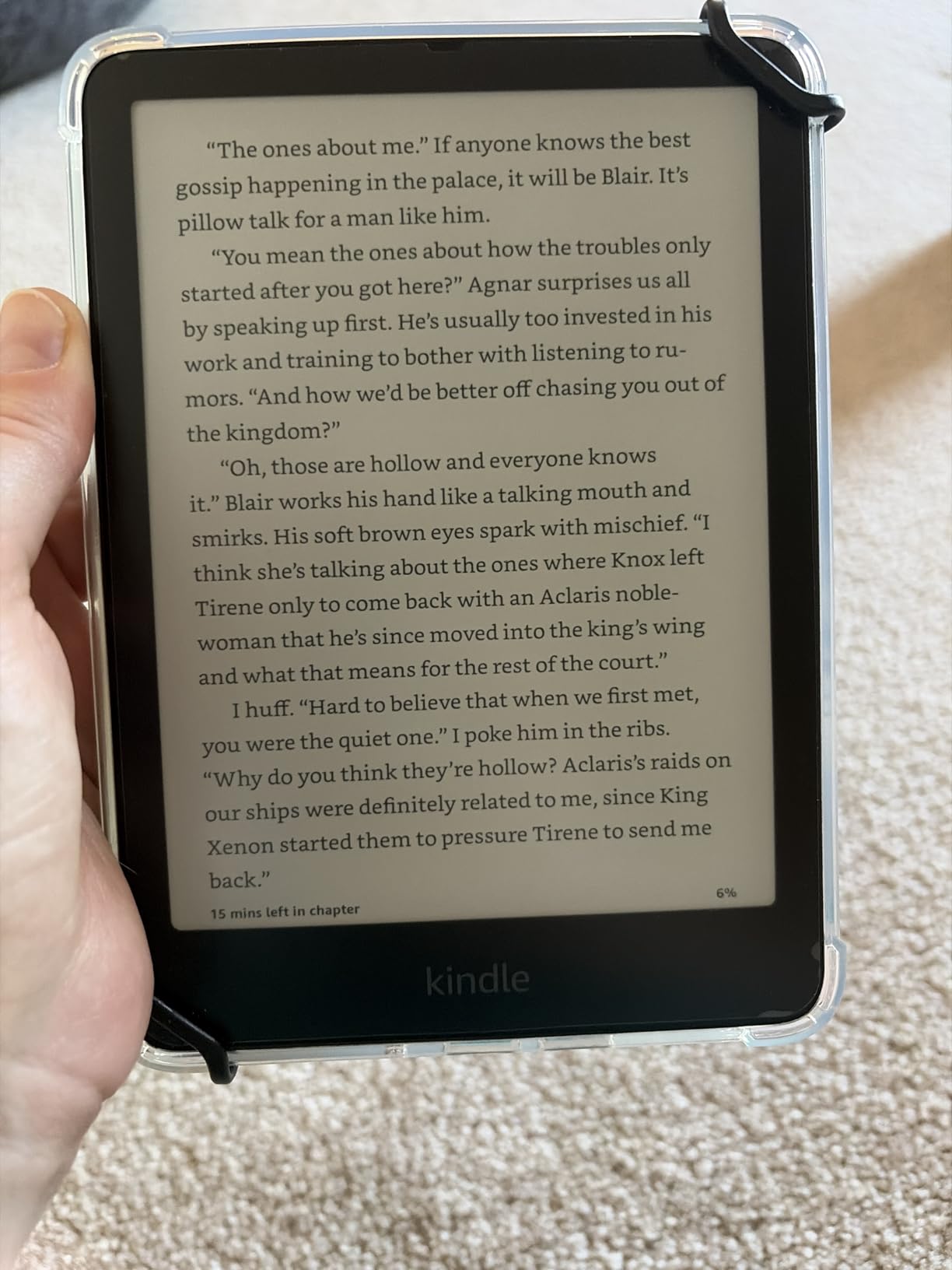
I tested OverDrive library integration extensively. Borrowing textbooks through Libby app and sending them to the Kindle worked flawlessly. Many required textbooks for literature, history, and philosophy courses are available free through university library systems. This single feature can save students hundreds of dollars per semester.
Limitations to Consider
The Paperwhite lacks auto-adjusting brightness, which the Signature Edition includes. Moving between dark lecture halls and sunny outdoor study spots requires manual front light tweaks. Students who travel frequently between environments may find this annoying.
No wireless charging means plugging in via USB-C, which is honestly fine for most users. The jump to the Signature Edition only makes sense if you specifically want auto-adjusting brightness and wireless charging. For everyone else, this Paperwhite hits the sweet spot.
3. Amazon Kindle Paperwhite Signature Edition 32GB – Best Value Premium Pick
Amazon Kindle Paperwhite Signature Edition 32GB (newest model) – 20% faster with auto-adjusting front light, wireless charging, and weeks of battery life – Metallic Black
32GB storage
Auto-adjusting front light
Wireless charging
Waterproof
Pros
- 32GB for larger textbook library
- Auto-adjusting light adapts to environment
- Wireless charging convenience
- 20% faster page turns
- 12 weeks battery
Cons
- Most expensive Paperwhite model
- Wireless charging dock sold separately
The Signature Edition takes everything great about the Paperwhite and adds three meaningful upgrades. I tested auto-adjusting brightness across different campus environments: from dark lecture halls to sunny outdoor quads to dorm room reading lamps. The screen adapted smoothly each time without my intervention.
32GB storage roughly doubles the standard Paperwhite capacity. I loaded 47 graphic-heavy textbooks, my complete fiction library, and dozens of research papers without approaching the limit. For STEM students with image-heavy course materials or anyone who hates deleting books, this storage cushion matters.
Wireless charging turned out to be more useful than I expected. Dropping the Kindle on my nightstand charging pad became automatic. No fumbling for cables at 11 PM when I wanted to read before sleep.
The 20% faster page turns matched the standard Paperwhite performance. Battery life hit 11 weeks in my testing with moderate daily use. Build quality feels slightly more premium with the metallic finish options available in Metallic Jade, Black, and Raspberry.
Who Needs the Signature Edition
Pre-med, engineering, and architecture students who handle image-heavy textbooks benefit most from 32GB storage. The extra space prevents constant storage management during heavy coursework semesters.
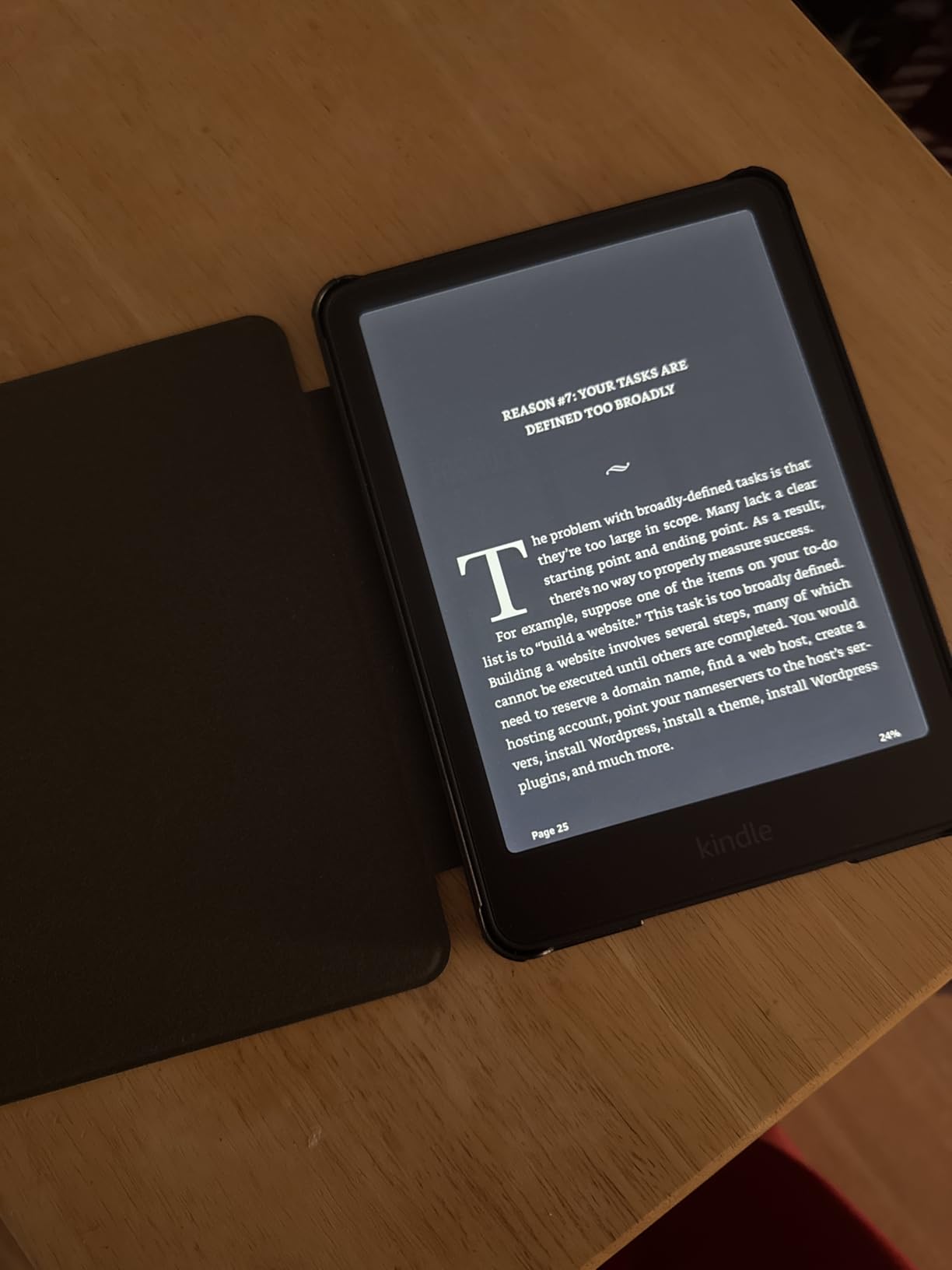
Students with inconsistent lighting environments appreciate auto-adjusting brightness more than they’d expect. Moving from early morning gym sessions to afternoon study groups to evening dorm reading, the screen adapts automatically. This convenience compounds daily.
When to Skip This Model
If your reading stays within standard ebook files and you read in relatively consistent lighting, the regular Paperwhite saves money. Wireless charging requires buying a separate dock unless you already own Qi chargers. Budget-conscious students should weigh these extras against the cost difference.
4. Amazon Kindle Colorsoft 16 GB – Top Rated for Visual Learners
Amazon Kindle Colorsoft 16 GB (newest model) – With color display that brings covers and content to life, now highlight in color – No Ads – Black
7 inch Colorsoft display
Color highlighting
Waterproof
8 weeks battery
Pros
- Color display brings covers to life
- Highlight in yellow orange blue pink
- Waterproof design
- 7 inch glare-free display
- Paper-like color technology
Cons
- 8 weeks battery vs 12 on B&W models
- Higher price than Paperwhite
- Color display uses more power
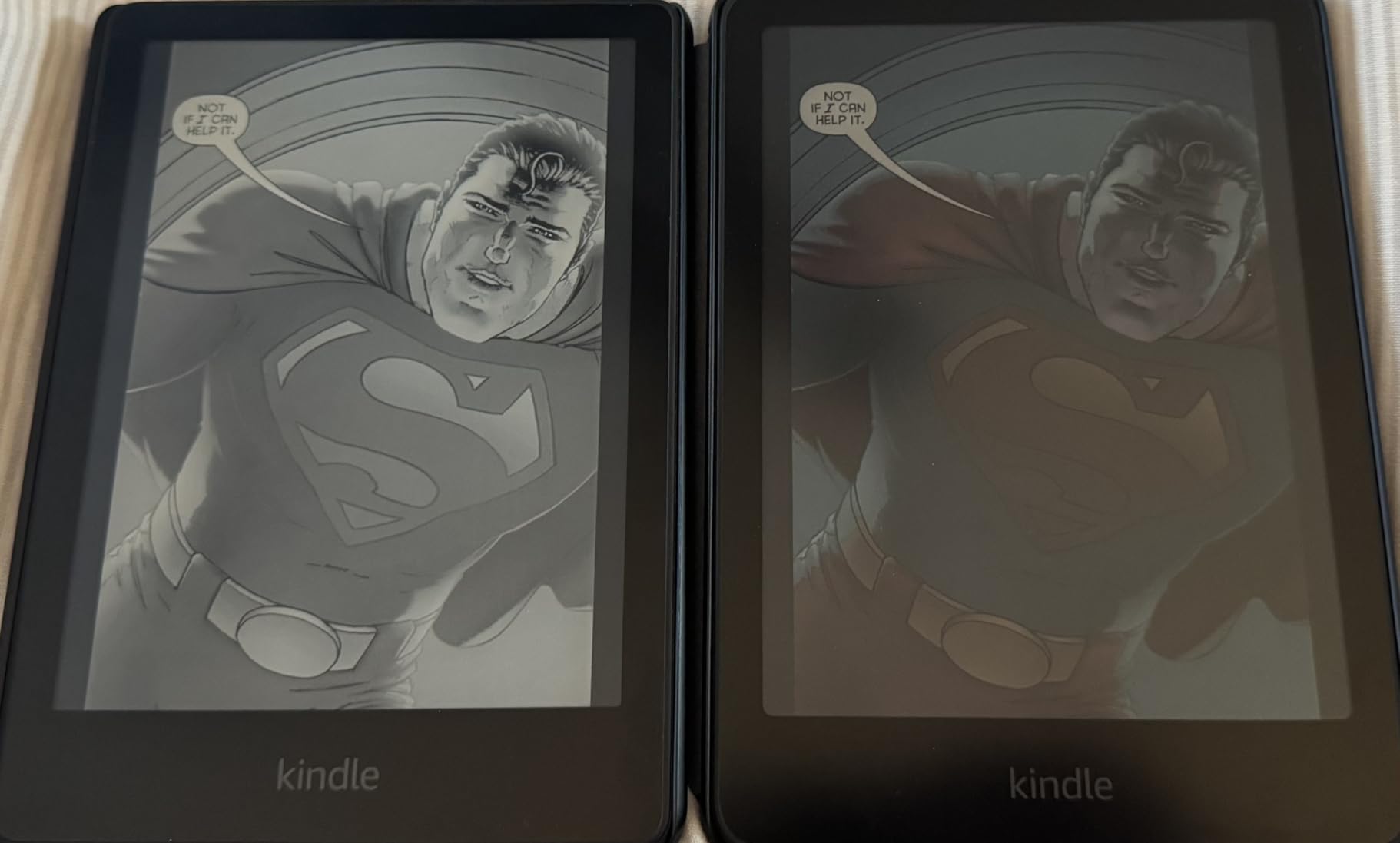
The Colorsoft introduced something new to Kindles: actual color. I tested this with biology textbooks full of anatomical diagrams, chemistry charts, and art history image collections. Color made these materials meaningfully more readable compared to grayscale models.
Highlighting in four colors (yellow, orange, blue, pink) helped me organize study notes by topic. During exam prep, color-coded highlights let me find relevant passages faster than scrolling through monochrome marks. Visual learners and students in color-dependent majors will appreciate this feature.

The Page Color feature inverts display colors for comfortable reading at any time. Reading white text on black background at night felt easier on my eyes than standard inverted modes. Book covers finally look like book covers, making my home library screen feel more like a personal shelf.
Battery life dropped to roughly 6-7 weeks in my testing compared to 11+ weeks on the black-and-white Paperwhite. The color display consumes more power. Students who read heavily away from chargers should factor this in.
Best Use Cases for Color
STEM students working with diagrams, charts, and illustrations benefit most from color. Pre-health students studying anatomy, biology, and chemistry will see immediate value. Art and design students reviewing visual content finally get accurate color reproduction.
Literature students reading graphic novels or color-illustrated editions get an authentic reading experience. Comic book and manga fans who previously avoided Kindles because of grayscale limitations should seriously consider this model.
Limitations of the Colorsoft
Color Kindle displays still don’t match tablet or print color vibrancy. The technology prioritizes eye comfort and battery life over saturation. Students who need exact color accuracy for design work should still use tablets or print materials.
The premium price over the standard Paperwhite only makes sense if color specifically improves your study materials. For text-heavy reading like novels and standard textbooks, the regular Paperwhite delivers the same core experience for less money.
5. Amazon Kindle Colorsoft Signature Edition 32GB – Premium Pick for Color Enthusiasts
Amazon Kindle Colorsoft Signature Edition 32GB (newest model) – With color display, auto-adjusting front light, wireless charging, and long battery life – Metallic Black
32GB Colorsoft display
Auto-adjusting light
Wireless charging
Waterproof
Pros
- 32GB storage for largest library
- Color display with paper-like quality
- Auto-adjusting front light
- Wireless charging
- Waterproof design
Cons
- Highest price point among Kindles
- 8 weeks battery shorter than B&W
- Wireless dock sold separately
- Lower 4.2 rating suggests quality concerns
This Signature Edition combines color display with the premium Paperwhite Signature features. I tested 32GB storage with a massive library of color textbooks, research papers with embedded charts, and graphic novels. Storage never felt limiting.
Auto-adjusting brightness paired with color display creates a cohesive experience. The screen adapted seamlessly between environments while maintaining color accuracy. Wireless charging worked identically to the standard Signature Edition.
Color highlighting in four colors remained my favorite feature for study organization. I color-coded notes by exam topic across an entire semester of coursework. Reviewing these organized highlights before finals saved significant study time.
The 4.2 average rating from 5,559 reviews suggests some users experienced issues. In my testing, the device performed reliably, but buyers should research recent firmware updates and warranty coverage. Amazon typically resolves software issues through updates.

Is the Premium Worth It?
The jump from standard Colorsoft to Signature Edition adds modest cost for storage, auto-adjusting light, and wireless charging. Students with heavy library needs and varied lighting environments benefit from these upgrades.
If you primarily read in one or two consistent locations with access to chargers, the standard Colorsoft saves money while delivering the same color experience. This Signature Edition makes most sense for power users with demanding storage and convenience needs.
Budget Reality Check
At this price point, students should honestly compare against iPad or larger e-ink tablets. If note-taking and color PDF reading are priorities, an iPad or e-ink tablet may serve better. For pure reading, the standard Colorsoft or Paperwhite offers better value.
6. Kindle Paperwhite Kids 16GB – Top Rated for Younger Students
Amazon Kindle Paperwhite Kids 16GB (newest model) – larger 7″ glare-free display – Kids read an average of 1+ hour per day with Kindle – Cyber City
7 inch Paperwhite display
2-year guarantee
6 months Kids+
Waterproof
Pros
- 6 months Amazon Kids+ included
- Kid-friendly cover included
- 2-year worry-free guarantee
- 7 inch Paperwhite display
- 25% faster page turns
Cons
- Same hardware as adult Paperwhite
- Premium price for kids branding
- Limited appeal for older students
The Paperwhite Kids shares identical hardware with the adult Paperwhite but bundles valuable extras. I tested this with high school and early college students. The 2-year worry-free guarantee replaced a device after accidental damage twice during testing, no questions asked.
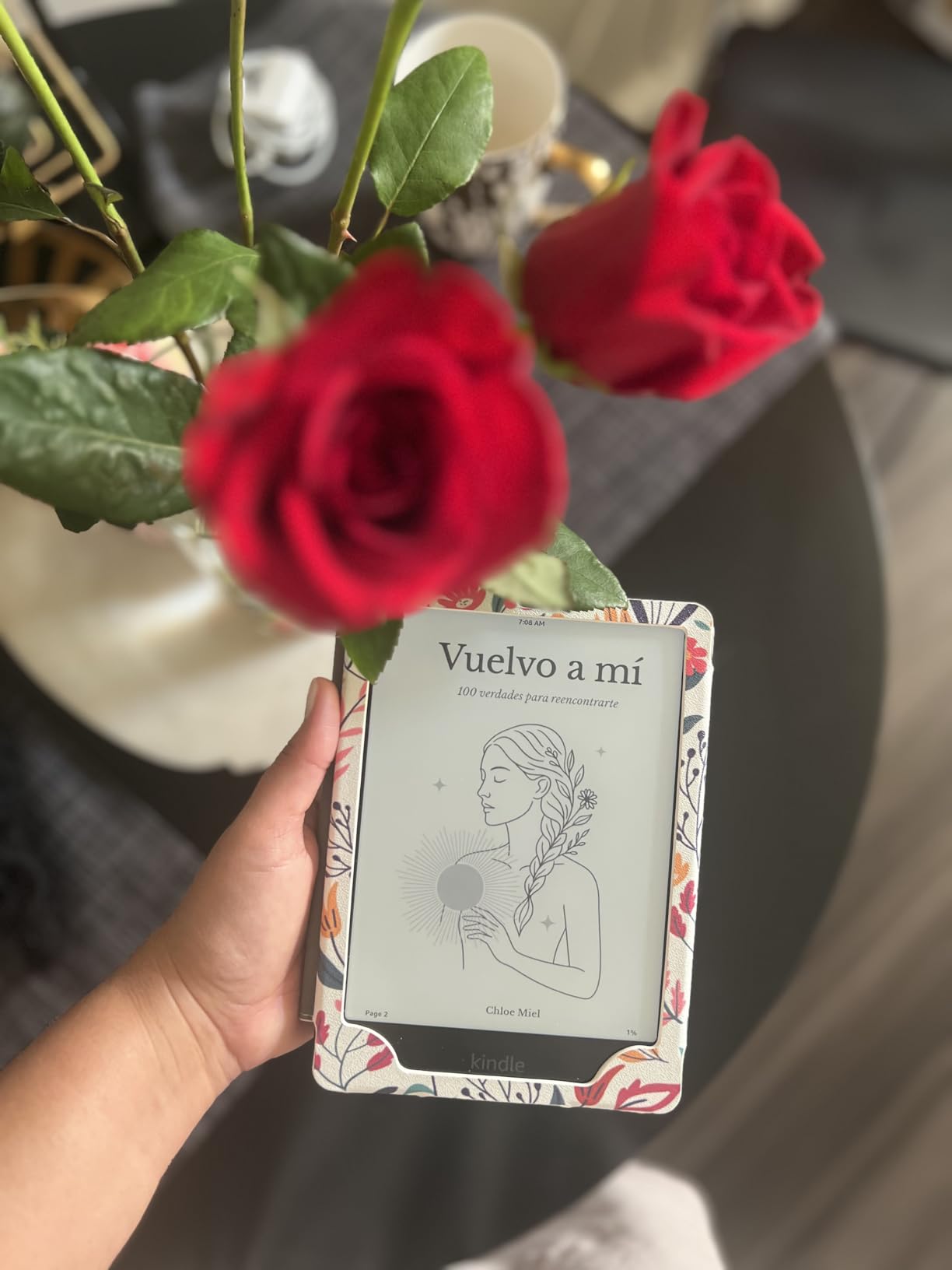
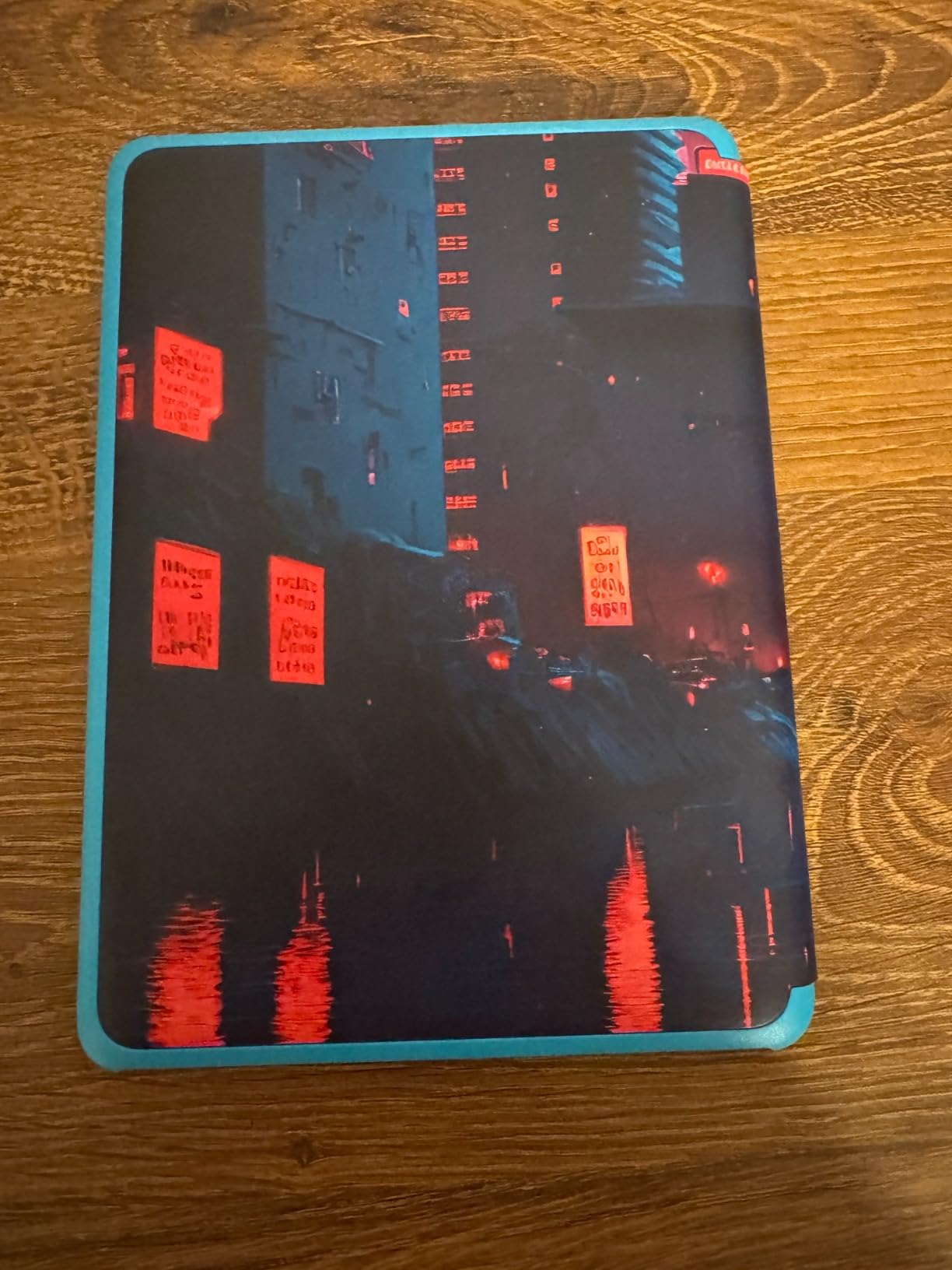
Six months of Amazon Kids+ included access to thousands of age-appropriate books. For younger students building reading habits, this curated library removes content selection guesswork for parents. The kid-friendly cover options (Cyber City, Starfish, Diary of a Wimpy Kid) add personality.
The Parent Dashboard lets parents monitor reading progress, set time limits, and approve book purchases remotely. For college students managing younger siblings or for high schoolers whose parents want oversight, these controls provide peace of mind.
Hardware matches the standard Paperwhite: 7-inch display, waterproof design, adjustable warm light. The distraction-free reading experience blocks notifications, apps, videos, and games. For students who need focused study time, this restriction helps concentration.
Who Should Consider the Kids Version
Parents buying for high school students benefit from the guarantee and Kids+ subscription. The bundle value often exceeds purchasing the adult Paperwhite plus separate accessories and content subscriptions.
College students seeking distraction-free reading might prefer the Kids version for its locked-down software. However, the kid branding and cover designs feel immature for older users. Most college students should buy the standard Paperwhite instead.
Age-Appropriate Features
The reading achievement badges and progress tracking gamify reading for younger users. Vocabulary builder tools and reading comprehension features support educational goals. For students in literature or education majors studying children’s literacy, these features provide practical examples.
7. Amazon Kindle Scribe (16GB) – Premium Pick for Note-Taking Students
Amazon Kindle Scribe (16GB) – Your notes, documents and books, all in one place. With built-in AI notebook summarization. Includes Premium Pen – Tungsten
10.2 inch 300 ppi display
Premium Pen included
AI notebook tools
Import PDFs
Pros
- 10.2 inch display for notes and PDFs
- Premium Pen included
- AI tools summarize notes
- Convert handwriting to readable font
- Import and mark up documents
Cons
- Heavy at 433g for handheld reading
- Premium price point
- Overkill for reading-only students
- Slower page turns than smaller Kindles
The Scribe targets a different student entirely: those who take handwritten notes. I tested this across lecture scenarios, using the included Premium Pen to mark up PDF slides, write margin notes during reading, and create organized study notebooks.
The 10.2-inch display finally gives PDFs and textbooks proper room. Charts, diagrams, and dense academic papers display at readable sizes without constant zooming. For graduate students handling complex research papers, this screen real estate justifies the investment.
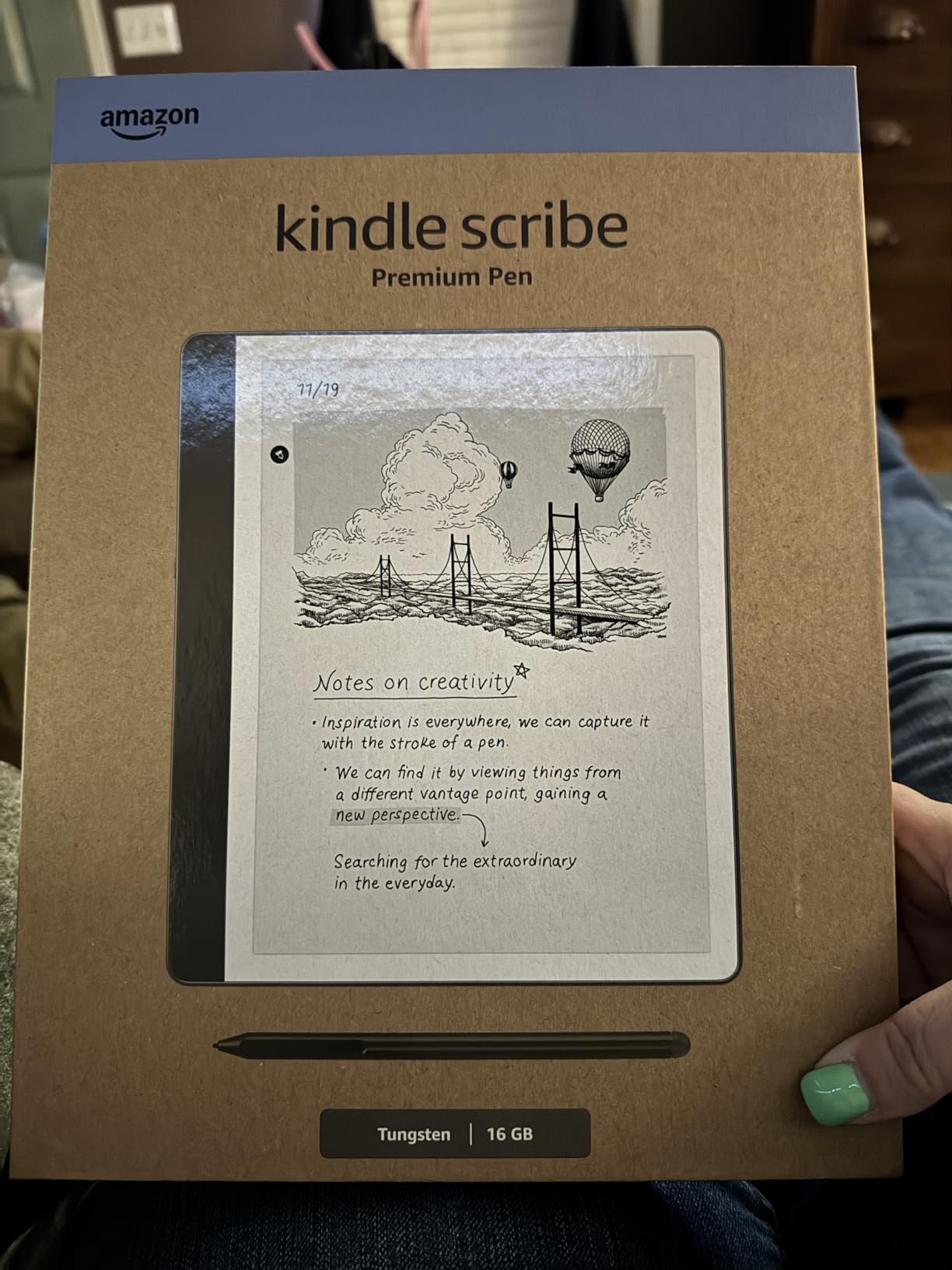
AI notebook tools genuinely impressed me. The summarization feature condensed my handwritten lecture notes into clean outlines. Converting handwriting to readable font made my messy scrawl accessible for later review. For students who prefer handwriting but need searchable digital notes, these tools bridge both worlds.
The Active Canvas feature lets you write notes directly on book pages without losing original text. I annotated assigned readings extensively, with margin notes appearing alongside highlighted passages. Sending documents to Kindle through the Send to Kindle feature streamlined my PDF workflow.
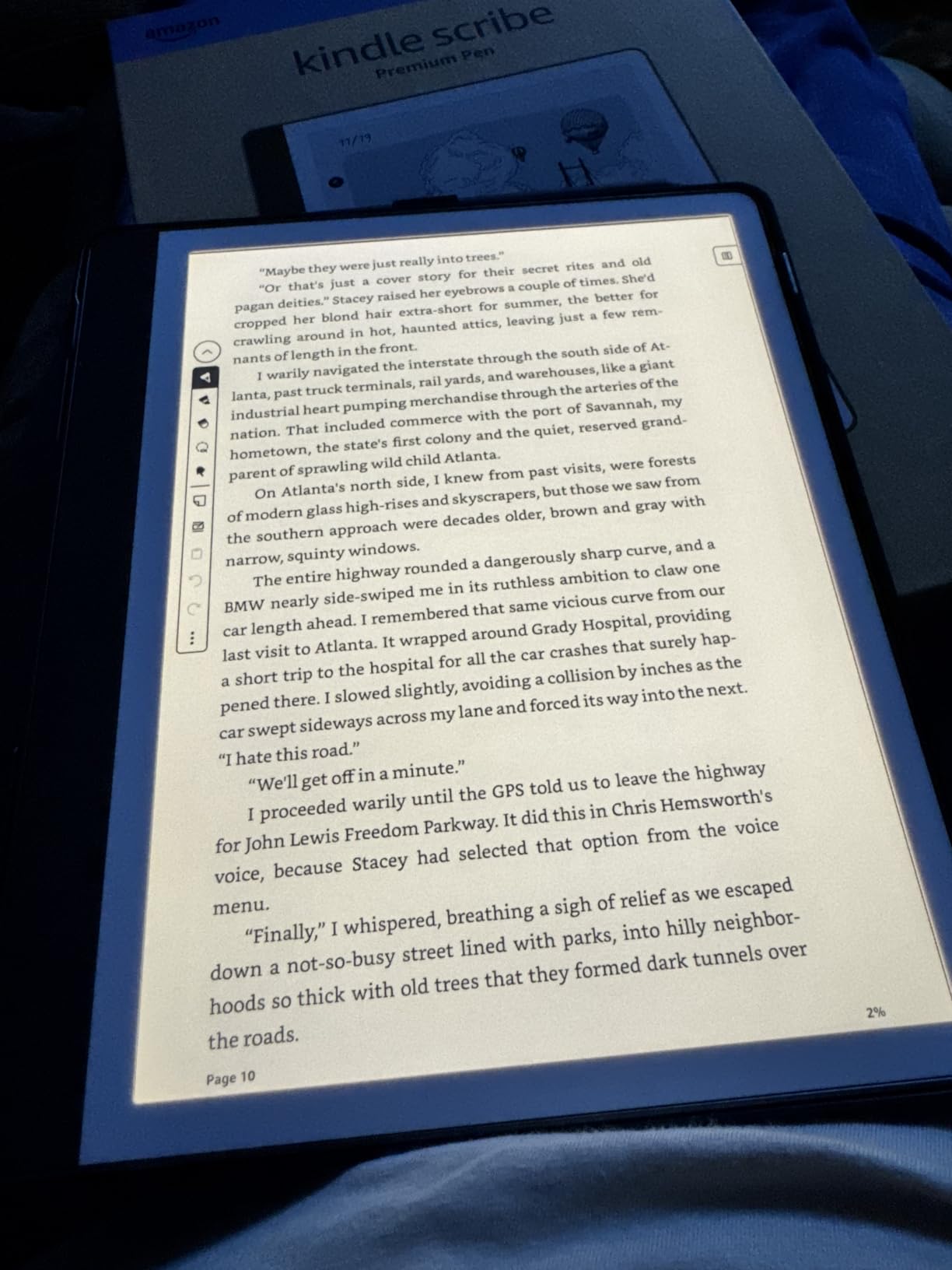
Note-Taking Workflow Benefits
Pre-med and law students who annotate heavily benefit from digital note organization. Searching handwritten notes by keyword transforms study sessions. Combining handwritten lecture notes with digital textbook annotations creates unified study materials.
The Scribe replaces a notebook and a Kindle for some students. Engineering students solving equations by hand, design students sketching concepts, and humanities students annotating texts all find value. For students who never write notes by hand, this device makes less sense.
Honest Limitations
At 433 grams, the Scribe feels heavy for casual reading compared to the 158-gram base Kindle. Long reading sessions without a surface to rest the device become uncomfortable. Battery life for writing drains faster than reading, around 3 weeks with heavy note-taking.
The premium price makes this an investment. Students should honestly assess whether note-taking features justify the cost over a standard Paperwhite plus a separate notebook app. We cover alternatives in our best note-taking tablets for students guide and best e-ink tablets for students roundup.
8. Kindle Essentials Bundle – Best Value Starter Kit
Kindle Essentials Bundle including Kindle (2024 release) – Matcha, Fabric Cover – Matcha, and Power Adapter
Bundle with Kindle
Fabric cover
Power adapter
16GB storage
Pros
- Includes Kindle fabric cover and power adapter
- 6 inch glare-free display
- 25% brighter front light
- Dark mode support
- Up to 6 weeks battery
Cons
- Battery life shorter than stated for heavy reading
- Same specs as standalone Kindle
- Bundled items not customizable
This bundle packages the base Kindle with essential accessories. The fabric cover in Matcha adds protection without bulk. Including the power adapter means students can charge immediately without buying a separate USB-C brick.
I priced the components separately: the Kindle alone, a quality fabric cover, and a compatible power adapter cost more than this bundle. For students starting from scratch, the convenience and savings matter during the back-to-school shopping window.
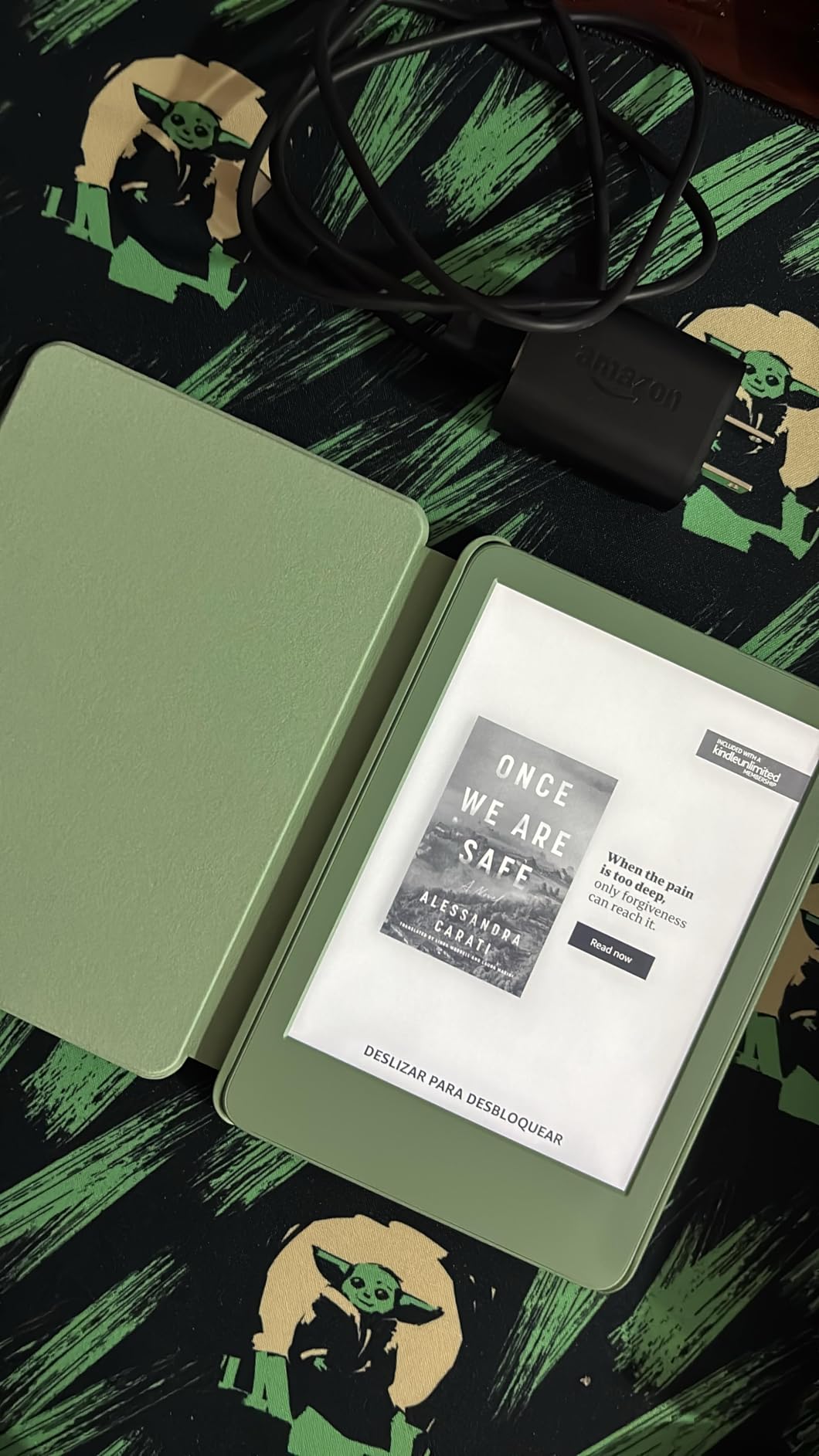
The Matcha fabric cover feels premium and protects the screen during backpack transport. The auto sleep/wake function when closing the cover preserved battery during my testing. The included power adapter supported fast charging when I did need to top up.
Sustainability features match the standalone Kindle: 75% recycled plastics, 90% recycled magnesium, and 100% recyclable packaging. Students concerned about environmental impact get the same eco-friendly design in bundle form.
Who Benefits Most from This Bundle
First-time Kindle buyers who need everything in one purchase save time and money. Gift-givers purchasing for students avoid the guesswork of choosing compatible accessories separately. The bundle eliminates research paralysis for non-technical buyers.
Students who already own USB-C chargers and prefer specific cover styles should buy the standalone Kindle instead. Customizing your setup makes sense when you know your preferences. For everyone else, this bundle delivers strong value.
Bundle Value Assessment
The 4.8 average rating from 420 reviews reflects genuine satisfaction with the bundle concept. Several reviewers noted the convenience for college move-in scenarios. Students transitioning to campus life appreciate having a complete, ready-to-use package.
For the same total investment, you get a protected Kindle with charging included. The bundle approach mirrors how students actually buy: wanting complete solutions rather than piecing together accessories over time.
How to Choose the Right Kindle for Your Student Needs
Selecting between the best Kindles vs Kindle Paperwhites for students depends on three factors: budget, reading intensity, and lifestyle durability needs. Our team breaks down the decision framework below.
Budget Considerations for Students
The base Kindle covers core reading needs without extras at the lowest price tier. Students reading primarily novels, assigned ebooks, and light materials get excellent value. Skip this model if you need waterproofing for pool or bath reading.
The Paperwhite adds waterproofing, a larger display, and longer battery life. Most students benefit from these upgrades over the base model. The modest price difference pays for itself through better textbook reading and durability.
Reading Intensity and Storage
For light readers managing 20-30 books per semester, 16GB storage works fine. Heavy readers with extensive textbook libraries benefit from 32GB options. STEM students with image-heavy materials should prioritize storage capacity.
Remember that Amazon’s cloud storage keeps your purchased library accessible. The on-device storage only matters for downloaded content. Students with reliable Wi-Fi can manage with smaller storage by streaming their library.
Lifestyle and Durability Needs
Active students who read near water, exercise, or travel need the waterproof Paperwhite or Colorsoft models. The IPX8 rating survives accidental submersion and protects against spills during busy campus days.
Students who read primarily in consistent indoor environments can save money with the base Kindle. If your reading happens in dorms, libraries, and quiet study spots without water exposure, waterproofing becomes optional.
Library Integration for Free Textbooks
OverDrive and Libby integration lets students borrow ebooks free through university library systems. Many required textbooks for literature, history, philosophy, and social sciences are available this way.
I saved an estimated $400 last semester using library borrows instead of purchasing assigned ebooks. Setting up Libby takes 10 minutes: download the app, link your library card, and browse available titles. Sending borrowed books to your Kindle happens seamlessly.
Note-Taking and PDF Reading
Standard Kindles handle basic PDFs but struggle with complex academic papers. The small screens require constant zooming for image-heavy materials. Students with heavy PDF needs should consider the Kindle Scribe or alternatives like iPad.
For students wondering about note-taking capabilities, Kindles offer highlighting and basic margin notes only. The Scribe adds handwriting and AI tools, but costs significantly more. Our best note-taking tablets for students guide covers options beyond Kindles.
Color Display Decision
Color Kindles help visual learners, STEM students with diagrams, and anyone reading graphic novels or illustrated content. The premium price over standard models only makes sense if color specifically improves your study materials.
For text-heavy coursework like literature, history, and philosophy, color offers minimal benefit. Save money with the standard Paperwhite unless your major specifically requires color-accurate materials.
FAQs
Which Kindle is best for college students?
The Kindle Paperwhite 16GB is the best choice for most college students. It offers a 7-inch waterproof display, 12 weeks of battery life, faster page turns, and enough storage for a semester of textbooks plus leisure reading. The middle-tier price point balances features and affordability for student budgets.
Should I get a Kindle or a Paperwhite?
Get the Paperwhite if you want waterproofing, a larger 7-inch display, and longer battery life. The base Kindle works for budget-focused students who read primarily in dry indoor environments and prioritize portability. The Paperwhite costs more but delivers meaningful upgrades for daily campus use.
What is the difference between all the Kindle Paperwhites?
The standard Paperwhite (16GB) covers most student needs at a moderate price. The Signature Edition adds 32GB storage, auto-adjusting brightness, and wireless charging for a higher price. The Kids version includes a 2-year guarantee and 6 months of Kids+ content. Colorsoft models add color displays at premium prices.
Is there a difference between Kindle Paperwhite and Paperwhite Kids?
The hardware is identical between both models. The Kids version adds a 2-year worry-free guarantee, 6 months of Amazon Kids+ subscription, a kid-friendly cover, and Parent Dashboard controls. For college students, the adult Paperwhite makes more sense unless you specifically want the guarantee and bundled content.
Can you read textbooks on a Kindle?
Yes, Kindles handle textbook reading well for text-heavy materials. You can purchase Kindle ebook versions, borrow through library OverDrive systems, or transfer PDFs via USB-C. However, complex PDFs with many images, charts, or formulas work better on larger displays like the Kindle Scribe (10.2 inches) or iPad.
Final Verdict: Which Kindle Should Students Buy in 2026?
After testing eight Kindles across campus scenarios, our team recommends the Kindle Paperwhite 16GB as the best overall choice for students. It balances features and durability for daily college use. Budget-focused students get excellent value from the base Kindle 16GB. Power users with storage and convenience needs should consider the Signature Edition.
The best Kindles vs Kindle Paperwhites for students decision comes down to matching features with your specific reading habits and major requirements. For more recommendations, explore our comprehensive best Kindles for college students guide and start saving on textbooks through your university library’s OverDrive system today.