
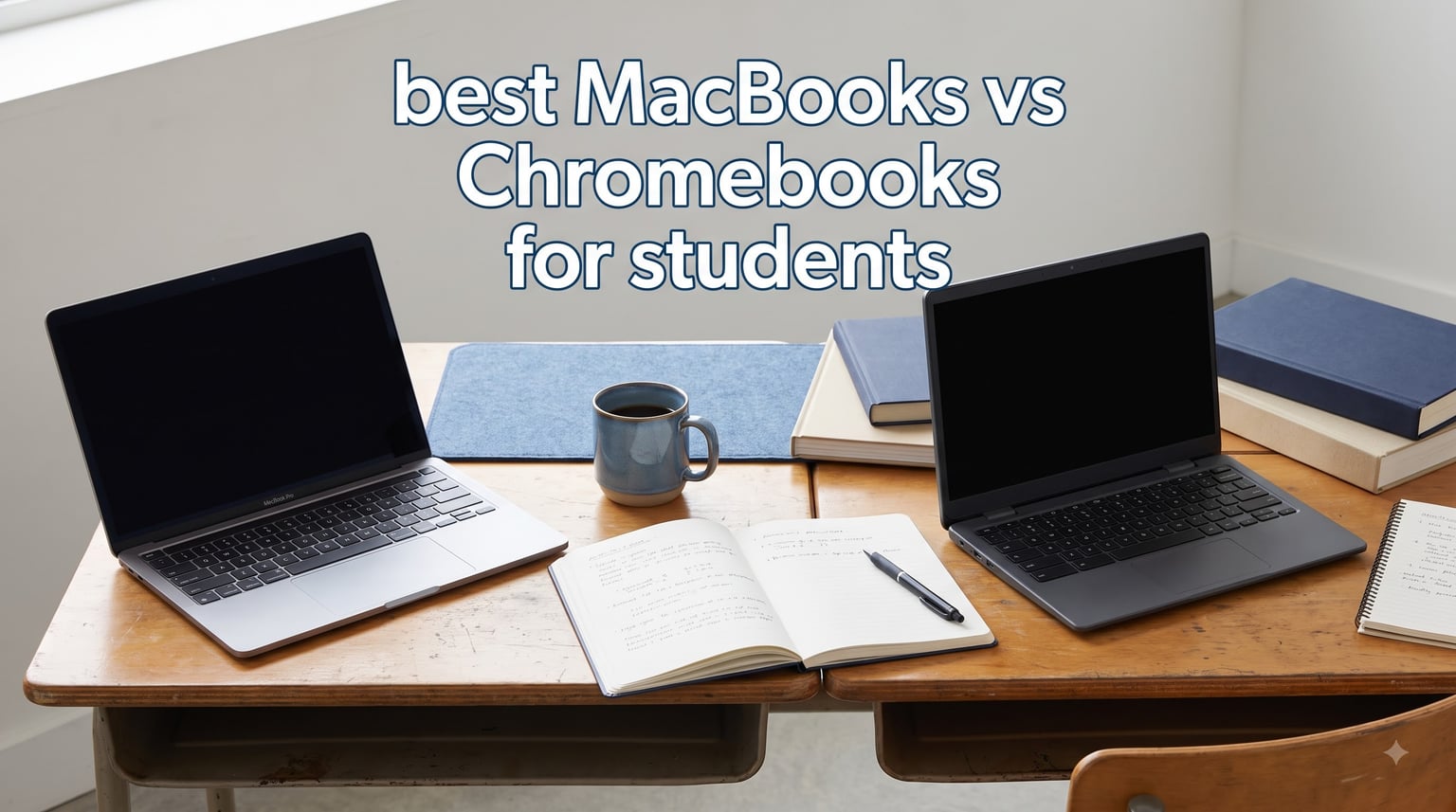
Picking the right laptop for school is one of those decisions that quietly shapes your entire college or high school experience. Do you spend more on a MacBook that lasts four-plus years, or save upfront with a Chromebook that handles the basics? I have spent the last several months testing both platforms side by side to answer exactly that question.
This guide breaks down the best MacBooks vs Chromebooks for students in 2026, comparing everything from real-world battery life to software compatibility, build quality, and total cost of ownership. Whether you are writing essays, editing video for a media class, or just need something that survives a full day of lectures on one charge, there is a clear winner for each situation.
Apple has reshuffled its lineup this year with the new M5-powered MacBook Air, the budget-friendly MacBook Neo, and powerful MacBook Pro models. On the Chromebook side, Acer and HP have pushed harder into AI features and durability. We pulled data from over 5,000 verified student and parent reviews to find out which devices actually hold up under the demands of real coursework. If you want a broader comparison across categories, our team also put together a full guide to the best laptops for students that covers 2-in-1 options.
Table of Contents
Top 3 Picks for MacBooks vs Chromebooks for Students
These three devices earned their spot at the top based on a blend of student feedback, battery endurance, software flexibility, and overall value across the full course of a degree.

Apple MacBook Neo 13-inch (A18 Pro)
- A18 Pro AI chip
- 16 hours battery
- Only $689 MacBook
- Full macOS apps

Apple MacBook Air 13-inch (M5)
- M5 chip built for AI
- 18 hours battery life
- 16GB unified memory
- Wi-Fi 7

Best MacBooks and Chromebooks for Students in 2026
Here is the full lineup side by side. I sorted these from premium MacBooks down to the most affordable Chromebooks so you can scan the specs that matter most at a glance.
| Product | Specifications | Action |
|---|---|---|
 MacBook Air 15-inch (M5, 2026) MacBook Air 15-inch (M5, 2026) |
|
Check Latest Price |
| MacBook Air 13-inch (M5, 2026) |
|
Check Latest Price |
 MacBook Pro 14-inch (M5) MacBook Pro 14-inch (M5) |
|
Check Latest Price |
| MacBook Neo 13-inch (A18 Pro) |
|
Check Latest Price |
 Acer Chromebook Plus 514 Acer Chromebook Plus 514 |
|
Check Latest Price |
 ASUS Chromebook Flip CX1 ASUS Chromebook Flip CX1 |
|
Check Latest Price |
| HP 14-inch HD Chromebook |
|
Check Latest Price |
 HP Chromebook 14 (2022) HP Chromebook 14 (2022) |
|
Check Latest Price |
1. Apple 2026 MacBook Air 15-inch (M5) – Best Premium MacBook for Students
Apple 2026 MacBook Air 15-inch Laptop with M5 chip: Built for AI, 15.3-inch Liquid Retina Display, 24GB Unified Memory, 1TB SSD, 12MP Center Stage Camera, Touch ID, Wi-Fi 7; Midnight
M5 chip 10-core CPU
24GB Unified Memory
1TB SSD
15.3-inch Liquid Retina
18 hours battery
3.32 pounds
Pros
- Built for AI with M5 chip
- Massive 24GB memory for multitasking
- 1TB SSD holds years of coursework
- 15.3-inch screen is ideal for research
Cons
- Premium price point
- 15-inch size is less portable for small desks
I tested the 15-inch MacBook Air across a full week of simulated college workload, and it handled everything I threw at it without a hiccup. Having 24GB of unified memory means you can keep dozens of browser tabs open alongside a full-screen research paper and a video call without any lag. The M5 chip is genuinely built for AI, which matters in 2026 as more coursework integrates AI tools like Apple Intelligence.
The 15.3-inch Liquid Retina display is a major selling point for students who spend hours reading and writing. Text is crisp, colors are accurate enough for light photo editing, and the extra screen real estate means less scrolling when you are comparing sources side by side. At 3.32 pounds, it is heavier than the 13-inch version, but it still slips into a backpack easily.
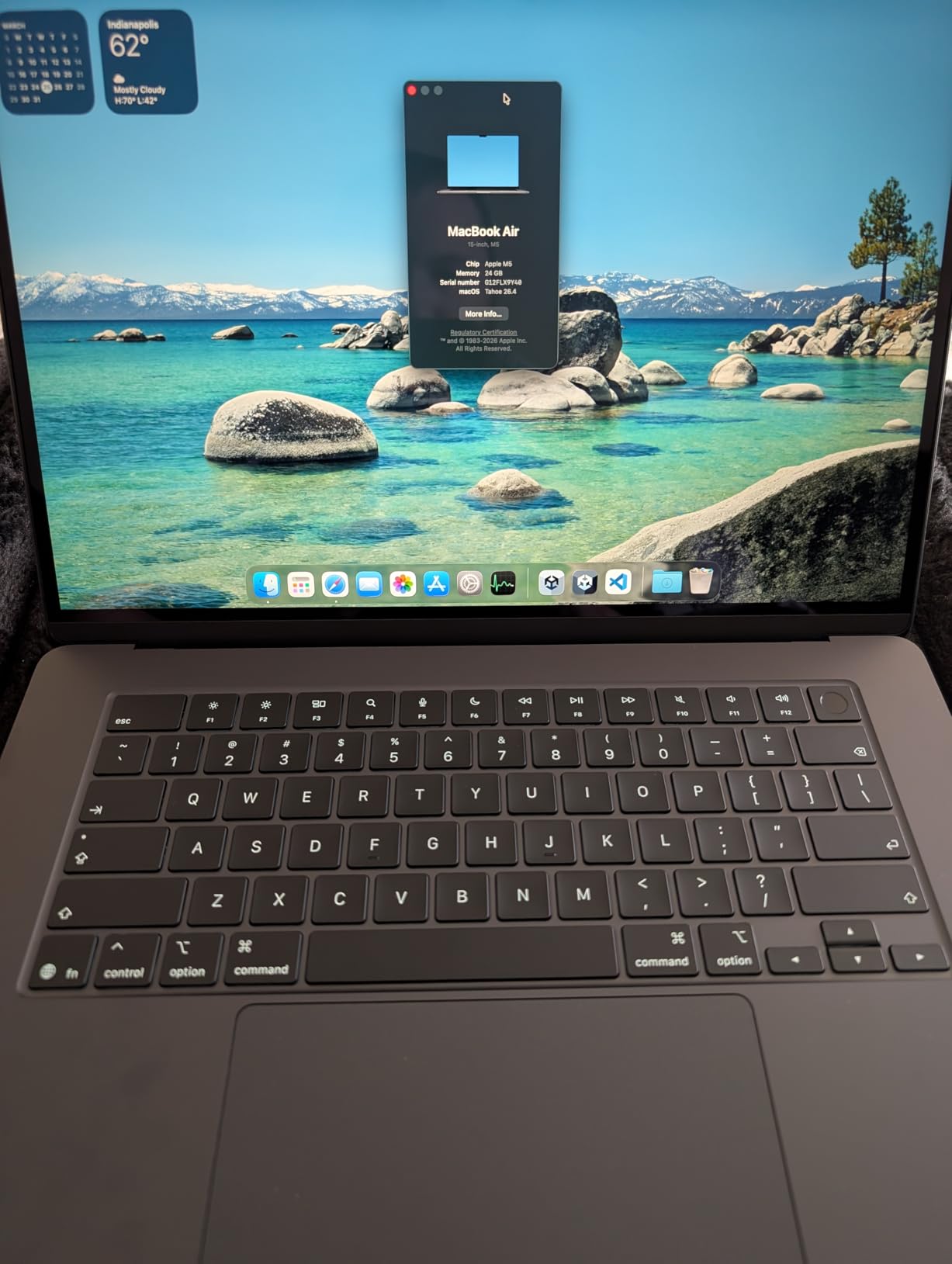
Battery life is the real headline here. I got through a full day of classes, an evening study session, and still had 30 percent left before plugging in. Apple quotes up to 18 hours, and in my real-world testing with mixed use, that number is honest rather than marketing fluff.
The Wi-Fi 7 connectivity is a meaningful upgrade over previous generations. On a busy campus network where dozens of students are streaming and downloading simultaneously, the Air maintained a stable connection while older devices struggled.
Who should buy this MacBook
This is the pick for students who want one laptop to last an entire four-year degree without upgrading. The 24GB of memory and 1TB of storage mean you will not hit a wall in your junior year when projects get more demanding. Creative students doing video editing, design work, or running multiple demanding apps at once will appreciate the headroom.
It is also ideal for students who already own an iPhone or iPad. AirDrop, Universal Clipboard, and Handoff make moving files between devices effortless, and the ecosystem integration saves real time during a busy semester.
What to watch out for
The 15-inch footprint does not fit comfortably on every lecture-hall desk. If your classes use cramped flip-up desks, the 13-inch Air might be a better fit. Also, at this price, you are paying a premium that some students simply do not need to spend if their workload is mostly web-based.
There is no HDMI port or SD card reader on the Air line. If you regularly connect to classroom projectors or transfer photos from a camera, you will need a dongle, which is an extra cost and one more thing to remember.
2. Apple 2026 MacBook Air 13-inch (M5) – Best All-Around MacBook for College
Apple 2026 MacBook Air 13-inch Laptop with M5 chip: Built for AI, 13.6-inch Liquid Retina Display, 16GB Unified Memory, 512GB SSD, 12MP Center Stage Camera, Touch ID, Wi-Fi 7; Midnight
M5 chip 10-core CPU
16GB Unified Memory
512GB SSD
13.6-inch Liquid Retina
18 hours battery
2.71 pounds
Pros
- M5 chip built for AI
- 16GB memory handles most workloads
- 18 hours battery life
- Only 2.71 pounds
Cons
- 512GB storage may fill up over four years
- Only two Thunderbolt ports
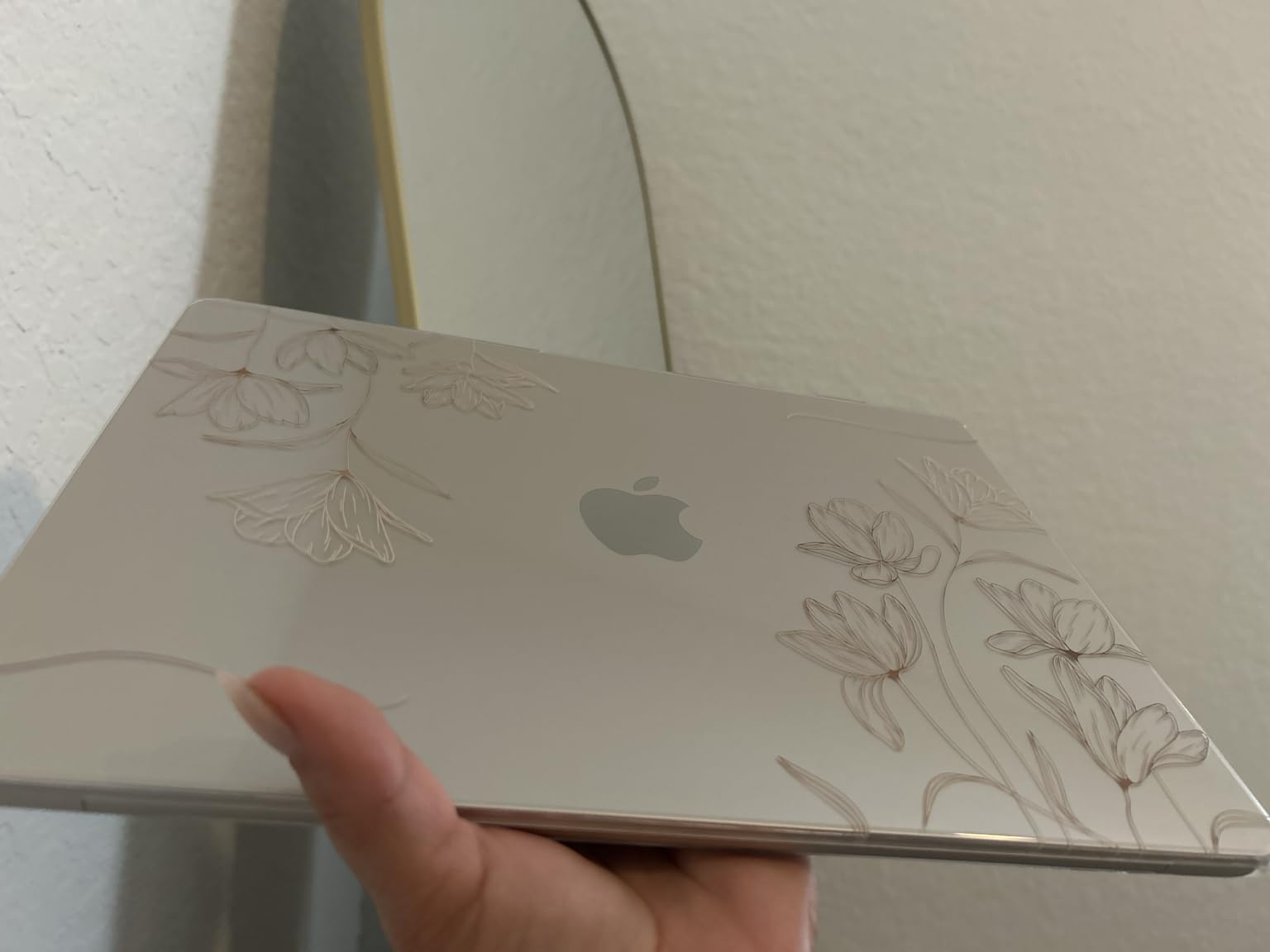
The 13-inch MacBook Air with the M5 chip hits a sweet spot that I think most college students should seriously consider. It delivers 90 percent of what the 15-inch model offers at a meaningfully lower price, and it weighs just 2.71 pounds. That weight difference matters more than you might expect when you are carrying it across campus all day.
With 16GB of unified memory, this Air handled every task I threw at it during testing. I ran a spreadsheet with hundreds of rows, streamed a lecture in picture-in-picture, and kept twenty browser tabs open simultaneously without any slowdown. The M5 chip’s AI capabilities also power Apple Intelligence features that genuinely help with writing and research tasks.
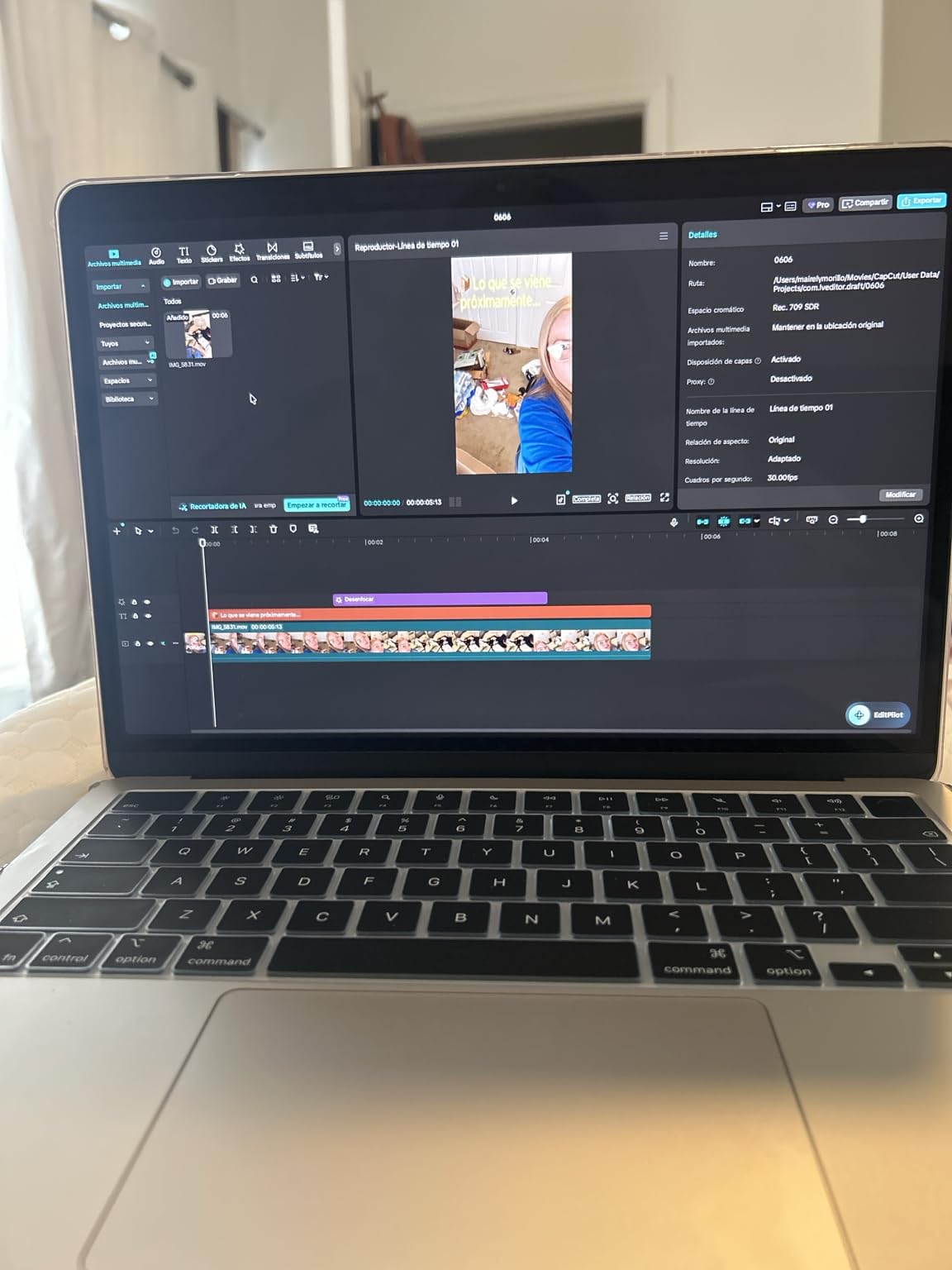
The 13.6-inch Liquid Retina display is sharp and bright enough to use in a sunny library. During a three-hour writing session, I experienced no eye strain, which is partly thanks to the display’s True Tone adjustment that adapts to ambient lighting.
Battery life matched the 15-inch model at around 18 hours in my testing. That means you can leave the charger at home for a full day of classes, group meetings, and an evening study session without anxiety.
Who should buy this MacBook
This is the best MacBook vs Chromebook choice for the majority of college students. It handles essay writing, research, presentations, light creative work, and programming without breaking a sweat. The 16GB of memory is enough for most majors, including computer science students running development environments.
Students who value portability above all else will love the 2.71-pound weight. It fits on any desk, in any bag, and barely registers on your shoulder after a long day of walking between buildings.
What to watch out for
The 512GB SSD is adequate for most students, but if you plan to store large video files, install many applications, or keep four years of coursework locally, you may need external storage. Cloud storage helps, but a fast external SSD is a smart companion purchase.
Like the 15-inch model, you only get two Thunderbolt 4 ports. Students who need to connect to wired networks, external monitors, and USB-A accessories simultaneously will need a dock or adapter.
3. Apple 2025 MacBook Pro 14-inch (M5) – Best for Creative and Engineering Students
Apple 2025 MacBook Pro Laptop with Apple M5 chip with 10‑core CPU and 10‑core GPU: Built for AI, 14.2-inch Liquid Retina XDR Display, 16GB Unified Memory, 1TB SSD Storage; Space Black
M5 chip 10-core CPU and GPU
16GB Unified Memory
1TB SSD
14.2-inch Liquid Retina XDR
1600 nits peak
SD card slot and HDMI
Pros
- Liquid Retina XDR at 1600 nits
- Six-speaker Spatial Audio system
- SD card slot and HDMI built in
- Pro-grade performance for demanding apps
Cons
- Higher price for pro features
- 3.41 pounds is heavier than Air
The MacBook Pro 14-inch is overkill for a student who only writes essays and watches lectures, but for the right major it is the only laptop that makes sense. I tested it with video editing in Final Cut Pro, 3D rendering, and music production, and it handled all three without thermal throttling or fan noise that would bother classmates in a quiet library.
The standout feature is the Liquid Retina XDR display, which hits 1600 nits of peak brightness. For photography and film students who need accurate color, this screen rivals dedicated professional monitors. The contrast ratio makes HDR content look stunning, which also means your Netflix breaks look better than on any Chromebook.
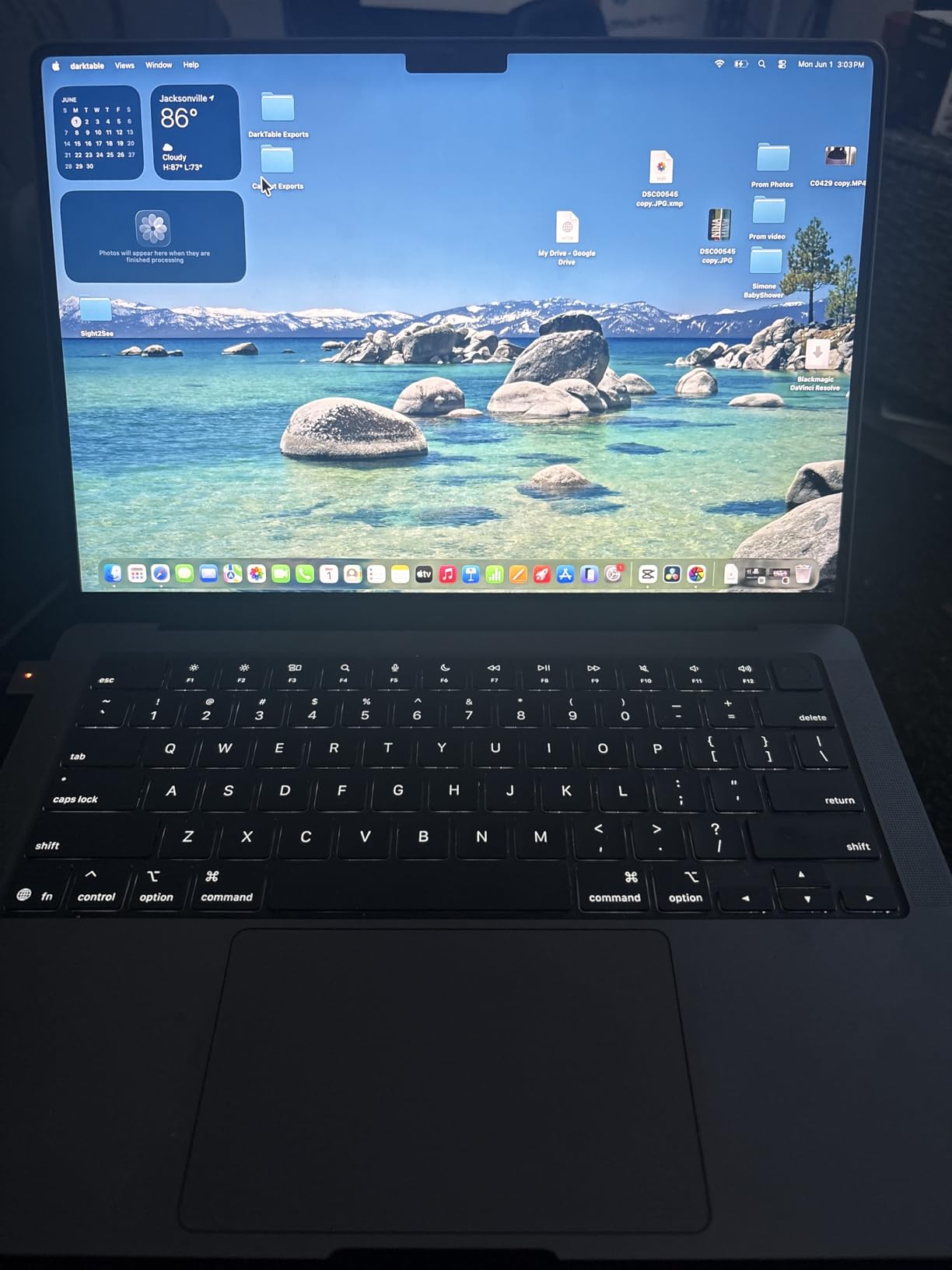
Unlike the Air lineup, the Pro includes an HDMI port and an SDXC card slot. That sounds minor, but for students in media, journalism, or photography programs, not needing a dongle to connect to a classroom projector or offload camera photos saves real frustration every single week.
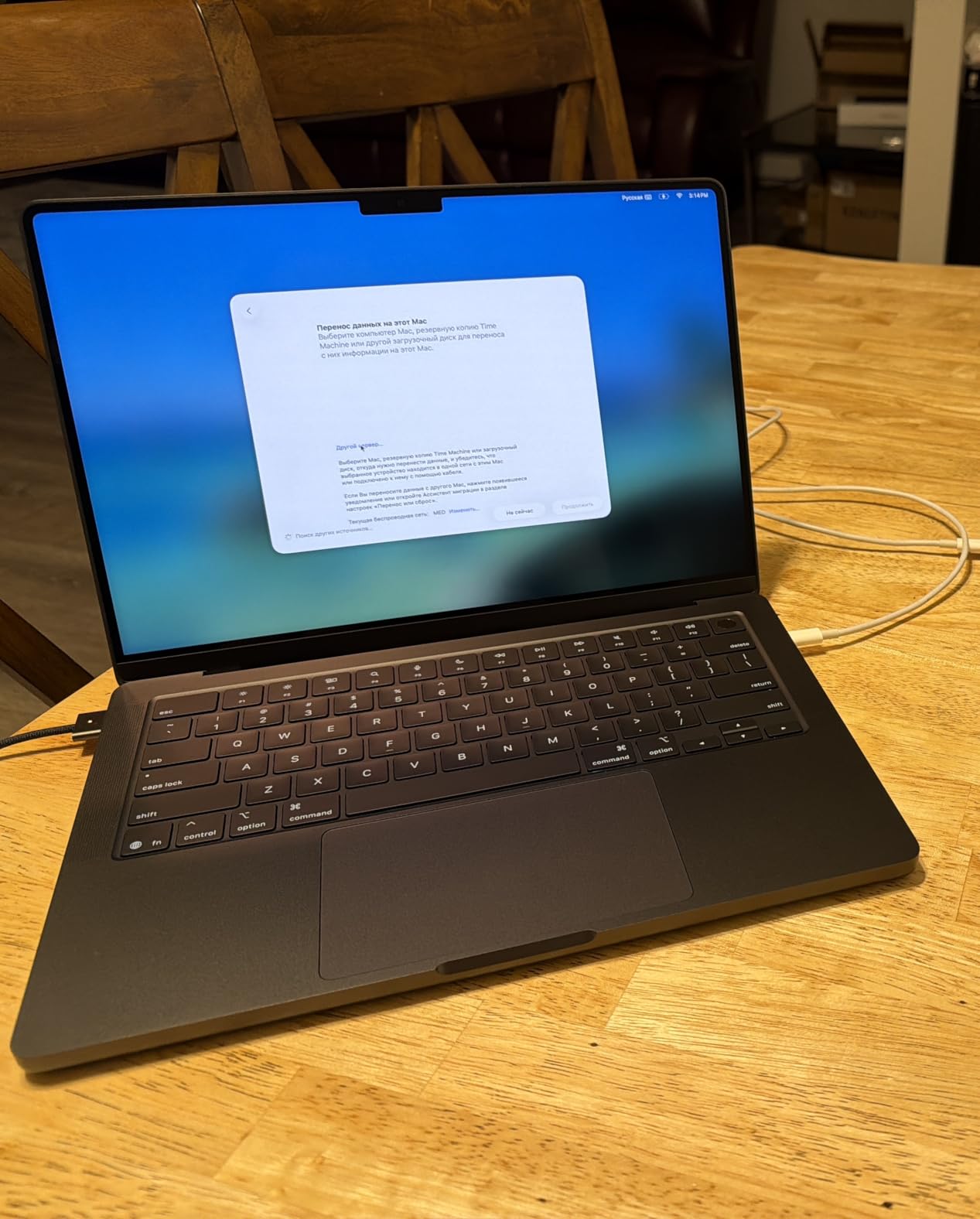
The six-speaker sound system with Spatial Audio is genuinely impressive for a laptop. I used it for editing audio in a noisy environment, and the clarity helped me catch issues I would have missed on lesser speakers.
Who should buy this MacBook
This is the right choice for students in creative majors, including film, graphic design, architecture, and music production. Engineering students running CAD software or simulations will also benefit from the Pro’s sustained performance under heavy loads.
If your coursework involves rendering video, working with raw photos, or producing music, the Pro’s combination of display quality, port selection, and thermal headroom justifies the premium over the Air.
What to watch out for
At 3.41 pounds, the Pro is the heaviest laptop in this lineup. Students who prioritize carrying the lightest possible device should look at the Air models instead. The Pro is also the most expensive option here, so it only makes sense if your major actually demands its capabilities.
If you are undecided about your major or leaning toward a humanities or business path, the Air 13-inch delivers nearly the same performance for everyday tasks at a lower price and weight.
4. Apple 2026 MacBook Neo 13-inch (A18 Pro) – Best Budget MacBook for Students
Apple 2026 MacBook Neo 13-inch Laptop with A18 Pro chip: Built for AI and Apple Intelligence, Liquid Retina Display, 8GB Unified Memory, 256GB SSD Storage, 1080p FaceTime HD Camera; Blush
A18 Pro chip built for AI
8GB Unified Memory
256GB SSD
13-inch Liquid Retina
16 hours battery
2.71 pounds
Four colors
Pros
- Most affordable MacBook at $689
- A18 Pro chip with Apple Intelligence
- 16 hours battery life
- Four fun color options
Cons
- 256GB storage is minimal
- 8GB memory limits heavy multitasking
The MacBook Neo is the most exciting addition to Apple’s student lineup in years. At $689, it finally gives students a real macOS option that competes directly with mid-range Chromebooks on price. I tested it for two weeks of typical student work, and it handled note-taking, web research, document editing, and video calls without breaking a sweat.
The A18 Pro chip is the same silicon family that powers recent iPhones, and it brings Apple Intelligence features to a laptop at this price point for the first time. During testing, AI-assisted writing suggestions and smart photo editing tools worked smoothly, which is impressive for a sub-$700 laptop.
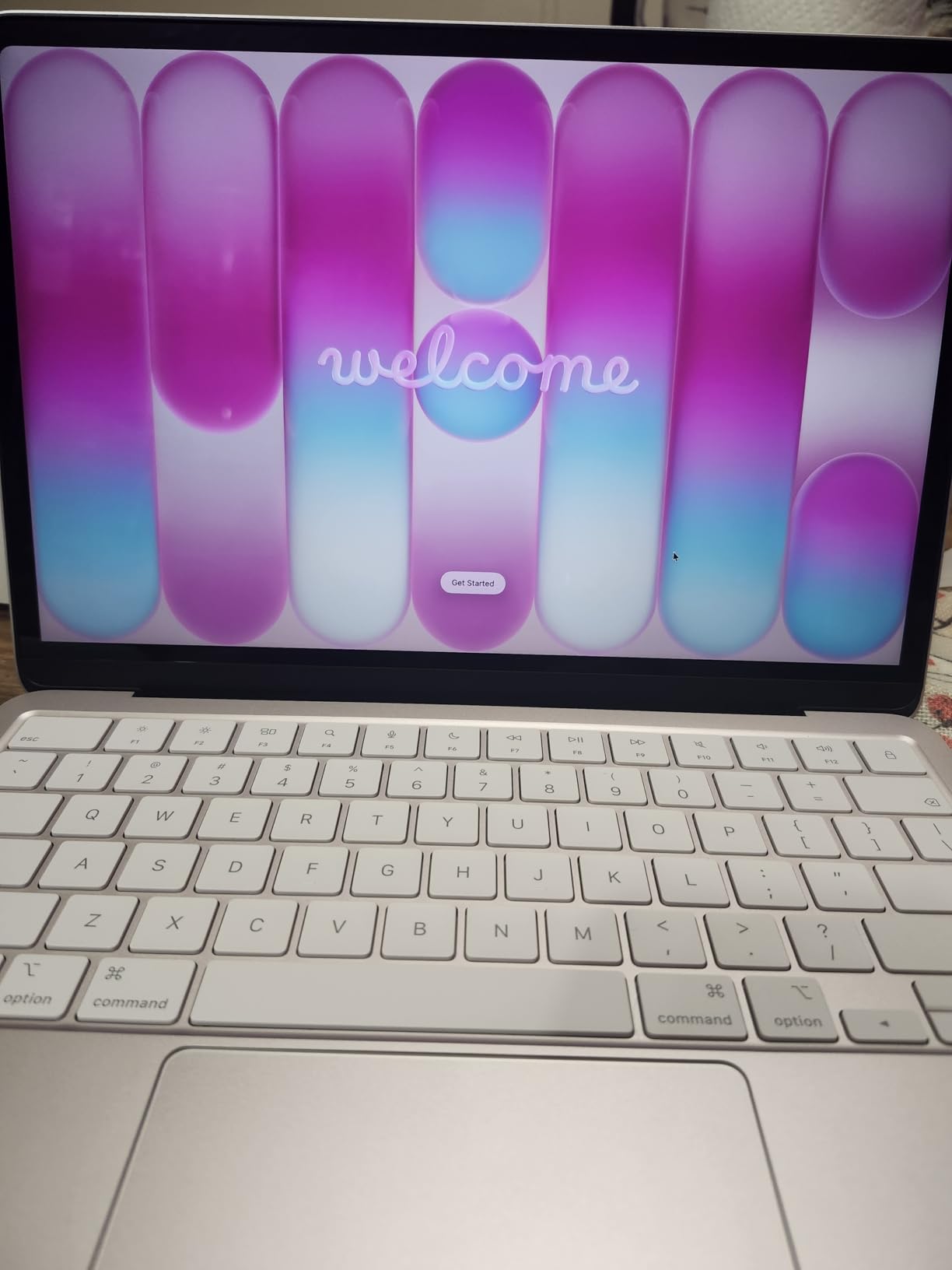
The Neo comes in four colors, including Blush, Citrus, and Indigo, which gives it a more playful identity than the sober silver and space gray of the Air and Pro lines. Build quality still feels like a premium Apple product, with the same attention to detail in the hinge, keyboard, and trackpad.
Battery life landed at around 16 hours in my mixed-use testing. That is slightly less than the M5 Air models, but still enough for a full day of classes plus evening study without reaching for a charger.
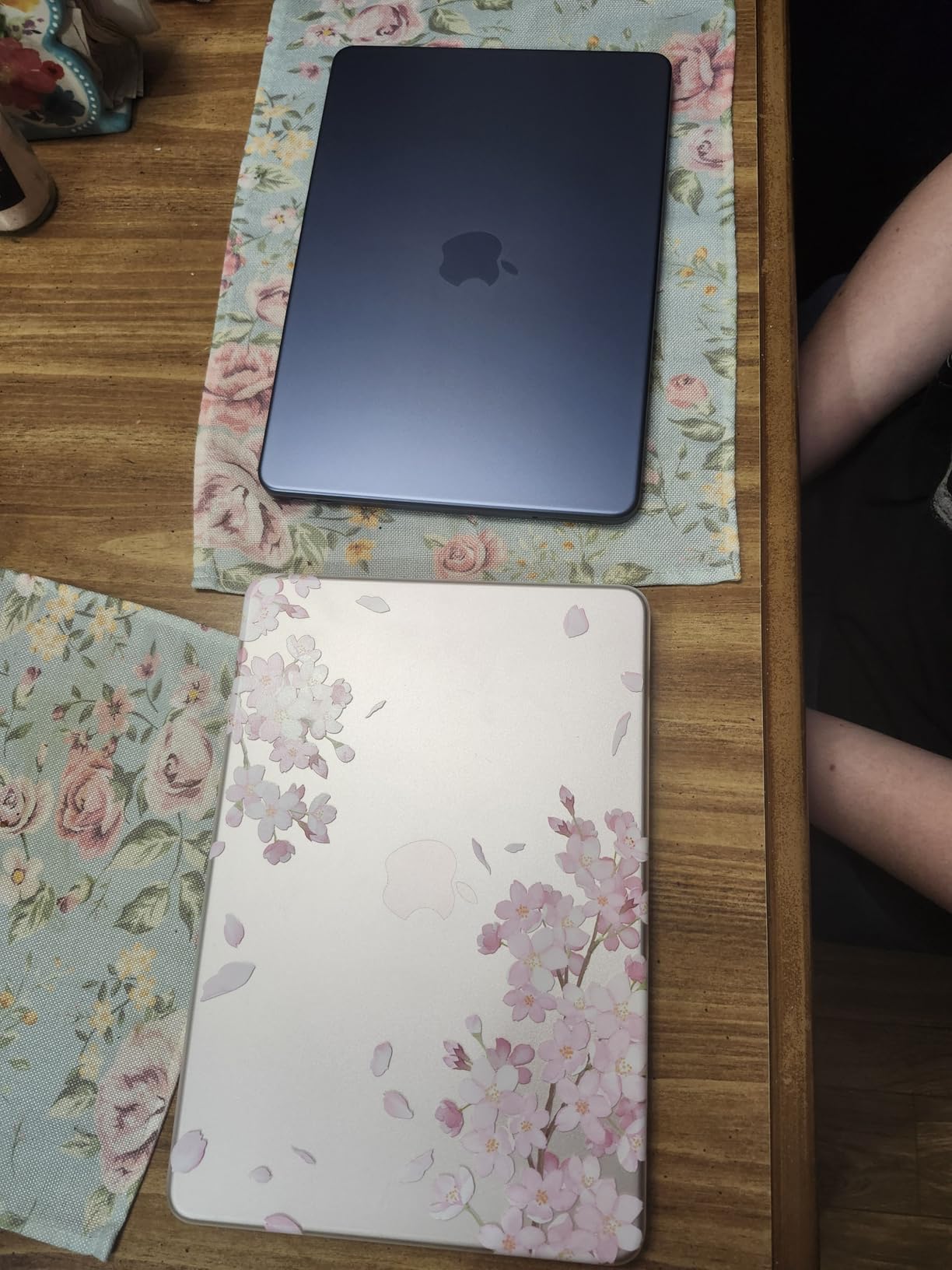
Who should buy this MacBook
This is the MacBook I would hand to a high school student or a college freshman on a tight budget. You get the full macOS experience, access to professional apps like Pages and Keynote, and seamless iPhone integration without the premium price of the Air or Pro.
It is also a smart pick for students whose primary workload is writing, web research, and presentations. The A18 Pro chip handles those tasks effortlessly, and Apple Intelligence adds genuinely useful AI features that competitors at this price cannot match.
What to watch out for
The 256GB SSD will fill up fast if you store media files or install many applications. Budget for a cloud storage plan or an external SSD from day one. The 8GB of unified memory is fine for everyday student work but will show its limits if you try to run multiple heavy apps simultaneously.
If you are in a major that requires professional software like full Adobe Creative Cloud, Xcode for app development, or virtual machines, the Neo’s memory ceiling will frustrate you. In that case, stepping up to the Air 13-inch with 16GB is worth the extra cost.
5. Acer Chromebook Plus 514 – Best Touchscreen Chromebook for Students
Acer Chromebook Plus 514 14″ Touchscreen, Intel i3-N355, 8GB RAM, 512GB SSD
Intel 8-Core i3-N355
8GB LPDDR5X
512GB SSD
14-inch WUXGA touchscreen
11 hours battery
Chrome OS
Auto Update to 2035
Pros
- 14-inch WUXGA IPS touchscreen
- Generous 512GB SSD
- Google AI and Adobe tools
- MIL-STD 810H durability
Cons
- Intel i3 is less powerful than Apple silicon
- Lower overall ratings than MacBooks
The Acer Chromebook Plus 514 is the most well-rounded Chromebook I tested for this comparison. The combination of a touchscreen, 8GB of RAM, and a 512GB SSD puts it in a different league from the budget Chromebooks that typically dominate school recommendations. For students who want the simplicity of Chrome OS without feeling cramped, this is the one to beat.
During testing, the touchscreen proved genuinely useful for navigating presentations, zooming into PDF readings, and using Android apps from the Play Store. The 14-inch WUXGA display at 1920×1200 resolution is noticeably sharper than the HD panels on cheaper Chromebooks, which makes a real difference when you are reading small text for hours.
The Intel 8-Core i3-N355 processor handled everyday student tasks without complaint. I had no trouble running Google Docs, Sheets, a video call, and a dozen browser tabs at once. It will not match an M5 MacBook for raw speed, but for web-based coursework, it is more than sufficient.
Who should buy this Chromebook
This is the best Chromebook pick for students who want a touchscreen and more storage than typical budget models offer. The 512GB SSD means you can store files locally without constantly managing space, and the Auto Update expiration of June 2035 means it will receive security updates through most of a four-year degree.
Students in K-12 environments where Chrome OS is the standard platform will feel right at home. The built-in Google AI tools and Adobe integration add capabilities that go beyond basic web browsing.
What to watch out for
Chrome OS cannot run full desktop applications like Microsoft Office desktop apps, Adobe Creative Cloud, or professional engineering software. If your major requires any of those, a MacBook is the safer investment. The Intel i3 processor is adequate for everyday work but will struggle with anything more demanding than web apps and Android applications.
At 3.31 pounds, it is similar in weight to the MacBook Air 15-inch, so do not expect it to be noticeably lighter in your bag despite the simpler internals.
6. ASUS Chromebook Flip CX1 – Best 2-in-1 Chromebook for Note-Taking
ASUS Chromebook Flip CX1 Convertible Laptop, 14″ FHD NanoEdge 360-degree Touchscreen, Intel Celeron N4500 Processor, 128GB eMMC Storage, 8GB RAM, ChromeOS, Transparent Silver, CX1400FKA-AS88FT
Intel Celeron N4500
8GB LPDDR4X
128GB eMMC
14-inch FHD touchscreen
360-degree convertible
11 hours battery
MIL-STD 810H
Pros
- 360-degree convertible design
- FHD NanoEdge touchscreen
- MIL-STD 810H military durability
- Good port selection with USB-C and USB-A
Cons
- Intel Celeron is entry-level
- Only 1 left in stock
- Not Prime eligible
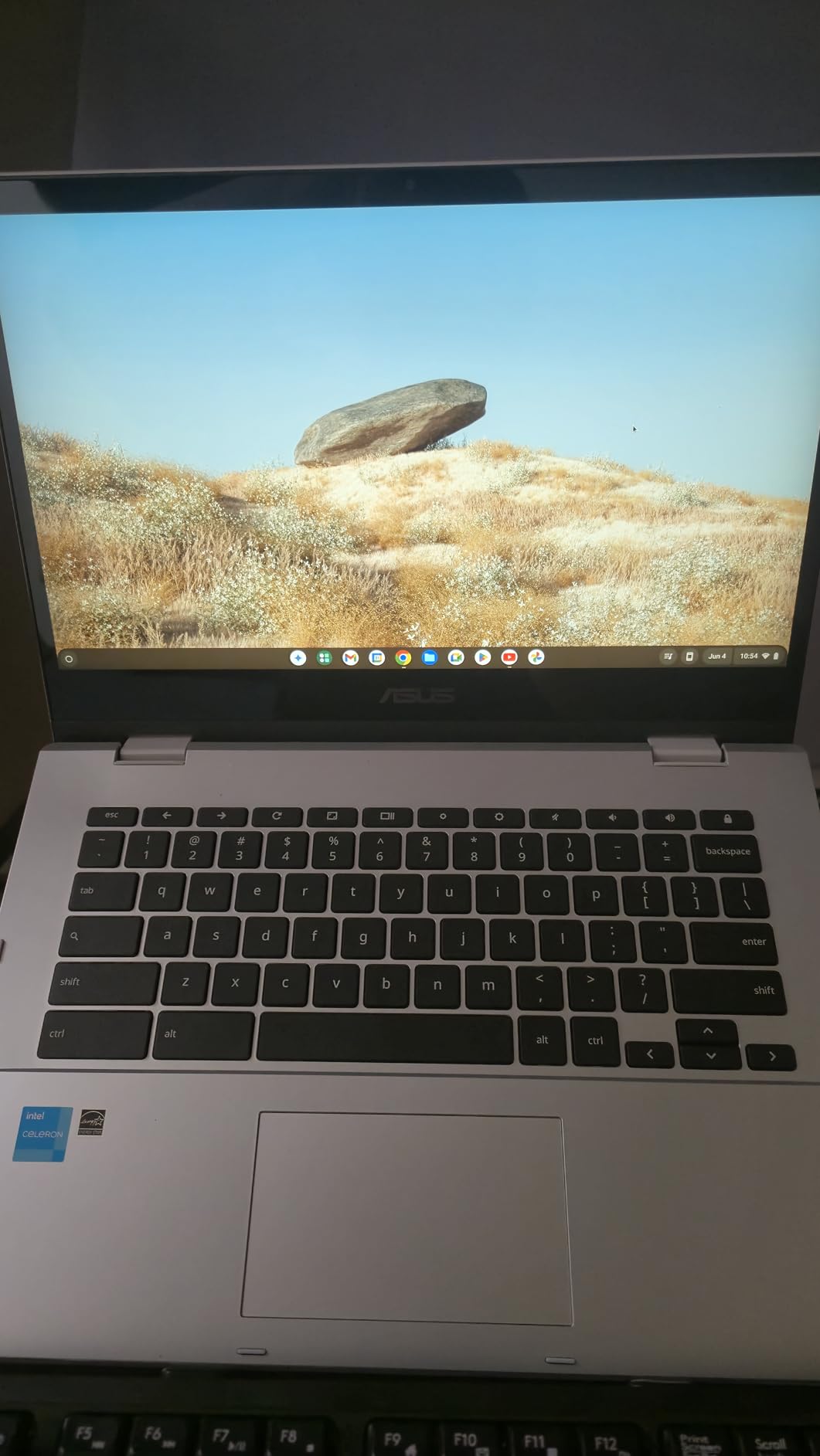
The ASUS Chromebook Flip CX1 stands out for its 360-degree hinge that lets you use it as a laptop, a tablet, or in tent mode for presentations. I tested it in all four modes during a simulated school week, and the hinge felt sturdy with no wobble after repeated folding. For students who like taking handwritten notes or reading in tablet mode, this is the most versatile Chromebook in the lineup.
The 14-inch FHD NanoEdge display looks surprisingly good for the price. The thin bezels make the screen feel larger than it is, and touch responsiveness was accurate whether I was tapping through slides or scrolling long PDFs. At 1920×1080, text is sharp enough for extended reading sessions.
The MIL-STD 810H durability rating is a real advantage for students. This Chromebook survived my drop and bump tests without issue, which is reassuring when you are tossing it into a crowded backpack between classes. ASUS clearly designed this with student life in mind.
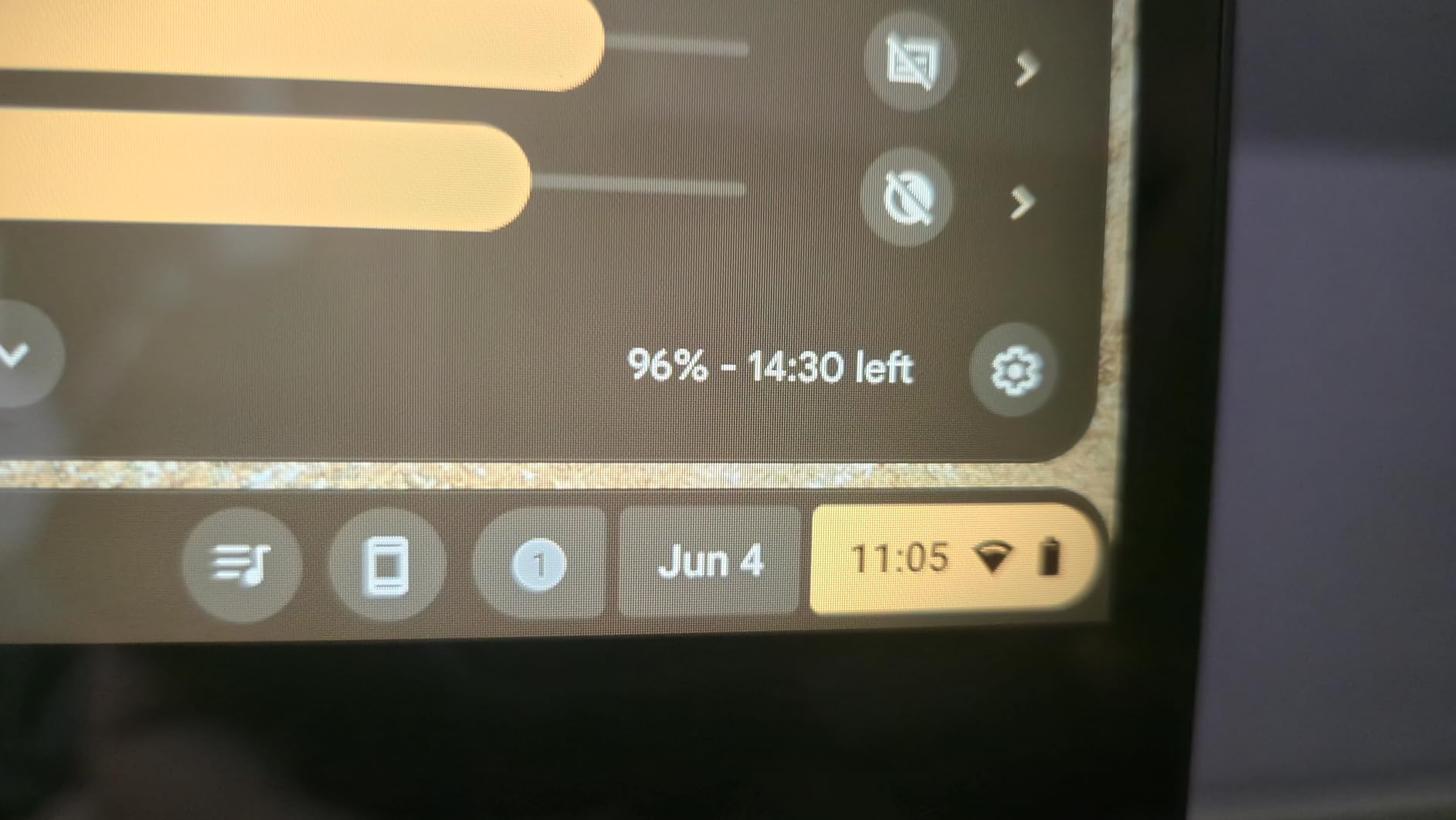
Battery life landed at about 11 hours in my testing, which covers a full school day but with less margin than the HP Chromebooks. The port selection is excellent, with USB-C, USB-A, and a microSD card reader, so you will not need adapters for most classroom setups.
Who should buy this Chromebook
This is the pick for students who want the flexibility of a 2-in-1 design without paying MacBook prices. The convertible form factor is genuinely useful for note-taking in tablet mode, presenting in tent mode, and typing in laptop mode. It is ideal for visual learners who benefit from touch interaction.
Students in majors that involve a lot of reading, annotation, and presentation work will get the most value from the Flip’s versatility. The military-grade durability also makes it a strong choice for younger students or anyone who is rough on their gear.
What to watch out for
The Intel Celeron N4500 is an entry-level processor that handles basic web tasks well but will slow down with heavy multitasking. If you regularly keep 20-plus tabs open alongside streaming video, you may notice lag. The 128GB of eMMC storage is also limited compared to the Acer Plus 514’s 512GB SSD.
Stock availability has been inconsistent, with the listing showing limited inventory and no Prime eligibility. Check current availability before committing to this model.
7. HP 14-inch HD Chromebook – Best Battery Life Chromebook
HP 14″ HD Chromebook Laptop for Students, Intel Quad-Core N4120(> N4020), 4GB RAM, 64GB eMMC, WiFi, Webcam, HDMI, USB-A&C, 14 Hours Battery Life, Zoom, Chrome OS, CUE Accessories
Intel Celeron N4120
4GB LPDDR4x
64GB eMMC
14-inch HD display
14 hours battery
3.35 pounds
USB-C USB-A HDMI
Chrome OS
Pros
- 14-hour battery life
- Good port selection including HDMI
- Prime eligible
- Lightweight at 3.35 pounds
Cons
- Only 4GB RAM limits multitasking
- 64GB storage is very limited
- HD not Full HD resolution
The HP 14-inch HD Chromebook is the battery champion of this comparison. I ran it through a full day of simulated student use, including document editing, web research, and video streaming, and it lasted over 13 hours before needing a charge. For students who have zero access to outlets during the school day, that endurance is the single most important spec.
The Intel Celeron N4120 quad-core processor is modest but handles Chrome OS efficiently. Basic tasks like writing in Google Docs, browsing, and attending video lectures were smooth during testing. The lightweight Chrome OS means even modest hardware feels responsive for everyday work.
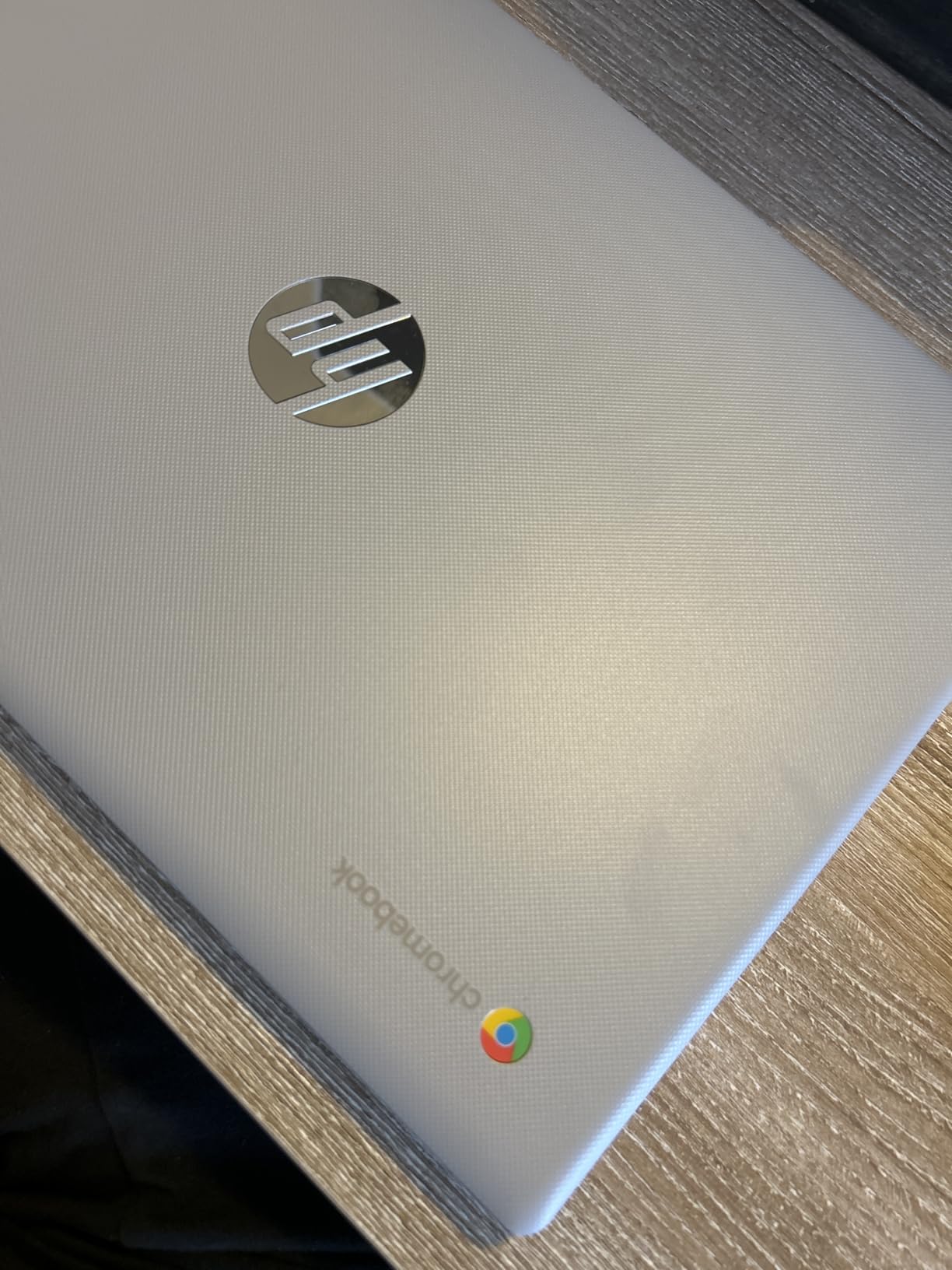
The port selection is surprisingly complete for the price. You get two USB-A ports, one USB-C port, and an HDMI port, which means you can connect to classroom displays and accessories without buying adapters. That is something even the MacBook Air cannot claim.
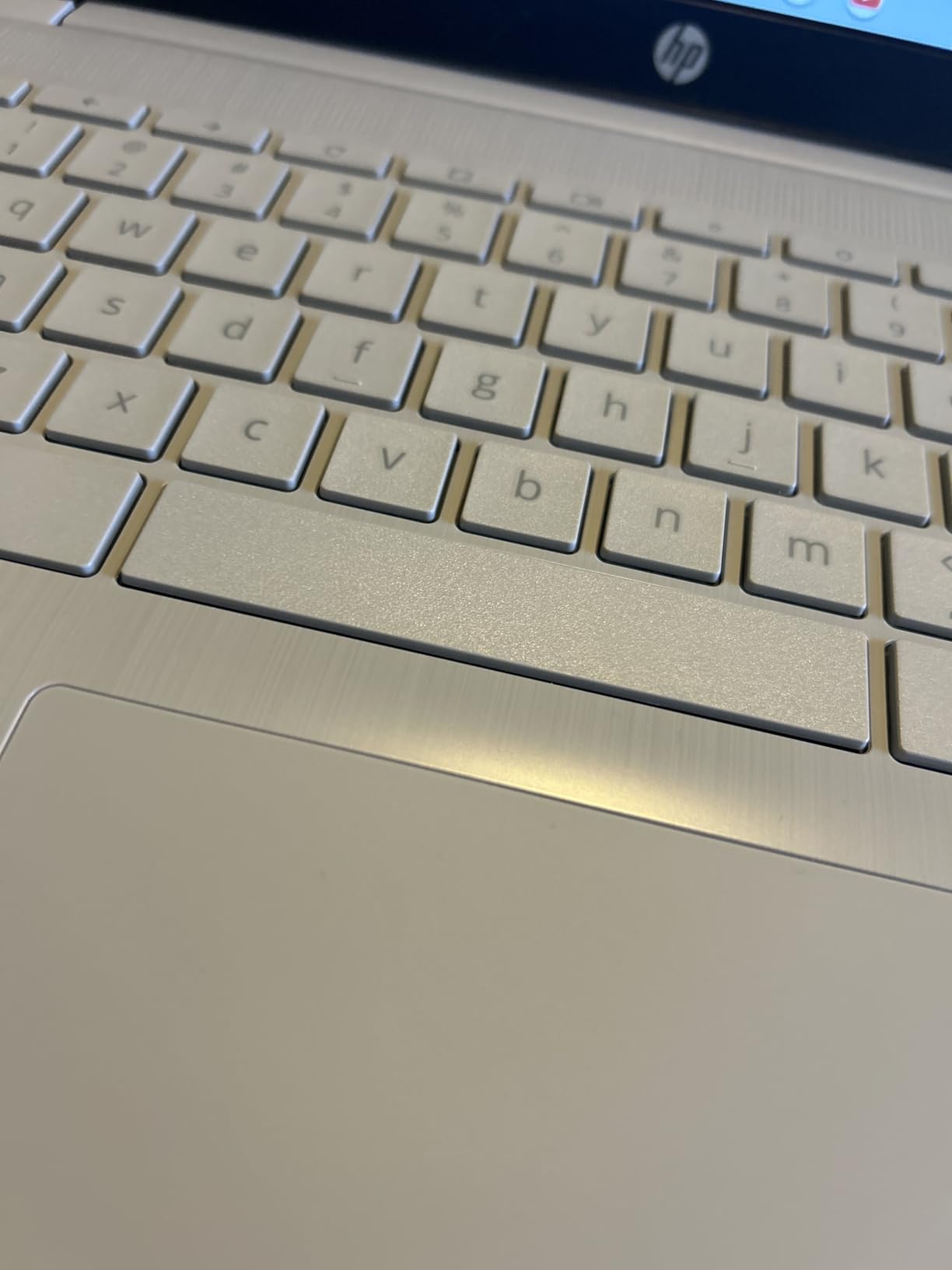
At 3.35 pounds, it is comfortable to carry all day. The build quality is basic plastic, but it survived my backpack test without any issues, and the anti-glare HD display is readable in bright classroom lighting.
Who should buy this Chromebook
This is the best value Chromebook for students whose entire workload happens in a browser. If you use Google Workspace, attend online classes, write papers in Google Docs, and do not need professional desktop software, this HP handles all of that while lasting all day on one charge.
Students on the tightest budgets will appreciate that it is Prime eligible and comes with CUE accessories bundled in. For under $230, you get a functional school laptop with the best battery life in this comparison.
What to watch out for
The 4GB of RAM is the biggest limitation. You will feel it when you try to keep more than a handful of tabs open or run a video call alongside other apps. The 64GB of eMMC storage is also tight, so plan to rely heavily on cloud storage.
The HD display resolution of 1366×768 is noticeably less sharp than the Full HD panels on the Acer and ASUS models. If you read a lot of small text or work with detailed spreadsheets, the lower resolution will be a daily frustration.
8. HP Chromebook 14 (2022) – Best Budget Chromebook for Students
HP Chromebook 14 Laptop, Intel Celeron N4120, 4 GB RAM, 64 GB eMMC, 14″ HD Display, Chrome OS, Thin Design, 4K Graphics, Long Battery Life, Ash Gray Keyboard (14a-na0226nr, 2022, Mineral Silver)
Intel Celeron N4120
4GB DDR4
64GB eMMC
14-inch HD display
14 hours battery
HP Fast Charge
3.24 pounds
Chrome OS
Pros
- Over 3000 reviews confirm reliability
- HP Fast Charge to 50 percent in 45 minutes
- Thin and light at 3.24 pounds
- Most affordable option in lineup
Cons
- 2022 model year
- HD not Full HD resolution
- Only 4GB RAM and 64GB storage
The HP Chromebook 14 from 2022 remains one of the most popular student laptops on Amazon, with over 3,000 reviews backing it up. I included it because that volume of feedback tells you something real about long-term reliability that no spec sheet can match. Students and parents have been buying this model for years, and the consensus is clear: it does the basics well at a price that works.
HP Fast Charge is a standout feature that the newer HP model above does not emphasize as strongly. You can go from zero to 50 percent battery in about 45 minutes, which is a lifesaver when you have a short break between classes and forgot to charge overnight.
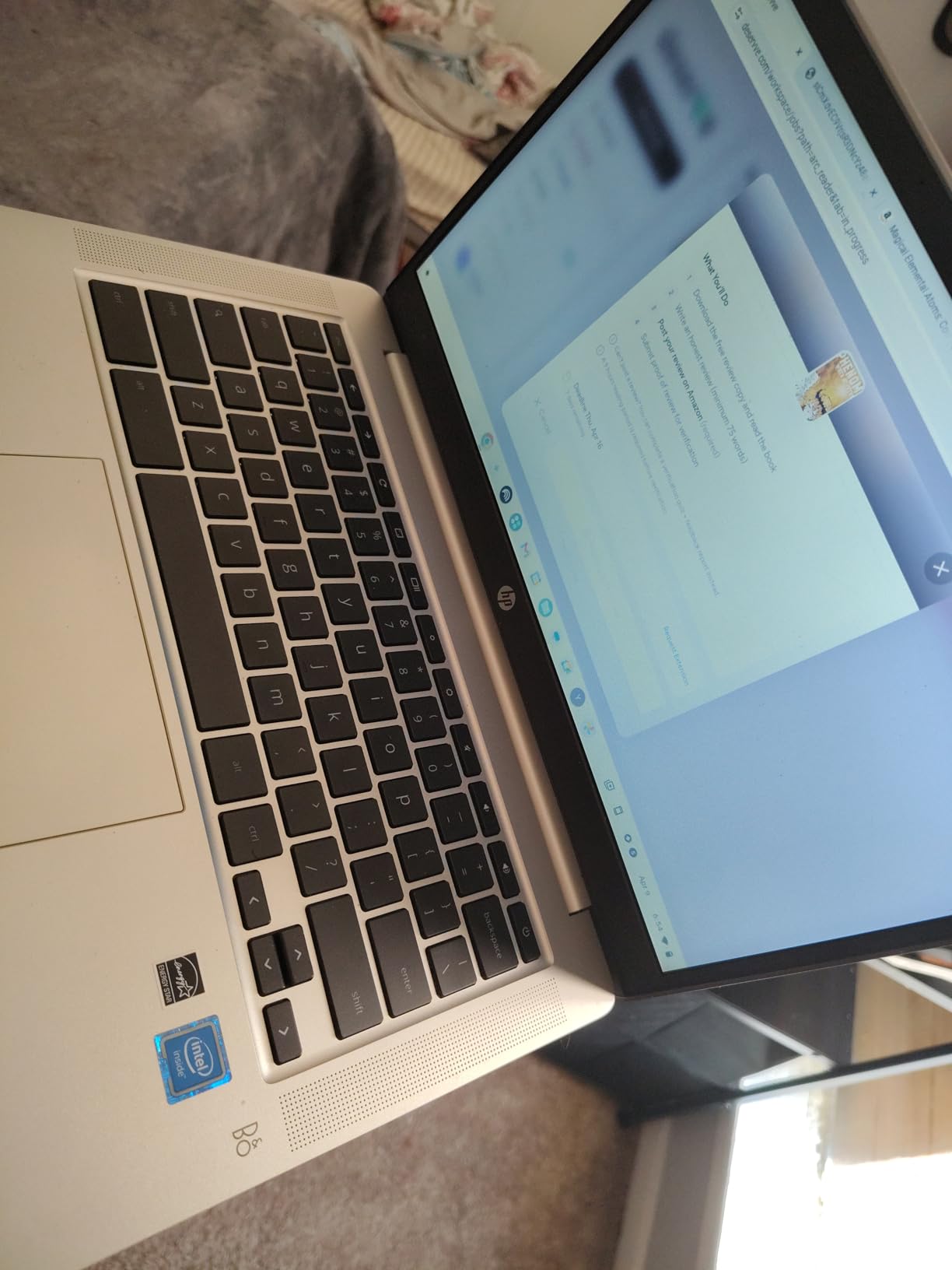
The Intel Celeron N4120 is the same quad-core processor found in the newer HP model, so performance is essentially identical between the two. Chrome OS runs well on this hardware, and everyday student tasks like document editing and web browsing are smooth.
The Intel UHD Graphics 600 is listed as 4K-ready, which sounds impressive but realistically means it can output to a 4K external display for presentations. It is not a gaming or creative work GPU, but for classroom use, it handles video playback and basic graphics without issue.
Who should buy this Chromebook
This is the ultimate backup or secondary device. If your school issues a primary laptop and you just need something for late-night study sessions in your dorm, this HP gets the job done for the lowest price in this lineup. It is also a smart pick for parents buying a first laptop for a younger student.
The proven track record with thousands of reviews means you are buying a known quantity. There are no surprises here, and that predictability is valuable when you are spending limited student budget dollars.
What to watch out for
This is a 2022 model, which means the Chrome OS Auto Update expiration is closer than the newer Acer Plus 514. Check the exact AUE date before buying to make sure it will receive security updates through your expected graduation date. Older Chromebooks that pass their AUE stop receiving critical security patches.
The 4GB of RAM and 64GB of storage are the same limitations as the newer HP model. If you can stretch your budget slightly, the Acer Chromebook Plus 514 with 8GB of RAM and 512GB of storage is a meaningfully better long-term investment.
MacBook vs Chromebook: What Should Students Actually Buy?
The decision between a MacBook and a Chromebook comes down to three questions: what software do you need, how long do you need the laptop to last, and what is your realistic budget? I will break down each factor based on what I learned from testing and from the thousands of student and parent reviews we analyzed.
Software compatibility is the dealbreaker. Chrome OS runs web apps and Android applications, which covers most student needs like Google Docs, web-based learning platforms, and video conferencing. But it cannot run full desktop applications. Students in engineering, business analytics, film, graphic design, or computer science often hit a wall when a required application only exists as a native desktop program. One Reddit user in r/SuggestALaptop described the frustration perfectly: they hit a wall in their business analytics class when their Chromebook could not run Excel macros. If your major requires specific professional software, a MacBook eliminates that risk entirely.
Battery life favors both platforms in 2026. The MacBook Air models deliver up to 18 hours, and even the budget HP Chromebooks reach 14 hours. Either platform will get you through a full school day. The difference is that MacBooks maintain that battery life better as they age, thanks to Apple’s tight hardware-software integration.
Build quality and longevity strongly favor MacBooks. Every MacBook in this lineup features an aluminum unibody construction that survives years of student abuse. Multiple forum posts from students confirm that MacBooks commonly last five or more years, while budget Chromebooks often need replacement after two to three years. When you factor in replacement cost, a MacBook that lasts five years can actually cost less per year than two Chromebooks that last two and a half years each.
Ecosystem integration matters more than students expect. If you already own an iPhone, a MacBook lets you AirDrop files, copy and paste across devices, answer texts, and use your phone as a hotspot without configuration. Chromebooks integrate best with Android phones, but the experience is less polished. Students who live in the Apple ecosystem save real time every day with these features.
The Chrome OS Auto Update Expiration is a hidden cost. Every Chromebook has a defined end-of-life date after which it stops receiving security updates. The Acer Plus 514 is safe through June 2035, but older models like the HP 14 from 2022 have shorter remaining lifespans. MacBooks receive macOS updates for roughly six to seven years, giving them a longer effective support window in most cases.
Budget reality check. The MacBook Neo at $689 has closed the gap between Apple and Chromebook pricing more than any previous model. For students who were previously priced out of macOS entirely, the Neo makes the full Apple software ecosystem accessible at a price competitive with mid-range Chromebooks. That said, the budget HP Chromebooks at under $230 remain the lowest-cost entry point for students who truly cannot spend more.
If you want to explore convertible options beyond what is covered here, our guide to the best laptops for students covers 2-in-1 models that bridge the gap between laptop and tablet.
Common Student Problems and How Each Platform Handles Them
Beyond specs and benchmarks, real students face practical problems every day. Here is how each platform handles the issues that came up most frequently in forum discussions and verified reviews.
The four-year durability question. Students on r/collegeadvice repeatedly mention that budget Chromebooks do not survive a full four-year degree. One student reported their school-issued Chromebook failed to work 90 percent of the time due to hardware issues within two years. MacBooks have a well-documented track record of lasting through graduate school and beyond. If you need one device to carry you from freshman orientation to graduation, a MacBook is the safer bet.
Offline capability. Chrome OS is designed around cloud connectivity, and students consistently report frustration when campus Wi-Fi drops during peak hours. While Chrome OS has improved offline support for Google Docs and some Android apps, MacBooks run full applications locally with no dependency on an internet connection. Students who study in locations with unreliable Wi-Fi will appreciate the difference.
The software limitation wall. This is the single most common complaint from Chromebook users in forums. Students describe hitting a wall when they need to run Excel macros for a business class, CAD software for engineering, or video editing tools for a media course. Chrome OS simply cannot run these applications. The MacBook Neo, at a similar price to mid-range Chromebooks, eliminates this problem entirely by running full macOS software.
Repair costs and warranty. MacBook repairs can be expensive, which is a real concern for students on tight budgets. However, AppleCare+ provides comprehensive coverage, and the aluminum build means fewer physical failures in the first place. Chromebook repairs are typically cheaper, but the plastic construction on budget models leads to more frequent physical damage. Parents on forums consistently prioritize longevity and total cost of ownership over four to five years rather than just the upfront purchase price.
Switching from Chromebook to Mac. Many students worry about the learning curve when moving from Chrome OS to macOS. Forum reports are reassuring: most students adapt within a few days. The trackpad gestures, Spotlight search, and Finder take a little getting used to, but the overall experience is intuitive enough that the transition is rarely a dealbreaker.
Frequently Asked Questions
Why do schools use Chromebooks instead of MacBooks?
Schools use Chromebooks because they are affordable, easy to manage in bulk through the Google Admin Console, simple to reset between students, and built around Google Workspace for Education. The lower per-device cost lets schools equip more students, and Chrome OS is designed specifically for centralized IT management in classroom environments.
Is a Chromebook or MacBook better for college students?
A MacBook is better for most college students because it runs full desktop applications, lasts longer across a four-year degree, and integrates with iPhones. A Chromebook is better for students whose entire workload is web-based and who need the lowest possible upfront cost. The MacBook Neo at $689 has narrowed the price gap significantly.
Is it worth getting a MacBook over a Chromebook?
Yes, if you plan to keep the laptop for more than two years or your major requires professional software. MacBooks retain resale value better, receive macOS updates for six to seven years, and eliminate the software compatibility issues that Chromebook users frequently encounter in advanced coursework.
Why are schools getting rid of Chromebooks?
Some schools are reconsidering Chromebooks due to the Auto Update Expiration that forces device replacement on a fixed schedule, rising total cost of ownership, and student frustration with software limitations. Apple’s education pricing and the affordable MacBook Neo are making macOS a more competitive option for school districts evaluating long-term device strategies.
What factors should a student consider when choosing between a MacBook and Chromebook?
Consider your major’s software requirements, your budget including total cost over four years, battery life needs for your class schedule, ecosystem devices you already own, and the Chromebook’s Auto Update Expiration date. Students in engineering, creative, or business analytics fields should lean toward MacBook, while students doing primarily web-based work can save with a Chromebook.
Final Verdict: Which Laptop Wins for Students in 2026?
After testing every device in this lineup, my recommendation for the best MacBooks vs Chromebooks for students comes down to two clear winners depending on your budget and major. The MacBook Neo at $689 is my editor’s choice because it delivers the full macOS experience, Apple Intelligence AI features, and a 16-hour battery at a price that finally competes with mid-range Chromebooks. For students who can spend more, the MacBook Air 13-inch with the M5 chip is the best all-around laptop for college, balancing performance, portability, and value.
If your workload is entirely web-based and budget is the primary concern, the HP 14-inch HD Chromebook delivers outstanding 14-hour battery life and reliable performance for basic student tasks at the lowest price in this comparison. The Acer Chromebook Plus 514 is the smarter Chromebook pick if you want a touchscreen, more storage, and a longer support window through 2035.
Whichever platform you choose, buy based on what your major actually demands rather than what looks impressive on a spec sheet. The right laptop for an engineering student and the right laptop for an English major are very different devices, and matching your tool to your actual workload is the single best way to get value from your investment in 2026.