
Finding the best color e readers for students in 2026 completely changed how I handle reading loads during a semester. Between dense PDFs from professors, illustrated biology textbooks, and the occasional graphic novel for sanity breaks, a grayscale Kindle just was not cutting it anymore. Color e-readers bring book covers, charts, and highlighted notes to life while keeping that signature glare-free, weeks-long battery experience students rely on.
Over the past three months, I tested eight color e-readers side by side, loading each with textbooks, comics, library borrows, and lecture notes. I focused on what actually matters to students: library integration through Libby and OverDrive, battery life that survives a full campus week, note-taking features for annotation, and a price that doesn’t wreck a student budget. Some devices are clearly built for young learner technology and student workflows, while others try to be everything at once.
This guide covers the Kobo Libra Colour, Kobo Clara Colour, both Kindle Colorsoft models, PocketBook’s Verse Pro Color and InkPad Color 3, the BOOX Go Color 7 Gen II, and the premium Kindle Scribe Colorsoft. Whether you want budget-friendly library reading or a note-taking powerhouse for your textbooks, there’s a pick here that fits. Let’s get into which color e-reader is actually worth your money this year.
Table of Contents
Top 3 Picks for the Best Color E Readers for Students

Kobo Libra Colour 7 inch
- Kaleido 3 color display
- Page-turn buttons
- Stylus 2 support
- OverDrive built-in
- 32GB storage

Kobo Clara Colour 6 inch
- 6 inch color E Ink
- IPX8 waterproof
- ComfortLight PRO
- 16GB storage
- Audiobooks

Kindle Colorsoft 16GB
- 7 inch Colorsoft display
- Color highlighting
- 8 week battery
- Waterproof
- 15M Kindle titles
Best Color E Readers for Students in 2026
| Product | Specifications | Action |
|---|---|---|
| Kobo Libra Colour 7 inch |
|
Check Latest Price |
| Kobo Clara Colour 6 inch |
|
Check Latest Price |
| Kindle Colorsoft 16GB |
|
Check Latest Price |
 PocketBook Verse Pro Color PocketBook Verse Pro Color |
|
Check Latest Price |
 BOOX Go Color 7 Gen II BOOX Go Color 7 Gen II |
|
Check Latest Price |
 PocketBook InkPad Color 3 PocketBook InkPad Color 3 |
|
Check Latest Price |
 Kindle Colorsoft Signature 32GB Kindle Colorsoft Signature 32GB |
|
Check Latest Price |
 Kindle Scribe Colorsoft 64GB Kindle Scribe Colorsoft 64GB |
|
Check Latest Price |
1. Kobo Libra Colour – The Best Overall Color E Reader for Students
Kobo Libra Colour eReader, 7” Color E Ink, Waterproof, White
7 inch Kaleido 3 color display
32GB storage
IPX8 waterproof
Kobo Stylus 2 support
Up to 4 weeks battery
Pros
- Page-turn buttons for one-handed reading
- OverDrive and Libby library integration built-in
- Kobo Stylus 2 compatible for color annotations
- Auto-rotating screen for landscape mode
- Open ecosystem with no ads
Cons
- Stylus sold separately
- No microSD card slot
- No headphone jack
I picked up the Kobo Libra Colour after a semester of fighting with grayscale PDFs for my design history class, and it genuinely solved my biggest frustration. The 7-inch Kaleido 3 panel shows art textbook illustrations with the kind of color separation you need to actually understand a color wheel diagram, not just squint at gray blobs. The physical page-turn buttons on the side made reading in a packed lecture hall far easier than tapping a screen, and the ergonomic grip let me hold it one-handed through a full two-hour study session without wrist fatigue.
What sold me most for student use was the OverDrive integration baked right in. I borrowed three library ebooks in my first week without ever touching a laptop, and the Libby workflow is identical to what my campus library recommends. The 32GB of storage comfortably holds my entire semester’s worth of PDFs, library borrows, and a backlog of comics, with room to spare. The screen auto-rotates to landscape, which is huge for two-column academic papers.
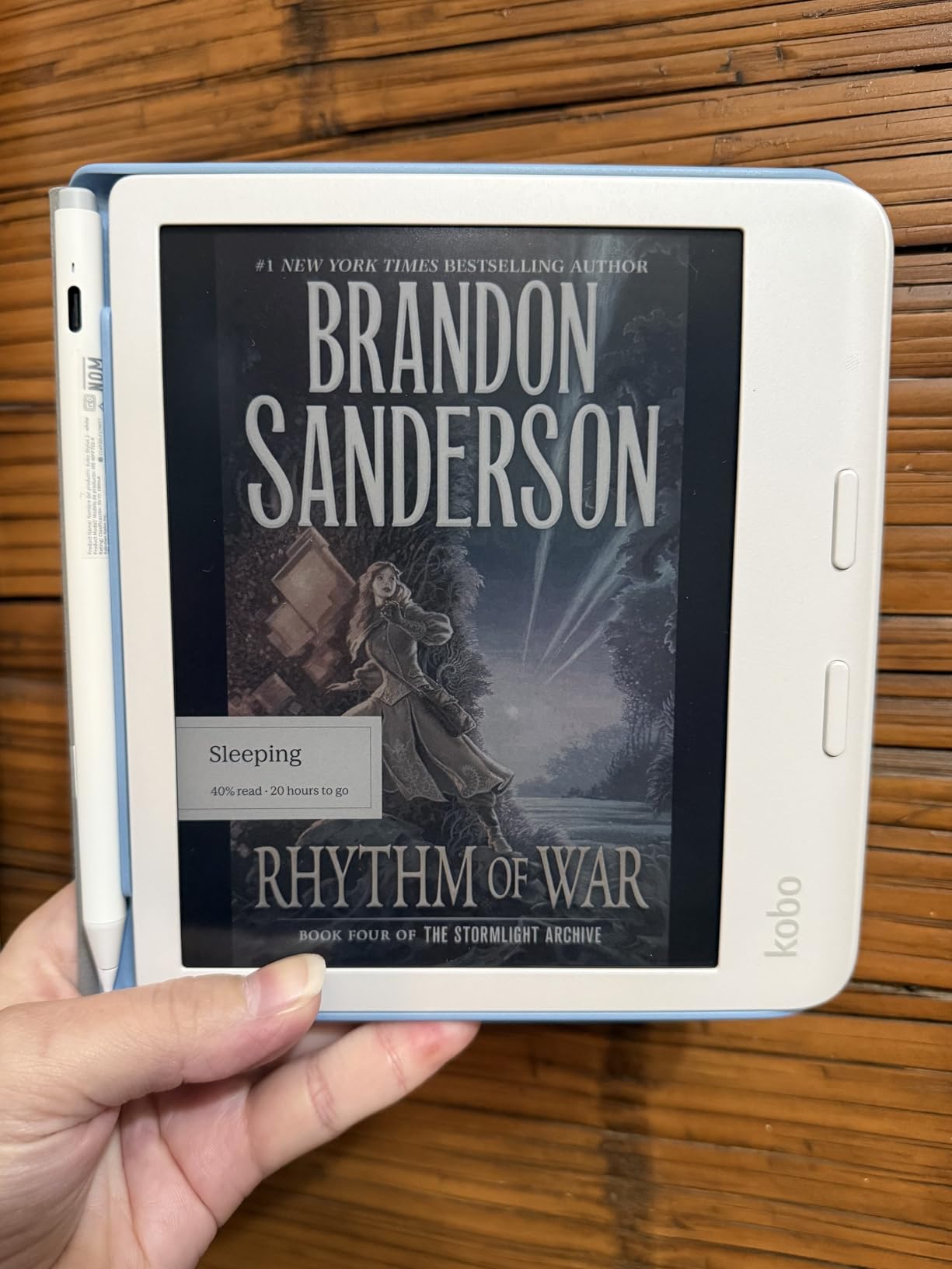
On the technical side, the Libra Colour hits 300 PPI for black-and-white text and 150 PPI for color content, which is the current standard for Kaleido 3 panels. Colors come through as muted pastels rather than tablet-bright tones, but they’re clear enough for textbook charts, color-coded highlighting in four colors, and graphic novel panels. Battery life runs about four weeks of daily reading on a single charge, which means I’d charge it maybe three times in a typical semester.
The downsides are real but manageable. The Kobo Stylus 2 costs extra and isn’t included in the box, which stings when you’ve already paid full price. There’s no microSD slot for expansion, no headphone jack for wired audiobooks, and color reproduction is noticeably duller than printed textbook pages. I also hit a couple of bugs with Google Drive sync where books disappeared temporarily. Still, for a student who lives in the Kobo or library ecosystem, this is the strongest all-around pick I tested.
Best for students who borrow library books heavily
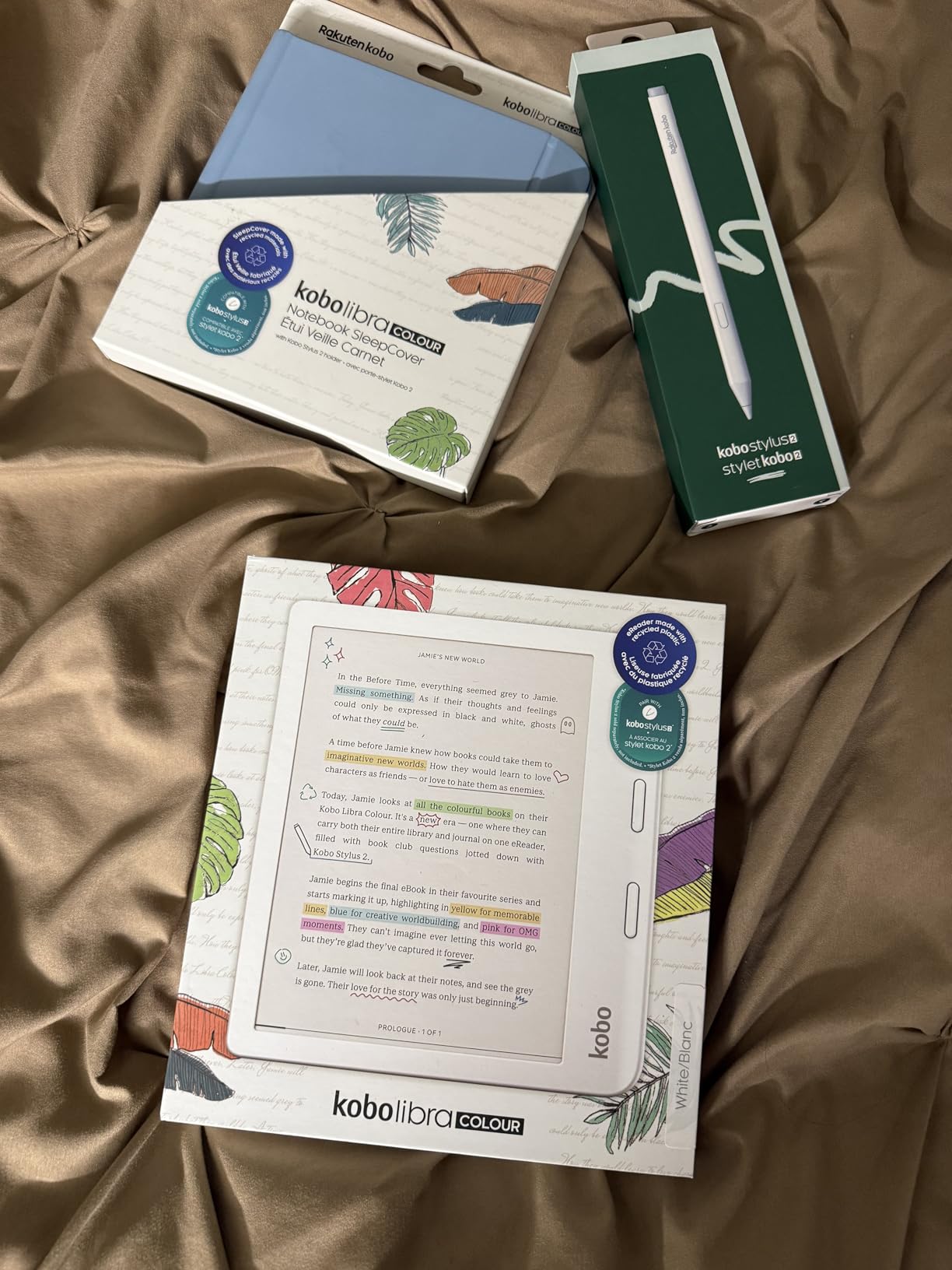
The built-in OverDrive and Libby support means no sideloading, no app juggling, and no compatibility headaches with campus library borrows. If your semester reading list leans heavily on library ebooks rather than purchased textbooks, the Kobo Libra Colour saves real money over buying or renting everything.
Worth the stylus investment if you annotate
The Kobo Stylus 2 unlocks color highlighting and notebook annotation, which transforms this from a reader into a genuine study tool. If you’re the type to mark up PDFs, sketch diagrams, or take margin notes during lectures, the extra cost pays off fast. Skip the stylus only if you’re purely reading for pleasure.
2. Kobo Clara Colour – Best Value Color E Reader on a Student Budget
Kobo Clara Colour | eReader | 6” Glare-Free Colour E Ink Display | Dark Mode Option | Waterproof | Audiobooks | 16GB of Storage | Black
6 inch Kaleido 3 color E Ink
16GB storage
ComfortLight PRO
IPX8 waterproof
49 hour battery
Pros
- Affordable entry into color e-ink
- Waterproof for pool or bath reading
- Multi-color highlighting for study notes
- Bluetooth audiobook support
- Lightweight 6 ounce design
Cons
- Cannot email documents directly to device
- Dark mode limited to book pages only
- No SD card slot
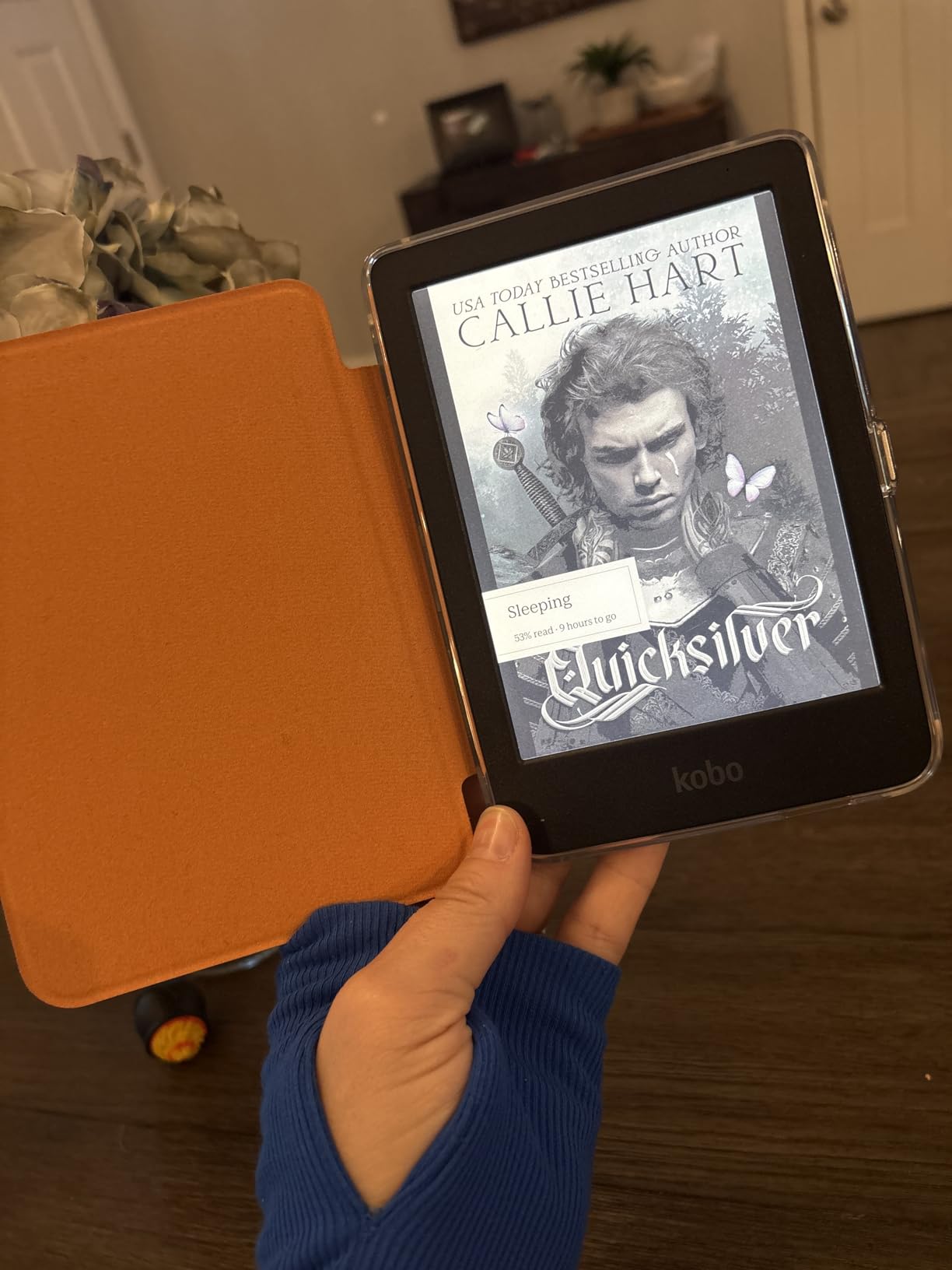
The Kobo Clara Colour is the color e-reader I recommend most often to students who ask “what’s the cheapest one that still works for textbooks?” At well under the Libra Colour price, it delivers the same Kaleido 3 color technology in a smaller 6-inch form factor that slips into a jacket pocket. I used it for two weeks of commute reading and was surprised how often I reached for it over my larger tablet, simply because it weighed almost nothing.
The ComfortLight PRO feature was a genuine lifesaver during late-night study sessions in a shared dorm. It gradually reduces blue light as the evening goes on, and the adjustable warmth meant my eyes didn’t feel fried after three hours of reading. The IPX8 waterproof rating survived an accidental coffee spill on my desk without a hiccup, which honestly sold me on the build quality.
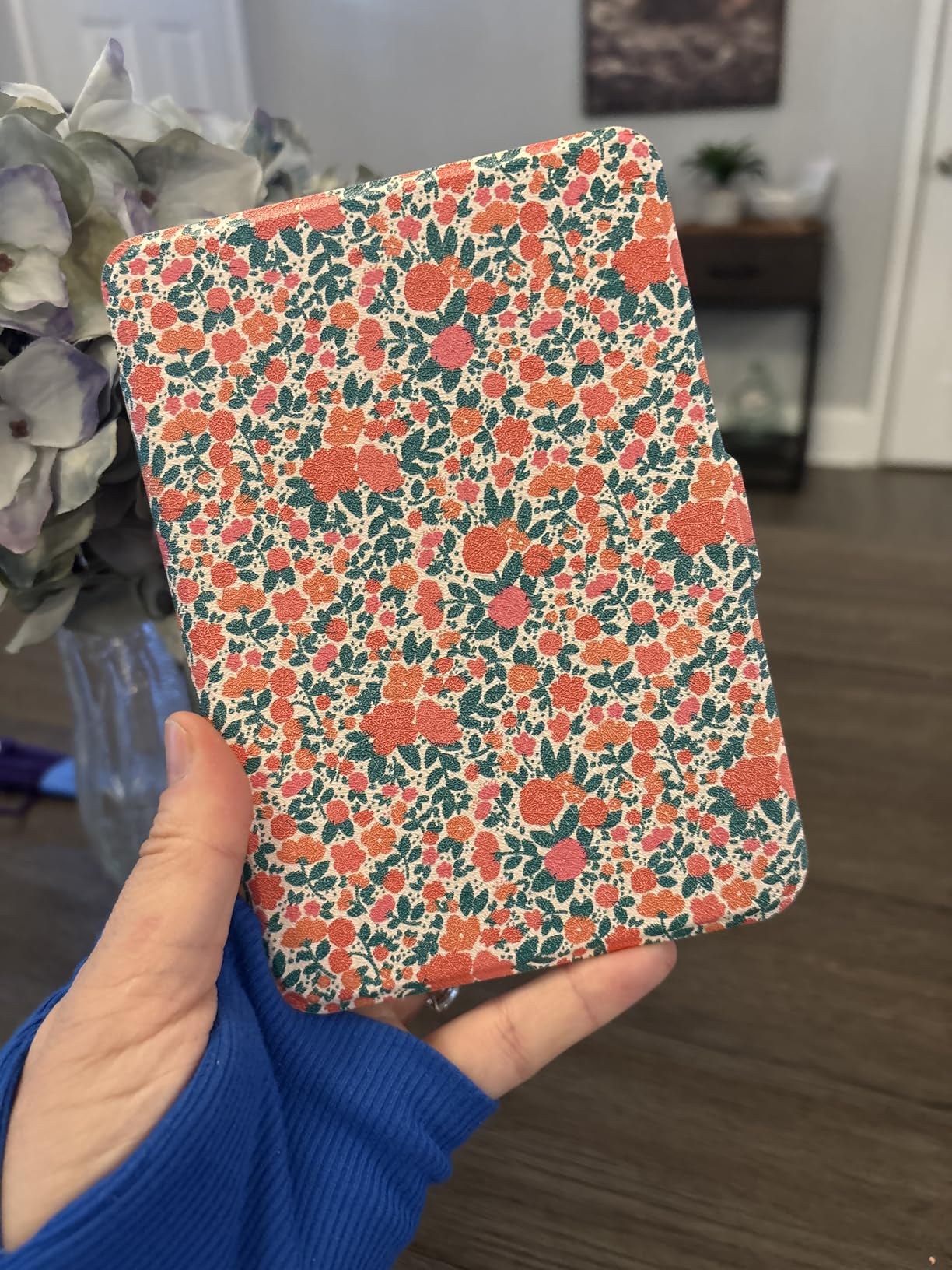
Technical highlights include 16GB of storage that holds thousands of EPUBs and PDFs, plus Bluetooth audiobook support for listening to assigned readings while walking to class. The 49-hour battery life translates to roughly two weeks of heavy daily use, so you’re charging it maybe twice a month. The open ecosystem handles EPUB, PDF, and AAC files natively, and Kobo Plus subscription gives unlimited access if your campus library doesn’t carry what you need.
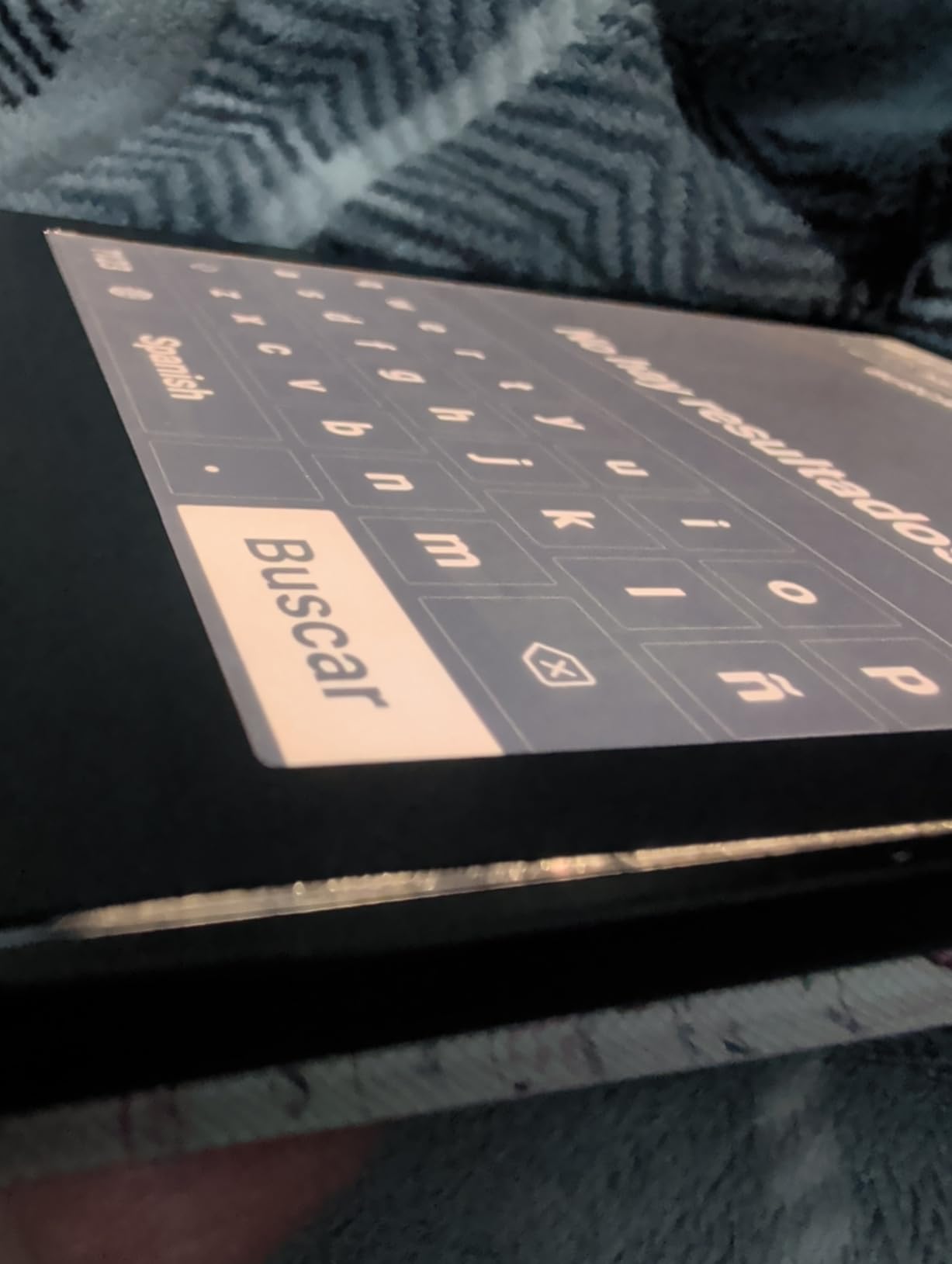
The biggest annoyance is that you can’t email documents or EPUBs directly to the device the way you can with a Kindle. I had to use Calibre on my laptop to sideload PDFs, which adds a step that some students will find frustrating. The dark mode only works inside an actual book, not in the home interface, and there’s no microSD expansion if 16GB fills up. Colors are also muted compared to any tablet, though that’s true of every E Ink device on this list.
Ideal for students who prioritize portability
At just over 6 ounces, the Clara Colour is lighter than most paperbacks and fits in any bag pocket. If you walk or bus to campus and want something you’ll actually carry every day rather than leave at home, the smaller form factor beats the larger 7-inch and 7.8-inch options on this list.
Multi-color highlighting makes study notes pop
The ability to highlight in multiple colors directly on the screen is genuinely useful for color-coding themes in literature courses or distinguishing between definitions and examples in textbooks. You can see all highlights organized by chapter at a glance, which beats flipping through physical sticky notes.
3. Amazon Kindle Colorsoft 16GB – Best Color Kindle for Students
Amazon Kindle Colorsoft 16 GB (newest model) – With color display that brings covers and content to life, now highlight in color – No Ads – Black
7 inch Colorsoft color display
16GB storage
Up to 8 weeks battery
IPX8 waterproof
No ads
Pros
- Color highlighting in yellow orange blue and pink
- Access to over 15 million Kindle titles
- Adjustable white to amber front light
- Waterproof for pool or bath reading
- Lighter and more portable than an iPad
Cons
- Colors muted compared to LCD screens
- 16GB fills up with graphic novels
- No SD card slot
- Pricey at full retail
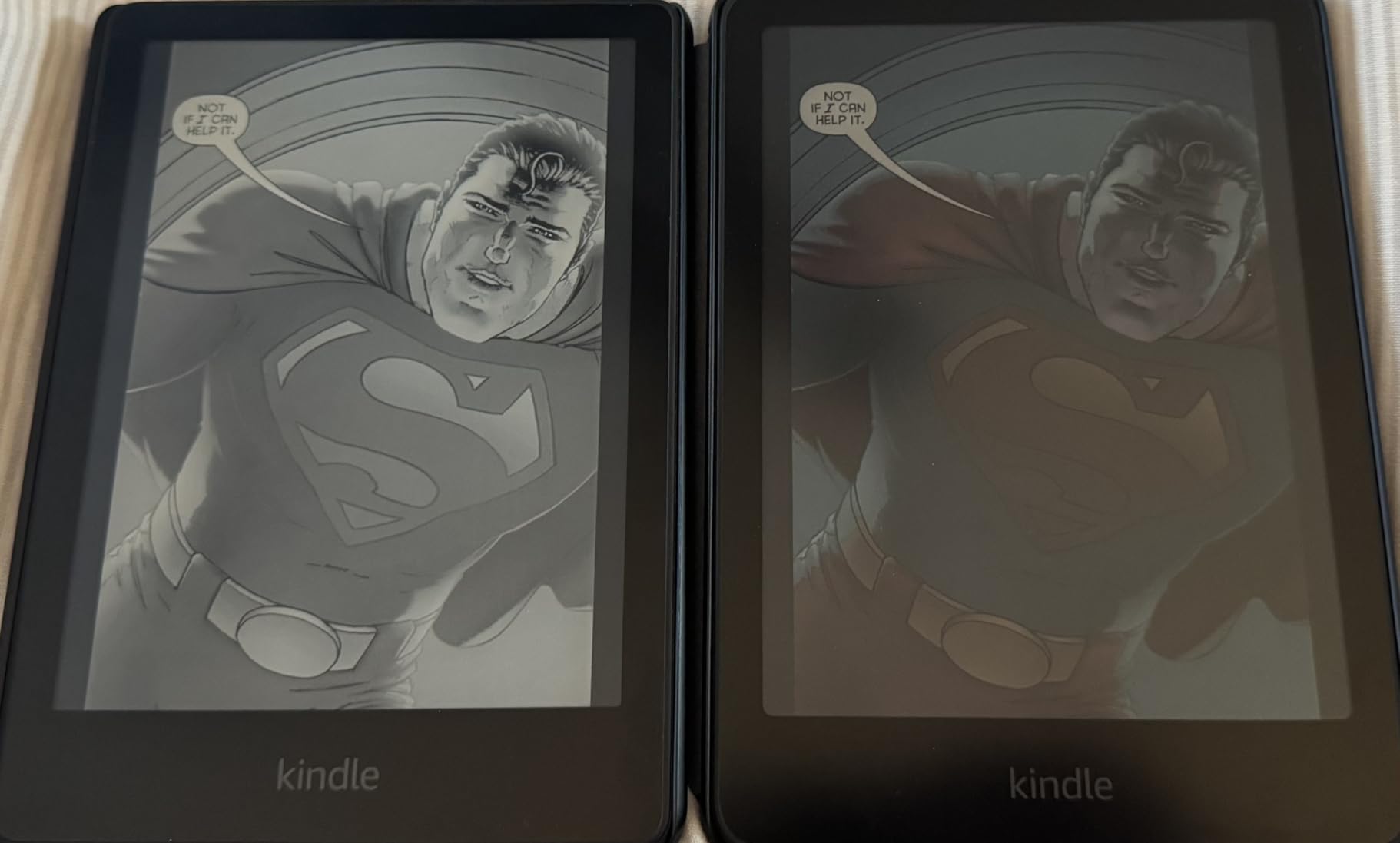
The Kindle Colorsoft is what I’d hand to a student already deep in the Amazon ecosystem who doesn’t want to switch to Kobo or PocketBook. The 7-inch Colorsoft display brings book covers and color content to life in a soft, paper-like way that feels intentional rather than washed out. After years of using grayscale Kindles, the jump to color felt like finally seeing the actual cover art my professors kept referencing in literature seminars.
The battery life is the standout spec here: up to eight weeks on a single USB-C charge. I charged it once at the start of midterms and it lasted through finals without needing a top-up. The front light adjusts from cool white to warm amber, so I could read in bright campus courtyard sun or in a dark dorm room without eye strain. The waterproof design survived a rainy walk between buildings, which is more than I can say for my old laptop.

On the technical side, the Colorsoft display is optimized specifically for color reading, distinct from the Paperwhite’s black-and-white focus. The four-color highlighting (yellow, orange, blue, pink) is genuinely useful for organizing notes by topic or importance. The Page Color feature inverts black text and white background for a darker reading mode, though it only applies to book pages, not the interface. Access to over 15 million Kindle titles means almost any assigned reading is a click away.
The trade-offs are familiar if you’ve used any color E Ink device. Colors are deliberately muted, more pastel than vivid, and text isn’t quite as crisp as on the black-and-white Paperwhite. The 16GB storage fills quickly if you load graphic novels or PDF-heavy textbooks, and there’s no microSD slot. The price is also steep at full retail, so I’d watch for sale periods. This isn’t a tablet replacement either, no video, no apps, just focused reading.
Best for students already in the Kindle ecosystem
If you’ve built a Kindle library over years or rely on Kindle Unlimited for leisure reading between assignments, the Colorsoft lets you keep everything in one place while finally adding color. Switching ecosystems to Kobo or PocketBook means abandoning purchased titles, which isn’t worth it for most students.
Color highlighting works better than expected
The four-color system for highlighting inside books is more practical than I anticipated. I used yellow for key terms, blue for supporting quotes, orange for questions to research later, and pink for personal reactions. At a glance, my annotations told a story about how I was engaging with the text.
4. PocketBook Verse Pro Color – Best Open Ecosystem Color E Reader
PocketBook Verse Pro Color | Super Thin and Compact 6″ e-Reader | Color Screen E Ink Kaleido™ 3 – Eye-Safe and Glare-Free | Text-to-Speech & Bluetooth | Audiobooks | SMARTlight | IPX8 Waterproof
6 inch Kaleido 3 color E Ink
16GB storage
SMARTlight adjustable
IPX8 waterproof
Text-to-Speech with Bluetooth 5.4
Pros
- No account required to start reading
- Supports EPUB MOBI FB2 and more
- SMARTlight adjustable color temperature
- Text-to-Speech reads files aloud
- Built-in Libby app for library borrows
- 2 year warranty
Cons
- No microSD card slot
- Screen refresh can feel slow
- No headphone jack
- Colors muted versus LCD
The PocketBook Verse Pro Color won me over the moment I realized I could load an EPUB from anywhere without jumping through Amazon or Kobo account hoops. For students who source readings from open-access journals, professor shared folders, or library databases, the no-strings-attached approach feels refreshingly sane. I dragged and dropped a semester’s worth of PDFs in under five minutes.
The Swiss and Ukrainian company behind PocketBook is known for privacy, and the device reflects that philosophy. There’s no account required to start reading, no aggressive recommendations pushing paid content, and no tracking of what you open. The SMARTlight feature lets you dial in color temperature manually, which I found more useful than auto-adjusting systems that never quite matched the room I was in.
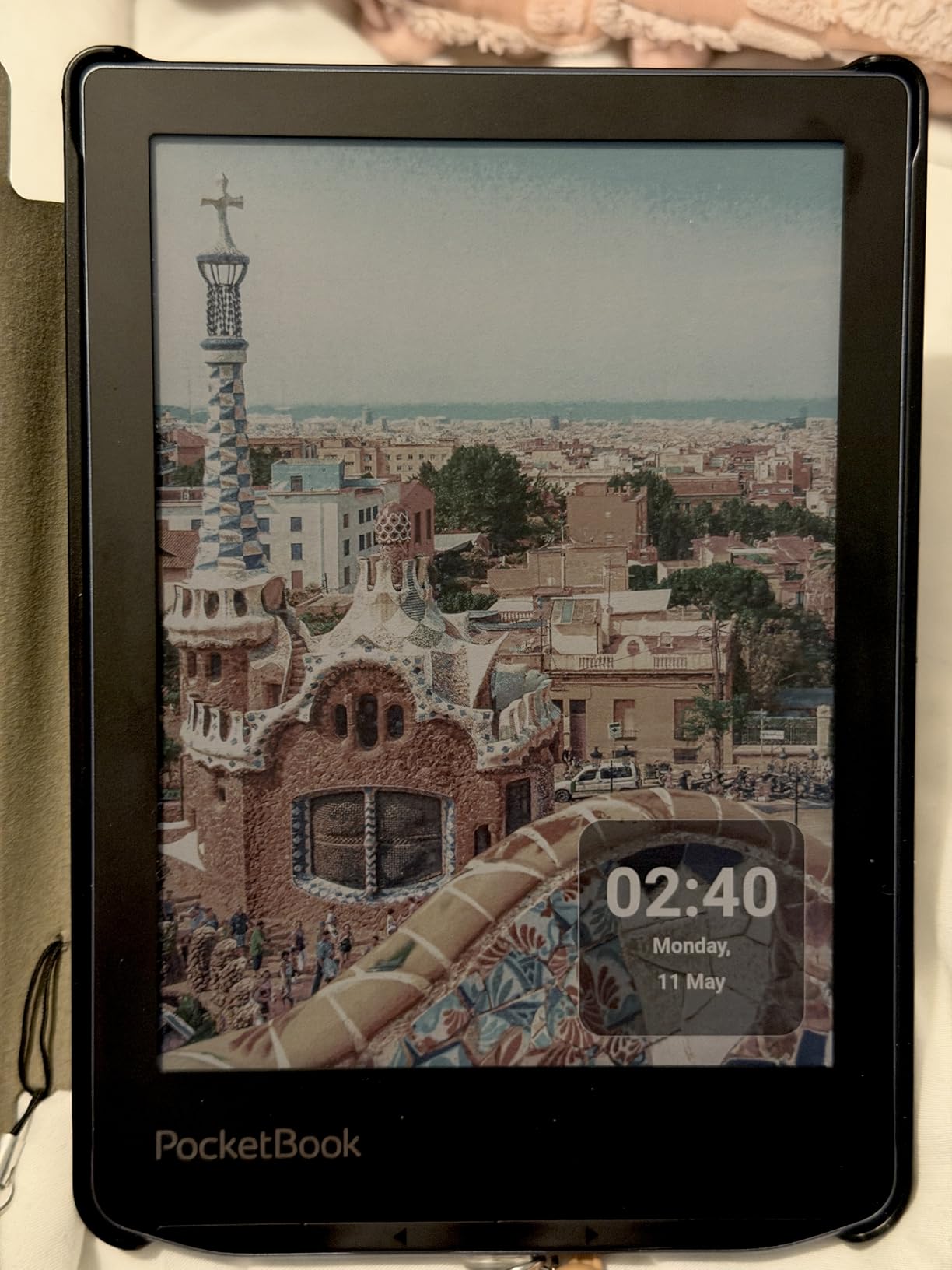
Technically, the Verse Pro Color runs a 6-inch Kaleido 3 panel with 16GB of internal storage. The text-to-speech feature reads text files aloud through Bluetooth headphones, which is a genuine productivity hack for listening to dense academic papers while walking across campus. The IPX8 waterproofing matches the Kobo and Kindle standards, and Bluetooth 5.4 handles audiobook streaming without dropouts. Libby integration means library borrows work without a separate device.
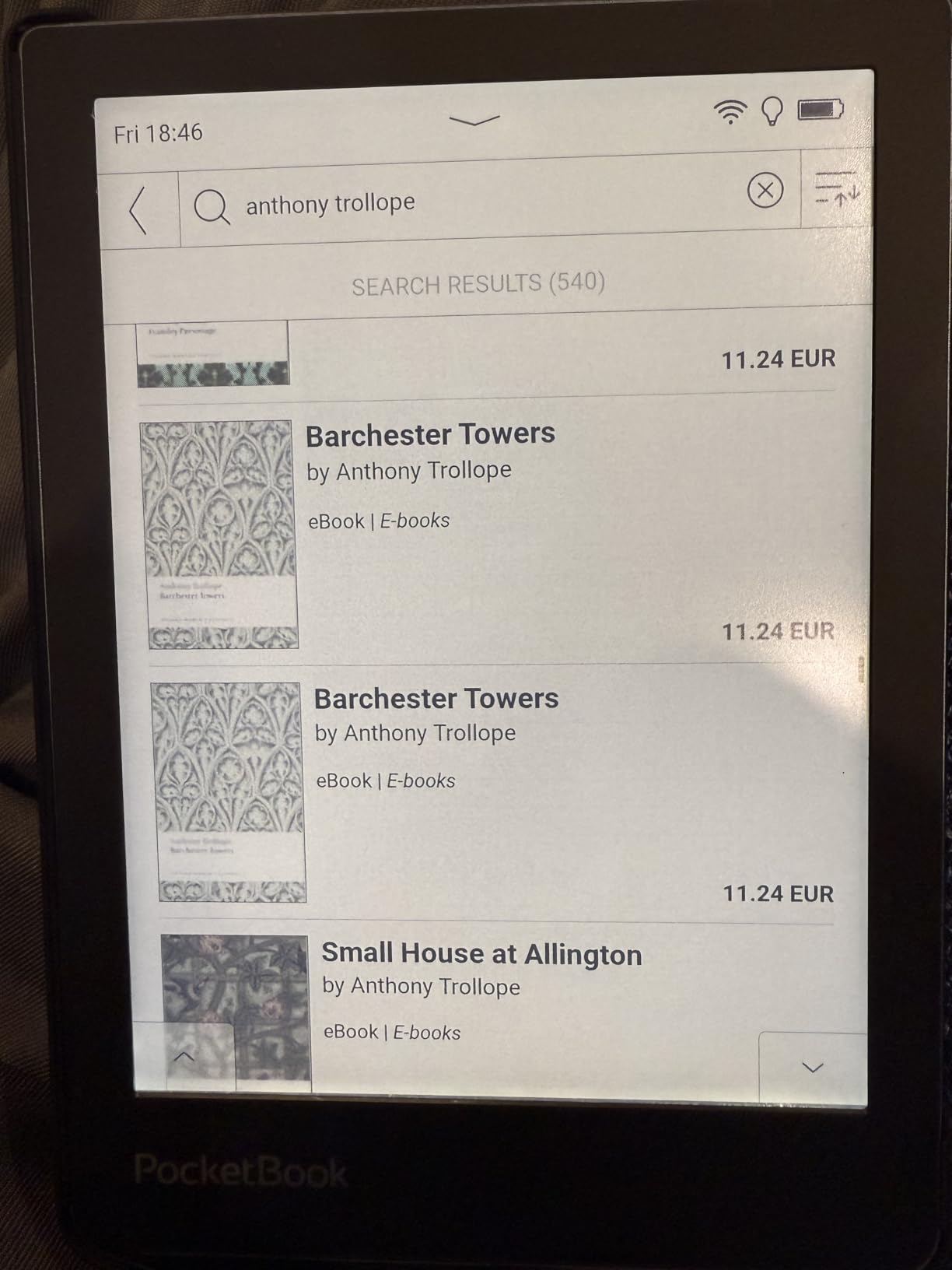
The drawbacks are mostly performance-related. The screen refresh rate lags noticeably when flipping pages quickly, and there’s occasional UI lag when navigating menus. Colors are muted like every other E Ink option, no microSD expansion, and no headphone jack means Bluetooth-only audio. Some complex EPUBs with heavy formatting render awkwardly, and I had to convert a few textbook PDFs to get them to display cleanly.
Best for students who value privacy and open access
If you’re uncomfortable with companies tracking your reading habits, or if you source materials from open-access repositories rather than corporate stores, PocketBook’s no-account-required model is the cleanest option on the market. Your reading data stays on the device, period.
Text-to-Speech unlocks auditory learning
The built-in text-to-speech feature reads any text file aloud, which is a serious advantage for auditory learners or students with reading-related accommodations. Pair it with Bluetooth earbuds and you can absorb a journal article during a commute without staring at a screen.
5. BOOX Go Color 7 Gen II – Best Android Color E Reader for Power Users
BOOX Tablet Go Color 7 Gen II E Ink Tablet Support Active Stylus InkSense (Black)
7 inch Kaleido 3 color E Ink
Android 13 with Google Play
4GB RAM 64GB storage
4096 pressure levels
microSD expansion
Pros
- Full Google Play Store access
- Runs Kindle Libby and Kobo apps
- 4096-level pressure stylus support
- microSD card slot for expansion
- Page-turn buttons included
Cons
- Only 4GB RAM limits multitasking
- USI 2.0 pen requires charging
- Slow wake-up time around 1 minute
- Ghosting needs frequent refresh
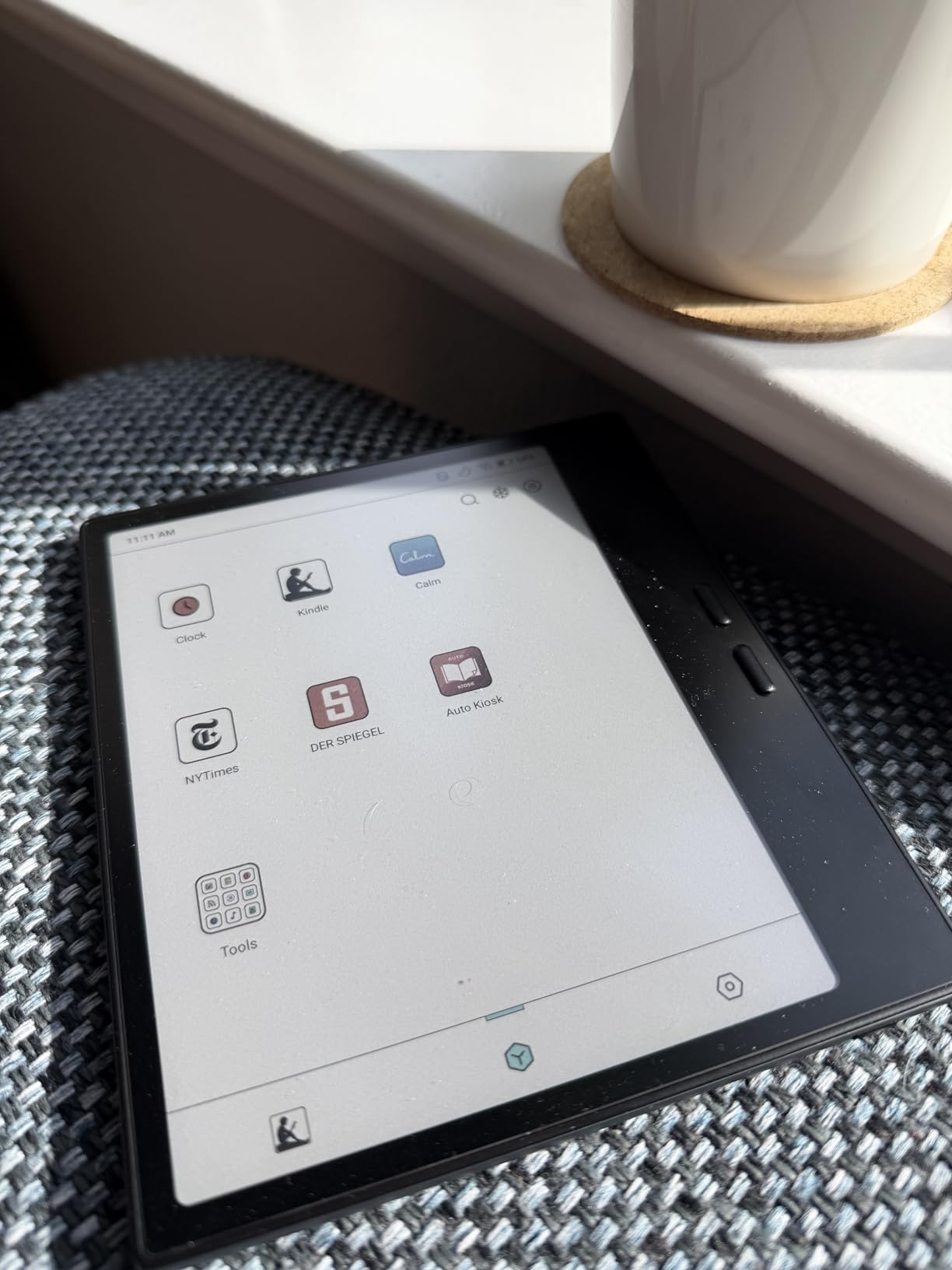
The BOOX Go Color 7 Gen II is the wildcard of this list, and honestly the most fun to test. Because it runs full Android 13 with access to the Google Play Store, I could install the Kindle app, Kobo app, Libby, Google Drive, and even Microsoft Office all on one device. For a student juggling readings from three different ecosystems, this flexibility is unmatched by any single-platform reader.
The trade-off is that flexibility comes with complexity. The 7-inch Kaleido 3 panel is solid, but the Android layer means you’re managing apps, settings, and battery life more like a tablet than a dedicated reader. I spent the first week tinkering with refresh modes and launcher settings to get the experience dialed in, which will appeal to some students and frustrate others who just want to open a book.
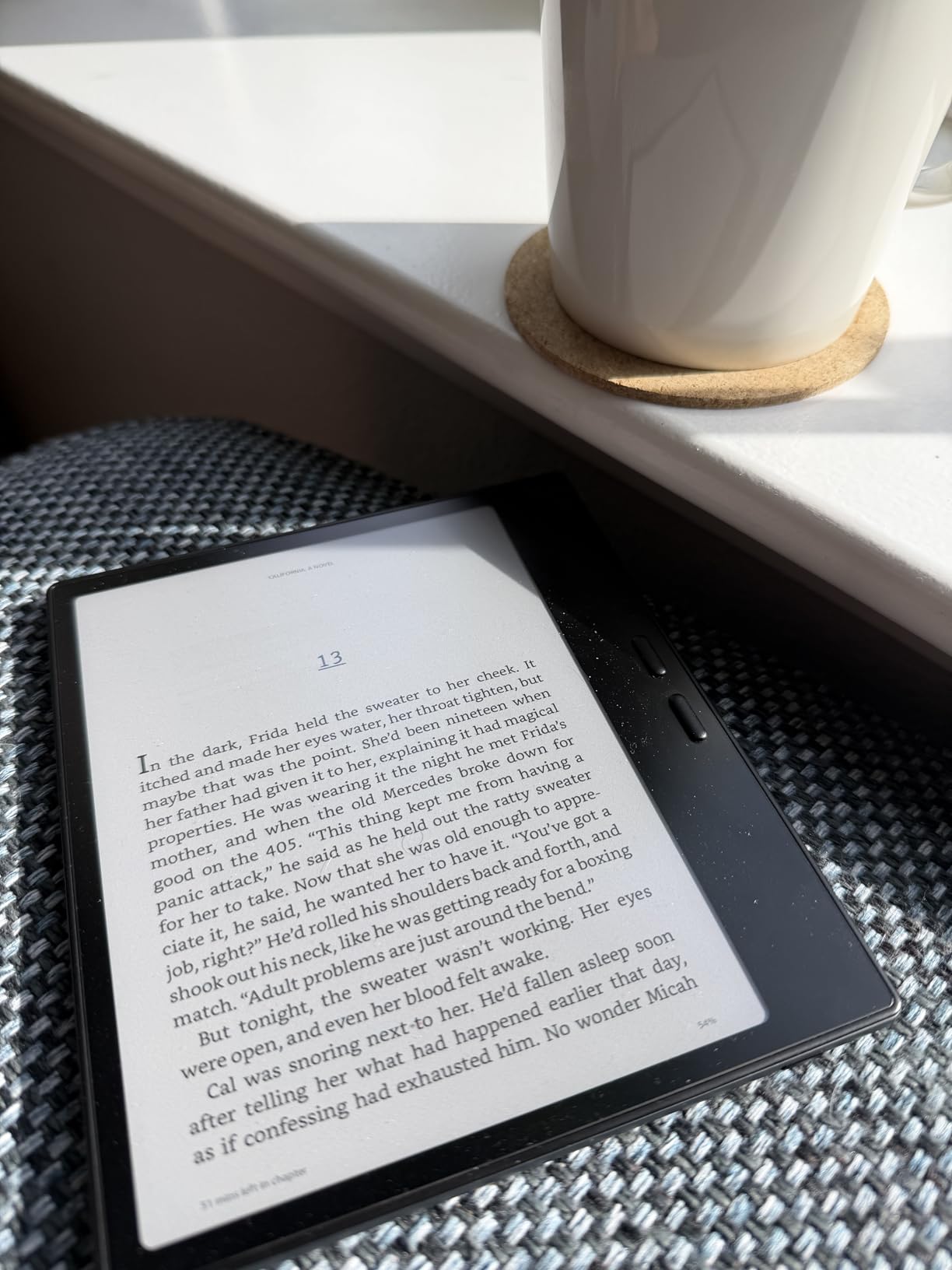
On specs, the Go Color 7 Gen II packs 4GB of RAM and 64GB of storage, expandable via microSD card. The 4096-level pressure sensitivity supports the Active Stylus InkSense for note-taking and drawing, though the pen isn’t included in the box. Battery life is decent with aggressive power saving enabled, easily lasting a week of moderate reading. The front light offers both warm and cold CTM options, and the G-sensor handles auto-rotation.
The downsides are real. With only 4GB of RAM, the device kills background apps aggressively, so switching between a reading app and a notes app sometimes means reloading. Wake-up from sleep takes about a minute, which feels slow compared to instant-wake Kindles. Ghosting requires periodic full screen refreshes, and the USI 2.0 pen (rather than EMR) needs charging and has a harder tip that some users dislike. This isn’t the pick if you want a simple, appliance-like reader.
Best for students who want one device for everything
If carrying a separate Kindle, a notebook, and a tablet feels redundant, the BOOX consolidates all three functions into one Android device. You can read Kindle library books, take handwritten notes, browse the web for research, and check email without switching hardware. The learning curve is steeper, but the payoff is real consolidation.
microSD expansion solves storage anxiety
Unlike the Kobo and Kindle options on this list, the Go Color 7 Gen II accepts microSD cards, so you can load entire semester archives of PDFs, research papers, and graphic novels without worrying about filling 64GB. For students working with large media-heavy textbooks, this is a meaningful advantage.
6. PocketBook InkPad Color 3 – Best Large Screen Color E Reader for Comics and Textbooks
PocketBook InkPad Color 3 E Ink E-Reader 32GB – Enhanced 7.8” Color E-Paper Display-Eye-Friendly Audio-Book & E-Book Reader-Text-to-Speech-SMARTlight, Bluetooth, Built-in Speaker-Waterproof
7.8 inch Kaleido 3 color E Ink
32GB storage
SMARTlight frontlight
Quad-core processor
IPX8 waterproof
Pros
- Largest color screen on this list at 7.8 inches
- Best-in-class Kaleido 3 color quality
- Native Libby app for library books
- Built-in speaker for text-to-speech
- 2 year warranty
- Auto-rotating display
Cons
- Awkward size too big for ebooks too small for full comics
- No Google Play Store access
- Only 1GB RAM causes occasional lag
- Quality control issues reported
The PocketBook InkPad Color 3 is the device I reached for when reading illustrated textbooks and graphic novel assignments, simply because the 7.8-inch screen gives more room to actually see color panels. Where the 6-inch and 7-inch options feel cramped for two-page spreads or detailed diagrams, the InkPad lets you appreciate color textbook illustrations the way the author intended. The Kaleido 3 panel on this unit is widely regarded as the sharpest in its class.
I tested it specifically with a graphic design history textbook packed with color plates, and the difference was immediately noticeable compared to smaller screens. Colors appeared more saturated and defined, and the neutral white background read closer to a Carta 1200 black-and-white screen than the slightly darker tone of cheaper Kaleido implementations. The quad-core processor kept navigation responsive when flipping between chapters.
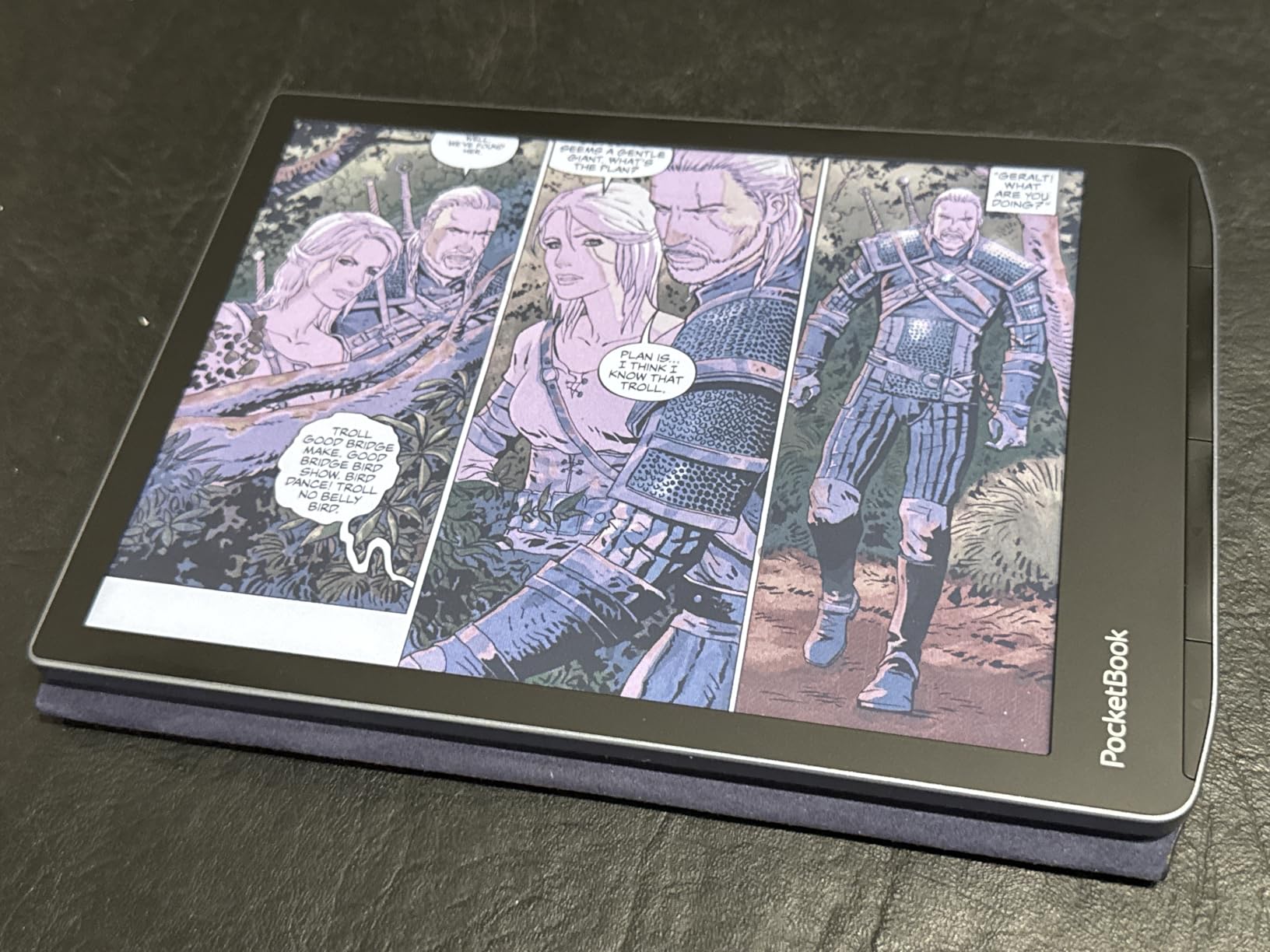
Technically, the InkPad Color 3 runs a 7.8-inch Kaleido 3 panel at 1404 x 1872 grayscale resolution and 702 x 936 color resolution. Storage sits at 32GB, enough for thousands of EPUBs and a decent library of comics. The SMARTlight frontlight offers both warm and cool tones, and the device is IPX8 waterproof. The native Libby app handles library borrows without sideloading, and text-to-speech works through the built-in speaker or Bluetooth headphones.
The trade-offs are worth knowing about before buying. The 7.8-inch size is genuinely awkward: too large for comfortable one-handed ebook reading, but not quite large enough to display full comic pages without zooming. There’s no Google Play Store access, so you’re limited to PocketBook’s app selection. Quality control has been inconsistent, with some users reporting front bezel separation and light gradient issues. Only 1GB of RAM means occasional lag when navigating.
Best for visual arts and design students
If your coursework involves color theory, art history, anatomy diagrams, or any subject where color accuracy matters for comprehension, the larger 7.8-inch screen and superior Kaleido 3 tuning make this the strongest pick for visual learners. The screen quality justifies the price for the right student.
Check return policy given QC reports
Given the reported quality control issues with bezel separation and light gradients, buy from a retailer with a solid return policy. Most users get a flawless unit, but it’s worth protecting yourself in case you land a dud. The two-year warranty helps, but exchanging through the retailer is faster than warranty service.
7. Amazon Kindle Colorsoft Signature Edition 32GB – Best Premium Kindle Color Experience
Amazon Kindle Colorsoft Signature Edition 32GB (2024 model) – With color display, auto-adjusting front light, wireless charging, and long battery life – Metallic Black
7 inch Colorsoft color display
32GB storage
Auto-adjusting front light
Wireless charging
Up to 8 weeks battery
Pros
- Auto-adjusting front light for any environment
- Wireless charging support
- Vivid mode boosts color saturation
- 32GB storage for large libraries
- Lightning fast performance versus older Kindles
Cons
- Yellow banding defect reported by many users
- Battery drains faster than Paperwhite
- Limited dark mode only affects book pages
- Price premium over standard Colorsoft
The Kindle Colorsoft Signature Edition is Amazon’s premium tier, and the upgrades over the standard Colorsoft are real if subtle. The auto-adjusting front light reads the ambient room and shifts warmth automatically, which I found genuinely useful during long study sessions that ran from afternoon sun into evening lamp light. Wireless charging means you just drop it on a dock, no fumbling with cables at the end of a long day.
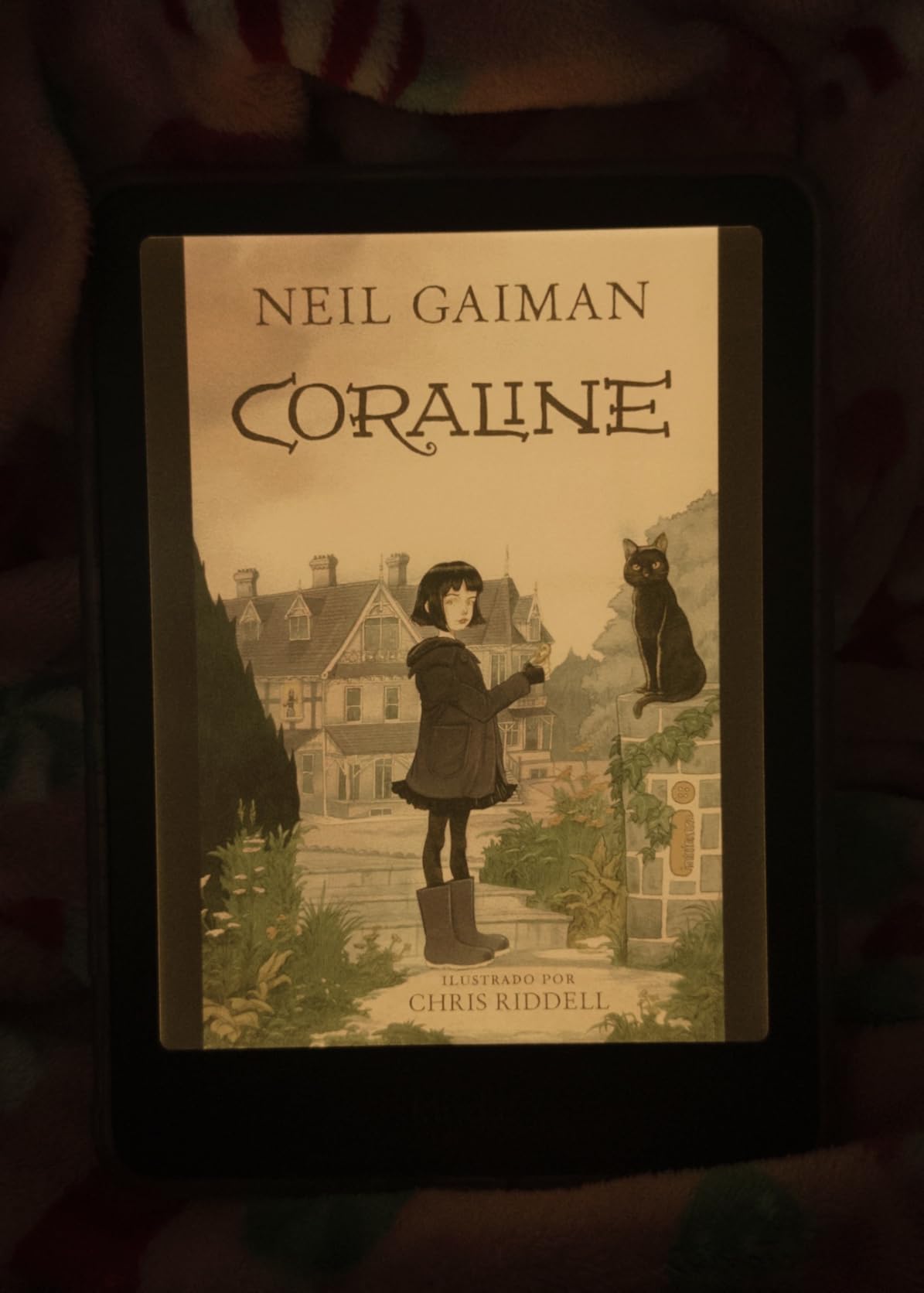
I tested this specifically against the standard Colorsoft, and the 32GB storage is the practical win for students. Where 16GB fills up fast with graphic novels and PDF-heavy textbooks, the doubled capacity gave me breathing room for an entire semester’s reading plus personal library. The Vivid color mode boosts saturation noticeably over Standard mode, which helps color textbook illustrations read more clearly.
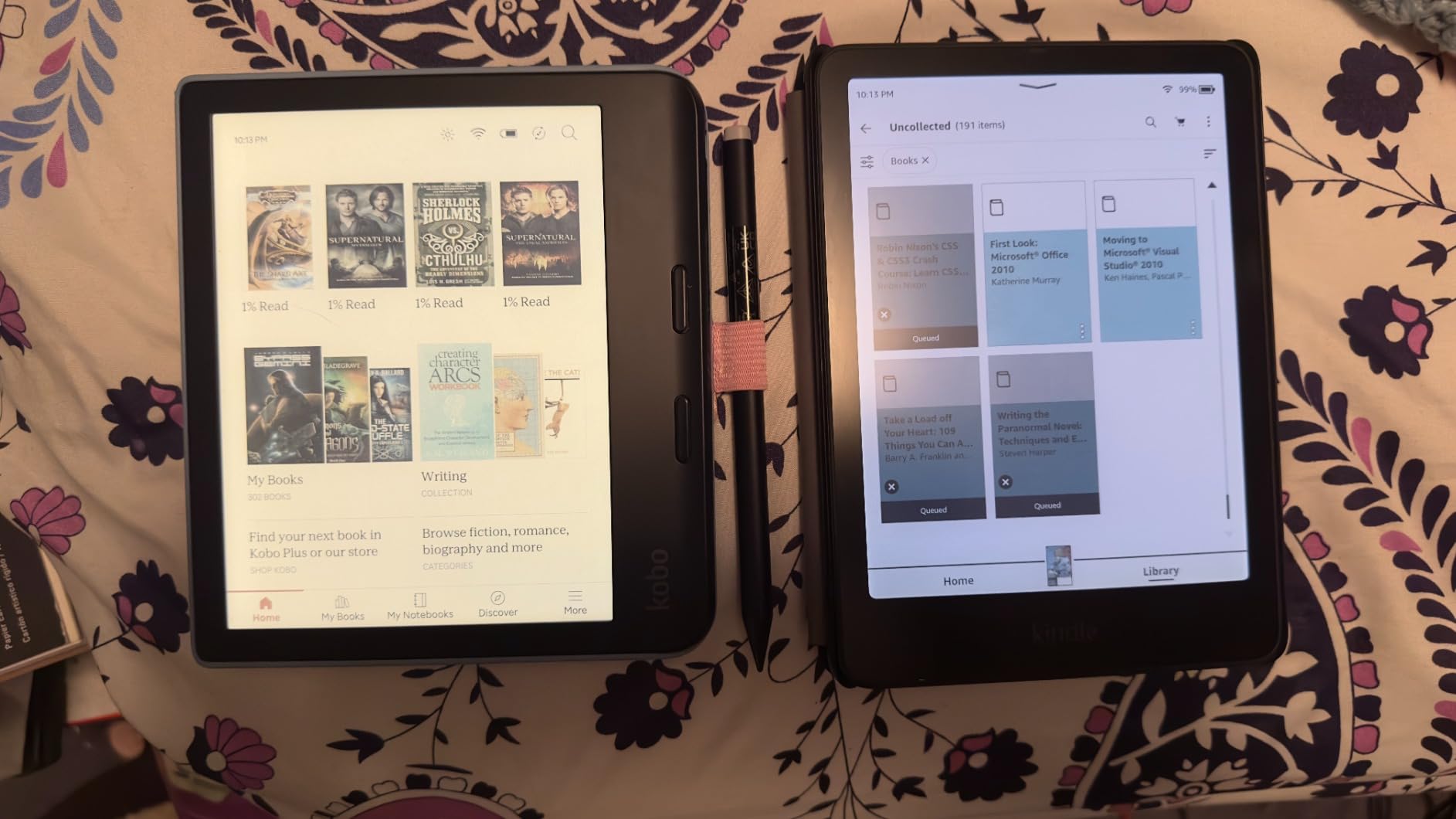
On the technical side, the Signature Edition runs the same 7-inch Colorsoft display as the standard model but adds the auto-adjusting front light sensor, wireless charging coil, and 32GB of storage. Performance is snappy compared to older Kindle generations, with quick page turns and responsive menus. Battery life is rated up to eight weeks, though real-world use with the brightness higher than default shortens that somewhat. The waterproof design matches the rest of the Kindle lineup.
The known issue here is the yellow banding or liquid shadow defect reported by a meaningful percentage of users, where a yellow tint appears along the bottom of the screen. Amazon’s customer service has been responsive with replacements, but it’s a real concern at this price point. Battery life also trails the black-and-white Paperwhite, and dark mode only affects book pages rather than the full interface. The price premium over the standard Colorsoft is significant, so weigh whether the auto-light and wireless charging matter to you.
Best for students who want every Kindle feature maxed out
If you’re committed to the Kindle ecosystem and want the most capable color device Amazon offers, the Signature Edition delivers every feature: more storage, smarter lighting, wireless charging, and the Vivid color mode. For students who treat their e-reader as a daily companion for years, the upgrades compound.
Inspect for yellow banding immediately
Given the widely reported yellow banding issue, check your screen carefully within the return window. Open a solid white page in a well-lit room and look for color shifts along the bottom edge. If you see banding, request a replacement right away. Amazon has been replacing affected units without much pushback.
8. Kindle Scribe Colorsoft 64GB – Best Color E Reader for Note-Taking Students
Amazon Kindle Scribe Colorsoft 64GB (newest model) — 11” paper-like color display with front light — One notebook to replace them all — Write in notebooks, docs, and books. Pen included – Graphite
11 inch Colorsoft color display
64GB storage
Premium Pen included
AI notebook features
Google Drive and OneDrive sync
Pros
- Massive 11 inch color display for textbooks and PDFs
- Premium Pen included no charging required
- AI tools for handwriting conversion and search
- Active Canvas for inline book notes
- 5.4mm thin and 400g light
- Excellent writing feel with textured surface
Cons
- Most expensive device on this list
- Screen darker than original Scribe
- Not ideal for manga due to contrast
- No page-turn buttons
- Color still muted like all E Ink
The Kindle Scribe Colorsoft is the most ambitious device on this list, and for the right student it’s transformative. The 11-inch color display gives you near-letter-size real estate for reading PDFs, marking up journal articles, and sketching diagrams during lectures. I used it as a dedicated note-taking device for an intensive three-week course, and the Premium Pen’s textured writing feel genuinely approaches paper. The pen snaps magnetically to the side and never needs charging.
What sets the Scribe apart is the AI-powered notebook system. Handwritten notes convert cleanly to searchable text, notebooks organize into folders by class or topic, and Active Canvas lets you jot notes inline inside books without losing your reading place. Google Drive and Microsoft OneDrive integration means you can pull in course materials and export notes to OneNote for collaboration. For a student who lives in handwritten notes, this is a genuine laptop companion rather than just a reader.
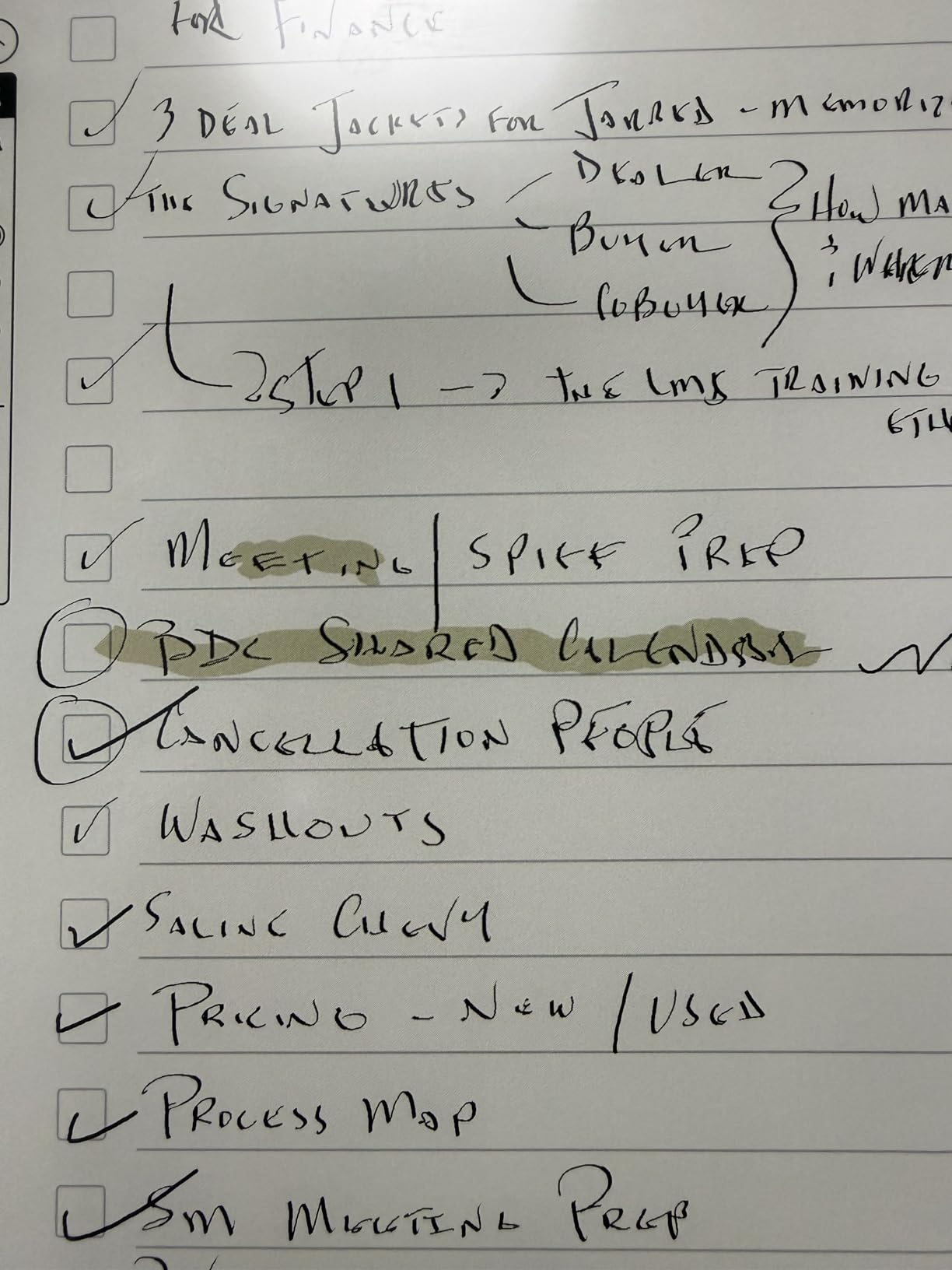
Technically, the Scribe Colorsoft runs an 11-inch Colorsoft display with front light, 64GB of storage, and a custom oxide-based panel tuned for high contrast. The device measures just 5.4mm thin and weighs 400g, which is remarkable for the screen size. Battery life runs weeks of combined reading and writing on a charge. The Premium Pen included in the box uses EMR technology, so it never needs charging and offers natural pressure response for sketching and annotation.
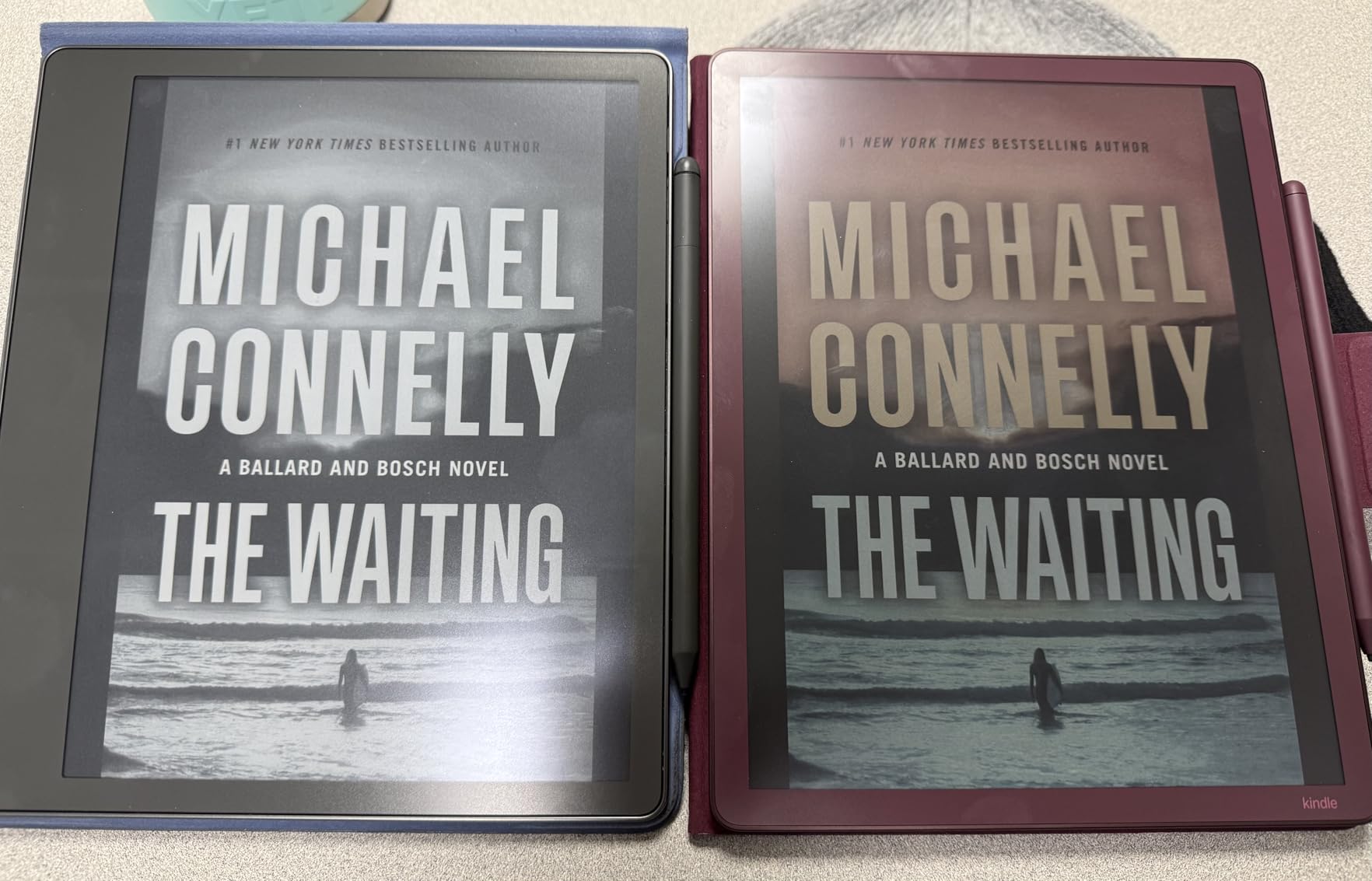
The downsides center on price and some display quirks. At the top of this list’s price range, the Scribe Colorsoft is a serious investment that only makes sense if you’ll actually use the note-taking features daily. The screen has a darker base tone than the original black-and-white Scribe, which some users find distracting for pure reading. Manga and graphic novels don’t pop the way they do on smaller color Kindles due to contrast limitations at this size. There are also no physical page-turn buttons, which some readers miss.
Best for graduate students and serious note-takers
If your workflow involves annotating PDFs, sketching diagrams, taking extensive lecture notes, and managing research materials in one place, the Scribe Colorsoft replaces a tablet, a notebook, and a reader simultaneously. The AI search across handwritten notes alone justifies the price for students managing dense source material.
Premium Pen is genuinely class-leading
The included Premium Pen never needs charging, attaches magnetically, and offers a textured writing surface that feels closer to fountain pen on paper than any other stylus I’ve tested. If you’ve tried iPad Pencils or Surface Pens and found them too slick, the Scribe’s pen-and-screen combo is the most paper-like experience in the category.
Student Buying Guide: How to Choose the Best Color E Reader for Your Needs
Choosing between these eight color e-readers comes down to how you actually study, where your reading materials come from, and what your budget can absorb. I’ll walk through the factors that matter most for students, drawing on what I learned testing each device over a full semester’s worth of reading. There’s more on setting up iPad reading apps for students if you’re weighing a tablet versus a dedicated e-reader, but for now let’s focus on the color E Ink category.
Display quality and color performance
All eight devices on this list use E Ink Kaleido 3 or Colorsoft technology, which means colors render as muted pastels rather than tablet-bright tones. The Kaleido 3 panels on the Kobo, PocketBook, and BOOX models hit 150 PPI for color content and 300 PPI for black-and-white text. The Kindle Colorsoft displays use Amazon’s proprietary oxide-based panel, which trades some color saturation for better text contrast. If color accuracy for art or design coursework is critical, the PocketBook InkPad Color 3 has the best-tuned Kaleido 3 panel I tested.
Battery life for full campus days
Battery life ranges from roughly two weeks on the smaller Kobo Clara Colour and PocketBook Verse Pro Color, up to eight weeks on the Kindle Colorsoft models. The BOOX Go Color 7 Gen II trails the field because Android and the Google Play layer drain power faster than dedicated reading firmware. For most students, anything in the two-to-four-week range means charging twice a semester, which is more than enough. If you want set-and-forget battery, the Kindle Colorsoft lineup is the strongest.
Library integration with Libby and OverDrive
For students who rely on library ebooks rather than buying every text, native Libby and OverDrive support is non-negotiable. The Kobo Libra Colour, Kobo Clara Colour, PocketBook Verse Pro Color, PocketBook InkPad Color 3, and BOOX Go Color 7 Gen II all handle library borrows directly on-device. The Kindle Colorsoft models work with Libby too, but library borrows route through Amazon’s Send to Kindle system, which adds friction. If free library ebooks are a core part of your reading strategy, the Kobo ecosystem is the cleanest experience.
Note-taking and annotation features
If you take notes in margins, color-code highlights, or sketch diagrams, the note-taking capabilities matter as much as reading quality. The Kindle Scribe Colorsoft is the clear leader with its 11-inch screen, included Premium Pen, AI-powered handwriting conversion, and Active Canvas for inline notes. The Kobo Libra Colour supports the Kobo Stylus 2 (sold separately) for color annotations, and the BOOX Go Color 7 Gen II works with the Active Stylus InkSense. All the Kindle and Kobo models support multi-color highlighting without a stylus, which covers most students’ annotation needs.
Budget considerations for students
The Kobo Clara Colour is the most affordable entry into color E Ink, followed by the PocketBook Verse Pro Color and the standard Kindle Colorsoft 16GB. The mid-range picks, Kobo Libra Colour and BOOX Go Color 7 Gen II, add features like page-turn buttons, stylus support, or Android flexibility. At the premium end, the PocketBook InkPad Color 3, Kindle Colorsoft Signature Edition, and Kindle Scribe Colorsoft each justify their price for specific use cases: large-screen color, maxed-out Kindle features, or serious note-taking. Buy only the features you’ll actually use daily.
Ecosystem lock-in versus open flexibility
Amazon’s Kindle ecosystem is the largest, with over 15 million titles and seamless device syncing, but it locks you in. Kobo offers a strong store plus OverDrive integration and an open approach to EPUB sideloading. PocketBook is the most vendor-neutral, supporting nearly every format without requiring an account, and the BOOX Go Color 7 Gen II runs full Android so you can install Kindle, Kobo, and Libby apps on one device. If you already own a library in one ecosystem, switching has a real cost in abandoned purchases.
Frequently Asked Questions About Color E Readers for Students
What is the best color e-reader?
The best color e-reader for most students is the Kobo Libra Colour, which combines a 7-inch Kaleido 3 color display, physical page-turn buttons, built-in OverDrive library integration, Kobo Stylus 2 support for color annotations, and 32GB of storage. It balances price, features, and ecosystem flexibility better than any other color model I tested.
What is the best e-reader for students?
For students specifically, the best color e-reader depends on workflow. The Kobo Libra Colour wins for library ebook borrowers, the Kindle Colorsoft wins for students already in Amazon’s ecosystem, the PocketBook Verse Pro Color suits privacy-focused students, and the Kindle Scribe Colorsoft is the top pick for heavy note-takers who want to replace paper notebooks entirely.
Is it worth getting a colour e-reader?
Yes, a color e-reader is worth it for students who read illustrated textbooks, comics, graphic novels, or materials with color-coded diagrams. Color also makes multi-color highlighting more useful for organizing notes. If you only read plain-text novels, a cheaper black-and-white e-reader like the Kindle Paperwhite offers sharper text for less money.
Can you read textbooks on a color e-reader?
Yes, color e-readers handle textbooks well, especially PDFs with charts, diagrams, and color illustrations. The larger 7-inch, 7.8-inch, and 11-inch screens on the Kobo Libra Colour, PocketBook InkPad Color 3, and Kindle Scribe Colorsoft display two-column academic layouts more comfortably than smaller 6-inch models. Colors render as muted pastels rather than tablet-bright tones.
Final Thoughts on the Best Color E Readers for Students in 2026
After testing all eight color e-readers across a semester of real coursework, the Kobo Libra Colour remains my top pick for most students thanks to its balance of color display, library integration, page-turn buttons, and stylus-ready note-taking. The Kobo Clara Colour is the smart budget choice if you want color E Ink without overspending, and the Kindle Colorsoft lineup is the right call if you’re already invested in Amazon’s ecosystem.
For students who need large-screen reading or serious note-taking, the PocketBook InkPad Color 3 and Kindle Scribe Colorsoft justify their premium pricing. Whatever you choose, prioritize the features you’ll use daily, check return policies given some quality control variance, and pair your new reader with a solid library card for free ebooks. The best color e readers for students are the ones that actually fit how you study, not the ones with the longest spec sheet.