
Carrying a backpack stuffed with five novels and two textbooks across campus gets old fast. I learned that the hard way during my sophomore year, which is exactly why I started researching the best Kindles for students and never looked at physical library hauls the same way again. A single 6-ounce device replaced about 12 pounds of books.
Yes, a Kindle is genuinely good for students. The E Ink screen reads like real paper, batteries last weeks instead of hours, and you can borrow free books from your campus library without ever leaving your dorm. The Kindle Paperwhite is ideal for late-night studying thanks to its warm light, while the Kindle Scribe adds real note-taking for students who annotate lectures and textbooks.
In this guide, I cover nine Kindle models currently worth a student’s money in 2026, ranging from the budget-friendly basic Kindle at around $110 up to the new 11-inch Kindle Scribe for serious note-takers. I focus on the things that actually matter on campus: portability, battery life, library integration through OverDrive, PDF and textbook compatibility, and the warm light feature that saves your eyes during all-nighters. If you’re also weighing whether a tablet fits your workflow better, our guide on comparing tablets and laptops for students is worth a read.
Table of Contents
Top 3 Picks for the Best Kindles for Students

These three cover the spread most students care about. The Paperwhite is the do-everything choice that handles late-night studying, poolside reading, and library borrowing with no compromises. The basic Kindle is the smart pick if budget is tight and you mostly read fiction. The Scribe is the wildcard for students who want to merge their notebook, PDF reader, and e-reader into one distraction-free device.
Best Kindles for Students in 2026
| Product | Specifications | Action |
|---|---|---|
| Kindle Paperwhite 16GB |
|
Check Latest Price |
 Kindle 16 GB Basic Kindle 16 GB Basic |
|
Check Latest Price |
 Paperwhite Signature 32GB Paperwhite Signature 32GB |
|
Check Latest Price |
 Kindle Colorsoft 16GB Kindle Colorsoft 16GB |
|
Check Latest Price |
 Colorsoft Signature 32GB Colorsoft Signature 32GB |
|
Check Latest Price |
 Kindle Scribe 16GB Kindle Scribe 16GB |
|
Check Latest Price |
 Kindle Scribe 64GB 11-inch Kindle Scribe 64GB 11-inch |
|
Check Latest Price |
 Kindle Kids 16GB Kindle Kids 16GB |
|
Check Latest Price |
 Kindle Paperwhite Kids 16GB Kindle Paperwhite Kids 16GB |
|
Check Latest Price |
1. Kindle Paperwhite 16GB – The Overall Best Kindle for Students
Amazon Kindle Paperwhite 16GB (newest model) – 20% faster, with new 7″ glare-free display and weeks of battery life – Black
7-inch glare-free display
16GB storage
Up to 12 weeks battery
IPX8 waterproof
Adjustable warm light
Pros
- Excellent battery life lasting weeks
- Waterproof for bath and pool reading
- Crisp readable screen with adjustable warmth
- Perfect size and lightweight for backpacks
- Fast page turns with smooth navigation
Cons
- Power button placement causes accidental presses
- Menu navigation could be improved
- Touch controls sometimes feel clunky
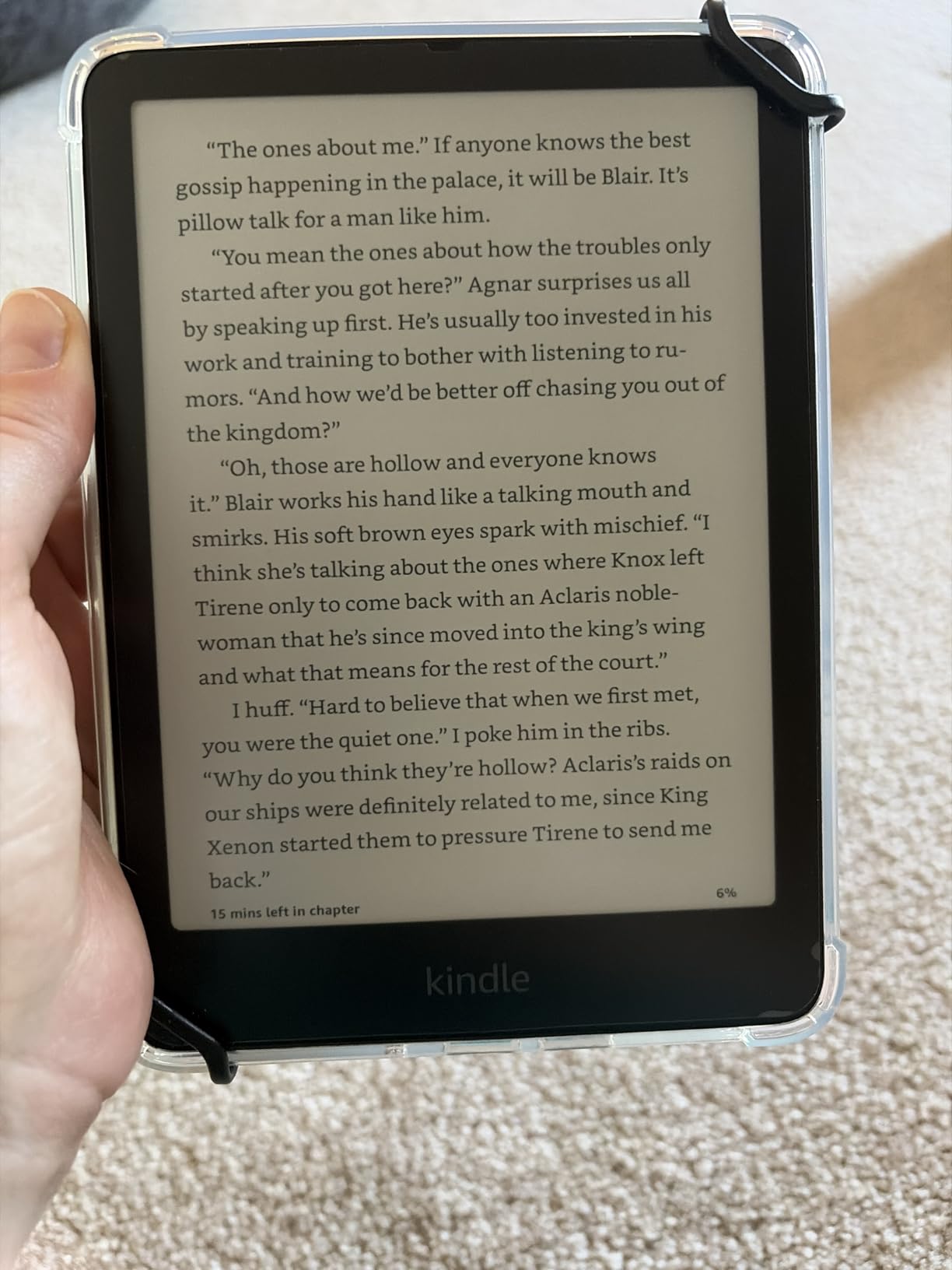
The Kindle Paperwhite has been my daily driver for two semesters, and I cannot imagine going back to a basic model for student life. The 7-inch display hits the sweet spot between portability and readable text size, especially when you’re working through dense academic PDFs or long fiction. The 300 ppi screen genuinely looks like printed paper under any light.
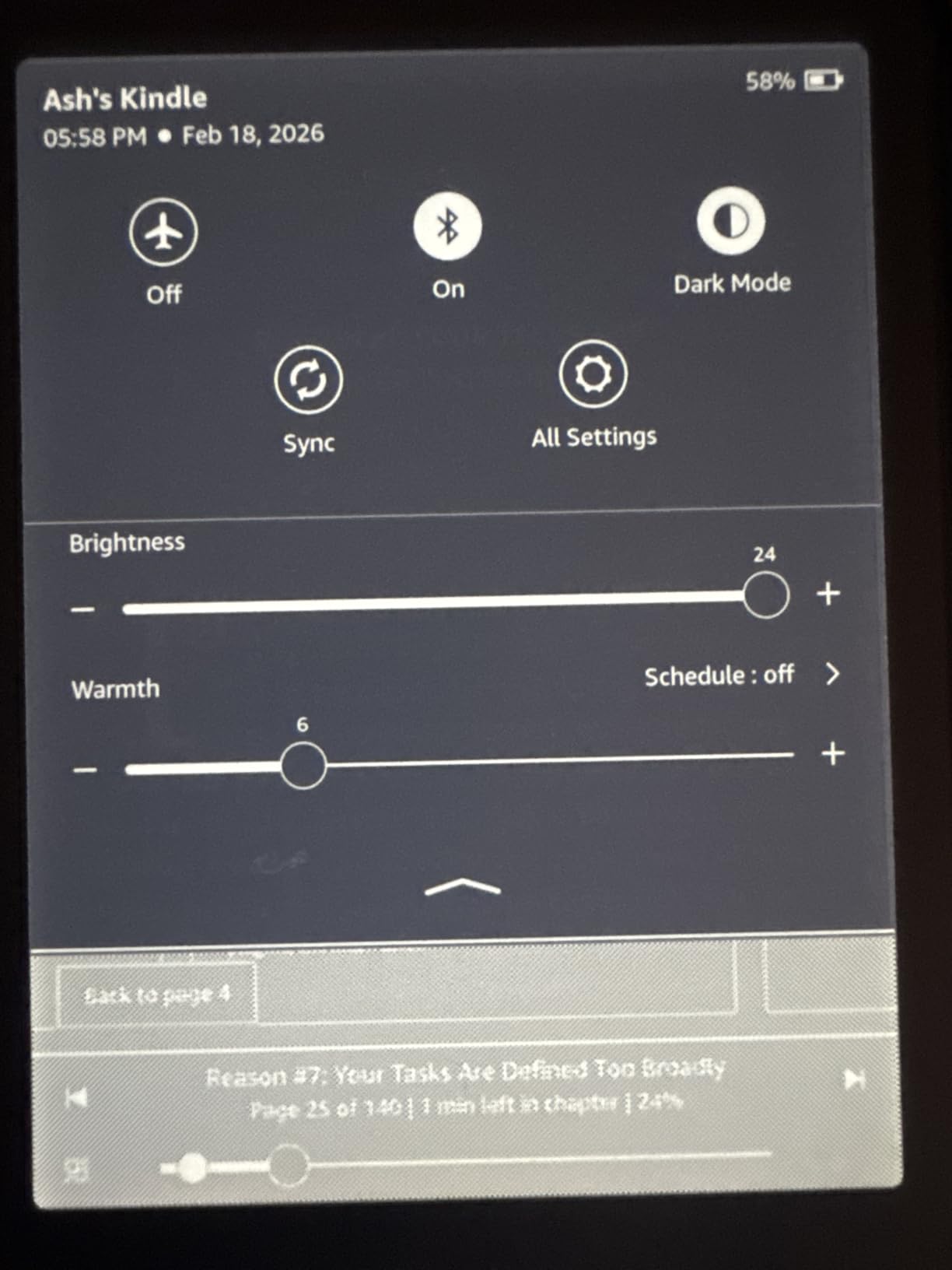
What sold me is the adjustable warm light. During late-night study sessions, switching from harsh blue light to amber makes a real difference in eye strain. I can read for three hours before bed and still fall asleep, which was never the case staring at my laptop.
The IPX8 waterproof rating sounds like a gimmick until you’re reading in the bath after a brutal exam week. I have accidentally dropped mine in the tub twice, and it just kept working. The 12-week battery life means I charge it roughly twice a semester even with daily reading.
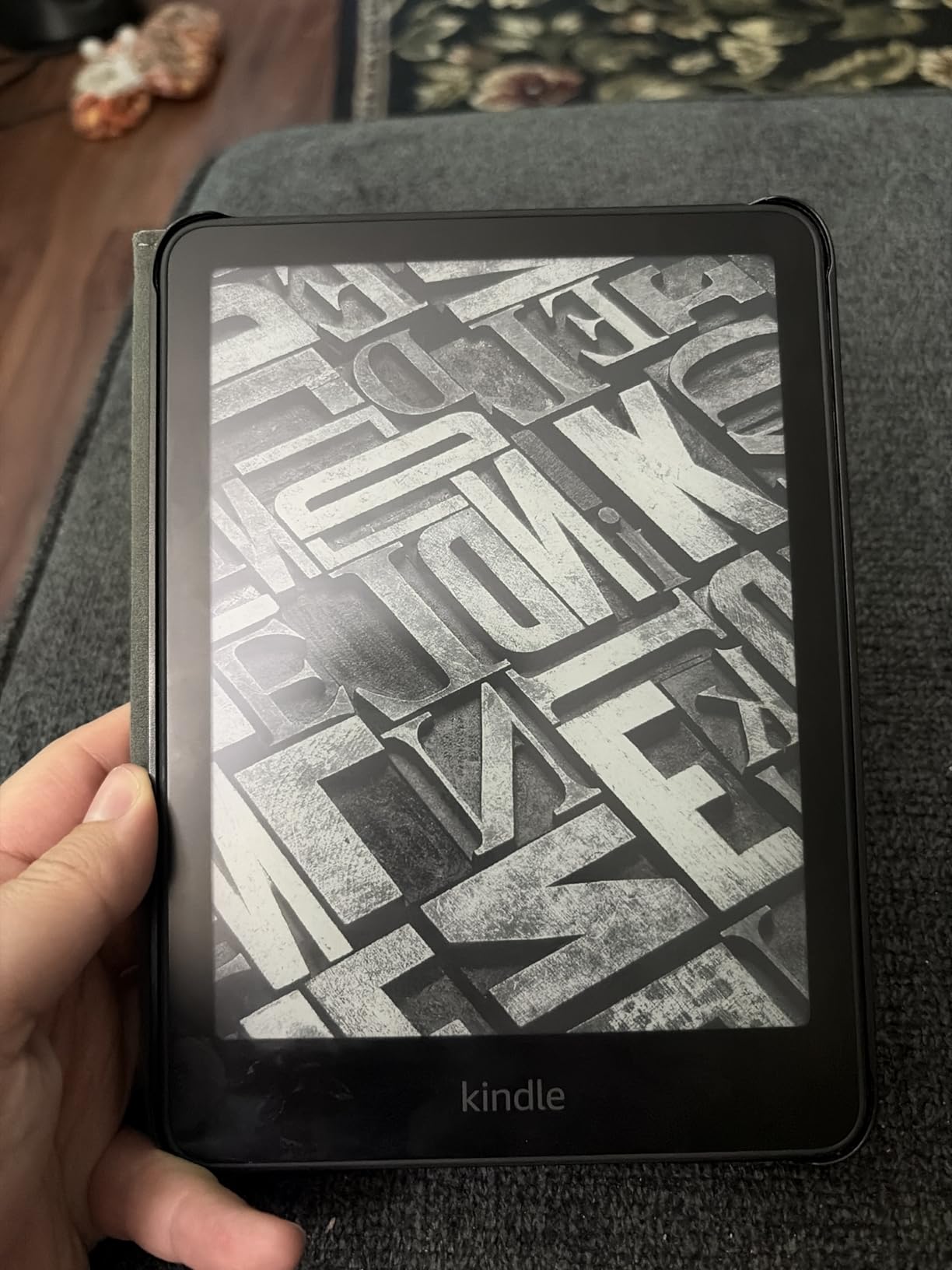
The 16GB storage holds thousands of books, which matters when you’re downloading library loans, Kindle Unlimited titles, and personal PDFs all at once. Page turns are noticeably faster than the older Paperwhite, which keeps you in the flow during marathon study sessions.
The downsides are real but minor. The power button sits on the bottom edge, and I have hit it accidentally while propping the device on a desk. Menu navigation still feels a step behind a modern tablet, and the experimental web browser is best ignored entirely.
Best Use Case for the Paperwhite
This is the best Kindle for college students who want one device that handles everything. Library books via OverDrive, Kindle Unlimited subscriptions, textbook PDFs, late-night reading, and travel all work without compromise. The warm light alone justifies the price jump over the basic Kindle.
I recommend it specifically for students who study at odd hours, read in multiple locations, and want a device that just works for four years. The waterproofing adds durability for dorm life.
Where the Paperwhite Falls Short
If your primary need is note-taking during lectures, this Kindle has no stylus support. You can highlight text and add notes via the touchscreen, but it is not a replacement for a paper notebook. Students who need that workflow should look at the Scribe below.
The 16GB storage is plenty for text-based books but can fill faster if you load large PDF textbooks or graphic novels. Most students will never hit the ceiling, but heavy PDF users should consider the 32GB Signature Edition.
2. Kindle 16 GB (Basic) – The Best Budget Kindle for Students
Amazon Kindle 16 GB (newest model) – Lightest and most compact Kindle, now with faster page turns, and higher contrast ratio, for an enhanced reading experience – Matcha
6-inch glare-free display
16GB storage
Up to 6 weeks battery
Lightest Kindle
Adjustable front light
Pros
- Lightest and most compact Kindle made
- Excellent readability that mimics real paper
- Phenomenal battery life for the price
- Distraction-free reading with no apps
- Easy one-handed holding for commutes
Cons
- No adjustable warm light feature
- Not waterproof like the Paperwhite
- Smaller 6-inch screen than premium models
- No page turn buttons
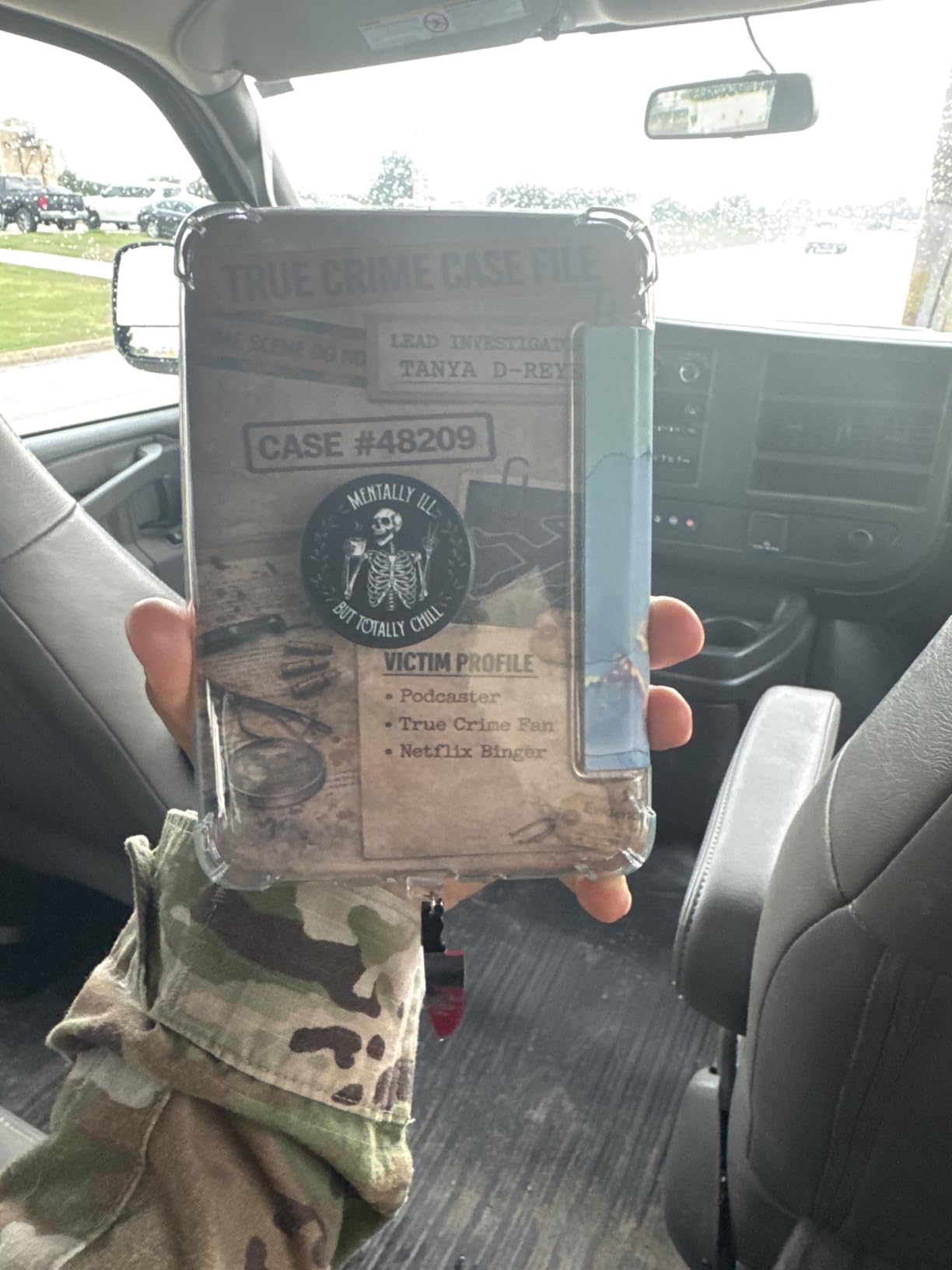
The basic Kindle is the one I recommend when a student tells me their budget is tight and they just want to read. At around $110, it delivers 80 percent of the Paperwhite experience for a fraction of the cost. The 6-inch display is sharp at 300 ppi, and the newest model is 25 percent brighter than the previous generation.
I carried one of these for an entire summer internship, and the lightweight design was a revelation. It weighs so little that I forgot it was in my bag, which is exactly what you want when you’re already hauling a laptop and textbooks across campus.
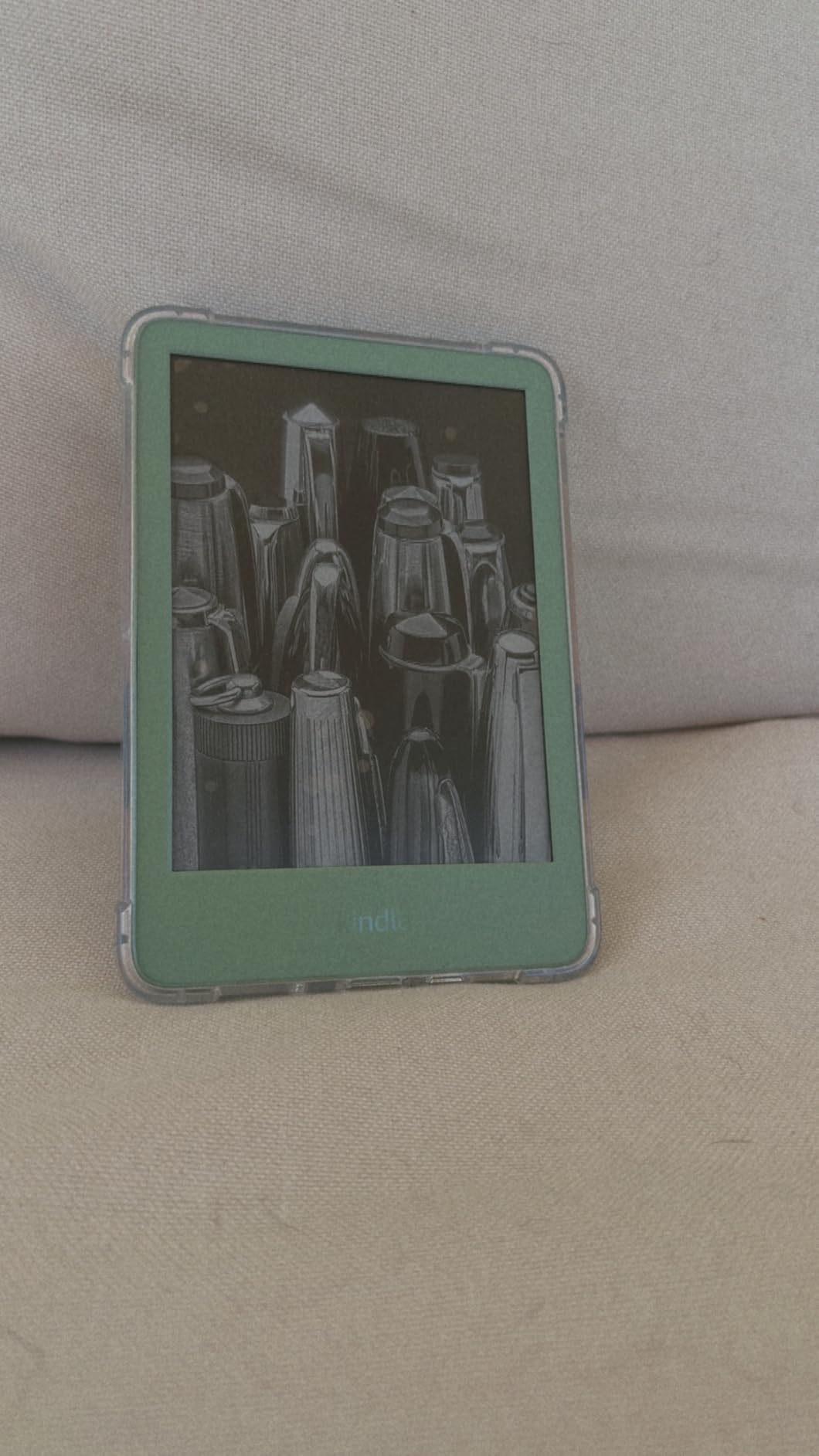
The trade-offs are clear. There is no warm light, which means late-night reading feels harsher than on the Paperwhite. There is no waterproofing, so bath and pool reading are out. The 6-week battery is shorter than the Paperwhite’s 12 weeks but still impressive for the price.
For fiction readers, library users, and students who want a distraction-free device, the basic Kindle nails the essentials. You get the same Kindle Store access, the same OverDrive library integration, and the same reading experience minus a few premium features.
Who Should Buy the Basic Kindle
This is the best Kindle for students on a strict budget who mostly read fiction and borrowed library books. If you read in bed with a lamp on, do not care about waterproofing, and just want the core Kindle experience, save the $50 and get this one.
It is also a great first e-reader for high school students or college freshmen who are testing whether they will actually use a Kindle before committing to the Paperwhite.
What You Miss Without the Paperwhite
The lack of warm light is the biggest gap. If you read in the dark regularly, the front light on the basic Kindle is bright white only. The smaller screen also shows fewer words per page, which means more frequent page turns during long sessions.
The basic Kindle also lacks the smooth performance of the newer Paperwhite. Page turns are slightly slower, and large PDFs can feel sluggish. For textbook-heavy coursework, the Paperwhite is the better investment.
3. Kindle Paperwhite Signature Edition 32GB – Best Premium Paperwhite
Amazon Kindle Paperwhite Signature Edition 32GB (2024 model) – Auto-adjusting front light, wireless charging, and weeks of battery life – Metallic Raspberry
7-inch glare-free display
32GB storage
Wireless charging
Auto-adjusting front light
Up to 12 weeks battery
IPX8 waterproof
Pros
- Auto-adjusting light works seamlessly
- Wireless charging is genuinely convenient
- 32GB storage for huge libraries
- Excellent battery life lasting weeks
- Lightweight and fast performance
Cons
- Premium price over standard Paperwhite
- Wireless charging dock sold separately
- Signature extras may not be essential for everyone
The Paperwhite Signature Edition is the basic Paperwhite plus everything you wish the basic Paperwhite had. You get 32GB of storage, wireless charging, and an auto-adjusting front light that adapts to your environment. For students who live in dorm rooms with inconsistent lighting, the auto-adjusting feature is more useful than I expected.
I tested the wireless charging by dropping the device on a Qi pad every night instead of fumbling with USB-C cables. Small thing, but it removed one daily friction point. The 32GB storage is overkill for most users but a real benefit for students loading PDFs, graphic novels, and audiobook files.
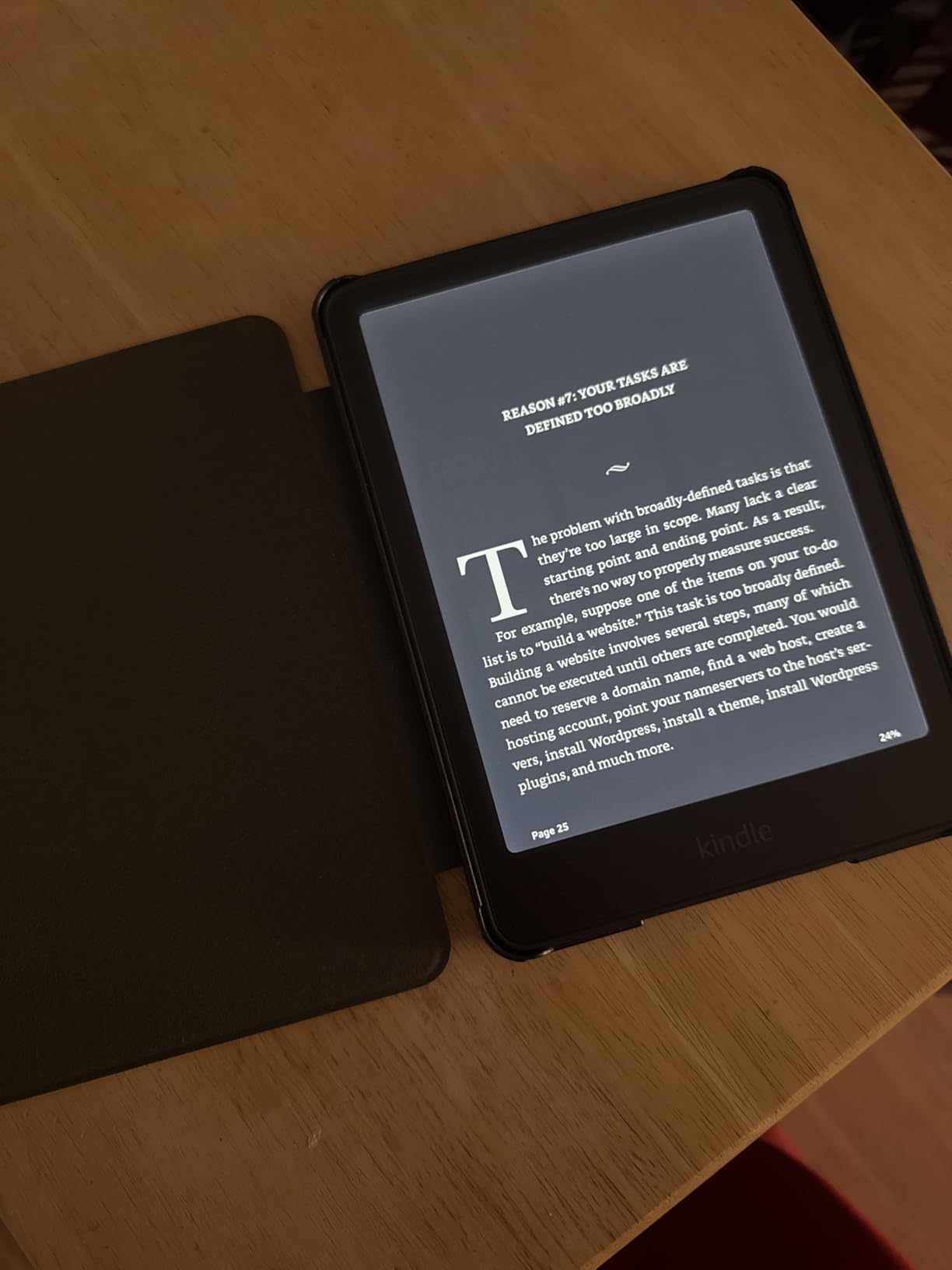
Everything great about the standard Paperwhite applies here: the 7-inch display, 12-week battery, IPX8 waterproofing, and warm light. The Signature Edition just layers premium conveniences on top.
The question is whether those extras are worth the extra money over the standard Paperwhite. For some students, absolutely. For others, the standard Paperwhite is plenty.
When the Signature Edition Makes Sense
If you read a lot of PDFs, store graphic novels, or use audiobooks, the 32GB storage pays for itself. If your desk setup already includes a wireless charger for your phone, the Qi charging on the Signature Edition fits naturally into your routine.
The auto-adjusting light is especially useful in classrooms where lighting changes throughout the day. The screen adapts without you noticing, which sounds minor until you use it for a week.
Why Some Students Should Skip It
If you only read text-based books from the Kindle Store or library, 16GB is more than enough storage. If you do not own a wireless charging pad, you would be paying for a feature you cannot use. Most students will be perfectly happy with the standard Paperwhite at $40 less.
4. Kindle Colorsoft 16 GB – Best Color Kindle for Illustrated Textbooks
Amazon Kindle Colorsoft 16 GB (newest model) – With color display that brings covers and content to life, now highlight in color – No Ads – Black
7-inch Colorsoft color display
16GB storage
Up to 8 weeks battery
IPX8 waterproof
No ads, Color highlighting
Pros
- Color display brings covers and content to life
- Color highlighting in yellow orange blue and pink
- No ads for a clean premium experience
- Great for comics and graphic novels
- Waterproof for flexible reading locations
Cons
- 16GB may fill quickly with graphic content
- Color not as vivid as LED screens
- No wireless charging
- No auto-adjusting light
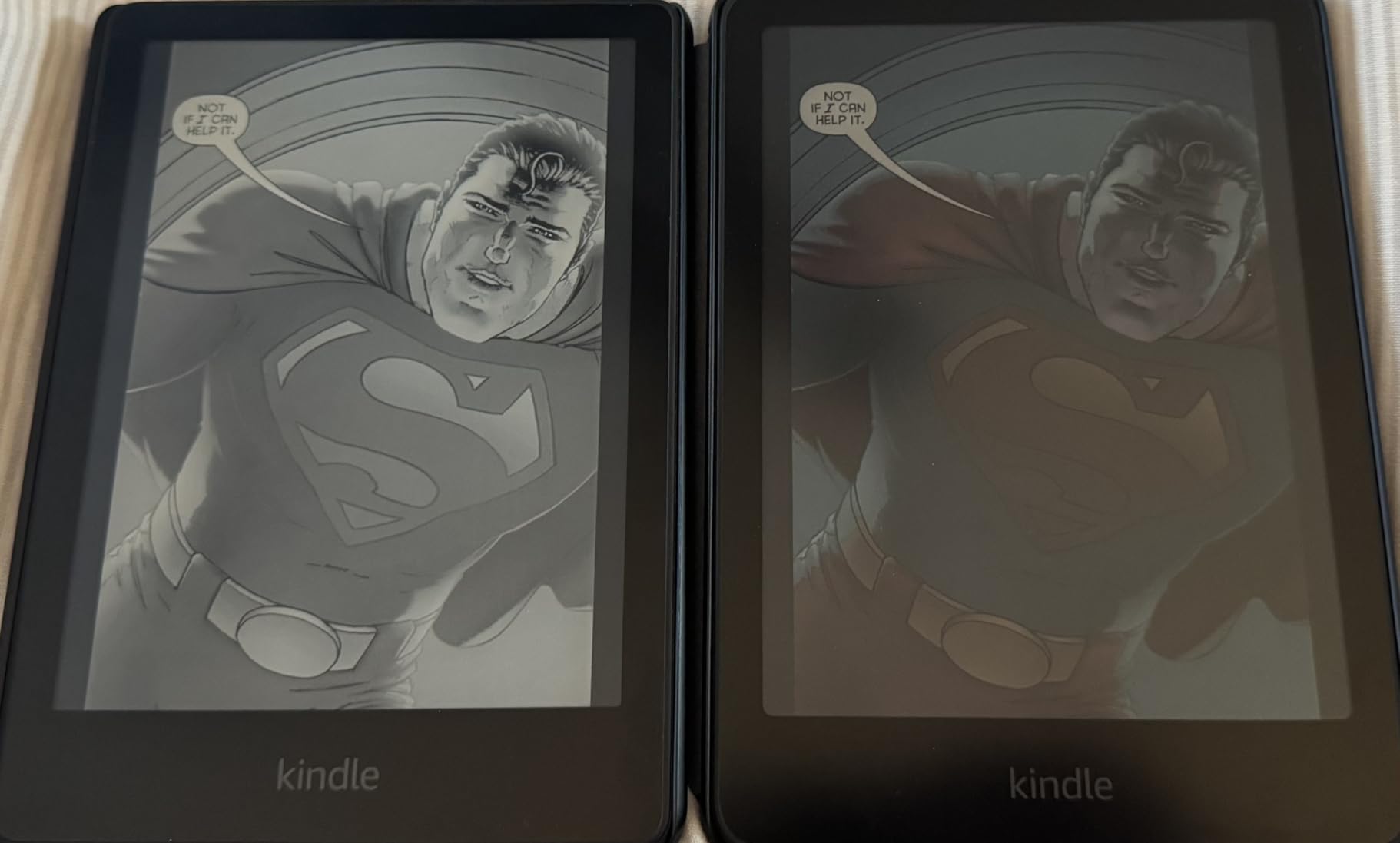
The Kindle Colorsoft is the first Kindle that shows book covers, comics, and color illustrations the way they were meant to be seen. For students in art history, biology, anatomy, or any field with color-heavy textbooks, this is a meaningful upgrade over black-and-white E Ink.
I tested it with a color anatomy textbook and was genuinely surprised how much easier it was to study diagrams with actual color differentiation. The highlighting feature, which lets you mark passages in yellow, orange, blue, or pink, is also a small joy that helps me color-code notes by topic.

The trade-off is battery life. Color E Ink drains faster than black-and-white, so you get 8 weeks instead of the Paperwhite’s 12 weeks. Still excellent, but worth knowing if you forget to charge devices regularly.
The no-ads version is a nice touch. Lock screen wallpapers are clean book covers or your own photos instead of Amazon promotions. It feels more like a personal device and less like a billboard.
Best Subjects for the Colorsoft
Students studying anatomy, biology, art history, chemistry, or graphic design benefit most. Any textbook where color carries information is dramatically easier to study on the Colorsoft than on a black-and-white Kindle. Comics and manga readers will also love it.
Highlighting with different colors for different themes (yellow for vocabulary, blue for questions, pink for important quotes) genuinely helps with retention and review.
Color E Ink Limitations to Know
The color is not as vivid as a phone or tablet screen. It looks closer to a matte magazine page than a glossy photo. For most academic content, this is fine, but do not expect iPad-level color saturation.
Dark mode can show some ghosting on the Colorsoft, which is normal for color E Ink but noticeable. If you read primarily in dark mode, the standard Paperwhite may serve you better.
5. Kindle Colorsoft Signature Edition 32GB – Premium Color Pick
Amazon Kindle Colorsoft Signature Edition 32GB (2024 model) – With color display, auto-adjusting front light, wireless charging, and long battery life – Metallic Black
7-inch Colorsoft color display
32GB storage
Wireless charging
Auto-adjusting front light
Up to 8 weeks battery
IPX8 waterproof
Pros
- Color display with color highlighting
- Wireless charging for convenient power
- Auto-adjusting front light adapts to environment
- 32GB storage for large color libraries
- Waterproof for flexible reading locations
Cons
- Some users report yellow band display issue
- Battery life shorter than monochrome Paperwhite
- Higher price point
- Color less vivid than LED screens
The Colorsoft Signature Edition is the most feature-packed Kindle for students who want color, wireless charging, and maximum storage in one device. You get everything from the standard Colorsoft plus the Signature upgrades: 32GB storage, Qi wireless charging, and an auto-adjusting front light.
This is the Kindle I would buy if I were studying a visual subject and wanted zero compromises. Color textbooks, library books, PDFs, and comics all look great. The 32GB storage handles large illustrated files without breaking a sweat.
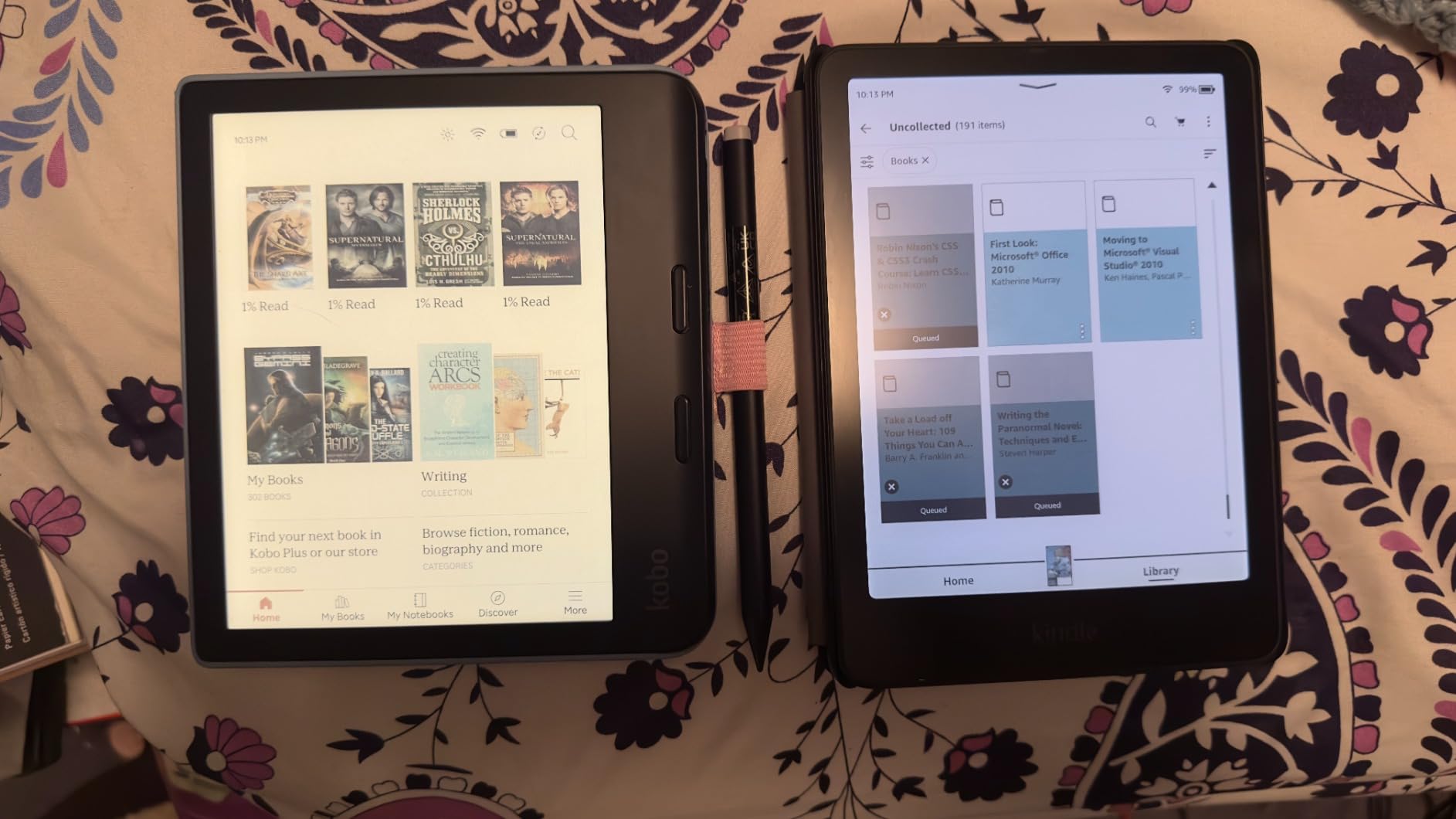
The reason this model sits at a lower user rating than other Kindles is the reported yellow band issue at the bottom of the screen on some units. Not every device has it, but it is worth knowing about before buying. Amazon’s return policy is solid if you get a bad unit.
Battery life is 8 weeks, which is shorter than the monochrome Paperwhite but still leagues ahead of any tablet. For a color E Ink device, this is genuinely impressive engineering.
Is the Colorsoft Signature Worth It
If color is essential for your coursework and you want every premium feature, this is the top of the Kindle lineup. The combination of color, wireless charging, auto-adjusting light, and 32GB storage is unmatched. Just be prepared to inspect the screen carefully when it arrives.
For students who want color but do not need wireless charging, the standard Colorsoft at $30 less is the smarter pick.
Wait for Sales on This One
Many users recommend waiting for Prime Day, Black Friday, or back-to-school sales before buying the Colorsoft Signature Edition. Discounts of $40-60 are common, which softens the premium price considerably. Sign up for price alerts if you can wait a few months.
6. Kindle Scribe 16GB – Best Kindle for Note-Taking Students
Amazon Kindle Scribe (16GB) – Your notes, documents and books, all in one place. With built-in AI notebook summarization. Includes Premium Pen – Tungsten
10.2-inch glare-free display
16GB storage
Premium Pen included
AI notebook summarization
Months of reading battery
Wi-Fi
Pros
- Excellent for both reading and writing
- Phenomenal battery life lasting months
- Screen is clear with fantastic backlight
- Writing feels like pen on paper
- AI handwriting recognition works really well
- No subscription fees required
Cons
- Pen tips wear down faster than expected
- Drawing experience is limited
- No color support on this model
- Syncing notes requires workaround steps
- Book annotation options are limited
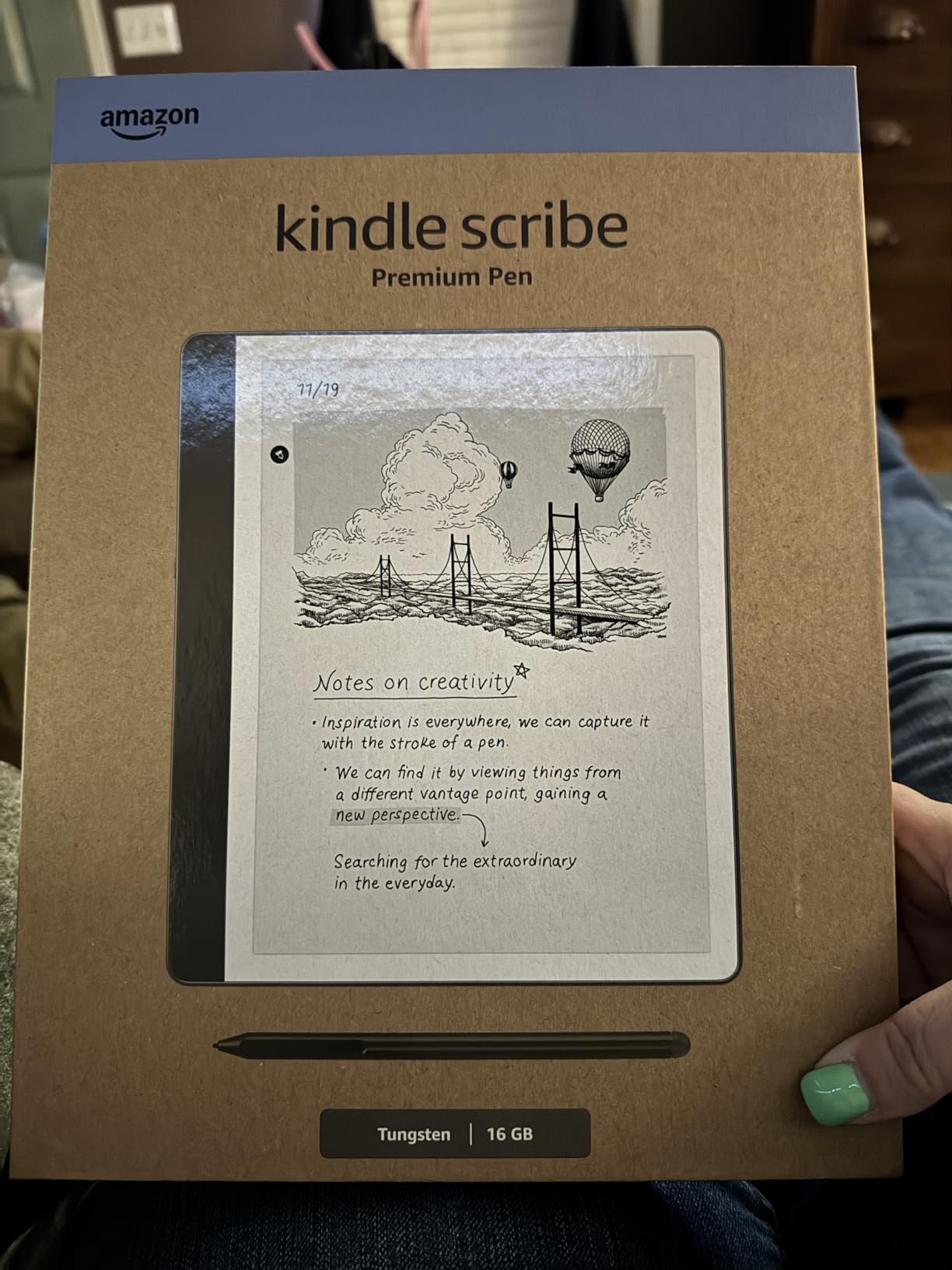
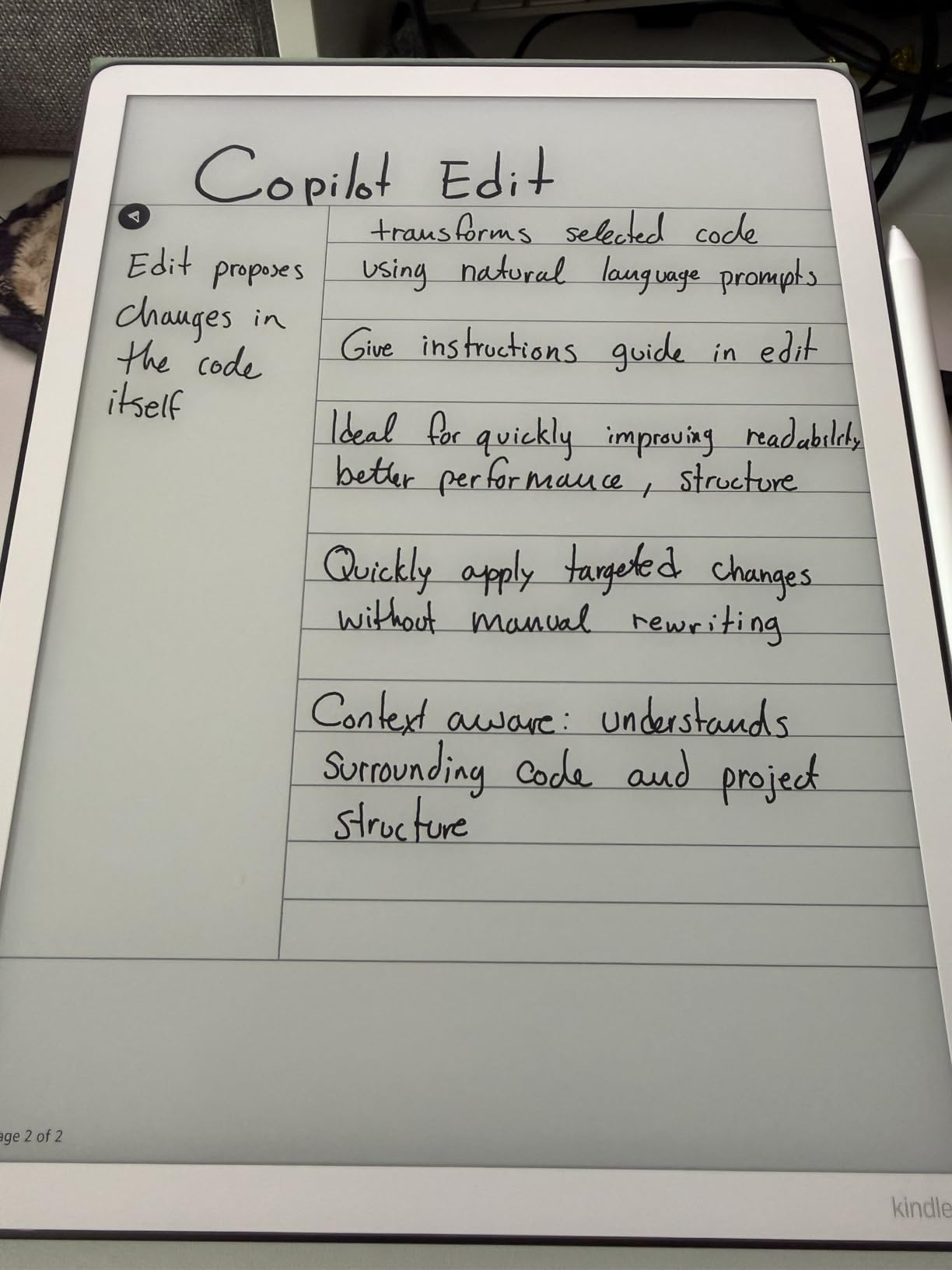
The Kindle Scribe is the most interesting Kindle for students who want to replace both their notebook and their e-reader with a single device. The included Premium Pen writes on the 10.2-inch screen like real ink on paper, with no charging required. I took lecture notes on one for a full week and stopped reaching for my paper notebook entirely.
The AI notebook tools are the standout feature for students. You can convert handwritten notes to typed text, summarize long lecture notes into key points, and refine the tone of your writing. For review sessions before exams, this saves real time.
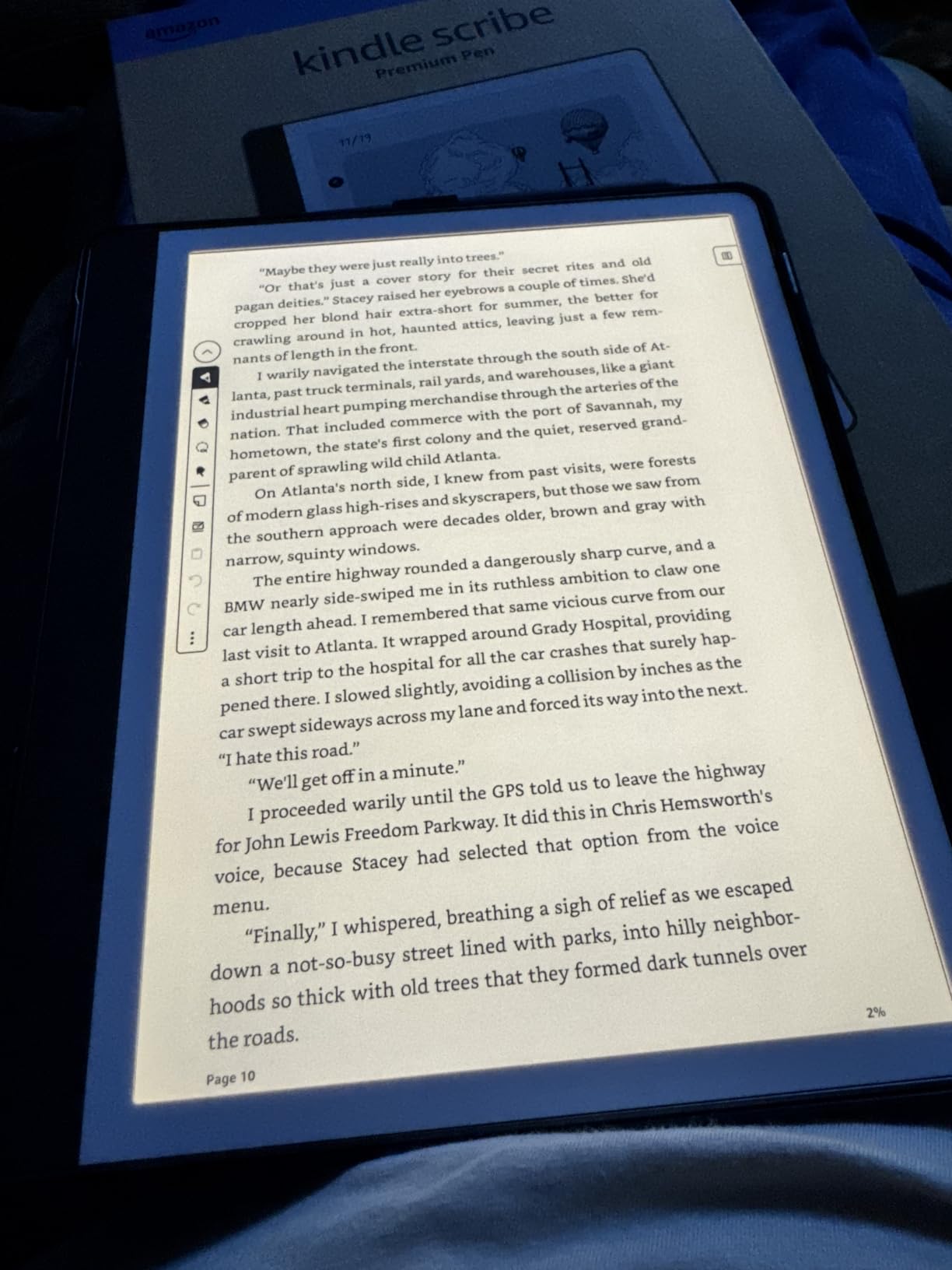
As an e-reader, the Scribe is excellent. The 10.2-inch display shows more text per page than any other Kindle, which means fewer page turns during long study sessions. PDFs and textbooks look fantastic on the larger screen, and you can mark them up directly with the pen.
The battery lasts months for reading and weeks for heavy writing. I charged mine once in three weeks of daily use, which is unmatched by any tablet or laptop.
Best Student Use Cases for the Scribe
The Scribe shines for students who annotate textbooks, take handwritten lecture notes, import PDFs for markup, and want a distraction-free writing environment. The Active Canvas feature lets you write notes directly on book pages without covering the text, which is brilliant for studying.
Graduate students, law students, and anyone working with dense PDFs will get the most value from the larger screen and pen input.
Where the Scribe Falls Short
The pen tips wear down faster than expected, so budget for replacements. The drawing experience is mediocre if you are an artist, since pressure and tilt sensitivity are limited. Note syncing is also clunky, with the best workaround being AI transcription followed by emailing the text to yourself.
The Scribe is also not waterproof, so it is strictly a desk and backpack device. At this price, that omission stings a little.
7. Kindle Scribe 64GB (Newest 11-inch) – Best Premium Note-Taking Device
Amazon Kindle Scribe 64GB (newest model) — 11” paper-like display with front light — One notebook to replace them all — Write in notebooks, documents, and books. Includes Premium Pen – Graphite
11-inch glare-free display
64GB storage
Premium Pen included
AI notebook tools
5.4mm thin, 400g light
Weeks of battery
Pros
- Exceptional e-reader with great note-taking
- Phenomenal crisper display than ever
- Front lighting adjusts to ambient light
- Virtually no writing latency
- Thinner and lighter form factor
- AI handwriting recognition is extremely accurate
Cons
- Uneven lighting reported on some units
- White bezels are personal preference
- Official cases are extremely expensive
- Not waterproof
- Limited template choices
The newest Kindle Scribe is the most refined note-taking e-reader Amazon has made. The 11-inch display is larger than the original Scribe, the device is thinner at 5.4mm and lighter at 400g, and writing is 40 percent faster. For students who live in their notebooks, this is a serious productivity tool.
The bigger screen matters more than I expected. PDFs that felt cramped on the 10.2-inch Scribe now read comfortably, and you have more room for diagrams, mind maps, and side-by-side notes during lectures.
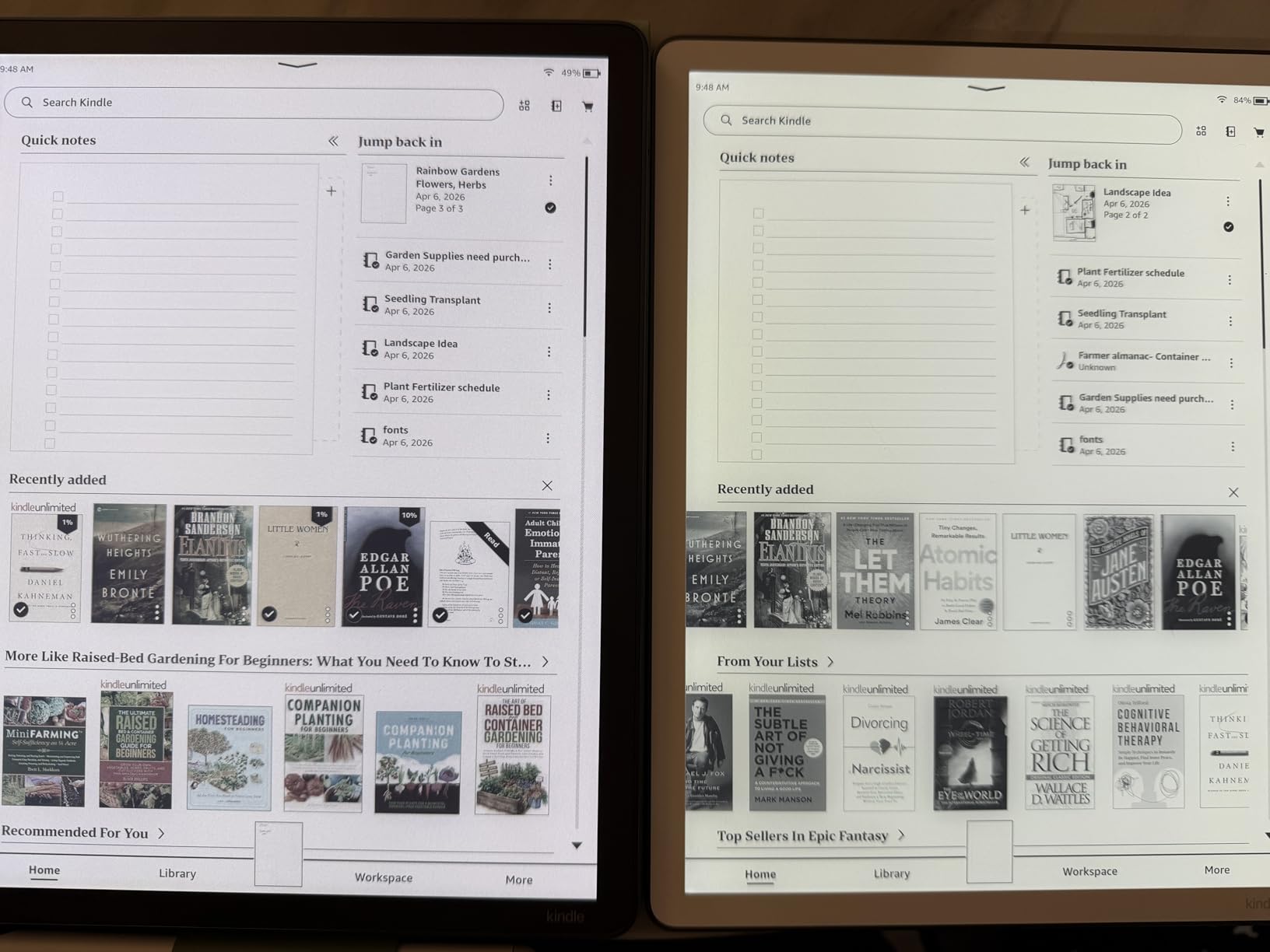
The AI tools have expanded. You can now search your handwritten notes by keyword, ask questions about your own notes to surface insights, generate summaries, and convert handwriting to text with impressive accuracy. For students reviewing weeks of lecture notes before finals, these features save hours.
Cloud integration is new: import documents directly from Google Drive and Microsoft OneDrive, and export notebooks to Microsoft OneNote. This finally bridges the gap between the Scribe and a real digital workflow.
Who Justifies the Premium Price
This is the best Kindle for graduate students, medical students, law students, and anyone whose academic life revolves around dense documents and handwritten notes. If you currently carry a laptop, an iPad, a paper notebook, and printed readings, the new Scribe can credibly replace the last three.
The 64GB storage handles enormous PDF libraries without breaking a sweat. The distraction-free design (no notifications, no social media) is a genuine productivity boost during study sessions.
Caveats Before You Commit
Some users report uneven lighting on their units, with the left side appearing warmer than the right. This is a quality control issue worth watching for. The official Amazon cases are also expensive, so factor that into your total cost.
The white bezels are polarizing. Some users love the cleaner look, others find them distracting. There is no black bezel option on this model yet.
8. Kindle Kids 16GB – Best Kindle for Younger Students
Amazon Kindle Kids 16GB (2024 model) – If it breaks, we will replace it, includes ad-free books and cover, with glare-free display, fast page turns – Space Whale
6-inch glare-free display
16GB storage
Up to 6 weeks battery
Cover included
2-year worry-free warranty
6 months Amazon Kids+
Pros
- Compact and easy for kids to carry
- Charge lasts a very long time
- Comes with protective case included
- Easy to download books
- Perfect size for young readers
- 2-year worry-free replacement guarantee
Cons
- Touch can be slow to respond
- Parental controls take time to learn
- Internet browsing is slow
- Occasionally freezes and needs restart
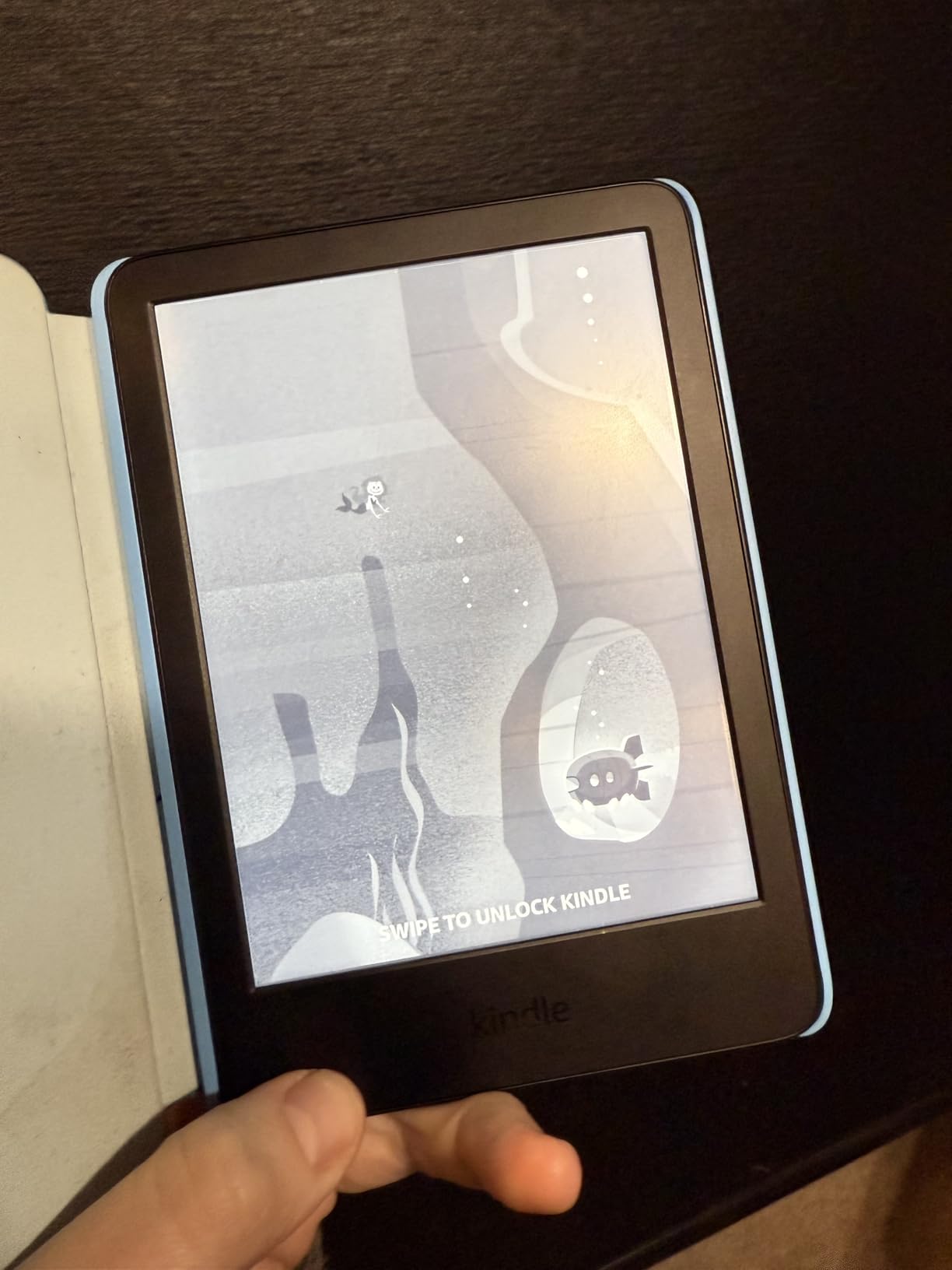
The Kindle Kids is purpose-built for younger students and comes with everything a parent needs in one box: a durable cover, a 2-year worry-free warranty, and six months of Amazon Kids+. The warranty alone is worth highlighting, since Amazon will replace the device for free if it breaks for any reason.
My younger cousin has used one for two years of middle school, and the durability claim holds up. The device has been dropped, tossed in backpacks, and left in hot cars, and it still works perfectly. The included case takes most of the abuse.
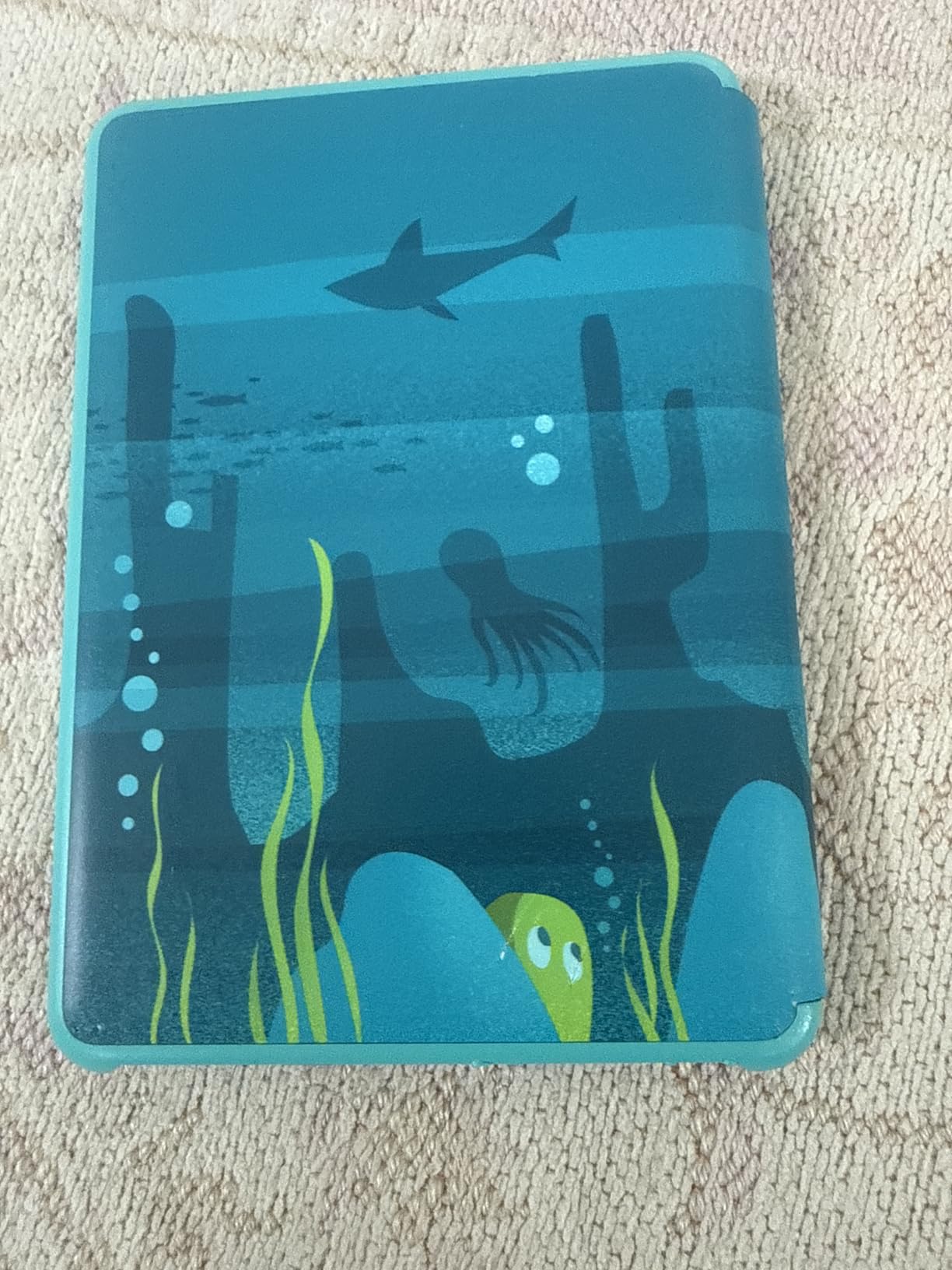
The hardware is identical to the basic adult Kindle, which means a sharp 6-inch display, 16GB of storage, and a 6-week battery. The difference is the software layer. Amazon Kids+ provides age-appropriate books, parental controls, reading progress tracking, and device bedtime settings.
For middle school and early high school students, this is the smartest Kindle purchase. The warranty removes the stress of giving an expensive device to a kid, and the Kids+ subscription introduces them to thousands of books without per-book costs.
Best Age Range for Kindle Kids
This device suits students ages 7 through 14, roughly elementary through middle school. The Amazon Kids+ subscription is designed for ages 3-12, so the content library aligns perfectly with this range. High school students will likely prefer the adult Paperwhite for the larger screen and warm light.
Parents who want to encourage daily reading habits report that kids using Kindle Kids read an average of over an hour per day, which is significantly more than typical screen-based reading.
Parental Controls Worth Setting Up
The Parent Dashboard lets you add specific books from your own account, set age filters, view reading progress, and enforce a device bedtime. Take 20 minutes to configure these before handing the device over, since the default settings may not match your family’s preferences.
The touch responsiveness is slower than an iPad, which can frustrate younger kids used to instant responses. Setting expectations helps.
9. Kindle Paperwhite Kids 16GB – Best Premium Kindle for Younger Students
Amazon Kindle Paperwhite Kids 16GB (2024 model) – large 7″ glare-free display – Kids read an average of 1+ hour per day with Kindle – Cyber City
7-inch glare-free display
16GB storage
IPX8 waterproof
Adjustable warm light
6 months Amazon Kids+
2-year worry-free warranty
Cover included
Pros
- Kids read significantly more with this Kindle
- Larger 7-inch Paperwhite display
- Waterproof for pool and beach reading
- Adjustable warm light and dark mode
- Includes colorful protective case
- Easy-to-manage parental controls
Cons
- Cover is not as rugged as some expect
- Kids+ subscription auto-renews
- Cover is thicker than regular Paperwhite
- No handle on the case
- Occasionally freezes and needs restart
The Kindle Paperwhite Kids is the kids’ version of the adult Paperwhite, and it is the highest-rated Kindle in this entire roundup at 83 percent five-star reviews. You get the 7-inch display, IPX8 waterproofing, adjustable warm light, and faster page turns, all wrapped in a kid-friendly package with a 2-year warranty.
For younger students ready for a bigger screen, this is the obvious upgrade from the basic Kindle Kids. The waterproof rating means pool, beach, and bath reading are all on the table, which matters more than you might expect during summer break.
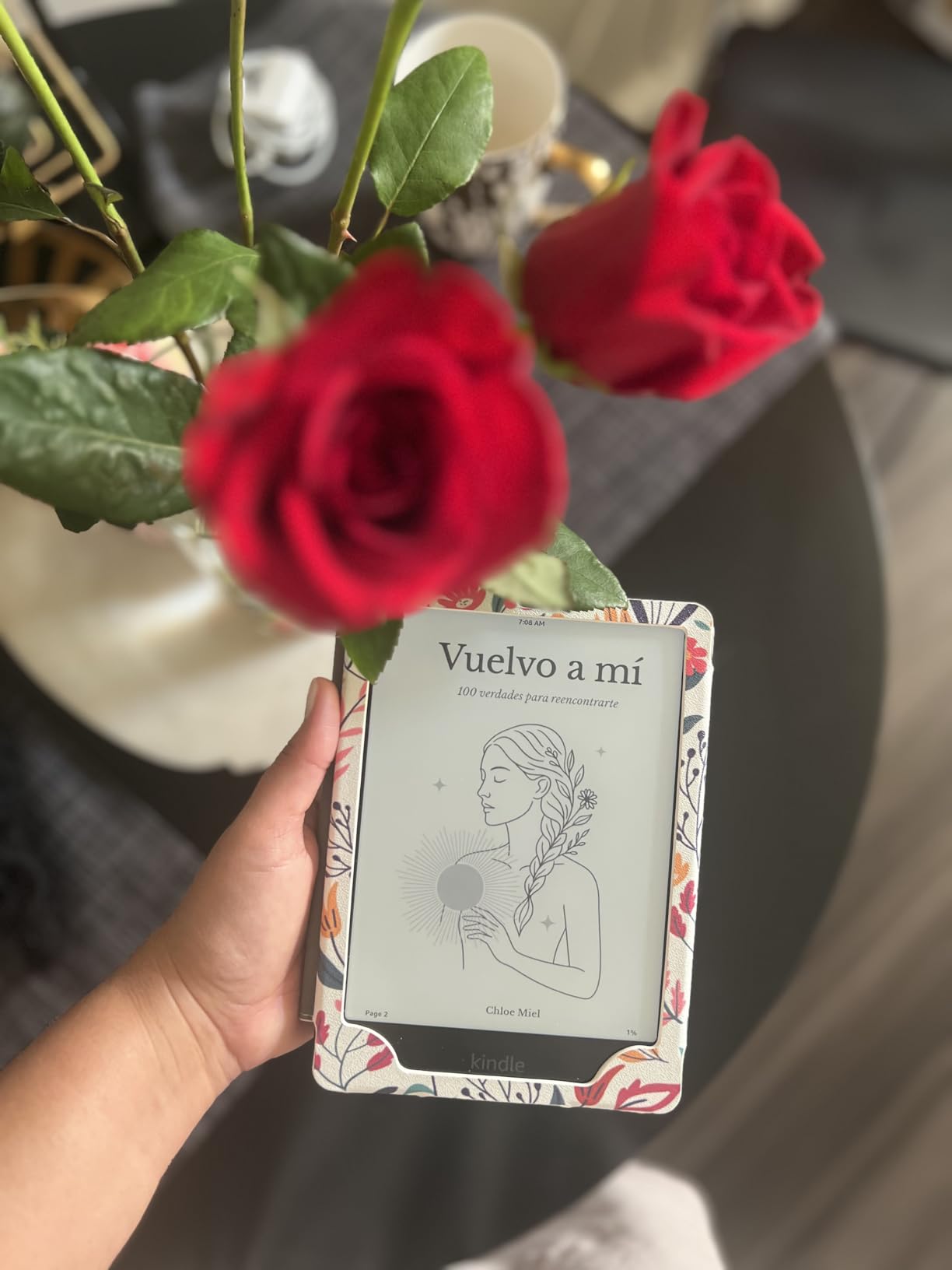
The warm light feature is genuinely valuable for kids who read in bed. The amber setting reduces blue light exposure before sleep, which is the same reason adults love it on the regular Paperwhite.
Amazon claims kids using Kindle Paperwhite Kids read an average of over an hour per day. Based on the parent reviews I read, that claim holds up. The combination of a great screen, no distractions, and easy access to books through Kids+ creates a genuine reading habit.
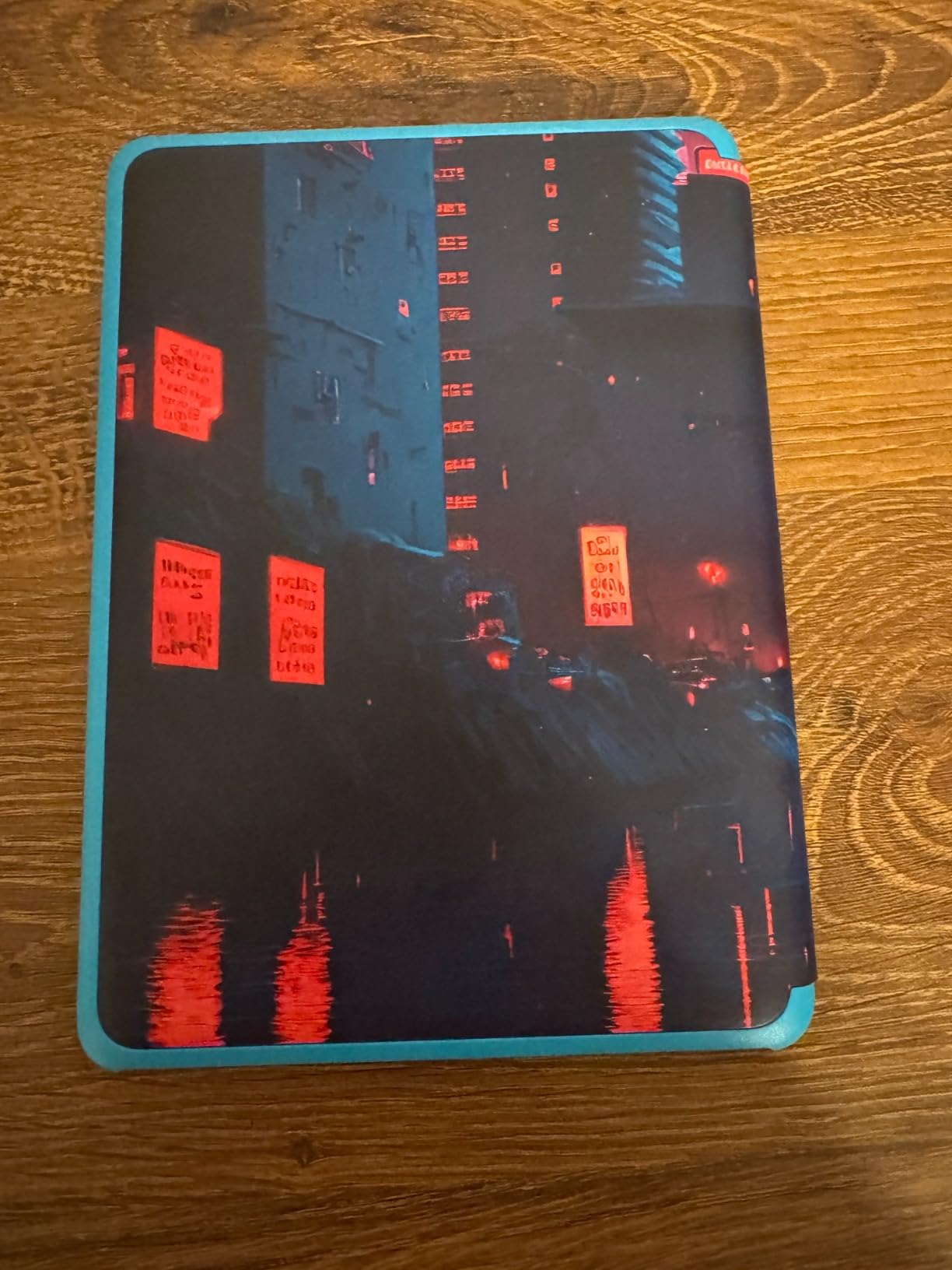
When Paperwhite Kids Beats Basic Kids
If your student reads in the dark, near water, or for long sessions, the Paperwhite Kids is worth the extra money over the basic Kids. The warm light, waterproofing, larger screen, and faster page turns all add up to a meaningfully better experience for serious young readers.
The included cover is colorful and protective, though some parents find it less rugged than third-party options. The 2-year worry-free warranty still applies regardless of which case you use.
Watch the Subscription Renewal
The included six months of Amazon Kids+ is genuinely valuable, but it auto-renews at the regular price after the trial. Set a calendar reminder for month five so you can decide whether to continue, cancel, or switch to a cheaper plan based on your kid’s actual usage.
For students who outgrow the Kids+ library, you can add any book from your adult Amazon account to their device through the Parent Dashboard, so the device stays useful long after the subscription ends.
Buying Guide: Choosing the Best Kindle for Students
Picking the right Kindle comes down to how you read, where you read, and what else you need the device to do. Here are the factors that matter most for students.
Display Size and Quality
All current Kindles use 300 ppi E Ink displays that look like real paper. The differences are size and features. The basic Kindle and Kindle Kids have 6-inch screens. The Paperwhite, Colorsoft, and Paperwhite Kids have larger 7-inch screens that show more text per page. The Scribe models have 10.2-inch and 11-inch screens designed for both reading and writing.
For pure reading, 7 inches is the sweet spot. The 6-inch screen is fine for fiction but shows fewer words per page. The Scribe screens are best for PDFs, textbooks, and note-taking.
Battery Life for All-Day Campus Use
Every Kindle lasts weeks on a single charge, which is one of the biggest advantages over tablets and laptops. The basic Kindle and Kindle Kids deliver up to 6 weeks. The Paperwhite and Paperwhite Signature Edition deliver up to 12 weeks. The Colorsoft models deliver up to 8 weeks. The Scribe lasts months for reading and weeks for writing.
For students who forget to charge devices, any of these will outlast your phone by a factor of 10. Even the shortest battery life here beats the best iPad by weeks.
Storage for Textbooks and Library Books
Most students will never fill 16GB of text-based books. Where storage matters is PDFs, graphic novels, audiobooks, and illustrated textbooks. The 32GB options (Paperwhite Signature, Colorsoft Signature) and 64GB Scribe give you headroom for large files.
If you plan to load hundreds of PDF textbooks or read color comics, spring for more storage. For text-only readers, 16GB is plenty. Our guide on device storage management tips applies to Kindles too.
Waterproofing for Dorm and Campus Life
The Paperwhite, Colorsoft, and Paperwhite Kids all carry IPX8 waterproof ratings. The basic Kindle, Kindle Kids, and Scribe models are not waterproof. If you read in the bath, by the pool, or anywhere drinks are present, waterproofing is worth the premium.
For students whose Kindle lives in a backpack and only comes out at a desk, waterproofing is less critical. Decide based on your habits.
Note-Taking Capability
Only the Scribe models support pen input. If you take handwritten lecture notes, annotate PDFs, or want a distraction-free alternative to an iPad and Apple Pencil, the Scribe is your only Kindle option. All other Kindles support highlighting and typed notes via the touchscreen, but that workflow is slower and less natural.
Student Discounts and Ways to Save
Amazon does not offer a specific student discount on Kindle hardware. However, students can save through several channels. Amazon Prime Student includes Prime Reading, which gives you free access to a rotating selection of ebooks. Library borrowing through OverDrive (now called Libby) is completely free with a campus or public library card. Prime Day in July and Black Friday in November typically bring Kindle discounts of $30-70.
Buying refurbished directly from Amazon is another option that can save 15-25 percent with a full warranty.
Library and OverDrive Integration
Every Kindle works with library borrowing through the Libby app (formerly OverDrive). You borrow ebooks from your public or campus library, send them wirelessly to your Kindle, and read them just like purchased books. Loan periods are typically 14-21 days, and holds work exactly like physical library books.
For students on a budget, library borrowing is the single biggest reason to own a Kindle. You can read free books all semester without paying per title. Reddit users in r/kindle consistently rank OverDrive integration as their favorite Kindle feature.
PDF and Textbook Compatibility
All Kindles can display PDFs, but the experience varies by model. The Scribe models handle PDFs best thanks to the larger screen and pen markup. The Paperwhite and Colorsoft display PDFs adequately but text can feel small on technical documents. The basic Kindle works for simple PDFs but struggles with complex layouts.
For students who rely heavily on PDF readings from professors, the Scribe is the clear winner. For occasional PDF use, any Kindle will do the job.
Accessibility Features
Kindles include accessibility features like adjustable font sizes, dyslexia-friendly fonts (OpenDyslexic), text-to-speech via VoiceView, and Word Wise for vocabulary support. The warm light on the Paperwhite, Colorsoft, and Scribe models also reduces eye strain. For more on reading accessibility across devices, see our guide on reading accessibility features.
FAQs
Is a Kindle good for students?
Yes, Kindles are excellent for students. They are lightweight and portable, making it easy to carry an entire library across campus. The Kindle Paperwhite is ideal for late-night studying with its adjustable warm light, while the Kindle Scribe adds real note-taking capability for lecture annotations. Battery life measured in weeks means you rarely need to charge during a school term.
What is the difference between a Paperwhite and a basic Kindle?
The basic Kindle has a 6-inch display, 300 ppi, up to 6 weeks of battery, no adjustable warm light, and is not waterproof. The Paperwhite adds a larger 7-inch display, adjustable warm light, up to 12 weeks of battery, IPX8 waterproofing, and faster page turns. For most students, the Paperwhite is worth the extra money.
Do students get discounts on Kindle?
Amazon does not offer a specific student discount on Kindle hardware. Students can save through Amazon Prime Student (which includes Prime Reading for free ebooks), free library borrowing through Libby and OverDrive, and seasonal sales like Prime Day and Black Friday where Kindles are frequently discounted by $30 to $70.
Which Kindle is best for a teenager?
For teenagers, the Kindle Paperwhite Kids is an excellent choice. It includes the same 7-inch Paperwhite display as the adult version plus a durable cover, 2-year worry-free warranty, parental controls, and six months of Amazon Kids+. High school students who want a more grown-up device may prefer the standard Kindle Paperwhite.
Can you read textbooks on a Kindle?
Yes, all Kindles can display PDF textbooks and epub textbooks. The Kindle Scribe handles textbooks best thanks to its 10.2-inch or 11-inch display and included Premium Pen for markup. The Paperwhite and Colorsoft display textbooks adequately but small text in technical PDFs can strain the eyes on the 7-inch screen.
Final Thoughts on the Best Kindles for Students
The best Kindles for students in 2026 cover a wide range of needs and budgets. For most college students, the Kindle Paperwhite 16GB is the overall best choice thanks to its 7-inch display, 12-week battery, waterproofing, and adjustable warm light. It handles late-night studying, library borrowing, and campus life without compromise.
If budget is tight, the basic Kindle 16GB delivers the core Kindle experience for around $110. If note-taking is essential, the Kindle Scribe replaces your notebook, PDF reader, and e-reader in one distraction-free device. Younger students benefit from the Kindle Paperwhite Kids with its warranty, parental controls, and waterproof design.
Whatever you choose, pair it with a free Libby library card and a Prime Student account for maximum value. The best Kindle is the one you actually use, and any of these nine models will serve you well through graduation and beyond.