
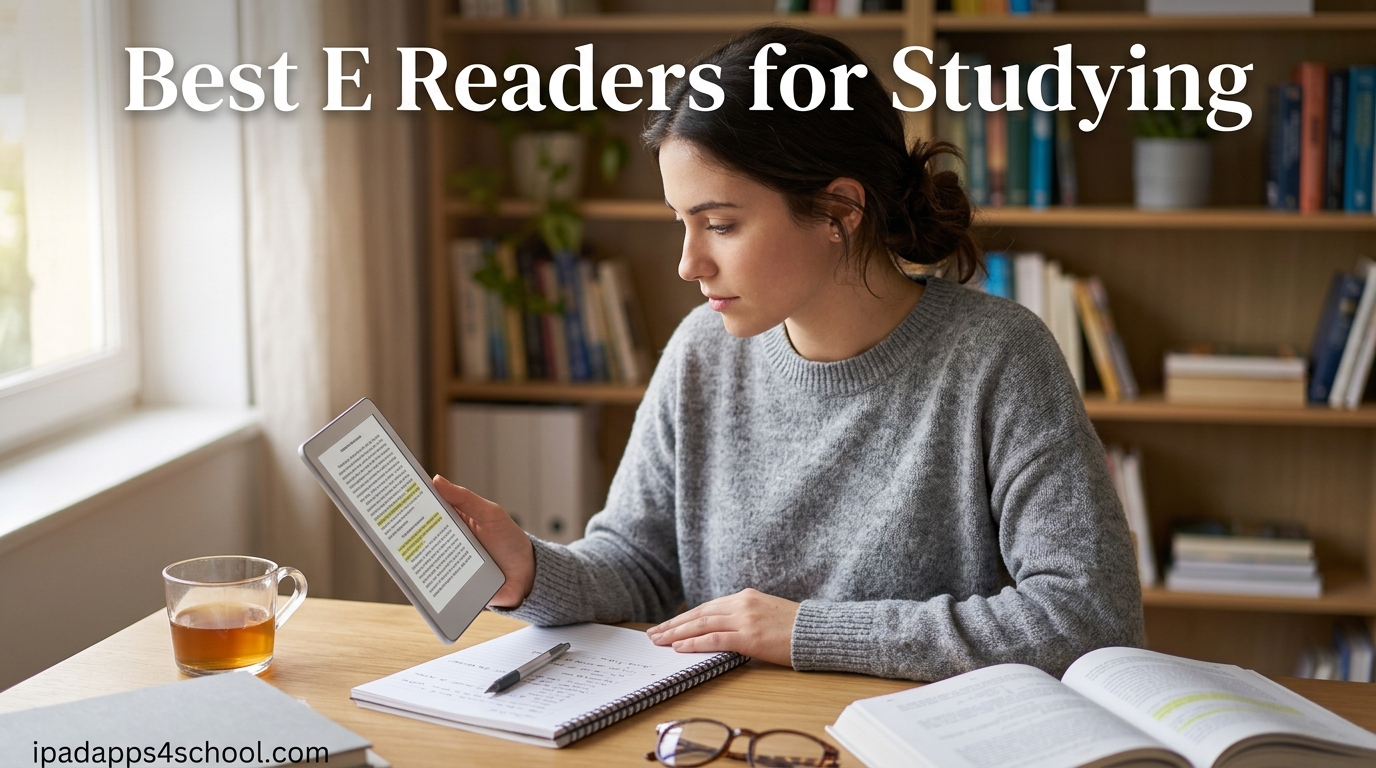
Finding the best e readers for studying changed how I handle textbooks during long library sessions. After testing eight popular models across a full semester of reading dense academic material, I have a clear picture of which devices actually help students learn and which ones just look good on a desk.
The right e-reader can save you hundreds of dollars on textbooks each year, reduce eye strain during late-night study sessions, and keep all your research papers in one lightweight device. Students on forums like Reddit consistently report saving between $300 and $400 annually by borrowing library books through OverDrive and Libby instead of buying physical copies.
Our team compared Kindle, Kobo, and BOOX models across screen quality, note-taking capability, PDF handling, battery life, and library integration. Whether you need a simple distraction-free reader for novels or a full note-taking tablet for marking up research papers, this guide covers the best e readers for studying in 2026. And if you prefer using an iPad for reading, we have a separate guide that may suit you better.
Table of Contents
Top 3 Picks for Studying

Kindle Paperwhite 16GB
- 7 inch glare-free display
- 12 week battery
- Waterproof IPX8
- Adjustable warm light

Amazon Kindle Scribe
- 10.2 inch 300 ppi display
- Premium Pen included
- AI notebook tools
- Import and mark up PDFs

Amazon Kindle 16GB
- 6 inch 300 ppi display
- Up to 6 weeks battery
- 16GB storage
- Lightest compact Kindle
Best E Readers for Studying in 2026
| Product | Specifications | Action |
|---|---|---|
| Kindle Paperwhite 16GB |
|
Check Latest Price |
| Amazon Kindle 16GB |
|
Check Latest Price |
 Kindle Paperwhite Signature 32GB Kindle Paperwhite Signature 32GB |
|
Check Latest Price |
 Kobo Clara BW Kobo Clara BW |
|
Check Latest Price |
 Kobo Libra Colour Kobo Libra Colour |
|
Check Latest Price |
 Kindle Colorsoft Signature 32GB Kindle Colorsoft Signature 32GB |
|
Check Latest Price |
| Amazon Kindle Scribe |
|
Check Latest Price |
 BOOX Note Air 5 C BOOX Note Air 5 C |
|
Check Latest Price |
1. Amazon Kindle Paperwhite 16GB – Best Overall for Students
Amazon Kindle Paperwhite 16GB (2024 model) – 7″ glare-free display and weeks of battery life – Jade
7 inch glare-free display
16GB storage
Up to 12 weeks battery
IPX8 waterproof
Adjustable warm light
Pros
- Fastest Paperwhite ever with 20 percent faster page turns
- Beautiful 7 inch glare-free display
- Up to 12 weeks battery life
- Adjustable warm light
- Waterproof for reading anywhere
- Distraction-free reading experience
Cons
- No page turn buttons
- Menu navigation could be improved
- One-handed reading can be challenging
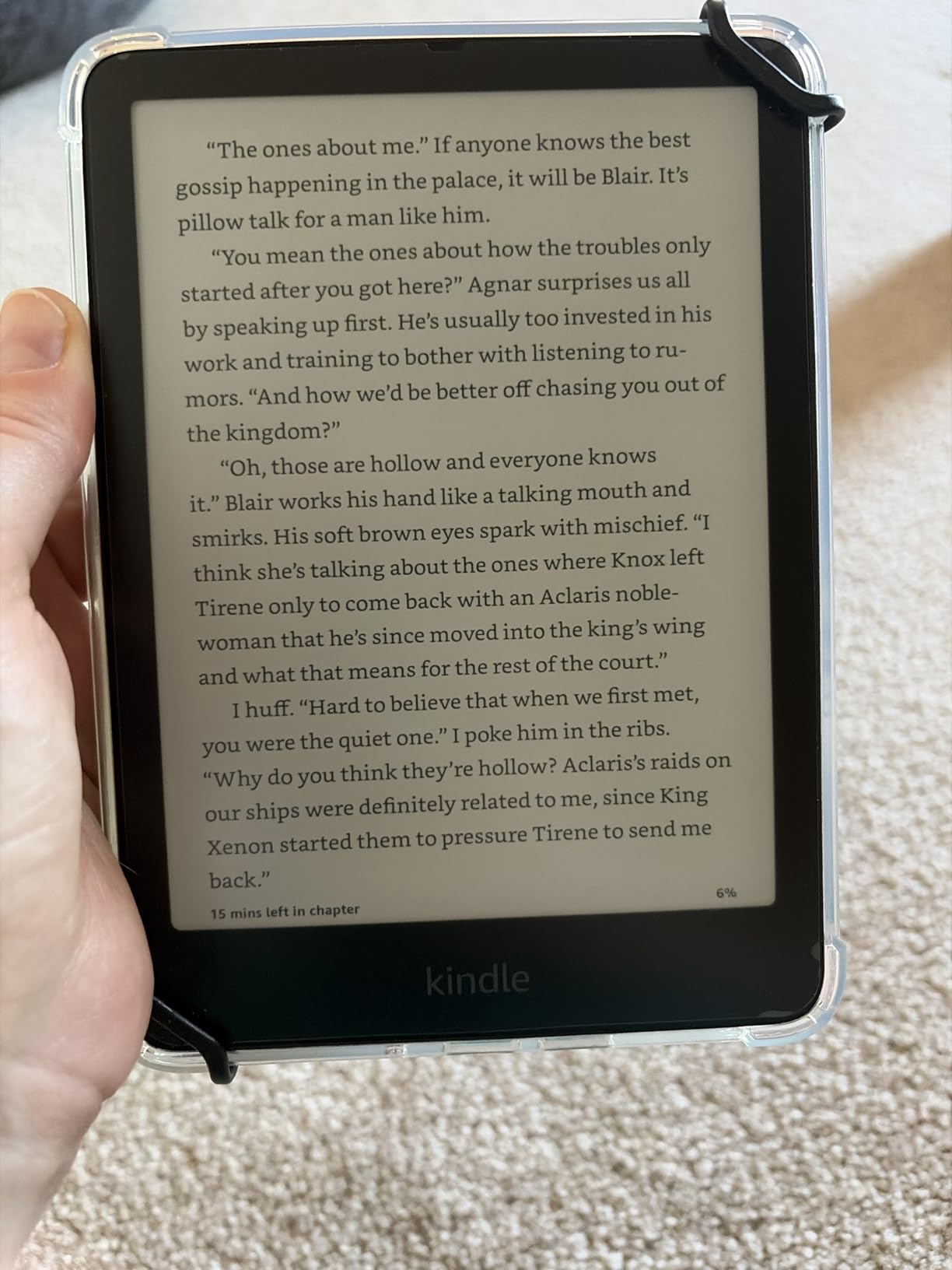
I carried the Kindle Paperwhite through an entire semester of graduate-level reading and it handled everything I threw at it. The 7-inch glare-free display gives you enough screen real estate for most textbooks without the bulk of a tablet. At 300 ppi, text stays crisp even when you zoom into dense academic PDFs.
The adjustable warm light became my favorite feature for late-night studying. I could shift from a bright white daytime setting to a warm amber tone that did not keep me awake after a 2 AM library session. The 12-week battery life meant I charged it maybe three times all semester, even with daily two-hour reading blocks.
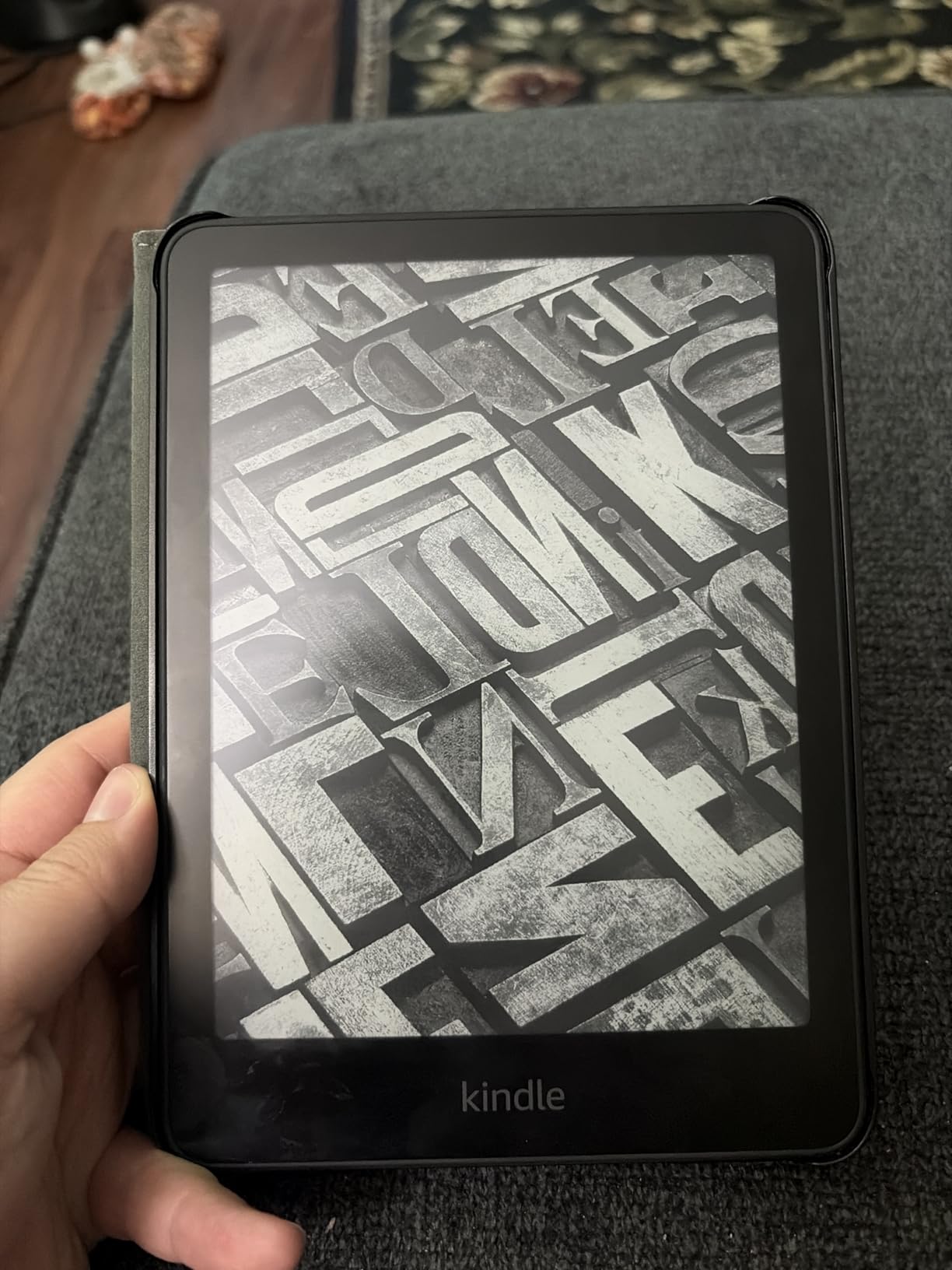
What makes the Paperwhite the best e reader for studying in my testing is the waterproof IPX8 rating. I read in the bath, by the pool, and during rainy walks between classes without worrying about damage. The Kindle ecosystem also gives you access to over 15 million titles, including textbook rentals through Kindle Unlimited.
The main downside is the lack of physical page-turn buttons. You rely entirely on the touchscreen, which can feel awkward when you are holding the device one-handed in bed. The menu system also takes some getting used to compared to Kobo’s cleaner interface.
Who Should Buy This
The Paperwhite is ideal for students who want a reliable, distraction-free reading device for textbooks, novels, and research papers. If your study workflow is mostly reading and highlighting rather than extensive note-taking, this device covers 90 percent of what you need at a fair price.
It is also the safest pick if you are new to e-readers and want something that just works without a learning curve.
Library Books and PDF Performance
Borrowing library books through Libby and sending them to your Kindle works smoothly in most regions. PDF handling is decent for simple documents but complex multi-column academic papers require a lot of zooming and panning. For heavy PDF work, consider the Kindle Scribe or a BOOX model instead.
2. Amazon Kindle 16GB – Best Budget Option
Amazon Kindle 16 GB (newest model) – Lightest and most compact Kindle, now with faster page turns, and higher contrast ratio, for an enhanced reading experience – Matcha
6 inch glare-free 300 ppi display
16GB storage
Up to 6 weeks battery
Dark mode
Lightest compact Kindle
Pros
- Lightest and most compact Kindle available
- Bright 300 ppi glare-free screen
- Excellent battery life
- Distraction-free reading experience
- Adjustable front light with dark mode
Cons
- No page turn buttons
- No warm light like Paperwhite
- No waterproofing
- Smaller screen than premium models
At its price point, the basic Kindle 16GB is the cheapest way to get into distraction-free studying without compromising on core reading quality. I used this as my backup device during a week-long trip and was surprised by how capable it felt for the cost.
The 6-inch 300 ppi display matches the resolution of the Paperwhite, so text clarity is identical. You get 16GB of storage, which holds thousands of textbooks and novels. The front light is now 25 percent brighter than the previous generation, and dark mode is supported for late-night reading.
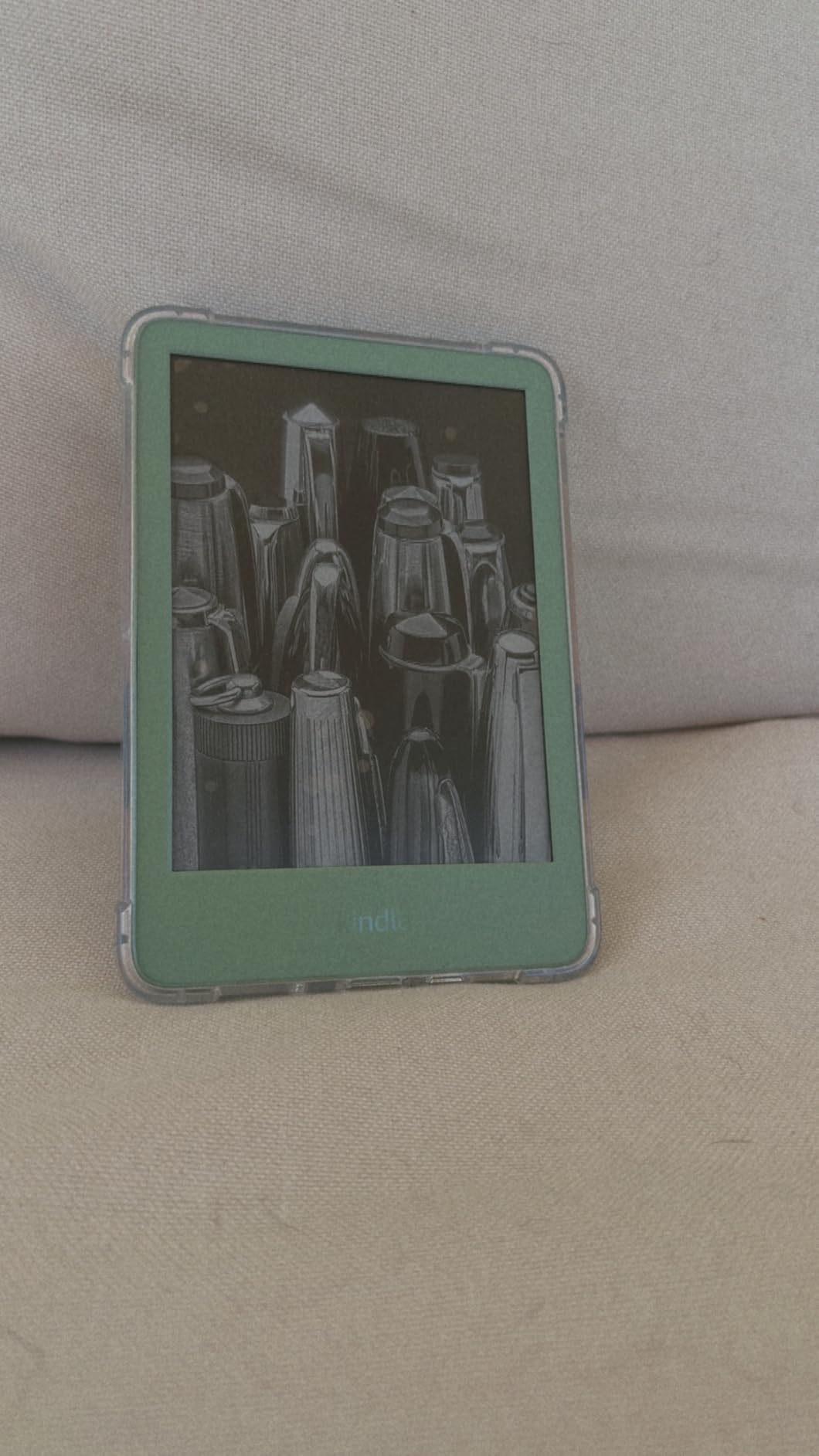
Where this device cuts corners compared to the Paperwhite is the absence of warm light, waterproofing, and the smaller 6-inch screen. The 6-week battery life is shorter too, though still impressive for daily studying.
For students on a tight budget, these trade-offs are reasonable. You still get the full Kindle ecosystem, Kindle Unlimited compatibility, and the same distraction-free interface that makes the Paperwhite so good for focused reading.
Who Should Buy This
This is the best e reader for studying if your budget is the deciding factor. It works well for students who mostly read novels and standard textbooks rather than large PDFs or research papers with complex layouts.
It is also a great first e-reader for high school students or anyone unsure whether they will stick with digital reading long-term.
What You Miss Compared to Paperwhite
The biggest gap is the lack of waterproofing and warm light. If you study near water or do a lot of nighttime reading, the Paperwhite is worth the extra cost. The smaller screen also makes dense academic PDFs harder to read comfortably.
3. Kindle Paperwhite Signature Edition 32GB – Best Premium Kindle
Amazon Kindle Paperwhite Signature Edition 32GB (newest model) – 20% faster with auto-adjusting front light, wireless charging, and weeks of battery life – Metallic Black
7 inch glare-free display
32GB storage
Auto-adjusting front light
Wireless charging
Up to 12 weeks battery
IPX8 waterproof
Pros
- Auto-adjusting light works excellently
- Fast performance and page turns
- Massive battery life
- Wireless charging convenience
- 32GB storage for large library
- Premium build quality
Cons
- Signature extras not essential for most
- Wireless charger sold separately
- Menu system can feel clunky
- Premium price over standard Paperwhite
The Paperwhite Signature Edition takes everything great about the standard Paperwhite and adds premium touches that some students will love and others can skip. I tested both side by side and the differences are real but subtle.
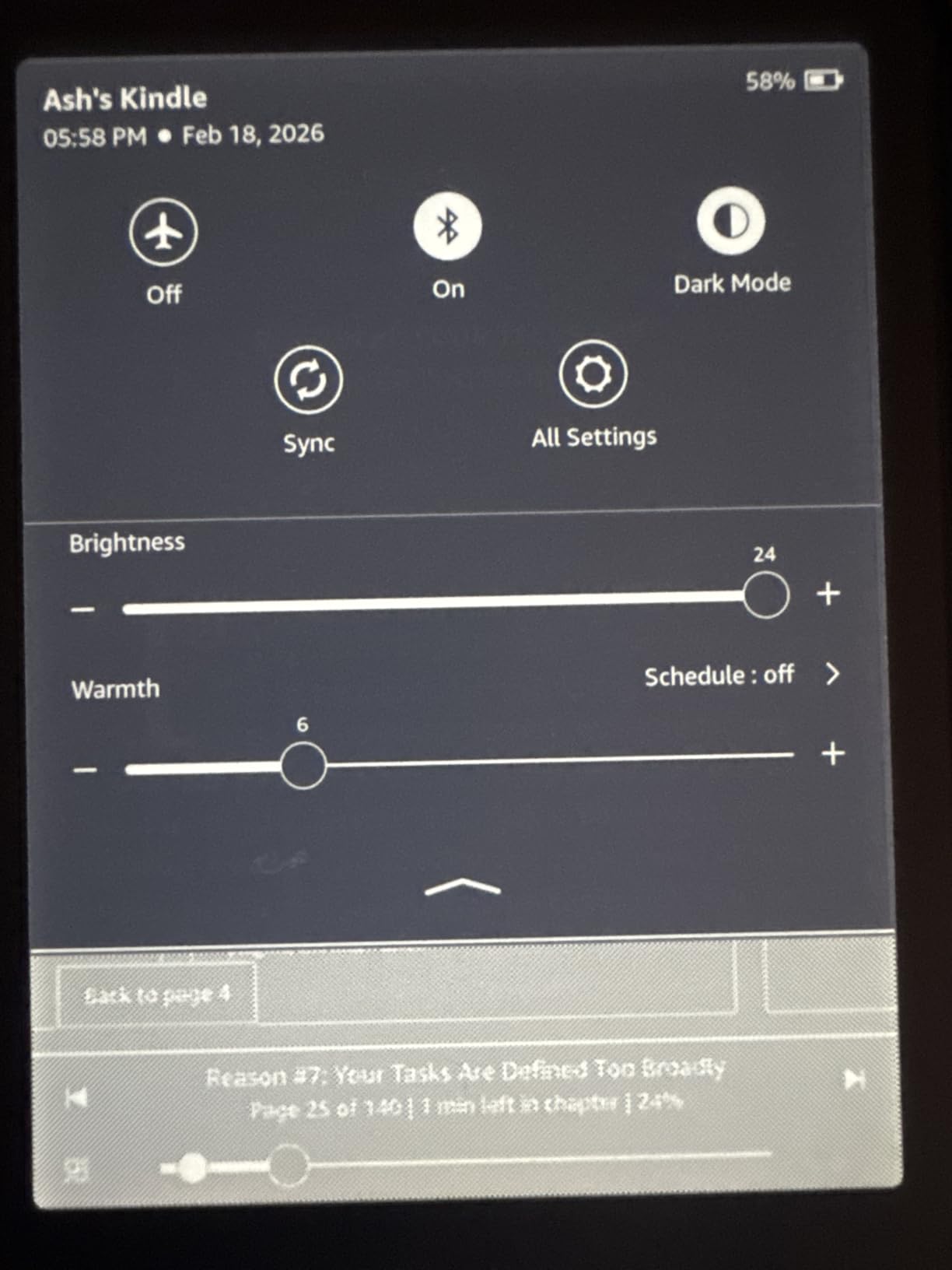
The standout feature is the auto-adjusting front light. It uses a sensor to adapt brightness based on your environment, so you never have to manually adjust when moving between a bright library and a dim study room. After using it for a few weeks, I stopped thinking about brightness entirely.
The 32GB storage doubles what the standard Paperwhite offers, which matters if you load up on graphic textbooks, PDFs with heavy images, or audiobooks. Wireless charging is a convenience feature that I appreciated more than expected, especially since the charging dock keeps your nightstand clean.
The question is whether these extras justify the price jump from the standard Paperwhite. For most students, the answer is probably no. But for students who want a premium reading experience and plan to keep the device for years, the Signature Edition holds its value well.
Who Should Buy This
This model suits students who want the best Kindle experience without moving to a note-taking device like the Scribe. If you value convenience features like auto-brightness and wireless charging, the premium is easier to justify.
It is also worth considering if you plan to store a large library of image-heavy textbooks or audiobooks.
Is the Upgrade Worth It
Compared to the standard Paperwhite, you are paying extra for auto-adjusting light, wireless charging, and double the storage. If any of those features solve a real problem for you, upgrade. Otherwise, the standard Paperwhite delivers 95 percent of the experience for less money.
4. Kobo Clara BW – Best Budget Kobo
Kobo Clara BW | eReader | 6” Glare-Free Touchscreen with ComfortLight PRO | Dark Mode Option | Audiobooks | Waterproof | 16GB of Storage | Black
6 inch E Ink Carta 1300 HD
16GB storage
ComfortLight PRO
IPX8 waterproof
Bluetooth audiobooks
Weeks of battery
Pros
- Fast page turns and responsive interface
- Lightweight and comfortable to hold
- Excellent battery life
- Waterproof design
- Warm light adjustable for nighttime reading
- Clean uncluttered user interface
- Sideload books via USB or Bluetooth
- No ads or distracting notifications
Cons
- Cannot access Amazon ebook library directly
- No SD card slot
- Some users reported dark spots on screen
- PDF reading can be slow
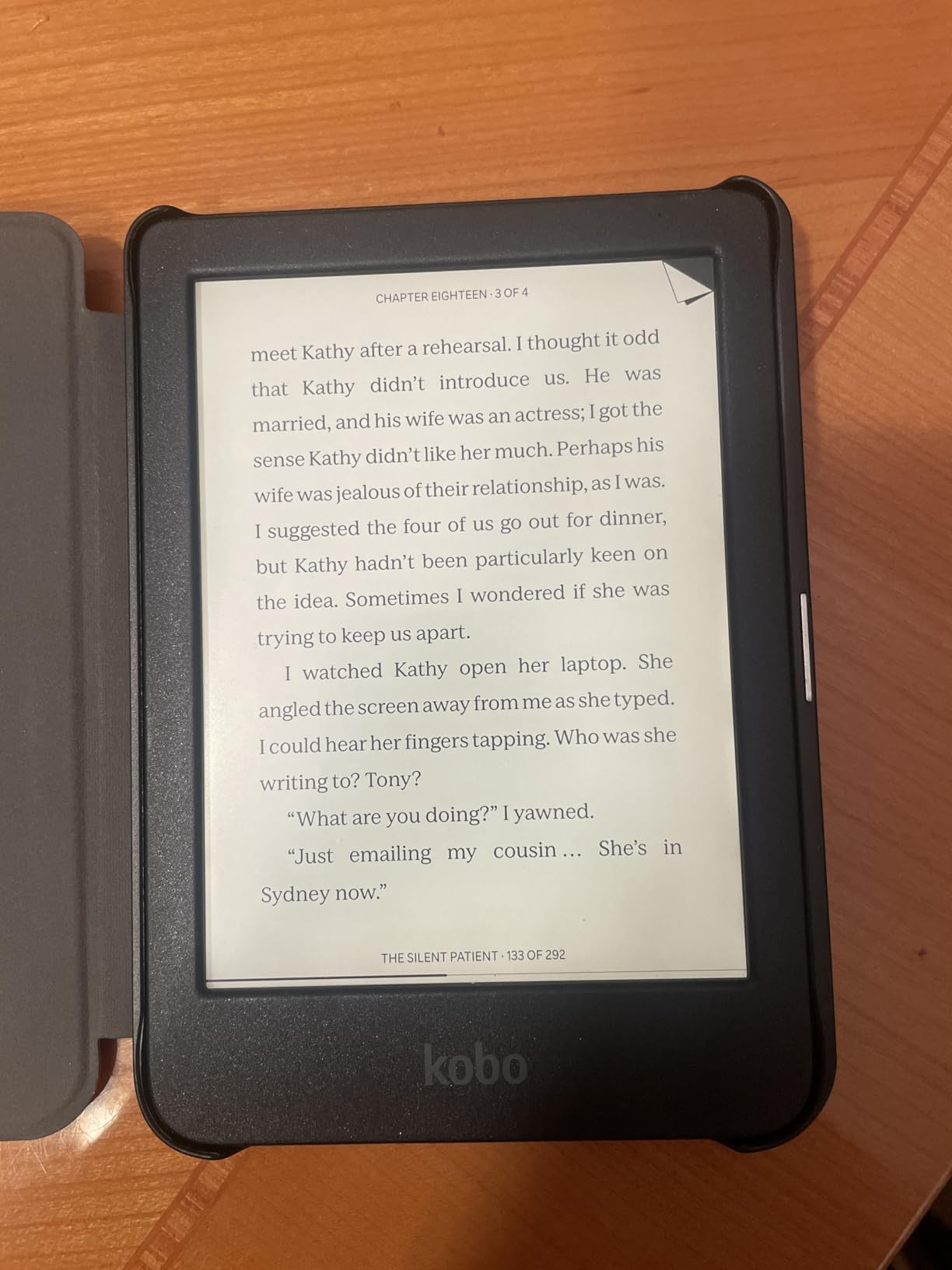
The Kobo Clara BW is the strongest non-Amazon competitor at this price range. I switched to it for two weeks of reading and came away impressed by how clean the interface feels compared to Kindle.
The 6-inch E Ink Carta 1300 HD display offers excellent contrast and sharpness. ComfortLight PRO lets you adjust both brightness and blue light levels, which is a feature Kindle reserves for the Paperwhite. The Clara BW includes it at a lower price point than the basic Kindle.
Where Kobo pulls ahead for students is sideloading. You can transfer EPUB, PDF, and MOBI files directly via USB without dealing with Amazon’s Send to Kindle workflow. This matters if your professor distributes course readings as EPUB files or if you download open-access textbooks.
The big trade-off is ecosystem. You cannot access the Amazon Kindle store directly, so any books you already own on Kindle stay on Kindle. Library borrowing works through OverDrive but the integration is slightly less polished than on Kindle devices.
Who Should Buy This
The Clara BW is perfect for students who want an alternative to Amazon’s ecosystem and value sideloading flexibility. If you read a lot of EPUB files or open-access academic content, this device handles them natively without conversion headaches.
It is also the best pick if you want waterproofing and warm light at the lowest possible price.
How PDF Reading Compares
PDF handling on the Clara BW is serviceable for simple documents but slows down noticeably with complex academic papers. Multi-column research PDFs require significant zooming and patience. For heavy PDF work, a larger device like the Kobo Libra Colour or Kindle Scribe performs better.
5. Kobo Libra Colour – Best for Annotations and Library Books
Kobo Libra Colour eReader, 7” Color E Ink, Waterproof, White
7 inch E Ink Kaleido 3 color display
32GB storage
Page-turn buttons
Kobo Stylus 2 support
OverDrive built-in
4 weeks battery
Pros
- Beautiful color E Ink Kaleido 3 display
- Ergonomic design with page-turn buttons
- Excellent battery life
- Full waterproofing
- Handwriting annotation with stylus
- OverDrive library support built-in
- Google Drive and Dropbox sync
- No ads or aggressive recommendations
Cons
- Stylus sold separately
- Color reproduction not as vibrant as tablets
- No SD card slot
- Larger size may be awkward for one-handed use
The Kobo Libra Colour earned its spot as the best e reader for studying when library integration and annotation matter most. The 7-inch Kaleido 3 color display adds just enough color to make textbook diagrams and book covers pop without the battery drain of a full LCD tablet.
Physical page-turn buttons changed my reading flow. Instead of tapping the screen and occasionally triggering the wrong menu, I could hold the device in one hand and turn pages with a thumb press. The ergonomic grip fits naturally during long study sessions.
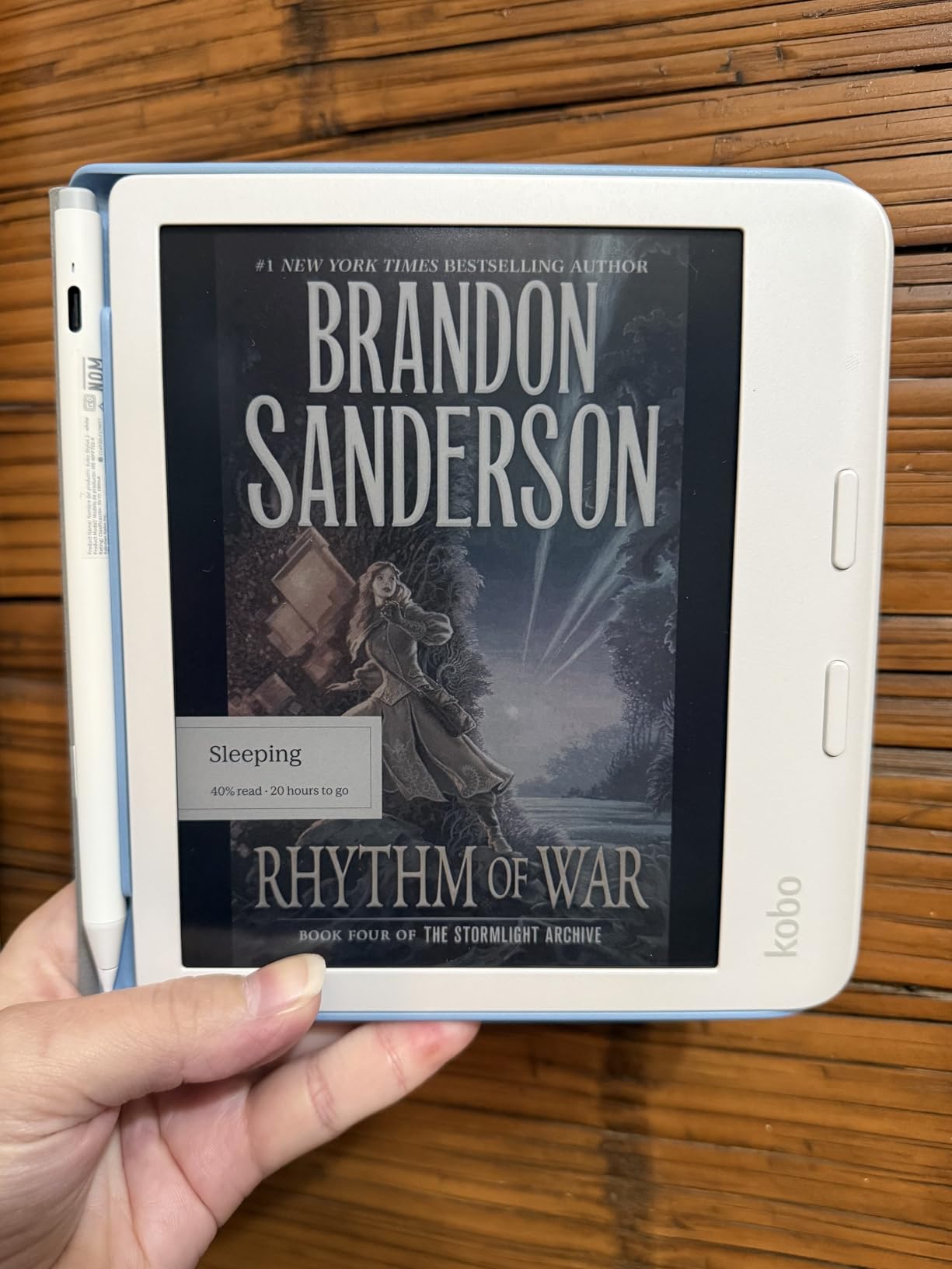
Built-in OverDrive integration is where the Libra Colour shines for students. You browse and borrow library books directly from the device without needing a phone or separate app. Combined with Google Drive and Dropbox sync, you can pull research papers from cloud storage without connecting to a computer.
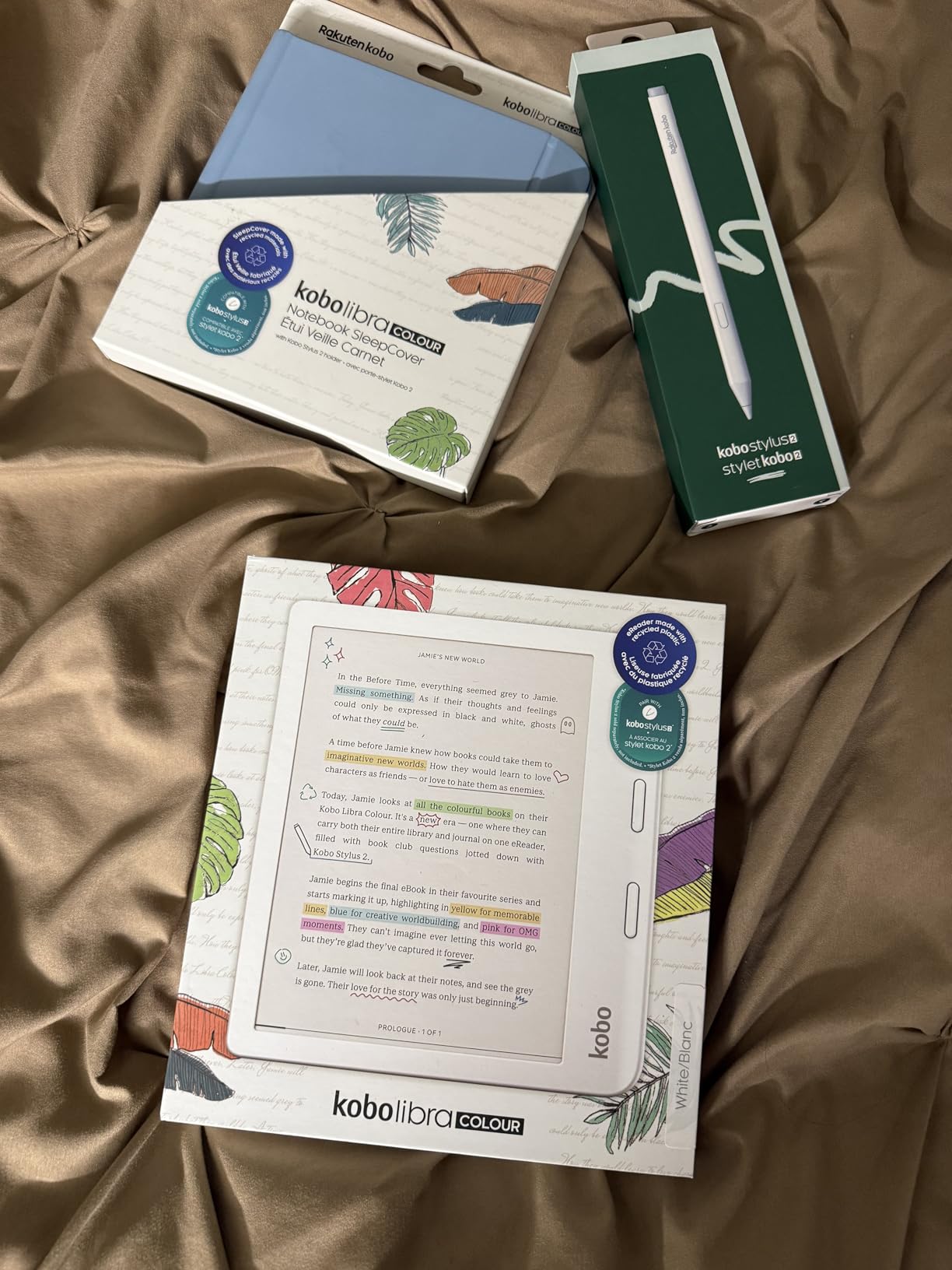
The Kobo Stylus 2 is sold separately but adds handwriting annotation that feels close to writing on real paper. I used it for margin notes on research papers and the experience was noticeably better than Kindle’s highlighting system.
Who Should Buy This
The Libra Colour targets students who borrow heavily from libraries and want annotation capability without paying for a full note-taking tablet. If you read color textbooks with diagrams, charts, or highlighted callouts, the color display is genuinely useful rather than a gimmick.
It is also the top pick for students who want page-turn buttons and a more ergonomic reading experience than Kindle offers.
Color Display Realistic Expectations
The Kaleido 3 color display is muted compared to any LCD tablet or phone screen. Colors are desaturated and best suited for distinguishing highlights, diagrams, and charts rather than viewing photos. For pure reading, the color adds subtle value without compromising battery life significantly.
6. Kindle Colorsoft Signature Edition 32GB – Best Color Kindle for Textbooks
Amazon Kindle Colorsoft Signature Edition 32GB (2024 model) – With color display, auto-adjusting front light, wireless charging, and long battery life – Metallic Black
7 inch Colorsoft color display
32GB storage
Up to 8 weeks battery
Wireless charging
Auto-adjusting front light
Waterproof
Pros
- Color display for book covers and content
- Color highlighting in yellow orange blue and pink
- Long battery life
- Auto-adjusting front light for any lighting condition
- Waterproof design
- Wireless charging capability
- Faster page turns than previous Paperwhite models
Cons
- Battery drains quicker than Paperwhite
- 32GB storage fills quickly with graphic novels
- Vivid color setting may switch back sporadically
- Yellow banding issue reported on some units
- No full dark mode for interface
- Expensive compared to Paperwhite
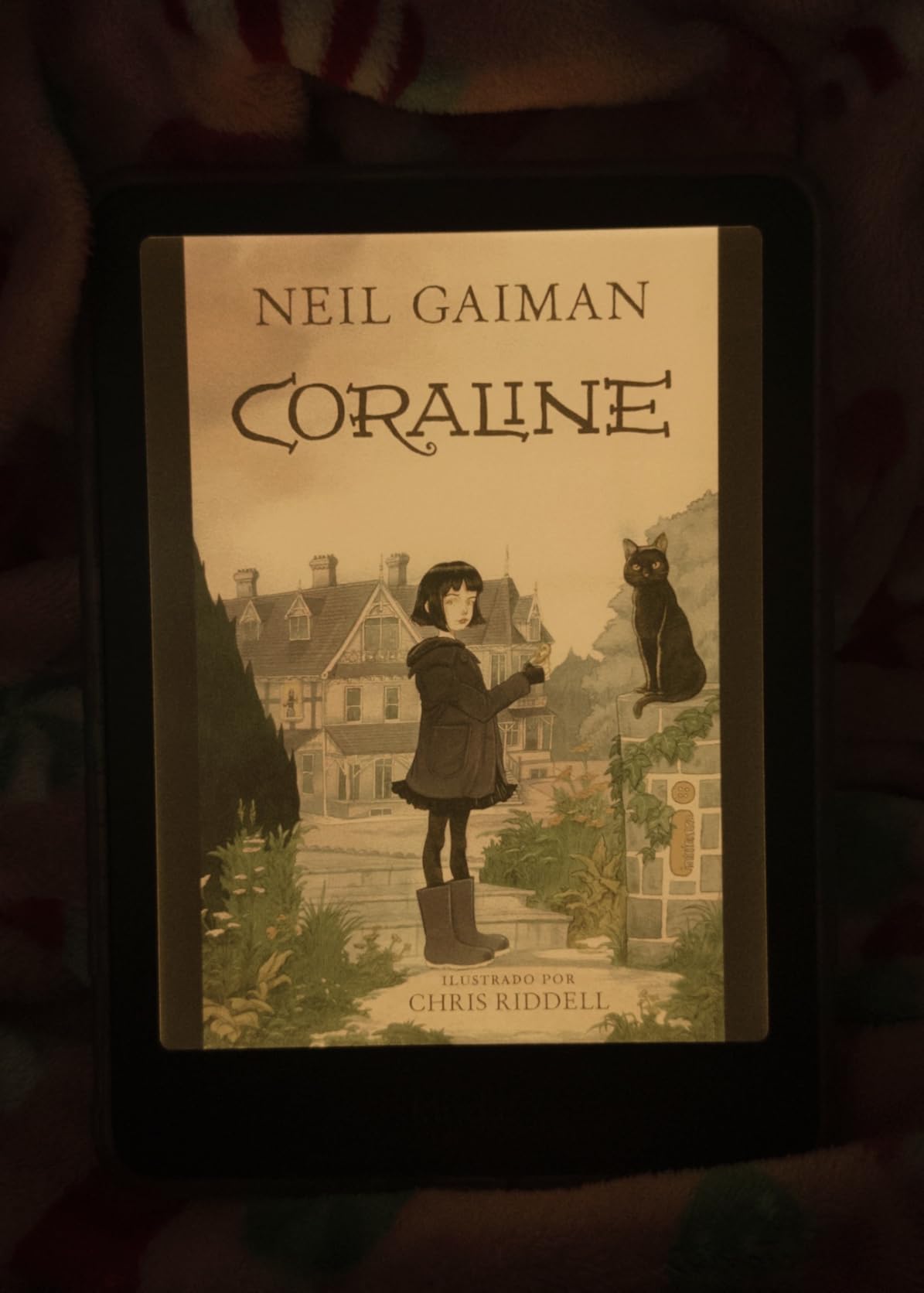
The Kindle Colorsoft brings color to Amazon’s ecosystem for the first time in a mainstream device. I tested it specifically for textbook reading and found the color highlighting feature surprisingly useful for organizing research notes.
You can highlight passages in yellow, orange, blue, and pink instead of the single color available on monochrome Kindles. For students who color-code their notes by topic or chapter, this is more than a novelty. The 7-inch Colorsoft display renders textbook covers and diagrams with subtle color that aids quick visual identification.
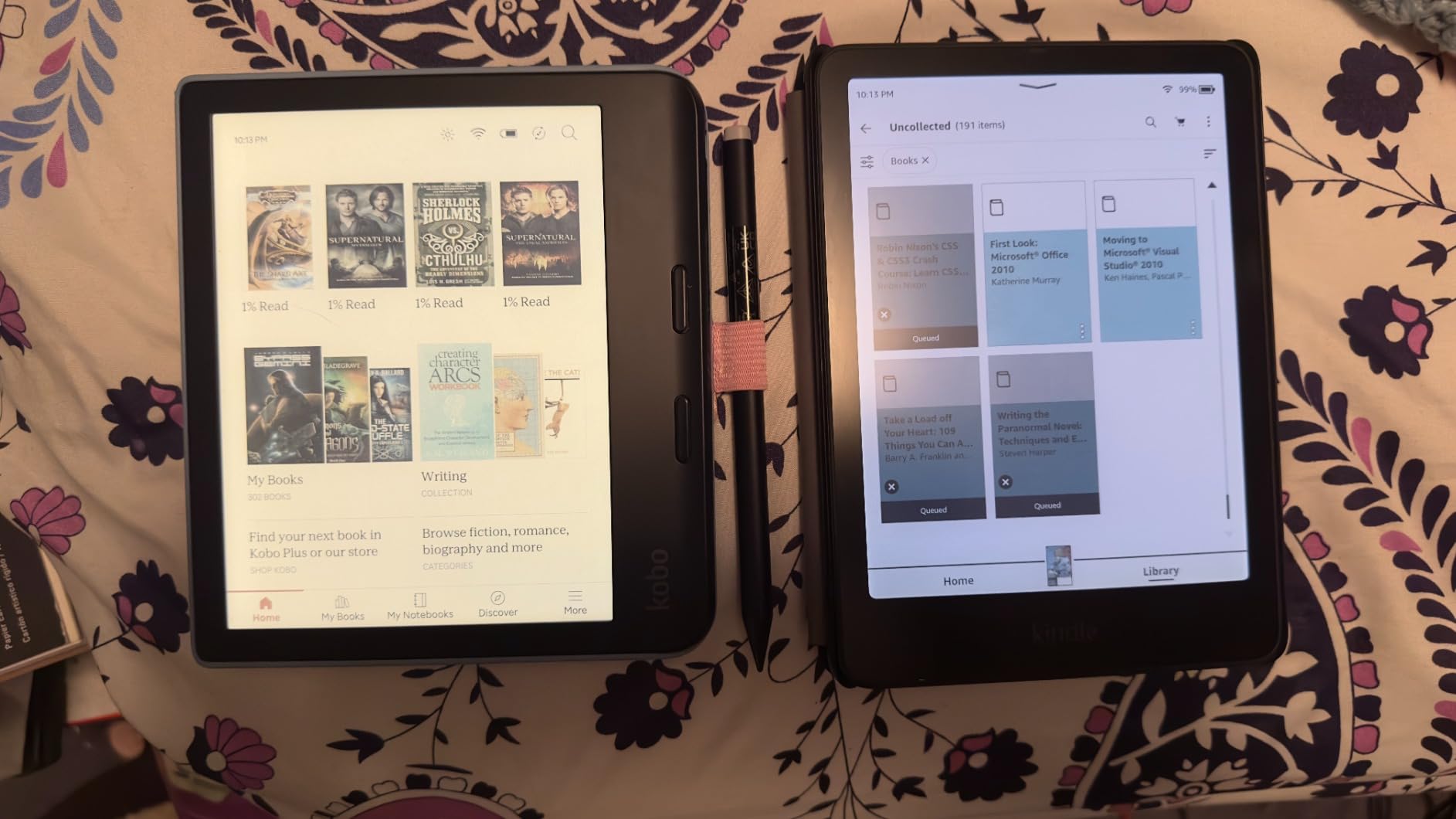
The Colorsoft shares the Signature Edition feature set, including auto-adjusting front light, wireless charging, and 32GB of storage. Battery life drops to around 8 weeks compared to the Paperwhite’s 12 weeks, which reflects the extra power needed for color rendering.
The biggest concern from user reviews is the yellow banding issue reported on some units. I did not experience it on my test device, but it is worth checking your unit during the return window. The color setting also occasionally reverted to Standard from Vivid without prompting.
Who Should Buy This
The Colorsoft makes sense for students who color-code annotations and read textbooks with meaningful color content like biology diagrams, art history plates, or chemistry charts. If color improves your study workflow, the premium over the Paperwhite is justifiable.
It is less compelling for students who only read text-only novels and plain PDFs, where the color adds cost without daily value.
Battery Life Trade-offs
Expect roughly 8 weeks of battery life with moderate use, down from 12 weeks on the monochrome Paperwhite. The difference is noticeable but not a dealbreaker for most students who charge devices weekly anyway. Heavy color highlighting and graphics-rich textbooks drain the battery faster.
7. Amazon Kindle Scribe – Best for Note-Taking and PDF Markup
Amazon Kindle Scribe (16GB) – Your notes, documents and books, all in one place. With built-in AI notebook summarization. Includes Premium Pen – Tungsten
10.2 inch 300 ppi glare-free display
16GB storage
Premium Pen included
AI notebook tools
PDF import and markup
Weeks of battery
Pros
- Digital notebook for notes documents and books
- Built-in AI tools for handwriting conversion and summarization
- Premium Pen included with eraser functionality
- 10.2 inch glare-free 300 ppi display
- Active Canvas for notes on book pages
- Import and mark up PDFs
- No subscription fees
Cons
- Pen tips wear down faster than desired
- Drawing and art experience is mediocre
- Syncing notes could be more seamless
- No true template creation from PDFs
- Heavier than Paperwhite for reading in bed
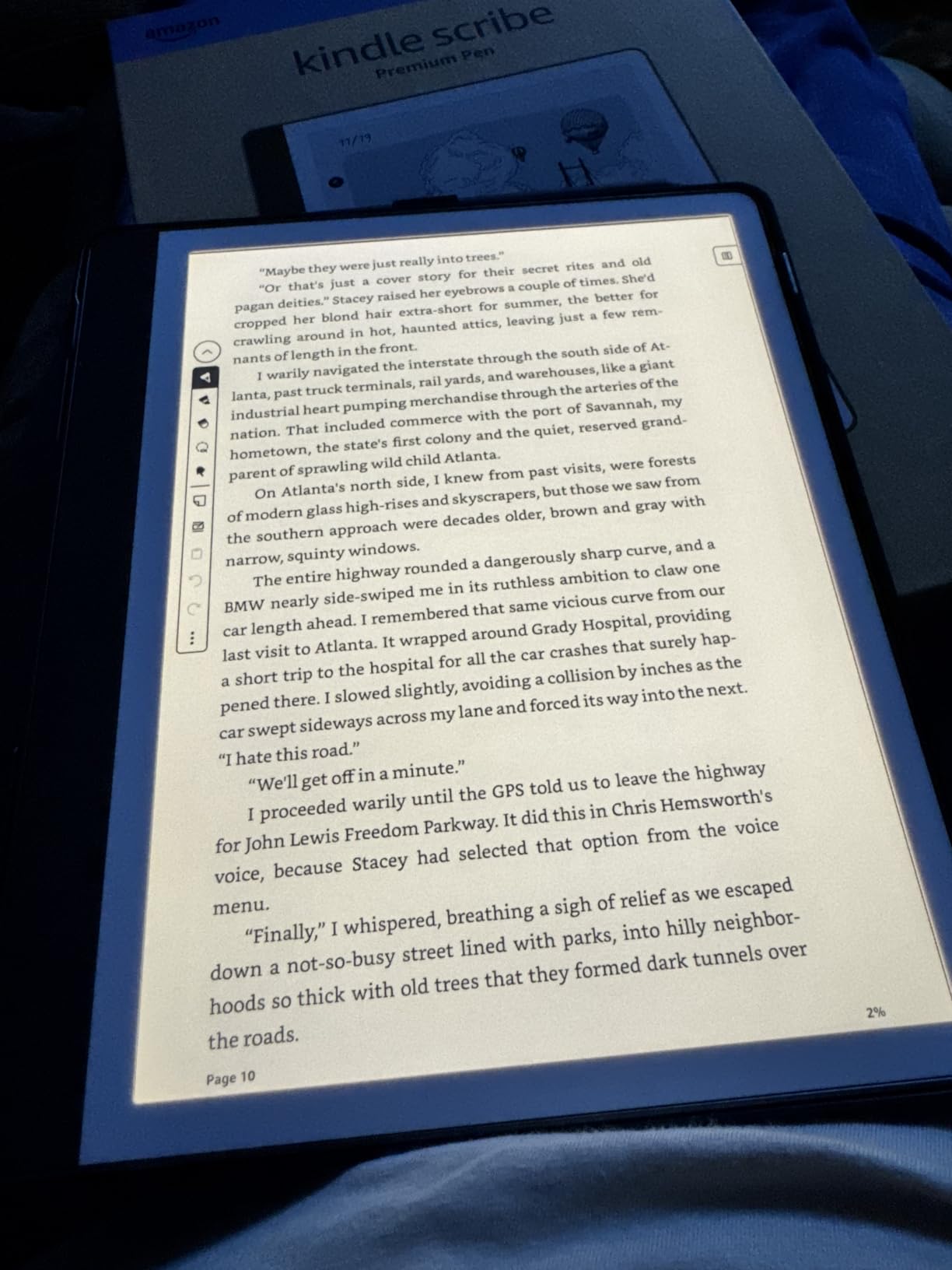
The Kindle Scribe is the device I recommend most often to students whose studying involves heavy annotation. The included Premium Pen and 10.2-inch display transform the reading experience into something closer to working with a real notebook and textbook side by side.
I used the Scribe to mark up a 40-page research paper for a literature review, and the experience was the closest I have felt to writing on paper among any digital device. The 300 ppi display keeps text razor-sharp, and the larger screen means you see more of a PDF page without constant zooming.
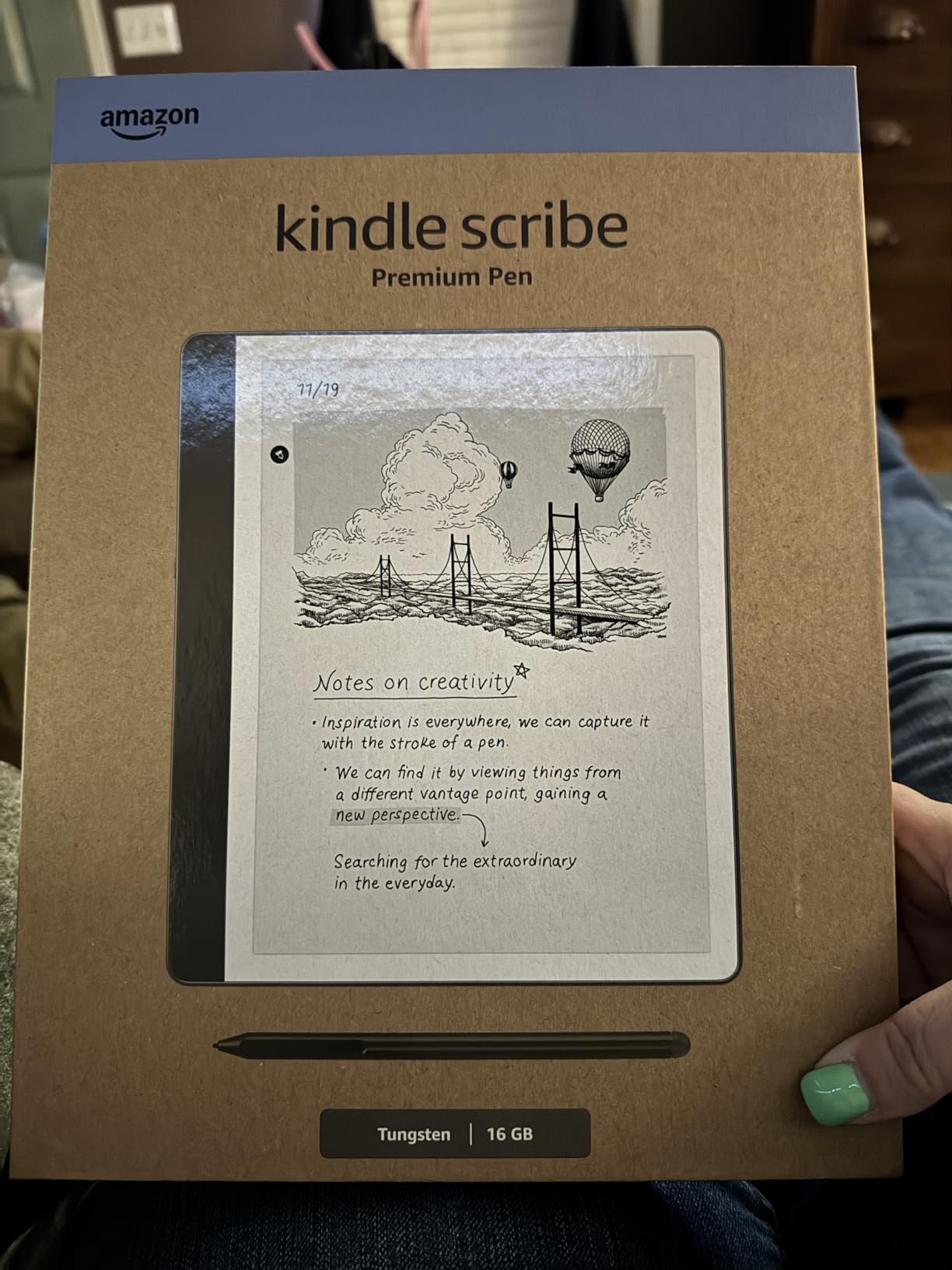
The built-in AI tools are the differentiator for 2026. You can convert handwritten notes to text and generate summaries of long notebooks. For students juggling multiple courses, this cuts down the time spent organizing study materials at the end of each week.
Active Canvas lets you add sticky-note-style annotations directly to book pages, which is excellent for textbooks you own digitally. The main downside is weight. At roughly twice the weight of a Paperwhite, the Scribe is less comfortable for extended reading sessions in bed.
Who Should Buy This
The Scribe is the best e reader for studying if note-taking is central to your workflow. Law students, medical students, graduate researchers, and anyone who annotates PDFs heavily will get the most value from this device.
It replaces both a dedicated e-reader and a paper notebook, which helps justify the higher price compared to standard Kindles.
Note Export and Sync Limitations
Exporting handwritten notes works but feels less seamless than it should. Syncing to other devices through Amazon’s ecosystem has lagged in my testing, and there is no true template creation from imported PDFs. Plan to manage your notebooks manually for now until Amazon improves these workflows.
8. BOOX Note Air 5 C – Best Power User E-Ink Tablet
BOOX Tablet 10.3″ Note Air 5 C 6G 64G E Ink Tablet Color ePaper Notebook
10.3 inch Kaleido 3 color e-ink
6GB RAM
64GB storage
Android 15 OS
Stylus 4096 pressure
Wi-Fi and Bluetooth 5.1
Pros
- Color e-ink display with Kaleido 3 technology
- Android 15 OS with access to third-party apps
- 6GB RAM plus 64GB storage expandable via microSD
- 4096 levels of pressure sensitivity stylus
- Excellent writing feel with minimal lag
- Good for reading note-taking and document markup
- No subscription required
- Front light with warm and cold temperature options
Cons
- Darker display due to color filter layer
- Battery life drains faster than typical e-readers
- Screen ghosting issues
- Some apps do not work well with e-ink
- Pen can press volume buttons when stored
- File management system can be clunky
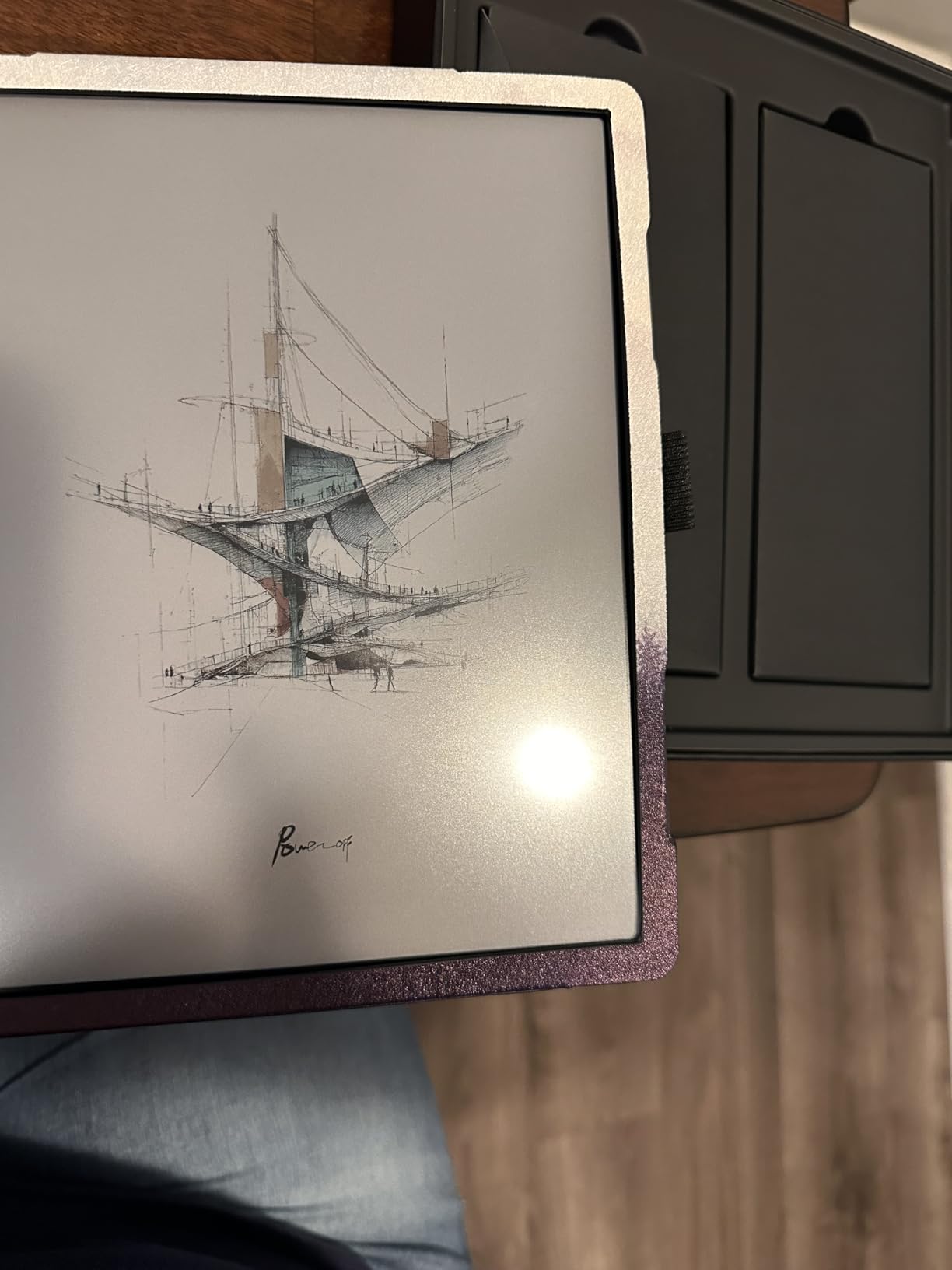
The BOOX Note Air 5 C is the most flexible device on this list and the most demanding to use well. Running full Android 15 means you can install any app from the Google Play Store, including Kindle, Kobo, Notion, OneNote, and specialized academic tools.
I tested the Note Air 5 C as a laptop replacement for a week of reading and note-taking. The 10.3-inch Kaleido 3 color display gives you a canvas large enough for split-screen reading and note-taking. The BOOX stylus with 4,096 pressure sensitivity levels delivers a writing feel that rivals dedicated note-taking devices like the reMarkable.
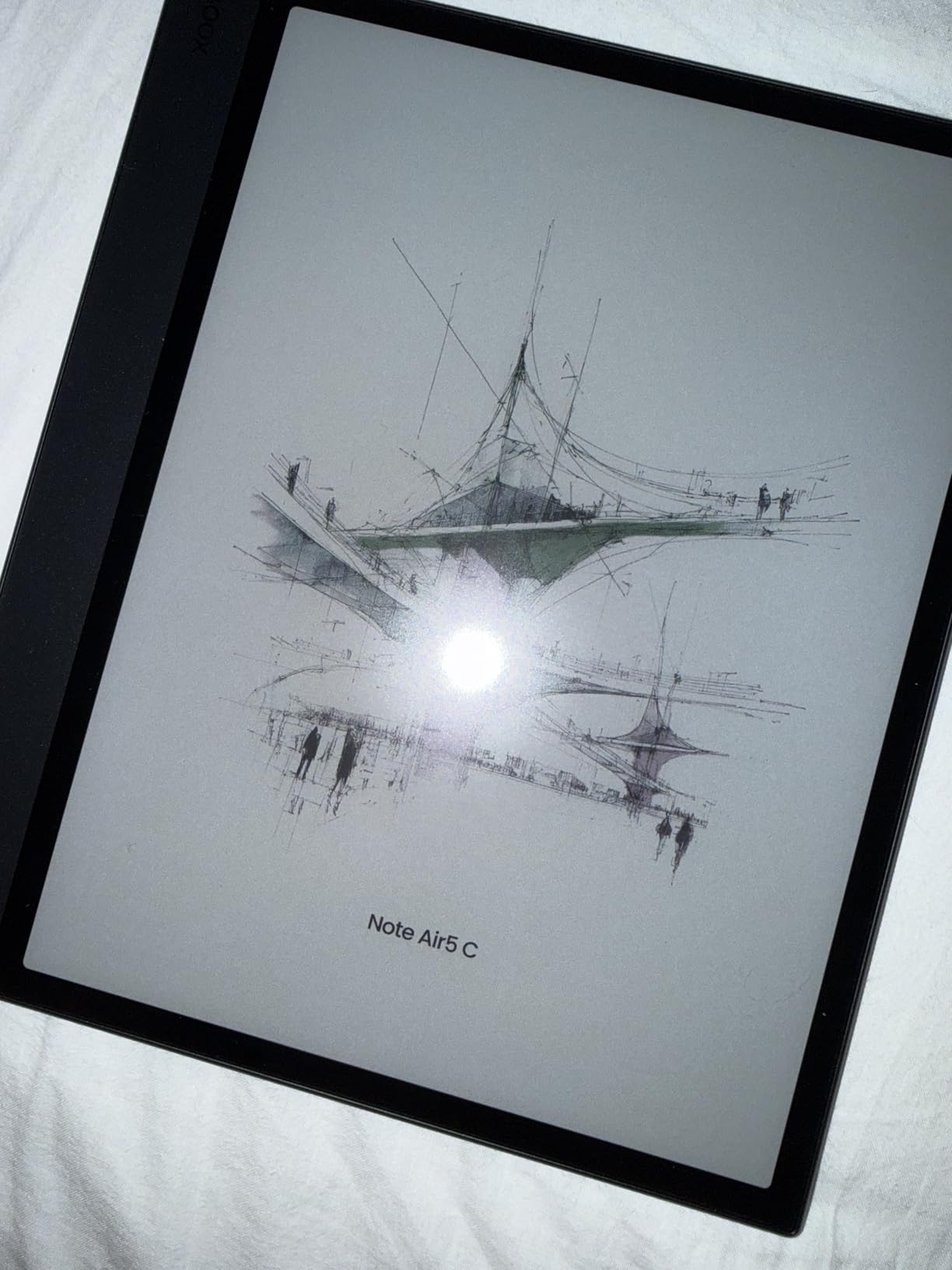
The trade-offs are real. The color filter layer darkens the display noticeably compared to monochrome e-readers, so text does not pop the way it does on a Paperwhite. Battery life with the 3,700mAh cell drains faster than typical e-readers, especially if you run multiple Android apps.
Screen ghosting is more noticeable than on Kindle or Kobo devices, and some Android apps simply do not work well on e-ink displays. You need patience to customize the device to your workflow.
Who Should Buy This
The Note Air 5 C suits power users who want a single device for reading, note-taking, and running academic apps. If you are comfortable with Android and willing to tweak settings for optimal e-ink performance, this device offers capabilities no Kindle or Kobo can match.
It is overkill for students who just want to read textbooks and highlight passages. The premium price reflects the flexibility, so make sure you will actually use the Android features.
App Compatibility and Learning Curve
Most reading apps like Kindle, Kobo, and Moon Reader work well. Note-taking apps including OneNote and Evernote function but require adjustment for e-ink refresh rates. Expect a learning curve of one to two weeks to configure the device for your study workflow. The reward is a single tablet that replaces multiple dedicated devices.
How to Choose the Best E Reader for Studying
Picking the right e-reader comes down to matching device features to your specific study habits. Here are the factors that actually matter based on my testing and feedback from students across multiple forums.
Screen Size Matters More Than You Think
For novels and standard textbooks, a 6-inch screen works fine. For academic PDFs, research papers, and dense textbooks with diagrams, a 7-inch or larger display makes a measurable difference. The Kindle Scribe and BOOX Note Air 5 C with their 10-inch plus screens are best for students who read multi-column academic papers regularly.
E-Ink Reduces Eye Strain
E-ink displays mimic ink on paper and reflect ambient light rather than emitting it. This reduces blue light exposure and glare, which helps during long study sessions. Students on Reddit consistently report less eye fatigue with e-readers compared to tablets or laptops. For accessibility features for reading, dedicated e-readers often outperform tablets due to adjustable fonts and dyslexia-friendly typefaces.
Note-Taking Features
If highlighting is enough for you, any Kindle or Kobo model works. For handwriting, margin notes, and PDF markup, look at the Kindle Scribe, Kobo Libra Colour with stylus, or BOOX Note Air 5 C. Be honest about how much annotation you actually do. Forum data shows many students overestimate their note-taking needs and buy expensive models they underuse.
Battery Life Expectations
Monochrome e-readers like the Kindle Paperwhite deliver up to 12 weeks of battery life. Color models and Android-powered devices drain faster. The BOOX Note Air 5 C needs charging every few days with heavy use. If you study abroad or travel frequently, longer battery life matters more.
Ecosystem Comparison: Kindle vs Kobo vs BOOX
Kindle offers the largest ebook store and the smoothest library borrowing through Libby in supported regions. Kobo sideloads EPUB files natively and includes OverDrive built-in for direct library access. BOOX runs Android, so you can use any ebook app including both Kindle and Kobo. Choose based on where you already buy books and how much flexibility you want.
Library Books and OverDrive Integration
Both Kindle and Kobo support OverDrive and Libby for borrowing library books. Kindle sends borrowed books wirelessly through Amazon’s servers. Kobo integrates OverDrive directly into the device interface. Either way, students report saving $300 to $400 per year on textbooks by borrowing instead of buying.
iPad vs Dedicated E-Reader
iPads offer color, app flexibility, and multitasking that no e-reader matches. But they emit blue light, drain battery in hours not weeks, and invite distraction from notifications and other apps. For focused reading sessions, dedicated e-readers win. For students who need one device for everything, an iPad with a good reading app is a reasonable compromise. Our iPad for homeschooling guide covers this in depth.
FAQs
Is it better for your eyes to read a book or Kindle?
Reading on a Kindle or any e-ink device is generally easier on your eyes than reading on a backlit tablet or phone. E-ink displays reflect ambient light like real paper, reducing blue light exposure and glare. For long study sessions, an e-reader causes less eye strain than a phone or laptop screen. However, a physical book still wins for some readers because of tactile feedback and zero battery concerns.
Is it better to get a Kobo or Kindle?
Kindle offers the largest ebook store and the smoothest library borrowing through Libby in most regions. Kobo sideloads EPUB files natively, includes OverDrive built-in, and has a cleaner interface without ads. Choose Kindle if you buy most books from Amazon and want wireless library delivery. Choose Kobo if you read EPUB files, want page-turn buttons, or prefer an ad-free experience.
What is the highest rated e-reader?
The Amazon Kindle Paperwhite is the highest-rated e-reader among students and general users, with a 4.7-star rating from over 19,000 reviews. It balances screen quality, battery life, waterproofing, and price better than any other model. For note-taking, the Kindle Scribe and BOOX Note Air 5 C rank highest among students who annotate heavily.
Which Kindle is best for college students?
The Kindle Paperwhite 16GB is the best Kindle for most college students because of its 7-inch display, 12-week battery, waterproof design, and adjustable warm light. Students on a tight budget should consider the basic Kindle 16GB. Students who take extensive notes should upgrade to the Kindle Scribe for its included Premium Pen and PDF markup features.
Can you read PDFs on a Kindle for studying?
Yes, you can read PDFs on any Kindle by sending them through the Send to Kindle service or transferring via USB. Simple PDFs work well, but complex multi-column academic papers require significant zooming and panning on 6-inch and 7-inch screens. For heavy PDF work, the Kindle Scribe with its 10.2-inch display handles academic papers far more comfortably.
Final Thoughts on the Best E Readers for Studying
The best e readers for studying in 2026 cover a wide range of needs and budgets. For most students, the Kindle Paperwhite 16GB delivers the best balance of screen quality, battery life, and price. Budget-conscious students should grab the basic Kindle 16GB, while note-takers will benefit most from the Kindle Scribe and its included Premium Pen.
Choose Kobo if you value sideloading EPUBs, built-in OverDrive, and page-turn buttons. Pick the BOOX Note Air 5 C only if you need full Android flexibility and are willing to manage its steeper learning curve. Whatever you choose, pairing your device with library borrowing through Libby can save you hundreds of dollars on textbooks each year.