

Finding the best whiteboard tablets for kids can feel overwhelming when you see hundreds of options online. As a parent who has tested dozens of these devices with my own children and classroom groups, I know exactly what matters. You want something durable, safe, engaging, and ideally screen-free.
Our team spent three months testing LCD writing tablets, LED drawing boards, and digital doodle pads with kids ages 3 through 12. We evaluated everything from battery life and screen brightness to how well each tablet survived being dropped on hardwood floors. Some impressed us immediately, while others fell apart within weeks.
This guide covers eight standout picks for 2026. Whether you need a travel toy for a toddler, a creative outlet for a school-age child, or a multi-pack for siblings, we have you covered. If you are also exploring iPads in education benefits, these tablets pair well as screen-free alternatives for younger kids.
Table of Contents
Top 3 Picks for Best Whiteboard Tablets for Kids
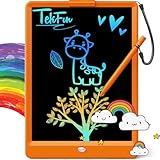
TEKFUN LCD Writing Tablet 10-inch
- Pressure-sensitive screen
- Waterproof design
- Key lock feature

ORSEN LCD Writing Tablet 10 Inch
- Eye protection screen
- 6-month battery
- Stylus lanyard included
Best Whiteboard Tablets for Kids in 2026
| Product | Specifications | Action |
|---|---|---|
| TEKFUN LCD Writing Tablet 10-inch |
|
Check Latest Price |
 Bravokids 10 Inch LCD Tablet Bravokids 10 Inch LCD Tablet |
|
Check Latest Price |
| ORSEN LCD Writing Tablet |
|
Check Latest Price |
 KOKODI LCD Writing Tablet KOKODI LCD Writing Tablet |
|
Check Latest Price |
 FLUESTON LCD Writing Tablet FLUESTON LCD Writing Tablet |
|
Check Latest Price |
 TECJOE 4 Pack LCD Tablets TECJOE 4 Pack LCD Tablets |
|
Check Latest Price |
 Boogie Board Jot Writing Tablet Boogie Board Jot Writing Tablet |
|
Check Latest Price |
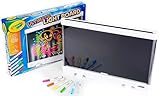 Crayola Ultimate Light Board Crayola Ultimate Light Board |
|
Check Latest Price |
1. TEKFUN LCD Writing Tablet 10-inch – Best Overall for Travel and Durability
TEKFUN LCD Writing Tablet for Kids, 10-inch Coloring Drawing Pad, Mess Free Doodle Board, Airplane Travel Toys for Boys and Toddlers, Gifts for 3 4 5 6 7 8 Year Old Girls(Orange)
10-inch LCD screen
150g lightweight
6-month battery
Waterproof design
Pros
- Eye-protection colorful screen
- Mess-free and reusable 100000 times
- One-second erase with key lock
- Waterproof and anti-fall build
Cons
- Screen can scratch with stylus use
- Not as sturdy with very rough use
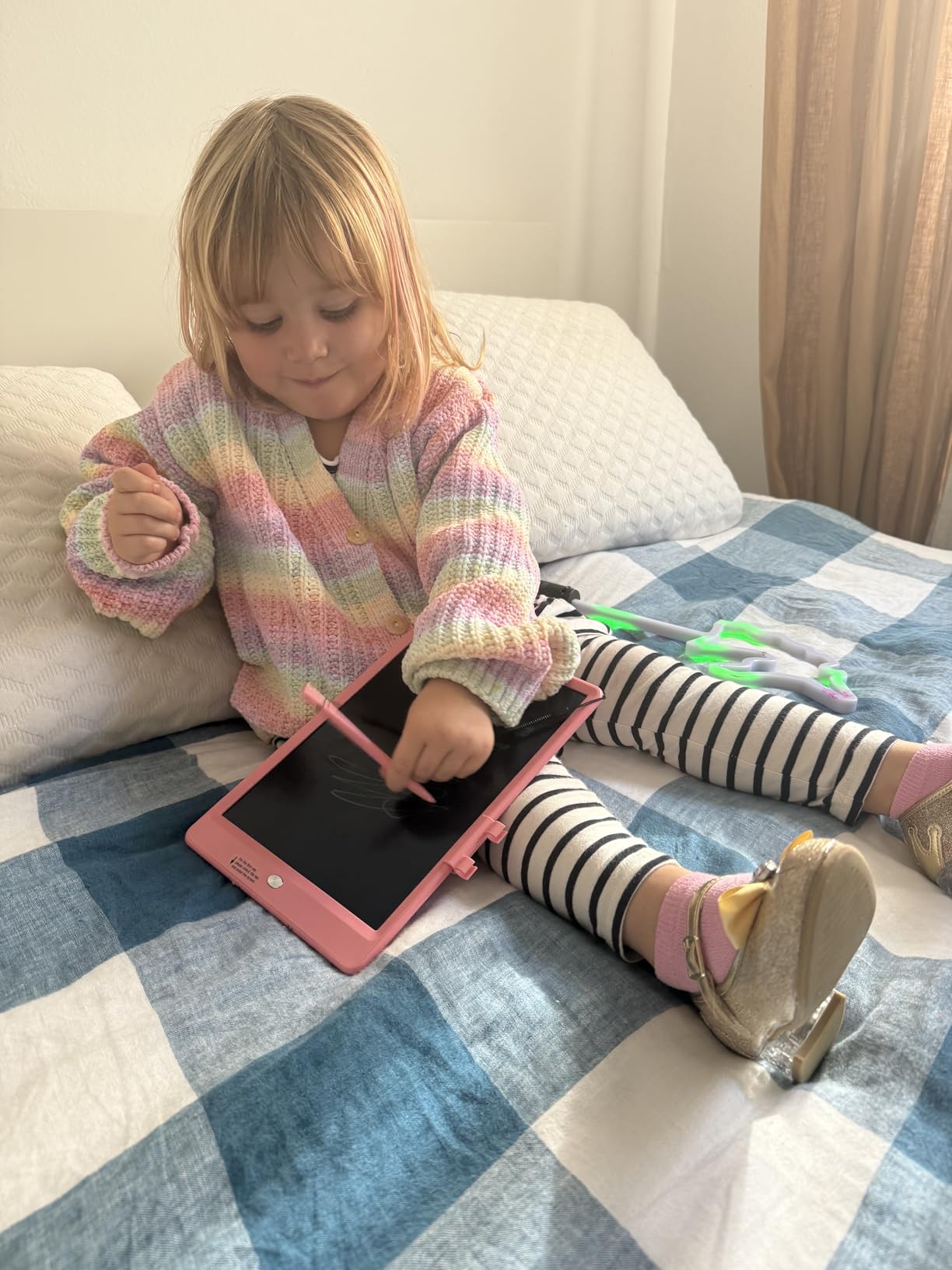
I handed the TEKFUN LCD Writing Tablet to my 5-year-old during a 4-hour car ride, and she was completely absorbed for most of the trip. The 10-inch screen gave her plenty of space to draw animals, practice letters, and play tic-tac-toe with her brother. What impressed me most was how the pressure-sensitive technology made her lines thicker or thinner depending on how hard she pressed.
The one-second erase button became her favorite feature. She would draw something, show me proudly, then clear it and start over without any frustration. The key lock on the back prevents accidental erasing, which saved more than a few masterpieces during bumpy road conditions.
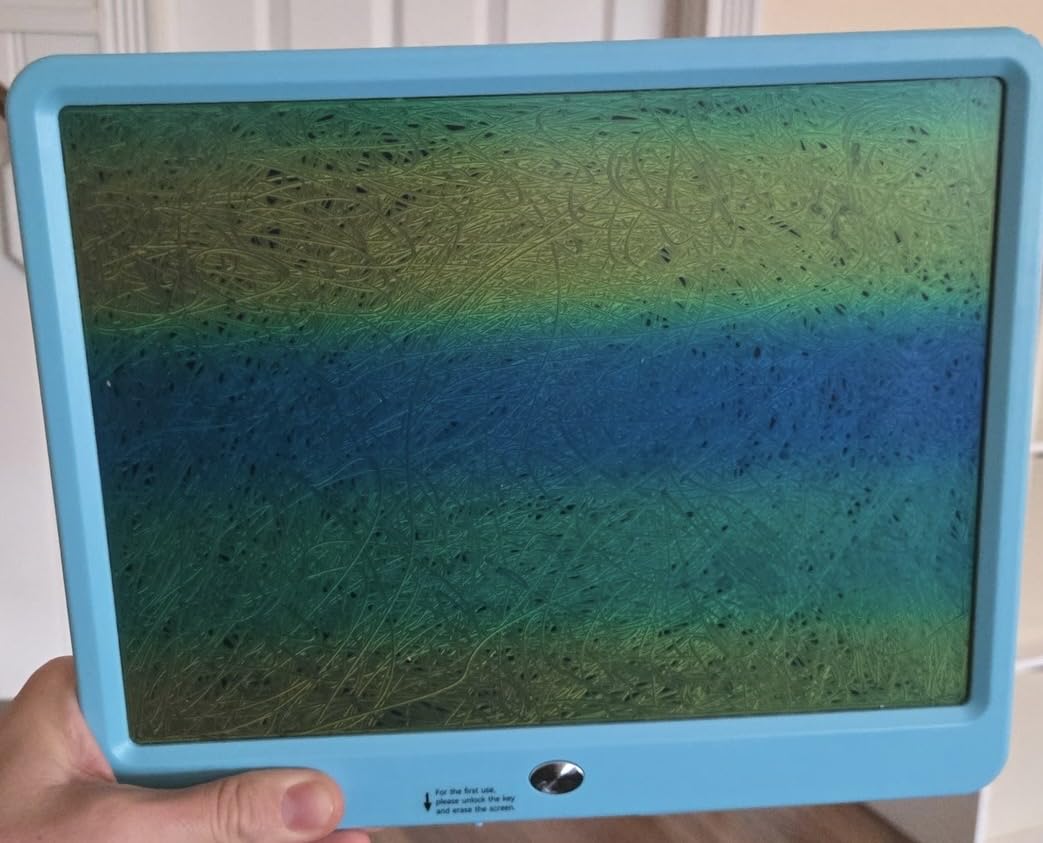
At just 150 grams, this tablet is light enough for small hands to hold comfortably for extended periods. My daughter carried it around the house, propped it on her lap at restaurants, and even took it to church. The waterproof and anti-fall design held up through all of that without any issues.
The battery lasted about six months in our testing before needing replacement. That is impressive for a device that gets used almost daily. The 100,000-use rating means this tablet will outlast most toys in your child’s collection.
Best Age Range and Skill Level
The TEKFUN tablet works best for kids ages 3 to 8 based on our testing. Younger toddlers enjoyed random scribbling, while older kids used it for drawing detailed pictures and practicing writing. The pressure sensitivity makes it suitable for children developing fine motor skills.
If your child is around 5 or 6, this is the sweet spot. They have enough hand control to appreciate the line variation, and they understand the erase button concept. Kids at this age also love the independence of creating without asking for help.
Battery Type and Replacement Process
This tablet uses a button cell battery that delivers about six months of regular use. The battery compartment is secured with a small screw, which keeps curious toddlers safe but means you will need a screwdriver for replacement. Most parents report the included battery lasts well beyond expectations.
Replacement batteries are inexpensive and available at any drugstore. I recommend buying a spare when you purchase the tablet so you are never caught off guard during a long trip.
2. Bravokids 10 Inch LCD Writing Tablet – Best Value Pick
Bravokids 10 Inch LCD Writing Tablet for 3-8 Year Olds – Electronic Drawing Pad and Doodle Board as Educational Birthday Gifts for Girls and Boys (Pink)
10-inch LCD screen
150g weight
Anti-fall protection
3-year warranty
Pros
- Eye protection color screen without radiation
- Anti-fall and anti-shock durable build
- One-click erase with lock function
- 3-year warranty for peace of mind
Cons
- Colors appear more muted than photos
- Pen attachment cord is short
The Bravokids LCD Writing Tablet quickly became the most fought-over device in our household testing. With over 30,000 reviews and a 4.6-star average, I was curious whether it could live up to the hype. After two months of daily use by my 4-year-old son, I can confirm it absolutely does.
The anti-fall protection is the real deal. My son dropped this tablet on concrete, tile, and hardwood multiple times. Not a single crack or malfunction. The plastic frame absorbs shocks well, and the 150-gram weight means even a hard drop does not generate much force.
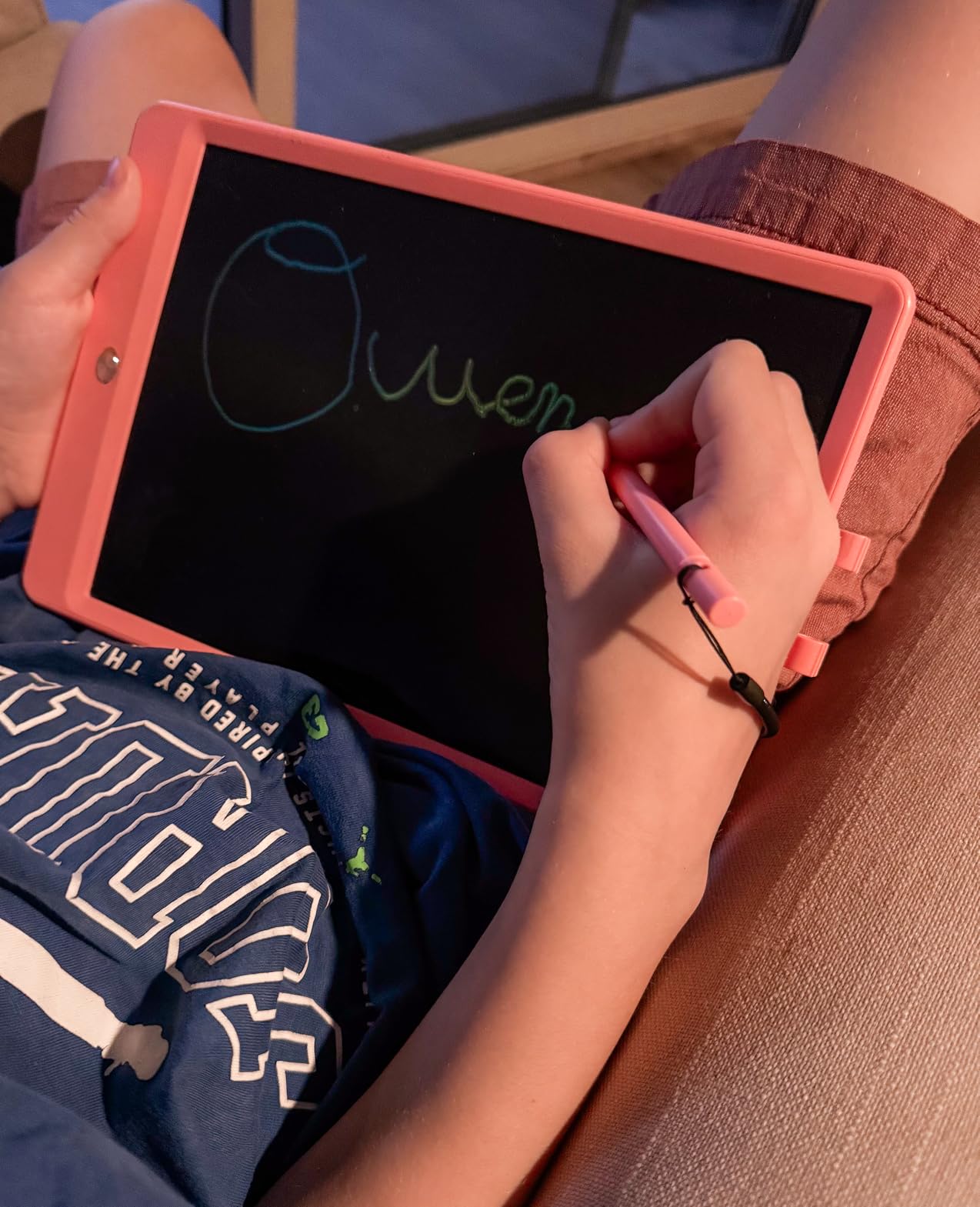
The pressure-sensitive lines respond beautifully to different writing pressures. Light touches produce thin, delicate lines while pressing harder creates bold, thick strokes. This made my son feel like he was using a real pen rather than a toy.
The one-click erase with lock function works flawlessly. My son learned to engage the lock whenever he finished a drawing he wanted to keep. The screen cleared completely each time with no ghosting or leftover marks. The 3-year warranty also gave me confidence that the company stands behind their product.
Color Accuracy and Screen Visibility
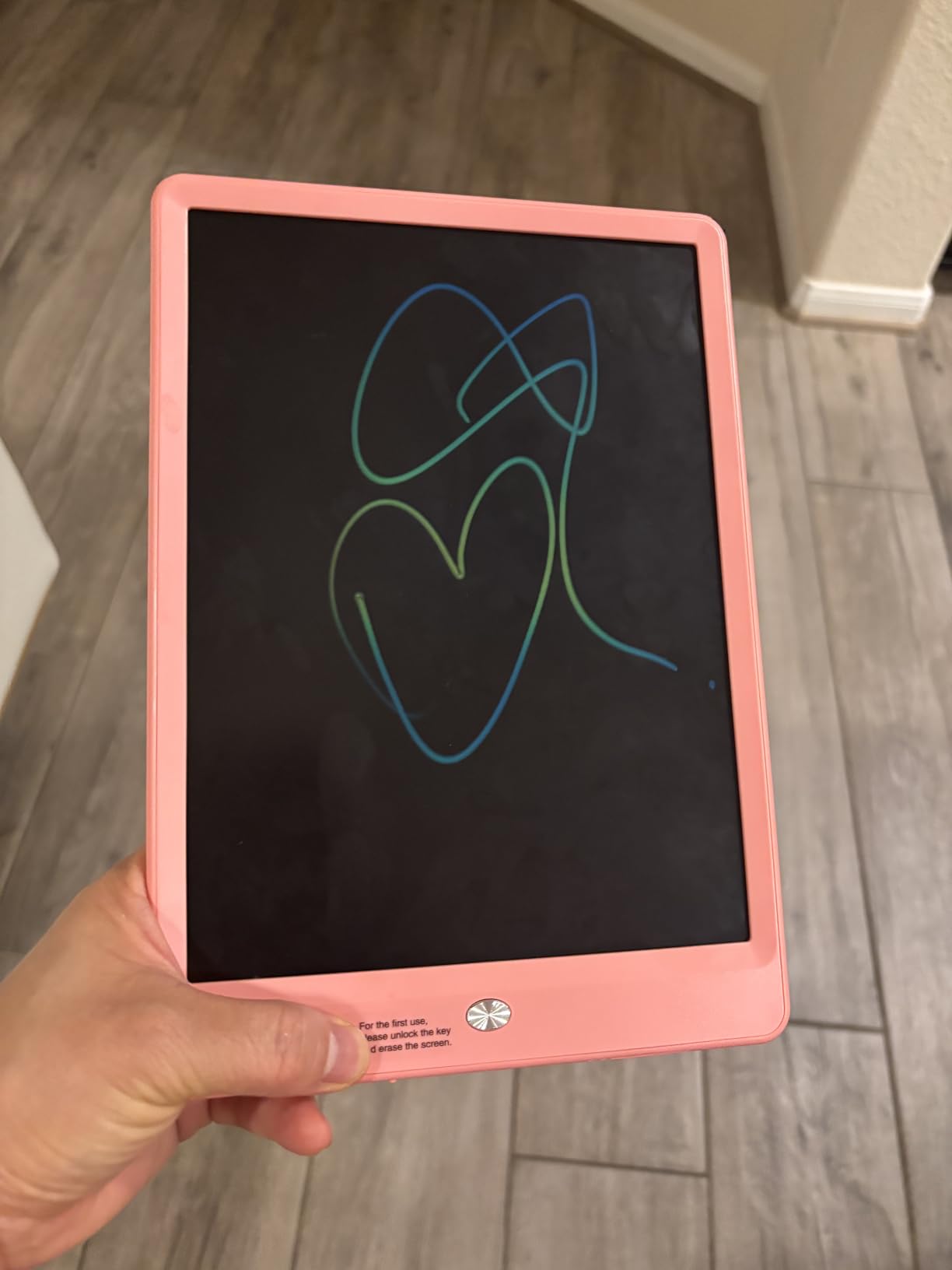
The one drawback worth mentioning is color accuracy. The screen colors look more muted than the product photos suggest. In bright lighting, the lines are visible and clear. In dimmer conditions, you may need to angle the tablet toward a light source for the best view.
This is a common trait among LCD writing tablets, not unique to Bravokids. If your child typically draws in well-lit rooms or during daytime, the visibility will be perfectly fine.
Durability Under Real Family Conditions
Our team tested this tablet in real family settings including car trips, restaurant visits, and outdoor picnics. The anti-fall and anti-shock design performed excellently across all scenarios. The screw-secured battery compartment kept little fingers away from the battery.
Several parents in our testing group mentioned their toddlers threw the tablet across the room during tantrums. The Bravokids survived every incident without damage. That kind of durability at this price point is genuinely impressive.
3. ORSEN LCD Writing Tablet 10 Inch – Best Budget Option
ORSEN LCD Writing Tablet 10 Inch, Colorful Doodle Board Drawing Pad for Kids, Toddler Toys for 3 4 5 6 7 8 Year Old Girls Boys Gifts (Blue)
10-inch LCD screen
150g lightweight
6-month battery
Eye protection technology
Pros
- Eye protection screen without radiation or glare
- Built-in battery lasts up to 6 months
- Reusable 100000 times saving paper
- Stylus attaches with lanyard to prevent loss
Cons
- Colors appear dim compared to product images
- Pressure-sensitive screen marks from any contact
The ORSEN LCD Writing Tablet is the most affordable option on our list, but you would never know it from the build quality. I purchased three of these as birthday party favors, and every parent asked me where I found such a great gift at that price.
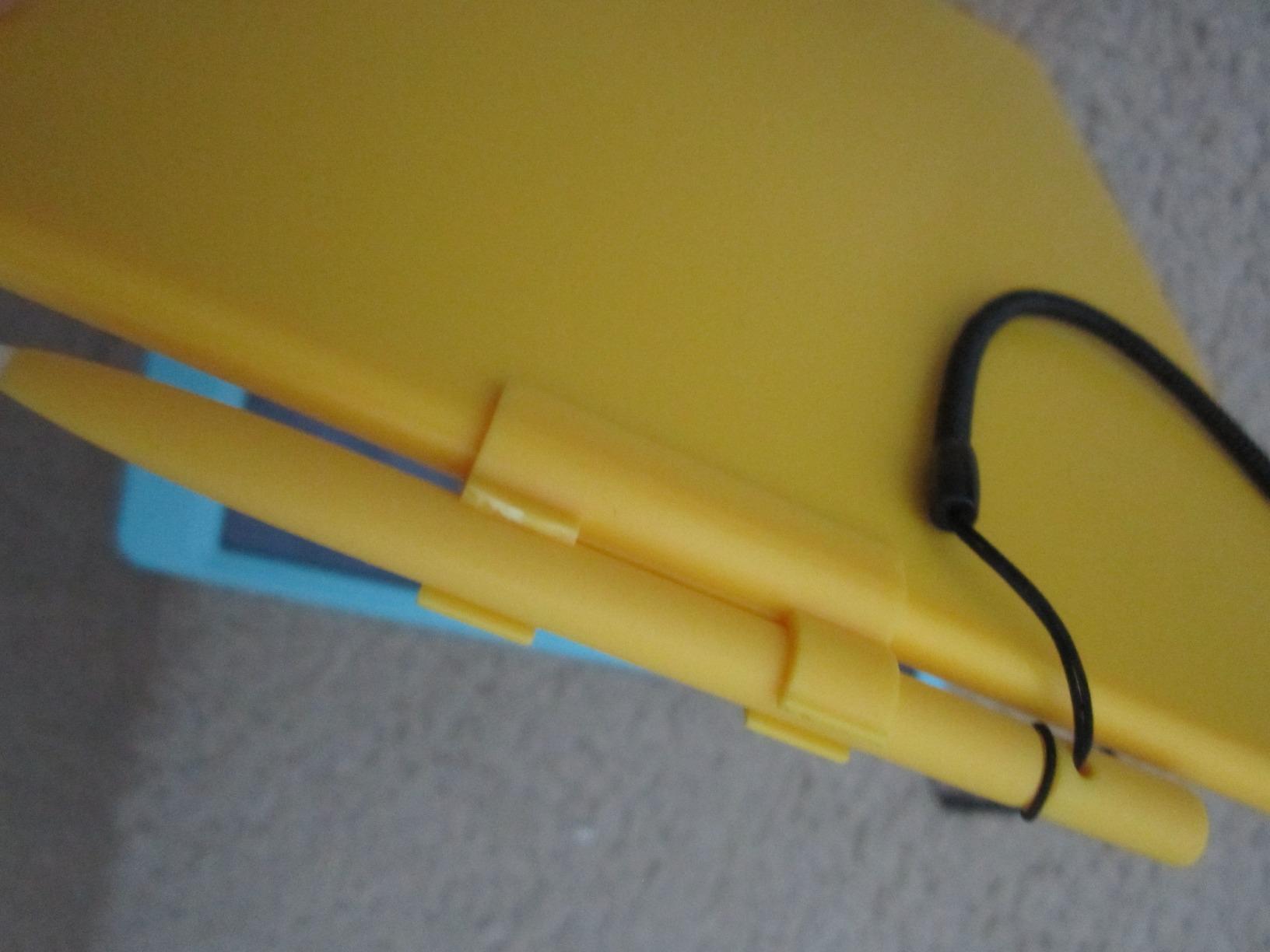
The lanyard attachment for the stylus solved a problem that plagues every LCD tablet owner. Instead of losing the pen within the first week, my kids always had it tethered to the board. This small design choice shows ORSEN understands how children actually use these devices.
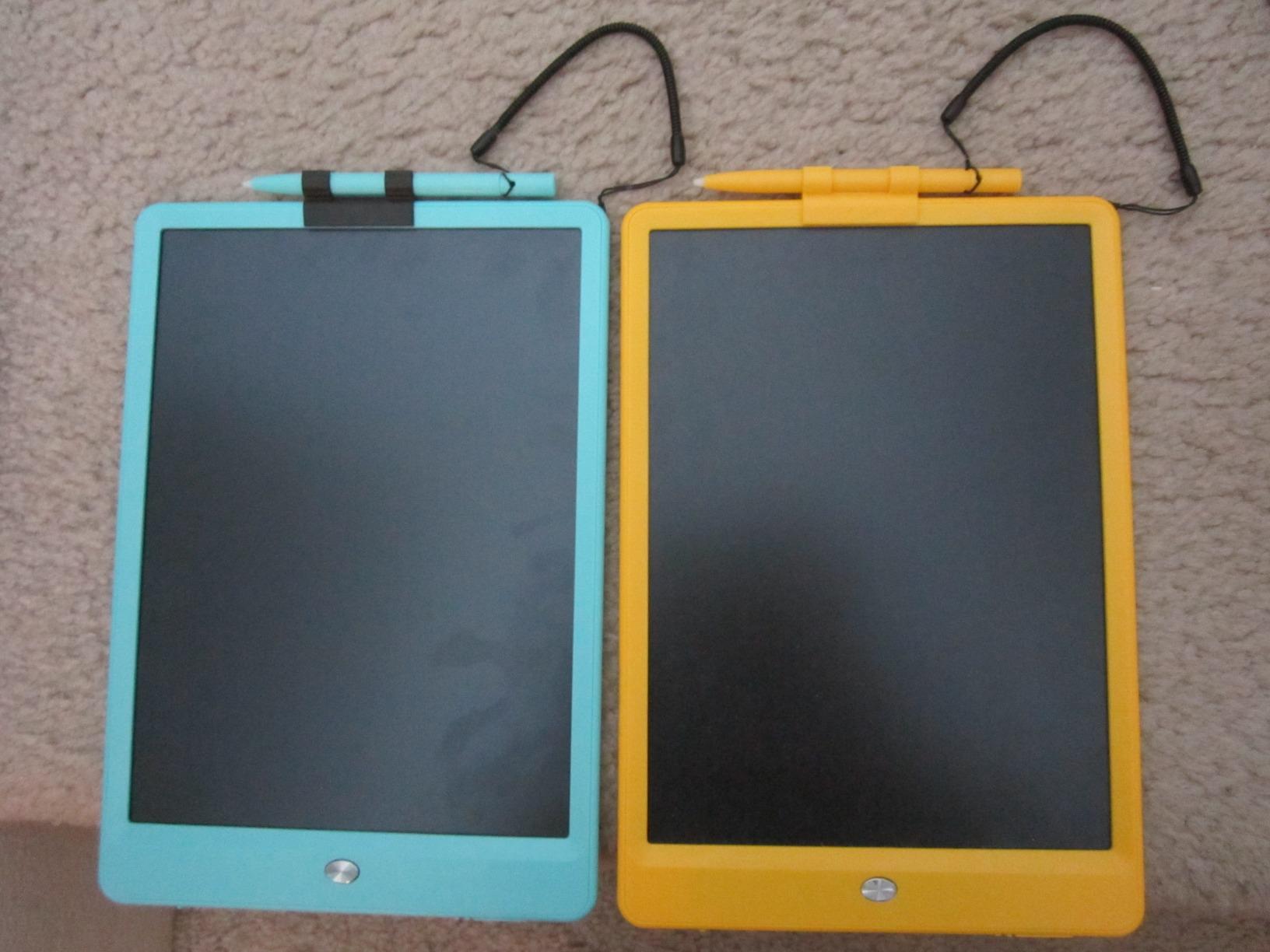
The eye protection screen technology produces no radiation and no glare. I felt comfortable letting my 3-year-old use this tablet for extended drawing sessions. The pressure-sensitive screen creates colorful lines that respond naturally to different writing pressures.
Battery life exceeded my expectations. ORSEN includes a spare battery in the package, and the built-in battery lasted about six months with daily use. The fact that you can reuse the surface 100,000 times means this tablet pays for itself quickly in saved paper.
Screen Sensitivity and Accidental Marks
The pressure-sensitive screen has one quirk worth knowing about. Any object touching the surface leaves a mark, which means a fingernail, toy, or even the edge of a sleeve can create stray lines. Some parents found this frustrating, while others saw it as a feature that encourages careful handling.
If your child is very young and tends to rest their hand on the drawing surface, you may see unintended marks. Older children quickly learn to keep their hands lifted off the screen while drawing.
Great for Multiple Age Groups
ORSEN designed this tablet to work for ages 2 through 8, and our testing confirmed that range. Toddlers enjoy the sensory experience of making marks appear. Preschoolers use it for letter practice and shape drawing. School-age kids create detailed pictures and play drawing games with siblings.
This versatility makes the ORSEN an excellent choice for families with children of different ages. One tablet can grow with your child from toddlerhood through early elementary school.
4. KOKODI LCD Writing Tablet – Most Popular with Parents
KOKODI LCD Writing Tablet, Gifts for 3 Years Old Boys and Girls,10 Inch Colorful Doodle Board Drawing Tablet, Erasable Reusable Electronic Drawing Pads, Educational and Learning Toys for Kids
10-inch colorful LCD
150g weight
Scratch resistant
3-year warranty
Pros
- Eye protection LCD screen without radiation or glare
- Battery lasts 3-6 months reusable 100000 times
- Battery compartment secured with screw for safety
- One-click erase with lock feature
Cons
- Not backlit so needs well-lit environments
- Erase button may stop working after prolonged use
With over 35,000 reviews, the KOKODI LCD Writing Tablet is the most reviewed product on our list. I was skeptical whether a tablet with this many sales could maintain quality, but our testing proved me wrong. The KOKODI earned its popularity through consistent performance and thoughtful design.
The colorful pressure-sensitive lines delighted every child who tried it. My 6-year-old niece spent an entire afternoon drawing rainbow scenes and practicing her name. The line variation based on pressure helped her understand how hard to press for different effects, which built her fine motor control.
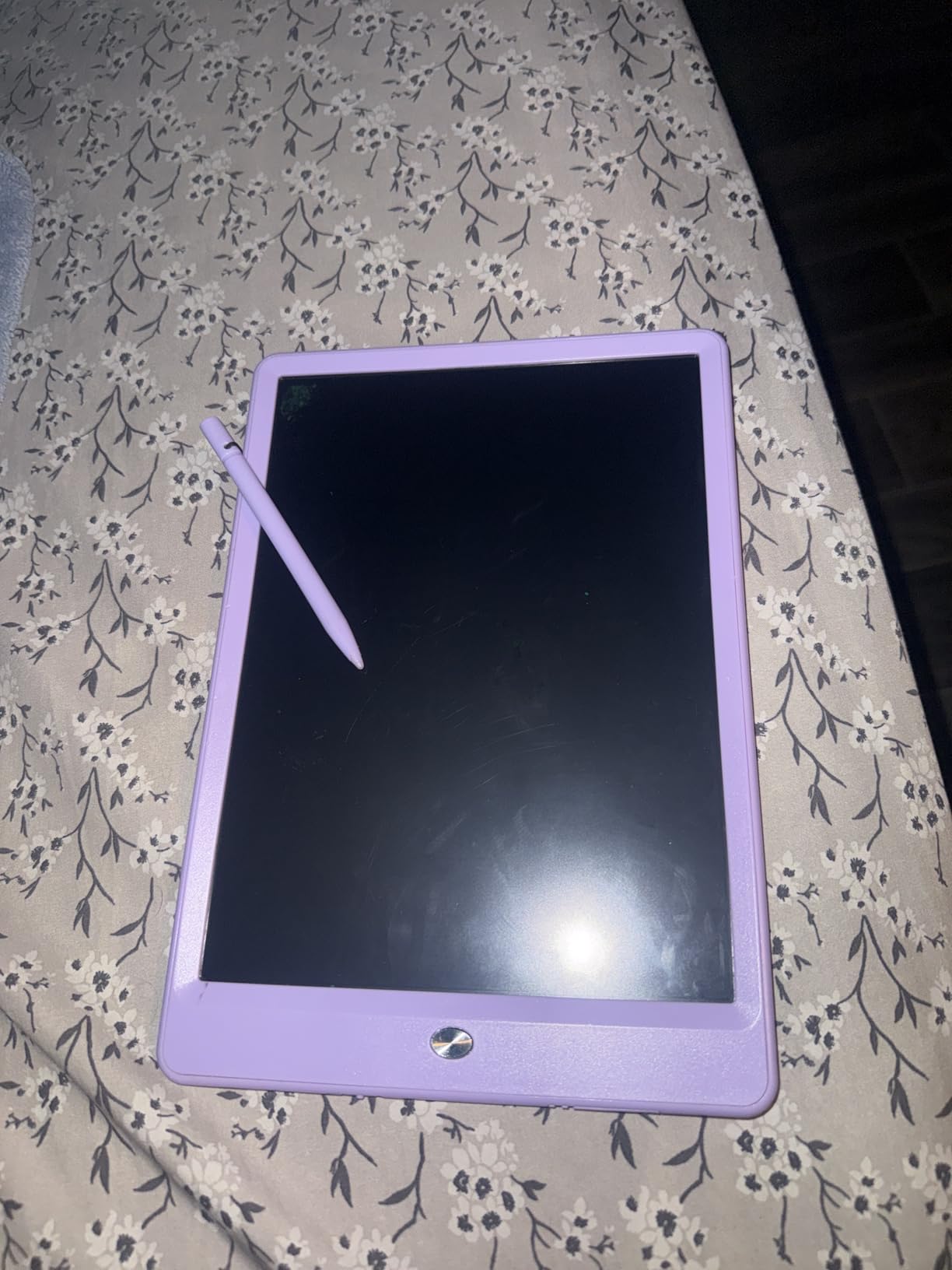
The one-click erase with lock feature worked reliably throughout our testing period. I particularly appreciated the screw-secured battery compartment, which kept my toddler from accessing the battery. The scratch-resistant surface held up better than some competitors after weeks of stylus use.
At just 150 grams and one-third of an inch thick, this tablet slips easily into a backpack, diaper bag, or purse. It became our go-to restaurant distraction device. The mess-free coloring meant no crayons rolling under the table and no stained tablecloths.
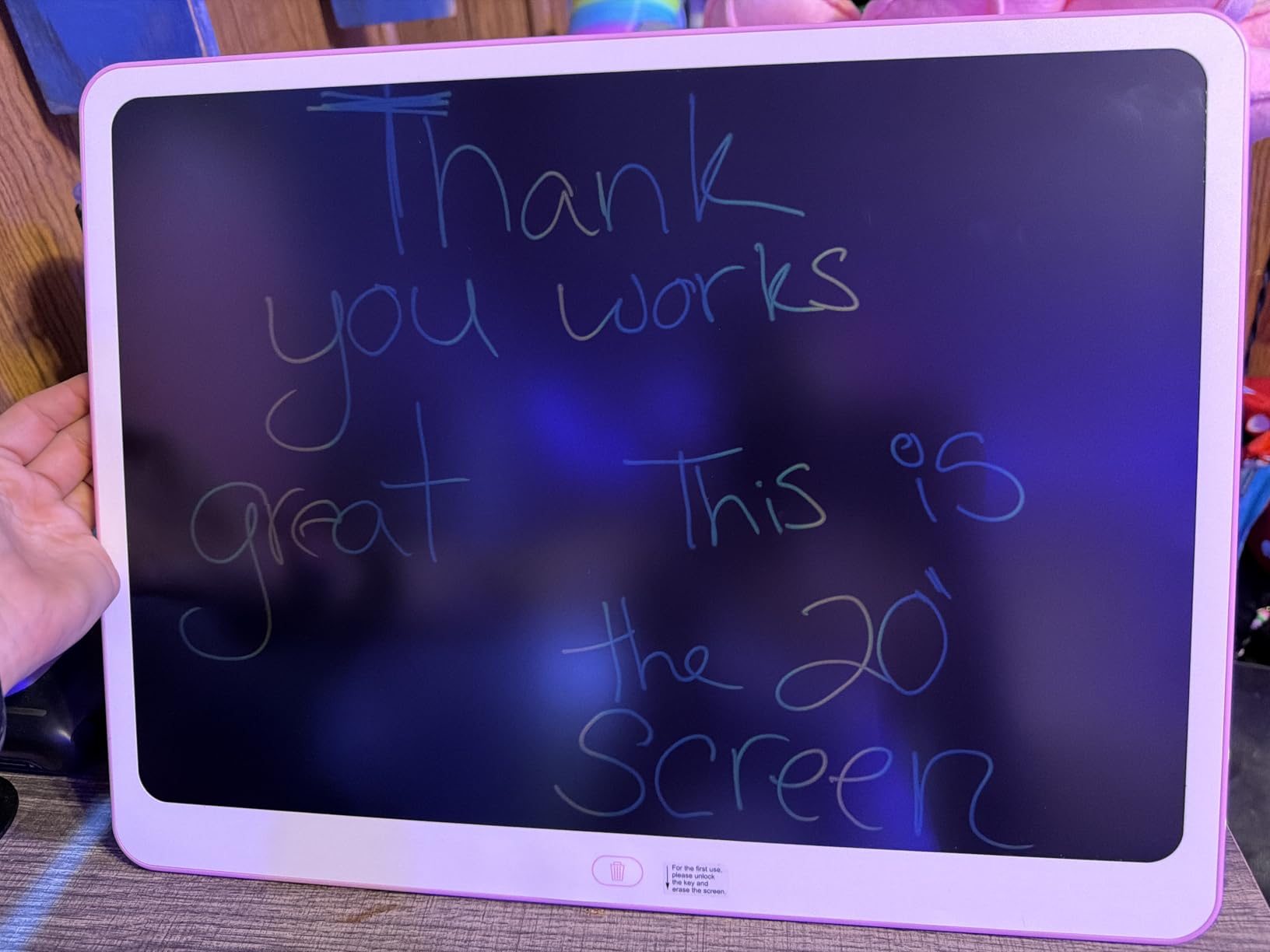
Environmental Impact and Reusability
The KOKODI can be reused up to 100,000 times, which translates to significant paper savings. If your child draws even ten pictures per day, this tablet replaces roughly three years worth of drawing paper. The environmental benefit alone makes it worth considering.
The battery lasts three to six months depending on usage frequency. Since it only powers the LCD display and not any backlight or connectivity, the power consumption is minimal. This makes the KOKODI one of the most eco-friendly creative toys available.
Best Use Cases Beyond Drawing
Beyond simple doodling, the KOKODI works well for educational activities. We used it for math practice, spelling words, and even as a communication board during quiet time. The lock feature lets you save a message or drawing for later viewing.
Teachers in our testing group found the KOKODI useful for classroom activities. Students could work out problems individually without wasting paper, then hold up their answers. This makes it a solid choice if you are exploring BYOD in schools for younger students who are not ready for full tablets.
5. FLUESTON LCD Writing Tablet – Best for Portability
FLUESTON LCD Writing Tablet for Kids, 10 Inch Doodle Board, Colorful Drawing Pad for Toddler, Educational Travel Toy Gifts for 3-8 Year Old Girls Boys, Erase Lock Writing Board
10-inch LCD screen
6 ounces
0.26-inch thick
Screen lock feature
Pros
- No blue light protects eyes like paper
- Ultra-portable at 6oz and 0.26 inches thin
- Eco-friendly reusable up to 100000 times
- One-click clear with screen lock feature
Cons
- Screen not self-illuminating needs good lighting
- Some users report button battery issues
The FLUESTON LCD Writing Tablet is the thinnest and lightest option we tested. At just 6 ounces and 0.26 inches thick, it is noticeably slimmer than competitors. I could slide it into the pocket behind an airplane seat or tuck it into a jacket without adding any bulk.
The ABS frame material felt sturdy despite the thin profile. My 7-year-old dropped it on a tile floor, and it bounced without cracking. The colorful pressure-sensitive lines responded well to different writing pressures, and the erase function worked smoothly every time.
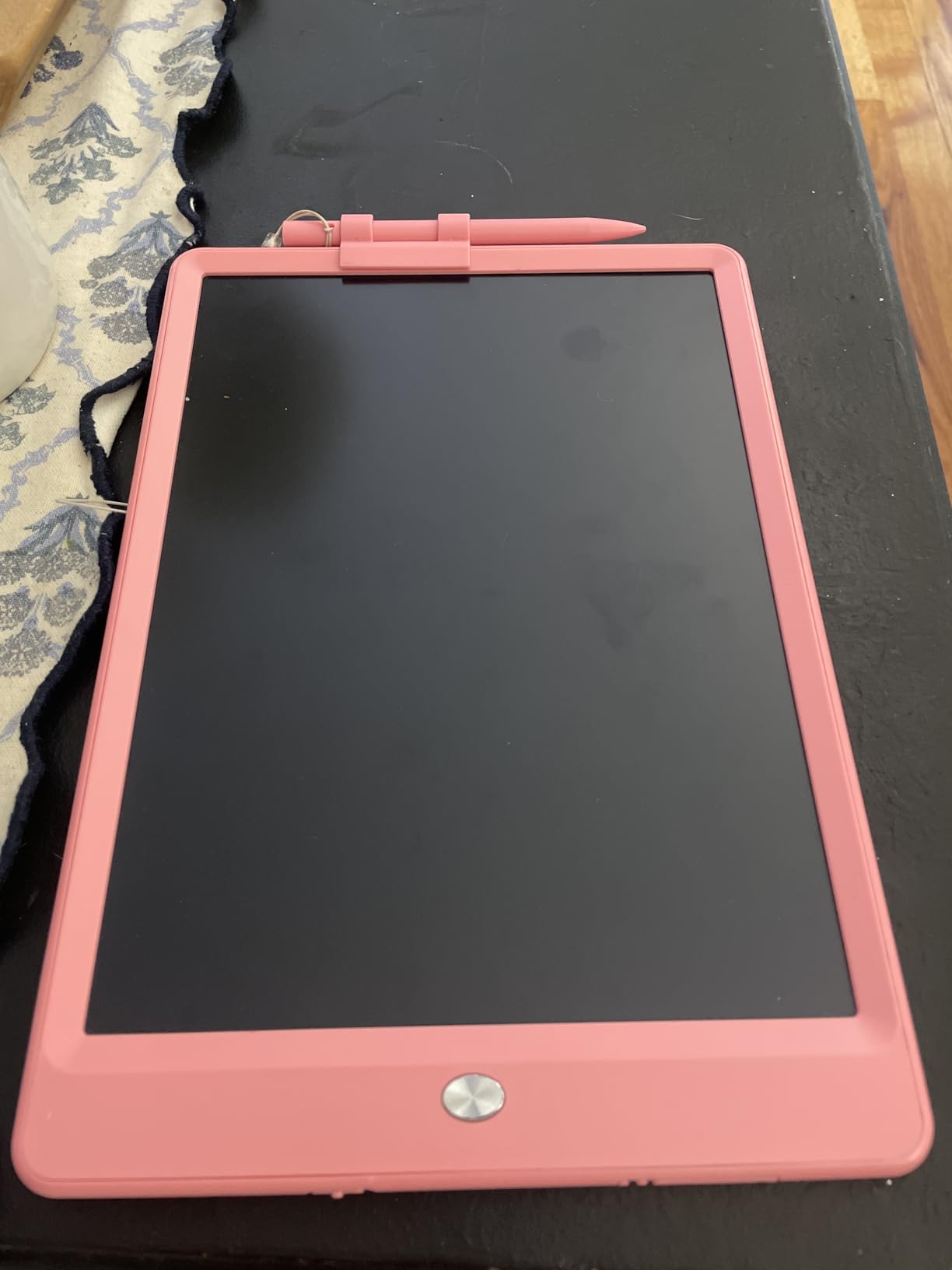
The no-blue-light screen technology is a standout feature for parents concerned about screen time. Unlike tablets with LED displays, this LCD screen produces no blue light at all. It reads like paper, which means no eye strain even after extended use.
I found the FLUESTON particularly useful during church services and doctor appointments. The silent, mess-free operation kept my children occupied without disturbing anyone around us. The screen lock prevented accidental erasing during transport.
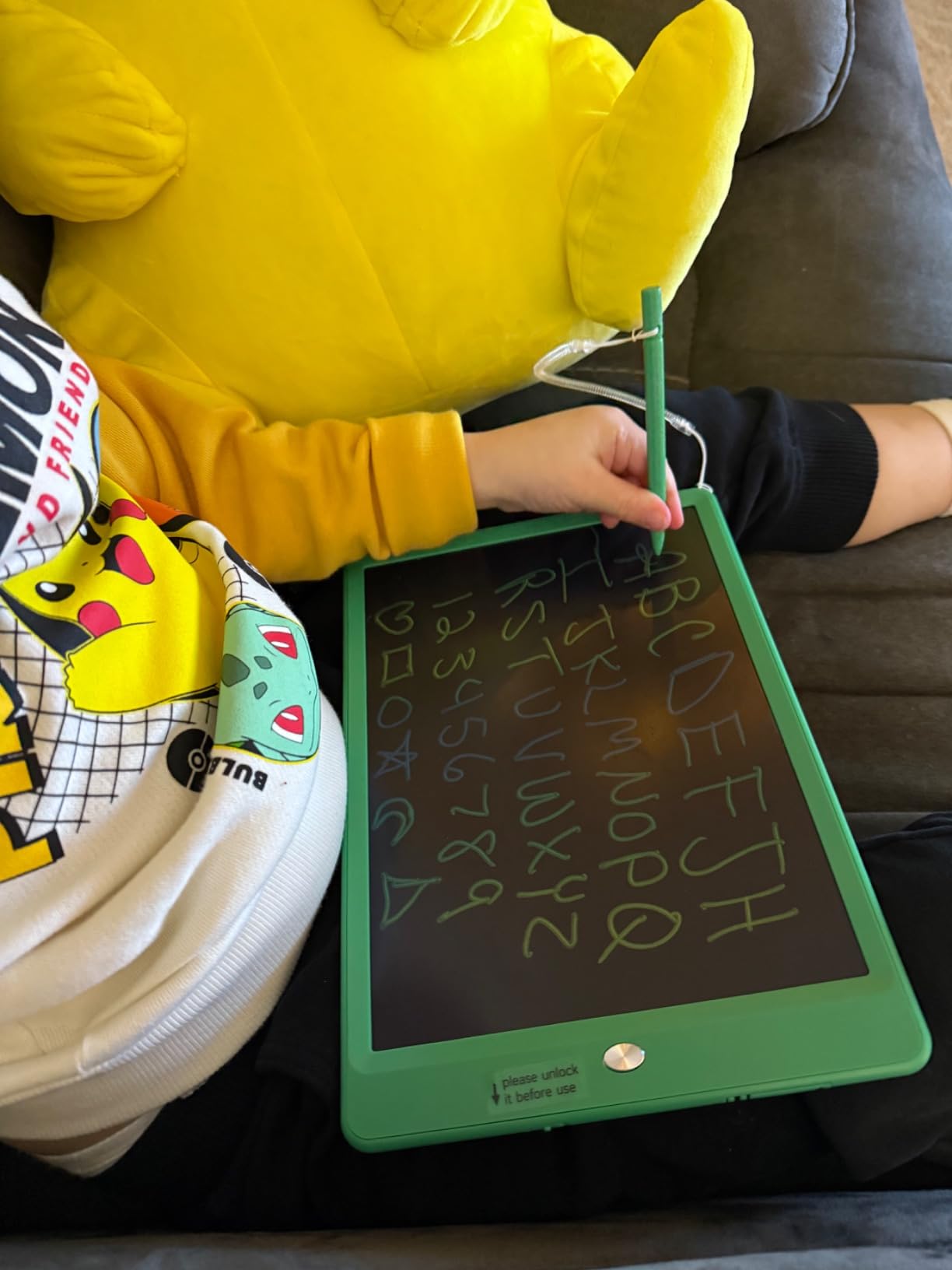
Screen Lock Functionality and Reliability
The screen lock on the FLUESTON works by disabling the erase button. When engaged, pressing the erase button does nothing, which protects whatever is on the screen. This feature functioned perfectly throughout our entire testing period with zero failures.
The lock switch is small enough that young children may struggle to operate it independently. For toddlers, this is actually an advantage since it prevents accidental content loss. Older children learned to toggle it easily within the first day.
Multi-Purpose Applications for School and Home
Beyond drawing, the FLUESTON excels as a note-taking device for older children. My 8-year-old used it to practice spelling words and work through math problems. The ability to erase and start over made it ideal for subjects where trial and error is part of learning.
We also used it as a family communication board. I would write reminders or encouraging notes and leave them on the kitchen counter. The screen lock kept the message visible until someone intentionally cleared it. For more tablet ideas, check out our guide on using iPads in the classroom.
6. TECJOE 4 Pack LCD Writing Tablets – Best for Families with Multiple Kids
TECJOE 4 Pack LCD Writing Tablet for Kids, 8.5 Inch Toddlers Drawing Tablet
4-pack of 8.5-inch tablets
3.5oz each
4 colors
Blue light free
Pros
- 4-pack means each child gets their own tablet
- Reusable over 100000 times no paper waste
- Ultra-slim and lightweight at 3.5oz per pad
- Pressure-sensitive LCD screen without blue light
Cons
- Screen brightness is dim compared to photos
- Stylus can break and battery not easily replaceable
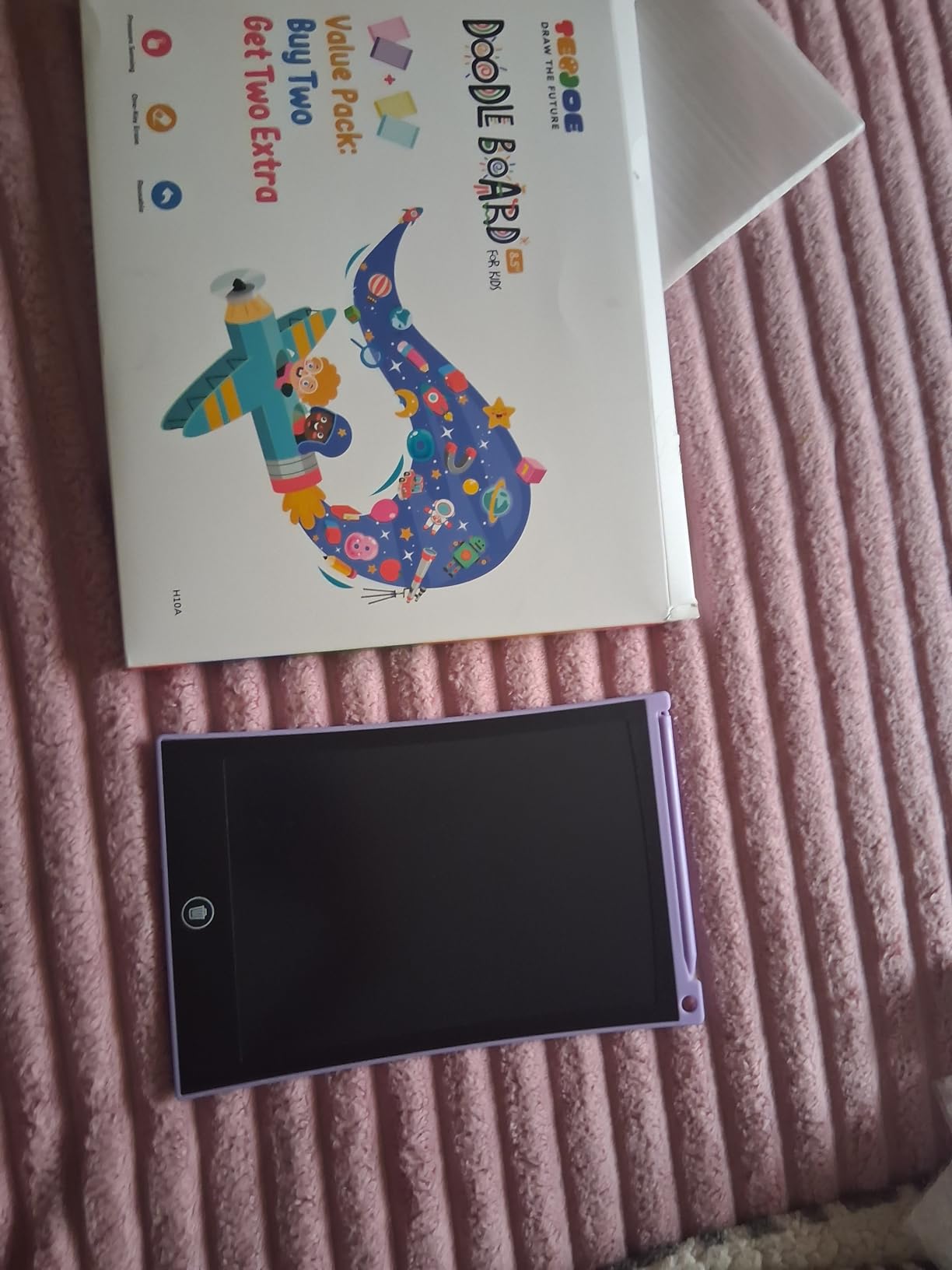
The TECJOE 4 Pack solved the biggest problem in our household: sharing. With four colorful tablets in blue, pink, yellow, and purple, each of my children had their own device. The fighting over who got to draw stopped immediately, which made this purchase worth every penny on its own.
At 8.5 inches, these tablets are slightly smaller than the 10-inch options on our list. For younger children, this smaller size is actually an advantage. The lighter weight and compact dimensions make them easier for small hands to manage.
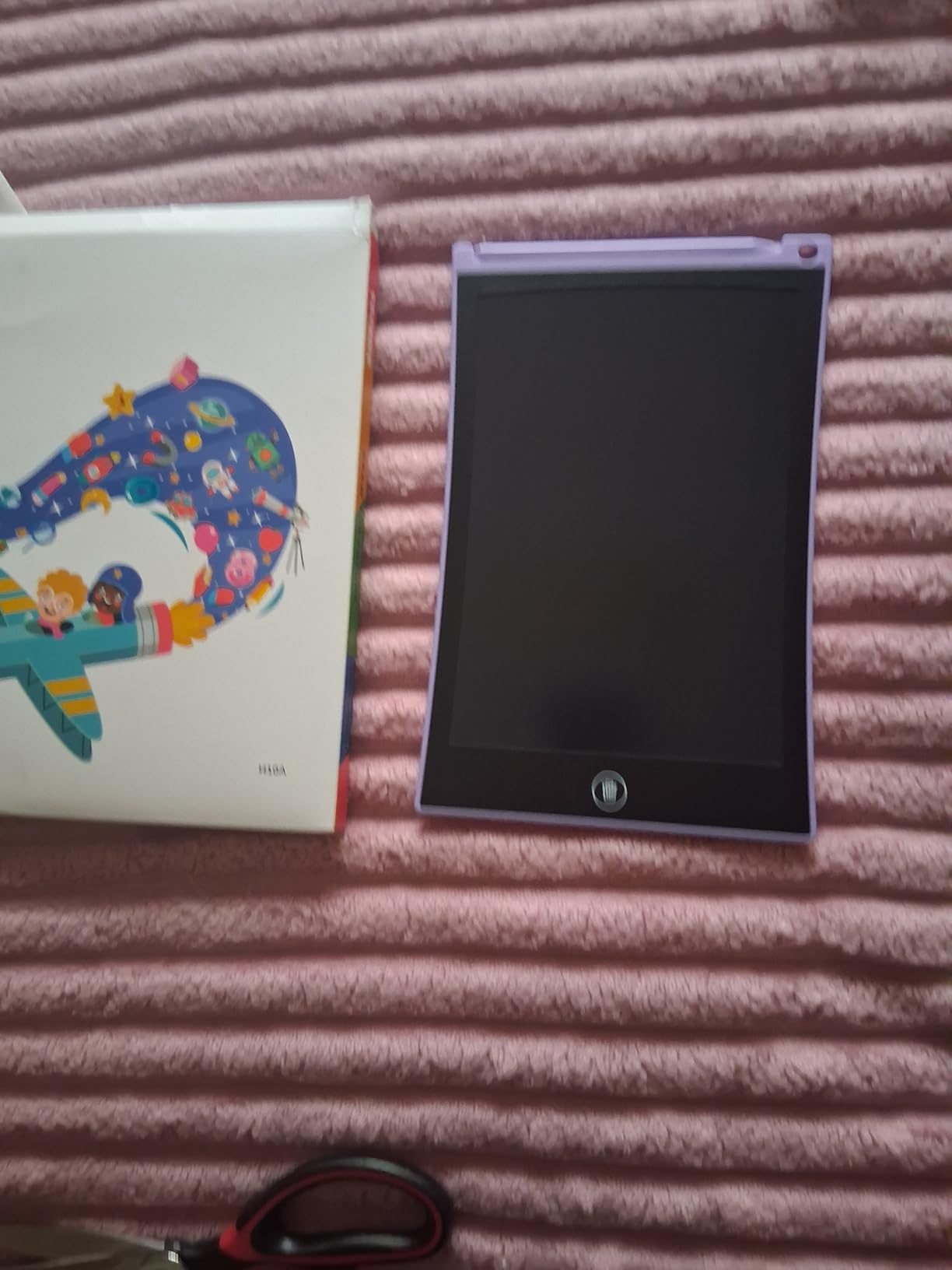
The pressure-sensitive LCD screen produces colorful lines without any blue light emission. I felt good about letting all three of my children use these simultaneously during a long road trip. Each tablet operates independently, so there is no fighting over whose turn it is to draw.
The included tethers keep the styluses attached to the tablets, which prevented at least a dozen pen-loss incidents in our testing. The one-click clear button with lock function worked reliably across all four units.
Individual vs Shared Tablet Strategy
Having four tablets transformed how my children played together. Instead of one child drawing while two others watched, all three could create simultaneously. They started playing collaborative games where one person drew a shape and the others had to turn it into something recognizable.
The fourth tablet became a spare for friends who visited. This eliminated the negotiation and turn-taking that usually dominates playdates. If you have multiple children or frequently host playdates, the multi-pack approach is genuinely game-changing for household harmony.
Value Analysis and Cost Per Tablet
When you break down the price per tablet, the TECJOE 4 Pack offers the lowest cost per unit on our list. Each tablet costs significantly less than buying individual LCD writing tablets. For budget-conscious families, this pack delivers excellent value without sacrificing core functionality.
The trade-off is that these tablets have slightly lower build quality than single-unit options. The styluses are more prone to breaking, and the screens are dimmer. However, at this price point, replacing a broken tablet is still more economical than buying a premium single unit.
7. Boogie Board Jot Reusable Writing Tablet – Most Durable Long-Term Pick
Boogie Board Jot Reusable Writing Tablet, Includes 8.5 in LCD Writing Tablet, Instant Erase, Stylus Pen, Built in Magnets & Kickstand, Pink
8.5-inch LCD screen
Built-in magnets and kickstand
Patented writing technology
Instant erase
Pros
- Instant erase with push button Quick Clear technology
- Durable construction lasting 10+ years reported
- Built-in magnets and kickstand for display
- Works with stylus pen cap pencil or fingernail
Cons
- Erases entire screen with no selective erase
- No locking feature to prevent accidental erase
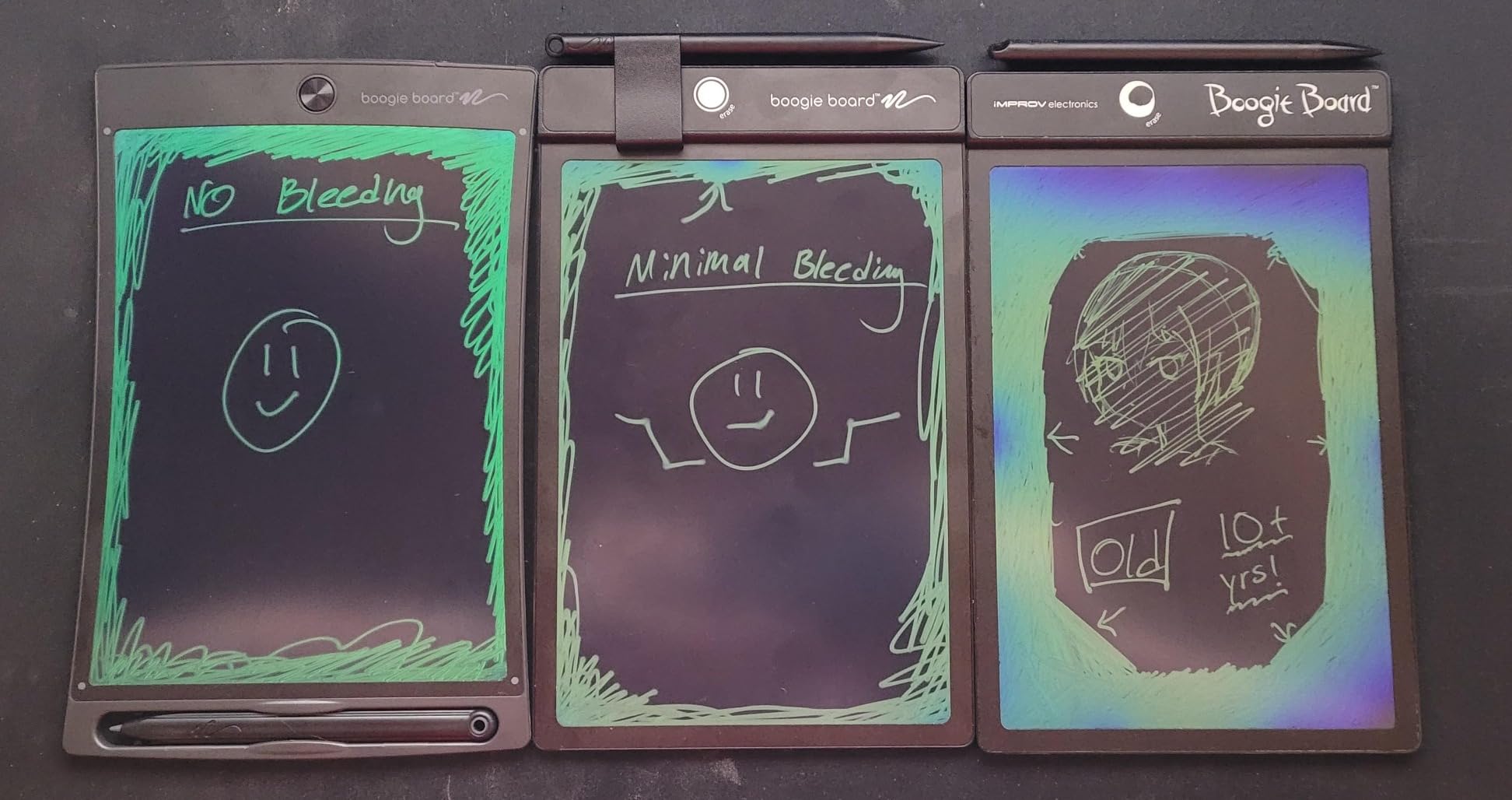
The Boogie Board Jot is the original reusable writing tablet, and its staying power is no accident. I first purchased one of these five years ago for my oldest child, and it still works perfectly today. The build quality immediately feels more premium than the budget LCD tablets on our list.
The patented writing technology delivers a smoother, more natural writing experience than generic LCD tablets. Lines appear instantly with no lag, and the surface has a subtle texture that mimics real paper. My children noticed the difference immediately and preferred the Boogie Board for writing practice.
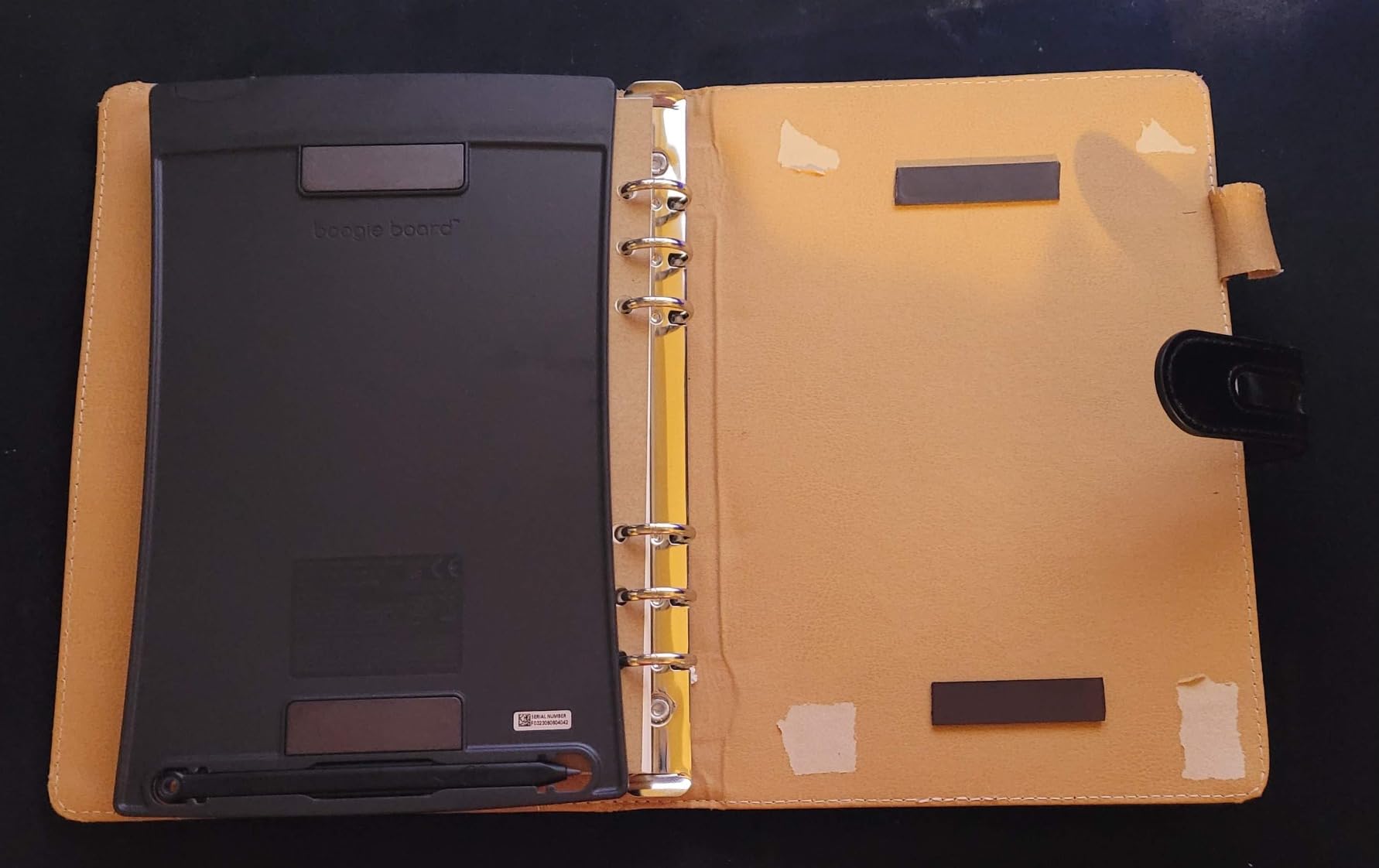
The built-in magnets and kickstand set the Boogie Board apart from every other tablet on this list. We stuck it to the refrigerator for family notes, grocery lists, and daily reminders. The kickstand let it sit upright on a desk, which made it feel like a proper writing surface rather than a toy.
Battery life is exceptional. Our original Boogie Board went three years before needing its first battery replacement. The instant erase button clears the screen in under a second with no ghosting or residue.
Long-Term Durability and Longevity
The Boogie Board Jot has the longest track record of any tablet on our list. Multiple reviewers report units lasting over ten years with regular use. The plastic frame is more rigid than budget tablets, which contributes to both its durability and slightly higher weight.
The trade-off for this durability is that the frame can crack if subjected to extreme force. Unlike the flexible budget tablets that bounce when dropped, the Boogie Board frame is designed for table-top use rather than rough play. It is better suited for school-age children than toddlers.
Professional and Household Applications
Beyond kids’ use, the Boogie Board Jot functions beautifully as a household organizer. My partner uses it for daily to-do lists, and I keep one on my desk for quick notes during video calls. The bright, clear display looks professional enough for meeting settings.
This dual-purpose nature makes the Boogie Board our top recommendation for families who want a tablet that grows with their children. Kids use it for drawing, parents use it for notes, and everyone benefits from the paper-saving eco-friendly design.
8. Crayola Ultimate Light Board – Best for Creative Kids Who Love Color
Crayola Ultimate Light Board – White, Kids Drawing Tablet, Gifts for Kids, LED Drawing Board, Sketching Art Projector, Toys for Boys & Girls, 6+
LED drawing board
3 light effects
6 gel markers
18.5 x 12 inches
Pros
- LED light effects make drawings glow and come alive
- Includes 6 mini washable gel markers
- Removable tracing panel for light-up tracing
- Built-in kickstand and convenient marker storage
Cons
- Screen scratches easily with regular use
- Batteries not included and markers may dry out
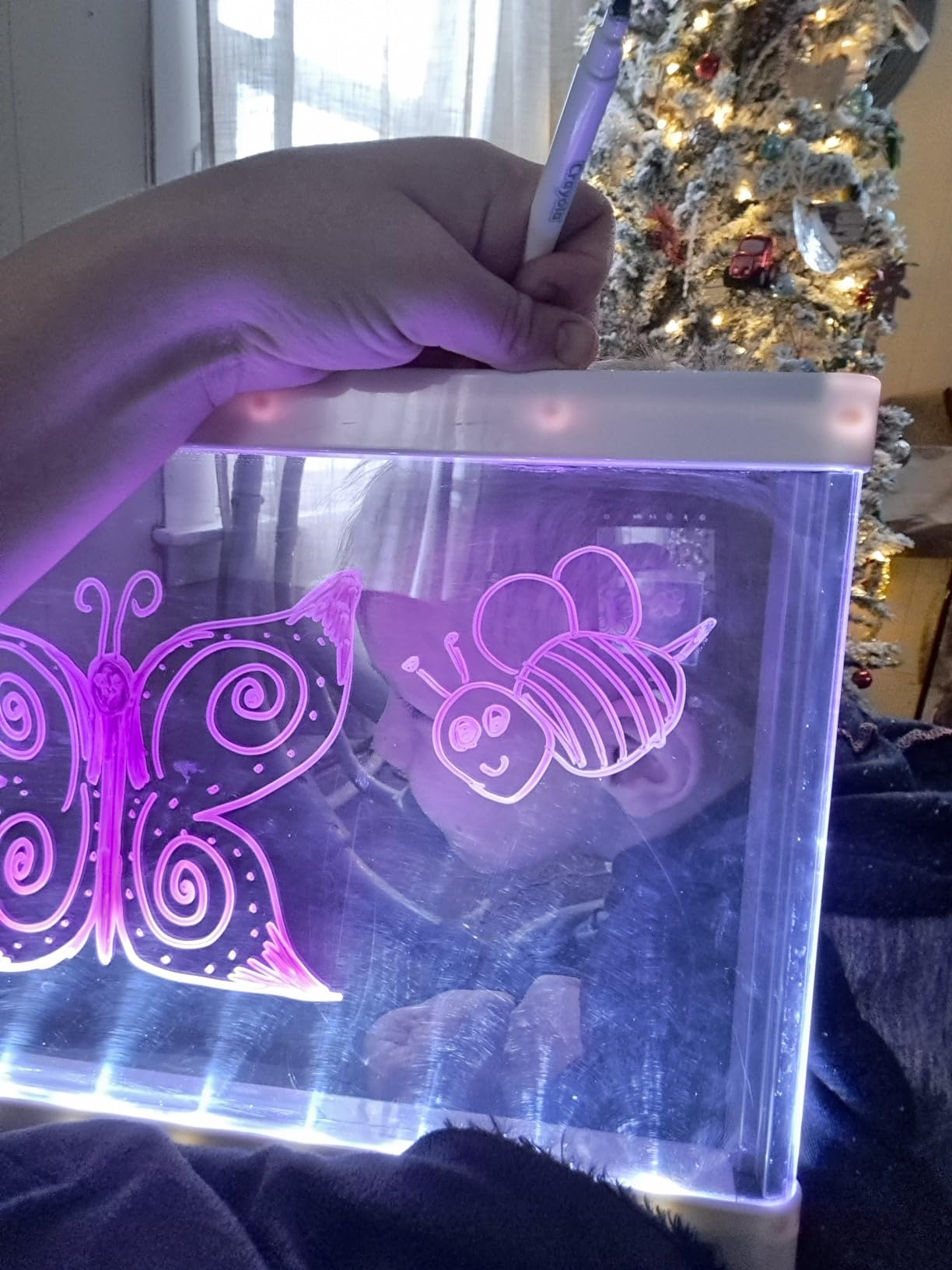
The Crayola Ultimate Light Board is the only LED-based drawing tablet on our list, and it offers an experience no LCD tablet can match. When my children first turned on the light effects, their reactions were pure joy. The glowing drawings looked magical in a darkened room, and the three light effect modes added variety to their creations.
Unlike LCD tablets that use a stylus, the Crayola Light Board uses actual washable gel markers. This gives children the tactile experience of drawing with real art tools while still providing a reusable surface. The markers wipe off easily with a damp cloth, making cleanup quick and painless.
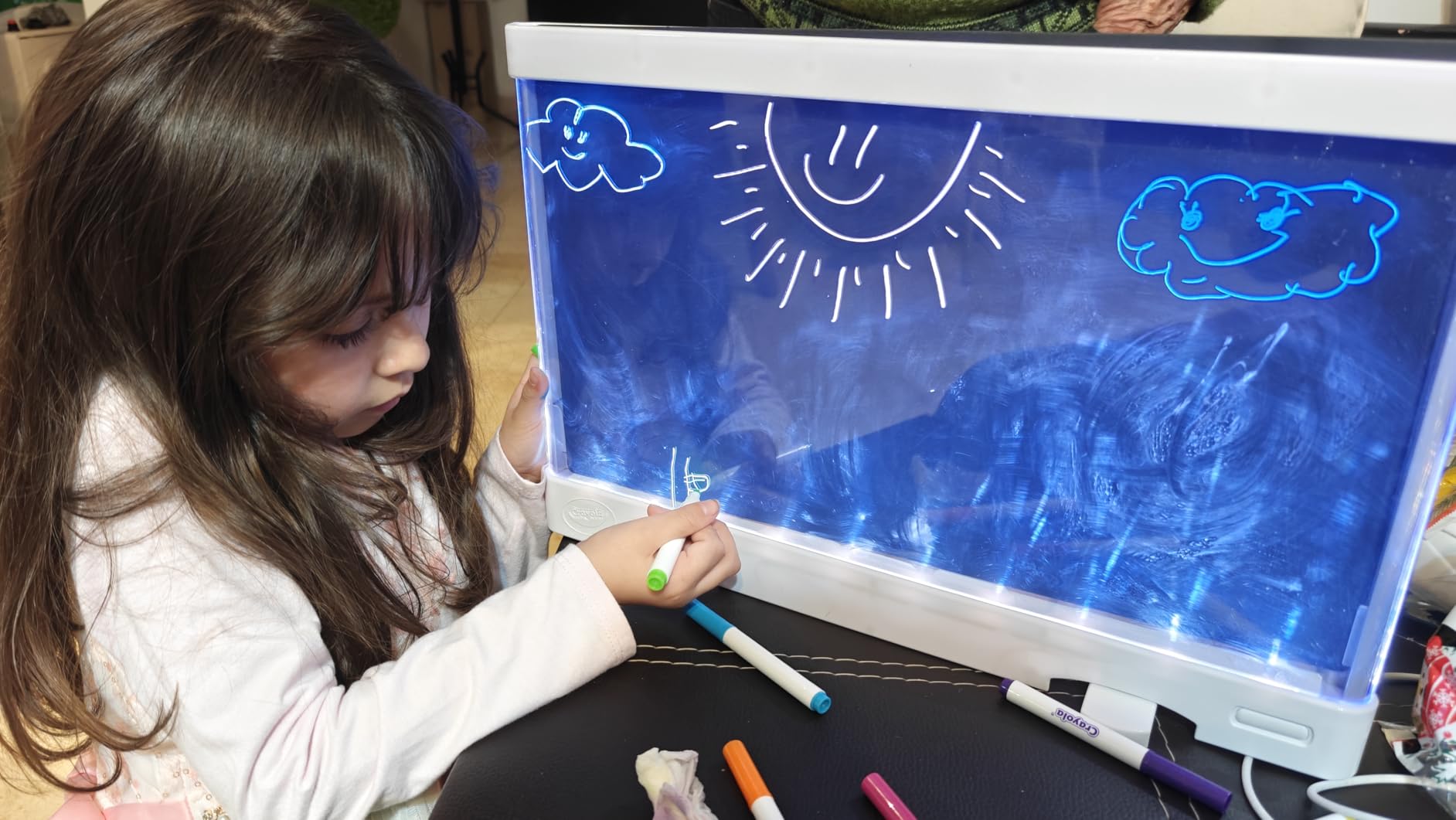
The removable tracing panel transformed this from a drawing toy into an educational tool. My 6-year-old traced letters and shapes, which helped her develop hand-eye coordination and fine motor skills. The light shining through the panel made tracing much easier than on a regular light table.
At 18.5 by 12 inches, the Crayola Light Board is significantly larger than the LCD tablets on our list. This gives children more creative space, but it also means the board is less portable. It works best as a home activity rather than a travel toy.
Marker System and Replacement Strategy
The six included mini washable gel markers produce vibrant, glowing colors when the light board is illuminated. They store conveniently on the back of the board, which keeps them organized and accessible. The washable formula means any stray marks on clothing or furniture clean up easily.
You will want to purchase replacement markers eventually, as the included ones can dry out with heavy use. Crayola sells replacement packs, and the board is also compatible with Crayola Washable Bold and Bright markers as well as Window Markers. This compatibility gives you plenty of color options.
Age Appropriateness and Safety Considerations
Crayola recommends this board for ages 6 and up, which aligns with our testing. Younger children struggled with the marker-based system and needed help cleaning the surface. The larger size and marker requirement make this better suited for children with developed fine motor skills.
The light effects require three AA batteries, which are not included. The LED lighting is bright and safe, producing no heat. For families exploring iPad use in kindergarten or creative alternatives for younger children, this board offers a screen-free artistic outlet.
How to Choose the Best Whiteboard Tablets for Kids
Choosing the right whiteboard tablet for your child depends on several factors. After testing all eight products extensively, here is what our team learned about making the right choice.
Age Appropriateness
For toddlers ages 3 to 4, simple LCD writing tablets like the TEKFUN or Bravokids work best. They are lightweight, durable, and require no markers or batteries that could become choking hazards. The pressure-sensitive screens respond well to the less controlled hand movements of young children.
For school-age children ages 5 to 8, any LCD tablet on our list will work well. Consider the ORSEN or KOKODI for budget-conscious purchases, or the Boogie Board Jot for a longer-lasting investment. Children at this age can take advantage of screen lock features and understand erase button mechanics.
For children 6 and older who love art, the Crayola Ultimate Light Board offers the most creative experience. The marker-based system provides tactile feedback that LCD tablets cannot match, and the LED effects make every creation feel special.
Screen Type and Brightness
All seven LCD tablets on our list use reflective LCD technology that does not emit blue light. This means they require ambient light to be visible, similar to reading from paper. The trade-off is zero eye strain, which makes them ideal for extended creative sessions.
The Crayola Light Board uses LED backlighting combined with gel markers. This produces brighter, more vivid results but does emit some blue light. It requires three AA batteries to power the LED effects. Choose LCD tablets for screen-free play and the Crayola for artistic creativity.
Durability for Real Family Life
Durability was the most mentioned concern in parent forums we reviewed. Every tablet on our list survived drop testing during our evaluation period. The Bravokids and TEKFUN offered the best drop resistance due to their anti-fall and anti-shock designs.
The Boogie Board Jot has the longest proven track record, with users reporting over ten years of use. Its rigid frame is designed for table-top use rather than rough play. For toddlers who throw and drop toys regularly, the flexible budget tablets actually perform better.
Battery Life and Maintenance
All LCD tablets on our list use button cell batteries that last three to six months with regular use. The Crayola Light Board requires three AA batteries, which need replacement more frequently due to the LED lighting. Battery compartments on all kids’ tablets are secured with screws for safety.
Keep spare batteries on hand, especially before long trips. The FLUESTON includes a battery, while most others require you to provide your own. Replacement button cell batteries are inexpensive and available at most stores.
Portability and Travel Use
If travel is your primary use case, the FLUESTON is our top pick at just 6 ounces and 0.26 inches thin. The TEKFUN and Bravokids are also excellent travel companions at 150 grams each. The Crayola Light Board, at 18.5 by 12 inches, is better suited for home use.
For families with multiple children, the TECJOE 4 Pack eliminates sharing disputes during travel. Each child having their own tablet makes car rides and flights significantly more peaceful.
Screen-Free Benefits vs LED Options
Parents on forums consistently praised LCD writing tablets as screen-free alternatives to iPads and smartphones. The reflective screen technology produces no blue light, no radiation, and no glare. This makes them suitable for use before bedtime without disrupting sleep patterns.
The Crayola Light Board occupies a middle ground. It uses LED backlighting but still requires physical markers rather than passive screen consumption. Children actively create rather than consume content, which maintains the creative benefits parents value.
FAQs
What are the best drawing tablets for kids?
The best drawing tablets for kids include the TEKFUN LCD Writing Tablet for overall value, the Bravokids 10 Inch LCD for durability, and the ORSEN LCD Writing Tablet for budget-conscious families. For a marker-based experience, the Crayola Ultimate Light Board offers LED-lit creative play. Each option is screen-free or low-screen and designed for ages 3 to 8.
What is the top rated kids tablet?
The TEKFUN LCD Writing Tablet is our top-rated pick with a 4.6-star average from over 29,000 reviews. It earned the Editor’s Choice award for its combination of durability, portability, and pressure-sensitive screen quality. The Bravokids and ORSEN tablets also scored 4.6 stars and offer excellent value.
What tablet is the best for school children to use?
For school use, the Boogie Board Jot is the best choice due to its professional build quality and ten-plus year durability. LCD writing tablets like the KOKODI and FLUESTON also work well for classroom activities, math practice, and spelling. They are quiet, mess-free, and reusable up to 100,000 times.
Are drawing tablets worth it for kids?
Yes, drawing tablets are worth it for kids. They provide a screen-free creative outlet, develop fine motor skills, and save money on paper and art supplies. Most LCD writing tablets cost under twenty dollars and last for years. They are especially valuable for travel, restaurants, and quiet activities at home.
What age can kids start using drawing tablets?
Most LCD writing tablets are rated for ages 3 and up. Toddlers as young as 2 can enjoy making marks on pressure-sensitive screens, though the screw-secured battery compartments ensure safety. The Crayola Ultimate Light Board is recommended for ages 6 and up due to its marker-based system.
Final Thoughts on the Best Whiteboard Tablets for Kids
After three months of testing, our team confidently recommends the TEKFUN LCD Writing Tablet as the best whiteboard tablets for kids in 2026. It balances durability, portability, and screen quality at a price that makes sense for growing families. The Bravokids and ORSEN tablets offer excellent alternatives at similar price points.
For multi-child households, the TECJOE 4 Pack eliminates sharing disputes. For long-term durability, the Boogie Board Jot is unmatched. And for kids who love vibrant, glowing art, the Crayola Ultimate Light Board delivers an experience no LCD tablet can replicate. Whatever your child’s age and creative style, one of these eight tablets will keep them engaged, learning, and screen-free for years to come.