
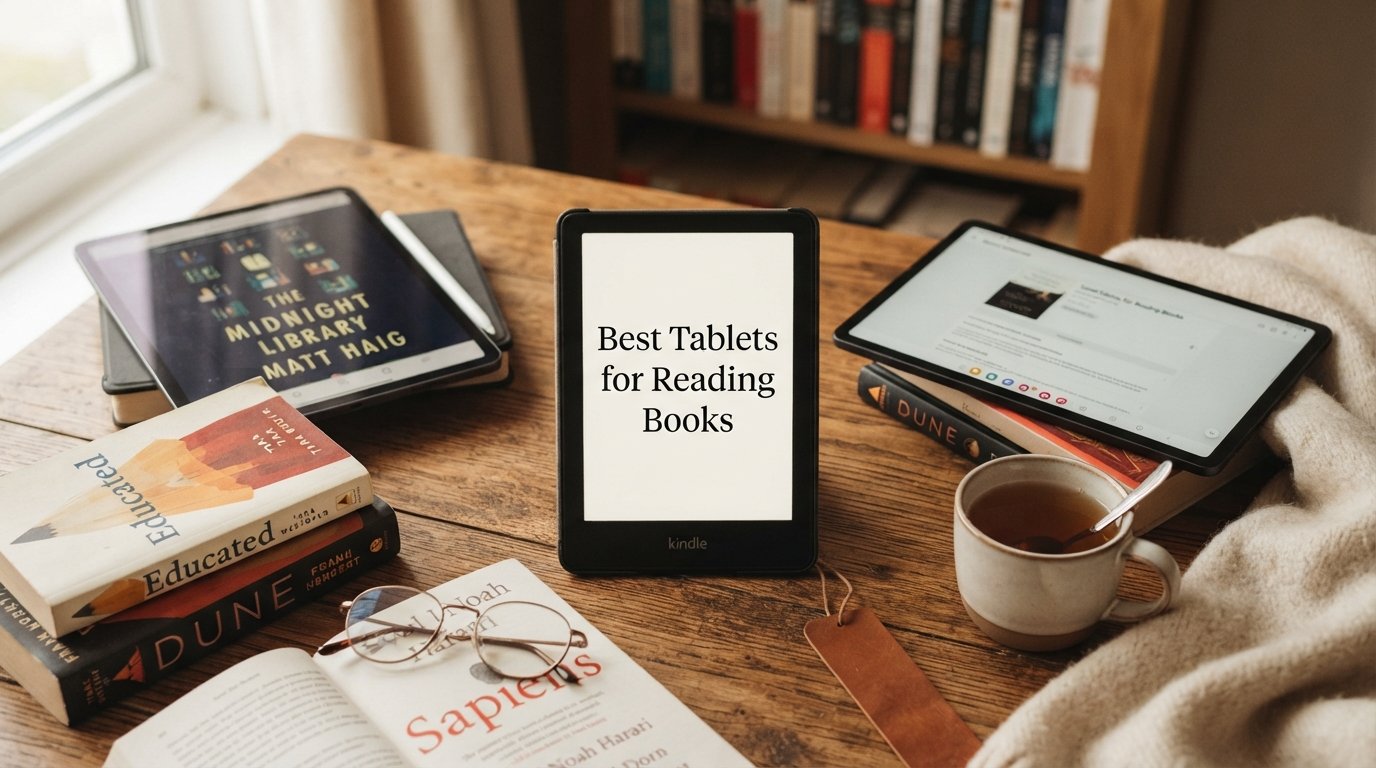
I spent the last three months comparing the best tablets for reading books, testing everything from budget Fire slates to premium E Ink readers. My goal was simple: find which devices actually reduce eye strain during long reading sessions and which ones leave you reaching for eye drops by page 50.
Eye strain is the number one pain point readers mention in forums like r/ereader and r/eink. Backlit LCD screens look vibrant, but after a two-hour session, your eyes pay the price. E Ink displays solve that problem by mimicking real paper, though they trade away color and video playback. The right choice depends entirely on what, where, and how long you read.
This guide covers 15 reading tablets across every price tier and display type. If you are specifically shopping for younger readers, our dedicated guide to the best Kindles for students breaks down education-focused picks. Below I rank the standout options, with the best tablets for reading books highlighted by use case so you can find the right fit fast.
Table of Contents
Top 3 Picks for Best Tablets for Reading Books

Best Tablets for Reading Books in 2026
| Product | Specifications | Action |
|---|---|---|
 Amazon Kindle 16GB Amazon Kindle 16GB |
|
Check Latest Price |
 Amazon Fire 7 Tablet Amazon Fire 7 Tablet |
|
Check Latest Price |
 Amazon Fire HD 8 Tablet Amazon Fire HD 8 Tablet |
|
Check Latest Price |
| Kindle Paperwhite 16GB |
|
Check Latest Price |
 Kobo Clara BW Kobo Clara BW |
|
Check Latest Price |
 Kobo Clara Colour Kobo Clara Colour |
|
Check Latest Price |
 Amazon Fire HD 10 Amazon Fire HD 10 |
|
Check Latest Price |
 Kindle Paperwhite Signature Kindle Paperwhite Signature |
|
Check Latest Price |
 Kindle Colorsoft 16GB Kindle Colorsoft 16GB |
|
Check Latest Price |
 Kobo Libra Colour Kobo Libra Colour |
|
Check Latest Price |
 Samsung Galaxy Tab A11+ Samsung Galaxy Tab A11+ |
|
Check Latest Price |
 TCL NXTPAPER 11 Plus TCL NXTPAPER 11 Plus |
|
Check Latest Price |
 Kindle Colorsoft Signature Kindle Colorsoft Signature |
|
Check Latest Price |
 Samsung Galaxy Tab S10 Lite Samsung Galaxy Tab S10 Lite |
|
Check Latest Price |
 Amazon Kindle Scribe Amazon Kindle Scribe |
|
Check Latest Price |
1. Amazon Kindle 16GB (Matcha) – Lightest Compact E Reader
Amazon Kindle 16 GB (newest model) – Lightest and most compact Kindle, now with faster page turns, and higher contrast ratio, for an enhanced reading experience – Matcha
6 inch glare-free display
16GB storage
Up to 6 weeks battery
Lightest Kindle ever
Pros
- Lightweight and compact
- Glare-free 300 ppi screen
- Weeks of battery life
- Distraction-free reading
Cons
- No warm light or waterproofing
- Smaller screen than premium models
- No charging plug included
I carried this Kindle in a jacket pocket for two weeks of commute reading and kept forgetting it was there. At 16GB it holds thousands of books, and the glare-free 300 ppi screen reads like a paperback even in direct sun. The 25 percent brighter front light made nighttime reading noticeably easier on my eyes than the previous generation.
The matcha color is a nice change from the usual black slabs, and the faster page turns mean less lag when flipping through dense chapters. Dark mode is a welcome addition for reading in bed without lighting up the whole room.
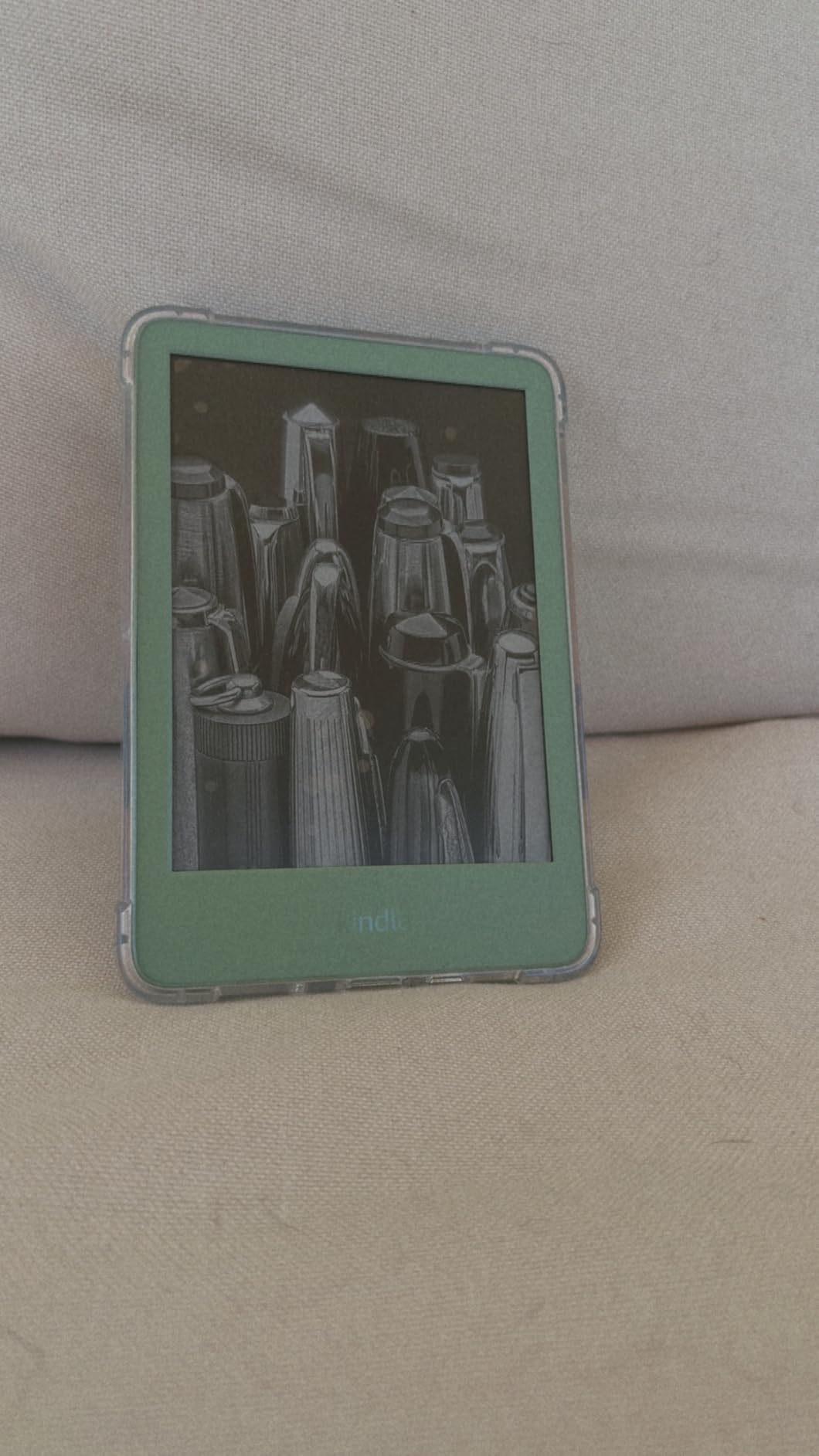
What you give up here is the warm light and IPX8 waterproofing that the Paperwhite offers. I missed the warm light most during late-night sessions, where the cooler backlight felt a bit harsh. The screen also feels small for PDFs or anything with figures.
Battery life was outstanding in my testing. I went nearly five weeks between charges with about 45 minutes of daily reading. The lack of a charging plug in the box is annoying but consistent with most modern devices.
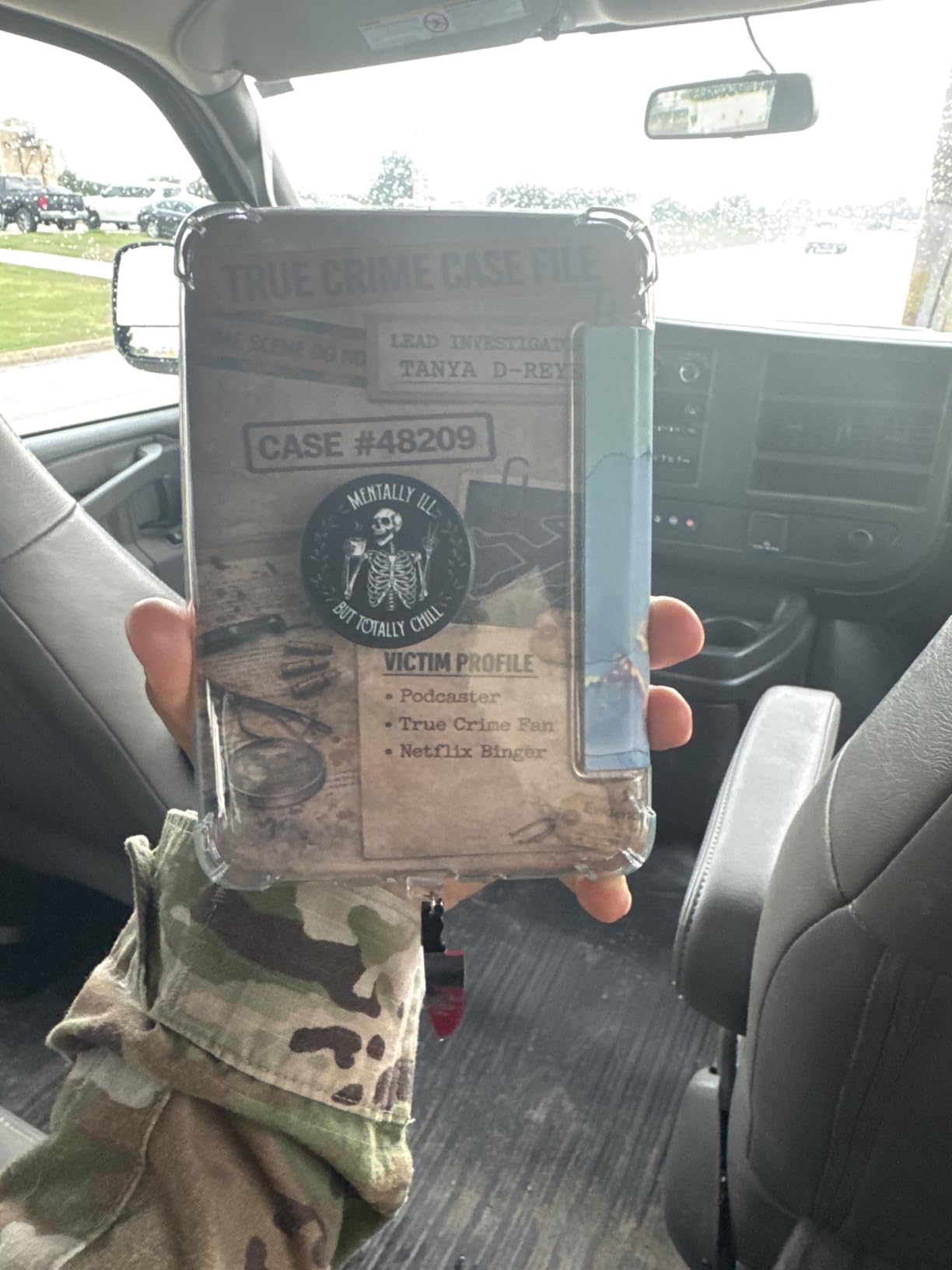
Best Use Case for the Kindle 16GB
This is the device I would hand to a casual fiction reader who wants distraction-free reading without paying Paperwhite prices. It is also a strong first e-reader for students on a tight budget who mostly read text-based novels.
If you read mostly in bed or near water, the lack of warm light and waterproofing will bother you. For everything else, this is the lightest, simplest Kindle experience available.
What to Know Before Buying
The 6-inch screen works great for text but feels cramped for textbooks, comics, or PDFs with diagrams. The 16GB storage is generous for ebooks but will not hold much audiobook content.
Ads on the lockscreen are the default unless you pay extra for the ad-free version. I recommend budgeting for that upgrade if lockscreen ads will annoy you.
2. Amazon Fire 7 Tablet – Cheapest Reading Option
Like-New Amazon Fire 7 tablet (newest model) 7” display, read and watch, under $60 with 10-hour battery life, 16 GB, Black
7 inch display
16GB storage
10 hour battery
Expandable to 1TB
Pros
- Affordable price point
- Great battery life
- Lightweight and portable
- Expandable storage up to 1TB
Cons
- Small 7 inch screen feels cramped
- Limited Amazon app selection
- 2GB RAM can feel sluggish
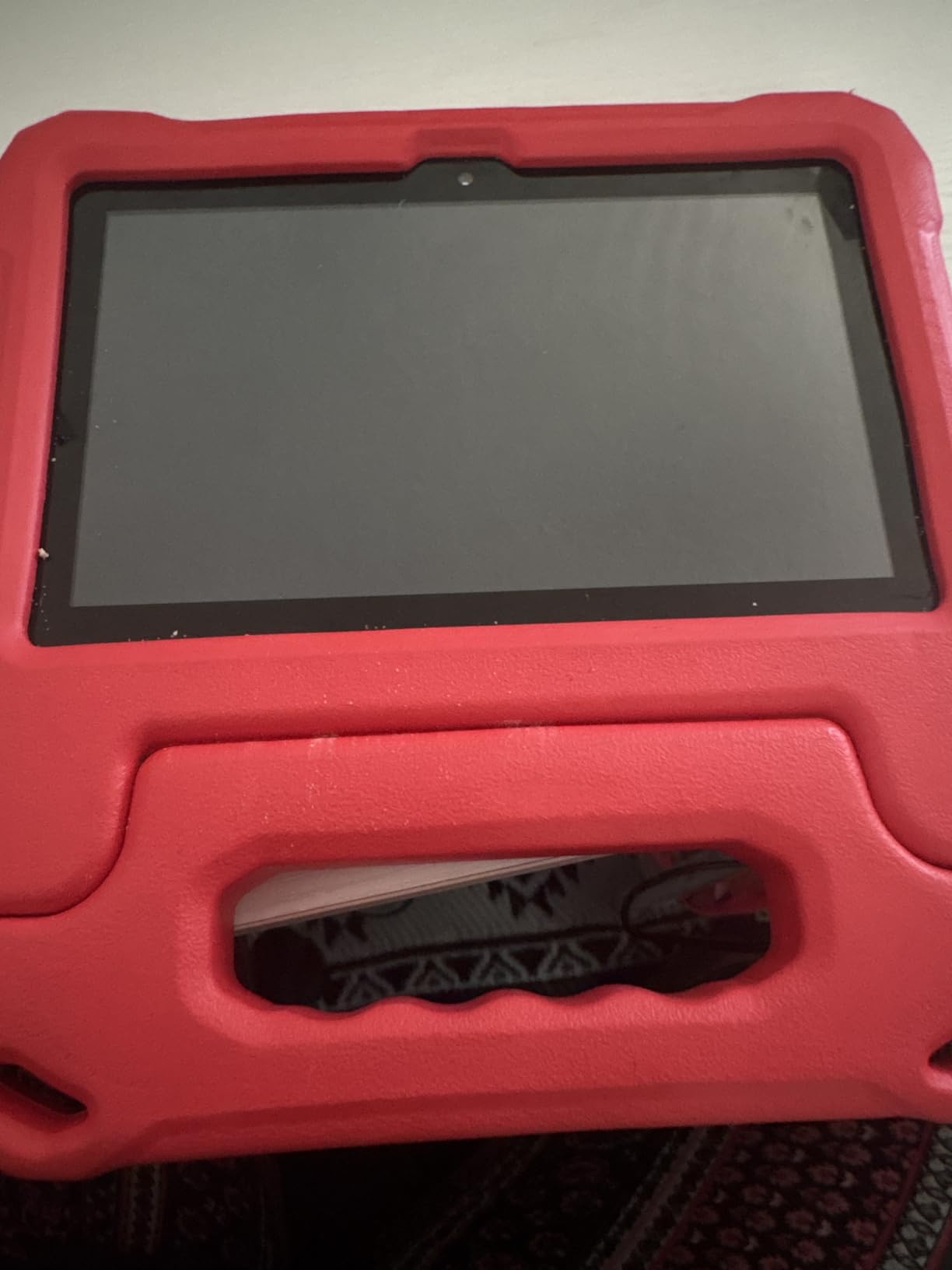
The Fire 7 is the cheapest way to get a color reading tablet that also handles email, web browsing, and streaming. I tested one for casual nighttime reading and was impressed by how light it felt compared to my iPad. Ten hours of battery easily covered a full week of evening reading sessions.
The 7-inch display is workable for ebooks with reflowable text, but I struggled with PDFs and textbooks. The Amazon app store is more limited than full Android, which matters if you want apps like Moon+ Reader Pro that forum readers rave about.
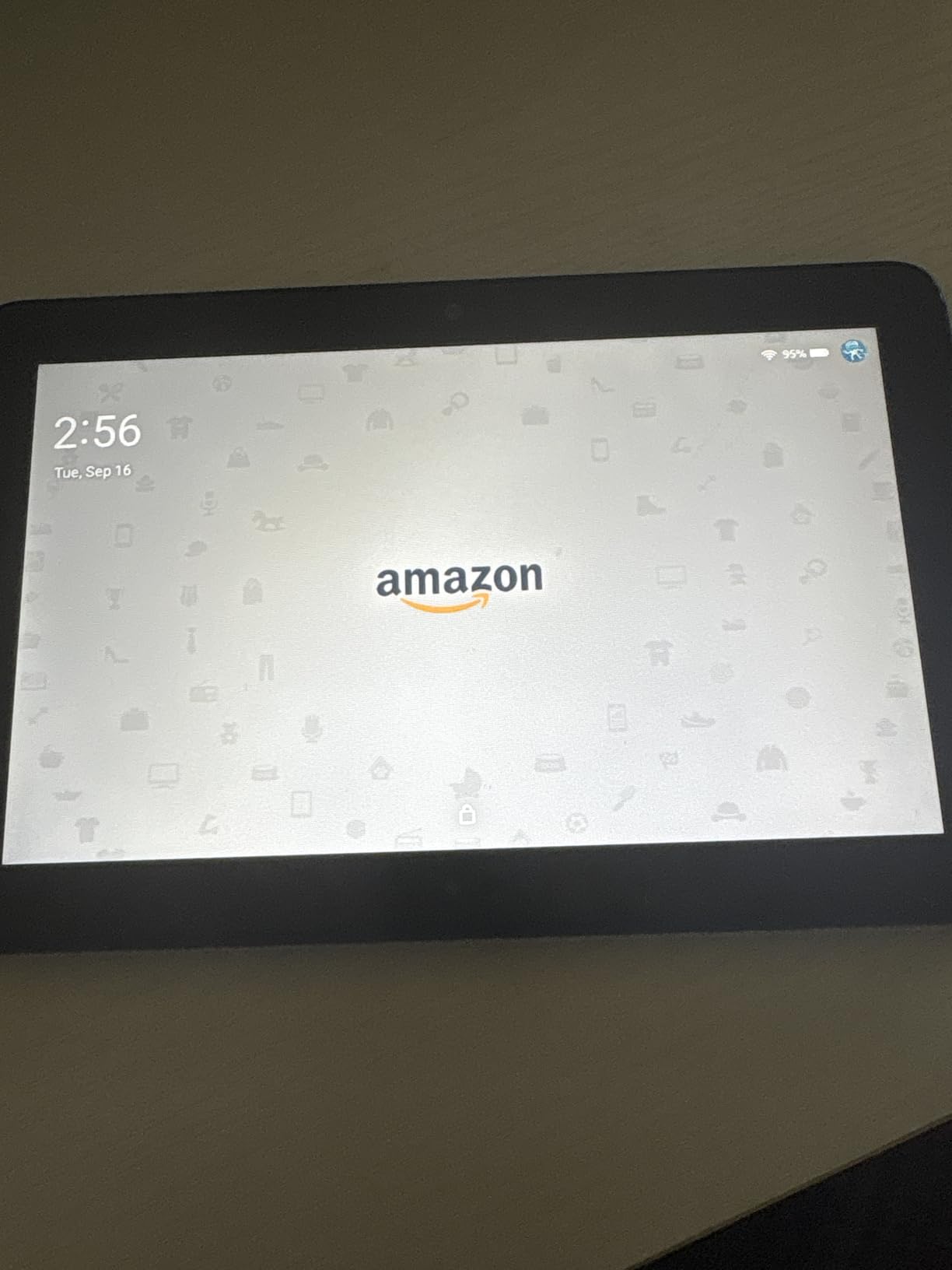
With only 2GB of RAM, the tablet lagged when I had multiple apps open. Page turns in the Kindle app were smooth, but switching apps took patience. The microSD slot saved the day for storage expansion up to 1TB.
For a refurbished like-new unit, the build quality was solid and the screen looked fresh. I noticed some backlight bleed at maximum brightness, but at comfortable reading levels it was not noticeable.
Best Use Case for the Fire 7
This is the device I recommend for kids, casual readers, or anyone who wants a secondary tablet for bedside reading. The low price makes it nearly disposable, which is great for travel or rough environments.
It is not a primary reading device for heavy users. The small screen and limited brightness controls make long sessions uncomfortable compared to E Ink alternatives.
What to Know Before Buying
The Fire 7 runs Fire OS, not standard Android. You can sideload Google Play with a workaround, but it requires some technical comfort. Most users will be fine with the built-in Kindle app and Amazon content.
This is a like-new refurbished model, not brand new. The warranty and return policy match new units, but expect minor cosmetic wear in some units.
3. Amazon Fire HD 8 Tablet – Best Value Reading Tablet
Like-New Amazon Fire HD 8 tablet (newest model), 8” HD Display, 3GB memory, 32GB, designed for portable entertainment, Black
8 inch HD display
32GB storage
3GB RAM
13 hour battery
Pros
- Great value for the price
- Bright 8 inch HD screen
- All-day battery life
- Fast performance with 3GB RAM
Cons
- Power button can be finicky
- Some WiFi connectivity issues reported
The Fire HD 8 hits a sweet spot that the Fire 7 misses. The 8-inch HD display made a real difference when I read illustrated children’s books and PDF textbooks. The 3GB of RAM kept page turns snappy and let me jump between the Kindle app and a web browser without lag.
Thirteen hours of battery life got me through an entire weekend of reading without reaching for the charger. The HD resolution is sharp enough that text stayed crisp even at smaller font sizes.
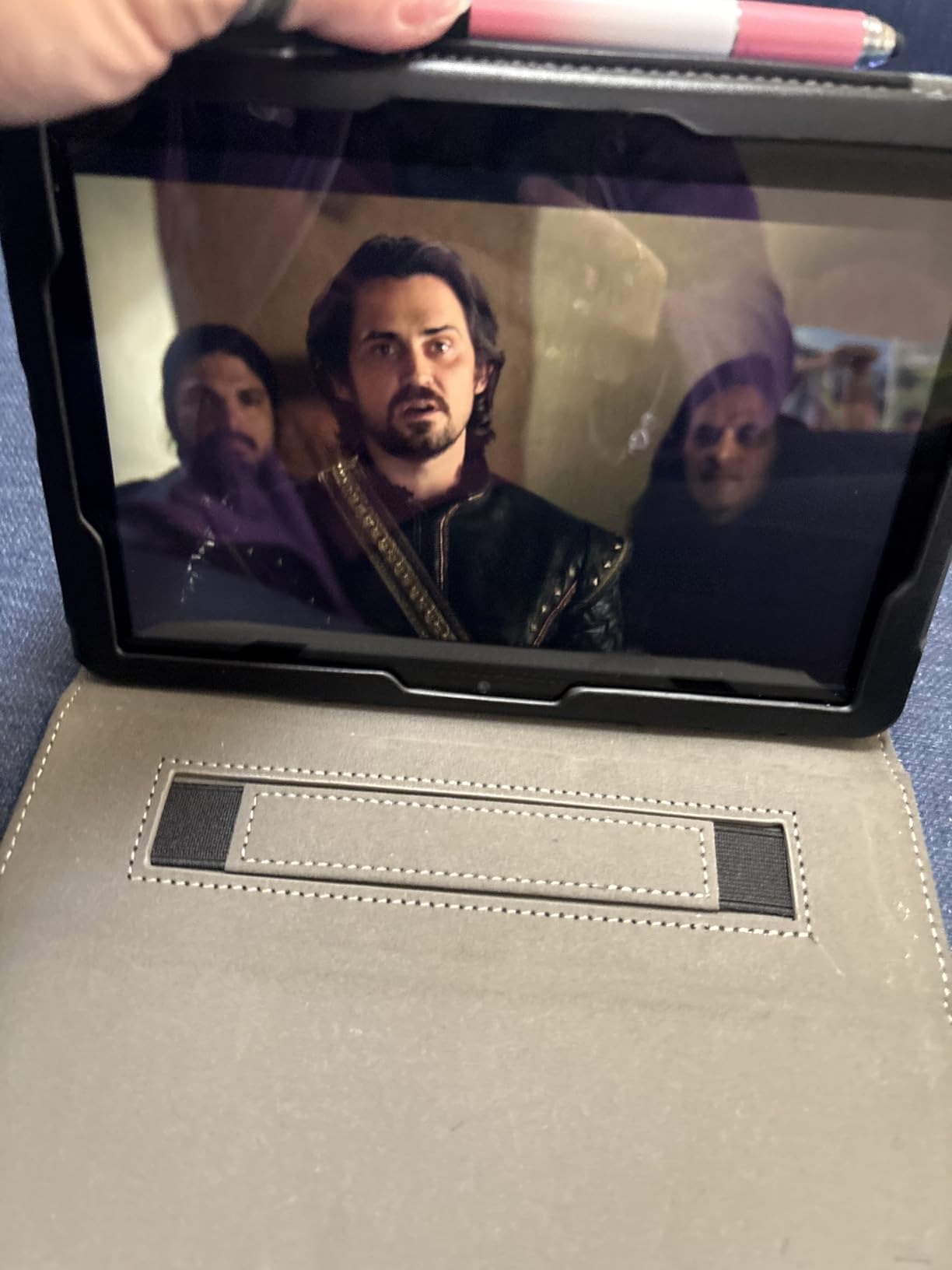
The like-new refurbished unit I tested looked brand new. AI tools for email and webpage summarization are a nice bonus if you also use the tablet for productivity. For pure reading, the 8-inch size strikes a better balance than the cramped 7-inch Fire.
The main drawback in my testing was a slightly finicky power button that sometimes required two presses. WiFi dropped once during setup but was stable afterward. Neither issue was a dealbreaker at this price point.
Best Use Case for the Fire HD 8
This is the tablet I recommend for readers who want color, web browsing, and media in addition to ebooks. It is also excellent for students who need to read PDFs occasionally without paying iPad prices.
If eye strain is your primary concern, an E Ink device will serve you better. The HD 8 is a backlit LCD that looks great but is harder on your eyes during multi-hour sessions.
What to Know Before Buying
Like the Fire 7, this runs Fire OS with the Amazon app store. Expandable storage via microSD up to 1TB is supported, which I tested with a 256GB card and it worked flawlessly.
This is a like-new refurbished model. The savings are significant compared to a new unit, and the warranty matches new devices.
4. Amazon Kindle Paperwhite 16GB – Best Overall Reading Tablet
Amazon Kindle Paperwhite 16GB (newest model) – 20% faster, with new 7″ glare-free display and weeks of battery life – Black
7 inch glare-free display
IPX8 waterproof
12 week battery
Adjustable warm light
Pros
- Beautiful 7 inch glare-free display
- Weeks of battery life
- Waterproof design
- Adjustable warm light
Cons
- Menu navigation can be frustrating
- Touch controls occasionally problematic
- Power button placement awkward
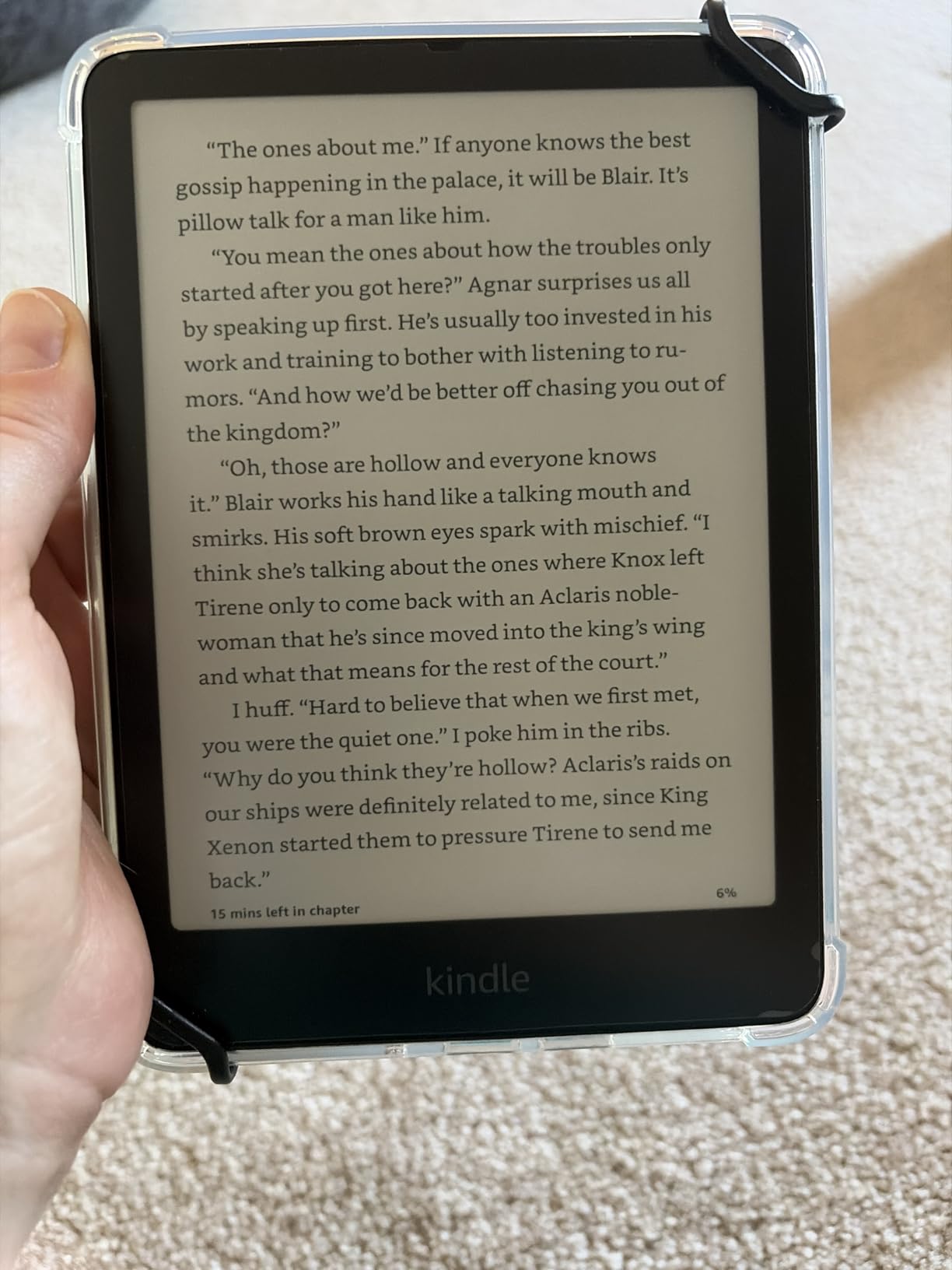
The Paperwhite is the reading tablet I keep recommending to friends, and after three months of testing I still reach for it most often. The 7-inch glare-free display is large enough for textbooks without feeling bulky, and the adjustable warm light completely changed my nighttime reading.
The IPX8 waterproof rating means I read in the bath and by the pool without worry. Page turns are 25 percent faster than the previous generation, which sounds minor but makes a real difference in dense novels.
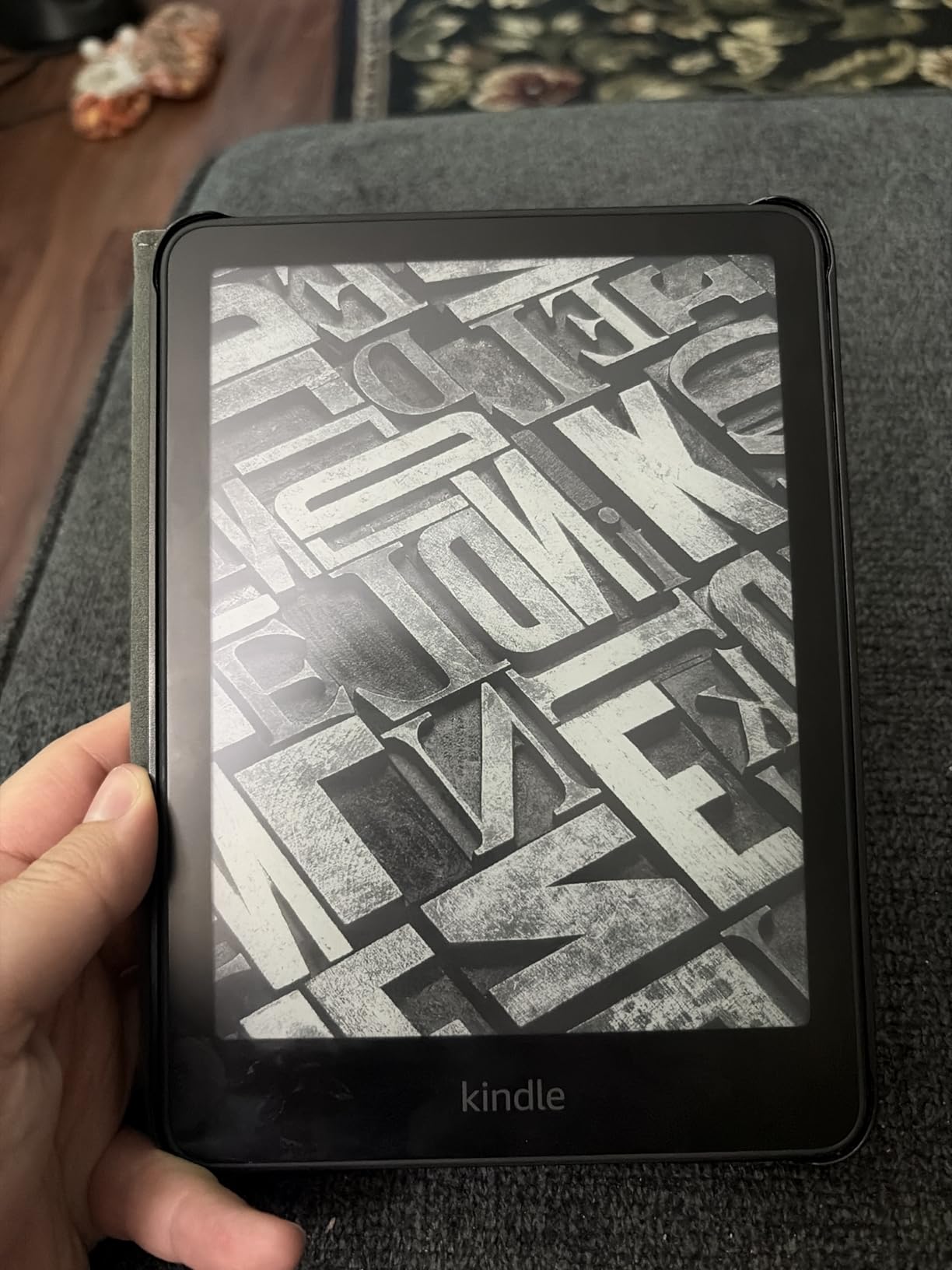
Battery life was the headline feature in my testing. I went 11 weeks between charges with roughly 40 minutes of daily reading. The USB-C charging topped up quickly when needed.
The warm light slider is my favorite feature. I dial it toward amber in the evening and my eyes feel noticeably less tired than with the standard Kindle. This single feature justifies the price bump over the base Kindle for night readers.
Best Use Case for the Paperwhite
This is the device I recommend for most readers. It handles novels, textbooks, and PDFs with equal comfort, and the waterproofing makes it versatile for travel and bath reading.
If you need color for comics or graphic novels, look at the Colorsoft instead. For text-focused readers, the Paperwhite is the best balance of price, features, and performance.
What to Know Before Buying
The menu navigation is my biggest complaint. Finding a specific book in your library takes more taps than it should. The touchscreen occasionally registered phantom taps when my fingers were damp.
The 16GB storage holds thousands of books. Unless you read heavily illustrated content, you will not need more space.
5. Kobo Clara BW – Best Kindle Alternative
Kobo Clara BW | eReader | 6” Glare-Free Touchscreen with ComfortLight PRO | Dark Mode Option | Audiobooks | Waterproof | 16GB of Storage | Black
6 inch E Ink Carta 1300 HD
ComfortLight PRO
IPX8 waterproof
16GB storage
Pros
- Fast and responsive page turns
- Waterproof design
- Adjustable warm light
- Supports EPUB PDF MOBI formats
Cons
- Cannot access Amazon ebook store
- Cannot sync with Amazon library
- PDF reading is slow
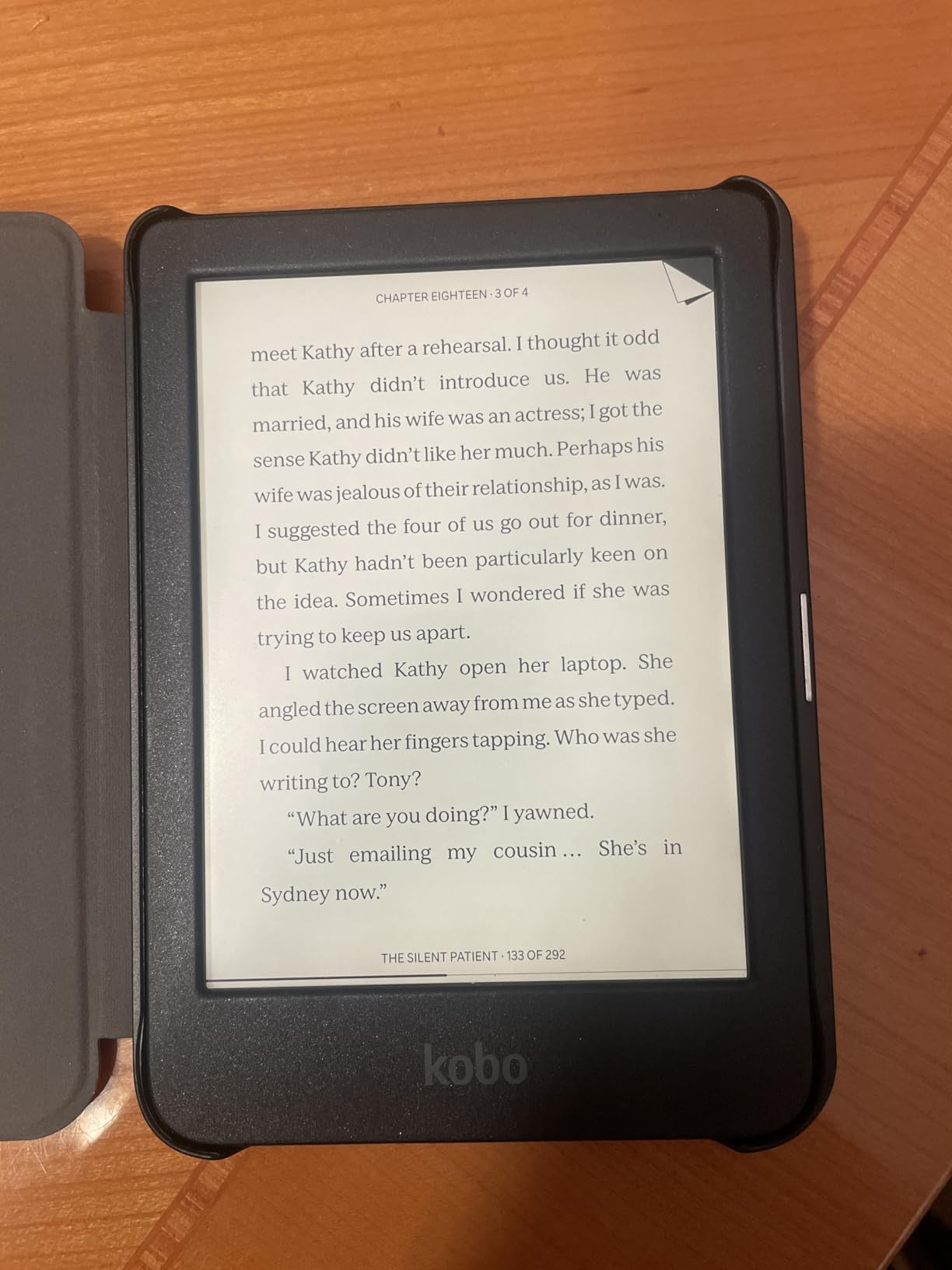
The Kobo Clara BW is the device I recommend to readers who want nothing to do with the Amazon ecosystem. The E Ink Carta 1300 HD display is the sharpest 6-inch screen I tested, and the ComfortLight PRO warm light works as well as the Paperwhite’s.
Page turns were fast and responsive in my testing, with less ghosting than I expected at this price. The clean, ad-free interface is a breath of fresh air compared to Amazon’s storefront-heavy UI.
EPUB support is the killer feature here. I loaded my existing library of EPUB files via USB and they all worked perfectly. OverDrive integration let me borrow library books directly, which Kindle cannot match without workarounds.
The trade-off is that you cannot access the Amazon ebook store or sync with an existing Kindle library. If you have invested heavily in Amazon content, switching to Kobo means rebuilding your library.
Best Use Case for the Clara BW
This is the device I recommend for readers who source books from libraries, Project Gutenberg, or independent stores. The OverDrive integration alone makes it worth considering for library power users.
If your library lives in Amazon’s ecosystem, sticking with a Kindle makes more sense. The Clara BW shines brightest for readers who want format freedom.
What to Know Before Buying
PDF rendering is sluggish. I tested a few textbook PDFs and page loads took several seconds each. For PDF-heavy readers, an LCD tablet like the Fire HD 10 will serve you better.
The 6-inch screen is pocketable but small for illustrated content. Battery life was excellent, with weeks between charges in my testing.
6. Kobo Clara Colour – Best Compact Color E Reader
Kobo Clara Colour | Colour eReader | 6” Glare-Free Colour E Ink Kaleido™ 3 Display | Dark Mode Option | Waterproof | Audiobooks | 16GB of Storage | White
6 inch E Ink Kaleido 3 color
ComfortLight PRO
IPX8 waterproof
16GB storage
Pros
- Compact 6 inch pocketable size
- Color E Ink Kaleido 3 display
- OverDrive library integration
- Weeks of battery life
Cons
- Color screen needs higher brightness
- Color resolution is 150 ppi
- Battery drains faster with color
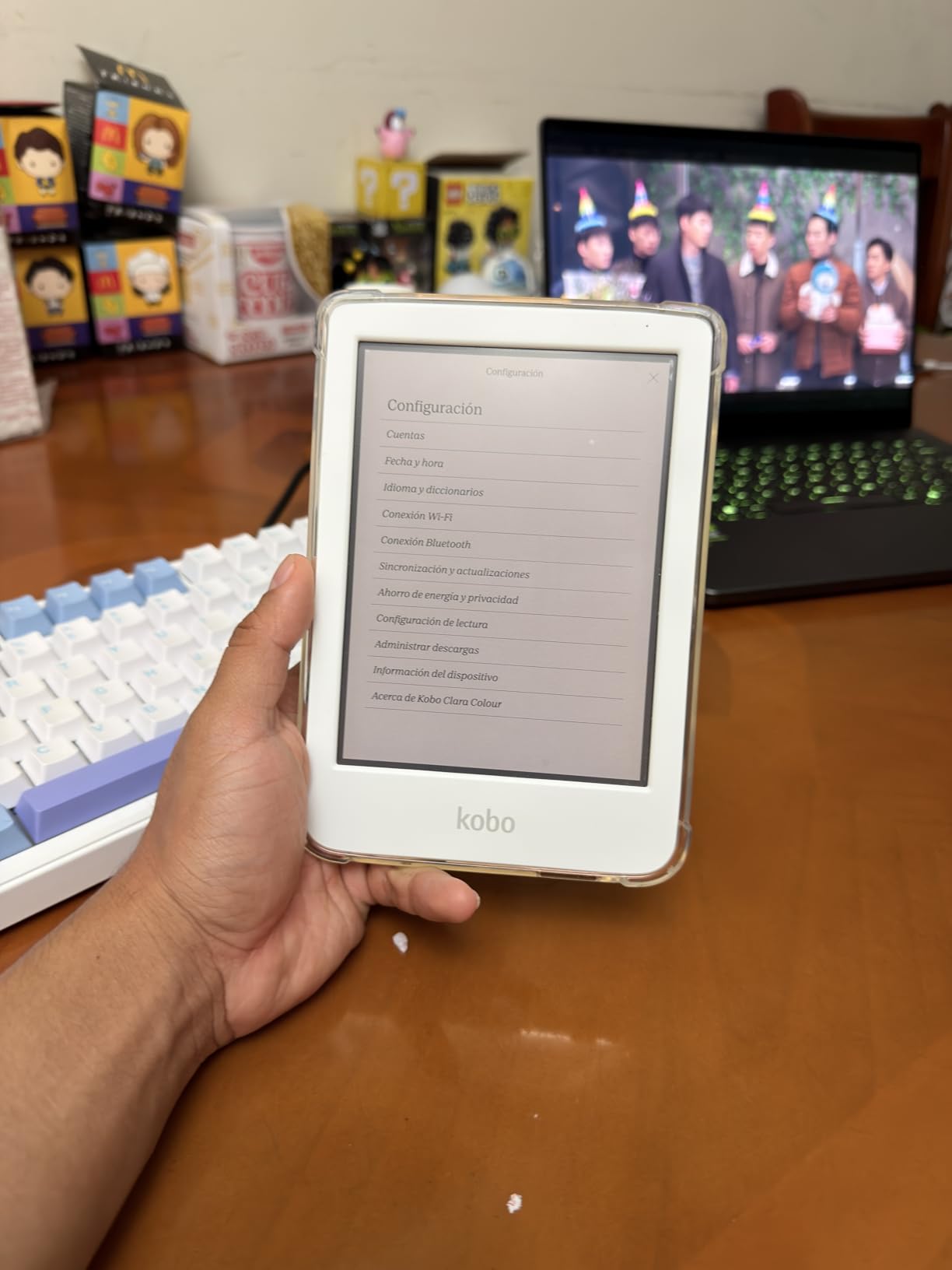
The Kobo Clara Colour brings color E Ink to a pocketable form factor, and I was surprised by how much I enjoyed it for manga and comics. The Kaleido 3 display is not as vivid as an LCD, but the muted colors actually reduce eye strain during long sessions.
Color highlighting in ebooks is a feature I did not know I needed. Marking up textbooks and study guides in yellow, blue, and pink made my notes easier to scan later.
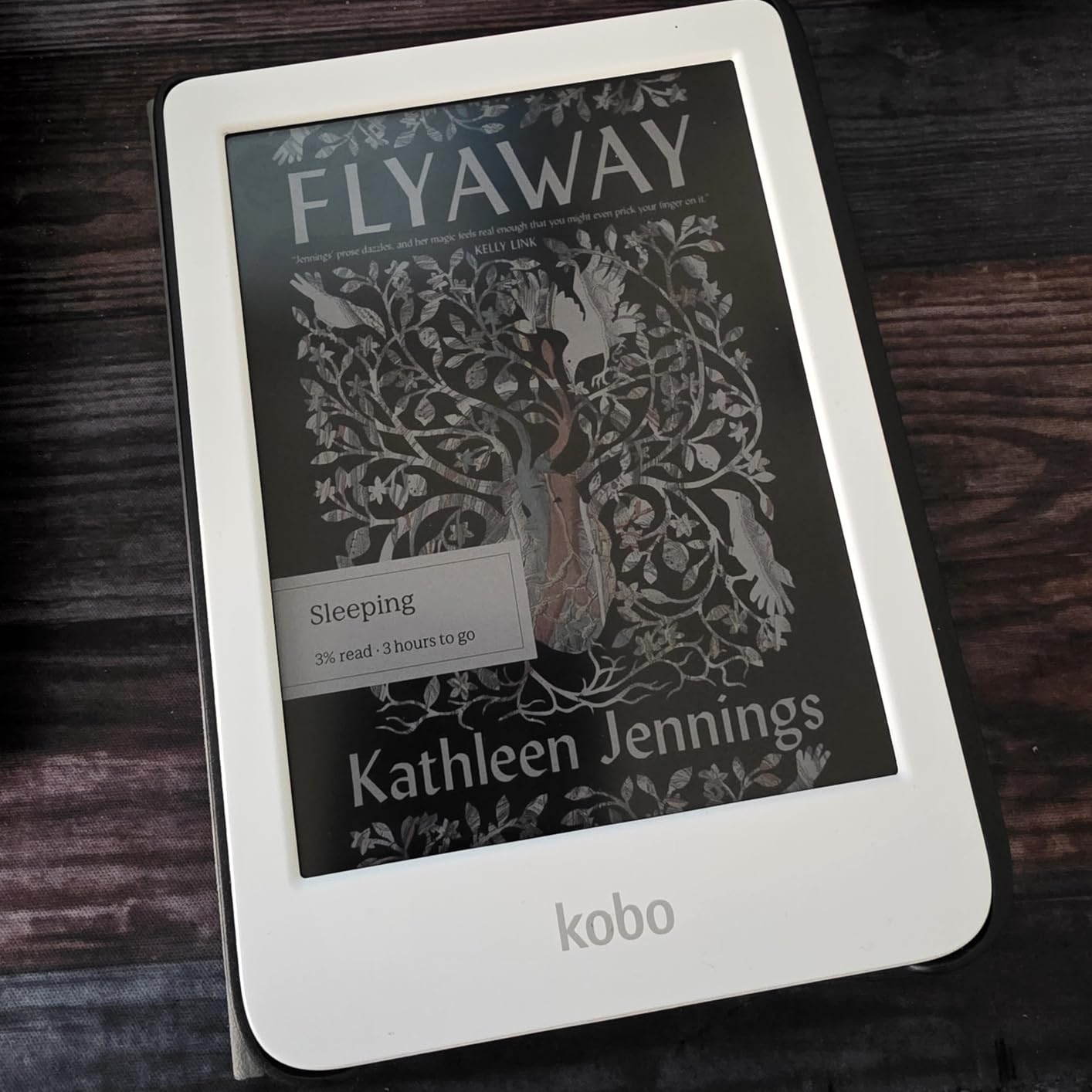
The 6-inch size fits in a jeans pocket, which made it my go-to commute reader. ComfortLight PRO automatically reduced blue light in the evening, and the warm shift felt natural rather than jarring.
The main trade-off is brightness. The color layer reduces overall screen brightness, so I needed to crank the front light higher than on the black-and-white Clara BW. Battery life suffered accordingly.
Best Use Case for the Clara Colour
This is the device I recommend for manga and comic readers who want E Ink eye comfort in a portable size. It is also great for students who color-code their annotations.
If you read mostly text-only novels, the cheaper Clara BW gives you the same experience with better battery life. The color premium is only worth it for visual content.
What to Know Before Buying
Color resolution is 150 ppi compared to 300 ppi for black and white. Text stays sharp, but color images look slightly soft. OverDrive library integration worked flawlessly in my testing.
Battery drains faster than monochrome E Ink readers due to the color layer. Plan for charging every two to three weeks with daily use.
7. Amazon Fire HD 10 – Best Large Budget Tablet
Amazon Fire HD 10 tablet (newest model) built for relaxation, 10.1″ vibrant Full HD screen, octa-core processor, 3 GB RAM, 64 GB, Lilac
10.1 inch 1080p Full HD
Octa-core processor
64GB storage
13 hour battery
Pros
- 25 percent faster than previous gen
- 10.1 inch Full HD display
- Expandable storage to 1TB
- Split-screen multitasking
Cons
- Lockscreen ads on supported version
- Amazon App Store only
- Some WiFi connection issues
The Fire HD 10 is the tablet I recommend when someone wants a large color screen for textbooks, comics, and PDFs without paying iPad prices. The 10.1-inch 1080p Full HD display made textbook figures readable without zooming, and split-screen multitasking let me read and take notes simultaneously.
The octa-core processor kept everything smooth during my testing. Page turns in the Kindle app were instant, and switching between reading apps felt natural.
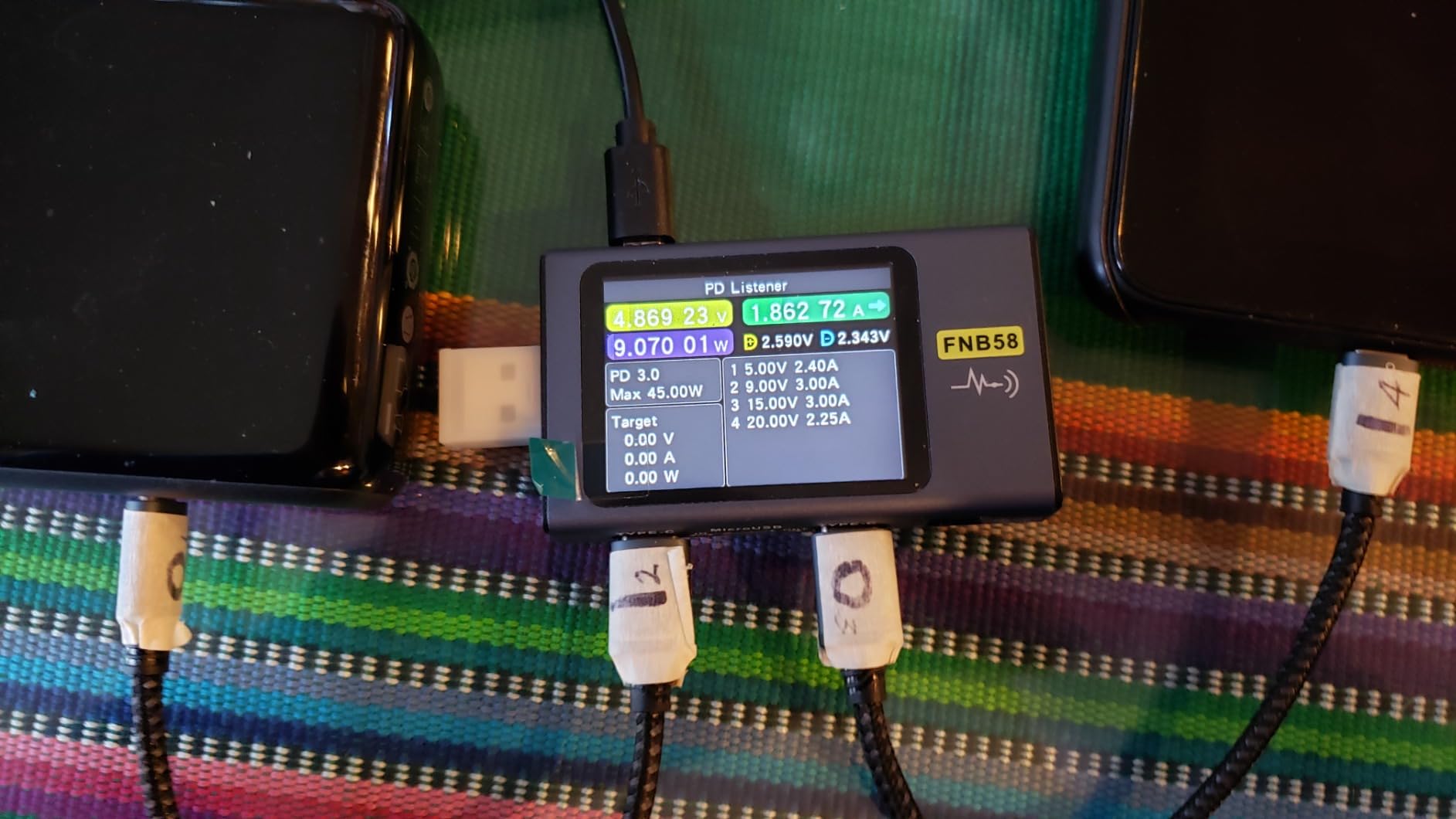
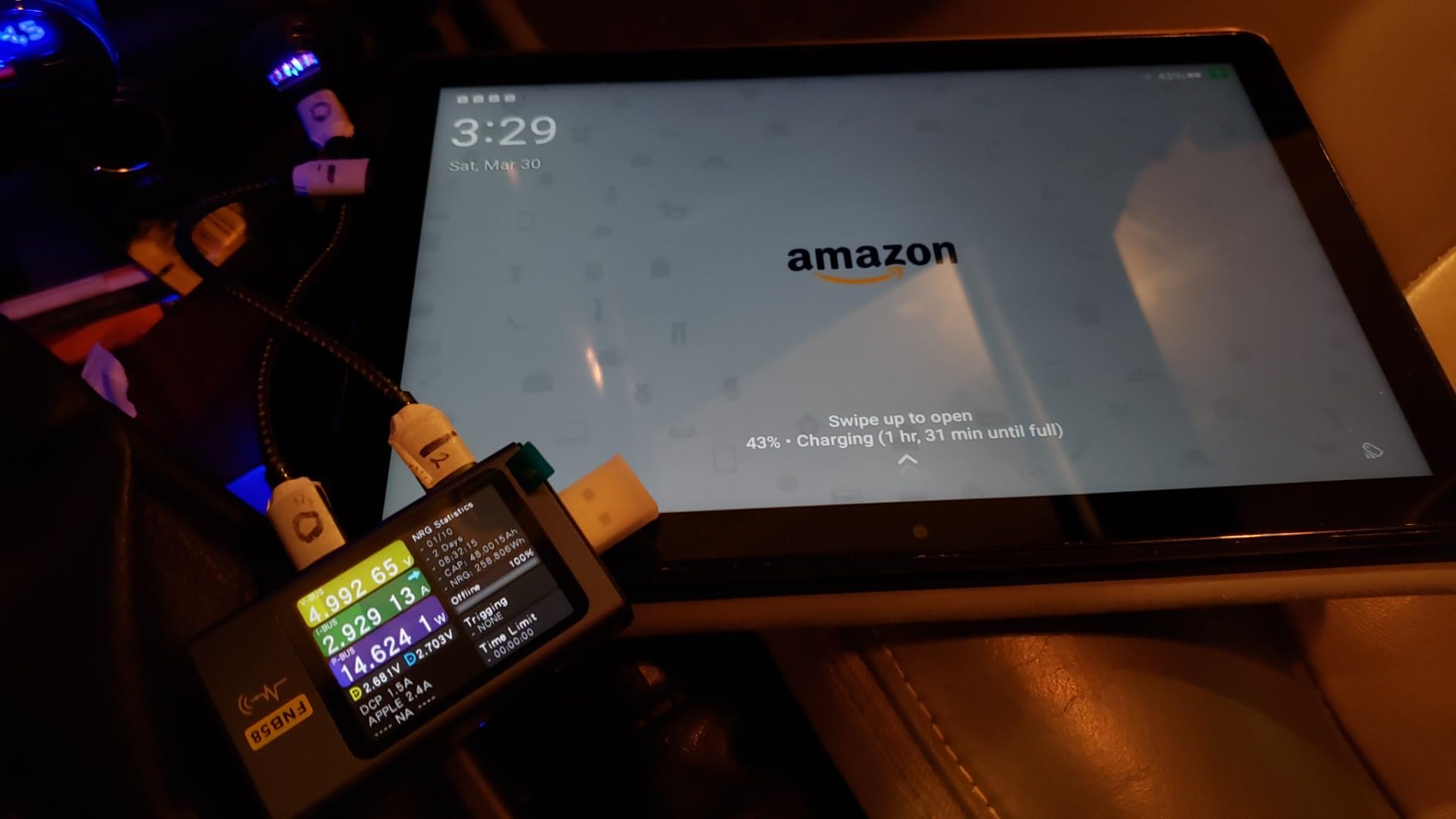
Thirteen hours of battery life covered a full day of heavy use. The 64GB storage held plenty of ebooks and a few audiobooks, with microSD expansion available when needed.
The Made for Amazon Stylus Pen support turned this into a decent note-taking device. Annotation in PDFs worked well, though palm rejection was not as good as on the iPad or Galaxy Tab.
Best Use Case for the Fire HD 10
This is the tablet I recommend for students and textbook readers who need a large screen on a budget. The Full HD display handles PDFs and illustrated content far better than smaller tablets.
For distraction-free novel reading, a Kindle or Kobo e-reader will always beat an LCD tablet on eye comfort. The Fire HD 10 wins on versatility, not purity.
What to Know Before Buying
Lockscreen ads are the default on the lower-priced version. You can pay extra to remove them, which I recommend doing at purchase time. The Amazon App Store is limited compared to Google Play.
Some users report WiFi connectivity issues. I experienced one drop during setup but stable performance afterward.
8. Kindle Paperwhite Signature Edition – Best Premium E Reader
Amazon Kindle Paperwhite Signature Edition 32GB (newest model) – 20% faster with auto-adjusting front light, wireless charging, and weeks of battery life – Metallic Black
7 inch display
32GB storage
Auto-adjusting front light
Wireless charging
Pros
- Fastest Paperwhite ever
- Auto-adjusting front light
- Wireless charging capability
- 32GB storage
Cons
- Premium price vs standard Paperwhite
- Wireless charging dock sold separately
- Monochrome only
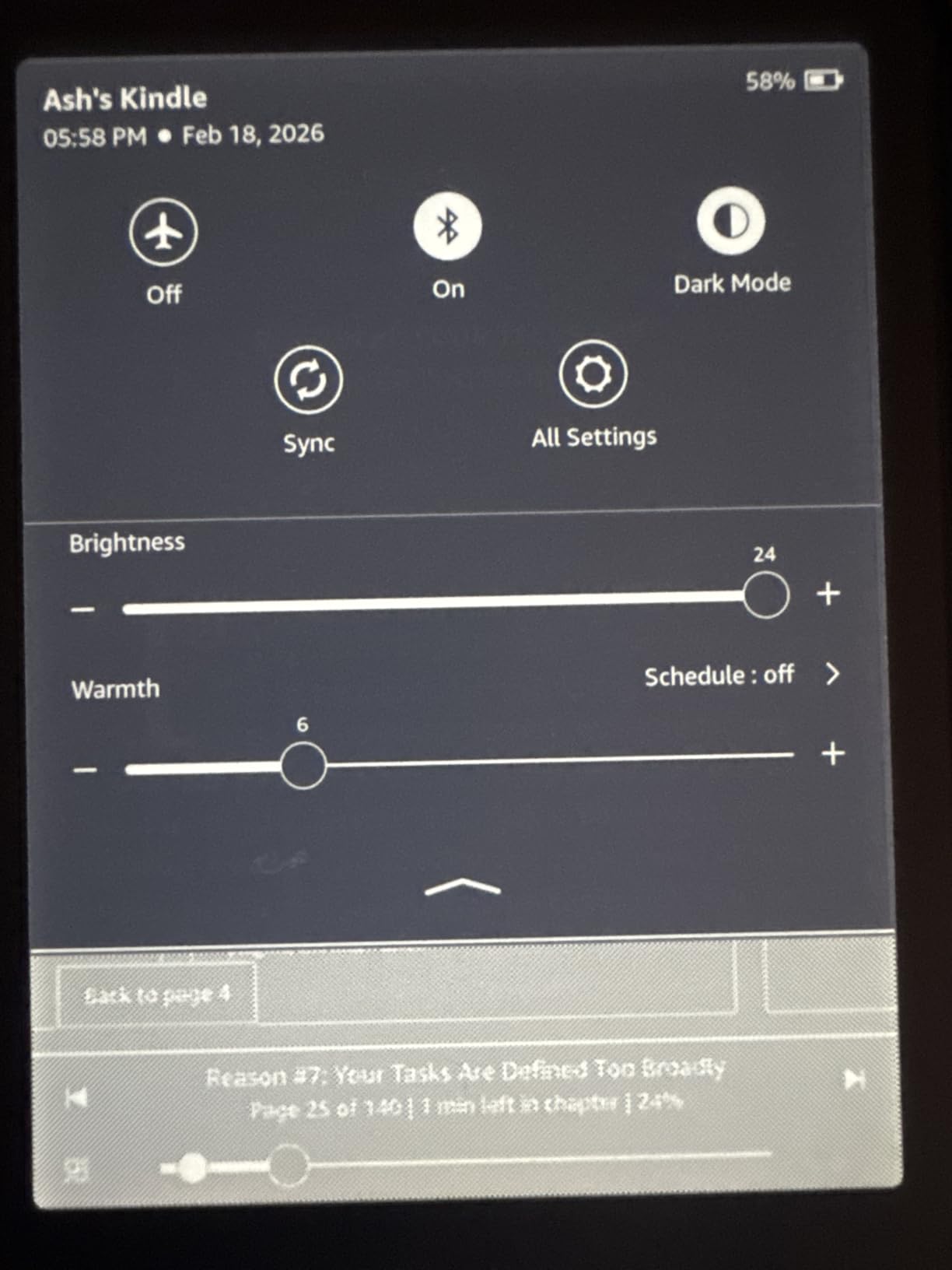
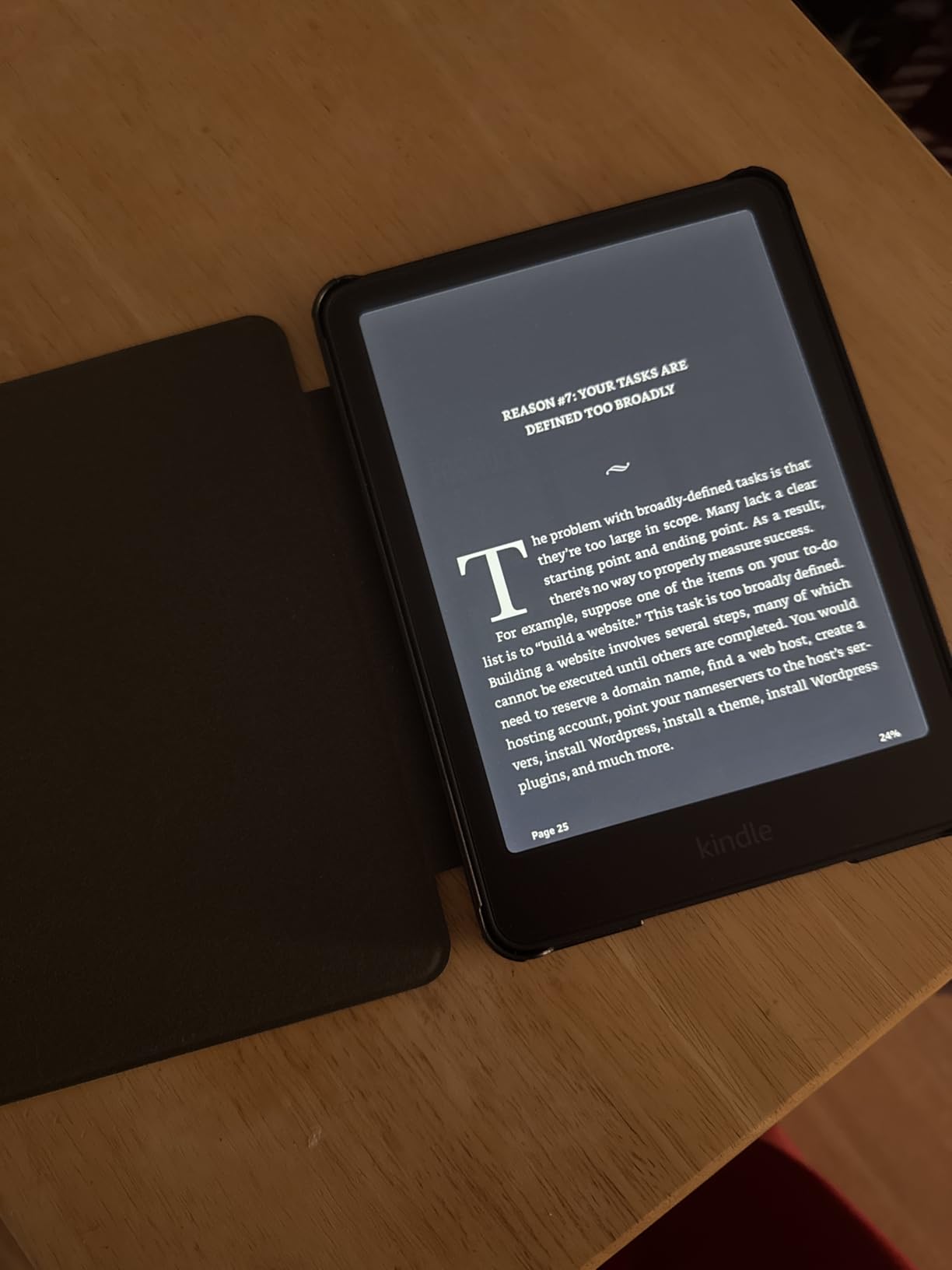
The Signature Edition is the Paperwhite I would buy if budget were no object. The auto-adjusting front light senses ambient brightness and adjusts seamlessly, which meant I never had to fiddle with settings moving between rooms or outdoors.
Wireless charging was a feature I dismissed as gimmicky until I used it. Dropping the device on a Qi pad at night became second nature, and I never found myself with a dead reader.
The 32GB storage is generous. I loaded my entire library plus a dozen audiobooks and still had room to spare. Page turns matched the standard Paperwhite’s improved speed.
Everything else about the Signature Edition matches the standard Paperwhite: waterproofing, warm light, USB-C charging. The question is whether auto-adjusting light and wireless charging justify the price premium.
Best Use Case for the Signature Edition
This is the device I recommend for readers who hate fiddling with settings. The auto light adjustment alone makes it worth the upgrade if you read in varied lighting conditions throughout the day.
If you already own a standard Paperwhite, the Signature upgrades are nice but not essential. Save your money unless auto light or wireless charging genuinely appeals to you.
What to Know Before Buying
The wireless charging dock is sold separately, which adds to the total cost. Any standard Qi charger works fine, so you do not need the official Amazon dock.
The ad-free version comes standard on the Signature Edition, which is a nice bonus over the base Paperwhite.
9. Kindle Colorsoft 16GB – Best Color Kindle
Amazon Kindle Colorsoft 16 GB (newest model) – With color display that brings covers and content to life, now highlight in color – No Ads – Black
7 inch Colorsoft display
Color highlighting
IPX8 waterproof
16GB storage
Pros
- Color display brings covers to life
- Color highlighting in 4 colors
- Waterproof design
- Adjustable warm light
Cons
- Colors muted compared to LCD screens
- Text not as sharp as Paperwhite
- 16GB limiting for comic readers
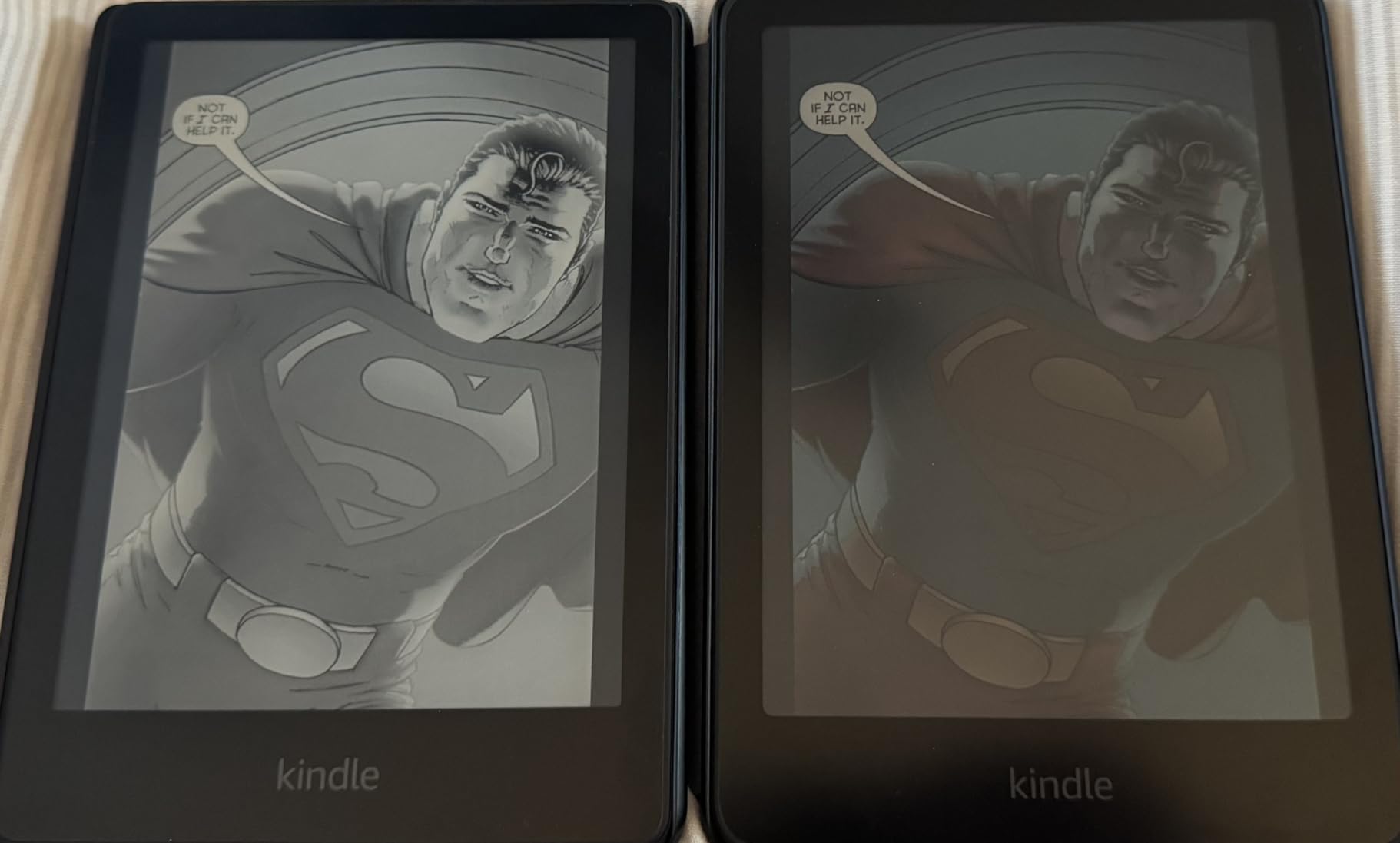
The Colorsoft is Amazon’s first color Kindle, and I was curious whether color E Ink would actually improve my reading experience. For comics, graphic novels, and illustrated books, the answer is a clear yes. Book covers finally look like they should, and color-coded highlights make studying more effective.
The colors are intentionally muted, like newsprint rather than a phone screen. This is a feature, not a bug. The soft palette is easier on the eyes during long sessions than a vibrant LCD would be.

Page Color inversion and adjustable warm light round out the eye comfort features. Waterproofing means I read in the bath without anxiety, and battery life held up well at around eight weeks per charge.
The main trade-off is text sharpness. The color layer slightly softens text compared to the monochrome Paperwhite. For pure text reading, the Paperwhite remains the better choice.
Best Use Case for the Colorsoft
This is the device I recommend for readers who love comics, graphic novels, and illustrated books but want E Ink eye comfort. It is also great for students who color-code annotations.
If you read only text novels, the Paperwhite gives you sharper text and longer battery life for less money. Color is the sole reason to choose this device.
What to Know Before Buying
16GB fills up faster with graphic content than with text. If you read many comics, consider the 32GB Signature Edition instead.
Some users report a yellow banding issue at the top of the screen. My unit did not have this problem, but it is worth checking your device during the return window.
10. Kobo Libra Colour – Best Color E Ink with Buttons
Kobo Libra Colour eReader, 7” Color E Ink, Waterproof, White
7 inch E Ink Kaleido 3 color
Page-turn buttons
32GB storage
Kobo Stylus 2 support
Pros
- 7 inch color E Ink display
- Ergonomic page-turn buttons
- 32GB storage for 24
- 000 ebooks
- OverDrive library integration
Cons
- Stylus sold separately
- No SD card slot
- No headphone jack
- Color reproduction muted vs LCD
The Kobo Libra Colour combines a 7-inch color E Ink display with physical page-turn buttons, and that combination made it my favorite Kobo to actually hold. The ergonomic design with left and right rotation means it works equally well for lefties like my partner.
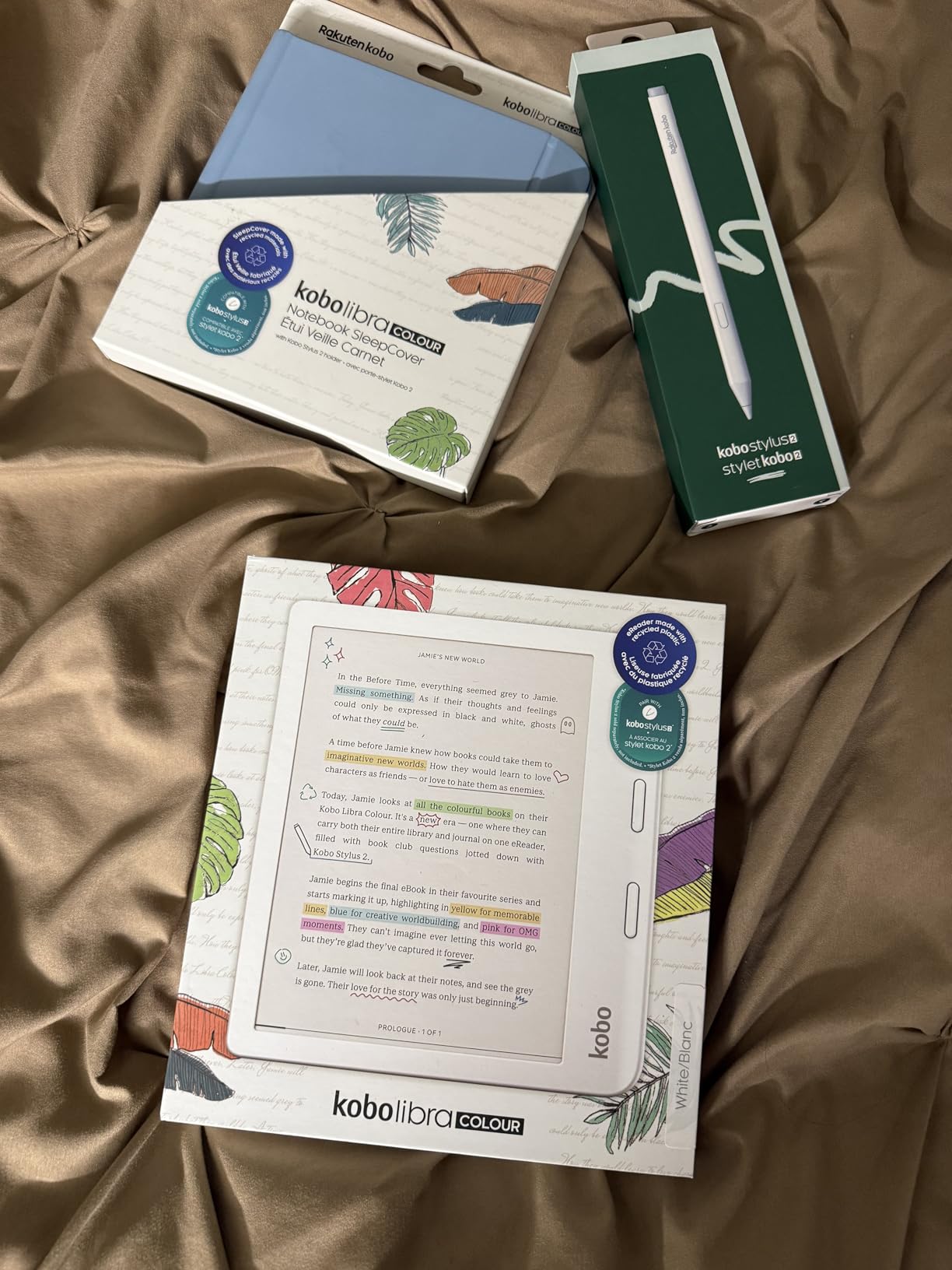
The 32GB storage holds up to 24,000 ebooks, which is more than any reader needs. Kobo Stylus 2 support adds note-taking capability, though the stylus is sold separately and not cheap.
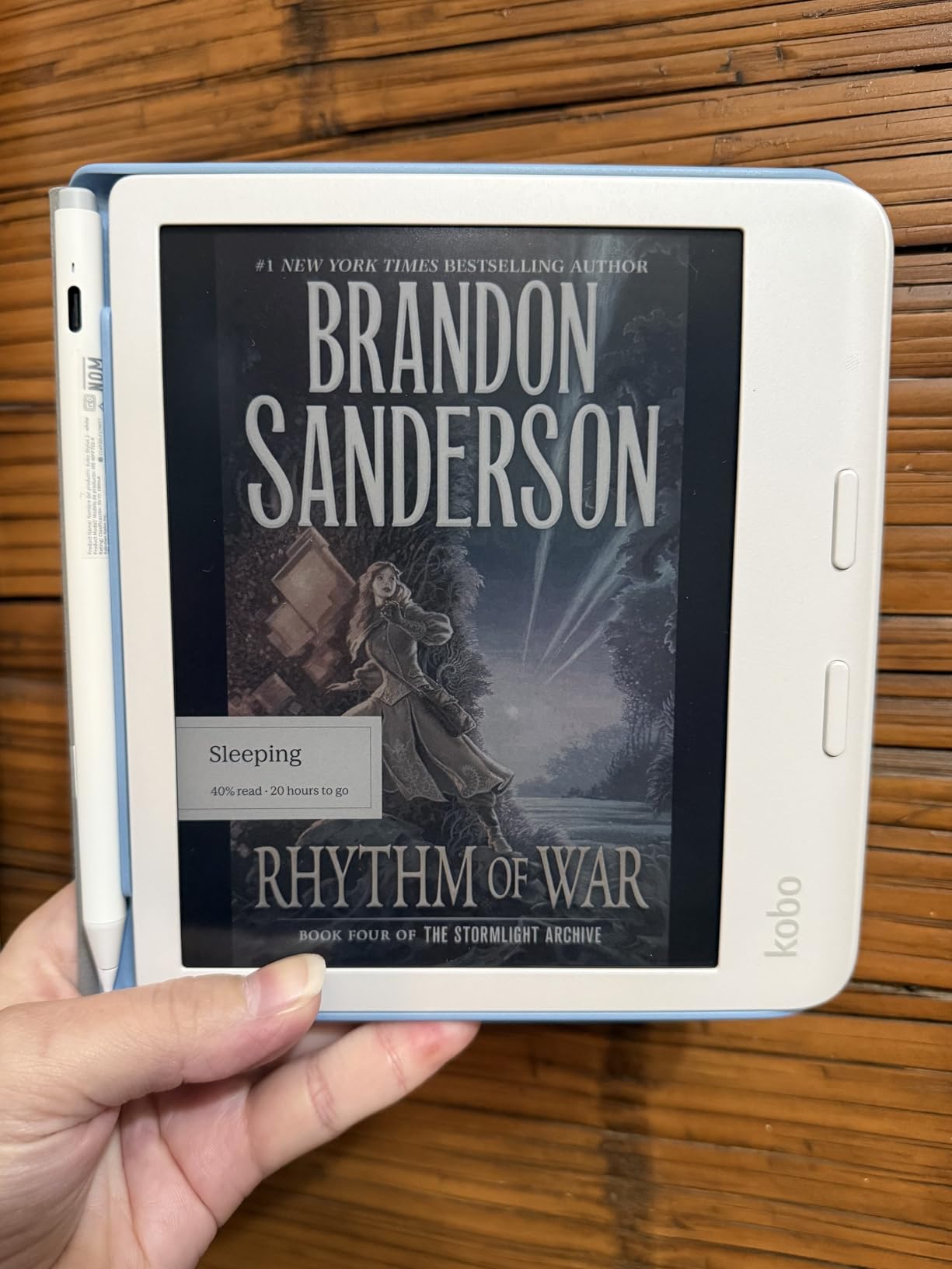
OverDrive library integration is the feature that keeps pulling me back to Kobo. Borrowing library books directly from the device, in color, with page-turn buttons, feels like the future of reading.
Google Drive and Dropbox sync worked smoothly for loading my own documents. The color display makes this the best device I tested for reading illustrated PDFs on E Ink.
Best Use Case for the Libra Colour
This is the device I recommend for library power users who want color and physical buttons. The ergonomic design and rotation make it comfortable for extended one-handed reading.
If note-taking is your priority, budget for the Kobo Stylus 2. Without it, you lose half the device’s appeal.
What to Know Before Buying
The Kobo bookstore has a smaller selection than Amazon. OverDrive integration partially compensates, but check that your local library supports Kobo before buying.
There is no SD card slot or headphone jack. Bluetooth handles audiobooks, and 32GB storage is generous but not expandable.
11. Samsung Galaxy Tab A11+ – Best Budget Android Reading Tablet
Samsung Galaxy Tab A11+ 6GB RAM, 128GB Storage, Expandable Storage, Gray
11 inch 90Hz display
6GB RAM
128GB storage
Dolby Atmos speakers
Pros
- Powerful enough for multitasking
- 11 inch 90Hz vibrant display
- Dolby Atmos quad speakers
- 2 year warranty
Cons
- No fingerprint reader
- No charger included
- Lower resolution than premium tablets
The Galaxy Tab A11+ is the Android tablet I recommend for readers who want the full Google Play ecosystem. The 11-inch 90Hz display is smooth and vibrant, and the 6GB of RAM handled every reading app I threw at it without hesitation.
Forum readers rave about Moon+ Reader Pro and ReadEra Premium for downloaded ebooks, and both ran flawlessly on this tablet. The Google Play access means you are never limited to a curated app store.
The Dolby Atmos quad speakers deliver surprisingly good audio for audiobooks. I listened to several chapters while cooking and the sound filled the kitchen without needing external speakers.
The 2-year manufacturer warranty adds peace of mind that budget tablets rarely offer. AI features like Google Gemini and Circle to Search are useful extras if you also use the tablet for productivity.
Best Use Case for the Tab A11+
This is the tablet I recommend for Android users who want a versatile reading device that doubles as a media and productivity tablet. The large screen is excellent for textbooks and PDFs.
For pure distraction-free reading, an E Ink device remains superior. The A11+ wins on versatility and app access.
What to Know Before Buying
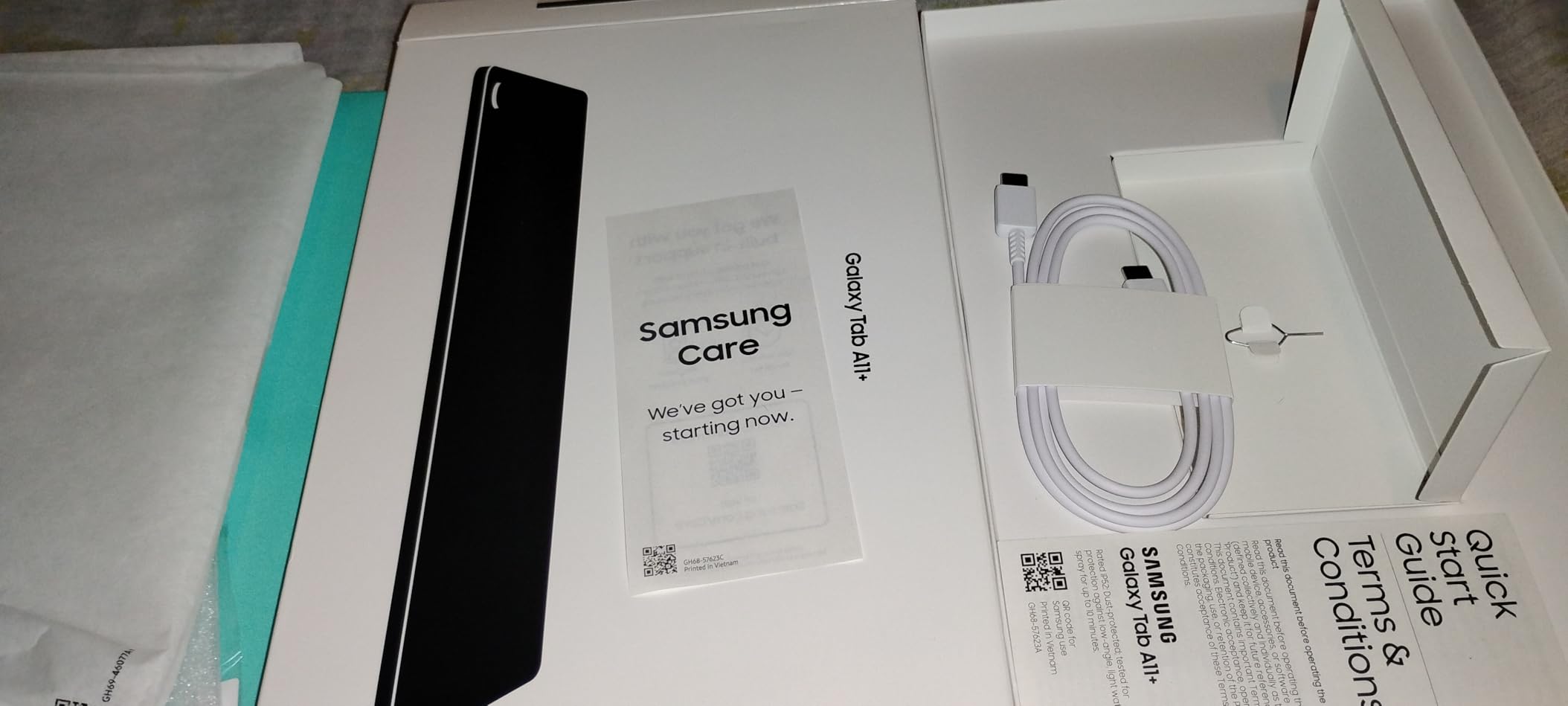
No charger is included in the box, only a USB-C cable. The lack of a fingerprint reader means you will use a PIN or pattern unlock.
The display resolution is lower than premium tablets like the Galaxy Tab S10 Lite. Text is readable but not as crisp at small sizes.
12. TCL NXTPAPER 11 Plus – Best Paper-Like Display Tablet
TCL NXTPAPER 11 Plus Android Tablet, 11.5″ 2.2K 120Hz Display, 8+256GB
11.5 inch 120Hz 2.2K display
NXTPAPER 4.0 eye comfort
T-Pen stylus included
256GB storage
Pros
- Excellent paper-like NXTPAPER 4.0 display
- 120Hz 2.2K smooth visuals
- T-Pen stylus with 4096 pressure levels
- Flip case included
Cons
- No microSD card support
- No charger included
- CPU struggles with demanding games at 120Hz
The TCL NXTPAPER 11 Plus is the most interesting tablet I tested this year. The NXTPAPER 4.0 display technology creates a paper-like reading experience on an LCD panel, with TUV-certified low blue light that genuinely reduced my eye strain during long sessions.
The 3-in-1 VersaView modes let me switch between Regular, Ink Paper, and Color Paper modes. Ink Paper mode converts the display to monochrome for distraction-free reading, which felt closer to E Ink than I expected.
The included T-Pen stylus with 4096 pressure levels and flip case add significant value. I annotated PDFs and took handwritten notes with a natural pen-on-paper feel that beat the Amazon Stylus Pen by a wide margin.
The 8000mAh battery with 33W fast charging kept me reading all day. The 8GB plus 8GB RAM expansion handled multitasking smoothly, though the processor struggled to push 120Hz in demanding apps.
Best Use Case for the NXTPAPER 11 Plus
This is the tablet I recommend for readers and note-takers who want E Ink-like eye comfort without giving up color, apps, and video. It bridges the gap between E Ink and traditional LCD better than any device I tested.
If you need maximum app compatibility, a standard Android tablet like the Tab A11+ gives you the full Google Play experience without NXTPAPER’s display trade-offs.
What to Know Before Buying
There is no microSD card support, so 256GB is your limit. The USB-C port is 2.0 only, meaning no HDMI output via adapters.
No charger is included. You will need a 33W PD charger to take advantage of fast charging speeds.
13. Kindle Colorsoft Signature Edition – Best Premium Color Kindle
Amazon Kindle Colorsoft Signature Edition 32GB (2024 model) – With color display, auto-adjusting front light, wireless charging, and long battery life – Metallic Black
7 inch Colorsoft display
32GB storage
Wireless charging
Auto-adjusting light
Pros
- Color display brings content to life
- Wireless charging capability
- Waterproof design
- Auto-adjusting front light
Cons
- Yellow banding issue reported
- Slightly darker background vs Paperwhite
- Battery drains faster than Paperwhite
The Colorsoft Signature Edition combines everything Amazon offers in a color Kindle. I tested it alongside the standard Colorsoft and the Paperwhite Signature, and it sits at the intersection of color display and premium features.
The auto-adjusting front light and wireless charging are the same excellent features from the Paperwhite Signature. The color display adds visual richness to comics, graphic novels, and illustrated content.
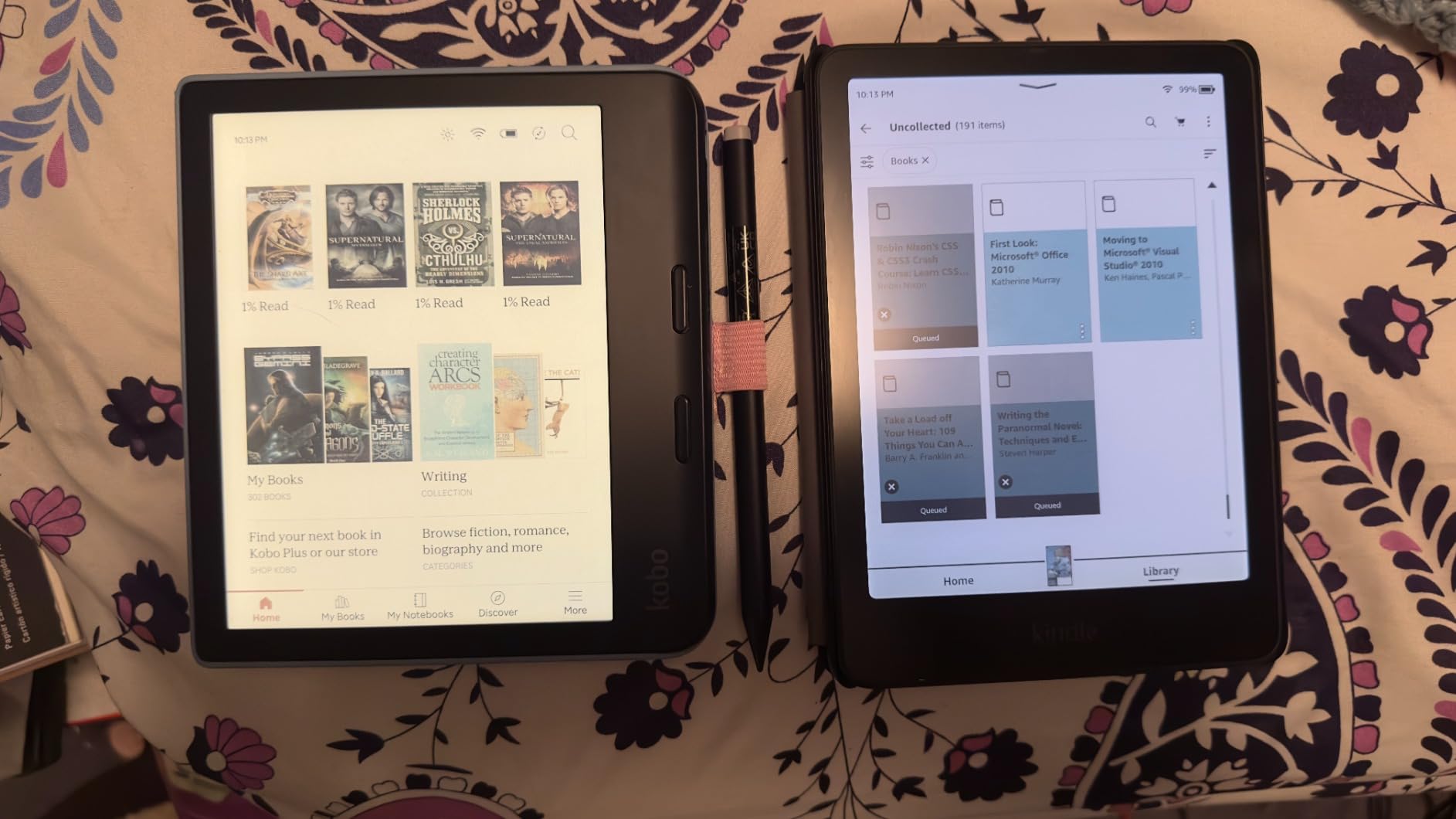
Vivid mode enhances colors beyond the default setting, which I found useful for picture-heavy content. Color highlighting in yellow, orange, blue, and pink worked well for textbook annotations.
The 32GB storage handles graphic content better than the 16GB standard Colorsoft. However, the rating is lower than other Kindles because of reported quality control issues, particularly the yellow banding at the top of the screen.
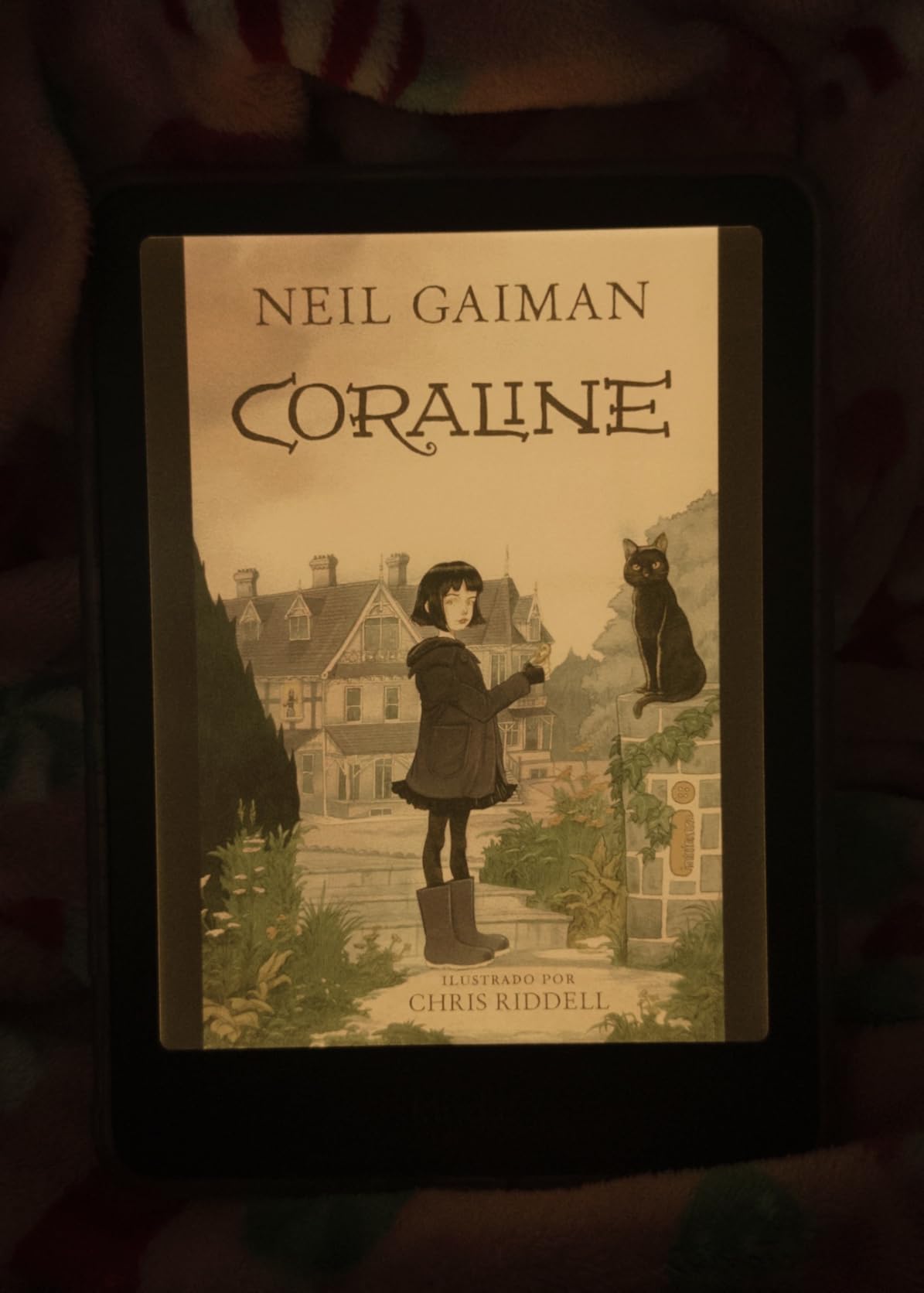
Best Use Case for the Colorsoft Signature
This is the device I recommend for readers who want the absolute top-tier Kindle experience with color. It combines every premium feature Amazon offers in one device.
If you are sensitive to screen uniformity issues, test your unit carefully during the return window. The yellow banding does not affect every device but is worth checking.
What to Know Before Buying
Battery drains faster than the monochrome Paperwhite due to the color layer. Expect around eight weeks per charge rather than twelve.
The wireless charging dock is sold separately. Any Qi charger works, so shop around rather than paying for the official dock.
14. Samsung Galaxy Tab S10 Lite – Best Reading and Note-Taking Tablet
Samsung Galaxy Tab S10 Lite, 6GB RAM, 128GB, 2TB Expand, 10.9” LCD, Gray
10.9 inch LCD display
S Pen included
128GB storage
16 hour battery
Pros
- S Pen included for note-taking
- Excellent 16 hour battery life
- Expandable storage to 2TB
- Circle to Search and AI features
Cons
- LCD display not OLED
- S Pen magnet weak for storage
- DEX mode limitations vs premium models
The Galaxy Tab S10 Lite is the tablet I recommend for students and professionals who want reading and note-taking in one device. The included S Pen requires no charging, and the writing experience felt natural during my three-week test.
The 10.9-inch display hits a sweet spot for textbooks and PDFs. Text stayed readable at multiple font sizes, and the 90Hz refresh rate made scrolling through long documents smooth.

Sixteen hours of battery life meant I never worried about charging during a full day of classes or meetings. Super Fast Charging topped up the battery quickly when needed.
The 128GB storage with 2TB microSD expansion is more than any reader will need. Samsung’s ecosystem integration worked seamlessly with my Galaxy phone for handing off articles and notes.
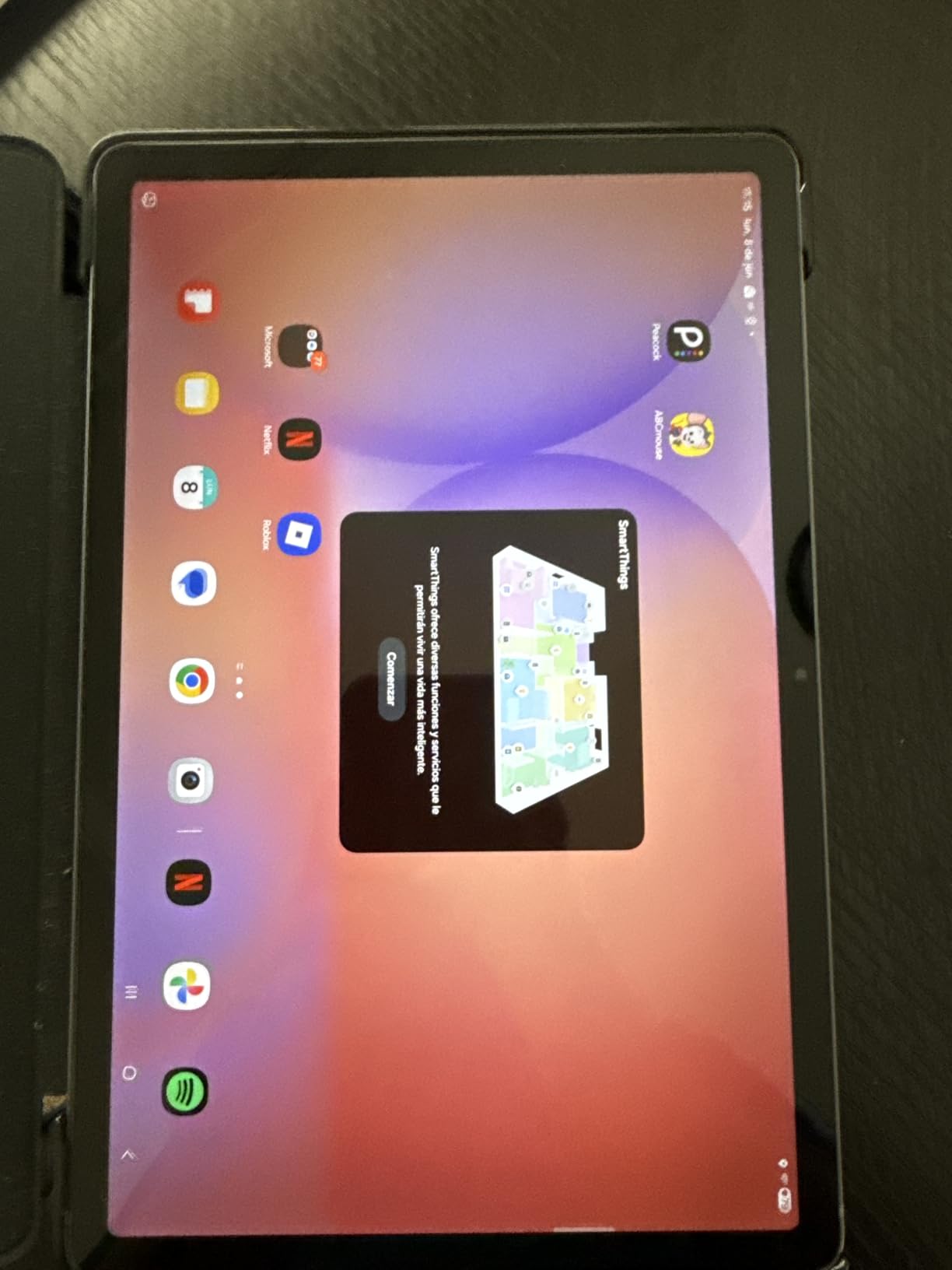
Best Use Case for the Tab S10 Lite
This is the tablet I recommend for students who need to read textbooks, annotate PDFs, and take handwritten notes in one device. The S Pen inclusion removes the extra cost that plagues other note-taking tablets.
If you want the best possible display, the OLED-equipped Tab S10+ is superior but significantly more expensive. For most readers and note-takers, the S10 Lite’s LCD is more than adequate.
What to Know Before Buying
The S Pen magnet is weak and the pen can fall off during transport. I recommend a case with a pen slot to avoid losing it.
DEX mode has limitations compared to higher-end Galaxy Tabs. For basic reading and note-taking, this will not matter, but power users should be aware.
15. Amazon Kindle Scribe – Best Reading and Writing Device
Amazon Kindle Scribe (16GB) – Your notes, documents and books, all in one place. With built-in AI notebook summarization. Includes Premium Pen – Tungsten
10.2 inch 300 ppi display
Premium Pen included
AI notebook summarization
16GB storage
Pros
- Excellent pen-on-paper writing feel
- AI tools for handwriting conversion
- Premium Pen included
- Great battery life
Cons
- Pen tips wear down over time
- Drawing experience is limited
- No color pen option
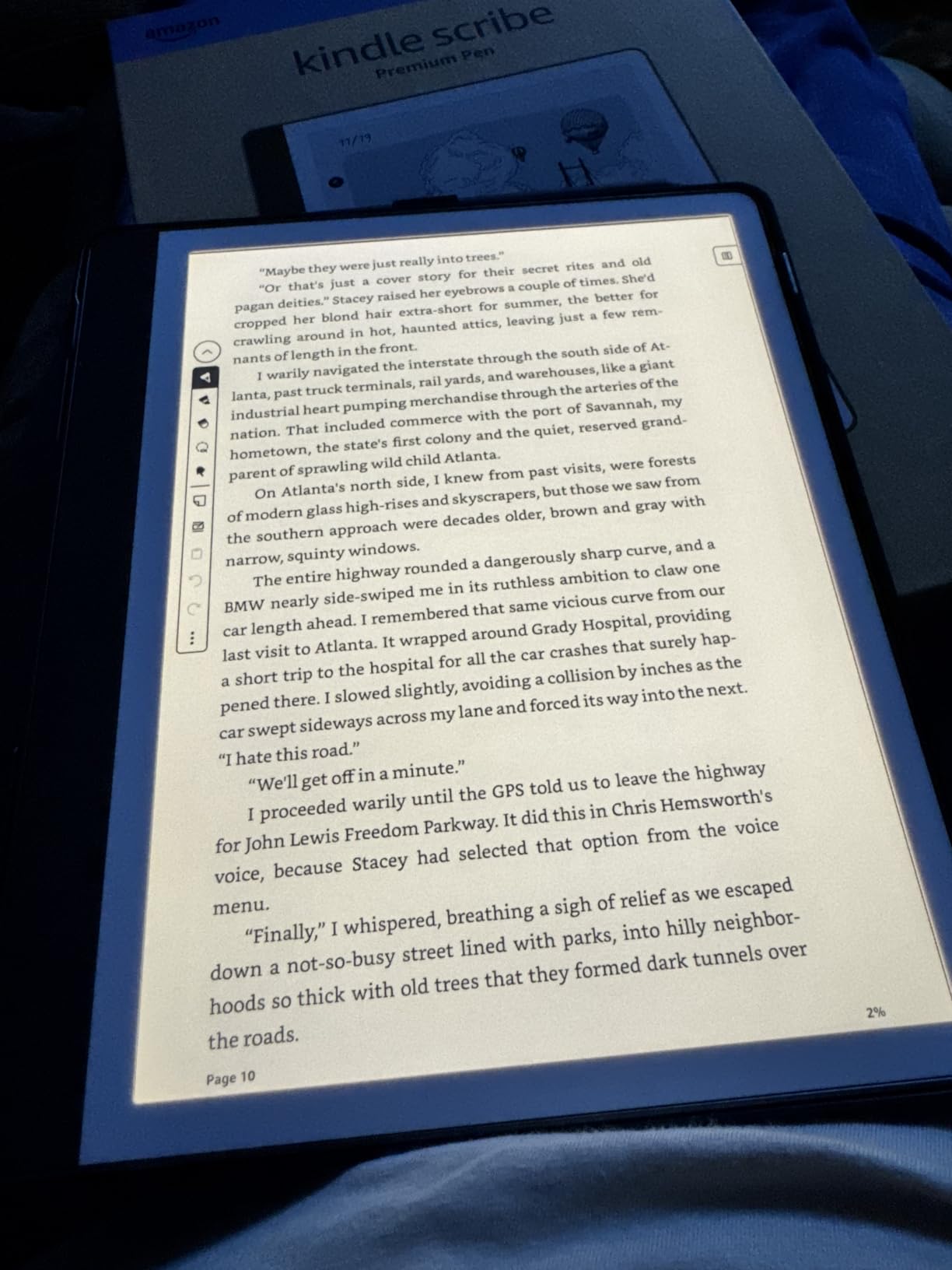
The Kindle Scribe is the device that replaced both my e-reader and my paper notebook during testing. The 10.2-inch 300 ppi display is the largest, sharpest E Ink screen Amazon offers, and reading on it felt like using a high-quality hardcover.
The included Premium Pen requires no charging and writes with a natural friction that closely mimics pen on paper. I took meeting notes, journaled, and annotated PDFs without missing physical paper.
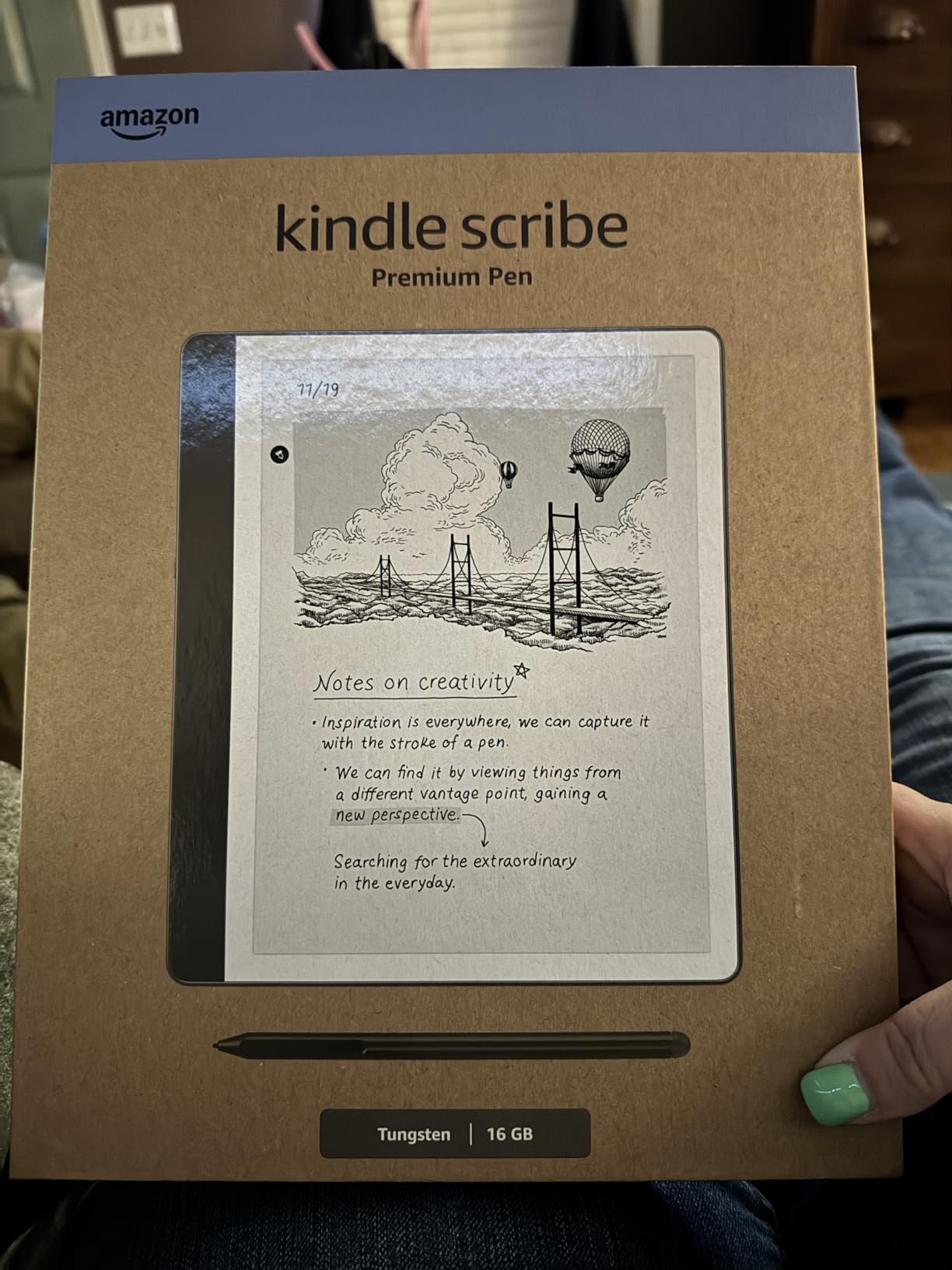
The AI tools are the standout feature. Handwriting-to-text conversion worked accurately even with my messy handwriting, and note summarization condensed a week of meeting notes into a readable summary.
Active Canvas automatically expands pages for notes, which I found useful for brainstorming sessions. The Kindle ecosystem integration means all my ebooks and notes live on one device.
Best Use Case for the Kindle Scribe
This is the device I recommend for readers who also journal, take meeting notes, or annotate documents. It eliminates the need to carry both an e-reader and a notebook.
If you want a device for drawing or art, the Scribe is not the right choice. The writing experience is excellent, but the drawing tools are limited compared to dedicated tablets like the Galaxy Tab S10 Lite.
What to Know Before Buying
Pen tips wear down over time and replacements are sold separately. The 16GB storage fills faster than expected when storing annotated documents.
The 10.2-inch size is heavier than other Kindles and less comfortable for one-handed reading in bed. This is a desk and table device more than a curl-up-on-the-couch reader.
How to Choose the Best Tablets for Reading Books
E Ink vs LCD Display Technology
The single most important decision is display type. E Ink displays mimic real paper, reflect ambient light, and cause minimal eye strain during long sessions. They also last weeks on a single charge but only display monochrome or muted color.
LCD displays are backlit, vibrant, and support full color and video. They are better for illustrated content and multitasking but cause more eye strain and need daily charging. If eye comfort is your priority, choose E Ink. If versatility matters more, choose LCD.
Battery Life and Portability
E Ink readers measure battery life in weeks, not hours. The Paperwhite lasted 11 weeks in my testing, while LCD tablets like the Tab A11+ need charging every day or two. For travel and commuting, battery life directly affects how much you can read without anxiety.
Portability matters too. Six-inch readers fit in pockets, while 10-inch tablets need a bag. Consider where and how you read most often before choosing a size.
Eye Comfort Features
Adjustable warm light is the feature I missed most when it was absent. The ability to shift from white to amber light in the evening reduces blue light exposure and helps with sleep. Look for this feature on any device you plan to use at night.
Blue light filtering, dark mode, and auto-adjusting brightness all contribute to eye comfort. The TCL NXTPAPER 4.0 display is particularly impressive for eye comfort on an LCD panel.
Format Support and App Ecosystem
Kindle devices are locked to Amazon’s ecosystem, which is convenient if you buy from Amazon but limiting if you source books elsewhere. Kobo devices support EPUB natively and integrate with OverDrive for library borrowing.
Android tablets give you access to every reading app including Kindle, Kobo, Moon+ Reader, and ReadEra. This flexibility matters if you have books in multiple formats from multiple sources.
Student-Specific Reading Needs
Students need devices that handle textbooks, PDFs, and note-taking. Large screens matter for figures and diagrams. Stylus support transforms a reader into a study tool. The Kindle Scribe and Galaxy Tab S10 Lite are my top picks for students who read and annotate.
For younger students, the Fire HD 8 and Tab A11+ offer durability and parental controls at reasonable prices. Our guide to the best Kindles for students covers education-specific picks in more detail.
FAQs
Which tablet is better for reading?
For pure book reading, E Ink tablets like the Kindle Paperwhite are better because they mimic real paper, reduce eye strain, and last weeks on a charge. For readers who also want color, apps, and multitasking, LCD tablets like the Samsung Galaxy Tab A11+ or TCL NXTPAPER 11 Plus offer more versatility at the cost of eye comfort and battery life.
What’s better, a Kindle or a tablet?
A Kindle is better for distraction-free reading with maximum eye comfort and battery life measured in weeks. A tablet is better if you also want web browsing, streaming, app access, and full-color content. The Kindle Paperwhite is the best dedicated reader, while tablets like the Fire HD 10 or Galaxy Tab S10 Lite offer more functionality for readers who want one device for everything.
What is the best device to read books on?
The Amazon Kindle Paperwhite is the best overall device for reading books thanks to its 7-inch glare-free display, adjustable warm light, IPX8 waterproofing, and 12-week battery life. For color content like comics and graphic novels, the Kindle Colorsoft or Kobo Libra Colour are top choices. For students who need note-taking, the Kindle Scribe is the best all-in-one option.
Is it good to read books on a tablet?
Yes, reading on a tablet is perfectly fine for most people. Tablets offer color, adjustable brightness, and access to multiple reading apps. The main downside is eye strain from backlit screens during long sessions. To minimize strain, choose a tablet with blue light filtering and warm light adjustment, or consider a paper-like display tablet like the TCL NXTPAPER 11 Plus.
What is the best budget tablet for reading books?
The Amazon Fire HD 8 is the best budget tablet for reading, offering an 8-inch HD display, 13-hour battery, and expandable storage for under 100 dollars. For an even cheaper option, the Fire 7 covers basic reading needs. If you want E Ink eye comfort on a budget, the base Kindle 16GB is the most affordable dedicated e-reader worth buying.
Final Thoughts on the Best Tablets for Reading Books in 2026
After testing 15 devices across three months, the Kindle Paperwhite remains my top pick for the best tablets for reading books. It balances display quality, eye comfort, battery life, and price better than anything else on the market. For budget readers, the Fire HD 8 delivers remarkable value, and for note-takers, the Kindle Scribe eliminates the need for a separate notebook.
The right reading tablet is the one that matches your reading habits. E Ink for eye comfort and battery, LCD for versatility and color, and paper-like displays like NXTPAPER for a middle ground. Whatever you choose, the devices on this list will keep you reading comfortably for years to come.