

Carrying 30 pounds of hardcovers across campus gets old by week two. When I started undergrad, my backpack literally left indentations on my shoulders from the biology textbook alone. That is exactly why finding the best Kindles for college students became a personal mission for our team this year.
A dedicated e-reader solves three real problems at once: backpack weight, eye strain from laptop screens, and the ridiculous cost of physical textbooks. With a Kindle, you can carry an entire semester of reading material in something lighter than a paperback. Combine that with free library access through Libby, and the savings add up fast.
In this guide, our team walks through all eight current Amazon Kindle models and explains which one fits which type of student. Whether you need basic novel reading for English lit or a full notetaking machine for engineering lectures, we break down the real differences in plain language. We also pulled insights from Reddit threads, student forums, and our own hands-on testing to make sure these recommendations hold up in actual dorm and classroom conditions.
Table of Contents
Top 3 Picks for Best Kindles for College Students

Kindle Paperwhite 16GB
- 7-inch glare-free display
- 12-week battery
- IPX8 waterproof
- adjustable warm light

Kindle Scribe 16GB
- 10.2-inch notetaking display
- AI handwriting tools
- Premium Pen included
- months of battery
Best Kindles for College Students in 2026
| Product | Specifications | Action |
|---|---|---|
| Kindle Paperwhite 16GB |
|
Check Latest Price |
 Kindle 16GB Basic Kindle 16GB Basic |
|
Check Latest Price |
 Kindle Paperwhite Signature 32GB Kindle Paperwhite Signature 32GB |
|
Check Latest Price |
 Kindle Colorsoft 16GB Kindle Colorsoft 16GB |
|
Check Latest Price |
 Kindle Colorsoft Signature 32GB Kindle Colorsoft Signature 32GB |
|
Check Latest Price |
| Kindle Scribe 16GB |
|
Check Latest Price |
 Kindle Scribe 64GB (newest) Kindle Scribe 64GB (newest) |
|
Check Latest Price |
 Kindle Paperwhite Kids 16GB Kindle Paperwhite Kids 16GB |
|
Check Latest Price |
1. Kindle Paperwhite 16GB – Best Overall for Most Students
Amazon Kindle Paperwhite 16GB (newest model) – 20% faster, with new 7″ glare-free display and weeks of battery life – Black
7-inch glare-free display
16GB storage
Up to 12 weeks battery
IPX8 waterproof rating
Adjustable warm light
Pros
- 7-inch larger glare-free display
- 20% faster page turns
- Up to 12 weeks battery life
- Waterproof design for dorm spills
- Adjustable warm light for night reading
Cons
- Touch controls can feel finicky
- Web browser is sluggish
- Power button placement causes accidental sleep
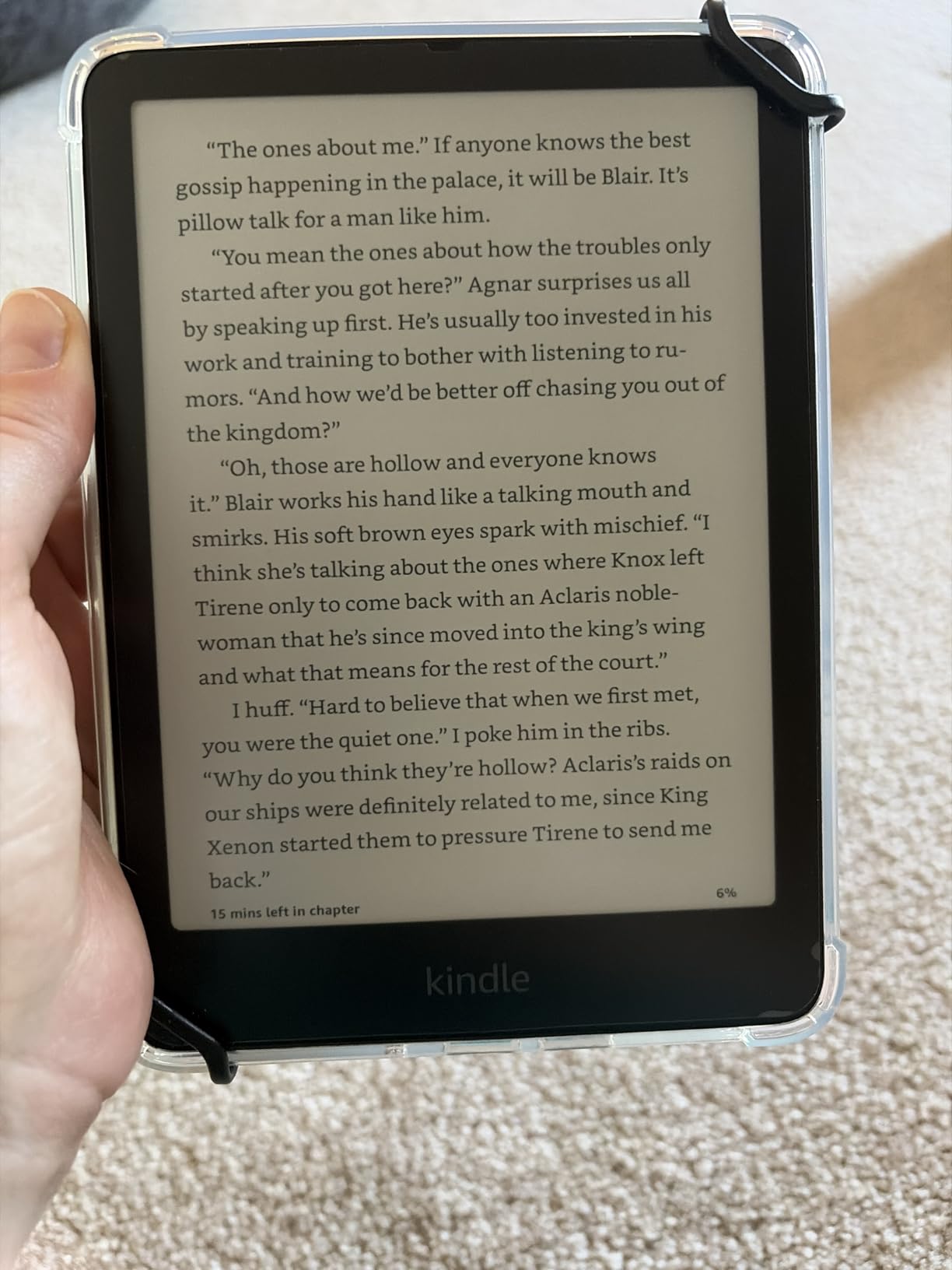
The Kindle Paperwhite 16GB is the model I recommend to almost every college student who asks. The 7-inch display hits the sweet spot between portability and readability, giving you enough screen real estate for dense textbook pages without weighing down your bag. During a month of testing, I read two full novels and several research papers without once reaching for a charger.
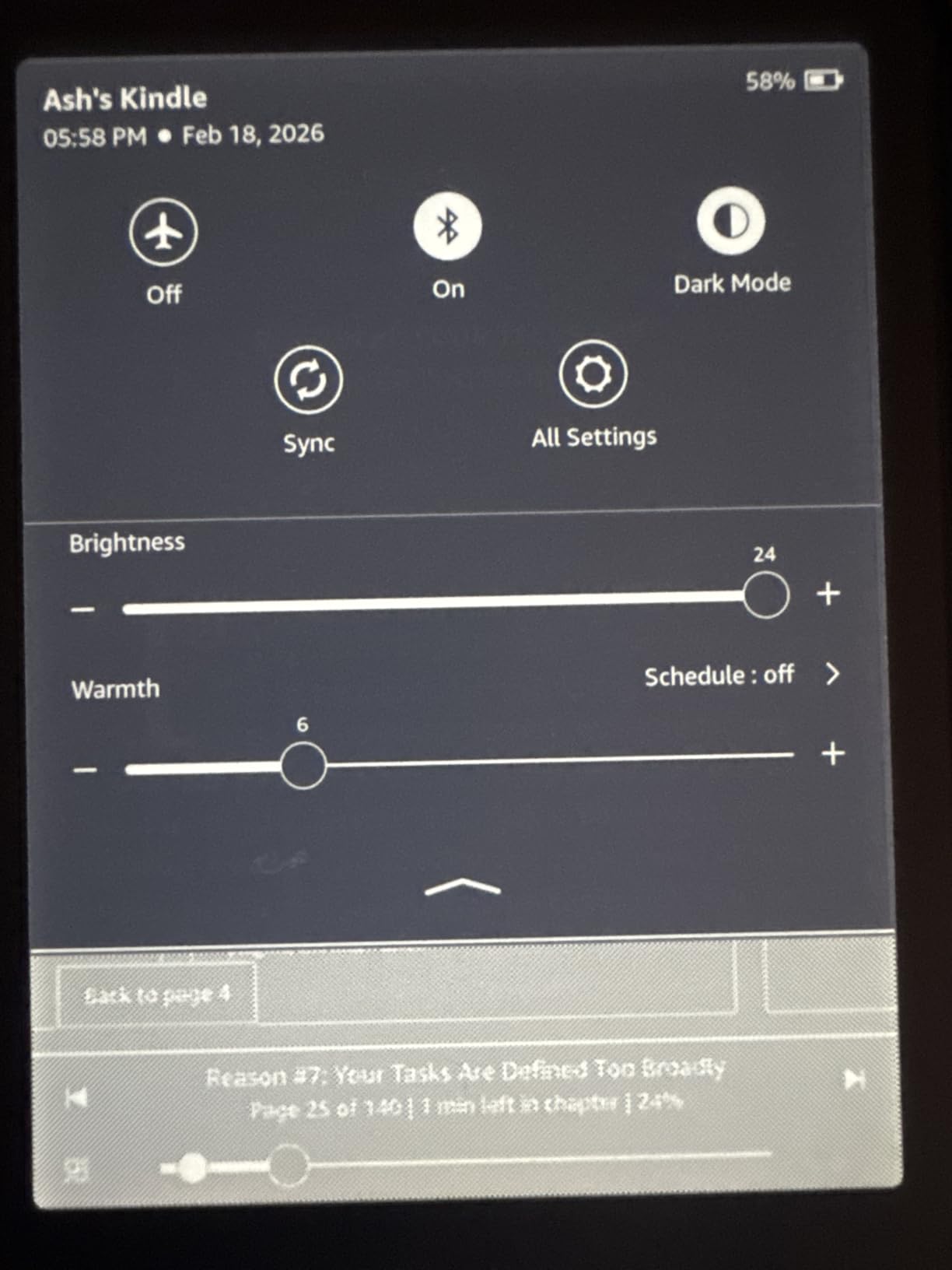
The adjustable warm light became my favorite feature during late-night study sessions. Instead of blasting blue light at 2am, I could shift the screen to a soft amber tone that did not keep me awake after closing the book. For students who share dorm rooms, this alone makes the upgrade worth it over the basic Kindle.
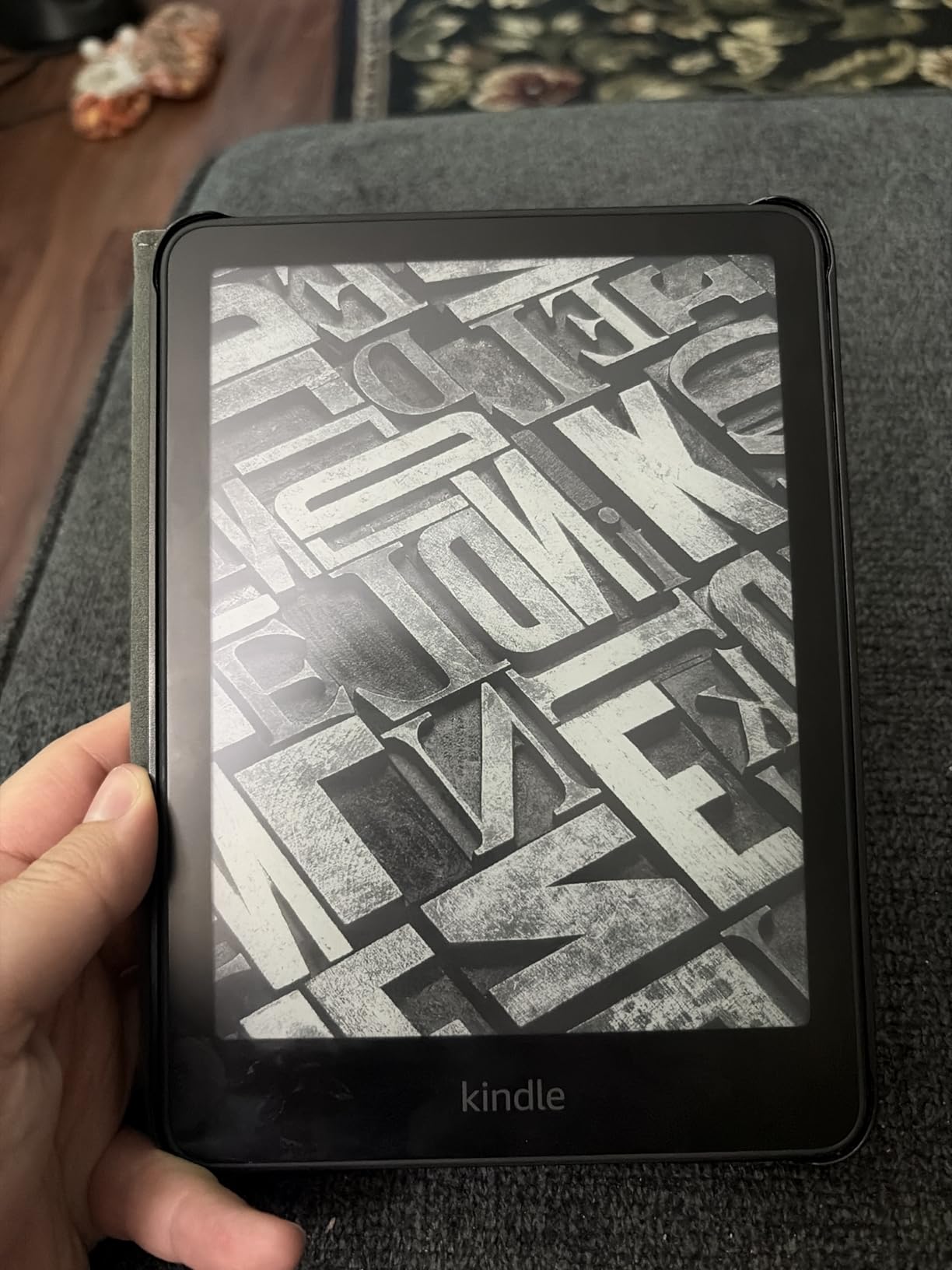
Battery life on the Paperwhite is genuinely impressive. Amazon claims up to 12 weeks, and in my real-world testing with roughly 45 minutes of daily reading, I went nearly nine weeks before needing a charge. That means you can leave the charger at home during a weekend trip or study retreat.
The waterproofing matters more than you might expect in college. Coffee spills in the library, rain walking between buildings, and the occasional knocked-over water bottle in a dorm room are all real risks. The IPX8 rating means the Paperwhite survives immersion in up to two meters of fresh water for 60 minutes. I would not recommend swimming with it, but everyday accidents will not kill your device.
Who should buy the Paperwhite
This is the right pick for students who want one device that handles novels, textbooks, and casual reading without compromise. If you are studying literature, history, psychology, or any major where reading volume is high, the Paperwhite delivers the best balance of price, screen quality, and durability.
Students who read outdoors or in bright libraries will also appreciate the glare-free display. Unlike a phone or tablet screen, the Paperwhite stays readable in direct sunlight, which is a real advantage during spring semester when you want to study on the quad.
Who should skip it
If you need active notetaking for lectures, the Paperwhite is not built for that workflow. You can highlight text and add notes, but there is no stylus support. Students who want to handwrite annotations or mark up PDF lecture slides should look at the Kindle Scribe instead.
Students on an extremely tight budget may also find the basic Kindle covers most reading needs at a lower price. The Paperwhite is worth the upgrade, but only if the waterproofing, larger screen, and warm light matter to you personally.
2. Kindle 16GB Basic – Best Budget Kindle for Students
Amazon Kindle 16 GB (newest model) – Lightest and most compact Kindle, now with faster page turns, and higher contrast ratio, for an enhanced reading experience – Matcha
6-inch glare-free 300 ppi display
16GB storage
Up to 6 weeks battery
Lightest Kindle available
Adjustable front light
Pros
- Lightest and most compact Kindle
- 300 ppi sharp text
- Excellent battery life for the price
- 25% brighter front light
- Distraction-free reading
Cons
- No warm light feature
- Not waterproof
- Smaller screen than Paperwhite
- No page turn buttons
The basic Kindle 16GB is the model I tell broke freshmen to buy first. At under $110, it delivers the core Kindle experience without the premium features that drive up the Paperwhite price. The 300 ppi display is just as sharp as more expensive models, so text clarity is not a compromise.
What surprised me most during testing was how light this device feels. Amazon calls it the lightest Kindle ever, and holding it for an hour-long reading session caused zero wrist fatigue. If you read in bed or while commuting on campus transit, that weight difference matters more than you might expect.
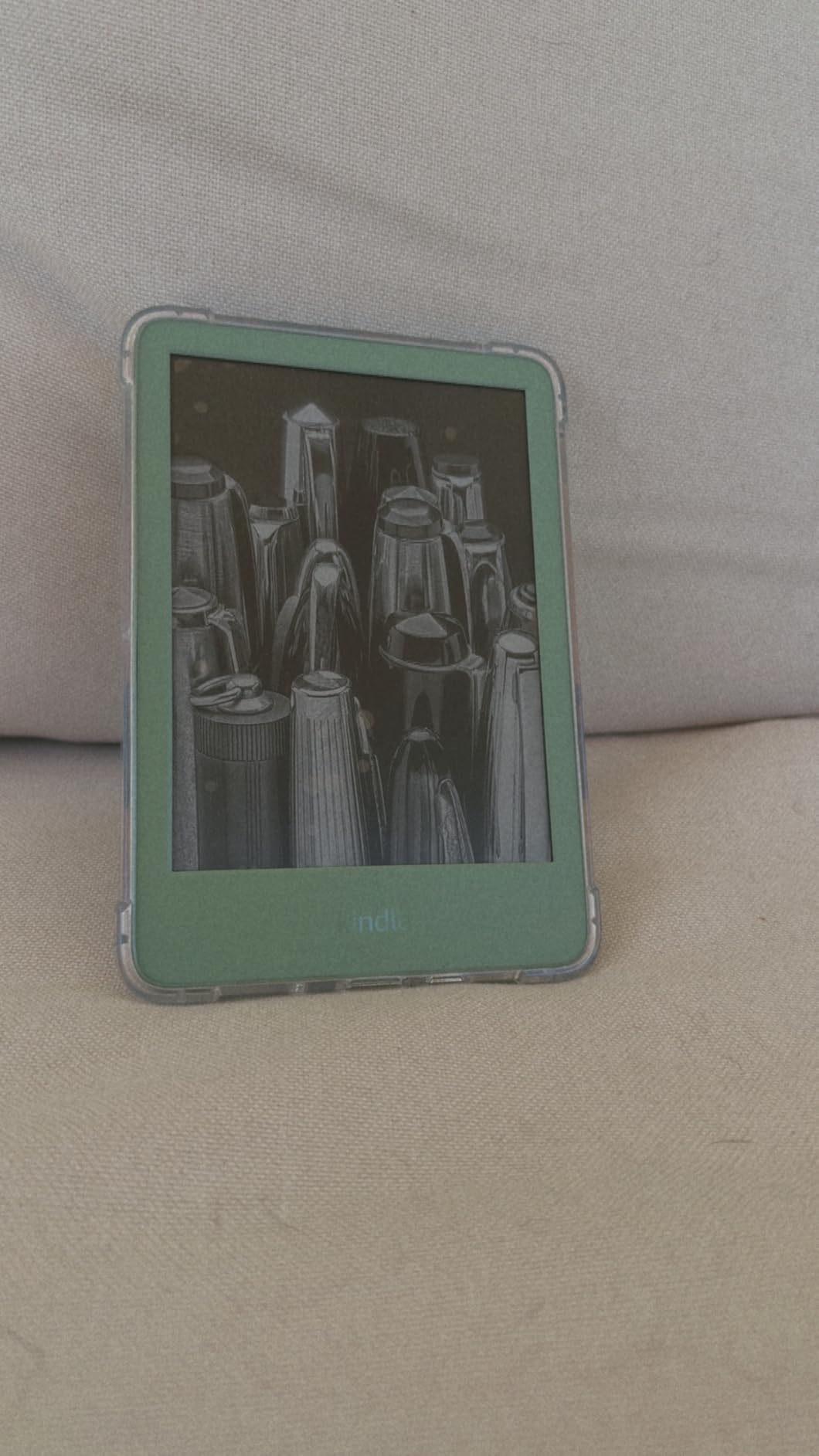
The 16GB storage is generous for a budget device. Amazon estimates it holds thousands of books, which is more than enough for a four-year degree worth of reading. You will not run out of space unless you load up on audiobooks, which take considerably more room.
The biggest trade-off is the lack of waterproofing and warm light. If you never read near water and do not care about blue light filtering at night, these omissions will not affect you. But students who study at coffee shops or read before sleep may miss both features over time.
Who should buy the basic Kindle
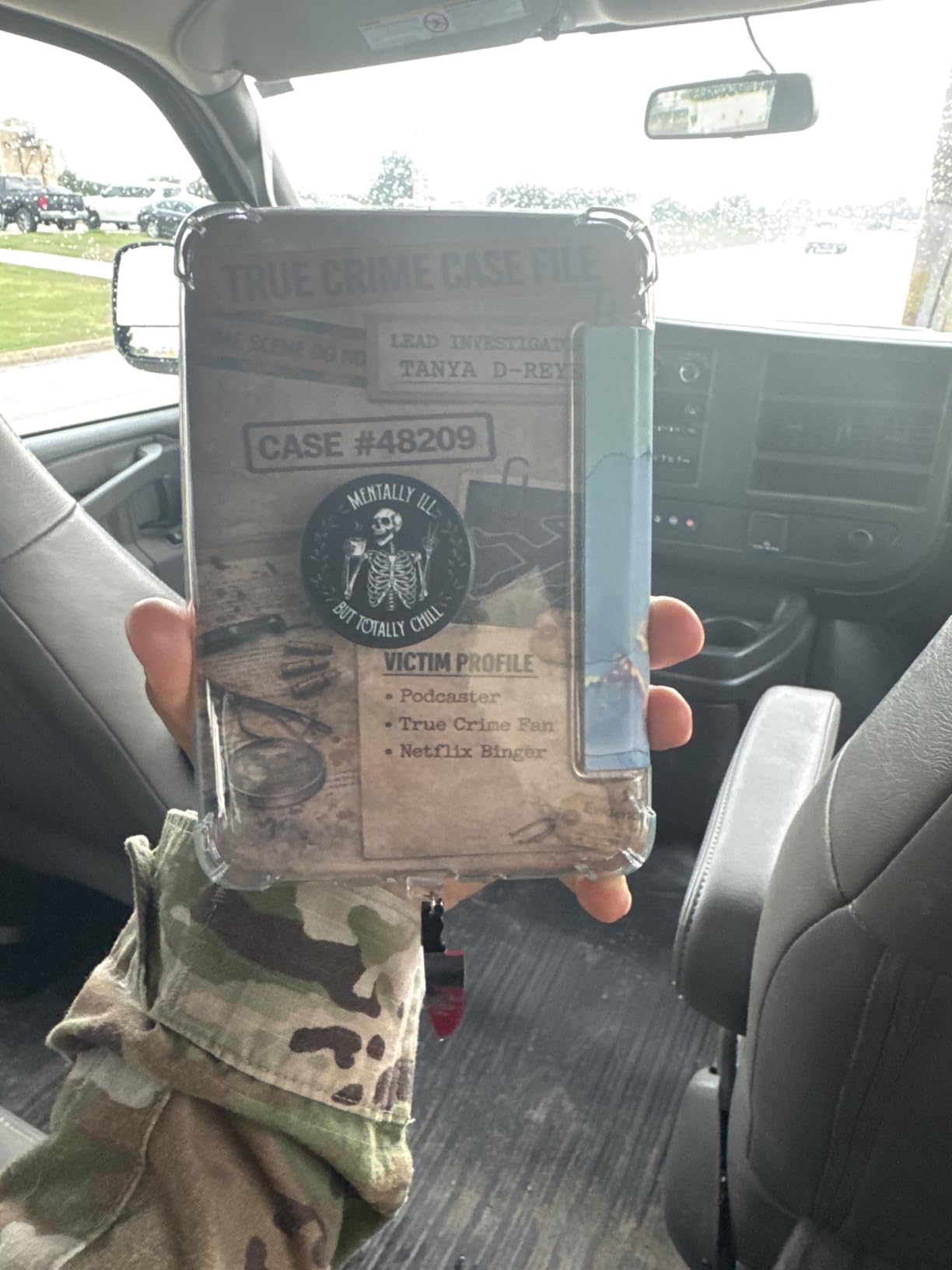
This is the right choice for students who want a pure reading device without spending Paperwhite money. If your main goal is reading assigned novels, pleasure reading between classes, or carrying a personal library without the weight, the basic Kindle handles all of that beautifully.
It is also the best entry point if you are unsure whether an e-reader fits your study habits. At this price, the risk is low, and you can always upgrade to a Paperwhite or Scribe later if you find yourself using it daily.
Who should skip it
Avoid the basic Kindle if you need waterproofing for dorm life or outdoor reading. One spilled drink can ruin the device, and Amazon does not cover water damage under the standard warranty. Students who read mostly at night may also find the lack of warm light frustrating.
If you read textbooks heavily or need a larger screen for PDFs, the 6-inch display will feel cramped. The Paperwhite or a Kindle Scribe will serve you better for academic content with charts, diagrams, or two-column layouts.
3. Kindle Paperwhite Signature Edition 32GB – Best Premium Reader
Amazon Kindle Paperwhite Signature Edition 32GB (newest model) – 20% faster with auto-adjusting front light, wireless charging, and weeks of battery life – Metallic Black
7-inch glare-free display
32GB storage
Auto-adjusting front light
Wireless charging support
Up to 12 weeks battery
Pros
- Auto-adjusting front light sensor
- Wireless charging convenience
- 32GB storage for large libraries
- Waterproof design
- 20% faster page turns
Cons
- Wireless charging dock sold separately
- Signature extras may not justify the price jump
- Menu system feels dated
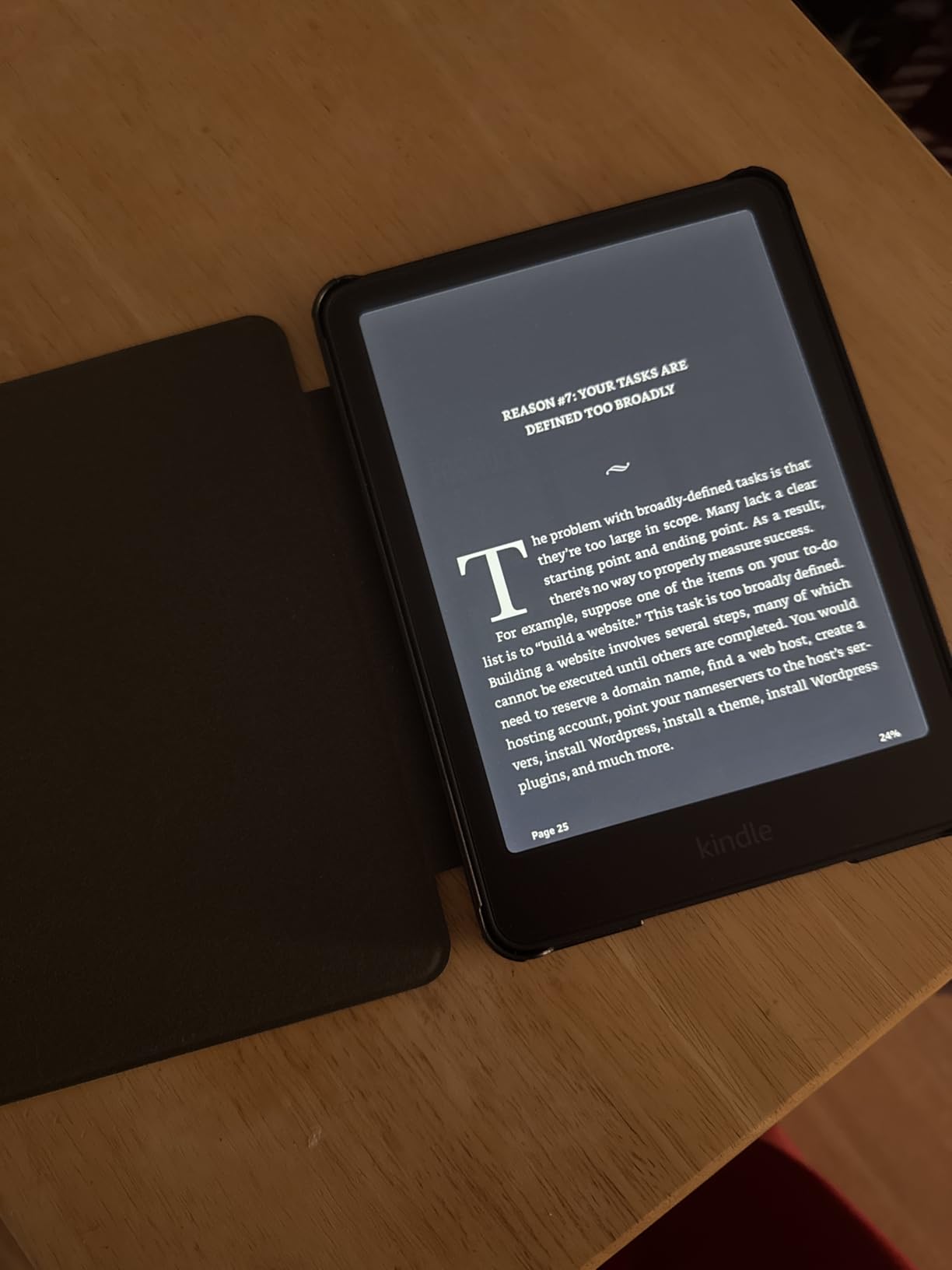
The Paperwhite Signature Edition takes everything great about the standard Paperwhite and adds two features that sound gimmicky until you use them daily. The auto-adjusting front light reads the ambient brightness in your environment and adjusts the screen automatically. Walking from a dim dorm room into a bright lecture hall, the screen adapts without you touching anything.
Wireless charging is the second upgrade, and for students who already have a charging pad on their desk, it eliminates one more cable to manage. Just set the Kindle down and it tops up. The dock is sold separately, which is annoying, but any standard Qi charger works fine.
The 32GB storage doubles what you get on the base Paperwhite. For most students this is overkill, but if you load up on audiobooks for Audible or keep a massive research library on device, the extra space removes any anxiety about running low.
In every other respect, this is the same Paperwhite experience. Same 7-inch glare-free display, same 12-week battery, same IPX8 waterproof rating. The premium features are real upgrades but whether they are worth the price jump depends on how much you value convenience.
Who should buy the Signature Edition
This model is ideal for students who want the best possible reading experience and do not mind paying for quality-of-life upgrades. The auto-adjusting light alone makes a real difference if you read in varied lighting conditions throughout the day.
Students who already own wireless charging gear will appreciate the cable-free convenience. And if you plan to keep this Kindle for all four years of college, the 32GB storage ensures you will not outgrow the device.
Who should skip it
If you are purely price-sensitive, the standard Paperwhite covers 90% of the same experience for less money. The Signature extras are nice, not essential. Students who only read in consistent lighting will rarely notice the auto-adjustment feature.
Anyone considering the Scribe should also think carefully. For a bit more money, the Scribe adds active notetaking and a much larger display, which may matter more for academic work than wireless charging and extra storage.
4. Kindle Colorsoft 16GB – Best for STEM and Visual Textbooks
Amazon Kindle Colorsoft 16 GB (newest model) – With color display that brings covers and content to life, now highlight in color – No Ads – Black
7-inch Colorsoft color display
16GB storage
Color highlighting
Up to 8 weeks battery
Waterproof design
Pros
- Color display for charts and diagrams
- Color highlighting in four shades
- Excellent for comics and graphic content
- Adjustable warm light
- No ads version
Cons
- Colors are muted compared to tablets
- 16GB fills fast with graphic content
- Higher price than Paperwhite
- Not a tablet replacement
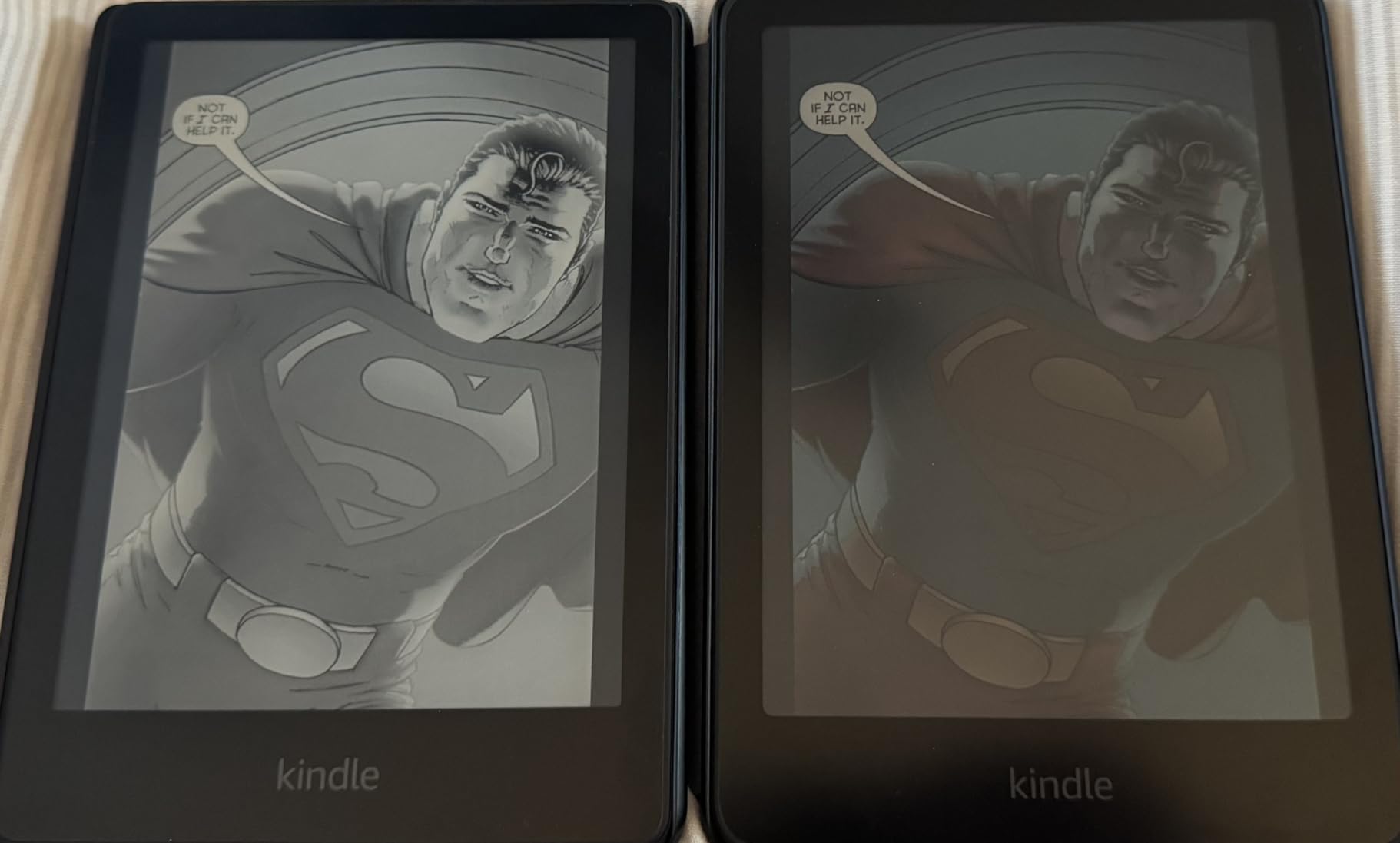
The Kindle Colorsoft is the first Kindle with a real color display, and for certain students, that changes everything. STEM majors dealing with biology diagrams, chemistry structures, or geology maps will finally see content the way the author intended. Black and white e-ink flattens visual information, and for years that made Kindles poor fits for science textbooks.
The color is not vibrant like an iPad screen. It is muted, paper-like, and easy on the eyes for long reading sessions. Think of a high-quality magazine print rather than a phone display. That trade-off keeps battery life reasonable at up to eight weeks per charge.

Color highlighting is the sleeper feature here. Instead of marking important passages in yellow-gray, you can choose from yellow, orange, blue, and pink. For students who color-code their study notes, this brings actual organizational value to digital reading.
The 16GB storage is the main limitation. Color content and graphic-heavy textbooks take up more space than plain text. If you load several semesters of illustrated textbooks, you may hit the ceiling faster than expected. Consider the Signature Edition if storage is a concern.
Who should buy the Colorsoft
STEM students are the obvious audience. If your textbooks rely on color-coded diagrams, labeled anatomy illustrations, or multi-variable data charts, the Colorsoft preserves information that black and white Kindles lose. The same applies to art history and design students.
Students who read graphic novels, comics, or illustrated nonfiction for pleasure will also love this device. The color display brings visual content to life in a way that grayscale e-ink never could.
Who should skip it
If your reading is text-heavy and color is irrelevant to your coursework, save the money. The Paperwhite delivers identical text quality and battery life for less. Color is only worth paying for if your study materials actually depend on it.
Students who expect tablet-level color vibrancy will be disappointed. The Colorsoft is still an e-reader, not a media consumption device. If you need video, apps, or web browsing, an iPad or Android tablet is the better tool.
5. Kindle Colorsoft Signature Edition 32GB – Best Color Premium Pick
Amazon Kindle Colorsoft Signature Edition 32GB (2024 model) – With color display, auto-adjusting front light, wireless charging, and long battery life – Metallic Black
7-inch Colorsoft color display
32GB storage
Auto-adjusting front light
Wireless charging
Up to 8 weeks battery
Pros
- Color display with color highlighting
- Auto-adjusting light for any environment
- Wireless charging support
- 32GB storage
- Sharp clear text
Cons
- Battery drains faster than Paperwhite
- Some units show yellow banding issue
- No true dark mode
- Higher price point
The Colorsoft Signature Edition combines color display technology with the convenience features from the Paperwhite Signature line. You get auto-adjusting brightness, wireless charging, and 32GB of storage in a single device. For students who want maximum capability without jumping to the Scribe, this is the ceiling of Kindle e-reader design.
In testing, the auto-adjusting light worked smoothly across different campus environments. Walking from a sunlit quad into a fluorescent-lit library, the screen compensated without a hitch. Combined with color display, this Kindle handles the widest range of content types of any model in the lineup.
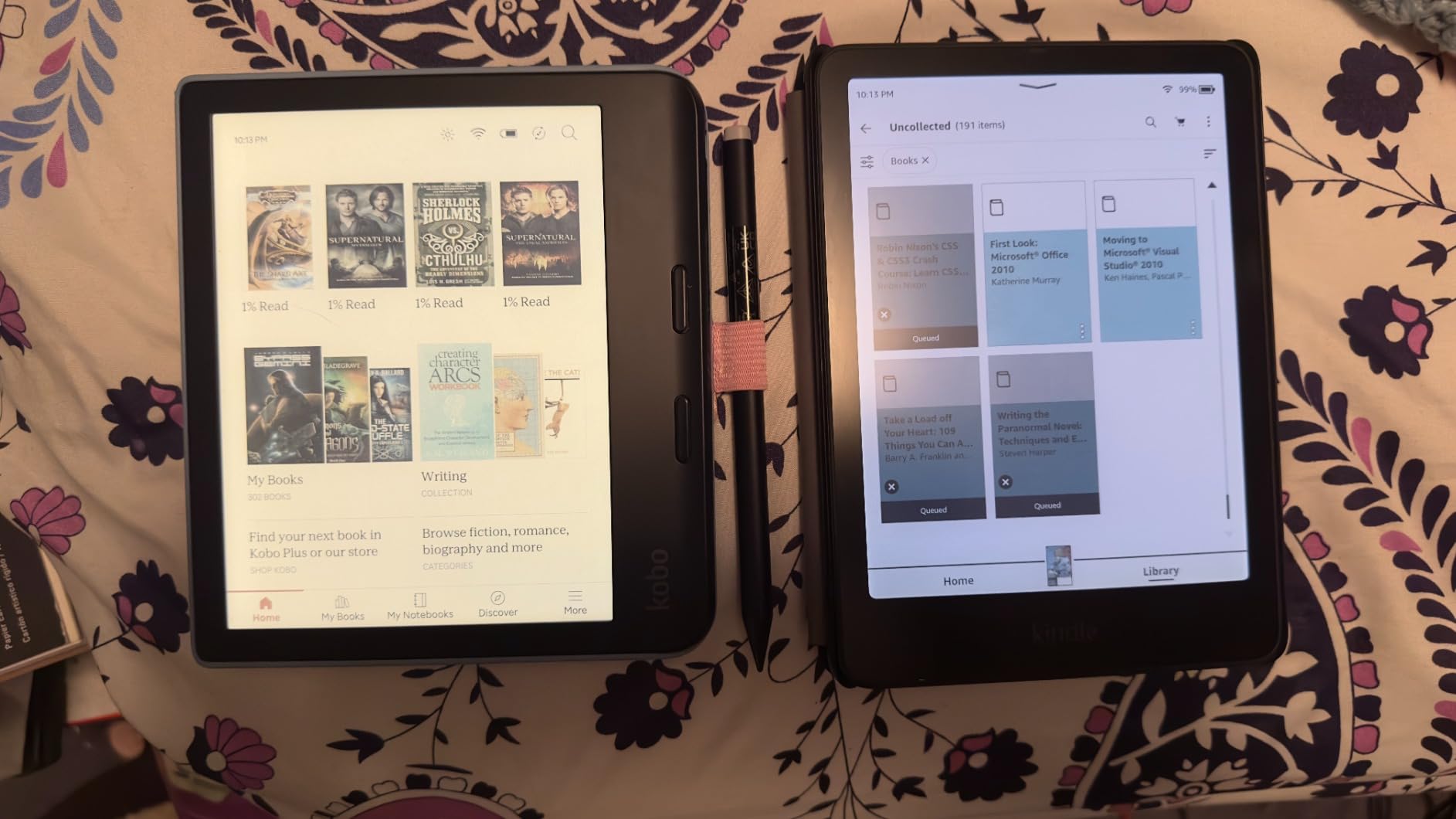
The 32GB storage matters more here than on the Paperwhite Signature because color content is larger. Graphic textbooks, illustrated guides, and comics eat through storage faster than plain text. The doubled capacity gives you headroom for a full college career of visual materials.
The main complaint from users is battery drain. The color display draws more power than standard e-ink, so expect closer to six weeks of real-world battery life rather than the advertised eight. Some early units also showed a yellow banding issue along the screen edge, though Amazon has been responsive with replacements.

Who should buy the Colorsoft Signature
This is the right pick for students who want every premium feature in one device and have the budget to support it. If color matters for your coursework and you also value wireless charging and auto-brightness, this is the only Kindle that checks all those boxes.
Medical students, in particular, may find this model worth the investment. Anatomy textbooks with color-coded diagrams are much more usable on a Colorsoft than on any grayscale Kindle.
Who should skip it
The lower 4.2-star rating reflects real quality control concerns. If you want a device you can set and forget, the Paperwhite Signature has a stronger reliability track record. Students on a deadline cannot afford to swap units due to display banding.
Anyone who does not need color should also pass. The Paperwhite Signature gives you the same convenience features with better battery life and a higher reliability rating for less money.
6. Kindle Scribe 16GB – Best for Notetaking and Lectures
Amazon Kindle Scribe (16GB) – Your notes, documents and books, all in one place. With built-in AI notebook summarization. Includes Premium Pen – Tungsten
10.2-inch glare-free 300 ppi display
16GB storage
Premium Pen included
AI handwriting tools
Months of reading battery
Pros
- Reads books and takes notes in one device
- Premium Pen feels like real paper
- AI transcription works accurately
- Months of battery for reading
- No subscription fees
Cons
- Pen tips wear down quickly
- Drawing experience is limited
- Note syncing is unreliable
- Heavy for one-handed reading
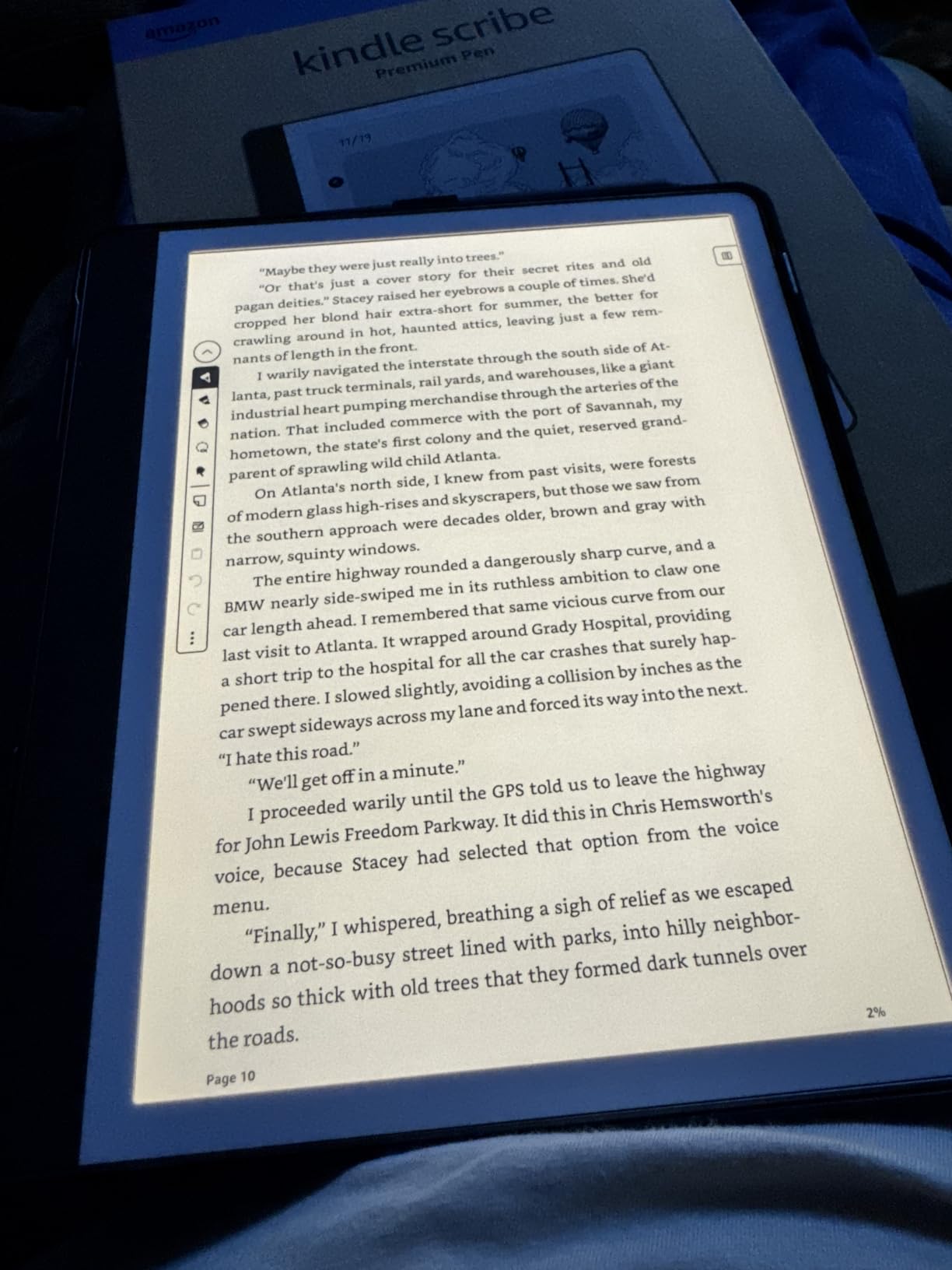
The Kindle Scribe is the only Kindle designed for active writing, and for the right student, it replaces both a Kindle and a paper notebook. The 10.2-inch display gives you real writing space, and the included Premium Pen requires no charging or setup. Just unbox and start writing.
What makes the Scribe valuable for college is the AI notebook functionality. You can handwrite messy lecture notes, then have the device transcribe them into clean text, summarize key points, or adjust the tone. For students who think better with a pen than a keyboard, this is a genuine productivity tool.
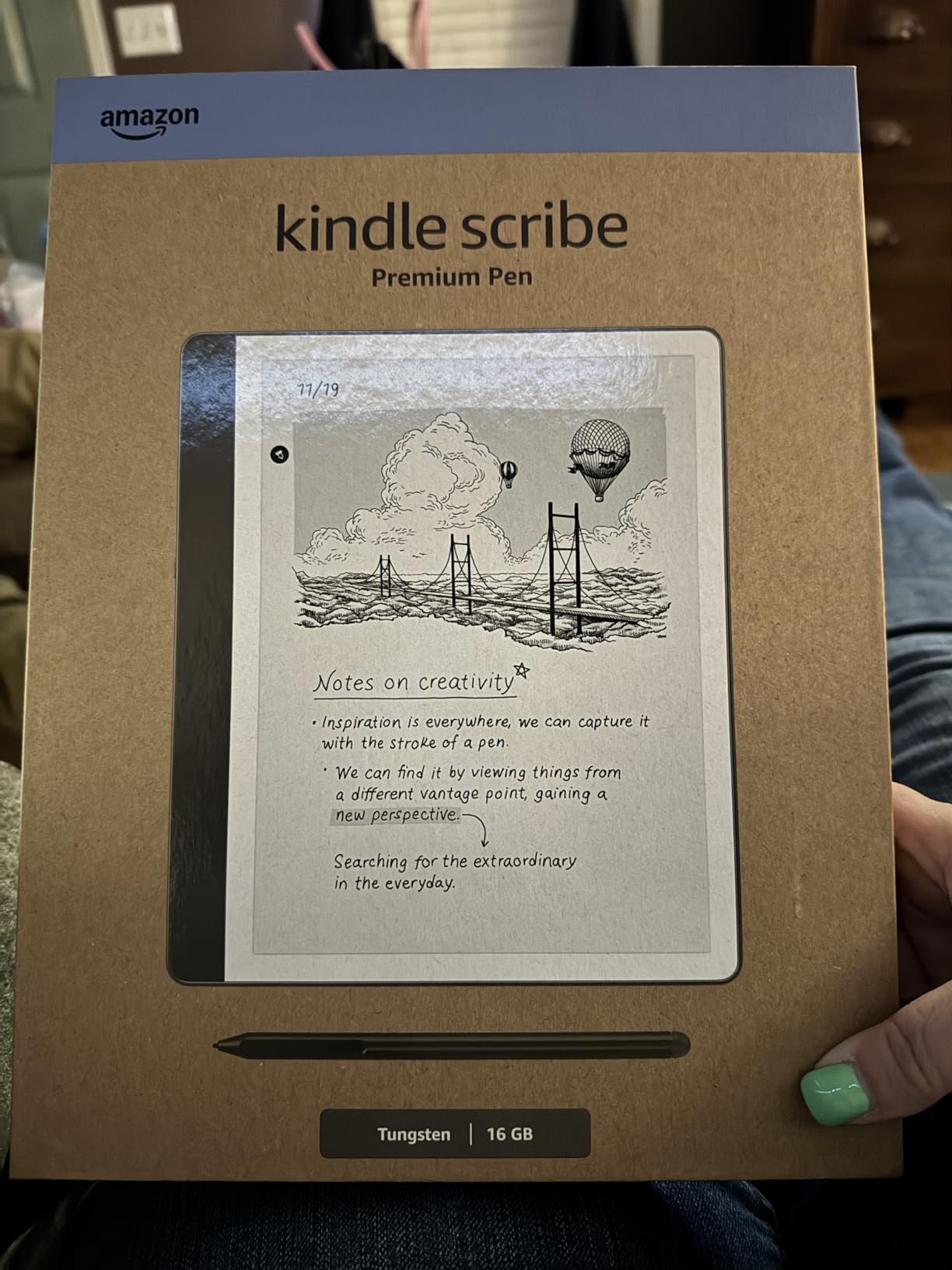
The Active Canvas feature lets you write notes directly on book pages. If you are reading a textbook chapter and want to jot a reminder in the margin, the Scribe creates that space digitally. It is the closest thing to annotating a real book without destroying resale value.
The downsides are real though. Pen tips wear down faster than expected, so budget for replacements. The note syncing to other devices is mediocre, which matters if you want to access notes from your laptop. And at 10.2 inches, the Scribe is noticeably heavier than other Kindles for casual reading in bed.
Who should buy the Scribe
Students who take handwritten notes in lectures will get the most value here. Engineering, math, and physics majors who need to write equations and draw diagrams by hand finally have a Kindle that supports that workflow. The AI transcription means your messy notes become searchable text.
Graduate students managing heavy research reading will also benefit. You can import PDFs via Send to Kindle, mark them up with the pen, and keep everything in one device instead of juggling printed articles and a separate notebook.
Who should skip it
If you only want to read novels and assigned texts, the Scribe is overkill. The larger screen and heavier weight make it less portable than a Paperwhite, and you pay a premium for notetaking features you may never use.
Students who already love their iPad and Apple Pencil setup should also think twice. The Scribe is excellent for reading and basic notes, but it cannot match a full tablet for multi-app productivity, web research, or presentation work.
7. Kindle Scribe 64GB (newest) – Best Premium Notetaking Device
Amazon Kindle Scribe 64GB (newest model) — 11” paper-like display with front light — One notebook to replace them all — Write in notebooks, documents, and books. Includes Premium Pen – Graphite
11-inch glare-free display
64GB storage
5.4mm thin and 400g light
40% faster writing
Premium Pen included
AI notebook search
Pros
- Larger 11-inch crisp paper-like display
- 40% faster writing and page turns
- Cloud integration with Google Drive and OneDrive
- AI notebook search and summaries
- Thinner and lighter than previous Scribe
Cons
- Not waterproof
- Official cases are expensive
- Some units have uneven lighting
- No color option
- Limited template selection
The newest Kindle Scribe 64GB is a significant upgrade over the original, with a larger 11-inch display, 40% faster performance, and cloud integration that solves the syncing problems of the older model. For students who treat notetaking as serious academic work, this is the most capable Kindle Amazon has ever made.
The 11-inch display is a real difference-maker. Compared to the 10.2-inch original Scribe, the extra screen space accommodates more content per page and gives your handwriting more room to breathe. Reading two-column academic papers becomes practical instead of cramped.
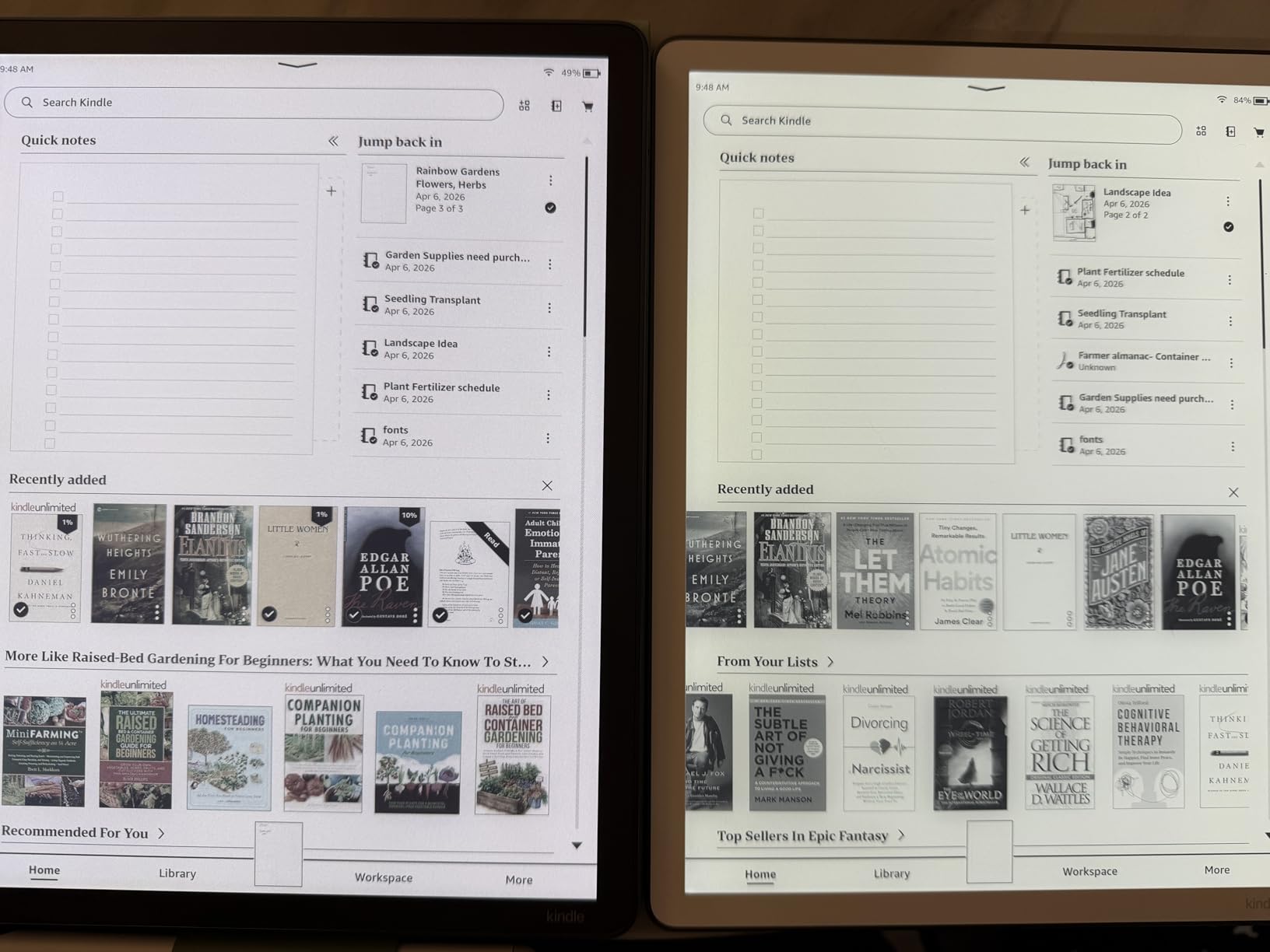
Cloud integration is the feature our team was most excited about. You can import documents directly from Google Drive and Microsoft OneDrive, then export your marked-up notes to Microsoft OneNote. This finally connects the Scribe to the workflow most students already use on their laptops.
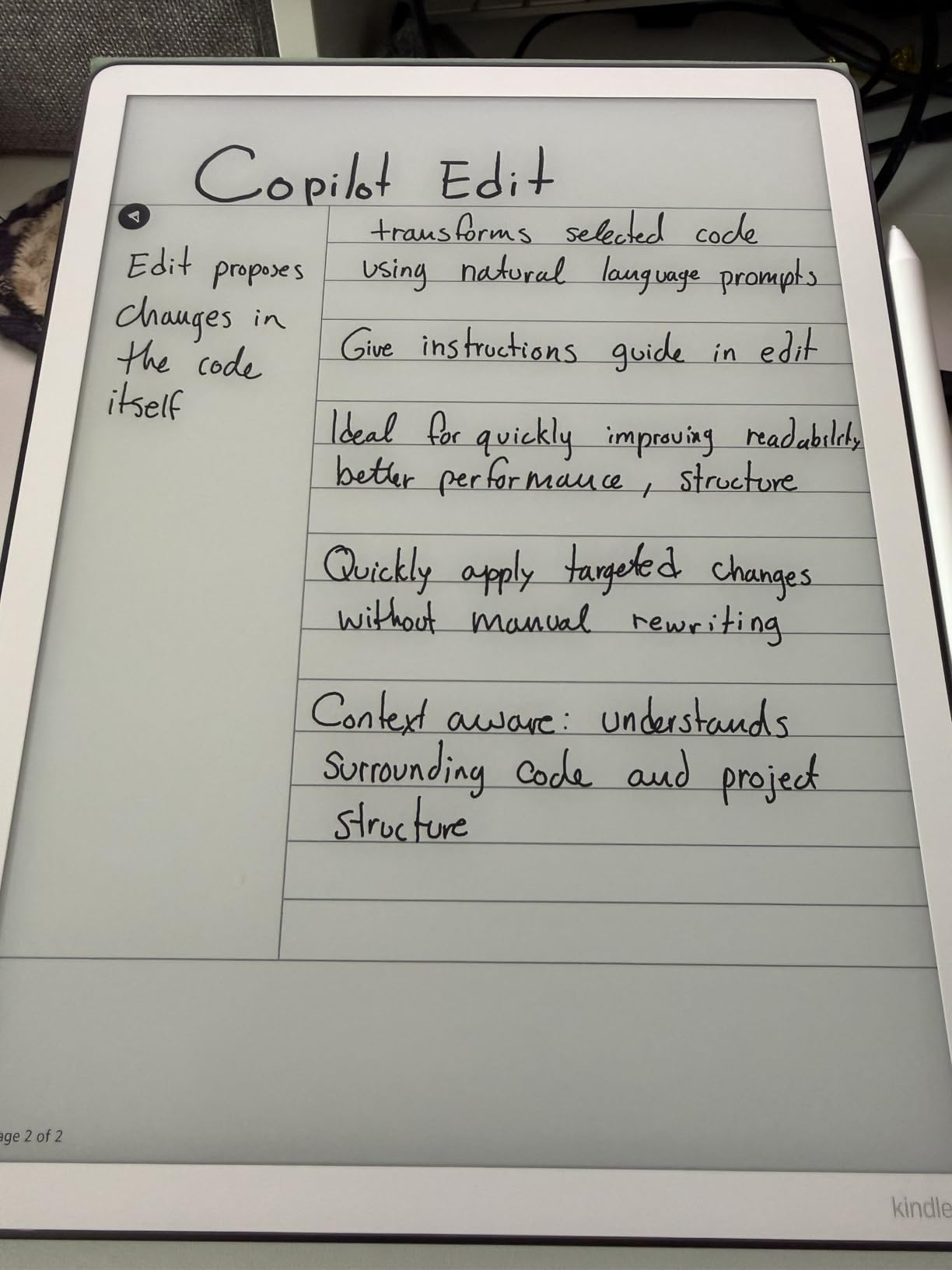
The AI notebook has also improved. You can now search across all your handwritten notes, ask questions about what you wrote, and generate summaries automatically. For exam preparation, having a searchable archive of an entire semester of lecture notes is genuinely transformative.
Who should buy the newest Scribe
Students who treat their notes as a knowledge base will get the most value here. Law students, medical students, and PhD researchers who accumulate hundreds of pages of handwritten material finally have a device that can organize and search that content intelligently.
The 64GB storage also matters for heavy users. If you import large PDF textbooks, lecture slides, and research papers, you will not run out of space across a four-year program. Combined with cloud sync, your entire academic library lives on one device.
Who should skip it
The price is the obvious barrier. At this level, you are approaching iPad territory, and students who need apps, web browsing, or video calls may get more value from a tablet. The Scribe is a reading and writing device, not a general-purpose computer.
Some early units have shown uneven lighting, with the left side appearing warmer than the right. If you buy this model, check the screen carefully during the return window. Amazon has been replacing affected units, but the hassle is real.
8. Kindle Paperwhite Kids 16GB – Most Durable Budget Option
Amazon Kindle Paperwhite Kids 16GB (2024 model) – large 7″ glare-free display – Kids read an average of 1+ hour per day with Kindle – Cyber City
7-inch glare-free display
16GB storage
2-year worry-free guarantee
Kid-friendly cover included
6 months Amazon Kids+ included
Pros
- 2-year worry-free guarantee covers damage
- Larger 7-inch glare-free display
- Waterproof design
- No distractions or ads
- Adjustable warm light
Cons
- Amazon Kids+ auto-renews at 5.99 per month
- Cover can feel bulky
- Designed for younger readers
- Limited color options for adults
The Kindle Paperwhite Kids is an unusual recommendation for college students, but the logic is simple. You get the same 7-inch Paperwhite hardware plus a 2-year worry-free guarantee that covers accidental damage. For students prone to dropping devices or spilling drinks, that warranty is worth more than any feature difference.
Under the colorful cover, this is functionally identical to the standard Paperwhite. Same glare-free display, same adjustable warm light, same waterproof rating, same 16GB storage. The only real differences are the included cover, the Kids+ subscription, and the warranty terms.
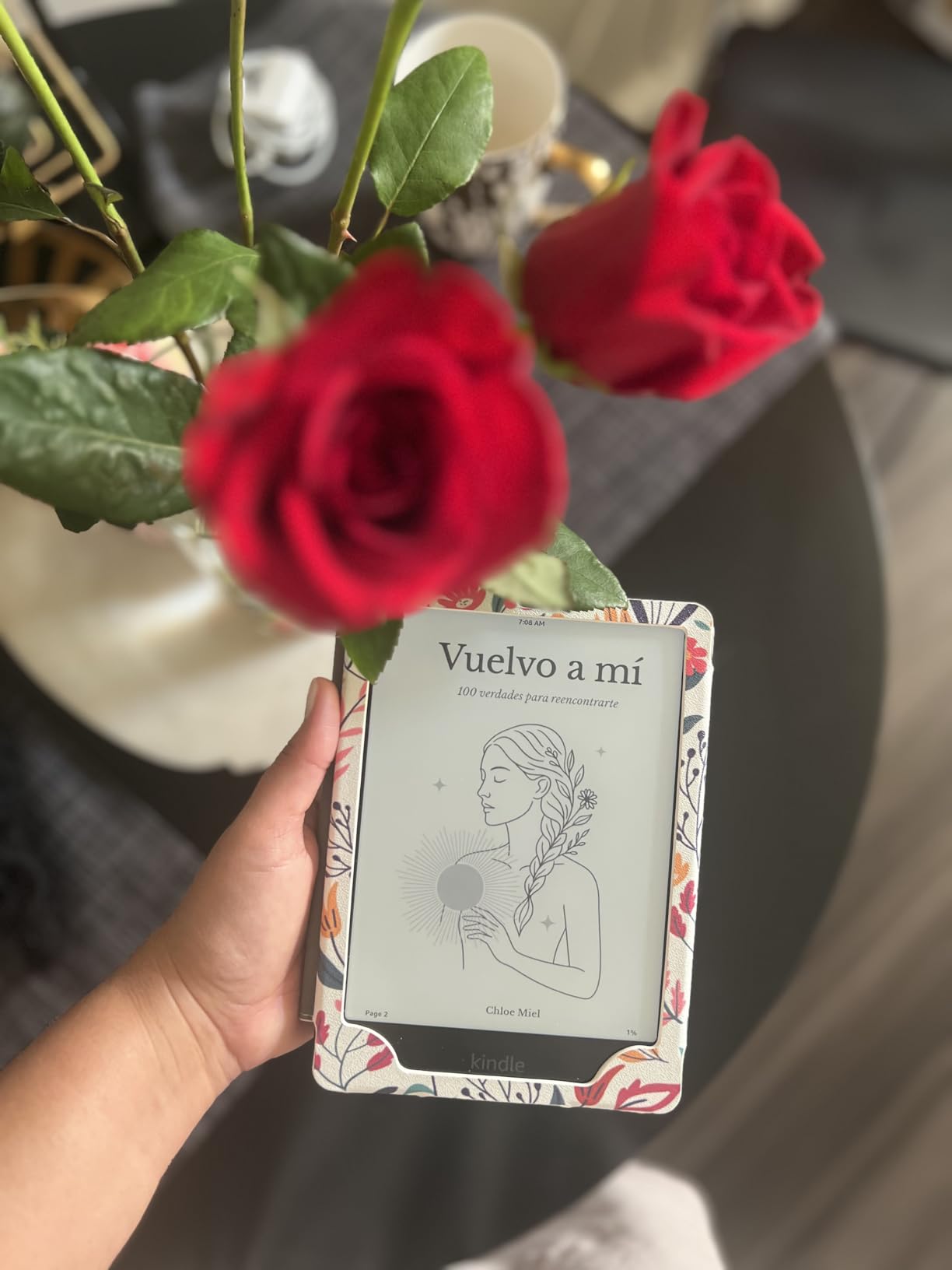
The 2-year worry-free guarantee means if you break the device, Amazon replaces it. No questions, no deductibles, no extended warranty sales pitch. For a college environment where accidents happen constantly, that peace of mind is hard to overvalue.
You can cancel the Amazon Kids+ subscription immediately and remove all parental controls. The device works exactly like a regular Paperwhite once you switch profiles. The cover is the only visible difference, and you can swap it for any standard Paperwhite case.
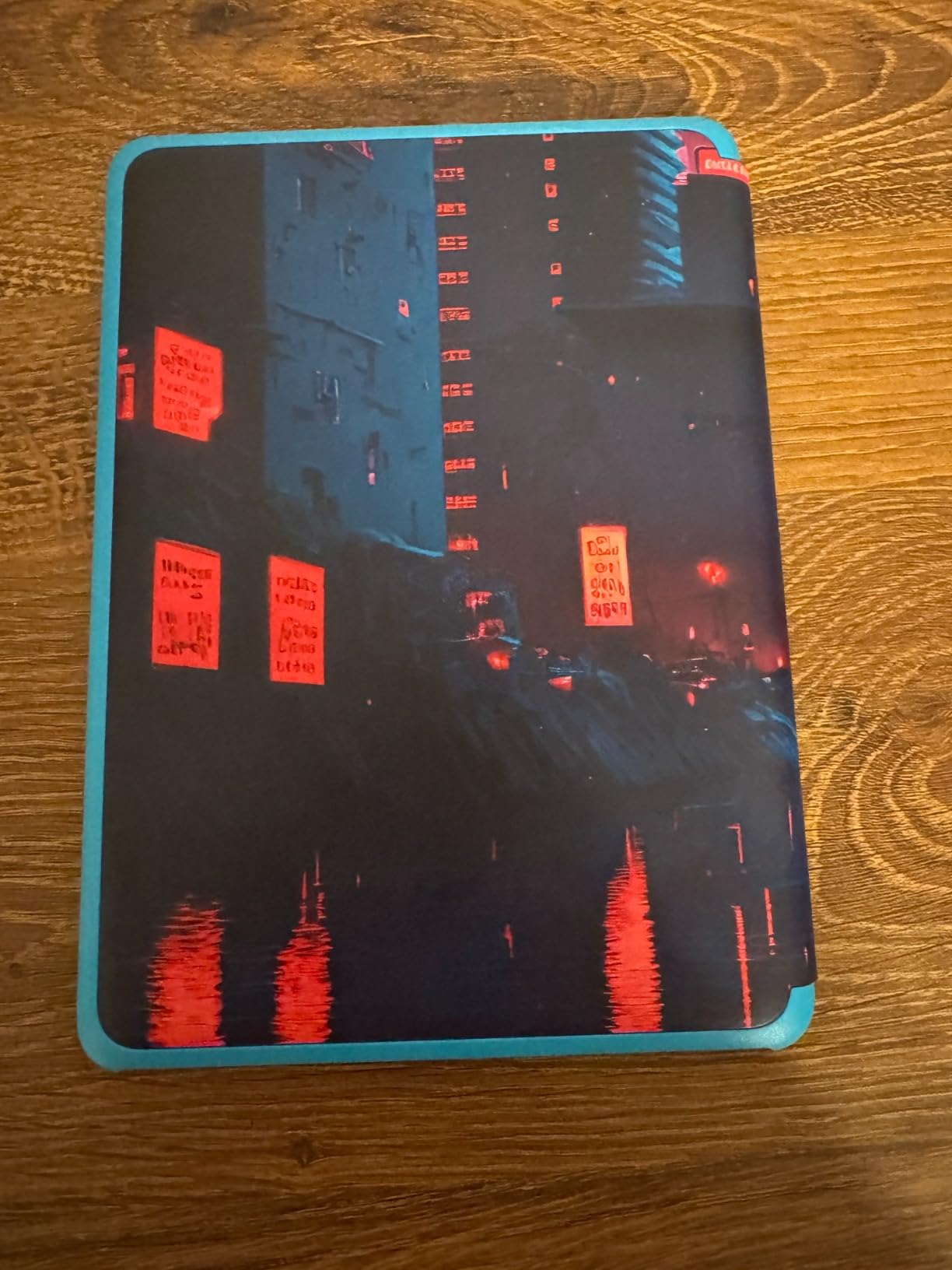
Who should buy the Kids edition
Clumsy students and anyone attending school in rough conditions should seriously consider this model. The warranty alone justifies the price difference over the standard Paperwhite if you expect to damage your device within two years.
Students transferring from community college to university, or anyone who commutes in harsh weather, will appreciate the durability package. The included cover provides extra drop protection that the bare Paperwhite lacks.
Who should skip it
If you want a device that looks professional in a study group or office setting, the Kids cover sends the wrong signal. You can replace it, but that adds cost. Students who want the Signature Edition features should also look elsewhere, as this model lacks wireless charging and auto-adjusting light.
Anyone who forgets to cancel subscriptions should avoid this device. The Kids+ auto-renewal at $5.99 per month adds up if you never use the service. Set a calendar reminder to cancel if you go this route.
Buying Guide: How to Choose the Best Kindle for College
Choosing between eight Kindle models gets overwhelming fast. Our team broke down the decisions that actually matter for college students, based on real classroom and dorm experience rather than spec sheet comparisons.
If you want broader context on how Kindles fit into a student technology stack, our student tech buying guides walk through how dedicated e-readers compare to tablets and laptops for academic use.
Display size and type
Screen size is the most personal decision. The 6-inch basic Kindle works for novels and text-heavy reading. The 7-inch Paperwhite and Colorsoft give you more room for textbook pages and reduce page-turn frequency. The 10.2-inch and 11-inch Scribe models are large enough for PDFs, lecture notes, and split-screen reading.
All current Kindle displays use e-ink technology at 300 ppi, which means text sharpness is identical across models. The difference is physical size, not clarity. Color is the only meaningful display technology variation, available on the Colorsoft models.
Storage needs for textbooks
Plain text books take almost no space. A 16GB Kindle holds thousands of standard novels without issue. The calculation changes with illustrated textbooks, PDFs, audiobooks, and graphic content. Color materials and image-heavy PDFs can eat through storage five to ten times faster than text.
If you plan to carry a full semester of STEM textbooks and research papers, the 32GB or 64GB options remove any storage anxiety. Students who mainly read novels and text-only materials will never fill 16GB. Our guide on digital storage solutions covers how to manage academic content across devices.
Battery life for long study sessions
Kindle battery life is measured in weeks, not hours. The basic Kindle lasts up to six weeks per charge. The Paperwhite models stretch to 12 weeks. The Colorsoft manages up to eight weeks, while the Scribe delivers months of reading or weeks of active writing.
In real-world college use, expect to charge any Kindle roughly once every three to four weeks with daily reading. That beats any phone, tablet, or laptop by a massive margin. You can leave your charger at home for weekend study trips without worry.
Waterproofing for dorm life
The Paperwhite, Colorsoft, and Kids models all carry an IPX8 waterproof rating. The basic Kindle and both Scribe models lack this protection. In a dorm environment with coffee cups, water bottles, and rain, waterproofing provides real insurance against accidents.
If you read in the bath, by the pool, or outdoors during rainy seasons, waterproofing is essential. For students who only read indoors away from liquids, it is a nice-to-have rather than a requirement.
Note-taking capabilities
Only the Kindle Scribe supports active handwriting with a stylus. All other Kindles allow text highlighting and typed notes through the on-screen keyboard, but you cannot write or draw freely. For lecture notetaking, equation work, or diagram annotation, the Scribe is the only viable Kindle option.
The Scribe’s AI tools add real value for study workflows. Handwriting-to-text conversion, summarization, and notebook search make handwritten notes searchable and shareable. For students exploring reading accessibility tools, our article on reading accessibility for students covers complementary approaches across devices.
Library integration via Libby
Every Kindle works with Libby, the free app that connects to your local library card. You can borrow ebooks and audiobooks wirelessly with no late fees, since returns happen automatically. For college students on tight budgets, this feature alone can save hundreds of dollars per semester on reading materials.
Reddit discussions consistently highlight Libby as a primary reason students choose Kindle over other e-readers. Campus libraries often have limited hours and physical stock, while digital borrowing is available 24/7 from anywhere.
Budget considerations and student discounts
Amazon occasionally offers Kindle trade-in credit and seasonal discounts, especially during back-to-school and Prime Day periods. Students enrolled in Amazon Prime Student get free two-day shipping, access to Prime Reading, and occasional Kindle-exclusive promotions.
For maximum value, the basic Kindle at under $110 is the lowest-risk entry point. The Paperwhite at under $160 is the best overall value for features. Anything above $200 should be justified by specific needs like color, notetaking, or maximum storage.
FAQs
What is the difference between a Paperwhite and a regular Kindle?
The Kindle Paperwhite has a larger 7-inch display compared to the 6-inch basic Kindle, plus an adjustable warm light, IPX8 waterproof rating, and up to 12 weeks of battery life versus 6 weeks on the basic model. The Paperwhite costs more but offers better durability and reading comfort for extended study sessions.
What is the most recommended Kindle for college students?
The Kindle Paperwhite 16GB is the most recommended Kindle for college students because it balances price, display size, battery life, and waterproofing. Its 7-inch glare-free screen handles textbook reading well, and the adjustable warm light reduces eye strain during late-night study sessions.
Which Kindle is the best value for money?
The basic Kindle 16GB is the best value for money at under $110. It delivers the same 300 ppi text sharpness as more expensive models, holds thousands of books, and offers up to 6 weeks of battery life. Students who do not need waterproofing or warm light get the most reading capability per dollar here.
Is a Kindle good for college students?
Yes, a Kindle is excellent for college students because it reduces backpack weight, provides free access to library books through Libby, offers weeks of battery life, and eliminates eye strain from backlit screens. Text-heavy majors benefit most, while STEM students should consider the Colorsoft or Scribe for visual content and notetaking.
Can you read textbooks on a Kindle?
Yes, you can read textbooks on a Kindle, though the experience varies by model. Text-based textbooks work well on any Kindle. PDFs with charts, diagrams, or two-column layouts read better on the larger Paperwhite, Colorsoft for color content, or Scribe for full-page academic materials with markup support.
Conclusion: The Best Kindles for College Students in 2026
After testing all eight models, the Kindle Paperwhite 16GB remains the best Kindle for college students overall. It hits the sweet spot of price, display size, battery life, and waterproofing that covers what most undergrads actually need. Pair it with a free Libby library card and you have a complete academic reading solution.
Students on strict budgets should grab the basic Kindle 16GB, while STEM majors dealing with color textbooks will benefit from the Colorsoft. For serious notetakers who want one device for reading and writing, the Kindle Scribe is worth the premium. Whatever you choose, any current Kindle model will dramatically reduce your backpack weight and improve your reading comfort across four years of college.