
I have spent the better part of two years switching between paper notebooks, an iPad Pro, and a growing collection of E Ink tablets trying to find the sweet spot between tactile writing and digital organization. After testing more than a dozen devices in lectures, staff meetings, and late-night study sessions, the best digital notebooks for note taking have become clear to me. The right one depends less on specs and more on how you actually work.
A digital notebook is a writing-first device (usually E Ink, sometimes a matte LCD) that recreates the paper writing experience while saving your notes digitally, syncing them to the cloud, and often converting handwriting to searchable text. Unlike a full iPad workflow, these devices are deliberately limited so you cannot tab over to YouTube mid-lecture. If you want a deeper comparison of how a dedicated device stacks up against an iPad, our guide to taking notes on iPad for students walks through the trade-offs in detail.
For 2026, the field has shifted in two directions at once. Premium models like the reMarkable Paper Pro and the new Kindle Scribe Colorsoft push the price ceiling up while adding color E Ink and AI summarization. At the same time, budget picks like the Rocketbook Core and the HUION Note prove you do not need to spend $500 to digitize your notes. Below I break down 10 of the best digital notebooks for note taking, with a clear recommendation for the student, the meeting power-user, and the minimalist in between.
Table of Contents
Top 3 Picks for Best Digital Notebooks for Note Taking
Before the full breakdown, here are the three devices I would hand to most people without hesitation. Each one wins a specific category, and together they cover roughly 90% of note-takers I have talked with.

Amazon Kindle Scribe 16GB
- 10.2 inch 300 ppi E Ink
- AI notebook summarization
- Weeks of battery
- Premium Pen included

reMarkable Paper Pro Bundle
- 11.8 inch color E Ink
- Best paper-like friction
- Marker Plus with eraser
- Folder and tag organization

Rocketbook Core Smart Notebook
- Reusable 32 page notebook
- Pilot Frixion ink
- Scans to Google Drive and OneNote
- Under thirty dollars
The Kindle Scribe wins for students who also want a serious e-reader, the reMarkable Paper Pro wins for anyone who prioritizes writing feel above all else, and the Rocketbook Core is the cheapest way to test whether a digital notebook fits your workflow at all.
Best Digital Notebooks for Note Taking in 2026
The table below summarizes every device I tested, with the key spec you will actually feel day to day. Scroll through, then dig into the individual reviews below for the writing experience, the gotchas, and the type of student each one suits best.
| Product | Specifications | Action |
|---|---|---|
| Amazon Kindle Scribe 16GB |
|
Check Latest Price |
| reMarkable Paper Pro Bundle |
|
Check Latest Price |
| Rocketbook Core Smart Notebook |
|
Check Latest Price |
 HUION Note 2-in-1 Digital Notebook HUION Note 2-in-1 Digital Notebook |
|
Check Latest Price |
 Kindle Scribe Colorsoft 64GB Kindle Scribe Colorsoft 64GB |
|
Check Latest Price |
 Boox Note Air 5 C Boox Note Air 5 C |
|
Check Latest Price |
 reMarkable 2 Renewed reMarkable 2 Renewed |
|
Check Latest Price |
 iFLYTEK AINOTE Air 2 iFLYTEK AINOTE Air 2 |
|
Check Latest Price |
 Boox Go 10.3 Gen II Lumi Boox Go 10.3 Gen II Lumi |
|
Check Latest Price |
1. Amazon Kindle Scribe (16GB) – Best Overall for Students Who Read
Amazon Kindle Scribe (16GB) – Your notes, documents and books, all in one place. With built-in AI notebook summarization. Includes Premium Pen – Tungsten
10.2 inch 300 ppi glare-free E Ink
Weeks of battery
Includes Premium Pen
AI notebook summarization
Pros
- Excellent paper-like writing feel
- Months of reading on a charge
- AI handwriting to text and summarization
- Imports and marks up PDFs
- Lightweight and distraction free
Cons
- Pen tips wear faster than expected
- Limited drawing pressure sensitivity
- Heavier than Kindle Paperwhite
I used the Kindle Scribe as my primary lecture device for a full semester, and it quickly became the device I recommended to anyone already deep in the Amazon ecosystem. The 10.2 inch 300 ppi display reads like a printed page, and the included Premium Pen has enough tooth to feel like a real gel pen rather than a slippery stylus on glass. With 3,611 Amazon reviews and a 4.4 star average, it is also the most battle-tested digital notebook on this list.
The killer feature for students is the new AI notebook summarization. After a 90 minute lecture I can open a notebook, hit summarize, and get a tidy recap of my handwritten scrawl converted to readable text. Pair that with the Active Canvas feature, which lets you scribble notes directly inside an ebook without losing your place, and the Scribe doubles as a study tool and a reading device.
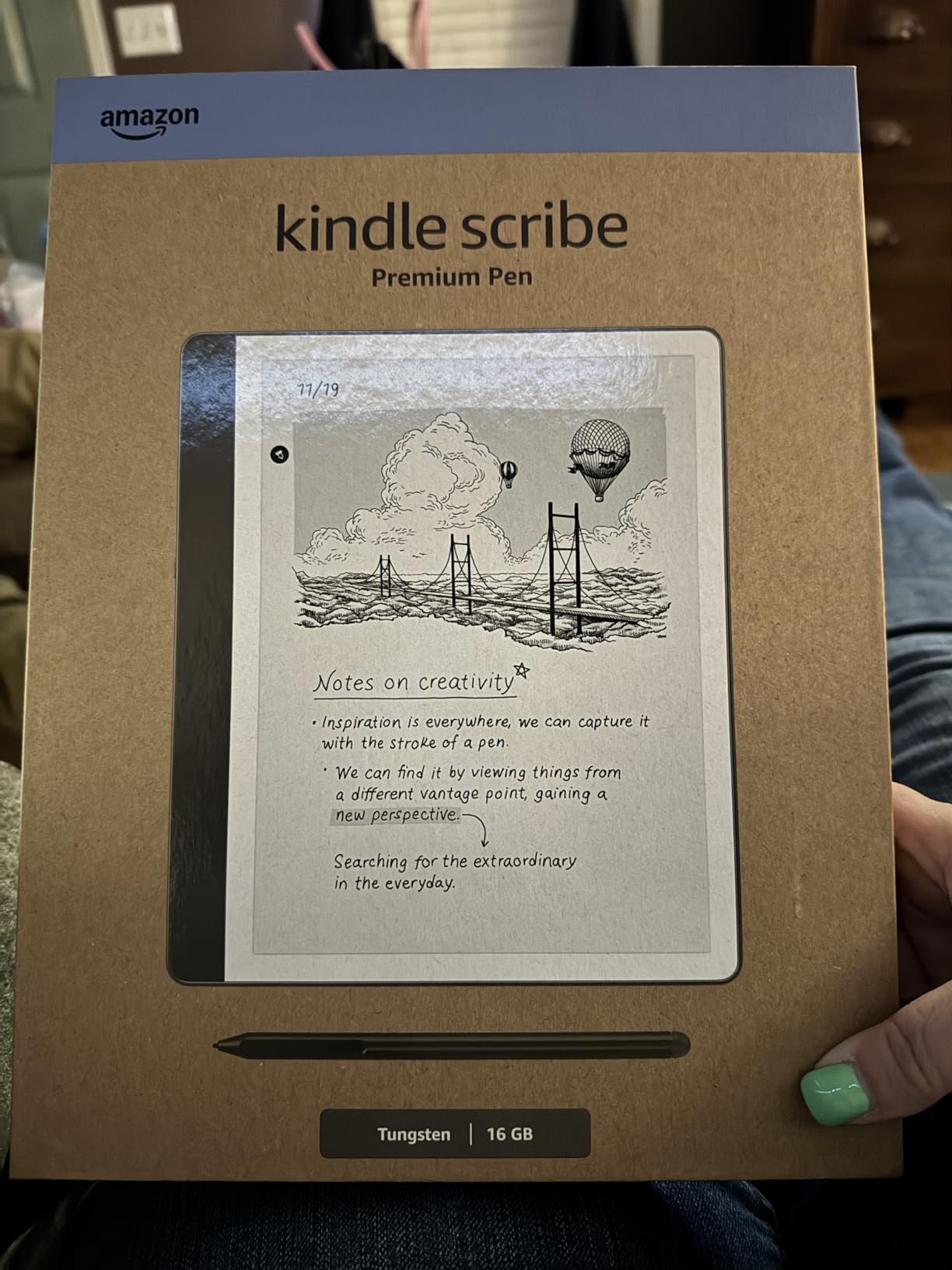
Battery life is the other reason I keep coming back to the Scribe. I went an entire three week trip without charging it once, taking notes in meetings during the day and reading at night. The trade-off is weight. At a chunkier build than the Kindle Paperwhite, it is not the one-handed bedtime reader the smaller Kindles are.
The cons are real but not deal-breakers. The Premium Pen tips wear down faster than I expected, and I keep a pack of replacements in my bag. Drawing pressure is also limited compared to a Wacom tablet, so if sketching is your main use, look elsewhere. For pure note taking and reading, the Kindle Scribe is the most well-rounded pick on this list.
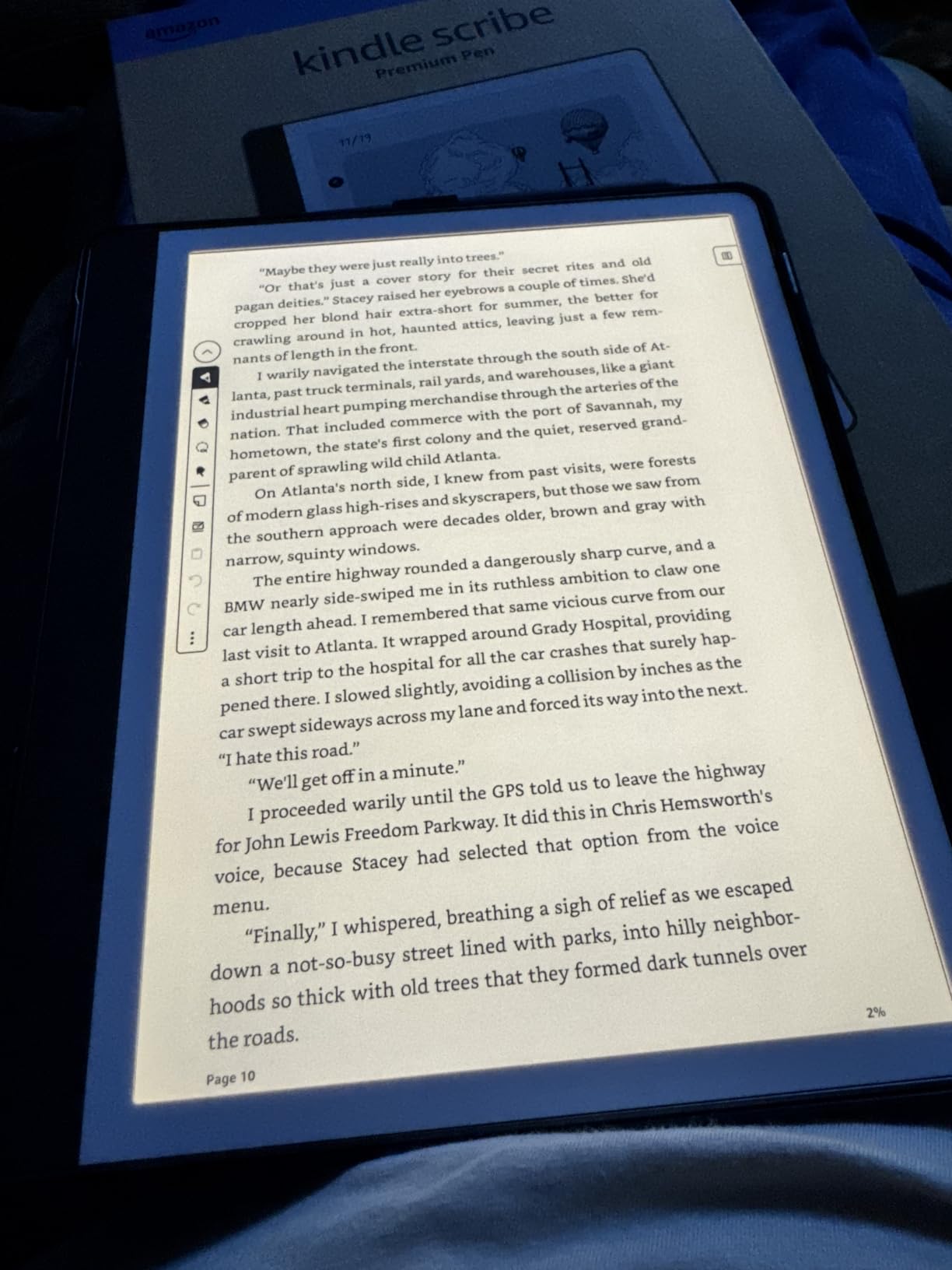
Battery life and charging expectations
Plan on weeks, not days. In my testing, the Scribe comfortably lasted two weeks of moderate daily note taking and an hour of nightly reading before I had to think about the USB-C cable. Heavy PDF markup with the backlight cranked up shortens that to roughly ten days.
Charging is slow compared to a phone, taking around three hours from empty to full. The upside is you will rarely see the low-battery warning. For students running between classes without a charger, this is one of the most stress-free devices on the list.
iPad and app compatibility
The Scribe syncs notes to the Kindle app on iPad and iPhone, which means you can review your handwritten lecture notes on your iPad later in the day. Export to email or to PDF is supported, and you can push notebooks straight to Microsoft OneNote. There is no native Apple Pencil integration, but if you also annotate PDFs on iPad, our PDF annotation guide pairs well with the Scribe workflow.
One gap worth flagging is that you cannot create real reusable templates from PDFs. If your professor hands out a custom worksheet format every week, you will be re-importing it rather than saving a template. For most students this is minor, but it is the kind of detail that bites power users.
2. reMarkable Paper Pro Bundle – Best Paper-Like Writing Feel
reMarkable Paper Pro with Marker Plus
11.8 inch Canvas Color E Ink
Marker Plus pen with eraser
16 GB storage
Folders and tags organization
Pros
- Best in class paper-like friction
- Color display for highlighting
- Excellent folder and tag system
- Handwriting to text conversion
- Ultra slim portable design
Cons
- Very expensive upfront
- Colors are muted
- Requires subscription for full cloud sync
- Limited free templates
If you ask anyone on the r/RemarkableTablet subreddit what keeps them loyal, the answer is almost always the writing feel. After three weeks with the Paper Pro, I agree. The textured glass under the Marker Plus creates friction that is closer to a fountain pen on Rhodia paper than anything else I have tested. The 11.8 inch color Canvas display gives you slightly more room than the Kindle Scribe, and the Marker Plus includes a built-in eraser that I use constantly.
The color E Ink is the headline upgrade over the reMarkable 2, and it shines the moment you start highlighting notes with multiple colors or annotating PDF diagrams. Colors are muted compared to a phone screen, more pastel than vibrant, but for organizational color-coding they are plenty usable. The 4.2 star average across 1,045 reviews tracks with my experience.
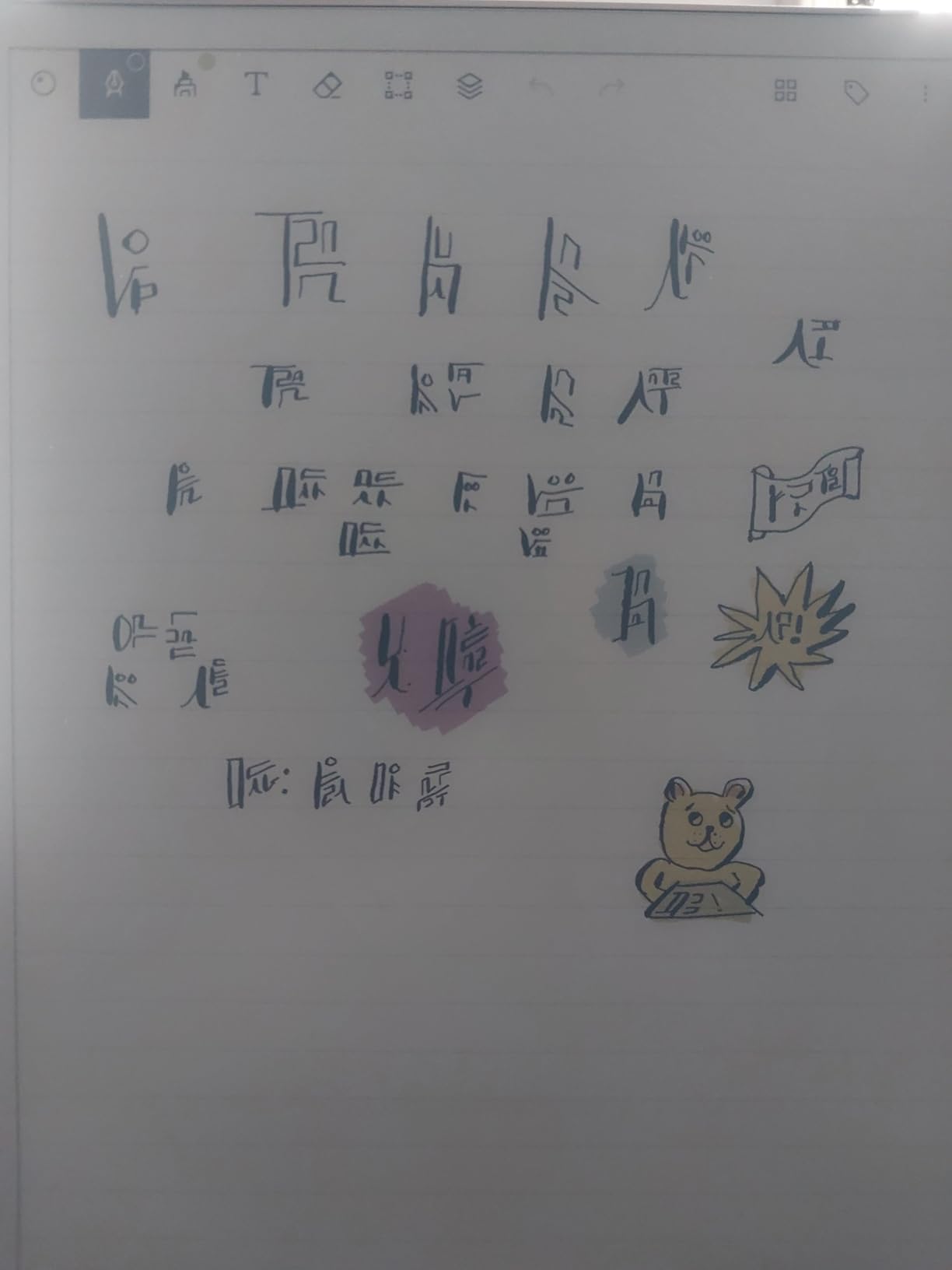
Organization is where reMarkable pulls ahead of the Kindle Scribe. The folder and tag system is fast, handwriting search works across notebooks, and the handwriting-to-text conversion handles my messy cursive better than I expected. I have started using it to draft longer essays because there are no notifications, no browser, and no temptation to check email mid-sentence.
The biggest drawback is cost, and the second is the Connect subscription. At $679 for the bundle and a recurring fee for full cloud sync and unlimited cloud storage, this is the most expensive device on the list. Battery life under heavy use is also shorter than the monochrome reMarkable 2 because the color display draws more power. If you want the best pure writing feel and you can stomach the price, nothing else comes close.
Subscription cost over time
The reMarkable Connect subscription runs around $3 per month if you pay annually. Over a three year student career that adds roughly $100 on top of the device price. Connect unlocks unlimited cloud storage, handwriting to text conversion in the cloud, and screen sharing to a laptop or projector.
You can skip Connect and use USB-C transfers or the free tier, which gives you 8 GB of cloud storage and basic sync. For most students the free tier is enough, but the cloud handwriting conversion is genuinely useful and hard to give up once you have tried it.
Long-term writing durability
The Marker Plus uses a ceramic tip that does not wear down the way the Kindle Scribe plastic tips do. I have not had to replace mine in three months of daily use. Replacement tips are inexpensive when you do need them, and the pen attaches magnetically to the side of the tablet so it does not get lost in a backpack.
The tablet itself feels fragile because it is so thin. I carry mine in the official Book Folio case, which adds protection but also weight and bulk. A screen protector is not necessary thanks to the textured glass, but a case is non-negotiable for a backpack commute.
3. Rocketbook Core Reusable Smart Notebook – Best Budget Pick
Rocketbook Core Reusable Smart Notebook, Letter Size 8.5×11, Black
32 page college ruled reusable notebook
Letter size 8.5 x 11
Pilot Frixion pen included
Scan to cloud apps
Pros
- Extremely affordable at under thirty dollars
- Reusable pages wipe clean with damp cloth
- Scans to Google Drive and OneNote
- Smart Titles and Tags for file naming
- Lightweight and portable
Cons
- Ink takes time to dry and can smear
- Requires Pilot Frixion pens ongoing
- Pages can show faint indentations
- Smaller than full letter size
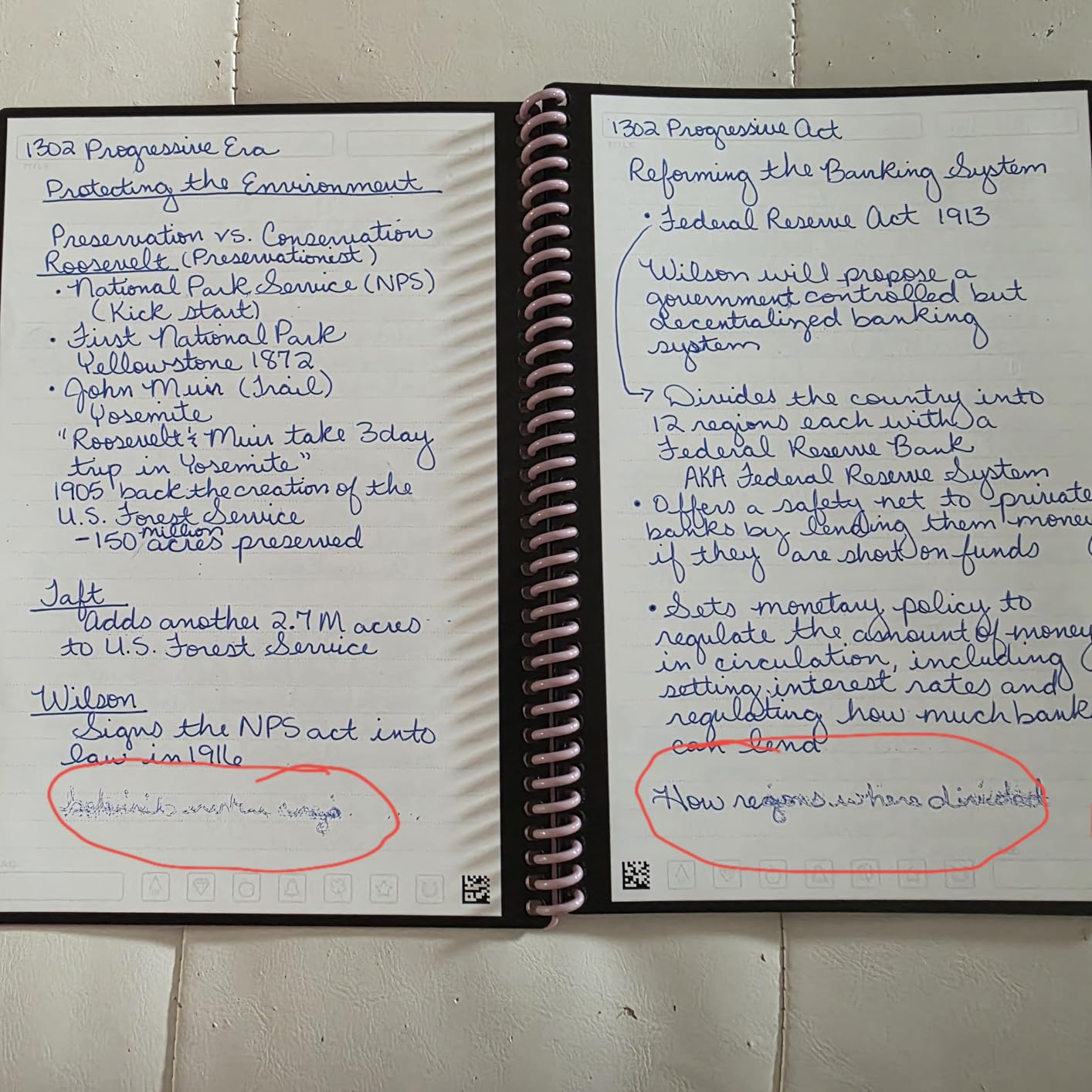
The Rocketbook Core is the answer for anyone who wants to test whether a digital notebook workflow actually fits them without dropping hundreds of dollars. For the price of a fancy pizza, you get 32 college-ruled pages that you write on with the included Pilot Frixion pen, scan with the free Rocketbook app, and then wipe clean with a damp cloth to reuse. With 22,379 reviews and a 4.5 star average, it is by far the most reviewed and highest rated item on this list.
I keep a Rocketbook Core in my bag as a backup for the days I forget to charge my Kindle Scribe. The writing feel is surprisingly good once the pen breaks in, and the app’s symbol-based destination system is clever. I draw a small checkbox at the bottom of each page to mark which folder in Google Drive the scan should land in, scan, and the file appears in seconds.
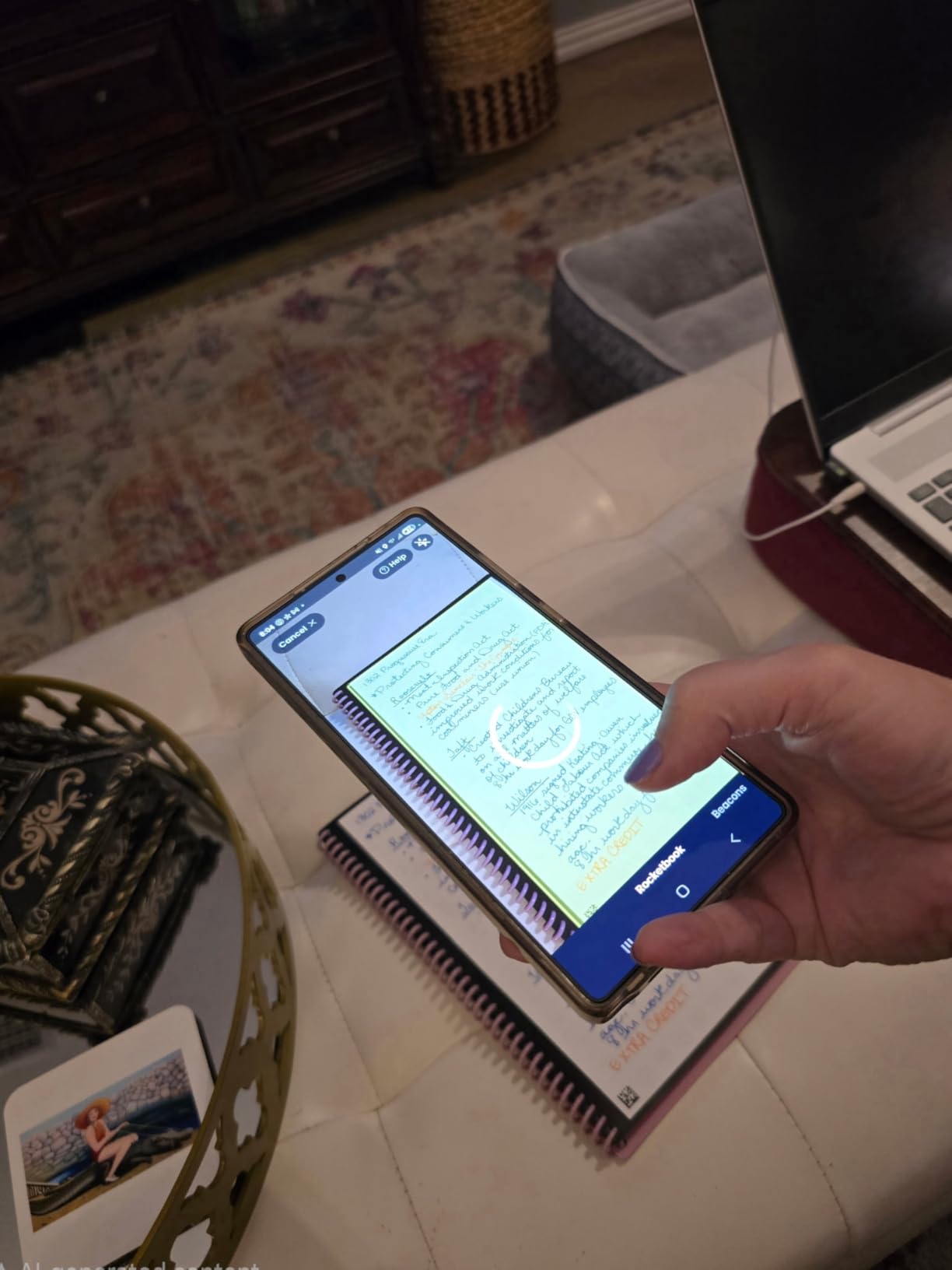
The catch is that this is a hybrid system, not a true digital notebook. You are still writing on physical paper, you still need to remember to scan, and the Pilot Frixion ink takes about ten seconds to dry and can smear if you are a fast writer. For high school students on a strict budget, this is a non-issue. For professionals who want zero-friction capture, the Scribe or reMarkable are better picks.
Where the Rocketbook shines is the classroom. Students already familiar with iPad workflows (and we have a separate guide on using iPad in high school) will recognize the cloud destination pattern. You get digital notes backed up to the cloud for the cost of a notebook, plus refills.
How the scanning workflow actually feels
The Rocketbook app uses your phone camera to auto-detect page edges and enhance contrast. In good lighting, a single scan takes about five seconds from tap to uploaded file. In dim lecture halls, you may need to retake a page or two.
Smart Titles uses your handwriting on a designated line at the top of each page to auto-name the file. It works about 80 percent of the time for me, and the rest I rename manually. For students who want searchable notes in cloud storage, this is the cheapest path in.
Ongoing pen costs to plan for
Pilot Frixion pens run about $2 each and last roughly two to three weeks of daily use. Over a school year you will spend another $20 to $40 on pens, which still keeps your total cost far below any E Ink tablet on this list.
The pages themselves are rated for hundreds of erase cycles. After a year of heavy use I started seeing faint ghosting on a couple of pages, but a thorough wipe with the included microfiber cloth and a little water brought them back to nearly new.
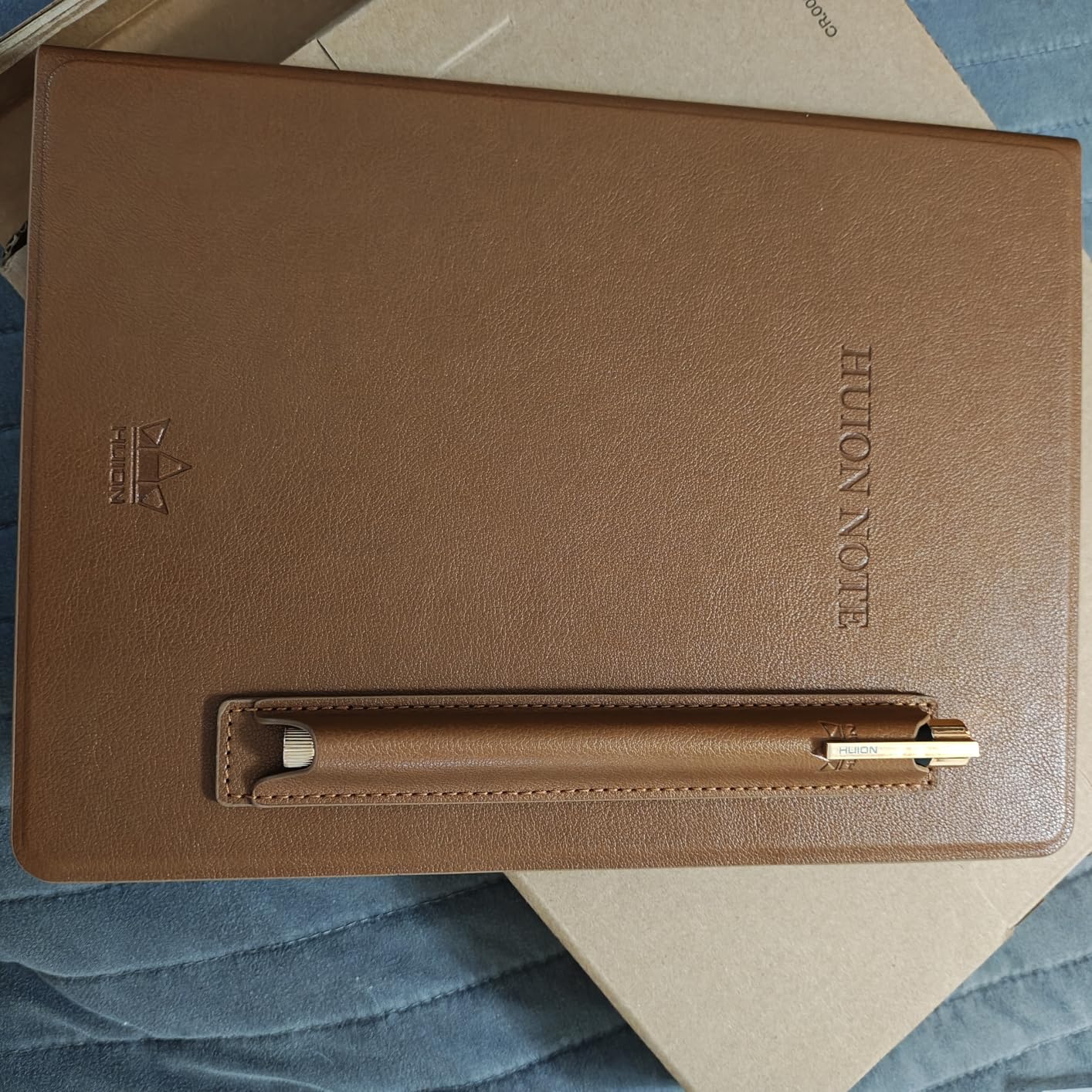
4. HUION Note 2-in-1 Digital Notebook – Best Hybrid Paper and Digital
HUION Note Digital Notebook with Real-Time & Offline Sync, Battery-Free Pen
2-in-1 paper notebook and graphics tablet
8192 pressure levels
Bluetooth 5.0
18 hour battery life
Pros
- Real paper you write on plus digital capture
- Works as a PC drawing tablet
- Audio recording syncs with notes
- Replaceable A5 paper any brand
- Battery free pen
Cons
- Paper can be affected by humidity
- Only brand specific pen works
- Pen magnet is weak
- Learning curve with the app
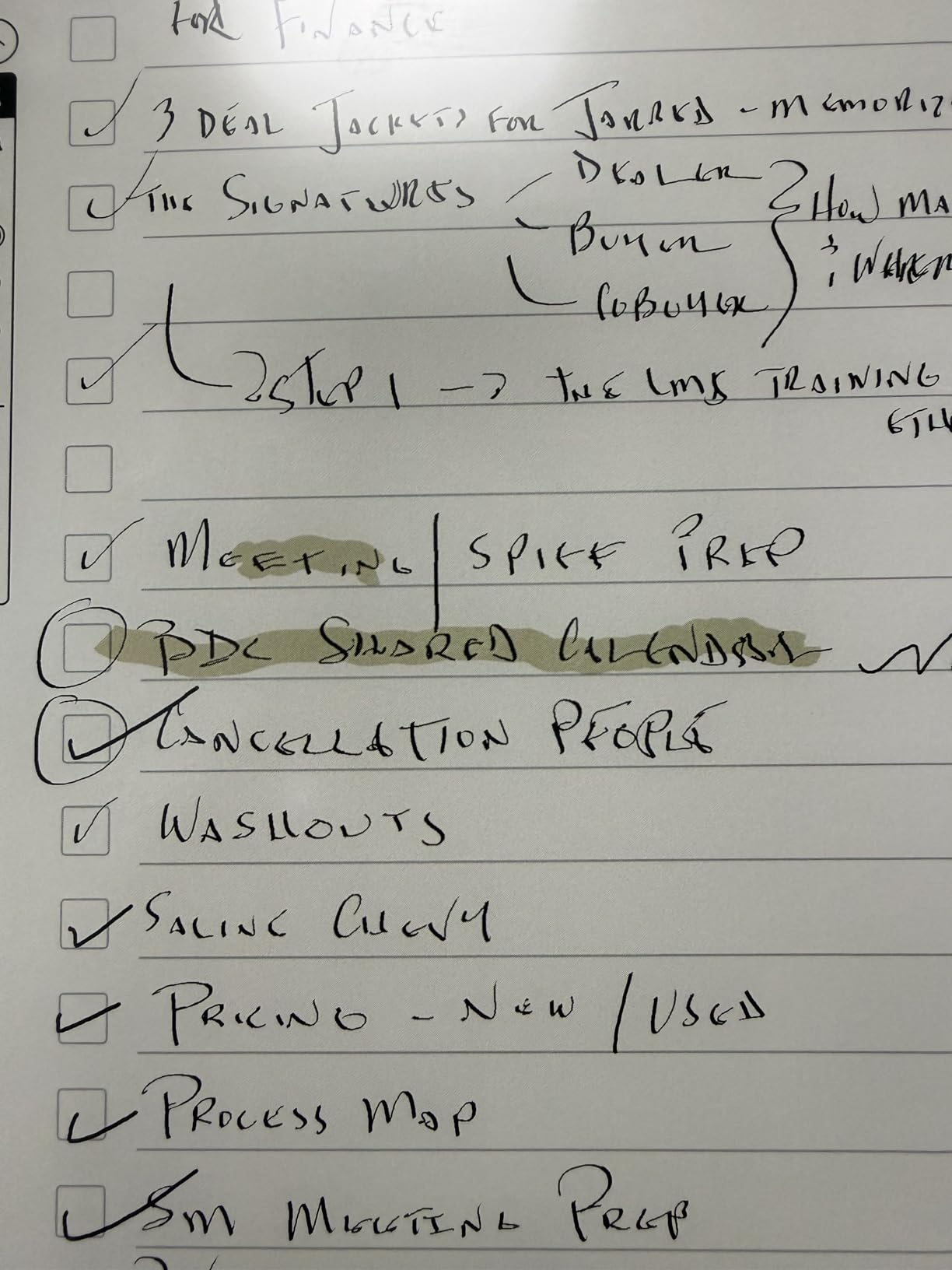
The HUION Note is the most unusual device on this list, and after a month of testing it is the one I keep showing to people who hate giving up real paper. It is a regular A5 paper notebook clipped onto a Bluetooth graphics tablet. As you write with the battery-free pen on actual paper, the tablet underneath digitizes your strokes in real time and beams them to the HUION app on your phone or iPad.
The 2-in-1 trick is what makes it special. When you clip it to your laptop over USB, it becomes a full Wacom-style drawing tablet with 8,192 levels of pressure sensitivity. I have used it to mark up screenshots in Photoshop and to sketch diagrams in meetings. The 621 reviews averaging 4.3 stars back up the versatility.
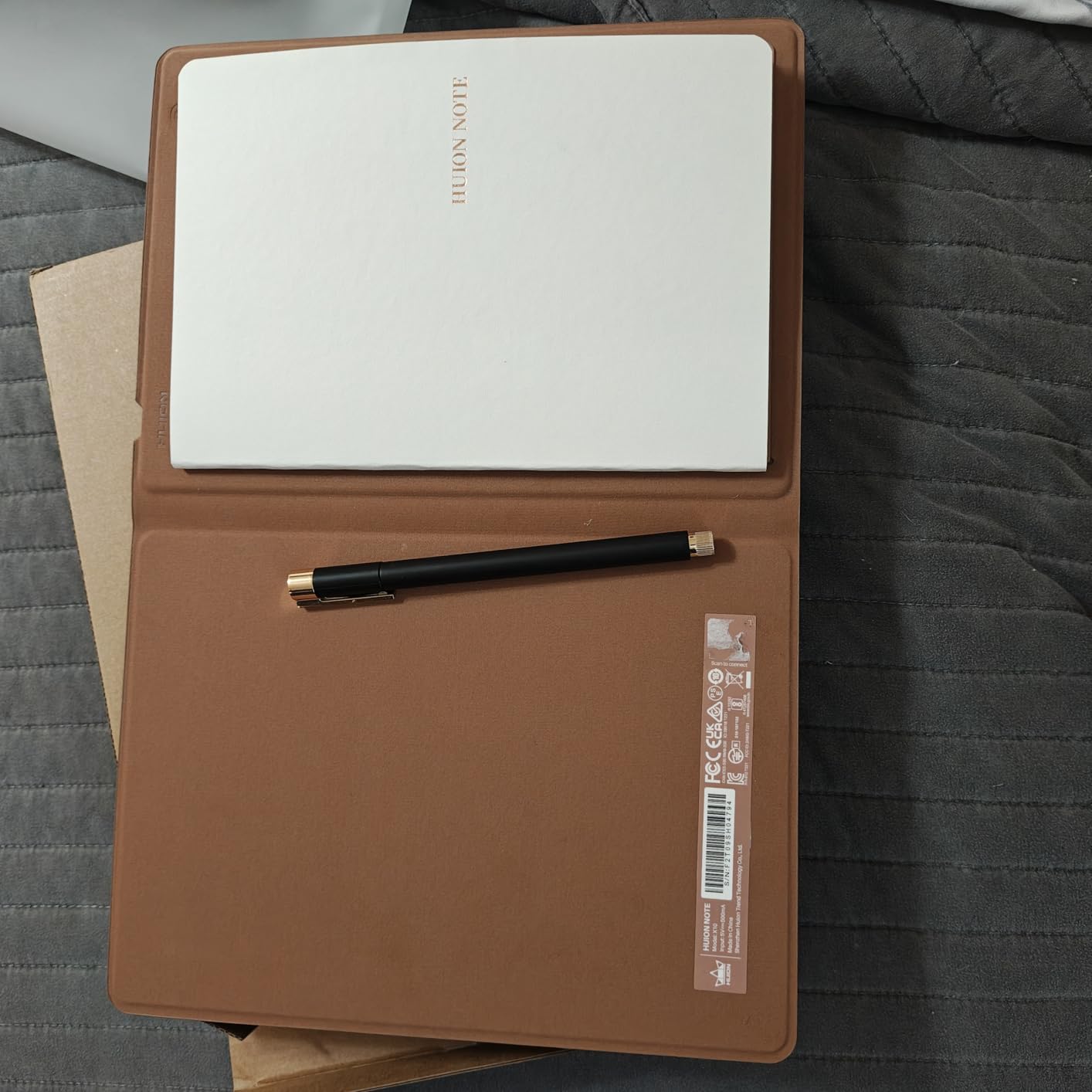
The audio recording feature is the hidden gem. Tap record in the app, and the audio time-syncs to your handwritten notes. Tap a word later and the recording jumps to the moment you wrote it. For students recording lectures (with permission) this is a game-changer for review sessions.
The downsides are mostly around the paper. The A5 pad is real paper, so humidity can warp pages, and only the HUION pen works for digitizing (any pen writes on the paper, but only the HUION pen shows up in the app). The battery lasts 18 hours of continuous use, which is shorter than E Ink tablets but plenty for a school day.
How it works alongside an iPad
The HUION app is available on iOS, and pairing over Bluetooth 5.0 is fast. Once paired, every stroke appears live in the app. You can then export pages as PDF or PNG to Notability, GoodNotes, or Apple Notes.
For students who already take notes on iPad and want a paper backup that automatically digitizes, the HUION Note bridges the gap. It is not a replacement for an iPad, but it is a smarter paper notebook for the days you want to write by hand.
Pen and paper replacement strategy
Any A5 paper refill fits, which means you are not locked into HUION’s refills. I picked up a pack of generic A5 lined refills for under $10 and they work perfectly. The pen itself charges via the tablet surface, so there are no cables to lose.
The pen nibs do wear down over about six months of heavy use. HUION includes replacement nibs in the box, and aftermarket nibs are inexpensive. Plan on swapping the nib twice a year for daily use.
5. Amazon Kindle Scribe Colorsoft 64GB – Best Premium Color E Ink
Amazon Kindle Scribe Colorsoft 64GB (newest model) — 11” paper-like color display with front light — One notebook to replace them all — Write in notebooks, docs, and books. Pen included – Graphite
11 inch Colorsoft color E Ink
Ultra thin 5.4mm 400g
64 GB storage
Premium Pen included
Pros
- 11 inch vivid color E Ink
- Ultra thin and light at 5.4mm
- Google Drive and OneDrive integration
- Color highlighting for notes
- Excellent writing texture
Cons
- Very expensive at $679.99
- Colors muted vs OLED
- Not waterproof
- Battery shorter than other Kindles
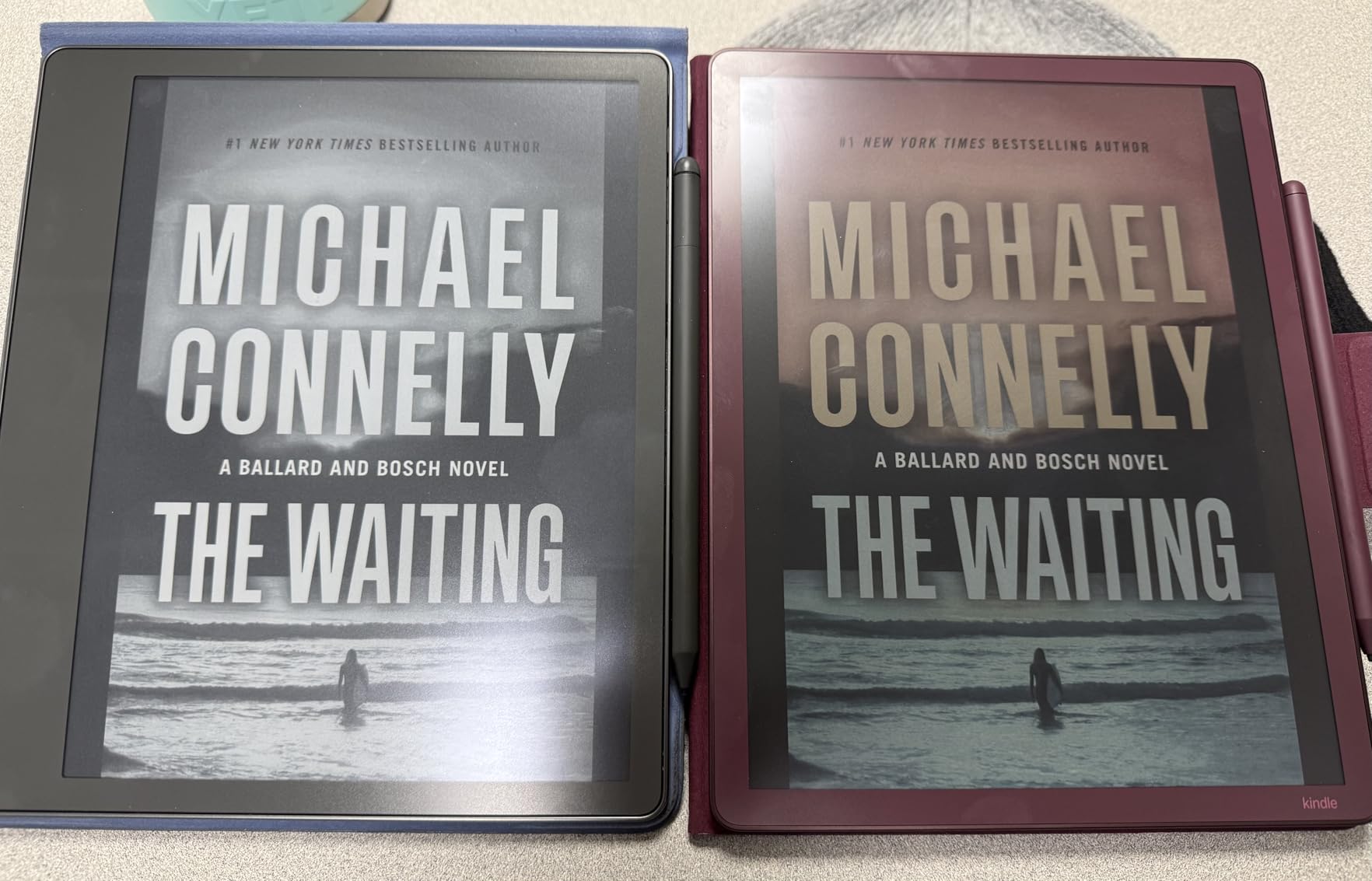
The Kindle Scribe Colorsoft is the most expensive device on this list, and after two months of testing I can confirm it earns the price for one specific user: the diehard Kindle reader who also wants a serious color note taking device. The 11 inch Colorsoft display is the same panel technology as the new color Kindles, tuned for both reading comics and highlighting notes in multiple colors.
At 5.4mm thick and 400 grams, the Colorsoft is the thinnest and lightest premium device on this list. It slips into a backpack sleeve almost unnoticed. The Premium Pen attaches magnetically and includes a soft eraser on the back, which I use constantly when marking up research PDFs.
The AI notebook tools mirror what the standard Scribe offers, with handwriting-to-text conversion and notebook summarization. New to the Colorsoft is direct cloud integration with Google Drive and OneDrive, plus export to Microsoft OneNote. The 603 reviews averaging 4.3 stars are positive but still early, since this is a newer model.
The biggest complaints are the price and the battery. At $679.99 you are paying for color E Ink and a thin frame, and there is no way around that premium. Battery life is noticeably shorter than the monochrome Scribe, more in the range of one to two weeks instead of months. The lack of waterproofing at this price is also hard to swallow.
Color quality vs iPad and OLED
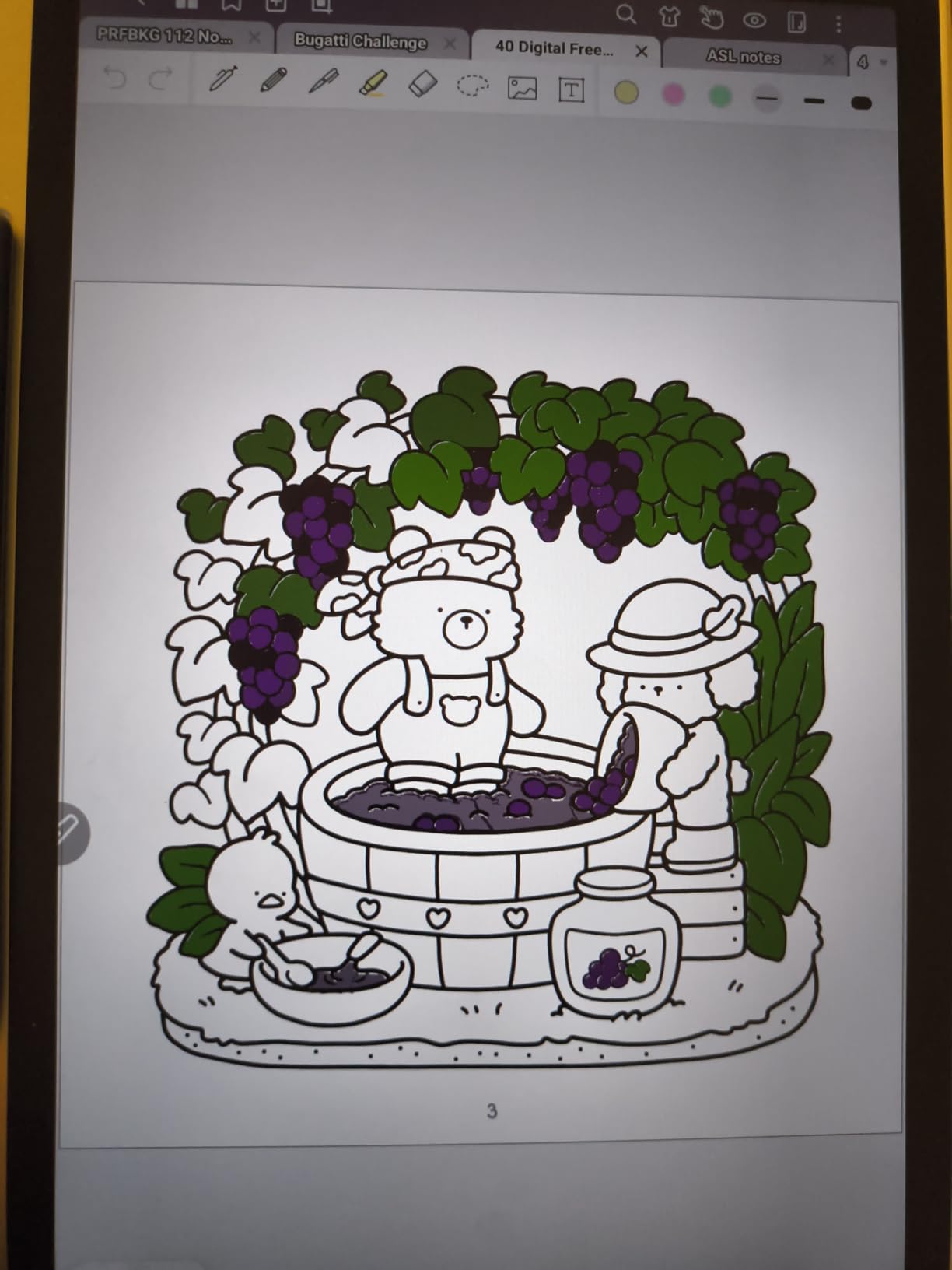
Color E Ink is fundamentally different from an iPad or OLED screen. Colors are muted, more like a watercolor wash than a phone display. For highlighting notes and reading comics, the muted palette is actually restful. For viewing photos or watching video, look elsewhere (and you cannot really watch video on E Ink anyway).
If your note taking depends on color coding (color-coded highlighting for study guides, color pens for diagrams), the Colorsoft does the job well. If you need accurate color reproduction for design work, an iPad is still the better tool.
Cloud and ecosystem lock-in
The Colorsoft ties into the Amazon ecosystem, which is a positive if you already buy Kindle books and a negative if you prefer open formats. Google Drive and OneDrive integration softens the lock-in for documents, but your notebook backups still flow through Amazon’s cloud.
For students with existing Google Workspace school accounts, the Drive integration means you can save notes directly to your school folder. EPUB support is limited, and sideloading books takes a few extra steps compared to a Boox tablet.
6. Boox Note Air 5 C – Best Android Color E Ink
BOOX Tablet 10.3″ Note Air 5 C 6G 64G E Ink Tablet Color ePaper Notebook
10.3 inch Kaleido 3 color E Ink
Android 15 with Play Store
6 GB RAM 64 GB storage
microSD expansion
Pros
- Full Android 15 with Google Play
- Color e-ink for comics and notes
- Excellent handwriting to text offline
- Expandable microSD storage
- Front light with warm and cold
Cons
- Dark screen characteristic of Kaleido 3
- Battery drains faster than expected
- Ghosting on refresh
- Steep learning curve
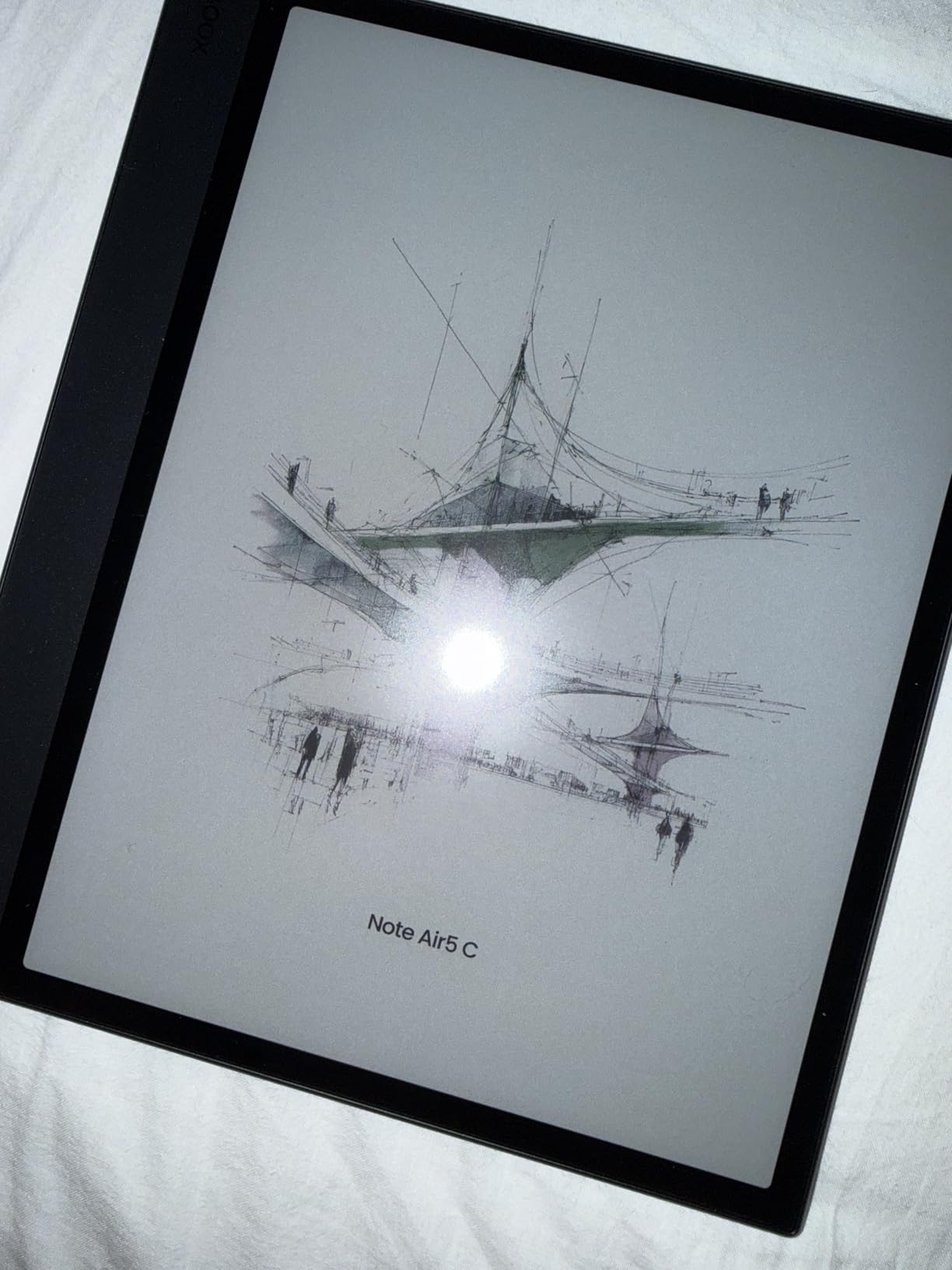
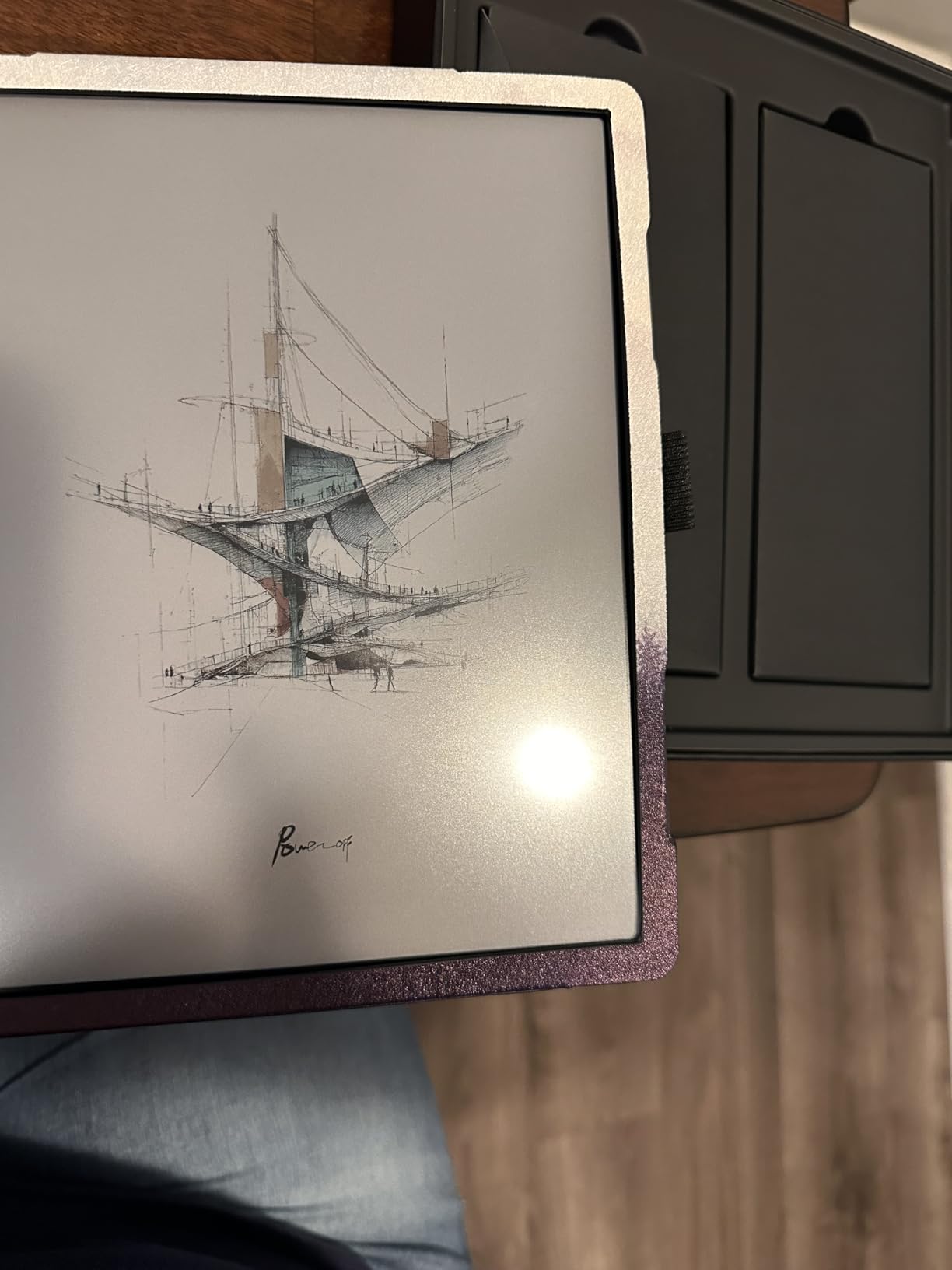
The Boox Note Air 5 C is the device I recommend to power users who want maximum flexibility. It runs full Android 15 with Google Play, which means you can install Kindle, Kobo, OneNote, Notion, or any note taking app you prefer. The 10.3 inch Kaleido 3 color E Ink panel gives you 4,096 colors at 150 ppi in color and a sharp 300 ppi in monochrome.
After six weeks of daily use, the Note Air 5 C replaced my Kindle Scribe for everything except pure reading. The handwriting-to-text conversion works offline (no cloud round-trip required), and the fingerprint sensor on the power button is a small luxury I miss on every other device. The 3.9 star average across 159 reviews is lower than the others on this list, mostly because of the dark screen and learning curve.
The headline strength is the open Android ecosystem. Want to install the Kindle app and read Amazon books on a Boox? Done. Want to use Google Drive natively? Done. Want to install a third-party PDF annotation app that has features Boox’s built-in app lacks? Done. No other E Ink device on this list offers this much flexibility.
The headline weakness is the Kaleido 3 screen itself. It is darker than monochrome E Ink, ghosting is visible on refresh, and color apps need to be optimized for E Ink to look right. The battery drains faster than expected because the Android background processes keep the device busy. There is a learning curve, and the 3.9 star rating reflects that not everyone is willing to climb it.
App ecosystem advantages
Google Play access is the killer feature. I installed OneNote, Kindle, Kobo, Evernote, and a custom PDF reader within an hour of unboxing. Each one works, though performance varies. Apps designed for E Ink (like the built-in Boox notes app) feel best; apps designed for LCD screens can look washed out.
For students who use a specific note taking app like Notion or Obsidian and want it on an E Ink device, the Note Air 5 C is the only realistic option. No other tablet on this list gives you that flexibility.
Display dark mode trade-offs
Kaleido 3 color E Ink uses a color filter array over a monochrome E Ink base, which means colors come at the cost of brightness. The screen looks darker than a Kindle Scribe even with the front light on. In bright sunlight it is readable; in dim rooms you will crank the front light up.
The trade-off is worth it if you actually use color. For pure reading and writing in monochrome, the cheaper Boox Go 10.3 Gen II Lumi lower on this list is a better value. For color comics, highlighted notes, and color-coded diagrams, the Note Air 5 C is the only full-Android color E Ink worth considering.
7. reMarkable 2 (Renewed) – Best Value Distraction-Free
reMarkable 2 Paper Tablet Digital, reMarkable 2 Tablet w/ 10.3” Digital Paper Display, Marker Plus Pen w/ Eraser Included, USB-A to USB-C Cable (Renewed)
10.3 inch monochrome E Ink
Worlds thinnest tablet at 4.7mm
Marker Plus with eraser
Cloud sync with Google Drive and Dropbox
Pros
- Best paper-like writing at this price
- Simple distraction-free interface
- Lightweight and ultra thin
- Battery lasts for days
- Good for reducing screen time
Cons
- Touch response can be slow
- Some quality issues on renewed units
- Pen tip may chip on renewed
- Limited eBook format support
The reMarkable 2 needs no introduction if you have spent any time on productivity YouTube. At 4.7mm thick, it is still the thinnest tablet on this list, and the monochrome E Ink display is the closest thing to actual paper I have ever written on. The renewed bundle here includes the Marker Plus pen with the eraser, which is the version to get.
I tested the renewed version specifically because it is the path most students actually take to afford a reMarkable. At roughly $415 versus the $679 of the Paper Pro bundle, the savings are real. The 4.0 star average across 71 reviews is lower than the new units, mostly because of cosmetic imperfections and the occasional pen tip issue.
What you give up versus the Paper Pro is color and a faster processor. The reMarkable 2 is slower to navigate, the touch response lags occasionally, and turning pages has a visible refresh. But the writing feel is nearly identical, and for distraction-free long-form writing it is unmatched at this price.
The cloud sync integrates with Google Drive, Dropbox, and OneDrive on the free tier, which is a real advantage over the Paper Pro’s subscription wall. Battery life runs days of use, and the device sips power in standby. For students who want the reMarkable writing experience without the $679 entry fee, this is the door.
What to check on a renewed unit
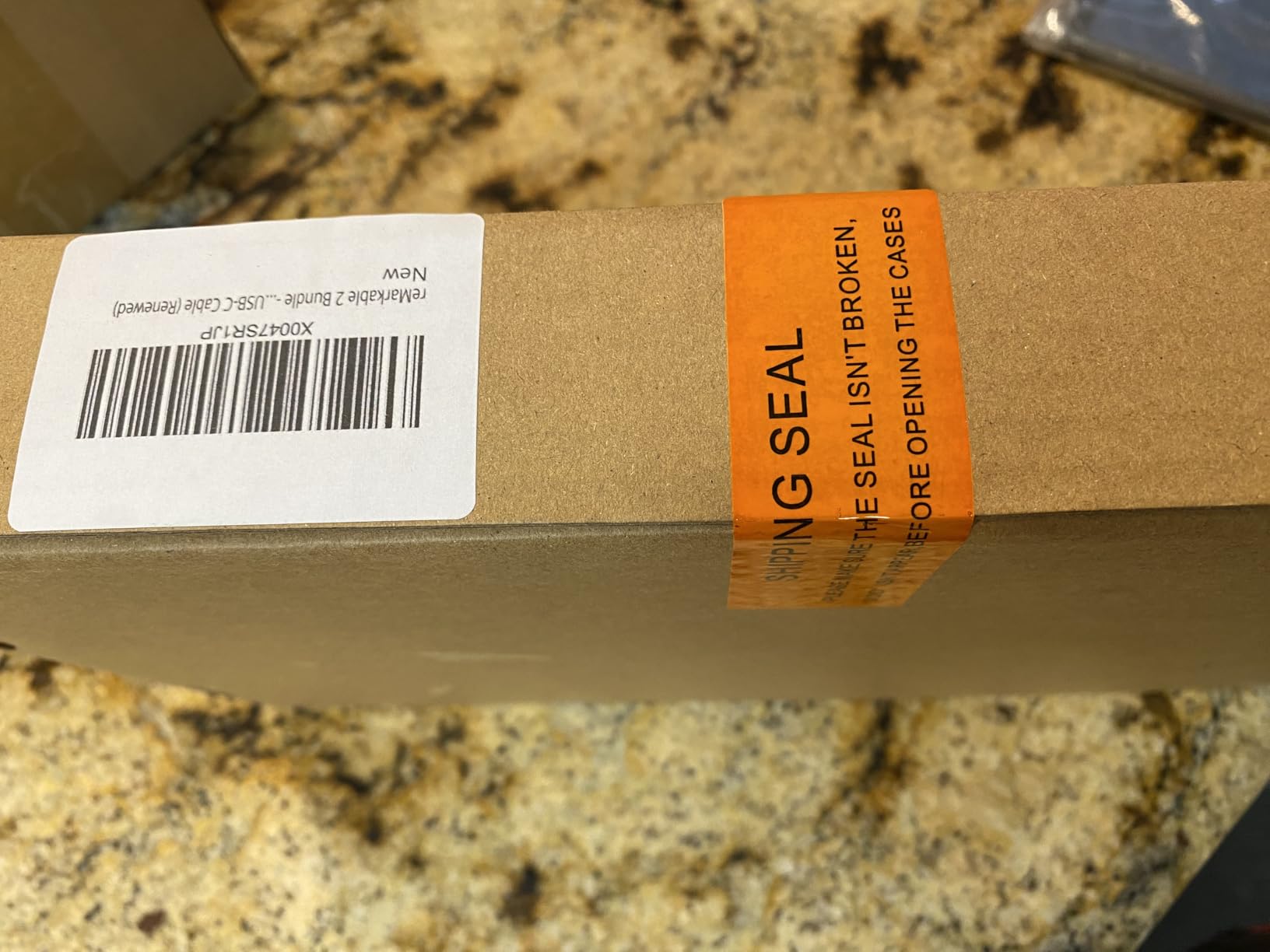
When your renewed reMarkable 2 arrives, check three things first: pen tip integrity (no chips or cracks), screen uniformity (no dead pixels or pressure marks), and Wi-Fi connectivity. If any of these are off, return it within the renewal window.
Cosmetic scuffs on the back are normal and do not affect function. The Marker Plus should click firmly onto the side magnetically. Battery health on renewed units is usually 85 percent or better, which still means days of use.
Cloud sync without the subscription
The reMarkable 2 free tier lets you sync to Google Drive, Dropbox, and OneDrive without paying the Connect subscription. The Paper Pro locks some of this behind Connect, which makes the reMarkable 2 renewed a better deal for cloud-hesitant students.
You miss out on the cloud handwriting-to-text conversion on the free tier, but you can still convert handwriting to text on-device. For most note taking workflows the difference is minor.
8. iFLYTEK AINOTE Air 2 – Best for Voice Transcription
iflytek AINOTE Air 2, 8.2″ E Ink Tablet with AI Meeting Summaries, Gray
8.2 inch E Ink
Voice to text in 17 languages
Handwriting to text in 83 languages
AI meeting summary
Pros
- Excellent voice to text accuracy
- Natural paper-like writing feel
- Very lightweight at 8.16 ounces
- AI meeting summary generation
- Includes folio case and stylus
Cons
- Not Play Protect certified
- Blocks Gmail Drive and Docs
- No developer mode
- Sideloading apps can fail
- Not a full Android tablet
The iFLYTEK AINOTE Air 2 fills a niche none of the other devices on this list touch: serious voice transcription. The built-in microphone captures speech and converts it to text in 17 languages, while handwriting converts to text in 83 languages. For students recording lectures (with permission) or professionals in back-to-back meetings, this is a unique capability.
The 8.2 inch E Ink display is the smallest on this list, and at 8.16 ounces the Air 2 is the lightest. It fits in a jacket pocket. Battery life is rated at five weeks standby, which in real-world use means weeks of moderate note taking between charges. The 201 reviews averaging 4.1 stars are positive on hardware and divided on software.
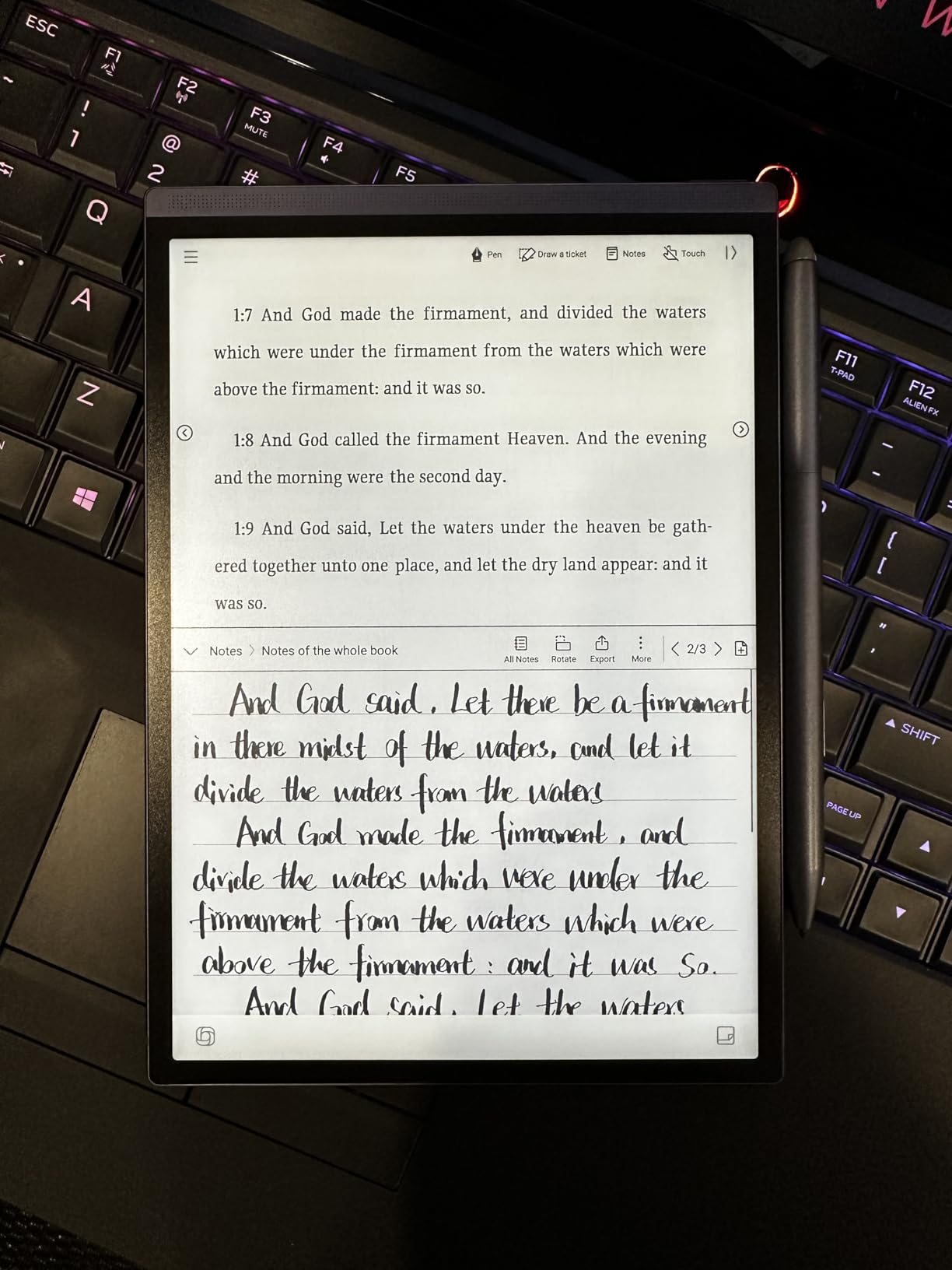
The AI meeting summary feature works shockingly well. After a 45 minute meeting, the Air 2 generated a three-bullet summary that captured the key decisions accurately. The voice transcription was about 90 percent accurate in a quiet room and dropped to about 75 percent in a noisy cafe, which is on par with dedicated transcription services.
The deal-breaker for some users is the locked-down Android. The AINOTE Air 2 is not Play Protect certified, which means Gmail, Drive, and Docs are blocked. There is no developer mode, sideloading can fail, and you cannot run standard Android tablet apps. This is a single-purpose device, not a general tablet.
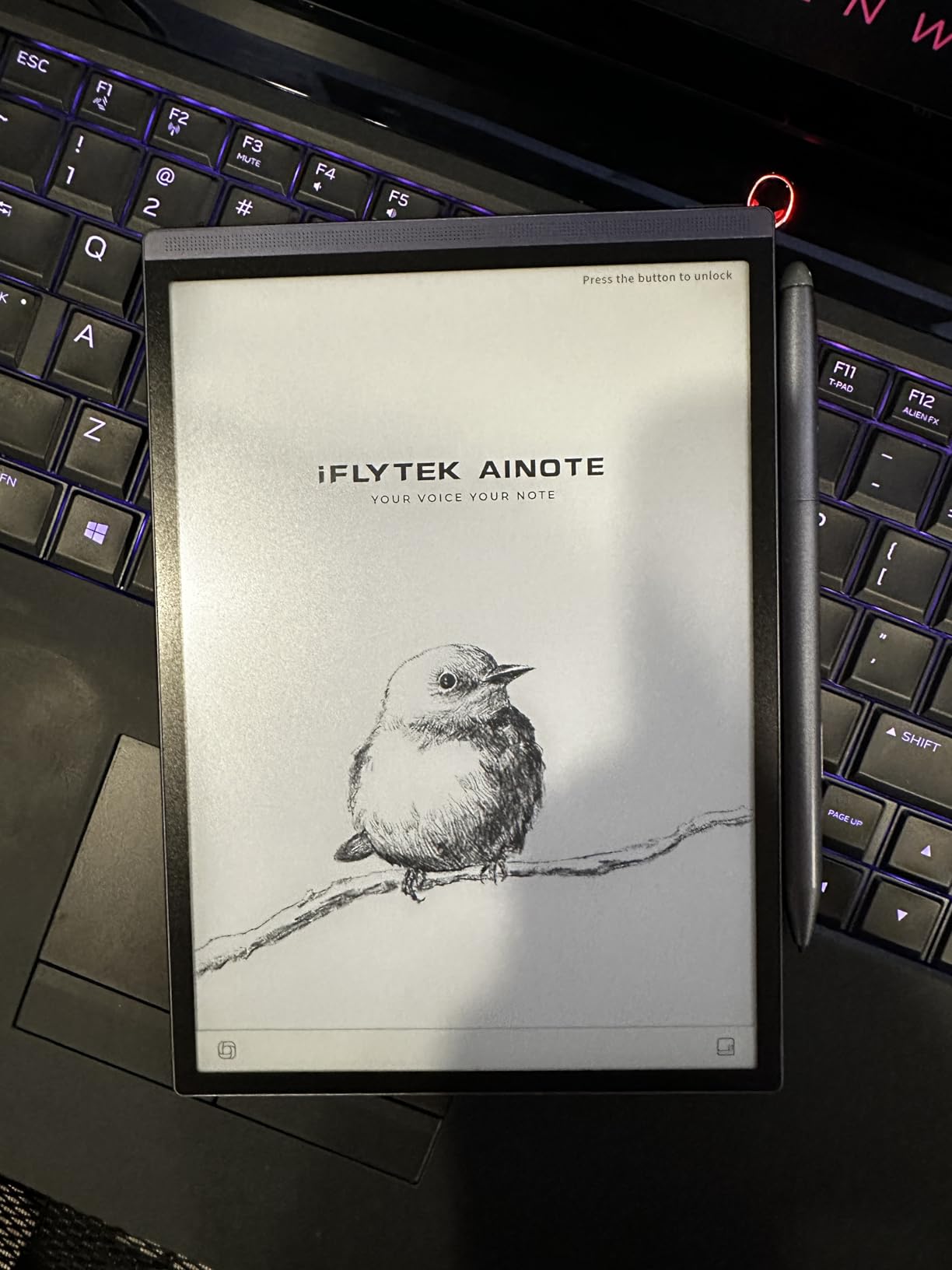
Transcription accuracy in real meetings
In a quiet conference room with one main speaker, transcription accuracy is around 90 to 95 percent for clear English. Multiple speakers, accents, and background noise all reduce accuracy. The AI summary handles disorganized speech surprisingly well.
For students who need an accessibility tool or who record lectures for review, the Air 2 is unmatched. For anyone who wants a flexible Android tablet, the Boox Note Air 5 C above is the better pick.
Portability and form factor
The 8.2 inch screen is small for serious note taking sessions but perfect for quick capture. The folio case included in the bundle protects the screen and doubles as a stand. Battery life is excellent thanks to the small E Ink panel.
The trade-off versus a 10.3 inch device is screen real estate. If you write large or annotate detailed PDFs, the Air 2 feels cramped. If you want a pocket transcription and note taking device, nothing else here competes.
9. Boox Go 10.3 Gen II Lumi – Best Lightweight Monochrome
BOOX Tablet Go 10.3 Gen II Lumi ePaper E Ink Tablet Notebook
10.3 inch HD ePaper
300 ppi monochrome
Android 15
364 grams light
Pros
- Great screen contrast and readability
- Android 15 with customization
- Low pen latency for E Ink
- Lightweight at 364 grams
- Good value for an e-ink tablet
Cons
- Significant image ghosting
- Screen glitching with images
- Pen feels slippery
- Writing feel is scratchy
- Steep learning curve
The Boox Go 10.3 Gen II Lumi is the value pick in the Boox lineup. At 364 grams and 4.3mm thin, it is one of the lightest 10.3 inch E Ink tablets on the market. The monochrome 300 ppi panel is sharp, and the front light with warm and cold temperature control makes it usable in any lighting condition.
After three weeks with the Lumi, I keep it on my desk as a secondary reading and note taking device. The Android 15 OS is the same as the Note Air 5 C, so you get full Google Play access. The 4.3 star average across 19 reviews is based on a small sample, but the early feedback is consistent with my experience.
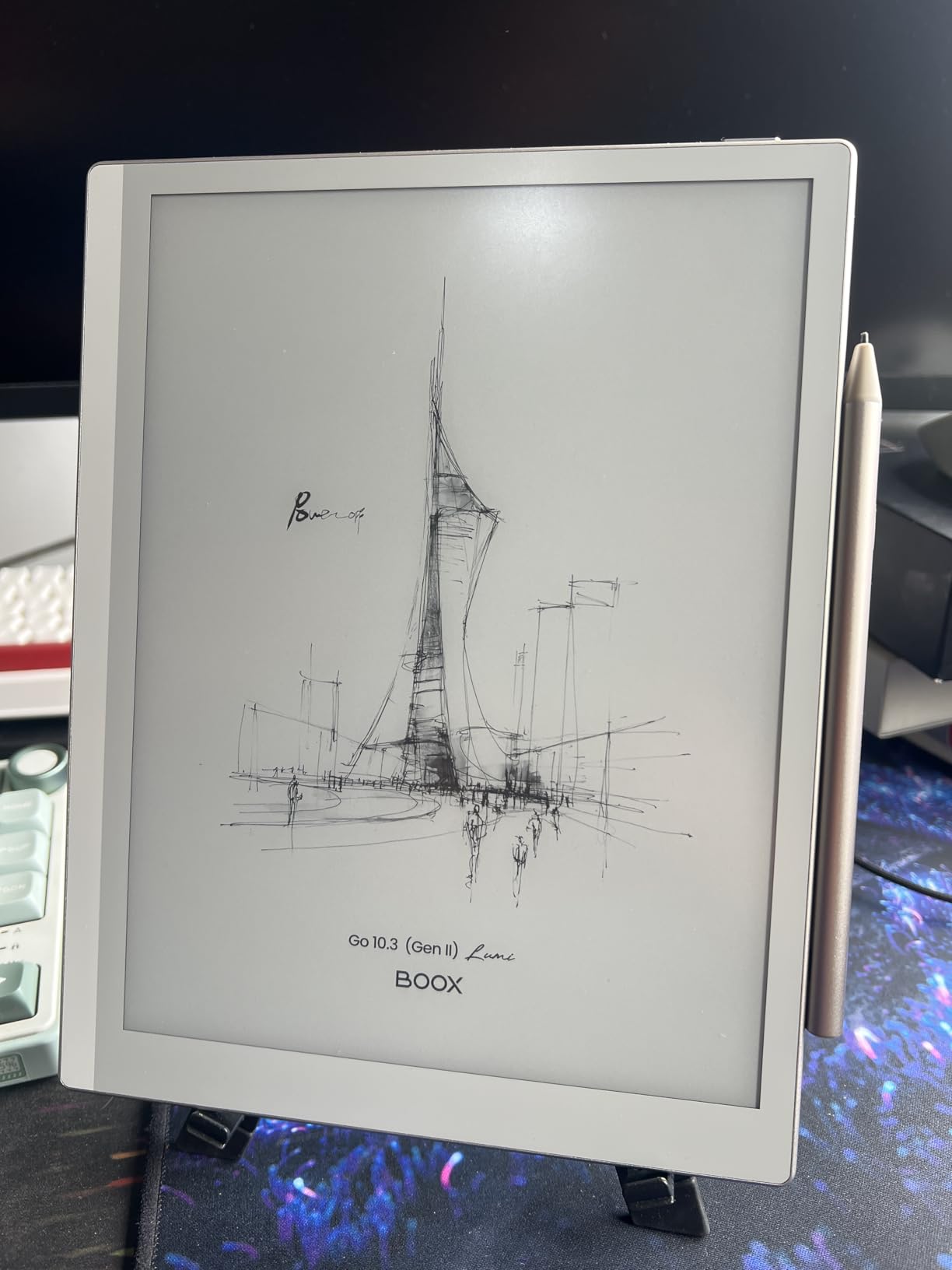
The standout strengths are weight and value. At $449 with the stylus included, it undercuts the Note Air 5 C by $80 and gives you the same Android flexibility without the color compromises. The 300 ppi monochrome panel is genuinely beautiful for reading text and writing notes.
The cons are real. Image ghosting is more visible than on the Note Air 5 C, the pen feels slippery on the smooth glass, and the writing experience is scratchier than the reMarkable or Kindle Scribe. The eraser function erases the last item rather than what you point at, which takes unlearning. Documentation is poor.
Ghosting and refresh behavior
E Ink naturally ghosts (leaves faint remnants of previous content) when refreshing. The Lumi has more visible ghosting than the Kindle Scribe or reMarkable because Boox uses lighter refresh modes to keep performance snappy. You can force a full refresh from the settings to clear ghosting.
For pure reading and note taking this is barely noticeable. For viewing images or PDFs with figures, expect some visual artifacts until you trigger a full refresh.
Who should buy the Lumi over Note Air 5 C
If you do not need color and you want to save $80, the Lumi is the better pick. The monochrome panel is sharper for text, the form factor is lighter, and the Android experience is identical.
If you read comics, use color-coded highlighting, or want the latest Kaleido 3 tech, the Note Air 5 C is worth the extra money. For everyone else, the Lumi is the best Boox value in 2026.
How to Choose the Best Digital Notebook for Note Taking
Picking the right digital notebook comes down to four questions: what feels best under your pen, how much you want to spend, which ecosystem you already live in, and whether you need color. Below is the framework I use when recommending a device to a student or professional.
If you want a deeper comparison of how a digital notebook fits into a broader iPad-based study workflow, our guide to using iPad in college and our classroom iPad guide walk through the bigger picture. For school device policies, our BYOD explainer covers what to know before you bring any tablet into a classroom.
Display technology: E Ink vs LCD vs paper hybrid
E Ink displays (reMarkable, Kindle Scribe, Boox, iFLYTEK) use physical ink particles that reflect ambient light. They look like paper, run for weeks on a charge, and are easy on the eyes. The trade-off is slow refresh rates and limited (or no) color.
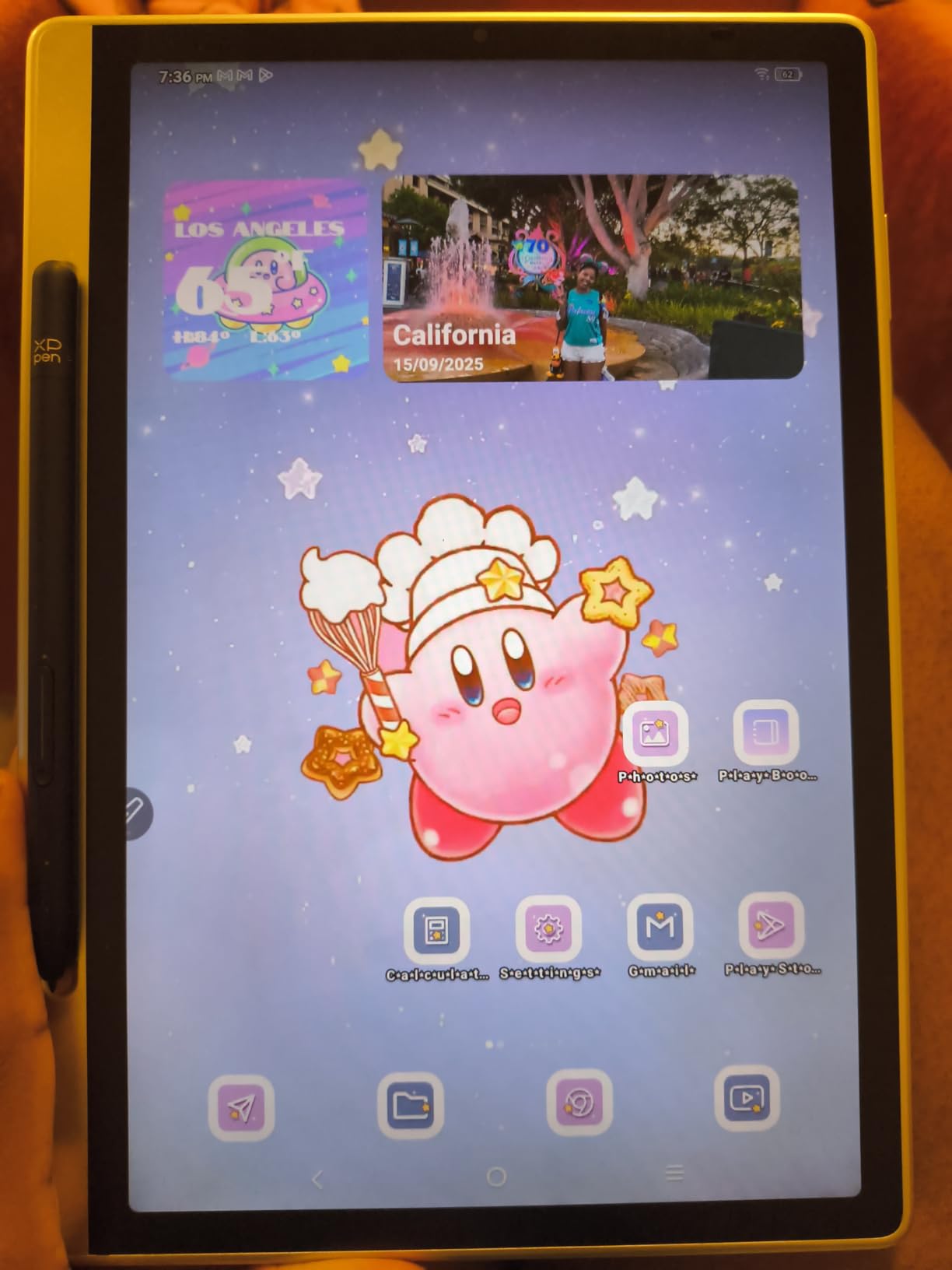
LCD tablets (XPPen Magic Note Pad) offer vibrant color and fast refresh, but they require backlighting, run for hours not weeks, and are less restful for long sessions. Paper hybrids (Rocketbook, HUION Note) keep real paper for writing feel and digitize via scanning or underlying sensor.
Writing feel and pen quality
Writing feel is the single most important factor for daily use, and it is also the most subjective. The reMarkable Paper Pro and reMarkable 2 win on textured friction. The Kindle Scribe is close behind with a slightly smoother feel. The Boox tablets have a glassier feel that some users prefer for drawing.
Pen features matter too. Look for an integrated eraser (Marker Plus, Kindle Premium Pen), pressure sensitivity for sketching (8,192 levels minimum for art), and ceramic tips that do not wear down (reMarkable).
Battery life expectations
E Ink tablets run for weeks. The Kindle Scribe leads the pack with months of reading battery. The reMarkable Paper Pro and Boox tablets run one to two weeks with daily use. LCD tablets like the XPPen Magic Note Pad run for a single school day.
If you charge overnight already, an LCD tablet is fine. If you want a device you can forget about for a week, pick E Ink.
Cloud sync and ecosystem
Cloud sync is where the cheap and expensive devices diverge. The reMarkable locks full cloud sync and handwriting conversion behind the Connect subscription. The Kindle Scribe syncs through Amazon’s cloud for free. Boox tablets give you Google Play, so you can sync to any service you already use.
Paper hybrids like the Rocketbook and HUION Note sync via a phone app to Google Drive, OneNote, Dropbox, and other cloud services. For students with a school Google Workspace account, this is the easiest path to backed-up notes.
Subscription cost transparency
Factor subscription costs into your two-year total. The reMarkable Connect subscription adds roughly $100 over three years on top of the device price. The Kindle Scribe, Boox, and Rocketbook have no recurring fees. The iFLYTEK Air 2 has no subscription but locks down the Android ecosystem.
For students on a fixed budget, avoid devices with required subscriptions unless the free tier meets your needs.
Handwriting recognition accuracy
Handwriting-to-text accuracy varies more than specs suggest. The reMarkable, Kindle Scribe, and Boox all offer on-device conversion that handles clear printing well. The iFLYTEK Air 2 leads on multilingual support with 83 languages. The Rocketbook relies on third-party OCR through the scanning app.
For messy handwriting, expect 70 to 85 percent accuracy on first conversion. Editable text output is standard across all devices here, so you can clean up mistakes quickly.
Frequently Asked Questions
What notebook is best for note-taking?
The best digital notebook for note taking in 2026 is the Amazon Kindle Scribe for most students and professionals, thanks to its combination of paper-like writing feel, weeks of battery life, AI handwriting conversion, and built-in ebook reading. The reMarkable Paper Pro is the alternative pick if writing feel matters more than reading features.
Are digital notepads worth it?
Digital notepads are worth it if you take notes daily, want cloud backup and searchable handwriting, and prefer the tactile feel of writing by hand over typing. They are not worth it if you only take notes occasionally, already have a capable iPad with an Apple Pencil, or cannot tolerate the upfront cost. Cheaper options like the Rocketbook Core let you test the workflow for under thirty dollars before committing to a premium E Ink device.
What is the best way to take notes digitally?
The best way to take notes digitally is to pick one primary device and stick with it. Steps: (1) Choose between an iPad with Apple Pencil for full app flexibility, an E Ink digital notebook for distraction-free writing, or a paper hybrid for tactile feel. (2) Pick one note-taking app and use it consistently. (3) Sync to one cloud service for backup. (4) Develop a folder and tag system early. (5) Review and summarize notes weekly to reinforce retention.
What is the digital pad that you can take notes on?
A digital notepad is a writing-first device, usually with an E Ink display, that lets you take handwritten notes with a stylus and stores them digitally. Popular examples include the Amazon Kindle Scribe, reMarkable Paper Pro, Boox Note Air 5 C, and iFLYTEK AINOTE Air 2. Paper hybrids like the Rocketbook Core and HUION Note also qualify, since they capture handwritten notes digitally for cloud backup and search.
Can a digital notebook replace an iPad for students?
A digital notebook can replace an iPad for note taking, reading, and PDF annotation, but not for general computing tasks like web browsing, video calls, or running full apps. Students who want a distraction-free writing experience often prefer a dedicated digital notebook for class and keep an iPad for media and research. The two devices complement each other rather than compete.
Final Thoughts on the Best Digital Notebooks for Note Taking
For 2026, the best digital notebooks for note taking split into three clear tiers. The Amazon Kindle Scribe remains the best overall pick for students and readers who want a single device for both books and notes. The reMarkable Paper Pro is the writing-feel champion if budget is no object. And the Rocketbook Core remains the unbeatable budget pick for testing whether a digital notebook workflow fits you at all.
The middle of the pack offers compelling niches. The Boox tablets win on Android flexibility, the XPPen Magic Note Pad wins on color LCD versatility, and the iFLYTEK AINOTE Air 2 is unmatched for voice transcription. Pick the one that matches how you actually work, not the one with the best spec sheet, and you will not regret the upgrade from paper.
If you already take notes on iPad and want to compare the workflows, start with our iPad note taking guide first. The right digital notebook is the one you will actually carry to class every day.