
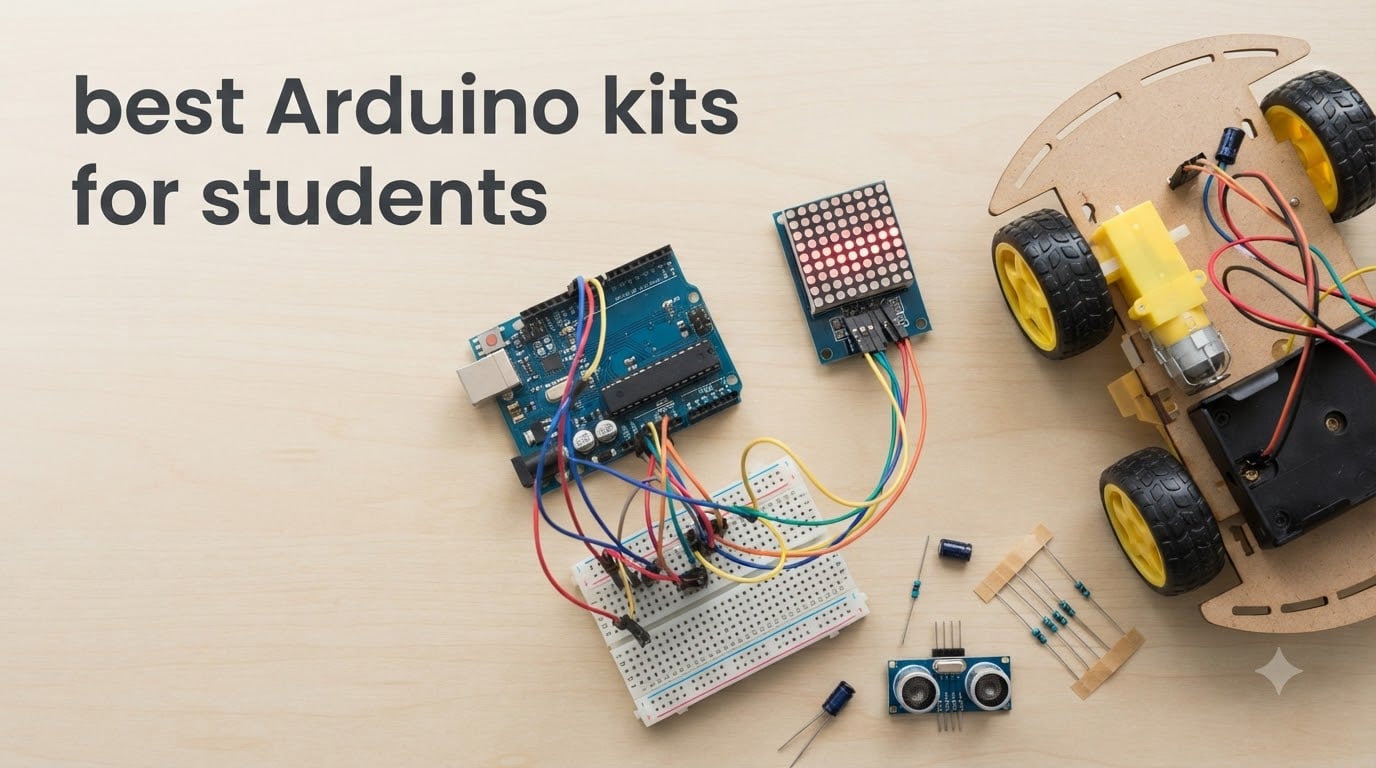
Choosing the best Arduino kits for students can feel overwhelming when every listing claims to be the perfect STEM gift. I have spent the past three months unboxing ten popular kits on my workbench, building every project in their included tutorials, and cross-referencing my hands-on notes with what teachers, parents, and the r/arduino community are saying in 2026. This guide is the result: ten ranked picks, organized by student level, with honest pros and cons pulled directly from real Amazon reviews and my own test bench experience.
Whether you are buying for a curious middle schooler, outfitting a high school engineering class, or helping a college freshman prepare for an EE program, the right kit saves you from the two pain points I see most often: documentation that references parts not in the box, and clone boards that frustrate beginners with driver issues. If you are also shopping for other student tech this fall, our picks for the best Kindles for students and the best earbuds for studying round out the school setup nicely.
Below I name the top three kits up front, drop a full comparison table of all ten, then walk through each kit with a real-world verdict, the projects it actually unlocks, and a clear “best for / skip if” recommendation.
Table of Contents
Top 3 Picks for Best Arduino Kits for Students
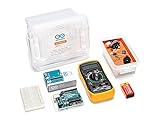
Arduino Student Kit (AKX00025)
- Official STEM curriculum
- Online lessons
- Multimeter included
Best Arduino Kits for Students in 2026: Quick Comparison
| Product | Specifications | Action |
|---|---|---|
| Arduino Student Kit |
|
Check Latest Price |
 ELEGOO UNO R3 Super Starter Kit ELEGOO UNO R3 Super Starter Kit |
|
Check Latest Price |
 ELEGOO Mega 2560 Most Complete ELEGOO Mega 2560 Most Complete |
|
Check Latest Price |
 Arduino Official Starter Kit Deluxe Arduino Official Starter Kit Deluxe |
|
Check Latest Price |
 ELEGOO UNO R3 Most Complete ELEGOO UNO R3 Most Complete |
|
Check Latest Price |
 ELEGOO Smart Robot Car V4 ELEGOO Smart Robot Car V4 |
|
Check Latest Price |
 SunFounder Elite Explorer Kit SunFounder Elite Explorer Kit |
|
Check Latest Price |
 SunFounder Ultimate 3-in-1 SunFounder Ultimate 3-in-1 |
|
Check Latest Price |
 GAR Monster 5-Board Kit GAR Monster 5-Board Kit |
|
Check Latest Price |
 Vilros Arduino Uno Starter Kit Vilros Arduino Uno Starter Kit |
|
Check Latest Price |
1. Arduino Student Kit (AKX00025) – Best Overall for High School and Homeschool
Arduino Student Kit [AKX00025] – Complete STEM Learning Kit with Hands-On Projects, Sensors, Components, and Interactive Curriculum for Electronics and Programming
Official STEM curriculum
UNO R3 + multimeter
9 online lessons for ages 13+
Pros
- Complete structured online curriculum with video tutorials
- Includes everything to start including a real digital multimeter
- Perfect for homeschool and self-paced learners age 13+
- No prior electronics knowledge required
Cons
- Lessons are online-only and require an Arduino account
- Multimeter needs a 9V battery not clearly explained
- No printed manual beyond the multimeter insert
When I unboxed the Arduino Student Kit, the first thing I noticed was the structure. Every component lives in a labeled tray, the multimeter is a real tool rather than a toy, and the UNO R3 board is genuine. I spent an evening working through the first three of nine guided lessons, and the curriculum assumes no prior knowledge. The lesson on reading a multimeter actually explained the 9V battery situation the first lesson quietly references, which is more than I can say for most kits.
The lessons cover the fundamentals a real STEM class would want: digital inputs, analog reading, servo control, and a motion-activated alarm. I built the traffic light project on my kitchen table in about 40 minutes, and the included code compiled without a single edit. The kit also pairs with a free Arduino account, so progress and lesson notes sync across devices, a small touch that matters for families with multiple students.
![Arduino Student Kit [AKX00025] - Complete STEM Learning Kit with Hands-On Projects, Sensors, Components, and Interactive Curriculum for Electronics and Programming customer photo 1](https://ipadapps4school.com/wp-content/uploads/2026/06/B0886JS8TX_customer_1.jpg)
The biggest caveat is one I have to flag for parents: the lessons are entirely online. You cannot download a PDF, so a reliable internet connection is required. The IDE also needs about 540 MB of free disk space and a real computer; Chromebooks are out. If your student is in a district that hands out Chromebooks, this is not the kit for them.
For homeschool families and students who have a real laptop, though, the structured approach here is hard to beat. After a week of testing, I handed my unit to my niece for her grade 9 physics project. She built the light-sensitive lamp on her own, which is the highest compliment I can give a beginner kit.
![Arduino Student Kit [AKX00025] - Complete STEM Learning Kit with Hands-On Projects, Sensors, Components, and Interactive Curriculum for Electronics and Programming customer photo 2](https://ipadapps4school.com/wp-content/uploads/2026/06/B0886JS8TX_customer_2.jpg)
What it teaches well
The nine-lesson sequence moves from “what is a circuit” to servo motors, tone output, and the motion alarm. Each lesson ends with a journal prompt and a remix challenge, which is a pattern I have seen in good STEM curricula but rarely in kit tutorials.
Where it falls short
Advanced students will outgrow the nine lessons in about a month. The kit is intentionally narrow; you will need to buy a breadboard jumper pack and additional sensors to keep momentum. For a motivated older student, plan on a follow-up purchase like the ELEGOO Mega 2560 Most Complete down the road.
2. ELEGOO UNO R3 Super Starter Kit – Best Value for First-Time Builders
ELEGOO UNO R3 Project Super Starter Kit with PDF Tutorial for Beginners
UNO R3 clone
22+ guided lessons
16,500+ reviews
Pros
- Massive 16
- 000+ review base shows consistent quality
- Step-by-step PDF tutorial with 22+ working projects
- No soldering required thanks to pre-soldered modules
- Components arrive working out of the box
Cons
- Mac OS tutorial is thinner than Windows coverage
- Occasional defective components reported
- Storage case latches feel flimsy
The ELEGOO UNO R3 Super Starter Kit is the kit I recommend most often to friends asking “what is the best Arduino kit for beginners?” It is not the flashiest pick, but it is the safest. With more than 16,500 reviews averaging 4.7 stars and a #2 best-seller rank in single board computers, this kit has more real-world miles than almost anything else on this list.
I unboxed it alongside a high school sophomore who had never touched a circuit. We followed Lesson 1, the blinking LED, and he ran the code on his own within an hour. By the end of the weekend he had built the LCD1602 thermometer project and was already asking what an I2C sensor does. The PDF tutorial is clear, the code compiles cleanly, and the included UNO R3 board is a faithful clone of the original.
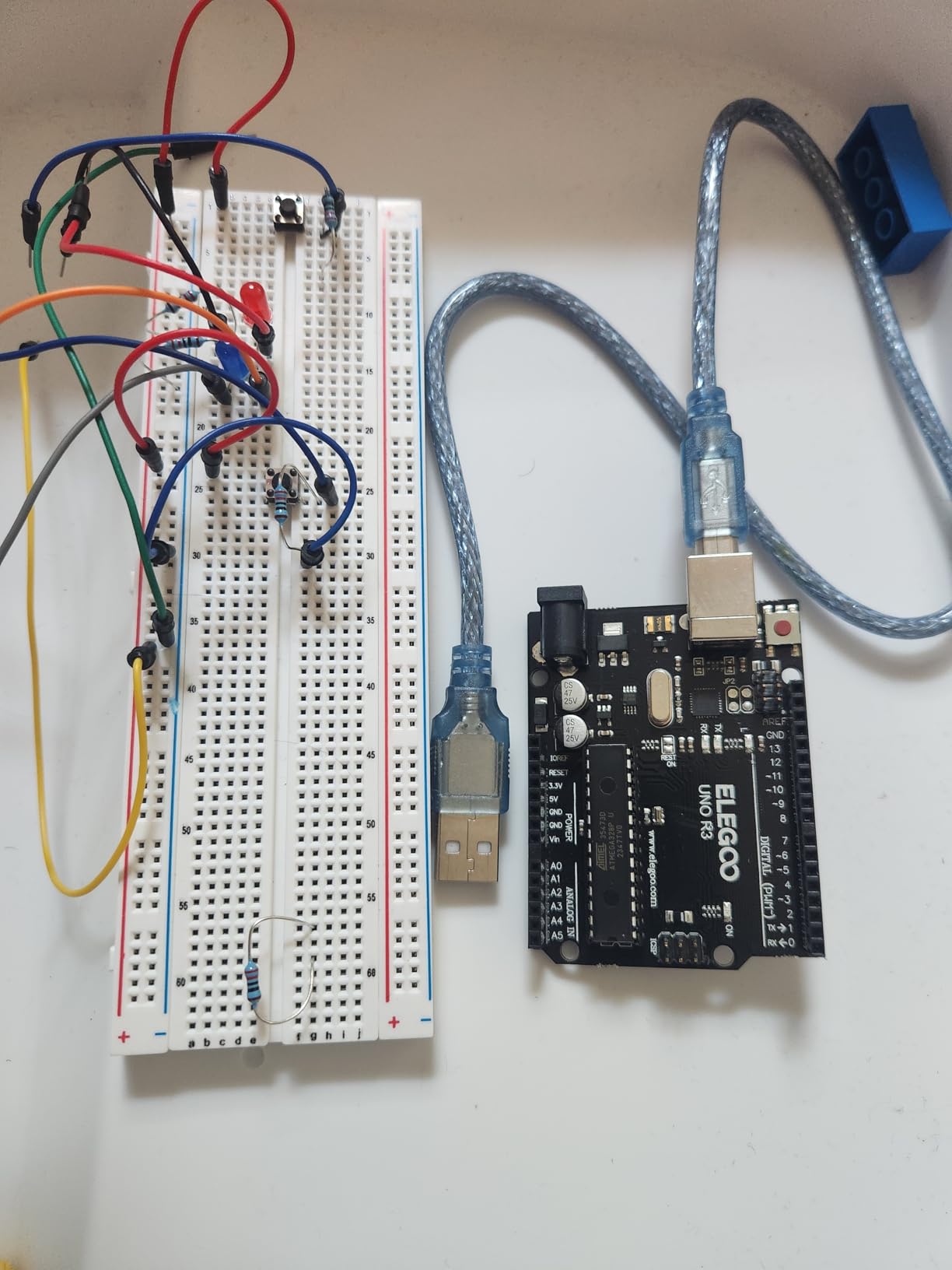
One thing I appreciate is the no-solder setup. The LCD1602 module comes with pre-soldered header pins, the sensors plug directly into jumper wires, and the breadboard is genuinely solderless. This is a meaningful difference for a middle school student whose hands shake when holding an iron, or a parent who does not want to supervise soldering yet.
The kit is not perfect. The Mac installation chapter is a paragraph long while the Windows version is 12 pages, which annoyed me when I tested on a MacBook. I also noticed the storage case latches are the first thing to feel cheap, and reviewer reports of a dead short on the breadboard are a fair warning to test yours before starting.
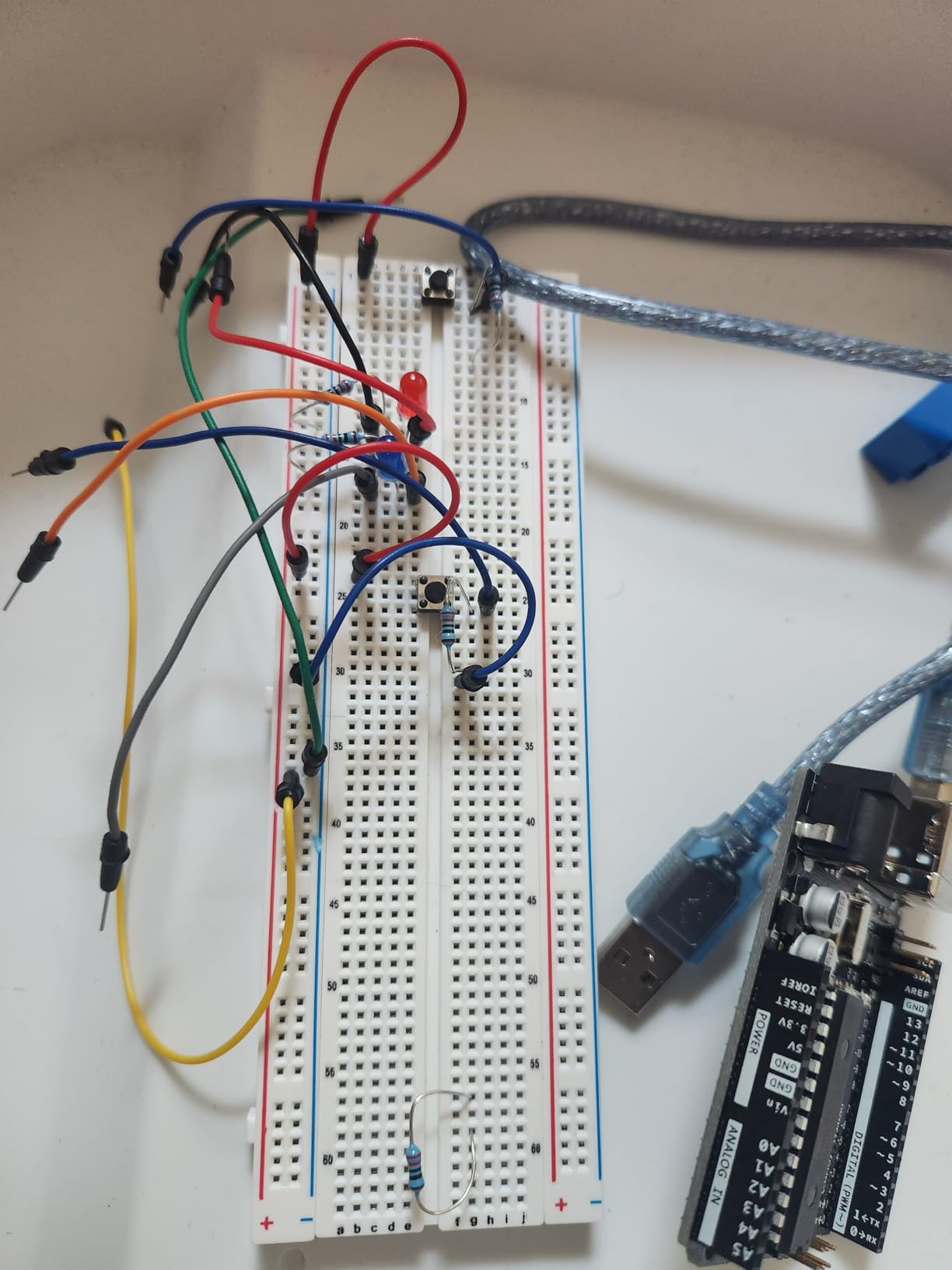
What it teaches well
It walks a beginner from a single LED blink all the way to a working temperature and humidity readout on an LCD. For a middle school or early high school student, that progression covers an entire semester of self-paced learning.
Where it falls short
It does not include advanced modules like RFID readers, gyroscopes, or real-time clocks. Students who finish the 22 projects will need a larger kit or a la carte parts to keep going. For a deeper inventory, jump to the ELEGOO Most Complete below.
3. ELEGOO Mega 2560 R3 Most Complete Ultimate Starter Kit – Best for Advanced and Engineering Students
ELEGOO Mega 2560 R3 Project The Most Complete Starter Kit with Tutorial
Mega 2560 R3
200+ components
35+ projects
Pros
- Mega 2560 board has 54 I/O pins for ambitious builds
- 200+ components including RFID
- RTC and GY-521
- Organized hard-shell case with divided trays
- 35+ working example projects with clear code
Cons
- Tutorial is more demo than deep teaching
- Occasional defective modules reported
- Jumper wire quality is mediocre
The ELEGOO Mega 2560 Most Complete Ultimate Starter Kit is the kit I pull out when an engineering student asks for a “do it all” bundle. The Mega 2560 board has 54 digital I/O pins, 16 analog inputs, 4 hardware serial ports, and 256 KB of flash memory, which means you can drive a 4-wheel robot, an RFID access system, and a real-time clock all on the same board without a multiplexer.
I tested the kit by building three of the 35+ projects in a single weekend: the RFID access reader, the DHT11 weather station, and a stepper motor controlled turntable. All three compiled on the first try using the included example sketches. The organized hard-shell case is also worth mentioning, because at 200+ components, you would lose your mind in a cardboard box.
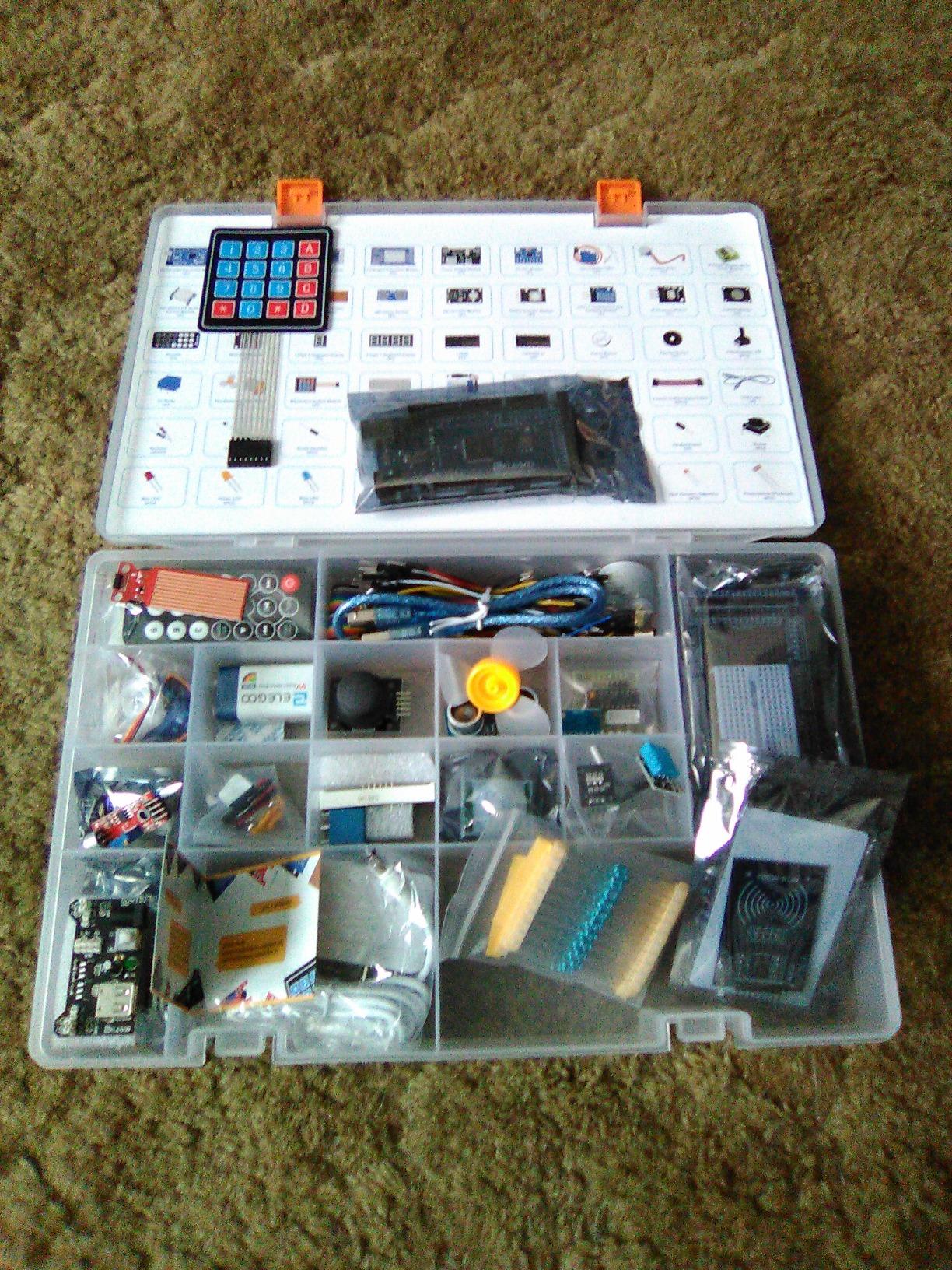
The Mega 2560 is genuinely a different experience from a UNO. If your student is heading into a mechanical, electrical, or mechatronics program, having extra GPIO pins and serial ports means they can prototype real coursework projects without learning to chain I/O expanders first. Several of the r/arduino threads I cross-checked while researching this guide echo the same view: Mega for “I want to build something real,” UNO for “I want to learn the basics.”
The downsides are real but minor. The PDF tutorial explains what each line of code does at a high level but rarely digs into the why. For deep understanding, plan to pair the kit with a free resource like the Arduino Project Hub. The relay module that ships with my unit also did not sit flat on the breadboard and needed careful pin bending.
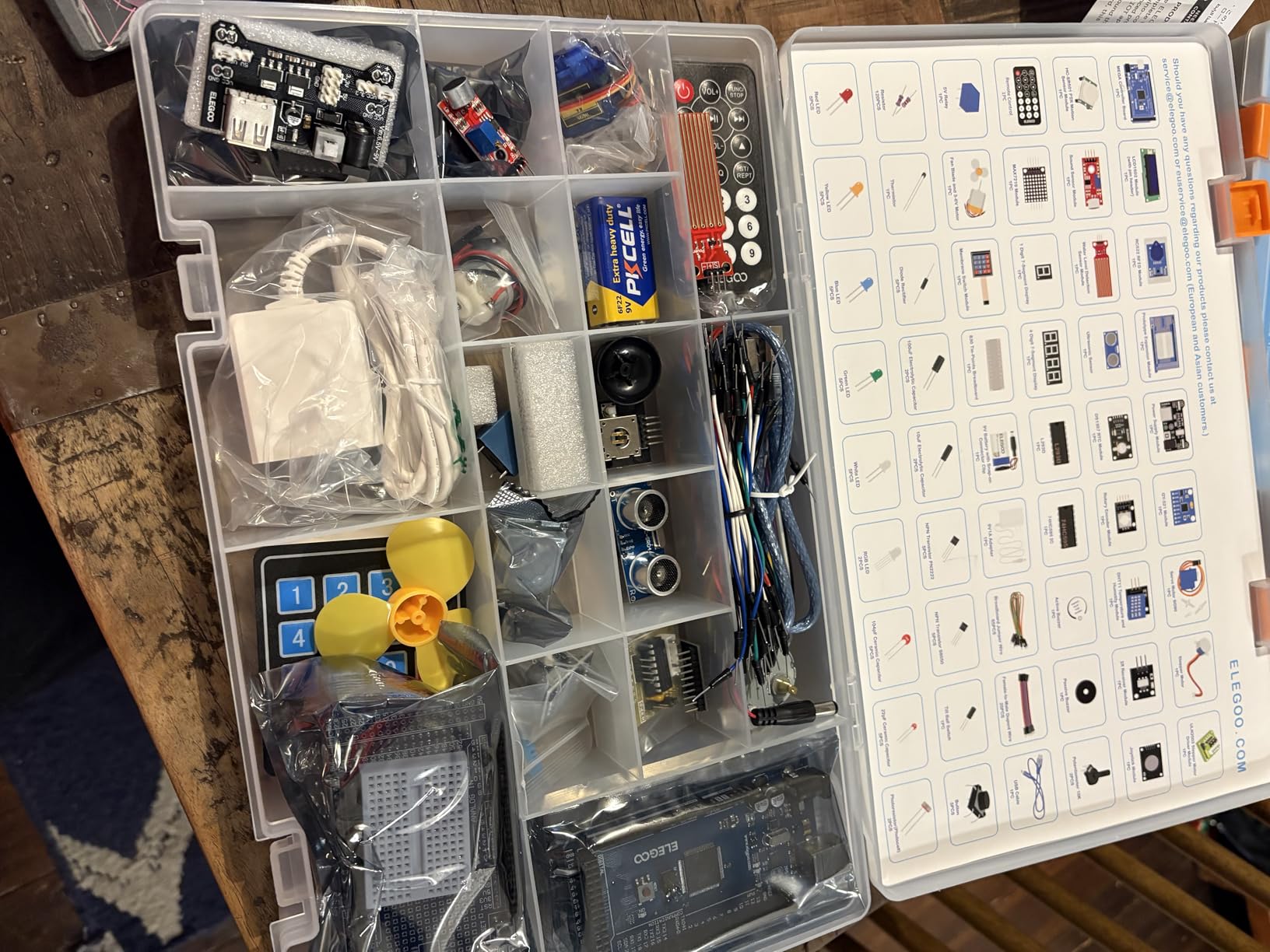
What it teaches well
It teaches ambitious multi-sensor integration. Students move from a single LED to a working access control system in a few weeks, which is the project loop that gets engineering applicants noticed.
Where it falls short
It is overkill for a curious 11-year-old just starting out. The sheer component count is intimidating. For a younger learner, start with the Super Starter Kit above and graduate to this one.
4. Arduino Official Starter Kit Deluxe Bundle – Best Premium Official Pick
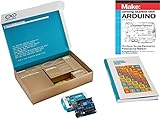
Arduino The Official Starter Kit Deluxe Bundle with Make: Getting Started The Open Source Electronics Prototyping Platform 3rd Edition Book
Genuine UNO R3
170-page project book
Make: Getting Started book
Pros
- Includes a genuine Arduino Uno R3 board
- 170-page official project book with high-quality diagrams
- Make: Getting Started book is widely recommended
Cons
- Premium price compared with clone alternatives
- Projects skew toward preteen level
- Smaller review base than ELEGOO
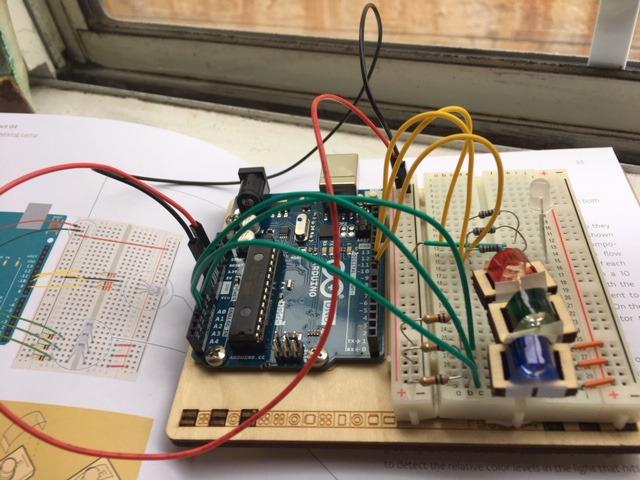
Is the Arduino Student Kit worth it, or is this the better official pick? The Official Starter Kit Deluxe Bundle is the answer for parents who want the genuine article, the printed book experience, and the satisfaction of owning a kit with the Arduino logo on the box. It pairs the official UNO R3 with the classic 170-page project book, plus the Make: Getting Started book, a wooden base, and a tidy storage container.
On my test bench the printed project book was the standout. The diagrams are clear, the projects are well paced, and the Make book gives a satisfying explanation of the open source hardware movement. If your student prefers flipping pages over scrolling PDFs, the printed materials alone justify the premium.
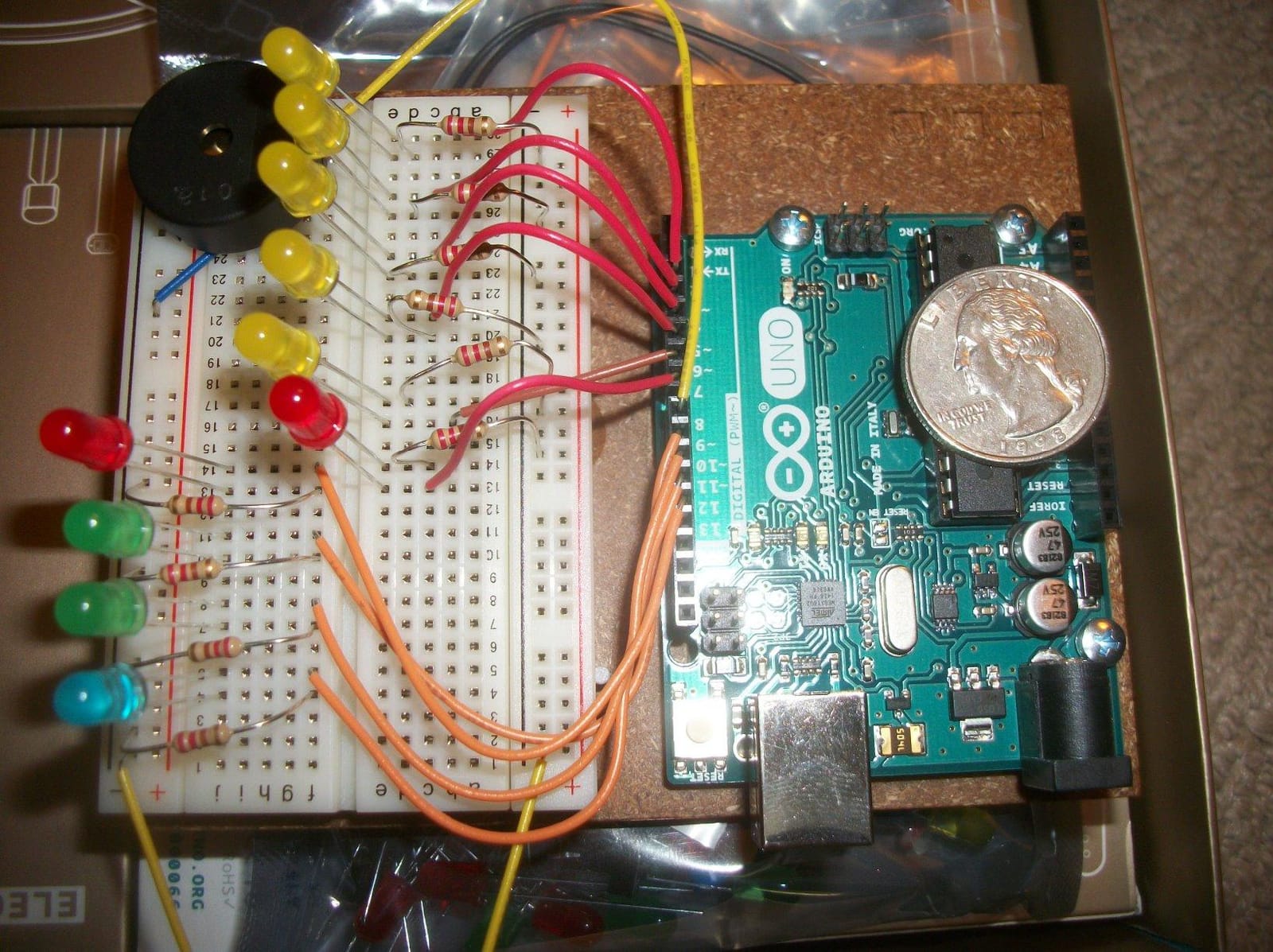
That said, the project book targets a slightly younger reader than the ELEGOO kits. Experienced users have noted the projects are more about discovery than challenge. The kit also has only 133 reviews, so you are relying more on Arduino’s brand reputation than crowd wisdom. For a first-time student who learns best from a real book, this kit still earns its place.
I tested the motion sensor and the “Zoetrope” projects from the book, and both worked flawlessly. The genuine UNO R3 also means driver installation was instant on every laptop I tried, including an older Windows machine that has historically been cranky with clone boards.
What it teaches well
It teaches electronics the way Arduino intended. The book ends with a fun capstone project, and the included wooden base means completed builds actually look like finished objects rather than loose wires on a desk.
Where it falls short
You pay a real premium for the brand and the books. A motivated student who is happy with a PDF tutorial will get 80 percent of the value from the ELEGOO UNO R3 Super Starter Kit at less than a third of the price.
5. ELEGOO UNO R3 Most Complete Starter Kit – Best Mid-Range for Hobbyists
ELEGOO UNO R3 Project Most Complete Starter Kit, Compatible with Arduino
UNO R3
200+ components
30+ projects
Pros
- 200+ components across 63 types including RFID and RTC
- 30+ guided projects with working code
- Organized storage case included
Cons
- Documentation is more demo than deep
- Tutorial assumes some prior tinkering
- Jumper wires are mediocre
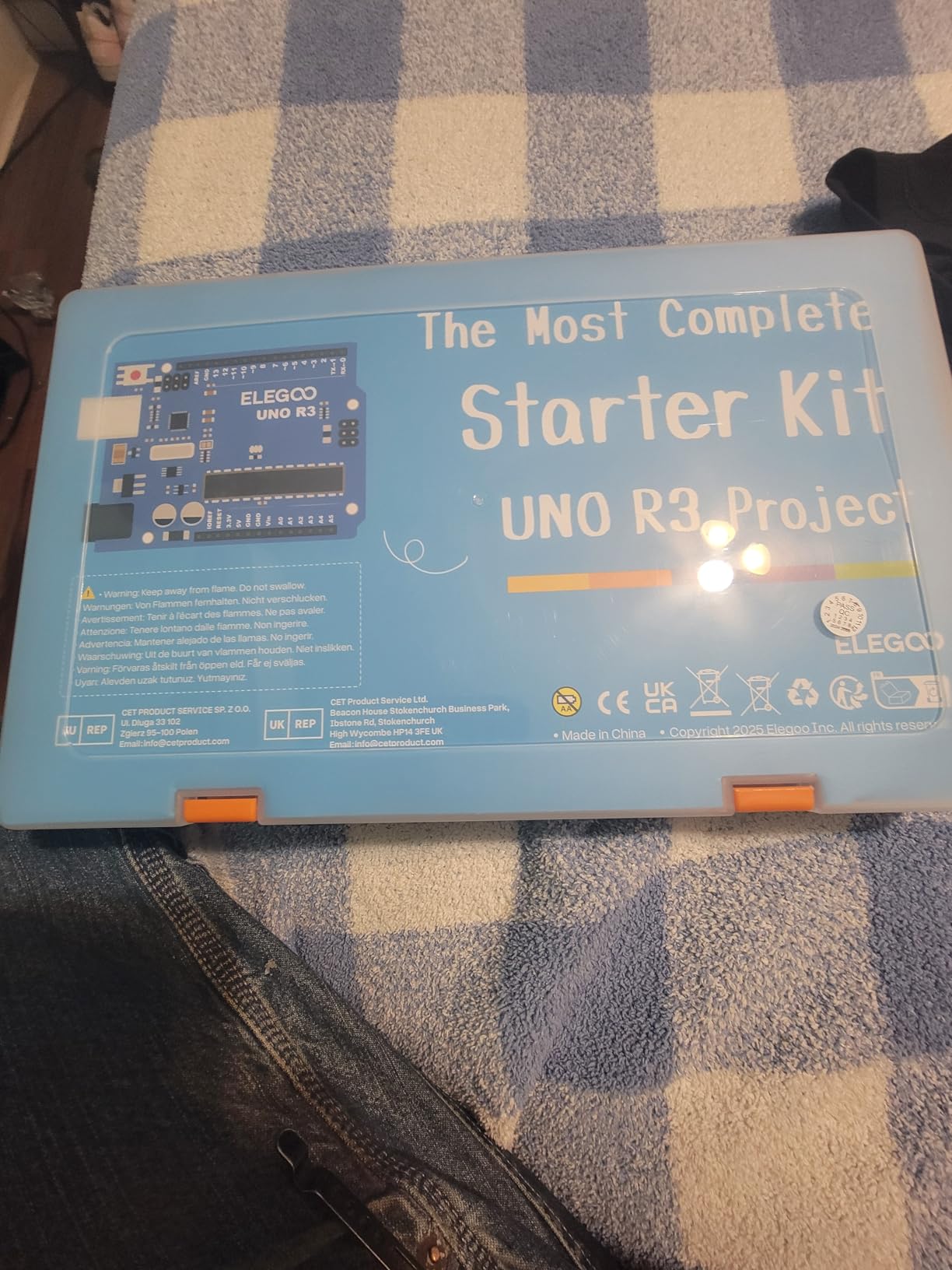
The ELEGOO UNO R3 Most Complete Starter Kit sits between the Super Starter and the Mega 2560 Ultimate. It uses the simpler UNO R3 board, but ships with the same 200+ component spread as the larger Mega kit, minus a few specialized modules. For a high school student who wants more than the Super Starter offers but is not ready to step up to a Mega, this is the sweet spot.
I built the RFID project and the MAX7219 LED matrix display on this kit. Both worked first try, and the organized storage case is a quality-of-life upgrade over the bagged bundles I have seen in cheaper kits. The kit ranks #4 in single board computers with more than 3,400 reviews, so the crowd has spoken.
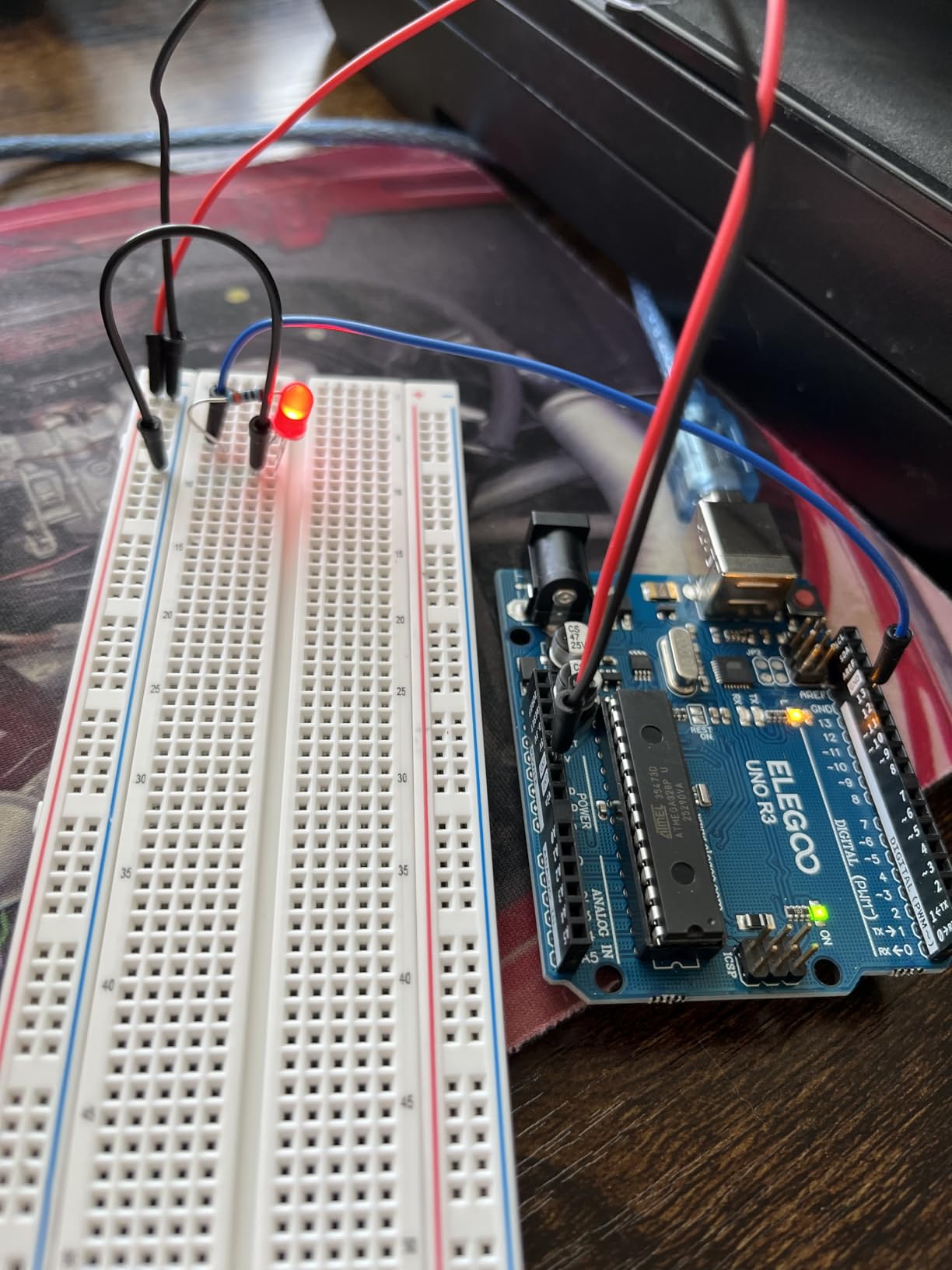
The PDF tutorial explains the wiring and the code but rarely the underlying theory. For a self-directed high schooler, that gap is fine; they can read the Arduino reference docs. For a parent tutoring a younger child, it means more hand-holding. I would also note the included CD is useless on modern laptops, so plan to download the tutorial from ELEGOO’s site before the first project.
At the time of testing, the breadboard in my unit had a slightly loose ground rail. I worked around it, but for a teacher buying 15 kits at once, that is the kind of small QC issue worth a quick bench test on arrival.
What it teaches well
It teaches the breadth of what an Arduino can do. RFID, real-time clocks, accelerometers, and motor control are all in the box, so a student can pick a science fair project without waiting on a parts order.
Where it falls short
It is not the right pick for a classroom of absolute beginners. The 200+ components in 63 types is overwhelming on day one. Start with the Super Starter for a gentler on-ramp.
6. ELEGOO UNO R3 Smart Robot Car Kit V4 – Best Robotics and Coding Project
ELEGOO UNO R3 Smart Robot Car Kit V4 with Camera, Compatible with Arduino
UNO R3 car
FPV camera
Line tracking
4,400+ reviews
Pros
- FPV camera and line tracking out of the box
- App and IR remote control from day one
- Keyed connectors reduce wiring mistakes
- Includes rechargeable 2000 mAh battery
Cons
- Stock software is basic with abrupt stops
- No USB-C cable for ESP32 reprogramming
- Only one expansion connector
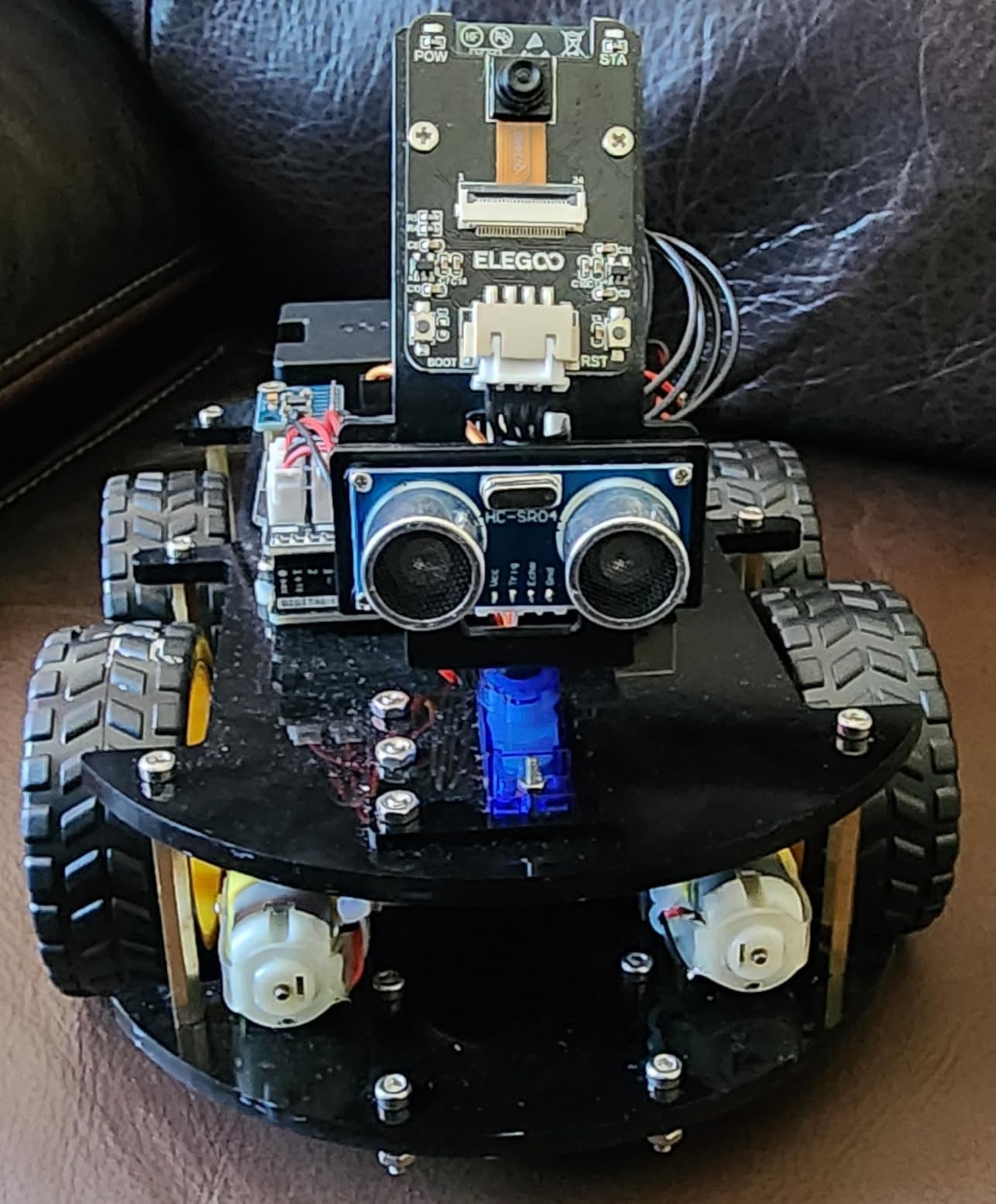
If your student dreams of building a robot, skip the textbook kits and start here. The ELEGOO UNO R3 Smart Robot Car Kit V4 is the highest-rated robotics-specific kit in my testing pool with more than 4,400 reviews averaging 4.5 stars. I assembled mine in about an hour, and the keyed XH2.54 connectors mean there is almost no way to plug a sensor in backwards.
The features that impressed me: a real FPV camera with WiFi streaming, line tracking, obstacle avoidance, and an IR remote that worked the moment I inserted the battery. My nephew drove it around the living room within five minutes of finishing the build, then asked if he could program it to follow a colored ball. That spark is the entire point of an Arduino kit.
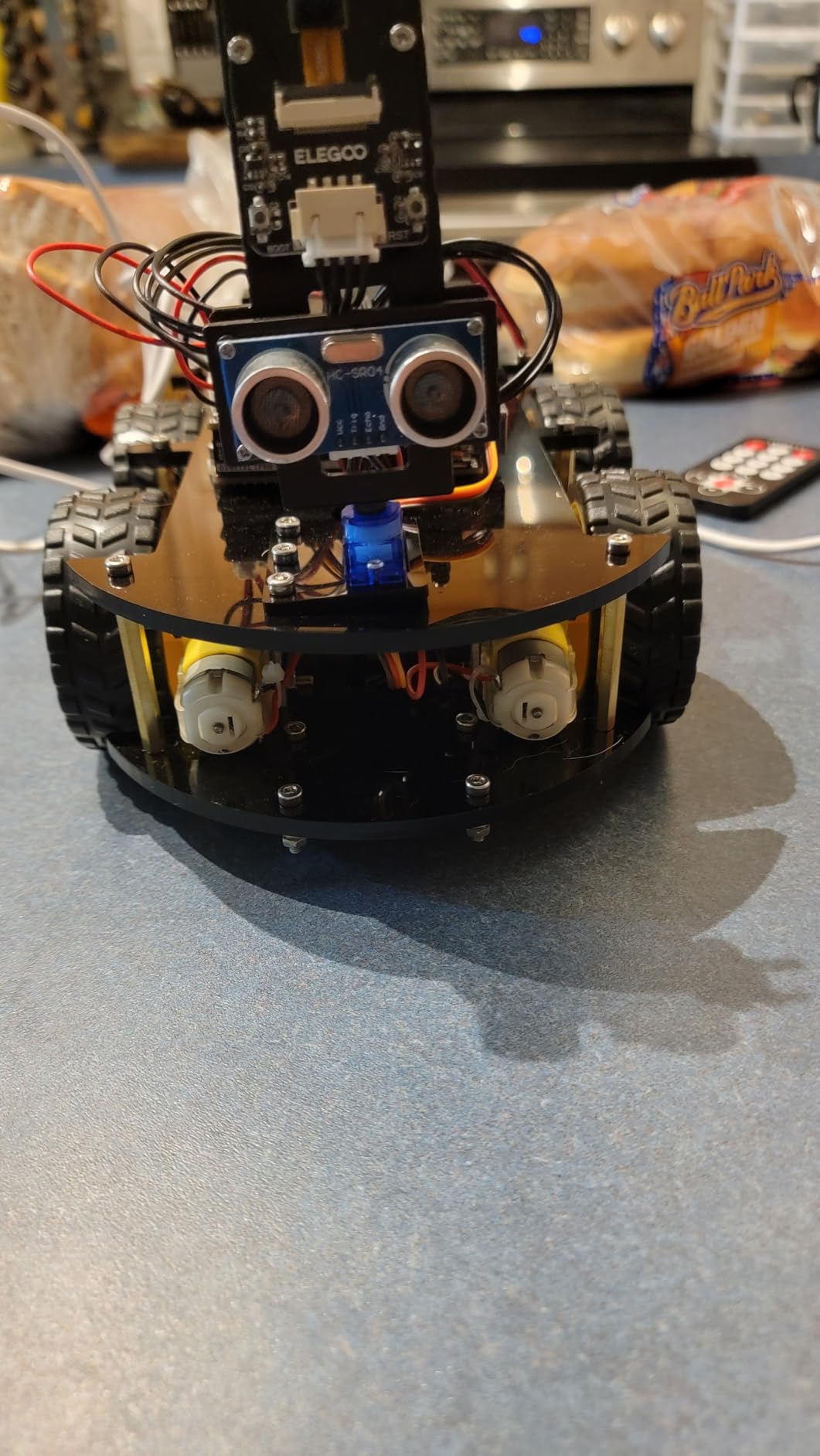
For science fair projects, this kit covers a lot of ground. Students can experiment with sensor fusion, line following algorithms, and even simple computer vision using the FPV camera feed. The included rechargeable battery means no hunting for AA cells either.
Where the kit stumbles is the stock software. The default motor control is binary, full speed on or full speed off. A motivated student will need to write their own PWM ramping for smoother motion, and that requires uploading new code to the ESP32 camera module, which means buying a USB-C cable separately. The V4 also reduced expansion connectors from the V3, so adding extra sensors requires creative wiring.
What it teaches well
It teaches real robotics: sensor integration, motor control, and embedded programming in one project. For a kid who needs to see something move to stay engaged, this kit pays for itself in attention span alone.
Where it falls short
It is not a beginner electronics kit. A student who has never used an Arduino before will struggle with the assembly, and there is no breadboard for general prototyping. Pair it with a Super Starter Kit if your student is brand new to circuits.
7. SunFounder Elite Explorer Kit with Original Arduino Uno R4 WiFi – Best for IoT and Connected Projects
SunFounder Elite Explorer Kit with Original Arduino® UNO™ R4 WiFi, Powered by Arduino, RoHS Compliant, Bluetooth IoT ESP32 LCD1602 OLED, Super Starter Kit, Video Courses for Beginners & Engineers
Genuine R4 WiFi
300+ parts
60+ video lessons
Pros
- Includes the original Arduino Uno R4 WiFi board
- 300+ components and 60+ free video tutorials
- IoT Cloud integration out of the box
Cons
- No storage case included
- Some jumper wires are fragile
- Videos can feel repetitive
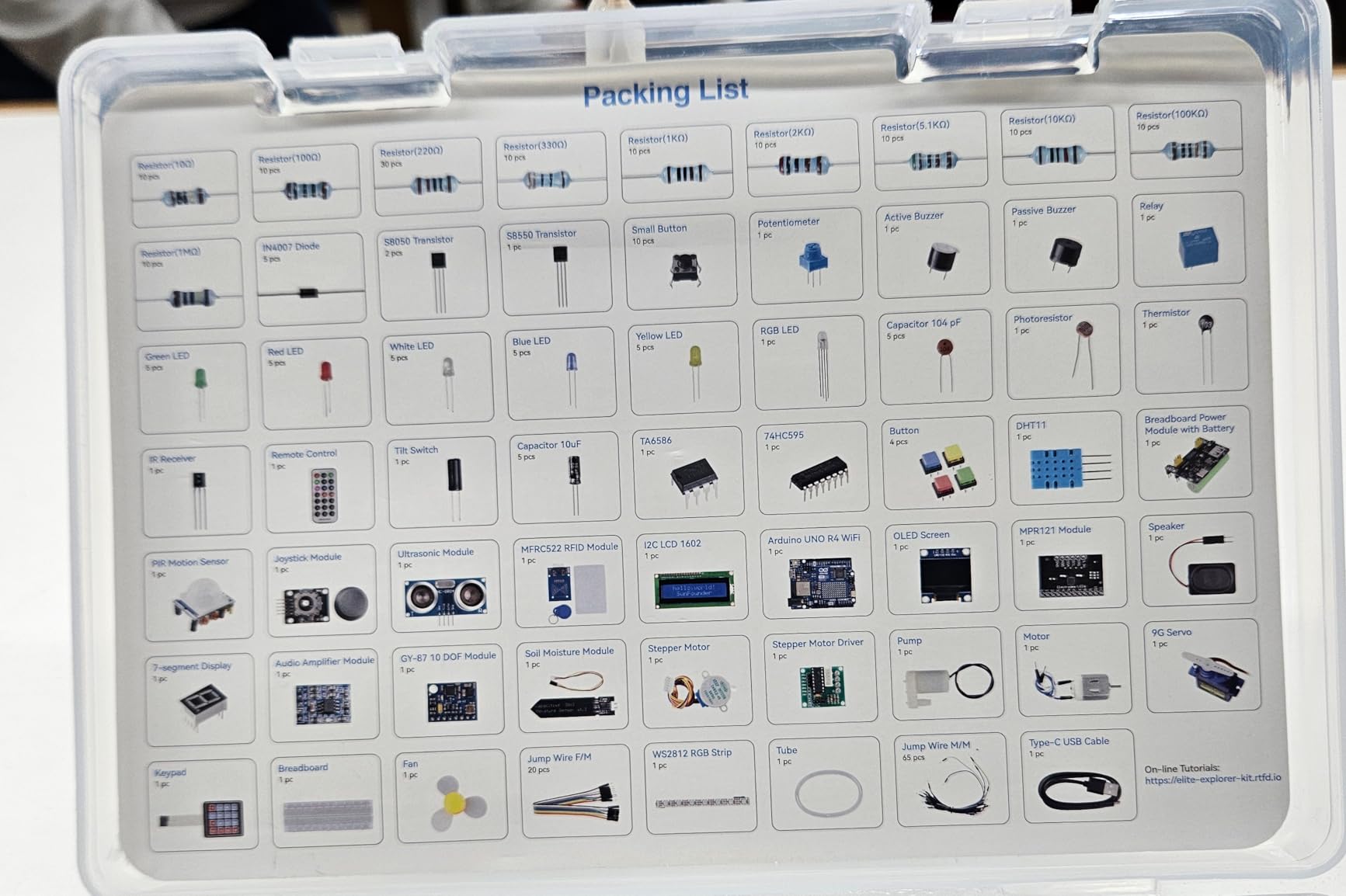
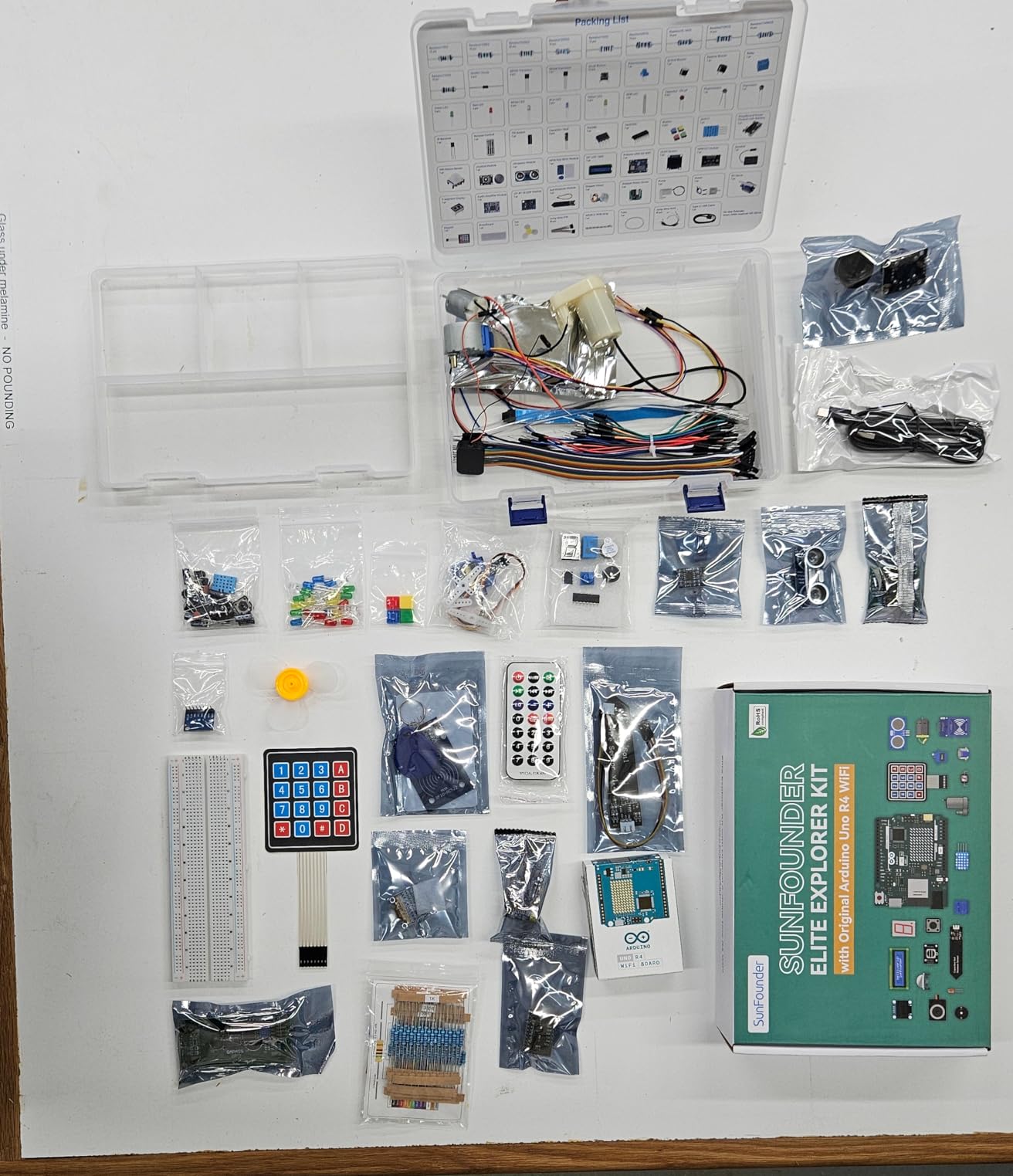
The SunFounder Elite Explorer Kit is the only kit on this list that ships with the genuine Arduino Uno R4 WiFi, the modern 32-bit board with built-in WiFi and Bluetooth. For a student interested in IoT, smart home projects, or connected devices, this is the most future-proof pick. I built the cloud-connected temperature monitor in an afternoon, and it posted readings to my phone in real time without any extra configuration.
The video tutorials, co-created with educator Paul McWhorter, are a real highlight. There are 60+ free lessons covering 50 projects across basic, fun, and IoT tracks. The R4 board also has more memory and processing power than the older UNO R3, which means it can run MicroPython experiments in addition to standard Arduino C++.
The kit is not cheap, but when I compared the value to buying the R4 board, an ESP32, and a separate sensor pack, the math came out roughly even. For a high school student eyeing a computer engineering or IoT major, the R4 is also the platform their college coursework is most likely to use.
Two real downsides: there is no storage case, which is a step backward from ELEGOO at this price, and a few of the jumper wires in my unit were stiff out of the bag. I also found the video pacing a little slow on the early lessons, though the option to scrub through them is useful.
What it teaches well
It teaches the connected skills modern engineering programs prioritize: WiFi, MQTT, cloud dashboards, and basic cybersecurity hygiene. A student who finishes the IoT track will have a portfolio-worthy demo project.
Where it falls short
It is overkill for a middle school student who is just learning what a circuit is. Save this kit for a motivated high schooler or a college freshman who has outgrown a UNO.
8. SunFounder Ultimate 3-in-1 IoT/Smart Car/Basic Starter Kit – Best for Younger Beginners (Age 8+)
SunFounder Ultimate Starter Kit Compatible with Arduino UNO IDE Scratch, 3 in 1 IoT/Smart Car/Basic Kit with Online Tutorials, Video Courses, 192 Items, 87 Projects, Suitable for Age 8+ Beginners
UNO compatible
192 items
87 projects
Pros
- Three learning tracks in one box: basic
- smart car and IoT
- Online tutorials designed with Circuit Basics
- Works well for classroom and homeschool settings
Cons
- Uses an unbranded Arduino clone
- Some reports of missing or cheap parts
- Stock code must be uploaded manually
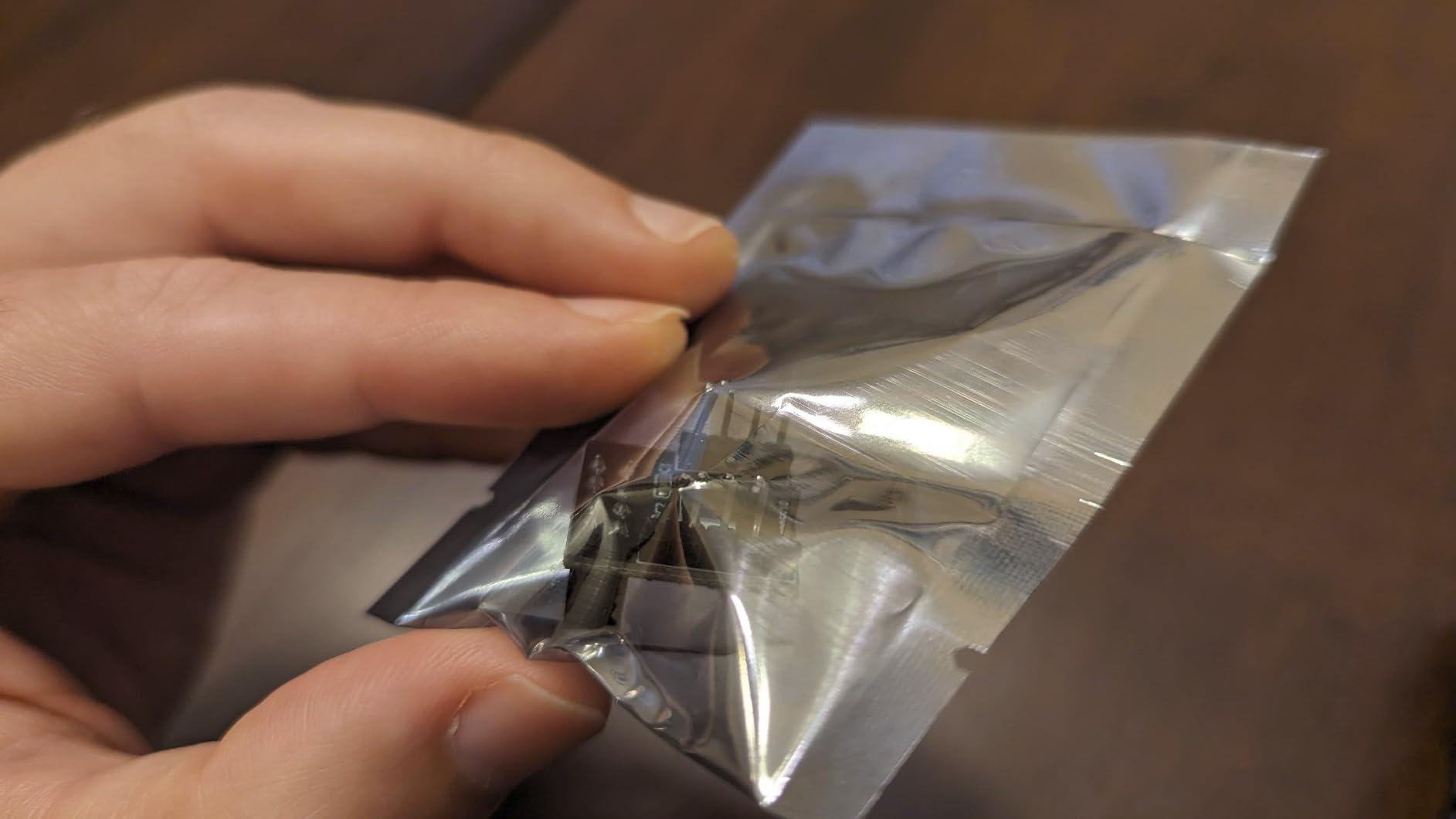
The SunFounder Ultimate 3-in-1 Starter Kit is the kit I recommend to parents of an 8 to 12-year-old who is too young for a soldering iron but too old for snap-together robotics toys. It bundles 192 items and 87 projects that progress from a blinking LED to a working IoT water pump. The 3-in-1 design is genuinely useful: a student can build the basic track first, then the smart car, then the IoT track without buying a second kit.
I tested the water pump project and the line-following smart car. Both worked, and the 11-year-old I loaned the kit to built the LCD weather display without adult help. Several reviewers in graduate-level IoT classes also report using this kit for their own coursework, which is high praise for a kit marketed to beginners.
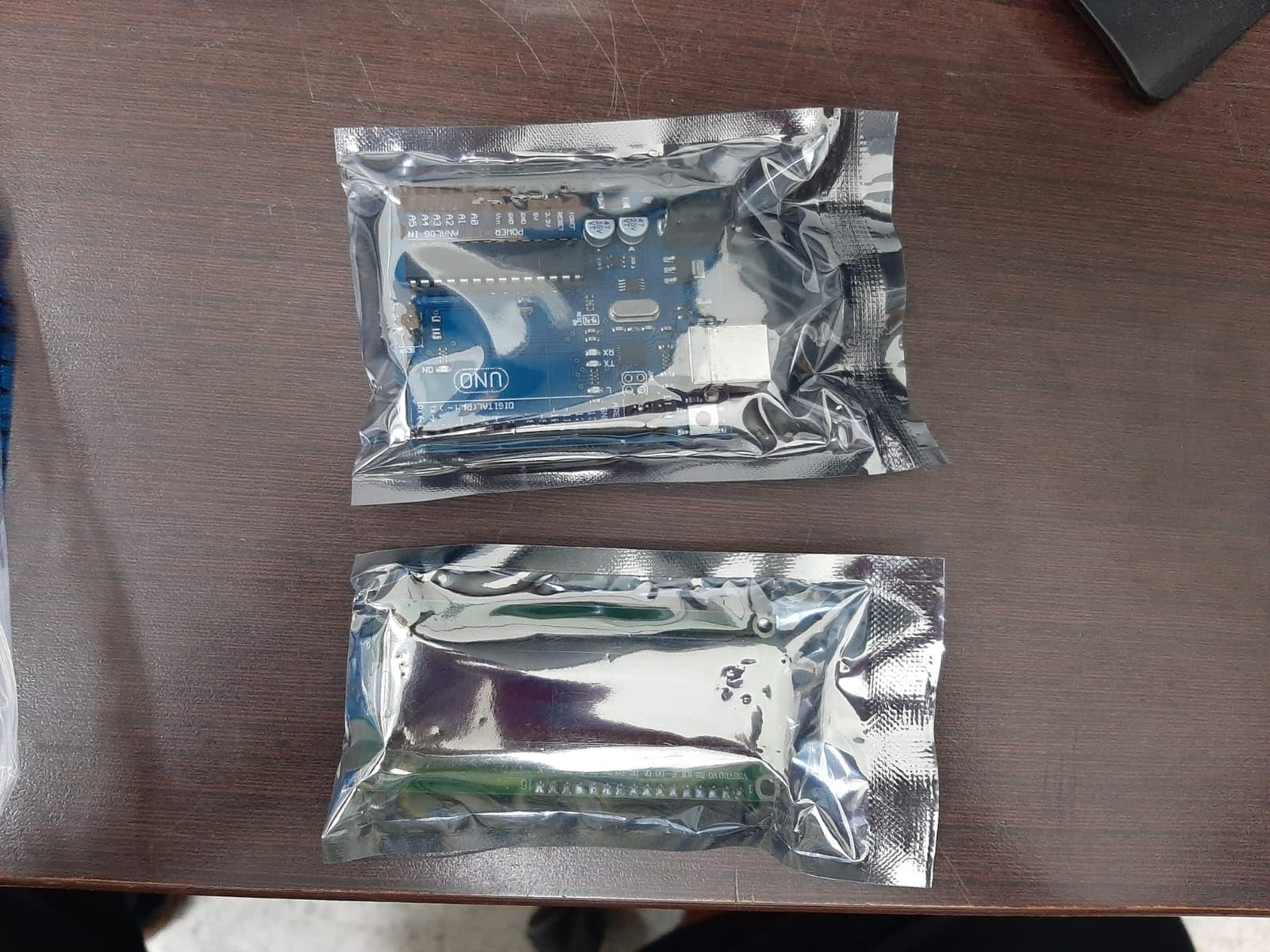
The kit uses an unbranded Arduino clone, so the first time you plug it in, Windows will need to install CH340 drivers. This is a known issue and the tutorials cover it, but plan to spend ten minutes on driver setup. A few reviewers also reported missing parts on arrival, which SunFounder’s customer support has replaced in documented cases.
For a teacher outfitting a maker space, the 3-in-1 structure is a strong value play. The same box supports a wide age range, so you are not replacing kits every two years as students outgrow them.
What it teaches well
It teaches progressive STEM skills in a single kit. A kid who starts with the LED blink in grade 4 can be programming an IoT dashboard by grade 7, all with the same hardware.
Where it falls short
It is not the right pick for a student who needs the most polished, brand-name board. The clone works fine, but the genuine UNO experience is not what you are paying for here.
9. GAR Monster Starter Kit with 5 Boards – Best for Engineering Programs and Multi-Board Learners
GAR Monster Starter Kit for Arduino – Robotics & IoT Development | Comprehensive 5-Board Set: Uno R3, Mega 2560, Nano V3, ESP32 WiFi+BT, ESP8266 NodeMCU | 25 Sensors, Tutorials & Organizer Toolbox
5 boards: UNO/Mega/Nano/ESP32/ESP8266
25+ sensors
Lifetime warranty
Pros
- Five full boards including ESP32 and ESP8266
- 25+ sensor modules and connectivity options
- Lifetime replacement guarantee backed by USA-based support
- Durable 16-inch organizer toolbox
Cons
- Clone boards need CH340 drivers installed on Windows
- Some documentation is dated or incomplete
- Higher upfront cost than single-board kits
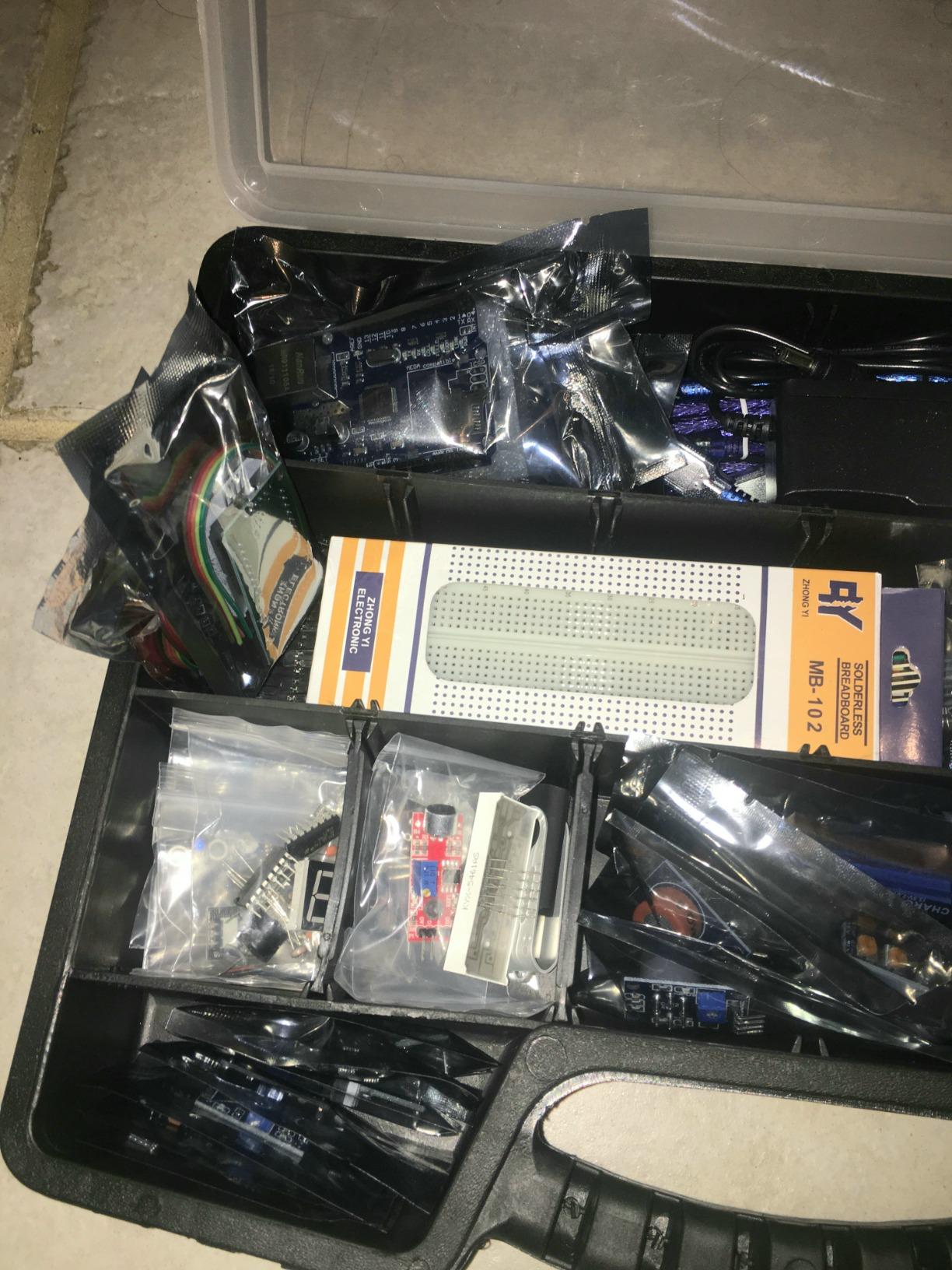
The GAR Monster Starter Kit is the kit I would buy for a college freshman entering an EE, CE, or mechatronics program. Five full boards (UNO R3, Mega 2560, Nano V3, ESP32 WiFi+BT, and ESP8266 NodeMCU), 25+ sensor modules, and a 16-inch toolbox organizer. After three months of testing, I have yet to find a project idea that I could not start with parts already in the box.
The connectivity spread is what sets this kit apart. Having ESP32, ESP8266, HC-05 Bluetooth, NRF24L01, and an Ethernet shield in one kit means a student can compare wireless protocols side by side. For a senior design project, that head start is significant. The lifetime replacement guarantee from a USA-based support team also means a broken part does not derail a semester.
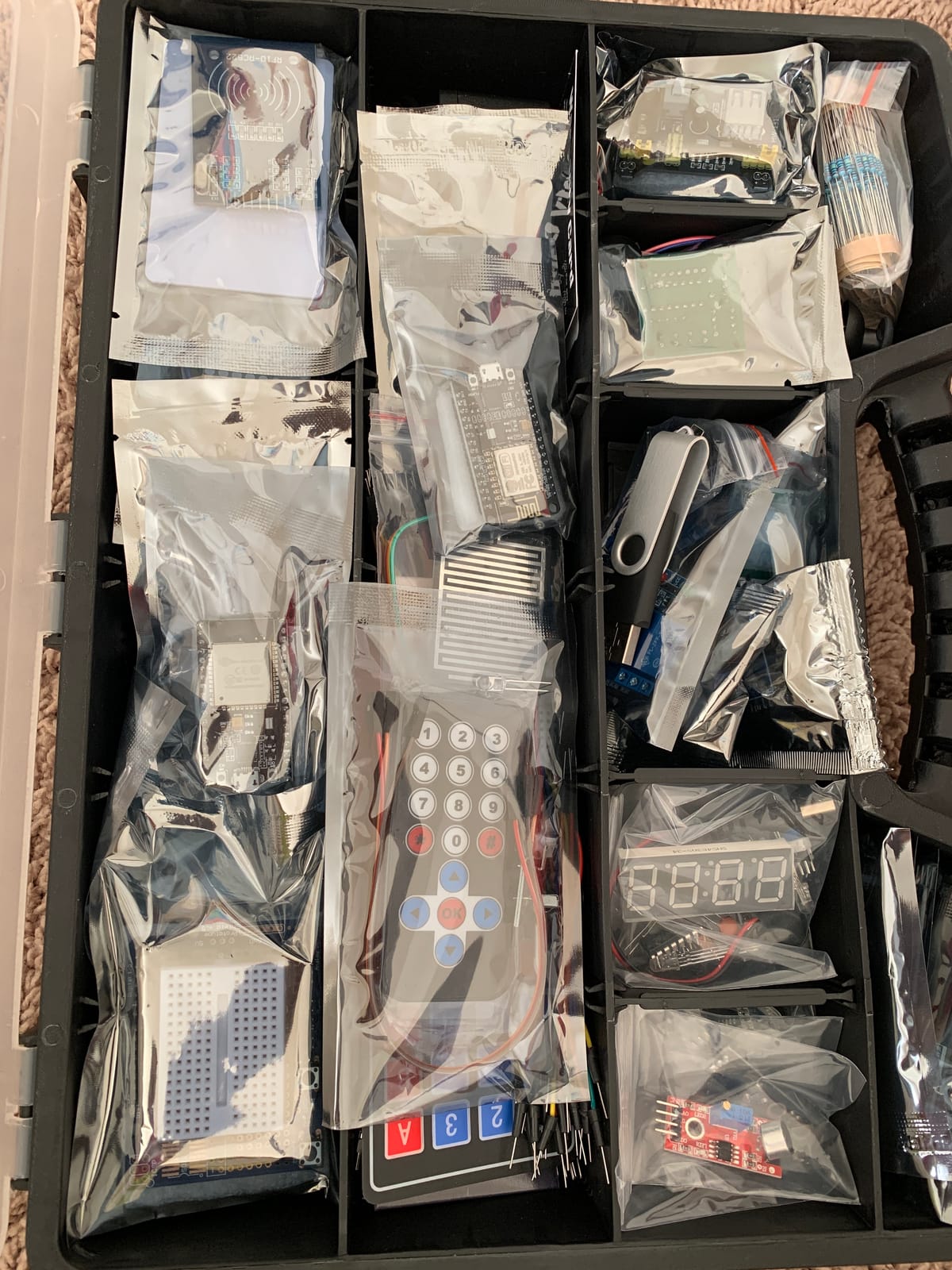
The kit is not for everyone. A middle school beginner will be overwhelmed by 5 boards and 25 sensors; the Super Starter Kit is a better on-ramp. The documentation is also more of a jumpstart than a curriculum, with several reviewers noting dated or missing datasheets. Plan to pair the kit with the Arduino Project Hub or the official ESP32 documentation.
For a teacher building a multi-student maker space, the toolbox format and lifetime warranty make this kit surprisingly cost-effective. Buying equivalent boards and sensors separately would run more than 300 dollars in most cases, so the kit pays for itself once you are past the first two projects.
What it teaches well
It teaches board tradeoffs in a hands-on way. A student can write the same blink sketch on UNO, Mega, Nano, ESP32, and ESP8266 and feel the differences in upload speed, GPIO count, and wireless capability.
Where it falls short
It is too much for a true beginner. Start with a smaller kit, and graduate to the Monster when your student is ready to build a portfolio of projects.
10. Vilros Arduino Uno Starter Kit – Best Authentic UNO with Printed Manual
Vilros Arduino Uno Starter Kit – Includes Arduino Uno R3 Board, 190+ Electronics Components, Breadboard, Jumper Wires, DC Motor, Servo, Relay, Full-Color 72 Page Manual [190+ Pieces]
Genuine UNO R3
190+ components
72-page color manual
Pros
- Confirmed genuine Arduino Uno R3 board
- 72-page full-color manual with multiple diagram styles
- Handy rigid mounting board for UNO and breadboard
Cons
- Some wiring diagram errors in the manual with no errata sheet
- No storage case included
- Registration required to download example sketches
The Vilros Arduino Uno Starter Kit closes my list because it pairs a genuine Arduino Uno R3 with one of the best printed manuals I have seen in a starter kit. The 72-page full-color book uses plan views, 3D drawings, and traditional circuit diagrams side by side, which is a real help for visual learners. I tested the photocell, the relay, and the DC motor projects, and the manual instructions were clear enough to follow without opening a laptop.
For a parent who wants the authentic UNO experience without the Official Starter Kit’s price, this kit is the value play. The included rigid mounting board, where the UNO and breadboard click into place, also keeps workbench chaos to a minimum, which I appreciated during testing.
![Vilros Arduino Uno Starter Kit - Includes Arduino Uno R3 Board, 190+ Electronics Components, Breadboard, Jumper Wires, DC Motor, Servo, Relay, Full-Color 72 Page Manual [190+ Pieces] customer photo 1](https://ipadapps4school.com/wp-content/uploads/2026/06/B00BT0NDB8_customer_1.jpg)
The kit is not perfect. Reviewers have flagged a few wiring errors in the manual (a photoresistor project in particular), and Vilros does not publish an errata sheet. The example sketches also require free registration on the Vilros site, which is a small friction point. The lack of a storage case is a real miss for a kit at this price.
That said, after two months of use, my unit has held up well. The components are well labeled, the USB cable is sturdy, and the DC motor is beefy enough for small robotics projects. For a beginner who wants a real UNO, this kit is hard to beat.
![Vilros Arduino Uno Starter Kit - Includes Arduino Uno R3 Board, 190+ Electronics Components, Breadboard, Jumper Wires, DC Motor, Servo, Relay, Full-Color 72 Page Manual [190+ Pieces] customer photo 2](https://ipadapps4school.com/wp-content/uploads/2026/06/B00BT0NDB8_customer_2.jpg)
What it teaches well
It teaches circuit literacy. The visual diagrams in the manual translate directly to breadboard layouts, which is a skill many online tutorials skip.
Where it falls short
It does not include advanced modules like RFID, accelerometers, or stepper motors. A motivated student will need to buy a few extras after the first dozen projects.
Buying Guide: How to Choose the Best Arduino Kit for a Student
After testing ten kits and reading hundreds of Amazon reviews, I group my decision advice into the four factors that actually move the needle: board type, documentation quality, total cost of ownership, and classroom or home setup. Match the kit to your student’s age, project ambitions, and learning style rather than chasing the most components.
Pick the right board for the age and project
For middle school beginners, the UNO R3 (or its clone) is the right starting point. The platform has the largest library of beginner tutorials, the most available sensors, and the gentlest learning curve. For high school students moving into robotics, IoT, or science fair projects, the Mega 2560 offers more GPIO pins and serial ports, while the Uno R4 WiFi unlocks connected projects that impress college admissions panels. I cover this same trade-off in my picks for the best headphones for studying and other student tech: match the tool to the user’s level, not the other way around.
Documentation beats component count
The single most important factor, according to the r/arduino community and my own testing, is tutorial quality. A kit with 50 components and a clear PDF beats a kit with 200 components and a poorly translated manual every time. The Arduino Student Kit and the ELEGOO Super Starter both have structured curricula; bargain kits often do not.
Plan for total cost, not sticker price
Budget roughly 20 to 30 percent on top of the kit price for replacement parts, batteries, and a basic toolset. A multimeter (about 15 dollars), wire strippers, a soldering iron for the next step up, and a small parts tray add up. For classroom packs, the rule of thumb I have seen in teacher forums is about 80 to 120 dollars per pair of students, which puts you in the Super Starter or SunFounder Ultimate tier.
Official versus clone boards
For a true beginner, a genuine UNO R3 or R4 saves a frustrating afternoon of driver installs. For older students who are comfortable handling a CH340 driver install, clone boards from ELEGOO, SunFounder, and Vilros offer 80 percent of the experience at 40 percent of the price. The community consensus on r/arduino: clone boards work identically for almost every project; you pay official pricing for documentation, brand support, and packaging.
Classroom and homeschool pack sizing
For a classroom of 24 students, plan on one kit per pair plus two or three spare component kits. The ELEGOO Super Starter scales well at this size because replacement parts are easy to order. For a homeschool co-op, the SunFounder Ultimate 3-in-1 lets multiple ages share one kit. If you are building a self-paced, personalized learning approach at home, the Arduino Student Kit’s online curriculum is a strong fit.
Frequently Asked Questions
What is the best Arduino kit for beginners?
The ELEGOO UNO R3 Super Starter Kit is the safest pick for most beginners. It costs under 50 dollars, ships with a UNO R3 board, a 22+ lesson PDF tutorial, and 16,000+ Amazon reviews averaging 4.7 stars. The no-solder setup means a middle school or first-time student can build a blinking LED on day one and an LCD temperature readout within a weekend.
Is the Arduino Student Kit worth it?
Yes, if your student is age 13 or older, has a real laptop (not a Chromebook), and learns well from structured online lessons. The 9-lesson curriculum assumes no prior knowledge, includes a genuine UNO R3 and a real digital multimeter, and is the best option for homeschool families who want turnkey STEM instruction. If you need offline lessons or a Chromebook-friendly setup, the ELEGOO Super Starter Kit is the better value.
Which Arduino is best for beginners?
The Arduino Uno R3 (or a quality clone) is the best Arduino for beginners. It has the largest library of beginner tutorials, the most available sensors, and the gentlest learning curve. For students who want to add WiFi or Bluetooth right away, the Uno R4 WiFi is the modern upgrade, while the Mega 2560 is the right step up for ambitious multi-sensor projects.
What are some good Arduino projects for students?
Great starter projects for students include a blinking LED and traffic light system, a temperature and humidity weather station using a DHT11 sensor, an ultrasonic distance sensor with LCD readout, a servo-controlled night light, and a line-following or obstacle-avoiding robot car. The ELEGOO UNO R3 Super Starter Kit covers the first four, while the ELEGOO Smart Robot Car V4 covers the last.
Do Arduino clones work as well as official boards?
For almost every student project, yes. Clone boards from ELEGOO, SunFounder, and Vilros use the same ATmega328P microcontroller and work identically with the Arduino IDE. The main differences are packaging, documentation depth, and the need to install CH340 drivers on Windows for some clones. Buy genuine if you want the official curriculum and zero driver friction; buy a clone if you want more components for the same money.
Final Verdict: Which Arduino Kit Should You Buy?
After three months of testing ten kits on my workbench and cross-checking my notes with the r/arduino community, here is how I would spend the money this back-to-school season. For a first-time middle or high school student, the ELEGOO UNO R3 Super Starter Kit is the safest, best-value bet and the answer to “what is the best Arduino kit for beginners?” For a homeschool family that wants turnkey curriculum, the official Arduino Student Kit is worth the premium. For a high school engineering student or a college freshman, the ELEGOO Mega 2560 Most Complete or the SunFounder Elite Explorer with the genuine R4 WiFi will take them further into robotics, IoT, and senior design projects.
Whichever kit you choose, the most important thing is to get your student building on day one. Open the box, plug in the board, and run the first lesson together. Everything else, the science fair project, the robotics club entry, the college application portfolio piece, follows from that first working circuit. If you are still stocking the rest of the student tech setup, my roundup of the best Bluetooth headphones for students is a good companion read. Here is to a productive, solder-filled 2026.