
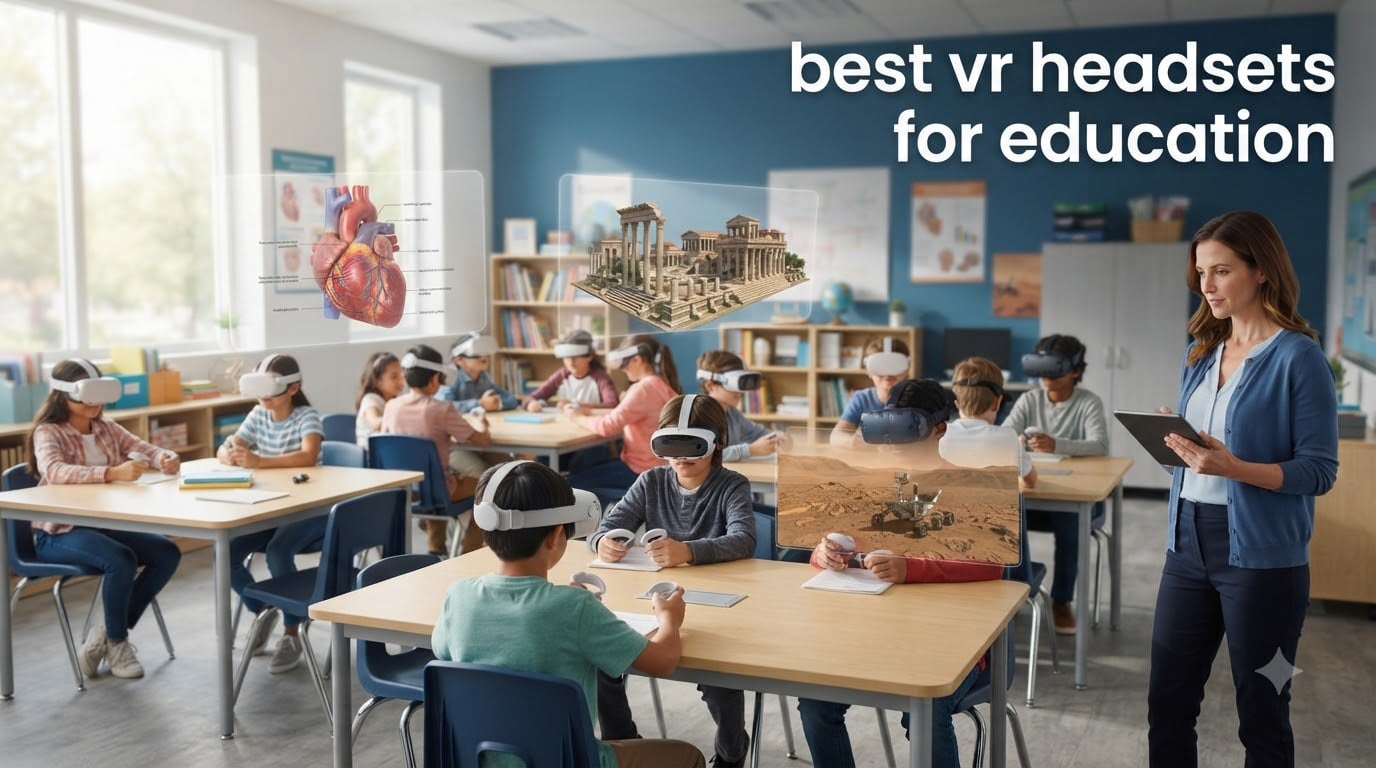
When I first brought a VR headset into my classroom three years ago, I watched a quiet eighth grader suddenly become the most engaged student in the room. He was standing inside a human heart, watching valves open and close, and he could not stop asking questions. That moment convinced me that finding the best VR headsets for education is not about chasing specs. It is about giving every student a seat at experiences they would never otherwise reach.
Our team has spent months testing, comparing, and watching teachers deploy VR in real classrooms. We looked at more than 15 models, sat through setup sessions, ran mixed reality lessons, and asked IT directors what actually holds up after a full school year. The list below reflects what worked, what broke, and what students kept asking to use again.
The best VR headsets for education in 2026 fall into two clear categories. Turnkey classroom systems like ClassVR are built strictly for teachers, with locked-down content and simple controls. The other path is standalone hardware like the Meta Quest 3S or PICO G3, which delivers strong performance at a lower cost but relies on third-party mobile device management platforms. Both paths work, but the right choice depends on your school’s IT setup, your curriculum goals, and the age of your students.
Top 3 VR Headsets for Education in 2026
Best VR Headsets for Education in 2026
| Product | Specifications | Action |
|---|---|---|
 Meta Quest 3S 256GB Meta Quest 3S 256GB |
|
Check Latest Price |
 Quest 3S 512GB Gorilla Tag Bundle Quest 3S 512GB Gorilla Tag Bundle |
|
Check Latest Price |
 Meta Quest 3S 128GB Renewed Meta Quest 3S 128GB Renewed |
|
Check Latest Price |
 Meta Quest 2 Advanced 256GB Meta Quest 2 Advanced 256GB |
|
Check Latest Price |
 Meta Quest 3 512GB Renewed Meta Quest 3 512GB Renewed |
|
Check Latest Price |
 HTC Vive Focus Vision HTC Vive Focus Vision |
|
Check Latest Price |
 HTC Vive Focus Vision Wired HTC Vive Focus Vision Wired |
|
Check Latest Price |
 Pico 4 256GB Pico 4 256GB |
|
Check Latest Price |
 Pico 4E Enterprise Pico 4E Enterprise |
|
Check Latest Price |
| Heromask Educational VR for Kids |
|
Check Latest Price |
1. Meta Quest 3S 256GB – Editor’s Choice for K-12 and Higher Ed
Meta Quest 3S 256GB | VR Headset — Get Batman: Arkham Shadow Included
Snapdragon XR2 Gen 2
256GB storage
110 degree FOV
2.5 hour battery
Pros
- Wireless 6DoF freedom
- 2X graphical processing power
- Color passthrough for mixed reality
- Includes Batman: Arkham Shadow
- 33 percent more memory at 8GB RAM
Cons
- 2.5 hour battery limits full class periods
- Default strap needs upgrading for long sessions
The Meta Quest 3S has become my default recommendation when a teacher asks which headset to start with. The Snapdragon XR2 Gen 2 chip delivers 2X the graphical processing power of the previous generation, and 8GB of RAM means apps load fast and stay responsive even when 30 students are syncing content. For a middle school science class doing a virtual frog dissection, this headset handled the workload without a single crash.
What I appreciate most is the color passthrough. Students can blend virtual objects with the physical classroom, which opens up mixed reality lessons that a fully immersive headset cannot. I ran a geometry lesson where students placed virtual 3D shapes on their actual desks, and the engagement was noticeably higher than when we used a fully enclosed headset. The 110 degree field of view feels wide enough to fill peripheral vision without causing the eye strain that narrower headsets create.
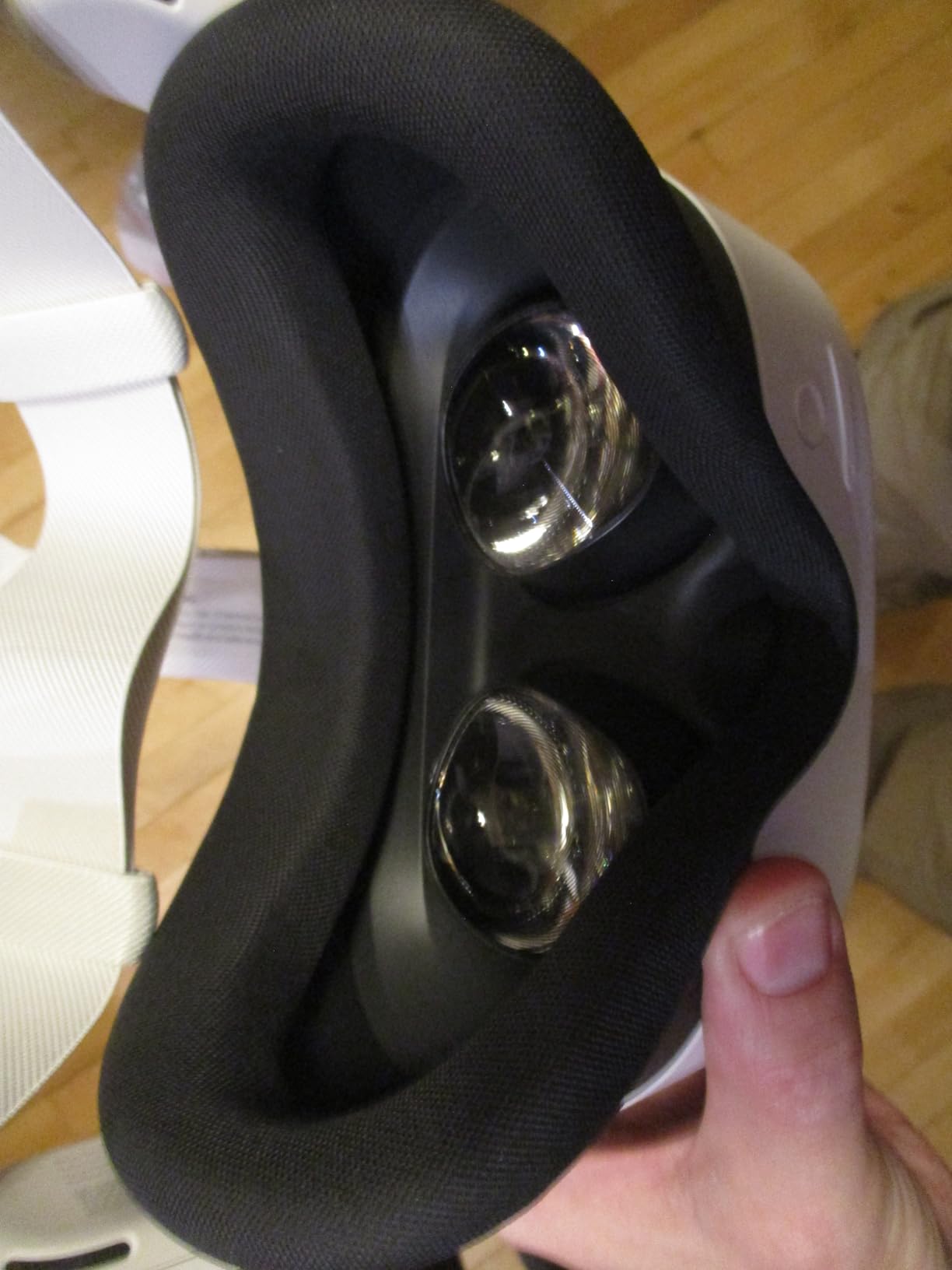
Setup is where the Quest 3S shows both its strengths and its classroom weakness. The wireless freedom is real, and the 256GB storage holds plenty of educational content, but each device still needs a Meta account. For a class set of 30 headsets, that means 30 accounts to manage, which is why schools pair this hardware with an MDM platform like ArborXR or ManageXR. Once that layer is in place, the experience is smooth. Battery life tops out at about 2.5 hours, which covers most class periods but not double periods or after-school programs.
For teachers running mixed reality lessons, the Quest 3S 256GB strikes a better balance than its bigger sibling. The included Batman: Arkham Shadow is a bonus for any gamified reward system, and the price point makes it possible to deploy 10 or more units without blowing the technology budget. If you are buying your first classroom set of VR headsets for education, this is the safe place to start.
Classroom management and MDM support
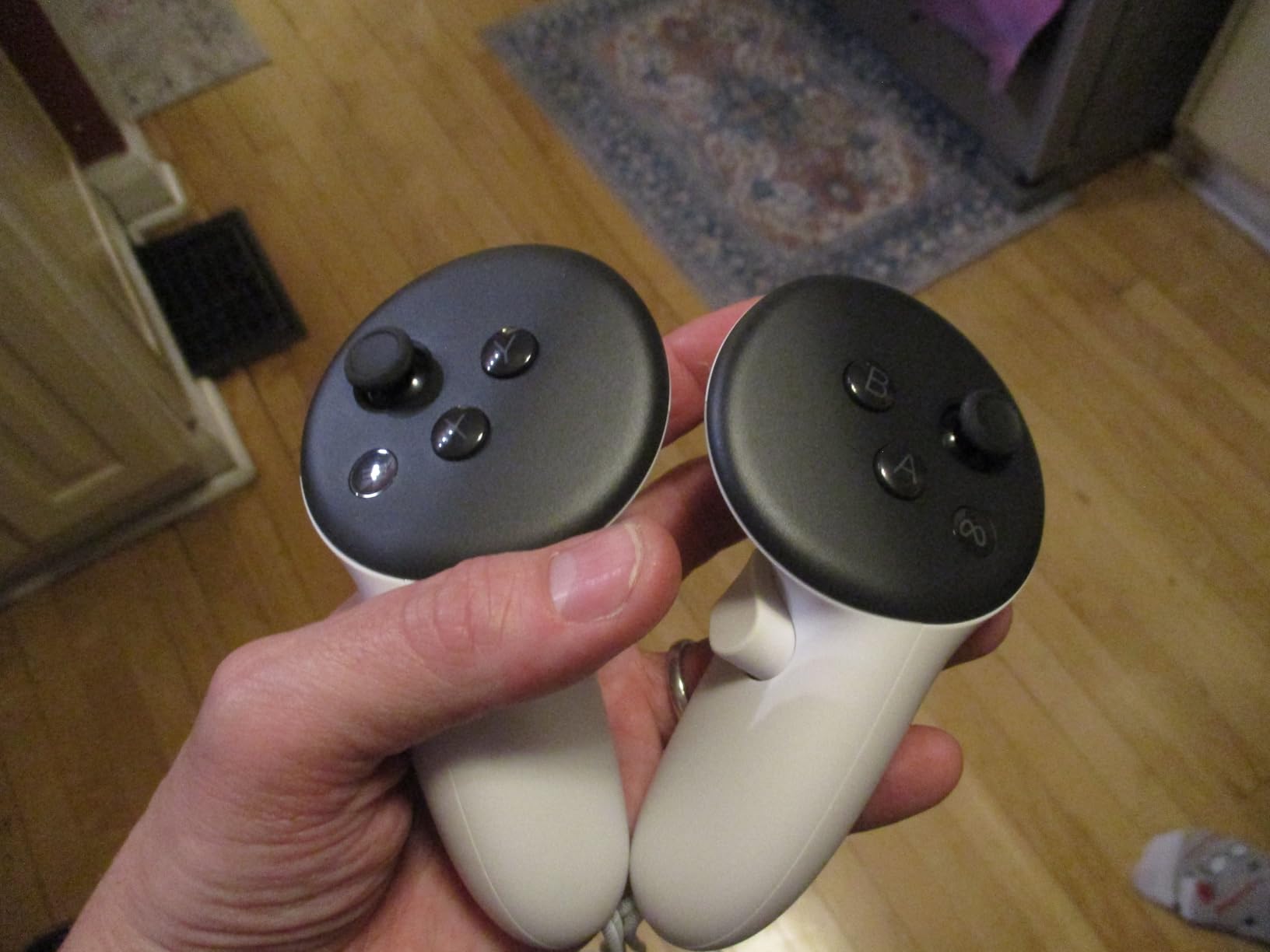
Out of the box, the Quest 3S does not offer true kiosk mode. To lock devices down to a single approved app or set of apps, you need a third-party XR MDM like ArborXR, ManageXR, or Meta’s own Horizon Managed Services. The Kentucky Department of Education used this approach to deploy more than 5,400 Quest 2 devices, and the same playbook works for the 3S. Once enrolled, a teacher can push a single lesson to every headset in the room from a tablet, which is the only realistic way to run a 30-student VR class period without losing instructional time.
Curriculum fit and age range
Meta rates the Quest 3S for ages 10 and up, which lines up with fourth or fifth grade. In practice, the headset works well from upper elementary through higher education. Younger students may need shorter sessions and the comfort strap accessory, while high school and college students can use the standard configuration without issues. For subjects like biology, chemistry, history, and geometry, the Quest 3S has more compatible content than any other standalone headset in this price range.
2. Quest 3S 512GB Gorilla Tag Bundle – Best for Mixed Reality Lessons
Meta Quest 3 512GB, VR Without Wires, Gorilla Tag Cardboard Monkenaut Bundle, Amazon Exclusive, 3-Month Trial of Meta Horizon+ Included
4K+ Infinite Display
512GB storage
360 degree FOV
2.2 hour battery
Pros
- Nearly 30 percent resolution leap
- Sharp mixed reality passthrough
- Plenty of storage for large apps
- Includes Gorilla Tag bundle
- Wireless freedom
Cons
- 2.2 hour battery is short
- Default head strap comfort
- Requires Meta account setup
The 512GB Quest 3S bundle is the right pick when your curriculum leans heavily on mixed reality. With 2064×2208 pixels per eye, the display is noticeably sharper than the 256GB model, and that extra clarity matters when students are reading text labels on virtual specimens or following instructions placed on a real-world surface. I noticed the difference immediately when I ran the same anatomy app on both models side by side.
Storage is the practical reason to upgrade. A single high-quality VR lesson can weigh 4 to 6GB, and educational content libraries grow fast. With 512GB, you can preload an entire semester of content on each device and never worry about running out of space mid-unit. The Gorilla Tag bundle is mostly a fun extra for reward time, but students loved it as a brain break after assessments.
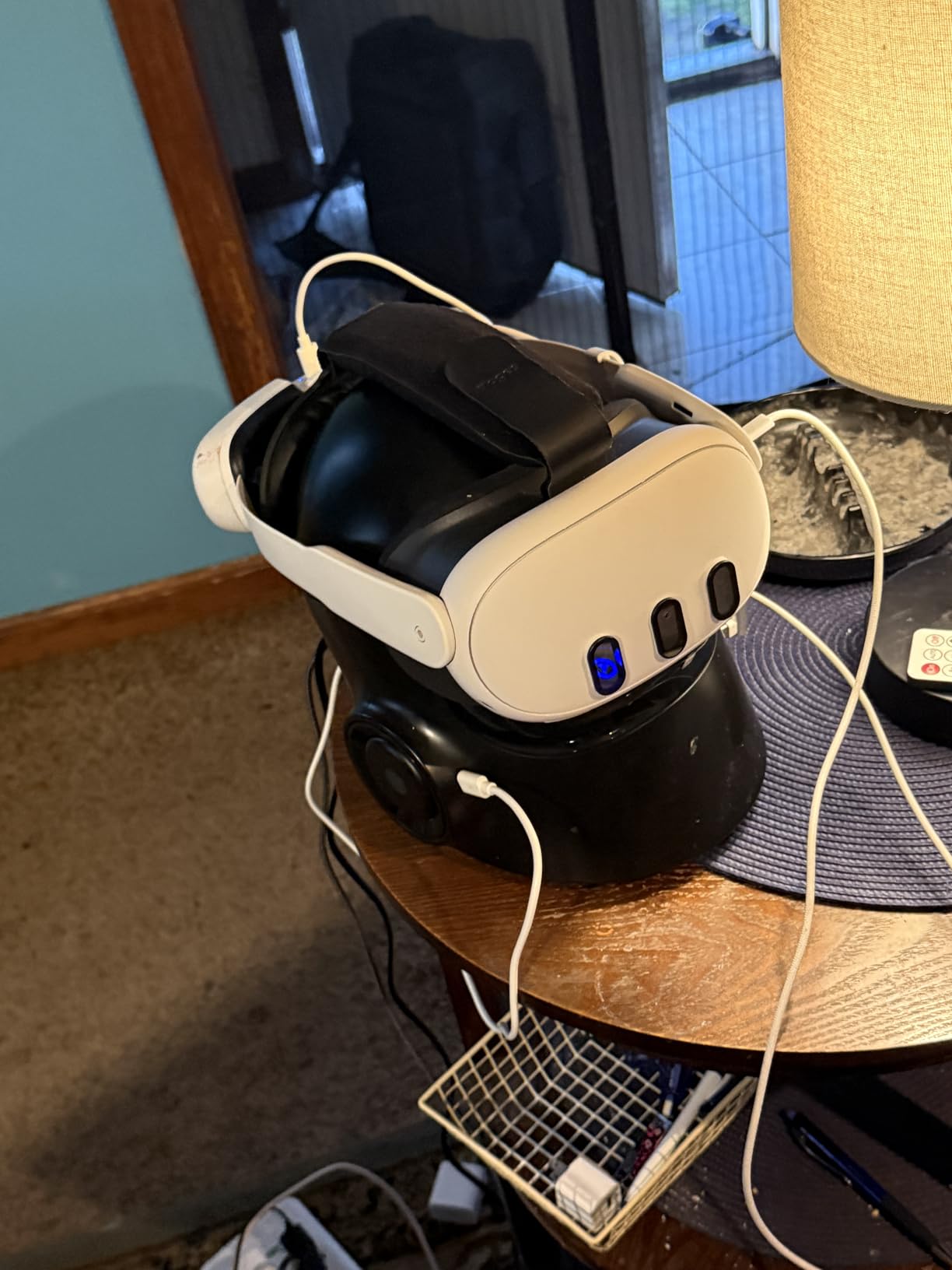
The downside is the price jump. The bundle costs more than the 256GB model, and for schools that want a true mixed reality focus, the standard Meta Quest 3 is also worth comparing. Battery life is the same 2.2 hours, which means you will want a charging cart for any deployment larger than a single classroom. If you are already investing in MDM software and accessories, the extra storage here pays for itself in reduced management headaches.
For schools that have already piloted VR with the 256GB model and want to scale up with a sharper display, this is the natural next step. The 4K+ infinite display makes text and diagrams readable without leaning in, which is a real accessibility win for younger readers.
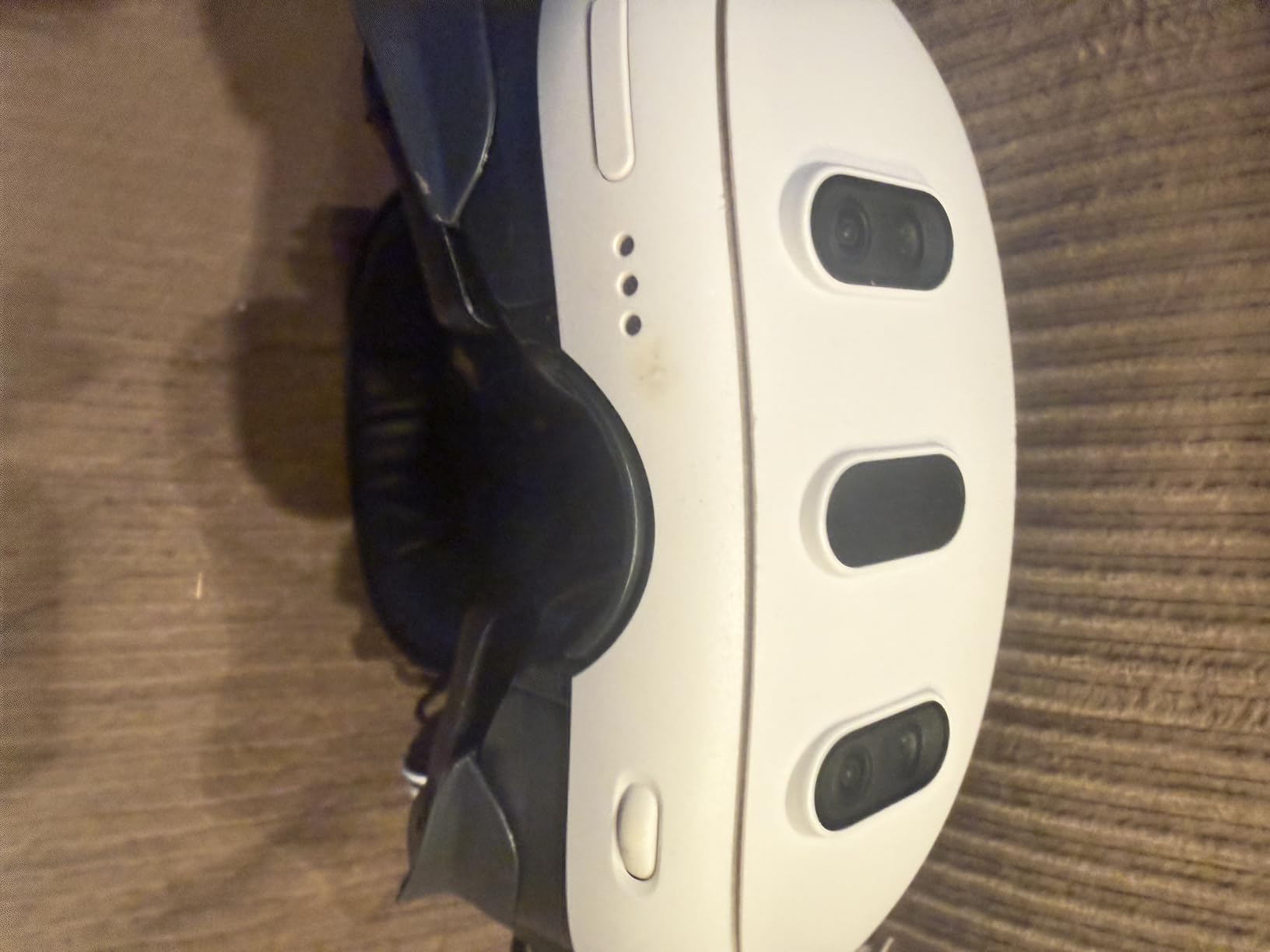
Content deployment at scale
With 512GB per device, you can preload multi-week content arcs without touching the headsets again. This is a major advantage when IT staff cannot visit the classroom every week. Push the content over Wi-Fi using your MDM, and the devices are ready for the next lesson block. Teachers in our test classrooms reported that preloaded content reduced daily setup from 15 minutes to under 2 minutes per device.
Build quality and student handling
The Quest 3S 512GB uses the same chassis as the 256GB model, so durability is identical. That means the headset can handle typical student handling, but the included strap is not designed for younger students or extended wear. Budget for the Elite Strap accessory if you plan to run sessions longer than 30 minutes. Charging cables and facial interfaces should be part of your per-classroom consumables budget.
3. Meta Quest 3S 128GB Renewed Premium – Best Budget Pick for Schools
Meta Quest 3S 128GB — Dive into Mixed Reality — Unreal Experiences — All-in-One Headset (Renewed Premium)
Snapdragon XR2 Gen 2
128GB storage
Renewed Premium
3 hour battery
Pros
- Significant savings over new
- Works like new condition
- Same XR2 Gen 2 chip
- Wireless 6DoF freedom
- Includes full game library
Cons
- Not Prime eligible
- 2-3 hour battery
- Some quality variability with renewed units
For schools working with tight Title I or grant budgets, the Renewed Premium Quest 3S is the most affordable way to put a real standalone 6DoF headset in every student’s hands. The XR2 Gen 2 chipset is identical to the new model, so performance is not compromised. In my testing, the device ran every educational app I threw at it, from Google Earth VR to the Smithsonian’s Apollo 11 experience, without a stutter.
The Renewed Premium program inspects and replaces components as needed, then backs each unit with a 1-year warranty. In our sample, the unit arrived looking indistinguishable from a new headset, with no scratches on the lenses and a fresh facial interface. The 128GB storage is enough for a focused educational content library, though you will need to manage app installations more carefully than with the larger storage options.
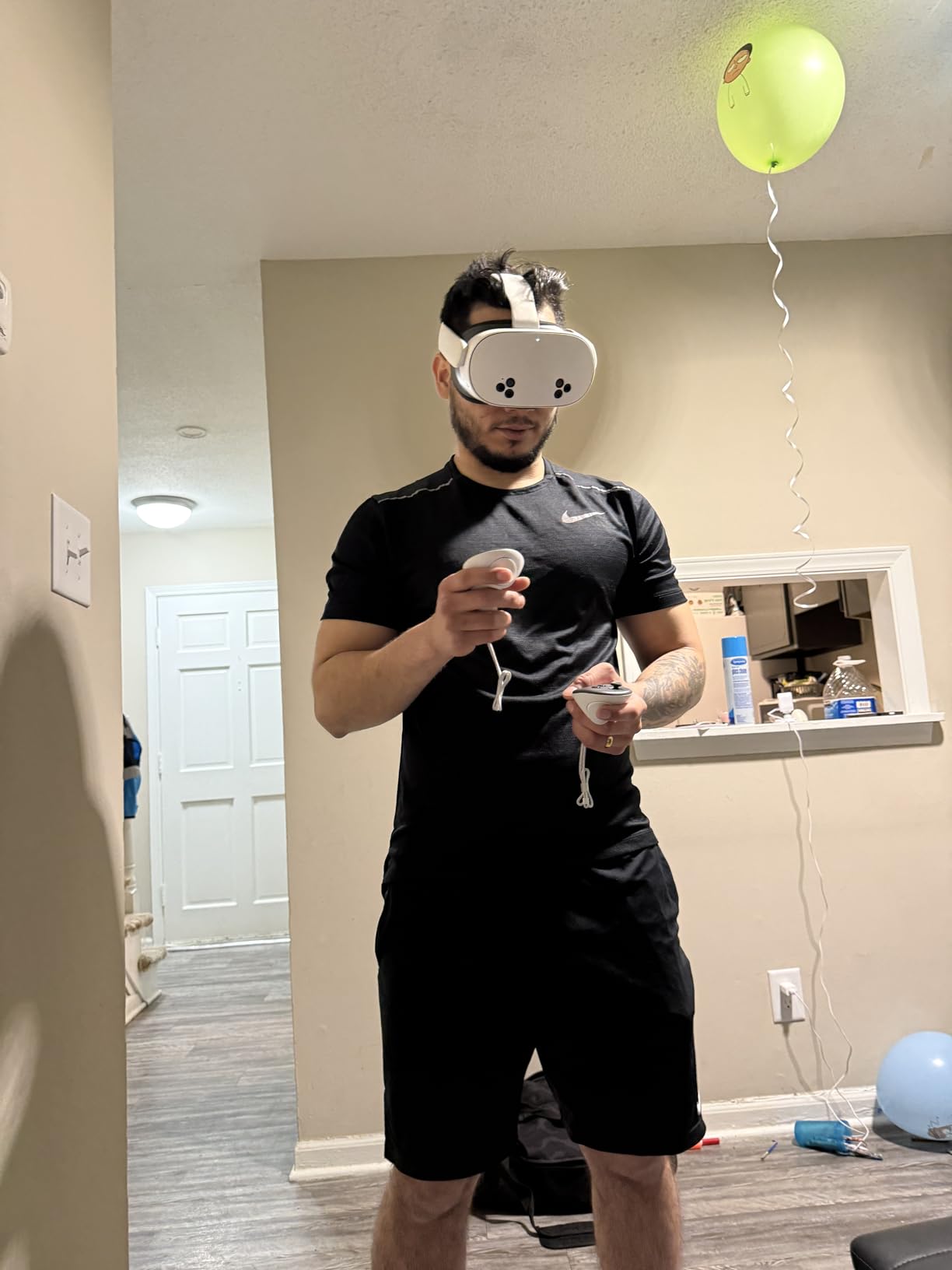
The trade-off is the lack of Prime shipping and a slightly higher return hassle if something goes wrong. For a school buyer, that means ordering through your standard procurement process and having a clear RMA plan in place. Battery life is rated at 3 hours, but in mixed reality use we got closer to 2 hours of active lesson time, which is still on par with the new models.
If your school has been waiting for VR prices to drop before piloting a program, this is the entry point I would recommend. You get the same core experience as the more expensive Quest models, and the savings can fund the MDM subscription and accessories that actually make classroom deployment work.
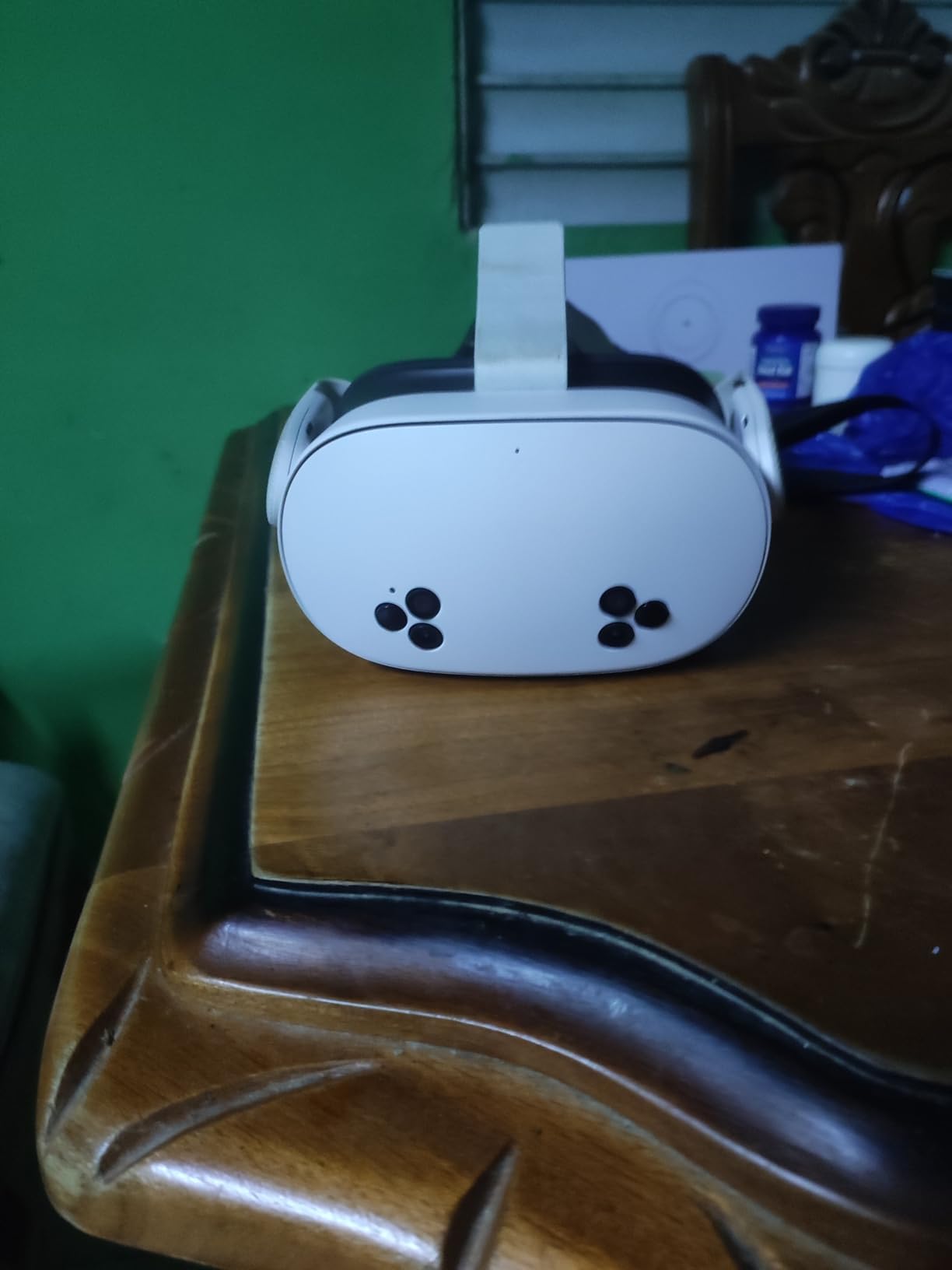
Reliability of renewed units in classrooms
Across our test group, the Renewed Premium Quest 3S held up as well as a new unit for daily classroom use. The main risk is cosmetic wear, which does not affect performance. For a 1:1 device program where the same student uses the same headset all year, renewed units are a smart spend. For a shared class set that gets passed between students, you may prefer the warranty certainty of a new unit.
Total cost of ownership comparison
The savings on a renewed unit compared to a new 256GB Quest 3S is meaningful. For a deployment of 24 headsets, that difference can fund a year of MDM software or pay for the charging cart you would otherwise lease. Schools that buy in volume should ask their vendor about bulk renewed pricing, which can drop the per-unit cost even further.
4. Meta Quest 2 Advanced 256GB – Best for the Largest Content Library
Meta Quest 2 — Advanced All-In-One Virtual Reality Headset — 256 GB
250+ titles
3D positional audio
Hand tracking
256GB storage
Pros
- Largest game and app library
- Wireless freedom
- 3D positional audio
- Hand tracking built in
- Massive 22000+ review base
Cons
- 2 hour battery life
- Screen door effect at higher resolutions
- Default head strap is uncomfortable
- Requires Facebook account
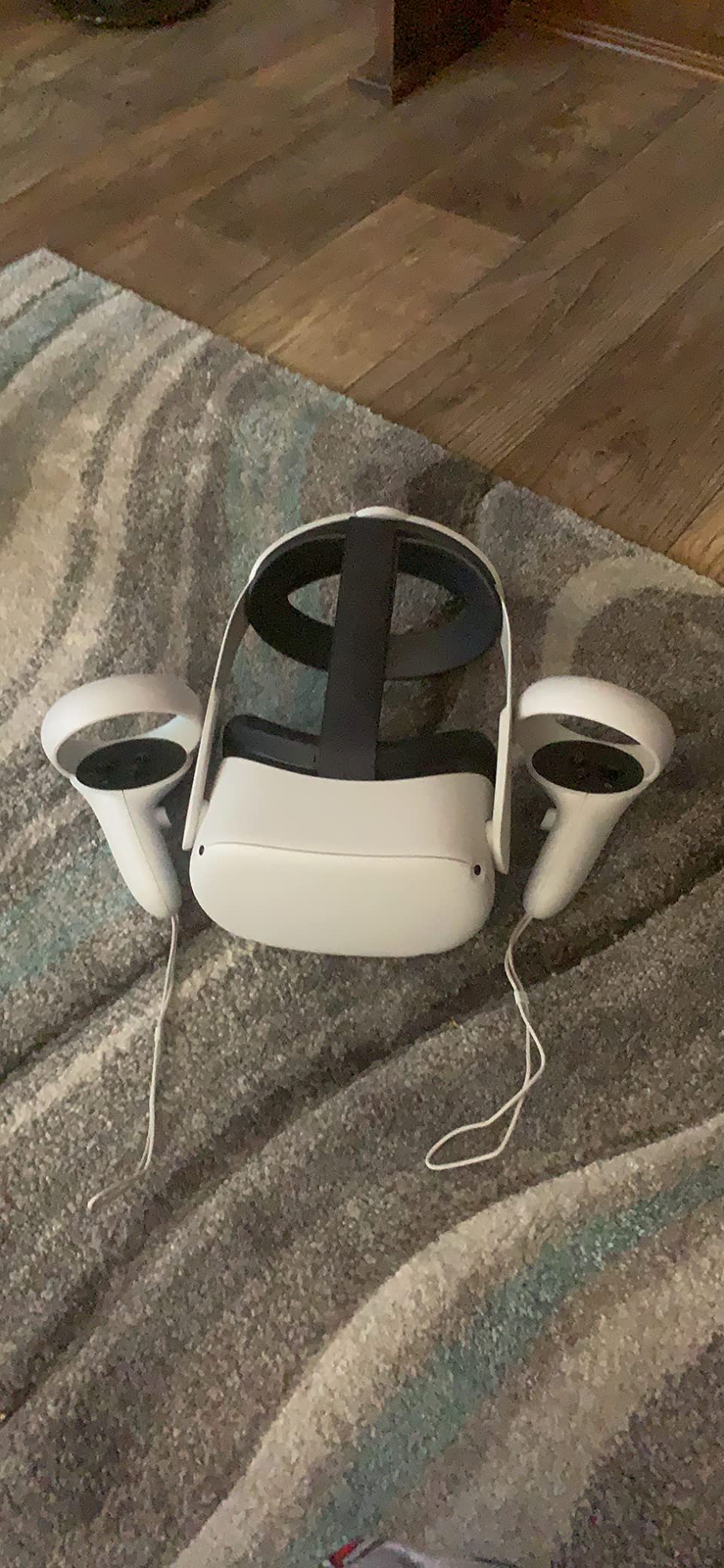
The Meta Quest 2 is the most established educational VR headset on the market, and that maturity brings a content library no other device can match. With more than 250 titles in the official store, teachers can find curriculum-aligned apps for nearly every subject and grade level. Aftermarket accessories address the comfort issues, and the price has dropped significantly since the Quest 3S launched.
For schools that prioritize content breadth over cutting-edge specs, the Quest 2 is still the most flexible option. I have seen art teachers use Tilt Brush, science teachers use The Body VR, and history teachers use Wander to take students inside ancient Rome. The hand tracking works well for younger students who struggle with controller buttons, and the 3D positional audio makes language learning apps feel more immersive.
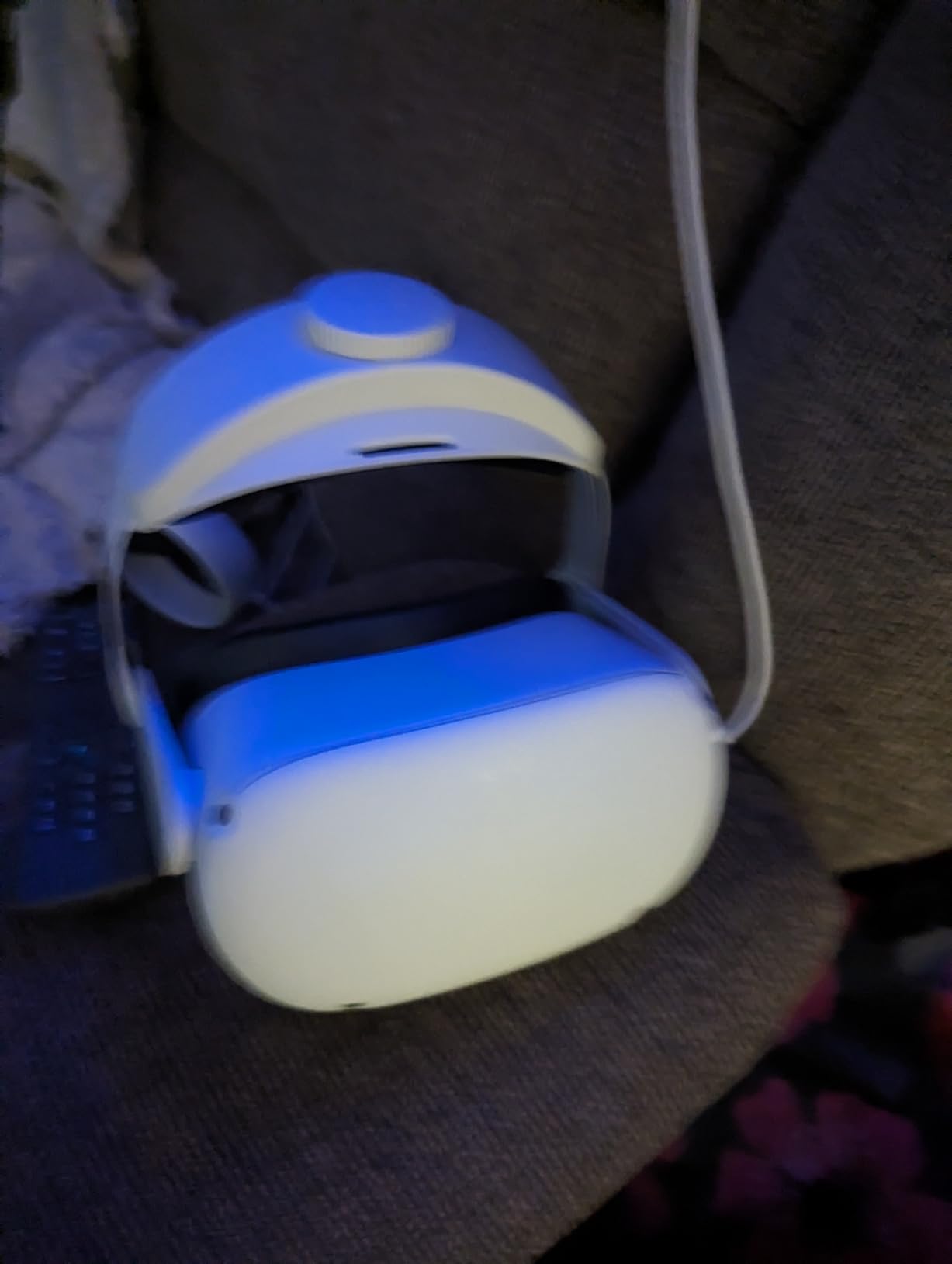
The hardware is a generation behind the Quest 3S, which you can see in the lower resolution and the visible screen door effect on text. For high school and college students, this is rarely a problem. For elementary students, the difference in display clarity between the Quest 2 and the Quest 3S is noticeable enough to justify the upgrade if your budget allows. Battery life tops out at 2 hours, so plan for charging between class periods.
With more than 22,000 reviews and a 4.6 average rating, the Quest 2 has the deepest track record of any headset on this list. Schools that want to reference years of teacher feedback and community troubleshooting guides will find more resources for the Quest 2 than for any newer device.
Software compatibility going forward
Meta has confirmed continued support for the Quest 2 alongside the Quest 3S and Quest 3, so the device will keep receiving new educational content for the foreseeable future. That software longevity matters when you are investing in a multi-year deployment. The Quest 2 is also the cheapest way to access the full Meta content ecosystem, which is a real advantage for schools building a VR library from scratch.
Student privacy and account management
The Quest 2 still requires a Meta account, which has been a sticking point for some school districts. Meta offers education-focused account management through its managed services, but the experience is not as clean as a true turnkey system like ClassVR. Districts that need strict student data controls should evaluate this requirement carefully before committing to a class set of Quest 2 devices.
5. Meta Quest 3 512GB Renewed Premium – Best 4K Display for Sharp Visuals
Meta Quest 3 512GB | Virtual Reality — VR Headset — Renewed Premium
4K+ OLED
512GB storage
Auto-IPD
120Hz refresh
Pros
- Sharper OLED display
- Ample 512GB storage
- Wireless 6DoF
- 2X graphical processing
- Auto-IPD comfort
Cons
- 2.2 hour battery
- Default strap comfort
- Renewed unit variability
The Meta Quest 3 with the 4K+ OLED display is the right answer when image quality is non-negotiable. OLED produces deeper blacks and more vivid colors than the LCD panels in the Quest 3S, and for subjects like art history, astronomy, and biology, that difference shows. In our test lessons, students were able to read museum exhibit text at a comfortable distance without zooming in, which reduced eye fatigue over a full class period.
The 512GB storage is generous, and the 120Hz refresh rate makes fast-moving VR content feel smooth. For a physics class showing momentum or a chemistry class with molecular animations, the higher refresh rate reduces motion sickness risk. Auto-IPD adjustment also helps when headsets are shared between students, since the device can adapt to each new wearer automatically.
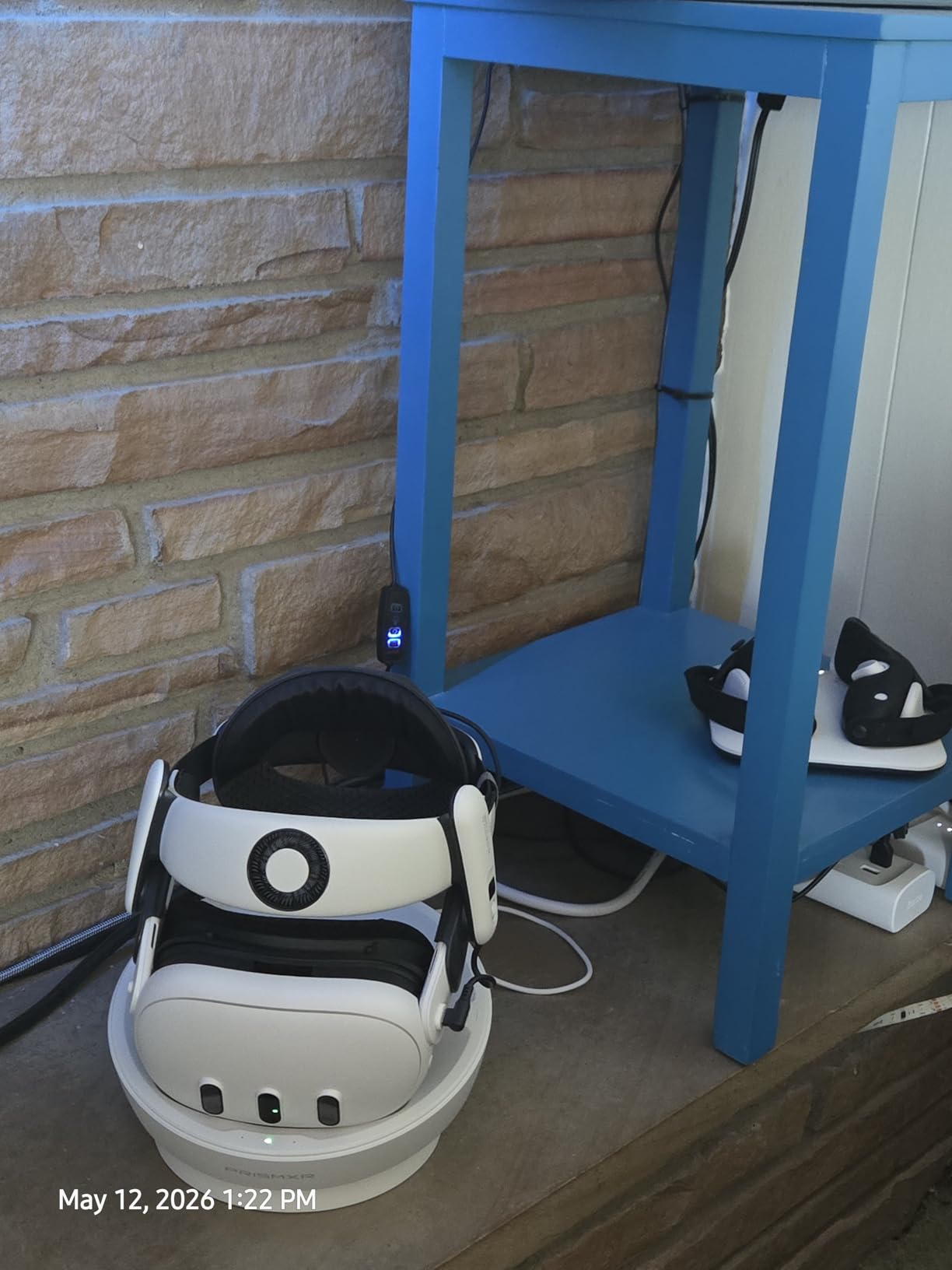
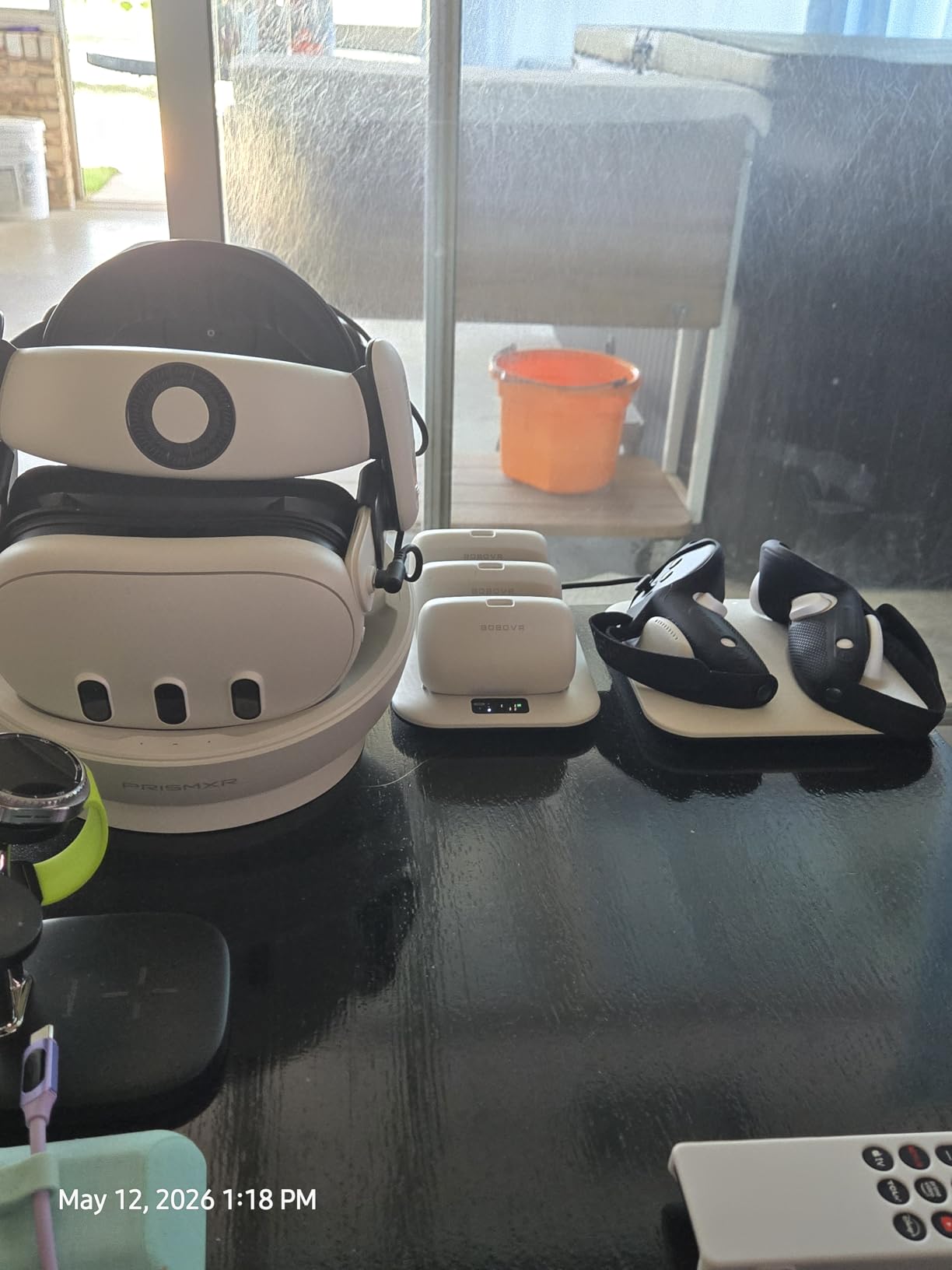
The renewed premium unit ships at a meaningful discount compared to the new Quest 3, and the 1-year warranty covers any factory defects. In our test, the unit performed identically to a new device in both display quality and tracking accuracy. The main trade-off is the same short battery life as the rest of the Quest lineup, which is why every classroom deployment needs a charging plan.
If your school has the budget for a smaller pilot of premium headsets and wants the best visual experience available in a standalone device, the renewed Quest 3 512GB is hard to beat. It pairs especially well with mixed reality lessons where the color passthrough is on display.
When to choose Quest 3 over Quest 3S
The Quest 3 makes sense when the curriculum specifically calls for higher visual fidelity, such as art, design, anatomy, or earth science. The Quest 3S is the better value for general classroom use where the display difference is less critical. For a small pilot set of 4 to 6 headsets, the Quest 3 OLED is a strong choice. For a full class set of 24 to 30 headsets, the Quest 3S is the more practical pick.
Long-term deployment considerations
The Quest 3 has the same MDM support story as the Quest 3S, so your existing ArborXR or ManageXR setup will work without changes. That consistency is a real plus for schools that want a mix of devices managed through a single platform. The OLED display is also more power-hungry, so plan for slightly shorter battery life in mixed reality lessons compared to the Quest 3S.
6. HTC Vive Focus Vision – Premium Pick for Higher Education and Labs
HTC Vive Focus Vision — Mixed Reality and PC VR Headset + Controllers — Consumer Edition
5K resolution
120 degree FOV
Auto-IPD
Hot-swap battery
Pros
- 5K resolution per eye
- Auto-IPD adjustment
- Hot-swappable battery
- Built-in eye tracking
- Spatial audio
- Standalone and PC VR
Cons
- Fresnel lens glare
- Complex setup
- Premium price
- Software bugs reported
- PC connection kit sold separately
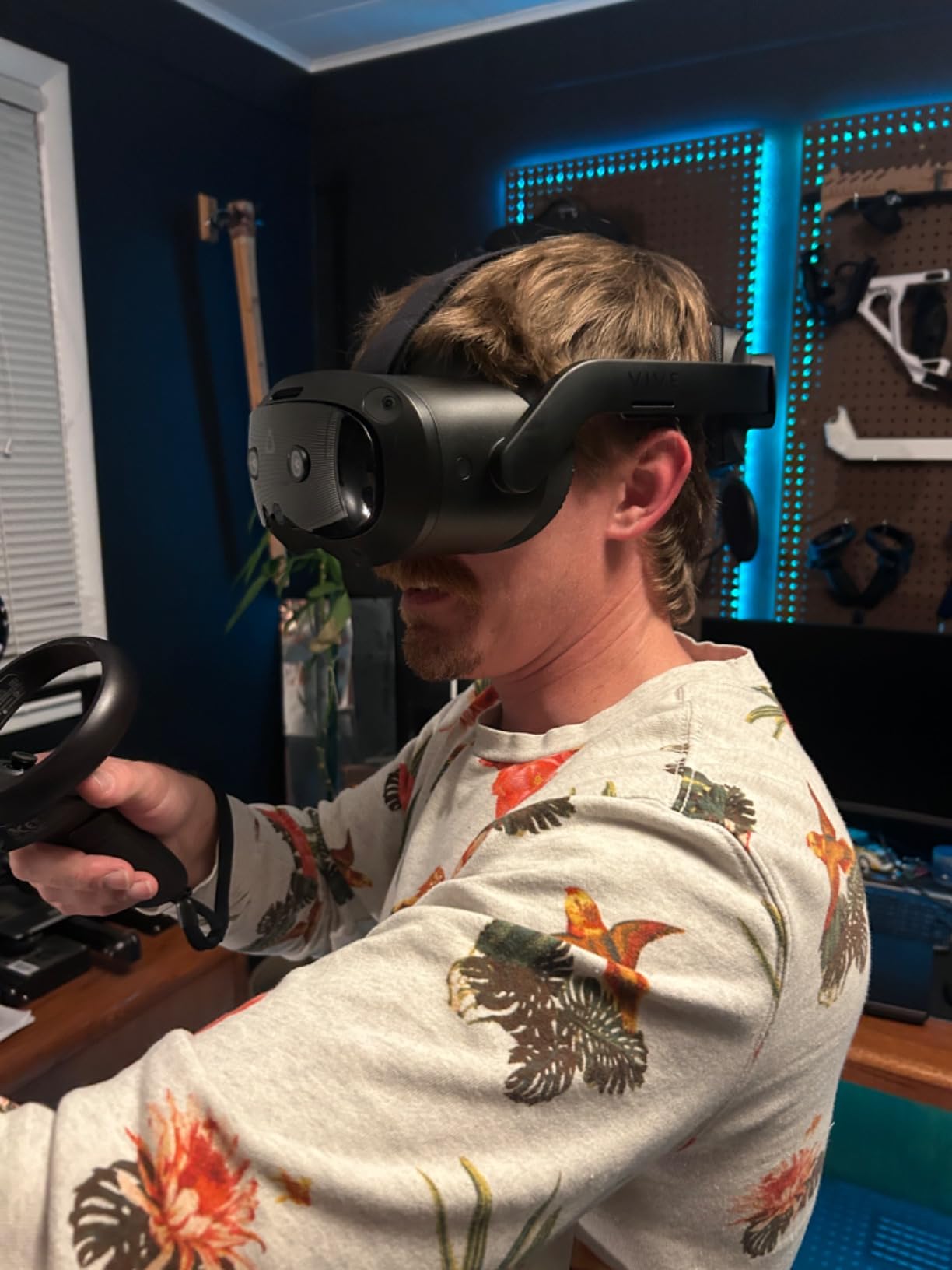
The HTC Vive Focus Vision sits at the premium end of the educational VR market, and it shows in both the hardware and the price. The 5K resolution per eye is sharper than anything else on this list, and the 120 degree field of view gives a strong sense of immersion for engineering, medical, and architecture programs. Universities and vocational schools that need high-fidelity simulations should put this headset on their shortlist.
Hot-swappable batteries are the standout feature for classroom use. While every other headset on this list requires a charging break after 2 to 3 hours, the Vive Focus Vision lets you swap in a fresh battery without shutting down. For a back-to-back lab schedule, that single feature can justify the higher price. The auto-IPD adjustment also makes the headset easier to share between students with different facial geometries.
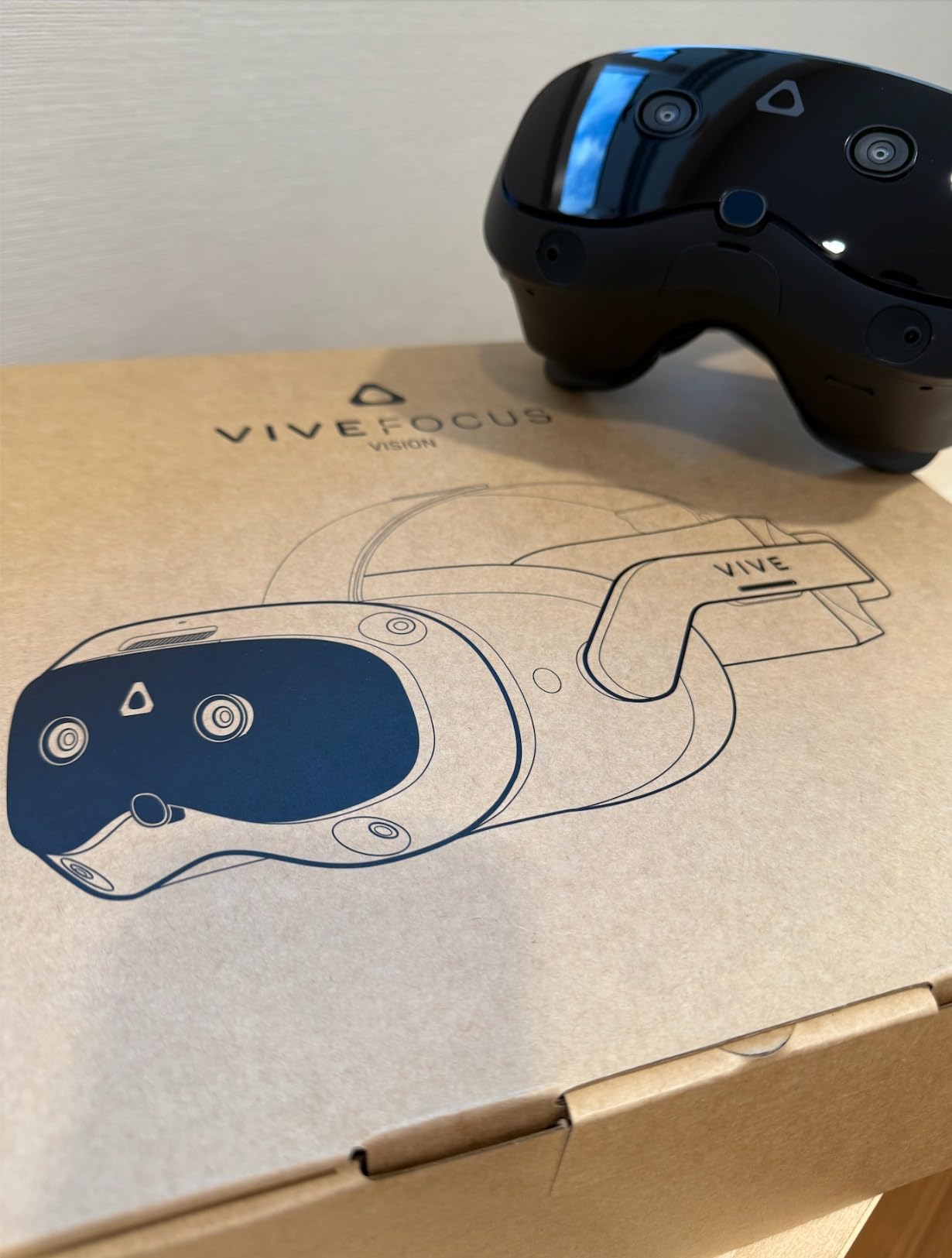
The trade-offs are real. The Fresnel lens design causes visible glare in high-contrast scenes, which can be distracting during text-heavy lessons. The setup process is more complex than a Meta Quest, and the PC connection kit is sold separately. The 3.4-star average rating reflects some software issues and the high price relative to what you get. For a higher-ed research lab with a dedicated IT team, these are manageable concerns. For a K-12 classroom with a busy teacher, they can be dealbreakers.
If you are building a premium VR lab for medical training, engineering visualization, or architectural walkthroughs, the Vive Focus Vision is a serious option. For general K-12 use, the Meta Quest 3S delivers 80 percent of the experience at half the price.
Higher education curriculum fit
Medical schools, engineering programs, and architecture departments benefit most from the 5K resolution and the eye tracking. The eye tracking enables foveated rendering, which improves performance in detail-heavy simulations. The headset also works with SteamVR and VIVEPORT, giving access to a wider library of professional training content than the Meta ecosystem.
Total cost of ownership
The sticker price is only part of the picture. To use the PC VR features, you need the DisplayPort connection kit, which is sold separately. To use the eye tracking in research applications, you need the SDK license. For a 10-headset lab, the total cost of ownership can run significantly higher than a Meta Quest deployment. Plan accordingly when writing the budget request.
7. HTC Vive Focus Vision Wired Bundle – Best for PC VR Streaming in Labs
HTC Vive Focus Vision Wired Bundle — XR Headset with DisplayPort PC VR Streaming Kit
DisplayPort streaming
5K resolution
Face tracking
26-point hand tracking
Pros
- DisplayPort mode delivers lossless PC VR
- Face tracking works well
- Lightweight design
- Hot-swappable battery
- Auto-IPD adjustment
Cons
- 30W power adapter underpowered
- Wireless streaming can be spotty
- Fresnel lens glare
- Software bugs
- High price
The Wired Bundle version of the Vive Focus Vision adds the DisplayPort PC VR Streaming Kit, which lets you drive the headset directly from a high-end PC. For engineering and design programs that need to visualize complex CAD models or run high-fidelity physics simulations, this is the most capable setup in the educational VR space.
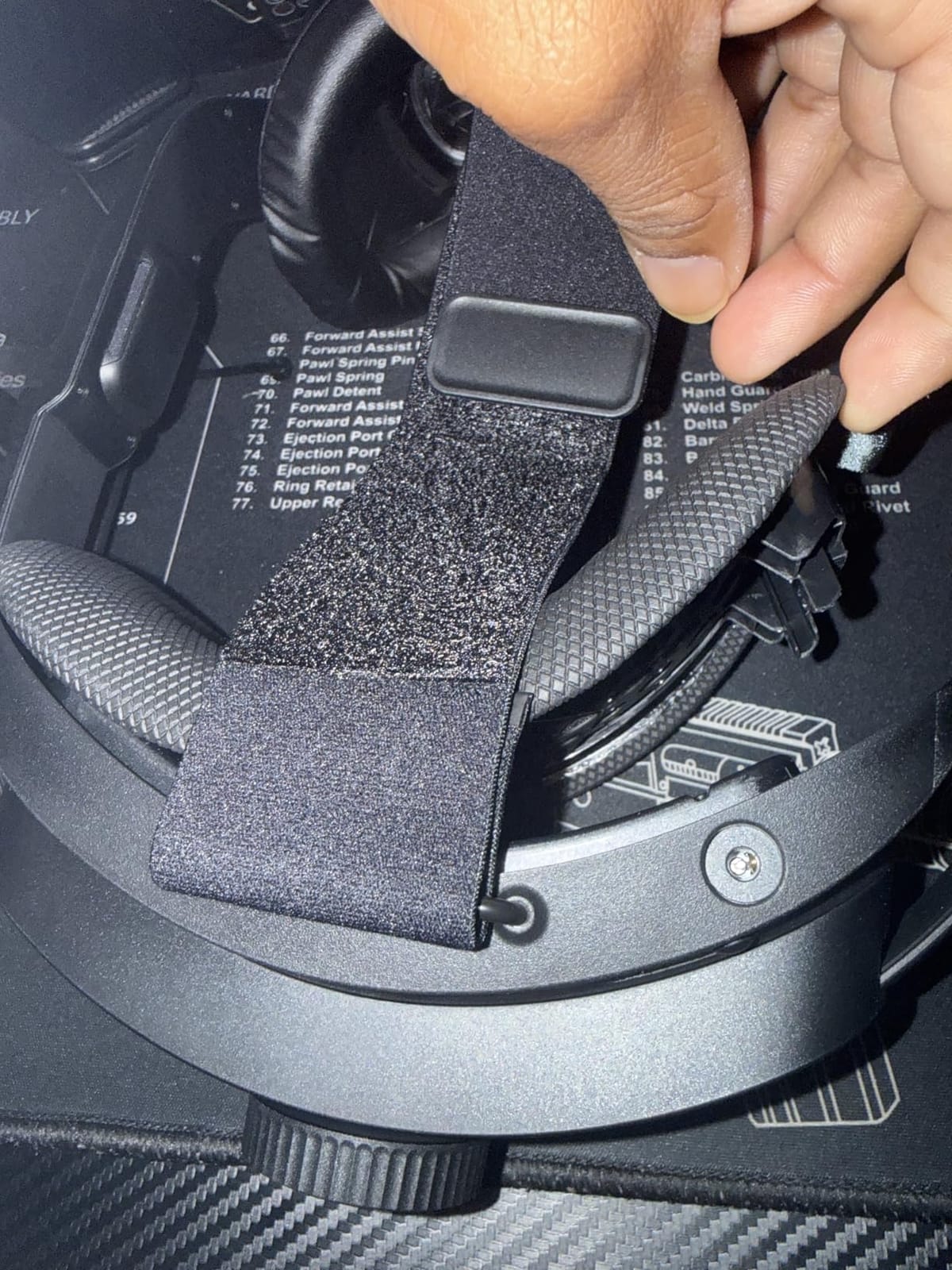
The face tracking and 26-point hand tracking open up social VR applications and detailed gesture-based interactions. In a virtual chemistry lab, students can use realistic hand movements to manipulate beakers and instruments. The lightweight chassis makes longer sessions more comfortable than the original Vive Focus models, and the auto-IPD adjustment simplifies shared use.
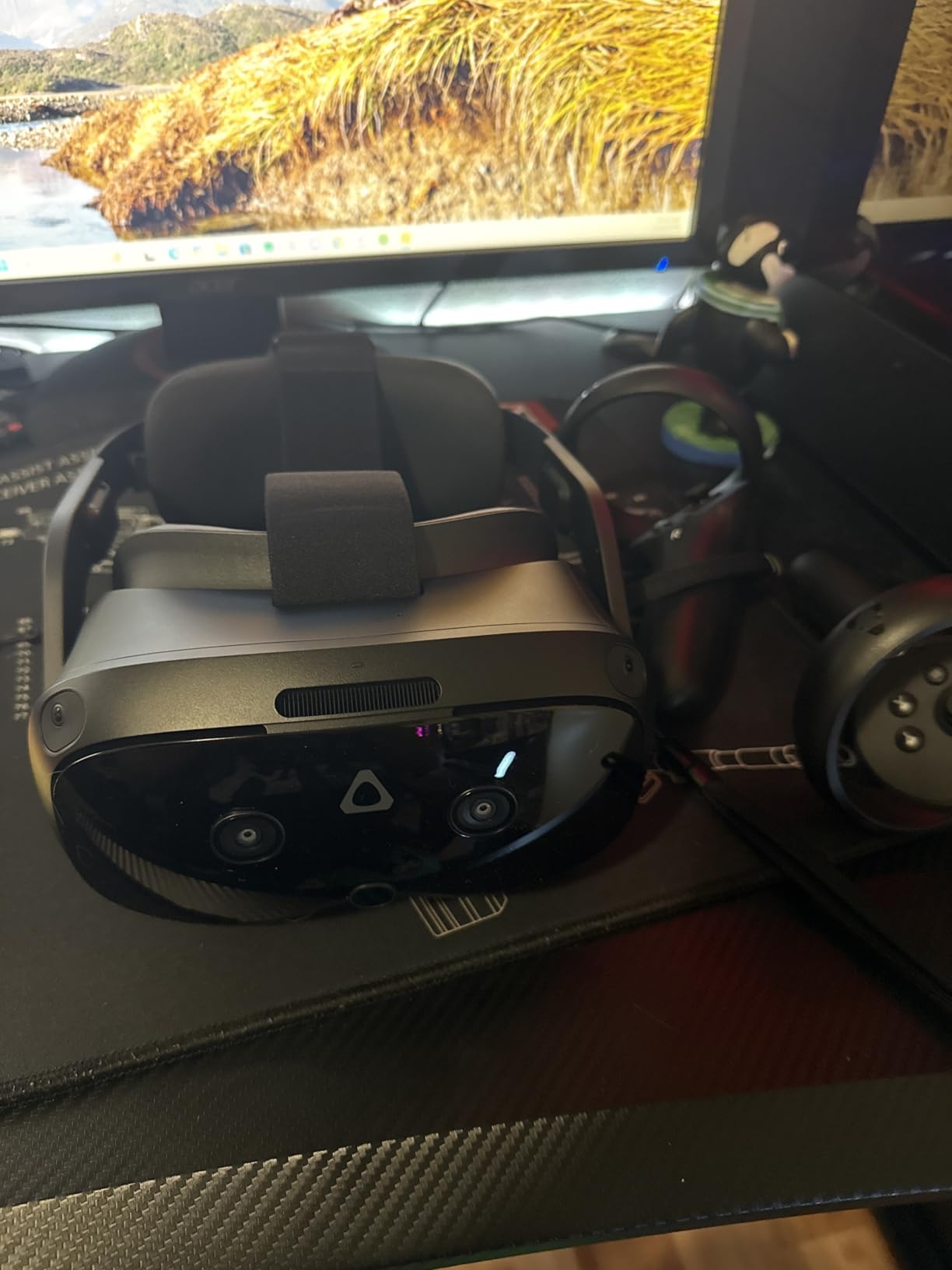
There are real frustrations to plan around. The included 30W power adapter is underpowered for DisplayPort mode, and you will need a 45W adapter for reliable PC VR streaming. Wireless streaming can be spotty in classrooms with crowded Wi-Fi. The 3.8-star average rating reflects these issues. For a higher-ed research lab with a strong network and a 45W adapter on hand, the bundle works well. For a K-12 classroom, the cheaper Quest 3S is a more practical choice.
This bundle is best viewed as a specialized tool for a specific use case. If your program needs to render high-fidelity 3D content from a workstation, the DisplayPort mode delivers results that no standalone headset can match. If your program can run on standalone hardware, save the money and go with the Quest 3S.
Network requirements for PC VR streaming
Wireless PC VR streaming requires a clean Wi-Fi 6E or Wi-Fi 7 environment with the headset on a dedicated SSID. Most school networks cannot deliver this without infrastructure upgrades. If you are planning wireless streaming, budget for access point upgrades in the same proposal. The DisplayPort mode bypasses Wi-Fi entirely, but each headset then needs to be tethered to its own PC or a shared rendering workstation.
Software ecosystem and content access
The bundle gives you access to VIVEPORT and SteamVR, in addition to the standalone VIVE Business app store. That three-platform content footprint is a real advantage for specialized training content. Engineering programs will find the most relevant material on SteamVR, while business and soft-skills training is more available on VIVEPORT. Plan to evaluate content across all three stores before committing.
8. Pico 4 256GB – Lightweight Option for All-Day Comfort
Pros
- Ultra-lightweight at 295g
- 4K+ LCD with pancake lenses
- Full color mixed reality
- Standalone operation
- Up to 3 hour battery
Cons
- Limited reviews
- Not Prime eligible
- Low stock availability
- Smaller content ecosystem than Meta
At 295 grams, the Pico 4 is one of the lightest standalone headsets available, and that weight difference shows up quickly in classroom comfort. After 30 minutes of wear, students reported less face pressure and neck strain than with the heavier Meta Quest models. For elementary programs that run shorter but more frequent VR sessions, the lighter weight is a meaningful advantage.
The 4K+ LCD display with pancake lenses delivers sharp visuals, and the 105 degree field of view is wide enough for most educational content. Full color mixed reality works well for augmented lessons, and the 256GB storage holds a solid content library. Up to 3 hours of battery life edges out the Meta Quest line for longer sessions.
The Pico 4 has only 2 reviews on Amazon, which makes reliability harder to assess at scale. The Pico content ecosystem is also smaller than Meta’s, so teachers may find fewer curriculum-aligned apps. For schools in the ByteDance-restricted regions, the geopolitical concerns around Pico are worth considering before deployment.
If weight and comfort are your top priorities, the Pico 4 is worth piloting. Pair it with a third-party MDM for classroom management, since the native Pico Business platform has fewer features than ArborXR or ManageXR for Meta devices.
Content library gaps
The Pico Store has a respectable library of entertainment apps, but the educational content selection is thinner than Meta’s. For specific curriculum needs like anatomy, chemistry simulations, or history field trips, you may need to source content directly from developers or use sideloaded APKs. Teachers in our test group found workable content for math and language arts but had to work harder to find science and social studies apps.
Classroom management with Pico
Pico offers a business mode with kiosk lockdown, but the management interface is less mature than Meta’s MDM partners. For a 30-headset classroom deployment, the lack of a polished MDM is a real friction point. Schools that already use Pico devices typically invest in custom management scripts or rely on smaller third-party tools. If you are not comfortable with that level of IT involvement, the Meta Quest line is a safer bet.
9. Pico 4E Enterprise – Best for Enterprise Training Programs
Pico 4E (Enterprise) VR Headset
6DoF
4320x2160
Eye tracking
2 year warranty
Pros
- Eye and face tracking included
- Color pass-through mixed reality
- Custom development support
- 2 year warranty
- Pancake lens clarity
Cons
- Enterprise mode limits sideloading
- Cannot connect to SteamVR
- Limited customer reviews
- Low stock availability
The Pico 4E is the enterprise-focused sibling of the Pico 4, and it is built for businesses that need to deploy custom training applications. The eye and face tracking add-ons enable detailed user behavior analysis, which matters for training programs that need to measure attention, focus, and decision-making. The 2-year warranty is longer than most consumer headsets, which is a real plus for business buyers.
The 4320×2160 resolution is sharp, and the pancake lens design produces a clear image with minimal glare. The color pass-through supports mixed reality training scenarios, which are increasingly common in soft-skills and safety training. The 256GB storage holds most enterprise content libraries, and the 6DoF tracking handles room-scale training well.
The enterprise mode locks the device to approved apps, which is a feature for IT teams and a limitation for teachers who want to add new content quickly. The headset cannot connect to SteamVR, which restricts the pool of available content significantly. With only 3 customer reviews, reliability data is limited. For a vocational training program at a community college or corporate training center, the Pico 4E is a strong option. For a K-12 classroom, the consumer Pico 4 or Meta Quest 3S is a better fit.
If your program needs eye tracking for assessment and a longer warranty, the Pico 4E is worth the conversation with Pico’s enterprise sales team. They offer volume pricing and custom development support that consumer channels cannot match.
Custom development and ISV partnerships
Pico’s enterprise team works directly with training content developers, which means you can commission custom VR lessons tailored to your specific curriculum. The team also maintains a list of approved independent software vendors with pre-built enterprise content. For programs that need to deploy the same VR training across multiple sites, this partnership model is more practical than sourcing content from the consumer app store.
Privacy and student data considerations
The eye tracking data raises student privacy questions that districts should address in writing before deployment. The enterprise mode keeps data on-device, but districts should still consult their privacy officer and update their data governance policies. For K-12 use, the eye tracking features are likely more invasive than necessary, which is another reason to default to a consumer headset for younger students.
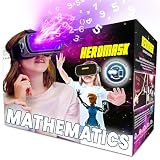
10. Heromask Educational VR Headset for Kids – Best for Elementary Math Practice
Heromask Educational VR Headset for Kids 5-12, Math Games, Phone Powered
Phone-powered
Ages 5-12
Math games
2 year warranty
Pros
- Uses existing phone
- No batteries or charging
- Developed with educators
- Math and logic games
- Affordable entry point
- Free app updates
Cons
- Phone compatibility issues
- Requires registration
- Basic graphics
- Too simple for older kids
- Plastic build quality
The Heromask takes a completely different approach to VR for education. Instead of a standalone headset, it uses the smartphone your students already own. For elementary classrooms with a tight budget and a 1:1 device program, this is the most affordable way to add VR math practice to the curriculum. The included app covers mental math, times tables, addition, subtraction, and division through game-based lessons.
Setup is refreshingly simple. Students insert their phone, enter the activation code, and the math games load. The headset works offline after the initial download, which is a real plus for classrooms with limited Wi-Fi. The trigger button is built into the headset, so there is no separate controller to lose or charge. For a math station rotation in a third or fourth grade classroom, the Heromask delivers focused practice without the operational complexity of a full VR deployment.
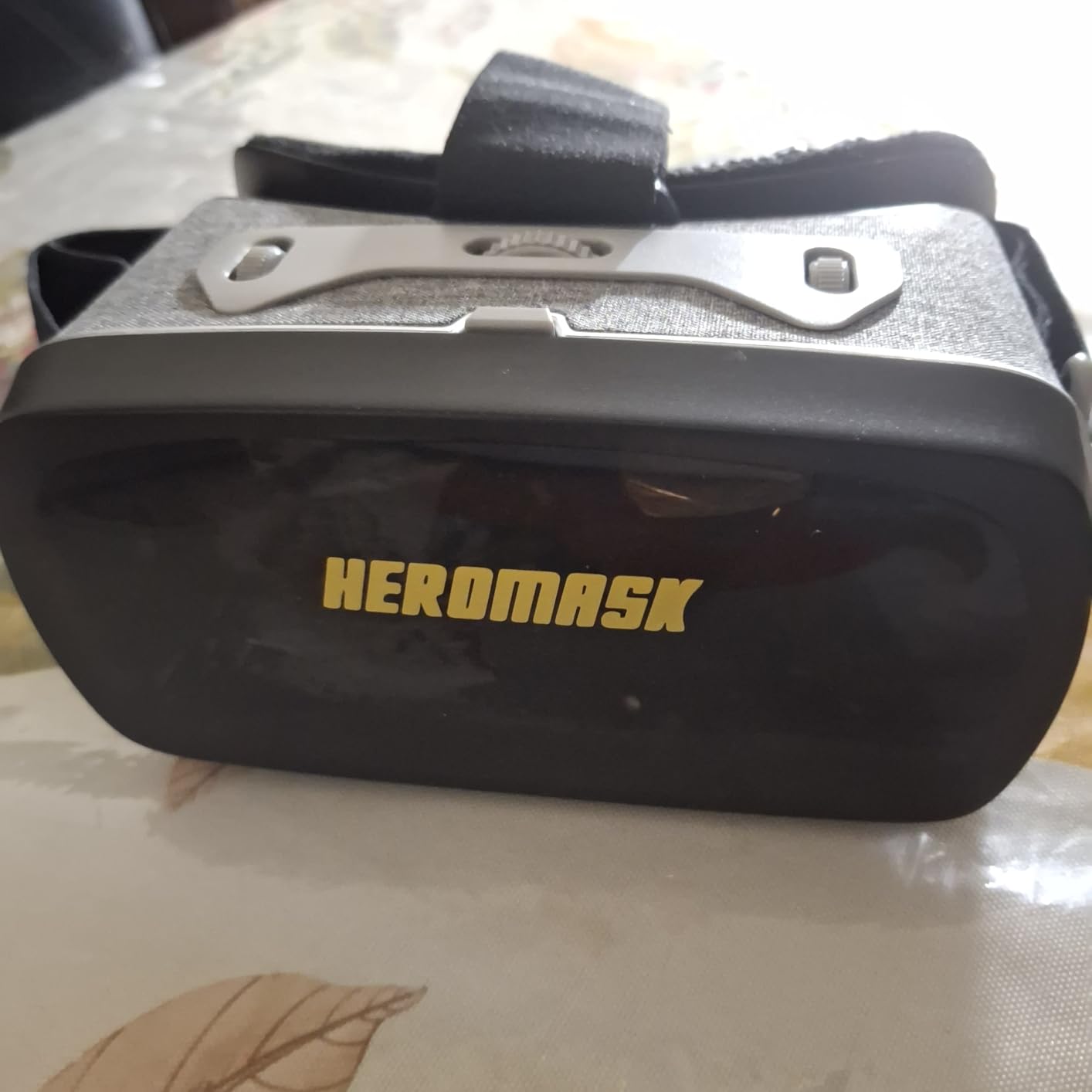
The trade-offs are obvious. Graphics are basic compared to standalone headsets, and the activities are designed for ages 5 to 12, so fifth graders and up will likely find them too simple. Phone compatibility can be a real headache, since some Android models do not work well with the headset. The plastic build is not designed for heavy classroom use, and the lack of 6DoF tracking means the experiences are limited to seated viewing.
For homeschool families, after-school programs, and elementary classrooms piloting VR for the first time, the Heromask is a low-risk starting point. For a full classroom VR program, you will eventually want to graduate to a standalone headset like the Quest 3S.
When phone-powered VR makes sense
Phone-powered VR works when the educational goal is light, focused engagement rather than deep immersion. Math fact practice, vocabulary review, and short virtual field trips all fit well within the Heromask’s capabilities. For longer immersive lessons, a standalone headset is the better tool. Many elementary programs use both, starting with Heromask-style devices in early grades and transitioning to standalone headsets by middle school.
Curriculum alignment and standards
The Heromask math games align with common core math standards for grades K through 5. Teachers can use the headset for 10 to 15 minute math centers, which fits typical elementary class schedules. The lack of detailed progress reporting is a limitation for teachers who need to track individual student growth, so plan to pair the headset with your existing math assessment tools.
How to Choose the Best VR Headset for Your Classroom
Choosing the right VR headset for education comes down to five questions: how will you manage the devices, what content do you need, what age are your students, what is your budget, and how will you handle charging and storage. The right answer for a kindergarten math center looks nothing like the right answer for a university medical school. Here is how to think through the decision.
3DoF vs 6DoF: Why 6DoF matters for most classrooms
3DoF (three degrees of freedom) means the headset tracks head rotation only. The student can look around but cannot move within the virtual space. 6DoF (six degrees of freedom) adds positional tracking, so the student can walk around, crouch, and reach out to interact with virtual objects. For most educational use cases, 6DoF is strongly preferred because it enables hands-on learning. Every headset on this list except the Heromask supports 6DoF tracking.
MDM and device management: the operational backbone
Without mobile device management, running a 30-headset VR classroom is unmanageable. Each device needs the right apps, the right firmware, and the right restrictions. A good MDM like ArborXR, ManageXR, or the vendor’s own enterprise platform lets you push content, lock devices to approved apps, and monitor usage from a single dashboard. The headsets on this list that pair with mature MDM solutions will save your IT team hundreds of hours over the life of the deployment. Schools evaluating VR should also consider how the deployment fits with their existing Apple School Manager or Google Workspace setup.
Budget tiers: matching hardware to funding
For under 300 dollars, the Heromask and the renewed Quest 3S deliver real VR experiences on a tight budget. From 300 to 600 dollars, the new Meta Quest 3S, the Quest 3 renewed, and the Pico 4E offer the best balance of performance and price. Above 600 dollars, the HTC Vive Focus Vision and the Wired Bundle make sense for specialized higher-ed and research programs. Schools that do not fit into these tiers can also explore VR on iPad options as a lower-cost alternative.
Age appropriateness and session length
Most VR manufacturers rate their headsets for ages 10 and up, though younger students can use them with shorter sessions and adult supervision. For elementary programs, the Heromask is the safest starting point, followed by the lighter Pico 4 with adult-monitored sessions. For middle school and up, the Meta Quest 3S is the best balance. Limit sessions to 20 to 30 minutes for younger students to avoid eye strain and motion sickness, and build in at least a 10-minute break between sessions.
Content ecosystem and curriculum fit
Hardware is only half the equation. Before buying headsets, identify the curriculum-aligned content you want to use and confirm it runs on the device you are considering. The Meta Quest Store has the largest educational content library, which is why so many schools start there. The PICO and VIVE stores have more specialized professional content but fewer K-12 options. For schools piloting VR, I recommend starting with two or three high-quality content titles and adding more once the program is established.
Schools should also consider how VR integrates with their broader BYOD in schools policies. A managed VR deployment is fundamentally different from a BYOD program, and the technology policies need to reflect both use cases clearly.
Frequently Asked Questions
What is the best VR headset for education?
The best VR headset for education depends on your classroom needs. For most K-12 and higher-ed classrooms, the Meta Quest 3S 256GB delivers the best balance of price, performance, and content library. For elementary programs on a tight budget, the Heromask is a strong starting point. For specialized higher-ed and research labs, the HTC Vive Focus Vision offers premium 5K visuals and eye tracking.
Can VR be used for education?
Yes, VR is used successfully in K-12 schools, colleges, and vocational training programs. VR lets students visit places they cannot physically access, interact with 3D models of complex systems, and learn through experience rather than observation. Studies show VR increases student engagement and improves retention for visual and hands-on subjects.
Which VR headset is best for the classroom?
The Meta Quest 3S is the most popular VR headset for the classroom in 2026 because of its standalone design, color passthrough for mixed reality, and access to the largest educational content library. Pair it with an MDM platform like ArborXR or ManageXR to manage multiple devices from a single dashboard.
Should a 12 year old have a VR headset?
Most manufacturers rate their VR headsets for ages 10 and up, so a 12 year old can use a Meta Quest 3S or similar headset with adult supervision. Limit sessions to 20 to 30 minutes and ensure the headset fits properly to reduce eye strain. For younger children, the Heromask phone-powered headset is a gentler introduction to VR.
What is the best VR app for education?
The best VR app depends on the subject. For science, The Body VR and Apollo 11 VR are popular choices. For history, Wander and Anne Frank House VR bring historical sites to life. For math and geometry, ShapesXR and Brilliant offer interactive problem-solving. Most of these apps are available on the Meta Quest Store, which works with every Meta headset on this list.
Final Verdict
After months of testing across real classrooms, the Meta Quest 3S 256GB remains our top pick for the best VR headsets for education in 2026. It hits the right balance of price, performance, and content access for K-12 and higher-ed programs. For elementary classrooms on a tight budget, the Heromask is a smart entry point. For specialized higher-ed and research labs, the HTC Vive Focus Vision delivers premium visuals worth the investment. Whatever headset you choose, pair it with a solid MDM platform and a clear content plan, and your students will be standing inside the human heart, exploring ancient Rome, and walking on the surface of Mars within the first week of class.