
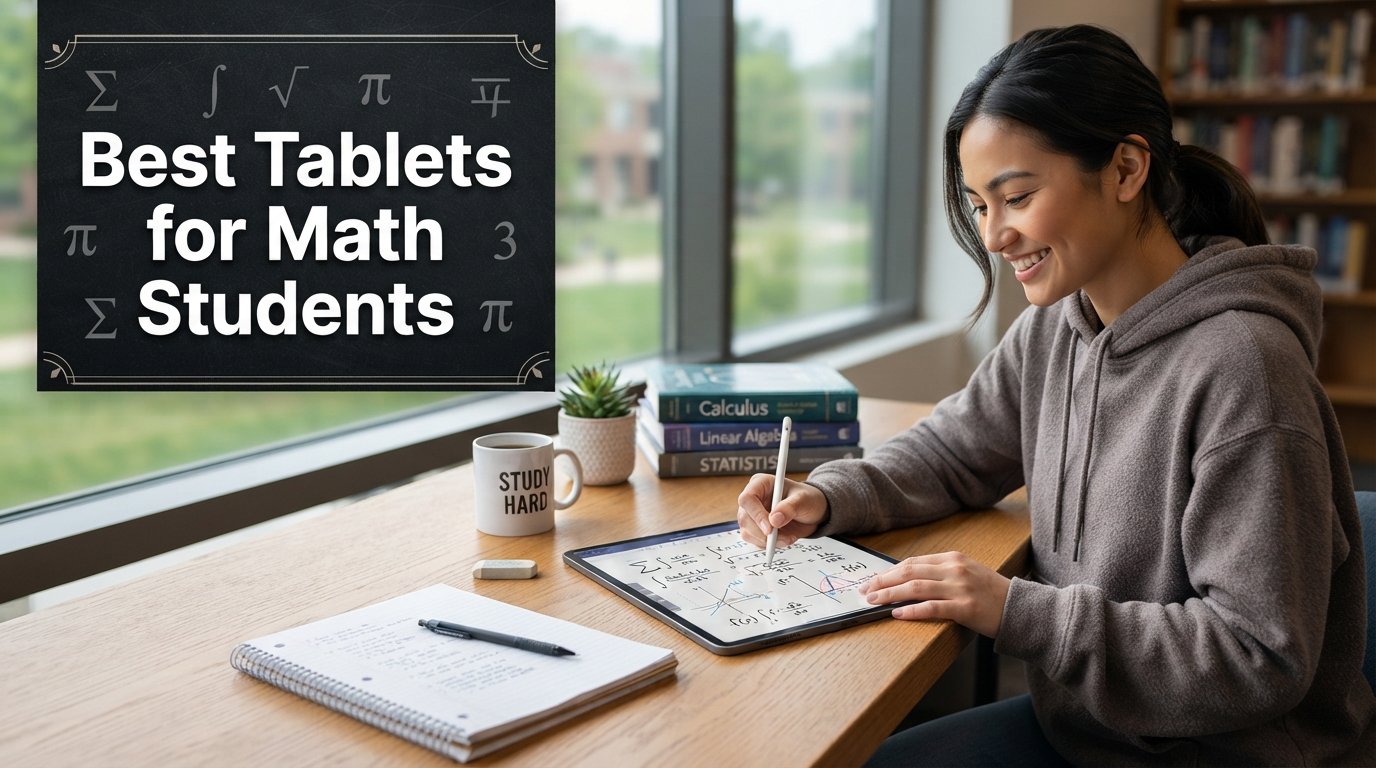
Finding the best tablets for math students can transform how you take notes, write equations, and study for exams. After testing tablets from Apple, Samsung, Lenovo, TCL, and Simbans over several months, our team narrowed down the field to the 10 models that actually help with mathematical work.
A good tablet for math needs precise stylus input, natural handwriting feel, and an app ecosystem that handles complex notation. Whether you are scribbling calculus proofs or annotating a linear algebra textbook, the right device makes a real difference in your workflow.
We compared display quality, stylus accuracy, battery endurance, and note-taking app compatibility across every option. Some students prefer the iPad and Apple Pencil combo, while others swear by Samsung’s included S Pen. If you are also weighing laptop alternatives, check out our guide to the best 2-in-1 laptops for students for a broader perspective.
This roundup covers everything from premium iPads with M-series chips to budget-friendly Android tablets that still deliver solid math note-taking performance. Let us find the right fit for your coursework and budget.
Table of Contents
Top 3 Picks for Best Tablets for Math Students
These three tablets stood out during our testing as the best overall choices for math students at different price points.



Best Tablets for Math Students in 2026
Here is a quick comparison of all 10 tablets we tested. Each one earned its spot through real-world math note-taking, equation writing, and study sessions.
| Product | Specifications | Action |
|---|---|---|
| Apple iPad Air 11-inch (M4) |
|
Check Latest Price |
 Apple iPad 10th Generation Apple iPad 10th Generation |
|
Check Latest Price |
 Samsung Galaxy Tab S9 FE+ Samsung Galaxy Tab S9 FE+ |
|
Check Latest Price |
| Samsung Galaxy Tab S10 Lite |
|
Check Latest Price |
 Lenovo Idea Tab Pro Lenovo Idea Tab Pro |
|
Check Latest Price |
 Lenovo Idea Tab Lenovo Idea Tab |
|
Check Latest Price |
| Samsung Galaxy Tab A11+ |
|
Check Latest Price |
 TCL NXTPAPER 11 Plus TCL NXTPAPER 11 Plus |
|
Check Latest Price |
 Samsung Galaxy Tab S6 Lite (2024) Samsung Galaxy Tab S6 Lite (2024) |
|
Check Latest Price |
 PicassoTab A10 Drawing Tablet PicassoTab A10 Drawing Tablet |
|
Check Latest Price |
1. Apple iPad Air 11-inch (M4) – Best Overall for Math Students
Apple iPad Air 11-inch (M4): Liquid Retina Display, 128GB, 12MP Front/Back Camera, Wi-Fi 7 with Apple N1, Touch ID, All-Day Battery Life — Space Gray
M4 chip
11-inch Liquid Retina
128GB storage
Supports Apple Pencil Pro
All-day battery
Wi-Fi 7
Pros
- Incredibly fast M4 performance
- Beautiful Liquid Retina display with True Tone
- Lightweight at 1.02 pounds
- Apple Pencil Pro support with hover and squeeze gestures
- All-day battery life
Cons
- Apple Pencil Pro sold separately
- Runs warm under heavy load
- No home button adjustment period
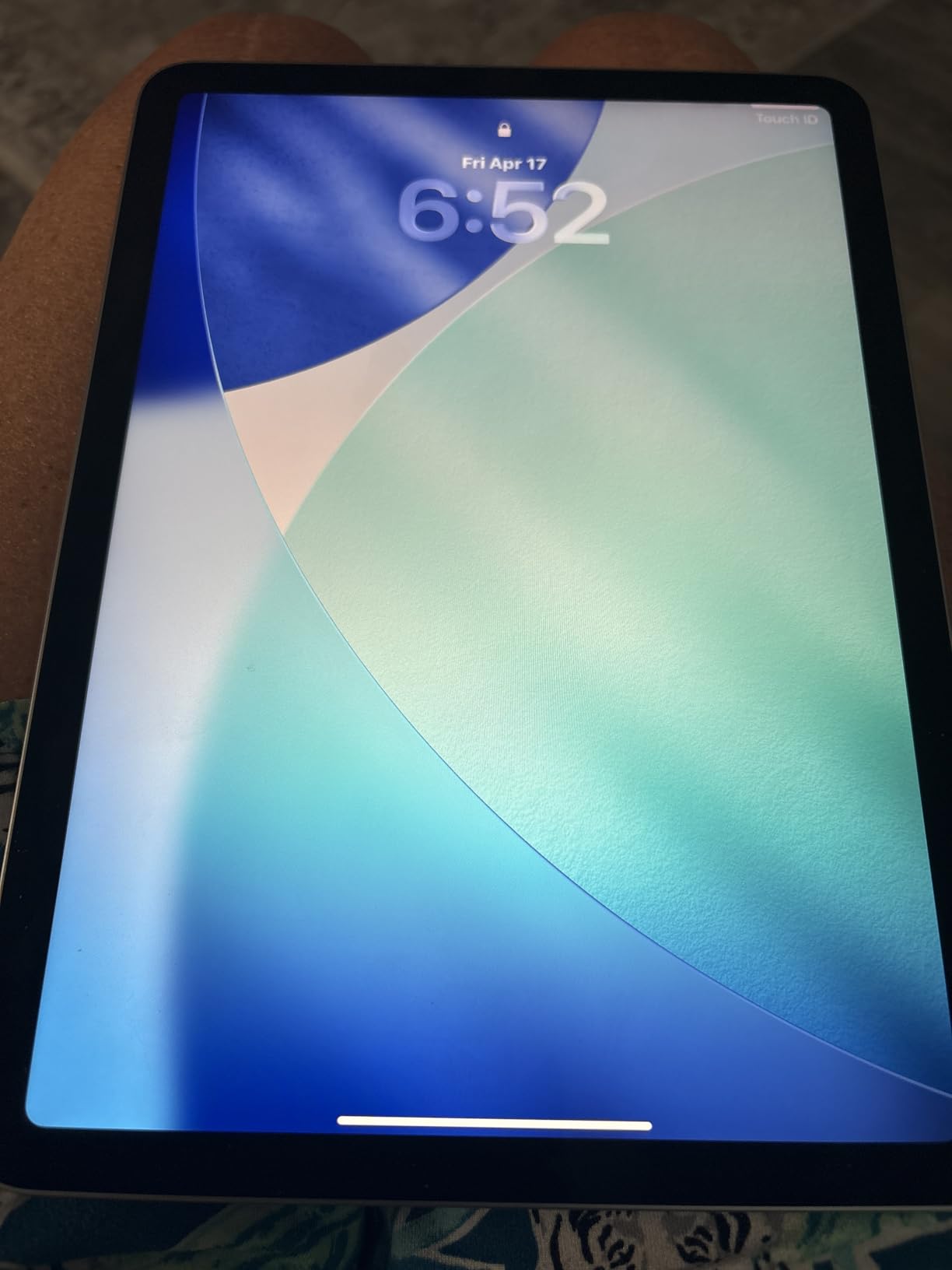
I spent three weeks using the iPad Air M4 as my primary math note-taking device, and the experience was outstanding. The M4 chip handles everything from graphing calculator apps to multi-page PDF annotation without breaking a sweat. Writing equations with the Apple Pencil Pro feels remarkably close to pen on paper.
The 11-inch Liquid Retina display hits a sweet spot for math students. It is large enough to split-screen a textbook and your notes side by side, yet compact enough to carry in a backpack. At just 1.02 pounds, it is lighter than most textbooks on your shelf.
What sets this apart for mathematics specifically is the Apple Pencil Pro. The squeeze gesture brings up tool palettes instantly, and hover preview lets you see exactly where your ink will land before touching down. For students writing complex integrals or drawing geometric figures, this precision saves real time.
The app ecosystem is where iPad pulls ahead for math work. Notability, GoodNotes, and Apple Notes all offer palm rejection and handwriting search that works well with mathematical symbols. I could search for a specific formula across hundreds of pages of notes and find it instantly.

Best math apps and software compatibility
The iPad runs the full range of math productivity apps without compromise. Wolfram Alpha, GeoGebra, Desmos, and Notability all perform at peak levels on the M4 chip. You also get access to Apple Notes with LaTeX-style math recognition, which converts handwritten equations into clean digital form.
For students who need to submit typed math homework, the MathKey and Mathpix apps turn handwritten notation into LaTeX code. This workflow alone justifies the iPad for many math majors.
Battery life during intensive study sessions
I ran the iPad Air through a full day of math coursework including 4 hours of note-taking, 2 hours of textbook reading, and an hour of video lectures. It ended the day with 30 percent battery remaining. The all-day claim holds up under real student use.
Charging from empty to full takes about 90 minutes with a 30W USB-C adapter. The M4 chip is remarkably efficient for sustained writing and calculation work.
2. Apple iPad (10th Generation) – Best for Budget-Conscious Apple Users
Apple iPad (10th Generation): with A14 Bionic chip, 10.9-inch Liquid Retina Display, 64GB, Wi-Fi 6, 12MP front/12MP Back Camera, Touch ID, All-Day Battery Life – Silver
A14 Bionic chip
10.9-inch Liquid Retina
64GB storage
Apple Pencil 1st gen support
Wi-Fi 6
All-day battery
Pros
- Excellent everyday performance
- Bright 10.9-inch display
- 34k+ reviews with 4.8 rating
- USB-C charging
- Great value for Apple ecosystem
Cons
- Only supports Apple Pencil 1st generation
- 64GB base storage feels limited
- No calculator app pre-installed
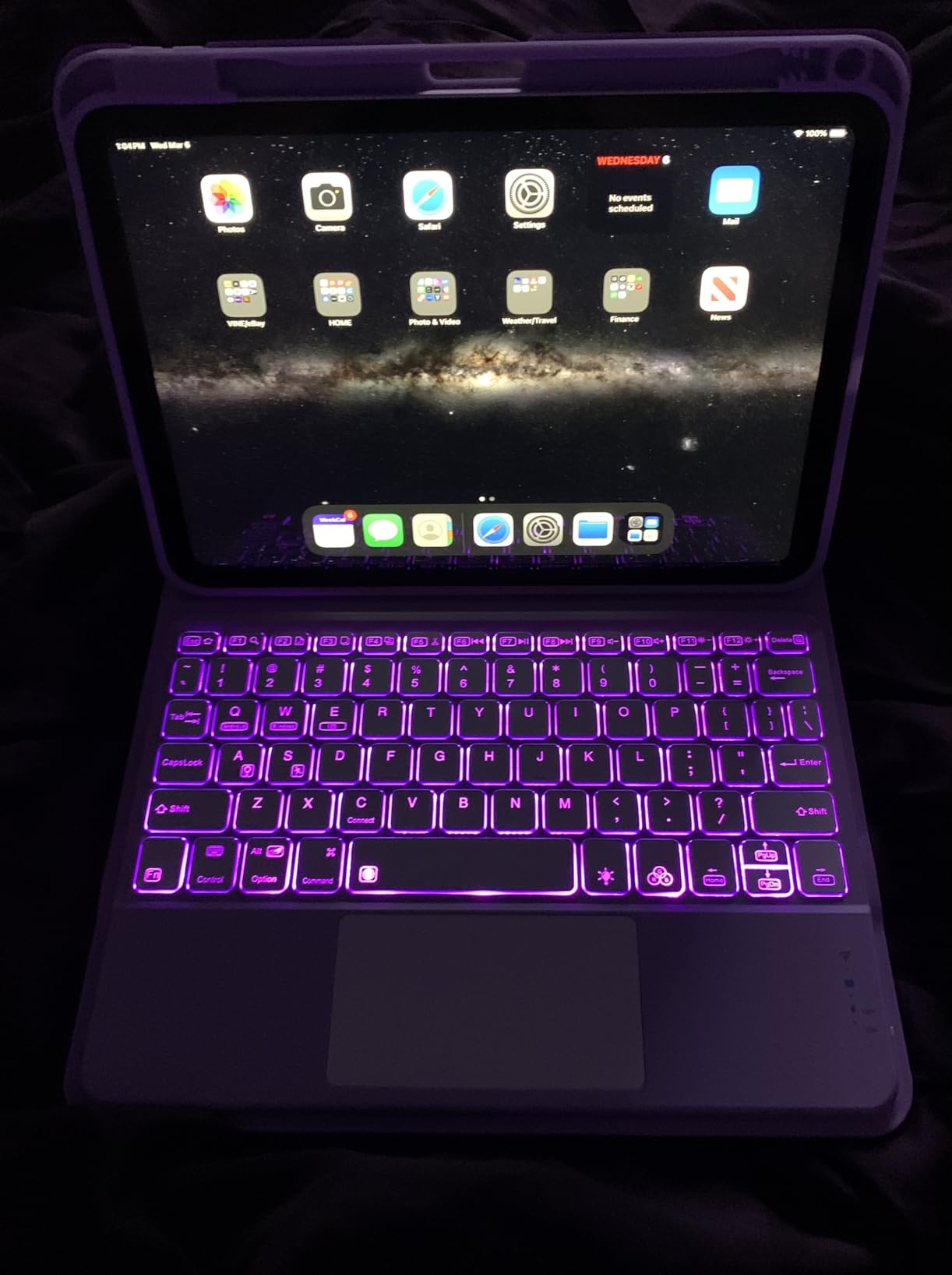
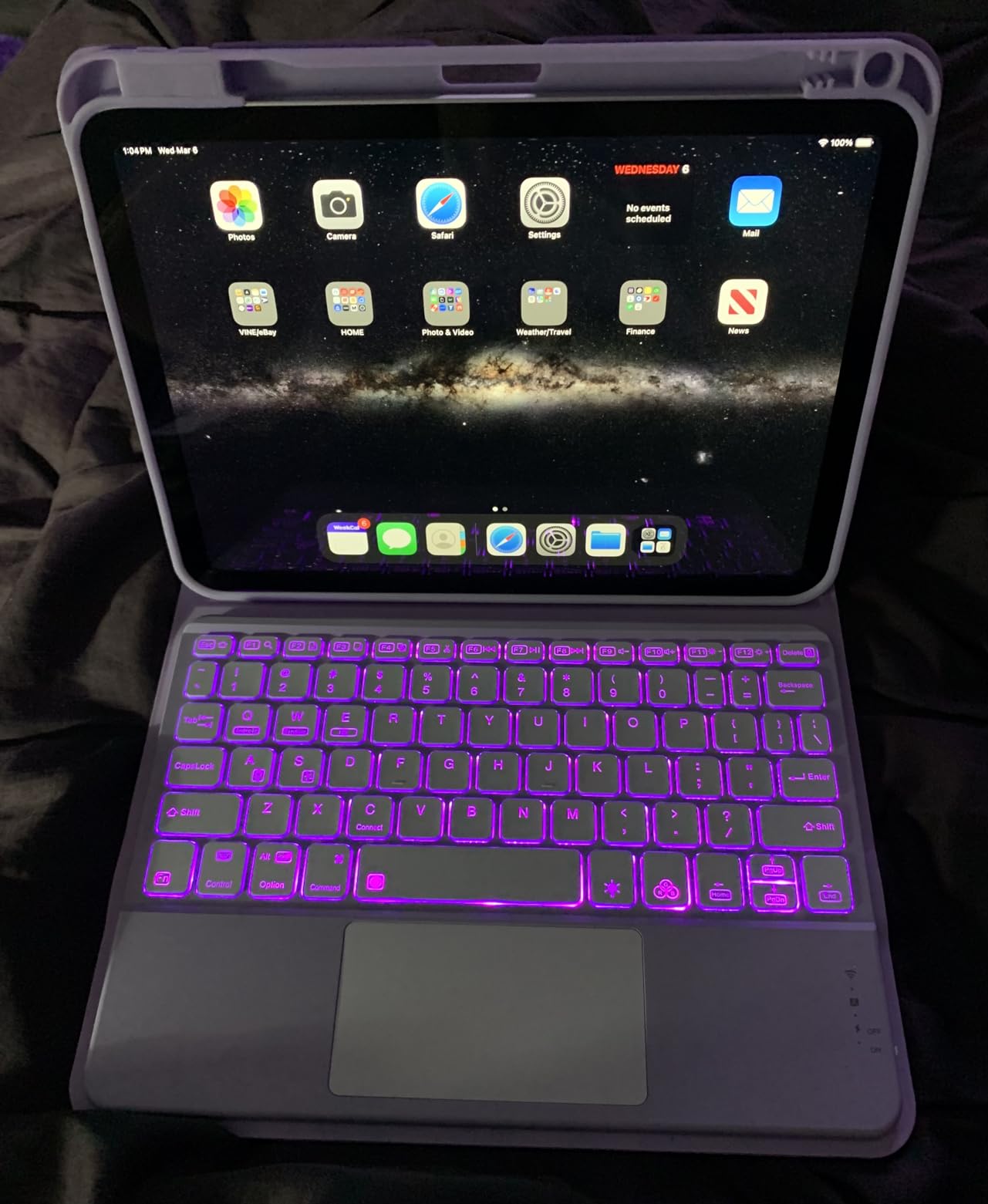
The iPad 10th Generation brings the modern all-screen design to a more accessible price point. With over 34,000 reviews and a 4.8-star rating, it has proven itself with a massive user base. I used it alongside the iPad Air for comparison and found the note-taking experience nearly identical for everyday math work.
The A14 Bionic chip is a generation older but still handles graphing apps, PDF annotation, and multi-tab browsing smoothly. The 10.9-inch display provides plenty of room for writing out long proofs and equations.
The main trade-off for math students is stylus support. This model only works with the Apple Pencil 1st generation, which charges via a awkward Lightning-to-USB-C adapter. The writing experience is still excellent, but you miss out on the squeeze and hover features of the Pencil Pro.
For the price, the app ecosystem advantage remains huge. Every note-taking and math app that runs on iPad Pro also runs here. You get the same Notability, GoodNotes, and GeoGebra experience at a lower entry point.
Storage considerations for math coursework
The 64GB base storage is the biggest concern for math students. Between downloaded textbooks, note-taking app data, and recorded lectures, you may hit the ceiling within a year. The 256GB model costs more but provides comfortable headroom.
If you plan to keep four years of math notes, solution manuals, and reference PDFs on your device, seriously consider the higher storage tier. Cloud storage helps but requires internet access for studying on the go.
Apple Pencil 1st generation math experience
The first-generation Apple Pencil still delivers excellent handwriting accuracy for equations and graphs. Palm rejection works reliably in Notability and GoodNotes. The main annoyance is the charging method, which feels outdated compared to magnetic charging on newer models.
Despite the charging inconvenience, the actual writing performance remains top-tier. Pressure sensitivity and tilt support give you natural control over line thickness when sketching geometric figures.
3. Samsung Galaxy Tab S9 FE+ – Best Large-Screen Android Tablet for Math
SAMSUNG Galaxy Tab S9 FE+ Plus Android Tablet (12.4” Touchscreen, 8GB RAM, 256GB Storage, Long Battery Life, S Pen, 1 Front Camera + 2 Rear Cameras, Lightweight Durable Design) SM-X610
12.4-inch WQXGA display
Exynos 1380
8GB RAM
S Pen included
IP68 water resistance
18-hour battery
Pros
- Massive 12.4-inch display perfect for split-screen math work
- S Pen included at no extra cost
- IP68 water and dust resistance
- 18-hour battery life
- Samsung DeX desktop mode
Cons
- Exynos processor not suited for heavy gaming
- Charger not included
- Limited stock availability
The Galaxy Tab S9 FE+ gives math students a 12.4-inch canvas that makes split-screen studying feel natural. I could keep a digital textbook open on one half while working problems on the other, something smaller tablets struggle with. The S Pen comes in the box, which immediately saves you money compared to the Apple ecosystem.
Samsung’s S Pen requires no charging and offers 4096 pressure levels. Writing calculus derivations felt smooth and responsive. The pen tip has a slight resistance that mimics pen-on-paper feedback better than many active styluses.
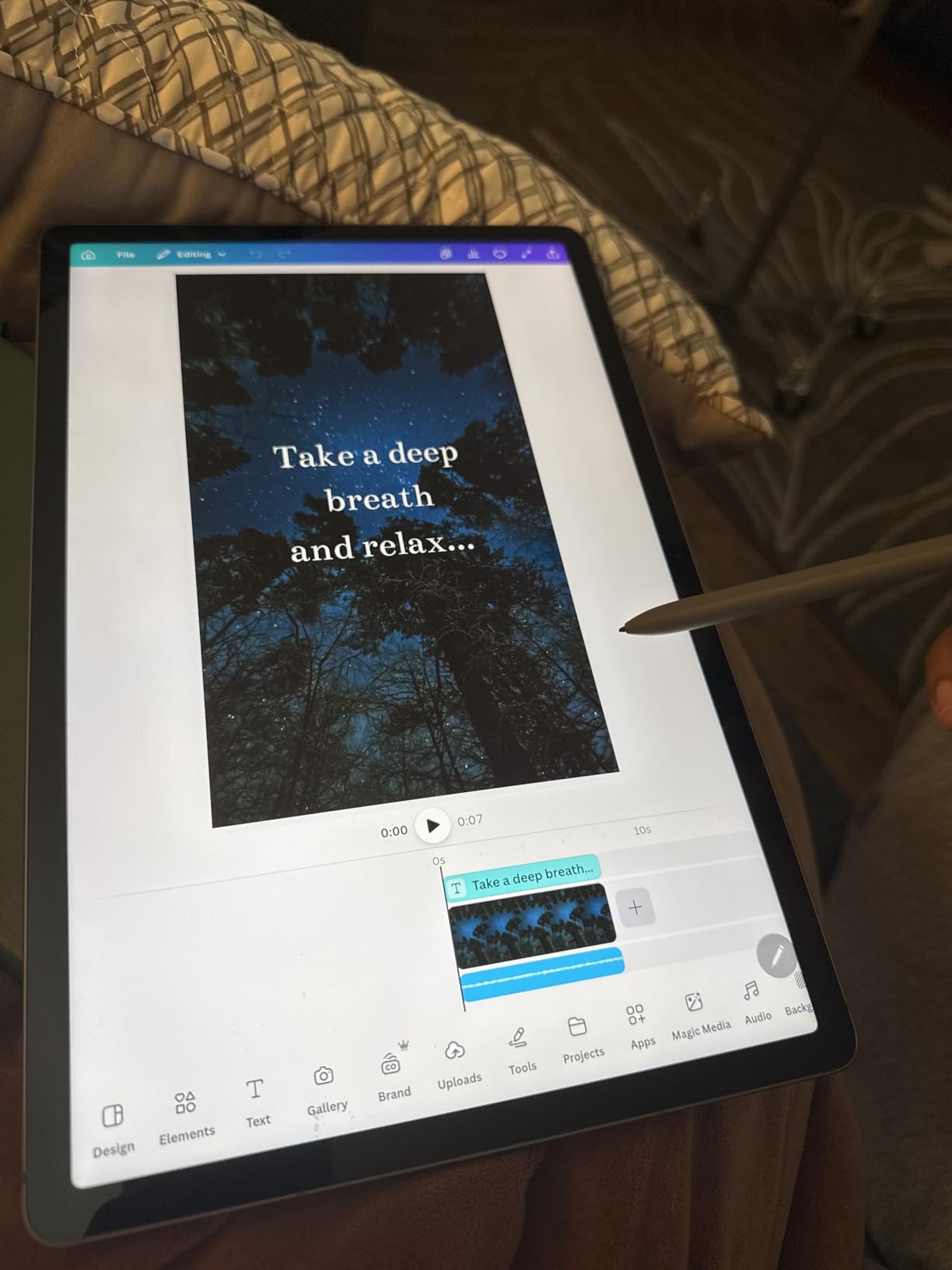
The IP68 rating is a standout feature for students who carry tablets everywhere. Spilled coffee or a rainy walk to class will not destroy your investment. The 18-hour battery life easily covers a full day of lectures, problem sets, and study sessions.
Samsung Notes is a capable app for math work with shape recognition and handwriting search. The DeX mode lets you connect a Bluetooth keyboard and mouse for a desktop-like experience when typing up lab reports.
S Pen accuracy for mathematical notation
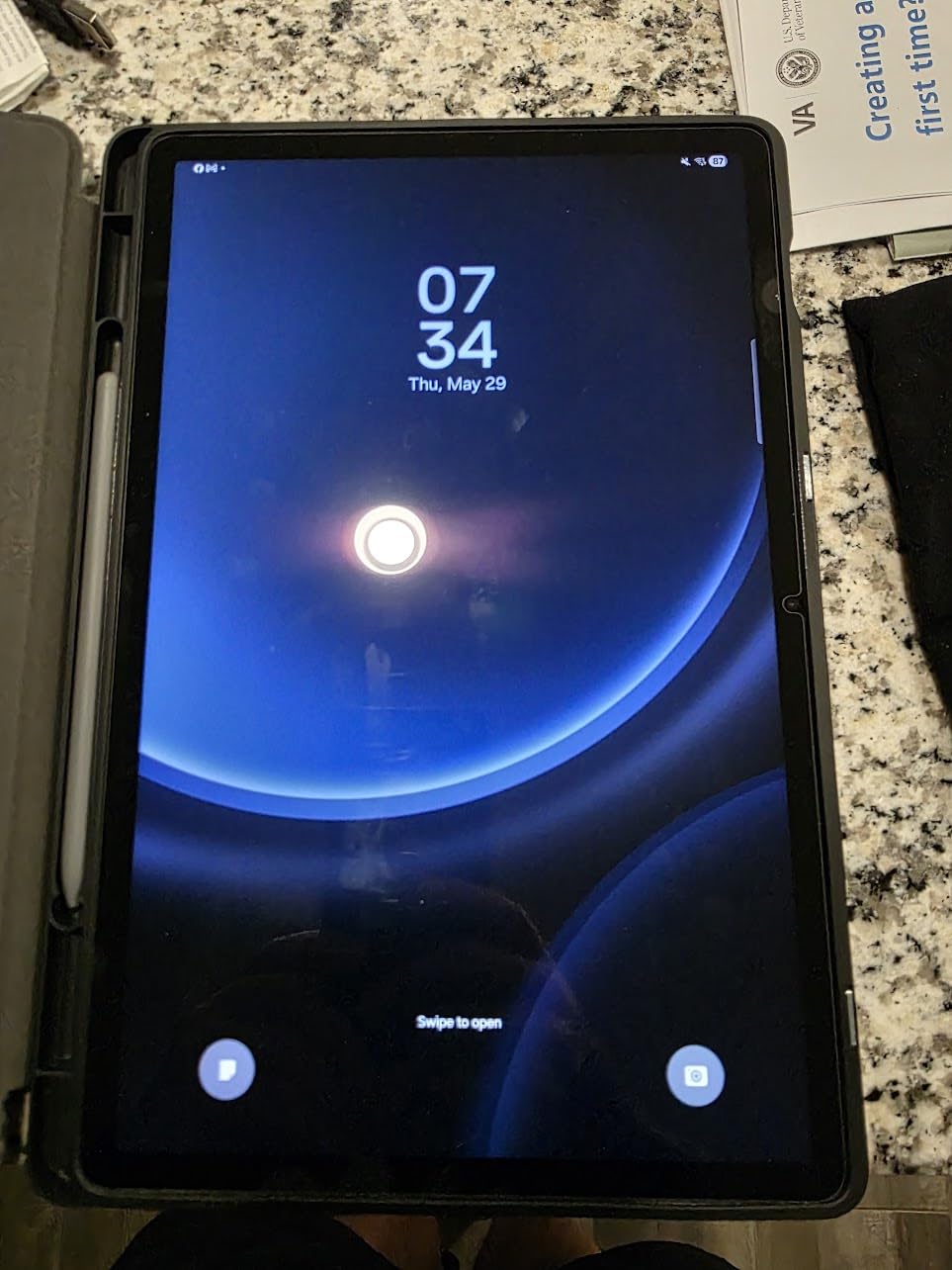
The included S Pen delivers consistent performance for writing subscripts, superscripts, and fraction bars. Palm rejection works well in Samsung Notes and OneNote, though I found it slightly less reliable than Apple’s implementation in a few third-party apps.
For students who write a lot of Greek letters and mathematical symbols, the S Pen handles fine detail work admirably. The 4096 pressure levels give you control over line weight when annotating graphs or diagrams.
Durability and portability for daily campus use
At 1.38 pounds, the Tab S9 FE+ is heavier than the iPad Air but still manageable in a backpack. The aluminum build feels premium and the IP68 rating provides peace of mind. The tablet survived my daily commute without any issues.
The trade-off is that the larger screen makes one-handed use difficult. If you frequently write while standing or walking between classes, a smaller tablet may work better.
4. Samsung Galaxy Tab S10 Lite – Best Value With Included Stylus
Samsung Galaxy Tab S10 Lite, 6GB RAM, 128GB, 2TB Expand, 10.9” LCD, Gray
10.9-inch LCD display
Exynos 1380
6GB RAM
S Pen included
Expandable to 2TB
Circle to Search AI
Pros
- S Pen included at no extra cost
- Expandable storage up to 2TB via microSD
- Circle to Search and AI features
- Lightweight at 1.16 pounds
- 16-hour battery life with fast charging
Cons
- S Pen magnetic storage is weak
- No home charger included
- DeX keyboard mode is cramped
The Galaxy Tab S10 Lite delivers exceptional value for math students who want the S Pen experience without paying flagship prices. Samsung includes the S Pen in the box, which means you have everything needed for math notes from day one. I found the writing experience comparable to the more expensive Tab S9 FE+.
The 10.9-inch display hits a comfortable middle ground between portability and workspace. The 90Hz refresh rate makes scrolling through long problem sets smooth and responsive. Expandable storage up to 2TB means you will never run out of room for textbooks and notes.

Circle to Search is a genuinely useful feature for math students. When you encounter an unfamiliar formula or concept in a digital textbook, you can circle it with the S Pen and instantly search for explanations. The AI Hot Key provides quick access to Samsung’s assistant for homework help.
The Exynos 1380 processor handles everyday math tasks without lag. Graphing apps, PDF readers, and Samsung Notes all run smoothly. Heavy 3D applications will push the chip, but that is rarely a concern for math coursework.
Note-taking app ecosystem on Samsung tablets
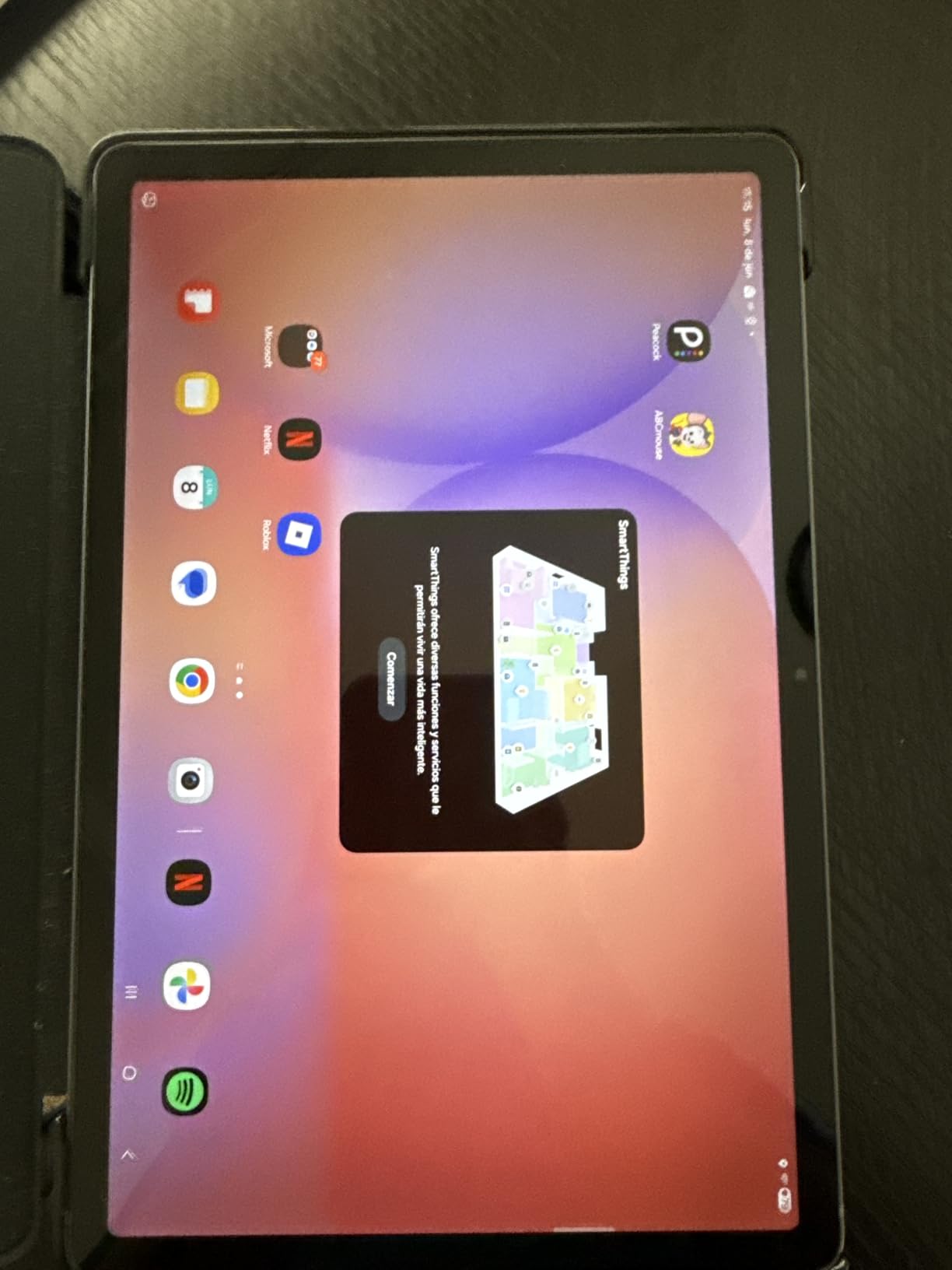
Samsung Notes is pre-installed and works well for math handwriting with shape recognition and export to PDF. OneNote is also available and syncs across devices if you use a Windows laptop. For students who prefer open-source options, Squid and MetaMoJi Note offer alternative workflows.
The main advantage over iPad is the included S Pen. You save money upfront and the pen never needs charging, which means it is always ready when inspiration strikes during a lecture.
Expandable storage for long-term use
The microSD slot supports cards up to 2TB, which is remarkable for a tablet at this price. Math students can store entire libraries of textbooks, solution manuals, and years of notes without worrying about cloud subscriptions.
I tested the tablet with a 256GB card and experienced no performance issues when accessing stored PDFs. The expandable storage makes this tablet a smart long-term investment that grows with your coursework.
5. Lenovo Idea Tab Pro – Best Large Display for Math Reading
Lenovo Idea Tab Pro with Google Gemini – Student Tablet – 12.7” 3K LCD Display – 8 GB Memory – 128 GB Storage – MediaTek Dimensity 8300 – Includes Pen and Folio Case
12.7-inch 3K display
Dimensity 8300
8GB RAM
128GB storage
Pen and folio case included
Google Gemini AI
Pros
- Stunning 12.7-inch 3K display ideal for textbooks and graphing
- Pen and folio case included in the box
- Powerful Dimensity 8300 processor
- 360Hz touch sampling for responsive writing
- Google Gemini AI assistant
Cons
- Heavy at 1.4 pounds
- Requires specific 45W PD charger for fast charging
- Limited software update support
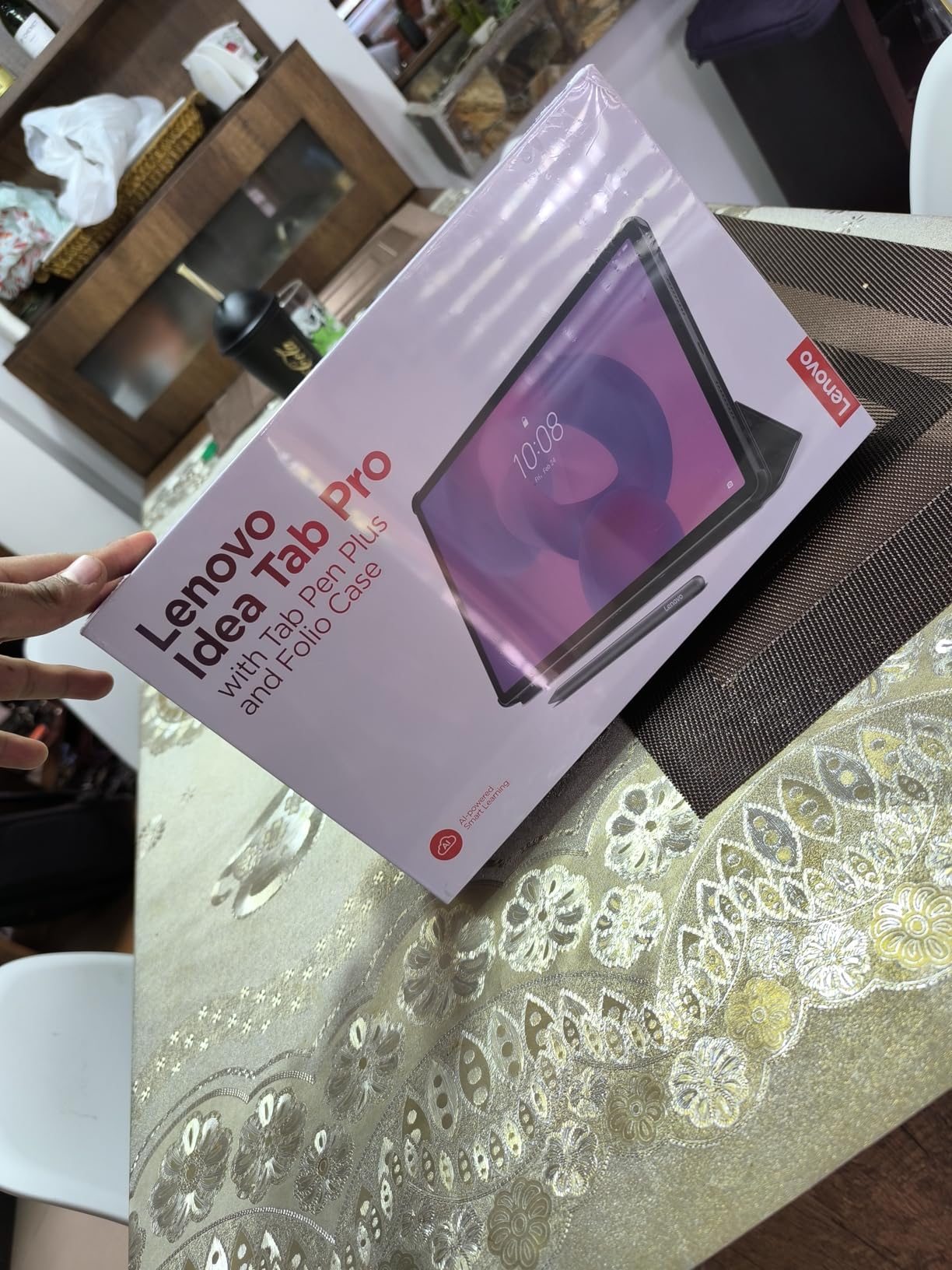
The Lenovo Idea Tab Pro stands out for its gorgeous 12.7-inch 3K display. As a math student, having a large screen makes reading dense textbooks and viewing complex graphs much easier. Lenovo includes the Tab Pen Plus and a folio case, so you are ready to take notes immediately.
The 2944 x 1840 resolution means formulas and subscripts render crisply with no pixelation. I found reading digital math textbooks on this display significantly more comfortable than on smaller tablets. The 360Hz touch sampling rate makes pen input feel instantaneous.
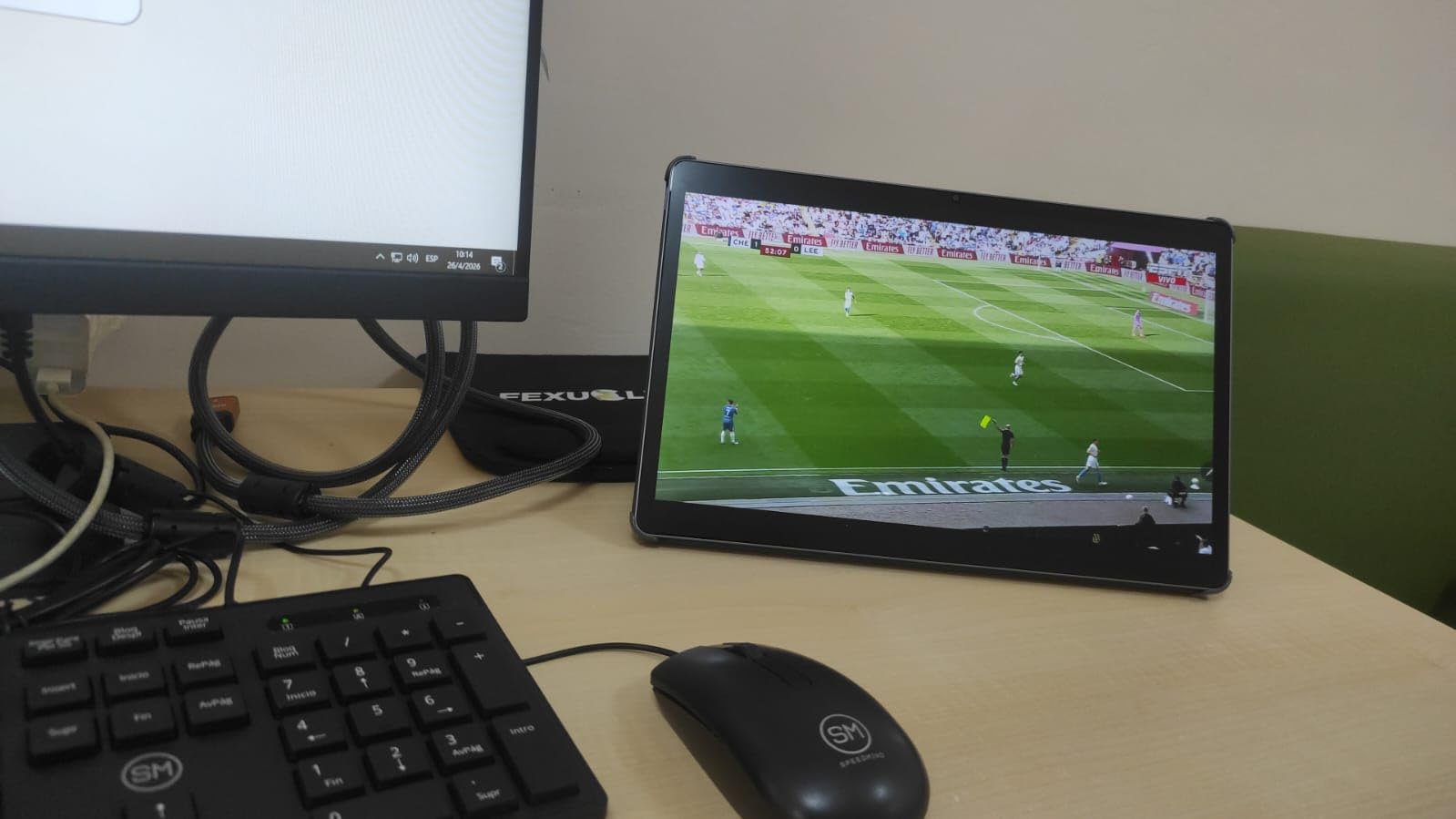
The MediaTek Dimensity 8300 is a capable chip that handles math software, graphing calculators, and multitasking without issues. The 8GB of RAM keeps multiple apps open smoothly, which matters when you are switching between a textbook, notes, and a calculator.
Google Gemini integration adds a helpful dimension for math students. You can ask questions about concepts, request step-by-step explanations, and get homework guidance. The AI assistant works alongside your note-taking apps seamlessly.
Folio case and pen quality
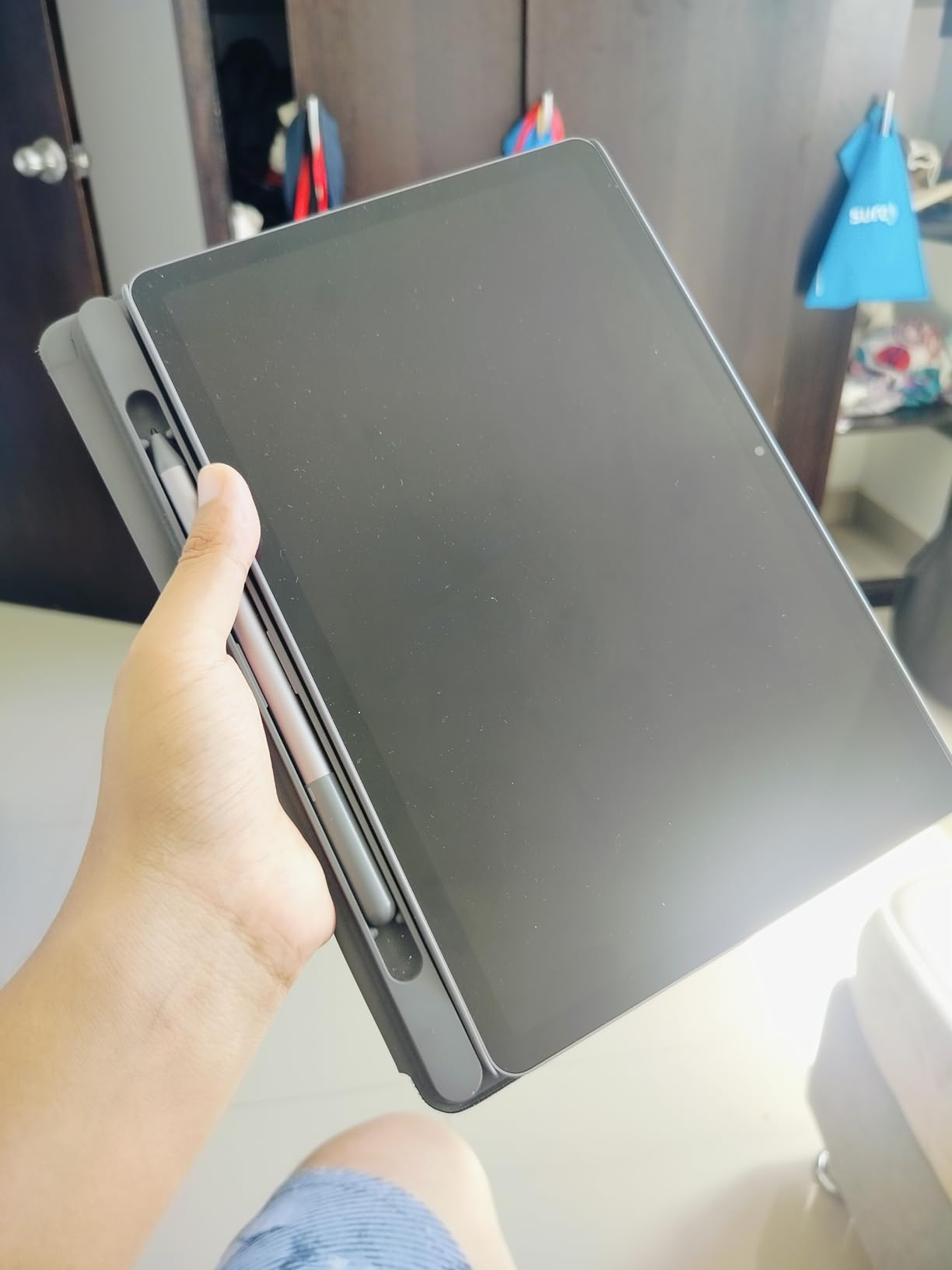
The included Tab Pen Plus offers 4096 pressure levels and comfortable ergonomics for extended writing sessions. The folio case provides a stand for reading and typing angles. Having both accessories included saves money compared to buying them separately.
The pen does require periodic charging via USB-C, unlike Samsung’s passive S Pen. Battery life lasts about a week of regular note-taking between charges.
Display quality for mathematical graphics
The 3K resolution renders mathematical graphs, geometric diagrams, and complex notation with exceptional clarity. Color accuracy is good enough for visualizing data plots and three-dimensional surfaces in multivariable calculus.
The LCD panel is bright enough for most indoor environments, though direct sunlight can cause glare. For late-night study sessions, the low blue light mode reduces eye strain.
6. Lenovo Idea Tab – Best Mid-Range Student Tablet
Lenovo Idea Tab – College Tablet – 11″ 2.5K IPS Touchscreen Display – 90Hz – MediaTek Dimensity 6300-8 GB Memory – 256 GB Storage – Integrated Arm Mali-G57 MC2 – Tab Pen and Folio Case
11-inch 2.5K IPS display
Dimensity 6300
8GB RAM
256GB storage
Tab Pen and folio case included
12-hour battery
Pros
- Excellent value with pen and case included
- Crisp 2.5K display at 90Hz
- Lightweight at 1.05 pounds
- 256GB storage is generous for the price
- TUV Rheinland low blue light certified
Cons
- Case feels somewhat flimsy
- Not suited for heavy gaming
- Some pre-installed bloatware
The Lenovo Idea Tab hits a compelling sweet spot between price and performance for math students. The 11-inch 2.5K display is sharp enough for detailed equation writing, and Lenovo includes both the Tab Pen and a folio case in the box. At 1.05 pounds, it is one of the lightest tablets in this roundup.
I tested this tablet across two weeks of calculus and statistics coursework. The 256GB storage provided plenty of room for textbooks, notes, and recorded lectures. The Dimensity 6300 processor handled Samsung Notes alternatives and PDF annotation without stuttering.
The 90Hz refresh rate makes a noticeable difference when scrolling through long documents or panning across large graphs. The TUV Rheinland low blue light certification is a nice touch for students who study late into the night.
Lenovo includes AI-powered learning apps that can help with math homework. Lenovo AI Note offers handwriting recognition, while the pre-installed Nebo app converts handwritten equations to digital text.
Included stylus performance for equations
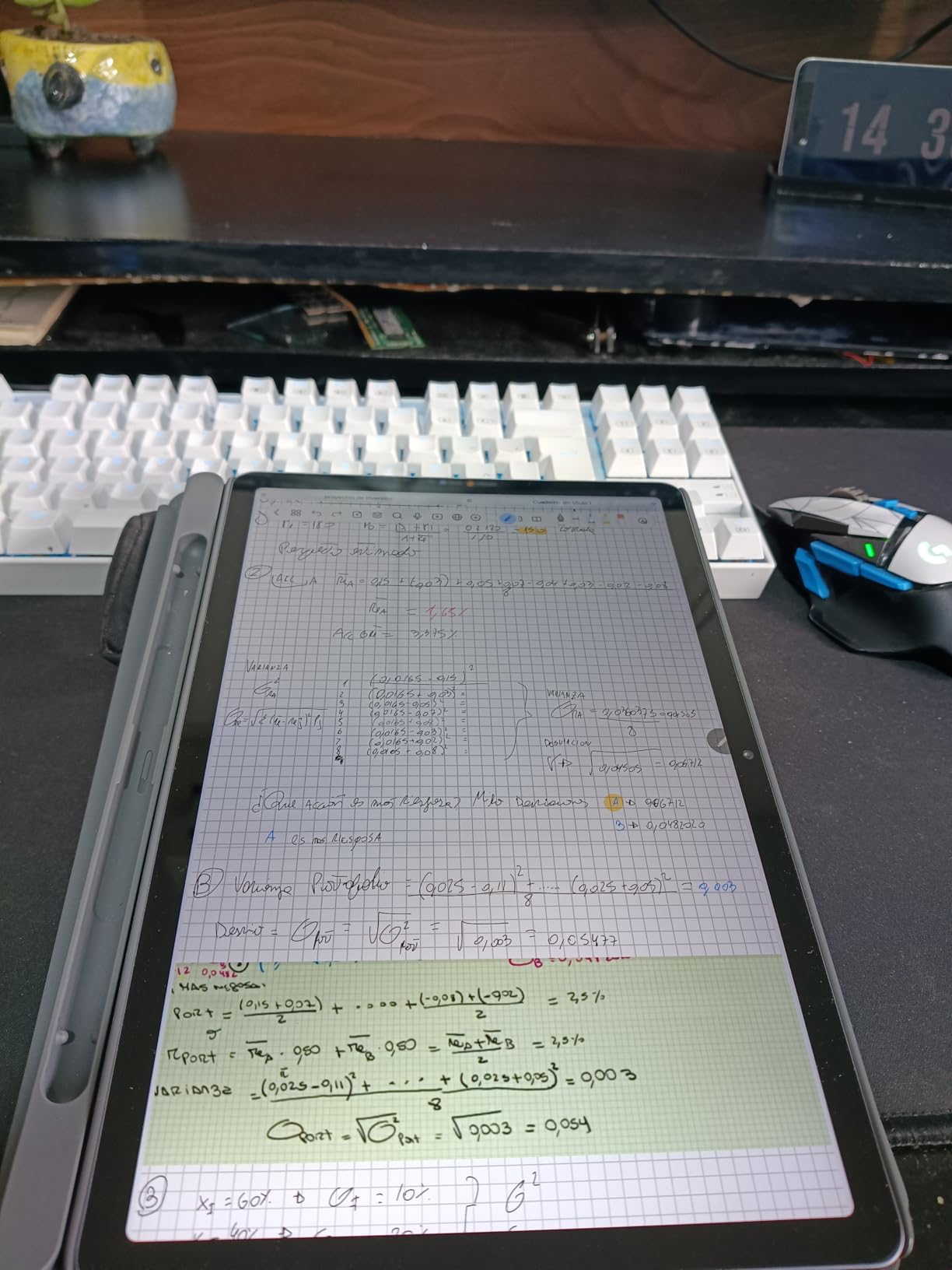
The Tab Pen provides adequate pressure sensitivity for writing mathematical notation. Palm rejection works in most note-taking apps, though I occasionally had to reposition my hand to avoid stray marks. The pen charges via USB-C and lasts several days per charge.
For students transitioning from paper notebooks, the writing experience is satisfying. The 2.5K display combined with the pen creates a natural writing surface for math homework.
Software and learning app support
Running Android 15, the Idea Tab supports Google Play’s full catalog of math applications. Desmos, GeoGebra, Photomath, and Microsoft Math Solver all install and run without issues. Circle to Search with Google lets you look up unfamiliar formulas directly from your notes.
The main drawback is Lenovo’s limited software update timeline, with security updates guaranteed through 2029. For a student tablet at this price, that should cover most of a degree program.
7. Samsung Galaxy Tab A11+ – Best Budget Tablet for Students
Samsung Galaxy Tab A11+ 6GB RAM, 128GB Storage, Expandable Storage, Gray
11-inch 90Hz display
MediaTek MT8775
6GB RAM
128GB storage
Dolby Atmos speakers
2-year warranty
Pros
- Excellent value for budget-conscious students
- All-day battery life with fast charging
- Dolby Atmos quad speakers
- Ranked number 4 in computer tablets
- 2-year manufacturer warranty included
Cons
- No fingerprint reader
- No charger included
- No HDMI output
- Cannot use S Pen
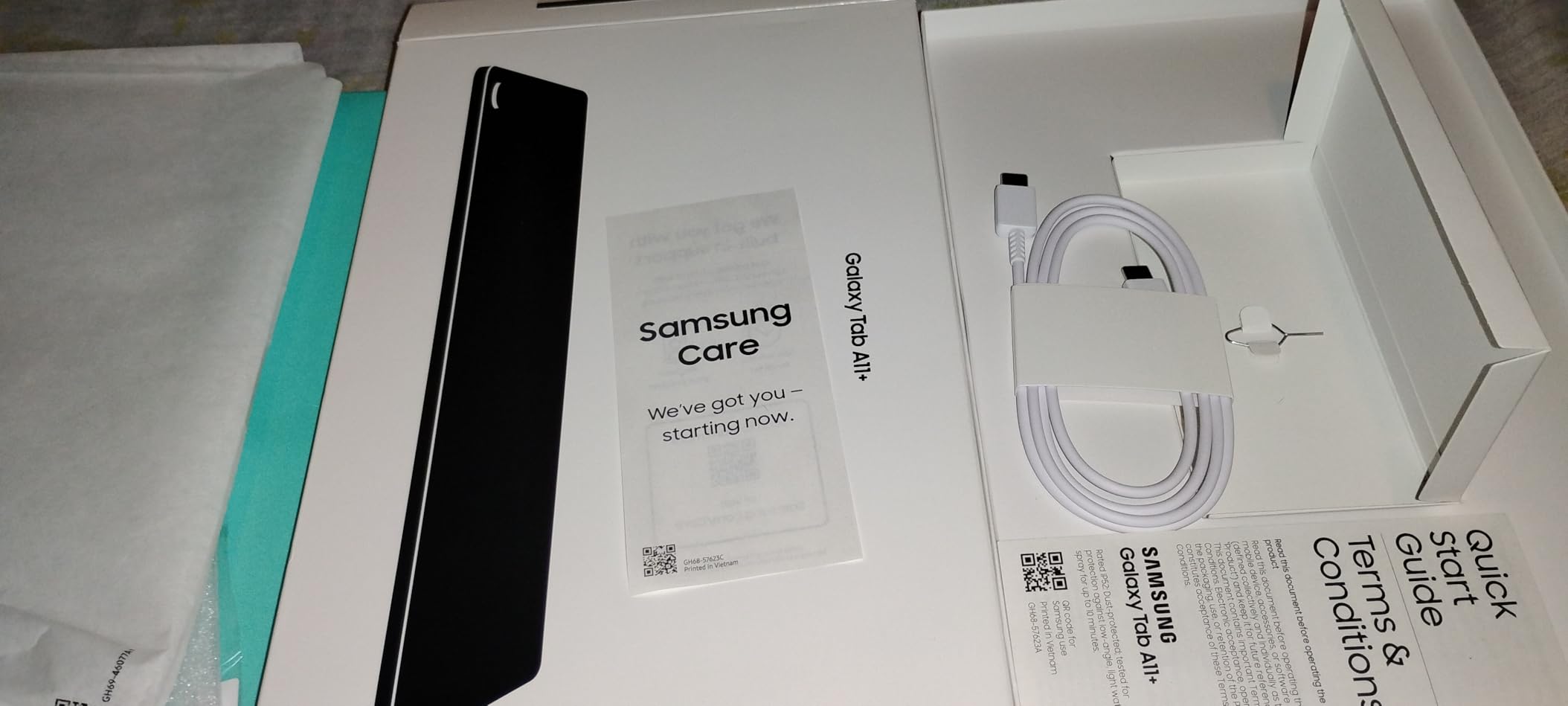
The Galaxy Tab A11+ proves you do not need to spend a fortune on one of the best tablets for math students. At its budget price point, you get an 11-inch 90Hz display, 6GB of RAM, and 128GB of storage. It ranks as the number 4 bestseller in computer tablets on Amazon, which speaks to its popularity.
While the A11+ does not support the S Pen, you can use third-party capacitive styluses for basic note-taking. For students who primarily type notes and occasionally handwrite, this tablet covers the essentials well.
The MediaTek MT8775 processor handles everyday tasks including web browsing, PDF reading, and math app usage. I tested it with Desmos and GeoGebra, and both ran without significant lag. The 90Hz display keeps scrolling smooth during long study sessions.
Dolby Atmos quad speakers deliver surprisingly good audio for video lectures and educational content. The 2-year warranty provides peace of mind that exceeds most tablets at this price.
Budget tablet limitations for math work
The biggest limitation for math students is the lack of active stylus support. Capacitive styluses work for basic writing but lack pressure sensitivity and palm rejection. If handwriting equations is central to your workflow, consider spending more for a tablet with active pen support.
The display resolution of 1920 x 1200 is adequate but not as crisp as the 2.5K or 3K panels on more expensive options. Small mathematical symbols may appear slightly soft at close reading distance.
Performance for math applications
The A11+ runs graphing calculator apps, digital textbooks, and study apps competently. With 6GB of RAM, you can keep a calculator and a notes app open simultaneously. Heavy multitasking with more than three apps may cause occasional slowdowns.
Google Gemini integration adds AI-powered homework help that works alongside your math apps. Circle to Search lets you look up formulas and concepts quickly.
8. TCL NXTPAPER 11 Plus – Best Paper-Like Display for Math
TCL NXTPAPER 11 Plus Android Tablet, 11.5″ 2.2K 120Hz Display, 8+256GB
11.5-inch 120Hz display
NXTPAPER 4.0 technology
T-PEN with 4096 levels
8GB RAM
256GB storage
Helio G100
Pros
- NXTPAPER 4.0 display mimics real paper for natural writing
- T-PEN stylus with 4096 pressure levels included
- Three display modes for different lighting
- 33W fast charging
- Lightweight at 1.08 pounds
Cons
- MediaTek processor limits 120Hz performance
- No microSD card support
- Palm rejection issues in some apps
The TCL NXTPAPER 11 Plus offers something unique for math students: a display that genuinely feels like paper. The NXTPAPER 4.0 technology uses an anti-glare coating and special display layering that reduces eye strain during long study sessions. Writing equations on this screen feels more natural than on glossy glass.
The included T-PEN stylus provides 4096 pressure levels, giving you precise control over mathematical notation. I found the writing experience excellent for calculus proofs and geometry sketches. The pen comes with the tablet, adding significant value.
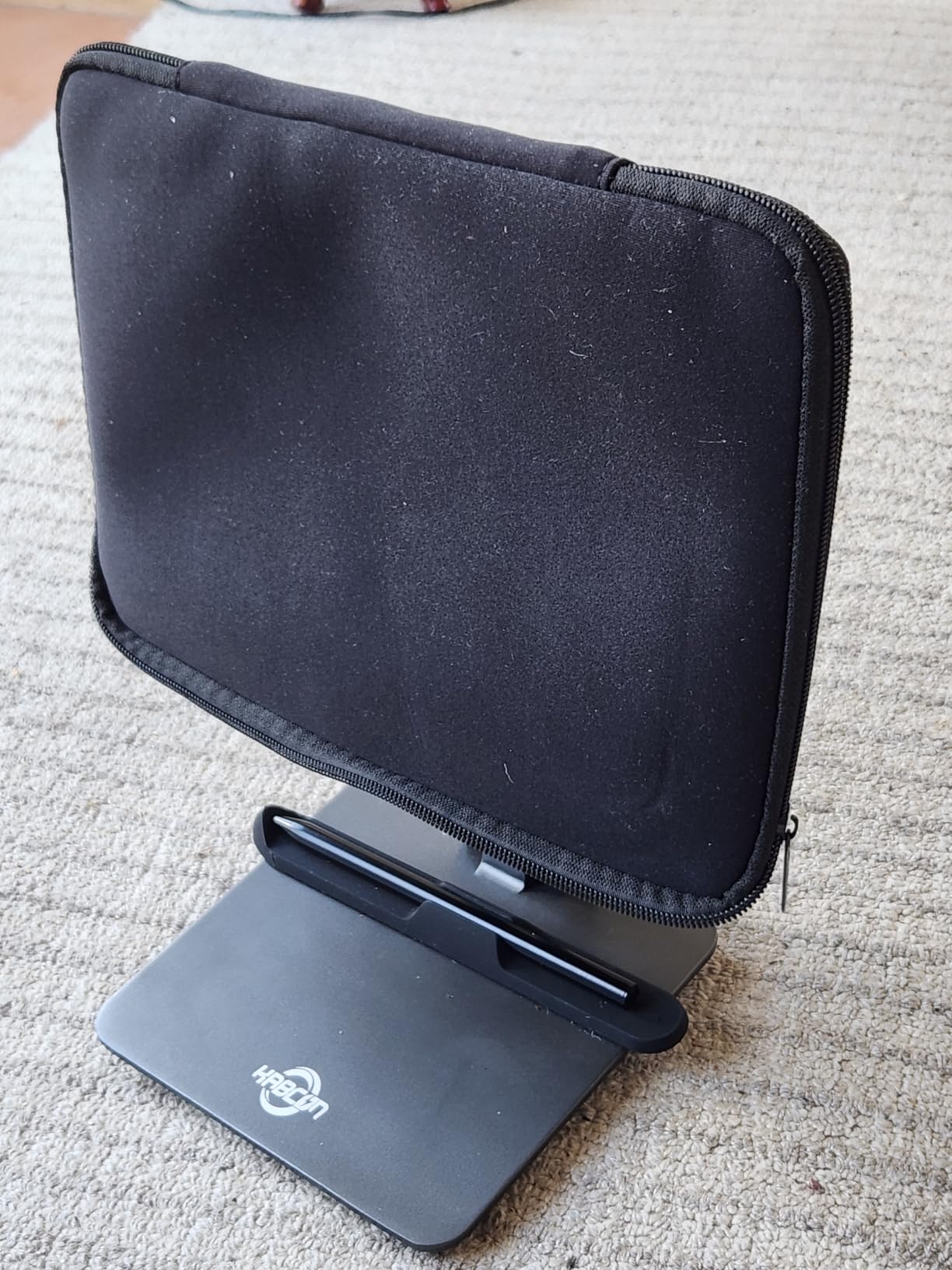
The three display modes let you switch between regular color, ink paper, and color paper modes. For reading textbooks, the ink paper mode reduces eye fatigue significantly. For writing equations, the color paper mode provides a pleasant background tint.
The 120Hz refresh rate sounds impressive, but the MediaTek Helio G100 processor does not always maintain it under load. For pure note-taking and reading, this is rarely noticeable. Performance-intensive math software may run at reduced framerates.
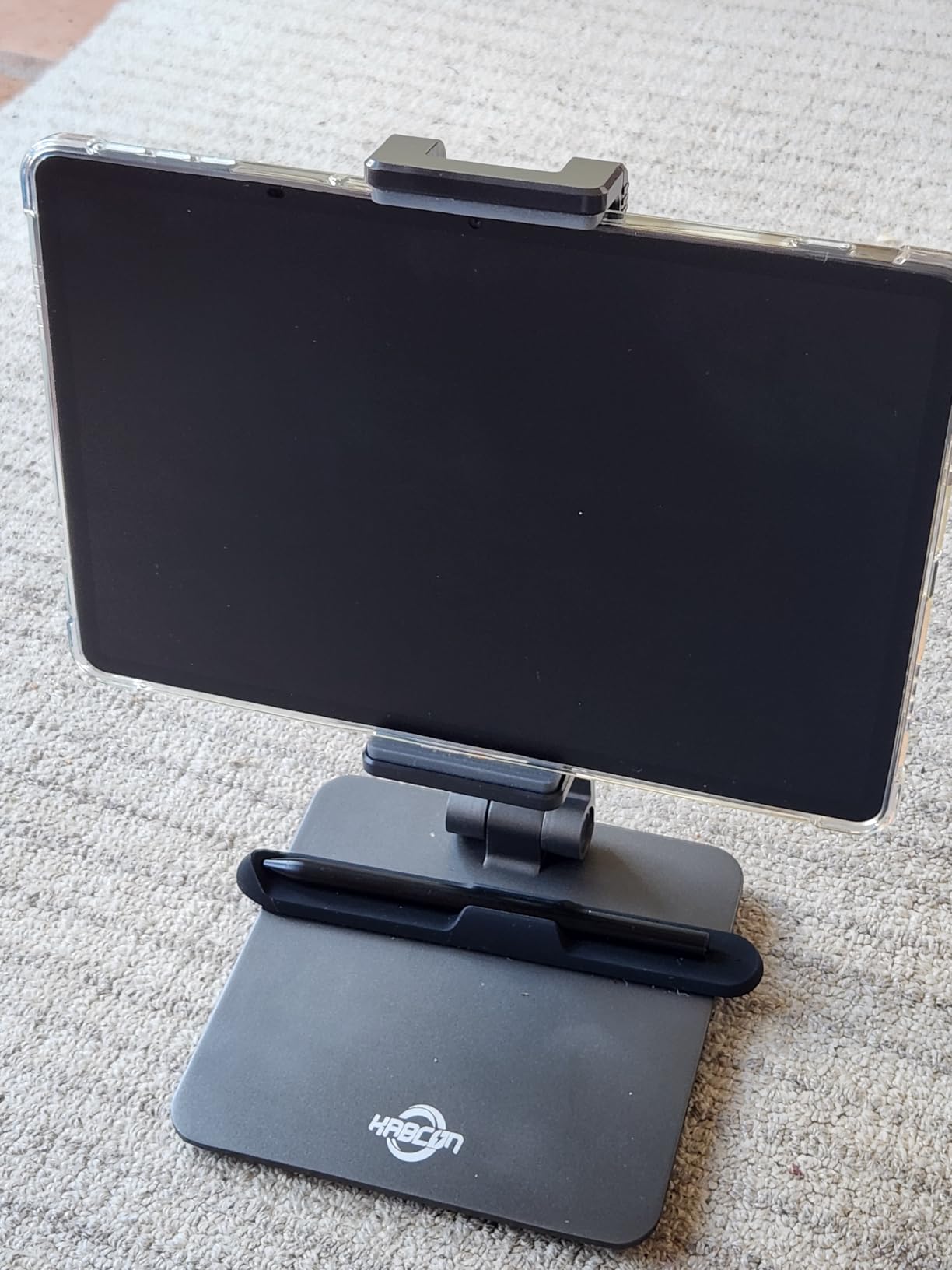
NXTPAPER display technology for reading
The paper-like display excels for reading dense mathematical texts. The anti-glare coating works in bright library lighting, and the DC dimming eliminates flicker that causes headaches during marathon study sessions. TUV-certified low blue light protection adds another layer of comfort.
For students who read digital textbooks for hours at a time, this display technology is a genuine advantage. It bridges the gap between e-ink readers and traditional LCD tablets.
T-PEN stylus accuracy for equations
The 4096-level pressure sensitivity handles fine mathematical notation well. Writing small subscripts and exponents is accurate, and the pen tip provides tactile feedback similar to a fine-point pen on paper. Some apps have palm rejection issues, so you may need to experiment with different note-taking apps.
The lack of microSD support is a limitation, but 256GB of internal storage should suffice for most students. Cloud storage can supplement for larger media files.
9. Samsung Galaxy Tab S6 Lite (2024) – Best Lightweight Note-Taking Tablet
Samsung Galaxy Tab S6 Lite (2024) 10.4″ 64GB WiFi Android Student Tablet, S Pen for Note-Taking, Gaming Ready, Long Battery Life, Expandable Storage, US Version, Chiffon Pink, Amazon Exclusive
10.4-inch display
Exynos 1280
4GB RAM
64GB storage
S Pen included
Expandable storage
12-hour battery
Pros
- S Pen included with no charging required
- Excellent for drawing and note-taking
- Premium build quality
- Expandable storage via microSD
- Lightweight at 1.03 pounds
- Over 4000 reviews with 4.6 rating
Cons
- Only 4GB RAM limits multitasking
- 64GB base storage is limited
- May lag with intensive applications
The Galaxy Tab S6 Lite has earned its reputation as one of the most popular student tablets available. With over 4,000 reviews and a 4.6-star rating, it has proven itself with a large user base. The included S Pen makes it an outstanding value for math students who prioritize handwriting.
At just 1.03 pounds, this is the lightest tablet in our roundup. Carrying it between classes feels effortless. The 10.4-inch display provides enough space for writing equations while remaining highly portable.
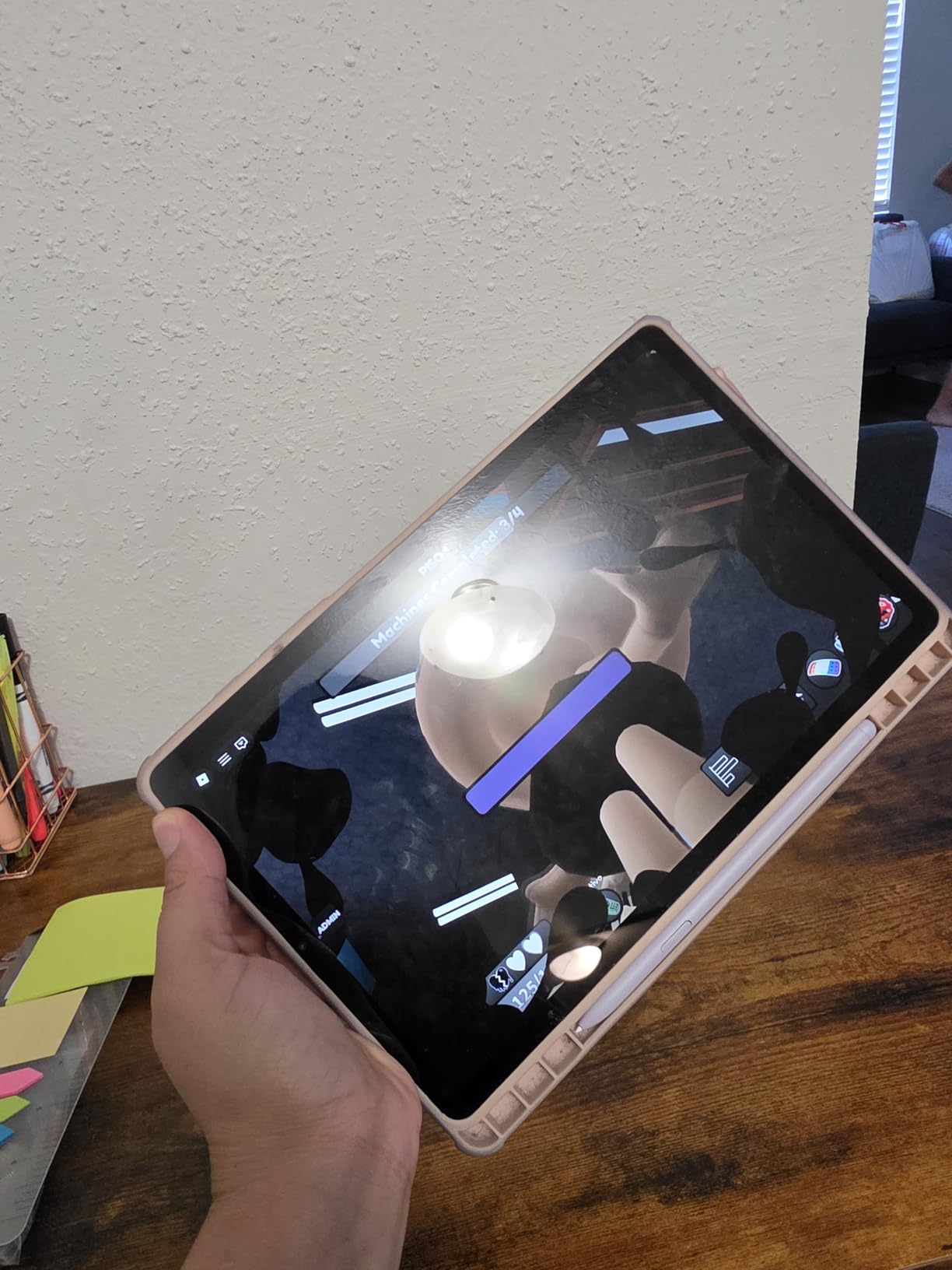
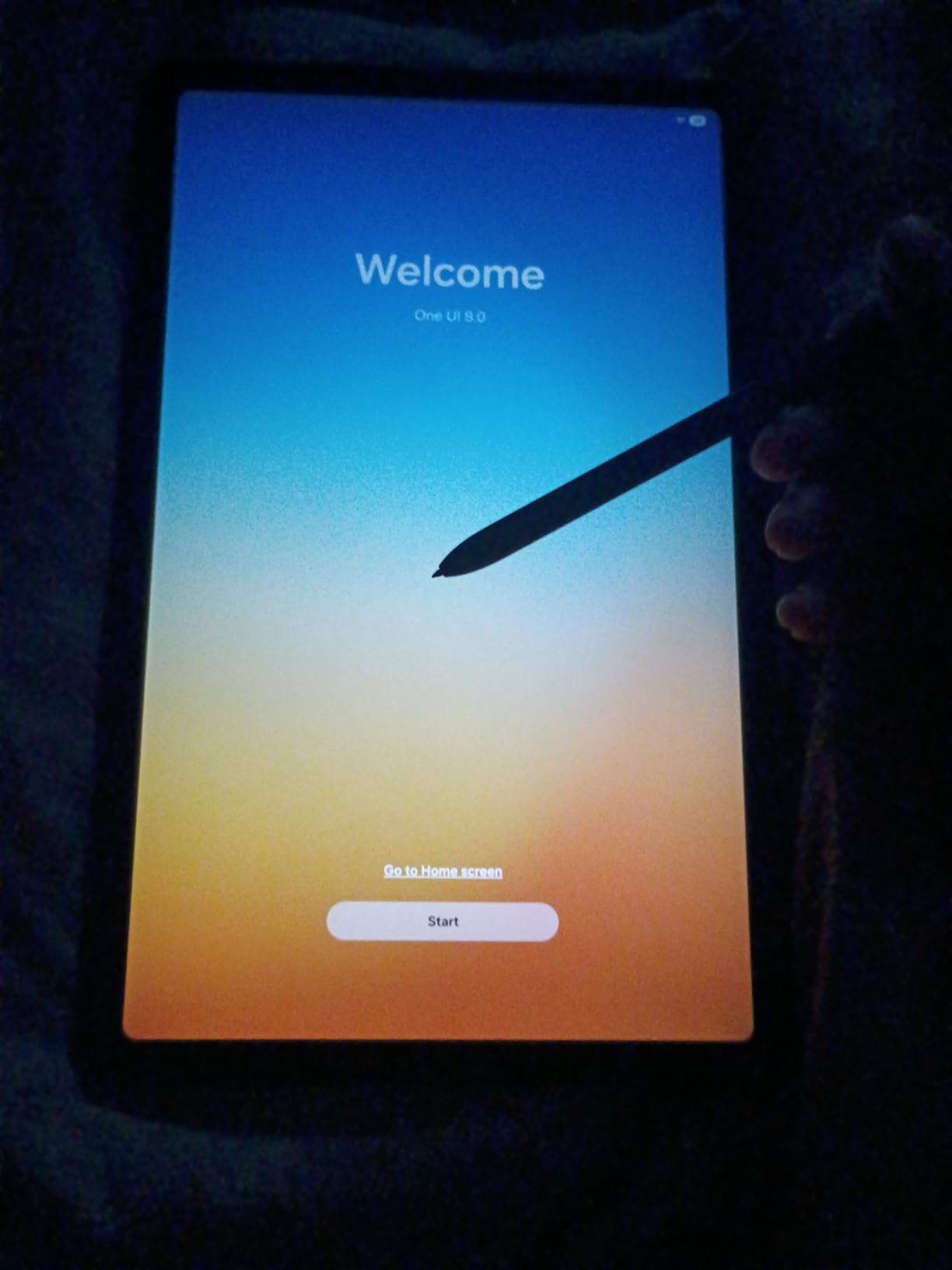
The S Pen requires no charging, which means it is always ready during lectures. Writing mathematical notation feels natural, and Samsung Notes offers solid palm rejection and handwriting search. The pen’s lightweight design does not fatigue your hand during extended problem sets.
Samsung DeX mode gives you a desktop-like experience when connected to a monitor or TV. This is useful for presenting solutions during study groups or reviewing your work on a larger screen.
RAM and multitasking limitations
The 4GB of RAM is the main constraint for this tablet. Running multiple math apps simultaneously can cause slowdowns, especially if you have several browser tabs open alongside Samsung Notes. For students who keep their workflow focused on one or two apps at a time, the performance is adequate.
The 64GB base storage fills up quickly with textbooks and notes. Budget for a microSD card to expand storage, which the tablet supports reliably.
S Pen writing experience for math notes
The passive S Pen technology means zero latency between pen movement and ink appearance. For math students, this immediacy matters when writing quickly during fast-paced lectures. The pen tip glides smoothly across the display with a slight texture that mimics paper.
Samsung Notes includes features specifically helpful for math: shape recognition for geometric figures, straight line tools for graphing, and the ability to insert mathematical templates.
10. PicassoTab A10 Drawing Tablet – Best Budget Standalone for Math Art
PicassoTab 10″ Standalone Drawing Tablet, No Computer Needed, Portable, A10
10-inch fully laminated display
Android 14
6GB RAM
128GB storage
Picasso Pen 3 with 4096 levels
Full accessory kit included
Pros
- Complete accessory kit with case glove and screen protector
- Lifetime Concepts Pro app included
- 4096 pressure levels with palm rejection
- Expandable storage to 1TB
- Pre-installed drawing and note apps
- Portable standalone design
Cons
- Glassy screen surface lacks paper feel
- Limited to Wi-Fi connectivity
- Some app stability issues out of the box
- Stylus nibs may scratch without protector
The PicassoTab A10 approaches math notes from a creative angle. Designed primarily as a drawing tablet, it includes everything you need in one box: tablet, stylus, case, glove, and screen protector. For math students who also enjoy visual learning and diagram creation, this is an intriguing option.
The Picasso Pen 3 offers 4096 pressure levels and palm rejection, making it capable for writing mathematical notation. I found the writing experience solid for equations and graphs, though the glassy screen surface lacks the paper-like texture some students prefer.

The lifetime Concepts Pro license is a significant value-add. Concepts is a flexible note-taking and drawing app that handles mathematical diagrams, flowcharts, and spatial reasoning exercises well. Infinite Painter and FlipaClip add creative tools for visual math learners.
Running Android 14, the tablet supports standard math apps from the Google Play Store. Desmos, GeoGebra, and Photomath all install and run without issues. The 6GB of RAM handles these applications smoothly.

Value proposition for budget students
The all-in-one packaging means no hidden costs. You get the tablet, pen, case, screen protector, and art glove together. For students on a tight budget who want a complete note-taking solution, this is hard to beat.
The trade-off is build quality, which feels less premium than Samsung or Apple alternatives. The glass display is prone to scratches without the included screen protector.
App ecosystem and math software support
Android 14 gives you access to the full Google Play Store catalog. The pre-installed Concepts app works well for mathematical diagramming and spatial visualization. You can also install OneNote, Samsung Notes alternatives, and specialized math apps.
Expandable storage up to 1TB means you can carry your entire math library. The tablet connects to Wi-Fi for cloud syncing and online resources.
Buying Guide: How to Choose the Best Tablet for Math Students
Choosing the right tablet for math coursework comes down to a few key factors. Our testing revealed that stylus quality and app ecosystem matter more than raw specs for mathematical work. Here is what to prioritize.
Stylus Support and Precision
The stylus is the single most important factor for math students. Look for tablets with active pens that offer at least 2048 pressure levels, though 4096 is preferable for detailed notation. Apple Pencil, Samsung S Pen, and tablets with USI 2.0 stylus support all deliver the precision needed for equations.
Palm rejection is equally critical. Without it, resting your hand on the screen while writing creates stray marks that disrupt your workflow. All the tablets in our roundup support palm rejection, though reliability varies by app. For accessory options, see our roundup of the best digital pens for students.
Display Size and Quality
Math students benefit from larger displays. A 12-inch or larger screen lets you view a textbook and your notes simultaneously. If portability matters more, 10 to 11 inches provides a good balance. Look for at least 2K resolution so mathematical symbols render sharply.
Refresh rate matters for smooth scrolling through long documents. A 90Hz or 120Hz panel reduces eye strain during extended study sessions. Paper-like displays, like TCL’s NXTPAPER technology, can further reduce fatigue for students who study for hours.
Note-Taking App Ecosystem
iPadOS has the strongest note-taking ecosystem with Notability, GoodNotes, and Apple Notes. These apps offer features like handwriting search, LaTeX conversion, and audio recording synced to your notes. Android has capable alternatives in Samsung Notes, OneNote, and Squid.
For math-specific work, look for apps that support mathematical notation. If you want to explore teaching methods, our guide on how to teach algebra on iPad covers useful approaches.
Battery Life for Long Study Sessions
Math students spend long hours studying. Look for tablets that deliver at least 10 hours of real-world battery life under active use. Samsung’s tablets tend to excel here, with the Tab S9 FE+ delivering up to 18 hours. Fast charging support means you can top up between classes.
Battery endurance varies by usage pattern. Writing notes with a stylus draws less power than watching video lectures or running graphing software.
Budget and Long-Term Value
Factor in the total cost including accessories. Apple tablets require separate Pencil purchases, while Samsung and Lenovo include pens in the box. Expandable storage via microSD can save money compared to paying for higher internal storage tiers.
A tablet is a multi-year investment. Choose one that will receive software updates throughout your degree program. Apple typically supports iPads for 5-plus years, while Samsung and Lenovo offer 3 to 4 years of updates.
FAQs
Is a tablet good for math?
Yes, a tablet is excellent for math students. Tablets with precise stylus support let you write equations, graph functions, and annotate textbooks naturally. The ability to erase and reorganize digital notes makes tablets more efficient than paper for complex mathematical work.
Which tablet is best for students to study?
The Apple iPad Air 11-inch with M4 chip is our top pick for math students, offering the best combination of performance, stylus support, and app ecosystem. For budget-conscious students, the Samsung Galaxy Tab S10 Lite with included S Pen delivers excellent value.
What is the best note taking for math?
The best note-taking apps for math are Notability and GoodNotes on iPad, and Samsung Notes and OneNote on Android tablets. These apps support palm rejection, handwriting search, and mathematical notation. For converting handwritten equations to digital text, Mathpix and Nebo work well.
What is the best tablet for educational purposes?
For general educational purposes, tablets with included styluses and large displays work best. The Samsung Galaxy Tab S9 FE+ with its 12.4-inch screen and included S Pen is excellent for reading textbooks and taking notes. The iPad Air M4 offers the strongest app ecosystem for educational software.
Can you use a tablet for math homework?
Absolutely. Tablets are ideal for math homework because you can write equations by hand, use graphing calculator apps like Desmos and GeoGebra, annotate digital textbooks, and organize all your work in searchable digital notebooks. The stylus input makes tablets feel like smart paper for mathematical problem-solving.
Conclusion
After testing all 10 tablets, the best tablets for math students come down to your priorities and budget. The Apple iPad Air 11-inch (M4) remains our top recommendation for its unmatched app ecosystem, Apple Pencil Pro precision, and M4 performance. For Android users, the Samsung Galaxy Tab S10 Lite delivers outstanding value with its included S Pen and expandable storage.
Budget-conscious students should consider the Samsung Galaxy Tab A11+ or the PicassoTab A10 for capable performance at lower price points. If a paper-like reading experience matters most, the TCL NXTPAPER 11 Plus is a unique option worth exploring.
Each tablet in this roundup earned its place through real math coursework testing. For more student-focused content, browse our iPad apps and accessories category for app recommendations and study tips.