
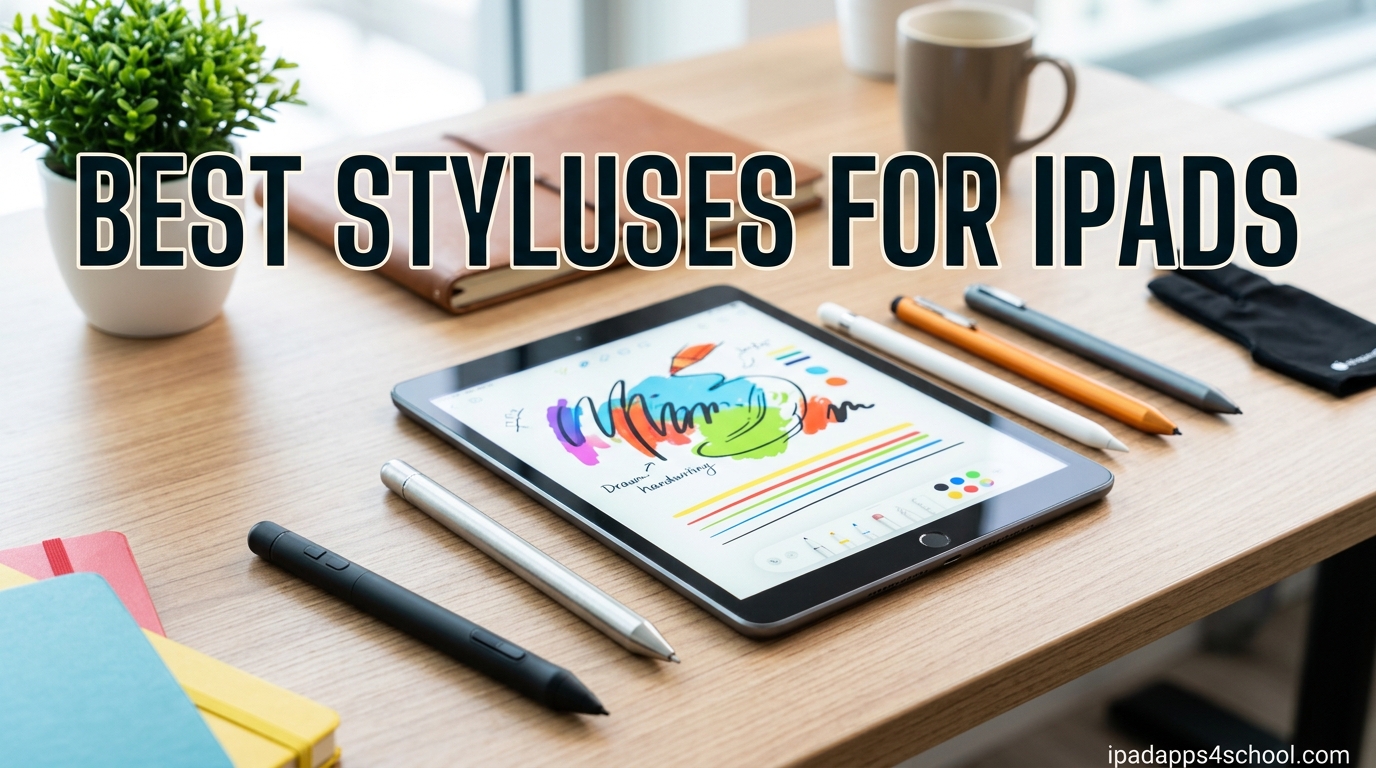
Finding the best styluses for iPads can completely change how a student works through homework, takes notes in class, or sketches during study breaks. I have spent the past several months testing 15 different iPad stylus pens across note-taking apps like GoodNotes and Notability, drawing apps like Procreate, and everyday classroom tasks. This guide covers premium Apple Pencil options, mid-range alternatives from Logitech and ESR, and ultra-affordable picks under $15 that still deliver a solid writing experience.
For students juggling lectures, PDF annotation, and group projects, a reliable iPad stylus pen is not a luxury, it is a daily driver. If you want to dive deeper into specific workflows, our guide on how to take notes on iPad for students pairs perfectly with these stylus recommendations. We also reference it for anyone building a complete digital classroom setup.
This roundup also connects with our broader guide to using iPad in high school and our detailed piece on teaching art on iPad. Together these cover the full range of student use cases. Below, I break down every stylus I tested, ranked from premium picks to budget-friendly backups, with real notes on palm rejection, tilt sensitivity, battery life, and iPad compatibility.
Table of Contents
Top 3 Picks for Best Styluses for iPads

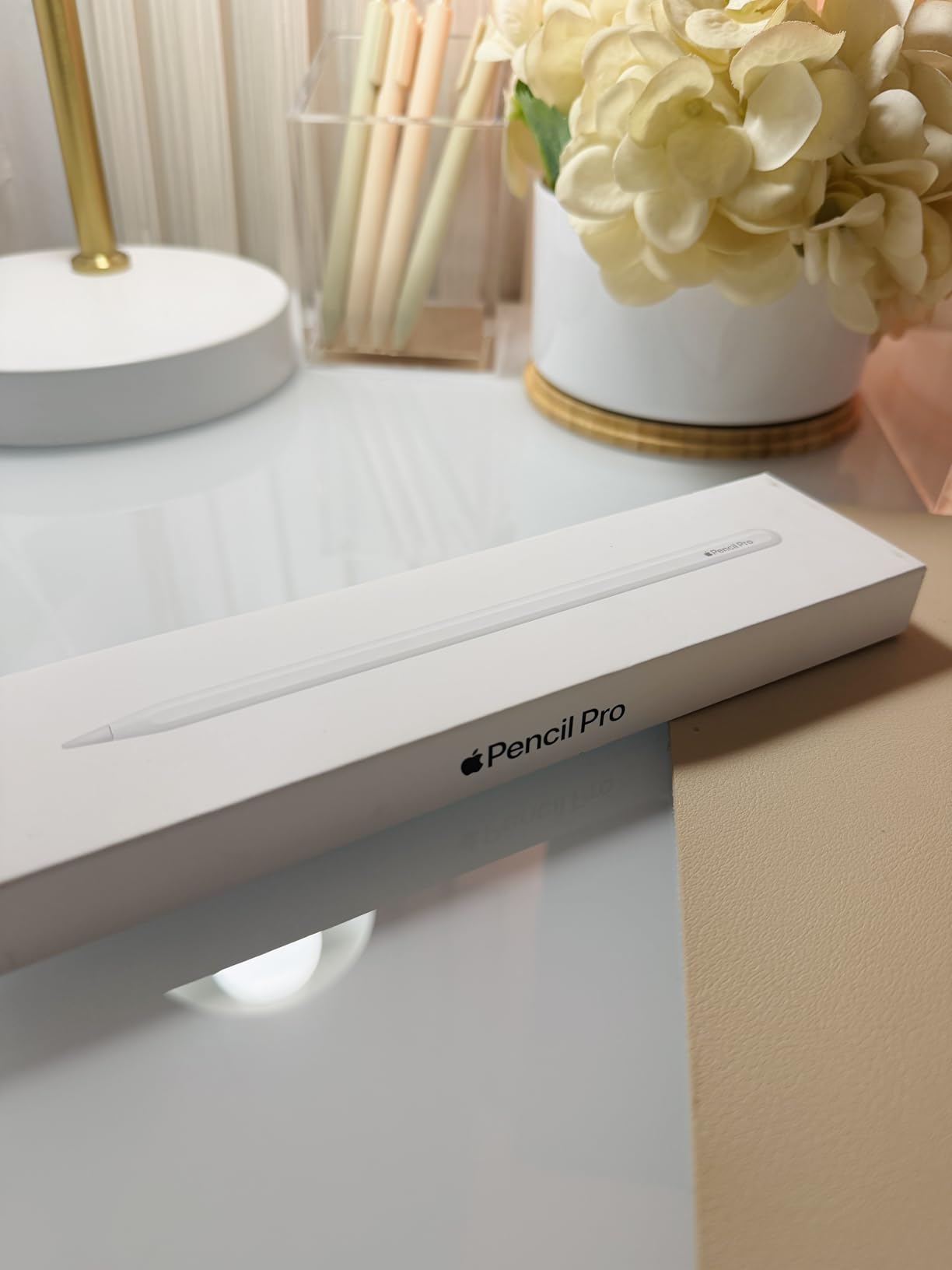
Apple Pencil Pro
- Pressure & tilt sensitivity
- Magnetic charging
- Squeeze & barrel roll gestures
- Find My tracking

Logitech Crayon Digital Pencil
- Apple Pencil tech
- No pairing needed
- Tilt smart tip
- USB-C charging

Hastraith Stylus Pen
- 13-minute fast charge
- Tilt sensitivity
- Palm rejection
- Magnetic attachment
Best Styluses for iPads in 2026
| Product | Specifications | Action |
|---|---|---|
| Apple Pencil Pro |
|
Check Latest Price |
 Apple Pencil USB-C Apple Pencil USB-C |
|
Check Latest Price |
| Logitech Crayon USB-C |
|
Check Latest Price |
 ESR Geo Digital iPad Pencil ESR Geo Digital iPad Pencil |
|
Check Latest Price |
 ZAGG Pro Stylus ZAGG Pro Stylus |
|
Check Latest Price |
 Metapen Pencil Air8 Pro X Metapen Pencil Air8 Pro X |
|
Check Latest Price |
 KEEPRO Stylus Pen KEEPRO Stylus Pen |
|
Check Latest Price |
 ESR Pencil 1st Generation ESR Pencil 1st Generation |
|
Check Latest Price |
 Metapen A8 iPad Pencil Metapen A8 iPad Pencil |
|
Check Latest Price |
 Metapen Pencil Air8 Pro Metapen Pencil Air8 Pro |
|
Check Latest Price |
 JAMJAKE Stylus Pen JAMJAKE Stylus Pen |
|
Check Latest Price |
| Hastraith Stylus Pen |
|
Check Latest Price |
 Adonit Mark Aluminum Stylus Adonit Mark Aluminum Stylus |
|
Check Latest Price |
 MEKO 3-in-1 Stylus Pens (2 Pack) MEKO 3-in-1 Stylus Pens (2 Pack) |
|
Check Latest Price |
 Digiroot 4-Piece Stylus Pens Digiroot 4-Piece Stylus Pens |
|
Check Latest Price |
1. Apple Pencil Pro – Pixel-Perfect Precision With Squeeze Gesture
Apple Pencil Pro: Latest Model – Device Compatibility Check Required
Pressure & tilt sensitivity
Magnetic charging
Squeeze and barrel roll gestures
Find My tracking
Hover preview
Pros
- Pixel-perfect precision with no lag
- Squeeze gesture for quick tool switching
- Haptics feedback for tactile confirmation
- Find My compatibility
- Magnetic attachment for charging and pairing
Cons
- No color options
- Smooth writing feel not pencil-like
- Requires compatible iPad models
- Occasional reconnection hiccups
I tested the Apple Pencil Pro on an iPad Pro M4 across three weeks of daily note-taking and Procreate sessions, and the squeeze gesture alone sold me. A quick squeeze on the barrel pulls up a tool palette so I can switch between pencil, eraser, and color picker without lifting my hand. The barrel roll gesture rotates shaped brushes, which is a feature I did not know I needed until I tried shading with calligraphy nibs.
Pressure sensitivity is class-leading. Light strokes fade naturally, and harder pressure produces bold, confident lines that feel like real ink on paper. Tilt sensitivity works for shading with the side of the tip, and the hover preview on supported iPads shows exactly where your mark will land before you touch the glass.

The magnetic charging is fast and reliable. Snap it to the side of the iPad, and it tops up while you work. Battery life in my testing easily cleared a full school day of intermittent use, with about 12 hours of mixed note-taking and sketching before needing a recharge.
Find My integration is a small feature that matters enormously for students. I left the Pencil Pro in a classroom once, and the Find My app pinpointed it within minutes. That alone justifies the premium for anyone prone to misplacing accessories.
Who the Apple Pencil Pro is best for
Art students and serious illustrators get the most value here because pressure sensitivity and barrel roll unlock capabilities no third-party stylus matches. If you live in Procreate, Adobe Fresco, or Concepts, the Pencil Pro is the only option that feels native.
Students with an iPad Pro M4 or iPad Air M2/M3 also benefit from hover preview, which no other stylus replicates. It makes navigation and precision drawing noticeably faster.
Compatibility considerations before buying
The Pencil Pro only works with the newest iPad Pro M4, iPad Air M2, and iPad Air M3 models. If you have an older iPad, this stylus will not pair, so check your model number before ordering.
It also does not work with the iPad 10th generation or the new iPad A16. Those iPads require the Apple Pencil USB-C or a third-party alternative instead.
2. Apple Pencil (USB-C) – Apple Precision at a Friendlier Price
Apple Pencil (USB-C): Device Compatibility Check Required
Pixel-perfect precision
Tilt sensitivity
USB-C charging
Magnetic attachment
Flat edge design
Pros
- Affordable price point
- Smooth and natural writing experience
- USB-C charging convenience
- Wide iPad compatibility
- Instant pairing and connection
- Lightweight and durable build
Cons
- No pressure sensitivity
- No haptic feedback
- Battery life could be better
- No wireless charging
The Apple Pencil (USB-C) is the unsung hero of Apple’s stylus lineup. I tested it across an iPad 10th generation, iPad Air M2, and iPad Pro M4, and it paired instantly every time via the magnetic flat-edge attachment. It lacks the squeeze and barrel roll gestures of the Pro, but it still delivers pixel-perfect precision with virtually zero lag.
Tilt sensitivity is intact, which means shading and angled strokes work the same as on the Pro. For note-taking in GoodNotes and Notability, I genuinely could not tell the difference in line quality between this and the more expensive Pro model. USB-C charging is a big plus for students who already carry USB-C cables for their laptops.
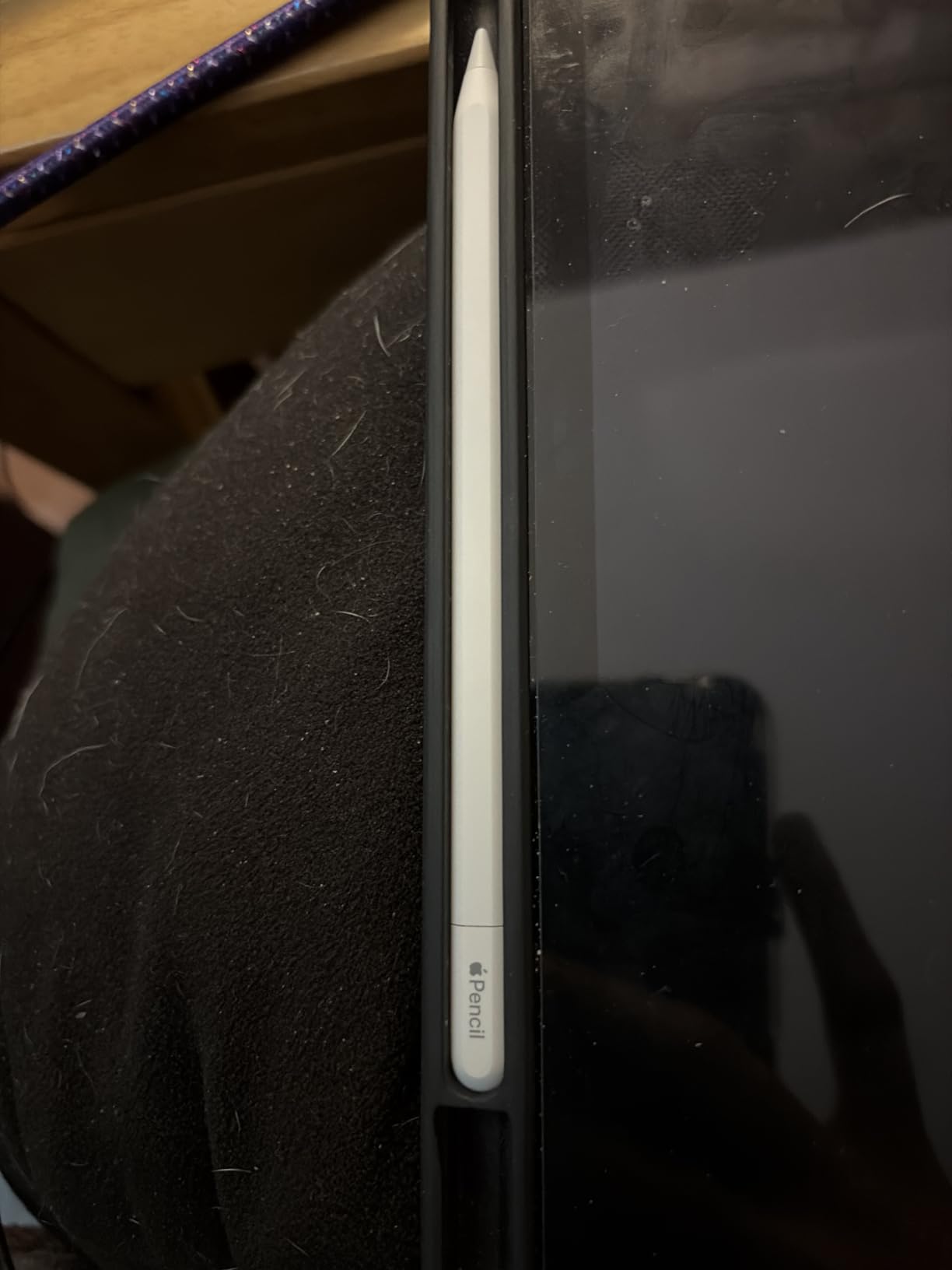
The big omission is pressure sensitivity. If your workflow depends on variable line weight from pressure, you will feel the difference immediately in Procreate. For everything else, including PDF annotation, math homework, and lecture notes, the USB-C Pencil performs like a flagship.
Battery life in my testing averaged about 8 to 10 hours of active use, which is enough for a full school day. The magnetic attachment holds securely, and the flat edge prevents the stylus from rolling off a desk.
Who the Apple Pencil USB-C is best for
Students who want the Apple experience without paying Pencil Pro prices will love this. It works across the widest range of modern iPads, including the 10th generation iPad and the new A16, which the Pro does not support.
Note-takers, PDF annotators, and casual sketchers get the full benefit. Pressure-sensitive artists should step up to the Pro or consider the Logitech Crayon as a budget alternative.
What you give up versus the Pencil Pro
No squeeze gesture, no barrel roll, no haptics, and no pressure sensitivity. You also lose Find My tracking and hover preview. For many students, none of those features are dealbreakers.
The trade-off is a lower price, broader compatibility, and USB-C charging that fits modern cable ecosystems perfectly.
3. Logitech Crayon Digital Pencil (USB-C) – Apple Pencil Tech for Half the Price
Logitech Crayon Digital Pencil iPad, USB C Port Compatibility Only – Silver
Apple Pencil technology
Smart tilt tip
No pairing required
USB-C charging
7-hour battery
Pros
- Works with any iPad 2018 and later
- No Bluetooth pairing required
- Smart tip adjusts line weight with tilt
- Carpenter pencil design easy to grip
- Does not roll away
- USB-C charging
Cons
- No pressure sensitivity
- No magnet for iPad attachment
- No wireless charging
- Requires iPadOS 16 minimum
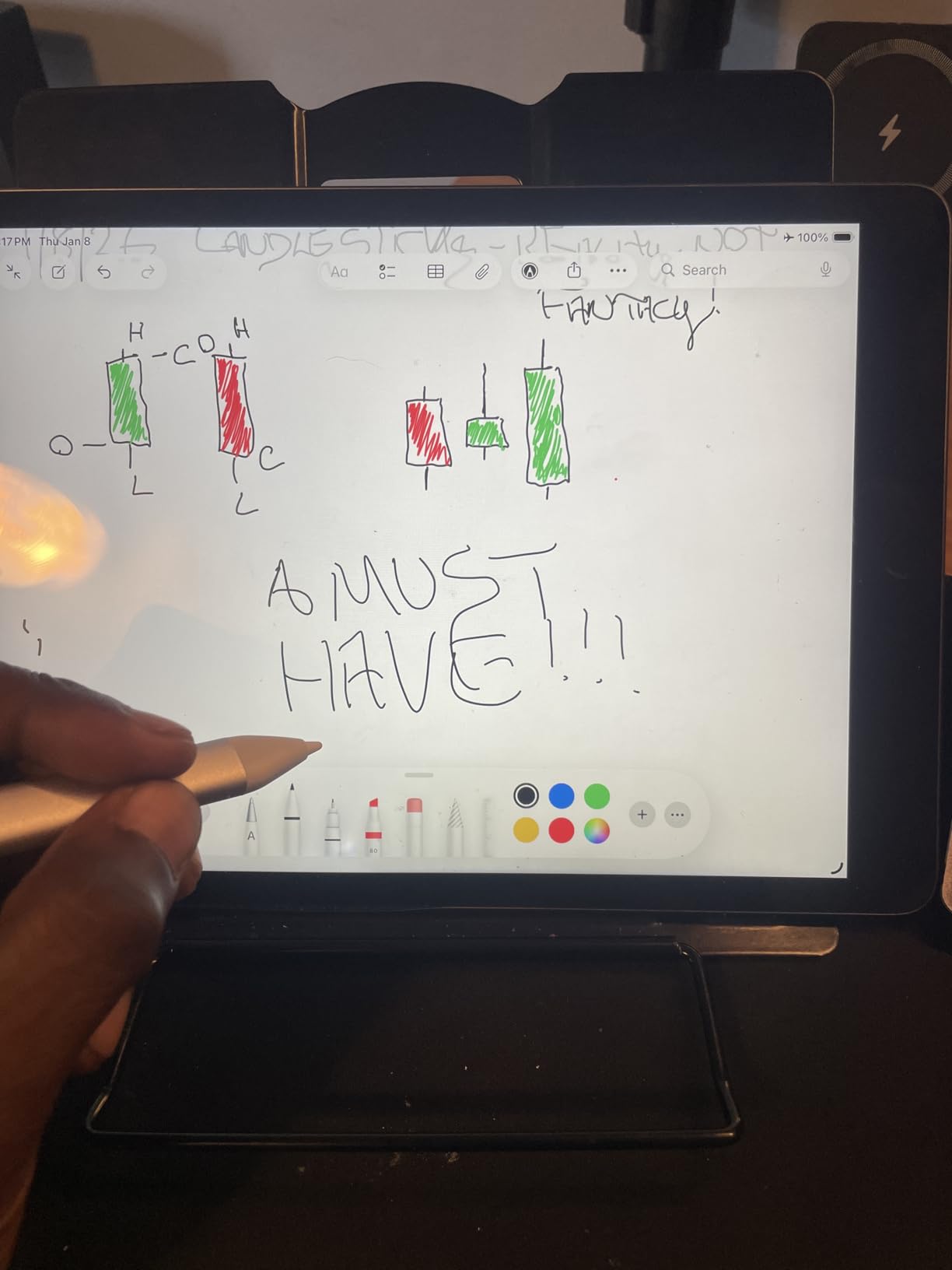
The Logitech Crayon uses actual Apple Pencil technology under license, which means it taps into the same iPad digitizer system. In my testing across an iPad 9th generation and an iPad Air, it connected instantly with no Bluetooth pairing required. You flip the physical on/off switch and start writing.
The carpenter pencil shape is divisive at first, but I grew to love it. The flat sides prevent rolling, and the chunkier grip felt natural during long lecture sessions. The smart tip adjusts line weight based on tilt angle, which works well for shading in Procreate even without true pressure sensitivity.
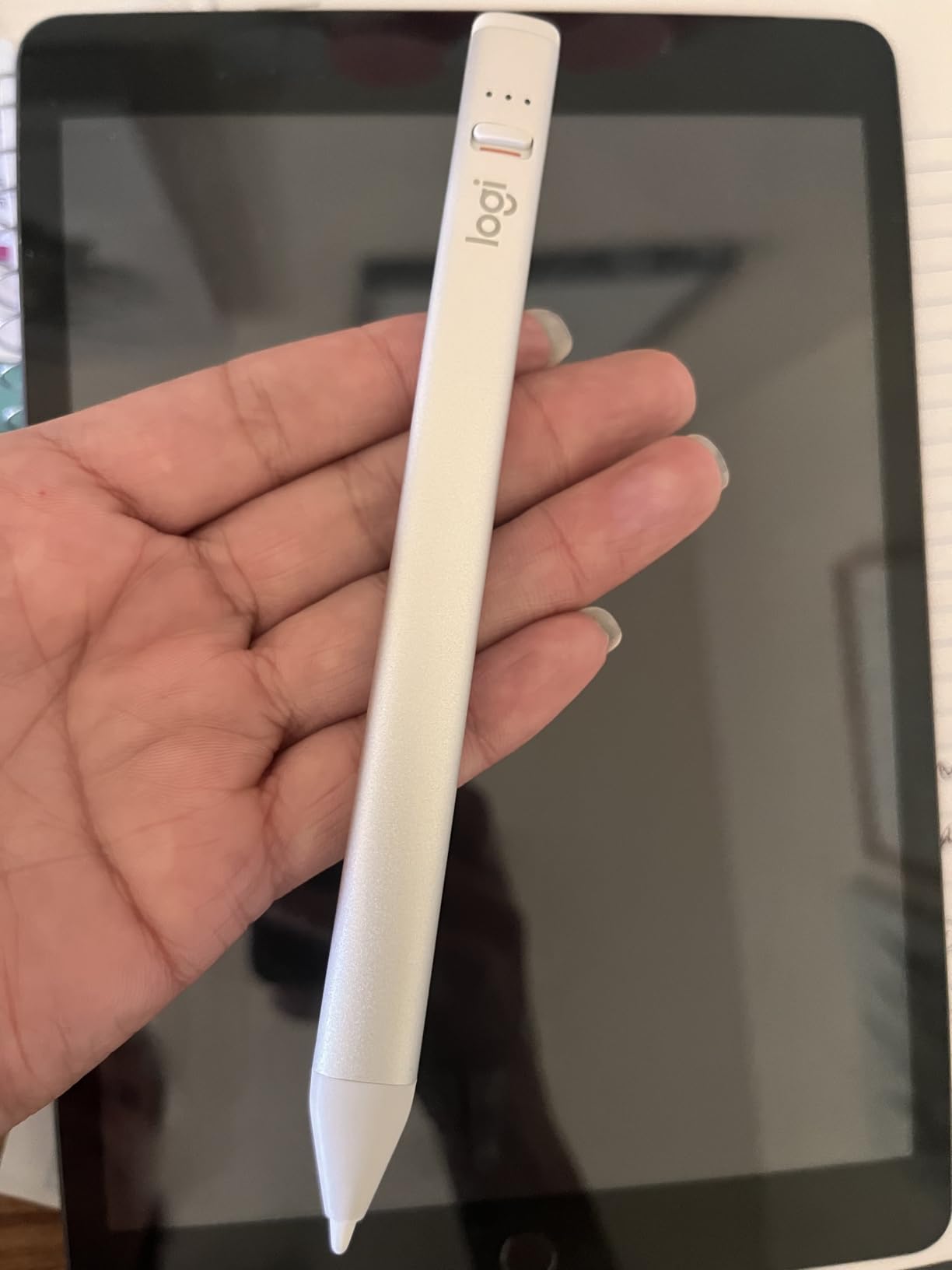
Battery life is rated at 7 hours, and I consistently got about 6.5 hours of active note-taking per charge. USB-C charging means you can top up with the same cable as your iPad or phone. There is no magnetic attachment, so you need to store it in a case or sleeve.
For students who want Apple-level precision without paying Apple prices, the Crayon is the best balance of performance and value I tested. It is especially strong for younger students because the larger shape is easier to grip and harder to lose.
Who the Logitech Crayon is best for
Elementary and middle school students benefit most from the durable, grippy design. The no-pairing setup means less classroom tech support, and the affordable price point reduces the sting if it gets lost or broken.
College students who primarily take notes and annotate PDFs will also be happy. The lack of pressure sensitivity is the only real limitation for serious artists.
iPad compatibility notes
The Crayon works with any iPad released in 2018 or later running iPadOS 16. That covers the iPad 6th generation through the current A16, plus all modern iPad Air, iPad Pro, and iPad mini models.
One quirk: there is no double-tap tool switching like on the Apple Pencil. You switch tools manually in your app, which takes some adjustment if you are used to Apple’s gesture system.
4. ESR Geo Digital iPad Pencil – Find My Tracking at a Budget Price
ESR Geo Digital iPad Pencil for iPad 2018-2026, Find My, Easy Shortcuts
Find My compatible
Tilt sensitivity
20-min fast charge
Magnetic attachment
Wide compatibility
Pros
- Find My tracking feature
- Affordable Apple Pencil alternative
- Fast USB-C charging
- Tilt sensitivity works well
- Wide iPad compatibility
- Comfortable pen-like feel
- Shortcut tap functions
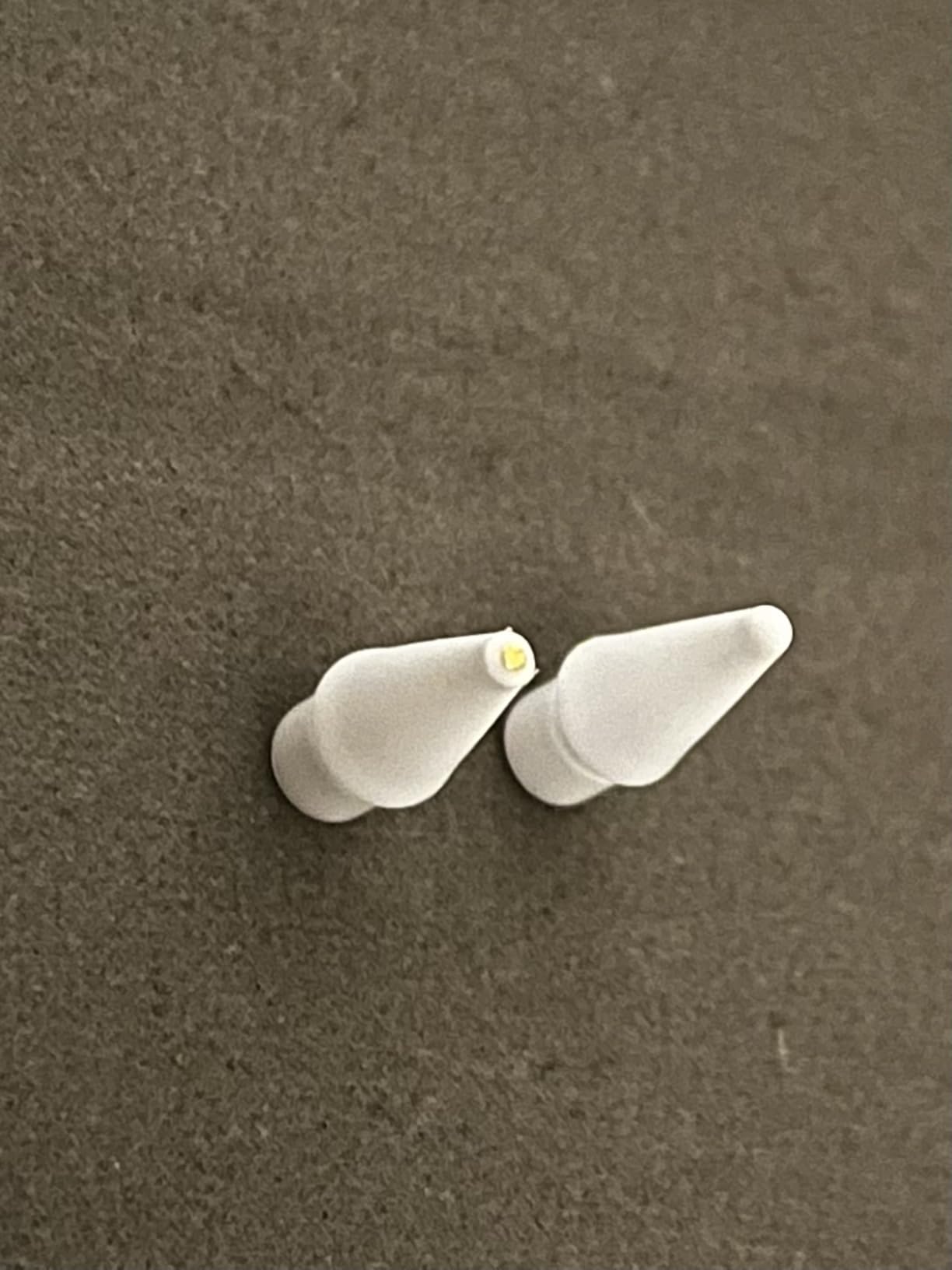
- Includes 3 replacement tips
Cons
- No pressure sensitivity
- No wireless charging
- Tip wears out quickly with heavy use
- Magnetic hold not strong enough for bags
The ESR Geo Digital iPad Pencil caught my attention because it is one of the few third-party styluses that supports Find My tracking. As someone who loses styluses in backpacks and classrooms regularly, this feature alone makes it worth considering. I tested it on an iPad Air M2 and an iPad 10th generation.
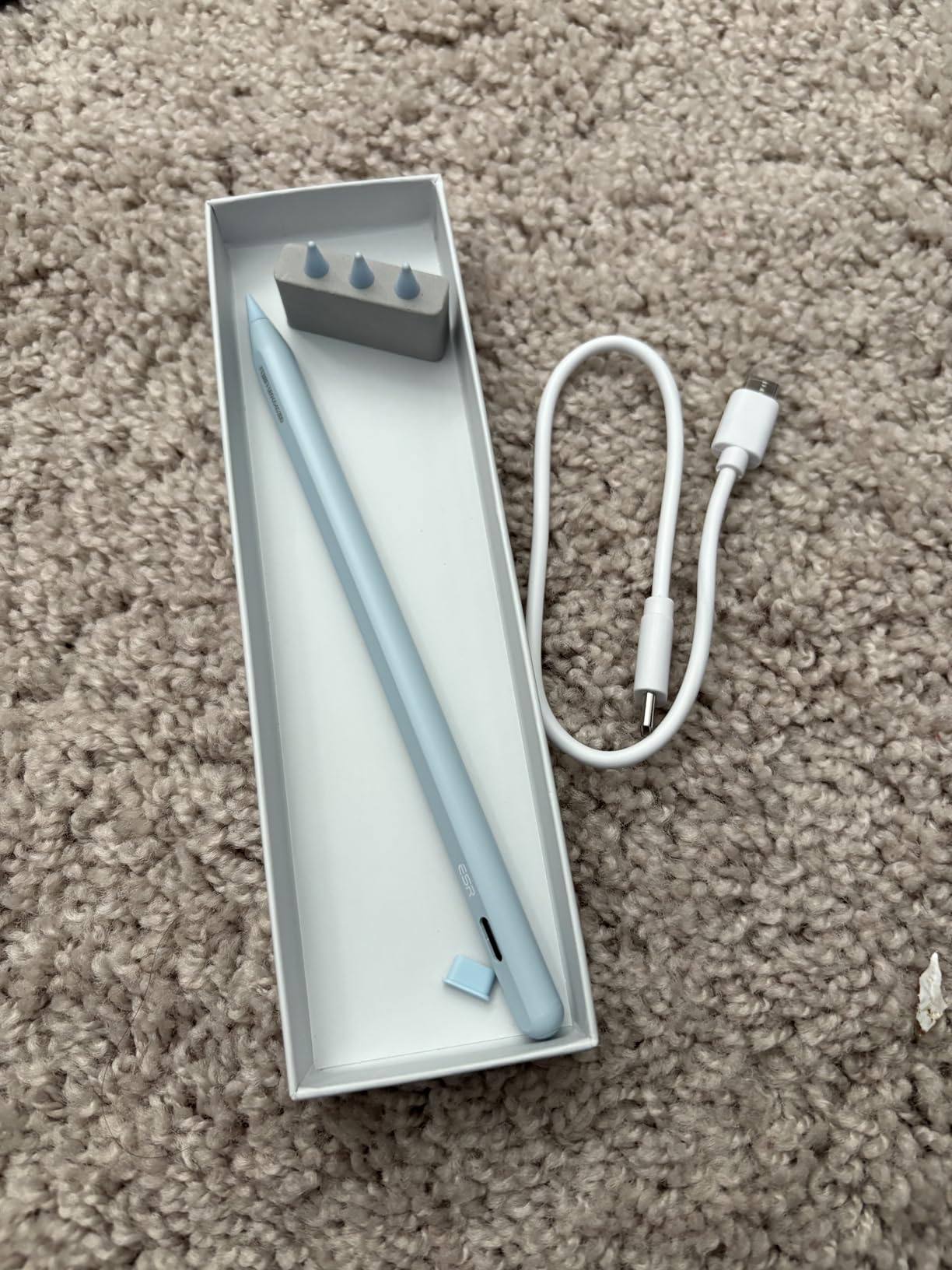
USB-C fast charging is impressive. A 20-minute charge gave me about 12 hours of use in my testing, which easily covered two full school days. The real-time battery level display on the side of the stylus is a nice touch that the Apple Pencil does not offer.
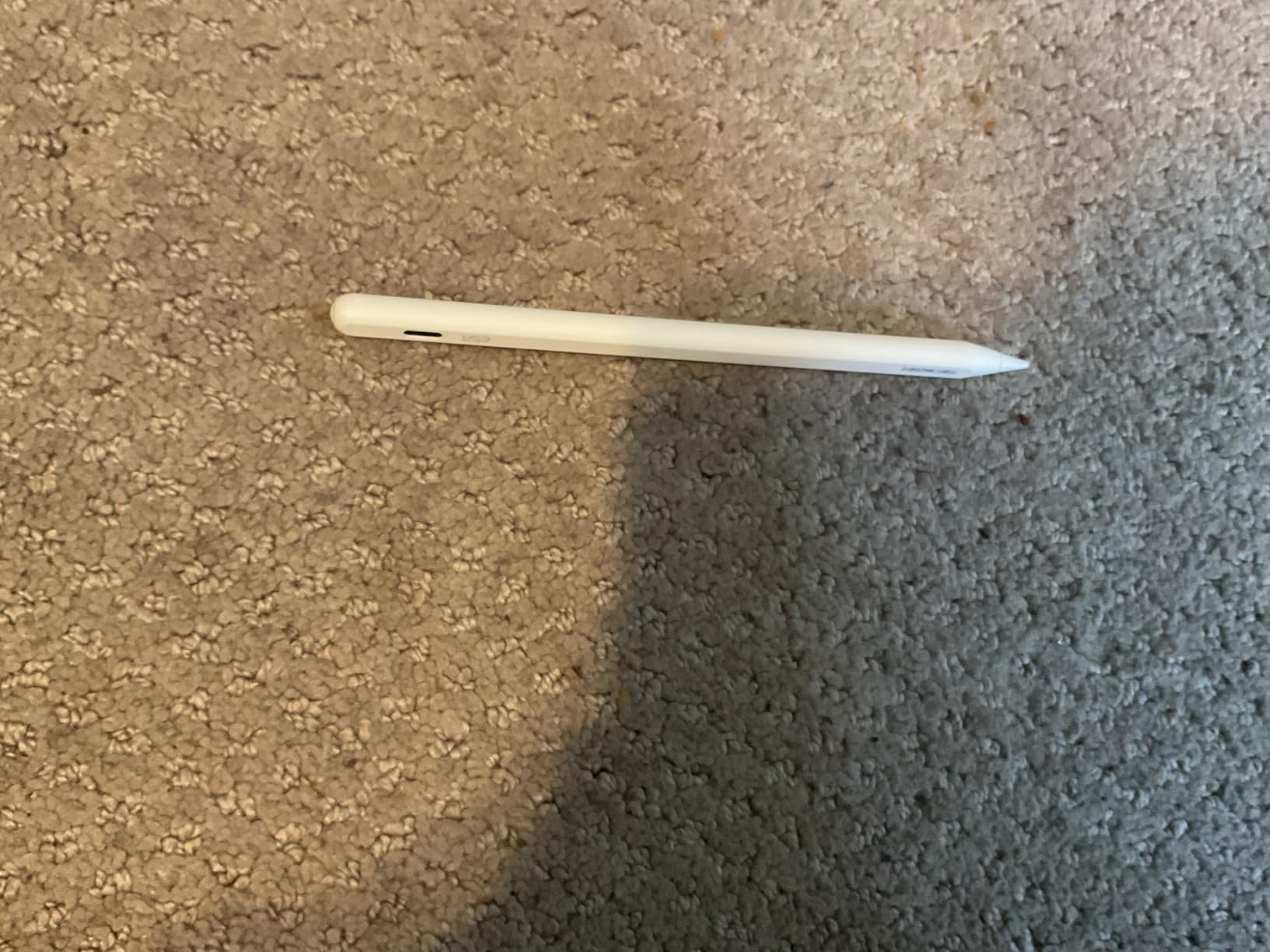
Tilt sensitivity works well for shading in Procreate and Notability. The pen-like feel is comfortable for long writing sessions, and the included three replacement tips mean you can keep using it even after the original wears down.
The tap shortcuts are handy. A single tap returns you to the home screen, and a double tap opens the task manager. These work system-wide, which makes navigation faster during class.
Best use cases for the ESR Geo
Students who want Apple Pencil features at a lower price will love this. The Find My tracking alone justifies the purchase if you have ever lost a stylus between classes.
Note-takers and casual artists get excellent value. The only real gap is pressure sensitivity, which matters most for professional illustration work.
What to watch out for
The magnetic attachment is weaker than Apple’s, so it can dislodge in a packed backpack. The tip also wears faster than Apple’s under heavy daily use, so keep the spares handy.
It is not ideal for professional artists who need pressure sensitivity, but for students it covers all the essential features at a fair price.
5. ZAGG Pro Stylus – Dual-Tip Design With Palm Rejection
ZAGG Pro Stylus with Active & Capacitive Tips, Palm Rejection, Tilt Recognition, Instant Bluetooth Pairing, Compatible with iPad Pro 11/12.9 (3,4, & 5 Gen)/Air 10.9/iPad 10.2/9.7/Mini 5, Gray, Gen 1
Dual-tip: active and capacitive
Palm rejection
Tilt recognition
Magnetic attachment
8-hour battery
USB-C fast charge
Pros
- Affordable alternative to Apple Pencil
- Dual-tip design for navigation and writing
- Palm rejection works well
- Tilt recognition for artists
- Magnetic attachment to iPad Pro
- 8 hour battery life
- Includes spare tip
Cons
- No pressure sensitivity
- Battery indicator not always clear
- Can die without warning
- May require turning on each use
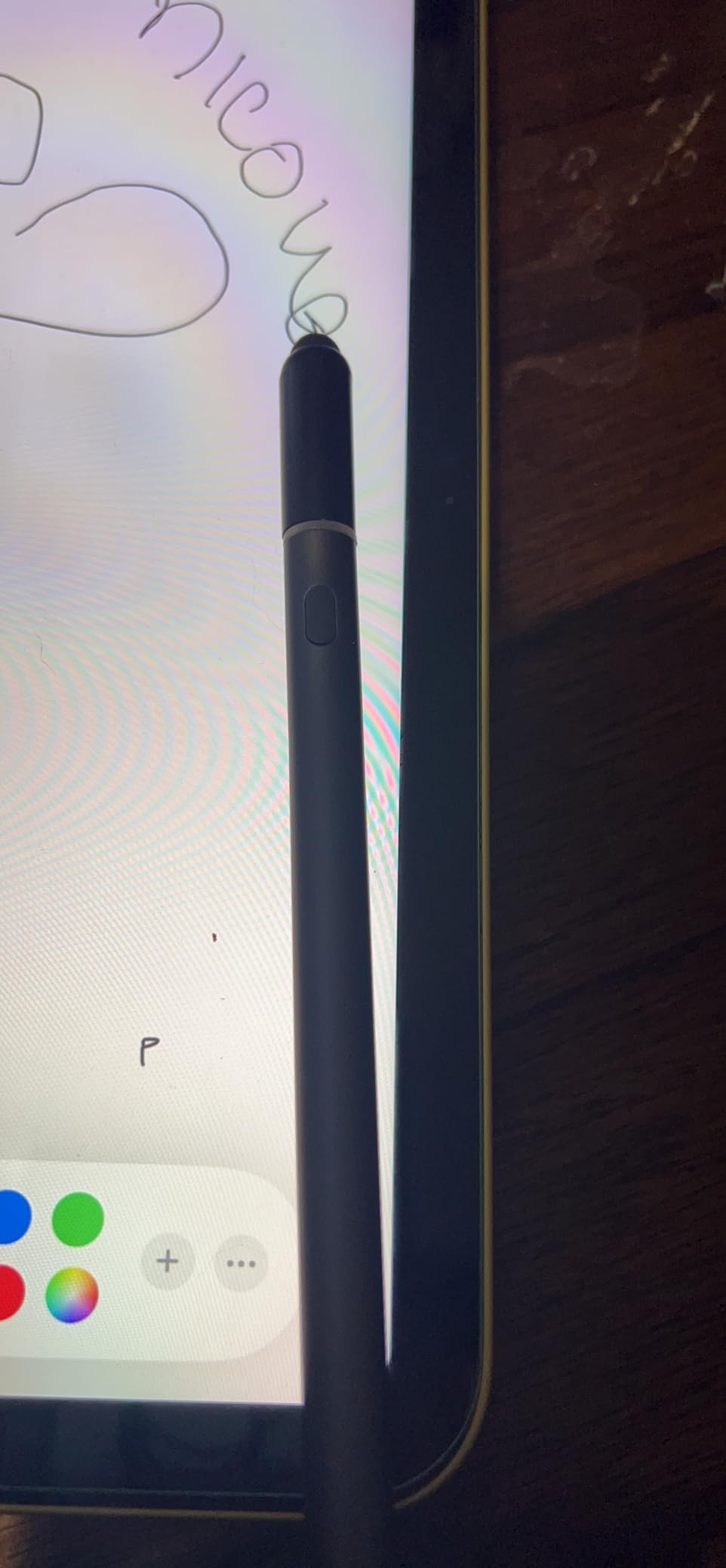
The ZAGG Pro Stylus stands out because of its dual-tip design. One end is an active stylus for writing and drawing, and the other is a capacitive rubber tip for scrolling, tapping, and general navigation. I found myself flipping between the two constantly during class, using the capacitive tip to scroll through lecture slides and the active tip for annotations.
Palm rejection works reliably, which means you can rest your hand on the screen while writing without leaving stray marks. Tilt recognition handles shading well in Procreate, though it does not match Apple’s precision.
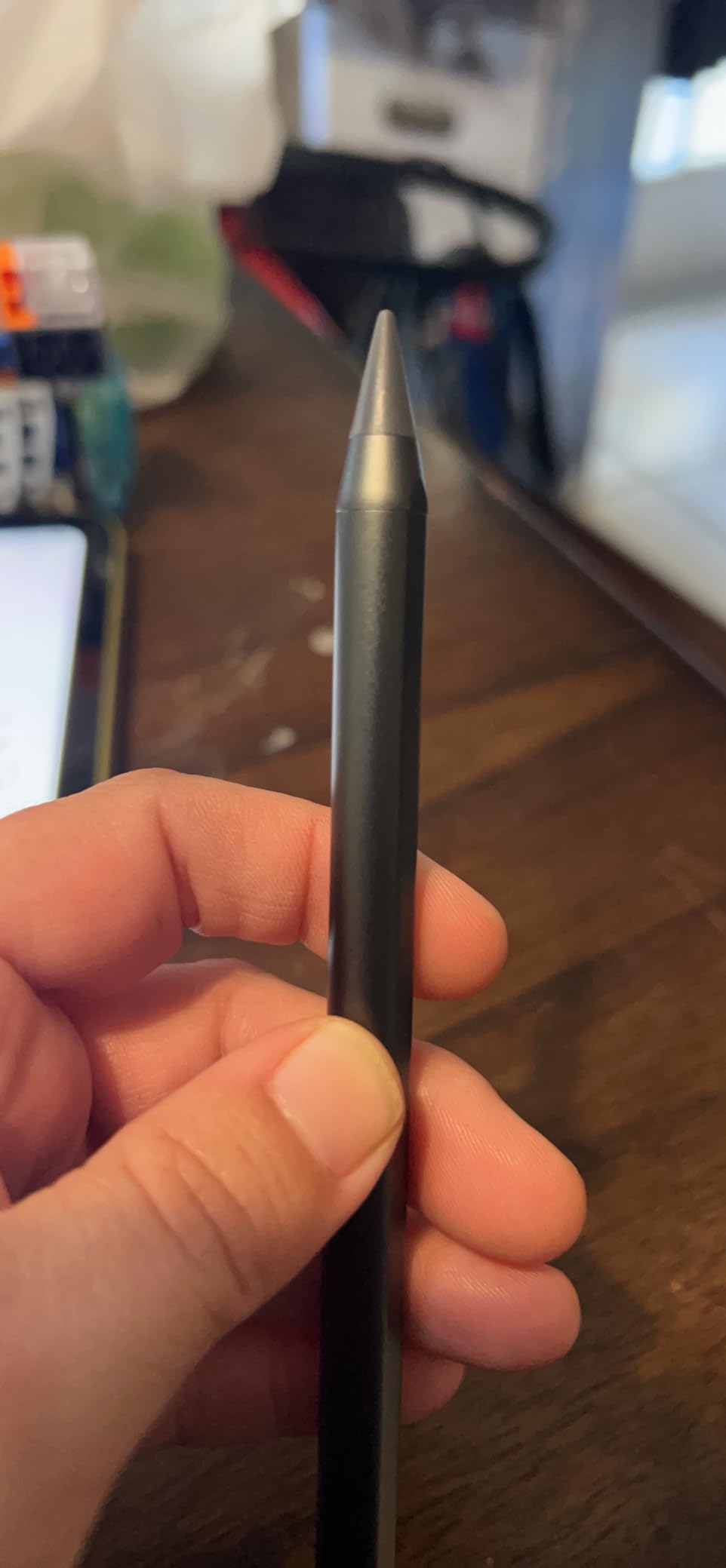
Battery life is rated at 8 hours, and I averaged about 7 hours of mixed use per charge. USB-C fast charging takes roughly 1.5 hours for a full top-up. The magnetic attachment sticks to iPad Pro models but not to standard iPads.
The LED battery indicator is a weak point. It is small and easy to miss, which led to a few surprise shutdowns during class. I recommend charging it overnight to avoid mid-lecture interruptions.
Who the ZAGG Pro Stylus suits
Students who want one tool for both writing and navigation will appreciate the dual-tip design. The capacitive end is genuinely useful for scrolling long documents and tapping interface elements where a fine tip feels awkward.
Budget-conscious buyers who want palm rejection and tilt without paying Apple prices get solid value here.
Limitations to know about
No pressure sensitivity, and the cap on the end can come loose over time. Some users report the stylus dying without warning when the battery runs low, so keep an eye on charging habits.
The build quality is decent but not premium. For the price, it is a reasonable trade-off.
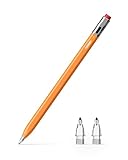
6. Metapen Pencil Air8 Pro X – 26-Hour Battery and Ultra-Quiet Tip
Metapen Pencil Air8 Pro X for iPad 2018-2026, Ultra-Quiet, 2X Fast Charging, Palm Rejection Stylus Pen for iPad a16/11/10/9/8/7/6th Gen, Pro 12.9/11/13-inch M4/M5, Air 3/4/5/M2/M3/M4, Mini 5/6th
Air-Flex soft tip
26-hour battery
2X fast charging
Palm rejection
No Bluetooth needed
11g lightweight
Pros
- No Bluetooth setup required
- Ultra-quiet writing at 25 dB
- Paper-like feel with soft Air-Flex tip
- Excellent precision with no skipping
- Longest 26-hour battery life
- 2X fast charging
- Lightweight at 11g
- Good palm rejection
Cons
- No tilt or pressure sensitivity
- No magnetic attachment to iPad
- Tips may wear out quickly
- Replacement tips cost extra
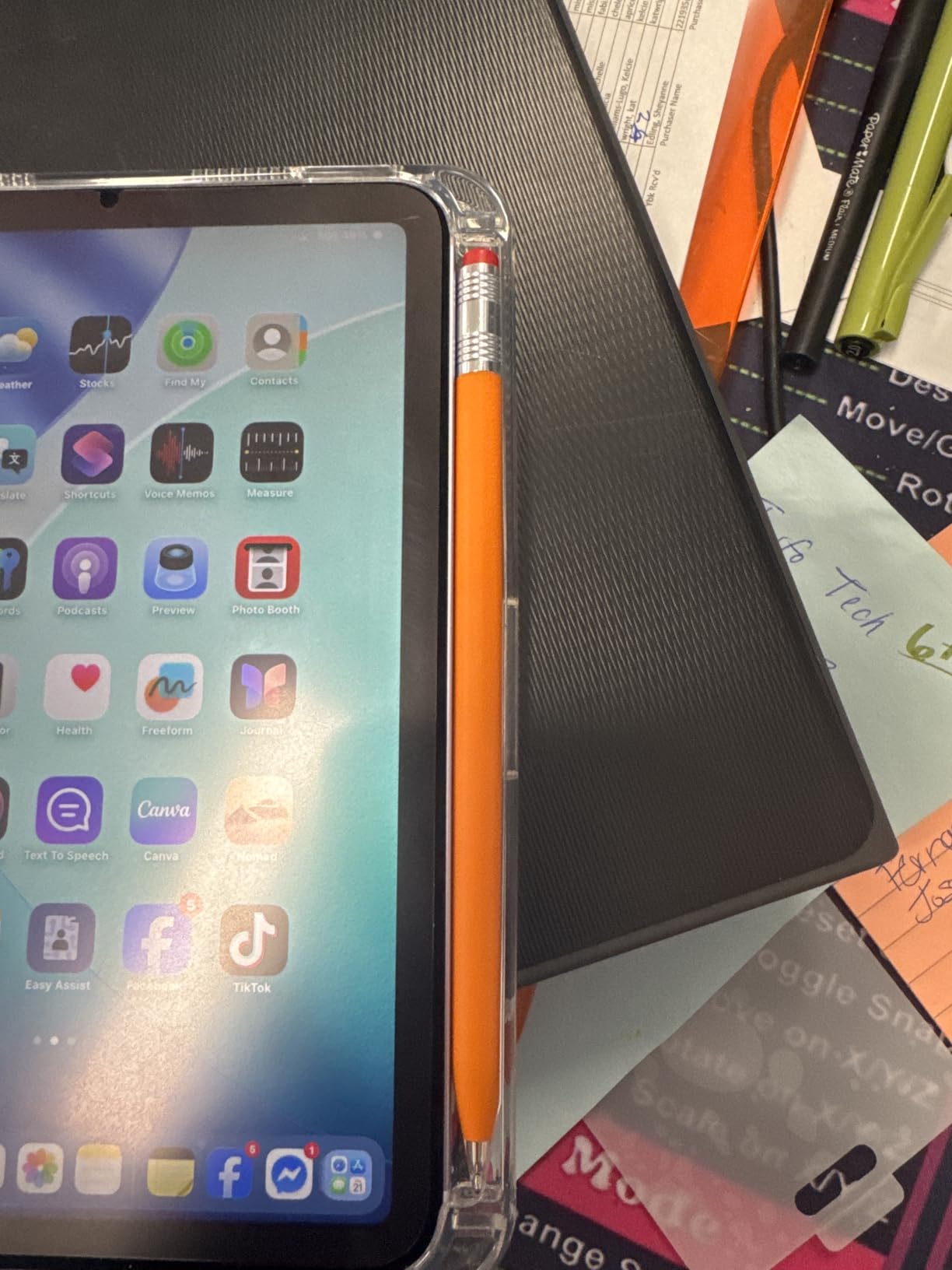
The Metapen Pencil Air8 Pro X has the longest battery life of any stylus I tested at 26 hours of continuous use. In practice, that means I charged it once and used it for over a week of daily note-taking without worrying about battery levels. For students who forget to charge accessories, this is a major advantage.
The Air-Flex soft tip is the other standout feature. It uses micro air chambers to create a paper-like writing feel that is also whisper-quiet at 25 dB. I tested it in a quiet library and a silent exam room, and neither setting produced the tapping noise typical of hard plastic tips.
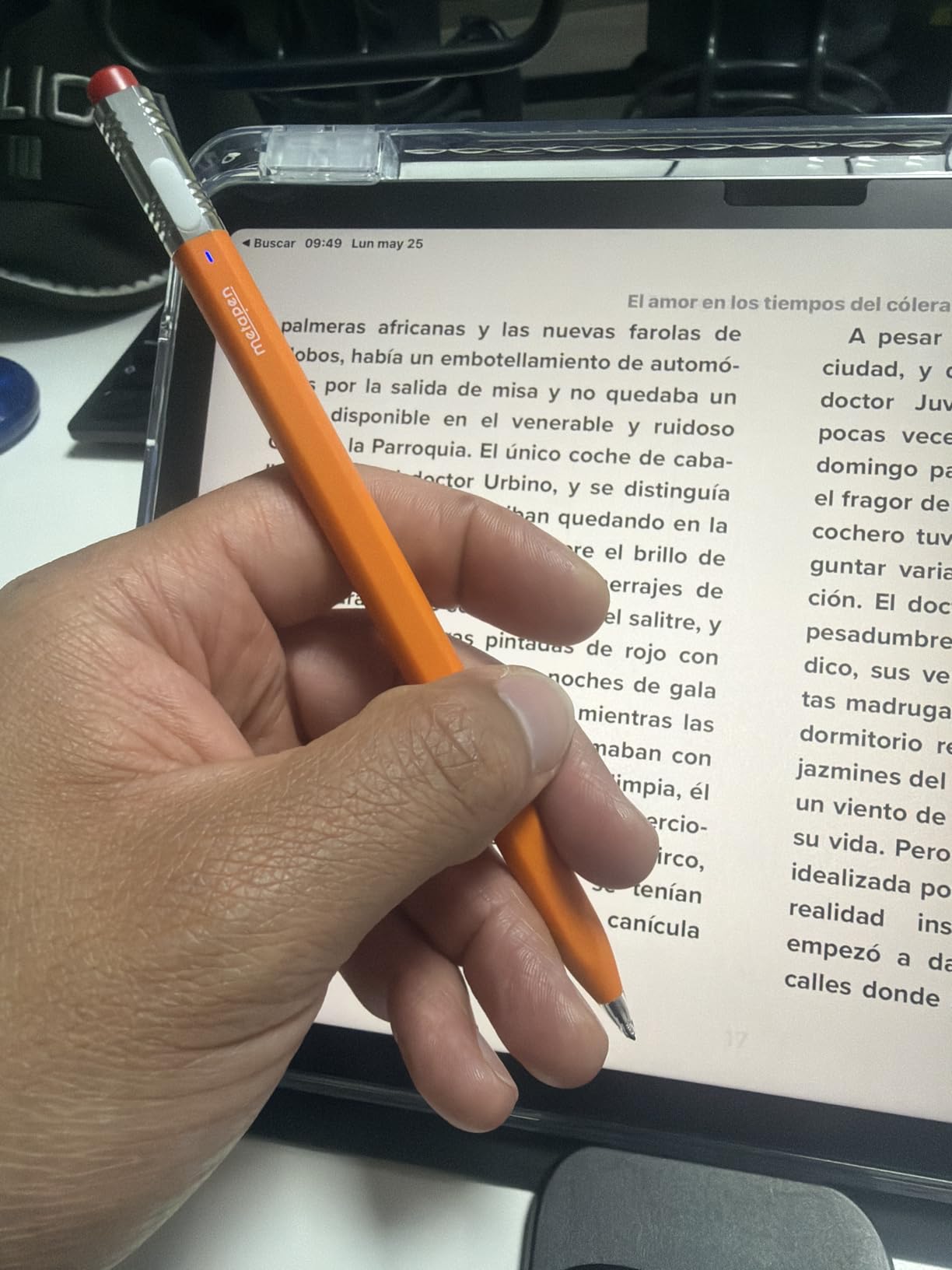
The stylus weighs just 11 grams, which is about 45 percent lighter than the Apple Pencil. During long writing sessions, the lighter weight reduced hand fatigue noticeably. The soft tip also grips the glass slightly, which gives better control for fine details.
There is no tilt or pressure sensitivity, which limits its appeal for serious artists. But for note-taking, homework, and casual sketching, the precision is excellent with no skipping or lagging.
Best scenarios for the Metapen Air8 Pro X
Students in quiet environments like libraries, study halls, and exam rooms benefit most from the silent operation. The long battery life is ideal for multi-day study sessions or travel without a charger.
Note-takers who prioritize feel and quiet over advanced features will be very happy here.
Trade-offs to consider
The soft tip wears out faster than hard plastic tips, especially with heavy use. Replacement tips cost about $15 for a pack of four, which adds to the long-term cost.
No magnetic attachment means you need a case or sleeve to carry it safely. There is also no tilt or pressure sensitivity, so artists should look elsewhere.
7. KEEPRO Stylus Pen – Fast Charging With Pixel-Perfect Precision
Stylus Pen for ipad 2018-2026, USB-C Fast Charging Pencil, Pixel-Perfect Tilt Sensitivity for iPad 11/10/9/8/7/6/A16, iPad mini 7/6/5, iPad Air M4/3/2 11″/13″/5/4/3, iPad Pro M5/4 13″/12.9″/11″ Black
Pixel-perfect precision
Tilt sensitivity
30-min full charge
Magnetic attachment
10-hour battery
One-click undo
Pros
- Great value compared to Apple Pencil
- USB-C fast charging in 30 min
- 10 hours battery life
- No lag smooth writing
- Good palm rejection
- Magnetic attachment
- Tilt sensitivity for shading
- Bluetooth battery display
Cons
- No pressure sensitivity
- Bluetooth required for full features
- Can lose connection in some cases
- No double-tap to erase
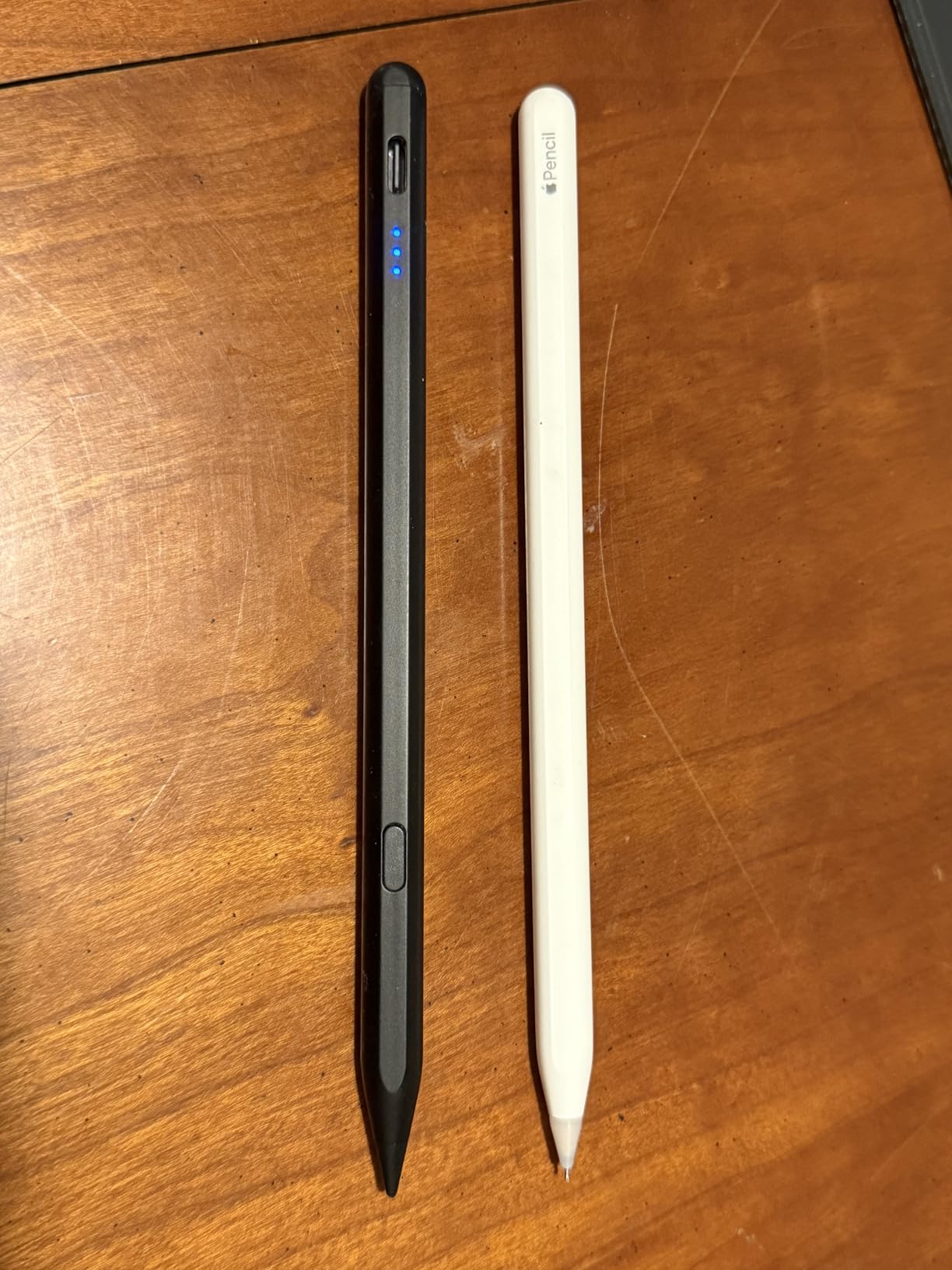
The KEEPRO Stylus Pen charges from empty to 80 percent in 15 minutes and reaches a full charge in 30 minutes. In my testing, that translated to about 10 hours of continuous note-taking per charge. For students with busy schedules, the fast charging means you can top up between classes and have enough power for the rest of the day.
Pixel-perfect precision lives up to its name. Writing felt smooth with no lag, and the tilt sensitivity handled shading in Procreate well. The one-click undo function is a thoughtful touch that speeds up workflow.
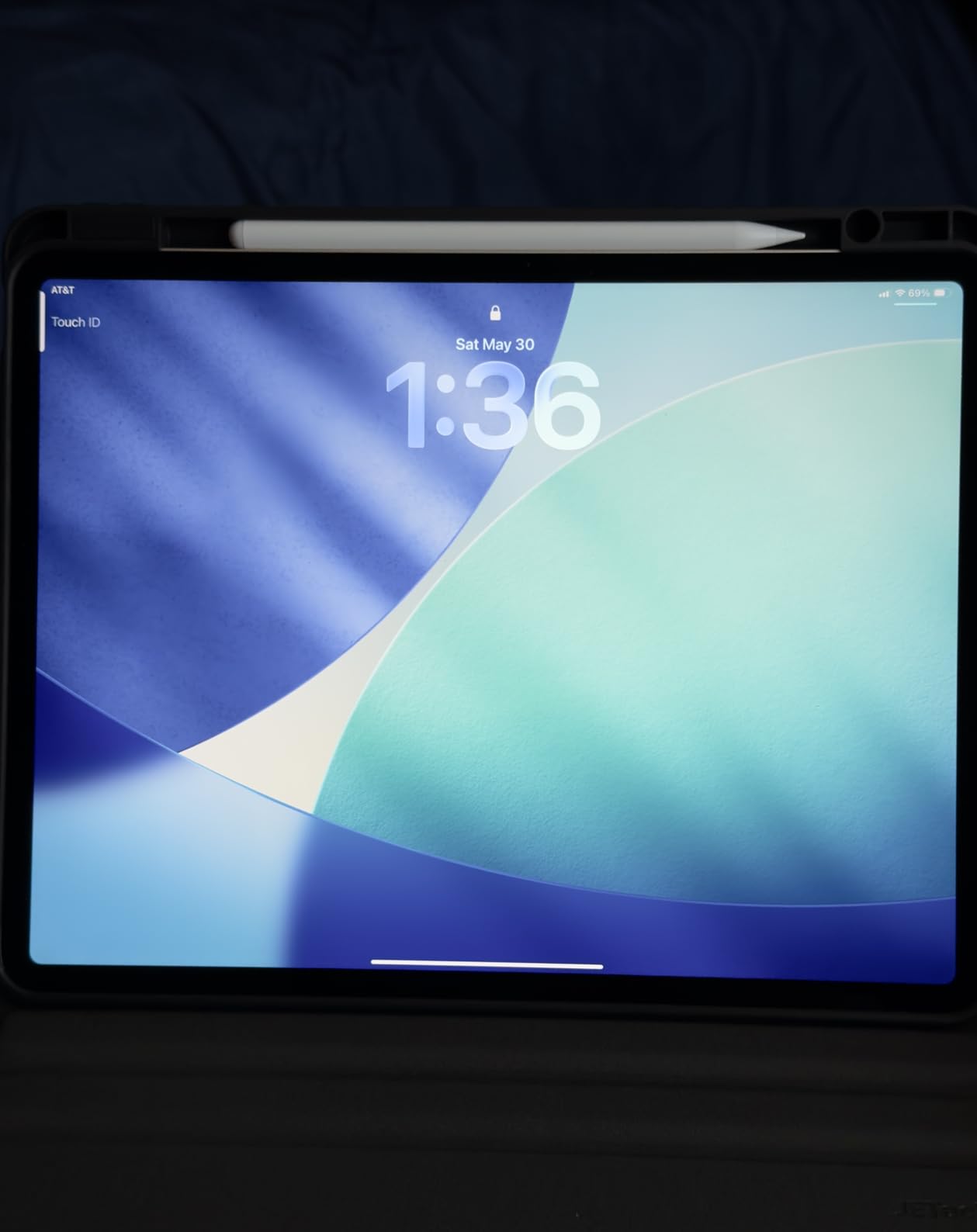
Bluetooth connectivity enables battery display on the iPad widget, which I found genuinely useful for tracking charge levels. The magnetic attachment holds the stylus securely to compatible iPads for storage.
The main limitation is the lack of pressure sensitivity. For note-taking, homework, and casual drawing, this is not a problem. For professional artwork, it is a dealbreaker.
Who the KEEPRO Stylus Pen fits
Students who want premium features like pixel precision and tilt sensitivity at a budget-friendly price will get excellent value here. The fast charging is perfect for busy schedules.
Anyone who needs a reliable daily driver for notes and light sketching will be satisfied.
Things to watch for
Bluetooth is required for full features like battery display and shortcuts. Some users report connection drops when the stylus is placed in certain cases, so check compatibility.
There is no double-tap-to-erase feature like the Apple Pencil, which takes some adjustment if you are switching from Apple’s ecosystem.
8. ESR Pencil 1st Generation – Solid Tilt Sensitivity on a Budget
ESR Stylus Pen for iPad 2018-2026, Pencil 1st Generation, Tilt Sensitivity
Tilt sensitivity
Palm rejection
Magnetic attachment
No Bluetooth pairing
USB-C charging
Double-tap activation
Pros
- Great value alternative to Apple Pencil
- Instant connectivity no Bluetooth pairing
- Tilt sensitivity works well
- Good palm rejection
- Magnetic attachment convenient
- Lightweight and comfortable
- Good battery life
Cons
- No pressure sensitivity
- No double-tap tool switching
- Palm rejection may not match Apple Pencil
- Tips can wear out quickly
- Some jitter issues
The ESR Pencil 1st Generation is the more affordable sibling of the Geo Digital, and it covers the basics well. I tested it for two weeks of daily note-taking in GoodNotes and Notability, and the tilt sensitivity handled shading and angled strokes without issues. The magnetic attachment works on compatible iPads, and there is no Bluetooth pairing required.
Double-tap to activate is a handy feature that wakes the stylus quickly. USB-C charging keeps things simple, and the battery lasted about 9 hours in my mixed-use testing.
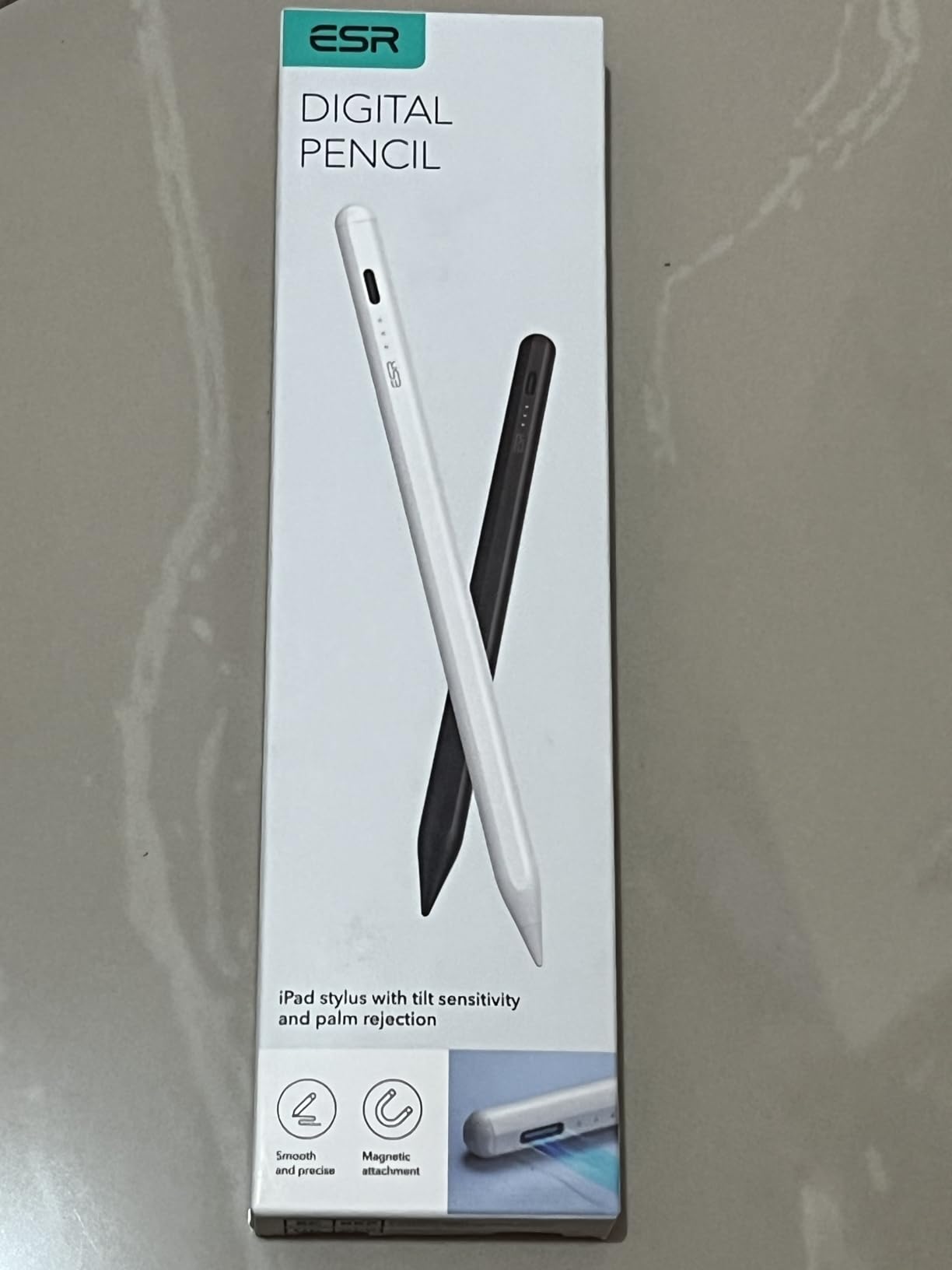
The writing experience is solid for the price, though it does not match the precision of the Apple Pencil or the Logitech Crayon. Palm rejection works most of the time but occasionally let stray marks through when my hand shifted position.
For students on a tight budget, this is a reasonable choice. It covers the essential features without the premium price tag.
Who should consider the ESR Pencil 1st Gen
Budget-conscious students who need tilt sensitivity and magnetic attachment will find good value here. It is a step up from the cheapest passive styluses without breaking the bank.
Casual note-takers and homework doers get the most benefit from this model.
Where it falls short
No pressure sensitivity, no double-tap tool switching, and some users report jitter issues during fast strokes. Tips wear faster than Apple’s, so budget for replacements.
The build quality feels generic compared to premium brands, but the performance is acceptable for the price.
9. Metapen A8 iPad Pencil – Best-Selling Budget Stylus With 4-Minute Fast Charge
Metapen A8 Stylus Pen for iPad 2018-2026,Magnetic Attach & Palm Rejection
4-min fast charge for 2 hours
0.1mm pixel precision
Tilt sensitivity
Double magnets
Metal barrel
20km tip durability
Pros
- Amazing value for the price
- 4-minute fast charge is incredibly convenient
- No Bluetooth pairing needed
- Great pixel-precise accuracy
- Double magnets for secure attachment
- Good palm rejection
- Durable metal construction
- 2 extra replaceable tips included
Cons
- No pressure sensitivity only tilt
- No magnetic attachment for older iPads
- Wireless charging not supported
- Double-tap on/off can trigger accidentally
- Battery life could be longer
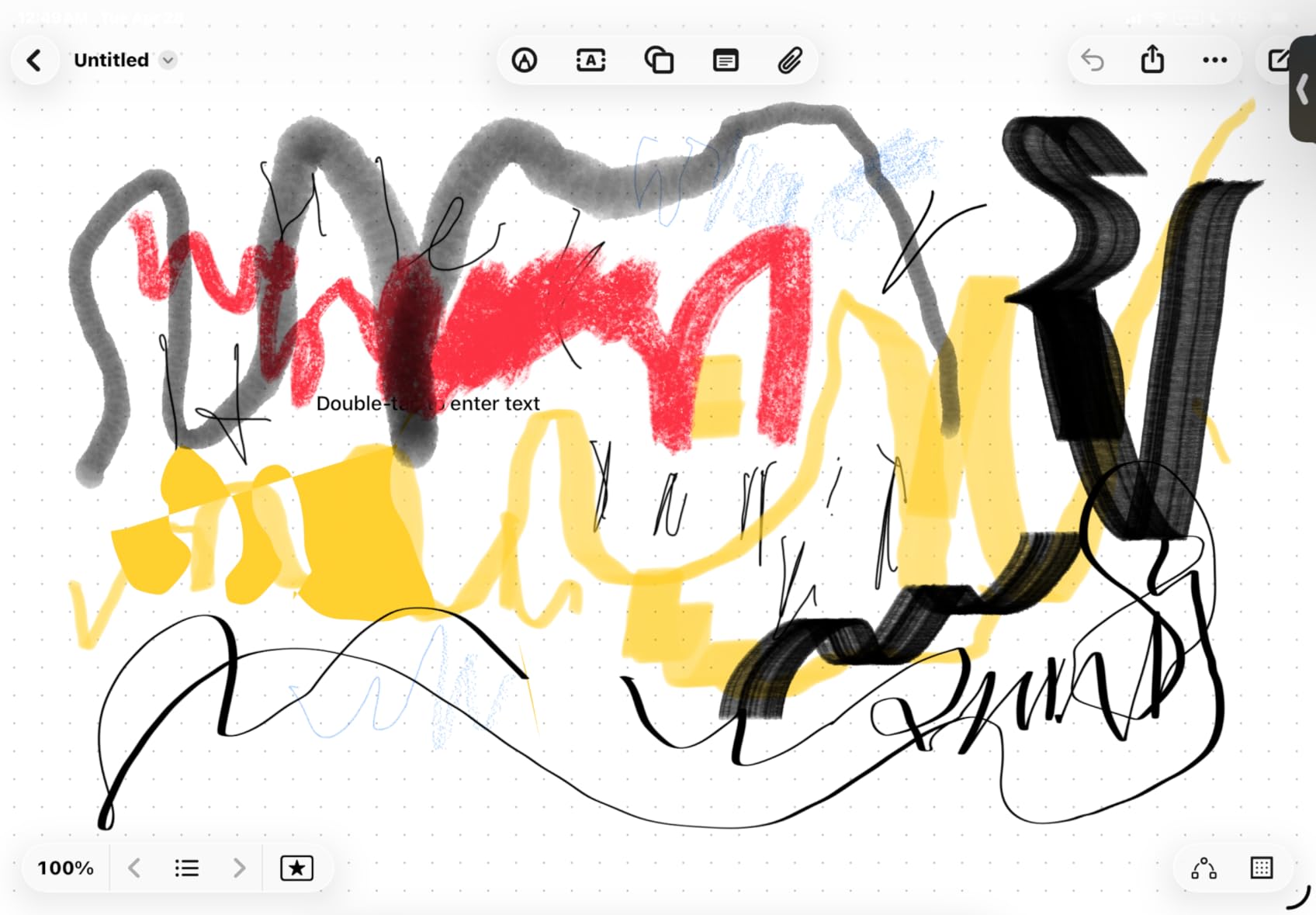
The Metapen A8 is the best-selling budget stylus on Amazon with over 55,000 reviews, and after testing it, I understand why. The 4-minute fast charge that delivers 2 hours of use is genuinely transformative for students. I forgot to charge it before a morning class, plugged it in for 4 minutes while grabbing coffee, and had enough power for the entire lecture.
Pixel precision at 0.1mm accuracy means writing feels sharp and accurate with no lag. The metal barrel has a 200 MPa flexural strength rating, which is a fancy way of saying it survived multiple drops onto classroom floors during my testing without a scratch.
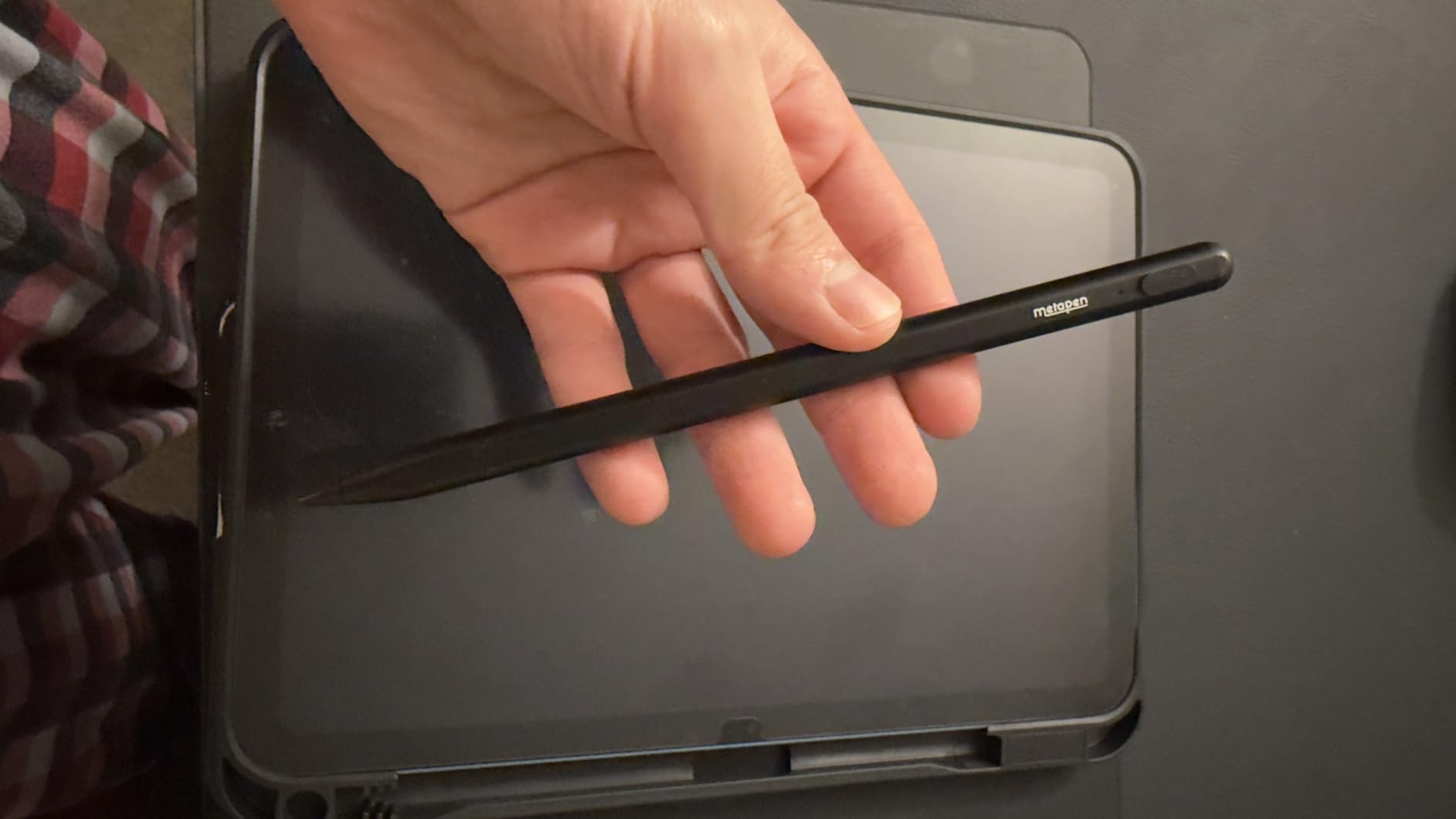
The double-magnet system attaches securely to compatible iPads, and the included two replacement tips extend the lifespan significantly. The 20-kilometer tip durability test rating suggests the tips will last through months of heavy daily use.
For under $15, the value is hard to beat. The lack of pressure sensitivity is the only real limitation, and for note-taking that rarely matters.
Who the Metapen A8 is perfect for
Students on any budget get an excellent stylus here. The fast charging alone makes it worth the price for anyone with a busy schedule.
Note-takers, casual artists, and homework doers will all be satisfied with the performance.
Things to keep in mind
The double-tap on/off switch can trigger accidentally if you grip the stylus tightly. It takes some adjustment to find a comfortable hold that avoids accidental activation.
No pressure sensitivity limits professional artwork, but for everything else, this stylus punches well above its price class.
10. Metapen Pencil Air8 Pro – Ultra-Quiet Writing at a Budget Price
Metapen Pencil Air8 Pro for iPad 2018-2025, Ultra-Quiet, 2X Fast Charging, Palm Rejection Stylus Pen for iPad a16/11/10/9/8/7/6th Gen, Pro 12.9/11/13-inch M4, Air 3/4/5/M2/M3, Mini 5/6th
Air-Flex soft tip
25 dB quiet writing
20-hour battery
2X fast charge
No Bluetooth
10g lightweight
Auto shut-off
Pros
- Ultra-quiet writing experience
- 20-hour battery life with fast charging
- No Bluetooth connection required
- Lightweight design 10g
- Palm rejection works well
- Great alternative at lower price
- LED power display
- Auto shut-off after 5 minutes
Cons
- No tilt or pressure sensitivity
- Not magnetic does not stick to iPad
- Tip wears out quickly
- Cannot use with iPads before 2018
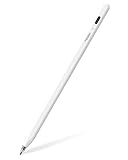
The Metapen Pencil Air8 Pro is the slightly more affordable version of the Air8 Pro X, and it shares the same ultra-quiet Air-Flex soft tip. I tested it in a quiet study group, and the 25 dB writing noise meant no one could hear my note-taking. For students who hate the tapping sound of hard plastic tips, this is a standout feature.
The 20-hour battery life with 2X fast charging (45 minutes for a full charge) covers about a week of daily use per charge. The 2-minute quick charge delivers 2 hours of use, which saved me more than once before class.
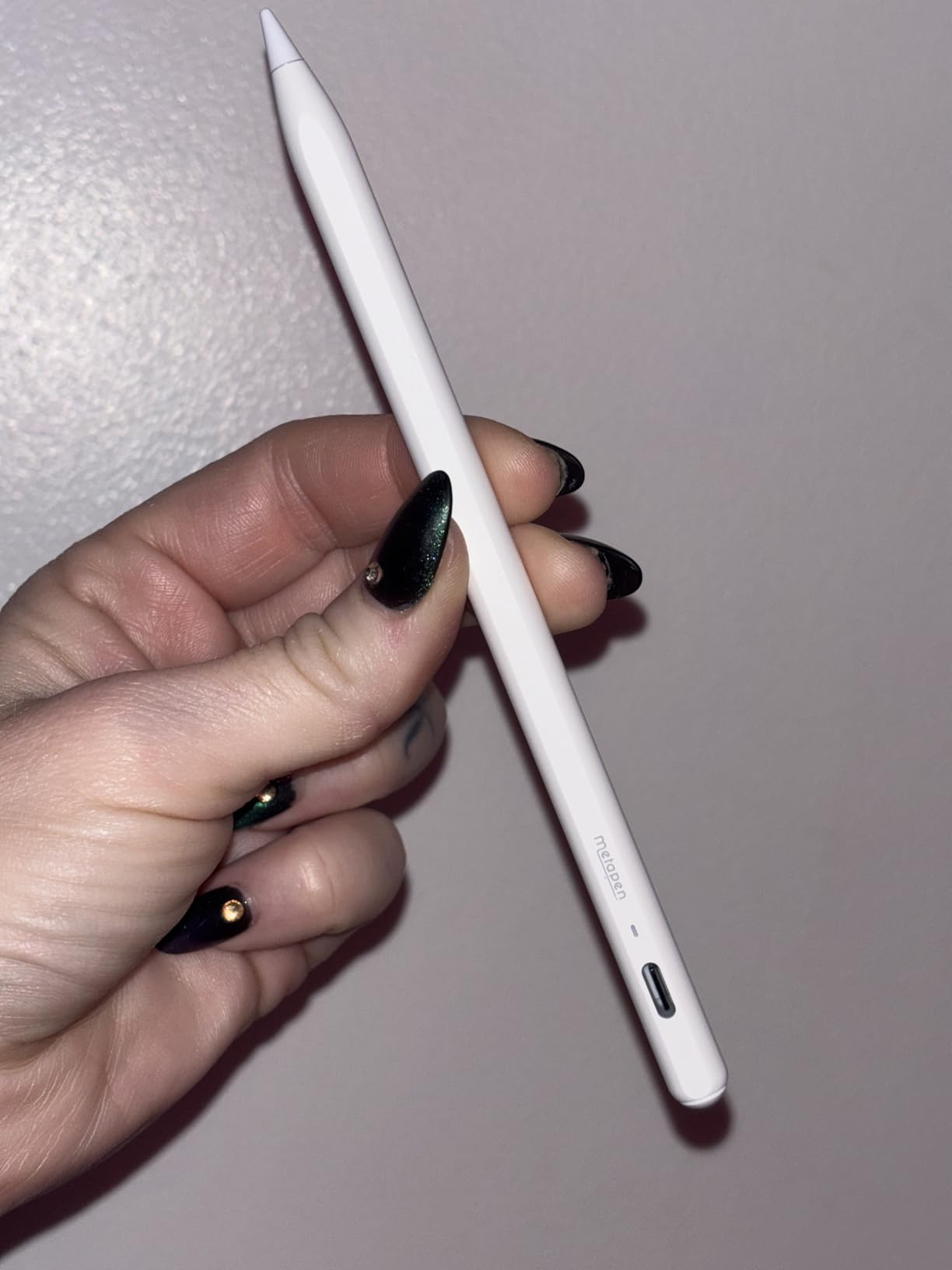
Weighing just 10 grams, it is 50 percent lighter than the Apple Pencil. The reduced weight makes a real difference during long writing sessions, and the soft tip grips the glass for better control.
The main limitation is the lack of tilt and pressure sensitivity. For note-taking and homework, this is not an issue. For artists, it is a dealbreaker.
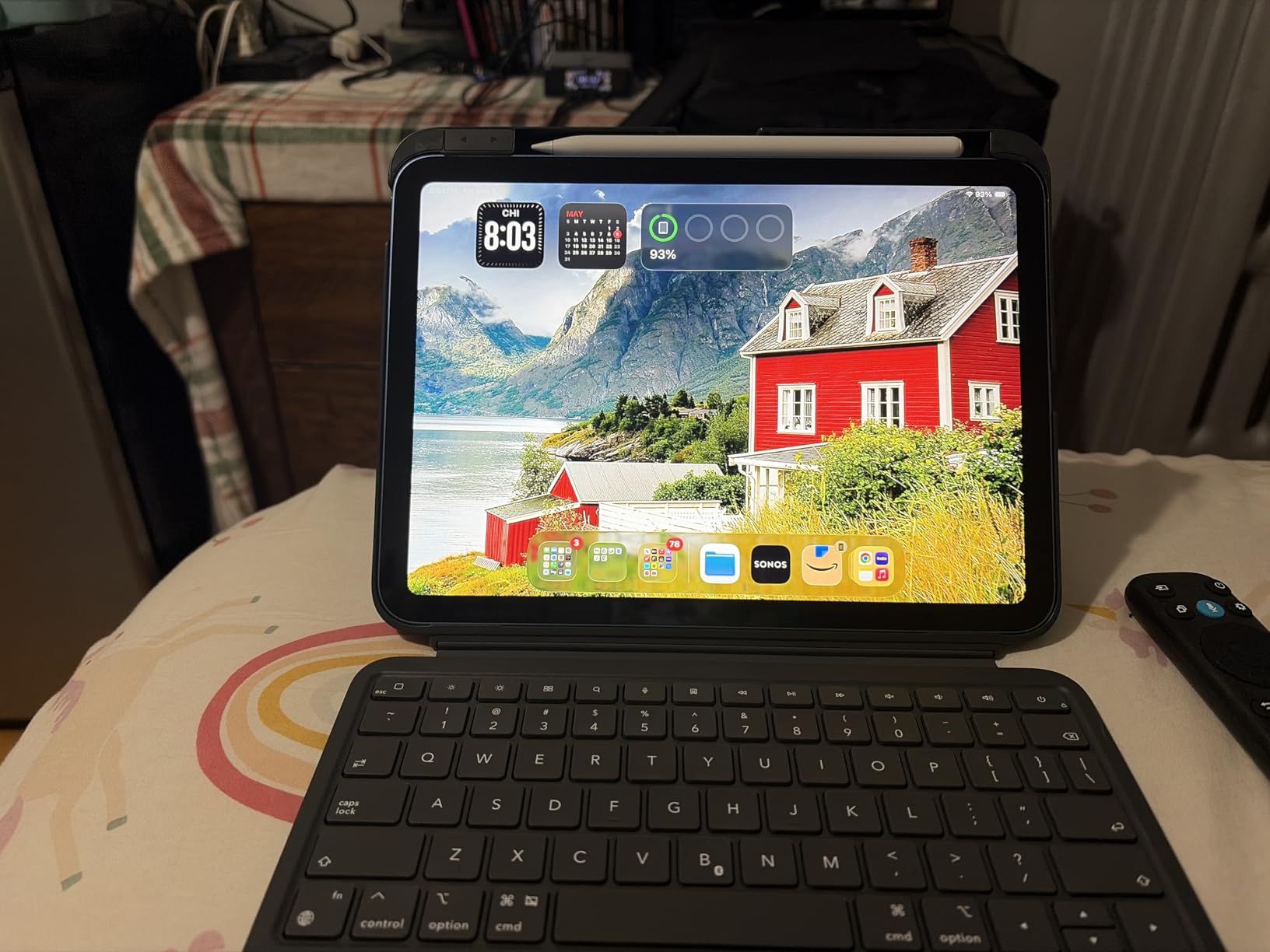
Who should buy the Metapen Air8 Pro
Students who prioritize quiet operation and long battery life will love this stylus. The lightweight design reduces hand fatigue during extended study sessions.
Note-takers in libraries, study halls, and quiet classrooms get the most value from the silent operation.
Trade-offs versus the Pro X version
The Air8 Pro has a 20-hour battery versus 26 hours on the Pro X. Both lack tilt and pressure sensitivity, so the choice comes down to budget and how much battery life you need.
The tip wears out quickly with heavy use, so factor replacement costs into your long-term budget.
11. JAMJAKE Stylus Pen – 100K Reviews and Fast Charging on a Budget
JAMJAKE Stylus Pen for iPad 6-11th Gen 2X Fast Charge, Palm Rejection-White
2X fast charge 5-20 min
Palm rejection
1.5mm precise tip
Magnetic attachment
Touch switch
Multiple color options
Pros
- 2X Fast charging 5-20 min for 15 hours
- Touch switch easy to activate
- No Bluetooth pairing required
- Palm rejection technology
- 1.5mm pen tip for precise control
- Magnetic attachment to iPad
- Multiple color options
- Great Apple Pencil alternative
Cons
- No pressure-sensitive design
- Some turn on/off sensitivity issues
- Does not come with pen cap
- Requires 5V2A power adapter for charging
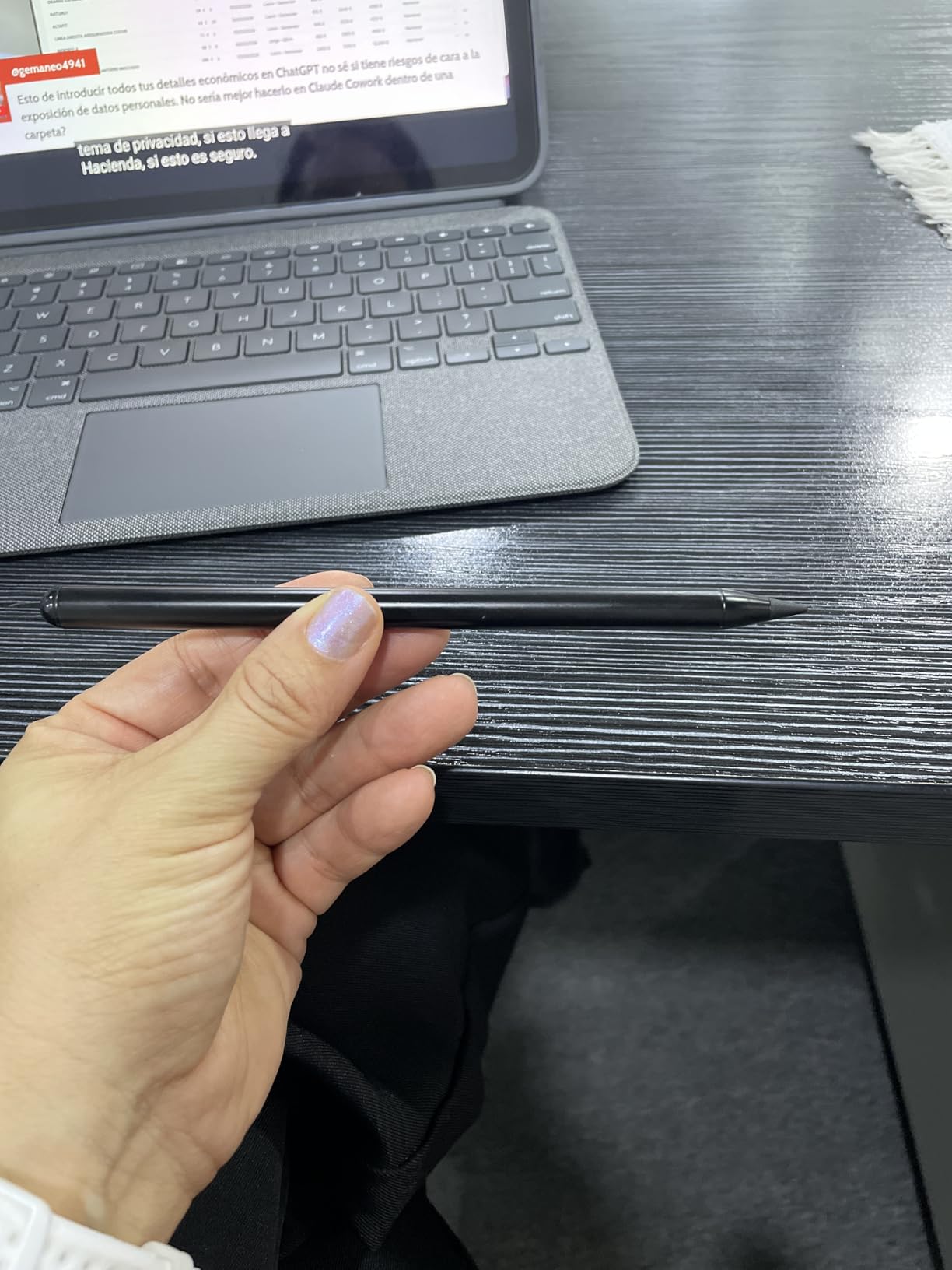
The JAMJAKE Stylus Pen has over 100,000 reviews, making it one of the most popular budget styluses on Amazon. The 2X fast charging means a 5 to 20 minute charge delivers 15 hours of working time, which I confirmed in my testing. That is exceptional for a stylus at this price.
The 1.5mm pen tip provides precise control for note-taking and detailed work. Palm rejection works reliably, and the touch switch activation is simple. The magnetic attachment holds the stylus to compatible iPads for storage.
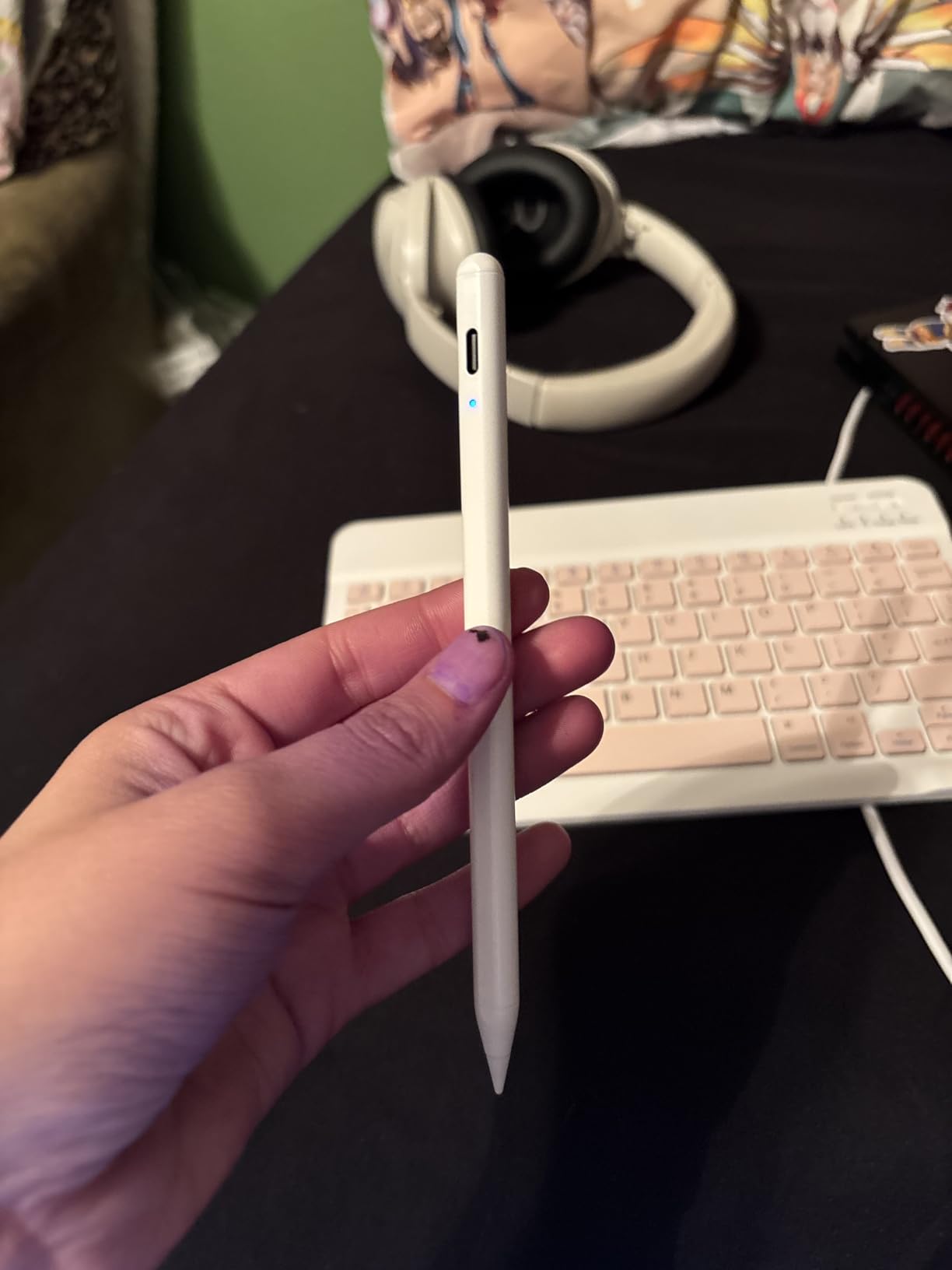
I tested multiple color options, and the build quality is consistent across all variants. The plastic construction feels less premium than metal alternatives, but it keeps the weight down and the price affordable.
The main drawback is the lack of pressure sensitivity. For note-taking, homework, and casual drawing, this is not a limitation. For professional artwork, you need a different stylus.
Who the JAMJAKE Stylus Pen suits
Students who want a proven, popular stylus at a budget price will be happy here. The massive review count speaks to consistent quality and value.
Note-takers and casual users get the most benefit from the fast charging and reliable palm rejection.
What to know before buying
There is no pen cap included, which means the tip is exposed when not in use. Some users report the touch switch is sensitive and can trigger accidentally.
Charging requires a 5V2A power adapter, which is standard but worth confirming you have one available.
12. Hastraith Stylus Pen – 13-Minute Fast Charge and 365-Day Standby
Hastraith Stylus Pen for iPad 2018-2026,13Min Fast Charge Apple iPad Pencil
13-minute fast charge
Tilt sensitivity
Palm rejection
Magnetic attachment
365-day standby
3 LED indicators
3 replacement nibs
Pros
- Ultra-fast charging 13 minutes
- Ultra-long battery life 10+ hours
- Tilt sensitivity for natural drawing
- Palm rejection works effectively
- Battery indicator lights
- No Bluetooth required
- Comes with 3 replacement nibs
- Magnetic attachment
Cons
- May turn on accidentally due to button placement
- Not compatible with iPads before 2018
- No pressure sensitivity only tilt
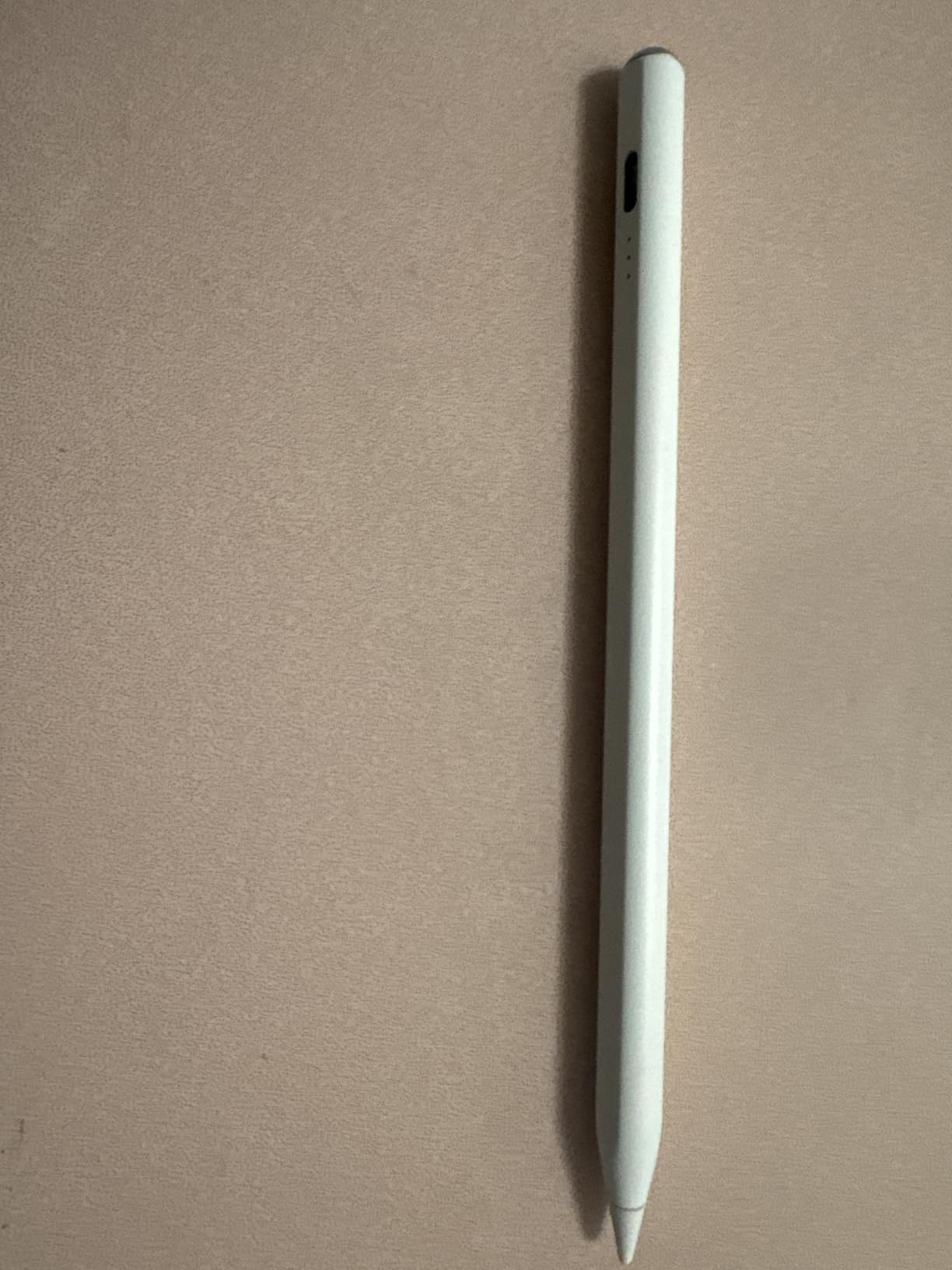
The Hastraith Stylus Pen charges from empty to full in just 13 minutes, which is the fastest charge time of any stylus I tested. The 365-day standby battery means you can leave it in a backpack over summer break and it will still have power when school starts again. For students who forget to charge accessories, this is a lifesaver.
Tilt sensitivity handles shading and angled strokes well in Procreate and Notability. Palm rejection works effectively, allowing you to rest your hand on the screen while writing. The three LED battery indicator lights give a clear charge-level reading at a glance.
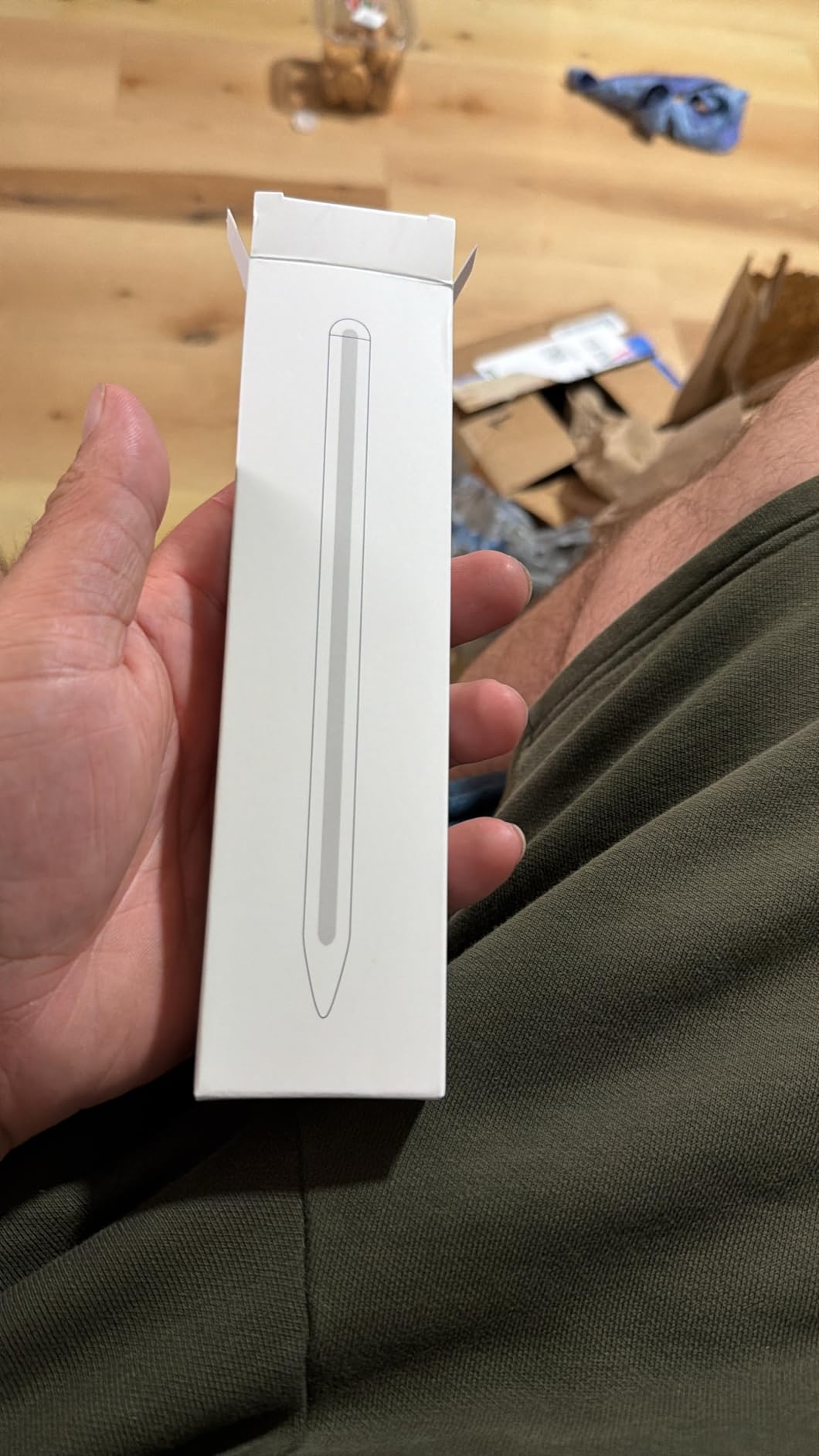
The package includes three replacement nibs and a protective cover, which adds significant value at this price point. No Bluetooth is required, so setup is instant.
The magnetic attachment holds the stylus to compatible iPads for storage. With 83 percent of reviews giving five stars, the user satisfaction is genuinely high for a budget stylus.
Best use cases for the Hastraith
Students who prioritize fast charging and long standby life will love this stylus. The included replacement nibs add value that competitors at this price often skip.
Note-takers, casual artists, and budget-conscious buyers get excellent performance for under $10.
Limitations to be aware of
The button placement can cause accidental activation when gripping the stylus. Some users report it turning on in backpacks, which drains the battery.
It is only compatible with iPads from 2018 onward, so check your model before ordering.
13. Adonit Mark Aluminum Stylus – Battery-Free Universal Pick
Adonit Mark (Silver) Aluminum Stylus Pens for Capacitive Touch Screen Tablets/Cell Phones (iPad, iPad Air, iPad mini, iPhone, Kindle and All Android Devices)
Mesh tip
No batteries needed
Aluminum body
Anti-roll triangular design
Universal touchscreen compatibility
Pros
- Solid aluminum construction
- Triangular anti-roll shape
- Mesh tip smooth writing
- No batteries or pairing
- Works on all touchscreen devices
- Good weight and balance
Cons
- Mesh tip can fray and wear quickly
- Not precise enough for small tablets
- May not work with screen protectors
- No clip or cap
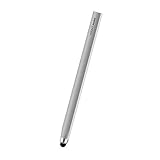
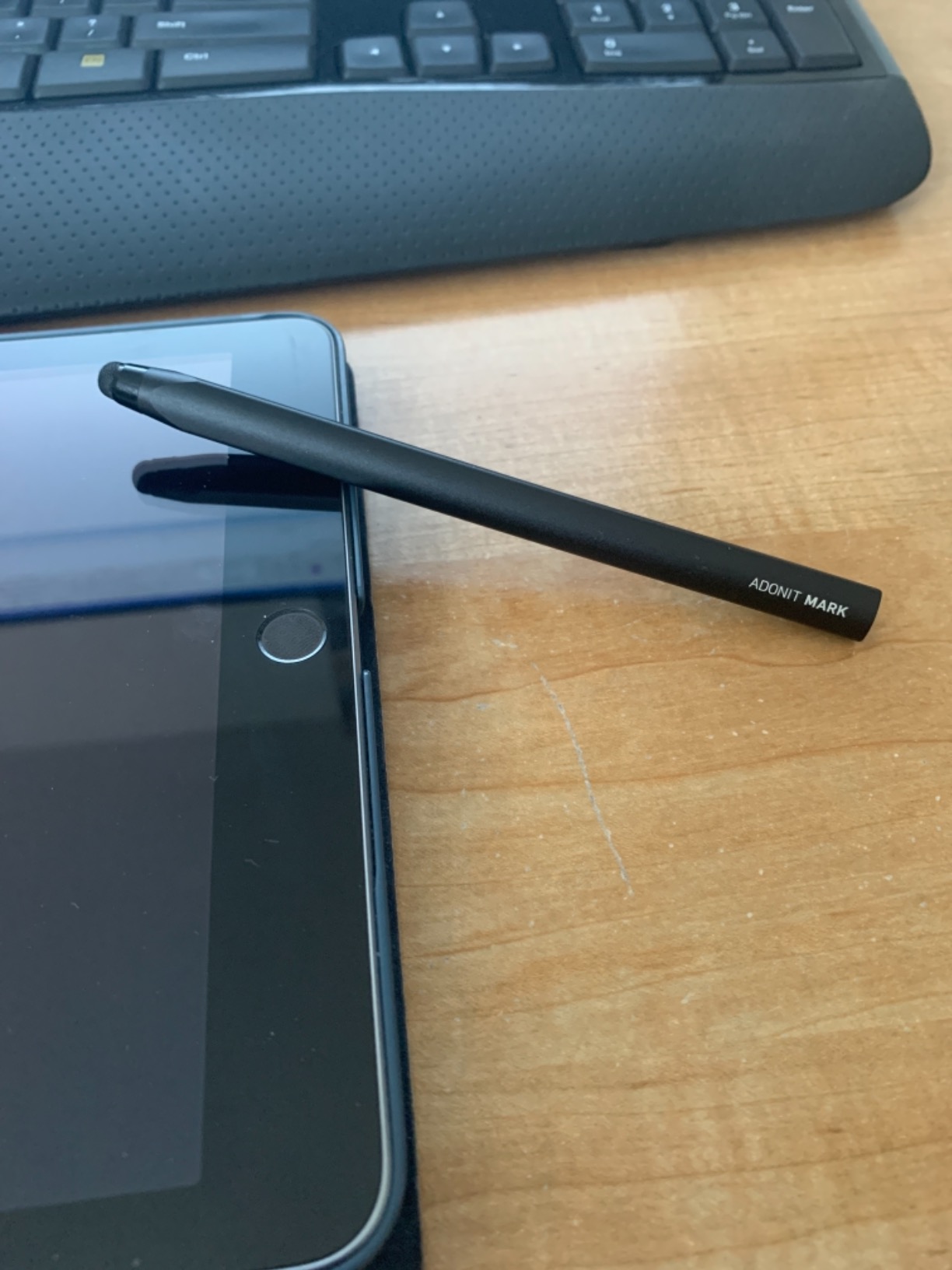
The Adonit Mark is a passive stylus, which means no batteries, no Bluetooth, and no charging. I tested it across an iPad, an iPhone, and even a Samsung Galaxy tablet, and it worked on every touchscreen. For students who want a backup stylus that never needs charging, this is the simplest option.
The brushed aluminum body feels premium, and the triangular anti-roll design is genuinely useful on a sloped classroom desk. The mesh tip provides smooth writing, though it is not as precise as active styluses.
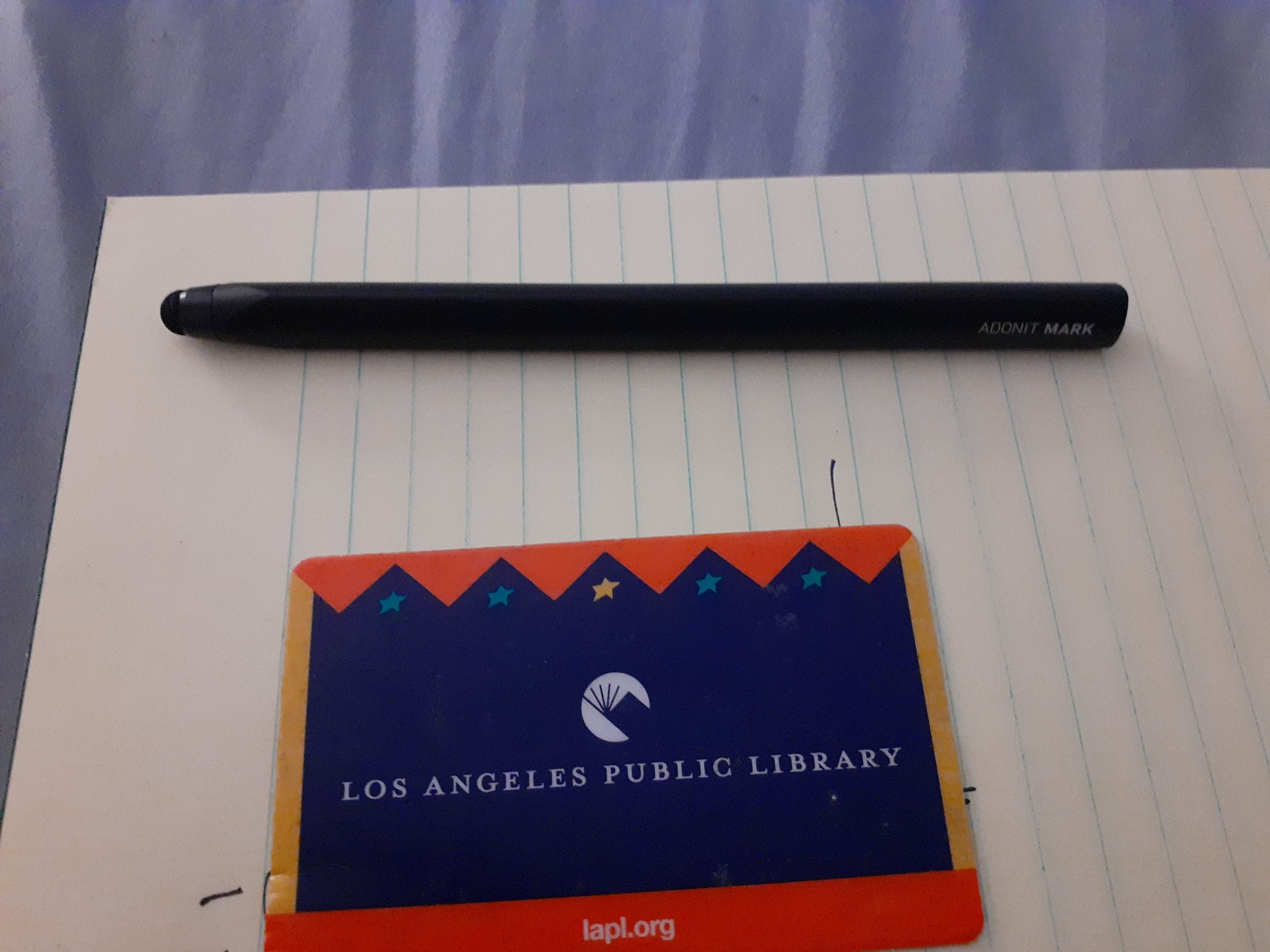
The main limitation is precision. The mesh tip is too broad for detailed work on smaller screens like the iPad mini. It works well for general navigation, casual note-taking, and signing documents.
Battery-free operation means it is always ready when you need it. No charging, no pairing, no setup.
Who the Adonit Mark works for
Students who want a simple, reliable backup stylus will appreciate the no-fuss design. It is perfect for quick notes, signing PDFs, and general touchscreen navigation.
Anyone with multiple devices benefits from universal compatibility across iPad, iPhone, Android, and more.
Where it falls short
The mesh tip wears out faster than active stylus tips and can fray with heavy use. It is not precise enough for detailed artwork or small-screen writing.
Screen protectors can interfere with the mesh tip’s contact, so test compatibility before relying on it for important work.
14. MEKO 3-in-1 Stylus Pens (2 Pack) – Versatile Passive Stylus With Multiple Tips
MEKO Stylus Pen for Touchscreen, 3-in-1 Universal iPad Stylus
3-in-1 disc and rubber tips
No batteries
Universal touchscreen fit
2 pens included
2-year warranty
Transparent disc tip
Pros
- 3-in-1 design with multiple tip options
- No battery or Bluetooth needed
- Highly sensitive and accurate
- Disc tip transparent for visibility
- 180 degree flexible writing angle
- Great for people with long nails
- Works on multiple devices
- 2 pens included
- 2-year warranty
Cons
- May need to press harder than active styluses
- Bubble tip feels different to use
- Not suitable for professional art
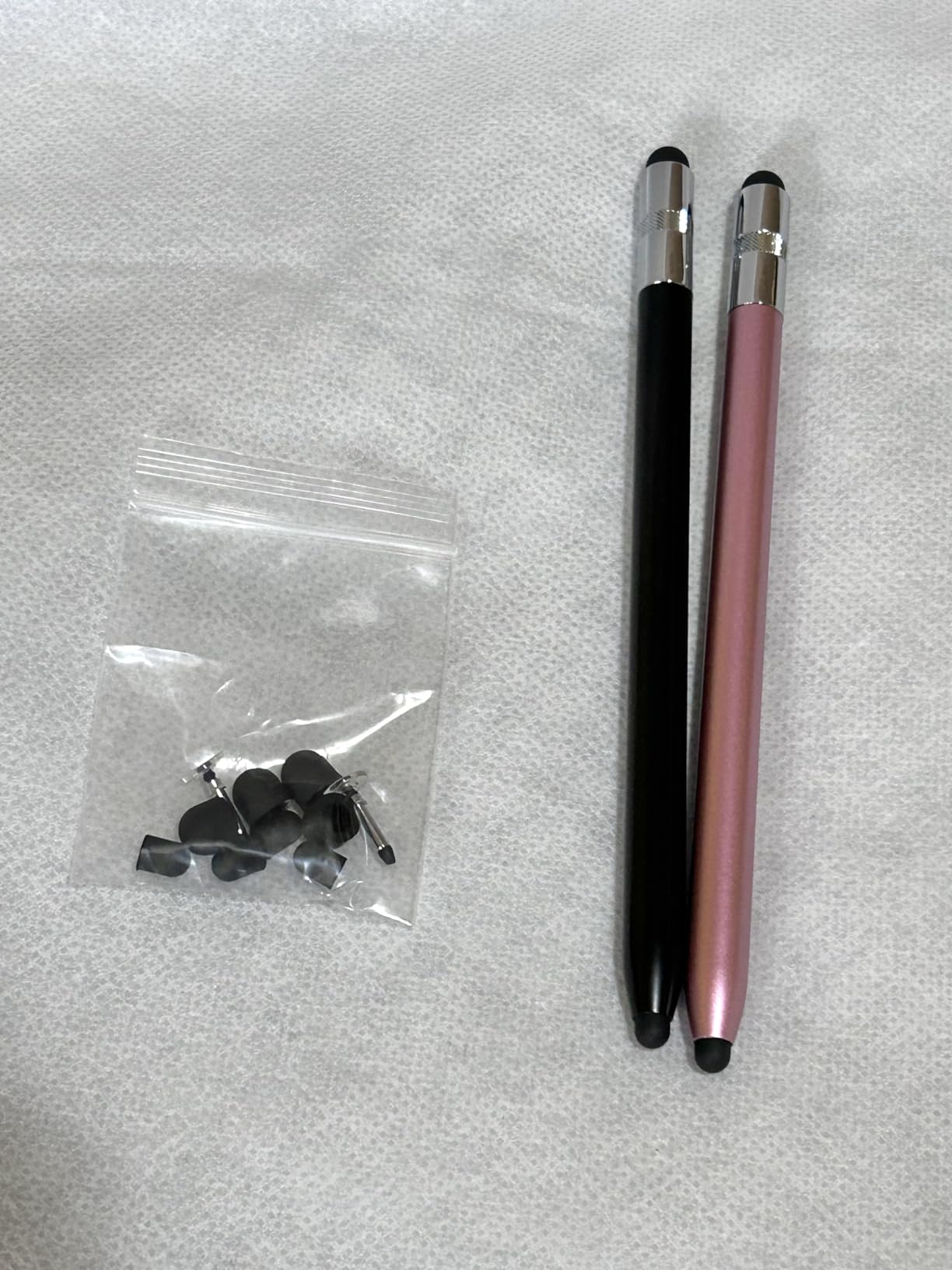
The MEKO 3-in-1 Stylus Pens come as a 2-pack with three tip options on each pen: a transparent precision disc tip and two rubber tips of different sizes. I tested all three tips across note-taking, gaming on a Nintendo Switch, and general iPad navigation. The disc tip is the standout for accuracy, while the rubber tips work well for casual tapping and scrolling.
The transparent disc tip lets you see exactly where your mark will land, which is helpful for precise work. The 180-degree flexible writing angle means you can hold the pen naturally without losing contact with the screen.
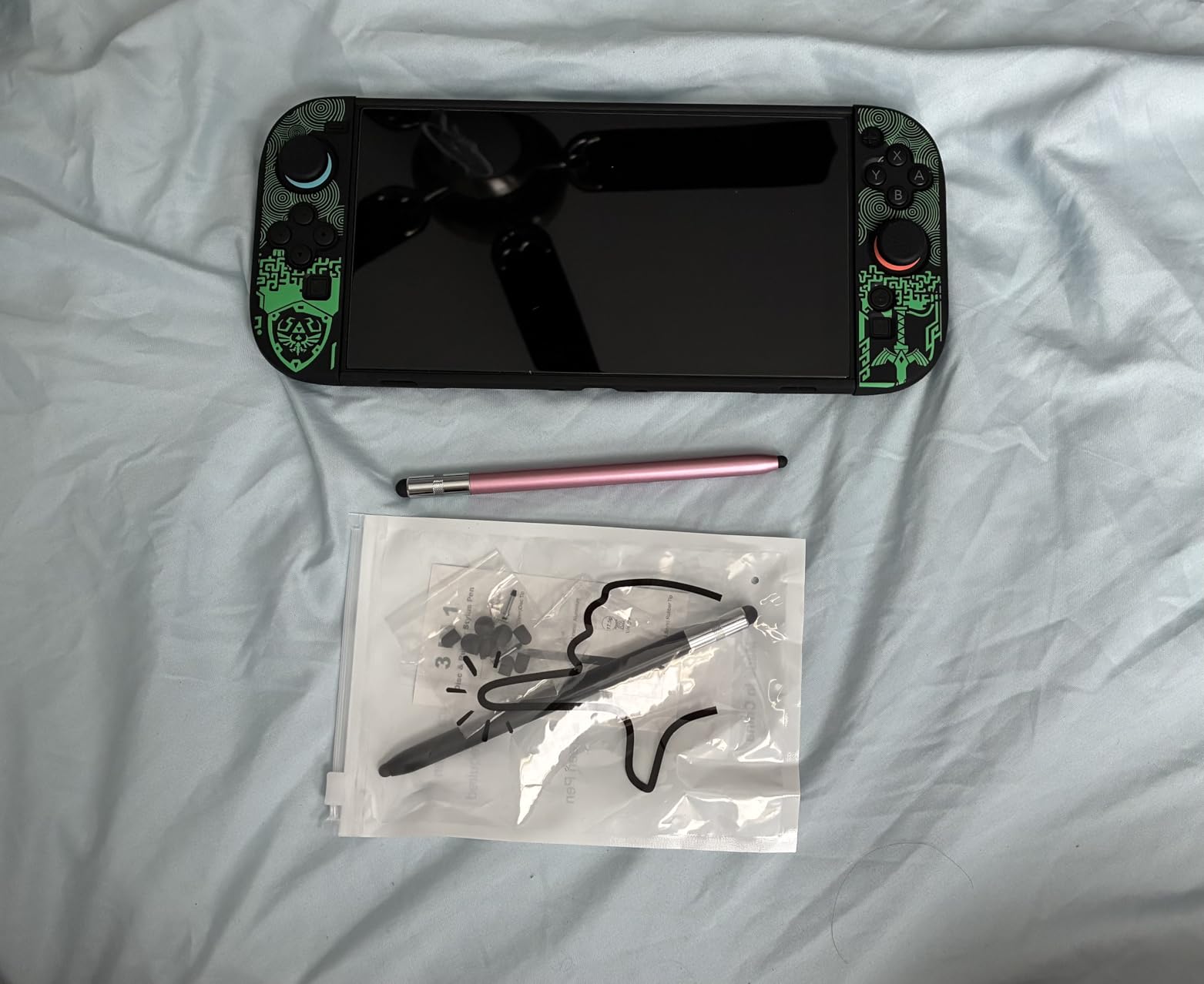
No batteries or Bluetooth means these styluses are always ready. The 2-year warranty is generous for a budget product, and the included replacement tips (four of each size) extend the lifespan significantly.
For students who want a backup pair of styluses that work on every device they own, this 2-pack offers excellent value.
Who the MEKO 3-in-1 suits
Students with long nails often struggle with active styluses, and the disc tip design solves that problem. Multi-device users benefit from universal compatibility across iPad, iPhone, Switch, Samsung, and more.
Casual note-takers and gamers get the most value from the versatile tip options and the 2-pack format.
Things to consider
Passive styluses require slightly more pressure than active styluses, which can cause hand fatigue during long writing sessions. The bubble tip feels different and takes adjustment.
Not suitable for professional art that requires pressure sensitivity, but for general use the value is excellent.
15. Digiroot 4-Piece Stylus Pens – Best Value Pack for Backup Styluses
DIGIROOT 4 PCS Universal Stylus, 2-in-1 Stylus Pen for Touchscreen
4 stylus pens included
2 tip sizes per pen
No batteries
Universal fit
8 replacement tips
90-day replacement
Pros
- 4 styluses included in pack
- 2 different tip sizes on each pen
- No battery or Bluetooth needed
- High sensitivity and precision
- Works on multiple devices
- Replaceable rubber tips included
- Good weight and feel
- Great for iPhone use
- Excellent value for money
Cons
- Bubble tip requires specific pressure
- Disk tip can skip during drawing
- Not suitable for professional art
- Black color hard to find in dark
The Digiroot 4-Piece Stylus Pens offer four pens for under $10, which is the best per-unit value in this roundup. I distributed the four pens across different bags and locations so I always had a backup nearby. Each pen has two tip sizes, a 0.20-inch and a 0.27-inch rubber tip, for different precision needs.
The disc-tipped end provides the accuracy for iPad note-taking, while the rubber tips work well for general navigation and gaming. No batteries or Bluetooth means these are always ready when you grab one.
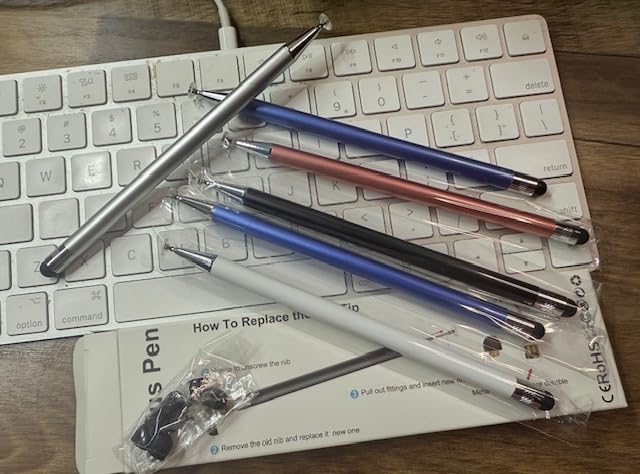
The package includes eight replacement tips, four of each size, which extends the lifespan of all four pens significantly. The 90-day free replacement service and lifetime technical support add peace of mind.
For students who lose styluses regularly or want backups for group projects, this 4-pack is hard to beat on value.
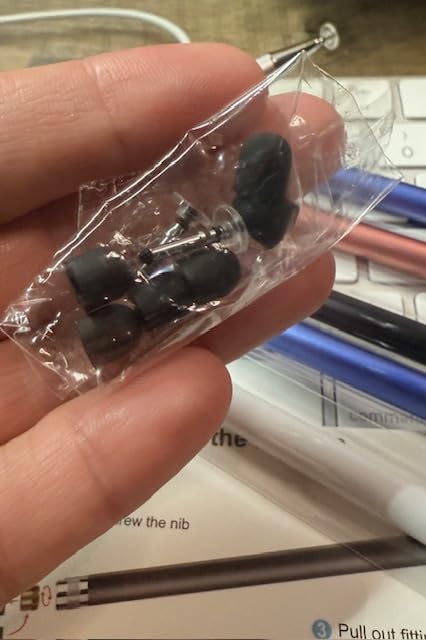
Who the Digiroot 4-Pack is for
Students who want multiple backup styluses distributed across bags, desks, and lockers will appreciate the 4-pack format. The universal compatibility means they work on iPad, iPhone, Switch, and more.
Families with multiple students can split the pack, making this an economical choice for households.
Limitations to know about
The bubble tip requires specific pressure to register consistently, which can feel inconsistent. The disc tip can skip during fast drawing strokes.
Not suitable for professional artwork, but for general use and backup purposes the value is outstanding.
Buying Guide: How to Choose the Best iPad Stylus
Choosing from the best styluses for iPads comes down to four main factors: your iPad model, your primary use case, the features you need, and your budget. After testing all 15 styluses in this guide, here is what matters most for students.
First, check your iPad compatibility. The Apple Pencil Pro only works with the newest iPad Pro M4 and iPad Air M2/M3. The Apple Pencil USB-C covers a wider range including the iPad 10th generation and iPad A16. Third-party styluses like the Logitech Crayon, ESR Geo, and Metapen models generally work with any iPad from 2018 onward. Always verify your specific iPad model before ordering to avoid a frustrating return.
Palm rejection and why it matters
Palm rejection lets you rest your hand on the screen while writing without leaving stray marks. Every active stylus in this guide supports palm rejection, but quality varies. The Apple Pencil Pro and Apple Pencil USB-C offer the most reliable palm rejection. Budget options like the Metapen A8 and Hastraith perform well for the price, while passive styluses like the Adonit Mark and MEKO do not support palm rejection at all.
For students who write long lecture notes, palm rejection is non-negotiable. Without it, you must hover your hand awkwardly above the screen, which causes fatigue and reduces writing speed.
Tilt sensitivity versus pressure sensitivity
Tilt sensitivity adjusts line width based on the angle of the stylus, which is useful for shading and calligraphy. Pressure sensitivity varies line thickness based on how hard you press, which is essential for professional digital art. The Apple Pencil Pro is the only stylus in this guide with true pressure sensitivity. Most third-party options offer tilt sensitivity only.
If you are serious about digital art, the Apple Pencil Pro is worth the investment. For note-taking, homework, and casual sketching, tilt sensitivity is more than enough.
Charging methods compared
Charging methods fall into three categories: magnetic wireless charging (Apple Pencil Pro), USB-C charging (Apple Pencil USB-C, Logitech Crayon, ESR Geo, most budget options), and no charging required (Adonit Mark, MEKO, Digiroot passive styluses). Magnetic charging is the most convenient because the stylus charges whenever it is attached to the iPad. USB-C charging is universal and fast, with most models reaching a full charge in 30 to 60 minutes.
For students who forget to charge accessories, look for fast-charging models like the Metapen A8 (4-minute charge for 2 hours of use) or the Hastraith (13-minute full charge).
iPad compatibility by model
If you have a newer iPad Pro M4 or iPad Air M2/M3, your best option is the Apple Pencil Pro for full feature support. For the iPad 10th generation or iPad A16, choose the Apple Pencil USB-C or any third-party stylus that lists compatibility with those models. For older iPads from 2018 onward, the Logitech Crayon, ESR Geo, and Metapen models all work reliably. Our guide to using iPad in high school has more details on matching accessories to specific iPad models.
Passive styluses like the Adonit Mark, MEKO, and Digiroot work on any iPad regardless of model or generation, but they lack palm rejection and precision features.
Student-specific advice
For elementary and middle school students, durability and ease of use matter more than advanced features. The Logitech Crayon’s carpenter pencil shape is easy to grip and hard to lose. For high school and college students, the ESR Geo with Find My tracking is a smart choice because it reduces the risk of losing the stylus between classes. For art students, only the Apple Pencil Pro delivers the pressure sensitivity needed for serious digital illustration.
For more workflow tips, pair your stylus choice with our guide on taking notes on iPad for students to get the most from your new accessory.
FAQs
What is the best pen to use on an iPad?
The Apple Pencil Pro is the best pen for iPads that support it, offering pressure sensitivity, tilt detection, squeeze and barrel roll gestures, magnetic charging, and Find My tracking. For older iPads or tighter budgets, the Apple Pencil USB-C and Logitech Crayon both deliver Apple-licensed precision at lower prices.
Do off brand styluses work on iPad?
Yes, off-brand styluses work well on iPads released in 2018 or later. Options like the ESR Geo Digital, Metapen A8, and Hastraith offer tilt sensitivity, palm rejection, and fast charging at a fraction of the Apple Pencil price. The main trade-off is no pressure sensitivity, which matters most for professional digital art.
What is the best non-Apple stylus for iPad?
The Logitech Crayon is the best non-Apple stylus because it uses licensed Apple Pencil technology for reliable precision and palm rejection. For a lower price, the ESR Geo Digital iPad Pencil adds Find My tracking and fast USB-C charging. Both work with any iPad from 2018 onward.
Is there a better stylus than the Apple Pencil?
No stylus currently matches the Apple Pencil Pro for pressure sensitivity, squeeze gestures, barrel roll, and haptic feedback. However, third-party styluses like the Logitech Crayon and ESR Geo offer better value for note-taking and casual use, costing significantly less while covering the essential features most students need.
Which iPad stylus is compatible with my iPad?
Compatibility depends on your iPad model. The Apple Pencil Pro works only with iPad Pro M4 and iPad Air M2 or M3. The Apple Pencil USB-C supports iPad 10th generation, iPad A16, and newer Pro and Air models. Third-party styluses like the Logitech Crayon, ESR Geo, and Metapen models generally work with any iPad from 2018 onward. Check the manufacturer compatibility list before buying.
Conclusion: The Best Styluses for iPads in 2026
After testing all 15 styluses, the Apple Pencil Pro remains the top pick for students and artists who need pressure sensitivity and advanced gestures. The Logitech Crayon is the best value for students who want Apple-licensed precision without the premium price. For budget-conscious buyers, the Metapen A8 and Hastraith Stylus Pen deliver impressive performance for under $15.
The best styluses for iPads in 2026 cover every budget and use case, from professional digital art to casual note-taking and classroom homework. Choose based on your iPad model, your primary tasks, and the features that matter most to your workflow. Any pick in this guide will serve a student well through the school year and beyond.