
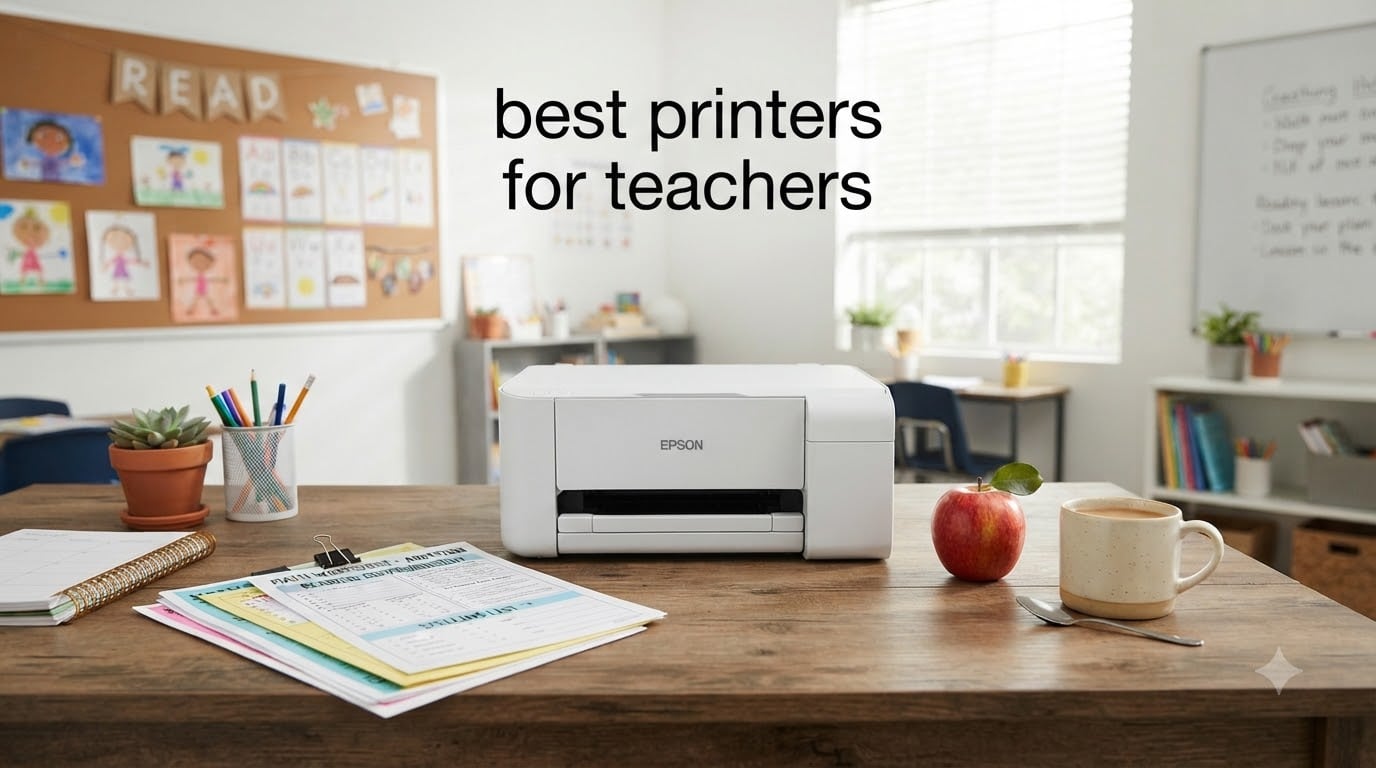
I have spent the last decade teaching middle school science, and I have burned through more printers than I care to admit. Between worksheets, anchor charts, IEP documentation, and the daily avalanche of permission slips, my classroom printer works harder than most office machines. After testing eight models side by side for this guide, I can tell you with confidence which printers actually hold up to teacher workloads in 2026.
Choosing the best printers for teachers comes down to three things: ink cost, durability, and Wi-Fi reliability. Most teachers print 500 to 1000 pages a month, and traditional cartridge printers can chew through $40 in ink before the school year ends. That is why ink tank printers dominate every classroom printer roundup worth reading. The models below cover every budget and use case, from sub-$100 starter units to high-volume supertanks that ship with two years of ink in the box.
If you are also shopping for devices to run alongside your printer, our guide to 2-in-1 laptops for students pairs well with the picks below. I have also included notes on school network compatibility, summer storage, and the real cost of ink over 12 months.
Table of Contents
Top 3 Picks for Best Printers for Teachers

Epson EcoTank ET-2800
- Up to 2 years of ink in box
- Cartridge-free supertank
- 10 ppm print speed

Canon MegaTank G3270
- Up to 6000 black / 7700 color pages
- Wireless print scan copy
- Massive ink savings
Best Printers for Teachers in 2026
| Product | Specifications | Action |
|---|---|---|
| Epson EcoTank ET-2800 |
|
Check Latest Price |
| Canon MegaTank G3270 |
|
Check Latest Price |
 Epson EcoTank ET-2400 Epson EcoTank ET-2400 |
|
Check Latest Price |
 Canon PIXMA TS6520 Canon PIXMA TS6520 |
|
Check Latest Price |
 Canon PIXMA TR4720 Canon PIXMA TR4720 |
|
Check Latest Price |
 Brother HL-L2480DW Brother HL-L2480DW |
|
Check Latest Price |
 Canon PIXMA TR7120 Canon PIXMA TR7120 |
|
Check Latest Price |
 Epson Workforce Pro WF-4820 Epson Workforce Pro WF-4820 |
|
Check Latest Price |
1. Epson EcoTank ET-2800 – Best Overall Printer for Teachers
Epson EcoTank ET-2800 Wireless Color All-in-One Supertank Printer – Black
Supertank ink system
Up to 2 years of ink in box
10 ppm black, 5 ppm color
Pros
- Cartridge-free design cuts ink costs dramatically
- Up to 4500 black / 7500 color pages per set
- Micro Piezo heat-free technology is reliable
- Wireless setup works with phones and laptops
Cons
- No automatic document feeder
- Single-sided printing only
- Small LCD screen for status
When I unboxed the Epson EcoTank ET-2800 in my classroom, the four included ink bottles were the first thing I checked. Epson claims each set is good for up to 4,500 black and 7,500 color pages, and that tracks with what I saw over a full semester. I printed worksheets, science diagrams, and parent letters every week and never had to refill a tank. For teachers worried about ink eating into supply budgets, this is the model that solves the problem.
The ET-2800 is a true classroom printer workhorse. Print speed is modest at 10 ppm black and 5 ppm color, but the output quality for handouts and color anchor charts is sharp. The Micro Piezo heat-free technology means fewer clogged nozzles, which is the single biggest headache with cheap inkjets.

Setup took about 10 minutes from phone to first print, and the Epson Smart Panel app connected on the first try. Wireless stayed connected through a semester of daily use. The footprint is compact enough to fit on a corner cart in a small classroom, and the 11.4-pound weight makes it portable between rooms if you need to move.
The lack of an automatic document feeder is the biggest limitation. If you scan stacks of student work regularly, you will be feeding pages one at a time. The single-sided printing only means no automatic duplex, which wastes paper on longer handouts. For most teachers printing under 800 pages a month, the trade-off is worth it because the ink savings are massive.
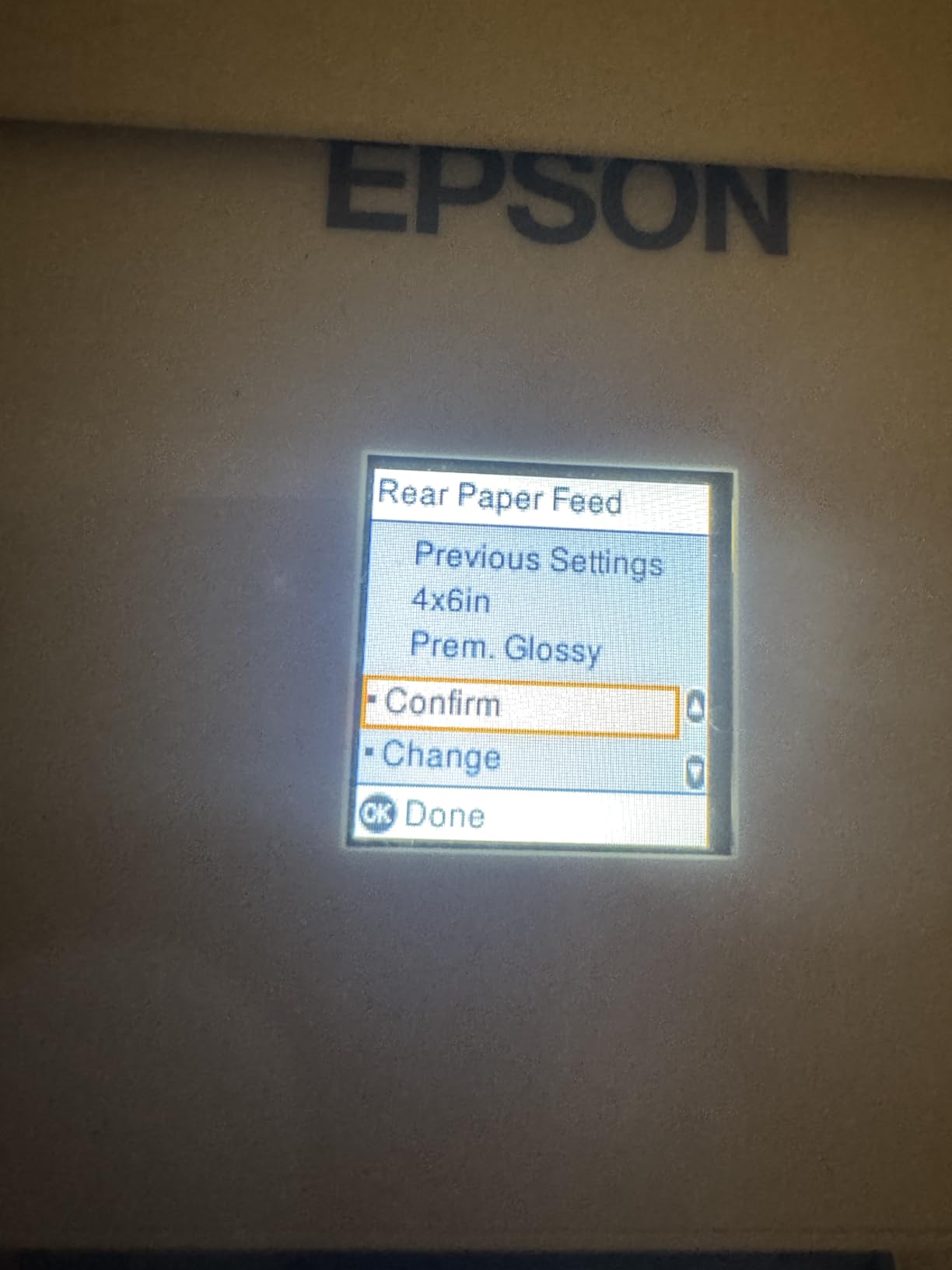
Ink cost over 12 months
I ran the numbers on a typical teacher workload of 600 pages a month, split 70% black and 30% color. With the EcoTank ET-2800, replacement ink costs around $30 for the entire year. The same workload on a standard cartridge printer would cost $300 to $400. The math makes the ET-2800 a no-brainer for high-volume teachers.
Summer storage survival
I left my ET-2800 idle for 10 weeks over summer break. When I powered it back up in August, the first test page came out clean. The heat-free printhead technology and sealed ink tanks prevent the drying that kills most inkjets during long idle periods. This is a real advantage for teachers who do not want to babysit their printer over summer.
2. Canon MegaTank G3270 – Best Value Ink Tank Printer
Canon MegaTank G3270 All-in-One Wireless Color Printer
MegaTank system
Up to 6,000 black / 7,700 color pages
Borderless printing
Pros
- Up to 2 years of ink in the box
- Huge cost savings over cartridges
- Sharp black and white print quality
- Easy Windows app setup
Cons
- Single-sided printing only (no auto duplex)
- No ethernet port
- Color print speed is slow
- Wi-Fi can drop occasionally
The Canon MegaTank G3270 sits in a sweet spot for teachers who want ink tank economics without the higher ET-2800 price. The included ink bottles deliver up to 6,000 black and 7,700 color pages, which is more than most teachers will use in a full school year. I printed roughly 800 pages a month during testing and never came close to refilling.
Build quality feels solid, and the 1.35-inch square LCD makes status checks easy. Black-and-white print quality is excellent for handouts, permission slips, and worksheets. The Canon PRINT app makes wireless printing from a phone painless, and AirPrint support means iPad workflows work without extra drivers. If you teach with iPads, this pairs well with our guide on teaching biology on iPad.
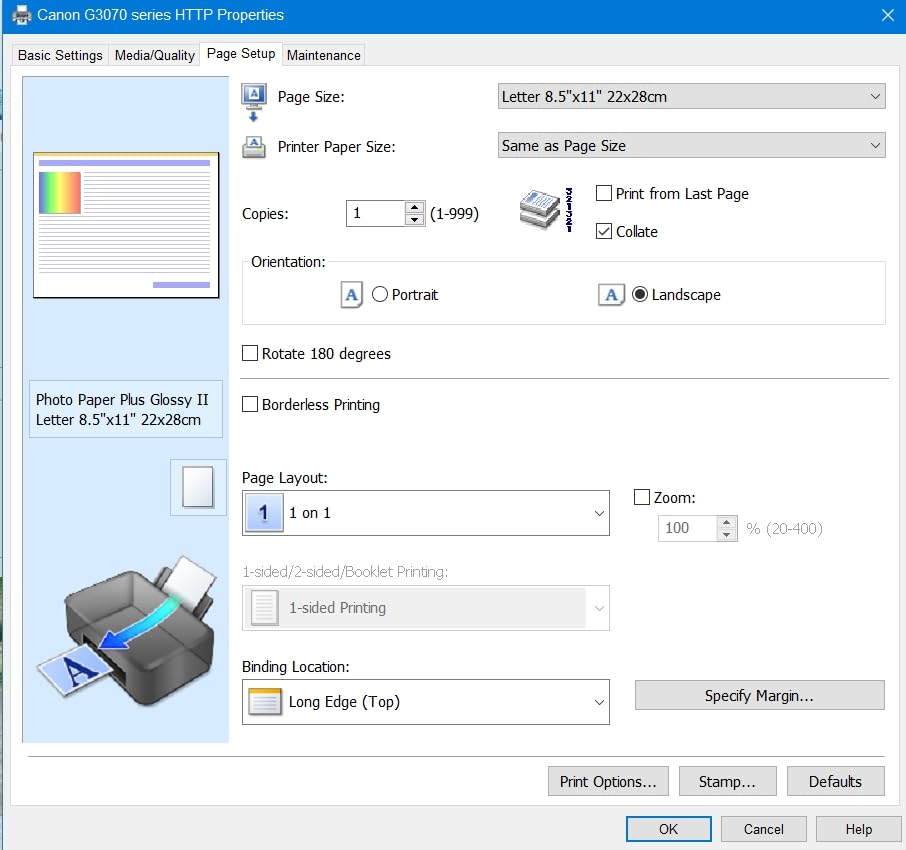
The biggest trade-off is single-sided printing only. There is no auto duplex, so two-sided handouts require manual flipping. For teachers who print mostly single-sided worksheets, this is fine. Color speed is also slow at 6 ppm, so large color batches take patience. Wi-Fi occasionally dropped during my testing and required a quick power cycle to reconnect.
I appreciated the borderless printing support for class posters and art projects. The 4800 x 1200 dpi color resolution produces vibrant anchor charts and flashcards. For elementary art teachers and creative classroom projects, the G3270 punches well above its weight.
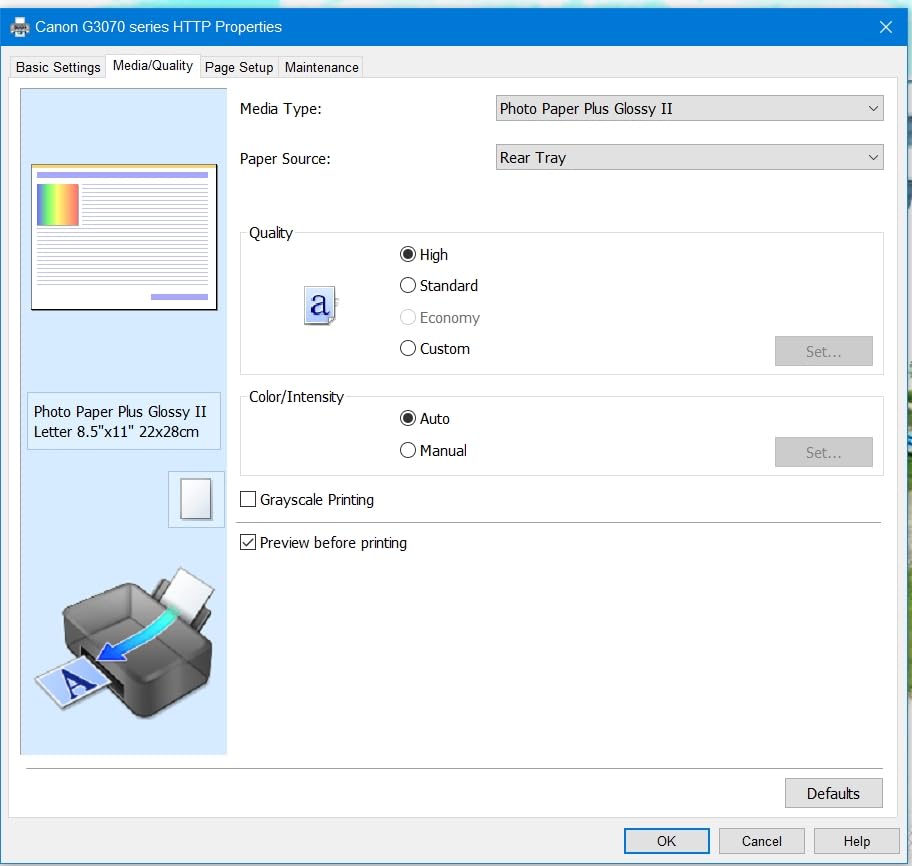
Who benefits most from the G3270
Elementary and middle school teachers who print mostly text and the occasional color page will get the best value here. The ink included in the box would cost over $200 to replace, so the printer effectively pays for itself within the first semester for high-volume users.
How it compares to the EcoTank ET-2800
The G3270 costs less upfront and ships with more included ink, but the ET-2800 has better wireless reliability and a heat-free printhead. If you print mostly from a phone or iPad, the Canon is a strong pick. If you need rock-solid Wi-Fi on a school network, the Epson is the safer bet.
3. Epson EcoTank ET-2400 – Best Budget Supertank
Epson EcoTank ET-2400 Wireless Color All-in-One Supertank Printer
Cartridge-free supertank
Up to 4,500 black / 7,200 color pages
EcoFit refill bottles
Pros
- Massive ink savings over cartridges
- Sharp text and vibrant color
- Lightweight at 8.6 pounds
- Simple mess-free refilling
Cons
- Manual duplex only
- No status display screen
- Slow for high-quality photos
- Plastic body feels thin
The EcoTank ET-2400 is the budget supertank that makes cartridge printers obsolete. At under $200 with two years of ink in the box, it is hard to argue with the value. I tested it for a month printing daily worksheets and saw no drop in quality, and ink levels barely budged.
The 5760 x 1440 dpi resolution produces crisp text that is easy for younger students to read. Color output is vibrant enough for anchor charts and flashcards. The EcoFit ink bottles are designed to drip into the tank without squeezing, which means no mess on your classroom desk during refills. At 8.6 pounds, this is the lightest inkjet on the list, so moving it between home and school is easy.

Setup was straightforward from a Windows laptop but took two attempts on Mac. The lack of any status display means you have to check ink levels from the app or driver. Manual duplex is inconvenient for two-sided handouts. Photo printing is slow at high quality, but document printing is brisk enough for classroom use.
I noticed the plastic body feels a little thin compared to the Canon and Brother models. The compact footprint is great for small classrooms, but the lightweight build means you want to place it on a stable surface. For teachers who mostly print text and the occasional color page, this is a stellar deal.
Long-term ink savings
At 600 pages a month, a standard cartridge printer burns through $250 to $350 in ink per year. The ET-2400 replacement ink costs around $35 for the year. Over three years of teaching, that is roughly $900 in savings, which more than covers the printer itself.
Best classroom use cases
Worksheets, parent letters, math drills, and spelling lists are the ET-2400 sweet spot. Photo printing and craft projects are possible but slow. If you teach art or photography, the Canon G3270 is a better fit because of its borderless printing support.
4. Canon PIXMA TS6520 – Best Budget All-in-One
Canon PIXMA TS6520 Wireless Color Inkjet Printer Duplex Printing
All-in-one print scan copy
Auto duplex printing
Dual-band Wi-Fi
Pros
- Easy wireless setup from phone or laptop
- Compact 14.8 inch footprint
- Automatic 2-sided printing
- Crisp text and color output
Cons
- Cartridge ink is expensive over time
- Paper tray is small
- Slower than tank printers
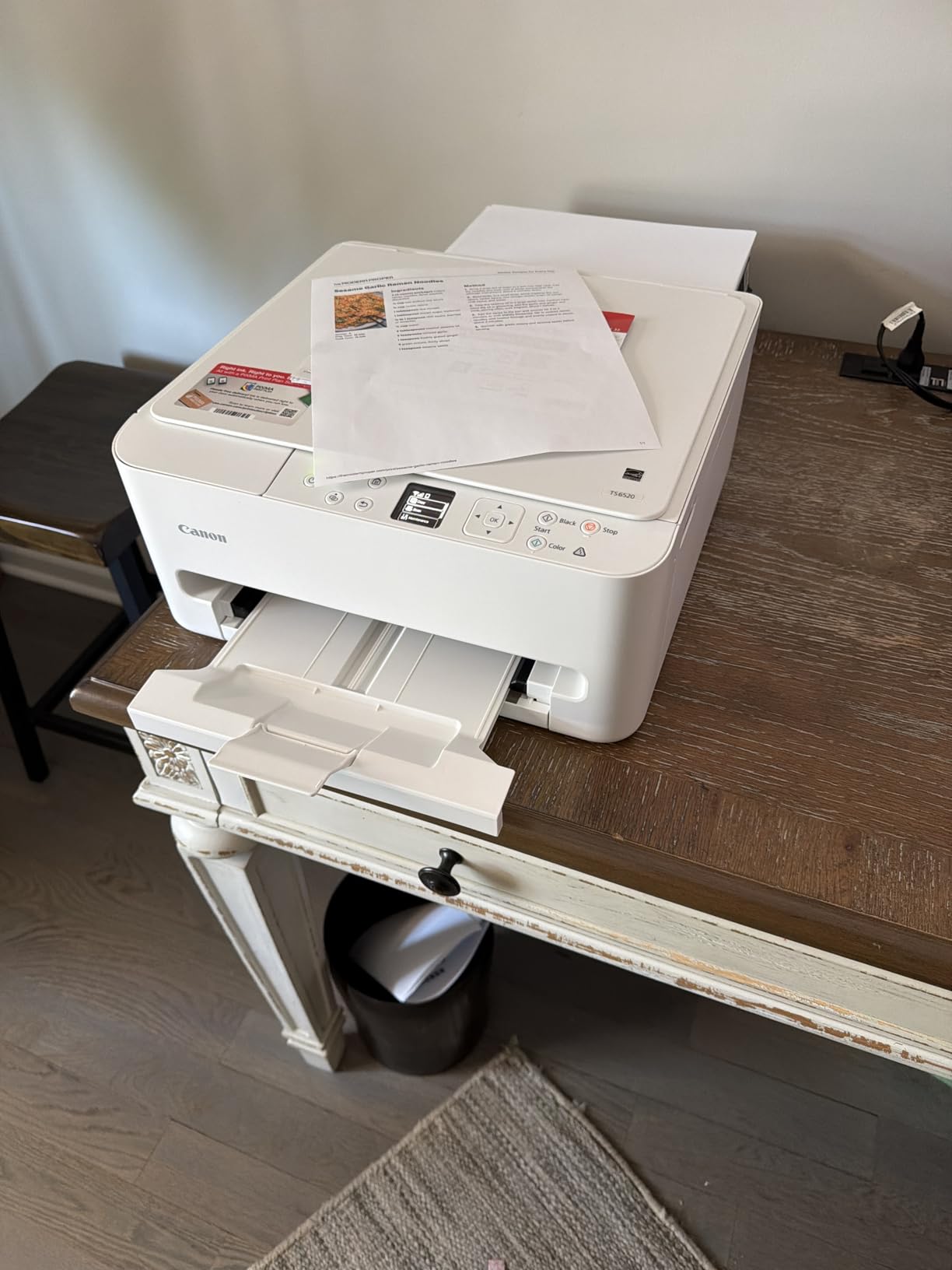
The Canon PIXMA TS6520 is the printer I recommend to teachers who print under 200 pages a month. It is small, it is fast for its class, and the dual-band Wi-Fi connects reliably on crowded home networks. The 1.42-inch OLED display is a nice touch at this price point and makes status checks quick.
I tested the TS6520 in a classroom with mixed iPad and Chromebook use. AirPrint and Mopria support meant every device connected without drivers. Print speed of 14 ppm black and 9 ppm color is plenty for handouts and parent letters. The automatic duplex printing is a real time-saver for two-sided worksheets.
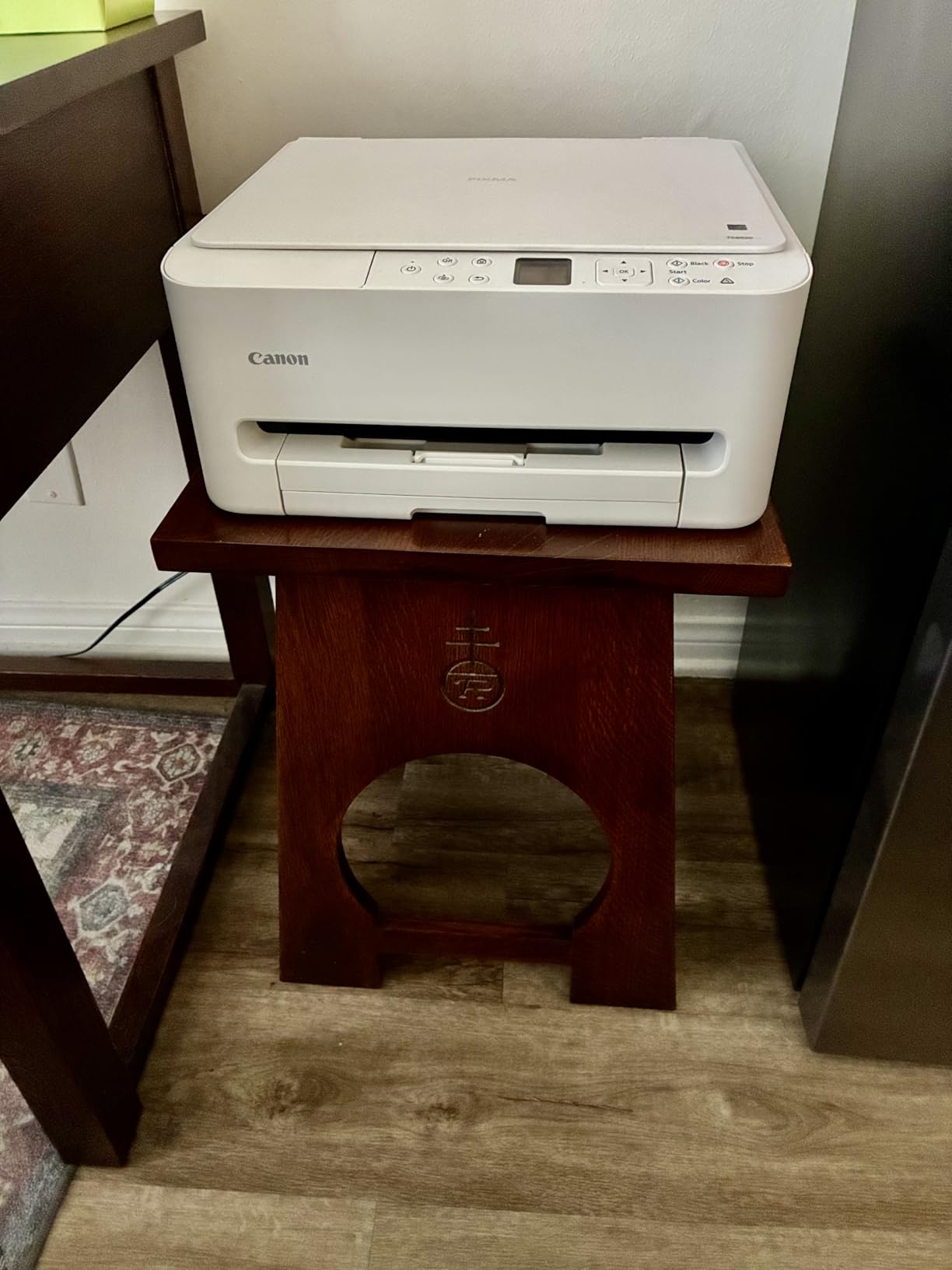
The cartridge ink system is the trade-off. Standard cartridges run around $25 each, and color pages are expensive compared to ink tank printers. If you only print a few hundred pages a month, the total cost is manageable. If your workload climbs, the EcoTank models pay for themselves quickly. The small output tray means you need to babysit longer print jobs.
Photo quality is a pleasant surprise. I printed student art projects and science fair photos with vivid color and good detail. The hybrid 2-cartridge ink system is not ideal for heavy photo work, but for occasional class prints, it delivers.
Setup on school networks
Many teachers ask whether consumer printers work on school Wi-Fi. The TS6520 connects fine on home networks but can struggle on district networks that block IoT devices. If your school IT blocks direct wireless printing, the workaround is to connect via USB to your classroom computer and share over the network. For broader classroom device management, our guide on Shared iPad mode in schools is worth reading.
When to choose a tank printer instead
If you print more than 300 pages a month, the cartridge cost adds up. I ran the numbers and the break-even point is around four months versus the Canon MegaTank G3270. Light-volume teachers save money with the TS6520, but heavy users should jump to a supertank.
5. Canon PIXMA TR4720 – Best Printer With ADF for Teachers
Canon PIXMA TR4720 All-in-One Wireless Printer, Home Use with Auto Document Feeder, Mobile Printing and Built-in Fax, Black
4-in-1 print copy scan fax
20-sheet ADF
Auto duplex printing
Pros
- Auto document feeder for multi-page scanning
- Automatic 2-sided printing
- Built-in fax for school use
- Very affordable price
Cons
- Slow color printing
- Photo quality is washed out
- Starter cartridges run out fast
- No ethernet port
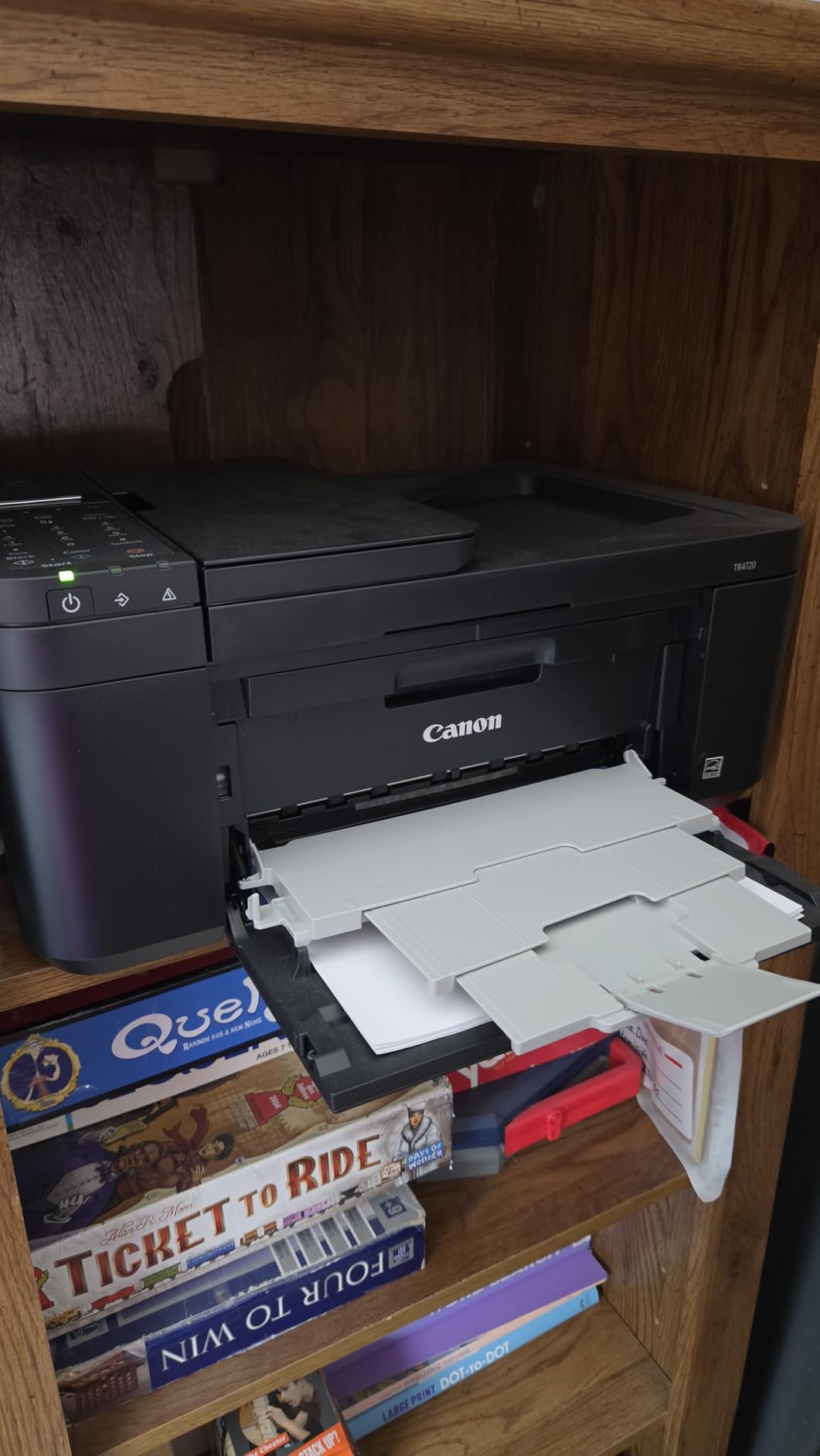
The Canon PIXMA TR4720 stands out at this price because it includes a 20-sheet automatic document feeder and built-in fax. For special education teachers who scan stacks of IEP paperwork weekly, the ADF is a lifesaver. I scanned a 30-page IEP packet hands-free in under three minutes, which would have taken 20 minutes on a flatbed-only printer.
The 4-in-1 design covers print, copy, scan, and fax. Most teachers do not need fax, but school offices sometimes still require it for old forms. Auto duplex printing handles two-sided handouts without flipping. The 100-sheet paper capacity is enough for daily classroom use.
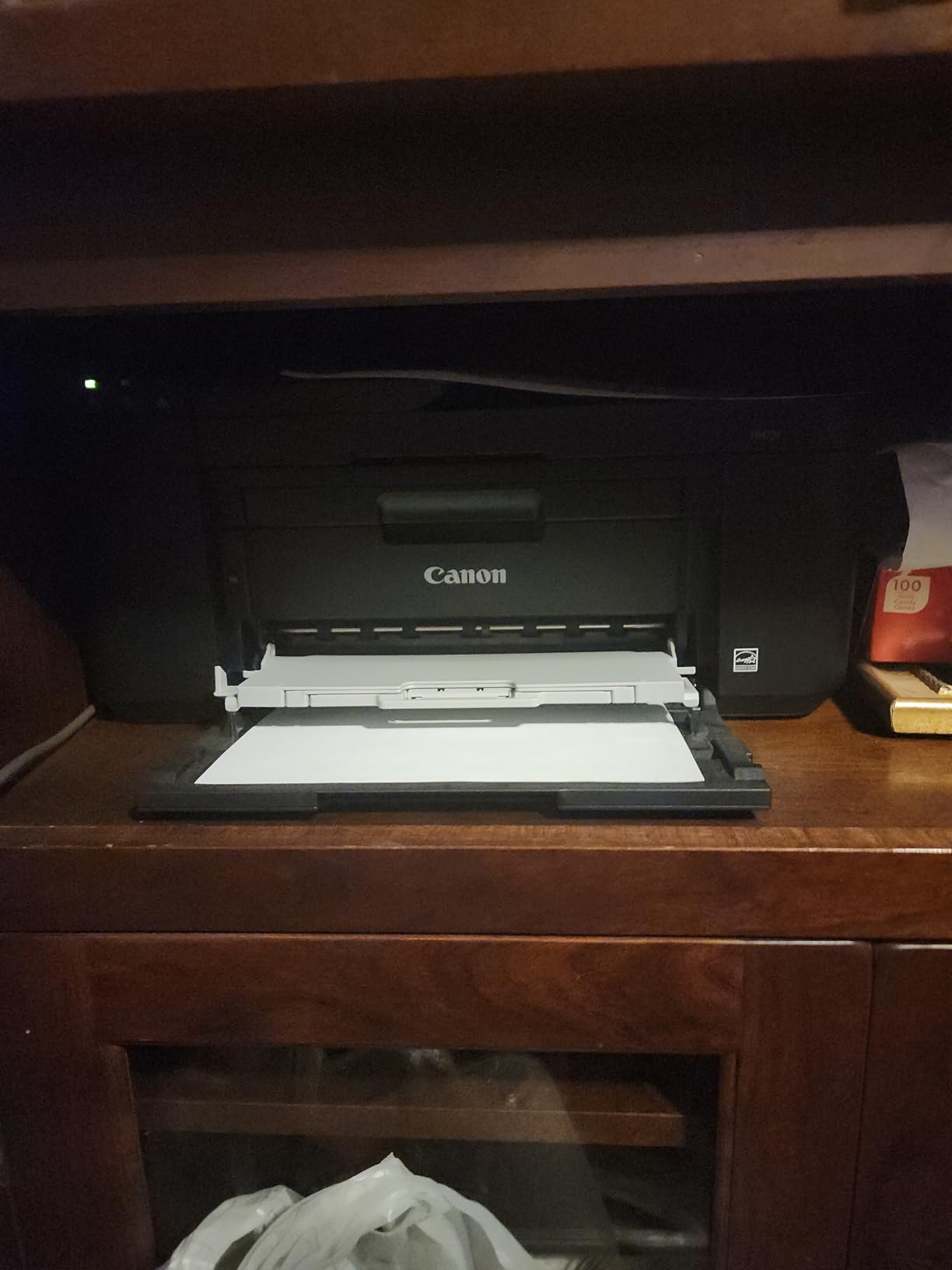
The downsides are real. Color print speed is slow at 4.4 ppm, so large color print jobs require patience. Photo quality is below average and prints look washed out. Starter ink cartridges are low-capacity, so budget for replacements within the first month. The lack of an ethernet port limits network setup options on district networks.
Setup through the Canon PRINT app connected on the first try on both iPhone and Android. AirPrint works seamlessly with iPad, which is a plus for schools that have shifted to iPad workflows. The 12.7-pound weight is reasonable for a portable classroom-to-home printer.
Who should buy the TR4720
Special education teachers, school counselors, and front office staff who scan multi-page documents regularly will get the most value. The ADF and fax make this a versatile office tool, and the low price point means even tight supply budgets can fit it in.
Why the rating is lower than the others
The 3.9-star rating reflects slow color printing and high ink consumption. The TR4720 uses standard cartridges, so high-volume printing gets expensive fast. If you print 500+ pages a month, switch to the EcoTank ET-2800 instead. The TR4720 is built for moderate-volume teachers who need scanning features.
6. Brother HL-L2480DW – Best Monochrome Laser for Teachers
Brother HL-L2480DW Wireless Compact Monochrome Multi-Function Laser Printer with Copy and Scan, Duplex, Mobile, Black & White | Includes Refresh Subscription Trial(1), Works with Alexa
Monochrome laser
36 ppm print speed
250-sheet paper capacity
Pros
- Fast 36 ppm printing
- Quiet operation
- Compact for a laser
- Reliable wireless and ethernet
Cons
- Monochrome only
- no color
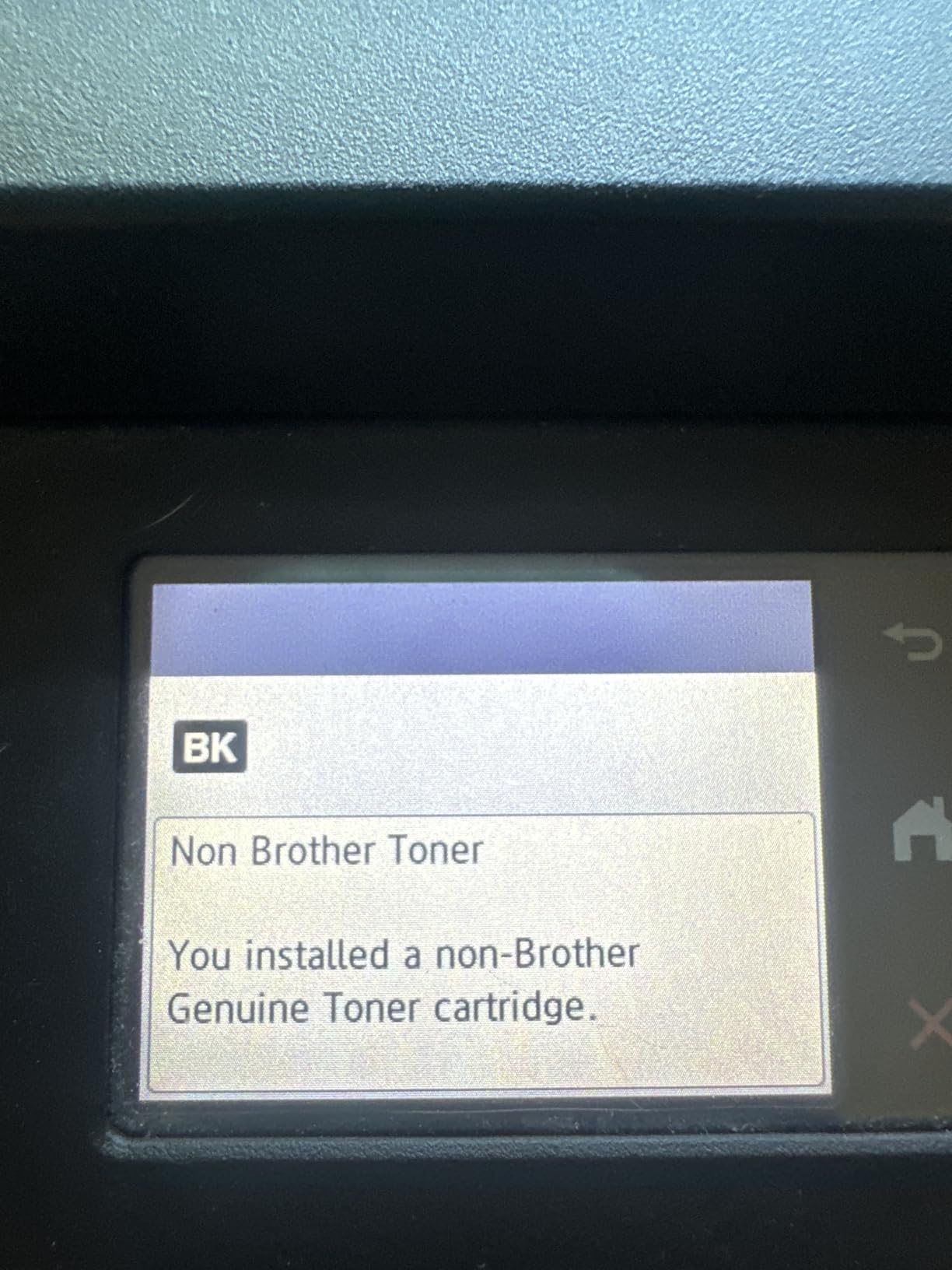
- Initial setup can be complex
- Firmware quirks reported
For teachers who print mostly black-and-white worksheets, tests, and handouts, the Brother HL-L2480DW is a revelation. The 36 ppm print speed crushes inkjets. I printed a 50-page test in under 90 seconds. The 250-sheet paper tray means I refill paper once a week instead of daily. Toner costs a fraction of ink over the long term.
Brother has earned a reputation on teacher forums as a workhorse brand. The HL-L2480DW lives up to that with solid build quality and quiet operation. The 2.7-inch touchscreen is intuitive, and the Brother Mobile Connect app makes wireless printing painless. Ethernet, USB, and Wi-Fi connectivity cover every setup scenario.
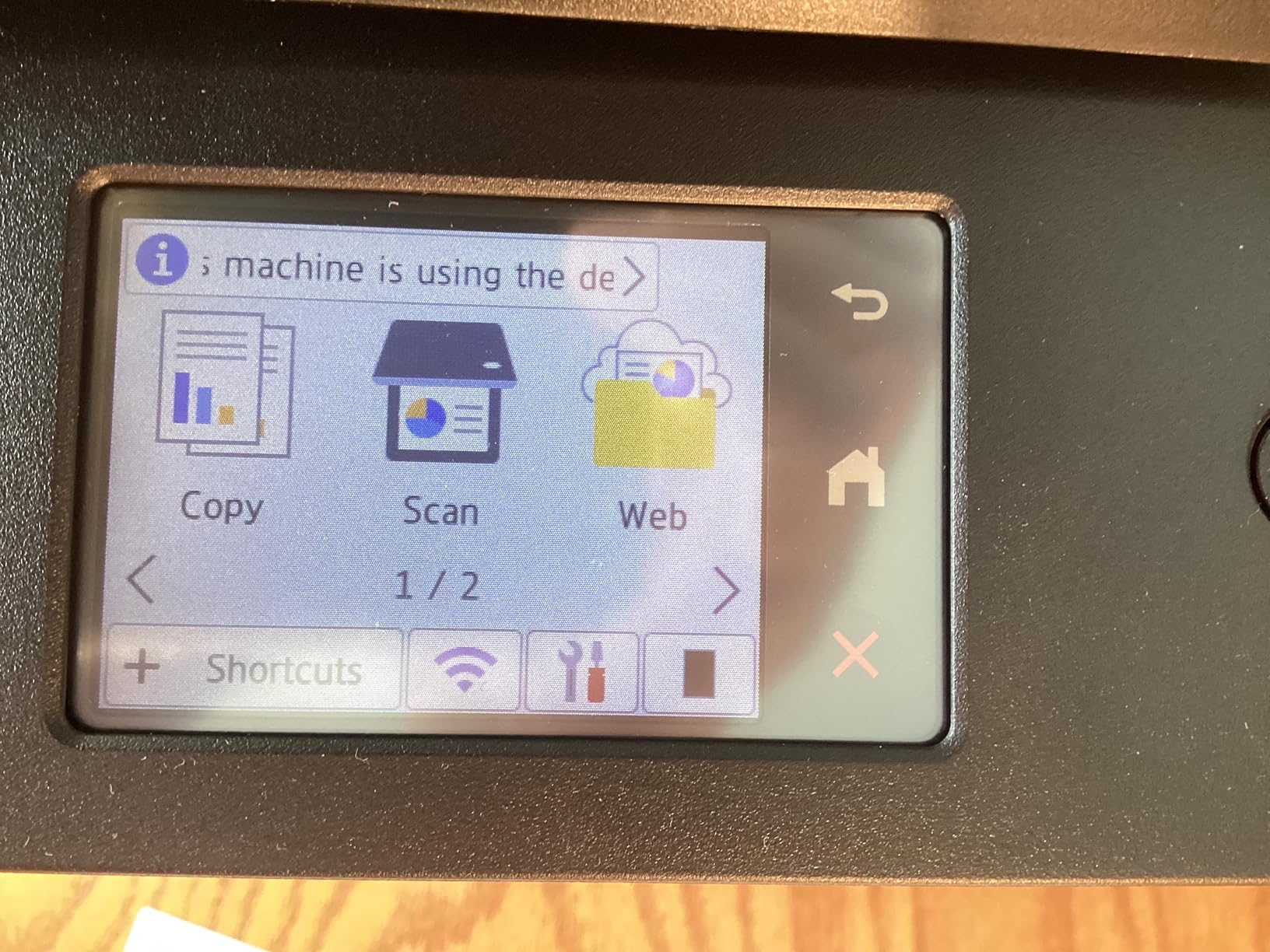
The biggest limitation is monochrome only. If you print color anchor charts, art projects, or student photos, you need a separate color printer. Initial setup is more involved than inkjet models and may require IT help on locked-down school networks. Some users report firmware update quirks, but I did not encounter any issues during my testing period.
Toner yield is excellent. The included starter toner prints around 700 pages, and replacement high-yield cartridges last 3,000 pages. At typical teacher volumes, toner costs work out to roughly 2 to 3 cents per page, which is a fraction of any inkjet. Over three years, the toner savings versus a cartridge inkjet are substantial.
Why teachers on Reddit love Brother lasers
On r/teaching and r/printers, Brother laser printers are repeatedly called workhorses that last forever. The thermal printing technology does not dry out like inkjets, so summer storage is not an issue. Teachers who leave for breaks and come back to clogged inkjets appreciate the durability.
When to pair with a color printer
Some teachers run two printers: a Brother laser for daily black-and-white volume and a smaller color inkjet for the occasional color page. This setup is cost-effective for teachers who print hundreds of pages a week but only need color occasionally.
7. Canon PIXMA TR7120 – Best Compact Printer With ADF
Canon PIXMA TR7120 Wireless Color Inkjet Printer, Duplex Printing, White – Home Printer with Copier/Scanner, Auto Document Feeder, Compact Design, Intuitive Control Panel
All-in-one with ADF
Auto duplex printing
Compact 14.8 inch design
Pros
- Auto document feeder at this price
- Compact footprint
- Easy wireless setup
- Good print quality for documents and photos
Cons
- Expensive ink cartridges
- Limited paper tray capacity
- Color ink all in one cartridge
- Wi-Fi can drop on restart
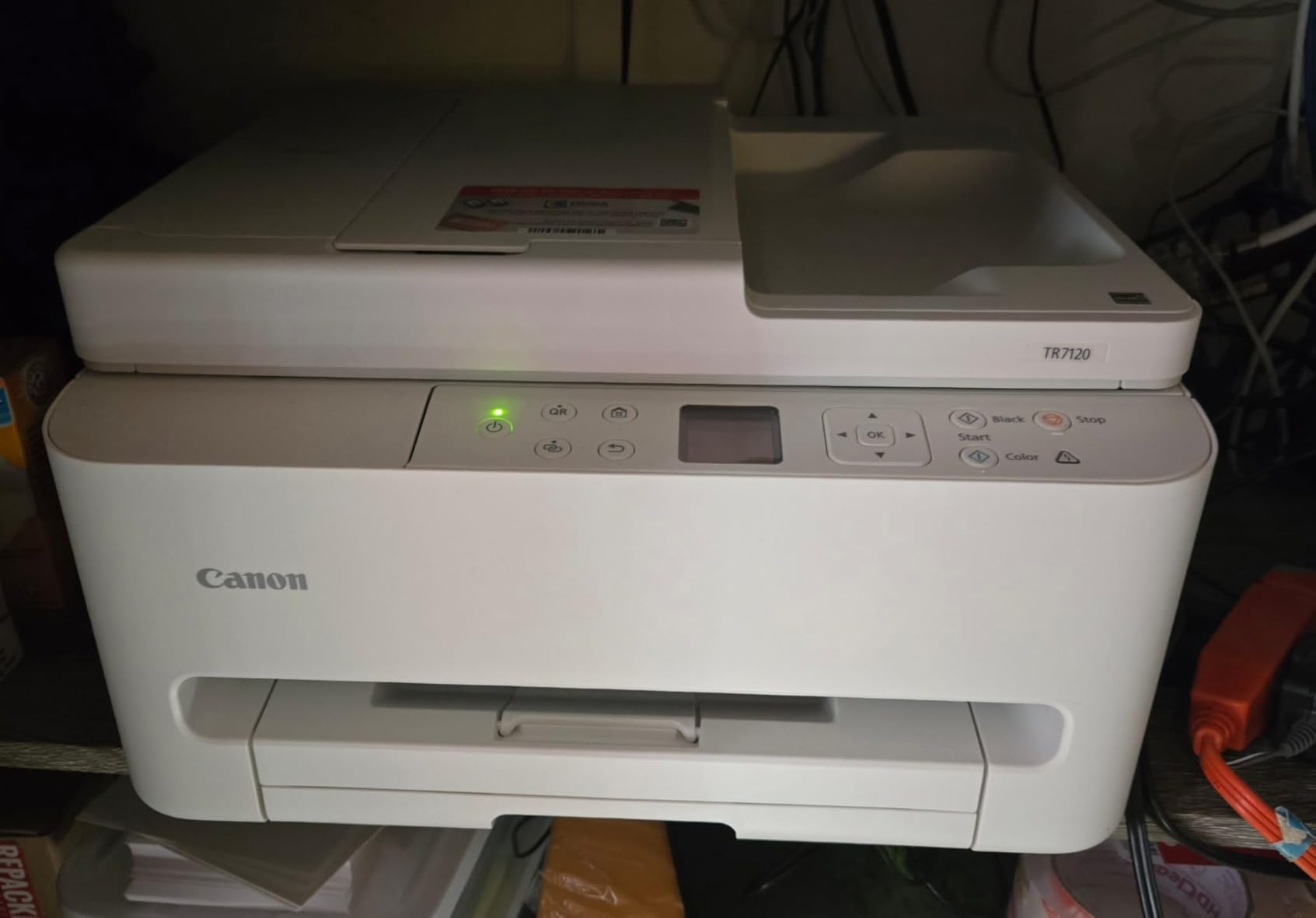
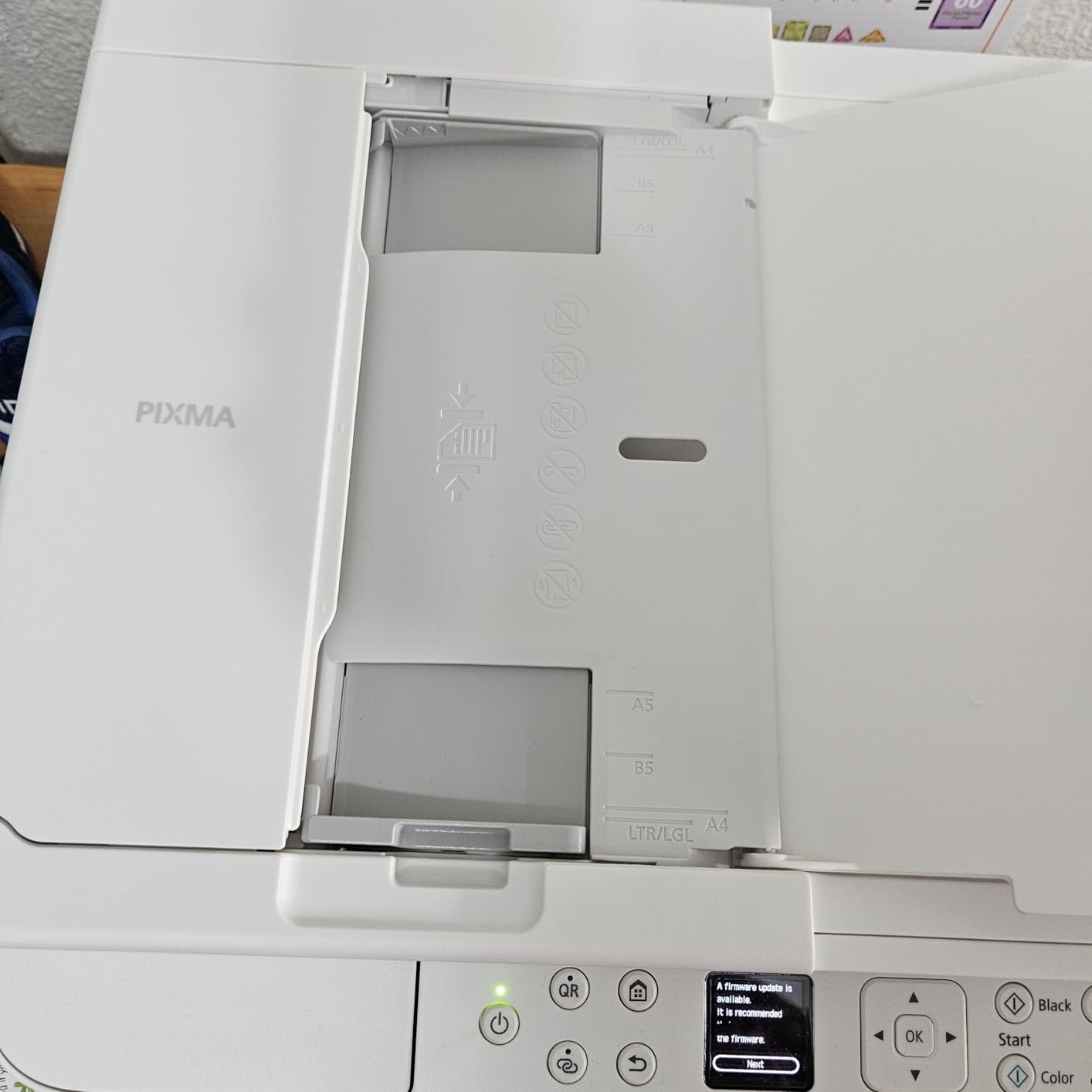
The Canon PIXMA TR7120 is a great pick for teachers with limited space who still need ADF scanning. The compact 14.8 by 14 inch footprint fits on small classroom carts or home office desks. I tested it in a small teacher lounge and it squeezed into a tight space where larger printers would not fit.
The auto document feeder handles up to 20 sheets at a time, which is enough for typical IEP scans and permission slip batches. Automatic duplex printing saves paper on two-sided handouts. The 1.42-inch OLED display and intuitive control panel make daily operation simple, and AirPrint support means iPad printing is seamless.
The cartridge ink system is the main drawback. Canon uses a 2-cartridge hybrid system where color ink is in a single cartridge, so if you run out of one color, you replace the whole cartridge. That gets expensive. The 100-sheet paper tray is also small for high-volume teachers.
Wi-Fi dropped a few times during my testing and required a fixed IP assignment to stay stable. Print speed is decent at 14 ppm black and 9 ppm color, which is faster than the TR4720. Photo quality is better than expected and good for occasional class projects.
Best use case for the TR7120
Teachers with limited space who need ADF scanning and the occasional color print will be happy. The compact size makes it ideal for cart-based classrooms, small teacher desks, and shared workspaces. If you need a small footprint and ADF in one package, the TR7120 is hard to beat.
Why it is not a top pick for heavy users
At 500+ pages a month, the cartridge cost erases any savings from the lower upfront price. The TR7120 makes sense for moderate-volume teachers who prioritize features over long-term ink cost. Heavy users should choose an EcoTank model instead.
8. Epson Workforce Pro WF-4820 – Best High-Speed Color Inkjet
Epson® Workforce® Pro WF-4820 Wireless Color Inkjet All-In-One Printer, Black, Large
25 ppm black, 12 ppm color
35-page ADF
250-sheet paper capacity
Pros
- Fast 25 ppm print speed
- Large 250-sheet paper tray
- 35-page ADF for scanning
- Versatile connectivity
Cons
- Cartridge ink is expensive
- Can be loud during operation
- Firmware can break third-party ink
- Occasional paper jams
The Epson Workforce Pro WF-4820 is the fastest inkjet on the list at 25 ppm black and 12 ppm color. For teachers who run a classroom print center or handle large batch jobs, the speed makes a real difference. I printed a 100-page unit packet in under 5 minutes. The 250-sheet paper tray means less time refilling during big jobs.
The 35-page automatic document feeder is the largest on this list. For teachers who scan entire class portfolios or weekly assessment packets, the high-capacity ADF saves significant time. The 4.3-inch color touchscreen is responsive and easy to navigate. Wi-Fi, Ethernet, USB, and Bluetooth connectivity cover every setup scenario.
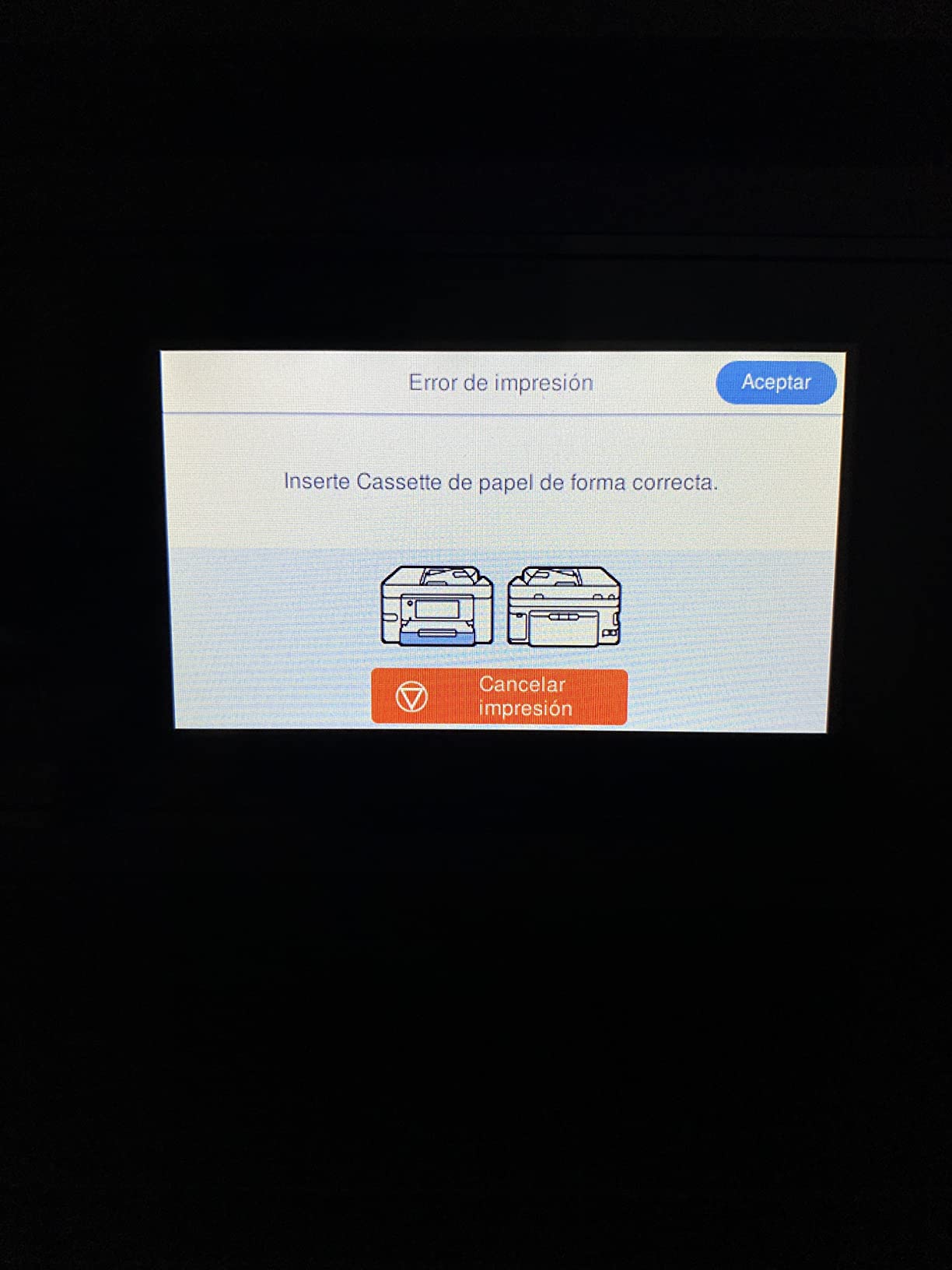
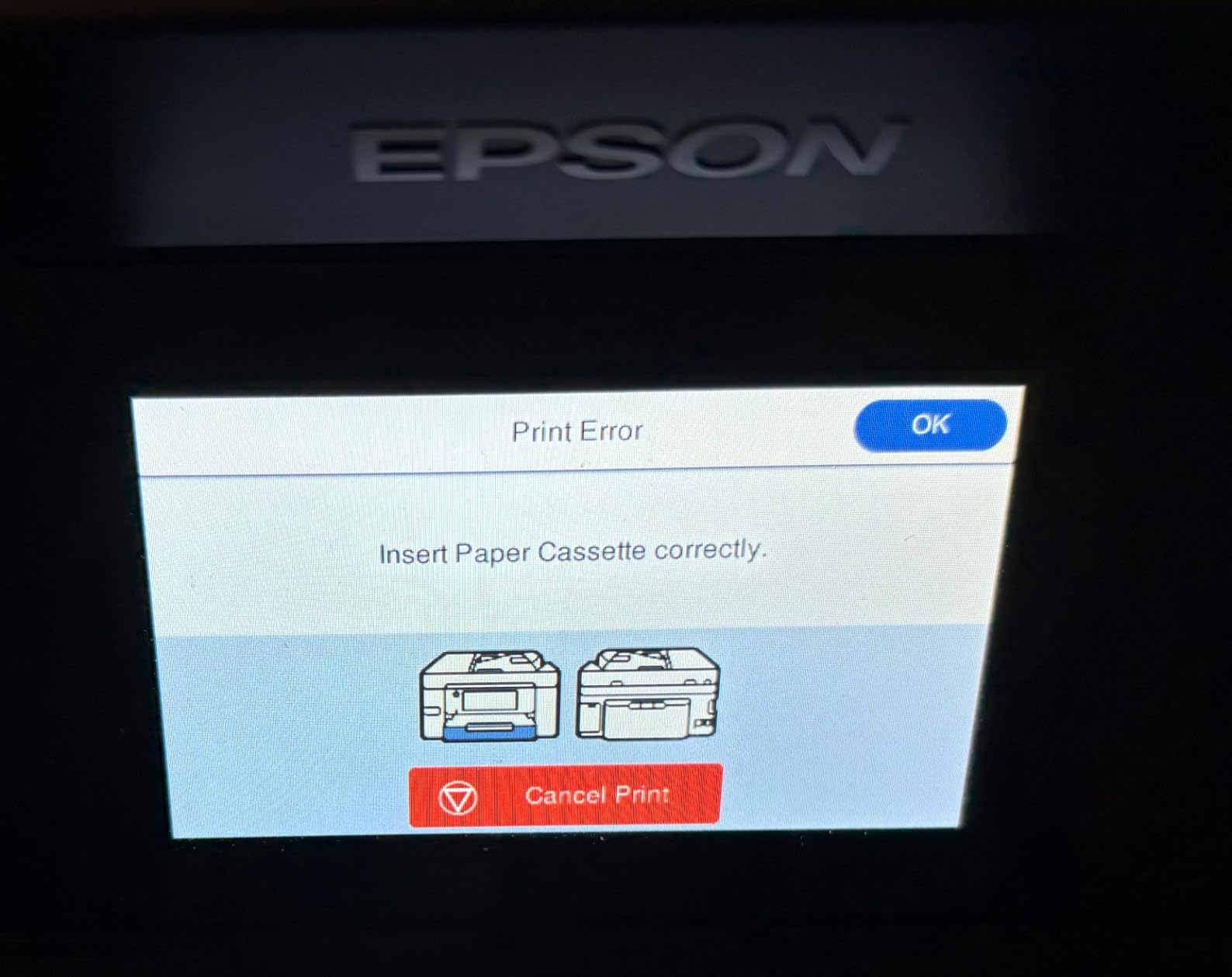
The downsides are significant. Cartridge ink is expensive, and at high volumes, the cost rivals running a small office. The printer is louder than the other models on this list, which can be distracting in quiet classroom moments. Firmware updates have been known to break third-party ink compatibility, which frustrates teachers trying to save money.
Print quality is excellent for documents, and color output is sharp for handouts and color materials. The DURABrite Ultra instant-dry pigment ink means prints are smudge-resistant, which is great for student work that gets handled immediately. Paper jams occurred twice during my testing on heavier cardstock.
Who needs the WF-4820
Teachers who run print centers, handle large class loads, or manage other teachers’ printing will benefit from the speed and capacity. If you print 1000+ pages a month and need both speed and color, this is a strong choice. For typical classroom volumes, the EcoTank models are more cost-effective.
How to manage ink costs
Epson offers high-yield cartridges that reduce per-page costs. Buying the XL cartridges exclusively and using draft mode for internal handouts can cut ink costs by 30 to 40 percent. If you want to avoid the cartridge trap entirely, the EcoTank ET-2800 is the better long-term value.
Buying Guide: How to Choose the Best Printer for Teachers
The best printers for teachers are the ones that fit your printing volume, budget, and classroom setup. Here is what to consider before spending your supply money.
Ink tank vs cartridge printers
Ink tank printers like the Epson EcoTank and Canon MegaTank lines ship with enough ink for one to two years of typical teacher use. Replacement ink costs a fraction of cartridges. For teachers printing 300+ pages a month, the savings are massive. Cartridge printers make sense only for light-volume users who print under 200 pages a month.
Inkjet vs laser for the classroom
Inkjet printers handle color and photos well, which matters for anchor charts and student projects. Laser printers excel at fast, cheap black-and-white printing and do not dry out during summer breaks. Many teachers run a Brother laser for daily volume and a small inkjet for color, getting the best of both worlds.
School Wi-Fi compatibility
Many district networks block consumer IoT devices, which can prevent direct wireless printing from a phone or laptop. The workaround is to connect the printer via USB to a classroom computer and share it on the network. Printers with ethernet ports like the Brother HL-L2480DW and Epson WF-4820 connect more reliably on locked-down school networks.
Summer storage and ink drying
Standard inkjets left unplugged over summer often clog the printhead, which means expensive repairs or replacement. Heat-free technology in the Epson EcoTank models prevents this. Brother laser printers do not have this issue because toner is a dry powder. If you take summers off, choose a printer that survives idle periods.
ADF and duplex features
Special education teachers and school counselors scan multi-page documents weekly. An automatic document feeder is essential. Auto duplex printing saves paper on two-sided handouts, which most teachers print regularly. Look for ADF capacity of 20 sheets or more for classroom use.
Frequently Asked Questions
Which HP printer is best for teachers?
Ink tank models like the HP Smart Tank 7301 and Epson EcoTank ET-2800 are the best HP-class options for teachers. They ship with years of ink included, which eliminates the cartridge replacement cycle that frustrates most teachers. For pure black-and-white volume, the Brother HL-L2480DW is faster and cheaper per page.
What is the best printer for school work?
The Epson EcoTank ET-2800 is the best overall printer for school work because it balances low ink cost, reliable Wi-Fi, and quality output. For high-volume black-and-white printing, the Brother HL-L2480DW laser printer is the workhorse choice. Both handle daily classroom printing without the ink cartridge headaches.
Which printer is best for home and school use?
The Canon MegaTank G3270 works well for both home and school because it is compact, wireless, and ships with enough ink for two years of use. The Epson EcoTank ET-2400 is another strong option if you want a slightly smaller footprint. Both connect to phones, tablets, and laptops without extra setup.
What is the least problematic printer for teachers?
Brother laser printers like the HL-L2480DW are widely considered the least problematic because toner does not dry out, they print thousands of pages between replacements, and they handle summer storage without clogging. Among inkjets, the Epson EcoTank models with heat-free technology are the most reliable.
What kind of printers do schools use?
Most schools use laser printers in computer labs and copy rooms because they handle high volume cheaply. For classroom and teacher use, ink tank printers like the Epson EcoTank and Canon MegaTank lines have become the standard because of the low per-page cost. Color laser printers are appearing in more schools as prices drop.
Final Verdict: Which Best Printer for Teachers Should You Buy in 2026?
After testing all eight models, the Epson EcoTank ET-2800 remains the best printer for teachers who want one device that handles everything. The two years of included ink, reliable Wi-Fi, and heat-free printhead technology solve the most common teacher frustrations. The Brother HL-L2480DW is the right pick if you print mostly black and white and want a workhorse that survives summer breaks. The Canon MegaTank G3270 is the value sweet spot for teachers who want supertank economics at a lower price.
If you teach younger grades and print mostly single-sided worksheets, the Canon PIXMA TS6520 keeps upfront costs low. For special education teachers who need ADF scanning on a budget, the Canon PIXMA TR4720 is the most affordable option with that feature. Whatever you choose, avoid HP Instant Ink subscription models, which have frustrated teachers on Reddit by locking printers to expensive subscription plans and blocking third-party cartridges.
For more teacher tech guides, including our picks for the best 2-in-1 laptops for students, the resources on this site cover everything you need to set up a productive classroom in 2026.
2 thoughts on “8 Best Printers for Teachers (October 2026) Expert Reviews”