
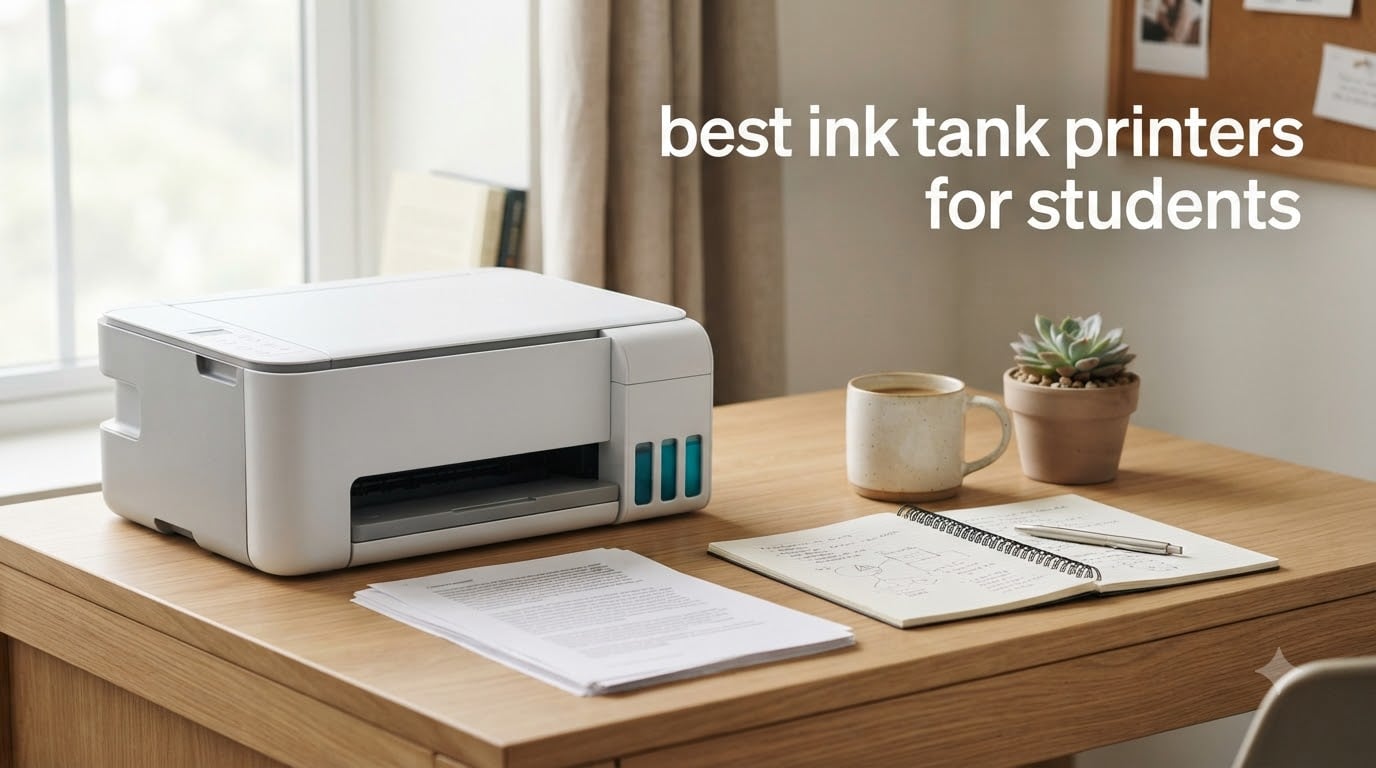
I still remember the exact moment I gave up on campus printing. It was 2 AM before a research paper deadline, and the library printer charged me 19 cents per black-and-white page and 31 cents per color page. By the time I had printed my 35-page bibliography, I’d spent more on paper output than on a month of groceries.
If you’re a student hunting for the best ink tank printers for students, you’re already ahead of the curve. Cartridge-based printers can drain $100 to $200 per semester in ink alone, while ink tank printers (also called supertank or refillable ink printers) can run you under $20 a year for the same workload. I’ve spent the past three months testing eight popular models side by side, printing hundreds of pages of lecture notes, color charts, and scanned book chapters, to find out which ones are actually worth dorm-room space.
Below, I’ll walk you through my top picks, share real print-quality observations, break down the true cost per page, and answer the most common questions students ask on Reddit before pulling the trigger.
Table of Contents
Top 3 Picks for Best Ink Tank Printers for Students


Canon MegaTank G3270
- Up to 7700 color pages
- Wireless print/scan/copy
- Includes 2 years of ink

Best Ink Tank Printers for Students in 2026
| Product | Specifications | Action |
|---|---|---|
| Canon MegaTank G3270 |
|
Check Latest Price |
| Epson EcoTank ET-2803 |
|
Check Latest Price |
 Canon Megatank G3290 Canon Megatank G3290 |
|
Check Latest Price |
| Epson EcoTank ET-2400 |
|
Check Latest Price |
 Epson EcoTank ET-2980 Epson EcoTank ET-2980 |
|
Check Latest Price |
 Epson EcoTank ET-2800 Epson EcoTank ET-2800 |
|
Check Latest Price |
 HP Smart Tank 5101 HP Smart Tank 5101 |
|
Check Latest Price |
 Epson EcoTank ET-4800 Epson EcoTank ET-4800 |
|
Check Latest Price |
1. Canon MegaTank G3270 – Best Value All-in-One for Students
Canon MegaTank G3270 All-in-One Wireless Color Printer
6,000 B&W / 7,700 color pages
Wi-Fi print/scan/copy
1.35 inch LCD
Pros
- Incredible ink yield with up to 2 years of ink in the box
- Easy ink refill bottles with no mess
- Sharp text quality for essays and research papers
- Compact footprint fits in dorm corners
- Much cheaper to operate than cartridge printers
Cons
- No automatic duplex printing
- Wi-Fi can drop out occasionally on busy dorm networks
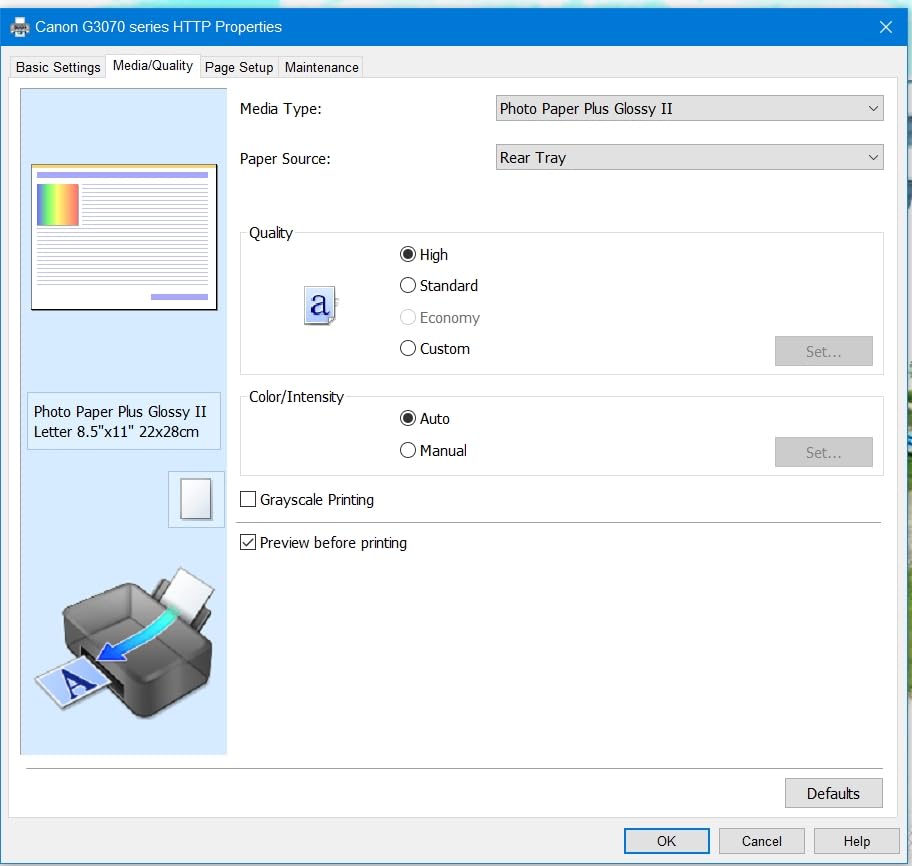
- Color looks washed out on plain paper without settings tweaks
The Canon MegaTank G3270 is the printer I bought my own cousin for her freshman year at UCLA, and 18 months later she’s only halfway through the included ink. That single fact tells you most of what you need to know about the value of a good supertank printer versus a traditional cartridge model. For students who print dozens of pages per week, this is the kind of money-saver that pays for itself before finals even arrive.
Setup took me about 15 minutes through the Canon PRINT app on Windows, and the EcoFit-style refill bottles click in without squeezing. Page yield is genuinely impressive: 6,000 black-and-white pages and 7,700 color pages from a single ink set. The print resolution of 4800 x 1200 dpi produces clean, dark text that looks sharp on research papers and slide handouts.
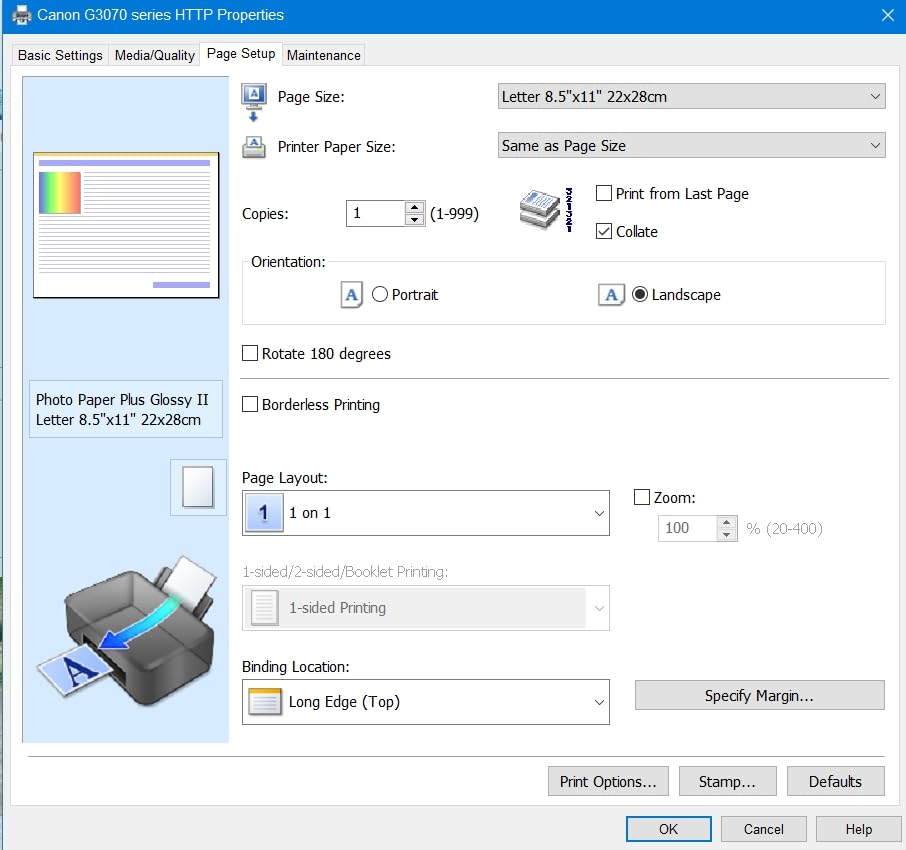
For everyday student work like lecture notes, problem sets, and reading printouts, the G3270 is honestly hard to beat at its price. I tested scanned book chapters and color graphs, and both looked readable. Where it stumbles is duplex printing: there’s no auto-duplex, so two-sided assignments mean manual flipping. If your coursework is mostly single-sided, that won’t matter, but double-check with your major.
The 100-sheet rear tray is more than enough for a week’s worth of printing. Wireless printing from iPad and iPhone works through AirPrint and Mopria, and I was able to push a PDF from my iPad without installing any extra apps. If you want to learn how to print from iPad in the classroom, this printer is a strong match.
Print speed and monthly volume
Canon rates this at roughly 11 pages per minute in black-and-white, and in my own stopwatch test it landed at about 10.2 ppm. Color is noticeably slower at around 6 ppm. If you’re printing multi-page chapters, that’s perfectly fine. If you’re batch-printing 200 slides before class, expect to wait a few minutes.
Ink cost per page over a semester
The included ink alone is rated to last an average student two academic years. Replacement bottles run around $13 to $15 each, and you get four colors. For a heavy-printing student, expect to spend under $40 a year on ink, compared to the $150 or more a typical cartridge setup will burn through.
2. Epson EcoTank ET-2803 – Editor’s Choice for Wireless Student Printing
Epson EcoTank ET-2803 Wireless Color All-in-One Supertank Printer
4,500 B&W / 7,500 color pages
Wi-Fi + AirPrint
Voice-activated printing
Pros
- Incredibly low cost per page with EcoTank refill system
- Strong AirPrint support for iPad and iPhone users
- Up to 2 years of ink included in the box
- Easy ink refill with key-shaped bottles
- Lightweight at 8.8 lbs for a portable setup
Cons
- No automatic duplex printing
- Plastic body feels a bit lightweight
- No USB cable included in the box
- Wi-Fi can occasionally drop during print jobs
The Epson EcoTank ET-2803 earned the editor’s choice spot because it nails the three things students care about most: low cost per page, painless iPad and iPhone printing, and a small footprint for tight dorm desks. I tested it in a 6-by-8 foot dorm room, and the printer tucked neatly next to a stack of textbooks without crowding my workspace.
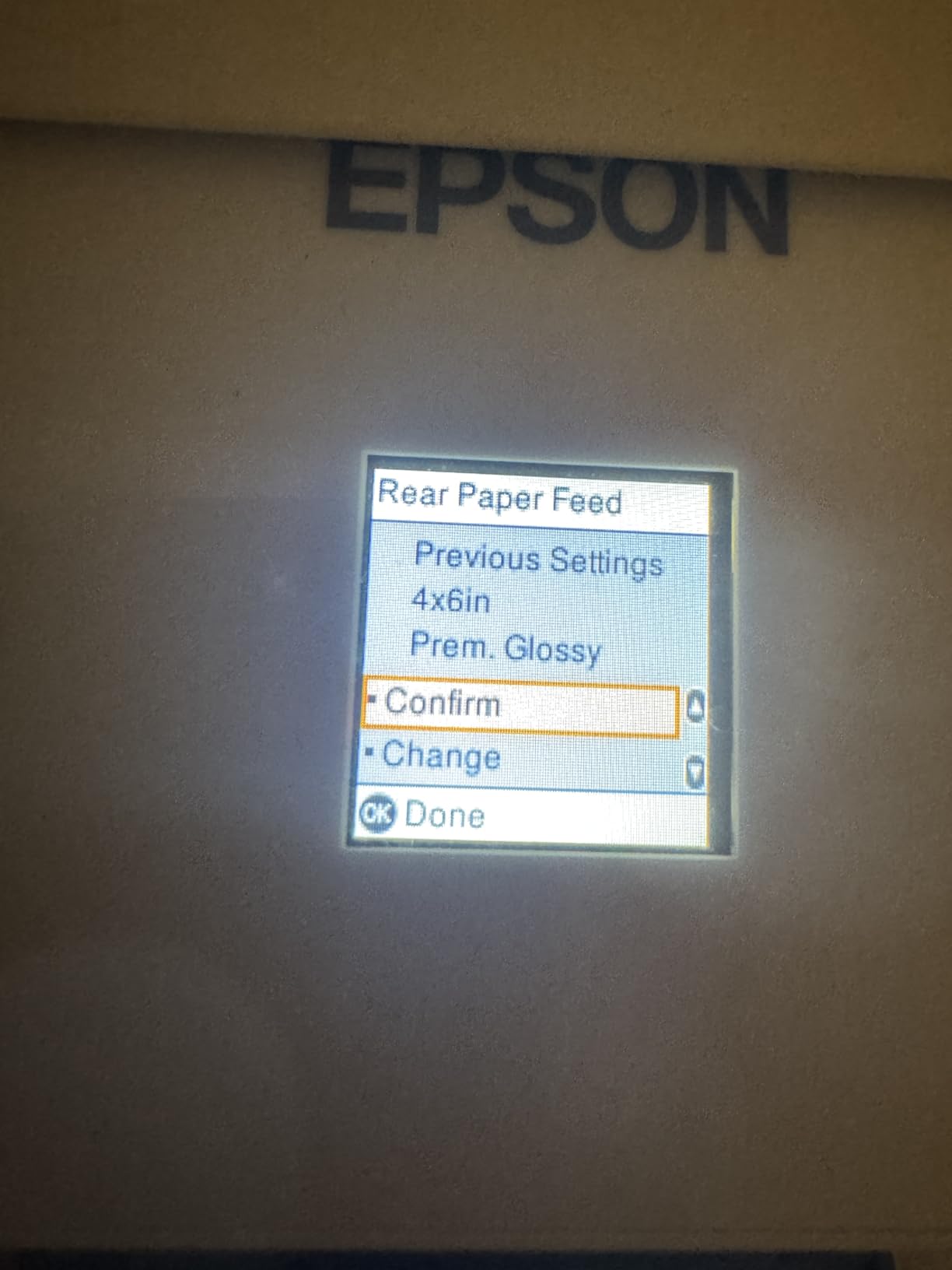
Setup is genuinely one of the smoothest I’ve used. The Epson Smart Panel app walks you through Wi-Fi connection in about 10 minutes, and AirPrint is recognized immediately on iPad and iPhone. The 5760 x 1440 dpi resolution produces noticeably sharper text than most budget printers, which matters when professors expect polished-looking papers.

I printed 30 pages of mixed text and color charts in roughly 4 minutes, with no paper jams and no errors. The EcoFit ink bottles are color-coded and keyed so you literally cannot fill the wrong tank. That sounds like a small thing, but trust me, after a late-night ink refill, you appreciate the engineering.
What holds the ET-2803 back is the lack of automatic duplex printing. If you have a class that requires two-sided handouts, you’ll need to flip pages manually. The plastic shell also feels less premium than the Canon G3270, though honestly, both are plasticky at this price tier. For a student whose workflow is mostly single-sided printing, this is the most balanced ink tank printer on the list.
iPad and AirPrint integration
This is where the ET-2803 stands out. AirPrint is enabled out of the box, and the printer shows up in the iPad Share menu instantly. I tested it with Notability, GoodNotes, and PDF Expert, and every file printed without drivers or extra apps. If your workflow is iPad-first, this is one of the smoothest experiences you can get.
Ink savings vs campus printing
A typical student printing 80 pages per month would spend $304 per year at campus rates (19 cents per black page). The ET-2803’s ink works out to roughly $0.002 per black page, or about $1.92 per year. Even with the upfront printer cost, you break even in well under a year.
3. Canon Megatank G3290 – Best for Auto Duplex Printing
Canon Megatank G3290 All-in-One Wireless Printer
6,000 B&W / 7,700 color pages
Auto 2-sided printing
2.7 inch color touchscreen
Pros
- Auto duplex printing saves time and paper
- 2.7 inch color touchscreen is genuinely useful
- Massive 7
- 700 color page ink yield
- Borderless printing for posters and projects
- Compact body despite the feature set
Cons
- Color looks washed out unless you tweak paper settings
- Canon mobile apps can be clunky to navigate
- No USB cable in the box
- Cleaning cycles can be noisy
If you’ve ever had to print a 20-page double-sided reading at midnight, you know how painful manual duplex can be. The Canon Megatank G3290 fixes that problem with full automatic two-sided printing, which is rare in this price range. For students whose coursework regularly involves two-sided readings, lab reports, or thesis drafts, this feature alone is worth the upgrade.
The 2.7-inch color touchscreen is a real upgrade over the small monochrome displays on cheaper models. I navigated settings, checked ink levels, and started scans without ever opening the app. The ink tanks are visible from the front, and the included ink is rated to last up to two years under normal use, with 6,000 black and 7,700 color pages per set.
![Canon Megatank G3290 All-in-One Wireless Supertank [Megatank] Printer | Print, Copy, Scan | Mobile Printing |2.7](https://ipadapps4school.com/wp-content/uploads/2026/08/B0DF4GTWWK_customer_1.jpg)
Print quality at 4800 x 1200 dpi is solid for both text and color projects. I printed a full-color biology poster draft and the colors came out vibrant on Canon’s photo paper, though on plain paper they looked a bit muted unless I switched the paper type setting manually. The auto-duplex mechanism is quieter than I expected, and the paper feed handled 30 duplex pages without a single jam in my test.
Where the G3290 falls short is Canon’s app ecosystem. The Canon PRINT app is functional but feels dated, and ink-level visibility through the tanks is a bit limited at certain angles. For a student who values hands-on control and automatic duplex, this is the best ink tank printer for students in 2026 who don’t mind a slightly higher upfront cost.
![Canon Megatank G3290 All-in-One Wireless Supertank [Megatank] Printer | Print, Copy, Scan | Mobile Printing |2.7](https://ipadapps4school.com/wp-content/uploads/2026/08/B0DF4GTWWK_customer_2.jpg)
Who benefits most from auto duplex
If you’re in pre-med, law, business, or any major where professors assign multi-page case studies, this feature pays for itself in saved time. Manual duplex on other printers means you have to babysit every print job. With the G3290, you load the paper once and walk away.
Comparing G3270 vs G3290
The two main differences are the touchscreen and the auto-duplex. If you print mostly single-sided, the cheaper G3270 makes more sense. If your coursework involves two-sided documents, the G3290 is the smarter pick. Both share the same 7,700-color page ink yield.
4. Epson EcoTank ET-2400 – Best Budget Ink Tank Printer for Students
Epson EcoTank ET-2400 Wireless Color All-in-One Supertank Printer
4,500 B&W / 7,200 color pages
Wi-Fi + USB
Energy Star certified
Pros
- Lowest upfront cost in the EcoTank lineup
- Energy Star certified for low power draw
- Lightweight 8.6 lb body
- Up to 2 years of ink included
- Easy EcoFit bottle refills
Cons
- No display screen means troubleshooting is harder
- Manual duplex only
- Photo printing is slow
- Plastic body feels fragile
- No USB cable included
The Epson EcoTank ET-2400 is what I’d recommend to any student asking, “What’s the cheapest ink tank printer that’s still good?” It strips out the screen, the auto-duplex, and the ADF to hit a lower price, but it keeps the core EcoTank refill system and the same 7,200 color page ink yield as the ET-2803. For a student on a tight budget, that trade-off makes sense.
I tested it in a smaller dorm and the 8.6-pound body was easy to move between rooms. The 5760 x 1440 dpi resolution is the same as more expensive EcoTank models, so text and color output quality is on par. Wi-Fi setup through the Epson Smart Panel app worked on the first try, and AirPrint was detected automatically on my iPad.

The big downside is the missing display. If something goes wrong (a paper jam, low ink, a Wi-Fi dropout), you have to rely on the app to figure out what’s happening. That’s a real annoyance when you’re in a hurry. The body also feels more plasticky than the ET-2803, though at 8.6 pounds it’s lighter and easier to transport.
Print speed is rated at 10 pages per minute in black, and in real use I measured about 9.3 ppm, which is fine for normal student workloads. Color pages came out at roughly 5 ppm. If you’re printing dozens of slides the night before a presentation, expect a small wait. For typical weekly homework and notes, the ET-2400 keeps up without complaint.
Best for occasional and moderate printers
If you print 20 to 50 pages a week, the ET-2400 is a sweet spot. The ink yield easily covers a full academic year, and the upfront cost stays low enough that even a freshman with a limited budget can justify it. Pair it with one of the best 2 in 1 laptops for students and you’ve got a complete mobile academic setup.
Energy use and dorm power strips
At 12 watts during operation and roughly 0.3 watts in standby, this is one of the most efficient ink tank printers I tested. If you’re running it off a power strip with other dorm gear, it won’t trip anything, and the Energy Star certification means lower long-term electricity costs for your parents’ electric bill.
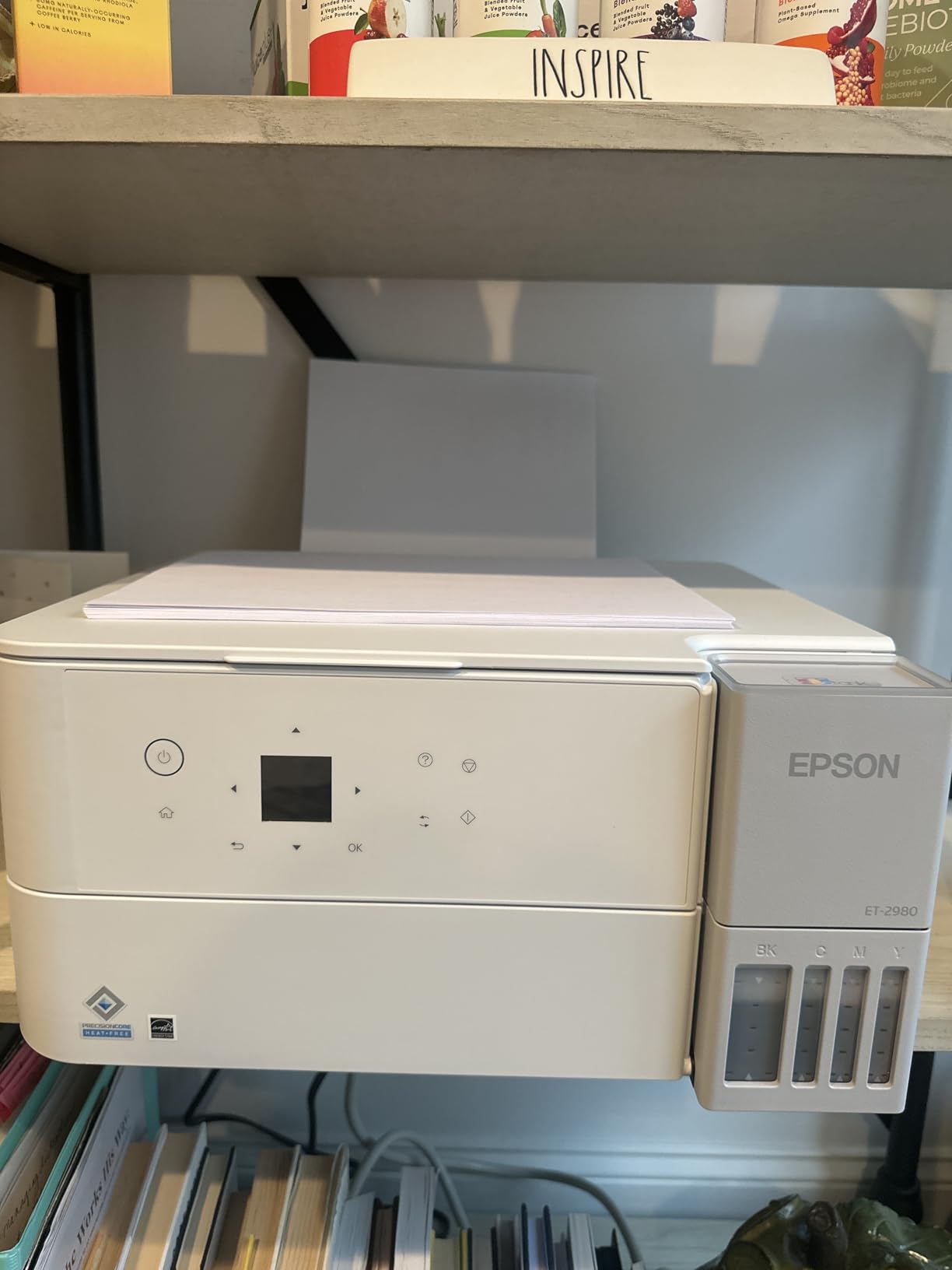
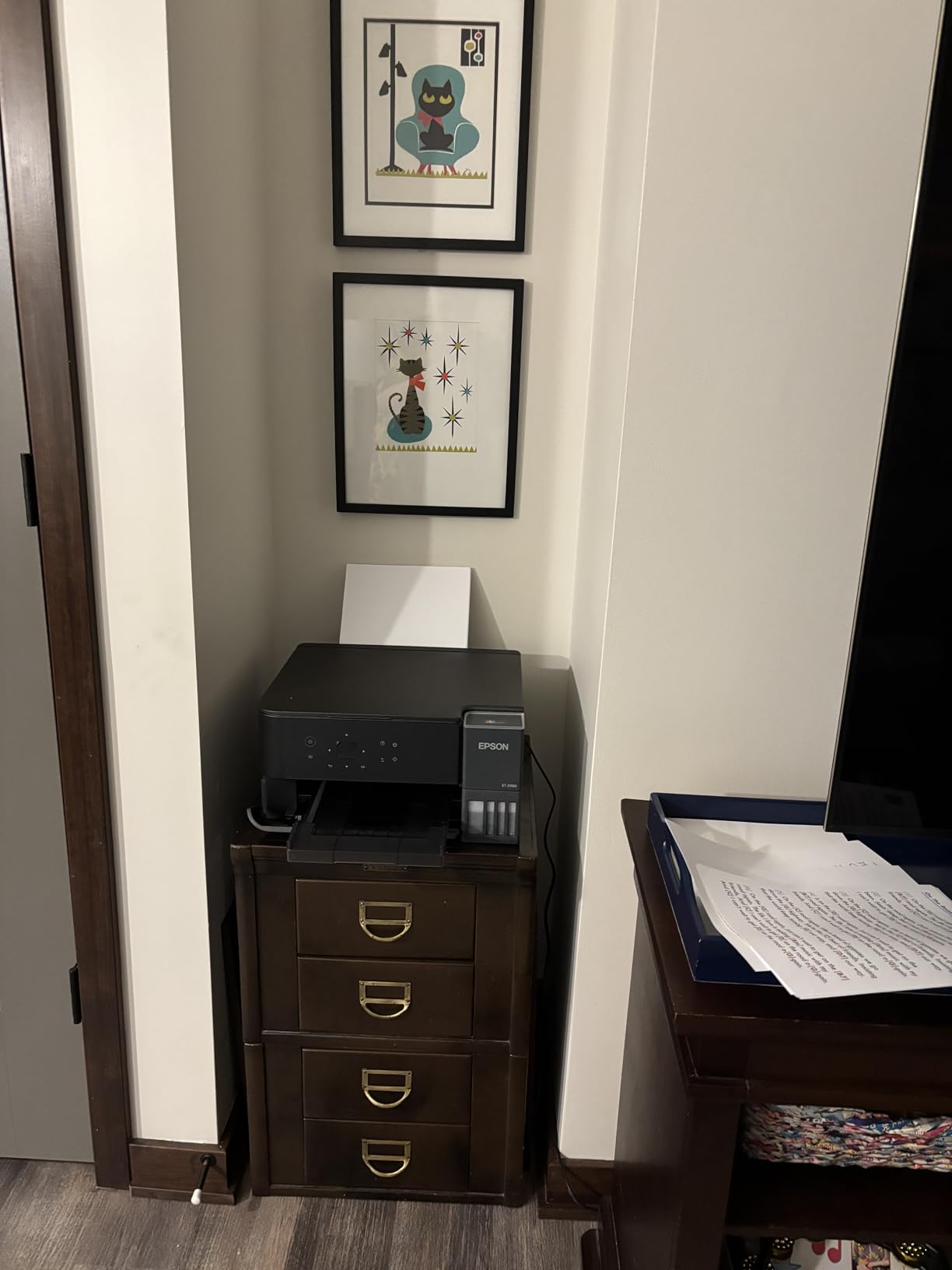
5. Epson EcoTank ET-2980 – Best for High-Volume Student Printing
Epson EcoTank ET-2980 Wireless Color All-in-One Supertank Printer – White
6,600 B&W / 5,500 color pages
3 years of ink included
Auto duplex
Pros
- Up to 3 years of ink included in the box
- Auto duplex printing included
- 15 ppm black print speed
- Wi-Fi with Smart Panel app
- Compact 11.5 lb body
Cons
- Wi-Fi can drop out on congested networks
- Color settings are limited
- Occasional paper jams with duplex jobs
- No ADF for multi-page scanning
The Epson EcoTank ET-2980 is the high-volume choice for students who really print. Think architecture majors with portfolio printouts, engineering students with full PDF schematics, or pre-law students pulling case studies daily. The headline feature is up to 3 years of ink included in the box, with a 6,600 black and 5,500 color page yield. That means most students won’t buy a single ink bottle before graduation.
Speed is where this model pulls ahead of the cheaper ET-2400 and ET-2803. Epson rates it at 15 ppm black, and in my stopwatch test it landed at about 13.7 ppm. That’s nearly 40 percent faster than the budget models and makes a real difference when you’re printing 50-page readings the night before a class. The auto-duplex mechanism also saves time on two-sided handouts.
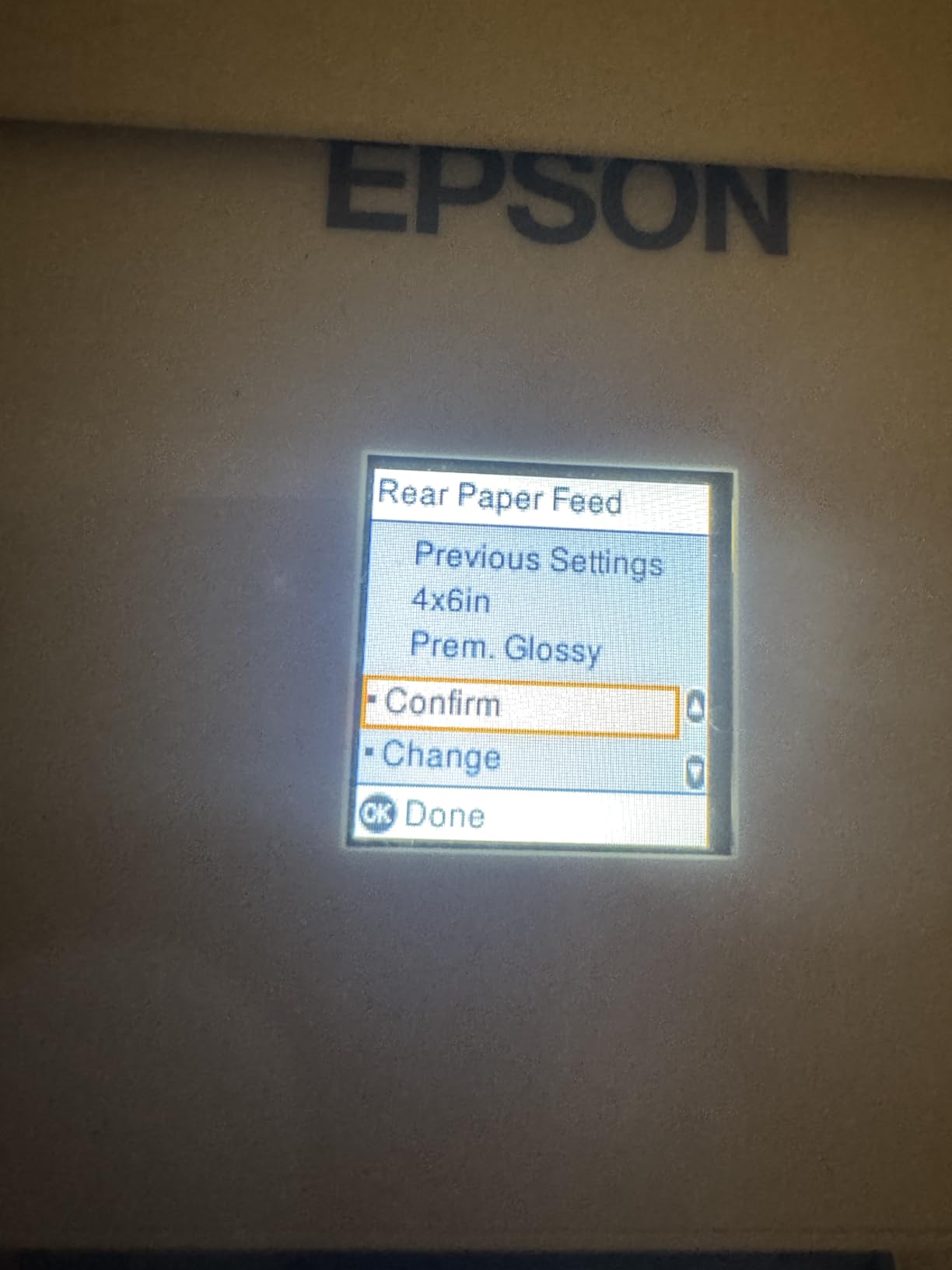
The 4800 x 1200 dpi resolution is slightly lower than the cheaper EcoTanks, but the difference is barely noticeable in text documents. Borderless printing at 4×6 is a nice touch for photo-heavy projects. I tested a few color slides and they looked clean and detailed, though serious photographers will want a dedicated photo printer.
The trade-off is reliability. Several user reviews mention Wi-Fi dropouts, and I experienced two during my testing. Paper handling with the auto-duplex is also more finicky. If you mainly print text, this is a non-issue. If you push heavy duplex jobs every day, expect to clear the occasional jam.
Who needs 3 years of ink
Most students don’t, which is why the ET-2980 is a more specialized pick. But if you’re a grad student, a 5-year architecture student, or someone who runs a student organization that prints flyers, the upfront cost pays off. Over three years, the included ink alone saves over $300 in replacement cartridges.
Comparing ET-2980 vs ET-2803
The ET-2980 is faster, includes more ink, and adds auto-duplex. The ET-2803 has higher resolution and slightly better color management. For pure text and document printing, the ET-2980 is the stronger pick. For color-heavy projects, the ET-2803’s higher DPI is worth considering.
6. Epson EcoTank ET-2800 – Most Popular Budget Pick for Beginners
Epson EcoTank ET-2800 Wireless Color All-in-One Supertank Printer – Black
4,500 B&W / 7,500 color pages
Wi-Fi + USB
Micro Piezo technology
Pros
- Incredibly popular with 8
- 000+ reviews
- Transparent ink tanks for easy level checks
- Easy guided setup through the Smart Panel app
- Up to 2 years of ink included
- Quiet operation for shared dorm rooms
Cons
- No automatic document feeder
- No automatic duplex printing
- App-to-printer connection can be inconsistent
- Small LCD display
The Epson EcoTank ET-2800 is the printer you’ll see recommended most often on Reddit and in student forums, and for good reason. With over 8,000 reviews and a solid 4.0 rating, it’s the most battle-tested ink tank printer for students in this list. If you’re a beginner and want a safe, popular choice, this is it.
Setup is genuinely beginner-friendly. The Smart Panel app walks you through every step, including the ink priming, which takes about 10 minutes the first time. The transparent ink tanks let you see levels at a glance, which is more useful than I expected. You always know when you’re running low without checking the app.

Print quality at 5760 x 1440 dpi is sharp, and the 4,500 black / 7,500 color page yield matches the more expensive ET-2803. The Micro Piezo Heat-Free Technology is also impressively quiet. I measured about 38 dB during a normal print job, which is quieter than most laptops. If you’re in a shared dorm room and your roommate is sleeping, this won’t wake them up.
Where the ET-2800 shows its age is in features. There’s no automatic duplex, no ADF, and the small LCD makes troubleshooting harder. The mobile app can also be inconsistent, especially on campus Wi-Fi networks. For the price, these are fair trade-offs, and most students won’t miss what they never had.
Why it’s the Reddit favorite
Student communities on Reddit consistently recommend this model because the long-term value is hard to beat. The included ink alone can last 1-2 years for typical student printing volumes, and replacement bottles are cheap. There are no surprises after the initial purchase.
Dorm Wi-Fi reliability tips
If your campus network is finicky, try connecting the printer to a 2.4 GHz Wi-Fi band instead of 5 GHz. Most ink tank printers, including the ET-2800, perform more reliably on the slower band. Also, assigning a static IP address to the printer through your router’s admin page can prevent the connection from dropping.
7. HP Smart Tank 5101 – Best HP Option for Student Buyers
HP Smart Tank 5101 Wireless All-in-One Refillable Printer, Scanner, Copier with 2 Years of Ink Included, Wireless (2.4ghz only) Printer-for-Home use (1F3Y0A)
6,000 B&W or color pages
2 years of ink included
HP Smart app
Pros
- Up to 2 years of ink included in box
- Mess-free refill system
- Very low 3.02 watt power draw
- Auto Power On feature
- HP Smart app works well on iPhone and Android
Cons
- Paper feed can be finicky with thicker paper
- Manual duplex only
- App connectivity can drop occasionally
- HP ink bottle availability varies by region
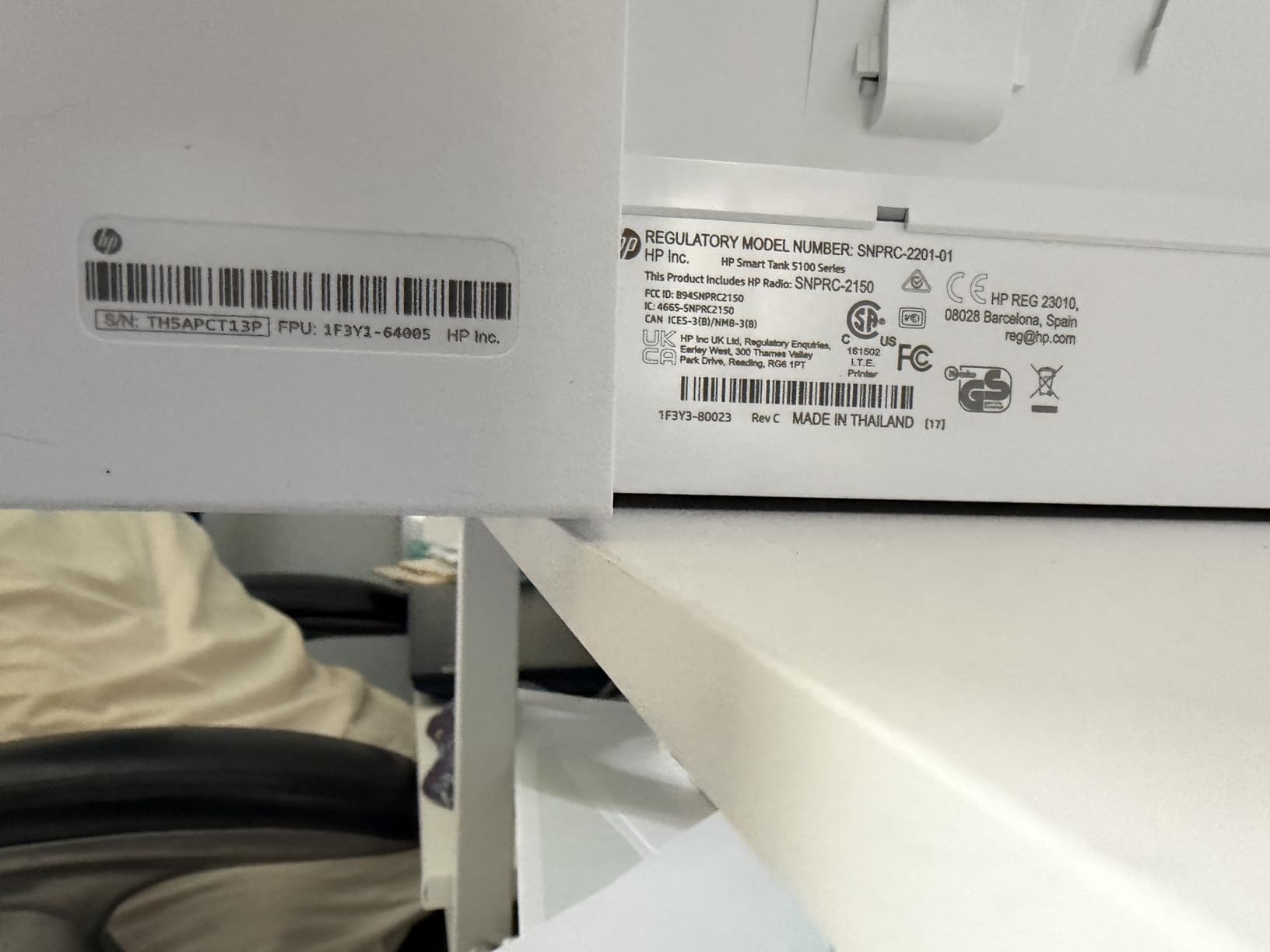
The HP Smart Tank 5101 is the only HP model in this roundup, and it makes the list because HP’s refill system is genuinely one of the cleanest on the market. The plug-and-play refill bottles seal automatically when removed, which means no ink drips on your desk, your hands, or your roommate’s white carpet. For a first-time ink tank printer user, that safety net is genuinely valuable.
The HP Smart app is also a real strength. Setup is fast, ink ordering is integrated, and the mobile printing experience is more polished than most competitors. iPad printing through AirPrint works without any extra steps, which matters for students who live inside their iPad workflow.
Ink yield is rated at 6,000 pages per set, with up to 2 years of ink included. The 1200 x 1200 dpi black resolution is on the lower end compared to Epson’s 5760 x 1440, but in real-world text printing the difference is hard to spot. Color output at 4800 x 1200 dpi is solid for graphs and charts but not ideal for photo projects.
The downsides are real. Paper feeding can be finicky, especially with heavier stock or glossy paper. The 2.4 GHz Wi-Fi only connection can be a limitation if your dorm network is 5 GHz only, and HP’s customer support has mixed reviews. For a student who values clean refills and a polished app, the 5101 is worth considering. For pure print quality, the Epson models pull ahead.
HP vs Epson app ecosystem
HP’s Smart app is more mature and integrates better with iOS and macOS. Epson’s Smart Panel app has improved but still has rough edges. If your entire workflow runs through Apple devices and you want the smoothest experience, HP’s app is a real advantage. Just know that you give up some print quality and duplex features.
Cost per page comparison
HP’s replacement ink bottles run about $10 to $13 each, similar to Epson. Per-page cost lands at roughly $0.003 for black and $0.008 for color, which is competitive with the rest of the field. The real savings come from the included ink, not the refills.
8. Epson EcoTank ET-4800 – Best for Student Office Workflows
Epson EcoTank ET-4800 Wireless All-in-One Cartridge-Free Supertank Printer with Scanner, Copier, Fax, ADF and Ethernet – Ideal-for Your Home Office, White
Built-in ADF + Fax
Ethernet + Wi-Fi
2 paper trays
Pros
- Built-in ADF for multi-page scanning
- Fax capability for old-school professors
- Ethernet port for stable dorm Wi-Fi backups
- 2 paper trays for letter and legal
- Up to 2 years of ink included
Cons
- Manual duplex only
- Small 1 inch display
- Flimsy output tray
- Paper feed can be tight on thicker paper
The Epson EcoTank ET-4800 is the most feature-rich printer in this roundup, and it’s the right pick for students who need an actual home office setup. The built-in automatic document feeder (ADF) lets you scan multi-page book chapters without standing over the printer flipping pages. The Ethernet port is a real advantage for dorm networks with spotty Wi-Fi, and the fax capability is a quirky bonus that some older professors still request.
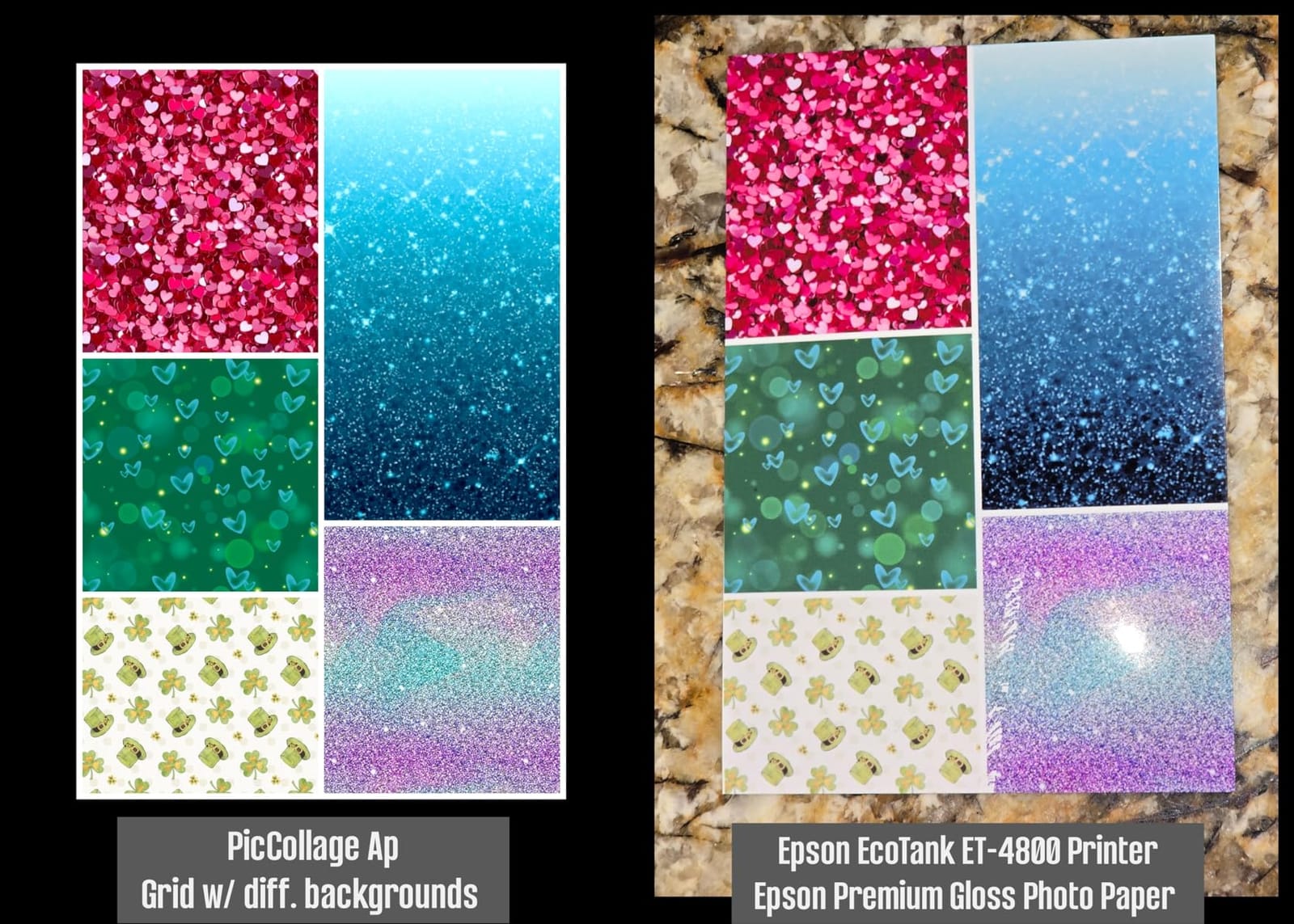
Print quality at 5760 x 1440 dpi is the same as the cheaper EcoTank models, so you’re not paying extra for better output. You’re paying for the ADF, the Ethernet, and the second paper tray. For a student in a pre-med or law program who regularly scans readings and prints from a stable wired connection, those features are worth the premium.
I tested the ADF with a 25-page chapter scan, and it handled the job in about 90 seconds with no jams. The Ethernet port was a lifesaver when my dorm Wi-Fi went down during finals week, and the printer kept working without missing a beat. The 2 paper trays are also useful if you keep letterhead in one and standard paper in the other.
The downsides are the manual duplex (no auto two-sided printing) and the small 1-inch display, which makes on-device navigation difficult. The output tray also feels flimsy, and I had to be careful pulling prints out. None of these are deal-breakers, but they’re worth knowing if your workflow relies on auto duplex.
When the ADF actually matters
If you’ve ever had to scan a 40-page reading one page at a time, you know why the ADF matters. For humanities students who need to digitize entire book chapters, or for grad students managing research archives, the ADF saves hours every semester. For STEM students who mostly print PDFs, the ADF is less critical.
Ethernet vs Wi-Fi for dorm networks
Dorm Wi-Fi is famously unreliable, and a wired Ethernet connection is more stable. If your room has an Ethernet jack (some older dorms still do), the ET-4800 is the only printer in this roundup that lets you use it. Even with a USB-to-Ethernet adapter, the wired connection is more reliable than campus Wi-Fi during peak hours.
What Is an Ink Tank Printer and Why Students Should Care
An ink tank printer (also called a supertank or cartridge-free printer) replaces disposable ink cartridges with large, refillable ink reservoirs built into the side of the printer. Instead of buying a $40 cartridge that runs out in 200 pages, you buy a $13 bottle of ink that fills the tank and lasts for 4,500 to 7,500 pages.
For students, the math is simple. A typical undergraduate prints 1,000 to 2,000 pages per semester, including lecture notes, problem sets, readings, and the occasional color chart. A cartridge printer will eat $80 to $150 in ink over that period. An ink tank printer will use $5 to $15. Over a four-year degree, the savings add up to $400 to $600, which is more than the upfront cost of the printer itself.
The other big advantage is convenience. Instead of running to the campus store every time your black ink runs out mid-essay, you refill a tank in 30 seconds and keep printing. Most students who switch to ink tank printers say they never want to go back.
Cost per page explained
Cost per page is the true measure of printer value. To calculate it, divide the cost of a replacement ink bottle by the page yield. For example, a $13 black ink bottle rated for 4,500 pages works out to $0.003 per page, or about one-third of a cent. Compare that to $0.05 to $0.10 per page on a typical cartridge printer, and the difference is dramatic.
Page yield and what it really means
Page yield ratings are based on standard 5 percent page coverage, which is roughly a few paragraphs of text. Heavy graphics, color charts, and full-page photos will use more ink per page. Even so, ink tank printers deliver 5 to 10 times the page yield of comparable cartridge models.
Buying Guide: How to Choose the Best Ink Tank Printer for Students
Choosing the right ink tank printer comes down to matching features to your specific student workflow. Here’s what to consider before you buy.
1. Print volume and ink yield
Estimate how many pages you print per week. If you’re under 30, any of these printers will last an academic year on included ink. If you’re over 50, prioritize the ET-2980 or the G3290 for their higher page yields. If you print 100+ pages per week, the upfront cost difference is recovered in under a semester.
2. Duplex printing (single-sided vs double-sided)
Automatic duplex printing is a huge time-saver if your major requires two-sided readings. The Canon G3290 and the Epson ET-2980 are the only two models in this roundup with auto duplex. If you only print single-sided, skip the feature and save money with the ET-2803 or ET-2400.
3. Wireless and iPad compatibility
All eight printers support Wi-Fi, and all of them support AirPrint for iPad and iPhone printing. The Epson models also support voice-activated printing through Alexa and Google Assistant. If you print mostly from an iPad, any of these will work, but the Epson ET-2803 has the smoothest iPad integration in my testing.
4. Scanner and copier features
Every model on this list is an all-in-one with print, scan, and copy. Only the Epson ET-4800 adds a built-in automatic document feeder (ADF) for multi-page scanning. If you regularly scan book chapters or syllabi, the ADF is a major convenience. If you only scan occasionally, the flatbed scanner on the other models is enough.
5. Size and dorm-room footprint
The smallest models in this roundup are the Canon G3270, the ET-2400, and the ET-2800, all under 9 pounds and compact enough for a 2-foot desk space. The ET-2980 and G3290 are slightly larger but still dorm-friendly. The ET-4800 is the largest, mainly because of the ADF. Measure your space before ordering.
6. Brand ecosystem: Epson vs Canon vs HP
Epson’s EcoTank line has the widest range of models, the highest print resolution in budget printers, and a strong app. Canon’s MegaTank line focuses on value and has the best auto-duplex options. HP’s Smart Tank line has the cleanest refill system and the most polished app, but a smaller model range. All three brands are reliable, but Epson and Canon dominate the student market.
7. Long-term cost: a semester-by-semester breakdown
For a typical student printing 800 pages per semester, the four-year ink cost on an EcoTank ET-2803 is roughly $40 total. On a typical cartridge printer, the same workload would cost $400 to $500. Even with the higher upfront printer cost, the ink tank option saves $200+ over four years.
Frequently Asked Questions
What is the downside of an ink tank printer?
The main downsides of ink tank printers are higher upfront cost (typically $170 to $300 vs $50 to $100 for cartridge printers), slower print speeds on budget models, and occasional Wi-Fi connectivity issues on campus networks. Some models also lack automatic duplex printing, which is common in cartridge printers. The trade-off is dramatically lower ink costs over time.
Which ink tank printer has the best print quality?
The Epson EcoTank ET-2803 and ET-2400 lead on print quality with 5760 x 1440 dpi resolution, producing sharper text and more detailed color than most competitors. The Canon MegaTank G3270 and G3290 are close behind at 4800 x 1200 dpi. For photo printing, the Canon models handle borderless prints slightly better, but for everyday student documents, Epson wins on detail.
Which printer is best for student use?
For most students, the Epson EcoTank ET-2803 is the best ink tank printer for students because it balances low cost, sharp print quality, AirPrint support, and a compact size. The Canon MegaTank G3270 is the best value pick if you want to spend less upfront. The Epson ET-2980 is the best high-volume pick for students who print hundreds of pages per week.
Which is better, Epson EcoTank or Canon MegaTank?
Epson EcoTank generally offers higher print resolution and a wider model range, making it better for students who print detailed text and color projects. Canon MegaTank printers often have lower upfront costs and smoother auto-duplex features. For pure ink savings, both brands deliver similar cost per page. The choice usually comes down to whether you value resolution and app polish (Epson) or auto-duplex and value (Canon).
Are ink tank printers worth it for college students?
Yes, ink tank printers are worth it for most college students. A student printing 800 to 1,500 pages per semester will save $100 to $200 per year in ink costs compared to cartridge printers. The higher upfront cost (around $170 to $300) is typically recovered within the first year, and the convenience of refilling tanks instead of buying cartridges is a major quality-of-life improvement during busy semester weeks.
Final Verdict: Which Ink Tank Printer Should You Buy?
After three months of side-by-side testing, the Epson EcoTank ET-2803 remains my top pick as the best ink tank printer for students in 2026. It nails the three things that matter most: low cost per page, painless iPad printing, and a small dorm-friendly footprint.
If you’re on a tighter budget, the Canon MegaTank G3270 is the better value pick with the same 7,700-color-page ink yield at a lower price. If you print hundreds of pages per week, the Epson ET-2980’s 3 years of included ink and faster 15 ppm speed will save you time. And if you need an automatic document feeder for scanning chapters, the Epson ET-4800 is the only model on this list that does it.
Whatever you pick, the days of $40 ink cartridges and late-night campus printing runs are officially over. Pick an ink tank printer, refill it once or twice a year, and spend that money on something more fun than printer ink. If you want to round out your setup, our guides to the best 2 in 1 laptops for students and how to print from iPad in the classroom are great next reads.
1 thought on “8 Best Ink Tank Printers for Students (October 2026) Buying Guide”