
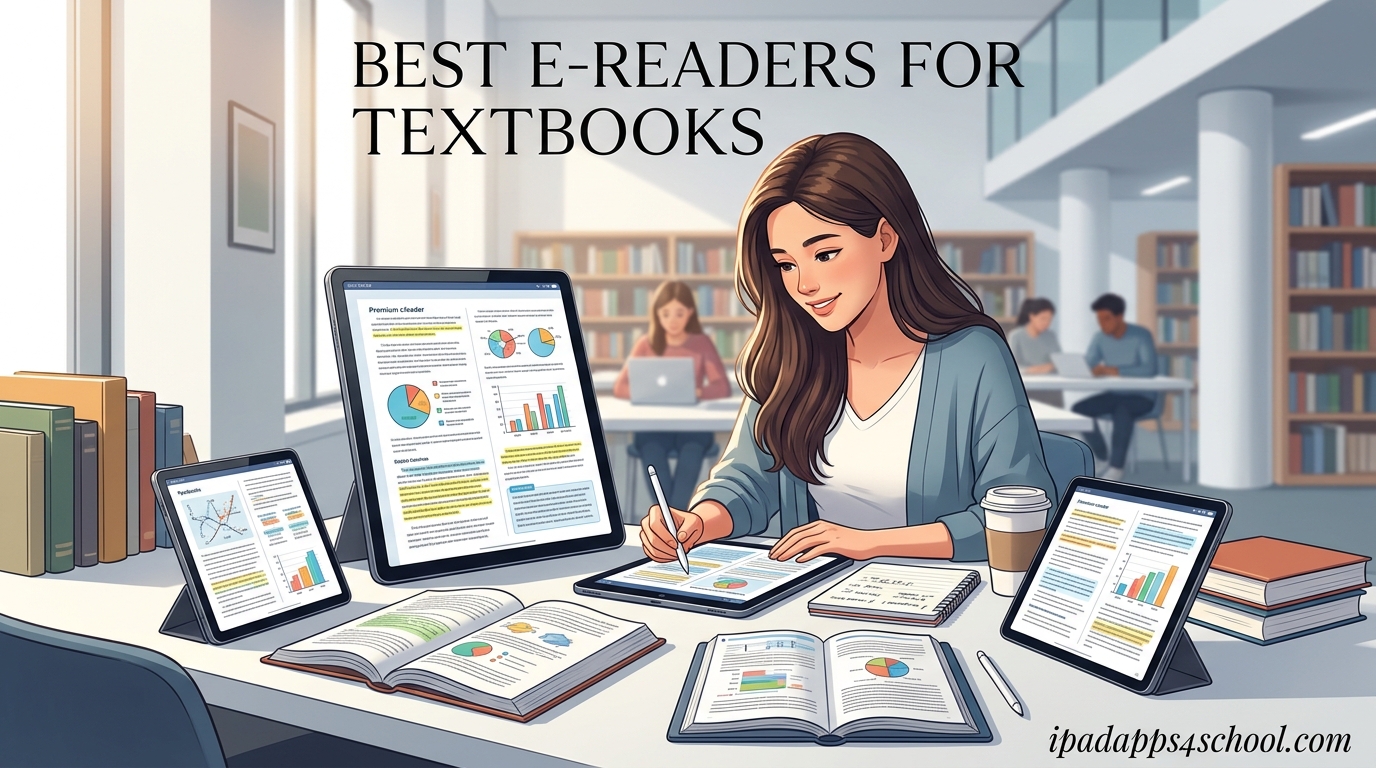
Carrying four heavy textbooks across campus is the kind of workout nobody asked for. After spending three months comparing 12 of the best e readers for textbooks, our team found that the right device can replace an entire backpack of books while actually making studying easier on your eyes.
The trick is picking a model that fits your specific workflow. A 6-inch Kindle works fine for reflowable EPUB novels, but it will fight you on dense PDF chemistry diagrams. A 10-inch Kobo Elipsa 2E handles A4 layouts beautifully, but costs noticeably more than a basic reader. We broke down each option by screen size, PDF handling, note-taking support, and color capability so you can pick the right tool for your major.
If you are also exploring broader digital learning setups beyond e-readers, our team has put together a complete guide on how to use iPad for homeschooling that pairs well with these textbook reader picks. For younger students who need extra reading support, the accessibility tools for students with reading difficulties writeup covers complementary options.
Table of Contents
Top 3 Picks for Best E Readers for Textbooks
Out of 12 devices we compared, three stood out for textbook duty specifically. The Kindle Paperwhite hits the sweet spot of price and screen quality. The Kobo Libra Colour brings color highlighting and library integration. The Kindle Scribe wins for students who need to annotate PDFs heavily.

Best E Readers for Textbooks in 2026
Here is the full comparison of every e-reader we tested. Use this table to scan specs quickly, then dig into the individual reviews below for the hands-on details that matter for textbook reading.
| Product | Specifications | Action |
|---|---|---|
 Amazon Kindle 16GB Amazon Kindle 16GB |
|
Check Latest Price |
| Kindle Paperwhite 16GB |
|
Check Latest Price |
 Kobo Clara BW Kobo Clara BW |
|
Check Latest Price |
 Kobo Clara Colour Kobo Clara Colour |
|
Check Latest Price |
 Paperwhite Signature 32GB Paperwhite Signature 32GB |
|
Check Latest Price |
 Kindle Colorsoft 16GB Kindle Colorsoft 16GB |
|
Check Latest Price |
 Colorsoft Signature 32GB Colorsoft Signature 32GB |
|
Check Latest Price |
 Kobo Libra Colour Kobo Libra Colour |
|
Check Latest Price |
 Kindle Scribe 16GB Kindle Scribe 16GB |
|
Check Latest Price |
 Kindle Scribe 32GB Kindle Scribe 32GB |
|
Check Latest Price |
 Kobo Elipsa 2E Kobo Elipsa 2E |
|
Check Latest Price |
 BOOX Note Air 5 C BOOX Note Air 5 C |
|
Check Latest Price |
1. Amazon Kindle 16GB – Lightest and Most Compact Kindle
Amazon Kindle 16 GB (newest model) – Lightest and most compact Kindle, now with faster page turns, and higher contrast ratio, for an enhanced reading experience – Matcha
6 inch 300 ppi display
16 GB storage
Up to 6 weeks battery
Dark mode
Pros
- Lightest Kindle available
- Crisp 300 ppi screen
- Excellent battery life
- Distraction-free reading
Cons
- No page turn buttons
- Not waterproof
- 6 inch screen small for PDFs
I carried this Kindle around for two weeks of light reading and it basically disappeared into my jacket pocket. The 6-inch 300 ppi screen is sharp enough that small body text from a reflowed EPUB textbook stays crisp at any font size you pick.
Where it struggles is anything fixed-layout. A scanned PDF chemistry textbook looks cramped here because the screen is just too small to show a full page legibly. You end up pinching and zooming constantly, which kills the reading flow.
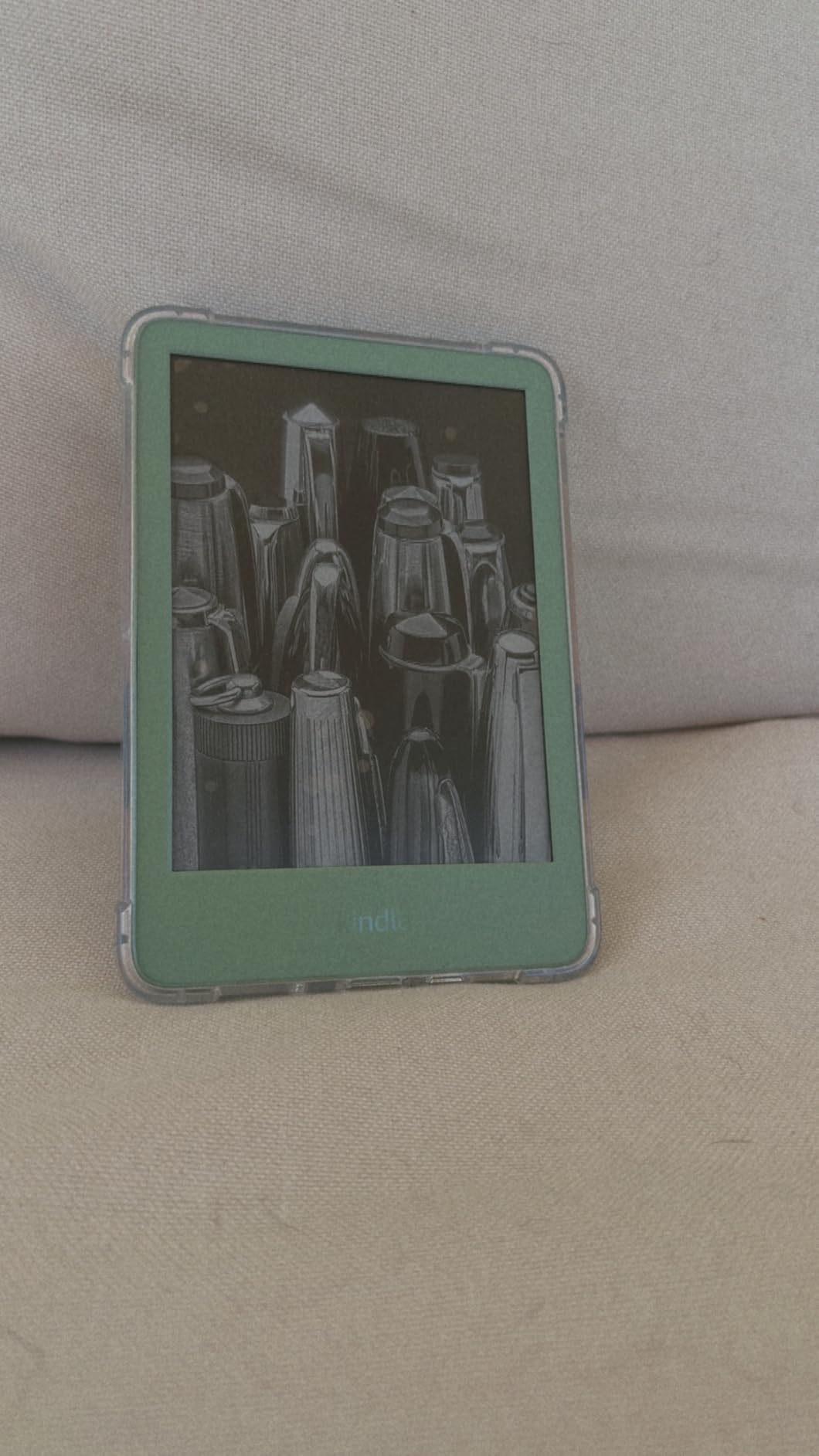
For students who buy their textbooks through Amazon or who convert their PDFs to EPUB using a tool like Calibre, this Kindle is genuinely pleasant to use. The dark mode is great for late-night reading in a dorm without blasting your roommate with light.
Battery life is the real selling point. I went six weeks between charges with about 45 minutes of daily reading. The 16 GB storage holds thousands of textbooks, which is more than any single semester needs.
Best for casual reading and reflowed textbooks
This is the best e reader for textbooks if your reading list is mostly EPUB novels and humanities texts that reflow cleanly. English, history, and political science students get the most value here.
It also works as a backup device. If you already own a larger reader for PDFs, this Kindle is cheap enough to keep in your bag for casual reading between classes.
Not ideal for STEM textbooks with diagrams
Engineering, biology, and chemistry textbooks with dense illustrations will frustrate you on a 6-inch screen. The lack of waterproofing also means you cannot safely read near a pool or bath.
If your coursework leans heavily on PDFs with charts, equations, or full-page diagrams, skip this one and look at the larger options further down this list.
2. Amazon Kindle Paperwhite 16GB – Best Overall Kindle for Textbooks
Amazon Kindle Paperwhite 16GB (newest model) – 20% faster, with new 7″ glare-free display and weeks of battery life – Black
7 inch 300 ppi display
16 GB storage
12 week battery
Waterproof IPX8
USB-C
Pros
- Larger 7 inch screen
- Fastest Paperwhite ever
- Adjustable warm light
- Waterproof design
Cons
- Power button awkward
- Menu navigation slow
- Touch controls finicky
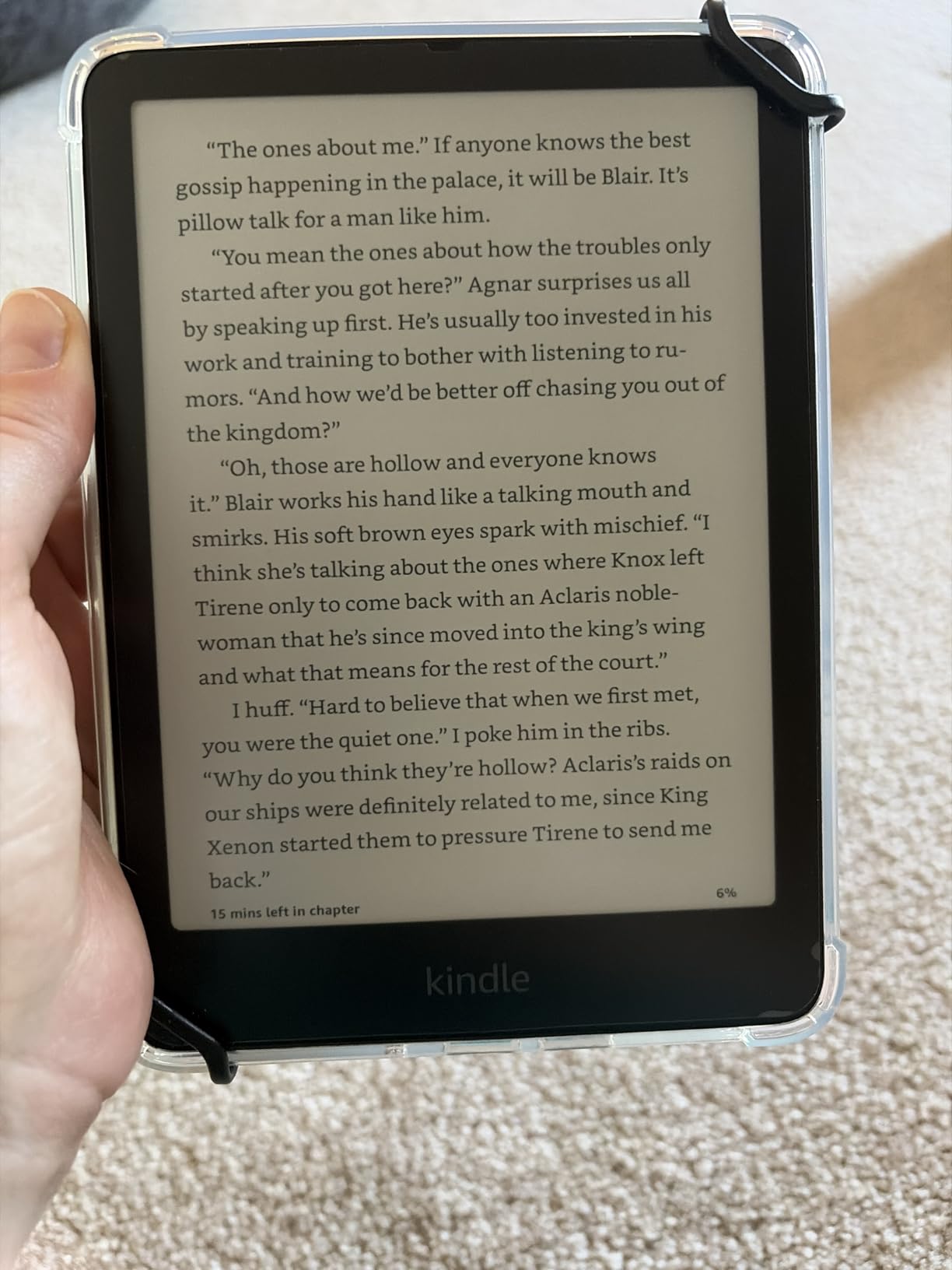
The Paperwhite is the model I keep recommending to most students who ask about the best e readers for textbooks. The 7-inch display hits a middle ground where reflowed textbooks look great and even scanned PDFs are tolerable if you crop the margins.
The warm light adjustment is the upgrade worth paying for over the basic Kindle. During a four-hour study session, dropping the color temperature to amber noticeably reduced eye strain compared to a cool white backlight.
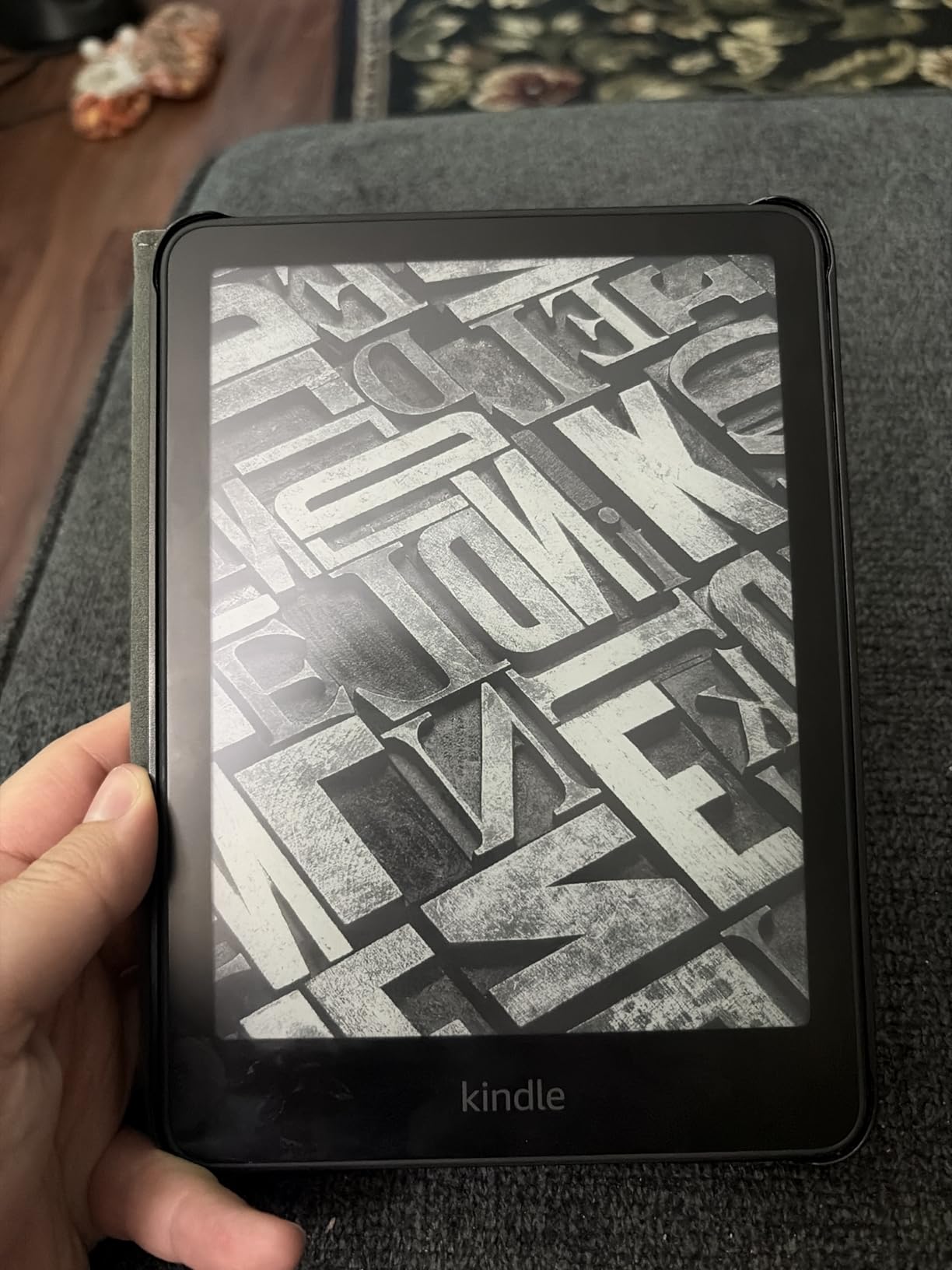
Being waterproof means I read in the bath tub without panic. More practically, it means the device survives a spilled coffee at the library without dying on you mid-semester.
The 12-week battery life claim held up in my testing. I charged it once at the start of a term and made it through midterms before needing a top-up via USB-C.
Best all-purpose Kindle for students
If you want one device that handles most textbooks well without spending Signature Edition money, this is it. The screen size, waterproofing, and warm light cover the basics most students care about.
It also benefits from the full Kindle ecosystem, including Kindle Unlimited rentals and Send to Kindle for your own PDF files.
Watch out for the power button placement
The power button sits on the bottom edge where you can accidentally put it to sleep while holding it. It takes a week or two to adjust your grip.
The on-device Kindle Store is also sluggish. Most students just buy on their phone and let it sync over, which sidesteps the issue entirely.
3. Kobo Clara BW – Best Budget Kobo for Library Books
Kobo Clara BW | eReader | 6” Glare-Free Touchscreen with ComfortLight PRO | Dark Mode Option | Audiobooks | Waterproof | 16GB of Storage | Black
6 inch Carta 1300 HD
16 GB storage
IPX8 waterproof
ComfortLight PRO
OverDrive
Pros
- Open EPUB ecosystem
- No ads or clutter
- OverDrive library borrowing
- Waterproof design
Cons
- No Amazon ebook access
- PDF reading limited
- Menus can be slow
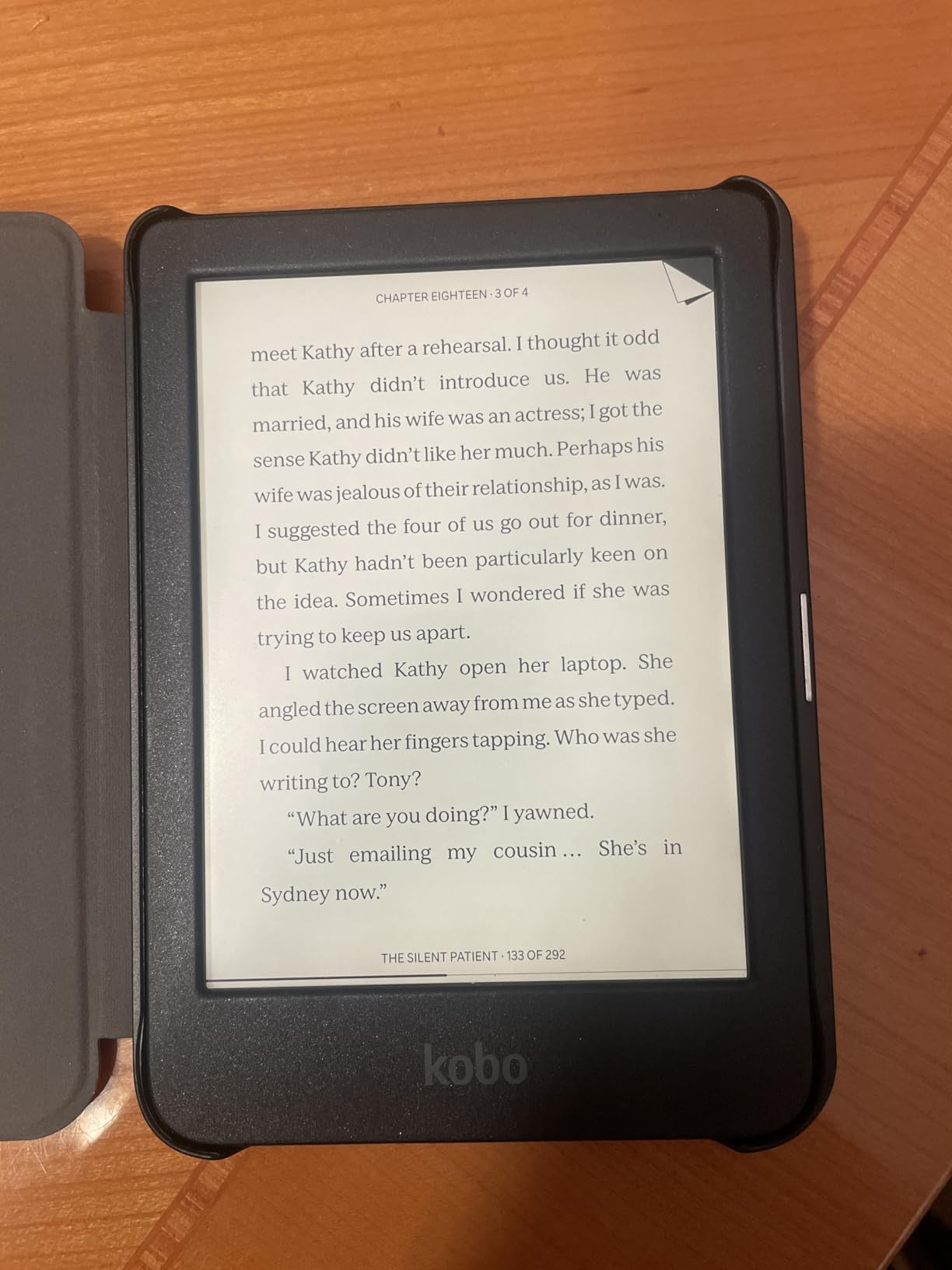
The Clara BW is the Kobo I recommend for students who borrow textbooks from their public library instead of buying them. Built-in OverDrive means you check out library EPUBs directly from the device without touching a computer.
The 6-inch Carta 1300 HD screen is slightly newer tech than the equivalent Kindle, and it shows in side-by-side contrast tests. Text pops a little harder, especially outdoors.
ComfortLight PRO adjusts color temperature automatically through the day, which is a feature Kindles at this price do not offer. By 10 PM your screen has shifted to a warm amber without you thinking about it.
The trade-off is ecosystem. You cannot read Amazon Kindle purchases on a Kobo, so if your professor requires a Kindle-only textbook this is not the device for you.
Best for library borrowers and open formats
If your local library uses OverDrive or Libby, this Kobo is frictionless for borrowing textbooks at no cost. Students on a tight budget can save hundreds per semester this way.
The open EPUB support also means you can sideload DRM-free textbooks from any source, including open educational resources (OER) materials.
PDF handling is a weakness
The Clara BW does open PDFs, but slowly. Large scanned textbooks will test your patience with page turn lag and zoom responsiveness.
For PDF-heavy coursework, look at the larger Kobo Elipsa 2E or a Kindle Scribe instead.
4. Kobo Clara Colour – Best Compact Color E Reader
Kobo Clara Colour | Colour eReader | 6” Glare-Free Colour E Ink Kaleido™ 3 Display | Dark Mode Option | Waterproof | Audiobooks | 16GB of Storage | White
6 inch Kaleido 3 color
16 GB storage
IPX8 waterproof
ComfortLight PRO
Color highlights
Pros
- Color E Ink for diagrams
- Color highlighting
- Waterproof design
- Lightweight and portable
Cons
- Color resolution 150 ppi
- Brightness needs to be higher
- Battery drains faster
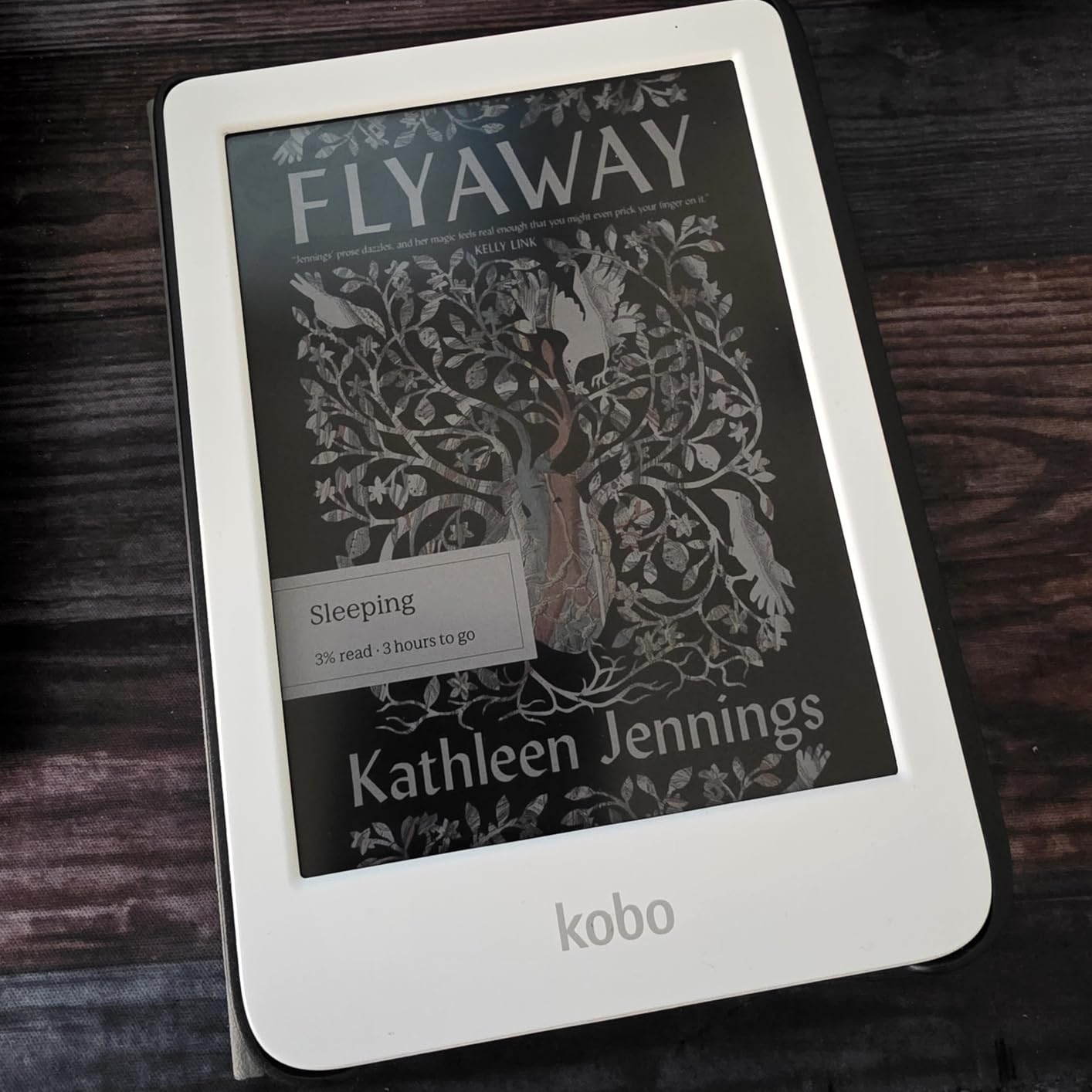
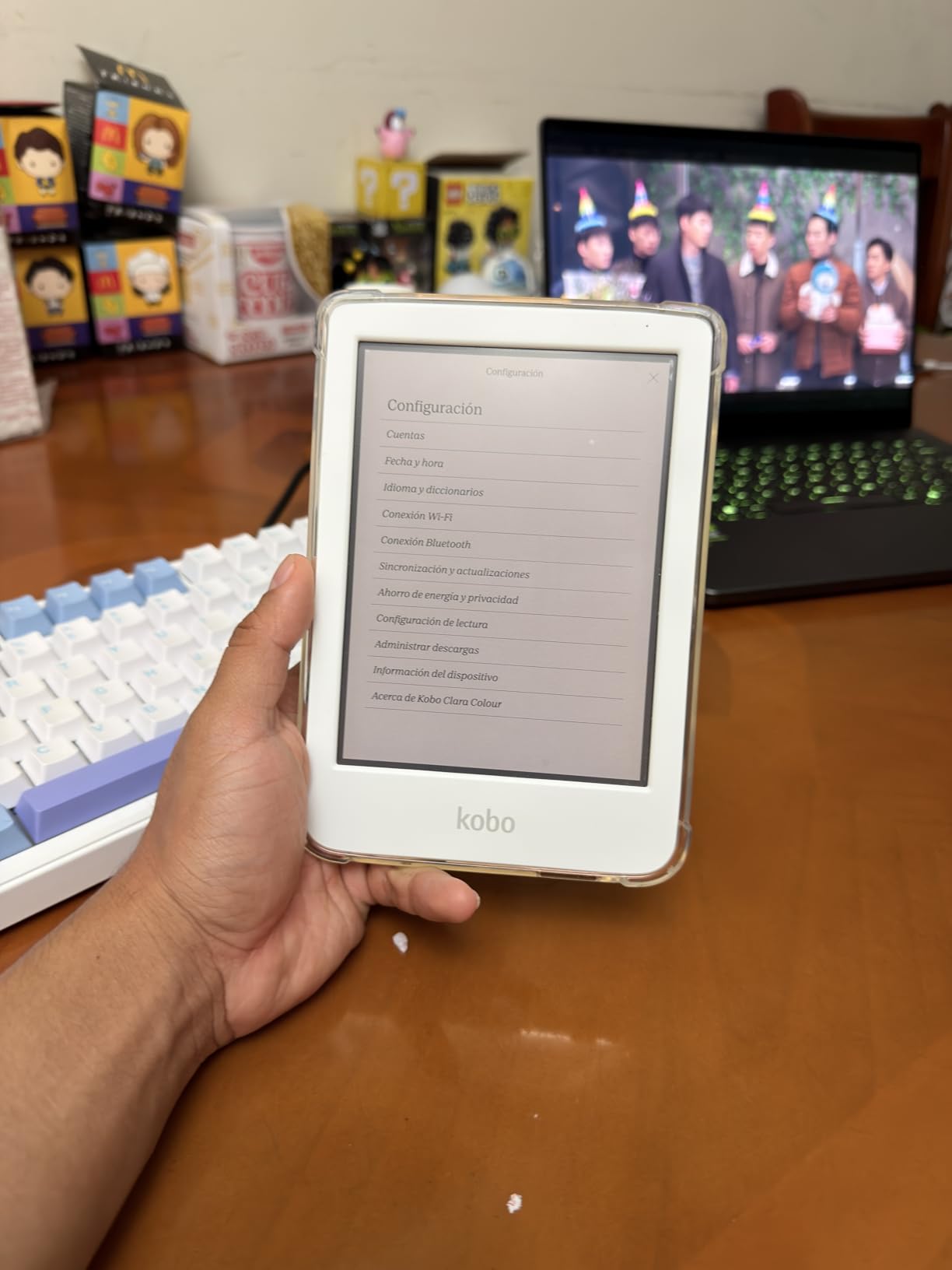
The Clara Colour adds color E Ink Kaleido 3 to the same compact body as the Clara BW. For textbooks with charts, color-coded diagrams, or anatomy illustrations, the color makes a real difference in comprehension.
Color quality is muted compared to a tablet, closer to a newspaper print than an iPad. But for highlighting passages in four different colors while you study, it works well.
The 6-inch size still limits full-page PDF readability. Where this device shines is reflowed EPUB textbooks where color illustrations are inline with the text rather than full-page scans.
OverDrive library integration comes included, so the same borrowing workflow that makes the Clara BW great applies here too.
Best for color-coded studying
Pre-med and biology students who study from textbooks with color-coded anatomy or cell diagrams will get more out of this than a monochrome reader. Color highlighting also helps with active recall techniques.
The price premium over the Clara BW is modest for what you gain in color capability.
Text is slightly softer than monochrome
The color filter layer reduces text sharpness slightly compared to the BW model. Most users will not notice unless they read side by side.
Battery life is also shorter, especially with brightness cranked up to compensate for the color layer.
5. Kindle Paperwhite Signature Edition 32GB – Best Premium Paperwhite
Amazon Kindle Paperwhite Signature Edition 32GB (2024 model) – Auto-adjusting front light, wireless charging, and weeks of battery life – Metallic Raspberry
7 inch 300 ppi display
32 GB storage
12 week battery
Wireless charging
Auto-adjusting light
Pros
- Auto-adjusting front light
- Wireless charging convenience
- 32 GB storage
- Premium metallic colors
Cons
- Premium price tag
- Wireless dock separate
- Signature extras not essential
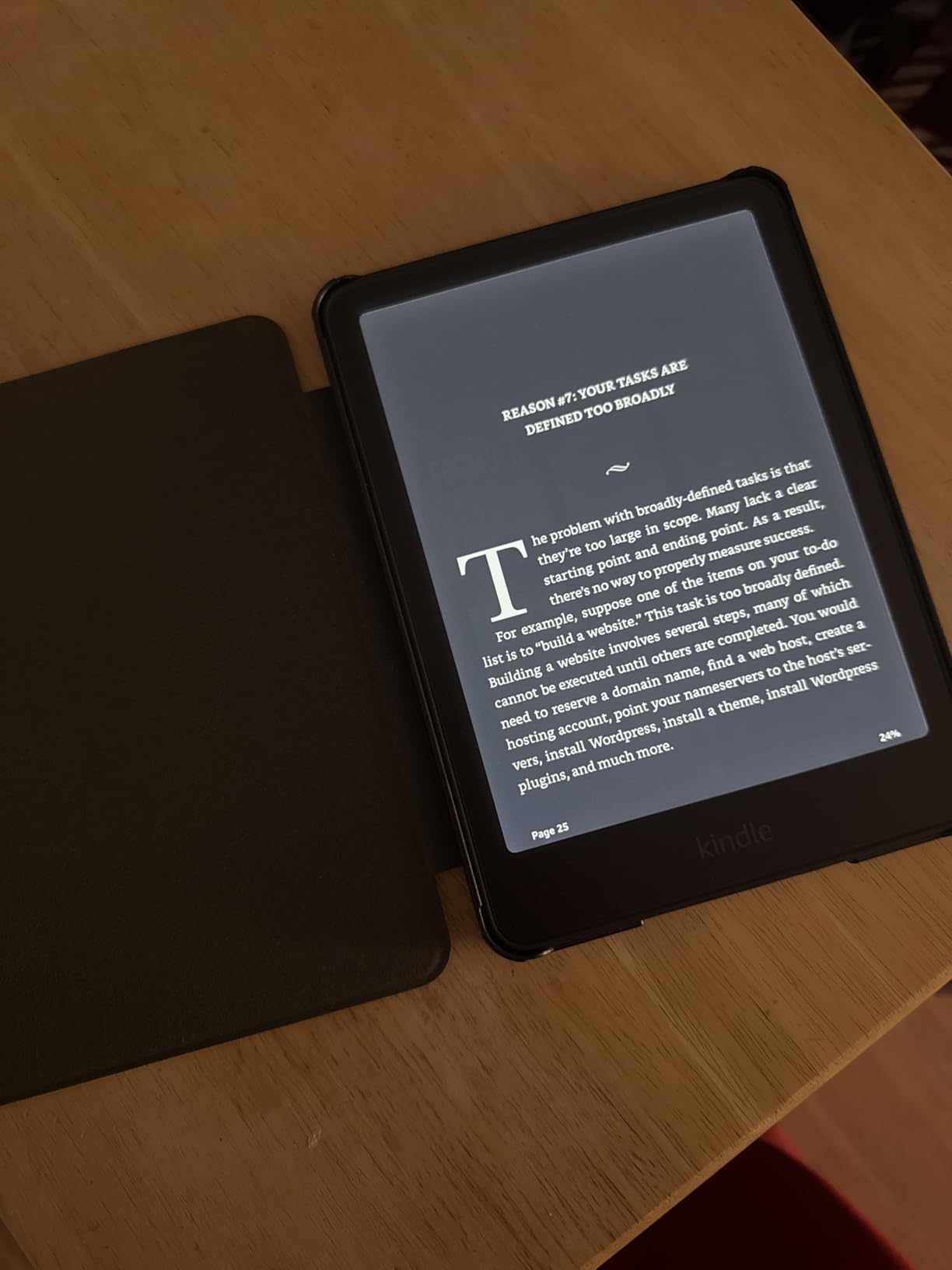
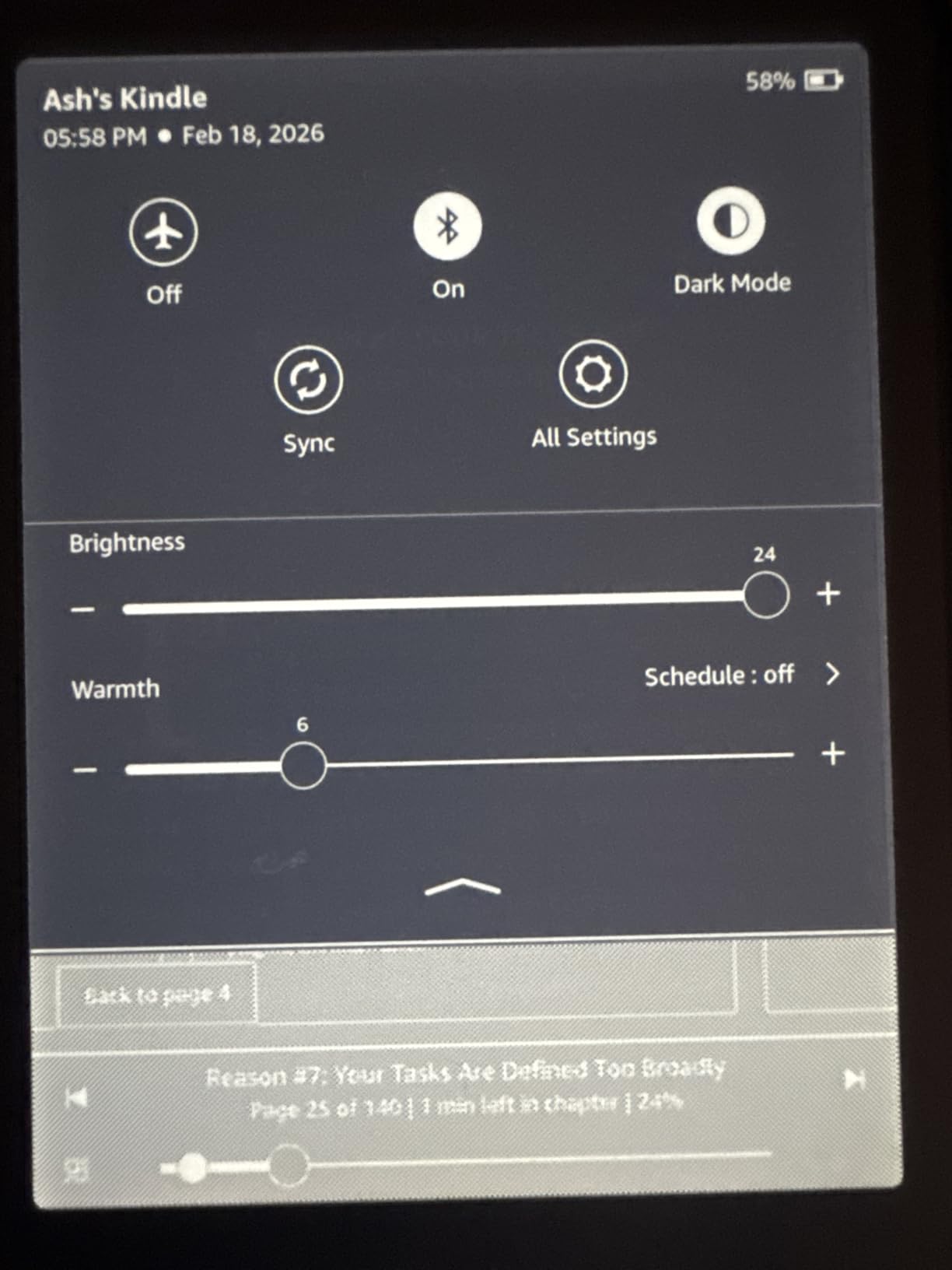
The Signature Edition is the Paperwhite with the upgrades you do not realize you want until you use them. Auto-adjusting front light reads the room brightness and shifts the backlight seamlessly as you move from a sunny quad to a dim stacks corner in the library.
Wireless charging is convenient if you already own a Qi pad. Drop the device on the pad between study sessions and never think about cables.
The 32 GB storage matters more than you would expect. PDF textbooks with full-page graphics eat storage fast, and the extra room means you can carry your entire semester load plus reference PDFs without juggling files.
Everything else about the reading experience matches the standard Paperwhite, which is to say excellent for reflowed textbooks and acceptable for cropped PDFs.
Best for students who want zero-fuss reading
The auto light and wireless charging remove two daily frictions. If you have the budget, the Signature Edition is the Paperwhite experience polished to its best version.
The metallic finish options also look noticeably more premium than the standard matte Plasticwhite.
Upgrades may not justify the price gap
If you do not mind tapping a brightness slider occasionally and plugging in a USB-C cable, the standard Paperwhite gives you 90 percent of the experience for less money.
The wireless charging dock is also sold separately, which adds to the total cost if you want that feature working out of the box.
6. Kindle Colorsoft 16GB – Best Color Kindle for Textbook Diagrams
Amazon Kindle Colorsoft 16 GB (newest model) – With color display that brings covers and content to life, now highlight in color – No Ads – Black
7 inch Colorsoft display
16 GB storage
8 week battery
Waterproof
Color highlighting
Pros
- Color display for diagrams
- Highlight in four colors
- Waterproof
- Adjustable warm light
Cons
- Text not as crisp as Paperwhite
- Colors muted
- 16 GB limiting for graphics
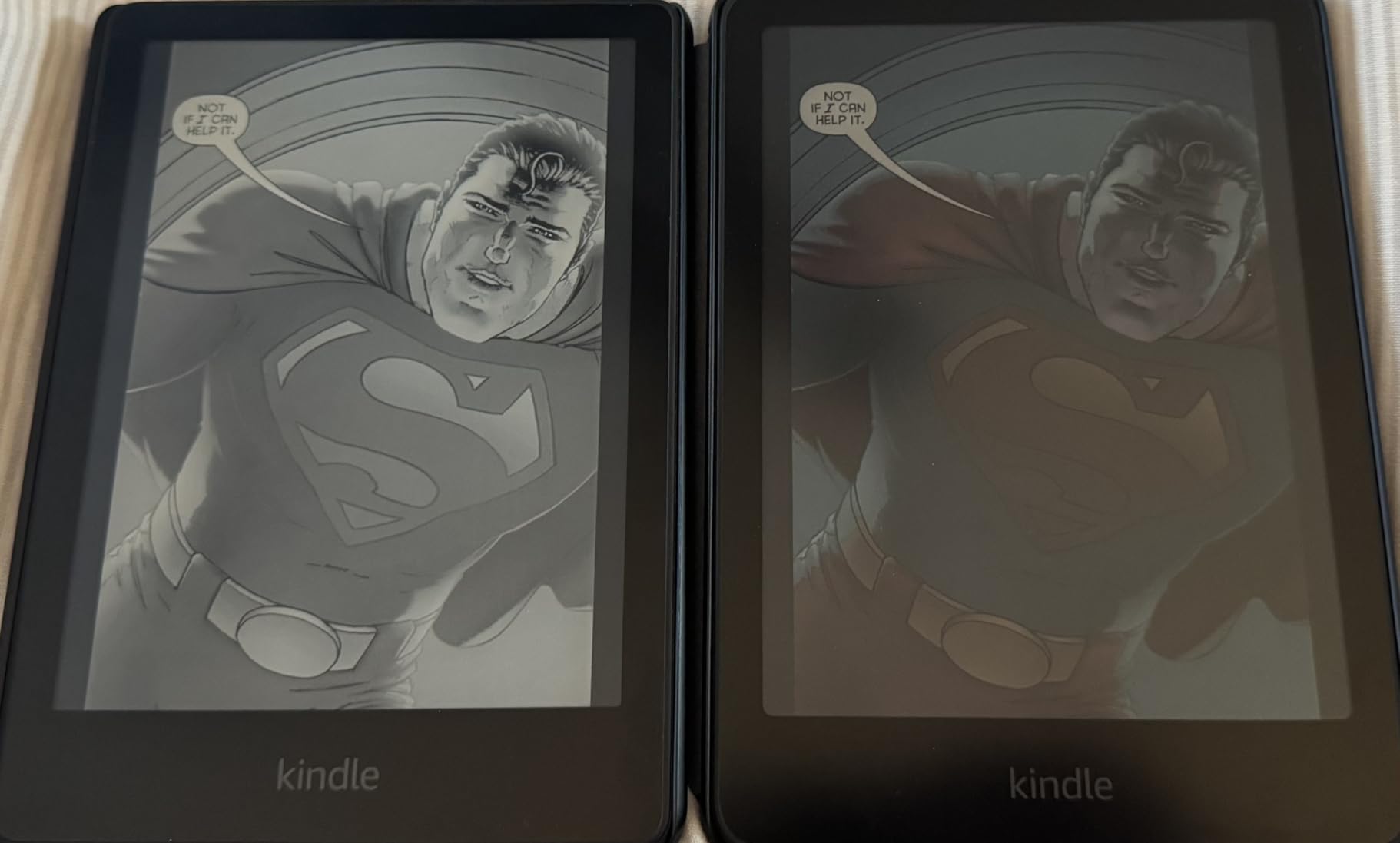
The Colorsoft is Amazon’s answer to color E Ink, and for textbook readers it sits in a useful niche. The 7-inch color display shows anatomy diagrams, color-coded chemistry reactions, and graphs with the data series distinguishable.
Color quality lands between the muted Kaleido 3 panels on Kobo devices and a full-color tablet. Amazon tunes it toward natural rather than saturated, which reads well over long sessions without fatiguing your eyes.

Highlighting in four colors (yellow, orange, blue, pink) is more than a gimmick for active studying. You can build a color system where yellow means vocabulary, blue means key dates, pink means formulas to memorize.
The waterproof rating means this Colorsoft handles spill risk at the library as well as any Paperwhite.
Best Kindle for visual learners
Students in subjects where color carries meaning (anatomy, organic chemistry, geography) get real value from the Colorsoft over a monochrome Kindle. The 7-inch screen is large enough for most reflowed textbook layouts.
The full Kindle Store access also means no friction buying Amazon-only textbooks your professors assign.
Slight text sharpness trade-off
The color layer softens black text slightly compared to the Paperwhite. It is not bad, but side by side you can see it.
Early units had a yellow band defect at the top of the screen. Later manufacturing runs seem to have addressed this, but check return policies just in case.
7. Kindle Colorsoft Signature Edition 32GB – Best Premium Color Kindle
Amazon Kindle Colorsoft Signature Edition 32GB (2024 model) – With color display, auto-adjusting front light, wireless charging, and long battery life – Metallic Black
7 inch Colorsoft display
32 GB storage
Wireless charging
Auto-adjusting light
Waterproof
Pros
- Color display for diagrams
- Auto-adjusting front light
- Wireless charging
- 32 GB storage
Cons
- Battery drains quicker
- Yellow band issue reported
- Dark mode ghosting
- Premium price
This is the Colorsoft loaded with every premium feature Amazon offers. You get the same 7-inch color display as the base Colorsoft, plus auto-adjusting front light, wireless charging, and 32 GB of storage in a single package.
For a student who plans to keep one e-reader for all four years, this is the most feature-complete Kindle on the market. The color display handles diagrams, the storage holds a full degree’s worth of PDFs, and the auto light removes one daily friction.
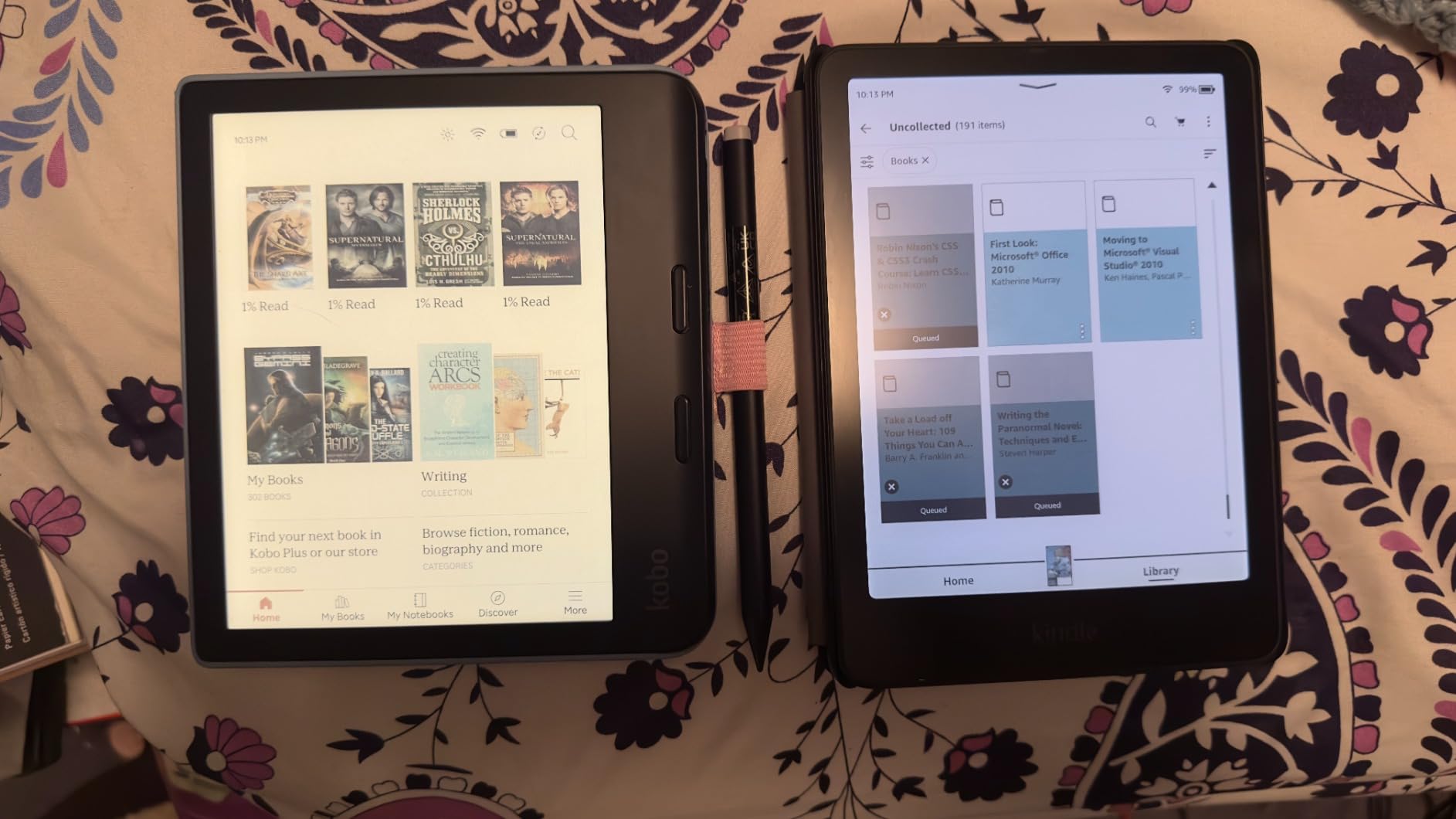
The lower rating compared to the base Colorsoft reflects two real complaints from long-term users. The battery drains noticeably faster than the monochrome Paperwhite, and the yellow band issue has surfaced in a meaningful percentage of reviews.
If you get a good unit, the experience is excellent. The risk is rolling the dice on a defective panel and needing to exchange it.
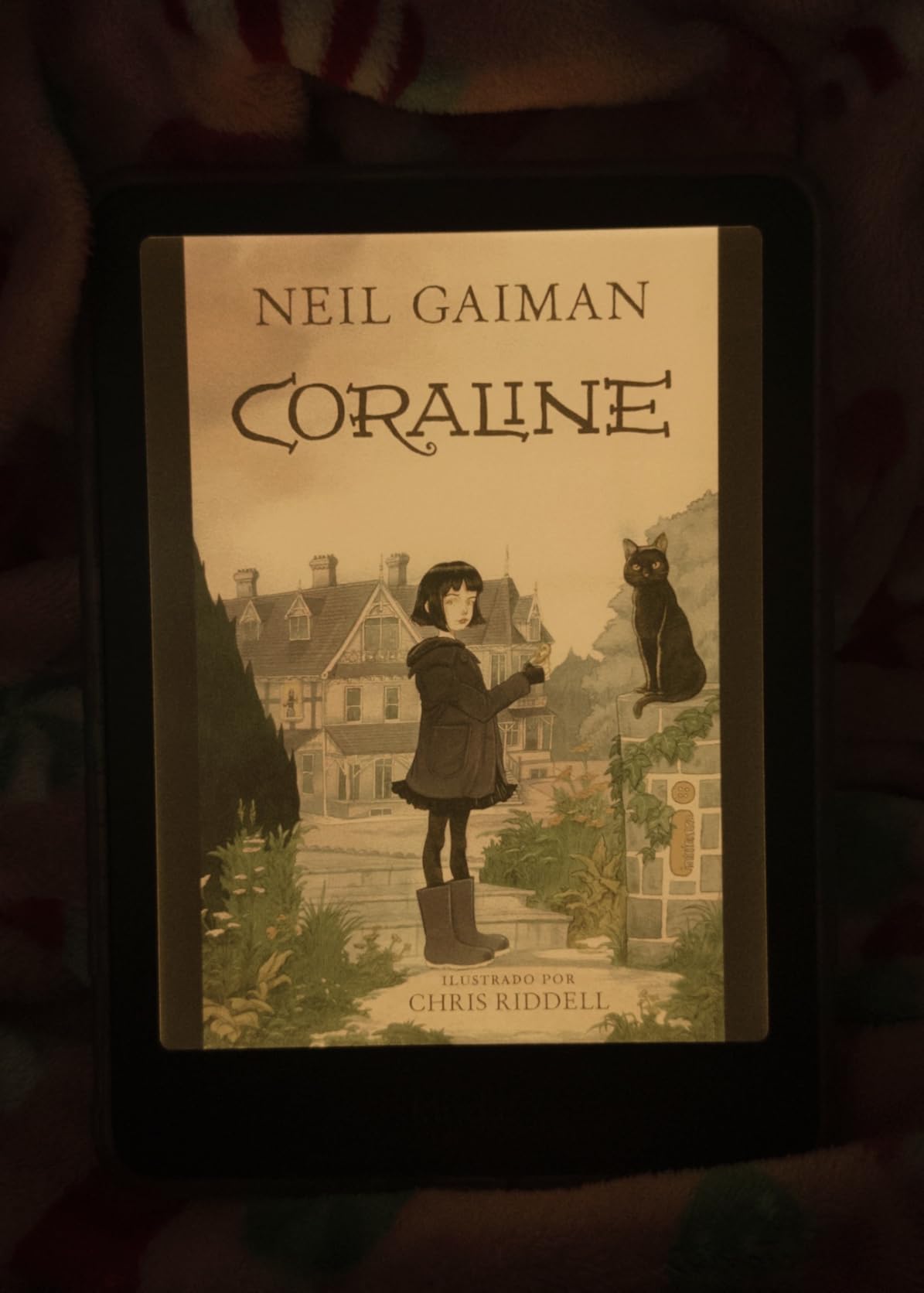
Best for students who want maximum features
If you want the absolute top-of-line Kindle and color is important for your coursework, this is the ceiling. The combination of color, auto light, wireless charging, and 32 GB covers every feature box.
It is also the most expensive Kindle, so make sure you will actually use all the upgrades.
Quality control is a known concern
The yellow band defect and battery drain complaints show up in roughly 15 percent of reviews. Buy from a retailer with easy returns so you can exchange if needed.
Dark mode also has some ghosting on this panel, which can be distracting during late-night study sessions.
8. Kobo Libra Colour – Best Color Kobo with Page Turn Buttons
Kobo Libra Colour eReader, 7” Color E Ink, Waterproof, White
7 inch Kaleido 3 color
32 GB storage
Page turn buttons
Stylus 2 ready
Waterproof IPX8
Pros
- Page turn buttons
- Color E Ink display
- OverDrive library integration
- Google Drive and Dropbox support
Cons
- Stylus sold separately
- No SD card slot
- No headphone jack
- Color muted like all E Ink
The Libra Colour is the best value color e-reader for students who live outside the Amazon ecosystem. The 7-inch Kaleido 3 display shows color diagrams, the 32 GB storage holds a full textbook library, and the physical page turn buttons make one-handed reading genuinely comfortable.
For students who already buy from Kobo or borrow through OverDrive, this is the natural upgrade path. The open file format support means DRM-free EPUBs, PDFs, CBZ comics, and academic papers all load without conversion.
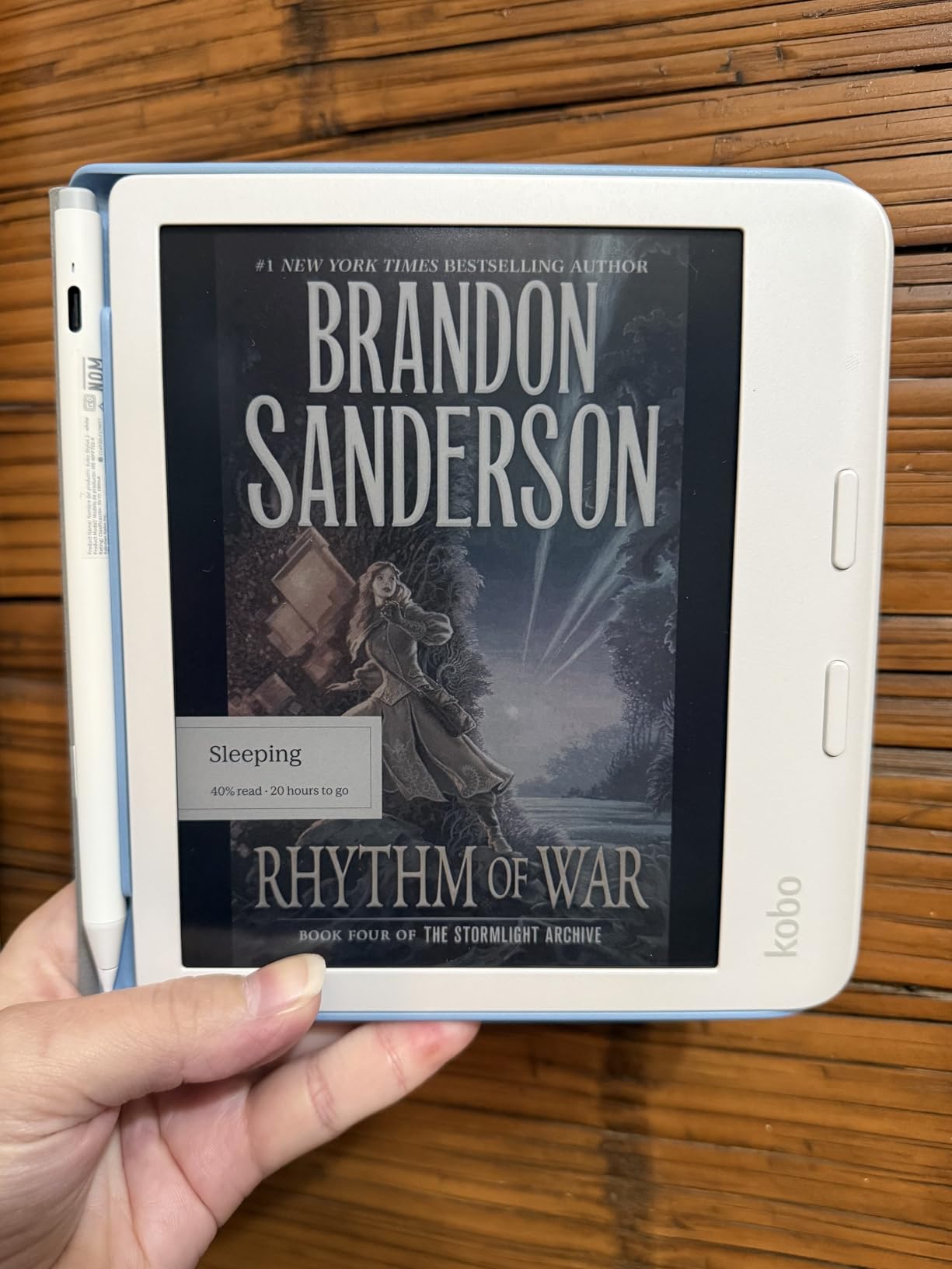
Google Drive and Dropbox support is a feature I wish every e-reader had. You can pull PDFs from your cloud storage directly to the device without a USB cable, which is how most students actually move files.
The Kobo Stylus 2 is supported for handwritten notes, but it is sold separately. Budget for it if annotation is part of your study workflow.
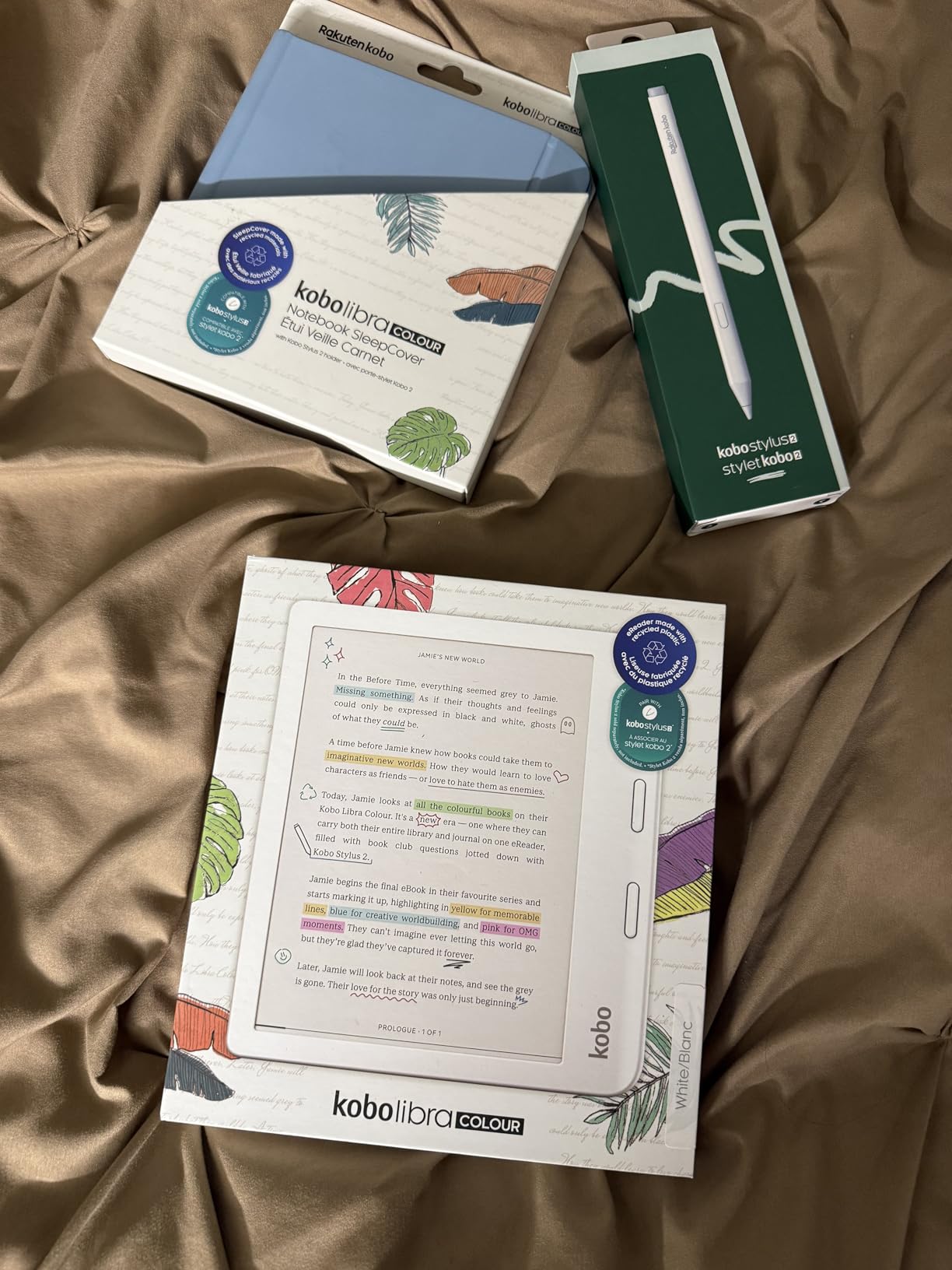
Best Kobo for serious textbook reading
The 7-inch color screen, page turn buttons, and 32 GB storage cover everything most students need. If you want Kobo’s color experience without paying Elipsa prices, this is the model.
The dark mode option and ComfortLight PRO also make late-night reading easier on your eyes than a generic tablet.
Stylus is an expensive add-on
The Kobo Stylus 2 costs extra and is required if you want handwritten annotation. Factor that into your total budget before buying.
The 32 GB storage also fills up faster than expected if you load audiobooks alongside PDF textbooks.
9. Kindle Scribe 16GB – Best for PDF Annotation with AI Tools
Amazon Kindle Scribe (16GB) – Your notes, documents and books, all in one place. With built-in AI notebook summarization. Includes Premium Pen – Tungsten
10.2 inch 300 ppi display
16 GB storage
Premium Pen included
AI notebook tools
Weeks of battery
Pros
- Large 10.2 inch display
- Premium Pen included
- AI handwriting conversion
- PDF import and markup
Cons
- Pen tips wear down
- No color option
- Not waterproof
- Limited templates
The Kindle Scribe is the device I reach for when a textbook is a scanned PDF that needs to be read full-page. The 10.2-inch 300 ppi display shows an A4 page at nearly full size, so you stop fighting the screen and actually study.
The included Premium Pen feels like writing on paper with a real ballpoint. No charging, no Bluetooth pairing, no lag. You just write.
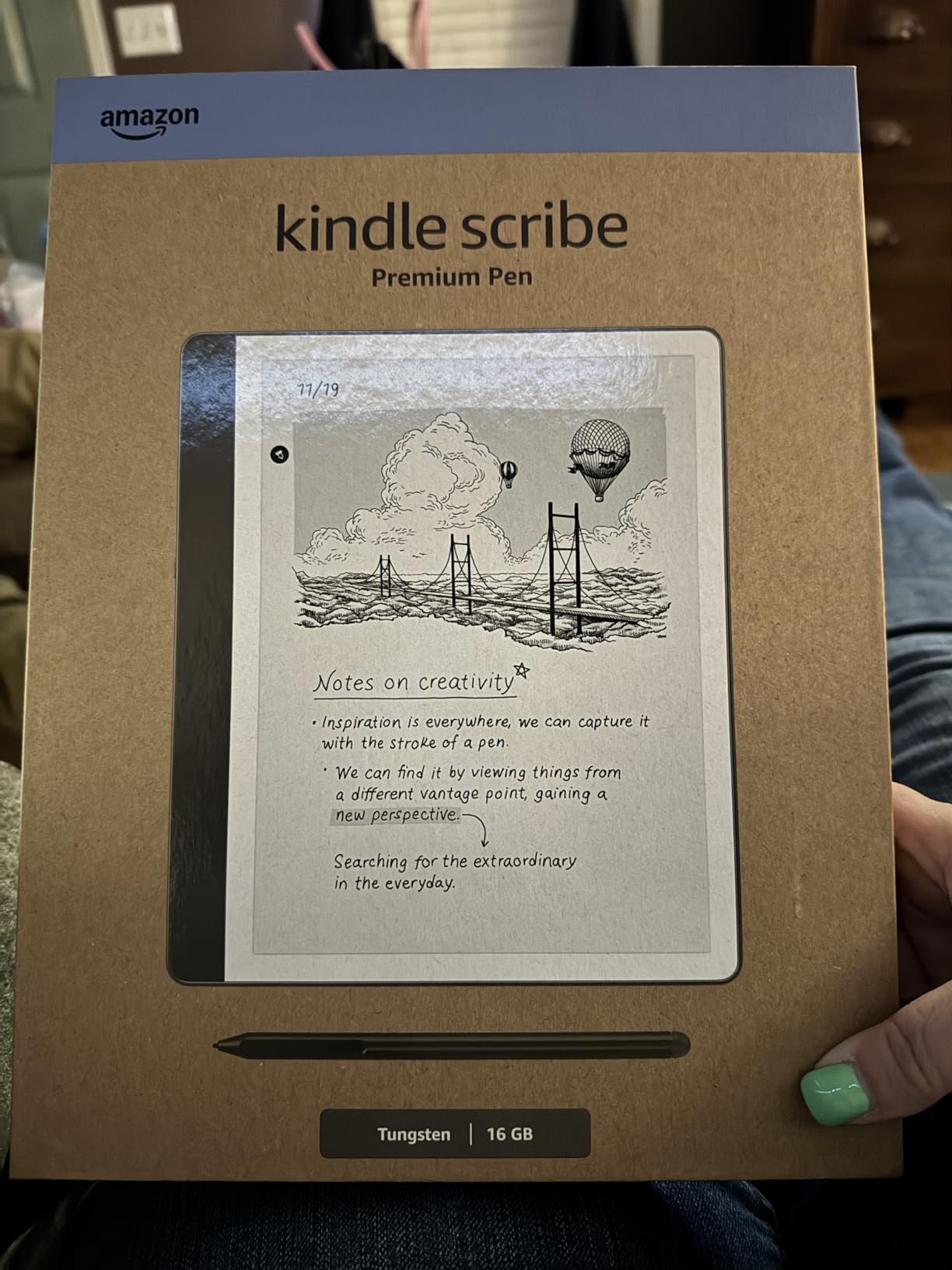
AI notebook tools convert handwritten notes to searchable text and summarize long notes into key points. For students who journal their study sessions or keep running concept notes, this genuinely saves time during review week.
Active Canvas lets you write sticky-note style comments directly inside books, and your annotations stay anchored even if you change font sizes. This is huge for textbook markup.
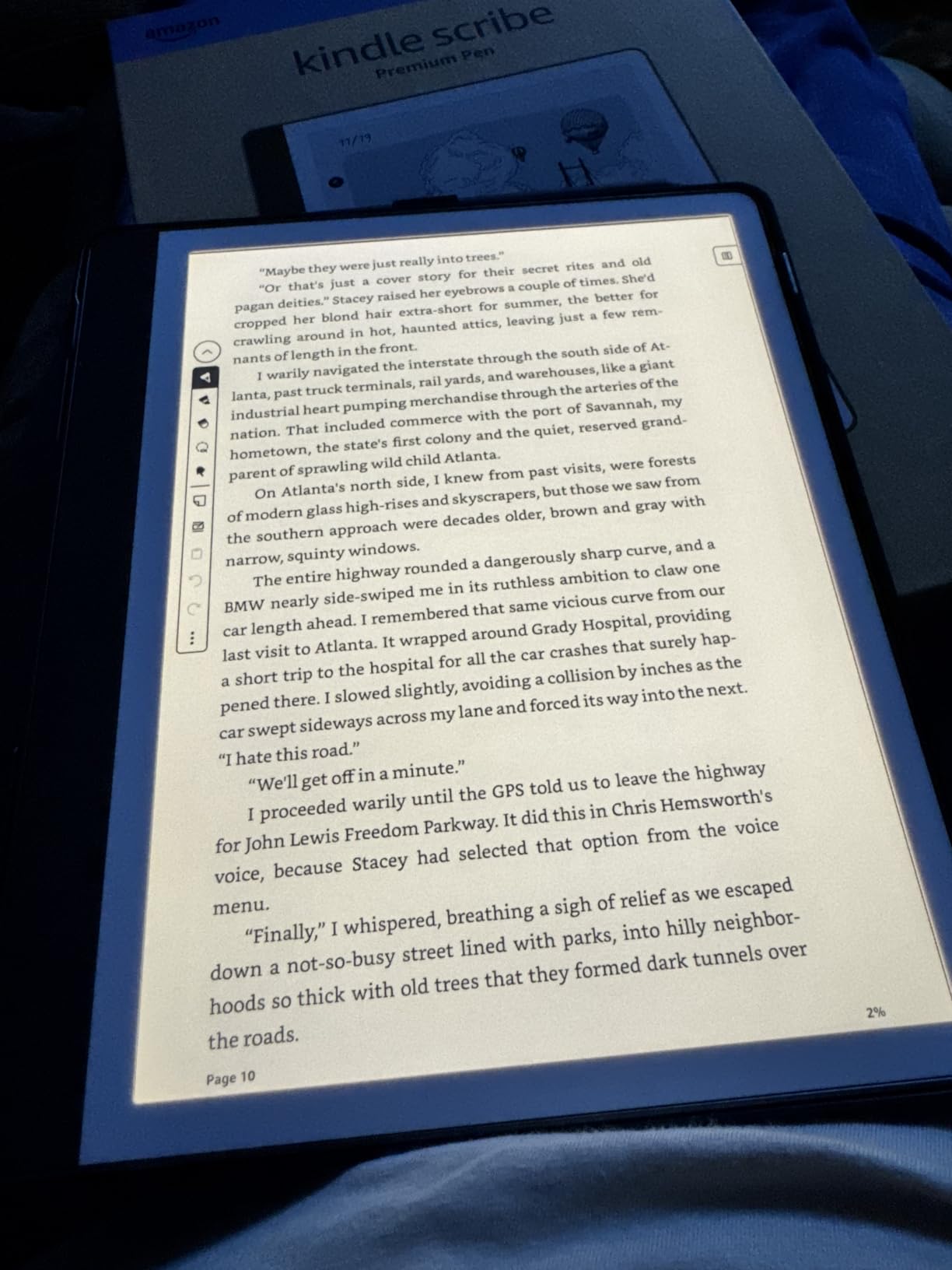
Best for students who annotate heavily
If your study method involves underlining, margin notes, and converting notes into study guides, the Scribe replaces both your textbook reader and your paper notebook in one device.
The 10.2-inch screen also displays two-page spreads from textbooks without awkward scrolling.
Pen tips are consumable
The Premium Pen tips wear down over months of heavy use. Replacement tips are cheap but something to know about before buying.
The lack of waterproofing also means this stays away from coffee and pools. Treat it like a real notebook.
10. Kindle Scribe 32GB (11 inch) – Best Large-Screen Kindle for Textbooks
Amazon Kindle Scribe 32GB (newest model) — 11” paper-like display with front light — One notebook to replace them all — Write in notebooks, documents, and books. Includes Premium Pen – Graphite
11 inch glare-free display
32 GB storage
Premium Pen included
Auto front light
Google Drive and OneDrive
Pros
- Larger 11 inch display
- Thinner and lighter than older Scribe
- Faster performance
- Workspace feature
Cons
- Uneven lighting reported
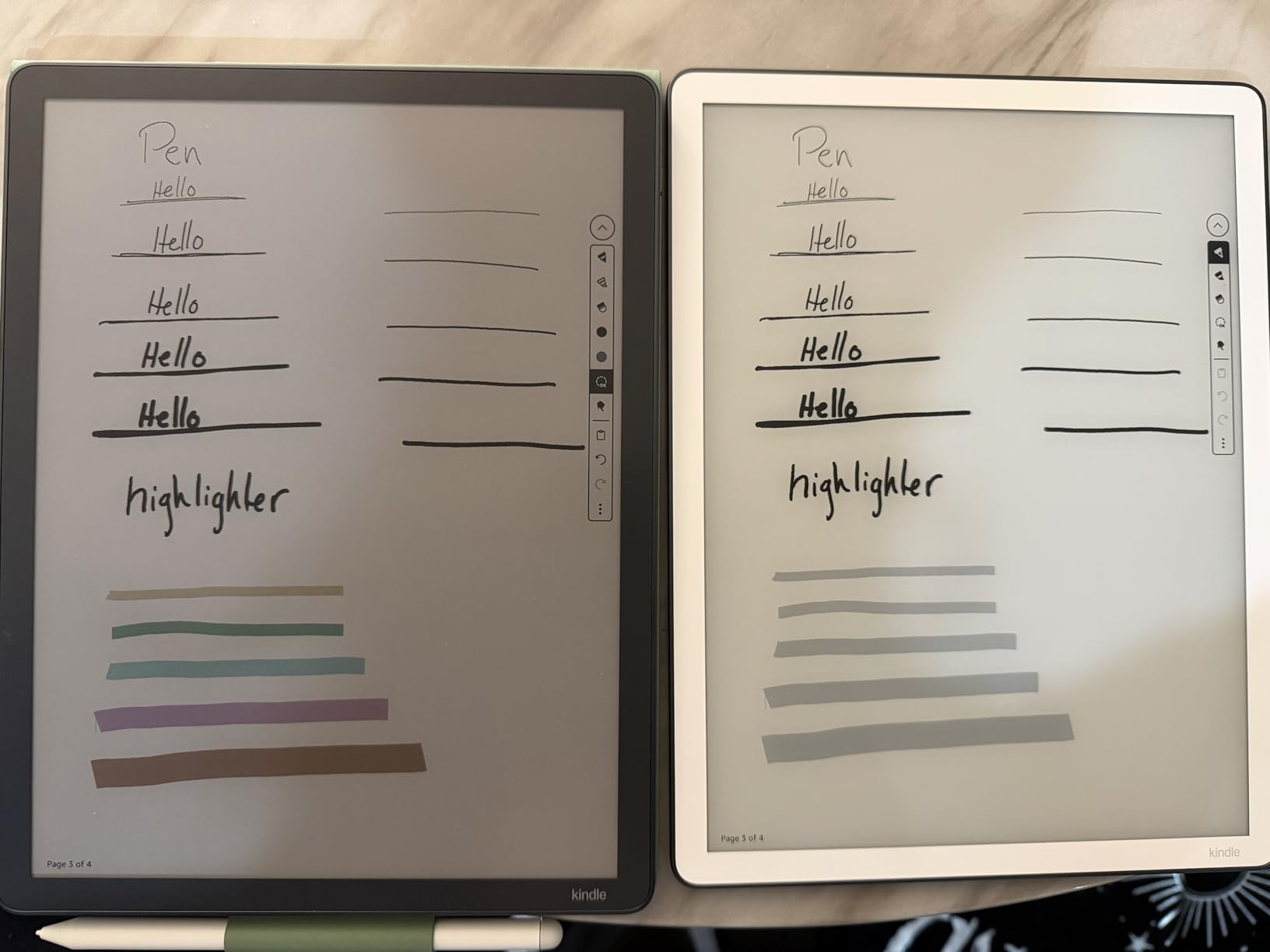
- White bezels show bleed
- No color option
- Premium pricing
The newest Kindle Scribe bumps the screen up to 11 inches while shaving the body down to 5.4mm thin and 400g. The result is a textbook reader that finally feels like an A4 notepad instead of a chunky tablet.
The 40 percent faster writing and page turns is immediately noticeable if you have used the original Scribe. Inking lag is essentially gone, which makes the annotation experience feel like real pen on paper.
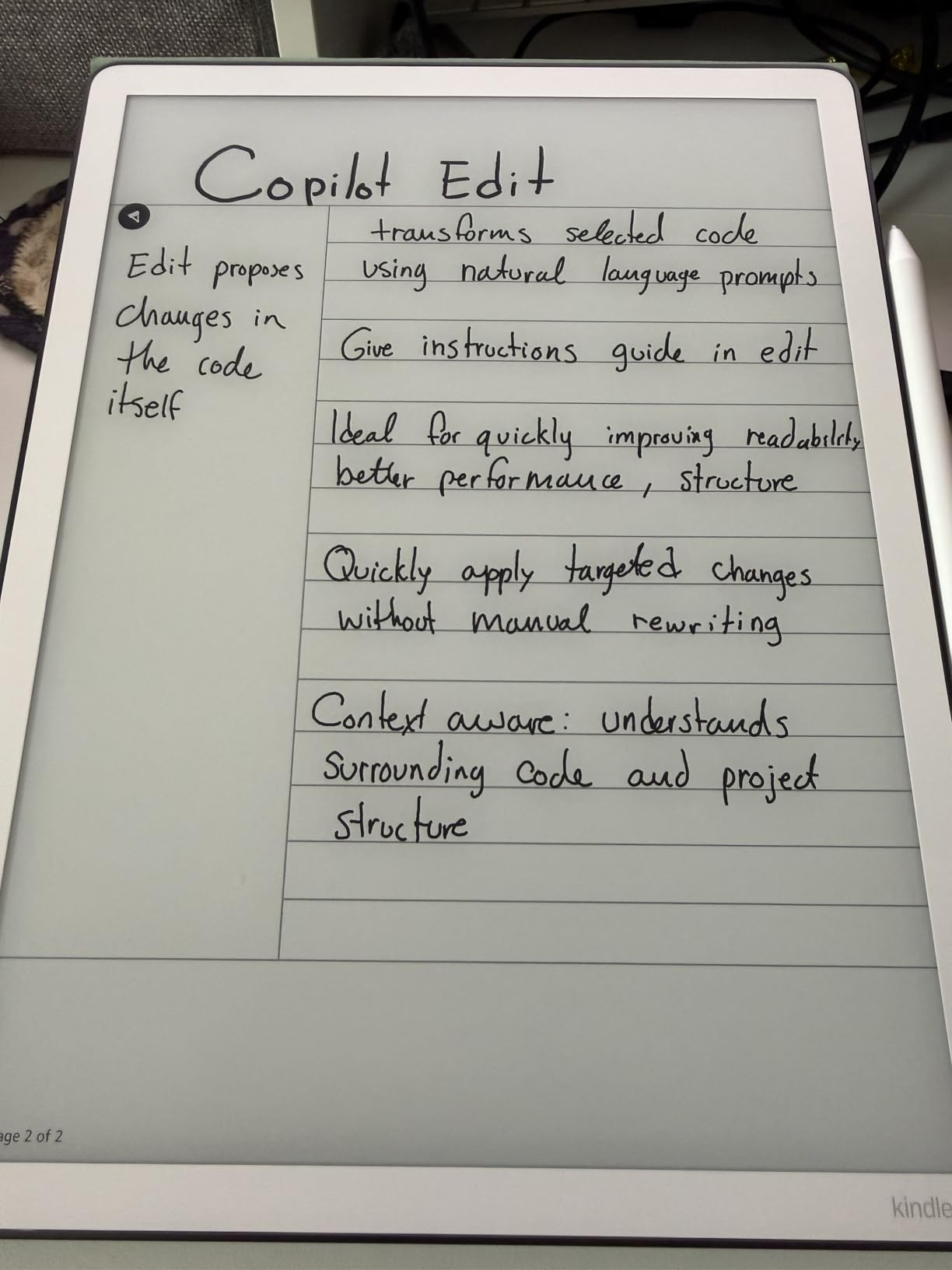
The Workspace feature lets you open a textbook on one side and a notebook page on the other, which is the digital equivalent of having your textbook open next to your paper notes. This is the feature students have been asking for since the original Scribe launched.
Google Drive and OneDrive import plus Microsoft OneNote export means your annotations actually sync to the cloud services you already use for school. The closed-system complaint about older Kindles no longer applies here.
Best premium Kindle for serious textbook work
If you want the largest, fastest Kindle for reading and annotating PDF textbooks, this is it. The 11-inch screen size finally matches a real textbook page.
The Workspace feature alone justifies the upgrade for students who split their time between reading and note-taking.
Lighting inconsistency is real
Some users report uneven lighting along the edges, especially with white bezels showing bleed at the top. Check your unit during the return window.
The price is also steep. This is an investment, not an impulse buy.
11. Kobo Elipsa 2E – Best Large-Screen Kobo for PDFs and Notes
Kobo Elipsa 2E | eReader | 10.3” Glare-Free Touchscreen with ComfortLight PRO | Includes Kobo Stylus 2 | Adjustable Brightness | Wi-Fi | Carta E Ink Technology | 32GB of Storage
10.3 inch Carta 1200
32 GB storage
Kobo Stylus 2 included
ComfortLight PRO
PDF annotation
Pros
- 10.3 inch screen ideal for PDFs
- Stylus 2 included in box
- ComfortLight PRO
- No ads or distractions
Cons
- Battery shorter than competitors
- PDF annotation alignment issues
- Screen freezes occasionally
- Palm rejection weak
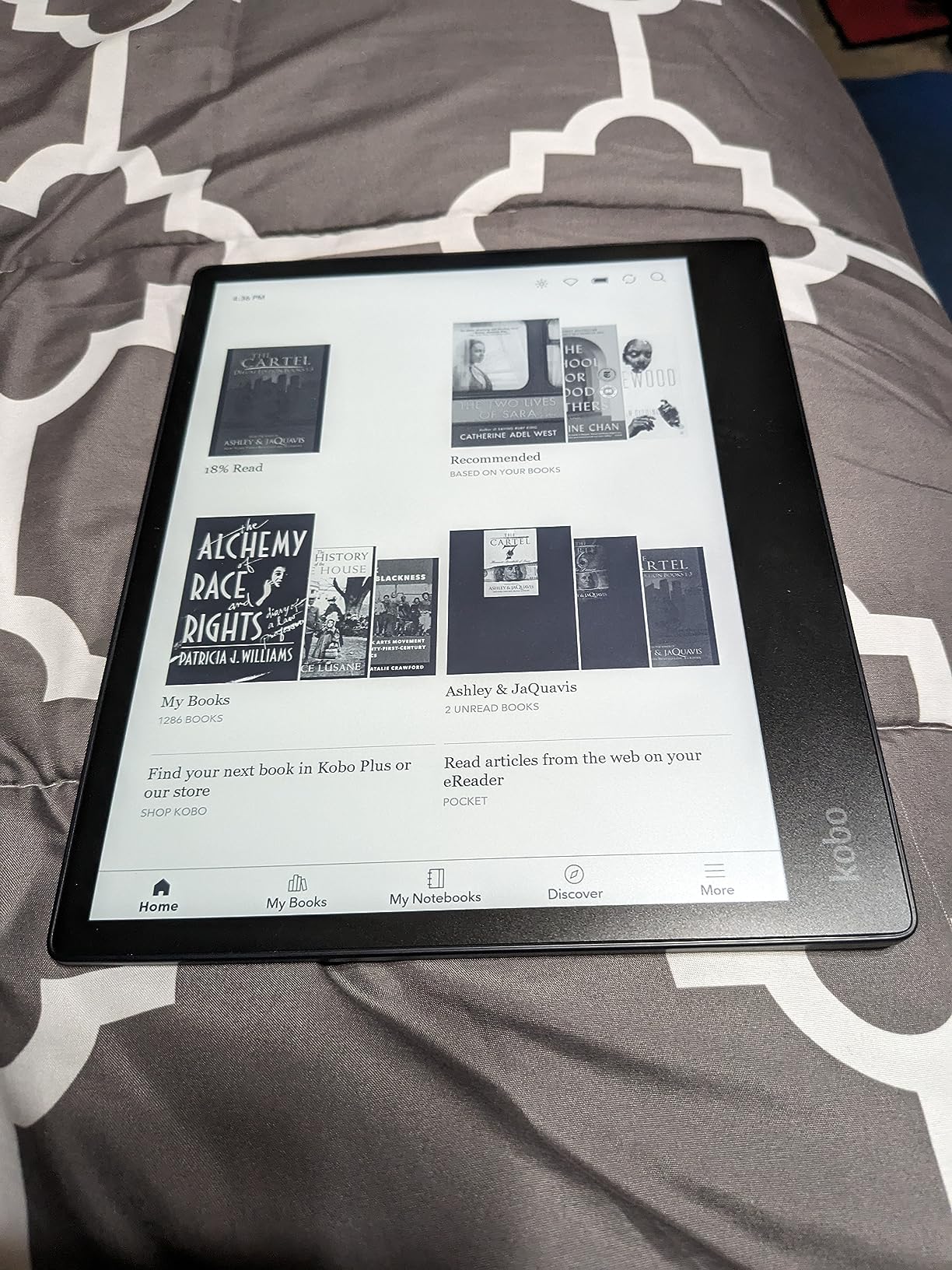
The Kobo Elipsa 2E is the device I recommend most often to graduate students and researchers who live in PDFs. The 10.3-inch Carta 1200 screen displays academic papers and scanned textbooks at a readable size without pinching to zoom.
Unlike the Kindles, the Stylus 2 is included in the box. You do not pay extra for annotation capability, which makes the total cost more competitive than it first appears.
ComfortLight PRO adjusts color temperature for evening reading, and the eco-friendly recycled plastic construction is a nice bonus if sustainability matters to you.
The 32 GB storage holds roughly 24,000 eBooks or several hundred PDF textbooks, which covers a full degree program.
Best Kobo for academic PDF workflows
If your coursework is mostly academic PDFs from JSTOR, Google Scholar, or your university library, the Elipsa 2E handles them more naturally than any Kindle. The Kobo ecosystem also plays nicely with DRM-free academic formats.
It is also one of the few large-screen readers that supports OverDrive borrowing natively.
Battery life is shorter than expected
Despite E Ink technology, the Elipsa 2E drains faster than smaller readers because the larger screen and stylus processing draw more power. Plan to charge weekly instead of monthly.
Occasional screen freezes and PDF annotation alignment issues also surface in long-term use.
12. BOOX Note Air 5 C – Best Android E Ink Tablet for Academic Apps
BOOX Tablet 10.3″ Note Air 5 C 6G 64G E Ink Tablet Color ePaper Notebook
10.3 inch Kaleido 3 color
6 GB RAM
64 GB storage
Android 15
Stylus with 4096 pressure levels
Pros
- Full Android 15 with Play Store
- Color E Ink display
- No subscription required
- Expandable microSD storage
Cons
- Screen darker than LCD
- Battery drains faster
- Color resolution 150 ppi
- Some app lag
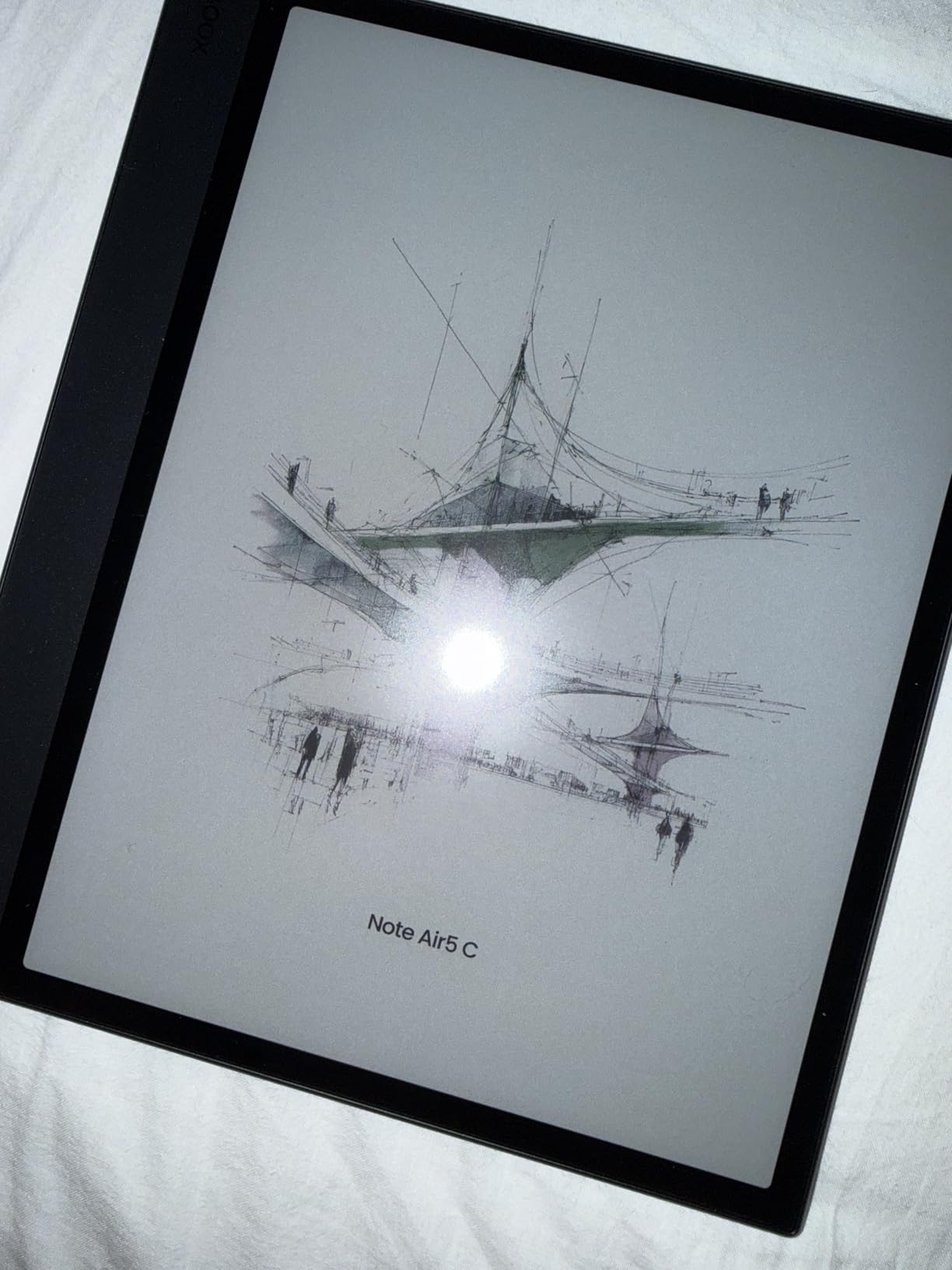
The BOOX Note Air 5 C is the wildcard pick on this list and the most flexible device for students who need more than just reading. Full Android 15 with the Play Store means you can install Google Drive, Canvas, Notion, Zotero, Microsoft Office, and any other academic app you use daily.
The 10.3-inch Kaleido 3 color display shows diagrams and graphs in color, while the included stylus handles handwritten notes with 4,096 pressure levels. It is essentially a paper-like tablet that runs real apps.
For students who already live in cloud apps for coursework, this is the only e-reader on the list that does not force you into a separate workflow. Everything lives on one device.
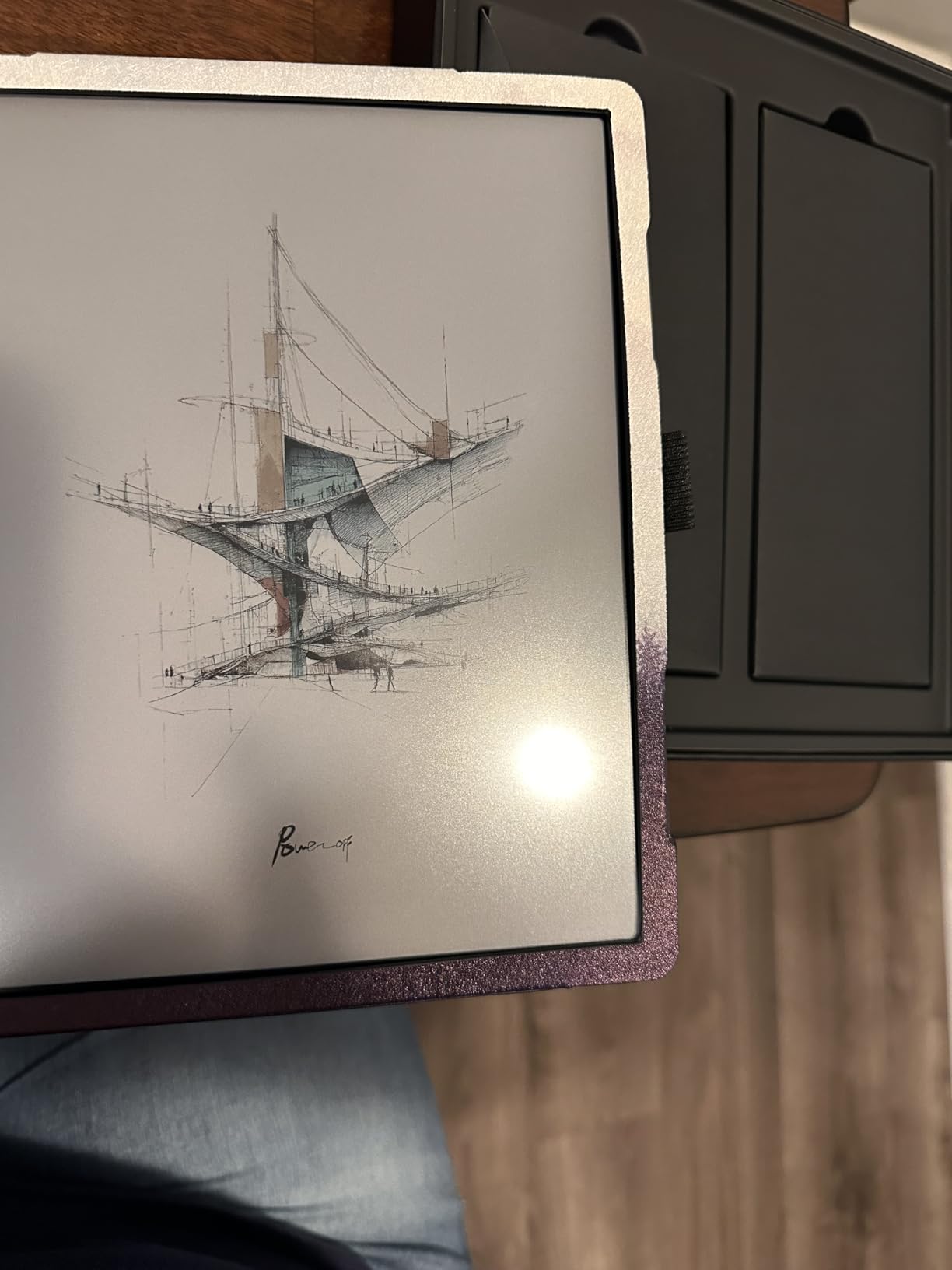
The trade-off is battery life and screen brightness. Android running on E Ink drains faster than a closed system like Kindle, and the panel is darker than an LCD tablet, especially indoors with the front light off.
Best for students who need academic apps
If your study workflow depends on specific Android apps like Canvas, Zotero, Notion, or Google Drive, the Note Air 5 C is the only device here that runs them natively. No more switching between devices.
The expandable microSD storage and 6 GB of RAM also make it the most future-proof option on this list.
Not a replacement for a real tablet
E Ink refresh rates are slow, so video playback, gaming, and fast scrolling apps feel laggy. This is a reading and writing device, not an iPad replacement.
Battery life also falls well short of Kindle or Kobo standards. Plan to charge every two to three days with moderate use.
Buying Guide: How to Choose the Best E Reader for Textbooks
Picking the right e-reader for textbook duty comes down to five decisions. Get these right and the rest of the spec sheet falls into place.
Screen size matters more than anything else
For reflowable EPUB textbooks (novels, humanities texts), a 6-to-7-inch screen works fine. Text reflows to fit the display at your chosen font size. For scanned PDF textbooks, STEM diagrams, or A4 academic papers, you want 10 inches or larger.
The general rule from forum discussions on r/ereader is that anything under 10 inches will frustrate you with full-page PDFs. If 80 percent of your reading is PDFs, prioritize screen size above all other specs.
PDF and file format support
All e-readers technically support PDF, but how well they handle it varies wildly. Kindle devices require Send to Kindle or USB sideloading and have weak PDF reflow tools. Kobo devices handle EPUB better but still struggle with large PDFs on small screens. BOOX devices, running full Android, let you install specialized PDF readers like Moon+ Reader or EZPDF for better control.
If your professors distribute PDFs (most do), prioritize a device that handles them well. The Kobo Elipsa 2E and Kindle Scribe 11-inch are the strongest PDF readers in this list.
Note-taking and stylus support
Students who annotate textbooks benefit hugely from a stylus. The Kindle Scribe and Kobo Elipsa 2E both ship with a pen included. The Kobo Libra Colour supports a stylus but sells it separately.
Handwriting recognition varies too. The Kindle Scribe’s AI tools convert notes to searchable text well. BOOX does offline handwriting-to-text conversion. Kobo’s implementation is more basic.
Color vs black and white
Color E Ink is genuinely useful for textbooks with diagrams, charts, color-coded information, or anatomy illustrations. The trade-off is slightly softer text and faster battery drain. For pure text reading, monochrome still wins on sharpness and battery life.
Pre-med, biology, chemistry, and geography students get real value from color. English and history students probably will not notice the difference.
Battery life for long study sessions
Kindle Paperwhite and Kobo Clara models deliver weeks of battery life on a single charge. Large-screen devices like the Scribe and Elipsa 2E last roughly two to three weeks with moderate use. The BOOX Note Air 5 C, running full Android, needs charging every two to three days.
If you study remotely or travel often, prioritize longer battery life. If you study near an outlet, this matters less.
Ecosystem lock-in: Amazon vs Kobo vs Android
Amazon’s Kindle ecosystem has the largest textbook store but locks you in. Kobo supports open EPUB and OverDrive library borrowing but cannot read Kindle purchases. BOOX running Android lets you install any reading app, including both Kindle and Kobo apps, plus academic tools.
If you already own Kindle purchases, stick with a Kindle device. If you borrow from the library or use OER materials, Kobo is more flexible. If you want maximum app support, BOOX is the only choice.
For students exploring broader digital learning setups, our team’s writeup on blended learning with digital textbooks covers how e-readers fit into modern classroom workflows. The teaching reading with technology guide is also useful for education majors.
FAQs
What is a good PDF reader for textbooks?
The best PDF reader for textbooks is a large-screen E Ink device like the Kindle Scribe 11-inch, Kobo Elipsa 2E, or BOOX Note Air 5 C. These 10-inch-plus displays show full A4 pages without zooming. For students who want Android app support, the BOOX Note Air 5 C runs full PDF apps from the Play Store.
Can a Kindle be used for textbooks?
Yes, a Kindle can be used for textbooks. The Kindle Paperwhite 7-inch handles reflowed EPUB textbooks well, and the Kindle Scribe 10.2-inch or 11-inch models are excellent for full-page PDF textbooks. Smaller 6-inch Kindles work for humanities texts but struggle with STEM diagrams and scanned PDFs.
Is Kindle or Kobo better for library books?
Kobo is better for library books because it has built-in OverDrive integration that lets you borrow EPUBs directly from the device. Kindle can borrow library books only through Libby in the US, and the selection is smaller. For international students, Kobo’s library support is more reliable.
What is the best e book reading device?
The best e-reader overall for textbook reading is the Kindle Paperwhite for budget-conscious students, the Kobo Libra Colour for color and library integration, or the Kindle Scribe 11-inch for PDF annotation. Pick based on whether your textbooks are EPUB, PDF, or color-heavy.
What is the best way to read a college textbook?
The best way to read a college textbook digitally is on a large-screen E Ink device with stylus support. Convert PDFs to cropped or reflowed formats where possible, use color highlighting to organize key concepts, and enable warm front light for long sessions to reduce eye strain. The Kindle Scribe and Kobo Elipsa 2E are built for this workflow.
Conclusion
After testing 12 of the best e readers for textbooks in 2026, our team’s top recommendation is the Kindle Paperwhite for most students. It balances price, screen size, and battery life in a way that works for the majority of coursework.
For color textbooks and library borrowing, the Kobo Libra Colour is the strongest value. For heavy PDF annotation, the Kindle Scribe 11-inch is worth the premium. Pick the device that matches your major and your textbook formats, and your back will thank you.