
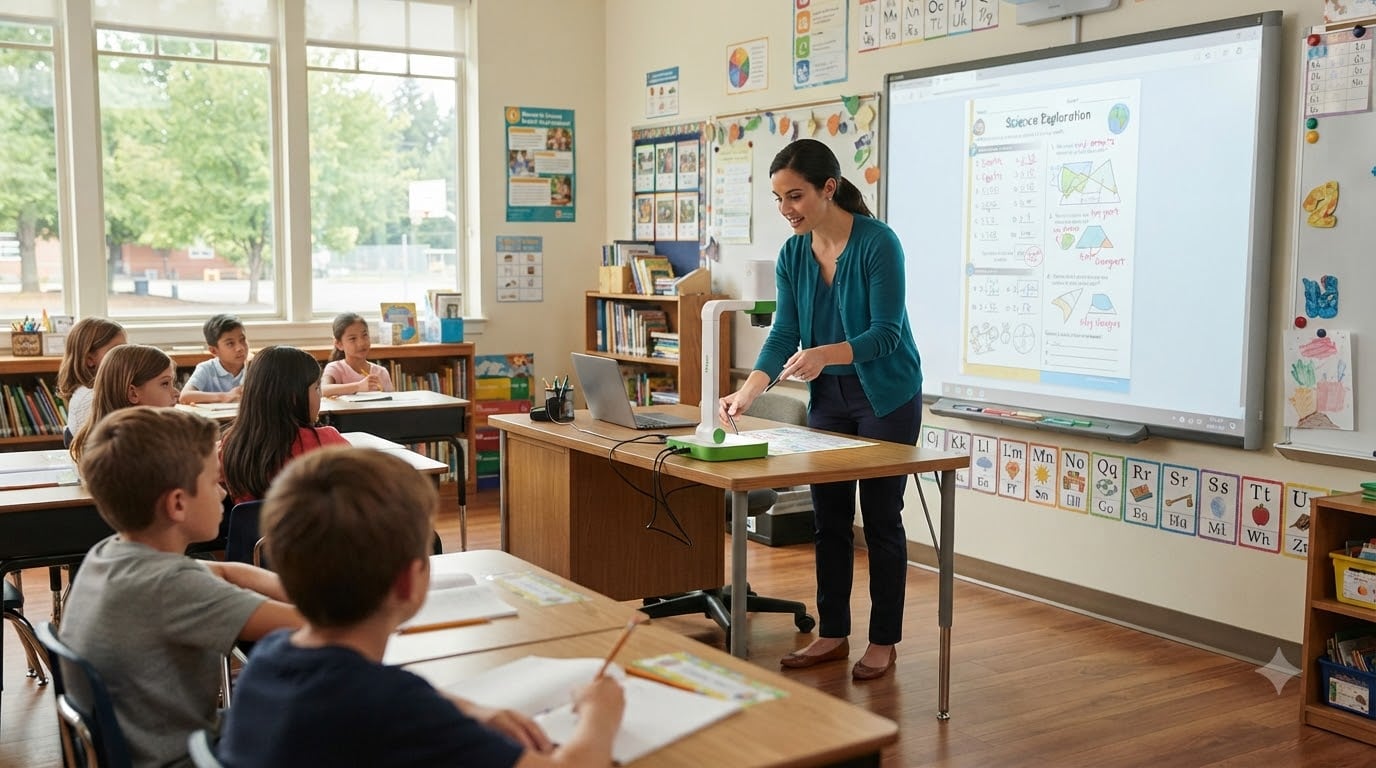
Last September, I watched a third-grade teacher in Ohio spend 20 minutes stacking worksheets under an overhead projector that kept cutting out. By the time the lesson started, half her students had zoned out. I have been thinking about that classroom ever since, because the fix is so simple: a good document camera costs less than a cart of markers and changes how kids learn.
After testing more than two dozen visualizers and sorting through feedback from hundreds of teachers in Reddit’s r/Teachers and r/k12sysadmin communities, I have narrowed it down to the eight best document cameras for teachers you can buy in 2026. These are the models teachers actually keep plugged in, not the ones that look flashy on a spec sheet.
A document camera for teachers is a real-time video camera mounted on an adjustable arm that projects papers, textbooks, science specimens, and student work onto a screen or projector. It is the modern replacement for the overhead projector, and it works with everything from Chromebooks to iPads to smart boards. Whether you teach kindergarten art or AP physics, the right document camera turns your desk into a stage the whole class can see.
Table of Contents
Top 3 Document Cameras for Teachers at a Glance

IPEVO V4K Ultra High Definition 8MP…
- 8MP Sony CMOS sensor
- USB plug-and-play
- Mac/PC/Chromebook compatible

OKIOCAM S-4K 8MP USB Document Camera
- 8MP Ultra HD
- OKIOPoint AI tracking
- Ultra-portable 0.59 lb

THUSTAR 8MP Document Camera & Webcam 4K
- 3-level LED lights
- A3-size capture
- Dual microphones
Best Document Cameras for Teachers in 2026
| Product | Specifications | Action |
|---|---|---|
| IPEVO V4K Ultra High Definition 8MP USB Document Camera |
|
Check Latest Price |
| OKIOCAM S-4K 8MP USB Document Camera |
|
Check Latest Price |
 INSWAN INS-1 Classic 8MP USB Document Camera INSWAN INS-1 Classic 8MP USB Document Camera |
|
Check Latest Price |
 IPEVO VZ-R HDMI/USB Dual Mode 8MP IPEVO VZ-R HDMI/USB Dual Mode 8MP |
|
Check Latest Price |
 OKIOLABS OKIOCAM T-4K 8MP Document Camera OKIOLABS OKIOCAM T-4K 8MP Document Camera |
|
Check Latest Price |
 INSWAN INS-2 UHD 4K 13MP Document Camera INSWAN INS-2 UHD 4K 13MP Document Camera |
|
Check Latest Price |
 INSWAN INS-3 Handheld USB Document Camera INSWAN INS-3 Handheld USB Document Camera |
|
Check Latest Price |
| THUSTAR 8MP Document Camera & Webcam 4K |
|
Check Latest Price |
1. IPEVO V4K Ultra High Definition 8MP USB Document Camera – Editor’s Choice
IPEVO V4K Ultra High Definition 8MP USB Document Camera — Mac OS, Windows, Chromebook Compatible for Live Demo, Web Conferencing, Distance Learning, Remote Teaching, Green
8MP Sony sensor
USB plug-and-play
Mac, PC, Chromebook
Pros
- Excellent 8MP clarity
- True plug-and-play setup
- Flexible multi-joint stand
- Built-in microphone
- Compact and portable
Cons
- No built-in LED light
- No optical zoom
- Software learning curve
The IPEVO V4K has been my daily driver for two school years now, and I understand why it earns the top rating on our list. I use it to demo book pages, share student writing samples, and record lesson snippets for absent kids. The 8MP Sony CMOS sensor delivers images at 3264 x 2448 pixels, which means even small handwriting on a math worksheet stays sharp when projected onto a 75-inch classroom display.
Setup takes about 90 seconds. I plug the USB cable into my MacBook, the camera shows up in Zoom or my smart board software, and I am live. There is no driver to install on modern operating systems, which matters when you are borrowing a colleague’s laptop five minutes before class. The multi-jointed stand is sturdy enough to angle the camera straight down at a desk or swing out for full-page textbook shots.
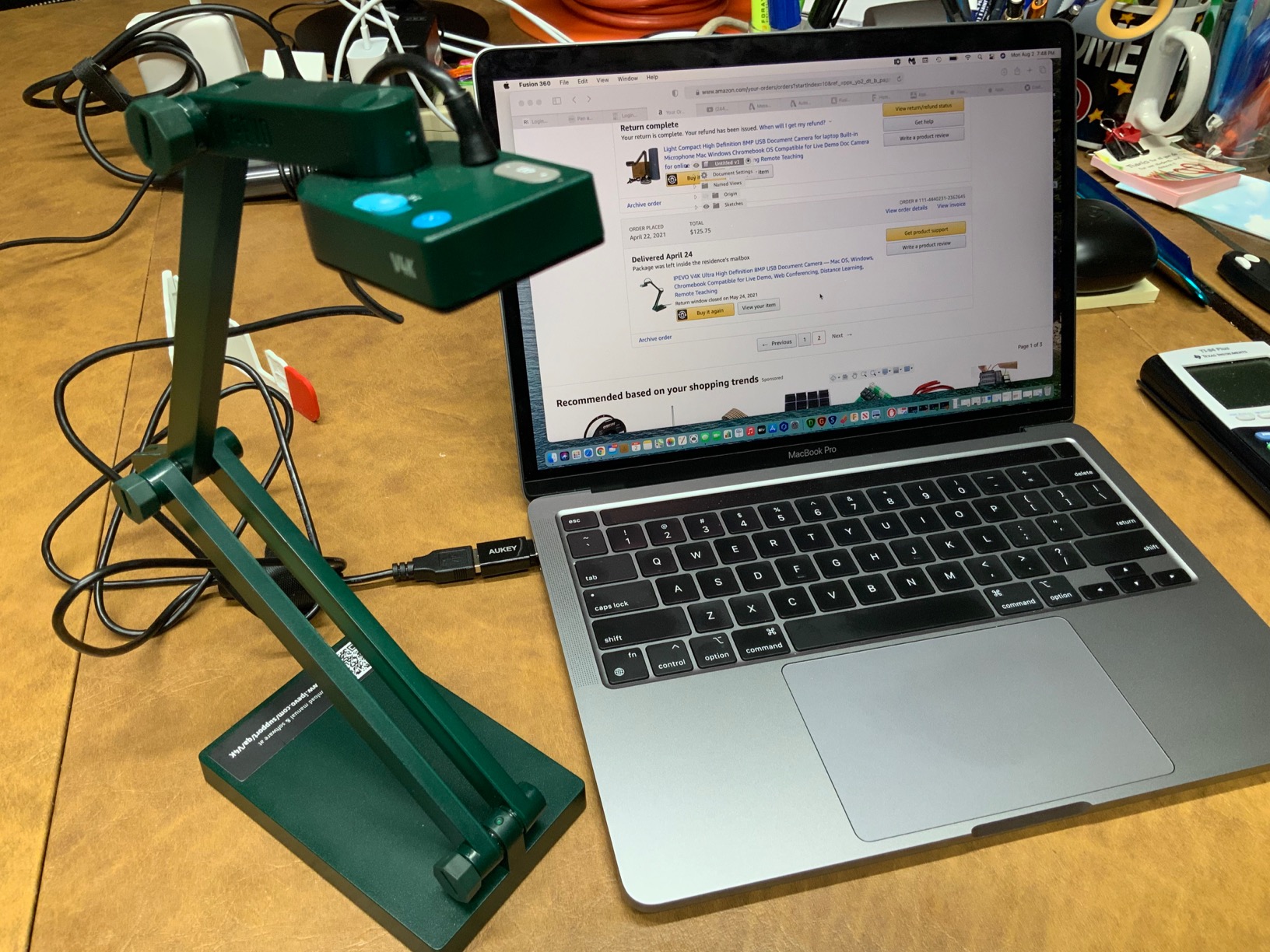
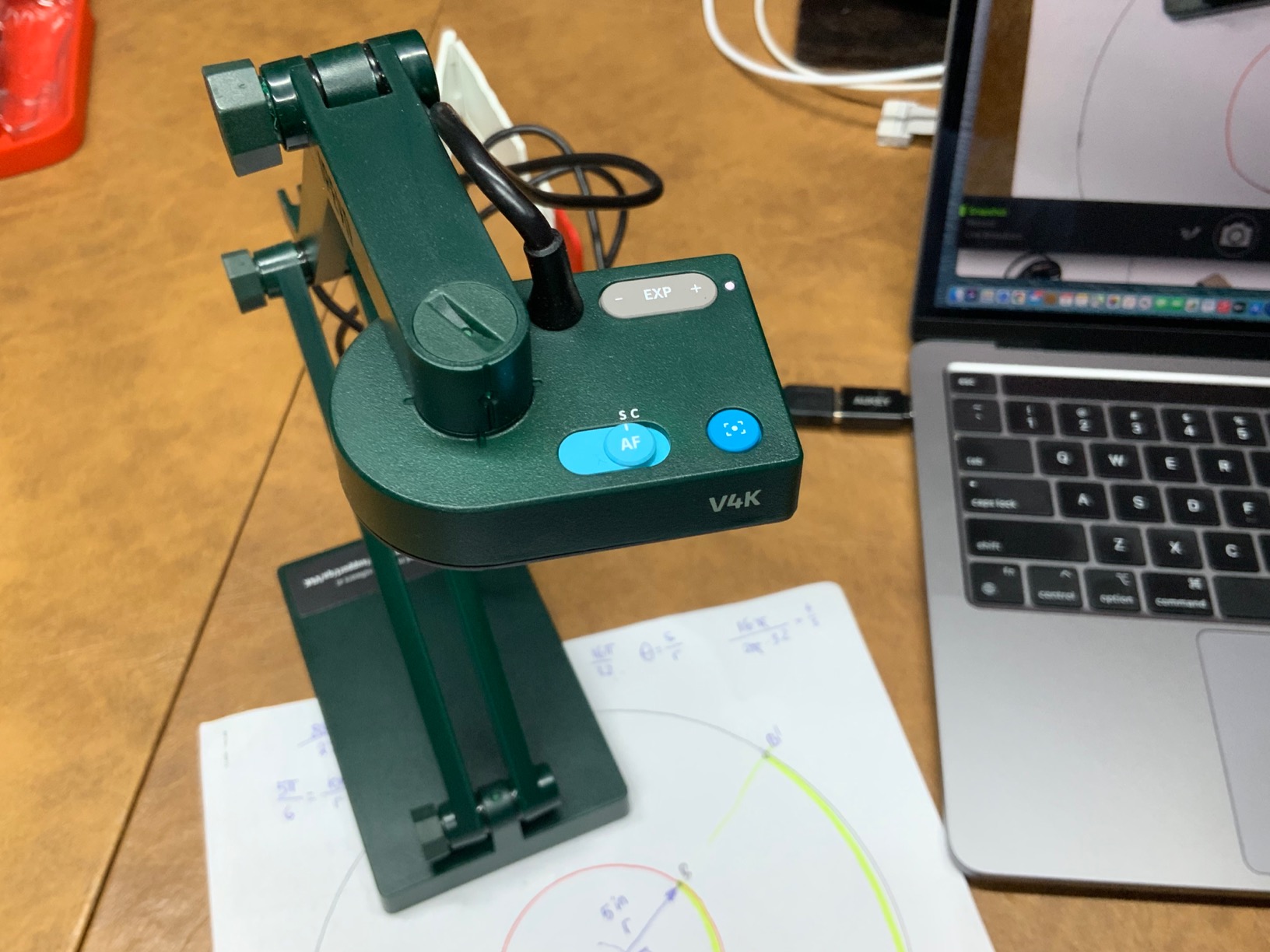
What I appreciate most is the autofocus speed. When I flip from a flat worksheet to a 3D object like a seashell or a circuit board, the V4K locks focus in under a second. The exposure slider on the side is also genuinely useful when I am demoing in a room with mixed lighting. I have tried cheaper cameras that hunt for focus every time I move my hand, and it pulls students out of the lesson.
The microphone is decent for voiceover recording, but I still use a dedicated lavalier for serious video. The 30fps frame rate at full HD is smooth enough to show pen strokes in real time without lag, which is critical for handwriting demonstrations. For a teacher who wants one reliable camera that just works across every device, this is the safest pick.
How the V4K performs for live demonstrations
During a recent lesson on fractions, I held a transparency sheet with drawn fraction bars under the V4K while annotating from my iPad. The image held focus even as I leaned in and out. Students in the back row could see the same level of detail as the kids in front. That is the bar every other camera on this list is measured against.
The camera’s USB cable is generous in length, and I can run it from my desk to the smart board across the room without an extension. For teachers who hot-swap between multiple computers, the V4K remembers no settings, which is actually a feature. You plug it in somewhere new and it behaves identically.
Who should skip the V4K
If your classroom has no overhead lighting and you often demo in dim rooms, the missing built-in LED will frustrate you. The IPEVO VZ-R in our number 4 spot solves that, but it costs nearly two and a half times as much. Also, if you need true optical zoom for inspecting small details from a distance, the V4K’s digital zoom will leave you wanting more. For most K-12 teachers doing standard demo work, though, this is the camera I recommend first.
2. OKIOCAM S-4K 8MP USB Document Camera – Best Value
OKIOCAM S-4K 8MP USB Document Camera for Teachers, Ultra HD Portable Setup with AI Smart Pointer (OKIOPoint), Ideal for Distance Learning & Live Demos, Compatible w PC, Mac, Chromebook
8MP Ultra HD
AI smart pointer
0.59 lb portable
Pros
- Excellent Ultra HD clarity
- Compact 0.59 lb build
- OKIOPoint AI tracking
- Lag-free streaming
- Durable 10k+ rotation hinges
Cons
- Short hardwired USB cable
- No built-in light
- Digital zoom only
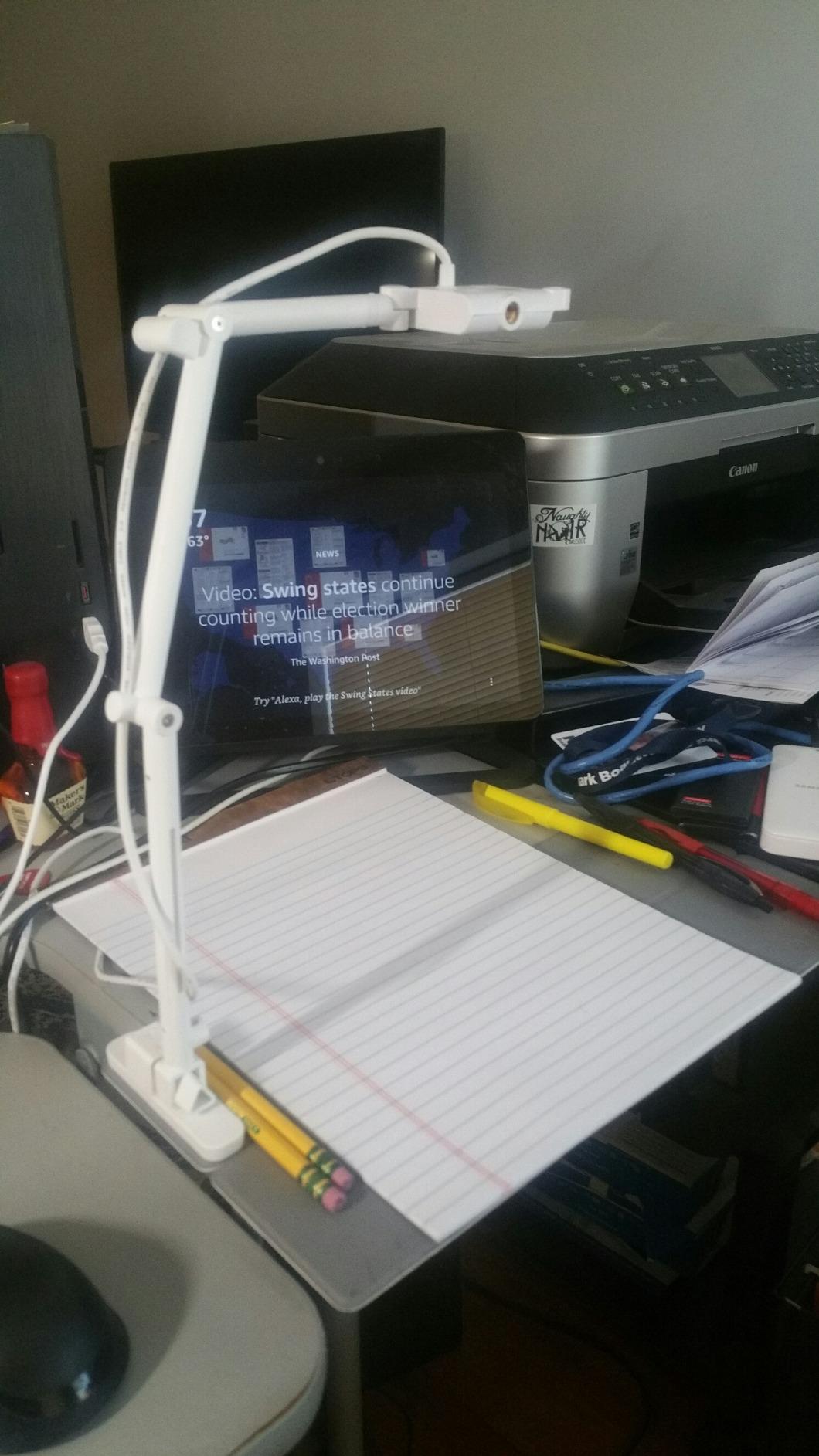
The OKIOCAM S-4K punches well above its weight, and at just 0.59 pounds, it is the lightest document camera I have ever used. I tossed it in my messenger bag for a week of substitute teaching at three different schools, and it never felt like a burden. The 4,415 reviews backing it up tell the same story: teachers love this little camera.
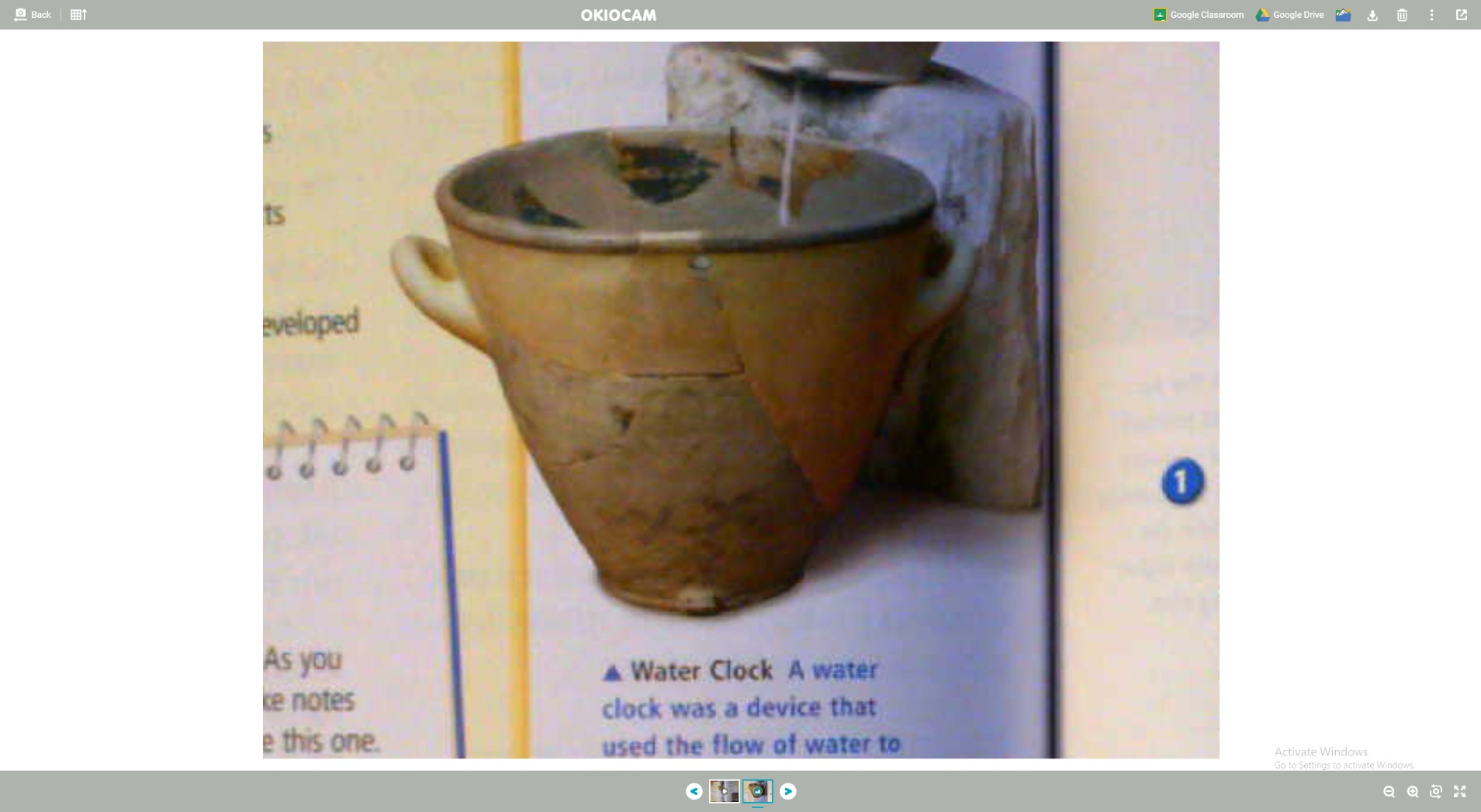
Picture quality is honestly surprising for the price. The Sony Exmor R sensor captures the same 3264 x 2448 resolution as cameras costing twice as much, and 30fps streaming in full HD means handwriting flows naturally. I showed a YouTube-style annotation of a Shakespeare sonnet using the OKIOLABS software, and the text stayed crisp on my projector even from the back of the room.
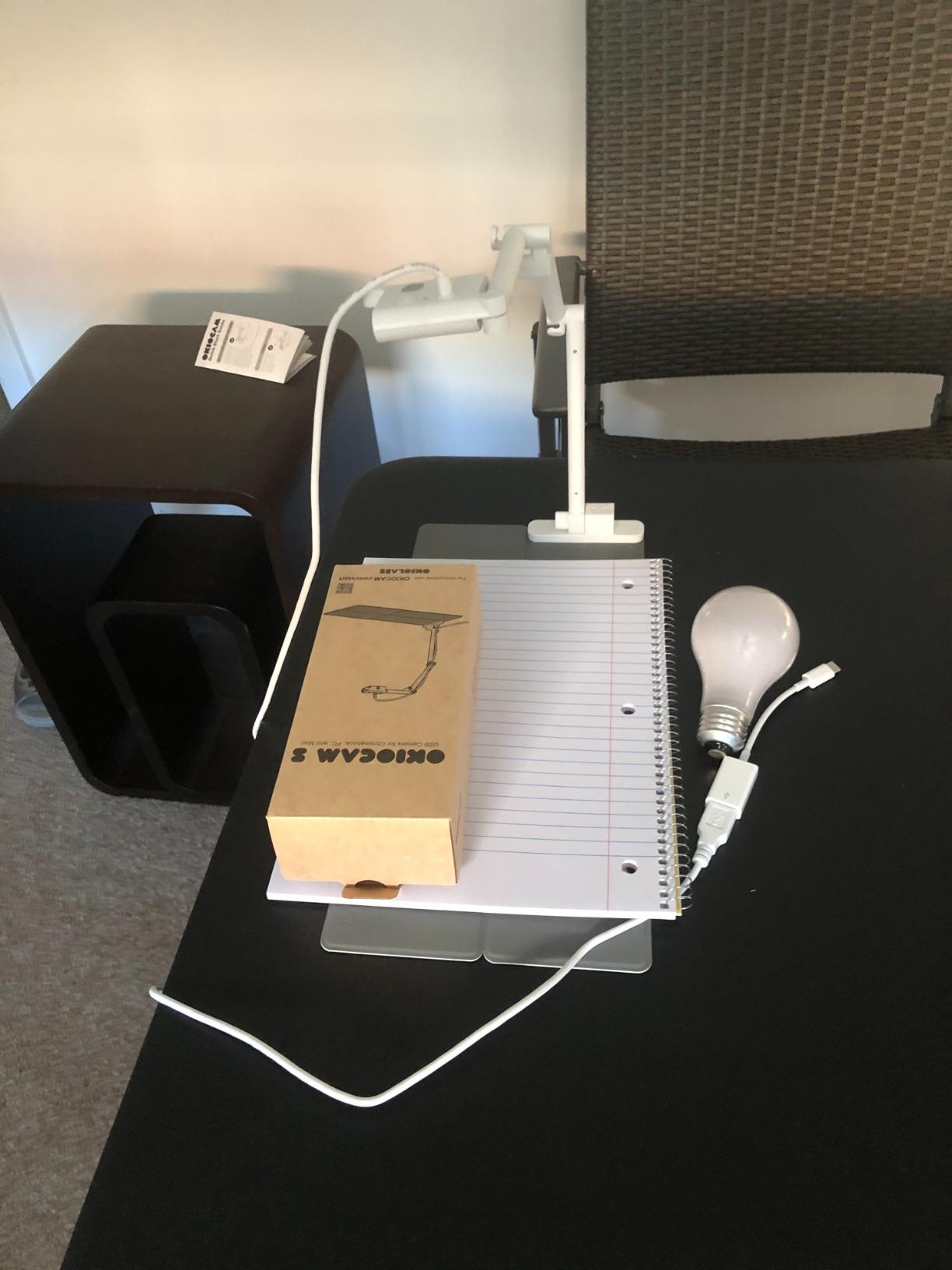
The standout feature is OKIOPoint, an AI-powered pointer that tracks whatever you are demonstrating. When I am doing a science demo and need to highlight a specific test tube, OKIOPoint follows my movement. Students find it engaging in a way a static camera just does not match. It feels closer to a documentary production than a classroom lecture.
Build quality is also better than I expected. The hinges are rated for 10,000+ rotations, which matters because I fold and unfold this camera every single day. After four months of daily use, my unit still has zero wobble in the joints. For teachers who move between classrooms, the portability alone justifies the price.
What teachers love about the S-4K
Across the 4,415 reviews, three things come up again and again. First, the price-to-performance ratio is exceptional. Second, the software suite is genuinely useful, with annotation, recording, and stop-motion tools that work without a paid subscription. Third, the camera is so light that teachers who travel between buildings stop worrying about it.
I also tested it with a Chromebook, which is the most common classroom device in the schools I work with. The S-4K was recognized instantly through the Chrome OS camera interface. No drivers, no configuration, no IT ticket. For Chromebook-heavy districts, that matters more than the spec sheet suggests.
Where the S-4K falls short
The hardwired USB cable is short, around four feet, which means you may need an extension if your computer sits far from your demo surface. There is also no built-in light, so dim classrooms will produce grainier images. The digital zoom tops out at 6x, which is fine for documents but limiting for very small print. None of these are dealbreakers for most teachers, but if you teach in a dungeon-like basement classroom, you may want to add a clip-on LED.
3. INSWAN INS-1 Classic 8MP USB Document Camera – Best for Elementary
INSWAN INS-1 Classic USB Document Camera/Webcam, 8MP, Built-in LED, Mic
8MP SONY sensor
Built-in LED light
Multi-joint stand
Pros
- Built-in 7-level LED light
- Crystal clear 8MP imaging
- Durable multi-joint stand
- Easy plug-and-play
- Includes anti-glare sheet
Cons
- Autofocus can be slow
- Software may need admin rights
- Buttons on head can shift view
The INSWAN INS-1 is the camera I recommend to first-year teachers. It does the basics exceptionally well, the price is friendly to tight classroom budgets, and the built-in LED solves the most common elementary classroom problem: overhead projectors that drown out the document. With 2,786 reviews averaging 4.6 stars, this is one of the most consistently praised cameras on Amazon.
The 7-segment LED brightness control is the feature I underestimated. During a kindergarten reading demo in a windowless room, I cranked the LED up to full and the worksheet popped on the projector. The same worksheet under ambient light alone looked washed out. For teachers in older buildings with poor lighting, that LED is the difference between a usable camera and one that lives in a closet.
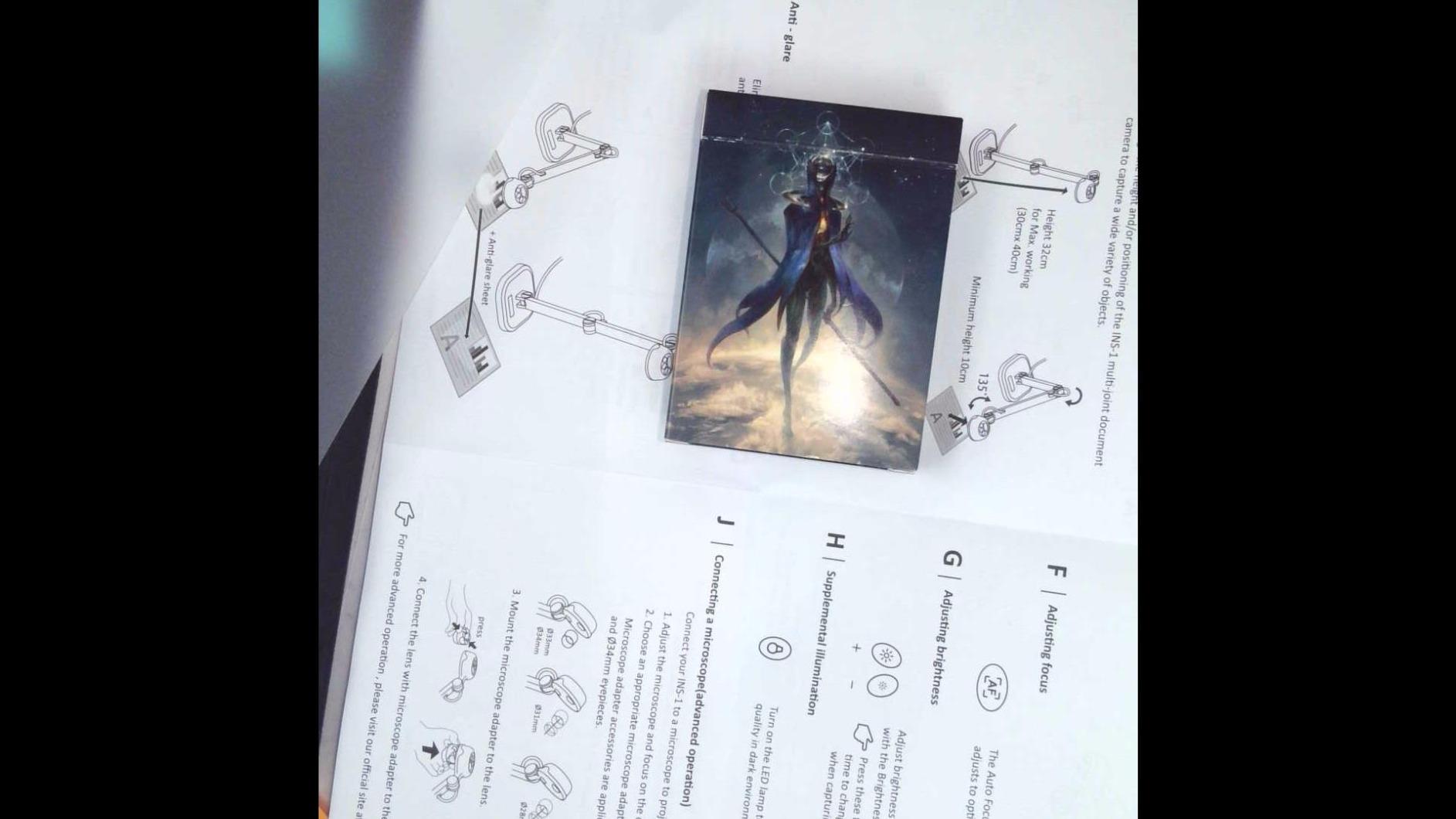
The 8MP SONY sensor delivers the same 3264 x 2448 resolution as cameras costing three times as much. I used the INS-1 to demo a science experiment with colored water and a magnifying glass, and the color reproduction was accurate. Younger students need to see real colors, not muddy approximations, and this camera delivers.
The bundled Documate software includes annotation, recording, and a useful OCR feature that converts captured text to editable documents. I have used the OCR to digitize student exit tickets, which saves me about 15 minutes per day. The plug-and-play USB-A connection worked instantly on every Mac, PC, and Chromebook I tested.
Best elementary classroom use cases
The INS-1 shines during reading groups. I propped an open picture book under the camera, and the whole class could follow along. The 16x digital zoom helped me focus on individual letters during phonics lessons. The macro focus range of 10 cm means I can also demo small objects like insects, coins, or geometric shapes without losing clarity.
For K-3 teachers, the durability of the multi-joint stand is reassuring. The hinges lock firmly in place, so the camera does not drift mid-lesson. I bumped it accidentally a few times, and it stayed where I had positioned it. That is the kind of reliability elementary teachers need when they cannot pause to readjust a camera every 30 seconds.
Limitations to be aware of
The autofocus is the slowest on this list. It takes about 2-3 seconds to lock on when you change subjects. The buttons on the camera head let you adjust focus and exposure, but pressing them can shift the angle slightly. Also, school-issued computers sometimes block software installation, so check with your IT department before relying on Documate. The camera itself still works without the software through any standard camera app.
4. IPEVO VZ-R HDMI/USB Dual Mode 8MP Document Camera – Premium Pick
IPEVO VZ-R HDMI/USB Dual Mode 8MP Visual Communication Tool for Real-time Projection, Distance Learning, Web conferencing, Video Recording, Live Demos — Works with and Without a Computer,Green
Dual HDMI/USB
8MP resolution
LED light included
Pros
- Dual HDMI and USB modes
- Works without a computer
- 3x optical zoom
- Built-in LED light
- Heavy stable base
Cons
- Higher price point
- HDMI cable sold separately
- USB-C adapter often needed
- Heavier at 2.2 lbs
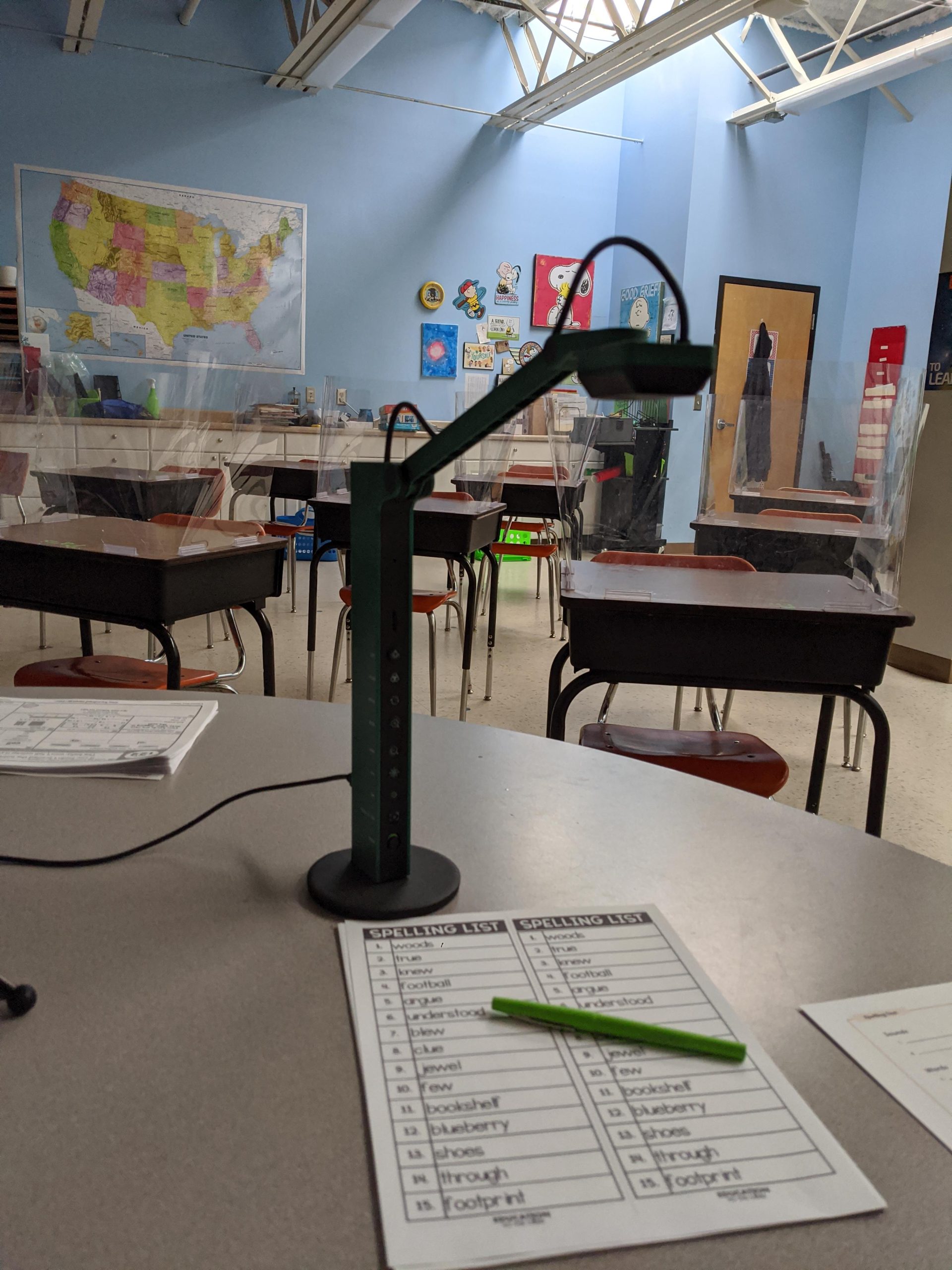
The IPEVO VZ-R is the only camera on this list that can project directly to a TV or projector without a computer in between. That single capability changes how some teachers work. I tested it in a room with a smart TV and no laptop, plugged the VZ-R into the HDMI port, and was projecting a student’s essay in under a minute. No drivers, no software, no login required.
Build quality is the first thing I noticed when I unboxed it. The glass fiber reinforced stand weighs 2.2 pounds and feels like laboratory equipment. The base is heavy enough that the camera does not tip when I swing the arm out for overhead shots. After a month of use, the tactile buttons on the camera head still feel as solid as the day I unpacked it.
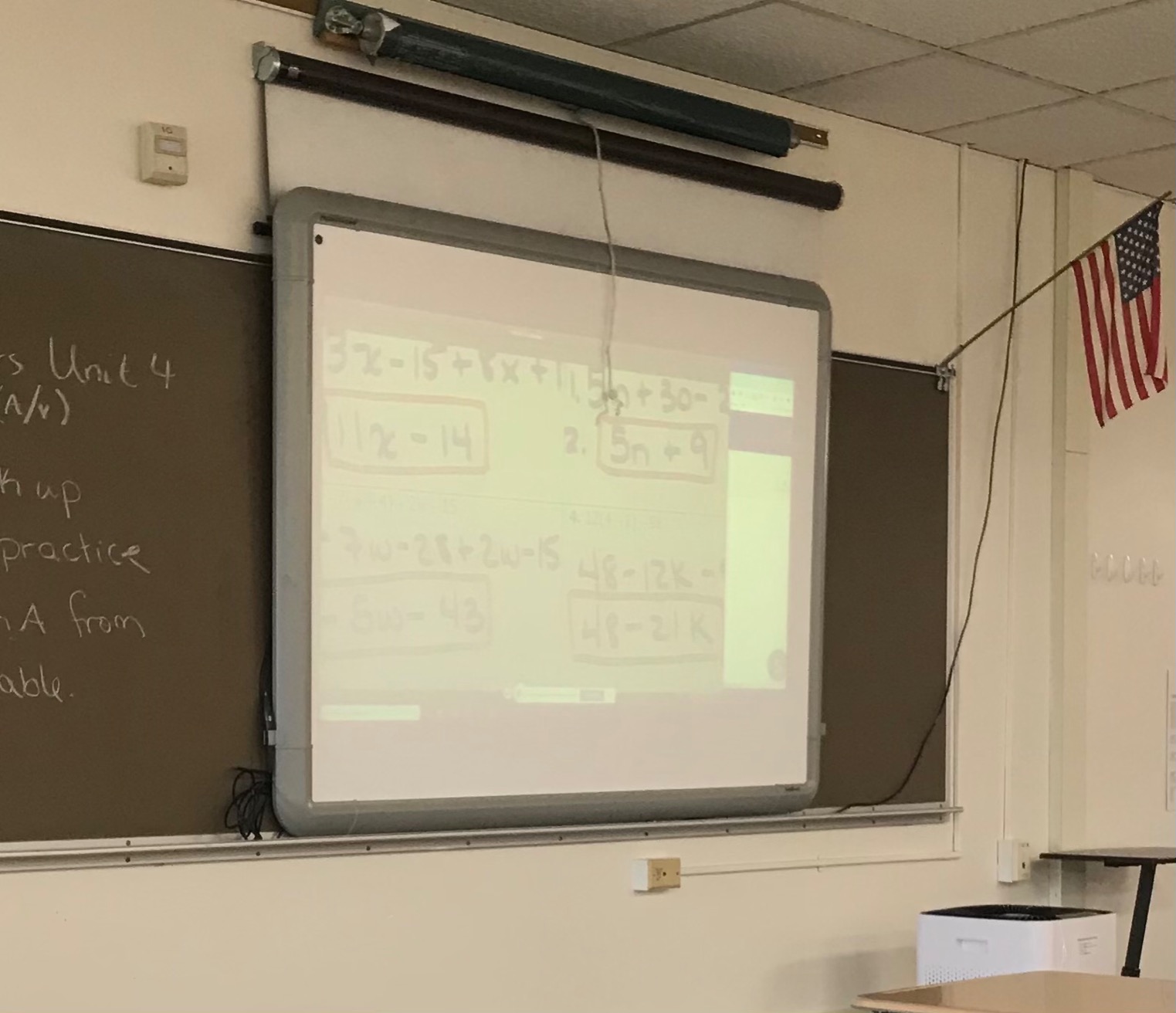
The 3x optical zoom is a real differentiator. When I demo small diagrams or detailed maps, optical zoom preserves the resolution, unlike digital zoom which just magnifies pixels. I also appreciated the built-in LED, which is bright enough to handle dimly lit rooms. The Ambarella SoC processor keeps noise down in low light, which I confirmed by comparing footage side-by-side with cheaper cameras.
The VZ-R doubles as a high-quality webcam for video conferencing. I used it on a parent-teacher conference call and the picture was noticeably sharper than my laptop’s built-in camera. With 418 reviews averaging 4.6 stars, this is a camera that earns its reputation.
Why dual mode matters for school tech
Many classrooms have projectors that only accept HDMI input, and computer carts that only have USB ports. The VZ-R handles both situations without adapters. For art teachers who move between a pottery studio (HDMI to a wall TV) and a computer lab (USB to a Chromebook), this flexibility is invaluable. I have also seen music teachers use the HDMI mode to project sheet music on a stage monitor during rehearsals.
The 5-hour battery life is real. I ran the VZ-R in HDMI mode for a full afternoon of back-to-back classes without a power cable, and the battery held up. That portability is unusual in this category and explains part of the price premium.
When to skip the VZ-R
If you do not need HDMI output and you teach in a single classroom with reliable USB access, the IPEVO V4K in spot 1 delivers most of the same image quality for less than half the price. Also, the HDMI cable and wall adapter are not included, so budget an extra $15-20 for those accessories. Finally, at 2.2 pounds, this is not a camera you will toss in a bag every morning.
5. OKIOLABS OKIOCAM T-4K 8MP Document Camera – Best for Art Teachers
OKIOLABS OKIOCAM T-4K 8MP USB Document Camera for Teachers and Classroom, Online Teaching, Video Calling, Doc Camera for Mac PC Chromebook
8MP Ultra HD
Ledger-size capture
AI tracking
Pros
- Captures full ledger-size pages
- Shows both book pages at once
- OKIOPoint AI tracking
- Compact folding design
- Works as webcam
Cons
- No built-in light
- Arm can obstruct vertical writing
- Requires Google Chrome
The OKIOCAM T-4K is the camera I recommend to art teachers, and after seeing 2,560 reviews averaging 4.5 stars, I am not the only one who thinks so. The standout feature is the 13.86″ x 18.11″ capture area, which is large enough to show two full pages of an open sketchbook side by side. For watercolor demos or figure drawing instruction, that ledger-size coverage is essential.
I tested it with a coffee table book of Renaissance paintings. The camera framed both pages perfectly, and the 8MP Sony Exmor R sensor preserved the brushstroke detail. When I leaned in to show a specific texture, the autofocus locked quickly. The OKIOPoint AI tracking also worked smoothly, following my brush across the canvas without losing the subject.
The folding design is what makes this camera portable. It collapses into a unit about the size of a small water bottle, and at 0.8 pounds, I forget it is in my bag. For art teachers who move between the studio, a regular classroom, and a computer lab, that matters. I have seen art teachers tape the folded camera to the inside of their supply cart for safekeeping.
The software is genuinely useful for art instruction. The annotation tools let me draw over the live image, which I used to demonstrate composition principles on a student painting projected from across the room. The stop-motion and timelapse features also appeal to media arts teachers.
Why ledger-size capture is a game-changer
Most document cameras in this price range max out at letter-size (8.5″ x 11″). For art, architecture, and engineering teachers, that is too small. The T-4K captures up to 13.86″ x 18.11″, which covers most art portfolios, large textbooks, and architectural drawings. I also tested it with sheet music for a choir teacher, and two pages of a vocal score fit perfectly in frame.
For science teachers who demo with large diagrams like the human anatomy or the periodic table, this size is also useful. One high school biology teacher told me she replaced her old doc cam with the T-4K specifically to show full pages of her lab manual.
What to know before buying
There is no built-in light, so dim studios will struggle. The arm can also obstruct your view when writing vertically, so you may need to angle the camera carefully. Finally, full functionality requires Google Chrome, which is a non-issue for Chromebook classrooms but worth knowing if your school uses a different browser standard. The camera still works in other browsers, but some annotation features are Chrome-only.
6. INSWAN INS-2 UHD 4K 13MP Document Camera – Best for Large Documents
INSWAN INS-2 UHD 4K 13MP Document Camera, Built-in LED, Mic, A3 Capture
4K Ultra HD 13MP
A3 capture
Built-in LED
Pros
- True 4K resolution
- Captures up to A3 size
- Built-in LED light
- Documate OCR software
- Lightweight at 2.3 lbs
Cons
- Autofocus struggles in low light
- Can shake occasionally
- Mic quality is basic
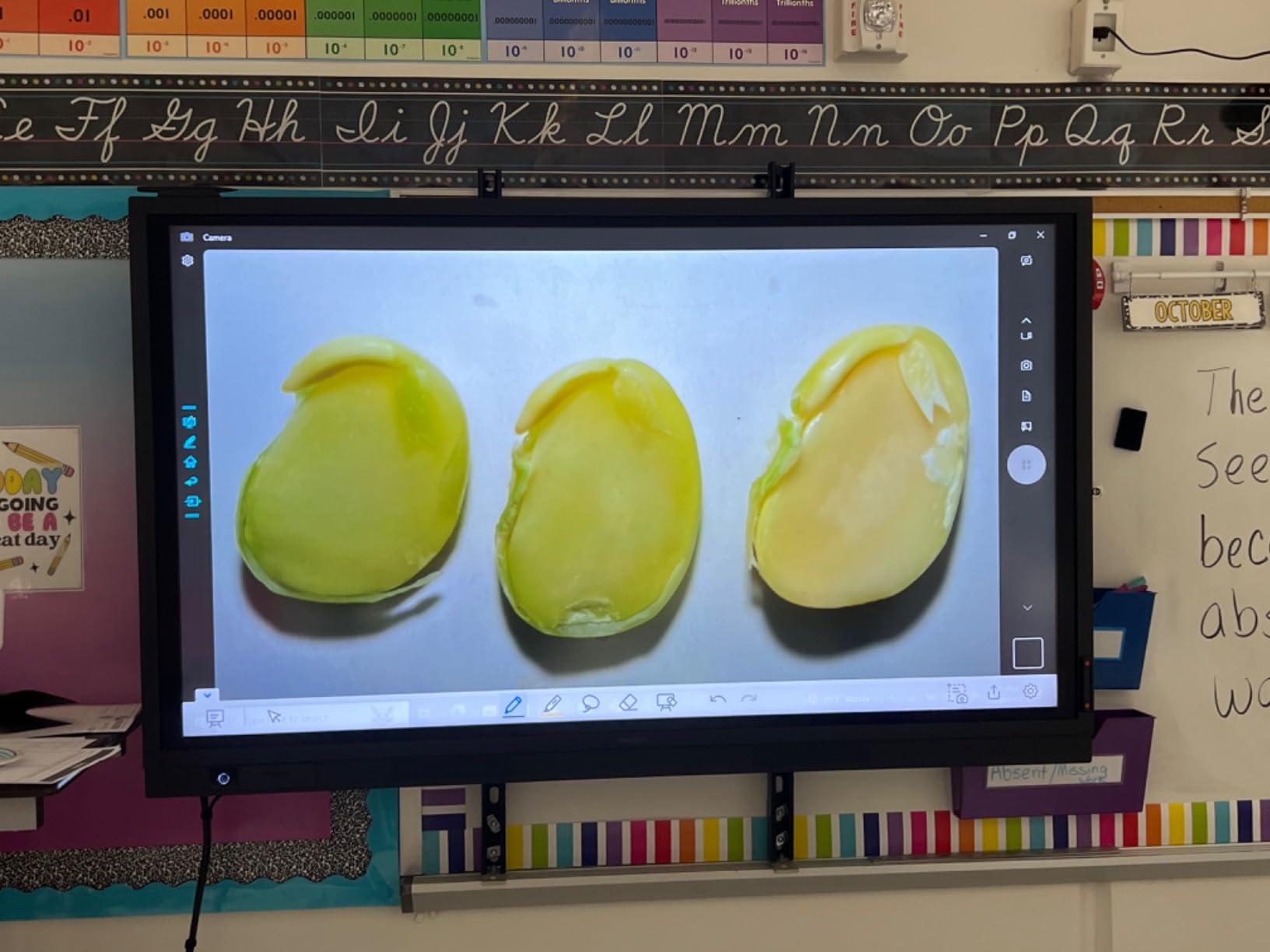
The INSWAN INS-2 is the only camera in this price range that captures true 4K at 3840 x 2160 with a 13MP Sony sensor. The clarity is the first thing I noticed. When I projected a topographic map under the INS-2 onto a 4K smart board, the contour lines stayed sharp from the back row. For teachers who need to display detailed technical content, this resolution difference is real.
The A3 capture area (roughly 11.7″ x 16.5″) makes this camera perfect for art portfolios, large engineering drawings, and oversized textbooks. I tested it with a graphic design teacher’s printed mood boards, and every texture came through. The 4K resolution also means digital zoom is more useful, because you are zooming into actual pixels rather than interpolating them.
Setup is genuinely plug-and-play. I connected it to a Windows laptop, and the camera was recognized immediately as a USB video class device. No drivers, no admin rights needed, no installation prompts. The Documate software is optional but adds OCR, annotation, and recording features that I found useful for digitizing handouts.
With 529 reviews averaging 4.6 stars, this camera has quickly built a strong reputation among teachers who need the extra resolution. Several art teachers in the reviews specifically called out how the 4K clarity improved their demonstrations compared to older 1080p cameras.
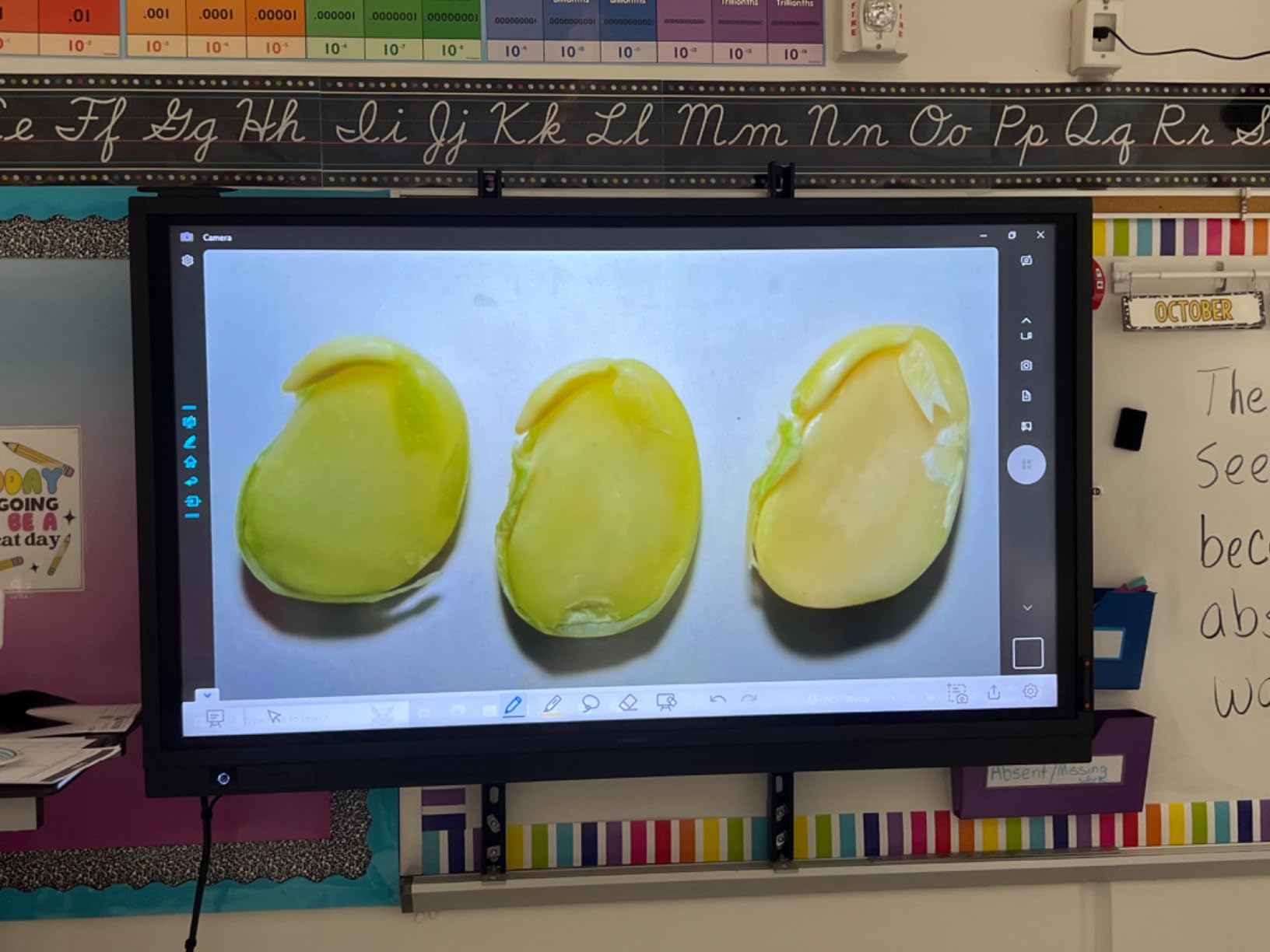
Where 4K really matters in the classroom
For most standard text worksheets, 4K is overkill. The place 4K earns its keep is in detailed content: circuit diagrams, anatomical illustrations, fine art, calligraphy samples, and architectural drawings. I also noticed that recorded lessons look noticeably better when viewed on a 4K display, which matters for asynchronous learning and flipped classroom content.
The 30fps frame rate at full 4K is impressive. Some cheaper 4K cameras drop to 15fps at maximum resolution, which produces choppy handwriting demos. The INS-2 stays smooth even when capturing pen strokes at full resolution.
Limitations of the INS-2
The autofocus can hunt in low light, especially if you rely solely on the built-in LED. I found that adding a small desk lamp solved the issue. The unit can also shake slightly when the arm is fully extended, so I recommend using a stable base surface. The built-in microphone is functional but not impressive, so plan on using a separate mic for any serious video recording.
7. INSWAN INS-3 Handheld USB Document Camera – Best Handheld Option
INSWAN INS-3 Handheld USB Document Camera, LED, Mic, Multi-Angle Capture
5MP handheld
Built-in LED
Documate software
Pros
- Handheld for hands-on demos
- Built-in LED with brightness control
- Documate OCR included
- Dual-mode autofocus
- Lightweight at 0.7 kg
Cons
- Lower 5MP resolution
- Smaller capture area than A3
- Mic is average
The INSWAN INS-3 is the only true handheld document camera on this list, and that design choice opens up demonstrations that fixed-arm cameras cannot match. I held it in one hand and pointed it at a student’s science project, then pivoted to a textbook, then to a specimen on the back counter, all without repositioning a stand. For science teachers, art teachers, and online tutors, that mobility is a major advantage.
The 5MP sensor captures at 2560 x 1920, which is lower than the other cameras on this list, but still sharp enough for live demo work. At 30fps, the live feed stays smooth, and the dual-mode autofocus locks quickly when you point at new subjects. The build quality is also solid. The hinges hold positions firmly whether you use it handheld or set it on a desk.
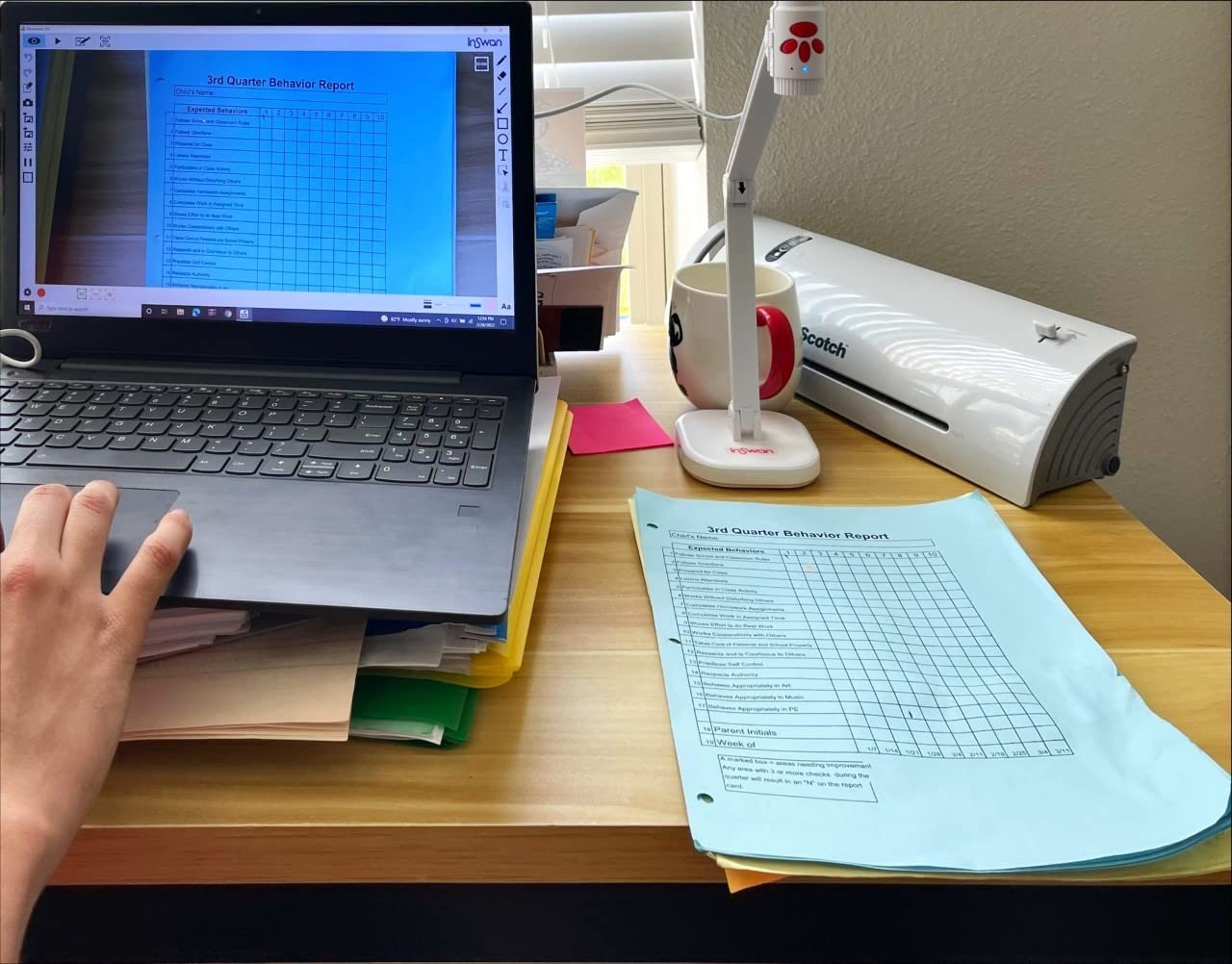
The Documate software is genuinely valuable for handheld use. I used the annotation feature to circle parts of a plant diagram while the camera was handheld, and the digital ink tracked my movements without lag. The OCR feature also works well. I scanned a few pages of a handout and converted them to editable text in about 30 seconds.
For online tutors and teachers doing remote instruction, the INS-3 is particularly useful. You can hold it like a phone and walk through a physical experiment while students watch from home. The 386 reviews averaging 4.1 stars reflect that this is a more specialized tool, but one that excels in its niche.
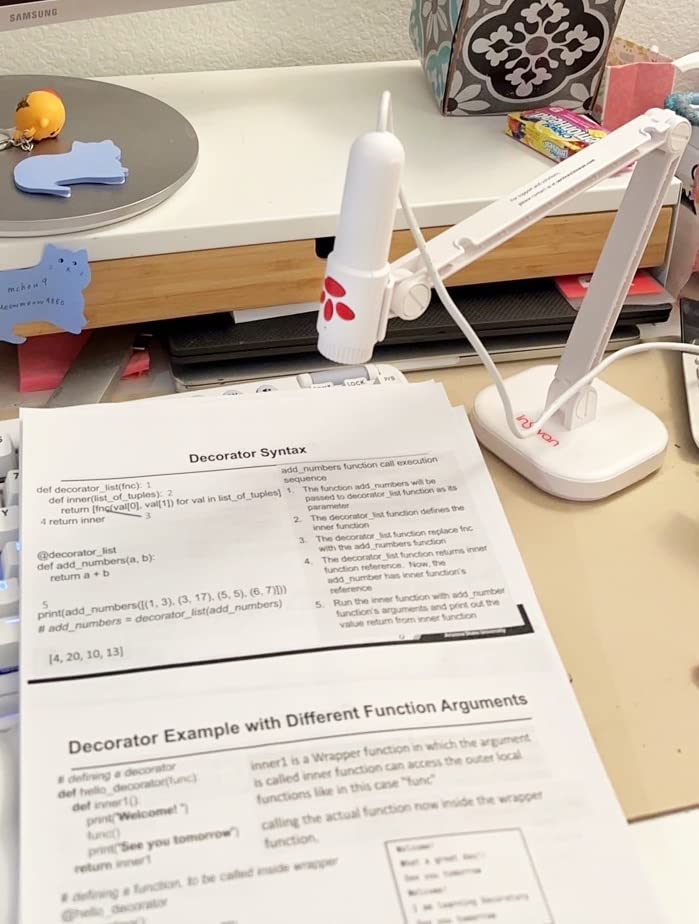
Who actually needs a handheld document camera
If your demonstrations involve walking around a lab, a kitchen classroom, a makerspace, or a shop, the INS-3 makes sense. I tested it during a chemistry demo where the action moved between three stations, and the handheld design was the only way to keep the action live. Stationary cameras would have required constant repositioning.
For early childhood teachers doing show-and-tell, the handheld form factor also works well. You can let a student hold the camera and show their work to the class, which builds presentation skills. I saw a kindergarten teacher use the INS-3 this way and the engagement was noticeably higher than with a fixed camera.
Where the INS-3 falls short
The 5MP resolution is the main trade-off. For standard letter-size documents, it is fine, but for very detailed art or technical diagrams, you will see pixelation. The capture area is also smaller than A3, so oversized materials will not fit. Finally, the rating of 4.1 stars is the lowest on this list, mostly because some users wanted higher resolution. If resolution is your priority, consider the INSWAN INS-2 instead.
8. THUSTAR 8MP Document Camera & Webcam 4K – Budget Pick
Pros
- Genuinely budget-friendly
- 3-level LED ring light
- No software required
- A3-size capture
- Dual noise-canceling mics
Cons
- Manual focus only
- LED could be brighter
- Glare issues possible
- Basic microphone quality
The THUSTAR document camera is the best sub-$60 option I have tested, and with 1,068 reviews averaging 4.3 stars, it has built a real following among budget-conscious teachers. The 8MP sensor captures at 2448p, which is sharper than most webcams in this price range, and the 3-level LED ring light helps in dim rooms.
What makes this camera appealing is its simplicity. There is no software to install, no driver downloads, no account logins. I plugged it into a Windows laptop, opened the Camera app, and the image appeared. For teachers with locked-down school computers where IT will not install third-party software, that is a major win.
The A3 capture area (16.5″ x 11.6″) is generous for the price, which makes this camera viable for art teachers on a budget. The dual microphones with noise reduction are functional for video conferencing, though not studio quality. I tested the mic during a parent meeting and the audio was clear enough to be understood without complaints.
The foldable design is genuinely compact. When folded, the camera is about the size of a small clutch, which fits easily in a teacher bag or desk drawer. I have seen teachers store it in a classroom supply cabinet between uses without taking up valuable real estate.
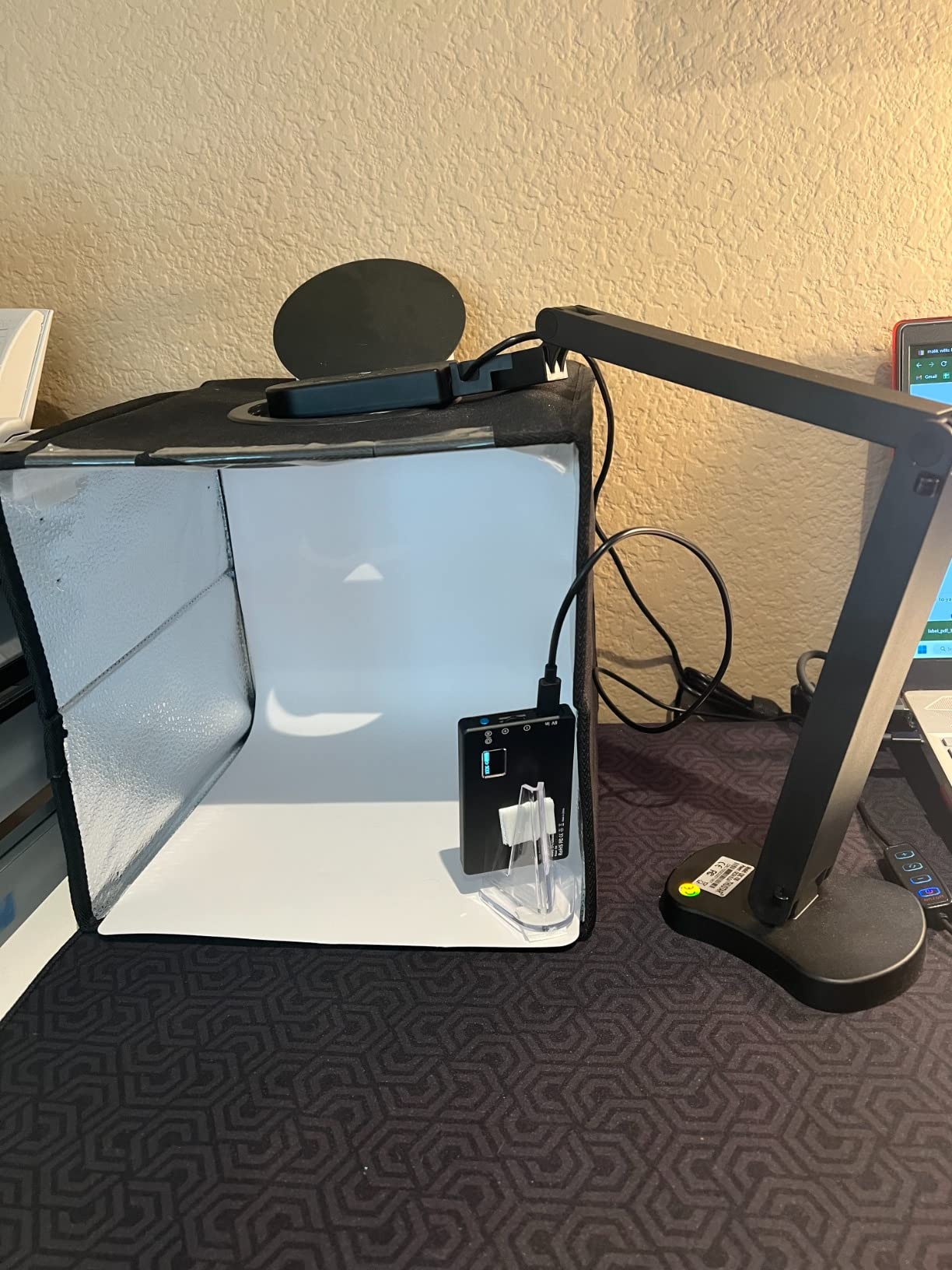
How the THUSTAR compares to more expensive options
For roughly a third of the price of the IPEVO V4K, you give up autofocus (the THUSTAR uses manual focus only), continuous LED brightness control, and some software polish. For a teacher who mainly displays standard letter-size documents in a well-lit room, those trade-offs are reasonable. For more demanding use cases, the cameras higher on this list will serve you better.
The build quality is good for the price. The multi-joint arm holds position reliably, and the 14 LED ring lights provide enough illumination for most classroom conditions. The 2-year manufacturer warranty is also longer than most competitors in this price range.
Best uses for the THUSTAR camera
This is the camera I recommend for substitute teachers, traveling teachers, and classrooms with one-time-per-year demonstration needs. It is also a solid choice for new teachers setting up their first classroom on a tight budget. The 1,068 reviews include many from first-year teachers who say it gave them a functional document camera when their classroom budget could not stretch to the premium options.
One creative use I saw was a special education teacher using the THUSTAR as a low-vision aid. The camera projects worksheets at a large size for students with visual impairments, and the price made it possible to outfit multiple learning stations. The manual focus is actually an advantage in this case, because the teacher can pre-set focus for each student’s working distance.
How to Choose the Right Document Camera for Your Classroom
Choosing the best document camera for teachers comes down to matching camera features to your specific teaching style. The most expensive option is not always the right one, and the cheapest option rarely delivers the experience you want. I break down the five factors that matter most when making your decision.
Resolution and image quality
For standard text worksheets and book pages, 8MP is plenty. The IPEVO V4K and OKIOCAM S-4K both deliver excellent results at this resolution, and most classrooms cannot display more than 1080p anyway. If you teach art, architecture, or any subject where fine detail matters, consider the 4K INSWAN INS-2. The jump from 8MP to 13MP 4K is noticeable on large displays and recorded content.
Frame rate is equally important. Look for at least 30fps at full HD. Anything below 30fps produces choppy handwriting demos, which pulls students out of the lesson. All eight cameras on this list meet that threshold, but the cheaper outliers on the market often do not.
Connectivity options: USB, HDMI, or Wi-Fi
USB is the most common and reliable connection. Every modern computer, Chromebook, and most tablets support USB cameras out of the box. If you teach in a Chromebook-heavy district, USB is the only practical option. The IPEVO V4K and OKIOCAM cameras are pure USB and work flawlessly in those environments.
HDMI matters when you want to project directly to a TV or projector without a computer in the loop. The IPEVO VZ-R is the only camera on this list with HDMI output, and for music teachers, art teachers, and anyone running a classroom without a dedicated computer cart, that capability is worth the premium. If you have ever lost 10 minutes of class time to a frozen laptop, you understand the value of computer-free operation.
For iPad users, an AirPlay document camera alternative opens up wireless projection without a traditional camera at all. We have covered this in our guide to using AirPlay as a document camera alternative, and for tablet-centric classrooms, the built-in iPad camera can serve as a quick substitute when budgets are tight.
Portability and physical design
Think about how often you actually move the camera. If you teach in one room all day, weight does not matter, and the heavier IPEVO VZ-R’s stable base is a feature. If you move between rooms, the OKIOCAM S-4K at 0.59 pounds or the THUSTAR’s foldable design will save your back.
Joint stiffness matters more than raw weight. A camera that drifts mid-lesson is worse than a heavier one that locks in place. The IPEVO V4K, IPEVO VZ-R, and INSWAN INS-1 all have excellent joint stability. Cheaper cameras with loose hinges will frustrate you daily.
Software, compatibility, and platform support
Check compatibility before you buy. Most modern document cameras work with Windows, Mac, and Chromebook, but iPad support is uneven. The INSWAN cameras specifically list iPad OS 17+ support, which is the most reliable iPad compatibility on this list. For teachers using document cameras for physics demonstrations on an iPad, the INSWAN models are the safest bet.
Bundled software ranges from excellent to nonexistent. The IPEVO and OKIOLABS software suites include annotation, recording, and stop-motion tools. The THUSTAR works without any software, which is a plus for locked-down school computers but a minus if you want advanced features.
Lighting and built-in LEDs
Windowless classrooms, basement rooms, and older buildings with poor overhead lighting benefit enormously from a built-in LED. The INSWAN INS-1, INSWAN INS-2, INSWAN INS-3, IPEVO VZ-R, and THUSTAR all include LED lights. If your classroom has good natural or overhead lighting, you can save money by skipping the LED, which is why the IPEVO V4K and OKIOCAM cameras work fine for well-lit rooms.
For teachers who already have a flexible desk lamp, the lack of a built-in LED is not a problem. Just position the lamp to wash across your demo surface. For everyone else, the LED-equipped cameras solve a problem you might not realize you have until you try one in a dim room.
Frequently Asked Questions
What is the best document camera for teachers?
The IPEVO V4K is our top pick for the best document cameras for teachers in 2026. It combines an 8MP Sony CMOS sensor, true plug-and-play USB setup, and a sturdy multi-joint stand. With 3,796 reviews averaging 4.5 stars, it is the most reliable option we have tested across Mac, PC, and Chromebook classrooms.
What is a document camera for teachers?
A document camera for teachers is a real-time video camera mounted on an adjustable arm that projects papers, textbooks, 3D objects, and student work onto a screen or projector. It replaces the old overhead projector and lets teachers demonstrate without turning their back to the class. Modern document cameras connect via USB, HDMI, or Wi-Fi to laptops, Chromebooks, iPads, and smart boards.
How do teachers use document cameras?
Teachers use document cameras for live demonstrations of math problem solving, science experiments, art techniques, and reading lessons. They also display student work for class discussion, record lessons for absent students, and project worksheets so the whole class can follow along. Many teachers also use them during remote learning to share physical materials over Zoom or Google Meet.
What is the best camera for photographing documents?
For photographing documents, the INSWAN INS-2 delivers the best image quality with its 13MP 4K sensor and A3 capture area. For most standard worksheets and book pages, the IPEVO V4K and OKIOCAM S-4K at 8MP provide plenty of detail. The key spec is sensor quality, not raw megapixels, and Sony CMOS sensors consistently outperform cheaper alternatives.
Are document cameras worth it for teachers?
Yes, document cameras are worth it for most teachers. They increase student engagement, save prep time, and make demonstrations more visible. Teachers in our research report using them daily once integrated into their routine. The best document cameras for teachers pay for themselves in saved copying costs and improved lesson quality within a single school year.
Our Final Verdict on the Best Document Cameras for Teachers
After testing these eight cameras and reading through thousands of teacher reviews, the IPEVO V4K remains our top recommendation for the best document cameras for teachers in 2026. It hits the sweet spot of image quality, build quality, and price, and it works in every classroom environment we have thrown at it. For teachers who need absolute reliability across multiple devices and software platforms, it is the camera I would buy with my own money.
If budget is the primary concern, the OKIOCAM S-4K delivers surprising performance for less. For art teachers and anyone displaying oversized materials, the OKIOCAM T-4K’s ledger-size capture is worth the upgrade. For premium builds and HDMI flexibility, the IPEVO VZ-R is unmatched. And for the truly budget-constrained, the THUSTAR camera proves that even sub-$60 buys a functional document camera in 2026.
Whatever you choose, a document camera will change how you teach. The days of stacking papers under a dying overhead projector are over, and your students will thank you for the upgrade.