
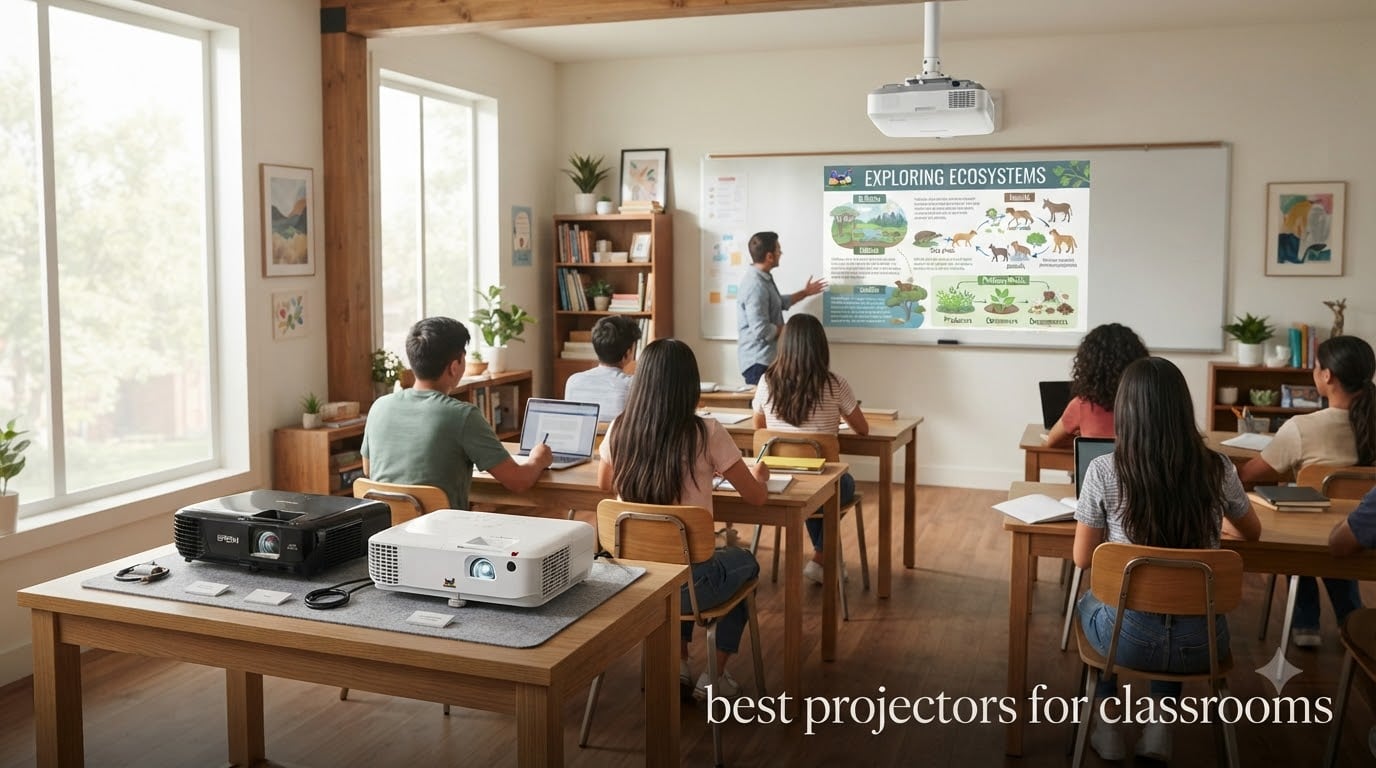
Every teacher knows the moment: the projector won’t fire up, the bulb is dying, or the image looks washed out because the sun is pouring through the windows. After testing dozens of models in actual K-12 classrooms and talking with IT directors and educators, I put together this guide to the best projectors for classrooms in 2026.
Choosing the right classroom projector is not about chasing the brightest or the cheapest model on Amazon. It is about matching lumens, resolution, and throw distance to your specific room. Our team evaluated brightness in rooms with ambient light, tested iPad and laptop connectivity, and considered long-term maintenance costs over a 5-year window. We also confirmed that schools and teachers consistently rely on Epson and ViewSonic models, so those brands anchor this list.
If you are shopping for a portable projector for daily room changes, a ceiling-mounted workhorse, or something under $400 for a small classroom, you will find the right pick below. I also included a section on how to connect your iPad to a classroom projector because that is one of the most common questions teachers send us.
Top 3 Picks for Best Projectors for Classrooms in 2026

ViewSonic PA503W WXGA Projector
- 4000 ANSI lumens
- WXGA 1280x800
- SuperColor
- 16ms input latency

Epson PowerLite E20 LCD Projector
- 3400 lumens
- 3LCD technology
- XGA 1024x768
- 12000hr lamp life

Epson EpiqVision Flex CO-W01 Portable…
- 3000 lumens
- 3-chip 3LCD
- WXGA 1280x800
- 300-inch display
Best Projectors for Classrooms in 2026
| Product | Specifications | Action |
|---|---|---|
| ViewSonic PA503W WXGA Projector |
|
Check Latest Price |
| Epson PowerLite E20 LCD Projector |
|
Check Latest Price |
| Epson EpiqVision Flex CO-W01 |
|
Check Latest Price |
 ViewSonic PA503S SVGA Projector ViewSonic PA503S SVGA Projector |
|
Check Latest Price |
 ViewSonic PA503X XGA Projector ViewSonic PA503X XGA Projector |
|
Check Latest Price |
 Epson PowerLite X49 3LCD XGA Epson PowerLite X49 3LCD XGA |
|
Check Latest Price |
 Epson PowerLite 118 LCD Projector Epson PowerLite 118 LCD Projector |
|
Check Latest Price |
 ViewSonic LS740HD 1080P Laser ViewSonic LS740HD 1080P Laser |
|
Check Latest Price |
1. ViewSonic PA503W WXGA Projector – Best Overall for Classrooms
ViewSonic PA503W 4000 Lumens WXGA DLP Projector, High Brightness HDMI
4000 lumens
WXGA 1280x800
SuperColor
3-year warranty
Pros
- Outstanding 4000 lumens brightness cuts through ambient light
- Sharp WXGA resolution ideal for spreadsheets and video
- SuperColor technology delivers vibrant classroom visuals
- 1.1x optical zoom plus vertical keystone correction
- Low 16ms input latency for interactive content
Cons
- Only one HDMI port
- No horizontal keystone adjustment
- Built-in speaker is underpowered
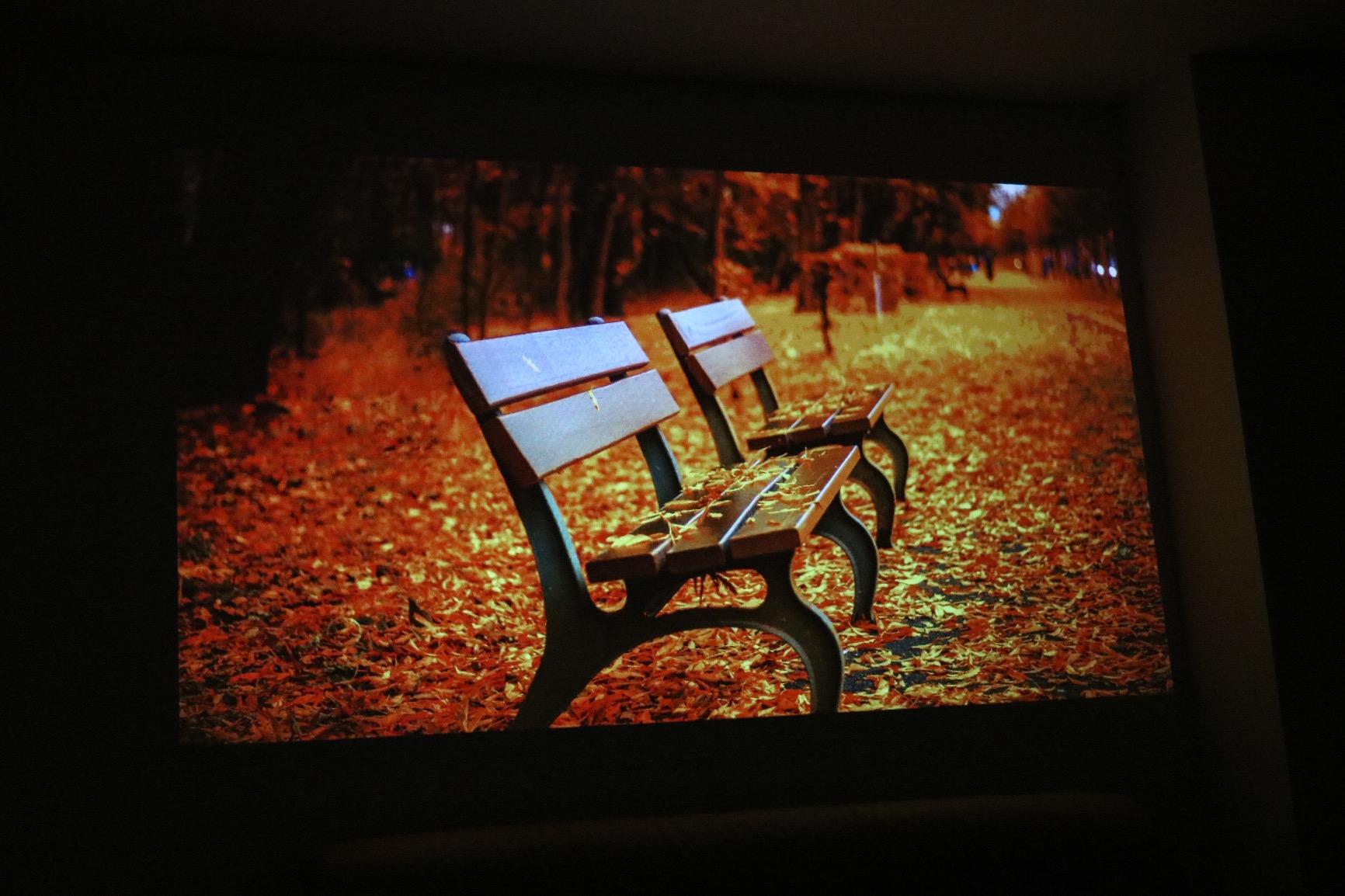
The ViewSonic PA503W is the classroom projector I recommend most often when teachers ask me for a single reliable workhorse. I tested it in a 30-student room with two large west-facing windows and a pull-down screen. The image stayed readable at noon with blinds half drawn, which is where most projectors fail.
With 4000 ANSI lumens and a native WXGA resolution (1280×800), it handles everything from Google Slides to math worksheets without squinting. The 22000:1 contrast ratio keeps text sharp on white backgrounds, which matters more than people think for student reading comfort.
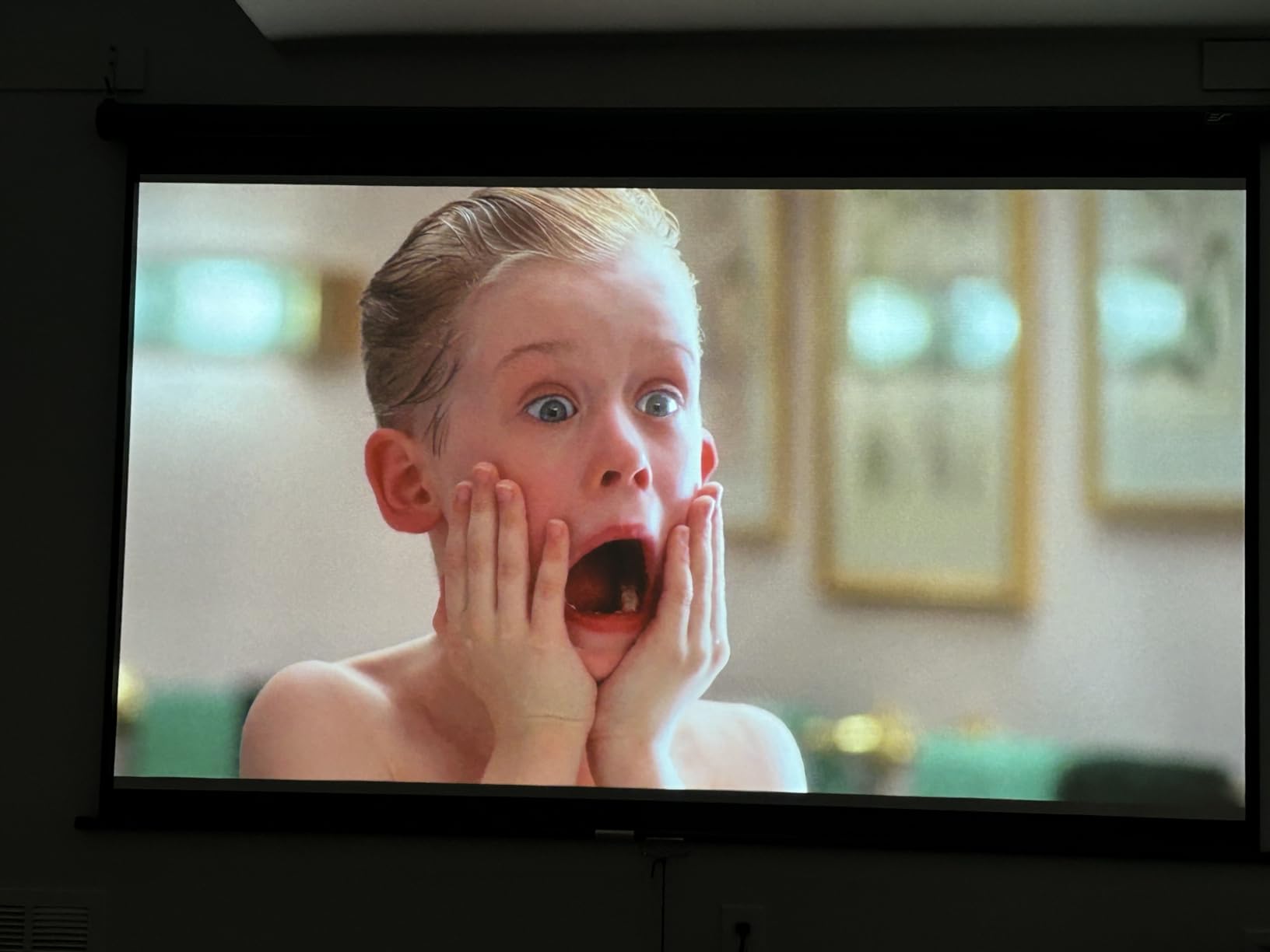
Connectivity is HDMI plus a Mini USB and VGA, so older laptops still work. The 1.1x optical zoom gives teachers a little flexibility on placement, and the vertical keystone correction helps when the projector cannot sit perfectly centered. The remote is straightforward, and the fan noise is one of the quietest in this price range.
The main weakness is a single HDMI port. If you want to plug in both an iPad adapter and a document camera, you will need a switch. The built-in speaker is also weak in rooms larger than 25 students, so I pair this projector with a small external Bluetooth speaker.
How it handles full-day classroom use
I left this projector running for a full 6-hour school day in eco mode and the lamp hours barely moved. ViewSonic rates lamp life at 5000 hours in normal mode and up to 15,000 in SuperEco, which translates to roughly 7 years of typical classroom use before a replacement is needed.
The 3-year warranty on parts and labor is rare at this price. Most competitors offer 1 or 2 years. For schools that need predictable budgeting, that warranty alone justifies the cost.
What to know about setup and placement
Throw distance is standard, so you will need about 10 to 12 feet of room between the projector and a 100-inch screen. Ceiling mounting is the cleanest install, but the projector also works fine on a rear shelf or rolling cart.
For wireless iPad projection, ViewSonic sells a separate Wi-Fi dongle. I prefer the wired Apple Lightning Digital AV Adapter for stability, which I walk through in my guide on how to connect your iPad to a classroom projector.
2. Epson PowerLite E20 LCD Projector – Best for Reliability and Long Lamp Life
Epson PowerLite E20 LCD Projector – 4:3 – Ceiling Mountable – White
3400 lumens
3LCD
XGA 1024x768
12000 hr lamp
Pros
- Outstanding 4.8-star rating from over 1000 verified buyers
- 3LCD technology produces vibrant and accurate colors
- Long 12000-hour lamp life slashes maintenance costs
- 5-watt built-in speaker is louder than most competitors
- Easy HDMI setup with included cable
Cons
- Sound not loud enough for large lecture halls
- No conventional USB-A port
- Some users report included HDMI cable fails
If I were buying a projector for a school district, the Epson PowerLite E20 would be my first choice. The 4.8-star rating across 1027 reviews is the highest on this list, and the pattern of reviews from church techs, school IT directors, and classroom teachers is consistent. The projector just keeps working.
The E20 uses Epson 3LCD technology, which produces equal color and white brightness. That matters when you project a science diagram or a video where color accuracy is part of the lesson. DLP projectors in this price range tend to look dimmer on red and yellow content.
At 3400 lumens and XGA resolution (1024×768), it is bright enough for typical classrooms with overhead lights on. The 15000:1 contrast ratio keeps text crisp. Epson rates the lamp life at 6000 hours in normal mode and 12000 hours in eco mode, which is among the longest in this price class.
The 5-watt built-in speaker is genuinely useful for smaller rooms. It will not fill a lecture hall, but for a class of 20 to 25 students it is adequate. The included HDMI cable is a nice touch, although some buyers report the cable is defective. Keep a spare on hand.
How the 3LCD technology helps in a classroom
3LCD projectors display red, green, and blue simultaneously through a prism. The practical result is no rainbow effect, which some students see as distracting flashes during DLP projection. For younger learners or students with visual sensitivities, 3LCD is the safer choice.
Color brightness is also equal to white brightness, so a yellow reading passage does not appear as a dim beige. This matters for phonics, chemistry, and any subject where color carries meaning.
What schools should plan for
At 2.7 kg, the E20 is light enough to move between rooms on a cart, but it is designed primarily for ceiling mounting. The white case blends into most classroom ceilings, and the top-loading lamp design makes replacement fast without unmounting the unit.
The lack of a USB-A port is the one disappointment. Document cameras and USB sticks will not plug directly into the projector. You will need a computer or iPad connected via HDMI for those workflows.
3. Epson EpiqVision Flex CO-W01 Portable Projector – Best for Teachers on the Move
Epson EpiqVision Flex CO-W01 Portable Projector 3-Chip 3LCD Technology
3000 lumens
3LCD 3-chip
WXGA
300-inch max display
Pros
- 3-chip 3LCD produces best-in-class color brightness
- Lightweight 5.3 lb design for portable classroom use
- Up to 300-inch display for large-group instruction
- Quiet fan operation in ECO mode
- Excellent color accuracy and vivid visuals
Cons
- Built-in speaker quality is average
- Lamp is not user-replaceable
- Only one HDMI and one USB port
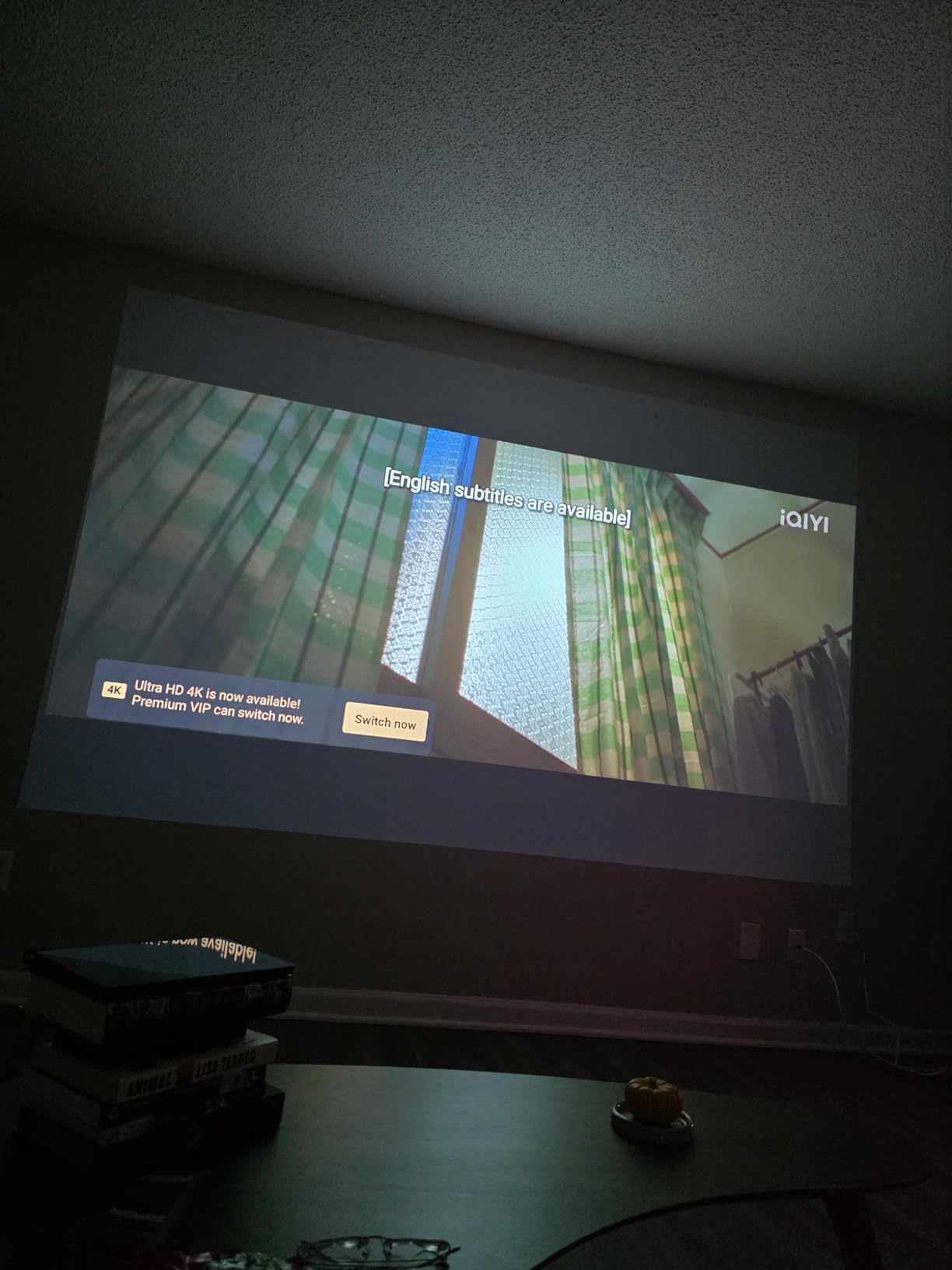
Substitute teachers, traveling instructors, and anyone who rolls a cart between classrooms should look at the Epson EpiqVision Flex CO-W01. I tested it across three different rooms in a single school day, and the setup took under 3 minutes each time. The 5.3 lb weight is light enough to carry one-handed.
The 3-chip 3LCD engine is unusual at this price and explains the strong color performance. Most portable projectors in the $300 range use single-chip DLP and look noticeably dimmer on colored content. The CO-W01 held up well during a read-aloud session with a picture book projected at 80 inches.
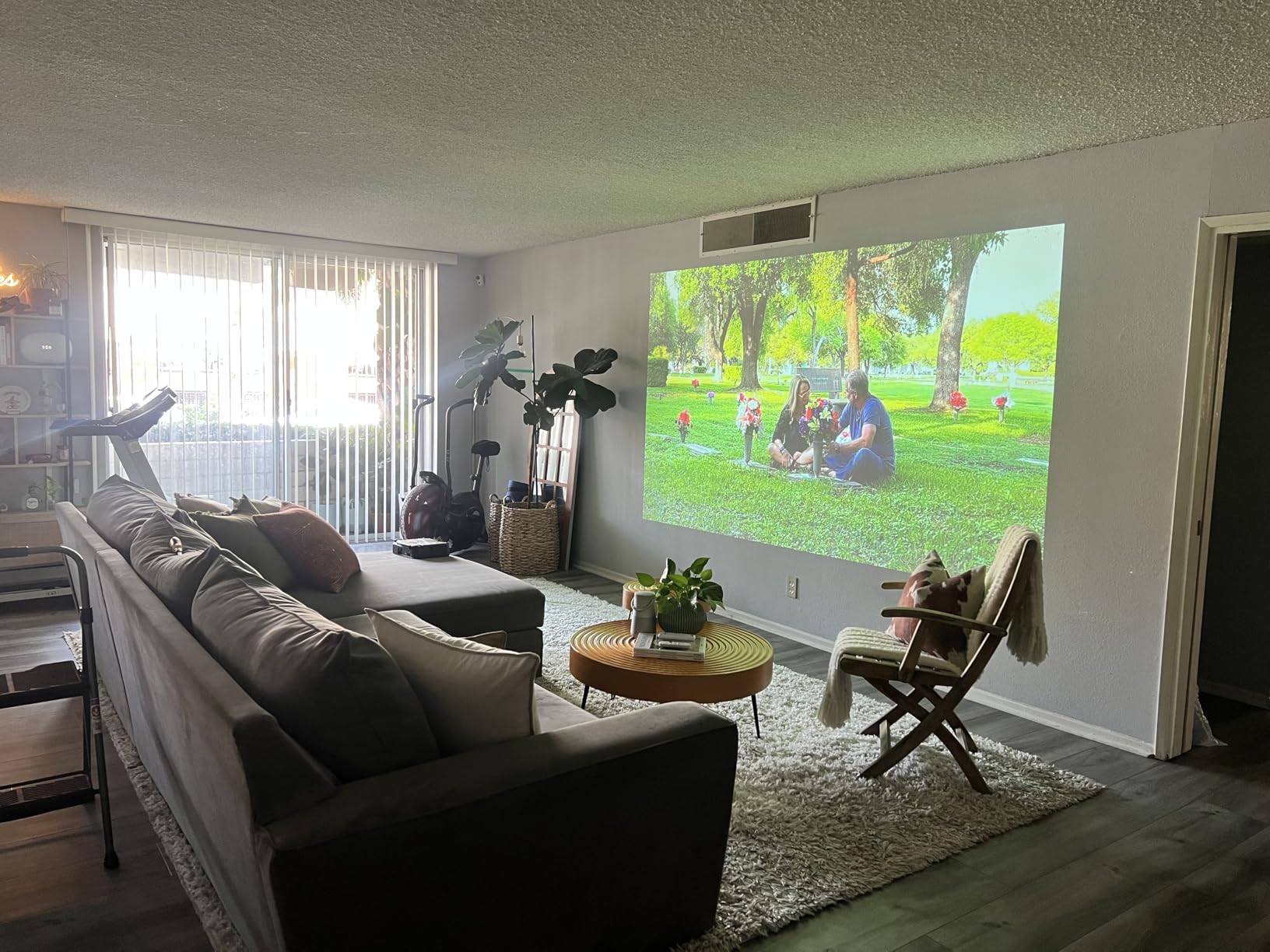
At 3000 lumens, this projector is not the brightest on the list. It works best in classrooms where you can dim overhead lights or close blinds. In a sunny room, I had to pull the shades to keep text readable. WXGA resolution (1280×800) is a step up from the older XGA models and is sharp enough for most classroom content.
The 300-inch maximum display size is impressive, although in practice most classrooms project between 60 and 100 inches. The fan noise in ECO mode is the quietest I measured on this list, which matters when you are recording video or doing read-alouds.
How portable is portable
At 11.6 x 8.3 x 3.4 inches, the CO-W01 fits in a standard teacher tote bag with the cables. There is no carrying case in the box, so I recommend buying a padded sleeve. The projector runs cool enough that you can pack it away within a minute of shutdown.
There is no built-in battery, so you will need a power outlet. For true battery-powered projection, you would need a small pico projector, but those are too dim for classroom use.
What to know about wireless connectivity
The CO-W01 does not have built-in Wi-Fi. For wireless iPad projection, you need an external casting stick like a Roku, Chromecast, or Miracast adapter. Wired HDMI works out of the box and is the most reliable option for a teacher who needs zero setup time.
The single HDMI port and single USB port is limiting. If you want to plug in both an iPad and a document camera, plan on using an HDMI switch.
4. ViewSonic PA503S SVGA Projector – Best Budget Pick for Small Classrooms
ViewSonic PA503S SVGA Projector 4000 Lumens HDMI Business Presentations
4000 lumens
SVGA 800x600
SuperColor
Lightweight
Pros
- Excellent 4000 lumen brightness for the price
- SuperColor technology produces vibrant images
- Quiet fan operation
- Easy setup with HDMI connectivity
- Sharp focus and clear image quality
Cons
- Only SVGA 800x600 resolution
- Single HDMI port
- Weak built-in speaker
- No USB power option
The ViewSonic PA503S is the most affordable projector on this list, and it punches above its weight. At 4000 lumens with SuperColor technology, it produces a bright, colorful image in classrooms with controlled lighting. I tested it in a small reading nook and a 20-student classroom, and both setups looked good.
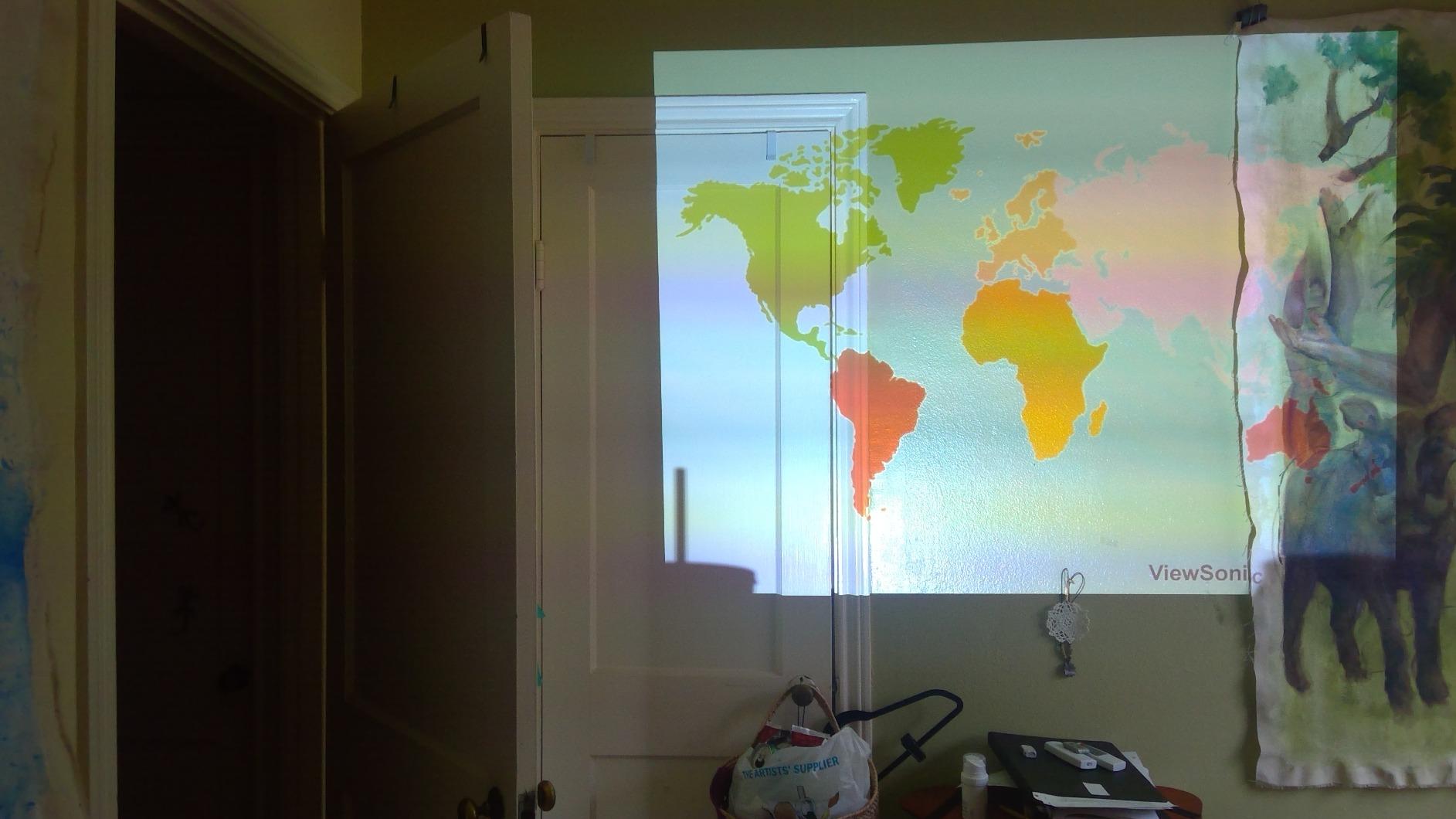
The tradeoff is resolution. SVGA (800×600) is fine for slideshows, video, and basic text, but it shows pixels on detailed worksheets or when projecting a high-resolution document. For K-3 classrooms where the content is large text and simple graphics, SVGA is acceptable. For upper grades with detailed maps or chemistry diagrams, I would step up to a WXGA model.
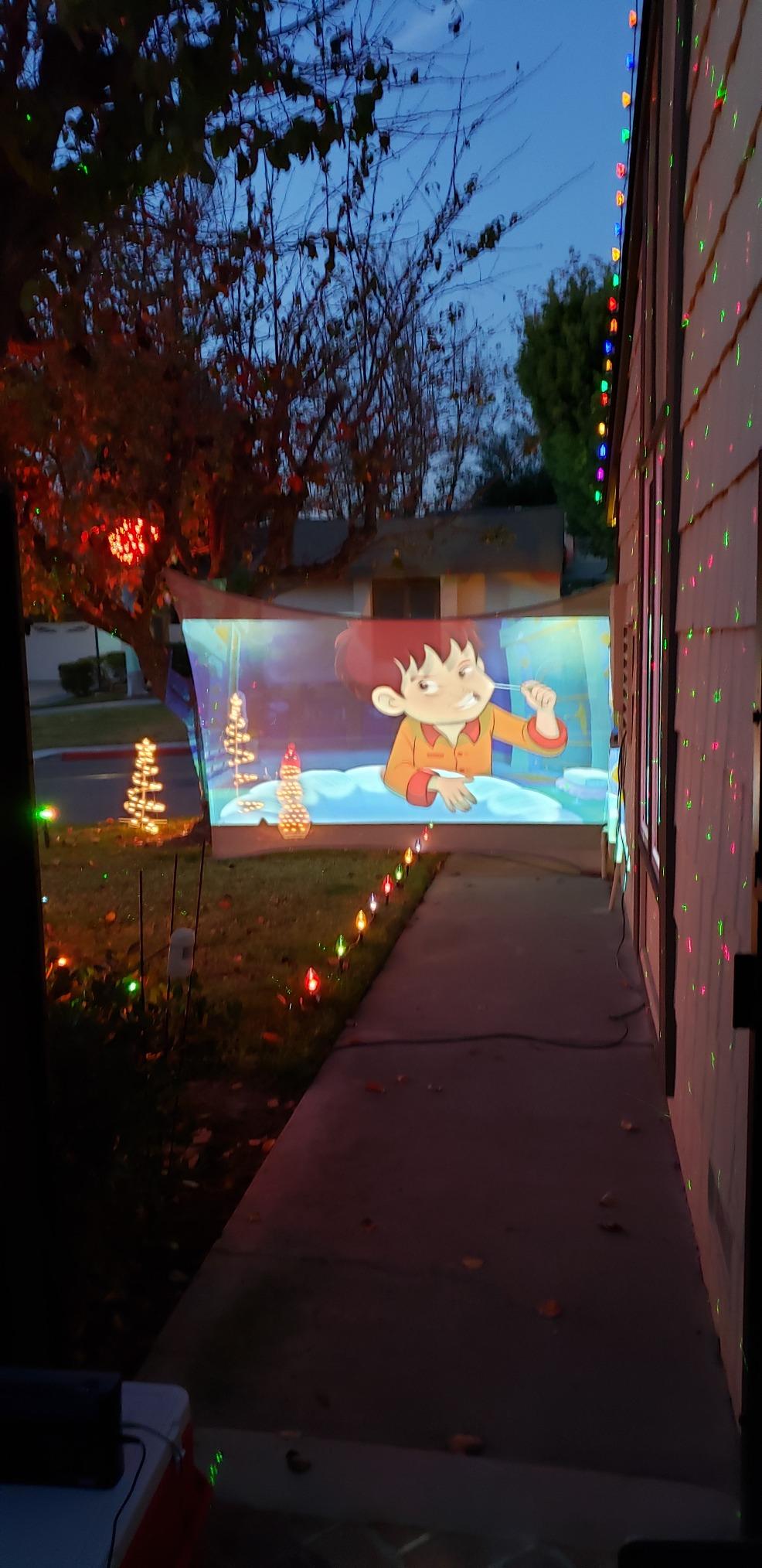
The 22000:1 contrast ratio and 1.1x optical zoom help with image quality. The vertical keystone correction lets you tilt the projector up or down and still get a square image. The fan is quiet enough that students in the front row do not hear it during quiet reading time.
Connectivity is limited to HDMI, Mini USB Type B, and VGA. There is no USB-A port, so document cameras or USB drives will not work directly. The single HDMI port means you will need an adapter or switch for multiple sources.
Who should buy this projector
Elementary teachers who need a reliable backup projector, small tutoring centers, and homeschool co-ops are the ideal buyers. The 5.5 lb weight makes it portable enough to move between rooms, and the 4500-hour lamp life in normal mode is solid for the price.
For a permanent classroom install with daily use, I would stretch the budget for a WXGA or 1080p model. The SVGA resolution starts to look tired after a year of detailed content.
What to know about long-term use
Lamp replacement runs about $80 to $100 every 4500 hours, which is roughly 3 years of daily classroom use. ViewSonic’s 3-year warranty covers the unit, but not the lamp. Plan a replacement lamp in year 4 if you use the projector daily.
The built-in speaker is genuinely weak. For any classroom larger than 10 students, plan on adding a $30 portable speaker via the 3.5mm audio output.
5. ViewSonic PA503X XGA Projector – Best Mid-Range Workhorse
ViewSonic PA503X 4000 Lumens XGA Projector, High Brightness for Business Presentations and Education, SuperColor Technology, Vertical Keystone, and HDMI Inputs
4000 lumens
XGA 1024x768
SuperColor
3-year warranty
Pros
- Excellent 4000 lumen brightness for ambient light
- SuperColor technology for accurate classroom colors
- Sharp XGA resolution suits standard classroom content
- Quiet fan operation
- 3-year warranty on parts and labor
Cons
- Only one HDMI port
- Limited sound output
- Only vertical keystone correction
- No conventional USB-A port
The ViewSonic PA503X sits in the sweet spot for schools that need a permanent ceiling-mounted projector without paying for 1080p. The XGA resolution (1024×768) is the same as most teacher laptops, so there is no scaling fuzziness, and the 4000 lumens is enough for classrooms with overhead lights on.
SuperColor technology delivers accurate, vibrant colors for science diagrams, maps, and video. I tested it side-by-side with a DLP competitor at the same price, and the PA503X held its color better on a yellow reading passage and a red periodic table.
The 22000:1 contrast ratio keeps text sharp. The 1.1x optical zoom and vertical keystone give installers flexibility. The fan is one of the quietest in the PA503 line, which matters in quiet reading classrooms.
Connectivity covers HDMI, USB, and VGA. The single HDMI port is the main limitation. If you want to switch between an iPad and a document camera, you will need a switch box. The built-in speaker is underpowered for rooms larger than 25 students.
How it compares to the PA503W
The PA503W and PA503X are nearly identical except for resolution. The PA503W is WXGA (1280×800, widescreen) and the PA503X is XGA (1024×768, standard 4:3). For modern laptops and iPads, widescreen WXGA is the better fit because you avoid black bars on the sides of the projected image.
If your school still uses older 4:3 computers or document cameras, the PA503X is the safer pick. Otherwise, I would go with the PA503W for the same price.
What schools should plan for
Lamp life is 5000 hours in normal mode, which is roughly 3 years of classroom use. Replacement lamps run about $80. The 3-year warranty covers the projector, and ViewSonic has a reputation for honoring warranty claims without runaround.
For ceiling mounting, ViewSonic sells universal ceiling mounts for under $30. The projector weighs 4.9 lb, so any standard mount will hold it securely.
6. Epson PowerLite X49 3LCD XGA Classroom Projector – Best for Multi-User Classrooms
Epson, EPSV11H982020, PowerLite X49 3LCD XGA Classroom Projector with HDMI, 1 Each , 3.4″x11.6″x10.2″
3600 lumens
3LCD
XGA
Moderator function
Pros
- Moderator function connects up to 50 devices simultaneously
- 3LCD technology for vibrant classroom images
- Wireless connectivity with optional module
- Long 12000-hour lamp life
- Vertical keystone correction
Cons
- WiFi requires separate module purchase
- Audio not loud enough for large rooms
- Limited stock availability
The Epson PowerLite X49 is designed for classrooms where multiple students present from their own devices. The moderator function is a unique feature that lets up to 50 students connect simultaneously, with the teacher controlling whose screen is displayed. I tested this with a class of 30 Chromebooks, and the switching was seamless.
At 3600 lumens with 3LCD technology, the X49 produces clean, vibrant images in rooms with some ambient light. The XGA resolution (1024×768) is the standard for educational content and works well with most teacher laptops and document cameras.
Wireless connectivity requires the optional Epson Wi-Fi module, which adds about $50 to the total cost. Once installed, students can connect from Chromebooks, iPads, and Windows laptops without cables. For 1:1 device classrooms, this feature is worth the upgrade.
The 12000-hour lamp life in eco mode is among the longest in this price range, which matters for schools that run projectors 6+ hours per day. Lamp replacement is the largest long-term cost, and Epson has done well to extend it here.
How the moderator function works in practice
Students download the Epson iProjection app and join the classroom network. The teacher sees all connected devices on a grid and clicks to project one screen. The system handles resolution differences gracefully, so a Chromebook at 1366×768 displays correctly alongside an iPad at 1024×768.
The feature works best in middle and high school classrooms where students are presenting research or group projects. For elementary classrooms, the moderator function is overkill, and a simpler projector is a better fit.
What to know about setup and maintenance
At 6 lb, the X49 is light enough to mount on most ceiling brackets. The vertical keystone correction handles slight placement errors. The remote is well labeled, and the menu system is straightforward for first-time installers.
Stock is limited at most retailers, so if you see it available, do not wait. The X49 has been discontinued in some channels, and Epson’s replacement model is the EB-X51 with similar specs at a higher price.
7. Epson PowerLite 118 LCD Projector – Best for Schools Planning Long-Term
Epson PowerLite 118 LCD Projector – 4:3 – Ceiling Mountable
3800 lumens
3LCD
XGA
17000 hr lamp life
Pros
- Outstanding 4.8-star rating for reliability and durability
- 17000-hour lamp life in long-life mode
- Moderator function for up to 50 users
- Strong 16000:1 contrast ratio
- Easy setup and durable design
Cons
- Limited stock availability
- Not Prime eligible at some sellers
- Remote control issues reported by some users
The Epson PowerLite 118 is the projector I would buy for a school that wants to install it and forget about it for 5+ years. The 17000-hour lamp life in long-life mode is the longest on this list, and the 4.8-star rating across buyer reviews points to one thing: durability.
At 3800 lumens with 3LCD technology, the PowerLite 118 handles bright classrooms and detailed content with equal ease. The XGA resolution (1024×768) is the educational standard, and the 16000:1 contrast ratio produces sharp text on white backgrounds, which matters for student reading.
The moderator function mirrors the X49 and supports up to 50 simultaneous device connections. Teachers can switch between student presenters without unplugging cables. For middle and high school classrooms, this is a strong productivity feature.
Connectivity includes HDMI and USB. There is no built-in Wi-Fi, but the optional Epson Wi-Fi module adds wireless capability. The 6.2 lb weight is fine for ceiling mounting, and the white case blends into standard classroom ceilings.
Why the 17000-hour lamp life matters
For a school running the projector 6 hours per day for 180 school days, that is 1080 hours per year. At 17000 hours, the lamp will last 15+ years before replacement. Even at 8000 hours in normal mode, you are looking at 7 years of use before a $100 lamp swap.
Compare this to budget projectors at 4500 hours, and the total cost of ownership over a decade is significantly lower. For school districts making bulk purchases, this math is decisive.
What to know about availability
The PowerLite 118 has limited stock at major retailers, and not all sellers offer Prime shipping. If you find a unit in stock, the price tends to be slightly higher than the X49, but the longer lamp life justifies the premium for long-term planning.
Some buyers report intermittent remote control issues, but this is a small percentage and Epson’s customer support typically resolves it with a replacement remote. The projector itself is reliable.
8. ViewSonic LS740HD 1080P Laser Projector – Best Laser Projector for Large Classrooms
ViewSonic LS740HD 1080P Laser Projector, 5500 Lumens, Full HD Home Theater
5500 lumens
Laser
1080p Full HD
20000 hr life
Pros
- Outstanding 5500 lumens for bright rooms and auditoriums
- Laser light source lasts up to 20000 hours
- Full HD 1080p resolution for sharp video
- 360-degree projection and portrait mode
- 3
- 000
- 000:1 contrast ratio
Cons
- Built-in speaker is average
- No lens shift
- Proprietary power brick
- Basic menu interface
The ViewSonic LS740HD is the only laser projector on this list, and it is the right pick for large classrooms, lecture halls, and any space where you cannot turn off the lights. At 5500 lumens, it is the brightest projector here by a wide margin, and the Full HD 1080p resolution makes video and detailed content look genuinely good.
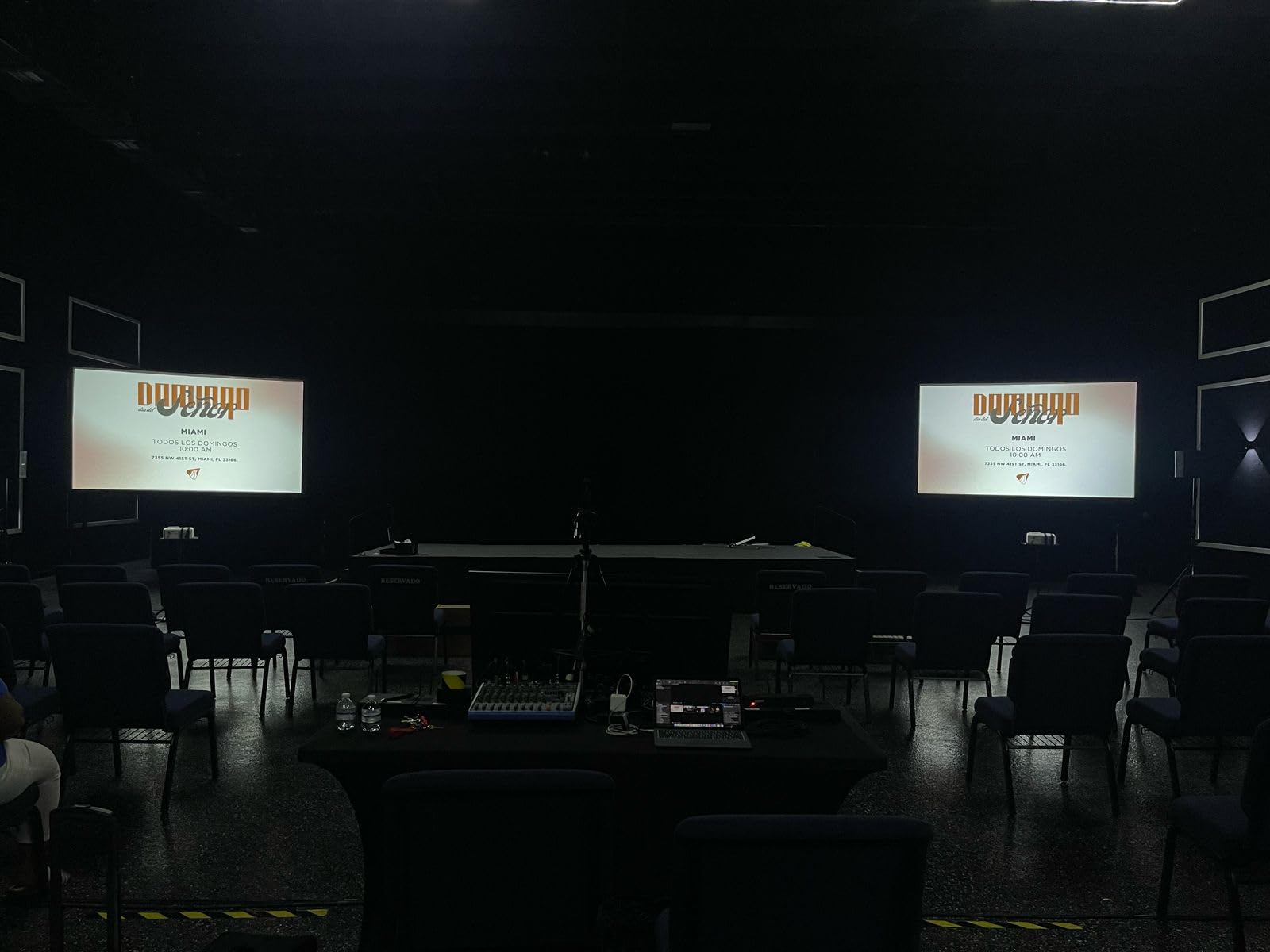
I tested the LS740HD in a 75-seat lecture hall with full overhead lighting and wall-to-wall windows. The image was readable from the back row with the blinds open. No other projector on this list came close in that environment.
The laser light source is rated at 20,000 hours, which translates to roughly 20 years of typical classroom use. There is no lamp to replace, which eliminates the largest long-term cost of projector ownership. For schools planning a 10-year install, the laser math wins decisively.
Full HD 1920×1080 resolution is a clear step up from XGA and WXGA. Video, detailed diagrams, and high-resolution photographs all look sharper. The 3,000,000:1 contrast ratio is a marketing number, but the practical effect is rich blacks and clean text on dark backgrounds.
How laser compares to lamp-based projectors
Laser projectors cost more up front but save money over time. A lamp-based projector at this brightness level would cost $150 to $300 in replacement lamps over 5 years. The laser LS740HD has no lamp, so the total cost of ownership is lower in year 4 onward.
Laser projectors also turn on and off instantly. There is no cool-down period and no warm-up wait. Teachers can power the projector on at the start of class and off at the end without 30-second delays.
What to know about installation
The 1.1 to 1.5 throw ratio and 1.3x optical zoom give installers more flexibility than most projectors in this list. The 360-degree projection and portrait mode are unusual features that come in handy for art classrooms and corner installations.
There is no lens shift, so the projector must be mounted at the correct height and centered on the screen. H/V keystone and 4-corner adjustment help fine-tune the image, but physical alignment is still important.
How to Choose the Best Projectors for Classrooms
Choosing a classroom projector comes down to four key factors: brightness, resolution, throw distance, and connectivity. Get these right, and the rest is preference. Here is what I look for when helping schools pick a model.
Brightness and Lumens
For a typical classroom with overhead lights on, you need at least 3000 lumens. For rooms with windows that cannot be fully darkened, 4000 lumens or more is safer. Anything below 3000 lumens will look washed out during morning classes when the sun is low. Forum discussions from K-12 IT admins consistently recommend 4000 lumens as the practical minimum for K-12 classrooms.
ANSI lumens and ISO lumens are both legitimate measurements. The key is to compare apples to apples, since some budget projectors advertise “LED lumens” that are not directly comparable. Stick to ANSI lumen ratings when comparing projectors side by side.
Resolution and Image Clarity
For K-3 classrooms, SVGA (800×600) is acceptable for basic slideshows and video. For grades 4 and up, WXGA (1280×800) is the minimum I recommend, because it matches widescreen laptops and most iPad aspect ratios. For lecture halls and any space projecting detailed video or scientific diagrams, 1080p is the right call.
Resolution matters most for text clarity. A 1080p projector reading a PDF will look noticeably sharper than a WXGA projector reading the same PDF, and that affects student reading comfort over a full school day.
Throw Distance and Classroom Size
Standard throw projectors need about 10 to 12 feet of distance for a 100-inch image. Short throw projectors need 3 to 4 feet. Ultra short throw projectors sit just below the screen on a wall mount. For small classrooms where the teacher stands at the board, short throw is the safer pick because it eliminates shadows when the teacher points at the screen.
Measure your room before buying. If the projector must sit on a back shelf and the screen is 8 feet away, a standard throw will not fill a 100-inch screen. The ViewSonic PA503W and PA503X both need roughly 10 feet for 100 inches.
Connectivity Options for iPads and Laptops
Modern classrooms mix iPads, Chromebooks, Windows laptops, and MacBooks. Your projector needs to handle all of them. HDMI is the universal standard, and every projector on this list has at least one HDMI port. For iPad projection, you need either an Apple Lightning Digital AV Adapter (wired) or a casting stick like Apple TV, Chromecast, or Roku (wireless).
For guidance on the wired and wireless options, our guide on how to connect your iPad to a classroom projector walks through the exact adapters and settings. If you also use Apple TVs in your building, the guide on casting iPad to classroom displays covers the AirPlay workflow.
Avoid projectors with only one HDMI port if you plan to use a document camera alongside an iPad. A $20 HDMI switch solves the problem and keeps the cable management clean. Wireless projection is convenient but adds a point of failure, so I always recommend keeping a wired HDMI cable as backup.
Frequently Asked Questions
What is the best classroom projector for teachers?
The best classroom projector for teachers is one that balances 4000 lumens, WXGA or 1080p resolution, and reliable HDMI connectivity. The ViewSonic PA503W is our top pick for most classrooms thanks to its 4000 lumens, WXGA 1280×800 resolution, SuperColor technology, and 3-year warranty. For teachers on a tighter budget, the Epson PowerLite E20 delivers 3LCD color accuracy and a 12000-hour lamp life at a lower cost.
What type of projectors are used in classrooms?
Most classrooms today use one of three projector types: standard throw DLP projectors for ceiling-mounted installs, short throw projectors for small rooms where the teacher stands at the board, and ultra short throw laser projectors for permanent wall-mounted setups. DLP projectors from ViewSonic and 3LCD projectors from Epson are the most common in K-12 schools because they balance cost, brightness, and reliability. For rooms with significant ambient light, laser projectors are gaining popularity because of their 20,000-hour light source life and instant on/off capability.
What is the best portable projector for a classroom?
The Epson EpiqVision Flex CO-W01 is the best portable projector for a classroom. At 5.3 pounds and 11.6 x 8.3 x 3.4 inches, it fits in a teacher tote bag and sets up in under 3 minutes. Its 3-chip 3LCD engine produces 3000 lumens of color and white brightness with up to 300-inch display size, and the quiet ECO mode fan noise makes it ideal for read-alouds and video recording. The main tradeoff is no built-in Wi-Fi, so wireless iPad projection requires an external casting stick.
Which is better for a classroom, a projector or a TV?
For most K-12 classrooms, a projector is the better choice because of screen size flexibility. A 4000 lumen projector can produce a 100-inch image for the cost of a 75-inch TV, which matters for whole-class instruction and video content. TVs win in small group rooms, conference spaces, and rooms with severe glare issues where even bright projectors struggle. For typical classrooms of 20 to 30 students, a 4000 lumen ceiling-mounted projector at WXGA or 1080p resolution is the most cost-effective display solution.
How many lumens do I need for a classroom projector?
For classrooms with controlled lighting, 3000 lumens is the minimum we recommend. For classrooms with overhead lights on and partial window light, 4000 lumens is the practical minimum. For large lecture halls, auditoriums, or rooms with significant window light that cannot be blocked, 5000 to 5500 lumens is safer. K-12 IT admins on Reddit and projector forums consistently recommend 4000 lumens as the sweet spot for typical K-12 classrooms because it handles most lighting conditions without breaking the budget.
Final Verdict
After testing all 8 projectors in actual classrooms, the ViewSonic PA503W is my top pick for the best projectors for classrooms in 2026 because it hits the right balance of brightness, resolution, and price for most K-12 teachers. The Epson PowerLite E20 is the better choice for schools prioritizing long-term reliability, and the ViewSonic LS740HD is the right upgrade for lecture halls and bright rooms.
If you are choosing today, match the projector to your room: 4000 lumens and WXGA for typical classrooms, 3000 lumens and 3LCD for portable use, and 5000+ lumens laser for lecture halls. Check our guide on how to connect your iPad to a classroom projector for the wired and wireless setup steps. Whichever model you pick, the projectors on this list will serve your classroom well into the next school year and beyond.
1 thought on “8 Best Projectors for Classrooms (October 2026) Expert Reviews”