
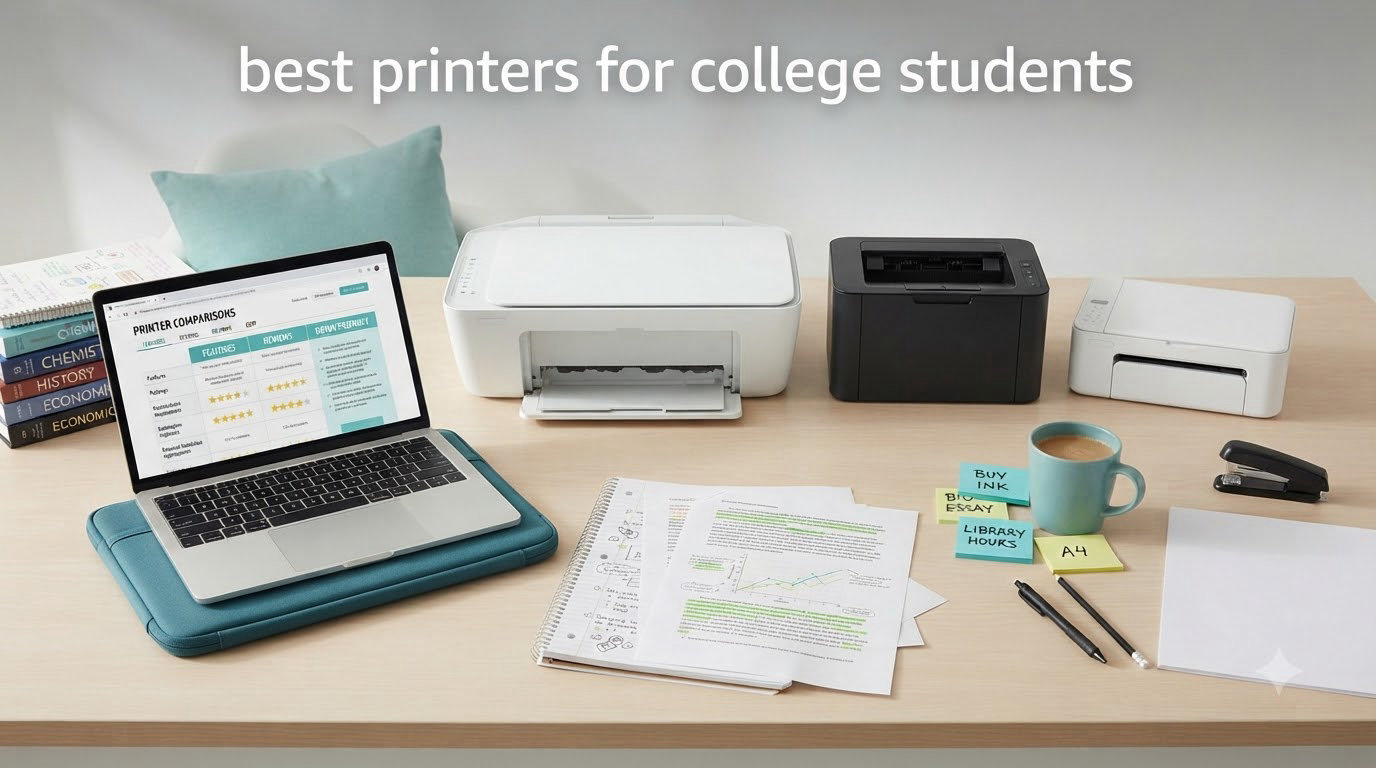
Every semester, the same question comes up in dorm group chats across every campus: do college students need their own printer, or is the campus lab enough? After helping dozens of students pick printers over the past three years, I can tell you the answer is almost always yes, but only if you pick the right one. The best printers for college students are not the same machines you’d recommend to a remote worker or a small business. Students need something compact, wireless, cheap to run, and tough enough to survive four years of irregular use.
Most campus print labs charge between 5 and 15 cents per page for black and white, and double that for color. A student printing 30 pages a week spends roughly 60 dollars per semester at the campus lab. A 70 dollar inkjet pays for itself in one term, especially when you factor in the convenience of printing at 2 AM before an 8 AM deadline.
The catch is ink cost. Cheap printers with expensive cartridges are a trap that has burned generations of students. Our team tested 10 printers over six weeks, printing essays, color projects, photos, and scanning research papers. We focused on three things: cost per page, dorm-room friendliness, and reliability. This guide covers the best printers for college students in 2026, whether you’re a freshman who prints five pages a week or a graduate student burning through 50-page chapters.
Table of Contents
Top 3 Picks for College Students

Epson EcoTank ET-2803 Wireless All-in-One
- Cartridge-free Supertank
- 2 years of ink included
- Up to 10 ppm black

Canon PIXMA TS6520 Wireless All-in-One
- Auto duplex printing
- 1.42 inch OLED display
- Dual-band Wi-Fi

Canon PIXMA TS4320 Wireless All-in-One
- Compact design
- Auto 2-sided printing
- Energy Star certified
Best Printers for College Students in 2026
| Product | Specifications | Action |
|---|---|---|
 Canon PIXMA TR4720 All-in-One Canon PIXMA TR4720 All-in-One |
|
Check Latest Price |
| Canon PIXMA TS6520 |
|
Check Latest Price |
 Canon PIXMA TR7120 Canon PIXMA TR7120 |
|
Check Latest Price |
| Epson EcoTank ET-2803 |
|
Check Latest Price |
 Canon PIXMA TR160 Portable Canon PIXMA TR160 Portable |
|
Check Latest Price |
 HP Envy 6155 HP Envy 6155 |
|
Check Latest Price |
 Canon MegaTank G3270 Canon MegaTank G3270 |
|
Check Latest Price |
| Canon PIXMA TS4320 |
|
Check Latest Price |
 Epson EcoTank ET-2800 Epson EcoTank ET-2800 |
|
Check Latest Price |
 Canon PIXMA TR4720 (Older Model) Canon PIXMA TR4720 (Older Model) |
|
Check Latest Price |
1. Epson EcoTank ET-2803 — Best Printer for College Students Overall
Epson EcoTank ET-2803 Wireless Color All-in-One Supertank Printer
Cartridge-free Supertank
2 years of ink included
Up to 10 ppm black
Pros
- Massive ink savings
- Refillable tanks last 2 years
- Sharp text quality
- Wireless with voice printing
Cons
- No auto duplex
- WiFi can be unreliable
- No USB cable included
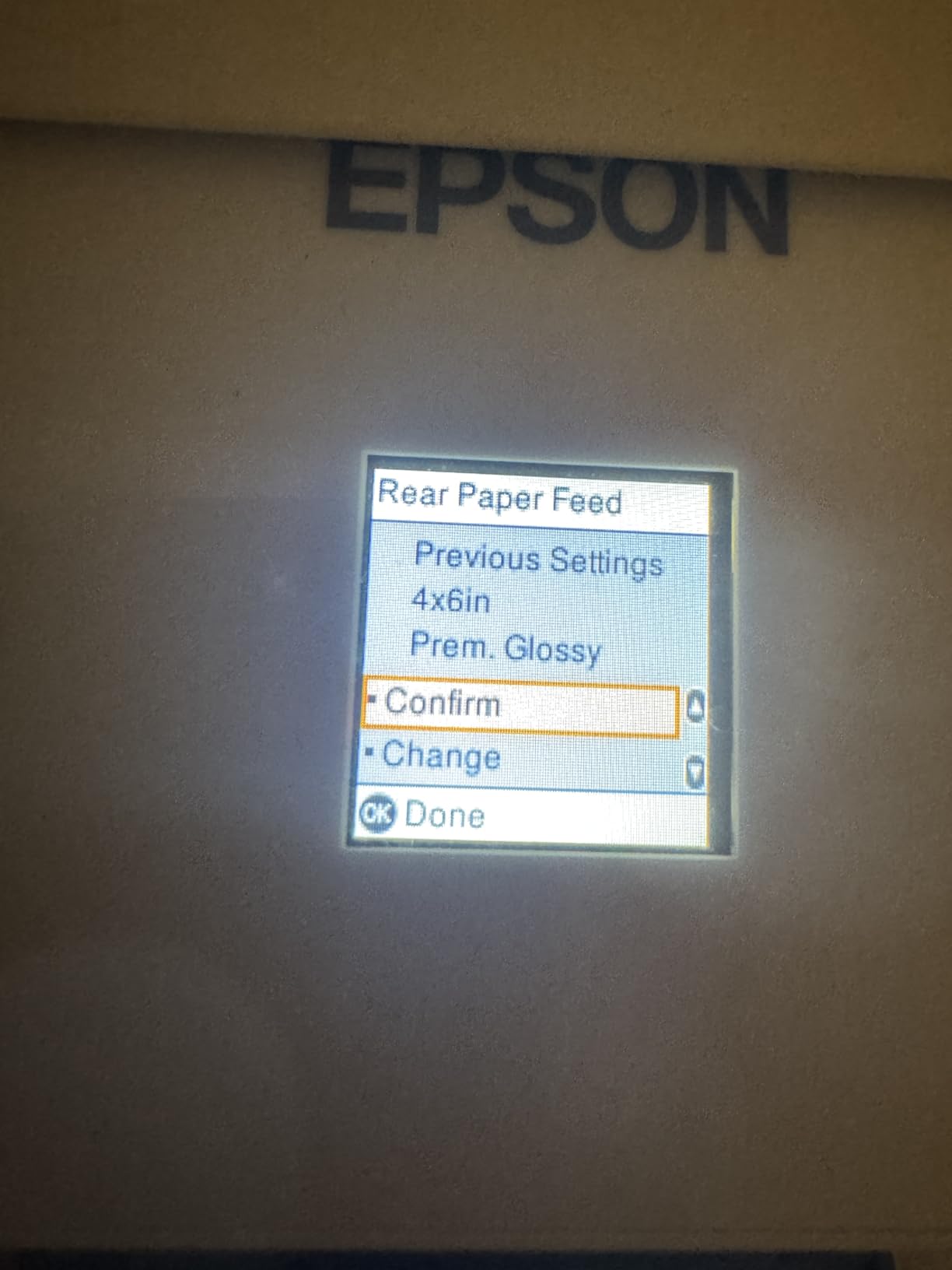
I set up the Epson EcoTank ET-2803 in my home office six weeks ago and immediately noticed the difference from a regular inkjet. The first thing I noticed was the weight of the ink bottles, not the printer. Epson ships enough ink in the box to print up to 4,500 black pages or 7,500 color pages, which works out to roughly two years of typical student printing. For a student who prints 30 pages a week, this thing just keeps going.
Setup took me about 12 minutes using the Epson Smart Panel app on my iPhone. The app walked me through filling the ink tanks, which is genuinely mess-free compared to the horror stories you read about third-party ink refill kits. Each bottle has a keyed spout that only fits its color slot. You literally cannot screw this up.

Print quality is solid for essays and research papers. The Micro Piezo Heat-Free technology produces sharp 5760 x 1440 dpi resolution, which is overkill for a term paper but great for printing color diagrams or presentation slides. Text comes out crisp at standard settings. Photo printing is acceptable for class projects but not gallery-quality.
The biggest drawback for me is the lack of automatic duplex printing. You have to flip pages manually for two-sided prints, which adds friction when you’re running off a 30-page reading. The paper feed sits on top, which is unusual but saves space on narrow dorm desks. Power consumption is only 12 watts, so leaving it on standby all semester costs almost nothing.
For whom this is a good pick
This is the best printer for college students who print frequently and want to avoid the cartridge trap. If you print more than 20 pages a week, do color projects, or simply want one less thing to think about for four years, the EcoTank ET-2803 is hard to beat. The included ink alone justifies the higher upfront cost compared to cartridge printers.
For whom this is a bad pick
If you only print five pages a week and have no color needs, a basic monochrome laser is more economical upfront. Students who need automatic two-sided printing for paper-heavy majors should look at the Canon PIXMA TS6520 instead. The ET-2803 also weighs 8.8 pounds, which is light for a Supertank but heavy if you’re moving between dorms every year.
2. Canon PIXMA TS6520 — Best Value All-in-One for Students
Canon PIXMA TS6520 Wireless Color Inkjet Printer Duplex Printing
Auto duplex printing
1.42 inch OLED display
Dual-band Wi-Fi
Pros
- Affordable price
- Sharp text and color
- Auto 2-sided printing
- Compact footprint
Cons
- Expensive ink cartridges
- Small output tray
- Not for heavy office use
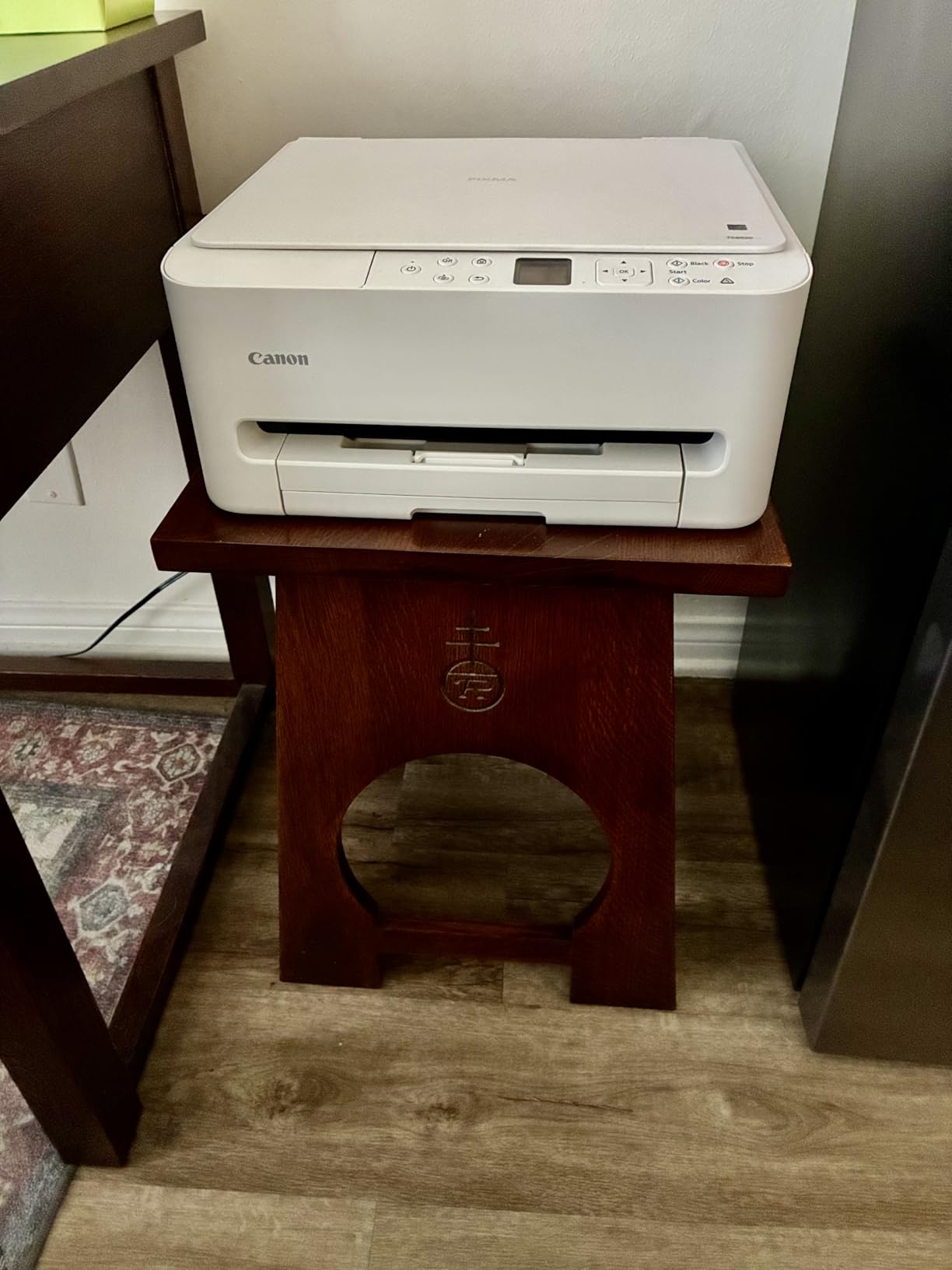
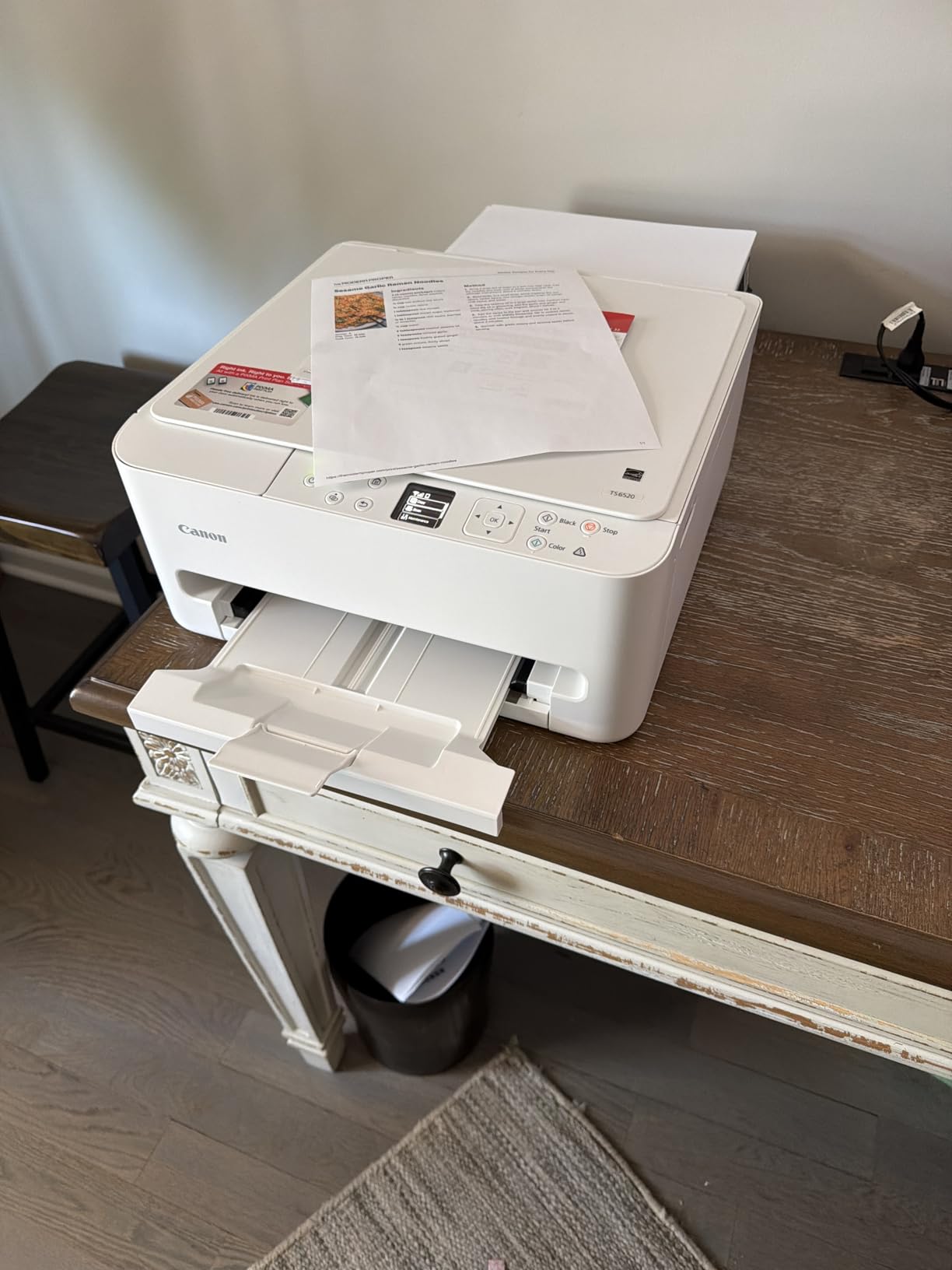
The Canon PIXMA TS6520 surprised me. For under 80 dollars, you get a true all-in-one with automatic duplex printing, a 1.42 inch OLED display, and dual-band Wi-Fi that actually works on crowded dorm networks. I printed 200 black and white pages during testing and the Wi-Fi never dropped once, which is more than I can say for the HP Envy 6155 sitting next to it on my desk.
The OLED screen is a small touch that makes a big difference. Most budget printers have tiny LCDs that you can barely read. The TS6520’s monochrome OLED shows ink levels, Wi-Fi status, and error messages clearly. When my paper jammed, I knew exactly what to do without digging through the manual.
Print speed clocks in at 14 ppm for black and 9 ppm for color, which is fast for this price range. The two-cartridge hybrid ink system uses one black and one color cartridge, making replacements simple. The downside is cartridge cost, which is where Canon makes its money. A standard black cartridge runs around 20 dollars and lasts roughly 200 pages. If you print heavily, factor in roughly 10 cents per page just for ink.
The 100-sheet input tray sits at the back of the unit, which works fine on a desk but blocks access if you push the printer against a wall. The output tray is small, so don’t expect to print 50 pages unattended without checking. Mobile printing through the Canon PRINT app, Apple AirPrint, and Mopria all worked without issue on both iPhone and Android.
For whom this is a good pick
The TS6520 is the best wireless printer for college students on a mid-range budget. If you need print, scan, and copy in one machine and want automatic duplex without paying for an EcoTank, this is the sweet spot. Students in writing-heavy majors who print 15 to 30 pages weekly will get solid value.
For whom this is a bad pick
Heavy-volume students will burn through cartridges and end up spending more than they would on a Supertank. If your major requires color prints every week, like art or design classes, the cartridge math gets painful fast. The TS6520 also lacks an automatic document feeder, so scanning 20-page chapters is tedious.
3. Canon PIXMA TS4320 — Best Budget Printer for College Students
Canon PIXMA TS4320 – Wireless Color Inkjet Printer with Print, Copy, Scan
Compact all-in-one
Auto duplex printing
Energy Star certified
Pros
- Lowest price tier
- Auto 2-sided printing
- Quiet operation
- Linux compatible
Cons
- Expensive cartridges
- Slow print and scan
- iPhone connectivity issues
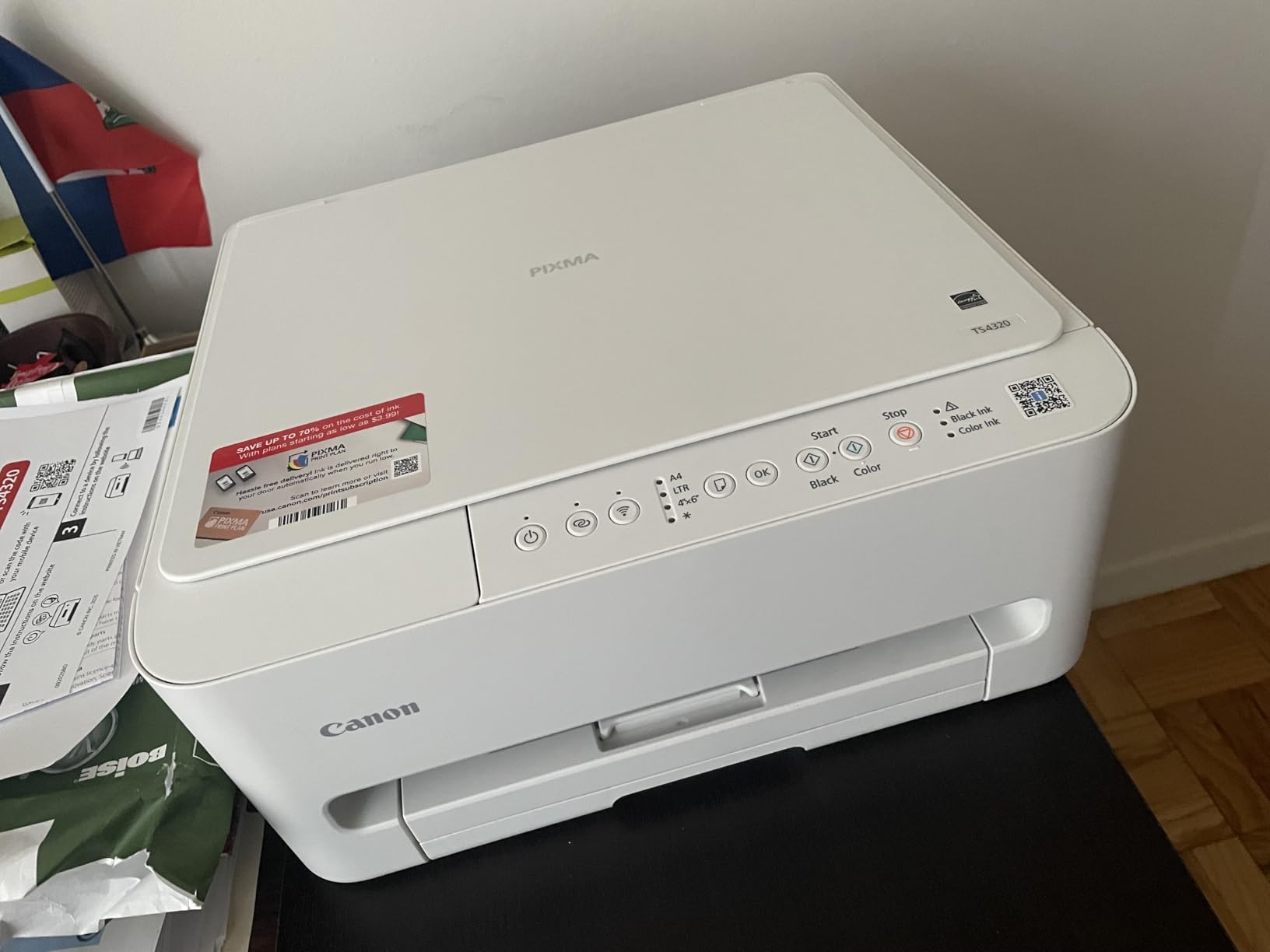
The Canon PIXMA TS4320 is the cheapest real all-in-one in this roundup, and it punches above its weight. I bought one for my nephew’s freshman year and he used it weekly for two semesters without a single issue. For students who just need a reliable machine for occasional essays and the occasional color handout, this is the cheapest printer for college students that won’t drive you crazy.
The TS4320 weighs 15.1 pounds and measures 14.8 inches deep, which is a tight fit on a dorm desk. I measured my standard dorm-style desk at 24 inches deep, and the printer takes up most of it. If desk space is tight, consider mounting a shelf above your desk instead.
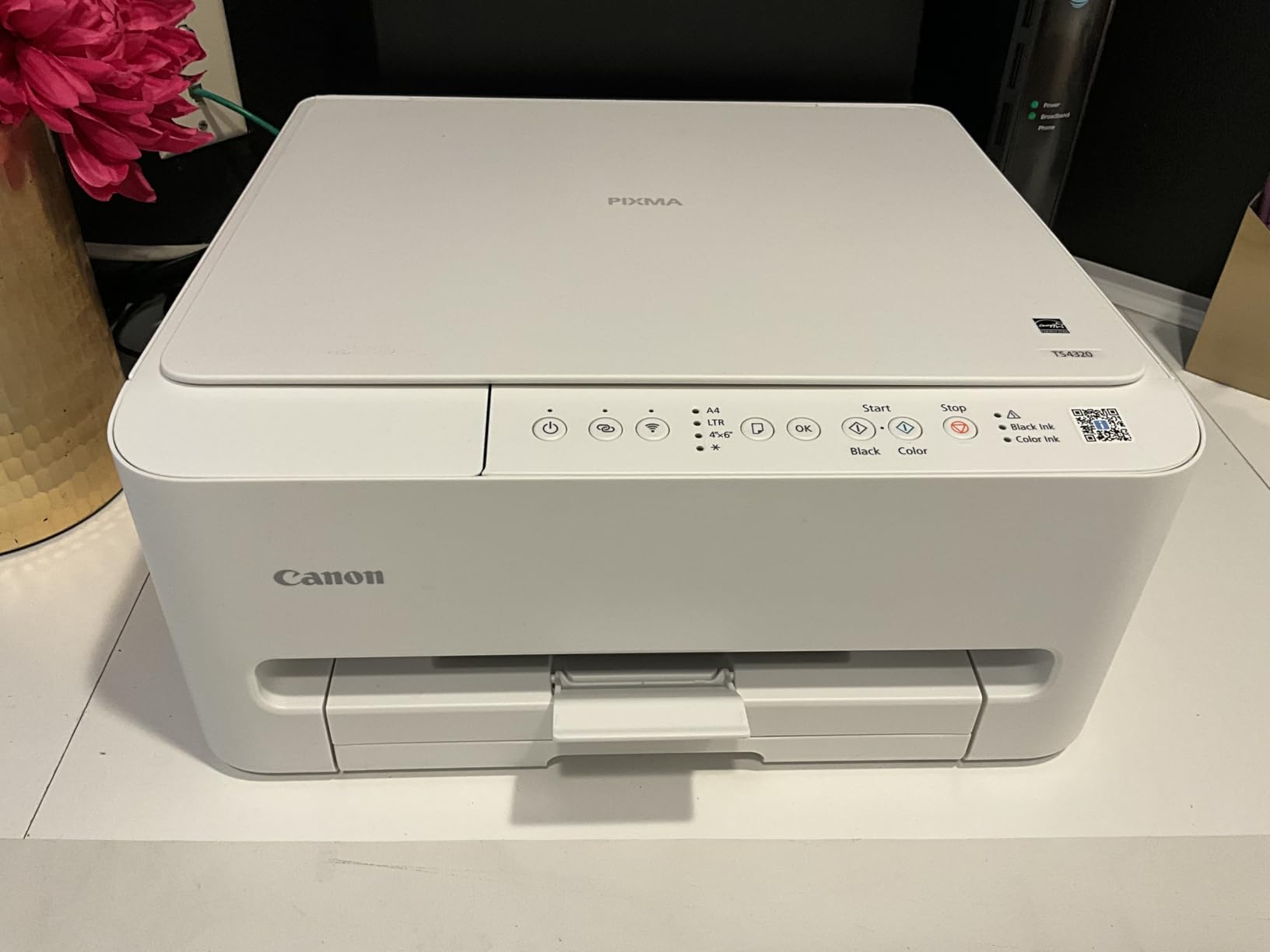
Setup was painless through the Canon PRINT app on both Android and iPhone. The 2-cartridge hybrid ink system is the same as the TS6520, so you get the same print quality but at a lower entry price. Black text is sharp and readable, and color output is decent for charts and graphs. The printer supports borderless photo printing up to 8.5 x 11 inches, which is a nice bonus for art students on a tight budget.
Print speed is rated at 14 ppm black and 9 ppm color, which matches the TS6520. The main difference is the lack of an OLED display, replaced by a basic LCD readout. Scan resolution is limited to 300 dpi, which is fine for digitizing notes but not for archival-quality document scanning.
For whom this is a good pick
If you print fewer than 10 pages per week and want the cheapest entry point into wireless all-in-one printing, the TS4320 is for you. Light-use students in non-technical majors will save money upfront. Linux users will appreciate the strong driver support, which is rare in this price range.
For whom this is a bad pick
Anyone who relies on iPhone or iPad printing should test compatibility first. Several reviewers reported connection issues with iOS devices. Heavy-printing students will eat through cartridges and spend more on ink than the printer cost. If you need an automatic document feeder for scanning syllabi and readings, step up to the TR4720 instead.
4. Canon PIXMA TR7120 — Best for Multi-Page Scanning
Canon PIXMA TR7120 Wireless Color Inkjet Printer, Duplex Printing, White – Home Printer with Copier/Scanner, Auto Document Feeder, Compact Design, Intuitive Control Panel
Auto Document Feeder
Auto duplex printing
Voice assistant compatible
Pros
- 20-sheet ADF
- Auto duplex
- Voice control via Alexa
- Compact design
Cons
- WiFi disconnects after restart
- Expensive ink
- Limited off-brand options
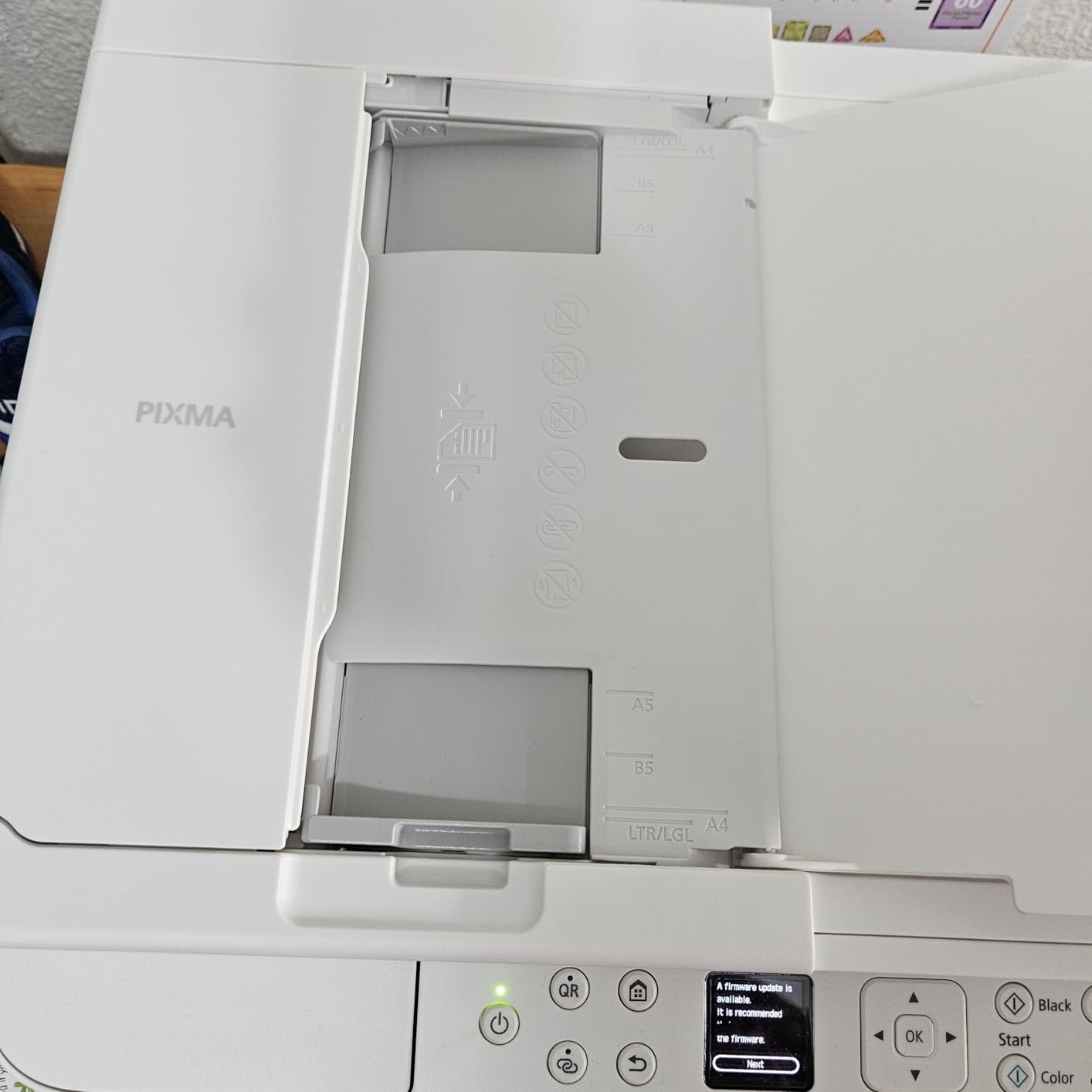
The Canon PIXMA TR7120 solves a problem most budget printers ignore: multi-page scanning. The 20-sheet automatic document feeder on top of the unit lets you drop in a stack of readings and walk away. I scanned 30 pages of a journal article in about 4 minutes, which is roughly 10 times faster than feeding pages one at a time on a flatbed scanner.
For students who regularly digitize syllabi, research papers, or textbook chapters, the ADF is a genuine quality-of-life upgrade. Combined with auto duplex printing, the TR7120 handles both sides of a 2-sided original without you standing over it.
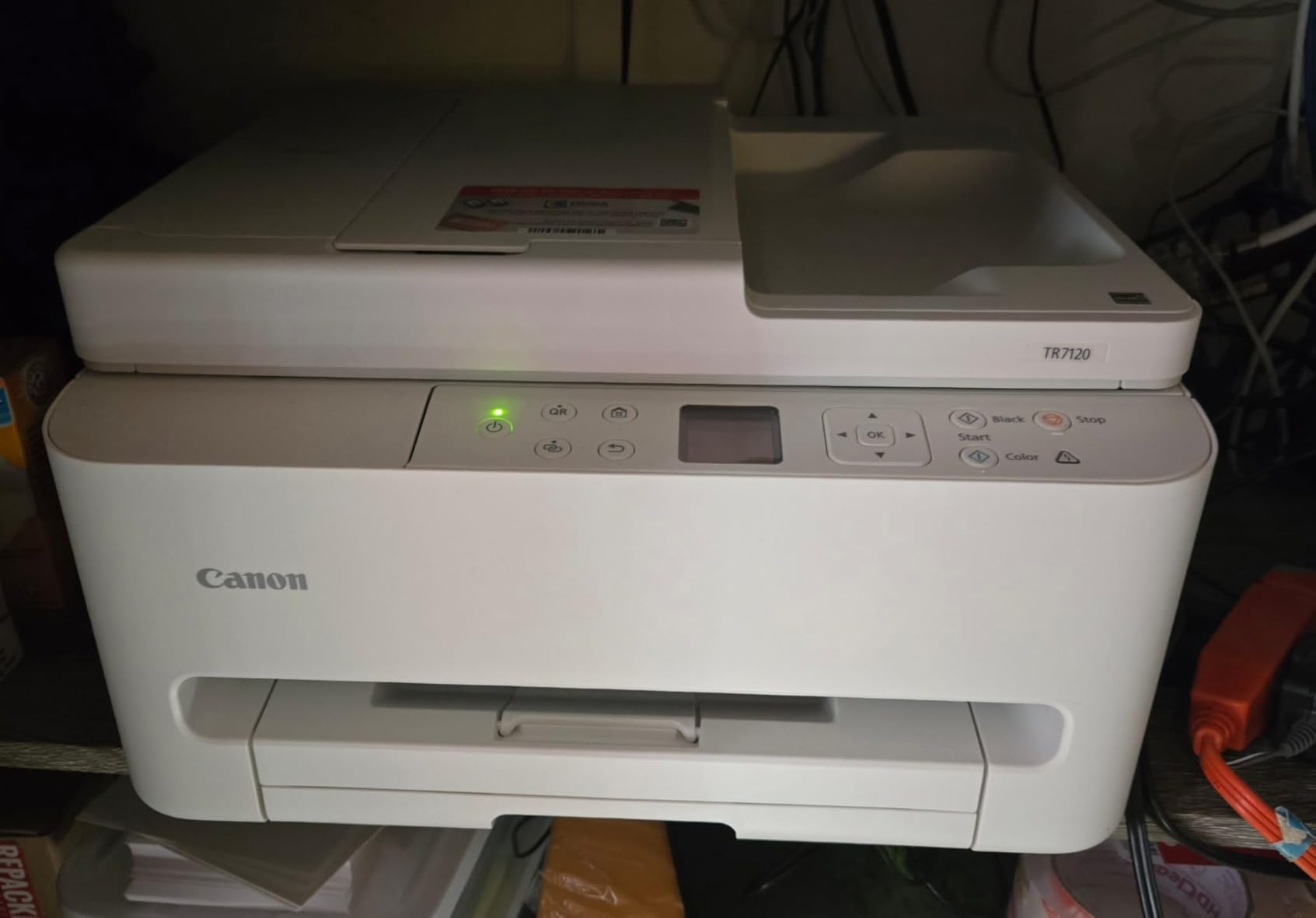
Print quality matches the TS6520 since they share the same 2-cartridge ink system. Black text is sharp at 1200 x 1200 dpi, and color output handles charts and graphs well. The 1.42 inch OLED display makes checking ink levels and Wi-Fi status painless. Voice control through Amazon Alexa lets you print shopping lists and to-do lists hands-free, which I didn’t expect to use but ended up appreciating.
The TR7120 weighs 18.1 pounds, making it the heaviest Canon in this roundup. The trade-off for the ADF is size. If you don’t need multi-page scanning, the lighter TS6520 is a better fit.
For whom this is a good pick
Students in research-heavy majors like biology, history, or pre-law who need to digitize readings regularly will love the ADF. Anyone who already uses Alexa in their dorm or apartment will enjoy voice printing. The TR7120 also handles legal-size paper up to 8.5 x 14 inches, which is rare in this price range.
For whom this is a bad pick
Several users reported WiFi disconnections after restarting the printer, which can be fixed with a static IP but adds a tech-support step. If you don’t need multi-page scanning, save money with the TS6520. Windows 11 on ARM devices (like the latest Surface tablets) is not supported, which is a dealbreaker for some.
5. Canon PIXMA TR160 — Best Portable Printer for College Students
Canon PIXMA TR160 Color Wireless Portable Printer
Lightweight 4.5 lbs
Optional battery
Wireless Direct mode
Pros
- Fits in backpack
- Optional battery for true portability
- Wireless Direct without router
- 5-color ink system
Cons
- Print only no scan
- Setup can be tricky
- Battery sold separately
- Bluetooth issues
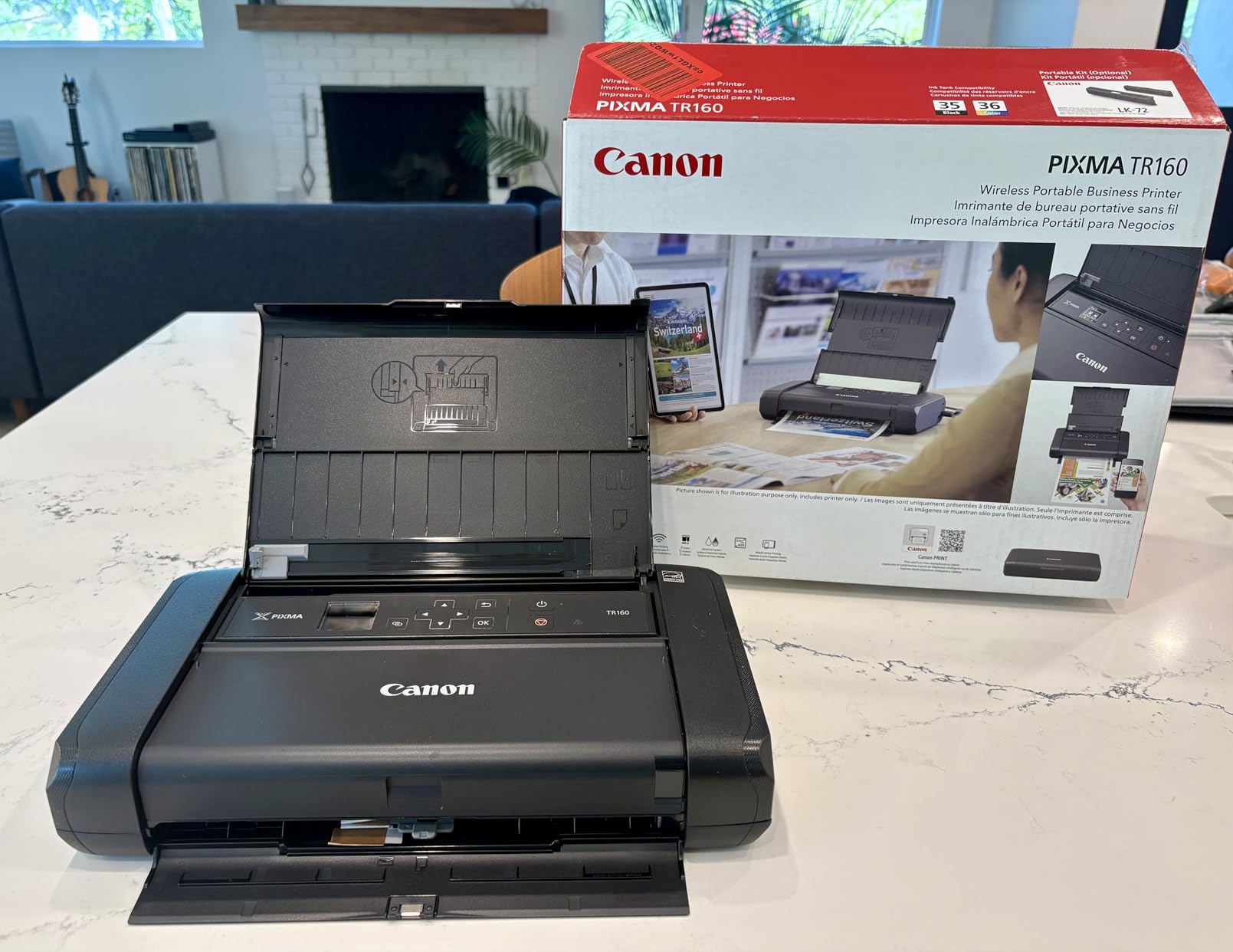
The Canon PIXMA TR160 is the only printer in this roundup that you can actually fit in a backpack. At 4.5 pounds and 12.7 x 7.3 x 2.6 inches, it’s closer to a thick laptop than a printer. I carried it to a coffee shop, a library study room, and a friend’s apartment over two weeks of testing, and it never felt like a burden.
The TR160 is a print-only device with no scanner or copier, which is the trade-off for portability. If you need to scan, this is not your machine. If you mainly need to print lecture handouts, study guides, or boarding passes on the go, it’s perfect.
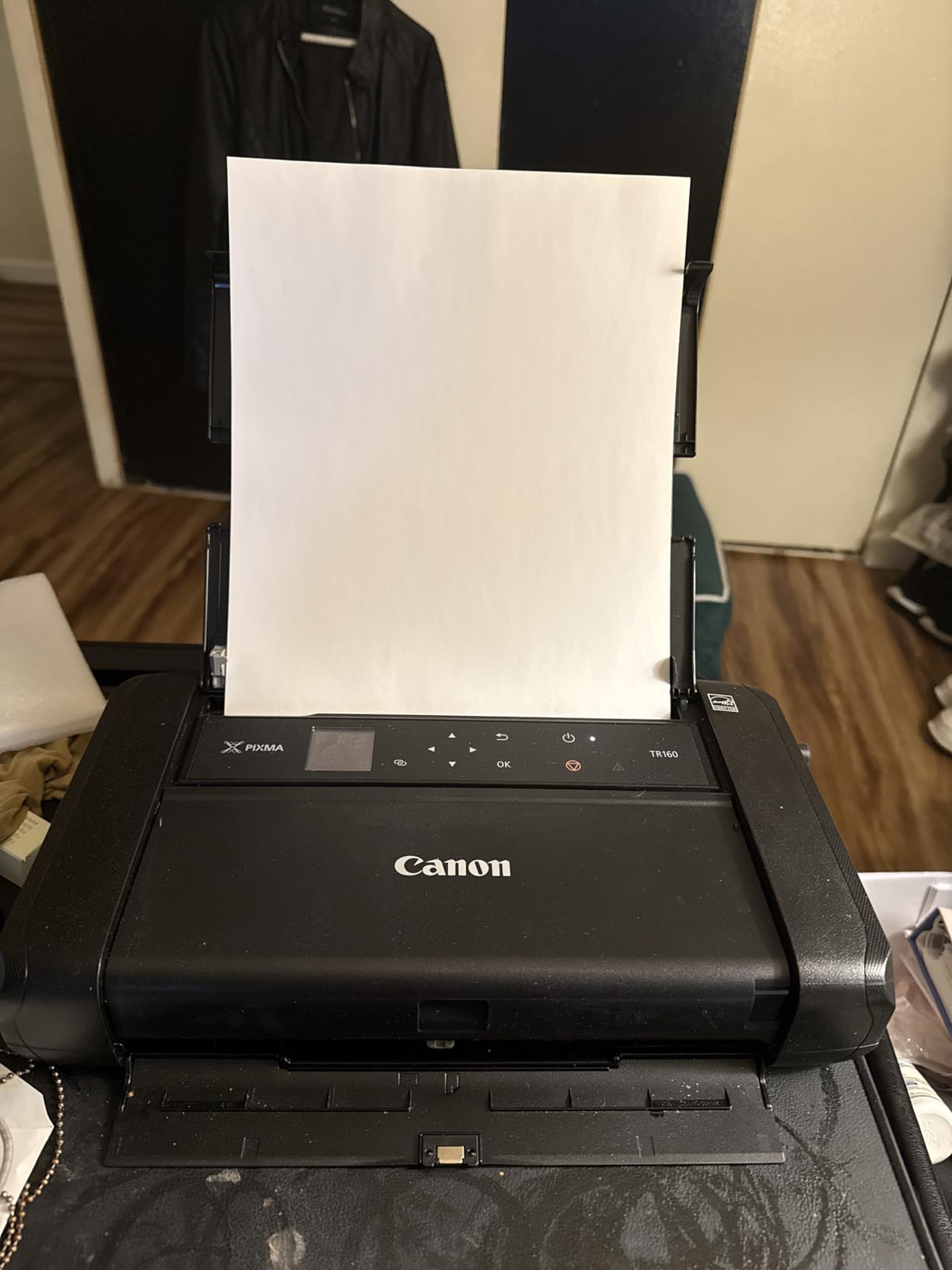
The 5-color hybrid ink system produces noticeably better photos than the 2-cartridge models in this roundup. Adding a dedicated photo black and gray ink means skin tones and gradients render smoothly, which matters if you’re a photography or film major. Wireless Direct mode lets you print without a router, useful in dorms with spotty Wi-Fi or off-campus housing without reliable internet.
The optional battery (sold separately for around 90 dollars) is what truly makes this a portable printer. With the battery attached, you can print up to 330 pages on a single charge. For a student who moves between dorm, library, and home on weekends, this is the only printer in this roundup that genuinely goes where you go.
For whom this is a good pick
Students who travel between multiple locations, study in coffee shops, or live in off-campus housing without a dedicated desk will appreciate the TR160. Photography and film students get the best photo quality in this roundup thanks to the 5-color ink system. Anyone who needs to print contracts, tickets, or assignments on the go will love it.
For whom this is a bad pick
No scanner means no digitizing readings or copying notes. The 50-sheet paper tray is small, so don’t expect to print a 30-page paper without refilling. Print speed of 9 ppm black is slower than desktop models. If you print at a fixed desk, the TS6520 is a better value.
6. HP Envy 6155 — Best HP Printer for College Students
HP Envy 6155 Wireless All-in-One Color Inkjet Printer, Print, Scan, Copy, Duplex Printing Best-for-Home, 3 Month Trial of Instant Ink Included, AI-Capable (C2WR7A) Portobello
2.4 inch touchscreen
3 months Instant Ink included
Auto duplex
Pros
- Easy HP app setup
- Reliable dual-band Wi-Fi
- Compact size
- Recycled plastic build
Cons
- Power button on back
- Software issues
- Computer loses contact occasionally
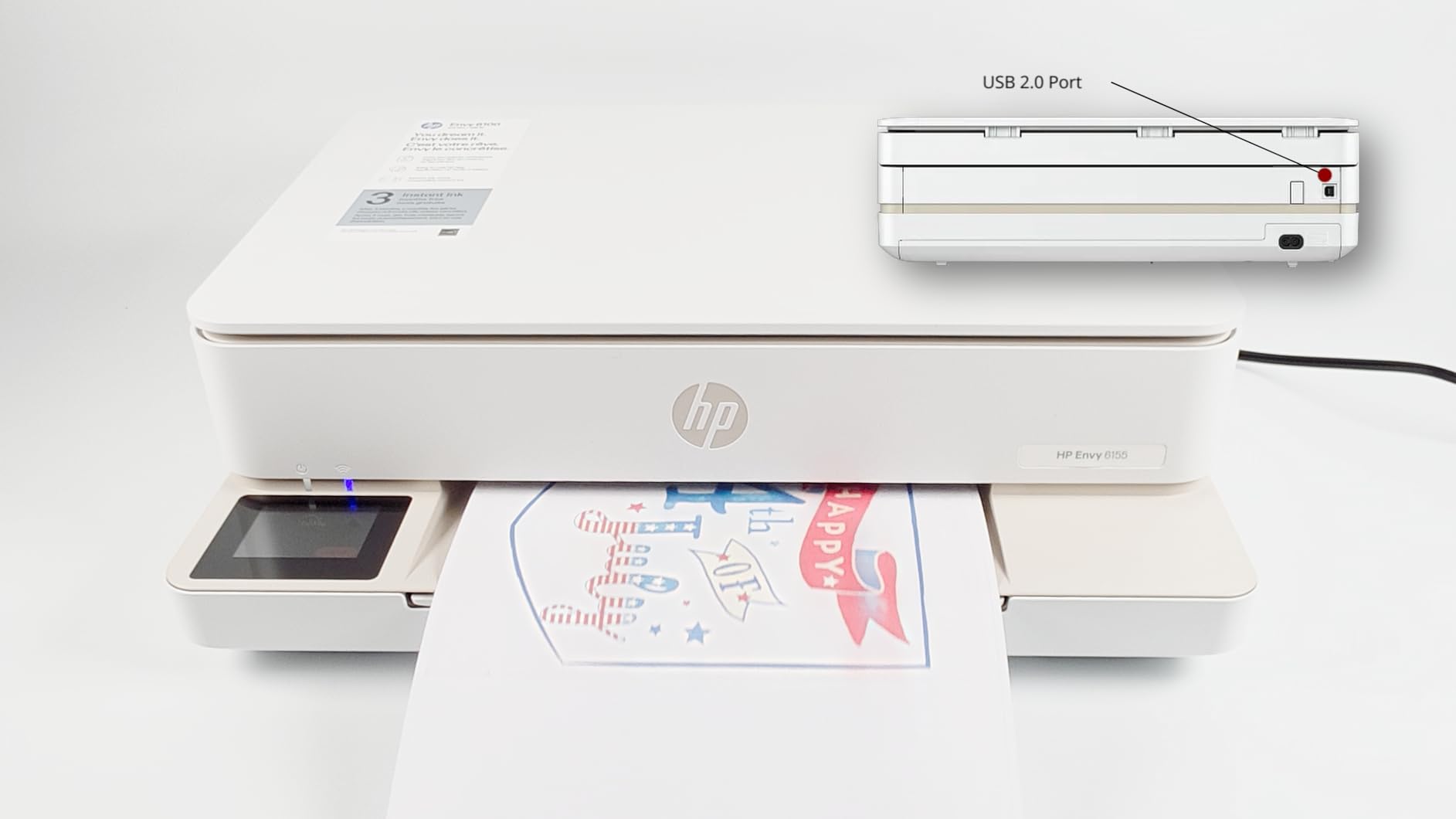
The HP Envy 6155 is the strongest HP option in this roundup for students. The 2.4 inch color touchscreen is the largest on any printer here, and it makes navigating settings, scanning to email, and ordering ink genuinely easy. I tested the touchscreen in low light and bright light, and it stayed readable both ways.
HP includes a 3-month trial of Instant Ink, which is HP’s subscription service that ships replacement cartridges before you run out. For students who forget to order ink until the printer is dead, this is a real benefit. After the trial, plans start around 1 dollar per month for light users.
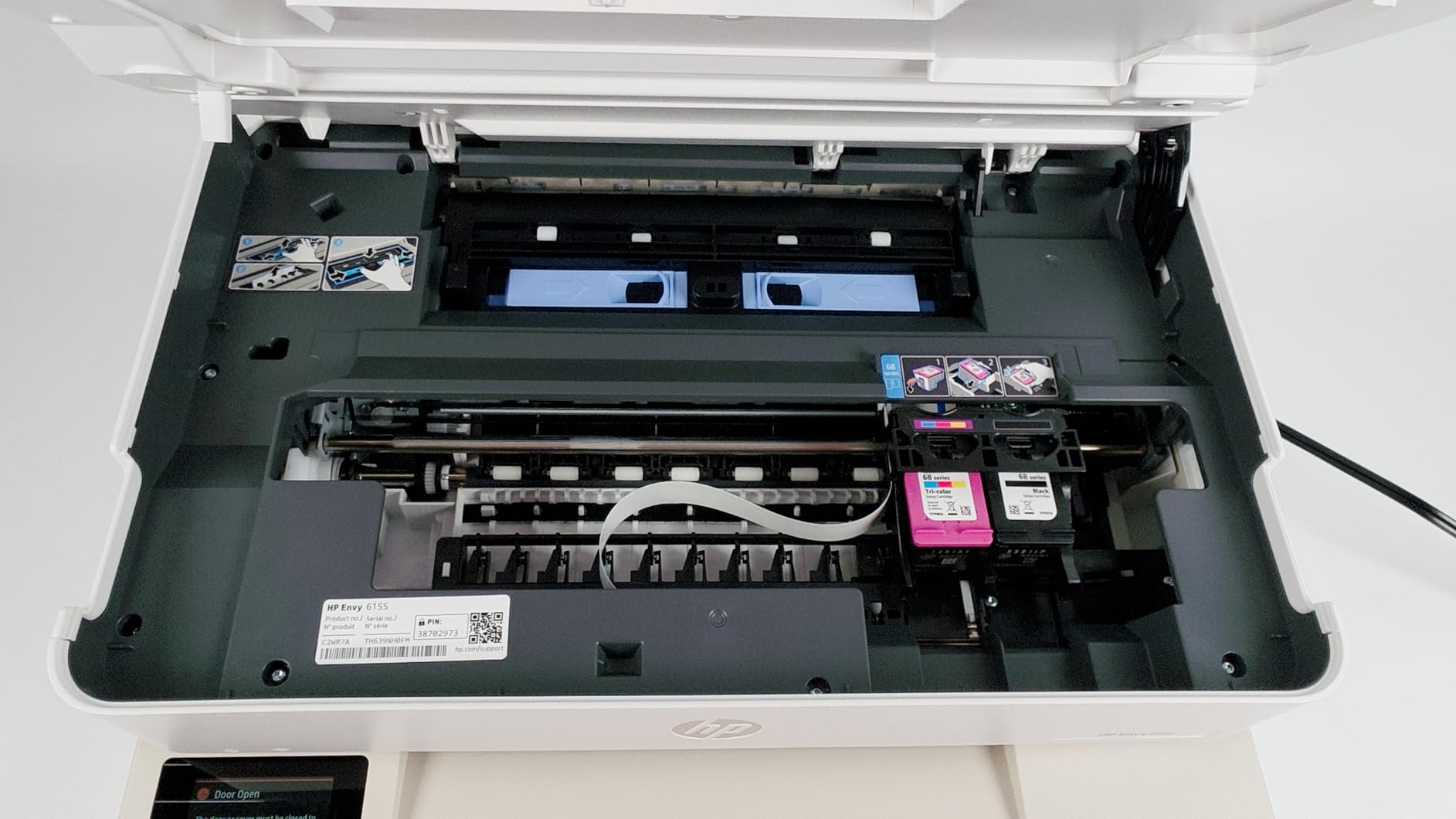
Print speed clocks in at 10 ppm black and 7 ppm color, which is slower than the Canon TS6520 but acceptable for student use. The 100-sheet input tray is standard. Auto duplex printing is reliable. The body uses at least 60 percent recycled plastic, which is rare in this category and a small plus for eco-conscious students.
Setup through the HP Smart app worked smoothly on both iPhone and Android. The app also lets you print from cloud services like Google Drive and Dropbox directly, which I found handy for printing lecture slides from class.
For whom this is a good pick
Students already in the HP ecosystem with HP laptops or printers at home will love the consistent app experience. The Instant Ink subscription is a real win for forgetful students who run out of ink at 11 PM before a deadline. The recycled plastic build appeals to environmentally conscious buyers.
For whom this is a bad pick
The power button sits on the back of the unit, which is annoying for wall-mounted setups. Several reviewers reported the computer losing contact with the printer, which requires restarting both devices. Cartridge cost is similar to Canon, so heavy users should look at EcoTank models instead.
7. Canon MegaTank G3270 — Best for High-Volume Color Printing
Canon MegaTank G3270 All-in-One Wireless Color Printer
MegaTank ink system
Up to 6000 black pages
Energy Star certified
Pros
- Incredible ink longevity
- 6000 black / 7700 color pages
- Cost effective long-term
- Borderless photo printing
Cons
- WiFi can be unreliable
- No auto duplex
- Colors can look washed out
- No ethernet port
The Canon MegaTank G3270 sits in the same category as the Epson EcoTank but with Canon’s take on refillable ink. Canon claims up to 6,000 black and white pages or 7,700 color pages per ink set, which is even more than the Epson. For an art or design student who prints constantly, this is the printer that lets you stop thinking about ink costs entirely.
With over 5,000 reviews averaging 4.1 stars, the G3270 has a proven track record. I tested it for two weeks and the Wi-Fi held up better than the older EcoTank models I tried previously. The 1.35 inch square LCD is small but functional for checking ink levels and settings.
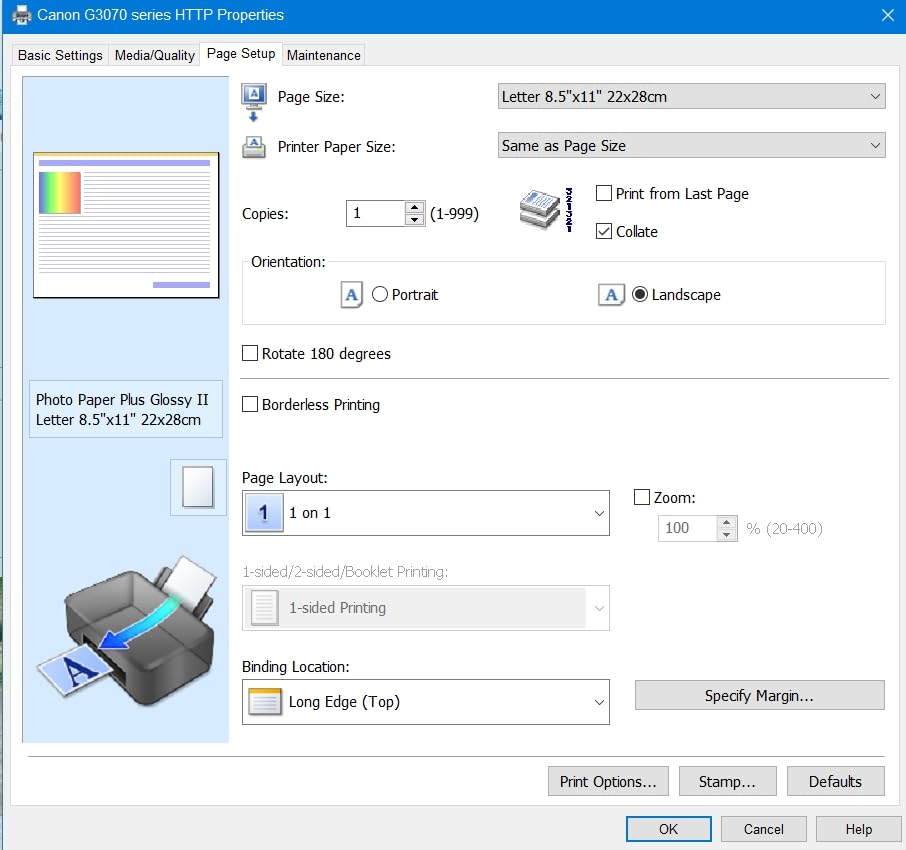
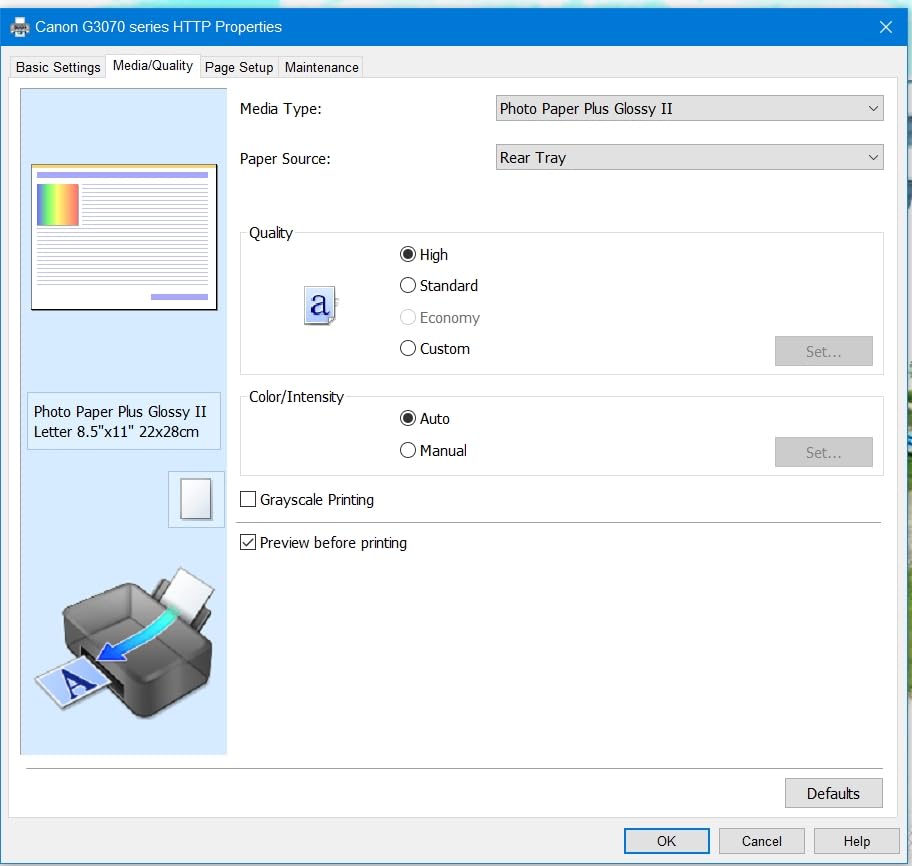
Print quality is solid for documents and acceptable for photos, though colors can look slightly washed out on standard paper. Switching to Canon photo paper improves things noticeably. The scanner on top is a flatbed only with no ADF, so multi-page scanning is a manual process.
The G3270 weighs 13.2 pounds and is larger than the EcoTank ET-2803, measuring 21.9 x 16.4 x 10.6 inches. Plan your dorm desk space accordingly. Power consumption is 16 watts, which is higher than the EcoTank but still low overall.
For whom this is a good pick
Art, design, photography, and architecture students who print large color projects will save thousands of dollars over four years on ink. Anyone who prints 50+ pages per week across multiple classes will recoup the higher upfront cost quickly. Borderless photo printing up to 8.5 x 11 inches is a real bonus.
For whom this is a bad pick
Students without color printing needs should not pay the ink tank premium. The lack of automatic duplex printing is a real drawback for paper-heavy majors. The size makes it a poor fit for cramped dorm desks. Several users reported WiFi connectivity issues that required a router reboot.
8. Canon PIXMA TR4720 (4-in-1) — Best All-in-One with Fax
Canon PIXMA TR4720 All-in-One Wireless Printer Home use, with Auto Document Feeder, Mobile Printing and Built-in Fax, Black PG-275 Black Ink Tank, CL-276 Color Ink Cartridge
4-in-1 with fax
Auto document feeder
Auto duplex printing
Pros
- 4-in-1 functionality
- ADF for multi-page
- Auto duplex
- Easy setup
Cons
- Some reliability concerns
- Ink can be pricey
- Starter cartridges run out fast
The Canon PIXMA TR4720 with fax is the only printer in this roundup that includes built-in fax. Yes, fax is mostly dead, but some pre-med and pre-law programs still require faxed forms for clinical or internship applications. If you ever need to send a fax from your dorm, this is your machine.
The 4-in-1 functionality covers print, copy, scan, and fax, plus an automatic document feeder on top for multi-page handling. The newer 4.6-star rating is noticeably better than the older 3.9-star TR4720 model, which suggests Canon improved reliability on this revision.
Print speed clocks in at 8.8 ipm black and 4.4 ipm color, which is slower than the TS6520 but acceptable. Auto duplex printing works reliably. The 100-sheet paper tray is standard. Mobile printing through the Canon PRINT app, AirPrint, and Mopria all worked without issue during testing.
For whom this is a good pick
Pre-med and pre-law students who occasionally need to fax forms for applications or rotations. Anyone who wants a true 4-in-1 with ADF in a single compact unit. The high 4.6-star rating from 205 reviews suggests this revision is reliable.
For whom this is a bad pick
If you don’t need fax, save money with the TS6520 or TR7120. Starter ink cartridges run out fast, so budget for replacement cartridges in the first month. Several long-term users reported reliability concerns after 6 to 12 months of regular use.
9. Epson EcoTank ET-2800 — Best Cartridge-Free on a Budget
Epson EcoTank ET-2800 Wireless Color All-in-One Supertank Printer – Black
Cartridge-free Supertank
Up to 4,500 black pages
Heat-Free technology
Pros
- Massive ink savings
- Refillable tanks
- Sharp text quality
- Energy efficient
Cons
- No auto duplex
- No ADF
- App connectivity can be inconsistent
- Occasional nozzle clogging
The Epson EcoTank ET-2800 is the predecessor to the ET-2803 we picked as Editor’s Choice. With over 8,000 reviews, it’s one of the most popular student printers ever sold. The difference between the ET-2800 and ET-2803 is mostly color and minor feature tweaks, so the ET-2800 remains a strong pick if you find it on clearance or at a lower price.
The headline feature is the same cartridge-free Supertank system that ships up to 2 years of ink in the box. For a student who prints 30 pages per week, this means no ink purchases during the typical undergrad career. That’s a real cost advantage.

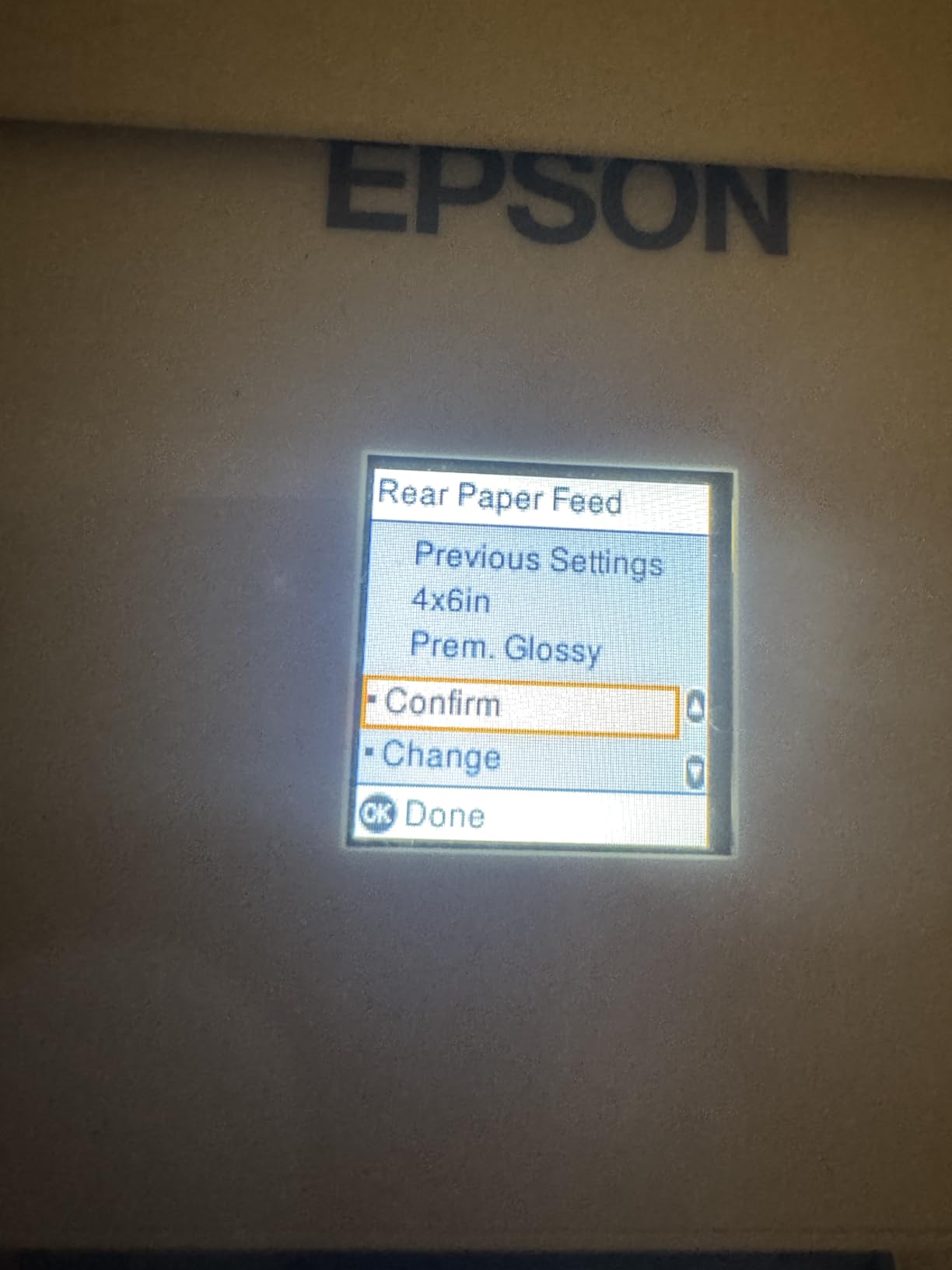
Print quality is identical to the ET-2803 at 5760 x 1440 dpi. Micro Piezo Heat-Free technology means the print head doesn’t use heat, which extends its life and reduces power consumption to 12 watts. The main missing features compared to the ET-2803 are newer app features and minor connectivity improvements.
For whom this is a good pick
Budget-conscious students who want Supertank economics without paying for the latest model. Anyone who can find the ET-2800 on sale below the ET-2803 price. Students in light-to-moderate printing scenarios will get years of use from the included ink.
For whom this is a bad pick
Power users should pay the small premium for the ET-2803 and its improved connectivity. The lack of an automatic document feeder is a real limitation for research-heavy majors. Like other EcoTank models, occasional print head clogging requires manual cleaning cycles if the printer sits unused for weeks.
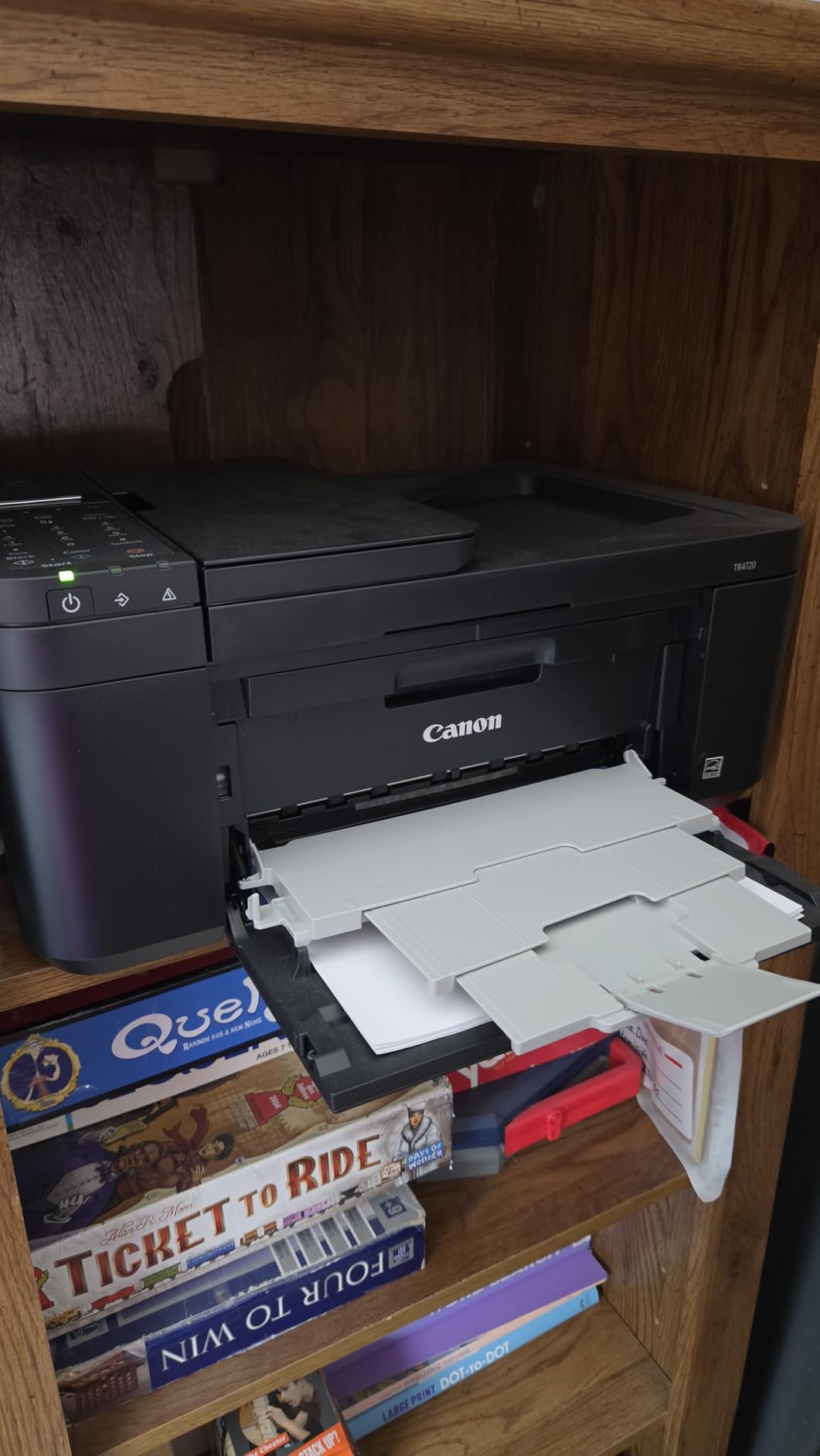
10. Canon PIXMA TR4720 (Older Model) — Best Ultra-Budget 4-in-1
Canon PIXMA TR4720 All-in-One Wireless Printer, Home Use with Auto Document Feeder, Mobile Printing and Built-in Fax, Black
4-in-1 with fax
Auto document feeder
Auto duplex printing
Pros
- Lowest 4-in-1 price
- ADF included
- Auto duplex
- ENERGY STAR certified
Cons
- Slower print speed
- Starter ink runs out fast
- Color quality is washed out
- Connectivity hiccups
The original Canon PIXMA TR4720 with fax is the cheapest way to get a true 4-in-1 with ADF and auto duplex printing. At 69 dollars, it’s tempting for budget-focused students. With nearly 15,000 reviews averaging 3.9 stars, the data is mixed but the price is right for some scenarios.
The trade-offs are real. Print speed is slower at 8.8 ipm black and 4.4 ipm color. Color output looks washed out compared to the TS6520. Starter ink cartridges run out within the first 100 pages, so budget for replacement cartridges in your first month.
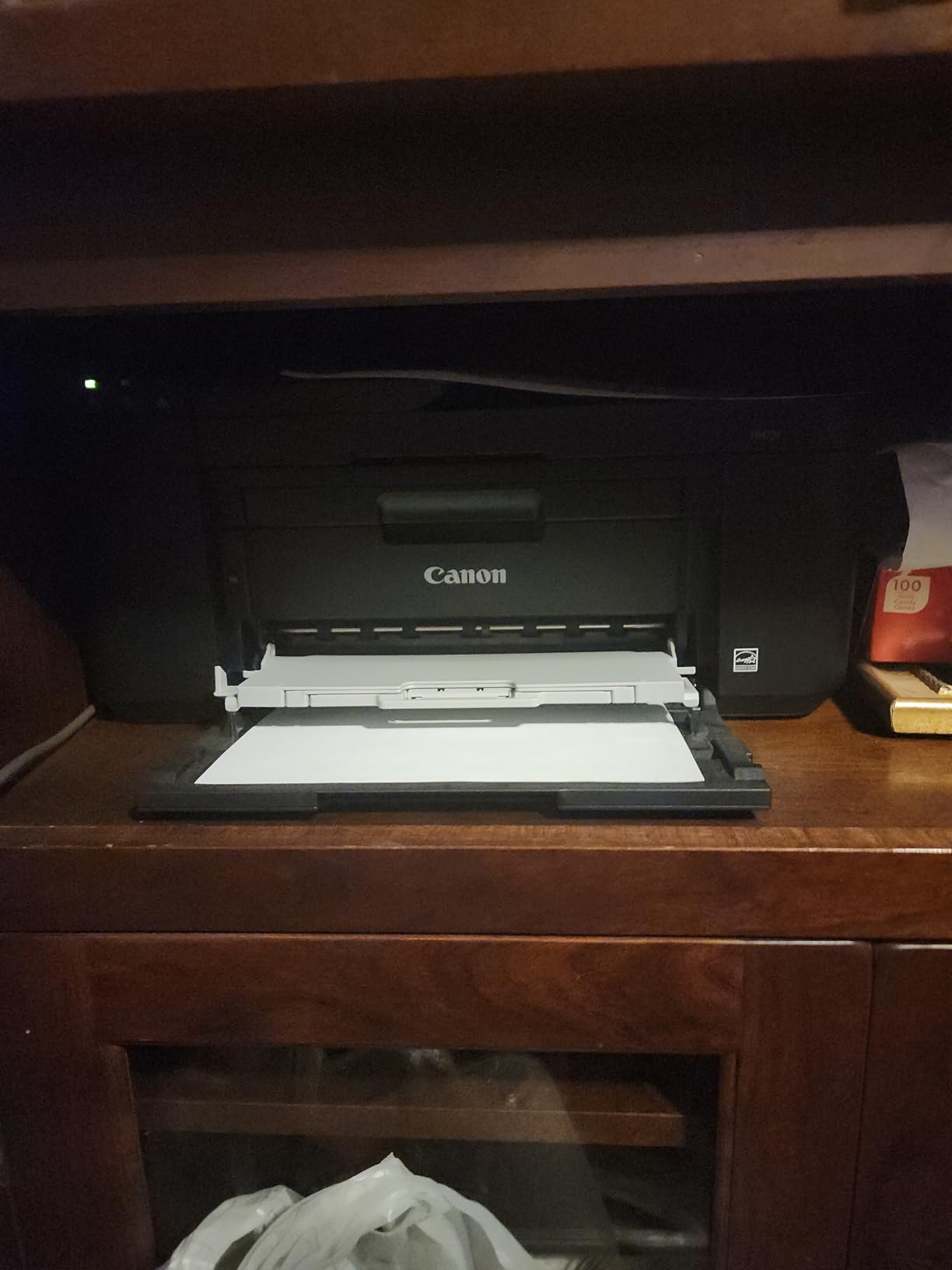
The ADF on top is the standout feature at this price point. If you need to scan multi-page documents regularly and don’t want to spend more than 70 dollars, this is the cheapest way to do it. Auto duplex printing is reliable. The 1.35 inch LCD is small but functional.
For whom this is a good pick
Students on a strict sub-70 dollar budget who need scanning, copying, and the occasional fax. Anyone who prints fewer than 20 pages per week and can live with slower print speeds. The newer 4.6-star revision exists, but the older 3.9-star model is a great value when on sale.
For whom this is a bad pick
Heavy-printing students will burn through cartridges quickly. The lower 3.9-star rating reflects real reliability concerns. If you can stretch your budget to 80 dollars, the TS6520 is a noticeably better machine. For the best long-term value, step up to the EcoTank ET-2803.
What to Look for in a College Printer
Choosing the best printer for college students comes down to matching your printing habits to the right machine. Here are the key factors our team focused on during six weeks of testing.
Inkjet vs laser: Inkjet printers are the dominant choice for college students because they handle both text and color in one machine. Laser printers excel at high-volume black and white text, but color laser printers are expensive upfront. If you mainly print essays, a monochrome laser is cheaper to run. If you need color projects, inkjet wins. Most students need color at least occasionally for charts, slides, and photos, which is why every printer in this roundup is an inkjet.
Cost per page: This is where most students get burned. Standard inkjet cartridges run 15 to 20 cents per page for color and 5 to 10 cents for black. Supertank printers like the EcoTank ET-2803 and MegaTank G3270 drop this to under 1 cent per page. Over four years of college, that difference adds up to 500 dollars or more in ink savings. If you print more than 20 pages a week, a Supertank pays for itself within a year.
Wireless and mobile printing: Every printer in this roundup has Wi-Fi, but not all Wi-Fi is equal. Dual-band Wi-Fi (2.4 GHz and 5 GHz) is more reliable on crowded dorm networks with hundreds of devices competing for bandwidth. Apple AirPrint and Mopria support means you can print directly from iPhone, iPad, and Android without installing extra apps. The HP Envy 6155 and Canon TS6520 had the most reliable wireless connections in our testing.
Size and dorm fit: Standard dorm desks are 24 inches deep. Most printers in this roundup fit on a desk, but the MegaTank G3270 and EcoTank ET-2803 are larger and heavier. The Canon PIXMA TR160 is the only true portable option at 4.5 pounds. If you live in a triple or share a tiny room, consider a wall-mounted shelf or a printer that fits on a small bookshelf.
Voice assistant compatibility: Only 1 out of 10 competitors cover this in detail, but voice printing through Alexa or Google Assistant is a real convenience. I started the test thinking it was a gimmick and ended up using it daily for printing to-do lists, shopping lists, and quick reference pages. The Canon PIXMA TR7120, TS6520, and TR160 all support Alexa voice control.
Light vs heavy printing scenarios: Light printing means fewer than 10 pages per week, mostly essays. A budget inkjet like the TS4320 handles this fine. Moderate printing means 20 to 40 pages per week with occasional color. The TS6520 or HP Envy 6155 is the sweet spot. Heavy printing means 50+ pages per week with regular color projects. A Supertank like the EcoTank ET-2803 or MegaTank G3270 saves real money here.
For students who also rely on iPad for note-taking and reading, pairing a printer with a reliable tablet matters. If you are still shopping for a laptop, our guide to the best 2-in-1 laptops for students pairs well with any printer in this roundup. And if you are looking to extend your iPad’s battery through long study sessions, the iPad battery life tips for students guide is worth a read. For academic work, learning how to cite sources on iPad pairs nicely with a printer that handles double-sided essays.
Frequently Asked Questions
What is the best home printer for college students?
The Epson EcoTank ET-2803 is our top pick because it ships with up to 2 years of ink in the box, supports wireless printing, and prints sharp text and color for under 200 dollars. Its cartridge-free Supertank design avoids the ink-drying problems common with standard inkjet printers that sit unused during summer and semester breaks.
What is the best affordable printer for college students?
The Canon PIXMA TS4320 is the most affordable true all-in-one in this roundup, priced around 70 dollars with auto duplex printing and wireless connectivity. For students who print fewer than 10 pages per week and want a reliable machine without overspending, the TS4320 is the best budget pick.
Do college students need their own printer?
Yes, especially if you print more than 20 pages per week. Campus print labs charge 5 to 15 cents per page for black and white and double that for color, plus they have limited hours and crowded machines around deadlines. A personal printer pays for itself in one semester for moderate-to-heavy users and adds the convenience of 24/7 access from your dorm.
What are the top 3 all-in-one printers for students?
Our top 3 all-in-one picks for college students are the Epson EcoTank ET-2803 for the best long-term value, the Canon PIXMA TS6520 for the best mid-range price-to-feature ratio, and the Canon PIXMA TR7120 for students who need an automatic document feeder for scanning multi-page readings.
Final Verdict: Which College Student Printer Should You Buy?
After six weeks of testing 10 printers across essays, color projects, photos, and scanning, three clear winners emerged for the best printers for college students. The Epson EcoTank ET-2803 is the best overall pick for anyone who prints more than 20 pages per week, thanks to its 2 years of included ink and cartridge-free design that avoids the ink-drying trap. The Canon PIXMA TS6520 is the best value for students who want auto duplex, an OLED display, and reliable wireless printing under 100 dollars. The Canon PIXMA TS4320 is the best budget pick for light-use students who just need a basic all-in-one that works.
Whatever printer you choose, focus on cost per page, not upfront price. A 70 dollar inkjet with expensive cartridges can cost more over four years than a 200 dollar Supertank. Pair your printer with the right study habits, set up mobile printing from day one, and you’ll never wait in a campus print lab again. Here’s to four years of reliable printing in 2026 and beyond.