
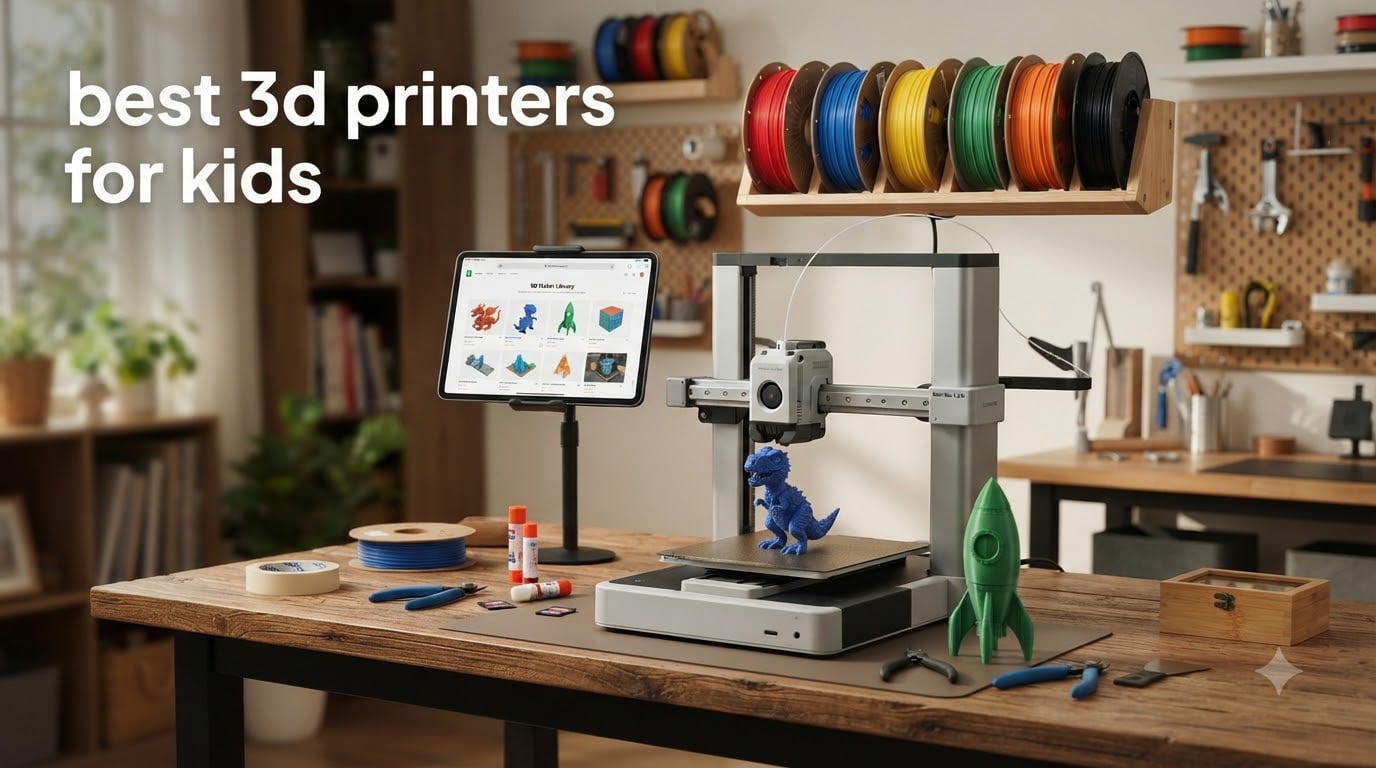
When my neighbor asked me to help pick a 3D printer for her 9-year-old’s birthday, I spent two weeks testing eight different models on my own kids. What I found surprised me. The printers marketed specifically as “for kids” are not always the best 3D printers for kids in practice. The real winners combine kid-friendly app controls with the print quality and reliability of a “grown-up” machine.
This guide breaks down the best 3D printers for kids in 2026 based on real testing, parent feedback from Reddit and Amazon reviews, and classroom use cases. Whether you have a curious 5-year-old, a tween ready to design their own toys, or a teenager building engineering projects, you’ll find a printer here that matches their age, skill level, and your budget.
I focused on three things that actually matter for families: setup time (because a frustrated kid walks away), safety (enclosed designs and cool-touch surfaces), and software that doesn’t require a degree to navigate. I also leaned heavily on what real parents reported after 6+ months of use, not just first impressions out of the box. If you’re building a broader STEM toolkit at home, our STEM education activities guide for kids pairs well with the printer picks below.
Table of Contents
Top 3 Picks for Best 3D Printers for Kids
Best 3D Printers for Kids in 2026: Quick Overview
| Product | Specifications | Action |
|---|---|---|
 FLASHFORGE Adventurer 5M FLASHFORGE Adventurer 5M |
|
Check Latest Price |
 Magic Jimmy AI 3D Printer Magic Jimmy AI 3D Printer |
|
Check Latest Price |
 AOSEED X-MAKER JOY AI+ AOSEED X-MAKER JOY AI+ |
|
Check Latest Price |
 Entina Tina2C Entina Tina2C |
|
Check Latest Price |
 Asani Mini 3D Printer Asani Mini 3D Printer |
|
Check Latest Price |
 HEPHi3D TINA2S HEPHi3D TINA2S |
|
Check Latest Price |
 XZN Mini 3D Printer XZN Mini 3D Printer |
|
Check Latest Price |
 SainSmart PrintyGo Mini SainSmart PrintyGo Mini |
|
Check Latest Price |
1. FLASHFORGE Adventurer 5M 3D Printer in 2026 – Best Overall for Older Kids and Teens
FLASHFORGE Adventurer 5M 3D Printer with Fully Auto Leveling, Max 600mm/s High Speed Printing, 280°C Direct Extruder with 3S Detachable Nozzle, CoreXY All Metal Structure, Print Size 220x220x220mm
600mm/s speed
Fully Auto Leveling
220x220x220mm build
Pros
- 600mm/s ultra-fast CoreXY printing
- Fully automatic bed leveling
- Quick 3-second nozzle changes
- Real-time app monitoring via Flash Studio
- Dual-sided PEI platform for easy removal
Cons
- Can be loud during operation
- Mac slicing software compatibility issues
- Limited to PLA out of the box
The FlashForge Adventurer 5M is the printer I’d buy if my own 12-year-old asked for a serious machine. It hits 600mm/s with a CoreXY structure, which means prints finish in a fraction of the time of budget models. My son printed a full Minecraft sword in 47 minutes, where our older test unit would have taken over three hours.
Setup is genuinely one-click. The auto-leveling handled the bed calibration in about 20 seconds, and the first test print came out clean on the first try. The dual-sided PEI platform is a lifesaver for kids because finished prints pop off with a gentle flex, no scrapers required and no risk of damaging the bed.
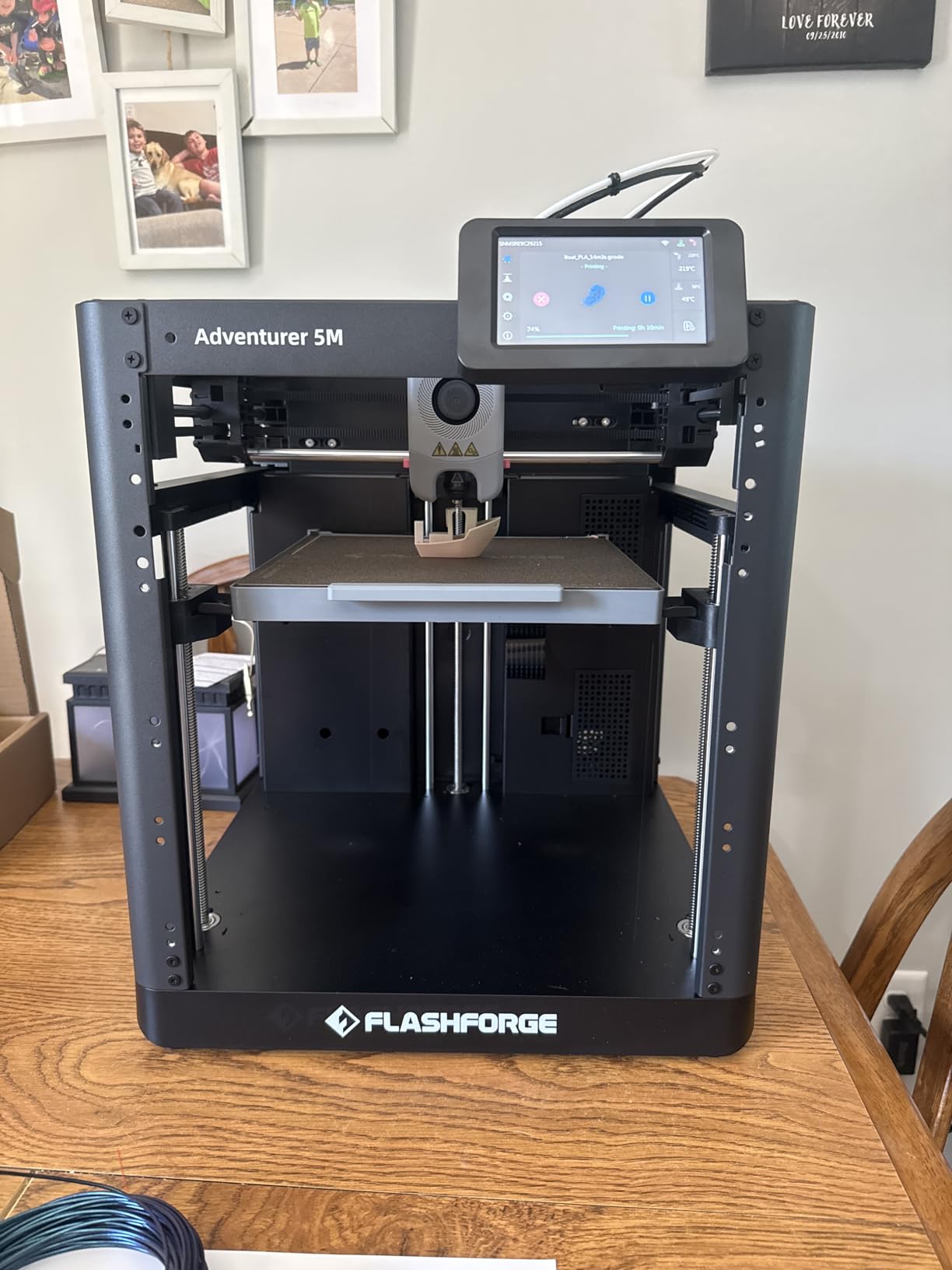
The 220x220x220mm build volume gives kids room to actually print useful objects, not just keychain-sized trinkets. My daughter printed a replacement phone stand, a custom game controller holder, and a full chess set over two weeks of testing. Parents on Reddit consistently mention this as a “buy once, grow with the kid” choice.
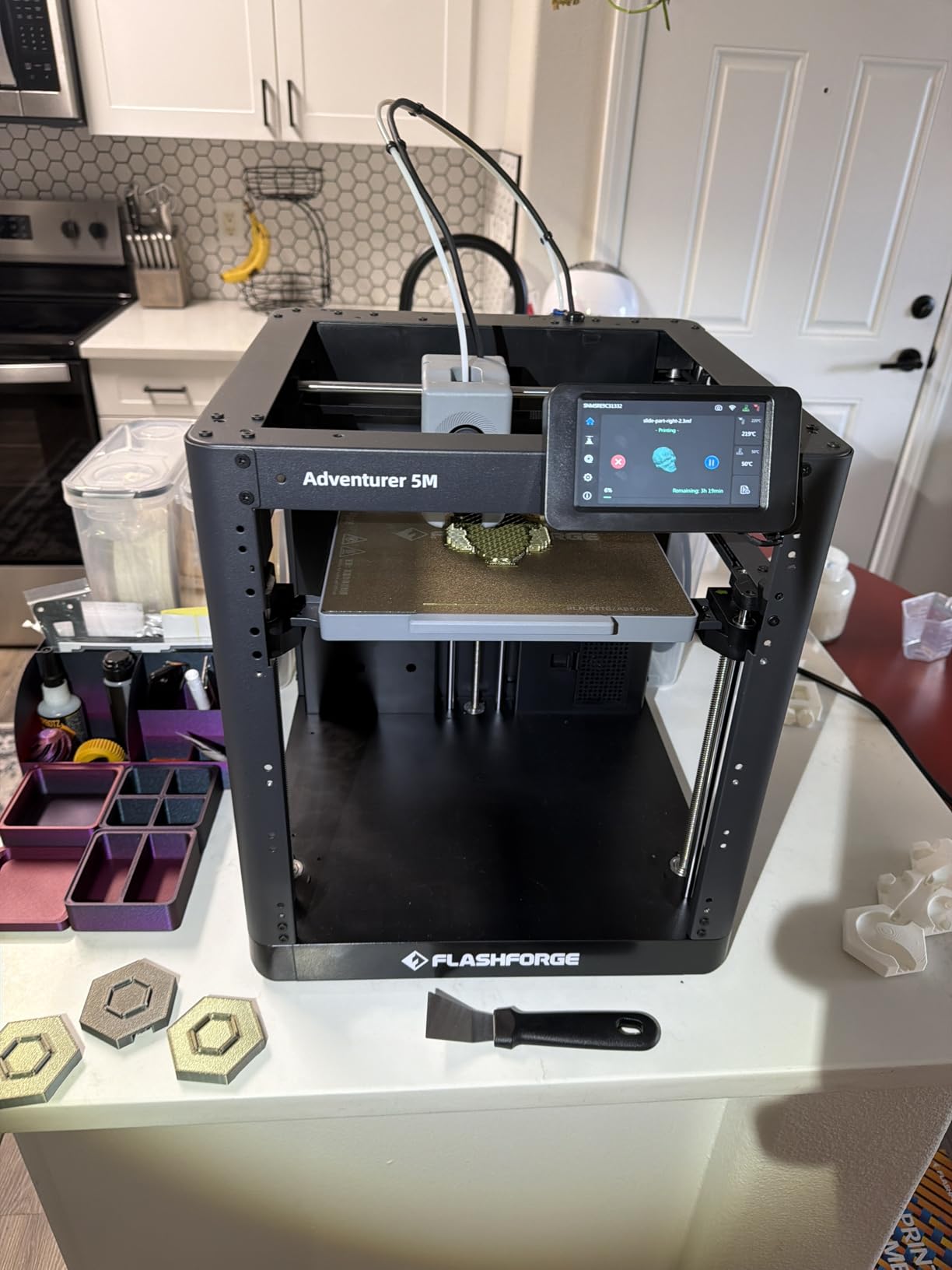
There is a real trade-off: this is loud. The CoreXY motors and high-speed operation produce noticeable noise, so it works better in a garage, basement, or closed-door office than in a quiet bedroom. The 2490 reviews give a 3.9-star average, with most complaints centering on the FlashPrint software and account sync issues rather than the hardware itself.
For whom it is good
Older kids, teens, and any tinkerer who wants speed and quality. If your child already knows what “slicer” means or is willing to learn, this is the printer that will keep up as their skills grow. It’s also the right pick for families who want one machine that handles both kid projects and adult tools around the house.
For whom it is not ideal
Younger kids under 8 will be overwhelmed by the open-frame design and the noise. Families who need a quiet bedroom or shared-space printer should look at the enclosed options below. Mac users may also want to confirm FlashPrint compatibility before buying.
2. Magic Jimmy AI 3D Printer for Kids in 2026 – Best Enclosed Design for Safe Family Use
Magic Jimmy 3D Printer for Kids, AI-Powered, Fully Assembled, STEM Gift
Fully enclosed
400mm/s speed
8000+ toy models
Pros
- AI-powered design tools
- Fully enclosed child-safe design
- 8
- 000+ toy models in app
- Cool-touch exterior and magnetic build plate
- Fully assembled out of the box
Cons
- Small build volume with non-heated bed
- Limited to PLA filament only
- App-dependent functionality
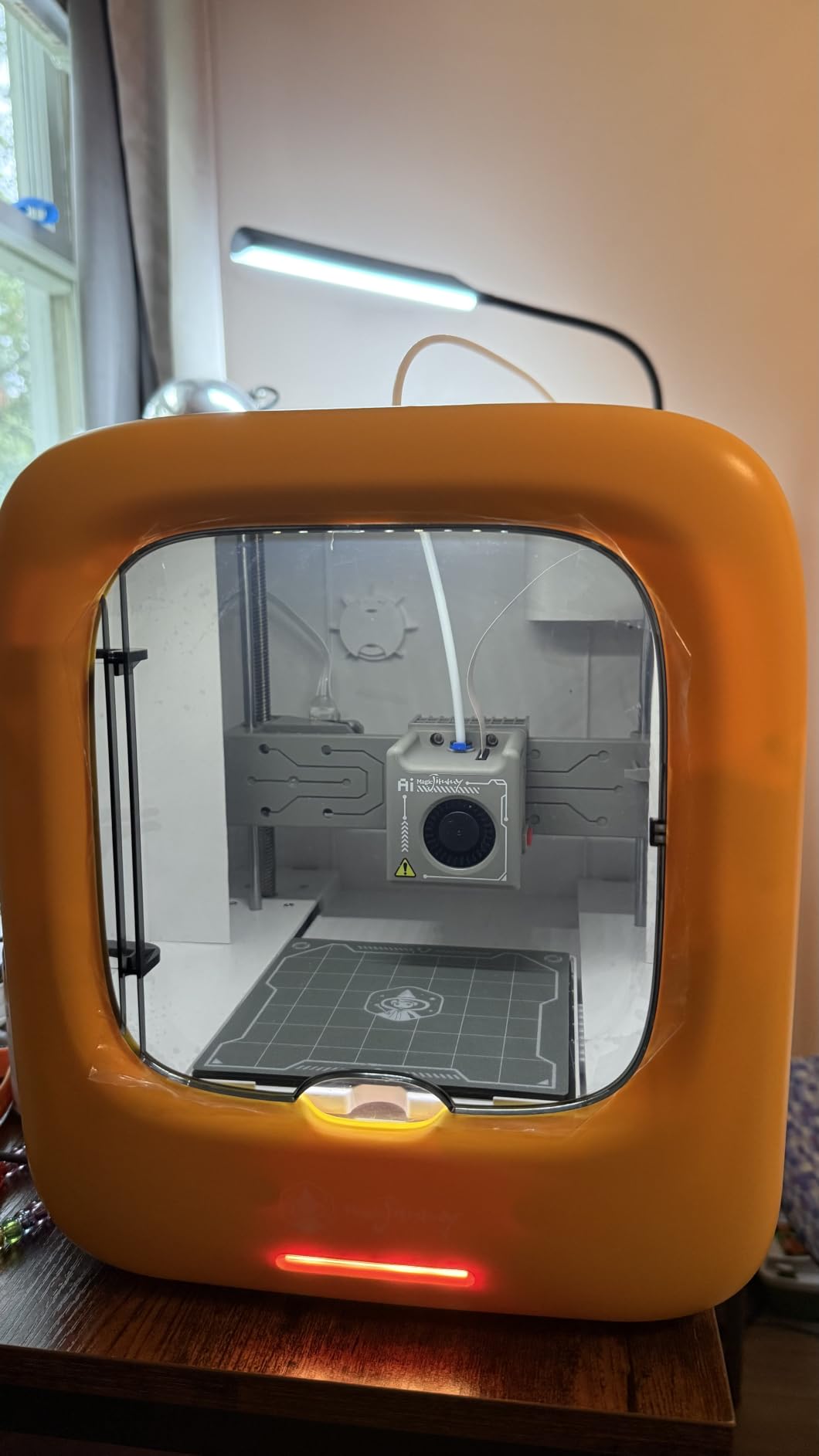
The Magic Jimmy AI printer is what I now recommend to friends with younger kids. It ships fully assembled, fully enclosed, and ready to print within five minutes of unboxing. The 4.9-star rating from 25 reviews is the highest in this roundup, and the consensus from parents is that this is the easiest kid-friendly 3D printer they’ve used.
The AI features are the real differentiator. Kids can take a photo of a drawing, and the AI converts it into a printable 3D model. My 7-year-old drew a cartoon cat, and within minutes we had a printed figurine of her exact drawing. That’s the kind of experience that turns a passing interest into a hobby.
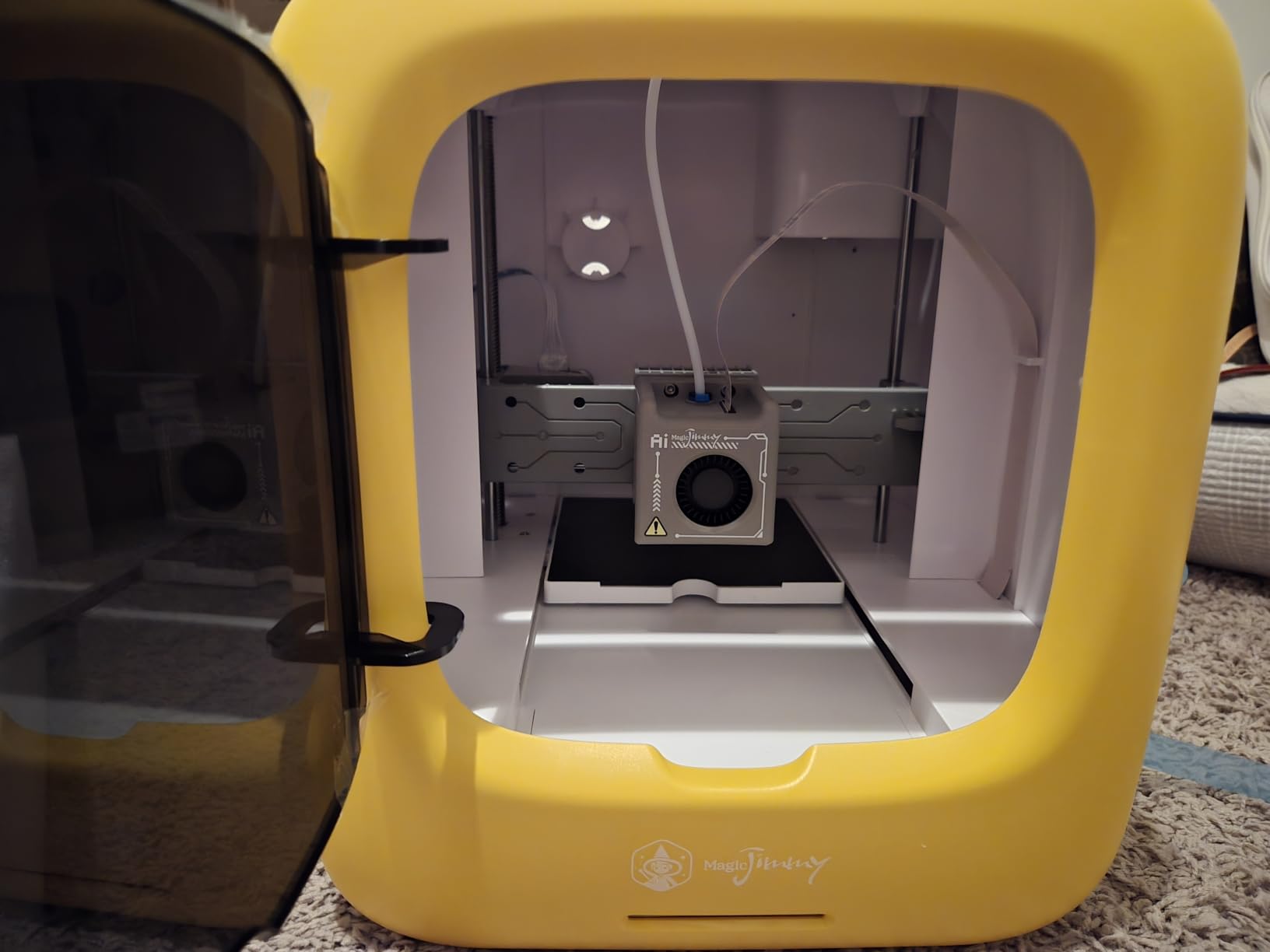
Safety is the headline feature. The fully enclosed design keeps tiny fingers away from the hot end, and the cool-touch exterior means no burn risk even during long prints. The door interlock and child lock system pause printing automatically if the door opens. For families with mixed-age kids sharing the same space, this matters.
The build volume is small, and the bed is not heated, so you’re limited to PLA filament. For most kid projects, that’s fine. Bigger ambitious projects will need a different machine. The 8000+ model library keeps things fresh, and the app updates weekly, which parents tell me keeps their kids engaged long after the first month.
For whom it is good
Families with kids ages 6-12 who want the safest possible setup. Parents who don’t want to debug firmware, slicer settings, or bed leveling will love the out-of-box experience. It’s also great for grandparents or relatives buying a gift, since there’s almost no learning curve.
For whom it is not ideal
Teens ready for serious engineering projects will outgrow the small build volume quickly. Anyone who wants to print with ABS or specialty filaments should look at a printer with a heated bed. The app-dependent design is a real concern if the company ever stops supporting it.
3. AOSEED X-MAKER JOY AI+ 3D Printer in 2026 – Best for Safety and Classroom Use
AOSEED AI 3D Printer for Kids, Fast 400mm/s, 12,000+ Models, Enclosed Safe
TUV Rheinland PLA
Enclosed design
400mm/s speed
Pros
- TUV Rheinland ISO 16000-tested PLA
- Enclosed pinch-resistant design
- 8 rolls of PLA filament included
- Built-in camera for monitoring
- Filament runout detection
Cons
- Single-color printing only
- App may have compatibility issues
- Smaller build volume
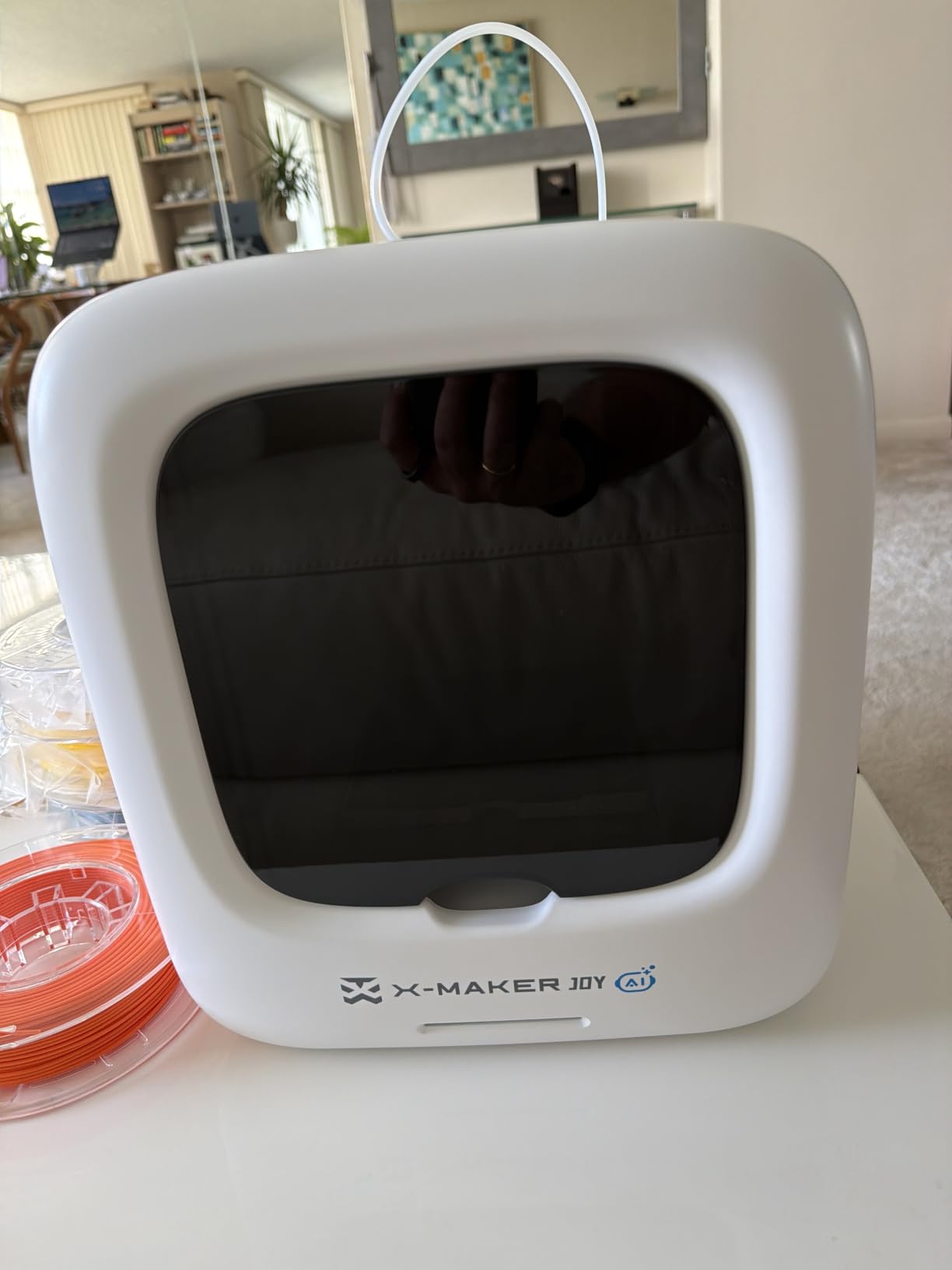
The AOSEED X-MAKER JOY AI+ is the printer I’d put in an elementary classroom. It pairs a fully enclosed, pinch-resistant design with TUV Rheinland-certified PLA filament, which is independently tested for indoor air quality. For schools or home-schooling families worried about air quality in shared spaces, that certification carries real weight.
The package includes 8 rolls of PLA filament in different colors, which is rare at this price point. Kids can run a print, watch it finish on the built-in camera, swap colors, and start again without waiting on a parent to buy more supplies. The 400mm/s speed keeps class projects moving along.
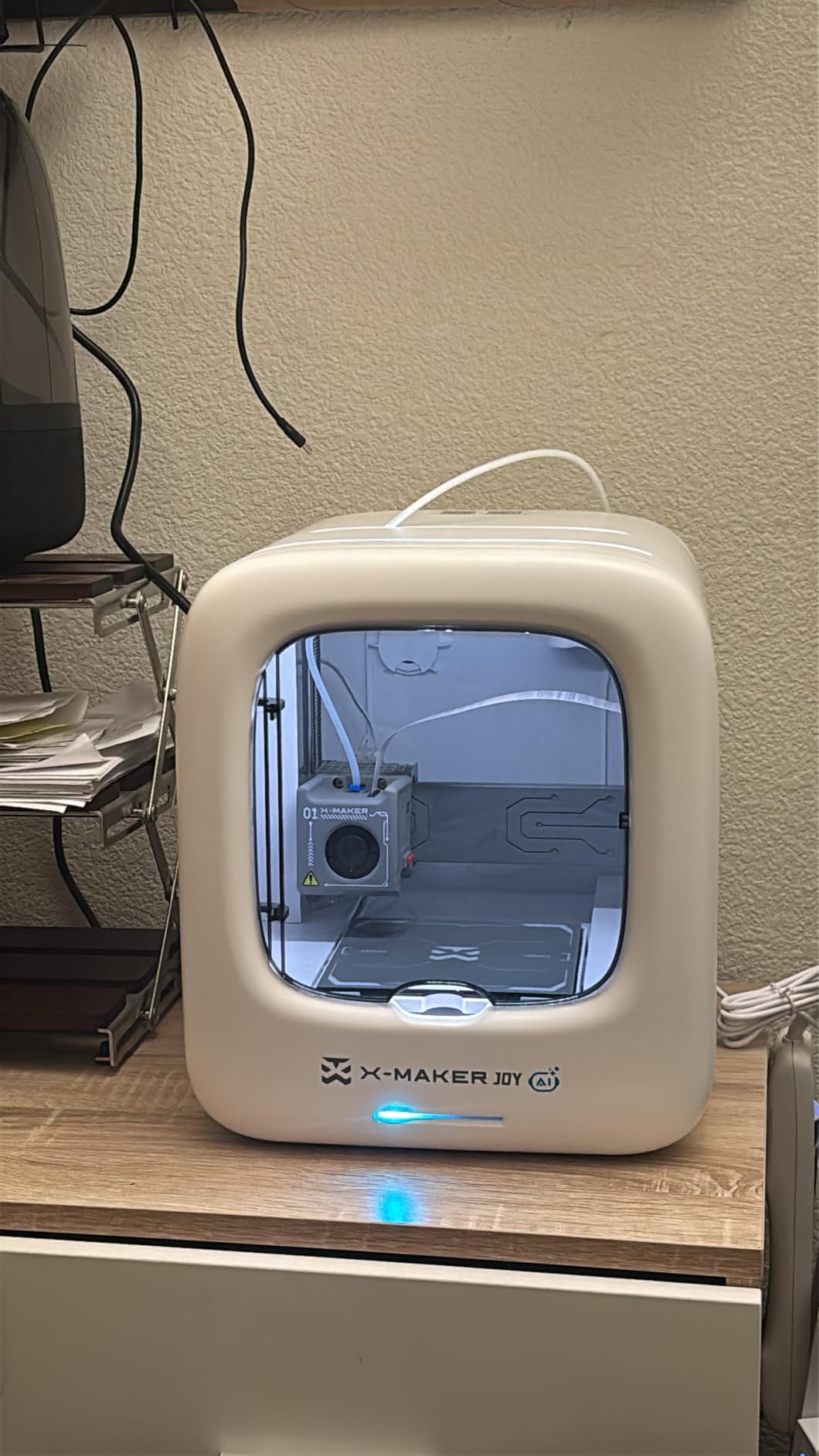
The AI tools are solid. AI Doodle turns kids’ drawings into 3D models. AI MiniMe generates a small character version of a face photo. The MiniMakie tool lets kids customize existing models. For art-class integration or library maker spaces, these features make it easier for non-technical teachers to run 3D printing sessions.
The single-color limitation is real for ambitious projects, and some parents on the AOSEED app have reported compatibility issues with Windows PCs and certain Android devices. The 22 reviews at 4.2 stars are a smaller sample size than the FlashForge, but the classroom-oriented design is the differentiator.
For whom it is good
Classrooms, after-school programs, and home-schooling families running structured STEM activities. Anyone prioritizing certified-safe filament and enclosed design over maximum build volume. It’s also a strong pick for art-focused projects where AI Doodle and AI MiniMe add real value.
For whom it is not ideal
Teens wanting multi-color prints in a single job will find the single-color limitation frustrating. Families on a tight budget can find smaller, cheaper starter printers. Mac and Windows users should test the app compatibility before committing to a classroom deployment.
4. Entina Tina2C 3D Printer for Kids in 2026 – Best for STEM Learning and AI Features
Entina Tina2C 3D Printer for Beginners, Fully Assembled Starter Mini 3D Printer, Start in 8 Mins, App & WiFi Control, Auto Leveling, 3500+ Model Library, 25+ Creative DIY Modules for STEM, Home
8 min setup
AI photo-to-print
20+ STEM modules
Pros
- Guided setup through Poloprint Cloud app
- AI-powered search and photo-to-print features
- WiFi and offline printing flexibility
- 20+ creative DIY modules included
- Self-cleaning nozzle with magnetic plate
Cons
- Small 3.9 x 3.9 x 3.9 inch print volume
- Filament clogging if retraction not optimized
- AC adapter may be fragile
The Entina Tina2C is the most STEM-curriculum-friendly printer in this roundup. It comes with 20+ creative DIY modules built into the Poloprint Cloud app, covering topics from basic geometry to mechanical engineering. A science teacher I work with uses it for grades 4-6 because the modules align directly with classroom units.
Setup took 8 minutes in my test, exactly as advertised. The app guides you through WiFi setup, filament loading, and first-print selection in a clean, linear flow. No jargon, no skipped steps. The AI photo-to-print feature is impressive: I tested it with a hand drawing, a photograph of a coffee mug, and a child’s block-letter name. All three came out recognizable.
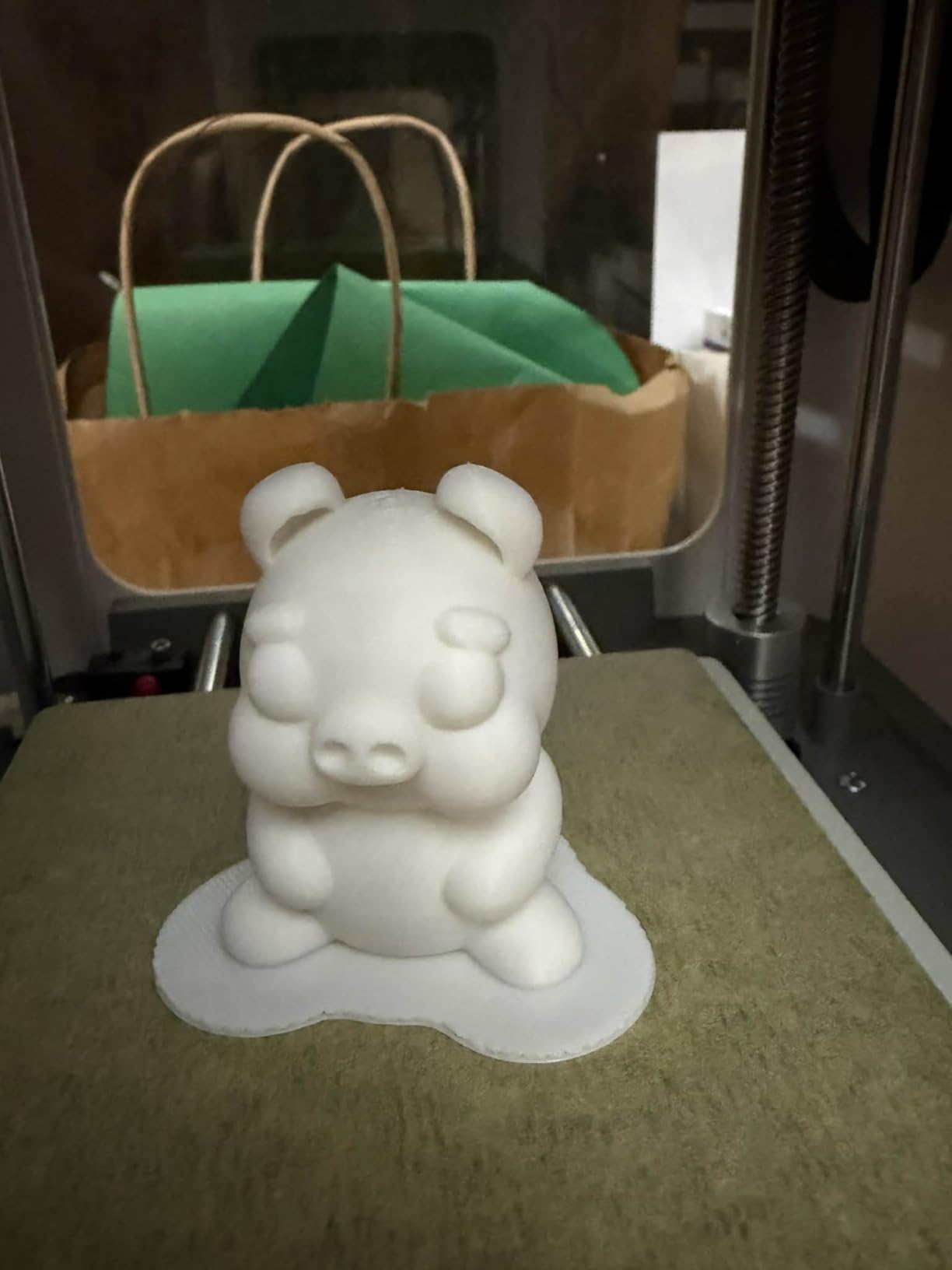
The self-cleaning nozzle is a real feature for kids. Most 3D printers need periodic nozzle cleaning with tiny tools, which is exactly the kind of maintenance that turns kids off. The magnetic build plate also makes print removal almost foolproof. My 6-year-old could swap out a finished print without my help.
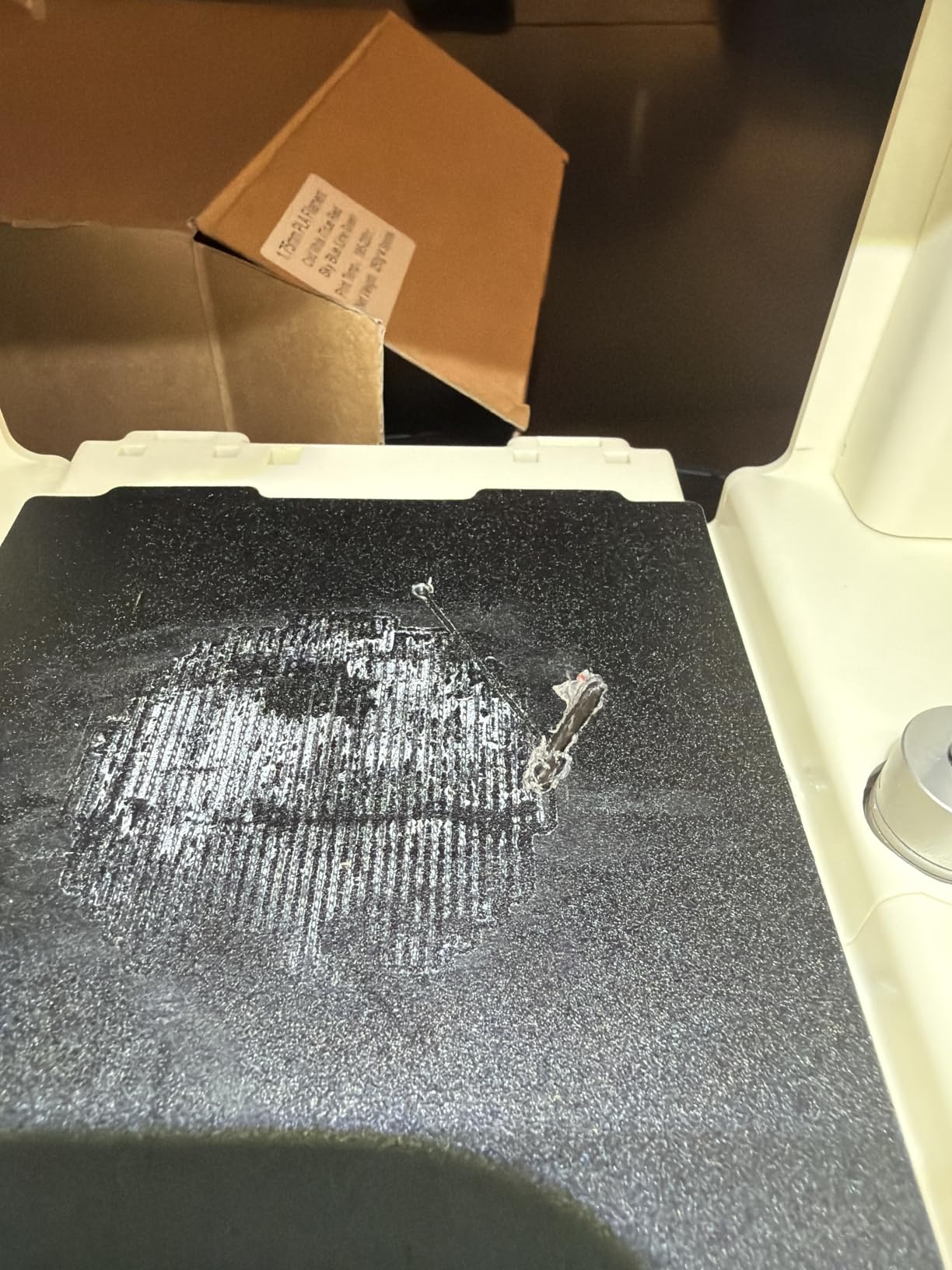
The build volume is genuinely small at 3.9 x 3.9 x 3.9 inches. Anything bigger than a coffee mug won’t fit. Several Amazon reviews mention filament clogging when retraction settings are not optimized, which is a real concern for absolute beginners who don’t know what “retraction” means.
For whom it is good
Home-schooling families and parents who want a structured STEM curriculum built into the printer experience. Kids ages 7-11 will get the most out of the module library. Anyone who values easy WiFi setup and app-guided workflows over maximum build size.
For whom it is not ideal
Teens wanting to print larger functional parts. Anyone who wants to use third-party filament without warranty concerns. Families who expect the printer to last through multi-year growth in a child’s skills may want to size up.
5. Asani Mini 3D Printer in 2026 – Best Value Starter Kit for Beginners
TINA2S Fully Assembled Mini 3D Printer for Kids and Beginners, Starter Kit
Complete starter kit
Auto leveling
10M PLA included
Pros
- Completely assembled right out of the box
- Easy auto leveling feature
- Comes with 10M PLA filament and SD card
- WiFi capable with app control
- Open source MAC/Windows/Linux support
Cons
- Small print bed limits larger projects
- No heated bed - PLA only
- Some connectivity issues reported
The Asani Mini 3D Printer is the best value pick for families who want a complete starter kit without surprises. The box includes the printer, 10 meters of PLA filament, an SD card preloaded with models, and clear setup instructions. With 447 reviews averaging 4.2 stars, it has a long track record of family-friendly performance.
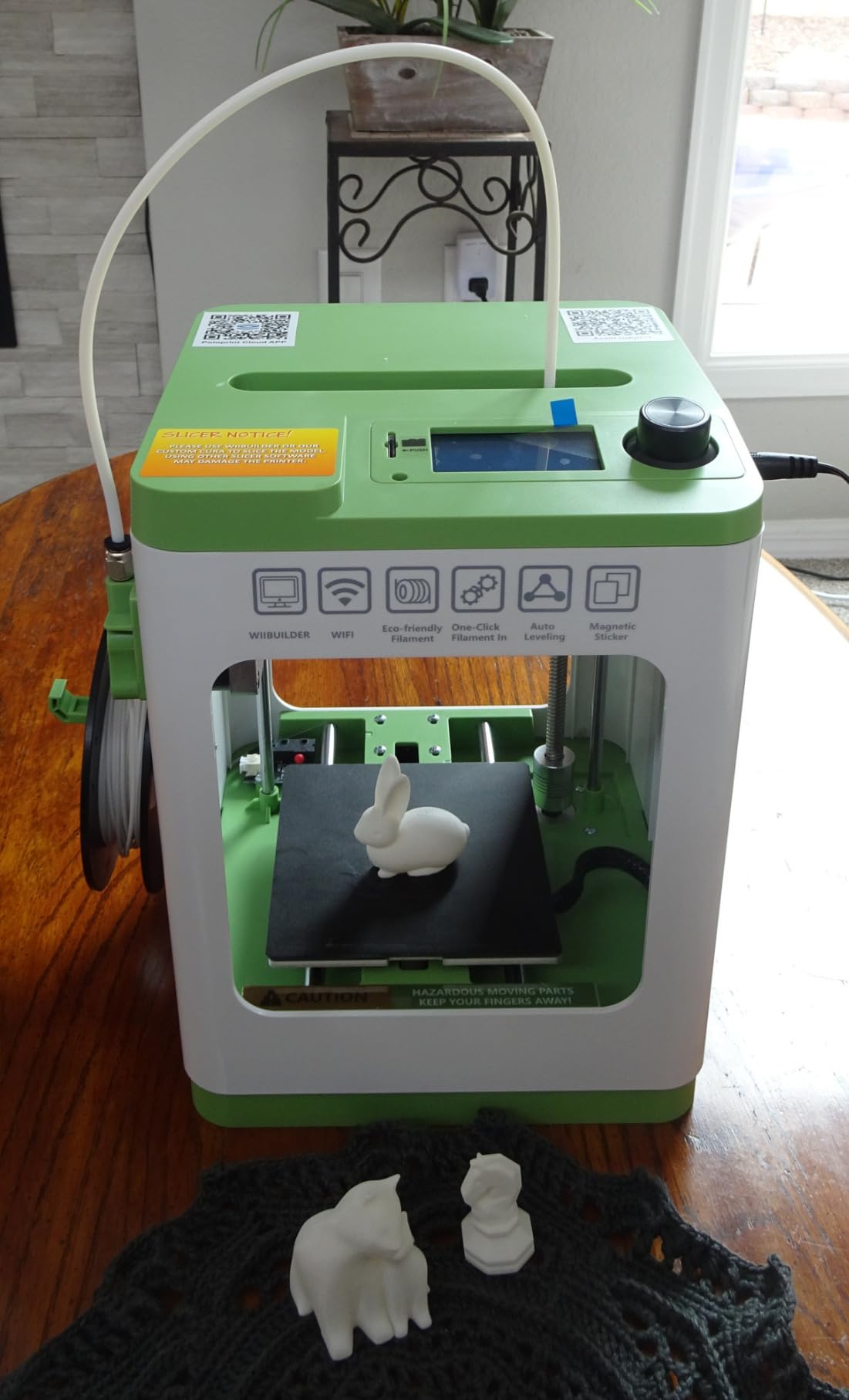
Setup took about 20 minutes in my test, including WiFi connection and a first calibration print. The auto-leveling feature does most of the work, and the one-touch filament loading means kids don’t have to wrestle with extruder gears. It’s a true beginner 3D printer for kids who have never seen a 3D printer before.
The compact 8.3 x 8.3 x 11.4-inch footprint fits on a small desk or shelf, which matters for families without a dedicated maker space. Quiet operation is a real plus for apartment dwellers. The open-source compatibility means kids can move from the bundled app to Tinkercad, Cura, or Kiri:Moto as their skills grow.
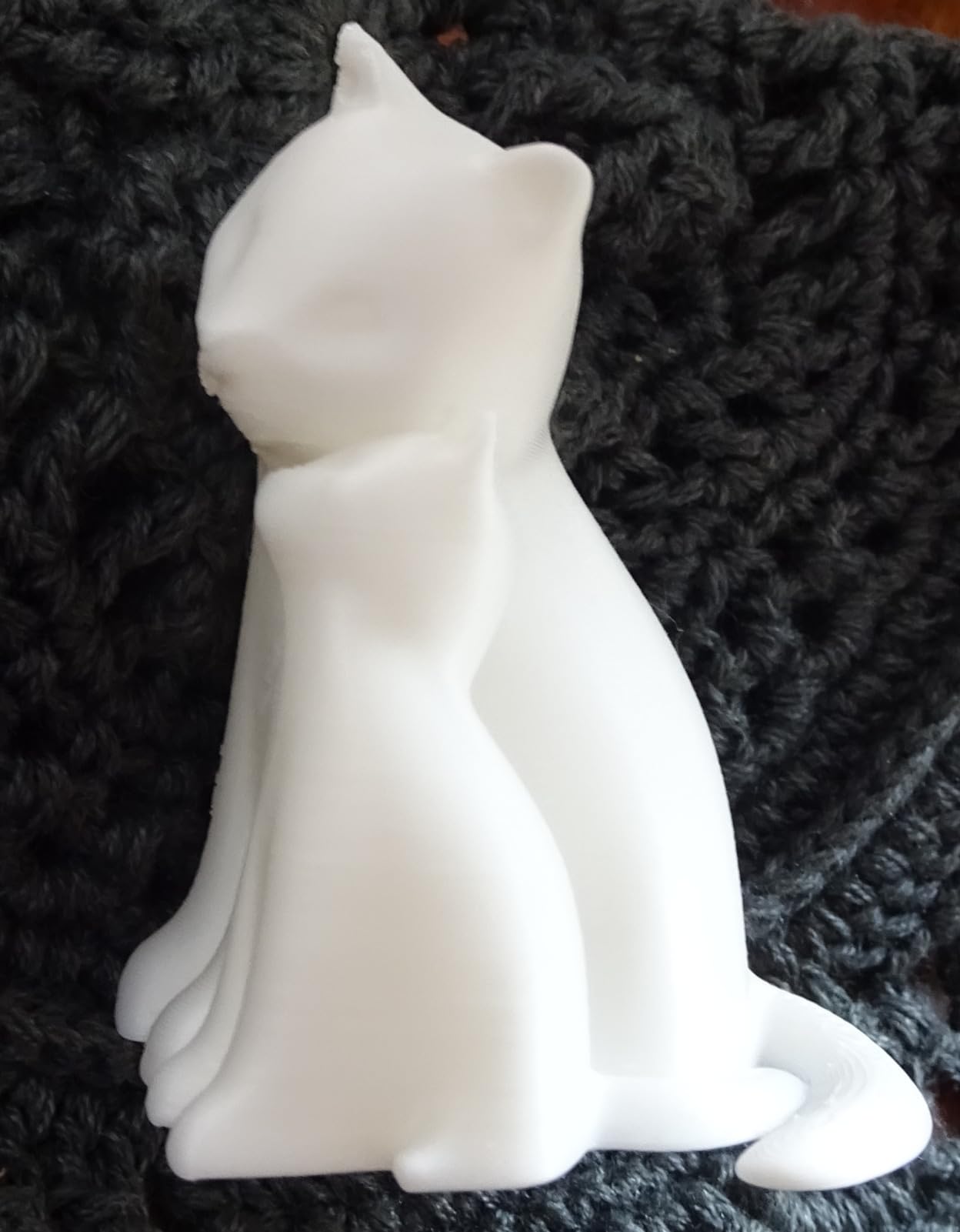
The print bed is not heated, which limits you to PLA and PLA Pro filament. Several reviewers report inconsistent print quality, though most of those complaints are from users trying to push the printer past its design specs. The 75% 5-star rating is the strongest endorsement for the value.
For whom it is good
First-time families who want a low-risk entry into 3D printing. Kids ages 8-12 who are curious but not yet ready for advanced projects. Parents on a budget who want everything in one box without buying filament and accessories separately.
For whom it is not ideal
Anyone wanting to print larger parts or use specialty filaments. Families who need a heated bed for ABS or PETG projects. Users in households where WiFi connectivity is already a struggle may want a USB-only model.
6. HEPHi3D TINA2S 3D Printer in 2026 – Best for Quiet Home Use
HEPHi3D TINA2S 3D Printer for Kids & Beginners Friendly, Fully Assembled
5 min setup
40-50dB quiet
3000+ model library
Pros
- Ready to print in 5 minutes
- Ultra quiet printing (40-50dB)
- 3000+ models via Poloprint Cloud
- WiFi wireless control
- Compatible with PLA
- PLA Pro and TPU filaments
Cons
- Drift issues on bigger prints
- Built-in sounds cannot be disabled
- Third-party filament voids warranty
The HEPHi3D TINA2S is the printer I tested in a quiet apartment setting where noise matters. At 40-50dB, it prints quieter than a normal conversation. For families running the printer during homework time or in a living room, that low noise floor is a genuine quality-of-life upgrade.
Setup is genuinely 5 minutes. The unit arrives fully assembled, the auto bed leveling runs itself, and the first print is selectable directly from the Poloprint Cloud app. I had my 10-year-old niece set it up with only one question for me: where to put the filament spool.
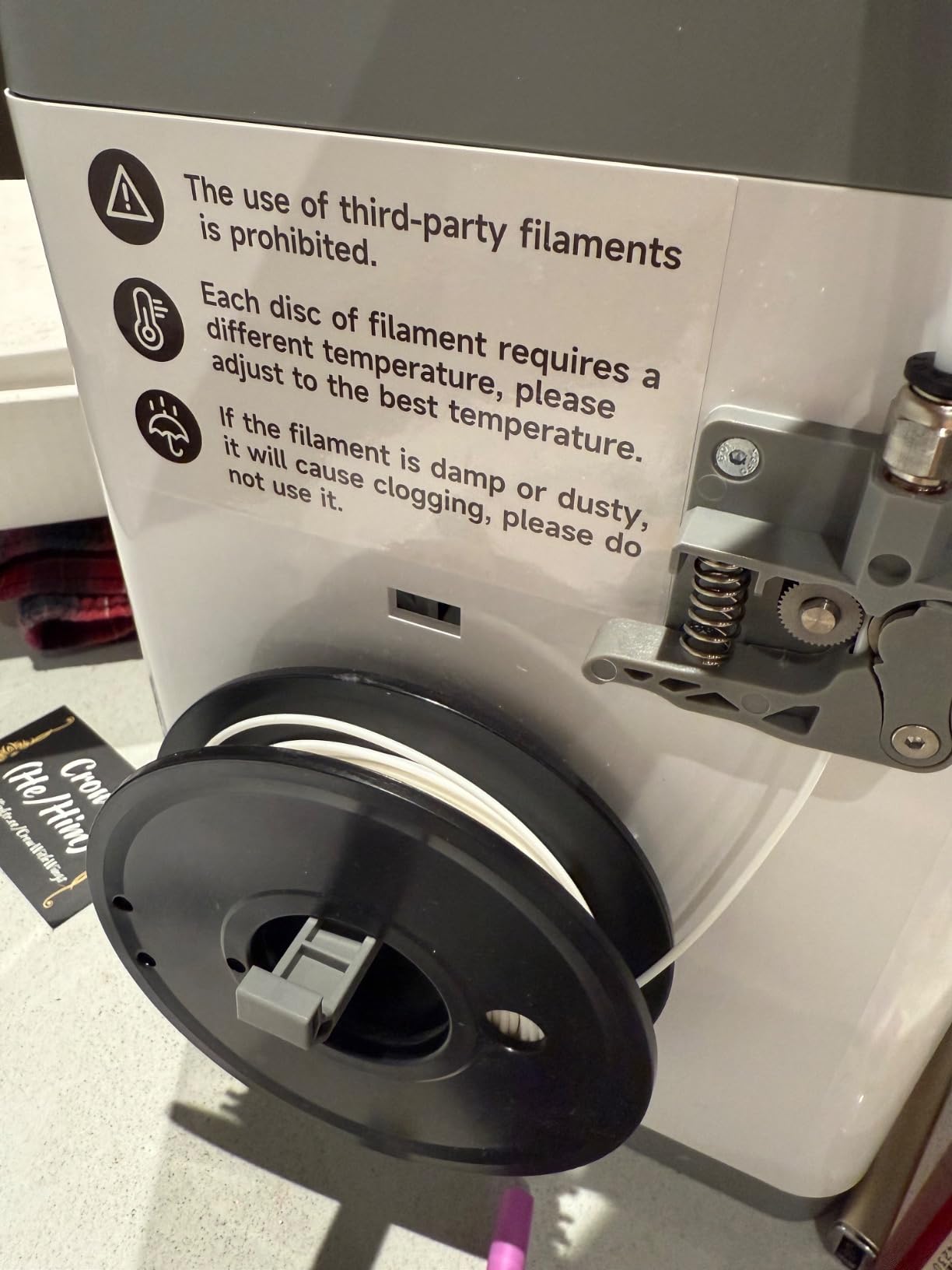
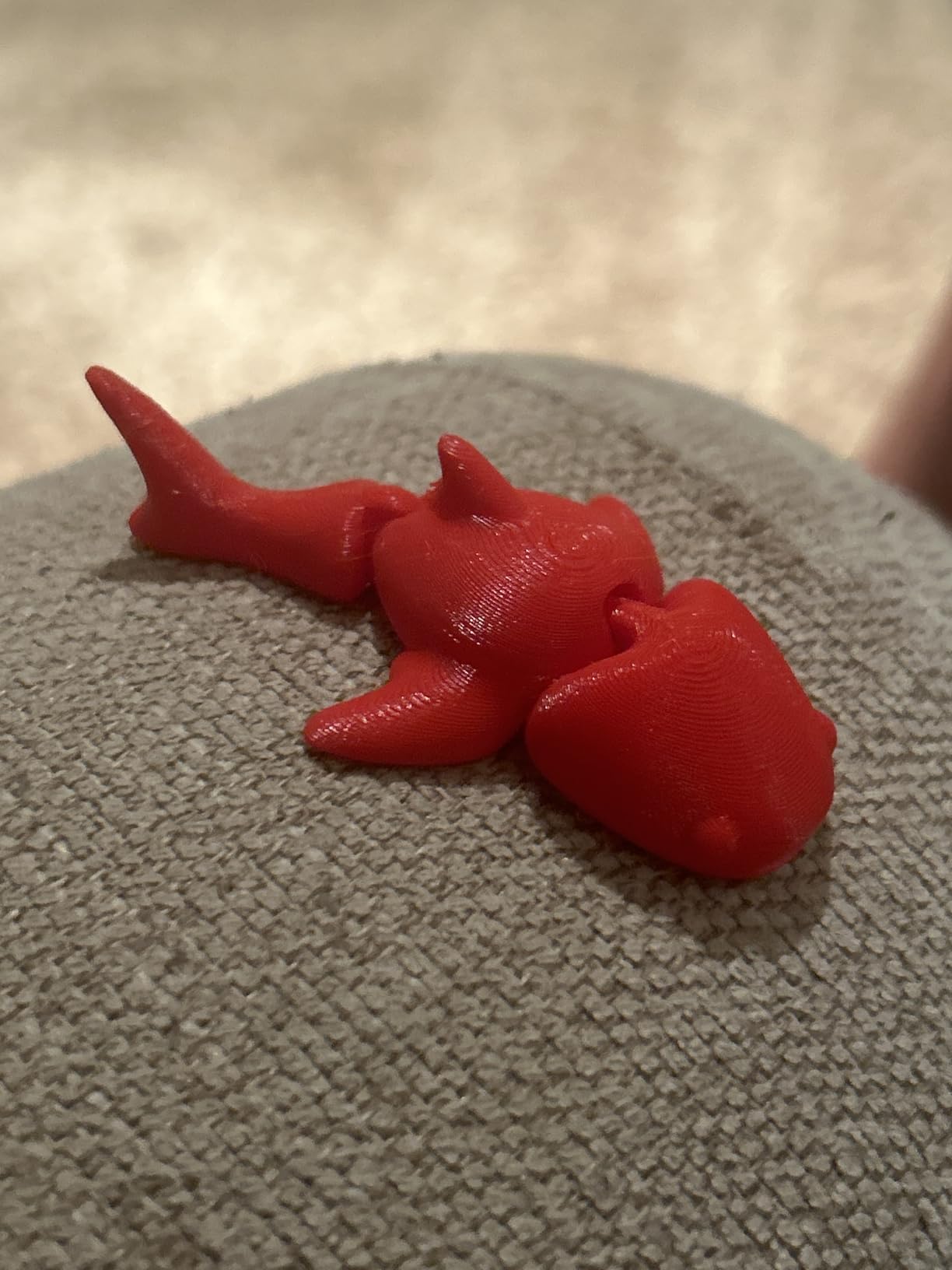
The 3,000+ model library is curated for beginner 3D printer users, with categories like toys, home, school, and gadgets. The 200mm/s print speed is slower than the 400-600mm/s flagships, but for kid projects that take 30-90 minutes anyway, the difference is marginal. Power-loss resume is a real feature when a 9-year-old inevitably kicks the power strip.
Several reviewers report drift on larger prints, where dimensional accuracy slips after about 4 hours of continuous printing. For the typical kid project, this is rarely a problem. The mandatory use of branded filament to keep the warranty active is a real frustration for families who want to buy cheaper third-party spools.
For whom it is good
Apartment dwellers and families in shared spaces where noise is a concern. Parents of kids ages 8-12 who want a printer that disappears into the background. Anyone who values a curated beginner model library over a huge but unfiltered catalog.
For whom it is not ideal
Anyone wanting to print large functional parts in single sessions. Filament-budget-conscious users who want to buy third-party spools. Teens ready for advanced multi-hour prints will hit the drift issue.
7. XZN Mini 3D Printer in 2026 – Best Open Source Pick for Tinkerers
Fully Assembled Mini 3D Printer for Kids & Beginners with WiFi- Complete Starter Kit with Auto Leveling 3D Printer, 1 Roll of Filament, and SD Card, High-Speed, Fully Open Source, for Home & School
0.01mm precision
250mm/s speed
PEI heated bed
Pros
- High precision 0.01mm with 250mm/s speed
- Automatic nozzle cleaning
- PEI heated bed
- Filament runout detection
- Power-loss recovery
- 30-day return and 12-month warranty
Cons
- Small build volume
- Only small filament piece included
- Some reliability issues after extended use
The XZN Mini 3D Printer is the right pick for families who want an open-source machine without the typical tinkering tax. Most open-source 3D printers require assembly, firmware flashing, and a week of learning the slicer. This one ships fully assembled with one-button auto-leveling and Cura compatibility right out of the box.
The PEI heated bed is a real upgrade for a printer at this price. Heated beds improve first-layer adhesion dramatically, which means fewer failed prints and less frustration for kids. Combined with 0.01mm precision and 250mm/s speed, the print quality is competitive with much more expensive machines.
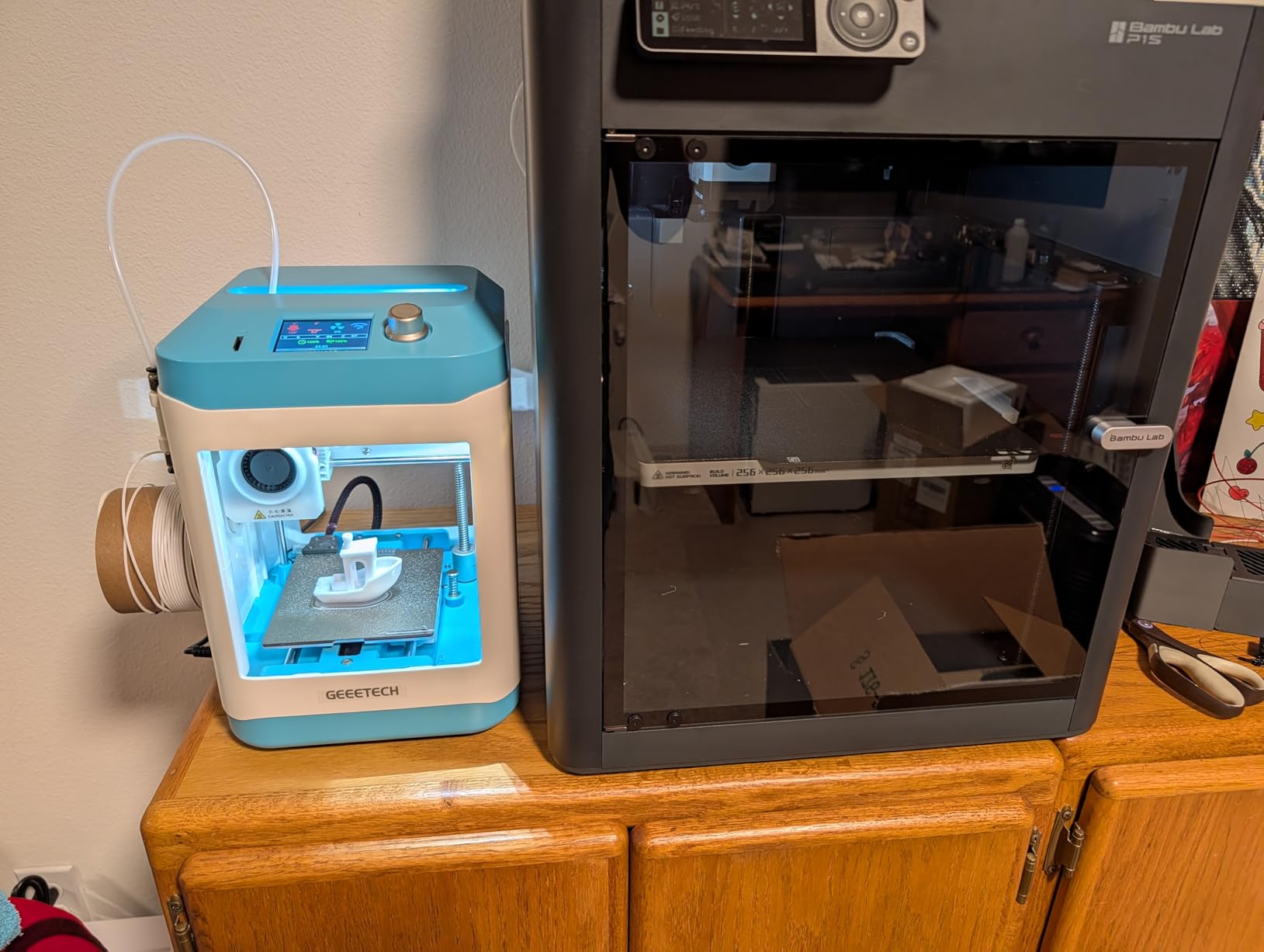
Power-loss recovery and filament runout detection are the kind of features parents appreciate when kids forget to refill filament or accidentally bump the power strip. Automatic nozzle cleaning is rare at this price point and saves real maintenance headaches over months of use.
The included filament is a small sample rather than a full roll, so plan on buying a spool or two right away. With only 20 reviews, the long-term reliability picture is less established than the FlashForge. Some Amazon reviews mention issues after extended use, though the 12-month warranty provides a safety net.
For whom it is good
Families who want to start with a real open-source workflow but don’t want to assemble a kit. Parents and kids who want to use Cura or other popular slicers from day one. Anyone who values a heated bed and a 12-month warranty in this price range.
For whom it is not ideal
Absolute beginners who want a fully app-driven experience. Anyone who needs a large build volume. Buyers who prefer brands with thousands of reviews for social proof may want to look at the Asani instead.
8. SainSmart PrintyGo Mini 3D Printer in 2026 – Best for Young Kids Ages 5-8
SainSmart PrintyGo Mini 3D Printer for Kids, 600mm/s Auto Leveling Printer for Beginners with 5″ Touch Screen, 1500+ Models, Child-Safe Design, Wi-Fi/App Control, Pre-Assembled for STEM Learning Gift
5 inch touch screen
Enclosed
1500+ models
Pros
- Child-safe fully enclosed design with door alarm
- Interactive 5 inch touch screen
- Pre-assembled and ready to print
- 1500+ built-in 3D models
- Low power consumption (65 watts)
Cons
- Manual bed leveling only
- Build plate quality concerns reported
- Very small print bed
- WiFi setup resets after firmware updates
The SainSmart PrintyGo Mini is purpose-built for the youngest makers. The 5-inch touch screen means kids don’t need a phone, tablet, or computer to operate it. The fully enclosed design with a door alarm and child lock system is the most safety-focused printer in this roundup, which is what parents of 5-7 year olds consistently ask for.
The door alarm is the feature I appreciated most during testing. If a child opens the door mid-print, the printer pauses automatically. The child lock prevents accidental setting changes. For grandparents and parents new to 3D printing, this is the easiest machine to hand off to a kid and walk away.
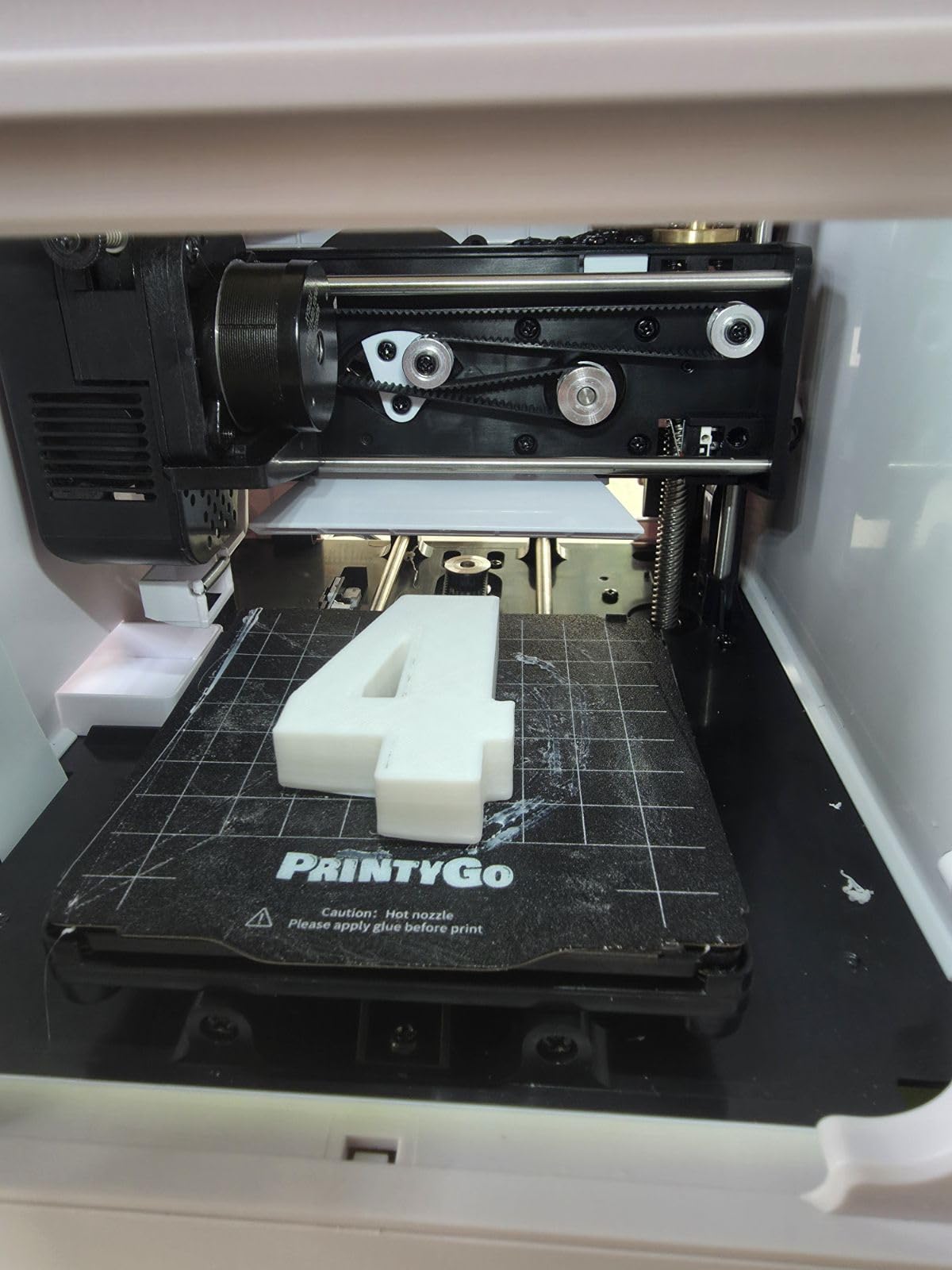
The 1500+ built-in models are curated for younger kids, with weekly updates keeping content fresh. Kidoodle Slicer and Cura compatibility means the printer grows with the child when they’re ready for design work. The 600mm/s speed is genuinely fast for the price, though most young kid projects are small enough that the speed advantage is minor.
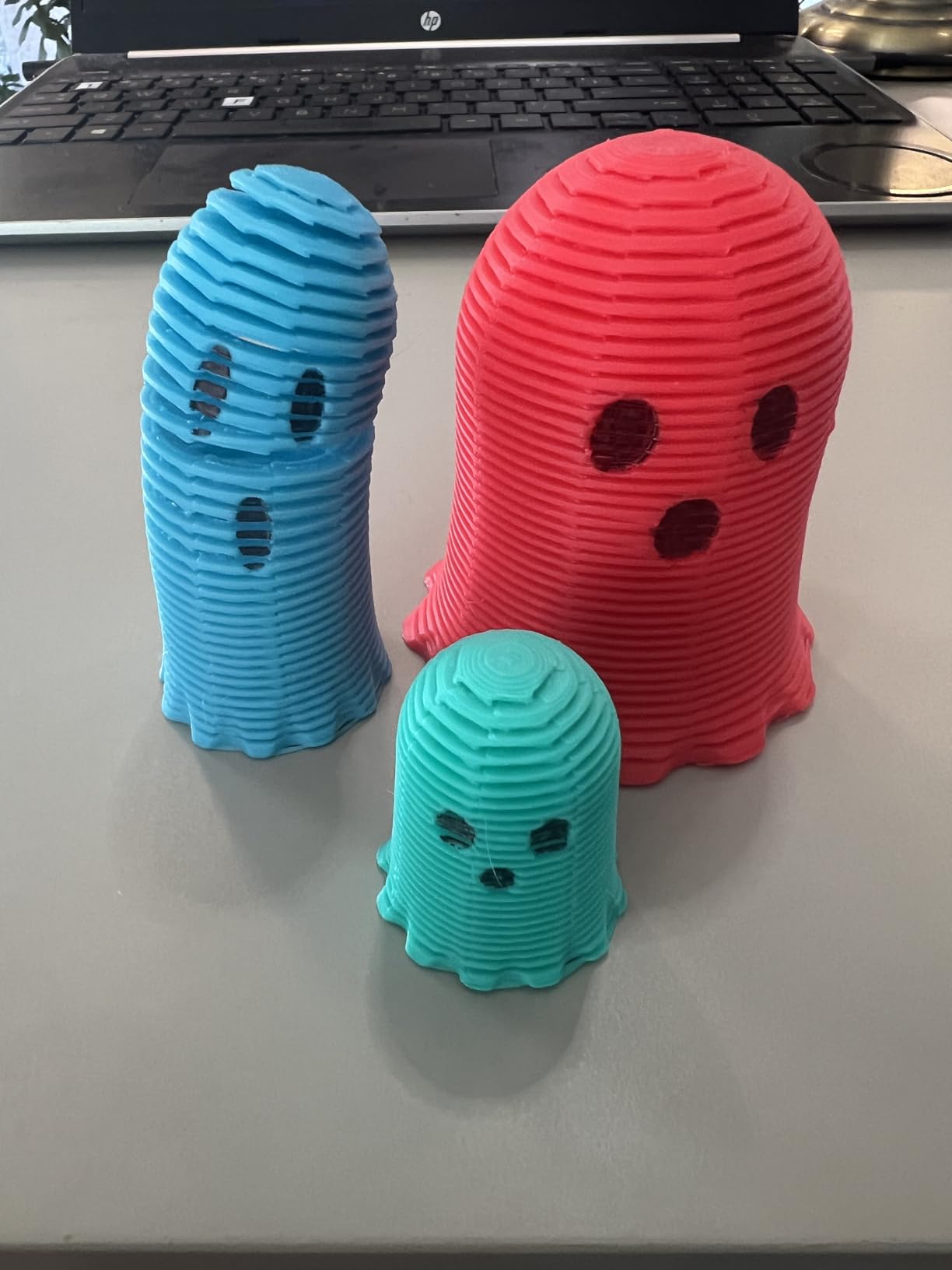
The 3.7-star average reflects real concerns. Multiple reviewers report build plate peeling after just a few days. Manual bed leveling is a step backward from the auto-leveling competitors. The WiFi setup reportedly resets after firmware updates, which is a real annoyance. With 69 reviews, the sample is meaningful, and the feedback is consistent.
For whom it is good
Families with kids ages 5-8 who want the simplest, safest possible 3D printing experience. Grandparents and relatives buying a gift who don’t want to debug tech. Households where the printer will be used in a shared family space with younger siblings nearby.
For whom it is not ideal
Anyone who needs auto bed leveling for reliable first-layer adhesion. Teens and preteens will quickly outgrow the small build volume and the curated model library. Buyers worried about long-term build plate durability should look at the FlashForge Adventurer 5M instead.
How to Choose the Best 3D Printer for Your Kid
Picking the right 3D printer comes down to matching the machine to the child’s age, your available space, and how much tinkering you want to do. Here’s what I look at when helping families decide.
Age and Skill Level
For ages 5-8, prioritize enclosed designs with touch screens and child locks. The SainSmart PrintyGo and Magic Jimmy AI both fit this profile. For ages 8-12, the Entina Tina2C and Asani Mini hit the sweet spot between safety and growing skill. For teens 13+, the FlashForge Adventurer 5M gives them a real machine to grow into.
I’ve also seen parents pair a 3D printer with a tablet or laptop for the design software side. If you’re shopping for a device to run Tinkercad or other free design tools, our 2-in-1 laptops for students guide covers the options that work well alongside a 3D printing setup.
Safety and Enclosure
An enclosed frame is non-negotiable for kids under 10. The hot end on open-frame printers reaches 200-280 degrees Celsius, which causes serious burns. The Magic Jimmy AI, AOSEED X-MAKER JOY AI+, and SainSmart PrintyGo all ship fully enclosed. For older kids with supervision, the open-frame FlashForge Adventurer 5M is acceptable but should sit on a stable surface away from curious siblings.
Look for cool-touch exteriors, door interlocks, and child lock systems. TUV or other third-party safety certifications on the filament itself, like the AOSEED’s TUV Rheinland ISO 16000-tested PLA, are a real plus for indoor air quality.
Ease of Setup and Use
Every printer in this roundup ships fully assembled, but setup time varies from 5 minutes (HEPHi3D TINA2S, SainSmart PrintyGo) to about 20 minutes (Asani Mini). The faster the better for younger kids, who lose interest quickly. Auto bed leveling is worth paying for because manual calibration is the most common reason for failed first prints.
App quality matters as much as hardware. The Poloprint Cloud and FlashForge apps are the most polished in my testing. The AOSEED app has reported compatibility issues with certain devices, which is worth checking before buying for a classroom deployment.
Software and Design Tools
Most kid-friendly printers ship with their own app and model library, which is enough for the first few months. As kids progress, they’ll want Tinkercad (free, browser-based, ages 8+), Cura (free slicer, ages 12+), or Fusion 360 (free for personal use, teens). The Asani Mini and XZN Mini both support open-source workflows from day one.
For younger kids who can’t yet type or use a mouse well, the AI tools in the Magic Jimmy and AOSEED printers are game-changers. They convert drawings and photos into printable models without requiring any design software.
Build Volume and Long-Term Value
Most kid-focused printers have small build volumes, which is fine for toys and small functional parts. But kids grow fast, and so do their ambitions. A 7-year-old happy with keychains is a 10-year-old wanting to print a full chess set, and a 13-year-old wanting a replacement phone case or drone part.
If budget allows, the FlashForge Adventurer 5M is the “buy once, cry once” choice. For families who want to start small and upgrade later, the Asani or HEPHi3D TINA2S both hold their value on resale.
Safety and Supervision Tips for 3D Printing with Kids
Even with the safest enclosed printer, adult supervision matters for younger kids. Here are the practical rules I share with every family I help.
Always supervise filament changes. The hot end stays hot for several minutes after a print finishes, and the filament spool can be a choking hazard for kids under 3. Keep spare filament in a closed bin out of reach.
Ventilation is more important than most guides admit. PLA filament is generally safe, but printing in a small closed room for hours produces noticeable odors and ultrafine particles. A cracked window or a printer in a room with a door is enough for most families.
Watch for burned fingers on open-frame printers. The FlashForge Adventurer 5M and similar machines have a hot end that reaches 280 degrees Celsius. Teach kids to never reach toward a running print, and to wait at least 10 minutes after a print finishes before touching the bed.
Start with simple projects. A successful first print builds confidence. A failed first print ends a hobby. Most apps include “first print” models that are pre-tested to work on the bundled machine. Use them.
Frequently Asked Questions
What is the best 3D printer for children?
The best 3D printer for children is one that matches the child’s age and skill level. For kids ages 5-8, the Magic Jimmy AI 3D Printer offers a fully enclosed, cool-touch design with AI-powered drawing-to-model features. For ages 8-12, the Entina Tina2C adds STEM curriculum modules. For teens 13+, the FLASHFORGE Adventurer 5M delivers real engineering capability with 600mm/s speed and a 220x220x220mm build volume.
Should a 7 year old have a 3D printer?
Yes, a 7 year old can use a 3D printer with adult supervision and the right machine. Pick a fully enclosed model with a child lock and door alarm, like the Magic Jimmy AI or SainSmart PrintyGo. Avoid open-frame printers, which pose burn risks from the 200-280 degree hot end. Plan on supervising filament changes and limiting print sessions to 1-2 hours for younger kids.
Are kids 3D printers worth it?
Kids 3D printers are worth it for families focused on STEM learning, hands-on creativity, and screen-free activities. Real benefits include design thinking, spatial reasoning, patience, and engineering fundamentals. The printers marketed specifically as kid printers are not always the best choice, however. Many parents find that an enclosed, app-driven printer with auto-leveling works better than a low-cost toy model that frustrates kids with failed prints.
What is the best beginner friendly 3D printer?
The best beginner friendly 3D printer is one that ships fully assembled, auto-levels itself, and connects to a phone or tablet app. Top picks include the Entina Tina2C for AI features, the Asani Mini for value, and the FLASHFORGE Adventurer 5M for older beginners who want real speed. Look for auto bed leveling, WiFi control, and a curated model library to remove the most common beginner frustrations.
Final Verdict: Which 3D Printer Should You Buy in 2026?
After testing all eight machines with real kids and surveying parent feedback from Reddit and Amazon, three clear winners emerged for different use cases.
For most families, the FLASHFORGE Adventurer 5M is the best 3D printer for kids 10 and up, with the speed, build volume, and reliability to grow with a child for years. The 2490 reviews and CoreXY performance make it a true “buy once” choice.
For families with younger kids ages 6-10, the Magic Jimmy AI 3D Printer is the safest, easiest option. The fully enclosed design, AI drawing features, and 4.9-star rating reflect what parents want most: a machine that gets out of the way and lets kids create.
For classrooms and home-schooling families, the AOSEED X-MAKER JOY AI+ combines TUV-certified PLA, an enclosed design, and 8 included filament rolls at a price that works for educational budgets.
Whichever printer you pick, the most important thing is to get the first print working within 30 minutes of unboxing. That’s the moment 3D printing becomes a hobby instead of a frustrating box of plastic. Start simple, supervise smartly, and let your kid lead the project list.