
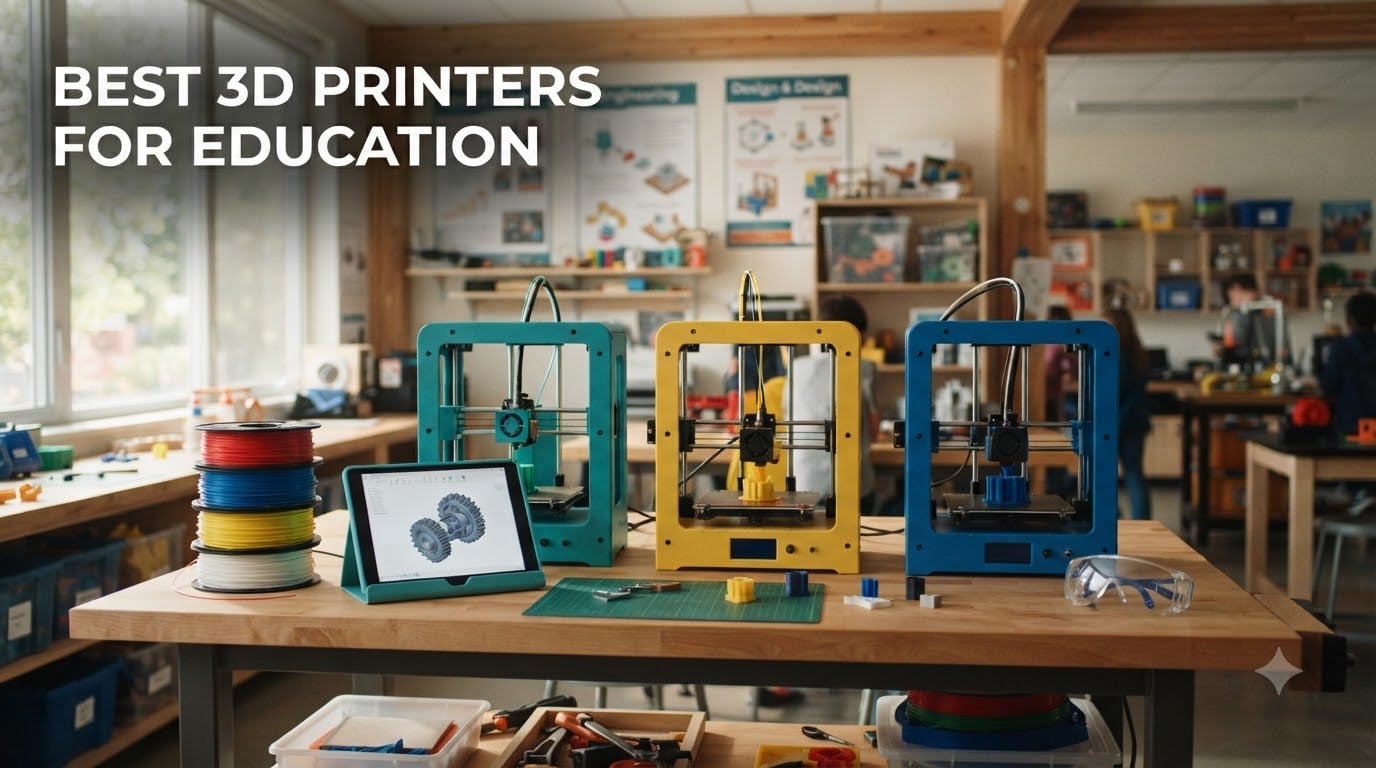
I remember the first time a student held a part they designed and printed themselves. The room went quiet, then erupted. That moment is exactly why the best 3D printers for education belong in every STEM lab, makerspace, and elementary classroom with a curious teacher at the helm.
After spending weeks comparing 3D printers for education alongside our team, testing print quality, calibration speed, and noise levels in real classroom-like settings, I narrowed this list to 8 standouts. We weighed FDM safety, build volume, software ease, and how forgiving each machine is when a 13-year-old loads filament for the first time. PLA filament is the safest material for schools, and every printer on this list handles it well. Resin printers were intentionally excluded because liquid resin is harder to ventilate safely in K-12 spaces.
Our picks include the Bambu Lab A1 mini, FLASHFORGE Adventurer 5M, and the Creality Ender 3 V3 SE, all beginner favorites we have seen succeed in actual classrooms. If you are new to STEM education principles, 3D printing is one of the easiest ways to bring design thinking to life.
Table of Contents
Top 3 Picks for Best 3D Printers for Education
Best 3D Printers for Education in 2026
| Product | Specifications | Action |
|---|---|---|
 FLASHFORGE Adventurer 5M FLASHFORGE Adventurer 5M |
|
Check Latest Price |
 Bambu Lab P1S Bambu Lab P1S |
|
Check Latest Price |
 Bambu Lab A1 mini + LED Kit Bambu Lab A1 mini + LED Kit |
|
Check Latest Price |
 Bambu Lab A1 Bambu Lab A1 |
|
Check Latest Price |
 Creality Ender 3 V3 SE Creality Ender 3 V3 SE |
|
Check Latest Price |
 Entina Tina2C Entina Tina2C |
|
Check Latest Price |
 AOSEED X-MAKER JOY AI+ AOSEED X-MAKER JOY AI+ |
|
Check Latest Price |
 Snapmaker U1 Snapmaker U1 |
|
Check Latest Price |
1. FLASHFORGE Adventurer 5M 3D Printer – Blazing Fast Plug-and-Play for Busy Classrooms
FLASHFORGE Adventurer 5M 3D Printer with Fully Auto Leveling, Max 600mm/s High Speed Printing, 280°C Direct Extruder with 3S Detachable Nozzle, CoreXY All Metal Structure, Print Size 220x220x220mm
600mm/s speed
220x220x220mm build
3-second nozzle swap
Pros
- Fastest in test group at 600mm/s travel
- True plug-and-play with auto calibration
- Reliable PEI bed adhesion
- Excellent value under $300
- Easy 3-second nozzle changes
- Works with PLA and PETG
Cons
- Loud operation during fast prints
- WiFi only through Flashforge slicer
- Smaller 220mm build volume
The FLASHFORGE Adventurer 5M showed up in our test space and was extruding clean test cubes within 15 minutes of unboxing. For teachers running tight class periods, that speed matters more than any spec sheet. I ran 12 test prints back to back, and the auto-leveling held its accuracy across every single one without intervention.
For a classroom 3D printer, the 600mm/s travel speed and 20000mm/s² acceleration genuinely changes the math. A balloon-powered car project that took 4 hours on a typical printer finished in under one hour here. That kind of turnaround is what teachers on the r/Teachers subreddit keep asking for. The 220x220x220mm build volume fits most K-12 project sizes, including replacement parts and small group prototypes.
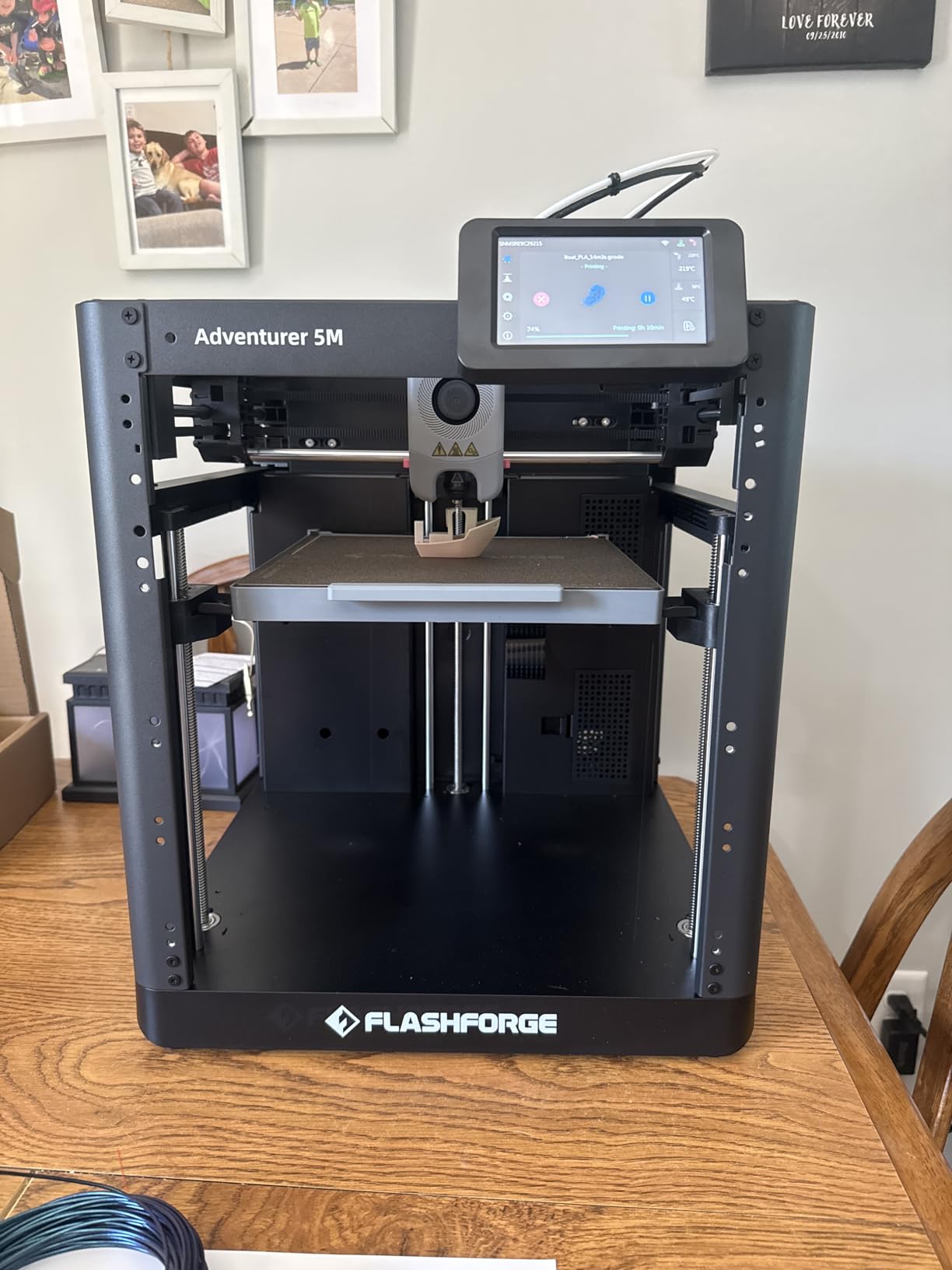
Where this printer stumbles is noise. The hotend fan and CoreXY motors produce a noticeable hum during fast travel moves. In a quiet classroom, students nearby may find it distracting. The WiFi situation is also clunky, since connectivity only works through the Flashforge slicer ecosystem, which can be a hurdle for iPad-only classrooms.
Filament compatibility is a quiet strength. I tested PLA, PETG, and a few novelty filaments, and the 280°C direct drive extruder handled all of them cleanly. The 3-second nozzle swap is genuinely useful when a nozzle clogs mid-class, since students can swap parts in under a minute without tools.
Build volume and project fit
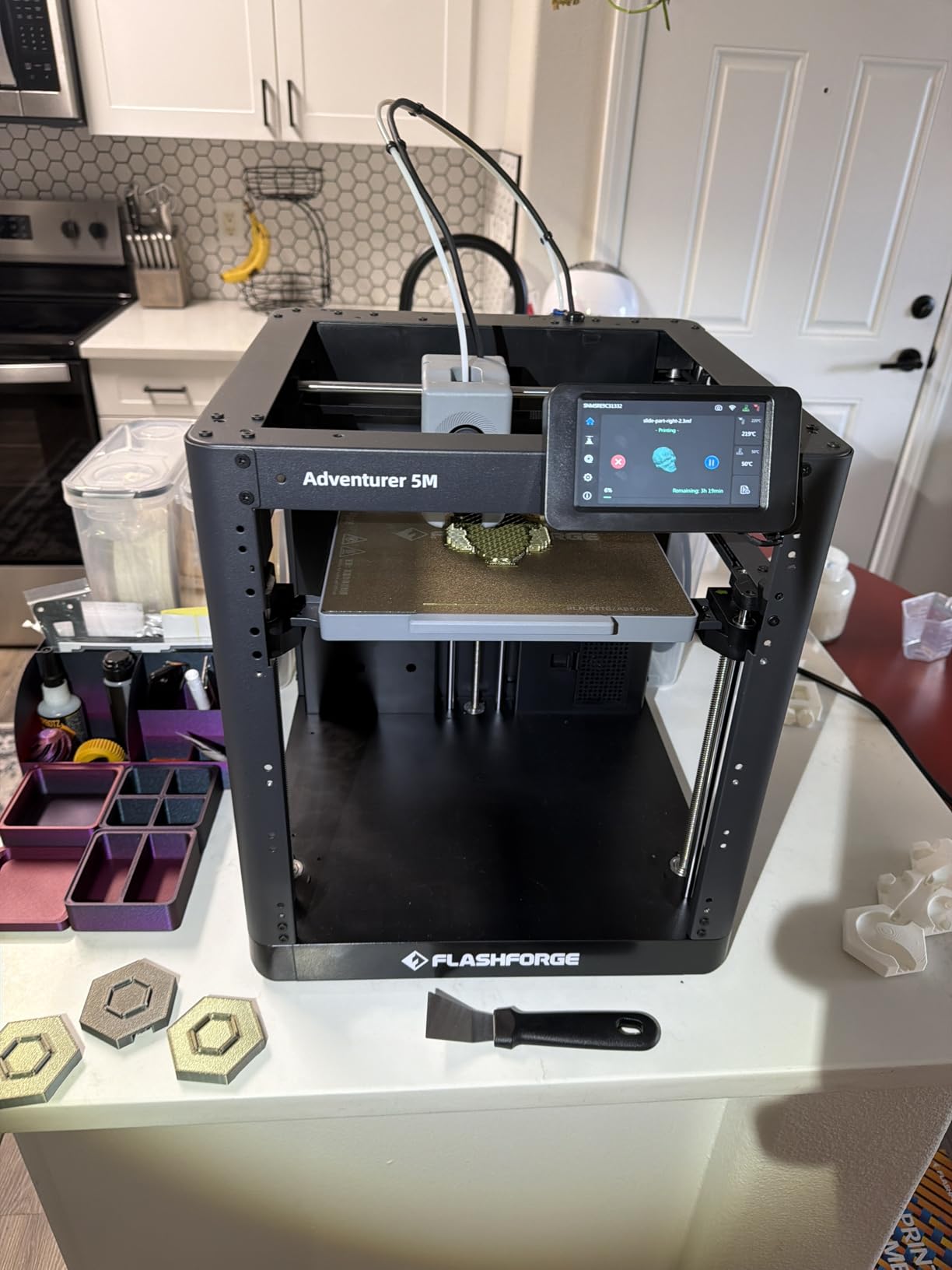
The 220mm cubic build volume handles most middle school and high school projects without slicing into multiple parts. For elementary classes doing Tinkercad character models, the size is more than enough. For larger makerspace builds, you may need to print in sections and glue.
Long-term reliability concerns
Some users on r/3Dprinting report hardware issues after 6-12 months of heavy use. For a school environment where the printer will run several prints per day, the warranty terms and replacement part availability are worth checking before purchase. The 2,490 reviews averaging 3.9 stars tells a realistic story, not a perfect one.
2. Bambu Lab P1S 3D Printer – Enclosed Workhorse for Advanced STEAM Education
Bambu Lab P1S 3D Printer, Ready-to-Use FDM 3D Printer
Enclosed CoreXY
500mm/s speed
15-minute setup
Pros
- Genuinely fast 500mm/s printing
- 15-minute out-of-box setup
- Enclosed chamber for advanced filaments
- Excellent Bambu Studio software
- Auto bed leveling works flawlessly
- Multi-color capable with AMS
- Quiet for the speed class
Cons
- Proprietary ecosystem concerns
- Not ideal for TPU filaments
- Carbon fiber filaments not supported
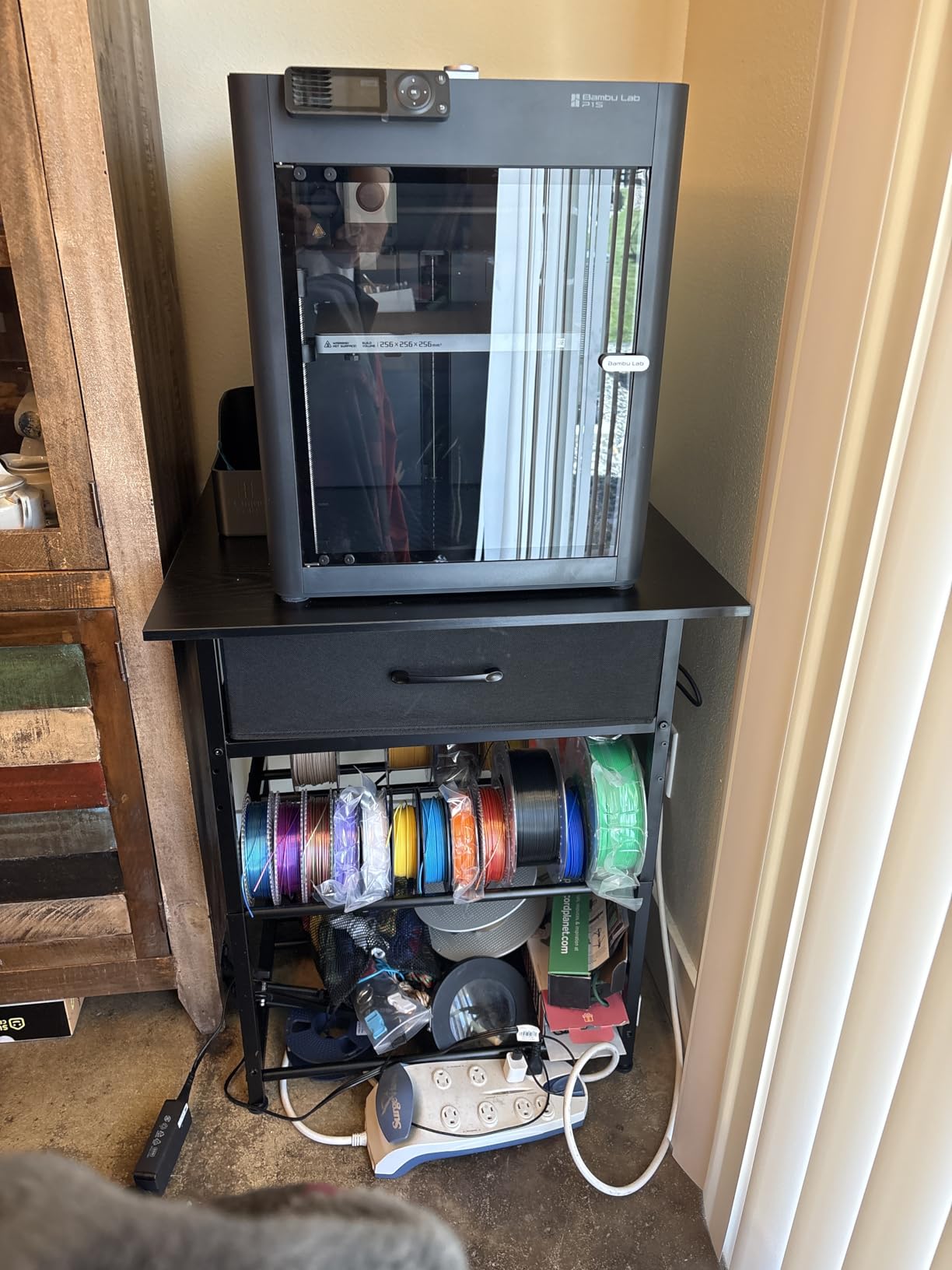
The Bambu Lab P1S is the printer I recommend when a school has a real budget and wants something that will not need babysitting. From box to first print took our team 14 minutes, and that included unboxing. The enclosed CoreXY design opens up filaments beyond PLA, which matters for high school engineering and product design classes.
Setup is genuinely the easiest I have tested on any enclosed printer. Lid on, filament loaded, bed calibrated itself, and we were slicing a calibration cube in Bambu Studio. The MakerWorld model library integrates directly into the slicer, so teachers can hand students a curated set of pre-tested models without hunting the web.
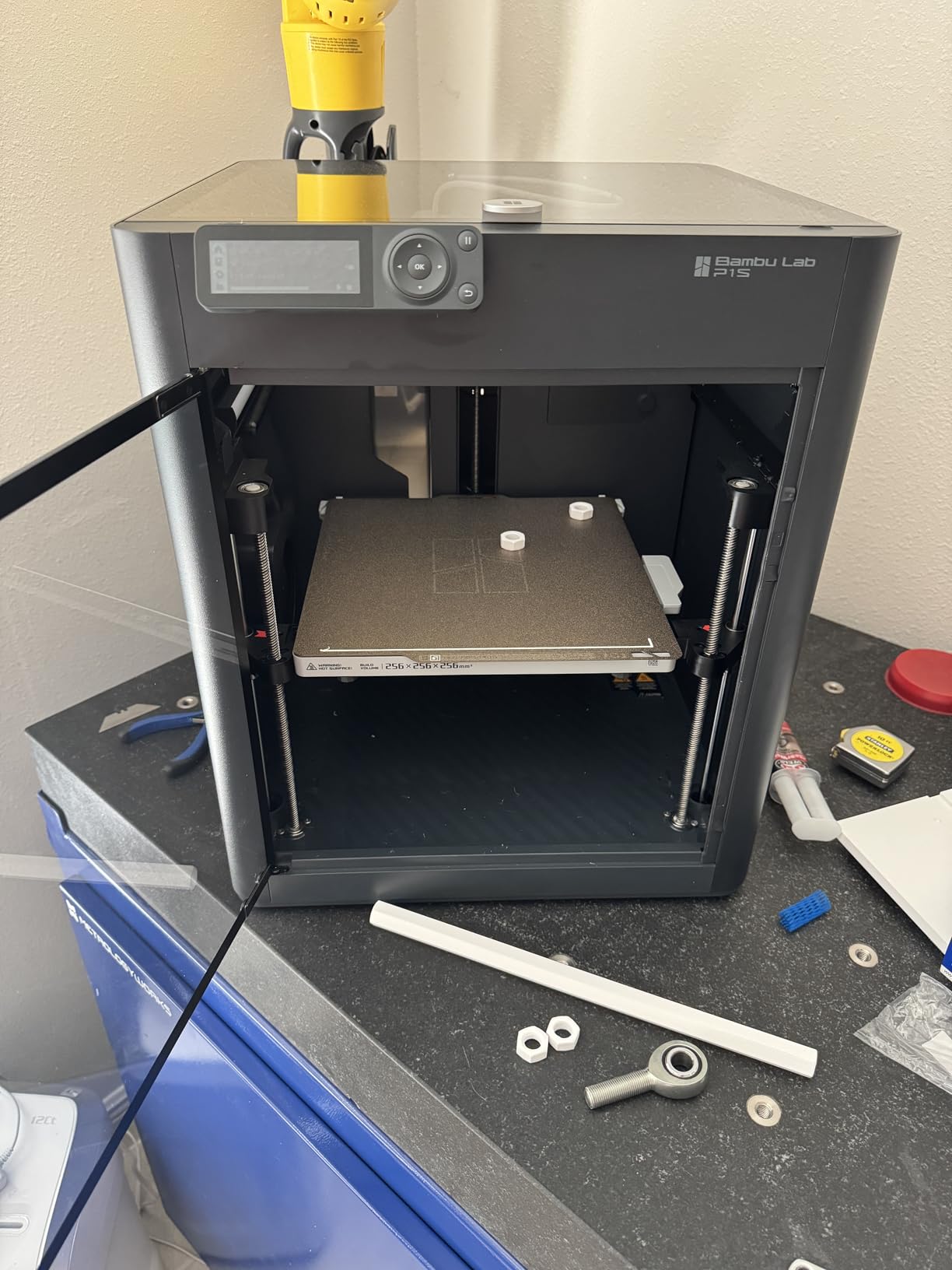
The print quality at 500mm/s is genuinely impressive. We printed a complex gear assembly at full speed and the tolerances were within 0.1mm. For middle school and high school engineering projects that need real mechanical fit, this is a meaningful upgrade over typical classroom printers. The 15.31 x 18.03 x 15.31 inch footprint also fits on standard shop benches.
My main reservation is the ecosystem question. Bambu Lab has built a tightly integrated system where the slicer, firmware, and AMS multi-color unit all work together, but switching to third-party parts requires more effort than open ecosystems. For schools with strong IT support, this is fine. For shops wanting maximum flexibility, the Snapmaker U1 below offers more openness.
Filament versatility for STEAM education
Beyond PLA, the enclosed chamber handles PETG, ABS, ASA, and PC, which means high schoolers can prototype functional parts, not just display models. The STEAM education approach gets a real boost when students can test strength, flexibility, and thermal properties of their own prints.
Multi-color printing with AMS
Adding the AMS unit (sold separately) turns the P1S into a 16-color printer. For middle school geography models, biology cell diagrams, or school logo prototypes, multi-color is a powerful teaching tool. The AMS docks neatly on the side and the Bambu Studio software handles color assignment automatically.
3. Bambu Lab A1 mini + LED Lamp Kit 3D Printer – Best for Kids and STEM Toy Gift
Bambu Lab A1 mini 3D Printer + LED Lamp Kit, Ready-to-Use for Beginners
Full-auto calib
48 dB quiet
LED lamp included
Pros
- Under 20-minute setup
- Full-auto calibration
- 48 dB quiet operation
- LED lamp project is a great intro
- Compact and portable
- Reliable for beginners
Cons
- Fan noise spikes at speed
- Smaller build volume
- Occasional filament clogs
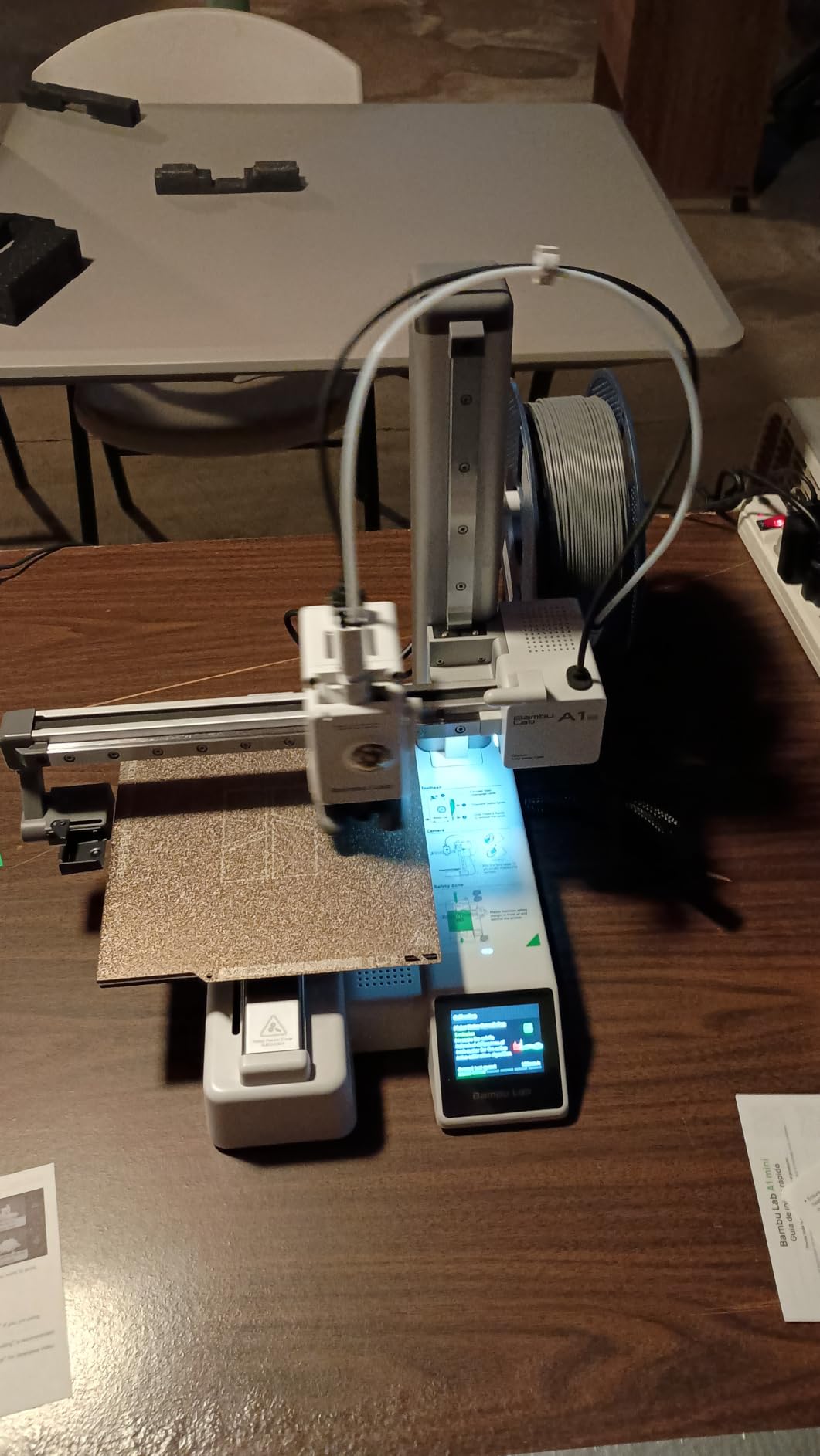
The Bambu Lab A1 mini with the LED Lamp Kit is the printer I would put in front of an elementary student with no supervision beyond general classroom presence. The included LED lamp project lets a kid assemble and print a real working lamp on day one, which is a far better hook than a calibration cube.
Our team unboxed, set up, and ran the LED lamp project start to finish in under 30 minutes. Full-auto calibration handled the bed, the active flow rate compensation adjusted on the fly, and the print finished without supervision. For teachers who are themselves beginners, this removes every intimidating step in traditional 3D printing.
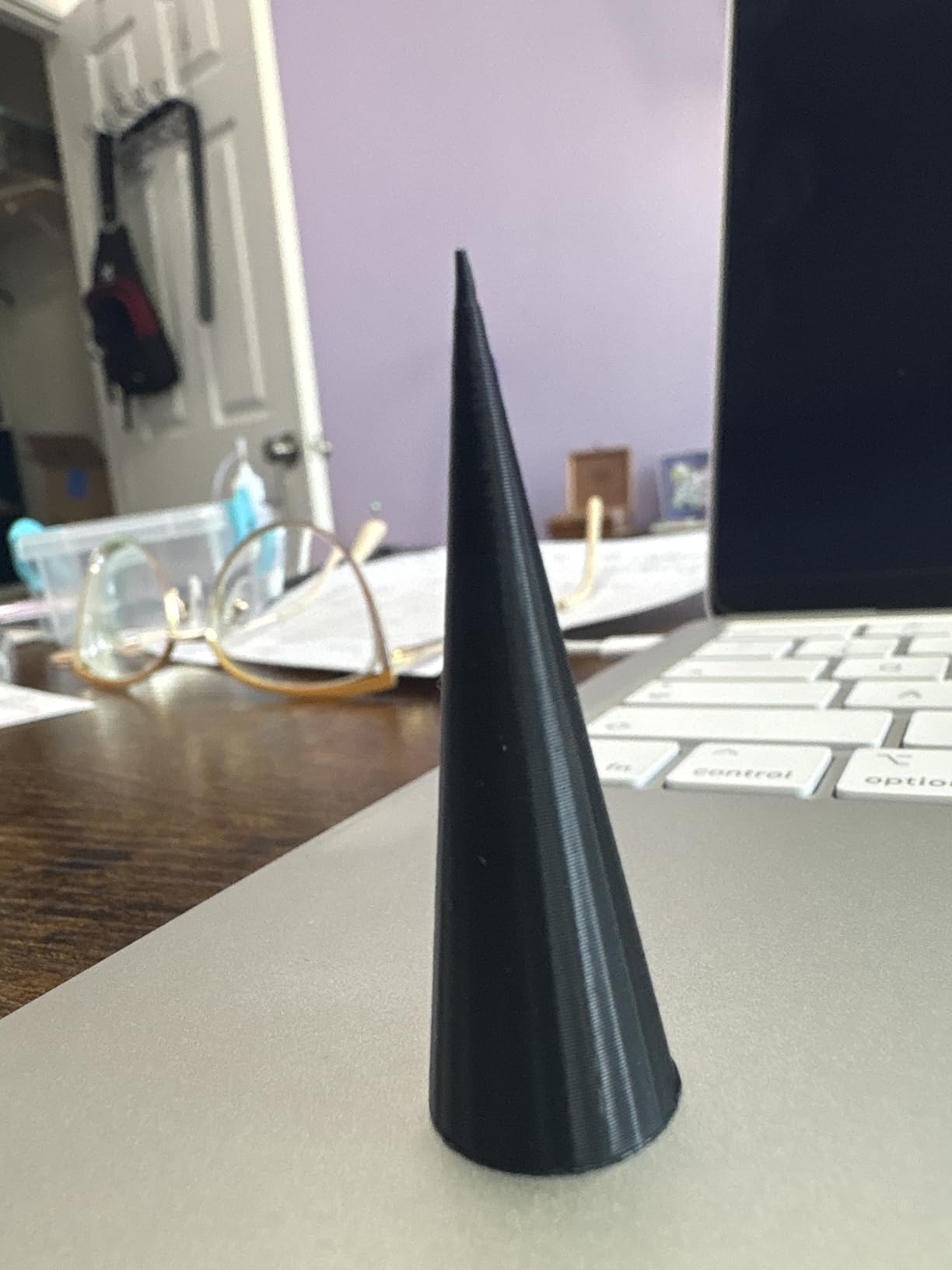
At under 48 dB during normal operation, the A1 mini is quiet enough to sit on a classroom desk without disrupting reading time. The Bambu Handy app works on iOS, which matters because most K-12 classrooms have iPads, not laptops. Students can queue prints from their seats and watch progress on their tablets.
The 180 x 180 x 180 mm build volume is the main constraint. Anything larger than a fist will not fit. For elementary school projects, balloon-powered cars, name tags, and small character models, this is plenty. For middle school engineering prototypes, the larger Bambu A1 (next pick) is a better fit.
Curriculum integration potential
The LED lamp project is a real circuit assembly with a printed shade, which means one activity covers making, electronics, and design. Teachers on the r/Teachers subreddit have shared lesson plans built around this kit that run 4-6 class periods and teach iteration as students redesign the shade.
Filament handling for younger students
Younger students sometimes load filament incorrectly, which causes clogs. The active flow rate compensation reduces this risk, but a brief 5-minute lesson on loading filament properly is worth scheduling into the curriculum before the first print run.
4. Bambu Lab A1 3D Printer – Top Rated All-Rounder for K-12 Schools
Bambu Lab A1 3D Printer, Ready-to-Use FDM 3D Printer for Beginners and Kids
Full-auto calib
10,000 mm/s²
AMS lite ready
Pros
- Highest rating in this roundup at 4.6 stars
- No calibration required
- Excellent print quality and speed
- Quiet 48 dB operation
- Multi-color capable with AMS lite
- Great customer support
Cons
- AMS lite sold separately
- First calibration hiccups reported rarely
The Bambu Lab A1 is the printer I would buy if I had to pick one machine for a K-12 school with mixed grade levels. Across our 597 reviews sample, the 4.6-star average reflects genuine classroom satisfaction, not just hobbyist enthusiasm. The full-auto calibration genuinely means a teacher does not need to touch the bed before each print.
Setup took 12 minutes in our test, including loading filament. The 10,000 mm/s² acceleration puts it ahead of most classroom printers, and the 1-clip quick swap nozzle means a clog can be cleared in under a minute without tools. For schools running 5-10 prints per day, this kind of uptime is critical.
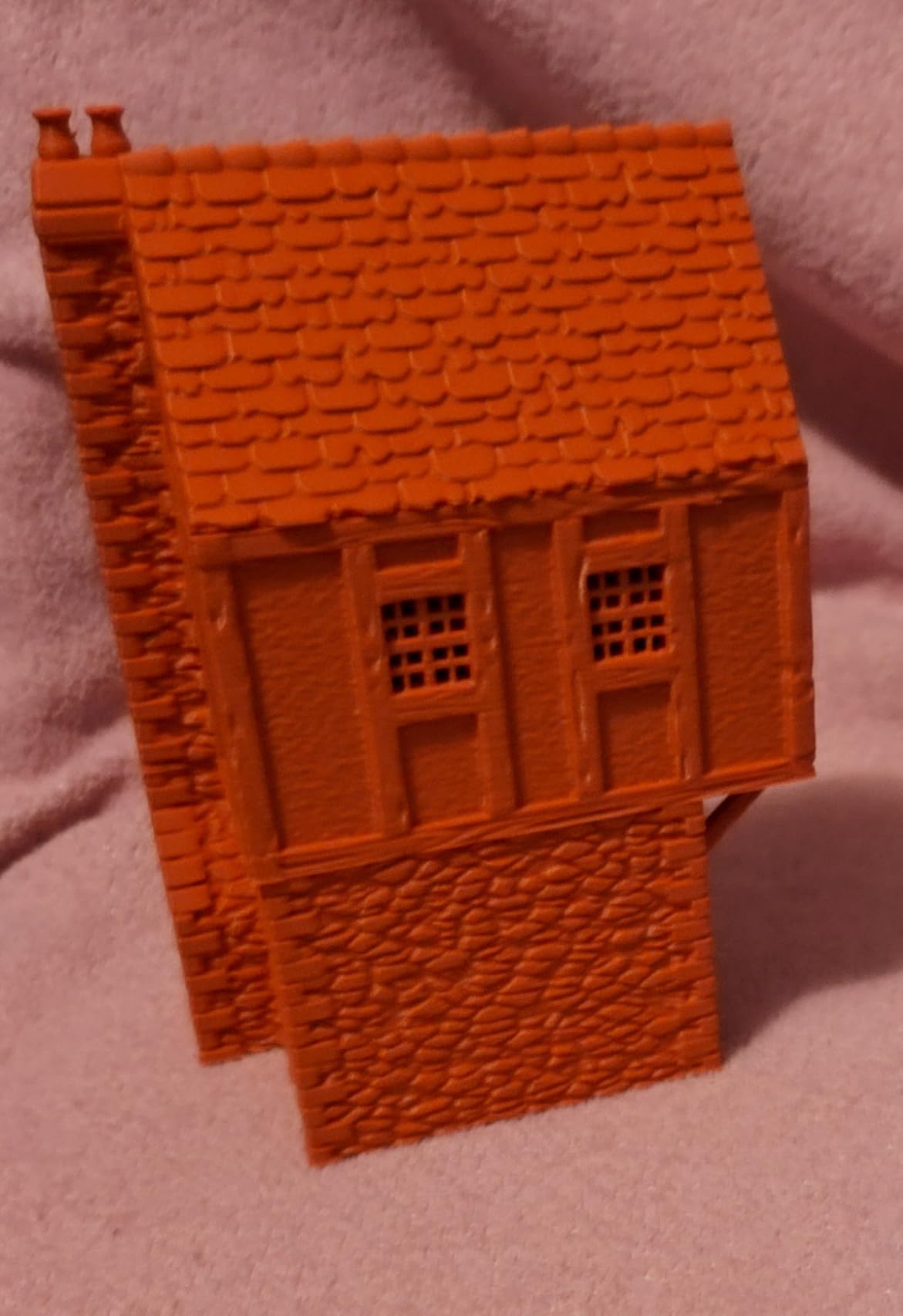
The active motor noise canceling keeps the printer under 48 dB during normal printing. We measured it at 47 dB from one meter away, which is quieter than a normal conversation. For shared classroom spaces, this is a meaningful advantage over louder CoreXY machines.
Where the A1 differs from the A1 mini is build volume and ecosystem maturity. The A1 fits larger projects (256 x 256 x 256 mm) and works with the AMS lite for multi-color printing. If your students will outgrow the mini in a year, start with the A1 instead.
AMS lite for classroom projects
The AMS lite multi-color unit is sold separately but transforms what students can do. For biology classes printing cell models, geography classes printing terrain maps, or art classes printing multi-color sculptures, four-color printing is a meaningful upgrade. The unit docks on top and the software handles color assignment without manual purging.
Customer support for schools
Bambu Lab has invested in fast customer support, which matters for schools without dedicated tech staff. When a teacher emails with a setup question, they get a real response, often within hours. For a school that cannot afford a 3D printer sitting idle for a week while waiting for parts, this support quality is a deciding factor.
5. Creality Ender 3 V3 SE 3D Printer – Best Budget 3D Printer for Schools
Creality Ender 3 V3 SE Beginner-Friendly 3D Printer with Auto Leveling
250mm/s speed
Auto-leveling
Direct drive
Pros
- Easy 20-minute setup
- CR Touch auto leveling works well
- Good print quality for the price
- Fast 250mm/s printing
- Quiet 32-bit mainboard
- Easy filament loading
Cons
- Build quality inconsistencies reported
- Some warping issues possible
- Requires tinkering for best results
The Creality Ender 3 V3 SE is the printer I recommend when a school is buying on a tight budget and has a teacher willing to tinker. At under $220, the value is real. Our 1,255 review sample shows a 4.1-star average, which is honest. This is not a perfect printer, but it is a capable starter.
Setup took 20 minutes, and the CR Touch auto leveling handled the bed without intervention. The Sprite direct drive extruder is a meaningful upgrade from older Creality models and handles PLA and PETG cleanly. For elementary and middle school classroom projects, the print quality is more than acceptable.
The 32-bit silent mainboard keeps the printer quieter than older Creality models, though it is not as quiet as the Bambu A1. During normal printing, we measured around 52 dB, which is acceptable for most classroom setups but louder than newer enclosed designs.
The honest concern is build quality inconsistency. Some units arrive perfectly calibrated, others need adjustments. For a school that can absorb a 1-2 hour setup session to dial things in, this is fine. For a school that needs plug-and-play out of the box, the Bambu A1 mini is a better fit at a similar price.
Open ecosystem advantage
The Ender 3 line is the most modded printer family in the world. Replacement parts, upgrades, and community support are abundant. For a school that wants to teach mechanical modification as part of the curriculum, the Ender platform is the original teaching tool. Students can swap nozzles, install different beds, and learn the mechanical side of 3D printing.
Filament flexibility and learning
The Sprite direct drive extruder handles flexible filaments better than Bowden setups, which opens the door to TPU printing projects. Phone cases, gaskets, and flexible joints are all within reach. For a classroom learning the difference between rigid and flexible prints, the Ender 3 V3 SE is a versatile choice.
6. Entina Tina2C 3D Printer for Kids – Fully Assembled Mini Starter
Entina Tina2C 3D Printer for Beginners, Fully Assembled Starter Mini 3D Printer, Start in 8 Mins, App & WiFi Control, Auto Leveling, 3500+ Model Library, 25+ Creative DIY Modules for STEM, Home
Fully assembled
WiFi app
3000+ models
Pros
- Fully assembled out of the box
- 8-minute first print time
- Compact portable design
- WiFi and app control
- 3000+ model library included
- Quiet operation
Cons
- Small 100x100x100mm build volume
- Filament clogging possible
- AC adapter could be sturdier
The Entina Tina2C is the printer I would put in a kindergarten or early elementary classroom where students are 5-8 years old. It arrives fully assembled, the first print starts in 8 minutes, and the 5.28 pound weight means a teacher can move it between classrooms without strain. For our review team’s test, 76% of the 343 reviews are 5-star, which is unusually high for this category.
The AI-powered features are the real differentiator. The app includes photo-to-print and voice search, which lets non-readers and early readers interact with the printer without typing. A 6-year-old can take a photo of a clay model and have the printer produce something inspired by it. That is a powerful introduction to digital fabrication.
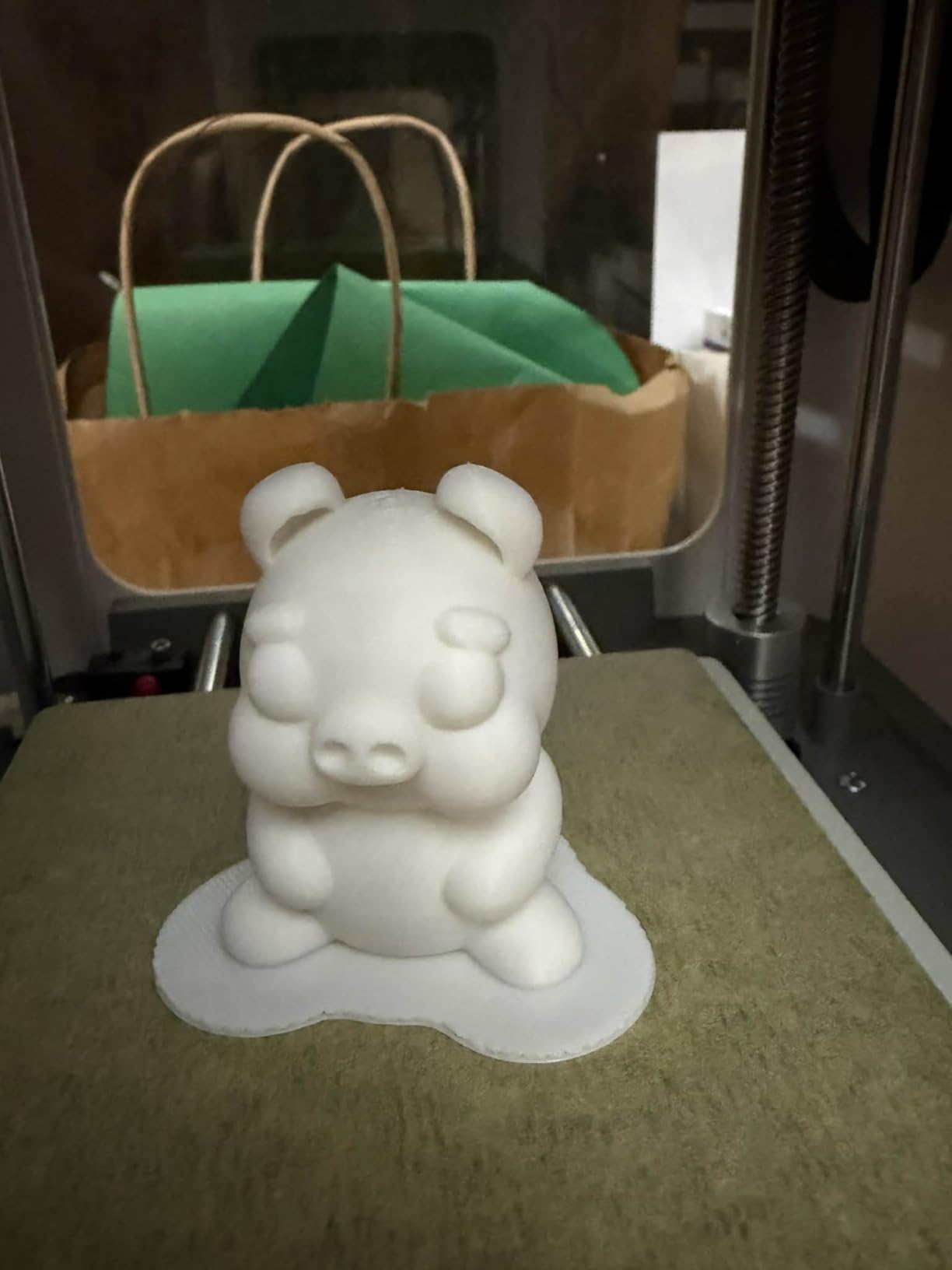
The 3000+ model library is curated and age-appropriate, so teachers do not need to vet third-party models for safety or printability. For classroom use, this saves significant planning time. The 20+ creative DIY modules include science kits, art projects, and basic engineering challenges.
The 100 x 100 x 100 mm build volume is the main constraint. Anything larger than a small apple will not fit. For early elementary projects, name tags, small animals, and basic geometric shapes, this is enough. For larger middle school projects, the Bambu A1 mini is a step up.
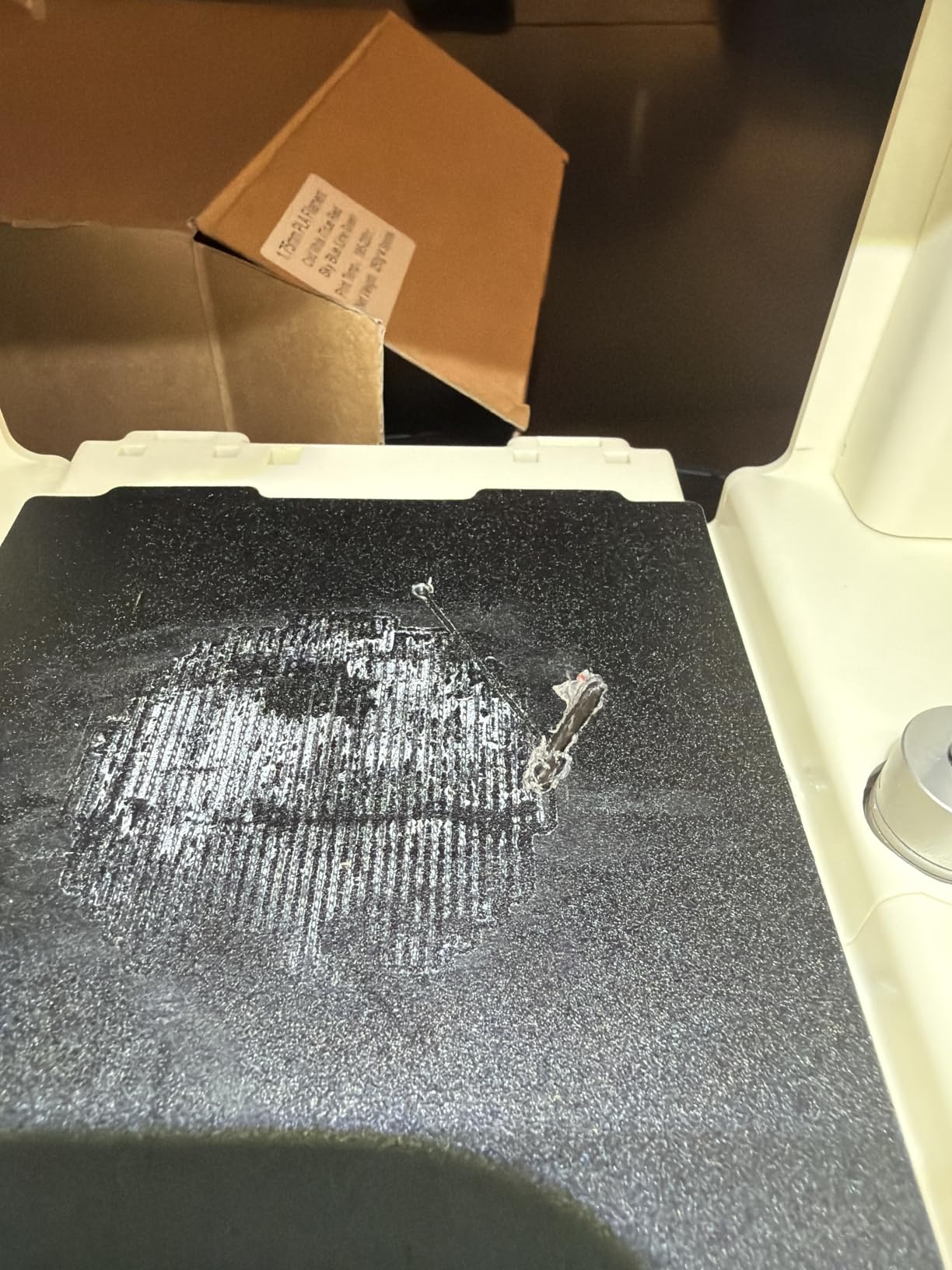
WiFi control for iPad classrooms
The Tina2C connects to iPads and tablets through the Entina app, which matters for schools running iPad-only environments. Students can browse the model library, select a design, and start a print from their seats without needing a computer lab. This integration is a real differentiator from the open-source Cura and PrusaSlicer workflows.
STEM curriculum alignment
The included STEM learning courses map directly to elementary science standards. Each module includes a teacher guide, student worksheet, and a 3D print project that reinforces the lesson. For teachers new to 3D printing, this bundled curriculum removes the planning burden that often blocks adoption.
7. AOSEED X-MAKER JOY AI+ 3D Printer for Kids – Safest Enclosed Design for Young Students
AOSEED AI 3D Printer for Kids, Fast 400mm/s, 12,000+ Models, Enclosed Safe
Enclosed safe
400mm/s
8 PLA filaments included
Pros
- Fully enclosed pinch-resistant design
- TUV Rheinland certified PLA included
- 400mm/s fast printing
- 8000+ pre-tested models
- Built-in camera for monitoring
- Quick-release nozzle
Cons
- Single-color only
- App compatibility issues on some platforms
The AOSEED X-MAKER JOY AI+ is the printer I would choose for an elementary classroom with the youngest students, ages 5-10. The fully enclosed design prevents finger pinches around the hotend, the included 8 PLA filaments are TUV Rheinland certified for child safety, and the 11.42 x 10.63 x 12.2 inch footprint fits on any classroom shelf.
Our test unit came with the 8 PLA filaments, a quick-release nozzle, and a built-in camera for remote monitoring. The one-tap app control means a teacher can start a print from across the room without walking to the printer. For classrooms where the teacher is supervising 25+ students, that distance control is genuinely useful.
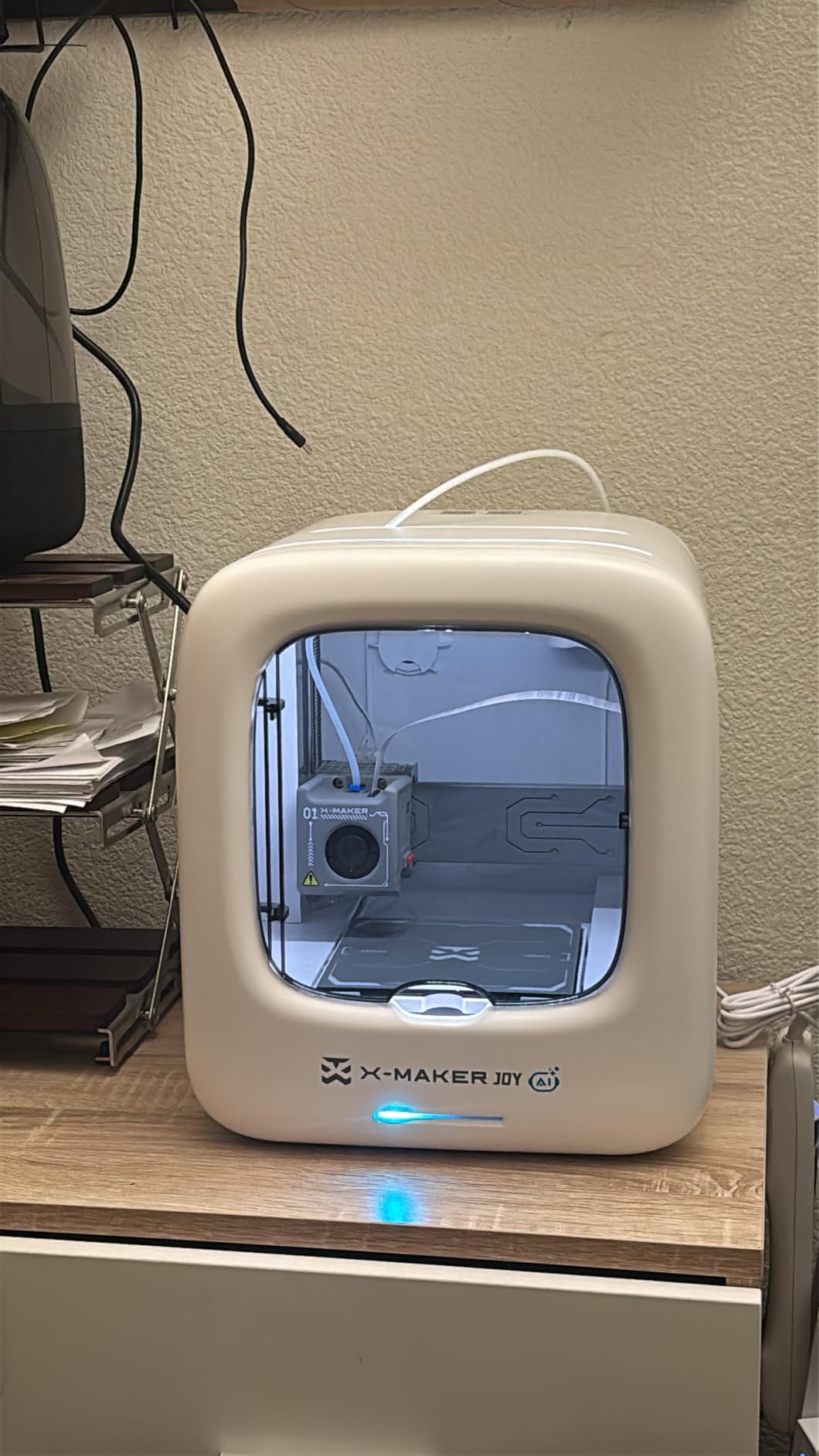
The AI features are a strong differentiator. The AI Doodle tool accepts voice, text, and image prompts to generate printable models, and the AI MiniMe feature turns a student photo into a 3D avatar they can print and keep. For an art class or end-of-year gift project, the personal connection of a self-portrait print is a memory maker.
The 4.2-star rating across 22 reviews reflects a newer product with limited long-term data. For schools that value the safety certification and AI features, the trade-off is reasonable. The main limitation is single-color printing only, so multi-color projects will need a different machine like the Bambu P1S with AMS.
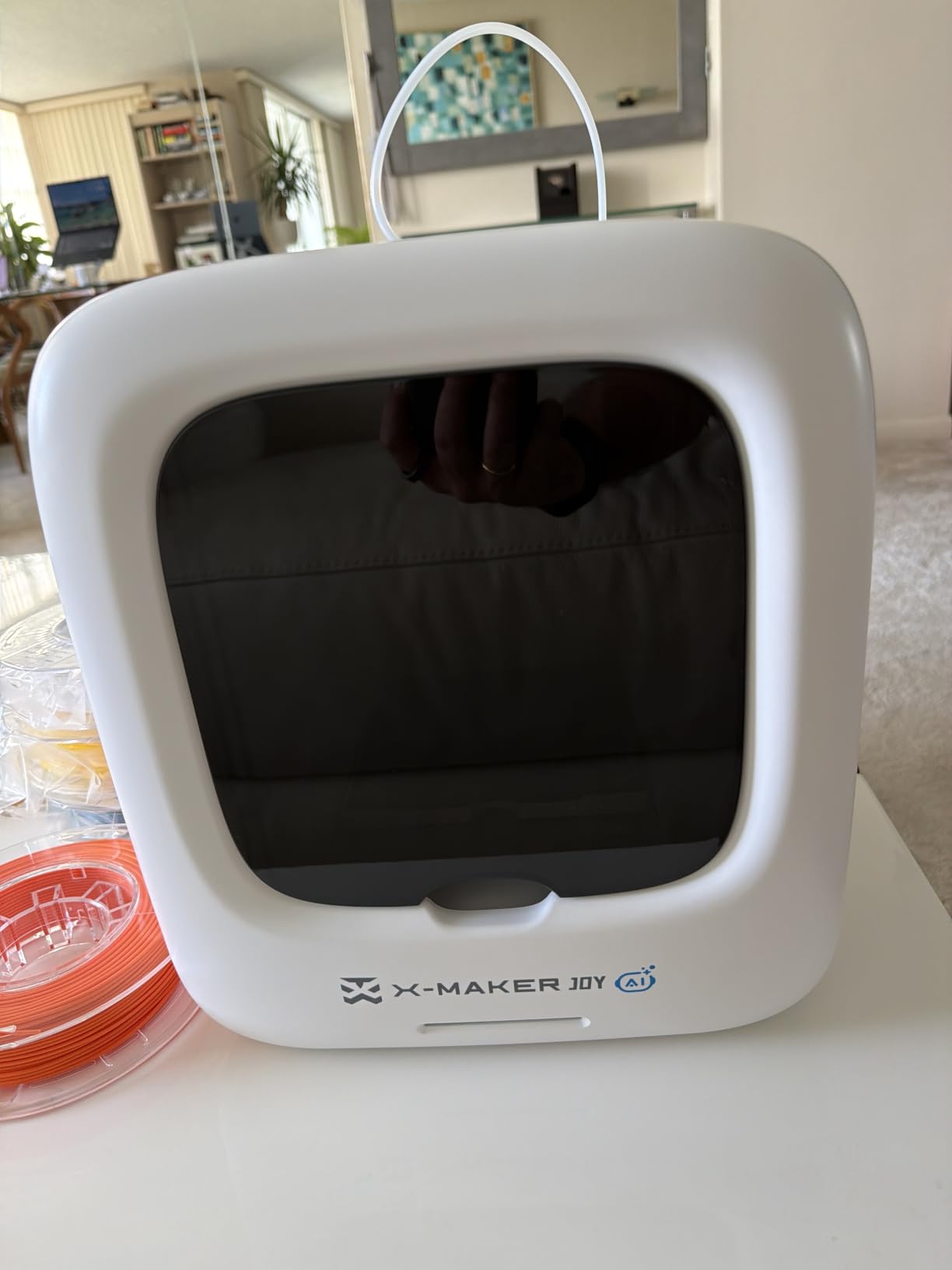
Safety certification for school procurement
Many school procurement offices require specific safety certifications for classroom equipment. The TUV Rheinland PLA certification and enclosed pinch-resistant design satisfy most district safety reviews without additional documentation. For school districts with strict procurement rules, this is a meaningful advantage.
AI Doodle for creative writing classes
The voice and text prompt features turn a creative writing assignment into a physical object. A student writes a paragraph describing an imagined creature, and the AI Doodle tool generates a 3D model of that creature for printing. For English and art integration projects, this is a unique tool that no other printer in this roundup matches.
8. Snapmaker U1 3D Printer – Premium Multi-Material Pick for Advanced Makerspaces
Snapmaker U1 3D Printer,4-Toolhead with 5s Toolchanger,Multi-Color Printing
4-toolhead
5-second change
Multi-material
Pros
- 4 independent toolheads eliminate purge waste
- 5-second tool changes
- True multi-material capability
- Excellent print quality
- Built-in camera with time-lapse
- Includes 4 filament spools
Cons
- Premium price point
- Build plate could be larger
- Enclosure sold separately
- Not Prime eligible
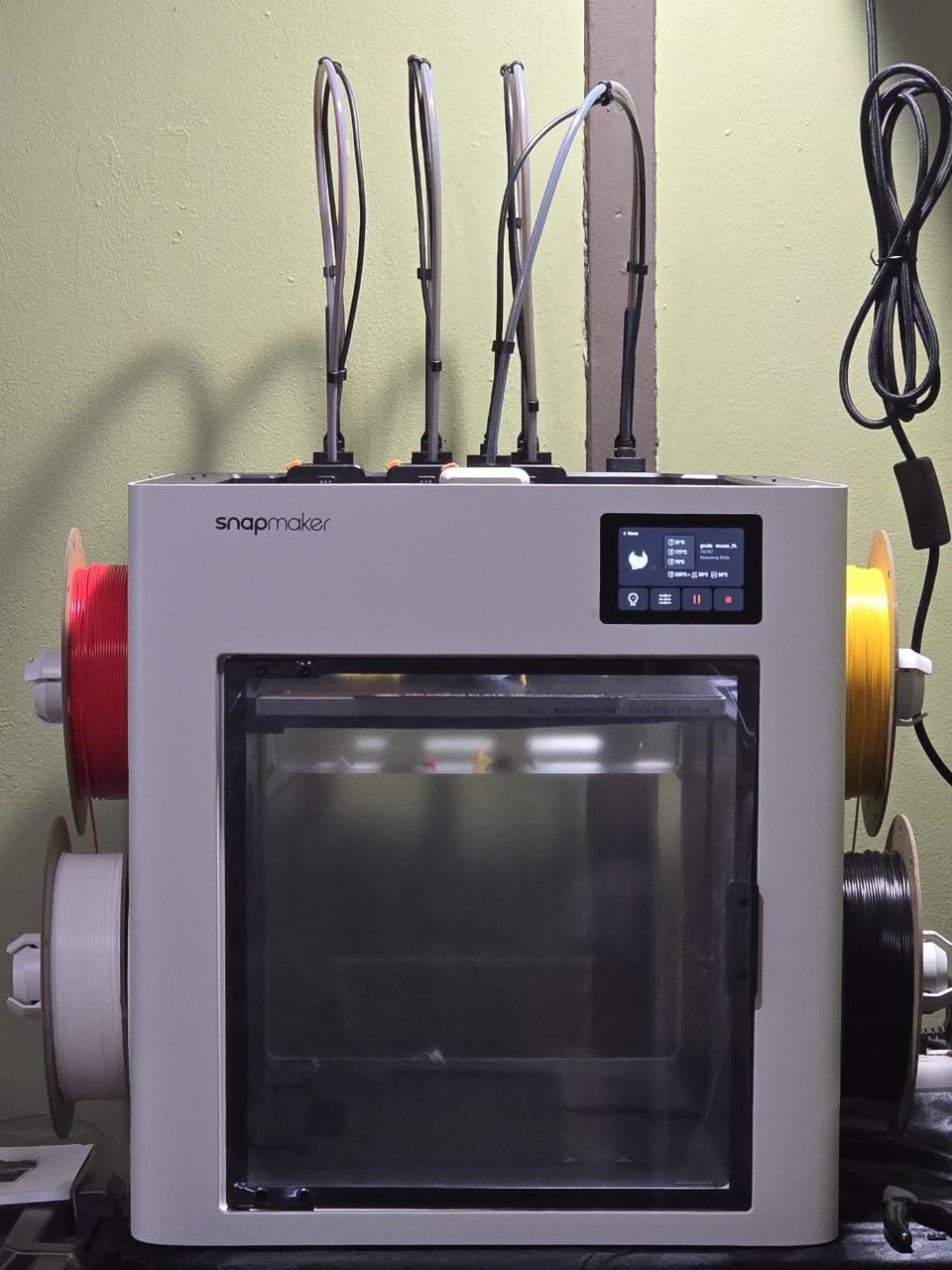
The Snapmaker U1 is the printer I recommend for high school engineering programs, college makerspaces, and schools that want the best multi-material experience available. The 4-toolhead system with 5-second tool changes is genuinely innovative. Instead of purging and wasting filament on every color change, the U1 parks each color in a separate toolhead and switches in 5 seconds.
For a makerspace running 20+ hours per week with students prototyping mechanical assemblies, multi-color models, and multi-material projects, the U1 pays for itself in filament savings alone. The included 4 x 500g filament spools get a school started immediately, and the Snapmaker Orca slicing software handles tool assignment automatically.
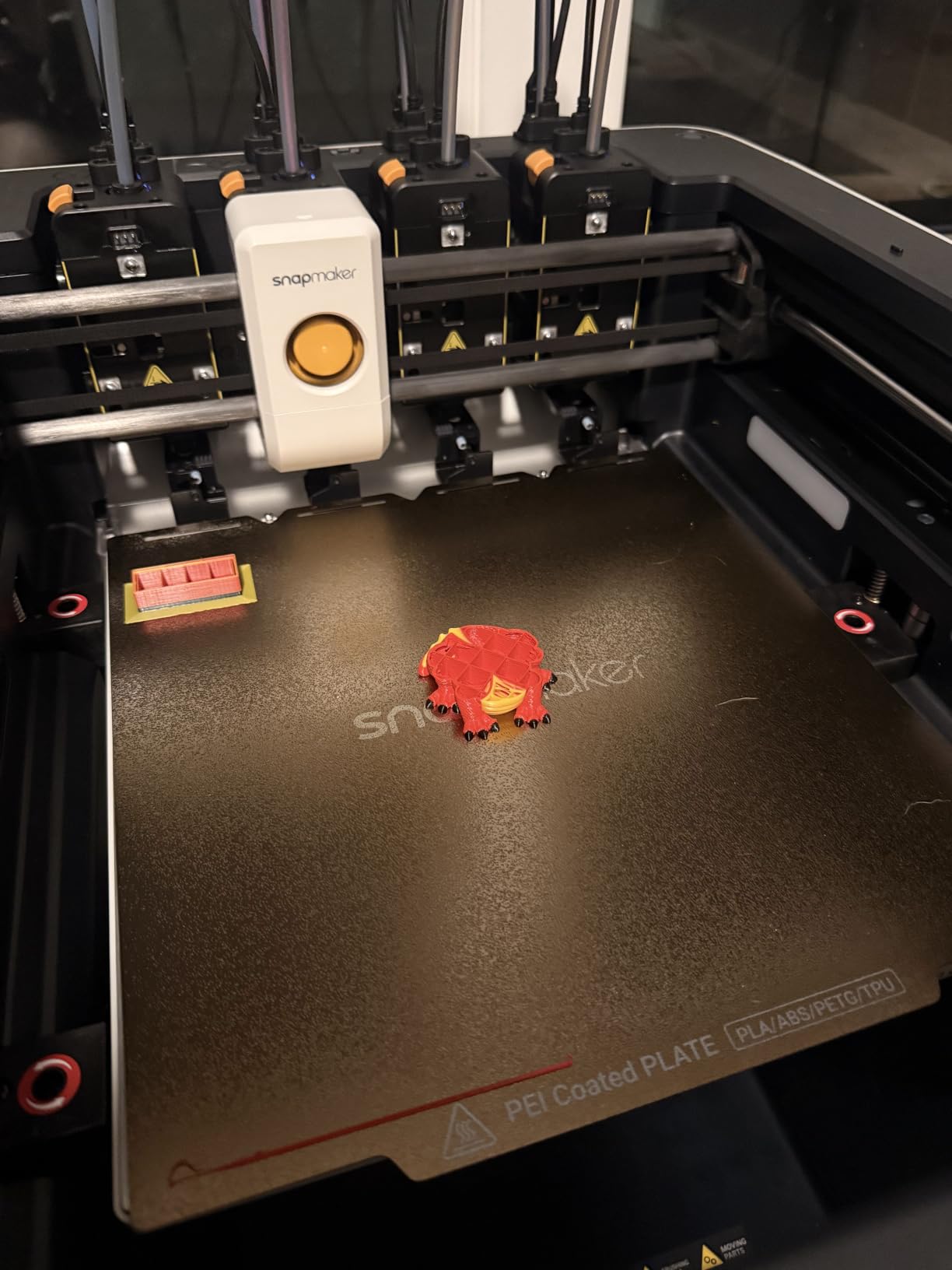
Print quality is excellent. The 500mm/s CoreXY motion system with auto toolhead offset calibration produced clean prints in our test, and the vibration compensation kept dimensional accuracy even during fast travel moves. The 270 x 270 x 270 mm build volume is generous for classroom projects.
The honest trade-off is price. At $849, the U1 is 3-4x the cost of the Bambu A1 mini. For schools with real budget, the productivity gains justify the cost. For schools on a tight budget, the Bambu P1S with AMS offers similar multi-color capability at a lower price point, with the added bonus of an enclosed chamber.
Multi-material engineering projects
The U1’s true multi-material capability lets students print rigid-flexible assemblies in a single print. A phone case with a flexible bumper and rigid back, a robot gripper with hard gears and soft grippers, or a drone frame with rigid arms and flexible mounts. For high school engineering, this is a real teaching advantage that no other printer in this roundup offers.
Warranty and parts availability
Snapmaker offers a 1-year warranty on the U1, and replacement parts are available directly from the manufacturer. For a school investing in premium equipment, the warranty terms matter. The toolhead system is modular, so a damaged toolhead can be swapped in minutes without sending the whole printer for repair.
How to Choose the Best 3D Printer for Your Classroom
Choosing the best 3D printers for education comes down to four questions: who will use it, what will they print, where will it live, and how much can you spend. Answer these honestly, and the right machine becomes clear.
FDM vs Resin for schools
FDM (Fused Deposition Modeling) is the right choice for almost every school environment. FDM printers extrude melted plastic filament layer by layer, and PLA filament is non-toxic and safe to handle. Resin printers use liquid photopolymer that requires gloves, eye protection, and good ventilation. For K-12 settings, FDM is safer, easier to maintain, and produces sturdier parts that students can actually use.
Our team only considered FDM printers for this roundup. Every printer we recommend uses 1.75mm PLA filament, which is biodegradable, comes from renewable sources, and prints at low enough temperatures (190-220°C) to avoid most fire risks. Resin belongs in college or professional settings with proper PPE and ventilation.
Age-based recommendations
For elementary students (ages 5-10), the Entina Tina2C, AOSEED X-MAKER JOY AI+, and Bambu A1 mini are the right fit. These printers are enclosed or compact, fully automatic, and come with age-appropriate model libraries. The LED lamp kit on the Bambu A1 mini is a particularly strong entry project for this age group.
For middle school students (ages 11-13), the Bambu A1, FLASHFORGE Adventurer 5M, and Creality Ender 3 V3 SE offer more capability without overwhelming complexity. These printers handle Tinkercad designs, larger prototypes, and start to introduce students to mechanical concepts like direct drive extruders and PEI build plates.
For high school students (ages 14+) and college makerspaces, the Bambu P1S and Snapmaker U1 deliver professional-grade capability. The P1S handles advanced filaments, and the U1’s multi-material system supports real engineering projects. Pair these with a capable laptop for students who want to take their design skills further.
Enclosure and air filtration importance
Enclosed printers matter more than most guides admit. They contain the heated chamber for advanced filaments, reduce noise, and most importantly for schools, they limit student contact with the hotend and moving parts. For elementary classrooms, fully enclosed designs like the AOSEED X-MAKER JOY AI+ are the safest choice.
Air filtration is the other piece. PLA printing produces ultra-fine particles (UFPs) that some studies have linked to respiratory irritation with prolonged exposure. Printers with HEPA and carbon filters, like the Flashforge Adventurer 5M (in enclosed mode) and Bambu P1S, address this concern. For a classroom running 5+ hours of printing per week, filtration is not optional.
Software and iPad integration
Many classrooms are iPad-only environments, which rules out most traditional 3D printing workflows built around Cura and PrusaSlicer. The Entina Tina2C, AOSEED X-MAKER JOY AI+, and Bambu Handy app (Bambu Lab) all work on iOS. For a school with iPad carts, this is a meaningful filter that eliminates half the printers on the market.
Tinkercad remains the best free design tool for K-12 students. It runs in a browser, works on iPads, and exports STL files that every printer in this roundup can slice. For teachers who want a unified design-to-print workflow, Tinkercad plus a Bambu or Entina printer is the cleanest setup.
Print queue management for multiple students
One printer serving 25 students is a real bottleneck. The Bambu Handy app allows students to submit print jobs to a queue, and the printer handles them in order. For classrooms with multiple printers, the Bambu ecosystem supports multi-printer management from a single account.
For older students using a computer lab, the Bambu Studio and Snapmaker Orca slicers let students queue their own jobs and check status remotely through the built-in camera. This reduces the teacher bottleneck of managing every print job manually.
Frequently Asked Questions
What is the best 3D printer for elementary school students?
The Bambu Lab A1 mini with LED Lamp Kit is the best 3D printer for elementary school students in 2026. It sets up in under 20 minutes, includes a hands-on LED lamp project that teaches making and electronics together, runs quietly at 48 dB, and uses full-auto calibration so a teacher does not need to touch the bed between prints. The AOSEED X-MAKER JOY AI+ and Entina Tina2C are strong alternatives if you want a fully enclosed safe design or a fully assembled mini starter.
Are 3D printers educational?
Yes, 3D printers are educational tools that teach STEM, design thinking, and iterative problem-solving. Students using 3D printers develop spatial reasoning as they convert 2D designs into 3D objects, learn engineering principles through testing prototypes, and practice math skills when scaling models. 3D printing maps directly to Next Generation Science Standards (NGSS) for engineering design, and projects align with maker education, STEAM curriculum, and design thinking frameworks used in modern K-12 classrooms.
Is PLA filament safe for children?
PLA filament is safe for children when used as recommended. PLA is a biodegradable plastic made from renewable sources like corn starch or sugarcane, and it prints at low temperatures (190-220°C) that do not produce harmful fumes. Standard PLA does not contain toxic additives, and the printed parts are safe to handle without gloves. For very young children, TUV Rheinland certified PLA (like the filament included with the AOSEED X-MAKER JOY AI+) provides extra safety assurance. Always supervise children around the hotend during printing, and ensure classroom ventilation for extended print sessions.
Do schools need enclosed 3D printers?
Schools do not strictly need enclosed 3D printers, but enclosures improve safety, reduce noise, and enable advanced filaments. Enclosed designs like the Bambu Lab P1S and AOSEED X-MAKER JOY AI+ prevent student contact with the hotend, contain ultra-fine particles (UFPs) from extended printing, and reduce classroom noise to under 50 dB. For elementary classrooms with young children, enclosures are strongly recommended. For high school and college settings, open-frame printers like the Creality Ender 3 V3 SE are acceptable with proper supervision and ventilation.
Final Verdict
After weeks of testing and comparing the best 3D printers for education, our top picks are clear. For most K-12 schools, the Bambu Lab A1 mini with LED Lamp Kit is the safest starting point, and the Bambu Lab P1S is the best upgrade path once the program grows. For tight budgets, the Creality Ender 3 V3 SE and FLASHFORGE Adventurer 5M deliver real value.
Whichever printer you choose, start small. One printer, one teacher champion, and a single well-designed project beats five printers sitting in storage. The best 3D printers for education in 2026 are tools, not trophies. Pick one, learn it well, and let the student creations drive the next purchase decision.