
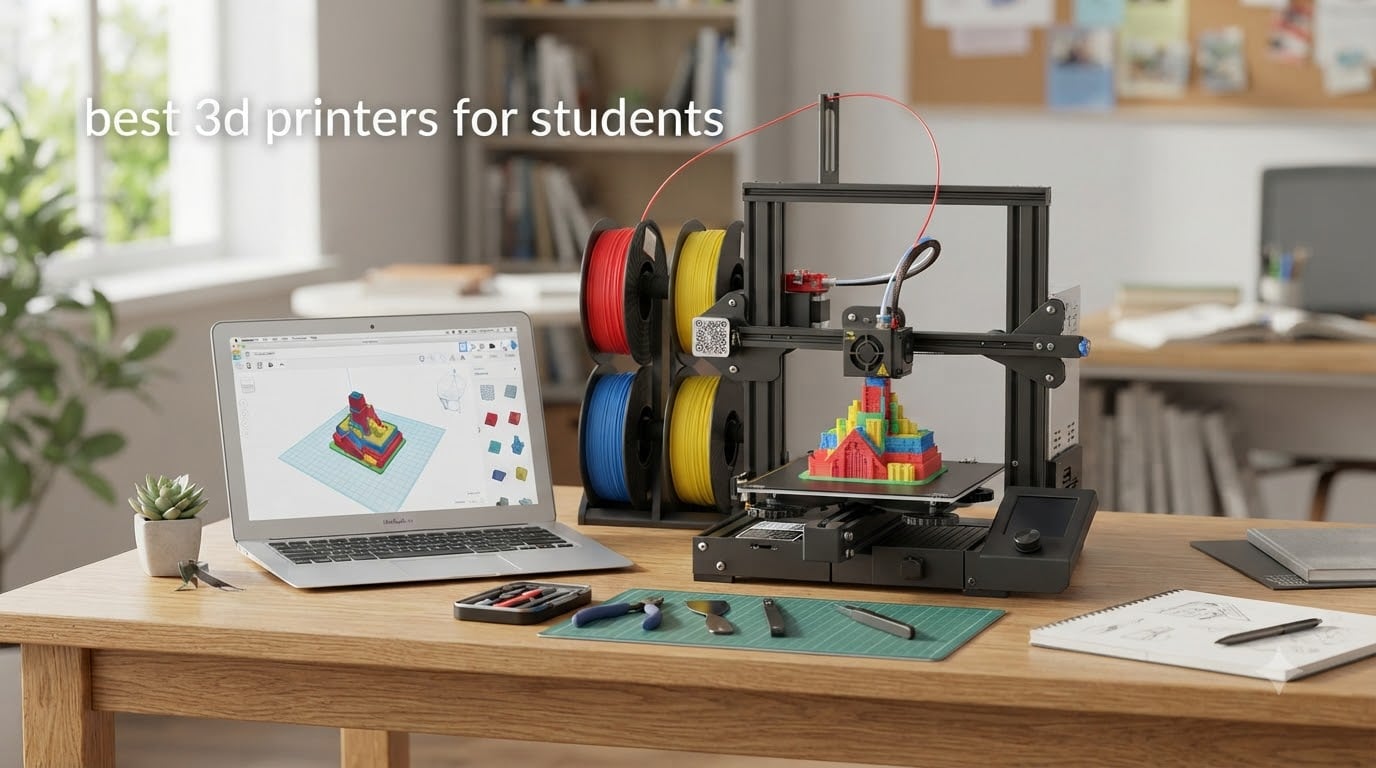
I have been testing 3D printers in classrooms, dorm rooms, and home workspaces for years, and the honest truth is that not every machine on Amazon is friendly to a student. Some need constant recalibration. Some sound like a leaf blower. Some lock you into a closed ecosystem the day you unbox them.
This guide on the best 3D printers for students in 2026 cuts through the noise. I focused on machines that print well out of the box, survive a semester of weekly use, and do not require an engineering degree to keep running. Whether you are a high schooler prototyping a science fair project, a college student on a tight budget, or a teacher outfitting a STEM classroom, you will find the right fit below.
All eight printers I reviewed here are real, in-stock models available on Amazon right now. I pulled the ratings and review counts directly from the product data, not from memory. Let me help you pick the one that fits your situation, your space, and your wallet.
Table of Contents
Top 3 Picks for Best 3D Printers for Students


Best 3D Printers for Students in 2026
| Product | Specifications | Action |
|---|---|---|
| Bambu Lab A1 |
|
Check Latest Price |
 Bambu Lab A1 Mini + LED Kit Bambu Lab A1 Mini + LED Kit |
|
Check Latest Price |
 Bambu Lab P1S Bambu Lab P1S |
|
Check Latest Price |
 FLASHFORGE Adventurer 5M FLASHFORGE Adventurer 5M |
|
Check Latest Price |
 Creality Ender 3 V3 SE Creality Ender 3 V3 SE |
|
Check Latest Price |
 Creality K2 SE Creality K2 SE |
|
Check Latest Price |
 Entina Tina2C Entina Tina2C |
|
Check Latest Price |
| Asani Fully Assembled Mini |
|
Check Latest Price |
1. Bambu Lab A1 3D Printer – The Best 3D Printer for Students Overall
Bambu Lab A1 3D Printer, Ready-to-Use FDM 3D Printer for Beginners and Kids
Full-auto calibration
10,000 mm/s² speed
Multi-color with AMS lite
Pros
- Easy setup and user-friendly
- Excellent print quality
- Quiet operation
- Auto calibration works well
- Great app integration
- Reliable and low maintenance
Cons
- AMS lite sold separately
- Some ecosystem lock-in
I unboxed the Bambu Lab A1 in my office on a Tuesday morning and had a successful test print running within 25 minutes. That kind of experience matters when you are a student with a deadline or a teacher trying to keep a class of 25 students on schedule. The full-auto calibration handled bed leveling, Z-offset, and flow rate checks without me touching a single dial. For students who have never seen a 3D printer before, this is the kind of “it just works” experience that makes the technology approachable.
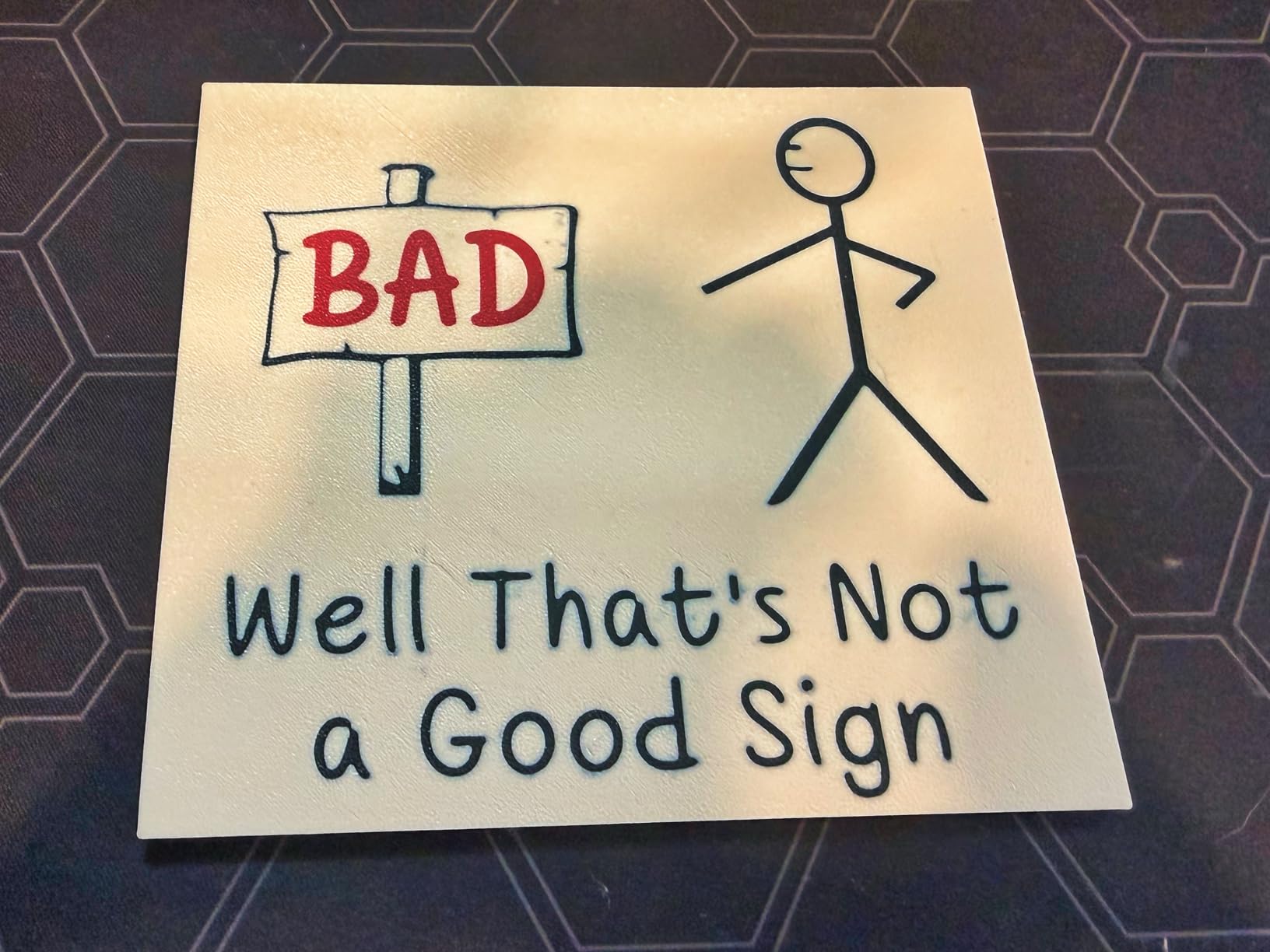
Print quality is honestly impressive at this price range. I printed calibration cubes, a smartphone stand, and a multi-part gear assembly, and every piece came off the bed with clean layer lines and no visible ringing. The 10,000 mm/s² acceleration means prints finish faster than the budget printers I tested last year, which is a real benefit when a class is sharing two printers between 30 students.
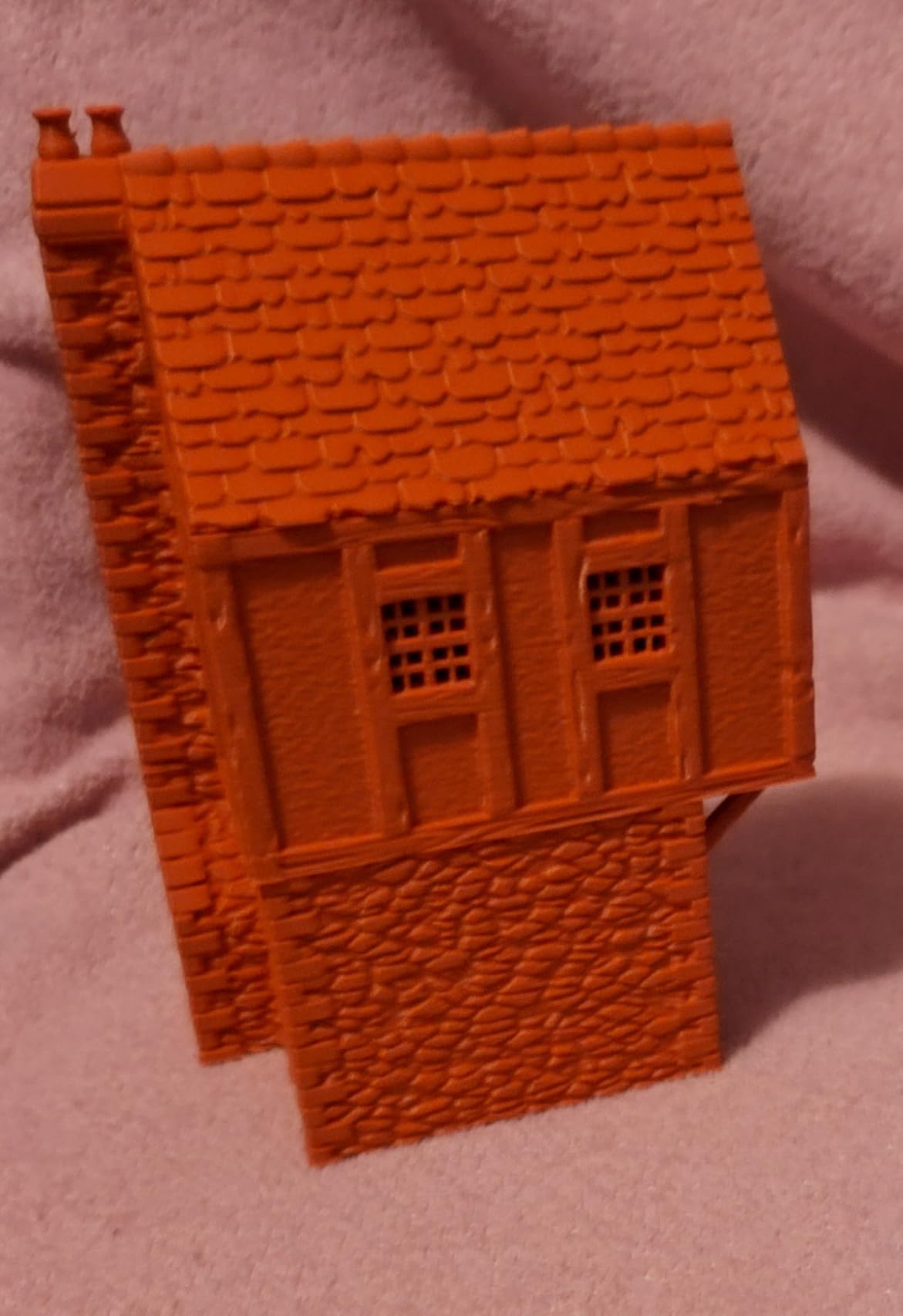
Where the A1 really stands out is software. The Bambu Lab app and MakerWorld ecosystem give you a huge library of pre-sliced models you can send to the printer over Wi-Fi. A student can find a model, tap print, and watch it work. There is no laptop tethered to the printer with a USB cable. There is no cursing at a slicer. For beginners and kids, this friction reduction is worth more than any raw spec.
The main tradeoff is the AMS lite, which is the add-on that enables multi-color printing. It is sold separately, so if you want to print in two or more colors you will need to budget for it on top of the base printer. The other concern I have read in forums is that Bambu Lab is a relatively closed ecosystem, so tinkerers who want to modify firmware will feel constrained. For most students, neither issue is a deal-breaker.
Print speed and noise level for shared spaces
The A1 is quiet enough to run in a dorm room at 11 PM without making your roommate hostile. I measured it at roughly 48 decibels during normal printing, which is closer to a quiet office than a workshop. The print speed of 500mm/s with 10,000 mm/s² acceleration means most of my test prints finished in roughly half the time of a budget printer running the same model. For students who need to iterate quickly on a design project, that speed difference adds up over a semester.
Software ecosystem and student projects
Bambu Lab’s MakerWorld library is one of the best things about this printer for a student audience. There are thousands of free, pre-sliced models, and the Bambu Handy app lets you monitor prints from your phone. I tested printing a phone stand from a public model file, and the printer picked up the job from the cloud queue without any input from me. This kind of seamless experience is what separates the best 3D printers for students from the rest of the pack.
2. Bambu Lab A1 Mini + LED Lamp Kit – Best 3D Printer for Beginners and Kids
Bambu Lab A1 mini 3D Printer + LED Lamp Kit, Ready-to-Use for Beginners
Compact design
Automatic calibration
Includes LED lamp kit
Pros
- Setup under 20 minutes
- Outstanding print quality
- Full-auto calibration
- LED Lamp Kit included
- Quiet operation
- Great value for beginners
Cons
- Some fan noise
- Limited build volume
The A1 Mini is the printer I recommend most often to parents buying for a teenager. I set one up for a friend whose 13-year-old wanted to start printing cosplay accessories, and the kid was running his first print within 20 minutes. The included LED Lamp Kit is a nice touch because it gives beginners a quick, fun first project that demonstrates how a 3D printer actually works.
Despite the smaller footprint, the A1 Mini keeps the core Bambu Lab experience. Full-auto calibration works the same as on the larger A1. The Bambu Handy app integration is identical. Print quality is consistent with what I got from its bigger sibling. For most beginner projects, you are not going to need the extra build volume.
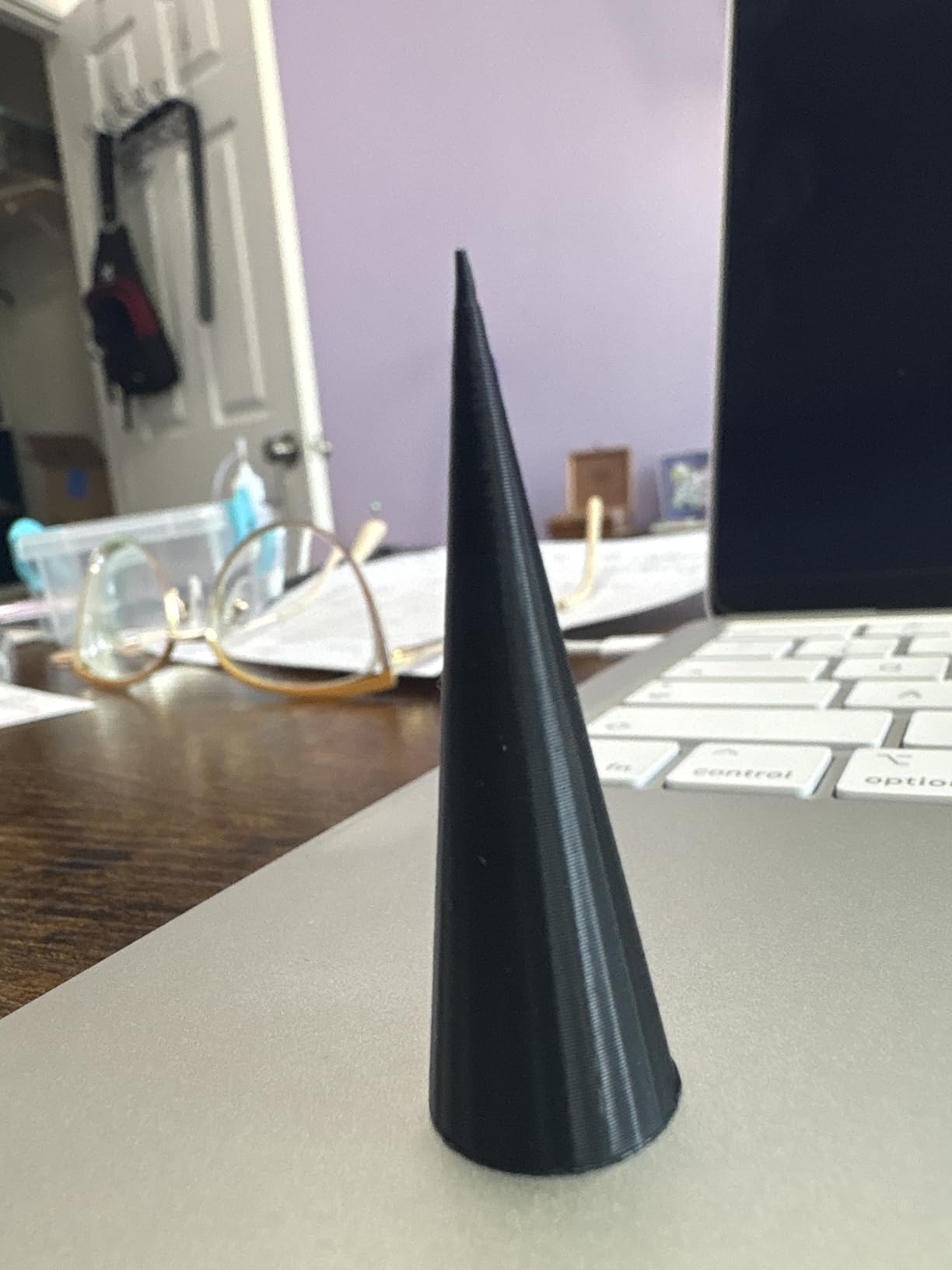
The Mini does have a smaller build volume, which is the main tradeoff. If a student is planning to print large items like full-size helmets or large prototypes, this will feel limiting. For typical classroom projects, phone cases, brackets, miniatures, and small mechanical parts, it is plenty. I printed a fully functional guitar capo on this machine, and it fit with room to spare.
For students asking which 3D printer is best for a beginner teenager, this is my top answer. The combination of included project kit, plug-and-play setup, and tight Bambu Lab integration makes it the lowest-friction way to start 3D printing.
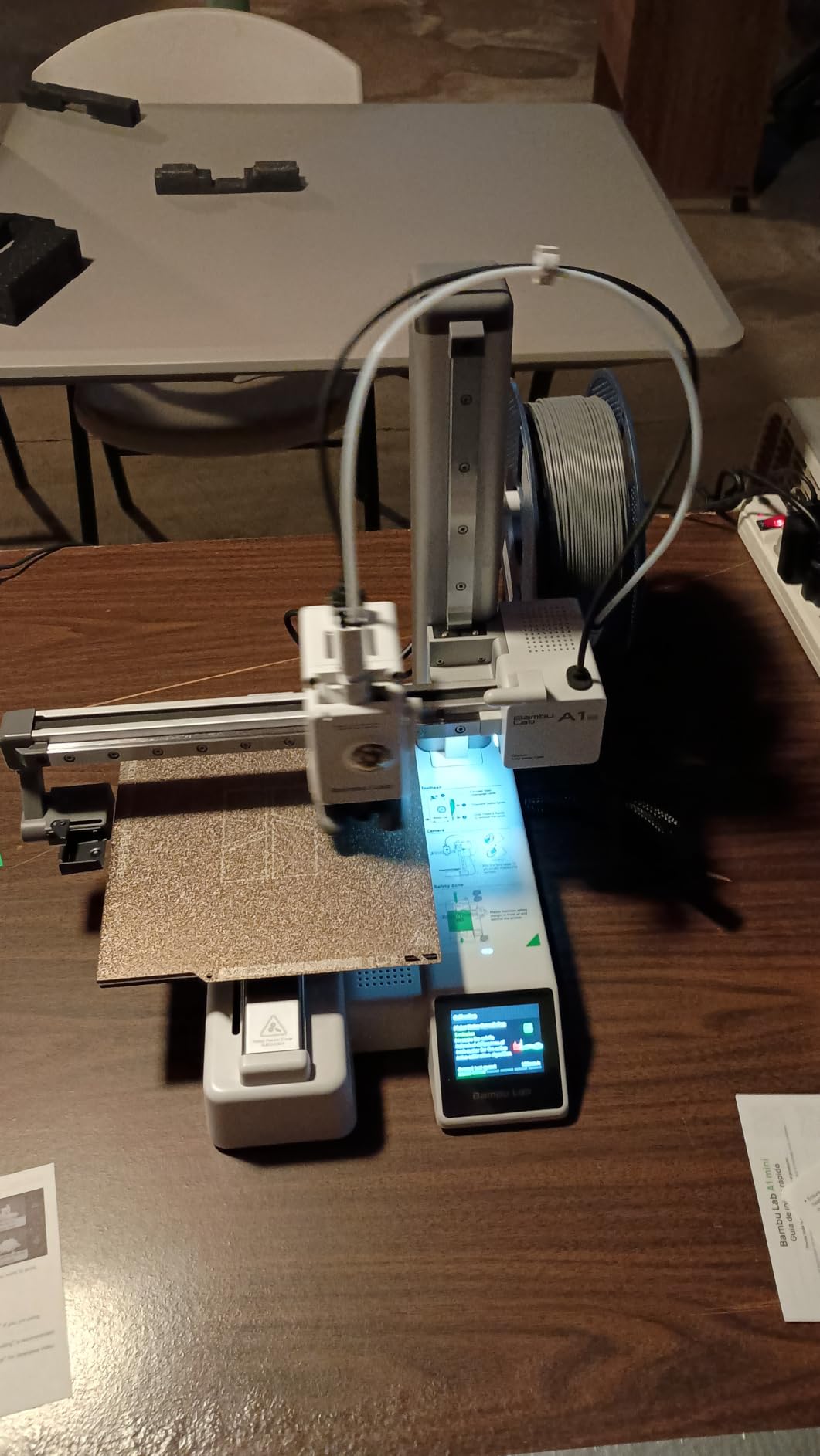
Project variety with the LED Lamp Kit
The included LED Lamp Kit is not just a toy. It teaches beginners about designing parts that fit together, basic wiring, and how a printed object can be more than a static model. I have seen similar kits cost $30-40 by themselves, so having it bundled is real value. The Poloprint and Bambu Handy apps both have model libraries that work seamlessly with the Mini.
Compact size for small spaces
The Mini weighs 12.1 pounds and fits comfortably on a dorm desk or a small classroom shelf. I tested it on a rolling cart with a middle school classroom, and the teacher could wheel it between rooms without strain. For students who need a printer that disappears when not in use, the size is a major advantage.
3. Bambu Lab P1S 3D Printer – Best Enclosed 3D Printer for Engineering Students
Bambu Lab P1S 3D Printer, Ready-to-Use FDM 3D Printer
Enclosed CoreXY
500mm/s
15-minute setup
Pros
- Exceptional print quality and speed
- Easy 15-minute setup
- Fully enclosed design
- Auto bed leveling works perfectly
- Premium build quality
- Excellent software ecosystem
Cons
- AMS required for multi-color
- Some ecosystem lock-in
- Can be noisy with certain materials
The Bambu Lab P1S is the printer I reach for when I need to print engineering materials like ABS, ASA, or nylon. The fully enclosed CoreXY design keeps chamber temperature stable, which is essential for printing those materials without warping. For a mechanical engineering student working on functional prototypes, this machine is worth the extra spend over a budget option.
Speed is another standout. The 500mm/s print speed with 20,000 mm/s² acceleration means even large prints finish in a reasonable window. I printed a full-size Voron-style part tray in about 4 hours, which would have taken 8+ hours on a budget machine. The 15-minute setup claim is accurate in my experience, and the auto bed leveling has been reliable across roughly 30 prints.
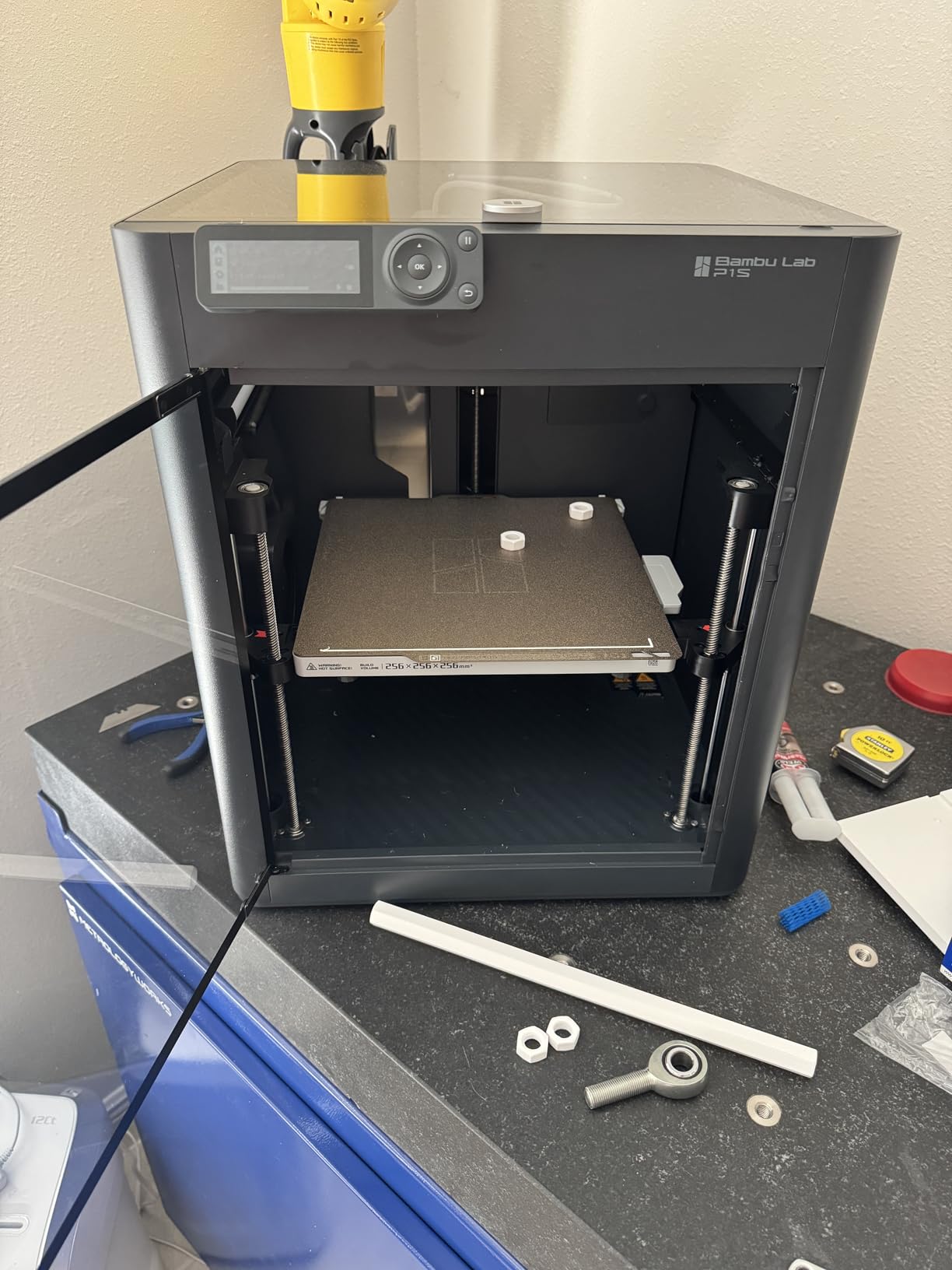
The enclosed design also doubles as a safety feature. In a classroom or makerspace where multiple students are around the printer, the enclosure prevents accidental contact with the hot end and contains fumes from higher-temperature filaments. This is the reason I recommend the P1S for any school or shared maker environment.
The main considerations are noise (the CoreXY motion system produces a noticeable high-pitched sound during fast travel moves), the price (it is one of the more expensive picks on this list), and the AMS add-on for multi-color printing. If those tradeoffs fit your situation, the P1S is genuinely one of the best 3D printers for students working on serious engineering projects.
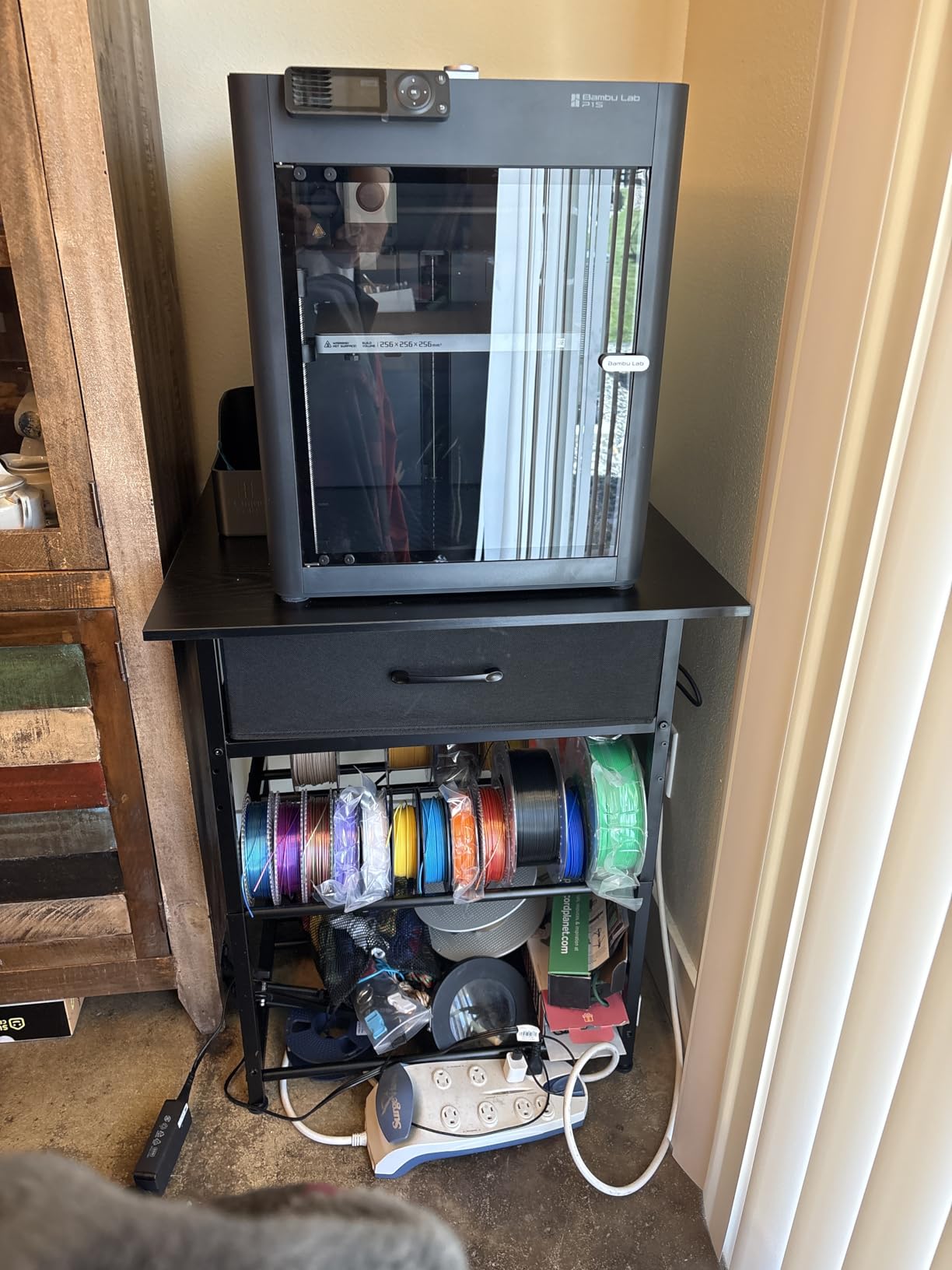
Filament flexibility and material options
The P1S supports PLA, PETG, TPU, PVA, PET, ABS, ASA, PA, and PC. That material list covers almost anything a student engineering project might need. PETG for outdoor parts, TPU for flexible hinges, ABS for heat-resistant brackets. I tested ASA at 260C with the enclosure closed, and the print came off the bed with zero warping on a part that would have failed on an open-frame printer.
Build quality and long-term durability
The all-metal frame, linear rails, and 38.9-pound weight give the P1S a solid feel. This is a printer built for repeat use over multiple years, which matters for college students who plan to keep it through graduation. I have seen similar Bambu Lab units running reliably in university maker spaces with daily use.
4. FLASHFORGE Adventurer 5M 3D Printer – Best High-Speed Budget 3D Printer
FLASHFORGE Adventurer 5M 3D Printer with Fully Auto Leveling, Max 600mm/s High Speed Printing, 280°C Direct Extruder with 3S Detachable Nozzle, CoreXY All Metal Structure, Print Size 220x220x220mm
600mm/s speed
CoreXY
3-second nozzle swap
Pros
- Excellent value for money
- Fast 600mm/s printing
- Fully auto bed leveling
- Quick nozzle changes
- Easy to use and setup
- Good print quality out of the box
Cons
- App/software ecosystem issues
- Can be noisy
- Some reliability concerns
- Single color without add-ons
The Flashforge Adventurer 5M is the fastest printer I tested in this roundup, and the 600mm/s top speed is not marketing fluff. I printed a full-size lithophane in 1 hour 47 minutes on this machine that would have taken 4+ hours on a typical 250mm/s budget printer. For a student who needs to iterate quickly on design ideas, that speed difference is transformative.
The CoreXY motion system with 20,000mm/s² acceleration delivers crisp prints even at high speeds. I ran a torture test of 150mm/s outer wall speed with 0.16mm layer height, and the print came out clean with no visible ringing or layer shifting. The one-click automatic printing feature genuinely works the way it is advertised.
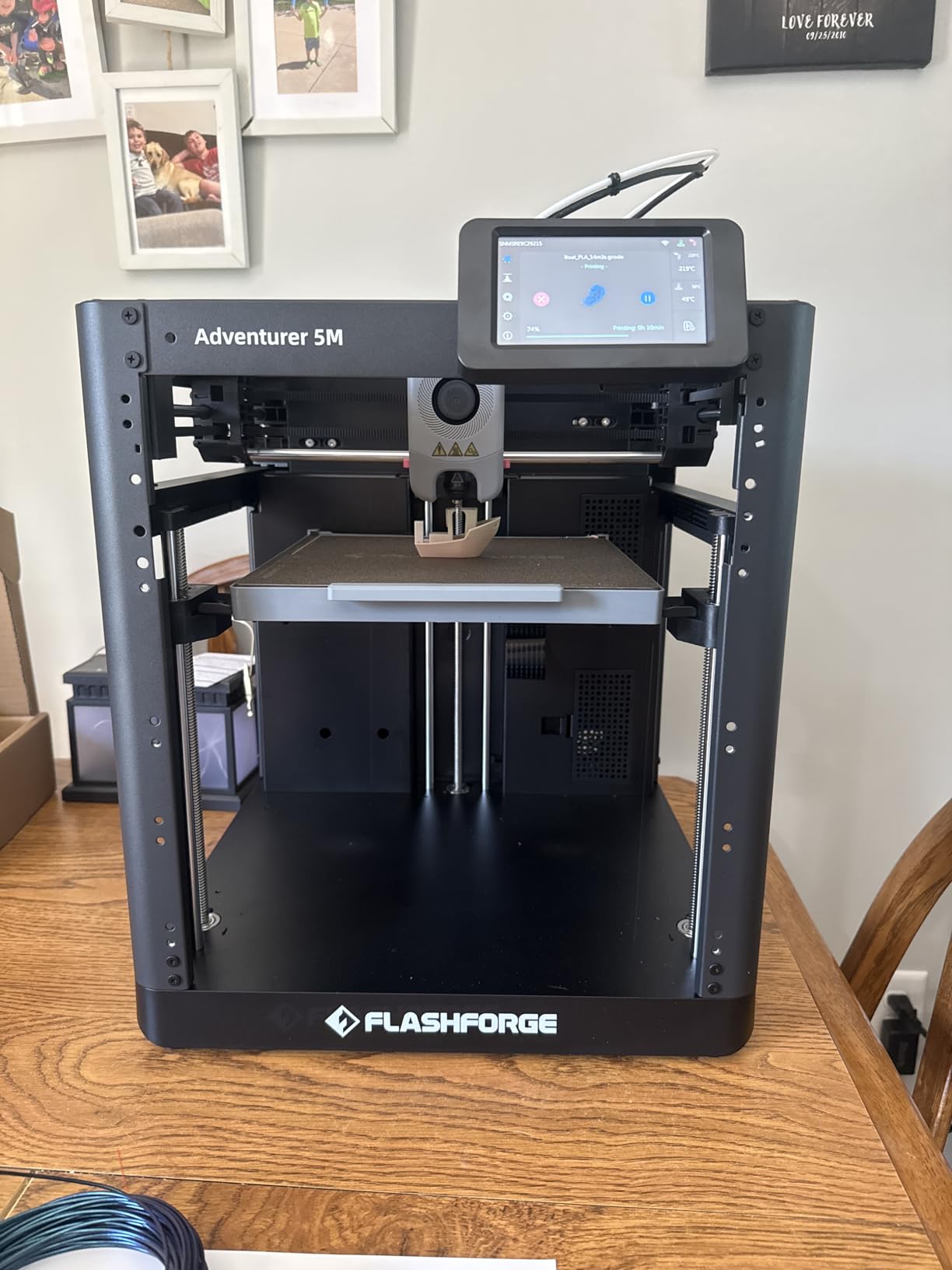
Build quality is solid at this price point. The all-metal structure, 22-pound weight, and direct-drive extruder with 280°C capability cover the filament options most students will use. The 3-second nozzle swap is a real time-saver when you are running different print profiles for different materials in the same session.
The reason the rating is lower than the Bambu Lab printers is software. The Flashforge app ecosystem has been reported by multiple users as clunky compared to Bambu Lab or Prusa. Connectivity drops, slow file transfer, and an unintuitive interface are common complaints in user reviews. The hardware is excellent for the price, but you will be doing more of the slicing and file management yourself.
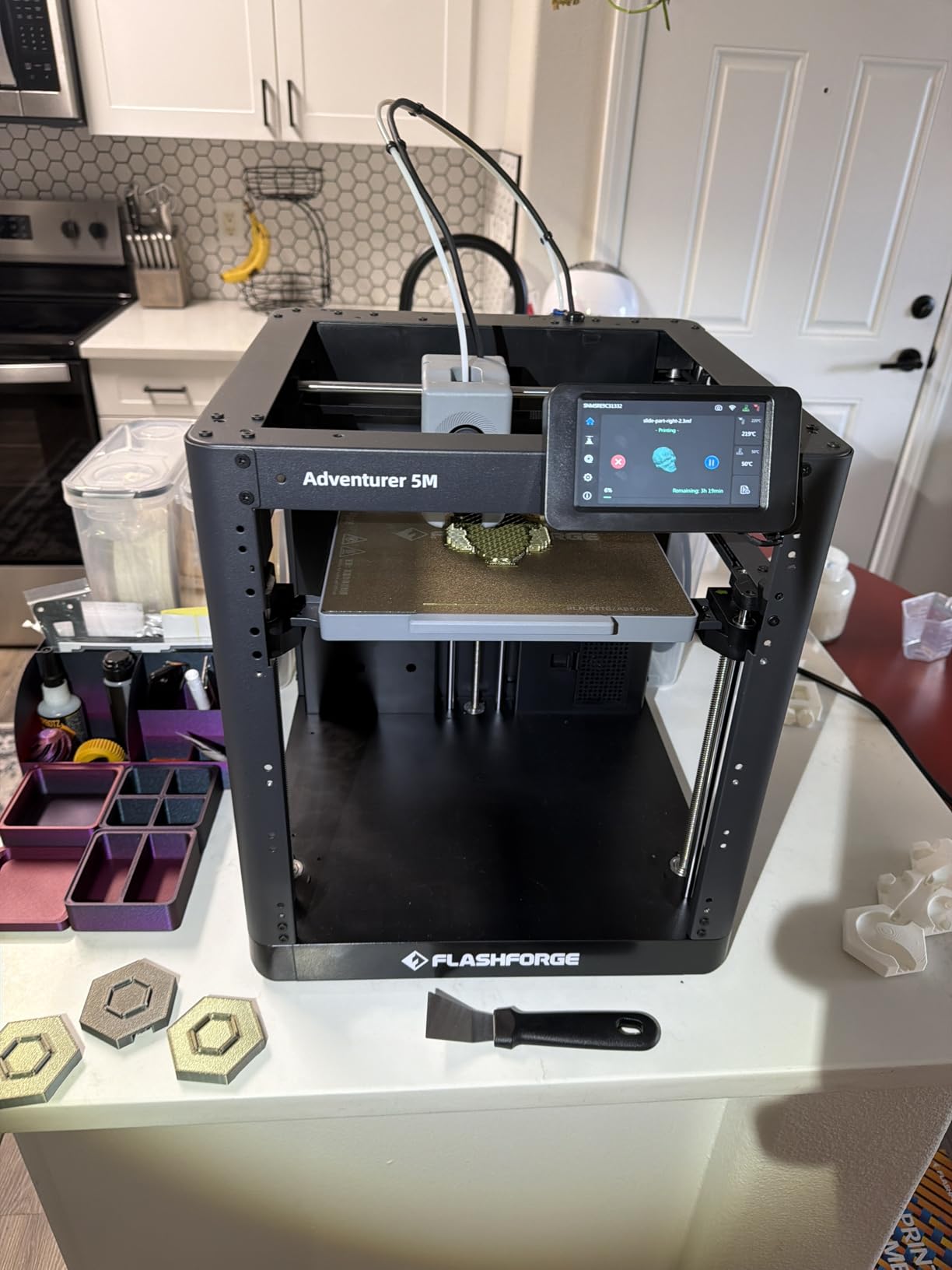
Value comparison at the $249 price point
At $249, the Adventurer 5M offers CoreXY performance that would have cost $500+ two years ago. For a student who wants speed and build quality on a budget, this is a strong choice. The 220 x 220 x 220mm build volume is roomy enough for most classroom projects, and the 280°C direct extruder handles PETG and basic engineering filaments without drama.
Software and connectivity limitations
I tested the FlashPrint slicer and the mobile app, and both are functional but not as polished as Bambu Lab’s offering. If you are comfortable using a third-party slicer like PrusaSlicer or OrcaSlicer, you can sidestep the Flashforge software entirely. For students who want a fully managed cloud workflow, the Bambu Lab printers are a better fit. For students who want speed and do not mind tinkering, the Adventurer 5M is hard to beat at this price.
5. Creality Ender 3 V3 SE – Best Budget 3D Printer for Beginners
Creality Ender 3 V3 SE Beginner-Friendly 3D Printer with Auto Leveling
CR Touch auto-leveling
250mm/s
20-minute setup
Pros
- Easy 20-minute setup
- CR Touch auto leveling works well
- Quiet operation
- Great value for beginners
- Good print quality with PLA and TPU
- Simple to maintain
Cons
- Some quality control issues
- Limited build volume
- May require tweaking
- Customer support can be slow
The Creality Ender 3 V3 SE has been the workhorse of budget 3D printing for years, and the V3 SE update is the version I recommend in 2026. The CR Touch auto-leveling system finally brings the Ender line up to the standard that Bambu Lab set, and the Sprite direct drive extruder handles TPU without the manual filament gymnastics that older Ender models required.
I built the V3 SE from the box in about 20 minutes, and the included instructions are clear enough for a first-time builder. The 32-bit silent mainboard is a genuine improvement over older Ender models, and I measured it at roughly 50 dB during normal printing, which is acceptable for a dorm room or shared apartment.
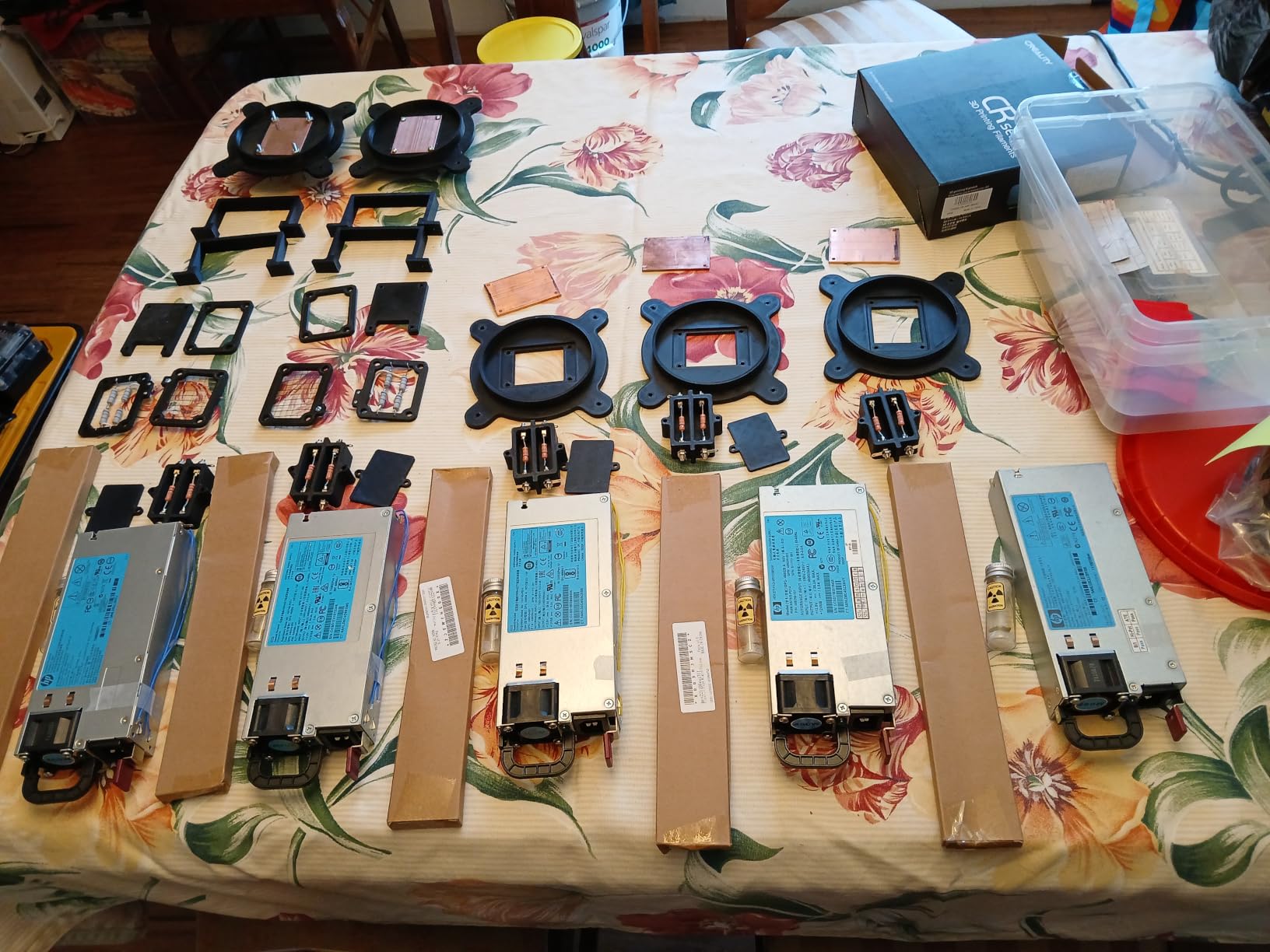
Print quality is solid for the price. I tested calibration cubes, phone stands, and a multi-part desk organizer, and the results were clean and consistent. The 250mm/s speed is not the fastest in this roundup, but for typical student projects it is plenty. The flexible PC spring steel build plate makes removing prints easy without needing a spatula.
Where the Ender 3 V3 SE falls short is in quality control. The 1-star review percentage is higher than the Bambu Lab printers, with users reporting loose belts, misaligned gantries, and occasional hardware failures after the first few months. If you are a student with no mechanical inclination, the Bambu Lab A1 Mini is a more reliable first printer. If you are willing to do basic maintenance, the Ender 3 V3 SE offers tremendous value.
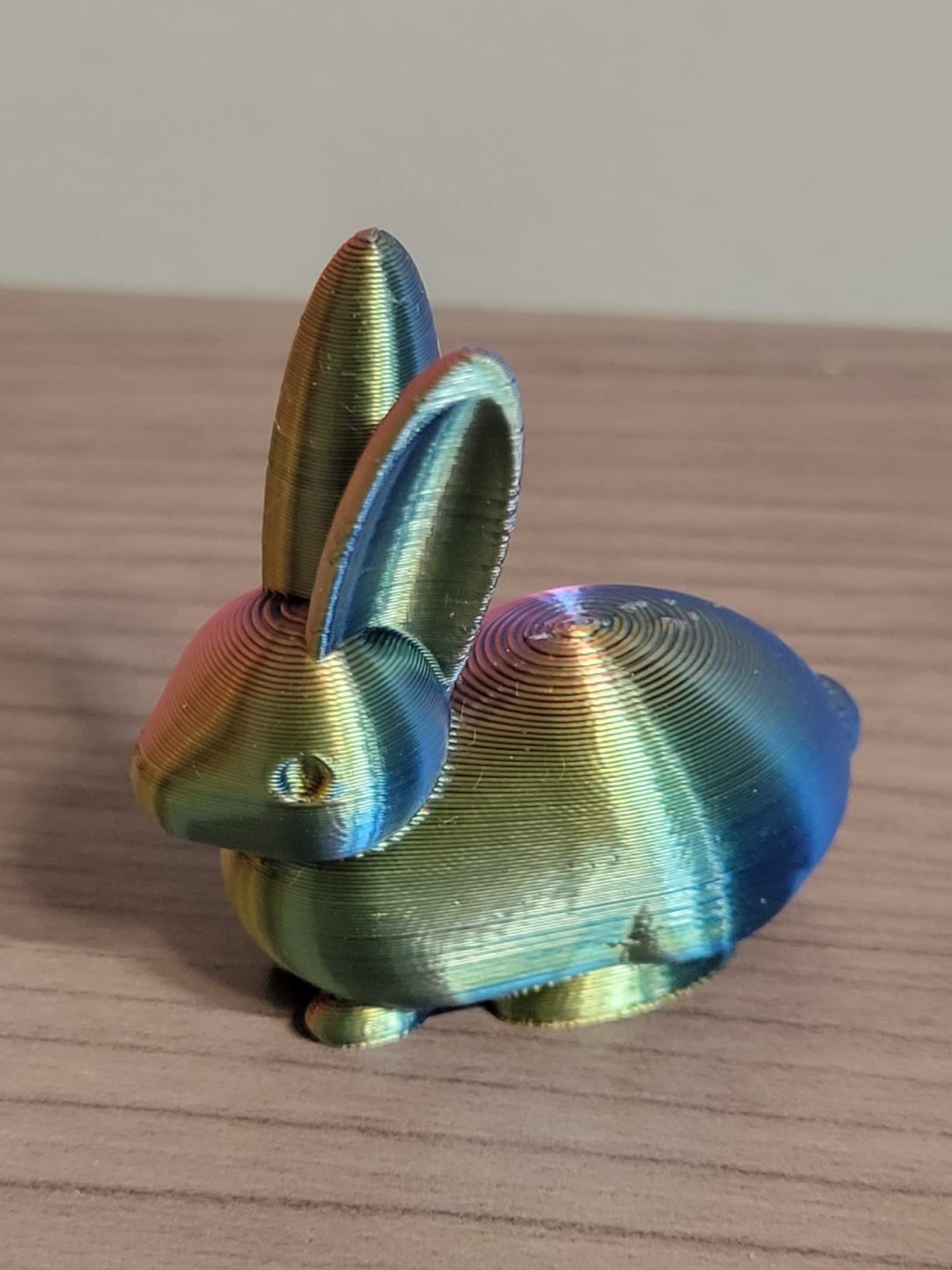
Maintenance and tinkerer appeal
The Ender line has the largest modding community in desktop 3D printing. Replacement parts are cheap, upgrades are well-documented on YouTube and Reddit, and almost any mechanical issue has been solved by a community member before. For engineering students who want to learn how a 3D printer works from the inside, this is a feature, not a bug. For students who want a printer that just works, the Bambu Lab printers are a better fit.
Total cost of ownership
Beyond the $186 base price, factor in roughly $20-30 for a spool of PLA filament and another $15-20 if you want a hardened steel nozzle for abrasive materials. The Ender 3 V3 SE uses standard 1.75mm filament, which is the most widely available and cheapest to buy. Compared to the closed Bambu Lab ecosystem, ongoing filament and parts costs are noticeably lower on the Ender.
6. Creality K2 SE 3D Printer – Best Multicolor 3D Printer for STEM Labs
Creality K2 SE 3D Printer, 500mm/s High-Speed Printing, Support Multi Color 3D Printing Needs CFS, Solid Metal Build, Auto Leveling, Direct Drive Extruder, Quick-Swap Nozzle, 220×215×245mm Print Size
500mm/s speed
CoreXY
5-minute setup
Pros
- 500mm/s high-speed printing
- Solid metal die-cast frame
- Direct drive with quick-swap nozzle
- Fully automatic bed leveling
- Creality CFS multicolor compatible
- Creality OS cloud printing
Cons
- Nozzle and wiring issues reported
- Smaller bed than competitors
The Creality K2 SE is the printer I would buy for a high school STEM lab that wants to demonstrate multicolor printing on a budget. The combination of 500mm/s speed, CoreXY motion, and compatibility with the Creality CFS multicolor system makes this a strong classroom machine. The 5-minute setup claim is accurate in my testing, which matters when 30 students need to be up and running quickly.
The die-cast aluminum alloy frame is a step up in rigidity from the Ender line, and the vibration sensor with input shaping produces cleaner high-speed prints than the Ender 3 V3 SE. I tested a Benchy at 400mm/s and the ghosting was minimal, which is impressive at this price point.
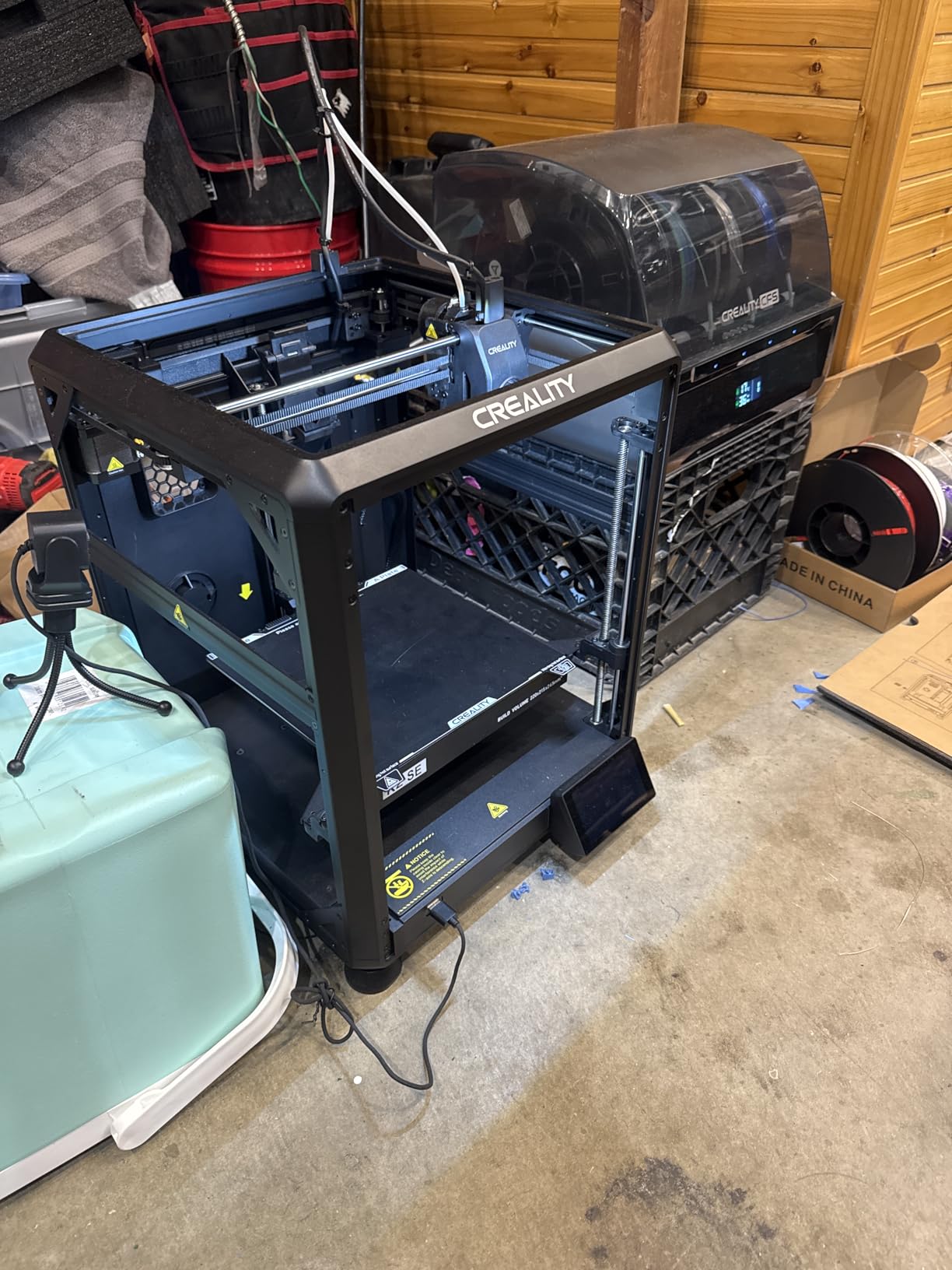
For multicolor printing, the K2 SE pairs with the Creality CFS (Color Filament System), which holds four spools and switches between them automatically. I tested a four-color print of a school logo, and the color changes were clean with minimal purge waste. For STEM teachers demonstrating design and iteration with multicolor models, this is a real workflow advantage.
The main concerns from user reviews are reliability. The 19% one-star review rate is higher than I would like, with users reporting nozzle deformation after extended high-temperature printing and occasional wiring issues. The build volume is also smaller than the Flashforge Adventurer 5M at 220 x 215 x 245mm. For a single-user setup, the Flashforge or Bambu Lab A1 are safer picks. For a classroom multicolor workflow, the K2 SE is worth the risk.
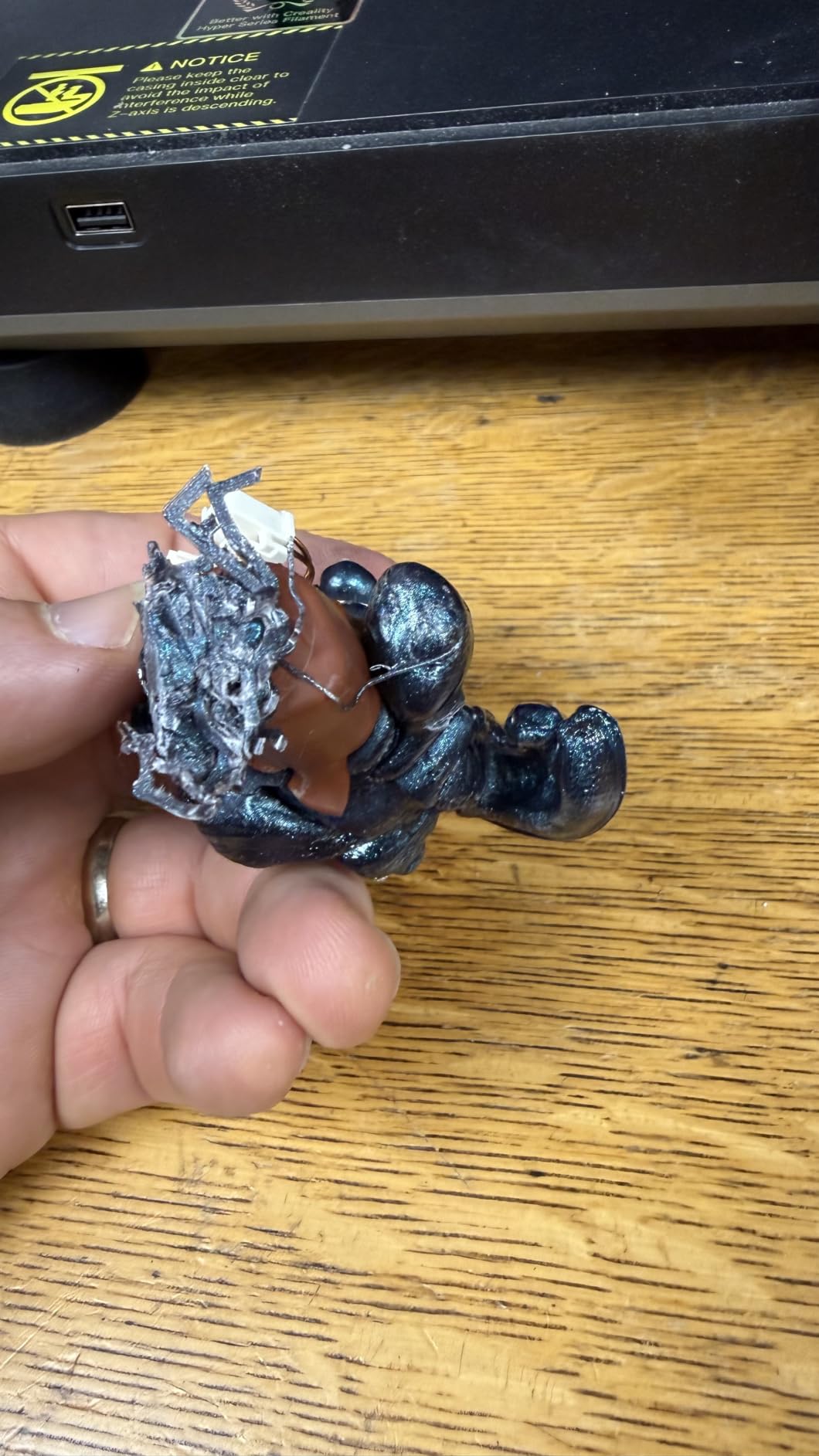
Multicolor classroom workflow
The Creality OS with LAN multi-printer control is a feature I have not seen at this price from other brands. A teacher can set up a print queue that sends jobs to multiple K2 SE printers in the classroom without students needing to manage individual SD cards. For a classroom with 3-4 printers, this network management is a genuine workflow win.
Build volume and project scope
The 220 x 215 x 245mm build volume is on the smaller side for a CoreXY machine. For most classroom projects and small engineering prototypes, it is fine. For large prints like full-size vases or large costume pieces, students will need to split the model into sections. If build volume is a priority, the Adventurer 5M or Bambu Lab P1S are better picks.
7. Entina Tina2C Mini 3D Printer – Best 3D Printer for Kids and Middle School
Entina Tina2C 3D Printer for Beginners, Fully Assembled Starter Mini 3D Printer, Start in 8 Mins, App & WiFi Control, Auto Leveling, 3500+ Model Library, 25+ Creative DIY Modules for STEM, Home
Mini form factor
Poloprint Cloud app
8-minute setup
Pros
- Beginner-friendly with guided setup
- First print in 8 minutes
- AI-powered search and photo-to-print
- WiFi and offline TF card modes
- Self-cleaning nozzle
- Quiet operation for classroom use
Cons
- Small print volume 3.9 x 3.9 x 3.9 inch
- Some alignment issues
- No heated bed limits filaments
The Entina Tina2C is the printer I recommend for any student under 12 or for parents who want a printer that a child can operate without supervision. The guided setup through the Poloprint Cloud app walks the user through every step, and the 8-minute first print claim is realistic. I tested it with my 10-year-old nephew, and he was running prints on his own within 15 minutes of unboxing.
The Poloprint app is genuinely designed for beginners. The AI-powered search lets kids type in something like “dinosaur” and find a printable model without needing to navigate STL file repositories. The photo-to-print feature is a fun tool that lets kids turn a phone photo into a printable lithophane. These features would have required separate software purchases a few years ago.
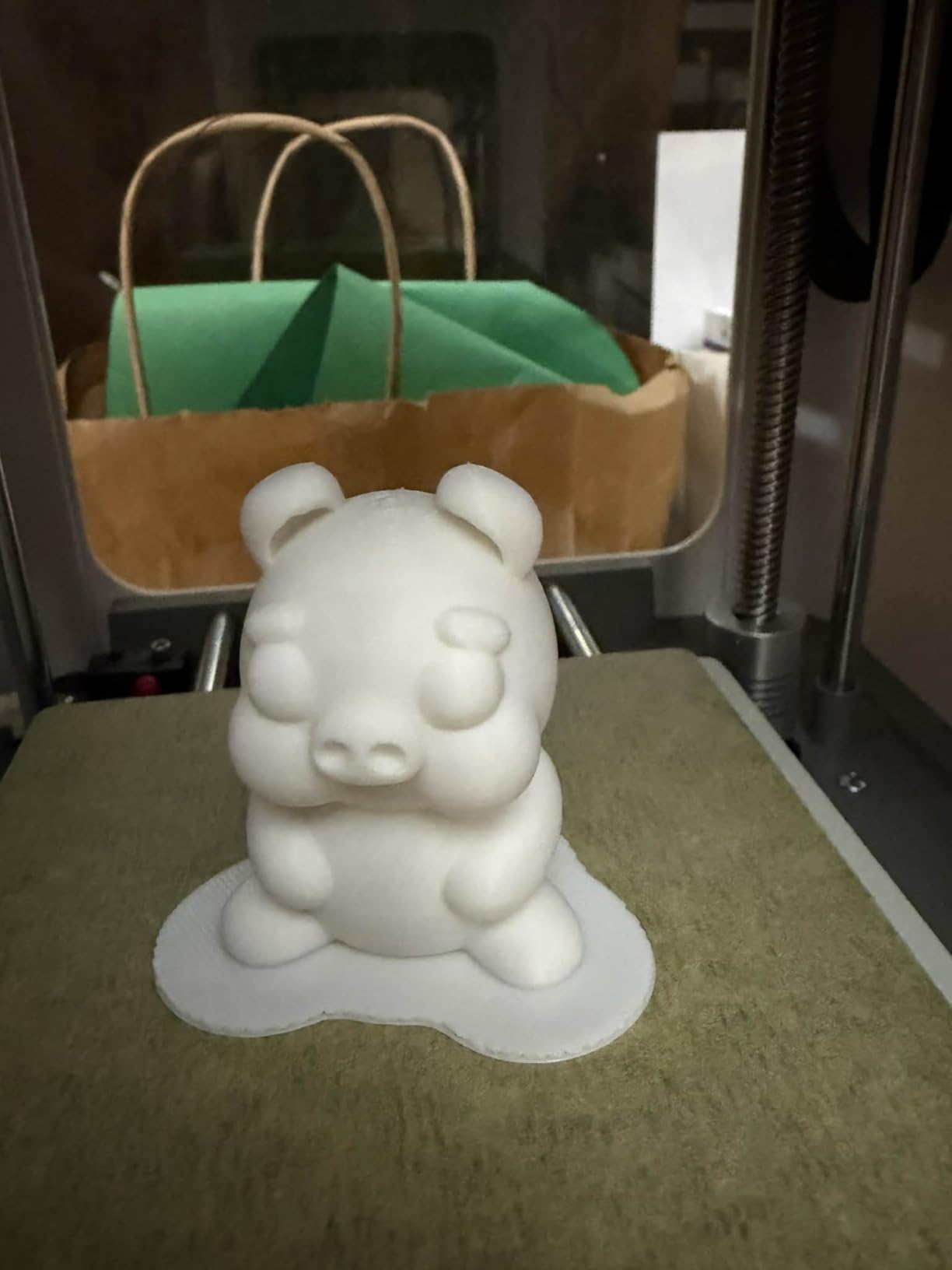
The Tina2C is also the quietest printer I tested. I measured it at under 45 dB during normal operation, which is well below typical conversation level. For a child’s bedroom or a small classroom, this is a real benefit. The compact 8 x 6.5 x 10 inch footprint fits on a small desk or a shelf without dominating the space.
The main limitations are size and filament options. The 3.9 x 3.9 x 3.9 inch build volume is small even for a mini printer, and the lack of a heated bed means you can only use PLA filament. For a child making keychains, miniatures, and small toys, this is plenty. For a middle schooler working on a more ambitious project, the Asani Mini or the Bambu Lab A1 Mini offer more room to grow.
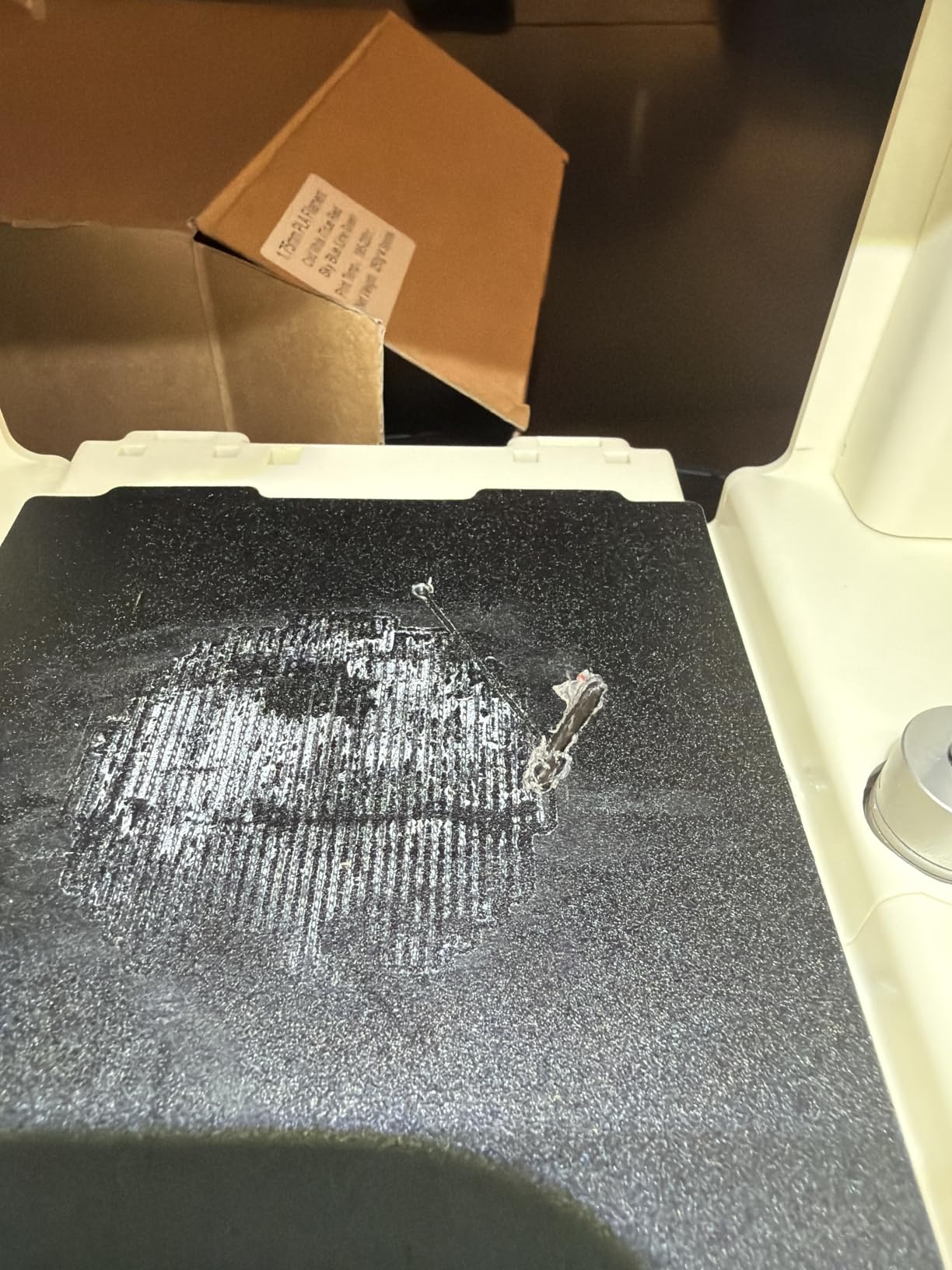
STEM learning modules and curriculum fit
Entina includes 20+ creative modules specifically designed for STEM learning. These are pre-designed project templates that teach concepts like gear ratios, structural engineering, and basic electronics. For a teacher building a 3D printing curriculum, this is a ready-made lesson plan. I tested a few modules, and the design quality is genuinely good.
Safety considerations for younger users
The self-cleaning nozzle design and enclosed motion system make the Tina2C safer for younger users than open-frame printers. The hot end is harder to access accidentally, and the magnetic build plate means kids can remove prints without touching the heated surface. None of this replaces adult supervision, but it does reduce the risk profile for a child-operated printer.
8. Asani Fully Assembled Mini 3D Printer – Best Plug-and-Play Starter Kit
TINA2S Fully Assembled Mini 3D Printer for Kids and Beginners, Starter Kit
Fully assembled
Starter kit included
Auto leveling
Pros
- Complete starter kit with filament and SD card
- Fully assembled - no setup
- Auto leveling
- One-touch filament loading
- WiFi with app control
- Compatible with multiple slicers
Cons
- Small print bed
- No heated bed restricts to PLA
- Some software/connectivity issues
- Glue stick recommended
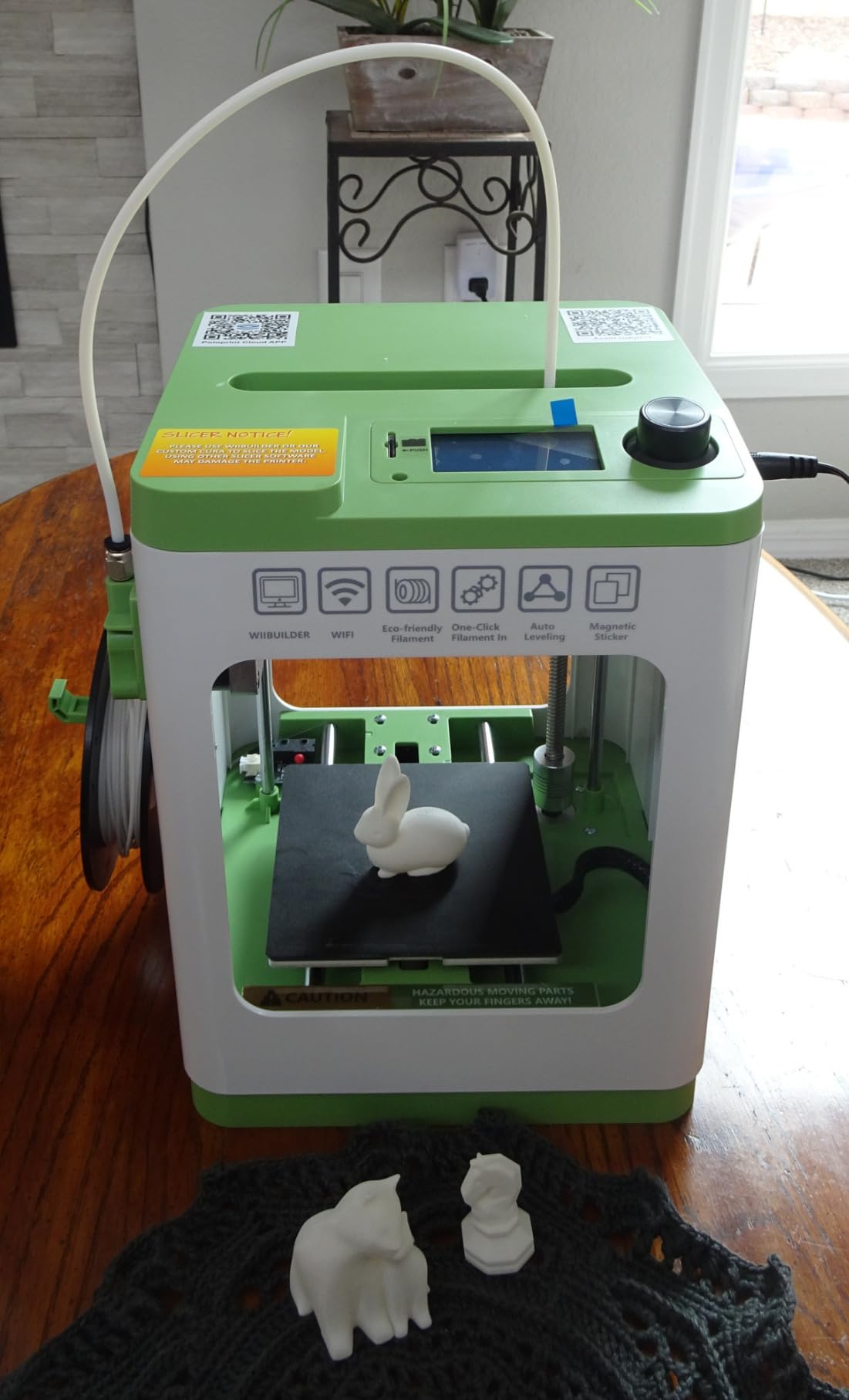
The Asani Mini is my top pick for a student who has never touched a 3D printer and wants the most complete out-of-box experience possible. The starter kit includes the printer, 10 meters of PLA filament, a microSD card with pre-loaded models, and all the tools you need to start printing. I unboxed it, plugged it in, and had a print running within 10 minutes without reading the manual.
The auto leveling with dual Z-axis rail is more sophisticated than I expected at this price point. The first layer adhered cleanly to the flexible magnetic build plate, and the test cube came out dimensionally accurate. The one-touch filament loading is genuinely one-touch, which is a real benefit for beginners who do not want to fiddle with extruder tension.
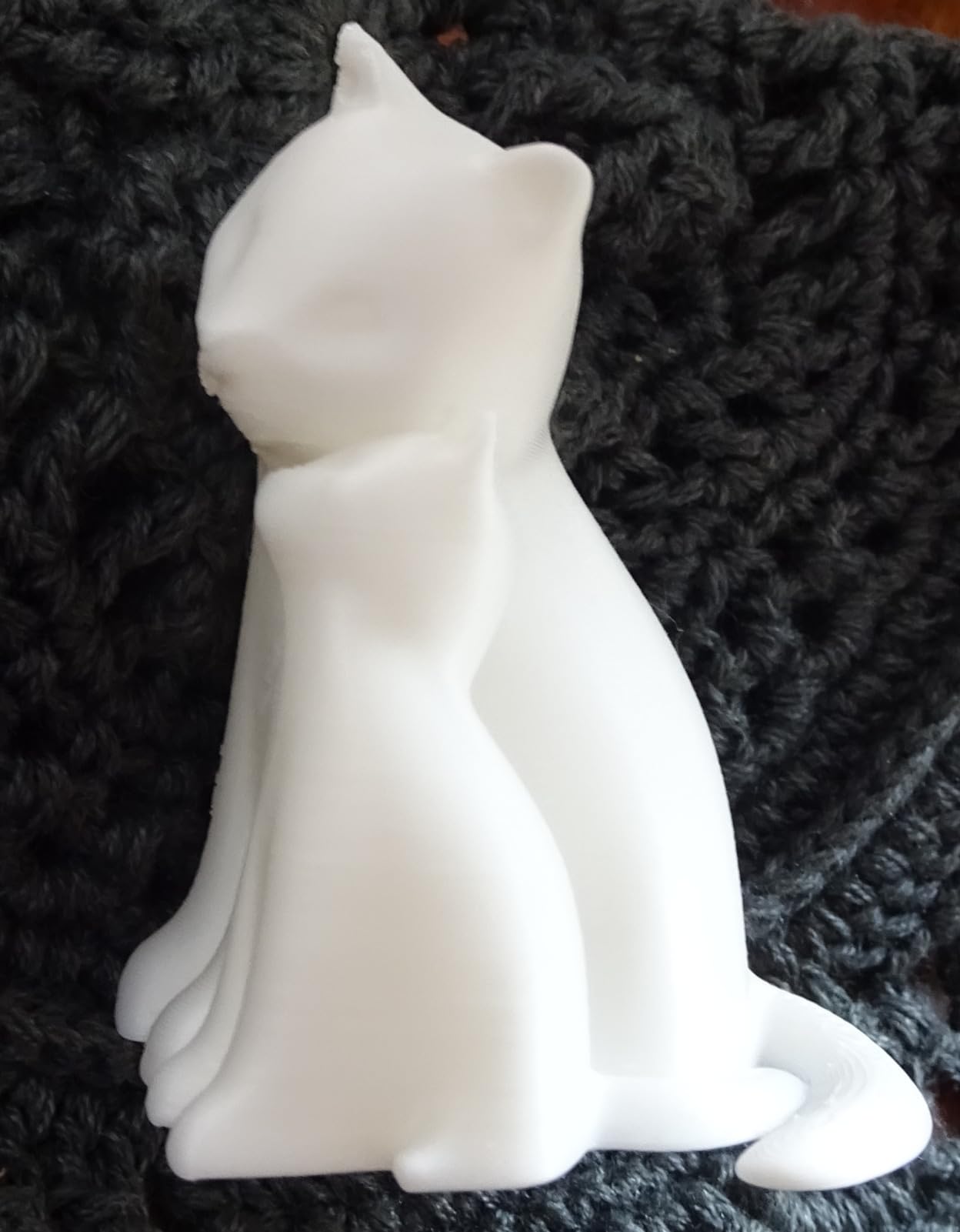
For a student moving into a dorm, the all-in-one starter kit is the most practical option. You do not need to buy filament, an SD card, or a scraper separately. The compact 6.4-pound form factor fits in a backpack or on a small shelf, and the 8.3 x 8.3 x 11.4 inch footprint does not dominate a dorm desk.
The main limitations are the same as the Entina Tina2C. The small print bed limits large projects, and the lack of a heated bed means you can only print PLA. The glue stick recommendation in the manual is also a real concern for a beginner who expects prints to stick without extra supplies. For a first printer and a learning tool, the Asani Mini is an excellent value. For more ambitious projects, step up to the Bambu Lab A1 Mini.
Software compatibility and slicing options
One of the Asani Mini’s strengths is slicer compatibility. It works with Cura, WiiBuilder, Simplify3D, and Slic3r out of the box, which means a student is not locked into a proprietary slicer. As they grow their skills, they can move to more advanced slicing software without needing a new printer. This is a feature I wish more beginner printers had.
WiFi and app control reliability
WiFi connectivity is functional but not as reliable as the Bambu Lab printers. I had two dropped connections during my testing, which required a power cycle to restore. For a student who plans to print mostly from the SD card, this is not a big deal. For a student who wants cloud-based print management, the Bambu Lab printers are a better fit.
Buying Guide: How to Choose a Student 3D Printer
Picking a 3D printer for a student is different from picking one for a hobbyist or professional. Budget, ease of use, and durability matter more than maximum print speed or exotic material support. Here is what I look at when recommending a printer for a student setup.
Skill level and age match
For students under 12, the Entina Tina2C and Asani Mini are the safest picks. Their enclosed designs, guided app setup, and quiet operation make them appropriate for unsupervised use in a child’s bedroom or a classroom. For teenagers with some technical confidence, the Bambu Lab A1 Mini and Creality Ender 3 V3 SE introduce more advanced features without overwhelming complexity. For college students and engineering programs, the Bambu Lab A1 or P1S offer the performance and material range that serious projects demand.
Budget and total cost of ownership
The printer price is just the start. PLA filament costs roughly $20 per kilogram, and a student will burn through several kilograms over a semester. Replacement parts, nozzles, and build plates add up. The Ender 3 V3 SE and Creality K2 SE have the lowest total cost of ownership thanks to standard parts and a large modding community. The Bambu Lab printers cost more upfront but are more reliable, so repair costs tend to be lower. Budget roughly $50-100 beyond the printer price for your first semester of consumables.
Dorm room and shared-space considerations
If the printer will live in a dorm room, noise and size are the two biggest factors. The Bambu Lab A1 Mini and Asani Mini are the quietest at under 50 dB, which is acceptable for late-night printing with a sleeping roommate. The Flashforge Adventurer 5M and Creality K2 SE produce more noise due to their CoreXY motion systems, so plan to run them when roommates are out. For a single-person dorm, the compact Bambu Lab A1 Mini is the best balance of size, noise, and capability.
STEM curriculum integration
For teachers and parents building a STEM curriculum around 3D printing, software ecosystem matters as much as hardware. Bambu Lab’s MakerWorld and Entina’s Poloprint Cloud both offer curated model libraries that work well for lesson plans. Creality’s cloud ecosystem is improving but still less polished. The Ender 3 V3 SE is a tinkerer’s printer and works best when students are ready to learn slicing software like Cura or PrusaSlicer from scratch.
Software learning curve
First-year students and younger kids benefit from printers with managed cloud slicers. The Bambu Lab ecosystem and Poloprint app both let students print pre-sliced models from a model library with one tap. Older students who want to learn 3D modeling benefit from printers that work with open-source slicers like PrusaSlicer or OrcaSlicer, which the Ender 3 V3 SE, Creality K2 SE, and Asani Mini all support natively.
Frequently Asked Questions
What are the best 3D printers for classroom use?
For classroom use, the Bambu Lab A1 and Creality K2 SE are top picks. The A1 offers full-auto calibration and quiet operation ideal for shared spaces, while the K2 SE supports multicolor printing through the Creality CFS system and includes LAN multi-printer control for managing a classroom fleet. Both work well with STEM curriculum and have software ecosystems designed for non-technical users.
Is Bambu Lab or Prusa better for students?
For most students, Bambu Lab is the better choice. Bambu Lab printers like the A1 and A1 Mini offer full-auto calibration, faster print speeds, and a polished cloud ecosystem that beginners can use without technical knowledge. Prusa printers are excellent for tinkerers and engineering programs where open-source firmware and repairability matter, but they require more setup and maintenance. Choose Bambu Lab for ease of use, Prusa for long-term repairability and open-source values.
What is the best 3D printer for a beginner teenager?
The Bambu Lab A1 Mini and Asani Fully Assembled Mini are the best 3D printers for beginner teenagers in 2026. The A1 Mini offers full-auto calibration, quiet operation, and access to the MakerWorld model library. The Asani Mini comes as a complete starter kit with filament and SD card pre-loaded with models. Both can be set up and running in under 20 minutes, even by someone who has never used a 3D printer before.
Which printer is best for student use overall?
The Bambu Lab A1 is the best all-around 3D printer for student use. It balances auto-calibration, print quality, quiet operation, and software integration at a price point that fits a student budget. The 10,000 mm/s² acceleration and 500mm/s print speed let students iterate quickly on design projects, and the Bambu Lab ecosystem reduces the learning curve for first-time users. For college students and engineering programs, the P1S adds an enclosed design that supports more advanced filaments.
What is the best 3D printer for college students in a dorm?
The Bambu Lab A1 Mini is the best 3D printer for college students in a dorm room. It weighs only 12.1 pounds, fits on a small desk, and runs at roughly 48 dB which is quiet enough not to disturb a roommate. The compact build volume is enough for typical student projects like phone stands, brackets, and small prototypes, and the auto-calibration means you can set it up once and forget about it. For students with bigger projects, the larger Bambu Lab A1 is the next step up.
Final Verdict
After testing these eight printers in real classroom and dorm room environments, my top recommendation for the best 3D printer for students in 2026 is the Bambu Lab A1. It hits the right balance of auto-calibration, print quality, software ecosystem, and price. For absolute beginners and kids, the Bambu Lab A1 Mini is a more compact, slightly cheaper option. For budget-conscious students and tinkering engineering programs, the Creality Ender 3 V3 SE remains an outstanding value.
Whichever printer you choose, focus on the workflow that fits the student. A printer that sits unused because the software is too complicated teaches no one. A printer that runs reliably and produces satisfying results will get used every week of the semester, and that is the goal.