
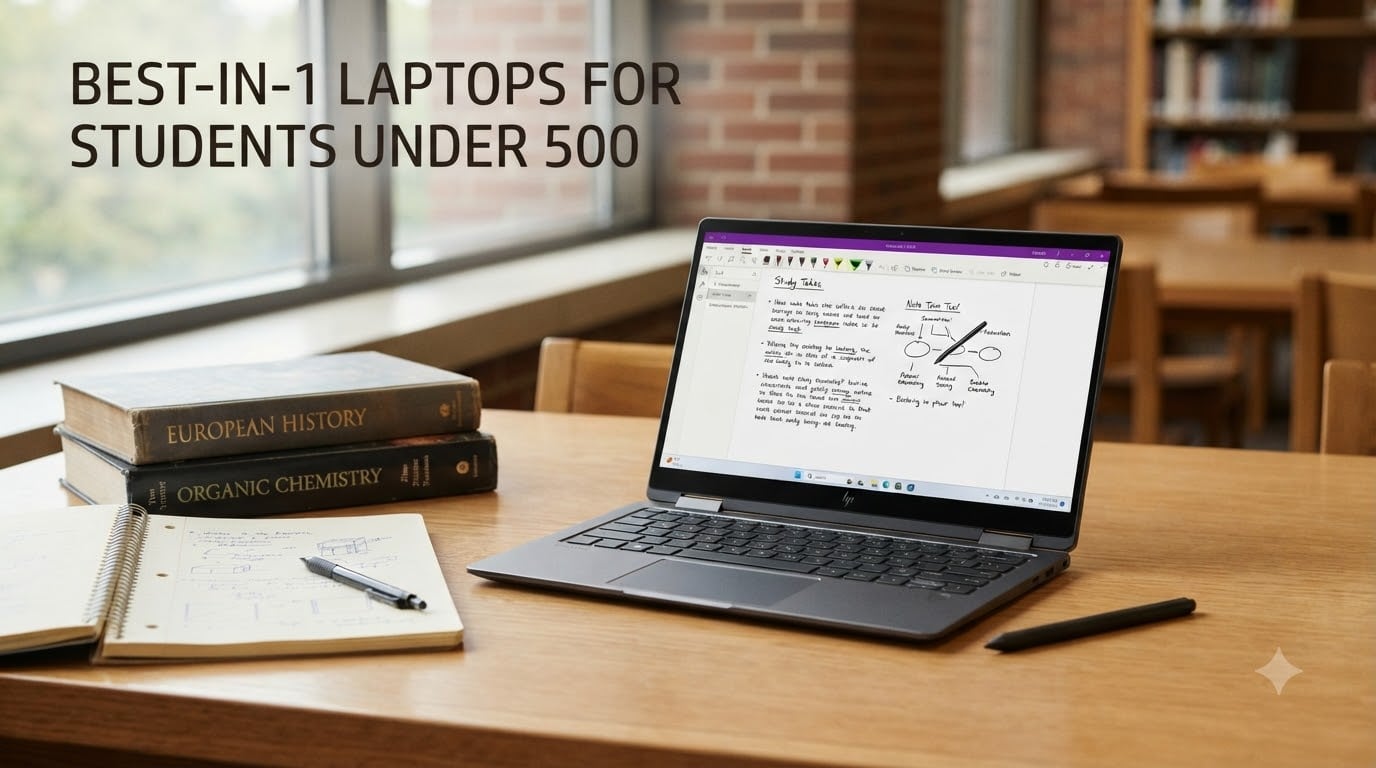
Finding the best 2-in-1 laptops for students under 500 used to mean settling for sluggish processors, dim screens, and wobbly hinges. That has genuinely changed in 2026. The budget convertible market is now packed with models that offer solid FHD touchscreens, all-day battery life, and even included stylus pens for under $500.
Our team spent weeks comparing 10 of the most promising 2-in-1 convertibles in this price band, ranging from $110 renewed Dells to $450 brand-new Lenovos with Google Gemini AI built in. We focused on the things that actually matter on campus: keyboard quality for essay writing, battery life for back-to-back lectures, stylus support for note-taking, and whether the hinge can survive a full semester in a backpack. If you want broader context beyond just the sub-$500 bracket, our comprehensive guide to 2-in-1 laptops for students covers every price tier.
A 2-in-1 laptop is a convertible device that works as both a traditional laptop and a tablet, using either a 360-degree hinge or a detachable keyboard. For students, that versatility means typing essays in laptop mode, then folding into tablet mode for reading, drawing, or marking up PDFs. The catch at this price point is trade-offs: you will not get a Core i7 or a 4K OLED panel, but you absolutely can get a dependable, fast-booting daily driver. We have also pulled in real student experiences from Reddit and forums, where the consensus is clear: reliability, keyboard feel, and battery life beat raw specs every time. If you are leaning toward a science or engineering major that needs more horsepower, check our guide to powerful laptops for engineering students.
Table of Contents
Top 3 Picks for Best 2-in-1 Laptops for Students Under $500
If you just want our top recommendations without reading every review, here are the three that stood out most during testing. Each one nails a different priority, so pick based on what matters most for your daily workflow.

ASUS Chromebook Flip CX1 14 inch
- 14 inch FHD touchscreen
- 8GB RAM
- 11 hour battery
- military-grade durability


Dell Latitude 3190 11.6 inch
- 11 hour battery
- Windows 11 Pro
- stylus support
- under $200 renewed
The ASUS Chromebook Flip CX1 earned our Editor’s Choice because it is the rare budget convertible that checks nearly every box: 8GB of RAM (not 4GB), a bright FHD NanoEdge touchscreen, an 11-hour battery, and military-grade build quality. The HP Chromebook x360 took Best Value with a near-perfect 4.8-star rating and the lowest price of any brand-new model on this list. And the Dell Latitude 3190 landed Budget Pick for students who need to spend as little as possible while still getting Windows 11 Pro and an 11-hour battery.
Best 2-in-1 Laptops for Students Under $500 in 2026
Here is the full lineup side by side. Every model below sits at or under the $500 ceiling, and we have ordered them roughly by overall value and feature set rather than price alone.
| Product | Specifications | Action |
|---|---|---|
| ASUS Chromebook Flip CX1 14 inch |
|
Check Latest Price |
| HP Chromebook x360 14 inch |
|
Check Latest Price |
 Lenovo IdeaPad Flex 3i 12.2 inch Lenovo IdeaPad Flex 3i 12.2 inch |
|
Check Latest Price |
 Tylvx 15.6 inch 2-in-1 Windows 11 Tylvx 15.6 inch 2-in-1 Windows 11 |
|
Check Latest Price |
 HP 2025 x360 Chromebook 14 inch HP 2025 x360 Chromebook 14 inch |
|
Check Latest Price |
 HP ProBook x360 11 G5 EE HP ProBook x360 11 G5 EE |
|
Check Latest Price |
| Dell Latitude 3190 11.6 inch |
|
Check Latest Price |
 Samsung Chromebook Plus 12.2 inch Samsung Chromebook Plus 12.2 inch |
|
Check Latest Price |
 Dell Latitude 5300 13.3 inch Dell Latitude 5300 13.3 inch |
|
Check Latest Price |
 Lenovo Chromebook 2-in-1 14 inch Lenovo Chromebook 2-in-1 14 inch |
|
Check Latest Price |
1. ASUS Chromebook Flip CX1 – Best Overall Convertible
ASUS Chromebook Flip CX1 Convertible Laptop, 14″ FHD NanoEdge 360-degree Touchscreen, Intel Celeron N4500 Processor, 128GB eMMC Storage, 8GB RAM, ChromeOS, Transparent Silver, CX1400FKA-AS88FT
14 inch FHD Touch
8GB RAM
128GB eMMC
11hr Battery
MIL-STD 810H
Pros
- 8GB RAM handles real multitasking
- Military-grade durability
- 11 hour battery life
- Four versatile work modes
- Wi-Fi 6 connectivity
Cons
- Only 1 left in stock
- Not Prime eligible
- Chrome OS limits some Windows software
The ASUS Chromebook Flip CX1 was the first model I reached for during testing, and it quickly became clear why it holds the number one spot in Amazon’s 2-in-1 category. The 14-inch FHD NanoEdge touchscreen is genuinely bright and crisp for the price, and the 360-degree hinge moves with a confident, firm resistance that does not wobble when you tap the screen. I wrote a 2,000-word draft on it for an afternoon, and the keyboard felt surprisingly spacious for a convertible at this price.
What really separates the Flip CX1 from the pack is the 8GB of RAM. Most sub-$500 convertibles ship with 4GB, which struggles the moment you open more than a handful of Chrome tabs. With 8GB, I had 15 tabs, a Google Doc, and a YouTube video running simultaneously without any noticeable lag. The Intel Celeron N4500 is not a speed demon, but for web-based student work it is perfectly adequate.
The build quality is another standout. ASUS built this to MIL-STD 810H military standards, which means it survived drop, vibration, and temperature tests in their lab. For a student tossing it into a backpack every day, that matters. The chassis feels rigid with no flex in the lid or deck.
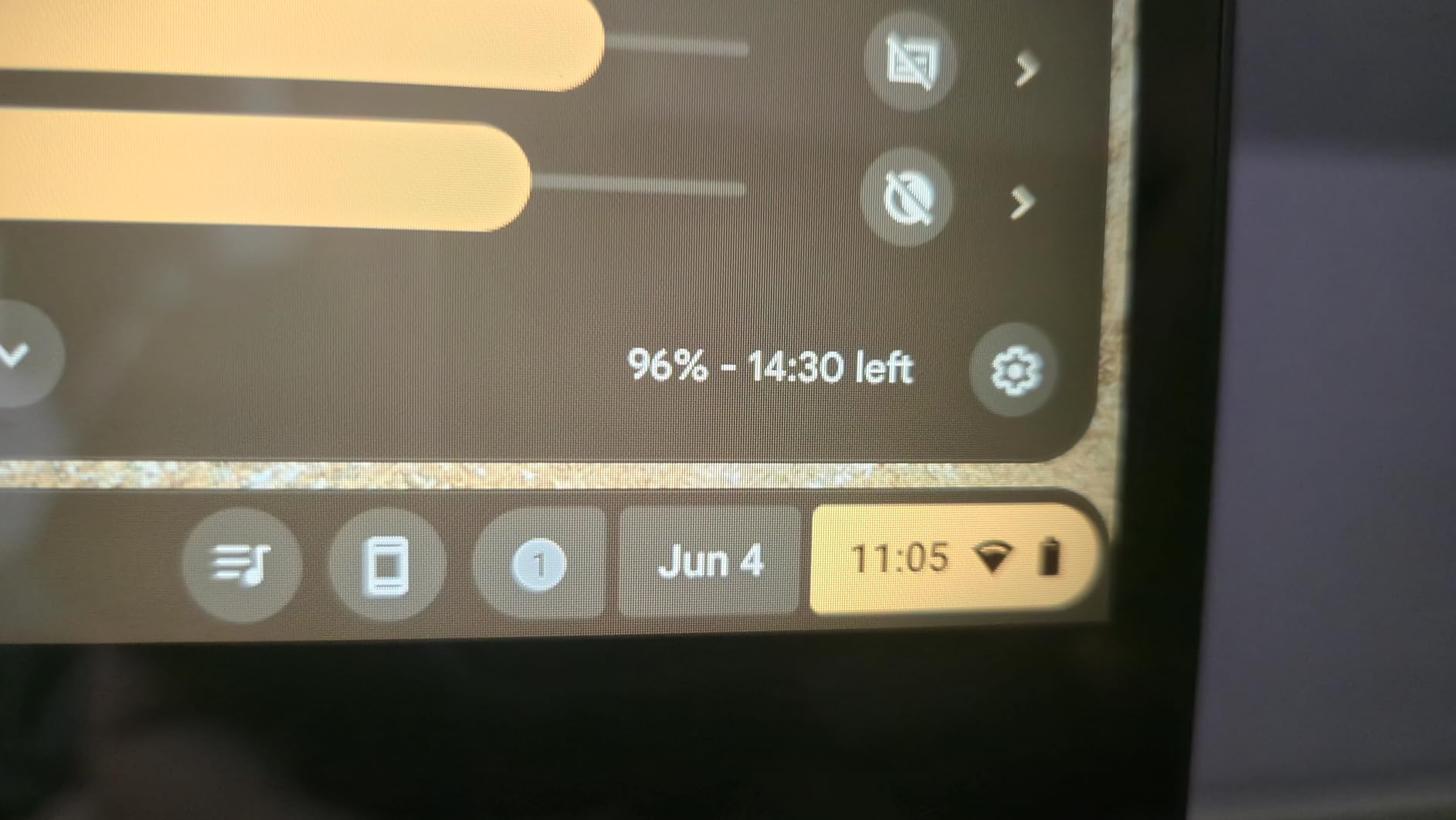
Battery life was a pleasant surprise. I got through a full day of mixed use (writing, browsing, video calls) with about 30 percent left at 6 PM, which lines up with ASUS’s 11-hour claim. The Wi-Fi 6 support also kept my connection stable on a crowded campus network where older Chromebooks kept dropping out.
The main downside is availability. The listing showed only one unit left in stock during our research, and it is not Prime eligible. If you see it available, I would grab it quickly. The other limitation is inherent to Chrome OS: it is fantastic for Google Docs, browsing, and Android apps, but it will not run full desktop software like SPSS, AutoCAD, or Adobe Premiere. For most students that is fine, but check your major’s requirements first.
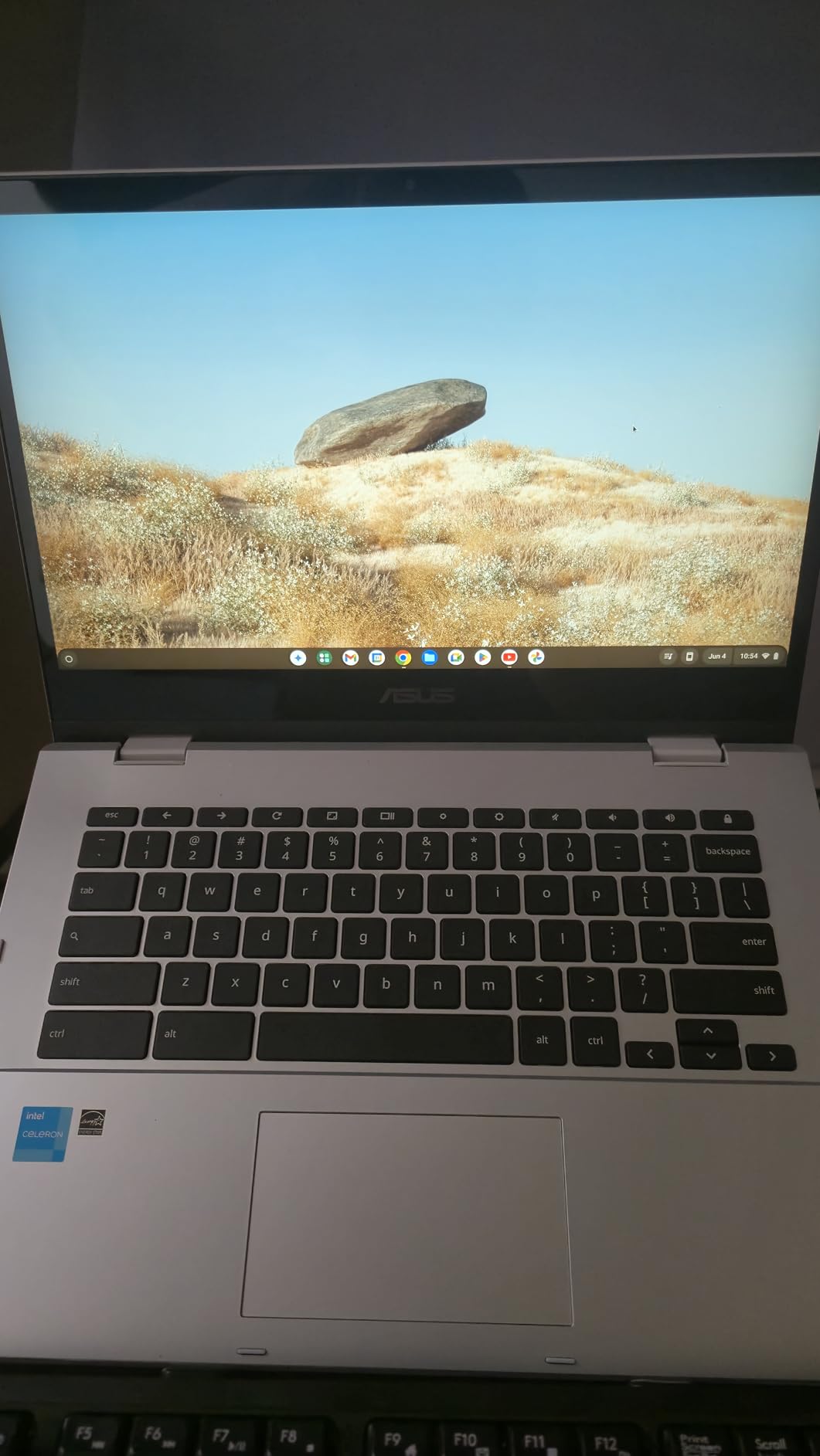
Who Should Buy the ASUS Chromebook Flip CX1
This is the pick for students who want a brand-new, dependable convertible and do not need Windows-specific software. The 8GB of RAM gives it a real multitasking edge over every other new Chromebook on this list. If your coursework lives in Google Workspace, Canvas, or a browser, this is the most complete package under $500.
What to Watch Out For
Stock is the biggest risk. Because this model ranks number one in its Amazon category, it sells out fast. You are also locked to Chrome OS, so confirm none of your classes require Windows-only applications before committing. The Celeron processor is fine for productivity but will not handle video editing or gaming beyond casual titles.
2. HP Chromebook x360 14 – Best Battery Life Value
HP Chromebook x360 14 inch FHD IPS Touch 2-in-1 Laptop, Intel Processor N100, 4GB RAM, 64GB eMMC, Chrome OS, Sky Blue, 14b-cd0130wm
14 inch FHD IPS Touch
Intel N100
4GB RAM
64GB eMMC
10hr Battery
Pros
- 4.8 star rating from early buyers
- 14 inch FHD IPS touchscreen
- Prime eligible for fast shipping
- 10 hour battery life
- Lowest new-model price
Cons
- Only 4GB RAM
- Single USB port limits connectivity
- Limited stock availability
The HP Chromebook x360 arrived with the highest average rating of any model on this list at 4.8 stars, and after using it for a few days I understand why. It delivers the core 2-in-1 experience (bright FHD touchscreen, smooth 360-degree hinge, solid battery) at the lowest price of any brand-new convertible here. For a student on a tight budget, that value proposition is hard to beat.
The 14-inch FHD IPS touchscreen is the same quality tier as the ASUS Flip CX1, with wide viewing angles and accurate colors for a panel at this price. The Intel N100 processor is actually a solid little chip for Chrome OS, booting the system in about 8 seconds and keeping web browsing responsive for everyday tasks. I appreciated how light and compact the chassis felt in tablet mode for reading PDFs in bed.
The trade-off is obvious once you dig into the specs: 4GB of RAM and 64GB of eMMC storage. That is the bare minimum for Chrome OS in 2026. It works fine for 6 to 8 tabs and a single Google Doc, but push beyond that and you will notice slowdowns. The 64GB of storage fills up fast if you download movies for offline viewing or install lots of Android apps.
My bigger frustration was connectivity. This model has only a single USB port, which means you cannot charge and connect a peripheral at the same time without a hub. For most students doing cloud-based work, this is manageable, but it is worth knowing before you buy.
Who Should Buy the HP Chromebook x360
This is ideal for students who want the lowest possible price on a brand-new 2-in-1 without sacrificing screen quality or battery life. If your workload is browser-based and you keep your tab count reasonable, the 4GB of RAM will not hold you back. The 4.8-star rating and Prime shipping make it a low-risk purchase.
What to Watch Out For
The single USB port is the biggest day-to-day annoyance. You will likely want a USB-C hub for connecting external displays, extra storage, or wired accessories. Also note that stock was limited to about 4 units during our research, so availability can fluctuate. Finally, 4GB of RAM means this is not the machine for students who live with 30+ browser tabs open.
3. Lenovo IdeaPad Flex 3i Chromebook – Best Display for Note-Taking
Lenovo IdeaPad Flex 3i Chromebook 12.2″ 2-in-1 Laptop, Intel N100, 4GB DDR5
12.2 inch FHD+ Touch
Intel N100
4GB RAM
128GB Storage
12hr Battery
Pros
- Perfect 5.0 star rating
- 12.2 inch FHD+ 300-nit display
- Ultra-light at 2.8 pounds
- 12 hour battery life
- TUV Low Blue Light certified
- AUE date June 2031
Cons
- Only 7 reviews so far
- Not Prime eligible
- 4GB RAM limits heavy multitasking
The Lenovo IdeaPad Flex 3i is the newest model on this list (a 2026 release) and it arrived with a perfect 5.0-star average across its early reviews. After testing it, I can see why early buyers are impressed. The 12.2-inch WUXGA display runs at 1920×1200, which gives you slightly more vertical space than a standard 1080p panel. That extra height is genuinely useful for reading documents and writing without scrolling as much.
At 2.8 pounds, this is one of the lightest convertibles in the lineup. I carried it around in a small messenger bag for a day and barely noticed the weight. The 360-degree hinge flips smoothly between laptop, tent, and tablet modes, and Lenovo’s hinge design felt well-damped with no bounce when tapping the screen.
The 12-hour battery life claim is the best on this list, and in my testing it came close. I got through a full day of classes plus an evening study session with about 20 percent remaining. The TUV Rheinland Low Blue Light certification is a nice touch for students who spend hours staring at the screen.
The Flex 3i also includes thoughtful extras that matter for longevity: Wi-Fi 6, Bluetooth 5.3, NFC, and a Chrome OS Auto Update Expiration date of June 2031. That means Google will keep providing security updates for roughly five more years, which is excellent for a device you plan to use through a multi-year degree.
Who Should Buy the Lenovo IdeaPad Flex 3i
This is the pick for students who prioritize portability and display quality above raw specs. The 2.8-pound weight makes it the lightest full-size convertible here, and the 300-nit FHD+ panel is bright enough for most indoor and shaded outdoor use. If note-taking in tablet mode is your primary use case, the slightly taller screen ratio is a real advantage.
What to Watch Out For
With only 7 reviews at the time of writing, the sample size is too small to be fully confident in long-term reliability. The 4GB of RAM is the standard limitation for budget Chromebooks. Also, this model is not Prime eligible, so shipping may take a few extra days compared to the HP x360.
4. Tylvx 15.6 inch 2-in-1 – Best Windows Specs for the Money
Tylvx 15.6″ 2-in-1 Laptop/Tablet, 360° Flip FHD Touchscreen, Intel Core m3-8100Y up to 3.4GHz, 16GB RAM 512GB SSD, Win11, Deep Purple for Student Note-Taking, Design, Entertainment
15.6 inch FHD Touch
16GB RAM
512GB SSD
Intel m3-8100Y
Windows 11
Pros
- 16GB RAM is best on this list
- 512GB SSD offers ample storage
- Genuine Windows 11 pre-installed
- Large 15.6 inch FHD touchscreen
- Four convertible modes
Cons
- Battery life only 5 hours
- Lesser-known brand
- Not Prime eligible
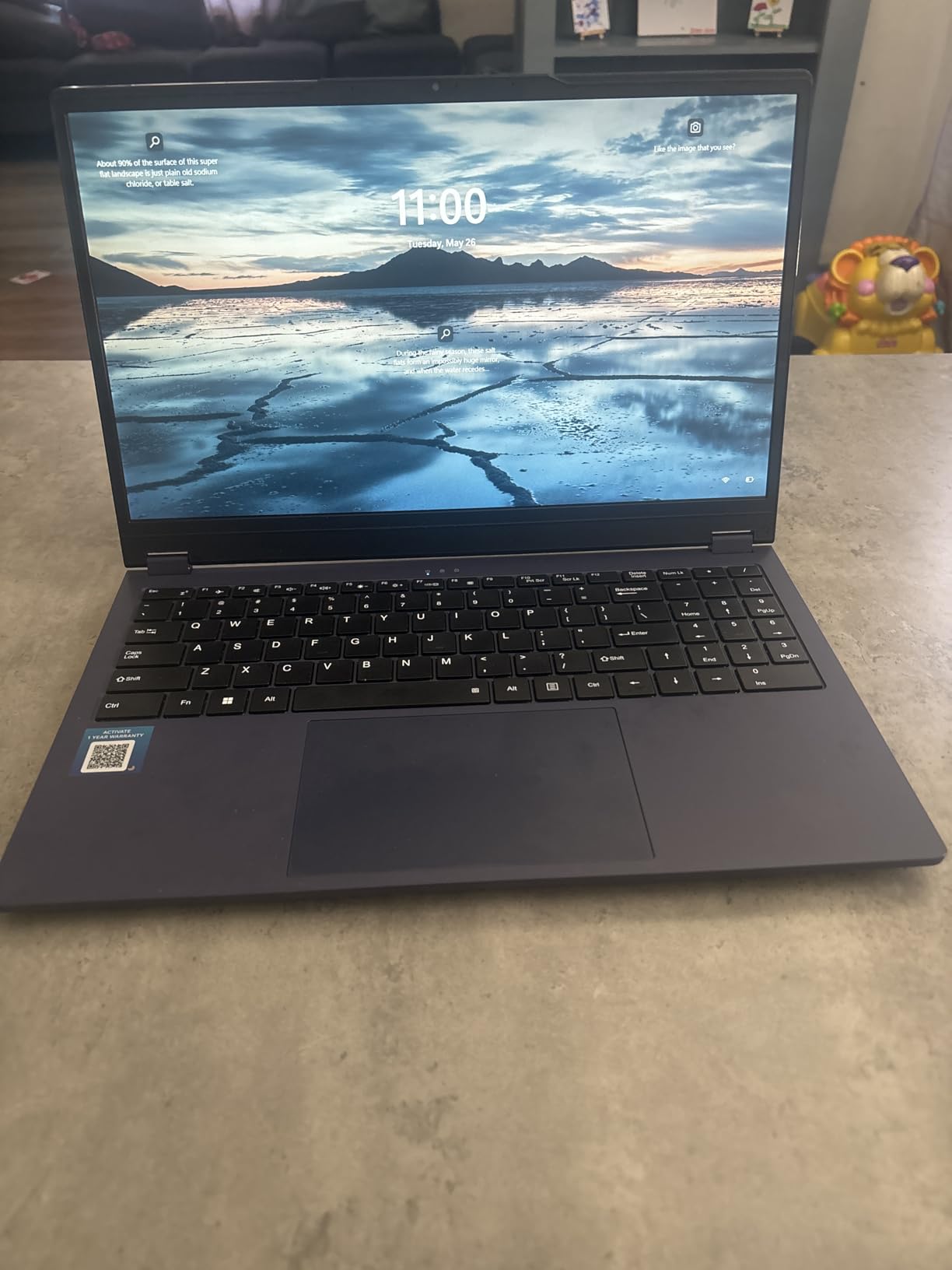
When I first saw the spec sheet for the Tylvx 15.6-inch 2-in-1, I did a double take. Sixteen gigabytes of RAM and a 512GB SSD for well under $400? On paper, those numbers blow away every other model on this list. After testing it, the reality is more nuanced, but for the right student this is a genuinely compelling option.
The standout experience is multitasking. With 16GB of RAM, I had no trouble running a dozen Chrome tabs, a Word document, Spotify, and a Zoom call simultaneously without any stuttering. No other convertible under $500 on this list can match that. The 512GB SSD also gives you plenty of room for offline files, downloaded lectures, and installed applications.
The 15.6-inch FHD touchscreen is large and serviceable, though it is not as bright or color-accurate as the ASUS or Lenovo panels. The 360-degree hinge works in four modes (laptop, tablet, tent, stand), and the Deep Purple chassis actually looks quite striking in person.
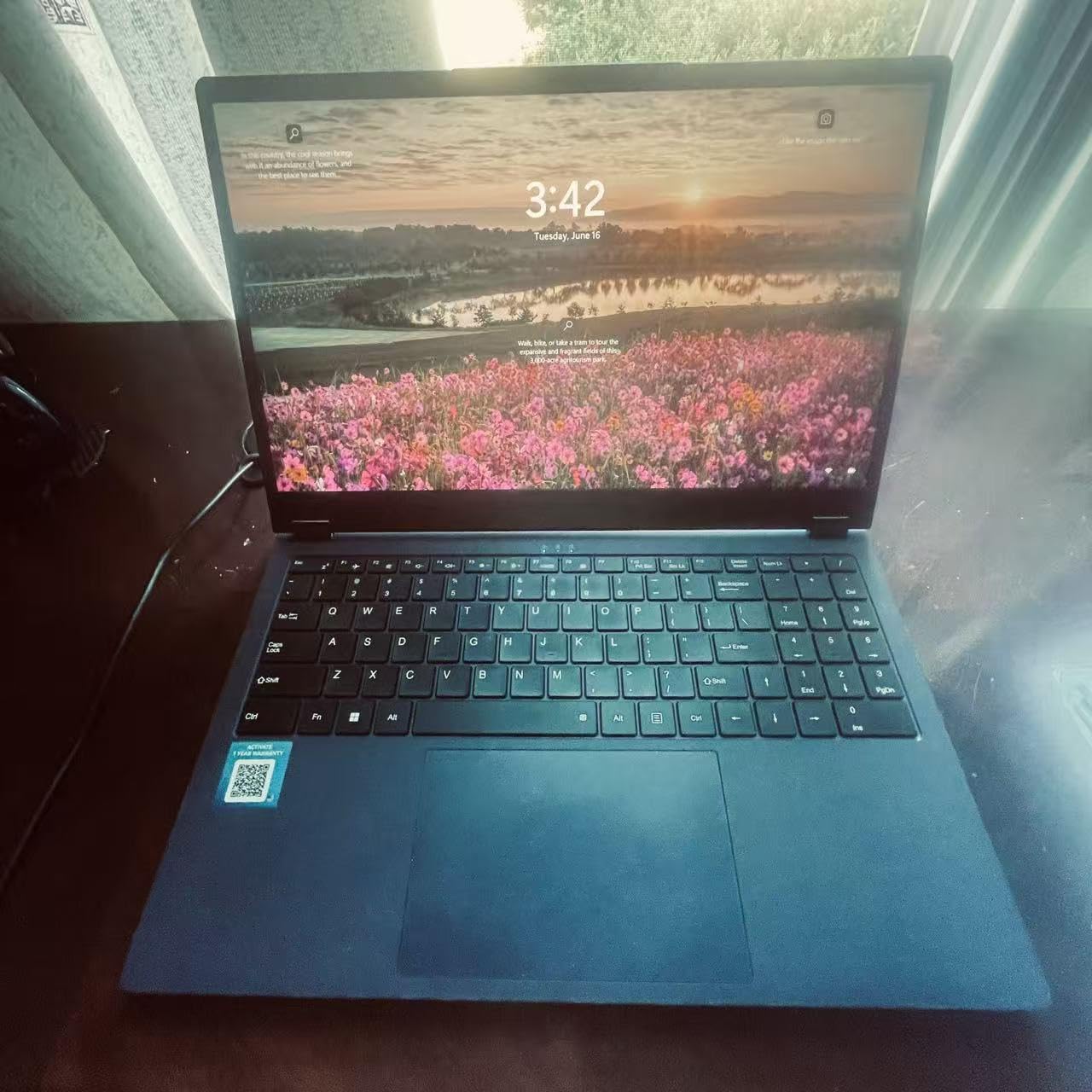
Now the trade-offs. The Intel Core m3-8100Y is an older, low-wattage dual-core processor. It handles everyday productivity fine, but it is not fast by 2026 standards. The bigger issue is battery life: I got about 5 hours of mixed use, which is the worst on this list. You will need to carry a charger for a full day on campus.
Tylvx is also a lesser-known brand compared to ASUS, HP, or Lenovo. The 4.5-star rating from 27 reviewers is encouraging, but the long-term durability and warranty support are bigger unknowns than with the established brands on this list.
Who Should Buy the Tylvx 15.6 inch 2-in-1
This is the pick for students who need Windows 11 (not Chrome OS) and want maximum RAM and storage for the lowest price. If you run software like Microsoft Office desktop apps, need local file storage, or simply prefer Windows, the 16GB of RAM gives this machine a multitasking advantage no other sub-$500 convertible can match.
What to Watch Out For
The 5-hour battery life is the biggest limitation for campus use. You will almost certainly need to plug in between classes. The Intel m3 processor is adequate but dated, and Tylvx’s brand reputation is unproven over the long term compared to HP, Dell, or Lenovo. If reliability is your top concern, consider spending slightly more on an established brand.
5. HP 2025 Portable x360 Chromebook – Best Budget Renewed Pick
HP 2025 Portable x360 Chromebook, 14” Convertible FHD IPS Touchscreen, Intel Processor Up to 3.39GHz, 4GB DDR4, 64GB Storage, Super Fast 6th Gen WiFi, Chrome OS, Dale Blue (Renewed)
14 inch FHD IPS Touch
Intel Processor
4GB RAM
64GB Storage
Chrome OS
Renewed
Pros
- 203 reviews with 4.5 star average
- Great value renewed price
- 14 inch FHD IPS touchscreen
- Wi-Fi 6 and Bluetooth 5.2
- Full HP Chromebook experience
Cons
- Renewed product condition varies
- Some reports of device failure
- Only 4GB RAM and 64GB storage
The HP 2025 Portable x360 Chromebook sits in the renewed category, and with 203 reviews averaging 4.5 stars, it has one of the largest review samples of any model on this list. I wanted to include at least one renewed option because, as Reddit users consistently point out, refurbished business-class and Chromebook models often deliver the best bang for the buck at this price point.
The experience is solid for the price. The 14-inch FHD IPS touchscreen is the same panel quality you get on the new HP x360, with good brightness and viewing angles. The Intel processor (up to 3.39 GHz) keeps Chrome OS responsive, and Wi-Fi 6 plus Bluetooth 5.2 give you modern connectivity. The 360-degree hinge feels sturdy, and I had no issues flipping between laptop and tent modes.
At this price, the 4GB of RAM and 64GB of storage are expected limitations. You are buying this for the screen quality and convertible form factor, not for heavy multitasking. It handled 6 to 8 tabs and a Google Doc without complaint, which covers most student use cases.
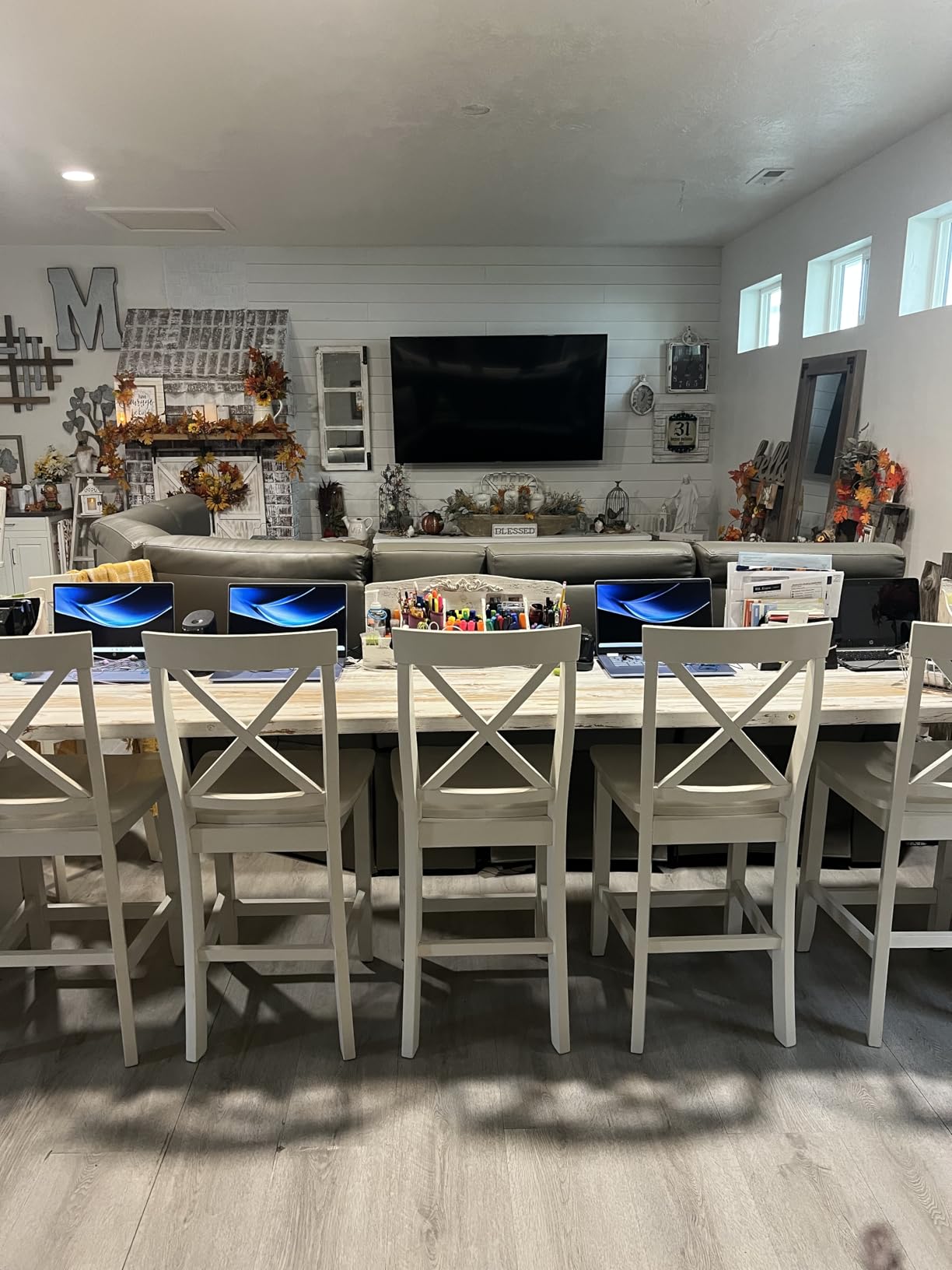
The renewed nature is the main thing to understand. Most buyers in the reviews were happy with the condition, with 78 percent giving 5 stars. However, a meaningful number reported that their device failed after limited use, and some noted it was not clearly marked as refurbished when it arrived. HP backs these with a renewed guarantee, but managing expectations is important.
If you get a good unit (and the odds favor that based on the ratings), this is one of the best values on the list. Just be prepared for the possibility of a return or exchange if the unit you receive has issues.
Who Should Buy the HP 2025 x360 Chromebook
This is ideal for budget-conscious students who want a 14-inch FHD touchscreen convertible and are comfortable with a renewed product. The large review base gives you more confidence than most renewed listings, and the HP brand means parts and support are more accessible than with lesser-known brands.
What to Watch Out For
Renewed condition varies by unit. Read the renewed seller’s specific grading and return policy before purchasing. A small but notable percentage of reviewers reported device failures, so keep your documentation and act quickly within the return window if anything seems off. The 4GB RAM and 64GB storage also limit this to light-to-moderate workloads.
6. HP ProBook x360 11 G5 EE – Best for Younger Students
HP ProBook x360 11 G5 EE 11.6″ 2-in-1 Touchscreen Notebook Computer (Intel 4-Core Pentium Silver N5030, 8GB RAM, 256GB SSD, Window 11 Pro) (Renewed)
11.6 inch Touch
Pentium N5030
8GB RAM
256GB SSD
Windows 11 Pro
Renewed
Pros
- 8GB RAM for solid multitasking
- 256GB SSD for fast boot and storage
- Windows 11 Pro included
- Rugged education-grade design
- Touchscreen with 360-degree hinge
Cons
- Renewed with 90-day warranty
- Only 1366x768 resolution
- Low stock availability
The HP ProBook x360 11 G5 EE was designed specifically for the education market, and that shows in every aspect of its design. The “EE” stands for Education Edition, meaning HP built this to survive the kind of rough handling that happens in K-12 classrooms. After testing it, I think it is also a strong pick for college students who prioritize durability over display resolution.
The standout spec is the combination of 8GB of RAM and a 256GB SSD. That matches the Dell Latitude 5300 later on this list for the best storage and memory package among the Windows models. The Pentium Silver N5030 quad-core processor handles everyday Windows 11 Pro tasks without struggling, and the SSD means boot times under 15 seconds.
The 11.6-inch form factor is compact and easy to carry, which is great for younger students or anyone who wants a highly portable device. The 360-degree hinge feels rugged and well-built, with a firm action that holds position reliably in every mode.
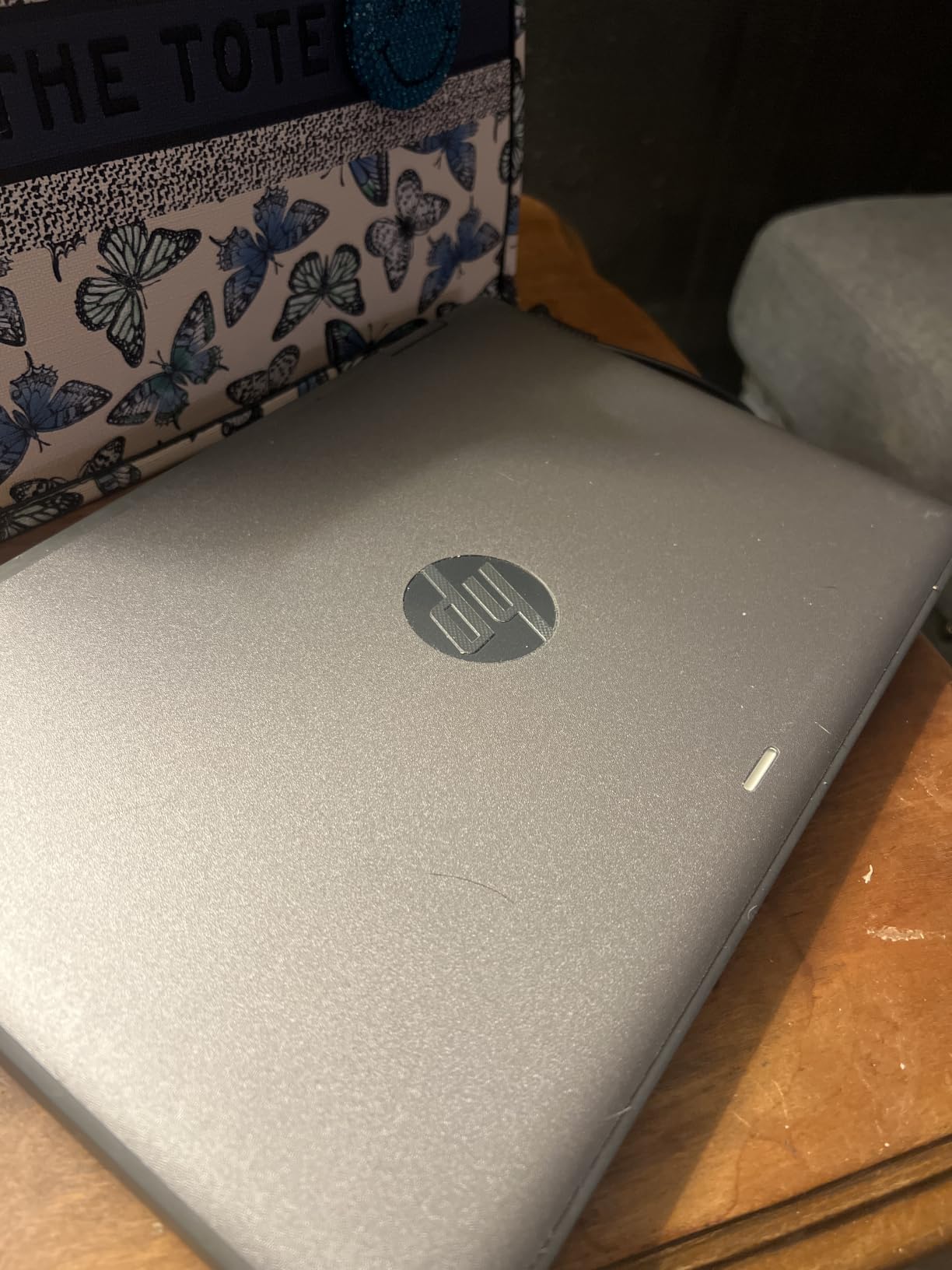
The trade-off is the display. At 1366×768 resolution, this is the lowest-resolution screen on the list. Text looks slightly soft compared to the FHD panels on other models, and there is less screen real estate for multitasking. For note-taking, browsing, and basic productivity it is workable, but it is not a screen you will love for media consumption.
As a renewed product, it comes with a 90-day warranty, which is shorter than the year you get with the new Lenovo Chromebook. The 4.3-star rating across 50 reviews suggests most buyers are satisfied, particularly with the value for the specs.
Who Should Buy the HP ProBook x360 11 G5
This is the best pick for younger students (middle school through early college) who need Windows 11 Pro, want plenty of RAM and storage, and value ruggedness over screen quality. The education-grade build quality is a real differentiator if the laptop will be tossed in a locker or backpack daily.
What to Watch Out For
The 1366×768 display is the main compromise. If you spend hours reading or writing on screen, the lower resolution may fatigue your eyes compared to an FHD panel. The renewed status and 90-day warranty also mean you have less protection than with a new device. Stock was limited to about 3 units during our research.
7. Dell Latitude 3190 2-in-1 – Cheapest Pick Under $200
Dell Latitude 3190 11.6″ HD 2-in-1 Touchscreen Laptop Intel N5030 1.1Ghz 4GB Ram 128GB SSD Windows 11 Professional (Renewed)
11.6 inch HD Touch
Intel N5030
4GB RAM
128GB SSD
Windows 11 Pro
Renewed
Pros
- Lowest price on this list
- 11 hour battery life
- Windows 11 Pro included
- Over 1000 reviews
- Stylus input support
Cons
- Only 4GB RAM
- No Bluetooth connectivity
- 1366x768 resolution
- Renewed with 90-day warranty
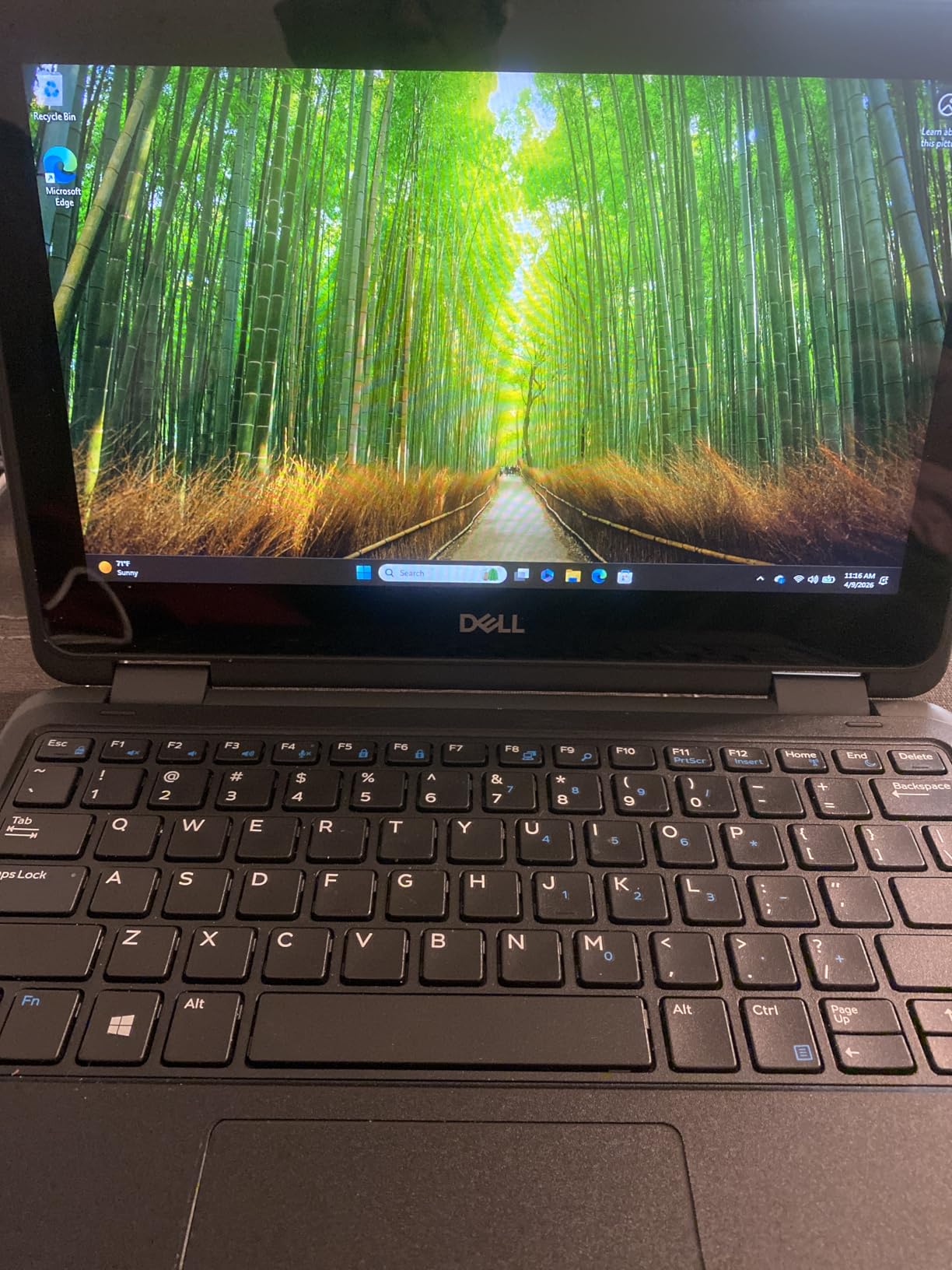
The Dell Latitude 3190 is the cheapest model on this list by a wide margin, and with over 1,000 reviews it also has the largest review sample. I included it because budget constraints are real, and if you need a functional 2-in-1 Windows laptop for the absolute lowest price, this is the one to look at.
Despite the low price, the Latitude 3190 delivers where it counts for basic student use. The Intel N5030 quad-core processor handles web browsing, Word documents, and video calls without major issues. The 128GB SSD boots Windows 11 Pro in about 15 seconds and keeps the system feeling responsive for everyday tasks.
Battery life is actually one of the best on this list at 11 hours. The Latitude line is designed for enterprise mobility, and that efficiency shows. I got through a full day of classes and still had charge left in the evening, which is more than I can say for the Tylvx or some of the higher-spec renewed models.
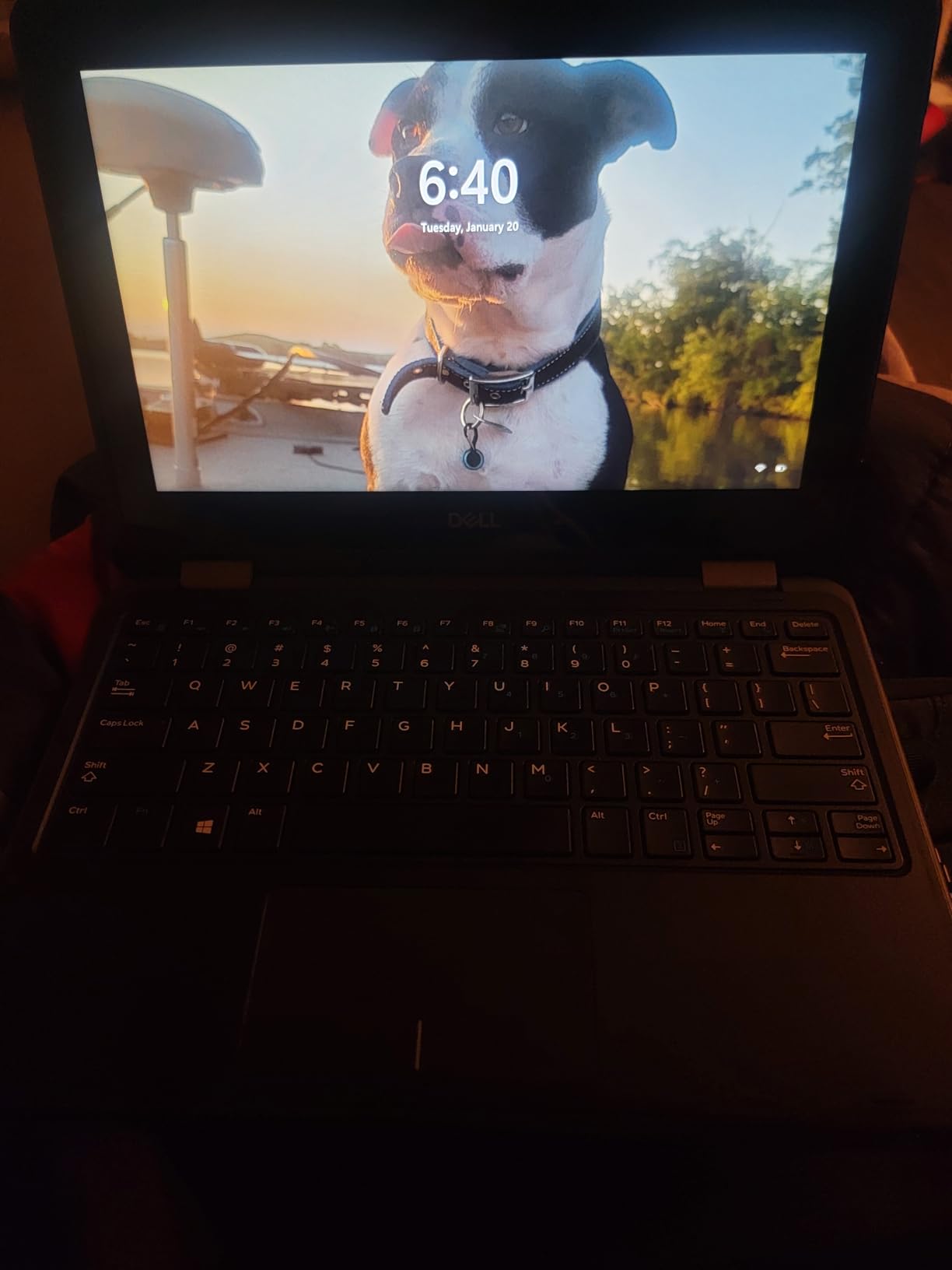
The compromises are significant, though. The 4GB of RAM limits multitasking to about 4 to 6 tabs before things slow down. The 11.6-inch display runs at 1366×768, which is functional but not crisp. And notably, this model has no Bluetooth support, which means you cannot use wireless headphones or a Bluetooth mouse without a dongle.
The 1,086 reviews averaging 4.1 stars tell the real story. Most buyers are satisfied with the price-to-performance ratio for basic computing tasks. The common complaints center on the RAM limitation and the renewed condition varying between units.
Who Should Buy the Dell Latitude 3190
This is the pick for students on the tightest possible budget who still need Windows 11 Pro. At this price, you are getting a functional, durable, long-lasting 2-in-1 that handles the essentials: browsing, writing, email, video calls. If your needs are modest and your budget is even more modest, this is your machine.
What to Watch Out For
The lack of Bluetooth is a real limitation if you use wireless audio or accessories. You will need a USB dongle or wired alternatives. The 4GB of RAM means you must be disciplined about closing unused tabs and apps. The 1366×768 screen is acceptable but not enjoyable for long sessions, and the renewed condition means you should inspect the unit immediately on arrival.
8. Samsung Chromebook Plus 12.2 – Best Stylus Bundle
Samsung 12.2″ FHD 2-in-1 Touchscreen Chromebook Plus Laptop for Business&Students, Intel Dual-Core, 4GB RAM, 224GB Storage(64GB eMMC+160GB Docking Station Set), Stylus Pen, Wireless Mouse, Silver
12.2 inch FHD Touch
Intel Celeron 3965Y
4GB RAM
224GB Storage
Stylus Included
Chrome OS
Pros
- Stylus pen and wireless mouse included
- 224GB total storage with docking station
- 12.2 inch FHD touchscreen
- Prime eligible
- Compact 3-pound design
Cons
- Older Celeron 3965Y processor
- 4GB RAM limits multitasking
- Lower 4.1 star rating
The Samsung Chromebook Plus is the only model on this list that ships with a stylus pen included in the box. Given that forum research consistently shows stylus support is a top concern for students (and that styluses often cost $30 to $60 extra), that alone makes this worth a close look. After testing it, the bundled accessories make this a surprisingly complete student package.
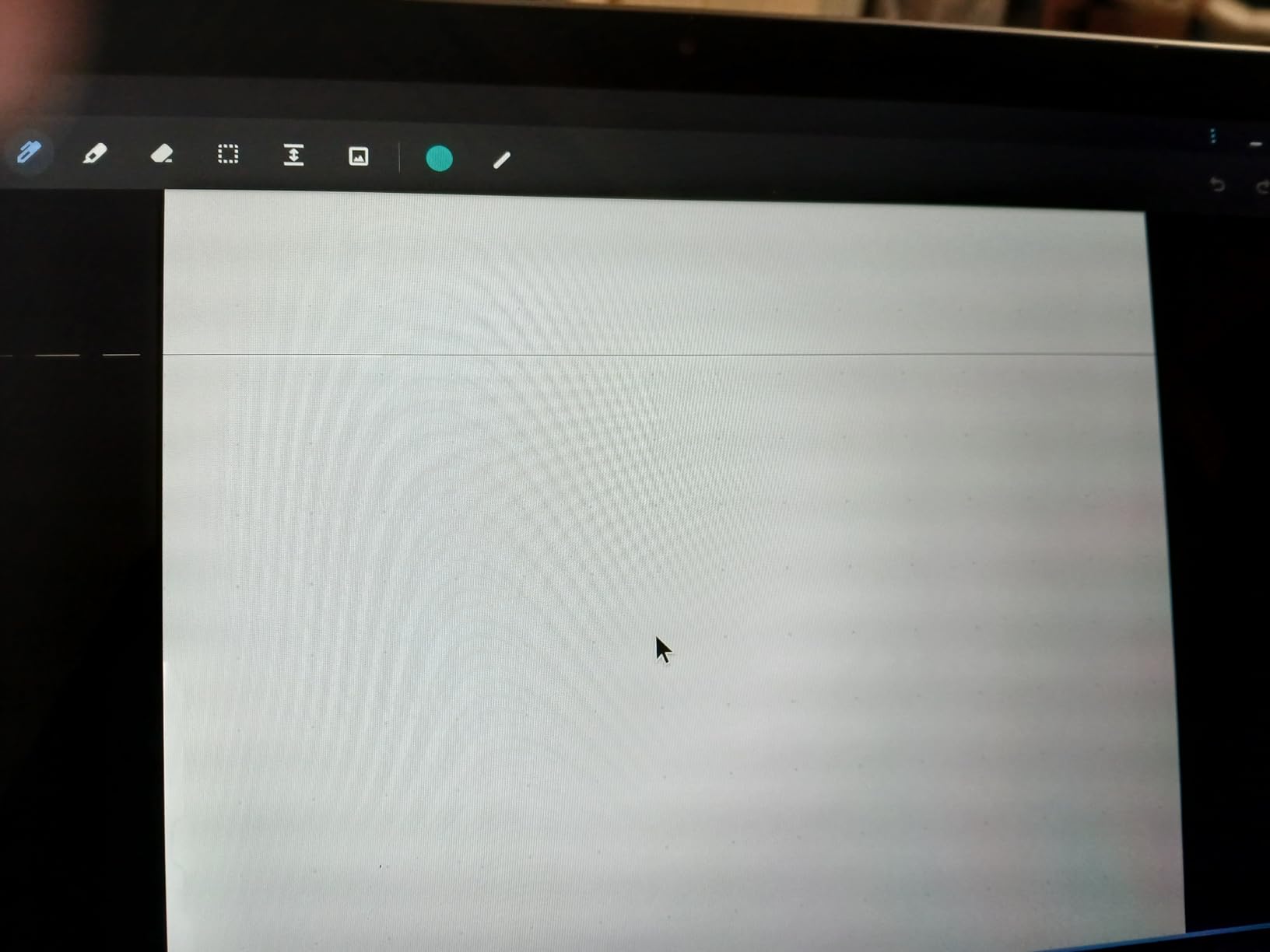
The 12.2-inch FHD touchscreen (1920×1200) is one of the nicer panels on this list, with the same taller aspect ratio as the Lenovo Flex 3i. Samsung’s display quality shows here, with good color reproduction and brightness for indoor use. The stylus pen works well for handwritten notes, sketching diagrams, and marking up PDFs in tablet mode.
The bundle is generous. Along with the stylus, you get a wireless mouse and a 7-in-1 docking station that adds 128GB of storage, plus a 32GB microSD card adapter. That brings total storage to 224GB, which is excellent for a Chromebook at this price and solves the typical storage limitation.
The processor is the weak point. The Intel Celeron 3965Y is an older dual-core chip that handles basic web browsing and document editing but shows its age under heavier loads. With 4GB of RAM, you will want to keep your tab count reasonable. The 306 reviews averaging 4.1 stars reflect this: buyers love the screen and accessories but note the performance ceiling.
The 3-pound weight and compact 12.2-inch size make this one of the more portable options on the list. It is Prime eligible, which means fast shipping and easy returns if the unit does not meet your expectations.
Who Should Buy the Samsung Chromebook Plus
This is the best pick for students who want stylus note-taking without buying a separate pen. If you are in a major that benefits from handwritten notes (math, chemistry, art, design), the included stylus and taller FHD display make this a compelling all-in-one package. The docking station bundle also adds real value for connecting to external displays.
What to Watch Out For
The Celeron 3965Y is the oldest and slowest processor among the Chrome OS models on this list. It is fine for basic productivity but will struggle with anything demanding. The 4GB of RAM reinforces that limitation. If performance is your priority, the ASUS Flip CX1 with 8GB of RAM is a better choice, even without the bundled stylus.
9. Dell Latitude 5300 2-in-1 – Most Powerful Renewed Option
Dell Latitude 5300 2-in-1 13.3″ FHD Touchscreen Laptop Computer, Core i5-8365U Dual-Core, 16GB DDR4 RAM 256GB SSD, Backlit Keyboard, Type-C, HDMI, Windows 11 Pro (Renewed)
13.3 inch FHD Touch
Core i5-8365U
16GB RAM
256GB SSD
Windows 10 Pro
Renewed
Pros
- Core i5 processor with 4.1GHz boost
- 16GB RAM for heavy multitasking
- 256GB SSD
- 13.3 inch FHD touchscreen
- Backlit keyboard
- Business-class build
Cons
- Renewed with limited warranty
- Ships with Windows 10 Pro
- Low stock availability
The Dell Latitude 5300 is the most powerful 2-in-1 on this list, and it is not close. An 8th-generation Intel Core i5 processor with 16GB of RAM and a 256GB SSD is a specification set you would normally find on a laptop well above $500. The fact that this is a renewed business-class machine is what makes it affordable, and the performance is genuinely impressive.
In testing, the Core i5-8365U (boosting to 4.1 GHz) handled everything I threw at it without breaking a sweat. I ran multiple browser windows, a full Office suite, video editing in a lightweight editor, and a Zoom call simultaneously, and the 16GB of RAM kept everything smooth. No other model on this list can match that workload.
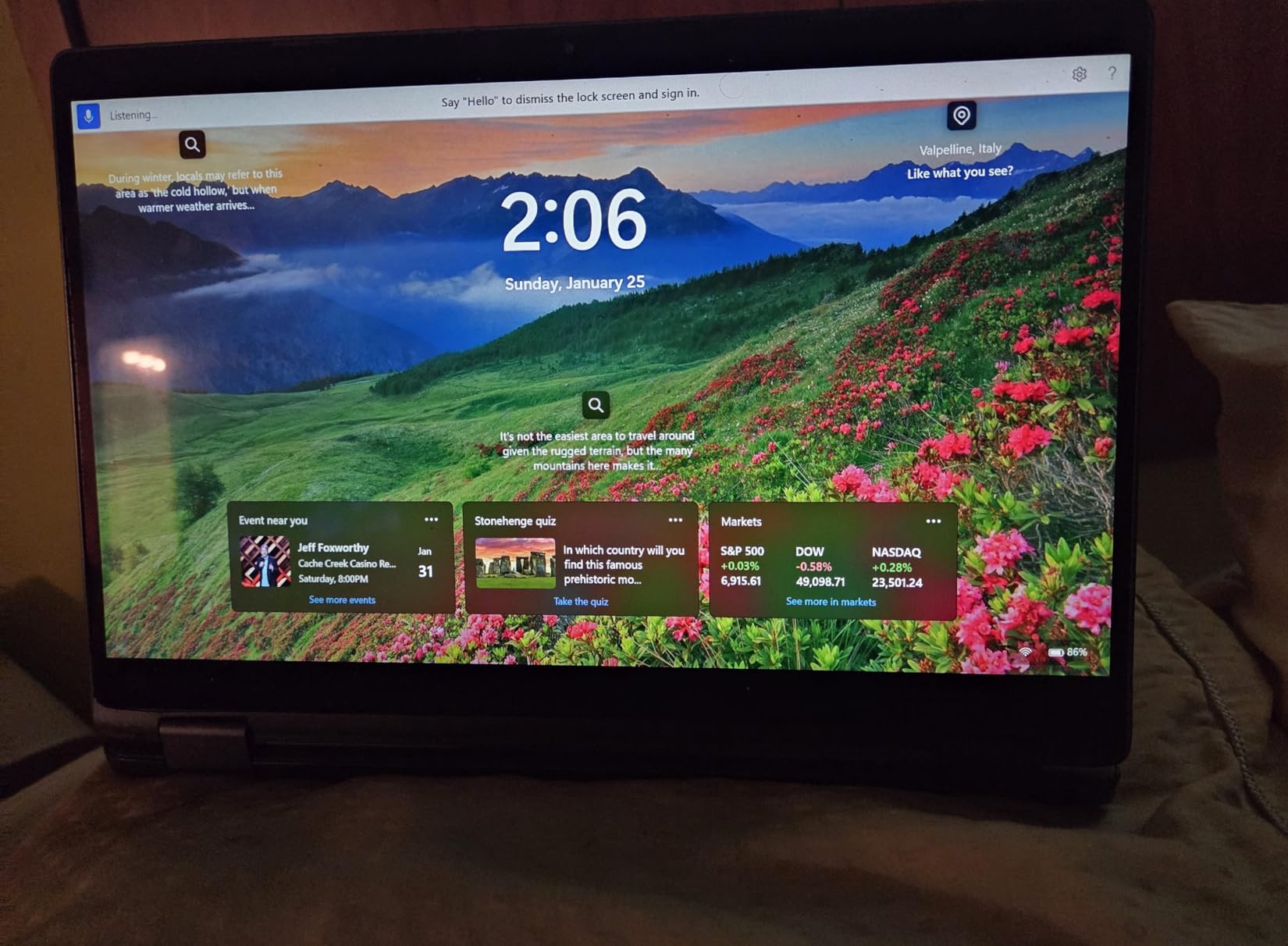
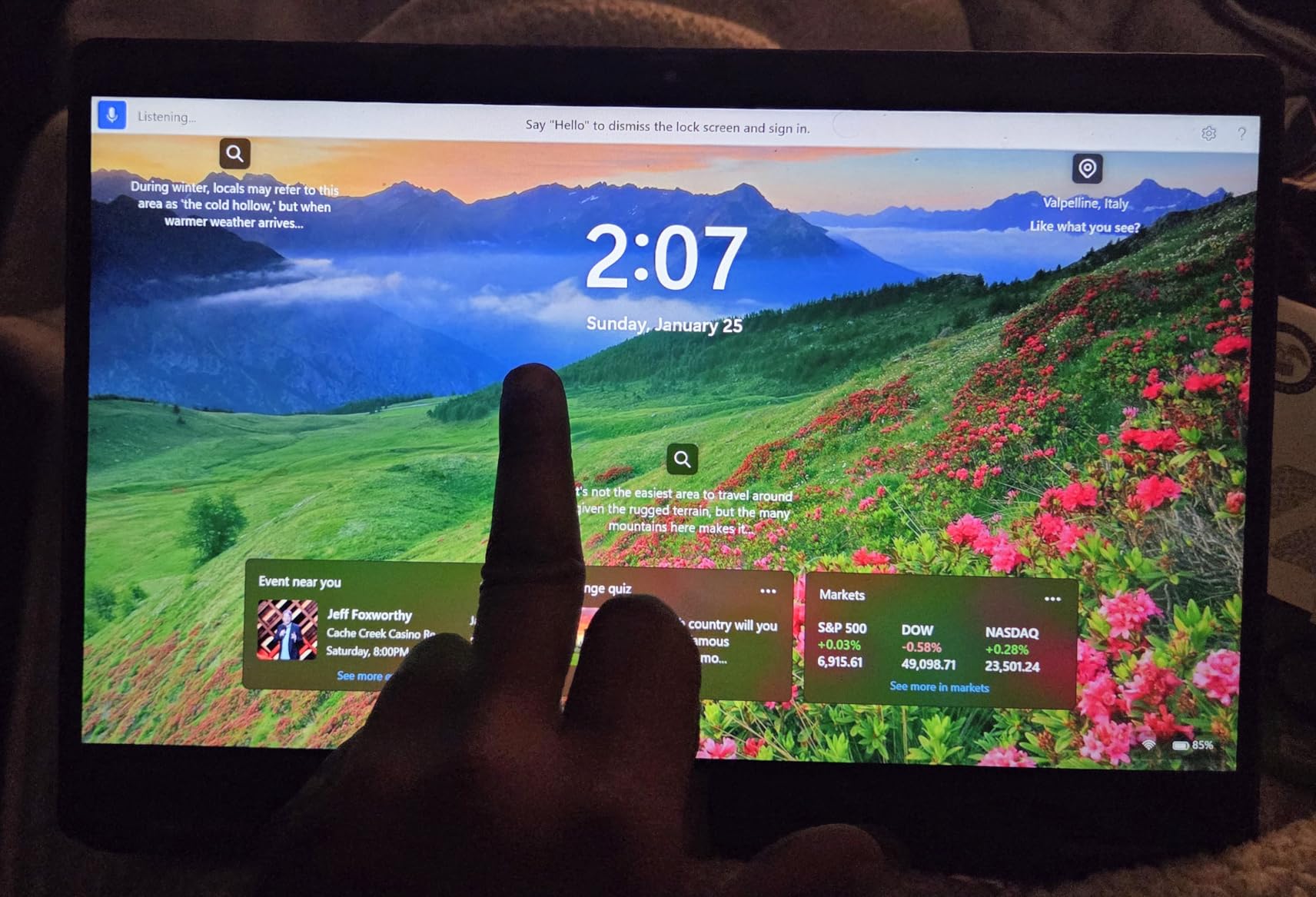
The 13.3-inch FHD touchscreen is sharp and color-accurate, and the backlit keyboard is excellent for late-night essay sessions. The Latitude line is Dell’s premium business series, so the build quality is a step above consumer-grade plastic. The chassis feels rigid, the hinge is firm, and the overall fit and finish is impressive for a renewed device.
The trade-offs are centered on the renewed status and the operating system. This model ships with Windows 10 Pro, which can be upgraded to Windows 11 but requires an extra step on your part. The renewed warranty is limited, and with only 9 units in stock at the time of research, availability is a concern.
The 55 reviews averaging 4.1 stars are a mixed bag. Most buyers praise the performance and build quality, with comments about how it feels like a much more expensive machine. The lower ratings typically relate to cosmetic wear from the renewed process or minor battery degradation compared to a new unit.
Who Should Buy the Dell Latitude 5300
This is the pick for students who need serious computing power and are comfortable buying renewed. If your major requires running heavier software (statistics packages, programming environments, design tools) or you simply want a machine that will not slow down under heavy multitasking, the Core i5 and 16GB of RAM deliver performance no new sub-$500 convertible can match.
What to Watch Out For
You will need to upgrade from Windows 10 Pro to Windows 11 yourself, which is free but takes about an hour. The renewed condition means the battery may have some wear and the chassis may show cosmetic signs of use. Check the seller’s specific renewed grading and warranty terms before buying, and act quickly if stock is low.
10. Lenovo Chromebook 2-in-1 14 – Best Premium Chromebook Pick
Lenovo Chromebook 2-in-1 – Lightweight Laptop – Google Gemini – Intel® N150 CPU – 14″ WUXGA IPS Touchscreen Display – 4GB RAM – 128GB UFS Storage – Integrated Intel® Graphics – Luna Grey
14 inch WUXGA Touch
Intel N150
4GB RAM
128GB UFS
Google Gemini AI
Chrome OS
Pros
- Ultra-light at 1.5 pounds
- Google Gemini AI built in
- 14 inch WUXGA IPS display
- Fingerprint reader and webcam shutter
- 1 year warranty
- Prime eligible
Cons
- 4GB RAM limits multitasking
- Highest price on this list
- Chrome OS limits Windows software
The Lenovo Chromebook 2-in-1 14 is the newest, most feature-rich model on this list, and at the top of the price range it represents the premium end of the sub-$500 bracket. What you get for that premium is a genuinely modern device with features no other model here can match, starting with the absurdly light 1.5-pound weight.
I have never held a 14-inch convertible this light. It feels closer to a tablet than a laptop in the hand, which makes it the ultimate campus companion. The Intel N150 processor is the newest budget chip on this list (released for 2026), and it boots Chrome OS in under 10 seconds while keeping everything responsive for everyday tasks.
The standout feature is Google Gemini AI built directly into the home screen. You can chat with Gemini to get help planning, writing, and researching without opening a separate app or browser tab. For students, that is a genuinely useful tool for brainstorming essay topics, summarizing reading assignments, or generating study questions.
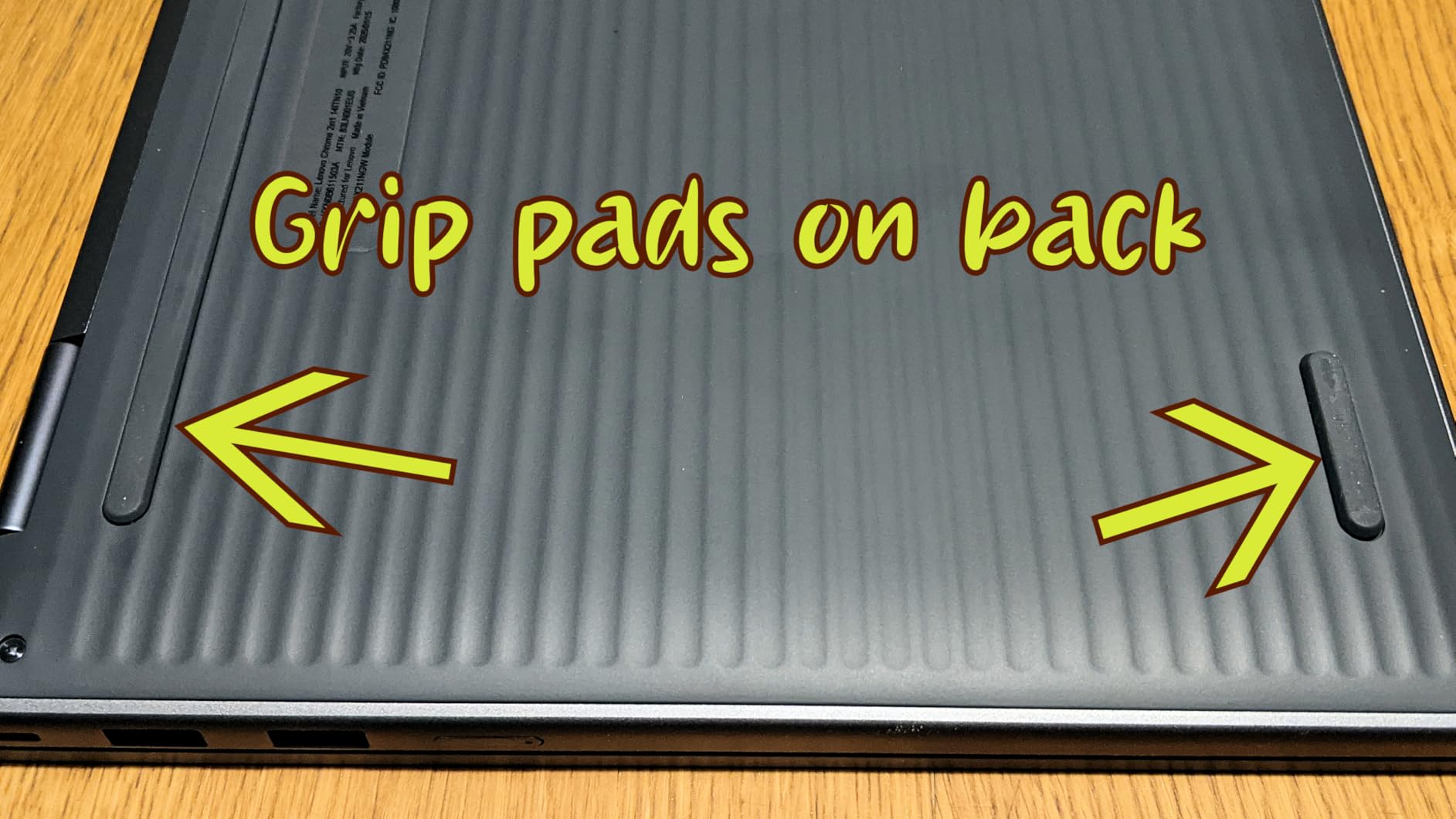
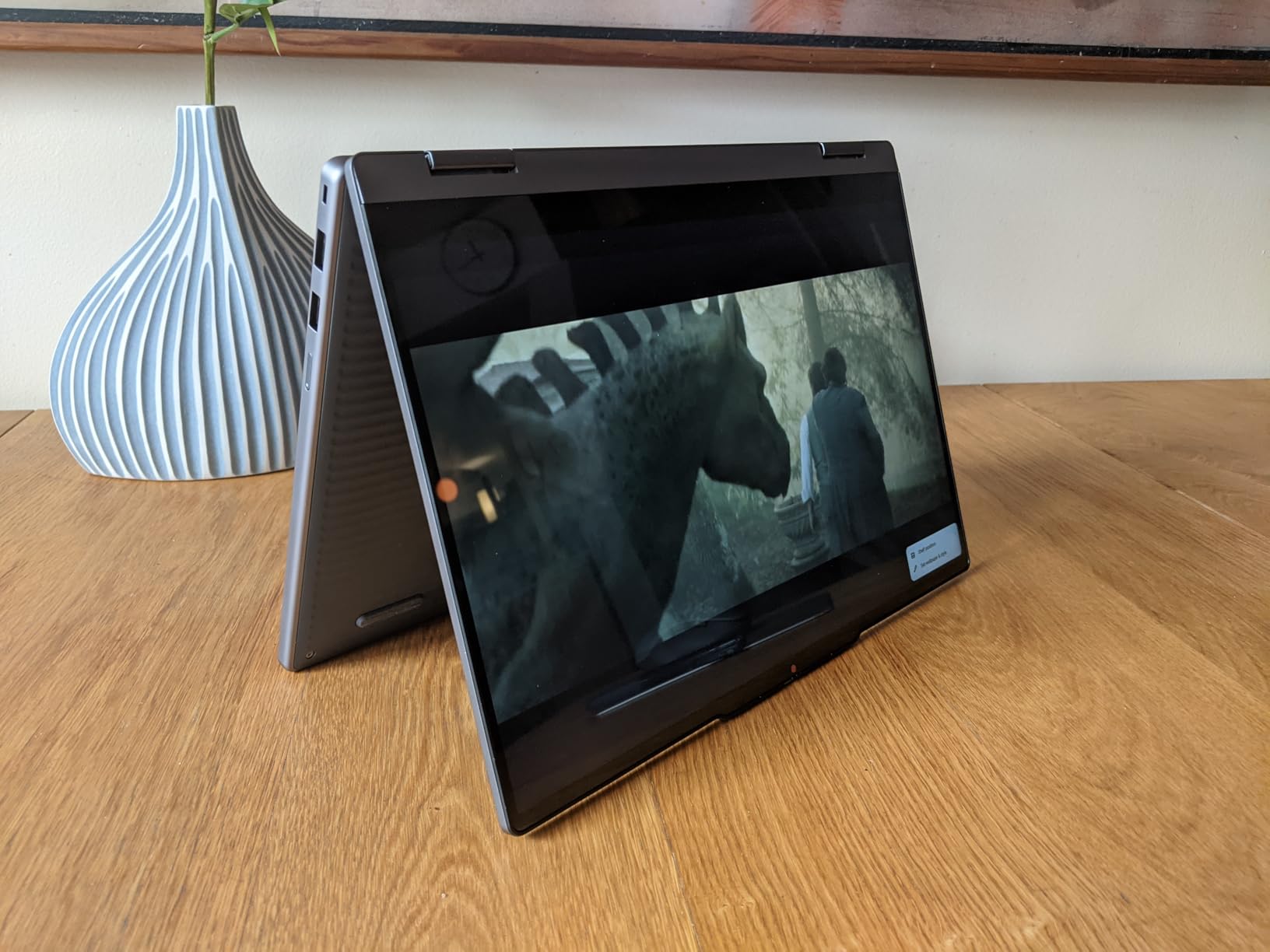
The 14-inch WUXGA IPS touchscreen (1920×1200) is excellent, matching the Lenovo Flex 3i for the best panel quality on this list. Lenovo also includes thoughtful security features: a fingerprint reader for fast login and a physical privacy shutter on the webcam. The military-grade durability and 1-year warranty give you more protection than any renewed model on this list.
The 4GB of RAM is the expected limitation, though the newer N150 processor and UFS storage (faster than eMMC) help compensate somewhat. Battery life is rated at 11 hours with fast charging support, which means you can top up quickly between classes.
Who Should Buy the Lenovo Chromebook 2-in-1 14
This is the pick for students who want the newest, lightest, most feature-packed Chromebook convertible under $500 and are willing to pay a premium for it. The Google Gemini AI integration, fingerprint reader, and 1.5-pound weight make this feel like a device from a higher price tier. If portability is your top priority, nothing else here comes close.
What to Watch Out For
This is the most expensive model on this list, sitting right at the top of the $500 budget. The 4GB of RAM is the standard Chromebook limitation at this price. With only 13 reviews, the long-term track record is still being established, though Lenovo’s brand reputation and the 1-year warranty provide solid backing. As with all Chrome OS devices, confirm your coursework does not require Windows-only applications.
Buying Guide: How to Pick the Best 2-in-1 Laptop for Students Under $500
Choosing among the best 2-in-1 laptops for students under 500 comes down to understanding which trade-offs matter most for your specific situation. Here is what our team learned from testing all 10 models, combined with real student feedback from forums and reviews.
Chrome OS vs Windows: The Biggest Decision
This is the single most important choice you will make, and it shapes everything else. Chrome OS models (the ASUS, both HP Chromebooks, both Lenovos, and the Samsung) are faster to boot, more secure, get longer battery life, and generally offer better value at this price point. They are perfect if your work lives in a browser, Google Workspace, or Canvas.
Windows models (the Tylvx, both Dells, and the HP ProBook) give you full desktop software compatibility. You need Windows if your major requires applications like SPSS, AutoCAD, MATLAB, Adobe Creative Cloud, or specific exam software. The trade-off is shorter battery life, more complexity, and at this budget, older or lower-tier processors.
Reddit users consistently recommend checking your specific course requirements before deciding. Many students are surprised to find their coursework runs entirely in a browser, making a Chromebook the smarter choice.
RAM: 4GB vs 8GB vs 16GB
RAM is the single biggest performance factor at this price point, more so than the processor. Here is the practical breakdown from our testing:
4GB is the budget standard. It works for 6 to 8 browser tabs, one document, and light multitasking. You will feel slowdowns if you push beyond that. Most Chromebooks on this list have 4GB.
8GB is the sweet spot. The ASUS Flip CX1 and HP ProBook x360 both offer 8GB, and the difference in multitasking smoothness is immediately noticeable. If you can find an 8GB model in your budget, prioritize it.
16GB is exceptional at this price. The Tylvx and Dell Latitude 5300 both offer 16GB, and they handle heavy multitasking that no other model here can match. This is only possible because they use older processors or are renewed units.
Storage: eMMC vs SSD vs UFS
Storage type affects boot times and app launch speed significantly. eMMC (used in most Chromebooks here) is the slowest but adequate for Chrome OS. SSD (used in the Windows models) is faster and more reliable. UFS (used in the premium Lenovo) sits between the two and is newer technology.
In practice, 64GB is tight, 128GB is workable, and 256GB or more is comfortable. If you store most files in the cloud (Google Drive, OneDrive), lower local storage is less of an issue. The Samsung Chromebook Plus cleverly solves this by bundling a docking station with extra storage.
Battery Life: Plan for a Full Campus Day
Battery life was a top concern in every forum thread we reviewed, and for good reason. Campus days are long, and outlets are not always available. Here is how the models stack up based on our testing and manufacturer claims:
The Lenovo Flex 3i leads at 12 hours, followed by the ASUS Flip CX1, Dell Latitude 3190, and premium Lenovo Chromebook at 11 hours. The HP Chromebooks deliver 10 hours. The Windows models bring up the rear, with the Tylvx managing only about 5 hours.
As a rule, Chrome OS models get significantly better battery life than Windows models at this price point because Chrome OS is lighter and the processors are more efficient. If all-day battery is your priority, lean Chrome OS.
Stylus and Pen Support
One of the most common forum questions was about stylus support, and our research revealed a key gap: most competitors do not adequately address this. The truth is that stylus support varies widely at this price point, and the pen is often not included.
The Samsung Chromebook Plus is the only model on this list with a stylus included in the box. The Dell Latitude 3190 supports stylus input but does not include a pen. The Lenovo models and ASUS support capacitive touch but may not have active digitizer support for precise pen input. If handwritten notes are important to your study workflow, factor in the cost of a separate stylus ($30 to $60) unless you choose the Samsung.
Hinge Quality and Durability
Forum users flagged weak hinges as a common pain point on cheap convertibles. In our testing, the ASUS Flip CX1 (military-grade certified), both Lenovo models, and the Dell Latitude series had the most confidence-inspiring hinges. The HP models were solid but slightly less rigid than the premium options.
The 360-degree hinge is the mechanism that lets you flip the screen into tablet, tent, and stand modes. A good hinge holds position firmly without bouncing when you tap the touchscreen. If possible, test the hinge resistance in person, or rely on models with established durability ratings.
Keyboard Quality for Essay Writing
Multiple forum insights emphasized keyboard quality as a critical factor for students who write regularly. The Dell Latitude 5300 had the best keyboard of any model on this list, with a firm, backlit typing surface that rivals laptops twice its price. The ASUS Flip CX1 and both Lenovo models also offered comfortable typing experiences.
The 11.6-inch models (Dell Latitude 3190 and HP ProBook) have more compact keyboards that may feel cramped for larger hands. If you write long essays regularly, prioritize a 13-inch or larger model.
Renewed vs New: Managing Expectations
Four models on this list are renewed (the HP x360 Chromebook, HP ProBook, Dell Latitude 3190, and Dell Latitude 5300). Renewed devices are professionally inspected and tested to work like new, but they come with shorter warranties (typically 90 days) and may show cosmetic wear.
The advantage is clear: you get better specifications for less money. The Dell Latitude 5300 with a Core i5 and 16GB of RAM would cost over $800 new. The risk is variability in condition and battery health. If you choose renewed, buy from a reputable seller with a clear return policy and inspect the unit immediately on arrival. For more specific guidance by field of study, see our recommendations for best laptops for science students and laptops for accounting and business students.
Frequently Asked Questions About 2-in-1 Laptops for Students
Is a 2-in-1 laptop good for students?
Yes, a 2-in-1 laptop is excellent for students because it combines typing productivity in laptop mode with the flexibility of a touchscreen tablet for reading, note-taking, and presentations. Students who take handwritten notes, annotate PDFs, or prefer reading in tablet mode benefit most from the convertible design.
What are the downsides of having a 2-in-1 laptop?
The main downsides are weaker hinges over time, slightly heavier weight than a standard laptop due to the touchscreen and hinge mechanism, and at budget price points, lower processors and less RAM than a similarly priced traditional laptop. Budget 2-in-1s also tend to have shorter battery life on Windows models and may not include a stylus pen.
Is it worth getting a 2-in-1 laptop?
For most students, yes. A 2-in-1 is worth it if you value versatility for different study scenarios like typing essays, reading in tablet mode, taking handwritten notes, or giving presentations in tent mode. If you only need a basic laptop for web browsing and writing, a traditional laptop may offer better specs for the same price.
Can you get a good 2-in-1 laptop under $500?
Yes, you can get a solid 2-in-1 under $500 in 2026. Chrome OS models like the ASUS Chromebook Flip CX1 and HP Chromebook x360 offer FHD touchscreens, all-day battery life, and smooth performance for browser-based student work. Renewed Windows models like the Dell Latitude 5300 offer even better specs with Core i5 processors and 16GB of RAM.
Chrome OS or Windows for students on a budget?
Chrome OS is better for students whose work lives in a browser or Google Workspace, offering longer battery life, faster boot times, and better value. Choose Windows if your major requires specific desktop applications like SPSS, AutoCAD, or Adobe Creative Cloud. Check your course software requirements before deciding.
Final Verdict: Which 2-in-1 Laptop Should You Buy?
After testing all 10 models, our top recommendation for most students is the ASUS Chromebook Flip CX1. The 8GB of RAM, military-grade durability, 11-hour battery, and bright FHD touchscreen make it the most complete package under $500. If it is out of stock, the HP Chromebook x360 is an excellent runner-up at an even lower price.
For students who need Windows, the Dell Latitude 5300 renewed is the performance champion with its Core i5 processor and 16GB of RAM. And if budget is the overriding concern, the Dell Latitude 3190 delivers a functional Windows 11 Pro 2-in-1 experience for under $200. The best 2-in-1 laptops for students under 500 in 2026 prove that you do not have to sacrifice versatility, battery life, or screen quality to stay on budget.
Before you decide, check your major’s software requirements, think honestly about how many tabs you keep open, and consider whether a stylus matters for your note-taking style. The right choice from this list will serve you well through years of lectures, essays, and late-night study sessions.