
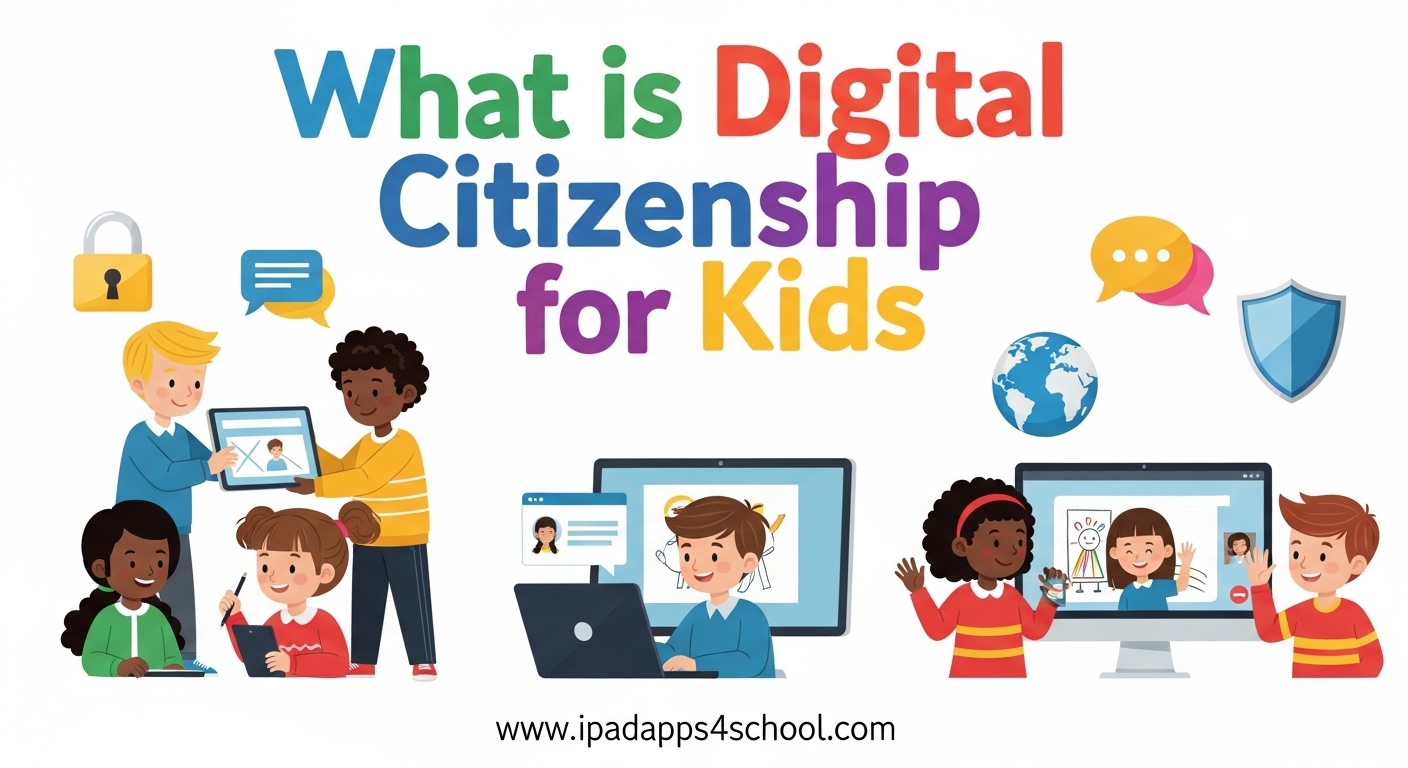
Digital citizenship for kids is the ability to use technology safely, responsibly, and respectfully while actively engaging in digital spaces. Our children are growing up in a world where screens are everywhere. From classroom iPads to video calls with grandparents, technology is woven into their daily lives. Teaching them to navigate this digital landscape with confidence and care is one of the most important skills we can give them.
I have spent years working with educators and parents on technology integration. The same patterns emerge again and again. Kids who learn digital citizenship early develop habits that stick. Those who do not often struggle with online conflicts, privacy issues, and screen time battles.
This guide will walk you through what digital citizenship means for children, why it matters more than ever in 2026, and how you can teach these essential skills at every age. Whether you are a parent worried about your child’s first tablet or a teacher building a curriculum, you will find practical strategies here.
Table of Contents
What is Digital Citizenship for Kids?
Digital citizenship for kids is the ability to use technology safely, responsibly, and respectfully while actively engaging in digital spaces. Think of it like being a good citizen in your town, but for the online world. Just as we teach children to look both ways before crossing the street and to say please and thank you, we need to teach them how to behave in digital environments.
The concept extends beyond simple safety rules. It encompasses how children communicate online, how they protect their personal information, how they evaluate what they see on screens, and how they treat others in virtual spaces. A digital citizen understands that their actions online have real-world consequences.
Here is what digital citizenship looks like in practice for children:
- Understanding that what they post online stays there forever
- Knowing how to create strong passwords and keep them private
- Recognizing when someone is being unkind online and knowing how to respond
- Thinking critically about whether information they see is true
- Balancing screen time with offline activities
The term was first popularized by education technology expert Mike Ribble, who identified nine elements of digital citizenship. For children, we focus on the most age-appropriate components: safety, literacy, and ethics.
Why Digital Citizenship Matters for Children?
The average child gets their first smartphone at age 10. By age 12, many are active on social media platforms. These statistics from Common Sense Media paint a clear picture. Technology is not going away, and early exposure means early responsibility.
Without digital citizenship education, children face real risks. Cyberbullying affects one in five middle schoolers. Online predators target children who overshare personal information. Misinformation spreads rapidly among young users who lack critical evaluation skills. These are not theoretical dangers. They happen in classrooms and living rooms every day.
The benefits of teaching digital citizenship extend far beyond avoiding problems. Children who develop these skills become confident technology users. They can research effectively, collaborate online, and create digital content responsibly. They understand their digital footprint and how it shapes their future opportunities.
From my conversations with parents on forums, the biggest struggle is finding balance. We want our children to benefit from technology while staying safe. Digital citizenship provides the framework for that balance. It is not about restriction. It is about empowerment.
The 5 Key Principles of Digital Citizenship for Kids
Effective digital citizenship education rests on five foundational pillars. Each builds upon the others to create a comprehensive understanding of responsible technology use.
1. Online Safety and Privacy
Safety comes first. Children must learn to protect their personal information and recognize potential dangers. This includes understanding why they should not share their full name, address, school, or phone number with strangers online.
Password protection is a critical skill. Kids should know how to create strong passwords and why they should not share them, even with friends. They need to understand privacy settings on apps and games they use.
Recognizing phishing attempts and suspicious links becomes increasingly important as children get older. Simple rules like “do not click on links from unknown senders” form the foundation for more sophisticated threat detection later.
2. Digital Etiquette and Empathy
Treating others with respect online is just as important as face-to-face kindness. Digital etiquette, or netiquette, covers how we communicate in written form. Without facial expressions and tone of voice, messages can be misinterpreted.
Children need to learn that real people are behind every screen. Empathy online means considering how their words affect others. It means standing up when they see someone being treated unkindly, not just scrolling past.
The concept of being an “upstander” rather than a bystander is powerful for kids. They can make a difference by reporting bullying, supporting victims, and refusing to participate in negative behavior.
3. Critical Thinking and Media Literacy
Not everything on the internet is true. Children need tools to evaluate information critically. This starts with simple questions: Who created this? Why did they make it? Is this trying to sell me something?
Media literacy includes understanding that photos can be edited and videos can be manipulated. As deepfakes and AI-generated content become more common in 2026, this skill becomes even more essential.
Children should learn to check multiple sources before believing sensational claims. They should understand the difference between news, opinion, and advertising. These skills protect them from misinformation and manipulation.
4. Responsible Technology Use
Balance is key to healthy technology use. Digital citizenship includes managing screen time, choosing appropriate content, and knowing when to put devices away. Children need to understand that technology is a tool, not a replacement for real-world experiences.
Responsible use also means respecting copyright and giving credit when using others’ work. Kids should learn the basics of fair use and why downloading pirated content is wrong.
Understanding their digital footprint helps children make better choices about what they post. Every photo, comment, and share contributes to their online reputation. This concept is abstract for young children but becomes concrete through discussion and examples.
5. Digital Rights and Ethics
Children have rights in digital spaces, and they have responsibilities too. They should know how to report content that makes them uncomfortable. They should understand that they can step away from games or conversations that feel wrong.
Digital ethics covers broader questions about how technology affects society. Discussions about data privacy, algorithm bias, and the environmental impact of technology can start early and grow more sophisticated over time.
Ethical behavior online includes respecting others’ privacy, not sharing friends’ photos without permission, and being honest about your identity in digital spaces.
10 Essential Rules for Digital Citizens
Beyond the five pillars, children need practical rules they can remember and follow. Here are ten essential guidelines every young digital citizen should know.
- Protect your personal information. Never share your full name, address, school, phone number, or passwords with anyone you do not know in real life.
- Think before you post. Once something is online, it can be screenshotted, shared, and seen by people you never intended. Ask yourself: would I be okay if my grandmother saw this?
- Treat others with kindness. The golden rule applies online just like offline. If you would not say it to someone’s face, do not say it in a message or comment.
- Verify before you share. Not everything you read online is true. Check the source before sharing news or information with others.
- Create strong passwords. Use a mix of letters, numbers, and symbols. Never use the same password for multiple accounts.
- Respect others’ privacy. Do not share photos or information about friends without asking them first.
- Speak up against bullying. If you see someone being treated unkindly online, report it and support the person being targeted.
- Balance screen time with real life. Make time for physical activity, face-to-face friends, and offline hobbies.
- Ask for help when something feels wrong. If you see something upsetting or confusing online, talk to a trusted adult.
- Give credit where it is due. If you use someone else’s words, images, or ideas, acknowledge them. Respect copyright laws.
These rules work together to keep children safe while helping them become positive contributors to digital communities.
Age-Specific Digital Citizenship Guidance
Digital citizenship education should evolve as children grow. What works for a six-year-old will bore a teenager. Here is how to approach these concepts at different developmental stages.
Ages 5-7: Building Foundations
At this age, keep concepts concrete and simple. Focus on basic safety rules: do not talk to strangers online, ask before clicking, and tell an adult if something feels wrong. Use analogies to the physical world. Just as they would not open the door to a stranger, they should not chat with unknown people in games.
Introduce the idea that screen time needs limits. Co-viewing content with parents helps children process what they see. Ask questions about characters’ feelings in shows to build empathy connections.
Ages 8-10: Developing Skills
Children this age are gaining independence. They may have their own devices or accounts. Teach them about privacy settings and why personal information is valuable. Start discussing digital footprints using examples they can understand.
Introduce the concept that online actions have consequences. Role-play scenarios about cyberbullying and how to respond. Discuss what makes a good password and practice creating them together.
Ages 11-13: Navigating Independence
Middle schoolers face intense social pressure online. Social media enters the picture for many. This is the time for serious conversations about digital etiquette, online drama, and the permanence of posts.
Media literacy becomes crucial as they encounter more complex information online. Teach them to identify reliable sources and recognize bias. Discuss how algorithms shape what they see and why diverse perspectives matter.
Screen time battles often peak during these years. Involve children in creating family technology agreements. Give them some autonomy while maintaining boundaries.
Ages 14+: Responsible Independence
Teenagers need preparation for digital independence. They will soon manage their own technology use without constant oversight. Focus on critical thinking about social media’s impact on mental health and self-image.
Discuss college and career implications of digital footprints. Admissions officers and employers do look at social media. Help them curate a positive online presence.
Advanced topics like data privacy, terms of service, and digital activism become relevant. Encourage them to think about technology’s role in society and their power to effect change.
Practical Strategies for Teaching Digital Citizenship
Knowing what to teach is only half the battle. Here is how to actually integrate these lessons into daily life.
For Parents: Starting Conversations
Use everyday moments as teaching opportunities. When a news story mentions a data breach, discuss privacy. When your child shows you a funny video, talk about copyright. These micro-conversations build understanding over time.
Create a family media agreement together. Let children contribute to the rules. When they have ownership, they are more likely to follow guidelines. Review and update the agreement regularly as technology changes.
Model the behavior you want to see. Put your phone away during family time. Talk about your own digital choices. Children learn more from what we do than what we say.
For Educators: Classroom Integration
Digital citizenship should not be a separate subject squeezed into an already packed curriculum. Look for natural connections in existing lessons. A research project becomes an opportunity to discuss source evaluation. A collaborative online assignment teaches digital etiquette.
Use real examples from the news or school community to make concepts relevant. When something happens nationally, discuss how better digital citizenship could have changed the outcome.
Resources like Common Sense Education provide free lesson plans organized by grade level. MediaSmarts offers Canadian-specific materials with excellent activities. These trusted sources save preparation time while ensuring quality content.
Setting Boundaries and Expectations
Clear rules help children feel secure. Be specific about what is allowed and what is not. Instead of vague “be safe online,” try “do not share your school name or address in public game chats.”
Explain the reasons behind rules. Children are more likely to follow guidelines they understand. Help them see how boundaries protect them and others.
Be consistent with consequences. If the rule is no devices after 8 PM, enforce it fairly. Inconsistency creates confusion and resentment.
Handling Mistakes Constructively
Children will make mistakes online. They will click something they should not. They will post something they regret. They might even participate in something mean. How we respond matters more than the mistake itself.
Stay calm and focus on learning. Ask questions: What happened? How did it make you feel? What would you do differently? Use mistakes as teaching moments rather than opportunities for punishment.
Help them fix what can be fixed. Delete regrettable posts. Apologize to those hurt. Report concerning content. Taking responsibility is part of digital citizenship too.
Warning Signs and When to Intervene
Even with good digital citizenship education, problems can arise. Here is what to watch for.
Signs of Cyberbullying
Watch for sudden changes in device use. A child who loved their tablet but now avoids it may be experiencing online harassment. Emotional distress after being online is another red flag.
Secrecy about online activities or new accounts you did not know about can indicate problems. Sudden loss of friends or reluctance to attend school events may connect to online drama.
Signs of Excessive Screen Time
Sleep disruption is a major indicator. Screens before bed affect melatonin production. Children who cannot fall asleep or wake tired may need stricter evening boundaries.
Neglect of offline activities is concerning. When a child stops seeing friends, pursuing hobbies, or completing homework because of screen time, intervention is needed.
Emotional dysregulation after device removal suggests problematic dependence. Tantrums, depression, or anxiety when screens are unavailable warrant attention.
Resources for Help
If you notice these signs, start with conversation. Sometimes the solution is adjusting family rules or providing additional support. For serious concerns, resources are available.
Common Sense Media provides guides for specific situations. The Cyberbullying Research Center offers research-based advice. School counselors can provide additional support and resources.
Remember that digital citizenship is about forming habits strong enough to carry children into independence. We cannot remove all risk, but we can prepare them to handle challenges.
Frequently Asked Questions About Digital Citizenship for Kids
What is digital citizenship in simple words?
Digital citizenship is being a good person when you use technology. It means staying safe online, being kind to others, thinking carefully about what you see and share, and balancing screen time with other activities. Just like good citizenship in your neighborhood, digital citizenship is about making smart choices that help you and others.
What is the definition of digital citizenship for kids?
Digital citizenship for kids is the ability to use technology safely, responsibly, and respectfully while actively engaging in digital spaces. It encompasses online safety, digital etiquette, media literacy, responsible technology use, and understanding digital rights and ethics. For children, it means learning to navigate digital environments in ways that protect their wellbeing and contribute positively to online communities.
What are the 5 key principles of digital citizenship?
The five key principles are: 1) Online Safety and Privacy – protecting personal information and recognizing dangers, 2) Digital Etiquette and Empathy – treating others with respect online, 3) Critical Thinking and Media Literacy – evaluating information and recognizing misinformation, 4) Responsible Technology Use – balancing screen time and understanding digital footprints, and 5) Digital Rights and Ethics – knowing your rights and responsibilities online.
What are the 10 rules for digital citizenship?
The 10 essential rules are: 1) Protect your personal information, 2) Think before you post, 3) Treat others with kindness, 4) Verify before you share, 5) Create strong passwords, 6) Respect others’ privacy, 7) Speak up against bullying, 8) Balance screen time with real life, 9) Ask for help when something feels wrong, and 10) Give credit where it is due. These rules help kids stay safe while being positive contributors to digital communities.
What age should kids start learning about digital citizenship?
Children should start learning digital citizenship concepts as soon as they begin using technology, typically around ages 5-7. At this age, focus on simple safety rules and concrete examples. As children get older and gain more independence online, education should expand to include privacy, etiquette, media literacy, and ethics. It is never too early to start conversations about responsible technology use.
How do I monitor my child’s online activity without invading their privacy?
Balance is key. For younger children, co-viewing and having devices in common areas provides appropriate oversight. As children mature, shift toward mentoring rather than monitoring. Have open conversations about what they do online. Use parental controls as training wheels, not permanent solutions. The goal is building trust and teaching self-regulation so they can manage their own digital lives responsibly as teenagers.
What should I do if my child makes a mistake online?
Stay calm and focus on learning. Ask questions about what happened and how they feel. Help them take responsibility by removing regrettable content, apologizing if needed, and reporting concerning material. Use the mistake as a teaching moment about consequences and better choices. Avoid harsh punishment that might make them hide future problems. Your response should build trust so they come to you when issues arise.
How much screen time is appropriate for kids?
Screen time recommendations vary by age. For children 2-5, limit to one hour per day of high-quality programming. For ages 6 and older, focus on quality over quantity. The American Academy of Pediatrics emphasizes that not all screen time is equal. Educational content, creative activities, and video calls have different value than passive entertainment. Create a family media plan that balances screen use with sleep, physical activity, and offline social interaction.
Conclusion
Digital citizenship for kids is not a one-time lesson. It is an ongoing conversation that evolves as technology changes and children grow. The goal is not perfection. It is preparing children to use technology in ways that enrich their lives while protecting their wellbeing.
Start with the five pillars: safety, etiquette, critical thinking, responsibility, and ethics. Adapt your approach to your child’s age and maturity. Use everyday moments as teaching opportunities. When mistakes happen, respond with guidance rather than punishment.
The digital world is here to stay. Our children will navigate spaces we cannot yet imagine. By giving them a strong foundation in digital citizenship now, we prepare them for whatever comes next. The habits they form today will carry them into adulthood. That is why this work matters.
Begin with one conversation today. Ask your child what they did online this week. Listen without judgment. Together, you can build the skills they need to thrive in our connected world.