
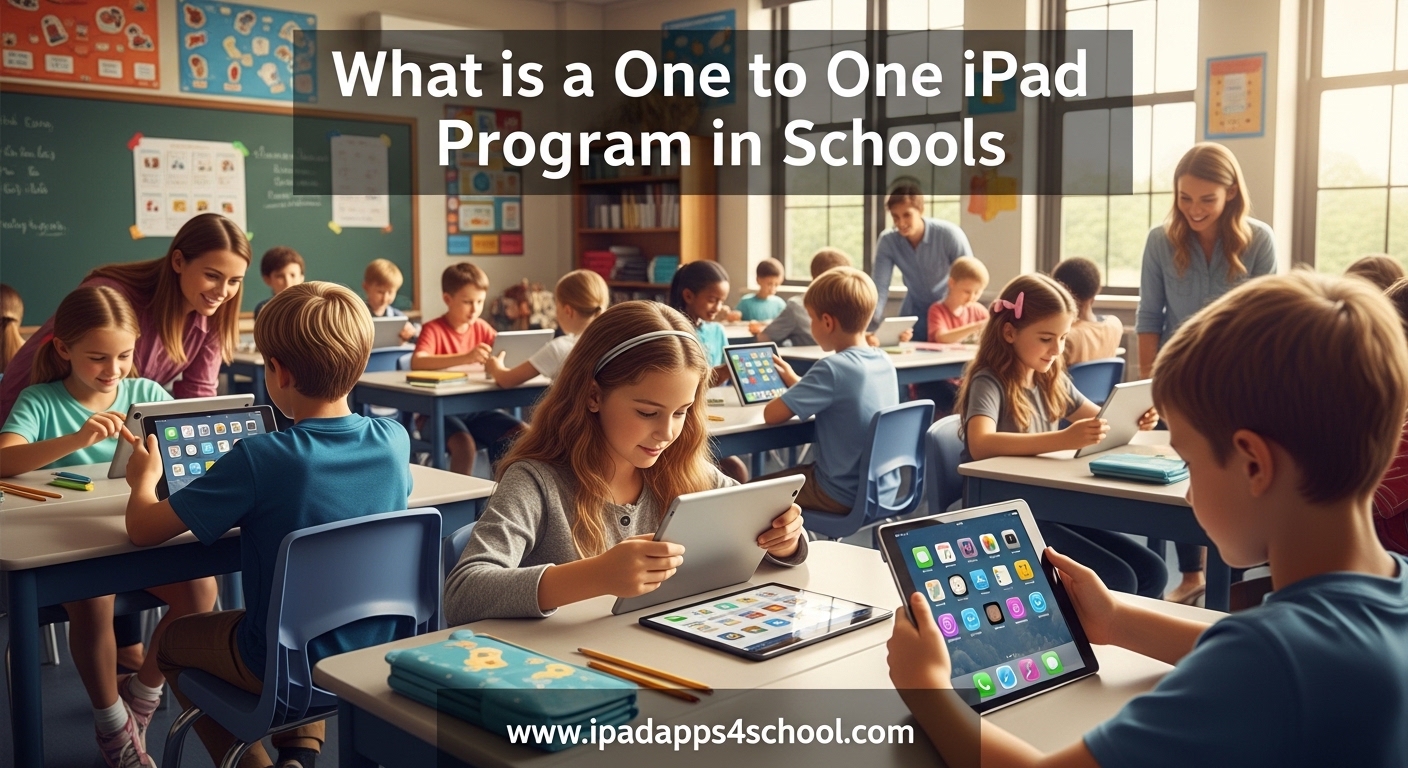
A 1-to-1 iPad program is an educational initiative where each student receives a dedicated iPad for use at school and home, managed by the school through Mobile Device Management systems to ensure security and educational focus. These programs have become increasingly common across American schools as districts work to provide equal technology access to all students.
In this guide, I will explain everything you need to know about one to one iPad programs. Whether you are a parent trying to understand your child’s school-issued device, an educator considering implementation, or an administrator evaluating options, you will find practical insights based on current research and real-world experiences.
Table of Contents
What is a One to One iPad Program?
A one to one iPad program, often written as 1:1 iPad program, is a learning model where every student receives an individual iPad to use throughout the school year. Unlike shared device carts where multiple classes rotate through a limited number of tablets, each student has their own dedicated device assigned specifically to them.
The school typically retains ownership of the iPads rather than transferring ownership to families. This allows administrators to maintain control over the operating system, installed applications, and security settings. Students use these devices during class time and often take them home to complete homework assignments.
According to recent data, 88% of United States school districts now provide devices to all middle and high school students. This represents a significant shift in educational technology that has accelerated dramatically over the past decade. Many elementary schools have also adopted 1:1 programs to support early digital literacy.
How Does a 1:1 iPad Program Work?
Schools implementing 1:1 iPad programs follow a structured deployment process. The IT department configures each device before distribution using specialized management tools. Students typically receive their iPads during orientation or the first week of school along with guidelines for appropriate use.
Mobile Device Management (MDM)
Mobile Device Management, commonly called MDM, is the technical backbone of any successful 1:1 program. This software allows IT administrators to remotely configure settings, push applications, and enforce security policies across hundreds or thousands of devices simultaneously.
Through MDM, schools can restrict access to certain websites, disable specific features like the App Store, and monitor device location if an iPad goes missing. Teachers may also have classroom management tools that let them view student screens during instruction or lock devices during tests.
Apple School Manager
Apple School Manager is a free web-based portal designed specifically for educational institutions. It integrates with student information systems to automatically create managed Apple IDs for students and staff. These special accounts provide access to educational resources while maintaining privacy protections appropriate for minors.
Schools use Apple School Manager to purchase apps and books in volume at educational pricing. Administrators can assign these resources to specific classes or individual students without requiring personal Apple ID passwords. This streamlines the deployment process significantly compared to consumer device management.
Content Filtering and Monitoring
Internet filtering is a standard component of 1:1 iPad programs. Schools install content filtering solutions that block inappropriate websites both on campus networks and when students connect from home. This protection extends beyond the school day, giving parents additional peace of mind about their children’s online safety.
Some programs also include screen monitoring capabilities that let teachers view student iPad screens in real-time during class. This helps educators ensure students stay on task and provide immediate assistance when students encounter difficulties. However, this monitoring typically only functions during school hours and within specific classroom management sessions.
Benefits of One to One iPad Programs
Research demonstrates significant positive outcomes when 1:1 programs are implemented thoughtfully. A study by Jamf found 370% improvement in student achievement metrics when technology integration follows best practices. These gains reflect the transformative potential of personalized learning environments.
Personalized Learning Opportunities
Every student learns differently, and 1:1 iPad programs enable teachers to customize instruction to individual needs. Students can work through adaptive learning apps that adjust difficulty based on performance. Those who need extra practice receive additional support while advanced learners access enrichment materials.
Teachers can assign differentiated activities without the logistical challenges of managing multiple paper packets. Students access their personalized content through the same device they use daily, building familiarity with their learning tools. This consistency helps reduce technical barriers to engagement.
Digital Equity and Access
One of the most compelling arguments for 1:1 programs is digital equity. When every student has a school-issued device, economic barriers to technology access disappear. Students from low-income households have the same digital tools as their more affluent peers.
This equity extends beyond the school day. Students can complete internet-based homework assignments regardless of whether their families have home computers or broadband connections. Many programs include cellular-enabled iPads or WiFi hotspot lending to ensure connectivity reaches every home.
Enhanced Student Engagement
Interactive learning apps, multimedia content, and creative tools available on iPads capture student attention in ways traditional textbooks cannot. Students can create videos, compose music, design presentations, and collaborate on documents within a single ecosystem.
The touch interface of iPads feels intuitive to students who have grown up with smartphones and tablets. This reduces the learning curve for basic operations, allowing more time to focus on educational content rather than technical mechanics.
Development of 21st Century Skills
Modern workplaces require digital literacy, online collaboration, and information literacy skills. One to one iPad programs help students develop these competencies throughout their education rather than during isolated computer lab sessions.
Students learn to evaluate online sources, communicate professionally through digital channels, and manage files in cloud-based systems. These transferable skills prepare them for college coursework and career requirements regardless of their chosen field.
Challenges and Considerations
Despite their benefits, 1:1 iPad programs face legitimate criticism and implementation challenges. School districts must address these concerns proactively to ensure program success and community support.
Screen Time and Mental Health Concerns
Parents and health professionals have raised valid concerns about increased screen time associated with 1:1 programs. The American Academy of Pediatrics provides guidelines for recreational screen use, but educational screen time lacks similarly clear recommendations.
Some parents report behavioral changes when children spend extended periods on school-issued devices. Schools must balance technology integration with offline activities, physical movement, and social interaction. Successful programs establish clear boundaries around device usage and encourage regular breaks.
Districts should communicate openly with families about screen time research and their strategies for promoting healthy technology habits. Providing resources about digital wellness helps parents support these efforts at home.
Device Management Complexity
IT departments face significant workload increases when supporting thousands of student devices. Managing app deployments, troubleshooting technical issues, and handling repairs requires dedicated staffing that some districts underestimate during initial planning.
Lost and damaged devices create ongoing administrative burdens. Schools need clear policies about repair costs, insurance requirements, and loaner device availability during repairs. Many districts find that professional development for teachers also requires substantial investment to ensure effective technology integration.
Classroom Distraction Management
Despite content filtering, students sometimes find ways to access distracting content or games during instruction. Teachers must develop new classroom management strategies that account for ever-present devices. This represents a significant shift from traditional teaching environments.
Some educators report that 1:1 devices are primarily used for basic tasks like Google Docs rather than transformative learning experiences. Without proper training and support, the promised educational benefits may not materialize. Districts must invest in ongoing professional development to help teachers leverage technology effectively.
Implementation Requirements
Successful 1:1 iPad programs require careful planning across multiple operational areas. Schools that rush deployment without addressing these fundamentals often struggle with technical problems and user frustration.
WiFi Infrastructure
Reliable wireless connectivity forms the foundation of any 1:1 program. Each iPad requires consistent network access to function properly. Schools must upgrade WiFi coverage to handle hundreds or thousands of simultaneous connections without performance degradation.
Network security also requires attention. Guest networks should separate student devices from administrative systems. Content filtering must function at the network level to provide protection regardless of which WiFi access point a device connects through.
Technical Support Systems
Help desk capacity must scale with device deployment. Students cannot wait days for technical support when their iPad malfunctions and they need it for homework. Many districts create student tech teams or genius bars where trained students assist peers with minor issues.
Asset management systems track which device is assigned to each student, monitor warranty status, and maintain repair histories. These systems become essential when managing thousands of devices across multiple grade levels and school buildings.
Teacher Training and Support
Technology integration succeeds only when teachers feel confident using the tools. Initial training sessions should cover basic operations, but ongoing professional development matters more. Instructional coaches who model effective technology use in classrooms provide valuable support.
Teachers need time to explore apps, redesign lessons, and collaborate with colleagues about effective practices. Districts that simply distribute devices without investing in teacher development rarely see meaningful instructional changes.
Parent Communication
Family buy-in significantly impacts 1:1 program success. Parents need clear information about device policies, filtering standards, expectations for home use, and procedures for reporting concerns. Regular communication through multiple channels helps address questions before they become complaints.
Information sessions, written guides, and video tutorials help families understand their role in supporting responsible device use. Schools should also establish straightforward processes for parents to request that certain apps or content be restricted for their specific child.
Costs and Funding Options
1:1 iPad programs represent significant financial investments that extend beyond initial device purchases. Understanding the full cost picture helps districts budget appropriately and identify funding sources.
Device and Infrastructure Costs
iPad pricing varies based on model selection, storage capacity, and cellular connectivity features. Schools typically choose education pricing through Apple School Manager, but volume purchases still require substantial capital outlay. Protective cases, charging carts, and spare devices add to hardware costs.
Infrastructure upgrades including WiFi access points, network switches, and increased internet bandwidth represent additional expenses. These technical investments often surprise administrators who focus only on the per-device price.
Ongoing Expenses
App licenses, MDM subscriptions, content filtering services, and repair costs continue indefinitely. Schools must budget for device refresh cycles every three to five years as iPads age out of support or become obsolete.
Insurance programs help families afford repair costs when devices are damaged, but schools must decide whether to require participation or absorb these risks institutionally. Some districts charge annual technology fees to offset ongoing expenses.
Funding Sources
Federal E-rate funding supports network infrastructure improvements for schools. Title I funds can purchase devices serving students from low-income families. Many states offer specific technology grants for educational initiatives.
Local foundations, corporate sponsors, and parent organizations sometimes provide supplemental funding. Lease arrangements spread costs over multiple budget years, though they may cost more long-term than outright purchase.
1:1 iPad Program vs Other Options
While iPads dominate many 1:1 conversations, schools should evaluate alternatives that might better serve their specific needs and budget constraints.
Chromebook Programs
Chromebooks offer lower per-device costs and simpler management through Google Admin Console. Their keyboard-centric design suits writing-intensive assignments better than touchscreen tablets. Battery life typically exceeds full school days, reducing charging logistics.
However, Chromebooks lack the creative app ecosystem and touch interface that make iPads effective for younger learners and artistic activities. Some districts choose different devices for different grade levels based on developmental appropriateness.
Shared Device Carts
Mobile device carts allow multiple classrooms to share a pool of tablets without assigning individual devices. This approach costs significantly less than true 1:1 programs and avoids take-home liability concerns.
The trade-off involves logistical complexity rotating carts between classrooms and inconsistent student access to the same device. Shared programs work better for supplemental technology use rather than core instructional integration.
Bring Your Own Device (BYOD)
BYOD policies allow students to use personally owned tablets, laptops, or smartphones for schoolwork. This eliminates device purchase costs for the district and lets families choose technology matching their preferences.
Equity concerns arise when some families cannot afford suitable devices. Managing diverse device types also creates technical support challenges. Most districts that initially tried BYOD have shifted toward school-issued devices to ensure consistency and equal access.
FAQ
What is a 1:1 iPad school?
A 1:1 iPad school is an educational institution where every student receives an individual iPad to use for learning throughout the school year. The school manages these devices through Mobile Device Management systems and students typically use them both in classrooms and at home for homework.
What is the 1 to 1 iPad program?
A 1 to 1 iPad program is an initiative where each student gets a dedicated iPad assigned specifically to them. Unlike shared computer labs or device carts, students keep the same device, often taking it home, with the school retaining ownership and controlling settings, apps, and security.
How to get a free iPad for school without paying?
Free school iPads are provided through district 1:1 programs where the school purchases devices using educational funding. Students do not own these devices; they are loaned for the school year. Some grants and nonprofit programs provide free tablets to qualifying low-income students. Contact your school district to learn about their specific device program and any financial assistance options.
Can I refuse to give my teacher my phone?
School policies regarding personal phones differ by district. While school-issued iPads are property of the district and must be returned when requested, personal phones fall under different rules. Some schools require phones be stored in lockers or pouches during class. Check your student handbook for specific policies, as refusing reasonable requests could result in disciplinary consequences.
How does MDM work in schools?
Mobile Device Management in schools allows IT administrators to remotely configure, monitor, and secure student iPads. Through MDM, schools can install apps, block websites, enforce security settings, track device locations if lost, and restrict features like the App Store or camera. Teachers may also use MDM features to view student screens during class or lock devices during testing.
What are the benefits of 1:1 programs?
Benefits include personalized learning where students work at their own pace, digital equity ensuring all students have technology access regardless of family income, enhanced engagement through interactive content, development of 21st century digital skills, and seamless homework completion without requiring home computers. Research shows significant achievement gains when programs are implemented effectively with teacher training.
How much does a 1:1 iPad program cost?
Costs vary based on iPad models, case accessories, and infrastructure needs. Schools pay $300-500 per device through educational pricing, plus ongoing expenses for apps, MDM software, repairs, and eventual replacement. A comprehensive program including WiFi upgrades, technical staffing, and professional development can require millions in large districts. Many schools offset costs through grants, E-rate funding, and lease arrangements.
Conclusion
One to one iPad programs represent a significant evolution in educational technology that continues to expand across American schools. When implemented thoughtfully with adequate infrastructure, teacher training, and community communication, these programs provide genuine benefits including digital equity and personalized learning opportunities.
However, successful implementation requires more than simply distributing devices. Schools must address legitimate concerns about screen time, provide robust technical support, and invest in professional development that helps teachers transform instruction rather than merely digitize existing practices.
If your district is considering a 1:1 iPad program, take time to study implementations in similar communities. Learn from both their successes and their mistakes. The investment is substantial, but the potential to prepare students for an increasingly digital world makes thoughtful technology integration a priority worth pursuing.