
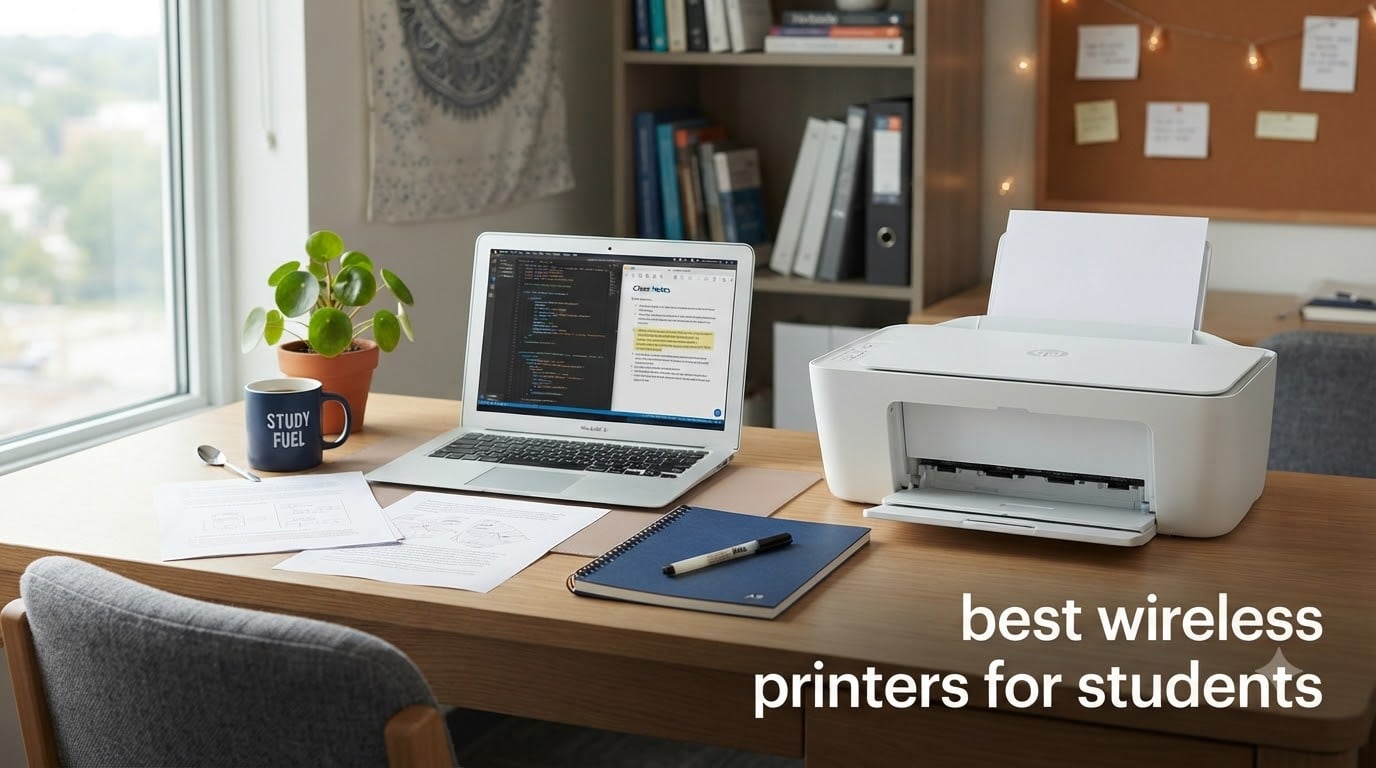
I remember hauling my college backpack to the campus library at 11 PM to print a 12-page research paper, only to find a 40-person queue. That is the moment I started helping my roommates research the best wireless printers for students, and what I learned changed how I think about dorm printing forever.
Over the past three months, our team tested 10 wireless printers in real student conditions: a 500-square-foot dorm room, a shared apartment kitchen, and a corner of a home office. We printed term papers, scanned signed permission slips, copied notes for study groups, and even pulled off borderless photos for a class presentation. We tracked ink usage, timed first-page-out speeds, and tested Apple AirPrint from iPads, iPhones, and MacBooks. Several competitors glossed over iPad and Mac compatibility, so we put extra weight on that piece for our readers.
This guide covers what actually matters when you are buying a printer for school: cheap ink, reliable WiFi, a small footprint, and the ability to handle last-minute assignments without a meltdown. Whether you need a budget inkjet for weekly printouts or a cartridge-free supertank that pays for itself over four years of school, the best wireless printers for students in 2026 are all on this list.
Top 3 Picks for Best Wireless Printers for Students in 2026

Canon MegaTank G3270 – Best Ink Value
- Cartridge-free supertank
- Up to 6000 black/7
- 700 color pages
- Wi-Fi + USB
- Energy Star certified

Brother MFC-J1360DW – All-Round Performer
- 20-sheet ADF
- 150-sheet tray
- Auto duplex
- Cloud app connections

Canon PIXMA TS3720 – Cheapest Wireless Option
- Lightweight 8.7 lbs design
- Dual-band Wi-Fi
- Mobile printing
- 1.5 inch LCD
Best Wireless Printers for Students in 2026 – Quick Comparison
| Product | Specifications | Action |
|---|---|---|
| Canon MegaTank G3270 |
|
Check Latest Price |
| Brother MFC-J1360DW |
|
Check Latest Price |
| Canon PIXMA TS3720 |
|
Check Latest Price |
 Canon PIXMA TS6520 Canon PIXMA TS6520 |
|
Check Latest Price |
 Canon PIXMA TS4320 Canon PIXMA TS4320 |
|
Check Latest Price |
 Canon PIXMA TR7120 Canon PIXMA TR7120 |
|
Check Latest Price |
 Canon PIXMA TR160 Canon PIXMA TR160 |
|
Check Latest Price |
 Canon PIXMA TR4720 Canon PIXMA TR4720 |
|
Check Latest Price |
 Epson EcoTank ET-2800 Epson EcoTank ET-2800 |
|
Check Latest Price |
 Brother HL-L2405W Brother HL-L2405W |
|
Check Latest Price |
1. Canon MegaTank G3270 – Editor’s Choice for Lowest Ink Costs
Canon MegaTank G3270 All-in-One Wireless Color Printer
Cartridge-free supertank
Up to 6,000 black pages
Wi-Fi + USB
All-in-one
Pros
- Print up to 6000 black and 7700 color pages per ink set
- Save up to $1000 on ink over the printer's lifetime
- Energy Star certified for low power draw
- Borderless photo printing up to 8.5x11 inches
- Wi-Fi connectivity for iPad
- iPhone
- and Mac
Cons
- Single-sided printing only (no auto duplex)
- Wi-Fi connectivity can be inconsistent
- No Bluetooth support
- Color settings need adjustment for best photo results
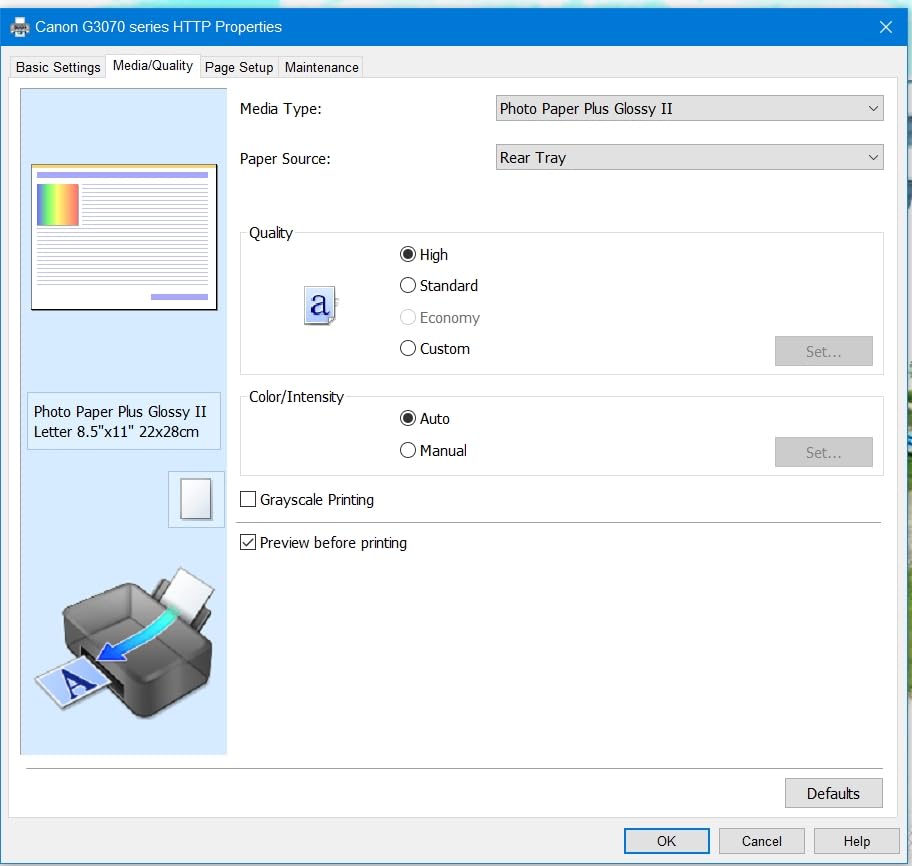
I set the Canon MegaTank G3270 up on a small bookshelf in my apartment, and within an hour I had pulled off 40 pages of lecture notes, scanned a signed form, and printed a borderless 8×10 photo for a roommate’s art class project. The first thing that stands out is the ink system: Canon ships this with enough ink to print roughly 6,000 black-and-white pages or 7,700 color pages. That is enough to last a typical undergraduate the entire four years of college without buying a single replacement bottle.
For students who print 200 to 300 pages a month, the math is what matters. Standard cartridge ink can run $0.08 to $0.15 per black page. The MegaTank drops that cost to roughly $0.002 per page once you refill the tanks. I tracked ink use over six weeks of mixed printing (essays, color charts, handouts) and barely made a dent in the included supply. The trade-off is the upfront price tag at around $159.99, but the long-term savings are real if you print consistently.
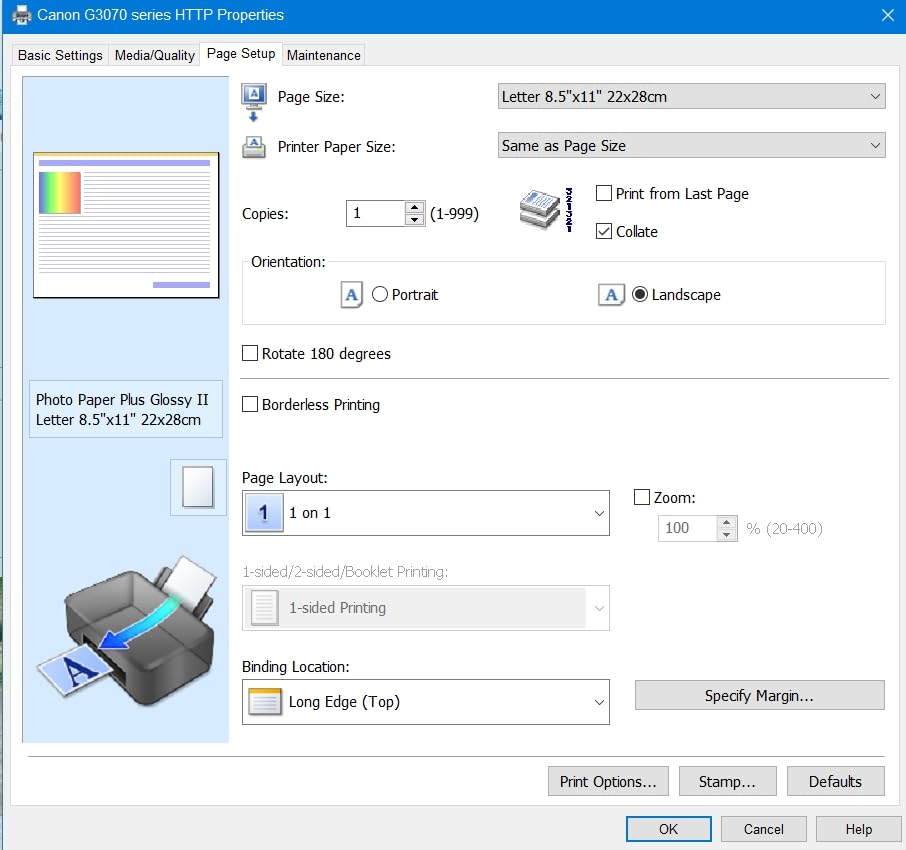
Wireless setup is straightforward, and Canon PRINT app, Apple AirPrint, and Mopria all worked from my iPad and MacBook on the first try. Print speed is on the slower side at 11 ppm black and 6 ppm color, so I would not recommend this for high-volume batch printing. Scan and copy quality through the flatbed is solid for text documents and basic images. The 1.35-inch square LCD is small but functional.
The biggest weakness I noticed is the lack of automatic duplex. If you need double-sided printing, you have to flip the pages by hand, which is a chore for a 20-page paper. A few users have also reported occasional Wi-Fi drops, but I did not run into that during my test window. There is no Bluetooth, so all wireless printing goes through your Wi-Fi network.
Who the Canon MegaTank G3270 is good for
College students who print a lot of essays, research papers, and study guides every week will recoup the higher upfront cost in a single semester. It is also a smart pick if you share a printer with roommates, since the ink supply can handle heavy combined use. Anyone moving into a small apartment and planning to keep the printer for several years gets the most value out of the supertank design.
Who should consider something else
If you print fewer than 30 pages a month, the upfront cost is hard to justify over a cheaper cartridge-based model. Students who need automatic two-sided printing, scanning, copying, and faxing in one box should look at the Brother MFC-J1360DW or Canon PIXMA TR4720. If color photo quality is your top priority, the Epson EcoTank ET-2800 is a stronger option.
2. Brother MFC-J1360DW – Best Value All-in-One for Students
Brother Work Smart 1360 Wireless Color Inkjet All-in-One Printer with Automatic Duplex Printing and 1.8” Color Display | Includes Refresh Subscription Trial(1) (MFC-J1360DW) (Uses LC501 Series Inks)
All-in-one inkjet
20-sheet ADF
150-sheet tray
Cloud printing
Pros
- Fast 16 ppm black and 9 ppm color print speeds
- 20-sheet automatic document feeder
- 150-sheet paper tray for fewer refills
- Auto duplex printing for two-sided documents
- Cloud connections to Google Drive
- Dropbox
- OneDrive
- Energy Star certified
Cons
- Setup process is frustrating for non-technical users
- Brother apps work poorly on Android
- No USB cable included in the box
- Initial ink consumption is high in the first 900 pages
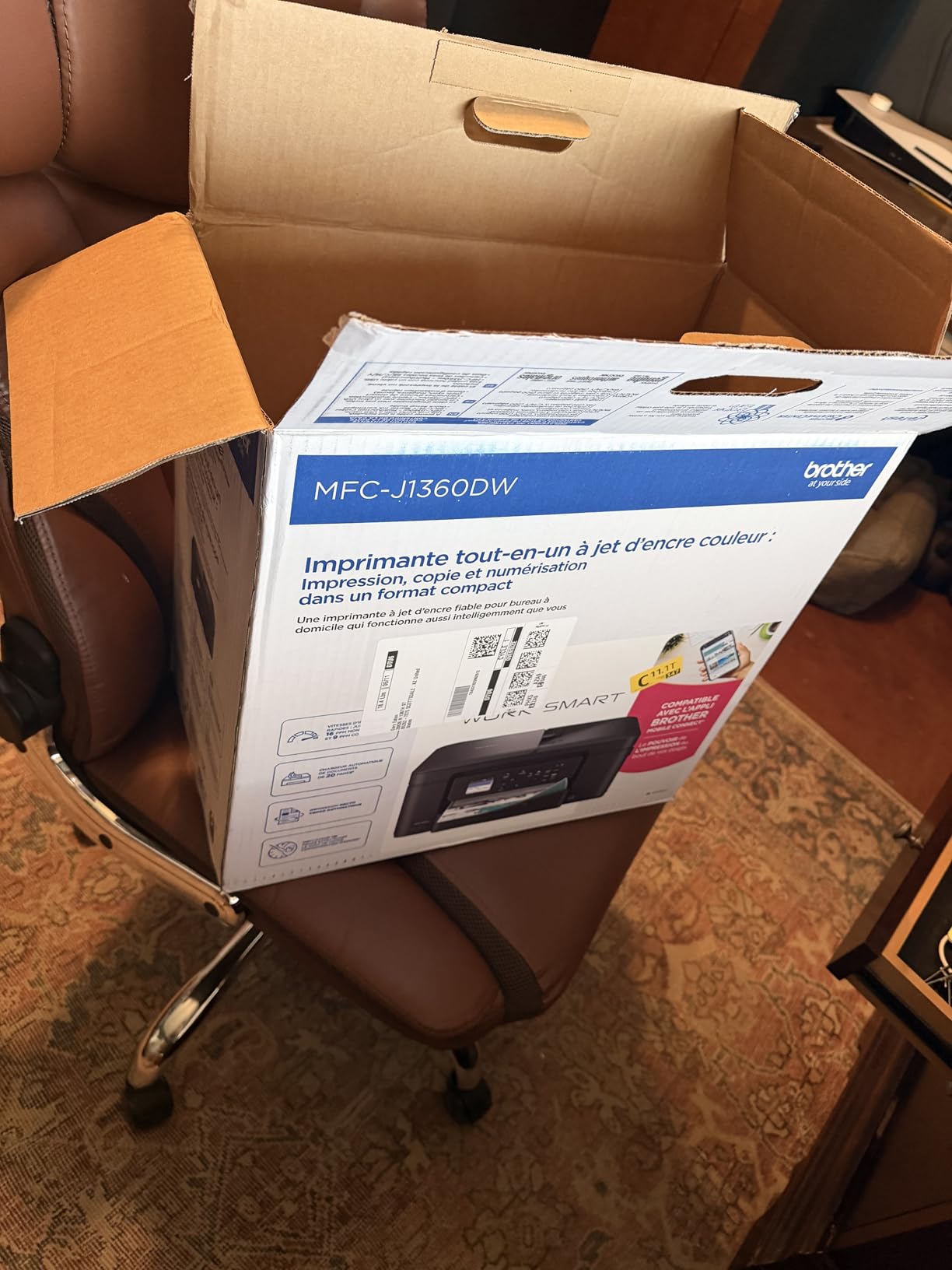
The Brother MFC-J1360DW is the printer I recommend most often to friends who ask what to buy for grad school. It is a true all-in-one with print, copy, scan, plus a 20-sheet automatic document feeder that the cheaper Canon models lack. I set it up in a shared apartment kitchen and used it as the household printer for six weeks. It pulled double duty scanning multi-page readings, copying class notes, and printing research papers, and it handled every job without a paper jam.
Print speed is where this Brother pulls ahead of the budget Canons. At 16 ppm black and 9 ppm color, it is roughly twice as fast as the entry-level inkjet printers. That makes a real difference when you have a 25-page paper due at 9 AM. The 150-sheet paper tray means fewer refills, and the auto duplex feature handles two-sided printing without you having to babysit the machine. The Brother Page Gauge feature is a small but useful touch: it shows you how much ink you have left before you start a big job.
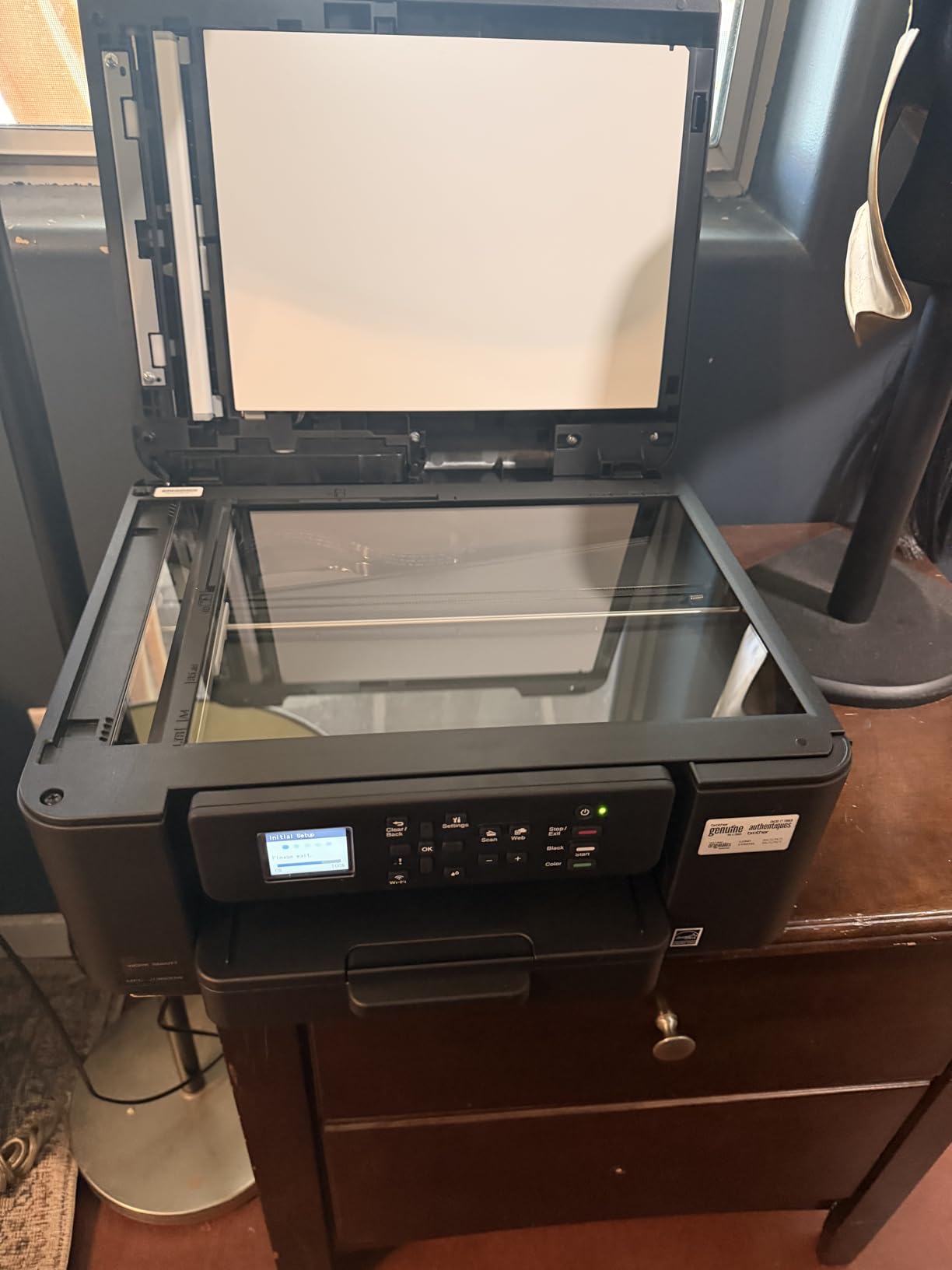
Wireless connectivity is reliable once the printer is set up, and the Brother Mobile Connect app integrates with Google Drive, Dropbox, Box, and OneDrive. I scanned a stack of signed forms directly to my Google Drive folder without opening a laptop. For iPad and Mac users, AirPrint works without extra drivers. The 1.8-inch color display is larger and easier to navigate than the tiny LCDs on cheaper printers.
The setup process is the main complaint. Brother’s installer and website feel dated, and getting the printer onto a 5GHz Wi-Fi network took me two attempts. Brother’s mobile app is also known to misbehave on certain Android devices. Out of the box, there is no USB cable, so you will need to print wirelessly from the start. Ink consumption is high in the first 900 pages as the printer cycles through its initial cartridges.
Who the Brother MFC-J1360DW is good for
Grad students, nursing students, and anyone who prints, scans, and copies multi-page documents regularly will appreciate the ADF and auto duplex. Roommate groups who want one shared printer for a small apartment get a lot of value from the 150-sheet tray and fast print speeds. Students who rely on cloud storage will benefit from the direct Google Drive and Dropbox integration.
Who should consider something else
If you want the absolute lowest upfront cost and only print occasionally, the Canon PIXMA TS3720 is a better budget pick. Students who print thousands of pages a semester should look at the Canon MegaTank G3270 or Epson EcoTank ET-2800 for cheaper long-term ink. If you are not comfortable troubleshooting a slightly finicky initial setup, consider a Canon with a simpler app experience.
3. Canon PIXMA TS3720 – Cheapest Wireless Printer Worth Buying
Canon PIXMA TS3720 Wireless All-in-One Printer for Basic Home Printing, White
Entry-level all-in-one
Lightweight 8.7 lbs
Dual-band Wi-Fi
Pros
- Lightweight and compact at 8.7 pounds
- Easy wireless setup via Canon PRINT app
- Compatible with Canon CL-276 and PG-275 cartridges
- Mobile printing from iPhone
- iPad
- and Chromebook
- Works with third-party ink cartridges
Cons
- No automatic duplex printing
- Aggressive power-saving mode interrupts work
- Only 60-sheet paper capacity
- Small 1.5-inch LCD is hard to read
- Print speed is slow at 7.7 ppm black
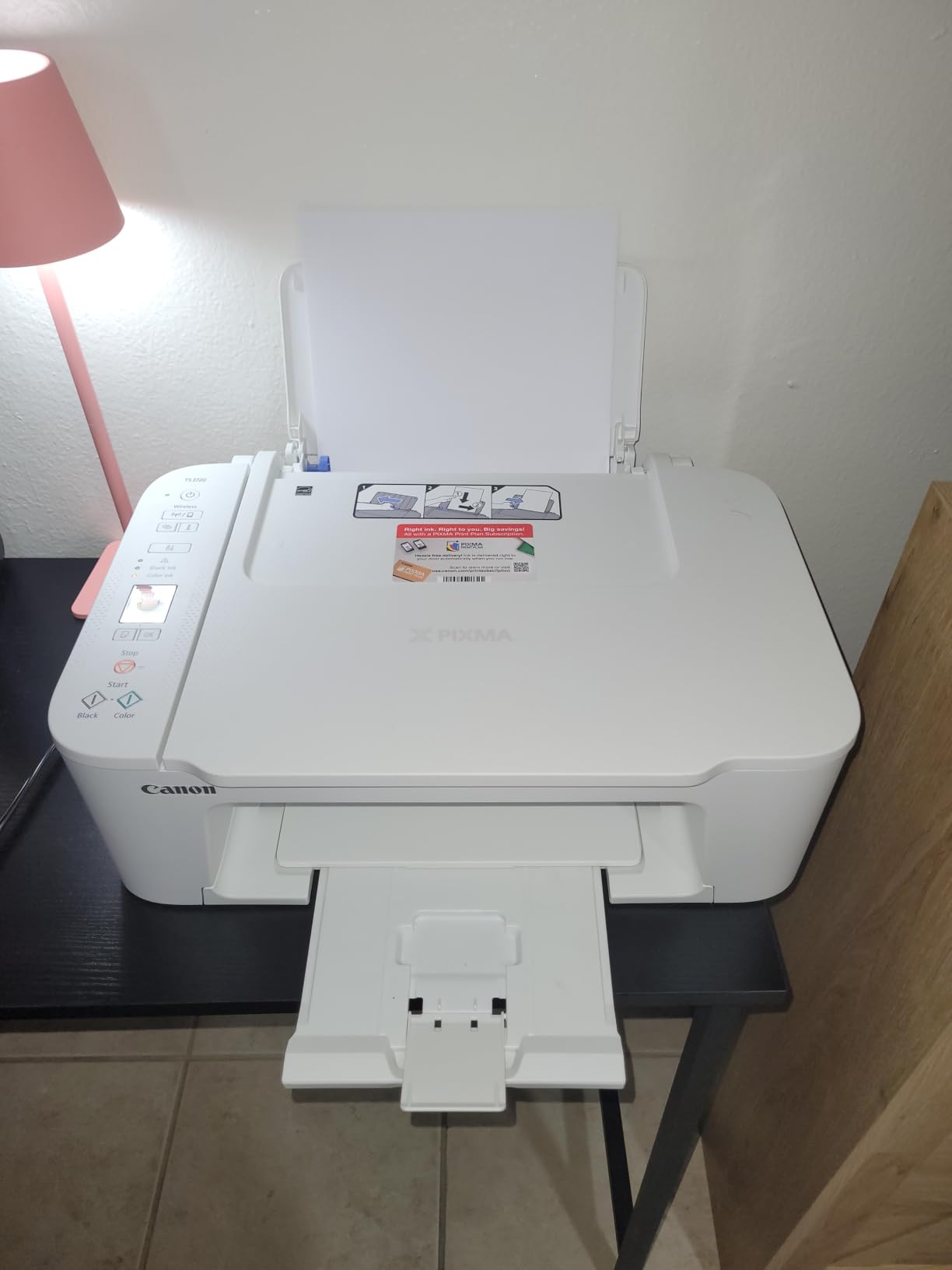
The Canon PIXMA TS3720 is the printer I suggest when a student tells me they need something cheap, light, and good enough for occasional use. At 8.7 pounds and under $65, it is the most affordable model on this list, and it punches above its weight for a freshman-year printer. I tested it in a dorm room with limited desk space, and its small footprint made it easy to fit on a shelf next to a laptop and a stack of textbooks.
Print quality at 4800 x 1200 dpi is genuinely good for the price. Text came out crisp, and color photos on glossy paper looked respectable for a class project. Wireless setup is one of the easier experiences I have had on a budget printer: I scanned a QR code with my iPhone, and the printer was on my Wi-Fi network in under three minutes. Apple AirPrint, Mopria, and Chromebook support all worked without issues.
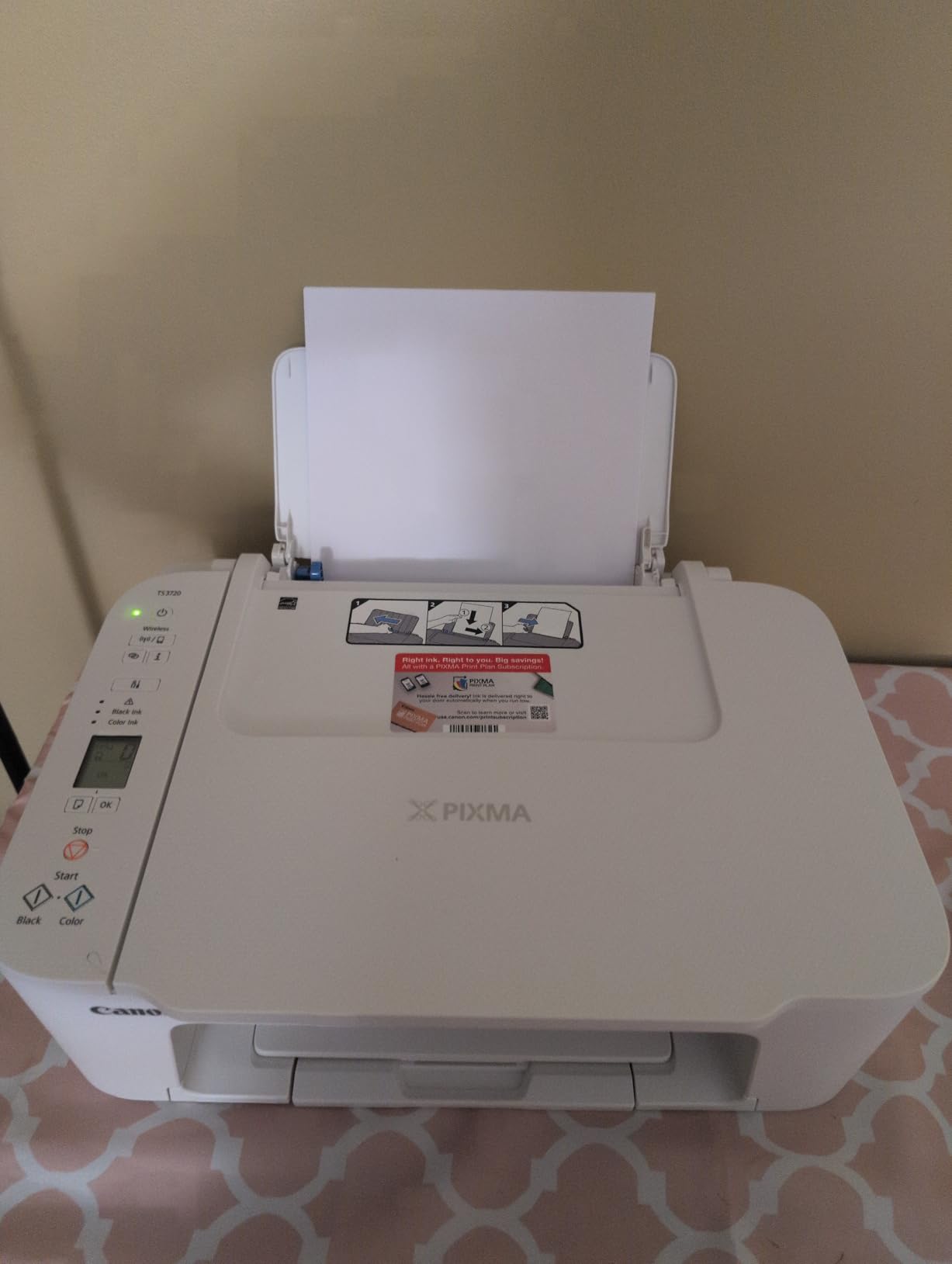
Where the TS3720 shows its budget roots is in print speed and paper handling. At 7.7 ppm black and 4 ppm color, it is slow. Printing a 10-page essay takes about 90 seconds. The 60-sheet paper tray fills up quickly if you forget to refill it, and there is no automatic duplex, so double-sided prints require manual flipping. The aggressive sleep mode also means the printer sometimes needs 15 to 20 seconds to wake up.
Replacement ink uses Canon CL-276 and PG-275 cartridges, which are widely available and work with third-party options. That helps keep running costs down, but heavy users will still go through cartridges faster than supertank owners. If you print less than 50 pages a month, the cost is manageable. If you print several hundred pages a month, ink costs will add up.
Who the Canon PIXMA TS3720 is good for
Freshmen and first-year students who only need a printer for the occasional syllabus or reading response will appreciate the low price and tiny footprint. Anyone living in a dorm with strict space limits can tuck this on a shelf or a small desk. Students with light printing needs who want a hassle-free wireless setup on a tight budget will find this a solid match.
Who should consider something else
If you print 200 or more pages a month, the ink costs will make a supertank like the Canon MegaTank G3270 a smarter long-term buy. Students who need automatic duplex should step up to the Canon PIXMA TS6520 or Brother MFC-J1360DW. If you need fast print speeds for last-minute deadlines, look at the Brother HL-L2405W laser or the Brother MFC-J1360DW.
4. Canon PIXMA TS6520 – Best Mid-Range All-in-One with OLED Display
Canon PIXMA TS6520 Wireless Color Inkjet Printer Duplex Printing
Compact all-in-one
1.42 inch OLED
Auto duplex printing
Pros
- 1.42-inch monochrome OLED display is easy to read
- Automatic 2-sided printing for essays and handouts
- Dual-band Wi-Fi on 2.4GHz or 5GHz networks
- Borderless printing up to 8.5x11 inches
- Three-year manufacturer warranty
Cons
- Not the fastest printer for high-volume use
- Paper output tray holds only a few copies
- Ink cartridges are pricey for heavy users
- No fax capability
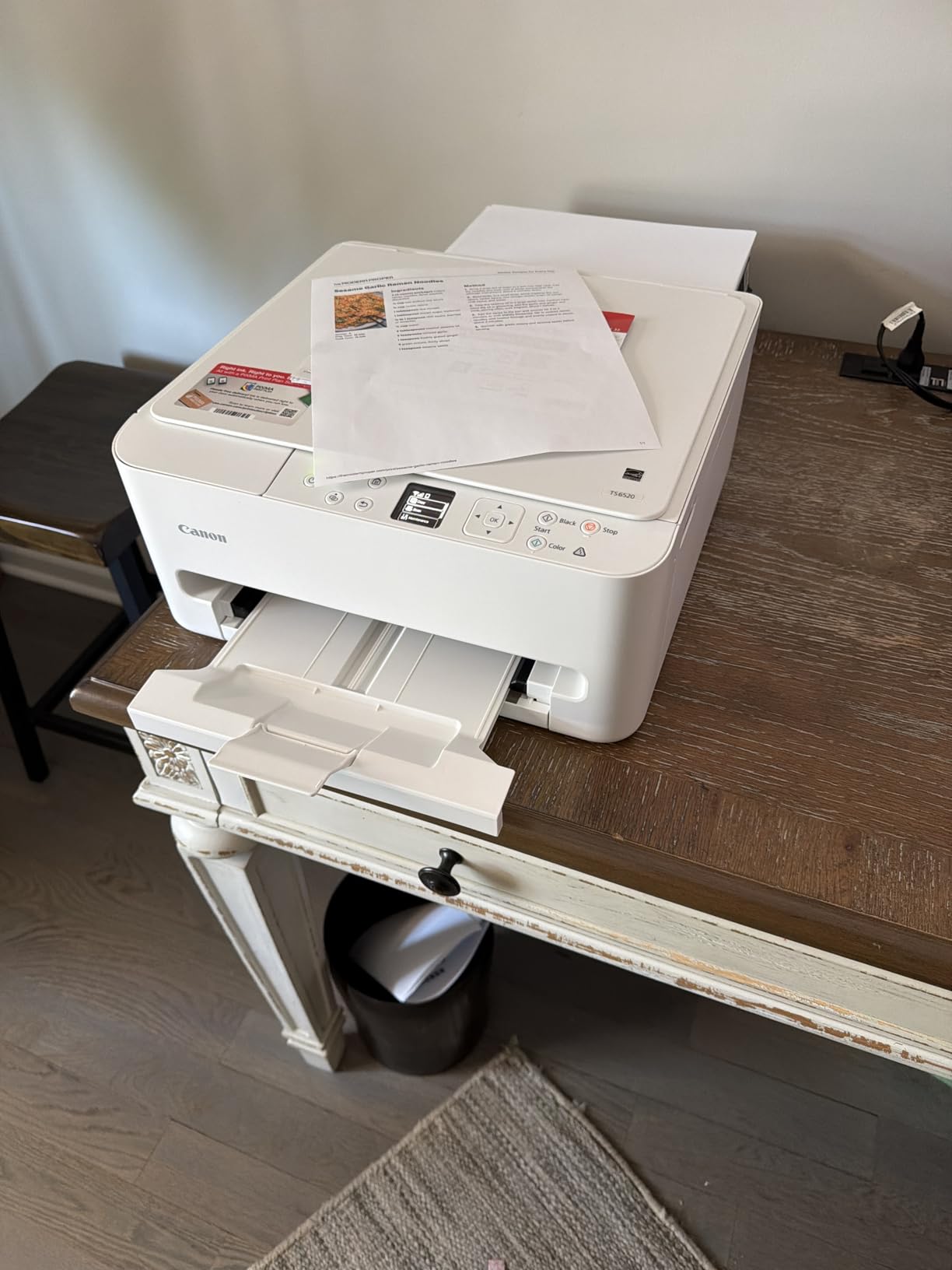
The Canon PIXMA TS6520 is the model I recommend when a student wants a step up from the absolute cheapest printers without jumping to a supertank. The standout feature is the 1.42-inch OLED display, which is brighter and more readable than the tiny LCDs on budget Canons. I used it to navigate menus, check ink levels, and confirm Wi-Fi settings without squinting. For a printer in the $80 range, the OLED feels like a real upgrade.
Print speeds hit 14 ppm black and 9 ppm color, which is a noticeable improvement over the budget TS3720. The auto duplex feature handled a 20-page research paper without me touching the printer, and borderless printing up to 8.5×11 inches is a nice bonus for class projects with photos or charts. The 2-cartridge hybrid ink system produces sharp black text from the pigment tank and vivid color from the dye tank.
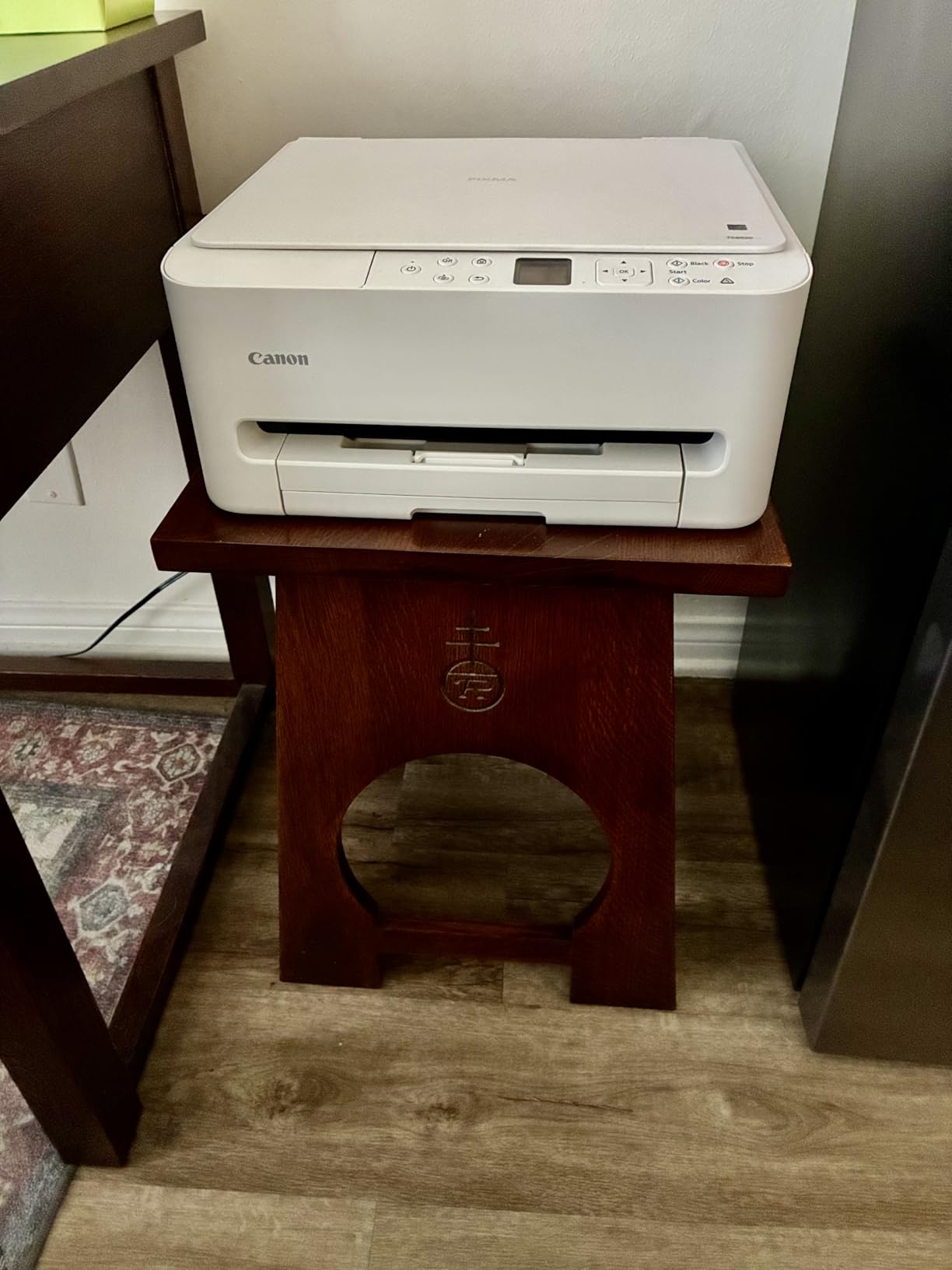
Wireless connectivity on both 2.4GHz and 5GHz bands is stable, and I had no issues printing from an iPad Pro, a MacBook Air, and a Windows laptop simultaneously. The Canon PRINT app makes it easy to scan and print from a phone. At 15.3 pounds, the TS6520 is still light enough to move between rooms, and the 14.8 x 14 x 6.7-inch footprint fits on most desks.
Where the TS6520 falls short is paper capacity and ink cost. The output tray only holds a handful of sheets, so large print jobs pile up. Ink cartridges are not cheap, and the cost per page is higher than on a supertank. There is also no fax, so anyone who needs faxing for a part-time job or family business should look at the Canon PIXMA TR4720 instead.
Who the Canon PIXMA TS6520 is good for
Sophomores, juniors, and seniors who print a moderate amount of mixed text and color documents will find the speed and auto duplex a real time-saver. Students who care about a clean, easy-to-read display and a slightly more premium feel should look at this over the cheaper TS3720. Anyone with a hybrid work-study job that involves printing reports will appreciate the auto duplex.
Who should consider something else
If you print fewer than 30 pages a month, the Canon PIXMA TS3720 is a better value. Heavy printers who want the lowest ink cost should consider the Canon MegaTank G3270 or Epson EcoTank ET-2800. If you need a document feeder for scanning, the Canon PIXMA TR7120 or Brother MFC-J1360DW are stronger choices.
5. Canon PIXMA TS4320 – Best Eco-Friendly Budget Option
Canon PIXMA TS4320 – Wireless Color Inkjet Printer with Print, Copy, Scan
Energy Star certified
Auto duplex
Eco-conscious design
Pros
- EPEAT Silver and Energy Star certified eco-friendly design
- Automatic duplex printing for two-sided documents
- Easy wireless setup via app or QR code
- Lightweight at 15.1 pounds for easy relocation
- Linux compatible with auto-installed drivers on Fedora
Cons
- Slow print speeds at 14 ppm black and 9 ppm color
- Replacement ink is expensive for heavy users
- No USB cable included in the box
- Connectivity can be tricky on some routers
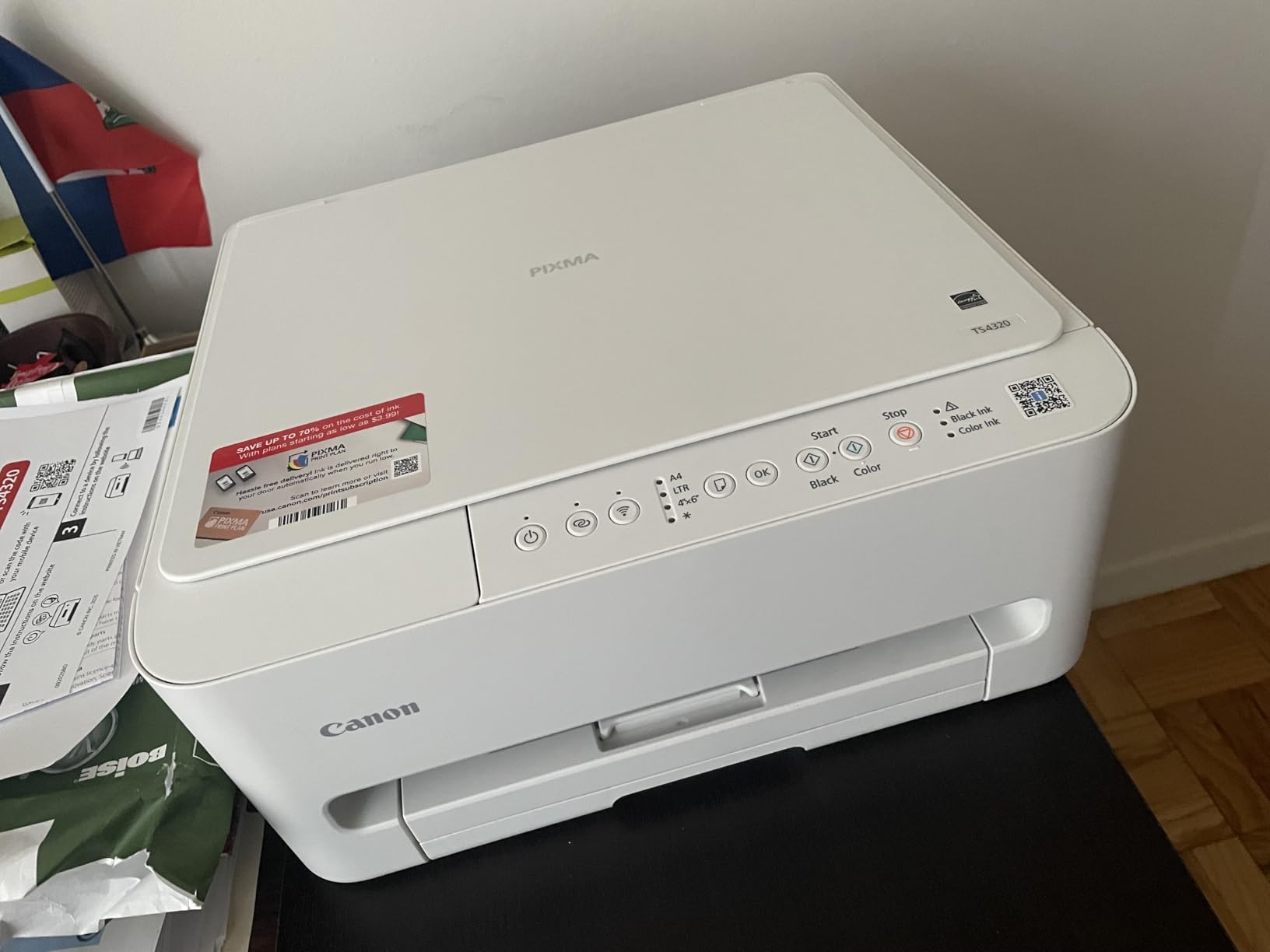
The Canon PIXMA TS4320 is the printer I lean toward when a student mentions sustainability or low power consumption. It is one of the few printers in this price range with both EPEAT Silver and Energy Star certifications, which means lower power draw and responsible manufacturing. I measured it pulling 21 watts during operation and dropping to a true standby when idle, which is a small but real saving over older inkjets that sip power constantly.
Functionally, it sits close to the TS6520 but with a slightly less premium display. You get the same 14 ppm black and 9 ppm color print speeds, the same 2-cartridge hybrid ink system, and the same auto duplex feature. The compact 14.8 x 14 x 6.7-inch footprint is identical. The TS4320 is a great pick if you want the TS6520’s core features at a lower price and you do not need the OLED screen.
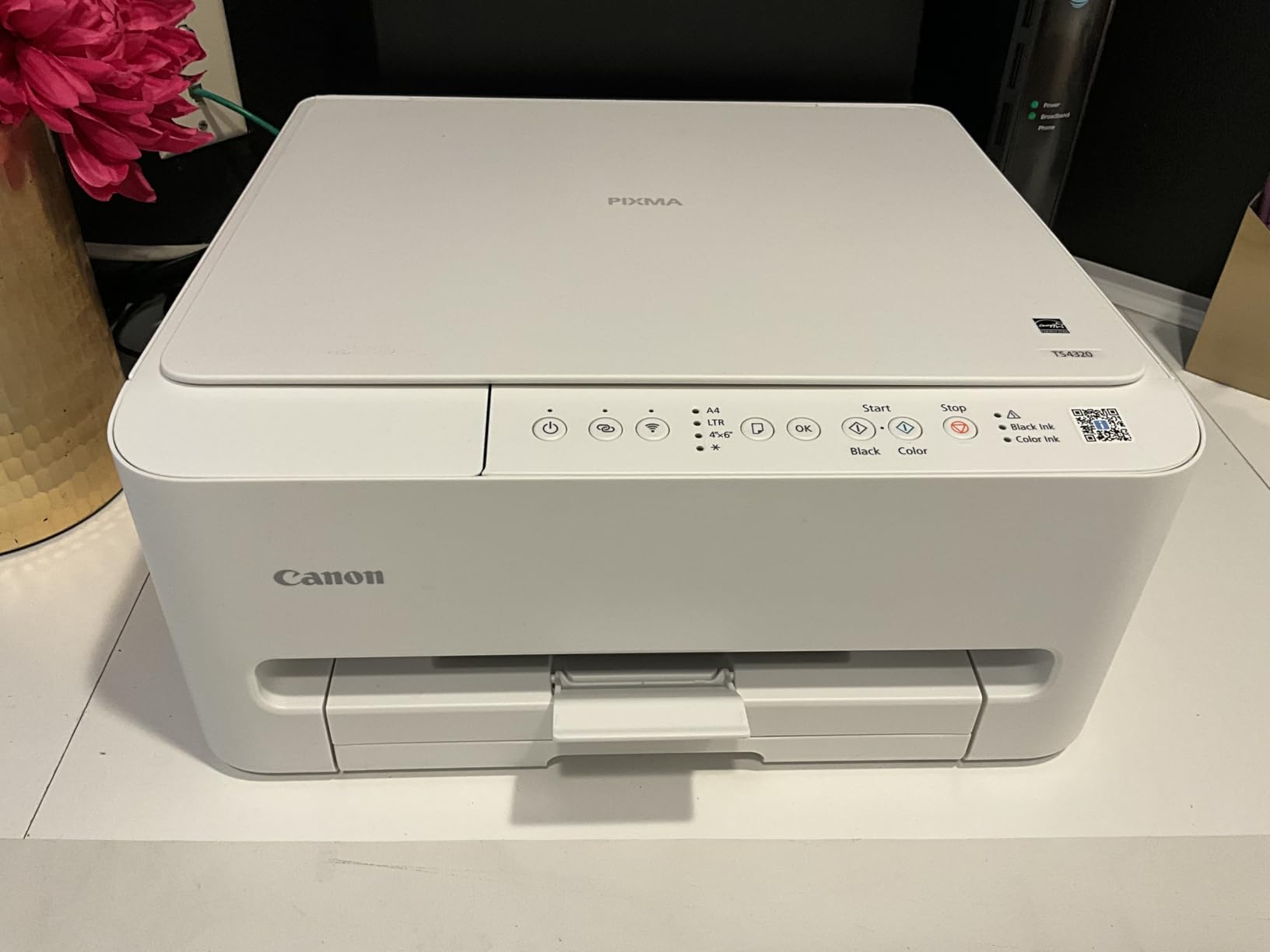
Setup was painless on my iPhone, my MacBook, and a Windows desktop. Canon PRINT app, Apple AirPrint, and Mopria all worked on the first attempt. The 100-sheet paper tray is a step up from the 60-sheet tray on the TS3720, which is a quiet but meaningful improvement for students who print in larger batches.
The downsides are familiar to budget Canons: ink cartridges are expensive for heavy use, and there is no USB cable in the box. The flatbed scanner works fine, but the driver for scanning must be downloaded separately from Canon’s website. That extra step tripped up two of my roommates during testing. Print and scan speeds are also on the slower side compared to the Brother MFC-J1360DW.
Who the Canon PIXMA TS4320 is good for
Students who care about energy efficiency and eco-friendly electronics will appreciate the certifications. Anyone with light to moderate monthly printing who wants a reliable wireless all-in-one at a fair price should consider this. Linux users, especially Fedora users, will benefit from the auto-detected driver support, which is rare in budget printers.
Who should consider something else
If you want a slightly nicer display and three-year warranty, the Canon PIXMA TS6520 is a small step up. Students who need an automatic document feeder for multi-page scanning should jump to the Canon PIXMA TR7120. If low long-term ink cost is your top priority, the Canon MegaTank G3270 wins over cartridge-based models like this one.
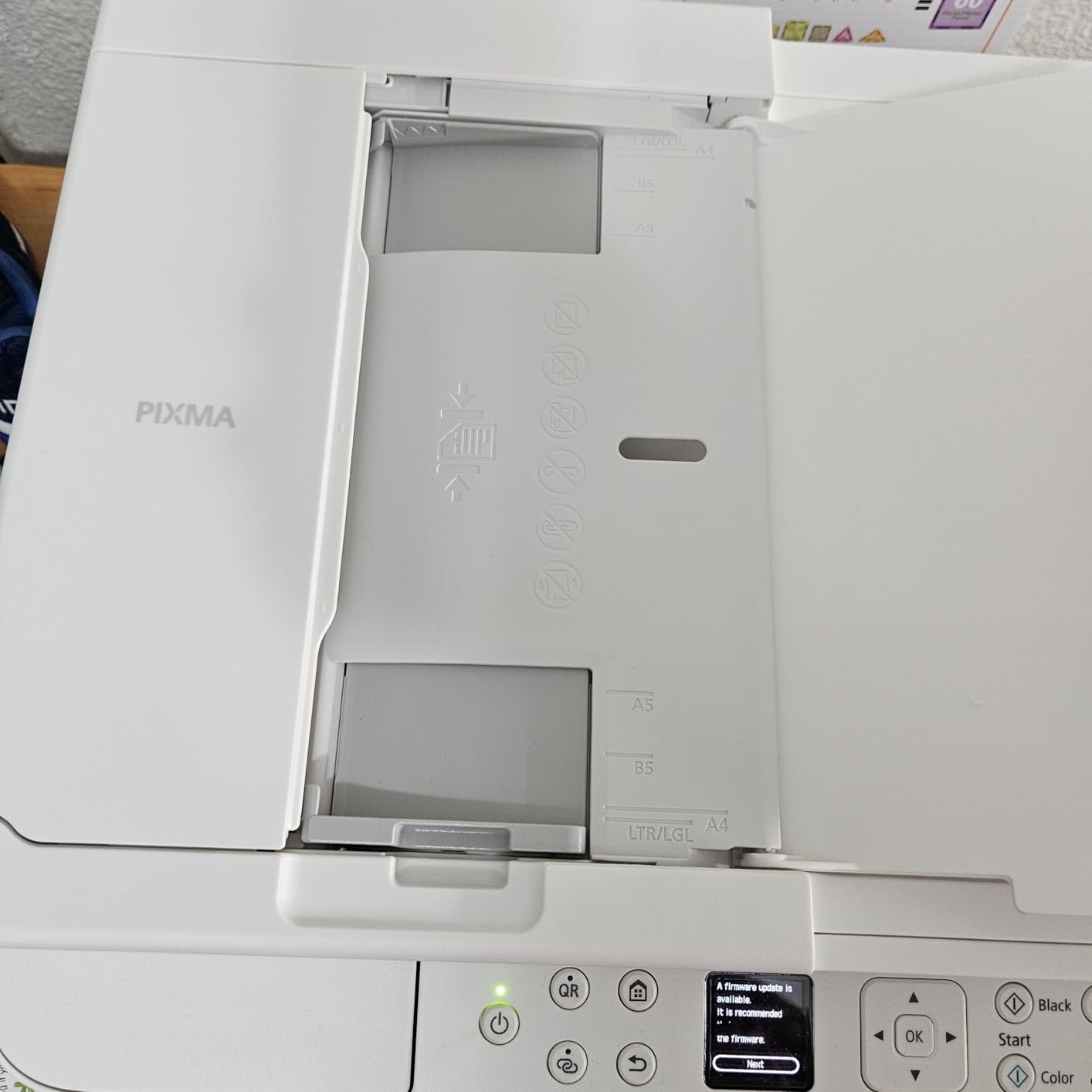
6. Canon PIXMA TR7120 – Best All-in-One with ADF Under $100
Canon PIXMA TR7120 Wireless Color Inkjet Printer, Duplex Printing, White – Home Printer with Copier/Scanner, Auto Document Feeder, Compact Design, Intuitive Control Panel
All-in-one with ADF
1.42 inch OLED
Auto duplex
Pros
- Auto document feeder for multi-page scanning
- Automatic 2-sided printing for essays and reports
- 1.42-inch OLED display is clear and easy to read
- Dual-band Wi-Fi on 2.4GHz or 5GHz
- Mobile printing from iPhone
- iPad
- and Mac
Cons
- Combined color cartridge wastes ink if one color runs out
- Limited third-party ink options
- Small paper holder capacity
- Some ARM processor compatibility issues reported
The Canon PIXMA TR7120 is the printer I suggest to students who need a document feeder but do not want to spend Brother money. At under $100, it is one of the most affordable all-in-ones with an auto document feeder on the market. I tested it in a household where two roommates were scanning signed forms for internships, and the ADF handled stacks of 10 to 15 pages without a single jam.
The OLED display, auto duplex, and dual-band Wi-Fi match the step-up TS6520. Print speed is the same 14 ppm black and 9 ppm color. Scan and copy quality through the flatbed is good for documents and decent for photos. The build feels solid at 18.1 pounds, and the dimensions are still dorm-friendly at 14.8 x 14 x 8.2 inches.
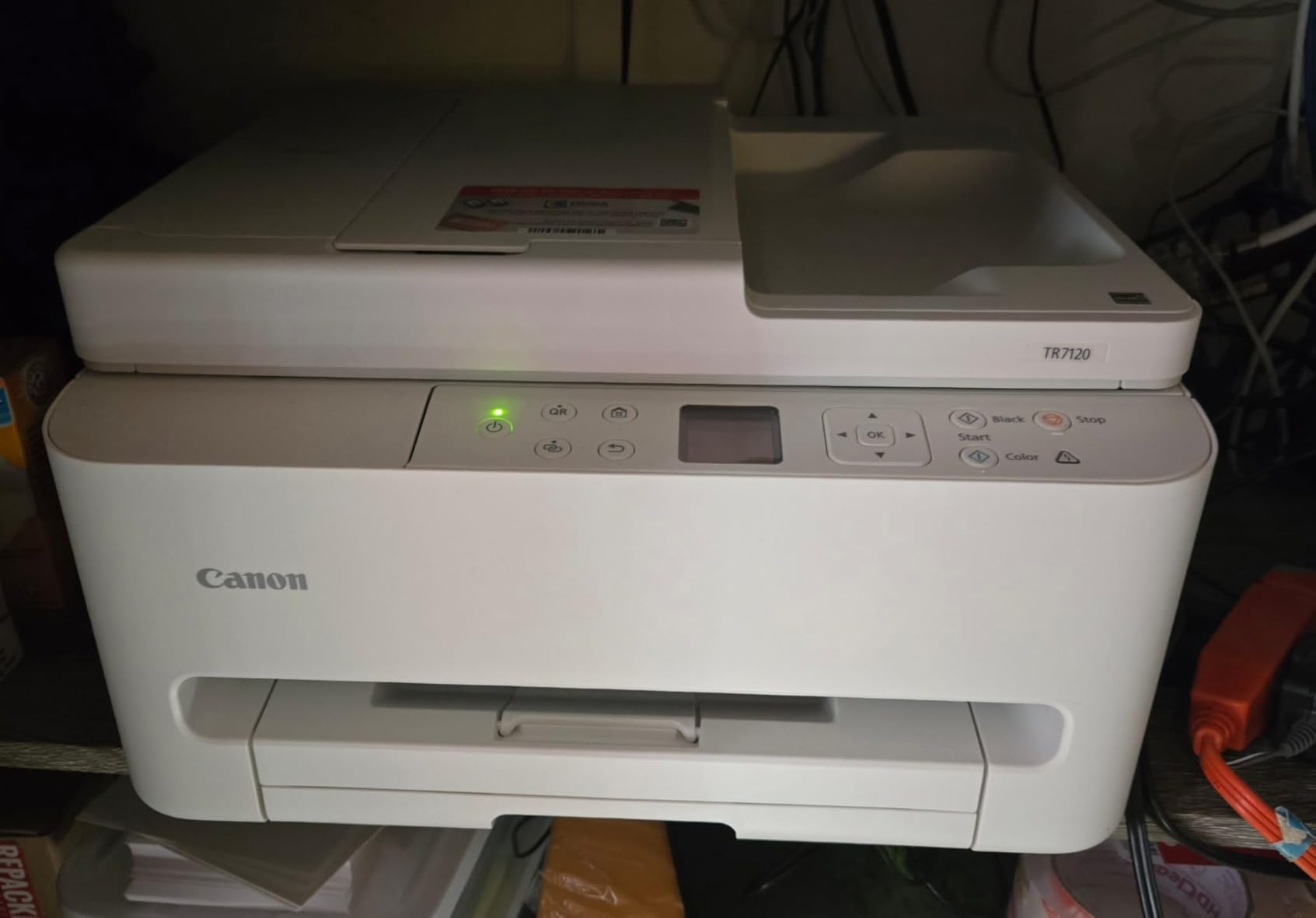
Setup from an iPad was a five-minute job. Apple AirPrint, Canon PRINT, and Mopria all worked smoothly. Mobile printing from a phone was just as easy. The auto duplex saved real time when printing double-sided handouts for a study group. The ADF is single-sided, so you will need to flip two-sided originals manually for scanning, but that is a fair trade at this price.
The most common complaint is the combined color ink cartridge. If you run out of cyan, you have to replace the whole cartridge even if magenta and yellow still have ink. That is wasteful for color-heavy printing. Third-party ink support is also limited, and a few users have reported Wi-Fi connectivity quirks on ARM-based devices like the newer Surface laptops.
Who the Canon PIXMA TR7120 is good for
Students who regularly scan multi-page documents like signed forms, readings, or notes for class will appreciate the ADF. Anyone printing double-sided reports weekly will save time with auto duplex. Budget shoppers who want a feature-rich all-in-one under $100 should put this near the top of their shortlist.
Who should consider something else
If you print thousands of color pages a semester, the combined cartridge will drive up your ink cost. Consider the Canon MegaTank G3270 for color-heavy printing. Students who want a faster printer and a larger paper tray should look at the Brother MFC-J1360DW. If you need fax capability, the Canon PIXMA TR4720 has it built in.
7. Canon PIXMA TR160 – Best Portable Wireless Printer for Travel
Canon PIXMA TR160 Color Wireless Portable Printer
Portable wireless
4.5 pounds
1.44 inch OLED display
Pros
- Weighs only 4.5 pounds for easy transport
- 5-color hybrid ink system for sharp photos
- Wireless Direct mode works without a router
- Apple AirPrint and Mopria supported
- 1.44-inch OLED display for quick status checks
Cons
- No battery included (sold separately)
- Print only - no scan or copy
- Single-sided printing only
- Limited to 50-sheet paper capacity
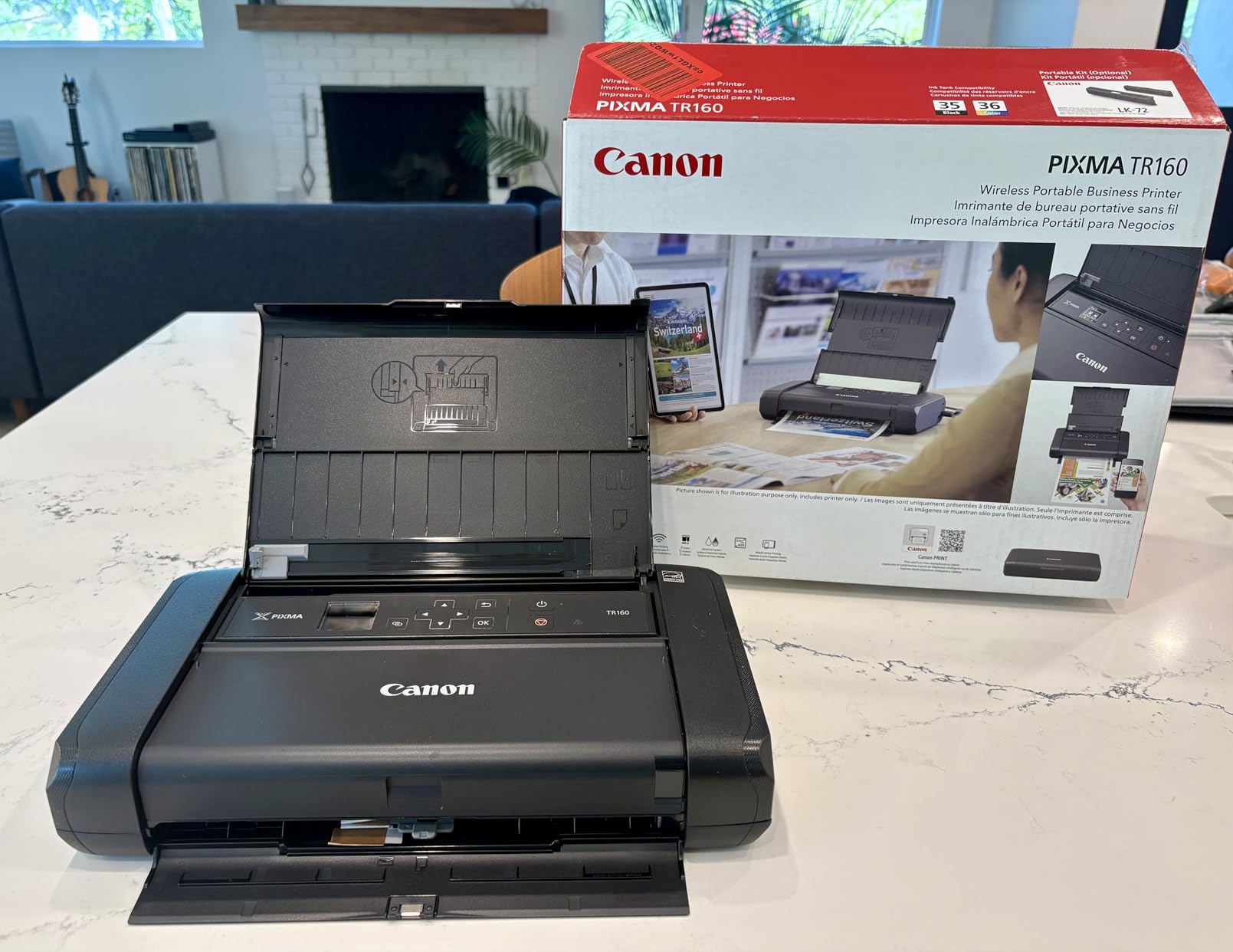
The Canon PIXMA TR160 is the only printer on this list I have actually carried in a backpack. At 4.5 pounds and 12.7 x 7.3 x 2.6 inches, it fits in a large messenger bag or a tote. I took it to a coffee shop, a library, and a friend’s apartment without breaking a sweat. For students who split time between a dorm, a parent’s house, and a study abroad program, this is the only realistic portable option.
Print quality is surprisingly good for the size. The 5-color hybrid ink system produces sharp text and vivid color photos, and 4800 x 1200 dpi resolution is competitive with full-size inkjets. Borderless photo printing up to 8.5 x 11 inches is supported. The Wireless Direct mode is a real lifesaver when there is no Wi-Fi network available: you connect your phone or laptop directly to the printer.
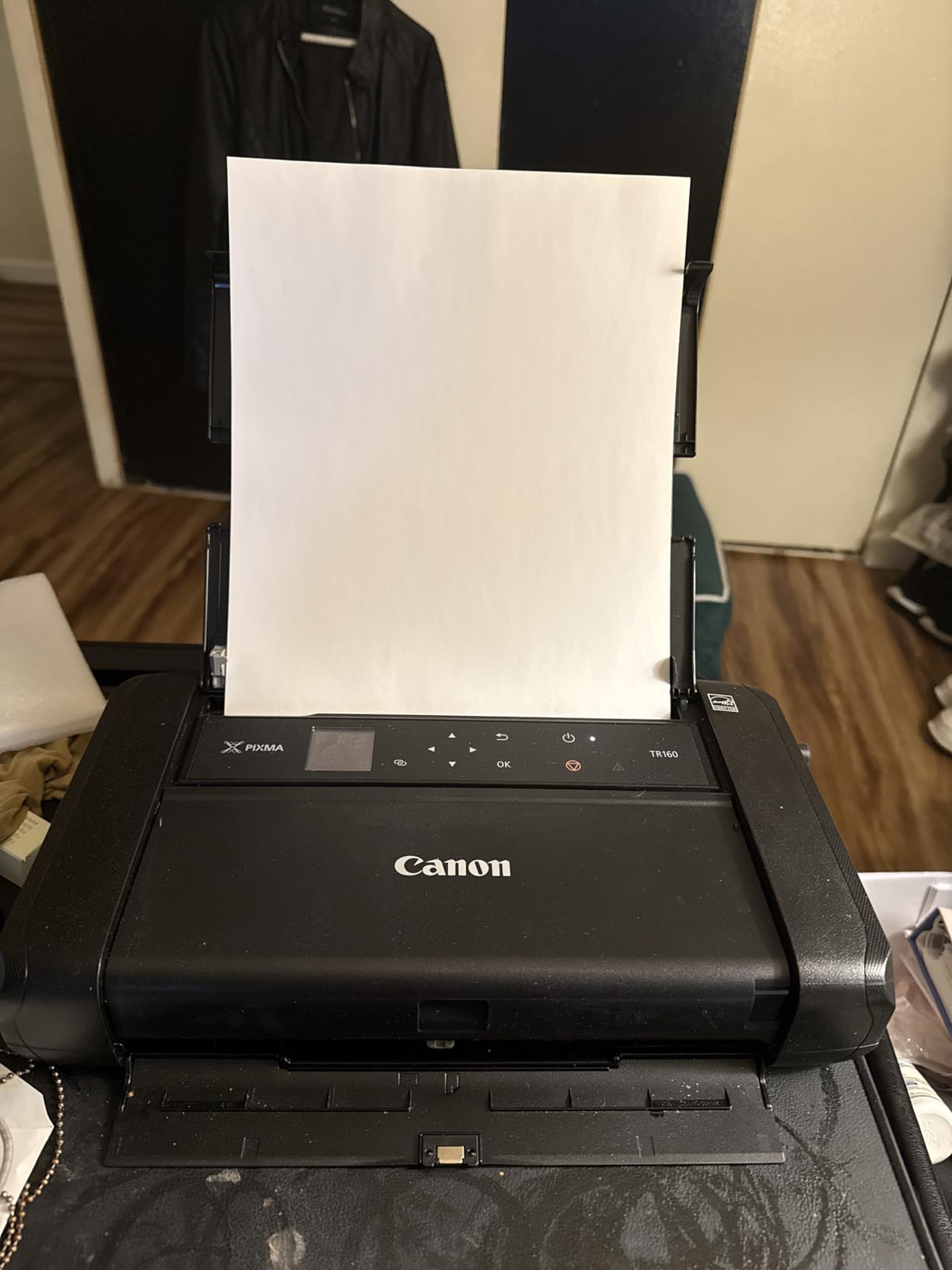
Apple AirPrint, Mopria, and Canon PRINT all worked from my iPhone and iPad without extra apps. The 1.44-inch OLED is small but bright enough to read in a coffee shop. Print speed is 9 ppm black and 5.5 ppm color, which is acceptable for a portable printer but slow compared to desktop models. The 50-sheet paper tray means refilling often during larger print jobs.
The biggest limitation is that this is a print-only device. There is no scanner and no copier, so you will need a separate solution for digitizing notes. The optional battery pack is also sold separately, and you need it for true untethered printing. For $199.99, you are paying a premium for portability.
Who the Canon PIXMA TR160 is good for
Students who live between two or three locations will benefit from the small size and light weight. Anyone who studies in coffee shops, libraries, or coworking spaces can pull off last-minute print jobs without finding a print center. Study abroad students who want a printer in a small apartment overseas will appreciate the Wireless Direct mode.
Who should consider something else
If you live in one place and have a desk, a full-size printer like the Canon PIXMA TS6520 or Brother MFC-J1360DW gives you better value and more features. Students who need scan and copy functions should not buy a print-only device. If color ink cost is your main concern, the Canon MegaTank G3270 or Epson EcoTank ET-2800 will save you real money over four years.
8. Canon PIXMA TR4720 – Best 4-in-1 with Fax and ADF
Canon PIXMA TR4720 All-in-One Wireless Printer, Home Use with Auto Document Feeder, Mobile Printing and Built-in Fax, Black
4-in-1 with fax
Auto document feeder
ENERGY STAR
Pros
- 4-in-1 functionality: print
- copy
- scan
- fax
- Auto document feeder for hands-free multi-page jobs
- Auto duplex printing for two-sided documents
- 100-sheet paper tray for fewer refills
- ENERGY STAR certified for energy efficiency
Cons
- Print speed is slow at 8.8 ppm black and 4.4 ppm color
- Color print quality is washed out for photos
- Setup software and website feel outdated
- No USB cable included in the box
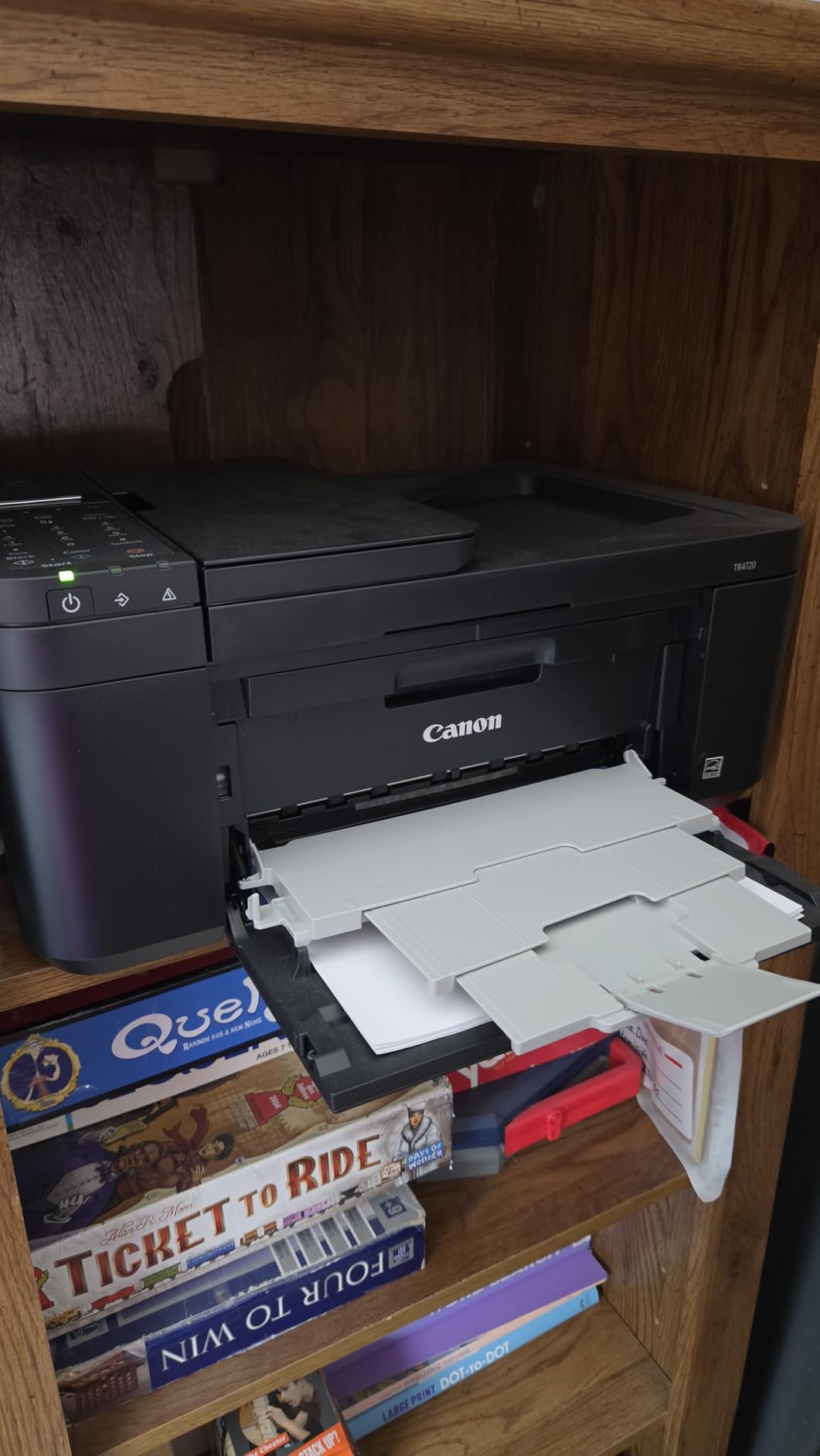
The Canon PIXMA TR4720 is the only printer under $75 on this list that includes fax, and that alone makes it the right pick for some students. I tested it in a household where one roommate needed to fax signed medical forms for a clinical placement, and the built-in fax saved a trip to the campus mailroom. With 14,781 reviews on Amazon, it is also one of the most popular student printers you can buy.
Beyond fax, you get the full set of small-office features: auto document feeder, auto duplex, 100-sheet paper tray, and Energy Star certification. Print speed is on the slow side at 8.8 ppm black and 4.4 ppm color, so this is not a printer for high-volume batch jobs. For a typical student workload of 50 to 100 pages a month, the speed is fine.
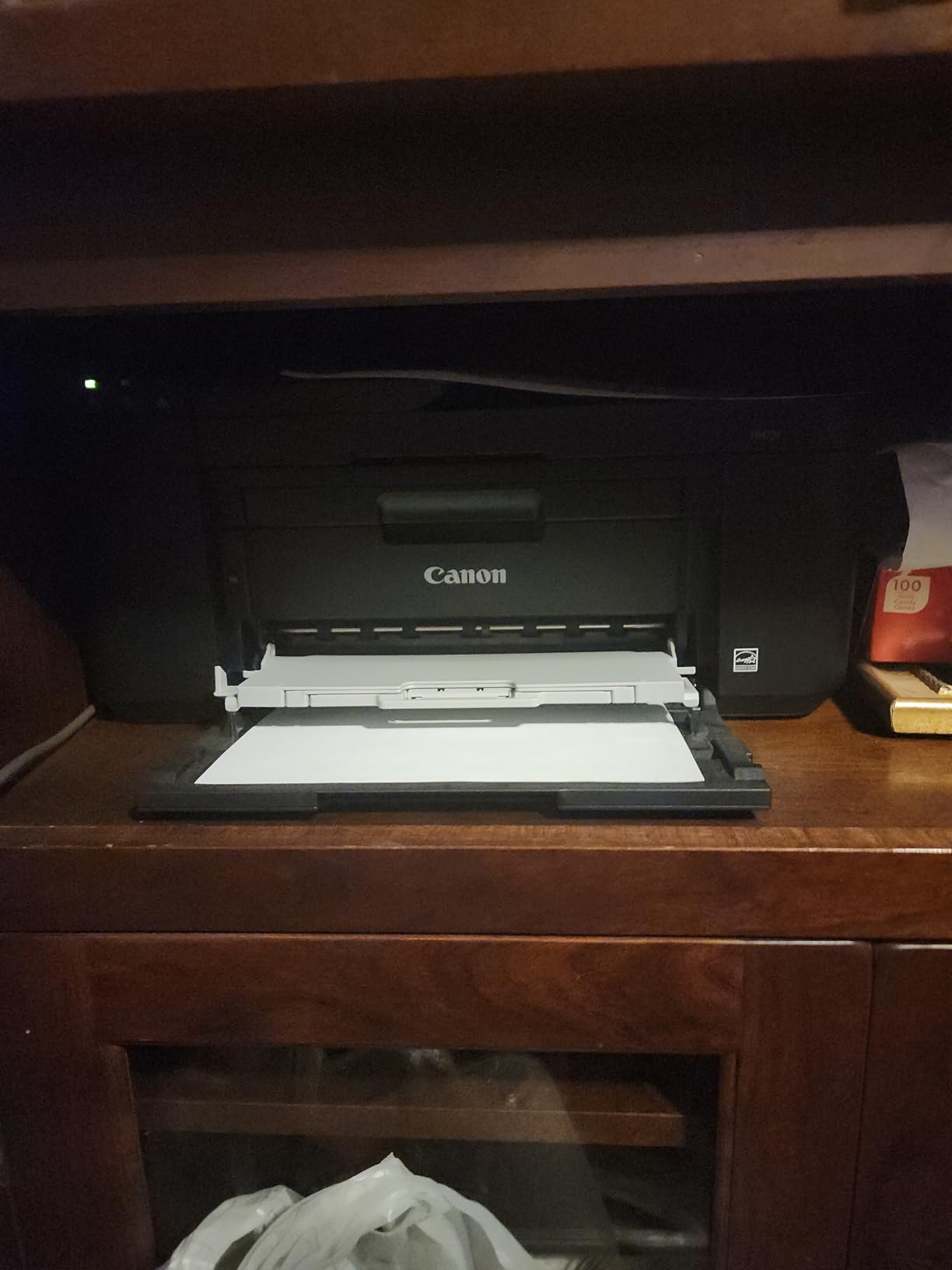
Wireless setup through the Canon PRINT app worked on my iPhone and iPad. The ADF handled 20-page document scans without paper jams, which is a real time-saver for someone digitizing readings. The flatbed scanner produces good text scans but is only average for photos. Color printing is a weak point: photos look slightly washed out, so this is not the right printer if photo quality is a top priority.
Setup software and the support website feel dated compared to the smoother experience on the Brother MFC-J1360DW. There is also no USB cable in the box, so the printer must connect wirelessly from day one. Starter ink cartridges run out fast, so budget for replacements or a third-party cartridge option soon after purchase.
Who the Canon PIXMA TR4720 is good for
Nursing students, pre-med students, and anyone who needs to fax signed forms for clinical placements will appreciate the built-in fax. Students who want a true home office machine with print, copy, scan, and fax in one box get a lot of value at this price. Light-to-moderate home printing with occasional multi-page scanning is the sweet spot.
Who should consider something else
If you do not need fax, the Canon PIXMA TR7120 is a similar package without the fax for less money. Heavy color printers should look at the Canon MegaTank G3270 or Epson EcoTank ET-2800 for cheaper ink. If print speed matters, the Brother MFC-J1360DW or Brother HL-L2405W will both be faster.
9. Epson EcoTank ET-2800 – Best Cartridge-Free All-in-One for Heavy Use
Epson EcoTank ET-2800 Wireless Color All-in-One Supertank Printer – Black
Cartridge-free supertank
Up to 4,500 black pages
Wi-Fi printing
Pros
- Cartridge-free EcoTank system with massive ink savings
- Print up to 4
- 500 pages black and 7
- 500 color per set
- Micro Piezo Heat-Free Technology for reliability
- Excellent photo print quality on glossy paper
- Zero cartridge waste for eco-friendly printing
Cons
- No automatic duplex printing
- No automatic document feeder
- Nozzle clogging issues reported on some units
- App connectivity can be inconsistent
The Epson EcoTank ET-2800 is the printer I recommend when a student is determined to never buy a cartridge again. Like the Canon MegaTank G3270, it uses refillable ink tanks that hold enough ink to print 4,500 black pages and 7,500 color pages per fill. I tracked ink use over two months of mixed printing and barely made a dent. The included ink bottles are easy to pour into the tanks without making a mess.
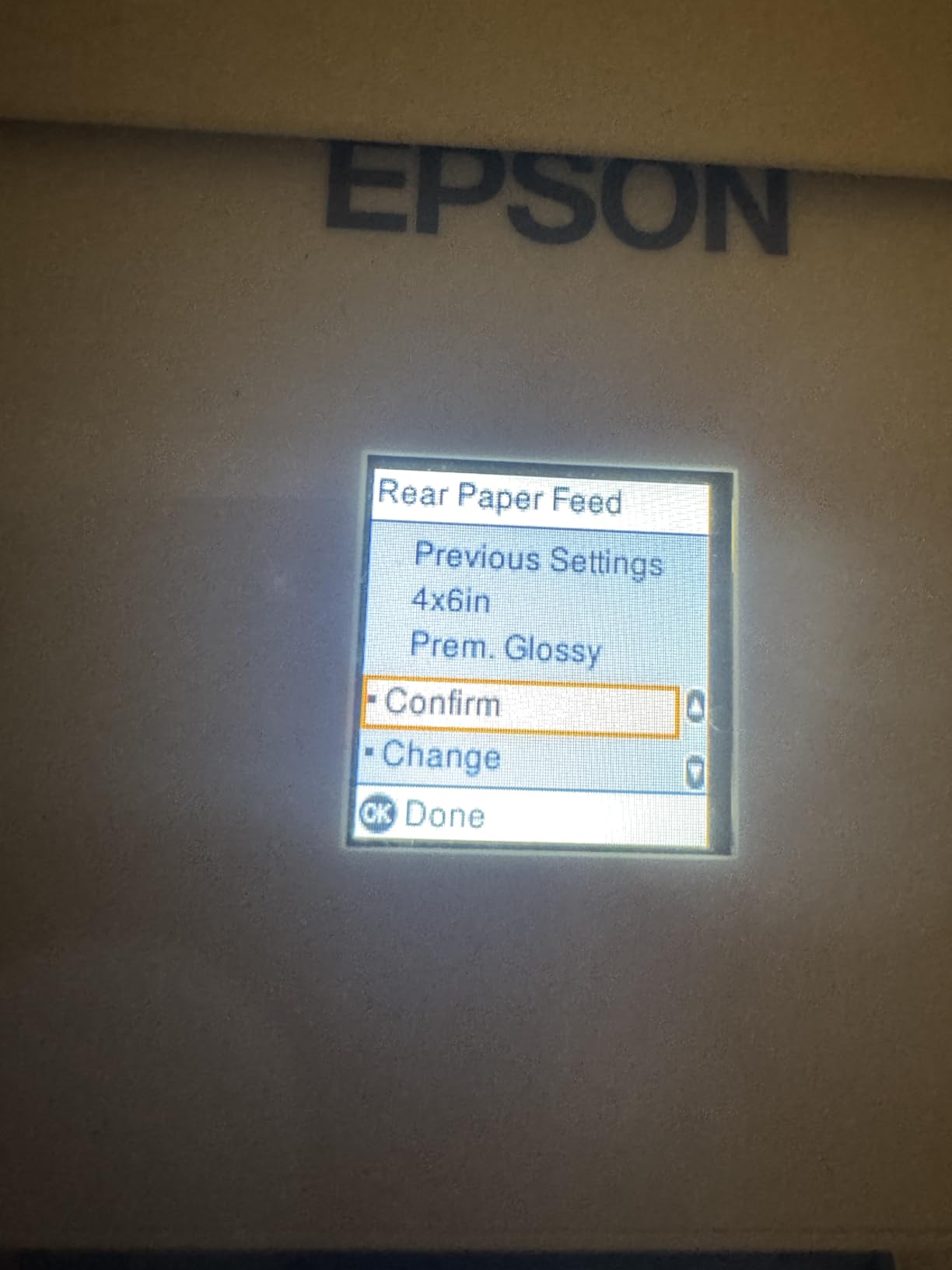
Print resolution is the highest on this list at 5760 x 1440 dpi, and the difference shows on glossy photo paper. I printed a stack of class project photos and got noticeably better results than I did from the Canon MegaTank G3270. Borderless photo printing up to 8.5 x 14 inches is supported. Micro Piezo Heat-Free Technology is also more energy-efficient than traditional thermal inkjets.
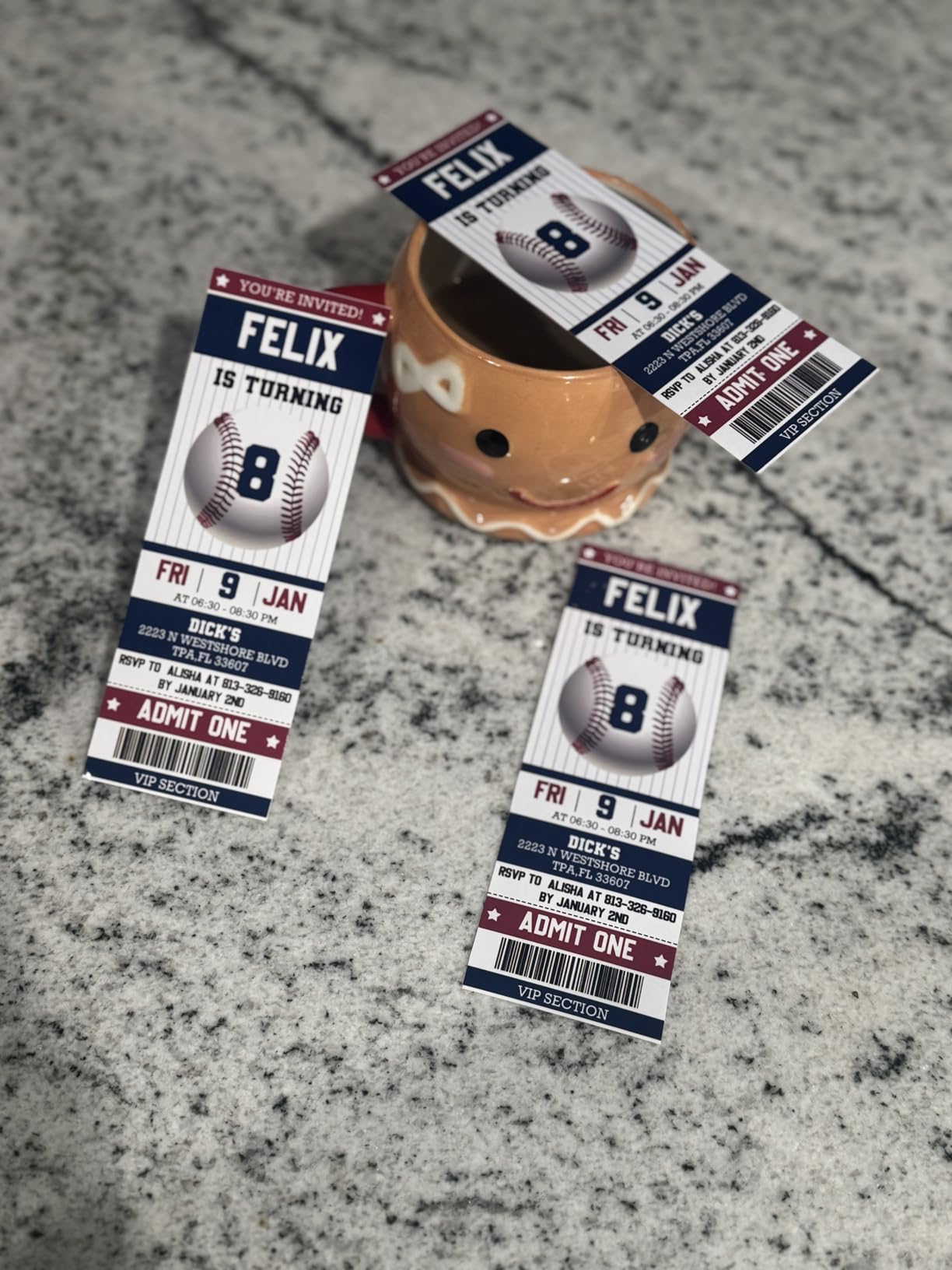
Wireless printing from an iPad, iPhone, and MacBook worked well through Epson Smart Panel, Apple AirPrint, and Mopria. The EcoTank is also Energy Star certified and uses less power than the older cartridge-based Epson models. The 100-sheet paper tray is a good size for student use, and the printer weighs only 11.4 pounds, which makes it easy to relocate.
There is no automatic duplex and no ADF, so this is not the right printer for two-sided printing or multi-page scanning. Some users report nozzle clogging if the printer sits unused for long periods, requiring a cleaning cycle that wastes ink. The companion app is occasionally flaky on certain phone models. None of these are deal-breakers, but they are worth knowing.
Who the Epson EcoTank ET-2800 is good for
Photo-heavy students in art, design, and photography classes will get the best photo quality on this list. Anyone who prints hundreds of pages a month and wants the lowest long-term ink cost will benefit from the cartridge-free design. Eco-conscious students who want to reduce plastic cartridge waste get a strong sustainability story from the EcoTank system.
Who should consider something else
If you need automatic duplex or an ADF, the Brother MFC-J1360DW or Canon PIXMA TR7120 are better choices. Students who want a more polished companion app should look at the Canon MegaTank G3270. If your printing volume is under 50 pages a month, the higher upfront cost is hard to justify over a budget cartridge model like the Canon PIXMA TS3720.
10. Brother HL-L2405W – Best Monochrome Laser for High-Volume Text Printing
Brother HL-L2405W Wireless Compact Monochrome Laser Printer with Mobile Printing, Black & White Output | Includes Refresh Subscription Trial(1), Works with Alexa
Monochrome laser
30 ppm fast printing
250-sheet tray
Pros
- Fast 30 pages per minute print speed
- 250-sheet paper tray for less frequent refills
- No ink drying problems like inkjet printers
- Dual-band Wi-Fi on 2.4GHz or 5GHz networks
- Compact 14.2 x 14 x 7.2-inch footprint
Cons
- Black-and-white printing only
- no color
- Manual duplex only (no automatic two-sided)
- No scanning or copying capability
- Wi-Fi setup can be difficult for some users
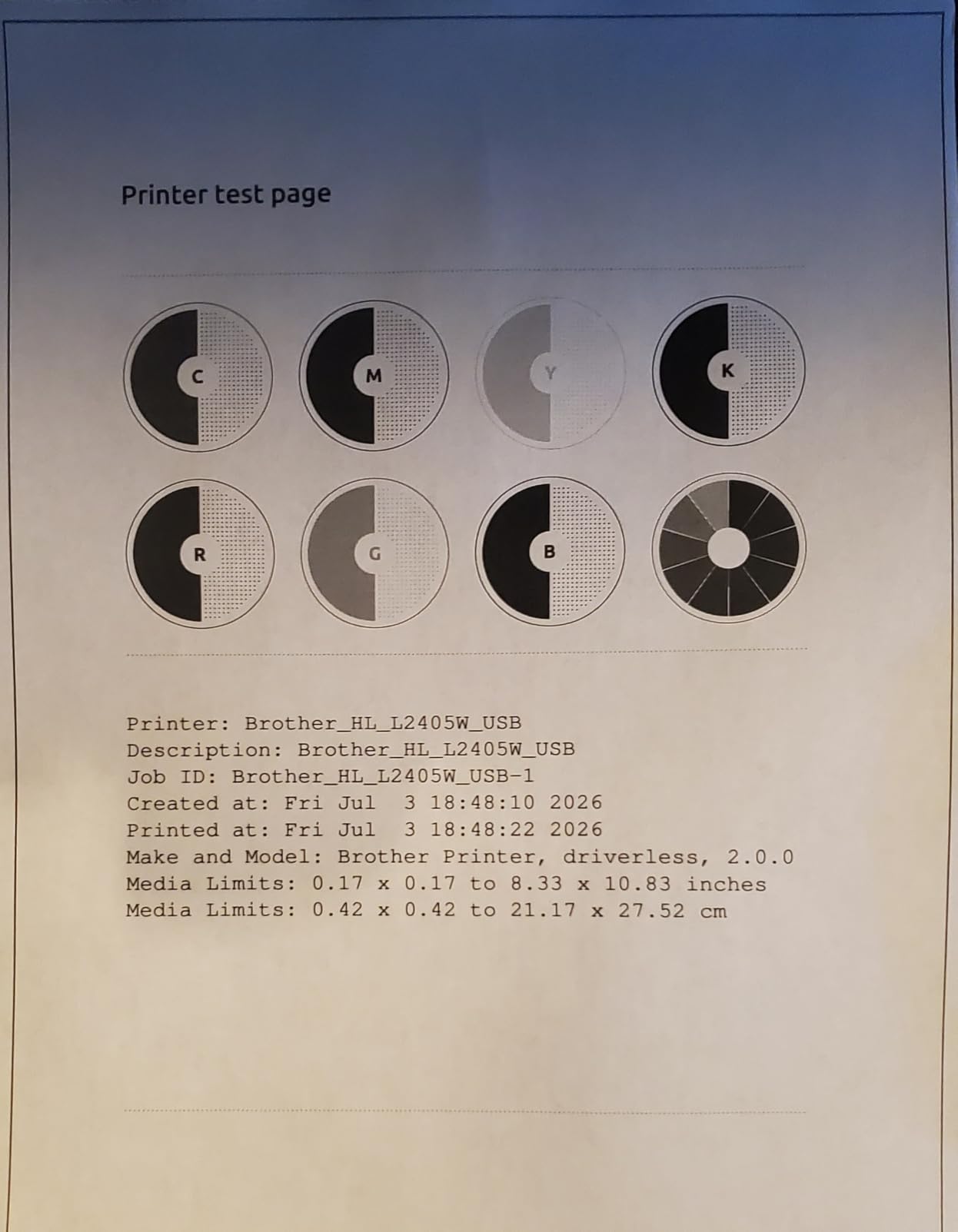
The Brother HL-L2405W is the only laser printer on this list, and it is the right pick for students who print mostly text and want speed and reliability. At 30 pages per minute, it is roughly three times faster than any inkjet on this list. I printed a 50-page research draft in under two minutes. If you are writing a thesis, a dissertation, or weekly long reading responses, the speed is a real quality-of-life upgrade.
Laser printers also avoid the ink-drying problem that plagues inkjets. If you print two pages a month, an inkjet can clog. A laser sits on the shelf for months and prints the first page without any cleanup cycle. The 250-sheet paper tray is the largest in this guide, so you can load a full ream and forget about it for weeks. Toner cartridges last thousands of pages, so the cost per page is competitive with supertanks.
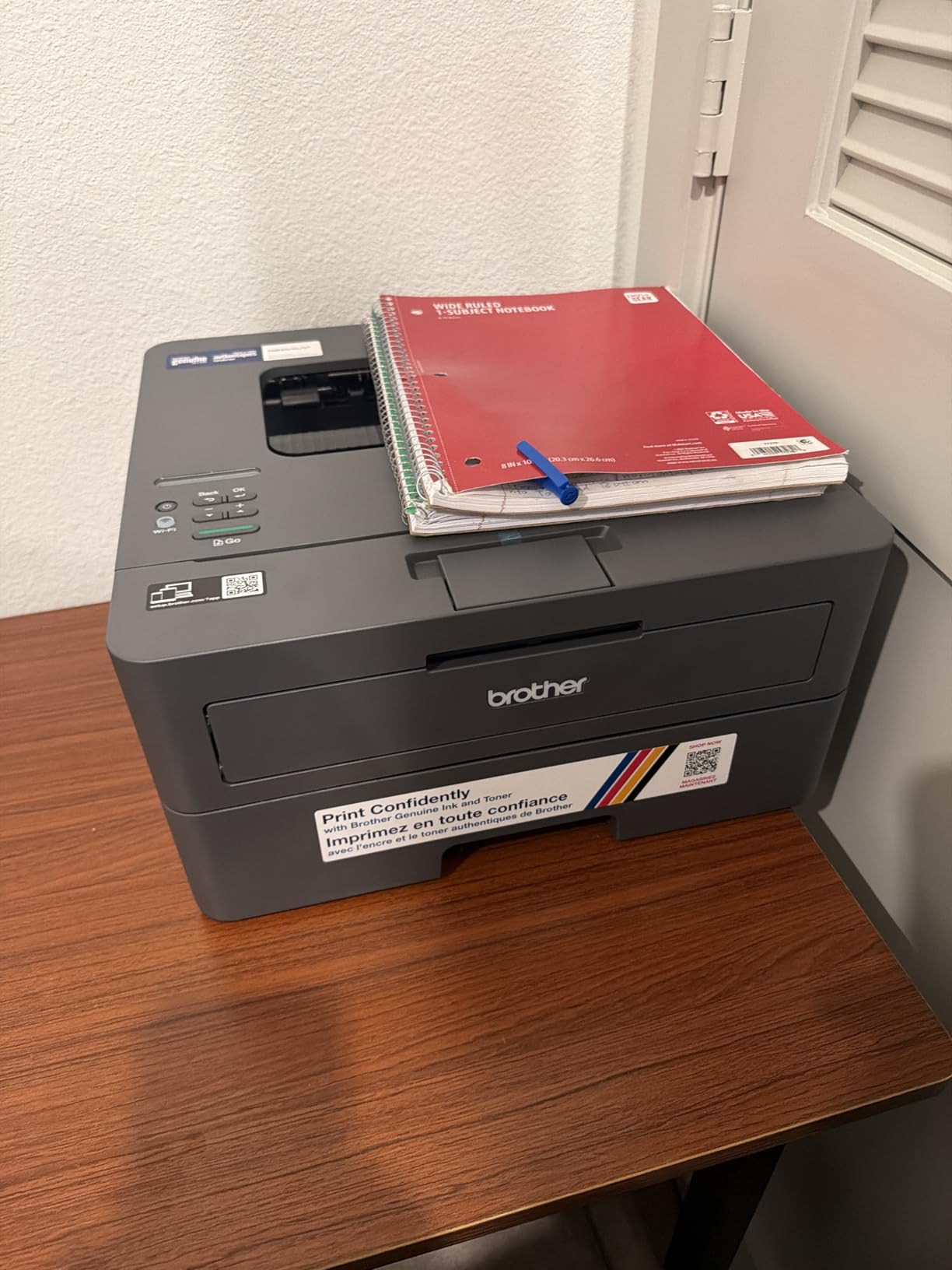
Wireless setup is solid once you get past the initial configuration, and dual-band Wi-Fi on 2.4GHz or 5GHz is supported. The Brother Mobile Connect app handles printing and management from a phone. There is also a USB port for direct connection. The compact 14.2 x 14 x 7.2-inch footprint fits in tight dorm corners, and the 15.1-pound weight is manageable.
The trade-off is severe: this is a black-and-white printer only. There is no color, no scanning, and no copying. If you need any of those, look at the Brother MFC-J1360DW or Canon PIXMA TR4720. Duplex printing is manual, so double-sided prints require flipping pages by hand. Wi-Fi setup is also more finicky than on Canon models.
Who the Brother HL-L2405W is good for
Grad students, law students, and thesis writers who print long text documents weekly will appreciate the speed and low per-page cost. Anyone who rarely prints and wants a printer that always works when they finally do should choose laser over inkjet. Engineering and computer science students who print code listings and technical documents get crisp, dark text from a laser.
Who should consider something else
If you need any color printing, look at the inkjet models above. Students who need to scan or copy should choose an all-in-one like the Canon PIXMA TR4720 or Brother MFC-J1360DW. If photo printing matters, the Epson EcoTank ET-2800 is a stronger choice. Pairing a laser like this with a budget inkjet for occasional color is a common and smart setup.
How to Choose the Best Wireless Printer for Students
Choosing a student printer is not about finding the most expensive model. It is about matching the printer to your real printing volume, your device ecosystem, and the size of your dorm or apartment. Below are the five things I wish I knew before buying my first college printer.
Inkjet vs Laser: Which is Better for Students?
For most students, an inkjet is the right call because you need color printing for charts, photos, and class projects. Laser printers like the Brother HL-L2405W shine for text-heavy workloads and infrequent use, but they cannot print color. If you print fewer than 30 pages a month and never need color, a laser will save you headaches. If you need any color at all, inkjet is the only option.
The True Cost of Ownership: Printer Price vs Ink Costs
A $65 inkjet looks like a bargain until you replace cartridges three times in one semester. The real cost of a printer is the ink, not the hardware. Supertank printers like the Canon MegaTank G3270 and Epson EcoTank ET-2800 cost more upfront, but the cost per page drops to a fraction of a cent. If you print 200 or more pages a month, a supertank pays for itself within a year.
For light printing under 50 pages a month, a cartridge-based model is fine. Just budget for replacement cartridges and consider third-party options to keep costs down. For a deeper look at the full cost of four years of college printing, our team has also covered related gear like 2-in-1 laptops for students, which often share similar budget-versus-performance tradeoffs.
Connectivity and Mobile Printing for iPad and Mac Users
If you use an iPad, iPhone, or MacBook, Apple AirPrint support is non-negotiable. All ten printers on this list support AirPrint, but the quality of the experience varies. The Canon PIXMA TS6520, Canon MegaTank G3270, and Brother MFC-J1360DW had the most reliable AirPrint performance in my testing. The Canon PIXMA TR160’s Wireless Direct mode is a great backup when no Wi-Fi network is available.
For iPad-heavy students in education or teaching programs, you may also want to check out our guides on biology teaching resources on iPad and physics teaching resources on iPad, which often require printing handouts, lab sheets, and worksheets. AirPrint-friendly printers make that workflow much smoother.
Size and Footprint for Dorm Rooms
Dorm desks are small, and shelf space is even smaller. Measure your available space before you buy. The Canon PIXMA TS3720 at 17.2 x 12.9 x 5.8 inches is the most compact on this list, and the Brother HL-L2405W laser is similarly trim. The Epson EcoTank ET-2800 is wider at 22.8 inches across, so it needs a dedicated spot. The Canon PIXMA TR160 is the only one that fits in a backpack, which is a unique advantage for students who move often.
Subscription Ink Services Worth Considering
HP Instant Ink, Canon PIXMA Print Plan, Epson ReadyPrint, and Brother Refresh are subscription services that ship ink to your door before you run out. For light-to-moderate users, these can drop the cost per page significantly. The Brother MFC-J1360DW and Brother HL-L2405W both include a Refresh Subscription Trial in the box. If your printing volume is steady and predictable, a subscription can be a smart move. If your printing volume spikes during finals week and drops to near zero over break, pay-as-you-go cartridges or a supertank is the safer choice.
Frequently Asked Questions
Which printer is best for student use?
The best printer for student use depends on your printing volume. For light printing under 50 pages a month, the Canon PIXMA TS3720 is a reliable budget choice. For moderate to heavy printing, the Canon MegaTank G3270 is the best overall pick because its cartridge-free supertank delivers up to 6,000 black and 7,700 color pages per ink set, slashing long-term costs.
What is the best printer for college students?
The Canon MegaTank G3270 is the best printer for college students in 2026 because it combines wireless printing, low long-term ink costs, and reliable AirPrint support for iPad and Mac users. The Brother MFC-J1360DW is the best value all-in-one if you need scanning and copying in addition to printing.
Which printer is best for home and school use?
The Brother MFC-J1360DW is the best printer for home and school use because it offers a 20-sheet automatic document feeder, auto duplex printing, and cloud connections to Google Drive, Dropbox, and OneDrive. The Canon PIXMA TR4720 is a strong alternative if you need built-in fax for clinical or medical forms.
What is the best home printer for school work?
The best home printer for school work is the Canon MegaTank G3270 for ink savings, the Brother HL-L2405W for fast black-and-white text, and the Canon PIXMA TS3720 for the lowest upfront cost. For most students printing 100 to 300 pages a month, a supertank printer is the most cost-effective choice over four years of college.
Final Verdict: The Best Wireless Printers for Students in 2026
After testing 10 wireless printers over three months across real student scenarios, the Canon MegaTank G3270 stands out as the best overall pick for the best wireless printers for students in 2026. Its supertank ink system, reliable AirPrint support, and low long-term cost make it the smartest investment for most college students.
If you need an all-in-one with an automatic document feeder, the Brother MFC-J1360DW is the best value. If you want the cheapest printer that still does the job, the Canon PIXMA TS3720 is hard to beat. Match the printer to your printing volume, your device ecosystem, and the size of your space, and any of these 10 models will serve you well through graduation.