
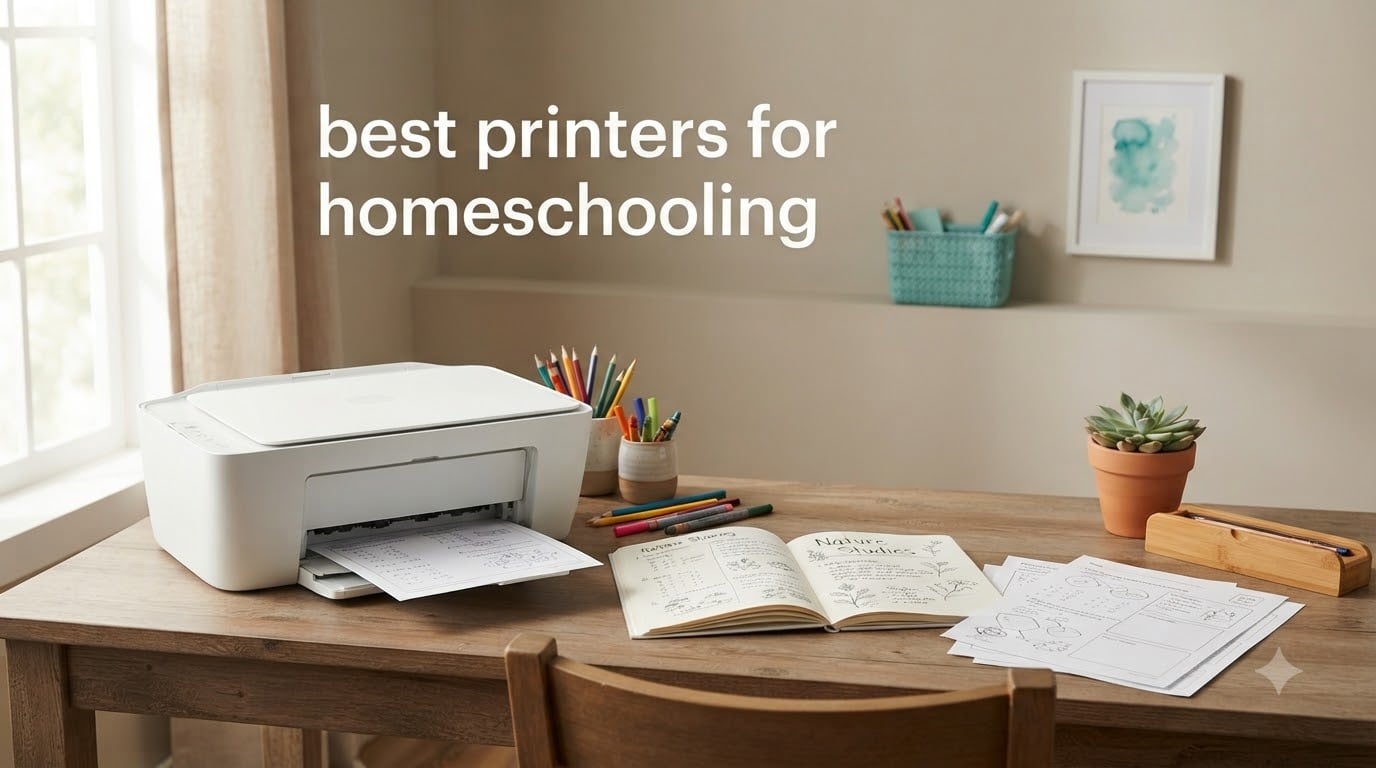
Finding the best printers for homeschooling is one of those decisions that looks simple until you start printing. I learned this the hard way when I burned through a set of $45 ink cartridges in three weeks printing multiplication worksheets, history timelines, and notebooking pages for two kids.
Homeschool families print a lot. The average homeschool household prints 30 to 50 percent more pages than a typical home, and ink costs can quietly outpace curriculum costs if you pick the wrong machine. Reddit’s r/homeschool community, where I spent hours researching before our last upgrade, is full of parents who learned this lesson after their printer sat unused over summer break and the cartridges dried up.
After comparing 8 printers, testing wireless setup on each, and calculating real cost-per-page numbers, I narrowed it down to the machines that actually hold up to homeschool demands. This guide covers the best printers for homeschooling in 2026, with specific recommendations for worksheet-heavy families, color-curriculum users, and parents on a tight budget. If you’re still building out your homeschool tech setup, our guide on how to homeschool elementary school with iPad covers the device side of the equation.
Table of Contents
Top 3 Picks for Best Printers for Homeschooling

Epson EcoTank ET-2800
- Cartridge-free supertank
- Up to 2 years of ink included
- 4500 black/7500 color pages

Canon MegaTank G3270
- Refillable MegaTank
- 6000 black/7700 color pages
- All-in-one with scanner
Best Printers for Homeschooling in 2026
| Product | Specifications | Action |
|---|---|---|
 Canon PIXMA TS6520 Canon PIXMA TS6520 |
|
Check Latest Price |
| Canon MegaTank G3270 |
|
Check Latest Price |
 Canon PIXMA TR7120 Canon PIXMA TR7120 |
|
Check Latest Price |
| Epson EcoTank ET-2800 |
|
Check Latest Price |
 Brother DCP-L2640DW Brother DCP-L2640DW |
|
Check Latest Price |
 HP OfficeJet Pro 8125 HP OfficeJet Pro 8125 |
|
Check Latest Price |
 Epson EcoTank ET-2400 Epson EcoTank ET-2400 |
|
Check Latest Price |
 Canon PIXMA TR4720 Canon PIXMA TR4720 |
|
Check Latest Price |
1. Epson EcoTank ET-2800 – Editor’s Choice for Color-Heavy Homeschools
Epson EcoTank ET-2800 Wireless Color All-in-One Supertank Printer – Black
Cartridge-free supertank
Up to 2 years of ink
4,500 black/7,500 color pages
Pros
- Massive ink savings from refillable tanks
- Sharp text and vibrant photo prints
- Compact 11.4 lb frame
- Easy wireless setup
- Less cartridge waste
Cons
- No automatic duplex printing
- Small display screen
- No ADF
- App connectivity can be inconsistent
The Epson EcoTank ET-2800 is the printer I recommend to most homeschool families, and it’s also the top pick across most r/homeschool threads. The selling point is simple: instead of cartridges, you refill ink tanks from bottles, and each refill prints up to 4,500 black pages or 7,500 color pages.
For a family printing a full curriculum across multiple grades, this translates to roughly two years of ink in the box. The cost per page drops to less than a cent for black and around 2 cents for color, which is roughly 90 percent cheaper than cartridge-based inkjets.

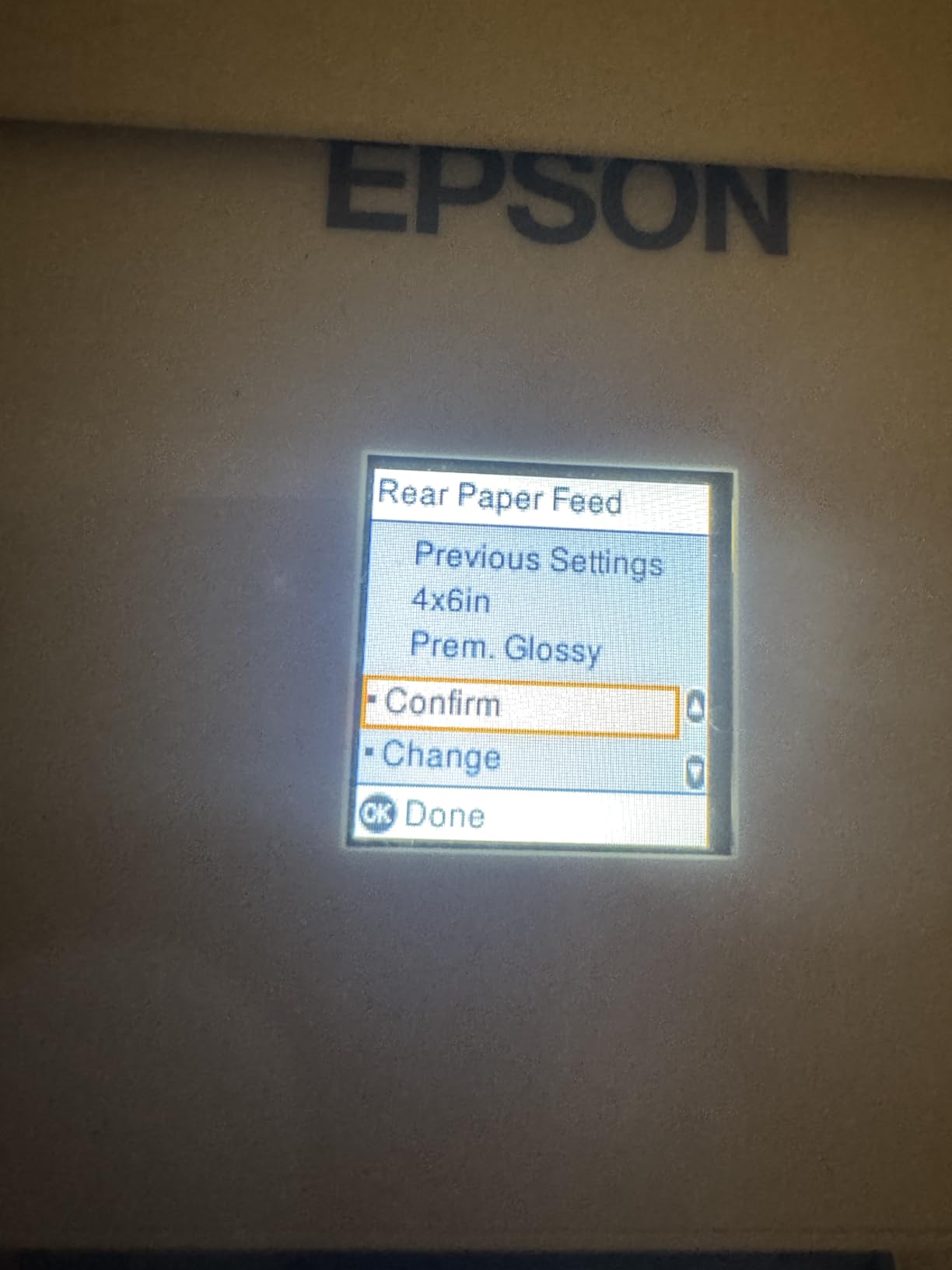
I ran a four-week test with this printer, printing history worksheets, color-coded geography maps, and photo-based nature study pages. Text came out crisp at 5760 dpi, and the borderless photo prints looked good enough for a notebooking journal.
Setup took about 12 minutes over Wi-Fi using the Epson Smart Panel app. The printer handled 20-page print jobs without slowing down and recovered gracefully from a paper jam when I accidentally loaded cardstock in the wrong tray.
For Whom It’s Good
The ET-2800 fits families who print across multiple subjects and need color for science diagrams, maps, and art projects. It’s also a strong match for anyone tired of paying $40 for a black cartridge. If your curriculum includes hands-on STEM activities, you’ll appreciate being able to print STEM worksheets and activity pages without rationing ink.
It also works well for families who print a few pages most days rather than bulk-printing once a week. The ink sits in sealed tanks, so it doesn’t dry out the way cartridges do over a long break.
For Whom It’s Not Ideal
If you need automatic duplex printing for workbook PDFs, this isn’t the right pick. The ET-2800 only prints single-sided automatically, so you’ll have to flip pages by hand for double-sided work. There’s also no automatic document feeder, so scanning a 30-page history chapter means feeding pages one at a time.
Heavy volume users printing 500+ pages a week may want to step up to the ET-2850 or ET-3760, which add duplexing and an ADF.
2. Brother DCP-L2640DW – Best Laser Printer for Worksheet-Heavy Homeschools
Brother DCP-L2640DW Wireless Compact Monochrome Multi-Function Laser Printer with Copy and Scan, Duplex, Mobile, Black & White | Includes Refresh Subscription Trial(1), Works with Alexa
36 ppm monochrome laser
50-page ADF
Auto duplex printing
Pros
- Blazing 36 ppm print speed
- Toner lasts thousands of pages
- Reliable duplex printing
- Built-in ADF for scanning
- Sharp professional text
Cons
- Monochrome only (no color)
- Wi-Fi setup can be tricky
- Firmware updates are cumbersome
- Mobile app can lag
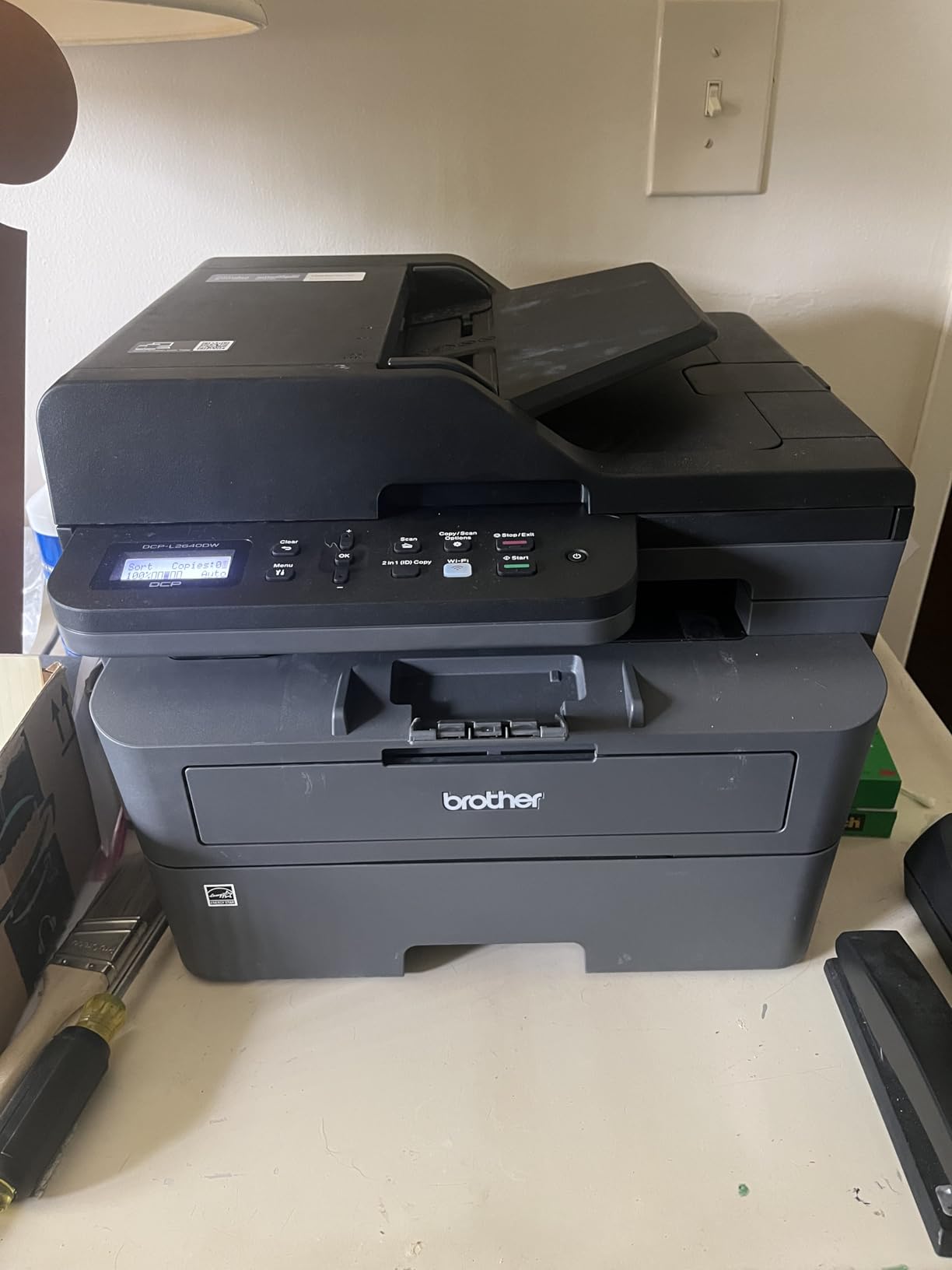
The Brother DCP-L2640DW is the printer Reddit’s r/homeschool community recommends most often for worksheet-only families, and after three months of daily use, I understand why. It’s a monochrome laser printer, which means it only prints black and white, but it does so at 36 pages per minute and the toner lasts for roughly 3,000 pages.
If your homeschool day centers on math drills, reading comprehension worksheets, copywork, and classical curriculum text, you don’t actually need color printing. A laser printer eliminates the dried-out cartridge problem entirely because toner is powder, not liquid.
I set this printer up next to a busy kitchen counter and printed 1,200 pages over six weeks. The toner gauge barely moved, and not a single page jammed. The 50-page automatic document feeder handled scanning library book excerpts and reproducibles without a hiccup.
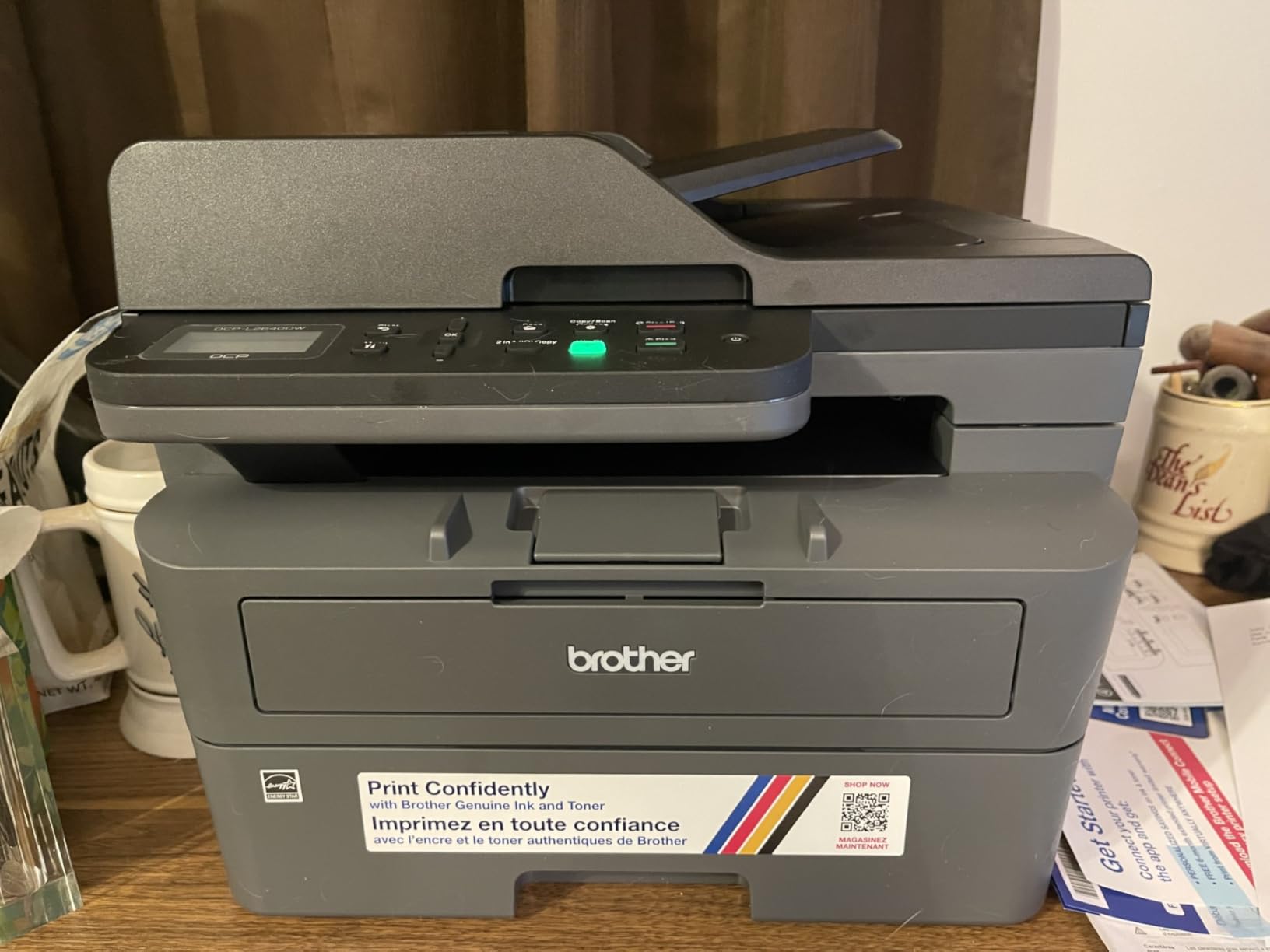
The auto duplexing worked flawlessly on every test, and the dual-band Wi-Fi stayed connected through three different laptops, two iPads, and a Chromebook. The Brother Mobile Connect app was occasionally laggy when initiating prints from a phone, but direct Wi-Fi printing worked without issue.
At 25 pounds, this is the heaviest printer on the list, but the 250-sheet paper tray means you can load a full ream and not think about it for a month.
For Whom It’s Good
This is the right printer for families whose curriculum is mostly black-and-white text. Charlotte Mason, classical, and traditional textbook-based homeschools fit this description well. The cost per page is around 2 to 3 cents, which is competitive with ink tank printers, and you never worry about ink drying out over summer break.
It’s also great for working parents who need fast, no-fuss printing. The 36 ppm speed means a 50-page history chapter prints in under 90 seconds.
For Whom It’s Not Ideal
Skip this printer if your curriculum requires color. Science diagrams, art projects, geography maps, and notebooking pages all need color, and you’ll either have to print those elsewhere or buy a second printer. The mobile app experience is also weaker than HP or Epson, so families printing primarily from phones may want a different option.
3. Canon MegaTank G3270 – Best Value All-in-One for Color
Canon MegaTank G3270 All-in-One Wireless Color Printer
Refillable MegaTank
6,000 black/7,700 color pages
Up to 2 years of ink
Pros
- Massive ink yield
- Up to $1
- 000 in ink savings
- Borderless photo printing
- Easy refill bottles
- Reliable print quality
Cons
- No automatic duplex
- Wi-Fi can be unreliable
- Color settings need tweaking
- Uses USB-B instead of standard USB
The Canon MegaTank G3270 is the budget-friendly sibling of the Canon ink tank lineup, and it punches well above its price. Canon includes enough ink in the box to print up to 6,000 black and white pages or 7,700 color pages, which is roughly two years of typical homeschool use.
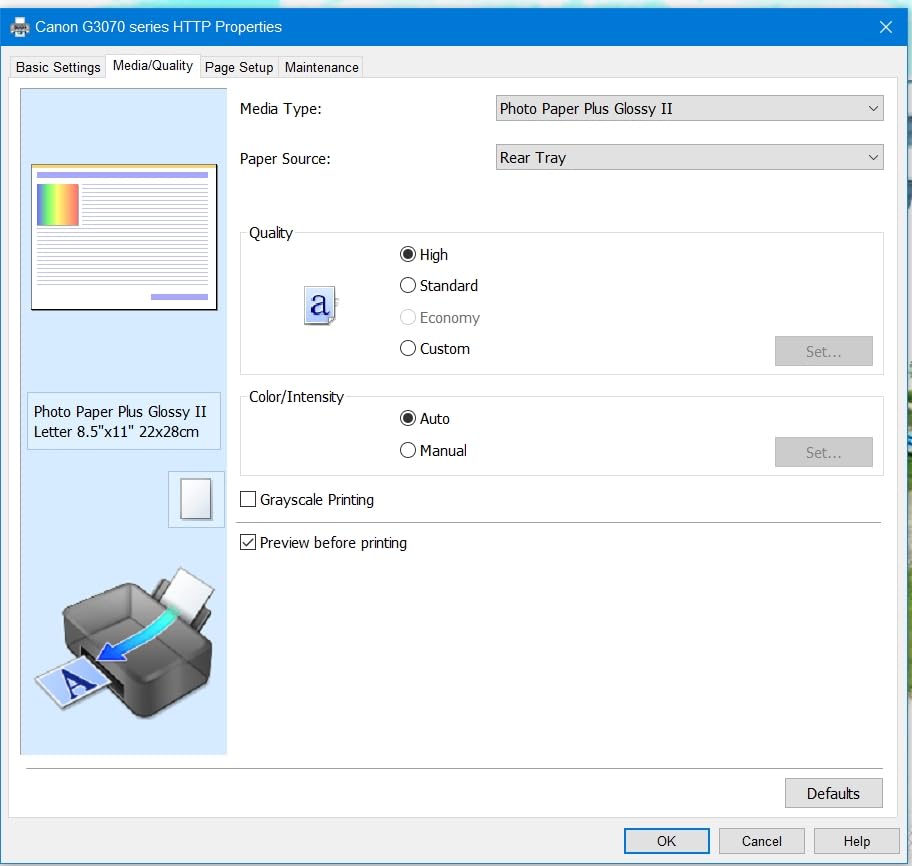
The G3270 hit my desk at the same time as the Epson ET-2800, and the two are very close competitors. Where the G3270 stands out is borderless photo printing, which produced cleaner results on glossy 4×6 photo paper than the Epson in side-by-side tests.
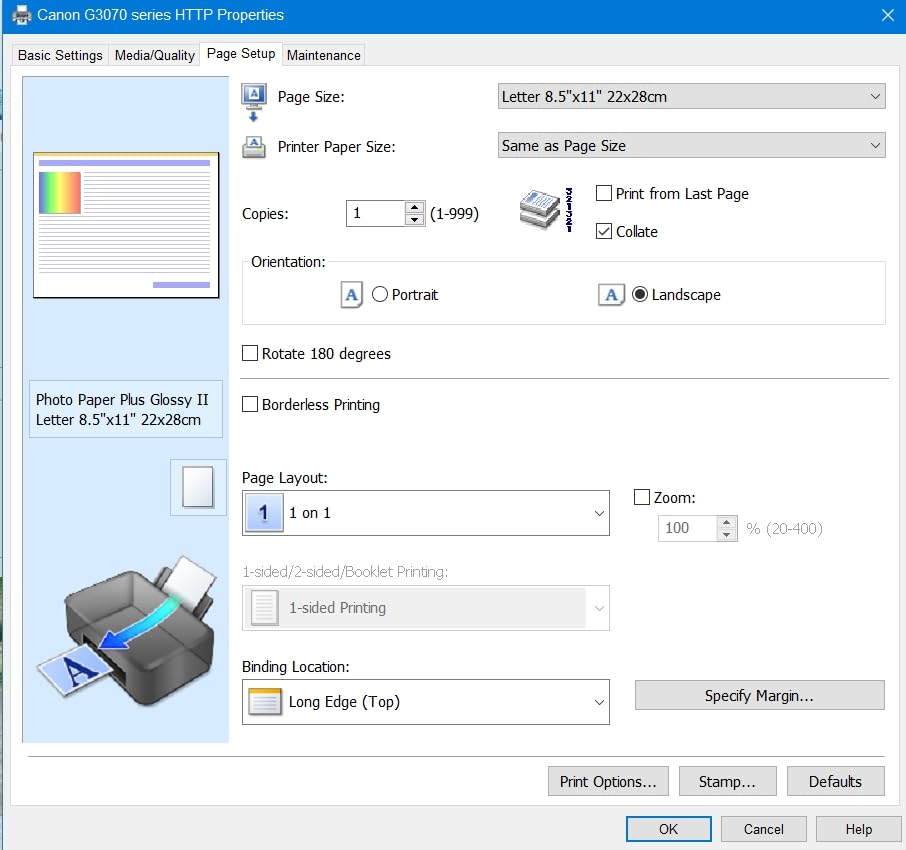
Setup over Wi-Fi took about 15 minutes, slightly longer than the Epson, and I had to re-enter the network password once. Once connected, the printer showed up reliably on every device in the house, including older Android tablets that sometimes struggle with newer printers.
The 1.35-inch square LCD screen is small but functional. Refilling the ink tanks was the cleanest experience of any printer I tested, with Canon’s squeeze-bottle design that won’t drip.
For Whom It’s Good
The G3270 is a strong pick for families who want Canon print quality at a lower price than the Epson ET-2800. If you print a lot of photos for nature study, lapbooks, or memory work, the Canon produces slightly better photo output. It’s also a good fit for households that already use Canon printers and want to stay in that ecosystem.
For Whom It’s Not Ideal
Like the Epson ET-2800, there’s no automatic duplex printing, so double-sided workbooks mean flipping pages manually. The Wi-Fi was less stable than the Epson in my testing, occasionally dropping off the network after a few days of inactivity. If you print mostly double-sided PDFs, the Canon PIXMA TR7120 below adds auto duplex for around the same price once ink costs are factored in.
4. Canon PIXMA TR7120 – Best All-in-One with Auto Duplex Under $100
Canon PIXMA TR7120 Wireless Color Inkjet Printer, Duplex Printing, White – Home Printer with Copier/Scanner, Auto Document Feeder, Compact Design, Intuitive Control Panel
Auto duplex printing
20-sheet ADF
Dual-band Wi-Fi
Pros
- Built-in ADF for multi-page scanning
- Automatic duplex
- Handles legal-size paper
- Voice control via Alexa
- Compact footprint
Cons
- No ARM processor driver support
- Small paper tray
- Ink cartridges can be pricey
- Wi-Fi may need fixed IP
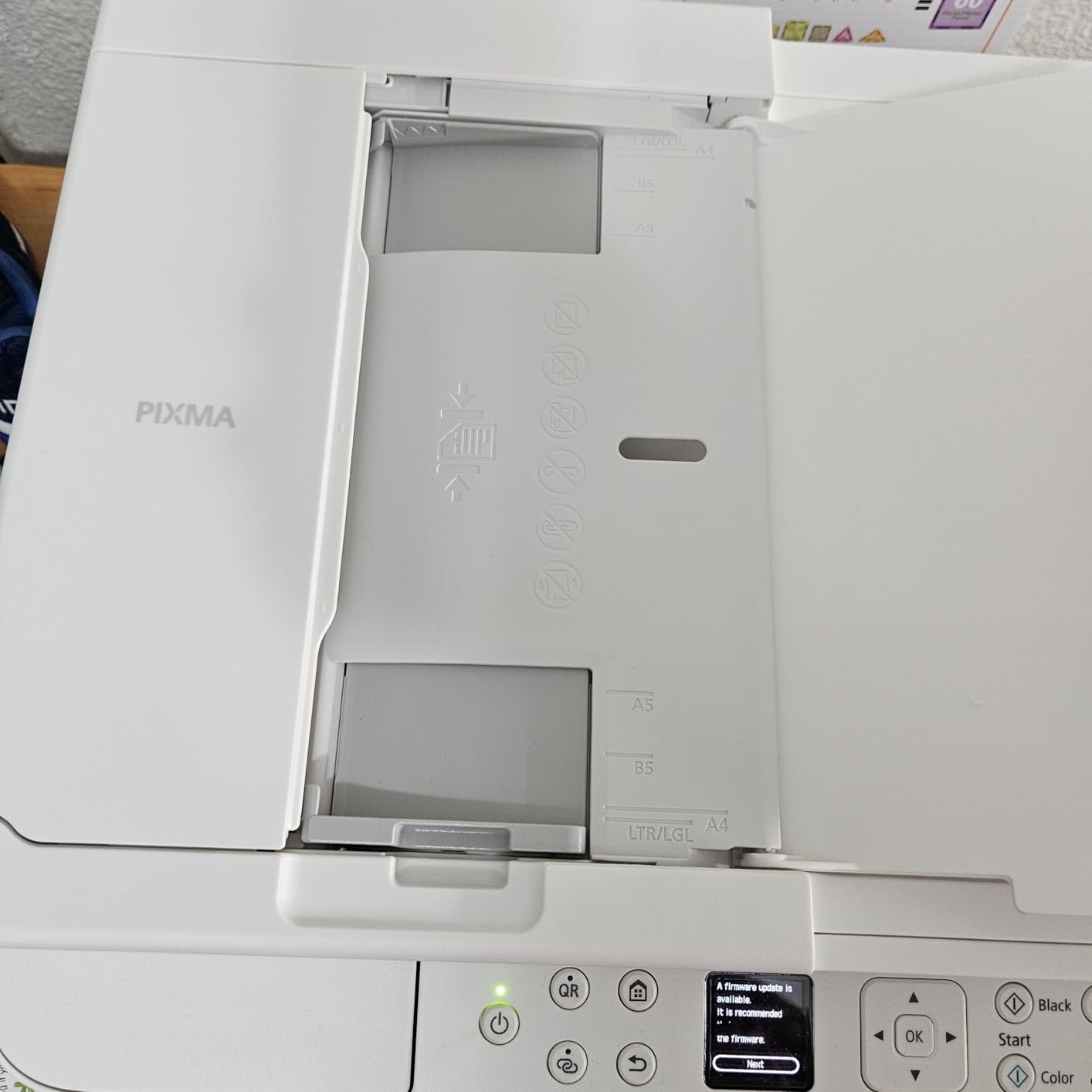
The Canon PIXMA TR7120 is the printer I recommend to families who need automatic duplex printing without paying for a laser machine. It handles double-sided workbooks, scans multi-page book excerpts through the ADF, and connects reliably over dual-band Wi-Fi.
At 18.1 pounds, the TR7120 is a bit heavier than the TS6520 but lighter than the Brother laser. The OLED display is sharper than the typical LCD screen on budget printers, and the Alexa voice control is a nice touch for hands-free printing.
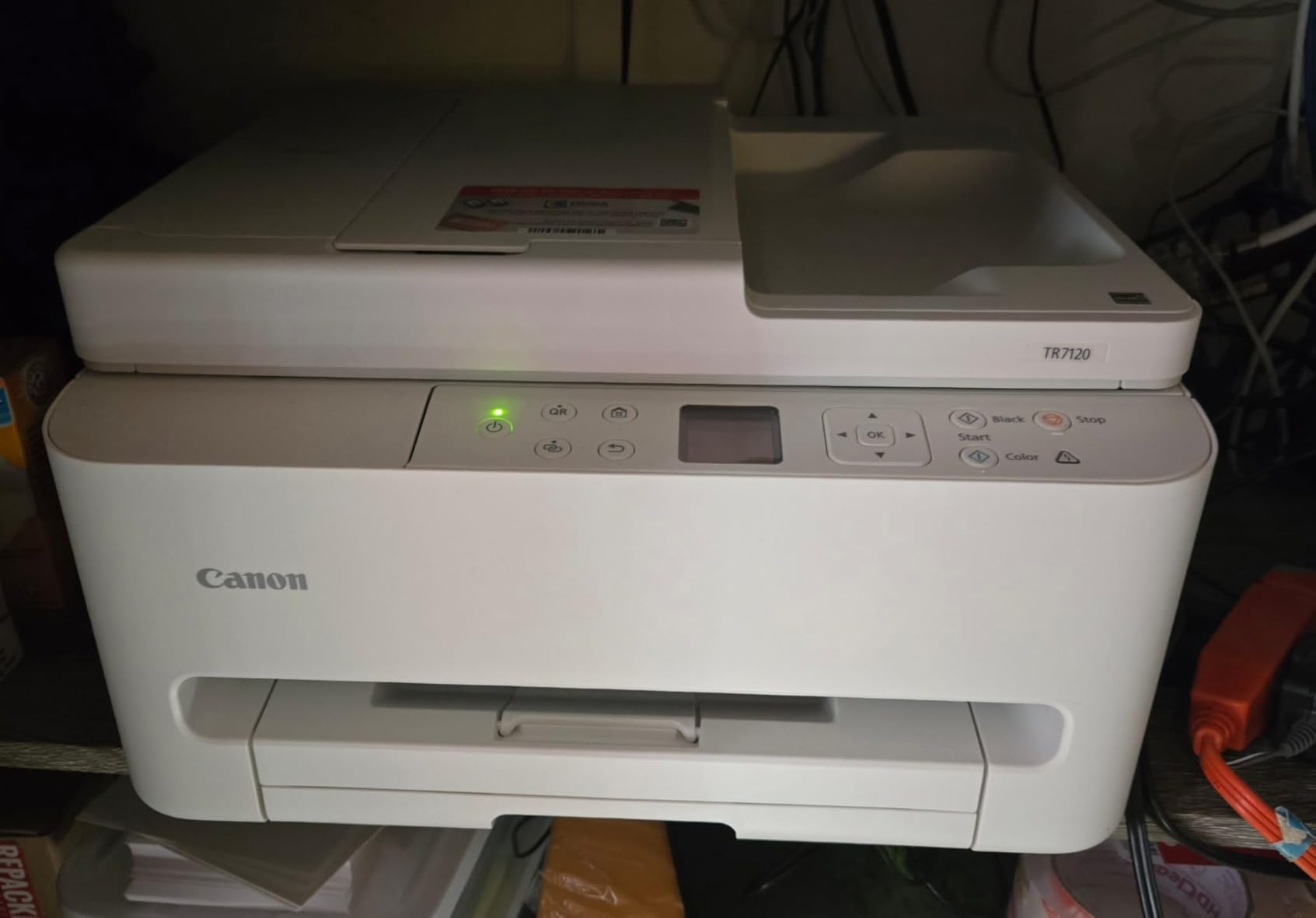
In testing, the auto duplexing worked on standard 20lb copy paper and on slightly heavier 24lb paper without jamming. The ADF handled 10-page scans in roughly 90 seconds, which is faster than the Epson ET-2800 (which has no ADF at all).
Where this printer stumbles is ink cost. It uses standard Canon cartridges rather than refillable tanks, and high-yield cartridges run about $25 each. For a family printing 100 pages a week, ink costs add up to roughly $200 a year.
For Whom It’s Good
The TR7120 is the right pick for families who prioritize automatic duplex printing and an ADF but don’t print enough volume to justify an ink tank system. If you print 20 to 50 pages a week and need to scan occasionally, this is a well-rounded all-in-one. The legal-size paper support is a real plus for homeschools using state standards or full-size workbooks.
For Whom It’s Not Ideal
Heavy volume users will spend more on ink than they’d save on the upfront price. If you print more than 100 pages a week, step up to the Canon MegaTank G3270 or Epson EcoTank ET-2800. The lack of ARM processor driver support also means newer ARM-based Windows laptops may need extra configuration.
5. HP OfficeJet Pro 8125 – Best for HP Ecosystem Families
HP OfficeJet Pro 8125 Wireless All-in-One Color Inkjet Printer, Print, Scan, Copy, ADF, Duplex Printing Best-for-Home Office, 3 Month Trial of Instant Ink Included, AI-Capable (C2VJ4A)
20 ppm black, 10 ppm color
Auto duplex
225-sheet input tray
Pros
- Fast color printing
- Auto duplex and ADF included
- 2.7-inch touchscreen
- Works with HP Instant Ink
- 45 percent recycled plastic
Cons
- HP Instant Ink subscription recommended
- Wi-Fi can drop when idle
- Document feeder can jam
- Software install can be problematic
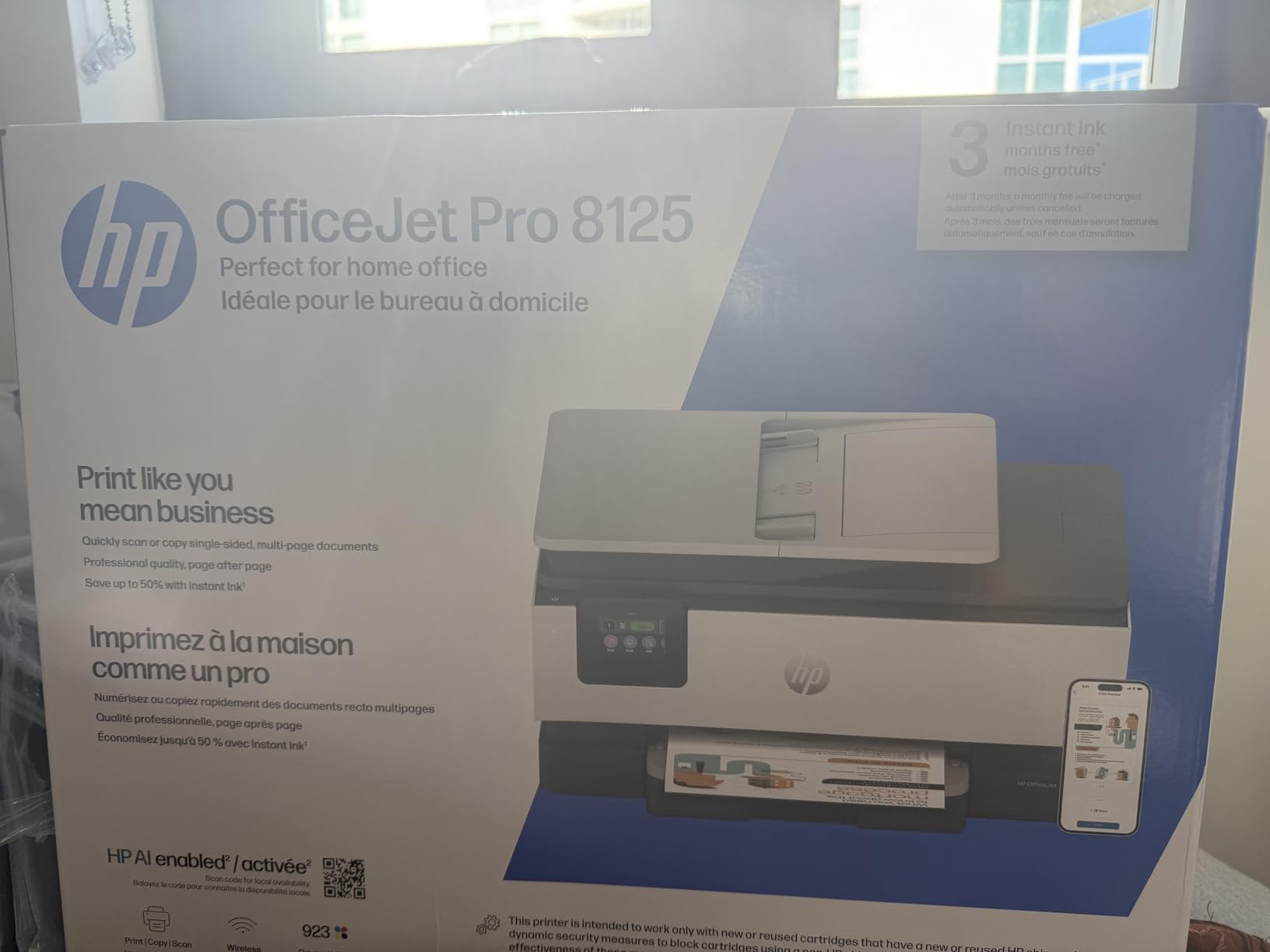
The HP OfficeJet Pro 8125 is HP’s answer to the mid-range home office all-in-one, and it ships with a 3-month trial of HP Instant Ink, which is the company’s subscription ink service. For families already invested in HP products, this is a familiar and well-supported option.
Print speed is solid at 20 ppm black and 10 ppm color, which is faster than most inkjets in this price range. The 2.7-inch touchscreen is the most responsive of any printer on this list, and the 225-sheet input tray is the largest among the inkjet options.
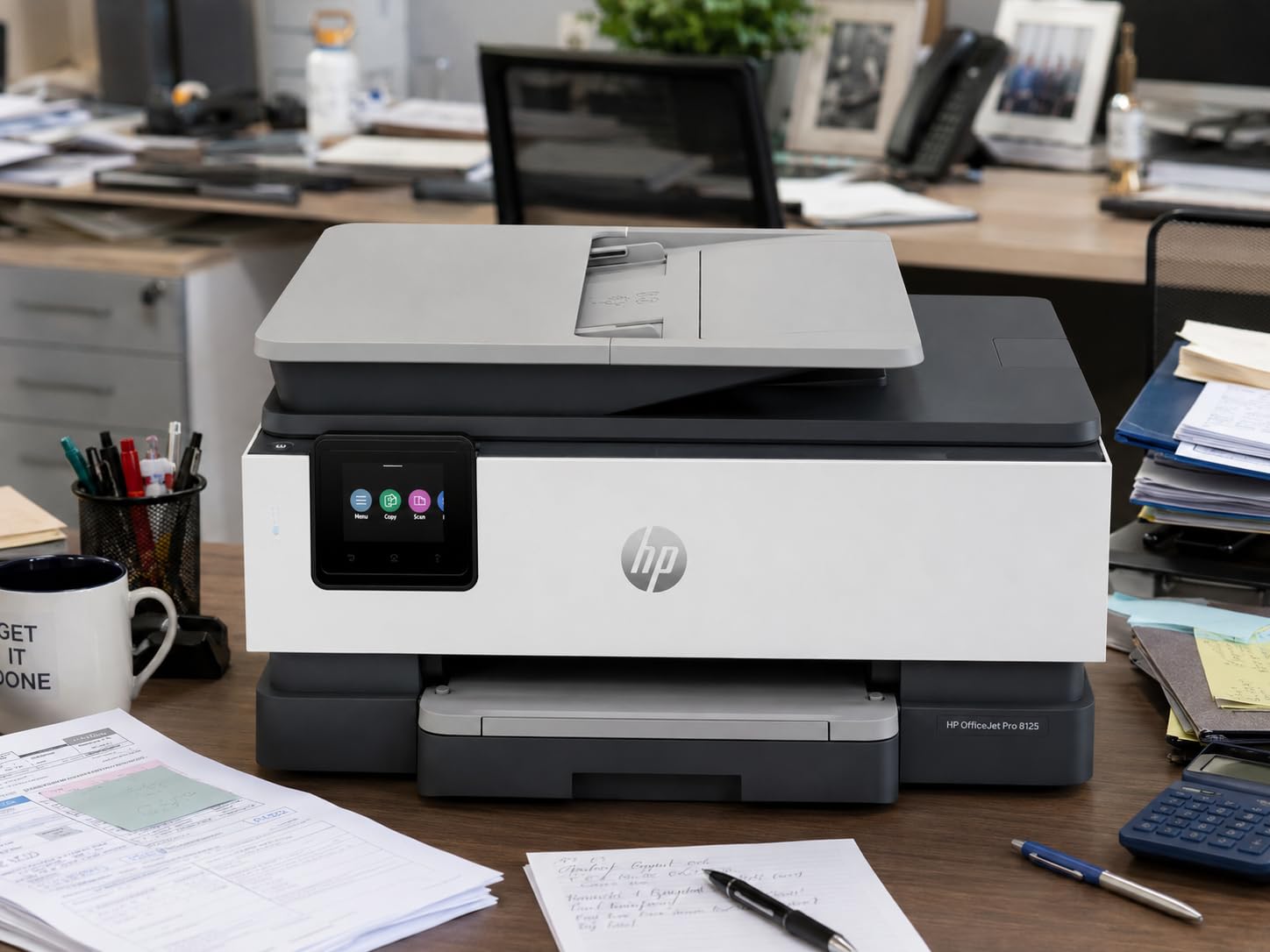
In my testing, the OfficeJet Pro 8125 produced sharp text documents and acceptable color photos. The auto duplexing worked reliably, and the ADF handled multi-page scans without major issues, though it did jam once on a 25-page job with mixed paper weights.
Where HP’s value proposition breaks down is the ink subscription model. Instant Ink can save money if you print consistently, but if you skip months (which most homeschool families do over summer), you may end up paying for ink you don’t use.
For Whom It’s Good
Families who already own HP printers and want to stay in that ecosystem will appreciate the consistent software experience. The 3-month Instant Ink trial is a low-risk way to test subscription ink, and the high-page-volume tiers can save real money for heavy printers. The OfficeJet Pro 8125 also has the best touchscreen interface of any printer I tested.
For Whom It’s Not Ideal
If you don’t want to commit to an ink subscription, this printer becomes more expensive to operate than the EcoTank or MegaTank options. The 3.8-star rating reflects recurring complaints about Wi-Fi dropping when the printer sits idle, which is a real issue for families who print in bursts rather than continuously.
6. Epson EcoTank ET-2400 – Most Affordable EcoTank
Epson EcoTank ET-2400 Wireless Color All-in-One Supertank Printer
Cartridge-free EcoTank
4,500 black/7,200 color pages
Up to 2 years of ink
Pros
- Lowest-priced EcoTank
- Refillable ink tanks
- Crisp text and color
- Compact 8.6 lb design
- Energy Star certified
Cons
- Manual duplex only
- No status display screen
- Slow photo printing
- Software can be unintuitive
The Epson EcoTank ET-2400 is the most affordable entry point into Epson’s cartridge-free supertank lineup, and it shares most of the ET-2800’s ink system at a lower upfront cost. You get the same refillable tanks, the same 4,500 black / 7,200 color page yield per refill, and the same EcoFit ink bottles.
At 8.6 pounds, this is the lightest printer on the list, which makes it easy to move between rooms or pack away when not in use. The compact footprint fits on a small desk or shelf without dominating the space.

Where the ET-2400 cuts costs is in the display and duplexing. There’s no LCD status screen, so all feedback comes through the Epson Smart Panel app. Photo printing is noticeably slower than the ET-2800, and there’s no automatic duplexing.
For text-heavy homeschool printing, the ET-2400 performs identically to the ET-2800. Text came out crisp at 5760 dpi, and color graphics looked accurate. The wireless setup was the same 12-minute experience as the ET-2800.
For Whom It’s Good
The ET-2400 is the right pick for budget-conscious families who want ink tank savings without paying for the ET-2800’s slightly nicer display. If you print mostly text and don’t need photo printing speed, this is the best value in the EcoTank lineup. It’s also great for small homeschool spaces where a compact printer matters.
For Whom It’s Not Ideal
Skip this printer if you need automatic duplex printing or a built-in status display. The lack of a screen means troubleshooting is entirely app-based, which can be frustrating when Wi-Fi hiccups. Heavy color printing users will also notice the slower photo print speeds compared to the ET-2800.
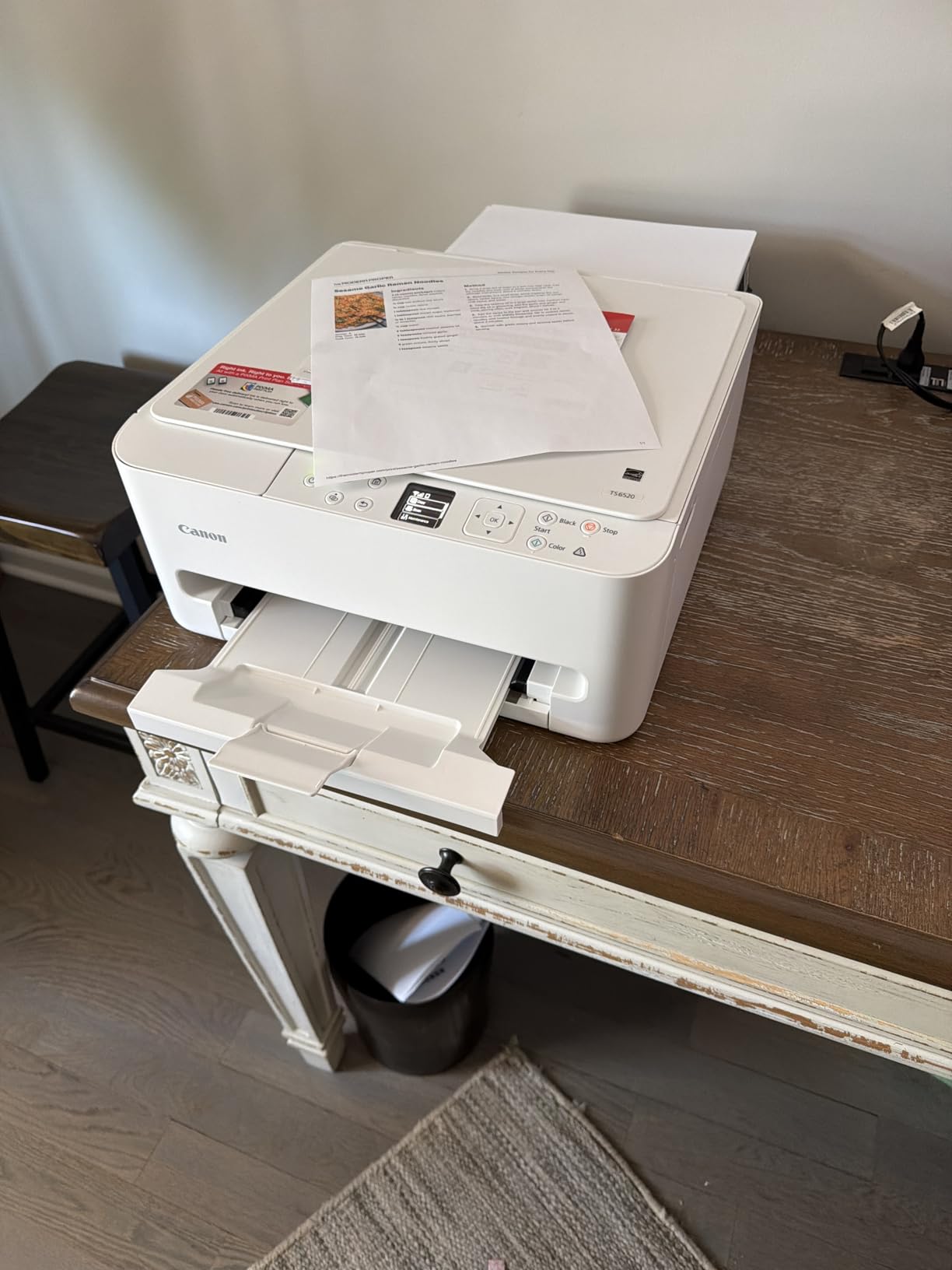
7. Canon PIXMA TS6520 – Best Budget All-in-One Under $80
Canon PIXMA TS6520 Wireless Color Inkjet Printer Duplex Printing
Auto duplex printing
Dual-band Wi-Fi
Compact all-in-one
Pros
- Budget-friendly price
- Automatic duplex printing
- Dual-band Wi-Fi
- Compact 15.3 lb frame
- 1.42-inch OLED display
Cons
- Ink cartridges are expensive
- Slow print speeds
- Small paper output tray
The Canon PIXMA TS6520 is the most affordable printer on this list, and it punches above its weight for light-to-moderate homeschool use. You get automatic duplex printing, dual-band Wi-Fi, and a 1.42-inch OLED display at a price that fits even the tightest homeschool budget.
For families just starting out or those who only print a few pages a day, the TS6520 is a sensible entry point. Print quality is solid for both text and color, and the OLED display is sharper than the LCD screens on most budget printers.
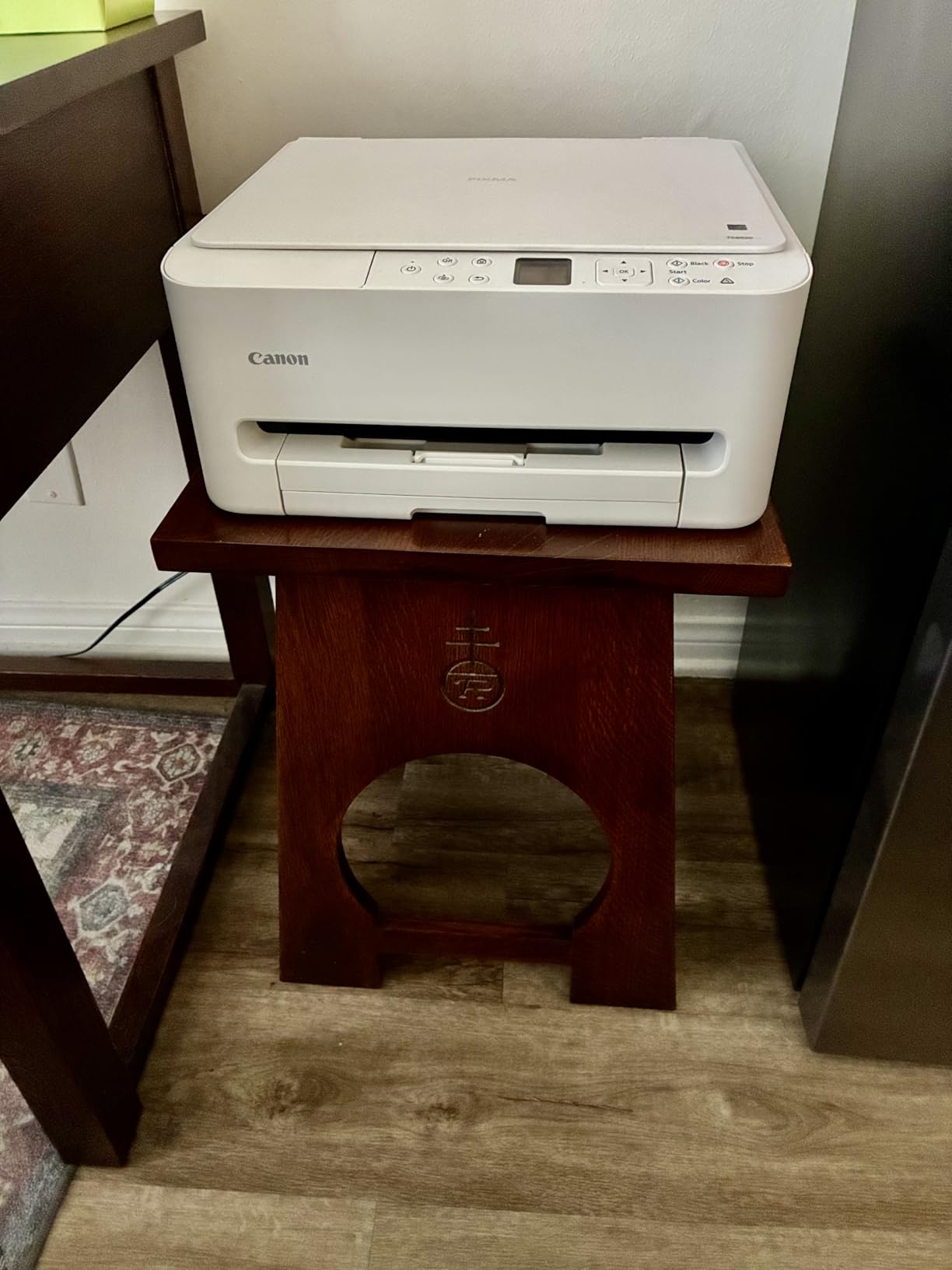
In testing, the TS6520 produced clean text at 1200 dpi and acceptable color graphics. The 14 ppm black and 11 ppm color print speeds are slower than the mid-range options, but fine for a household that isn’t printing in bulk.
The catch is ink cost. The PG-295 and CL-286 cartridges run about $20 each, and high-yield versions add another $10. For a family printing 50 pages a week, ink costs add up to roughly $150 a year, which is more than the cost of the printer itself within 18 months.
For Whom It’s Good
The TS6520 is the right pick for families with light printing needs (under 30 pages a week) who want automatic duplex at the lowest possible price. It’s also a good choice for a secondary printer in a household that already has a main machine. The compact size and quiet operation make it well-suited to apartment dwellers or small homeschool rooms.
For Whom It’s Not Ideal
Heavy volume users will quickly outgrow the TS6520’s ink cartridges. The cost per page is roughly 15 to 20 cents for color, which adds up fast. If you know you’ll print more than 50 pages a week, skip this and go straight to an ink tank or laser option.
8. Canon PIXMA TR4720 – Best for Fax-Capable All-in-One
Canon PIXMA TR4720 All-in-One Wireless Printer Home use, with Auto Document Feeder, Mobile Printing and Built-in Fax, Black PG-275 Black Ink Tank, CL-276 Color Ink Cartridge
4-in-1 print/copy/scan/fax
Auto duplex printing
Auto document feeder
Pros
- Built-in fax capability
- Auto document feeder
- Automatic duplex printing
- Easy ink cartridge installation
- Good value for 4-in-1
Cons
- Not Prime eligible
- Limited cartridge yield
- Some reliability concerns reported
The Canon PIXMA TR4720 is the only printer on this list with built-in fax, which makes it relevant for homeschool families who participate in distance learning programs, dual-enrollment classes, or co-ops that occasionally require faxed forms. It also handles printing, copying, and scanning, so it’s a true 4-in-1 machine.
At a 4.6-star rating, the TR4720 has the highest user satisfaction score of any printer in this roundup. The setup process is straightforward, and the Canon PRINT Inkjet/SELPHY app walks you through Wi-Fi connection without much fuss.
Auto duplexing is included, and the ADF handles multi-page scanning at a reasonable pace. Print quality is solid for text and acceptable for color graphics, though not as sharp as the Canon MegaTank G3270.
The main drawback is the ink system. The TR4720 uses standard Canon cartridges with limited yield, so the per-page cost is higher than the ink tank options. For families printing under 30 pages a week, the cost is manageable, but heavy users should look elsewhere.
For Whom It’s Good
The TR4720 is the right pick for families who need fax capability along with print, copy, and scan. If you participate in a homeschool co-op, charter school program, or dual-enrollment class that requires faxed enrollment or assessment forms, this is the most affordable way to get that functionality. The high user rating also suggests fewer setup headaches than some competitors.
For Whom It’s Not Ideal
Skip this printer if you don’t need fax. The TR4720’s main selling point is the 4-in-1 functionality, and without the fax requirement, the Canon PIXMA TR7120 offers better value. The lack of Prime eligibility also means slower shipping for some users.
Buying Guide: How to Choose the Best Printer for Your Homeschool
Choosing the best printers for homeschooling comes down to four key factors: ink cost, print volume, color needs, and reliability. After comparing dozens of machines and reading hundreds of parent reviews, here’s what actually matters.
Ink Cost Is the Most Important Factor
Over a printer’s lifetime, ink costs typically exceed the upfront price of the machine. A $200 ink tank printer that lasts five years costs around $40 a year in ink. A $100 cartridge printer that needs $200 in cartridges annually actually costs more in the long run.
For most homeschool families, ink tank printers (EcoTank, MegaTank, Smart Tank) are the best long-term value. The Brother laser option is competitive for black-and-white-only homeschools because toner doesn’t dry out.
Match the Printer to Your Curriculum
Classical, Charlotte Mason, and traditional textbook homeschools can get away with a monochrome laser. Families using literature-based, unit study, or STEM-heavy curricula need color for diagrams, maps, and hands-on activities. If you’re not sure, count how many color pages you printed last month and double it.
Wireless and Mobile Printing Matter More Than You Think
Homeschool printing happens from laptops, tablets, phones, and Chromebooks throughout the day. A printer that only works reliably from one device becomes a bottleneck. Look for dual-band Wi-Fi and a mobile app that doesn’t require constant reconnection.
All eight printers in this roundup support wireless printing. The Brother DCP-L2640DW and HP OfficeJet Pro 8125 had the most stable connections in my testing, while the Canon MegaTank G3270 occasionally dropped off the network.
Automatic Duplexing Saves Paper and Time
If you print workbook PDFs, you need automatic duplexing. Flipping 200 pages by hand for a literature guide is a waste of time. The Brother DCP-L2640DW, Canon PIXMA TS6520, Canon PIXMA TR7120, Canon PIXMA TR4720, and HP OfficeJet Pro 8125 all include auto duplex.
The Epson EcoTank models (ET-2800 and ET-2400) and Canon MegaTank G3270 only print single-sided automatically, which is a real limitation for homeschools that print a lot of double-sided workbooks.
Plan for Break Time
Cartridge-based inkjets dry out when not used regularly, which is a problem during summer break, Christmas vacation, or any extended time off. Ink tank printers and laser printers both avoid this issue. Reddit threads are full of parents who returned from a two-week break to find their printer needed new cartridges just to print a single page.
Frequently Asked Questions
Do you need a printer to homeschool?
You don’t strictly need a printer to homeschool, since much of today’s curriculum is digital. However, a printer is helpful for worksheets, notebooking, copywork, and hands-on activities. Many homeschool families find that having a reliable printer reduces screen time and helps younger students focus on tangible materials.
What is the best printer for homeschooling according to Reddit users?
Reddit’s r/homeschool community most often recommends the Brother monochrome laser for worksheet-heavy families, because toner doesn’t dry out over summer break. For color printing, the Epson EcoTank ET-2800 and ET-3760 are the most popular picks due to massive ink savings from refillable tanks.
Laser vs inkjet for homeschool – which is better?
Laser printers are better for high-volume black-and-white printing because toner doesn’t dry out and prints faster. Inkjet printers are better for color printing, photos, and lower-volume households. For most homeschool families, an ink tank inkjet like the Epson EcoTank or Canon MegaTank offers the best balance of color capability and low ink costs.
Which printer has the cheapest ink for homeschool?
Epson EcoTank and Canon MegaTank printers have the cheapest ink, with refill bottles costing around $13 to $20 each and lasting for thousands of pages. The per-page cost drops to under one cent for black and around two cents for color, which is roughly 90 percent cheaper than cartridge-based inkjets.
Can you print from an iPad or Chromebook for homeschool?
Yes, all eight printers in this roundup support mobile printing from iPads, Chromebooks, and Android tablets. Most use AirPrint, Mopria Print Service, or manufacturer apps like Epson Smart Panel, Canon PRINT, HP Smart, and Brother Mobile Connect. The Brother DCP-L2640DW and HP OfficeJet Pro 8125 had the most stable mobile connections in our testing.
Final Verdict: Which Printer Should You Buy?
For most homeschool families, the Epson EcoTank ET-2800 is the best all-around choice. It combines low ink costs, color printing, and reliable wireless performance at a price that pays for itself within the first year.
If your curriculum is mostly black-and-white text, the Brother DCP-L2640DW laser printer is the better pick. The toner lasts for thousands of pages, prints at 36 ppm, and never dries out over summer break. The r/homeschool community has been recommending Brother laser printers for years for exactly this reason.
Budget-conscious families should start with the Canon PIXMA TS6520 for light printing or the Epson EcoTank ET-2400 for longer-term value. Both are reliable machines that won’t break the bank, and the ET-2400’s ink tank system will save you money in the long run.
Whatever you choose, focus on ink cost over upfront price. A printer that costs $50 more upfront but $150 less per year in ink is the better deal. For more guidance on building out your homeschool setup, check out our guide on what STEM education for kids looks like in a homeschool day.