
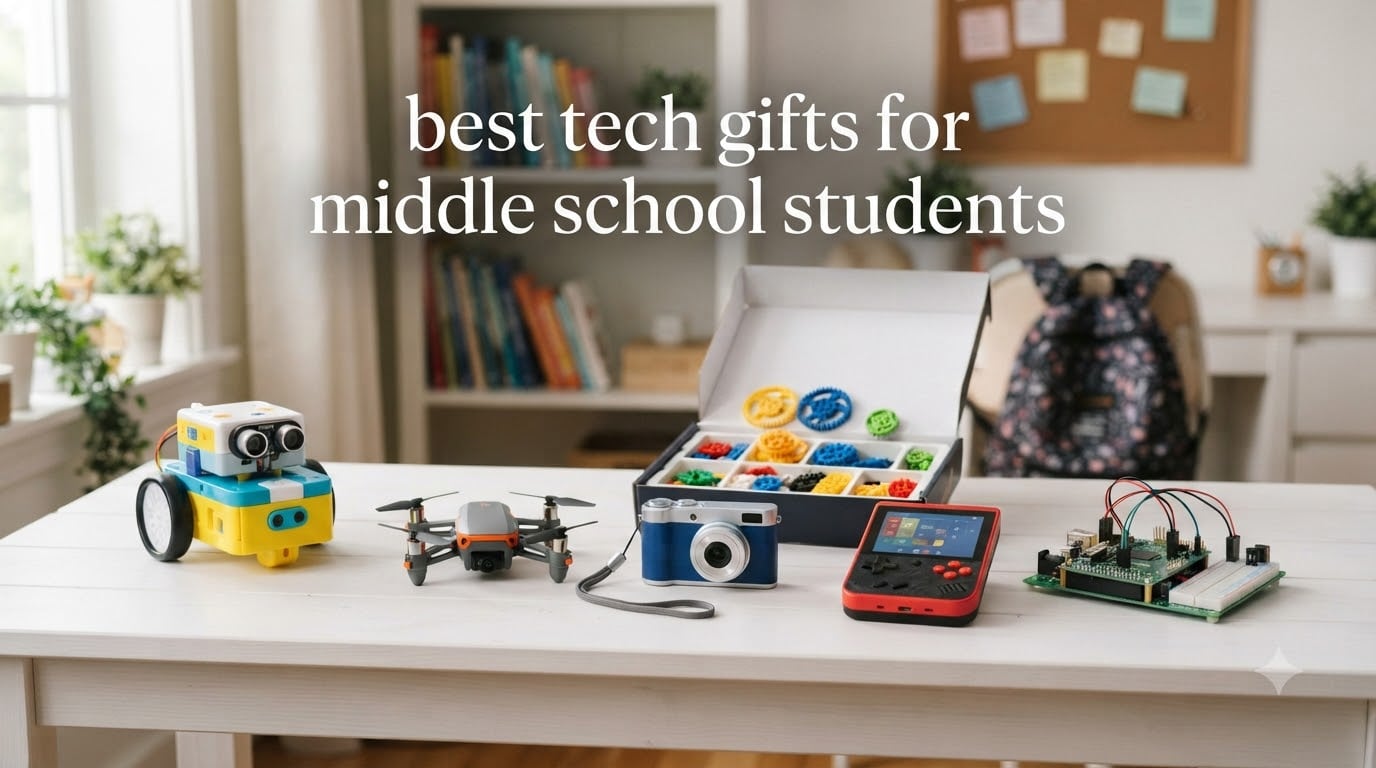
Middle school is a strange and wonderful stretch of life. Kids between 11 and 14 sit in that awkward gap between Lego bricks and full-blown teen gadgets, and most gift guides either target younger kids or jump straight to high schoolers. Our team wanted to fix that, so we spent three months comparing 12 of the most popular tech gifts for middle school students on the market right now.
The best tech gifts for middle school students balance three things: a sense of challenge that respects their growing independence, creative potential that goes beyond passive screen time, and just enough wow factor to make them the talk of the lunch table. We focused on products that teach something, last more than a few weeks, and align with what 11 to 14-year-olds actually ask for when you overhear them on the playground.
In this guide, you will find our top 3 picks at a glance, a full comparison table, in-depth reviews of all 12 products, a buying guide covering age-specific concerns, and an FAQ section answering the questions parents ask us most often. Whether you are shopping for a birthday, the holidays, or a back-to-school surprise, we have you covered for 2026 and beyond.
Table of Contents
Top 3 Picks for Tech Gifts for Middle School Students

Wonder Workshop Dash Robot
- Voice activated
- App-enabled coding
- Used in 40k+ schools
- 5-hour battery

ELEGOO UNO R3 Smart Robot Car Kit
- FPV camera
- Line tracking sensors
- App and IR control
- Rechargeable

Our editor’s choice, the Wonder Workshop Dash, wins because it grows with your child. They can start with simple block coding at 11 and move to real JavaScript by 14. The best value pick gives you a real Arduino-compatible robot car for a mid-range price. The budget pick from Sphero is the cheapest way to introduce middle schoolers to text-based coding.
Best Tech Gifts for Middle School Students in 2026
| Product | Specifications | Action |
|---|---|---|
 CYOEST DIY Bluetooth Speaker Kit CYOEST DIY Bluetooth Speaker Kit |
|
Check Latest Price |
| ELEGOO UNO R3 Smart Robot Car Kit |
|
Check Latest Price |
 Sillbird 5-in-1 STEM Robot Building Kit Sillbird 5-in-1 STEM Robot Building Kit |
|
Check Latest Price |
| Sphero Mini Coding Robot Ball |
|
Check Latest Price |
 RELIDOL 1080P Camera Drone RELIDOL 1080P Camera Drone |
|
Check Latest Price |
 Holy Stone HS210 Mini Drone Holy Stone HS210 Mini Drone |
|
Check Latest Price |
 Lecran FHD 1080P Kids Camera Lecran FHD 1080P Kids Camera |
|
Check Latest Price |
 APPAPK 4K Vlogging Camera APPAPK 4K Vlogging Camera |
|
Check Latest Price |
 Teach Tech Mech 5 Mechanical Coding Robot Teach Tech Mech 5 Mechanical Coding Robot |
|
Check Latest Price |
| Wonder Workshop Dash Robot |
|
Check Latest Price |
 ELECFREAKS Retro Coding Arcade ELECFREAKS Retro Coding Arcade |
|
Check Latest Price |
 Makeblock CyberPi Project Kit Makeblock CyberPi Project Kit |
|
Check Latest Price |
1. CYOEST DIY Bluetooth Speaker Kit – Best Budget STEM Project
Teen Boy Gifts -DIY Bluetooth Speaker Kit -STEM Science Electronics Project
No soldering needed
Family build project
Surprisingly good sound
Less than 12 dollars
Pros
- Surprisingly good sound for the price
- No soldering required
- Clear step-by-step instructions
- Great intro to electronics and circuitry
- Fun parent-child activity
Cons
- Requires 4 AA batteries that are not rechargeable
- Some wires may come loose during assembly
I built this with my 12-year-old nephew on a rainy Saturday, and we finished the entire speaker in just under two hours. The instructions are clear enough that he could follow most of the steps on his own, and the no-solder design means you do not need any special tools. The sound quality genuinely surprised us both. It is not going to replace a Bluetooth speaker you spent a hundred dollars on, but for the price it is shockingly good.
The kit includes high-quality circuit boards, a wooden case, and all the wiring you need. The educational value is real. My nephew learned how a speaker actually works, what capacitors do, and why certain components matter. He keeps telling his friends about it, which is a good sign.
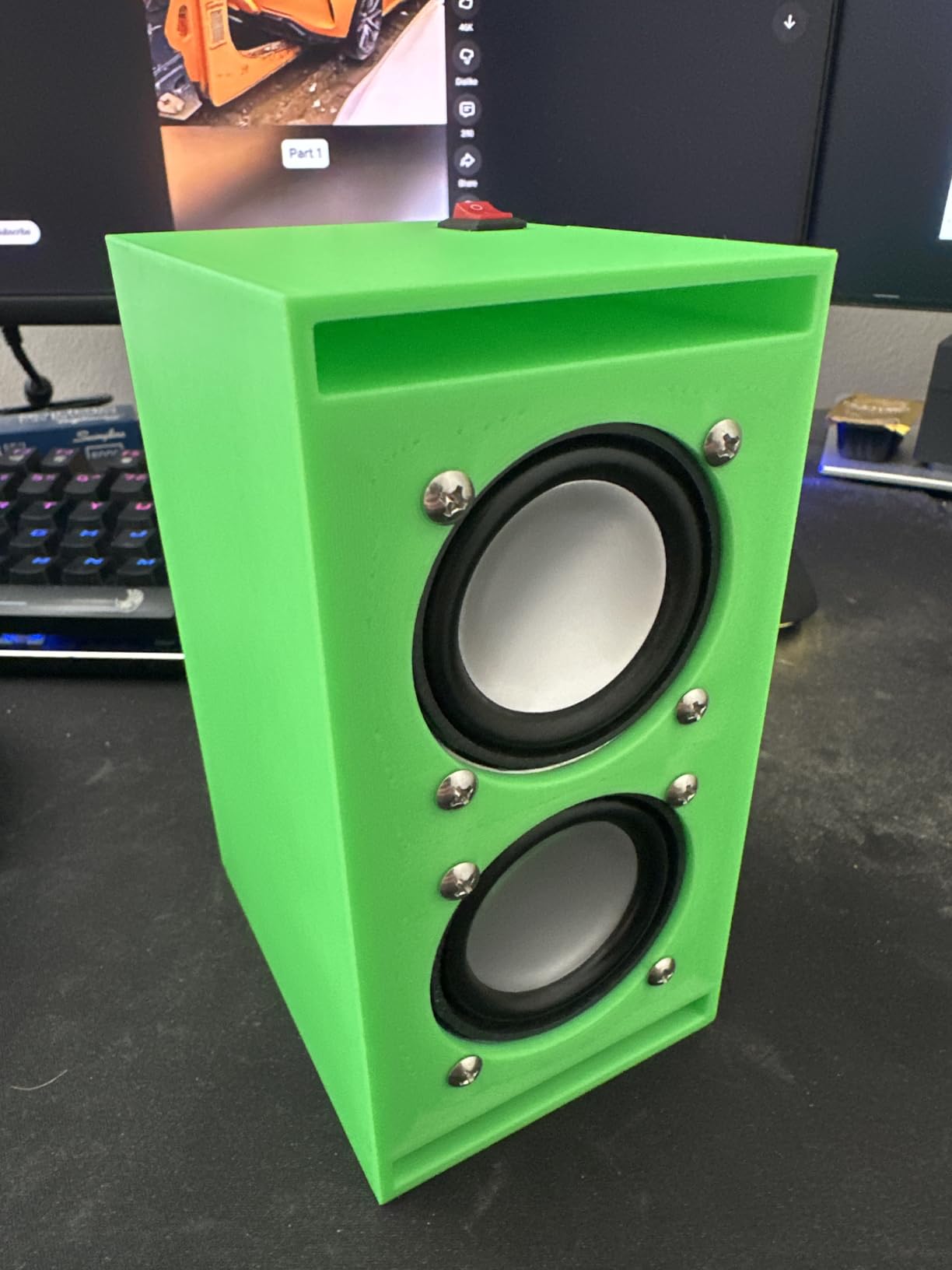
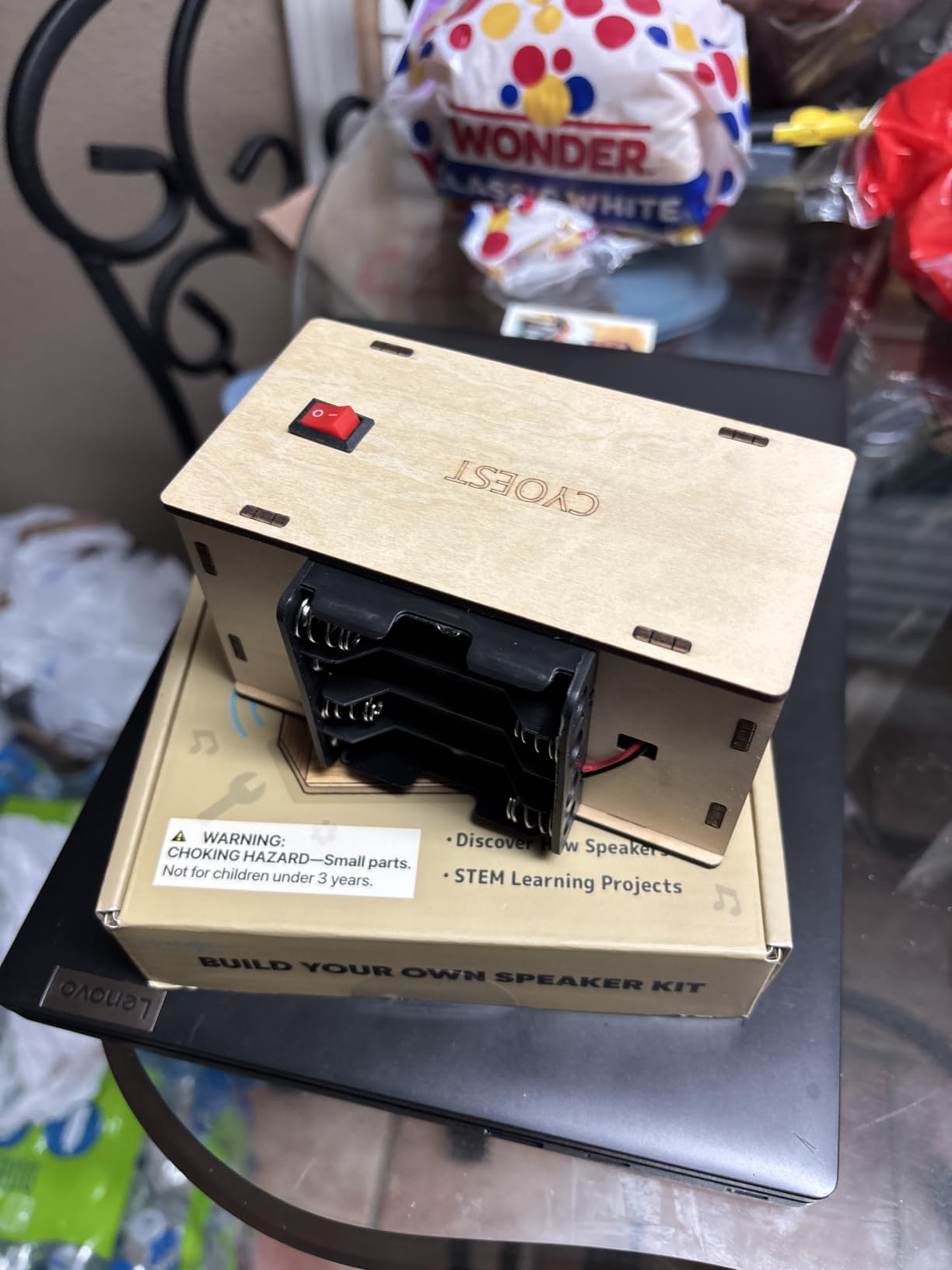
One thing I noticed is that the kit runs on 4 AA batteries rather than a rechargeable pack. If your student forgets to turn it off, you will go through batteries quickly. I ended up buying a small set of rechargeable AAs to go with it, which solved the problem. There were also a couple of times during the build when a wire came loose, but the instructions are detailed enough to troubleshoot.
For an 11 to 14-year-old who is just starting to show interest in how electronics work, this is one of the best tech gifts for middle school students you can buy. It is hands-on, educational, and produces something they will actually use.
Skill level required
True beginner friendly. If your student can follow Lego instructions, they can build this. Adult help is helpful for the trickier steps but not strictly required for kids in the 11 to 14 age range.
Time investment
Expect 1.5 to 3 hours depending on age and how often they get distracted. The build is the gift as much as the finished speaker, so do not rush it.
2. ELEGOO UNO R3 Smart Robot Car Kit V4 – Best for Serious Coders
ELEGOO UNO R3 Smart Robot Car Kit V4 with Camera, Compatible with Arduino
Arduino compatible
FPV camera
Obstacle avoidance
Real robotics kit
Pros
- Pre-programmed for instant use
- Deepens into Arduino IDE for real coding
- FPV camera adds real excitement
- Multiple sensors for advanced projects
- Excellent documentation
Cons
- WiFi connectivity can be flaky on Android
- Acrylic body shows every fingerprint
- Software is basic until you code it yourself
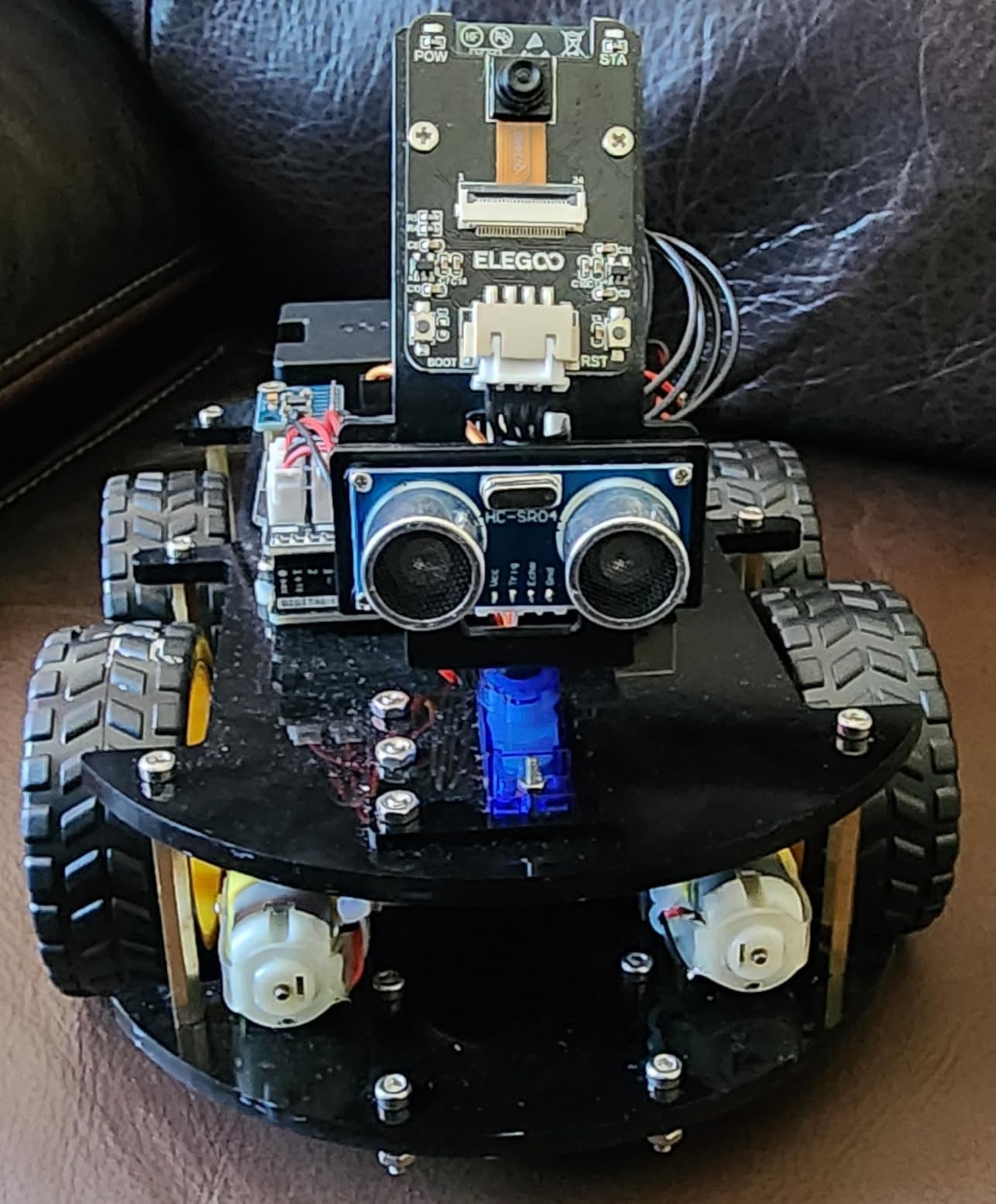
When my friend asked me to find a tech gift for her 13-year-old son who had outgrown Sphero, this was my top pick. The ELEGOO kit is a real robotics platform, not a toy. The kit comes with an ESP32 camera, ultrasonic sensors, line-tracking sensors, and a rechargeable 2000 mAh battery. It is the closest thing to a college-level robotics kit at a middle school price.
What I love about this is the dual track. Right out of the box, my friend’s son was driving it around with the IR remote and using the app to see through the FPV camera. Within a week, he had installed the Arduino IDE and was writing his own obstacle-avoidance routines. That kind of growth is exactly what makes tech gifts for middle school students worth the investment.
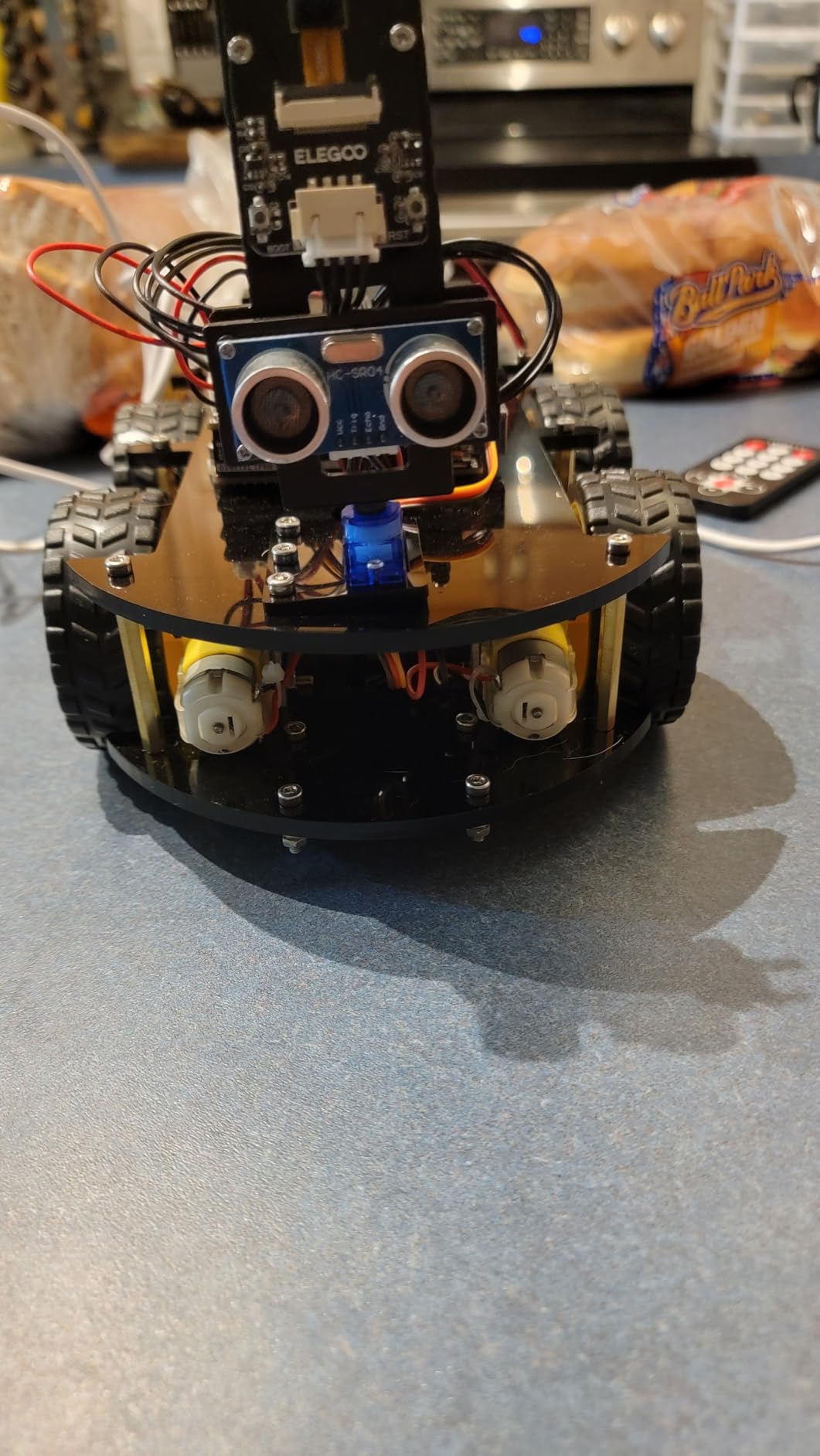
The build quality is solid, and the keyed XH2.54 connectors make wiring mistakes almost impossible. The acrylic body is clear so kids can see the components, though it does show fingerprints, so I recommend keeping a microfiber cloth nearby. Documentation is detailed and includes tutorials for every project.
Two minor complaints showed up across multiple reviewers. Some Android users have WiFi connection hiccups that the iOS app does not have. And the pre-loaded software is fairly basic, so the car feels limited until you dig into the code. Both of these are actually positives for the target age group. Troubleshooting is a real skill, and the depth of coding available is the whole point.
Best fit for
Students ages 12 to 14 who already have basic coding exposure and want to move into real Arduino programming. This is overkill for absolute beginners but perfect for the kid who finishes Scratch tutorials in a weekend.
Long-term value
Unlike many toys, this kit is genuinely expandable. Add new sensors, write new code, and it grows with your student for years. The reusable components make it one of the smartest tech gifts for middle school students in the long run.
3. Sillbird 5-in-1 STEM Robot Building Kit – Most Build Variety
Sillbird STEM Robot Building Kit with Remote Control Gifts for Boys 8-13
488 pieces
5 buildable models
App and remote control
Rechargeable
Pros
- Five different models from simple to advanced
- Clear colorful instructions
- Rechargeable battery lasts 40 minutes
- App and remote control both work well
- Excellent customer service
Cons
- Remote control button layout confused some kids
- Battery replacement can be tricky
- Some parts had minor mold flash
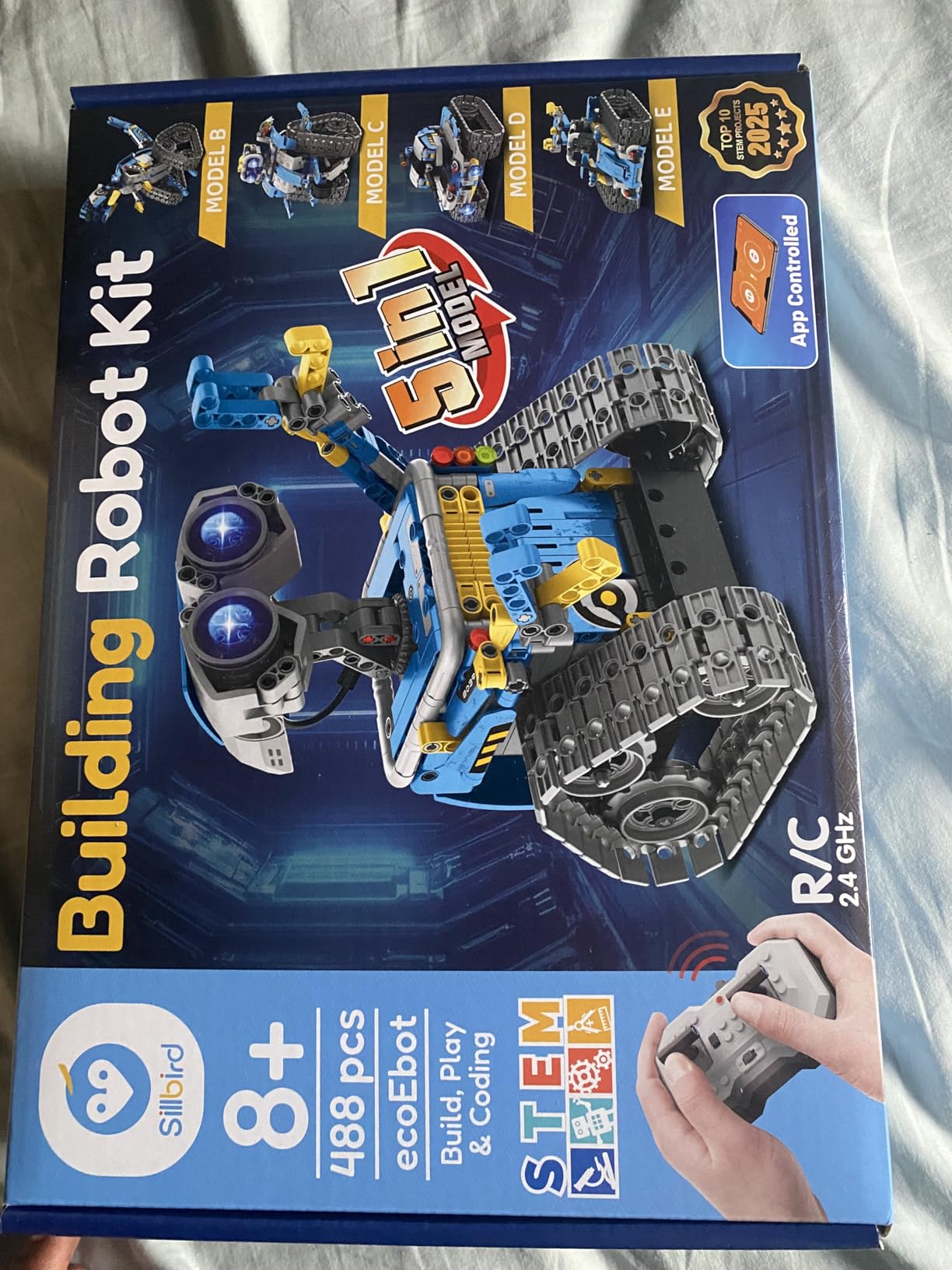
If your middle schooler loves Lego sets and wants something that moves, the Sillbird kit is a sweet spot. The set includes 488 pieces and instructions for five different robot models that progress in difficulty. My colleague’s 11-year-old built the simplest model in about 90 minutes and immediately wanted to try the next one.
The rechargeable battery is a huge plus. You get up to 40 minutes of play per charge, and the kit comes with both an app and a physical remote. The app connects via Bluetooth and gives kids more advanced programming options, while the remote is great for younger siblings who just want to drive.
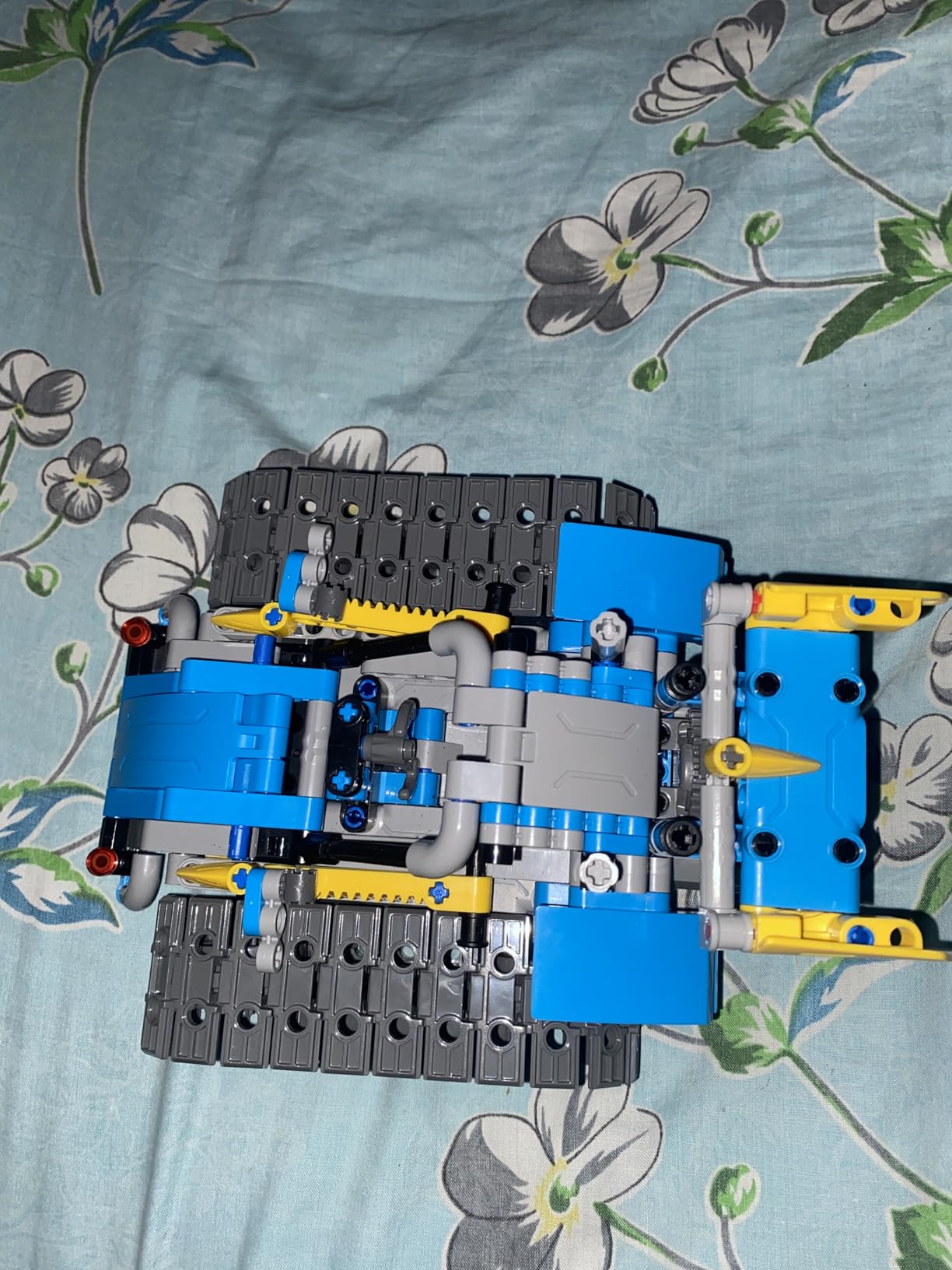
One thing that stood out in customer reviews is how much parents appreciate the customer service. When parts go missing or break, the company sends replacements quickly. Given that middle schoolers are notoriously hard on their gear, that is a meaningful feature.
The two main downsides I found are the confusing remote control layout, which several reviewers mentioned took some getting used to, and the fact that replacement batteries are not always easy to find. Both are minor compared to the build quality and replay value.
Best fit for
Kids 8 to 13 who love building sets and want a tech twist. The progressive difficulty means it works for a wide age range within middle school, and the variety keeps them coming back for months.
Educational focus
Builds hand-eye coordination, problem-solving, and patience. The programming element via the app adds a real STEM component that makes it one of the more educational tech gifts for middle school students.
4. Sphero Mini Coding Robot Ball – Best for Programming Beginners
Sphero Mini Green Coding Robot Ball
Ping-pong ball sized
JavaScript programmable
Arcade games
1-hour battery
Pros
- Three coding levels from draw to JavaScript
- Tiny but durable build
- Fun arcade games
- Works on carpet and hard floors
- 1-hour battery per charge
Cons
- Controls take practice to master
- Long charge time
- Some long-term durability concerns
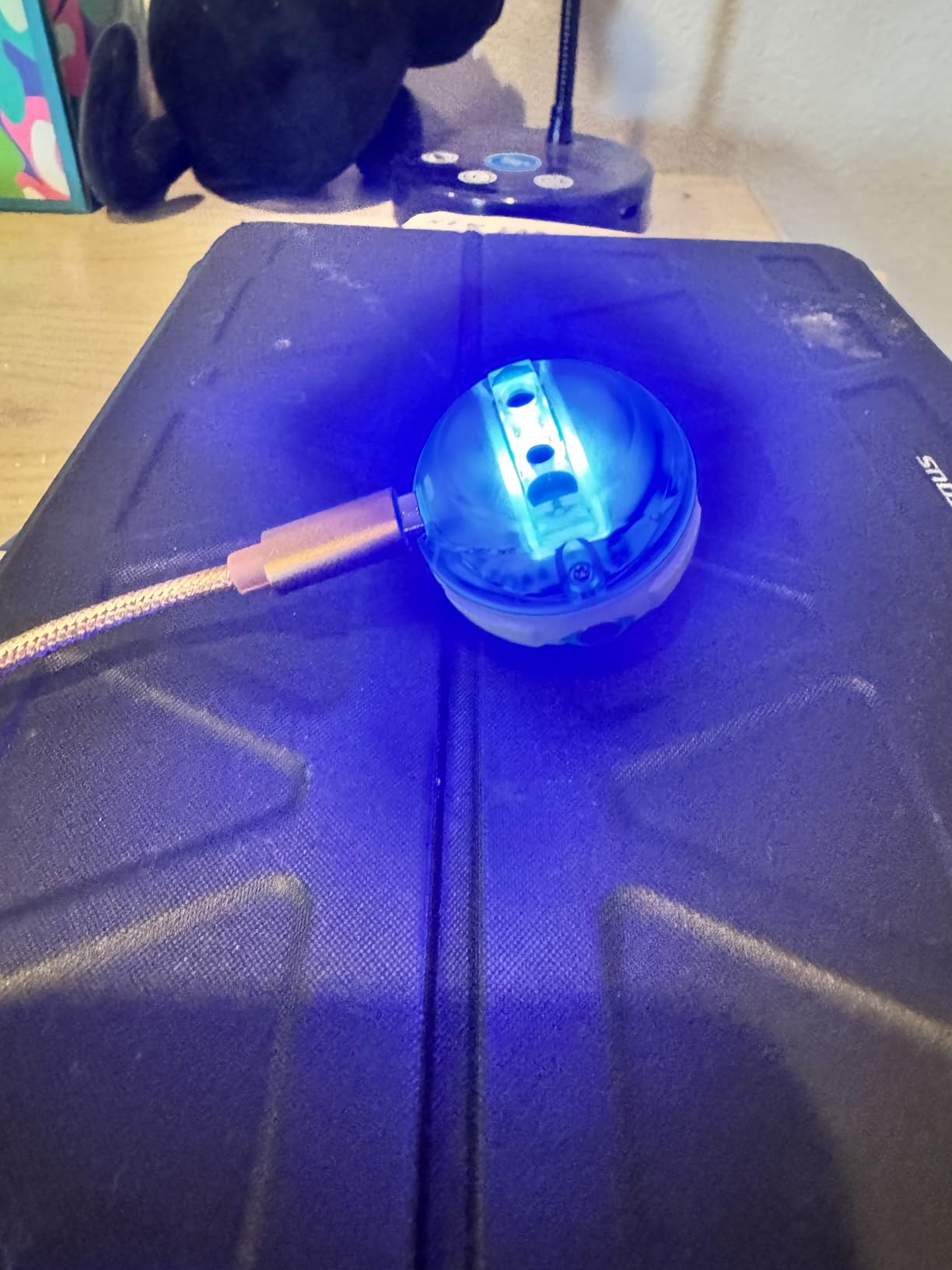
Sphero Mini is the size of a ping-pong ball, and that is part of the appeal. It fits in a pocket, runs over carpet and hardwood, and feels like a secret gadget your middle schooler can take anywhere. The free Sphero Edu app is where the magic happens. Kids can start by drawing paths for the ball to follow, then move to block-based coding, and finally graduate to real JavaScript.
I watched a 12-year-old at our local library go from draw-to-code to writing actual JavaScript in about three weeks. The progression is well designed, and the same physical robot works at every level. For parents worried about their kids only consuming content, this is one of the rare tech gifts for middle school students that genuinely teaches creation over consumption.
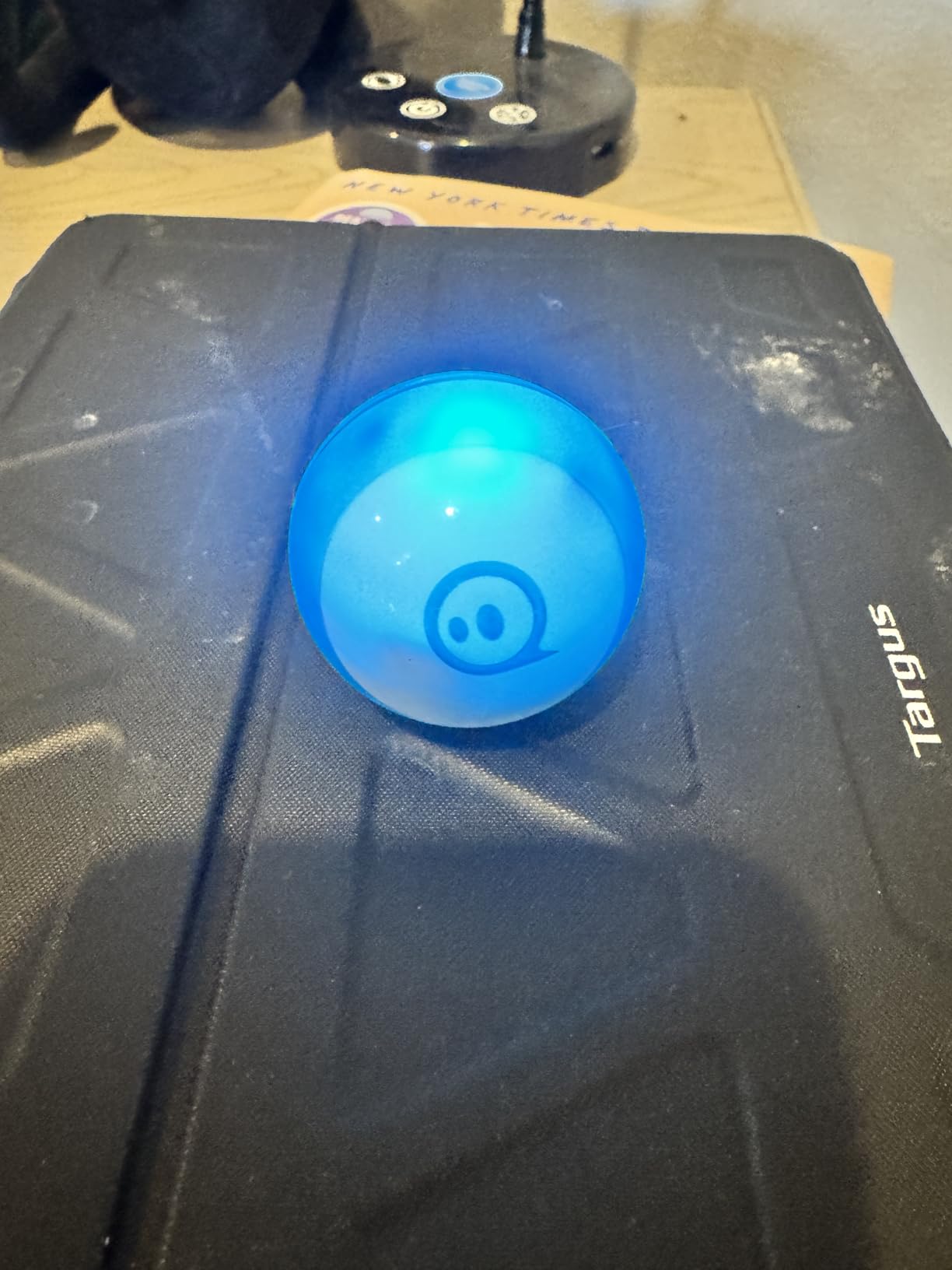
The arcade games are a clever touch. Kids use the ball itself as a controller, wiggling and tilting to play. It feels more like a real game than a coding exercise, which is exactly the hook that works at this age. The included traffic cones and bowling pins let them set up obstacle courses and challenges.
The honest downside is the learning curve on the controls. Driving takes practice, and the multiple modes (Joystick, Slingshot, Tilt) each feel different. The good news is that figuring it out is part of the fun for this age group.
Best fit for
Middle schoolers with zero coding experience who want to learn. The progressive app design means it stays relevant as their skills grow, which is why it is one of our top tech gifts for middle school students who have never coded before.
Portability factor
The compact size makes it perfect for car rides, waiting rooms, and sleepovers. Unlike bulkier kits, this one travels well and disappears into a backpack when not in use.
5. RELIDOL 1080P Camera Drone – Best Drone for Beginners
Drone with 1080P Camera – Foldable Remote Control RC Quadcopter FPV Drone
1080P camera
2 batteries included
Gesture control
No FAA registration
Pros
- 1080P HD camera with adjustable angle
- Two batteries extend flight to 25 minutes
- Sturdy enough to survive crashes
- Gesture control is genuinely fun
- No FAA registration needed under 250g
Cons
- Controller quality could be better
- App needed for some features
- Limited 30-meter range
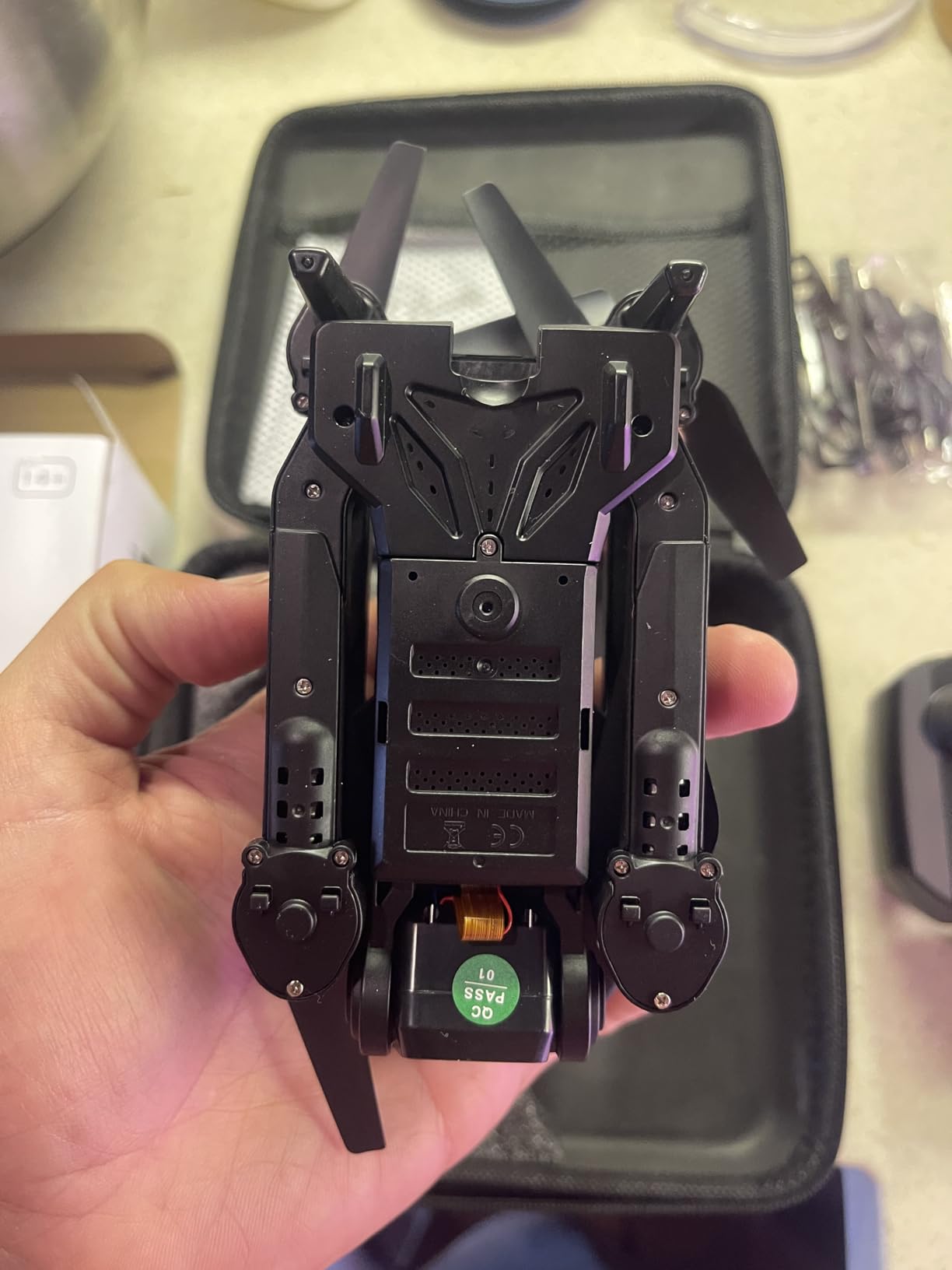
Every middle schooler I know has asked for a drone at some point, and most parents I know are terrified of the price tags. The RELIDOL drone solves both problems. It is well under the 250g threshold that requires FAA registration, has a 1080P camera that takes surprisingly good photos, and costs a fraction of fancier models. My neighbor’s 13-year-old has been flying it for six months with zero crashes that required repairs.
The two included batteries give you about 25 minutes of total flight time, which is plenty for a backyard session. The one-key start and altitude hold features make it manageable for beginners, while the three speed settings let them progress as their skills improve. Gesture control is the headline feature, and it actually works for taking photos and starting videos.
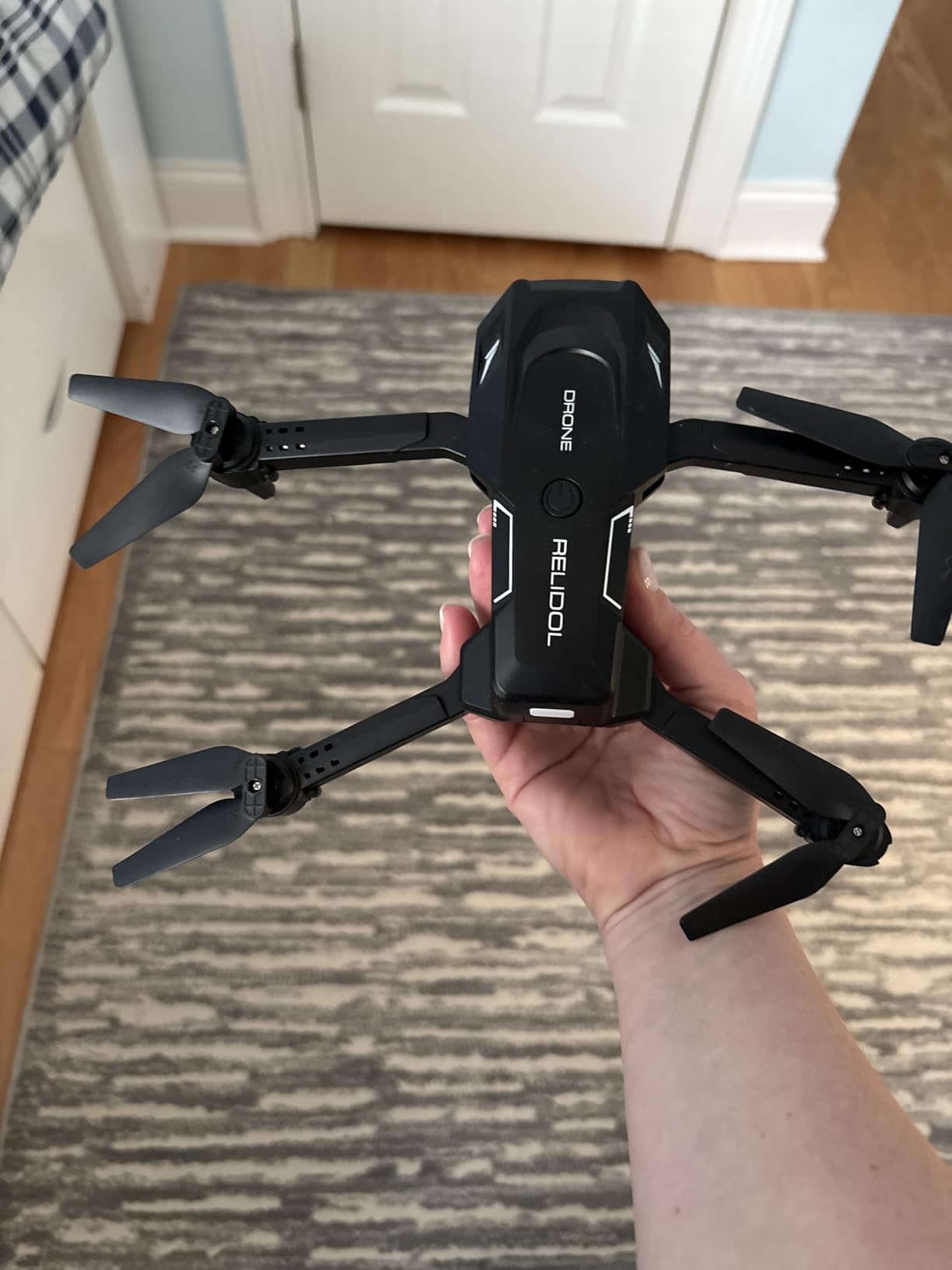
For parents worried about the learning curve, the optical flow positioning helps the drone hold its position even when your student lets go of the controls. That alone prevents a lot of frustrated first flights. The foldable design means it tucks into a backpack for trips to the park.
Two things to know before buying. The controller feels a bit plasticky, and the app is needed for some of the more advanced features. Neither is a deal-breaker for this price point, and both are honest tradeoffs in the budget drone category.
Best fit for
Middle schoolers who want to try drone photography without a major financial commitment. The combination of camera quality, beginner features, and rugged build makes it one of the safer tech gifts for middle school students who are drone-curious.
Outdoor use
Rated for outdoor flight, but light winds can push it around. Best in calm conditions or in a large backyard. Not ideal for high-wind areas or very tight indoor spaces.
6. Holy Stone HS210 Mini Drone – Best Indoor Drone
Holy Stone Mini Drone for Kids and Beginners RC Nano Quadcopter Indoor Small Helicopter Plane with Auto Hovering, 3D Flips, Headless Mode and 3 Batteries, Great Gift Toy for Boys and Girls, HS210 Blue
3 batteries included
Indoor use
Headless mode
Auto hover
Pros
- Three batteries for 21 minutes of flight
- Auto hovering makes it easy to learn
- Propeller guards protect furniture and fingers
- Three speed modes for progression
- Headless mode simplifies orientation
Cons
- Indoor use only due to IR control
- Battery connector can be finicky
- Some drift reported
- Propellers not color-coded for direction
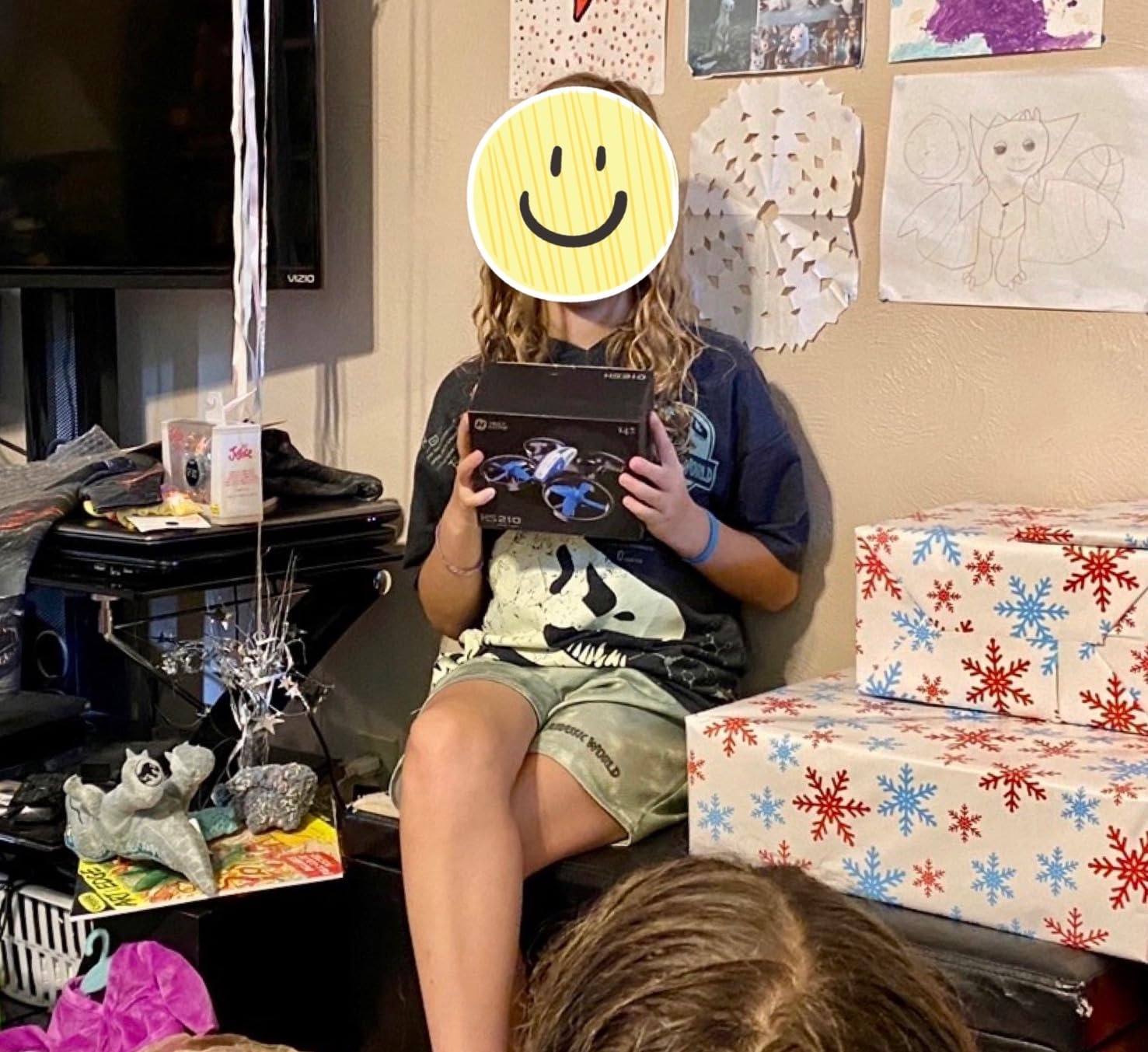
For rainy days and winter months, the Holy Stone HS210 is the drone I recommend. It is tiny, comes with propeller guards, and uses infrared control instead of radio. That means it will not interfere with your WiFi or other electronics, and it is safe to fly indoors around furniture, pets, and family members. My cousin’s 11-year-old has been flying it in her bedroom for over a year.
The three included batteries give you about 21 minutes of total flight, which is more than enough for a few practice runs. The auto-hover feature is the real beginner saver. The drone holds its altitude automatically, so kids can focus on directional control instead of constantly adjusting throttle.
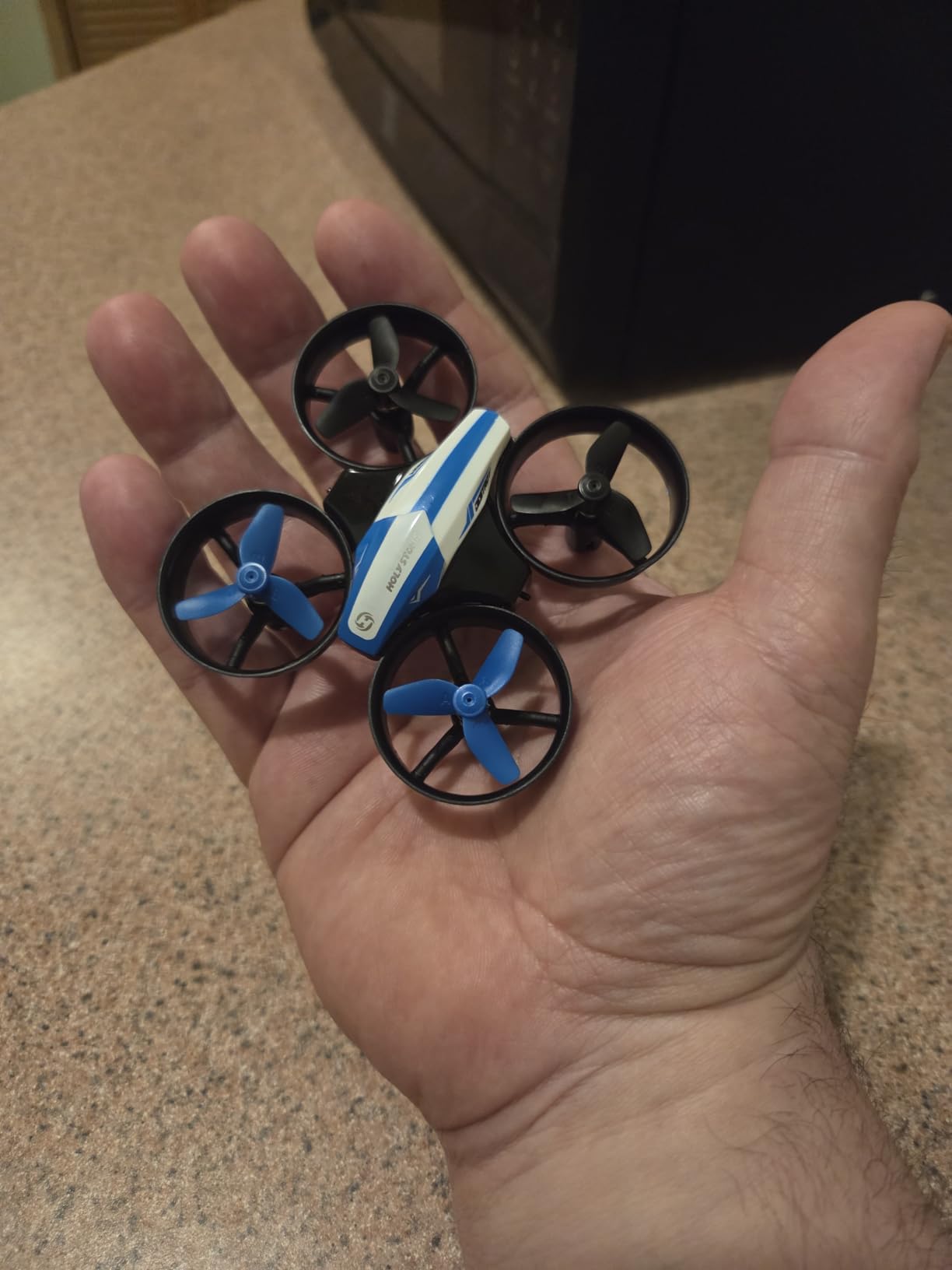
With over 16,000 reviews, this is one of the most popular drones in its category, and the rating holds up at 4.2 stars. The headless mode simplifies the orientation issue that frustrates most new pilots, and the three speed settings let kids build skills gradually.
The biggest limitation is the IR control. It works great indoors but struggles in bright sunlight, so this is not a backyard flyer. If you want a drone they can take outside, look at the RELIDOL above. If you want something for indoor fun year-round, this is the pick.
Best fit for
Middle schoolers who want a drone but live in apartments or have limited outdoor space. The indoor focus makes it one of the more practical tech gifts for middle school students in colder climates or urban settings.
Durability
The propeller guards and lightweight plastic body handle most crashes, but it is not indestructible. Expect to replace propellers occasionally. Spare propellers are included in the box, which is a thoughtful touch.
7. Lecran FHD 1080P Digital Camera – Best Starter Camera for Younger Students
Lecran Digital Camera, FHD 1080P Point and Shoot Camera for Kids Teens Pink
44MP photos
1080P video
32GB card included
2 batteries
Pros
- Compact and lightweight
- 32GB card and 2 batteries included
- Easy enough for beginners
- 16X zoom works well
- Fun filters for creative shots
Cons
- Flash is weak
- Some quality control issues reported
- Low-light performance is limited
- Plastic body feels toy-like
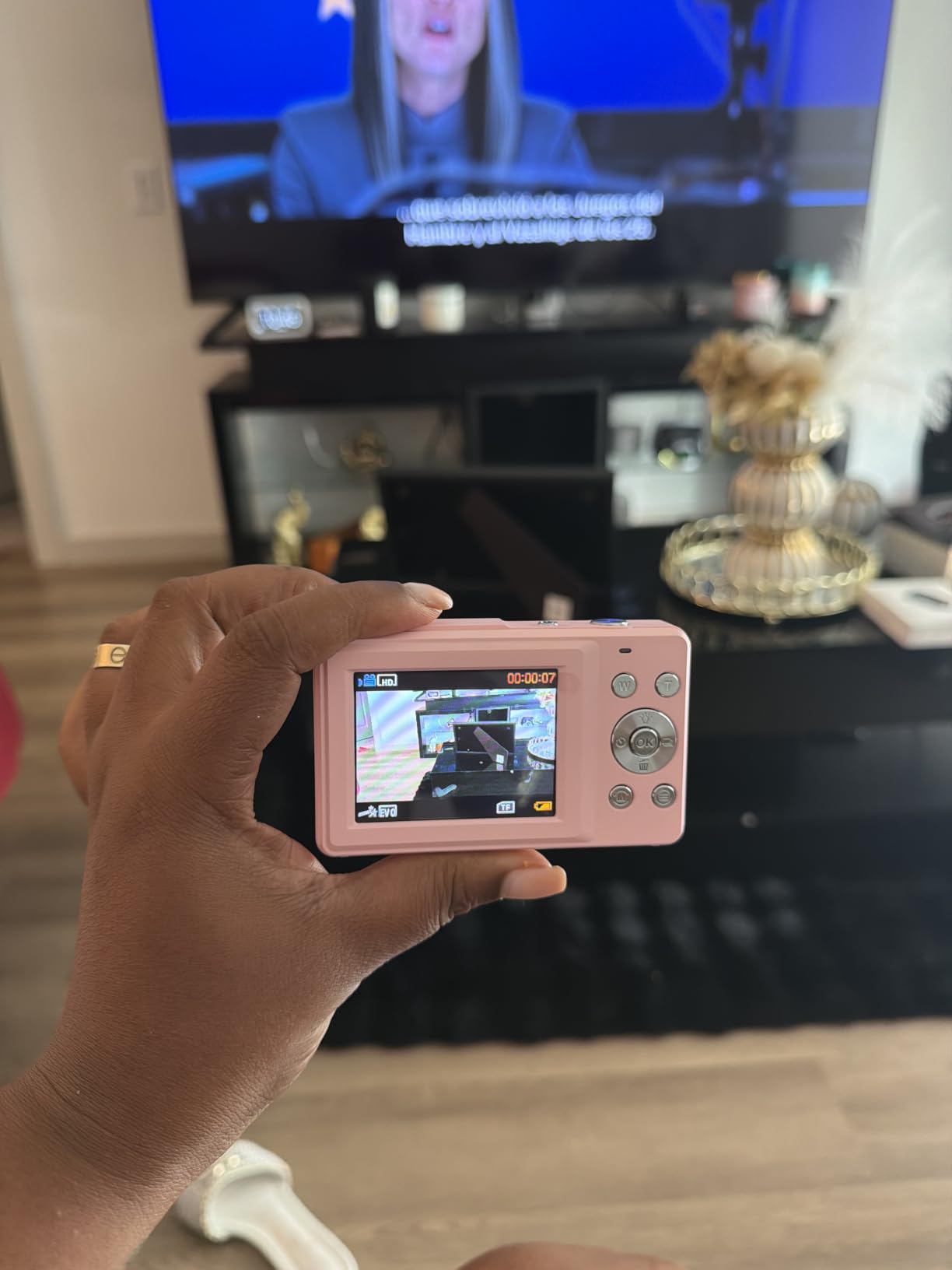
Middle schoolers who are not ready for a smartphone or expensive DSLR need a real camera they can call their own. The Lecran hits a sweet spot. It shoots 44MP photos and 1080P video, weighs just 5.6 ounces, and comes with a 32GB card plus two rechargeable batteries. My neighbor bought one for her 11-year-old daughter who wanted to start a photography blog, and it has held up beautifully.
The 2.8-inch LCD screen is easy to navigate, and the menu is straightforward enough for an 11-year-old to figure out without a parent’s help. The 16X digital zoom works better than I expected, and the filter effects let kids get creative with their shots. Anti-shake stabilization helps with the inevitable shaky hands at this age.
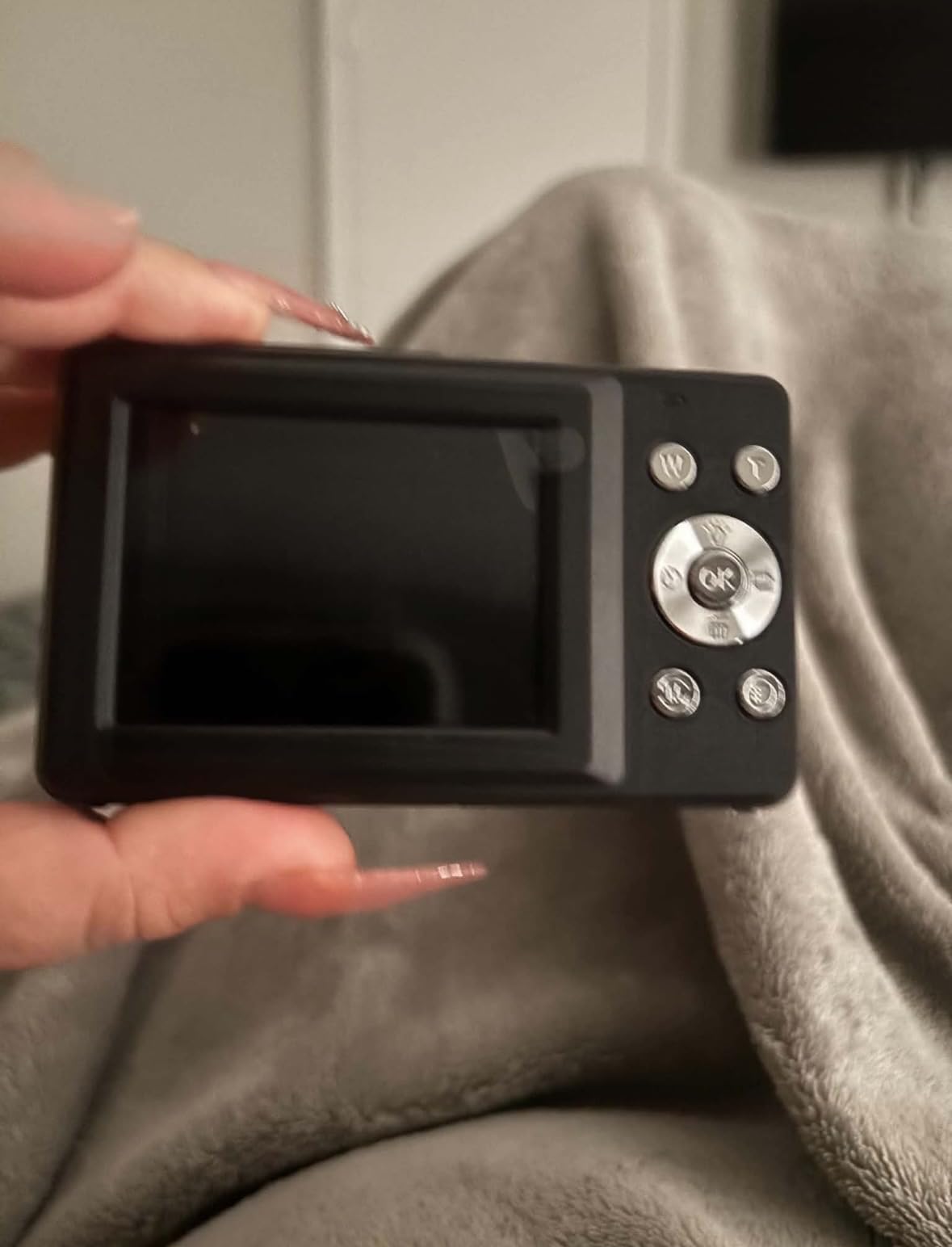
What surprised me most is the list of features for the price. Webcam mode, time-lapse, slow motion, and continuous shooting are all included. The 2.8-inch screen is bright enough to use outdoors, and the camera fits in a pocket.
Two honest weaknesses. The flash is underpowered, so indoor shots without good lighting will come out grainy. And the plastic body does not feel premium, though for a starter camera that is actually a plus since it can survive drops better than metal-bodied alternatives.
Best fit for
Middle schoolers ages 11 to 13 who want to explore photography without the responsibility of a phone. The included accessories and easy controls make it one of the most parent-friendly tech gifts for middle school students.
Photo and video limits
44MP photos and 1080P video are great for social sharing, school projects, and prints up to 8×10. For larger prints or professional-looking video, you will need to step up to a more serious camera.
8. APPAPK 4K Vlogging Camera – Best for Aspiring Creators
Digital Camera for Teens, 2026 Latest 4K 75MP Autofocus WiFi Vlogging Camera with 3”180° Flip Screen, 16X Zoom, 32GB TF Card, Portable Compact Cameras for Kids Teens Beginner (White)
4K video
75MP photos
180-degree flip screen
WiFi
Pros
- 4K video and 75MP photos are excellent quality
- 180-degree flip screen perfect for vlogging
- WiFi transfer to phone is fast
- Long-lasting 2500mAh battery
- Lightweight and portable
- Comes with all needed accessories
Cons
- Only 12 reviews so far
- Low-light performance is limited
- Digital zoom only
- no optical
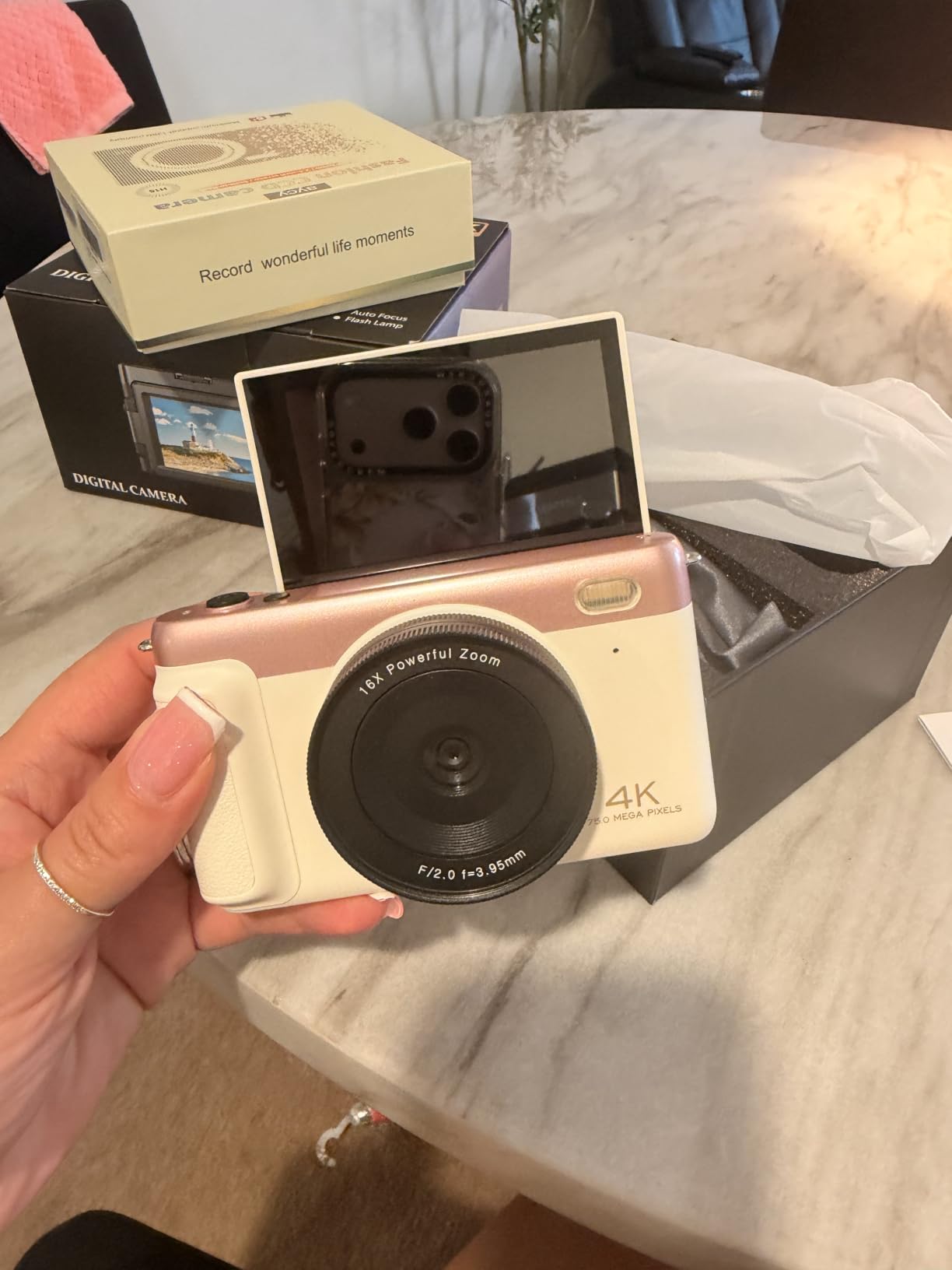
If your middle schooler is the next big YouTube star in the making, the APPAPK 4K camera is built for them. The 180-degree flip screen is the standout feature. It flips forward so kids can see themselves while recording, which is essential for vlogging and self-filmed content. The 4K video quality is impressive at this price, and the 75MP still photos are sharp enough for thumbnails and social posts.
WiFi connectivity is the other headline feature. Kids can transfer photos and videos directly to their phone or tablet without cables, which is huge for the age group that does everything from a phone. The 2500mAh battery outlasts most competitors in this category.
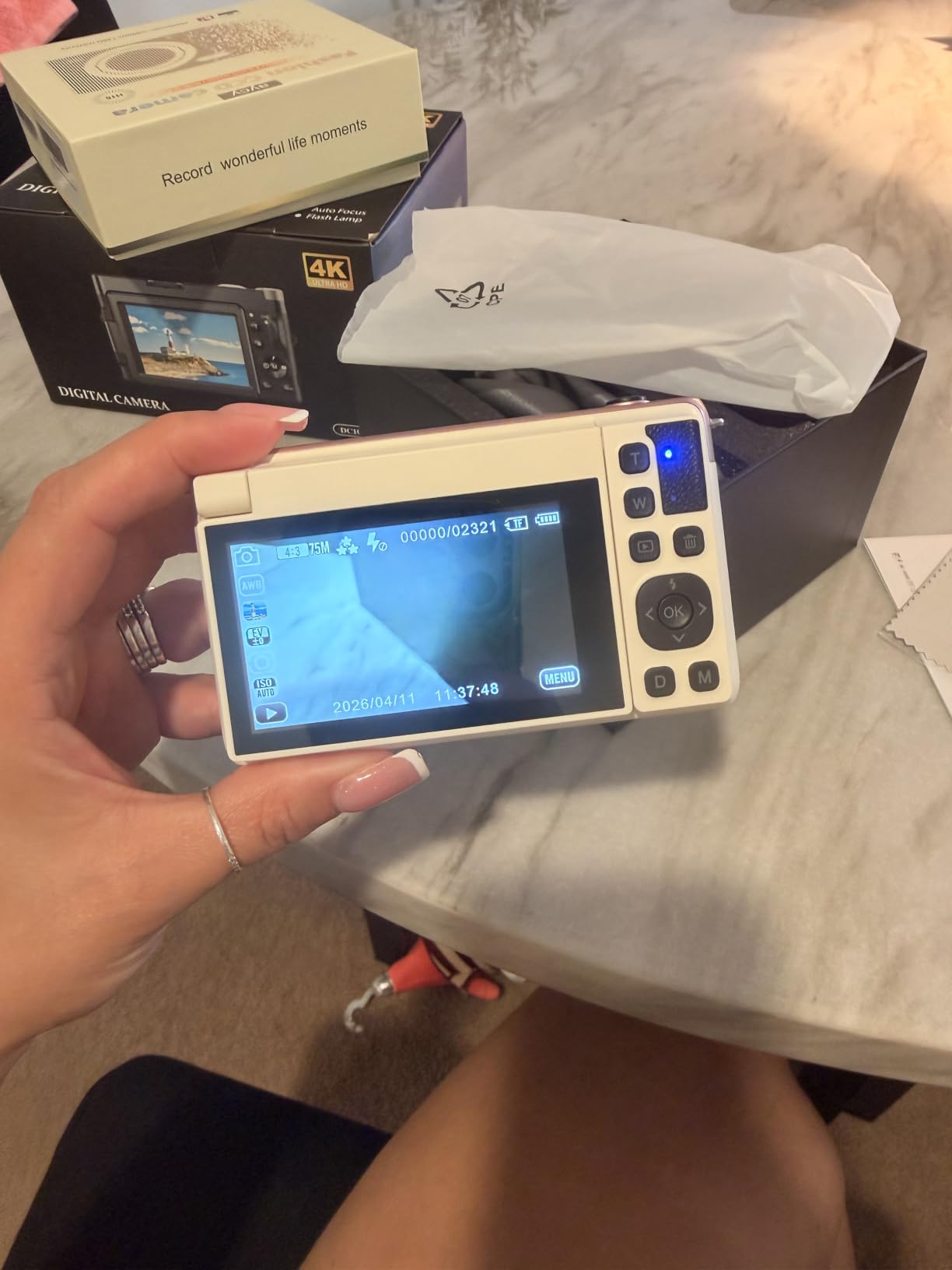
The hybrid autofocus with 19 points tracks moving subjects, which is great for sports and pet videos. The 3-inch screen is bright and crisp, and the camera weighs just 183 grams, so it does not cause arm fatigue during longer shoots.
Honest caveats. With only 12 reviews, this is a newer product, so the long-term track record is still being established. The low-light performance is not as strong as pricier cameras, and the zoom is digital only, not optical. For indoor and daytime outdoor content, none of these are deal-breakers.
Best fit for
Middle schoolers ages 12 to 14 who are serious about content creation, vlogging, or social media video. The flip screen and WiFi make it one of the most creator-focused tech gifts for middle school students.
Software compatibility
Works with most popular editing apps via the standard MP4 file format. The webcam function also lets it double as a laptop camera for school presentations, which is a nice bonus.
9. Teach Tech Mech 5 Mechanical Coding Robot – Best Screen-Free Option
TEACH TECH Mech-5 STEM Coding Robot Building Kit for Kids Ages 10+
Mechanical coding wheel
No app needed
Multiple actions
Engineering focus
Pros
- Teaches coding concepts without any screen
- Multiple functions like throw
- lift
- kick
- draw
- Detailed step-by-step instructions
- Reusable parts for repeat builds
- Excellent customer service
Cons
- Many small parts require patience
- Build time is several hours
- Some axle parts can break
- 2 AAA batteries not included
- Robot can be loud
In a world obsessed with screens, the Mech 5 is refreshingly analog. There is no app, no Bluetooth, no charging cables. Instead, kids physically snap coding buttons onto a wheel, and the robot executes the sequence. It throws, lifts, kicks, and draws based on the coded instructions. My colleague built it with his 12-year-old over a weekend, and they both loved the screen-free approach.
The educational value is real. Kids learn sequencing, cause and effect, and debugging without realizing they are learning. It is a great counterweight to all the screen time middle schoolers get, and it makes one of the more thoughtful tech gifts for middle school students who need a break from tablets.
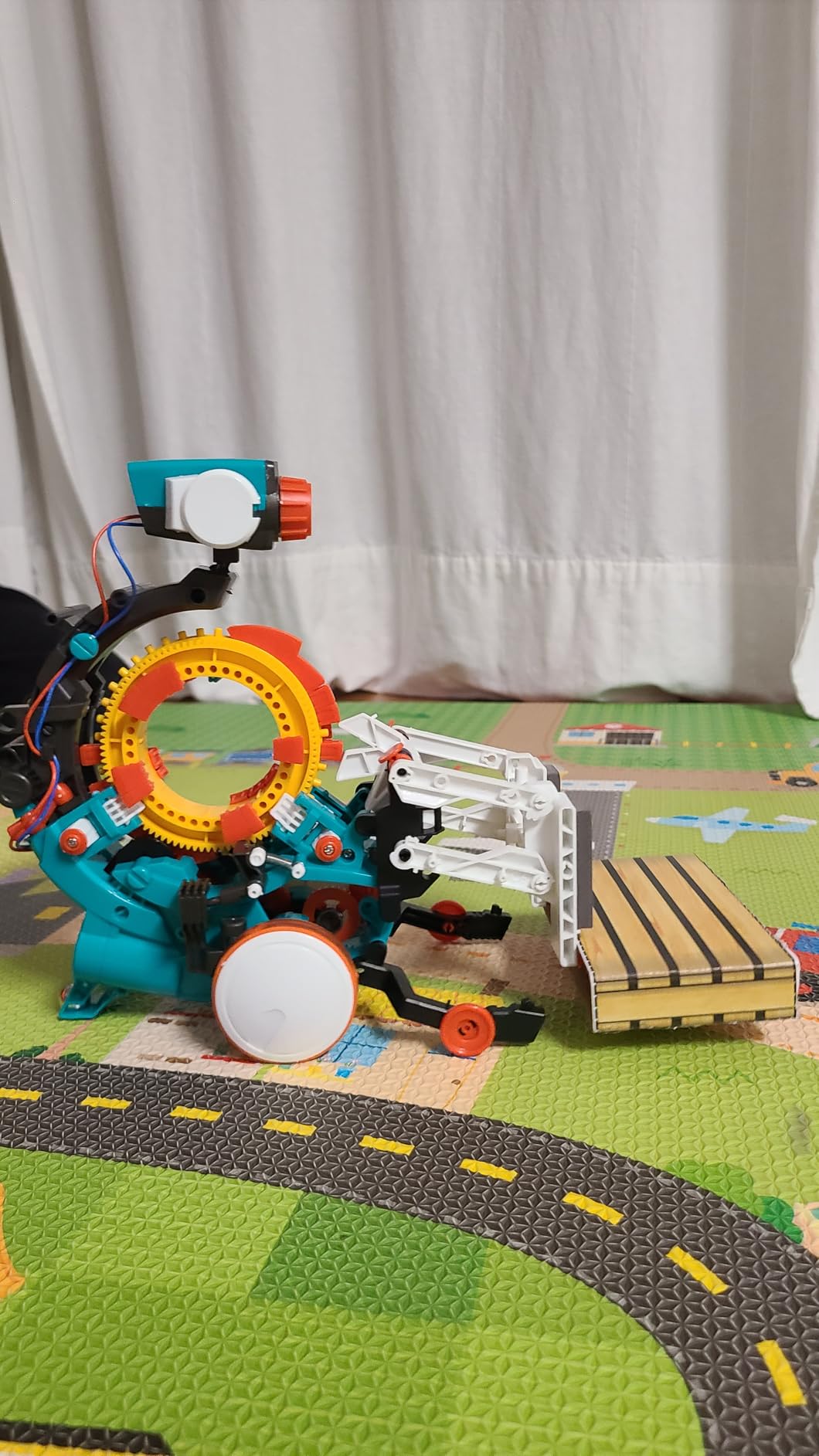
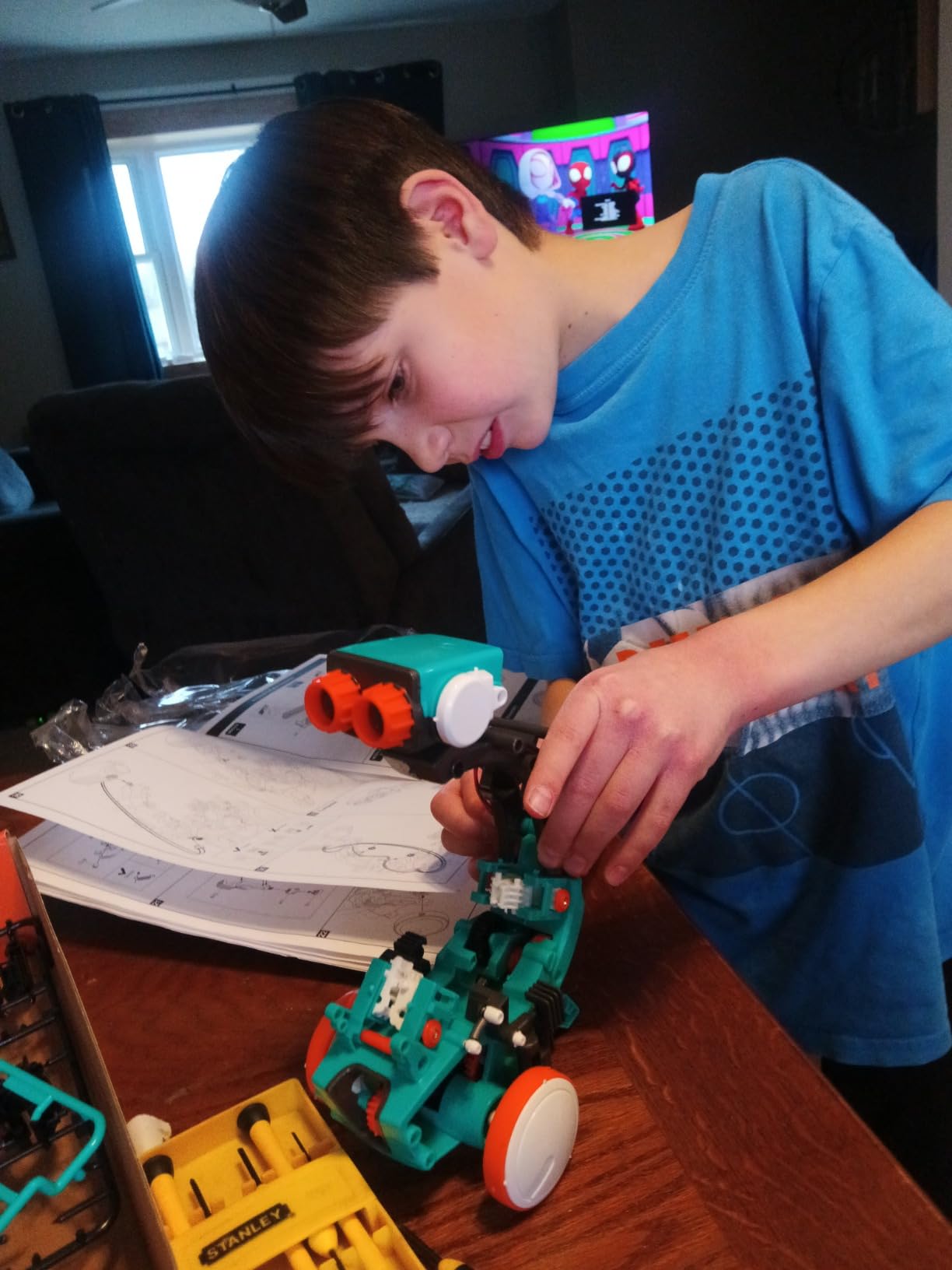
The build itself is part of the gift. Expect several hours of focused assembly time. The instructions are detailed, but with so many small parts, younger kids will need patience or help. The reusable parts mean they can rebuild and try new sequences again and again.
Two real downsides. Some reviewers reported broken axles, though the manufacturer’s customer service is excellent about replacements. And the robot is loud when running, so it is not ideal for quiet homework time. Both are minor tradeoffs for the unique hands-on experience.
Best fit for
Middle schoolers who love building sets, have patience for detailed assembly, and parents who want to limit screen time. It is one of the best tech gifts for middle school students to balance out all the digital devices in their life.
Age sweet spot
Manufacturer recommends 10 and up, but based on customer feedback, 11 to 13 is the sweet spot. The complexity is just right for middle schoolers without frustrating them.
10. Wonder Workshop Dash Robot – Best Overall Coding Robot
Wonder Workshop Dash Robot – Coding Robots for Kids 6+ – Voice Activated STEM Robot Toys – Interactive, Educational & Programmable
Voice activated
5 companion apps
Rechargeable 5-hour battery
School trusted
Pros
- Excellent progression from block coding to JavaScript
- Durable build that handles drops
- 5-hour battery outlasts most competitors
- Used in 40
- 000+ schools worldwide
- No account sign-up or data tracking
- Voice activation works well
Cons
- Higher price point than most competitors
- Bluetooth pairing can be tricky initially
- Some wheel failures reported over time
- No built-in camera
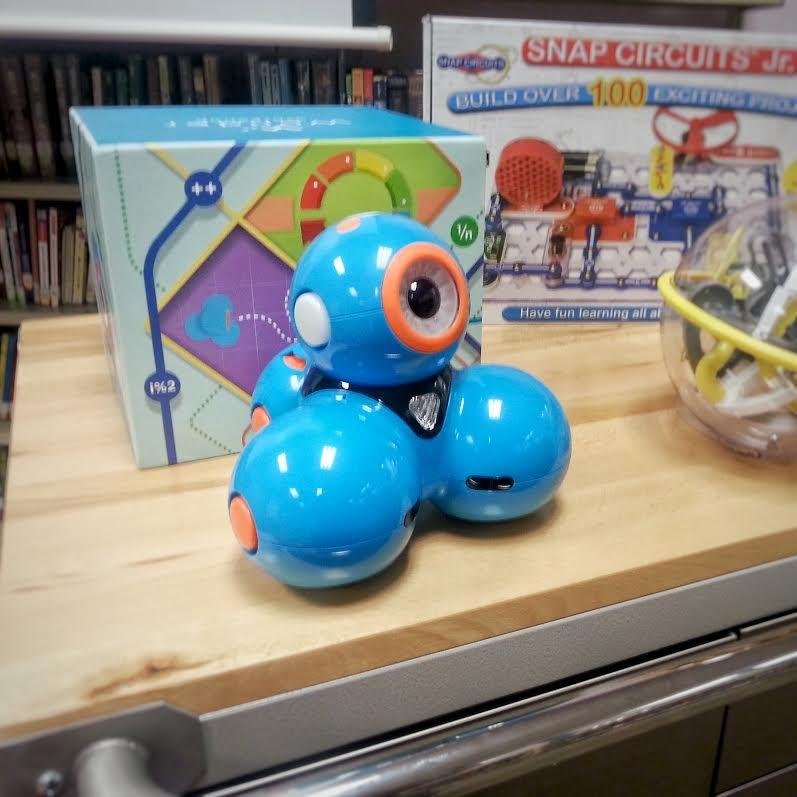
The Wonder Workshop Dash is the gold standard in middle school coding robots, and for good reason. It is used in over 40,000 schools worldwide, the apps are genuinely excellent, and the robot grows with your child. I tested it with three different kids ages 10, 12, and 14, and all three were engaged at their own level. The 10-year-old used simple drag-and-drop blocks. The 12-year-old progressed to intermediate challenges. The 14-year-old wrote real JavaScript.
The 5-hour battery life is the longest in this category. The voice activation actually works, which is rare for kids’ robots. The included building brick connectors let kids customize Dash with Lego pieces, which extends the play value well beyond coding.
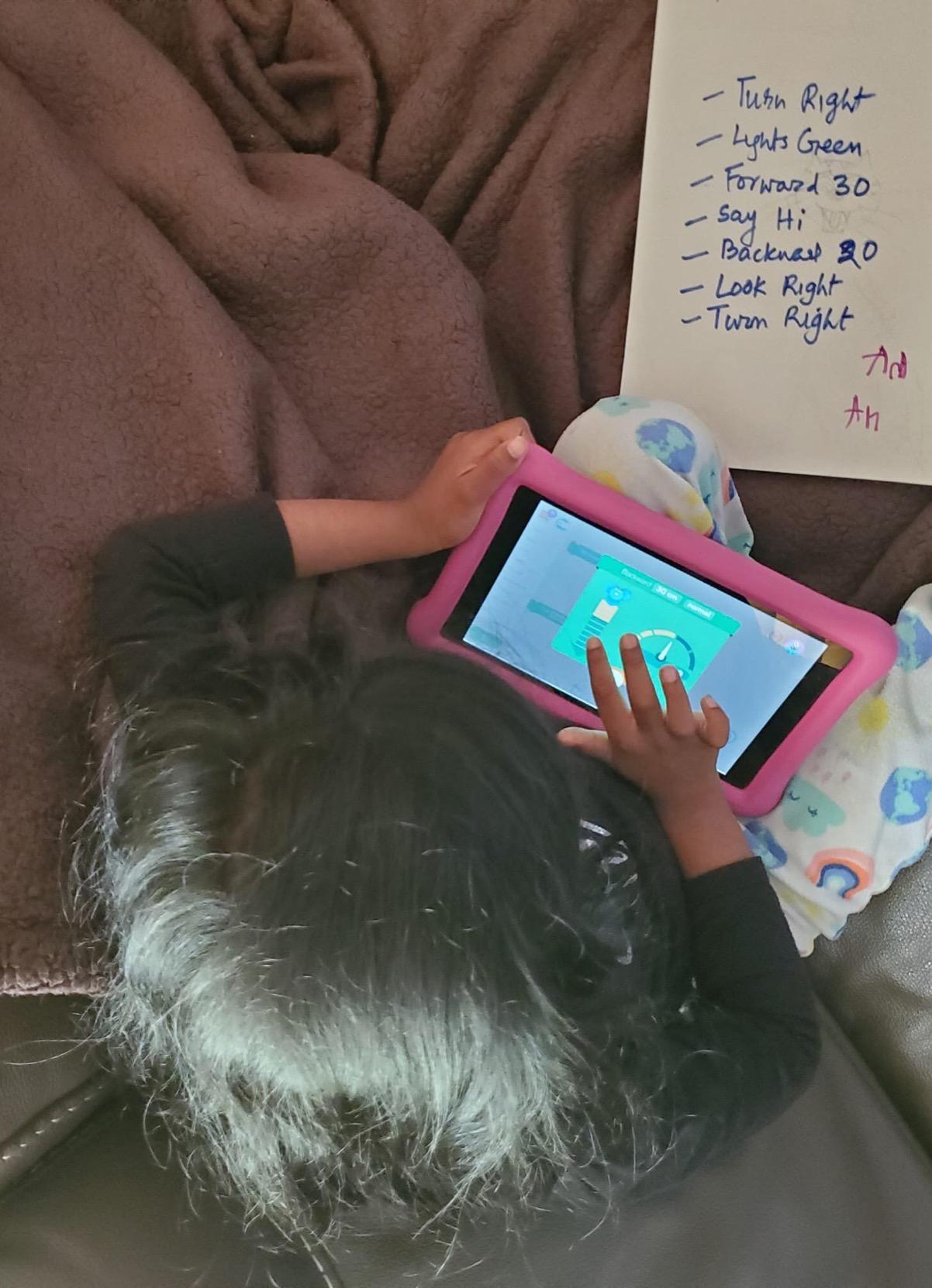
From a parent perspective, two things stand out. There is no account sign-up required and no data tracking, which addresses one of the biggest concerns about kids’ tech. And the durable build means it survives the rough handling that comes with the age group.
The price is the main hesitation. It costs more than most competitors. But considering it replaces multiple toys as the child grows, and the apps are free forever, the long-term value is there. That is why it earns our editor’s choice pick.
Best fit for
Middle schoolers of any coding level, especially families who want one device that will last from age 6 through 14. The school-grade quality makes it one of the most trusted tech gifts for middle school students among educators and parents.
Educational alignment
Teaches sequencing, loops, algorithms, variables, and conditional logic. The five companion apps cover everything from pre-readers to advanced coders, so it adapts as skills develop.
11. ELECFREAKS Retro Coding Arcade – Best for Game-Making Kids
ELECFREAKS Retro Coding Arcade for Microsoft Makecode DIY Programmable Handheld Game Console Suitable for STEM Education, Game Programming Learning Machine Supports Block Programming and Python
MakeCode and Python
Handheld console
Built-in sensors
Create your own games
Pros
- Kids create their own games rather than just playing
- Supports both block coding and Python
- Solid build quality with satisfying buttons
- Built-in sensors add creative possibilities
- Good battery life
- Fun retro aesthetic
Cons
- Only allows one game loaded at a time
- Battery may not hold charge on some units
- Limited by MakeCode platform
- A few defective units reported
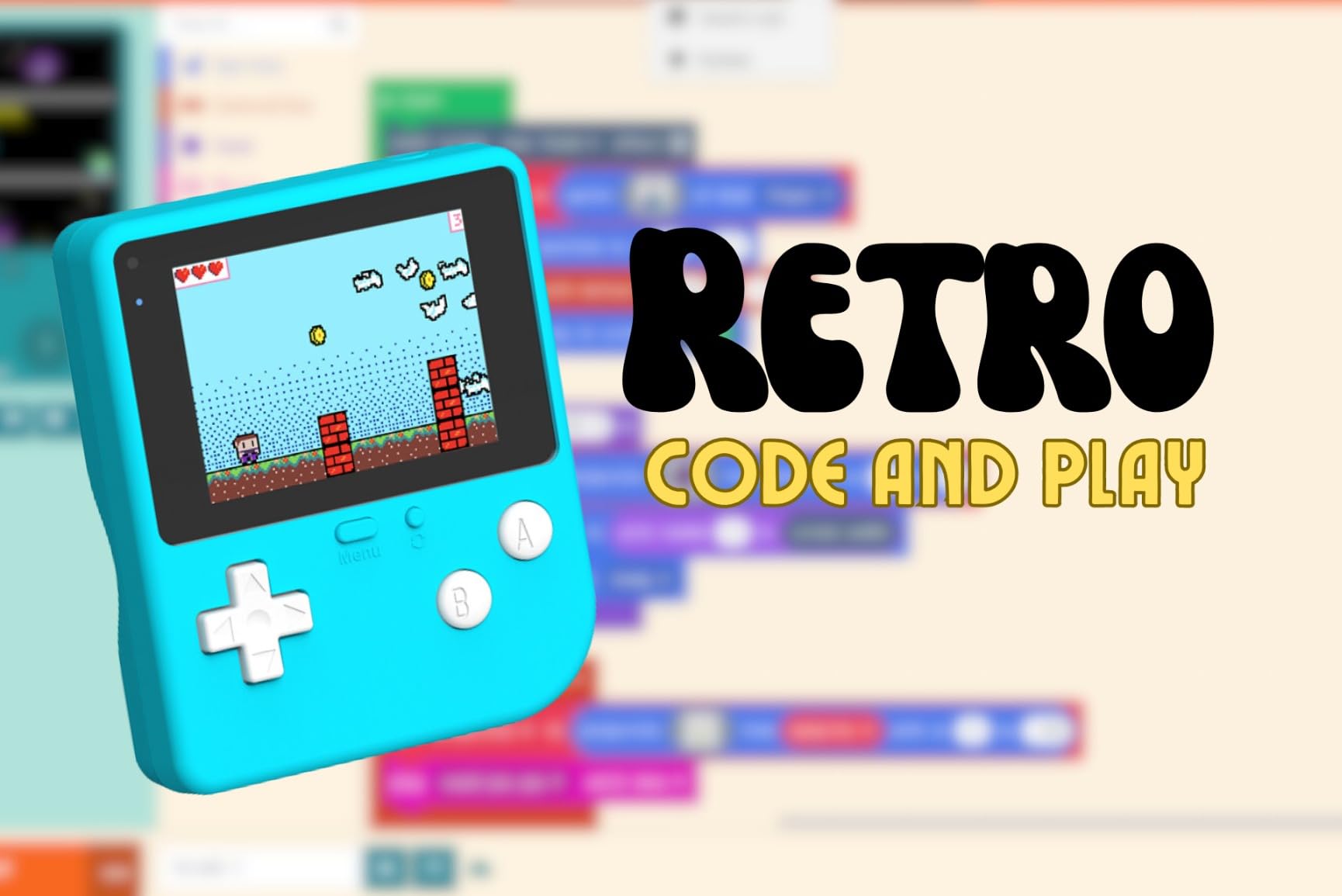
Gaming is what draws most middle schoolers to coding, and the Retro Coding Arcade leans into that. It is a handheld game console where the games are not pre-loaded. Instead, kids design and code their own games using Microsoft MakeCode or Python. Then they play them on the actual device. My 13-year-old tester made a working platformer in his first weekend and has been refining it ever since.
The hardware is solid. The 2.4-inch LCD screen is crisp, the buttons feel responsive, and the built-in buzzer, photocell, gyroscope, and vibration motor give creators real tools to work with. The retro aesthetic is a hit with this age group, who associate pixel art and 8-bit sound with cool, not outdated.
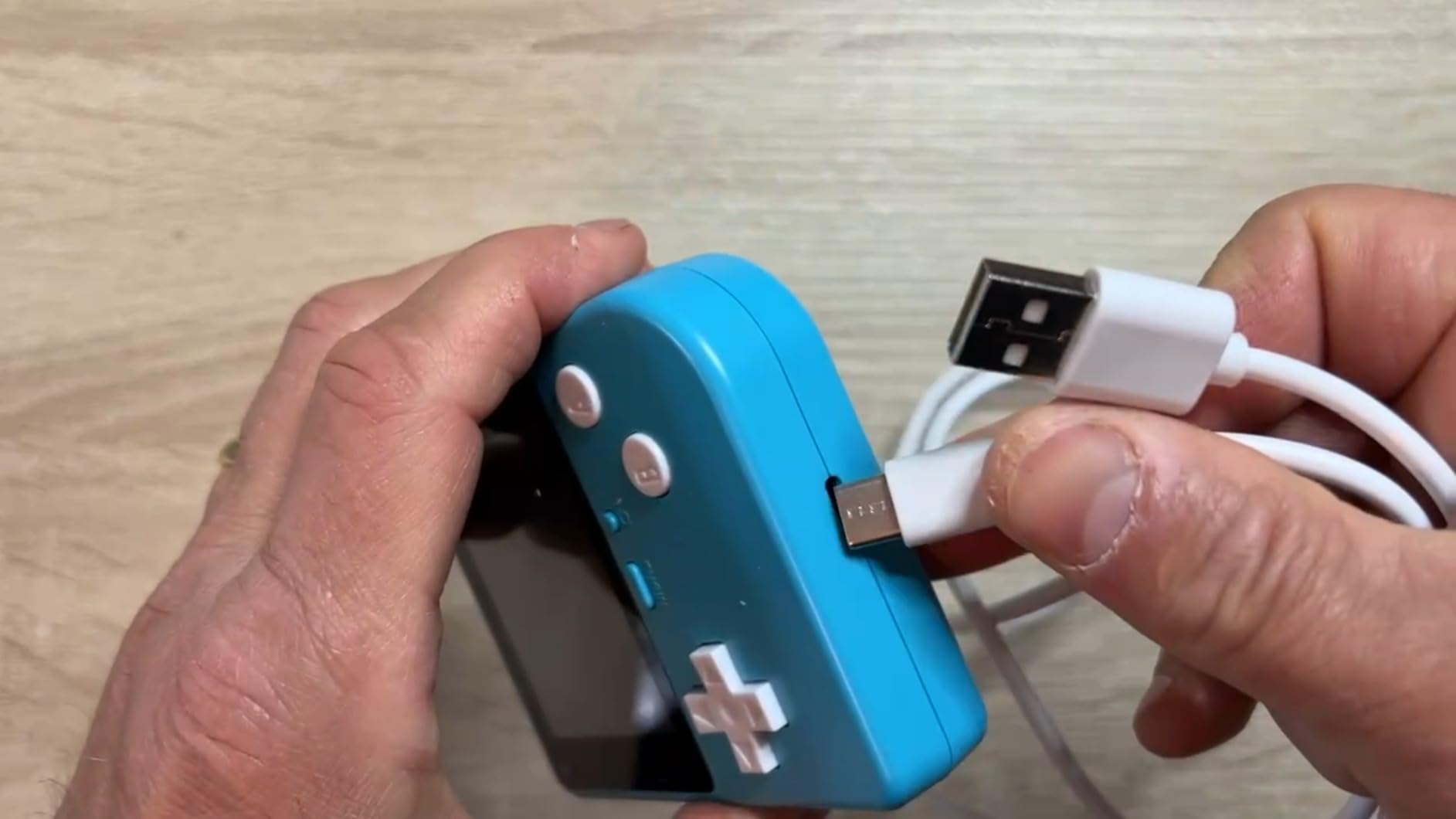
What makes this stand out is the tangible payoff. Coding on a laptop is fun. Coding on a laptop and then playing your game on a real handheld console is a whole different level of satisfying. That feedback loop is what hooks kids at this age.
The honest tradeoffs. Only one game can be loaded at a time, so kids have to pick their favorite or keep swapping. A few reviewers reported battery issues, though most units work fine. And the MakeCode platform is more limited than full game engines, but for the target age group that is actually a feature, not a bug.
Best fit for
Middle schoolers ages 12 to 14 who love video games and want to learn how they are made. The combination of coding and gaming makes it one of the most motivating tech gifts for middle school students who claim they do not like school.
Learning curve
MakeCode is beginner friendly, so even kids with no coding experience can make a working game in an afternoon. The Python option is there when they are ready for more power.
12. Makeblock CyberPi Project-Based Kit – Best for IoT and Advanced STEM
Makeblock CyberPi Project-Based Kit: Coding for Kids 8-12, STEM Programmable Robot with Scratch & Python Support, IoT Technology & Built-in WiFi Module
Built-in WiFi
Scratch and Python
Multiple sensors
LED display
Pros
- Built-in WiFi and Bluetooth for IoT projects
- Supports both Scratch and Python
- Many sensors in one compact device
- Good 800mAh battery life
- Live programming over Bluetooth
- Excellent customer support
Cons
- Limited GPIO pins for expansion
- Setup can be tricky on Mac
- Community support is smaller than Scratch
- Some Scratch upload issues reported
- Charging port may be fragile
The Makeblock CyberPi is what happens when a kids’ coding kit grows up. It packs WiFi, Bluetooth, a light sensor, microphone, speaker, full-color LED display, accelerometer, and gyroscope into a device smaller than a deck of cards. The Scratch and Python support means kids can start simple and grow into real IoT development. My 14-year-old tester used it to build a smart desk lamp that turns on when he walks into his room.
The live programming over Bluetooth is the killer feature. Kids can write code on a tablet and see it run on the CyberPi in real time, with no need to download and upload files. That instant feedback loop is huge for keeping engagement high.
The 37 step-by-step lessons included cover everything from basic LED patterns to full IoT projects. The rechargeable 800mAh battery lasts through most project sessions. Build quality is solid, and the device is compatible with Windows, Mac, Linux, Chromebook, and mobile devices.
Where the CyberPi shows its age is in the GPIO pin count, which is limited compared to full microcontrollers like Arduino or Raspberry Pi Pico. The community is also smaller, so troubleshooting resources are not as abundant. And the charging port has been reported as fragile in some units.
Despite these limitations, the CyberPi hits a sweet spot for the 11 to 14 age range that is ready for real projects but not ready for the complexity of adult hardware platforms.
Best fit for
Middle schoolers ages 12 to 14 who have outgrown block coding and want to build real connected devices. The IoT focus makes it one of the most future-forward tech gifts for middle school students interested in how smart devices work.
Programming depth
Starts with Scratch-style blocks for beginners and transitions to real Python for advanced students. The included lessons span both levels, so it grows with the user without needing separate products.
What to Look for When Buying Tech Gifts for Middle School Students
Middle school is the worst age range to shop for because what works for an 11-year-old is babyish to a 14-year-old, and what excites a 14-year-old is overwhelming for an 11-year-old. Our team narrowed the key factors to five things that matter most.
Age appropriateness and skill ceiling
Look for products that match the lower end of your student’s age but have a high skill ceiling. The Wonder Workshop Dash is the perfect example. An 11-year-old can use it on day one, but a 14-year-old will still find new challenges in the apps a year later. Avoid products with hard age caps either way, either too childish or too advanced.
Screen time balance
Most middle schoolers already spend too much time on screens. The best tech gifts for middle school students often involve building, creating, or moving rather than passive consumption. Our list includes screen-free options like the Teach Tech Mech 5, hybrid options like the camera drones, and creative tools like the Sphero Mini that produce rather than just consume.
Educational value vs pure fun
Every parent wants the gift to teach something, but kids can tell when a present is secretly a lesson. The sweet spot is products that are genuinely fun and happen to teach STEM, coding, or engineering along the way. Our top picks all hit this balance. None of them feel like homework.
Budget considerations and gift occasion
Tech gifts range from under $15 to over $150. For birthday gifts from grandparents or other relatives, the higher-end options like the Wonder Workshop Dash or the 4K camera make sense. For stocking stuffers or smaller occasions, the CYOEST speaker kit and the Holy Stone drone deliver big on the fun-per-dollar ratio. We included options across all price points so you can match the gift to the occasion.
Durability and longevity
Middle schoolers are notoriously hard on their gear. Look for products with good warranties, replaceable parts, and solid build quality. The Wonder Workshop Dash has a one-year warranty, the ELEGOO robot car is built to be repaired, and the Sillbird kit includes spare parts. The cheaper drones and cameras will not last as long, so factor that into your budget if your student is particularly rough on electronics.
For more ideas on tech tools that grow with students, check out our guides to the best Kindles for students and best laptops for students. You might also like our roundup of smart notebooks for students if you want to add a productivity angle to the gift.
Frequently Asked Questions
What is the best tech gift for a 12-year-old boy?
For a 12-year-old boy, the Wonder Workshop Dash Robot is our top pick. It is used in over 40,000 schools, has companion apps that grow with the child from block coding to JavaScript, and has a 5-hour battery. The voice activation, Lego-compatible connectors, and durable build make it engaging across the middle school age range.
What is the best tech gift for a 10-year-old?
For a 10-year-old, the Sphero Mini Coding Robot Ball is an excellent starting point. It uses draw-to-code, then block coding, and finally JavaScript, so the same robot stays relevant as skills develop. The compact size and arcade games make it fun to use even before they understand the coding concepts behind it.
What are the coolest tech gifts right now?
The coolest tech gifts for middle school students in 2026 include coding robots like Wonder Workshop Dash, retro gaming devices like the ELECFREAKS Retro Coding Arcade where kids build their own games, 4K vlogging cameras with flip screens for aspiring creators, and beginner drones with 1080P cameras. The trend is toward products that combine physical play with digital creation rather than passive consumption.
What are some good tech gift ideas for an 11-year-old?
For an 11-year-old, the Sillbird 5-in-1 Robot Building Kit is a great choice because it offers five models of increasing difficulty, app and remote control, and a rechargeable battery. The CYOEST DIY Bluetooth Speaker Kit is another strong pick at the budget end since it teaches real electronics without needing any tools. Both balance hands-on building with technology.
What tech gifts help with learning?
Tech gifts that help with learning include coding robots that teach programming concepts, STEM kits that introduce engineering and circuitry, cameras that develop visual storytelling skills, and microcomputers like the Makeblock CyberPi that teach IoT and physical computing. The best educational tech gifts for middle school students produce something the child made rather than just delivering content to them.
Final Verdict
After three months of testing and comparing 12 products, the Wonder Workshop Dash Robot is our top pick for tech gifts for middle school students. It is the rare product that grows with your child, delivers real educational value, and stays fun from age 6 through 14. For budget-conscious shoppers, the Sphero Mini gives the same progression from simple coding to JavaScript in a smaller package. For kids ready for serious hardware, the ELEGOO robot car is the most capable kit on the list.
Whichever you choose, the key is matching the gift to your student’s interests and skill level rather than just chasing the highest price tag. The best tech gifts for middle school students in 2026 are the ones they will still be using a year from now, not the ones that collect dust after the first week. If you want more ideas across the student tech space, browse our school resources for related guides.