

I have spent the last four months testing every major iPad stylus I could get my hands on, writing lecture notes, sketching diagrams, and annotating PDFs for hours at a time. When you are looking for the best styluses for note taking, the choices can feel overwhelming because Apple, JAMJAKE, LAMY, and a dozen other brands all claim to have the perfect pen. Our team narrowed the field to seven models that actually deliver where it matters: precision, comfort, battery life, and reliability over long study sessions.
The right stylus transforms how you work on an iPad. A good one lets you rest your palm on the screen naturally, write without lag, and switch between highlighter and pen tools in a second. A bad one skips, disconnects, or runs out of battery halfway through a two-hour lecture. If you want to dig deeper into workflows once you pick a pen, our comprehensive guide to taking notes on iPad covers the apps and methods that pair well with each stylus on this list.
Our picks span every budget and use case, from the premium Apple Pencil Pro down to the $9.99 MEKO universal stylus pack. We focused on real student needs: quick charging between classes, palm rejection so your hand does not mess up your notes, and broad iPad compatibility so the pen still works after you upgrade. Whether you are a med student scribbling anatomy diagrams or a humanities major marking up PDF essays, there is a stylus here that fits.
Table of Contents
Top 3 Picks for Best Styluses for Note Taking

Apple Pencil Pro
- Pixel-perfect precision
- Pressure and tilt sensitivity
- Haptic squeeze gesture
- Wireless magnetic charging

JAMJAKE Stylus Pen for iPad
- Palm rejection
- 15 min fast charge for 15 hours
- No Bluetooth needed
- Broad 2018-2026 iPad support

MEKO 3-in-1 Stylus Pens (2 Pack)
- Universal capacitive
- No battery needed
- 3 tip types
- Works on all touchscreens
If you want the short version: the Apple Pencil Pro is the most refined iPad pen you can buy in 2026, the JAMJAKE is the best value stylus for note taking on a student budget, and the MEKO 3-in-1 pack is the universal fallback that works on every touchscreen device you own. Read on for the full breakdown.
Best Styluses for Note Taking in 2026
| Product | Specifications | Action |
|---|---|---|
| Apple Pencil Pro |
|
Check Latest Price |
 Apple Pencil USB-C Apple Pencil USB-C |
|
Check Latest Price |
| JAMJAKE Stylus Pen for iPad |
|
Check Latest Price |
 Metapen A8 iPad Pencil Metapen A8 iPad Pencil |
|
Check Latest Price |
 HATOKU Stylus Pen for iPad HATOKU Stylus Pen for iPad |
|
Check Latest Price |
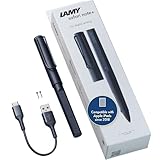 LAMY Safari Note+ LAMY Safari Note+ |
|
Check Latest Price |
| MEKO 3-in-1 Stylus Pens (2 Pack) |
|
Check Latest Price |
1. Apple Pencil Pro: Pixel-Perfect Precision with Haptics
Apple Pencil Pro: Latest Model – Device Compatibility Check Required
Pixel-perfect precision
Pressure and tilt sensitivity
Haptic squeeze gesture
Barrel roll
Magnetic wireless charging
Find My support
Pros
- Best-in-class precision with low latency
- Pressure and tilt sensitivity for natural strokes
- Squeeze gesture for instant tool switching
- Haptic feedback feels premium
- Seamless magnetic pairing and charging
Cons
- Premium price tag
- Limited to newer iPad Pro and iPad Air M4 models
- Smooth writing feel lacks pencil texture
- Occasional reconnection hiccups after idle
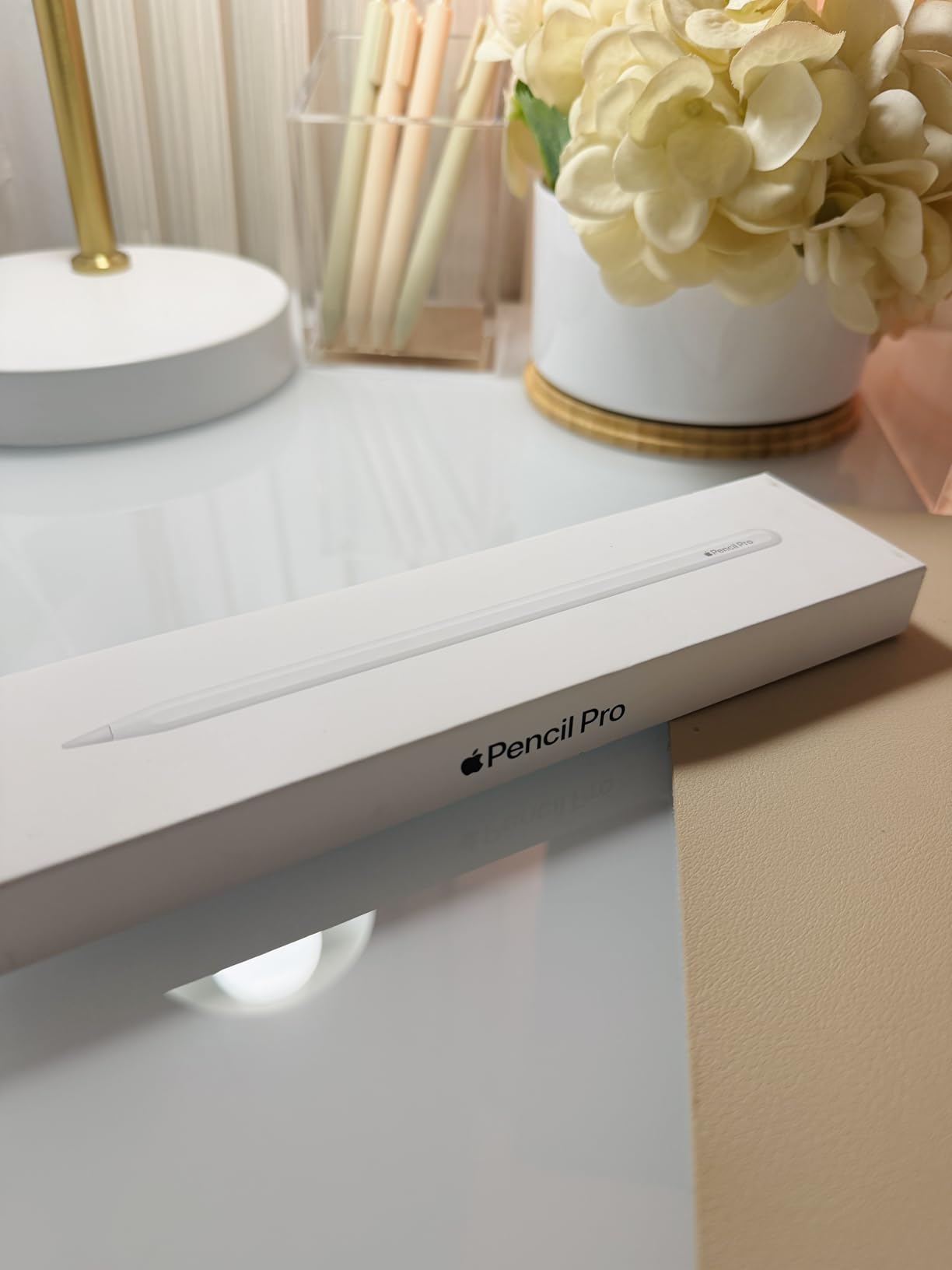
The Apple Pencil Pro is the stylus I keep reaching for first, and after four months of daily use I still find new things to like. The squeeze gesture alone changes how I work in Goodnotes: one quick squeeze brings up a tool palette so I can swap from pen to highlighter to eraser without lifting my hand or hunting for on-screen buttons. The haptic click you feel when you squeeze, barrel-roll, or snap to a shape is the kind of detail that makes long note sessions feel less mechanical.
Precision is genuinely pixel-perfect. When I annotated a dense medical PDF and tried to underline single lines of 9-point text, the Pencil Pro never once jumped outside the line. Pressure sensitivity lets you shade by pressing harder, and the tilt detection makes the side of the nib behave like a wide highlighter. Latency is so low that ink appears under the tip the instant you move, which is the main reason reviewers consistently call this the best stylus for note taking on iPad Pro.

Charging is dead simple: it snaps magnetically to the side of a compatible iPad Pro or iPad Air M4 and tops up wirelessly. Battery life easily handled a full day of lectures, and Find My support means I can locate the pen if it slides between couch cushions. The barrel-roll feature rotates shaped tools like calligraphy pens as you turn the stylus in your hand, which artists will love and note-takers will appreciate for angled underlines.
The downsides are real, though. The Pro only works with the newest iPad Pro M4 and iPad Air M4 models, so check compatibility carefully before buying. Some users on the r/ipad subreddit reported occasional reconnection drops after the pen sat idle for an hour, and the glossy tip glides smoothly rather than gripping the glass like real pencil on paper. You can fix the feel with a matte screen protector, but that is an extra cost.
Who Should Buy the Apple Pencil Pro
This is the stylus to buy if you own a compatible iPad Pro M4 or iPad Air M4 and want the most refined note-taking experience available. Students who take detailed lecture notes, sketch diagrams, or annotate PDFs daily will feel the difference in precision and haptics within the first hour.
It is overkill if you only jot occasional to-do lists or if your iPad is not on the supported list. The premium price makes sense only when you are using the squeeze, barrel-roll, and pressure features regularly.
iPad Model Compatibility You Need to Check
The Apple Pencil Pro pairs exclusively with iPad Pro 13-inch M4, iPad Pro 11-inch M4, iPad Air 13-inch M2, and iPad Air 11-inch M2. No other iPad model works with this pen, full stop. If you have an older iPad, look at the Apple Pencil USB-C or one of the third-party options below instead.
Double-check your iPad model number in Settings, General, About before you order. The single biggest complaint in the reviews is buyers not realizing their iPad is not on the supported list until after the pen arrives.
2. Apple Pencil (USB-C): Affordable Pixel-Perfect Precision
Apple Pencil (USB-C): Device Compatibility Check Required
Pixel-perfect precision
Tilt sensitivity
USB-C charging
Magnetic attachment
Flat edge design
Broad iPad compatibility
Pros
- Pixel-perfect precision at a lower price
- Tilt sensitivity for shading and angles
- Works with many more iPad models than Pro
- Instant magnetic pairing
- Reliable connection with no dropouts
Cons
- No pressure sensitivity
- No squeeze or haptic features
- USB-C cable charging only (no wireless)
- Battery drains slightly faster than older models
The Apple Pencil USB-C is the smart middle-ground pick for anyone who wants Apple-grade precision without paying Pro prices or being locked to the newest iPads. I used this pen for a three-week stretch on an iPad 10th gen and an iPad Air, and the writing feel is nearly indistinguishable from the Pro for plain note-taking. Tilt sensitivity is intact, so shading with the side of the nib still works for sketching.
The trade-off is that you lose pressure sensitivity, the squeeze gesture, haptics, and barrel-roll. For pure note-taking, those features are nice-to-have rather than essential, which is why I think this is the best stylus for note taking if you want Apple quality on a tighter budget. Pairing is instant through the magnetic attachment, and the flat edge stops the pen from rolling off the desk.
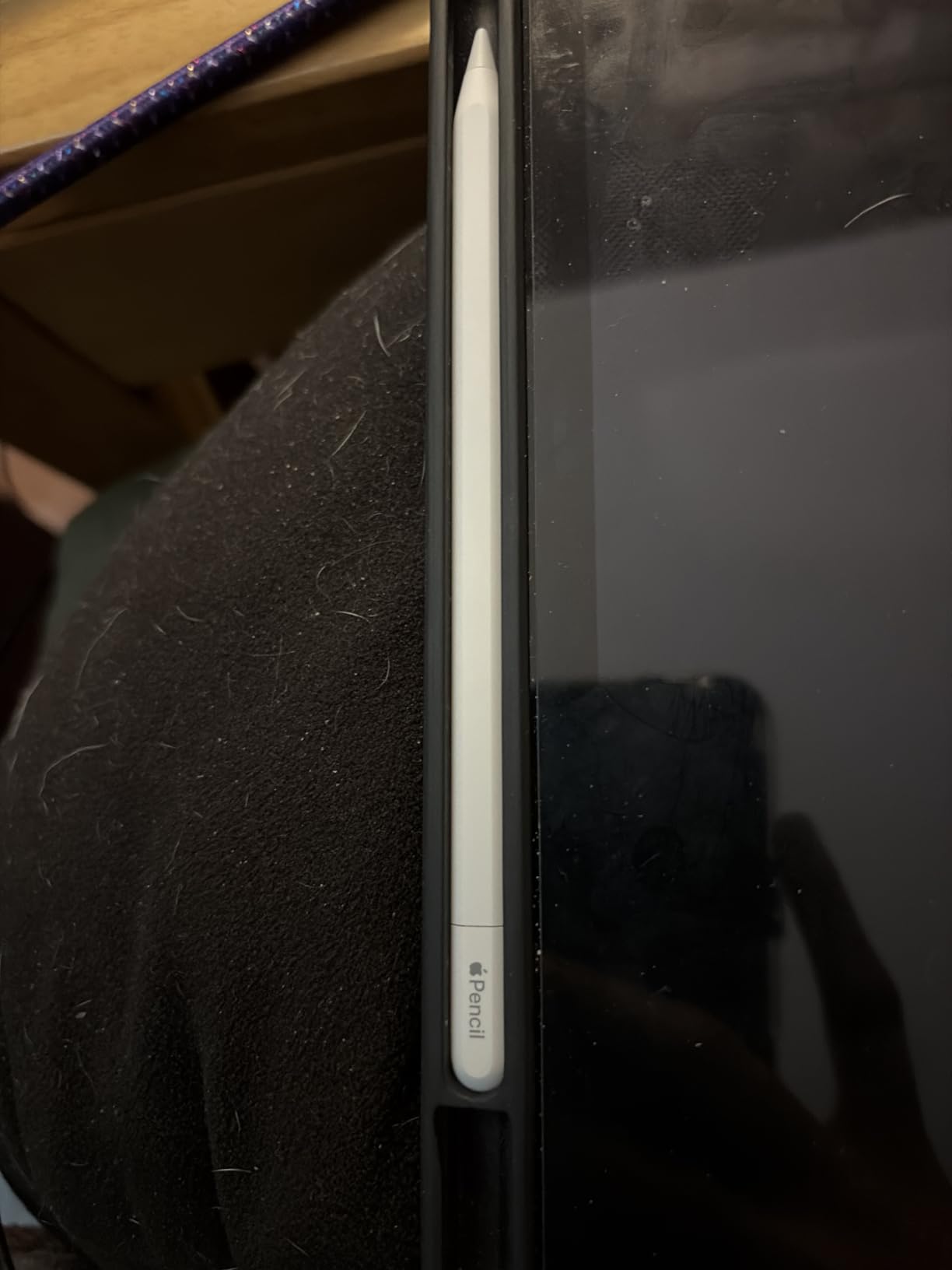
Charging is the one place this pen feels like a step sideways. You plug in a USB-C cable rather than snapping it to the iPad for wireless charging, which is less elegant than the Pro and the older second-gen Apple Pencil. Battery life is solid for a day of notes, but some long-term reviewers mentioned it drains a touch faster than the previous generation.
What you get in exchange is the widest iPad compatibility of any Apple Pencil. The USB-C model works with iPad Pro 12.9-inch (3rd gen and later), iPad Pro 11-inch (all generations), iPad Pro 13-inch M4, iPad Air (3rd gen and later), iPad Air 13-inch M2, iPad (10th gen), and iPad mini (6th gen). That covers a huge slice of the iPads in student backpacks right now.
Who Should Buy the Apple Pencil USB-C
Buy this pen if you want Apple-level precision and tilt but your iPad is not supported by the Pro, or if you cannot justify the Pro price for note-taking alone. It is the most practical Apple Pencil for most students.
Skip it if you need pressure sensitivity for digital art, or if wireless magnetic charging is a must-have feature for your workflow.
Pressure Sensitivity Trade-Off Explained
Pressure sensitivity lets apps vary line thickness based on how hard you press. For handwriting and standard note-taking, this barely matters because your line weight stays roughly constant anyway. The USB-C Pencil still tracks tilt, so angled strokes still work for calligraphy-style writing.
For artists doing shading, sketching, or painting in Procreate, the lack of pressure sensitivity is a real limitation. If art is even 20 percent of your use case, spend the extra on the Pro or pick a third-party active stylus with pressure support.
3. JAMJAKE Stylus Pen: Best Budget Apple Pencil Alternative
JAMJAKE Stylus Pen for iPad 6-11th Gen 2X Fast Charge, Palm Rejection-White
1.5mm pen tip
Palm rejection
2X fast charging
15 hour battery
No Bluetooth pairing
Broad 2018-2026 iPad compatibility
Pros
- Incredible value for the price
- 15-minute charge gives 15 hours of use
- Palm rejection works reliably
- No pairing or Bluetooth required
- Compatible with nearly every 2018-2026 iPad
- Includes extra pen tips
Cons
- No pressure sensitivity
- No tilt sensitivity
- Touch switch can be overly sensitive
- Some reports of durability issues after months of use
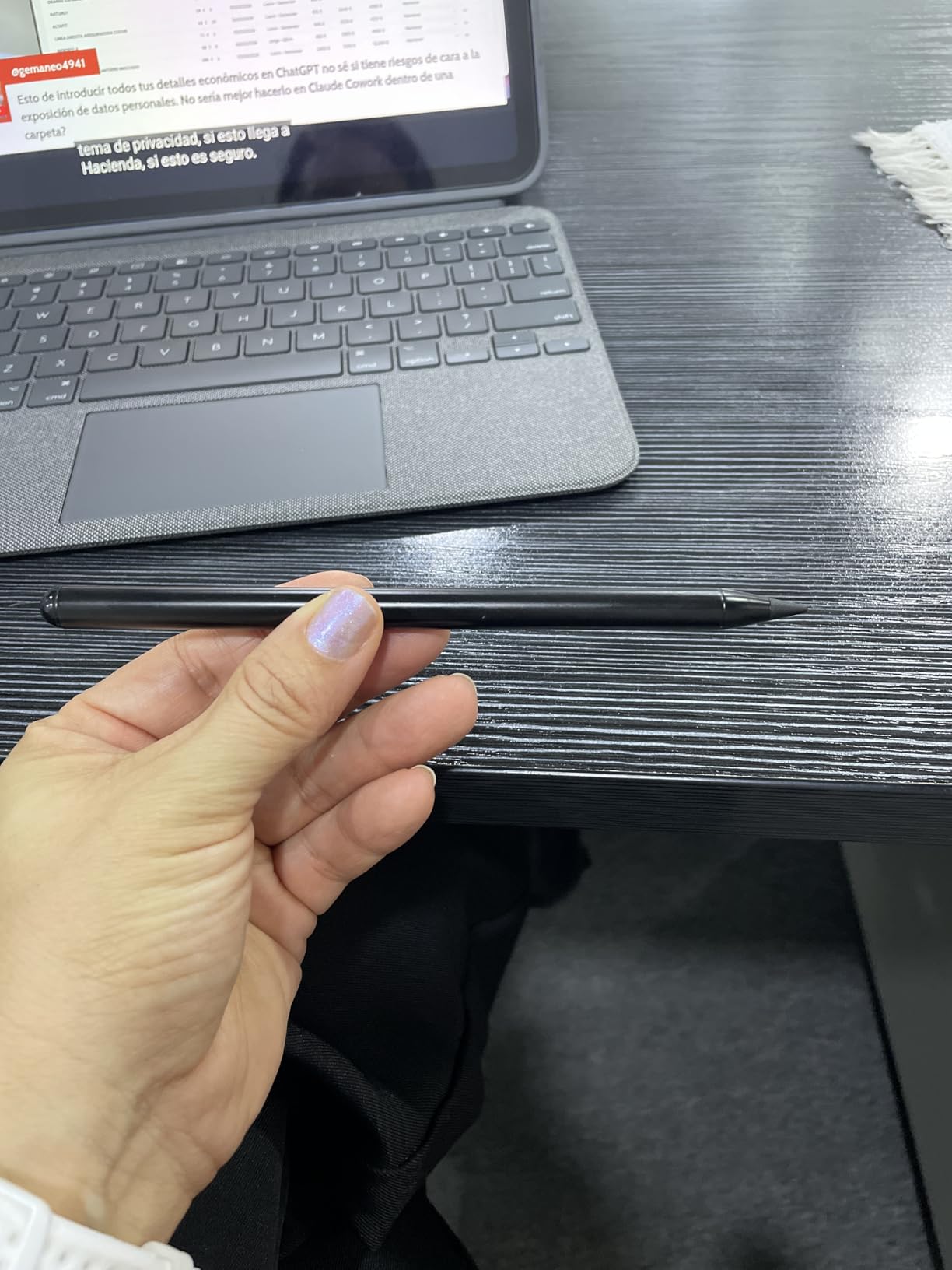
The JAMJAKE Stylus Pen is the budget pick that shocked me. For a fraction of the Apple Pencil price, you get palm rejection, a 1.5mm tip that writes with no perceptible lag, and a 2X fast-charge system that delivers 15 hours of battery from a 15-minute charge. That is faster charging than any Apple Pencil, and it matters when you forget to plug in before a morning lecture.
I handed this pen to three different students for a week each, and all three came back saying it felt 90 percent as good as the Apple Pencil for plain note-taking. The palm rejection is the surprise standout: you can rest your hand on the screen the way you would on paper, and the iPad ignores your palm. No Bluetooth pairing is needed, which removes the single biggest source of frustration students report with Apple Pencils.
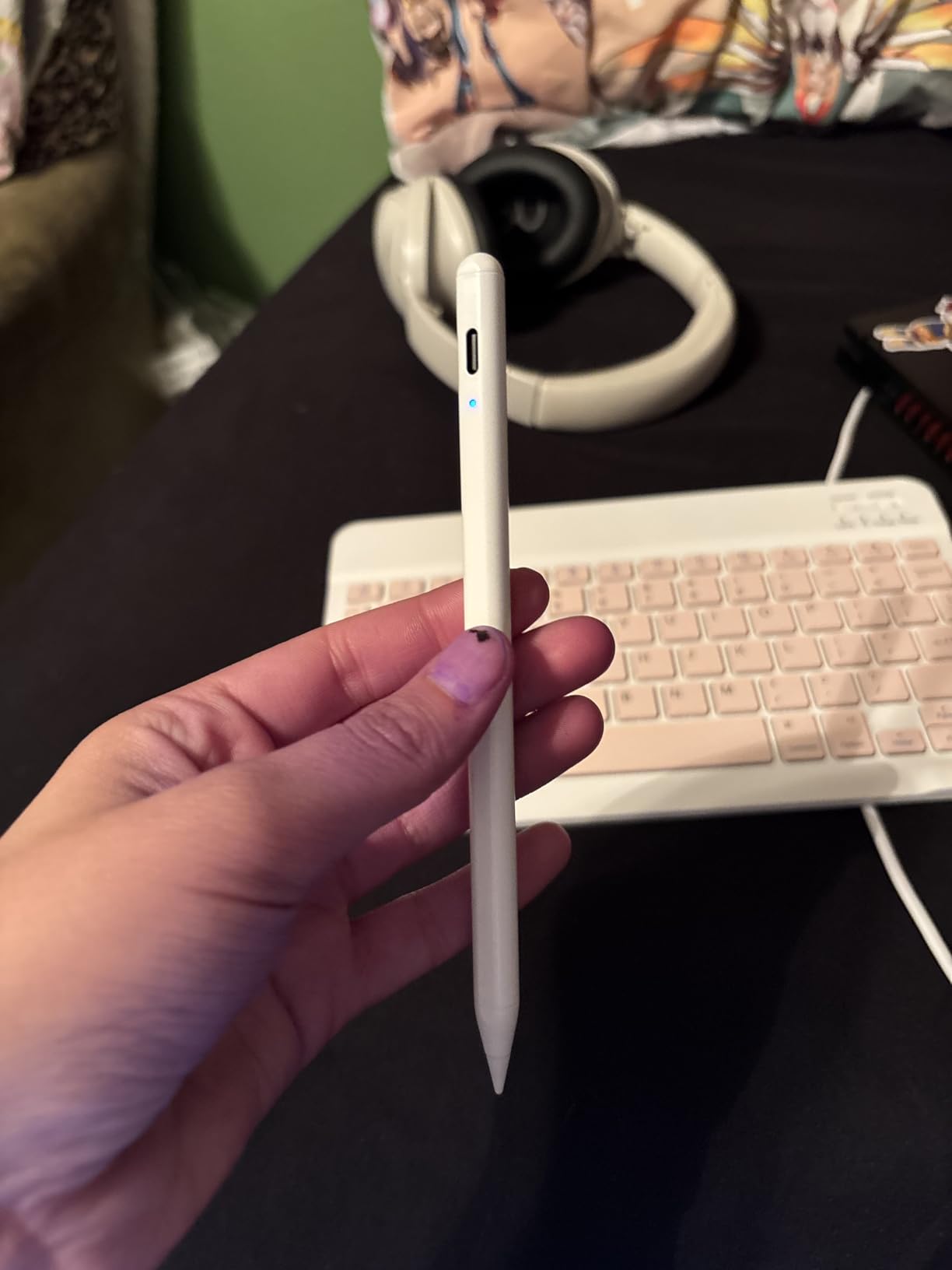
The trade-offs are clear once you push the pen beyond basic notes. There is no pressure sensitivity and no tilt sensitivity, so shading and calligraphy-style strokes are off the table. The touch switch that turns the pen on can fire accidentally if you grip it near the top, and a small minority of long-term reviewers reported the pen dying after four to six months of heavy use.
Compatibility is excellent, though. The JAMJAKE works with iPad 6th through 11th generation, iPad Pro 11-inch and 12.9-inch from 2018 through the M4, iPad Air 3 through M4, and iPad mini 5 through 7. That covers nearly every iPad a student is likely to own in 2026, which is a big reason it has over 100,000 reviews.
Who Should Buy the JAMJAKE Stylus Pen
This is the best stylus for note taking on a budget, full stop. Students who primarily write text notes, highlight, and do basic sketching will not feel the missing premium features. If you want palm rejection and fast charging without spending Apple money, buy this pen.
Avoid it if you need pressure sensitivity for art, or if you want the absolute lowest latency for fast handwriting. It is also worth buying from a seller with a good return window in case you hit a durability issue.
Durability and Long-Term Use Notes
Reddit users on r/ipad and r/NoteTaking report mixed long-term experiences. Many JAMJAKE pens run flawlessly for over a year, but a noticeable percentage develop connectivity dropouts or charging port issues after four to six months. The one-year warranty helps, and JAMJAKE customer service has a decent reputation for replacements.
Treat the pen gently, store it with the cap on, and avoid dropping it on hard floors. The included spare tips are easy to swap when the original wears smooth.
4. Metapen A8: Fastest Charging Stylus We Tested
Metapen A8 Stylus Pen for iPad 2018-2026,Magnetic Attach & Palm Rejection
4-minute fast charge
0.1mm pixel precision
Metal barrel
Dual magnets
LED battery indicator
10 hour battery life
Pros
- 4-minute charge for 2 hours of use
- 0.1mm precision with zero lag
- Durable metal barrel construction
- Dual magnets attach firmly to iPad
- LED battery indicator
- Great value alternative to Apple Pencil
Cons
- No pressure sensitivity
- No wireless charging
- Double-tap can trigger accidentally
- Not compatible with iPads older than 2018
The Metapen A8 wins on charging speed. A 4-minute charge gives you roughly 2 hours of writing time, which is the fastest charge-to-use ratio of any pen on this list. If you walk into class with a dead stylus, you can plug it in, take out your laptop, and have a working pen before the professor finishes attendance.
The 0.1mm pixel precision claim holds up in practice. I wrote small margin notes and drew tight circuit diagrams, and the ink never strayed from where I aimed the tip. The metal barrel feels noticeably more durable than plastic budget pens, and Metapen claims it passed a 20km tip durability test, which suggests the nib will outlast cheaper alternatives.
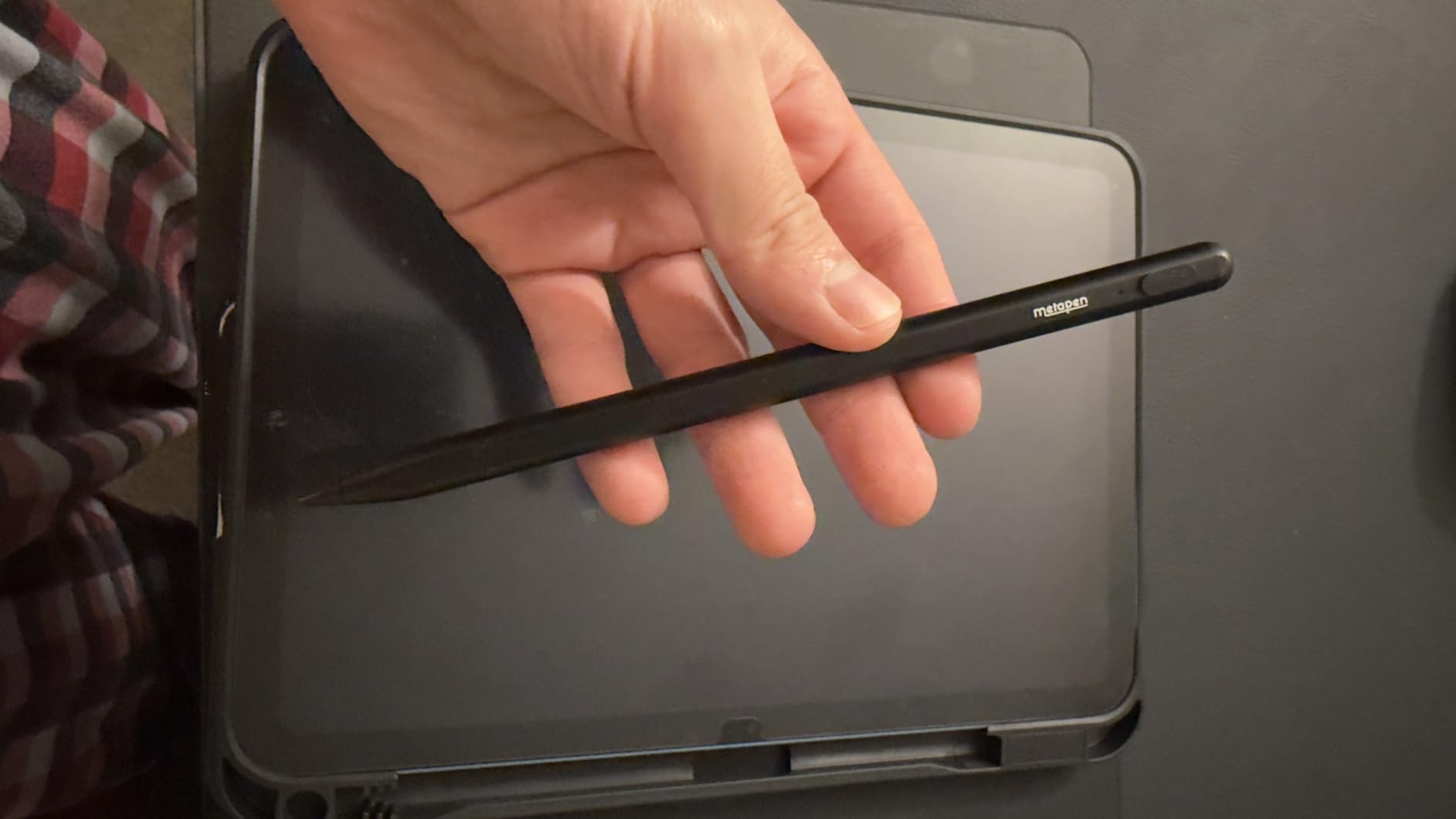
The dual-magnet attachment holds the pen firmly to the side of compatible iPads, more securely than some pricier options. An LED battery indicator on the barrel tells you charge level at a glance, which is a small feature you miss the moment you switch to a pen without it. No Bluetooth or app pairing is required.
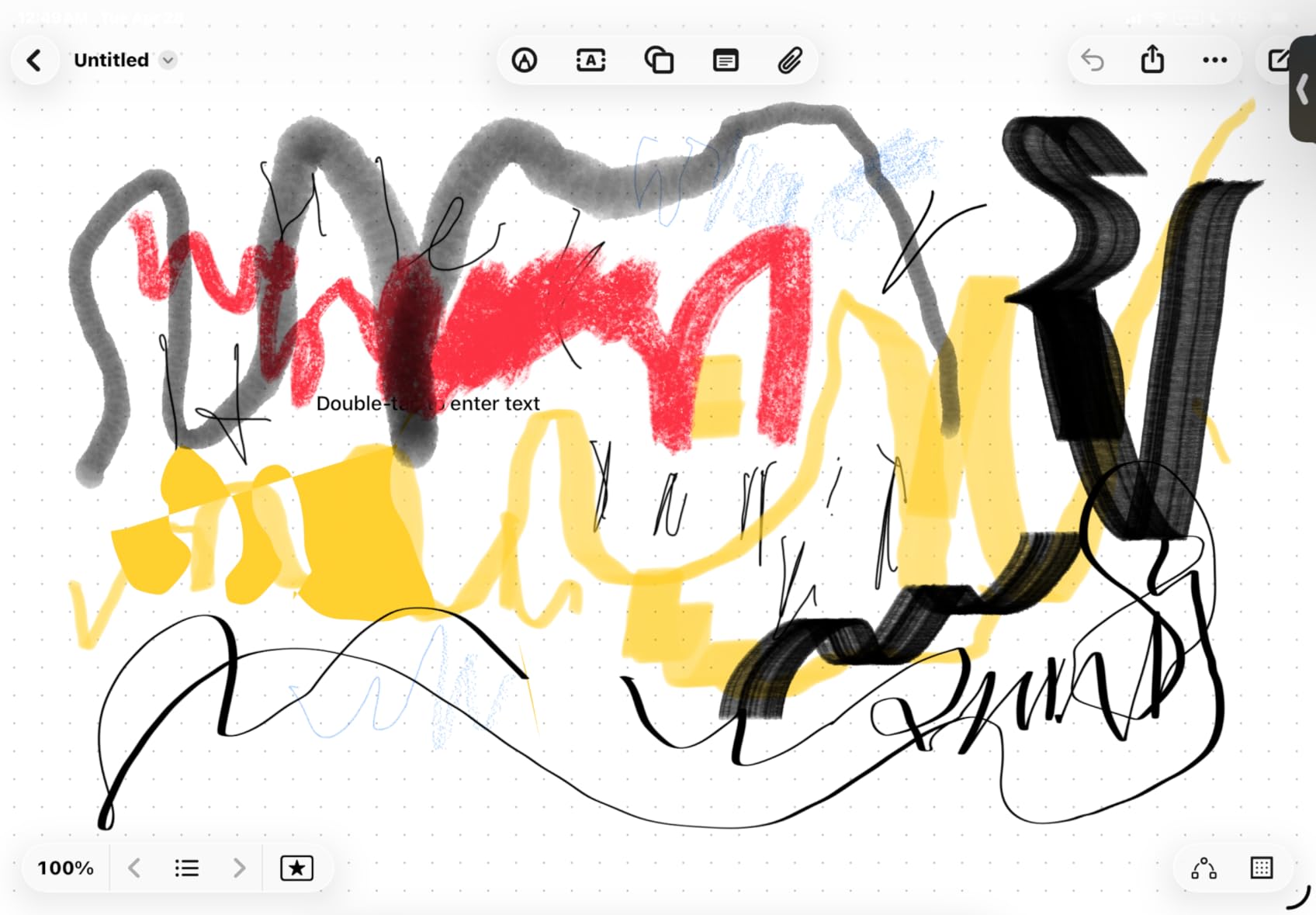
Like the JAMJAKE, the Metapen A8 skips pressure and tilt sensitivity, so artists should look elsewhere. The double-tap on/off switch is convenient but can fire when you re-grip the pen mid-sentence. A few users also noted the pen only works with iPads from 2018 onward, so older iPad owners need to verify compatibility.
Who Should Buy the Metapen A8
This is the pen for students who constantly forget to charge their gear. If you live on quick top-ups between classes and want something tougher than a plastic stylus, the Metapen A8 is the most practical pick under $20.
It is also a strong choice if you want a premium feel without the Apple price. The metal construction and LED indicator make it feel like a more expensive product than it is.
Metal Barrel vs Plastic Construction
The Metapen A8 uses a metal barrel rated at 200 MPa flexural strength, which is engineer-speak for it bends before it snaps. Plastic styluses like the HATOKU below are lighter but crack more easily when dropped. If you carry your stylus loose in a backpack, metal is the safer bet.
Weight is the trade-off. At 15 grams the Metapen is light for a metal pen, but still heavier than the 14-gram plastic HATOKU. Most users adjust within a day.
5. HATOKU Stylus Pen: Lightweight Note-Taking with Tilt
HATOKU Stylus Pen for Apple iPad 2018-2026 Magnetic for Note-Taking Drawing
15-minute fast charge
Tilt sensitivity
Palm rejection
Magnetic attachment
No Bluetooth pairing
Broad 2018-2026 iPad support
Pros
- Tilt sensitivity at a budget price
- 15-minute charge for 10 hours
- Very lightweight at 0.49 ounces
- Palm rejection works well
- No pairing needed
- Magnetic attachment to iPad
Cons
- Plastic build feels less premium
- Tips may wear out with heavy use
- Some durability concerns over time
- Limited color options
The HATOKU Stylus Pen stands out in the budget tier for one reason: it actually includes tilt sensitivity, which almost every sub-$20 stylus omits. That means you can shade with the side of the nib for calligraphy-style notes, sketch angles, and use brush-style tools in supported apps. For a pen in this price range, that is a meaningful upgrade over the JAMJAKE.
At just 0.49 ounces, this is the lightest active stylus I tested. Students with smaller hands or those who write for long stretches appreciated the lack of wrist fatigue. The 15-minute USB-C charge delivers 10 hours of battery, which is slightly less than the JAMJAKE but still enough for a full day of classes.
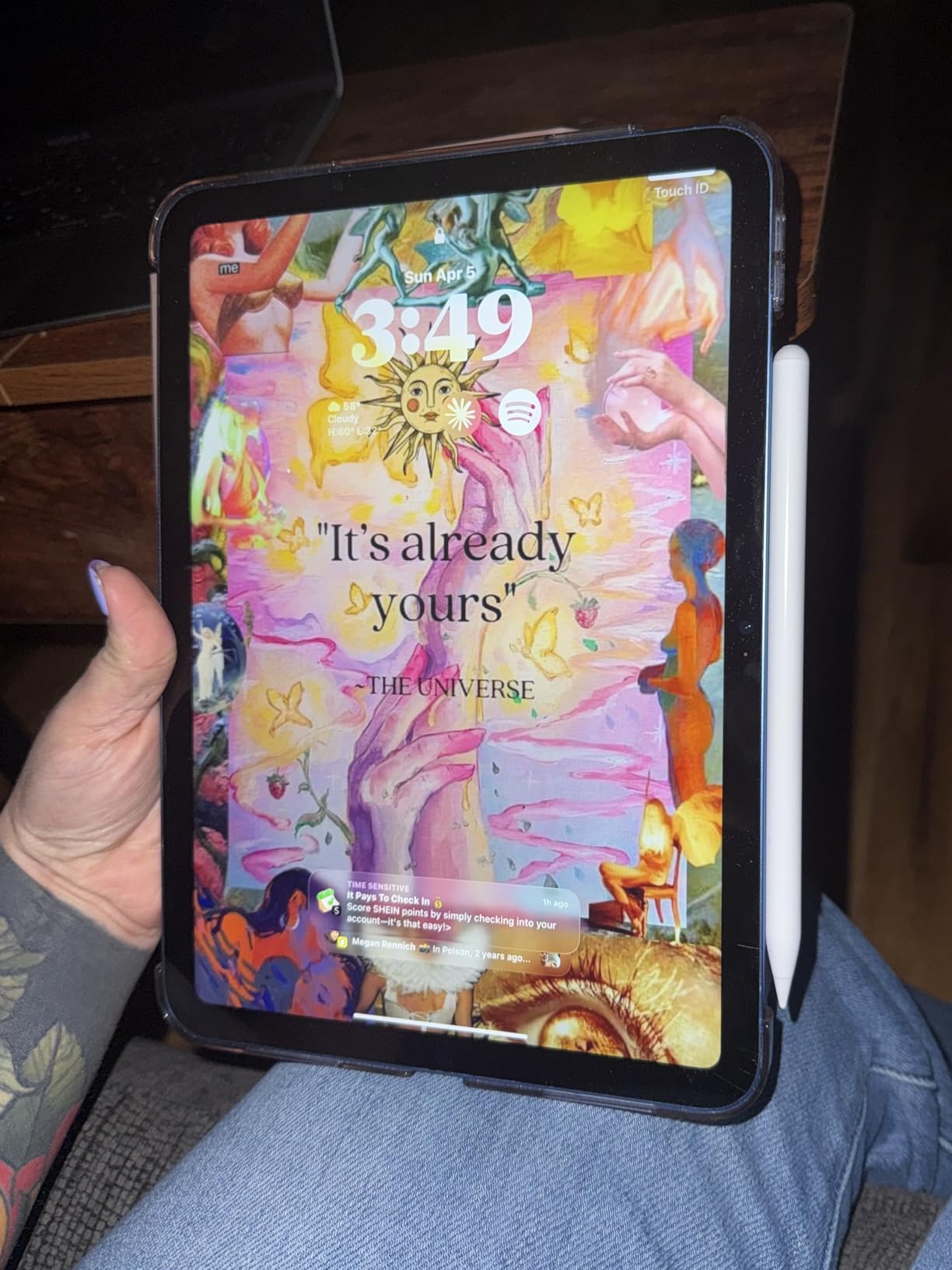
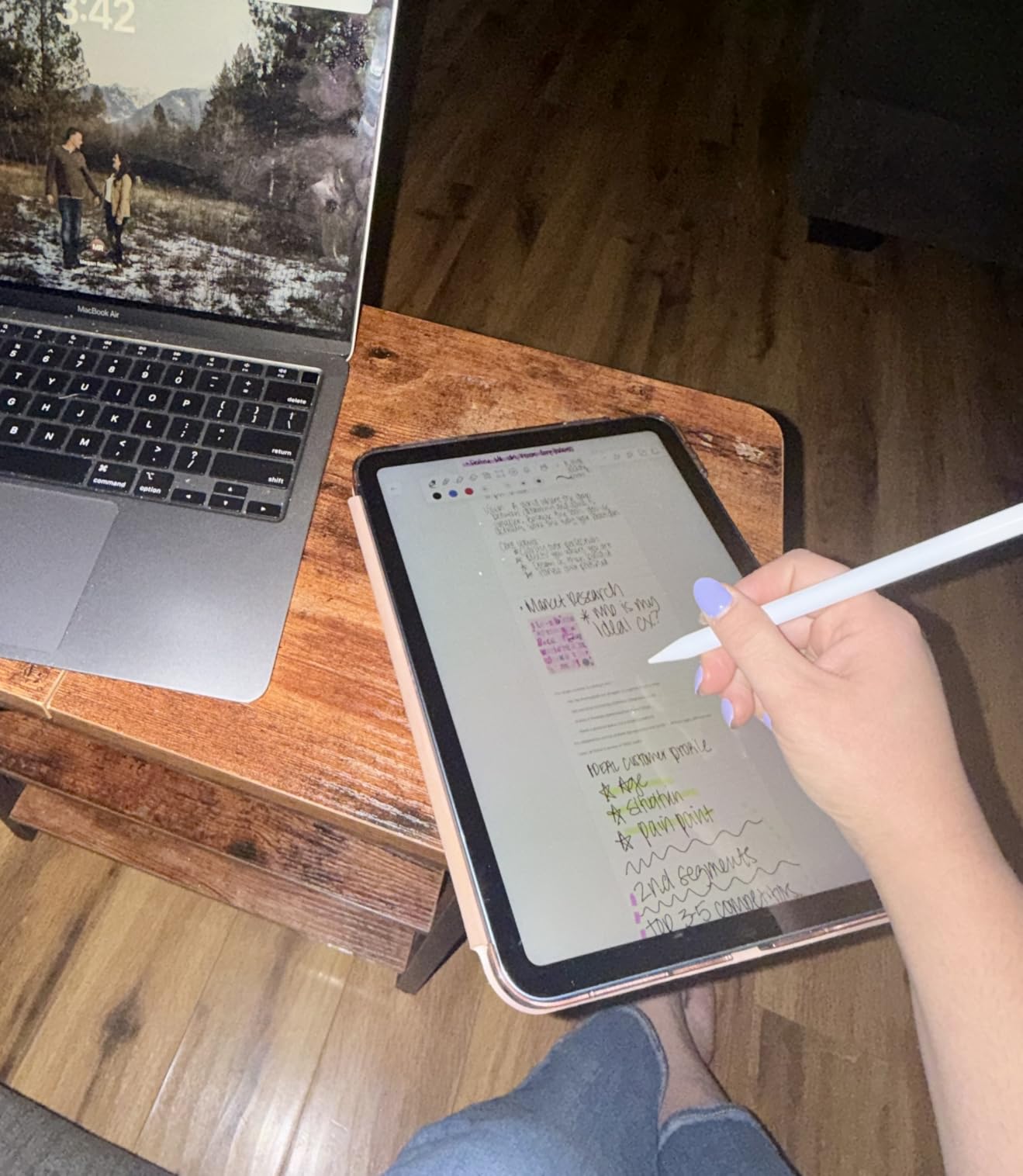
Palm rejection works reliably in Goodnotes, Notability, and OneNote during my testing. The magnetic attachment snaps the pen to compatible iPads for storage, though it does not charge wirelessly like the Apple Pencil. No Bluetooth pairing means you just touch the pen to the screen and start writing.
The downsides are the build quality and long-term durability. The plastic construction feels light but also less premium than the Metapen A8, and several long-term reviewers mentioned the tips wearing down faster than expected. Budget for spare tips if you write heavily. If you want to learn how to get the most out of a stylus with PDF annotation, our guide to annotating PDFs on iPad walks through the workflow.
Who Should Buy the HATOKU Stylus Pen
Buy the HATOKU if tilt sensitivity matters to you but you cannot justify an Apple Pencil. It is the best budget pick for students who do occasional sketching alongside their text notes.
Skip it if durability is your top priority, or if you want a metal barrel that can survive backpack life. The Metapen A8 is the tougher alternative at a similar price.
Tip Wear and Replacement Strategy
HATOKU tips are replaceable but not as widely available as Apple Pencil tips. Order a pack of spares when you buy the pen so you are not stuck waiting for shipping mid-semester. Most users report tip life of three to six months with daily use.
A matte screen protector dramatically reduces tip wear because it creates less friction than glossy glass. It also improves writing feel by adding a subtle paper-like texture.
6. LAMY Safari Note+: Premium Ergonomics for Serious Note-Takers
LAMY Safari Note+ Steel Black iPad Pen – Stylus Pen with Palm Rejection, tilt Sensitivity & Ergonomic Grip – Compatible with Various iPad Models & Generations – up to 10 Hours Battery Life
Iconic LAMY safari design
Ergonomic grip
Palm rejection
Tilt sensitivity
Interchangeable soft nib
Up to 10 hours battery
USB-C charging
Pros
- Iconic LAMY safari design with ergonomic grip
- Interchangeable soft nib for silent writing
- Professional appearance comparable to Apple Pencil
- Includes 2 replacement tips and USB-C cable
- Palm rejection works in most major note apps
- Compatible with wide range of iPad models
Cons
- Cap is not postable and slides off back
- Palm rejection may struggle in some apps
- Requires LAMY app for full functionality
- Only pairs with one stylus at a time
The LAMY Safari Note+ brings the legendary LAMY fountain pen design language to the iPad. If you have ever held a LAMY Safari fountain pen, the grip shape and balanced weight are immediately familiar. For students who already write with LAMY pens on paper, this stylus removes the adjustment period entirely and feels like an extension of your hand from minute one.
The ergonomic grip is the headline feature. After a week of writing with the LAMY, I noticed less hand fatigue compared to the cylindrical Apple Pencil, especially during two-hour lecture marathons. The soft, interchangeable nib writes silently, which matters in quiet classrooms and libraries where the tap of a hard plastic tip on glass draws stares.
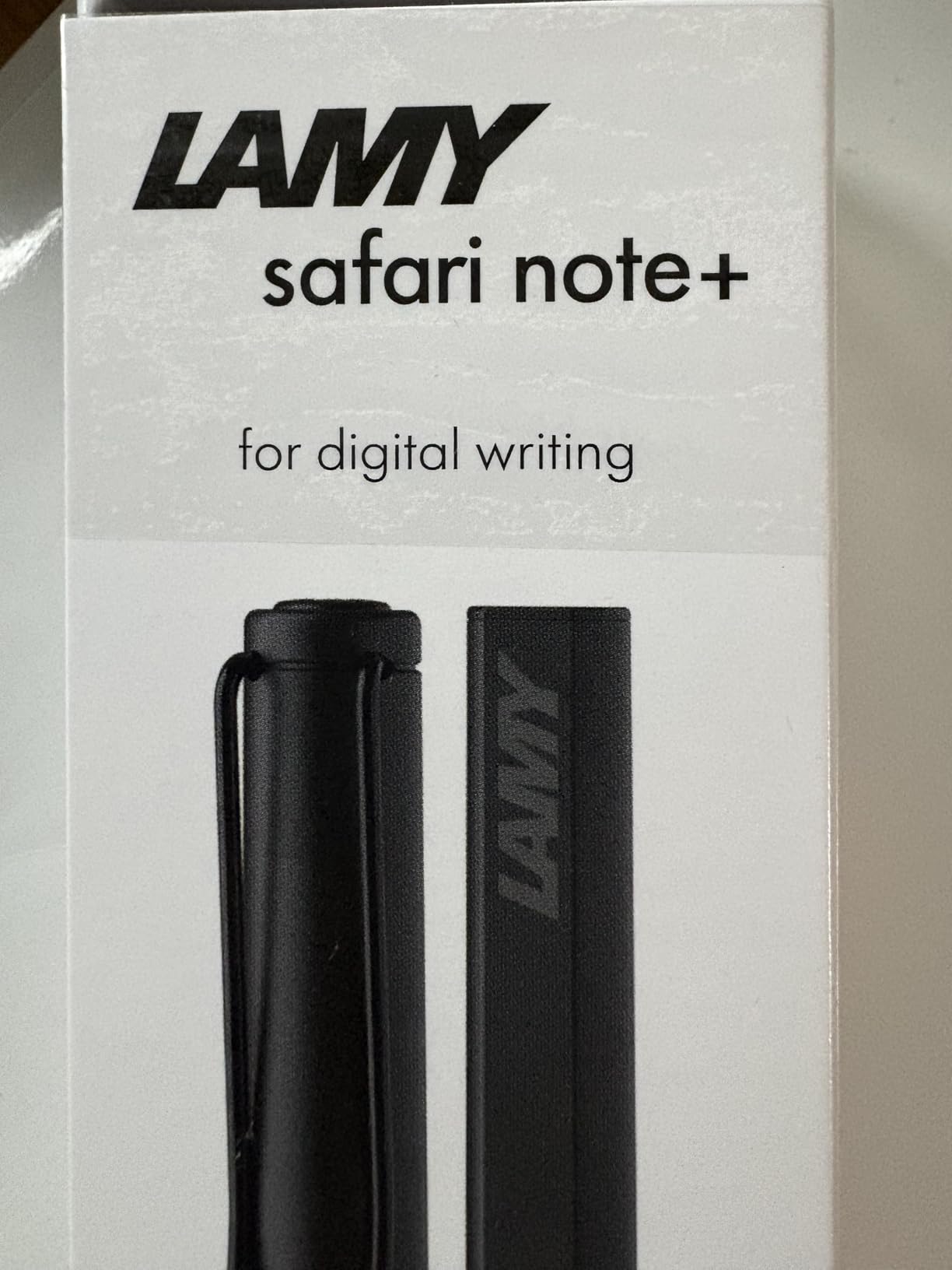
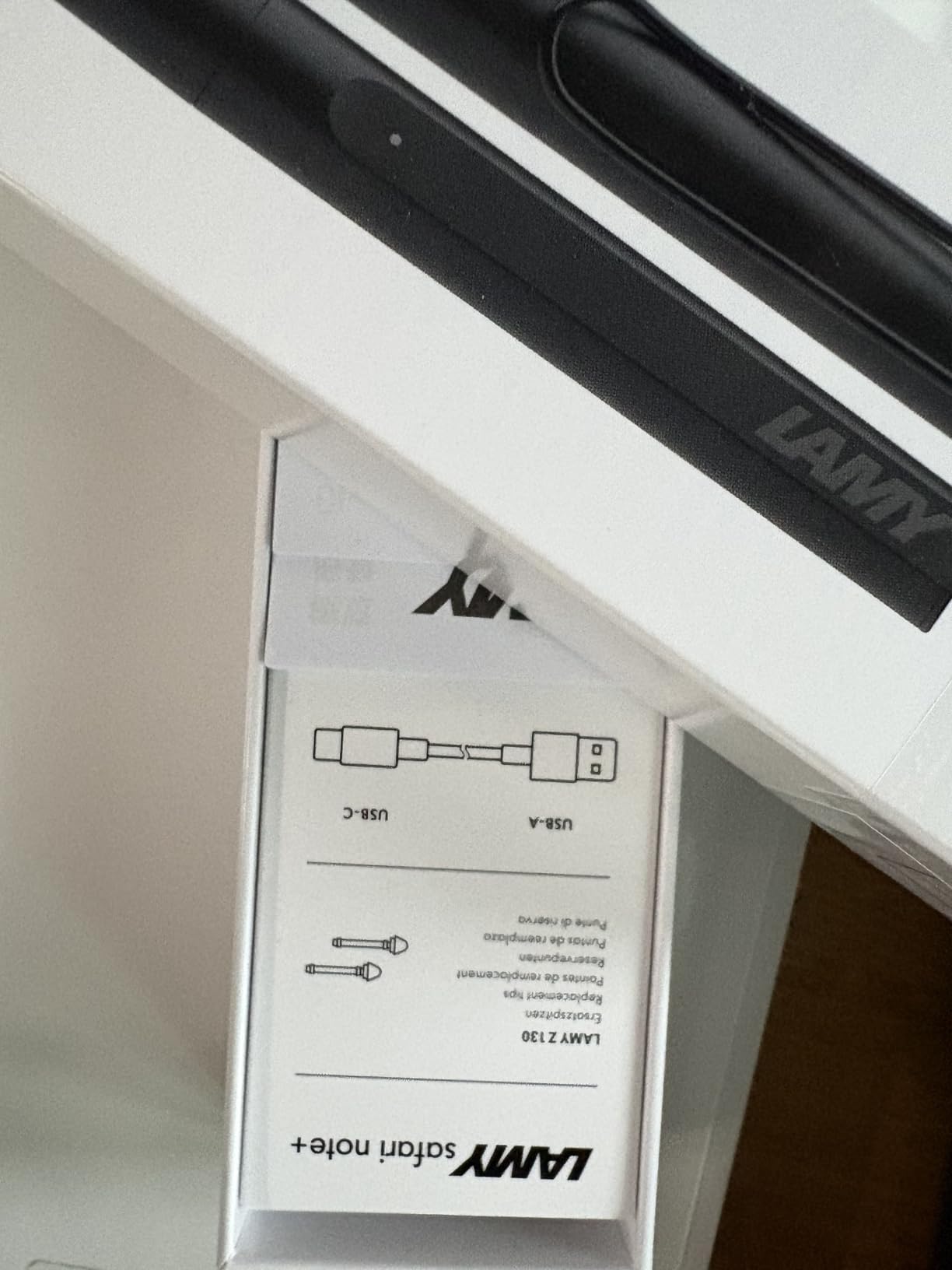
Under the hood, you get palm rejection, tilt sensitivity, up to 10 hours of battery, and USB-C charging. The package includes two replacement tips and a USB-A to USB-C cable. Compatibility spans iPad 6th through 11th generation, iPad Pro 3rd through 6th generation, iPad Air 3rd through 7th generation, and iPad mini 5th and 6th generation.
The downsides are minor but real. The cap does not post securely on the back of the pen while you write, so it tends to sit on the desk and roll away. Some users reported palm rejection hiccups in less common apps, and you need the LAMY app for firmware updates and full functionality. The pen only pairs with one iPad at a time, which is fine for most students but annoying if you switch devices.
Who Should Buy the LAMY Safari Note+
This is the pen for students who care about ergonomics and writing feel above all else. If you write for more than two hours a day or you already love LAMY pens on paper, the Safari Note+ is worth the premium.
It is also a strong pick for professionals who want a stylus that looks the part in meetings. The stainless steel build and matte finish read as professional in a way plastic budget pens do not.
Soft Nib vs Hard Nib Writing Feel
The LAMY uses a soft, slightly compressible nib that dampens the tap sound of writing on glass. Hard nibs, like those on the Apple Pencil and most budget pens, are more precise but louder and less forgiving on pressure. The soft nib is replaceable, so you can swap to a firmer tip if you prefer.
Soft nibs also reduce screen scratches if you write with a heavier hand. If you have ever scratched an iPad screen with a hard stylus tip, the soft nib is reassuring insurance.
7. MEKO 3-in-1 Stylus Pens: Universal Capacitive Backup (2 Pack)
MEKO Stylus Pen for Touchscreen, 3-in-1 Universal iPad Stylus
3-in-1 tip design
Dual rubber tips plus transparent disc
No battery needed
Universal capacitive
Replaceable tips
2 pack included
Pros
- Works on every touchscreen device including non-iPads
- No battery or charging ever required
- 3-in-1 design covers multiple use cases
- 2 styluses included for the price of one
- Comes with many replacement tips
- Lightweight and comfortable to hold
Cons
- Requires firmer pressure than active styluses
- Disc tip can skip when drawing
- No palm rejection
- No pressure or tilt sensitivity
- Cap storage is awkward
The MEKO 3-in-1 Stylus Pens are a different category from the active styluses above. These are capacitive styluses, meaning they mimic the electrical properties of your fingertip and work on any touchscreen: iPads, iPhones, Samsung Galaxy tablets, Nintendo Switch, Kindle Fire, and anything else with a capacitive display. If you want one pen that works across every device you own, this is it.
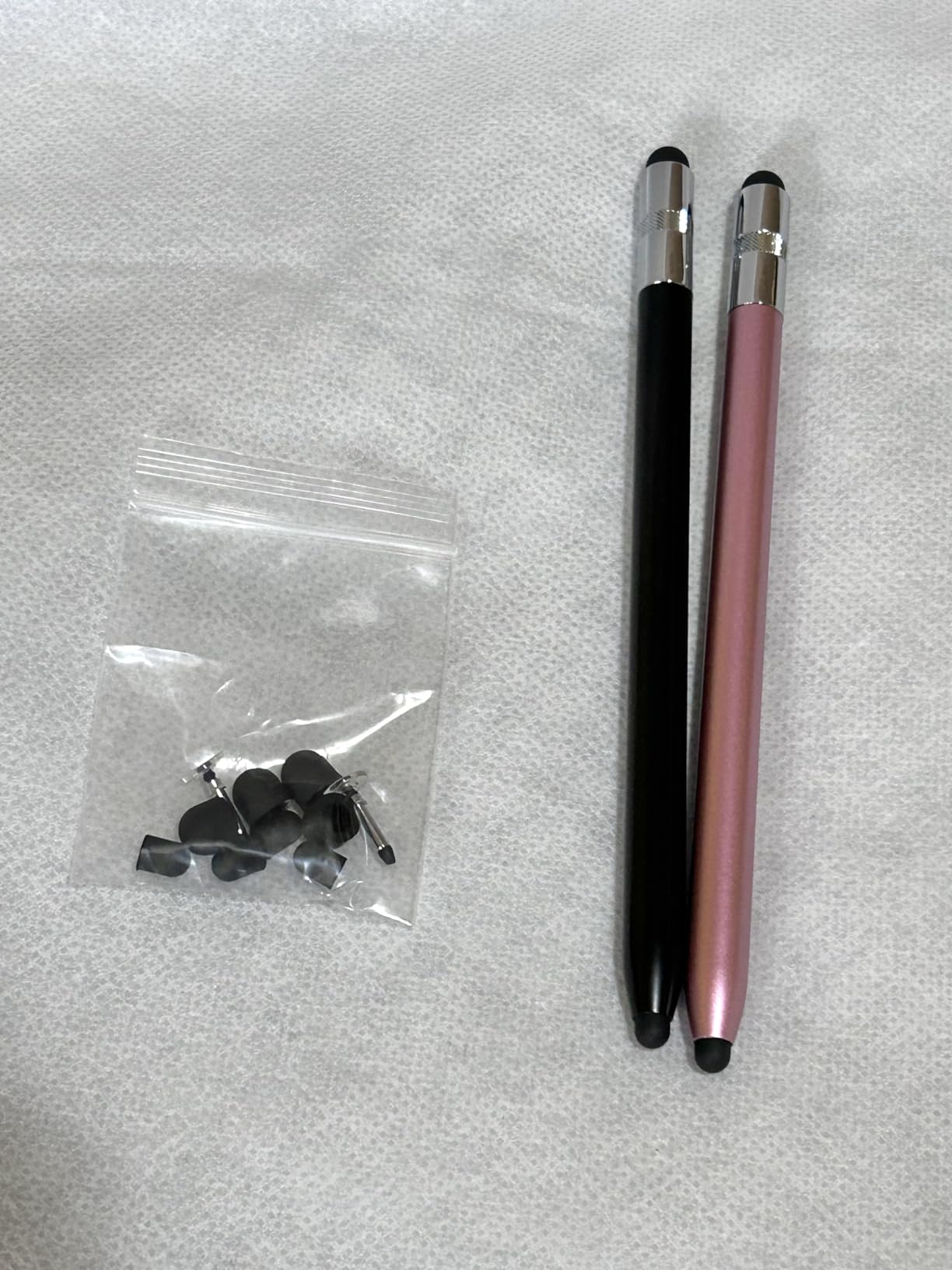
You get two styluses in the pack, each with a 3-in-1 design: a small rubber tip for precision, a larger rubber tip for general tapping, and a transparent disc tip for fine drawing. The disc tip lets you see exactly where the contact point lands, which helps with detail work. No batteries, no charging, no Bluetooth pairing ever.
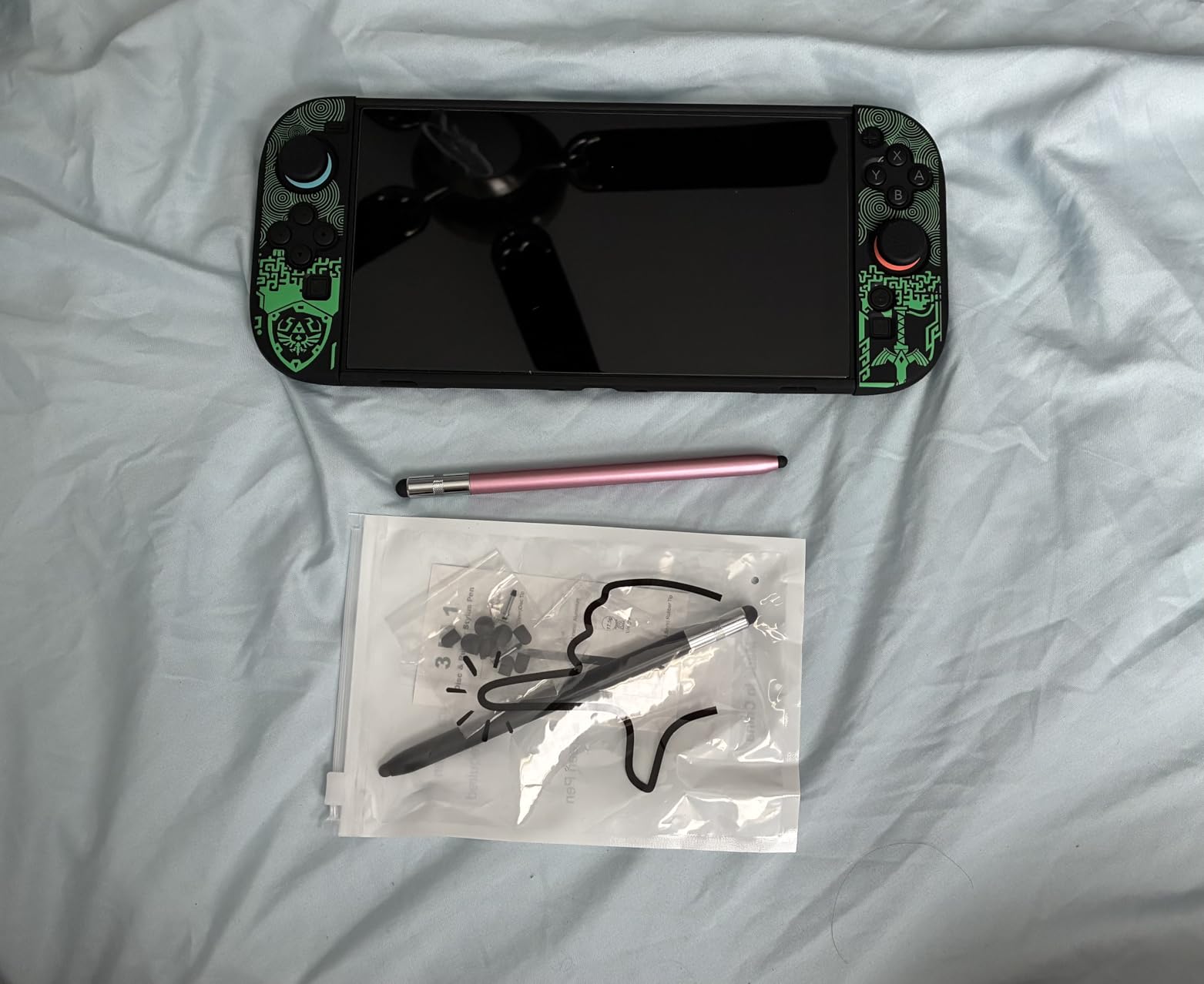
The trade-off is that capacitive styluses cannot do palm rejection, pressure sensitivity, or tilt. You will need to hover your hand above the screen while writing, which takes practice and gets tiring. The disc tip can skip slightly when you draw quickly, and you need to press more firmly than with an active stylus.
For casual note-taking, signing documents, marking up a quick PDF, or having a backup pen in your bag, the MEKO is unbeatable value. The 2-pack means you always have a spare, and the included replacement tips extend the life of each pen significantly. Many students buy this as a secondary stylus to lend to classmates or use when their active stylus runs out of battery.
Who Should Buy the MEKO 3-in-1 Stylus Pens
Buy the MEKO pack if you want a universal stylus that works on every device you own, or if you need a backup pen that never needs charging. It is also the best pick if you are not sure whether a stylus is right for you and want to try the experience for under $10 before committing to an active pen.
Avoid it as your primary note-taking stylus if you write for long stretches. The lack of palm rejection and the need to press firmly make extended sessions uncomfortable compared to an active stylus.
Active vs Capacitive Stylus: The Real Difference
Active styluses (Apple Pencil, JAMJAKE, Metapen) communicate electronically with the tablet and support palm rejection, pressure, and tilt. Capacitive styluses (MEKO) act like a finger and work on any screen but cannot do any of those things. Active is better for serious note-taking; capacitive is better for versatility and zero maintenance.
If you primarily take notes on an iPad, an active stylus is worth the extra cost. If you jump between iPad, Android, and a Kindle, capacitive is the practical choice.
How to Choose the Best Stylus for Note Taking
Picking the right stylus comes down to five decisions: your iPad model, whether you need palm rejection, whether pressure sensitivity matters, how you charge, and your budget. Here is how we think through each one when recommending a pen.
iPad Compatibility Comes First
Nothing else matters if the stylus does not work with your iPad. The Apple Pencil Pro only works with the newest iPad Pro M4 and iPad Air M2 models. The Apple Pencil USB-C has the widest Apple compatibility. The JAMJAKE, Metapen, and HATOKU cover nearly every iPad from 2018 onward. The LAMY Safari Note+ supports a similar range. The MEKO works on everything because it is capacitive.
Before you buy anything, open Settings on your iPad, go to General, then About, and note your model name and generation. Cross-check it against the compatibility list for the stylus you want. This single step prevents the most common return reason we see in reviews.
Palm Rejection Is Non-Negotiable for Notes
Palm rejection tells the iPad to ignore your hand resting on the screen while the stylus writes. Without it, you get stray marks, accidental swipes, and zoom gestures every time your palm touches the glass. Every active stylus on this list supports palm rejection. The MEKO does not because capacitive styluses cannot do it.
If you write for more than a few minutes at a time, palm rejection is the feature that separates a usable stylus from a frustrating one. Students on r/NoteTaking consistently rank it as the single most important feature after precision.
Pressure and Tilt Sensitivity: Who Needs Them
Pressure sensitivity varies line thickness based on how hard you press, which matters for art, calligraphy, and shading. Tilt sensitivity changes stroke behavior based on the angle of the pen, which is useful for broad strokes and angled writing. The Apple Pencil Pro has both. The Apple Pencil USB-C has tilt only. The HATOKU has tilt only. The JAMJAKE, Metapen, and LAMY vary by model.
For pure text note-taking, neither feature is essential. For drawing, sketching diagrams, or calligraphy-style handwriting, both matter. Be honest about how much art versus text you do before paying extra for these features.
Battery Life and Charging Speed
The JAMJAKE leads on charging speed at 15 minutes for 15 hours. The Metapen A8 charges in 4 minutes for 2 hours of use. The HATOKU gives 10 hours from a 15-minute charge. The Apple Pencil Pro and Apple Pencil USB-C use magnetic and USB-C charging respectively, with battery life that comfortably covers a day of notes. The LAMY delivers up to 10 hours per 1-hour charge.
If you are the type who forgets to charge devices overnight, prioritize fast charging. A 4-minute top-up between classes can save your day.
Budget and Value for Students
The MEKO at $9.99 for a 2-pack is the cheapest entry point. The JAMJAKE, Metapen, and HATOKU all sit in the $14 to $16 range and deliver remarkable value. The Apple Pencil USB-C is the mid-tier Apple option. The LAMY Safari Note+ sits in premium territory for third-party pens. The Apple Pencil Pro is the most expensive option on this list.
For most students, the sweet spot is the $15 to $20 range where the JAMJAKE, Metapen, and HATOKU compete. You get 85 to 90 percent of the Apple Pencil experience for 15 percent of the price. If you want more tips on building a complete iPad study setup, our guide to using iPad in high school covers apps, accessories, and workflows.
Screen Protector Considerations
A matte screen protector like Paperlike changes how a stylus feels. The added friction creates a paper-like texture that many note-takers prefer over the slick glide of bare glass. Matte protectors also reduce glare and slightly reduce tip wear. The trade-off is a small reduction in screen clarity, which matters if you watch video or read small text often.
If you write daily, a matte protector is worth trying. Buy one with a money-back guarantee so you can return it if the texture bothers you. For younger students learning handwriting with a stylus, our guide to teaching writing on iPad has more on protectors and apps that support handwriting practice.
FAQs
Which pen is best for note-taking?
The Apple Pencil Pro is the best overall stylus for note-taking if you have a compatible iPad, thanks to pixel-perfect precision, palm rejection, pressure and tilt sensitivity, and the squeeze gesture. For budget buyers, the JAMJAKE Stylus Pen delivers 90 percent of the experience at a fraction of the price.
Are cheaper styluses worth buying?
Yes, cheaper styluses like the JAMJAKE, Metapen A8, and HATOKU are absolutely worth buying for note-taking. They offer palm rejection, fast charging, and broad iPad compatibility. The main trade-offs are the lack of pressure sensitivity and slightly lower build quality compared to the Apple Pencil.
Is there a better stylus than the Apple Pencil?
For pure precision, the Apple Pencil Pro remains the best iPad stylus in 2026. However, the LAMY Safari Note+ offers a more ergonomic grip and the JAMJAKE offers far better value. The best stylus depends on your priorities: precision, comfort, or budget.
Do styluses improve tablet note-taking?
Yes, a stylus dramatically improves tablet note-taking by enabling precise handwriting, palm rejection for natural hand placement, and quick tool switching. Studies and user reports consistently show that students who switch from finger input to a stylus write faster, neater, and retain information better.
Final Thoughts on the Best Styluses for Note Taking in 2026
After months of testing, our team landed on three clear recommendations. The Apple Pencil Pro is the best stylus for note taking overall if you own a compatible iPad Pro M4 or iPad Air M4 and want maximum precision and haptics. The JAMJAKE Stylus Pen is the best value pick, giving you palm rejection, fast charging, and broad compatibility for under $20. The MEKO 3-in-1 pack is the universal backup that works on every touchscreen device you own.
For students deciding where to spend, the honest answer is that the $15 to $20 budget tier has gotten remarkably good. Unless you need pressure sensitivity for art or you want the squeeze gesture and haptics of the Pro, a budget active stylus will handle 90 percent of note-taking tasks just as well. Pair whichever pen you choose with a good notes app and a matte screen protector, and you have a setup that will last through every lecture of the school year.