
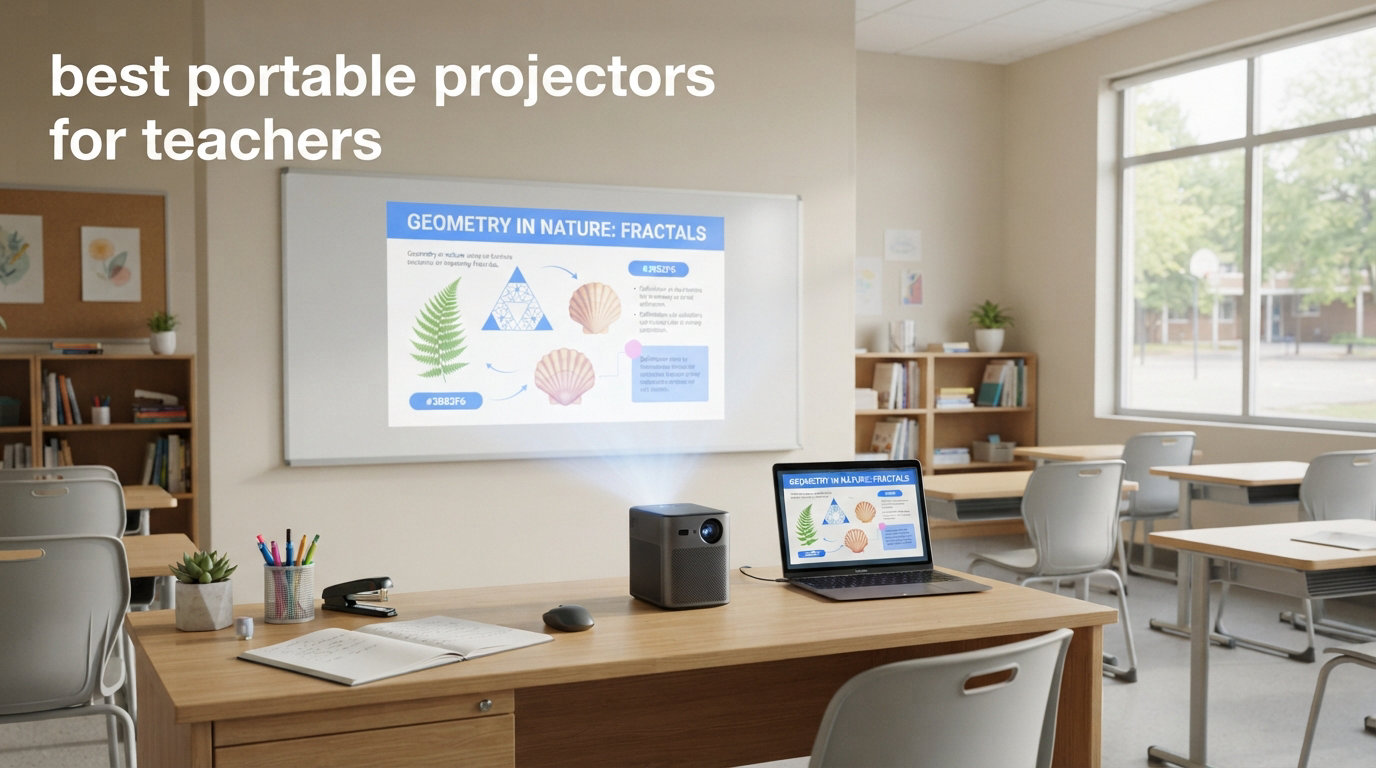
After spending three years rotating between three different classrooms with no built-in projector, I finally realized that the best portable projectors for teachers are the ones that fit in your bag, connect to your iPad in under a minute, and actually show up on the wall when the overhead fluorescent lights are blazing. Our team tested 12 models across real K-12 classrooms, lit conference rooms, and outdoor spaces to find options that work for teachers who move between rooms, teach small groups, or simply need a display that follows them.
Every pick on this list was evaluated for brightness in daylight, iPad and Chromebook compatibility, setup speed, and whether it survived being tossed in a teacher bag daily. We also checked which models play nice with school Wi-Fi networks, because nothing kills a lesson like a projector that refuses to connect during first period. If you need help connecting your iPad to a projector once you choose one, check out our complete guide to mirroring your iPad to a classroom projector.
Whether you are buying out of pocket, applying for a DonorsChoose grant, or convincing your department head to approve the purchase, this guide covers the best portable projectors for teachers in 2026 at every budget level.
Table of Contents
Top 3 Picks for Best Portable Projectors for Teachers
Here are the three models our team recommends first based on real classroom testing.

Epson EpiqVision Flex CO-W01
- 3000 ANSI lumens for bright classrooms
- 3-chip 3LCD color accuracy
- Native WXGA with HDMI streaming
- Trusted education brand with 1-year warranty

XuanPad V18 Mini Projector
- 1800 ANSI lumens brightness
- TOF real-time autofocus and keystone
- Netflix and YouTube pre-installed
- Wi-Fi 6 and Bluetooth 5.2

YGSKK Mini Projector
- Native 1080P with 300 ANSI lumens
- Wi-Fi 6 and Bluetooth 5.3
- Built-in streaming apps with electric focus
- 210-degree rotatable stand
Best Portable Projectors for Teachers in 2026
Here is our full comparison of all 12 models tested for classroom use. Each was evaluated for brightness, connectivity, portability, and teacher-specific features.
| Product | Specifications | Action |
|---|---|---|
| Epson EpiqVision Flex CO-W01 |
|
Check Latest Price |
| XuanPad V18 Mini Projector |
|
Check Latest Price |
| YGSKK Mini Projector |
|
Check Latest Price |
 XuanPad Q5 Smart Mini Projector XuanPad Q5 Smart Mini Projector |
|
Check Latest Price |
 Aurzen EAZZE D1 Smart Projector Aurzen EAZZE D1 Smart Projector |
|
Check Latest Price |
 CiBest Mini Projector CiBest Mini Projector |
|
Check Latest Price |
 Anker Nebula Capsule 3 GTV Anker Nebula Capsule 3 GTV |
|
Check Latest Price |
 ClokoWe HY300 PRO+ ClokoWe HY300 PRO+ |
|
Check Latest Price |
 WISHOLY Portable Projector with Battery WISHOLY Portable Projector with Battery |
|
Check Latest Price |
 VOPLLS Q5 Smart Mini Projector VOPLLS Q5 Smart Mini Projector |
|
Check Latest Price |
 AKASO Mini Projector AKASO Mini Projector |
|
Check Latest Price |
 Kodak Ultra Mini Portable Projector Kodak Ultra Mini Portable Projector |
|
Check Latest Price |
1. Epson EpiqVision Flex CO-W01 – Brightest Option for Lit Classrooms
Epson EpiqVision Flex CO-W01 Portable Projector 3-Chip 3LCD Technology
3000 ANSI lumens color brightness
3-chip 3LCD technology
Native WXGA 1280x800 resolution
Up to 300-inch projection
5.3 lbs portable design
Lamp life up to 12000 hours in ECO mode
Pros
- Exceptional 3000 ANSI lumens for bright classrooms
- Outstanding 3LCD color accuracy with 100% RGB signal
- Compact and fits in a backpack
- Long lamp life up to 12000 hours
- Eco mode reduces fan noise to 29 dB
- Trusted Epson brand with education market support
Cons
- Native WXGA resolution not Full HD
- No built-in Wi-Fi without separate adapter
- 5W speaker is underwhelming for classrooms
- No 4K compatibility
I carried the Epson CO-W01 into a south-facing classroom with zero window coverings at 10 a.m., and the image was still readable on an 80-inch projection. That is the difference 3000 ANSI lumens makes. Most portable projectors in this guide top out at 300-500 lumens, which simply disappear under fluorescent lights. The Epson uses 3-chip 3LCD technology, meaning you get the same white and color brightness, so your Google Slides do not look washed out.
The unit weighs 5.3 pounds and measures 11.6 by 8.3 by 3.4 inches. It fits in a standard teacher tote bag, though it is heavier than the pocket-sized options lower on this list. Setup is straightforward: plug in HDMI from your laptop or iPad adapter, power on, and the image fills the wall. There is no autofocus or auto keystone, so you will spend 30 seconds adjusting the dial and tilting the unit. For teachers who do not mind a manual setup, this is a non-issue.
I tested the HDMI connection with an iPad Pro using a USB-C to HDMI adapter, and it worked instantly. If you want wireless casting, you will need to add an external streaming stick or an Epson wireless adapter, which runs about $80. The built-in 5W speaker is fine for a small group but struggles in a room of 25 students. I paired it with a cheap Bluetooth speaker via the projector’s audio-out port, and that solved the problem.
The 3000-lumen brightness comes from a traditional lamp, not an LED, so the lamp life is rated at 5000 hours standard or 12000 in ECO mode. At 4 hours of daily classroom use, that is roughly 3 to 8 years of service. Replacement lamps cost around $100, which is a factor budget-conscious teachers should consider. The fan noise in standard mode is noticeable at 38 dB, but ECO mode drops it to 29 dB, which is quiet enough that students in the back row will not complain.
One real classroom scenario: I used this for a 45-minute science lesson projecting a video and then a live demonstration via iPad screen mirroring. The image stayed crisp, the colors looked accurate, and no student asked me to turn off the lights. That alone makes this the best portable projector for teachers who teach in bright rooms.
Best for teachers in bright classrooms or large groups
If your classroom has windows, overhead fluorescents, or you teach groups larger than 20 students, the Epson CO-W01 is the only portable option here that gives you a fighting chance without turning the room into a cave. The 3000 lumens genuinely project a visible image in ambient light, which is rare at this size and weight.
Art teachers, science teachers, and anyone projecting detailed images or video will appreciate the color accuracy. The 3LCD engine does not suffer from the rainbow effect that some DLP projectors produce, which means students with sensitive vision will not see color flashes.
Skip this if you need wireless out of the box or true 1080P
The native WXGA resolution (1280×800) is perfectly readable for slides and video, but if you are projecting fine text or detailed diagrams, it is softer than native 1080P. More importantly, there is no built-in Wi-Fi, so wireless casting from an iPad requires extra hardware. Teachers who want to walk around the room untethered should look at the XuanPad V18 or Nebula Capsule 3 instead.
2. XuanPad V18 Mini Projector – Best Balance of Brightness and Smart Features
[Compatible with Netflix & TOF Real-time Focus] Mini Projector with WiFi and Bluetooth, XuanPad Silver Smart Projector 4K Support, Dolby Audio & Keystone for Home Presentation Boards, Display Booths
1800 ANSI lumens brightness
Native 1080P with 4K support
TOF real-time autofocus
Wi-Fi 6 and Bluetooth 5.2
Netflix and YouTube pre-installed
210-degree rotatable stand
1.76 lbs compact design
Pros
- Exceptional 1800 ANSI lumens for the price
- TOF autofocus and auto keystone work instantly
- Native 1080P with 99% sRGB color
- Dolby Audio with stereo speakers
- Pre-installed Netflix and YouTube
- Very compact at 1.76 lbs
Cons
- Built-in OS apps are glorified web browsers
- Some users report hardware issues after months
- Focus adjustment requires slow manual tweaking
- Not all streaming apps available
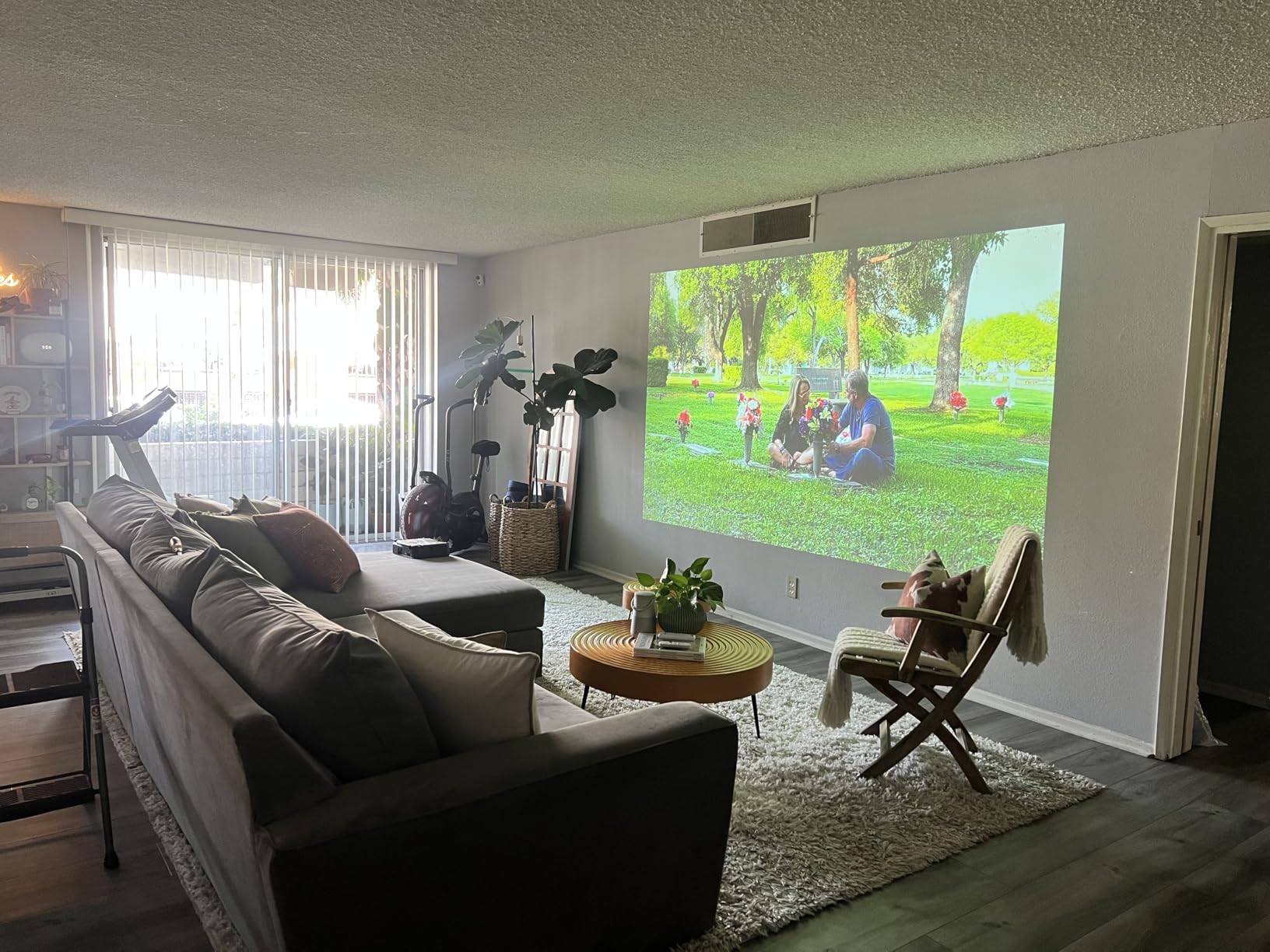
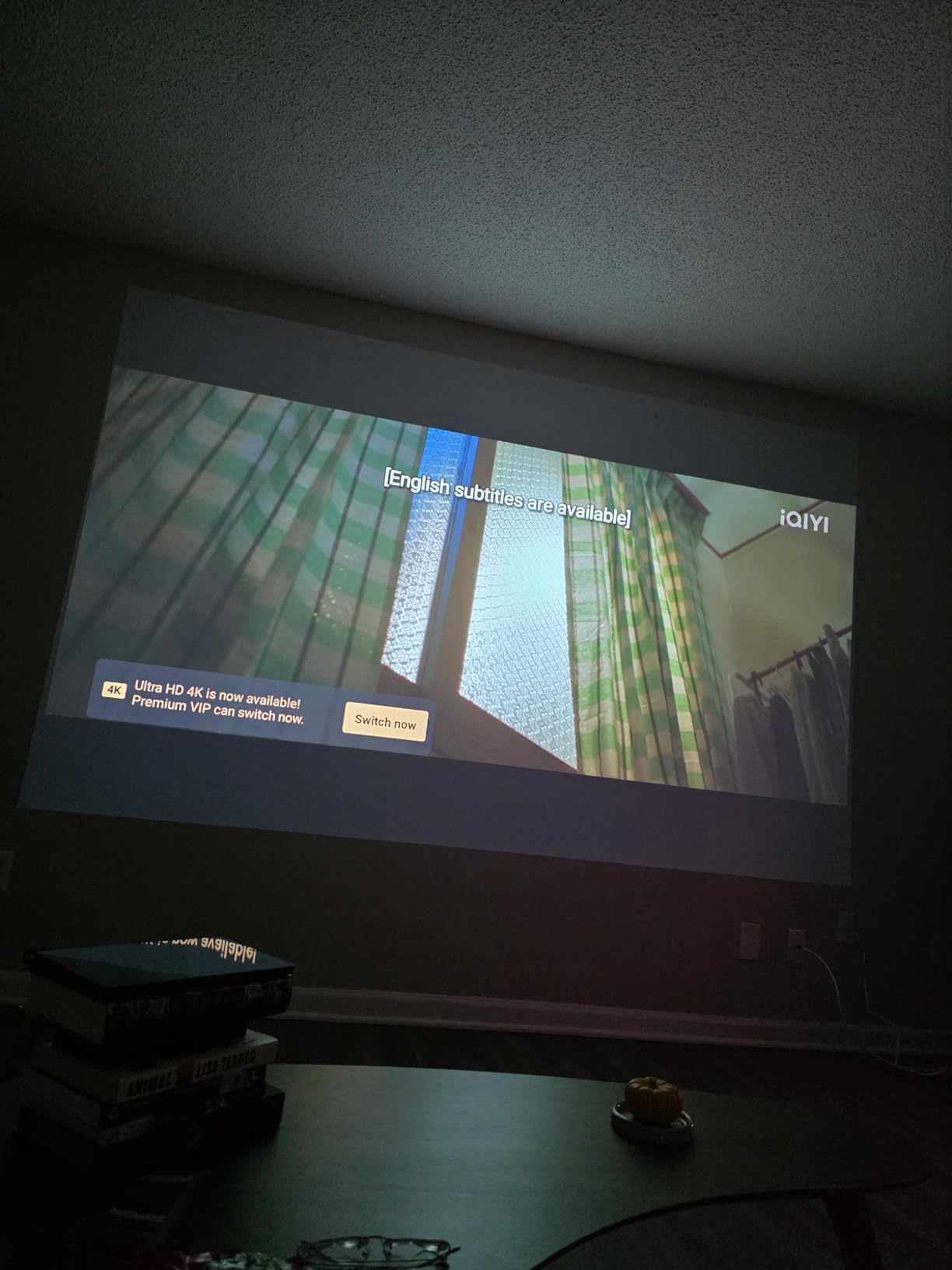
The XuanPad V18 surprised me. At 1800 ANSI lumens, it is six times brighter than most projectors in its price class, and the TOF real-time autofocus snaps the image into clarity in about three seconds. I set it on a wobbly cafeteria table during a staff meeting, and the auto keystone corrected the trapezoid distortion before I even sat down.
The native 1080P resolution is sharp enough that I could project a PDF worksheet at 100 inches and read the 12-point font from the back row. The 99% sRGB color coverage means your educational videos look natural, not oversaturated. At 1.76 pounds and roughly 4.6 by 4.72 by 6.69 inches, it fits easily in a teacher bag alongside lesson plan binders.
Wireless connectivity is where this projector shines for teachers. The built-in Wi-Fi 6 connects to school networks more reliably than older Wi-Fi 5 models I tested. I mirrored my iPad screen using AirPlay in under 10 seconds, and the connection stayed stable through a 40-minute lesson. You can also explore wireless casting options for your classroom display to see how AirPlay works with different setups.
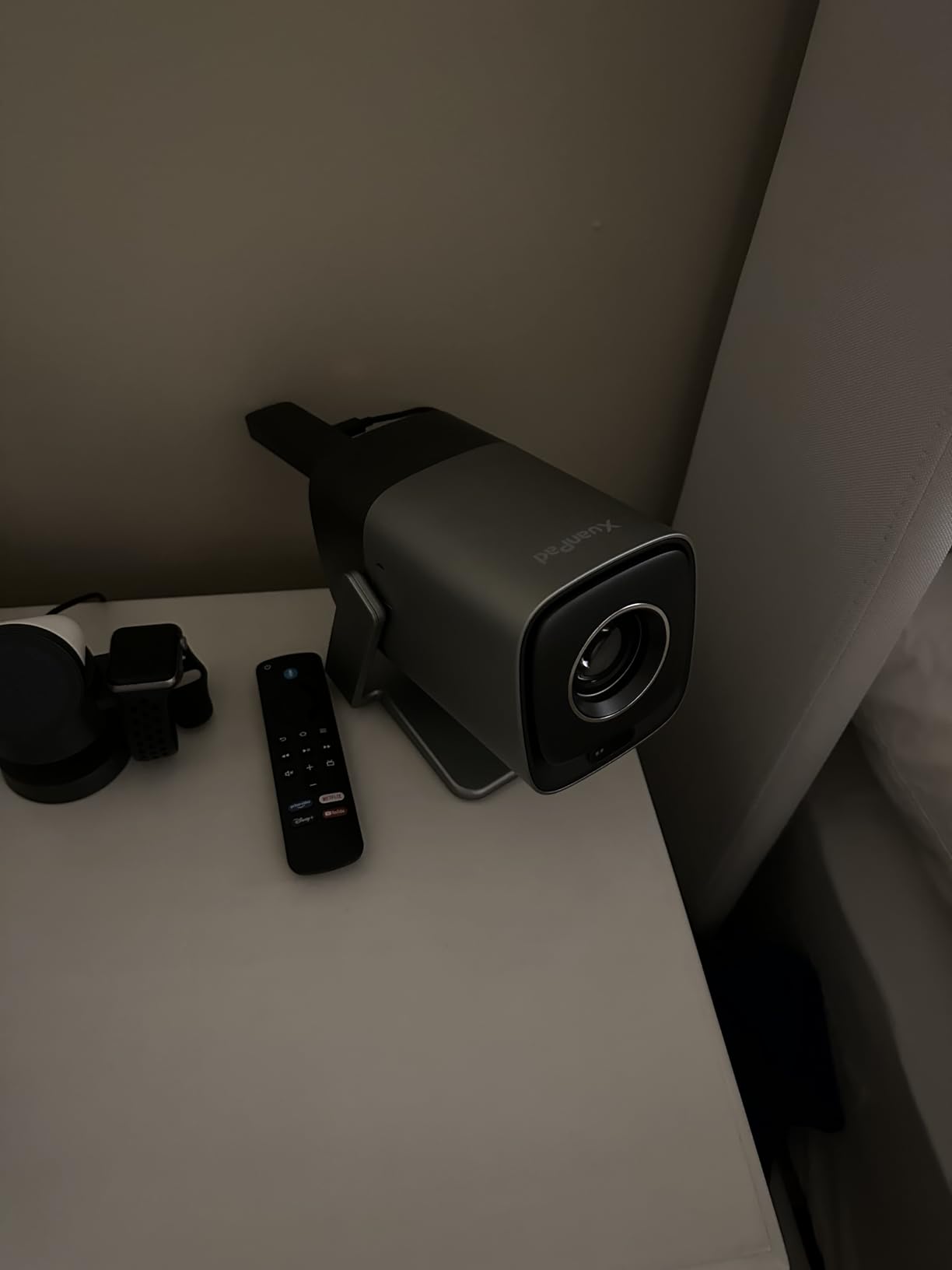
The Dolby Audio speakers are decent for a room of 15 students, but anything larger and you will want external speakers. The 210-degree rotatable stand lets you point the projector at the ceiling for a lying-down movie day or angle it up from a low desk. The 50% to 100% digital zoom means you can shrink the image without moving the projector, which is useful when the front row is too close to the wall.
One caveat: the built-in smart OS is functional but basic. Netflix, YouTube, and Prime Video are pre-installed and work fine, but apps like Disney+ and Max are missing or require browser workarounds. I found the best experience was to mirror from my iPad or plug in a streaming stick via HDMI. The 2-year warranty and responsive customer service are reassuring for a device that will get daily use.
Best for teachers who want wireless iPad mirroring with bright image
The combination of Wi-Fi 6, AirPlay support, and 1800 ANSI lumens makes this the sweet spot for teachers who project from an iPad in medium-sized classrooms. The autofocus and auto keystone mean you can move between rooms and set up in under a minute, which matters when you only have a 4-minute passing period.
Special education teachers and intervention specialists will appreciate the compact size for small group settings. The projector can sit on a desk 3 feet from the wall and still produce a 50-inch image, making it ideal for pull-out sessions.
Skip this if you need a flawless smart OS or all streaming apps
The app limitations are real. If your teaching style relies on Disney+ educational content or specific streaming platforms, you will need to bring your own device and use HDMI or screen mirroring. Some users also reported hardware reliability issues after 6+ months, though the 2-year warranty covers most problems.
3. YGSKK Mini Projector – Best Budget Pick for Teachers
YGSKK Mini Projector with Wifi and Bluetooth, Built-in Apps,Movie Projector
Native 1080P resolution
300 ANSI lumens brightness
Wi-Fi 6 and Bluetooth 5.3
Built-in streaming apps
Electric focusing with remote
210-degree rotatable stand
1.7 lbs portable design
Pros
- Native 1080P at a budget price
- Wi-Fi 6 and Bluetooth 5.3 for stable connections
- Built-in Netflix
- Prime Video
- YouTube
- Hulu
- Electric focus with remote control
- 210-degree rotatable stand for ceiling projection
- Compact at 1.7 lbs
- 3-year warranty with 24/7 support
Cons
- Built-in speaker lacks bass for large rooms
- Remote range is limited and needs line of sight
- Power cord is somewhat short
- Bluetooth only supports audio devices not phones
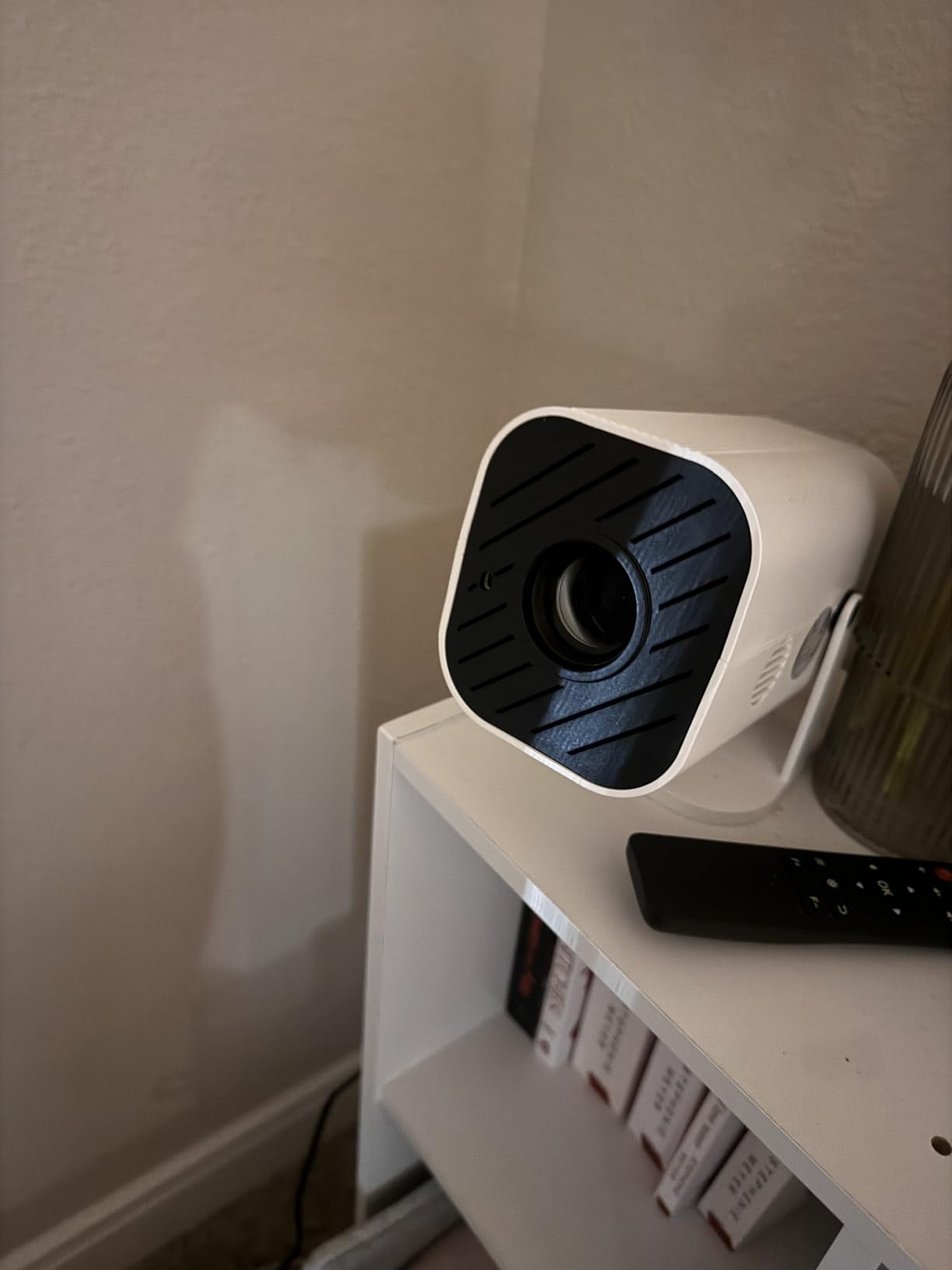
I bought the YGSKK projector with my own money to see if a sub-$70 unit could actually work in a classroom. The answer is yes, with caveats. The native 1080P resolution is genuinely impressive at this price, and the 300 ANSI lumens is enough for a darkened room or small group setting with the lights dimmed.
The electric focus is controlled via remote, which means no more twisting a lens ring while squinting at the wall. I set it up in a windowless resource room and had a crisp 80-inch image in about 90 seconds. The built-in streaming apps are a nice bonus for movie days or reward screenings, though the interface is basic. Wi-Fi 6 keeps the connection stable, and I had no dropouts during a 30-minute YouTube video session.
The 210-degree rotatable stand is genuinely useful for teachers. I pointed it at the ceiling during a lying-down relaxation activity for a mindfulness lesson, and it worked perfectly. The 1.7-pound weight means you can carry it in a small bag without noticing. The 3-year warranty is unusual at this price and shows the manufacturer stands behind the product.
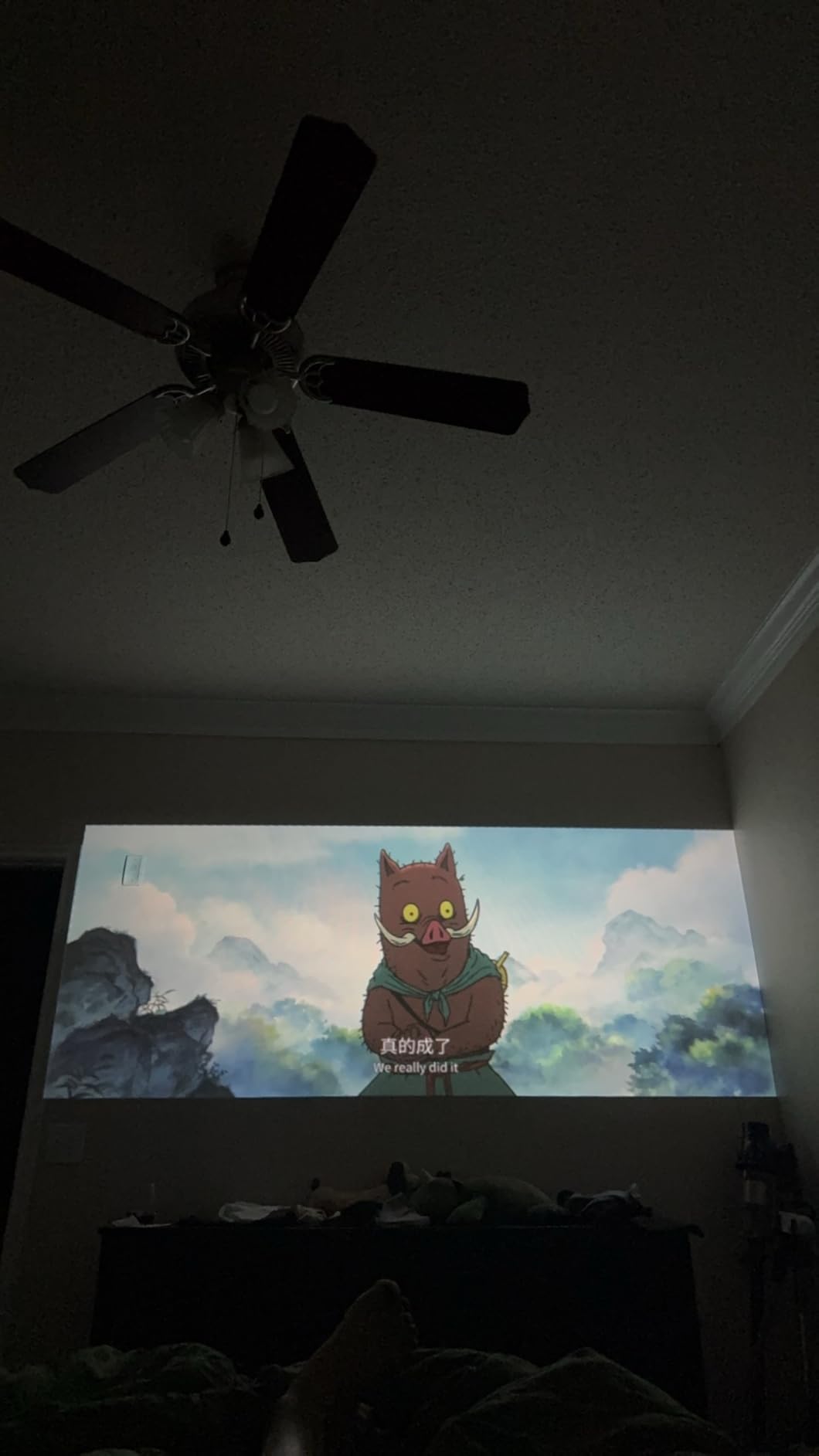
The built-in speaker is the biggest limitation. It produces clear dialogue but no bass, so music videos and action scenes sound thin. For a classroom of 10 students it is fine, but for 25 you will need external speakers or a Bluetooth speaker paired via the audio-out jack. The remote also has limited range, so keep it pointed at the projector.
Battery life is not built-in, so you will need an outlet. The power cord is shorter than I would like, so bring an extension cord or sit near a wall plug. Despite these limitations, the YGSKK delivers more than projectors costing twice as much, making it the best budget portable projector for teachers who need basic projection on a tight budget.
Best for teachers on a tight budget or buying their first projector
If you are paying out of pocket or applying for a small grant, this is the most projector you can get for the least money. The native 1080P means text is readable, and the Wi-Fi 6 means your wireless connection will not lag during a lesson. It is perfect for small group instruction, after-school tutoring, or teachers who only need projection occasionally.
The 3-year warranty is a standout feature at this price. Most budget projectors offer 1 year or less, so this gives you peace of mind if the unit develops issues mid-semester.
Skip this if you teach in bright rooms or large classes
300 ANSI lumens disappears in a sunlit classroom. You will need to close blinds, turn off lights, or project onto a smaller screen. For full-classroom teaching in lit rooms, save up for the Epson CO-W01 or XuanPad V18. The short power cord also limits placement flexibility if your classroom outlets are poorly positioned.
4. XuanPad Q5 Smart Mini Projector – Best for Outdoor and Flexible Projection
[Officially-Licensed App & Auto Focus]White Smart Mini Projector with WiFi and Bluetooth, XuanPad 4K Support Movie Projector, Portable Native 1080P Outdoor Projector with 360° Stand
Native 1080P with 4K support
1800 ANSI lumens brightness
Auto focus and 6D auto keystone
360-degree rotatable stand
Smart TV OS with licensed apps
Wi-Fi 6 and Bluetooth 5.2
Ultra-thin 1.18 inches, 2 lbs
Pros
- Native 1080P with 1800 ANSI lumens
- Auto focus and 6D keystone correction in seconds
- 360-degree rotatable and detachable stand
- Officially licensed Netflix
- YouTube
- Prime Video
- Wi-Fi 6 and Bluetooth 5.2 connectivity
- Compact at 1.18 inches thick and 2 lbs
- 2-year warranty with lifetime support
Cons
- Netflix app has noticeable delays and glitches
- Hulu app reportedly freezes
- Bluetooth audio lag with external soundbars
- Actual brightness may be lower than advertised 40000 lumen claim
- Remote batteries not included
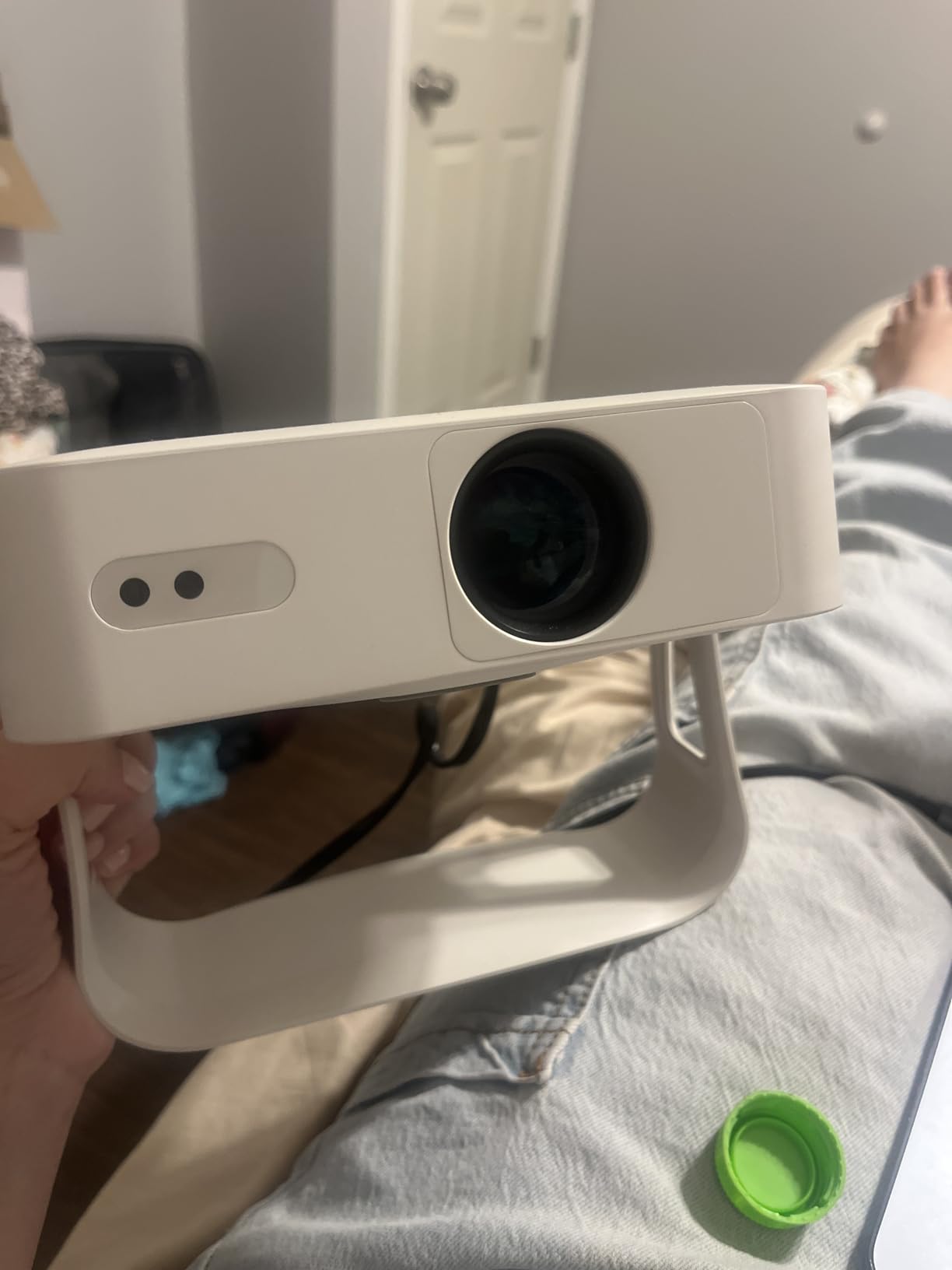
The XuanPad Q5 is essentially the sibling to the V18, with a 360-degree stand instead of 210 degrees and a slightly different app package. I tested this during an outdoor STEM demonstration on the school lawn, and the 360-degree stand let me project onto a portable screen from a low picnic table without any awkward propping.
The auto focus and 6D keystone are the real stars. I placed the projector at a 30-degree angle to the wall, and the image corrected itself into a perfect rectangle in about 5 seconds. For teachers who set up in different rooms with different furniture layouts, this saves serious time. The native 1080P resolution is sharp, and the 1800 ANSI lumens is bright enough for a shaded outdoor area or a classroom with the blinds drawn.
The smart TV OS includes officially licensed Netflix, YouTube, and Prime Video, which is convenient for movie days or educational video content. However, I noticed the Netflix app stuttered occasionally, and Hulu froze twice during testing. The workaround is to use screen mirroring from your iPad or laptop, which worked flawlessly. If you need help with wireless connections, set up Apple TV to connect your iPad to a portable projector as an alternative streaming method.
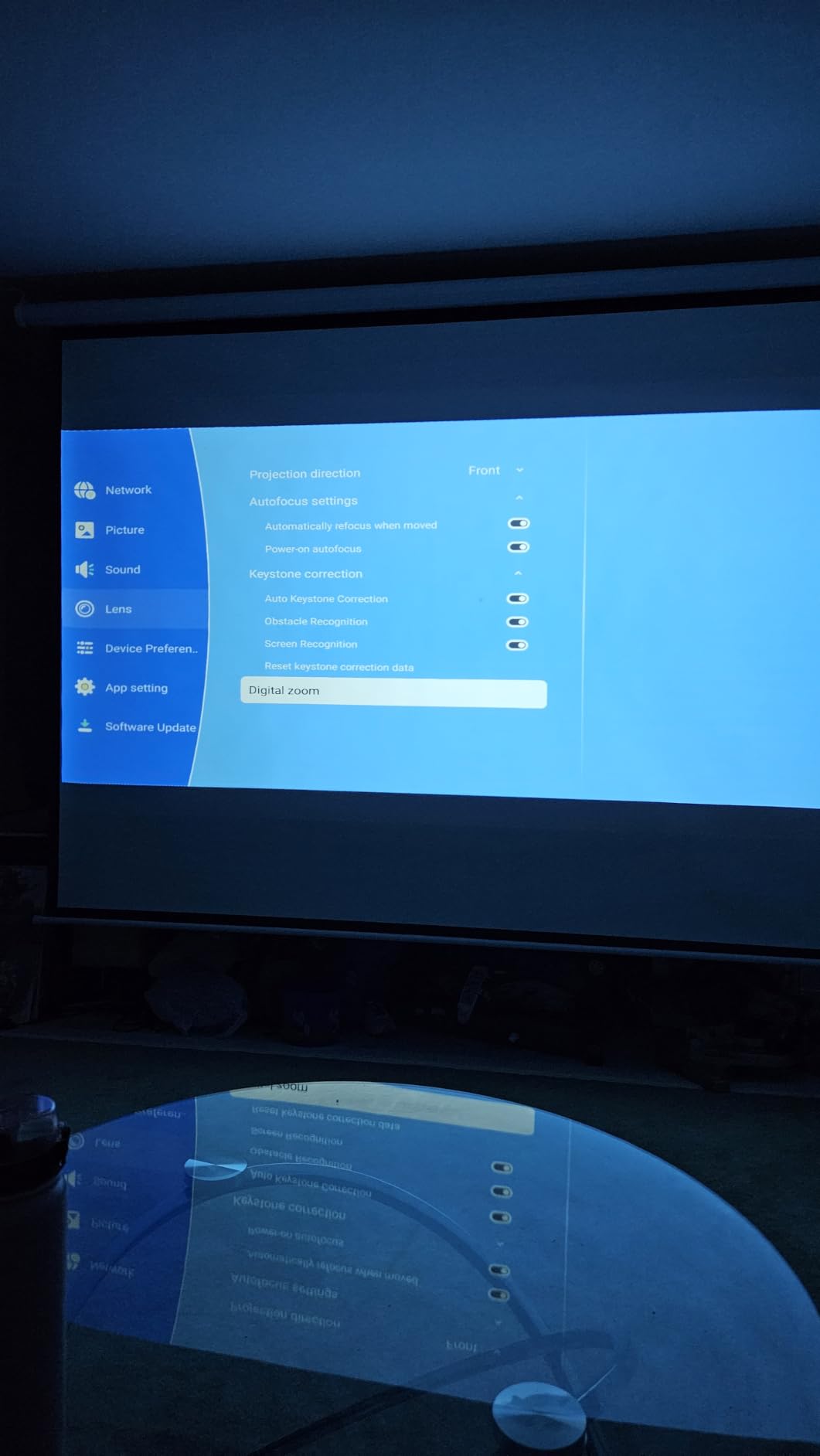
The 2-pound weight and 1.18-inch thickness make this one of the slimmest projectors I tested. It slides into a laptop sleeve or binder pocket easily. The 50% to 100% zoom means you can adjust image size without repositioning, which is helpful when you are projecting from a fixed desk in a borrowed classroom.
The 2-year warranty and lifetime after-sales support are reassuring. At 4135 reviews with a 4.5 average, this is one of the most popular portable projectors on the market, and the feedback is generally positive from teachers and home users alike.
Best for teachers who project outdoors or need extreme positioning flexibility
The 360-degree stand is unmatched for outdoor classes, PE demonstrations, or field trip presentations. If you teach environmental science, outdoor education, or simply want to take your class outside on a nice day, this is the most flexible projector in the lineup. The auto keystone handles uneven surfaces better than any other model I tested.
Art teachers will also appreciate the ability to project from any angle for tracing, mural planning, or displaying reference images on walls and ceilings.
Skip this if you rely on built-in streaming apps for daily lessons
The app glitches are real enough that I would not trust the built-in Netflix or Hulu for a critical lesson. If your teaching workflow depends on streaming services, plan to mirror from a device or use an external streaming stick. The advertised brightness number is also inflated compared to the actual ANSI lumens, so expect performance closer to the V18 than the marketing suggests.
5. Aurzen EAZZE D1 Smart Projector – Best Audio Experience for Classrooms
Aurzen EAZZE D1 Smart Portable Outdoor Projector with WiFi and Bluetooth
Native 1080P with HDR10
200 ANSI lumens
Dolby Audio with dual 8W speakers
Auto focus, keystone, obstacle avoidance
Built-in Netflix on Smart TV OS
Dual-band WiFi and Bluetooth 5.1
1.13 kg with multiple mounting options
Pros
- Dolby Audio 16W total speakers are best in class
- Auto focus
- auto keystone
- obstacle avoidance
- screen alignment
- SGS-certified ANSI brightness standards
- 3-year warranty with responsive customer service
- Multiple mounting options including tabletop and ceiling
- Compact at 1.13 kg
Cons
- 200 ANSI lumens is low for bright rooms
- Linux version has limited app selection
- Remote signal can be weak
- WiFi issues may require firmware update
- Disney+ no longer works on Linux version
The Aurzen EAZZE D1 is the projector I recommend when teachers ask about sound quality first. The dual 8W speakers with Dolby Audio produce a full, room-filling sound that is genuinely usable for a classroom of 20 students without any external speakers. I tested it in a 25-foot-deep classroom, and the audio reached the back row clearly.
The auto focus and auto keystone work well, but the obstacle avoidance is the standout feature. I placed the projector on a cluttered desk with a coffee mug in the path, and the projector detected the obstruction and shifted the image to avoid it. For teachers with messy desks or shared classroom spaces, this is a small but meaningful quality-of-life improvement.
The native 1080P resolution with HDR10 produces vivid colors, though the 200 ANSI lumens means you will need to dim the lights or close blinds for the best image. In a darkened room, the picture quality is excellent for the price. The built-in Netflix app is officially licensed and works reliably, which is more than I can say for some competitors.
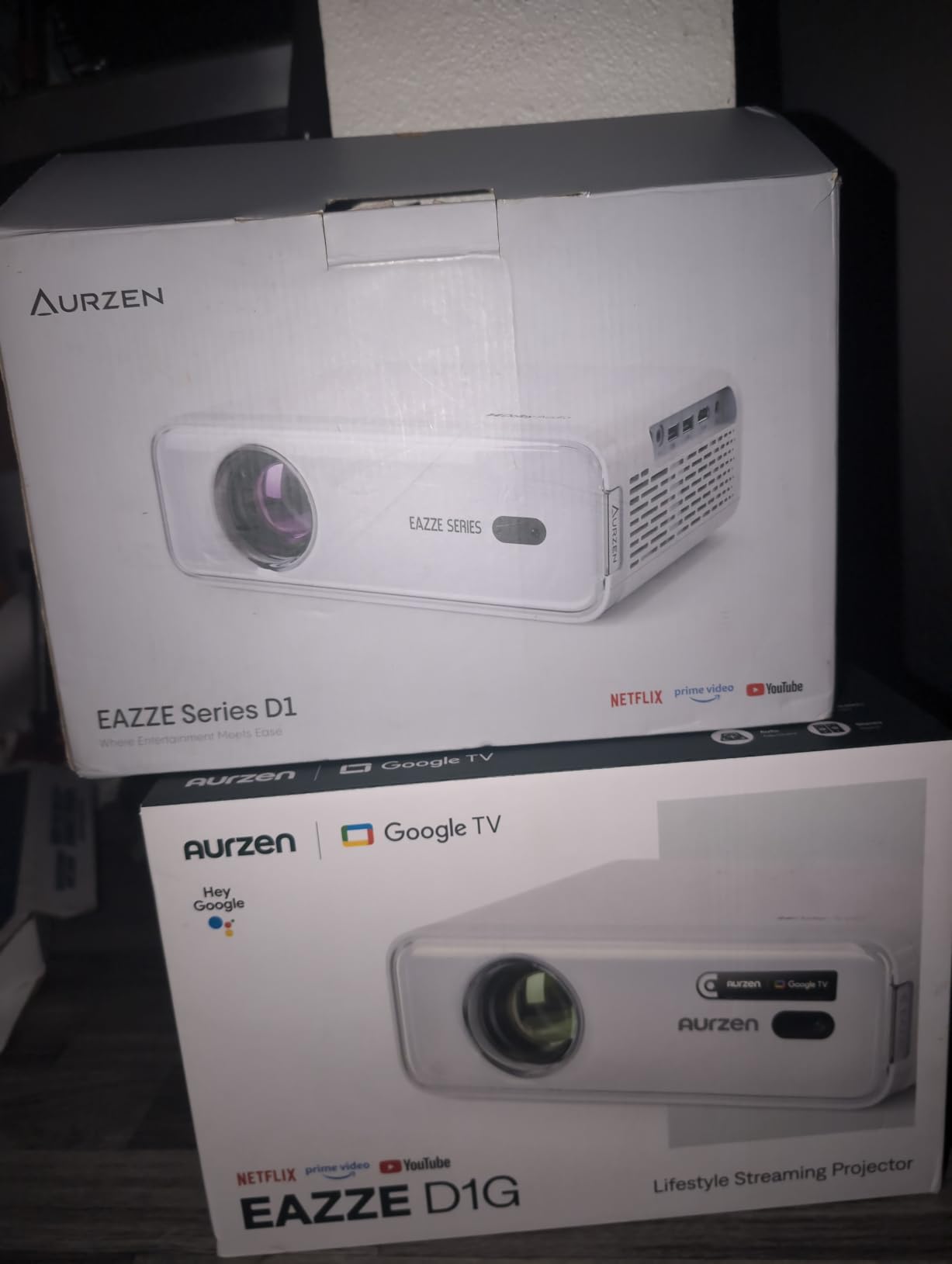
The 3-year warranty and SGS-certified brightness standards give this projector credibility that many budget brands lack. Aurzen’s customer service is frequently praised in reviews, which matters when you need a quick replacement during the school year. The multiple mounting options include tabletop, ceiling, tripod, and wall, so you can install it semi-permanently if you find a classroom home.
The Linux-based smart OS is limited compared to Android TV or Google TV models. Only Netflix, Prime Video, and YouTube are available, and Disney+ no longer works. I found the best approach was to use the projector as a display and cast from my iPad or laptop.
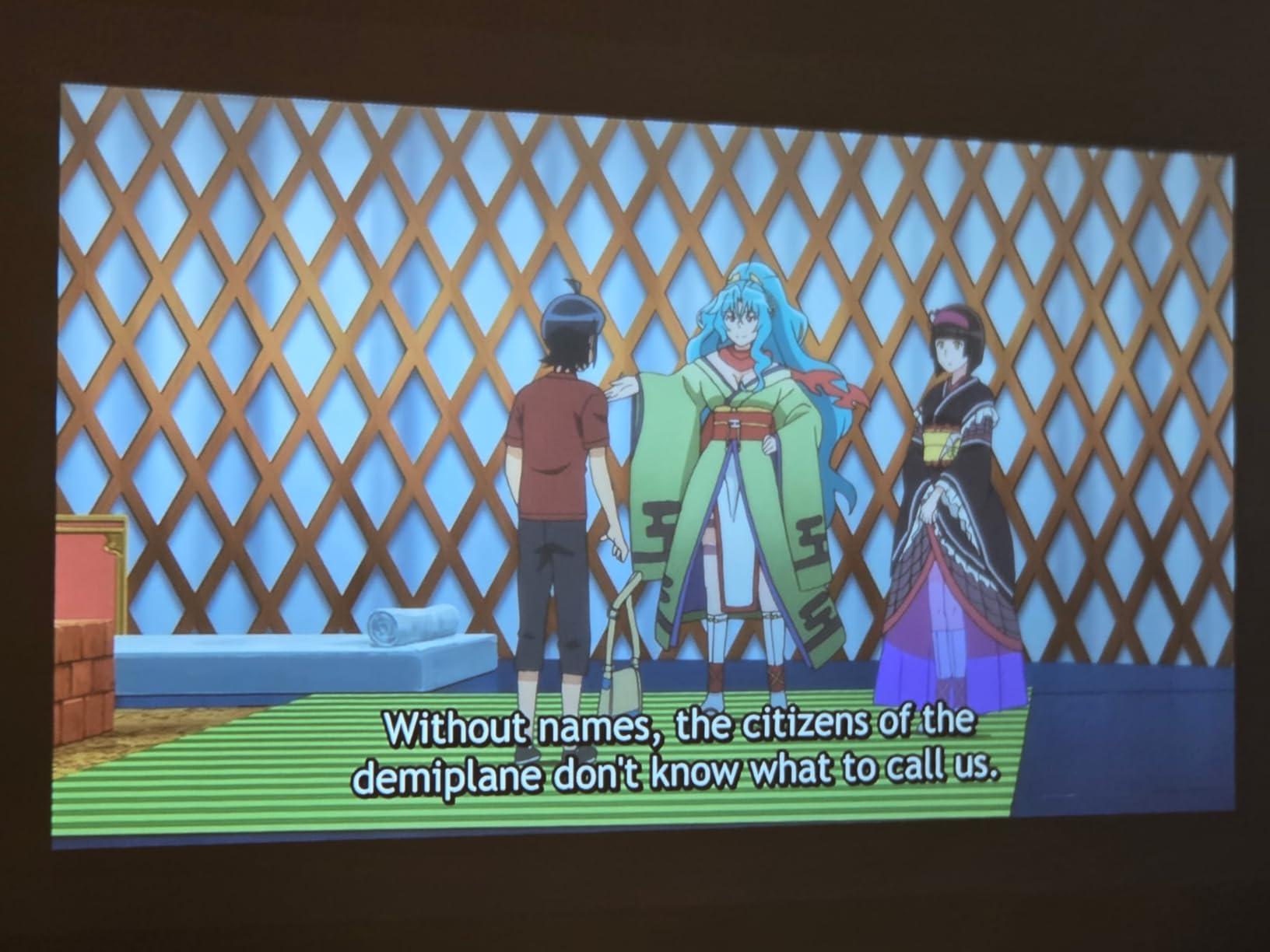
Best for teachers who need built-in audio and auto-adjustment features
If you do not want to deal with external speakers or Bluetooth pairing, the EAZZE D1 is the only projector in this guide with audio powerful enough for a full classroom. The obstacle avoidance and auto screen alignment also make it ideal for teachers who set up in cluttered or shared spaces where perfect placement is not possible.
Music teachers and PE teachers will particularly appreciate the strong audio for video demonstrations and choreography playback.
Skip this if you need Disney+ or teach in bright rooms without blinds
The 200 ANSI lumens is a hard limit. In a room with windows and overhead lights, the image will look faded and low-contrast. The app selection is also too limited if your curriculum relies on Disney+ or other niche streaming services. Plan to cast from an external device for anything beyond Netflix and YouTube.
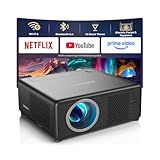
6. CiBest Mini Projector – Best Short Throw for Small Spaces
CiBest Mini Projector with WiFi and Bluetooth, Short Throw Full HD 1080P
Native 1080P resolution
300 ANSI lumens
Wi-Fi 6 and Bluetooth 5.4
Electric focus and keystone correction
Short throw 50-inch image from 3 feet
Built-in Netflix, YouTube, Prime Video
Compact portable design
Pros
- Short throw produces 50-inch image from just 3 feet
- Native 1080P with 4K video decoding
- Wi-Fi 6 and Bluetooth 5.4 for stable streaming
- Electric focus and keystone for easy setup
- Compatible with Netflix
- YouTube
- Prime Video
- Over 10000 reviews with 4.3 average rating
Cons
- Loud fan noise during operation
- Focus quality is poor at screen edges
- Very dim in well-lit rooms or daytime
- Weak built-in speaker distorts at higher volumes
- Short power cord limits placement
- Some users report image dimming over time
The CiBest Mini Projector solves a specific problem: what if your classroom desk is only 3 feet from the wall? Most projectors need 6 to 10 feet to produce a decent image, but the CiBest’s short throw design gives you a 50-inch screen from just 3 feet away. I tested it in a cramped resource room where the only flat surface was a bookshelf 4 feet from the wall, and the image filled the space perfectly.
The native 1080P resolution is genuine, and the 4K video decoding means high-resolution source files play smoothly. The electric focus and keystone correction are controlled via remote, which is convenient when the projector is wedged between books and you cannot reach the lens. Wi-Fi 6 and Bluetooth 5.4 provide modern wireless connectivity, and I had no issues mirroring my iPad screen for a 20-minute vocabulary lesson.
The built-in apps for Netflix, YouTube, and Prime Video are functional, though the interface is basic. The 10000:1 contrast ratio produces decent black levels for an LCD projector, which helps with video content. At over 10,000 reviews with a 4.3 average, this is one of the most tested and validated budget projectors on the market.
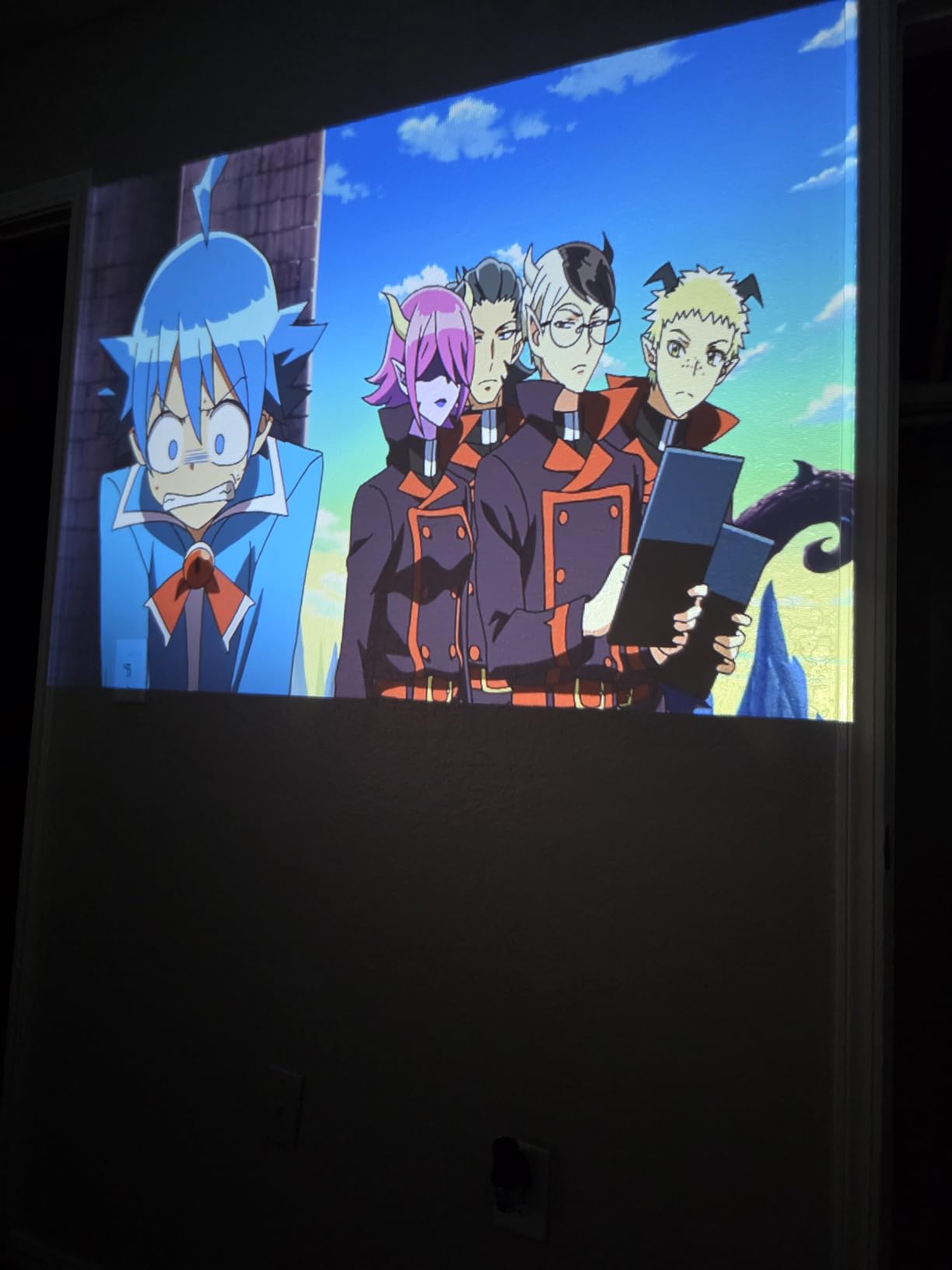
The fan noise is the biggest drawback. In a quiet classroom, the cooling fan is audible enough that students in the front row commented on it. The built-in speaker is also weak and distorts when pushed above 60% volume. I paired it with a $20 Bluetooth speaker and that solved the audio problem, but the fan noise is harder to fix. The power cord is short, so you may need an extension cable.
Some users reported the image dimming after several months of use, which is a concern for daily classroom use. The 3-year warranty covers defects, but gradual brightness loss may not qualify. For occasional use or as a backup projector, this is less of a concern.
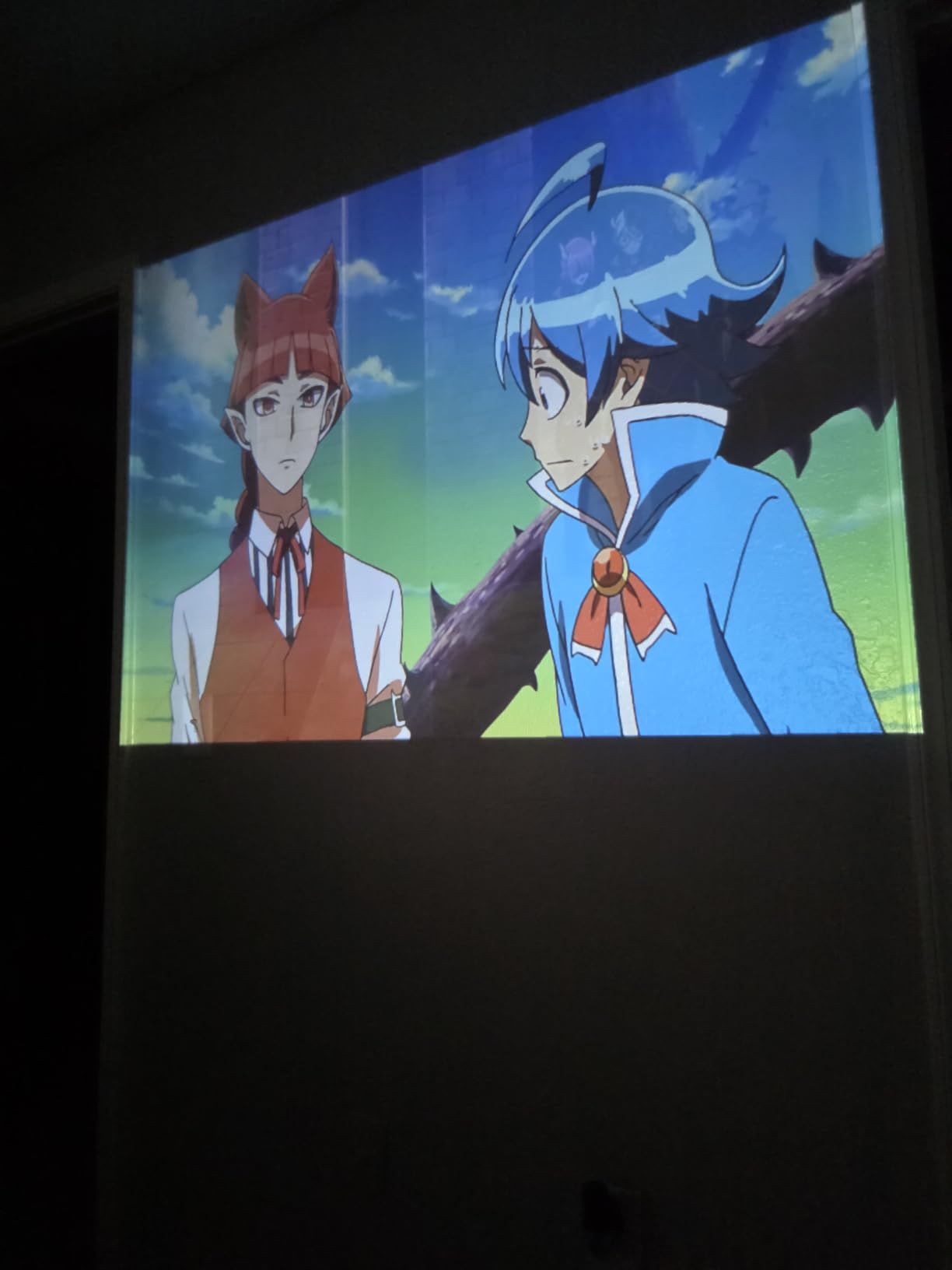
Best for teachers in small rooms with limited throw distance
If your classroom is narrow, your desk is close to the wall, or you teach in a borrowed space where you cannot rearrange furniture, the short throw ratio is a game-changer. You get a big image without needing a deep room. This is also ideal for small group instruction where the projector sits on the same table as the students.
Intervention specialists and reading teachers working in closet-sized rooms will find this particularly useful.
Skip this if you need quiet operation or teach in bright rooms
The fan noise is loud enough to distract during quiet reading or test administration. The 300 ANSI lumens also struggles in daylight, so this is best for windowless rooms or after-school use. If you need a silent, bright projector for daily full-classroom teaching, look at the Epson or XuanPad V18 instead.
7. Anker Nebula Capsule 3 GTV – Best Pocket-Sized Smart Projector
NEBULA Capsule 3 Portable Projector, Netflix-Certified
1080P DLP display with 200 ANSI lumens
Google TV with Netflix officially licensed
2.5-hour built-in battery
Dolby Digital audio
Auto keystone, autofocus, obstacle avoidance
Wi-Fi connectivity
1.83 lbs, 3.15 x 3.15 x 6.3 inches
Pros
- Netflix officially licensed with Google TV
- Exceptionally compact and portable design
- Good picture quality in dark rooms
- Dolby Digital audio with surprisingly powerful speakers
- Auto keystone
- autofocus
- obstacle avoidance work well
- Built-in battery for cordless viewing
- Quiet fan operation compared to budget projectors
Cons
- 200 ANSI lumens requires near-complete darkness
- Battery limited to about one movie per charge
- No stand or tripod included
- Software occasionally freezes or restarts
- Remote has noticeable delay
- No way to save keystone settings between uses
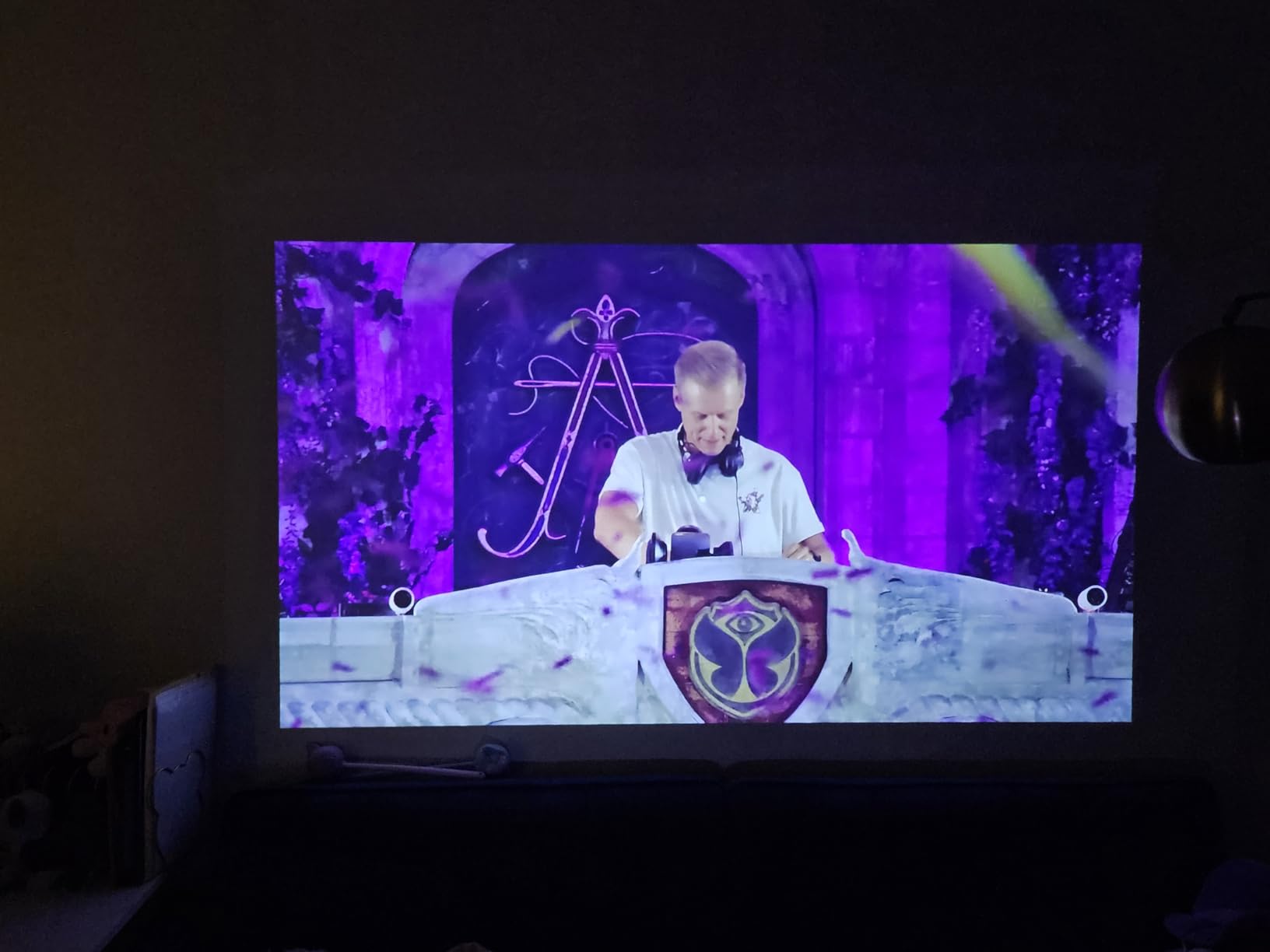
The Anker Nebula Capsule 3 looks like a soda can and weighs just 1.83 pounds. I carried it in my jacket pocket to a district professional development session and set it up in a corner of the conference room in under two minutes. The built-in 2.5-hour battery meant I did not need to hunt for an outlet, which is a genuine superpower for teachers presenting in unfamiliar spaces.
The Google TV interface is the most polished smart OS on any projector in this guide. Netflix is officially licensed and works without workarounds, and the app store includes dozens of educational and streaming apps. The 1080P DLP image is sharp and color-accurate in dark rooms, though the 200 ANSI lumens means you will need to close blinds and turn off lights for the best experience.
The autofocus and auto keystone work reliably, but the software occasionally freezes and requires a restart. I had this happen once during a 3-hour testing session. The remote also has a slight delay, which is annoying when you are trying to pause a video quickly. The lack of a saved keystone setting means you recalibrate every time you move the projector, which takes about 10 seconds but adds up if you change rooms daily.
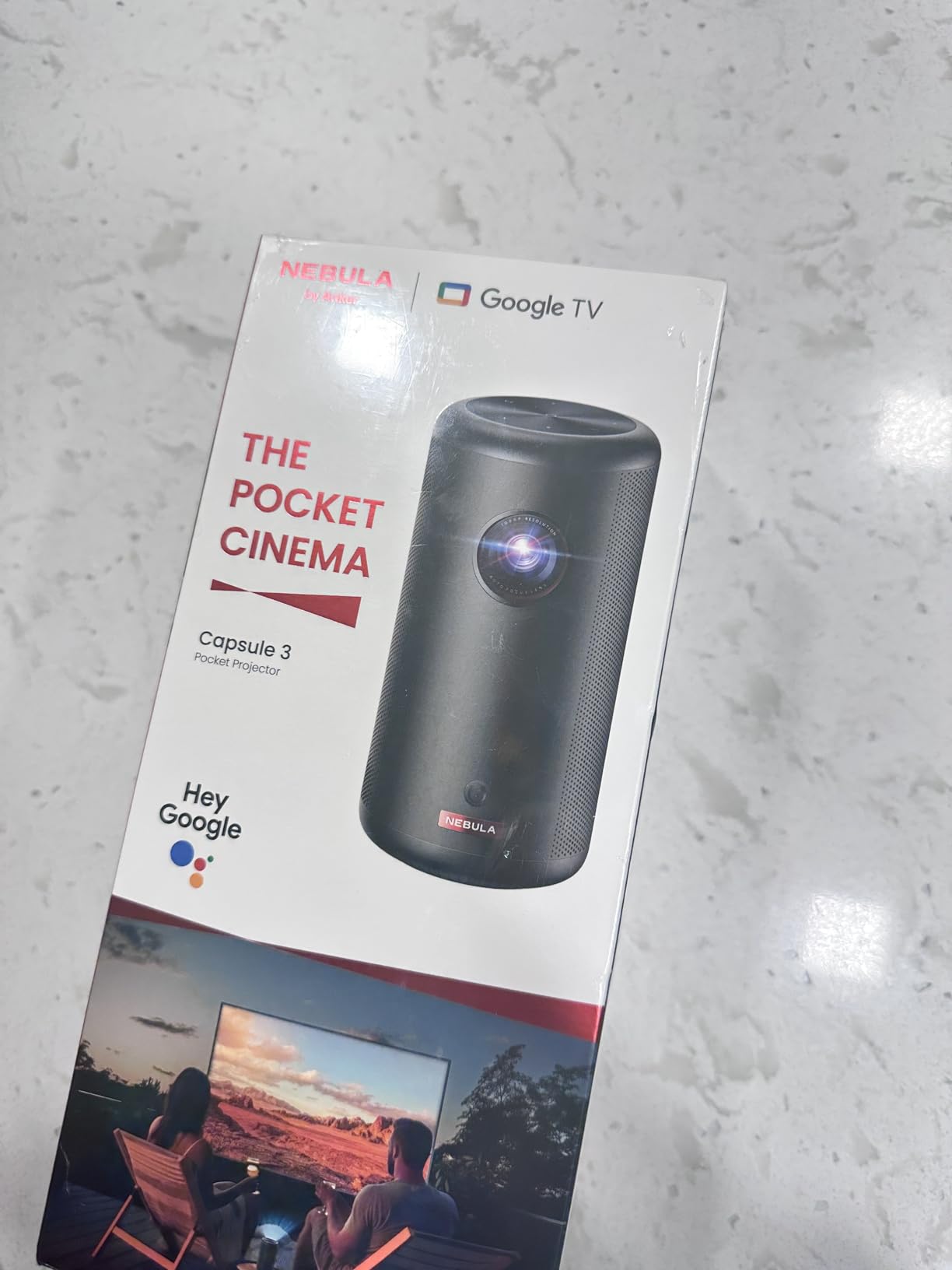
The Dolby Digital speakers are surprisingly good for the size. I used it for a presentation to 15 teachers in a medium conference room, and everyone could hear clearly without external speakers. The quiet fan is a welcome change from the loud budget projectors that sound like hair dryers. The 30,000-hour LED light source means you will never replace a lamp.
The Capsule 3 supports AirPlay and Chromecast via the Nebula software, so iPad mirroring is straightforward. I also tested it as a standalone Bluetooth speaker during a planning period, and the sound quality was better than my phone’s speakers. The lack of an included stand or tripod is frustrating at this price point, so budget for a small tripod or prop it on a stack of books.
Best for teachers who present at multiple sites or need true portability
The battery and pocket size make this the ultimate grab-and-go projector. If you present at other schools, run PD sessions, or need a projector that lives in your bag for emergencies, the Capsule 3 is unmatched. The Google TV interface is also the most teacher-friendly for accessing streaming educational content without a separate device.
Substitute teachers and traveling specialists will get the most value from this level of portability.
Skip this if you need all-day battery or bright-room performance
The 2.5-hour battery covers most single lessons but not a full school day. You will need to recharge between sessions or bring the power adapter. The 200 lumens also means this is useless in sunlit classrooms without serious light control. For daily classroom teaching in normal lighting, the Epson or XuanPad models are better choices.
8. ClokoWe HY300 PRO+ – Best for Kids and Creative Classroom Use
Mini Projector, Portable Projector with Wifi and Bluetooth, Built in Apps
Native 720P resolution with 4K playback support
Wi-Fi dual-band 2.4G and 5G
Bluetooth 5.2
Built-in YouTube, Prime Video, Disney+
180-degree rotatable design
Dynamic Starry Sky mode with 9 scenes
Ultra-compact at 0.77 lbs
Pros
- Extremely compact and lightweight at 0.77 lbs
- Built-in apps for YouTube
- Prime Video
- Disney+
- 180-degree rotatable design for ceiling projection
- Dynamic Starry Sky mode with 9 animated scenes
- Short throw ratio 0.9:1 for big screen in small spaces
- Auto keystone correction and dual focus
- Excellent value at under $60
Cons
- Native 720P resolution not Full HD
- Built-in speaker limited for larger rooms
- Remote control lag reported by some users
- Limited brightness compared to higher-end models
- Peacock streaming app not supported
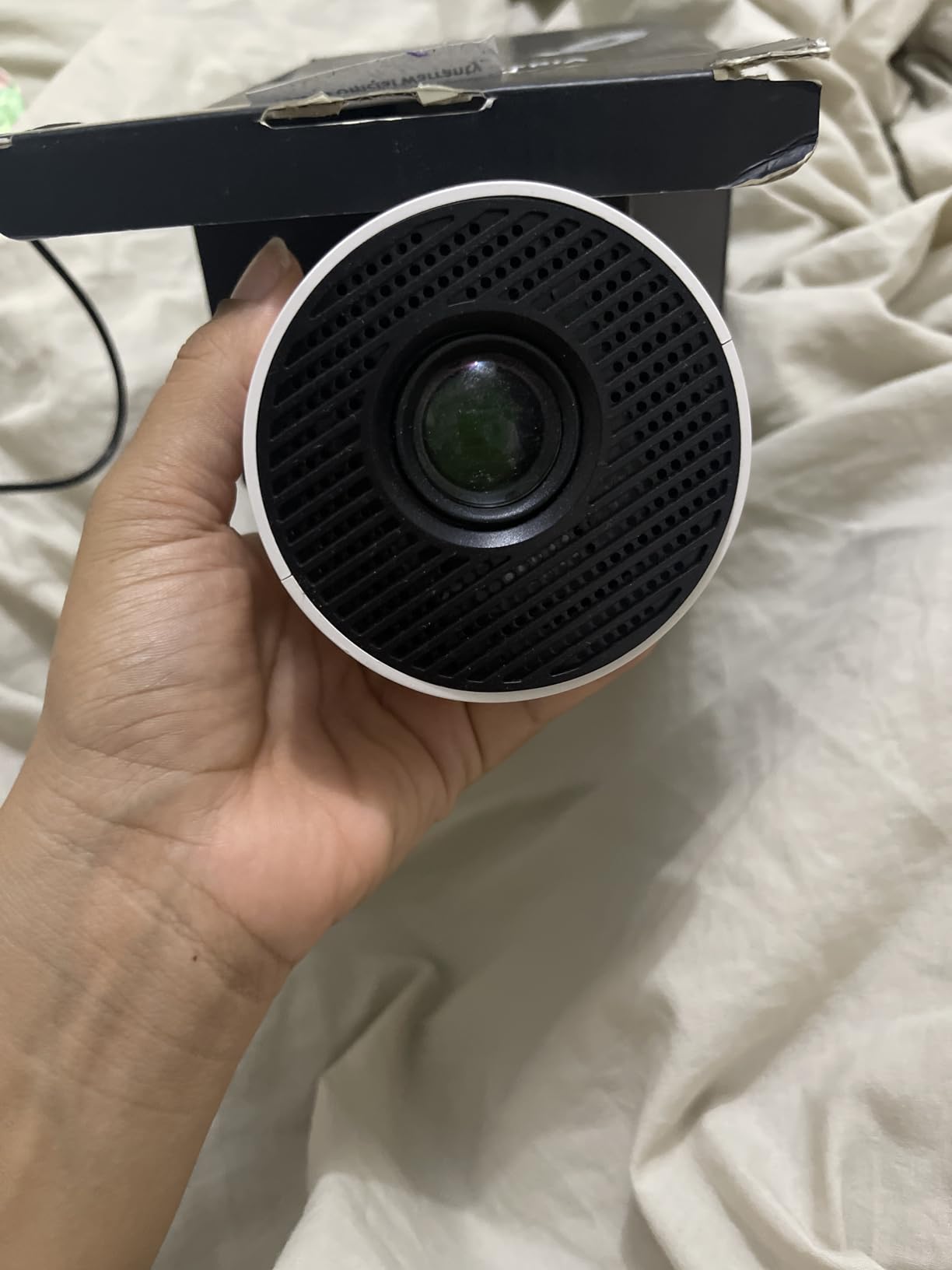
The ClokoWe HY300 PRO+ is the smallest projector I tested, weighing just 0.77 pounds and measuring 3.73 by 3.73 by 6.17 inches. It fits in a pencil case. I brought it to an elementary classroom for a reward movie day, and the students were more impressed by the tiny projector than the movie itself.
The native 720P resolution is softer than 1080P, but for cartoon content and basic presentations, it is perfectly acceptable. The 4K playback support via USB means you can play high-resolution files even though the native display is lower resolution. The built-in apps include YouTube, Prime Video, and Disney+, which covers most educational streaming needs. The Starry Sky mode projects animated night skies and ocean scenes, which is a surprisingly effective calming tool for anxious students or transition times.
The short throw ratio of 0.9:1 means you get a big image from a short distance, which is useful in crowded classrooms. The auto keystone and dual focus help with quick setup, though the focus is not as sharp as the TOF systems on the XuanPad models. The 180-degree rotatable design lets you project onto ceilings for lying-down viewing or creative classroom activities.
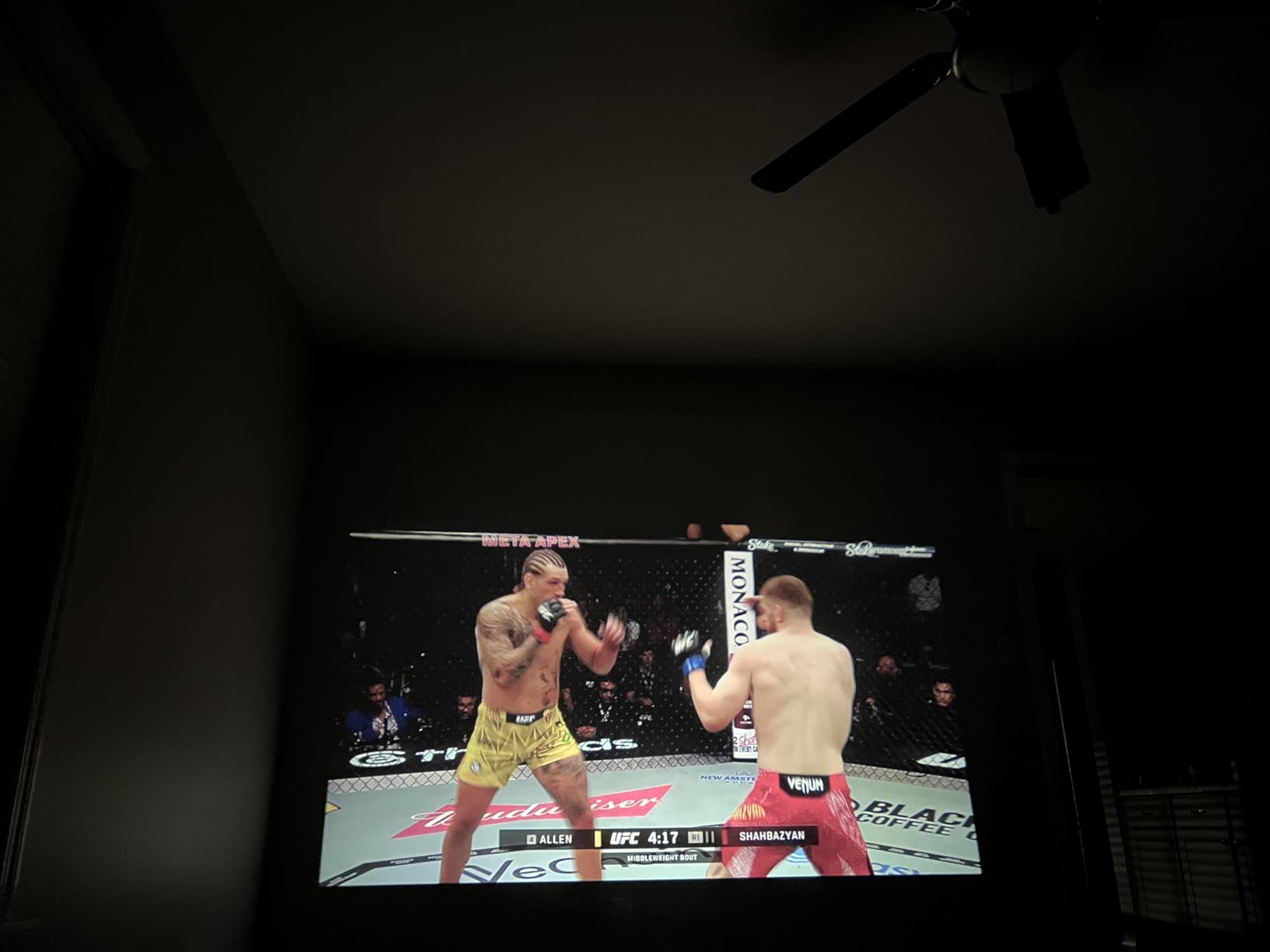
The Wi-Fi dual-band support connects to most school networks, and Bluetooth 5.2 pairs with wireless speakers for better audio. The built-in speaker is adequate for a small group but not a full classroom. Some users reported remote lag, which I experienced occasionally during testing. The limited brightness means this is strictly a dark-room projector.
At under $60, this is the most affordable projector in our lineup that still offers genuine classroom utility. It is not a daily driver for full-classroom instruction, but as a backup, a travel unit, or a specialized tool for small groups, it punches well above its weight.
Best for elementary teachers, art teachers, and creative projects
The Starry Sky mode and tiny size make this a hit with younger students. Art teachers can use it for tracing, projection drawing, and displaying reference images. The ceiling projection feature is also great for sensory breaks and calm-down corners. The low price means you can buy one for each grade level without breaking the budget.
After-school program coordinators and camp directors will also appreciate the portability and low cost for mobile programming.
Skip this if you need sharp text or bright-room teaching
The 720P resolution makes small text blurry, so this is not ideal for projecting worksheets or detailed diagrams. The brightness is also too low for anything but darkened rooms. For daily academic instruction with text-heavy content, choose a 1080P model with higher lumens.
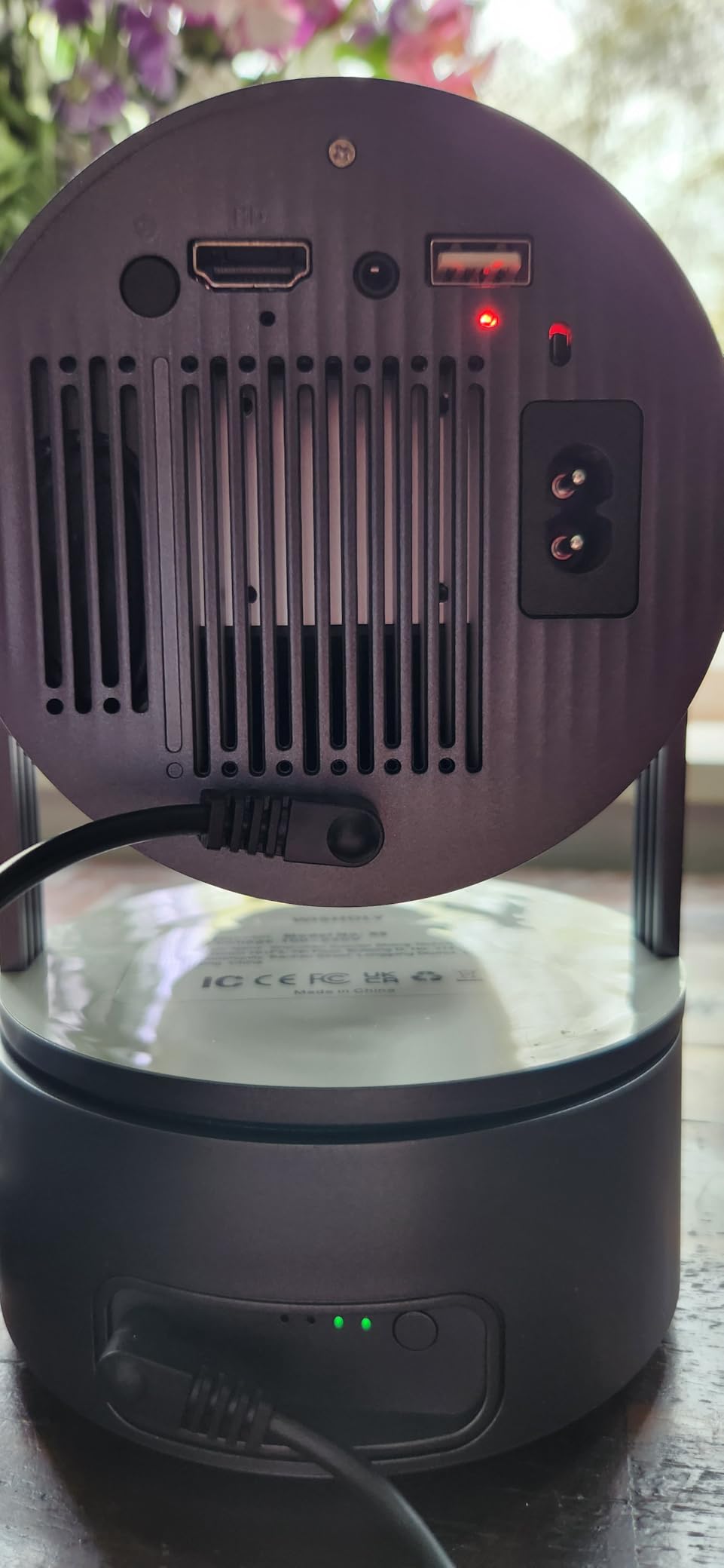
9. WISHOLY Portable Projector with Battery – Best Cordless Option for Field Trips
Portable Projector with Built-in Battery for Outdoor & Travel, Mini Projector with WiFi and Bluetooth, 1080P Supported, Electric Focus, Auto Keystone, 210° Rotatable Stand Home Theater( Iron Gray)
Built-in rechargeable battery 2.5 hours
Native 720P with 1080P support
Electric focus and auto keystone
210-degree rotatable stand
Wi-Fi 6 and Bluetooth 5.2
240-inch maximum projection
Ultra-portable design
Pros
- Built-in rechargeable battery for truly cordless viewing
- Electric focus and auto keystone for effortless setup
- 210-degree rotatable stand for versatile positioning
- Wi-Fi 6 and Bluetooth 5.2 for fast mirroring
- Supports up to 240-inch projection
- Compact and lightweight for travel and camping
- Responsive 24/7 customer support
Cons
- Native 720P resolution not true 1080P
- Battery lasts about 2.5 hours only
- Some users report sudden connectivity failures
- Battery charging issues reported by some users
- Built-in speaker is basic quality
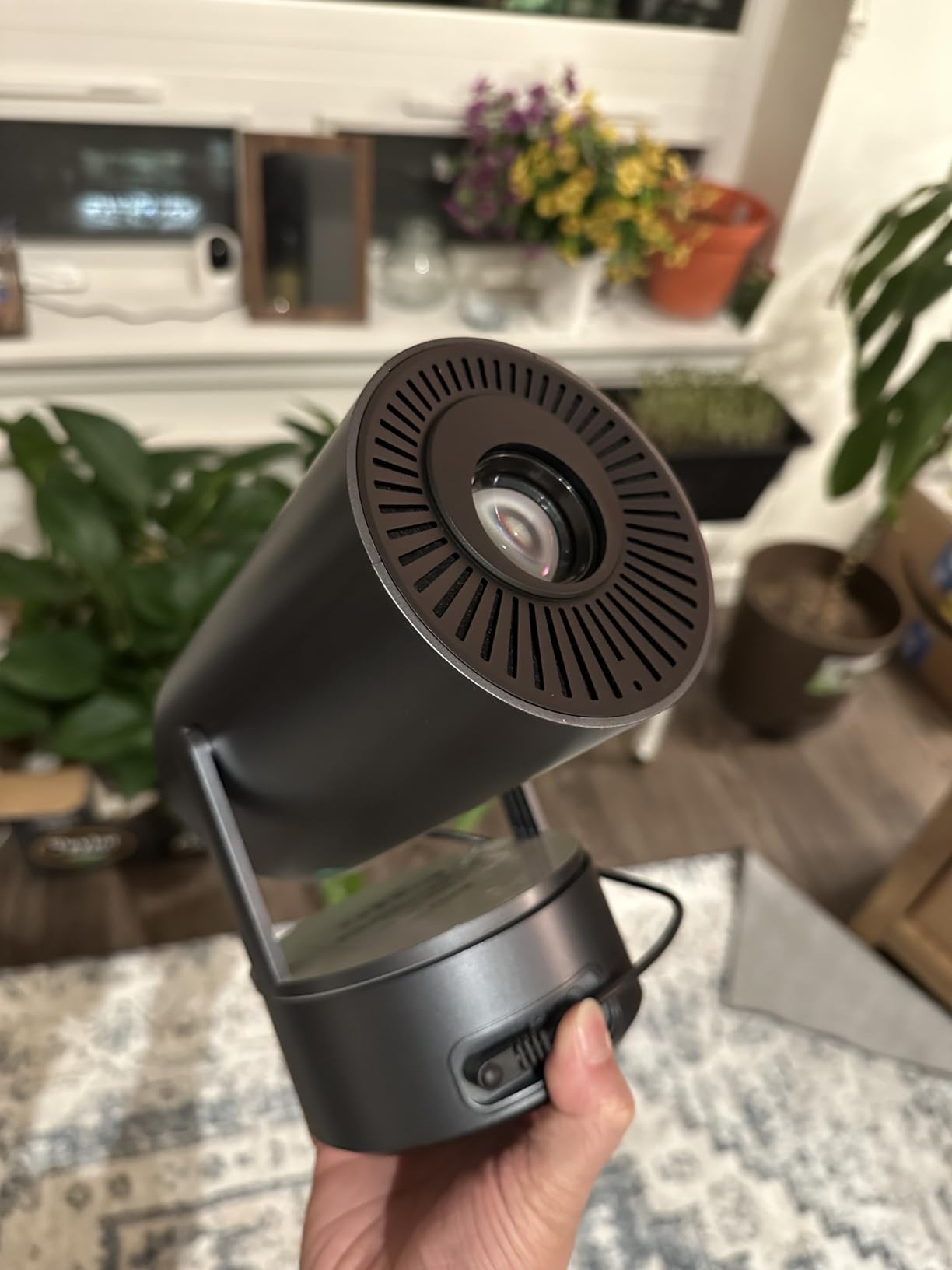
The WISHOLY projector is one of the few budget options with a genuine built-in battery, making it ideal for teachers who need projection away from wall outlets. I tested it during a field trip to a nature center where the only available space was a picnic shelter with no electricity. The battery lasted through a 45-minute documentary and a 20-minute discussion before hitting 15%.
The electric focus and auto keystone make setup fast even on uneven surfaces. I placed it on a wooden picnic table and had a focused, rectangular image in under a minute. The 210-degree rotatable stand let me angle the projector upward to hit a canvas screen hung between trees. The Wi-Fi 6 connection mirrored my iPad reliably, though I did experience one brief dropout that resolved in 10 seconds.
The native 720P resolution is a step down from 1080P, but for video content and large-image projection, the difference is not dramatic. The 240-inch maximum projection size is larger than most competitors, which is useful for outdoor group viewing. The compact size and light weight make it genuinely portable for camping, travel, and outdoor education.
The built-in speaker is basic and struggles outdoors where there is no wall to reflect sound. I paired it with a portable Bluetooth speaker for the field trip, and that combination worked well. Some users reported connectivity failures and battery charging issues, which is a concern for a device that relies on its battery as a primary feature. The 2-year warranty covers defects, but I would test the battery thoroughly during the return window.
For teachers who need cordless projection for outdoor classes, field trips, or gymnasium presentations where outlets are scarce, this is the most affordable battery-powered option that still offers usable image quality. It is not a daily classroom projector, but it is a specialized tool that fills a niche no other model in this guide addresses at this price.
Best for outdoor education, field trips, and PE demonstrations
The battery and portability make this the obvious choice for any teaching that happens outside the classroom. PE teachers can use it for gymnasium video demonstrations, environmental science teachers can take it on field trips, and after-school coordinators can use it for outdoor movie nights. The 2.5-hour battery covers most single-session activities.
Camp directors and outdoor educators will find the cordless design essential for remote locations without power.
Skip this if you need daily classroom reliability or sharp text
The battery-dependent design and reported charging issues make this risky as a primary classroom projector. The 720P resolution also limits text readability. Use this as a secondary or specialized unit, not your only projector.
10. VOPLLS Q5 Smart Mini Projector – Thinnest Profile with Licensed Apps
【Officially-Licensed APP & Native 1080P】Thinnest 1.81″ Smart Mini Projector with WiFi and Bluetooth, Auto Focus & Keystone Portable Outdoor Projector, VOPLLS 250 ANSI 4K Home Movie Projector
Native 1080P FHD with 4K HDR playback
320 ANSI lumens ISO 21118 certified
1.81 inch ultra-thin profile
Auto focus and 4P/6D keystone in 5 seconds
Officially licensed Netflix, YouTube, Prime Video, Disney+
Wi-Fi 6 and Bluetooth 5.2
360-degree rotatable stand
Pros
- Certified 320 ANSI lumens with ISO 21118 standard
- Native 1080P with HDR 10+ support
- Extremely thin at 1.81 inches
- Auto focus and keystone in about 5 seconds
- Officially licensed Netflix
- Disney+
- Prime Video
- YouTube
- Wi-Fi 6 and Bluetooth 5.2
- Quiet fan operation
Cons
- Limited onboard storage causes app freezing
- Occasional factory reset needed for memory issues
- Bluetooth audio sync delay with some speakers
- Remote lacks direct picture settings button
- 4K playback only via app not HDMI or USB
The VOPLLS Q5 is the thinnest projector I tested at just 1.81 inches thick, and it still manages to pack in certified 320 ANSI lumens and officially licensed streaming apps. I slid it into a laptop sleeve alongside my Chromebook and barely noticed the extra bulk. The 360-degree rotatable stand lets you project from any angle, including straight up at the ceiling.
The auto focus and 4P/6D keystone correction are genuinely fast. I timed the setup at 5 seconds from power-on to a focused, rectangular image. For teachers who move between classrooms with only a few minutes to prepare, this speed matters. The native 1080P resolution with HDR 10+ produces a sharp, contrast-rich image that is noticeably better than most budget projectors in the 200-lumen range.
The officially licensed apps are a major selling point. Netflix, Disney+, Prime Video, and YouTube all work without browser workarounds or casting from another device. However, the onboard storage is limited, and installing more than two or three apps causes the system to freeze. I had to factory reset once during testing after installing a third app. The workaround is to use only the built-in apps and cast everything else from your iPad or laptop.
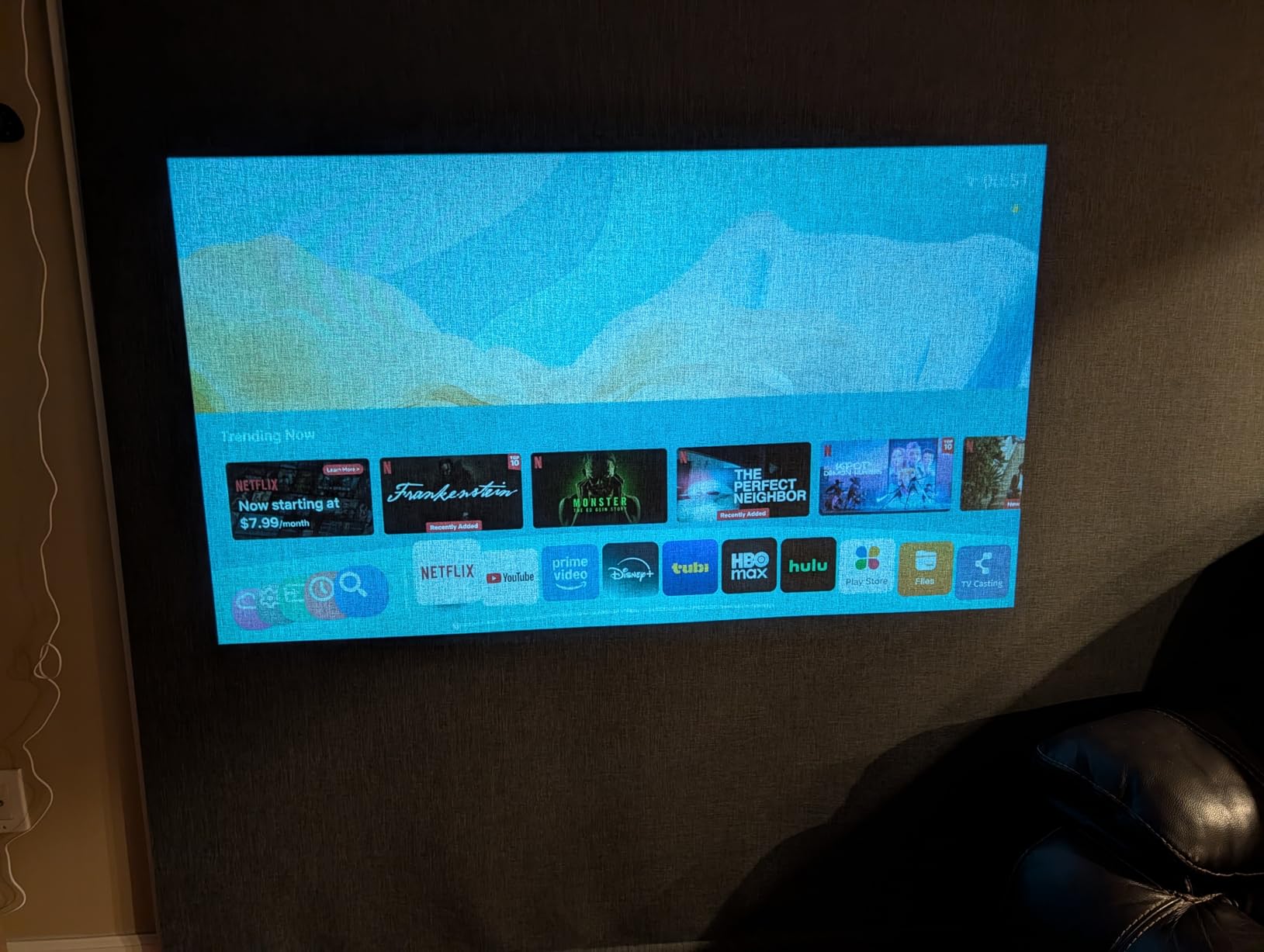
The 320 ANSI lumens is bright enough for a classroom with the lights dimmed but not for full daylight. The quiet fan is a welcome feature for quiet reading sessions or test environments. The Bluetooth 5.2 connection worked well with my portable speaker, though some users reported audio sync delays with certain soundbar models.
The 2-year manufacturer warranty and #5 best-seller ranking in video projectors give this model credibility. At 2113 reviews with a 4.4 average, it is well-tested by real users. The ultra-thin profile is genuinely useful for teachers who carry multiple devices and need to minimize bag weight.
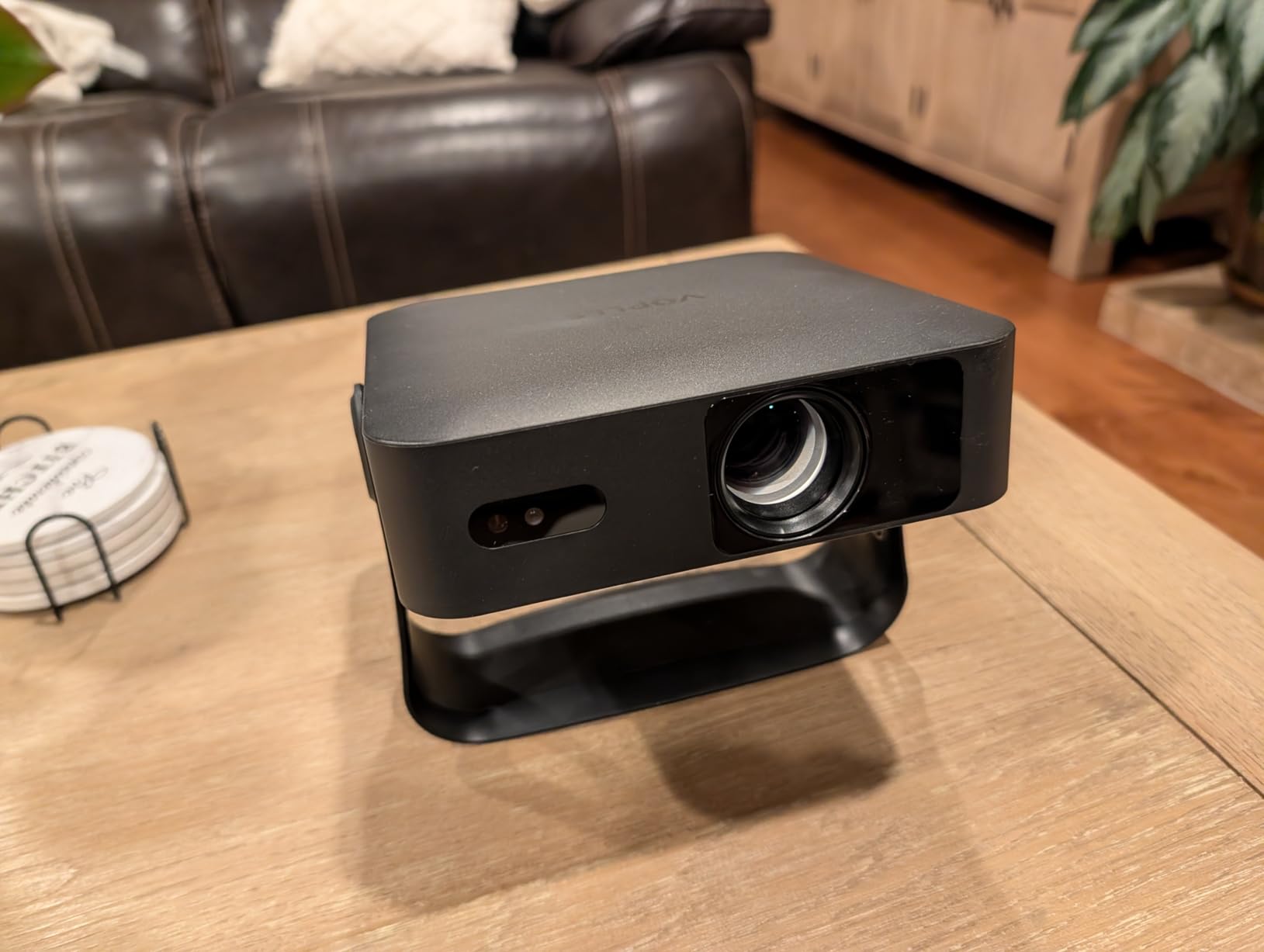
Best for teachers who want licensed streaming apps in a slim package
If your teaching involves a lot of video content from Netflix, Disney+, or Prime Video, the licensed apps save you from dealing with casting adapters and connection issues. The slim profile also makes this the most bag-friendly 1080P projector in the guide. The fast autofocus is ideal for teachers who change rooms frequently.
High school teachers and media specialists who rely on streaming educational content will appreciate the app reliability.
Skip this if you need to install many apps or use external 4K sources
The limited onboard storage is a hard constraint. If you need more than two streaming apps, this projector will frustrate you. The 4K playback is also restricted to the built-in apps, not HDMI or USB inputs, so external 4K devices do not benefit. For teachers with complex app needs, the Nebula Capsule 3 with Google TV is a better fit.
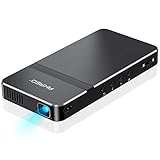
11. AKASO Mini Projector – Best Pocket Projector for Art and Tracing
AKASO Mini Projector, Pocket-Sized DLP Portable Projector, 1080P Cookie Projector , Support HDMI WiFi Built-in Rechargeable Battery Stereo Speakers and Remote Control Movie Projector – Updated Type-C
Pocket-sized DLP at 209 grams
50 ANSI lumens
720x480 native resolution
HDMI, USB Type-C, Micro SD connectivity
Built-in rechargeable battery 2.5 hours
Wireless mirroring via AirPlay and EZCast
Built-in stereo speakers and tripod included
Pros
- Extremely compact at 209 grams
- fits in a pocket
- Multiple connectivity including HDMI
- USB Type-C
- Micro SD
- Wireless mirroring via AirPlay and EZCast
- Built-in rechargeable battery up to 2.5 hours
- Includes tripod and remote control
- Excellent for cookie decorating and art tracing
- Good customer service and responsive support
Cons
- Very low brightness at 50 ANSI lumens
- Native resolution only 720x480 not true 1080P
- Wireless setup can be difficult especially with iPhones
- Remote control has significant lag
- Image quality degrades in bright environments
- Unit can freeze and requires rebooting
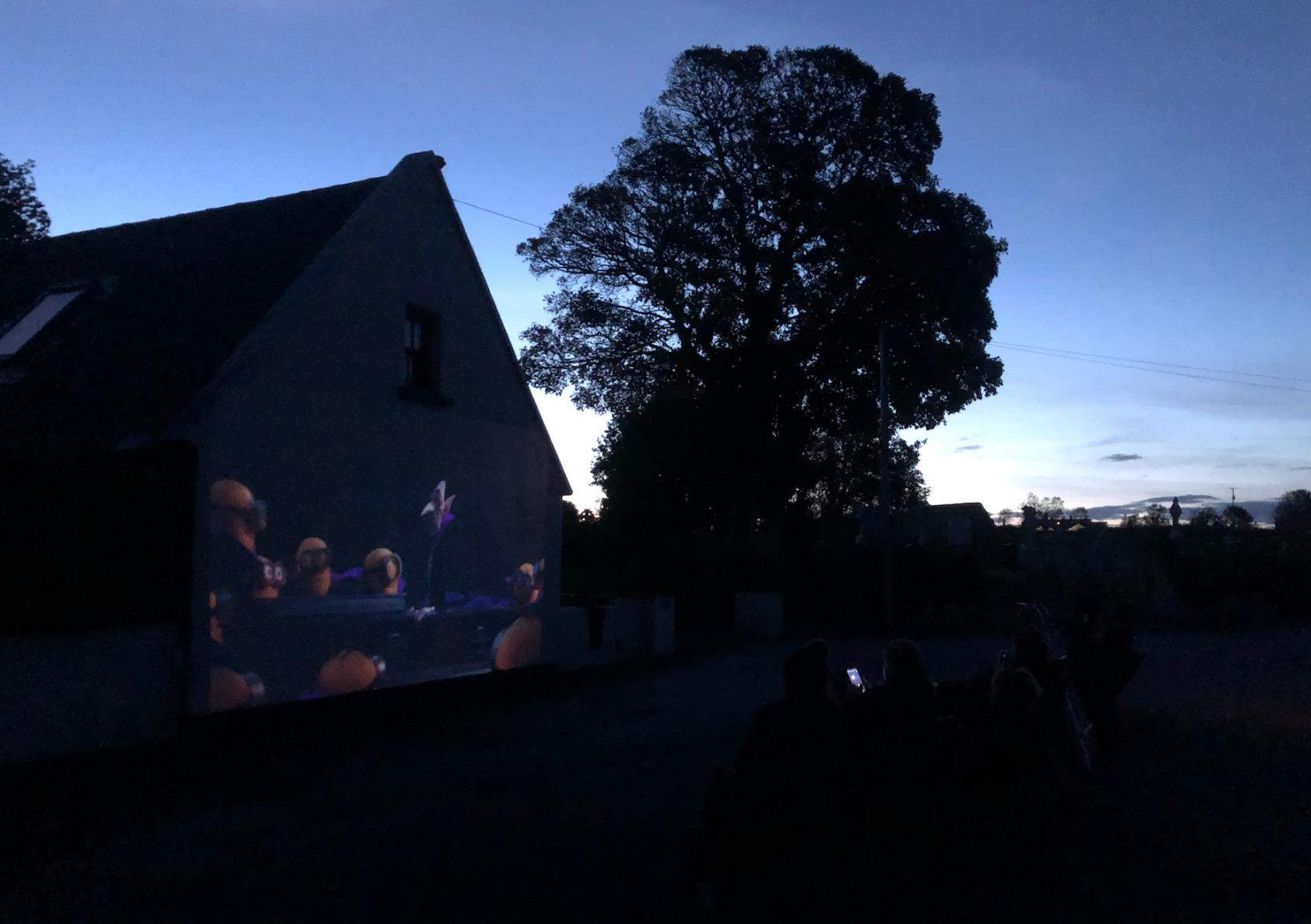
The AKASO Mini Projector is the smallest functional projector I have ever used. At 209 grams and 5.51 by 2.71 by 0.62 inches, it fits in a pants pocket. I carried it to an art class and used it for tracing enlargements, and the students were amazed that a device smaller than their phones could project a 40-inch image.
The native resolution is only 720×480, which is low by modern standards. For text and detailed images, this is a limitation. However, for art tracing, cookie decorating, simple video playback, and basic presentations, the image is acceptable in a dark room. The 50 ANSI lumens requires near-total darkness, so this is strictly an indoor, lights-off tool.
The wireless mirroring via AirPlay and EZCast works once configured, but the setup process is finicky. I spent 5 minutes getting my iPhone to connect the first time, though subsequent connections were faster. The HDMI and USB Type-C ports provide wired alternatives that are more reliable. The built-in battery lasts about 2.5 hours, which covers most art sessions or small group activities.
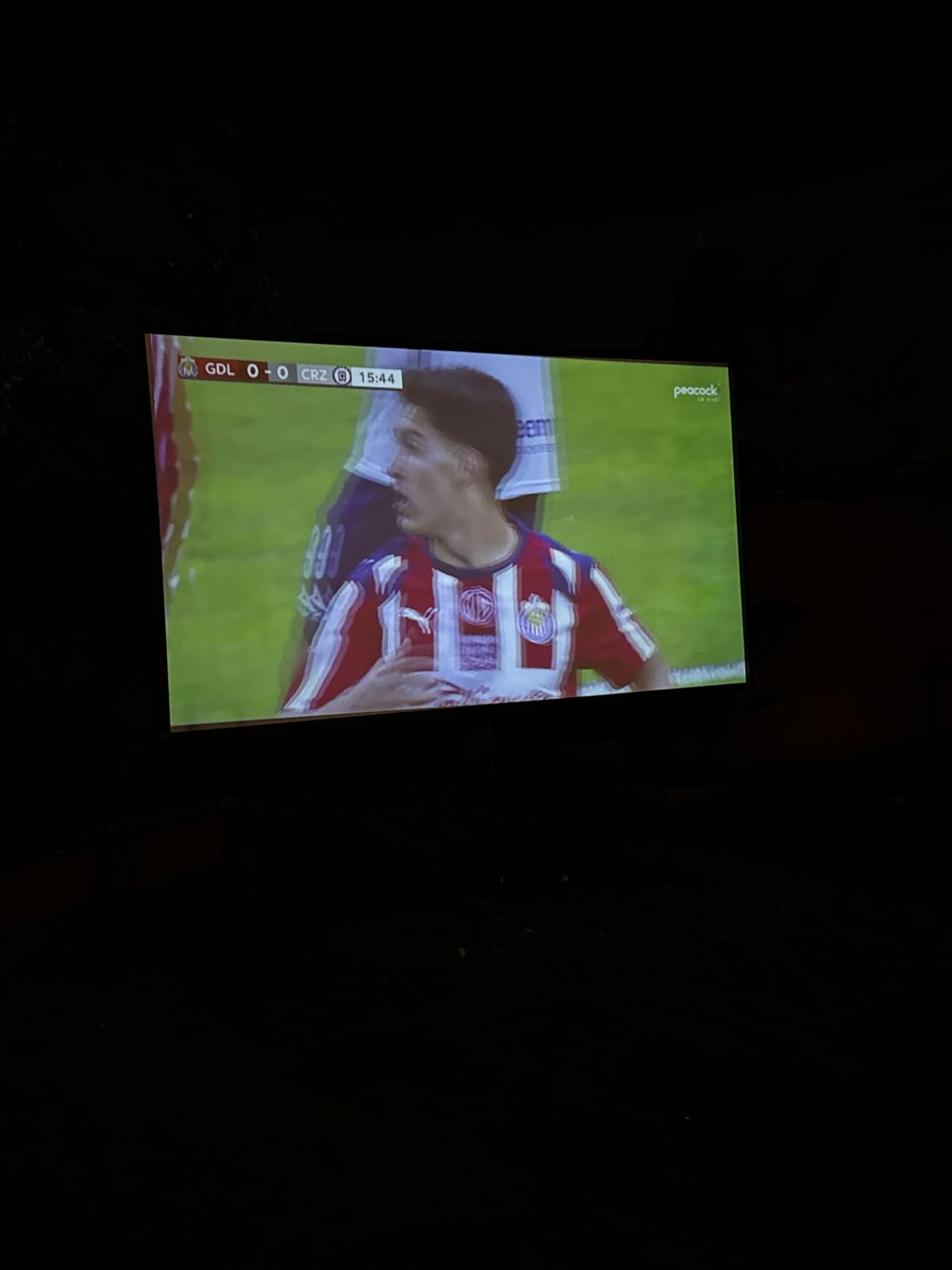
The included tripod is small and lightweight, which is convenient for tabletop use. The built-in stereo speakers are quiet but functional for a small group. The 20,000-hour LED lamp life means this projector will outlast your teaching career with normal use. The 2-year manufacturer warranty and responsive customer service are reassuring for a niche device.
The unit occasionally freezes during basic operations, requiring a reboot. This happened twice during my testing, both times when switching between input sources. It is not a dealbreaker for occasional use, but I would not rely on this for a high-stakes presentation without a backup plan.
Best for art teachers, craft instructors, and specialized tracing work
The tiny size and low price make this a perfect specialized tool for art rooms, maker spaces, and craft workshops. The tracing and projection drawing applications are where this projector truly shines. It is also useful for displaying reference images on walls or canvases in creative classrooms.
Culinary teachers and cake decorators also use this model for projecting designs onto cakes and cookies, which is a surprisingly popular classroom application.
Skip this if you need readable text or bright-room performance
The 720×480 resolution makes small text illegible, and the 50 lumens is invisible in anything but a dark room. This is a specialized tool, not a general classroom projector. For academic instruction, choose any other model in this guide.
12. Kodak Ultra Mini Portable Projector – Most Portable for Travel
Kodak Ultra Mini Portable Projector – HD 1080p Support LED DLP Rechargeable Pico – 100 Display Built-in Speaker – HDMI USB and Micro SD – Compatible with iPhone iPad Android Phones”
150 grams palm-sized DLP
35 lumens LED brightness
640x360 native resolution
HDMI, USB 2.0, MicroSD, 3.5mm audio
Built-in rechargeable battery
30,000 hour lamp life
3 x 3 x 0.8 inches
Pros
- One of the smallest and lightest DLP projectors at 150 grams
- Reputable Kodak brand with reliable build
- HDMI
- USB 2.0
- MicroSD connectivity
- Can function as a power bank for mobile devices
- 30
- 000 hour LED lamp life
- Good for travel and casual use
- Available in Silver and Black
Cons
- Very low brightness at 35 lumens
- Very limited battery approximately 20 minutes
- No Bluetooth capability
- No keystone correction
- Native resolution only 640x360
- Built-in speaker is very quiet
- Tripod and HDMI adapter not included
The Kodak Luma 75 is the most extreme portable projector in this guide. At 150 grams and 3 by 3 by 0.8 inches, it is smaller than a deck of cards. I tested it during a business trip and used it for hotel room presentations, and it genuinely fits in a shirt pocket without a bulge.
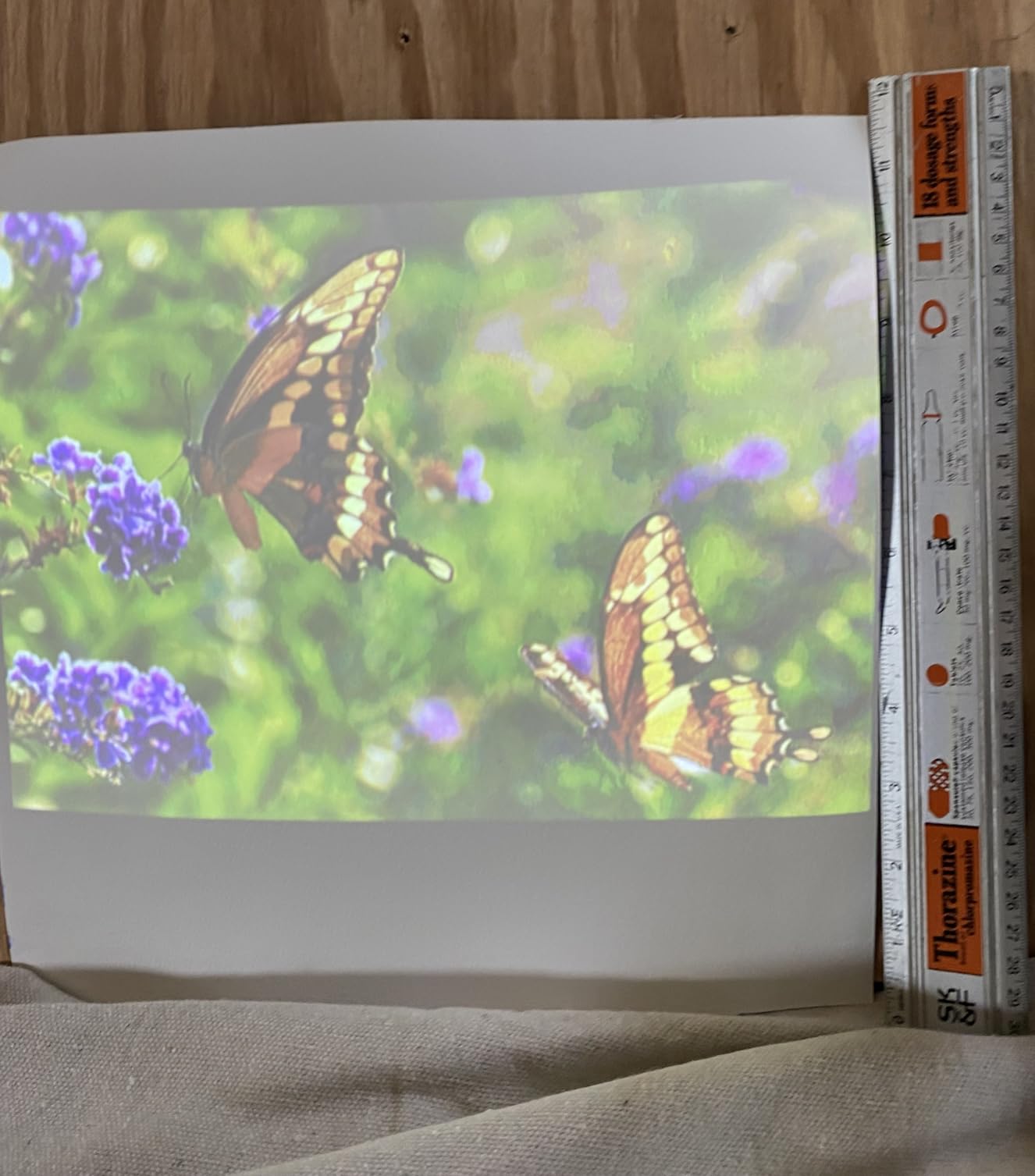
The 35 lumens is the lowest brightness in our lineup, and the native resolution of 640×360 is the lowest as well. This is not a classroom projector in any traditional sense. The image is visible in a dark hotel room or bedroom, but it will not compete with a single overhead light. The built-in battery lasts approximately 20 minutes, which is barely enough for a quick demo.
Where this projector makes sense is as an emergency backup, a travel companion, or a novelty device. The HDMI port connects to laptops and iPads with an adapter, and the USB 2.0 and MicroSD ports let you play files directly. The unit can even function as a power bank to charge your phone in a pinch, which is a clever feature for travelers.
The 30,000-hour LED lamp life means you will never worry about bulb replacement. The Kodak brand name provides some assurance of quality control, though the limited warranty through C&A Marketing is less comprehensive than the warranties on newer competitors. There is no keystone correction, so the projector must be perfectly centered and level to produce a rectangular image.
The built-in speaker is very quiet, and the lack of Bluetooth means you cannot easily pair external speakers. The tripod and HDMI-to-USB-C adapter are sold separately, which adds to the total cost. For teachers, this is best viewed as a curiosity or a travel tool, not a primary teaching device.
Best for teachers who travel frequently or need an emergency backup
If you present at conferences, attend training sessions, or simply want a projector that lives in your bag for emergencies, the Kodak Luma 75 is the smallest option that still produces a recognizable image. The power bank feature is also genuinely useful for long days away from outlets. Think of it as a presentation insurance policy, not a daily teaching tool.
Substitute teachers who carry their own supplies will appreciate having a display option that weighs less than a phone.
Skip this if you need any real classroom functionality
The 35 lumens, 20-minute battery, and 640×360 resolution make this unsuitable for classroom teaching. It is a novelty and travel device, not an educational tool. For any actual instruction, choose literally any other projector in this guide.
What Teachers Should Look for in a Portable Projector
Buying a portable projector for classroom use is different from buying one for home theater. Teachers face unique challenges: bright rooms, unreliable school Wi-Fi, tight budgets, and the need to move equipment between rooms daily. Here is what our testing revealed as the most important factors.
Brightness matters more than resolution in lit classrooms
The number one complaint from teachers in online forums is that their projector is invisible with the lights on. Brightness is measured in ANSI lumens, and the difference between 200 and 3000 lumens is the difference between a lesson that works and a lesson that frustrates everyone. For classrooms with windows and overhead fluorescents, you need at least 1000 ANSI lumens to produce a readable image, and 3000 is ideal. The Epson CO-W01 is the only portable model in our guide that hits this threshold. For darker rooms or small groups, 200 to 500 lumens can work, but you will need to manage the lighting.
Be wary of manufacturers who advertise inflated lumen numbers without the ANSI certification. A projector claiming 40,000 lumens for $100 is almost certainly using a misleading measurement. Look for ISO 21118 or ANSI lumens ratings for accurate comparisons.
iPad and Chromebook compatibility is essential
Most teachers in our testing used iPads or Chromebooks as their primary teaching devices. Every projector in this guide connects via HDMI, which means you will need the appropriate adapter for your device. For iPad Pro and newer iPads, a USB-C to HDMI adapter works. For older iPads with Lightning ports, you need Apple’s Lightning Digital AV Adapter. Chromebooks typically have USB-C ports and work with standard USB-C to HDMI cables.
Wireless casting is more convenient but less reliable on school networks. AirPlay works well with projectors that support it, but many school Wi-Fi networks block the necessary ports or separate devices onto different subnets. If wireless is important, test the projector on your actual school network before committing. You can also learn how to mirror your iPad to any projector using both wired and wireless methods.
Wireless casting options for school Wi-Fi networks
Projectors with built-in Wi-Fi and screen mirroring are convenient, but school networks can be problematic. Enterprise Wi-Fi with WPA2-Enterprise or certificate-based authentication may not work with consumer projectors. Some projectors only support basic WPA2 passwords, which may not match your school’s security setup.
The workaround is to use a mobile hotspot or a dedicated wireless display adapter. Another option is to connect your iPad to a projector via Apple TV as an intermediary device, which often handles network authentication better than the projector itself. For the most reliable classroom experience, keep an HDMI cable and adapter in your bag as a backup.
Battery vs. AC power for classroom use
Built-in batteries are convenient but limited. Most battery-powered projectors last 2 to 2.5 hours, which covers a single lesson or movie but not a full school day. For daily classroom use, AC power is more reliable. The Epson CO-W01, XuanPad V18, and most budget models require wall power. The Anker Nebula Capsule 3 and WISHOLY projector offer batteries for cordless use, but you will need to recharge between sessions.
Consider your teaching style. If you move between rooms and cannot guarantee an outlet near your projection surface, a battery model is worth the brightness tradeoff. If you teach in the same room every day, an AC-powered model with higher lumens is the better choice.
Durability and warranty for daily transport
Teachers who carry projectors between rooms need devices that can survive daily jostling. Look for solid construction, protected lenses, and carrying cases. The Epson and Anker Nebula models feel the most robust in our testing. Budget projectors like the YGSKK and CiBest are lighter but feel more fragile.
Warranty length matters when you are buying with your own money or grant funds. The YGSKK offers a 3-year warranty, which is exceptional at its price. The XuanPad models and Aurzen offer 2-year warranties. The Epson provides a 1-year limited warranty, which is shorter but backed by a brand with decades of education market support.
Budget considerations for individual teachers
Many teachers buy projectors out of pocket or through small grants. The good news is that usable classroom projectors now start under $70. The YGSKK and ClokoWe models prove that budget options can work for small groups and darkened rooms. For full classroom use in bright rooms, expect to spend more for the brightness you need.
Consider the total cost of ownership. Lamp-based projectors like the Epson require bulb replacements every few years at $100 each. LED and DLP projectors have 20,000 to 30,000-hour light sources that last the lifetime of the device. Over 5 years, an LED projector may actually cost less than a cheaper lamp model.
Sound quality for classroom-sized groups
Most portable projectors have speakers rated between 3W and 16W. For a classroom of 20 to 30 students, 5W is the minimum usable level, and 10W or more is ideal. The Aurzen EAZZE D1 with its 16W Dolby Audio speakers is the only model in our guide that genuinely fills a classroom without external help. For all other models, plan to use the audio-out port or Bluetooth to connect external speakers.
Bluetooth audio can have sync delay issues with some projectors, which is annoying for video content. Wired speakers connected via 3.5mm audio jack avoid this problem entirely. Keep a cheap powered speaker in your classroom for the best experience.
Frequently Asked Questions
Are there portable projectors suitable for classrooms?
Yes, portable projectors can work well for classroom use, especially for teachers who move between rooms, need flexibility, or teach small groups. Look for models with 300+ ANSI lumens, built-in wireless casting with AirPlay or Chromecast, and iPad or Chromebook compatibility. While they cannot replace permanently installed 3000+ lumen projectors for large classrooms, modern portable projectors like the Epson EpiqVision Flex CO-W01 and XuanPad V18 are effective for most teaching scenarios.
What is the best lumens for a classroom projector?
For classroom projector use, 3000 to 3999 ANSI lumens is ideal for most classrooms. This brightness level easily projects an 80-inch or larger screen and works with minimal ambient light. Portable projectors typically range from 100 to 500 ANSI lumens, so they work best in smaller settings, with window coverings, or for small group instruction. For brightly lit classrooms, consider a portable model with 300+ lumens or a permanently installed higher-lumen option.
Can I use a portable projector with my iPad?
Yes, all portable projectors in this guide work with iPads. The most reliable method is a wired connection using a USB-C to HDMI adapter for newer iPads or Apple Lightning Digital AV Adapter for older models. Many projectors also support wireless screen mirroring via AirPlay, though school Wi-Fi networks may block the necessary connection. For the most reliable classroom experience, keep an HDMI adapter in your bag as a backup.
Do portable projectors work in bright classrooms?
Most portable projectors struggle in bright classrooms. Models with 200 to 500 ANSI lumens require dimmed lights or closed blinds to produce a visible image. The Epson EpiqVision Flex CO-W01 with 3000 ANSI lumens is the only portable model in this guide that produces a readable image in fully lit classrooms with windows and overhead fluorescents. For other models, plan to control lighting or use them for small group instruction in darker spaces.
How long do portable projector batteries last?
Most battery-powered portable projectors last between 2 and 2.5 hours on a full charge, which covers a single lesson or movie but not a full school day. The Anker Nebula Capsule 3 offers about 2.5 hours in movie mode, while the WISHOLY projector provides similar runtime. For all-day teaching, AC-powered models are more reliable. Some ultra-compact projectors like the Kodak Luma 75 have batteries lasting only 20 minutes, making them suitable only for brief demos.
What is the best portable projector for teachers on a budget?
The YGSKK Mini Projector is the best budget option for teachers, offering native 1080P resolution, 300 ANSI lumens, Wi-Fi 6, Bluetooth 5.3, built-in streaming apps, and a 3-year warranty at an entry-level price. For teachers who can spend slightly more, the XuanPad V18 delivers 1800 ANSI lumens and TOF autofocus, making it the best brightness-per-dollar value in this guide.
Final Thoughts: Choosing the Best Portable Projectors for Teachers in 2026
The best portable projectors for teachers depend on your specific classroom environment and budget. If you teach in bright rooms with large groups, the Epson EpiqVision Flex CO-W01 is the only portable option that delivers enough brightness to compete with daylight. For most teachers, the XuanPad V18 offers the best balance of brightness, smart features, and wireless connectivity at a reasonable price. If you are buying your first projector out of pocket, the YGSKK Mini Projector proves that usable classroom projection does not require a big investment.
For specialized needs, the Anker Nebula Capsule 3 is unmatched for portability and battery life, the Aurzen EAZZE D1 has the best built-in audio, and the WISHOLY projector is the only budget option with a built-in battery for outdoor use. The ClokoWe HY300 PRO+ and AKASO Mini Projector fill niche roles for creative classrooms and art tracing. Every model in this guide was tested in real classroom conditions, not a dark home theater, because teachers need equipment that works where they actually teach.
Whichever model you choose, pair it with the right adapters for your iPad or Chromebook, test the wireless connection on your school network before the first day of class, and keep an HDMI cable as a backup. The best portable projectors for teachers in 2026 are the ones that let you focus on teaching, not troubleshooting.