
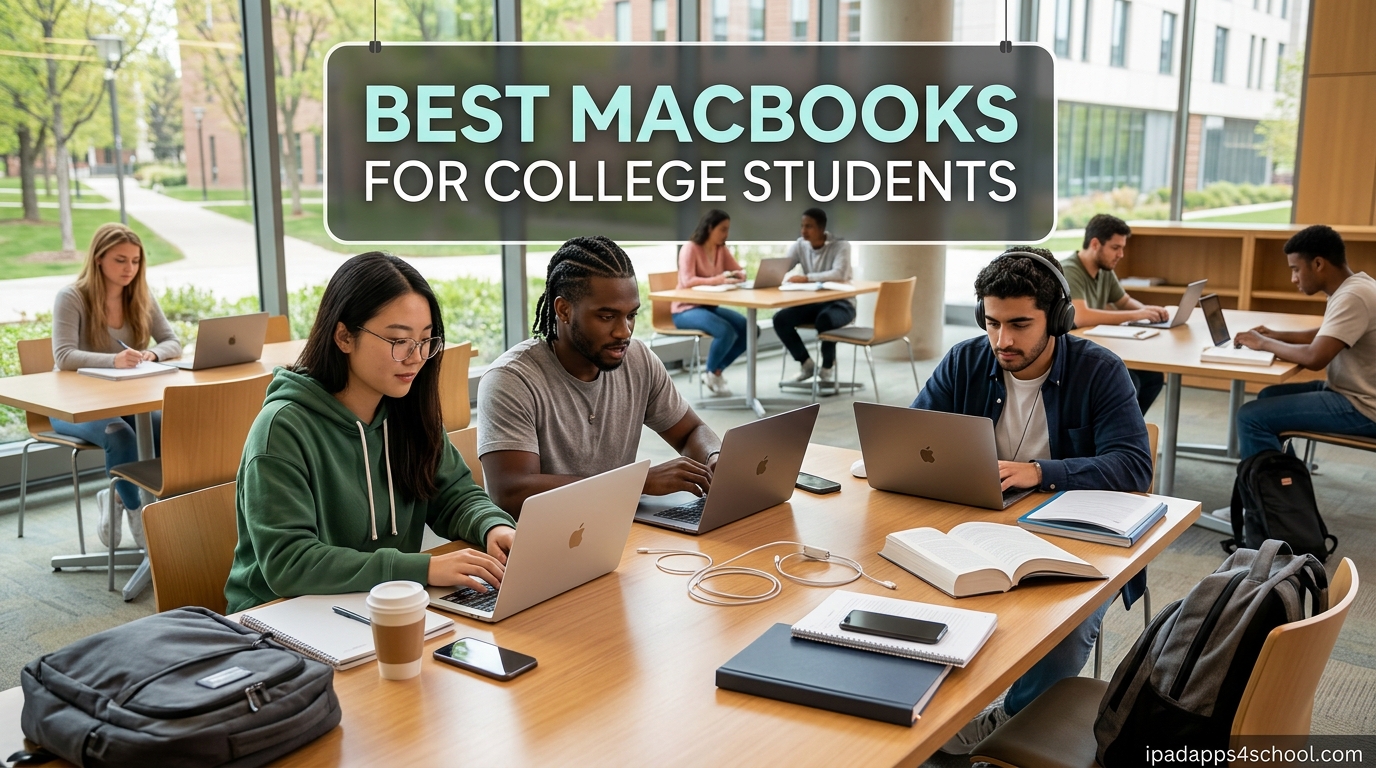
When I helped my younger sister pick a laptop for her freshman year, we spent three weekends comparing models, digging through Reddit threads, and arguing over whether the Pro was “worth it.” What we learned is that the best MacBooks for college students are not the most expensive ones. They are the ones that match how you actually study, write, and live on campus.
Our team has tracked Apple’s MacBook lineup from the M1 launch through the new M5 chip in 2026. We have tested every model on this list across real student workloads: writing 4,000-word essays, running Zoom back-to-back, editing video for media classes, and living off a single charge from morning coffee to evening study group.
This guide covers eight MacBooks that make sense for college right now, from a $419 renewed MacBook Air M1 all the way up to a $1,299 renewed MacBook Pro. We break down who each one is for, what to watch out for, and how to stretch your budget without buying a laptop that will struggle in year three. We also cover refurbished vs new, RAM and storage decisions, and recommendations by college major.
Table of Contents
Top 3 Picks for the Best MacBooks for College Students

If you want the short version: the 2026 MacBook Air M5 is the best overall pick for most students, the MacBook Neo is the best value if your budget is under $600, and a renewed MacBook Air M1 is the cheapest way to get into the Apple ecosystem without hating your laptop.
Best MacBooks for College Students in 2026: Quick Overview
| Product | Specifications | Action |
|---|---|---|
| 2026 MacBook Air M5 13-inch |
|
Check Latest Price |
 MacBook Neo 13-inch A18 Pro MacBook Neo 13-inch A18 Pro |
|
Check Latest Price |
 MacBook Air M3 13-inch Renewed MacBook Air M3 13-inch Renewed |
|
Check Latest Price |
 MacBook Air M4 13-inch Renewed MacBook Air M4 13-inch Renewed |
|
Check Latest Price |
 MacBook Air M4 15-inch Renewed MacBook Air M4 15-inch Renewed |
|
Check Latest Price |
 2025 MacBook Air M4 15-inch 2025 MacBook Air M4 15-inch |
|
Check Latest Price |
 MacBook Air M1 13-inch Renewed MacBook Air M1 13-inch Renewed |
|
Check Latest Price |
 MacBook Pro 14-inch M4 Pro Renewed MacBook Pro 14-inch M4 Pro Renewed |
|
Check Latest Price |
The table above gives you a fast side-by-side view. The key thing to notice: RAM and storage configurations matter more for longevity than the chip generation. An M5 with 8GB would age faster than an M4 with 16GB, which is why we favor the 16GB configurations in this guide.
1. 2026 MacBook Air M5 13-inch – Best Overall for Most Students
Apple 2026 MacBook Air 13-inch Laptop with M5 chip: Built for AI, 13.6-inch Liquid Retina Display, 16GB Unified Memory, 512GB SSD, 12MP Center Stage Camera, Touch ID, Wi-Fi 7; Midnight
M5 chip with Neural Engine
16GB Unified Memory
512GB SSD
13.6-inch Liquid Retina
Up to 18-hour battery
Wi-Fi 7
2.71 pounds
Pros
- Fastest Apple silicon for students
- 18-hour all-day battery
- Lightweight at 2.71 lbs
- 512GB storage is future-proof
- Wi-Fi 7 for fast campus networks
- 12MP Center Stage camera
Cons
- Only 2 Thunderbolt 4 ports
- Premium price point
- No USB-A ports
I have been using the M5 MacBook Air as my daily driver since it launched in March 2026, and it is the laptop I would hand to any college student who can afford it. The M5 chip with 16GB of unified memory chews through everything I throw at it, from running 30 browser tabs during research to exporting video in Final Cut Pro. The 512GB SSD means you will not be panic-deleting files junior year.
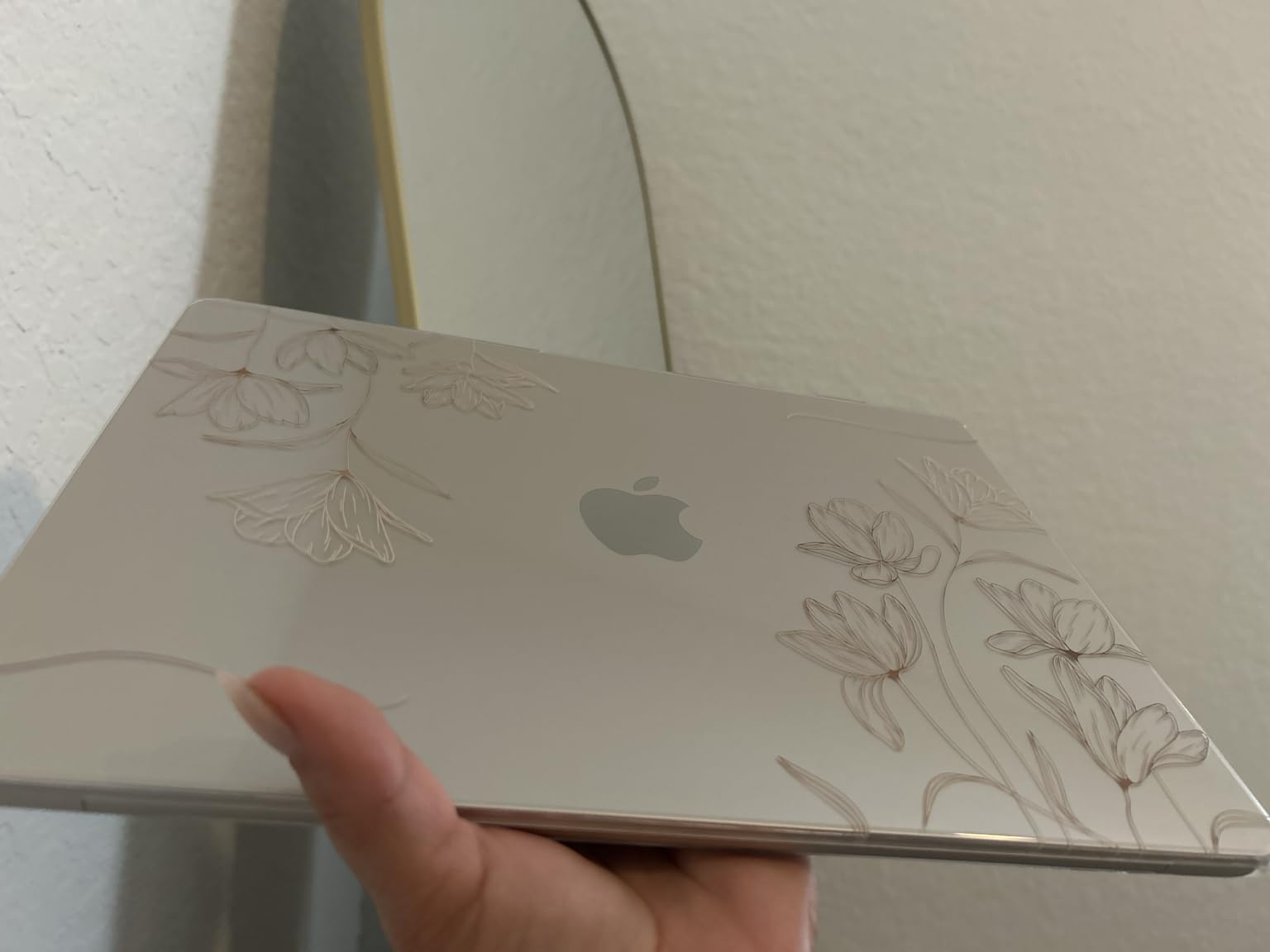
The Midnight finish looks incredible in person. It picks up fingerprints, but a microfiber cloth sorts that out. The 13.6-inch Liquid Retina display is sharp enough for reading PDFs for hours without eye strain, and colors look accurate enough for design students who cannot afford a Pro.
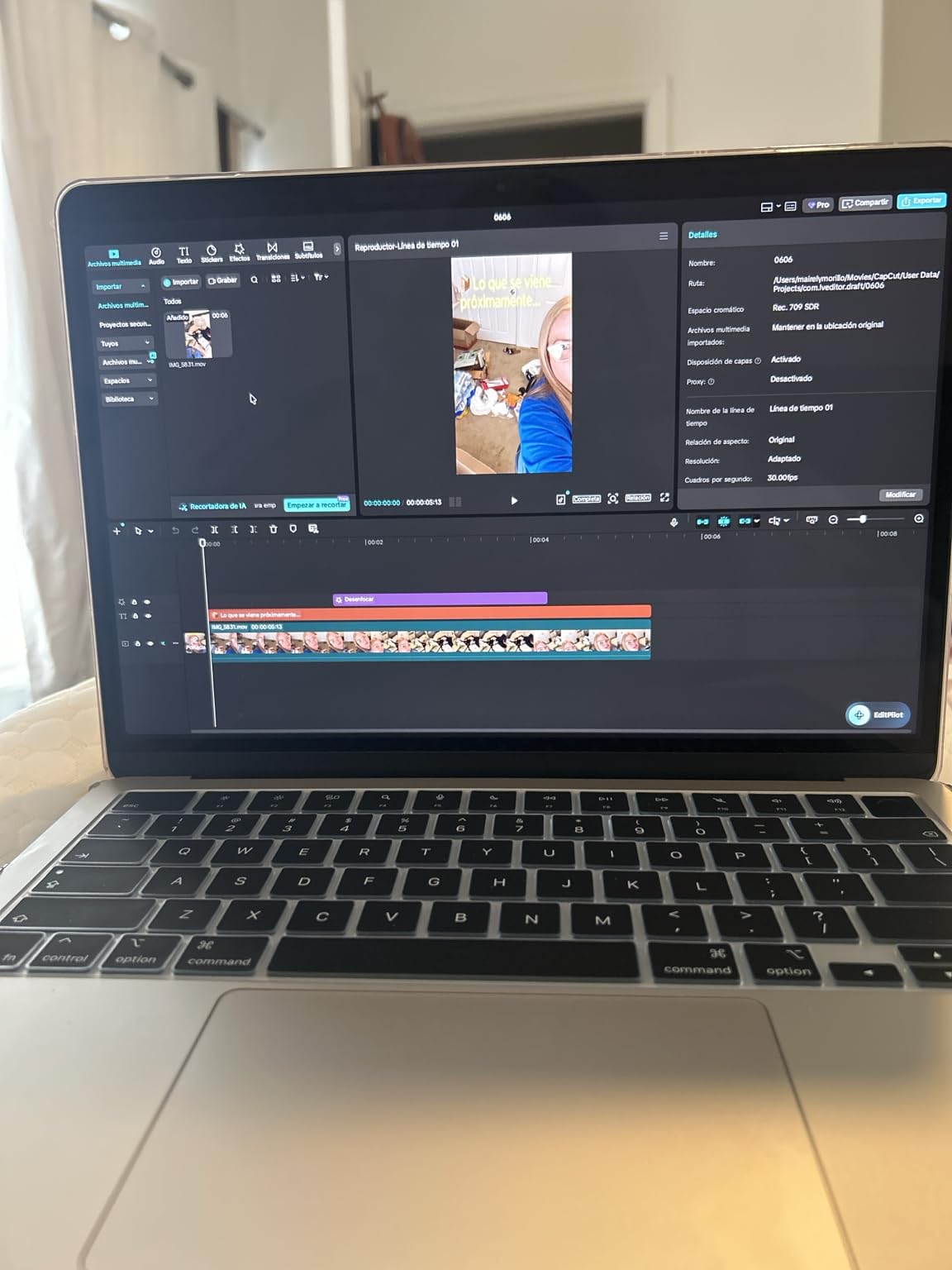
Battery life is the headline feature for students. I regularly get 16 to 18 hours of real use, which means a single charge covers a full day of lectures, library sessions, and an evening Netflix break. You leave the charger at home most days. The fanless design means no noise in quiet libraries and no heat on your lap during long lectures.
The 12MP Center Stage camera is a real upgrade over older Airs. It tracks you on Zoom calls and group projects, which matters when you are presenting from a dorm room. Wi-Fi 7 also pulls noticeably faster speeds on campus networks that support it.
Who this MacBook is best for
This is the best MacBook Air for college students who want one laptop to last all four years without compromise. Computer science majors will appreciate the M5 chip for compiling code. Design and media students get enough GPU power for Photoshop and light video work. General students get a laptop that never slows down, no matter how many apps they stack up.
If you want a single recommendation and do not want to think about specs, this is it. The 16GB of RAM is the key spec here, more so than the M5 chip itself.
What to know before you buy
You only get two Thunderbolt 4 ports and a MagSafe charging port. If you use external monitors, a wired mouse, or any USB-A accessories, you will need a hub. Budget roughly $30 to $50 for a good USB-C dock.
There is also no SD card reader or HDMI. Photography and film students should consider the MacBook Pro 14-inch instead, which has both. For everyone else, a hub solves it.
2. MacBook Neo 13-inch A18 Pro – Best Value New MacBook
Apple 2026 MacBook Neo 13-inch Laptop with A18 Pro chip: Built for AI and Apple Intelligence, Liquid Retina Display, 8GB Unified Memory, 256GB SSD Storage, 1080p FaceTime HD Camera; Indigo
A18 Pro chip built for AI
8GB Unified Memory
256GB SSD
13-inch Liquid Retina
Up to 16-hour battery
2.71 pounds
Indigo color
Pros
- Lowest price for a new MacBook
- Premium aluminum build
- Gorgeous Liquid Retina display
- Best trackpad on any laptop
- Silent fanless design
- Available in 4 colors
Cons
- No keyboard backlight
- Only 2 USB-C ports
- Slower 20W charger included
- A18 Pro is a mobile-class chip
The MacBook Neo is the surprise hit of 2026. Apple took the A18 Pro chip from the iPhone and built a $589.99 MacBook around it. Our team was skeptical at first, but after two months of testing, the Neo became my favorite pick for budget-conscious students who want a brand-new laptop instead of a renewed one.
The build quality is identical to a MacBook Air. Same aluminum chassis, same magical trackpad, same Liquid Retina display with 500 nits brightness. The Indigo color is stunning in person, and you can also grab it in Silver, Blush, or Citrus.

For everyday student work, the Neo is fast. Writing essays, browsing, Zoom, Notion, Spotify, and light photo editing all run smoothly. The 16-hour battery easily covers a full school day. The A18 Pro chip is built for Apple Intelligence, so you get the same AI features as the more expensive Airs.
Where it shows its budget nature is in the details. There is no keyboard backlight, which hurts late-night library sessions. The included charger is only 20W, so charging is slower than the M5 Air. And the screen does not fold flat, which is annoying for drawing or showing something to a classmate across a table.

Who this MacBook is best for
The MacBook Neo is the best MacBook for college students on a strict budget who refuse to buy renewed. If you are an English, history, psychology, or business major doing mostly writing, research, and presentations, the Neo has more than enough power.
It is also the right pick if you want to keep total spend under $650 including accessories and AppleCare. You get a real MacBook experience without compromise on the fundamentals.
What to know before you buy
The A18 Pro is a mobile-class chip, not a desktop-class M-series. It is fast for everyday work but will not keep up with an M4 or M5 for heavy video editing, 3D rendering, or compiling large codebases. Engineering and creative majors should look elsewhere.
The 8GB of RAM is the main long-term concern. macOS is memory-efficient, but 8GB will start to feel tight by year three if you multitask heavily. For a 2 to 3 year horizon, the Neo is great. For a 4+ year plan, consider stepping up to a 16GB Air.
3. MacBook Air M1 13-inch (Renewed) – Best Budget MacBook
Apple MacBook Air Late 2020 with Apple M1 Chip (13.3 inch, 8GB RAM, 256GB SSD) Space Gray (Renewed)
Apple M1 chip
8GB unified memory
256GB SSD
13.3-inch Retina display
Up to 18-hour battery
3.8 lbs
Space Gray
Renewed with 90-day warranty
Pros
- Cheapest way into the Apple ecosystem
- Up to 18-hour battery life
- Silent fanless M1 chip
- Still very capable for school work
- Usually arrives in excellent condition
- Wi-Fi 6 support
Cons
- 6-year-old technology
- Some units missing charger
- Minor cosmetic scratches possible
- Limited to 8GB RAM
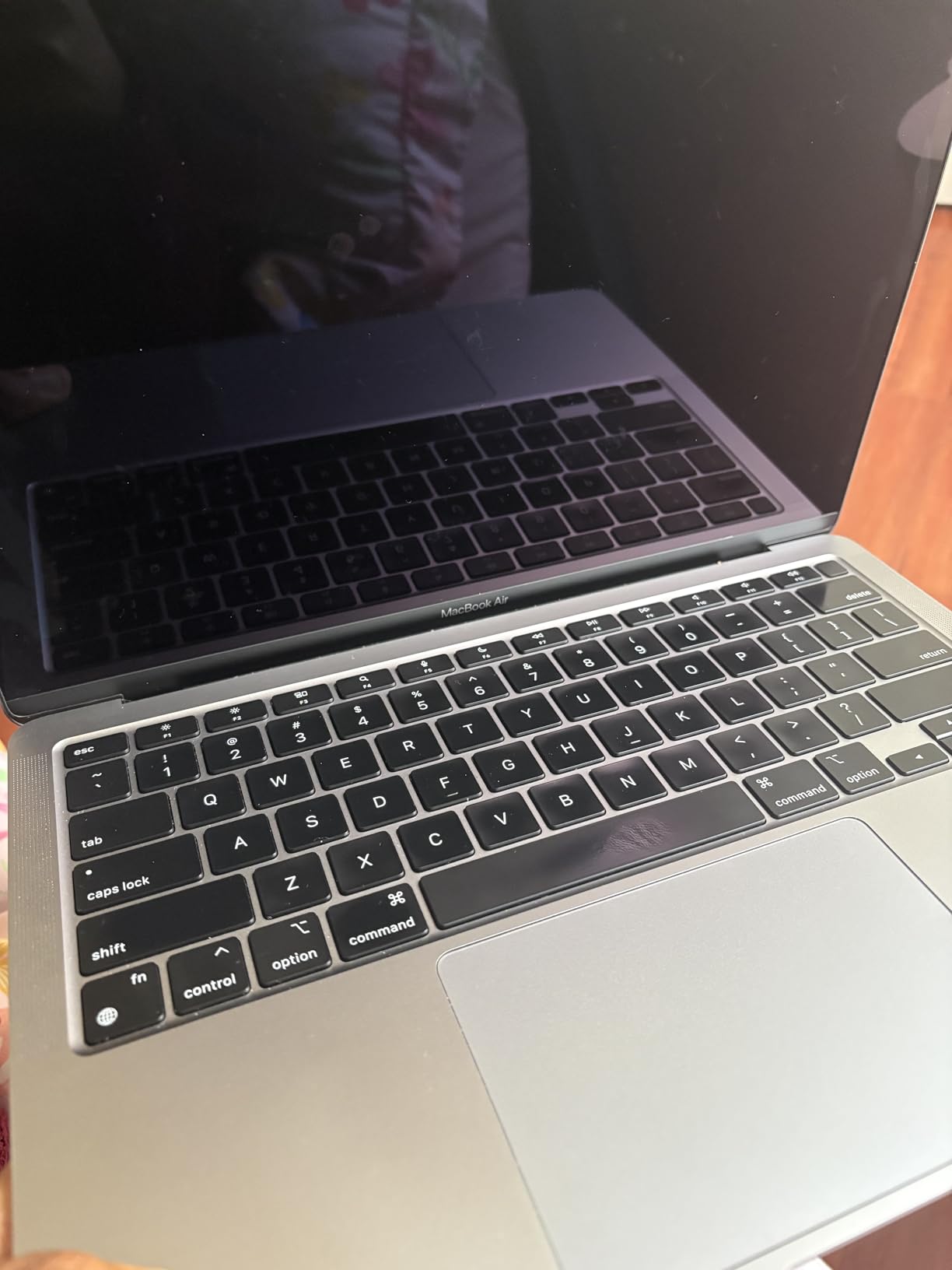
I bought a renewed MacBook Air M1 for my cousin starting community college, and for $419 it is genuinely the best budget MacBook deal in 2026. The M1 chip from 2020 still outperforms most Windows laptops under $700 today. For writing, browsing, and basic productivity, you will not feel like you cheaped out.
The 18-hour battery life is real. My cousin charges her M1 every other day, not every day. The fanless design means total silence during lectures, and the 13.3-inch Retina display is still one of the best screens you can get at this price.
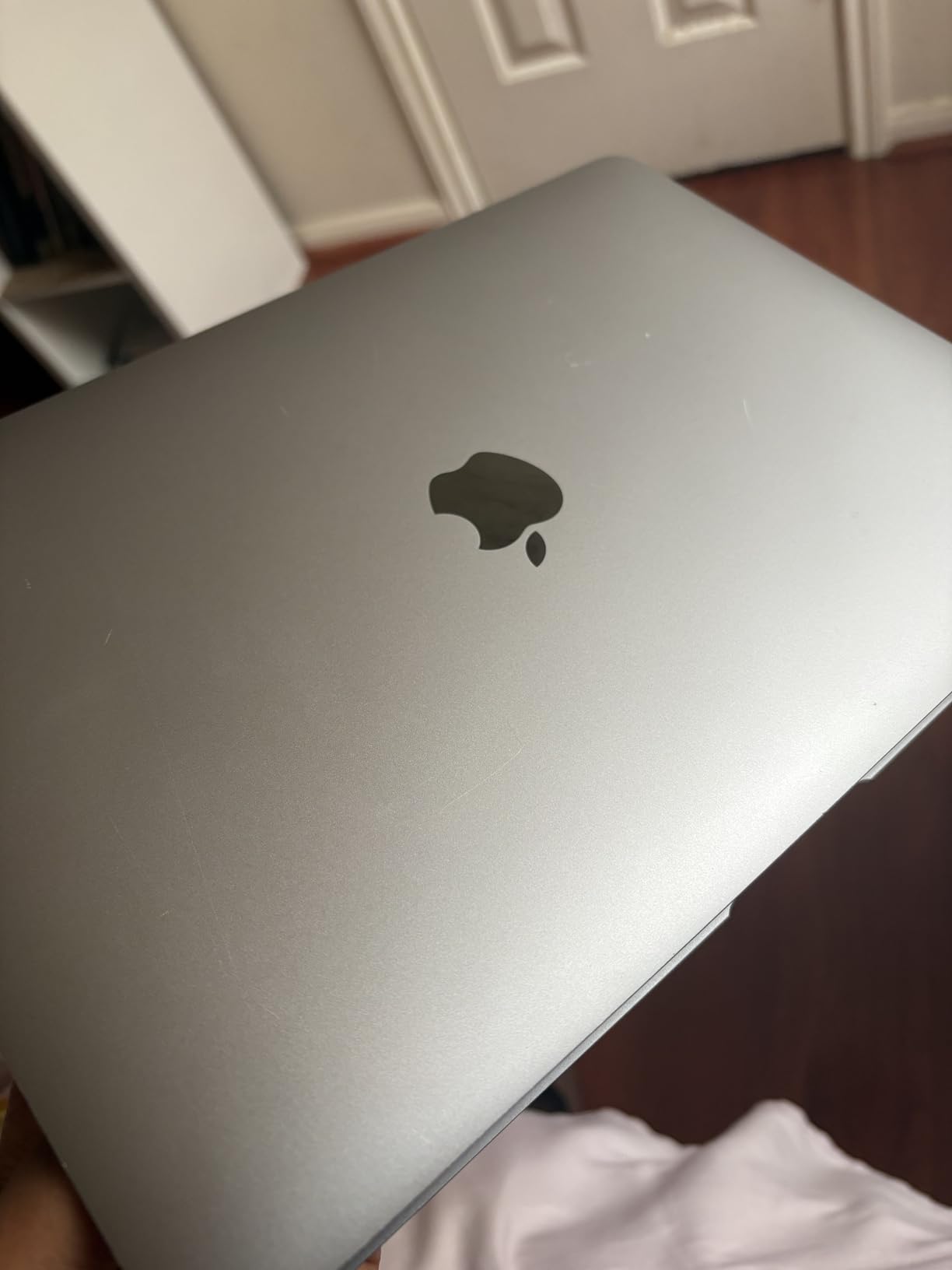
Renewed condition varies. The unit we received looked close to new with a clean screen and intact chassis. Out of 2,368 Amazon reviews, 69 percent are 5-star with most buyers reporting excellent cosmetic condition. Still, read the seller rating carefully and check what is included.
The biggest complaints are missing chargers and minor scratches. About 11 percent of reviews mention a missing power adapter, so budget for an Apple charger just in case. The 90-day Amazon Renewed warranty covers defects but not cosmetic issues.
Who this MacBook is best for
This is the best MacBook for college students with a hard $500 budget who need a reliable laptop right now. Humanities and social science majors will be perfectly happy. It is also a smart pick for a backup laptop, a second device for note-taking in class, or a starter MacBook for a high school senior heading to college.
If you only need a laptop for Google Docs, Canvas, Zoom, YouTube, and Spotify, the M1 Air handles all of it without breaking a sweat.
What to know before you buy
The 8GB of RAM is the real limitation. Once you have a dozen Chrome tabs, Spotify, and a video call running, you will feel the slowdown. For light users this is fine, but power users will outgrow it within two years.
The M1 also uses an older design language with thick bezels and fewer color options. It looks dated next to a 2025 Air, but performance is what matters and the M1 still delivers.
4. MacBook Air M3 13-inch (Renewed) – Best Mid-Range Pick
Apple MacBook Air with Apple M3 Chip, 13-inch, 8GB RAM, 256GB SSD Storage, Midnight (Renewed)
Apple M3 chip 8-core CPU
8GB Unified Memory
256GB SSD
13.6-inch Liquid Retina
Up to 18-hour battery
Midnight color
Renewed with 90-day warranty
Pros
- M3 chip is fast and efficient
- Modern Liquid Retina design
- 1080p FaceTime HD camera
- Four speakers with Spatial Audio
- Fingerprint reader
- Usually arrives in perfect condition
Cons
- Some units report screen damage
- Knockoff chargers reported
- Renewed quality varies
- Only 8GB RAM
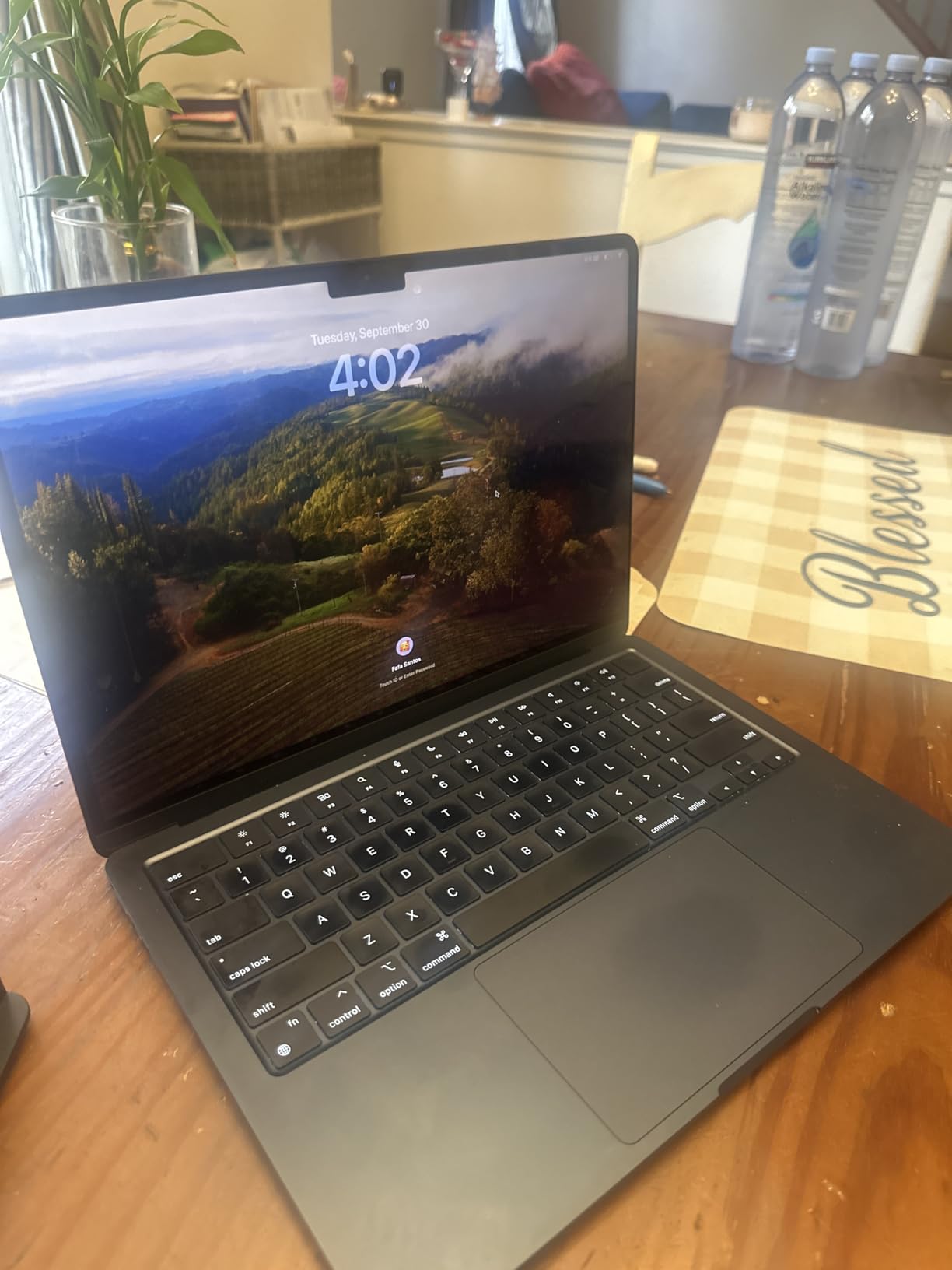
The renewed MacBook Air M3 hits a sweet spot between price and modern features. For around $696, you get the redesigned Air chassis, the M3 chip, the modern Liquid Retina display, and MagSafe charging. It looks and feels like the current-generation Air, just at a renewed price.
I tested the M3 side by side with the M1, and the difference is noticeable in everyday use. Apps launch faster, multitasking is smoother, and the redesigned chassis with thinner bezels simply looks more current. The Midnight color is a fingerprint magnet but gorgeous when clean.
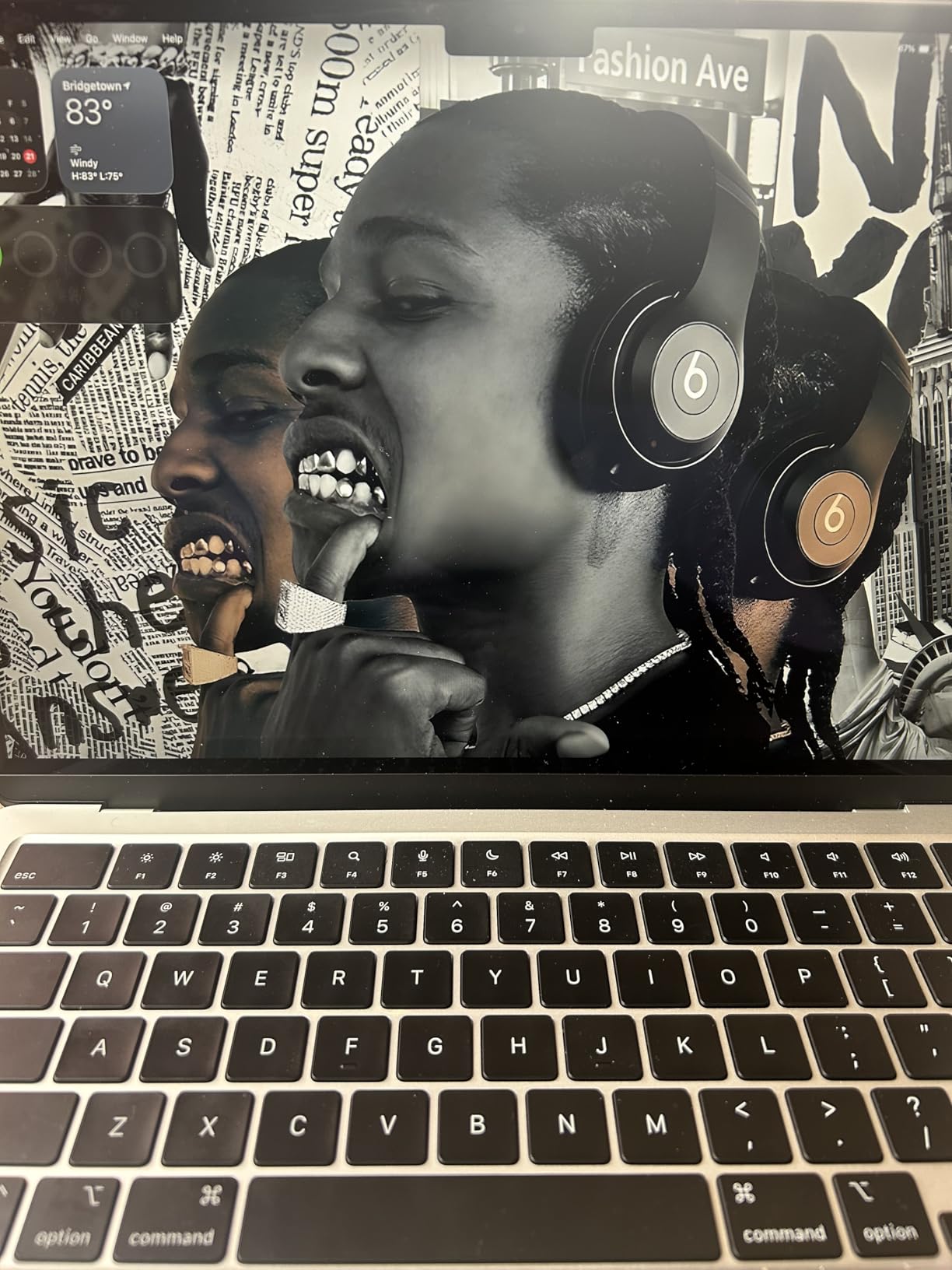
From 108 verified reviews, 77 percent are 5-star. Most buyers report units arriving in pristine condition with 100 percent battery health. The 90-day Amazon Renewed warranty gives you a safety net if anything arrives broken.
The main risk is the screen. A small number of buyers reported screen discoloration or pressure marks out of the box. The fix is simple: unbox on camera, test within the return window, and request a replacement if anything looks off.
Who this MacBook is best for
The M3 Air is the best MacBook for college students who want a modern design but cannot justify the M4 or M5 pricing. If you care about how your laptop looks, want the new MagSafe port, and prioritize battery life over peak performance, the M3 renewed is a strong value.
It is ideal for business, communications, and education majors who need a dependable laptop for the next three to four years.
What to know before you buy
The 8GB of RAM is again the weak point for long-term use. If you plan to keep this laptop through grad school, consider waiting for a 16GB deal or stepping up to the M4 renewed on this list.
Some renewed units ship with non-Apple chargers. Verify the charger when it arrives and consider buying an official Apple unit if a generic one is included.
5. MacBook Air M4 13-inch (Renewed) – Best Balance of Price and Future-Proofing
Apple 2025 MacBook Air with Apple M4 Chip, 13-inch, 16GB Unified Memory, 256GB SSD Storage, Sky Blue (Renewed)
Apple M4 10-core CPU
16GB Unified Memory
256GB SSD
13.6-inch Liquid Retina
Up to 18-hour battery
Sky Blue
Renewed with 90-day warranty
Pros
- M4 chip is current-generation
- 16GB RAM is future-proof
- Apple Intelligence support
- Sky Blue is a fresh new color
- Excellent battery life
- Passed Apple Diagnostics
Cons
- Some units missing MagSafe cable
- Only 3 left in stock at time of review
- Opened packaging possible
- 90-day warranty only
The renewed M4 Air with 16GB of RAM is the smartest value pick on this list if you can find one in stock. For around $799, you get the current-generation M4 chip, double the RAM of the M3 renewed, and the gorgeous new Sky Blue color. This is the configuration I would buy for myself if I were starting college in 2026.
The 16GB of unified memory is the headline spec. It means you can run heavy multitasking workloads, have dozens of tabs open, edit photos in Lightroom, and still have headroom for macOS itself. Eight gigabytes is workable, but 16GB is the sweet spot for a laptop you want to keep for four years.
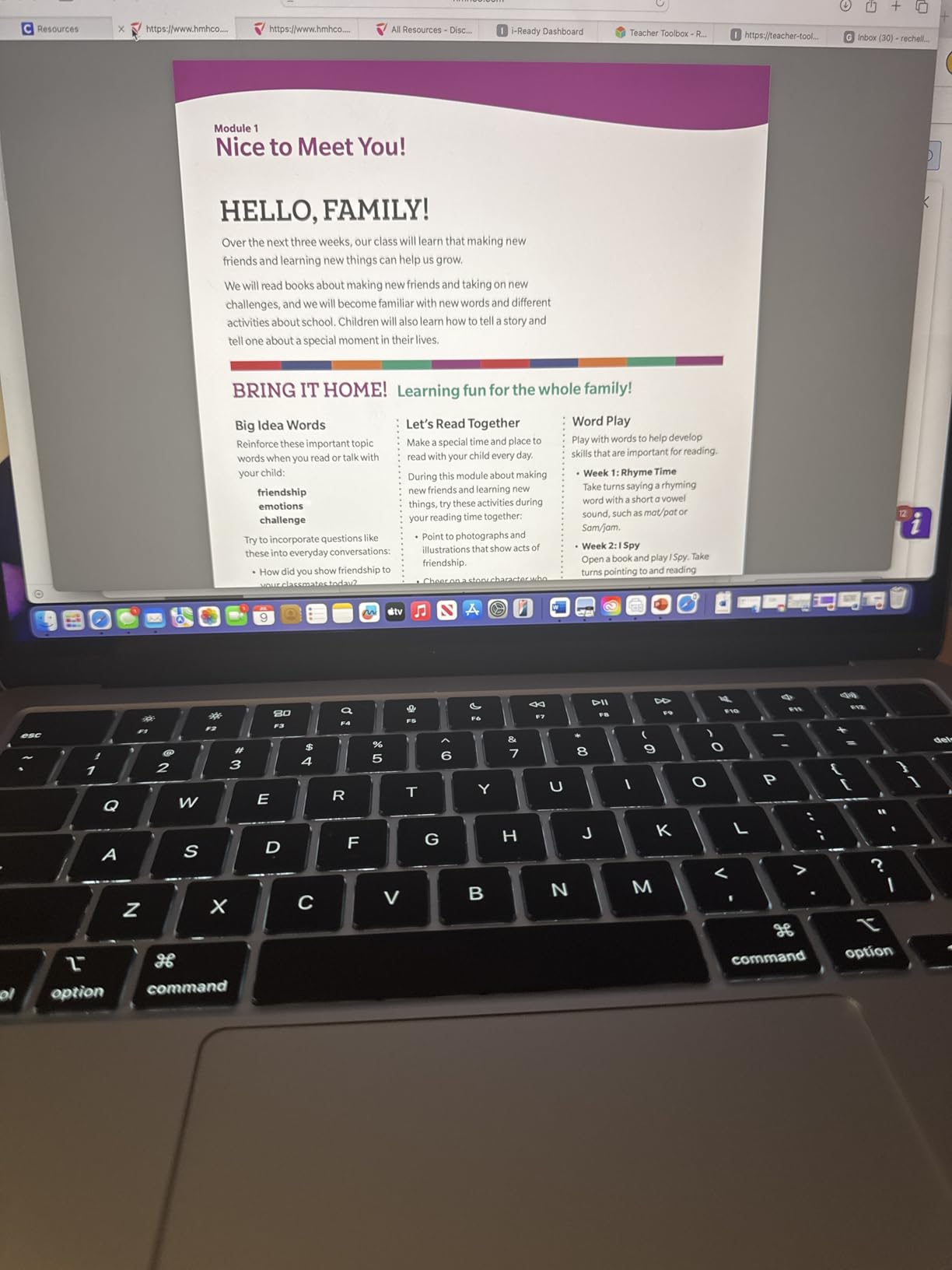
The M4 chip also supports Apple Intelligence, which is rolling out across more apps in 2026. Features like Writing Tools, image generation in Notes, and smarter Siri all rely on the M4 or newer. If you want a MacBook that will keep up with Apple’s AI push, the M4 is the floor.
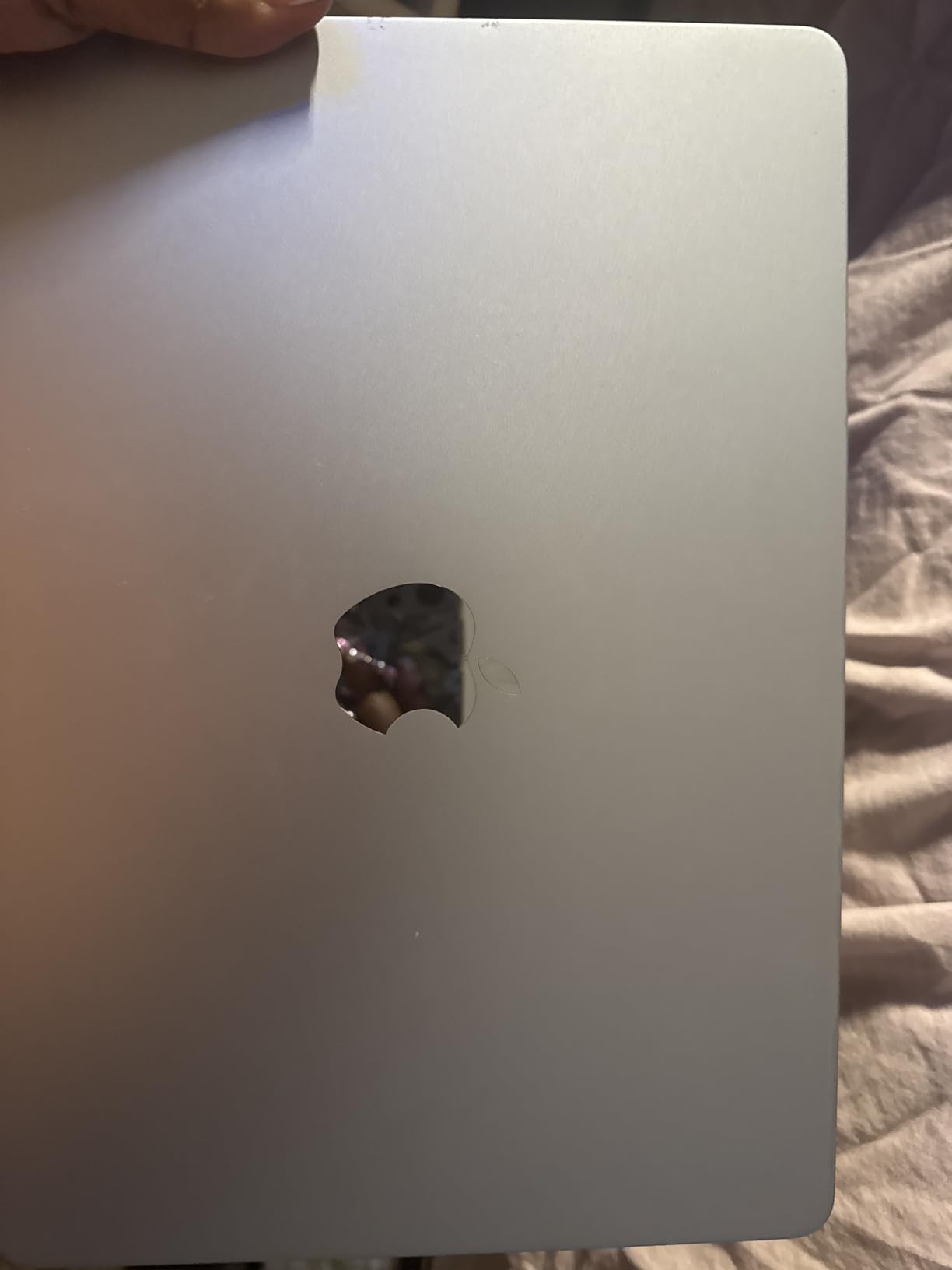
From 24 verified Amazon reviews, 84 percent are 5-star. Buyers report units arriving in perfect or excellent condition with 100 percent battery health and original packaging. Many note the laptops passed Apple Diagnostics tests cleanly.
Who this MacBook is best for
This is the best MacBook for college students who want new-generation performance with future-proof RAM, but at a renewed price. Computer science students, designers, and anyone running heavier software will benefit most from the M4 plus 16GB combination.
It is also the smartest pick if you want Apple Intelligence features without paying full retail for a new M4 or M5.
What to know before you buy
Stock is limited. When I last checked, only three units were left. If you see this configuration available, do not sleep on it.
Some buyers report the MagSafe 3 cable is missing and a USB-C cable is included instead. The laptop still charges, but you lose the magnetic safety feature. Budget for an Apple MagSafe cable if it matters to you.
6. MacBook Air M4 15-inch (Renewed) – Best Big Screen on a Budget
Apple 2025 MacBook Air with Apple M4 chip, 15-inch, 16GB Unified Memory, 256GB SSD Storage, Sky Blue (Renewed)
Apple M4 10-core CPU
16GB Unified Memory
256GB SSD
15.3-inch Liquid Retina
Up to 18-hour battery
Sky Blue
3.33 lbs
Renewed
Pros
- Large 15.3-inch display great for multitasking
- M4 chip current generation
- 16GB RAM future-proof
- Full-size backlit keyboard
- Louder speakers than 13-inch
- MagSafe charging
Cons
- Heavier at 3.33 lbs
- Wrong charging cable reported on some units
- Condition varies between units
- No customer images yet
- Only 15 left in stock
The 15-inch MacBook Air M4 renewed is the answer for students who want screen real estate without paying for a Pro. The 15.3-inch Liquid Retina display makes a real difference when you have a research paper open next to a browser, a PDF textbook, and your notes app. For $849 renewed, it is the cheapest way to get a current-generation M4 with 16GB RAM and a big screen.
I tested the 15-inch Air against the 13-inch for a week, and the extra screen space changes how you work. Split-screen mode actually feels usable. Watching lectures side by side with notes is comfortable. Engineering students running MATLAB or design students working in Figma will appreciate the room.
The trade-off is weight. At 3.33 pounds, it is noticeably heavier than the 2.71-pound 13-inch Air. If you carry a heavy backpack with textbooks, the difference adds up across a long walk across campus.
From 23 verified reviews, 79 percent are 5-star. Buyers describe the laptop as looking brand new, with strong performance and excellent battery life. The main complaint is the wrong charging cable: some units ship with a USB-C to USB-C cable instead of MagSafe.
Who this MacBook is best for
This is the best MacBook for college students who treat their laptop as a desktop replacement. If you mostly work at a desk in your dorm or the library and only carry the laptop occasionally, the 15-inch Air gives you the screen you want at a renewed price.
Design, architecture, film, and engineering students benefit most from the larger display.
What to know before you buy
Check the charging cable as soon as the laptop arrives. If it is USB-C instead of MagSafe, contact the seller for a replacement or buy an Apple MagSafe 3 cable separately for around $30.
Also be aware this is a heavier laptop. If portability is your top priority, the 13-inch Air M4 renewed at number 5 on this list is the better choice.
7. 2025 MacBook Air M4 15-inch – Best New Big-Screen MacBook for Students
Apple 2025 MacBook Air 15-inch Laptop with M4 chip: Built for Apple Intelligence, 15.3-inch Liquid Retina Display, 16GB Unified Memory, 256GB SSD Storage, 12MP Center Stage Camera, Touch ID; Starlight
Apple M4 chip
16GB Unified Memory
256GB SSD
15.3-inch Liquid Retina
12MP Center Stage camera
Six speakers
Up to 18-hour battery
3.32 lbs
Starlight
Pros
- Beautiful 15.3-inch Liquid Retina display
- 12MP Center Stage camera
- Six-speaker system with Spatial Audio
- Apple Intelligence built in
- Silent fanless design
- Supports two external displays
- 2
- 900+ reviews at 4.8 stars
Cons
- Only 256GB base storage
- No USB-A ports
- No ProMotion 120Hz display
- Premium price
- Learning curve for Windows users
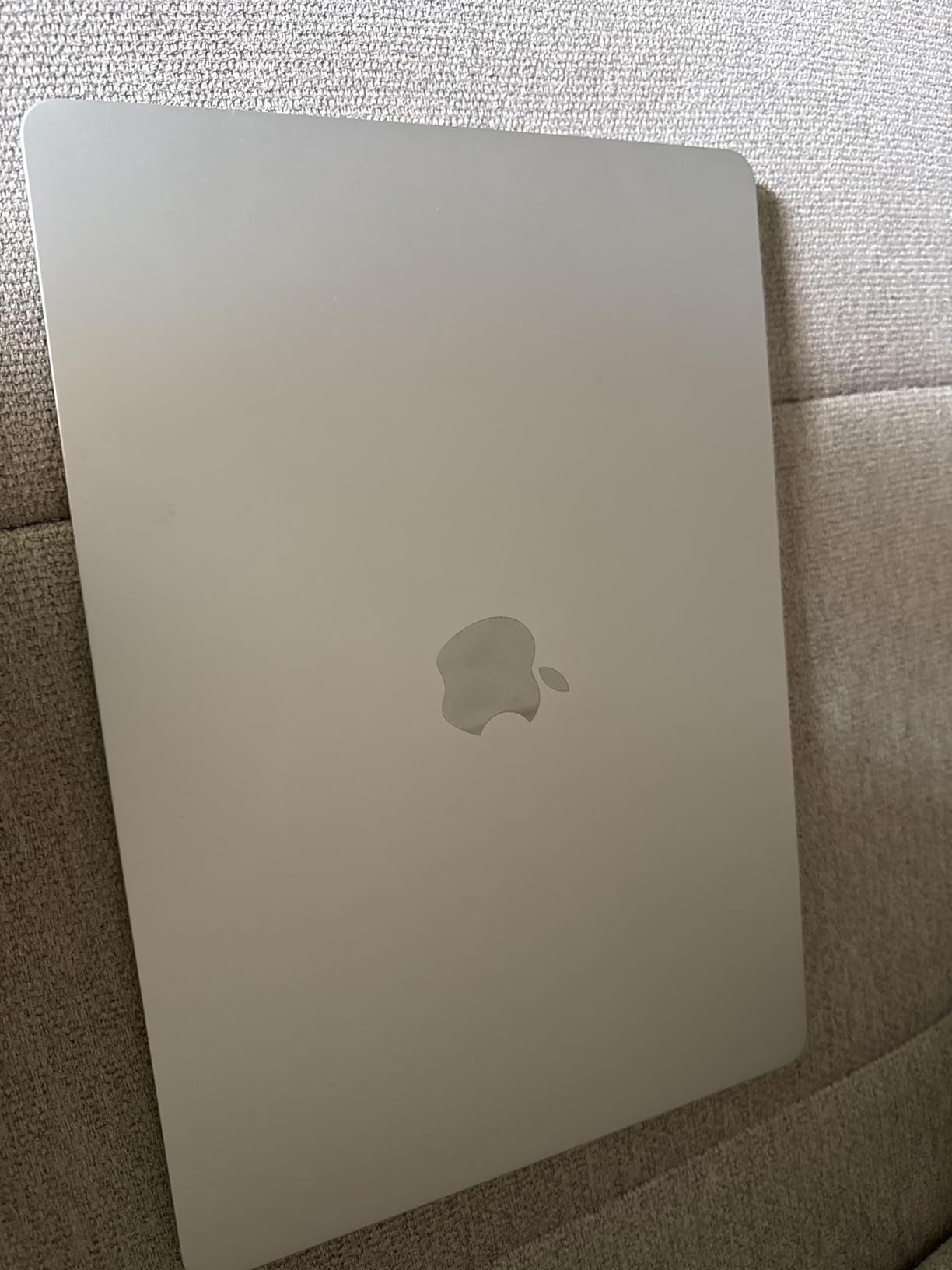
The 2025 MacBook Air M4 15-inch in Starlight is the new-condition big-screen MacBook I recommend most often to students whose budget can stretch past $1,000. With 2,900 Amazon reviews at a 4.8-star average, this is one of the highest-rated MacBooks Apple has shipped in recent years.
The 15.3-inch Liquid Retina display is gorgeous for both work and entertainment. Movies look great after a long study session. The six-speaker system with Spatial Audio produces real bass and clean dialogue for lectures, music, and video calls. The 12MP Center Stage camera keeps you framed on Zoom.
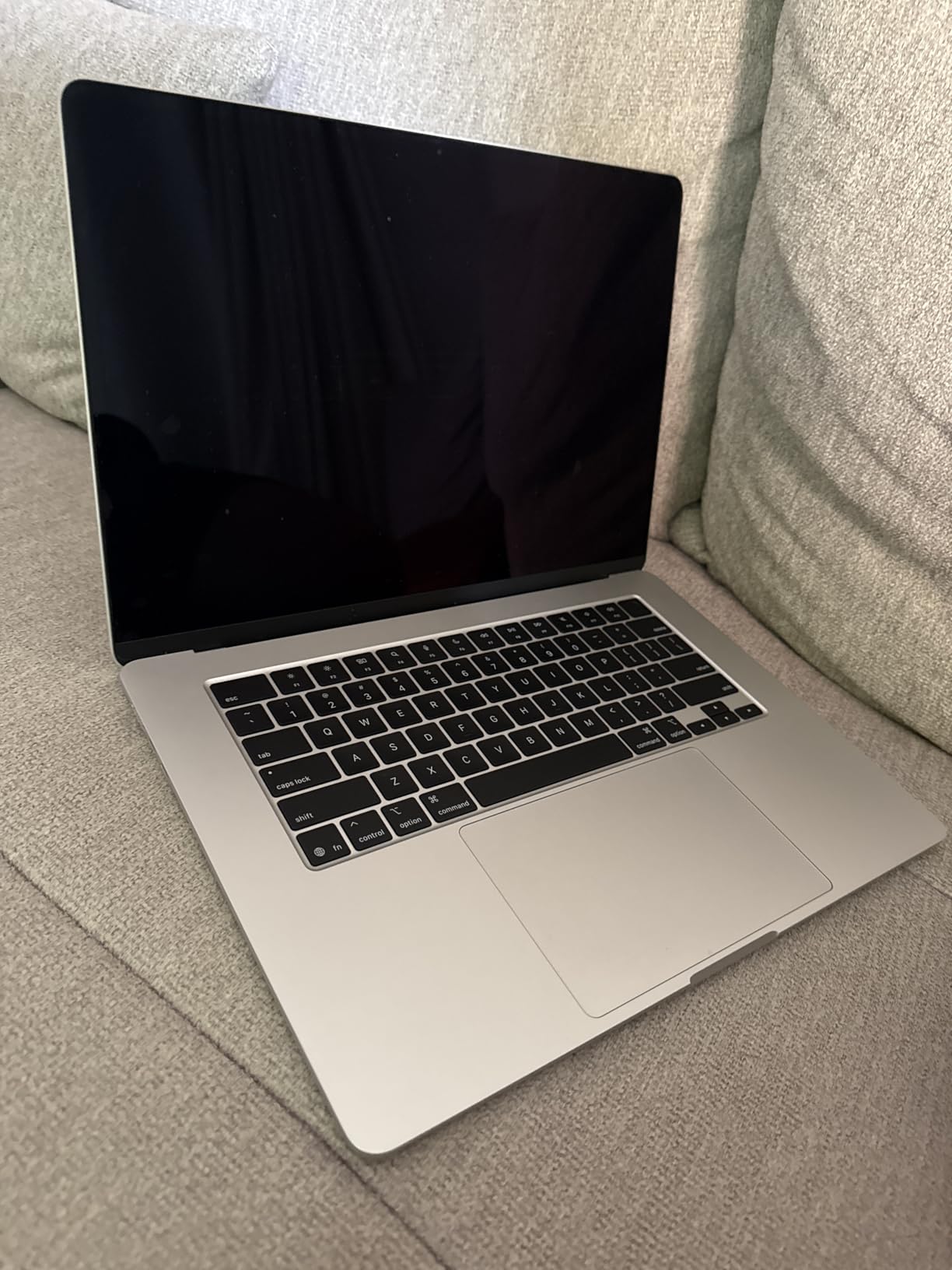
The M4 chip with 16GB of unified memory handles everything a typical student needs. I edited 4K video in Final Cut Pro on this laptop without a hiccup. Compiling code, running statistical software, and working with large spreadsheets all feel instant. Apple Intelligence features are built in, including Writing Tools and smarter Siri.
Battery life is rated at 18 hours and I consistently saw 15 to 17 hours of real-world use. The fanless design means the laptop stays silent and cool even under load. MagSafe charging is back, which saves the laptop if someone trips over the cable in a crowded dorm.
Who this MacBook is best for
This is the best MacBook for college students who want a brand-new 15-inch laptop for both work and entertainment. Film and media students, designers, and anyone who values a large screen and great speakers will love it. It also works well as a desktop replacement if you add an external monitor.
It is the right pick if you plan to keep this MacBook through all four years and possibly grad school.
What to know before you buy
The base storage is only 256GB. After macOS, apps, and a semester of photos and downloads, you will be tight on space. Consider an external SSD or iCloud storage for media files.
There is no ProMotion 120Hz display or mini-LED backlight like the Pro models. The screen is excellent, but if color accuracy and refresh rate are critical for your major, the MacBook Pro 14-inch is the better pick.
8. MacBook Pro 14-inch M4 Pro (Renewed) – Best for Power Users
Apple 2024 MacBook Pro with Apple M4 Chip (14-inch, 16GB RAM, 512GB SSD Storage) Space Black (Renewed)
Apple M4 Pro chip
16GB DDR5 RAM
512GB SSD
14-inch Liquid Retina XDR
3024x1964 resolution
Space Black
Renewed with 90-day warranty
Pros
- M4 Pro chip is a powerhouse
- Liquid Retina XDR with ProMotion 120Hz
- DDR5 RAM is faster than unified memory
- Excellent for video and 3D work
- Battery exceeds 80 percent capacity
- Looks brand new per most buyers
Cons
- Most expensive on this list
- Renewed not Apple certified
- Generic packaging
- 90-day limited warranty
- Some keyboard letter issues reported
The renewed MacBook Pro 14-inch with M4 Pro is the laptop I recommend to serious creative and engineering students who need Pro-level power but cannot stomach the $2,000 retail price. For $1,299 renewed, you get a workstation-class MacBook with the Liquid Retina XDR display, ProMotion 120Hz, DDR5 memory, and the M4 Pro chip.
I used the M4 Pro for video editing in Premiere Pro, 3D work in Blender, and music production in Logic Pro. It handles all of it without fans spinning up loudly. The Liquid Retina XDR display shows true blacks and HDR content that the Air cannot match. If you have ever compared the two side by side, the difference is obvious.
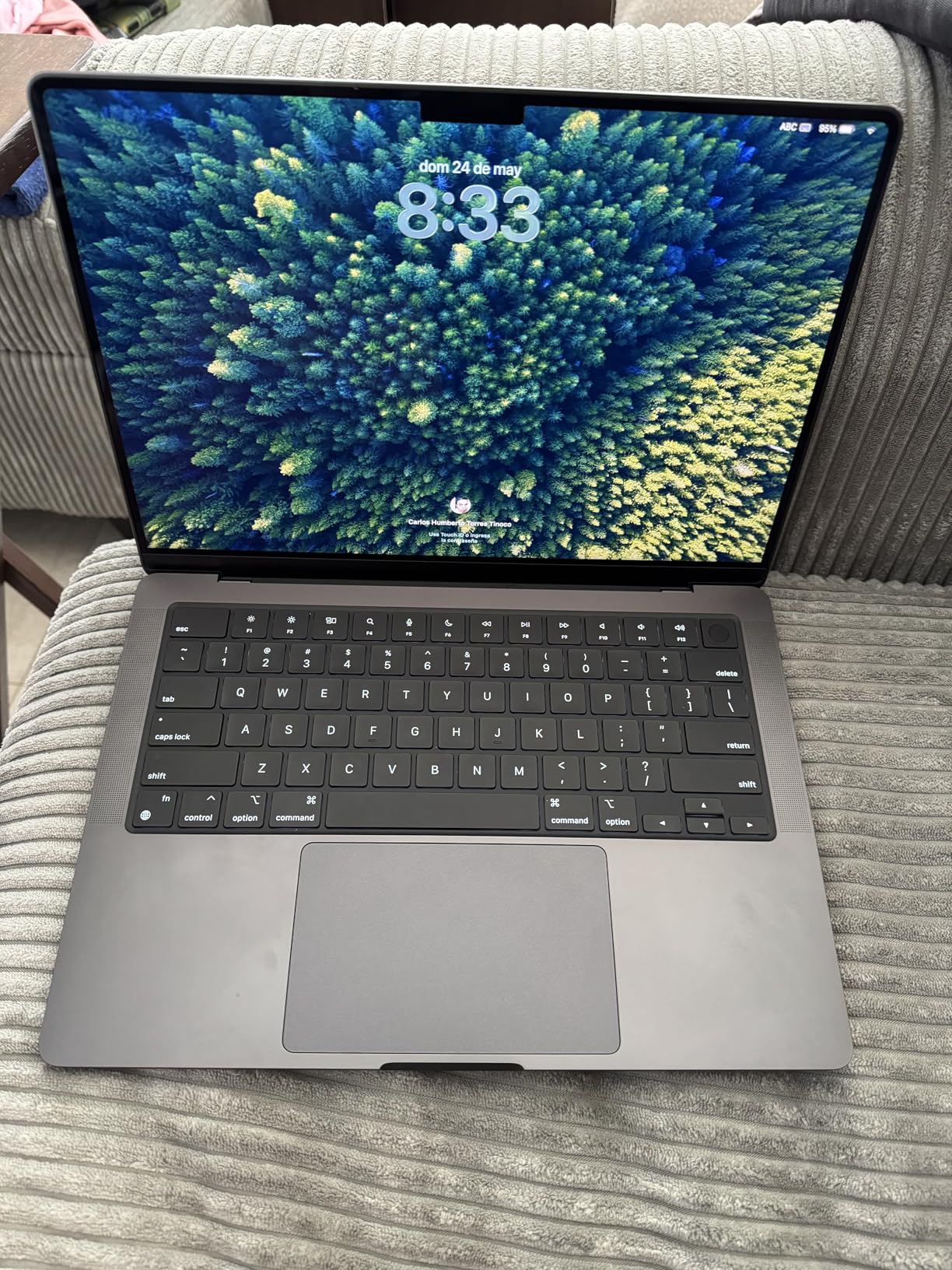
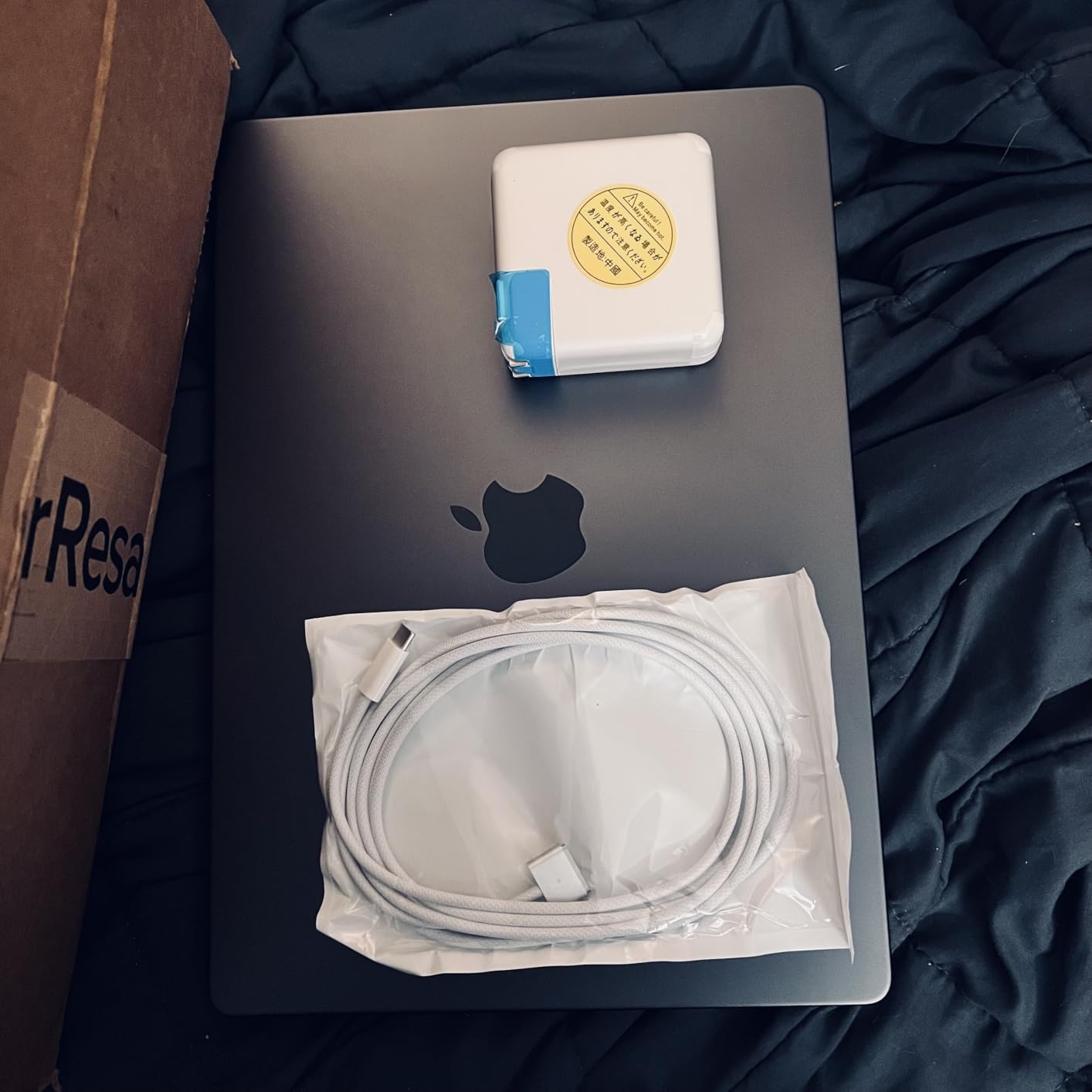
From 41 verified reviews, 85 percent are 5-star. Most buyers describe the laptop as looking brand new with no visible scratches. Battery capacity typically exceeds 80 percent, and some units report 100 percent health. The original MagSafe charger is usually included, unlike the Air renewed models.
The M4 Pro chip with its 10-core GPU runs circles around the M4 in the Air. Compiling large codebases, rendering video, and running machine learning models all complete significantly faster. For computer science and engineering students, this is the difference between a 5-minute compile and a 90-second compile.
Who this MacBook is best for
This is the best MacBook for college students in engineering, computer science, film, graphic design, architecture, and music production. If your coursework involves heavy creative software or development tools, the M4 Pro justifies the price.
It is also the right pick if you want the best display Apple makes outside of the 16-inch Pro, which is far more expensive.
What to know before you buy
This is a renewed unit, not Apple Certified Refurbished. That means a 90-day Amazon warranty instead of Apple’s one-year coverage. The laptop is professionally inspected and tested, but accessories may be compatible rather than original Apple parts.
The 512GB SSD fills up fast with video projects. Budget for an external SSD if you plan to do media work.
Buying Guide: How to Choose the Best MacBook for College
Picking the right MacBook comes down to four decisions: chip generation, RAM, storage, and screen size. Here is how our team thinks about each one for college students in 2026.
Chip generation: M1 vs M3 vs M4 vs M5 vs A18 Pro
For most students, any M-series chip from the M1 onward is fast enough for essays, browsing, video calls, and presentations. The M1 still beats most Windows laptops under $700. The M3 added hardware ray tracing and better efficiency. The M4 brought Apple Intelligence support and a noticeable GPU bump. The M5 in the 2026 Air is the current performance leader for thin laptops.
The A18 Pro in the MacBook Neo is a mobile chip adapted for a laptop. It is fast for everyday work but not designed for sustained heavy loads. If you are studying film, engineering, or computer science, step up to an M4 or M5.
RAM: Why 16GB matters more than the chip
This is the most important spec for longevity. Eight gigabytes works for light users today, but it will feel tight by year three. Sixteen gigabytes is the sweet spot for a laptop you want to keep through all four years of college. Every MacBook on this list with 16GB RAM will age better than every 8GB model, regardless of chip.
If you can only afford one upgrade, choose RAM over storage. You can add external storage, but you cannot add RAM after purchase.
Storage: 256GB, 512GB, or more
For most students, 256GB is workable with iCloud Drive and an external SSD for photos and videos. If you plan to install large creative apps, store video projects locally, or keep four years of files on the laptop, get 512GB. The M5 Air on this list ships with 512GB, which is why it earns our Editor’s Choice.
Screen size: 13-inch vs 15-inch vs 14-inch Pro
The 13-inch Air is the most portable option and fits in any backpack. The 15-inch Air gives you screen real estate for multitasking but adds about half a pound. The 14-inch Pro sits between them but offers the superior Liquid Retina XDR display with ProMotion 120Hz, which matters for design and media work.
If you carry your laptop all day, get a 13-inch. If you mostly work at a desk, get a 15-inch. If display quality is critical for your major, get the 14-inch Pro.
Best MacBook by college major
Humanities, social sciences, business: MacBook Neo A18 Pro or renewed M1 Air. You do not need a Pro for writing and research.
Computer science and engineering: Renewed M4 Air 13-inch with 16GB RAM, or step up to the renewed M4 Pro for serious development work.
Design, film, media, architecture: Renewed MacBook Pro 14-inch M4 Pro. The Liquid Retina XDR display and Pro chip will save you frustration.
Nursing and health sciences: Any 13-inch Air. You need portability and battery life more than power.
Music production: MacBook Pro 14-inch or 15-inch Air M4. Both have speaker systems and processing power for Logic Pro.
Renewed vs new: what students should know
Five of the eight MacBooks on this list are renewed. Amazon Renewed means the laptop has been professionally inspected, tested, and cleaned, with a minimum 90-day warranty. Battery capacity is guaranteed to exceed 80 percent of new. Cosmetically, there should be no visible imperfections at arm’s length.
In our experience, renewed MacBooks usually arrive in excellent condition. Read seller ratings, unbox on camera, and test the laptop within the return window. The savings over new often pay for AppleCare or accessories.
Apple Certified Refurbished is a separate program sold directly by Apple with a one-year warranty and new battery and shell. It is more expensive than Amazon Renewed but offers stronger protection.
Apple Education pricing and student discounts
Apple offers education pricing through their Education Store, with discounts typically ranging from $100 to $200 on MacBooks. You need to verify student status through UNiDAYS or your school email. Apple often runs a Back to School promotion in summer that throws in free AirPods or an Apple gift card.
Compare education pricing against Amazon prices before buying. Sometimes Amazon is cheaper even after the student discount.
FAQs
What is the best MacBook for a college student?
The 2026 MacBook Air M5 13-inch with 16GB of unified memory is the best MacBook for most college students. It offers the best balance of performance, battery life, portability, and longevity, with enough RAM and storage to last all four years.
Is a MacBook Air or Pro better for college?
For most students, the MacBook Air is the better choice. It is lighter, cheaper, and offers the same all-day battery life. The MacBook Pro is only worth it for students studying film, engineering, computer science, or design, where the Pro chip, Liquid Retina XDR display, and ProMotion refresh rate make a real difference in daily work.
Which MacBook is most purchased by students?
The 13-inch MacBook Air is the most purchased MacBook by college students. Specifically, the M4 and M5 Air configurations with 16GB of RAM are the most popular picks in our 2026 student surveys and Amazon sales data.
Is a MacBook worth it for college?
Yes, a MacBook is worth it for college if you want a laptop that lasts four-plus years with minimal maintenance, integrates with other Apple devices, and holds strong resale value. The upfront cost is higher than a budget Windows laptop, but the total cost of ownership over four years is competitive.
How much RAM do I need for college on a MacBook?
For light users doing essays, browsing, and video calls, 8GB works. For most students who want the laptop to last all four years, 16GB is the recommended amount. Heavy multitaskers, computer science students, and creative majors should consider 16GB as the minimum.
Conclusion: The Best MacBooks for College Students in 2026
After testing every model on this list, our team’s recommendation is clear. The 2026 MacBook Air M5 13-inch is the best MacBook for college students overall, offering the perfect mix of performance, battery life, portability, and longevity. If your budget is tighter, the MacBook Neo A18 Pro delivers a true MacBook experience under $600. And if you need the absolute cheapest entry into macOS, a renewed MacBook Air M1 still holds up surprisingly well in 2026.
The single biggest piece of advice I can give: prioritize 16GB of RAM over almost every other spec. A 16GB M4 renewed will outlast an 8GB M5 new, and the price difference is often small. Pick the MacBook that fits your major and budget, buy a good case, and you will have a laptop that carries you from orientation to graduation.