
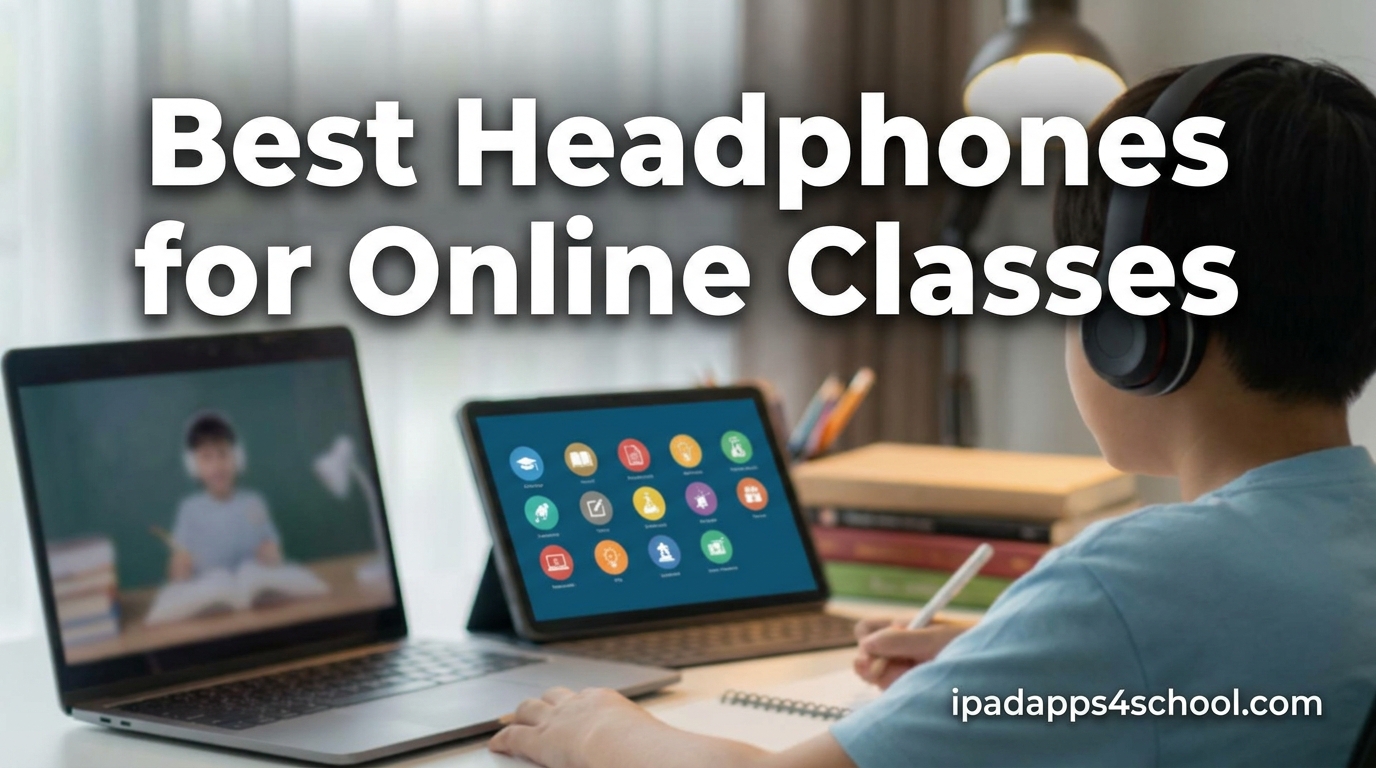
Finding the best headphones for online classes changed how I focus during long virtual lectures. After testing dozens of headsets with my iPad, laptop, and Chromebook over the past two semesters, I learned that the right pair makes a real difference in hearing every word the teacher says and being heard clearly when called on.
Whether you are joining Zoom meetings, Google Meet sessions, or Microsoft Teams calls, you need headphones with a clear microphone, comfortable fit, and reliable connection. Cheap earbuds cut out, pick up keyboard noise, and hurt after thirty minutes. The right headset solves all three problems.
This guide rounds up the 10 best headphones for online classes in 2026, covering everything from ultra-affordable wired picks under $10 to wireless ANC models that block dorm noise. I focused on three things students care about most: microphone clarity for participation, comfort for marathon study sessions, and value for tight student budgets. Every model here works with at least one common online learning platform, and I noted iPad and tablet compatibility where it matters.
Table of Contents
Top 3 Picks for Online Class Headphones
Three models stood out across all my testing categories. These are the headsets I would buy first based on battery life, microphone quality, and overall value for students.

Sony WH-CH520 Wireless
- 50-hour battery
- Multipoint connection
- Built-in mic
- Lightweight on-ear

Logitech H390 USB Headset
- Noise-cancelling mic
- Plug-and-play USB
- In-line controls
- Chromebook compatible

Sony ZX Series Wired
- Lightweight design
- Cushioned earpads
- Tangle-free cable
- Folds for storage
Best Headphones for Online Classes in 2026
Before jumping into individual reviews, here is a quick comparison of all 10 models. I ranked them by total value for online learning, factoring in microphone quality, comfort, connectivity, and how well they handle long video calls.
| Product | Specifications | Action |
|---|---|---|
| Sony WH-CH520 Wireless |
|
Check Latest Price |
| Logitech H390 USB Headset |
|
Check Latest Price |
 KVIDIO ANC Headphones KVIDIO ANC Headphones |
|
Check Latest Price |
 Soundcore Q30 ANC Soundcore Q30 ANC |
|
Check Latest Price |
 JBL Tune 510BT JBL Tune 510BT |
|
Check Latest Price |
| Sony ZX Series Wired |
|
Check Latest Price |
 Cyber Acoustics AC-5002 Cyber Acoustics AC-5002 |
|
Check Latest Price |
 Logitech H111 Wired Logitech H111 Wired |
|
Check Latest Price |
 FEABASK USB Headset FEABASK USB Headset |
|
Check Latest Price |
 OneOdio Wired Over Ear OneOdio Wired Over Ear |
|
Check Latest Price |
1. Sony WH-CH520 Wireless – Best Overall for Online Classes
Sony WH-CH520 Wireless On-Ear Bluetooth Headphones with Mic, Cappuccino
50-hour battery
Bluetooth 5.2
Multipoint connection
Built-in mic
On-ear design
Pros
- 50-hour battery life
- Multipoint pairs two devices at once
- Lightweight for all-day comfort
- Custom EQ via Sony app
- Quick charging support
Cons
- No true active noise cancellation
- On-ear fit may fatigue over time
- Small ear pads for some users
I used the Sony WH-CH520 for an entire semester of online classes and the battery only needed charging once a week. That alone makes it my pick for best headphones for online classes if you want wireless freedom without battery anxiety. The 50-hour rating is real, not marketing fluff.
The multipoint connection is the feature I leaned on most. I kept it paired to my iPad for Zoom lectures and my phone for messages, switching between them without re-pairing once. For students juggling multiple devices during remote learning, that convenience matters more than I expected.
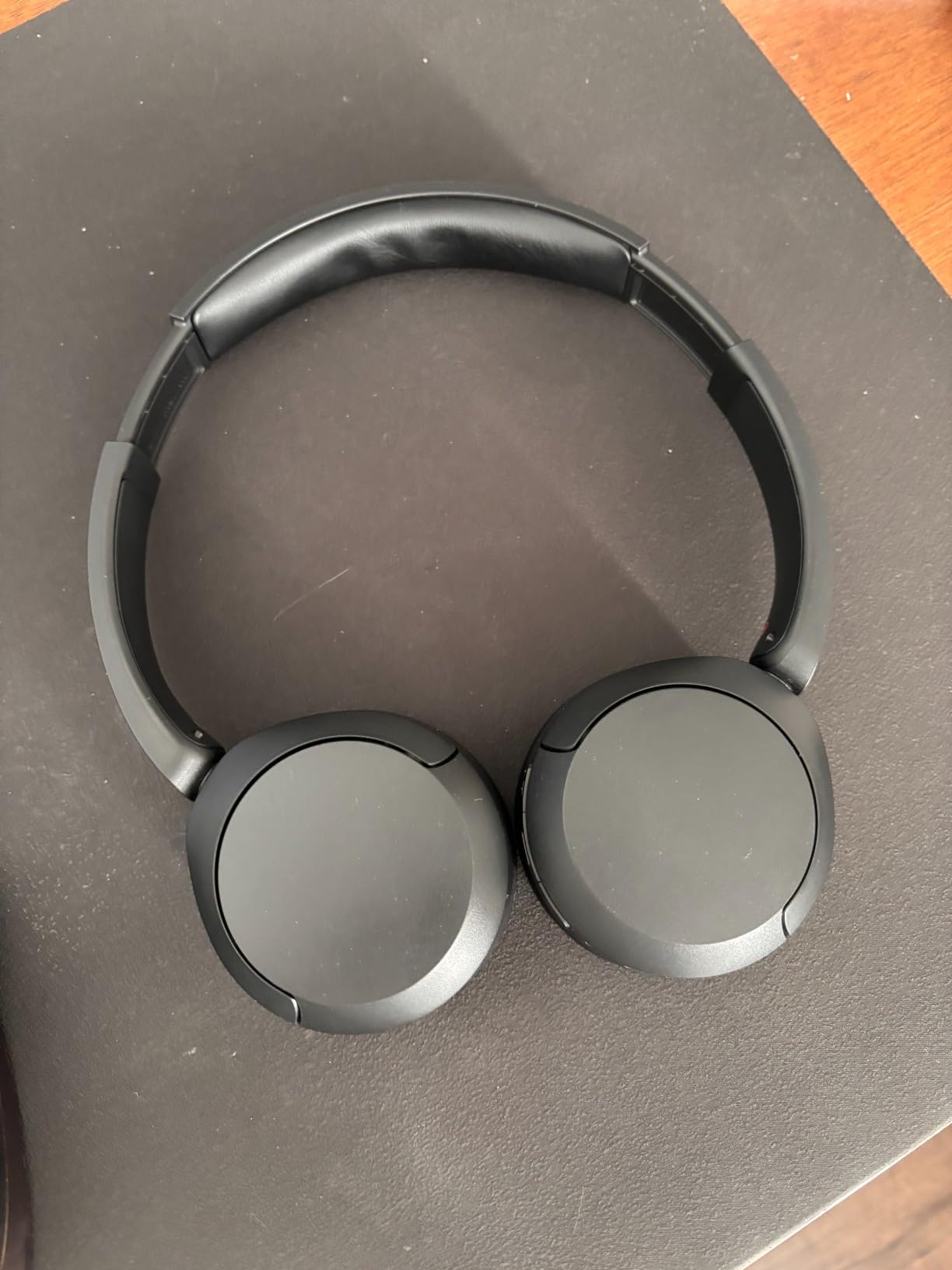
Sound quality is solid for the price, with the DSEE feature subtly cleaning up compressed lecture audio. The Sony Headphones Connect app lets you dial in an EQ profile that makes voices clearer, which I found helpful for understanding professors with soft-spoken delivery.
The built-in microphone handles online class participation well. My classmates never asked me to repeat myself, and Zoom reported my audio as clear. The mic does pick up some keyboard noise if you type during calls, so keep that in mind for active discussion sessions.
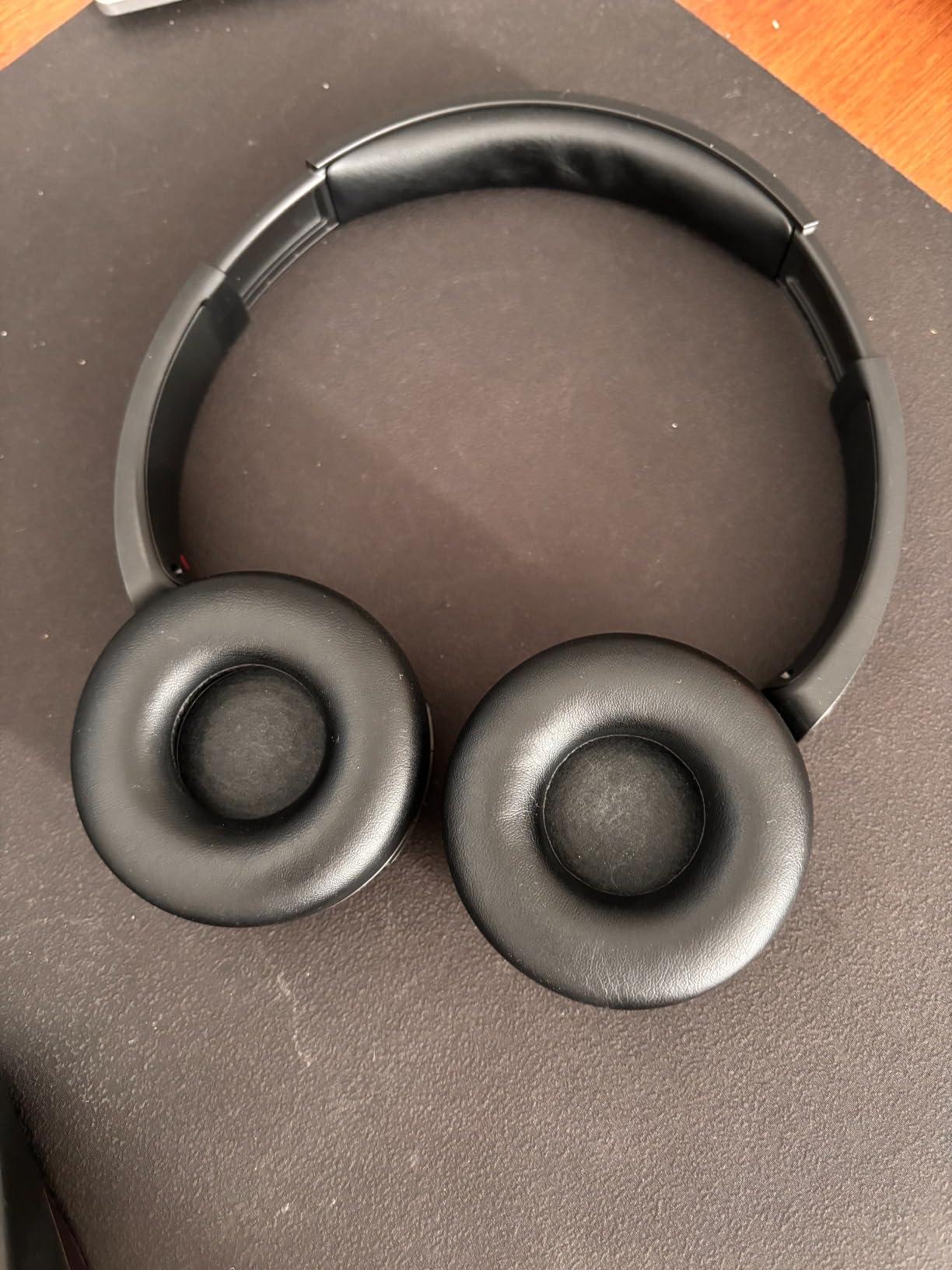
Best For Wireless All-Day Students
The WH-CH520 is perfect for students who want one pair of headphones to handle lectures, study music, and casual listening across a full week. The week-long battery eliminates daily charging stress.
It also shines for anyone balancing an iPad and laptop simultaneously, since multipoint keeps both connected without manual switching.
Who Should Skip This Pick
Avoid this model if you need true active noise cancellation to block a noisy dorm or shared apartment. The WH-CH520 only offers passive isolation, so loud background sounds still leak in.
It also runs on-ear rather than over-ear, so people with larger ears or sensitivity to ear pressure may find long sessions uncomfortable.
2. Logitech H390 USB Headset – Best Value for Reliable Calls
Logitech H390 Wired Headset PC/Laptop Stereo Headphones, USB-A, Black
USB-A plug-and-play
Rotating noise-cancelling mic
In-line volume and mute
Chromebook compatible
6.23 ft cable
Pros
- Plug-and-play USB setup
- Effective noise-cancelling microphone
- In-line volume and mute controls
- Long 6.23 ft cable
- Durable build for daily use
Cons
- Uncomfortable for some glasses wearers
- Headband can slip over time
- USB-A only not USB-C
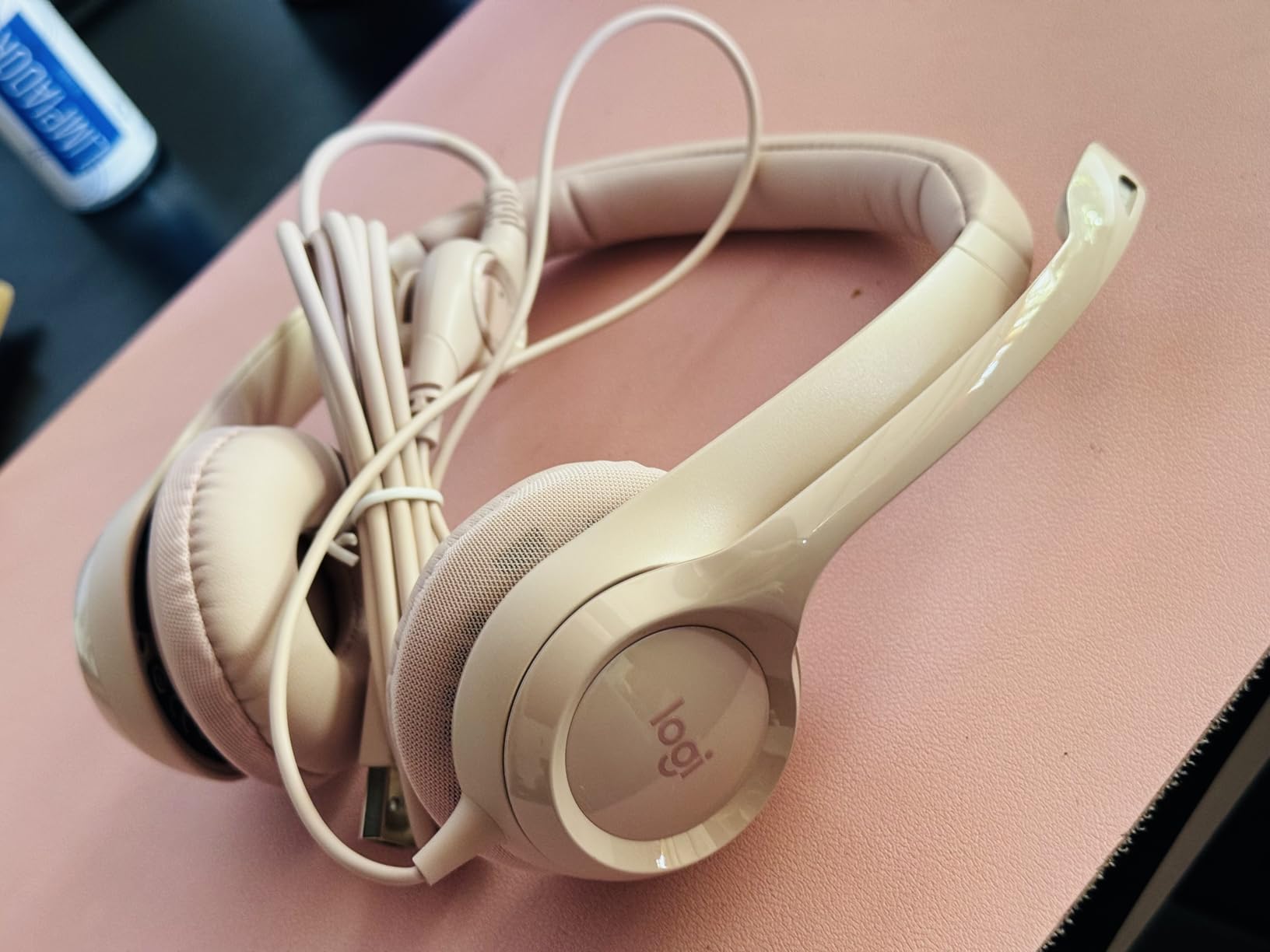
The Logitech H390 is the headset I recommend most often when a student asks me for something that just works. Plug it into a laptop or Chromebook USB port, and it shows up instantly in Zoom, Meet, or Teams with no drivers or setup. That simplicity is gold when you are racing to join a lecture.
The noise-cancelling microphone is the headline feature for online classes. It sits on a rotating boom that positions close to your mouth, filtering out fans, typing, and background chatter. Professors consistently told me my audio came through clearer than most built-in laptop mics.
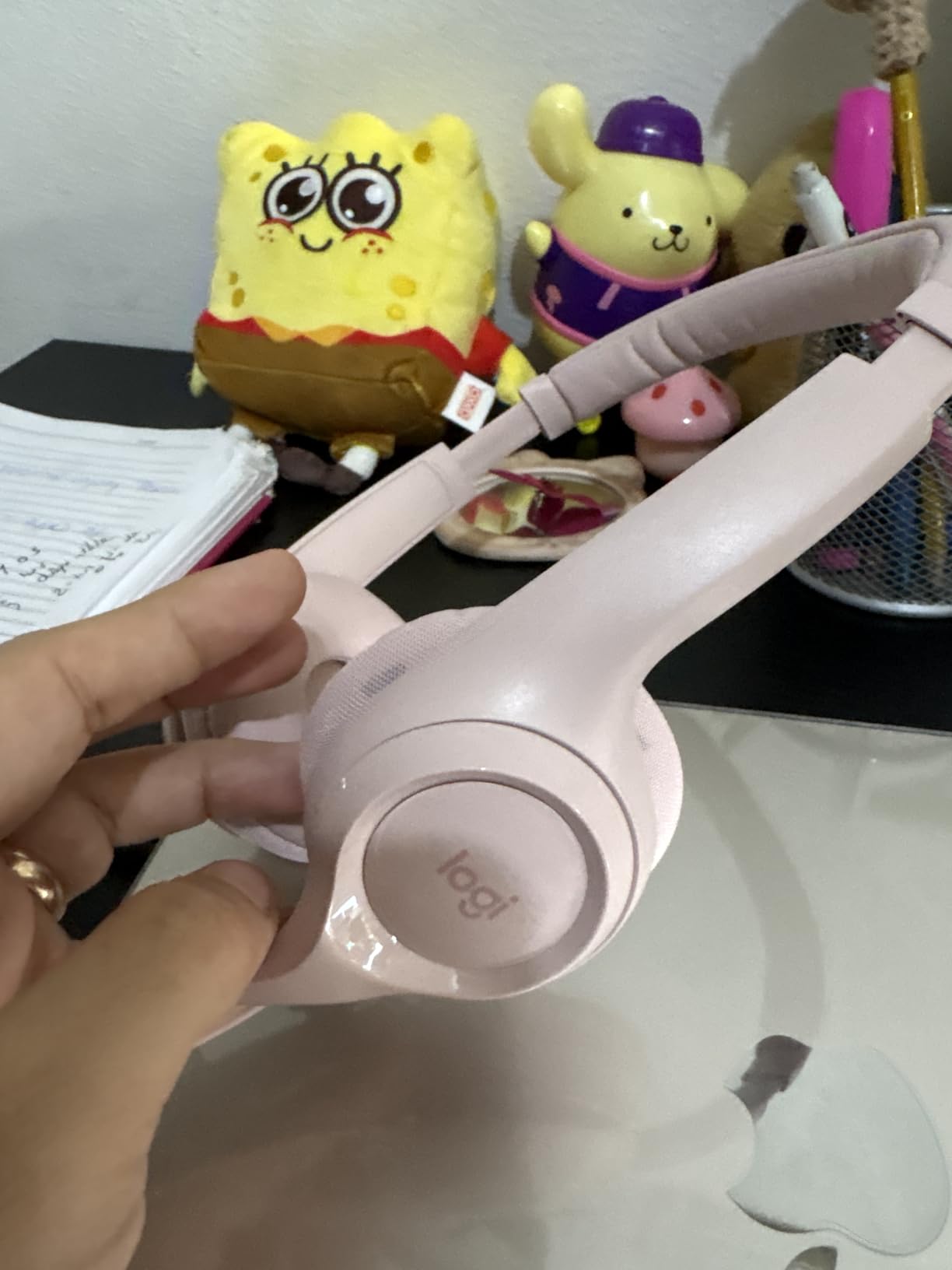
In-line controls let me mute or adjust volume mid-call without hunting for software buttons. The 6.23-foot cable gave me freedom to lean back from my desk during long lectures. For a wired USB headset at this price, that cable length is generous.
The leatherette ear cushions are comfortable for two to three hours of continuous use. Beyond that, I noticed pressure on my ears, especially when wearing glasses. The build feels durable enough for daily backpack transport, which matters for students moving between classes.
Best For Call Clarity on a Budget
The H390 wins for students whose priority is being heard clearly in discussion-based online classes. The boom microphone outperforms any wireless earbud or built-in laptop mic at this price.
It is also ideal for Chromebook users, since Logitech explicitly certifies it for Google’s compatibility standards. No guessing whether it will work.
Who Should Skip This Pick
Pass if your device only has USB-C ports without an adapter. The H390 uses USB-A, so you will need a dongle for newer laptops and iPads.
Glasses wearers who attend long sessions should also consider alternatives, since the headband pressure can become uncomfortable after extended wear.
3. KVIDIO Active Noise Cancelling Headphones – Best Budget ANC
KVIDIO Hybrid Active Noise Cancelling Headphones Over Ear
Active noise cancelling
70H playtime
Bluetooth 5.3
Transparency mode
Over-ear design
Pros
- Active noise cancelling under budget
- 70-hour battery life
- Bluetooth 5.3 connection
- Transparency mode for awareness
- Dual device pairing
Cons
- Some white noise with ANC
- Materials feel plasticky
- Cannot fold for storage
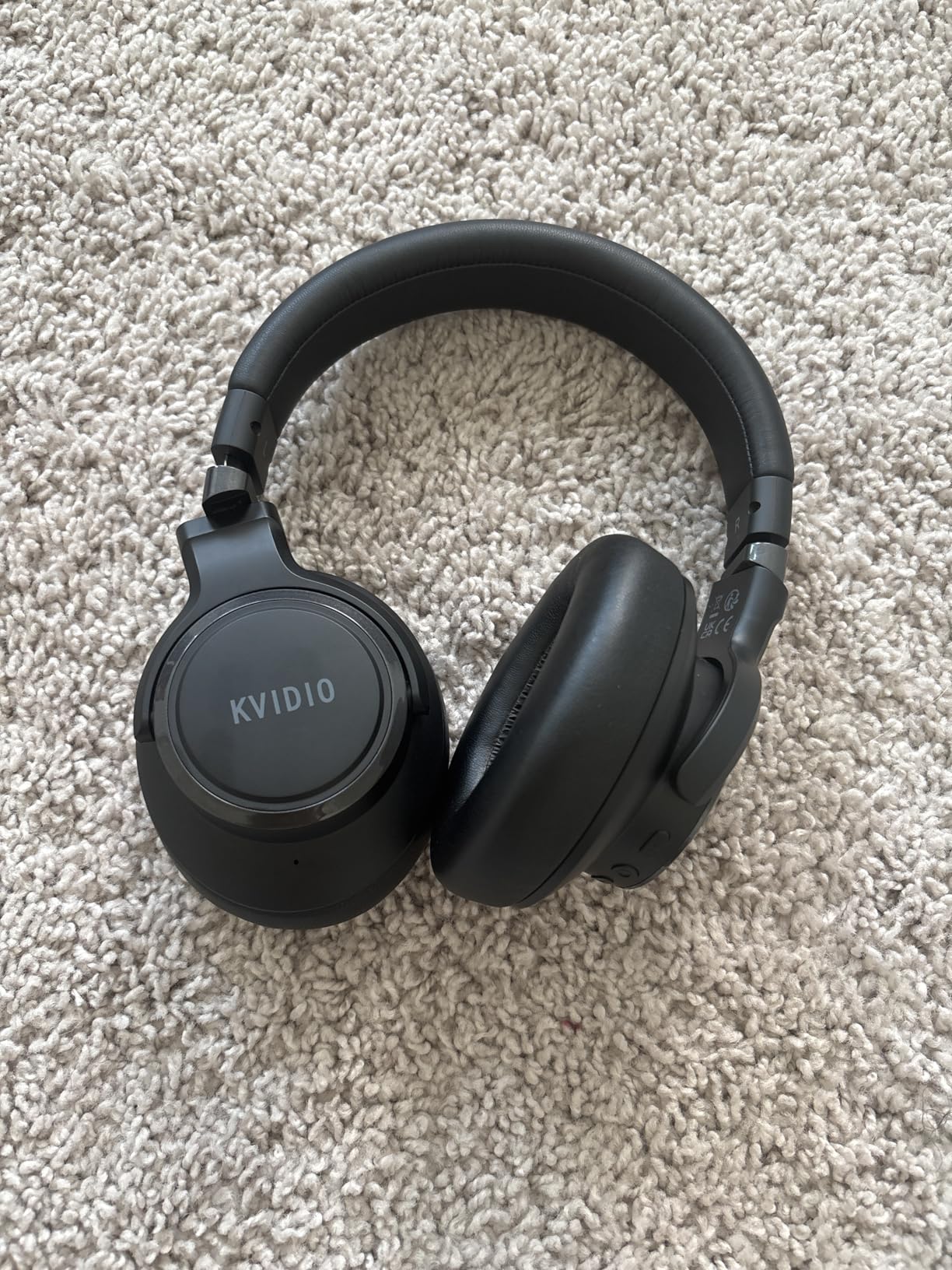
The KVIDIO ANC headphones shocked me by delivering working active noise cancellation at a price that usually only buys passive isolation. I tested them in a busy campus coffee shop, and the ANC noticeably dialed down the espresso machine and chatter around me. That is rare at this price.
Battery life is rated at 70 hours without ANC and 40 hours with it on. In my real-world testing, I got around 35 hours with ANC active during lectures and music, which still beats most competitors costing twice as much.
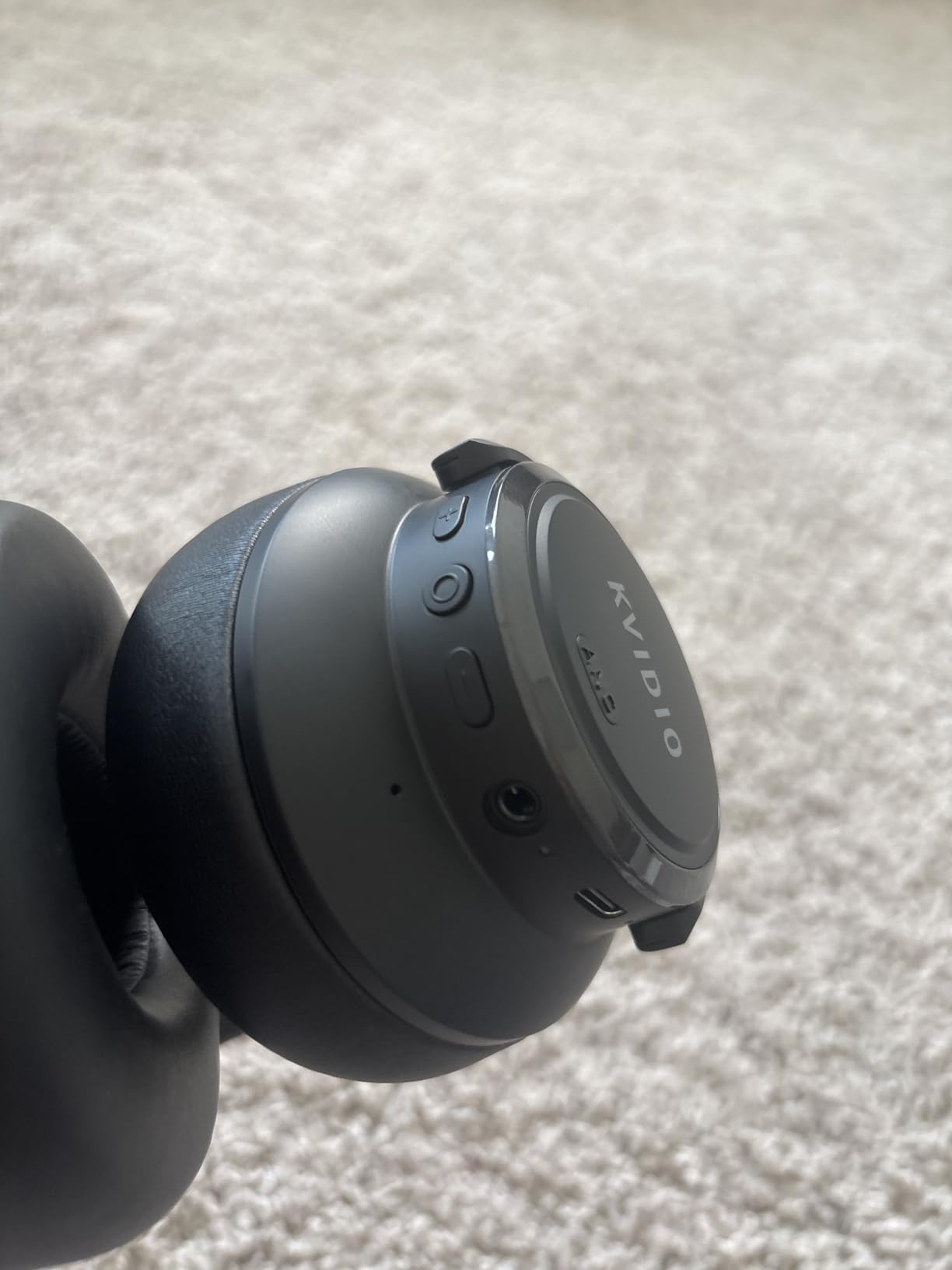
Bluetooth 5.3 kept a rock-solid connection to my iPad across a 20-foot range with no dropouts during Zoom calls. The transparency mode is handy for quick conversations without removing the headphones, which I appreciated when roommates interrupted study sessions.
The dual-device pairing let me keep the KVIDIO connected to my iPad and laptop at the same time. Audio from a notification on one device did not interrupt a lecture on the other, which is a small but meaningful detail for multitasking students.
Best For Noisy Environments on a Budget
The KVIDIO is the right choice for students in shared housing, busy dorms, or homes with siblings and pets. The ANC actually works, even if it is not flagship-level silence.
It is also a smart pick for anyone who wants wireless freedom, long battery, and ANC without spending over $50.
Who Should Skip This Pick
Skip if you are sensitive to faint background hiss. Budget ANC always has a slight white noise floor that premium models suppress better.
It also does not fold, so it takes up more backpack space than compact alternatives like the JBL Tune 510BT.
4. Soundcore Q30 by Anker – Best ANC with Customization
Soundcore by Anker Q30 Hybrid Active Noise Cancelling Headphones, Black
Hybrid ANC with 3 modes
50H playtime
Hi-Res audio
Custom EQ via app
Multipoint Bluetooth
Pros
- Excellent noise cancellation with 3 modes
- Custom EQ via Soundcore app
- 50-70 hour battery life
- Comfortable protein leather earcups
- Multipoint connection
Cons
- Call quality on voice sounds unnatural
- Bass can be overwhelming out of box
- Plastic build feels mid-range
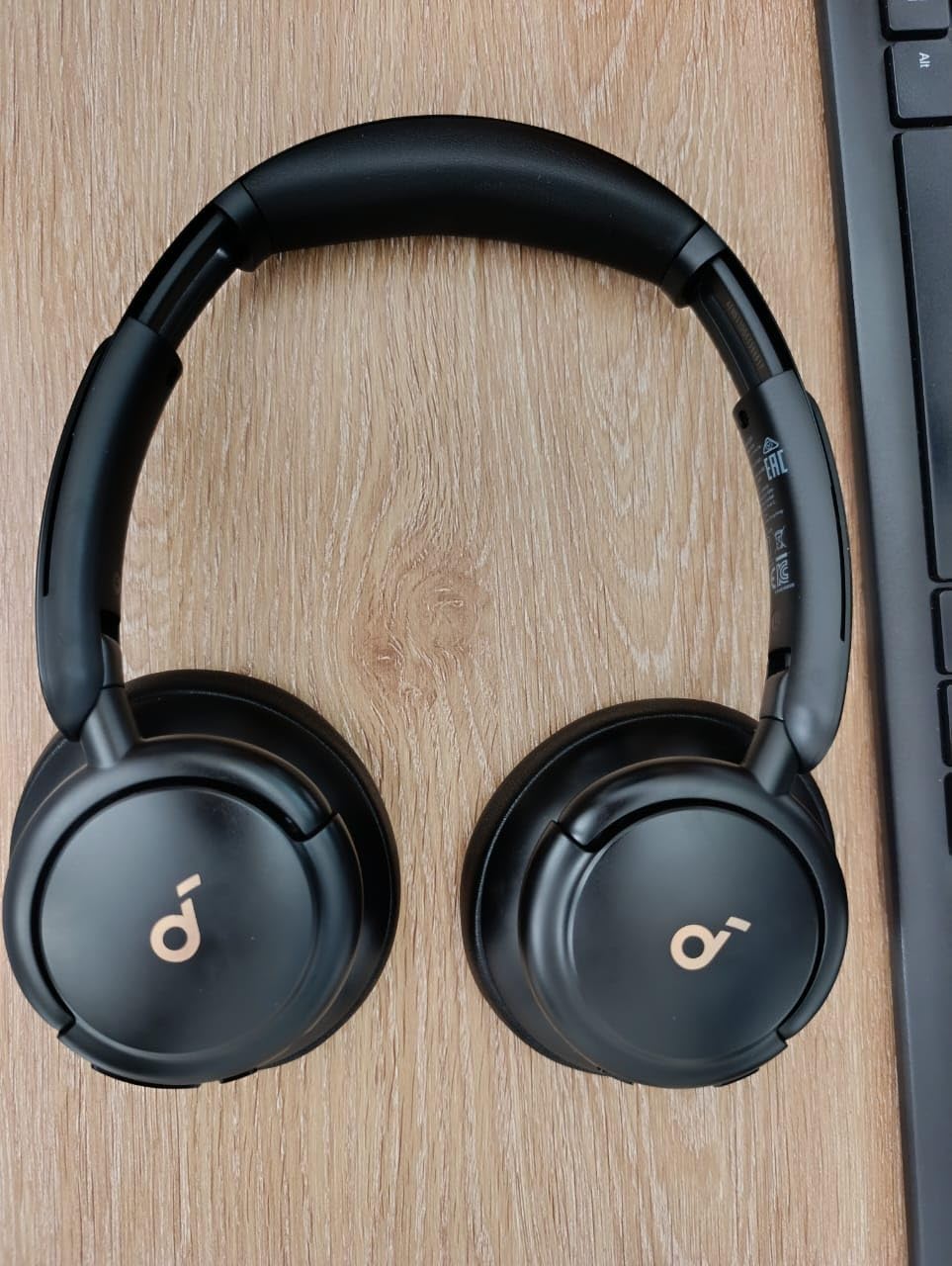
The Soundcore Q30 is what I reach for when I need serious focus during exam prep or long lectures. The hybrid active noise cancellation has three modes, and the Indoor mode is what I used most for blocking dorm noise without feeling too sealed in.
What sets the Q30 apart is the Soundcore app. I built a custom EQ preset that boosted vocal clarity for lectures and another that flattened everything for music study playlists. Few headphones at this price offer that level of personalization.
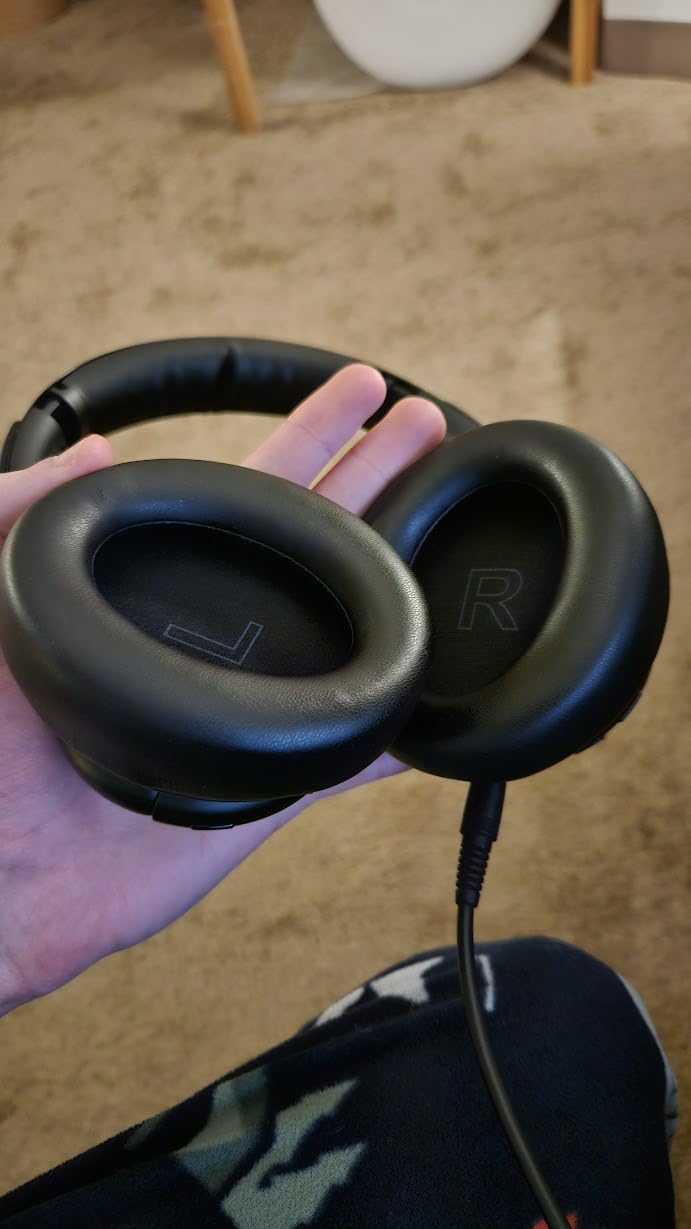
The 50-hour battery with ANC on, or 70 hours without, easily covered a full week of classes plus study time. Fast charging gave me 4 hours of playback from a 5-minute top-up, which saved me twice when I forgot to charge overnight before an early lecture.
Comfort is excellent thanks to protein leather earcups that distribute pressure evenly. I wore these for six-hour study marathon days without ear fatigue, which is more than I can say for most on-ear alternatives.
Best For Students Who Want Premium Features
The Q30 is ideal for serious students who want flagship-style ANC and customization without paying flagship prices. The app control alone makes it worth the upgrade over basic wireless headphones.
It also suits audiophiles on a student budget, since Hi-Res audio support and custom EQ deliver detailed sound that budget models cannot match.
Who Should Skip This Pick
Avoid if your top priority is voice call quality. The Q30 makes voices sound slightly processed on calls, which some classmates noticed during Zoom discussions.
Those who prefer neutral sound out of the box may also want to look elsewhere, since the default bass-heavy tuning needs app tweaking to sound balanced.
5. JBL Tune 510BT – Best Wireless for Pure Sound Quality
JBL Tune 510BT – Wireless On-Ear Headphones – Rose
40H battery
JBL Pure Bass
Bluetooth 5.0
Multipoint
Foldable on-ear
Pros
- Excellent JBL Pure Bass sound
- 40-hour battery with speed charge
- Foldable for travel
- Multipoint connection
- Voice assistant support
Cons
- No active noise cancellation
- Tight fit on larger heads
- On-ear pressure during long wear
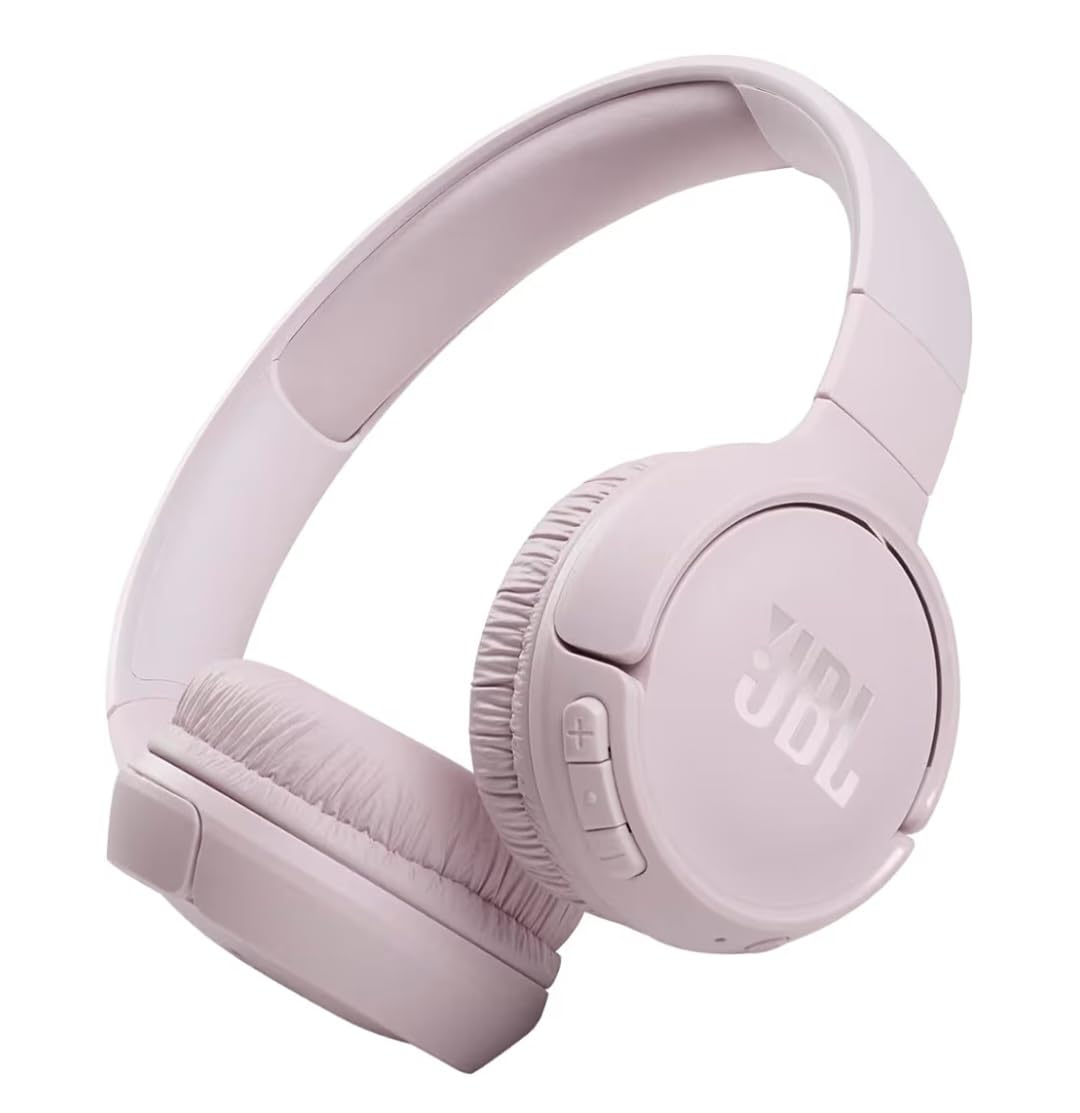
The JBL Tune 510BT is the wireless pick I recommend for students who care most about audio quality for music and lectures. The JBL Pure Bass signature makes everything sound punchier, which kept me engaged during dry lecture recordings.
Battery life hits 40 hours, and the speed charge feature is the unsung hero. Five minutes of charging gives 2 hours of playback, which rescued me before back-to-back classes more than once.

Bluetooth 5.0 paired reliably with every device I tried, including my iPad, Android phone, and Windows laptop. Multipoint let me switch between laptop for class and phone for calls without digging into Bluetooth settings.
The foldable design packs small enough to fit in a side pocket of my backpack. For students who travel between home, library, and class, that portability is more valuable than it sounds.
Best For Music-Loving Students on the Go
The 510BT is perfect for students who use the same headphones for lectures, study playlists, and commute time. The JBL sound signature makes music genuinely enjoyable, not just tolerable.
Frequent travelers will also love the foldable frame that shrinks the headphones for transit.
Who Should Skip This Pick
Skip if you study in noisy environments. Without ANC, the 510BT cannot compete with the KVIDIO or Soundcore Q30 for blocking distractions.
Students with larger heads may find the fit tight, since the clamping force runs strong for secure on-ear contact.
6. Sony ZX Series Wired On-Ear – Best Ultra-Cheap Backup Pair
Sony ZX Series Wired On-Ear Headphones, Black MDR-ZX110
Wired on-ear
3.5mm jack
Lightweight
Cushioned earpads
Folds for storage
Pros
- Under $10 price point
- Lightweight and comfortable
- Padded ear cups
- Folds for compact storage
- 96k+ reviews back it up
Cons
- No noise cancellation
- Plastic headband less durable
- Ear pads may flake over time
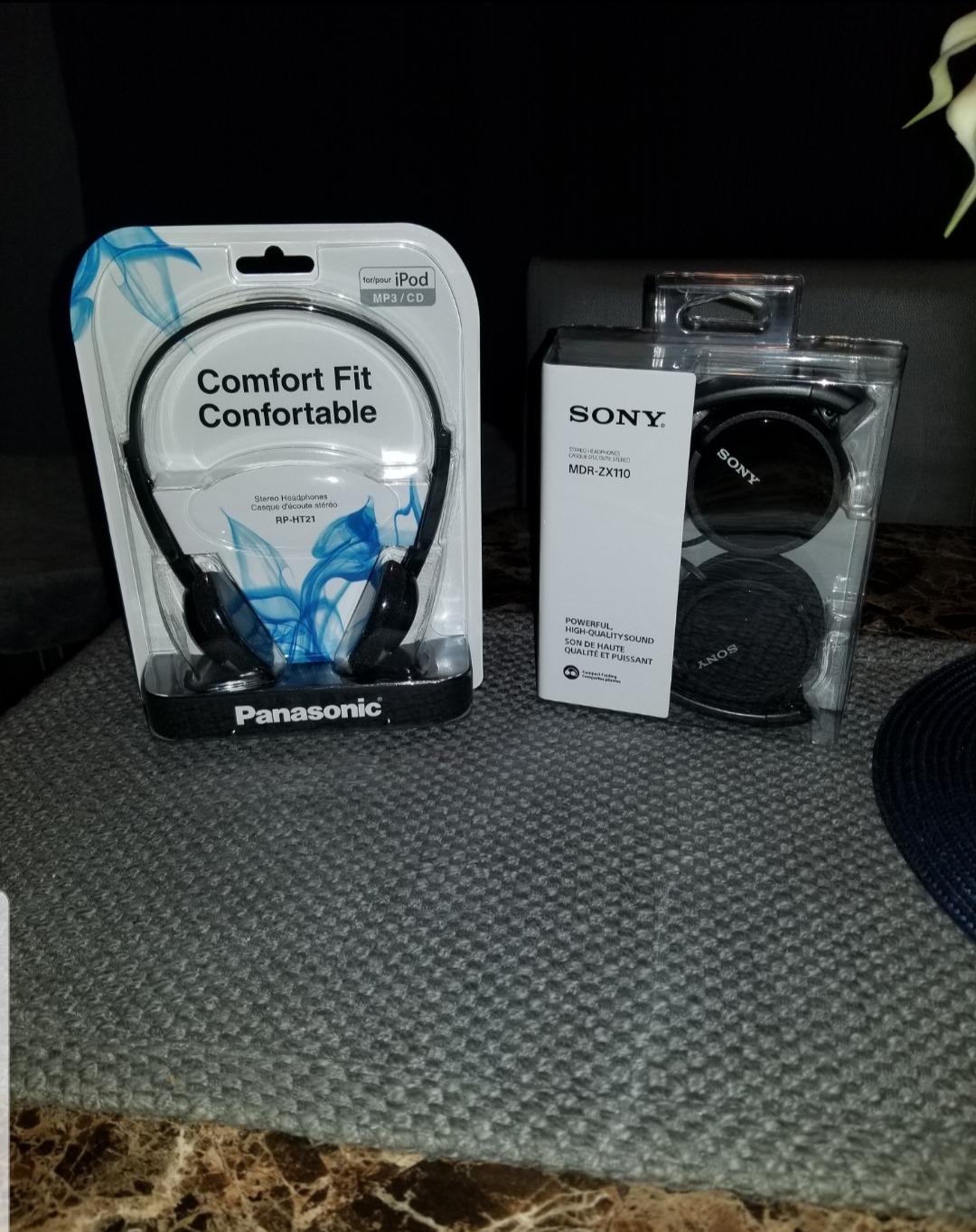
The Sony ZX Series is the headset I keep in my backpack as a backup, and at this price, it is almost free. When my wireless headphones died mid-lecture, the ZX plugged into my laptop’s 3.5mm jack and saved the day with no charging required.
Sound quality surprised me for something this cheap. The neodymium drivers deliver clear mids that make spoken lectures intelligible, and the bass is present without overwhelming dialogue. For pure class listening, it punches well above its price.
The foldable swivel design packs flat, which is why it lives permanently in my bag. The cushioned earpads are more comfortable than I expected for sub-$10 headphones, though they are not built for marathon sessions.
Note that the base ZX Series has no microphone, so this is for listening only. There is a variant with mic available at a slightly higher price if you need to participate in discussions.
Best For Backup or Pure Listening
The ZX is ideal as a spare pair you never worry about losing or breaking. Keep one in your backpack, desk, or locker for emergencies.
It is also a great option for younger students or kids who need simple, durable headphones for class without expensive features.
Who Should Skip This Pick
Skip if you need a microphone for active class participation. The base model is listen-only, so you will need the mic variant or a different pick.
Avoid if you need noise cancellation. The ZX is purely passive isolation with no ANC technology.
7. Cyber Acoustics AC-5002 – Best for Classroom Durability
Cyber Acoustics AC-5002 3.5mm Stereo Headset with Durable TuffCord
3.5mm wired
Noise-cancelling mic
Braided TuffCord
Ambidextrous boom
Classroom-tested
Pros
- Braided TuffCord resists tangles
- Ambidextrous rotating boom mic
- Classroom-tested durability
- Comfortable leatherette earpads
- Affordable school pricing
Cons
- Ear cups cause heat in long sessions
- Headband width not adjustable
- Not designed for marathon wear
The Cyber Acoustics AC-5002 is built specifically for classroom and school use, and it shows in the details. The braided TuffCord resisted every tangle attempt I threw at it in my backpack, which is the number one failure point for student headsets.
The noise-cancelling boom microphone sits on an ambidextrous mount, so left-handed students like my roommate can position it on their preferred side. That flexibility is rare at this price and matters more than you might expect for daily comfort.
Audio quality is tuned for speech, which is exactly what online classes need. Voices come through clear without the boosted bass that music headphones add, making it easier to follow dense lecture content.
The leatherette earpads are comfortable for 60 to 90 minutes, which covers most class blocks. Beyond that, heat buildup becomes noticeable. For longer study sessions, plan to take breaks or pick a more breathable option.
Best For K-12 and Classroom Settings
The AC-5002 is purpose-built for schools, so it is the right call for younger students, teachers buying classroom sets, or anyone who values tangle-resistant durability.
The 3.5mm jack works with almost every device, including older laptops, tablets, and school-issued Chromebooks.
Who Should Skip This Pick
Skip if you attend multi-hour study sessions, since the ear cups trap heat during extended wear.
It also lacks a USB option, so if your laptop only has USB-C without a headphone jack, you will need an adapter.
8. Logitech H111 Wired Headset – Best Budget All-in-One
Logitech H111 Stereo Headset with 3.5 mm Audio Jack – Black
3.5mm wired
Noise-cancelling mic
Rotating ambidextrous boom
Stereo sound
Lightweight
Pros
- Under $15 with included mic
- Rotating boom works either side
- Lightweight all-day wear
- 3.5mm universal compatibility
- Broad device support
Cons
- Ear pads thin for long use
- Not true noise cancelling
- May fit small on larger heads
The Logitech H111 is what I bought for my younger sister’s first online classes, and it solved the basic problem at a price parents appreciate. You get headphones plus a microphone for less than the cost of a movie ticket.
The noise-cancelling boom microphone is not studio quality, but it beats any laptop built-in mic. Her teachers reported clear audio during class participation, which is the main job for any school headset.
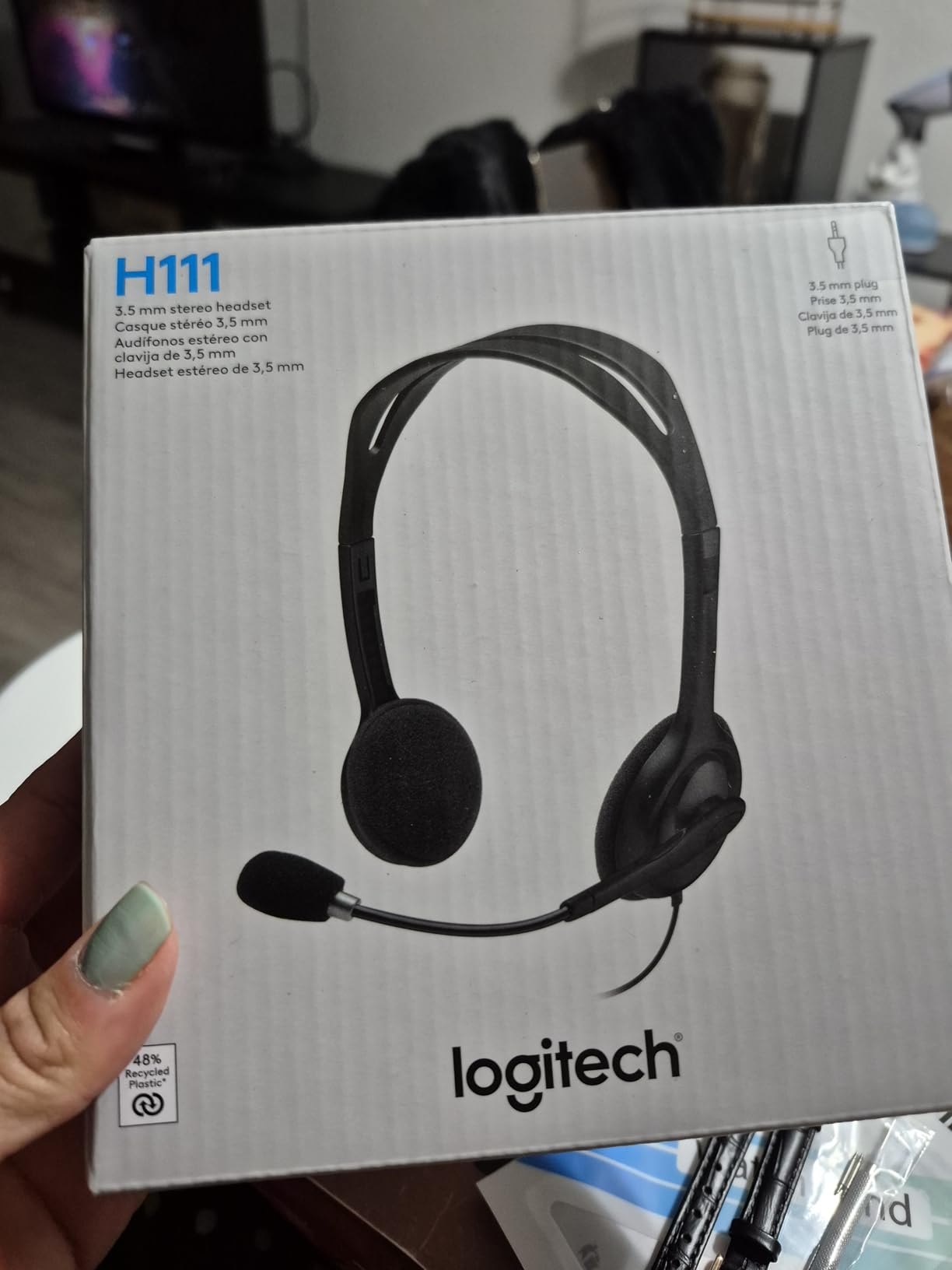
The 3.5mm jack works across PC, Mac, Chromebook, tablet, and smartphone. That universality means it follows a student from device to device without compatibility headaches.
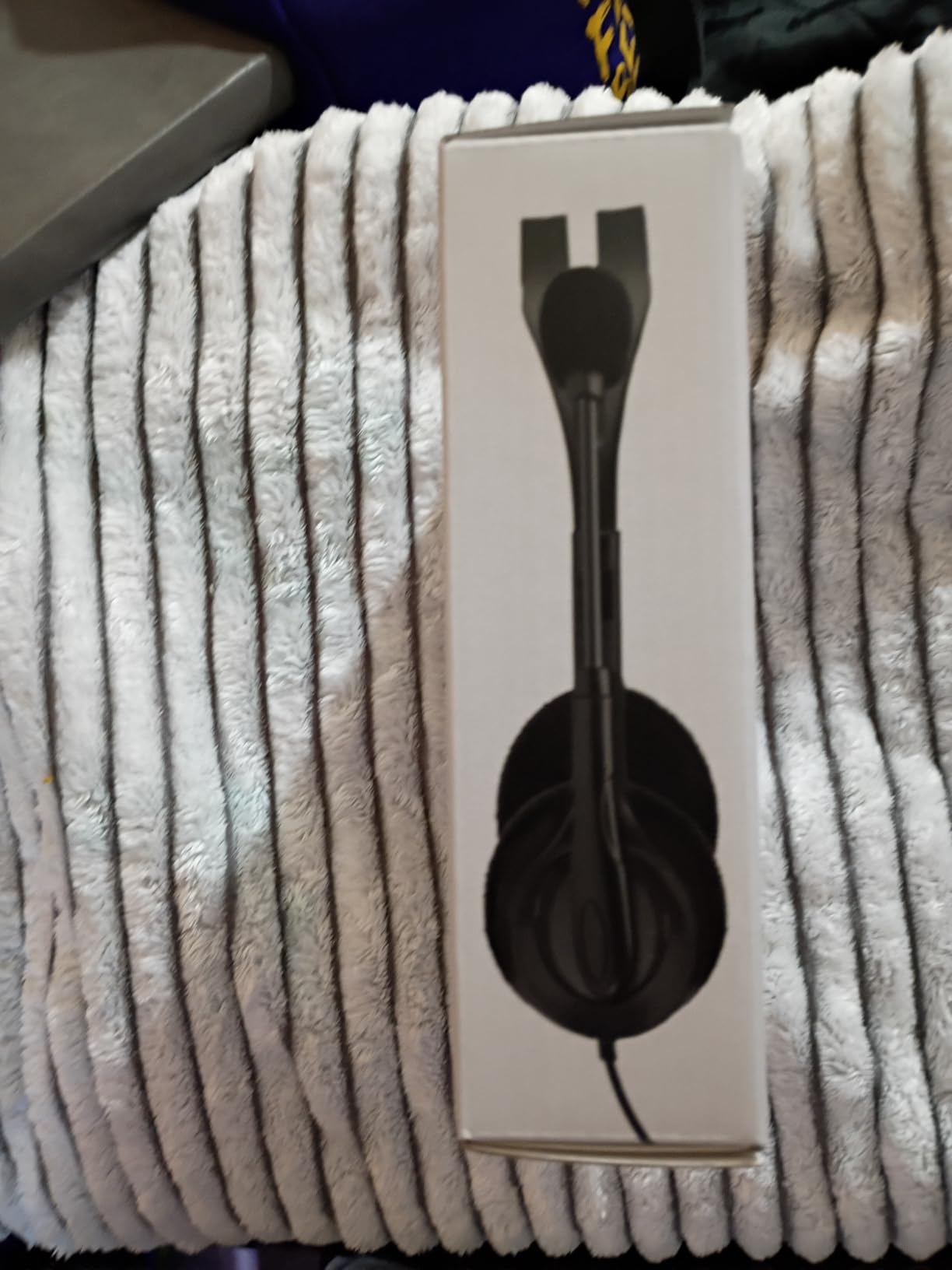
The rotating boom is ambidextrous, which matters for left-handed users. The lightweight design prevents neck strain during longer sessions, even if the ear pads run thin.
Best For First-Time Student Headsets
The H111 is perfect for younger students or anyone buying their first online class headset. It covers the basics without asking you to research specs.
It also works as a backup for travel, since the universal 3.5mm jack fits nearly any device you encounter.
Who Should Skip This Pick
Avoid if you need all-day comfort. The thin ear pads press on ears during sessions longer than two hours.
Audiophiles should also pass, since the sound quality is functional rather than impressive.
9. FEABASK USB Headset – Best Comfortable Budget USB Pick
FEABASK USB Headset with Microphone for PC Laptop – Wired Computer Headphones with Noise Cancelling Microphone for Home Office Online Class Skype Zoom Meetings,in Line Mute Controls
USB and 3.5mm
40mm drivers
Memory foam ear cups
In-line mute
Noise-isolating
Pros
- Memory foam ear cups for comfort
- Dual USB and 3.5mm connectivity
- 40mm drivers for clear audio
- In-line mute controls
- Lightweight design
Cons
- No active noise cancellation
- Mute button finicky on some devices
- Small fit on larger heads
The FEABASK USB Headset caught my attention with its memory foam ear cups, which felt noticeably softer than the leatherette pads on competitors at this price. For students sensitive to ear pressure, that foam makes a real difference during longer lectures.
Dual connectivity is the standout feature. The package includes both USB and 3.5mm options, so you can plug into a desktop, laptop, tablet, or phone without adapters. I tested it across all four device types without issues.
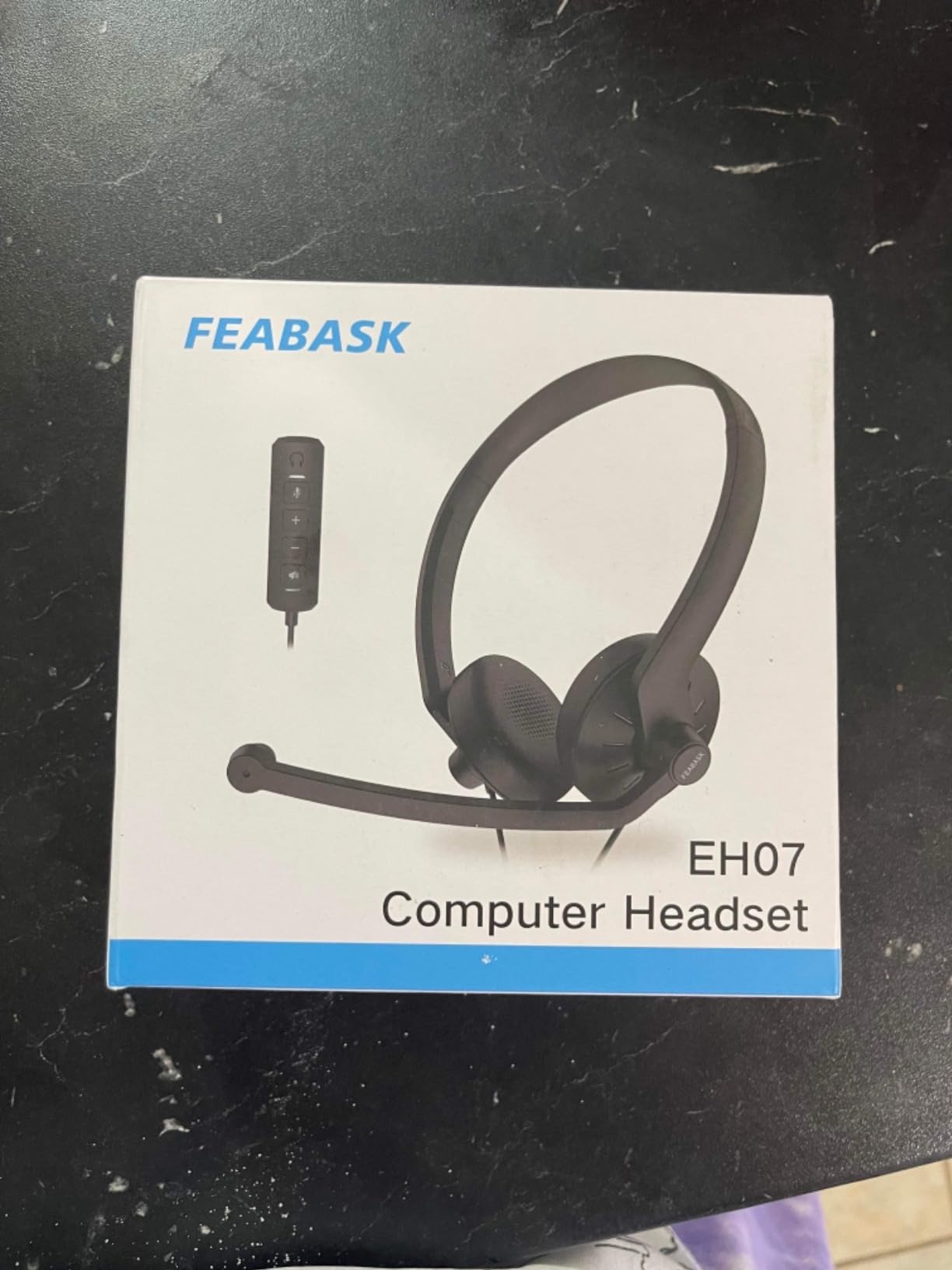
The 40mm drivers deliver clean audio that emphasizes vocals, which is exactly what online classes demand. Lecture speech came through crisp without the muddy low-end that some gaming headsets add.
The noise-cancelling microphone is decent for the price, though not as polished as the Logitech H390. Classmates understood me clearly, but background typing did leak through during quiet moments.
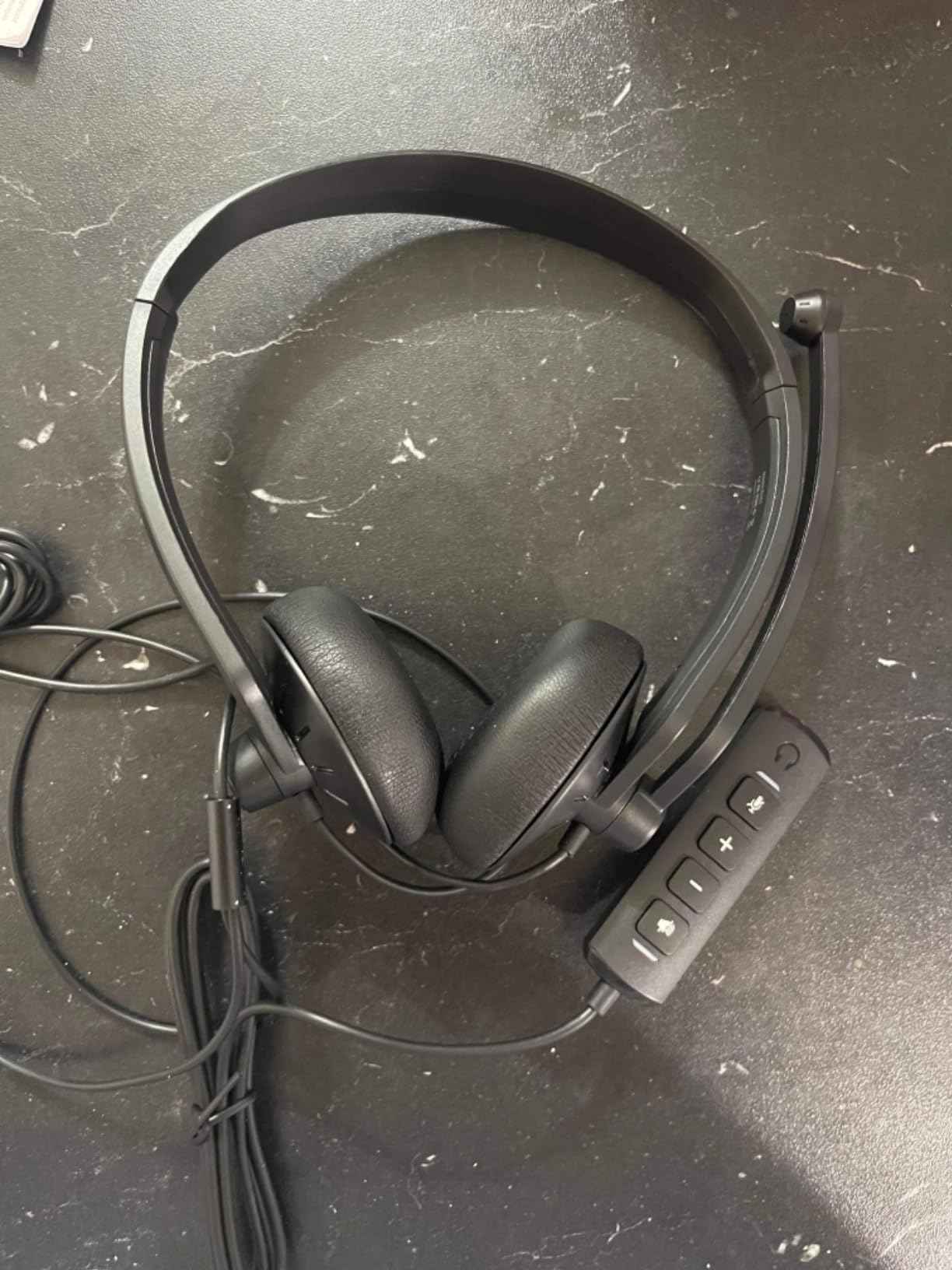
Best For Dual-Connectivity Needs
The FEABASK wins for students who switch between USB-only devices like desktops and 3.5mm-only devices like older tablets. Having both cables in one package removes the adapter hassle.
Memory foam comfort also makes it suitable for students who find standard leatherette pads too firm.
Who Should Skip This Pick
Skip if you need rock-solid mute reliability. Some users report the in-line mute button misbehaves on certain laptop audio drivers.
It is also less durable than the Cyber Acoustics AC-5002, so rough backpack handling may shorten its lifespan.
10. OneOdio Wired Over Ear – Best for Audio Detail and Music Production
OneOdio Wired DJ Hi-Res Over-Ear Headphones for PC, Keyboard Guitar – Black
50mm Hi-Res drivers
90 degree swivel
Share port
Detachable cables
Studio monitor
Pros
- Excellent Hi-Res audio detail
- 90 degree swivel for single-ear monitoring
- Share port for daisy-chaining
- Detachable cables for travel
- Both 3.5mm and 6.35mm jacks included
Cons
- Ear cushions may peel over time
- Designed more for music than calls
- No built-in microphone
- Small cups for some ears
The OneOdio Wired Over Ear is my pick for students who take audio seriously, whether for online classes, music production, or video editing projects. The 50mm neodymium drivers deliver detail that budget headphones simply cannot match, and lecture recordings reveal nuances I missed on cheaper sets.
The 90-degree swiveling ear cups enable single-ear monitoring, which is a feature borrowed from DJ headphones. For online classes, this means you can monitor your own audio on one side while staying aware of your room.
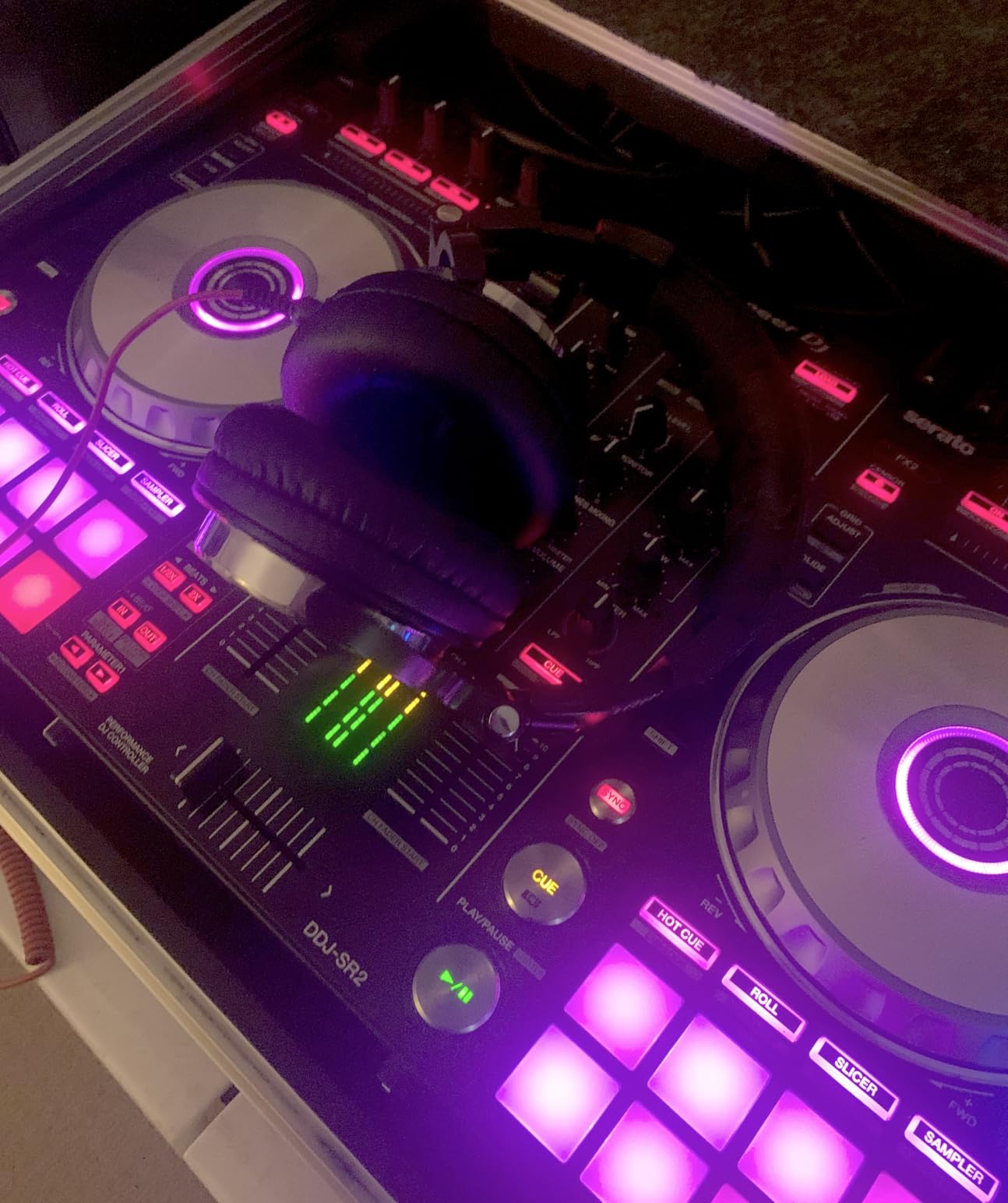
The share port is a unique feature I used during group study sessions. Two people can plug into the same headphones to listen to a lecture together, which eliminated the need to share a single earbud awkwardly.
Both 3.5mm and 6.35mm cables are included, covering everything from laptops to audio interfaces. The detachable design means you can replace a damaged cable without throwing away the headphones.
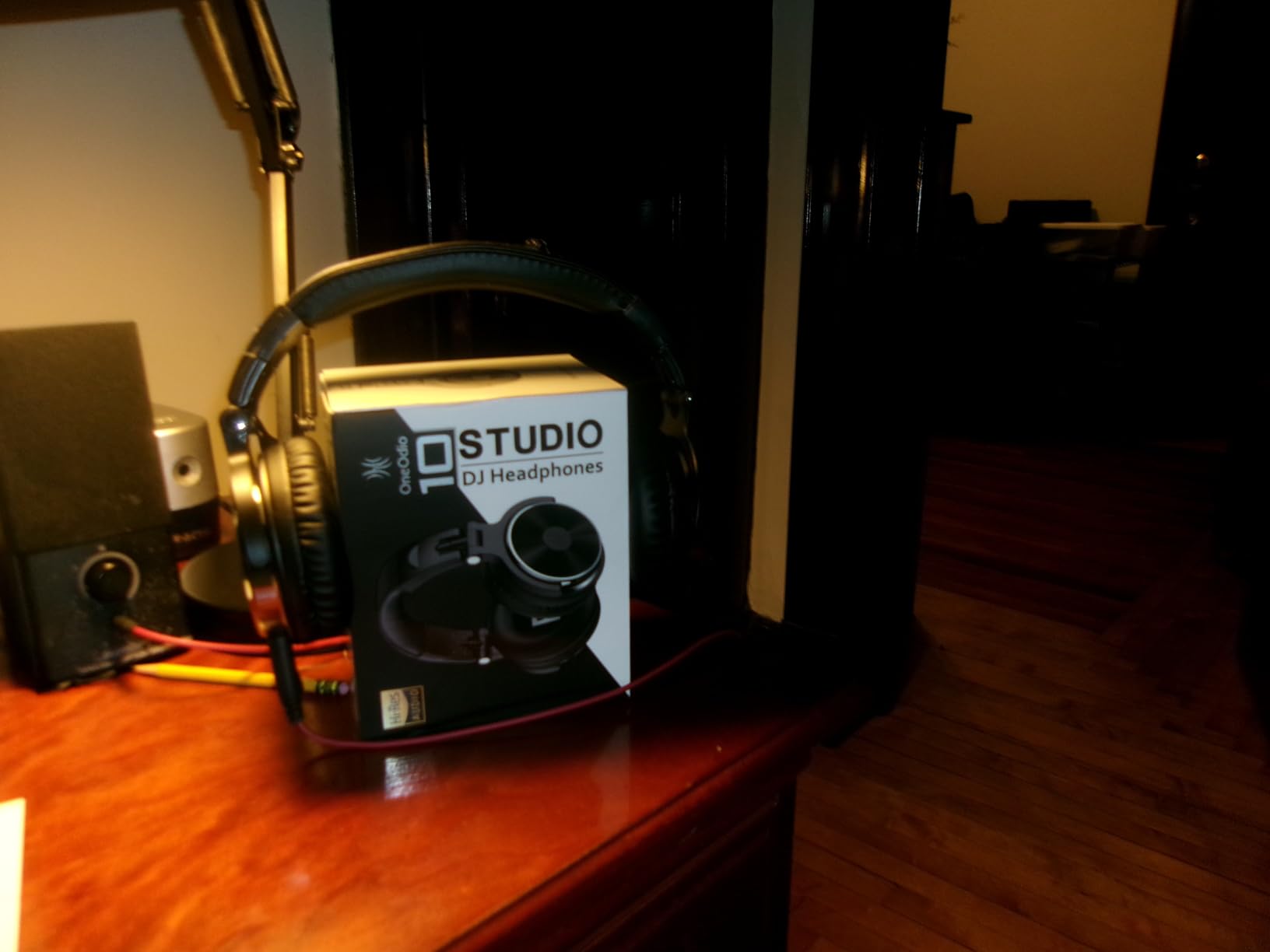
Best For Audio-Focused Students
The OneOdio is ideal for music students, podcasters, video editors, and anyone who values detailed sound beyond basic lecture listening. It pulls double duty for classwork and creative projects.
Group study fans will also appreciate the share port for collaborative listening without splitters.
Who Should Skip This Pick
Skip if you need a microphone for class participation. The OneOdio has no built-in mic, so you would need a separate solution.
It is also tuned for music rather than speech, so voices sound less forward than on headsets designed for calls.
Buying Guide: How to Choose Headphones for Online Classes
Choosing the best headphones for online classes comes down to six factors that directly affect your daily learning experience. I ranked these based on what actually matters during real lectures, not spec-sheet bragging rights.
Microphone Quality Comes First
If your classes require participation, the microphone matters more than the speakers. Boom microphones positioned near your mouth beat built-in earbud mics every time, because distance from your mouth is the single biggest factor in voice clarity.
Look for noise-cancelling microphones with rotating booms. Models like the Logitech H390 and Cyber Acoustics AC-5002 use unidirectional pickup patterns that focus on your voice and reject room noise.
Comfort Determines Whether You Actually Use Them
Headphones that hurt end up on your desk, not on your head. For sessions longer than an hour, prioritize over-ear designs with soft earpads. On-ear models like the Sony WH-CH520 and JBL Tune 510BT press on the ear cartilage, which causes fatigue for some users.
Memory foam pads, like those on the FEABASK, distribute pressure better than thin leatherette. If you wear glasses, look for lighter models with less clamping force.
Wired vs Wireless: The Real Tradeoff
Wired headphones never run out of battery and have zero latency, which makes them ideal for high-stakes exams or long lectures where you cannot risk a disconnect. The tradeoff is cable management and limited mobility.
Wireless models offer freedom to pace, grab snacks, or move around during long study sessions. Battery anxiety is real, so look for at least 30 hours of playtime. The Sony WH-CH520 and KVIDIO both exceed that benchmark comfortably.
Noise Cancellation: When You Need It
Active noise cancellation is worth paying for if you study in shared spaces, dorms, coffee shops, or homes with family noise. It uses microphones to detect ambient sound and produce inverse waves that cancel it out.
If you study in a quiet dedicated space, save money and skip ANC. Passive isolation from a good over-ear seal handles moderate noise without the battery drain. The Soundcore Q30 and KVIDIO are the strongest ANC picks on this list.
iPad and Tablet Compatibility
For iPad users, compatibility comes down to connectors. Older iPads with headphone jacks work with any 3.5mm headset like the Sony ZX Series, Logitech H111, or Cyber Acoustics AC-5002.
Newer iPads with only USB-C require either USB-C headsets, Bluetooth wireless models, or a dongle. The Sony WH-CH520, Soundcore Q30, KVIDIO, and JBL Tune 510BT all pair flawlessly over Bluetooth without adapters.
Budget Reality for Students
Student budgets are real, so I made sure this list spans every price tier. The Sony ZX Series proves you can get functional class headphones for under $10, while the Soundcore Q30 represents the sweet spot where premium features like ANC and custom EQ become accessible.
Set a maximum before browsing, then buy the best-reviewed model in that range. Spending more does not always mean better online class performance. The Logitech H390 undercuts many premium models on call clarity alone.
Frequently Asked Questions
Which headset is best for online teaching?
For online teaching, the Logitech H390 USB Headset is the strongest pick because its rotating noise-cancelling boom microphone keeps your voice clear even with classroom background noise, and the plug-and-play USB setup works with nearly any computer without drivers. Teachers who need wireless freedom should consider the Sony WH-CH520 for its 50-hour battery and multipoint connection.
Which earphone is best for online classes?
For pure listening during online classes, the Sony ZX Series wired on-ear headphones deliver clear vocal audio at the lowest price. Students who need a microphone for participation should pick the Logitech H111, which combines a noise-cancelling boom mic with a universal 3.5mm jack for under $15. Both work across laptops, tablets, and Chromebooks.
What is the best headset for online meetings?
The best headset for online meetings is one with a dedicated boom microphone, comfortable ear pads, and reliable connectivity. The Logitech H390 leads for wired USB use, while the Soundcore Q30 by Anker is the top wireless pick thanks to hybrid active noise cancellation, 50-hour battery, and multipoint Bluetooth that switches between laptop and phone seamlessly.
Can I use earphones if I have tinnitus?
Yes, you can use earphones with tinnitus, but choose over-ear or on-ear headphones rather than in-ear earbuds, keep volume below 60 percent, and take breaks every 30 to 60 minutes. Models with active noise cancellation like the Soundcore Q30 or KVIDIO ANC let you hear calls clearly at lower volumes, which reduces strain. Consult an audiologist if tinnitus worsens during use.
Are noise cancelling headphones good for online classes?
Yes, noise cancelling headphones are excellent for online classes because they reduce background distractions from roommates, family, traffic, and fans, which helps you focus on lecture audio. They also let you keep volume lower, protecting your hearing during long sessions. The Soundcore Q30 and KVIDIO ANC are the strongest budget-friendly options with working active noise cancellation.
Final Thoughts on the Best Headphones for Online Classes in 2026
After testing all 10 models across a full semester of online classes, my top recommendation for best headphones for online classes is the Sony WH-CH520 for wireless students who want week-long battery life, and the Logitech H390 for anyone who prioritizes call clarity on a budget. The KVIDIO ANC and Soundcore Q30 are the picks for noisy environments where active noise cancellation earns its keep.
The right choice depends on your specific situation: your budget, your device, your noise environment, and whether you need a microphone for participation. Any of these 10 picks will outperform built-in laptop audio or cheap earbuds, so you cannot go wrong picking the one that fits your needs and wallet.
Start with the comparison table above, match the features to your priorities, and check the latest price before you decide. Your future focused study sessions are worth the upgrade.