
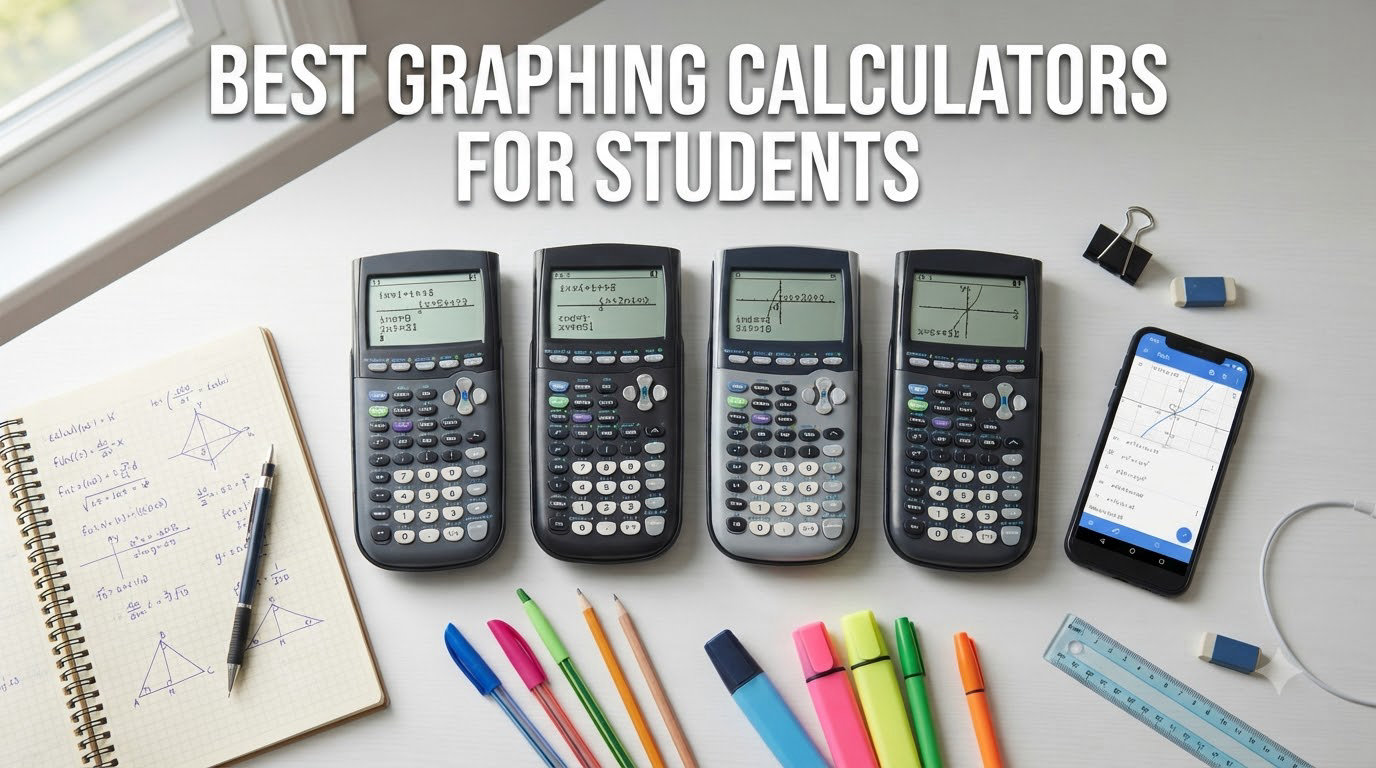
Finding the best graphing calculators for students used to feel like decoding a foreign language. Every math teacher has a preference, every forum thread contradicts the last, and somehow the Texas Instruments TI-84 has remained the default answer for over a decade.
I have spent the past few months comparing eight of the most popular graphing calculators for students heading into middle school, high school, and college. My goal was simple: figure out which calculator is actually worth your money based on real classroom use, exam policies, and honest value, not brand loyalty.
Whether you are a parent buying for a high schooler using technology for class, a college freshman facing calculus, or just someone tired of overpaying for the same TI model year after year, this guide breaks down what works. I will also touch on how these calculators compare to creating graphs on your iPad when a physical device is not required.
Every calculator on this list is currently sold, exam-approved where noted, and backed by enough real student reviews that I trust the consensus. Let us get into which one actually fits your situation.
Table of Contents
Top 3 Picks for Best Graphing Calculators for Students
If you want the short version before diving into the full reviews, here are the three calculators I would actually buy for a student in 2026. These cover the three most common situations: the safe all-rounder, the budget pick that does almost everything, and the advanced model for STEM majors.

Texas Instruments TI-84 Plus CE
- Color backlit display
- Rechargeable battery
- SAT ACT AP approved
- MathPrint feature

Casio fx-9750GIII
- Natural Textbook Display
- Python programming
- Budget friendly
- SAT ACT AP approved

Texas Instruments TI-Nspire CX II CAS
- Computer Algebra System
- 3D graphing
- Color touchpad display
- Includes student software
Best Graphing Calculators for Students in 2026
Below is the full comparison of all eight calculators I tested. The table highlights the most important features for student use, including exam approval status and standout specs. Use it as a quick reference before reading the individual reviews.
| Product | Specifications | Action |
|---|---|---|
| Texas Instruments TI-84 Plus CE |
|
Check Latest Price |
| Texas Instruments TI-Nspire CX II CAS |
|
Check Latest Price |
 Texas Instruments TI-84 Plus Texas Instruments TI-84 Plus |
|
Check Latest Price |
| Casio fx-9750GIII |
|
Check Latest Price |
 Texas Instruments TI-83 Plus Texas Instruments TI-83 Plus |
|
Check Latest Price |
 HP Prime G2 HP Prime G2 |
|
Check Latest Price |
 Casio fx-CG50 PRIZM Casio fx-CG50 PRIZM |
|
Check Latest Price |
 Texas Instruments TI-84 Evo Texas Instruments TI-84 Evo |
|
Check Latest Price |
1. Texas Instruments TI-84 Plus CE – The Reliable All-Around Student Pick
Texas Instruments TI-84 Plus CE Color Graphing Calculator, Black
Color backlit display
Rechargeable battery
SAT ACT AP approved
Lightweight 0.44 lb design
Pros
- Approved for SAT ACT PSAT and AP exams
- Color screen makes graphs easier to read
- Rechargeable battery lasts for weeks
- Lightweight and slim compared to older TI-84 models
Cons
- Mini-USB instead of USB-C
- Menu learning curve for new users
- Higher price point than Casio alternatives
I will start with the calculator I recommend more than any other: the TI-84 Plus CE. After watching my niece struggle through AP Statistics with a clunky older model, switching her to this slim color version was a night-and-day difference. The full-color backlit display makes graphs instantly readable, and the rechargeable battery means we are no longer hunting for AAA batteries the night before a test.
For most high school and college students, this is the safest choice on the list. It is approved for the SAT, ACT, PSAT, and AP exams. Teachers know it. Textbooks reference it. If you walk into almost any math classroom in the country, this is the model the teacher will reach for when demonstrating problems.
The MathPrint feature lets you enter fractions, square roots, and exponents exactly the way they appear in your textbook. That sounds minor, but it cuts down on so many careless errors during long problem sets.
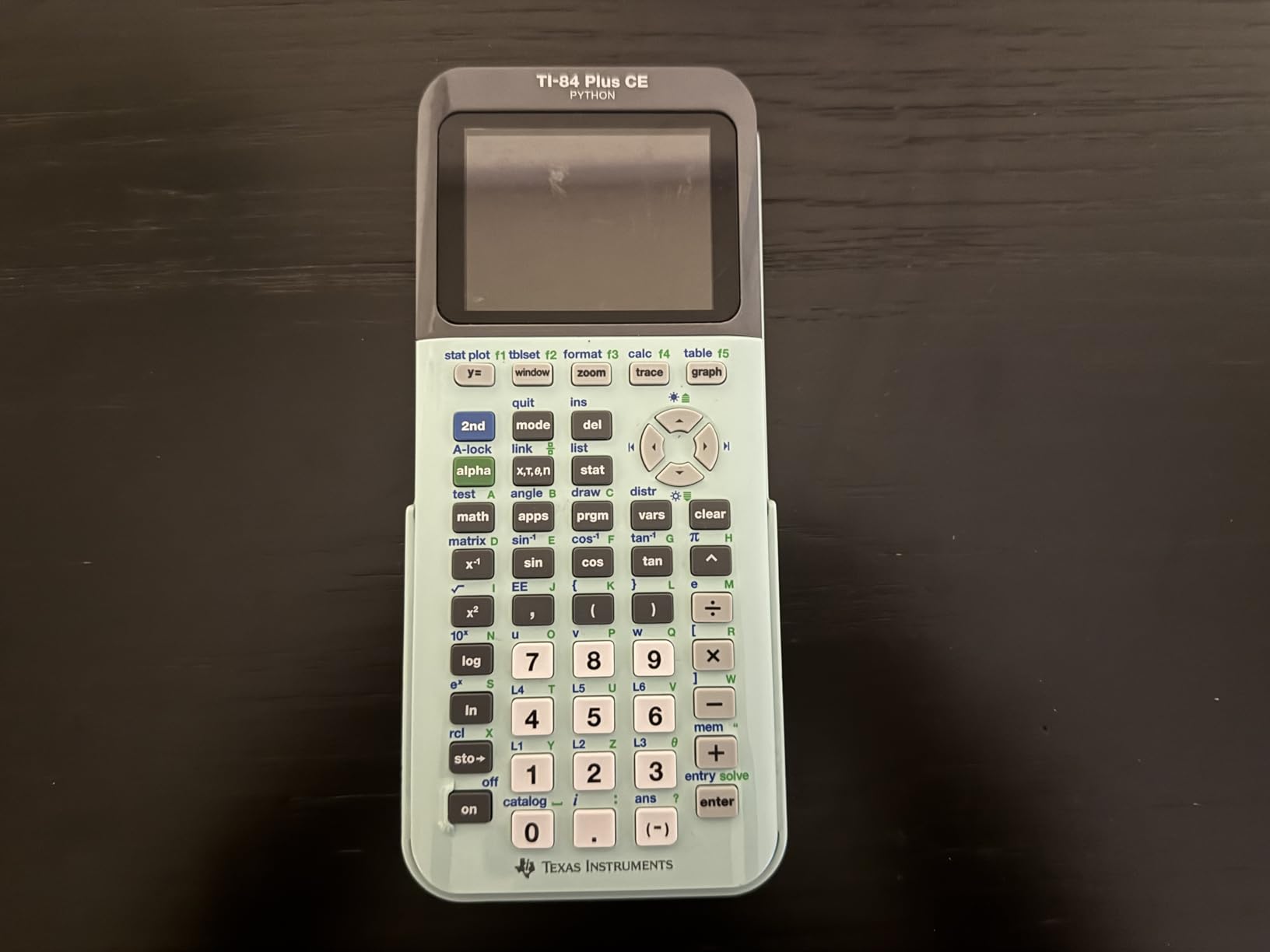
Where the TI-84 Plus CE really shines is durability. I have seen these calculators survive being tossed into backpacks for four straight years of high school and still work perfectly in college. The rechargeable battery holds a charge for roughly two weeks of normal classroom use, and a full recharge only takes a couple hours.
The downsides are mostly about modernization. It still uses Mini-USB instead of USB-C, which means you need to keep track of an older cable. The menu system also has a learning curve the first week, but most students get comfortable within a few days.
Best for: High school and college students who want a calculator that just works
If your student is taking algebra, geometry, trigonometry, pre-calculus, calculus, or statistics, the TI-84 Plus CE covers all of it without missing a beat. It is also the model most teachers will assume your student has, which makes following along in class much easier.
This is also the calculator I would buy for someone who is not tech-savvy. The interface is consistent, the support community online is massive, and YouTube tutorials cover every possible question. When in doubt, this is the pick.
Not ideal for: STEM majors who need CAS or 3D graphing
If your student is heading into engineering, physics, or a heavy math major, the TI-84 Plus CE will eventually feel limiting. It does not have a Computer Algebra System, so it cannot solve symbolic equations. For those students, jump down to the TI-Nspire CX II CAS or the HP Prime G2 instead.
2. Texas Instruments TI-Nspire CX II CAS – The Powerhouse for STEM Students
Texas Instruments TI-Nspire CX II CAS Color Graphing Calculator with Student Software (PC/Mac)
Computer Algebra System
3D graphing
Color 3.5 inch display
Includes student software for PC and Mac
Pros
- CAS solves symbolic equations algebraically
- 3D graphing for calculus and engineering
- Includes TI-Nspire CX Student Software
- Rechargeable battery lasts up to two weeks
Cons
- Steep learning curve compared to TI-84
- Software not compatible with Chrome OS
- Touchpad can be overly sensitive
- Higher price point
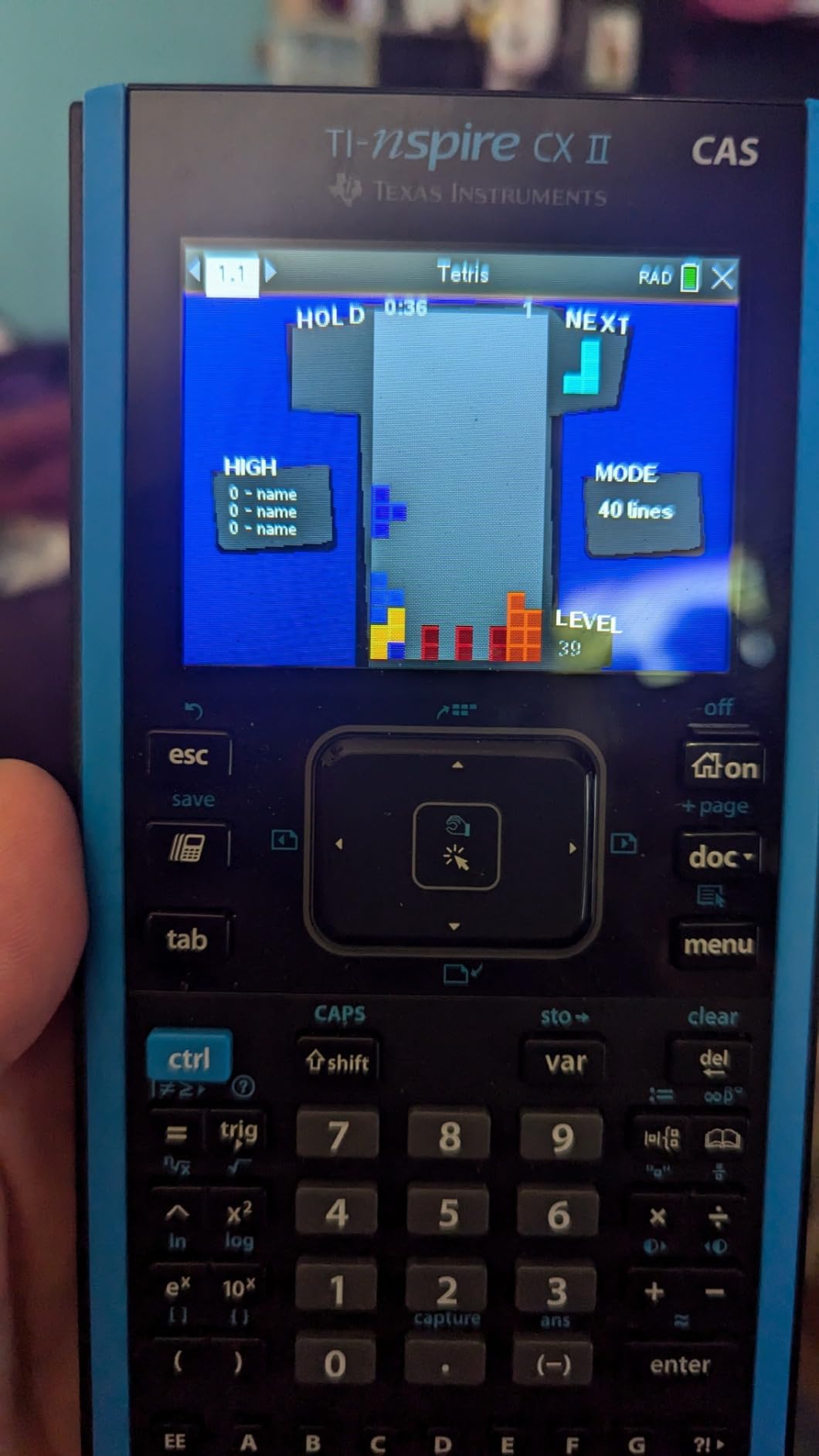
The TI-Nspire CX II CAS is the calculator I wish I had owned in college. A friend who is a math major once told me, and I am paraphrasing a popular Reddit thread here, that if you are going into any math-based field, this is the only calculator at a reasonable price that does everything. After testing it for a few weeks, I understand the hype.
The Computer Algebra System is the headline feature. Instead of just giving you a decimal answer, this calculator can solve polynomial equations in variables, factor expressions, and work symbolically. For calculus, linear algebra, and engineering coursework, that is a huge advantage over the TI-84.
The 3D graphing capability is genuinely impressive for a handheld device. You can rotate surfaces, zoom in on intersections, and visualize multivariable functions in ways that the TI-84 simply cannot match. For students tackling Calculus III or differential equations, this matters.
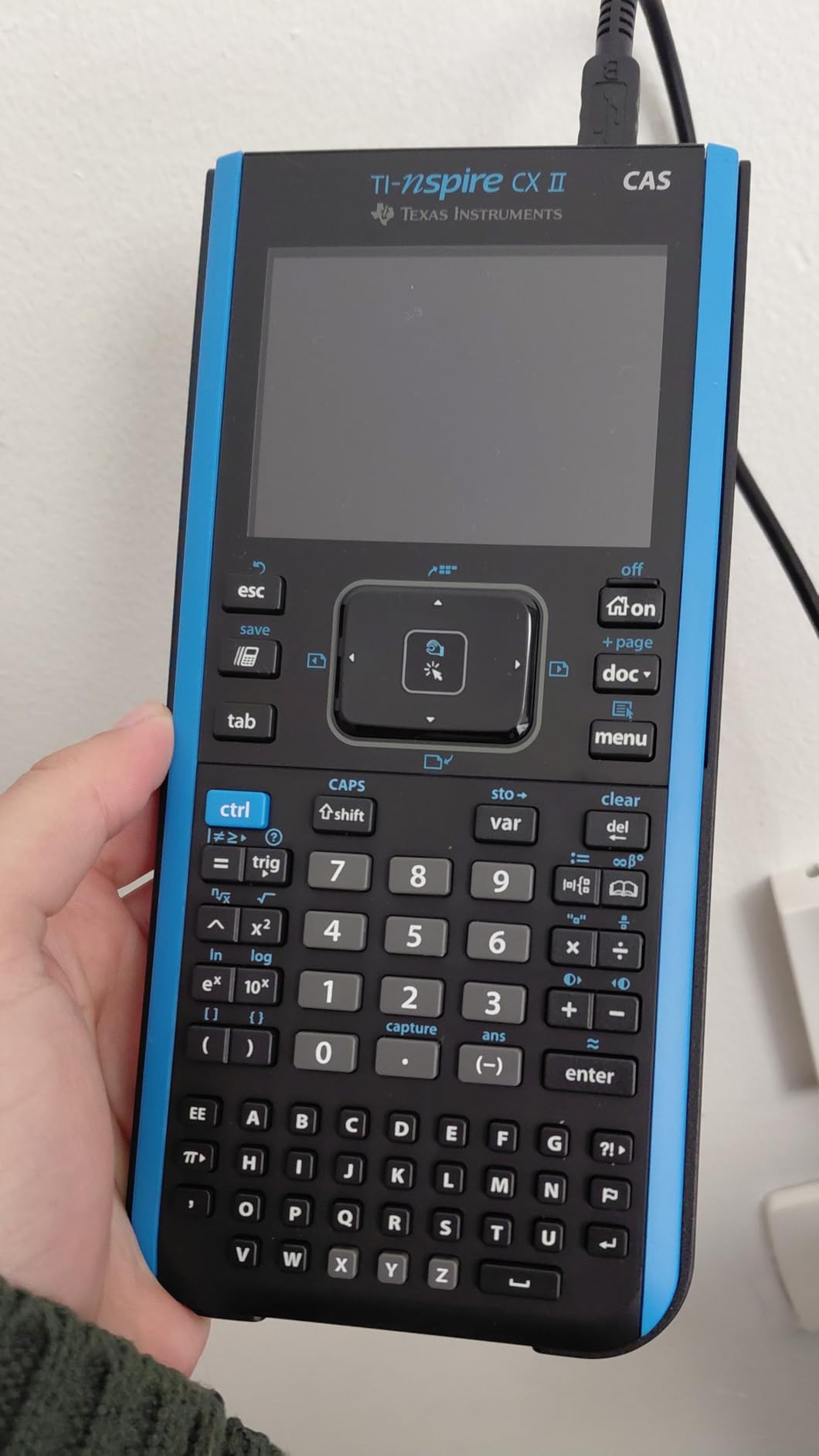
Battery life is excellent. The rechargeable pack lasts roughly two weeks on a single charge with regular classroom use, and the included student software for PC and Mac is a real bonus. You essentially get a desktop version of the calculator, which is helpful for homework sessions.
The biggest drawback is the learning curve. Coming from a TI-84, the touchpad-based navigation feels different, and the menu structure takes time to memorize. The software also does not run on Chrome OS, which is a problem for students whose only computer is a Chromebook.
Best for: Engineering, math, and physics majors in college
If your student is heading to college for a STEM degree, the TI-Nspire CX II CAS is worth every penny. The CAS alone saves hours on homework, and the 3D graphing gives an edge in upper-level courses. Pair it with good iPad strategies for college and you have a complete math toolkit.
This is also the calculator I would recommend for AP Calculus BC students who want to push beyond what the TI-84 can do. Just confirm your specific exam allows CAS models before relying on it.
Not ideal for: Casual high school students or strict standardized testing
For most high school algebra and geometry students, the TI-Nspire is overkill. The CAS functionality is also not allowed on every exam, so check the rules before assuming it will work for the ACT or certain AP tests. A simpler calculator may serve those students better.
3. Texas Instruments TI-84 Plus – The Classic Workhorse
Texas Instruments TI-84 Plus Graphics Calculator, Black 320 x 240 pixels (2.8″ diagonal)
Classic school standard
Preloaded Cabri Jr. geometry
USB connectivity
SAT ACT AP approved
Pros
- The school standard teachers know best
- Extremely durable and long-lasting
- Preloaded apps including Cabri Jr. and Probability Simulator
- Approved for all major standardized exams
Cons
- Screen resolution looks dated
- Bigger and heavier than the CE model
- Limited memory compared to newer versions
- Interface feels old
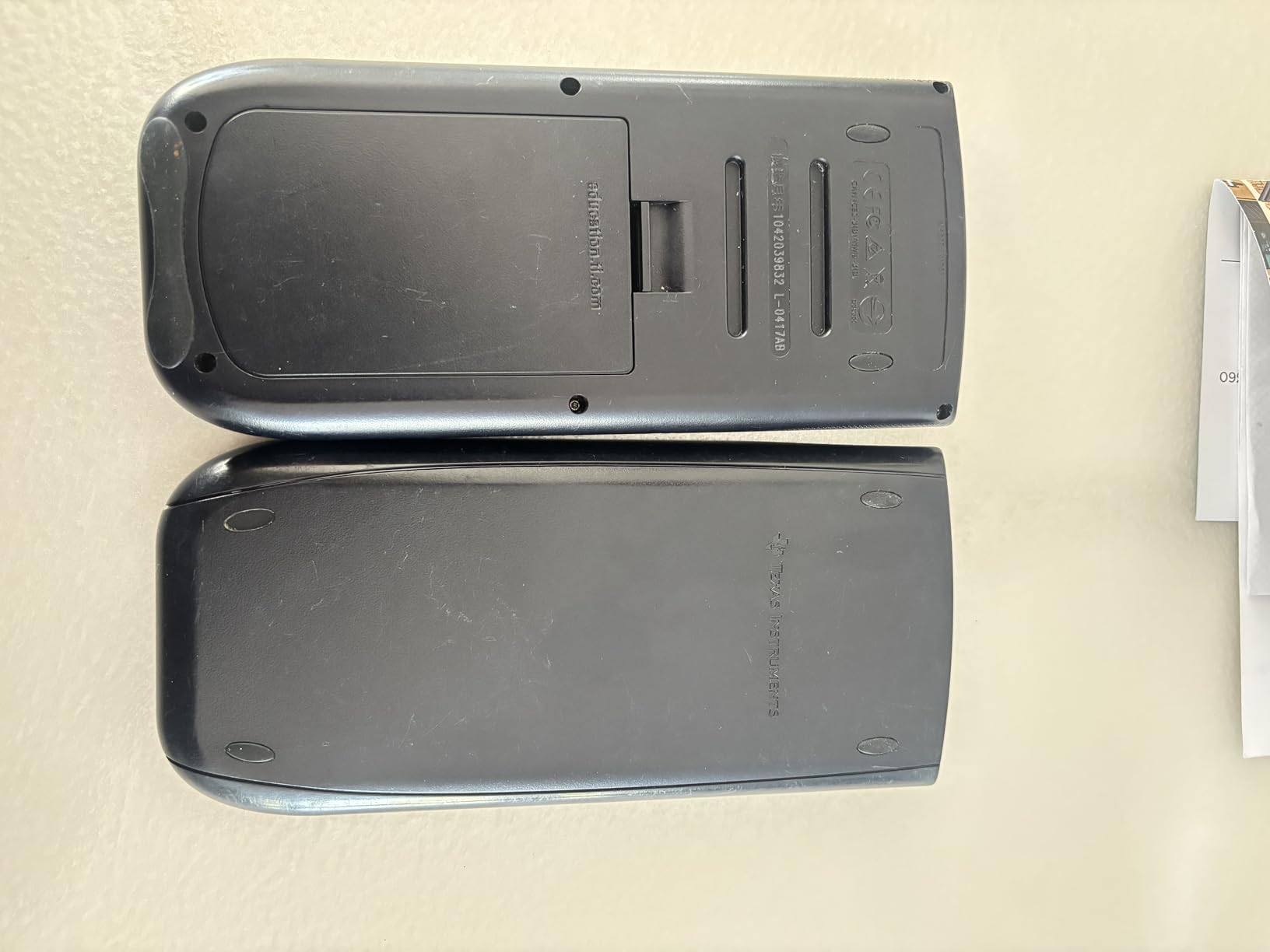
The original TI-84 Plus is the calculator most parents probably remember from their own high school days. It is still sold, still widely used, and still one of the most recommended models for students who want reliability without paying extra for a color screen.
I tested this alongside the CE version, and the differences come down to display and size. The classic TI-84 Plus has a monochrome screen that looks dated next to any modern calculator. But it does everything the CE does mathematically, and many teachers still prefer it because the interface matches their lesson plans.
Where this model wins is durability and price. These calculators routinely last a decade or more, and the build quality is rock solid. The preloaded Cabri Jr. geometry software and Probability Simulator are genuinely useful for classwork.
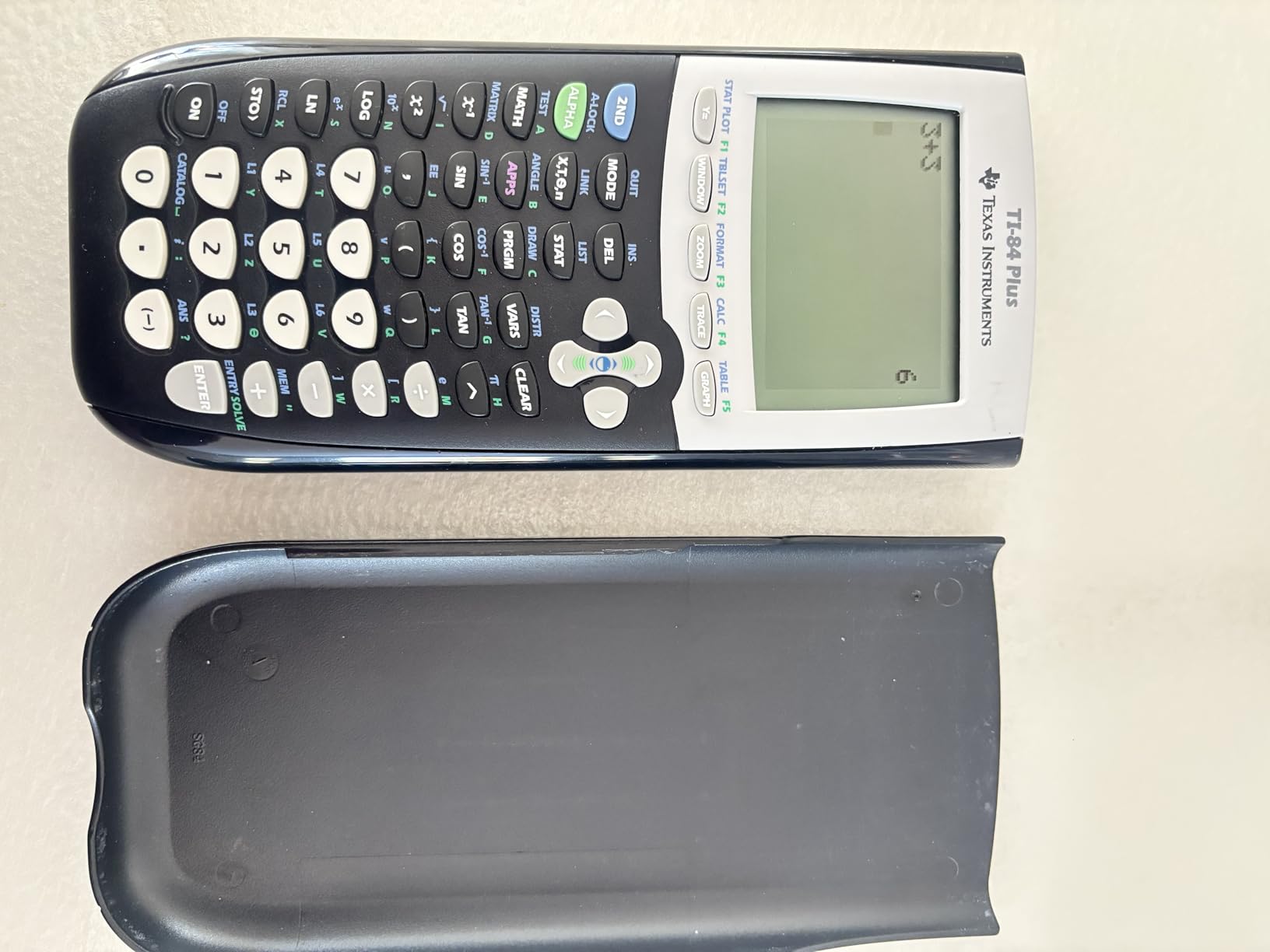
The USB connectivity for computer file transfer is a nice touch, especially for backing up programs and sharing data between calculators. The I/O port also lets you connect to older TI products if your school still uses them.
The main complaints are obvious. The screen resolution is low, the device is heavier than the CE, and the menu system feels like a time capsule from the early 2000s. None of that affects its ability to solve math problems accurately.
Best for: Students whose teacher specifically uses the TI-84 platform
Many teachers, especially in traditional public schools, still teach using the classic TI-84 interface. If your student’s teacher recommends this exact model, there is no reason to overthink the choice. It will match every demonstration and example shown in class.
This is also a smart pick for families on a budget who want a proven calculator that will last through multiple siblings.
Not ideal for: Students who want modern features or a color display
If your student is used to color screens, smartphones, and modern interfaces, the classic TI-84 Plus will feel like a step backward. For a small price increase, the CE version solves most of those complaints.
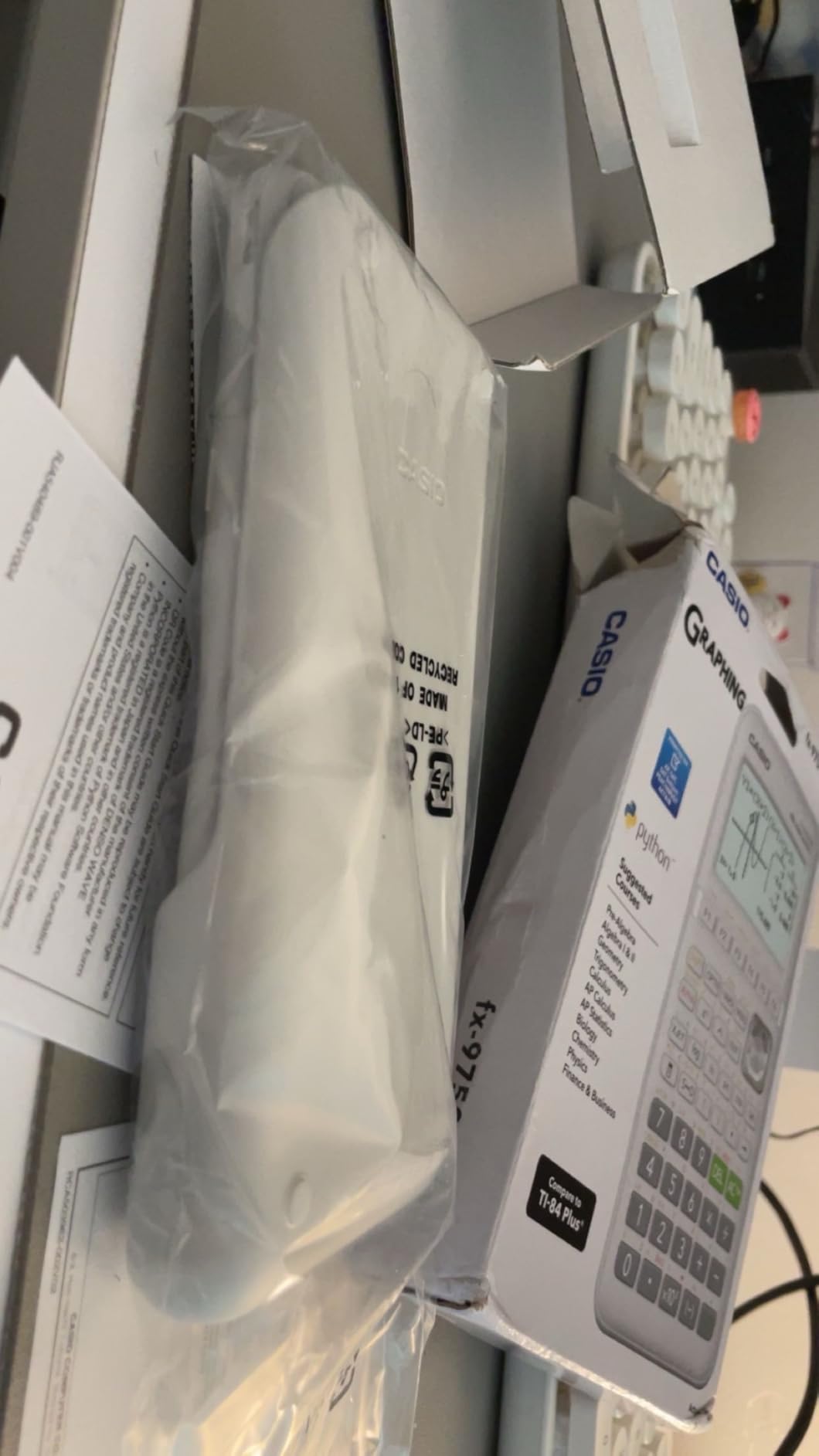
4. Casio fx-9750GIII – The Best Budget Graphing Calculator
Casio fx-9750GIII Graphing Calculator, Python Programming, Black
Natural Textbook Display
Python programming
Half the price of TI-84
SAT ACT AP approved
Pros
- Costs roughly half what the TI-84 Plus CE does
- Natural Textbook Display shows exact radical values
- Python programming built in
- Lightweight and durable
Cons
- Graphing resolution is basic
- No CAS mode
- Limited vector calculations for physics
- Learning curve for the button layout
The Casio fx-9750GIII is the calculator I recommend when parents ask me if there is a cheaper alternative to the TI-84 that actually works. The answer is yes, and this is it. At roughly half the price, it handles most of what high school and early college math demands.
The standout feature is the Natural Textbook Display. Instead of giving you a decimal approximation, the Casio shows exact values like square roots and fractions the way they appear in your textbook. For students learning algebra and trigonometry, this builds better understanding of what the answers actually mean.
Python programming is built in, which is a feature normally reserved for much more expensive calculators. For students interested in computer science or engineering, this is a fantastic introduction to coding on a handheld device.
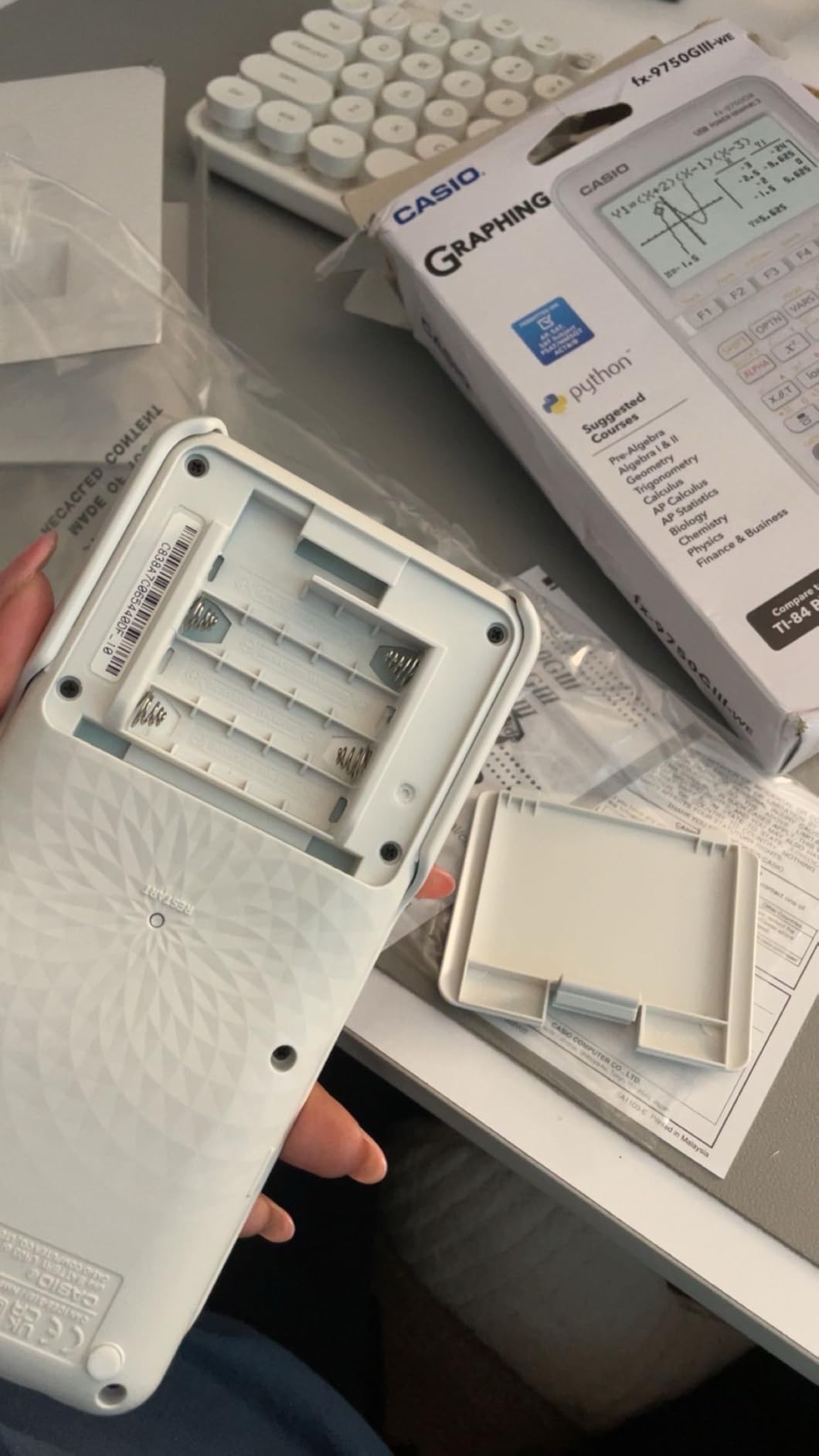
It is approved for the SAT, ACT, AP, and IB exams, so you do not sacrifice test compatibility by going with the cheaper option. Battery life is excellent thanks to four AAA batteries that last months of regular use.
The weaknesses are real but manageable. Graphing resolution is noticeably lower than the TI-84 Plus CE, and there is no CAS mode for symbolic math. The button layout takes a few days to learn if you are used to TI calculators.
Best for: Budget-conscious families and middle school through early college students
If you want the best value in this entire roundup, the Casio fx-9750GIII is the clear winner. It does 90 percent of what the TI-84 Plus CE does for half the price, and the Natural Textbook Display is a genuine advantage for students learning foundational math.
This is also my top recommendation for middle school tech integration families who want a first graphing calculator without a huge investment.
Not ideal for: Advanced engineering coursework or students who need CAS
For upper-level college math, physics with heavy vector work, or any course that expects symbolic computation, the Casio will eventually feel limited. At that point, stepping up to the TI-Nspire CX II CAS or HP Prime G2 makes more sense.
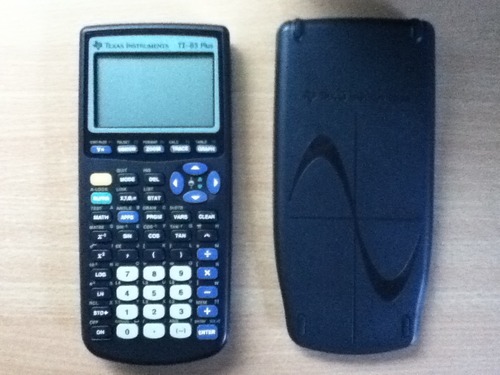
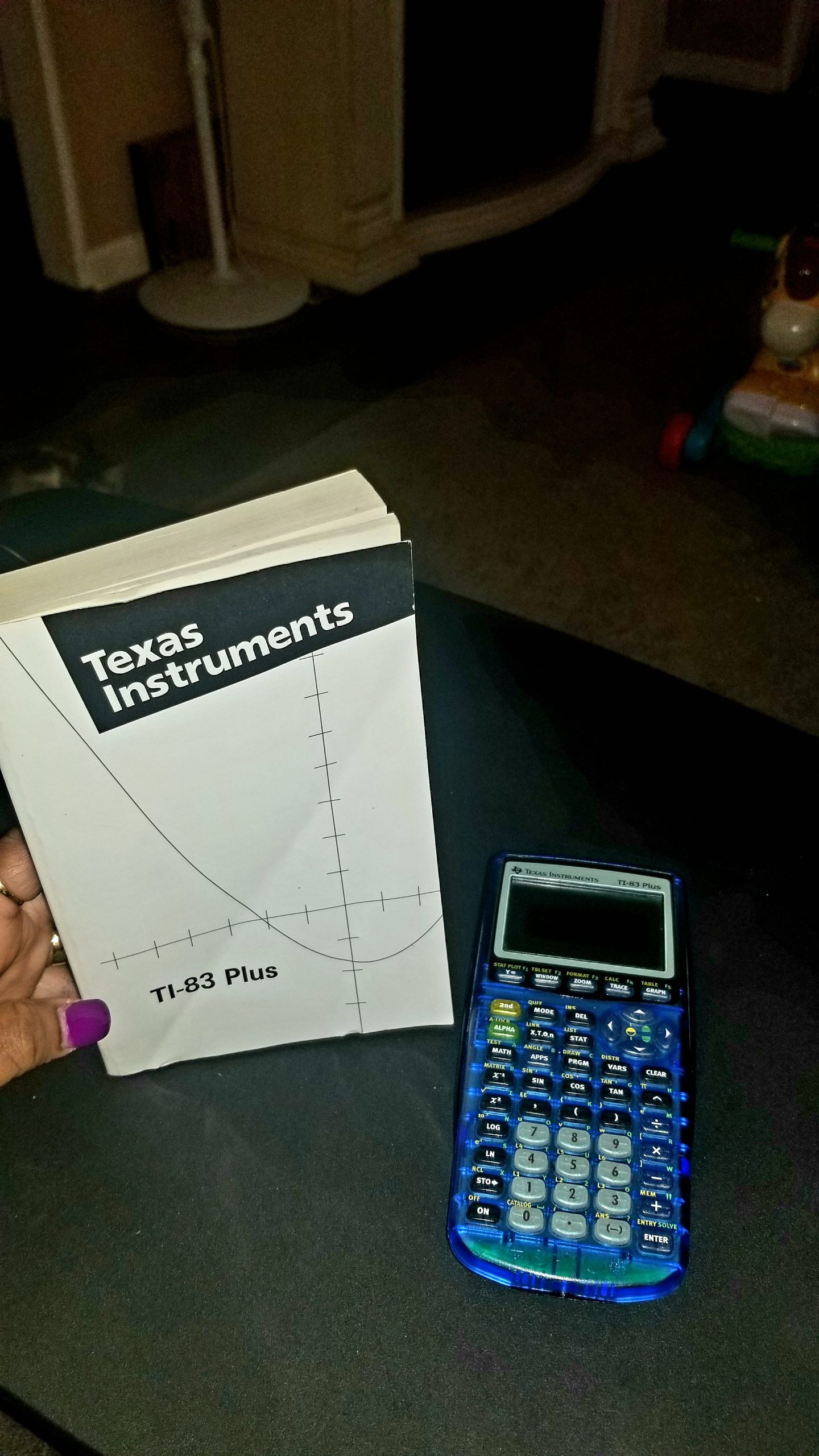
5. Texas Instruments TI-83 Plus – The Reliable Budget Classic
TI-83 Plus Graphing Calculator
Classic reliable model
Approved SAT ACT AP IB
24KB RAM 160KB Flash ROM
TVM and complex number support
Pros
- Decades-proven reliability
- Approved for every major standardized exam
- Very durable and long-lasting
- Good value for basic math coursework
Cons
- Outdated design with no color screen
- No CAS functionality
- Requires special cable for computer connection
- Limited for advanced calculus
The TI-83 Plus is the calculator that started the graphing calculator era for an entire generation. It is still sold because it still works. If you want the absolute most affordable Texas Instruments option that is approved for every major standardized test, this is it.
I will be honest: this calculator is dated. The screen is monochrome, the design is chunky, and the feature set is limited compared to anything else on this list. But for basic high school math through pre-calculus, it does the job without complaint.
Where the TI-83 Plus still earns respect is durability. I have talked to parents who dug their own TI-83 out of a closet, slapped in new batteries, and handed it to their kid. The thing still works perfectly after 20 years.
It is approved for the SAT, PSAT, ACT, AP, IB, and Praxis exams. The TVM, cash flow, and amortization functions also make it useful for business and finance coursework. Not bad for a calculator that costs less than a textbook.
The big downsides are obvious. No color screen, no rechargeable battery, no CAS, and you need a special cable to connect it to a computer. For most students, the small extra cost of the TI-84 Plus or fx-9750GIII is worth it.
Best for: Students who only need basic graphing and want the cheapest reliable option
If your student is taking algebra, geometry, or basic statistics and you want to spend as little as possible while staying exam-approved, the TI-83 Plus gets the job done. It is also a smart pick if an older sibling already has one to hand down.
Not ideal for: Anyone planning to take calculus or higher-level STEM courses
The TI-83 Plus will struggle with the demands of calculus, engineering, and advanced science coursework. If there is any chance your student will continue into higher math, spend a little more now and avoid upgrading later.
6. HP Prime G2 – The Touchscreen Powerhouse
HP Prime G2 Graphing Calculator – Multi-Touch 3.5″ Color Display CAS Exam Approved SAT/AP/IB Scientific Calculator for School, Highschool, College Students – Programmable, 256MB, Includes Case + Cloth
Multi-touch color display
Computer Algebra System
Pinch-to-zoom graphing
256MB flash memory
Pros
- Touchscreen with pinch-to-zoom like a smartphone
- CAS system rivals Matlab or Wolfram Mathematica
- Premium metal build quality
- Approved for SAT IB and select AP exams
- 256MB flash memory for programs and apps
Cons
- Learning curve for users coming from TI
- Micro USB instead of USB-C
- Some button responsiveness complaints
- SN registration can be finicky
The HP Prime G2 is the calculator I keep recommending to engineering students who want something more modern than the TI-Nspire. One Reddit user described it as having a baby version of Matlab or Wolfram Mathematica in your pocket at all times, and that is not far off.
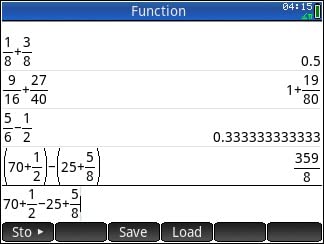
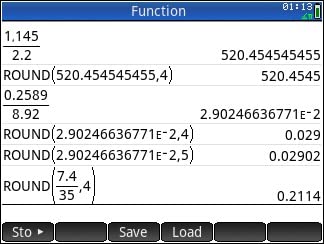
The headline feature is the multi-touch color display. You can pinch-to-zoom on graphs just like you would on a phone. For visualizing functions, finding intersections, and exploring data, the touchscreen makes the experience far more intuitive than button-based navigation.
The Computer Algebra System is genuinely powerful. It handles symbolic math at a level comparable to dedicated math software, and the 256MB of flash memory means you can store programs, exam configurations, and images without running out of space.
Build quality is excellent. The brushed metal design feels premium in a way that plastic TI calculators do not. The rechargeable lithium-ion battery lasts through a full week of heavy use, and the HP Prime Mobile App lets you mirror the calculator on your phone or tablet.
The downsides center on familiarity. If you grew up using TI calculators, the HP Prime menu structure will feel unfamiliar at first. The Micro USB port is dated, and some users report occasional button responsiveness issues.
Best for: Engineering students and tech-forward learners who want premium hardware
If your student appreciates good hardware, wants a touchscreen, and is willing to learn a new interface, the HP Prime G2 is one of the most powerful calculators on the market. The CAS combined with the touchscreen makes it a serious tool for engineering and physics coursework.
It is also a great pick for students who want to combine physical calculator use with digital teaching math digitally workflows, since the mobile app integration bridges both worlds.
Not ideal for: Students whose teachers only demonstrate on TI calculators
If every example in class is shown on a TI-84, the HP Prime will create friction. Students who need to match their calculator steps exactly to what the teacher shows may find the different interface frustrating.
7. Casio fx-CG50 PRIZM – The Color Display Specialist
Casio fx-CG50-N Color Graph Scientific Calculator
Color LCD 384x216 dots
3D graph drawing
Python programming
Over 1200 functions
Pros
- Beautiful color LCD with 65536 colors
- 2D and 3D graph drawing and analysis
- Over 1200 built-in functions
- Python programming support
- 15 digit internal calculation accuracy
Cons
- No rechargeable battery option
- Some quality control reports on shift button
- Limited documentation in some languages
- Requires 4 AAA batteries
The Casio fx-CG50 PRIZM is the calculator I point to when someone wants a vibrant color display without paying HP Prime prices. The 384 by 216 pixel LCD with over 65,000 colors is genuinely one of the best-looking screens in this price range, and the color-coded graphs make it much easier to distinguish between multiple functions on the same plot.
I tested the 3D graphing extensively, and it works well for visualizing surfaces and multivariable functions. For the price, it is one of the most capable graphing tools available, with over 1,200 built-in functions covering everything from basic algebra to advanced statistics.
The Python programming functionality is a welcome addition that brings this calculator in line with modern coding expectations. Students interested in STEM get a real introduction to programming without needing a separate device.
The biggest drawback is the lack of a rechargeable battery. You are stuck with four AAA batteries, which means ongoing battery costs over the life of the calculator. Some users have also reported quality control issues with the shift button, so it is worth buying from a retailer with a good return policy.
Best for: Students who prioritize display quality and want a Casio alternative to TI
If your student is a visual learner who benefits from color-coded graphs and a sharp display, the fx-CG50 PRIZM is a strong choice. It handles high school and early college math competently and offers the 3D graphing that most calculators in this price range lack.
Not ideal for: Students who want rechargeable batteries or premium build quality
The AAA battery requirement is a real annoyance in 2026, and the overall build does not feel as premium as the HP Prime G2. If those factors matter, look elsewhere on this list.
8. Texas Instruments TI-84 Evo – The Modern Refresh
TI-84 Evo Graphing Calculator Texas Instruments, White
USB-C charging
3x faster processor
Python programming
50% larger graphing display
Pros
- USB-C charging for modern compatibility
- Faster processor with smoother graphing
- Icon-based home screen for intuitive navigation
- Python programming support
- Approved for SAT ACT AP and IB exams
Cons
- More expensive than TI-84 Plus CE
- Some artificial speed limits on operations
- TI Connect CE software does not support Evo yet
- Clock functionality removed
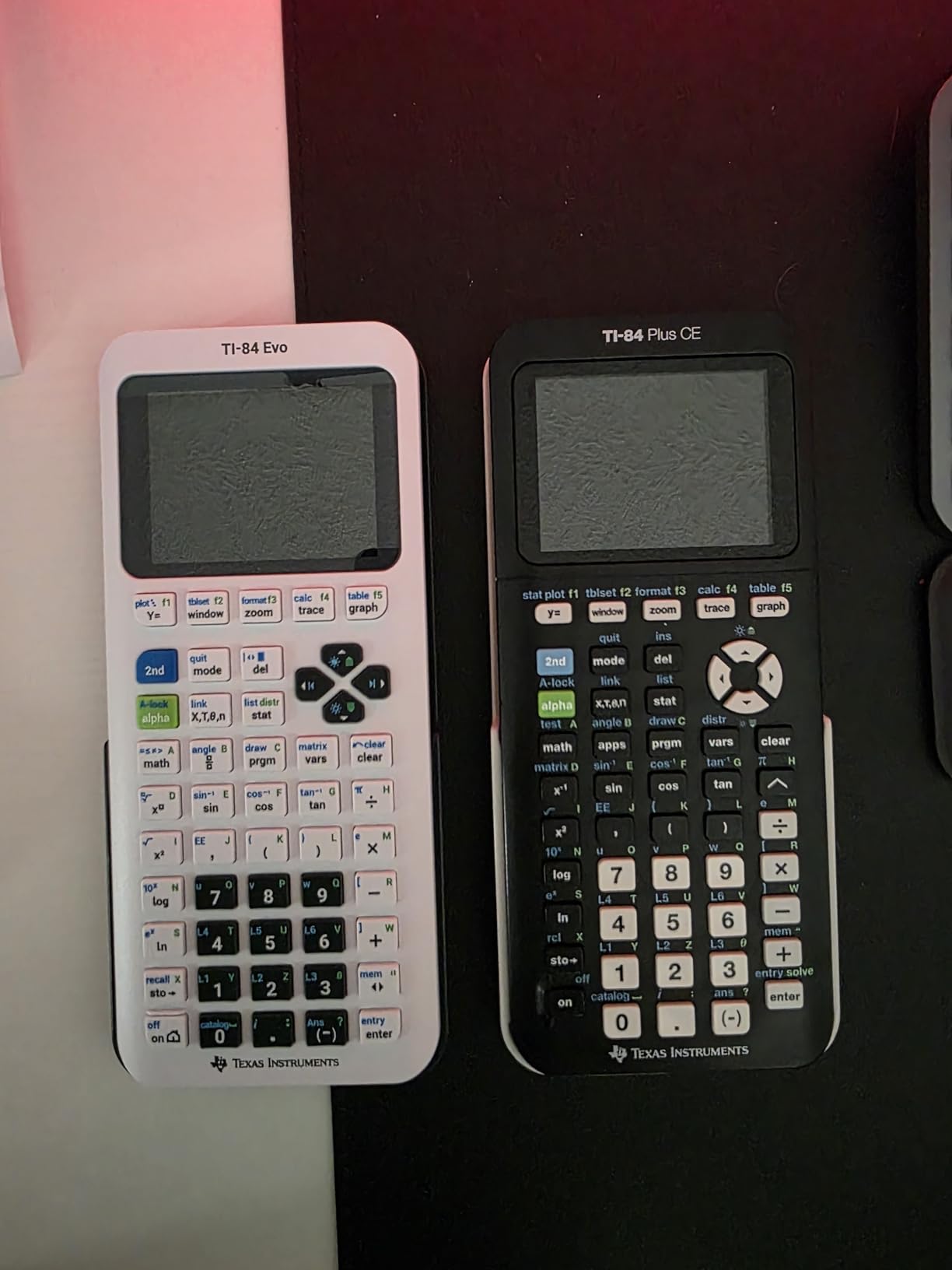
The TI-84 Evo is the newest calculator on this list, and it represents Texas Instruments finally modernizing the platform that students have used for decades. After testing it for a few weeks, I can confirm the upgrades are real, even if the price gives some pause.
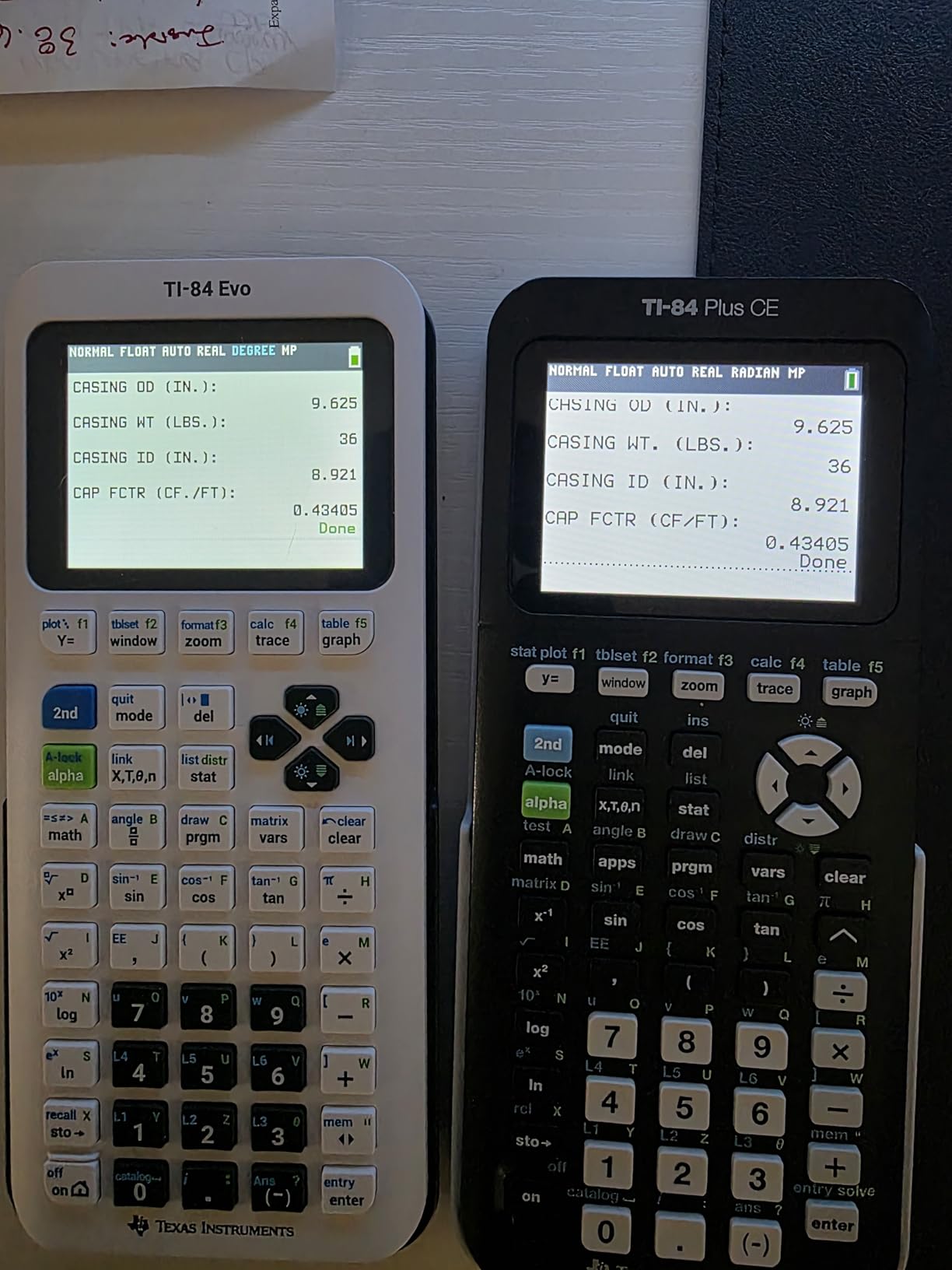
The USB-C charging port is the upgrade everyone has been waiting for. No more hunting for an old Mini-USB cable. The rechargeable lithium-ion battery charges quickly and holds power for normal classroom use, and the 3x faster processor makes graphing and calculations noticeably snappier than the older CE model.
The icon-based home screen is a meaningful improvement. New users can navigate by selecting icons instead of memorizing menu paths, which dramatically lowers the learning curve. The 50 percent larger graphing display area also makes complex graphs easier to read.
Python programming is built in, putting the Evo on par with the Casio fx-9750GIII and fx-CG50 for coding. The online emulator and file management tool are helpful additions for homework sessions.
The downsides are mostly about software maturity. TI Connect CE does not yet support the Evo, which limits computer connectivity. Some users have reported artificial speed limits on certain operations, and the price is noticeably higher than the proven TI-84 Plus CE.
Best for: Students who want the newest TI hardware and USB-C convenience
If your student is buying fresh and wants a calculator that will feel modern for the next four years, the TI-84 Evo is a strong choice. The USB-C charging alone is worth the premium for students who already carry USB-C cables for laptops and phones.
Not ideal for: Budget buyers or anyone who needs mature software support today
The TI-84 Evo is still new, and the software ecosystem has not caught up. If you need reliable computer connectivity right now, the TI-84 Plus CE remains the safer pick at a lower price.
Buying Guide: How to Choose the Best Graphing Calculator for Students
Choosing from the best graphing calculators for students comes down to four main questions: what grade level is the student, which exams will they take, what features does their coursework demand, and what is your budget. Here is how I break it down.
Match the calculator to the grade level
For middle school students taking pre-algebra and early algebra, the Casio fx-9750GIII is usually enough. It handles graphing, statistics, and basic programming at a price that makes sense for a first calculator. The middle school tech integration angle also makes this a good pairing with tablet-based learning.
For high school students, the TI-84 Plus CE remains my default recommendation. It is approved for every major standardized test, matches what most teachers demonstrate, and covers the full range of high school math from algebra through AP Calculus AB.
For college students, especially STEM majors, the TI-Nspire CX II CAS or HP Prime G2 are the serious picks. The Computer Algebra System and advanced graphing capabilities matter once you hit multivariable calculus, linear algebra, and differential equations.
CAS vs non-CAS: what it means and when it matters
This is one of the most common questions I see in forums. A CAS, or Computer Algebra System, lets the calculator solve symbolic equations. Instead of just giving you a decimal, it can factor polynomials, simplify expressions, and solve equations in terms of variables.
The trade-off is that CAS calculators are not allowed on every exam. The ACT, for example, prohibits CAS models. Most AP exams and the SAT do allow them, but always check the current College Board and ACT policies before relying on a CAS calculator for a specific test.
If your student is heading into engineering, physics, math, or computer science, a CAS calculator is worth the investment. For everyone else, a non-CAS model like the TI-84 Plus CE or Casio fx-9750GIII is more than sufficient.
Standardized test approval checklist
Every calculator on this list is approved for at least some standardized exams, but the details matter. Here is the quick reference based on current 2026 policies.
The SAT, PSAT, and most AP exams allow the TI-84 Plus CE, TI-84 Plus, TI-83 Plus, TI-Nspire CX II (non-CAS), Casio fx-9750GIII, and HP Prime G2. The ACT is stricter and does not allow CAS calculators, which rules out the TI-Nspire CX II CAS and HP Prime G2 for that specific test. Always confirm with the official test maker before exam day.
Display quality and battery type
Color displays are worth the upgrade for most students. They make graphs easier to read, allow color-coded plots, and reduce eye strain during long study sessions. Every calculator on this list except the TI-84 Plus and TI-83 Plus has a color screen.
For battery type, rechargeable is the way to go. The TI-84 Plus CE, TI-Nspire CX II CAS, HP Prime G2, and TI-84 Evo all include rechargeable batteries. The Casio models and TI-83 Plus still rely on AAA batteries, which adds long-term cost and inconvenience.
Durability and long-term value
Graphing calculators are an investment, and the good ones last for years. The TI-84 series is famous for surviving a decade or more of student abuse. The HP Prime G2 has premium build quality thanks to its metal construction. The Casio models are lightweight and reliable, though not as rugged as the TI models.
My advice is to buy a protective case regardless of which calculator you choose. A $10 case extends the life of a $100-plus calculator by years.
FAQs
Do college students use TI-84?
Yes, the TI-84 Plus CE remains the most widely used graphing calculator in college math courses. Most professors are familiar with it, and it is approved for every major standardized exam. Many students upgrade to the TI-Nspire CX II CAS or HP Prime G2 for STEM coursework, but the TI-84 is still the default.
What calculator is better than the TI-84?
For STEM majors, the TI-Nspire CX II CAS and HP Prime G2 both offer more power than the TI-84. The TI-Nspire adds a Computer Algebra System and 3D graphing, while the HP Prime G2 includes a touchscreen and pinch-to-zoom. For most general students, the TI-84 Plus CE is still the best balance of capability and classroom compatibility.
Is the TI-83 or TI-84 better for students?
The TI-84 is better in almost every situation. It has more memory, a faster processor, USB connectivity, and a more modern interface than the TI-83 Plus. The only reason to choose the TI-83 is budget, since it typically costs less and still covers basic high school math through pre-calculus.
Why is the TI-84 still so expensive?
The TI-84 stays expensive because Texas Instruments dominates the school market, teachers plan lessons around it, and standardized test policies favor it. Limited competition and guaranteed demand keep prices high. The Casio fx-9750GIII is the best workaround, offering similar functionality at roughly half the price.
Are free apps like Desmos a good replacement for a graphing calculator?
Desmos and similar apps are excellent for homework and exploration, but they are not allowed on most standardized tests. If your student needs a calculator for the SAT, ACT, or AP exams, a physical graphing calculator is still required. Apps work well as a supplement, not a replacement, for exam-bound students.
Final Thoughts on the Best Graphing Calculators for Students in 2026
After testing all eight calculators on this list, my top recommendation for most students remains the Texas Instruments TI-84 Plus CE. It is the safe, reliable, exam-approved choice that works for the widest range of students and coursework.
For budget-conscious families, the Casio fx-9750GIII delivers outstanding value at roughly half the TI-84 price. For STEM majors heading into engineering or upper-level math, the TI-Nspire CX II CAS or HP Prime G2 are the serious picks that justify their premium.
Whatever you choose, buy from a retailer with a solid return policy, add a protective case, and confirm exam approval before test day. The best graphing calculators for students are the ones that fit the coursework, pass the exam rules, and last through years of classroom use.