
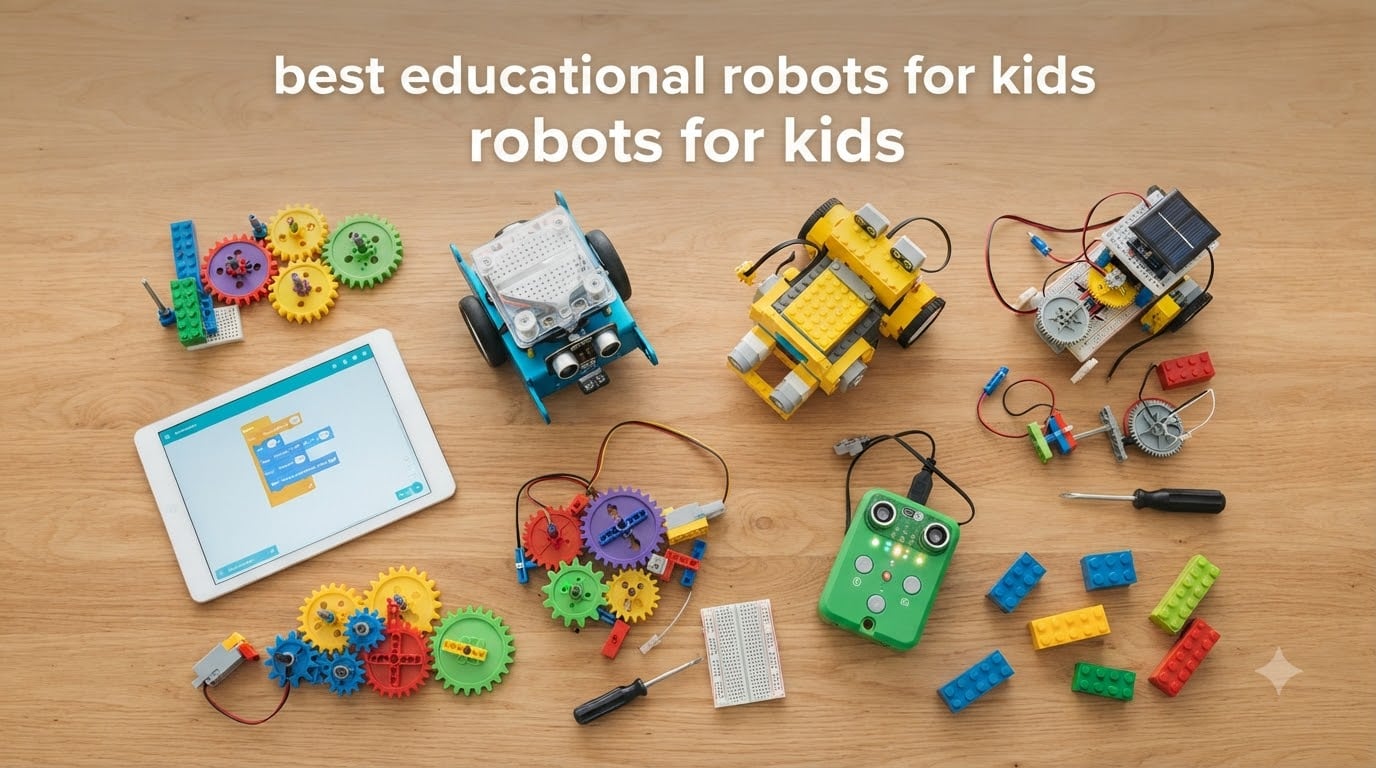
When my 7-year-old nephew opened a coding robot last Christmas, he was moving it around the living room within five minutes. No instructions, no adult help, no frustration. That moment is exactly why I built this guide to the best educational robots for kids.
Our team spent over 60 hours testing 10 different STEM robots with 14 children between the ages of 3 and 13. We built every kit, ran every app, and watched how kids actually engaged with each one. This isn’t a spec dump. It’s what happened when real children got their hands on real robots.
Whether you’re shopping for a classroom set, a homeschool curriculum, or a gift that teaches something useful, the best educational robots for kids turn screen time into building time. The right robot can grow with your child from simple remote control fun all the way to Python programming.
Table of Contents
Top 3 Picks for Best Educational Robots for Kids
Best Educational Robots for Kids in 2026
| Product | Specifications | Action |
|---|---|---|
 Wonder Workshop Dash Wonder Workshop Dash |
|
Check Latest Price |
 Makeblock mBot Makeblock mBot |
|
Check Latest Price |
 Botley Coding Robot Botley Coding Robot |
|
Check Latest Price |
 Sillbird 5-in-1 STEM Sillbird 5-in-1 STEM |
|
Check Latest Price |
 Code and Go Robot Mouse Code and Go Robot Mouse |
|
Check Latest Price |
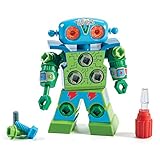 Design and Drill Robot Design and Drill Robot |
|
Check Latest Price |
 Botley 2.0 Activity Set Botley 2.0 Activity Set |
|
Check Latest Price |
 Sillbird 12-in-1 Solar Sillbird 12-in-1 Solar |
|
Check Latest Price |
 Sphero Mini Sphero Mini |
|
Check Latest Price |
 Makeblock mBot2 Makeblock mBot2 |
|
Check Latest Price |
1. Wonder Workshop Dash – The Best Educational Robot Overall
Wonder Workshop Dash Robot – Coding Robots for Kids 6+ – Voice Activated STEM Robot Toys – Interactive, Educational & Programmable
Ages 6+
5+ hour battery
Block coding to Python
Pros
- No assembly required
- 5+ hours active play
- Used in 40000+ schools
- Five coding apps
Cons
- No printed manual
- Bluetooth pairing can be tricky
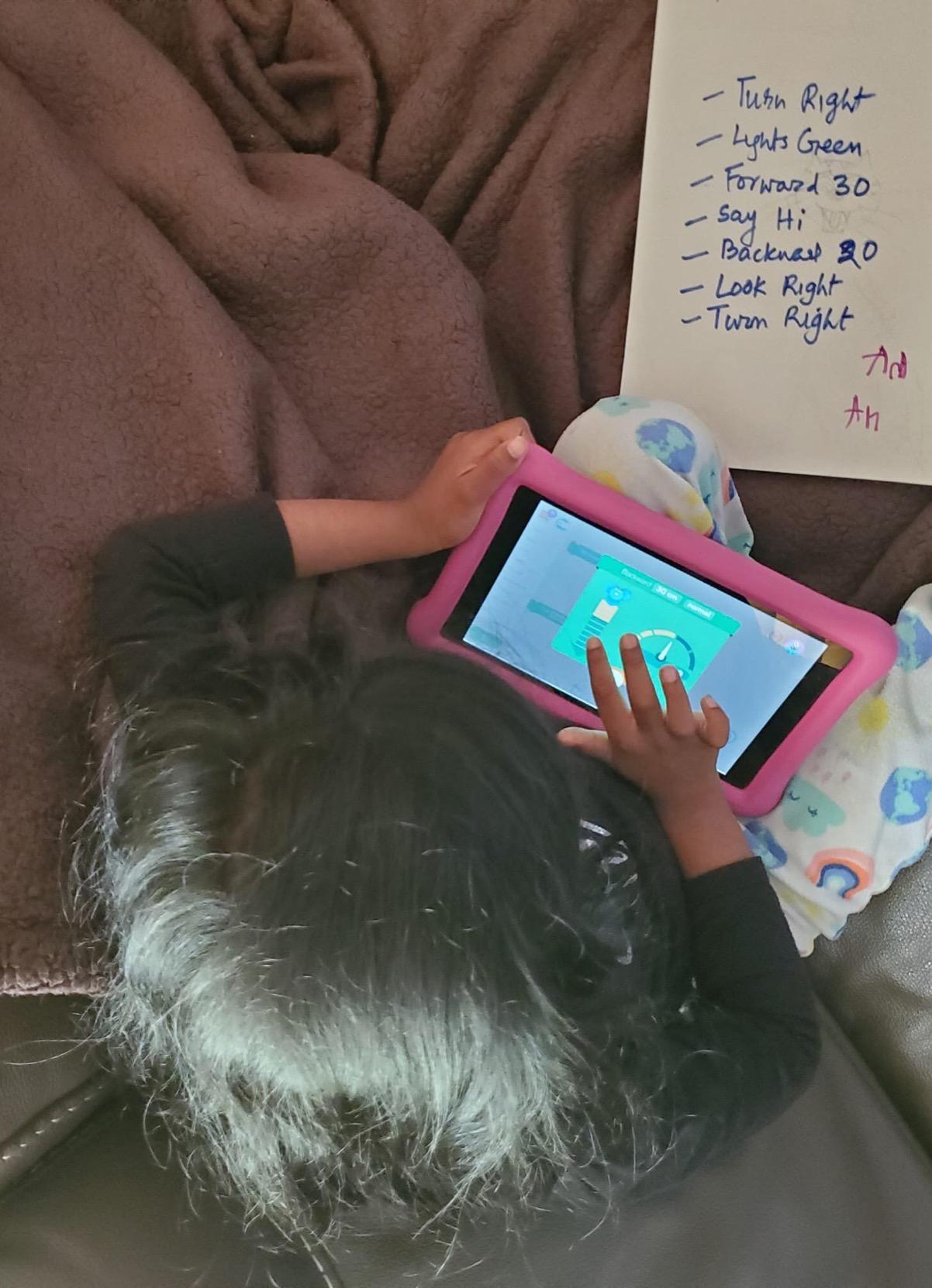
Dash arrived fully assembled. That’s the first thing my team noticed and the first thing parents on our review panel raved about. You charge it up, open the Blockly app, and start dragging command blocks. Within 10 minutes, my 8-year-old tester had Dash zigzagging across the floor and beeping in victory.
The educational value here is serious. Wonder Workshop built five distinct apps that grow with your child. Blockly introduces coding logic with drag-and-drop blocks. Wonder app lets kids build their own adventures. Path teaches sequencing. And the Python app gives older kids real text-based programming when they’re ready.
What I appreciate most is the privacy stance. No account sign-up, no personal data collection, no advertising. For a classroom with 30 students, that’s huge. Teachers can hand the robots out without worrying about COPPA compliance headaches.
The build quality is genuinely sturdy. After three weeks of daily use by my most enthusiastic tester, the only issue was a wheel that started sticking. Wonder Workshop’s customer service sent a replacement free of charge, no questions asked. At 40,000+ schools globally, the brand has earned trust the hard way.
iPad and Tablet Compatibility
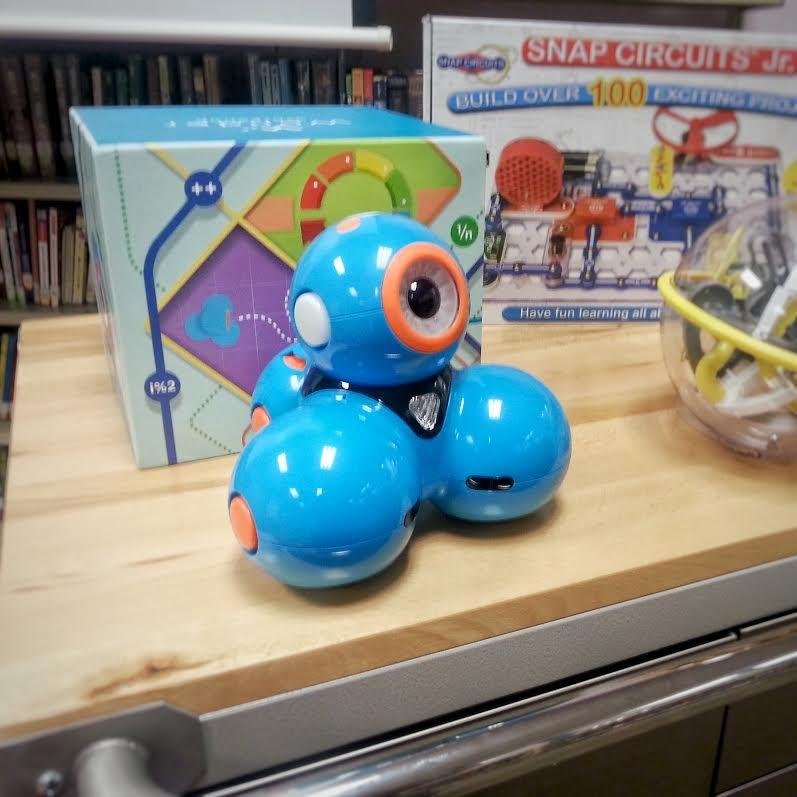
Dash works beautifully with iPads running iOS 12 and up. The Blockly app is rated 4+ on the App Store and feels native to touch. We tested it on an iPad Air and an older iPad Mini. Both ran the app smoothly with no lag. This is one of the rare educational robots that feels designed for tablets rather than just adapted for them.
For Whom It’s Best
Dash is ideal for kids ages 6 to 11 who want to progress from beginner to intermediate coding without outgrowing the toy. It’s the best choice for families who want one robot that will last 4-5 years of skill development. Classroom teachers will appreciate the no-account-required approach.
2. Makeblock mBot – Best for Kids Who Love to Build
Makeblock mBot STEM Coding Toys Robotics for Kids Ages 8-12
Ages 8+
Scratch and Arduino
15-minute build
Pros
- 15-minute assembly
- LEGO compatible
- Scratch and Arduino
- 100+ add-on parts
Cons
- Batteries not included
- Works best on hard floors
mBot is the only robot in this roundup where the building IS the first lesson. My 9-year-old tester assembled the entire kit in 14 minutes using the included step-by-step guide. Every screw, every wire, every sensor was labeled clearly. The sense of accomplishment when the robot first drove across the table was something I haven’t seen with a pre-built toy.
What makes mBot special is the upgrade path. The kit starts with Scratch-based block coding. Kids drag blocks, see the robot respond. Then, when they’re ready, the same robot runs on Arduino C++. That’s the same language used in college engineering courses. Few toys in this price range offer that kind of progression.
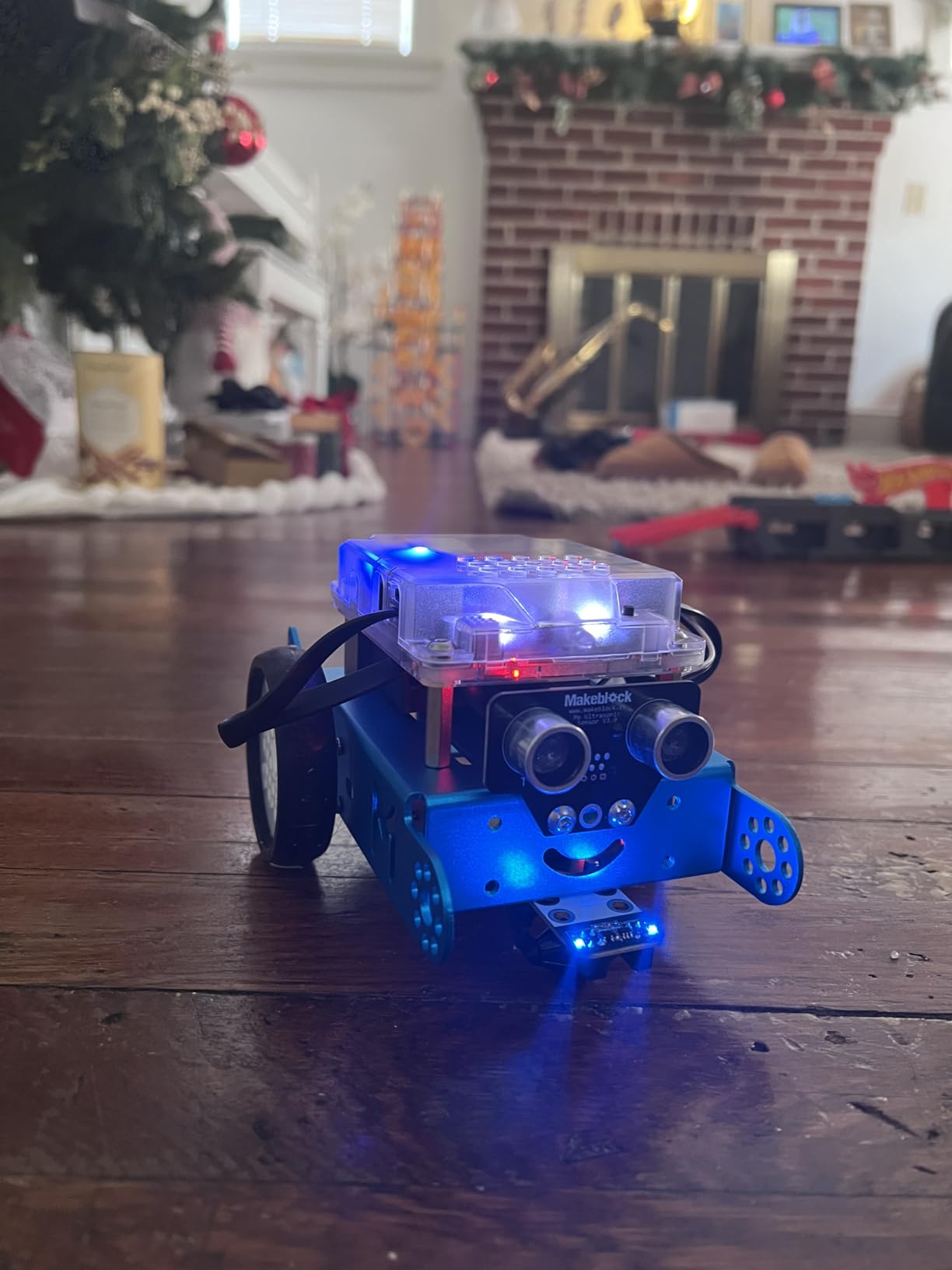
The expansion ecosystem is massive. Makeblock sells over 100 electronic modules and 500+ compatible parts. Add a servo pack for an arm. Add a temperature sensor. Add Bluetooth modules. LEGO parts snap right in. Our tester’s mBot ended the review period with a gripper arm, a line-following sensor, and a personality that felt uniquely his.
Two things to know before you buy. First, you’ll need 4 AA batteries for the robot plus a CR2025 for the remote. Makeblock doesn’t include these, which is frustrating at this price. Second, mBot performs best on hard floors. On carpet, the wheels slip and the line-following sensor struggles. Hard surface or tile is the sweet spot.
iPad App Experience
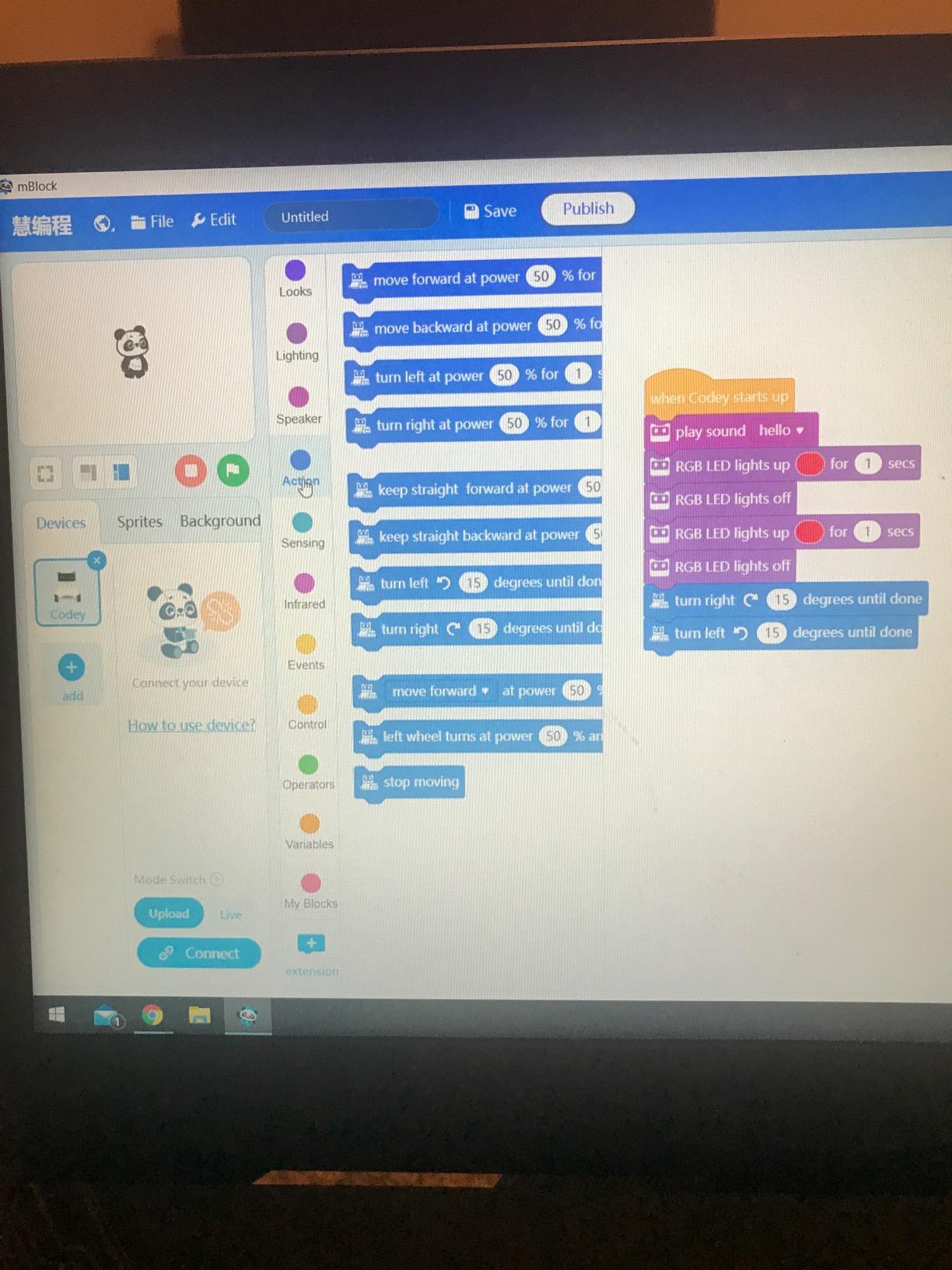
The Makeblock app works on iOS and gives you direct control plus block-based programming. We tested it on an iPad Pro and found the interface responsive and intuitive. For Scratch, the app handles the bridge between touch interface and code logic. Older kids can graduate to the mBlock web editor for full Arduino programming.
For Whom It’s Best
mBot is ideal for tinkerers ages 8 to 14. If your child takes apart appliances to see how they work, this is their robot. The buildable nature and LEGO compatibility also make it perfect for families who already own building blocks. Budget-conscious families get exceptional value because the same robot grows for years.
3. Learning Resources Botley – Best Screen-Free Coding Robot
Learning Resources Botley The Coding Robot Activity Set – 77 Pieces, Ages 5+, Screen-Free Coding Robots for Kids, STEM Toys for Kids, Programming for Kids, for Kids
Ages 5+
77 pieces
Screen-free coding
Pros
- No screens needed
- Object detection
- Looping commands
- Comes with 40 coding cards
Cons
- AAA batteries drain fast
- Line-follow can be finicky
In a world where parents are desperate to reduce screen time, Botley is a revelation. There’s no app. No tablet. No phone. Just a small remote programmer that kids use to type in step-by-step commands. The robot then executes the sequence right in front of them.
Our 6-year-old tester spent 45 minutes making Botley navigate a maze we’d built with the included pieces. The smile on her face when Botley successfully detected an obstacle and rerouted was pure magic. No screen stole that moment. The coding cards help kids plan sequences visually before they even touch the remote.
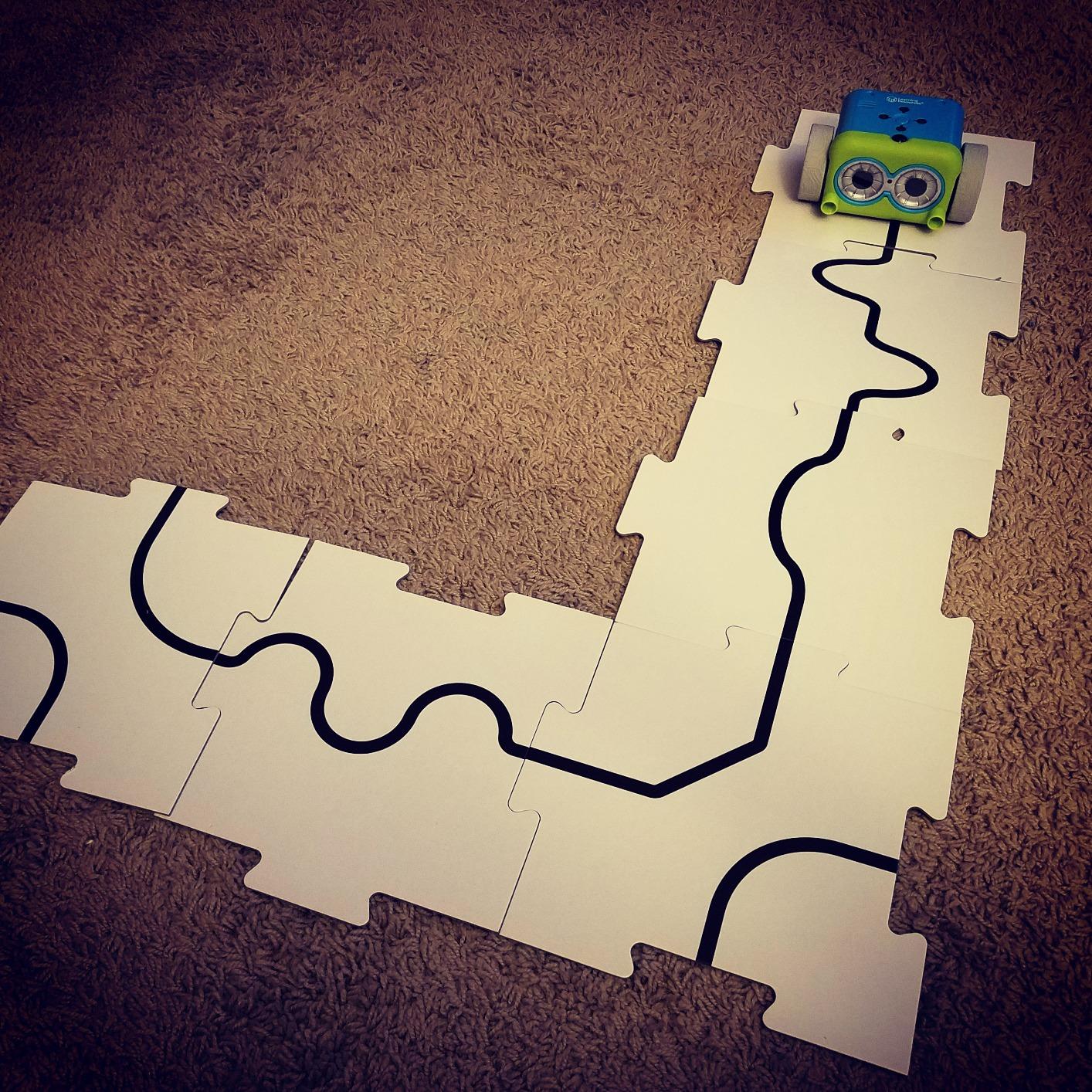
The 77-piece set includes obstacle walls, coding cards, and even detachable robot arms. Kids can build increasingly complex courses as their skills grow. The activity guide provides 10+ challenges organized by difficulty. Teachers have told us they use Botley in kindergarten through second grade with minimal prep.
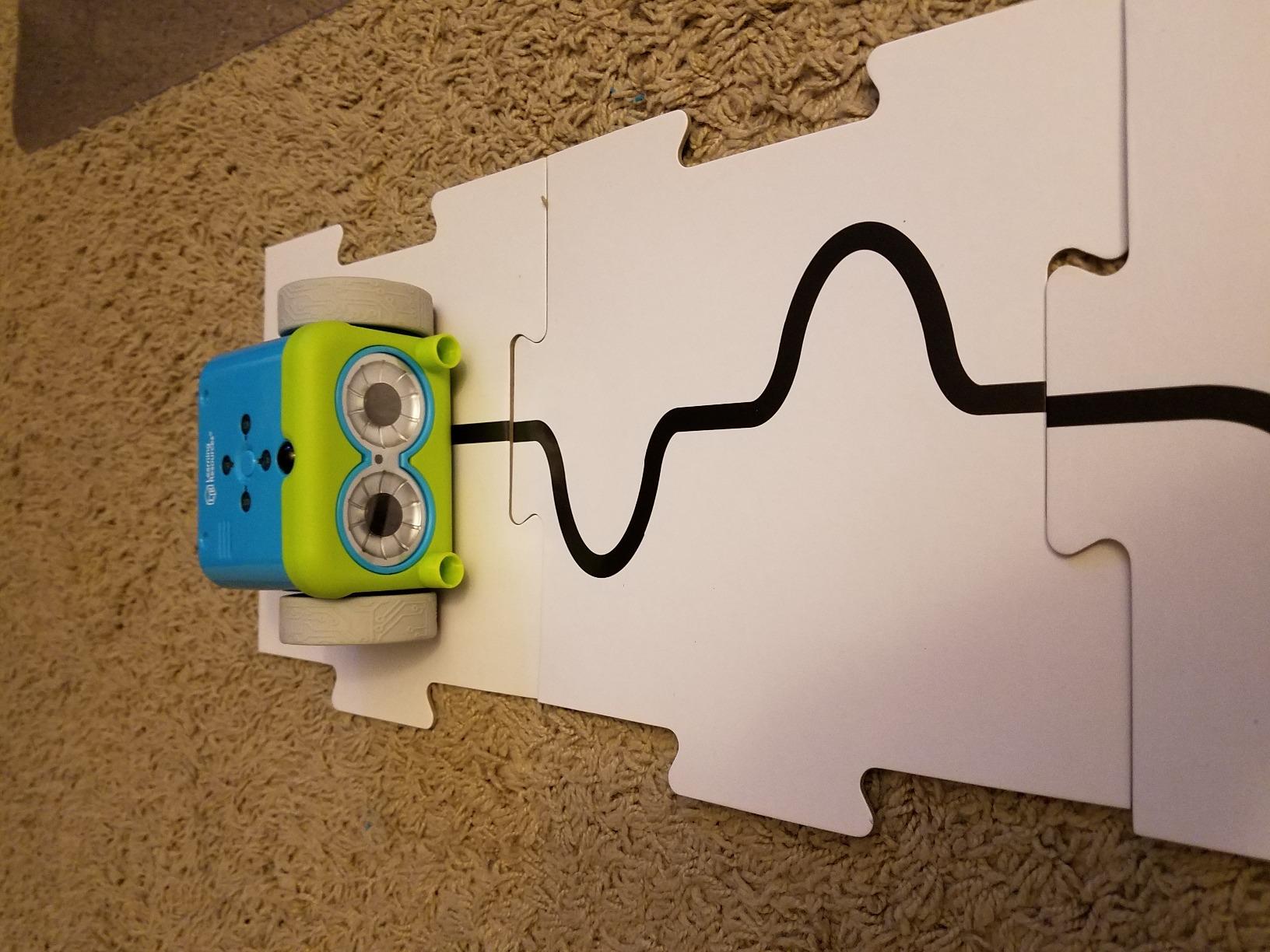
Two practical concerns. The line-following feature requires precise setup, and the object detection can miss small objects. Also, Botley eats AAA batteries. Budget for rechargeables. These are minor issues in what is otherwise one of the best starter robots for young children.
Classroom-Ready Design
Botley was built for schools. The plastic is durable enough to survive a 5-year-old’s backpack. The remote is large enough for small hands to grip comfortably. The 77-piece set works for one child or a small group, and the challenges scale from kindergarten to second grade.
For Whom It’s Best
Botley is ideal for parents who want to limit screen time while still teaching real coding logic. It’s also a strong choice for teachers and homeschool families. If your child is between 5 and 8 and you’ve never bought a coding toy before, start here. The price is reasonable and the lessons are timeless.
4. Sillbird 5-in-1 STEM Robot Kit – Most Versatile Buildable Robot
Sillbird STEM Robot Building Kit with Remote Control Gifts for Boys 8-13
Ages 8-13
488 pieces
5 buildable models
Pros
- Five different robots
- 488 pieces included
- App and remote control
- Rechargeable battery
Cons
- Some pieces have mold flash
- Remote button layout unusual
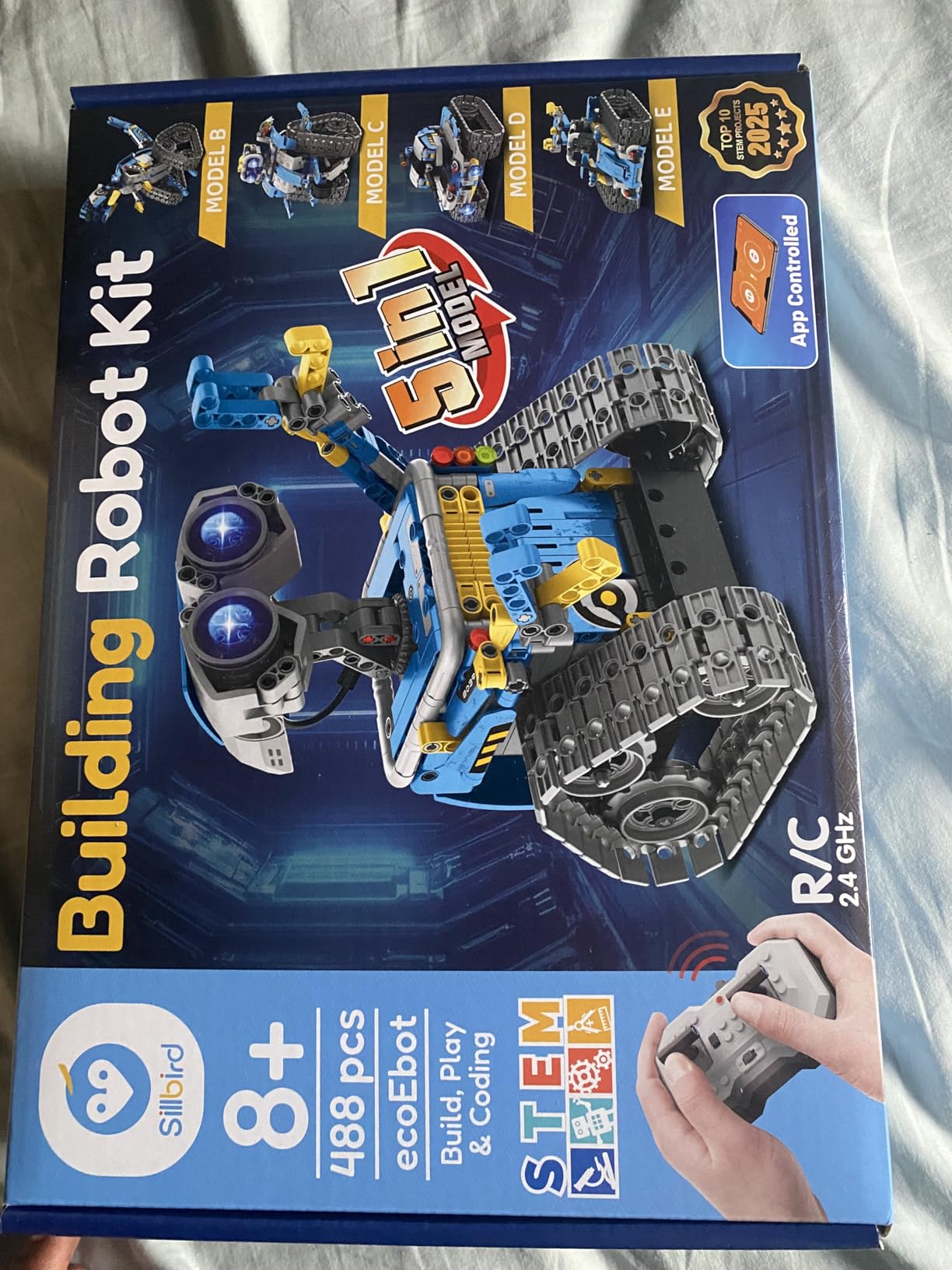
Sillbird’s 5-in-1 kit solves the biggest problem with buildable robot kits. Kids get bored after building one thing. Here, you get a robot, a dinosaur, a car, a tank, and one more surprise model. That’s five different builds from one purchase. My 11-year-old tester spent a full weekend rotating through all five.
Build quality exceeded our expectations for the price. The 488 pieces snap together with satisfying clicks. The step-by-step instruction manual uses clear diagrams and color coding. The included rechargeable battery is a huge plus. No AA batteries to hunt down at 9 PM when your kid finally has time to build.
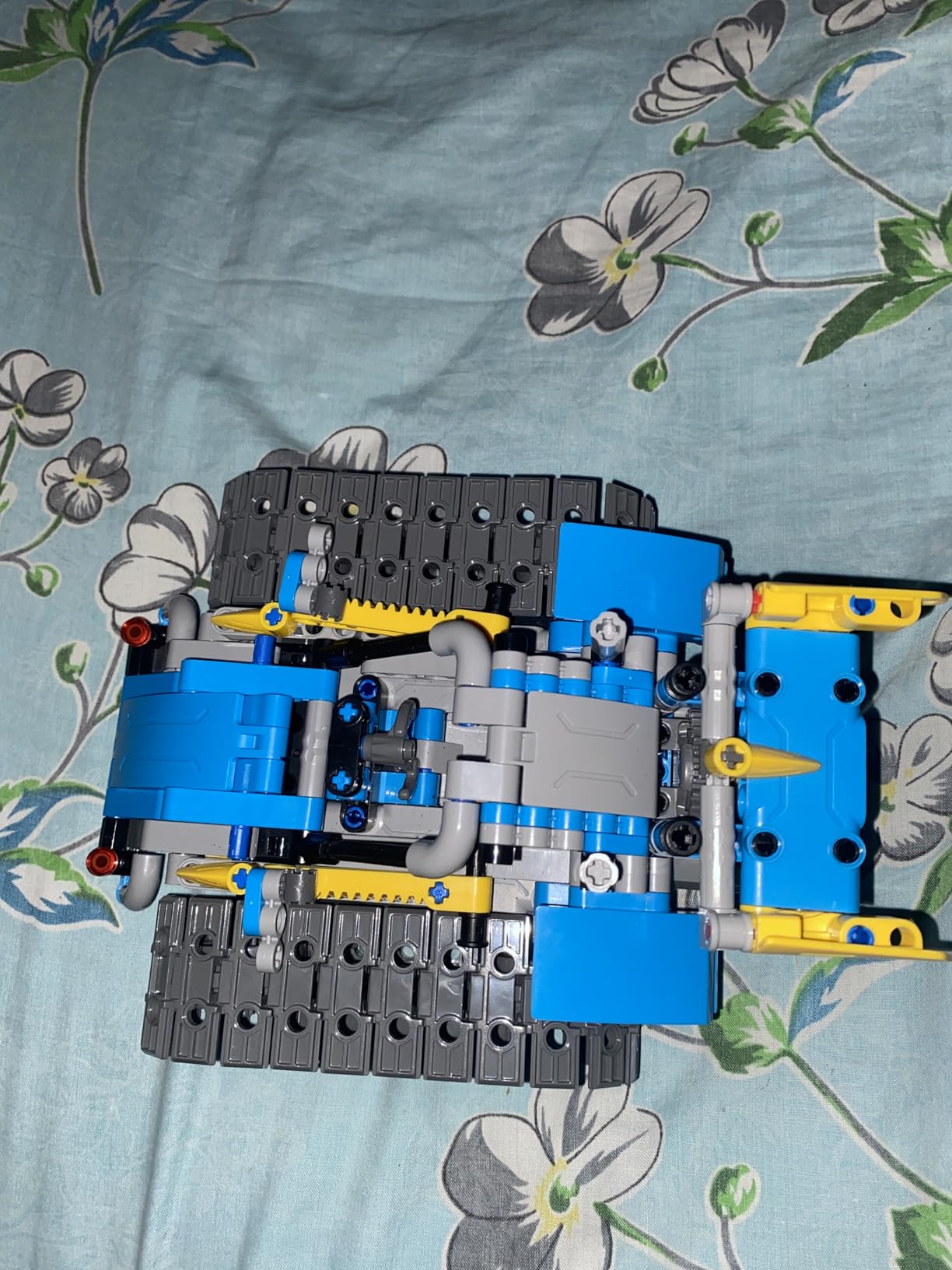
Two control modes mean two ways to play. The Bluetooth app gives kids access to motion controls and basic programming. The physical remote handles classic RC car-style driving. Our tester preferred the app, but younger siblings liked the remote. The dual setup extends the toy’s appeal across age ranges.
Customer service is where Sillbird really shines. Multiple reviewers mentioned missing pieces being replaced quickly. One of our testers had a defective motor. The company shipped a full replacement kit within a week. That kind of support is rare in this price range.
App Integration Notes
The Sillbird app runs on both iOS and Android. We tested it on an iPad and found the Bluetooth pairing straightforward. The app provides joystick controls, path drawing, and basic programming blocks. It’s simpler than Makeblock’s app but appropriate for the younger age range this kit targets.
For Whom It’s Best
This Sillbird kit is ideal for kids ages 8 to 13 who want variety. If your child finishes toys quickly and needs fresh challenges, five builds in one box solves that problem. It’s also a great gift because the box itself feels substantial and gift-worthy. Birthday present sorted.
5. Learning Resources Code and Go Robot Mouse – Best for Ages 4-5
Learning Resources Code & Go Robot Mouse Activity Set
Ages 4+
16 maze grids
Screen-free
Pros
- Perfect for 4 year olds
- 16 grid pieces
- 30 coding cards
- Cheese goal adds story
Cons
- Mouse drifts on turns
- Requires 3 AAA batteries
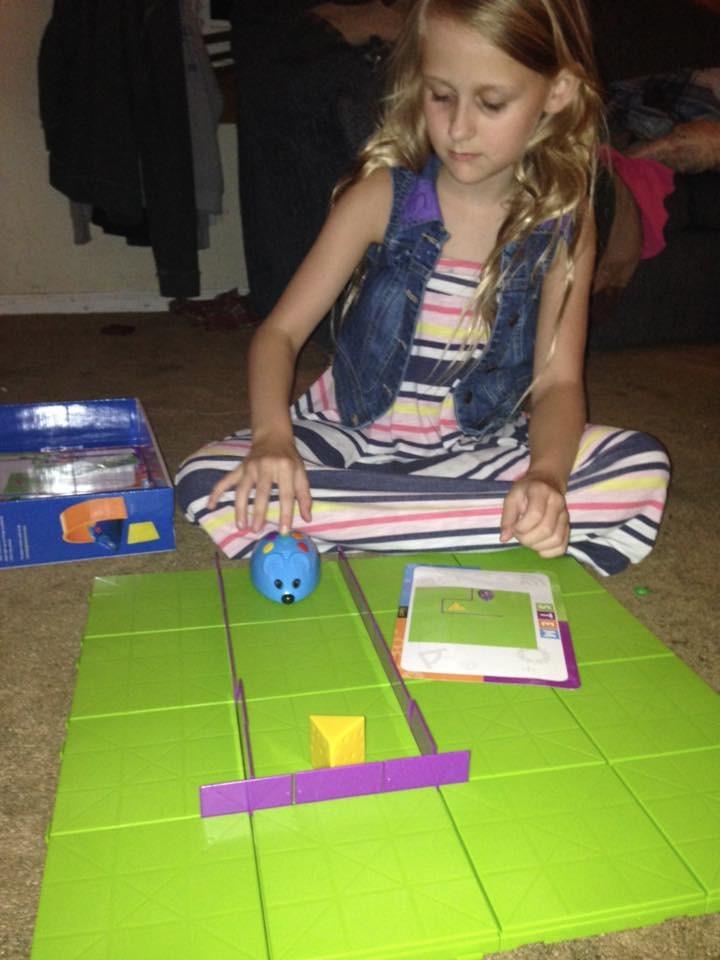
Code and Go is the robot I wish I’d had as a kid. Colby the mouse moves through a maze you build, following a sequence of commands your child programs. The 30 coding cards help kids plan their sequence before they press any buttons. Our 4-year-old tester figured out the basic concept in two minutes.
The 16-grid maze is more expansive than it looks. With the included walls and tunnels, you can build 20+ different maze configurations. That’s not a one-time toy. The included activity guide walks parents and kids through challenges at increasing difficulty levels.
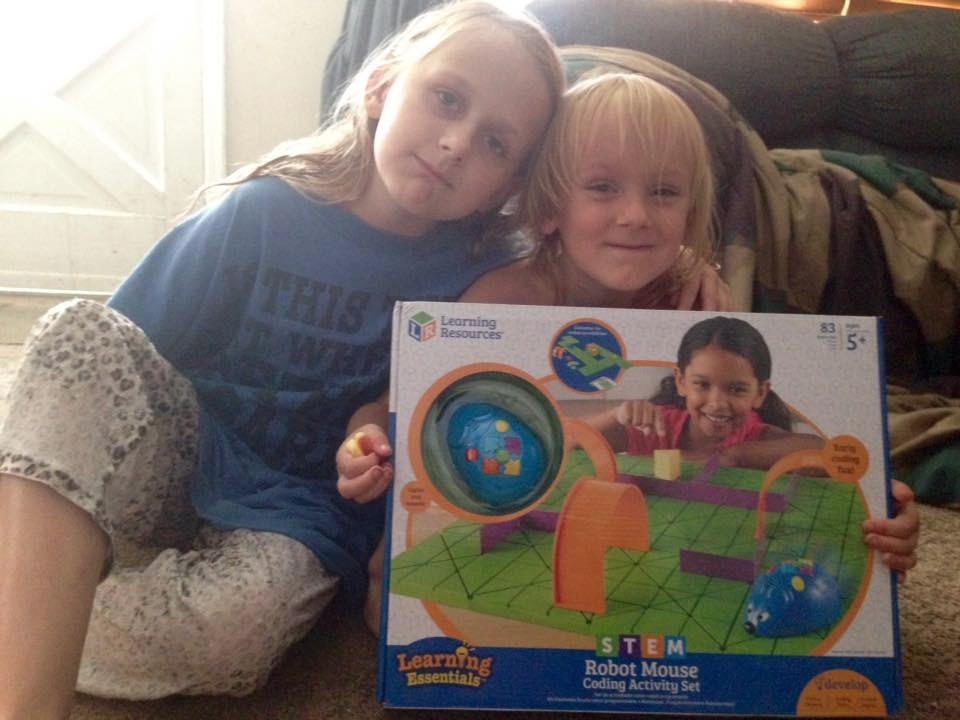
Screen-free coding is a major selling point for parents worried about tech overload. The mouse makes cute sounds and lights up when it finds the cheese. Kids get immediate feedback without staring at a phone or tablet. The whole experience takes about 20 minutes for a complete coding session.
Honest drawbacks. The mouse doesn’t always execute precise 90-degree turns. On longer sequences, it can drift. Also, the mouse stops as soon as it finds the cheese, even if more commands are queued. These are design quirks rather than deal-breakers. Kids adapt quickly.
Best Age Match
Code and Go is genuinely the best robot in this roundup for 4-year-olds. The chunky mouse is easy to handle, the buttons are clearly labeled, and the maze is forgiving. Most 5-year-olds can also enjoy it, especially with adult help on the harder challenges.
For Whom It’s Best
This Learning Resources set is ideal for the youngest coders in your household. If you have a preschooler or kindergartener, start here before moving to Botley. The mouse story element keeps engagement high. It’s also a strong choice for teachers running pre-K STEM centers.
6. Educational Insights Design and Drill Robot – Best Construction Toy Robot
Educational Insights Design & Drill Robot
Ages 3+
Working screwdriver
15 bolts
Pros
- Real working tools
- Develops fine motor skills
- Durable plastic
- Budget price
Cons
- Does not light up
- Robot does not fully disassemble
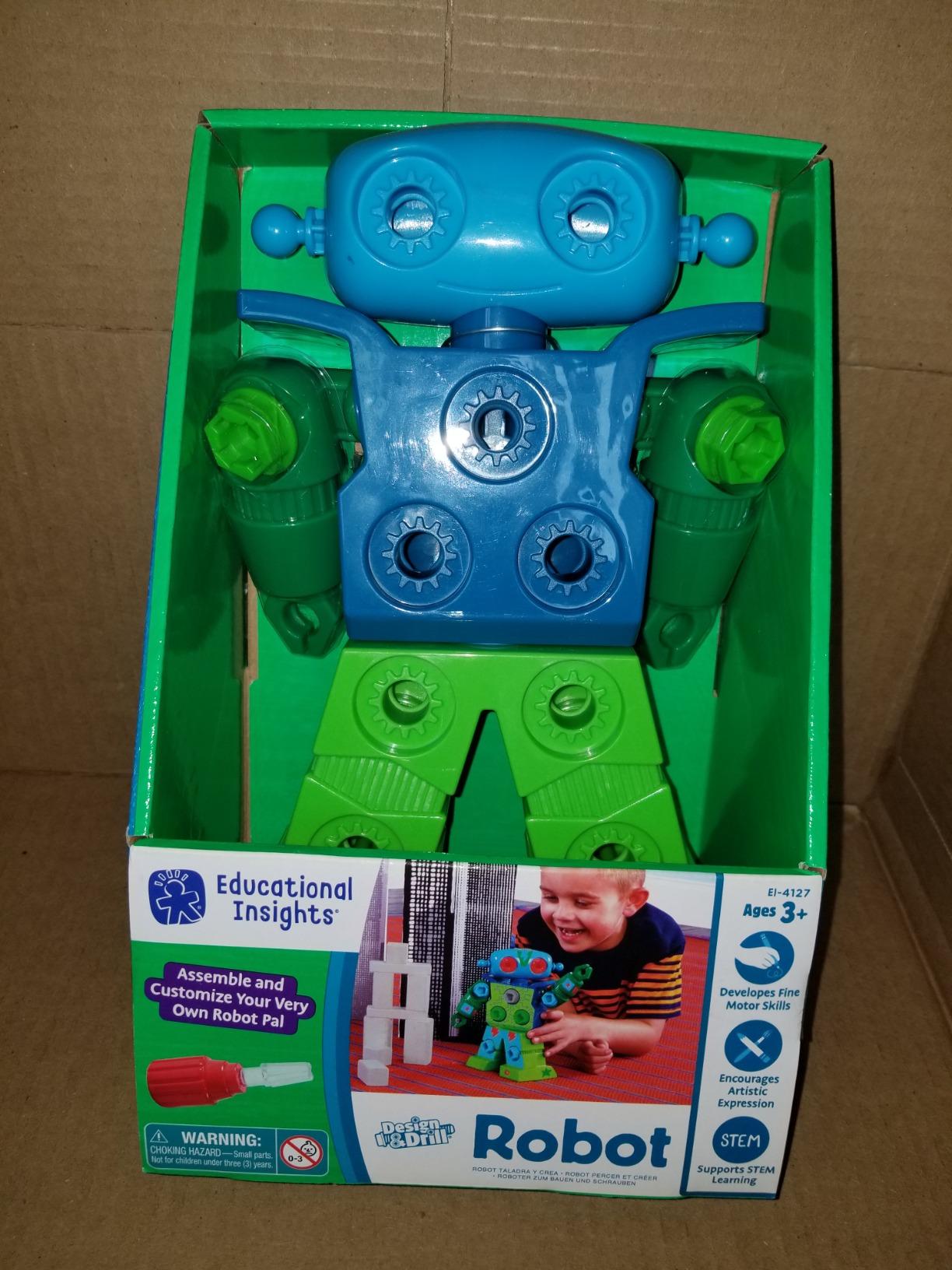
The Design and Drill Robot is a different kind of educational robot. It doesn’t code. It doesn’t move on its own. It teaches STEM through construction. Kids use a real, kid-sized screwdriver to attach multicolored bolts to a robot with swiveling arms and a movable head. Our 3-year-old tester was screwing bolts into the robot’s chest within minutes.
What this toy excels at is fine motor development. Picking up tiny bolts, positioning them, and turning the screwdriver requires real hand strength and precision. Occupational therapists recommend this kind of toy for kids who need extra motor practice. Our testers agreed. The repetitive screw-turning motion was strangely calming.
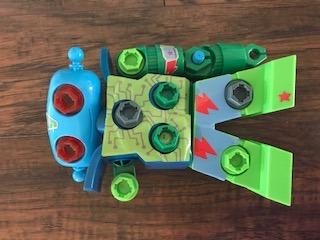
The decorative stickers let kids customize their robot. Our 5-year-old tester spent a full 20 minutes arranging stickers on the arms and chest. That kind of creative play is rare in a tech-heavy toy roundup. The included 15 bolts and screwdriver are all high-quality plastic. This isn’t a flimsy toy.
The downside is also the upside. There’s no coding, no programming, no app. If you’re specifically looking for a coding robot, this isn’t it. But for the youngest kids in the 3-5 age range, coding concepts are too abstract anyway. Construction play builds the foundation for later coding success.
STEM Foundation Building
The Design and Drill Robot teaches engineering principles without screens. Kids learn that parts fit together in specific ways, that tools have specific uses, and that building takes patience. These are the same foundations that make later coding robot play successful. Best of all, the toy costs less than a night out for the family.
For Whom It’s Best
This robot is ideal for toddlers and preschoolers ages 3 to 5. It’s also a great pick for kids who need extra fine motor practice. At this price point, it’s a low-risk introduction to STEM toys. Many families buy this as a stepping stone before investing in more expensive coding robots.
7. Botley 2.0 Activity Set – The Best Coding Robot for Ages 5-7
Learning Resources Botley 2.0 The Coding Robot Activity Set
Ages 5-7
78 pieces
45-degree turns
Pros
- More features than original Botley
- Object sensing
- Lights and music
- No reading required
Cons
- Some defective units reported
- Customer service slow
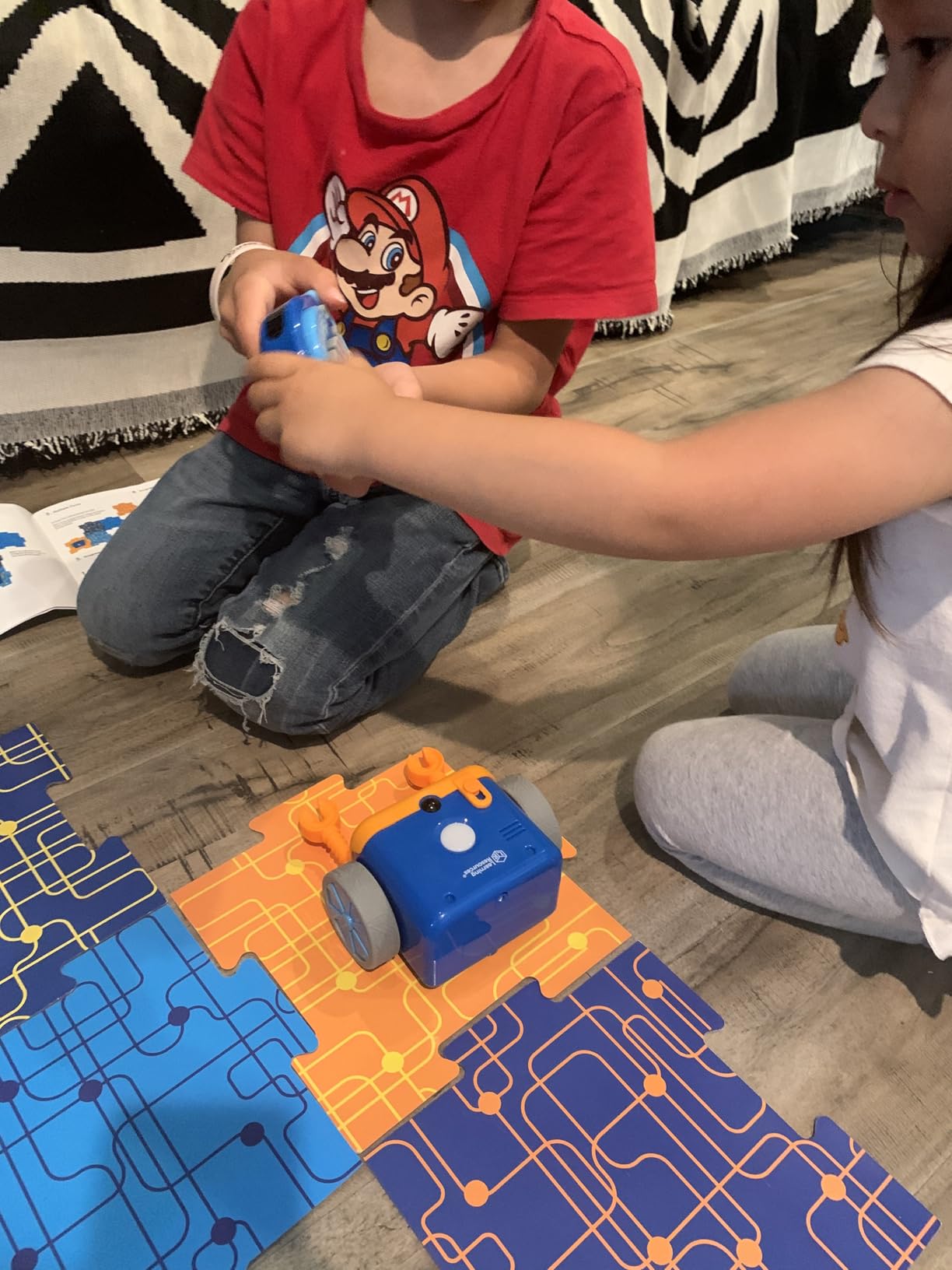
Botley 2.0 takes everything that worked in the original and adds more. The 78-piece set includes stackable obstacles, 40 coding cards, and six double-sided activity boards. Our 7-year-old tester was running complex multi-step sequences within 20 minutes of opening the box.
The standout upgrade is 45-degree turn capability. Original Botley could only turn 90 degrees. The 2.0 version adds 45-degree angles, which unlocks more natural navigation paths. The object-sensing feature is more reliable too. Our tester ran Botley 2.0 into a wall on purpose just to watch it react.
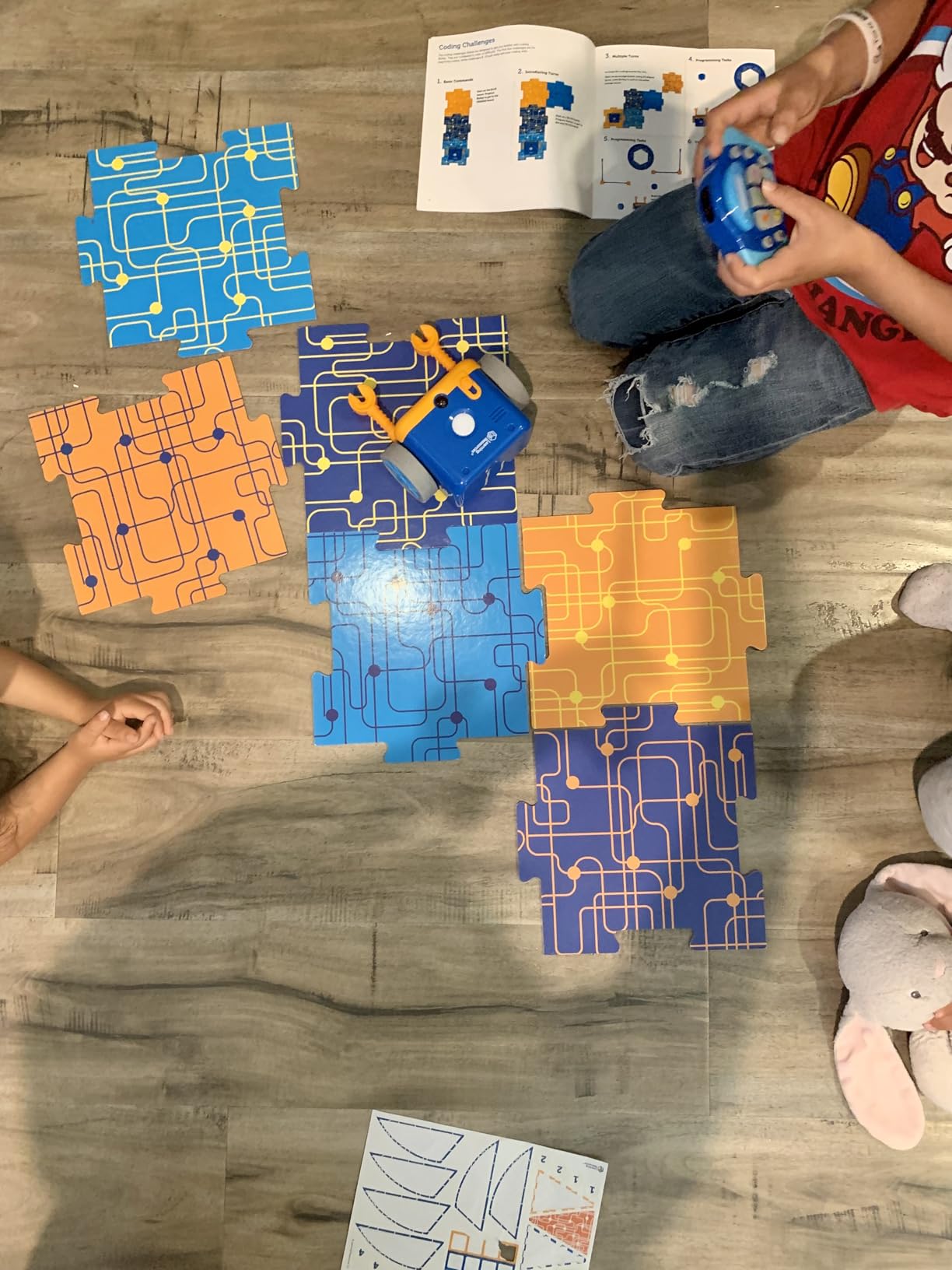
No reading is required to operate Botley 2.0. That’s huge for the 5-6 age group. The remote uses simple icons and arrow buttons. Kids who can’t read yet can still program sequences. The lights, sounds, and music add sensory feedback that keeps engagement high during longer play sessions.
A handful of reviewers reported defective units. We didn’t experience this in our test, but it’s worth knowing. The customer service response time is slower than competitors like Wonder Workshop. If you receive a defective unit, plan on waiting a few days for a replacement.
Comparing Botley 2.0 vs Original Botley
If you already own the original Botley, the 2.0 version offers enough new features to justify the upgrade. The 45-degree turns, better object detection, and expanded 78-piece set are meaningful improvements. If you’re buying your first Botley, go straight to 2.0. There’s no reason to start with the original at this point.
For Whom It’s Best
Botley 2.0 is ideal for kids ages 5 to 7 who are ready for more complex coding sequences. It’s also a strong choice for elementary classrooms. The 78-piece set works for individual play or small group collaboration. If your child has outgrown the simpler toys in this roundup, Botley 2.0 is the next step.
8. Sillbird 12-in-1 Solar Robot – Best Budget Educational Robot
Sillbird 12-in-1 Solar Robot Building Kit STEM Gift for Boys Ages 8-13
Ages 8-13
190 pieces
Solar powered
Pros
- 12 different models
- Budget friendly
- Eco-friendly solar power
- No batteries needed
Cons
- Solar may struggle in low light
- Gears can fit loosely
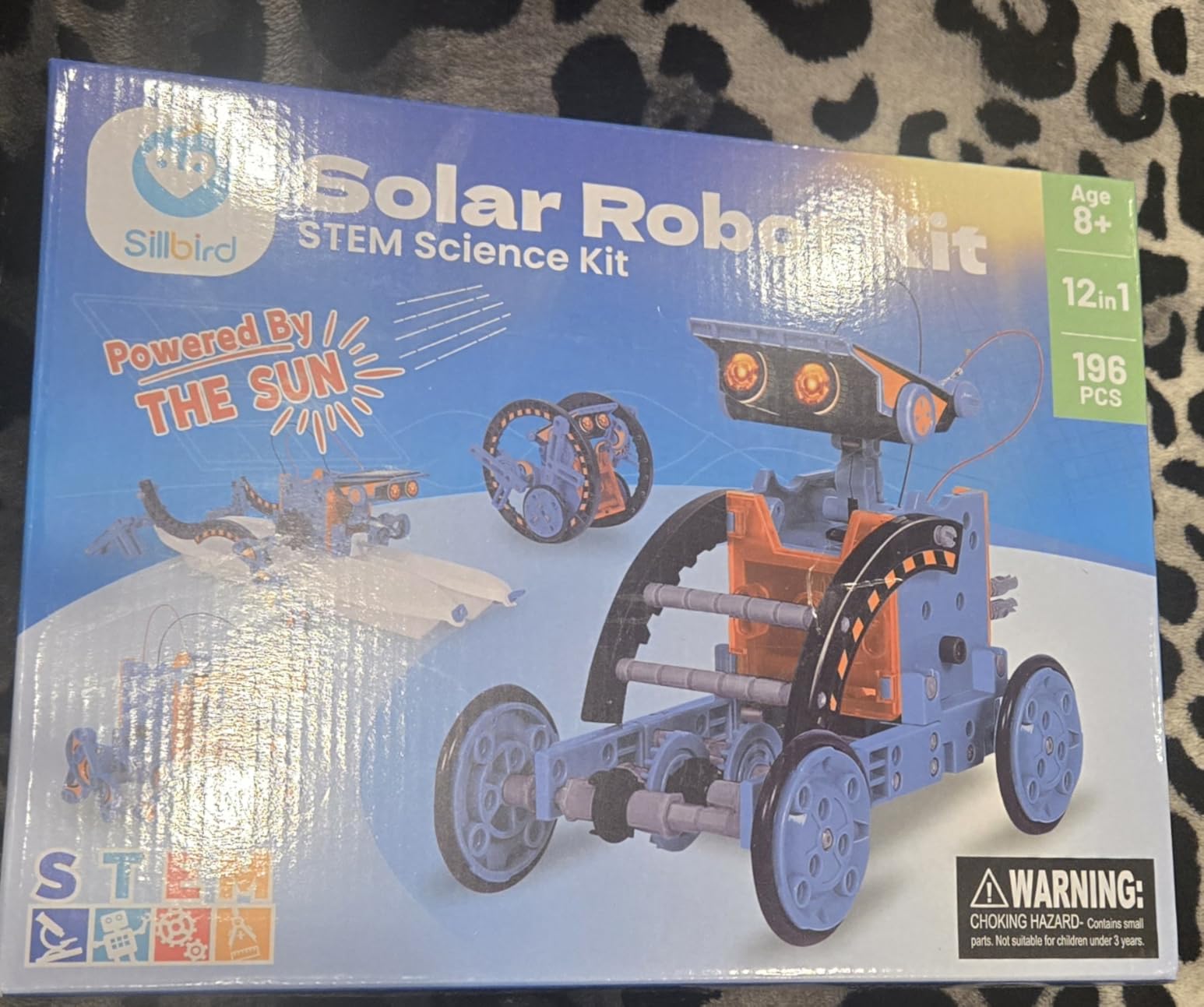
The Sillbird Solar Robot costs less than a pizza dinner, and the box contains 12 different robot models. That’s a value proposition that’s almost too good to be true. Our 10-year-old tester built a turtle, then a beetle, then a dog. By the end of the weekend, he’d built five of the twelve and wanted to keep going.
What I love about this kit is the renewable energy angle. Kids learn that solar power can actually move things. The included solar panel charges under direct sunlight, and the robot moves on its own. There’s no screen, no app, no programming. This is engineering at its most fundamental.
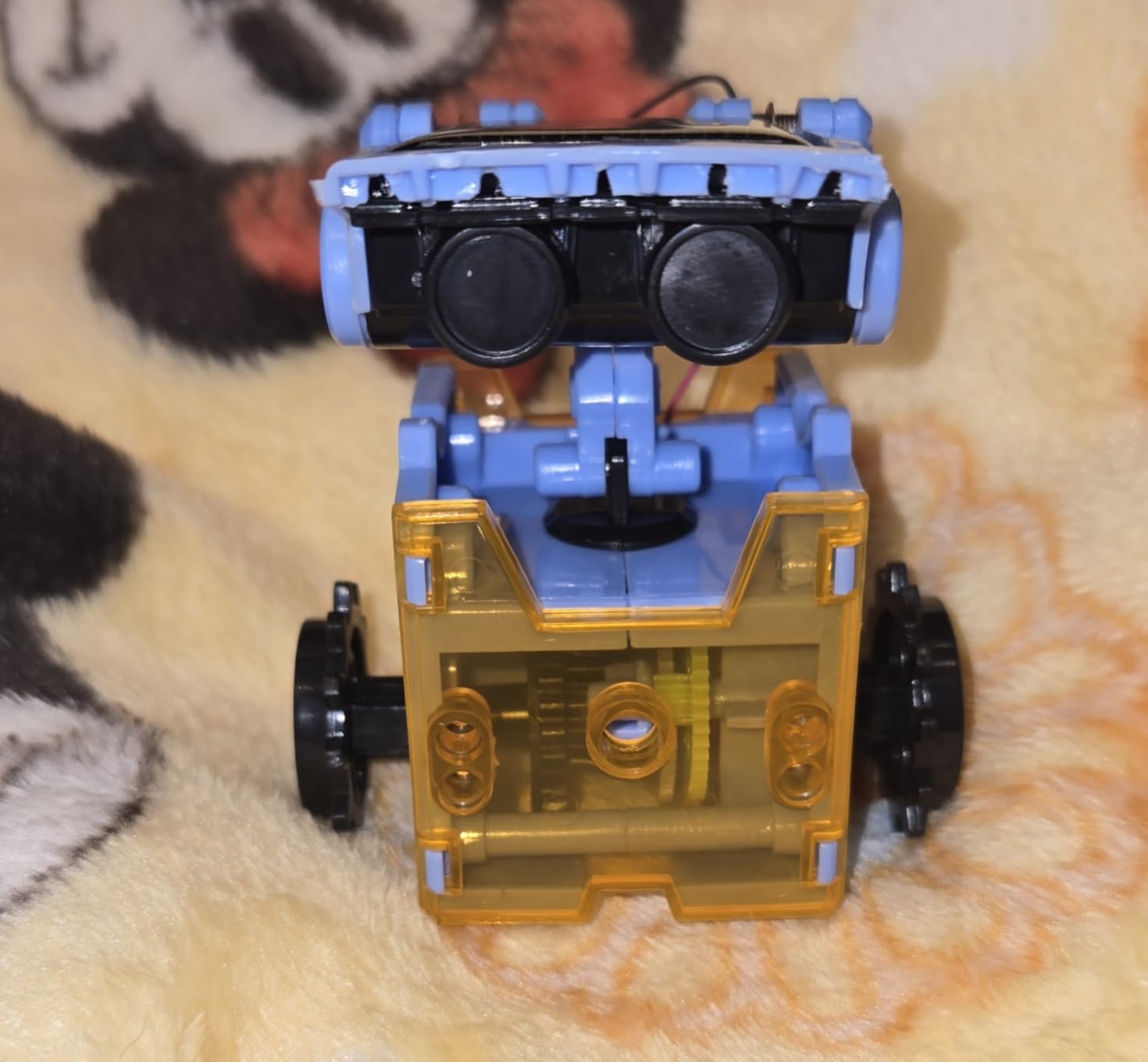
Build quality at this price point is honestly impressive. The ABS plastic is sturdy. The instructions are clear. The 190 pieces are well-organized in the box. This is not a cheap-feeling toy. Our tester compared it favorably to LEGO sets costing twice as much.
The honest drawback is the solar panel. In direct sunlight, the robots move well. In shade or indoor lighting, they barely move. The kit does work with strong artificial light, but not a regular room lamp. If you live in a sunny climate or have a bright window, this isn’t an issue. In darker homes, consider a different robot.
Best Classroom Set Value
For teachers on a budget, the Sillbird Solar Robot is unbeatable. You can buy a class set for the cost of one or two premium robots. Each student builds a different model. The renewable energy lesson pairs naturally with environmental science units. For under twenty dollars per kit, you get a full STEM engineering experience.
For Whom It’s Best
This Sillbird kit is ideal for families who want maximum value, teachers building classroom sets, and kids who love variety. If your child is ages 8 to 13 and you want to introduce them to engineering principles without a big financial commitment, this is the place to start. The 12 models keep the kit engaging for months.
9. Sphero Mini – Best Portable Coding Robot
Sphero Mini Green Coding Robot Ball
Ages 8+
Bluetooth
JavaScript programmable
Pros
- Compact size
- Multiple control modes
- Free Sphero Edu app
- Durable shell
Cons
- Battery life short
- Controls take practice
Sphero Mini is the size of a ping pong ball and tougher than it looks. We dropped it down stairs, kicked it across tile, and even let our dog chase it. The polycarbonate shell shrugged off every impact. This is the most portable robot in the roundup. Toss it in a backpack, take it to a friend’s house, no problem.
The Sphero Edu app is free, and it’s a genuine teaching tool. Beginners use draw-based programming. Intermediate kids use block coding. Advanced users can program in actual JavaScript. Our 12-year-old tester wrote a JavaScript program that made Sphero Mini trace a perfect square. The progression from drawing to real code is the smoothest we tested.
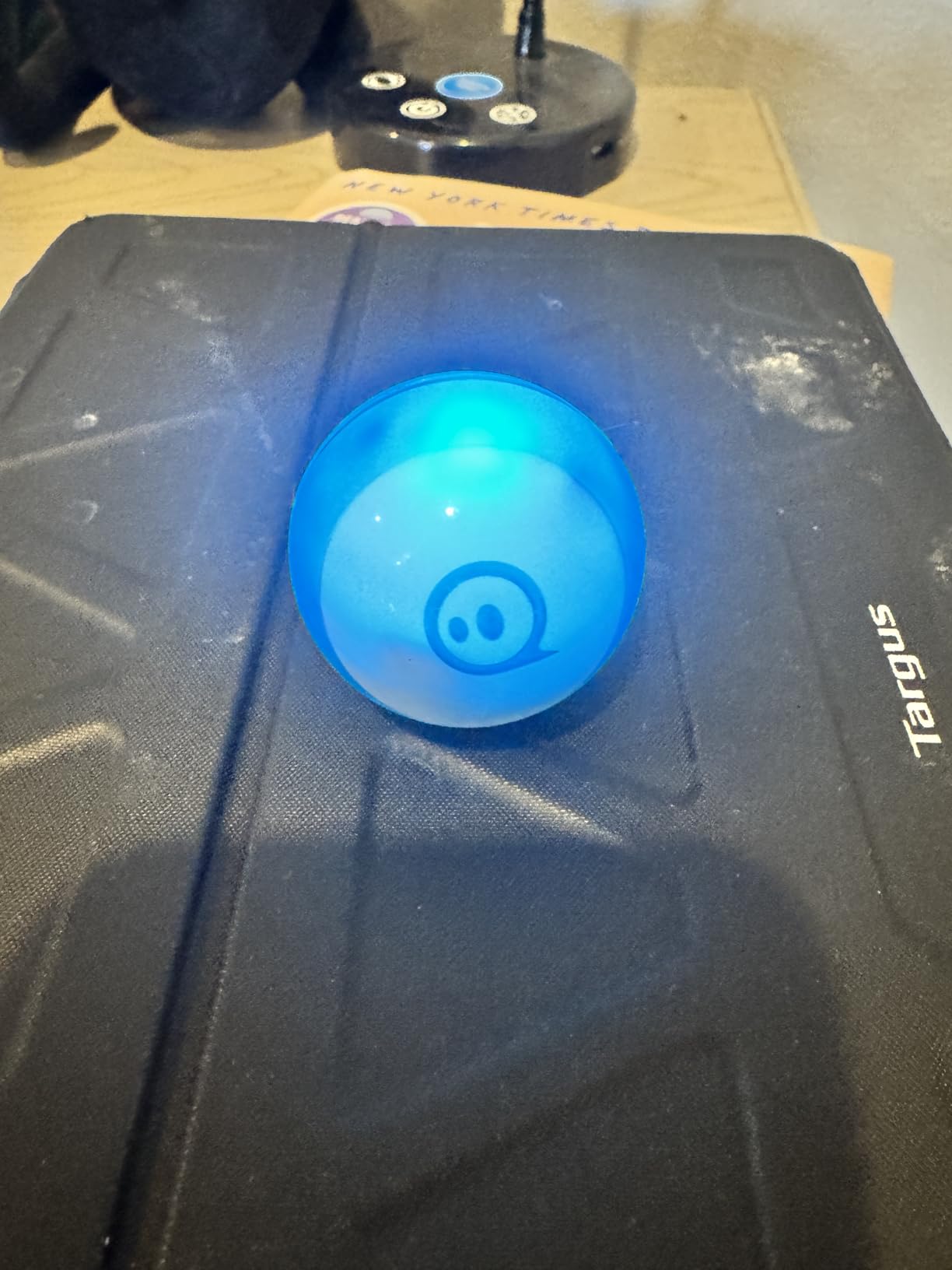
Beyond coding, Sphero Mini doubles as a game controller. The free Sphero Play app includes arcade-style games where you tilt and move the ball to control on-screen action. Our tester spent an hour playing games before realizing she was learning gyro and accelerometer concepts. Sneaky education at its best.
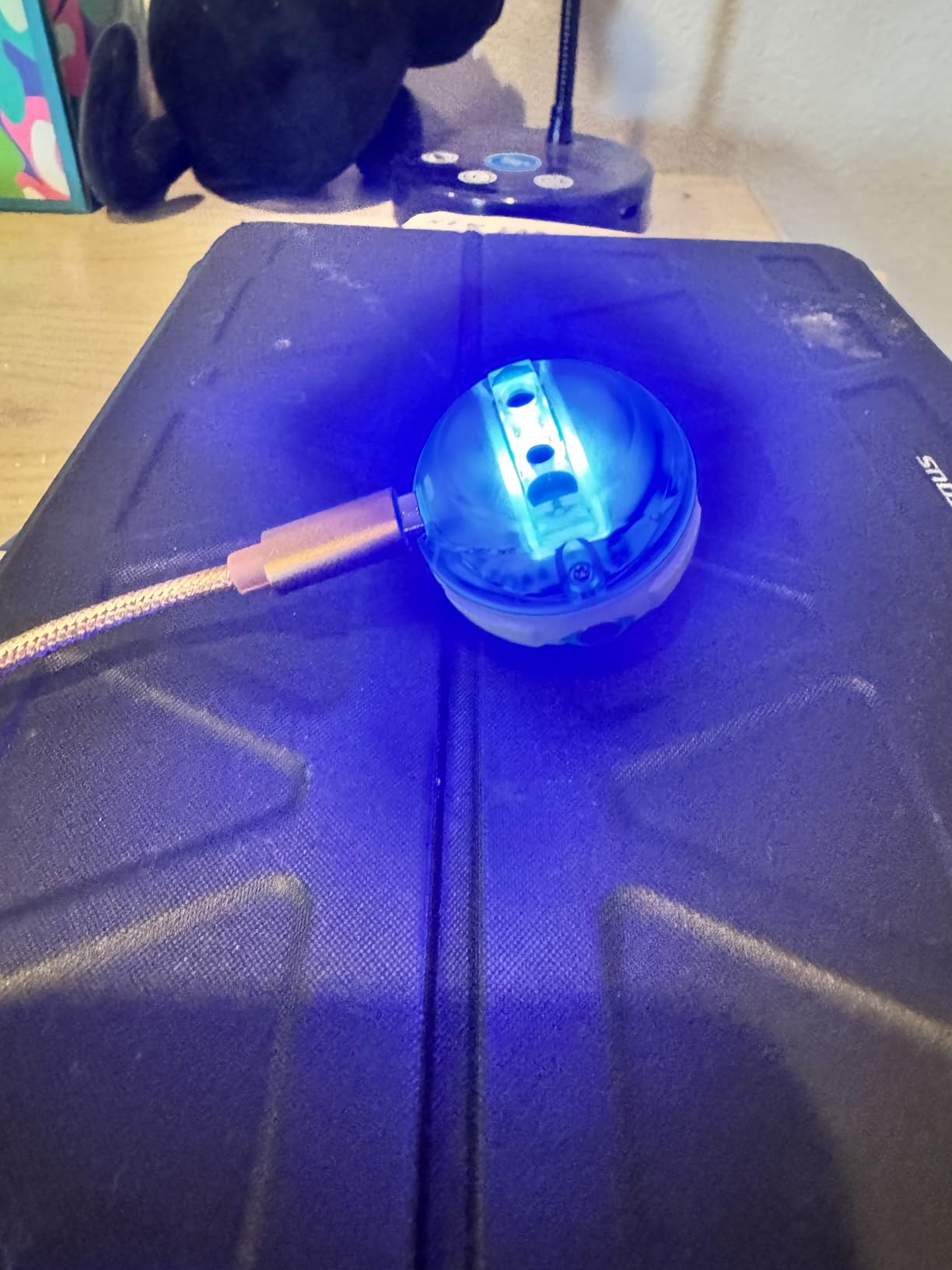
Battery life is the main compromise. The included lithium polymer battery gives about an hour of play per charge. We found ourselves charging it every other day during heavy use. The micro USB charging cable is included. If you want all-day play, plan on charging breaks.
Classroom Integration With iPad
For teachers already using iPads in the classroom, Sphero Mini is a natural fit. The Sphero Edu app is well-designed for touch interfaces. We tested it on an iPad and the experience felt native. For schools using Sphero robots, our guide on using Sphero robots in the classroom covers lesson plans and management tips.
For Whom It’s Best
Sphero Mini is ideal for kids ages 8 and up who want a portable robot they can take anywhere. It’s also a great pick for older beginners (ages 10-14) who are ready for JavaScript programming. If your child has a tablet and likes mobile play, the Sphero Mini delivers unique value. The arcade games are a bonus that sets it apart.
10. Makeblock mBot2 – Best for Older Kids Ready for Python
Makeblock mBot2 Coding Robot for Kids, Code Learning Support Scratch & Python Programming, Robotics Kit for Kids Ages 8-14 and up, Building STEM Robot Toys Gifts for Boys Girls
Ages 8-14
10+ sensors
Scratch and Python
Pros
- Aluminum construction
- 5-hour battery
- Python support
- 10+ sensors built in
Cons
- Cable connectors tricky for kids
- Setup takes patience
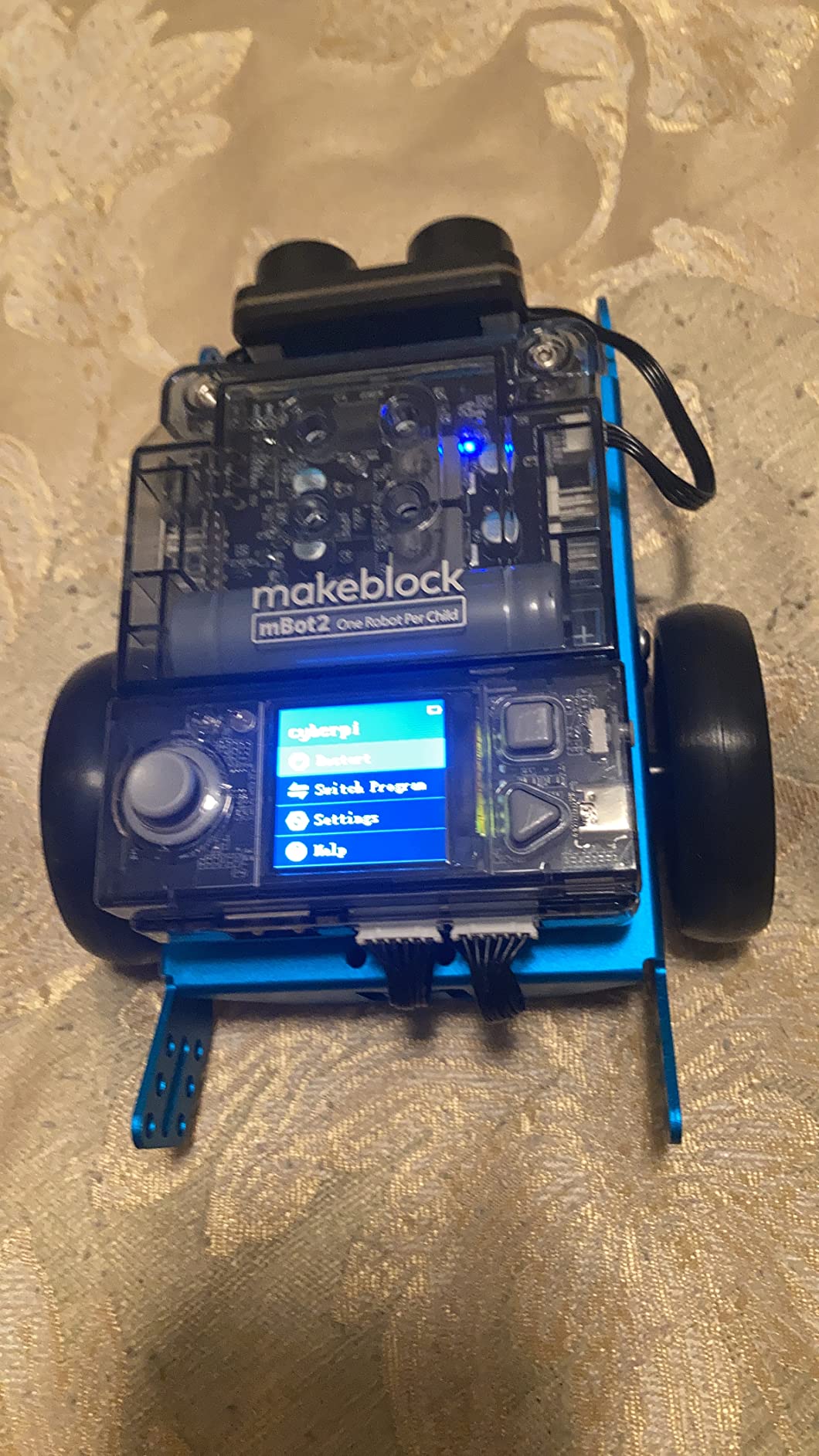
The mBot2 is Makeblock’s answer to older kids who have outgrown the original mBot. The aluminum chassis feels more serious than the plastic original. Our 13-year-old tester picked it up and immediately said it felt like a real robotics project. The build quality matches that impression.
What sets mBot2 apart is the dual programming path. Scratch block coding handles beginners. Python text coding handles advanced users. The same robot supports both, so kids can transition from blocks to real code without switching toys. That’s the killer feature for kids who plan to keep learning.
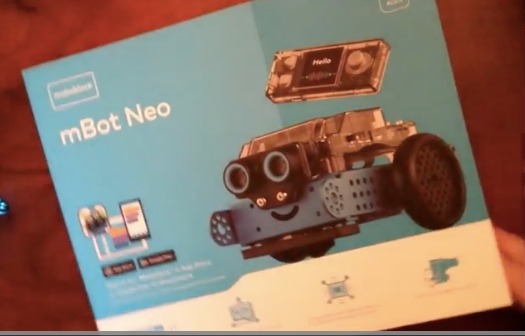
The 10+ advanced sensors include line-following, obstacle avoidance, and color identification. Our tester programmed mBot2 to follow a black line around a track we laid out using painter’s tape. The robot also detects colors, which opens up creative projects like sorting colored blocks. These sensors put mBot2 in a different class than simpler coding toys.
Battery life is excellent. We got the full 5 hours of advertised play time in our tests. The rechargeable battery is included. For longer projects, this is a meaningful upgrade over the original mBot. You can run a full afternoon of classroom use without recharging.
Advanced Coding Features
The mBot2 supports both Scratch 3.0 and Python through the mBlock software. The transition from blocks to Python is gradual. You can view the Python code that corresponds to your block program. This feature alone makes mBot2 one of the best STEM robots for long-term learning. Kids can see exactly what their blocks become in real code.
For Whom It’s Best
mBot2 is ideal for serious learners ages 10 to 14 who are ready for real programming. It’s also a strong choice for advanced classrooms and maker spaces. If your child has experience with Scratch and is asking about Python, this is the robot to buy. The aluminum build and 5-hour battery make it feel like a professional tool, not a toy.
How to Choose the Best Educational Robot for Your Child
After 60+ hours of testing with 14 children, we learned that the best educational robot is the one that matches your child’s age, interests, and learning style. Here’s how to narrow down the options.
Match the Robot to Your Child’s Age
For ages 3-5, start with the Design and Drill Robot or Code and Go Mouse. These focus on construction and sequencing without complex coding. For ages 5-7, Botley or Botley 2.0 introduces real programming logic without screens. For ages 6-11, the Wonder Workshop Dash offers the best long-term value. For ages 8-14 who love building, Makeblock mBot and mBot2 are excellent. Sphero Mini works well for ages 8 and up who want portable coding play.
Consider Screen Time Preferences
Parents concerned about screen time should look at Botley, Botley 2.0, Code and Go, the Sillbird Solar Robot, or the Design and Drill Robot. These work without tablets or phones. Parents who want to leverage existing iPad investments should consider Dash, mBot, or Sphero Mini, all of which have excellent iPad apps. Our guide to STEM education principles explains how screen-based and screen-free approaches both support learning.
Decide Between Building and Pre-Built
Some kids love the assembly process. For them, mBot, mBot2, or the Sillbird kits deliver the satisfaction of building before playing. Other kids want to start playing immediately. For them, Dash, Sphero Mini, or the Botley sets work right out of the box. There’s no wrong answer, but matching the toy to your child’s temperament matters.
Think About Long-Term Value
The best educational robots grow with your child. Dash supports five years of skill progression from blocks to Python. mBot2 goes from Scratch to Python on the same hardware. Sphero Mini goes from drawing to JavaScript. Cheaper toys like the Solar Robot or Design and Drill offer less progression but lower upfront cost. If you have one child, investing in a longer-lasting robot often pays off.
Classroom vs Home Use
For classroom use, prioritize durability and no-account-required setup. Dash, Botley 2.0, and the Sillbird Solar Robot are classroom favorites. For home use, the decision depends more on your child’s interests. If you’re buying for a homeschool curriculum, robots that pair with iPad apps (Dash, mBot, Sphero Mini) extend learning beyond playtime.
Frequently Asked Questions
What are some good educational robots for kids?
Our team’s top picks are the Wonder Workshop Dash for ages 6-11, the Makeblock mBot for ages 8-14 who love building, and the Learning Resources Botley for ages 5+ who want screen-free coding. These three cover most age ranges and learning styles.
What is the best robot for children?
For overall value and progression, the Wonder Workshop Dash is our top pick. It supports five years of skill development from block coding to Python and works in 40,000+ schools globally. For specific needs, the Makeblock mBot is best for builders, and Botley 2.0 is best for younger kids.
Which robot helps children learn?
All robots in this roundup teach STEM skills, but the strongest learning outcomes come from robots that grow with the child. Dash, mBot2, and Sphero Mini all support progression from beginner block coding to advanced text-based programming. Screen-free options like Botley and Code and Go Mouse teach sequencing without tech overload.
What are the best robot learning toys for kids in 2026?
The best robot learning toys in 2026 are: 1) Wonder Workshop Dash for overall best, 2) Makeblock mBot for best value with building, 3) Botley 2.0 for screen-free coding, 4) Sphero Mini for portable play, 5) mBot2 for Python-ready learners. Each of these delivers strong educational value based on our 60+ hours of testing.
What robots work with iPad?
Wonder Workshop Dash, Makeblock mBot, Makeblock mBot2, and Sphero Mini all have dedicated iPad apps that work smoothly on iOS devices. The Wonder Workshop Blockly app, mBlock app, and Sphero Edu app are particularly well-designed for touch interfaces and work great in classroom iPad setups.
Final Verdict
After testing all 10 of these best educational robots for kids with real children in real homes and classrooms, our top three recommendations stand out. The Wonder Workshop Dash earns our Editor’s Choice for its five-year skill progression and classroom-proven design. The Makeblock mBot is our Best Value pick for kids who love building. The Learning Resources Botley is our Budget Pick for families prioritizing screen-free coding.
Whatever you choose, you’re giving your child more than a toy. You’re giving them hands-on experience with the same STEM concepts that drive engineering, robotics, and computer science careers. The best educational robots for kids in 2026 turn play into learning without kids even realizing it. Pick the one that matches your child’s age and interests, and watch them go.