
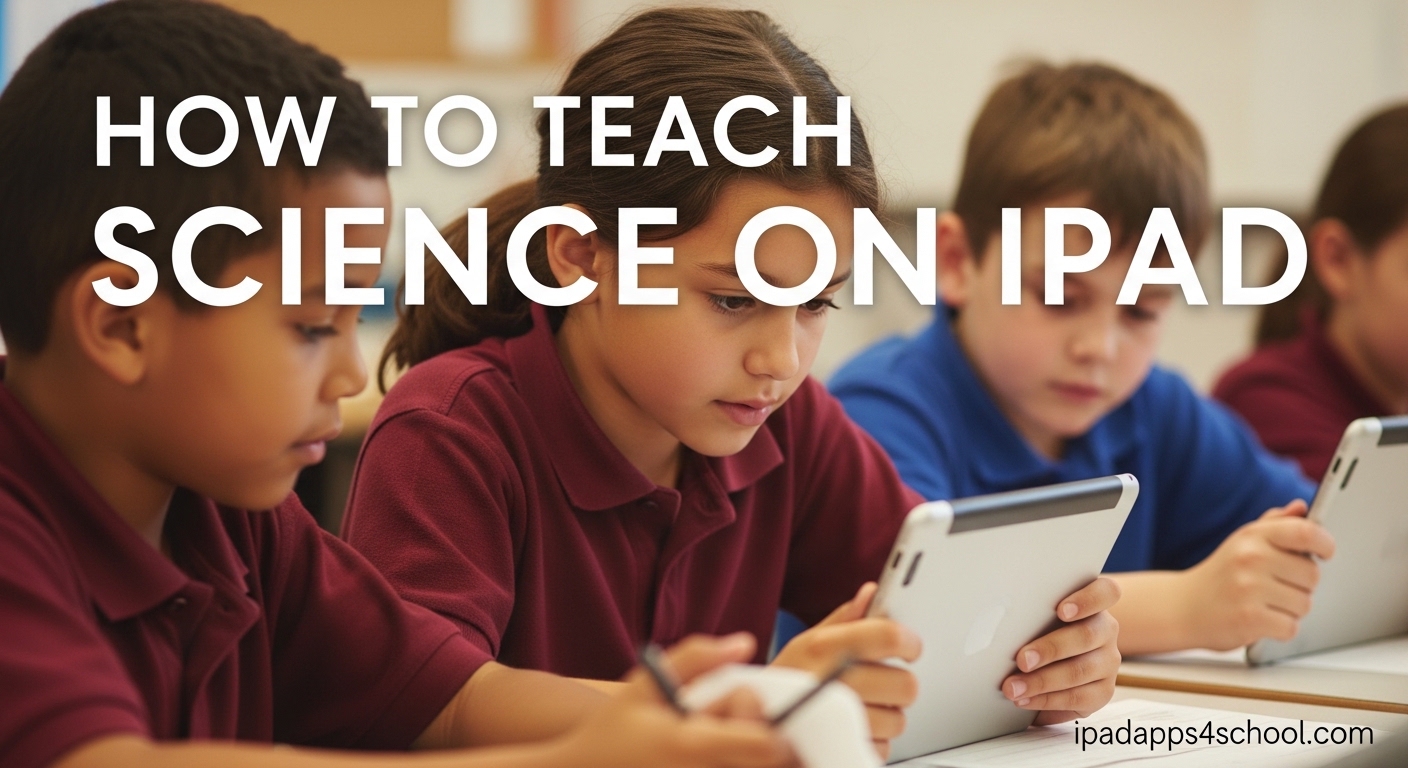
Teaching science on iPad transforms how students explore concepts through interactive visualizations, virtual laboratories, and real-time data collection. This approach combines the tactile benefits of hands-on learning with the power of digital tools that make abstract concepts visible and engaging. Our team has worked with dozens of educators who successfully integrated iPad into their science curriculum, and we have distilled their most effective strategies into this comprehensive guide.
You will learn how to set up your iPad for science instruction, discover subject-specific apps for Biology, Chemistry, Physics, and Earth Science, and implement proven teaching methodologies that go beyond simple app recommendations. Whether you teach elementary students or high schoolers preparing for AP exams, these strategies will help you create memorable learning experiences.
Table of Contents
Why iPad Science Education Works
iPad science education bridges the gap between theoretical knowledge and practical understanding. Students can manipulate 3D molecular models, observe cell division in real-time, and conduct virtual experiments that would be impossible in traditional classroom settings. The device becomes a portable science laboratory that every student holds in their hands.
Research from classrooms using 1:1 iPad programs shows improved student engagement and better retention of complex scientific concepts. When students can visualize the water cycle, explore the human body in augmented reality, or simulate chemical reactions without safety concerns, they develop deeper conceptual understanding. The interactive nature of iPad apps for science creates active learners rather than passive consumers of information.
Teachers report that iPad science tools help differentiate instruction for diverse learners. Visual learners benefit from 3D models and animations. Kinesthetic learners engage with touch-based simulations. Auditory learners access narrated explanations and video content. The accessibility features built into iPad ensure that science education reaches every student regardless of their learning needs.
Getting Started: Setting Up iPad for Science Teaching
Before diving into specific apps and activities, take time to prepare your device properly. Start by organizing your iPad home screen for school to create an efficient workflow. Create folders for different science subjects and keep your most-used teaching tools easily accessible.
Configure essential settings for classroom use. Enable Guided Access when you want students focused on a single app during assessments or specific activities. Set up Screen Time restrictions if you are working with younger students. Turn on Do Not Disturb during class periods to prevent notification interruptions. Consider creating a dedicated Apple ID for classroom use to keep personal and professional content separate.
Apple Pencil setup deserves special attention for science teachers. The precision input transforms iPad into a powerful tool for drawing molecular structures, annotating diagrams, and solving physics problems. Pair your Apple Pencil and explore apps that support pressure sensitivity and palm rejection. Many science teachers find that the combination of iPad and Apple Pencil replaces traditional whiteboards for demonstrating concepts to the class.
Classroom management considerations are crucial for successful implementation. If your district provides device management systems, work with your IT department to ensure science apps are approved and available. For teachers managing their own devices, establish clear protocols for app downloads and usage. Create a simple system for students to share work, submit assignments, and collaborate on projects.
How to Teach Science on iPad by Subject
Each science discipline has unique requirements and opportunities for digital learning. The following sections provide subject-specific strategies that address the particular challenges of teaching Biology, Chemistry, Physics, and Earth Science with iPad.
Biology Apps and Teaching Methods
Biology education benefits enormously from iPad visualization capabilities. Virtual dissection apps allow students to explore anatomy without ethical concerns or messy cleanup. Cell World and similar apps provide interactive 3D models of cellular structures that students can rotate, zoom, and explore layer by layer. These digital alternatives work particularly well when physical specimens are unavailable or when you want every student to have individual access to the material.
Teaching cellular processes becomes more engaging with animation apps that show mitosis, meiosis, protein synthesis, and DNA replication in motion. Rather than relying on static textbook diagrams, students can watch these processes unfold and manipulate variables to see how changes affect outcomes. Use these apps to flip your classroom, having students explore concepts at home and discuss their observations during class time.
Ecology and environmental science units come alive with apps that identify species, track migrations, and map ecosystems. Combine these digital tools with outdoor fieldwork where students use iPad cameras to document local flora and fauna. The integration of real-world observation with digital reference materials creates authentic learning experiences that stick with students long after the unit ends.
Chemistry Apps and Teaching Methods
Chemistry teaching on iPad centers on molecular visualization and safe experimentation. The periodic table apps available go far beyond simple reference charts. Interactive versions like The Chemical Touch and Nova Elements provide detailed element information, electron configurations, and visualization of atomic structures. Students can explore trends across periods and groups by interacting directly with the table.
Molecular modeling apps enable students to build and manipulate 3D representations of compounds. This capability transforms abstract bonding concepts into tangible experiences. Students can see how changing bond angles affects molecular geometry or how adding functional groups changes compound properties. Use these apps during lectures to demonstrate concepts, then have students build molecules independently as practice.
Virtual lab simulations address one of the biggest challenges in chemistry education: expensive equipment and safety concerns. Apps like BEAKER allow students to mix chemicals virtually, observe reactions, and understand stoichiometry without risk. While these cannot completely replace hands-on laboratory experiences, they provide excellent preparation for physical labs and allow exploration of reactions that would be too dangerous or costly to perform in class.
Physics Apps and Teaching Methods
Physics education leverages iPad sensors for real-world data collection. The built-in accelerometer, gyroscope, and camera become scientific instruments for measuring motion, forces, and waves. Apps like Pocket Physics and Physics Toolbox harness these sensors to turn abstract concepts into measurable phenomena. Students can analyze their own movements, measure sound waves, or study light patterns using the device they carry daily.
Simulation apps make invisible physics concepts visible. Electric circuits, magnetic fields, and wave propagation become observable through interactive models. Circuit building apps let students construct and test circuits virtually before building physical versions. This approach reduces component costs and frustration while building conceptual understanding.
Projectile motion, orbital mechanics, and kinematics come alive through physics simulation games and apps. These interactive environments let students adjust variables like initial velocity, angle, or gravitational force and immediately see the results. The immediate feedback helps students develop intuition about physical laws that equations alone cannot provide.
Earth Science and Astronomy Apps
Earth Science benefits from iPad mapping and visualization capabilities. EarthViewer provides interactive exploration of geological time, showing how continents moved and climates changed over millions of years. Students can manipulate the timeline and see corresponding changes in Earth systems. This temporal visualization helps students grasp the scale of geological processes.
Weather and climate apps bring meteorology into the classroom with real-time data and visualization. Students can track storms, analyze weather patterns, and understand forecasting methods using the same tools professional meteorologists use. Connect these apps to local weather stations or school-based sensors for authentic data collection experiences.
Astronomy education on iPad leverages the device portability for stargazing activities. Star Chart and similar apps use augmented reality to identify constellations, planets, and celestial objects by simply pointing the iPad at the sky. NASA apps provide access to stunning imagery, mission updates, and educational resources directly from the space agency. These resources inspire student interest in space science while providing accurate, up-to-date information.
Hands-On Science Strategies with iPad
Virtual lab alternatives extend your teaching capabilities beyond physical laboratory constraints. When equipment is limited, dangerous chemicals are involved, or time is short, virtual labs provide valuable learning experiences. The key is using these digital tools purposefully, not as replacements for all hands-on work, but as complements that enhance understanding.
Data collection with iPad sensors turns everyday devices into scientific instruments. Students can measure acceleration on playground equipment, analyze sound frequencies in music class, or study light intensity variations throughout the day. The Science Journal app by Google organizes these measurements into digital notebooks where students can add observations, photos, and analysis.
Augmented reality science experiences create moments of genuine wonder. AR apps overlay digital information on the physical world, allowing students to see inside machines, examine 3D models of engineering marvels, or visualize scientific processes in their actual environment. Quiver and similar apps bring 2D diagrams to life, while anatomy AR apps let students explore the human body on their desk.
Collaborative learning activities leverage iPad connectivity for group science projects. Students can share data in real-time, contribute to collective research projects, and build digital presentations together. Tools like Keynote and collaborative whiteboard apps enable remote collaboration, making iPad science education effective for both in-person and distance learning scenarios.
Assessment and Feedback Strategies
Digital science notebooks replace traditional lab notebooks with multimedia documentation capabilities. Students can record video of experiments, insert photos of results, type observations, and sketch diagrams all in one organized document. Apps like Notability and GoodNotes support handwritten scientific notation alongside typed text, maintaining the authenticity of scientific recording while adding digital advantages.
Formative assessment tools built into many science apps provide immediate feedback on student understanding. Quiz features, simulation checkpoints, and interactive exercises let you gauge comprehension without formal testing. Use these built-in assessments to adjust your teaching in real-time, addressing misconceptions before they solidify.
Project-based evaluation takes advantage of iPad creation tools. Rather than traditional tests, have students create video explanations, digital presentations, or interactive reports demonstrating their understanding. These products show deeper comprehension than multiple-choice answers and develop communication skills essential for scientific careers.
Giving feedback on digital work happens faster and more effectively than with paper assignments. Voice comments, video explanations, and annotated screenshots let you provide personalized guidance efficiently. Students can revise work based on feedback and resubmit, promoting a growth mindset and iterative improvement.
Building Your Science App Library Over Time
Starting with free apps allows you to explore possibilities without budget commitment. Many excellent science apps for iPad cost nothing, including resources from NASA, Khan Academy, and educational institutions. These free tools often provide complete functionality for classroom use, with paid versions offering additional features you may not need initially.
Evaluating paid apps requires careful consideration of classroom value. Before purchasing, test apps using free trials or lite versions when available. Read reviews from other teachers, particularly those working with similar age groups. Consider whether the app addresses specific learning objectives that justify the cost.
Staying current with new releases keeps your teaching fresh and effective. Follow educational technology blogs, join teacher communities on social media, and attend professional development sessions focused on iPad science education. The app landscape evolves constantly, with new tools appearing regularly that may better serve your teaching goals.
FAQ
Can iPad replace traditional science lab equipment?
iPad cannot completely replace all traditional lab equipment, but it serves as an excellent complement and sometimes alternative. Virtual labs work well for dangerous experiments, visualization of invisible processes, and situations where physical equipment is unavailable. However, hands-on experiences with real materials remain valuable for developing practical skills and scientific intuition. The best approach combines both physical and digital lab experiences.
What are the best free science apps for iPad?
Top free science apps include NASA for space science, Khan Academy for comprehensive STEM content, EarthViewer for geology, Star Chart for astronomy, Science Journal for data collection, and various periodic table apps for chemistry. Many educational institutions offer free apps with robust features. Check app descriptions for in-app purchases that might limit functionality.
How do I manage multiple iPads in my science classroom?
Effective management strategies include using Apple Classroom app for monitoring and guiding student devices, establishing clear usage protocols, creating organized app folders by subject, using Guided Access for focused activities, and implementing a submission system for digital work. Work with your IT department for device management solutions if available. Clear expectations and consistent routines prevent most management issues.
Is Apple Pencil necessary for teaching science on iPad?
Apple Pencil is not strictly necessary but significantly enhances science teaching capabilities. It enables precise drawing of molecular structures, mathematical equations, and scientific diagrams. For chemistry and physics especially, the precision input transforms iPad into a powerful tool for demonstrations and student work. If budget allows, Apple Pencil is a worthwhile investment for science educators.
How to Teach Science on iPad: Next Steps
Teaching science on iPad successfully requires starting small and building expertise over time. Choose one subject area or teaching strategy to implement first rather than trying to transform everything simultaneously. This focused approach allows you to develop confidence and troubleshoot challenges before expanding your digital science toolkit.
Connect with other educators using iPad for science instruction through online communities and professional learning networks. The insights shared by teachers who have faced similar challenges will accelerate your success and provide solutions to problems you encounter. Share your own discoveries to contribute to the collective knowledge base.
Evaluate and adjust your approach regularly based on student outcomes and engagement levels. The most effective iPad science education adapts to your specific students, curriculum, and teaching style. What works in one classroom may need modification in another. Stay flexible and focused on learning outcomes rather than technology for its own sake.
With thoughtful implementation, iPad becomes a powerful tool for inspiring the next generation of scientists, engineers, and informed citizens. The strategies outlined in this guide provide a foundation for transforming your science classroom into an interactive, engaging learning environment where students develop both knowledge and passion for understanding the natural world.