
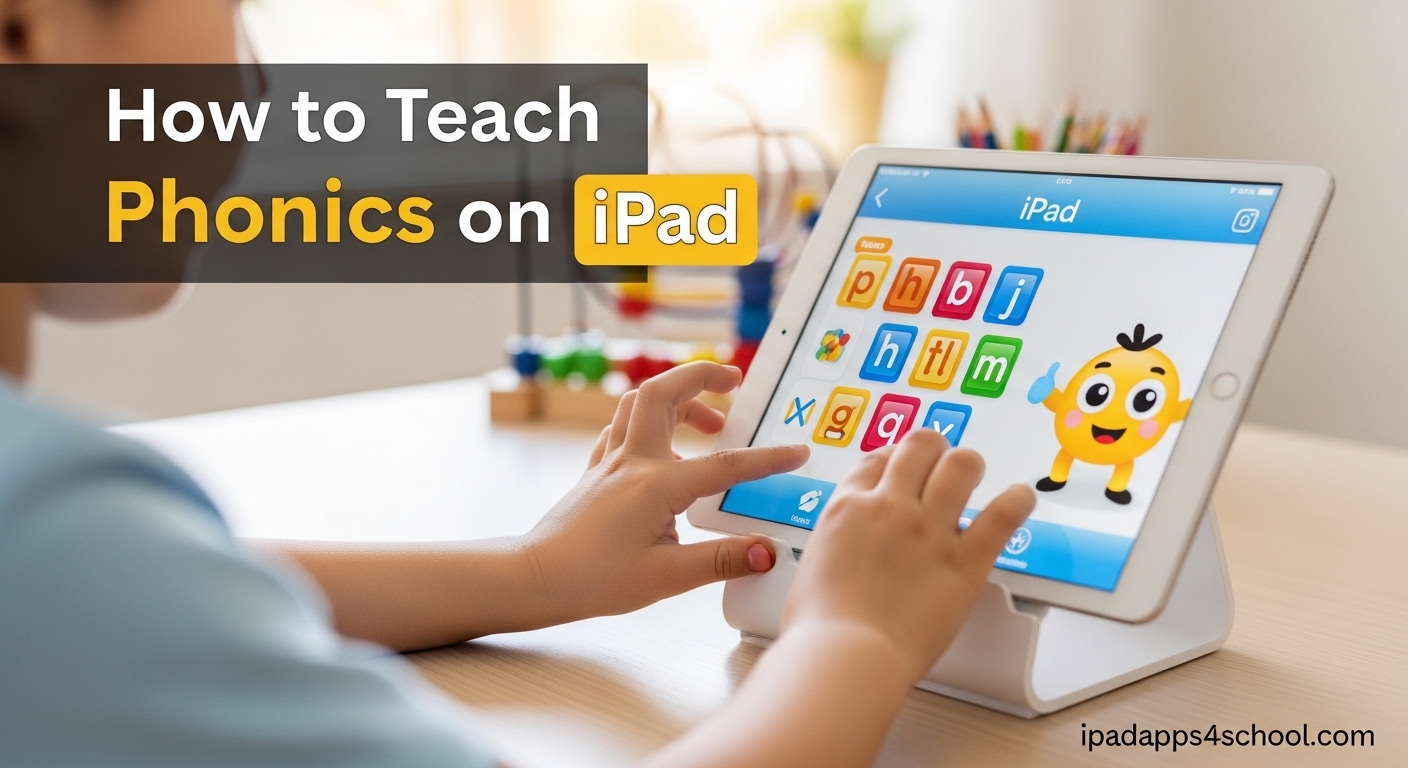
Teaching phonics on iPad has become one of the most effective ways to help children build strong reading foundations in 2026. The combination of interactive games, immediate audio feedback, and systematic instruction makes the iPad an ideal tool for phonics instruction. I have spent years testing phonics apps with my own children and reviewing them for educators, and I can tell you that the right approach makes all the difference.
This guide will show you exactly how to teach phonics on iPad using proven methods and the best apps available today. Whether you are a parent helping your child at home or a teacher integrating technology into your classroom, you will find practical steps you can implement immediately.
Table of Contents
Why Use an iPad for Phonics Instruction
The iPad offers unique advantages for teaching phonics that traditional methods simply cannot match. Children receive immediate audio-visual feedback when they tap letters, which reinforces correct pronunciation instantly.
Interactive elements keep young learners engaged longer than paper worksheets ever could. When a child drags letters to form words and hears them blended together, the learning becomes multisensory and memorable.
Portability means phonics practice can happen anywhere. Waiting at the doctor’s office, traveling in the car, or relaxing at home all become opportunities for learning. The gamification elements built into most phonics apps naturally motivate children to practice more.
Getting Started: iPad Setup for Phonics Learning
Before diving into apps, take a few minutes to configure your iPad for optimal learning. Proper setup prevents distractions and creates a focused environment for phonics instruction.
Enable Guided Access to lock your child into a single app. This prevents them from accidentally exiting or accessing other apps during learning time. Go to Settings > Accessibility > Guided Access to turn this on.
Turn on Speak Screen for additional reading support. This feature reads text aloud when you swipe down with two fingers, which helps children hear correct pronunciation modeled. Learn more about these features in our guide on iPad hidden features for students.
Organize your phonics apps into a dedicated folder on the home screen. This makes them easy for children to find and signals that these are special learning apps. Check out our article on how to organize iPad home screen for school for detailed instructions.
Set reasonable screen time limits through Screen Time settings. Fifteen to twenty minutes of focused phonics practice daily yields better results than hour-long sessions that lead to fatigue.
How to Teach Phonics on iPad: Step-by-Step Method
Teaching phonics on iPad works best when you follow a systematic approach. Here is the proven method I recommend based on research and real-world testing.
Step 1: Master Individual Letter Sounds
Start with apps that teach pure letter sounds, not letter names. Children need to associate the sound /a/ with the letter “a” before they can blend words. Look for apps that use synthetic phonics methods where sounds are taught in isolation first.
Spend one week on each group of sounds. Start with s, a, t, p, i, n the first week. These letters combine to make many simple words like “sat,” “pin,” and “tap.”
Step 2: Practice Blending Sounds
Once your child knows several letter sounds, move to blending activities. Apps like Blending Board let children tap individual sounds and then swipe to blend them into words. This builds the crucial skill of decoding.
Model the blending process first. Say each sound slowly, then faster, until they merge into the word. Let your child try next with the app’s audio support.
Step 3: Build Words and Read Stories
Progress to apps that offer word-building games and simple decodable stories. Children need to apply their phonics skills in context. Reading short sentences that only use sounds they have learned builds confidence.
Encourage your child to sound out words rather than guessing from pictures. The iPad provides a safe space to make mistakes and try again without embarrassment.
Step 4: Track Progress Regularly
Most phonics apps include progress tracking. Check these reports weekly to see which sounds your child has mastered and which need more practice. Adjust your routine accordingly.
Step 5: Maintain a Consistent Daily Routine
Consistency matters more than duration. Ten to fifteen minutes of daily phonics practice on iPad produces better long-term results than occasional longer sessions. Make it part of your daily routine, perhaps right after breakfast or before dinner.
Best Phonics Apps for iPad
The apps you choose significantly impact your child’s success. After testing dozens of options, these are the standout phonics apps for iPad in different categories.
Best Free Phonics Apps
Teach Your Monster to Read tops every educator’s list for good reason. This completely free app covers everything from initial letter sounds to full sentences. The gamification is perfectly balanced with solid phonics instruction aligned to the UK and US curricula.
Khan Academy Kids offers excellent free phonics activities alongside other early learning content. The adaptive learning path adjusts to your child’s level automatically.
Starfall Learn to Read has been trusted by teachers for over two decades. While some content requires a subscription, the free portions cover essential phonics skills thoroughly.
Best Paid Phonics Apps
Hooked on Phonics provides a comprehensive curriculum spanning from pre-readers through second-grade level. The systematic approach follows Science of Reading principles, and the physical workbook integration appeals to many families.
ABC Reading Eggs offers lessons, games, and books in one subscription. The placement test ensures your child starts at the right level, and the reward system keeps motivation high.
Duolingo ABC brings the popular language-learning platform’s approach to early reading. Research shows a 28 percent improvement in literacy skills after just nine weeks of use.
Best Apps for Special Needs
Articulation Station works exceptionally well for children with speech delays or autism. The clean interface and customizable settings reduce overwhelm while maintaining educational value.
Poio uses adaptive AI to adjust difficulty in real-time, making it ideal for children with dyslexia or other learning differences.
Expert Teaching Tips for Maximum Results
These strategies come from years of working with families and classrooms using iPad phonics instruction.
Combine multiple apps rather than relying on just one. Each app has strengths, and variety keeps children engaged. Use a systematic app like Hooked on Phonics for structured lessons, then let them practice with Teach Your Monster to Read for fun.
Balance screen time with hands-on activities. After iPad practice, have your child write the words they learned on paper or find objects around the house that start with the target sound.
Stay involved during learning time. Sit with your child, especially in the beginning, to ensure they understand activities and are not just tapping randomly. Your presence reinforces that this is important learning time.
Use iPad multitasking tips for school to run phonics apps alongside note-taking apps if you are tracking progress for multiple children.
Celebrate progress visibly. Create a chart showing mastered sounds or words read. Children respond well to seeing their growth.
Troubleshooting Common Issues
Even the best plans encounter obstacles. Here is how to handle the most common problems.
Child loses interest quickly: Try a different app with more engaging graphics or games. Some children prefer story-based apps while others like puzzle-style activities. Rotate between two or three apps to maintain novelty.
No visible progress: Check that the app difficulty matches your child’s level. Starting too advanced causes frustration, while starting too simple leads to boredom. Use placement tests when available.
Technical issues: Ensure your iPad software is updated. Some older phonics apps struggle with newer iOS versions. Check app store reviews for compatibility notes before purchasing.
Sound not working: Check that your iPad is not in silent mode and volume is up. Many phonics apps require audio to function properly.
FAQ
What is the best app to teach kids phonics?
Teach Your Monster to Read consistently ranks as the best free phonics app for iPad. It covers the complete phonics curriculum from initial sounds to full sentences, aligns with educational standards, and engages children with its game-based approach. For paid options, Hooked on Phonics offers the most comprehensive systematic instruction.
Can phonics help with dyslexia?
Yes, structured phonics instruction is one of the most effective interventions for dyslexia. Apps like Poio and Articulation Station specifically accommodate learners with dyslexia through adaptive AI, clear visual-audio connections, and reduced visual clutter. The multi-sensory approach of iPad phonics apps particularly benefits dyslexic learners.
What is the most effective way to teach phonics?
The most effective approach follows the Science of Reading principles: teach letter sounds first (not names), progress systematically from simple to complex, provide immediate feedback, and ensure plenty of practice with decodable texts. Daily short sessions of 10-15 minutes work better than occasional long sessions.
Is ABCmouse or Hooked on Phonics better?
Hooked on Phonics focuses specifically on reading with a systematic phonics curriculum, making it better for targeted phonics instruction. ABCmouse offers broader curriculum coverage including math and art, which works well for families wanting multiple subjects but less depth in phonics specifically. Choose Hooked on Phonics if reading is your priority.
How much screen time is appropriate for phonics learning?
For ages 4-6, limit focused phonics app time to 15-20 minutes daily. Quality matters more than quantity. Short, consistent daily practice produces better results than occasional marathon sessions. Balance screen time with hands-on phonics activities like letter magnets, writing practice, and reading physical books together.
Are phonics apps effective for teaching reading?
Research shows phonics apps can be highly effective when used appropriately. A study on Duolingo ABC showed 28 percent improvement in literacy skills after nine weeks. Apps providing systematic phonics instruction with immediate feedback, like Teach Your Monster to Read and Hooked on Phonics, have strong evidence supporting their effectiveness.
Conclusion
Learning how to teach phonics on iPad opens up powerful tools for helping children become confident readers. The combination of systematic instruction, engaging games, and immediate feedback creates an optimal learning environment. Start with free apps like Teach Your Monster to Read to test what works for your child, then consider paid options for more structured curriculum.
Remember that consistency matters most. Fifteen minutes of daily phonics practice on iPad, following the step-by-step method outlined above, will produce measurable progress within weeks. The investment you make now in your child’s phonics foundation will pay dividends throughout their academic life.