
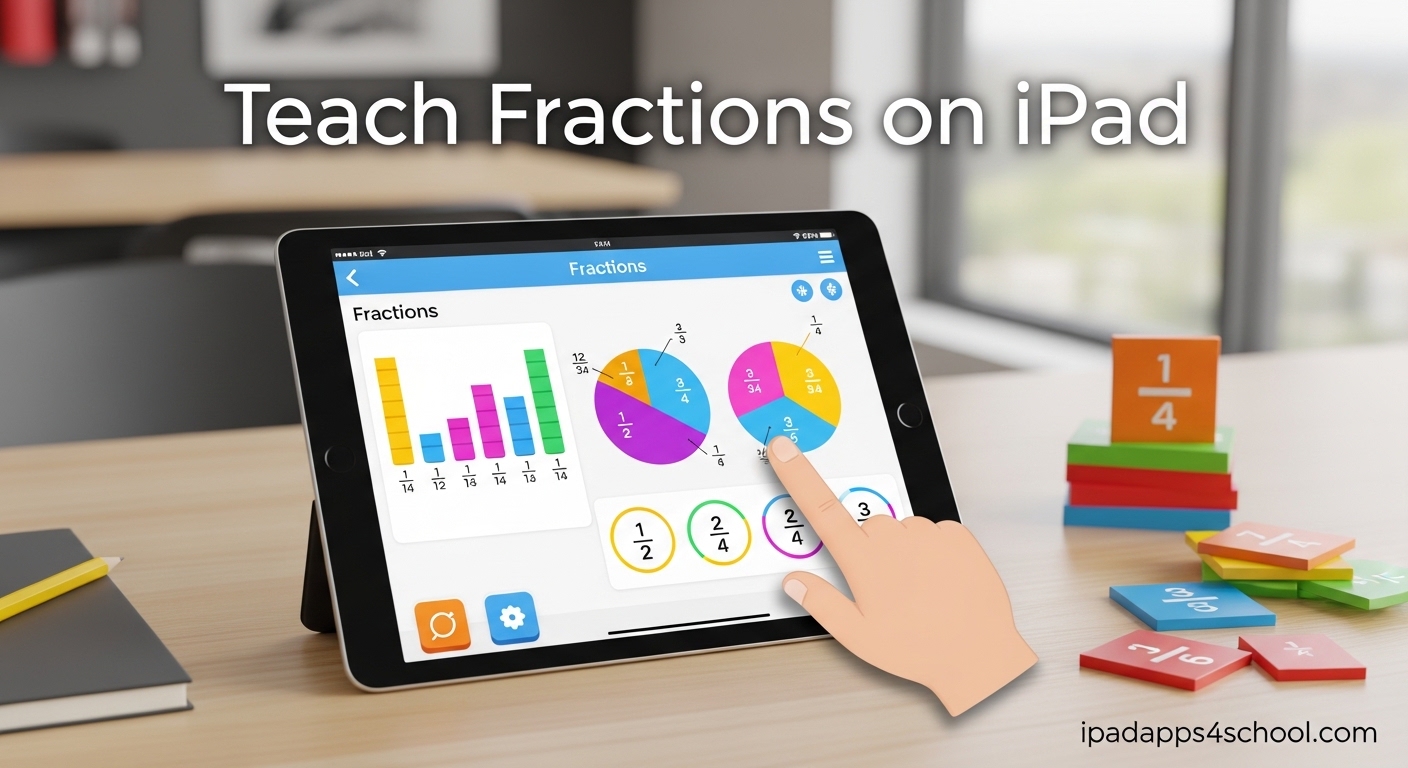
When you ask a child what half a pizza means, they answer instantly. One slice out of two equal parts. Simple. But hand that same child a worksheet with 1/2 written on it, and something breaks. This is the fraction paradox that parents and teachers face every day. When I set out to teach fractions on iPad with my own children, I discovered that the tablet transforms this abstract nightmare into something tangible. The touch screen, visual models, and interactive apps bridge the gap between cutting real pizza and understanding mathematical notation. In this guide, I will share the exact methods that helped my third grader go from worksheet tears to confident fraction work in just three weeks.
Table of Contents
Why Fractions Are Hard for Kids
Fractions represent one of the biggest cognitive leaps in elementary mathematics. Before fractions, numbers are straightforward. Three apples means exactly three apples. But fractions introduce relationships, parts, and wholes that exist only in comparison to each other.
The research on fraction learning reveals a consistent pattern. Children develop an intuitive understanding of halves and quarters through real-world experiences. They understand sharing a cookie or splitting a candy bar. According to forum discussions among homeschooling parents, this intuitive grasp falls apart when confronted with symbolic notation. A parent on Reddit explained it perfectly: my son understands half a pizza is 1/2, but the second we sit down to do work, something breaks.
This disconnect happens because the brain processes concrete experiences and abstract symbols in different ways. The iPad solves this by creating a middle ground. Digital manipulatives stay on screen, maintaining that physical interaction, while gradually introducing the symbolic notation that worksheets demand.
The Three Barriers to Fraction Understanding
First, children struggle with the part-whole relationship. They need to hold two ideas simultaneously: the piece they are looking at and the complete unit it came from. Visual apps address this by keeping both representations visible on screen at once.
Second, comparing fractions confuses learners because the rules seem to reverse. With whole numbers, larger denominators mean larger values. With fractions, larger denominators mean smaller pieces. This counterintuitive relationship requires repeated visual exposure.
Third, the vocabulary overwhelms. Numerator and denominator are abstract terms with no intuitive meaning. Apps that introduce these words gradually, after concepts are established, prove more effective than those that front-load terminology.
How to Teach Fractions on iPad: Getting Started
Teaching fractions on iPad requires a shift from passive consumption to active manipulation. The best results come from apps that let students drag, split, combine, and compare fraction pieces with their fingers. This tactile engagement creates the same neural pathways that handling physical manipulatives would create.
Setting Up Your iPad for Fraction Learning
Start by enabling Guided Access if you want to keep children focused on a single app. Go to Settings, then Accessibility, then Guided Access. This prevents accidental exits when small fingers hit the home button during enthusiastic fraction splitting.
Download two to three different types of fraction apps before beginning instruction. You want variety because children process fractions differently. Some respond to bar models that look like divided chocolate bars. Others connect better with circle models that resemble pizzas and pies. Having options lets you match the visual representation to your child’s thinking style.
Establish a routine of ten to fifteen minutes daily rather than hour-long sessions. Fraction learning benefits from spaced practice. Short, focused sessions on the iPad prevent the fatigue that leads to resistance.
The Core Teaching Principle
Always start with the concrete visual before introducing the abstract symbol. If you are teaching one-third, have your child create three equal parts using an app first. Let them see it, touch it, manipulate it. Only after they can confidently split a shape into three equal parts and identify one piece do you introduce the notation 1/3.
This sequence matters because it mirrors how the brain processes information. Visual processing happens in different brain regions than symbol processing. When you force symbols too early, you force the brain to work harder than necessary.
Visual Models That Work
The most effective fraction apps use three primary visual models. Understanding these helps you choose the right tool for each learning objective.
Bar Models for Comparison
Bar models represent fractions as rectangular bars divided into equal segments. These excel at showing comparison. When a child needs to see whether 2/3 is larger than 3/5, bar models align the lengths visually. The Math Learning Center offers a free fractions app that uses bars effectively.
Bar models also work well for operations. Adding 1/4 and 1/2 becomes a matter of combining segments on a shared whole. Children can drag pieces together and see the result without memorizing algorithms prematurely.
Circle Models for Part-Whole Understanding
Circle models, often called pie models, reinforce the part-whole relationship that underlies all fraction understanding. These models excel at introducing the fundamental concept: fractions represent pieces of a complete unit.
Circles help with equivalent fractions because rotating pieces shows how different divisions create the same amount. A half-circle rotated over a four-piece circle shows that 2/4 covers the same space. This visual proof builds understanding that mere calculation cannot provide.
Number Lines for Fractions as Numbers
Number line models represent a more advanced understanding. They show fractions as points on a continuous line between zero and one. This model becomes essential when students need to compare fractions with different denominators or understand fractions greater than one.
The transition to number lines typically happens after students understand bar and circle representations. Some apps provide all three models, letting students see the same fraction represented differently. This flexibility deepens conceptual understanding.
Game-Based Learning Approaches
Educational games transform fraction practice from a chore into an engaging challenge. The best fraction games hide the learning inside puzzle mechanics that require fraction understanding to progress.
Slice Fractions and Physics-Based Learning
Slice Fractions uses a physics puzzle format where players cut shapes to clear paths for a mammoth. The game mechanics require understanding equal parts and fraction sizes without ever mentioning numerators or denominators in the early levels.
What makes Slice Fractions effective is its implicit instruction. Players must think about fraction sizes to solve puzzles, but the game never forces formal notation. After several levels of manipulating pieces, children naturally develop an intuitive sense of fraction magnitude. When formal notation appears later, they already understand what it represents.
DragonBox for Gradual Concept Building
DragonBox Numbers and the algebra series introduce fraction concepts gradually through gameplay. The app starts with whole number manipulation, then introduces splitting and sharing mechanics that lead naturally to fraction understanding.
Parents in forums consistently mention DragonBox as an app that feels like pure play while building mathematical foundations. The gradual difficulty increase adapts to player progress, ensuring challenges remain achievable but engaging.
Frax and Adaptive Learning
Frax from ExploreLearning uses research-based instructional methods wrapped in a space-themed game environment. The adaptive system adjusts difficulty based on student performance, providing extra support when concepts prove challenging.
Frax emphasizes that fractions are numbers, not just parts of shapes. This number sense focus prepares students for operations and more advanced mathematics. The game format maintains engagement over longer practice sessions than traditional worksheets would allow.
Choosing the Right Fraction App
With dozens of fraction apps available, selecting the right tool requires matching app features to your specific teaching goals. The following comparison helps you decide based on your priorities.
Free Apps for Visual Manipulation
The Math Learning Center Fractions app stands out among free options. It offers both bar and circle models with denominators ranging from 1 to 100. Students can create, compare, and label fractions without distractions from in-app purchases or advertisements.
Other free options include Khan Academy Kids, which integrates fraction concepts into broader math learning, and basic fraction apps that focus on recognition and simple comparison. These work well for introduction and practice but offer less depth than dedicated fraction tools.
Paid Apps for Comprehensive Learning
Premium apps typically offer structured curricula, progress tracking, and adaptive difficulty. Slice Fractions 2 extends the original with more complex concepts including equivalent fractions and fraction addition. DragonBox apps require purchase but provide hours of instruction disguised as gameplay.
Consider paid apps when you need a complete teaching solution rather than a practice tool. The structured progression and lack of advertisements create better learning environments for extended use.
Grade-Level Recommendations
For kindergarten and first grade, focus on whole-part recognition with simple halves and quarters. Apps with picture-based fraction activities work best. Avoid anything that introduces notation too early.
Second and third graders benefit from apps that expand to thirds, fifths, and sixths while introducing basic notation. This is the prime time for visual model apps that let children create and manipulate fractions.
Fourth and fifth graders need equivalent fractions, comparison tools, and operation introductions. Look for apps that transition from visual models to number lines and symbolic calculation.
Differentiation Strategies for Struggling Learners
Not every child learns fractions at the same pace. The iPad offers unique advantages for differentiating instruction to meet individual needs.
Starting Below Grade Level
If a fourth grader struggles with fourth-grade fraction concepts, do not force continued practice at that level. Instead, return to apps designed for second grade and build from success. The visual nature of iPad apps makes this less stigmatizing than pulling out babyish worksheets.
Use the app settings to simplify tasks. Start with limited denominators, perhaps only halves and quarters. Once confidence builds, gradually introduce thirds, then fifths, then the full range.
Connecting to Real-World Contexts
Reinforce app learning with real activities. After working with pizza fractions on the iPad, have your child help make actual pizza and discuss the slicing. After bar model practice, cut a chocolate bar into equal pieces. These connections strengthen the bridge between digital and physical understanding.
Cooking and carpentry naturally involve fraction thinking. Let your child use the iPad fraction app to calculate half of a recipe or mark halfway points on wood pieces. The combination of digital and physical makes abstract concepts concrete.
Building Confidence Through Success
Struggling learners need to experience success early and often. Choose apps with adjustable difficulty that can be set to easy mode regardless of the childs age. Create a streak of successful interactions before increasing challenge.
Celebrate specific achievements rather than general praise. Instead of saying good job, try you split that circle into five perfect equal pieces. This focuses attention on the mathematical action and reinforces what correct fraction work looks like.
Step-by-Step Lesson Ideas
Here are five ready-to-use lesson activities that combine multiple apps and approaches for comprehensive fraction learning.
Activity 1: Pizza Shop Pretend Play
Open a visual fraction app with circle models. Have your child play pizza shop, taking orders for different fractions of pizza. One customer wants half pepperoni, another wants one-third mushrooms. The child creates the orders, takes screenshots, and presents them.
Extend by introducing improper fractions. A customer wants one and a half pizzas. How do you show that? This activity builds part-whole understanding and prepares for mixed numbers.
Activity 2: Fraction Comparison Challenge
Use a bar model app to create two different fractions. Ask your child to predict which is larger, then drag the bars to compare lengths directly. Record predictions and results in a simple chart.
As skills develop, introduce the rule for comparing fractions with the same numerator or same denominator. Let the app prove the rule through visual comparison before memorizing it.
Activity 3: Equivalent Fraction Hunt
Challenge your child to find all the fractions on a circle model that cover the same amount of space as one-half. Try 2/4, 3/6, 4/8, 5/10. The visual overlay proves equivalence without needing to multiply.
Transfer discoveries to a game-based app where equivalent fractions unlock puzzle solutions. This reinforces the concept through application rather than drill.
Activity 4: Number Line Placement
Using an app with number line models, practice placing fractions in the correct positions. Start with unit fractions: 1/2, 1/3, 1/4. Notice how larger denominators create marks closer to zero.
Progress to placing fractions with various numerators. Where does 3/4 go? What about 2/3? The precision required for correct placement develops fraction number sense effectively.
Activity 5: Real Recipe Scaling
Find a simple cookie recipe and use fraction apps to calculate half and double batches. The practical application makes the learning relevant and memorable.
After calculating on the app, actually make the recipe together. The taste test provides immediate reward for correct fraction calculation.
FAQ
How do I do fractions on iPad?
You can work with fractions on iPad by downloading specialized math apps that provide visual fraction models, using the built-in calculator for basic operations, or typing fractions using keyboard shortcuts. For teaching children, visual apps like the Math Learning Center Fractions app provide interactive bar and circle models where students can drag, split, and compare fraction pieces directly on the touch screen.
What is the easiest way to teach fractions?
The easiest way to teach fractions starts with visual models before introducing abstract notation. Use bar models, circle models, or real objects like pizza or chocolate bars to show what fractions actually represent. Let children manipulate physical or digital pieces to create equal parts before asking them to read or write fraction symbols. Game-based apps like Slice Fractions hide fraction learning inside puzzle mechanics, making the concept feel natural rather than forced.
What is the best app for kids to learn fractions?
The best fraction app depends on your childs learning style and grade level. For visual learners, the free Math Learning Center Fractions app offers excellent bar and circle models. For game-based learning, Slice Fractions provides engaging physics puzzles that require fraction thinking. For comprehensive adaptive instruction, Frax by ExploreLearning adjusts difficulty based on student performance. Try multiple apps to find the one that resonates with your child.
How do I type a fraction on iPad?
To type simple fractions like 1/2 or 3/4 on iPad, use the standard number keyboard and forward slash. For formatted stacked fractions in documents or notes, use the built-in formatting in apps like Pages or Numbers. For advanced math typing, some educational apps support LaTeX-style math codes that create properly formatted fractions. The specific method depends on which app you are using for your fraction work.
Conclusion
Teaching fractions on iPad transforms one of mathematics most challenging concepts into an engaging, visual experience. The combination of interactive apps, visual models, and game-based learning addresses the fundamental disconnect between real-world fractions and abstract notation. Start with visual manipulation through bar and circle models, progress to game-based practice that builds intuition, and always connect digital learning back to physical experiences. With consistent short practice sessions and the right app selection, your child can develop genuine fraction understanding that transfers from screen to schoolwork. The iPad does not replace good teaching, but it provides the tools that make effective fraction instruction possible for every parent and teacher.