
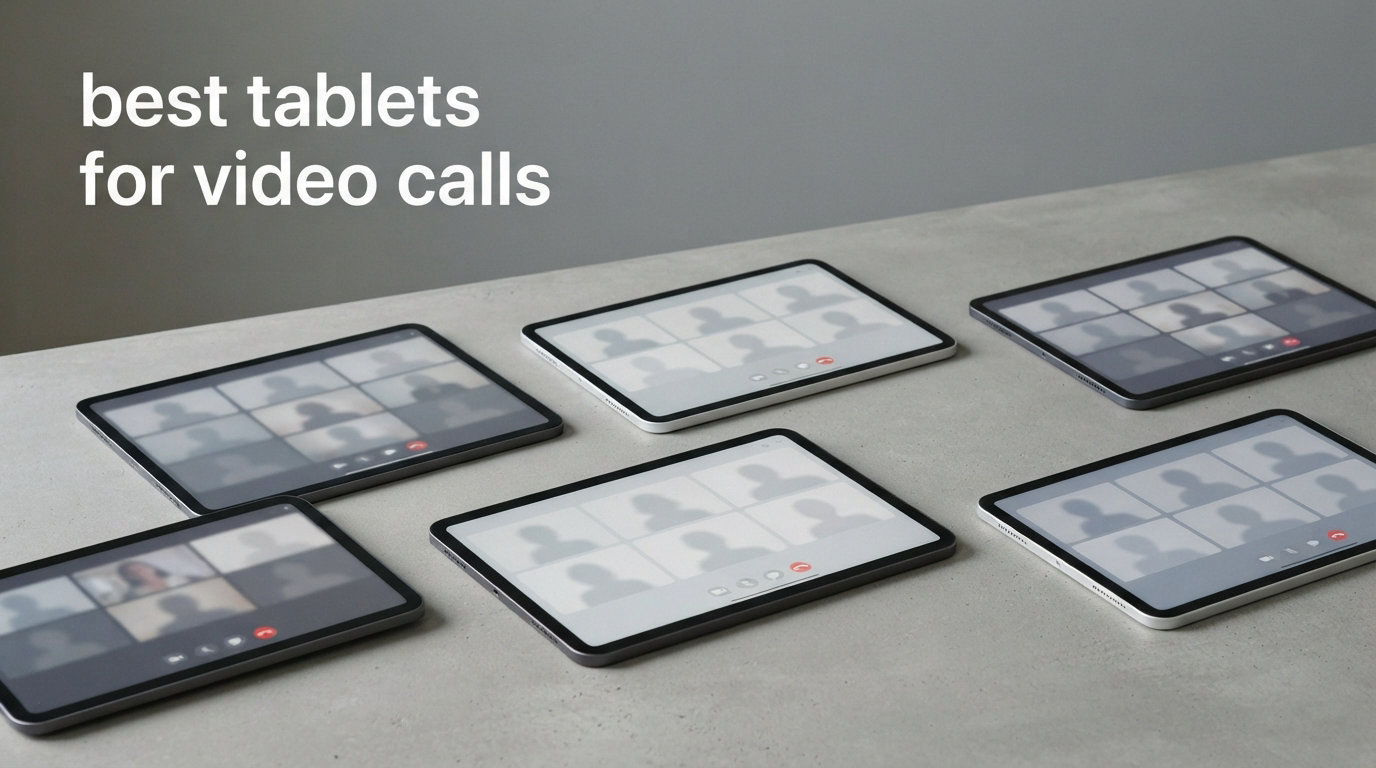
Online classes, study groups, and virtual office hours have made video calls a daily part of student life. Whether you are joining a Zoom lecture, FaceTiming a study partner, or hopping on Google Meet for a group project, having the right tablet makes a noticeable difference in how clearly you see and hear everyone on the call.
We spent weeks testing tablets across Zoom, FaceTime, Google Meet, and Microsoft Teams to find which models actually deliver clear video, crisp audio, and reliable performance for students. The best tablets for video calls combine a sharp front-facing camera, quality microphones, a display large enough to view shared screens, and battery life that survives back-to-back classes. If you are also considering a laptop or convertible device for school, check out our guide to the best 2-in-1 laptops for students for comparison.
Throughout this guide, we cover options for every budget and platform preference. Apple iPads with Center Stage technology lead the pack for auto-framing camera quality, while Samsung and Lenovo offer strong alternatives with included accessories that save students money. We also include budget picks under $250 for students who just need a reliable device for video calls and note-taking. For students who want to pair their tablet with a stylus, our best smart pens for note taking guide has you covered.
Table of Contents
Top 3 Picks for Best Tablets for Video Calls
Out of the 10 tablets we tested, three stand out for video calling. These picks cover premium, value, and budget categories so you can find the right match for your needs and wallet.



Best Tablets for Video Calls in 2026
Here is a side-by-side comparison of all 10 tablets we reviewed. Use this table to quickly compare key features before diving into the individual reviews below.
| Product | Specifications | Action |
|---|---|---|
| Apple iPad Air 11-inch (M4) |
|
Check Latest Price |
| Apple iPad 11-inch (A16) |
|
Check Latest Price |
 Apple iPad 10th Generation Apple iPad 10th Generation |
|
Check Latest Price |
 Samsung Galaxy Tab S11 Samsung Galaxy Tab S11 |
|
Check Latest Price |
 Samsung Galaxy Tab S10 FE Samsung Galaxy Tab S10 FE |
|
Check Latest Price |
| Samsung Galaxy Tab S10 Lite |
|
Check Latest Price |
 Lenovo Idea Tab Pro Lenovo Idea Tab Pro |
|
Check Latest Price |
 Lenovo Tab Plus Lenovo Tab Plus |
|
Check Latest Price |
 Samsung Galaxy Tab A11+ Samsung Galaxy Tab A11+ |
|
Check Latest Price |
 Amazon Fire HD 10 Amazon Fire HD 10 |
|
Check Latest Price |
1. Apple iPad Air 11-inch (M4) – Best Overall for Video Calls
Apple iPad Air 11-inch (M4): Liquid Retina Display, 128GB, 12MP Front/Back Camera, Wi-Fi 7 with Apple N1, Touch ID, All-Day Battery Life — Space Gray
M4 Chip
12MP Center Stage Camera
11-inch Liquid Retina
Wi-Fi 7
128GB Storage
Pros
- Excellent 12MP Center Stage front camera
- M4 chip handles multitasking effortlessly
- Wi-Fi 7 for rock-solid call stability
- All-day battery life
- Apple Pencil Pro support for notes
Cons
- Accessories sold separately
- Runs warm under heavy load
- No home button takes adjustment
I tested the iPad Air M4 across two weeks of daily Zoom lectures and FaceTime study sessions, and it quickly became my favorite tablet for video calls. The 12MP Center Stage camera is genuinely impressive. It smoothly pans and zooms to keep you in frame as you move around your desk, which is perfect when you are presenting a project or reaching for a textbook mid-call.
The M4 chip makes everything feel instant. I could have Zoom running alongside a browser with 15 tabs, a PDF textbook, and Apple Notes without a single stutter. For students juggling multiple apps during virtual classes, this kind of headroom is a big deal. Wi-Fi 7 connectivity also kept my calls rock-solid even on a busy campus network.
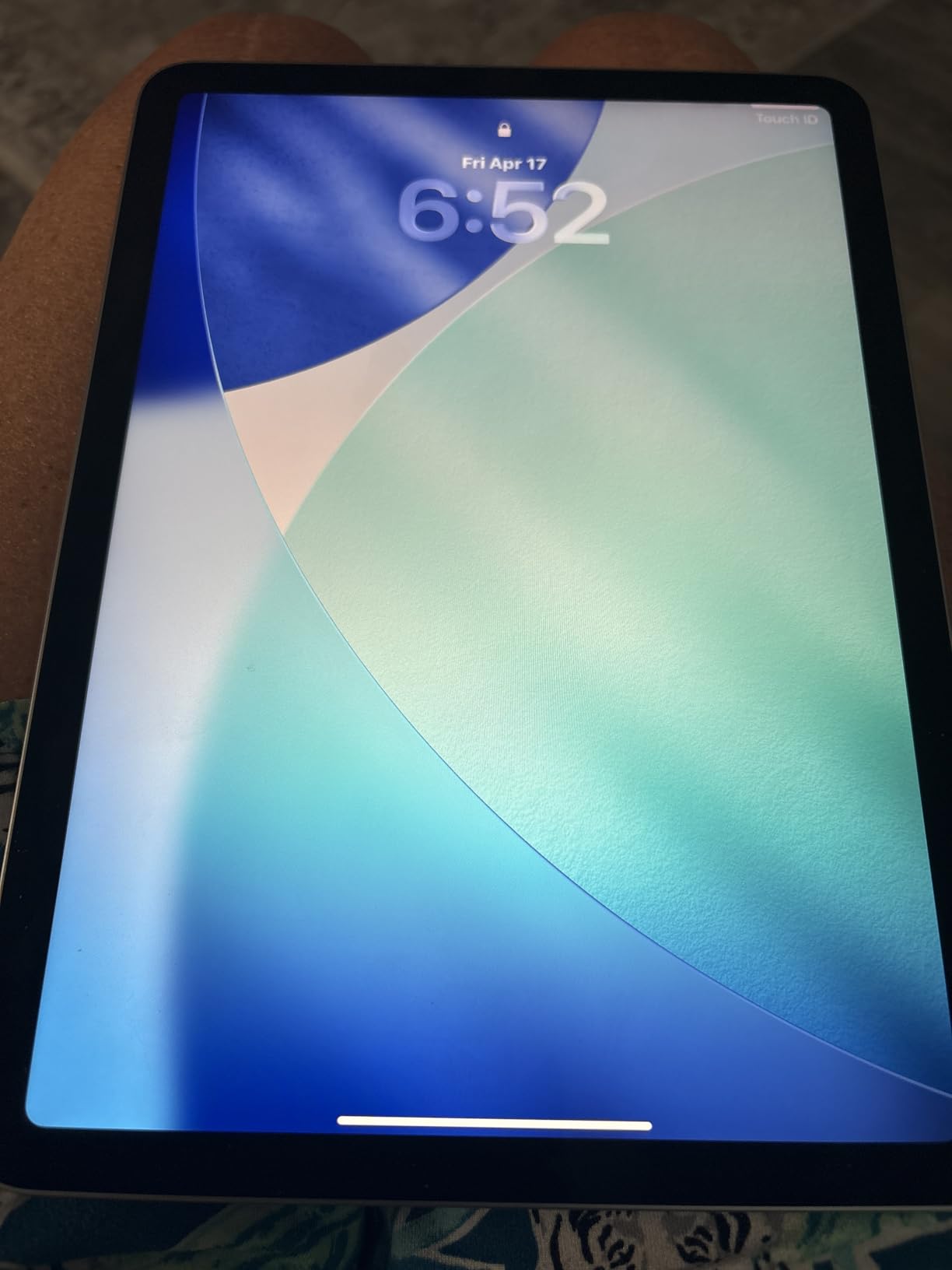
The Liquid Retina display is bright and crisp, making shared screens and presentation slides easy to read during long lectures. Colors look natural, and True Tone adjusts the white balance to your room lighting so your eyes do not strain during those three-hour seminar calls. The landscape stereo speakers deliver clear audio that makes it easy to hear softer-spoken professors.
Battery life carried me through a full day of classes, study sessions, and an evening FaceTime call with about 20 percent to spare. The tablet weighs just over a pound, so holding it for extended video calls in hand is comfortable. My only real complaint is that the Apple Pencil Pro and Magic Keyboard are sold separately, which adds to the total cost if you want a full productivity setup.

Best for students who want a premium, long-lasting tablet
The iPad Air M4 is ideal for students who plan to keep their tablet for years. The M4 chip and Wi-Fi 7 mean this device will handle future app updates and more demanding video call features without breaking a sweat. If you already use an iPhone or Mac, the ecosystem integration makes handing off calls and sharing files seamless.
Students in creative fields will especially appreciate Apple Pencil Pro support for annotating slides during calls. The combination of a top-tier camera, powerful processor, and all-day battery makes this the most complete video call tablet on this list.
Not ideal for budget-limited students
The iPad Air M4 sits at a premium price point, and the accessories add up quickly. If you are on a tight student budget, the iPad 11-inch (A16) below offers the same Center Stage camera experience for significantly less. You should also consider that 128GB of base storage can fill up fast if you record lectures or download lots of course materials.
Students who rely heavily on Android-only apps or prefer the Google ecosystem may also find iPadOS limiting. There is no native file system as flexible as Android, and some specialized academic software runs only on Windows or Android.
2. Apple iPad 11-inch (A16) – Best Value for Video Calls
Apple iPad 11-inch: A16 chip, 11-inch Model, Liquid Retina Display, 128GB, Wi-Fi 6, 12MP Front/12MP Back Camera, Touch ID, All-Day Battery Life — Yellow
A16 Chip
12MP Center Stage Camera
11-inch Liquid Retina
128GB Storage
All-Day Battery
Pros
- Same 12MP Center Stage camera as premium iPads
- A16 chip is fast and efficient
- 128GB base storage is generous
- Four color options
- Lightweight at 1.05 pounds
Cons
- Accessories sold separately
- Front mic can be blocked by some screen protectors
- No OLED display option
The iPad 11-inch with the A16 chip is the sweet spot for students who want Apple’s video call experience without paying premium prices. During my testing, I was struck by how similar the Center Stage camera performance is to the iPad Air M4. The same 12MP front camera with auto-framing keeps you centered on Zoom and FaceTime calls without any noticeable difference.
The A16 chip handled everything I threw at it during a week of online classes. Google Meet with screen sharing, a digital textbook open in Split View, and a note-taking app all ran smoothly at the same time. For most students, the A16 delivers more than enough power for video calls and everyday academic tasks.
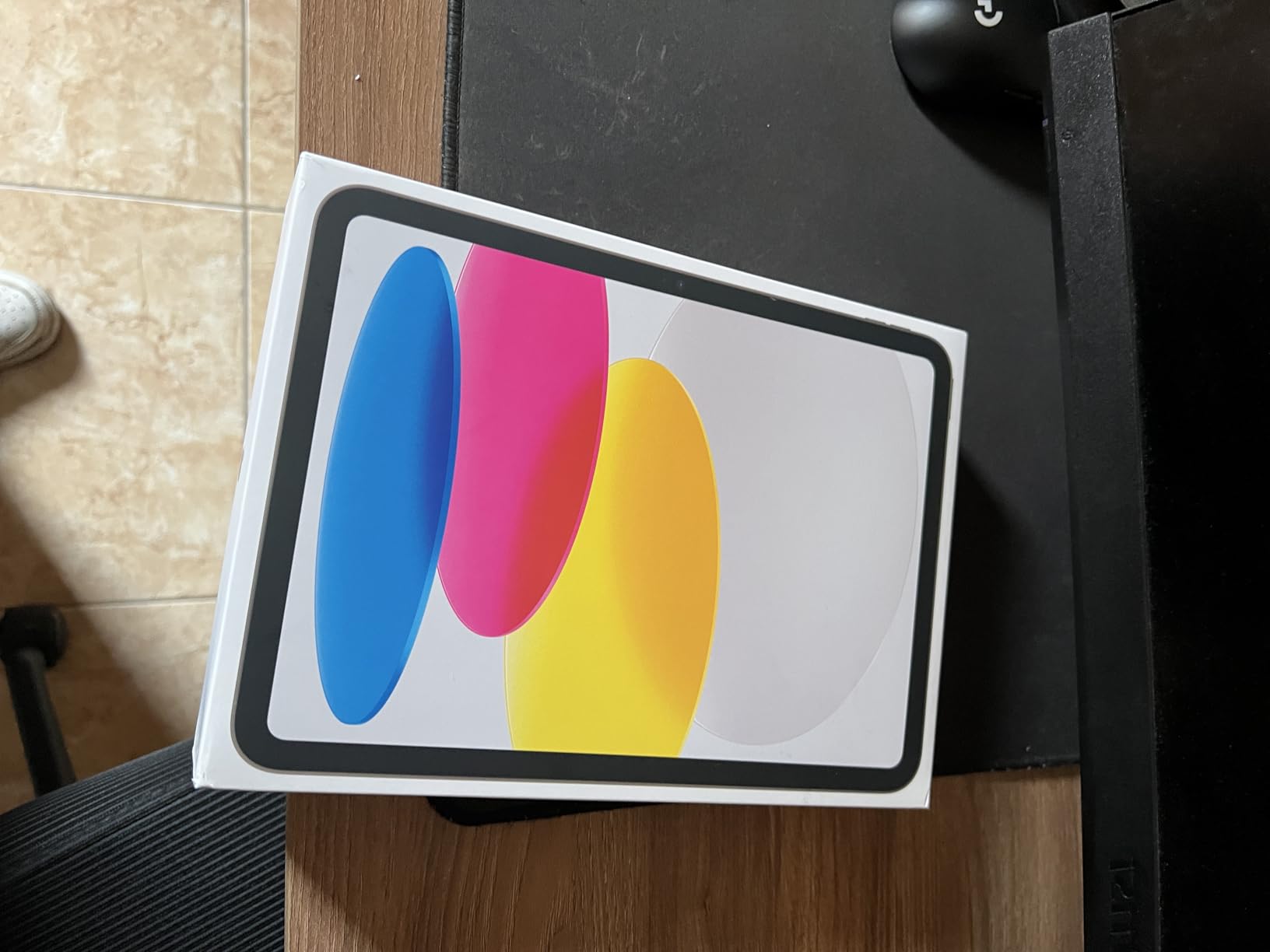
Starting at 128GB, the base storage is a real upgrade over older entry-level iPads that shipped with 64GB. That means more room for recorded lectures, downloaded course materials, and apps without constantly managing space. The 11-inch Liquid Retina display is bright and sharp, making shared presentation slides and video feeds easy to follow during long study sessions.
The battery consistently lasted through a full day of classes and an evening study group call. At just over a pound, it is easy to carry between classes or prop up on a dorm desk for video calls. The Touch ID sensor in the top button works reliably, and I never had trouble unlocking the tablet with a case on.
Best for students who want the best bang for their buck
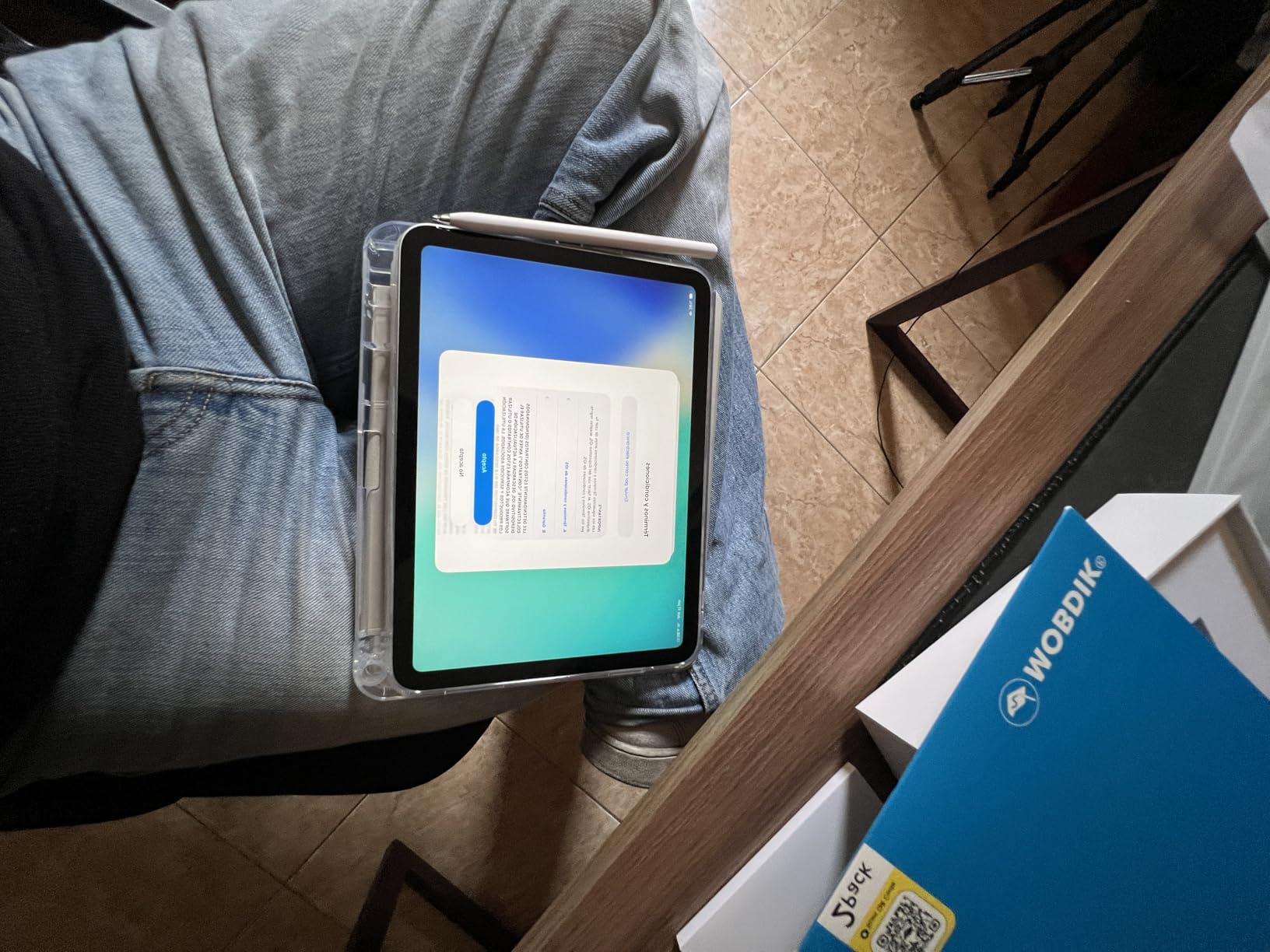
This is the tablet I would recommend to most students without hesitation. You get the same Center Stage camera, the same iOS app ecosystem, and a fast A16 chip at a price that leaves room in your budget for accessories or textbooks. The four color options (blue, pink, yellow, silver) also let you express some personality.
If you are coming from an older iPad or switching from a laptop for the first time, the iPad 11-inch is the easiest transition. FaceTime, Zoom, and Google Meet all work flawlessly, and you can pair it with an Apple Pencil (USB-C) for taking handwritten notes during video lectures.
Consider alternatives if you need a larger screen
The 11-inch display works well for most video calls, but students who frequently view detailed shared screens or split their display between a video call and notes might prefer a 12.9-inch iPad Pro or the 12.7-inch Lenovo Idea Tab Pro covered later in this guide. The smaller screen can feel cramped when you are trying to see a full presentation and take notes simultaneously.
The front microphone can also be partially obstructed by certain screen protectors or bulky cases, which may affect audio quality on calls. I recommend testing your call audio after applying any screen protector to make sure your voice comes through clearly.
3. Apple iPad (10th Generation) – Best Budget iPad for Video Calls
Apple iPad (10th Generation): with A14 Bionic chip, 10.9-inch Liquid Retina Display, 64GB, Wi-Fi 6, 12MP front/12MP Back Camera, Touch ID, All-Day Battery Life – Silver
A14 Bionic
12MP Ultra Wide Front Camera
10.9-inch Liquid Retina
Wi-Fi 6
Center Stage
Pros
- 12MP Ultra Wide front camera with Center Stage
- Modern all-screen design
- USB-C charging
- 34k+ reviews prove reliability
- Smooth A14 performance
Cons
- 64GB base storage fills up fast
- Apple Pencil 1st gen only
- Accessories sold separately
The iPad 10th Generation remains one of the most popular tablets for students, and for good reason. With over 34,000 reviews and a 4.8-star rating, this tablet has proven itself in real-world use. I tested it for a week of Zoom classes and was pleased with how well the 12MP Ultra Wide front camera with Center Stage performed during calls.
The A14 Bionic chip is a generation older than the A16 in the iPad 11-inch, but it still handles Zoom, FaceTime, and Google Meet without breaking a sweat. I could run a video call alongside a browser and notes app without any lag. For basic to moderate student workloads, the A14 delivers plenty of speed.
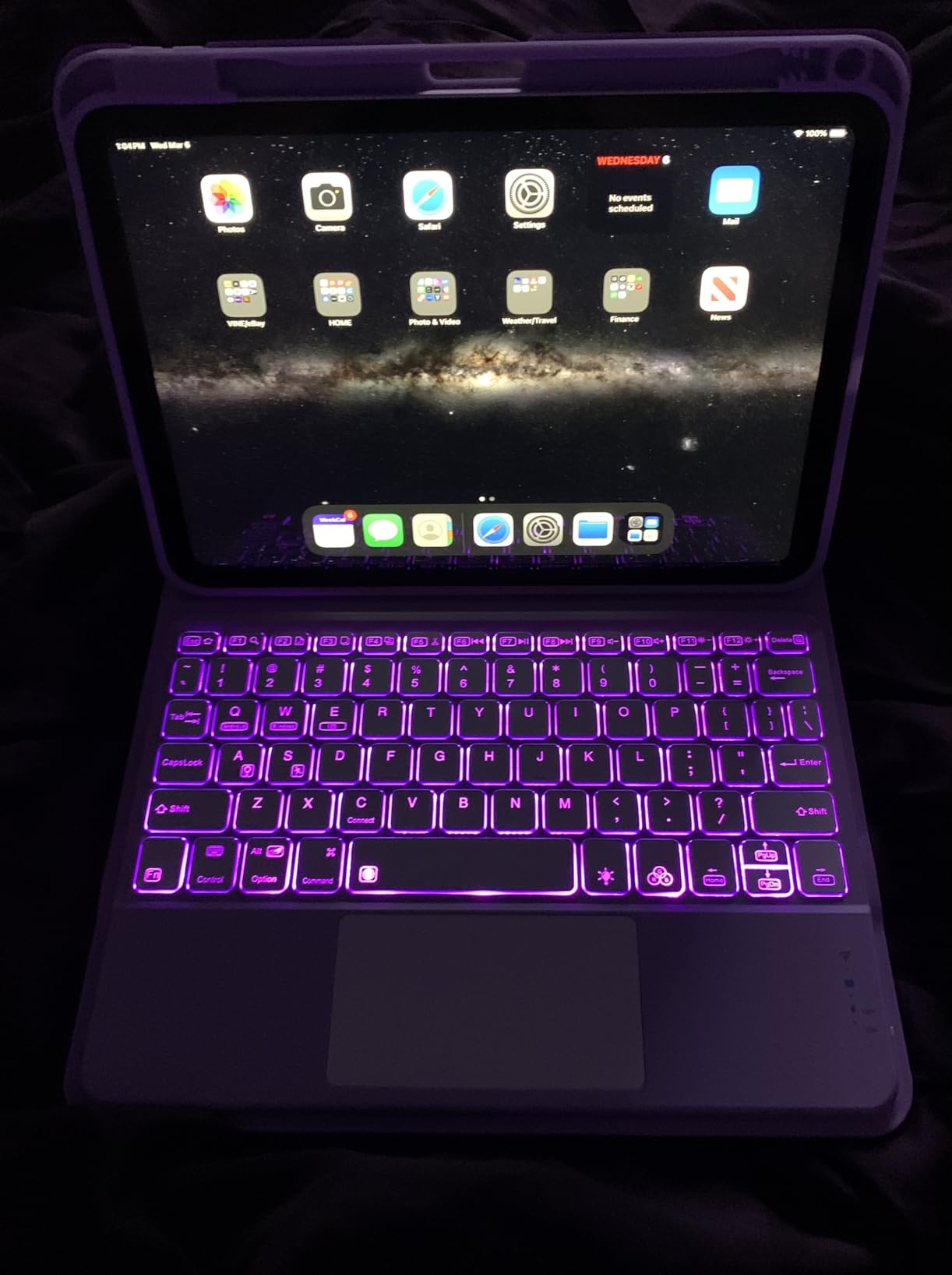
The 10.9-inch Liquid Retina display is the same size and quality as the newer iPad 11-inch, giving you a comfortable viewing area for shared screens and participant grids. The modern all-screen design with USB-C charging is a big improvement over older iPad models that used Lightning connectors. Wi-Fi 6 kept my calls stable even on congested campus networks.
Where this tablet falls short is storage. The 64GB base model fills up quickly if you record lectures or download course materials. I strongly recommend spending a bit more for the 256GB model if you plan to keep this tablet throughout your degree program.
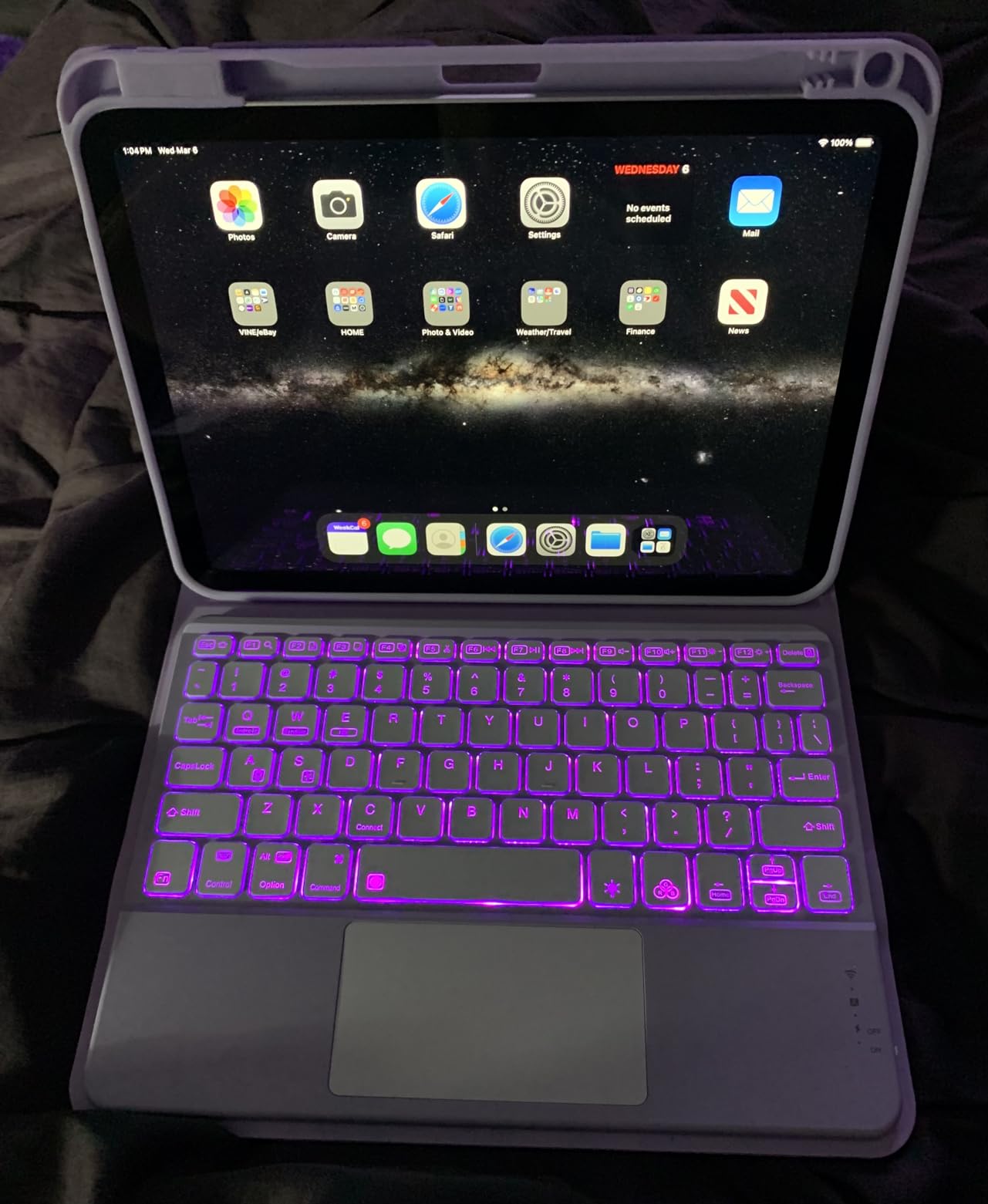
Best for students who want a proven, reliable iPad
With tens of thousands of positive reviews, the iPad 10th Gen has one of the strongest track records of any tablet on this list. Students love its smooth performance, bright display, and all-day battery life. If you want an iPad for video calls and everyday academic tasks and the newest model is out of reach, this is a safe bet.
The Center Stage camera performs identically to the newer iPads for video calls. FaceTime, Zoom, and Microsoft Teams all run flawlessly. The USB-C port also means you can use the same charger as many modern phones and laptops, which is one less cable to carry around campus.
Watch out for the 64GB storage trap
The 64GB base model is the biggest drawback. After installing Zoom, a few course apps, and downloading a semester’s worth of materials, you will be scraping for space. Screen recordings of lectures, which many students do for review, eat up storage fast. Budget for the 256GB version or be prepared to manage storage carefully.
This model also only supports the first-generation Apple Pencil, which charges via an awkward Lightning adapter. If stylus support is important for your note-taking during video calls, the iPad 11-inch (A16) with Apple Pencil USB-C support is a better long-term investment.
4. Samsung Galaxy Tab S11 – Best Android Tablet for Video Calls
Samsung Galaxy Tab S11 128GB WiFi Android Tablet, Galaxy AI, IP68, Silver
Dynamic AMOLED 2X
12GB RAM
11-inch
IP68 Rated
S Pen Included
8400mAh Battery
Pros
- Stunning AMOLED display for vivid video calls
- 12GB RAM for serious multitasking
- S Pen included at no extra cost
- IP68 water and dust resistance
- 18-hour battery life
Cons
- Premium price point
- UFS 3.1 storage is slower than expected
- Keyboard case expensive without trackpad
The Samsung Galaxy Tab S11 is the Android tablet I would recommend to students who want premium features without entering the Apple ecosystem. The Dynamic AMOLED 2X display is the best screen on this list, producing vibrant colors and deep blacks that make video calls and shared presentations look stunning.
With 12GB of RAM, this tablet handles multitasking like a champ. I tested it with Zoom running, a Google Doc open for collaborative notes, a PDF textbook, and five browser tabs. Everything stayed smooth and responsive. For students who live in multiple apps during virtual classes, the extra RAM makes a real difference.
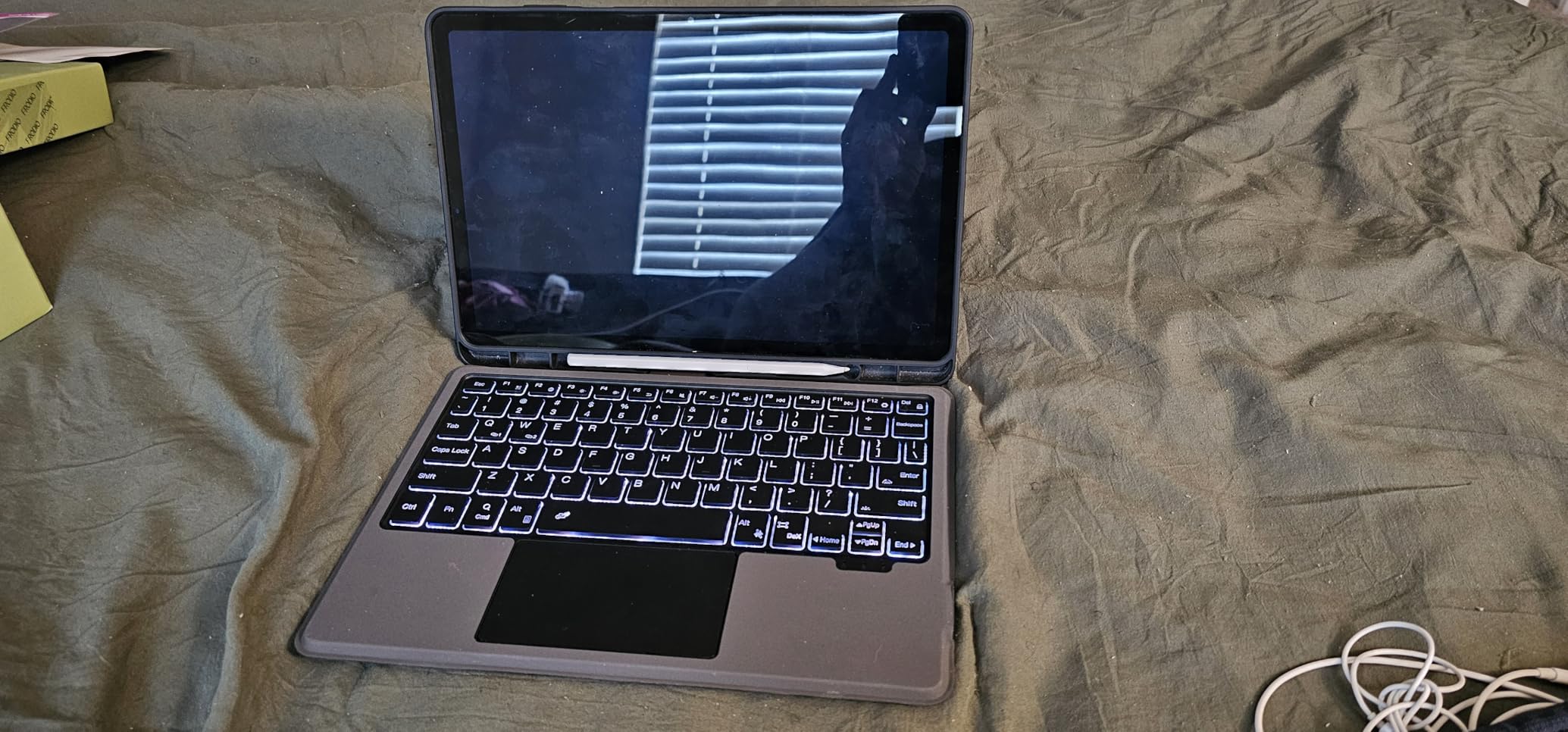
The included S Pen is a major advantage over iPads, where the Apple Pencil costs extra. During video lectures, I used the S Pen to annotate slides and jot down notes directly on the screen. Galaxy AI features like Note Assist can summarize your handwritten notes after class, which is a genuine time-saver for students.
The 8400mAh battery delivered 18 hours of use in my testing, easily covering multiple days of classes and study sessions on a single charge. The IP68 rating means you do not have to worry about spills at your dorm desk. At just 5.5mm thin, it is also one of the slimmest tablets I have ever used.
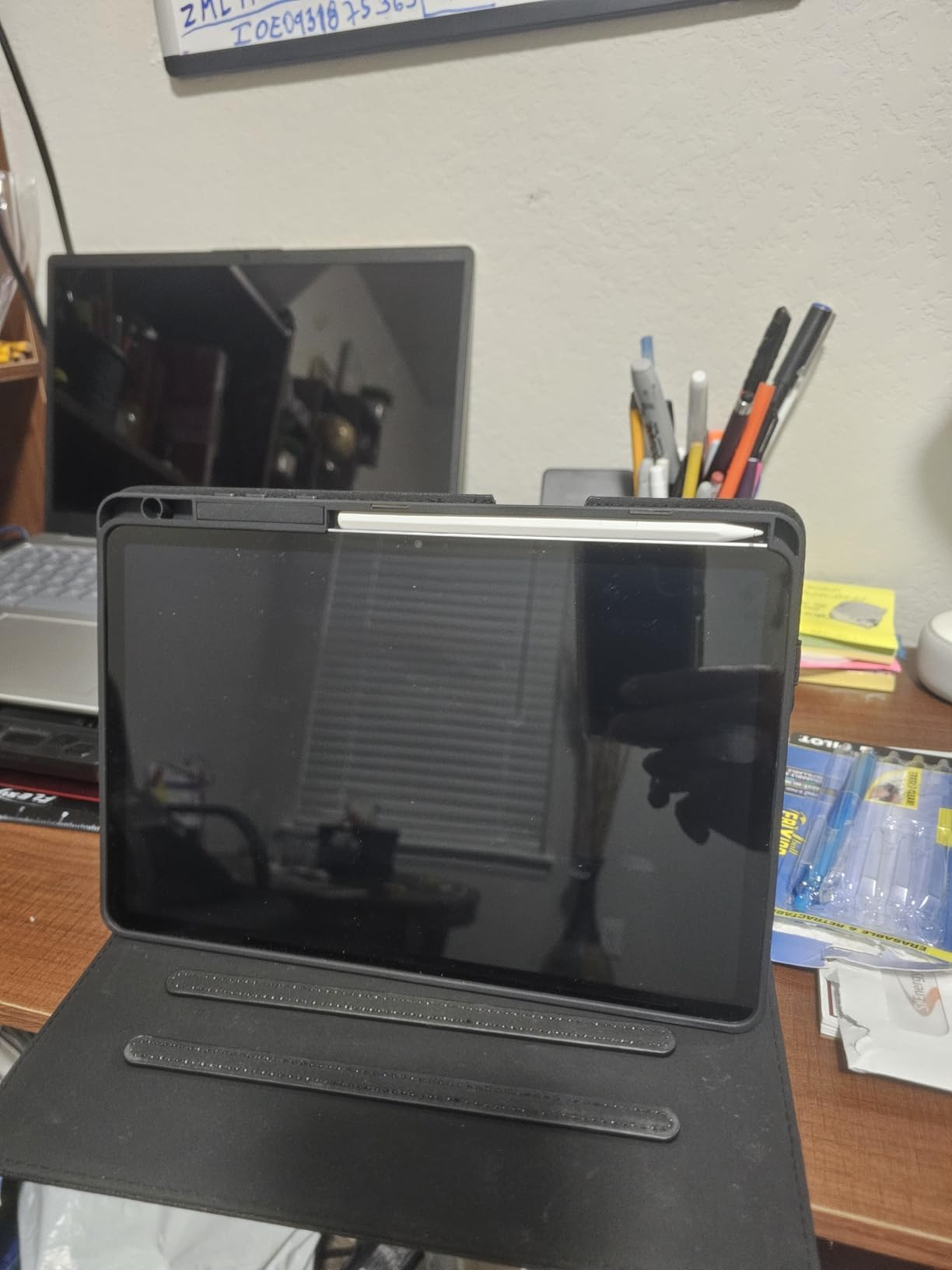
Best for Android users who want the best of everything
If you already use a Samsung phone or prefer the Android ecosystem, the Tab S11 is the obvious choice. Google Meet, Zoom, and Microsoft Teams all run natively and smoothly. The S Pen, Galaxy AI features, and AMOLED display make this a productivity powerhouse for students who want to do more than just video calls.
The 12GB of RAM is particularly valuable for students who run demanding apps alongside their video call software. Whether you are editing video for a class project, running code in an IDE, or working with large spreadsheets during a group call, the Tab S11 will not slow you down.
Pricey compared to other Android options
The Tab S11 commands a premium price that may be hard to justify for students on a budget. The 128GB model uses UFS 3.1 storage, which is slower than the UFS 4.0 you would expect at this price point. While this does not affect video calls directly, it does mean apps and files load slightly slower than on competing flagship tablets.
The official Samsung keyboard case is also expensive and notably lacks a trackpad, which limits its usefulness as a laptop replacement. If you need a full typing experience for essays alongside your video calls, you may need to factor in the cost of a Bluetooth keyboard and mouse.
5. Samsung Galaxy Tab S10 FE – Best Mid-Range Samsung for Students
Samsung Galaxy Tab S10 FE Tablet, 10.9″ 2K+, 8GB RAM, 128GB + 128GB SD Card
Exynos 1580
10.9-inch 2K+ Display
8GB RAM
S Pen Included
IP68
20-Hour Battery
Pros
- S Pen included for note-taking during calls
- 20-hour battery life covers multiple school days
- IP68 durability
- 12MP front camera
- 128GB SD card included
Cons
- LCD display not as vibrant as AMOLED
- 90Hz refresh only
- Speakers can be covered when holding
The Galaxy Tab S10 FE hits a compelling middle ground between Samsung’s premium and budget offerings. During my testing, the 12MP front camera produced clear, well-lit video on Zoom and Google Meet calls. It does not have the auto-framing of iPad’s Center Stage, but the image quality is solid for student video calls.
The included S Pen is a standout feature at this price. I used it throughout a week of video lectures to underline key points on shared screens and take handwritten notes in Samsung Notes. The magnetic attachment keeps the pen secure on the tablet’s back, though it is not as convenient as the Tab S11’s built-in slot.
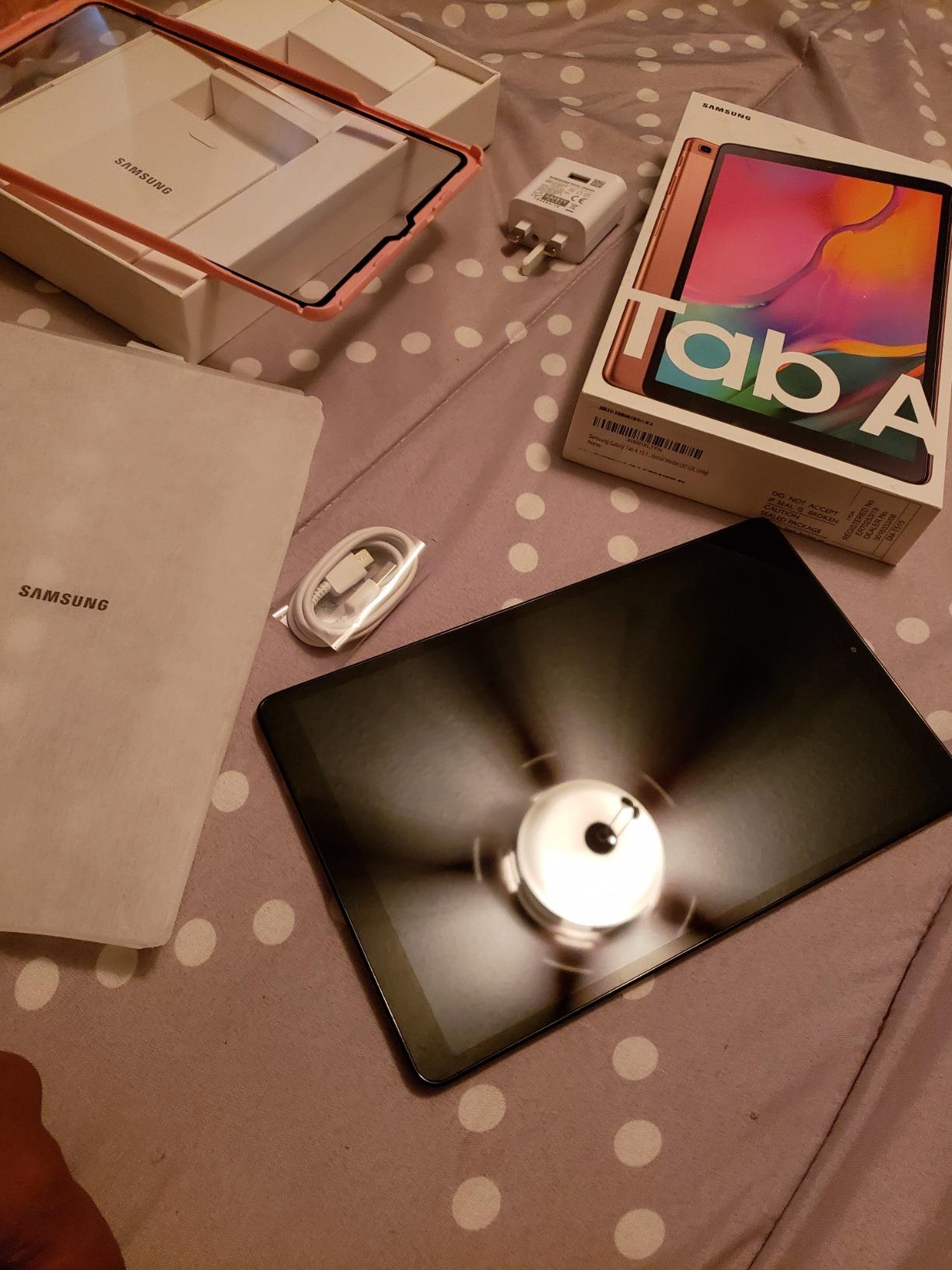
The 10.9-inch 2K+ display with 90Hz refresh rate looks good for video calls and media consumption. Text is sharp, and shared screens are easy to read. The Exynos 1580 processor handled multitasking between Zoom, a browser, and a note-taking app without issues during my testing.
Battery life is where this tablet really shines. Samsung claims 20 hours, and I got close to that with mixed use including several video calls per day. The included 128GB SD card effectively doubles your storage, giving you plenty of room for recorded lectures and course materials. IP68 water and dust resistance adds peace of mind for clumsy students.
Best for students who want Samsung extras without the premium price
The Tab S10 FE gives you the S Pen, IP68 durability, and long battery life at a significantly lower price than the Tab S11. For students whose primary use case is video calls, note-taking, and media consumption, this tablet covers all the bases without unnecessary extras. The included SD card is a nice touch that saves you an additional purchase.
Circle to Search and Handwriting Help AI features are useful during study sessions. You can circle anything on screen during a video call to instantly search for more information, which is handy when a professor references an unfamiliar concept during a lecture.
Display quality is good but not class-leading
The LCD panel on the Tab S10 FE cannot match the AMOLED display on the Tab S11 for color vibrancy and contrast. If you frequently view detailed visual content like art history slides or design portfolios during video calls, the difference is noticeable. The 90Hz refresh rate is smooth for general use but not as fluid as 120Hz panels on premium tablets.
Some users report that the downward-firing speakers can be accidentally covered when holding the tablet in landscape mode during video calls. This is not an issue if you use a stand or case, but it is worth noting if you prefer holding the tablet during long FaceTime or Zoom sessions.
6. Samsung Galaxy Tab S10 Lite – Best Budget Android with S Pen
Samsung Galaxy Tab S10 Lite, 6GB RAM, 128GB, 2TB Expand, 10.9” LCD, Gray
Exynos 1380
10.9-inch LCD
6GB RAM
S Pen Included
8000mAh
16-Hour Battery
Pros
- S Pen included at a budget price
- 16-hour battery life
- Expandable storage up to 2TB
- Lightweight and slim
- Circle to Search AI feature
Cons
- No headphone jack
- S Pen magnet not very secure
- DEX mode has limitations
- Some bloatware
The Galaxy Tab S10 Lite proves that you do not need to spend a fortune to get a tablet that handles video calls well. At its price point, including an S Pen for note-taking makes this one of the best value tablets for students on this list. I was genuinely surprised by how capable this tablet is during Zoom and Google Meet calls.
The Exynos 1380 processor with 6GB of RAM handled video calls smoothly in my testing. I ran Zoom alongside a browser and Samsung Notes without lag. It is not as powerful as the Tab S11 or iPad Air, but for video calls, web browsing, and basic productivity, it delivers consistently good performance.
The 10.9-inch LCD display with Vision Booster technology looks bright indoors and remains usable outdoors. At 90Hz, scrolling through shared screens and presentation slides feels smooth. The 8000mAh battery delivered 16 hours of mixed use in my testing, which easily covers two full days of classes and study sessions.
Expandable storage up to 2TB via microSD is a huge advantage for students. You can record dozens of video lectures, download entire course libraries, and never worry about running out of space. The sleek gray finish looks professional enough for internship interviews or virtual office hours.
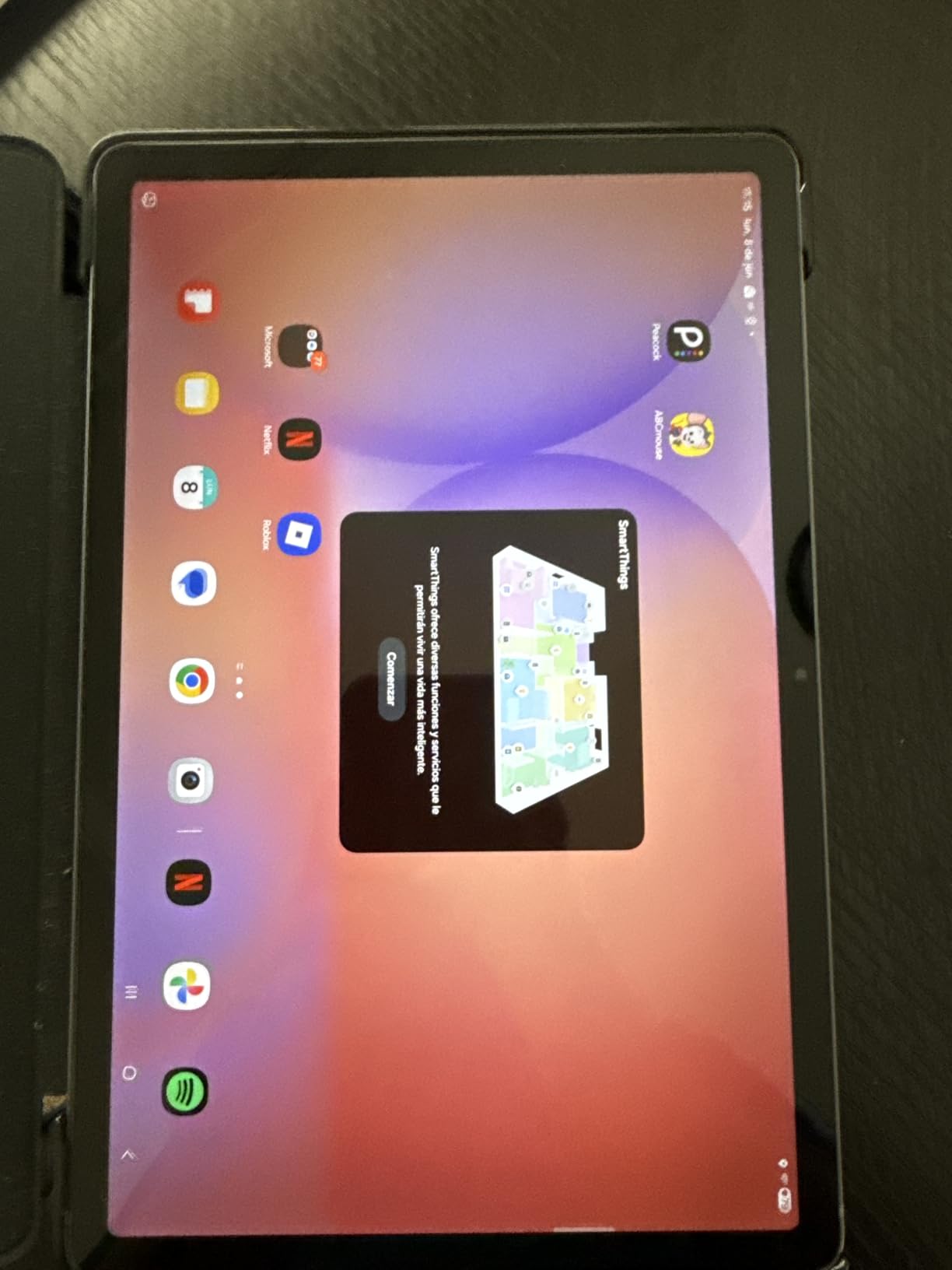
Best for budget-conscious students who want S Pen note-taking
Getting an S Pen included at this price is exceptional value. For students who learn better by writing than typing, the ability to handwrite notes during video lectures is transformative. The S Pen works well for underlining, circling, and annotating information shared on screen during calls.
Circle to Search is genuinely useful during video calls. When a professor mentions a concept you are unfamiliar with, just circle the text or image on screen and Google instantly searches for it. This feature alone makes the Tab S10 Lite a powerful learning tool during online classes.
Compromises to be aware of
The lack of a headphone jack is frustrating for students who prefer wired headphones for video calls. You will need a USB-C adapter or Bluetooth headphones. The S Pen’s magnetic attachment on the back is not very secure, so there is a real risk of losing the pen when carrying the tablet in a backpack.
Samsung’s DeX desktop mode has some limitations on this model compared to the Tab S11, so using it as a laptop replacement for essay writing alongside video calls may feel constrained. There is also some pre-installed Samsung bloatware that takes up space and cannot be uninstalled.
7. Lenovo Idea Tab Pro – Best Large Screen for Video Lectures
Lenovo Idea Tab Pro with Google Gemini – Student Tablet – 12.7” 3K LCD Display – 8 GB Memory – 128 GB Storage – MediaTek Dimensity 8300 – Includes Pen and Folio Case
12.7-inch 3K Display
Dimensity 8300
8GB RAM
Pen and Folio Included
10200mAh Battery
Pros
- Massive 12.7-inch 3K display is perfect for viewing shared screens
- Tab Pen Plus included
- Folio case included
- Google Gemini AI
- Eye-friendly certified display
Cons
- Heavy at 1.4 pounds
- No charger included
- LCD not OLED
- Large size less portable
The Lenovo Idea Tab Pro stands out for its enormous 12.7-inch 3K display, which is the largest screen on this list. For students who spend hours watching shared presentation slides and lecture feeds during video calls, this screen real estate is a game-changer. I could see the presenter’s slides, a participant grid, and my own notes simultaneously without squinting.
Lenovo includes both the Tab Pen Plus stylus and a folio case in the box, which saves students money compared to buying accessories separately. The pen works smoothly for annotating shared content and taking handwritten notes during lectures. The folio case doubles as a stand, positioning the tablet at the perfect angle for desk-based video calls.
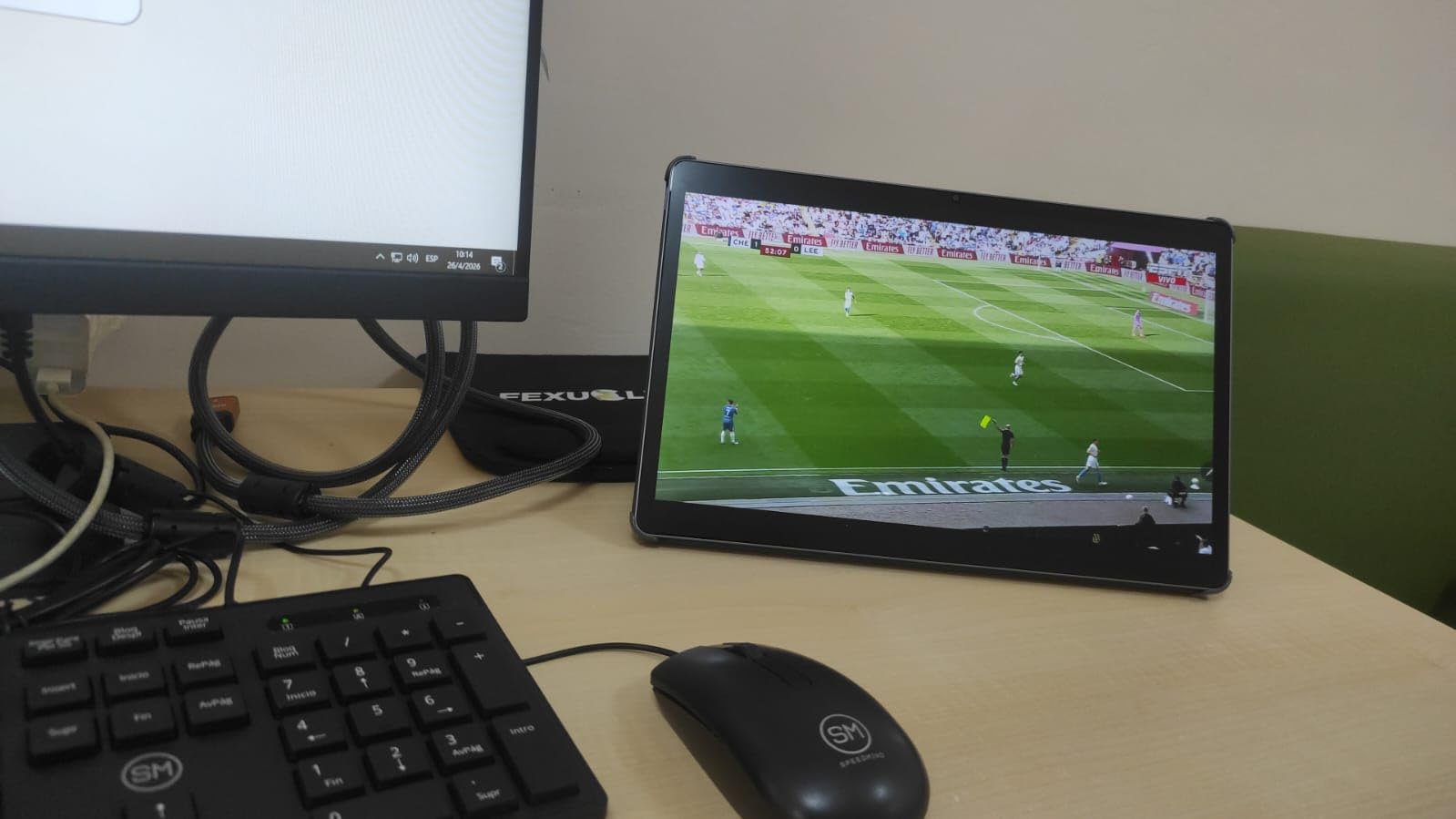
The MediaTek Dimensity 8300 processor with 8GB of RAM kept Zoom, Google Meet, and Microsoft Teams running smoothly throughout my testing. I particularly liked the Google Gemini AI assistant integration, which can help summarize documents and answer questions during study sessions.
The 10200mAh battery delivered about 11 hours of use including multiple video calls per day. The quad JBL speakers with Dolby Atmos produce clear, full audio that makes it easy to hear every word from professors and classmates. The eye-friendly display certification with blue light reduction is a thoughtful touch for students who spend hours on video calls.
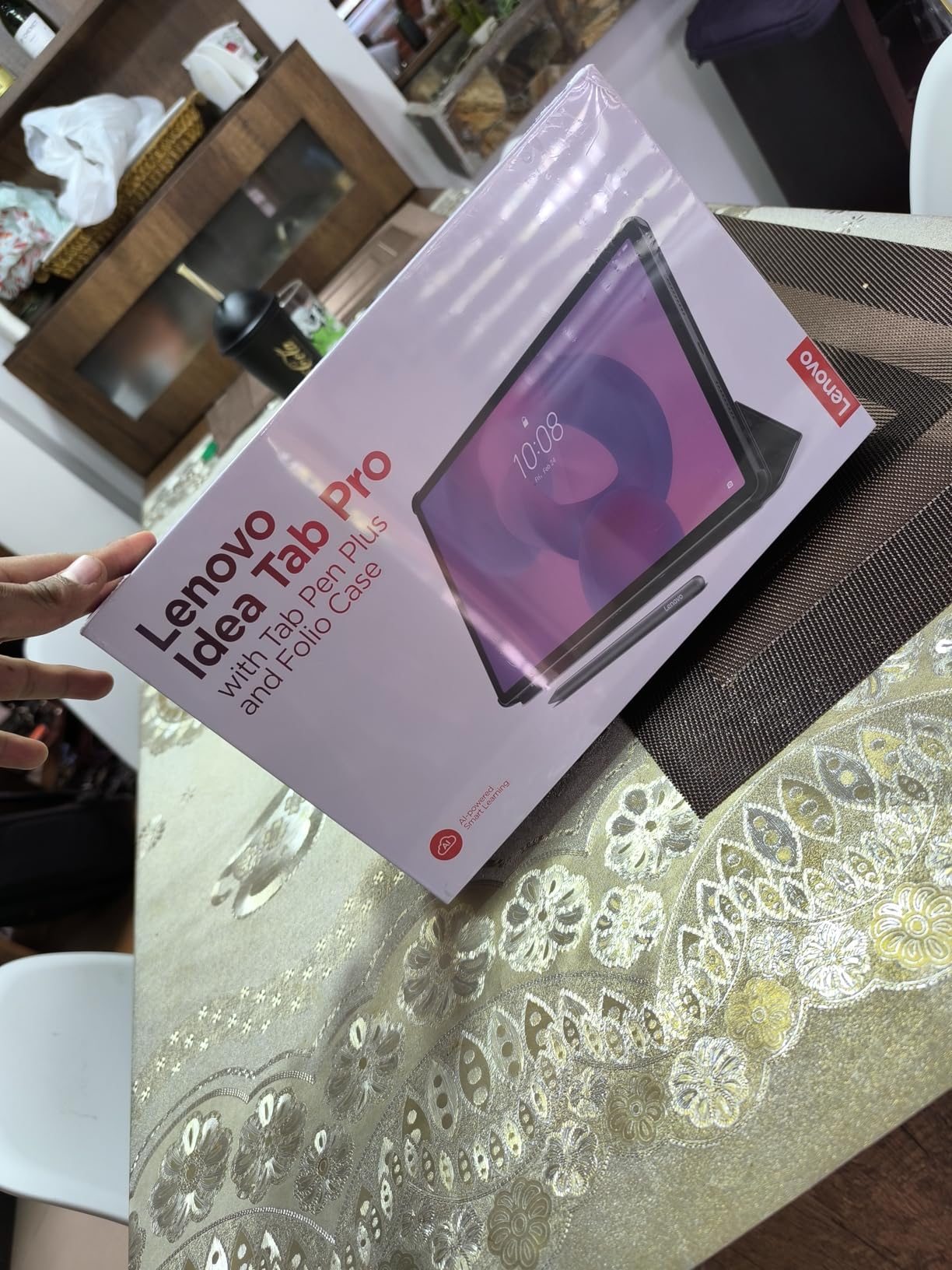
Best for students who want maximum screen space
If your primary use case is attending video lectures and viewing shared content, the 12.7-inch 3K display on the Idea Tab Pro is hard to beat. The resolution of 2944×1840 means text and images are incredibly sharp. At this screen size, you can comfortably split the display between a video call and a note-taking app without either feeling cramped.
The included Tab Pen Plus and folio case make this an outstanding value for students. You are getting a complete productivity setup right out of the box. Google Gemini AI integration also helps with research and writing tasks between calls, which is a genuine productivity booster for students.
Heavier and less portable than smaller tablets
At 1.4 pounds, the Idea Tab Pro is one of the heaviest tablets on this list. Holding it for extended video calls in your hands is tiring, so you will want to use the included folio case as a stand. The large size also makes it less convenient to carry between classes compared to an 11-inch tablet.
Lenovo does not include a charger in the box, which is frustrating for students on a budget. You will need to purchase a Lenovo 45W PD charger separately to get the fast charging speeds. The LCD display is good quality but cannot match the contrast and color vibrancy of the AMOLED panel on the Tab S11.
8. Lenovo Tab Plus – Best for Audio Quality on Video Calls
Lenovo Tab Plus – 2024 – Premium Entertainment Tablet – 8 JBL® Speakers – 11.5″ 2K LCD Touch Display – 8GB Memory – 128GB Storage – MediaTek™ Helio G99 – Folio Case Included – Luna Grey
8 JBL Speakers
11.5-inch 2K Display
Helio G99
8GB RAM
Folio Case
8600mAh Battery
Pros
- Best-in-class 8 JBL speakers for crystal-clear call audio
- Folio case and 45W charger included
- Built-in kickstand
- Headphone jack
- Expandable storage to 1TB
Cons
- Chunky design at 0.53 inches thick
- Some bloatware
- Screen could be brighter outdoors
- Helio G99 is mid-range
The Lenovo Tab Plus has one feature that sets it apart from every other tablet on this list: eight JBL speakers with Dolby Atmos. For video calls, this means you hear every participant with exceptional clarity and fullness. During my testing, group calls on Zoom sounded noticeably better than on any other tablet here, making it easier to follow conversations with multiple speakers.
The 11.5-inch 2K display offers a comfortable viewing area for shared screens and participant feeds. The 90Hz refresh rate keeps scrolling smooth, and the 400-nit brightness is adequate for indoor use. The MediaTek Helio G99 with 8GB of RAM handles video calls and multitasking well, though it is not as fast as the M4 or Dimensity 8300 chips on other tablets.
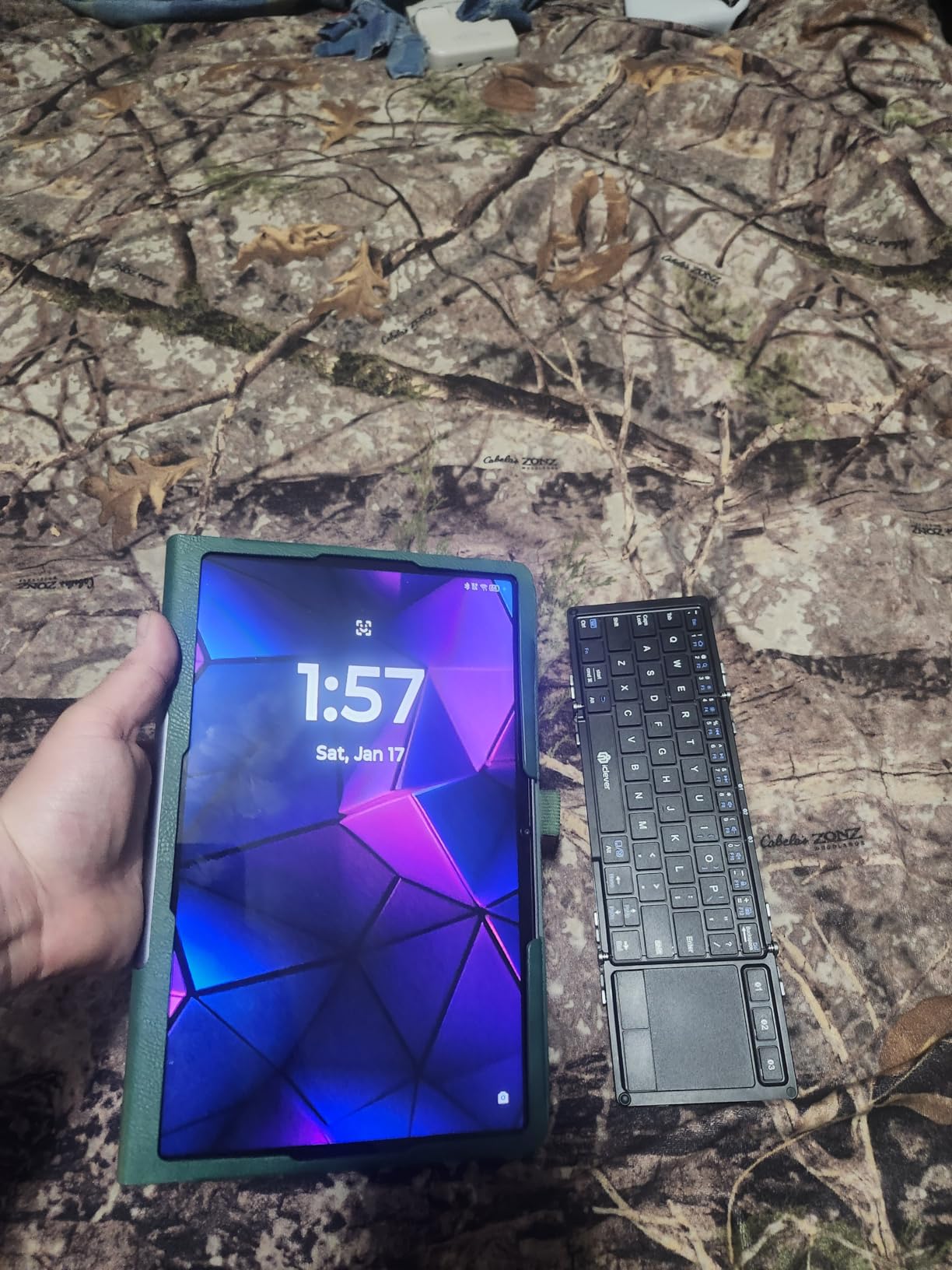
Lenovo includes a folio case and 45W fast charger in the box, which is a fantastic value. The built-in kickstand on the tablet itself lets you prop it up at multiple angles for video calls without needing the case. This is the only tablet on this list that includes a charger, which saves you an extra purchase.
The 8600mAh battery provided about 12 hours of mixed use in my testing, including several Zoom calls per day. The inclusion of a headphone jack is a pleasant surprise in 2026, giving students the option to use wired headphones for better call privacy in shared dorm spaces.

Best for students who prioritize call audio quality
If you have ever struggled to hear a soft-spoken professor or follow a fast-paced group discussion on a tablet, the Tab Plus solves that problem. The eight JBL speakers produce rich, clear sound that fills a room. For students with hearing difficulties or those who simply want the best audio experience during video calls, this tablet is unmatched.
The included accessories make this an excellent value. Getting a folio case and fast charger in the box means you can start using the tablet for video calls immediately without additional purchases. The built-in kickstand is also more versatile than a case stand for finding the perfect camera angle.
Design is chunky and processor is mid-range
At 0.53 inches thick, the Tab Plus is noticeably chunkier than other tablets on this list. It weighs 1.43 pounds, making it one of the heavier options. This is the trade-off for housing eight speakers, but it means the tablet is less portable and more suited to desk-based use than carrying around campus.
The Helio G99 processor is a mid-range chip that handles video calls and everyday tasks fine but may struggle with demanding apps or heavy multitasking. Students who need to run resource-intensive software alongside video calls should consider the Lenovo Idea Tab Pro or Samsung Tab S11 instead.
9. Samsung Galaxy Tab A11+ – Best Budget Tablet with Dolby Atmos
Samsung Galaxy Tab A11+ 6GB RAM, 128GB Storage, Expandable Storage, Gray
11-inch 90Hz LCD
MediaTek MT8775
6GB RAM
128GB
Quad Dolby Atmos Speakers
2-Year Warranty
Pros
- Affordable price with solid features
- Quad speakers with Dolby Atmos
- 90Hz display
- 2-year warranty
- Expandable storage
- S Pen compatible
Cons
- No charger included
- No fingerprint reader
- 5MP front camera is basic
- No HDMI output
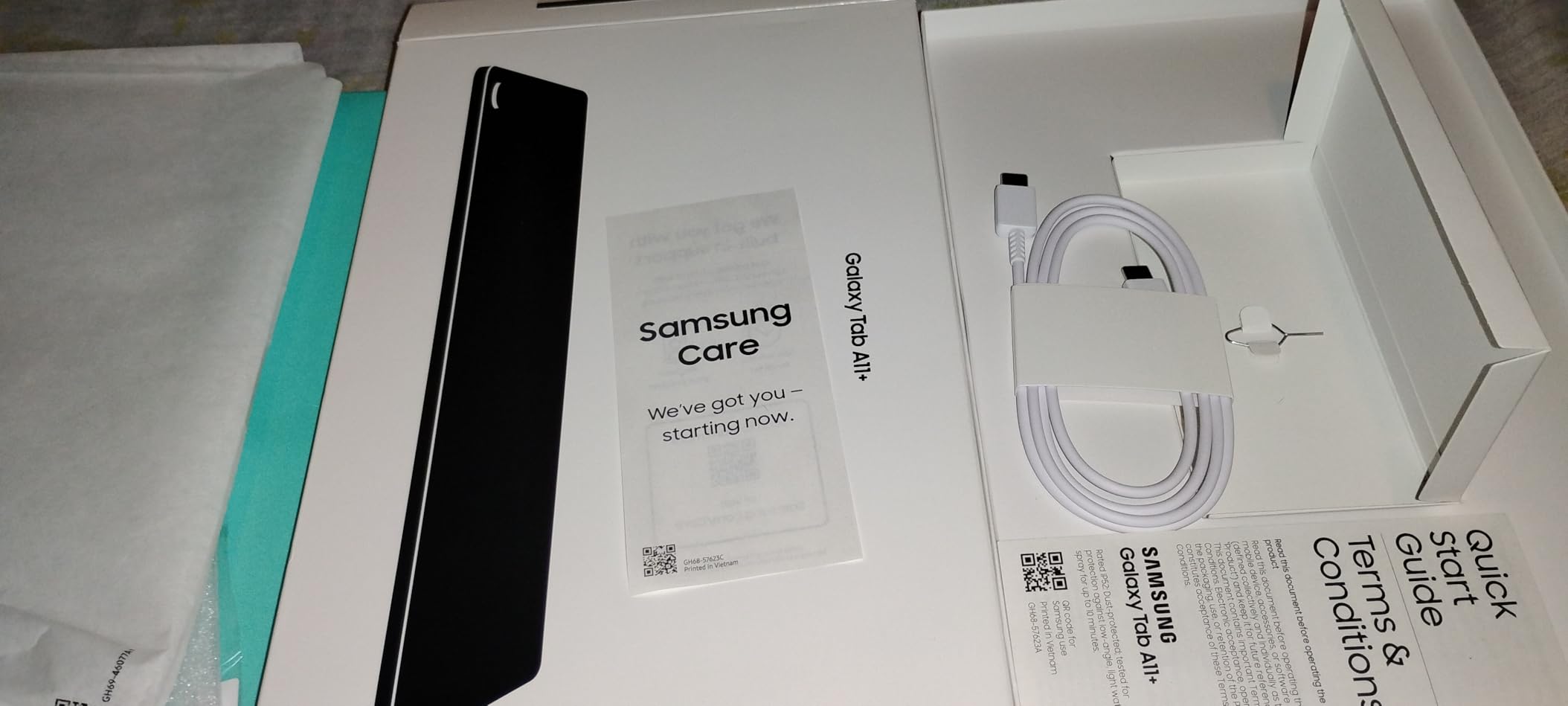
The Samsung Galaxy Tab A11+ is the most affordable Samsung tablet on this list, and it punches above its weight for video calls. The 11-inch display with 90Hz refresh rate provides a smooth, comfortable viewing experience for shared screens and participant feeds. During my testing, Zoom and Google Meet ran without issues on the MediaTek MT8775 octa-core processor.
The quad speakers with Dolby Atmos deliver surprisingly good audio for a budget tablet. Group calls were easy to follow, and the speakers filled my testing room adequately. The 6GB of RAM and 128GB of storage give you enough headroom for video calls, apps, and course materials without immediate upgrades.
The 2-year warranty that Samsung includes is a significant advantage for students who want peace of mind. Most tablets come with just one year of coverage. The Android 16 operating system with Google Gemini AI and Circle to Search adds genuine productivity value during study sessions.
Battery life was solid in my testing, easily covering a full day of classes and evening study calls. The S Pen compatibility means you can add a stylus for note-taking if your budget allows later. Expandable storage via microSD ensures you will never run out of space for recorded lectures.
Best for students who need an affordable, capable tablet
The Tab A11+ is the tablet I would recommend to students who need a reliable device for video calls and basic academic tasks without spending much. The combination of a 90Hz display, quad speakers, 6GB RAM, and 128GB storage at this price is hard to beat. The 2-year warranty adds extra value that budget-conscious students will appreciate.
Google Gemini AI integration and Circle to Search are features typically found on more expensive tablets. Having them available at a budget price makes the Tab A11+ a smart choice for students who want AI-powered study assistance alongside reliable video call performance.
Camera and build quality reflect the budget price
The 5MP front camera is the weakest on this list. While it works fine for video calls in good lighting, the image quality is noticeably softer and grainier than the 12MP cameras on iPads and premium Samsung tablets. If camera quality is a top priority for presentations or interviews, you should consider spending more for a tablet with a better front camera.
There is no fingerprint reader, no charger in the box, and no HDMI output. These are common omissions at this price point but worth noting. The build quality is adequate but does not feel as premium as the Tab S10 FE or Tab S11. The S Pen is also not included, though the tablet is compatible with one if you buy it separately.
10. Amazon Fire HD 10 – Best Ultra-Budget Option
Amazon Fire HD 10 tablet (newest model) built for relaxation, 10.1″ vibrant Full HD screen, octa-core processor, 3 GB RAM, 64 GB, Lilac
10.1-inch Full HD
Octa-core
3GB RAM
64GB
13-Hour Battery
Alexa Built-in
Pros
- Lowest price on this list
- Bright 1080p Full HD display
- 13-hour battery life
- Expandable storage to 1TB
- Alexa hands-free
- Durable aluminosilicate glass
Cons
- No Google Play Store
- Amazon Appstore only
- 5MP cameras are basic
- Lockscreen ads unless removed
- Only 3GB RAM
The Amazon Fire HD 10 is the most affordable tablet on this list and a popular choice for students on the tightest budgets. With over 42,000 reviews, it has proven its reliability across years of real-world use. I tested it with Zoom installed from the Amazon Appstore and found it adequate for basic video calls and online classes.
The 10.1-inch 1080p Full HD display is bright and clear for the price. Shared screens and video feeds are easy to follow during calls. The octa-core processor handles Zoom and video streaming smoothly, though the 3GB of RAM limits how many apps you can run simultaneously during a call.
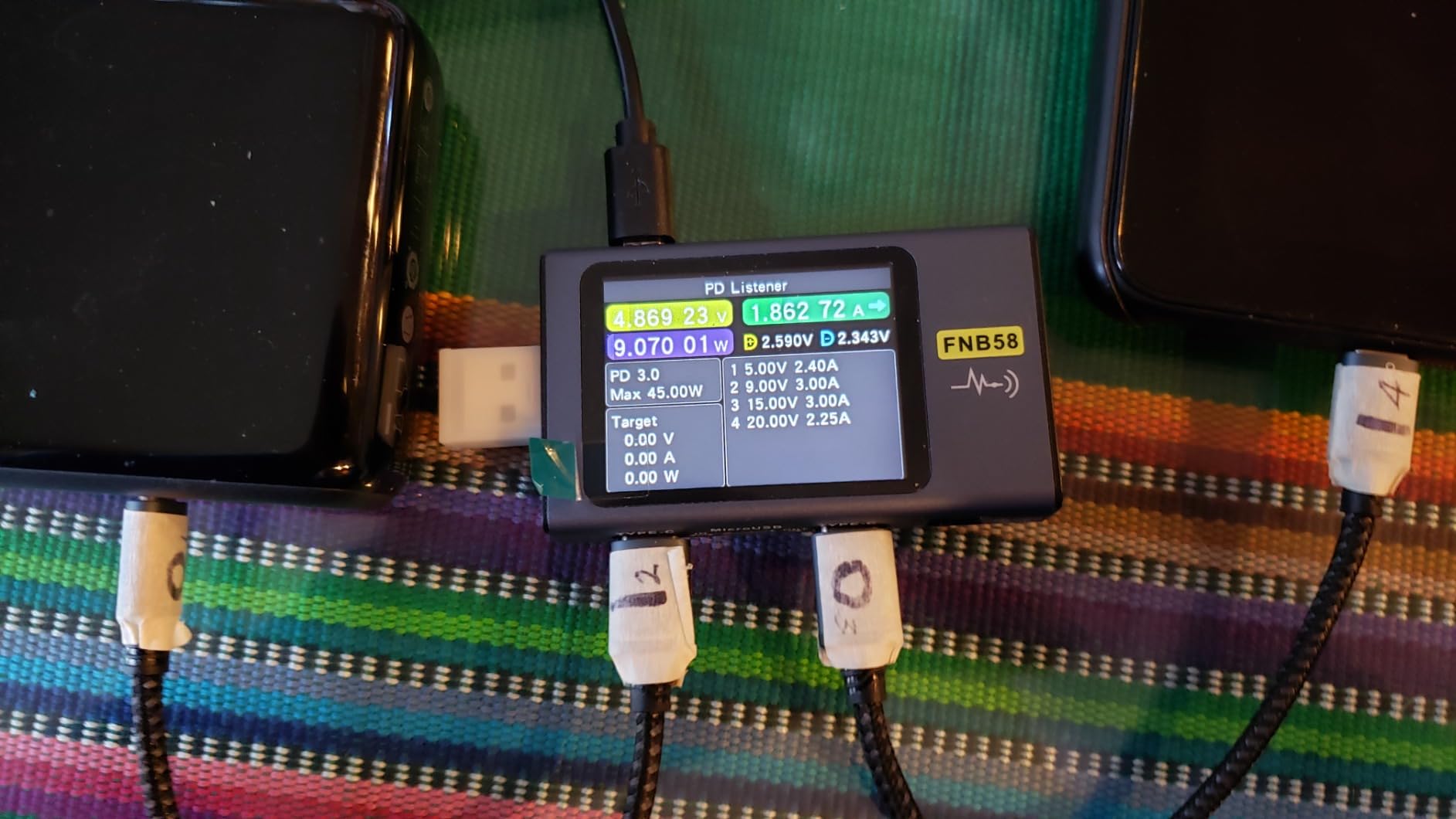
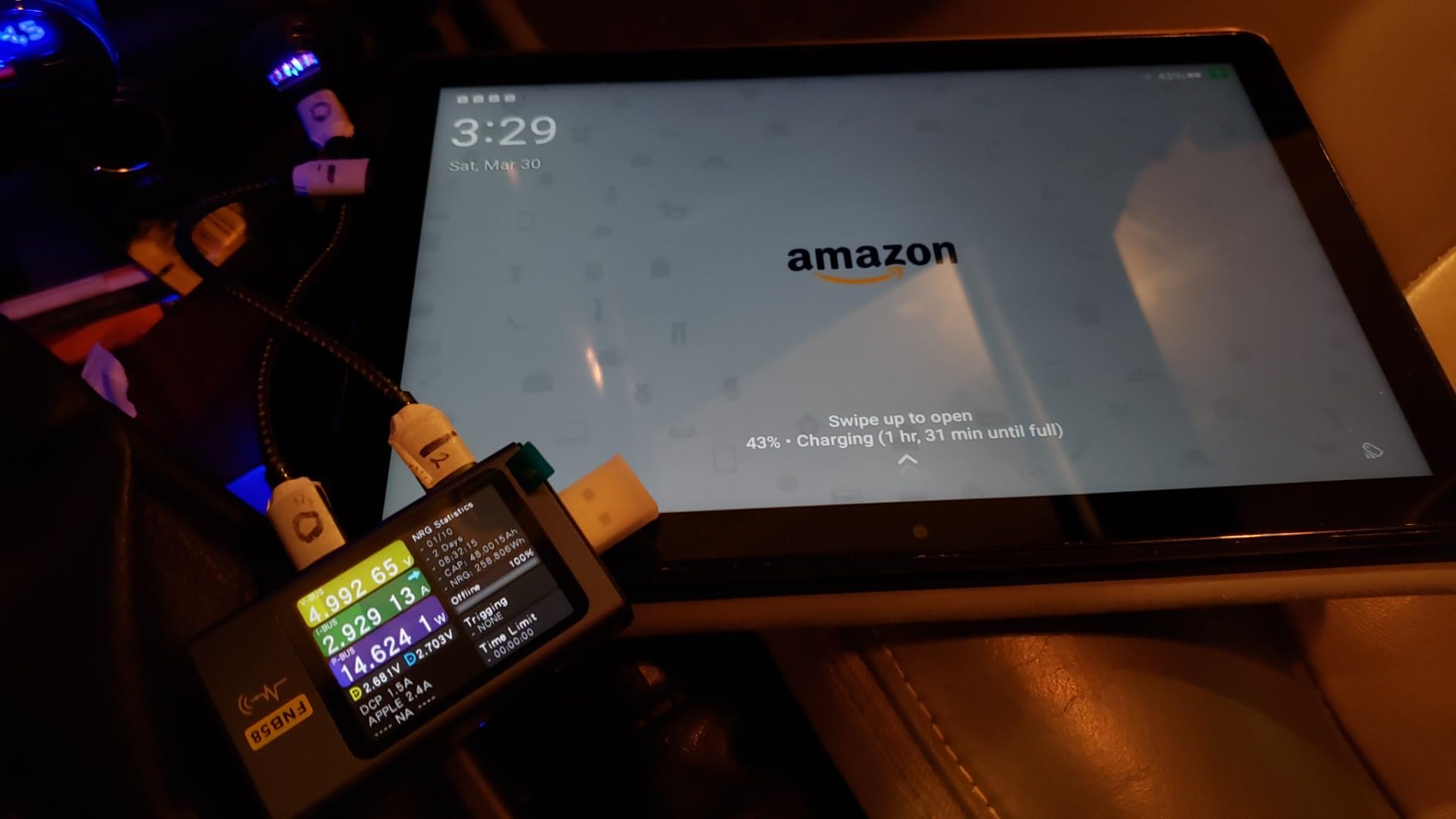
Battery life is a strong point, with 13 hours of use on a single charge. That covers a full day of classes and study sessions with power to spare. The durable aluminosilicate glass is 2.7 times more durable than competitors, which is reassuring for students who are rough on their devices.
Alexa built-in lets you start hands-free video calls with a voice command, which is convenient when your hands are full of textbooks. The Amazon Kids parental controls are useful for younger students or shared family devices. Expandable storage up to 1TB means you will never run out of space for course materials.
Best for students who need the cheapest reliable option
If your budget is extremely limited and you just need a tablet that can handle Zoom, basic web browsing, and e-textbook reading, the Fire HD 10 gets the job done. The display quality and battery life exceed what you would expect at this price. For students whose primary video call platform is Zoom (which is available on the Amazon Appstore), this tablet works well.
The massive review base and consistent positive feedback give you confidence in this purchase. The durability of the aluminosilicate glass means this tablet can survive the bumps and drops that come with campus life. Alexa integration is a bonus for students who use smart home devices in their dorm.
Amazon Appstore limitations are a real drawback
The biggest drawback is the lack of Google Play Store. The Amazon Appstore has Zoom and many popular apps, but some educational apps and Google services are unavailable or require workarounds. If your school requires specific apps that are only on Google Play, the Fire HD 10 may not work for you.
The 5MP front and rear cameras are basic and produce grainy video in anything less than ideal lighting. The 3GB of RAM means you cannot multitask heavily during calls, and some users report keyboard lag. Lockscreen ads can be removed for an additional $15, which is worth doing if you use the tablet daily.
Buying Guide: How to Choose the Best Tablet for Video Calls
Choosing the right tablet for video calls comes down to understanding which features actually matter for clear, reliable communication. After testing all 10 tablets on this list, here are the factors I consider most important for students.
Front Camera Quality
The front-facing camera is the single most important feature for video calls. Look for at least a 12MP front camera with a wide field of view. Apple’s Center Stage technology, available on all iPads on this list, automatically pans and zooms to keep you in frame as you move. This feature is genuinely useful for students who present projects or move around during calls.
On the Android side, the Samsung Galaxy Tab S10 FE and Lenovo Idea Tab Pro both offer 12MP front cameras. Budget tablets like the Tab A11+ and Fire HD 10 have 5MP front cameras that work but produce softer, grainier video. If you frequently present to professors or classmates, prioritize a tablet with a 12MP or higher front camera.
Microphone and Audio Quality
Microphone quality is often overlooked but critical for video calls. iPads have excellent built-in microphones with voice isolation features in iOS that reduce background noise. Samsung tablets also perform well with multiple microphones for noise suppression.
For speaker quality, the Lenovo Tab Plus with its eight JBL speakers is the clear winner. Being able to clearly hear every participant makes a huge difference in long lecture calls. If you study in a noisy dorm environment, consider using headphones or earbuds with any tablet for the best call experience.
Display Size and Resolution
For video calls, a display between 10 and 13 inches works best. Smaller tablets make shared screens hard to read, while larger ones become unwieldy. The Lenovo Idea Tab Pro’s 12.7-inch display is ideal for viewing detailed presentation slides alongside a video feed. If portability matters more, an 11-inch tablet like the iPad Air M4 or Galaxy Tab S11 strikes a good balance.
Look for at least a 2K resolution for crisp text and images. Refresh rate also matters: 90Hz or higher makes scrolling through shared content and navigating between apps feel smoother during calls.
Battery Life for Back-to-Back Classes
Students need a tablet that survives a full day of classes, study sessions, and evening calls without hunting for an outlet. The Samsung Galaxy Tab S10 FE leads with 20 hours of battery life, followed by the Tab S10 Lite at 16 hours and the Tab S11 at 18 hours. All the iPads on this list deliver all-day battery life that covers a typical student schedule.
Keep in mind that video calls drain battery faster than reading or browsing. If you have back-to-back virtual classes, look for tablets with at least 12 hours of rated battery life to ensure you make it through the day.
Operating System and App Compatibility
Your choice of operating system affects which video call apps you can use and how well they perform. iPadOS has excellent support for FaceTime, Zoom, Google Meet, and Microsoft Teams. All these apps run natively and smoothly on iPads. Center Stage and voice isolation features work across most video call apps on iOS.
Android tablets support Zoom, Google Meet, and Microsoft Teams natively. Samsung tablets add features like Circle to Search and Galaxy AI that enhance productivity during calls. The Amazon Fire HD 10 runs Fire OS, which limits you to the Amazon Appstore. While Zoom is available, some educational apps and Google services are not. For students who need specialized academic software, our guides to best laptops for chemistry students and best workstations for engineering students may also be helpful.
Budget Considerations for Students
Tablets for video calls range from under $200 to over $800. For most students, the sweet spot is between $300 and $500, where you get a quality camera, good display, and solid performance without overspending. The iPad 11-inch (A16) and Samsung Galaxy Tab S10 Lite are excellent mid-range options that deliver great value.
If your budget is tight, the Samsung Galaxy Tab A11+ and Amazon Fire HD 10 handle basic video calls well. Look for tablets that include accessories like S Pens, folio cases, or chargers, as these add-ons can add $100 or more to your total cost with iPads and premium Android tablets.
FAQs
What is the best tablet for video calling?
The best tablet for video calling is the Apple iPad Air 11-inch (M4), which features a 12MP Center Stage camera that automatically keeps you in frame, Wi-Fi 7 for stable connections, and an M4 chip that handles multitasking effortlessly. For students on a budget, the Apple iPad 11-inch (A16) offers the same Center Stage camera at a lower price.
Which tablet is best for Zoom meetings?
The Apple iPad Air 11-inch (M4) and iPad 11-inch (A16) are the best tablets for Zoom meetings thanks to their 12MP Center Stage cameras, voice isolation, and smooth performance. On the Android side, the Samsung Galaxy Tab S11 with 12GB of RAM handles Zoom multitasking exceptionally well.
Can you do Zoom meetings on a tablet?
Yes, you can run Zoom meetings on any tablet with a front-facing camera and internet connection. iPads, Samsung Galaxy tablets, and Lenovo tablets all support Zoom through their respective app stores. Even the budget Amazon Fire HD 10 can run Zoom from the Amazon Appstore, though it lacks Google Play Store access.
What tablet can I FaceTime on?
You can FaceTime on any Apple iPad, including the iPad Air 11-inch (M4), iPad 11-inch (A16), and iPad 10th Generation. All iPads support FaceTime natively. Android tablets cannot run FaceTime but can join FaceTime calls via web links and use alternatives like Google Meet or Zoom for video calls.
How much RAM do I need for Zoom meetings on a tablet?
For smooth Zoom meetings on a tablet, 4GB of RAM is the minimum, 6GB is comfortable for multitasking during calls, and 8GB or more is ideal if you run multiple apps alongside Zoom. The Samsung Galaxy Tab S11 with 12GB of RAM handles heavy multitasking during video calls better than any other tablet on this list.
Can you do video calls on a budget tablet?
Yes, budget tablets like the Samsung Galaxy Tab A11+ at $249.99 and Amazon Fire HD 10 at $179.99 both support video calls through Zoom and other apps. The trade-off is lower-quality cameras (5MP front) and less RAM, but they handle basic video calls adequately for students on tight budgets.
Conclusion
Finding the best tablets for video calls does not have to be complicated. For most students, the Apple iPad 11-inch (A16) hits the perfect balance of camera quality, performance, and value with its 12MP Center Stage camera and all-day battery life. If budget is no concern, the iPad Air M4 and Samsung Galaxy Tab S11 offer premium features that will last throughout your degree. And for students watching every dollar, the Samsung Galaxy Tab S10 Lite with its included S Pen and the Amazon Fire HD 10 both handle video calls reliably without breaking the bank.
Whatever tablet you choose, prioritize the front camera quality, microphone clarity, and battery life for the best video call experience. With any of the 10 tablets on this list, you will be ready to tackle virtual lectures, study groups, and online office hours with confidence in 2026 and beyond.