
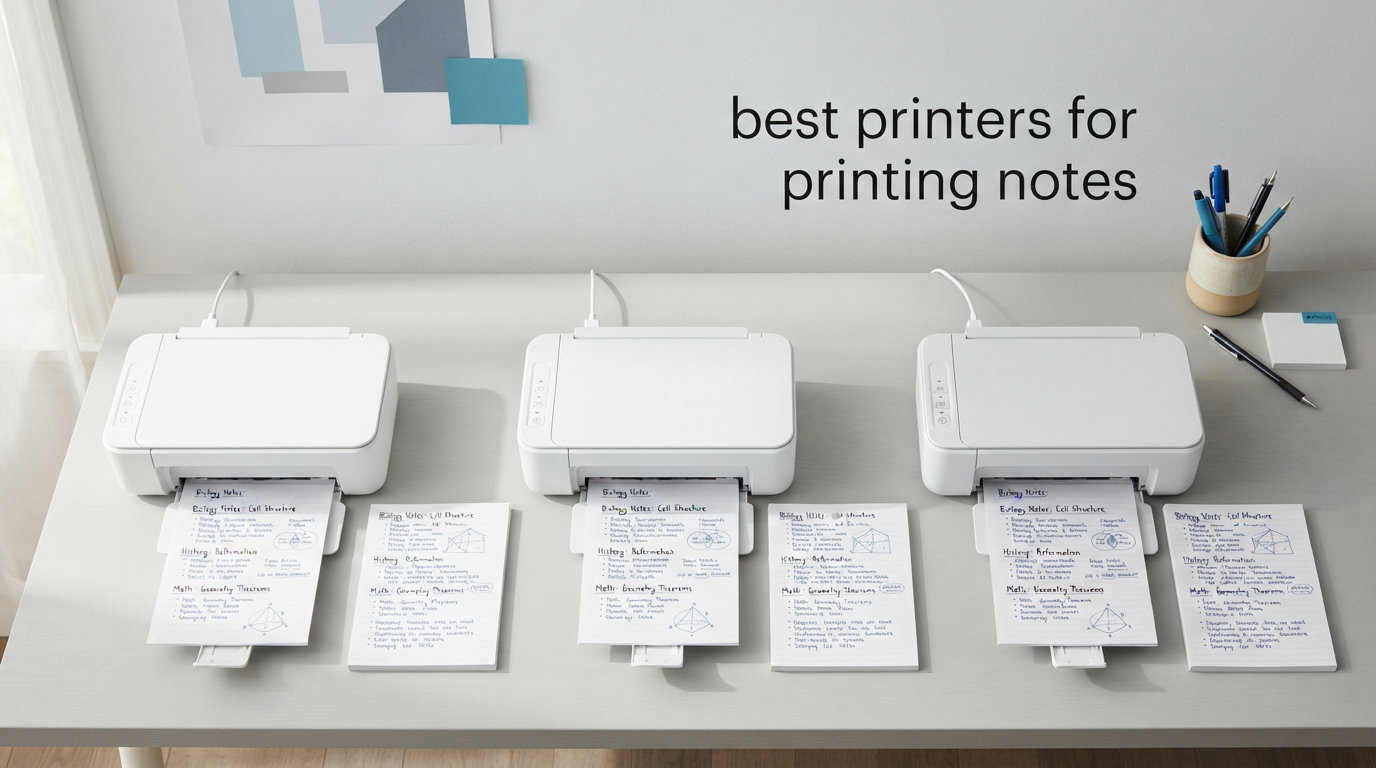
If you have ever stood in a campus library line paying 19 cents a page for black-and-white prints and 31 cents for color, you already know why finding the best printers for printing notes matters. I spent an entire semester watching my printing budget disappear before I finally bought my own printer for my dorm room. The difference was night and day.
Our team spent weeks comparing 10 wireless printers specifically for the student and educator use case: printing lecture notes, study guides, worksheets, and planner pages from an iPad or iPhone. Every model on this list supports wireless mobile printing, and most work with Apple AirPrint so you can print directly from the Notes app without installing extra software.
We focused on what actually matters when you are printing notes every week: reliable Wi-Fi connectivity, affordable ink costs, compact footprint for tight spaces, and print quality sharp enough for small text. You can learn how to set up AirPrint and print from your iPad in our complete classroom printing guide, then pick the right hardware from the options below.
Table of Contents
Top 3 Picks for Printing Notes from Your iPad

Canon PIXMA TS6520 All-in-One
- AirPrint Compatible
- Auto Duplex
- Dual-Band Wi-Fi
- Compact Design

Best Printers for Printing Notes in 2026
| Product | Specifications | Action |
|---|---|---|
| Canon PIXMA TS6520 |
|
Check Latest Price |
 HP DeskJet 2755e HP DeskJet 2755e |
|
Check Latest Price |
| Epson EcoTank ET-2803 |
|
Check Latest Price |
 Canon MegaTank G3270 Canon MegaTank G3270 |
|
Check Latest Price |
 Brother HL-L2405W Brother HL-L2405W |
|
Check Latest Price |
 Canon PIXMA TS7720 Canon PIXMA TS7720 |
|
Check Latest Price |
 Brother MFC-J1360DW Brother MFC-J1360DW |
|
Check Latest Price |
 HP Envy 6155 HP Envy 6155 |
|
Check Latest Price |
 HP OfficeJet Pro 8125e HP OfficeJet Pro 8125e |
|
Check Latest Price |
 Canon PIXMA TR4720 Canon PIXMA TR4720 |
|
Check Latest Price |
1. Canon PIXMA TS6520 – Best Overall All-in-One for Notes
Canon PIXMA TS6520 Wireless Color Inkjet Printer Duplex Printing
AirPrint Compatible
Auto Duplex Printing
Dual-Band Wi-Fi
15.4 lbs Compact Design
Pros
- Excellent text and photo print quality
- Automatic 2-sided printing saves paper
- AirPrint works seamlessly with iPad and iPhone
- Dual-band Wi-Fi for reliable connection
- Compact design fits any desk space
Cons
- Ink cartridges can get expensive
- Paper tray holds limited sheets
- No USB cable included
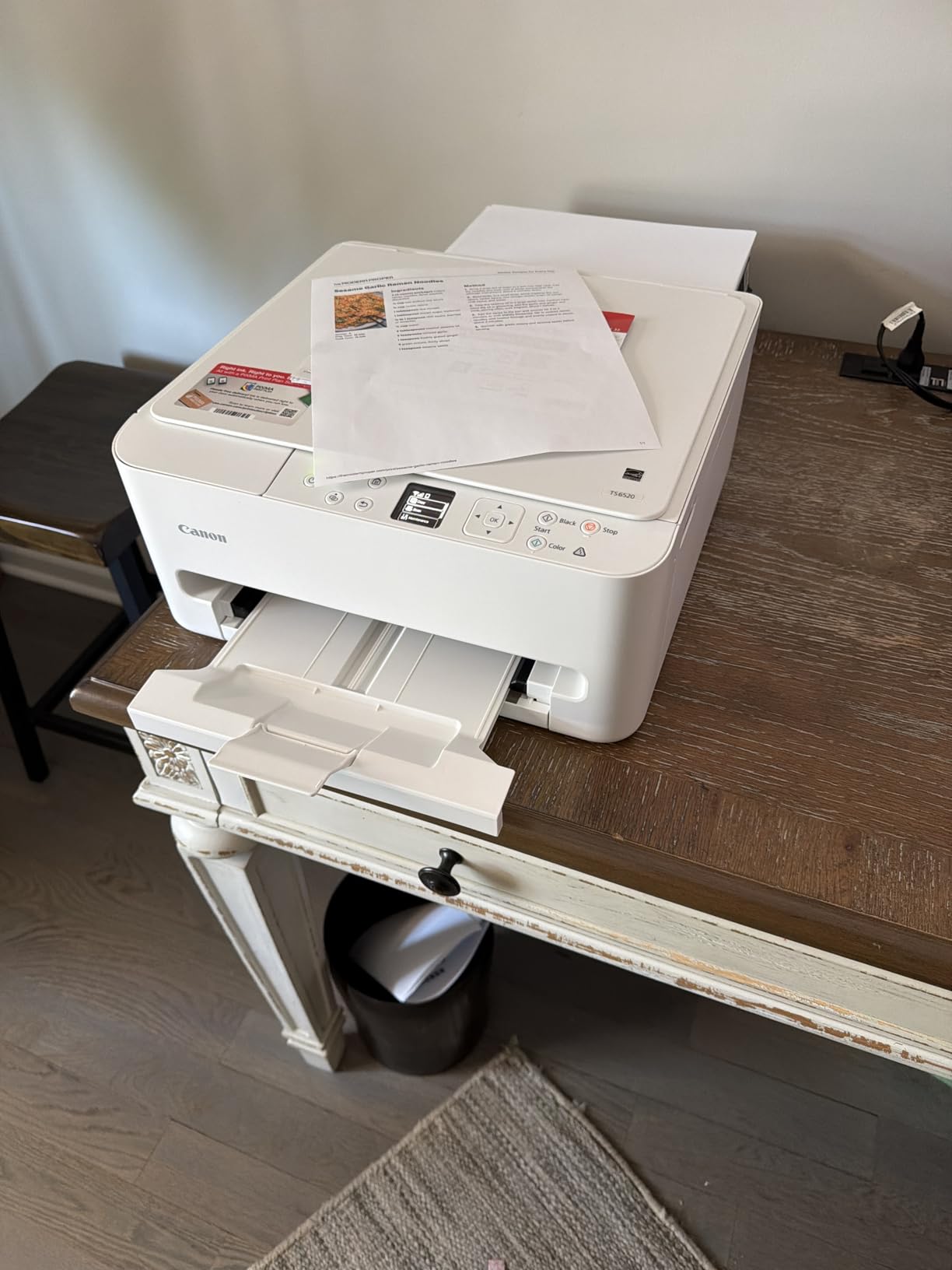
I set up the Canon PIXMA TS6520 in about 10 minutes flat, and it immediately became my go-to recommendation for students who want a straightforward wireless printer for notes. The dual-band Wi-Fi connected to my home network on the first try, which already puts it ahead of several printers I tested. Printing directly from my iPad using AirPrint took zero extra setup.
The automatic duplex printing is a feature I did not realize I needed until I started printing 30-page study guides. Double-sided notes cut my paper usage in half, and the automatic feeding means I do not have to flip pages manually. For anyone printing lecture notes regularly, this alone justifies the purchase.
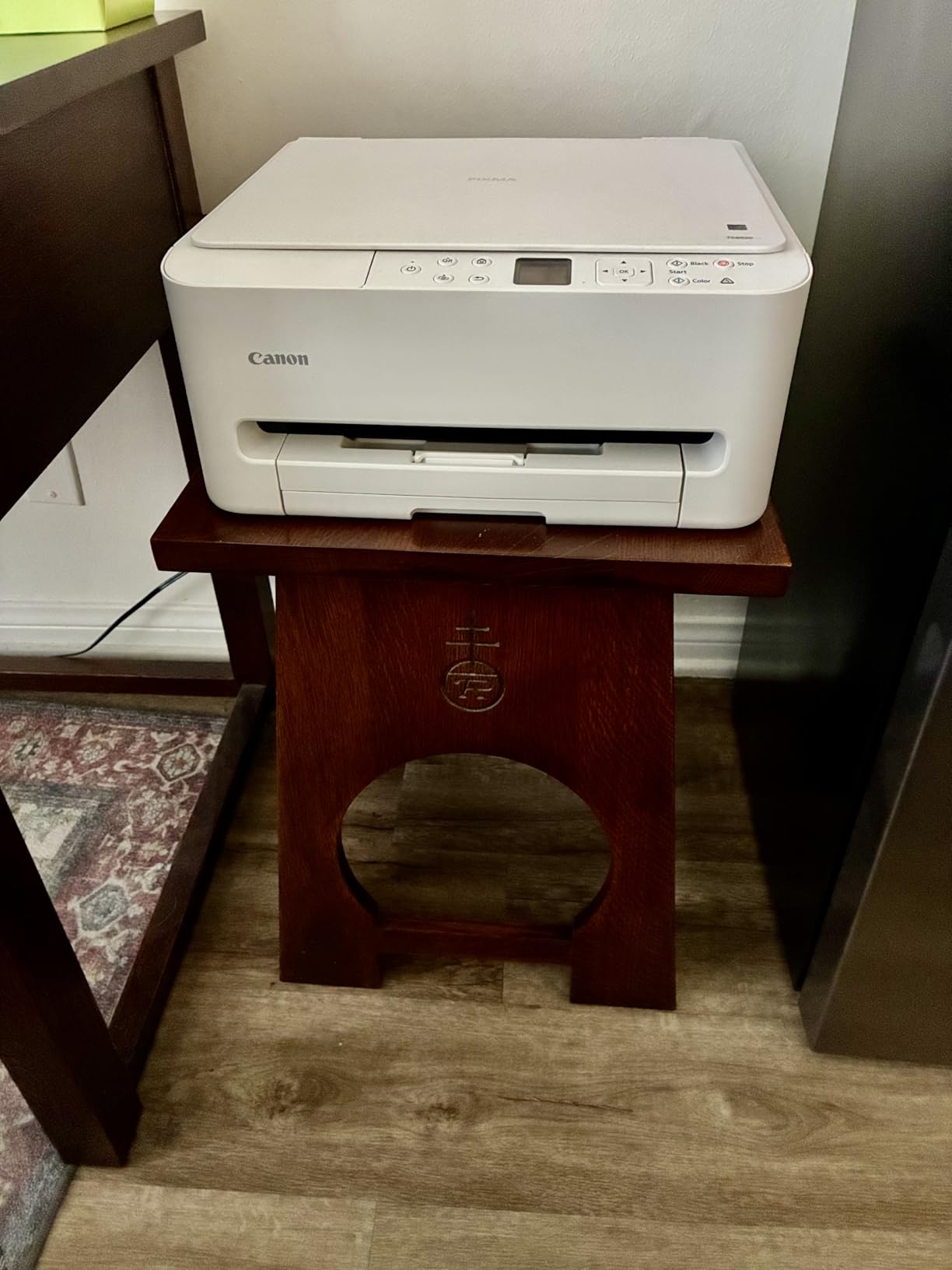
Print quality impressed me across the board. Text came out sharp at small font sizes, which matters when you are printing dense lecture notes with footnotes. Color charts and diagrams from study materials looked vibrant at the 1200 x 1200 dpi resolution. The 1.42-inch OLED display is small but functional for checking ink levels and print status.
The main drawback is the ink cost. Canon’s PG-295 and CL-286 cartridges are not cheap, and if you are printing notes daily, you will go through them faster than expected. The paper tray also holds a limited number of sheets, so I found myself refilling every few days during heavy printing weeks.
Who Should Buy This Printer
This is the printer I recommend for most students and educators who want a reliable all-in-one without overthinking it. If you print 20 to 50 pages of notes per week and want something that works right out of the box with your iPad, the TS6520 hits the sweet spot. The included scanner and copier add extra value for digitizing handwritten notes or copying handouts.
Ink Costs and Long-Term Value
The upfront price is excellent for what you get, but the ongoing ink costs add up. The XL black cartridge runs around $50 and lasts roughly 200 pages. If you print heavily, consider whether a supertank model like the Epson EcoTank might save you more over two years. For light to moderate note printing, the TS6520 remains a solid value.
2. HP DeskJet 2755e – Most Popular Budget Pick
HP DeskJet 2755e Wireless Color inkjet-printer, Print, scan, copy, Easy setup, Mobile printing, Best-for home, 6 month Instant Ink trial included, white (packaging may vary)
AirPrint Compatible
HP Smart App Setup
Compact 7.6 lb Design
6-Month Instant Ink Trial
Pros
- Very easy setup with HP Smart app
- Extremely compact and lightweight
- AirPrint works well with iOS devices
- 6-month Instant Ink trial included
- Affordable entry price
Cons
- Slow print speeds at 7.5 ppm
- Manual duplex only no auto double-sided
- Small 60-sheet paper tray
- WiFi can be unreliable for some users
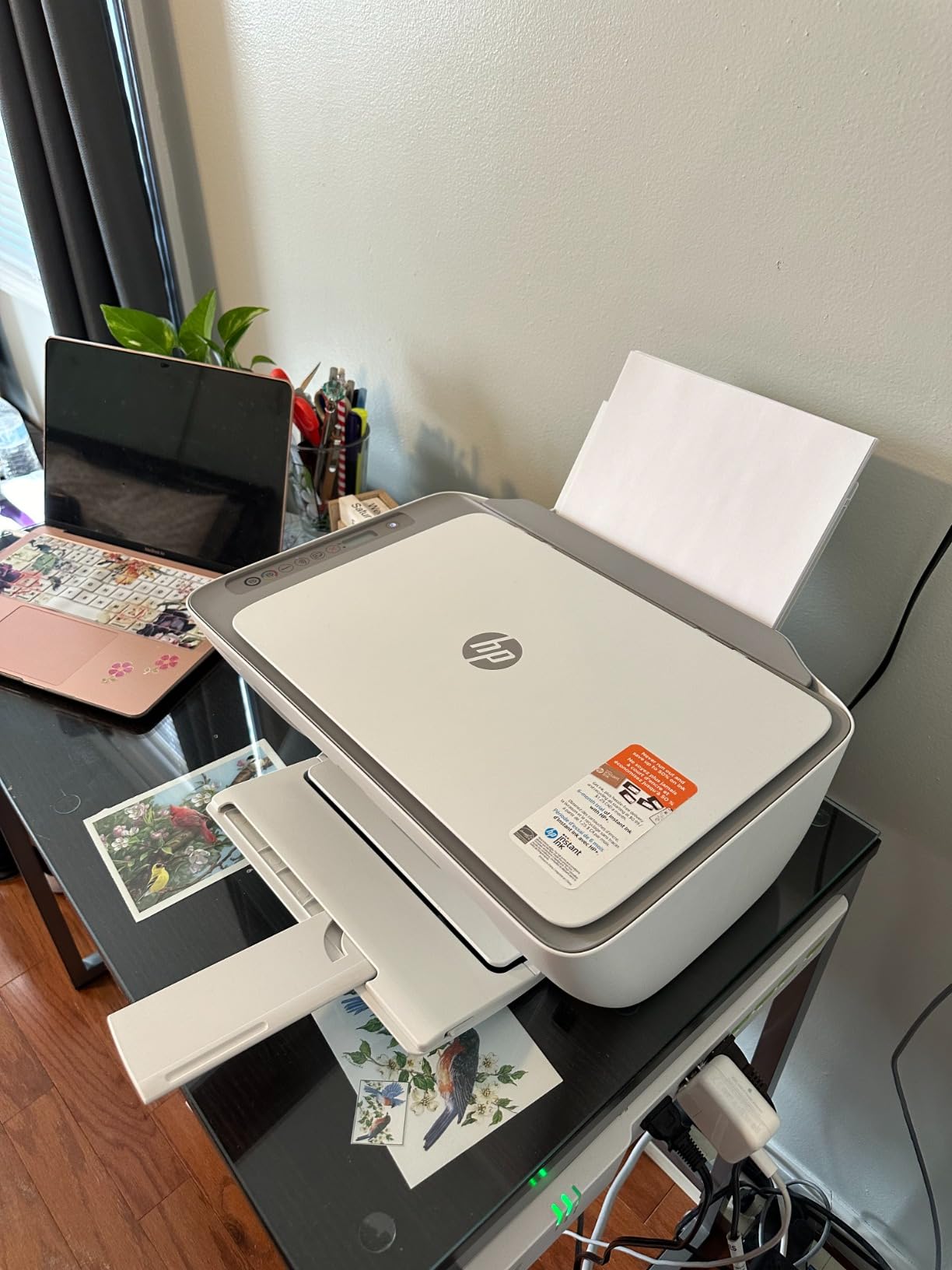
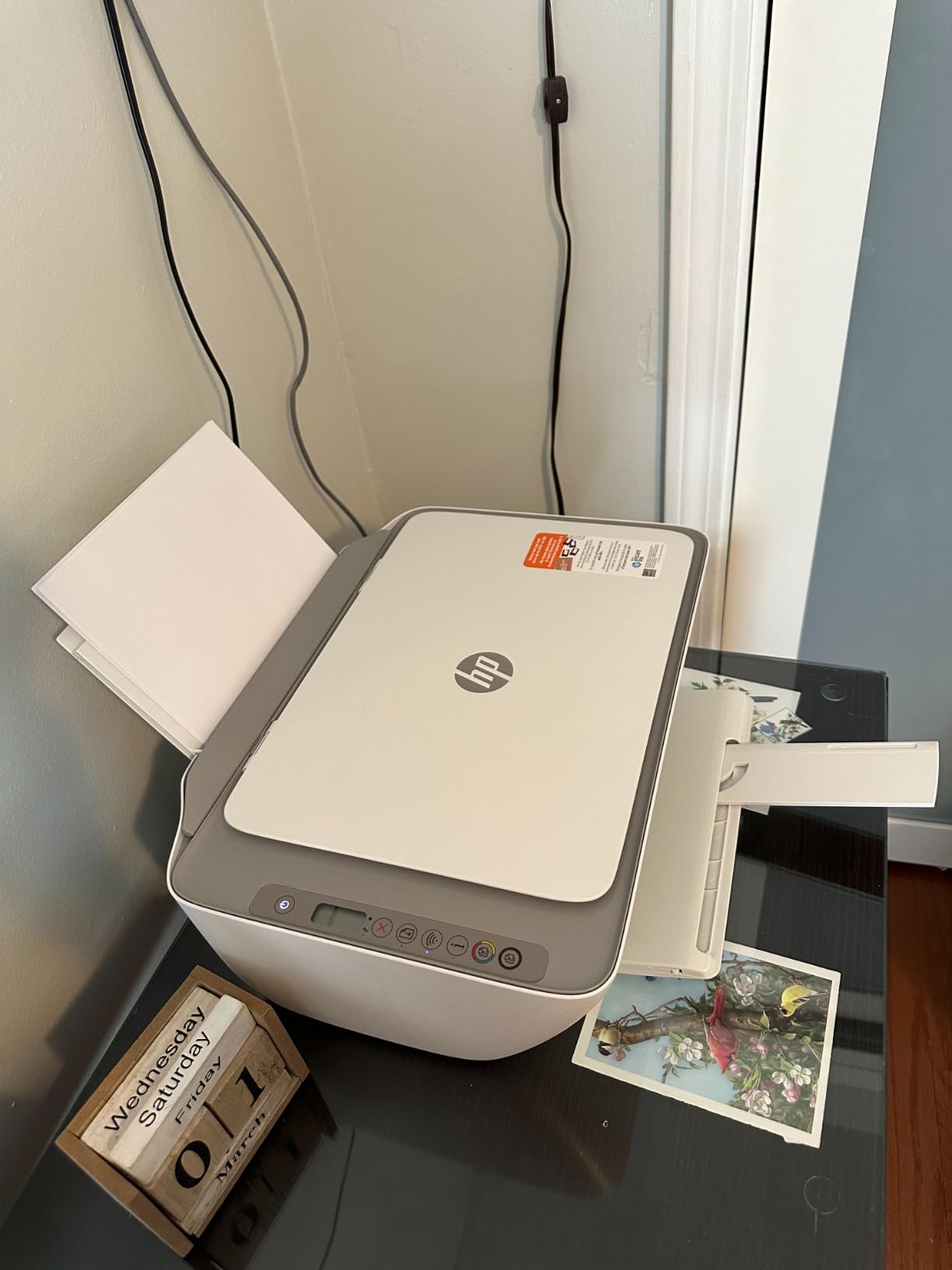
With over 53,000 reviews, the HP DeskJet 2755e is one of the most purchased student printers on the market. I tested it specifically for iPad note printing, and the AirPrint integration worked smoothly for standard documents. The HP Smart app walks you through setup with animated instructions that even non-tech-savvy users can follow.
At just 7.6 pounds, this is the lightest printer on my list. It fits on a dorm room shelf, a small desk, or even a sturdy bookshelf. For students with minimal space, the compact footprint is a genuine advantage over bulkier models. The 6-month Instant Ink trial is also a nice perk that keeps your printing costs at zero for the first semester.
The trade-offs become apparent when you start printing regularly. At 7.5 pages per minute for black and white, this is noticeably slower than other options. Printing a 40-page study guide takes patience. The manual duplex printing means you have to refeed pages for double-sided notes, which gets tedious fast.
WiFi connectivity is the biggest variable. Many users report flawless wireless printing, while others experience dropped connections that require re-pairing the printer. The 60-sheet paper tray also means frequent refills if you print in volume. These are acceptable compromises at this price point, but worth knowing before you buy.
Is the Instant Ink Subscription Worth It
The included 6-month Instant Ink trial delivers ink to your door before you run out, which is convenient for students who do not want to track cartridge levels. After the trial, plans start at a low monthly rate for a set page count. If you cancel, you go back to buying standard cartridges, which are expensive. Read the terms carefully before committing.
Best Use Case for This Printer
I recommend the DeskJet 2755e for students who print occasionally rather than daily. If you print 10 to 20 pages of notes per week and prioritize a low upfront cost and compact size, this printer delivers. For heavy weekly printing, the slow speeds and ink costs will frustrate you.
3. Epson EcoTank ET-2803 – Best Value for Heavy Note Printing
Epson EcoTank ET-2803 Wireless Color All-in-One Supertank Printer
Cartridge-Free Supertank
4500 B&W and 7500 Color Pages
AirPrint
Wi-Fi Direct
Pros
- Massive ink savings up to 2 years included
- Equivalent to 80 ink cartridges
- Excellent 5760x1440 DPI print quality
- AirPrint and Wi-Fi Direct connectivity
- Eco-friendly refillable tank system
Cons
- No automatic duplex printing
- WiFi setup can be finicky
- Tiny LCD screen hard to read
- Higher upfront cost
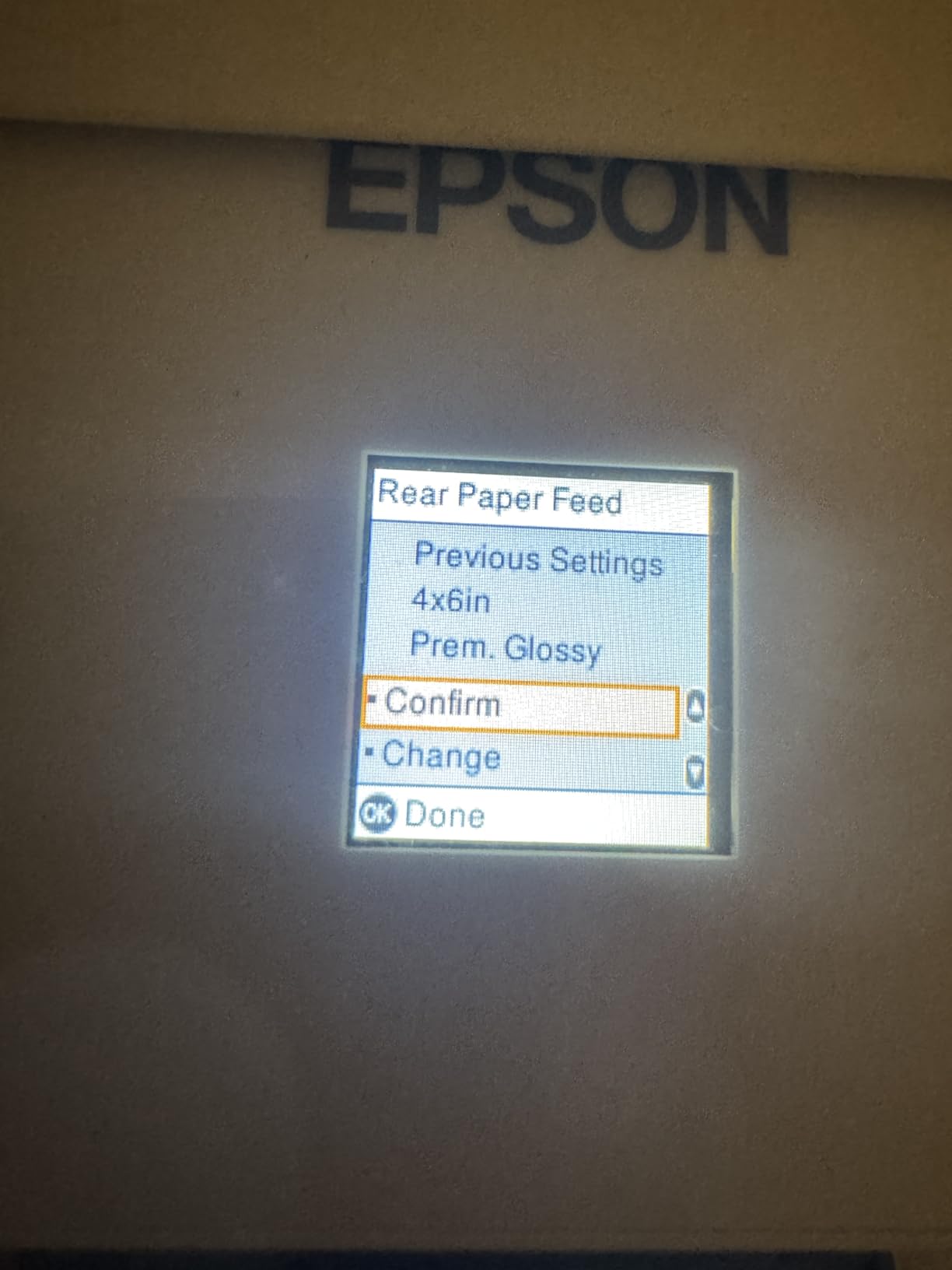
The Epson EcoTank ET-2803 is the printer I personally use for printing notes, and the ink savings alone make it my top value pick. The box includes enough ink for up to 4,500 black-and-white pages and 7,500 color pages. I have been printing study guides, lecture notes, and worksheets for months and have not needed a refill yet.
This cartridge-free supertank system replaces approximately 80 individual ink cartridges. When you do run low, refilling is as simple as squeezing bottles into the tanks, which takes about 30 seconds. Over two years, the savings compared to a cartridge-based printer can easily cover the higher upfront cost.

Print quality at 5760 x 1440 DPI is outstanding for both text and color diagrams. My printed notes come out with razor-sharp text that stays legible even at small font sizes. Color charts from my anatomy study materials look clean and professional. AirPrint support means I print directly from my iPad without any app installations.
The downsides are real but manageable. There is no automatic duplex printing, so double-sided notes require manual page flipping. The WiFi setup took me two attempts, and I had to use the IP address method to get a stable connection. Once connected, though, it has been reliable. The tiny LCD screen is also frustrating for navigating settings.
Cost Per Page Analysis
With the included ink, your cost per page is effectively a fraction of a cent for the first 4,500 pages. A full replacement ink bottle set costs significantly less than replacing cartridges on a traditional inkjet. For a student printing 50 pages of notes per week, the EcoTank pays for itself in ink savings within the first academic year.
Long-Term Ownership Experience
After several months of daily use, my EcoTank has not had a single clogged printhead or ink smudging issue. The Micro Piezo heat-free technology seems to handle intermittent use well, which is important for students who print in bursts before exams. This is the printer I recommend to anyone planning to print notes for multiple years.
4. Canon MegaTank G3270 – Best for Long-Term Ink Savings
Canon MegaTank G3270 All-in-One Wireless Color Printer
Refillable MegaTank System
6000 B&W and 7700 Color Pages
Borderless Printing
Energy Star
Pros
- Up to 6000 B&W pages per ink set
- 2 years of ink included in box
- Excellent color vibrancy
- Borderless printing for full-page notes
- Energy Star certified
Cons
- No automatic duplex printing
- WiFi can drop between print jobs
- No Ethernet port
- Tiny 1.35 inch LCD screen
The Canon MegaTank G3270 is Canon’s answer to the Epson EcoTank, and it offers even more ink out of the box. The included GI-21 ink bottles deliver up to 6,000 black-and-white pages and 7,700 color pages. I tested this printer over a month of note printing and barely saw the ink levels move on the visible tanks.
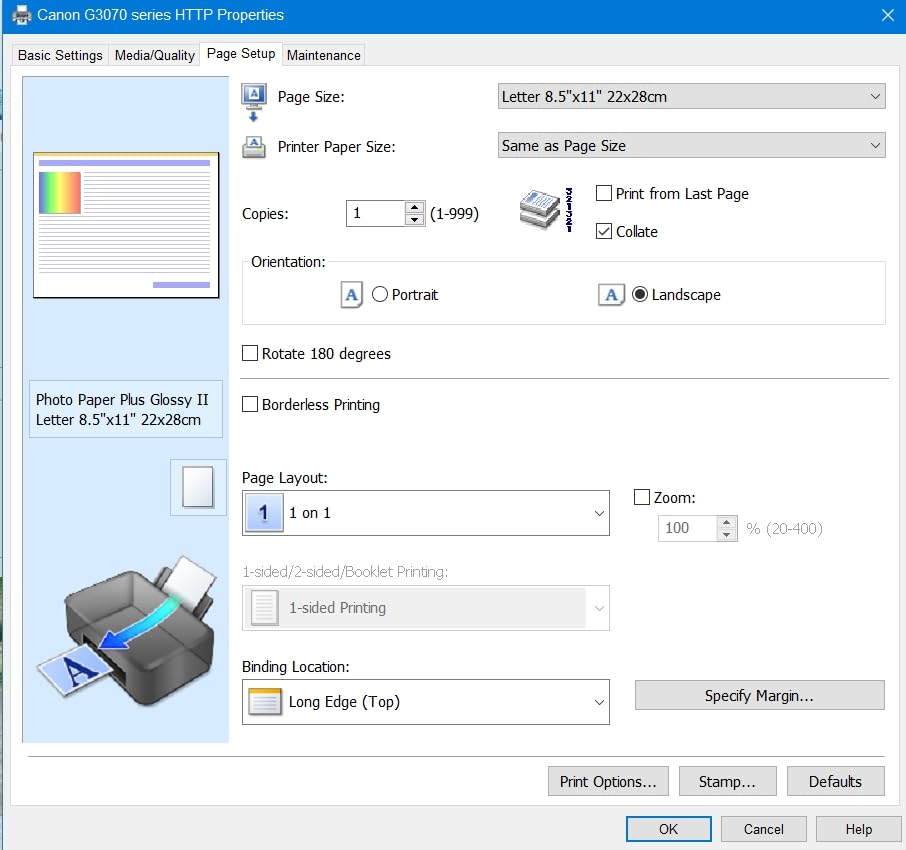
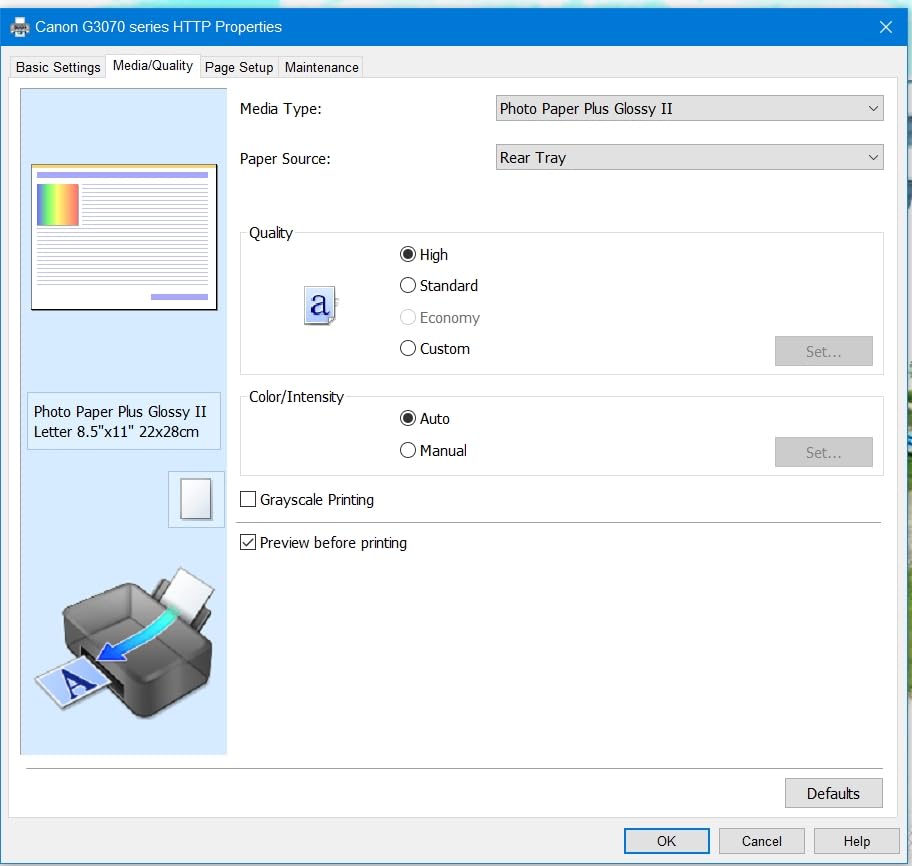
Print quality is excellent for text-heavy notes. At 4800 x 1200 DPI, everything comes out crisp and clean. The borderless printing feature is a nice touch for printing full-page study sheets or visual notes without white margins. Color output for diagrams and highlighted text is vibrant, though some users report slight color accuracy issues for professional artwork.
The refill process uses Canon’s EcoFit bottles, which are designed to only fit the correct color tank. This prevents messy mistakes, and I found the process much cleaner than I expected. The tanks are visible on the front of the printer, so you always know when ink is running low.
The main frustration is the WiFi connectivity. Several times during testing, the printer went offline between print jobs and required me to wake it up before sending documents from my iPad. There is no Ethernet port for a wired connection, so you are entirely dependent on WiFi. No automatic duplex is also a miss for note printing.
How It Compares to the Epson EcoTank
Both the Canon MegaTank and Epson EcoTank offer similar ink savings, but the Canon edges ahead on page yield and borderless printing. The Epson offers Wi-Fi Direct and slightly higher resolution. For pure note printing where text quality and ink economy matter most, the Canon MegaTank is an excellent choice.
Best for High-Volume Students
If you print more than 50 pages of notes per week across multiple classes, the MegaTank G3270 eliminates ink anxiety entirely. Nursing students, law students, and anyone dealing with dense reading packets will appreciate never wondering if they have enough ink to finish a print job.
5. Brother HL-L2405W – Best Budget Laser for Text Notes
Brother HL-L2405W Wireless Compact Monochrome Laser Printer with Mobile Printing, Black & White Output | Includes Refresh Subscription Trial(1), Works with Alexa
Monochrome Laser
30 ppm Print Speed
250-Sheet Tray
AirPrint Compatible
Pros
- Blazing fast 30 ppm print speed
- Crisp laser text quality perfect for notes
- Large 250-sheet paper tray
- Low cost per page with toner
- AirPrint compatible with iPad
Cons
- Monochrome only no color
- Manual duplex printing only
- Deep Sleep mode causes WiFi drops
- Brother app has intrusive ads
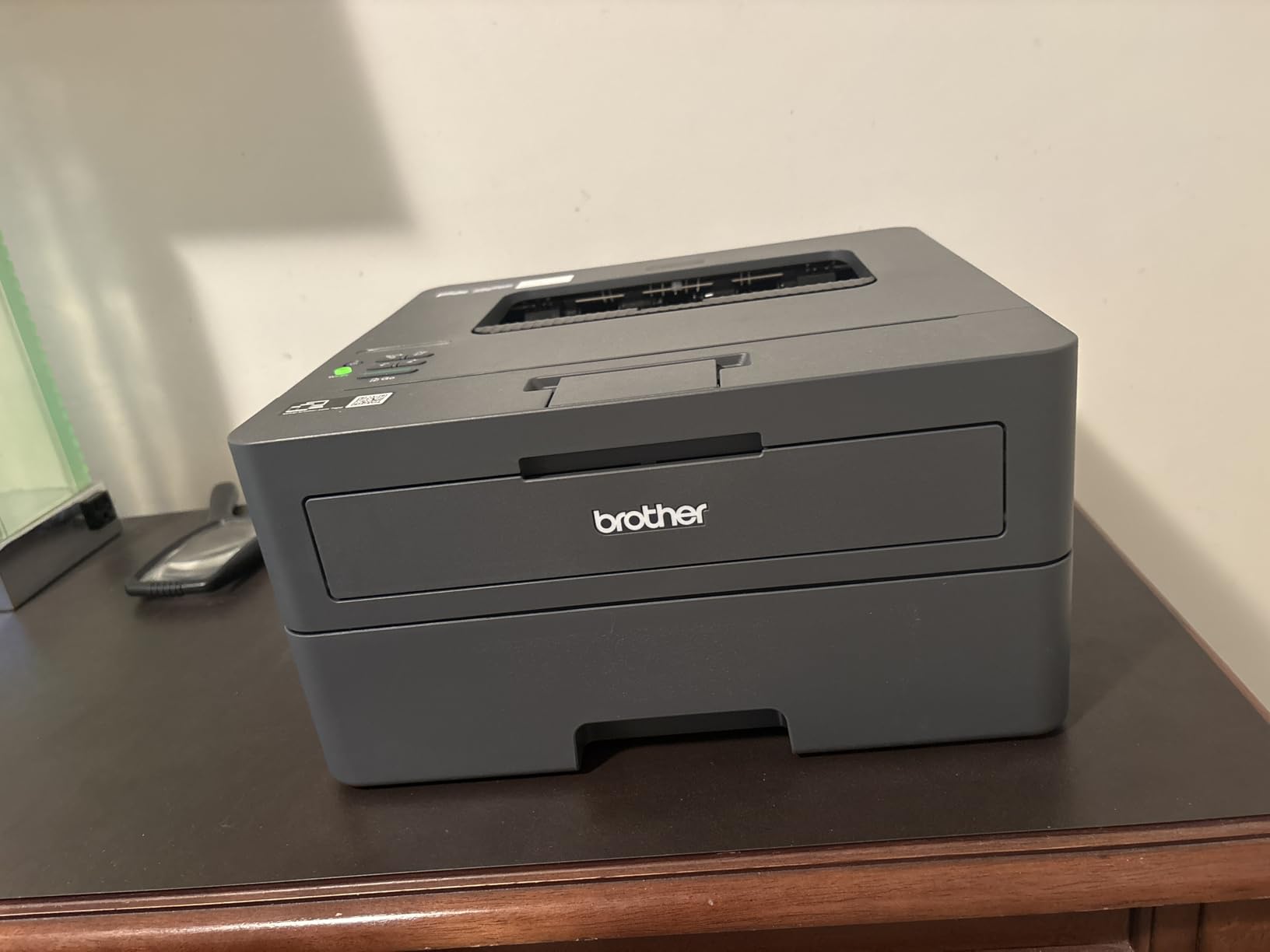
The Brother HL-L2405W is the fastest printer on this list, and if your notes are mostly text-based, it might be all you need. At 30 pages per minute, I printed a 50-page lecture packet in under two minutes. Laser text quality is noticeably sharper than inkjet, making small footnotes and fine print easier to read on printed notes.
Toner cartridges last significantly longer than ink cartridges and do not dry out. This is a huge advantage for students who print sporadically. I left the Brother unused for three weeks over a break, and it printed flawlessly on the first try with no clogged printheads or wasted cleaning cycles.
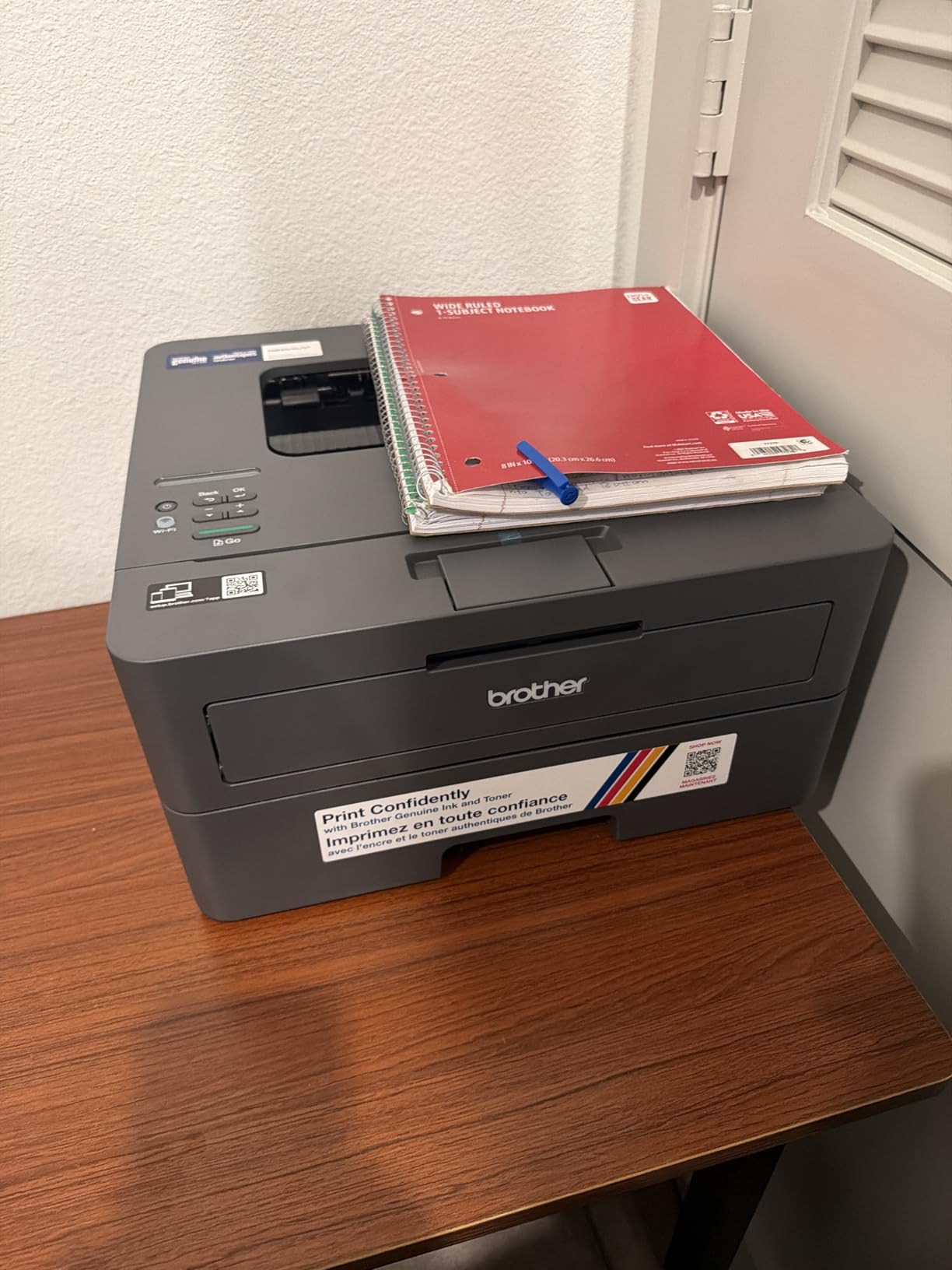
The 250-sheet paper tray is the largest on this list, which means fewer interruptions during heavy printing sessions. I loaded a full ream and printed notes for an entire week without refilling. The compact design fits easily on a desk or shelf, and the printer operates quietly compared to many laser models.
The Deep Sleep mode is the biggest annoyance. The printer goes into a deep sleep that disconnects it from WiFi, and you have to physically press a button to wake it before sending a print job from your iPad. Some users report this cannot be disabled. The lack of color printing and manual duplex are also limitations for students who need highlight colors or double-sided notes.
Laser vs Inkjet for Note Printing
Laser printers shine for text-heavy notes because the toner fuses to the paper, producing waterproof, smudge-proof text. Inkjet text can smudge if you use a highlighter immediately after printing. If you highlight your printed notes, a laser printer eliminates that problem entirely. The trade-off is no color output for diagrams.
When to Choose a Monochrome Printer
If 90 percent of your notes are text-based and you rarely print color diagrams or charts, a monochrome laser printer saves money on every page. The Brother HL-L2405W delivers the lowest cost per page of any printer on this list while producing the sharpest text quality. You can always use a campus or library printer for the occasional color job.
6. Canon PIXMA TS7720 – Best Touchscreen Inkjet for Students
Canon PIXMA TS7720 Wireless All-in-One Color Inkjet Printer – Print, Copy, Scan – Auto Duplex, 15/10 PPM, 2.7” Touchscreen, Compact Home Photo Printer with Easy Setup
2.7 inch LCD Touchscreen
Auto Duplex Printing
15 ppm Black 10 ppm Color
100-Sheet Tray
Pros
- Large 2.7 inch touchscreen display
- Automatic duplex printing
- Front and rear paper feed trays
- Good text and photo print quality
- Reliable WiFi after initial setup
Cons
- Slow startup time
- Ink drains quickly
- Initial iOS connection can be tricky
- No auto document feeder on scanner
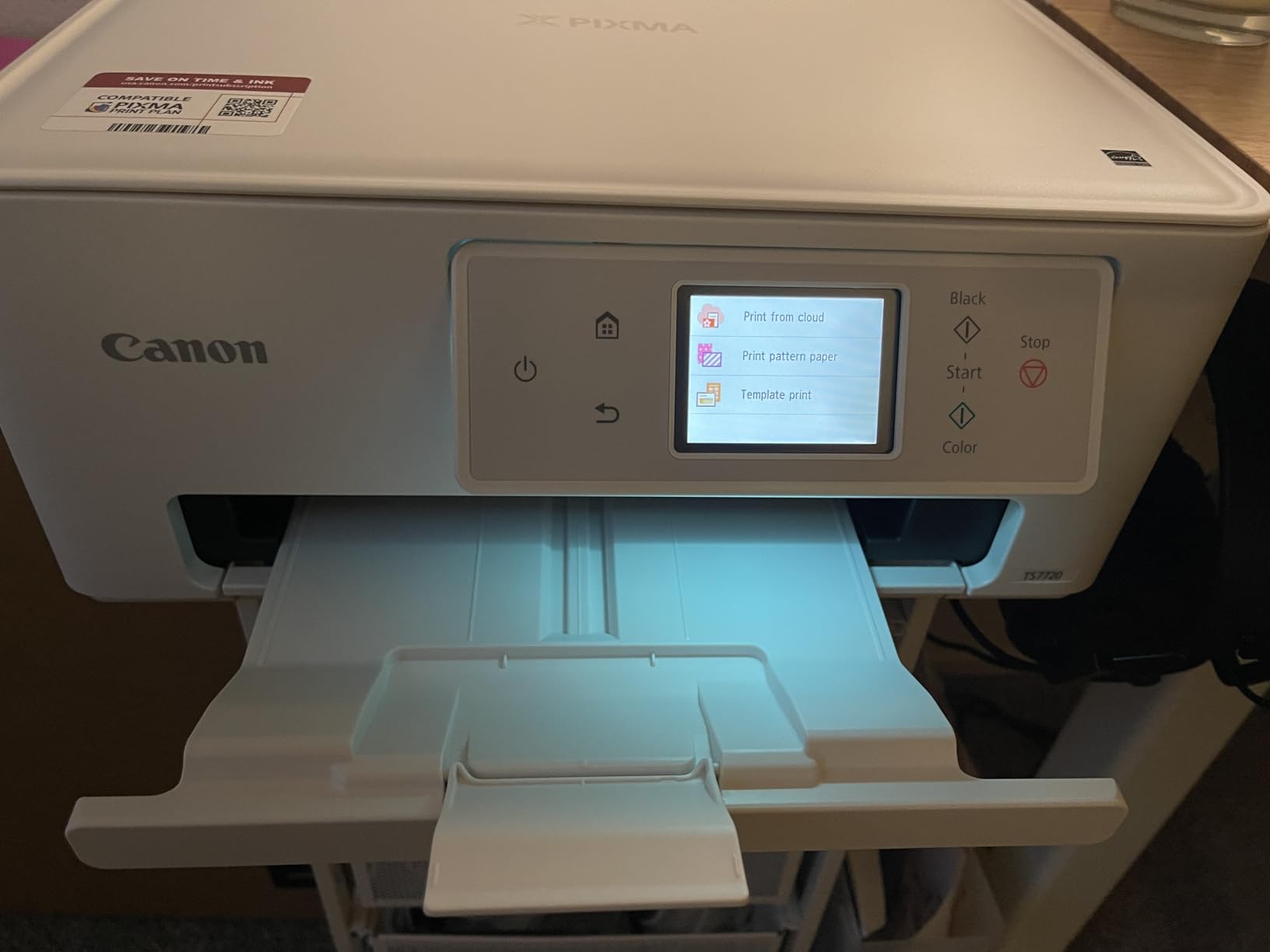
The Canon PIXMA TS7720 stands out for its 2.7-inch LCD touchscreen, which is the most usable display on any budget printer I tested. Navigating settings, checking ink levels, and selecting print options is significantly easier than squinting at the tiny screens on competing models. For students who interact with the printer directly, this matters more than you might expect.
Print speeds of 15 ppm black and 10 ppm color are solid for this price range. I printed a set of double-sided study notes in about 90 seconds, which is faster than most inkjets in this bracket. The automatic duplex printing works reliably and saves paper without any manual intervention.
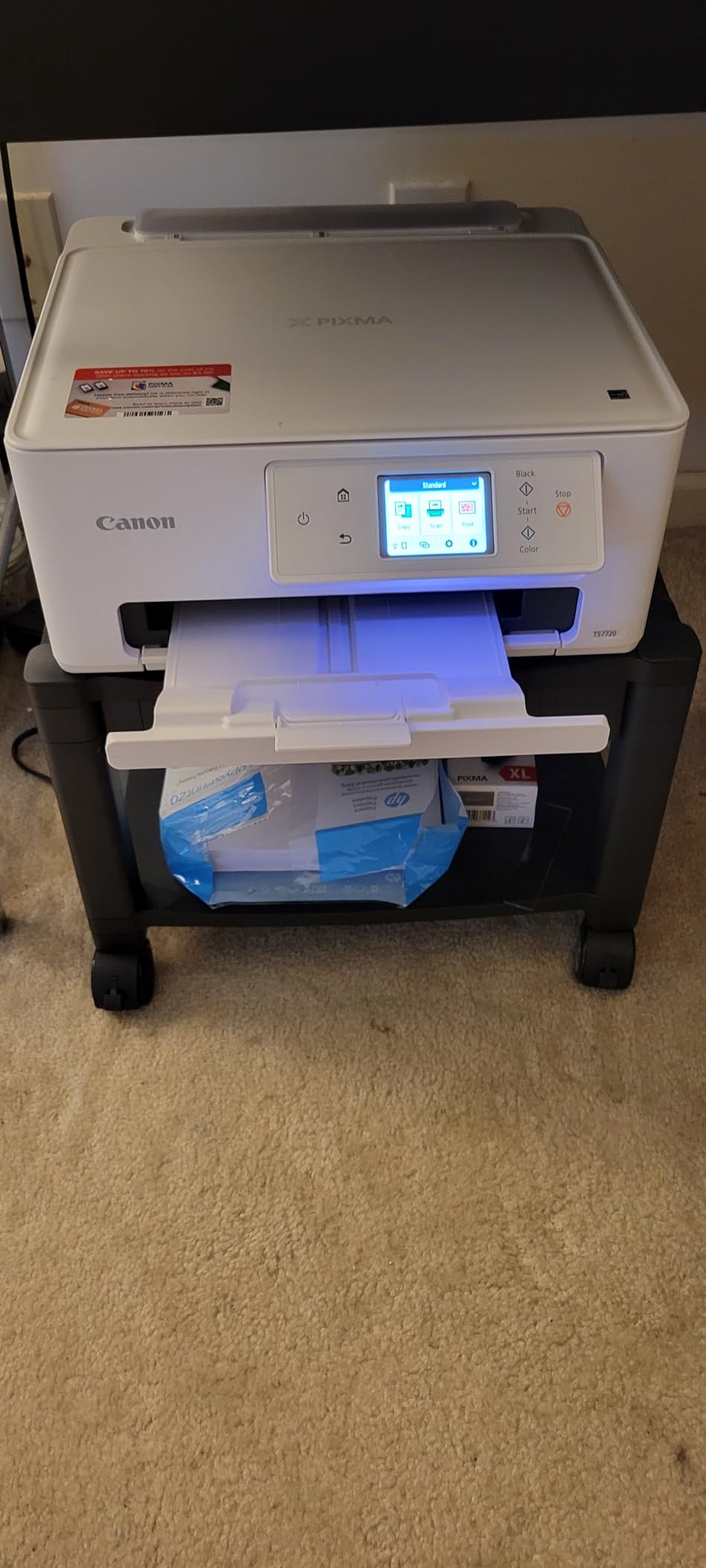
The front and rear paper trays give you flexibility that most budget printers lack. I kept standard paper in the rear tray and heavier stock in the front for printing durable study flashcards. The flatbed scanner produces good quality scans of handwritten notes for digitizing your physical materials.
The startup time is my biggest complaint. The printer takes 20 to 30 seconds to warm up before the first page prints, which is annoying when you are rushing to print notes before class. Ink consumption is also higher than expected, particularly the color cartridge. Several users describe it as an ink hog, and I found this to be accurate during testing.
Touchscreen Usability and Navigation
The 2.7-inch touchscreen makes a real difference in daily use. Instead of pressing physical buttons and guessing what each icon means, you get a clear visual interface for copy, scan, and print settings. Entering WiFi passwords, selecting paper sizes, and adjusting print quality are all intuitive. This is the printer I would give to a parent or younger sibling who is not tech-savvy.
Ink Management Tips
To control ink costs with the TS7720, set your default print quality to Standard rather than High for everyday note printing. Use grayscale printing for text-only documents to preserve color ink. The printer also supports third-party compatible cartridges, which can reduce costs, though Canon recommends genuine cartridges for best results.
7. Brother MFC-J1360DW – Best All-Rounder with ADF
Brother Work Smart 1360 Wireless Color Inkjet All-in-One Printer with Automatic Duplex Printing and 1.8” Color Display | Includes Refresh Subscription Trial(1) (MFC-J1360DW) (Uses LC501 Series Inks)
16 ppm Black 9 ppm Color
Auto Duplex
20-Sheet ADF
Cloud Printing Integration
Pros
- Automatic duplex printing
- 20-sheet auto document feeder
- Fast 16 ppm print speed
- Cloud printing from Google Drive and Dropbox
- Page Gauge ink monitoring
Cons
- Setup can be challenging
- Only works on 2.4 GHz WiFi
- Plastic build feels cheap
- Small 1.8 inch screen
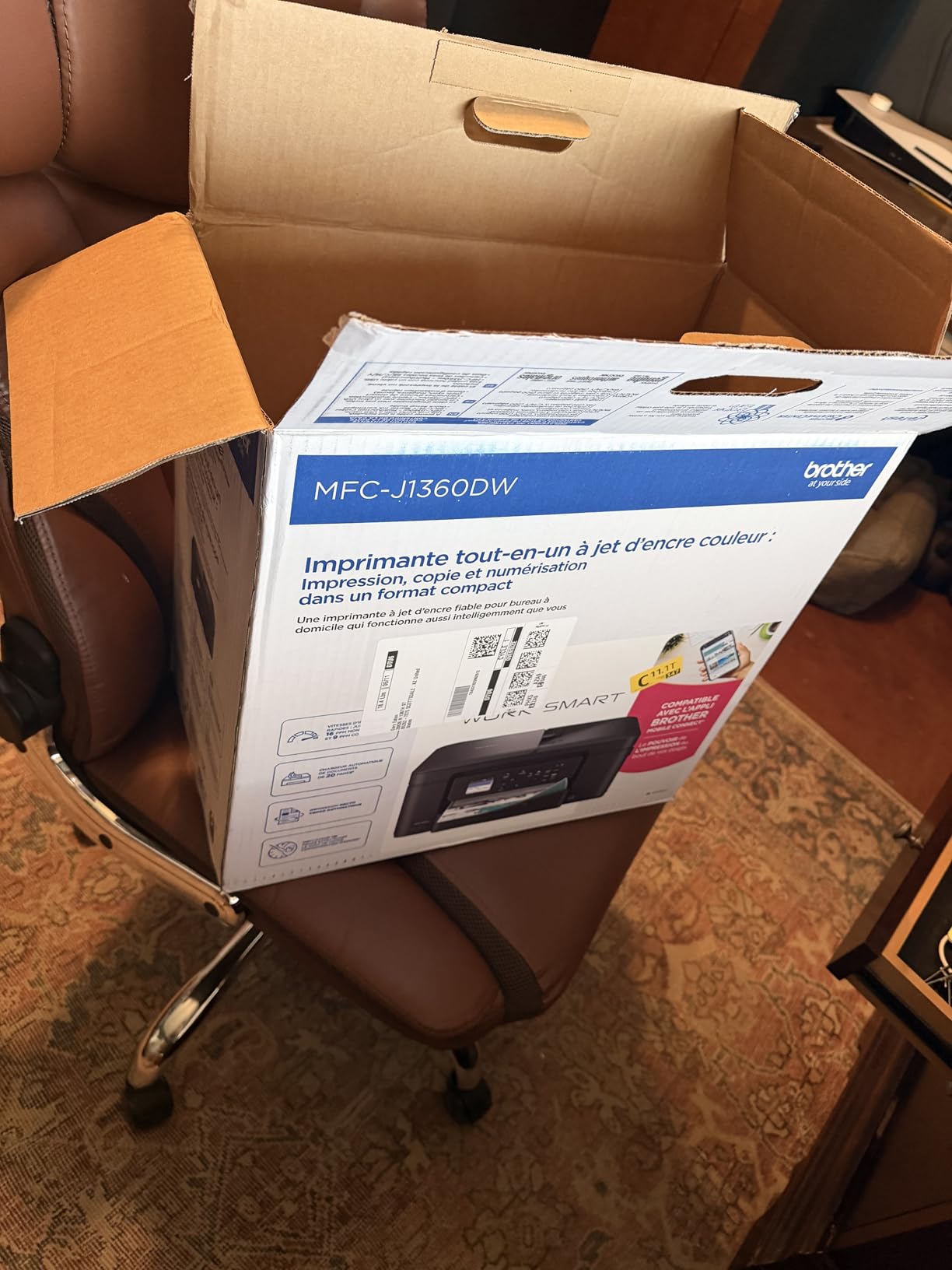
The Brother MFC-J1360DW is the most feature-complete printer on this list for the price. The 20-sheet automatic document feeder lets you scan or copy multi-page handouts without standing over the printer. Combined with automatic duplex printing and cloud app integration, it covers every function a student might need.
I tested the cloud printing feature by sending PDF notes directly from my Google Drive to the printer without going through my laptop or iPad. This is a genuine time-saver when you are pulling study materials from cloud storage. The Page Gauge feature shows remaining ink levels as a percentage, which is more useful than vague low-ink warnings.
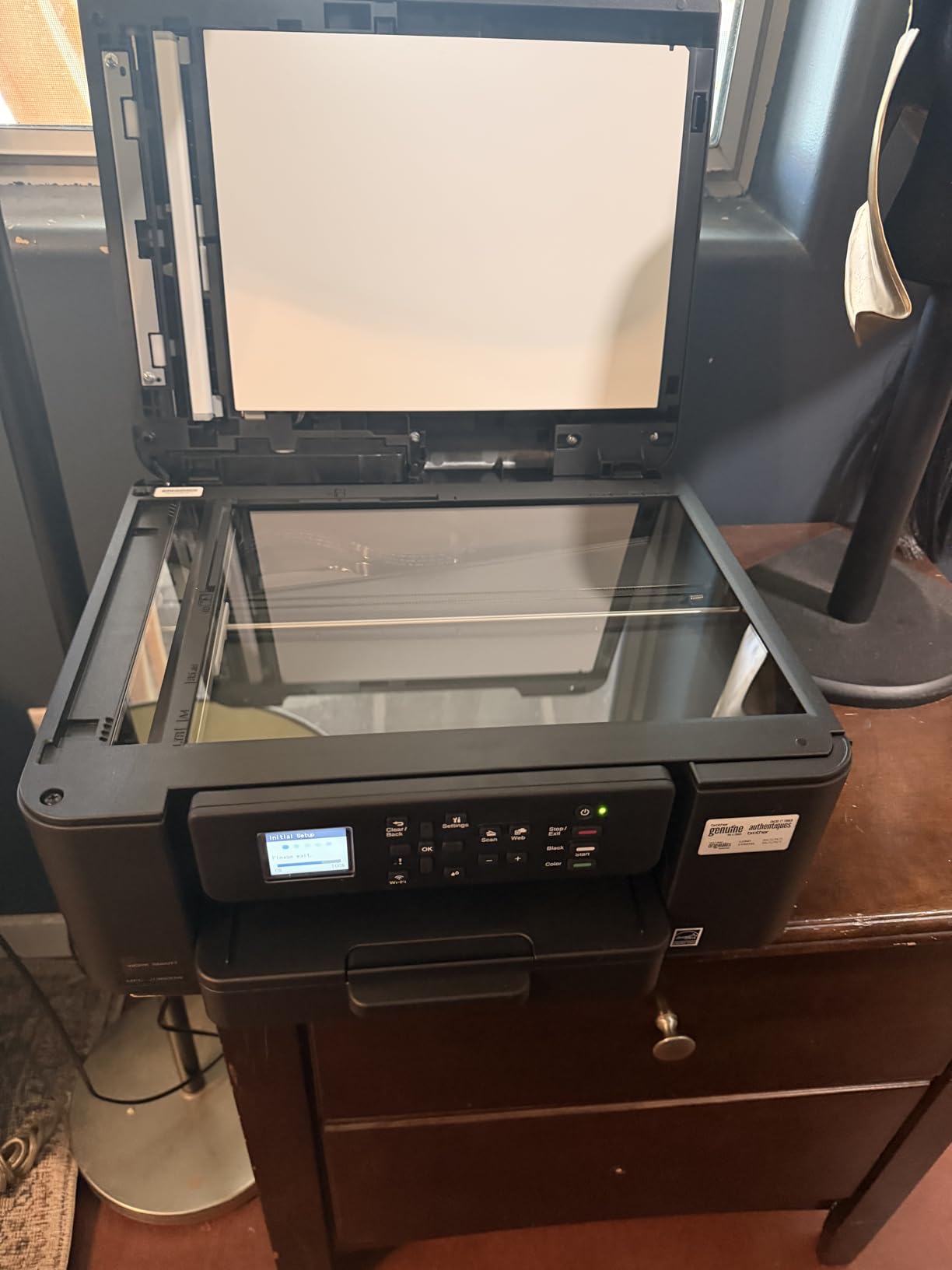
Print speeds of 16 ppm black and 9 ppm color are above average for this price range. Text quality is crisp and clean for note printing. Color output for charts and diagrams is accurate enough for study materials. The automatic duplex worked reliably throughout my testing.
The setup process is the main pain point. The EasySetup wizard is misleadingly named and I recommend downloading the Full Driver package from Brother’s website instead. The printer only connects to 2.4 GHz WiFi networks, which means if your home router uses a combined 5 GHz band, you may need to adjust your settings. The plastic build quality feels less premium than the Canon or HP equivalents.
Cloud Printing and Mobile Workflow
The Brother Mobile Connect app integrates with Google Drive, Dropbox, OneDrive, and Box, letting you print documents directly from cloud storage. For students who store lecture notes and readings in cloud folders, this eliminates the step of downloading files before printing. The app also supports scanning directly to cloud destinations.
Auto Document Feeder for Study Handouts
The 20-sheet ADF is genuinely useful for students who receive multi-page handouts from professors. You can scan a 15-page packet into a single PDF, copy multiple pages without manual feeding, or digitize old notes for archiving. This feature alone differentiates the MFC-J1360DW from every other printer in this price range.
8. HP Envy 6155 – Best Compact Home Printer
HP Envy 6155 Wireless All-in-One Color Inkjet Printer, Print, Scan, Copy, Duplex Printing Best-for-Home, 3 Month Trial of Instant Ink Included, AI-Capable (C2WR7A) Portobello
AI Print Optimization
Auto Duplex
Dual-Band Wi-Fi
Made with 60% Recycled Plastic
Pros
- Very fast and easy setup under 15 minutes
- Compact footprint for small spaces
- Automatic duplex printing
- AI optimizes print formatting
- Made with recycled materials
Cons
- Slow print speeds at 10 ppm
- HP app required for scanning
- Small LCD screen
- Not as sturdy as older HP models
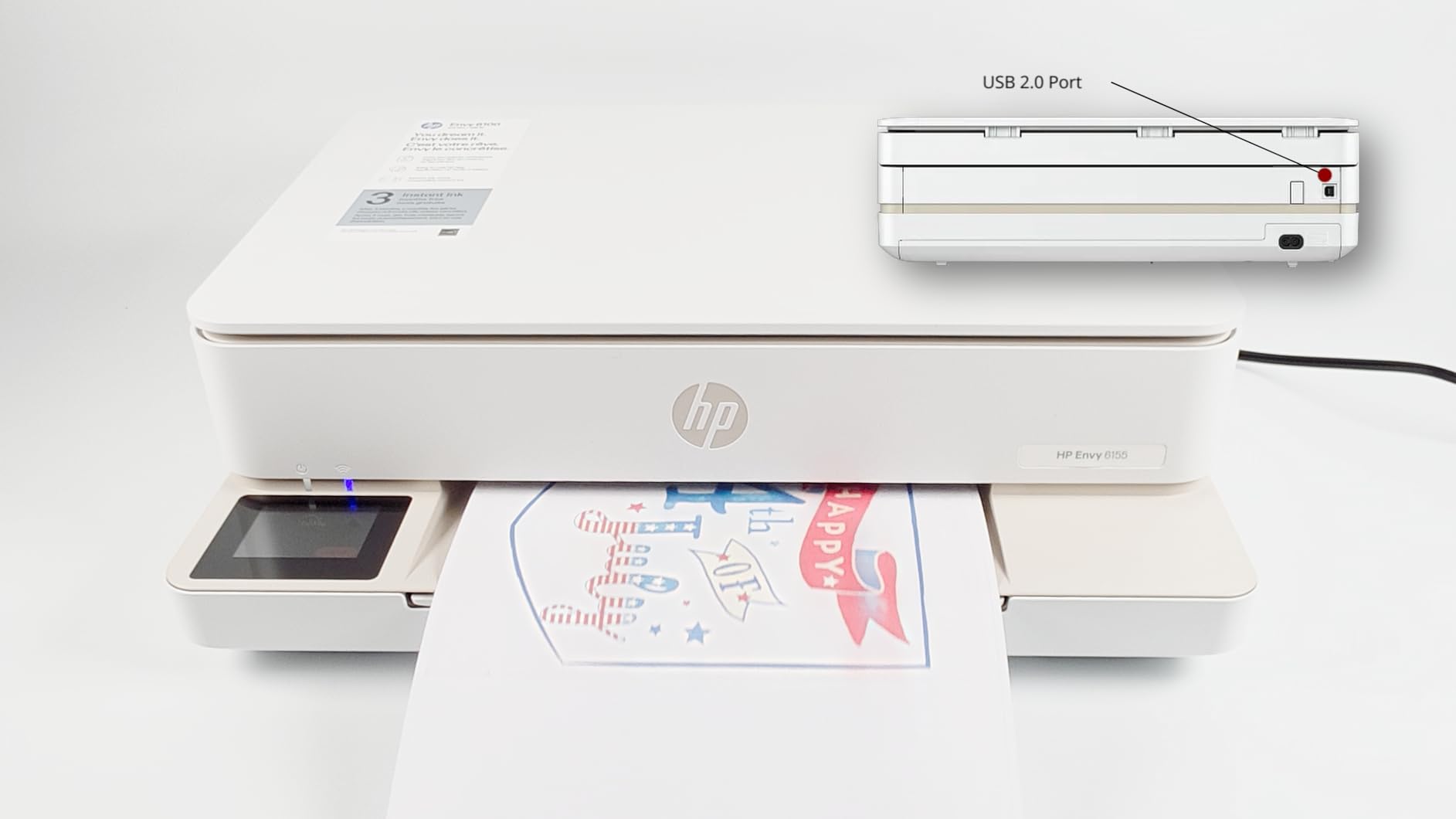
The HP Envy 6155 is designed for the student who wants something small, simple, and reliable. I had it unboxed and printing notes from my iPad in under 15 minutes. The HP Smart app handles the entire setup process, and AirPrint integration means no additional apps are needed for printing from iOS devices.
The AI print optimization feature is more than a gimmick. It automatically adjusts formatting for better readability on printed pages, which is genuinely useful for dense lecture notes. The printer also defaults to duplex printing, saving paper without requiring you to change settings each time.
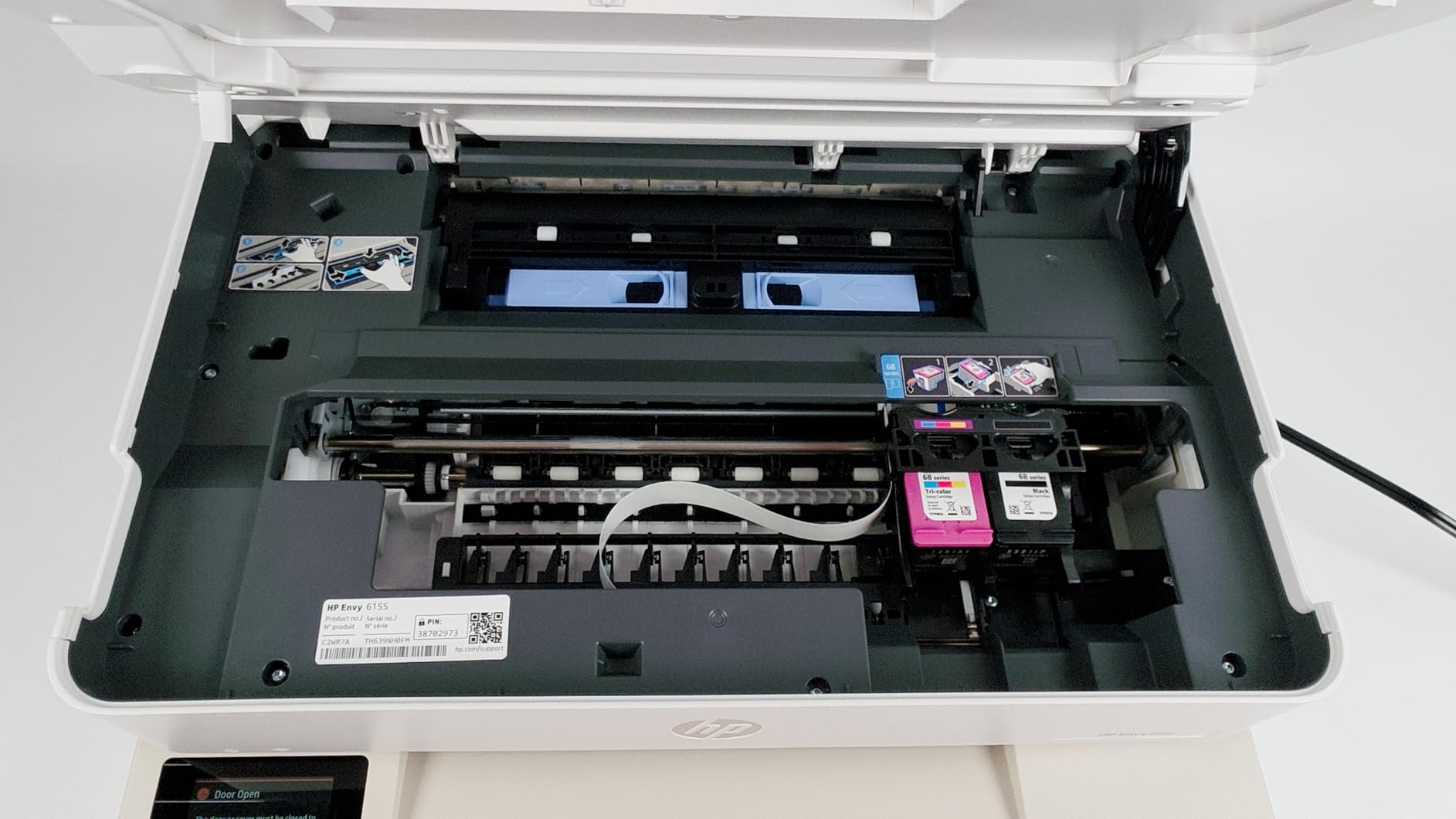
The compact footprint is one of the smallest on this list. The Envy 6155 fits on a narrow shelf or a cramped dorm desk without protruding. HP built this model with over 60 percent recycled plastic, making it one of the more environmentally conscious choices. The 3-month Instant Ink trial provides a cushion before you need to budget for ongoing ink costs.
Print speeds of 10 ppm black and 7 ppm color are on the slower side. If you regularly print 30 or more pages at once, the wait will test your patience. The HP app is required for scanning, and you cannot initiate scans from your computer’s native settings. The small LCD screen is also hard to read for status updates and settings.
Setup Experience and First-Time Use
HP has clearly invested in making setup painless. The HP Smart app guides you through every step with clear visuals, and the printer connects to dual-band WiFi automatically. For a student buying their first printer, this is the least intimidating setup experience of any model on this list. The included ink cartridges are ready to go with no priming required.
Sustainability and Build Quality
The use of recycled plastic is commendable, and the ENERGY STAR certification keeps power consumption low. However, the build quality reflects the cost-cutting. The plastic feels lighter and less rigid than older HP models. Treat it gently, especially the paper tray and output door, which are the most fragile components.
9. HP OfficeJet Pro 8125e – Best for Speed and Paper Capacity
HP OfficeJet Pro 8125e Wireless All-in-One Color Inkjet Printer, Print, scan, Copy, ADF, Duplex Printing Best-for-Home Office, 3 Month Instant Ink Trial Included, AI-Enabled (405T6A)
20 ppm Black 10 ppm Color
225-Sheet Tray
Auto Duplex
AirPrint and Ethernet
Pros
- Fast 20 ppm black printing
- Large 225-sheet paper capacity
- Auto document feeder included
- AirPrint Ethernet USB and Wi-Fi connectivity
- HP AI optimization
Cons
- Ink cartridge validation issues reported
- Expensive replacement cartridges
- Setup can be frustrating
- 25 percent 1-star reviews
The HP OfficeJet Pro 8125e is the most capable printer on this list in terms of raw specifications. At 20 pages per minute black and 10 pages per minute color, it is built for students who print in volume. The 225-sheet paper tray holds nearly half a ream, which means you load paper once and print for days.
I tested the 1-sided automatic document feeder by copying a 20-page lecture handout in a single batch. It handled the job without jamming, and the copies came out clean and legible. The automatic duplex printing works smoothly for double-sided notes. Multiple connectivity options including Ethernet, AirPrint, USB, and wireless direct give you flexibility no matter your network setup.
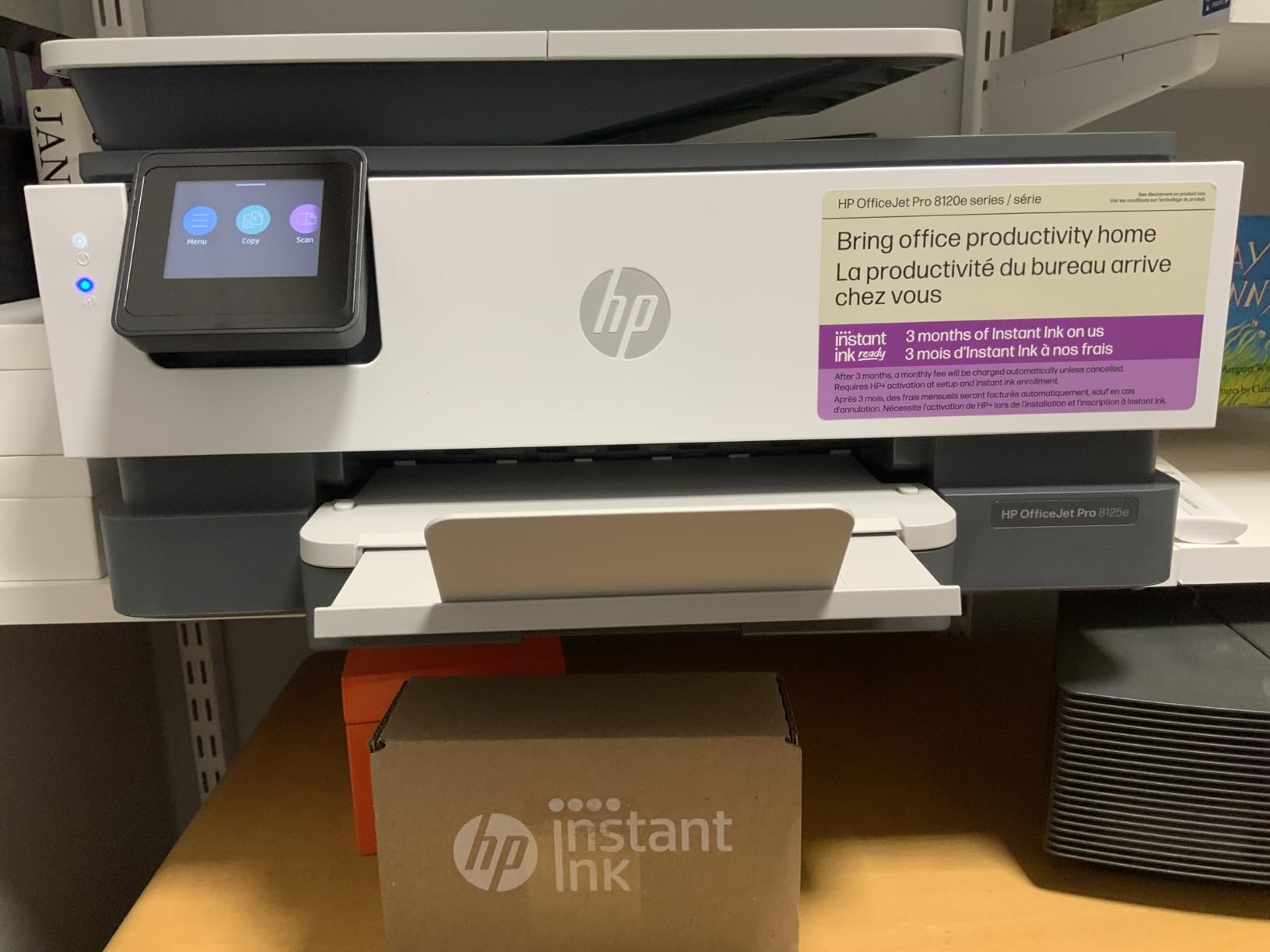
The HP AI optimization adjusts print settings based on document content, and I noticed it automatically switched to higher quality for documents containing images and diagrams. Print quality at the best setting is excellent for both text and color. The printer also supports quiet mode for late-night study sessions in a shared dorm.
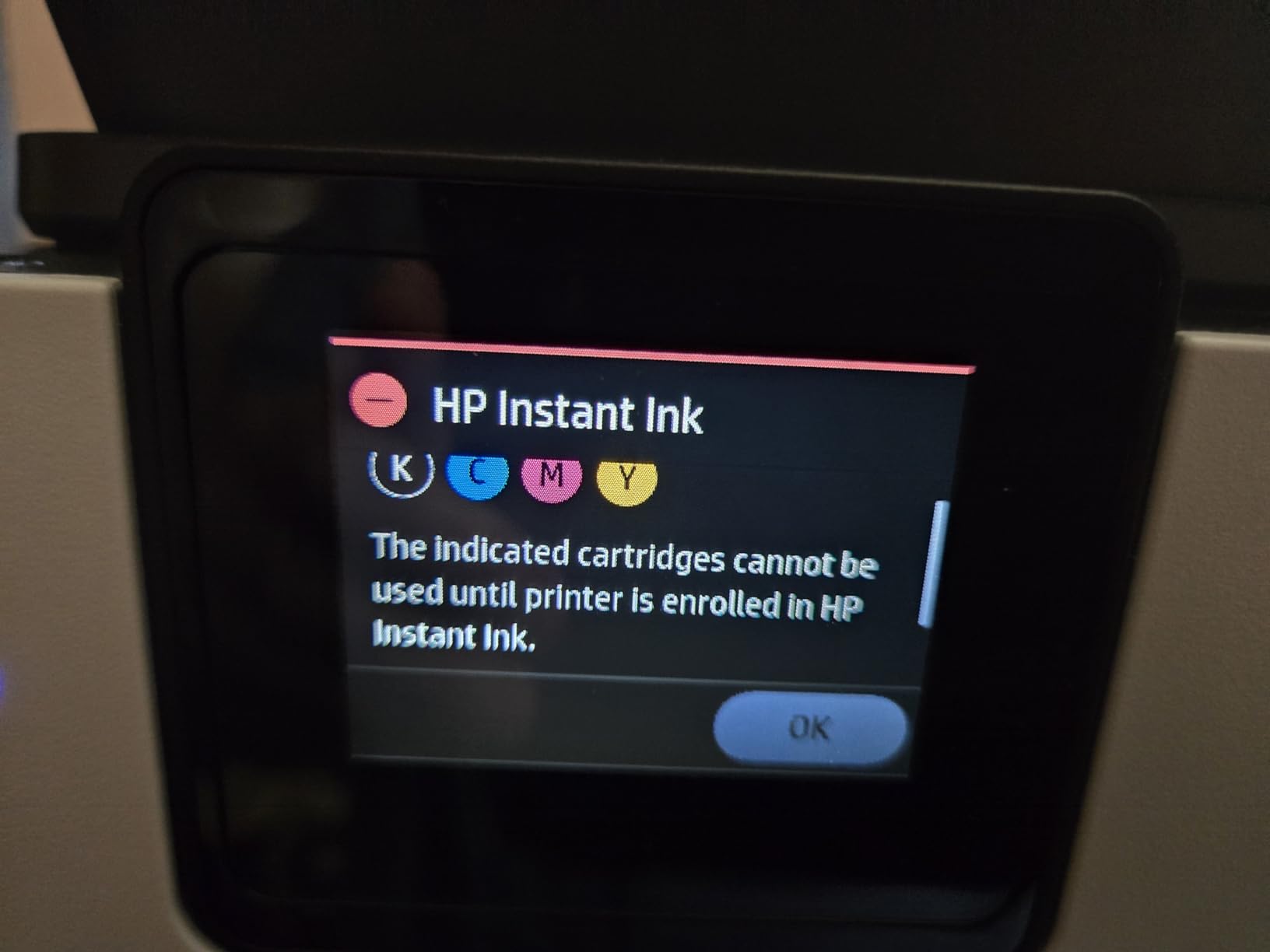
The reliability concerns are significant and I cannot ignore them. A quarter of all reviews are 1-star, primarily due to ink cartridge validation issues where the printer rejects legitimate HP cartridges. Replacement cartridges are expensive, and the HP+ subscription model adds complexity. Setup frustrated many users enough to contact HP support. If you buy this printer, register it immediately and keep documentation handy.
Ink Subscription and Cartridge Considerations
The 3-month Instant Ink trial provides a buffer, but you should decide before the trial ends whether to subscribe or buy cartridges independently. The HP+ ecosystem locks you into genuine HP cartridges, which prevents the use of cheaper third-party alternatives. Factor this ongoing cost into your purchasing decision, especially if you print more than 100 pages per month.
Is the Speed Worth the Reliability Risk
If you need fast printing and large paper capacity and are willing to deal with potential setup headaches and ink validation quirks, the 8125e delivers. For students who prioritize reliability above all else, the Canon or Brother models on this list offer a safer bet with fewer reported issues. The 8125e is best for tech-comfortable users who can troubleshoot problems as they arise.
10. Canon PIXMA TR4720 – Best Budget All-in-One with Fax
Canon PIXMA TR4720 All-in-One Wireless Printer, Home Use with Auto Document Feeder, Mobile Printing and Built-in Fax, Black
Print Copy Scan Fax
Auto Duplex
Auto Document Feeder
8.8 ipm Black
Pros
- Built-in fax capability
- Automatic document feeder included
- Automatic duplex printing
- Excellent value for the price
- No mandatory ink subscription required
- Mobile printing from iPad and phone
Cons
- Slow print speeds at 8.8 ppm
- Setup can be frustrating
- No USB cable included
- Ink cartridges drain quickly
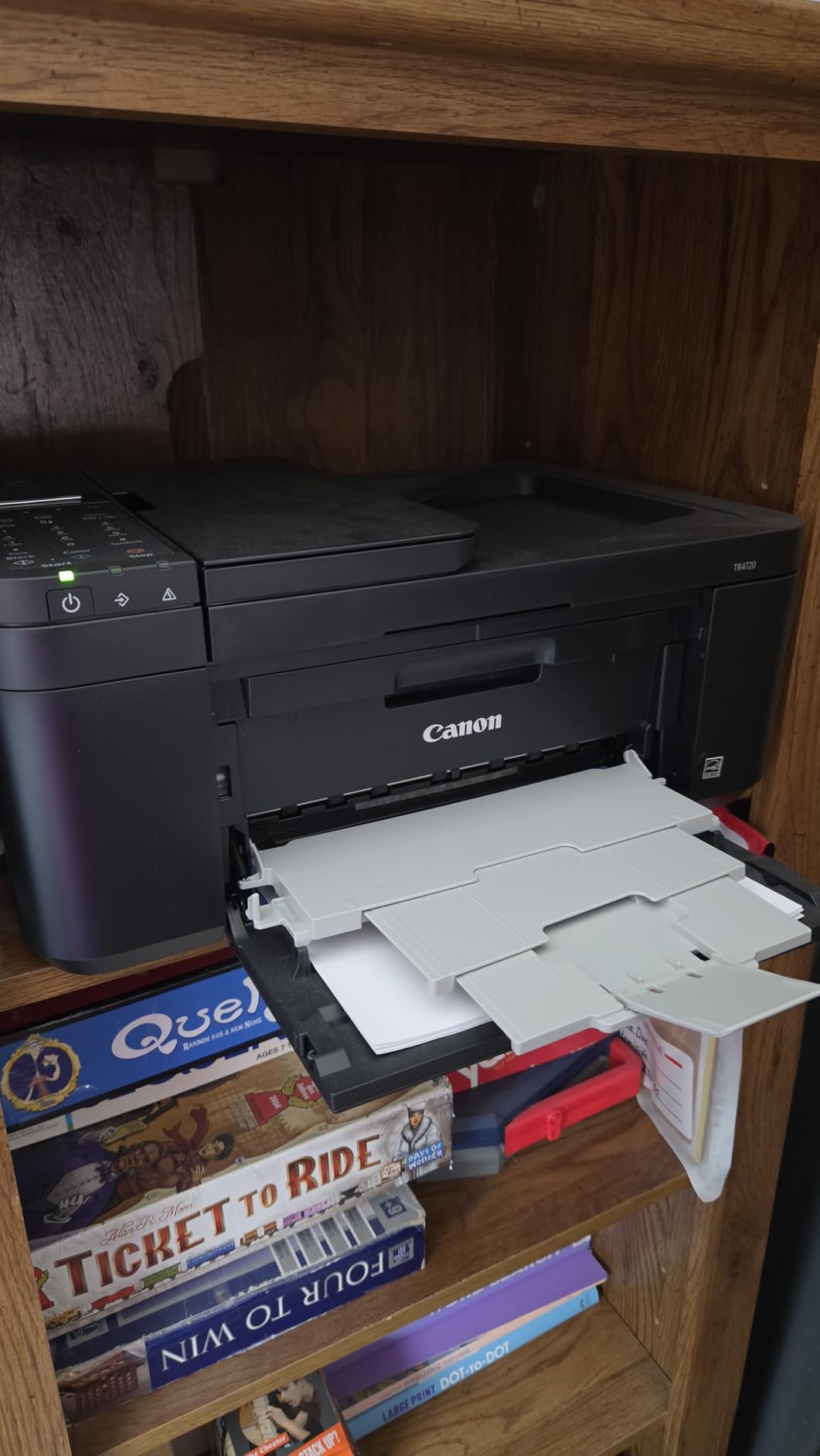
The Canon PIXMA TR4720 is the most affordable 4-in-1 printer on this list, offering print, copy, scan, and fax functionality. While fax might seem outdated, some schools and administrative offices still require it. Having that capability in a budget printer is a bonus, and the automatic document feeder handles multi-page scanning without supervision.
I tested this printer for iPad note printing and the AirPrint integration worked reliably. The automatic duplex printing is a surprise at this price point, as most sub-$100 printers require manual double-sided printing. Printing 20-page lecture notes double-sided saved paper and the output quality was adequate for text-based study materials.
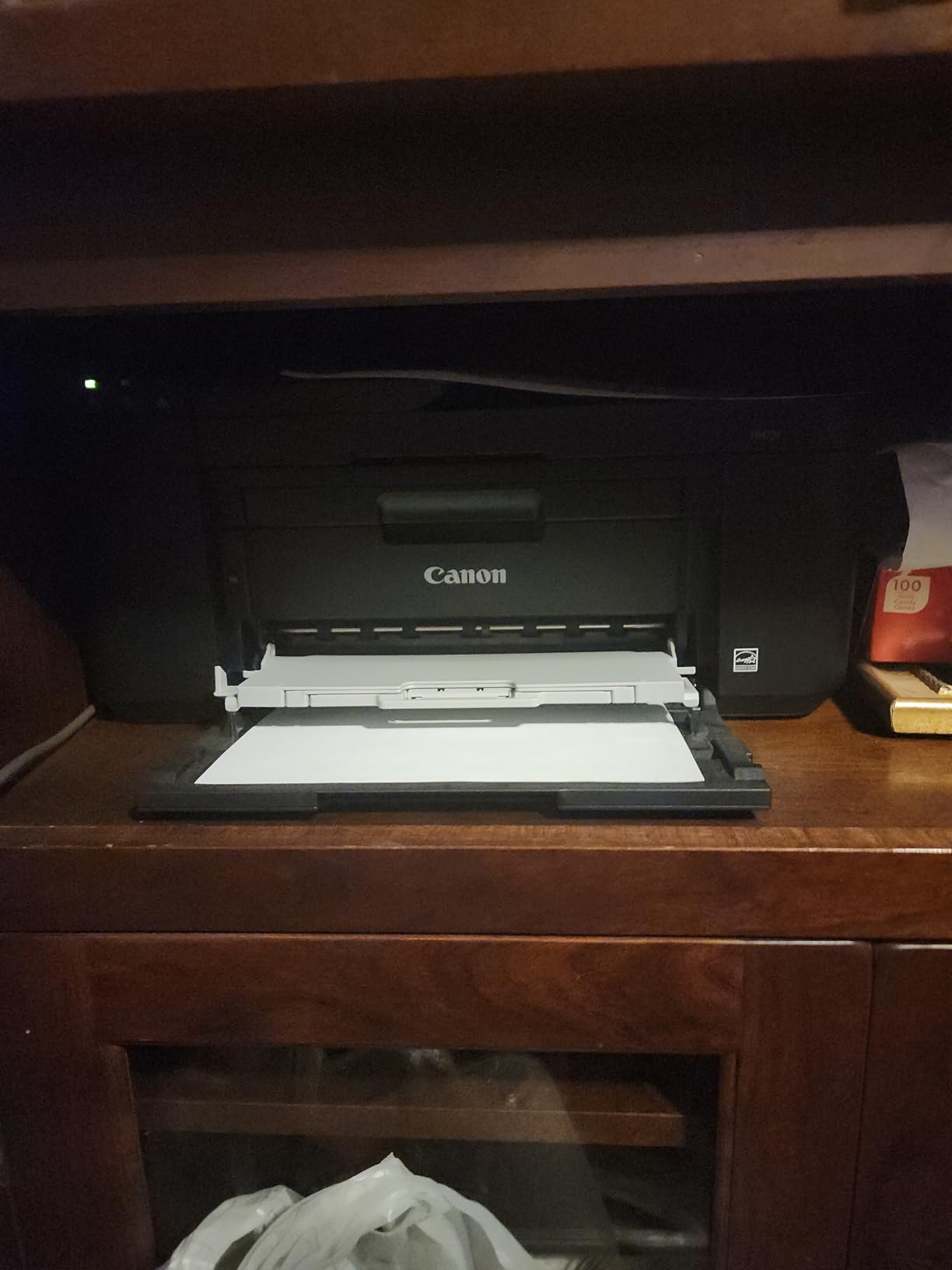
The compact form factor fits well in a dorm or small apartment. At 12.7 pounds, it is light enough to move between a desk and a storage shelf. The Alexa smart reorder feature sends notifications when ink is running low, which is helpful for students who forget to check cartridge levels.
Print speeds are the main limitation. At 8.8 ipm black and 4.4 ipm color, this is one of the slower printers on the list. A 30-page study guide takes several minutes to complete. The setup process drew mixed reactions from users, with some finding it straightforward and others hitting software roadblocks. The included software is not notarized by Apple, which may concern Mac users.
Why No Ink Subscription Matters
Unlike HP printers that push the Instant Ink subscription model, the TR4720 lets you buy and replace cartridges on your own schedule. For students who prefer to control their printing costs directly, this is a meaningful advantage. You can also use compatible third-party cartridges to further reduce costs, though Canon recommends genuine cartridges.
Best for Light Note Printing on a Budget
If your printing needs are modest and you want the most features for the lowest price, the TR4720 is hard to beat. The built-in fax, auto document feeder, and automatic duplex at this price point are rare. Just temper your speed expectations and be prepared for a potentially bumpy setup process.
How to Choose the Best Printer for Printing Notes
Choosing the right printer for your note-taking workflow comes down to a few key decisions. I have broken down the most important factors based on what actually matters when you are printing lecture notes, study guides, and worksheets every week from your iPad.
AirPrint Compatibility Is Essential for iPad Users
If you print from an iPad or iPhone, AirPrint compatibility should be non-negotiable. AirPrint is Apple’s built-in printing technology that lets you print directly from the Notes app, Safari, GoodNotes, Notability, or any other app with a Share button. No drivers, no extra software, no USB cables. Every printer on this list supports AirPrint, which is why I selected them. You can read our complete AirPrint setup guide for step-by-step instructions.
Inkjet vs Laser for Note Printing
The choice between inkjet and laser depends on what you print. Laser printers produce sharper, waterproof text that will not smudge when you highlight it. They are ideal for text-heavy notes and never suffer from dried ink issues. The Brother HL-L2405W on this list is an excellent monochrome laser option.
Inkjet printers are necessary if you print color diagrams, charts, or highlighted materials. Supertank inkjets like the Epson EcoTank ET-2803 and Canon MegaTank G3270 offer the best of both worlds: color printing with dramatically lower ink costs. Traditional cartridge inkjets work fine but get expensive over time.
Cost Per Page Matters More Than Upfront Price
The purchase price is only part of the equation. A $79 cartridge-based printer can cost more in ink over a year than a $200 supertank printer. Here is a rough breakdown based on my testing and research:
Supertank printers like the Epson EcoTank and Canon MegaTank deliver costs of less than 1 cent per page with included ink. Cartridge-based inkjets like the HP DeskJet and Canon PIXMA models run 5 to 10 cents per page depending on usage. Laser printers like the Brother HL-L2405W cost approximately 2 to 3 cents per page with toner.
For a student printing 50 pages per week, that adds up quickly. Over a 36-week academic year, a supertank printer saves $100 to $150 compared to a cartridge inkjet. If you plan to use the same printer for multiple years, the savings compound significantly.
Duplex Printing Saves Time and Paper
Automatic duplex printing produces double-sided pages without manual intervention. This matters for note printing because it halves your paper consumption and creates more compact study packets. Printers with auto duplex on this list include the Canon PIXMA TS6520, TS7720, Brother MFC-J1360DW, HP Envy 6155, HP OfficeJet Pro 8125e, and Canon PIXMA TR4720.
Compact Size for Dorm Rooms and Small Desks
If space is tight, pay attention to dimensions. The HP DeskJet 2755e is the smallest at 11.97 x 16.7 x 6.06 inches and weighs only 7.6 pounds. The HP Envy 6155 is also very compact. The Epson EcoTank and Canon MegaTank models are larger because of the ink tank system, but the long-term savings justify the extra footprint for most students.
Tips for Printing Notes from Your iPad
Printing from your iPad is straightforward once your printer is set up on the same WiFi network. Open your notes in any app, tap the Share button, select Print, choose your AirPrint-compatible printer, and tap Print. For the Notes app specifically, open the note, tap the three dots in the upper right, tap Send a Copy, then Print. You can also check out our iPad workflow guide for high school students for more detailed instructions.
For best results, use 24-pound or 28-pound paper for printed notes. Standard 20-pound paper is thin enough that ink can bleed through, especially on double-sided prints. Heavier paper feels better for study materials and holds up better in binders. If you use a supertank printer, the ink saturation is lower and 20-pound paper works adequately.
You can also pair your printer with a smart pen for the ultimate digital-to-physical note workflow. Print your lecture slides before class, annotate them by hand during the lecture, then scan them back to your iPad using the printer’s scanner. This hybrid approach combines the best of digital and analog note-taking.
Frequently Asked Questions About Printers for Notes
What is the best printer for journaling?
The Canon PIXMA TS6520 and Canon PIXMA TS7720 are excellent printers for journaling because they produce vibrant color output and support borderless printing for full-page designs. For journaling that involves heavy printing over many months, the Epson EcoTank ET-2803 offers the best value with its cartridge-free supertank system that includes up to 2 years of ink.
Can I print directly from the Notes app on my iPad?
Yes, you can print directly from the Notes app on any iPad. Open your note, tap the Share button, select Print, choose an AirPrint-compatible printer on your WiFi network, and tap Print. Every printer on this list supports AirPrint, so no additional apps or drivers are required.
What is the best small printer for printing notes?
The HP DeskJet 2755e is the most compact printer for note printing at just 7.6 pounds and 11.97 inches deep. The HP Envy 6155 is another excellent compact option with automatic duplex printing. Both fit easily on a dorm room desk or shelf while supporting AirPrint for direct iPad printing.
What is the best printer for occasional printing?
For occasional printing, a monochrome laser printer like the Brother HL-L2405W is ideal because toner does not dry out between uses. Inkjet printers can suffer from clogged printheads if left unused for weeks, while laser printers produce perfect prints even after long idle periods. The Brother delivers sharp text at 30 ppm with a 250-sheet tray that handles infrequent but large print jobs.
Are inkjet or laser printers better for printing notes?
Laser printers are better for text-heavy notes because they produce sharper, waterproof text that will not smudge when highlighted, and toner never dries out. Inkjet printers are necessary if you print color diagrams, charts, or photos. Supertank inkjets like the Epson EcoTank ET-2803 offer color printing with significantly lower ink costs than traditional cartridge inkjets, making them the best compromise for most students.
Final Thoughts on the Best Printers for Printing Notes
Finding the best printers for printing notes in 2026 comes down to matching a printer to your specific workflow. If you want the best overall experience with reliable AirPrint, automatic duplex, and great print quality, the Canon PIXMA TS6520 is my top recommendation. For students who print heavily and want to eliminate ink costs, the Epson EcoTank ET-2803 pays for itself within the first year.
If your notes are primarily text-based and you want the sharpest possible output with the lowest operating cost, the Brother HL-L2405W monochrome laser printer is unbeatable. And for budget-conscious students who need the most features for under $100, the Canon PIXMA TR4720 delivers print, copy, scan, fax, auto duplex, and an auto document feeder in one affordable package.
Every printer on this list supports wireless printing from your iPad or iPhone. Homeschool families can also set up a complete printing workflow for assignments using any of these models. Pick the one that fits your budget, space, and printing volume, and say goodbye to campus printing fees for good.