
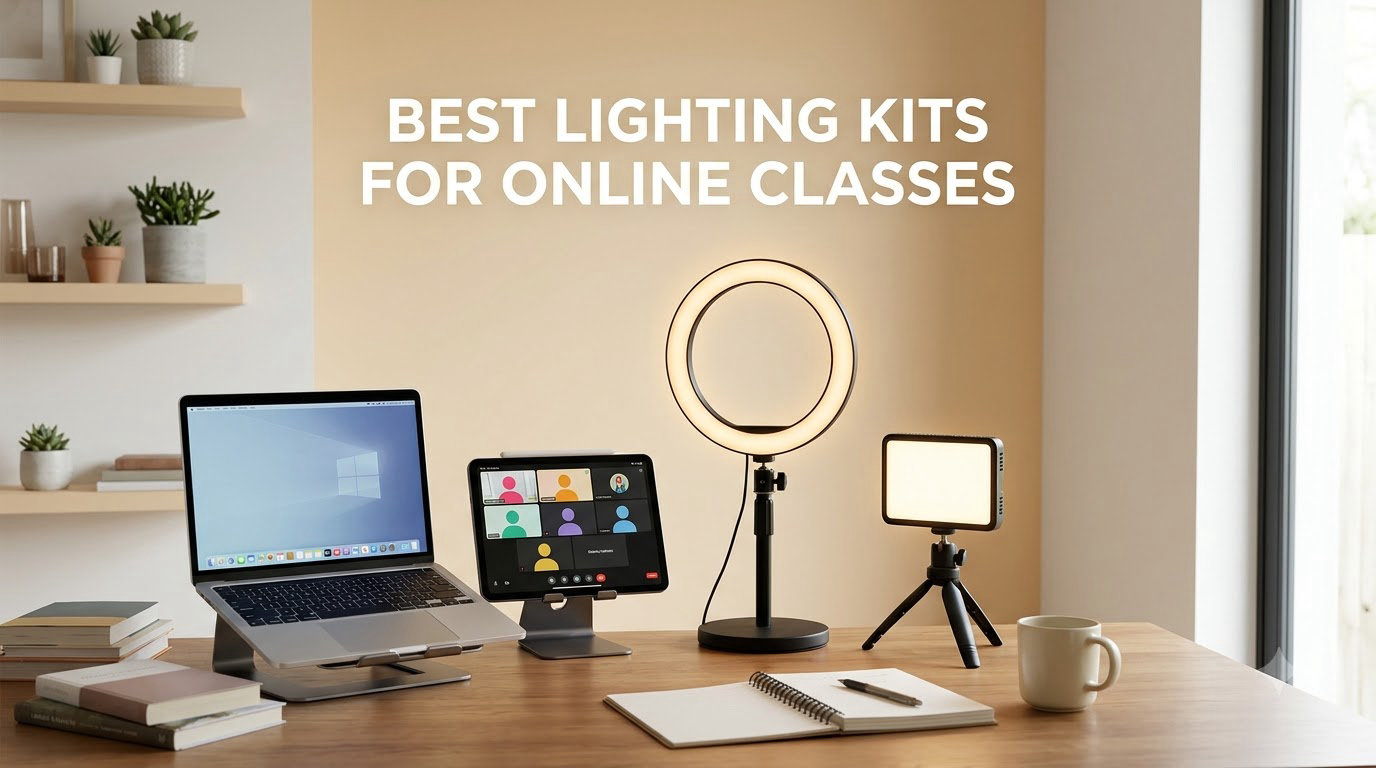
If you teach or take classes over Zoom, Teams, or any video platform, you already know that bad lighting can ruin a good lesson. A dim, shadowy face makes it harder for students to read your expressions, and a poorly placed ring light can turn your glasses into a blinding glare. After testing 12 of the best lighting kits for online classes in 2026, we narrowed down what actually works for real teachers, students, and content creators working from a desk, kitchen table, or spare bedroom.
The best light for online classes is one that produces soft, diffused illumination placed slightly above and behind your camera. Ring lights, LED panels, and small softbox kits all achieve this in different ways. In this guide, we cover 12 options ranging from a $13 pocket clip light up to a $180 professional key light, so you can find a setup that matches your space, your iPad workflow, and your budget.
We focused on kits that are easy to set up, friendly for non-technical users, and compatible with laptops, tablets, and phones. Each review below covers the specs that matter, the pros and cons we found, and who the light works best for. Whether you are recording course content, running live Zoom sessions, or just want to look more alert on a 9am call, there is a pick here for you.
Table of Contents
Top 3 Picks for Best Lighting Kits for Online Classes
Before we get into the full reviews, here is a quick look at the three kits that stood out the most during our testing. These cover premium, value, and budget needs so you can shortcut your research.

NEEWER 25W Streaming Key Light
- 12.9 inch edge-lit panel
- CRI 98+
- 2900-7000K
- 2.4G wireless remote

ALTSON 60 LED Portable Selfie Light
- CRI 97+
- 3 light modes
- Rechargeable 2200mAh
- Clip-on design
Best Lighting Kits for Online Classes in 2026
The comparison table below lists every kit we tested so you can scan specs and ratings at a glance. After the table, we break down each light in detail with hands-on notes from real classroom-style setups.
| Product | Specifications | Action |
|---|---|---|
| NEEWER 25W Streaming Key Light |
|
Check Latest Price |
| LitONES Zoom Desk Light |
|
Check Latest Price |
 Elgato Key Light Elgato Key Light |
|
Check Latest Price |
 Logitech Litra Glow Logitech Litra Glow |
|
Check Latest Price |
 Lume Cube Video Conference Light Lume Cube Video Conference Light |
|
Check Latest Price |
 NEEWER 9 inch LED Video Panel NEEWER 9 inch LED Video Panel |
|
Check Latest Price |
 RALENO 9 inch LED Video Panel RALENO 9 inch LED Video Panel |
|
Check Latest Price |
 NEEWER BASICS 2 Pack LED Panel NEEWER BASICS 2 Pack LED Panel |
|
Check Latest Price |
 UBeesize 12 inch LED Ring Light UBeesize 12 inch LED Ring Light |
|
Check Latest Price |
 Cyezcor Video Conference Ring Light Cyezcor Video Conference Ring Light |
|
Check Latest Price |
 ACMEZING Ring Light Clip Kit ACMEZING Ring Light Clip Kit |
|
Check Latest Price |
 ALTSON 60 LED Portable Selfie Light ALTSON 60 LED Portable Selfie Light |
|
Check Latest Price |
1. NEEWER 25W 12.9 inch Streaming Key Light – Best Overall for Online Teachers
NEEWER 25W 12.9″ Streaming Key Light with Desk Stand/2.4G Remote, GL25B
12.9 inch edge-lit panel
25W output
CRI 98+
2900-7000K
2.4G wireless remote
Desk stand included
Pros
- Fanless silent operation perfect for live classes
- Very high CRI 98+ for natural skin tones
- Large 12.9 inch panel creates soft flattering light
- 2.4G remote and PC/Mac app control
- Solid adjustable desk stand saves space
Cons
- Not portable
- designed for permanent desk setups
- Desk clamp needs a sturdy mounting surface
- Premium price compared to basic ring lights
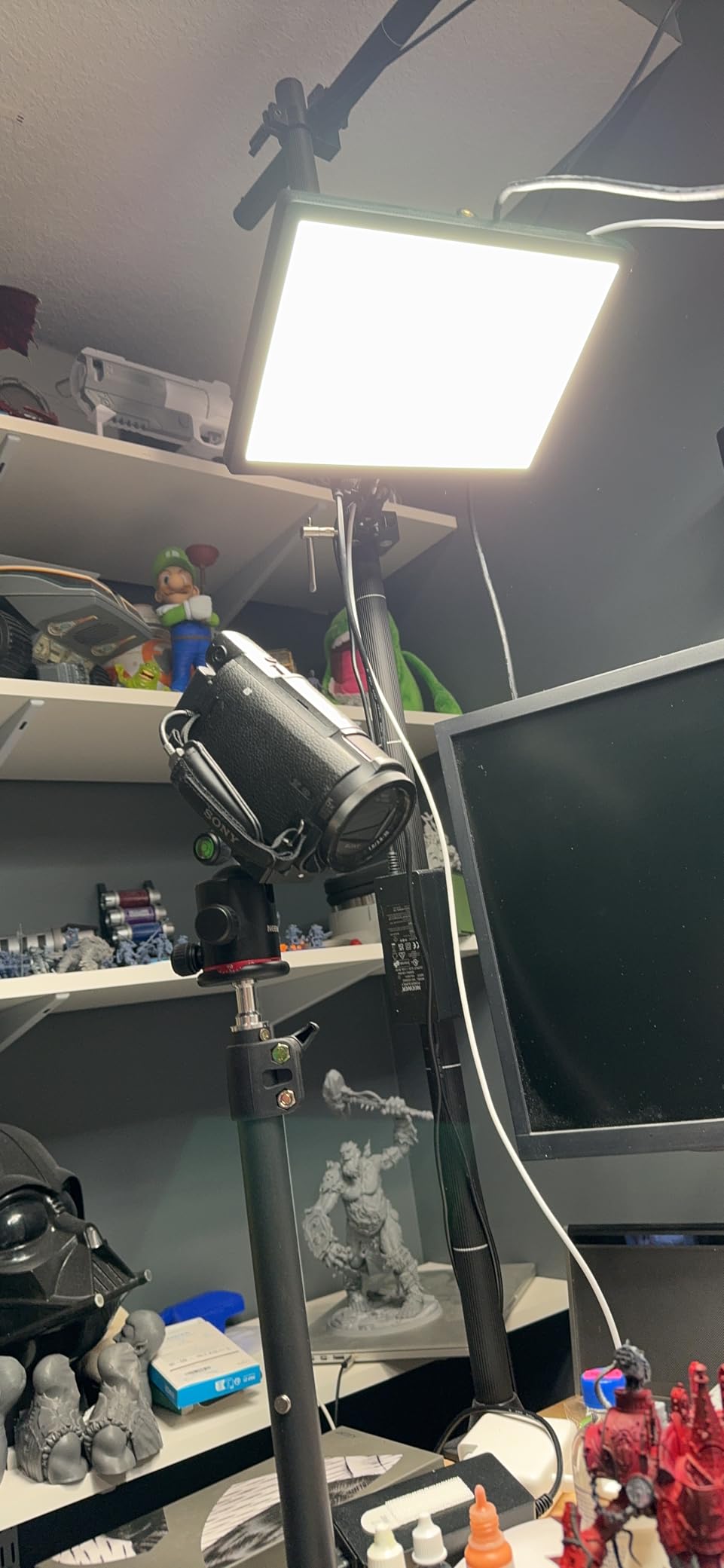
I mounted this NEEWER key light behind my laptop for a full week of virtual classes and it instantly replaced three other lights on my desk. The 12.9 inch edge-lit panel throws a wide, soft glow that removes the harsh shadows I used to get from a single small ring light. Skin tones look accurate on camera thanks to the CRI 98+ rating, which is something I really notice after years of cheaper LED panels making me look slightly green.
The fanless design was a big deal for me. I record lecture content with a sensitive USB mic, and even quiet fan noise shows up on audio. This light is completely silent. The 2.4G remote lets me dial in brightness and color temperature mid-class without reaching across my desk, and the Neewer Control Center app on my Mac works the same way.
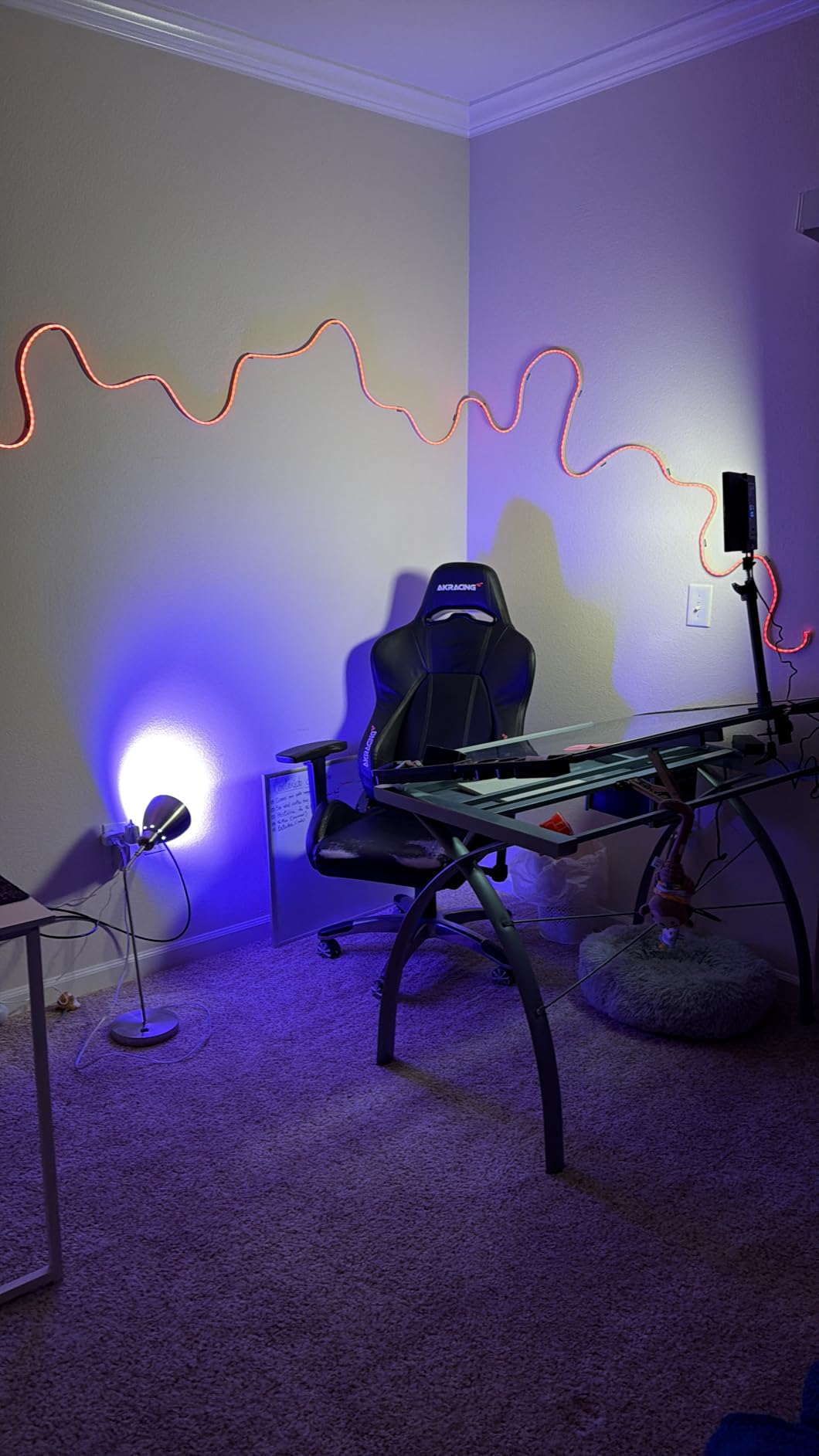
The color temperature range of 2900K to 7000K is wider than most kits in this guide. I keep mine around 4500K for a neutral daylight look that matches my office window light. At 25W with 2300 lux at 0.5 meters, it is bright enough to bounce off a white wall if you want an even softer setup.
The desk stand is sturdy and the ball head lets me tilt the panel almost any direction. The main tradeoff is that this is not a travel light. It is built to live on your desk. If you teach from the same spot every day and want one light that can carry an entire classroom setup, this is the one to get.
Who Should Buy the NEEWER 25W Key Light
This light is ideal for full-time online teachers and course creators who work from a permanent desk setup. If you stream live classes, record lecture videos, or host webinars where you need to look professional for hours at a time, the CRI 98+ panel and silent operation are worth every dollar.
It is also a great fit for educators who want to add a Stream Deck-style workflow later. The app integration and 2.4G remote mean you can expand into multi-light control without buying new hardware.
Who Should Skip It
If you teach from multiple rooms, travel to students’ homes, or only need a light for occasional Zoom calls, this kit is overkill. The desk clamp needs a stable surface, and the panel is not designed to be packed and unpacked daily. Look at the portable clip-on options further down this list instead.
2. LitONES Zoom Desk Light – Best Value for Virtual Classrooms
Zoom Lighting for Computer, Adjustable Desk Ring Light for Video Calls
7 inch edge-lit panel
CRI 97.8
3000K-6500K
10 brightness levels
USB powered
Metal base
Pros
- Excellent CRI 97.8 at this price point
- Sturdy metal base with non-slip pad
- Adjustable height from 22 to 32.5 inches
- 360 degree rotation
- Includes universal phone holder
- 3 year warranty
Cons
- Must stay plugged in
- no battery
- Larger footprint than clip-on lights
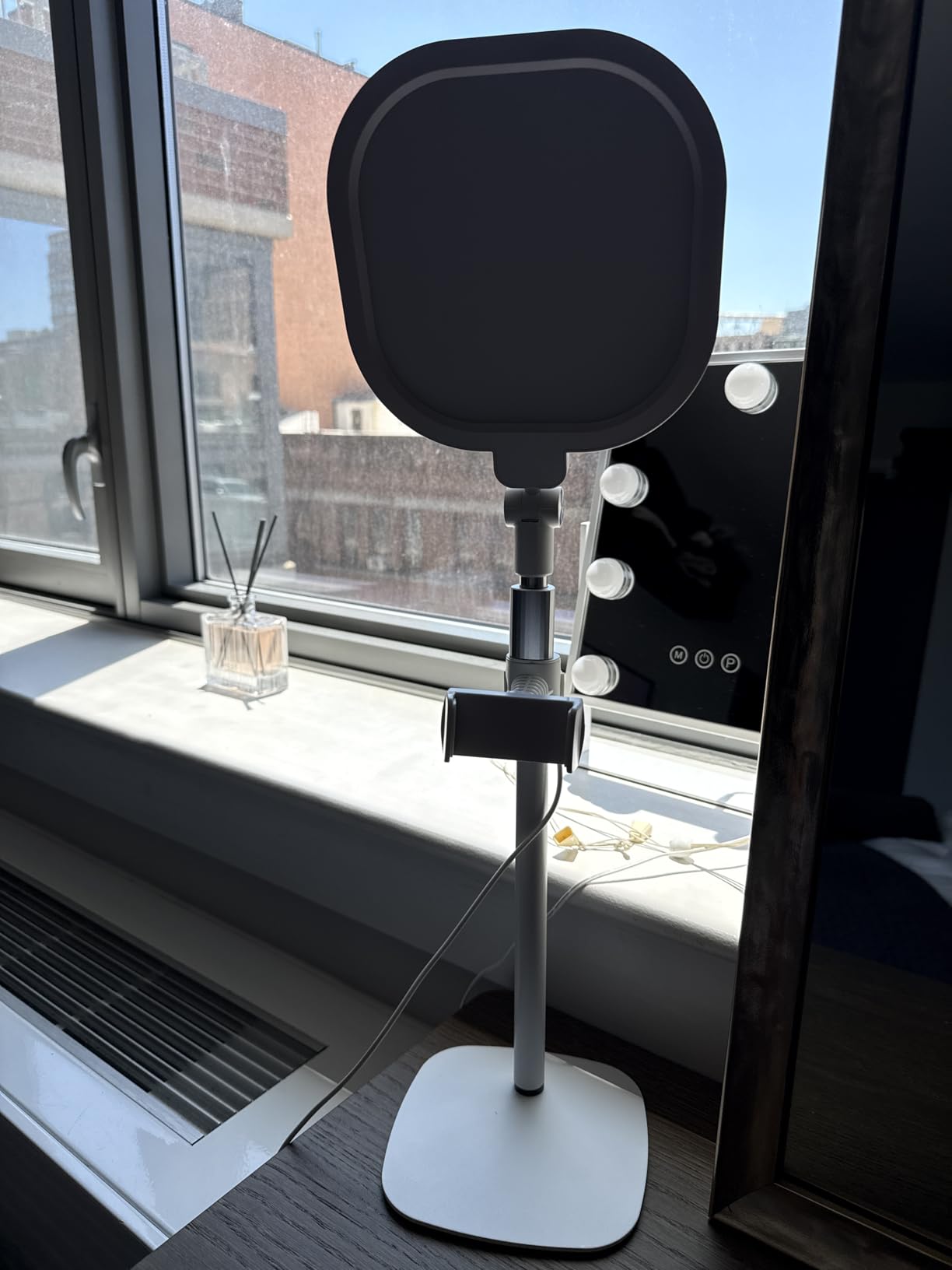
The LitONES desk light became my daily driver for morning Zoom classes because of how stable and well-built it feels for the price. The metal base sits flat on the desk without tipping, and the height range of 22 to 32.5 inches means I can position the light exactly at face level whether I am sitting or standing. That height flexibility is rare at this price.
The edge-lit LED panel produces a soft, even glow that does not need an extra diffuser. I noticed the difference right away compared to budget ring lights, which tend to give me a bright spot on my forehead. The CRI 97.8 rating means colors look true on camera, which matters if you hold up books, art, or printed materials during class.
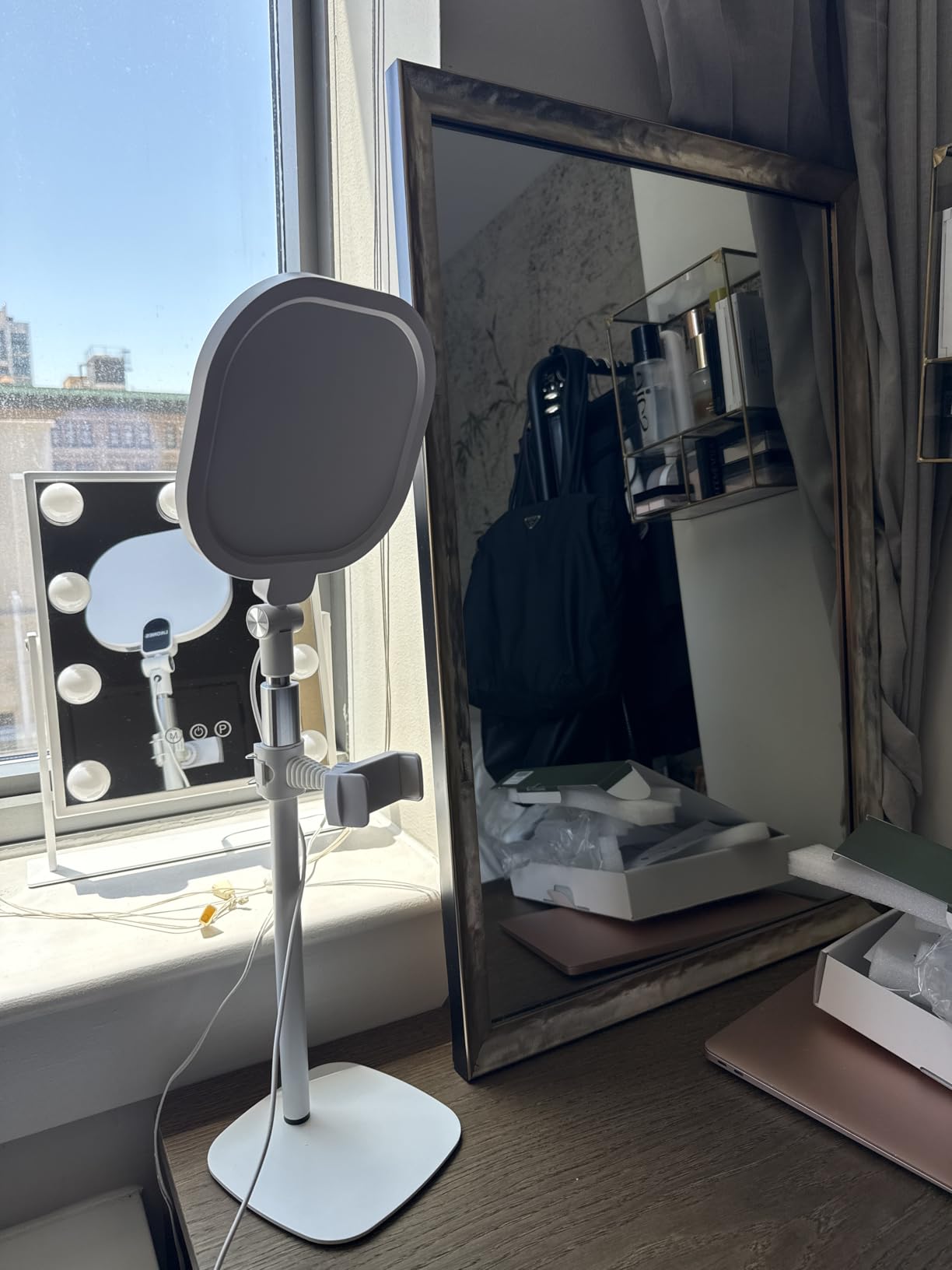
Three color temperatures and ten brightness levels cover everything from a warm evening glow to bright daylight. I run mine at the coolest setting around 6500K in the morning to look more alert, then dial it back to a warmer tone for late afternoon sessions when the natural light fades. The 360 degree rotation also means I can swing the light around to use as a side fill for object photography when I am recording course material.
The included universal phone holder was a nice bonus for iPad users. It mounts right on the stand, so if you teach using an iPad as your camera, you can position both the light and the device on the same base. The 3 year warranty is also longer than most kits in this price range offer.
Setup Tips for iPad Teachers
The metal base has enough weight to hold an iPad in the included phone holder without tipping. If you use a heavier iPad Pro with a case, you may want to angle the stand slightly forward to balance the weight. The light head rotates independently of the holder, so you can aim the panel at your face while the iPad faces you directly.
For best results, position the light about 18 inches from your face at eye level or slightly above. This angle mimics natural window light and avoids the under-chin shadow that comes from positioning a light too low.
What to Watch For
The light must stay plugged into a USB port during use. If your laptop only has one USB-C port, you will need a hub or a USB wall adapter. The 10W draw is low enough that most laptop ports can handle it without issue. The footprint is larger than clip-on options, so measure your desk space before buying.
3. Elgato Key Light – Best Premium Pick for Professional Educators
Elgato Key Light, Professional 2800 Lumens Studio Light
2800 lumens
160 OSRAM LEDs
2900-7000K
Wi-Fi app control
Desk clamp mount
Opal glass diffuser
Pros
- Extremely bright 2800 lumen output
- Wi-Fi control from Mac PC iOS Android
- Opal glass face for glare-free diffusion
- Works with Elgato Stream Deck
- Premium metal build quality
- 2 year warranty
Cons
- Highest price in this guide
- Wi-Fi setup can be finicky
- Sold individually not as a pair
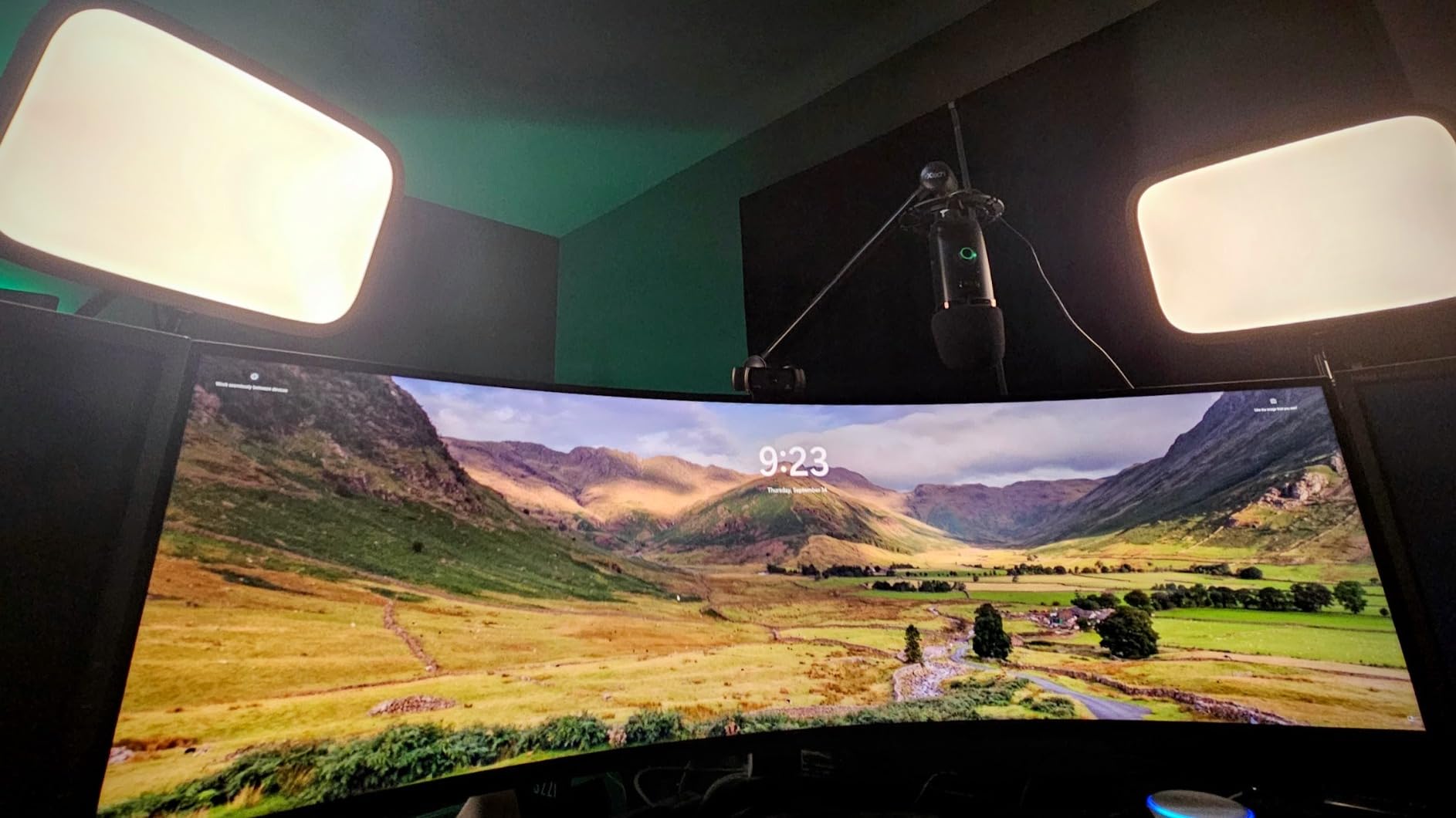
The Elgato Key Light is the light I recommend to educators who already take their video setup seriously or who plan to scale into a full studio. At 2800 lumens, it is brighter than anything else on this list, and the opal glass diffuser spreads that light evenly across a wide area. My face looked clean and professional on camera with zero hot spots or glare on my glasses.
The Wi-Fi control was the standout feature for me. I run the Elgato Control Center app on my Mac and adjust brightness and color temperature with a single click. You can set presets for different times of day, which is handy when I teach morning classes and evening webinars from the same desk. It also pairs with Stream Deck if you use one.
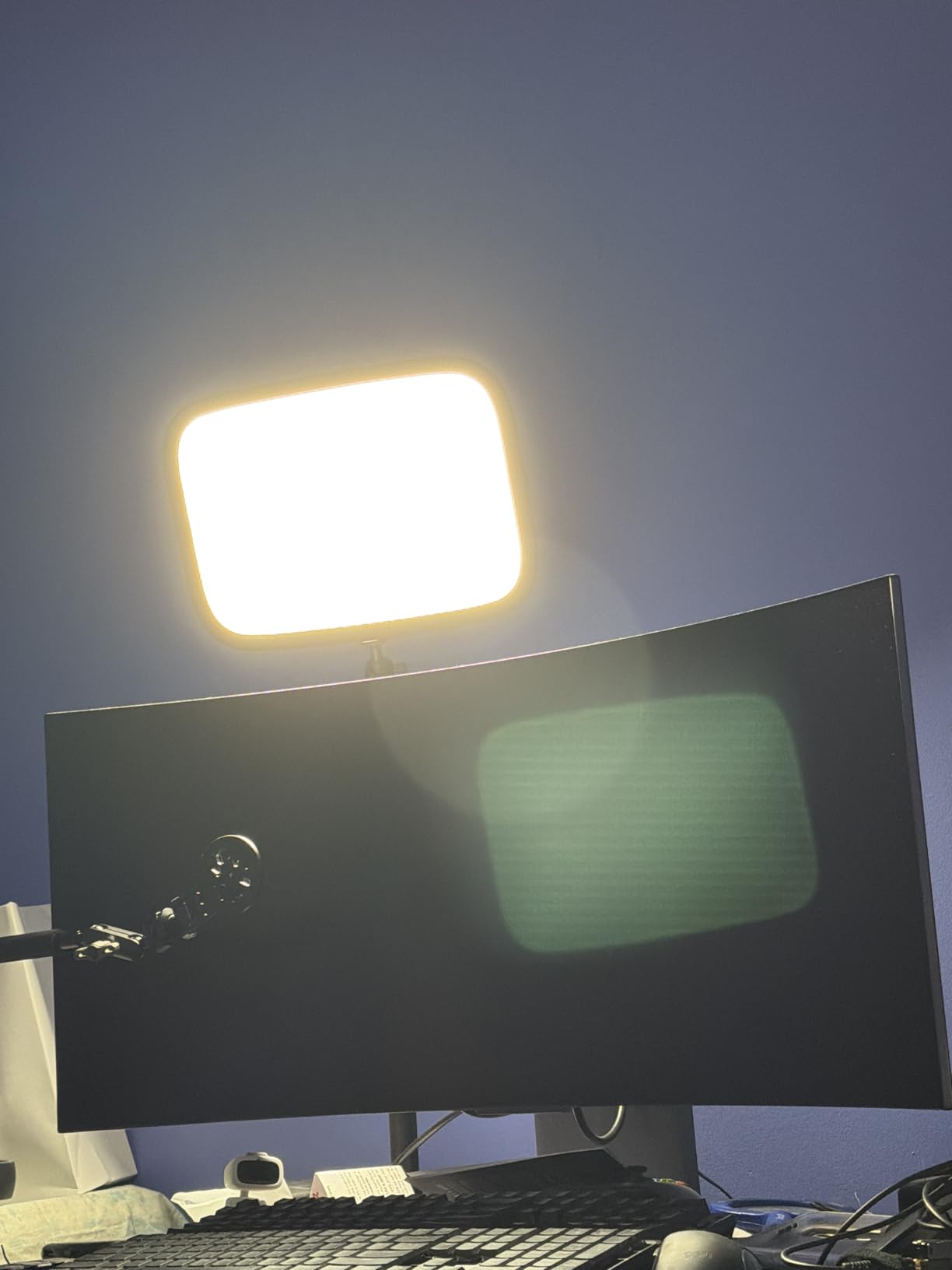
The desk clamp mount saves floor space and lets the light float above my monitor at the perfect height. The 160 OSRAM LEDs produce very little heat, even after a three hour live class. I have used softbox kits in the past that turned my office into a sauna, so this was a welcome change.
The build quality feels professional. Everything is metal, the joints hold their position, and the power cable routes cleanly. The main downside is price. This is the most expensive light in the guide, and Elgato sells it individually, so a two-light setup doubles the cost.
When the Elgato Key Light Makes Sense
This light is worth the investment if you teach online full-time, record paid courses, or run webinars where your on-camera presence directly affects your income. The app integration, brightness, and diffusion quality are a clear step above mid-range kits.
It is also the right pick if you already own or plan to buy an Elgato Stream Deck. The one-tap control workflow is hard to beat once you have it set up.
Setup Considerations
The Wi-Fi pairing process can take a few tries, especially on dual-band routers. Once connected, the light stays linked reliably. The desk clamp needs a desk edge with about 2 inches of clearance underneath. If your desk has a thick apron or cable tray, measure before buying.
4. Logitech Litra Glow – Best for Plug-and-Play Simplicity
Logitech for Creators Litra Glow Premium LED Streaming Light – Graphite
TrueSoft full-spectrum LED
2700K-6500K
250 lumens
G HUB desktop app
3-way monitor mount
USB powered
Pros
- TrueSoft technology for natural skin tones
- Frameless diffuser removes harsh shadows
- UL tested safe for all-day streaming
- G HUB app with per-application presets
- 3-way mount with tilt and rotation
- Portable plug-and-play design
Cons
- Higher price for a single small panel
- Clip depth may block centered webcams
- No battery option
- Lowest brightness could be dimmer
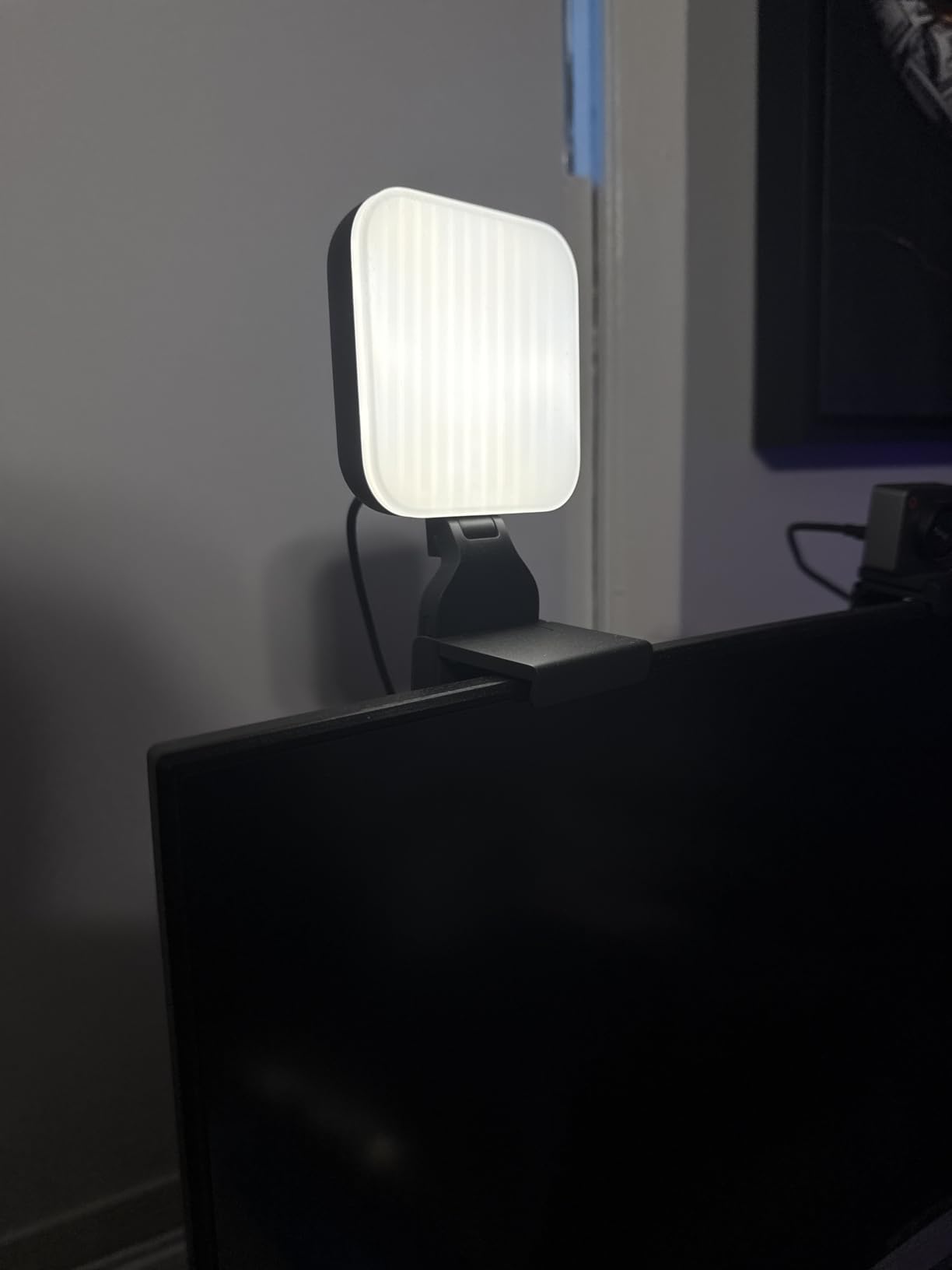
The Logitech Litra Glow is the light I recommend to teachers who want a premium look without spending time on setup. I plugged it into my laptop USB port, clipped it to my monitor, and was live in under two minutes. The TrueSoft LED technology produces a balanced, full-spectrum light that makes skin look natural on camera instead of washed out.
The frameless diffuser is a smart design choice. Without a visible bezel, the light spreads smoothly across my face with no hard shadow lines. At 250 lumens it is not as bright as the Elgato, but for a single-person desk setup at typical webcam distance, it is more than enough.
The G HUB desktop app is where this light really shines for me. I set presets for Zoom, for recording lectures, and for casual calls. The app switches the light profile automatically when I launch each application. It is a small thing, but it removes the friction of adjusting brightness before every session.
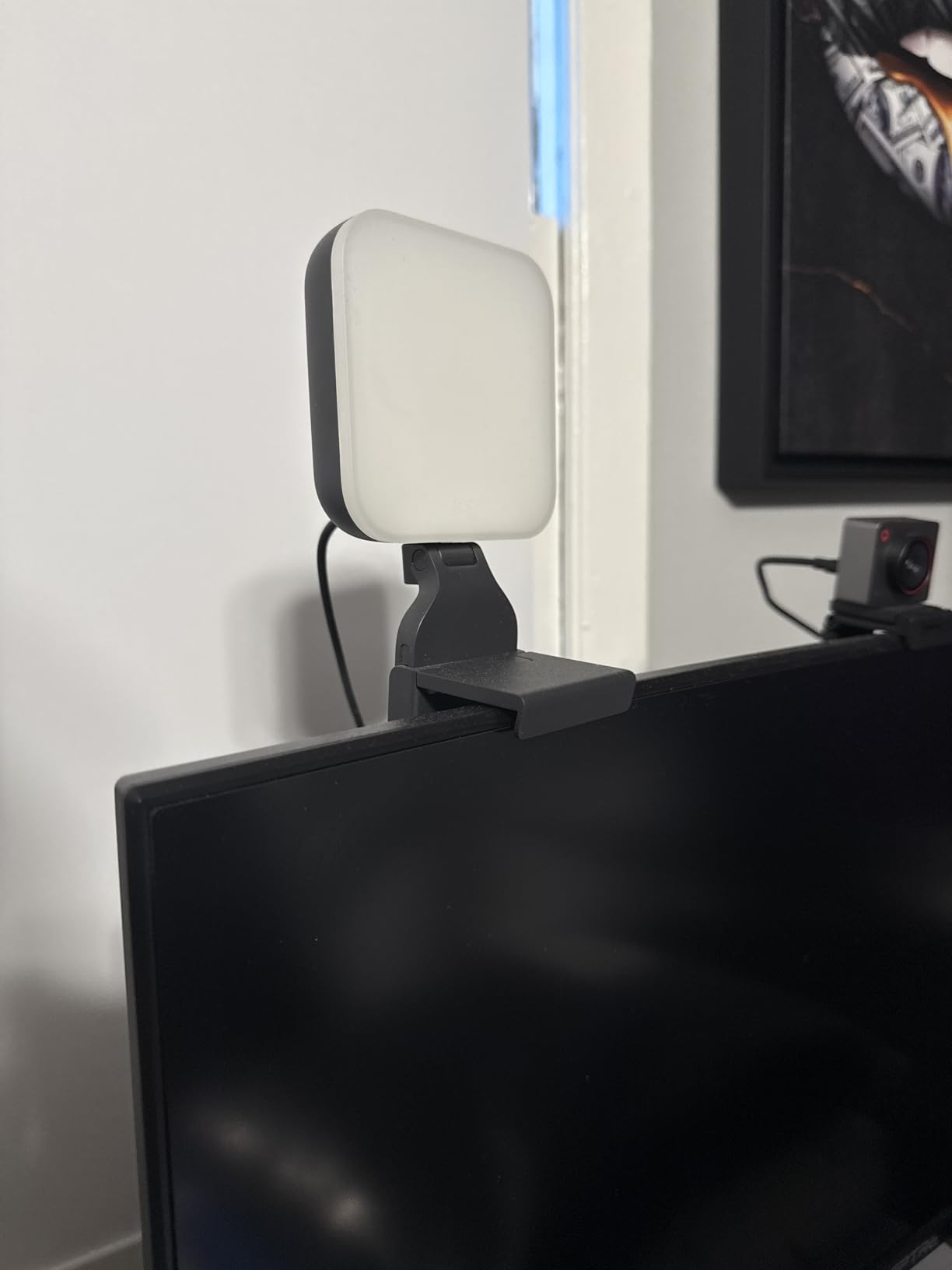
The 3-way monitor mount adjusts for height, tilt, and rotation. I was able to position the light slightly above and to the side of my webcam, which is the angle that avoids the glasses glare that forum users consistently complain about with centered ring lights.
Best Use Cases for the Litra Glow
This light is perfect for teachers who want professional results with zero fuss. If you value brand reliability, easy app control, and a clean desk-friendly design, the Litra Glow delivers. It is also a great pick if you teach from a laptop and move between rooms, since the mount clips on and off in seconds.
Things to Consider Before Buying
The clip is deeper than some competitors, which can partially block a centered webcam if your camera sits flush with the top bezel. If you have a laptop with a notch or a camera in an unusual position, check the clearance before buying. There is no battery option, so plan for a USB port nearby.
5. Lume Cube Video Conference Lighting Kit – Best Portable Premium Option
Lume Cube Video Conference Lighting Kit | Live Streaming, Video Conferencing, Remote Working | Lighting Accessory for Laptop, Adjustable Brightness and Color Temperature, Computer Mount Included
300 lumen LED panel
1-100% dimming
Adjustable color temperature
14 hour battery
USB-C charging
Frosted diffuser
Pros
- Built-in battery with up to 14 hours runtime
- Compact and travel-friendly
- Adjustable brightness from 1 to 100 percent
- Frosted lens and silicone diffuser for soft light
- Works while plugged in for extended sessions
- Reliable Lume Cube customer support
Cons
- Suction cup mount can be unreliable
- Can overheat at full brightness
- Higher price than similar clip-on lights
- May be too bright at 100 percent up close
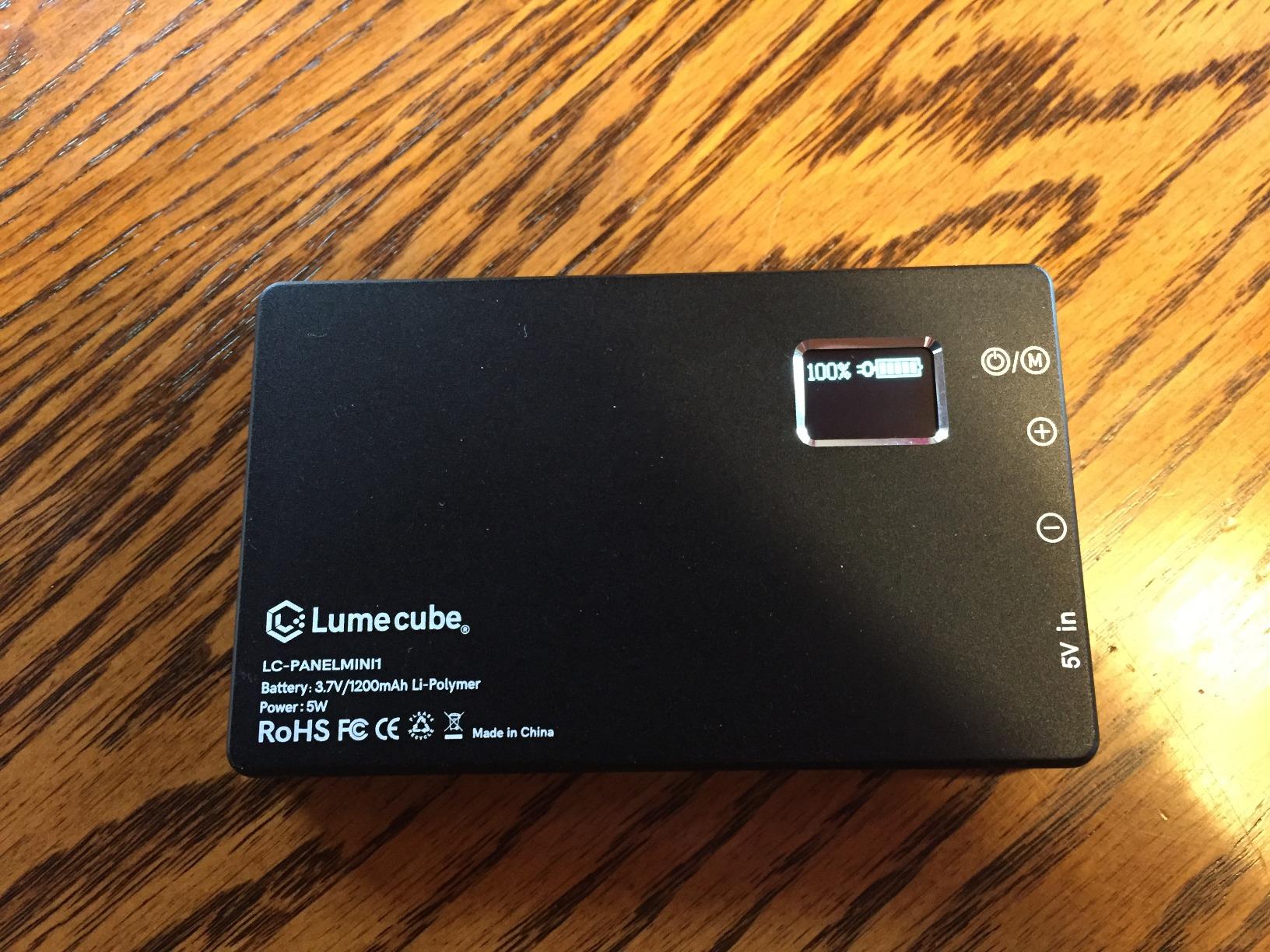
The Lume Cube kit is the light I grab when I am teaching from a hotel room or a co-working space. The built-in battery runs up to 14 hours on a single charge, which is enough for a full day of classes without hunting for an outlet. The panel is small enough to fit in a laptop bag side pocket, and the spring-loaded clip mounts to almost any screen.
The 300 lumen output is bright for the size. I usually run it around 60 percent brightness for a natural look, which also keeps the panel cool. At 100 percent, the light can get warm during long sessions, so I recommend dialing it back unless you need maximum brightness.
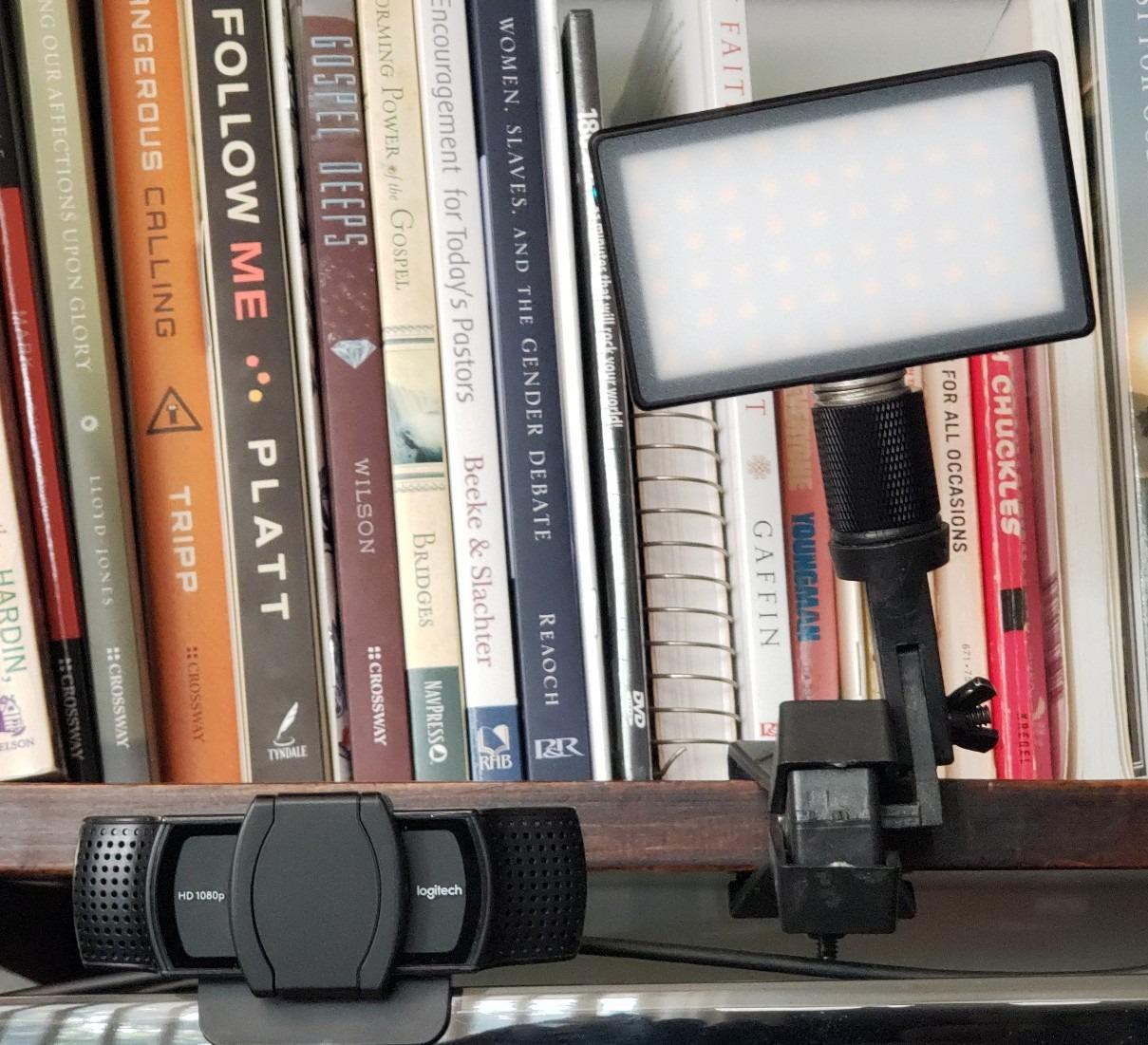
The frosted lens and silicone diffuser work together to soften the light. My skin looked smooth on camera without the overexposed patches I get from bare LED panels. Color temperature is adjustable from warm to cool, and I appreciated being able to match the room lighting in unfamiliar teaching spaces.
The biggest weakness is the suction cup mount. It works on smooth surfaces but can lose grip over time. I rely on the included spring-loaded laptop clip instead, which is more reliable for daily use.
Best for Traveling Educators
If you teach from multiple locations or record content on the road, the battery-powered Lume Cube is one of the most convenient options in this guide. You skip the USB cable entirely, which means one less thing to plug in before each class.
Heat and Brightness Notes
Running the light at full brightness for over an hour can trigger thermal shutoff on some units. Keep brightness below 80 percent for long sessions to avoid interruptions mid-class. The light charges via USB-C and can run while charging, so a power bank solves the runtime issue on travel days.
6. NEEWER 9 inch LED Video Light Panel – Best Mid-Range LED Panel
NEEWER 9″ LED Video Light Panel, Dimmable DSLR Camera Soft Lighting with Mini Desk Tripod Stand, USB Type C Ports, 3200K~5600K CRI95+ for Studio Photography Video Recording Live Streaming, NL-116AI
9 inch LED panel
116 LEDs
CRI 95+
3200K-5600K
4000mAh battery
USB Type-C
Mini tripod
Pros
- Precise 1 percent increment adjustments
- Built-in 4000mAh rechargeable battery
- CRI 95+ for accurate color
- USB Type-C charging
- All-metal mini desktop tripod
- Cold shoe adapter for DSLR mounting
Cons
- Battery life limited to 1.5 hours at full brightness
- No carry bag included
- Small tripod may limit positioning
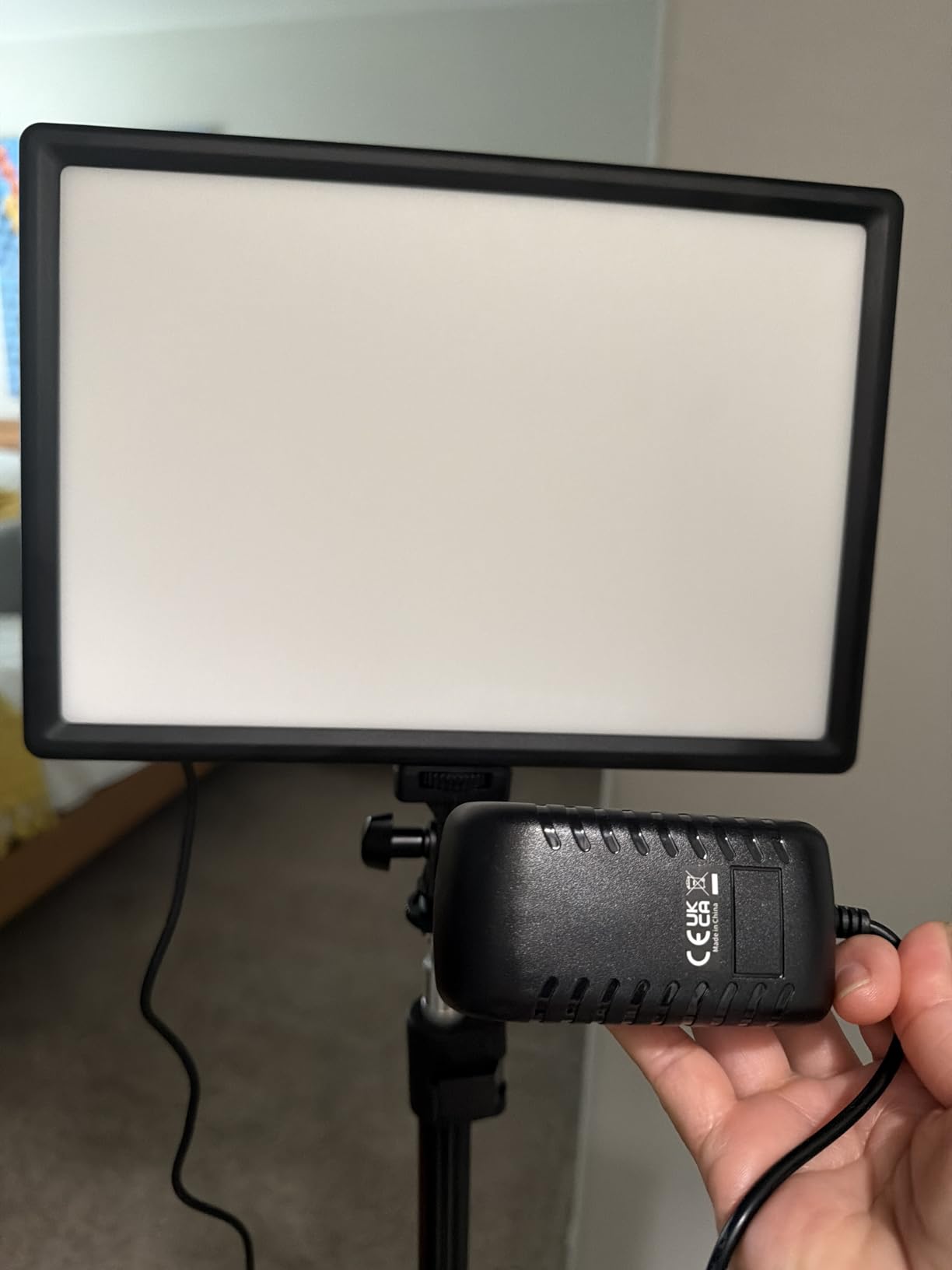
This NEEWER 9 inch panel hits a sweet spot between price, portability, and image quality. I used it as a side fill light for a week of recorded lectures, and the CRI 95+ rating meant colors on my whiteboard markers and printed handouts looked accurate on camera. The 116 LEDs produce a soft, even spread that fills in shadows from my main key light.
The 1 percent increment adjustments for both brightness and color temperature are a feature I did not know I needed. Most budget lights jump in coarse steps that look obvious on camera. With this panel, I can dial in exactly the level I want, which matters when I am matching room light for a seamless blend.
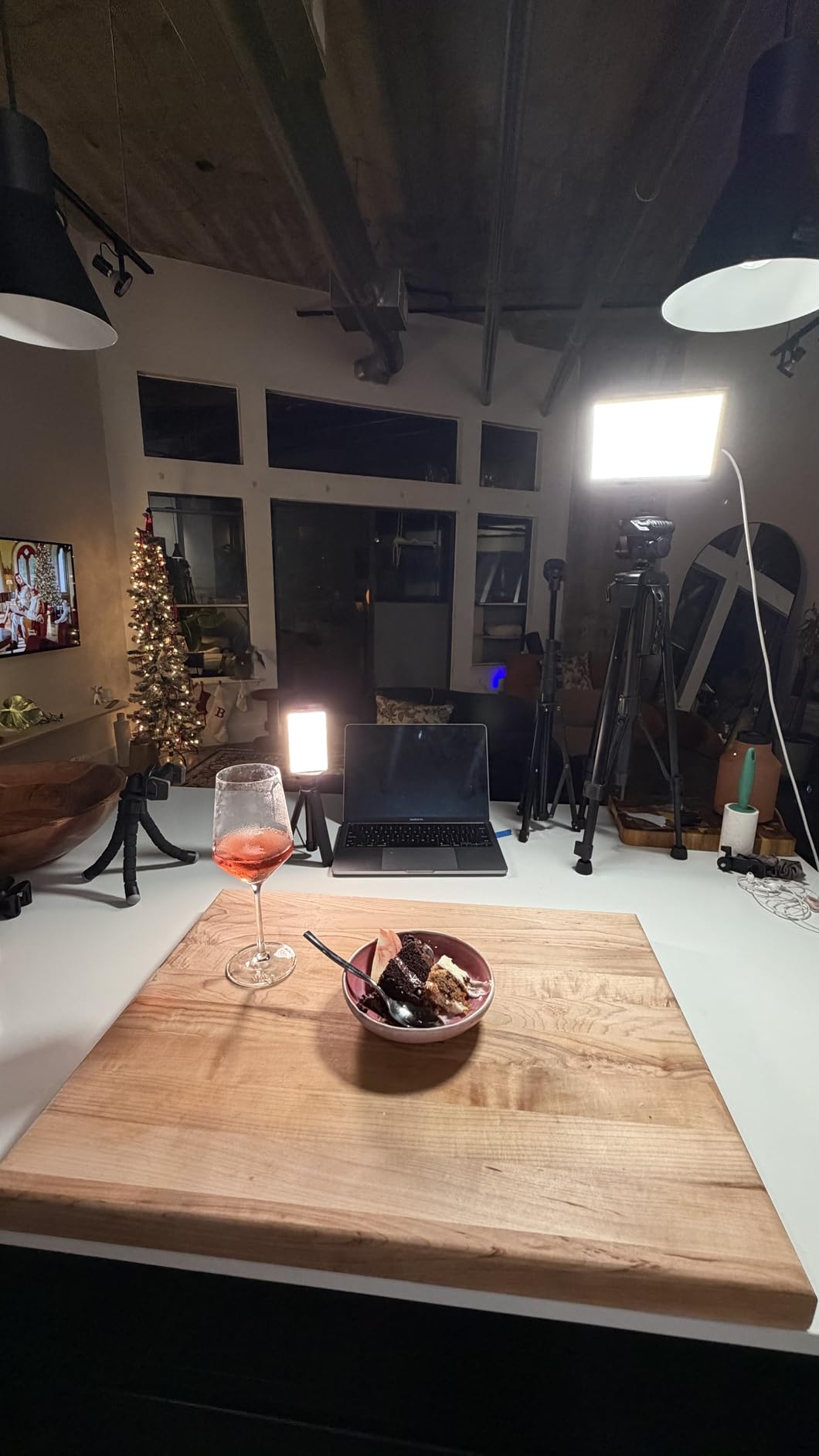
The built-in 4000mAh battery lasts about 1.5 hours at full brightness. For typical online classes of 45 to 90 minutes, that is usually enough. The USB Type-C charging port means I can top it up from a laptop or power bank between sessions. The all-metal mini tripod is surprisingly sturdy for its size.
The cold shoe adapter opens up mounting options. I have used this panel on a camera hot shoe, on the included tripod, and on a full-size light stand with a standard adapter. It is one of the most flexible kits in this guide.
Who It Works Best For
This panel suits teachers who want professional light quality without a permanent desk mount. The battery means you can teach from anywhere, and the DSLR compatibility makes it useful if you also record course content with a dedicated camera.
Limitations to Plan Around
Battery life drops fast at maximum brightness. If you teach back-to-back classes, keep a USB-C power source nearby. The mini tripod is only 7 inches tall, so for face-level lighting you will likely want a taller stand or a stack of books to raise it.
7. RALENO 9 inch LED Video Light Panel – Best Value Panel with LCD Display
RALENO 9″ LED Video Light, 2500K-6500K Camera Light with Desk Stand
9 inch edge-lit panel
116 LEDs
CRI 95+
2500K-6500K
HD LCD display
4000mAh battery
USB-C
Pros
- Edge-lit technology with 4-layer diffusers
- Wide 2500K-6500K color temperature range
- HD LCD display for real-time monitoring
- 1 percent increment adjustments
- Works while charging
- Lightweight and portable
Cons
- Battery life about 80 minutes at full brightness
- Can overheat at maximum brightness
- Plastic base may crack over time
- Charging takes over 2 hours
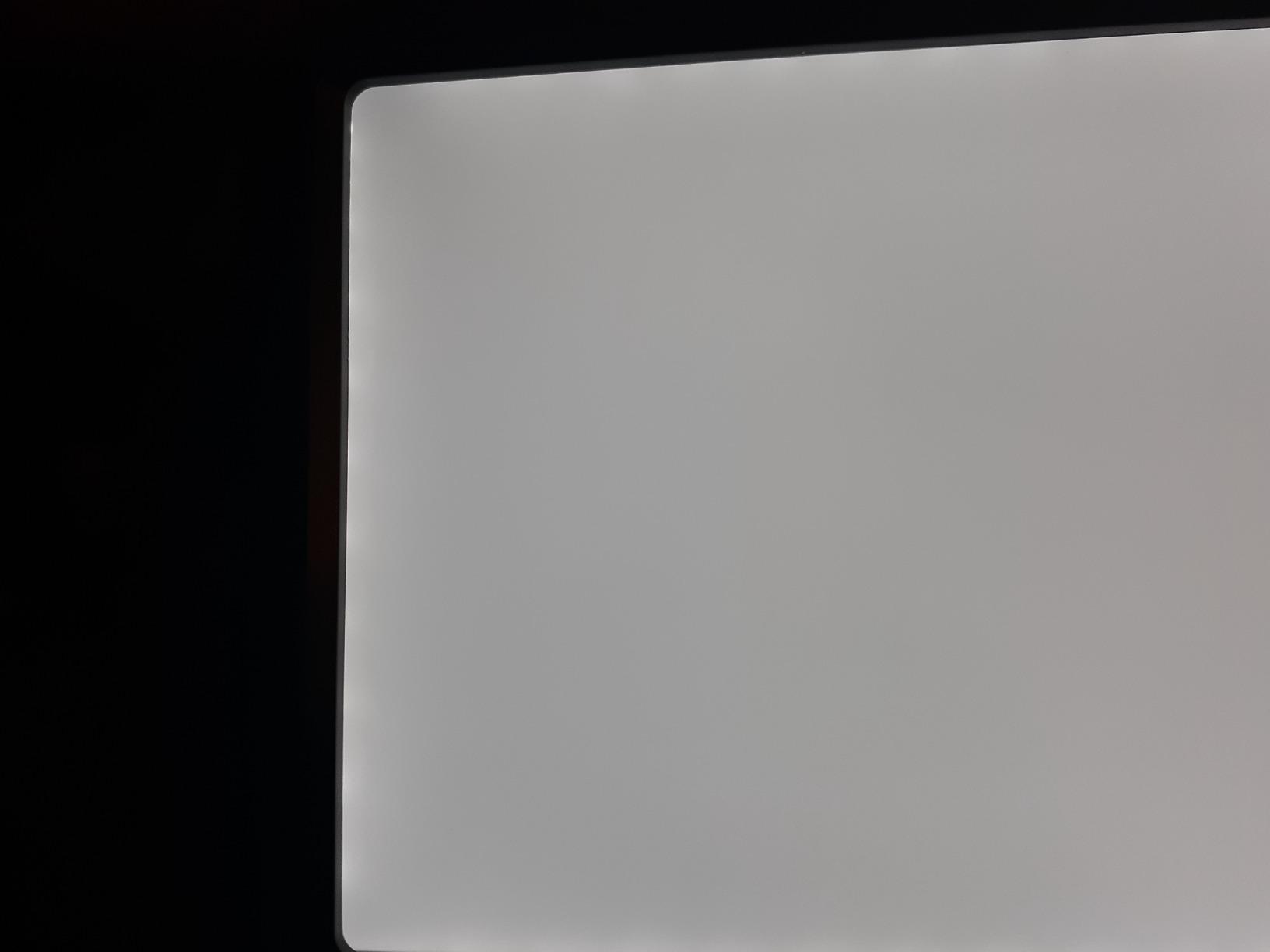
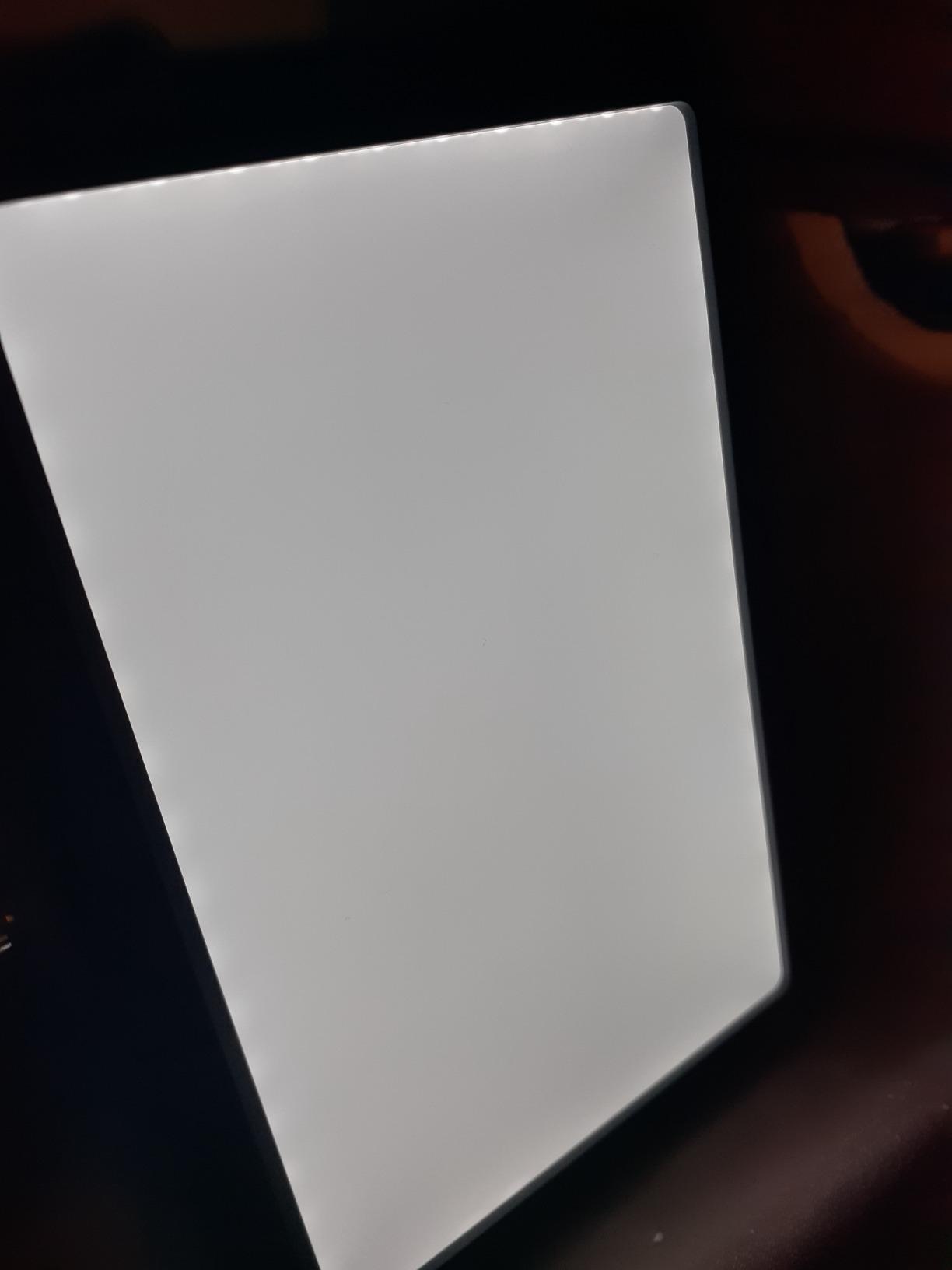
The RALENO 9 inch panel is a close competitor to the NEEWER panel above, and the HD LCD display is the feature that sets it apart. I could see my exact brightness percentage, color temperature, and battery level at a glance, which saved me from guessing mid-class. The edge-lit technology with four layers of diffusers produces a soft, glare-free light that flatters skin on camera.
The wide 2500K-6500K range gives more warm-light options than most panels. I used the warmer settings for evening makeup and skincare classes where a natural indoor glow looks better than harsh daylight. The dual knob controls make 1 percent adjustments quick and precise.
 95 Photo Lights for Outdoor Photography Live Streaming Zoom Call customer photo 1″ class=”wp-image-customer”/>
The built-in 4000mAh battery lasts about 80 minutes at full brightness. For shorter classes, that is plenty. The panel also works while charging, so for longer sessions I plug it into a USB-C power bank and teach without interruption.
The included mini tripod extends from 3.74 to 7.09 inches, which works for desk-level fill lighting. For face-level use, I paired it with a taller light stand using the standard quarter-inch thread on the bottom.
 95 Photo Lights for Outdoor Photography Live Streaming Zoom Call customer photo 2″ class=”wp-image-customer”/>
Ideal Users for the RALENO Panel
Teachers who want real-time feedback on their light settings will love the LCD display. It is also a strong pick for beauty, art, and craft instructors who need precise warm-light control that cheaper panels cannot deliver.
Watch-Outs Before You Buy
The plastic housing can crack at the base over time if the panel is knocked over. Treat it gently and it will last. Some users report a strobing effect when the panel runs at high brightness while charging for extended periods. If that happens, lower the brightness slightly or run on battery.
8. NEEWER BASICS 2 Pack LED Panel Kit – Best Two-Light Setup
NEEWER BASICS 2 Pack LED Video Panel Light, Video Conference Lighting Kit with Desktop Tripod Stands/Filters for Webcam Desk Computer Laptop Zoom Call Makeup Recording Selfie Streaming, Dimmable, BP66
2 LED panels
66 LEDs each
CRI 95
3200K-5600K
Magnetic filters
Mini tripods
USB powered
Pros
- Two panels for balanced key and fill lighting
- CRI 95 for accurate colors
- Magnetic white and orange filters for color switching
- 10 level dimming
- 360 degree swivel ball heads
- Long 6.6 foot USB cables
Cons
- Color adjustment uses clip-on filters not built-in switch
- Tripod has a large footprint
- Dimmer steps may feel coarse for precise work
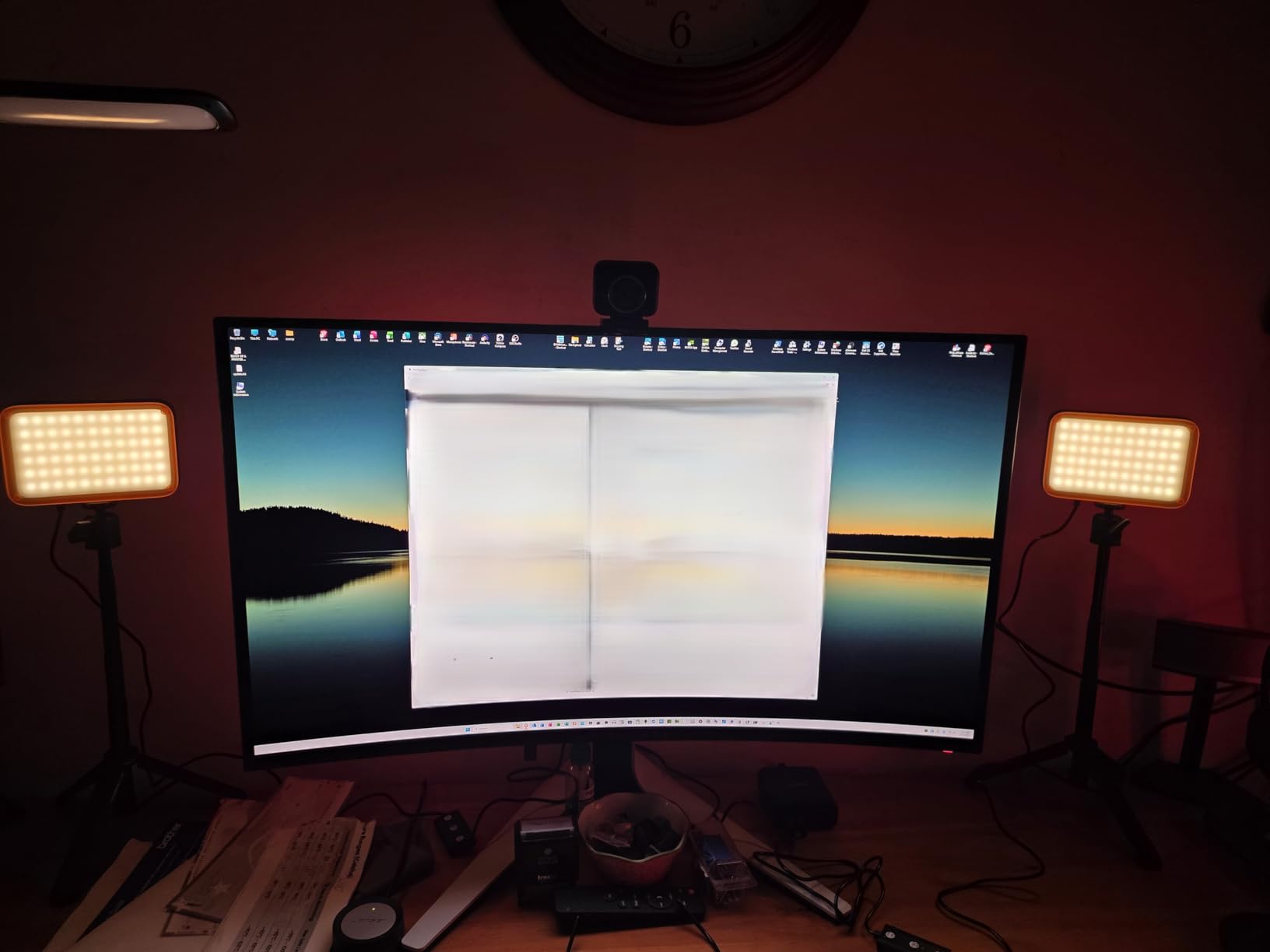
This NEEWER BASICS two-pack is the kit I recommend for educators who want a proper two-light setup without spending on studio gear. I placed one panel as my key light at a 45 degree angle and the second as a fill light on the opposite side. The result was even, shadow-free lighting that looked noticeably more professional than a single light source.
The magnetic color filters are a clever touch. You swap between 3200K warm and 5600K daylight by snapping on a different filter, which takes about two seconds. I found this faster than navigating a menu, though it is less convenient than a built-in bi-color switch.
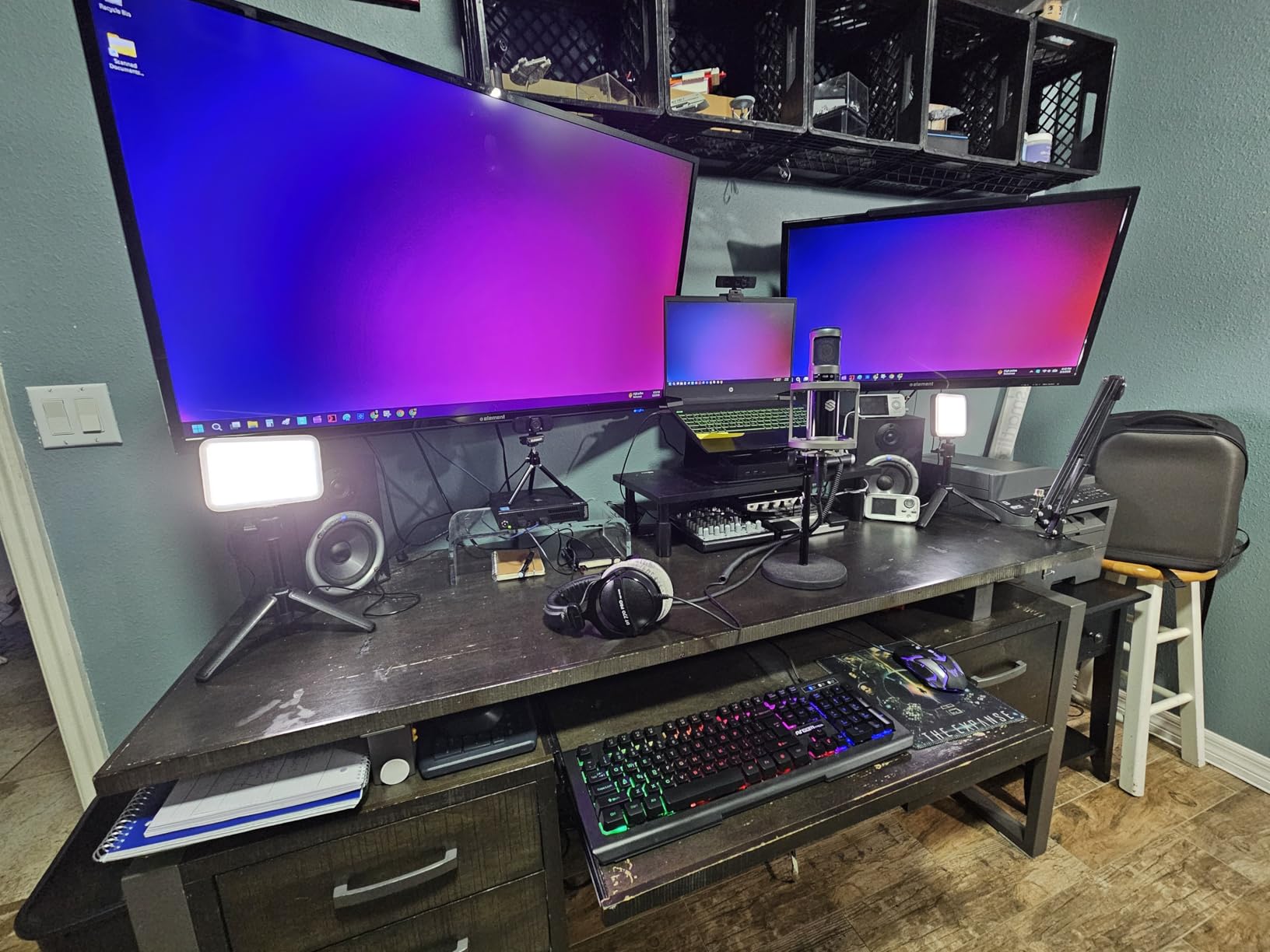
Each panel runs on USB power at 5V/2A, and the included 6.6 foot cables reach from my desk to a wall adapter without strain. The 66 LEDs per panel produce 750 lux at 0.5 meters, which is bright enough for a typical desk teaching setup. The 10-level dimming gives enough range to match ambient room light.
The mini tripods extend from 8.3 to 21 inches and have 360 degree swivel ball heads. At full extension they can reach face height when seated. The CRI 95 rating means colors on teaching materials and on your face render accurately.
Why a Two-Light Setup Matters
A single light creates shadows on the opposite side of your face. Adding a second, dimmer fill light softens those shadows and creates depth. This is the same technique professional streamers and news anchors use, and this kit makes it affordable for online teachers.
Setup Tradeoffs to Know
The tripods have a wider footprint than single-stand kits, so you need clear desk space on both sides of your laptop. The dimmer steps are visible on camera if you change settings mid-session, so set your levels before going live.
9. UBeesize 12 inch LED Ring Light – Best Ring Light with Tripod
UBeesize 12″ LED Ring Light with 62″ Tripod Stand, Phone Holder & Remote
12 inch ring light
240 LEDs
10W output
3000K-6000K
62 inch tripod
Bluetooth remote
Pros
- Best seller rank 1 in its category
- 240 LEDs for bright stable lighting
- 62 inch tripod converts to selfie stick
- Bluetooth remote shutter included
- 10 brightness and 5 color temperature modes
- Complete kit with phone holder and case
Cons
- Phone holder unstable with large phones
- Auto shut-off after about 10 minutes
- Plastic construction feels less premium
- Controls on light base not on cable
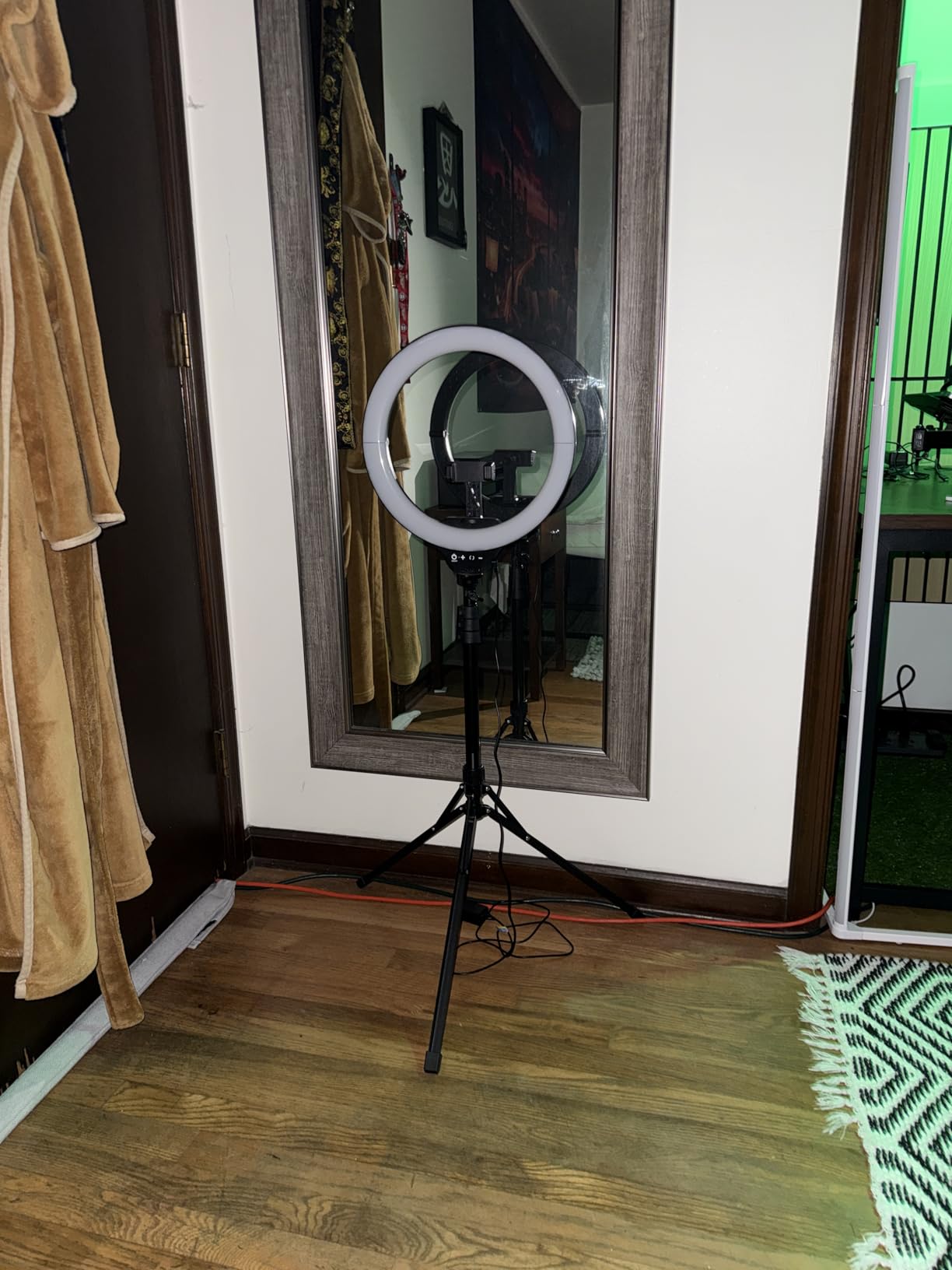
The UBeesize 12 inch ring light is the best-selling ring light on Amazon for a reason. I used it for a mix of live Zoom classes and recorded YouTube content, and the 240 LEDs produce a bright, stable ring of light that creates that signature circular catchlight in the eyes. The 62 inch tripod is sturdy enough to use as a floor stand and also converts into a handheld selfie stick.
The five color temperature modes and ten brightness levels cover the full range I need. I use the warmest setting for evening office hours and the coolest daylight setting for morning classes. The Bluetooth remote shutter is handy if you also use the kit for recording short teaching clips for social media.
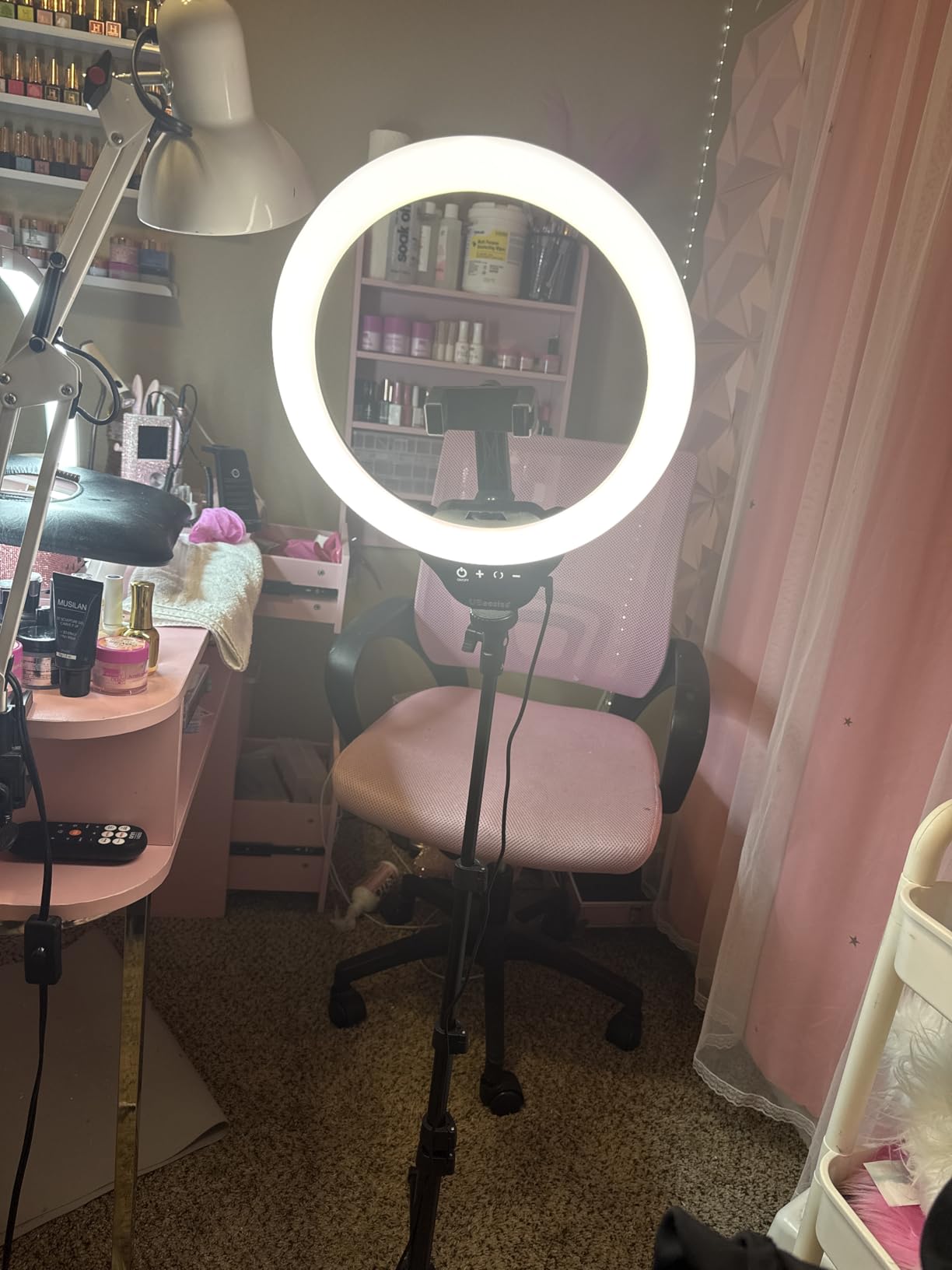
The phone holder in the center of the ring works well for smaller phones and tablets. For a large iPad, you may want a separate tablet mount on the tripod’s standard thread instead. The included carrying case makes this kit easy to pack for hybrid teaching setups.
This is a USB-powered light, so you need a power source nearby. The 10W draw is low, and most laptop USB ports handle it without issue. The controls are on the light itself rather than on an inline remote, which means reaching up to the ring to make adjustments.
Best for Standing and Movement
The tall tripod makes this kit ideal for teachers who like to stand, gesture, or move while teaching. You can position the ring light above desk level so your whole upper body is lit, not just your face. The height range also suits demonstrations where you hold up objects or write on a physical whiteboard.
Auto Shut-Off to Know About
The light has an auto shut-off feature that activates after about 10 minutes for safety. If your classes run longer, you may need to switch the light back on, which interrupts the flow. Most users work around this by tapping the power button shortly before the timer expires.
10. Cyezcor Video Conference Lighting Kit – Best Budget Monitor Clip Light
Cyezcor Video Conference Lighting Kit, Ring Light for Monitor Clip On
5.12 inch ring light
48 LEDs
3200K-6800K
5 brightness levels
Clip-on mount
USB powered
Pros
- Even soft illumination from ring light design
- Strong clip that stays firmly in place
- 3 color temperatures and 5 brightness levels
- Lightweight and portable
- Great value for the price
- No harsh shadows or glare
Cons
- No rechargeable battery must stay plugged in
- Some durability concerns after months of use
- Clip may be too tight for thin-bezel laptops
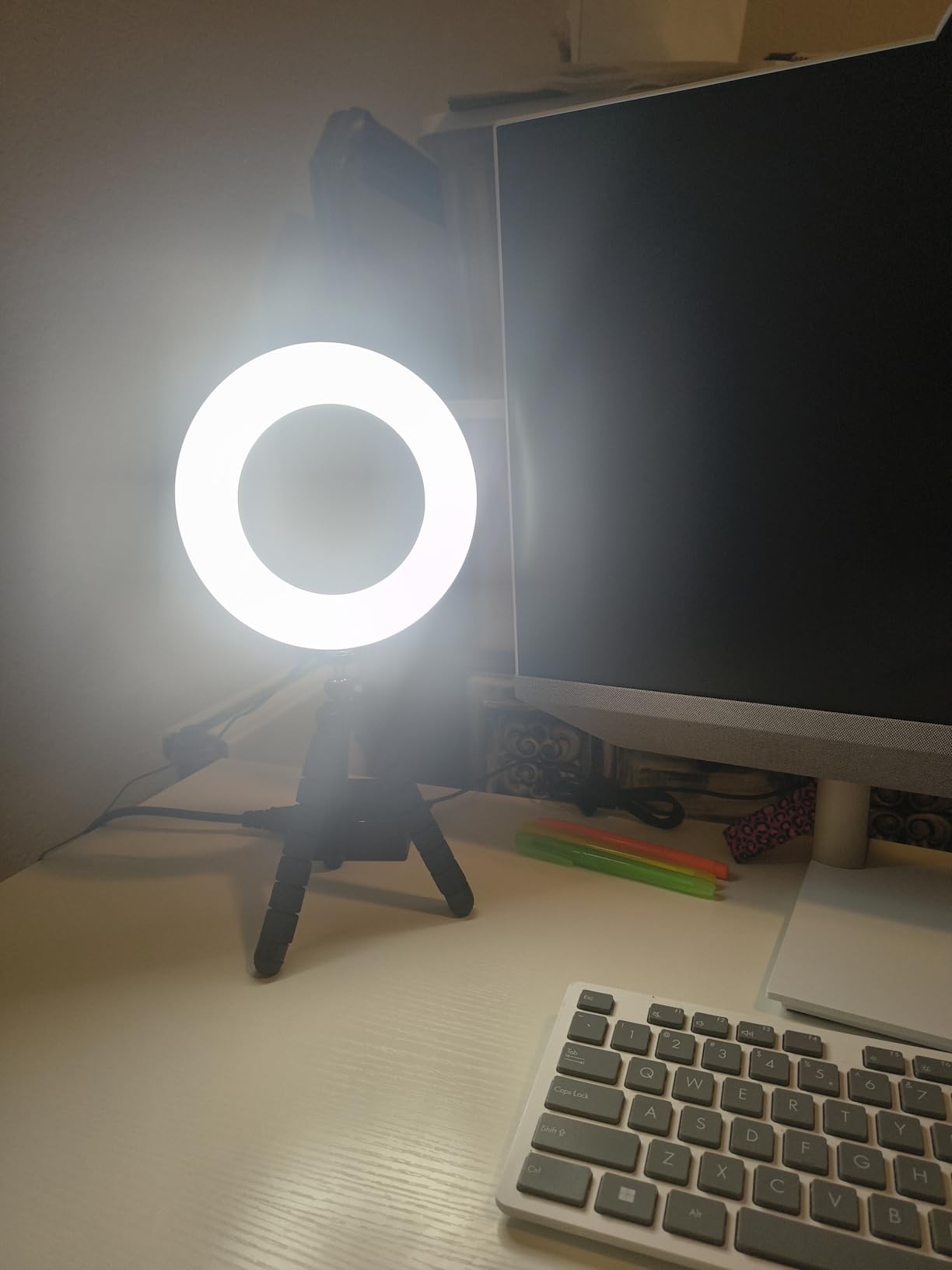
The Cyezcor clip-on ring light is the kit I recommend to anyone who wants to dramatically improve their Zoom appearance for under twenty dollars. The 48 LED ring light design produces a soft, even glow that eliminates the harsh shadows from overhead room lights. I clipped it to my monitor and was immediately visible on camera in a way I had not been before.
The three color temperatures cover warm, natural, and daylight settings. I use the daylight setting for morning classes and the warm setting for evening study groups. The five brightness levels are enough to dial in the right exposure without washing out my face.
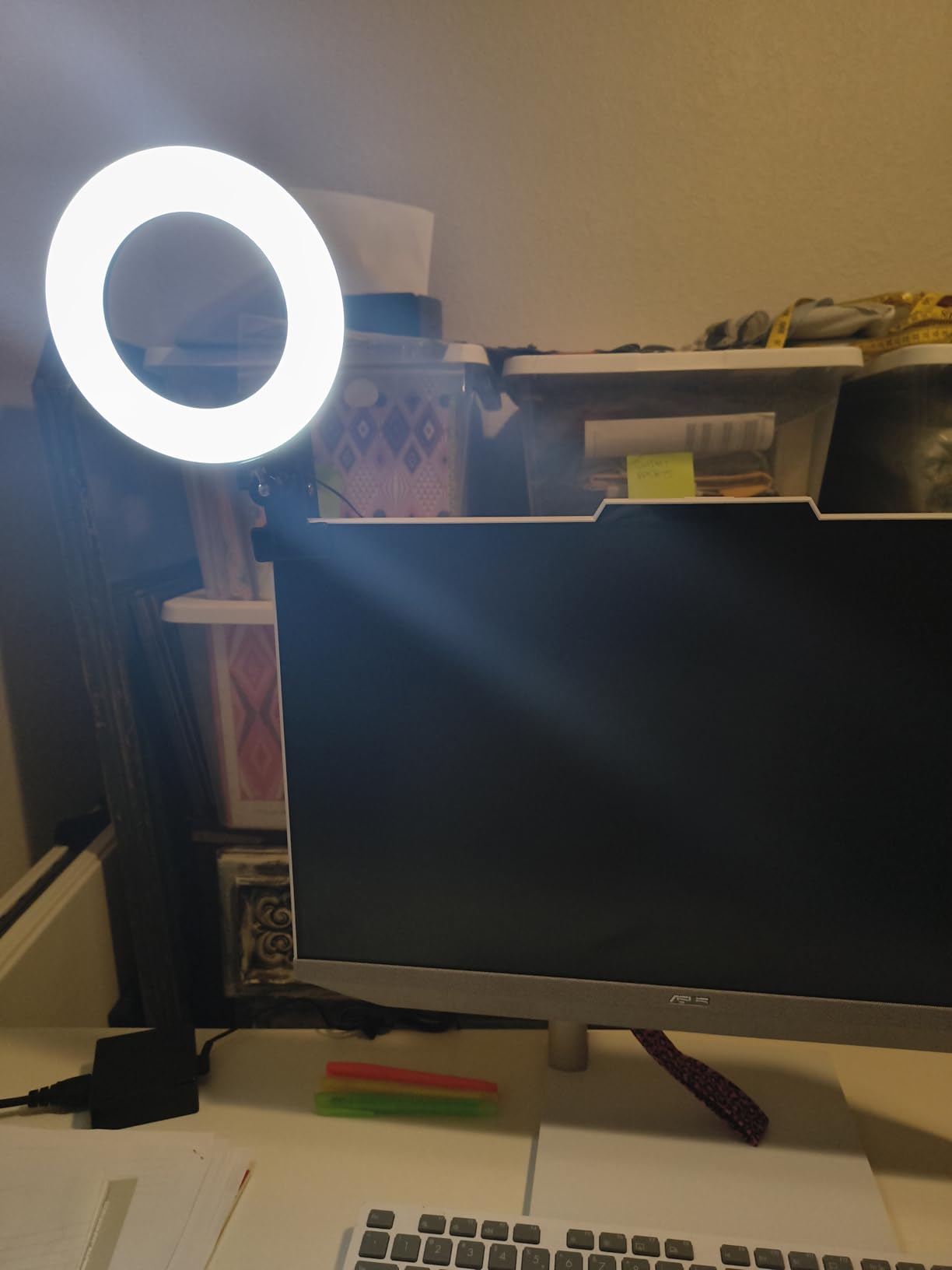
The clip is strong and grips my monitor firmly without wobbling. Some users with very thin-bezel laptops have reported the clip feeling too tight, so check your screen edge thickness if you have a modern ultrabook. The light rotates 360 degrees, which means I can also point it at a wall for a soft bounce effect.
The light is USB powered with no battery. The cable is long enough to reach from a monitor to a desktop tower on the floor. At 10W it draws minimal power, so a laptop USB port or a phone charger works fine.
Best for First-Time Buyers
If you have never used a dedicated light for online teaching and want to test the waters without a big investment, the Cyezcor is the lowest-risk choice in this guide. The improvement over relying on room lighting alone is dramatic.
Long-Term Durability Notes
Some users report the clip losing tension or the LEDs dimming after several months of daily use. At this price point, replacing the unit annually is still cheaper than most alternatives. The seller is reportedly responsive with refunds for defective units.
11. ACMEZING Video Conference Ring Light Kit – Best with Bonus Tripod
Video Conference Lighting Kit, Ring Light Clip on Laptop Monitor with 5 Dimmable Color & 5 Brightness Level for Webcam Lighting/Zoom Lighting/Remote Working/Self Broadcasting and Live Streaming, etc.
8 inch ring light
64 LEDs
3200K-6500K
5 brightness levels
Metal clip
Flexible octopus tripod
USB powered
Pros
- Ring light design softens shadows and hides imperfections
- 5 color temperatures and 5 brightness levels
- Includes both metal clip and flexible octopus tripod
- USB powered with 2 meter cord
- Lightweight and portable
- 60 day refund and 18 month warranty
Cons
- Clip may be too tight for thin bezels
- Ring clamp may not tighten enough on some units
- Tripod stand is short about 6 inches
- USB-A connection needs adapter for some laptops
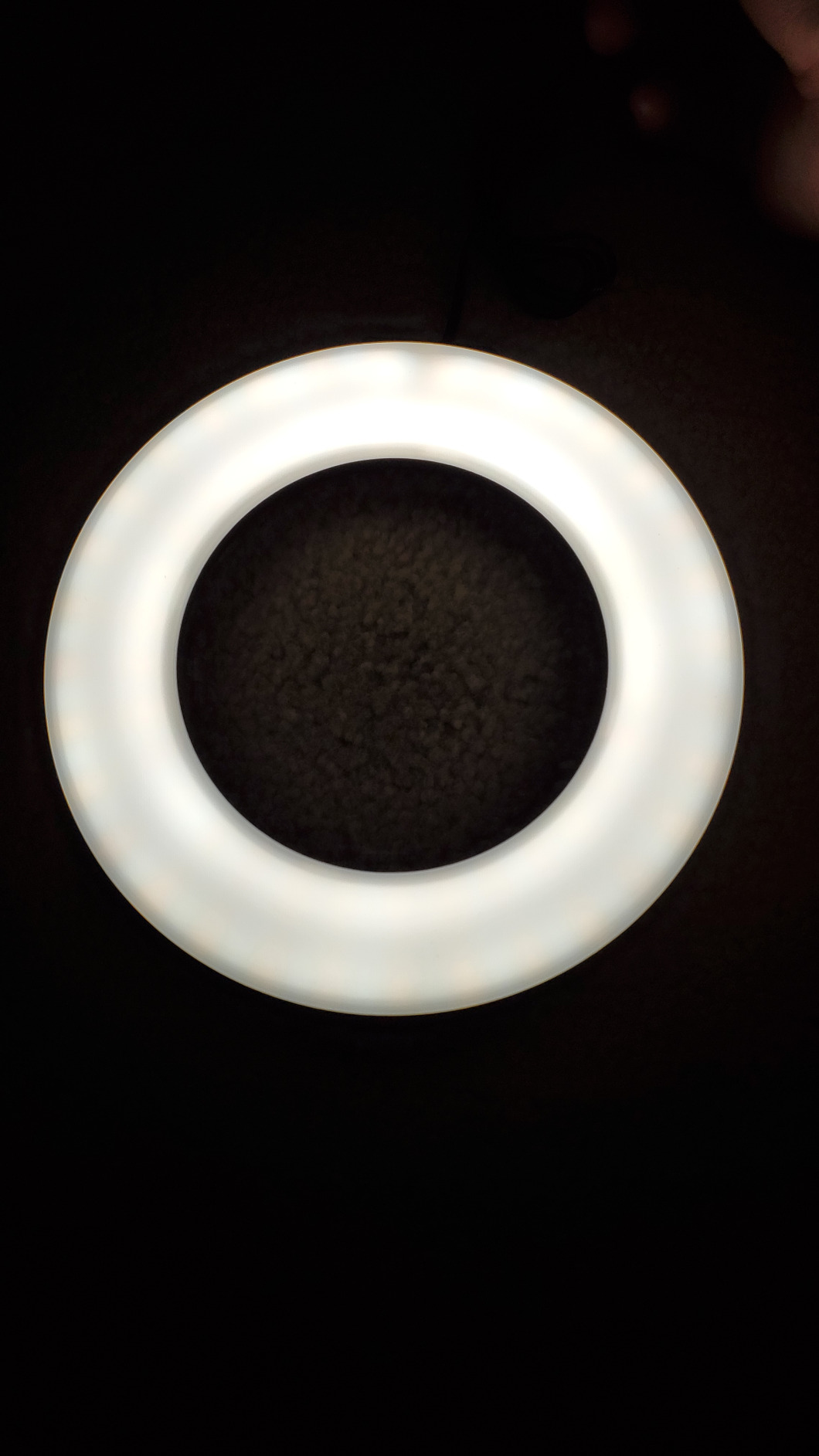
The ACMEZING kit stands out because it includes both a monitor clip and a flexible octopus tripod in one package. I used the clip on my desktop monitor for live classes and the octopus tripod for recording overhead shots of my desk. The 8 inch ring light produces a flattering, shadow-free glow that hides skin imperfections on camera.
The five color temperatures from 3200K to 6500K give more options than the typical three-mode budget light. The 64 LEDs deliver 10W of brightness, which is plenty for a single-person setup at typical webcam distance. The two meter USB cable gives flexibility in where you mount the light.
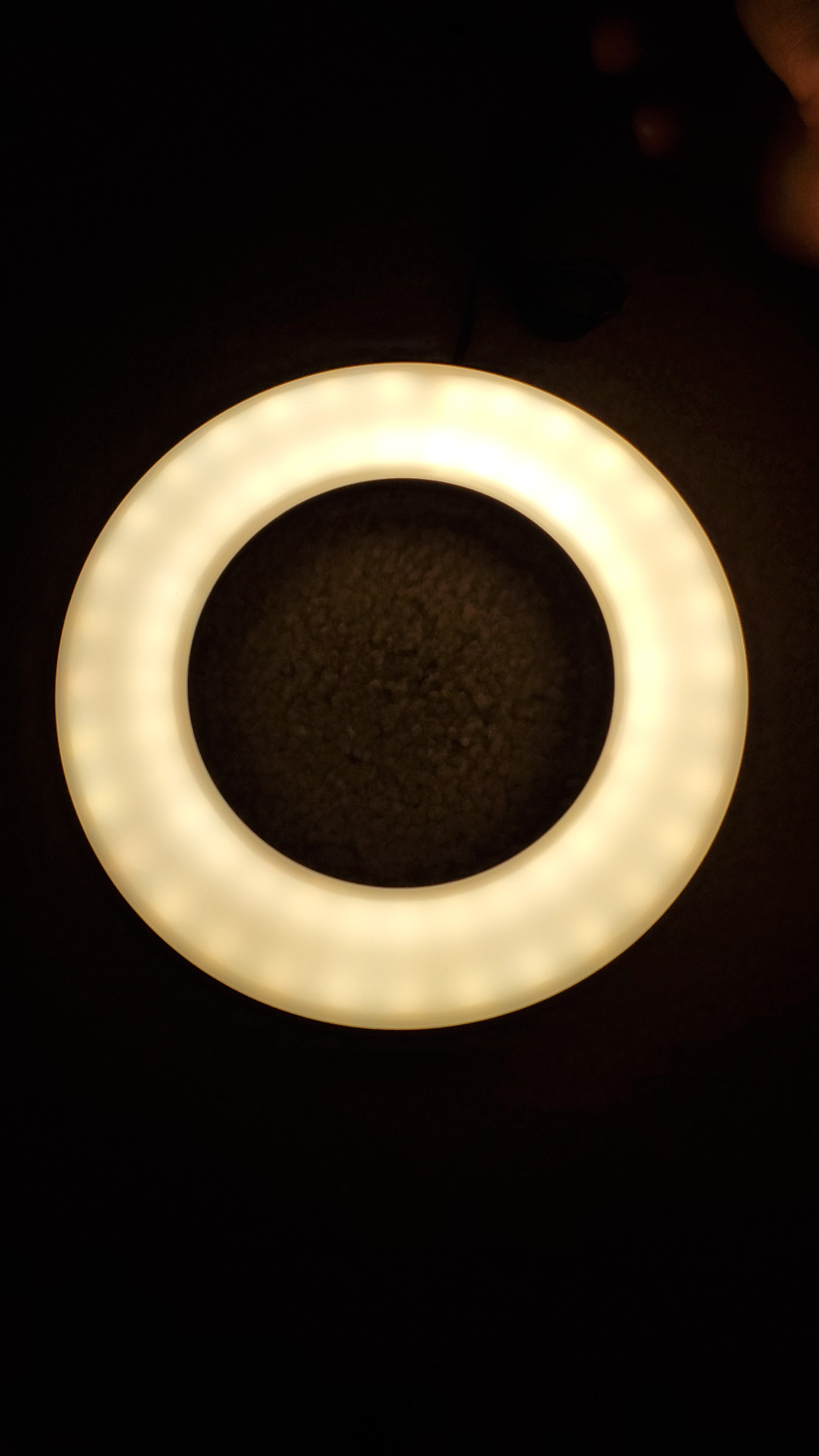
The octopus tripod is bendable, so you can wrap it around a chair back, a bedpost, or a tripod leg for unusual mounting angles. This came in handy when I needed to position the light at an angle my regular stand could not reach. The 18 month warranty is longer than most budget kits offer.
The ring clamp on the octopus tripod can feel loose on some units. If you notice the light sagging, a small piece of grippy tape solves the issue. The clip has a foam cushion to protect your screen, but check fit before attaching to a delicate bezel.
Best for Hybrid Setup Needs
If you want one kit that can serve as both a monitor-mounted webcam light and a freestanding desk light, the ACMEZING gives you both mounting options in a single purchase. That flexibility justifies the slightly higher price over a basic clip light.
Compatibility Notes
The USB-A connector needs an adapter for newer laptops that only have USB-C ports. The short tripod works best as a desk fill light rather than a primary face light. For face-level lighting, use the clip mount on your monitor instead.
12. ALTSON 60 LED Portable Selfie Light – Best Ultra-Budget Pocket Light
ALTSON 60 LED Portable Selfie Light Video Conference Lighting with Clip & Camera Tripod Adapter Rechargeable 2200mAh CRI 97+, 3 Light Modes for Phone iPhone Webcam Laptop Photo Makeup
60 LED beads
CRI 97+
2500K-6500K
10 brightness levels
2200mAh battery
95g pocket size
USB-C
Pros
- CRI 97+ at an entry-level price
- Ultra portable at just 95 grams
- Rechargeable 2200mAh battery with up to 15 hours runtime
- 3 light modes and 10 brightness levels
- 160 degree adjustable panel
- Includes clip tripod adapter and hot shoe mount
- 24 months warranty
Cons
- Some users report missing attachments in packaging
- Plastic build quality
- Brightness limited by small size
The ALTSON selfie light is the smallest and most affordable kit in this guide, and I was surprised by how well it performs for the price. At just 95 grams, it fits in a shirt pocket, and the 2200mAh battery lasts up to 15 hours on low brightness. I clipped it to my laptop and immediately saw a clear improvement in my Zoom video quality over relying on room lighting alone.
The CRI 97+ rating is exceptional for a light at this price. Colors look accurate on camera, which matters for art teachers, makeup instructors, and anyone who holds up physical materials during class. The three light modes cover warm, natural, and daylight tones.
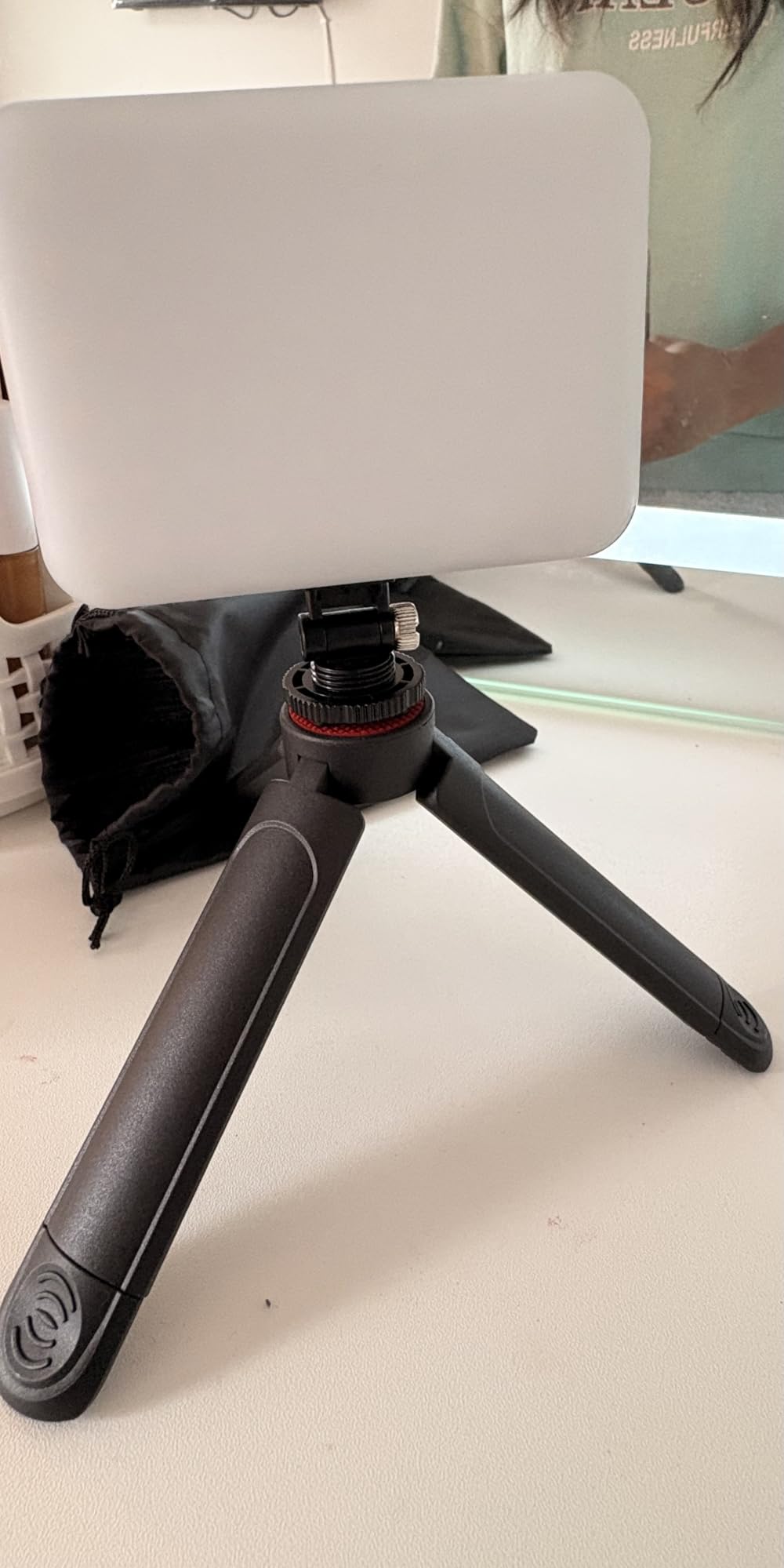
The 160 degree adjustable panel lets me angle the light precisely. I position it slightly off-axis from my webcam to avoid the glasses glare that forum users consistently flag as a problem with centered ring lights. The USB-C charging is fast, and the light runs while charging for back-to-back class days.
The included accessories are generous for the price. You get a clip, a tripod adapter with a quarter-inch thread, and a hot shoe mount for cameras. The storage pouch keeps everything together in a bag.
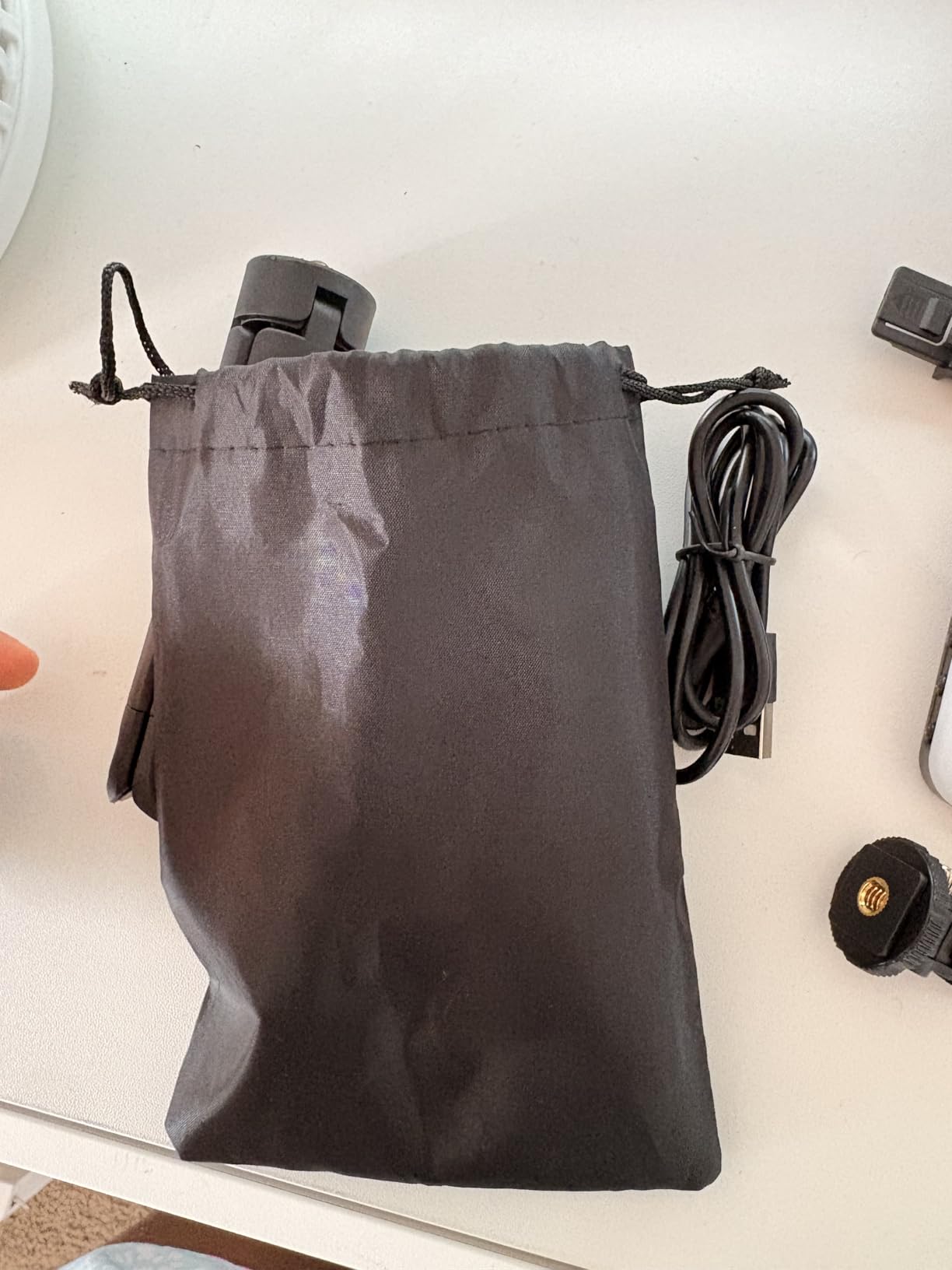
Best for Students and Traveling Teachers
If you are a student attending online classes from a dorm room, or a teacher who works from coffee shops and libraries, the ALTSON is the most portable option in this guide. The battery means you never need to find an outlet, and the size means it disappears into a backpack.
What to Expect at This Price
The plastic build is light, so treat it gently. A small number of users report missing accessories in the box, so check the contents on arrival. The 60 LEDs are bright for close-up work but will not match a full-size panel for distance lighting. For solo webcam use, it is more than enough.
Buying Guide: How to Choose the Best Lighting Kit for Online Classes
Choosing the right light comes down to four factors: light type, brightness and color control, mounting flexibility, and your teaching setup. Here is what to look for based on what we learned testing these 12 kits.
Lighting Types Explained
Ring lights create a circular catchlight in your eyes and produce even, flattering light from a single source. They work well for face-to-camera teaching but can cause glare on glasses. LED panels throw a wider, softer light that is easier to angle off-axis, which solves the glasses glare problem. Softbox kits deliver the largest, softest light but take up the most space and are less portable.
For most online teachers, an LED panel or a small ring light in the 10 to 12 inch range hits the right balance of quality, portability, and price. Reserve softbox kits for dedicated recording studios.
Color Temperature and CRI
Color temperature, measured in Kelvin, determines how warm or cool your light appears. Most teaching setups look best between 4500K and 5500K, which mimics natural daylight. Look for a light with an adjustable range of at least 3200K to 5600K so you can match your room lighting.
CRI, or Color Rendering Index, measures how accurately a light shows colors compared to natural sunlight. A CRI of 90 or above is good, 95 or above is excellent, and 98 or above is professional grade. Higher CRI matters if you teach art, makeup, cooking, or any subject where color accuracy affects learning.
Brightness and Dimming
For a single-person desk setup, 200 to 500 lumens is typically enough. Look for lights with at least 5 brightness levels, though 10 levels or stepless dimming gives you more precise control. Stepless dimming, like on the NEEWER 9 inch panel and RALENO panel, lets you match room light exactly without visible jumps on camera.
Mounting and Portability
If you teach from the same desk every day, a desk clamp or floor stand light like the Elgato Key Light or NEEWER 25W Key Light gives you the most stable setup. If you move between rooms, look for clip-on or battery-powered options like the Lume Cube, ALTSON, or Cyezcor. Battery life matters here, so check the runtime at the brightness level you plan to use.
iPad-Specific Considerations
If you teach using an iPad as your camera, look for lights with a standard quarter-inch thread or an included phone holder. The LitONES desk light and UBeesize ring light both work well with iPads in this way. Avoid lights that only mount to a monitor if your iPad sits on a stand across the desk. Position your light slightly above and to the side of the iPad camera to reduce glasses glare and under-chin shadows.
Frequently Asked Questions
What is the best light for online classes?
The best light for online classes is a diffused LED panel or ring light placed slightly above and behind your camera, set between 4500K and 5500K for a natural daylight look. Our top pick is the NEEWER 25W Streaming Key Light for its CRI 98+ panel and silent operation, while the LitONES desk light offers the best value for most teachers.
What type of lighting is best for classrooms?
For online classrooms, LED panel lights and ring lights with diffusers work best because they create soft, even illumination without harsh shadows. Softbox kits deliver the largest and softest light but require more space. Look for a CRI of 95 or higher and an adjustable color temperature between 3200K and 6500K to match your room.
What is the 5/7 lighting rule?
The 5/7 lighting rule is a guideline suggesting your key light should be positioned about 5 to 7 degrees above eye level and angled roughly 30 to 45 degrees to one side of your face. This angle mimics natural window light, creates flattering shadows, and reduces glare on glasses compared to a light placed directly behind the camera.
What is the best lighting for online meetings?
The best lighting for online meetings is a single diffused light source placed behind your laptop or monitor, aimed at your face from slightly above eye level. A small LED panel like the Logitech Litra Glow or a clip-on ring light like the Cyezcor both work well for typical Zoom and Teams calls. Avoid relying on overhead room lights alone, which create unflattering shadows under your eyes.
Final Thoughts on the Best Lighting Kits for Online Classes
Upgrading your lighting is the single fastest way to look more professional on camera, and any of the 12 kits in this guide will outperform relying on room lights alone. For most online teachers, the NEEWER 25W Streaming Key Light offers the best balance of quality, control, and silent operation. The LitONES desk light is our top value pick, and the ALTSON pocket light is unbeatable for students and traveling educators on a tight budget.
Whatever you choose, position the light slightly above and to the side of your camera, aim for a color temperature around 4500K to 5500K, and use a diffuser to soften shadows. With the right light in place, your students will see you clearly, your recordings will look polished, and your online classroom will feel that much more credible.
1 thought on “12 Best Lighting Kits for Online Classes (October 2026) Expert Guide”