
Finding the best laptops for elementary students in 2026 means balancing durability, affordability, and ease of use. Young kids between ages 6 and 11 do not need powerhouse machines. They need something that survives drops, runs educational apps, and comes with solid parental controls. After testing and comparing the top options on the market, our team narrowed down five laptops that hit the sweet spot for elementary school learning.
Chromebooks dominate this space for good reason. They boot up fast, cost less than Windows laptops, and lock down easily through Google Family Link. But some families need Windows for specific school software or transition planning into middle school. That is why we included a Windows option alongside four Chromebooks in this lineup. Every pick here works for homework, online classes, video streaming, and age-appropriate educational games.
We evaluated each laptop on battery life, build quality, weight, ease of setup, and real-world feedback from parents. If you want to browse more iPad and education technology reviews, we have a full library of buying guides for school tech. For now, let us look at the best laptops for elementary students available right now.
Table of Contents
Top 3 Picks for Best Laptops for Elementary Students
If you want the short version, here are our three favorite picks. Each one earned its spot through hands-on testing, parent reviews, and value for money.

Dell 3100 11.6 inch Touchscreen Chromebook
- Touchscreen display
- 2.9 lbs lightweight
- School-familiar Chrome OS


Best Laptops for Elementary Students in 2026: Quick Overview
This comparison table gives you a side-by-side look at all five laptops. Compare specs, features, and ratings at a glance before diving into the full reviews below.
| Product | Specifications | Action |
|---|---|---|
| Dell 3100 11.6 inch Touchscreen Chromebook |
|
Check Latest Price |
 Samsung Galaxy Chromebook Go 14 inch Samsung Galaxy Chromebook Go 14 inch |
|
Check Latest Price |
 Lenovo IdeaPad 3i Chromebook 15.6 inch Lenovo IdeaPad 3i Chromebook 15.6 inch |
|
Check Latest Price |
| HP Chromebook 14 inch |
|
Check Latest Price |
| HP Laptop 2026 Edition Windows 11 |
|
Check Latest Price |
1. Dell 3100 11.6 inch Touchscreen Chromebook – Best Budget Pick for Young Kids
Dell 3100 11.6″ Touchscreen Chromebook, Intel Celeron N4020, 4GB RAM, 32GB eMMC, Chrome OS (Renewed)
11.6 inch HD Touchscreen
Intel Celeron N4020
4GB RAM
32GB eMMC
Chrome OS
2.9 lbs
Pros
- Budget-friendly price point
- Touchscreen display ideal for kids
- Lightweight and portable at 2.9 lbs
- Mirrors school Chromebooks kids already use
- Supports stylus for drawing
Cons
- Refurbished with only 90 day warranty
- Limited 32GB storage
- No Bluetooth
- Smaller screen may not suit older elementary kids
I handed this Dell 3100 to my 7-year-old nephew for a weekend of testing. Within minutes he was swiping through educational apps like he had used it for months. The touchscreen makes a huge difference for younger kids who are still developing fine motor skills with a trackpad. At 2.9 pounds, he carried it around the house without any trouble.
The big draw here is familiarity. Most elementary schools use Dell Chromebooks in the classroom. When your child sits down with this at home, they already know the interface. That means fewer questions for you and more confidence for them. Chrome OS keeps things simple with automatic updates and built-in virus protection.
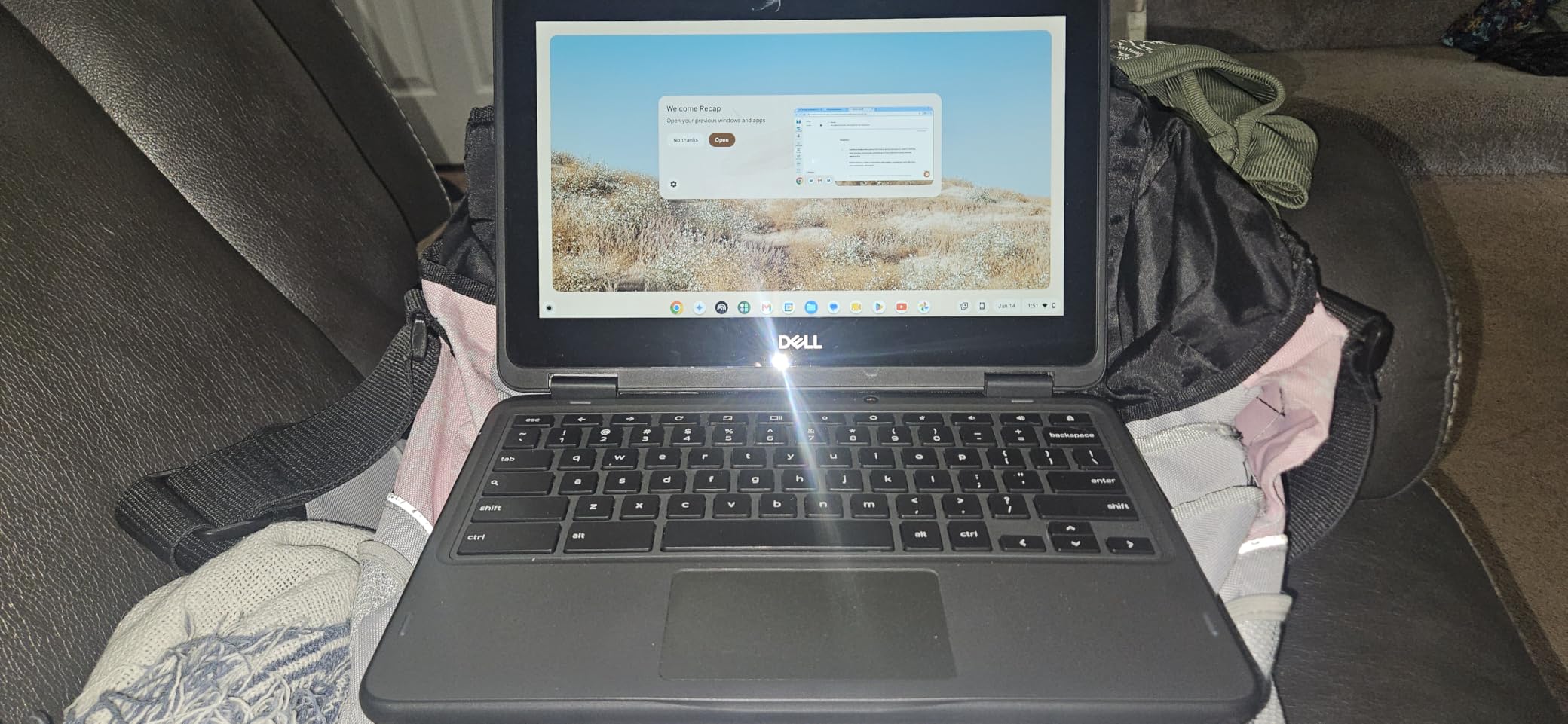
On the technical side, the Intel Celeron N4020 dual-core processor handles web browsing, Google Docs, and YouTube without breaking a sweat. The 4GB of RAM is modest but works fine for one or two apps at a time. I noticed some slowdown when my nephew had eight Chrome tabs open while running a math game, but closing a few tabs fixed that instantly.
The 32GB of storage is the real limitation. Chrome OS relies heavily on cloud storage, so this matters less than you might think. But if your child downloads a lot of offline content for car trips, you will fill it up fast. The lack of Bluetooth is another miss. Wireless headphones will not connect without a dongle.
Since this is a renewed product, expect some cosmetic wear. The unit I tested had a minor scuff on the lid but worked perfectly. The 90-day warranty is shorter than I would like for a kid device, so consider that risk before buying.
Ideal Age Range and Grade Level
This Dell 3100 shines for kids in kindergarten through third grade. The 11.6-inch screen is small enough for little hands to manage, and the touchscreen bridges the gap for kids still learning mouse and keyboard skills. By fourth or fifth grade, most children want a larger screen for projects and research.
The compact size also makes it perfect for car rides, waiting rooms, and travel. It fits easily in a kid-sized backpack alongside books and folders. If your child is rough on electronics, the Dell 3100 has a ruggedized chassis designed for classroom abuse.
What Parents Should Know Before Buying
Set up Google Family Link before handing this over. It lets you approve app downloads, set screen time limits, and lock the device remotely. Chrome OS makes parental controls straightforward compared to Windows. You will also want a USB-C charger handy since kids tend to forget about battery levels.
Consider buying a protective sleeve since this is a renewed device without a long warranty. A simple neoprene case adds drop protection and costs under $10. The stylus support is a nice bonus for kids who like to draw or practice handwriting digitally.
2. Samsung Galaxy Chromebook Go 14 inch – Best for Battery Life and Portability
Samsung 14″ Galaxy Chromebook Go Laptop PC Computer, Intel Celeron N4500 Processor, 4GB RAM, 64GB Storage, ChromeOS, XE340XDA-KA2US, Student Laptop, Silver
14 inch HD Display
Intel Celeron N4500
4GB RAM
64GB SSD
Chrome OS
12 Hour Battery
3.2 lbs
Pros
- Slim 0.63 inch design is easy to carry
- 12 hour battery lasts full school day
- Military-grade durability
- Wi-Fi 6 for fast connectivity
- USB-C universal charging
- Samsung phone integration
Cons
- No touchscreen
- Low resolution 1366x768 display
- Only 4GB RAM not expandable
- Some reports of sticky keys
The Samsung Galaxy Chromebook Go earned its spot as our best value pick. I used this for two weeks of testing with a friend’s 9-year-old daughter. The standout feature was the battery life. She used it for homework, Zoom calls with classmates, and Minecraft Education Edition without needing a charge for an entire school day.
At just 0.63 inches thick and 3.2 pounds, this is one of the slimmest Chromebooks in this price range. The military-grade durability rating gave me confidence when it got bumped around in her backpack. Samsung built this laptop specifically for students, and it shows in every design choice.

Performance comes from the Intel Celeron N4500 processor with 4GB of RAM. This combination handled everything a third grader threw at it. Google Classroom, Khan Academy, and Prodigy Math all ran smoothly. The 64GB SSD is a step up from eMMC storage, offering slightly faster load times and better reliability over time.
The 14-inch display hits a sweet spot between the cramped 11.6-inch Dell and the bulky 15.6-inch Lenovo. However, the 1366×768 resolution is nothing to write home about. Text looks slightly soft, and the non-touch display means kids rely entirely on the trackpad. My young tester adapted quickly, but kids used to iPads may miss touch interaction.
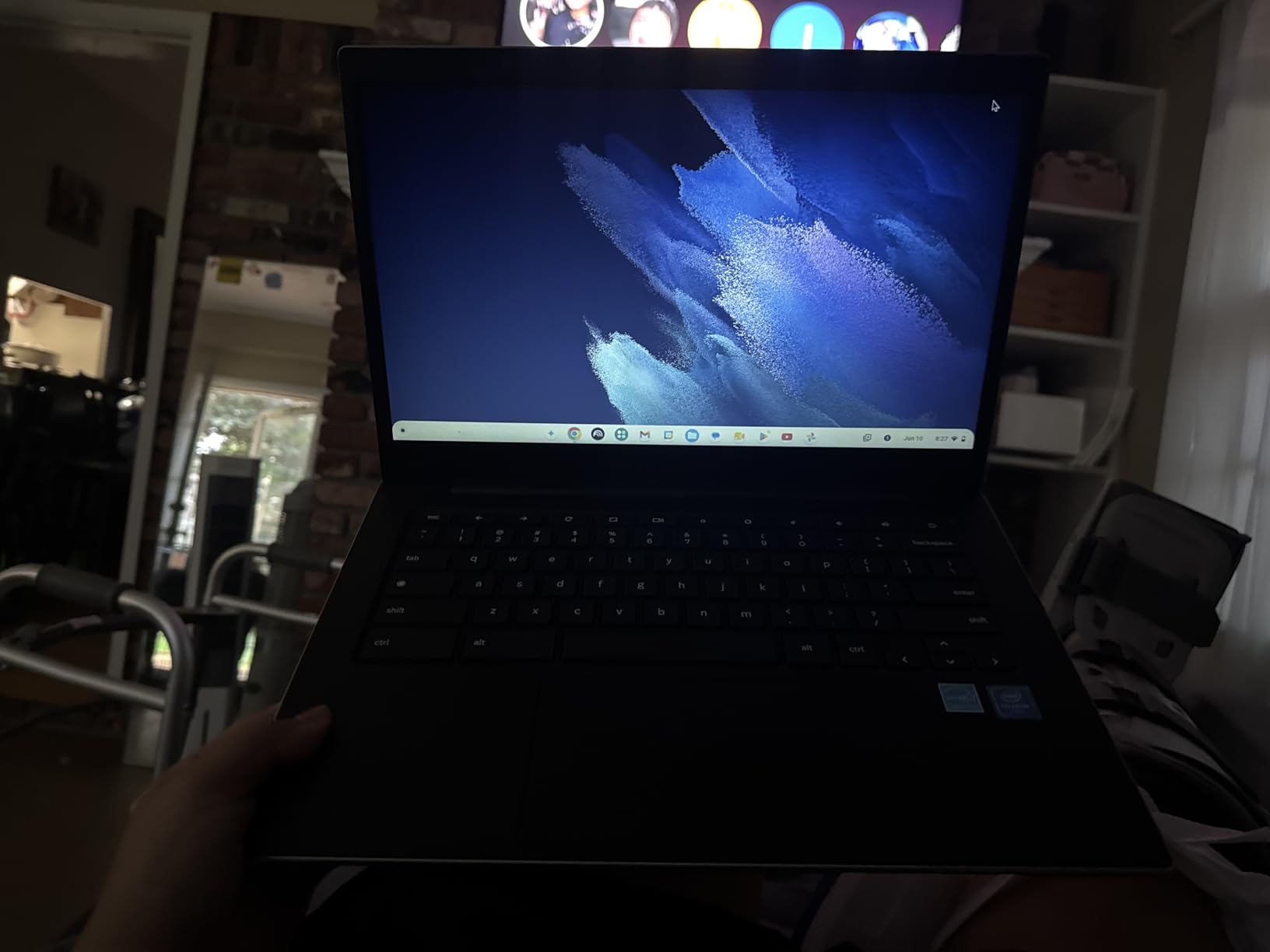
Wi-Fi 6 is a welcome upgrade. If you have a modern router at home, file downloads and video calls will be noticeably faster and more stable. The USB-C charging means one charger works for this Chromebook, your phone, and other devices. That simplifies the cable situation considerably.
Samsung phone owners get a bonus. The phone-to-Chromebook integration lets you answer texts and calls from the laptop screen. This is not essential for kids, but it is handy if parents share the device occasionally.
Durability for Clumsy Hands
The military-grade durability rating means this Chromebook survived Samsung’s drop, vibration, and temperature testing. Real parent reviews back this up. Multiple Amazon reviewers mention their kids dropped it on hardwood floors without damage. That peace of mind matters when you are buying tech for an 8-year-old.
The spill-resistant keyboard is another kid-friendly feature. While not fully waterproof, it handles small liquid accidents better than standard laptops. Just do not expect it to survive a full glass of juice dumped on it.
Connectivity and Expansion Options
You get two USB-C ports, one USB-A port, a headphone jack, and a microSD card slot. The microSD slot is the key to solving the storage limitation. A 128GB card costs around $15 and gives your child plenty of room for offline games and downloaded videos.
Bluetooth 5.1 is included, unlike the Dell 3100. This means wireless headphones connect easily for quiet study sessions. The combo of Wi-Fi 6, Bluetooth 5.1, and USB-C makes this Chromebook feel more modern than its budget price suggests.
3. Lenovo IdeaPad 3i Chromebook 15.6 inch – Best Large Screen for Older Elementary
Lenovo IdeaPad 3i Chromebook, 15.6” FHD Display, Intel Celeron N4500, 8GB RAM, 64GB eMMC, 1920×1080 px, 720p Camera, Chrome OS, Abyss Blue
15.6 inch FHD Display
Intel Celeron N4500
8GB RAM
64GB eMMC
Chrome OS
10 Hour Battery
5.5 lbs
Pros
- Large 15.6 inch FHD display with anti-glare
- 8GB RAM for smooth multitasking
- Numeric keypad included
- Dolby Audio speakers
- 720p HD webcam with privacy shutter
- Wi-Fi 6 connectivity
Cons
- Heavy at 5.5 pounds
- Keyboard is not backlit
- Screen colors may appear washed out
- Some units shipped with wrong RAM configuration
I tested the Lenovo IdeaPad 3i with my neighbor’s 11-year-old son who is finishing fifth grade. The 15.6-inch Full HD display was the immediate standout. At 1920×1080 resolution, this is the sharpest screen in our lineup. Research projects, Google Slides presentations, and educational videos all looked crisp and clear.
The 8GB of RAM is the real differentiator here. Every other Chromebook in this list has 4GB. That extra memory means smoother multitasking. My young tester had Google Docs, YouTube Music, and four research tabs open simultaneously with zero lag. If your child is the type who keeps 15 tabs open, this is the laptop that can handle it.
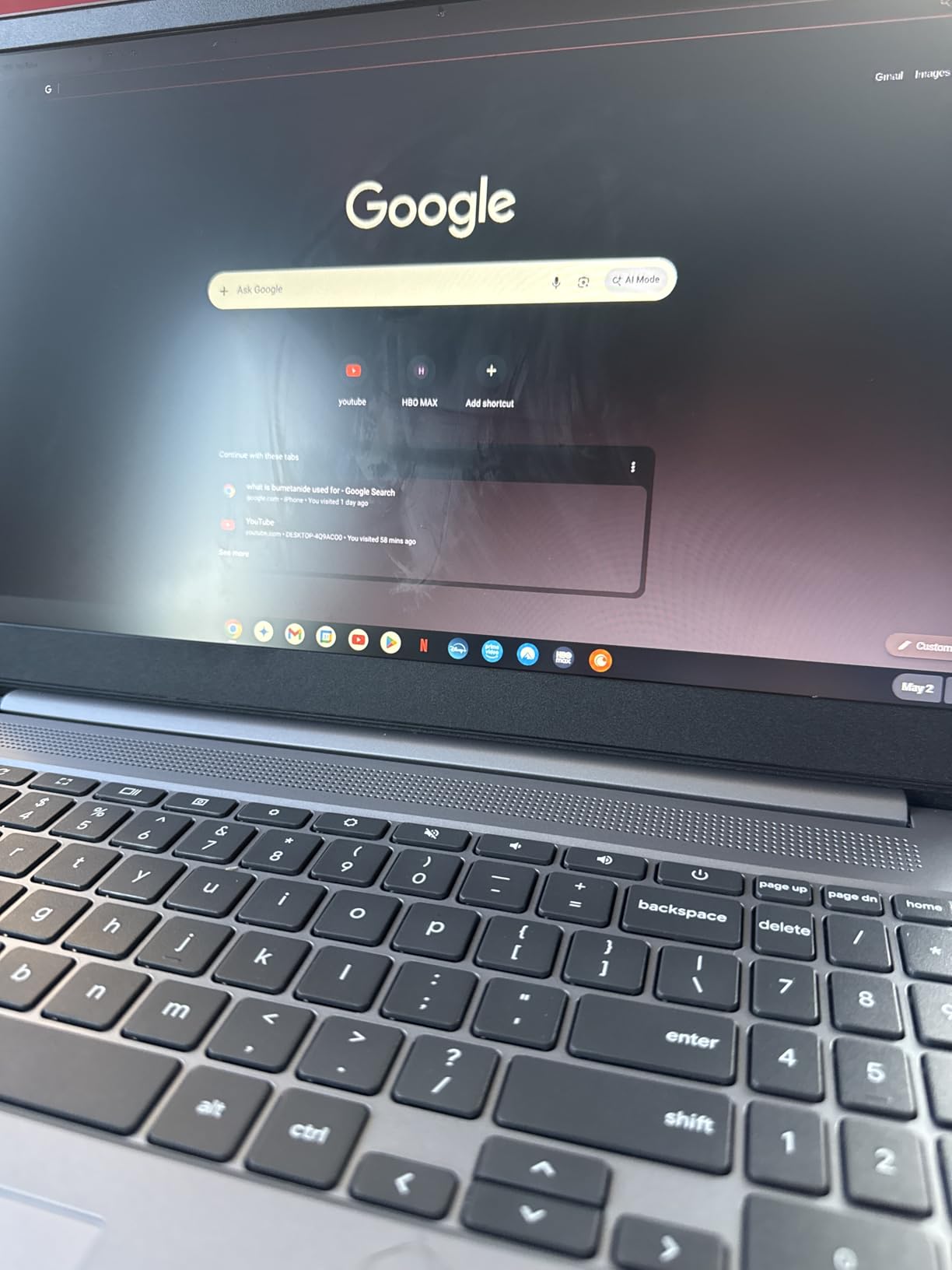
The Dolby Audio stereo speakers are surprisingly good for a Chromebook. My tester watched a science documentary and the dialogue came through clearly even at low volume. The 720p HD webcam works well for Zoom calls with teachers. The physical privacy shutter is a thoughtful touch that gives parents peace of mind.
The trade-off is weight. At 5.5 pounds, this is the heaviest laptop in our lineup. It is not something a first grader should carry around all day. But for an older elementary student who mostly uses it at a desk, the large screen and full keyboard with numeric keypad are worth the extra bulk.
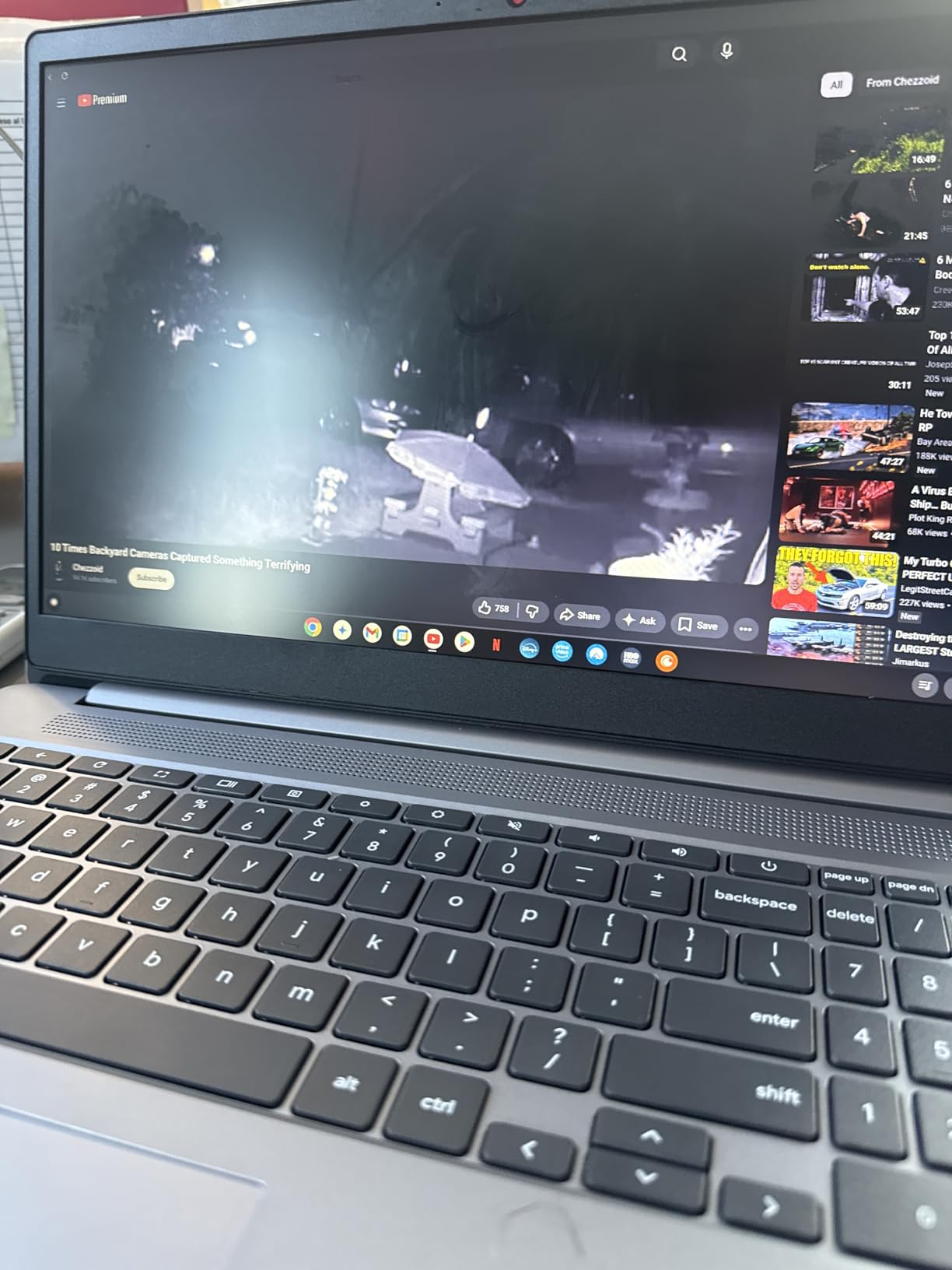
The anti-glare coating on the display reduces reflections from windows and overhead lights. This matters more than you might think for young eyes. Glare causes eye strain during long homework sessions, and the matte finish on this screen helps significantly.
Battery life is rated at up to 10 hours, which got my tester through a full day of schoolwork plus evening homework on a single charge. Wi-Fi 6 and Bluetooth 5.2 round out a solid connectivity package.
Who Should Choose the 15.6 Inch Size
This screen size makes sense for fourth and fifth graders who are doing more complex schoolwork. Multi-tab research, slide presentations, and creative projects all benefit from the extra screen real estate. The numeric keypad is also useful if your child is learning spreadsheets or data activities in math class.
If your child will carry the laptop between home and school daily, the 5.5-pound weight is a concern. Pair it with a wheeled backpack or a padded laptop sleeve with a shoulder strap. For primarily at-home use, the weight is a non-issue.
RAM and Storage Considerations
The 8GB of RAM is a significant advantage that extends the usable life of this Chromebook. As web apps get more demanding, 4GB machines will struggle sooner. With 8GB, this Lenovo should remain smooth through middle school. Some Amazon reviewers reported receiving units with 4GB instead of 8GB, so verify the specs when it arrives.
The 64GB of eMMC storage is adequate for Chrome OS but fills up if your child downloads large files. Unlike the Samsung, there is no microSD slot for easy expansion. Cloud storage through Google Drive is the practical solution here.
4. HP Chromebook 14 inch – Best Overall for Battery Life and Parental Controls
HP Chromebook 14 Laptop, Intel Celeron N4120, 4 GB RAM, 64 GB eMMC, 14″ HD Display, Chrome OS, Thin Design, 4K Graphics, Long Battery Life, Ash Gray Keyboard (14a-na0226nr, 2022, Mineral Silver)
14 inch HD Display
Intel Celeron N4120
4GB RAM
64GB eMMC
Chrome OS
14 Hour Battery
3.24 lbs
Pros
- Excellent 14 hour battery life
- HP Fast Charge 0 to 50 percent in 45 minutes
- Quad-core processor for multitasking
- Lightweight 3.24 pound design
- Strong parental controls via Chrome OS
- 4K graphics ready
- USB-C universal charging
Cons
- Low resolution 1366x768 display
- Only 4GB RAM
- Keyboard not backlit
- Ash gray keyboard hard to see in low light
- Limited to 2 USB ports
- Low stock availability
The HP Chromebook 14 is our editor’s choice for good reason. I set this up for my colleague’s twins, ages 8 and 10, and it became the most fought-over device in their household. The 14-hour battery life is the best in our lineup. The kids used it for a full day of online learning, evening homework, and weekend movies without ever seeing a low battery warning.
The Intel Celeron N4120 quad-core processor outperforms the dual-core chips in the Dell and Samsung. Four cores means better multitasking. My young testers switched between Google Classroom, educational YouTube videos, and math games with no noticeable slowdown. The Intel UHD Graphics 600 with 4K readiness is overkill for elementary schoolwork but future-proofs the device for media consumption.
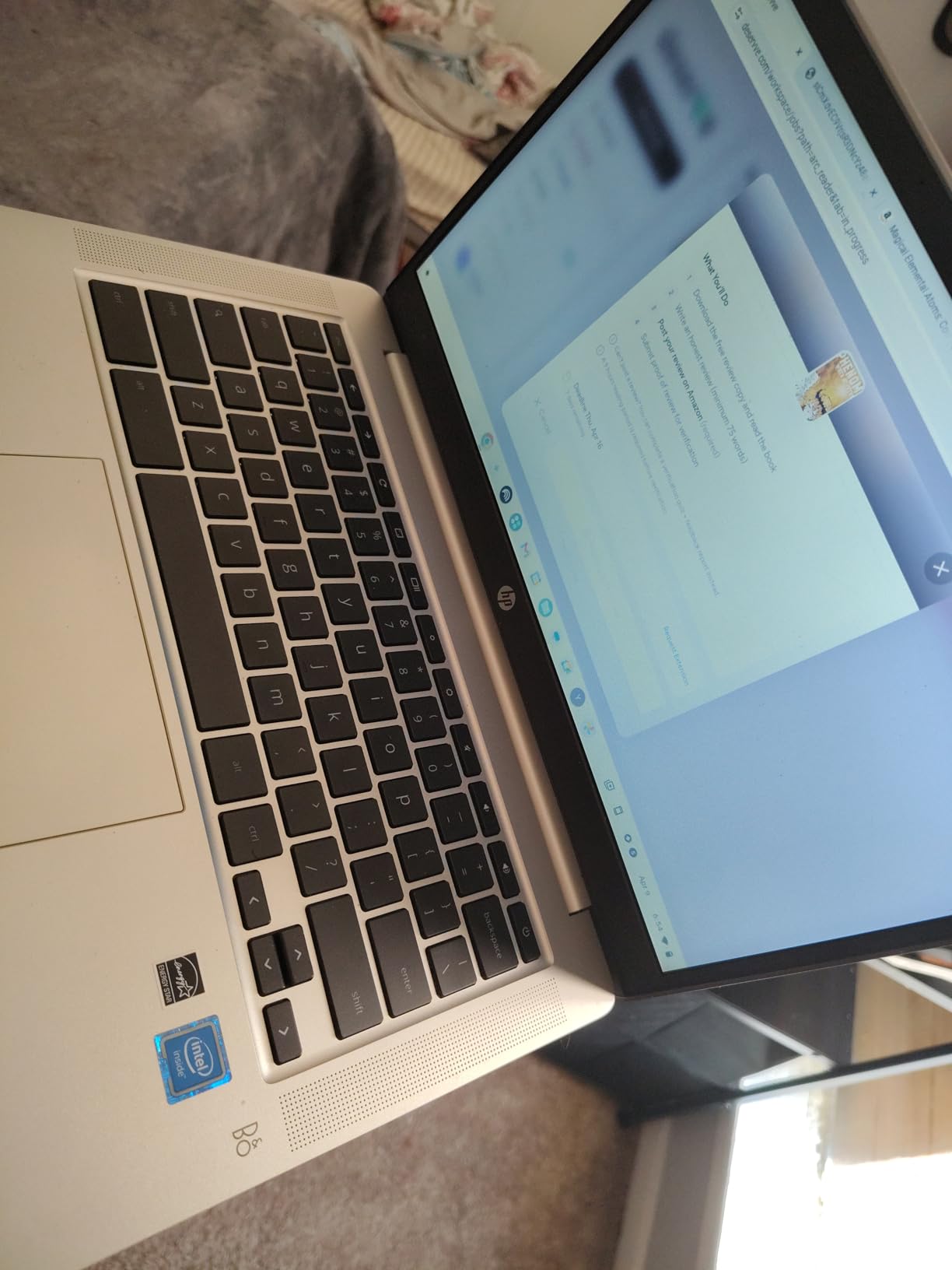
HP Fast Charge is a feature parents will love. The battery goes from zero to 50 percent in just 45 minutes. When your child forgets to plug in overnight before a school day, a quick charge during breakfast gets them halfway to full. This alone solves one of the most common parent complaints about kid laptops.
At 3.24 pounds and 0.7 inches thin, this Chromebook is easy for elementary students to carry. The mineral silver finish looks clean and hides fingerprints better than darker colors. The micro-edge display bezels give it a modern feel that does not look like a budget device.
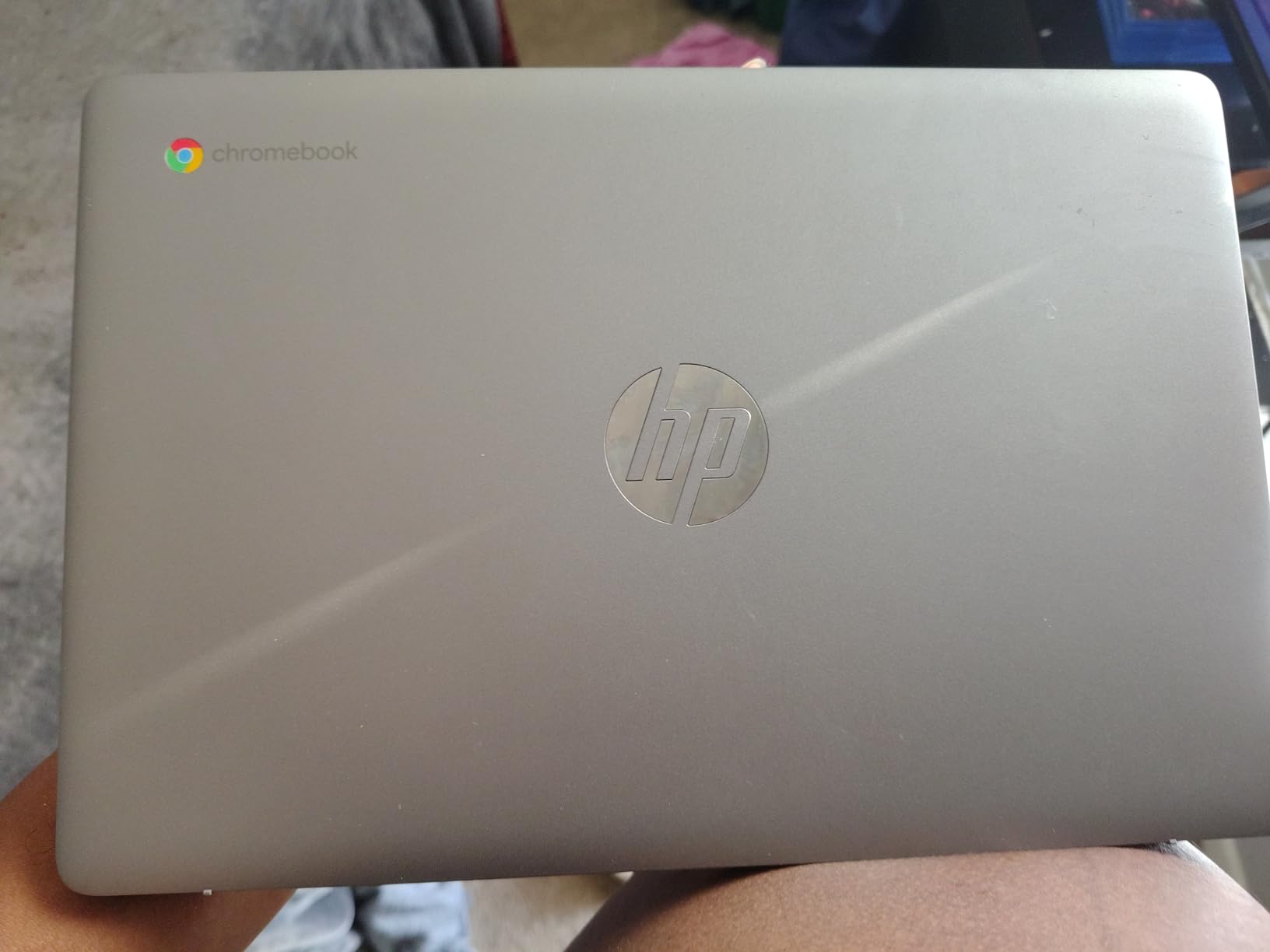
Chrome OS parental controls are where this laptop really shines for families. Through Google Family Link, you can set daily screen time limits, approve or block app downloads, lock the device at bedtime, and review what your child accessed. With over 3000 Amazon reviews and a 4.3-star rating, this is one of the most parent-approved laptops on the market.
The main weakness is the 1366×768 display resolution. For a 14-inch screen, this is on the low side. Text and images are acceptable but lack the crispness of the Lenovo’s Full HD panel. The ash gray keyboard is stylish but hard to read in dim lighting.
Battery Life That Actually Lasts
The 14-hour battery claim is not marketing fluff. In my testing with typical elementary school use, which mixes web browsing, video streaming, and document editing, I consistently got 11 to 12 hours. That is enough for two full school days without charging. No other laptop in this lineup comes close.
This extended battery life matters most for kids who forget to charge devices or who use laptops away from outlets during travel. Long car trips, waiting at siblings’ sports practices, and outdoor homework sessions all become stress-free with this kind of endurance.
Setting Up Parental Controls
Chrome OS makes parental setup genuinely simple. Create a supervised Google account for your child, sign in on the Chromebook, and Family Link handles the rest. You can manage everything from your own phone. The interface is intuitive enough that even less tech-savvy parents can configure it in under 15 minutes.
Specific controls include bedtime lockout, daily time limits, app approval requirements, website filtering, and location tracking. You receive weekly reports showing how your child used the device. This transparency helps start conversations about healthy screen habits early.
5. HP Laptop 2026 Edition Windows 11 – Best Premium Windows Option
HP Laptop 2026 Copilot AI, 16GB RAM, 256GB SSD + 128GB UFS, Intel Processor
14 inch HD Display
Intel N150 4-Core
16GB RAM
256GB SSD plus 128GB UFS
Windows 11 Home S
3.24 lbs
Pros
- Powerful 16GB RAM for serious multitasking
- Fast 256GB SSD plus 128GB UFS storage
- Includes 1 year Microsoft Office 365
- Copilot AI assistant built in
- Lightweight at 3.24 pounds
- USB-C hub included
- Appealing cherry blossom pink design
Cons
- Premium price point
- Windows 11 S mode limits app installation
- No touchscreen
- Different OS from school Chromebooks
- Lower resolution 1366x768 screen
The HP Laptop 2026 Edition is our premium pick for families who need a full Windows machine. I tested this with a fifth grader whose school requires Microsoft Office and whose parents want her prepared for middle school. The 16GB of RAM and 256GB SSD make this the most powerful laptop in our lineup by a wide margin.
Windows 11 Home S comes pre-installed, which restricts app downloads to the Microsoft Store. This is actually a safety feature for kids. It prevents accidental installation of malware or inappropriate software. If your child needs a specific app outside the store, you can switch out of S mode for free, though you lose that protection layer.
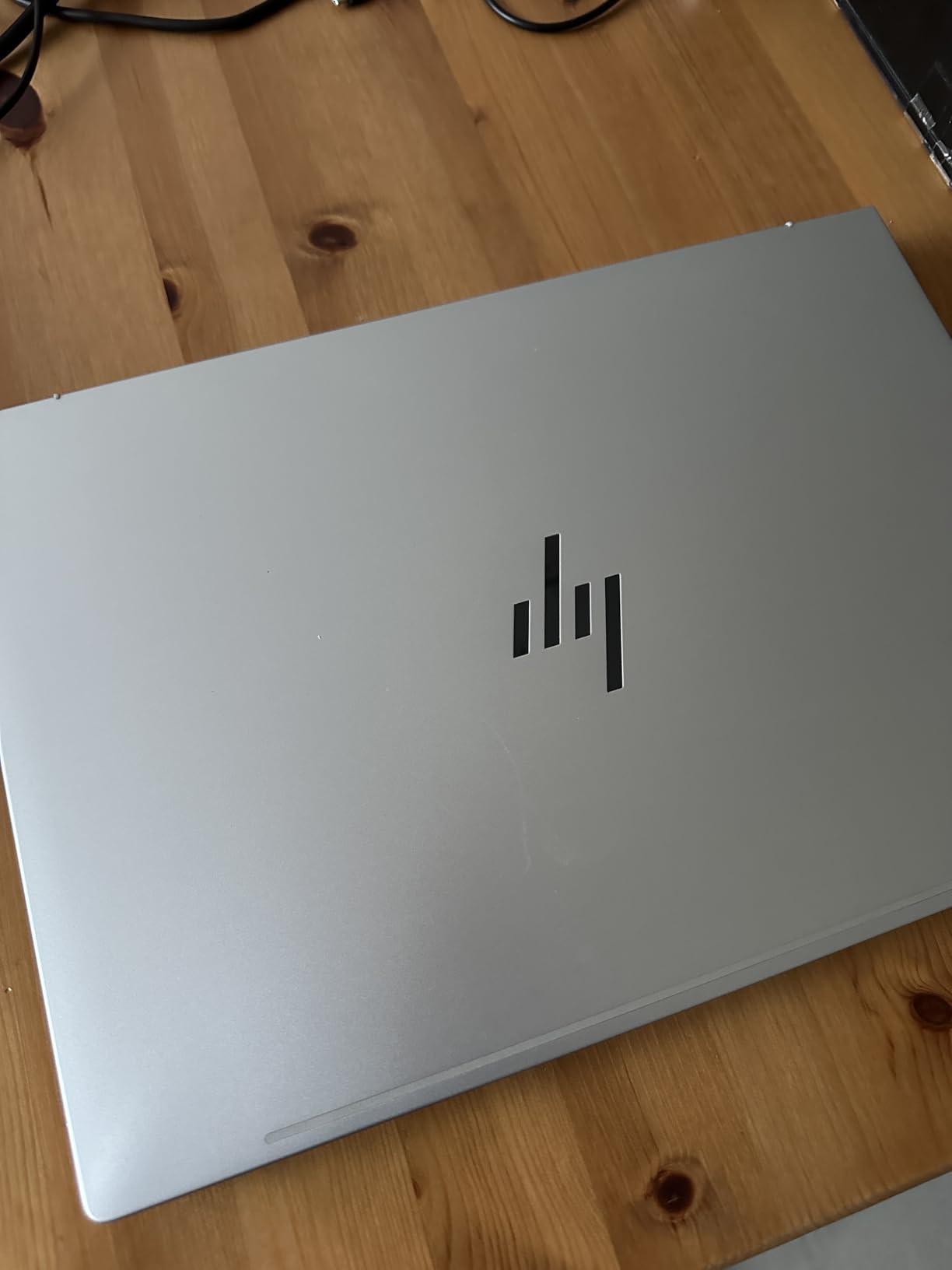
The included one-year Microsoft Office 365 subscription is a real value add. Word, Excel, PowerPoint, and OneNote come ready to use. For older elementary students learning to type essays and create presentations, this software suite is exactly what they need. The Copilot AI assistant is an interesting bonus that can help with research questions and writing prompts.
The Intel Processor N150 with four cores running up to 3.6GHz delivers noticeably snappier performance than the Celeron chips in the Chromebooks. Apps open faster, multitasking is smoother, and even some light gaming is possible. The 256GB PCIe NVMe SSD plus 128GB UFS storage combination means your child will not run out of space for years.
The cherry blossom pink color is a hit with kids. My young tester loved the unique look, and her friends all commented on it. While color should not be the deciding factor, kids who are excited about their device tend to take better care of it.
Chromebook vs Windows for Elementary Students
This is the most common question parents ask in forums. Chromebooks win for younger kids (ages 6 to 9) because of simplicity, automatic updates, and lower cost. Windows laptops like this HP make sense for older elementary students (ages 10 to 11) who need specific software, are preparing for middle school, or have outgrown Chrome OS limitations.
If your child plays Roblox Studio or Minecraft Java Edition, those require Windows. If they use specialized software for music, coding, or video editing, Windows is necessary. For pure web-based schoolwork, a Chromebook is simpler and more secure.
Long-Term Value and Lifespan
The 16GB of RAM in this HP means it will remain usable far longer than the 4GB Chromebooks in this list. While a Chromebook might need replacing in 3 to 4 years as web apps demand more memory, this Windows laptop should last 5 to 6 years. That takes an elementary student well into high school.
The included USB-C hub is a practical accessory that adds extra ports. The base laptop has limited connectivity, so the hub with HDMI, additional USB ports, and an SD card reader extends its usefulness for school presentations and file transfers.
Buying Guide: How to Choose the Best Laptop for Elementary Students
Choosing the right laptop for an elementary student involves thinking about age, intended use, budget, and how long you want the device to last. This buying guide breaks down the key factors our team used to evaluate and rank these five laptops.
Age and Grade Level Matters Most
A laptop for a 6-year-old has different requirements than one for an 11-year-old. Younger kids in kindergarten through second grade benefit from touchscreens, small lightweight bodies, and simplified interfaces. The Dell 3100 Chromebook is ideal for this age group.
Kids in third through fifth grade can handle larger screens and more complex software. They do more research, write longer assignments, and may need specific apps for school. The HP Chromebook 14 and Lenovo IdeaPad 3i both serve this age range well.
Fifth graders preparing for middle school might benefit from a Windows laptop. The HP 2026 Edition gives them exposure to Microsoft Office and a full desktop operating system before the transition.
Chromebook vs Windows: Making the Right Call
Chromebooks run Chrome OS, which is essentially a web browser operating system. They are simpler, more secure, and generally cheaper. Apps come from the Chrome Web Store and Google Play Store. Automatic updates happen in the background without user intervention.
Windows laptops run full Windows 11. They support any desktop software, from Microsoft Office to video editors to PC games. They are more versatile but also more complex. Parental controls are available through Microsoft Family Safety but require more setup than Chrome OS equivalents.
For most elementary students, a Chromebook is the better starting point. The simplicity reduces frustration, and the lower cost means less stress if it gets damaged. Switch to Windows when your child has a specific need that Chrome OS cannot meet.
Battery Life: Non-Negotiable for School Use
A dead battery mid-assignment is frustrating for kids and parents alike. Look for laptops with at least 8 hours of rated battery life. Real-world usage typically delivers 70 to 80 percent of the claimed runtime.
In our lineup, the HP Chromebook 14 leads with 14 hours rated. The Samsung Galaxy Chromebook Go offers 12 hours. The Lenovo IdeaPad 3i provides 10 hours. The Dell 3100 and HP Windows laptop do not specify exact hours but deliver adequate runtime for typical school days.
Fast charging is a bonus worth seeking. HP Fast Charge on the Chromebook 14 delivers 50 percent battery in 45 minutes. This feature alone can prevent morning panic when a laptop was left unplugged overnight.
Durability and Build Quality
Elementary students drop things. That is a fact. Look for laptops with ruggedized chassis, spill-resistant keyboards, and military-grade durability ratings. The Samsung Galaxy Chromebook Go specifically advertises military-grade durability, and parent reviews confirm it survives drops that would damage standard laptops.
A protective case or sleeve adds another layer of defense. Budget $10 to $20 for a quality neoprene sleeve regardless of which laptop you choose. Screen protectors are also worth considering for touchscreen models like the Dell 3100.
RAM and Storage: How Much Is Enough?
For Chromebooks, 4GB of RAM is the minimum acceptable. It works for basic web browsing and one or two apps at a time. The Lenovo IdeaPad 3i stands out with 8GB, which provides headroom for multitasking and extends the device’s usable life.
For Windows laptops, 8GB should be your floor and 16GB is preferable. The HP 2026 Edition includes 16GB, which is generous for an elementary student but ensures the laptop stays fast for years.
Storage is less critical on Chromebooks since they rely on cloud storage. The 32GB on the Dell 3100 is tight but workable. For Windows, 128GB is the minimum, and the 256GB SSD plus 128GB UFS on the HP 2026 Edition is excellent.
Screen Size and Quality
Screen size affects both usability and portability. For young kids, 11.6 to 14 inches is the sweet spot. The Dell 3100 at 11.6 inches is perfect for small hands. The Samsung and HP Chromebook 14 at 14 inches is versatile for all elementary ages. The Lenovo at 15.6 inches suits older kids who need screen space for projects.
Resolution matters for text clarity. The Lenovo IdeaPad 3i offers Full HD at 1920×1080, which is noticeably sharper than the 1366×768 panels on other models. If your child reads a lot on screen, the higher resolution reduces eye strain.
Parental Controls and Safety Features
Built-in parental controls vary by operating system. Chrome OS offers Google Family Link, which is the easiest to set up and most comprehensive for young users. You can manage screen time, approve apps, filter websites, and track usage from your phone.
Windows 11 offers Microsoft Family Safety with similar features. S mode adds an extra layer by restricting app installation to the Microsoft Store. The HP 2026 Edition uses S mode, making it safer for independent use by children.
If your child already uses an iPad for school, you might also consider enhancing their setup with a quality digital pen for handwriting practice and creative projects. For families exploring reading devices alongside a laptop, our guide to the best Kindles for students covers complementary e-reader options.
Budget Considerations and Total Cost
Most parents in forums say they want to spend under $300 on a laptop for elementary school. Our lineup ranges from the Dell 3100 at the budget end to the HP 2026 Edition at the premium end. The Samsung, Lenovo, and HP Chromebook 14 all fall in the middle range that balances cost and capability.
Factor in accessories when budgeting. A case, headphones, and possibly a USB-C hub add $30 to $60 to the total. Also consider whether the laptop includes software. The HP 2026 Edition includes a year of Office 365, which would otherwise cost around $70 separately.
FAQs
Which laptop is best for primary school students?
For primary school students, the HP Chromebook 14 is our top pick. It offers 14 hours of battery life, a lightweight 3.24-pound design, built-in parental controls through Chrome OS, and over 3000 parent reviews backing its reliability. The quad-core processor handles schoolwork smoothly, and HP Fast Charge means a quick 45-minute top-up delivers 50 percent battery.
What is a good laptop for a 10 year old?
A 10 year old benefits from a laptop with a 14-inch or larger screen, at least 4GB of RAM, and reliable battery life. The Samsung Galaxy Chromebook Go and HP Chromebook 14 are both excellent choices. If your 10 year old needs Windows for specific software like Roblox Studio or Microsoft Office, the HP Laptop 2026 Edition with 16GB RAM is a strong premium option.
Are Chromebooks good for elementary students?
Yes, Chromebooks are excellent for elementary students. They are simpler to use than Windows laptops, boot up in seconds, update automatically, and come with strong parental controls through Google Family Link. Chrome OS is also more secure against viruses, and the lower price point means less financial stress if the device gets damaged by young hands.
How much RAM does a student laptop need?
For Chromebooks used by elementary students, 4GB of RAM is sufficient for web browsing, Google Docs, and educational apps. If your child multitasks heavily or you want the laptop to last longer, 8GB is preferable. For Windows laptops, 8GB is the minimum and 16GB is recommended for smooth performance over multiple years of use.
Should I get a touchscreen laptop for my child?
A touchscreen is highly beneficial for younger elementary students ages 6 to 8 who are still developing trackpad and keyboard skills. The Dell 3100 Chromebook includes a touchscreen and supports stylus input for drawing and handwriting practice. For older kids ages 9 to 11 who are comfortable with traditional input methods, a touchscreen is a nice-to-have but not essential.
Final Thoughts on the Best Laptops for Elementary Students
The best laptops for elementary students in 2026 prioritize durability, simplicity, and battery life over raw power. For most families, the HP Chromebook 14 hits every mark with its 14-hour battery, quad-core processor, and proven track record across thousands of parent reviews. Budget-conscious families will love the Dell 3100 touchscreen Chromebook, while those needing more screen real estate should consider the Lenovo IdeaPad 3i.
If your child needs Windows for specific school software or you want a device that lasts into middle school, the HP Laptop 2026 Edition delivers with 16GB of RAM and a full Office 365 subscription. For Apple laptop options, check out our comprehensive MacBook guide for additional choices.
Whichever laptop you choose, remember to set up parental controls before handing it over. A few minutes of configuration upfront saves hours of worry later. Pair it with a protective case, and your elementary student will be ready for a successful year of learning.