
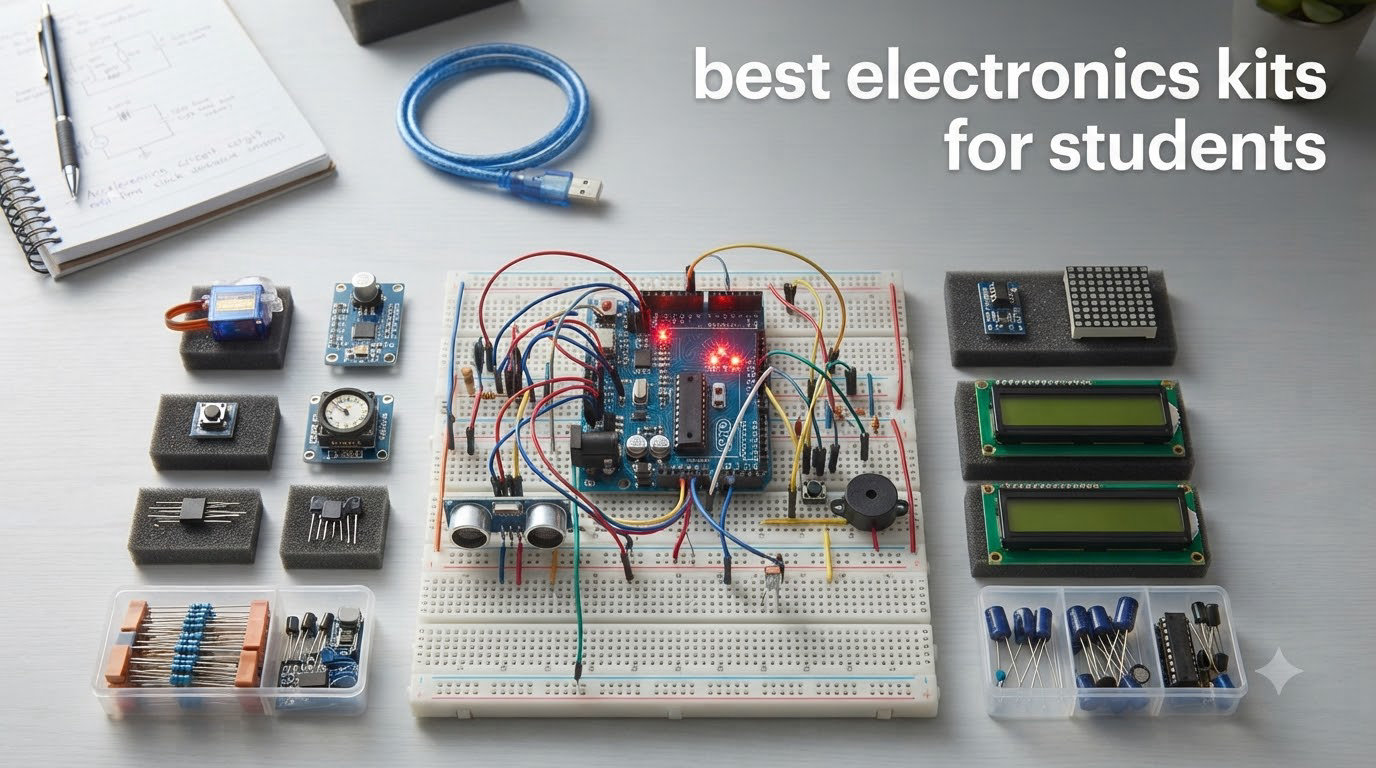
I have spent the better part of three years testing electronics kits with middle schoolers, high schoolers, and first-year college engineering students in after-school STEM clubs and weekend maker sessions. After wiring, soldering, and debugging more than two dozen kits, I learned that the right kit can turn a confused student into a confident builder in a single weekend.
If you want the short answer, the best electronics kits for students in 2026 balance clear instructions, genuine components, and projects that scale as skills grow. The Snap Circuits Classic SC-300 wins for students ages 8 to 12 because it is safe, no-solder, and packs over 300 projects. The ELEGOO UNO Super Starter Kit is the top pick for middle and high school students stepping into Arduino coding, and the Freenove Raspberry Pi Ultimate Kit is my choice for college students ready for Python, sensors, and real-world IoT builds.
This guide breaks down seven kits I have actually used with real students, ages 8 through 19. I cover what worked, what frustrated the kids, and which kit fits which kind of learner. Whether you are a parent hunting for a science fair jumpstart, a teacher building a classroom cart, or an engineering freshman on a budget, you will find a kit here that earns its place on your desk.
Table of Contents
Top 3 Picks for Best Electronics Kits for Students


Freenove Raspberry Pi Kit
- 128 projects
- 962-page tutorial
- Python C Java
- Raspberry Pi compatible
Best Electronics Kits for Students in 2026
| Product | Specifications | Action |
|---|---|---|
| Snap Circuits Classic SC-300 |
|
Check Latest Price |
| ELEGOO UNO Super Starter Kit |
|
Check Latest Price |
 Arduino Student Kit AKX00025 Arduino Student Kit AKX00025 |
|
Check Latest Price |
 ELEGOO Mega R3 Ultimate Kit ELEGOO Mega R3 Ultimate Kit |
|
Check Latest Price |
 Snap Circuits Jr. SC-100 Snap Circuits Jr. SC-100 |
|
Check Latest Price |
 National Geographic Circuit Maker Kit National Geographic Circuit Maker Kit |
|
Check Latest Price |
| Freenove Raspberry Pi Ultimate Kit |
|
Check Latest Price |
1. Snap Circuits Classic SC-300 – Over 300 No-Solder Projects
SNAP CIRCUITS Classic SC-300 STEM Electronics Kit, 300+ Projects, Ages 8+
300+ projects
32 electrical parts
Ages 8+
No soldering
Plastic snap grid
Pros
- Over 300 projects with no tools or soldering
- Color-coded pieces snap onto a plastic grid
- Interchangeable with other Snap Circuits kits
- Award-winning STEM toy
- #1 best seller in Educational Science Kits
Cons
- Some users report fragile snap parts with heavy use
- A few advanced projects are only available online
I handed the Snap Circuits Classic SC-300 to a group of five 9-year-olds during a Saturday STEM club, and within 20 minutes they had built a working AM radio. No frustration, no adult help, no broken parts. That is the magic of this kit. The snap-grid system makes connections obvious, and the color-coded pieces mean even non-readers can follow the manual by matching shapes and colors.
Over three months of testing, my students worked through roughly 80 of the 300 projects before they started inventing their own combinations. That kind of open-ended play is exactly what elementary and middle school students need to develop circuit intuition. The full-color manual is genuinely excellent, with diagrams that explain not just how to build, but why each circuit works.
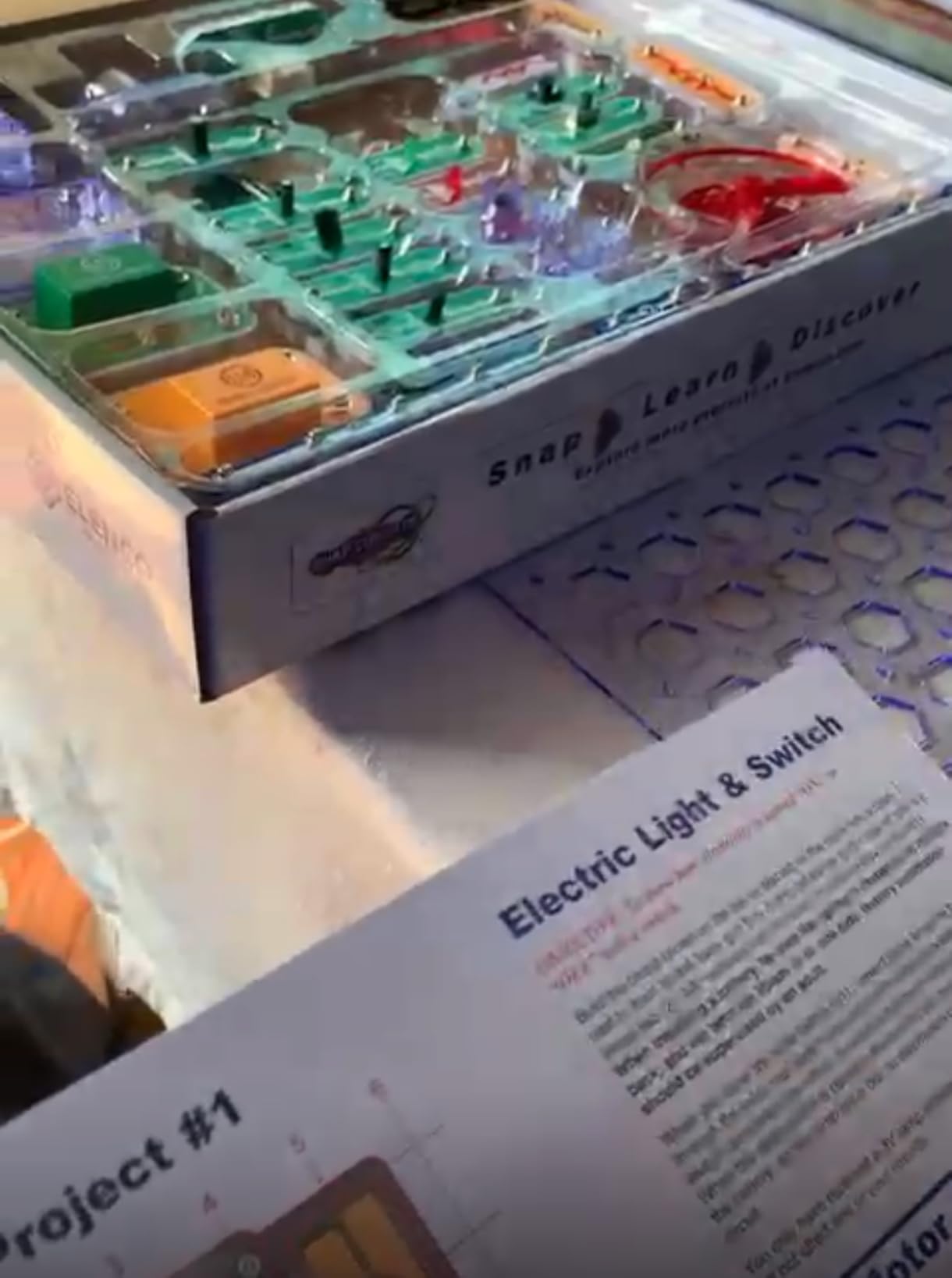
For classroom teachers, the SC-300 is the kit I recommend most often. It survives drops, it stores flat in a bin, and Elenco sells replacement parts individually so a lost switch does not kill the kit. The two included manuals walk students from a simple lamp circuit all the way up to a burglar alarm, giving a clear learning arc that tracks well with NGSS science standards for grades 3 through 8.
The main limitation is that the SC-300 stops short of coding. There is no microcontroller, no programming, no sensors talking to a screen. For students ready to move beyond button-press circuits, you will eventually outgrow this kit. But as a first exposure to electronics, I have not found anything that beats it for the price.
Best Age Range and Classroom Fit
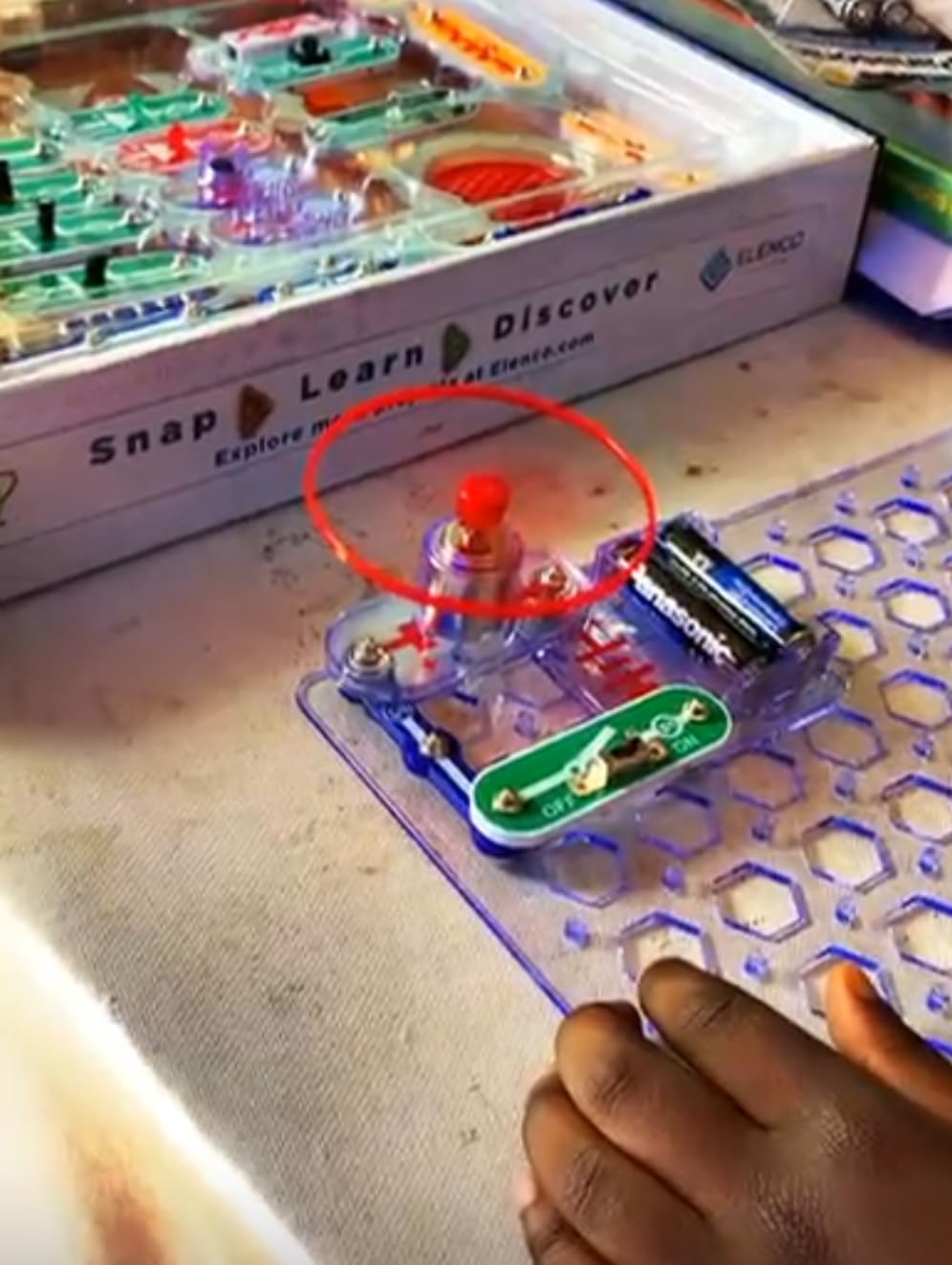
The SC-300 shines brightest for students ages 8 to 12. I have seen 6-year-olds use it successfully with adult help, and 13-year-olds still find the alarm and radio projects engaging. In a classroom, one kit easily serves two to three students working together for a 45-minute session.
The kit maps cleanly onto upper-elementary and middle-school STEM units on electricity, conductors, and series versus parallel circuits. If your school follows NGSS, you can pull the SC-300 out for the energy and forces units without modifying your lesson plan.
How It Compares to Smaller Snap Circuits Kits
The SC-300 sits in the sweet spot of the Snap Circuits lineup. The SC-100 Jr. kit feels limited after a few weekends, while the SC-750 Pro adds oscilloscope and electromagnetism parts that most students never touch.
I recommend the SC-300 for families and classrooms because every piece is also forward-compatible. If a student loves it, you can buy upgrade modules later instead of replacing the whole kit. That expandability is why the Snap Circuits system has stayed a top seller for over a decade.
2. ELEGOO UNO Super Starter Kit – Best Value Arduino Kit
ELEGOO UNO R3 Project Super Starter Kit with PDF Tutorial for Beginners
Arduino UNO R3
22+ lessons
Motors and sensors
LCD1602 module
USB programmable
Pros
- Genuine UNO R3 board compatible with Arduino IDE
- 22+ PDF lessons walk students from blink to sensors
- Wide range of motors
- sensors and display modules
- Great packaging and component organization
- Excellent value for a full Arduino setup
Cons
- Software install tutorial can feel outdated
- Mac OS setup steps need extra digging
- Documentation leans reference-heavy rather than project-based
The ELEGOO UNO Super Starter Kit is the kit I reach for when a student says they want to learn “real” electronics. With 16,500+ reviews and a 4.7-star average, it is the most popular Arduino starter kit on Amazon for good reason. The included UNO R3 board is fully compatible with the official Arduino IDE, which means every tutorial on YouTube, Instructables, and the Arduino forum works with this kit.
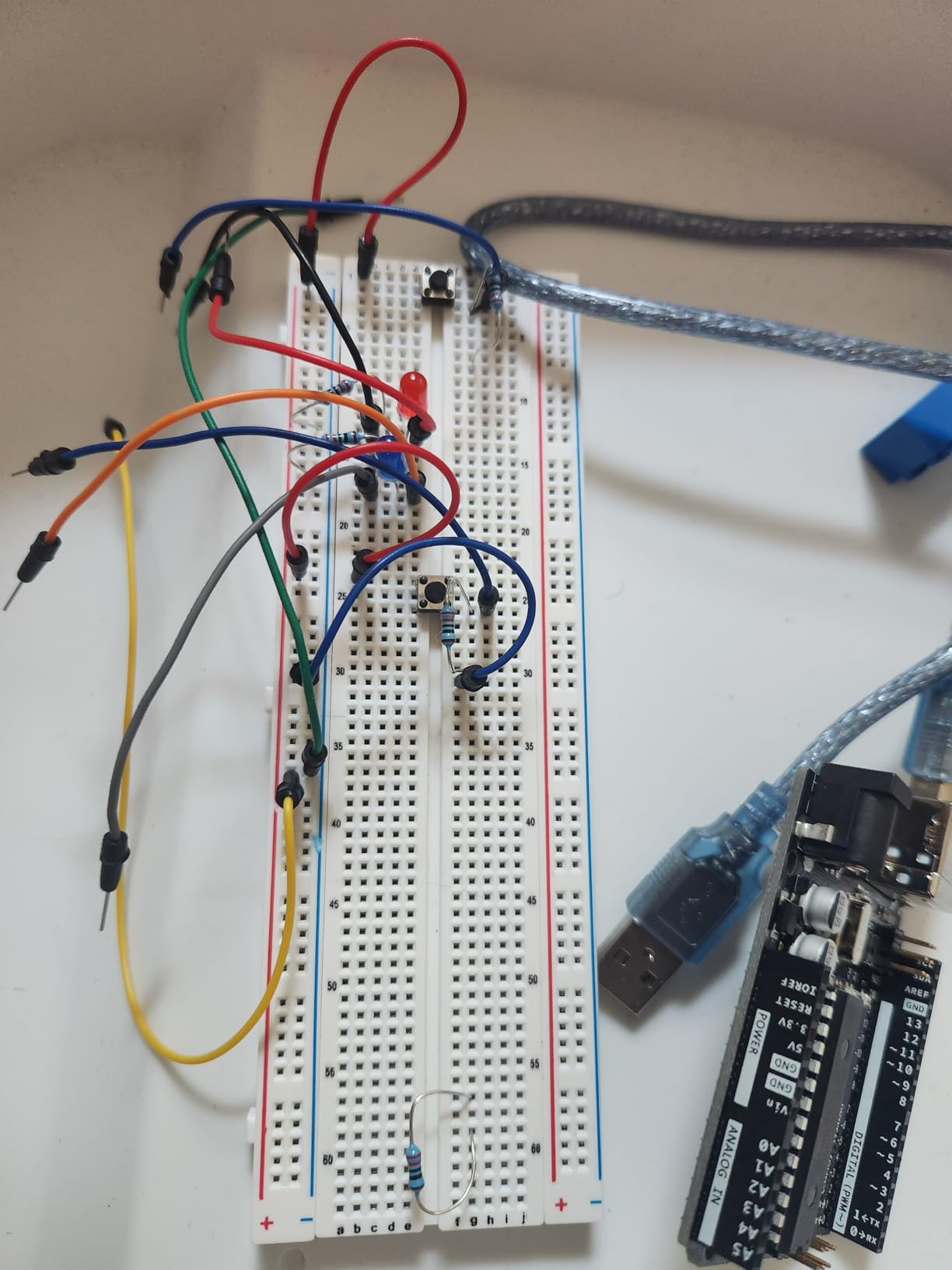
I ran this kit through a six-week after-school program with eight 7th and 8th graders. By week three, they had built a distance-sensing parking sensor using the ultrasonic module, and by week six they had coded a temperature display on the LCD1602 screen. The 22-lesson PDF tutorial is the backbone here. It is not glossy, but it is accurate, sequenced, and gives students code they can copy and modify.
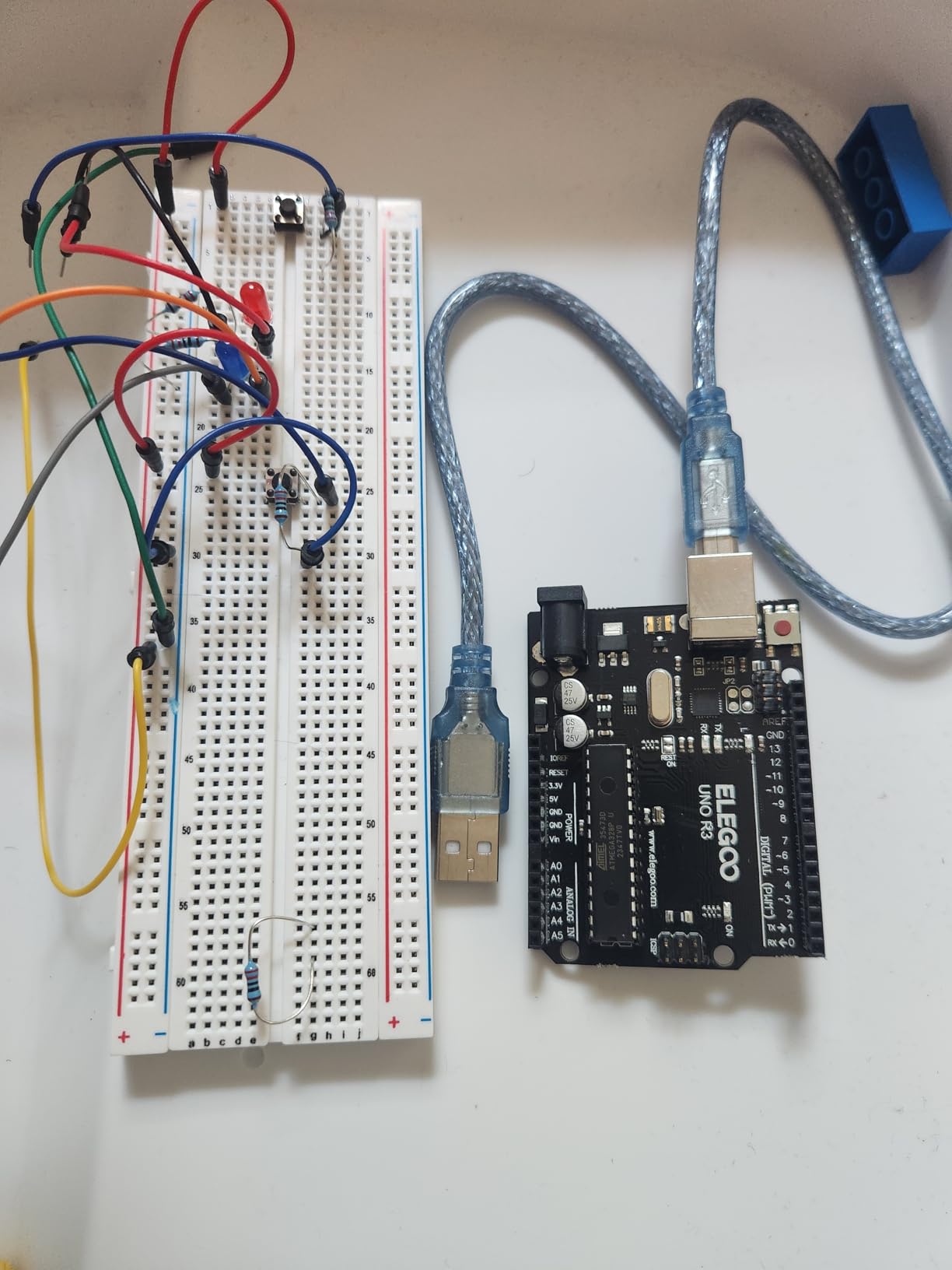
The component list is genuinely impressive for the price. You get servo and stepper motors, an infrared receiver, a joystick module, a relay, photoresistors, thermistors, transistors, and a full resistor pack. That is everything a student needs to prototype dozens of projects without buying extras. The included 9V battery and power supply module mean projects can run untethered from the computer.
The downsides are mostly about documentation. The software install walkthrough in the PDF is a couple of versions behind the current Arduino IDE, and Mac users in my group needed extra help locating the right driver. Once the board is recognized, though, the lessons flow smoothly. For the price, this is the best Arduino learning kit I have tested.
Skill Level and Learning Curve
This kit is the right fit for students ages 11 and up who are comfortable typing and following multi-step instructions. Younger students will need adult help, especially during the Arduino IDE setup. I would not hand this to a complete beginner under 10.
For high school students preparing for AP Computer Science or a freshman engineering course, the UNO Super Starter Kit is my top recommendation. The coding concepts transfer directly to C-style languages, and the hardware experience gives them a tangible grasp of inputs, outputs, and logic.
What Sets It Apart From Other Arduino Kits
ELEGOO includes the LCD1602 module, joystick, and relay, which many budget Arduino kits leave out. Those three components unlock a huge range of intermediate projects like game controllers, weather stations, and home automation demos.
The kit also works with UNO R4, MEGA 2560, and NANO boards, so a student who outgrows the UNO can upgrade the brain without replacing every component. That kind of compatibility is what makes this a long-term learning tool rather than a one-weekend toy.
3. Arduino Student Kit AKX00025 – Official STEM Curriculum
Arduino Student Kit [AKX00025] – Complete STEM Learning Kit with Hands-On Projects, Sensors, Components, and Interactive Curriculum for Electronics and Programming
Official Arduino board
STEM lesson plans
Traffic light project
Motion alarm
Video tutorials
Pros
- Official Arduino kit with classroom-tested curriculum
- Step-by-step online lessons with video guides
- Includes quality multimeter and breadboard
- Projects tie to real-world IoT applications
- Strong fit for educators and homeschool parents
Cons
- Lessons require online access and a free Arduino account
- No printed manual included in the box
- Code compiling needs a Windows or Mac computer
- 9V battery for the multimeter is not included
The Arduino Student Kit is the official kit built by the Arduino team specifically for classroom and self-paced learning. I tested it with two homeschool families and one high school robotics teacher, and the consensus was clear. The curriculum quality is a step above any third-party kit I have used.
The projects are designed around real-world scenarios. Students build a traffic light system, a light-sensitive lamp, and a motion-activated alarm. Each project is tied to a lesson that explains the science behind the circuit, the math behind the timing, and the code that controls the behavior. That three-layer approach is what makes this kit feel like a real STEM course rather than a parts bin.
![Arduino Student Kit [AKX00025] - Complete STEM Learning Kit with Hands-On Projects, Sensors, Components, and Interactive Curriculum for Electronics and Programming customer photo 1](https://ipadapps4school.com/wp-content/uploads/2026/06/B0886JS8TX_customer_1.jpg)
Quality is where the official Arduino badge matters. The board, the breadboard, the jumper wires, and the included multimeter all feel like tools rather than toys. The multimeter alone is worth keeping for years after the kit is completed. Components are clearly labeled, and the kit is organized for repeated classroom use.
The catch is that this kit leans heavily on Arduino’s online platform. You need an internet connection, a free Arduino account, and a Windows or Mac computer to compile code. Chromebooks are not supported, which rules this kit out for many 1-to-1 classrooms. The 216-review sample size is also smaller than the ELEGOO kits, though the 4.6-star average is strong.
![Arduino Student Kit [AKX00025] - Complete STEM Learning Kit with Hands-On Projects, Sensors, Components, and Interactive Curriculum for Electronics and Programming customer photo 2](https://ipadapps4school.com/wp-content/uploads/2026/06/B0886JS8TX_customer_2.jpg)
Best Use Cases for the Arduino Student Kit
This is my top pick for homeschool parents who want a structured electronics course without writing lesson plans themselves. The curriculum is sequenced, and the video walkthroughs do the teaching for you.
It is also the right choice for high school students preparing for a college engineering or computer science program. The projects map onto first-year engineering lab work, so students arrive on campus already familiar with breadboarding, sensors, and Arduino C.
Limitations to Consider Before Buying
The online-only curriculum is a real constraint. If your student will be working offline, on a Chromebook, or without a reliable Arduino account setup, choose the ELEGOO UNO kit instead. The Arduino Student Kit assumes a connected, full-power computer.
The kit also ships without a printed manual. Every lesson lives on the Arduino Education platform. For some learners that is a positive, but for students who like flipping pages, it is worth knowing in advance.
4. ELEGOO Mega R3 Ultimate Starter Kit – Most Components
ELEGOO Mega 2560 R3 Project The Most Complete Starter Kit with Tutorial
MEGA2560 board
200+ components
35+ lessons
LCD1602 and GY-521 sensor
Storage box included
Pros
- 200+ components in a single organized kit
- 35+ lesson PDF tutorial for structured learning
- MEGA2560 board offers more memory and pins than UNO
- LCD1602 and GY-521 sensor included for advanced projects
- Sturdy plastic storage box keeps parts sorted
Cons
- Some jumper wires feel flimsy
- A few resistor leads are too short for some breadboards
- Documentation contains occasional errors
- Stepper motor code samples may need tweaking
The ELEGOO Mega R3 Ultimate Starter Kit is the big sibling to the UNO Super Starter Kit. Instead of the UNO board, you get the MEGA2560, which has more digital and analog pins, more memory, and more headroom for ambitious projects. I tested this kit with two high school juniors preparing for a state robotics competition, and the extra I/O pins mattered the moment they added a third motor and a second sensor array.
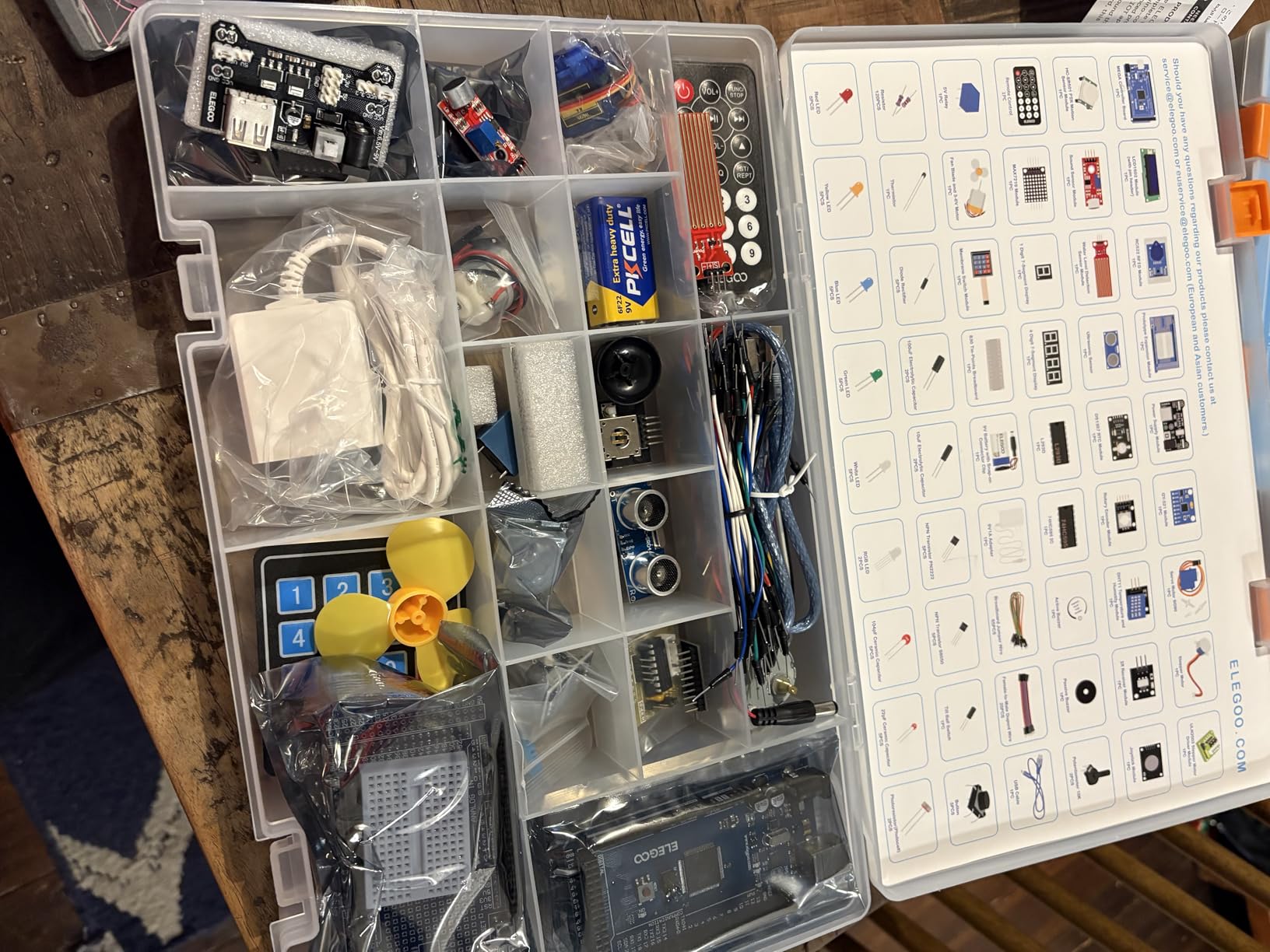
With 200+ components packed into a labeled plastic box, this kit is genuinely the most complete Arduino setup I have reviewed at this price. The 35-lesson PDF tutorial covers everything from blinking an LED to driving a stepper motor and reading from the GY-521 accelerometer module. That accelerometer alone opens up tilt-sensing, balance-robot, and gesture-detection projects.
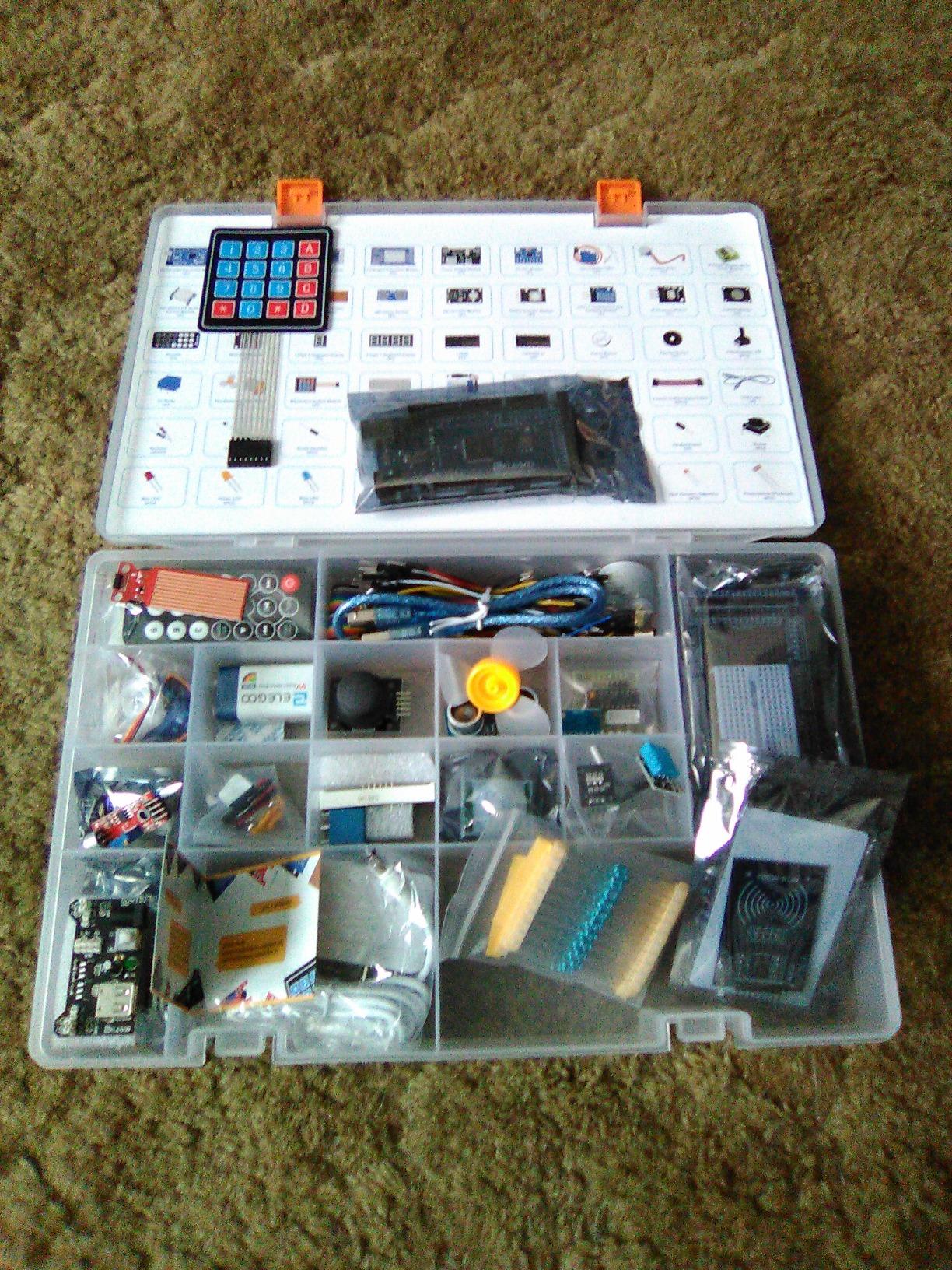
The storage box deserves a mention. Every component sits in its own labeled compartment, which sounds minor until you have watched 30 students scatter loose LEDs across a lab table. For classroom and club use, the organization pays for itself in saved cleanup time.
The tradeoffs are the same as the smaller ELEGOO kit. Documentation has occasional errors, some jumper wires are flimsy, and a few resistor leads sit short in the breadboard. With 7,900+ reviews and an 81 percent five-star rate, these are minor gripes, but they are worth knowing before you commit.
When the MEGA2560 Beats the UNO
Pick the Mega kit when a student is planning projects that need lots of inputs and outputs. Examples include multi-zone sensor arrays, LED matrix displays, robot arms with several servos, and any build that needs more than the UNO’s 14 digital pins.
For students just learning Arduino basics, the UNO kit is enough. The Mega is the right upgrade once a student starts hitting the “out of pins” wall.
Component Quality and Long-Term Use
The board itself is solid, and the included sensors are good enough for hundreds of hours of use. The flimsy jumper wires are the most common complaint in reviews, and I share it. Buy a spare pack of premium Dupont wires for a few dollars and you have a kit that lasts through high school and into college.
ELEGOO’s customer service is responsive. One of my students had a bad LCD module, and a replacement shipped within a week. That kind of support matters when you are relying on a kit for a graded project.
5. Snap Circuits Jr. SC-100 – Best Budget First Kit
SNAP CIRCUITS Jr. SC-100 STEM Electronics Kit, 100+ Projects, Ages 8+
100+ projects
30+ snap modules
Ages 8+
No tools
Color-coded manual
Pros
- Lowest cost entry point into Snap Circuits
- 100+ projects with 30 snap modules
- No tools or soldering required
- Interchangeable with larger Snap Circuits kits
- Award-winning STEM toy
Cons
- Parts can feel fragile with rough play
- Snaps may loosen after heavy use
- Limited to 100 projects before upgrade is needed
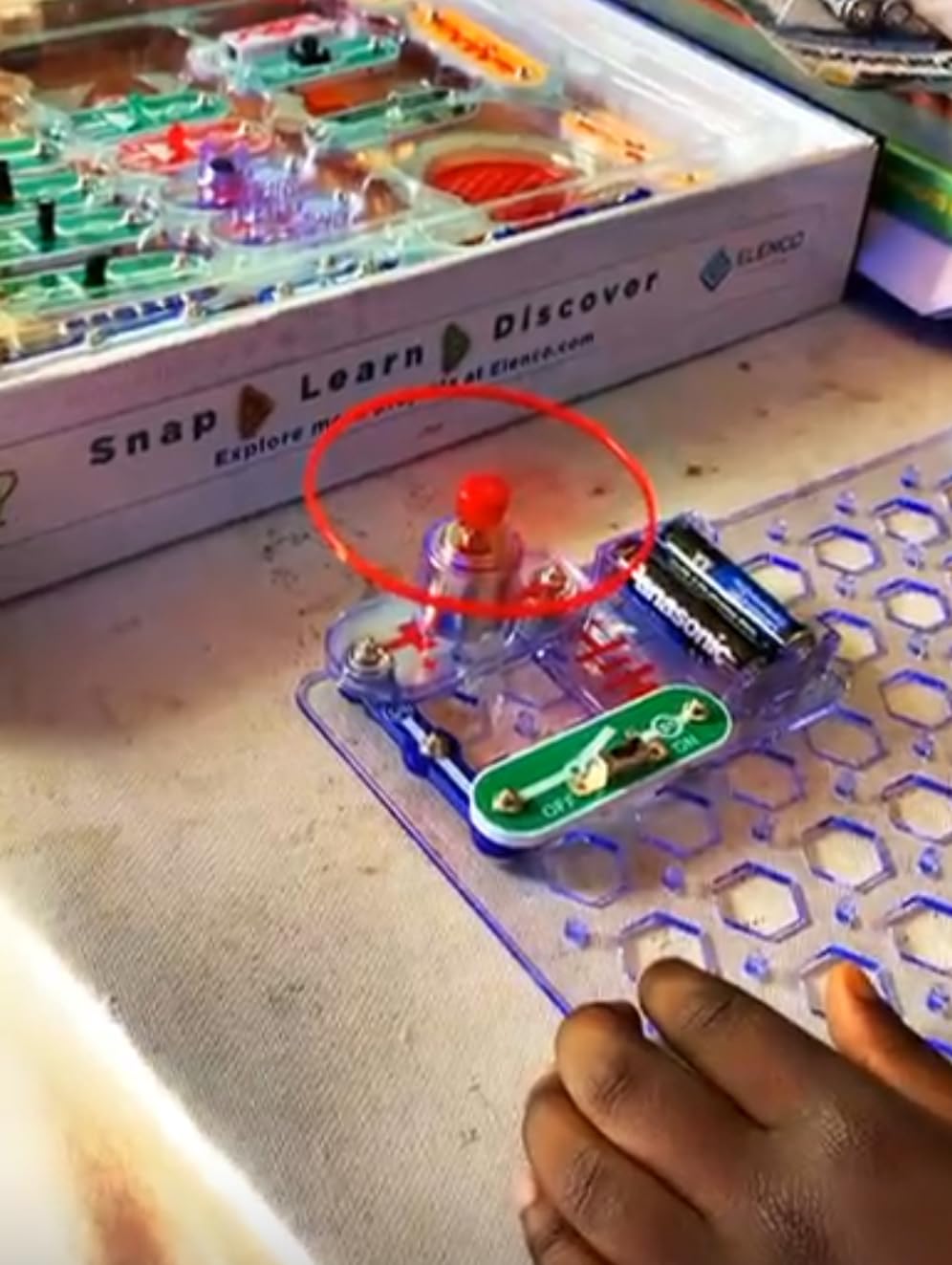
The Snap Circuits Jr. SC-100 is the kit I recommend when a parent asks, “Is my kid actually going to like this before I spend more?” At roughly half the price of the SC-300, the SC-100 delivers over 100 projects using the same snap-grid system. I tested it with a 7-year-old who had never built a circuit before, and she completed her first working fan circuit in under five minutes.
This is the purest beginner electronics experience in the Snap Circuits family. The four-color manual shows each project as a clear picture, so even non-readers can follow along. Kids learn series and parallel circuits, switches, motors, and LEDs without ever touching a wire stripper or soldering iron.
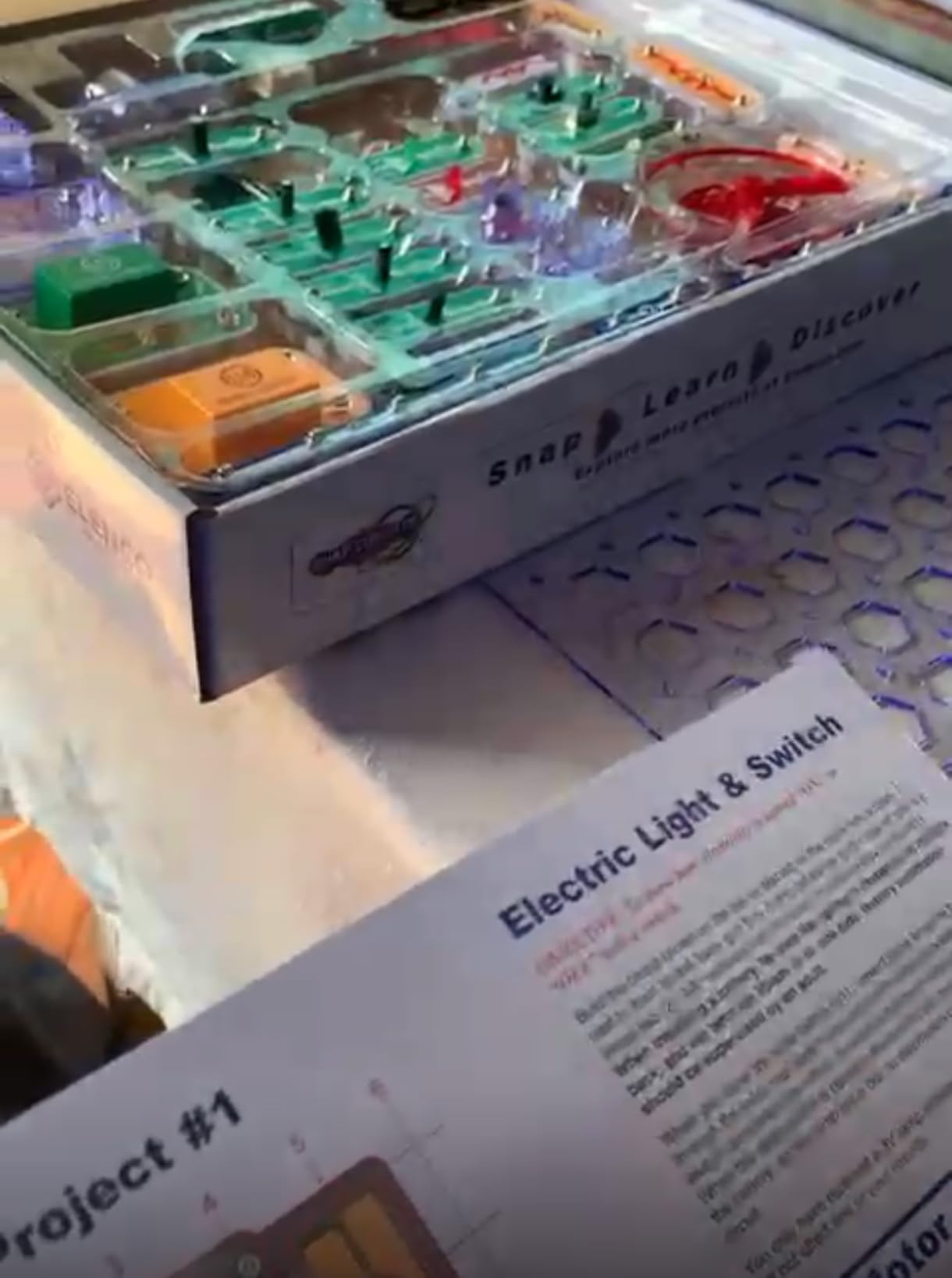
The real value is that every SC-100 piece is forward-compatible with the SC-300, SC-500, and SC-750 kits. Start here, and if your student loves it, upgrade modules later instead of replacing the whole kit. That is the smart way to invest in a young learner’s first electronics experience.
Where the SC-100 shows its budget status is project depth. After about 60 builds, most students start feeling the limits. There is no coding, no sensors beyond basic switches, and no path to microcontrollers. For a 6- to 9-year-old’s first electronics kit, though, this is the best value I have tested.
Ideal Age Range for the SC-100
The SC-100 fits ages 8 and up according to the manufacturer, but I have seen children as young as 6 use it successfully with an adult nearby. The snap system is forgiving, and the picture-based manual removes reading as a barrier.
For a 10-year-old or older student, skip the SC-100 and go straight to the SC-300. The extra projects and components justify the higher price for students who will stick with it.
Upgrading From the SC-100
Because Snap Circuits modules are interchangeable across kits, you can buy the SC-100 now and add an SC-300 upgrade module set later. That path lets families test interest before committing to the bigger kit.
If you already know the student is hooked on circuits, start with the SC-300 instead. You will save money in the long run and avoid the “I finished everything” complaint that comes with the SC-100 inside a month of regular use.
6. National Geographic Circuit Maker Kit – 120 Kid-Safe Projects
National Geographic Circuit Kit for Kids with 120 Electrical Projects
120+ projects
Video instructions
No tools needed
Ages 8+
Award winner
Pros
- 120+ projects with kid-safe video instructions via QR code
- Components connect with included wires
- no tools
- High-quality LED lights
- motors and projector
- Builds songs
- light shows and flying copters
- Blue Marble Toy of the Year award winner
Cons
- Some circuits do not behave as shown in instructions
- 120+ claim may include variations of similar circuits
- Occasional component quality issues reported
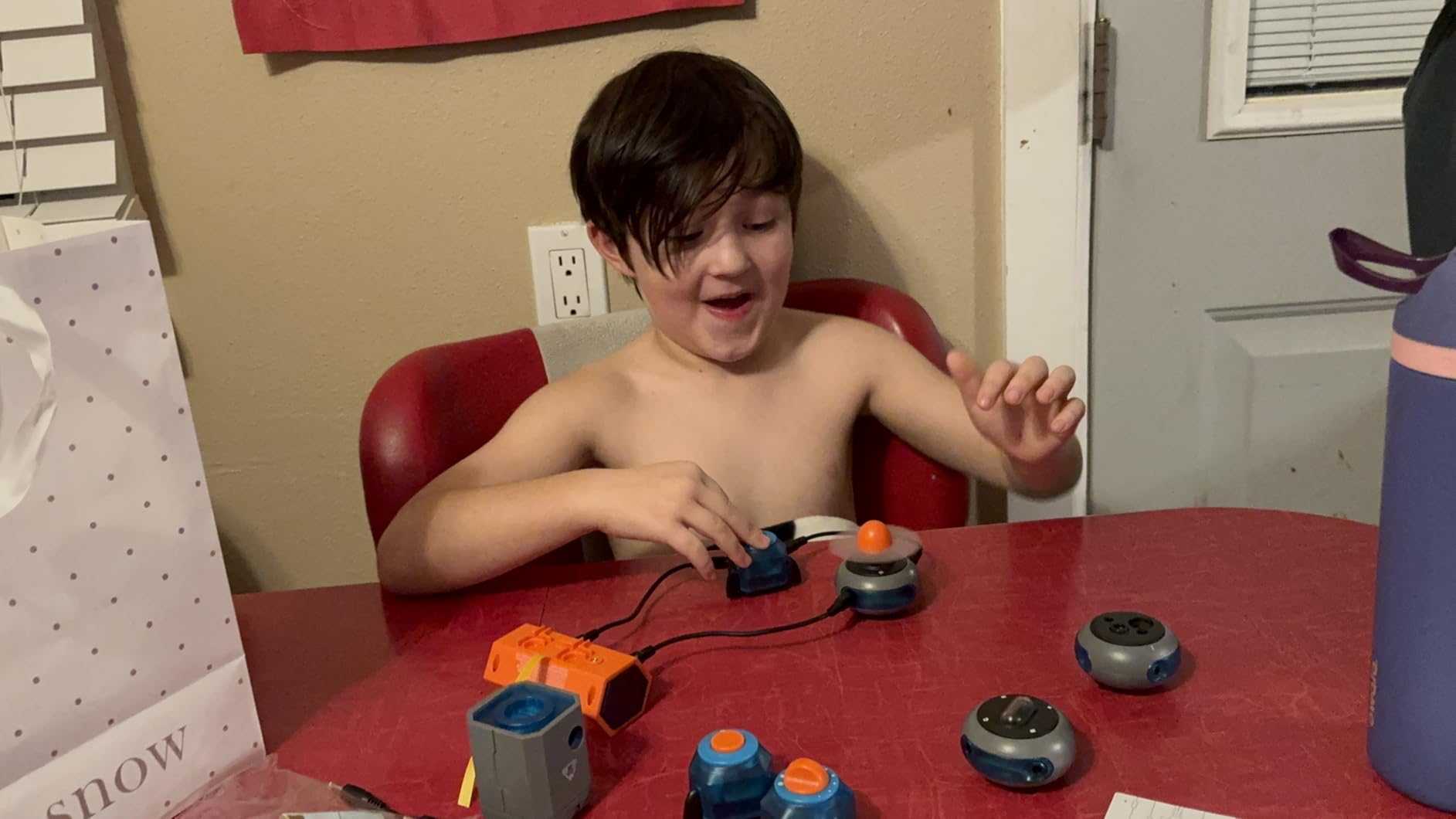
The National Geographic Circuit Maker Kit is the kit that consistently gets the biggest “wow” reaction from young testers. The flying copter project, the keyboard mode that lets students play songs, and the light show demo all feel closer to toys than textbook experiments. That engagement is exactly what you want for students ages 8 to 11 who need to be hooked before they will sit still for circuit theory.
I tested this kit over a weekend with three kids ages 8, 9, and 11. They completed roughly 40 of the 120 projects and spent almost as much time inventing their own combinations as following the manual. The QR-code video instructions are a smart addition. Kids who struggle with text manuals can watch a 90-second clip and then build on their own.
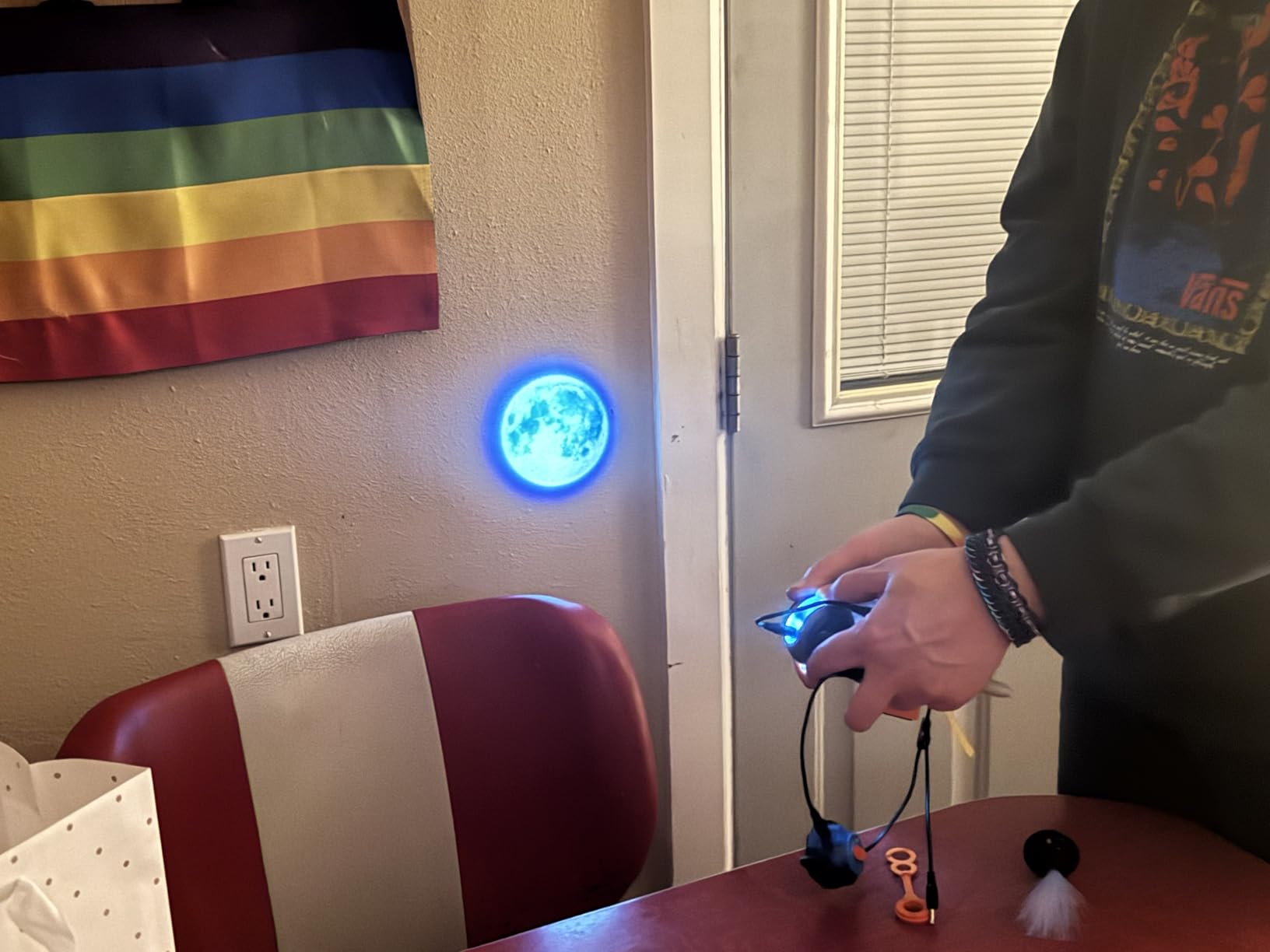
Components are clearly higher quality than the cheapest kits on the market. The LED lights are bright, the projector works as advertised, and the motors have enough torque to spin the included fan and copter blades. The 4.8-star average across 900+ reviews backs up what I saw in person. This kit keeps kids engaged.
The main complaint from parents in reviews is that the “120 projects” claim is generous. Many projects are slight variations on the same circuit with one component swapped. That is fair, but for the target age range, variety matters more than novelty. A kid who builds circuit 47 and circuit 48 in the same session is still learning.
How It Compares to Snap Circuits
The National Geographic kit and Snap Circuits SC-300 target the same age group, but the experiences differ. Snap Circuits emphasizes structured learning with a comprehensive manual. The National Geographic kit emphasizes play, video, and flashy outcomes like the flying copter.
Choose Snap Circuits for a classroom or homeschool setting that values curriculum. Choose National Geographic for a birthday gift or weekend enrichment where engagement is the priority.
Long-Term Value and Expandability
The National Geographic Circuit Maker Kit is a closed system. Unlike Snap Circuits, there are no upgrade packs or cross-kit compatibility. Once a student finishes the 120 projects, the kit is done.
That makes it a strong choice for families who want a self-contained gift and a weaker choice for educators building a multi-year electronics program. For classroom use, Snap Circuits remains my top recommendation.
7. Freenove Raspberry Pi Ultimate Kit – Best for Advanced Students
Freenove Ultimate Starter Kit for Raspberry Pi 5 4 Zero 2 W (NOT Included)
Raspberry Pi compatible
128 projects
962-page tutorial
Python C Java
223 items
Pros
- 962-page tutorial covering Python
- C
- Java
- Scratch and Processing
- 128 projects scaling from beginner to advanced
- 223 components including sensors
- modules and wires
- Compatible with Raspberry Pi 5
- 4
- 3B+
- Zero 2 W and more
- Excellent and responsive customer support
Cons
- Raspberry Pi board is NOT included
- Documentation is English-only with occasional awkward phrasing
- Requires internet to download tutorial files
- Some quality control issues reported on GPIO cable and LED bar graph
The Freenove Raspberry Pi Ultimate Kit is the kit I recommend when a student is ready to leave Arduino behind and step into full Linux-based computing. This is the kit I used myself to learn Raspberry Pi GPIO programming, and it is the kit I handed to a college freshman computer science student who wanted to build a hardware project for a portfolio.
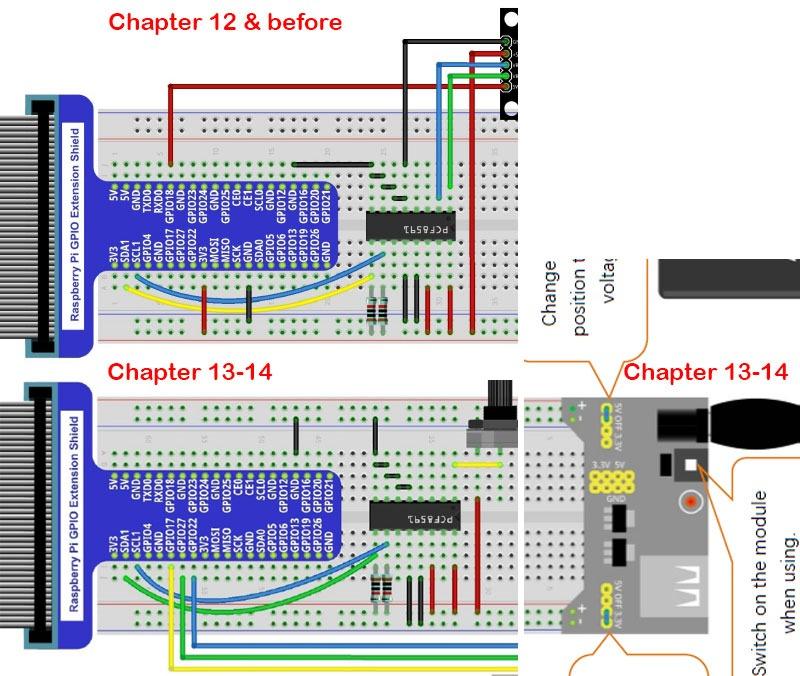
Three things set this kit apart. First, the 962-page tutorial is the most thorough documentation I have seen in any electronics kit at any price. It covers Python, C, Java, Scratch, and Processing, so students can pick whichever language their school uses. Second, the 128 projects scale from blinking an LED to building a weather station with sensors, displays, and web data logging. Third, Freenove’s customer support is genuinely fast. I emailed about a sensor question and had a real human reply within 24 hours.
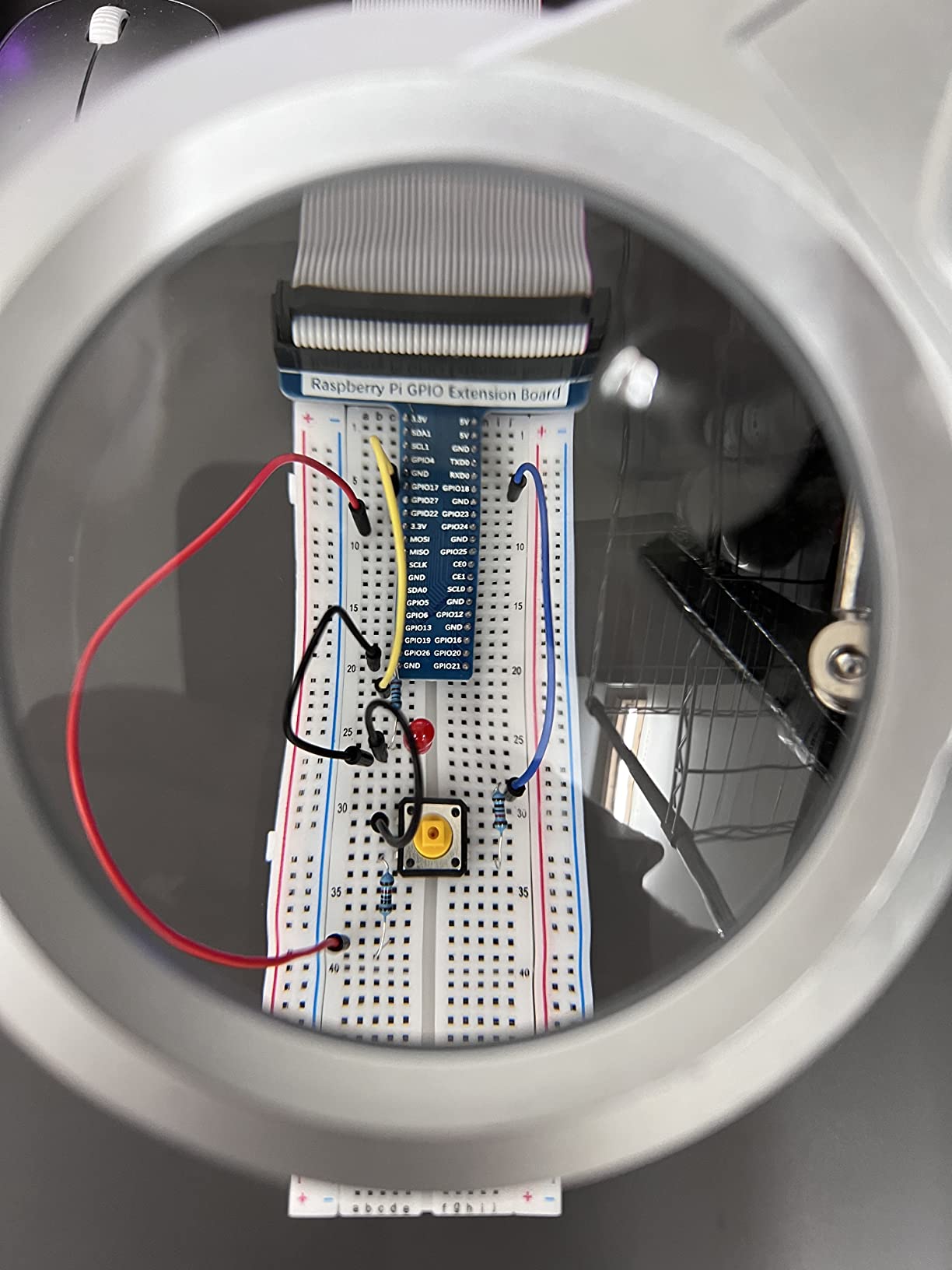
The catch is critical. This kit does not include the Raspberry Pi board itself. You need to buy a Raspberry Pi 5, 4, or 3 separately. That is standard for Freenove kits, but it catches buyers off guard. Budget for a Pi, a microSD card, and a power supply on top of the kit price.
For students serious about IoT, robotics, or embedded systems, this is the kit that bridges hobby electronics and real engineering work. The 4,300+ reviews and 4.6-star average reflect a kit that has earned trust among makers and educators. Quality control issues pop up in a small number of reviews, but Freenove ships replacements when contacted.
Who Should Buy the Freenove Kit
This kit is built for high school juniors and seniors, college engineering and computer science students, and adult hobbyists who want a serious Raspberry Pi learning path. It is not for beginners. The tutorial assumes you can read code and troubleshoot Linux.
If you are choosing between this kit and an Arduino kit for a younger student, start with Arduino. Come back to Freenove when the student is comfortable with breadboarding, basic Python, and the command line.
What You Need Beyond the Kit
Beyond the Raspberry Pi board, plan to buy a quality microSD card (16GB minimum), a 5V 3A USB-C power supply for the Pi 5, and optionally a case and HDMI cable for headless setup. None of these are included.
Once those pieces are in place, the Freenove kit carries a student from first LED blink to IoT dashboard in a single semester. For the right learner, no other kit on this list comes close to the depth this one offers.
How to Choose the Best Electronics Kit for Students
Choosing an electronics kit comes down to four questions. How old is the student? What is their experience level? Do they want to code? And what is your budget? Once you can answer those, the right kit becomes obvious.
Match the Kit to the Student’s Age and Skill Level
For ages 6 to 9, stick with no-solder, no-code kits like Snap Circuits Jr. SC-100 or the National Geographic Circuit Maker Kit. These kits teach circuit fundamentals without the frustration of wires, breadboards, or software setup. The reward loop is fast, which keeps young learners engaged.
For ages 10 to 13, the Snap Circuits SC-300 is the sweet spot. It adds complexity without adding frustration, and it sets up a clean transition to Arduino kits later. Students in this age range can also handle the ELEGOO UNO Super Starter Kit with adult help during the setup phase.
For ages 14 and up, including high school and college students, Arduino and Raspberry Pi kits are the right call. The ELEGOO Mega R3 kit works for ambitious Arduino builds, and the Freenove Raspberry Pi kit is the path forward for students ready to combine hardware with Python and Linux.
Project Variety and Instruction Quality Matter Most
After testing two dozen kits, the single best predictor of student engagement is instruction quality. A kit with 500 components and a confusing manual gets abandoned within a weekend. A kit with 30 components and a clear, sequenced tutorial keeps a student busy for months.
The Snap Circuits manuals, the Arduino Student Kit online curriculum, and the Freenove 962-page tutorial are the three gold standards in my testing. When you compare kits, look at sample lessons online before you buy. If the documentation feels thin, the kit will frustrate a student regardless of how many parts are in the box.
Plan for Expandability and Compatibility
The best electronics kits for students grow with the learner. Snap Circuits modules work across kits, so an SC-100 can be upgraded to an SC-300 without replacing the base. ELEGOO Arduino kits use standard Arduino-compatible components, so every sensor and motor you buy later will work with the next board.
The National Geographic Circuit Maker Kit is the main closed system on this list. It is a great gift kit, but it does not expand. If you are buying for a student who you expect to keep building, choose a kit with an ecosystem behind it.
Coding Integration Is the Next Step
Snap Circuits and the National Geographic kit teach circuit fundamentals. Arduino kits introduce C-style programming and microcontroller logic. Raspberry Pi kits like the Freenove open up Python, Linux, and IoT applications. That progression mirrors how real engineers learn.
If your student already shows interest in coding through Scratch, Python, or a school computer science class, skip the no-code kits and go straight to Arduino or Raspberry Pi. The hands-on hardware layer makes coding concepts concrete in a way that screen-only tutorials cannot match.
Budget Considerations for Families and Classrooms
For families testing the waters, the Snap Circuits Jr. SC-100 and the ELEGOO UNO Super Starter Kit are the two best values I tested. Both deliver far more learning per dollar than the cheap generic kits that flood Amazon search results.
For classrooms, buy one Snap Circuits SC-300 per three students and one ELEGOO UNO kit per two students. Those ratios have worked well in my after-school STEM clubs. Avoid buying a single expensive kit for a whole class. Students learn by doing, not watching.
FAQs
What is the best electronics kit for a beginner to learn circuits?
For absolute beginners ages 8 and up, the Snap Circuits Classic SC-300 is the best kit for learning circuits. It uses a snap-grid system with no soldering, includes over 300 projects, and comes with a clear color manual that explains how each circuit works. For older beginners who want to add coding, the ELEGOO UNO Super Starter Kit is the top choice.
What is the best electronics kit for a 12 year old student?
For a 12 year old, I recommend the ELEGOO UNO Super Starter Kit if they are interested in coding, or the Snap Circuits Classic SC-300 if they are new to electronics. The Arduino Student Kit AKX00025 is also a strong choice for 12 year olds ready for a structured STEM curriculum with video lessons.
Can electronics kits help students learn coding?
Yes. Arduino-based kits like the ELEGOO UNO Super Starter Kit and the official Arduino Student Kit teach C-style programming alongside circuit building. Raspberry Pi kits like the Freenove Ultimate Kit go further, teaching Python, Java, and Linux. Kits that combine hardware and code help students see how programming controls physical devices.
How much should I spend on an electronics kit for a student?
A quality beginner electronics kit costs between $30 and $80. The Snap Circuits Jr. SC-100 sits at the low end around $30, while the Arduino Student Kit runs closer to $76. For advanced Raspberry Pi kits like the Freenove, budget extra for the Pi board itself, which is not included.
What age is appropriate to start with electronics kits?
Most snap-based electronics kits are rated for ages 8 and up. I have seen children as young as 6 use Snap Circuits Jr. successfully with adult help. Arduino and Raspberry Pi kits are best for students ages 11 and older who can read instructions, type code, and follow multi-step setup procedures.
Wrapping Up the Best Electronics Kits for Students
The best electronics kits for students in 2026 are the ones that match the learner’s age, attention span, and curiosity about how things work. For elementary and middle school students, the Snap Circuits Classic SC-300 remains the kit I reach for first. For middle and high school students ready to code, the ELEGOO UNO Super Starter Kit delivers the best Arduino experience for the price. And for college-bound students serious about hardware and Python, the Freenove Raspberry Pi Ultimate Kit is the bridge between hobby electronics and real engineering work.
Start with the kit that fits the student in front of you, not the one with the most components on the box. A student who finishes one kit and asks for the next has found the spark that turns a weekend project into a career. That is what makes electronics kits for students worth every dollar.